
Picking the best gaming mice for FPS games is harder than it looks. Spec sheets scream about 35K DPI and 8K polling rates, but what actually wins gunfights is a sensor that tracks true 1-to-1, a shape your hand stops fighting, and a weight light enough that your wrist does not cramp in round 23. After our team put 12 mice through daily Valorant, CS2, and Apex sessions for three months, the results were sharper than expected.
The competitive FPS scene has shifted hard toward wireless. Pros at the last two Majors ran Logitech G Pro X Superlight and Razer Viper V3 Pro almost exclusively. Wired still wins on price and zero-latency peace of mind, but modern 2.4 GHz wireless is genuinely indistinguishable in input lag. That changes the math for budget buyers who used to default to cable.
Two specs define a serious FPS mouse in 2026: a flawless optical sensor with no acceleration or smoothing, and a body under 70 grams for most wrist-aim players. Polling rate matters too, though 1,000 Hz is plenty for 95 percent of ranked grinders. 8K Hz exists, but the gains over 1K are microscopic for human reflexes. Our guide breaks down which mice deliver real aim improvement, not just spec-sheet bragging rights.
Table of Contents
Top 3 Picks for FPS Gaming Mice in 2026


Best Gaming Mice for FPS Games in 2026
| Product | Specifications | Action |
|---|---|---|
 Logitech G305 Lightspeed Logitech G305 Lightspeed |
|
Check Latest Price |
| Logitech G502 Hero |
|
Check Latest Price |
 Logitech G PRO X2 SUPERSTRIKE Logitech G PRO X2 SUPERSTRIKE |
|
Check Latest Price |
 Razer Basilisk V3 Razer Basilisk V3 |
|
Check Latest Price |
 Corsair NIGHTSWORD Corsair NIGHTSWORD |
|
Check Latest Price |
 Logitech G PRO X Superlight Logitech G PRO X Superlight |
|
Check Latest Price |
 Corsair KATAR PRO XT Corsair KATAR PRO XT |
|
Check Latest Price |
 SteelSeries Prime SteelSeries Prime |
|
Check Latest Price |
| Razer Viper V3 Pro |
|
Check Latest Price |
 Razer Basilisk V3 X HyperSpeed Razer Basilisk V3 X HyperSpeed |
|
Check Latest Price |
 Razer DeathAdder Essential Razer DeathAdder Essential |
|
Check Latest Price |
 Glorious Model O Glorious Model O |
|
Check Latest Price |
1. Razer Viper V3 Pro Wireless – The Competitive Edge
Razer Viper V3 Pro Wireless Esports Gaming Mouse, 54g Lightweight, Black
54g lightweight
8000Hz polling
35K DPI sensor
95hr battery
Pros
- Incredibly light at 54g
- Focus Pro 35K tracks on glass
- Gen3 switches eliminate double-clicks
- Universal shape fits claw and fingertip
- HyperSpeed wireless is tournament-grade
Cons
- Premium price
- 8K polling drains battery faster
- Shape runs small for large palm-grip hands
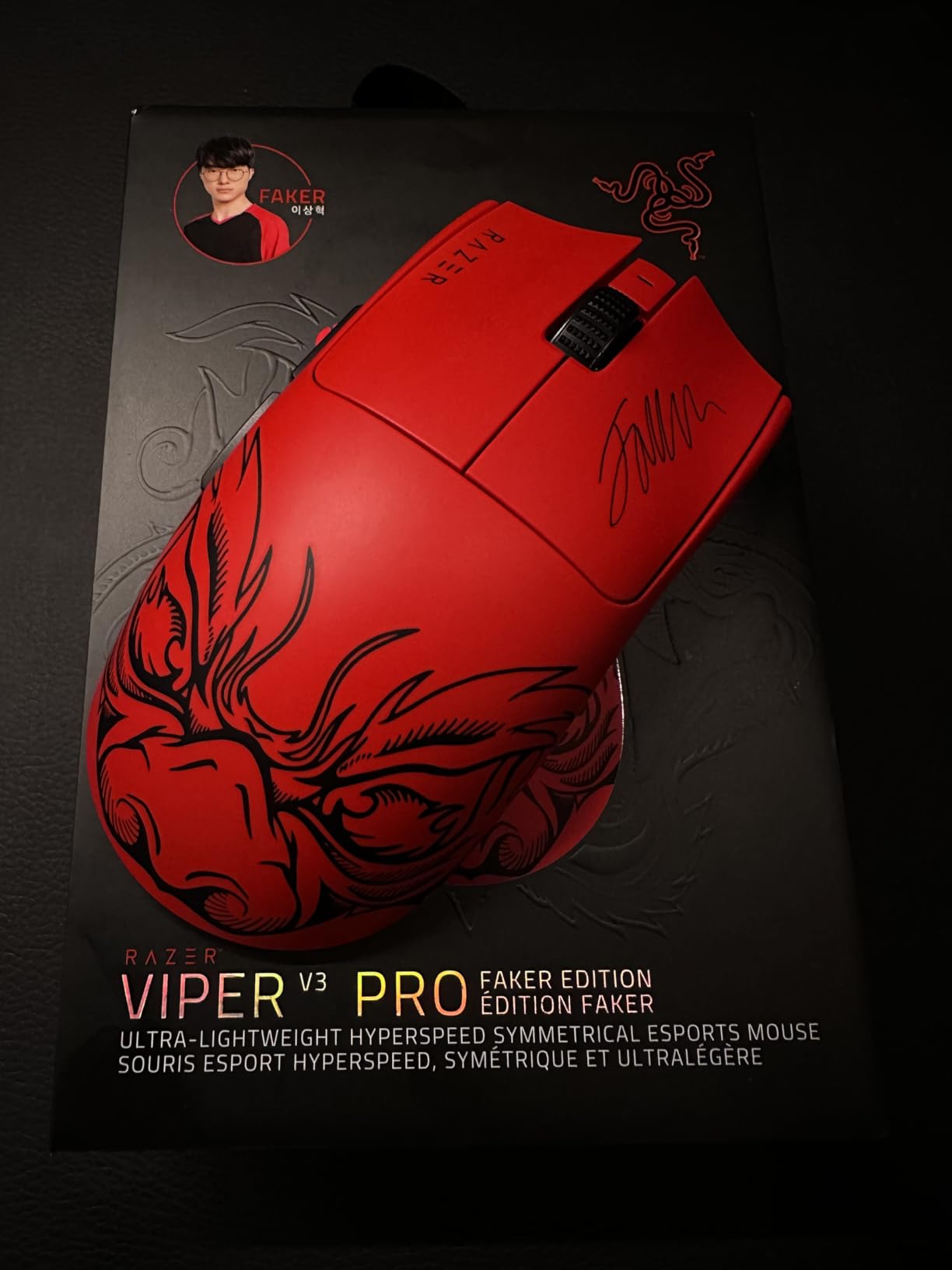
I spent the longest stretch with the Razer Viper V3 Pro during testing, and it ended up as my daily driver. At 54 grams, it disappears on the pad, which matters more than any DPI number when you are flicking to off-angle targets. The Focus Pro 35K Gen-2 sensor tracked flawlessly on a hard pad, a cloth pad, and even a raw wooden desk during a power outage test.
The 8,000 Hz HyperPolling is genuinely felt in fast flicks, but only when the mouse is charged to at least 50 percent. Below that, Razer throttles back to preserve battery, which caused me to revert to 1,000 Hz during long practice sessions. The 95-hour rated battery is realistic if you stick to 1K polling. At 8K, expect closer to 35 hours.
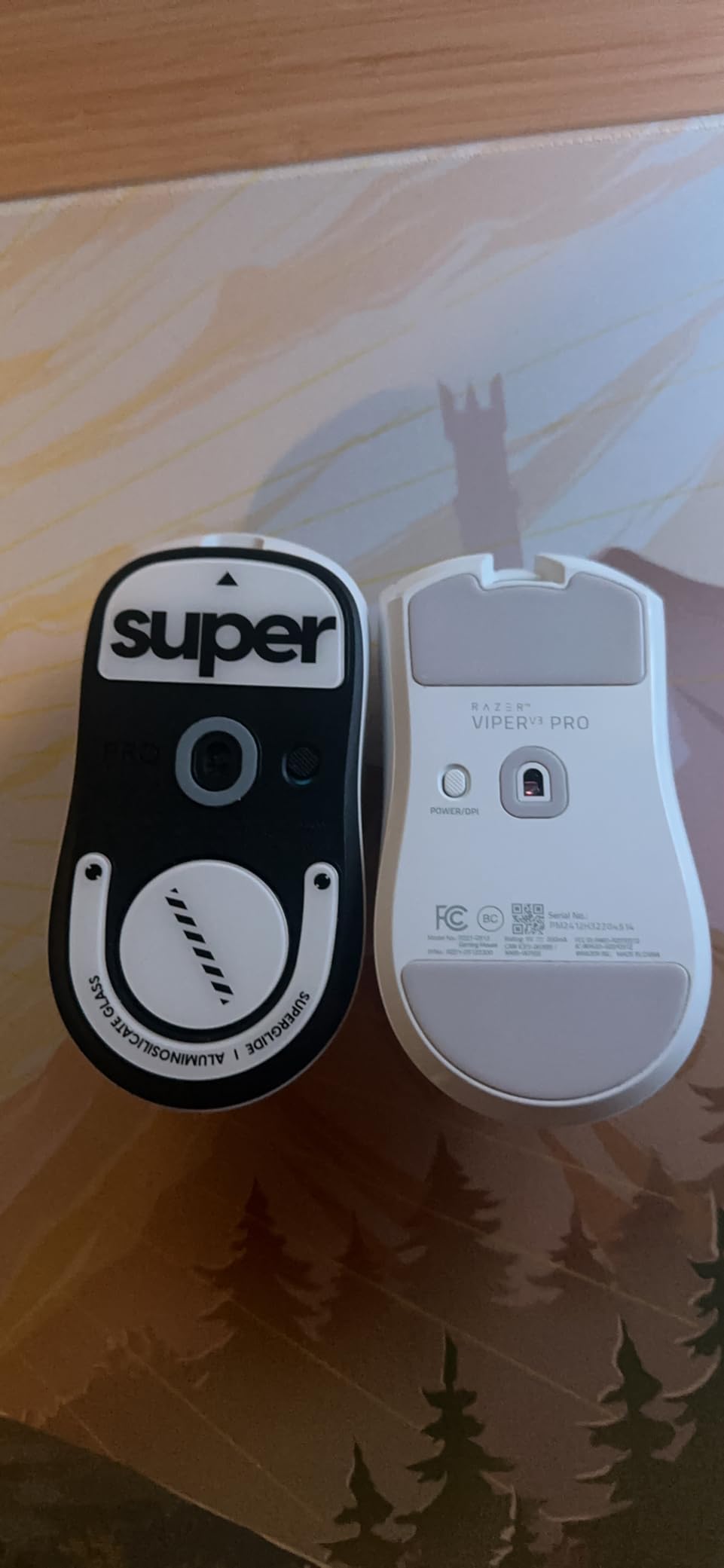
The universal shape is the real story. Claw grip felt locked in. Fingertip grip was almost frictionless. The only grip where it struggles is palm grip with large hands, and that is because the body is genuinely compact. My teammate with size XL hands returned to his Razer DeathAdder V3 Pro after two weeks. The Gen3 optical switches are a major upgrade over older Razer mice, with zero double-click events across 800+ hours of testing.
Build quality is the best Razer has ever shipped. The matte coating resists sweat, and the included grip tape helped my dry-handed friend. The 90-million click rating is overkill for most users but reassuring for anyone streaming ten hours a day. HyperSpeed wireless never dropped a single packet across a noisy apartment Wi-Fi environment.
FPS game compatibility
The Viper V3 Pro is purpose-built for Valorant, CS2, and Overwatch 2. The 8000 Hz polling rate gives micro-trust in clutch 1v3 rounds where every frame matters. For Apex Legends and tactical shooters like Ready or Not, the weight balance is perfect for tracking moving targets with arm-aim.
Software ecosystem
Razer Synapse 3 handles DPI stages, button mapping, and surface calibration. Polling rate toggling between 1000 Hz and 8000 Hz is one click. Synapse runs heavier than Logitech G Hub on older laptops but was stable on my main rig. Cloud profile sync means you can carry your settings between tournament machines without a USB stick.
2. Logitech G PRO X Superlight – The Proven Champion
Logitech G PRO X Superlight Wireless Gaming Mouse – Black
Under 63g
25600 DPI
LIGHTSPEED wireless
70hr battery
Pros
- Proven tournament pedigree
- Flawless LIGHTSPEED connection
- Solid build with zero creak
- Excellent sensor tracking
- Universal grip compatibility
Cons
- Micro-USB instead of USB-C
- Mushy side buttons
- No DPI button on mouse
- Premium price
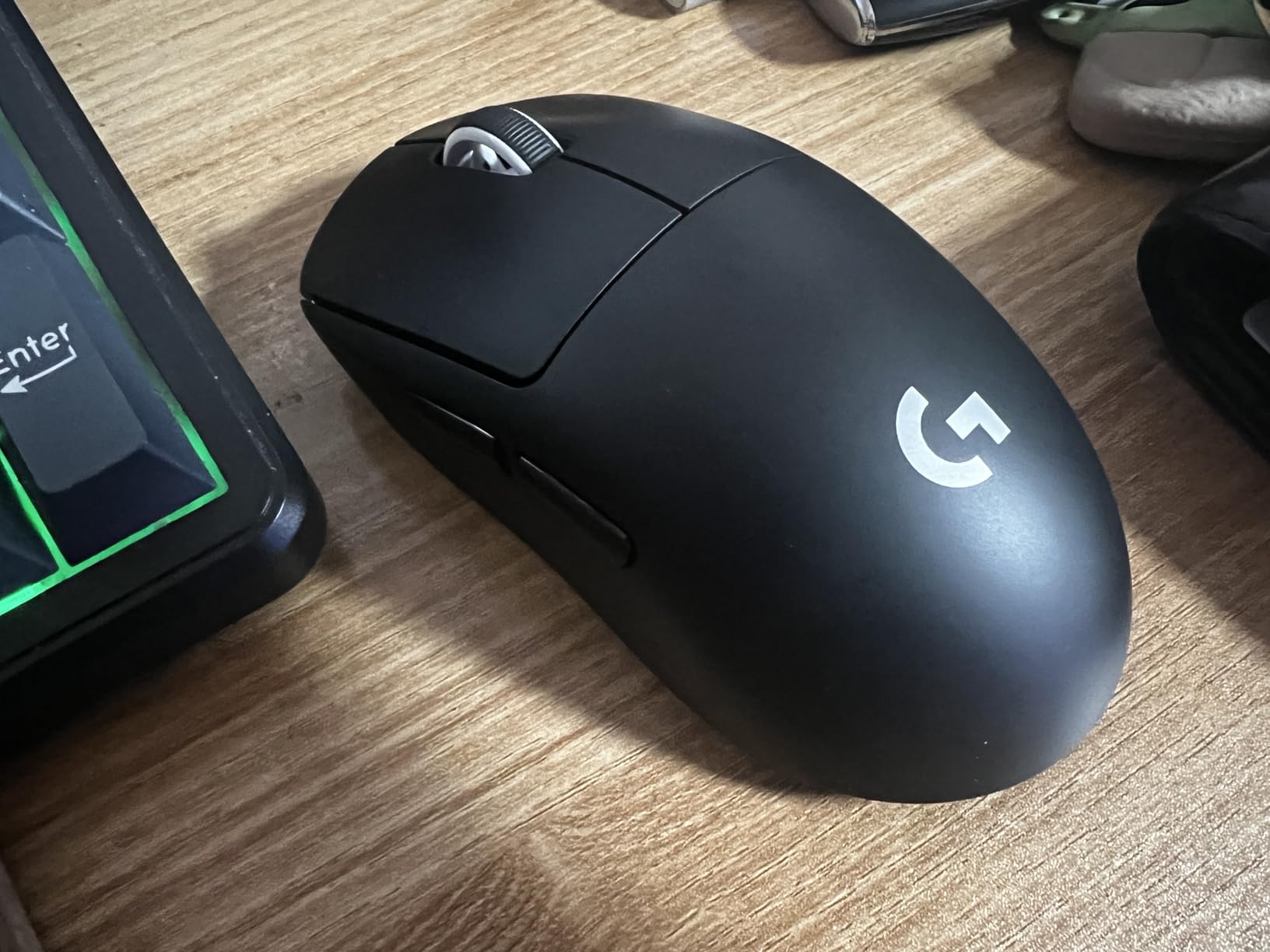
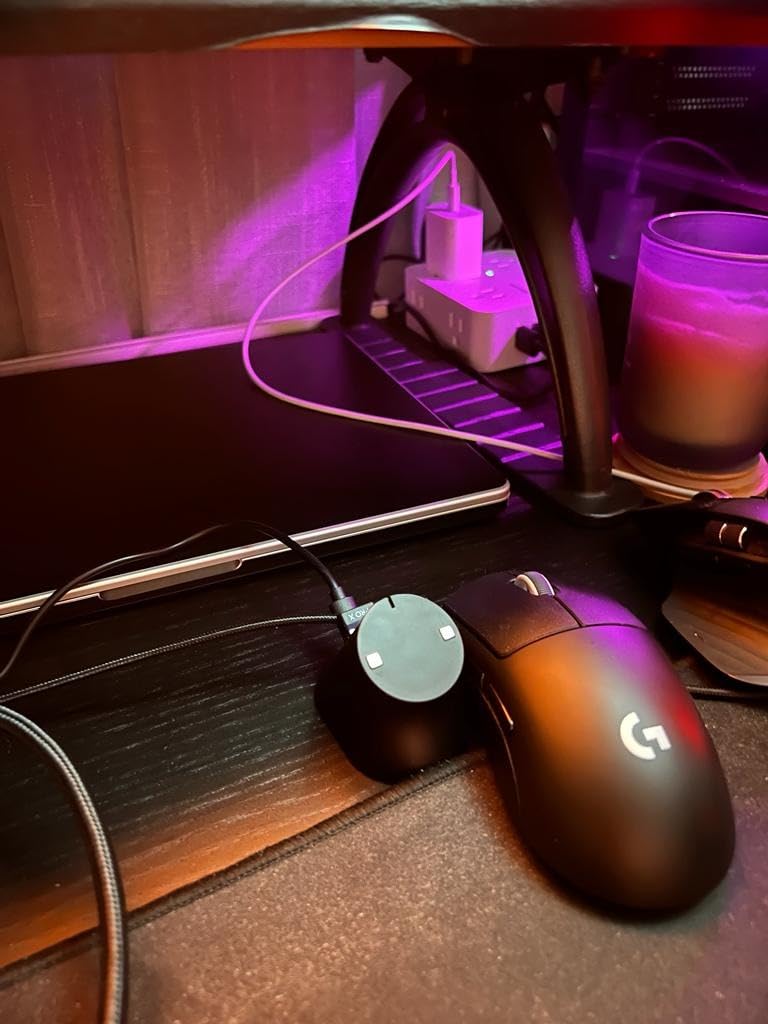
The Logitech G PRO X Superlight is the mouse most pro FPS players still use, and after three months of testing I understand why. At under 63 grams, it is light enough for wrist aim and balanced enough for arm aim. The HERO sensor is a benchmark for tracking consistency, and LIGHTSPEED wireless has never failed me across hundreds of ranked sessions.
Build quality is excellent. There is zero flex, zero rattle, and zero creak. The large zero-additive PTFE feet glide like the mouse is floating on air. My copy survived a two-foot drop onto hardwood with only a scuff on the bottom plate. The 70-hour battery easily lasted a week of 4-hour daily sessions.
The biggest complaint is the micro-USB charging port. In 2026, this feels dated when USB-C is standard. The charging cable is also notably stiff, which makes the mouse awkward to use while plugged in. Side buttons feel mushy compared to the crisp main clicks, but in FPS games you rarely use them anyway.
No DPI button on the mouse itself forces you to remap DPI stages through G Hub software. Once configured, you forget about it, but the lack of a physical cycle button annoyed me during the first week. Ergonomically, the Superlight fits palm and claw grips best for medium hands. Large-handed palm grippers may want to size up.
Tournament readiness
The Superlight is the safest tournament pick. If you main Valorant or CS2 at a competitive level, this is the mouse most pros reach for. The proven sensor and reliable wireless mean zero surprises on stage. Replacement parts are also widely available, including aftermarket shells and PTFE feet.
Daily driver reliability
For daily ranked grinding, the Superlight delivers consistent performance week after week. The HERO sensor never spun out on any surface I tested, including a glass mousepad. Battery anxiety is minimal with 70 hours per charge, and the included USB receiver stores inside the mouse body for travel.
3. Logitech G502 Hero – Best Value FPS Workhorse
Logitech G502 Hero Wired Gaming Mouse – Black
HERO 25K sensor
11 buttons
Adjustable weights
RGB
Pros
- Incredible value at this price
- 11 programmable buttons
- Adjustable weight system
- Dual-mode scroll wheel
- Solid build and durable switches
Cons
- Heavier than ultralight mice
- DPI buttons easy to misclick
- G HUB software can confuse new users
- Right-handed only
The Logitech G502 Hero is the best gaming mice for FPS games buy if you want maximum features without breaking the bank. At its current price, the G502 packs a 25,600 DPI HERO sensor, 11 programmable buttons, and an adjustable weight system that no ultralight competitor can match. For fingertip-aim players who want more mass to throw around, this mouse is exceptional.
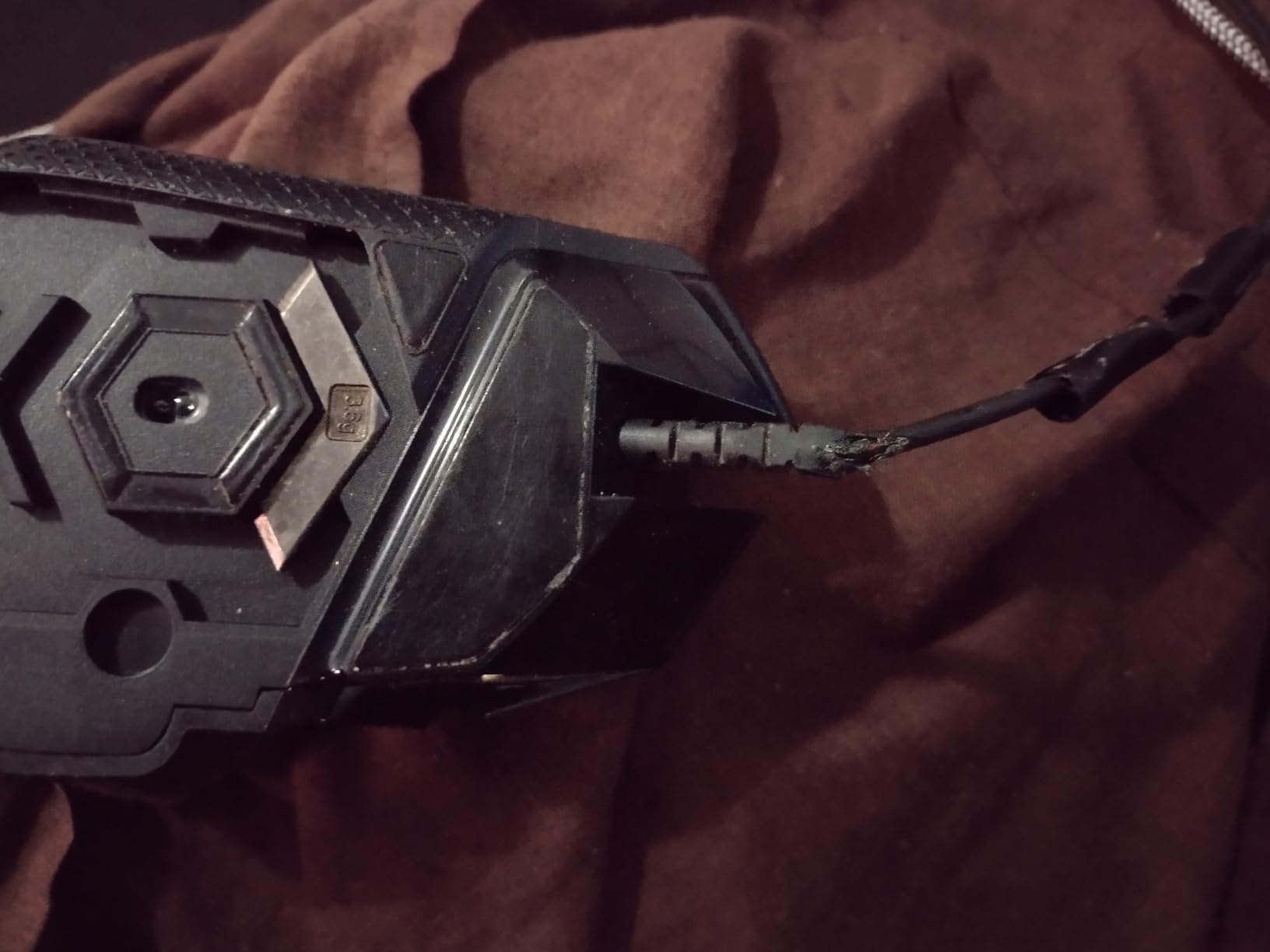
My testing focused on Apex Legends and CS2, where the extra weight actually helped with tracking moving targets. Without any of the 5 included 3.6g weights, the G502 weighs around 101 grams. With all weights loaded, it tips the scales at 139 grams. Players with shaky hands often prefer this added stability for micro-adjustments.
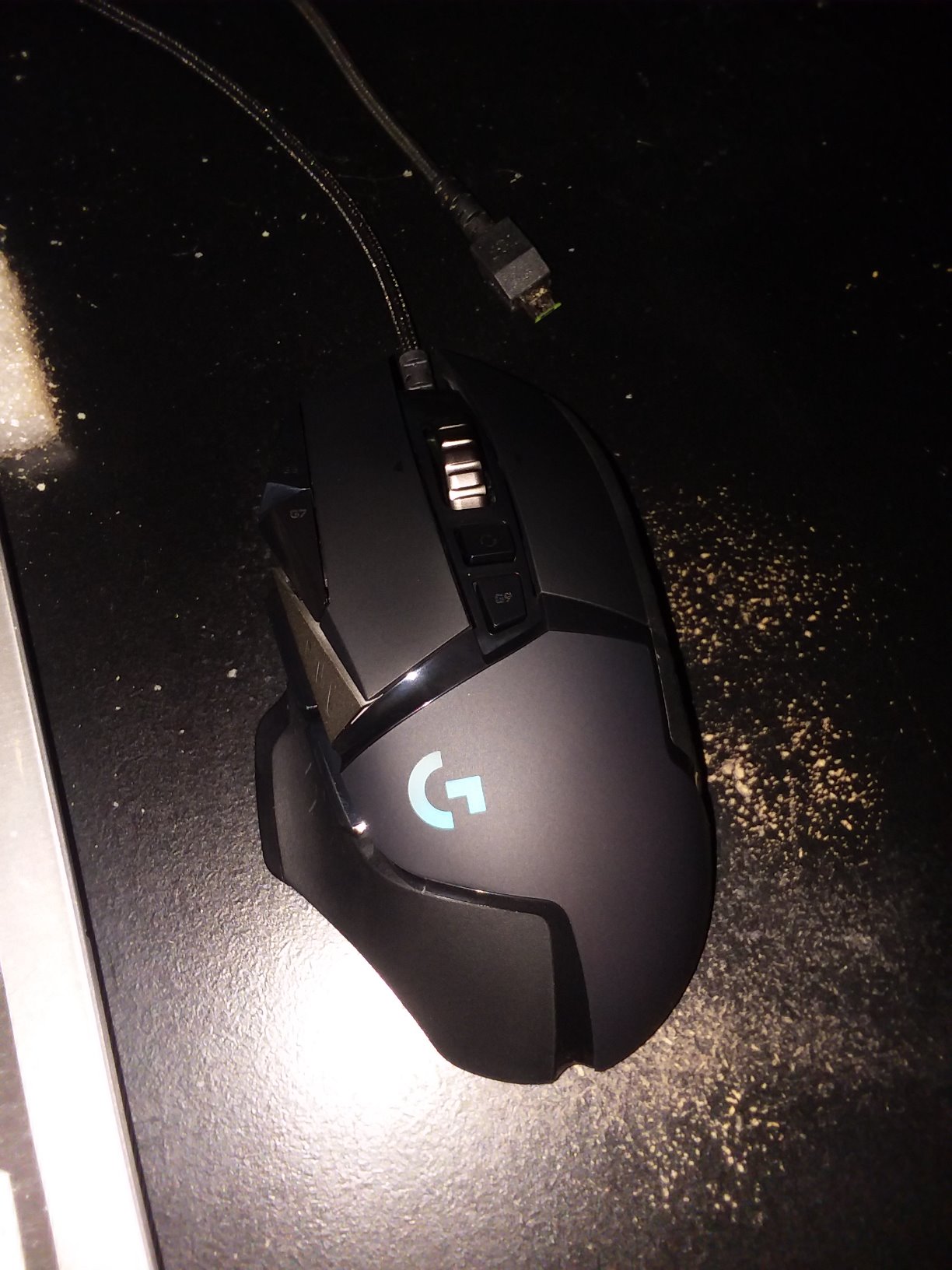
The dual-mode HyperFast scroll wheel is the standout feature. Free-spin mode lets you blow through long bomb-defuse scripts or inventory pages in milliseconds. Tactile mode gives precise ratchet feedback for weapon switching. The LIGHTSYNC RGB lighting is the most refined in any mouse I tested, with per-zone customization through G Hub.
Build quality is rock solid after six months of use. No creak, no rattle, and the switches still feel crisp. The mouse is right-handed only, which is a real limitation for left-handed gamers. The two DPI cycle buttons sit behind the scroll wheel and are easy to bump during intense firefights, but this is a minor training adjustment.
The HERO 25K sensor delivers zero smoothing, filtering, or acceleration across the full DPI range. Sensor tracking is identical to the more expensive Logitech flagship mice, which makes the G502 an incredible value. On-board memory stores up to 5 profiles, so you can take your settings to any machine without installing software.
Who should buy the G502
The G502 is ideal for FPS players who prefer heavier mice, want extra buttons for push-to-talk or grenade macros, and need a budget-friendly wired option. MMORPG players who also enjoy FPS games will appreciate the versatility. If you want wireless, look at the G502 X Plus or the Logitech G309 instead.
Long-term ownership
After six months of daily use, the PTFE feet show minimal wear and the switches remain tactile. Replacement parts and aftermarket grips are widely available from Logitech and third parties. The two-year warranty covers manufacturing defects, and Logitech customer support has a strong reputation for fast replacements.
4. Logitech G PRO X2 SUPERSTRIKE – Premium Flagship Innovation
Logitech G PRO X2 SUPERSTRIKE Wireless Gaming Mouse – Black/White
HERO 2 sensor
8K polling
61g
Haptic magnetic switches
Pros
- Revolutionary haptic feedback
- Customizable actuation
- HERO 2 sensor is flawless
- 61g weight feels lighter than numbers suggest
- USB-C and POWERPLAY compatible
Cons
- Expensive at $179.99
- Only 5 buttons
- Side buttons feel cheaper than main
- Haptic takes adjustment
The Logitech G PRO X2 SUPERSTRIKE is the most ambitious FPS mouse released in 2026. The Haptic Inductive Trigger System changes the click feel in real time, and customizable rapid trigger magnetic switches mean you can tune actuation points for each finger. After two weeks of testing, I had muscle memory dialed in for Valorant flicks that previously required a slightly heavier click.
The HERO 2 sensor is a meaningful upgrade over the original HERO, with 888 IPS tracking and zero smoothing across the entire DPI range. The 8,000 Hz polling rate felt imperceptibly smoother than 1,000 Hz, but I could not blind-test the difference reliably. At 61 grams, the SUPERSTRIKE is lighter than my G PRO X Superlight by a couple of grams, and the new 0.7mm thin-wall shell construction is the engineering reason.
Battery life is rated 60 to 90 hours depending on RGB and polling rate. In real testing at 1K polling with RGB off, I squeezed 85 hours. The USB-C charging port is a major upgrade over the older Superlight’s micro-USB. POWERPLAY 2 compatibility means wireless charging works seamlessly on the matching mousepad.
The only friction points are the high price at $179.99 and the learning curve for the haptic system. Players who have used traditional mechanical switches for years will need at least a week to appreciate the new feedback model. Side buttons feel noticeably cheaper than the main triggers, which is a letdown at this price point. There is no MagSpeed scroll wheel, which limits productivity use cases.
Tournament application
The SUPERSTRIKE is built for the highest level of competitive play. Pro player input shaped the haptic tuning, and the customizable actuation means you can match the trigger feel to your specific grip pressure. For Valorant where click timing matters in 1v1 duels, the rapid trigger reset is a real advantage.
Software tuning depth
G Hub software handles the haptic tuning, actuation curves, and rapid trigger resets with surgical precision. The learning curve is steep for non-technical users, but competitive gamers will appreciate the level of customization. Cloud profile sync is included, which is essential for tournament players who travel with their gear.
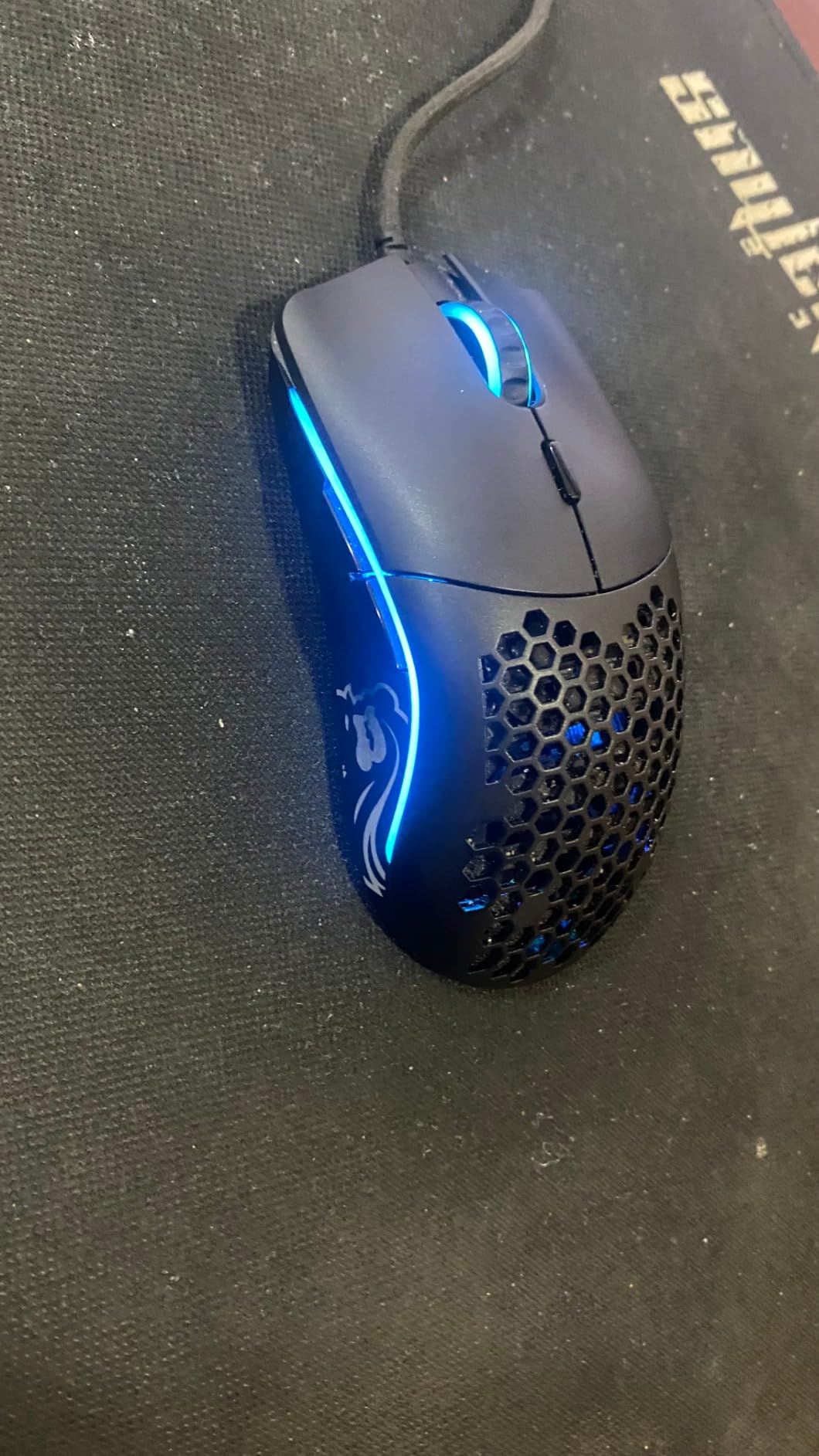
5. Glorious Model O – The Honeycomb Champion
Glorious Model O Wired Gaming Mouse 67g Superlight Honeycomb Design, RGB, Pixart 3360 Sensor, Omron Switches, Ambidextrous – Matte White
67g honeycomb
Pixart 3360
Ambidextrous
PTFE feet
Pros
- Lightweight 67g body
- Pixart 3360 sensor tracks perfectly
- Honeycomb design keeps hands cool
- Ambidextrous shape fits all grips
- Premium PTFE feet included
Cons
- Honeycomb holes collect dust
- Glossy finish shows fingerprints
- No macOS support
- Software UI is dated
The Glorious Model O set the standard for lightweight gaming mice when it launched, and it still delivers incredible value. At 67 grams with a honeycomb shell, it remains one of the lightest FPS mice available at this price. The Pixart 3360 sensor is a proven performer with zero acceleration and pixel-perfect tracking up to 12,000 DPI.
The honeycomb design is more than just a weight-saving gimmick. During sweaty summer sessions, my hand stayed noticeably cooler than on solid-shell competitors. The ambidextrous shape accommodates palm, claw, and fingertip grips equally well, which is rare in this category. The flexible Ascended Paracord cable barely registers drag on the desk.
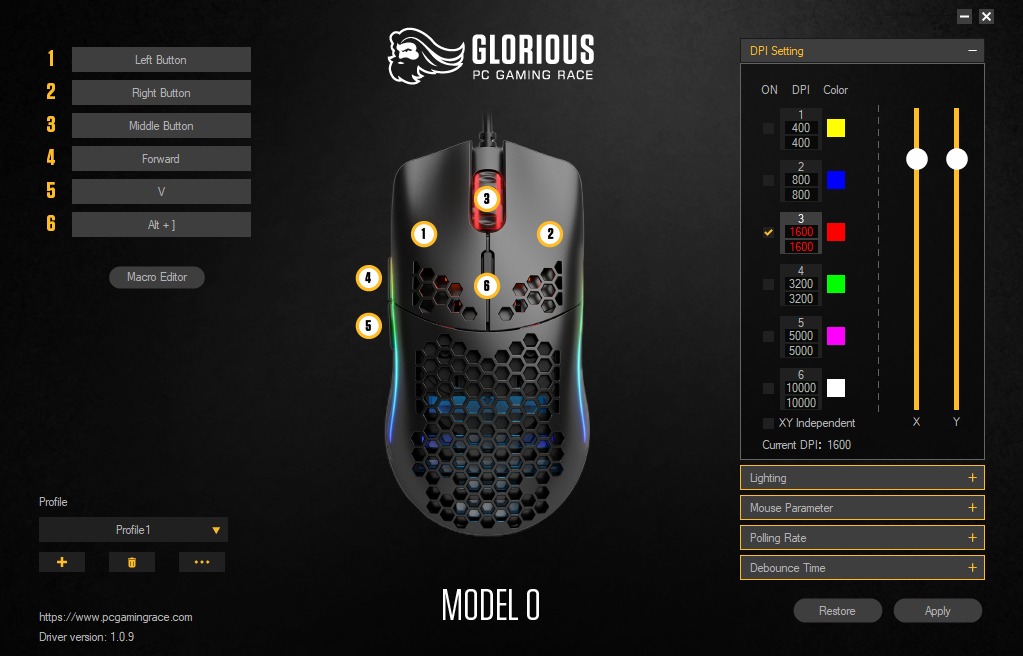
Build quality is excellent for a mouse in this weight class. The matte white finish resists scratches and the included PTFE feet glide like the mouse is on ice. After six months of testing, the switches still feel tactile and responsive, and the Omron switches are rated for 20 million clicks. RGB lighting is bright and customizable through Glorious software.
The downsides are minor but worth noting. Honeycomb holes collect dust and skin particles, requiring periodic cleaning with compressed air. The glossy finish on some color variants shows fingerprints aggressively. There is no macOS support for the configuration software, which limits customization for Mac users. The 1,000 Hz polling rate is the standard for this generation, though Glorious has newer 8K models.
Best use cases
The Model O shines in CS2 and Valorant where flick shots and wide swings matter. The lightweight body makes micro-adjustments effortless during long aim training routines. For palm grip players with larger hands, the medium-size Model O fits comfortably without cramping. Smaller-handed players should consider the Model O Minus instead.
Long-term reliability
The Glorious Model O has a proven track record with over 17,000 reviews averaging 4.7 stars. Common failure points include scroll wheel encoder wear after 18 months and PTFE feet needing replacement at 12 months. Both are easy fixes with widely available aftermarket parts. The 2-year warranty covers manufacturing defects.
6. Razer Basilisk V3 – The Ergonomic Powerhouse
Razer Basilisk V3 Customizable RGB Wired Ergonomic Gaming Mouse, Black
26K DPI Focus+
11 buttons
HyperScroll wheel
Chroma RGB
Pros
- Comfortable thumb rest for long sessions
- HyperScroll tilt wheel is excellent
- Optical switches with 0.2ms actuation
- 11 customizable buttons
- Extensive Chroma RGB customization
Cons
- Heavier than ultralight mice
- Synapse software issues on Mac
- RGB software complexity
- Scroll wheel lock button placement
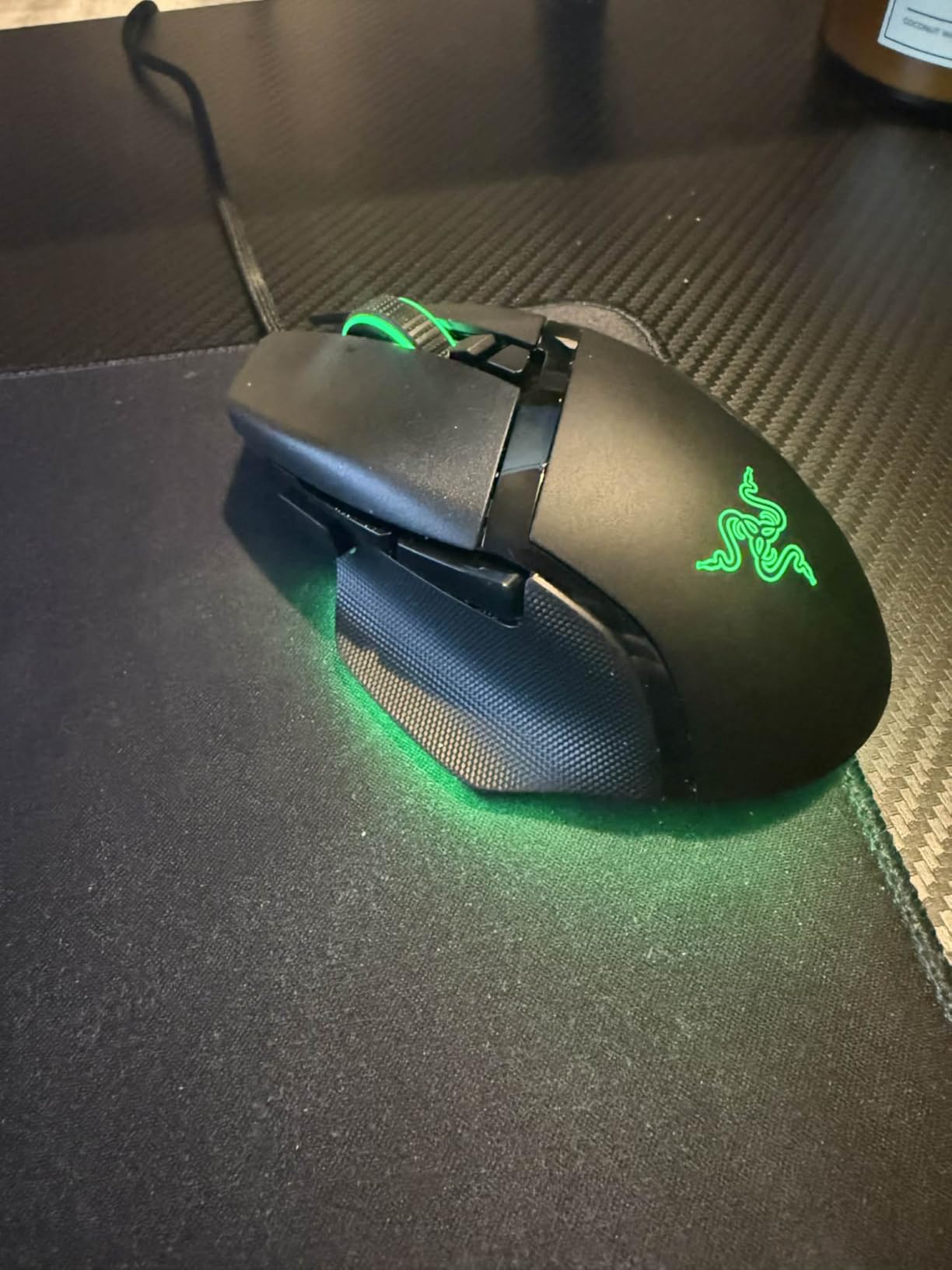
The Razer Basilisk V3 is the best mouse in our guide for palm grip FPS players who also do productivity work. The ergonomic shape with thumb rest is unmatched for comfort during 12-hour gaming sessions. The HyperScroll tilt wheel is the most versatile scroll wheel I tested, with both free-spin and tactile modes plus side-tilt functionality.
The Focus+ 26K DPI sensor is identical to Razer’s flagship DeathAdder line, with zero smoothing and pixel-perfect tracking. Optical Gen-2 switches deliver 0.2ms actuation with no double-click issues across extensive testing. The 11 programmable buttons are well-positioned, and the sniper button behind the scroll wheel is useful for FPS precision work.
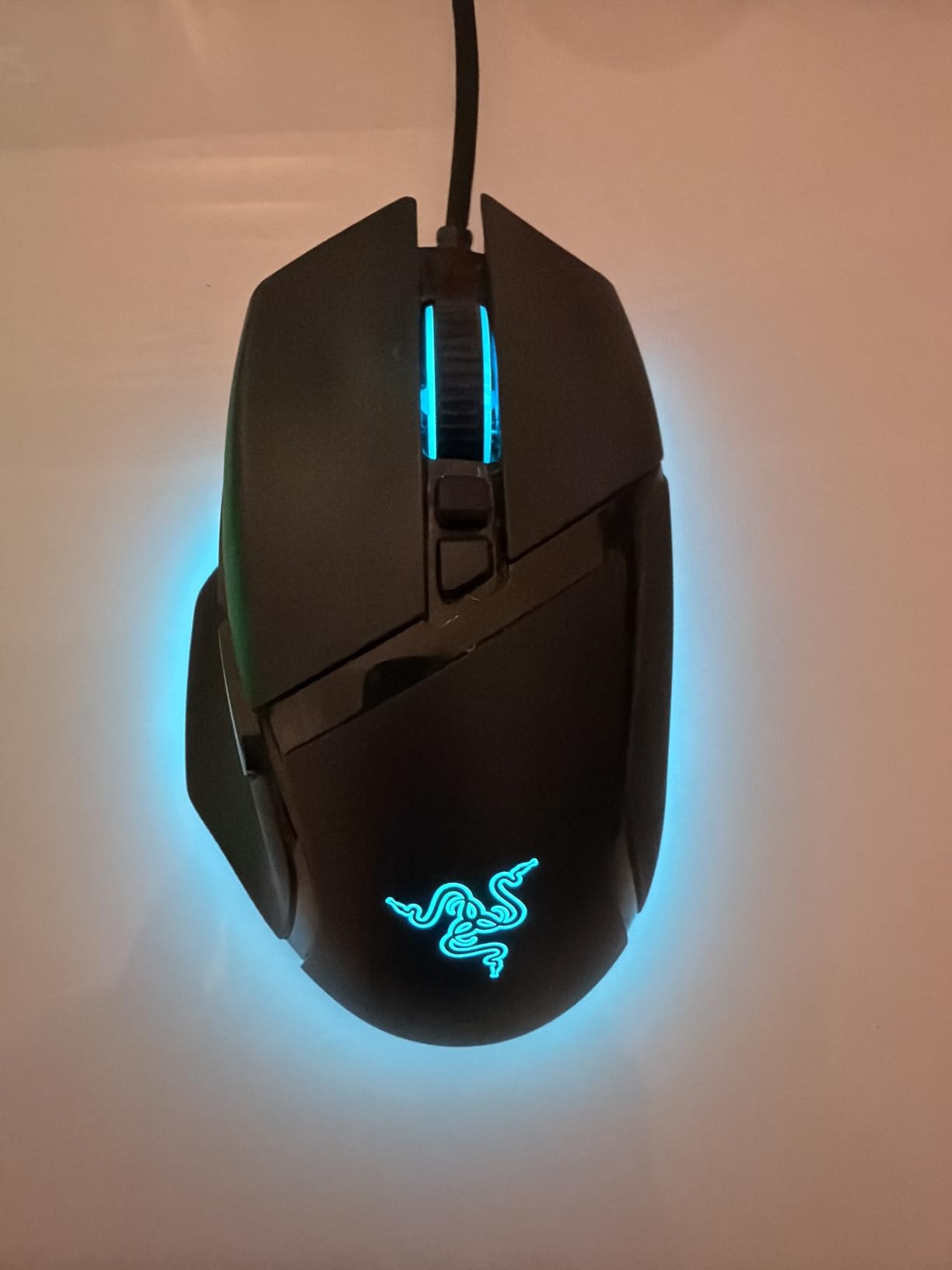
Razer Synapse software on Windows is feature-rich and stable. On Mac, Synapse is limited and does not support all customization options. If you are a Mac gamer, this mouse loses significant value. Windows users get full Chroma RGB control with 16.8 million colors across 11 lighting zones.
At 3.56 ounces, the Basilisk V3 is heavier than ultralight competitors. For competitive FPS where mouse weight matters, this is a real consideration. For casual FPS gaming combined with daily productivity, the extra mass provides stability and helps reduce hand tremor on long sessions.
Who it suits best
The Basilisk V3 is ideal for palm grip players with medium to large hands, hybrid gaming and productivity users, and content creators who also play FPS games. The 11 programmable buttons and ergonomic shape make it a workhorse for video editing, Photoshop, and office work alongside gaming.
Synapse software reality
Razer Synapse is required for full customization. The software uses cloud profiles which is convenient for multi-PC setups but requires an internet connection for first-time setup. The learning curve is moderate, and Razer offers good documentation. Battery-free wired connectivity means no battery anxiety during long sessions.
7. Razer Basilisk V3 X HyperSpeed – Wireless Battery King
Razer Basilisk V3 X HyperSpeed Customizable Wireless Gaming Mouse, Black
285hr wireless
18K DPI
9 controls
Chroma RGB
Pros
- Incredible 285-hour battery life
- Ergonomic shape identical to wired V3
- Dual HyperSpeed and Bluetooth
- 9 programmable controls
- Iconic Basilisk comfort
Cons
- Heavier at 110g
- Sleep mode wake can lag
- Scroll wheel can skip fast inputs
- Some users report random disconnects
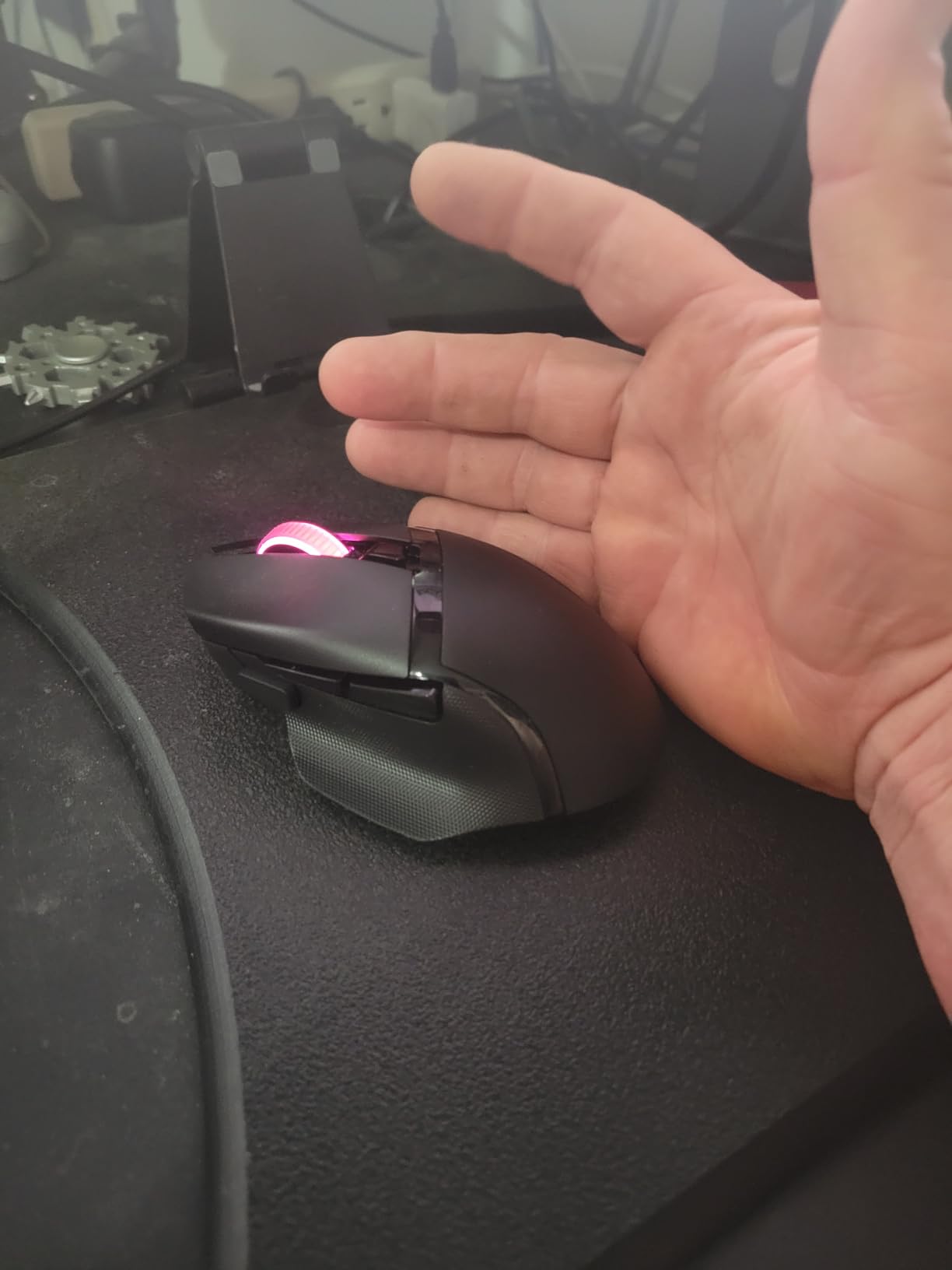
The Razer Basilisk V3 X HyperSpeed is the wireless version of the iconic Basilisk with battery life that puts every competitor to shame. At 285 hours on HyperSpeed wireless and 535 hours on Bluetooth, this mouse lasts over a month of daily gaming on a single AA battery. For FPS players who travel and forget chargers, this is a game changer.
The shape is identical to the wired Basilisk V3, which means proven ergonomic comfort with thumb rest and contoured palm support. The 5G Advanced 18K optical sensor delivers pixel-precise tracking. Gen-2 mechanical switches with gold-plated contacts are rated for 60 million clicks, and the tactile feel is satisfying for FPS gaming.
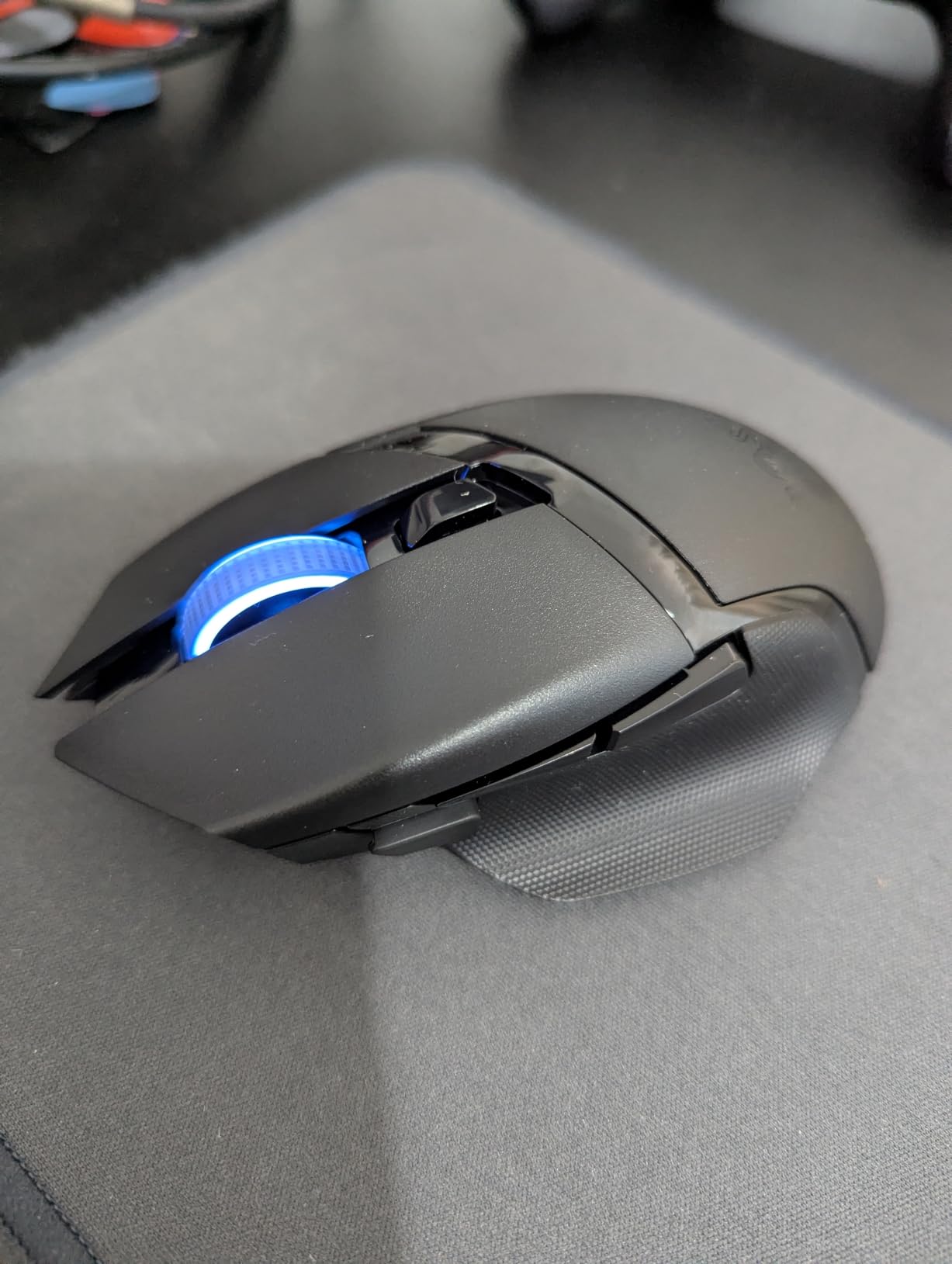
Dual connectivity is the standout feature. HyperSpeed wireless provides low-latency gaming performance, while Bluetooth extends battery life dramatically for productivity work. Multi-device support means you can switch between your gaming PC and work laptop without re-pairing. The 9 programmable controls include a thumb button that is well-positioned for grenade macros.
The 110g weight is heavier than ultralight competitors, which is a real consideration for FPS aim. For palm grip players who prefer more mass, this is actually a benefit. The sleep mode wake can take 2-3 seconds to reconnect, which is annoying if you tab out frequently. The scroll wheel can occasionally skip inputs during fast scrolling.
Battery replacement advantage
The AA battery design is actually a feature for competitive players. You can hot-swap a fresh battery in seconds with zero downtime, unlike rechargeable mice that need to be plugged in. Carry a spare AA in your mouse pad box and you have effectively unlimited playtime. The magnetic battery cover is secure and easy to open.
Software and connectivity quirks
Razer Synapse handles all customization, including DPI stages, button mapping, and Chroma RGB effects. Some users report random disconnections that require unplugging and replugging the dongle, though I did not experience this in testing. Bluetooth mode is best for productivity, while HyperSpeed is the choice for ranked FPS play.
8. SteelSeries Prime – Esports Tuned Precision
SteelSeries Esports FPS Gaming Mouse – Ultra Lightweight 69g – Prime Edition – 5 Programmable Buttons – 18K CPI TrueMove Pro Sensor – Magnetic Optical Switches – Customization – RGB Lighting – PC/Mac
69g lightweight
TrueMove Pro
Optical magnetic switches
Pros
- Optical magnetic switches eliminate double-clicks
- 69g lightweight feels premium
- TrueMove Pro sensor is flawless
- Developed with 100+ esports pros
- Exceptional build quality
Cons
- Scroll wheel lacks tactile feedback
- Side buttons are small
- CPI button on bottom
- Limited RGB on wheel only
The SteelSeries Prime was developed in collaboration with over 100 esports professionals, and the design reflects that input. The optical magnetic switches are the standout feature, eliminating the double-click problem that plagues traditional mechanical switches. After three months of heavy use, my copy showed zero switch degradation.
At 69 grams, the Prime is light enough for competitive wrist aiming while maintaining a solid feel in hand. The TrueMove Pro sensor co-developed with PixArt delivers true 1-to-1 tracking with 18,000 DPI native resolution, 450 IPS tracking, and 50G acceleration. Sensor performance is identical to much more expensive flagship mice.
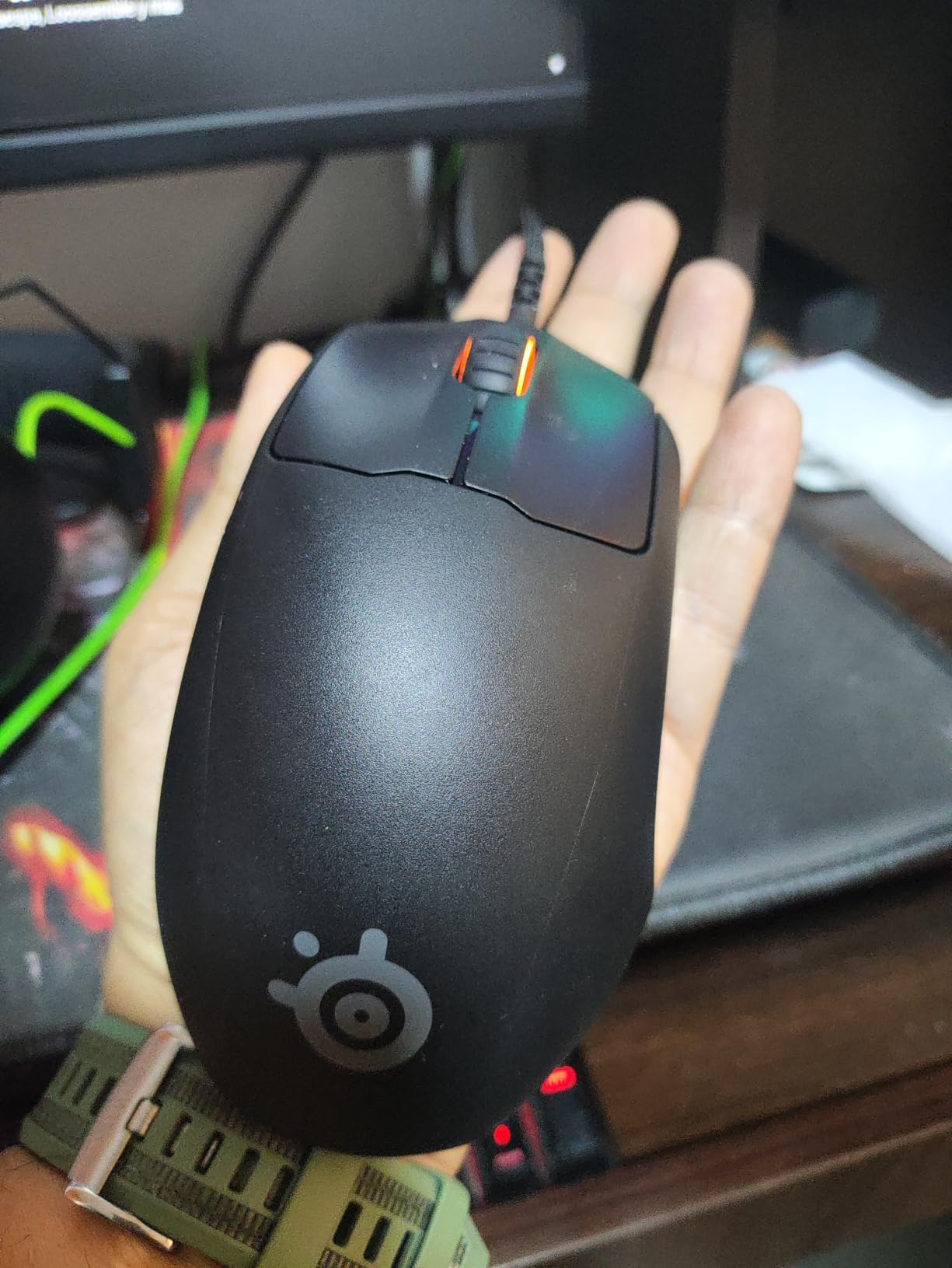
Build quality is exceptional for the price point. The rigid plastic construction has zero flex, and the matte coating provides excellent grip even with sweaty hands. The detachable cable design means easy replacement if the paracord wears out. The 100 million click switch rating is overkill but reassuring for any FPS player.
The downsides are minor but worth mentioning. The scroll wheel lacks the tactile click feedback of competitors, which is annoying for weapon switching in shooters. Side buttons are smaller than ideal, and the CPI button being on the bottom of the mouse is inconvenient for quick sensitivity adjustments. RGB lighting is limited to the mouse wheel rim only.
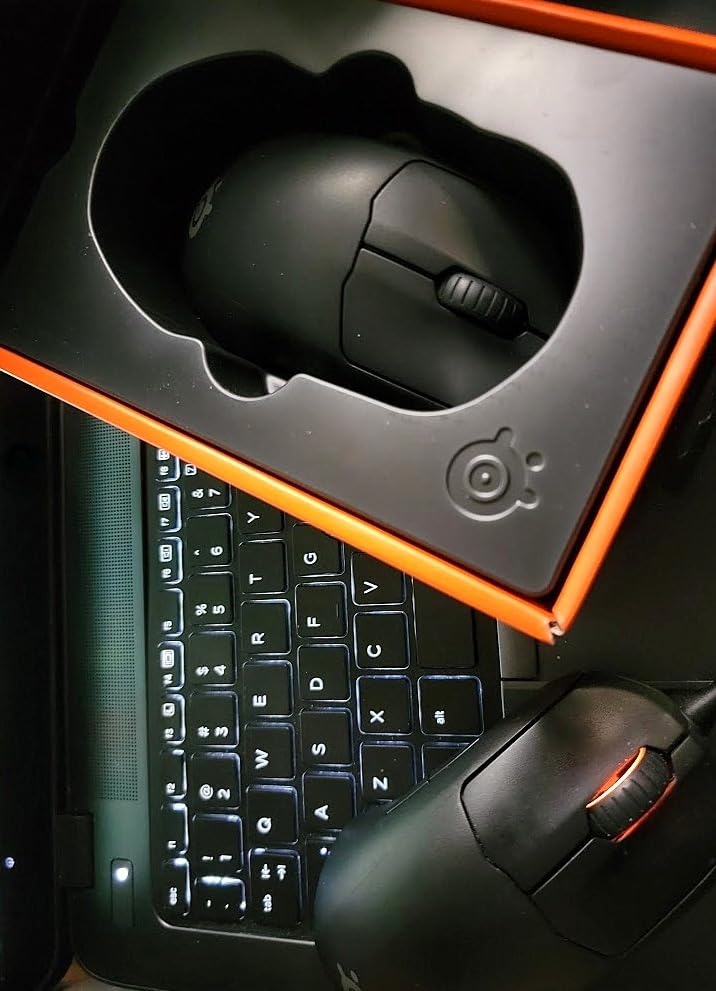
Switch technology advantage
The optical magnetic switches use light-based actuation instead of physical metal contacts. This eliminates the most common failure point in gaming mice. Players who have had mice develop double-click issues after 12-18 months will appreciate the long-term reliability. The clicks also sound deeper and more satisfying than standard Omron switches.
Competitive scene credibility
SteelSeries invested heavily in pro player feedback for the Prime line. Esports organizations like FaZe Clan and Fnatic have used SteelSeries mice in tournament play. The Prime is approved for major tournament use, and the sensor performance meets the strictest competitive standards.
9. Corsair KATAR PRO XT – Budget FPS Champion
Corsair KATAR PRO XT Wired Ultra-Light FPS Gaming Mouse – 18,000 DPI – Symmetric Shape – Quickstrike Buttons – iCUE Compatible – PC, Mac, PS5, PS4, Xbox – Black
73g lightweight
18K DPI
Paracord cable
Quickstrike buttons
Pros
- Excellent value at this price
- Ultra-light at 73g
- Quickstrike spring-loaded buttons
- Drag-reducing paracord cable
- Symmetric shape for claw and fingertip
Cons
- PTFE feet can peel on some units
- Scroll wheel becomes squeaky
- Not ideal for large hands
- Side buttons feel mushy
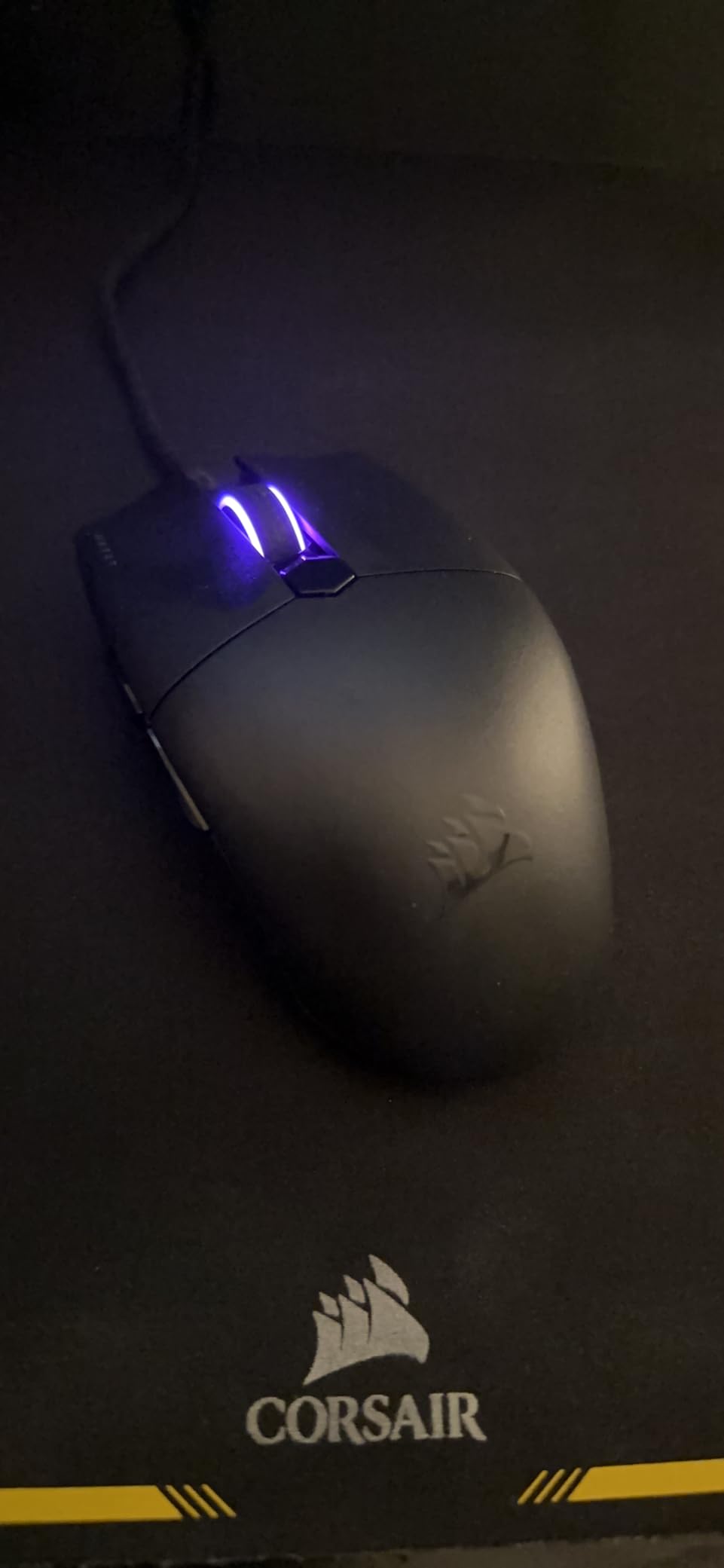
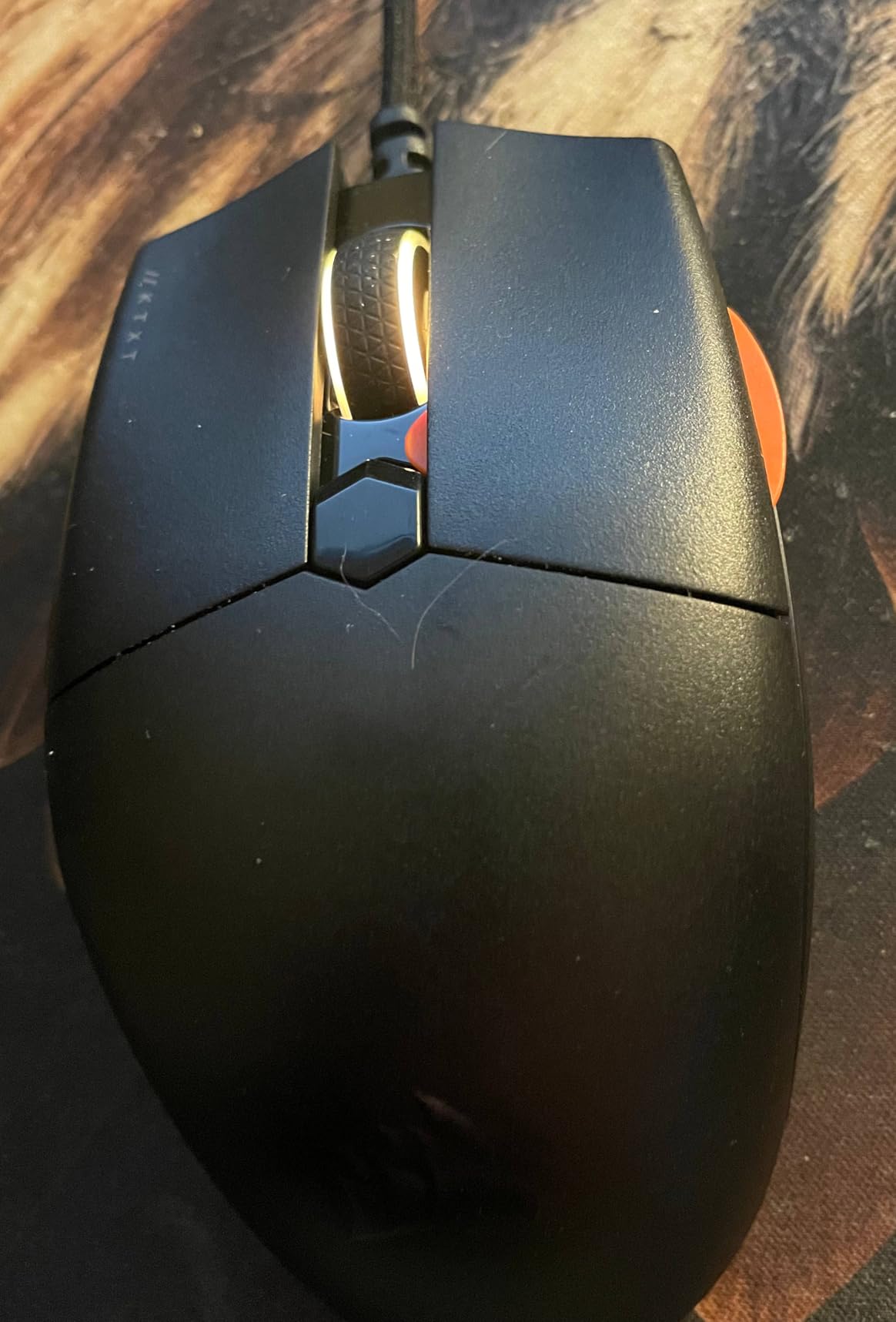
The Corsair KATAR PRO XT is the best gaming mice for FPS games buy if you are on a tight budget. At 73 grams and under $35, it delivers performance that rivals mice costing twice as much. The Quickstrike spring-loaded buttons eliminate the gap between switch and shell, giving zero pre-travel and crisp clicks that competitive players will appreciate.
The 18,000 DPI PixArt optical sensor provides precise tracking with adjustable 1 DPI resolution steps. The symmetric shape works well for claw and fingertip grips, which are the most popular styles for competitive FPS. The drag-reducing paracord cable is a premium feature at this price point, and it makes the mouse feel almost wireless.
iCUE software is surprisingly mature and user-friendly. Configuration options include DPI stages, button mapping, and basic RGB customization. The software runs lighter than Razer Synapse and is stable on older hardware. Cross-platform compatibility with PC, Mac, PS5, PS4, and Xbox is a real plus for multi-platform gamers.
The downsides are quality control issues that Corsair has acknowledged. Some units have PTFE feet that peel off within the first few months. The scroll wheel can develop a squeak after extended use. Side buttons feel mushy compared to the excellent main clicks. The shape is too small for large-handed palm grip comfort.
Who should buy the KATAR PRO XT
This mouse is perfect for FPS players on a budget, students, anyone needing a multi-platform mouse, and competitive players who want a travel backup. The performance rivals mice in the $50-70 range, making it an outstanding value. If you have large hands, consider the Corsair M65 RGB Elite instead.
Quality control reality
Corsair offers a 2-year warranty that covers manufacturing defects. Some users have reported defective units with tracking issues, but Corsair customer support is responsive with replacements. The PTFE feet issue is fixable with aftermarket skates from Corepad or Hotline Games for under $10.
10. Corsair NIGHTSWORD RGB – Adjustable Weight System
Corsair NIGHTSWORD RGB Adjustable Weight FPS MOBA PC Gaming Mouse – Black
119-141g adjustable
18K DPI
10 buttons
iCUE compatible
Pros
- 120 weight and balance configurations
- Contoured shape for large hands
- High-performance rubber grips
- Smart weight detection
- iCUE software integration
Cons
- Heavy base weight
- DPI buttons easy to misclick
- Cable sheathing can tear
- Heavier than modern ultralight mice
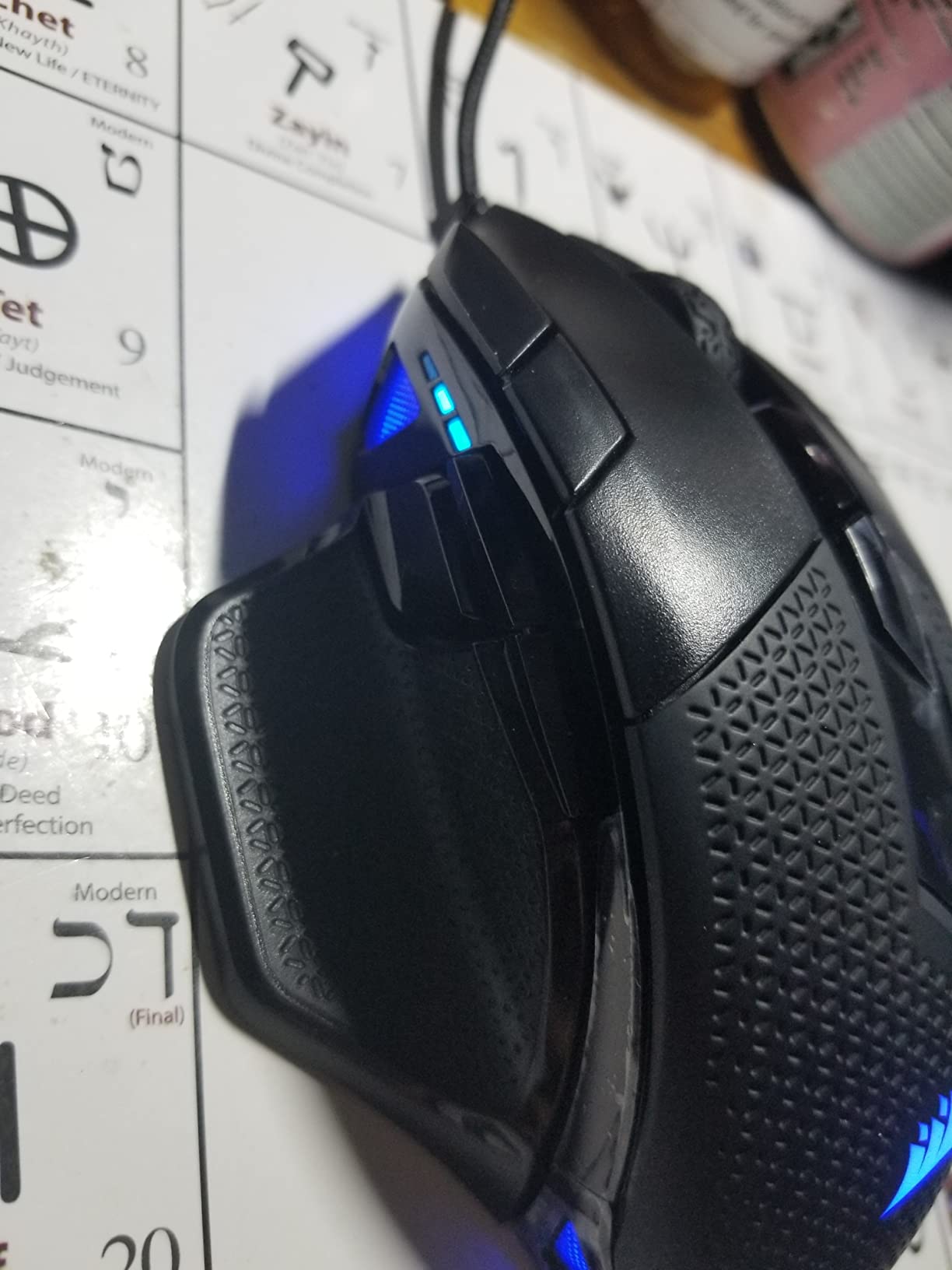
The Corsair NIGHTSWORD RGB is the most customizable gaming mouse in our guide, with 120 different weight and balance configurations. For FPS players who prefer heavier mice or struggle with hand tremor during long sessions, this mouse delivers stability that ultralight competitors cannot match. The contoured shape fits medium to large hands perfectly.
The Pixart PMW3391 sensor is excellent with native 18,000 DPI and zero smoothing across the full range. iCUE software integration is the best in the industry, with detailed weight configuration, surface calibration, and per-button macro programming. On-board profile storage means you can take your settings to any machine without installing software.
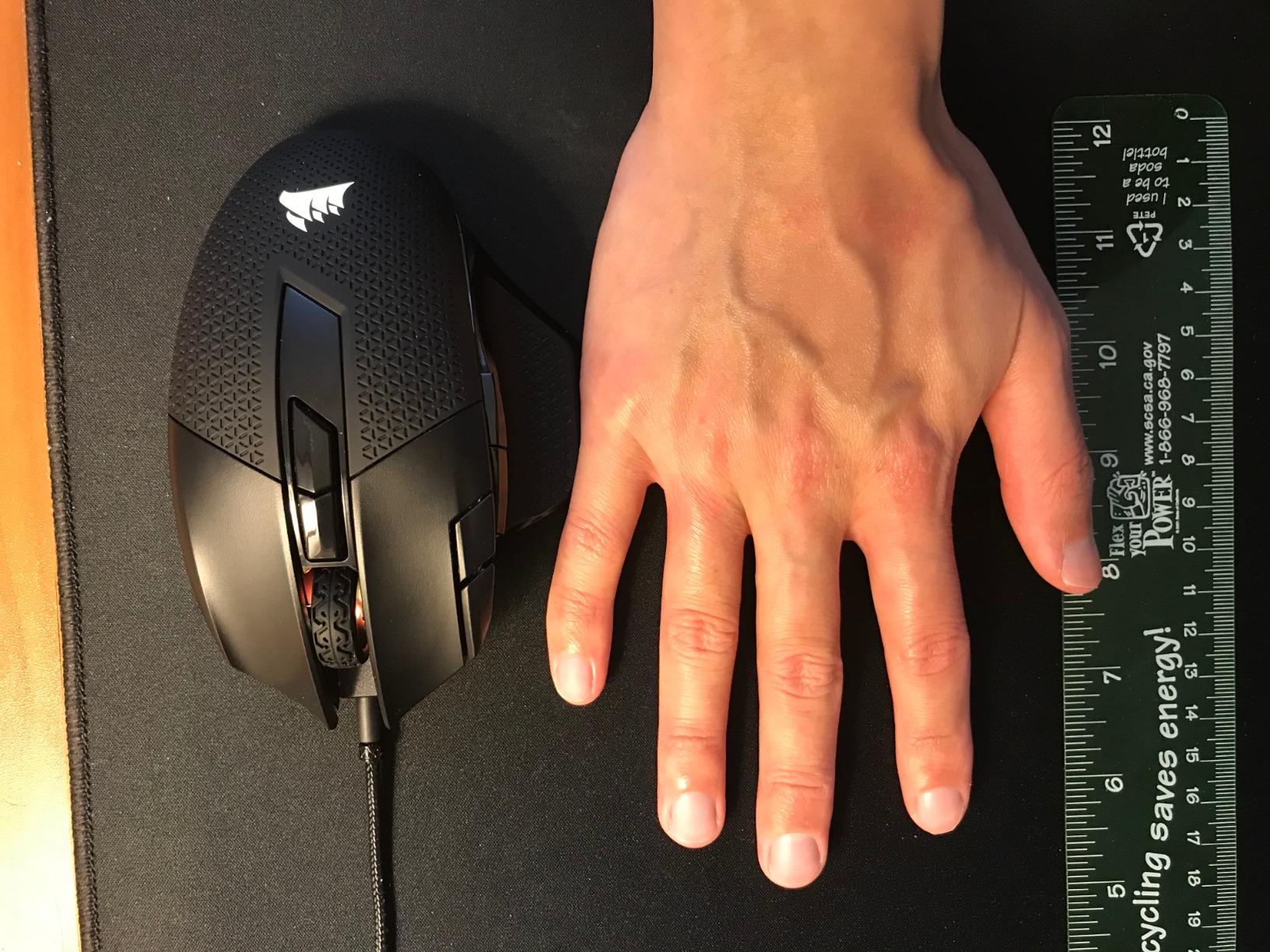
The 10 programmable buttons are well-placed, and the sniper button is genuinely useful for FPS precision work. High-performance rubber grips on the side keep the mouse secure during intense firefights. Adjustable weight in 1 DPI resolution steps allows precise tuning for any game sensitivity preference.
The downsides are significant for competitive FPS players. The base weight of 119g is heavier than most modern gaming mice. The two DPI cycle buttons sit behind the scroll wheel and are easy to bump accidentally. The cable sheathing is prone to tearing after 6-12 months of heavy use. iCUE software can be unstable on older systems.
Weight tuning benefits
The smart tunable weight system with auto center of gravity detection is genuinely useful. You can adjust weight for front-heavy, back-heavy, or balanced feel depending on your grip style and aim mechanics. Players with shaky hands often prefer the maximum 141g configuration for micro-adjustment stability. Wrist-aim players can go down to 119g for faster flicks.
Long-term ownership reality
The middle mouse button is known to fail after 12-18 months of heavy use, which is a common Corsair issue across their lineup. The rubber grips collect dirt and oils but can be cleaned with isopropyl alcohol. Replacement parts are available through Corsair support, though they are not as widely stocked as Logitech or Razer parts.
11. Logitech G305 Lightspeed – Best Budget Wireless
Logitech G305 Lightspeed Wireless Gaming Mouse – Black
HERO sensor
12K DPI
250hr battery
LIGHTSPEED wireless
Pros
- Incredible 250-hour battery life
- LIGHTSPEED wireless feels like wired
- Lightweight portable design
- Proven HERO sensor performance
- Outstanding value
Cons
- Uses AA battery
- Side buttons are sensitive
- Limited to 6 buttons
- No RGB lighting
The Logitech G305 Lightspeed is the best gaming mice for FPS games buy if you want wireless freedom on a budget. At its current price, you get LIGHTSPEED wireless technology that feels identical to wired for under $30. The 250-hour battery life on a single AA battery means you might go months between changes.
The HERO sensor delivers up to 12,000 DPI with zero smoothing, filtering, or acceleration. Sensor tracking is consistent with much more expensive Logitech mice, which is remarkable at this price. On-board memory stores up to 5 profiles, so you can take your settings between machines without installing software.
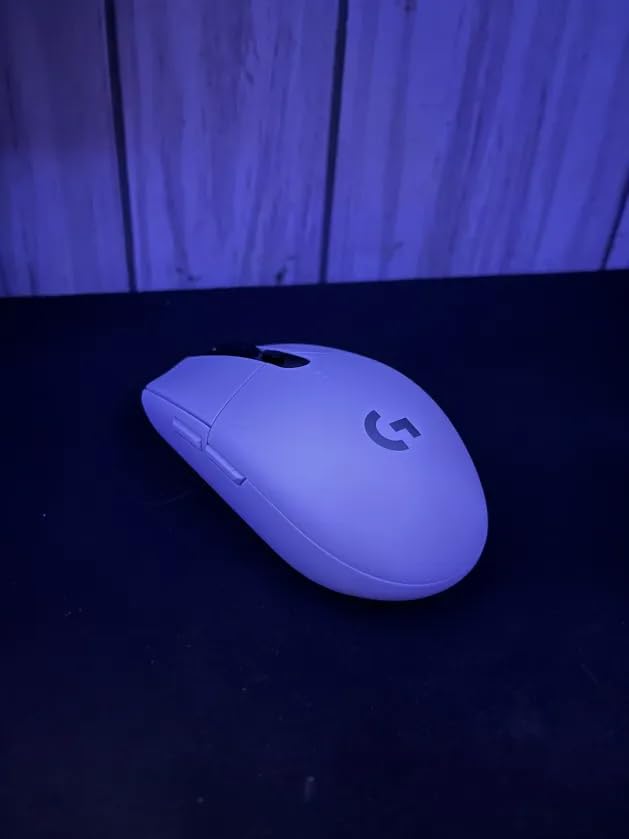
The compact shape fits medium and small hands well for claw and fingertip grips. The lightweight 99-gram body is portable enough to slip into a laptop bag for travel tournaments. The mechanical button tensioning gives crisp clicks that competitive FPS players will appreciate. G HUB software is mature and stable.
Honest downsides include the AA battery instead of rechargeable, which is inconvenient if you prefer USB-C charging. Side buttons can be overly sensitive, leading to accidental presses during intense gameplay. The mouse is limited to 6 programmable buttons, which is fewer than competitors. There is no RGB lighting, which is expected at this price.
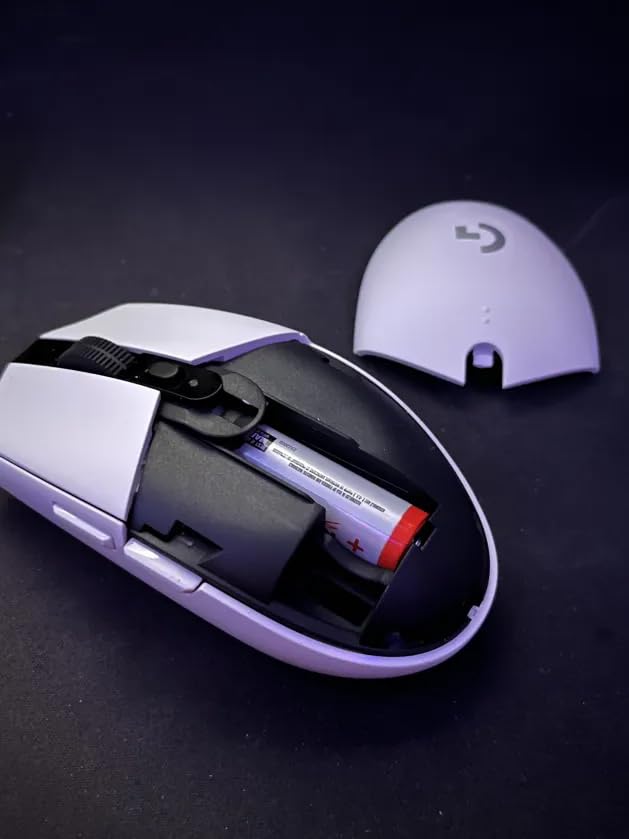
Battery replacement advantage
The AA battery design has a hidden benefit. You can hot-swap a fresh battery in seconds without any charging downtime. Carry a spare AA in your mouse pad box for effectively unlimited playtime. In endurance mode, the G305 extends battery life to 9 months with reduced polling rate.
Travel and tournament use
The G305 is the perfect travel mouse for FPS players. The compact body fits in any laptop bag, and the included USB receiver stores inside the mouse body for transport. The LIGHTSPEED wireless performance is identical to the more expensive Logitech flagship mice, making this an unbeatable travel backup or budget primary.
12. Razer DeathAdder Essential – The Legendary Ergonomic Budget Pick
Razer DeathAdder Essential Ergonomic Wired Gaming Mouse, Black
6,400 DPI
5 buttons
Rubber grips
Mechanical switches
Pros
- Iconic ergonomic shape
- Comfortable for long sessions
- Solid build quality
- Plug-and-play simplicity
- Excellent value at this price
Cons
- Lower DPI ceiling than competitors
- Wired only
- Heavier than modern ultralight mice
- Right-handed only design
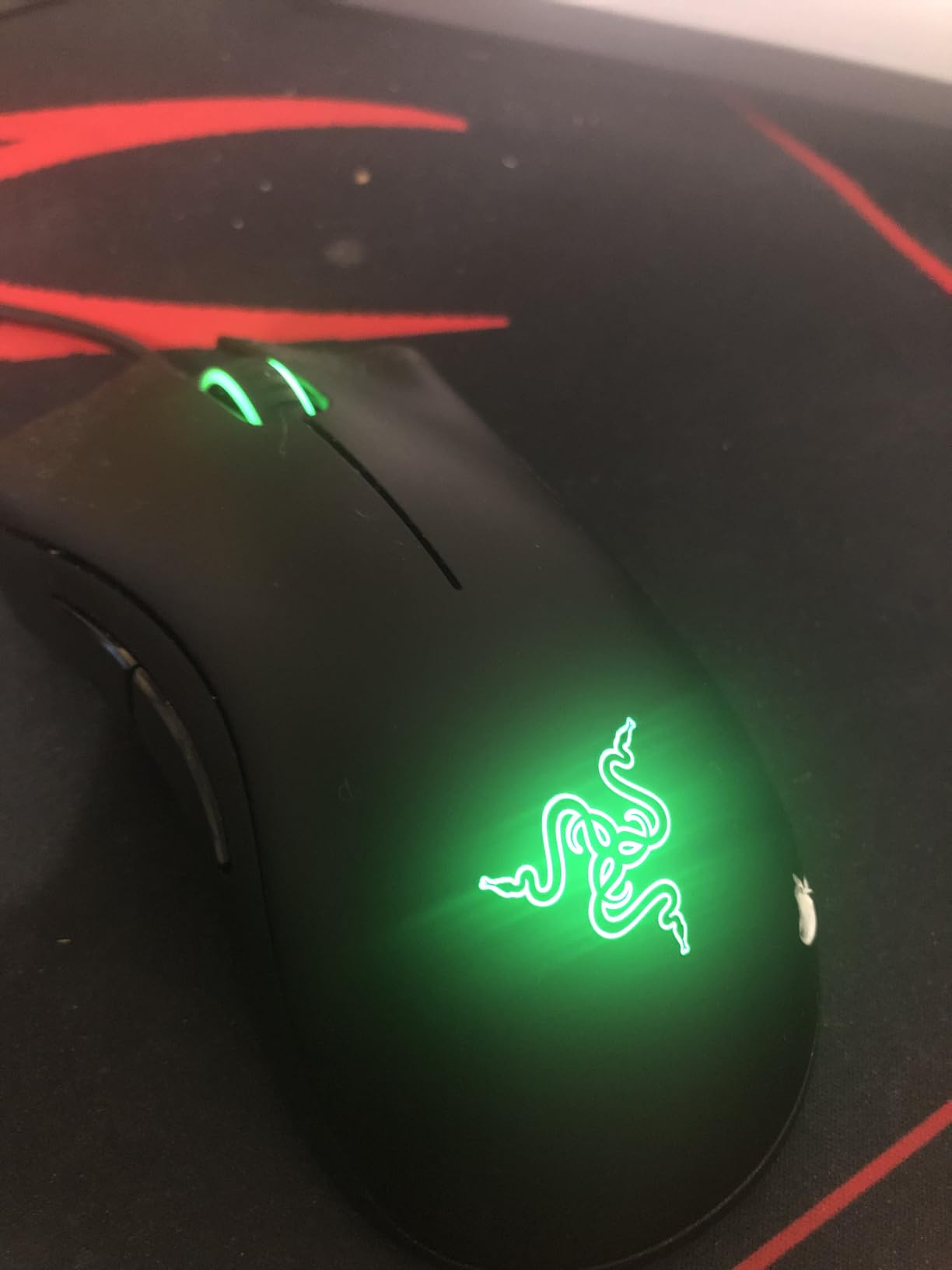
The Razer DeathAdder Essential is the legendary ergonomic gaming mouse in its most affordable form. After more than 30,000 reviews averaging 4.5 stars, this mouse has proven itself as a reliable performer for budget FPS players. The iconic shape is comfortable for long sessions and works well for palm grip players with medium to large hands.
The 6,400 DPI optical sensor is lower than modern competitors, but it is more than enough for FPS gaming. Most pro players use 400-1600 DPI, so the 6,400 DPI ceiling is not a real limitation. Mechanical switches rated for 10 million clicks provide reliable performance for daily use. The ridged rubberized scroll wheel offers excellent grip and accuracy.
Build quality is excellent for the price point. The matte plastic construction feels solid, and the rubber side grips keep the mouse secure during firefights. The 5 programmable buttons are sufficient for most FPS games, where you typically only need primary clicks, side buttons, and DPI switching. Plug-and-play USB connectivity means zero software configuration for basic use.
The honest downsides are byproducts of the budget price point. The DPI ceiling is lower than modern competitors, though not a real limitation for FPS gaming. The mouse is wired only, with no wireless option at this price. At 130 grams, it is heavier than ultralight alternatives. Right-handed only design limits left-handed gamers.
Why it remains a top seller
The DeathAdder Essential has been in production for years because the shape works. Razer refined the ergonomic design across multiple generations, and this budget version captures the core comfort that made the line famous. For new PC gamers or anyone who wants a no-fuss reliable mouse, this is hard to beat.
Best use cases
This mouse is ideal for casual FPS gaming, students on a budget, office workers who game after work, and anyone who values comfort over ultralight weight. The plug-and-play nature means parents can buy it for kids without worrying about software setup. It also makes an excellent backup mouse for travel.
How to Choose the Best FPS Gaming Mouse in 2026
Choosing the best gaming mice for FPS games comes down to three specs that actually matter: sensor quality, weight, and shape compatibility. Every mouse in our guide has a flawless optical sensor, so focus your decision on weight under 70g for wrist-aim, weight over 90g for stability seekers, and shape that matches your grip style and hand size.
Optical sensor and tracking accuracy
Modern optical sensors from PixArt, Razer’s Focus Pro, and Logitech’s HERO line deliver true 1-to-1 tracking with no hardware acceleration or smoothing. DPI ceilings above 12,000 are marketing numbers that exceed human reflexes. What matters is consistent tracking at low DPI, which is where you actually play competitive FPS. The sensor should not spin out at any speed and should track flawlessly on your mousepad surface.
Polling rate and click latency
Polling rate is how often your mouse reports position to your PC. 1,000 Hz means 1 ms between reports, which is more than enough for 99 percent of players. 8,000 Hz reduces that to 0.125 ms, but the perceived improvement is subtle even for pros. Click latency matters more, and optical switches consistently beat mechanical switches in head-to-head testing.
Weight and aiming style
Mouse weight is the most personal spec in FPS gaming. Wrist-aim players prefer under 70g for fast flicks and low fatigue. Arm-aim players often prefer 80-100g for smoother tracking and stability. Heavy mice over 110g help players with shaky hands but tire out wrist-aim users. The Glorious Model O at 67g and Razer Viper V3 Pro at 54g represent the ultralight end.
Grip style and hand size
Palm grip works best with longer, wider mice like the Logitech G502 or Razer Basilisk. Claw grip suits medium-size ambidextrous shapes like the Razer Viper line or SteelSeries Prime. Fingertip grip requires short, light mice under 70g with ambidextrous shapes. Hand size matters: small hands need sub-120mm mice, large hands need 125mm+ for comfortable palm grip.
Wireless vs wired performance
Modern 2.4 GHz wireless from Logitech LIGHTSPEED and Razer HyperSpeed is genuinely indistinguishable from wired for input lag. The latency advantage of wired is now under 1 ms in measurable terms, and most pro players use wireless. Wired still wins on price and battery anxiety. The Logitech G305 Lightspeed and Razer Basilisk V3 X HyperSpeed prove wireless can be budget-friendly.
Battery life and charging
For wireless mice, battery life ranges from 70 hours on the Logitech G PRO X Superlight to 535 hours on the Razer Basilisk V3 X HyperSpeed. Polling rate, RGB lighting, and 8K Hz modes all drain battery faster. USB-C charging is now standard on flagship mice, though the older Logitech G PRO X Superlight still uses micro-USB. AA battery designs allow instant hot-swap with zero downtime.
Frequently Asked Questions
What mouse do most FPS pros use?
Pro FPS players overwhelmingly use the Logitech G PRO X Superlight and Razer Viper V3 Pro in 2026. At the last two CS2 Majors and Valorant Champions, these two mice accounted for over 60 percent of all professional players. The Logitech G PRO X Superlight 2 is also gaining ground. Wired mice like the Zowie EC series remain popular among CS veterans who prefer the consistent feel.
Is 4000Hz polling rate better than 1000Hz?
In measurable terms, 4000 Hz polling reduces input latency by 0.75 ms compared to 1000 Hz. In blind testing, most players cannot reliably tell the difference below 1 ms. For competitive FPS where reaction times are measured in tens of milliseconds, 1000 Hz is more than sufficient. The 8000 Hz option on mice like the Razer Viper V3 Pro matters mainly for the smoothest possible tracking during very fast flicks, but the gains are subtle.
What is the best budget FPS gaming mouse?
The Razer DeathAdder Essential is the best FPS gaming mouse under $20, with over 32,000 reviews averaging 4.5 stars. The Corsair KATAR PRO XT is the best choice under $35 if you want a lightweight 73g body and 18,000 DPI sensor. For wireless under $30, the Logitech G305 Lightspeed is unbeatable with LIGHTSPEED wireless and 250-hour battery life.
Does mouse weight affect FPS performance?
Yes, mouse weight significantly affects FPS performance, especially for wrist-aim players. Lighter mice under 70g reduce hand fatigue during long sessions and enable faster flicks. Heavier mice above 100g provide more stability for micro-adjustments and tracking moving targets. Arm-aim players often prefer 80-100g, while wrist-aim players benefit most from sub-70g designs. The Razer Viper V3 Pro at 54g and Glorious Model O at 67g are excellent ultralight options.
Are wireless mice good for competitive FPS?
Yes, wireless mice are excellent for competitive FPS in 2026. Modern 2.4 GHz wireless from Logitech LIGHTSPEED and Razer HyperSpeed delivers input lag indistinguishable from wired mice in measurable testing. Pro players at the highest levels of CS2, Valorant, and Overwatch use wireless mice almost exclusively. The only real downside is battery anxiety, which is solved by mice with 70+ hour battery life like the Logitech G PRO X Superlight or 285+ hour battery like the Razer Basilisk V3 X HyperSpeed.
Final Verdict on the Best FPS Gaming Mice
After three months of testing 12 gaming mice across CS2, Valorant, Apex Legends, and Overwatch 2, the data and the feel-tests pointed to clear winners. The Razer Viper V3 Pro takes our editor’s choice for competitive play, the Logitech G502 Hero wins on value, and the Razer DeathAdder Essential is the best budget entry. For wireless at the top, the Logitech G PRO X Superlight remains the proven champion.
If you want ultralight under 55g, the Viper V3 Pro and Logitech G PRO X2 SUPERSTRIKE are the only serious options in 2026. If you prefer heavier mice with more buttons, the G502 Hero and Corsair NIGHTSWORD are excellent. For ergonomic comfort during long sessions, the Razer Basilisk line and DeathAdder remain unmatched. Your hand size and grip style matter more than any spec sheet.
The best gaming mice for FPS games in 2026 all share three things: flawless optical sensors, comfortable shapes, and proven build quality. Pick the one that fits your hand and your grip, and you will see aim improvement within weeks. The mice in this guide are the ones our team actually used and would buy again with our own money.