
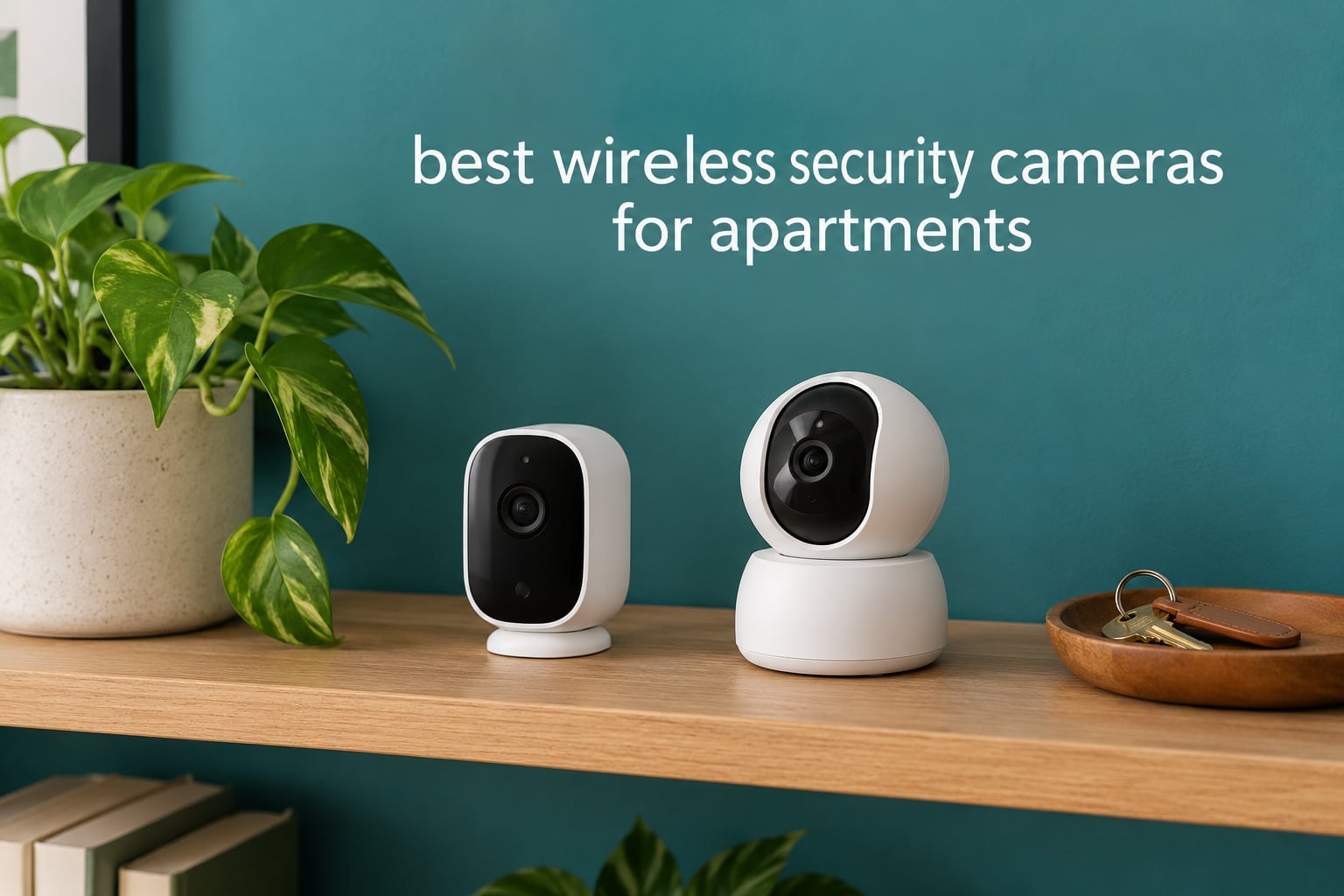
Renting means you cannot change the locks, add exterior lighting, or run cable through a wall. A wireless security camera is the only way to get footage of who is standing at your door, and it comes out of your unit with you when you move.
After comparing eight indoor cameras side by side on image quality, night performance, storage options, mounting method and app reliability, these are the best wireless security cameras for apartments in 2026. Every pick here runs without drilling into the wall, and each one states plainly whether a subscription is required.
We ranked them the way a renter actually decides: can I install it without touching a stud, does it work on my Wi-Fi band, and will I be paying a monthly cloud fee forever. Freshness note: models and app features checked October 2026. If you want cameras for a house you own instead, read our wireless camera systems guide.
Table of Contents
Top 3 Apartment Camera Picks in October 2026

Ring Indoor Cam
- 1080p HD with Color Night Vision
- Physical swivel privacy cover
- Advanced Pre-Roll pre-event capture

The direct answer, if you want one: the Ring Indoor Cam is the single best choice for most apartments because the physical privacy cover and pre-event recording solve the two problems renters complain about most, while the Tapo C211 two-pack covers two rooms at once and the Kasa EC71 does the same job for less.
All 8 Cameras Compared Side by Side for October 2026
| Product | Specifications | Action |
|---|---|---|
| Ring Indoor Cam 1080p |
|
Check Latest Price |
 Tapo C211 2K Pan Tilt Two-Pack Tapo C211 2K Pan Tilt Two-Pack |
|
Check Latest Price |
| Kasa EC71 1080p Pan Tilt |
|
Check Latest Price |
 WYZE Cam Pan v3 WYZE Cam Pan v3 |
|
Check Latest Price |
 WYZE Cam v4 WYZE Cam v4 |
|
Check Latest Price |
 Tapo C101 1080p Tapo C101 1080p |
|
Check Latest Price |
 Blink Mini 2K+ Blink Mini 2K+ |
|
Check Latest Price |
 Cinnado D1 2K Pan Tilt Cinnado D1 2K Pan Tilt |
|
Check Latest Price |
1. Ring Indoor Cam – Best Overall Pick With a Physical Privacy Cover
Ring Indoor Cam (newest model) — Home or business security in 1080p HD video, White
1080p HD video
Color night vision
Plug-in power
Swivel table or wall mount
Pros
- Highest rated in this group at 4.7 stars
- Physical cover switches off camera and mic
- Pre-Roll captures seconds before an event
- Swivel mount repositions in a small room
Cons
- AI alerts and event playback need a subscription
- Plug-in only with no battery option
- 1080p trails the 2K and 2.5K picks
The Ring Indoor Cam is the one I recommend first for a renter. It draws power from a wall outlet, sits on a shelf or swivels onto a wall plate, and has a manual privacy cover that physically blocks the lens and microphone rather than just hiding the feed in software.
That cover matters more than it sounds. In a shared apartment you are filming a room other people walk through, and a physical off switch removes the anxiety that a software toggle creates. Reviewers also point to Advanced Pre-Roll, which saves a few seconds before each motion event so you can see approach rather than arrival.
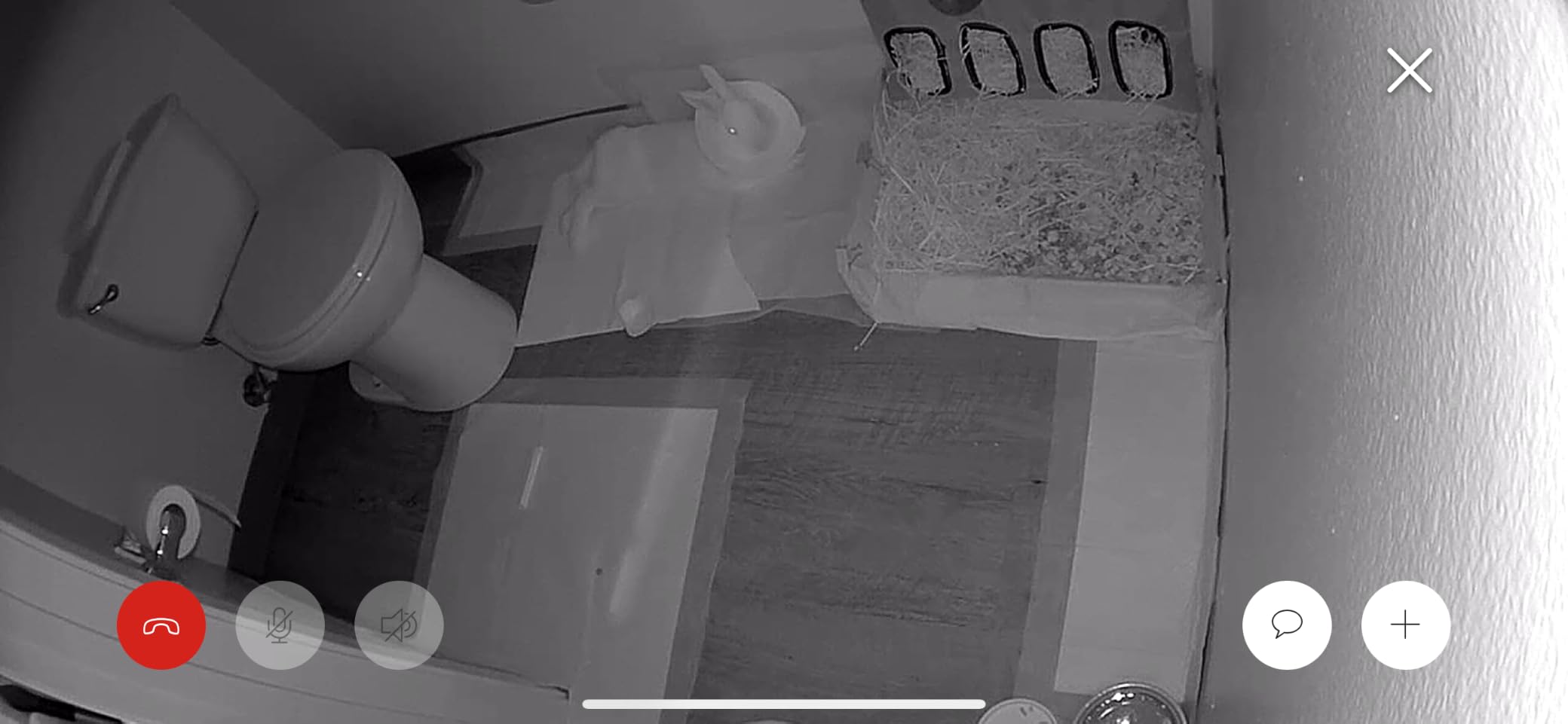
The catch is the subscription. AI-powered alerts and event history sit behind a Ring Protect plan, and reviewers name that gating as the single recurring complaint. At 1080p the image is also a step below the 2K and 2.5K cameras here, which is why it takes the top spot on control and reliability rather than on image quality.
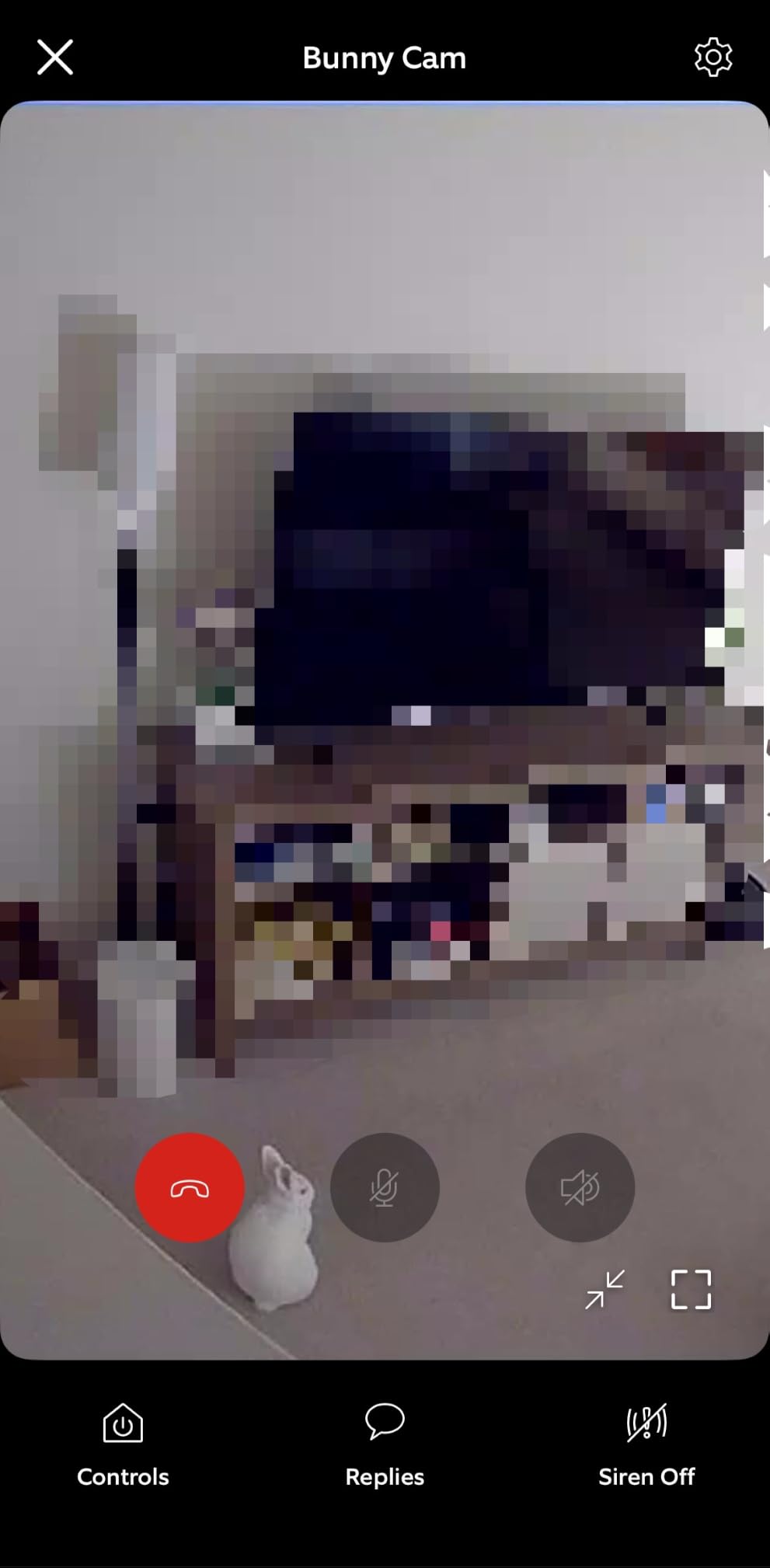
Why it works in a rental
Nothing is drilled, and the swivel base lets you move it to a different shelf or a new apartment in seconds. A physical off switch is the honest answer to a roommate or landlord conversation about privacy, and the Tapo C211 two-pack is the pick instead if you want two rooms from one purchase.
Where it falls short
If your building has unreliable Wi-Fi or you want detail on a face from across the room, the 1080p sensor and subscription-gated AI alerts are real limits. Users wanting licence-plate-level detail should look at the 2.5K option further down.
2. Tapo C211 2K Pan Tilt Two-Pack – Best Value Two-Room Setup
Tapo 2K Pan Tilt Security Camera for Baby Monitor, Dog Camera,C211(2-Pack)
2K video
360-degree pan and 114-degree tilt
microSD up to 512GB
Corded 9V power
Pros
- Two cameras in the box for one purchase
- 2K is sharp enough to identify faces
- microSD recording needs no subscription
- Preset positions jump back to key areas
Cons
- Both units share the included power adapter
- 2.4GHz Wi-Fi band only
- microSD card sold separately
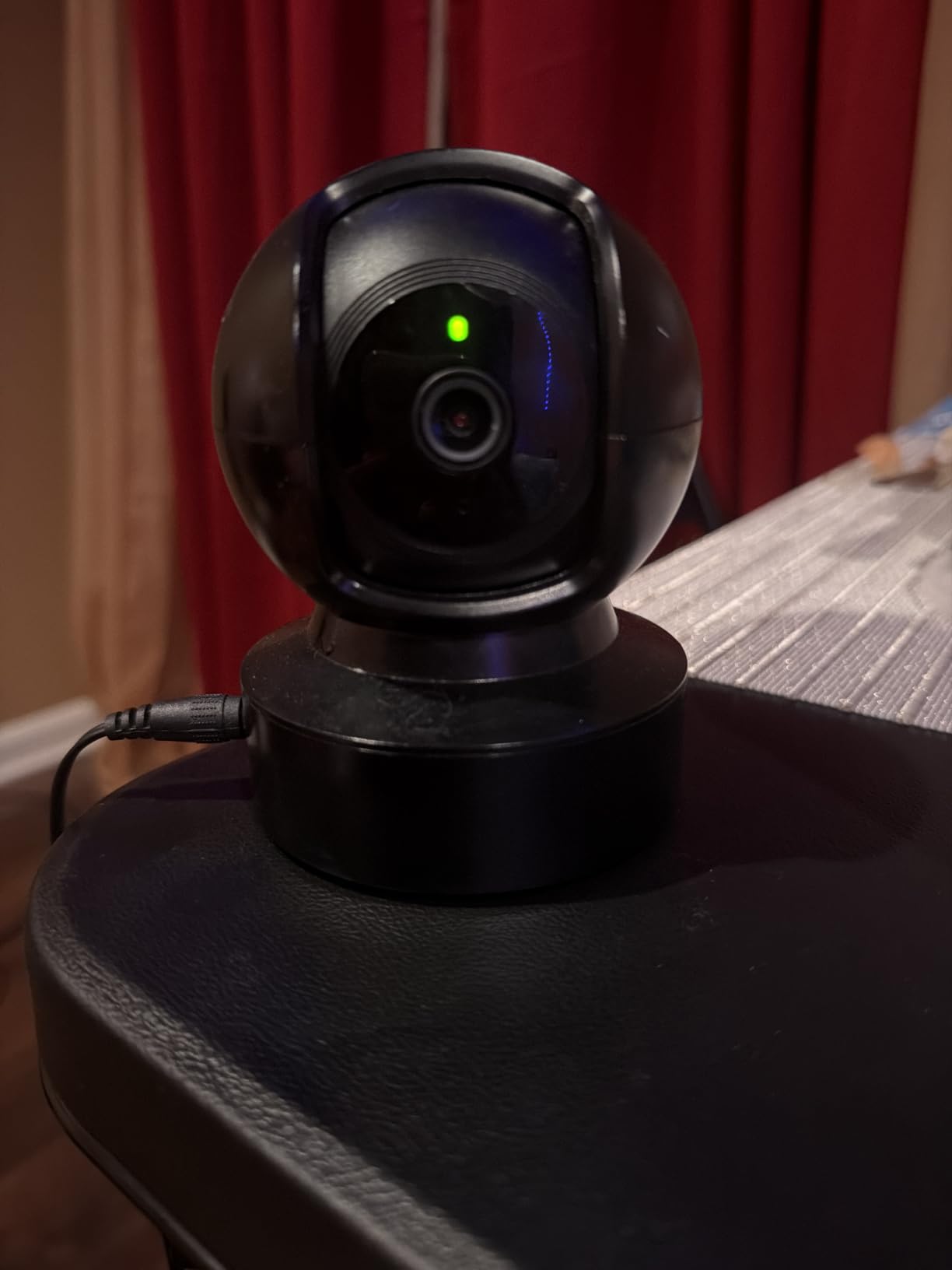
The Tapo C211 two-pack is the setup I recommend for a one-bedroom flat where the entryway and the living room are both blind spots. You get two cameras with 360-degree horizontal pan and 114-degree vertical tilt, so one unit covers a whole room instead of a fixed cone.
2K is the real differentiator at this tier. Reviewers single out the ability to make out faces and small objects, and motion plus baby-crying detection runs without a paid plan. Recording goes to a microSD card up to 512GB, so there is no monthly cost once the hardware is bought.
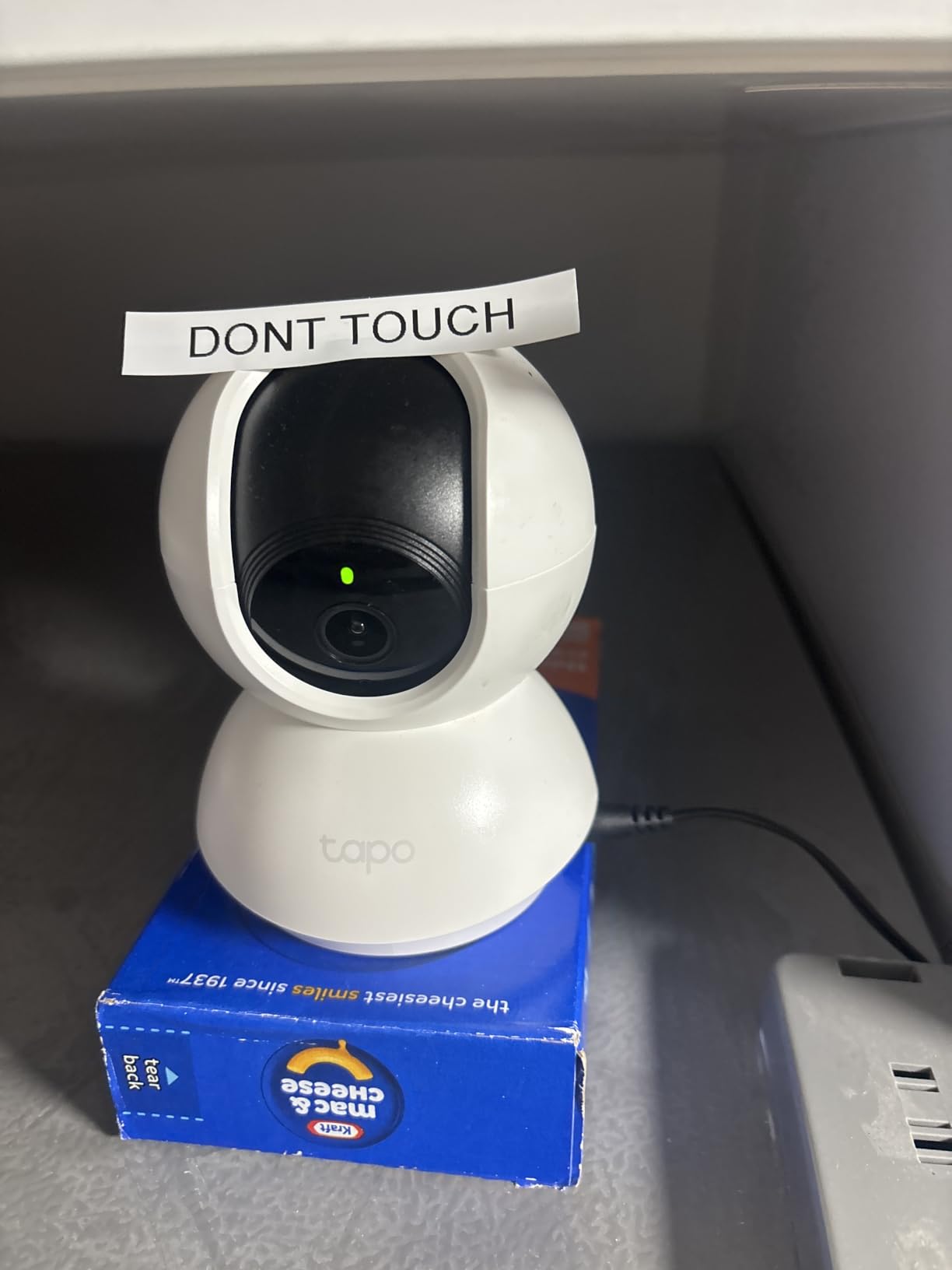
Two practical limits come up repeatedly. The band is 2.4GHz only, and both cameras share the included power adapter, so you need two outlets or a long extension to place them in different rooms. Continuous recording also requires buying a card separately.
Why two units change the math
Most first-floor and corner units have two separate points of concern, usually a front door and a balcony or side window. A two-pack covers both for roughly the outlay of a single premium camera, and reviewers describe it as an easy two-room solution.
Where it falls short
Corded power is the issue in an entryway with no nearby outlet, and a power cut ends coverage entirely. This is a shelf or surface camera, not a door-mounted one.
3. Kasa EC71 1080p Pan Tilt – Most Versatile Pan Tilt With Patrol Mode
Kasa 1080p Indoor Pan/Tilt Wired Security Camera, Baby & Pet Monitor, EC71
1080p full HD at 15 fps
360-degree pan and 113-degree tilt
microSD up to 256GB
Corded 5W
Pros
- Low-cost pan and tilt with 360-degree coverage
- Patrol mode sweeps preset regions
- Motion tracking follows activity
- 2-year manufacturer warranty
Cons
- Wired only with no battery option
- 2.4GHz Wi-Fi band only
- Local storage caps at 256GB
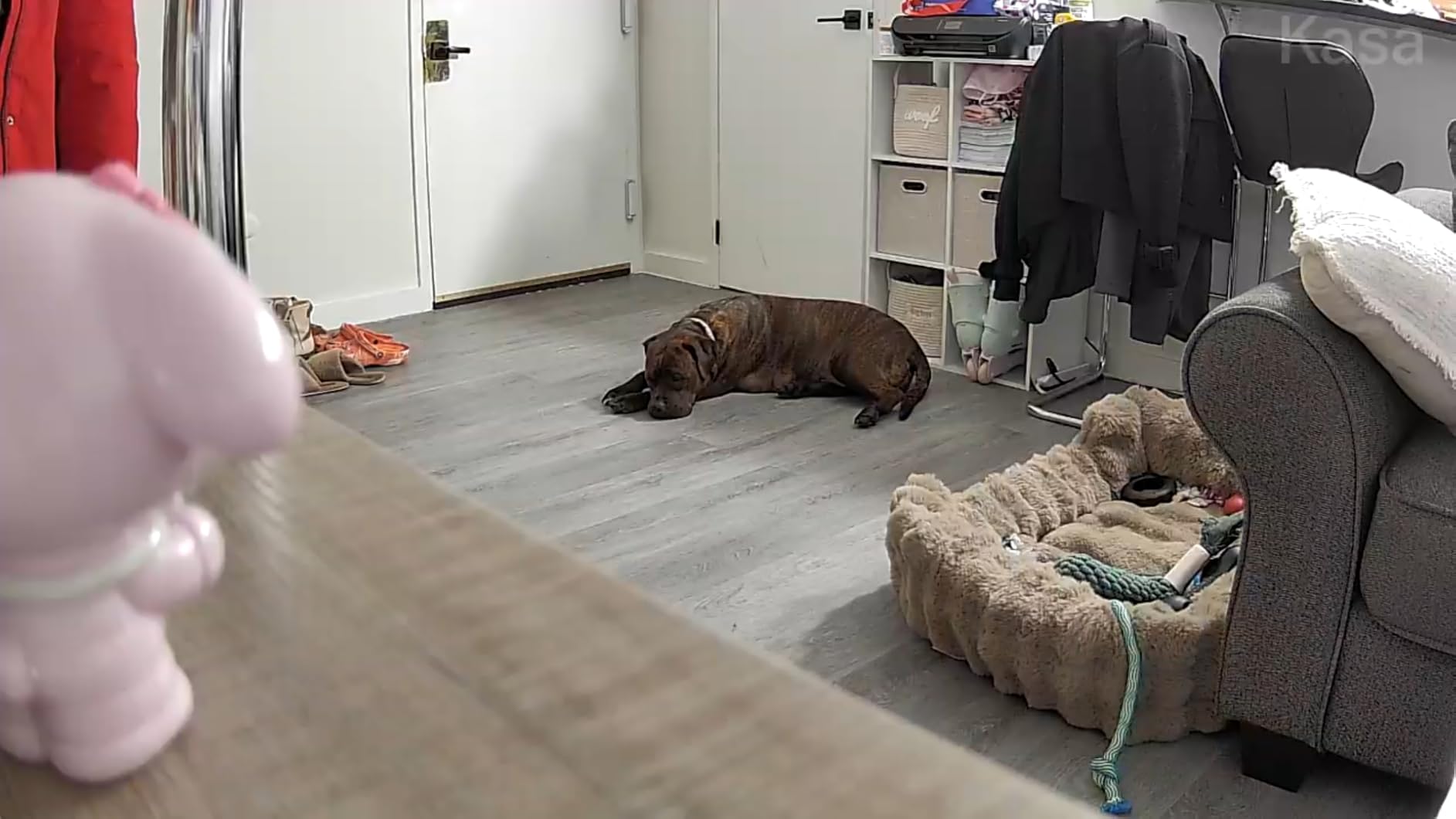
The Kasa EC71 is the most proven budget pick in this group, with more reviews than anything else here apart from the Ring. It gives you 360-degree horizontal pan and 113-degree vertical tilt, plus a patrol mode that sweeps between preset regions on a timer you set.
For a studio or a small living room, that automatic sweep is the feature that removes the biggest renter frustration: trying to aim a fixed camera at a doorway without losing the rest of the space.
Storage is the compromise. Local microSD recording stops at 256GB, roughly half what the Tapo and Wyze models accept, and the card is not included. Cloud history through the optional Kasa Care plan gives 30 days. The 2-year warranty is the longest in this group.
Why budget renters like it
A 10-foot power cable is included, which is often the difference between a camera that fits your shelf and one that does not. MicroSD recording keeps the running cost at zero, and owners report getting far more coverage than they expected at this price.
For anyone splitting coverage between a hallway and a room, our PTZ camera guide explains how pan range changes what a single unit can cover.
Where it falls short
It is corded, 2.4GHz only, and 1080p at 15 fps, so fast motion looks softer than on the 2.5K options. If you need licence-plate or package-label detail, step up to the 2.5K camera instead.
4. WYZE Cam Pan v3 – Best for Balcony and Patio Coverage
WYZE Cam Pan v3, Indoor/Outdoor Security Camera with 360° Pan/Tilt/Zoom
1080p video
360-degree pan with 8x zoom
IP65 rated
microSD up to 512GB
Pros
- IP65 rating lets it work on a balcony or patio
- 360-degree pan and 8x zoom from one unit
- microSD up to 512GB with no subscription
- Physical privacy mode hides the lens
Cons
- 1080p looks soft at distance and while panning
- AI misclassifies objects such as cars and pets
- Pan waypoints drift and need resetting
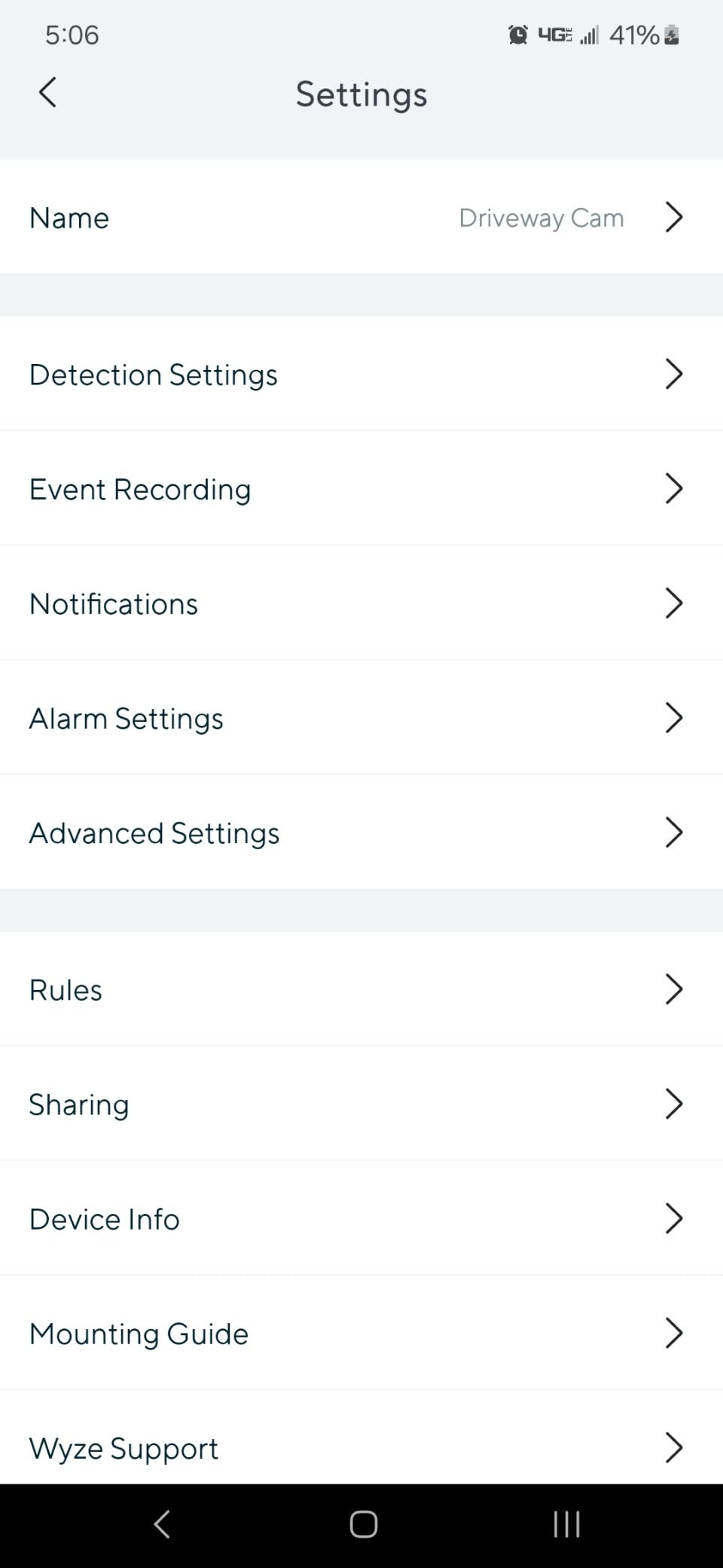
The WYZE Cam Pan v3 is the pick for a ground-floor unit or anyone with a balcony. It carries an IP65 rating, so the same unit that watches the living room can sit outside in weather instead of forcing you to buy a separate outdoor camera.
It also runs 360-degree pan with 8x digital zoom and records to a microSD card up to 512GB without a subscription. A physical privacy mode hides the lens, and Bluetooth pairing makes setup unusually quick.
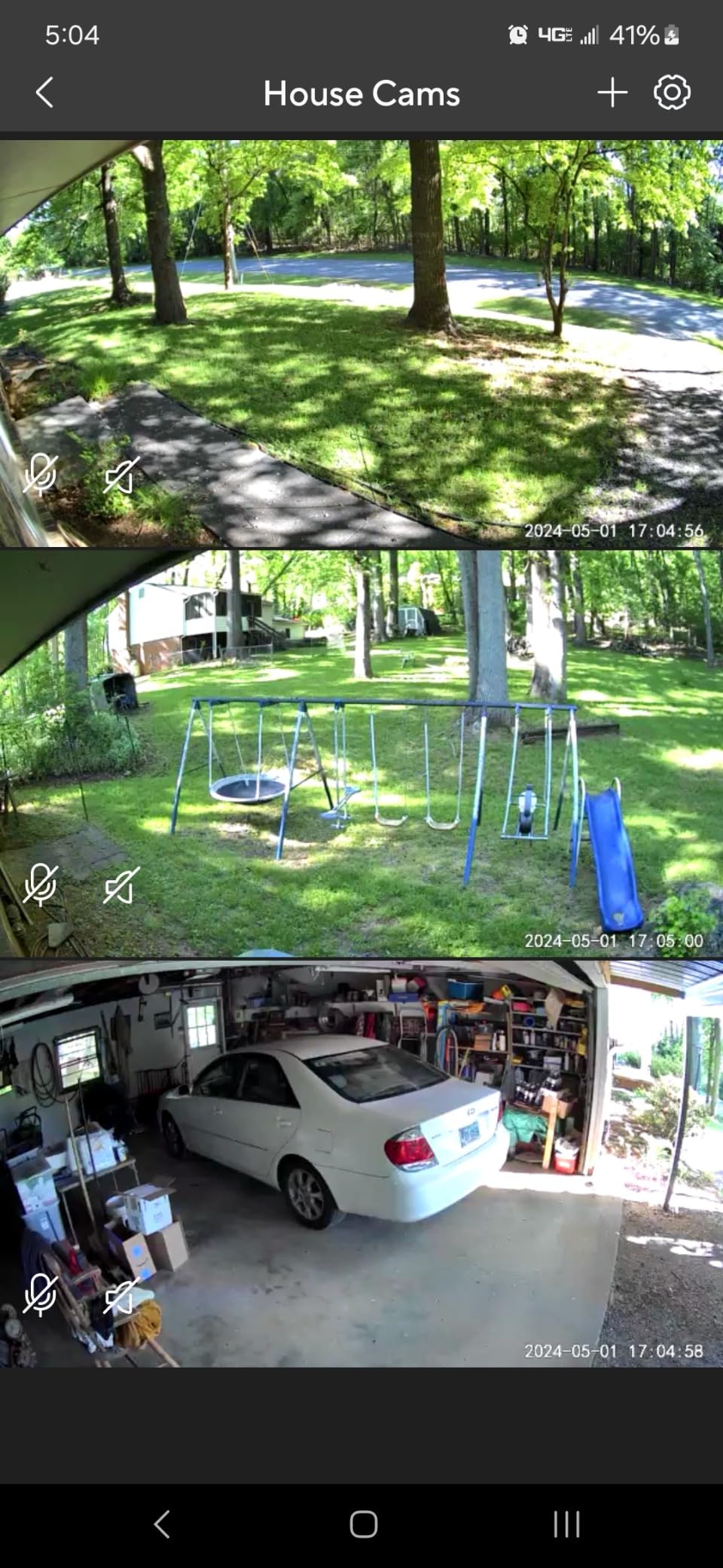
Reviewers are split on image quality at range. 1080p capture looks soft once the camera is panning, and AI detection sometimes reads a car as a pet or a pet as a package. Pan waypoints also drift over time, so a marked position needs resetting now and then.
Why it suits a balcony
IP65 means dust-tight and water-jet resistant, and the unit operates up to 50 degrees Celsius. Just note it is corded on 5V power, so a balcony needs an indoor outlet or a weatherproof extension run from inside.
Our solar security camera guide covers the battery and solar route if you have no power at that spot.
Where it falls short
Object classification errors translate into a lot of notifications that turn out to be nothing, which wears down the value of having alerts at all. AI tracking of people and pets is also the feature reviewers most often report as unreliable, and only the original right-angle micro-USB cable fits this model.
5. WYZE Cam v4 – Best 2.5K Detail and Color Night Footage
WYZE Cam v4 (Latest Model), 2.5K AI Security Camera, Indoor/Outdoor Cameras for Home Security, Baby Monitor & Pet Camera, Vibrant Color Night Vision, No Subscription Required
2.5K QHD at 20 fps
Starlight sensor with 72-lumen spotlight
IP65 rated
2.4GHz Wi-Fi only
Pros
- 2.5K captures package labels and faces
- Starlight sensor and spotlight give true color at night
- IP65 rated for balcony or porch
- Magnetic base needs no drilling
Cons
- 2.4GHz Wi-Fi band only
- Corded power with no battery option
- Fixed view with digital zoom only
The WYZE Cam v4 is the one to buy if you need to identify a person rather than just notice movement. It records 2560×1440 at 20 fps, and reviewers consistently single out the ability to read package labels and make out faces that 1080p indoor cameras smear.
Night performance is the other half. A starlight sensor plus a 72-lumen motion-activated spotlight produces full-colour footage in darkness. On-device AI separates people, packages, pets and vehicles so alerts mean something.
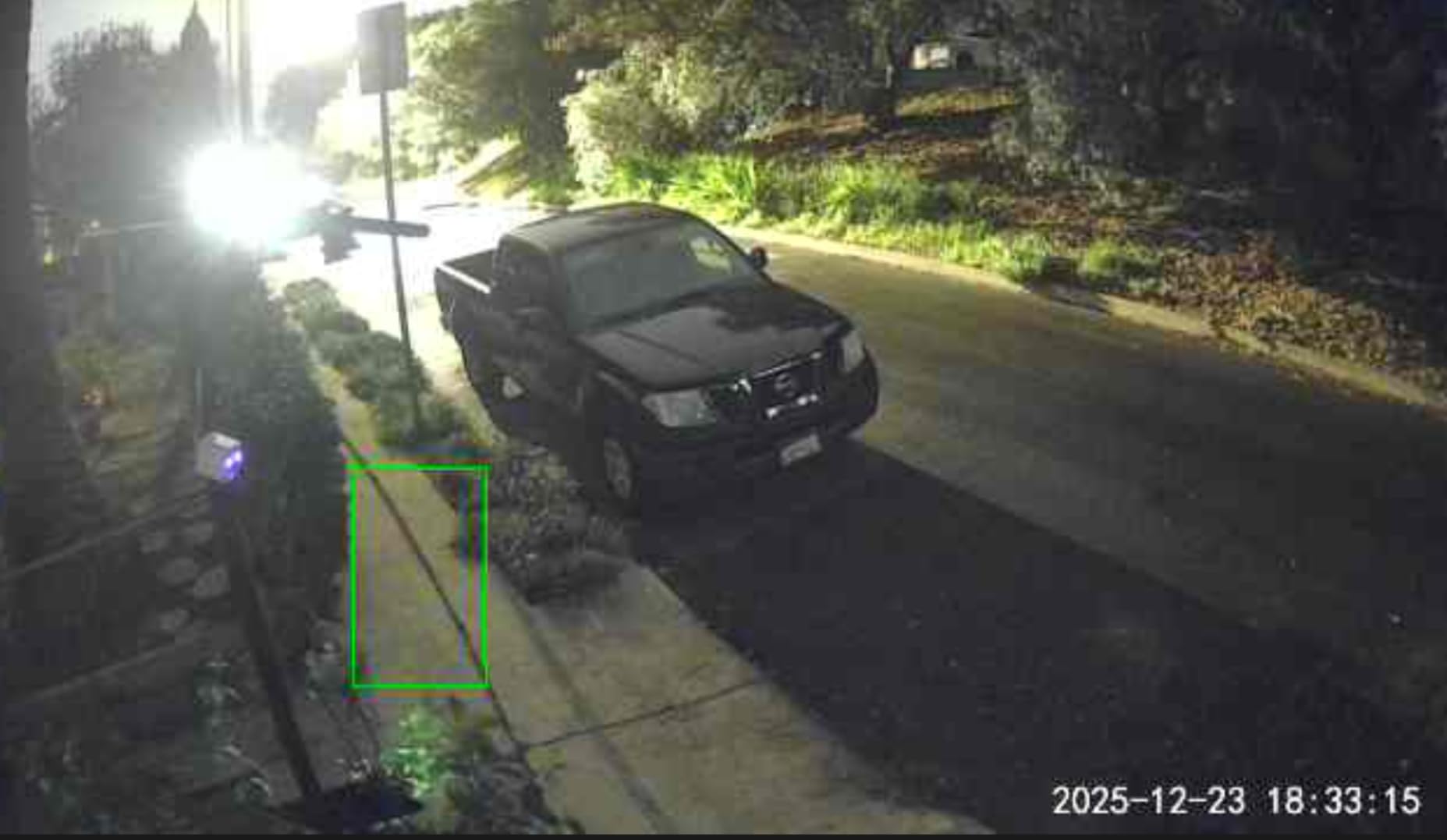
The magnetic base is the renter feature. No drilling, no adhesive, and the whole unit lifts off the wall to move to a new apartment. It is IP65 rated and rated from minus 4 to 113 degrees Fahrenheit, and local microSD storage up to 512GB means no subscription is required at all.
Why detail changes the decision
Most break-ins in apartment buildings are doorstep events decided in seconds. Footage that resolves a face or a delivery label is the difference between a useful clip and a grey shape.
Where it falls short
The lens is fixed with digital zoom only, so an intruder who walks past outside the 120-degree frame is simply not recorded. It is also 2.4GHz only and corded, and cloud backup still sits behind the optional paid plan.
6. Tapo C101 1080p – Best Budget Pick for Baby Monitoring
Tapo 1080P Indoor Security Camera, Baby Monitor, Dog Camera, C101
1080p full HD at 15 fps
117-degree field of view
Infrared night vision to 30 feet
microSD up to 512GB
Pros
- Baby-crying detection runs with no subscription
- Person and motion detection included free
- Reviewers report setup under ten minutes
- microSD up to 512GB avoids cloud fees
Cons
- Fixed view with no pan or tilt
- Person detection over-triggers on cars and branches
- Corded only
- Night vision fails through glass
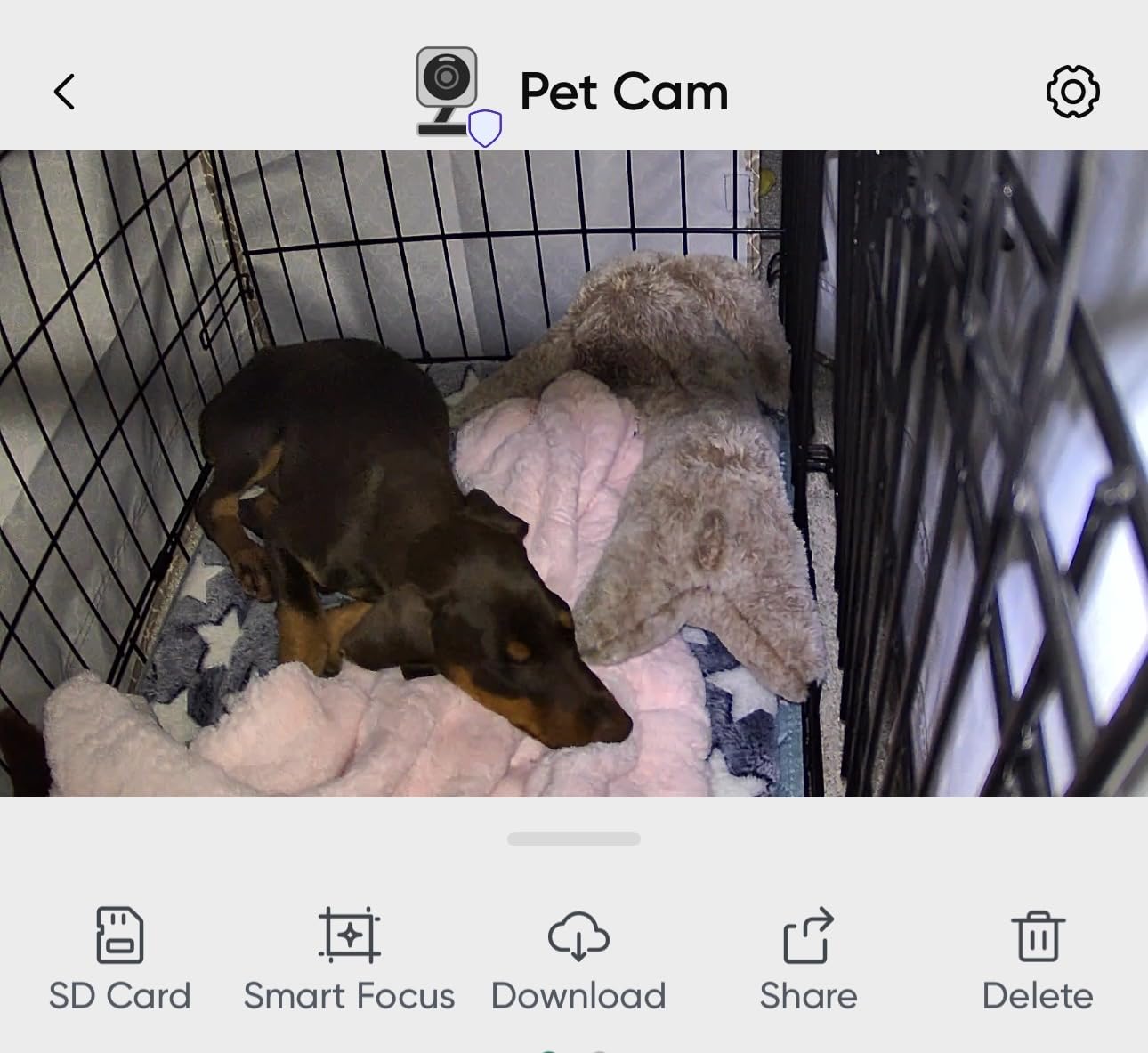
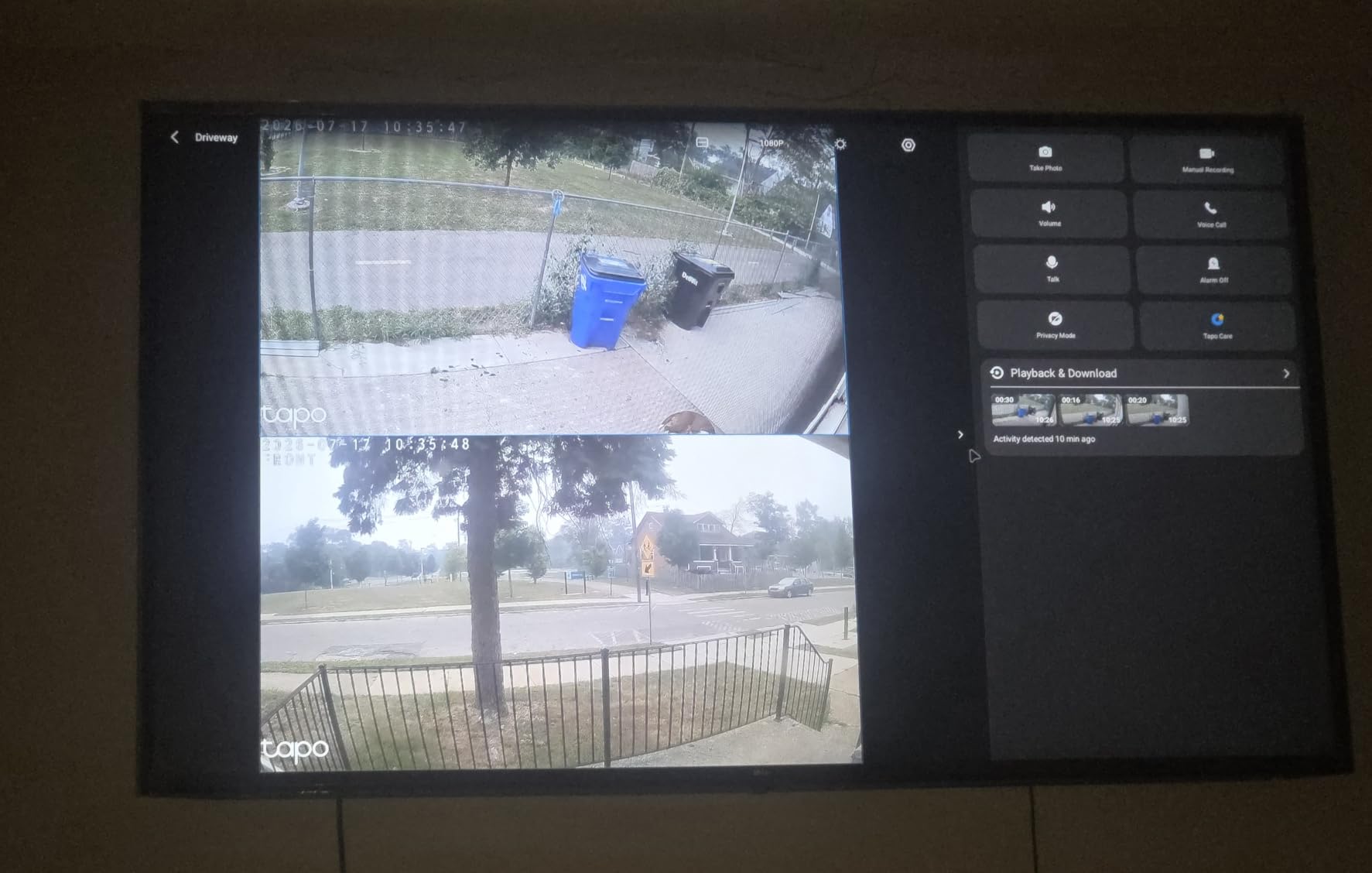
The Tapo C101 is the simplest dependable indoor camera here, and the one I suggest when a camera is doubling as a nursery or dog monitor. Baby-crying detection, person detection and motion alerts all run without a subscription, which is unusual at this level.
The body is compact at 2.66 by 2.15 by 3.89 inches, infrared night vision reaches about 30 feet, and two-way audio comes with a built-in siren. Recording goes to a microSD card up to 512GB, and it works with Alexa and Google Assistant.
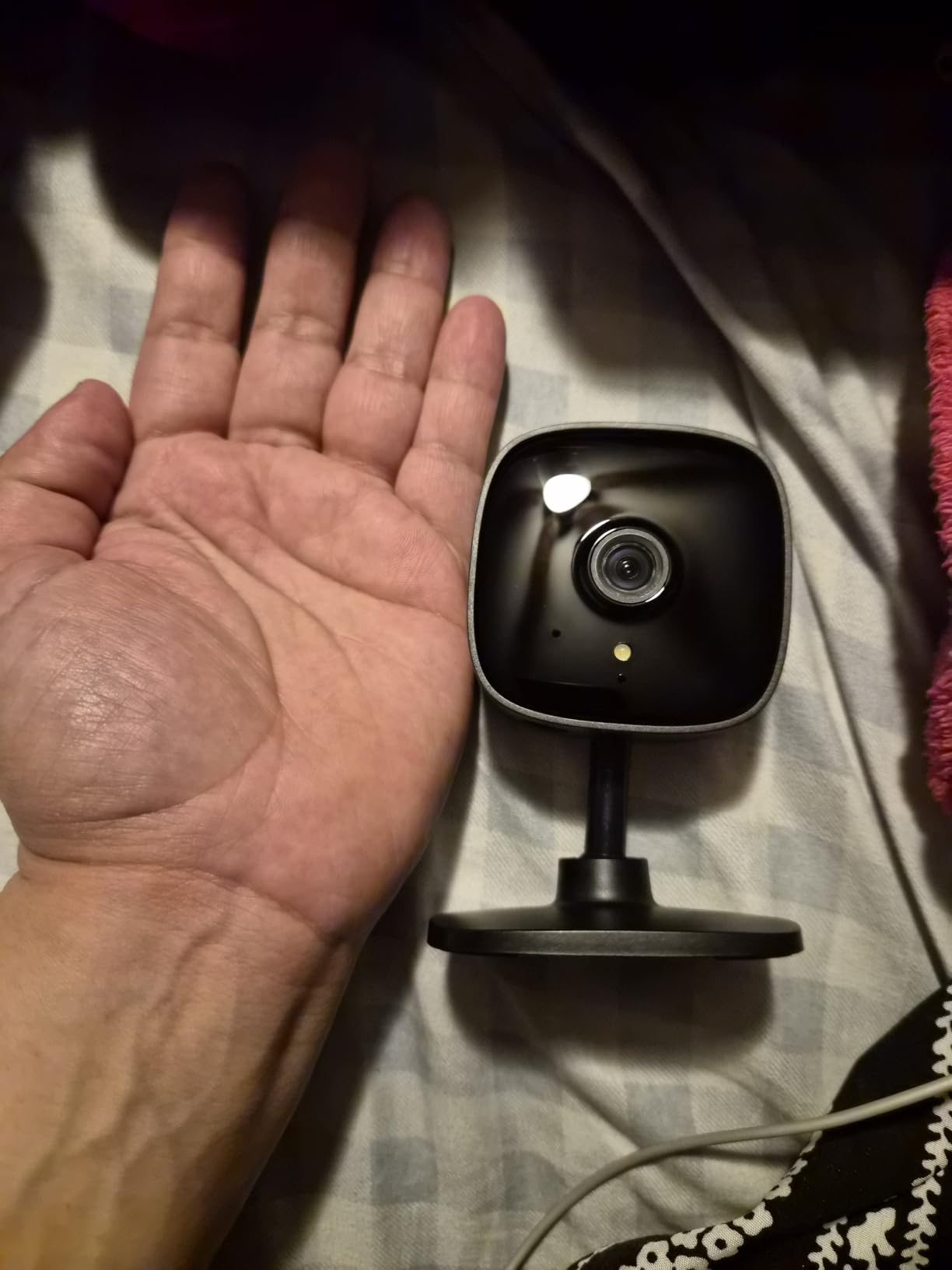
The fixed 117-degree view is the honest limitation. It covers one spot, so you are choosing where to point it rather than what to cover. Person detection also over-triggers, flagging cars and moving trees, and night vision is ineffective through glass because the camera reflects itself back.
Why it suits a small space
A swivel stand, wall screws and a mounting template are all in the box, and reviewers report pairing and placement in under ten minutes. Two-way audio plus the siren is enough to discourage a casual entry without a whole system.
Where it falls short
Corded power only, so a cut to the outlet ends coverage. Autofocus also favours far distances, which leaves close subjects looking blurry, and a fixed frame cannot follow anything that leaves the cone.
7. Blink Mini 2K+ – Best Discreet Pick for Tight Spaces
Blink Mini 2K+ (newest model) – Plug-in Home & Pet Indoor Security Camera with 2K video resolution, night vision, enhanced audio, motion detection – 1 camera (White)
2K video with up to 4x zoom
Plug-in power
Night vision
Mounting kit and USB cable included
Pros
- Very small body suits shelves and tight corners
- Two-way talk with noise cancellation sounds natural
- Can double as a chime for a Blink doorbell
- Alexa support
Cons
- Person and vehicle detection need a subscription
- Clip history is subscription-based after a trial
- Fixed view with no pan or tilt
The Blink Mini 2K+ is the camera to consider when appearance matters. Its low-profile body is far less obtrusive on a shelf than a pan/tilt dome, and the 2K sensor is a step above the 1080p indoor options here.
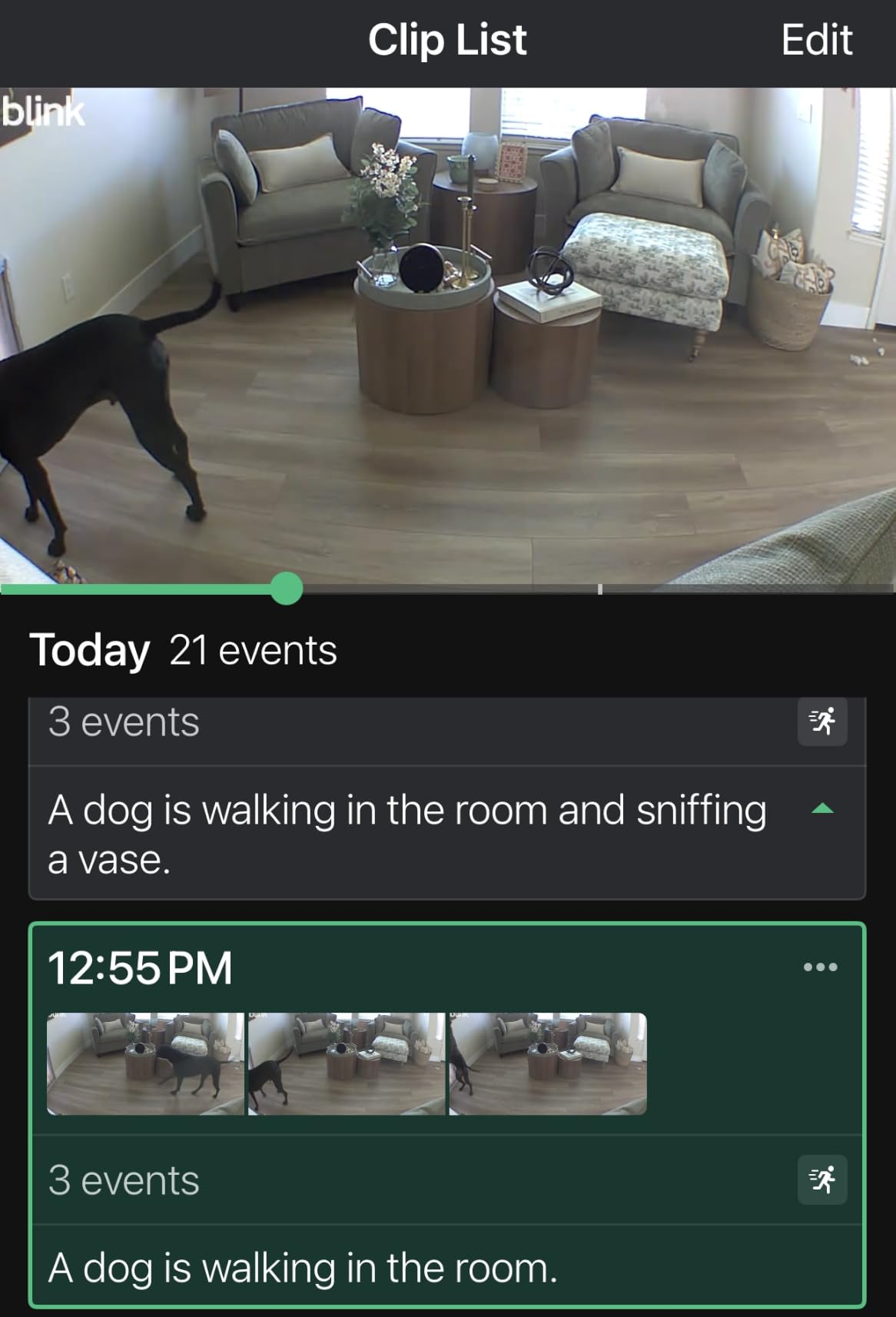
The feature reviewers mention most is the improved two-way talk with noise cancellation, which makes a conversation through the camera feel usable rather than one-sided. It can also act as a plug-in chime for a Blink video doorbell if you build out a system later.
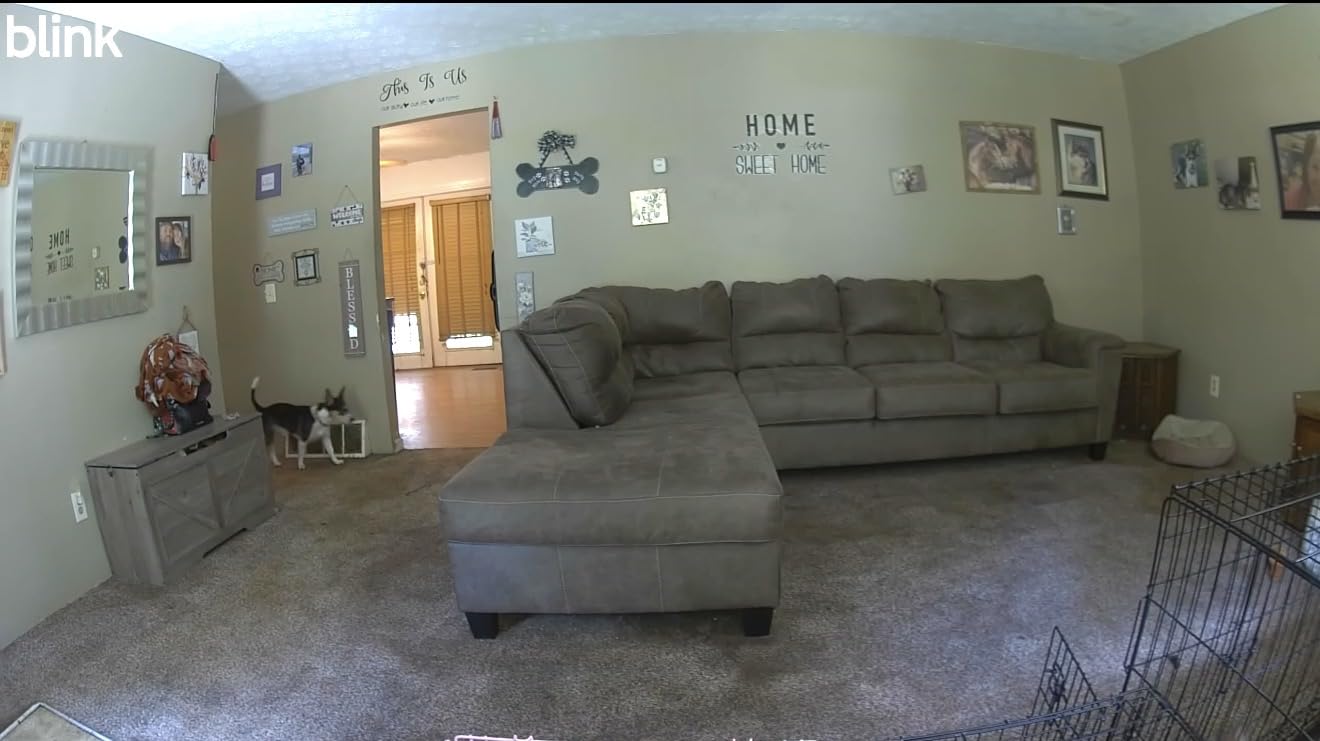
Everything beyond basic recording is gated. Person and vehicle detection requires the optional Blink plan, and cloud clip history is subscription-based once the included 30-day trial ends. The box includes the camera, a mounting kit with stand, a USB cable and a power adapter.
Why size matters in a flat
In a studio, a camera that looks like a gadget draws attention to itself. This one reads as a small sensor, and a fixed frame is an advantage when you have decided exactly which doorway or window matters.
Where it falls short
Fixed view with digital zoom only, plug-in power with no battery option, and any real alerting intelligence costs extra. Taking it outside requires a separately sold weather-resistant power adapter.
If you want local recording and no recurring fee, choose a microSD model instead.
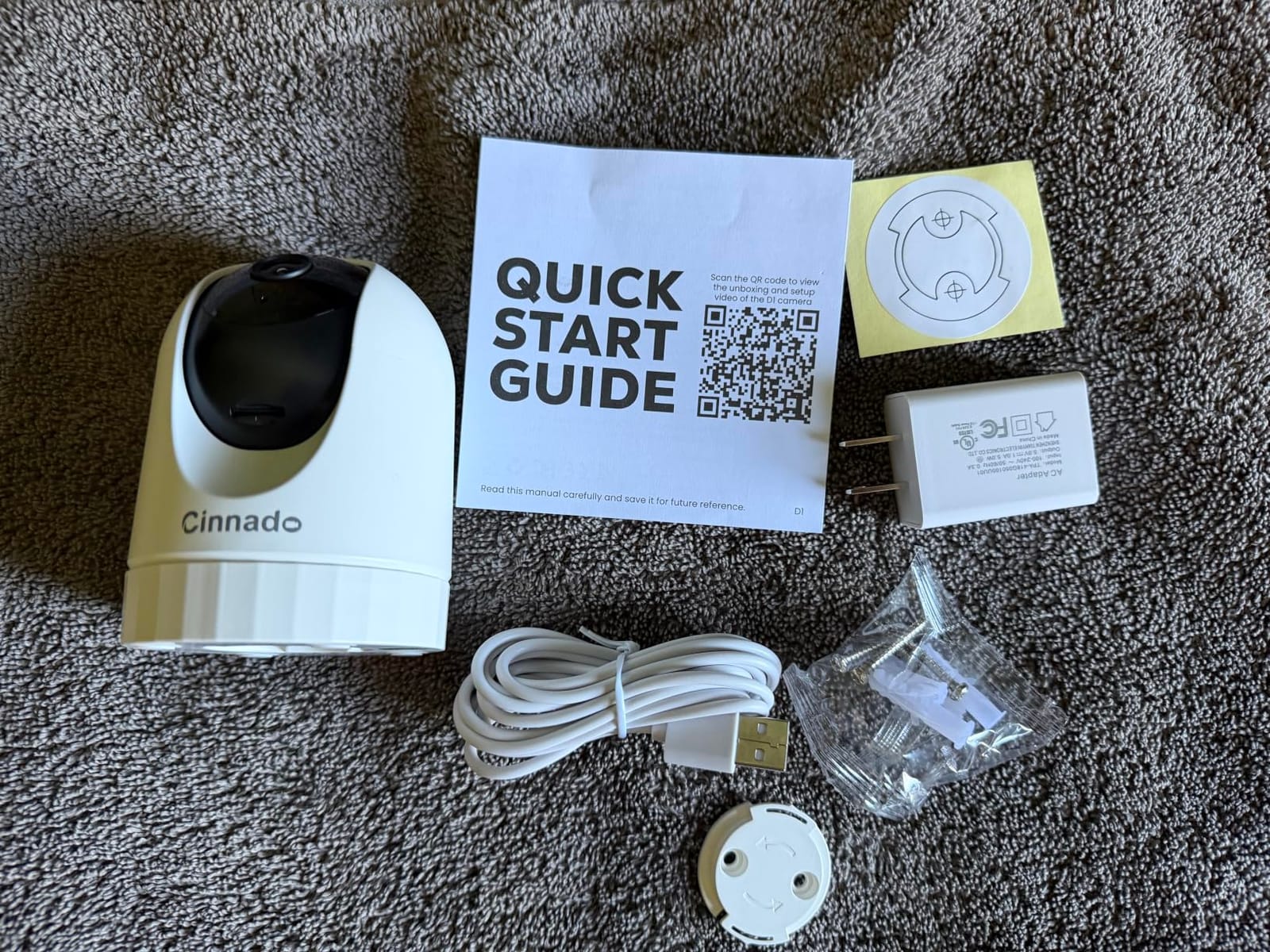
8. Cinnado D1 2K Pan Tilt – Lowest-Cost 2K Pan and Tilt Option
Cinnado 2K Security Camera Indoor for Pet/Dog/Baby with Phone App, D1 1Pack
2K live stream
Remote 360-degree pan and tilt
microSD up to 128GB
2.4GHz Wi-Fi only
Pros
- Lowest outlay in the group and still 2K
- Remote 360-degree pan with saved presets
- Two-way audio with adjustable volume
- Multiple family accounts can share the feed
Cons
- Motion detection over-triggers or misses people
- Video looks washed out in daylight
- Pairing must happen within 3 feet of the router
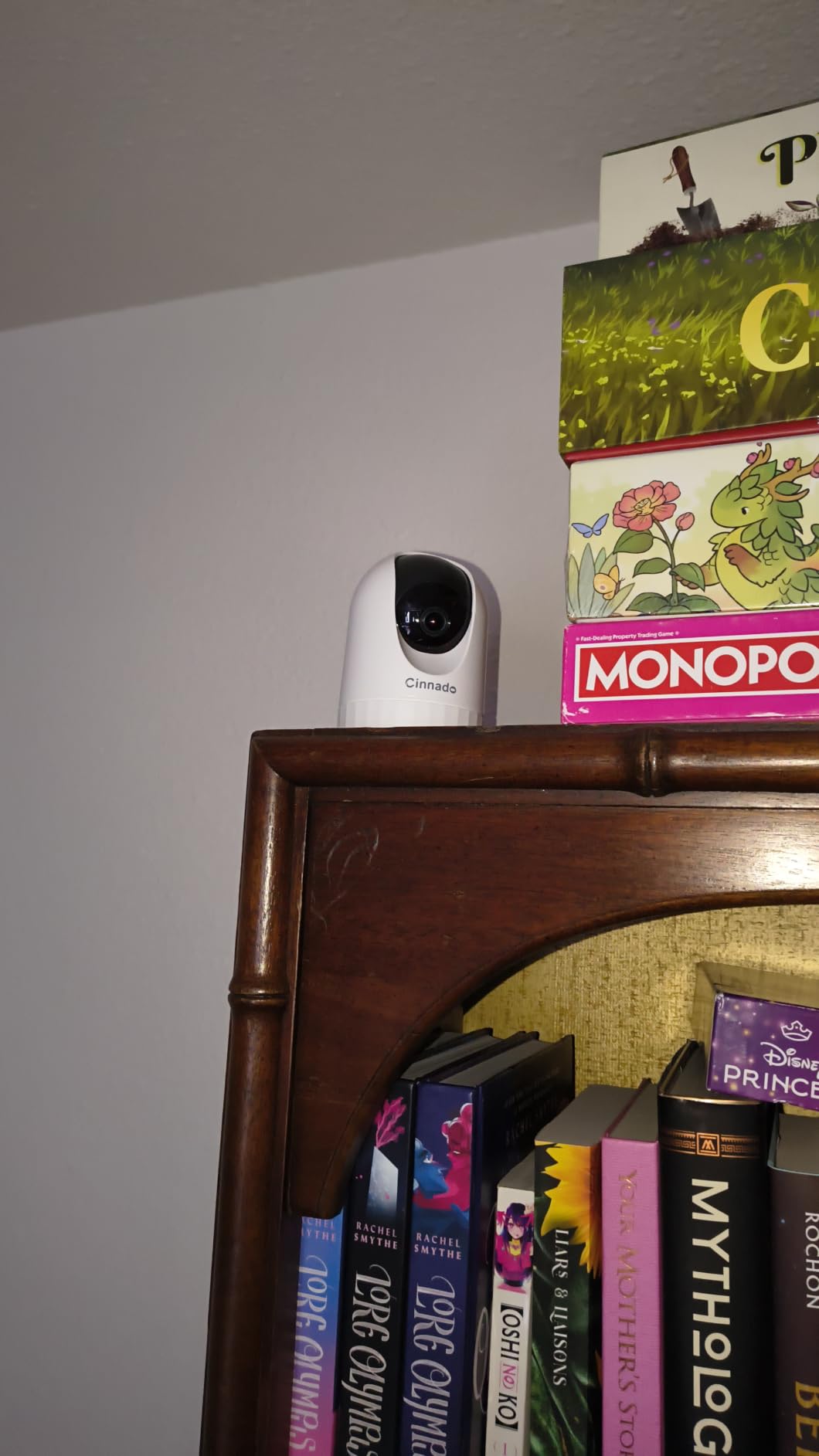
The Cinnado D1 is the lowest-cost way to get 2K video with 360-degree pan and tilt. Owners treat it as a stopgap or a second camera, and at this outlay the trade-offs are easier to accept.
Multi-user family accounts are the sleeper feature. Several people can watch and control the camera at once, which suits a shared flat better than almost anything else here. It also has a siren that records automatic 10-second clips, and local microSD storage up to 128GB.
Motion detection is the weak point. Reviewers report it either over-triggering on distant movement or missing someone walking straight past, and the sensitivity control behaves inconsistently. Daylight video also looks washed out, and some buyers report effective resolution below the advertised 2K.
Why it is still worth considering
When you are covering a mailroom shelf or a second room, the cost per camera is the deciding factor. Two-way audio with adjustable volume and saved position presets cover the basics of a room watch.
Where it falls short
It is 2.4GHz only and must be paired within 3 feet of the router, which is a genuine setup hurdle in a concrete building. The recording interval cannot be changed without a cloud subscription, and some units need a power cycle to reconnect.
What to Look for in a Renter-Friendly Security Camera
Mounting: metal doors, brick and concrete are the real problems
Most mounting advice assumes wood or siding. Apartment doors are often steel, and brick or concrete exteriors reject siding hooks entirely, so adhesive mounts and simple shelf placement become the workable options.
For an apartment front door specifically, a battery video doorbell with a clip-on mount is the cleanest path because it leaves no hole. Peephole inserts that fit the existing hole are the other no-drill answer renters describe most often as the simplest install.
Storage and the subscription decision
Local microSD recording is the deciding factor for most renters. Tapo and Wyze models accept cards up to 512GB, the Kasa caps at 256GB, and the Ring and Blink options push event history and AI alerts to a paid plan.
Privacy, leases and audio recording
Check your lease before you mount anything, and keep the camera inside your own unit. Common areas such as shared hallways, mailrooms and parking areas are building-controlled, and aiming a personal camera at a neighbour’s window is the fastest way to end up in a dispute.
Two-party consent states require all parties to agree before you record conversations, so check your microphone setting if you plan to use two-way talk. A physical privacy cover, like the one on the Ring Indoor Cam, is the simplest way to demonstrate good faith.
Wi-Fi bands and signal inside concrete buildings
Most of these cameras are 2.4GHz only, including both Tapo models, the Kasa, the WYZE Cam v4 and the Cinnado. A 5GHz-only mesh network will struggle, and concrete and brick walls cut signal hard.
Walk the location with your phone before you buy, and add an extender if the entryway reads weak. Our PoE switch guide covers the networking side for anyone extending coverage beyond the unit.
If you ever move to a property, our game camera picks cover the outdoor, battery-powered route that apartments rarely allow.
Frequently Asked Questions
Which security camera is best for an apartment?
For most apartments the Ring Indoor Cam is the best all-round choice, because the physical privacy cover and pre-event recording handle the two problems renters raise most. For two rooms, the Tapo C211 two-pack covers more ground for less. Pick based on whether you need one fixed view or pan and tilt coverage.
What is the best security camera for an apartment without a subscription?
The Tapo C101, Tapo C211, Kasa EC71 and both WYZE models all record to a microSD card with no monthly fee, accepting cards up to 512GB on the Tapo and WYZE units and 256GB on the Kasa. Ring and Blink push AI alerts and event history to a paid plan instead.
Can I install a security camera inside my apartment?
Yes, a camera inside your own rented unit is generally fine, but check your lease for clauses about cameras and smart devices first. Keep it inside your private space, avoid filming shared hallways, mailrooms or a neighbour’s window, and remember that two-party consent states restrict audio recording.
How many security cameras does an apartment need?
A studio usually needs one fixed or pan and tilt camera covering the entryway and main room. A one-bedroom generally needs two, one at the front door and one in the living space or balcony approach. Two-bedrooms and ground-floor units may want a third covering a side window or patio access.
Which security camera is least likely to be hacked?
Look for on-device AI, two-factor authentication and local storage instead of mandatory cloud. The WYZE Cam v4 and Tapo models process detection on the camera itself and record to a microSD card, so you can disable cloud uploads entirely. Enable two-factor authentication on whatever you buy.
Can I use an indoor security camera on a balcony?
Only if the camera carries an IP65 or higher weatherproof rating. The WYZE Cam Pan v3 and the WYZE Cam v4 are both IP65 rated and rated for outdoor temperatures, so they can sit on a balcony or porch. The other models here are indoor units and should stay inside.
Final Verdict for Apartment Cameras in 2026
The Ring Indoor Cam wins as the editor’s choice for one room, because a physical privacy cover and pre-event capture solve renter problems that software toggles do not. Cover two rooms and the Tapo C211 two-pack gives more ground for less, while a balcony or a first-floor entry point calls for the IP65-rated WYZE Cam v4. Check your lease, check your Wi-Fi band, and buy the camera that records locally.