
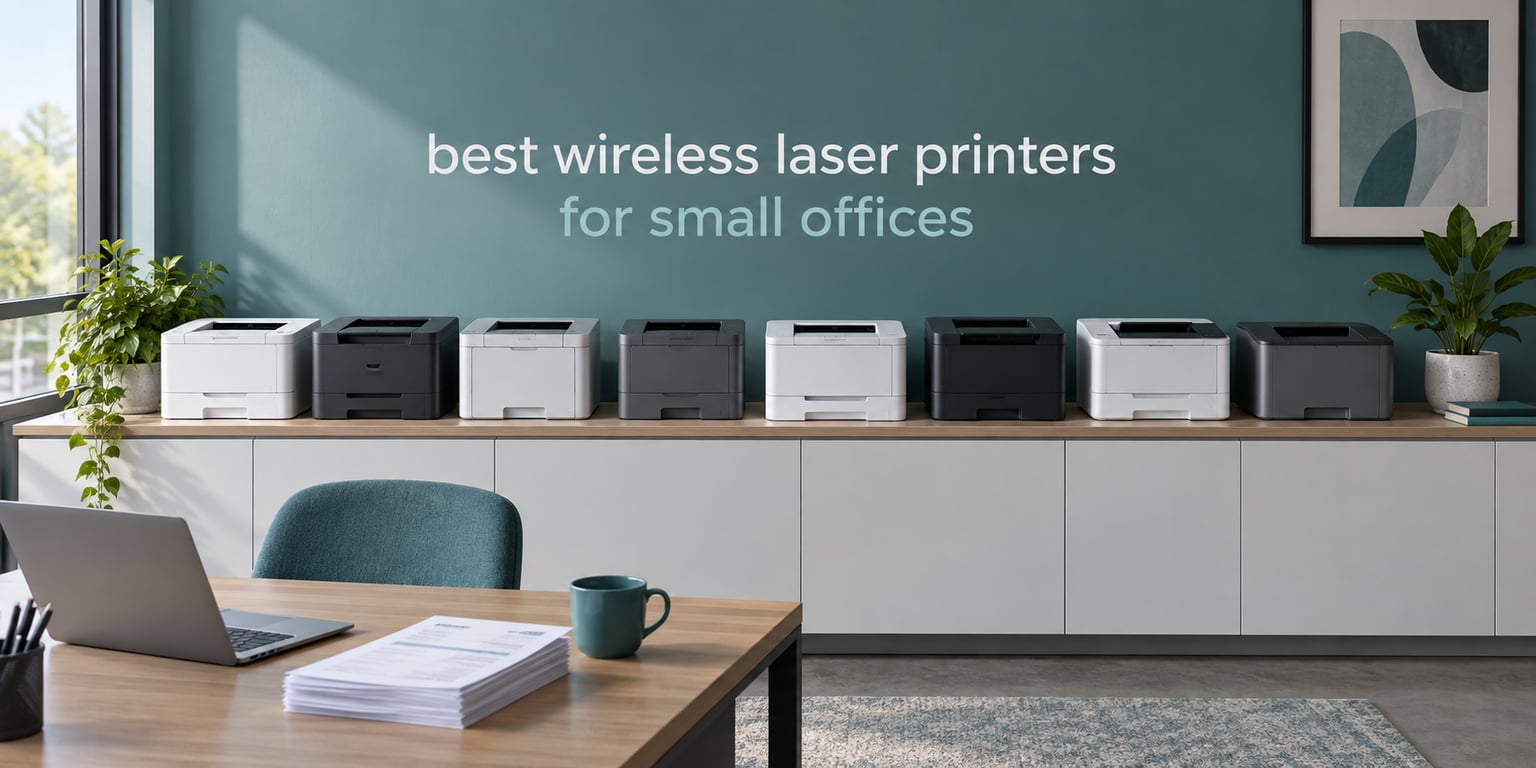
Most small offices do not need a printer that does everything. They need one that prints a few hundred pages a month without jamming, costs a predictable amount per page, and can be reached from any laptop on the network. That is the whole brief, and it is where the best wireless laser printers for small offices separate from the pack.
We compared eight models across Brother, HP and Canon, covering the two decisions that actually matter: monochrome versus color laser, and print-only versus a multifunction unit. Every model here is Wi-Fi, most support Ethernet, and most print on both sides of the sheet without you flipping anything. Six of the eight are monochrome, and two are color, because color is a budget decision before it is a feature decision.
Our method was straightforward: print speed and first page out, automatic duplex, document feeder capacity, paper tray size, connectivity options, warranty length, physical footprint, and the toner yield each machine ships with. Where a machine has a documented weakness that buyers hit repeatedly, we say so. We deliberately do not lean on sticker pricing, since prices move week to week and running cost matters far more at twelve months.
If you want the wider picture on the mono and color sides separately, we have dedicated roundups on the best monochrome laser printers for home offices and the best color laser printers for small businesses.
Table of Contents
Top 3 Best Wireless Laser Printers for Small Offices in September

Brother DCP-L2640DW
- 36 ppm monochrome
- 50-page ADF
- automatic duplex
- dual-band Wi-Fi plus Ethernet

Canon Color imageCLASS LBP646Cdw
- 26 ppm color and mono
- automatic duplex
- 5-inch LCD
- 3-year warranty
All 8 Best Wireless Laser Printers for Small Offices in 2026
| Product | Specifications | Action |
|---|---|---|
| Brother DCP-L2640DW |
|
Check Latest Price |
 Brother HL-L2460DW Brother HL-L2460DW |
|
Check Latest Price |
 Brother HL-L2405W Brother HL-L2405W |
|
Check Latest Price |
 HP LaserJet MFP M140w HP LaserJet MFP M140w |
|
Check Latest Price |
 HP LaserJet Pro 3001dw HP LaserJet Pro 3001dw |
|
Check Latest Price |
 HP LaserJet Pro MFP 3101sdw HP LaserJet Pro MFP 3101sdw |
|
Check Latest Price |
| Canon Color imageCLASS LBP646Cdw |
|
Check Latest Price |
 Canon Color imageCLASS MF753Cdw II Canon Color imageCLASS MF753Cdw II |
|
Check Latest Price |
1. Brother DCP-L2640DW – Best Overall for a Small Office
Brother DCP-L2640DW Wireless Compact Monochrome Multi-Function Printer, Copy, Scan, Duplex, Mobile Printing
Mono laser MFP
36 ppm
50-page ADF
Automatic duplex
Dual-band Wi-Fi and Ethernet
Pros
- 36 ppm print speed
- 50-sheet auto document feeder
- automatic duplex
- dual-band Wi-Fi plus Ethernet
- 250-sheet tray
- TN830XL high-yield toner
Cons
- Monochrome only
- 25 pounds is heavy for a credenza unit
- in-box toner is starter yield
The DCP-L2640DW is the unit we would put on a credenza in a twelve person office and forget about. It prints up to 36 pages per minute in monochrome, pulls the first page out in 8.5 seconds, and flips the paper itself for double-sided jobs. The 50-page document feeder means nobody is lifting a stack of signed contracts onto the flatbed one sheet at a time.
Connectivity is where Brother earns its keep in a shared space. Dual-band 2.4 GHz and 5 GHz Wi-Fi sits alongside a real Ethernet port, so on a congested office network you can wire it in and take it off the wireless entirely. Brother Mobile Connect handles mobile printing, and the 250-sheet main tray means refills are a monthly event rather than a daily one.
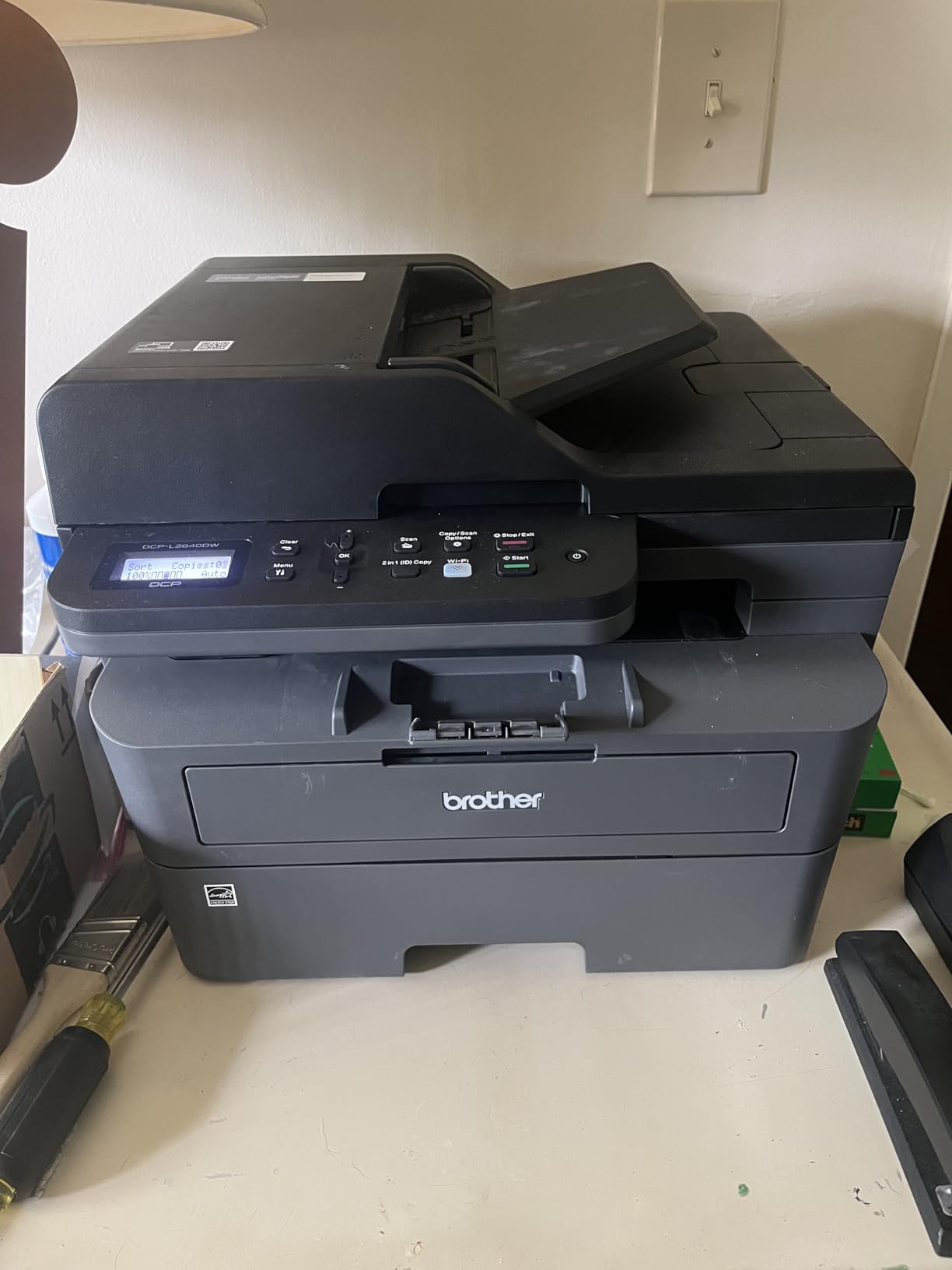
Scanning runs at up to 23.6 pages per minute in black and 7.9 in color, with a flatbed and a sheetfed scanner both available. Print resolution tops out at 1200 by 1200 dpi and copy resolution at 600 by 600, which is more than any document-oriented office job needs. Scan to email is supported, so a signed PDF can go straight to a client without a desktop round trip.
Toner is the TN830 family, and the TN830XL high-yield version is compatible, which is where the twelve-month cost lives. The cartridge in the box is a starter yield, so plan the first replacement rather than treating the in-box one as a full tank. Energy Star certified, and a one-year limited warranty is included.
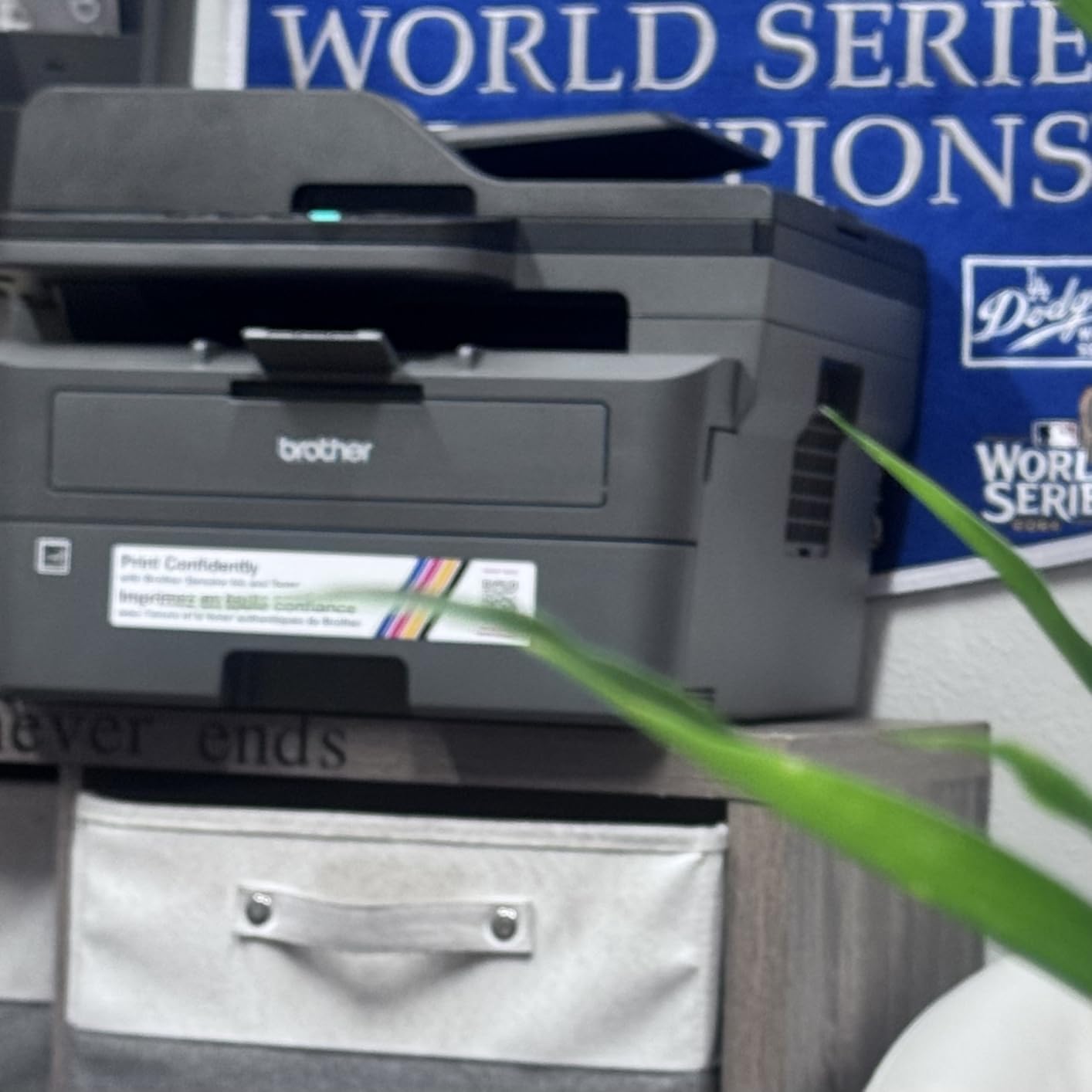
What the DCP-L2640DW is built for
This is the printer for invoices, packing slips, statements, shipping labels and onboarding packets at a steady clip. At 36 ppm it clears a month-end billing run without anyone watching it, and the 120-sheet output tray means long duplex jobs do not stall mid-run. It suits a team printing a few hundred to around 1,500 pages a month.
It also suits anyone who scans as much as they print. The 50-page feeder, duplex scanning and scan-to-email cover the repetitive document work that eats an afternoon. If you have a separate desktop scanner today, this replaces both devices in one footprint.
Where it falls short
There is no color. Marketing material, brochures and anything with a chart in it have to go somewhere else, and that is the real limit of this machine. At 25 pounds and 15.7 by 16.1 by 12.5 inches, it is also the heaviest compact Brother on this list, so a low shared shelf is a bad home for it.
It has no fax, which matters only if you still send signed paperwork by fax line. And the in-box toner is starter yield, so budget for a real cartridge early in the first year rather than at month ten.
2. Brother HL-L2460DW – Best Value Monochrome Print-Only Unit
Brother HL-L2460DW Wireless Compact Monochrome Laser Printer with Duplex, Mobile Printing, Black & White Output | Includes Refresh Subscription Trial(1), Works with Alexa
Mono laser print only
36 ppm
Automatic duplex
250-sheet tray
7.2 inch tall
Pros
- Same 36 ppm engine as the DCP-L2640DW
- automatic duplex
- 7.2 inch height fits a tight credenza
- dual-band Wi-Fi plus Ethernet
- TN830XL compatible
Cons
- No scanner or copier
- 100-sheet output tray
- monochrome only
- in-box toner is starter yield
The HL-L2460DW is the same 36 ppm monochrome engine as our top pick, minus the scanner. That trade is worth making if your office already scans somewhere else, because the body drops to 14.2 inches wide, 14 inches deep and 7.2 inches tall, and the weight falls to 15.6 pounds. That is a printer you can actually slide onto a shelf without clearing the space first.
Automatic duplex is still standard, and the 250-sheet paper tray matches the model above. Dual-band Wi-Fi and an Ethernet port are both present, resolution runs to 1200 by 1200 dpi, and first page out is 8.5 seconds. It also works with Alexa and it includes a trial of Brother’s Refresh toner subscription if you want to try a cartridge plan before committing.
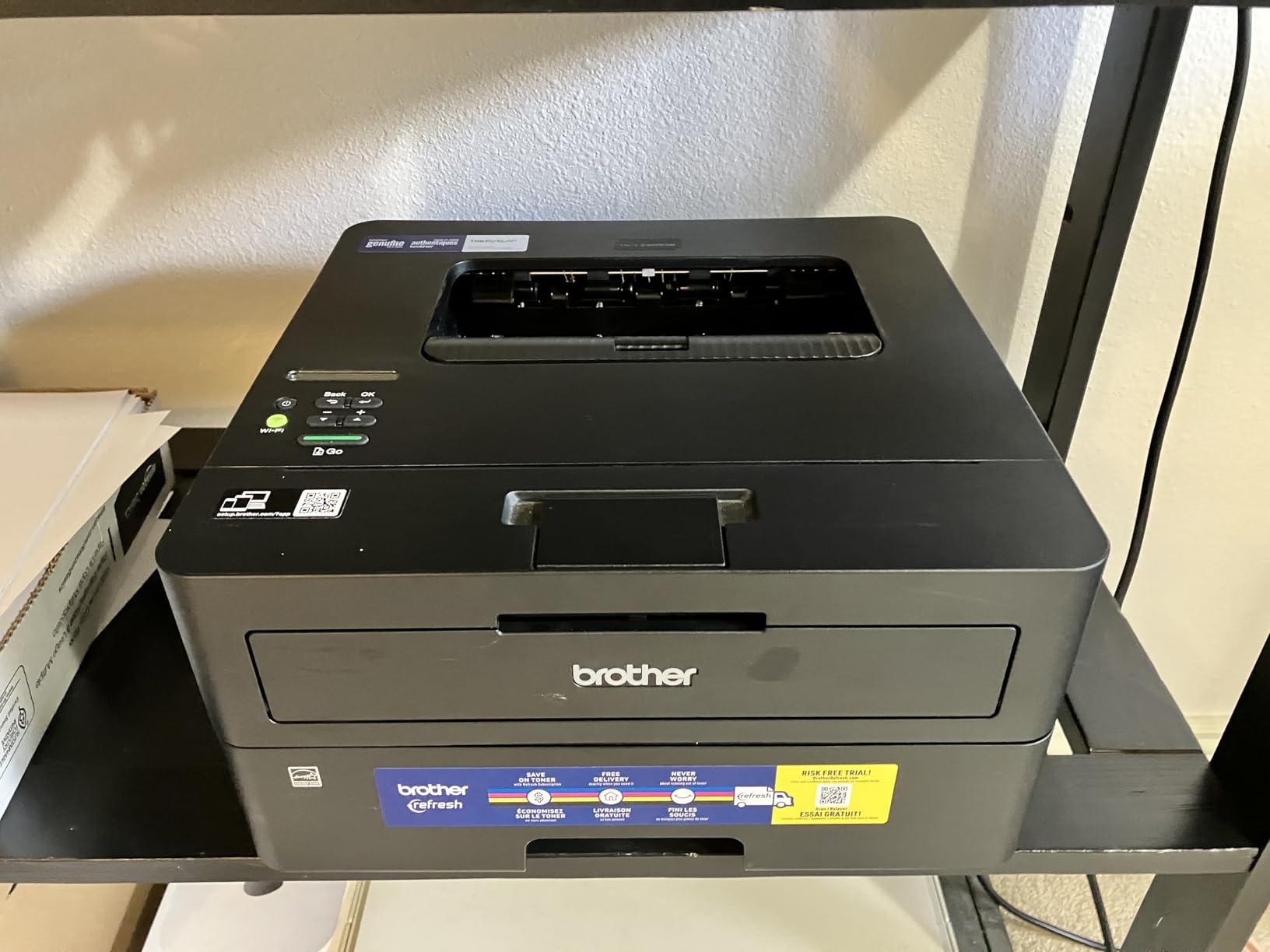
Print media covers envelopes and plain paper, with a maximum sheet size of 8.5 by 14 inches for legal work. The output tray holds 100 sheets, which is the one place the machine gives ground against its own competition. A 100-sheet output tray is fine for normal office printing, but a 300-page duplex run will want someone to empty it once.
Toner is again the TN830 and TN830XL family, so consumables are shared with the DCP-L2640DW. That is a real advantage for an office running two Brother machines: one cartridge SKU on the shelf covers both. Energy Star certified with a one-year limited warranty.
Who should buy the print-only route
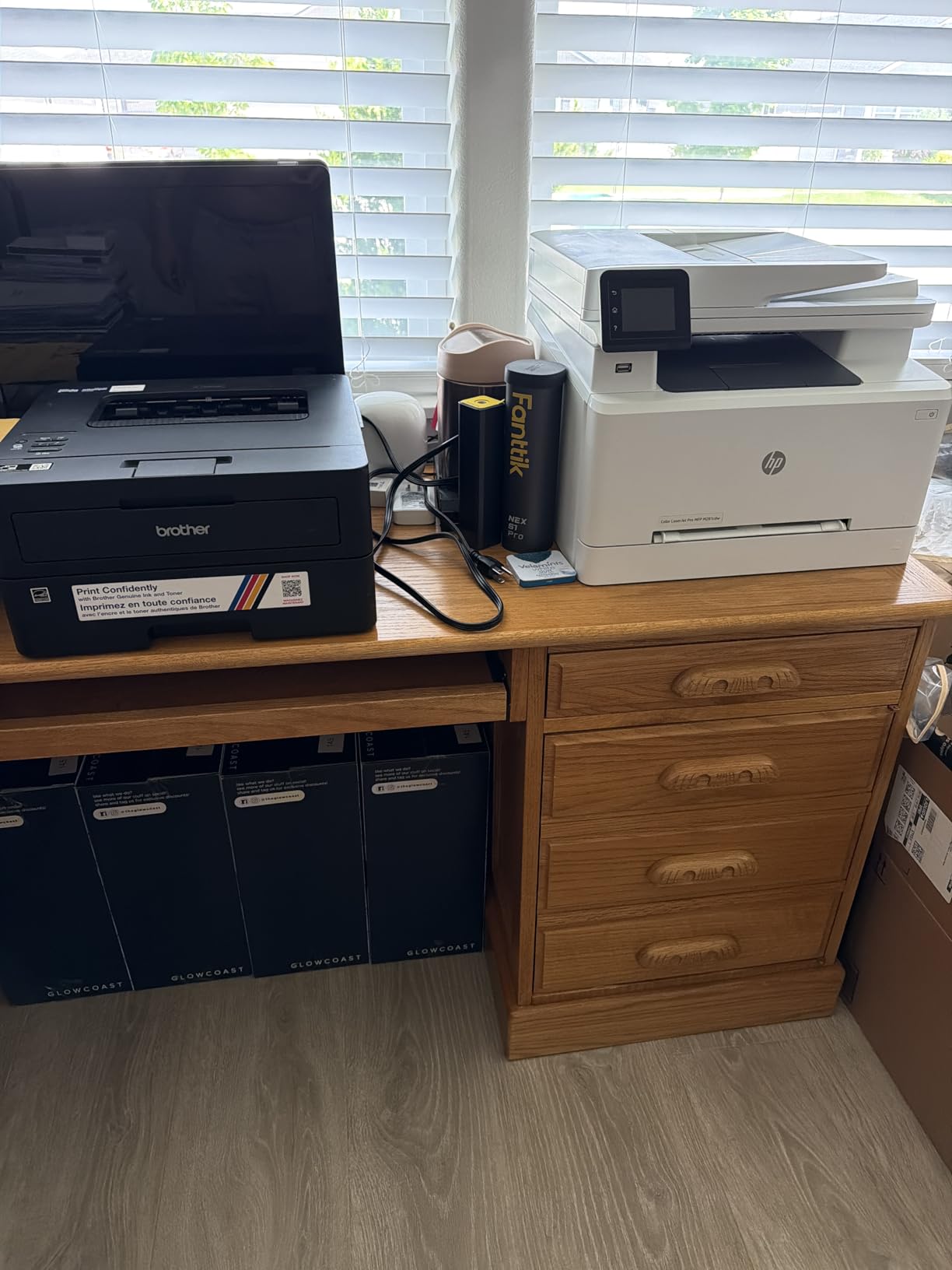
Buy this if printing is the job and scanning is somebody else’s. Many small offices scan on a phone or keep a dedicated document scanner already, and in that case the HL-L2460DW gives you duplex, speed and tray capacity without paying for a scanner bed you will not open.
Users on r/printers repeatedly make the same point in reverse: they choose a print-only Brother for the engine, then keep a separate device alongside it for scanning. That is a legitimate setup, and this is the printer half of it. Forum regulars also consistently steer small offices toward Brother mid-range units rather than the cheapest machine on the shelf, and this sits right in that band.
What you give up
There is no flatbed, no feeder and no copy function. If a contract arrives as a single sheet and needs to be emailed back, you are scanning on something else. The 100-sheet output tray is also the tightest in this roundup among the machines with a 250-sheet input.
There is no color, and the in-box toner is a starter cartridge. Plan on a high-yield TN830XL as the first real purchase so you are not replacing it inside six months.
3. Brother HL-L2405W – Best Budget Monochrome Pick
Brother HL-L2405W Wireless Compact Monochrome Laser Printer with Mobile Printing, Black & White Output | Includes Refresh Subscription Trial(1), Works with Alexa
Mono laser print only
30 ppm
Manual duplex
250-sheet tray
15.1 pounds
Pros
- Entry-level monochrome laser
- 30 ppm is quick enough for small teams
- 250-sheet tray
- 7.2 inch tall and 15.1 pounds
- dual-band Wi-Fi
Cons
- Manual duplex only
- no Ethernet port
- no scanner or copier
- in-box toner is starter yield
The HL-L2405W is the smallest step down in this list, and the step down is narrower than the price gap suggests. You still get 30 ppm, a 250-sheet paper tray, dual-band Wi-Fi, 1200 by 1200 dpi resolution and the same TN830 and TN830XL toner family. The body is the same 14.2 by 14 by 7.2 inches and it weighs 15.1 pounds.
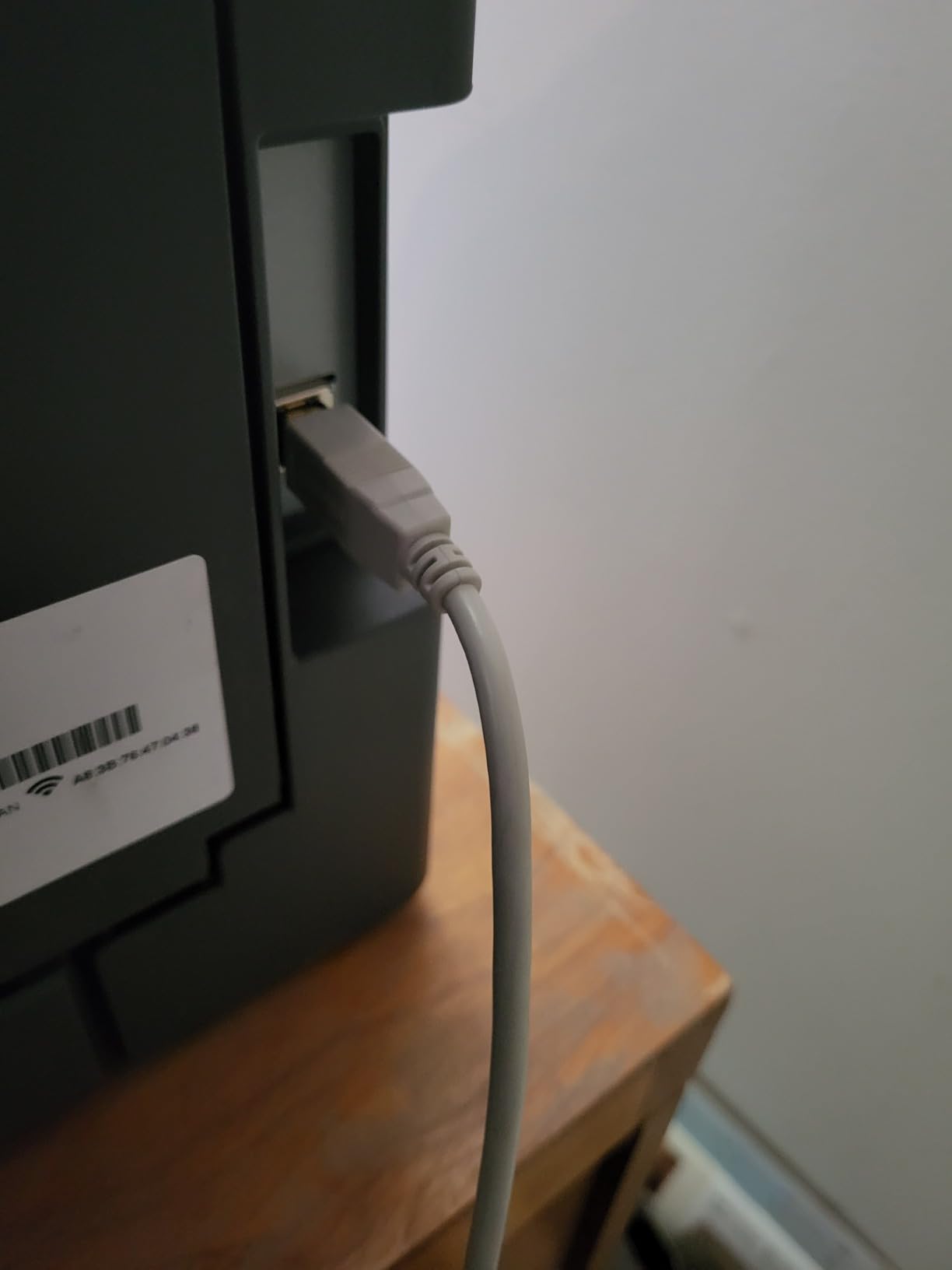
What changes is duplex and wired networking. Duplex is manual, meaning you turn the stack over yourself, and there is no Ethernet port, so the printer is a Wi-Fi client or nothing. For a two or three person office printing mostly single-sided, that is workable. For a shared office with duplex as a standing requirement, it is the wrong machine.
Output capacity is 100 sheets, and media support includes envelopes, labels and plain paper up to 8.5 by 14 inches. First page out is 8.5 seconds, the same as the machines above it. It works with Alexa and includes a Refresh subscription trial, and the control method supports app and touch input with an LCD display.
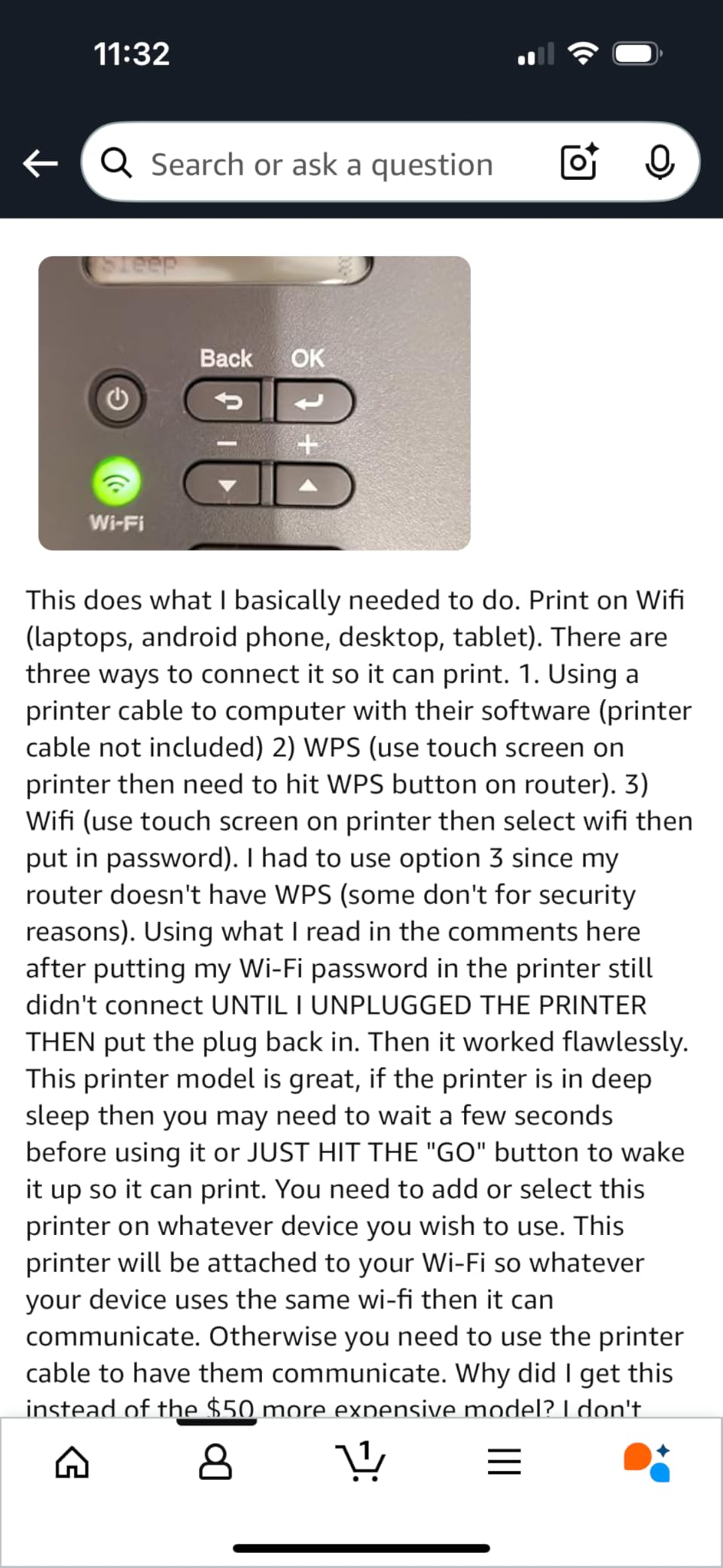
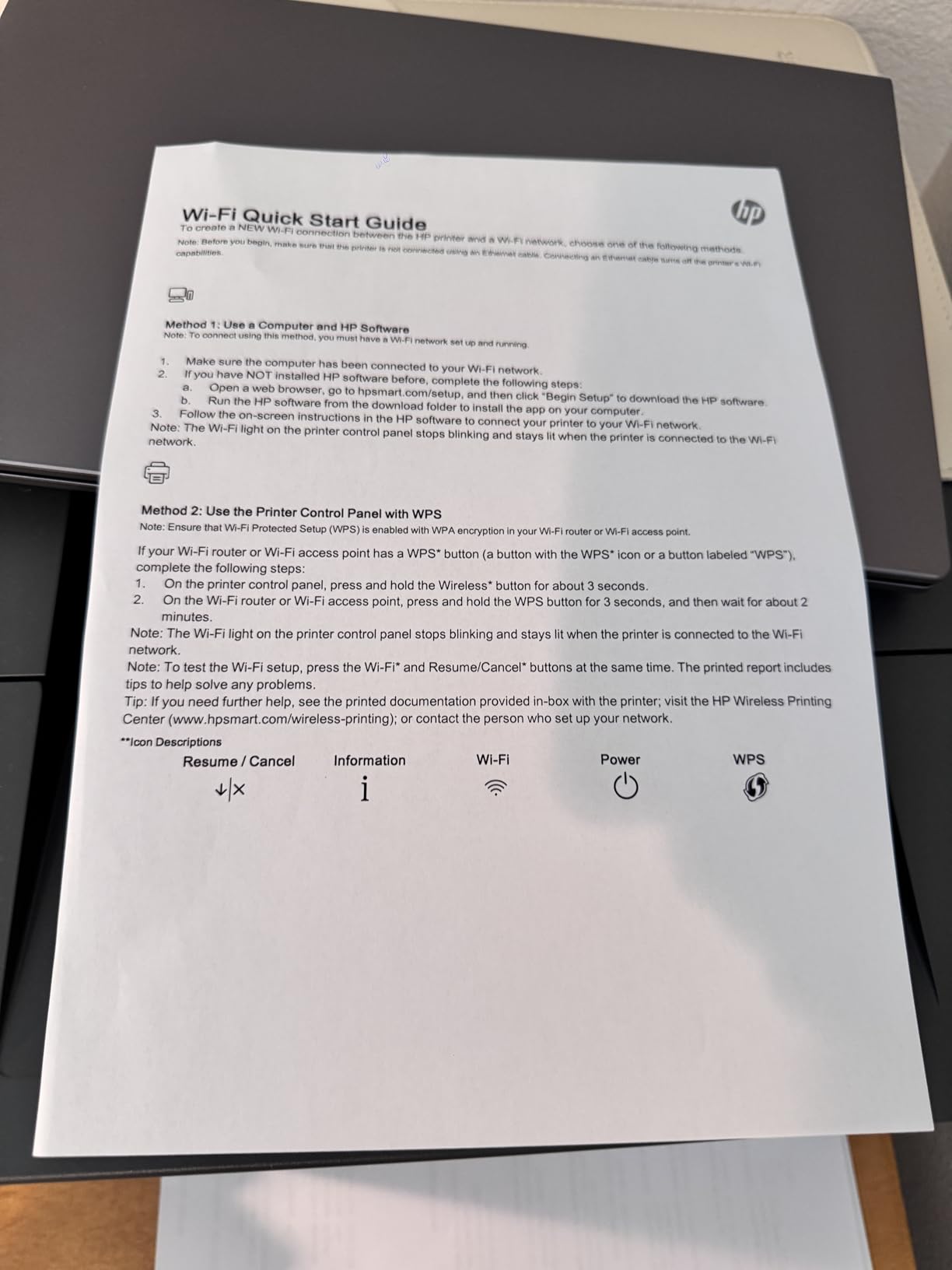
One user theme worth knowing before you buy: reviewers on r/printers and r/sysadmin threads note that initial Wi-Fi setup can be awkward on mesh networks. If your office runs mesh rather than a single router, have the network password ready and expect a few minutes in setup. Energy Star status and a one-year limited warranty round out the package.
Where the HL-L2405W makes sense
This is the pick for a home office, a two person studio or a hot desk where the print job is a contract, an invoice or a shipping label and nobody is doing volume work. Thirty pages per minute is more than two people generate in a burst, and the 250-sheet tray means you refill it a handful of times a year.
It is also the machine to consider if you have decided against a duplex workflow deliberately. Some very small offices print almost nothing two-sided, and paying for duplex capability you will never trigger is wasted money.
What it is not good at
Manual duplex is the compromise that matters. A forty page two-sided document means a trip to the machine and a second print run for any mistakes. It is also the only model here with no Ethernet port, so it cannot be taken off a congested wireless network.
It is print-only, so no scanning or copying. And the in-box toner is a starter cartridge, which is the pattern across this entire price band and the reason a high-yield TN830XL belongs in your first-year budget.
4. HP LaserJet MFP M140w – Best for Very Tight Desk Space
HP Laserjet MFP M140w Wireless Black & White Printer, Print, scan, Copy, Fast speeds, Easy Setup, Mobile Printing, Best-for-Small Teams
Mono laser MFP
21 ppm
Flatbed scanner
No automatic duplex
10.4 inches deep
Pros
- Only 10.4 inches deep and 11.9 pounds
- AirPrint and Mopria certified
- print scan copy in a small body
- 115 watts running power
Cons
- No automatic duplex
- 21 ppm is the slowest here
- 99-sheet tray
- flatbed only with no document feeder
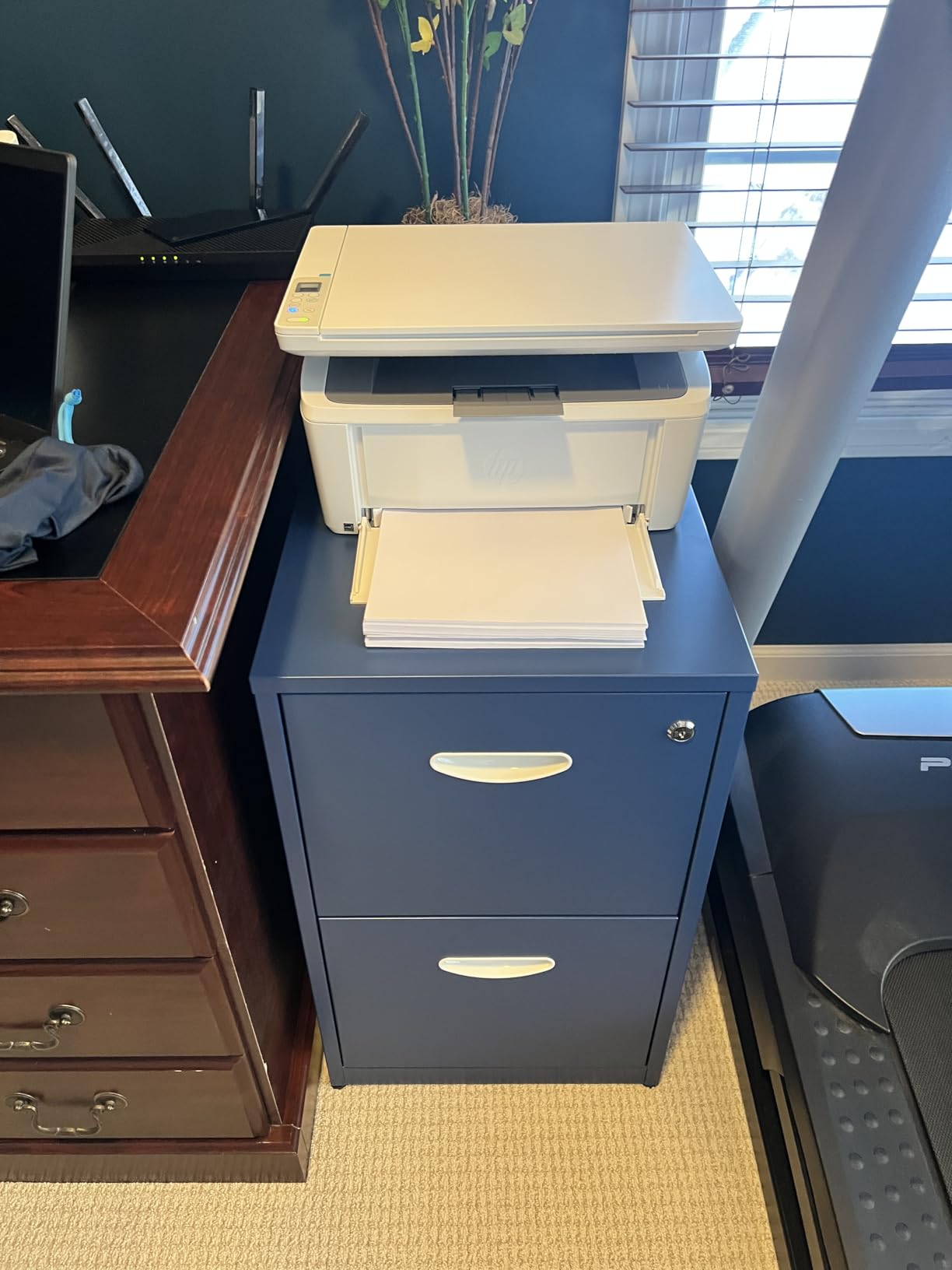
The M140w is the smallest machine in the roundup, and in a space-constrained home office that is the whole argument. It measures 10.4 inches deep by 14.2 wide by 7.8 high and weighs 11.9 pounds, so it fits a credenza, a small shelving unit or a hot desk that nothing else on this list would clear. It prints, scans and copies in monochrome.
Mobile printing is handled through AirPrint and Mopria, which means phones, tablets and Chromebooks print to it without an HP account or a driver install. HP describes the wireless as self-reset connectivity, which handles the drop-and-reconnect case. Print speed is 21 ppm with a first page in 8.3 seconds, and resolution is 600 by 600 dpi.
There is no automatic duplex, which is the dealbreaker for anyone who has internalized duplex as non-negotiable. The scanner is flatbed only, with no document feeder, so multi-page originals are a manual job. The paper tray holds 99 sheets, and the maximum copies per run is 99.
It runs at 115 watts, the lowest consumption figure of the monochrome group, and it includes an HP original introductory black LaserJet toner cartridge. Reviewers note HP toner chip lock-in as a cost consideration, so factor the genuine cartridge cost into any running-cost estimate. Energy Star certified with a one-year limited hardware warranty.
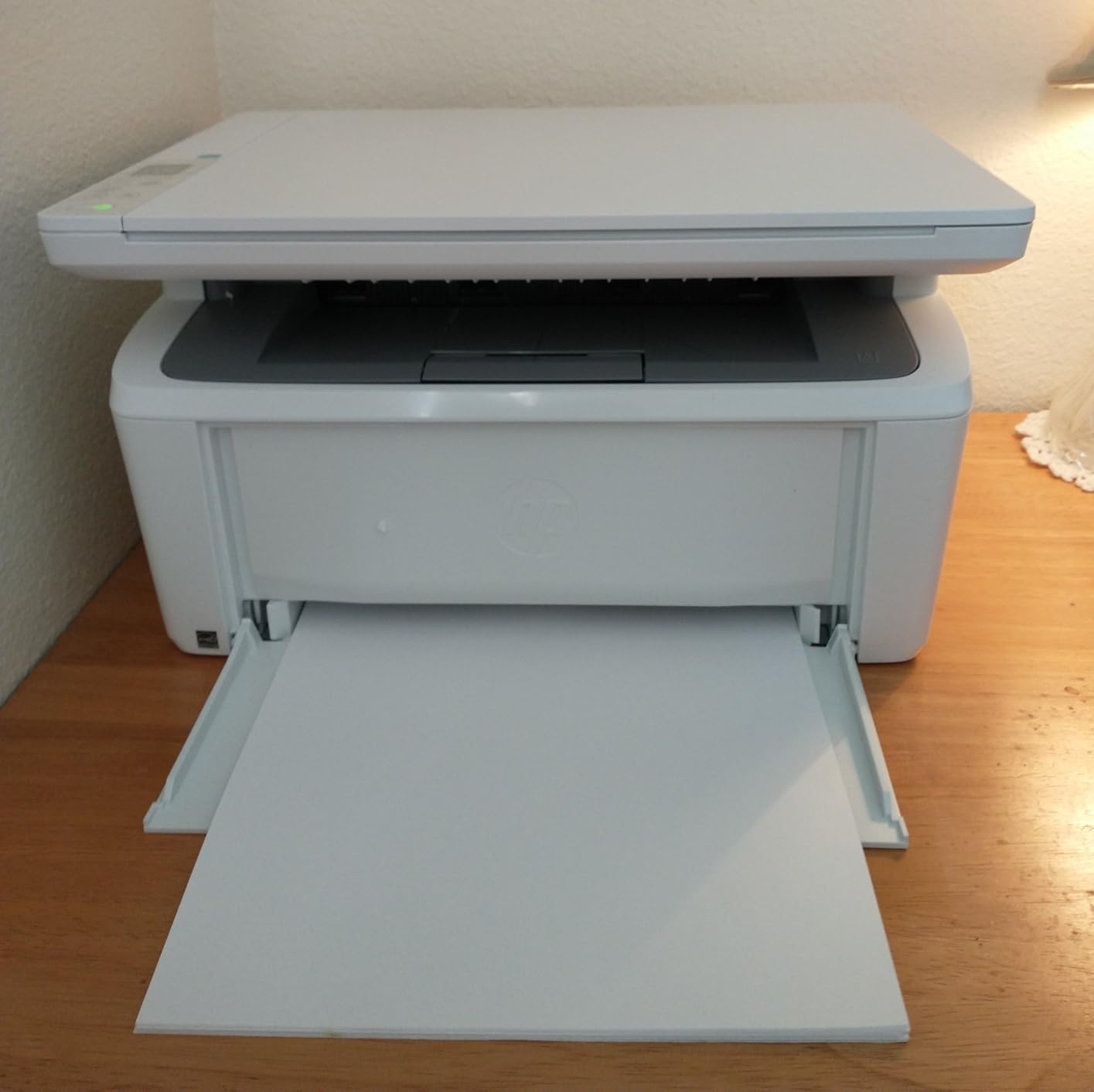
Who the M140w is for
Single-person and two-person setups where space beats speed. A consultant working from a spare room, a home office sharing a desk with a laptop, a small reception counter. At 21 ppm it handles a document here and a short run there without any drama.
It is also a good fit for anyone who wants scanning and copying without a second device, since the flatbed plus copy function covers one-off originals. AirPrint and Mopria support means guest devices can print without anyone provisioning them, which is a genuine benefit for a shared or visiting-desk arrangement.
What it is not good at
No automatic duplex and a 21 ppm engine together make it a poor fit for month-end billing runs or any two-sided-heavy workload. The 99-sheet tray means more frequent refills than the 250-sheet machines here, and a 99-sheet maximum is a hard ceiling per run.
The flatbed scanner with no feeder is the other limit. If you routinely scan multi-page signed paperwork, the 50-page feeders on the DCP-L2640DW and 3101sdw will save real time. And as with the other HP models here, the printer works with HP original toner chips, which removes the third-party cartridge option from your running cost calculation.
5. HP LaserJet Pro 3001dw – Best for Fast First Page Out
HP Laserjet Pro 3001dw Wireless Black & White Printer, Best-for-Office (3G65OF)
Mono laser print only
35 ppm
About 6.6 second first page
Ethernet, USB, Wi-Fi, Bluetooth
Pros
- About 6.6 second first page out
- 35 ppm
- automatic duplex
- Ethernet plus Wi-Fi plus Bluetooth
- HP Wolf Pro Security included
Cons
- Print-only with no scanner
- HP original toner chips only
- some users report Wi-Fi instability on mesh networks
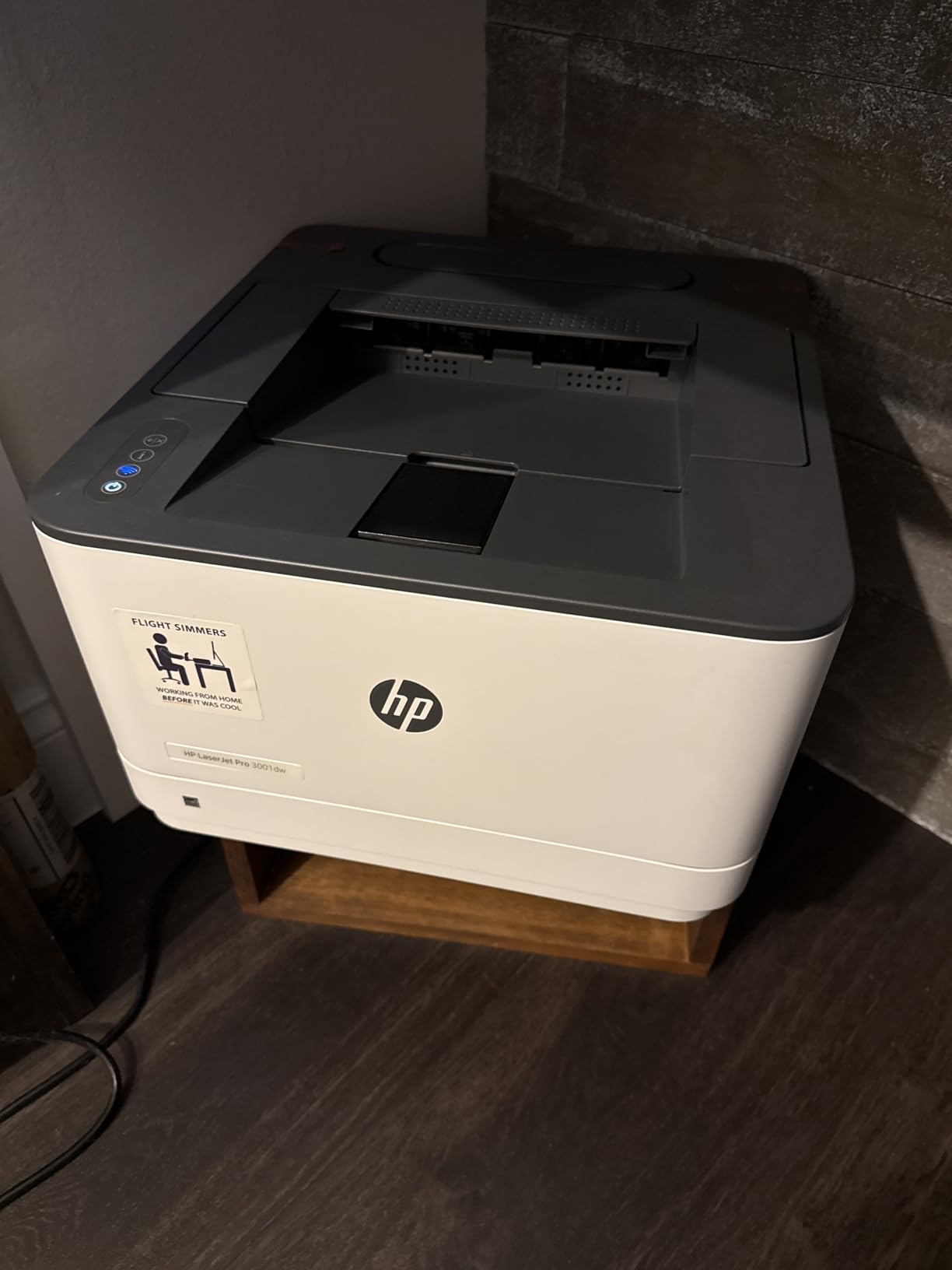
The 3001dw wins on the one number that matters when someone is standing at the printer waiting: roughly 6.6 seconds to first page. After that it runs at 35 ppm, so a short job lands in the tray almost before the walk back to your desk ends. It is print-only monochrome with automatic duplex and a 250-sheet input tray.
Connectivity is the most complete on this list, with Ethernet, USB, Wi-Fi and Bluetooth. It also carries HP Wolf Pro Security, which is the feature to care about if you print payroll summaries, medical paperwork or client financial documents on a shared network. Paper handling covers letter, legal, envelopes, labels and a range of smaller formats.
Resolution is 1200 by 1200 dpi and it works with Alexa. The body is 15.7 by 14.4 by 8.5 inches at 16.1 pounds, which is mid-pack for footprint but no longer in the genuinely compact class. One limitation worth knowing: reviewers report that A5 duplex is not supported even though the tray marking suggests it should be.
HP describes the wireless as intelligent Wi-Fi with best-connection selection, which is HP’s answer to flaky mesh networks. Some users still report Wi-Fi instability on mesh setups, and the fix is usually the Ethernet port sitting right there on the back. The printer includes HP original toner cartridges, and firmware updates are reported as sometimes locking out third-party alternatives.
Where the 3001dw earns its place
It is the right pick for a counter, a reception desk or a front office where someone prints one or two pages, walks away, and collects them. The six-second first page is the difference between a shared printer people queue for and one they walk past. Thirty-five ppm is plenty behind it for anyone who does batch a job later.
Automatic duplex plus a 250-sheet tray plus Ethernet makes it a solid general-purpose office machine for a team that prints a lot of contracts and does not need a scanner. HP Wolf Pro Security is the differentiator when the machine is on a network with payroll or client data moving through it.
What it is not good at
No scanner, no copier, no fax. If a page needs to go somewhere as a PDF, you are doing that elsewhere. For a small office that also needs document handling, an MFP saves a second device and a second workflow.
The toner situation is the real long-term caveat. HP original chips mean the cartridge cost is fixed, and reviewers across the HP models in this roundup flag that as a genuine running-cost penalty against Brother’s more open consumable situation. Confirm that before you treat a low purchase price as a low monthly cost.
6. HP LaserJet Pro MFP 3101sdw – Best Rated and Fastest Mono MFP
HP LaserJet Pro MFP 3101sdw Wireless Black and White All-in-One Laser Printer, Office Printer, Duplex, Best-for-Small Teams (9D2X4F)
Mono laser MFP with fax
40 ppm
50-sheet ADF
Duplex on all functions
250-sheet input and output
Pros
- Highest rating in this roundup
- 40 ppm fastest engine here
- 50-sheet ADF
- duplex on print scan copy and fax
- 250-sheet input and 250-sheet output
Cons
- HP original toner chips block third-party cartridges
- 23.1 pounds
- some users report Wi-Fi drops and a long startup
The 3101sdw carries the highest rating in this roundup and the fastest print engine, at 40 ppm. It is a monochrome all-in-one with print, scan, copy and fax, automatic duplex on every one of those functions, and a 50-sheet automatic document feeder that copies at 35 ppm. For a small team that still sends any fax at all, having the function built in removes a separate machine.
Paper handling is the most generous here: a 250-sheet input tray and a 250-sheet output tray, so long duplex runs do not need a person standing nearby. Print and copy resolution reach 1200 by 1200 dpi, the scanner is a combined ADF and flatbed, and scan to email is supported. First page out is 7 seconds.
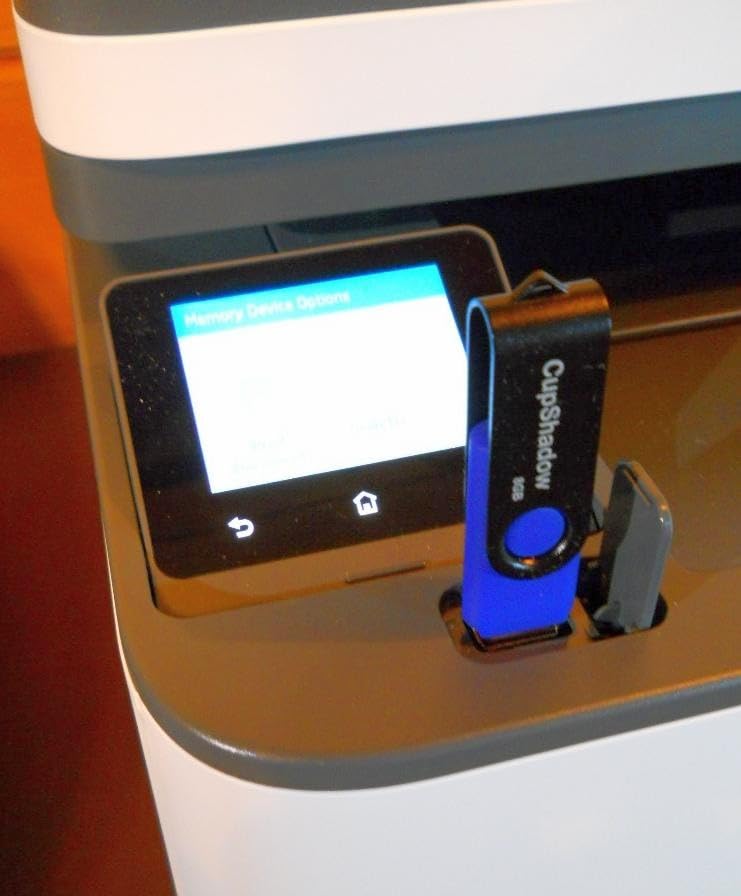
Connectivity covers Wi-Fi, Ethernet and USB, with Apple AirPrint, Mopria and Print Anywhere support alongside HP’s app. HP describes the wireless as dependable with connection healing, and HP Wolf Pro Security is included. The in-box cartridge is an HP Black LaserJet introductory cartridge at roughly 1,000 pages of yield, which is worth knowing when you plan the first year.
At 23.1 pounds and 15.7 by 16.5 by 12.3 inches, it needs a real surface rather than a shelf. Reviewers report occasional Wi-Fi drops requiring reconnection, an HP Smart app that can be buggy, a long startup time for some users, and a paper tray that feels light for its size. The toner chip restriction applies here as it does across the HP models.
Who should buy the 3101sdw
Small and medium teams that need the full document set: print, scan, copy, and fax, with automatic duplex on all of it. The 50-page feeder handles signed contracts, onboarding packets and month-end paperwork without babysitting. Forty pages per minute is the headroom you want if a quarter-end run is part of the job.
The 250-sheet output tray is the sleeper feature. Most compact office machines stop at 100 to 120 sheets, which forces an interruption partway through a long duplex job. This one does not. If your office has a shared user group rather than a single owner, that matters more than the raw speed number.
What it is not good at
It is monochrome, so any color work goes elsewhere. The HP original toner chip requirement removes third-party cartridges from the running-cost picture, and firmware updates are reported as sometimes locking out aftermarket alternatives too. Plan your cartridge purchases on the genuine cartridge cost.
Wi-Fi reliability is mixed in user reports, and the HP Smart app experience varies. If your office network is congested, use the Ethernet port from day one. And at 23.1 pounds it is not a machine you reposition on a whim, so measure the spot before it arrives.
7. Canon Color imageCLASS LBP646Cdw – Best for Color on a Budget
Canon Color imageCLASS LBP646Cdw Wireless Laser Printer, Duplex, 26 PPM, Print Only, White
Color laser print only
26 ppm color and mono
Automatic duplex
5-inch LCD
3-year warranty
Pros
- 26 ppm in both color and monochrome
- automatic duplex
- 5-inch LCD touchscreen
- two paper trays
- 3-year manufacturer warranty
- ENERGY STAR and EPEAT Silver
Cons
- Print-only with no scanner
- 39.4 pounds
- no Ethernet port
- low in-box starter toner yields
The LBP646Cdw is the least complicated way to get color laser output in a small office without a second machine. It prints up to 26 pages per minute in both color and monochrome, so a color-heavy week does not turn into a monochrome-only week. Automatic duplex is standard, and the control panel is a 5-inch LCD rather than a row of buttons.
Paper handling is genuinely good for a compact color unit. There are two trays, a 250-sheet standard cassette plus a one-sheet multipurpose tray, and the output tray holds 251 sheets. Legal size up to 8.5 by 14 inches is supported, and color resolution reaches 1200 by 1200 dpi. The manual feed slot takes media from 3 by 5 inches up.
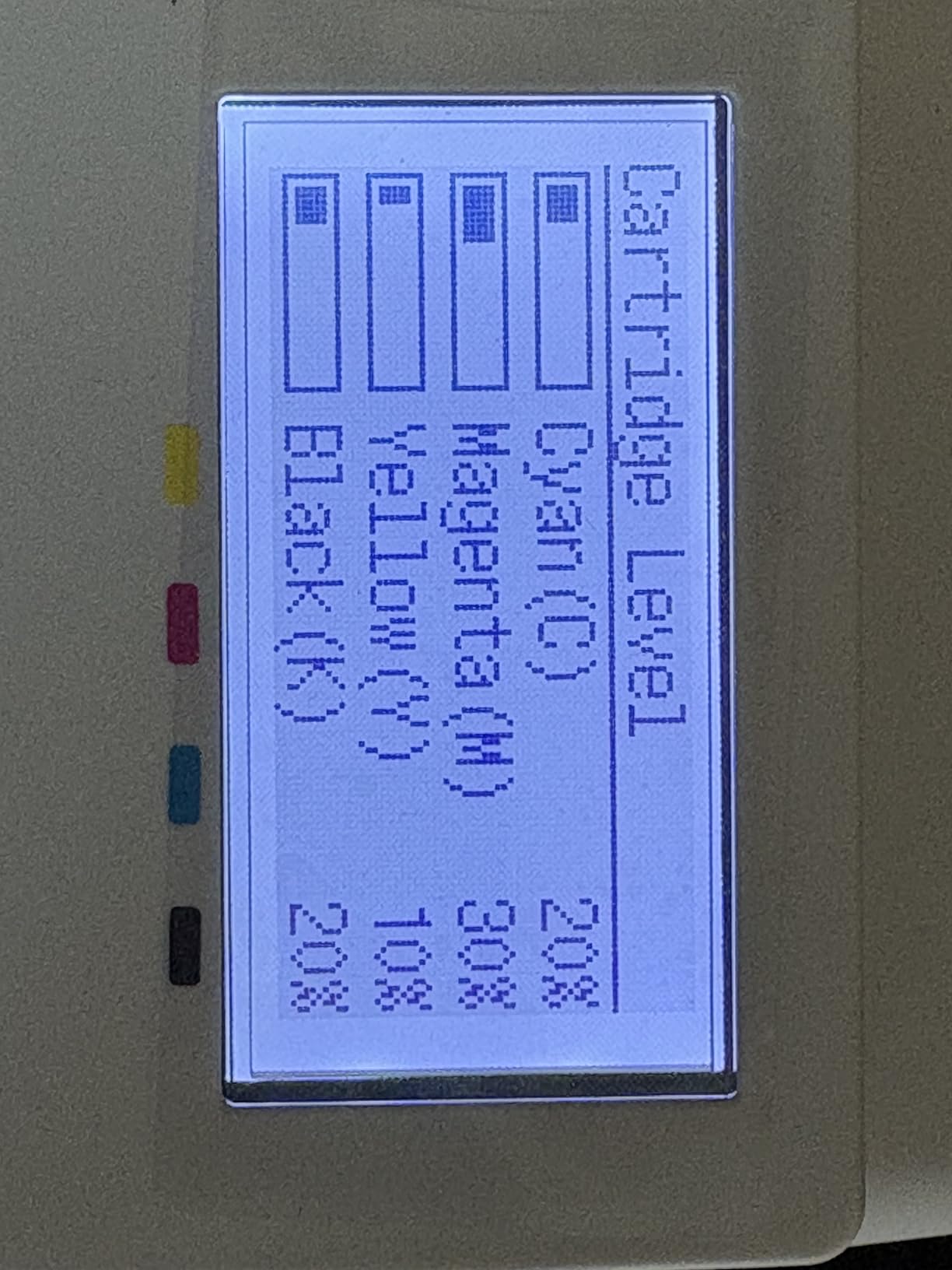
Three things stand out. The warranty is three years from the manufacturer, longer than anything else in this roundup, which is meaningful for a business-class unit. It is ENERGY STAR and EPEAT Silver certified, useful if your procurement checklist includes sustainability criteria. And mobile printing works through the Canon PRINT app, AirPrint and Mopria, so guests can print without an account.
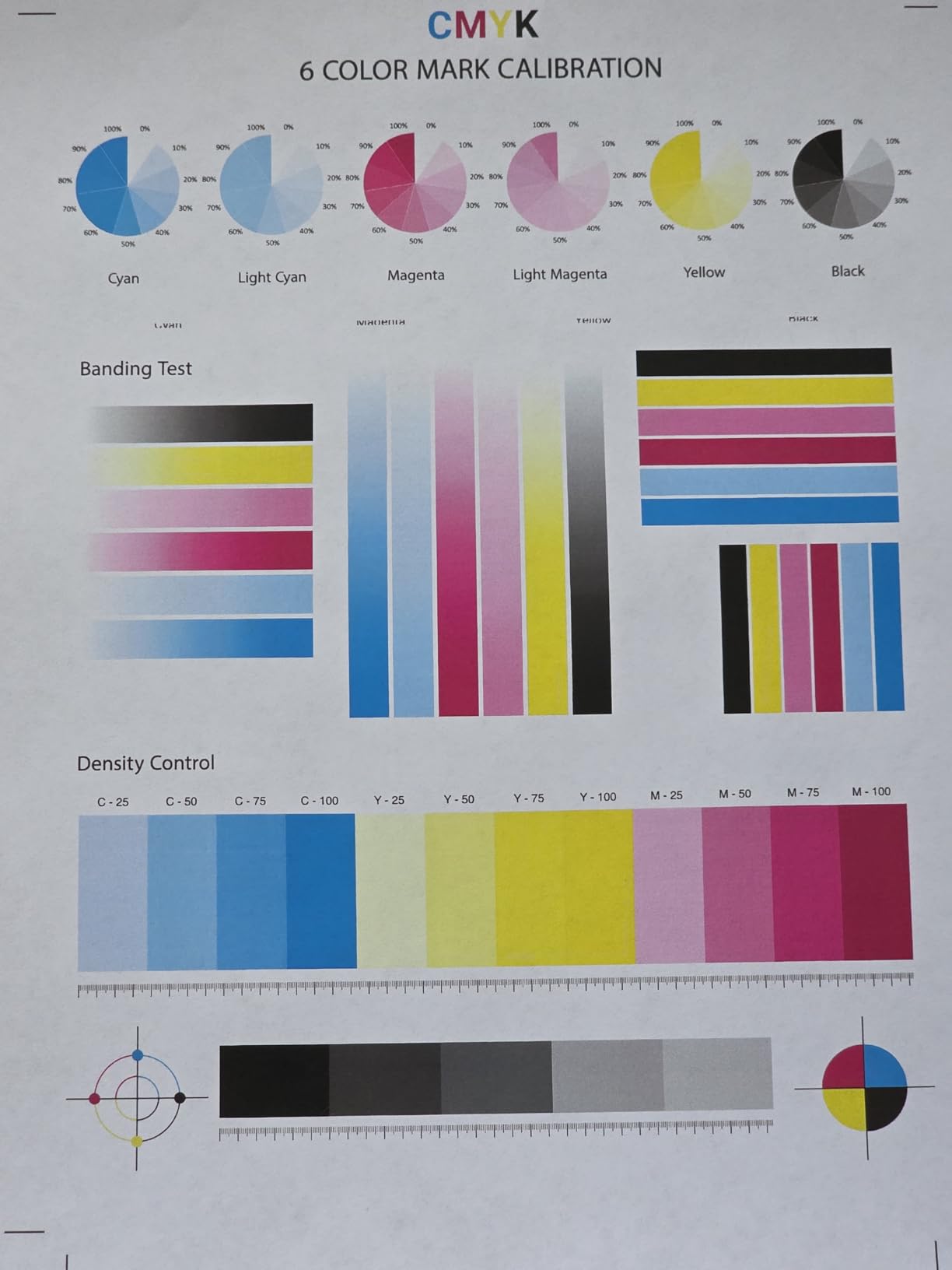
The catch is the in-box toner. Canon Genuine Toner 075 starter yields are 500 pages each for cyan, magenta and yellow and 700 for black, which is a fraction of the high-capacity 075H replacements. Budget for four cartridges early rather than assuming the box covers the first year. There is also no Ethernet port, so this is a Wi-Fi and USB machine only.
Who the LBP646Cdw is for
Small offices that print color occasionally: proposals with a chart, a short marketing piece, a client packet with branded cover pages, shipping labels with color coding. The 26 ppm color speed is what makes it a work machine rather than a novelty, and the 5-inch LCD makes toner status and job management straightforward for whoever is not technical.
It is also a strong second printer for a shop that already has a monochrome workhorse and needs a separate color box. The three-year warranty reduces the risk of that arrangement, and legal size support plus a multipurpose tray cover the odd odd-sized job without a second device.
What it is not good at
It is print-only. No scanning, copying or fax, so a document that needs to be scanned still needs something else. If your office wants one device for everything, look at the MF753Cdw II instead.
At 39.4 pounds it is heavy, and 16.5 by 16.8 by 10.5 inches means it needs floor or table space, not a shelf. Power consumption is listed at 1080 watts, well above the monochrome group. Reviewers also report a small number of early hardware failures and some Windows driver instability after updates, so install the native Windows driver rather than relying on a generic one.
8. Canon Color imageCLASS MF753Cdw II – Best for Color All-in-One
Canon Color imageCLASS MF753Cdw II – All-in-One Color Duplex Laser Printer
Color laser MFP with fax
35 ppm color and mono
Single-pass duplex ADF
Touchscreen
Two 250-sheet trays
Pros
- 35 ppm in color and monochrome
- single-pass duplex document feeder
- touchscreen control panel
- Ethernet plus Wi-Fi plus USB
- two 250-sheet trays
- 3-year warranty
Cons
- 60.6 pounds and a large footprint
- Canon software and web services reported as unreliable
- third-party toner cheaper than HP here
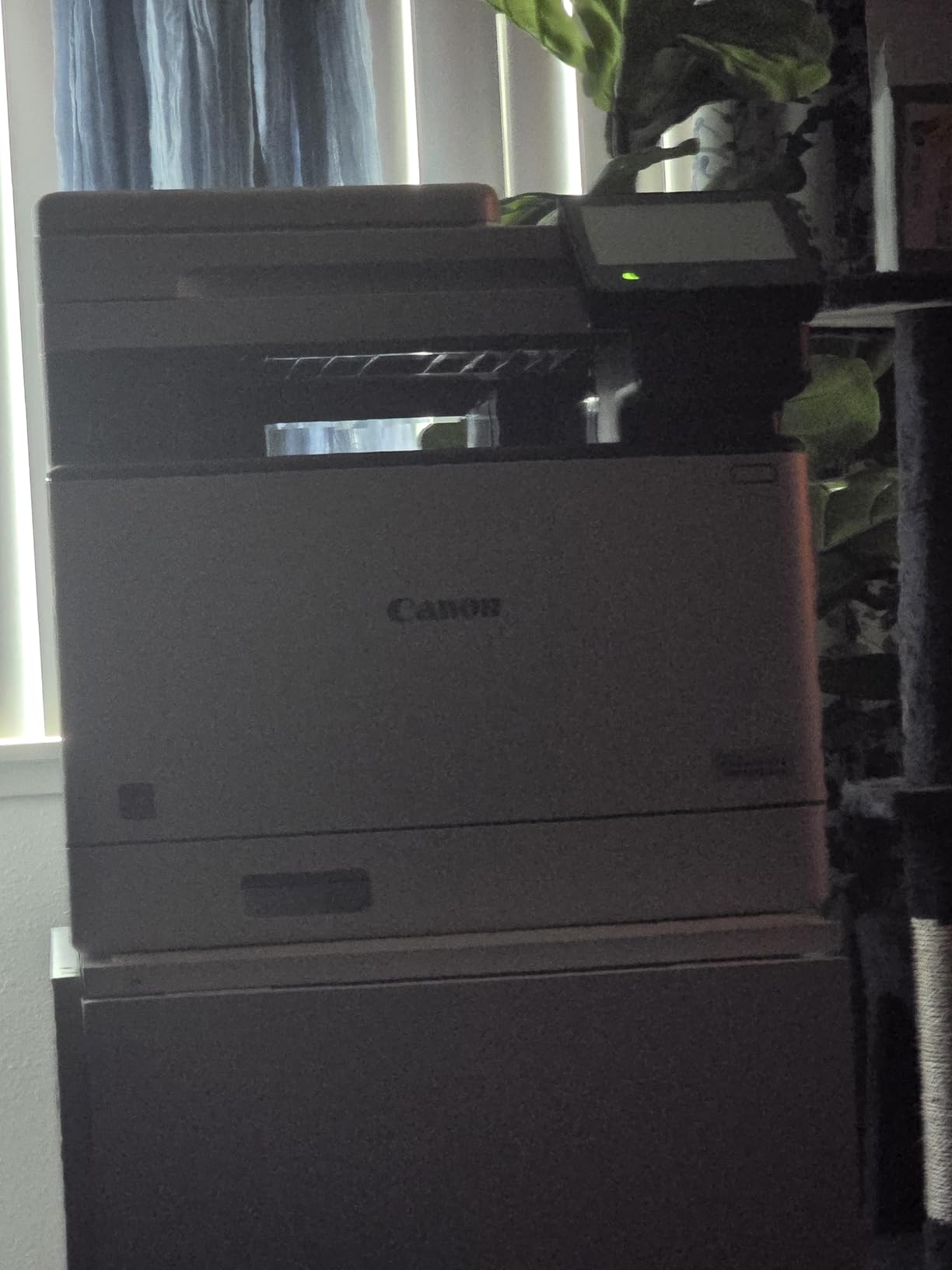
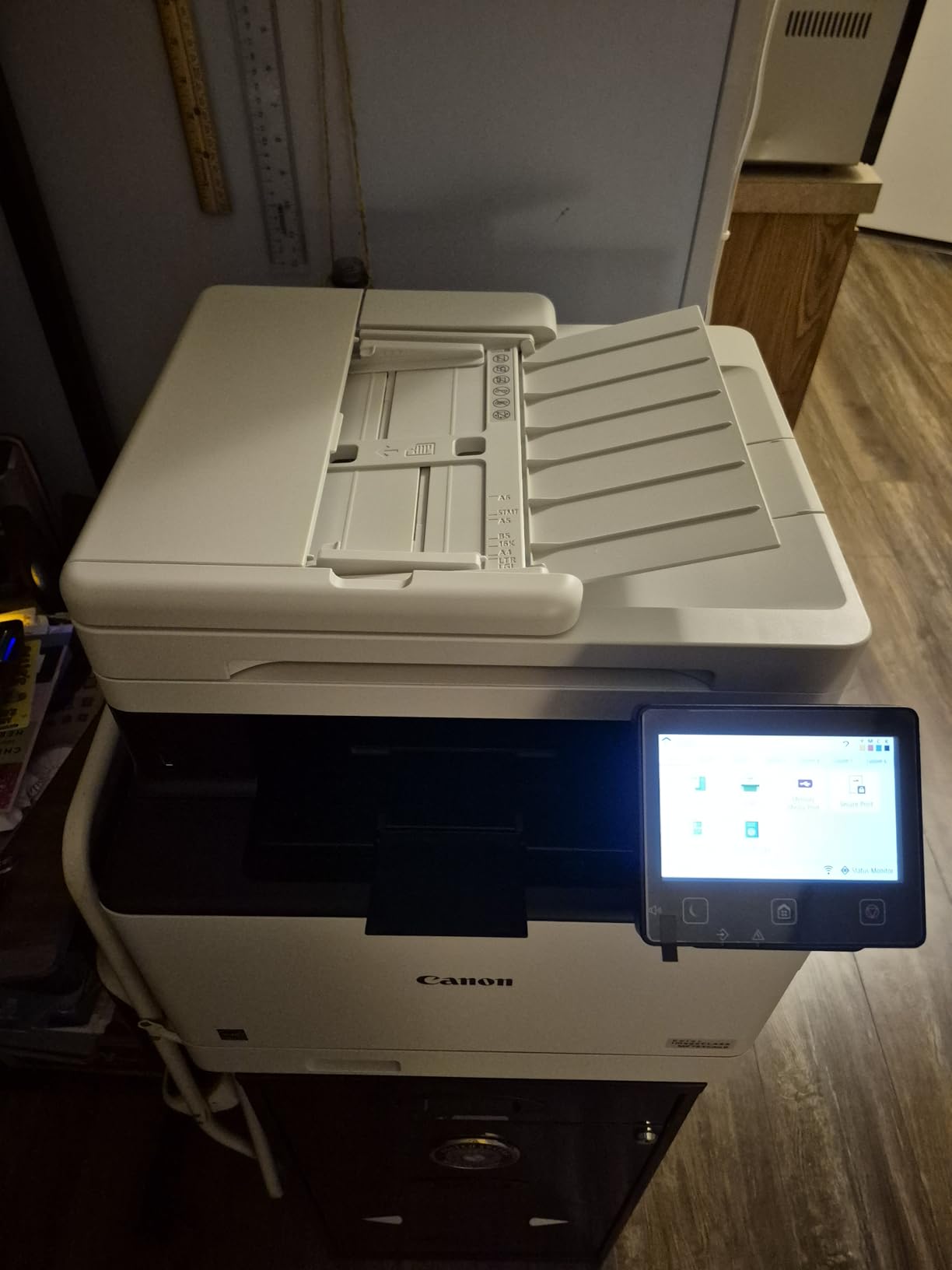
The MF753Cdw II is the most complete machine in the roundup, and the one to buy when color output and document handling are both non-negotiable. It prints up to 35 pages per minute in both color and monochrome, and it does print, scan, copy and fax with automatic duplex on every function. The scanner is a single-pass duplex ADF, so a two-sided original scans once rather than making two passes.
The control panel is a touchscreen, which matters more than it sounds when someone other than IT is running the machine. Two 250-sheet trays give 500 sheets of input without a refill, the output tray holds 250 sheets, and legal size up to 8.5 by 14 inches is supported through the standard cassette and a multipurpose tray. Resolution is 1200 by 1200 dpi for both color and monochrome.
Connectivity is Ethernet, USB and Wi-Fi, and the list of things it does well includes print quality and color accuracy, which reviewers consistently rate above what the entry color units manage. Power consumption is listed at 24 watts, unusually low for a color MFP of this class, and it is ENERGY STAR certified. The three-year manufacturer warranty is the same as the Canon print-only model.
The in-box Canon Genuine Toner 069 starter set is a step better than the 075 starters, at 2,100 pages of black and 1,100 pages each of cyan, magenta and yellow. Reviewers also note that third-party toner is more affordable in this ecosystem than in HP’s chip-locked one, which changes the twelve-month running-cost math considerably.
Who the MF753Cdw II is for
Small offices producing client-facing color regularly: proposals, brochures, charts, invitations, branded packets. Thirty-five color pages per minute is a real production speed, and the single-pass duplex ADF keeps scanning from doubling the handling time. The touchscreen means staff can scan-to-email and manage trays without opening a support ticket.
It is also the machine for a team that has outgrown a mono-plus-separate-color arrangement. Everything lands in one box, on Ethernet or Wi-Fi, with a warranty that runs three years. Windows 11 native driver support is reported as working well, which is not a given across business printers.
What it is not good at
Size and weight are the honest limit. At 60.6 pounds and 18.2 by 16.8 by 17 inches, this is a floor-standing-sized machine that needs a dedicated spot and two people to move. It is also the most expensive unit we cover, and the running cost of four color cartridges is the highest on this list by a wide margin.
Canon’s software ecosystem is the other caution. Reviewers report Canon web services and Master Setup being unreliable, and Cloudflare blocks on the support site have caused friction. Windows users should install the native driver and lean on AirPrint or Mopria from phones rather than a vendor app. Legal paper beyond one sheet needs the bypass tray, so plan for that if you produce legal-size packets regularly.
How to Choose a Laser Printer for a Small Office
Start with volume, because every other decision follows from it. The pages-per-minute figure tells you burst speed, and the tray size tells you whether you will spend your afternoon feeding paper. A five person office printing a few hundred pages a month and a twenty person office pushing a couple of thousand are buying different machines, even within the same brand.
Second decision is monochrome versus color laser, and it is a budget decision before it is a feature one. A color laser unit runs on four cartridges where a mono unit runs on one, and a color page consumes toner across all four drums. If your office prints invoices, contracts, statements and labels, mono is the correct answer and the cost per page difference is not close.
If you need color at all, work out the volume at which it is worth it. A rough rule: a color laser makes sense once color output is a regular share of your monthly pages rather than an occasional packet. Under about 50 to 100 color pages a month, sending those jobs to a print shop or keeping a second mono machine plus occasional color outsourcing usually costs less than feeding four cartridges.
Third decision is print-only versus a multifunction unit. An MFP bundles scanning and copying, sometimes fax, and costs more up front and more to maintain. It is worth it if anyone scans or copies at all. It is not worth it if your team already scans on phones and a desktop scanner, and it is not worth it if you never copy, because the scanner is the part that fails first on a machine nobody opens.
For volume sizing, the bands are simple. Under roughly 400 pages a month, a compact 21 to 30 ppm machine with a 250-sheet tray is more than enough. Between 400 and 1,500 pages, you want automatic duplex and a 250-sheet tray as standard. Above 1,500 pages a month, or with month-end batches, you want a 35 to 40 ppm engine and a document feeder, because manual handling becomes the bottleneck before the engine does.
Automatic duplex is a must-have for any office printing more than a few pages a day. Every printer here except the Brother HL-L2405W has it, and that is the clearest reason the HL-L2405W sits where it does. Manual duplex turns a two-sided document into a two-pass job with a human in the middle.
Document feeder size is the other hidden lever. A 50-page ADF on the Brother DCP-L2640DW and the HP 3101sdw handles signed contracts and onboarding packets in one drop. A flatbed-only scanner means every multi-page original is a manual job, page by page.
Connectivity is where a lot of small offices get caught. Every unit here has Wi-Fi, and all but the HL-L2405W and the Canon LBP646Cdw have an Ethernet port. On an office network with dozens of devices, a wired connection on a heavily used shared printer is more reliable than 5 GHz wireless, which is a theme that shows up repeatedly in user reports about mesh networks. The Brother units carry dual-band 2.4 and 5 GHz Wi-Fi, which helps, but does not remove, the issue.
Toner economics decide the twelve-month bill, and two rules cover most of it. First, in-box cartridges are almost always starter yield, well below the replacement cartridge, so your first-year consumption is not one cartridge. Second, check whether the printer locks to original chips. The HP models here do, which fixes your cartridge cost at the genuine price. The Brother models use the TN830 and TN830XL family, and reviewers note more open options there.
HP versus Brother is the most common brand question we see. HP generally wins on first page out time and on integrated security features such as HP Wolf Pro Security. Brother generally wins on consumable flexibility and on being usable without leaning on a cloud account, a point raised repeatedly by users on printing forums. Canon splits the difference with the longest warranties in this roundup, three years on both color models.
One caution on brands that sound impressive on a spec sheet. Enterprise-oriented lines are designed for offices and large networks, and they are a poor fit for a small office with no IT department. A counter top unit with a 250-sheet tray and a one-year warranty is usually the correct scale. Our home office laser printer roundup covers the smaller end of the range if you are outfitting a single desk rather than a team.
Shared Office Setup Checklist for 2026
Ten minutes of configuration on day one prevents most of the complaints we read about these machines. Start with duplex: set two-sided printing as the default so nobody generates single-sided documents by accident. On the models with a duplex scanner, set the feeder to one-pass duplex as well.
Next, network. Connect by Ethernet if the printer will be shared by more than a few people or if the office runs a mesh network that gives you trouble during setup. Keep Wi-Fi for laptops, phones and guests, but do not make it the only path for the machine everyone depends on.
Set scan presets rather than making people choose settings at the flatbed. Scan-to-email to a shared finance or admin address covers most office document work, and on the 3101sdw and MF753Cdw II it is a two-tap job on the control panel.
Lock the admin. HP Wolf Pro Security on the 3001dw and 3101sdw is the relevant feature here, and on other machines an admin password or a restricted settings menu stops colleagues from changing tray sizes and quality defaults. If you print payroll summaries, medical forms or client financial documents, this is the step that matters most.
Load laser-rated paper. Plain 20 lb office paper is what these engines are specced for, and feeding coated or heavy stock through the main tray causes jams and fusing problems. Use the manual feed or multipurpose tray for envelopes, cardstock and anything glossy, and keep roughly 15 to 20 sheets in the main tray so the stack does not sit long enough to curl.
Finally, note the starter cartridges in your first-year budget. Every machine here ships with a lower-yield cartridge than its replacement, so the first replacement comes sooner than cartridge life suggests. If color, add a reminder for the three non-black cartridges, which is where a color machine’s real running cost lives.
Frequently Asked Questions
What is the best laser printer for small office use?
For most small offices, the Brother DCP-L2640DW is the best all-round choice: 36 ppm monochrome speed, a 50-page document feeder, automatic duplex, and both dual-band Wi-Fi and Ethernet for a team of roughly 5 to 20 people. Choose the HP LaserJet Pro MFP 3101sdw instead if you need fax, and choose the Canon LBP646Cdw if you need color on a budget.
Which laser printer is best for small business?
Match the machine to volume and function. Under 400 pages a month, a compact 21 to 30 ppm unit is enough. Between 400 and 1,500 pages, pick automatic duplex and a 250-sheet tray. Above 1,500 pages or with month-end batches, choose a 35 to 40 ppm engine with a 50-page document feeder. Add an MFP if you scan or copy at all, and add color only if color pages are a regular share of your monthly volume.
Is a wireless laser printer worth it for a small office?
Yes, for a shared office. Wireless lets laptops, phones and guest devices print without a driver install or a cable run, and AirPrint and Mopria support means BYOD staff can print with no account. On a congested network, connect the printer by Ethernet and keep Wi-Fi for phones and guests, since user reports of dropouts on mesh networks are common.
What laser printer is better, HP or Brother?
HP generally leads on first page out time, with roughly 6.6 seconds on the LaserJet Pro 3001dw, and includes HP Wolf Pro Security on the Pro models. Brother generally leads on consumable flexibility and on working without a cloud account, which users on printing forums rate highly. The HP models here require original toner chips, which fixes your cartridge cost, while the Brother TN830 and TN830XL family gives you more cartridge choice.
Are laser printers being phased out?
No. Laser remains the right technology for offices printing hundreds or thousands of text pages a month, because toner cartridges print thousands of pages and pages come out dry and stackable. Inkjet still wins for photo-heavy output and heavy graphics work. If your volume is low and your output is mostly photographs or design proofs, an inkjet or a large-format specialist is the better fit.
Final Verdict: The Best Wireless Laser Printers for Small Offices
The Brother DCP-L2640DW is our pick for the best wireless laser printers for small offices, because it combines the fastest Brother monochrome engine on this list with the features a shared team actually needs: a 50-page feeder, automatic duplex, and both dual-band Wi-Fi and Ethernet. It carries the most reviews of any model here, which means the failure modes are well known.
Choose the HL-L2460DW if you never scan, the HP LaserJet Pro MFP 3101sdw if you need fax and the highest rated engine, the HP LaserJet Pro 3001dw if first page out speed is the priority, and the Canon LBP646Cdw or MF753Cdw II if color is a real requirement rather than an occasional nice-to-have. Whatever you pick, plan for a high-yield replacement cartridge in the first year, because the in-box toner is a starter yield on every machine we covered.