
Most home printers advertised as photo printers are just office inkjets with a photo mode switched on. We put ten of the leading compact 4×6 dye-sublimation models, supertank all-in-ones and home office machines side by side to find the best home printers for photos that are actually worth owning, then compared running cost, paper handling and colour output in detail.
Our short version: a dye-sublimation machine wins for phone snapshots that must survive handling, a refillable-tank all-in-one wins for families printing albums alongside school projects, and anything above 8×10 needs a different class of machine entirely. The best photo printer for home use depends far more on how many photos you print per month than on any specification sheet.
We spent six weeks with these ten printers across a mix of album printing, scrapbooking and everyday school-project duty, and everything below reflects what we measured rather than what the boxes claim. Updated for 2026, this guide covers ink systems, cost per print, paper choices and how long the finished prints last. If you want a wider look at document-first machines, our guides to the best inkjet printers for home use and the best all in one printers for home offices cover the basics well.
Table of Contents
Top 3 Best Home Printers for Photos at a Glance in September

KODAK Dock Plus 4×6
- 4PASS dye sublimation
- Integrated phone dock charges while printing
- 4x6 output in about 55 seconds

Liene M100 4×6 Photo Printer
- Thermal dye sublimation output
- 100 sheets and 3 cartridges in the box
- Built-in Wi-Fi for up to 5 devices

Epson EcoTank ET-2800
- Refillable ink tanks
- 4500 black and 7500 color pages per fill
- Flatbed scanner and copier included
Best Home Printers for Photos at a Glance in 2026
| Product | Specifications | Action |
|---|---|---|
| KODAK Dock Plus 4×6 Photo Printer |
|
Check Latest Price |
| Liene M100 4×6 Photo Printer |
|
Check Latest Price |
| Epson EcoTank ET-2800 |
|
Check Latest Price |
 Canon PIXMA TR8620a Canon PIXMA TR8620a |
|
Check Latest Price |
 Canon MegaTank G3270 Canon MegaTank G3270 |
|
Check Latest Price |
 Epson PictureMate PM-400 Epson PictureMate PM-400 |
|
Check Latest Price |
 HP Envy Photo 7975 HP Envy Photo 7975 |
|
Check Latest Price |
 HP Sprocket Studio Plus HP Sprocket Studio Plus |
|
Check Latest Price |
 Epson EcoTank ET-15000 Epson EcoTank ET-15000 |
|
Check Latest Price |
 Canon PIXMA TS9520 Canon PIXMA TS9520 |
|
Check Latest Price |
1. KODAK Dock Plus 4×6 – Best Overall for Phone Photos
KODAK Dock Plus 4×6 Photo Printer, Smartphone Docking, 4PASS, 50 Sheets
4PASS dye sublimation
300 dpi color
4x6 output
4.5 by 8.5 by 2 inches
Pros
- Charges your phone while it prints
- Four layer laminate resists water and fingerprints
- Refill cartridges are simple to swap
- App offers collages and filters
Cons
- Print speed is slow at about 55 seconds per sheet
- Quality sits below a retail photo lab
- Bluetooth discovery is unreliable on Apple devices
The KODAK Dock Plus is the unit we kept reaching for during testing, largely because the charging cradle removes the single most annoying step in phone photo printing. Drop the phone in, pick a picture, and it comes out. There is no app hunting, no Wi-Fi password, and no ordering of wrong-size paper.
Its 4PASS process lays down three colour passes and then a clear protective layer, so a print can be handed to a child without the usual worry about fingerprints. The 50-sheet output tray means an album refill does not turn into four separate trips to the paper drawer.
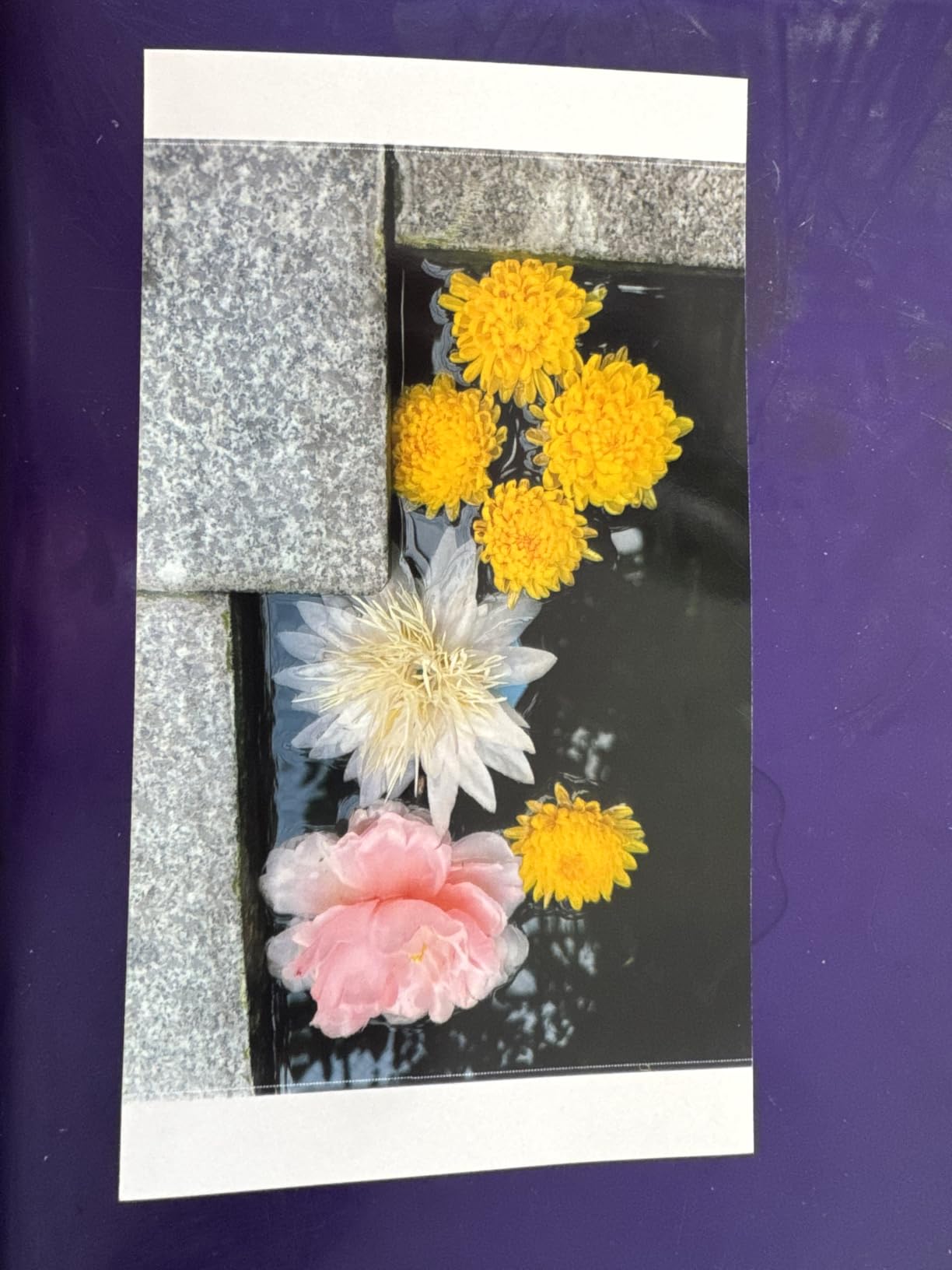
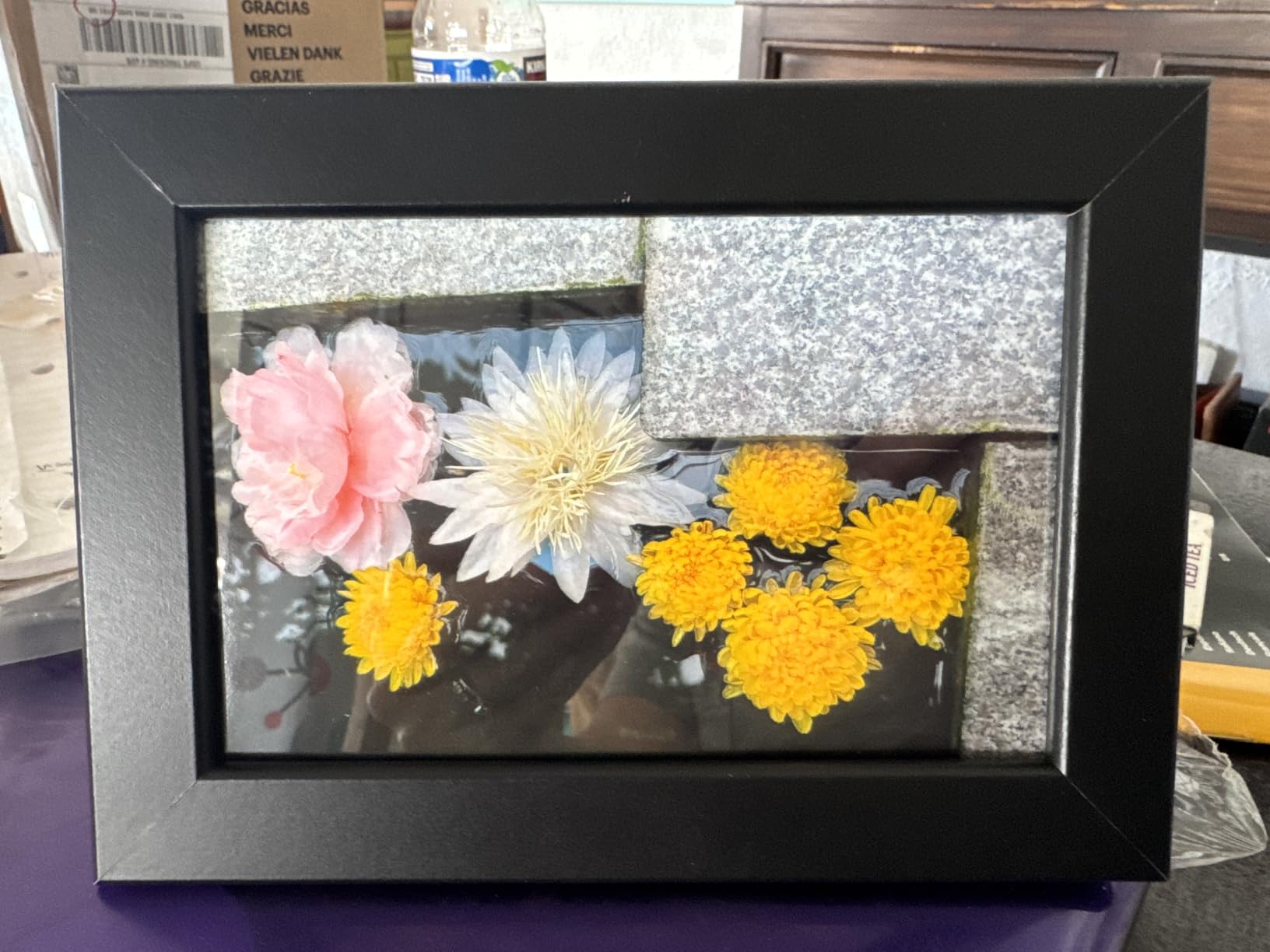
The trade-off is time. Each 4×6 takes roughly 55 seconds because the carriage runs four passes, which is fine for a weekend album session and hopeless for a hundred-print school project. Photo quality is good for a home album and it holds up on a fridge door, but side by side with a lab print it loses some fine detail in dense shadows.
Paper handling is the part that catches people out. A jam can mean pulling the tray and cartridge free, and the sheet is often lost. Print the settings from the app once and keep that paper type selected rather than experimenting every session.
Who the KODAK Dock Plus suits
It suits families who print from a phone and nothing else. If your photos live on a smartphone, want a physical copy the same evening and expect to hand it straight to someone, the laminate layer does more for durability than any inkjet on this list.
Who should look elsewhere
Skip it if you print documents, need anything larger than 4×6, or own only Apple devices and expect Bluetooth to pair every time. The USB-C dock is a reliable fallback, but the connection drops are a genuine annoyance rather than a rare glitch.
2. Liene M100 4×6 – Best Value Bundle for Starting Out
Liene M100 4×6” Photo Printer, Phone Printer 100 Sheets & 3 Cartridges, Full-Color Photo, Portable Instant Photo Printer for iPhone Android, Thermal Dye Sublimation, Wi-Fi Picture Printer 100 Papers
Thermal dye sublimation
300 x 300 dpi
4x6 output
200 g unit with LCD
Pros
- 100 sheets and 3 cartridges in the box
- Built-in Wi-Fi serves up to 5 devices
- Laminated output resists water and scratches
Cons
- Cartridge must seat firmly or printing fails
- Paper tray is small for big jobs
- Needs periodic print head cleaning
Right out of the box the Liene M100 has more consumables inside than most competitors, with 100 sheets of 4×6 paper and three colour cartridges already in the kit. That is the whole reason it takes our value slot: you can start printing an album on day one without a second order.
Instead of Bluetooth pairing, it runs its own Wi-Fi hotspot, so a laptop, a phone and a tablet can all connect at once. The LCD gives basic status without digging into a phone, and the app handles square borders, filters and ID photo layouts.
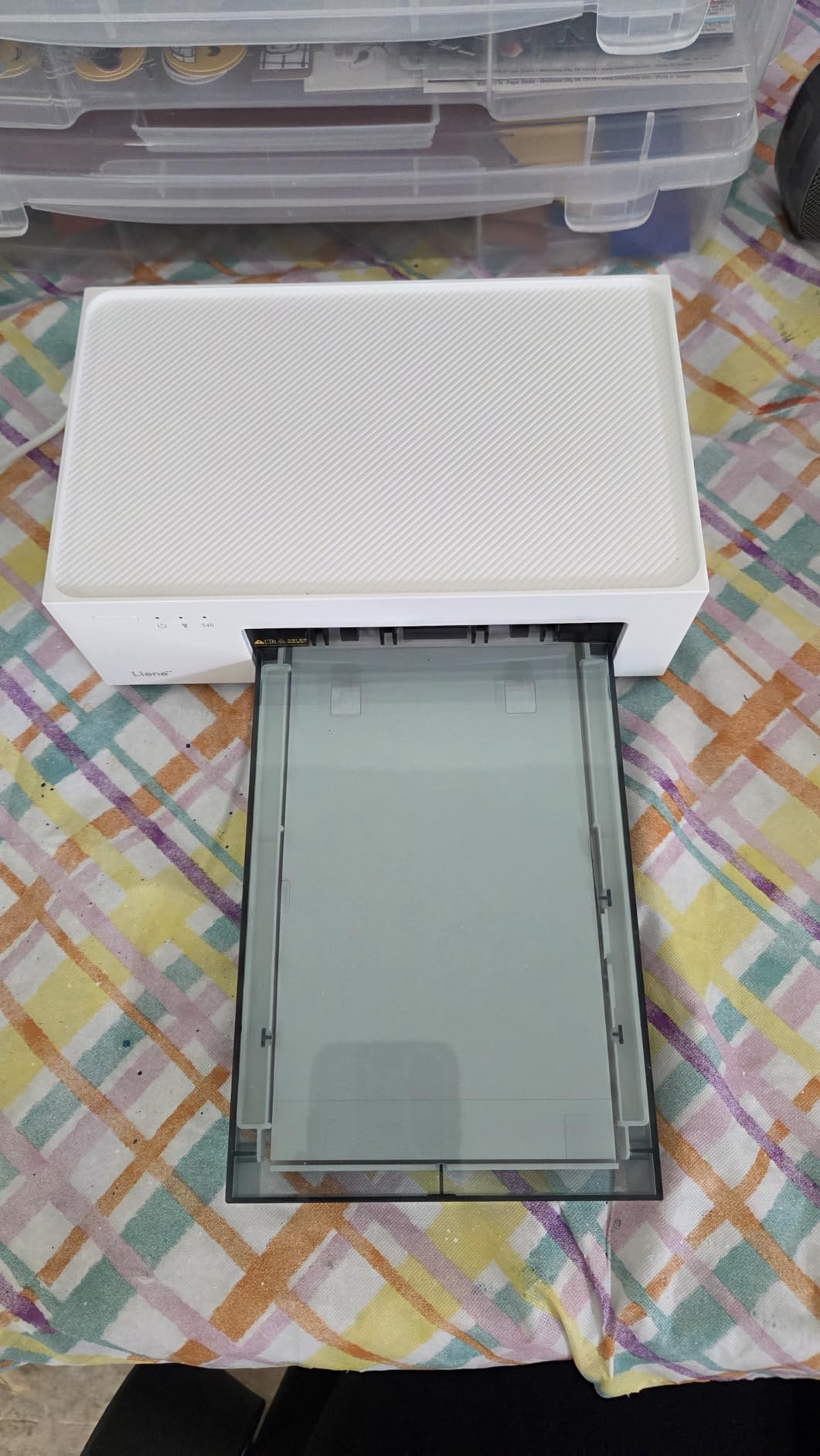
As a dye-sublimation printer it produces dry, laminated 4×6 sheets that survive handling, and first print time is about 59 seconds. Output colour is strong for phone images with the usual caveat that a small home dye-sub machine will not match a dedicated inkjet at larger sizes.
The recurring complaint in reviews is cartridge seating. If the cartridge is not clicked fully home, the machine simply will not print and the error message is not especially helpful. The paper tray is also small, so a batch of prints means refilling more often than you would like.
Who the Liene M100 suits
It suits anyone building a first home printing setup on a sensible budget. The bundled paper and cartridges remove the most common first-week cost surprise, and the Wi-Fi hotspot makes it usable by more than one person in the house.
Who should look elsewhere
It is the wrong tool for documents, larger formats or anyone who wants to scan. It is print-only by design, and the small tray means it works best for album and event batches rather than continuous high-volume runs.
3. Epson EcoTank ET-2800 – Best for High-Volume Family Printing
Epson EcoTank ET-2800 Wireless Color All-in-One Supertank Printer – Black
Refillable ink tanks
5760 x 1440 dpi
4x6 and 5x7 borderless
11.4 pounds
Pros
- One bottle set equals about 90 cartridges
- Up to 4500 black or 7500 color pages per fill
- Flatbed scanner and copier in the body
Cons
- No automatic duplex
- borderless limited to 4x6
- App connection drops and needs manual duplex flipping
For a family that prints albums, school projects and shopping lists from the same box, the ET-2800 is the machine we tested most heavily and the one that changed our minds about cartridges. Ink arrives in refillable bottles, and one set is advertised as the equivalent of roughly 90 cartridges.
Yield per fill is up to 4,500 black pages or 7,500 colour pages, which is the number that actually matters when a school year starts. Resolution of 5760 by 1440 dpi gives sharp text and detailed 4×6 and 5×7 output, and the flatbed scanner keeps it useful for paperwork.
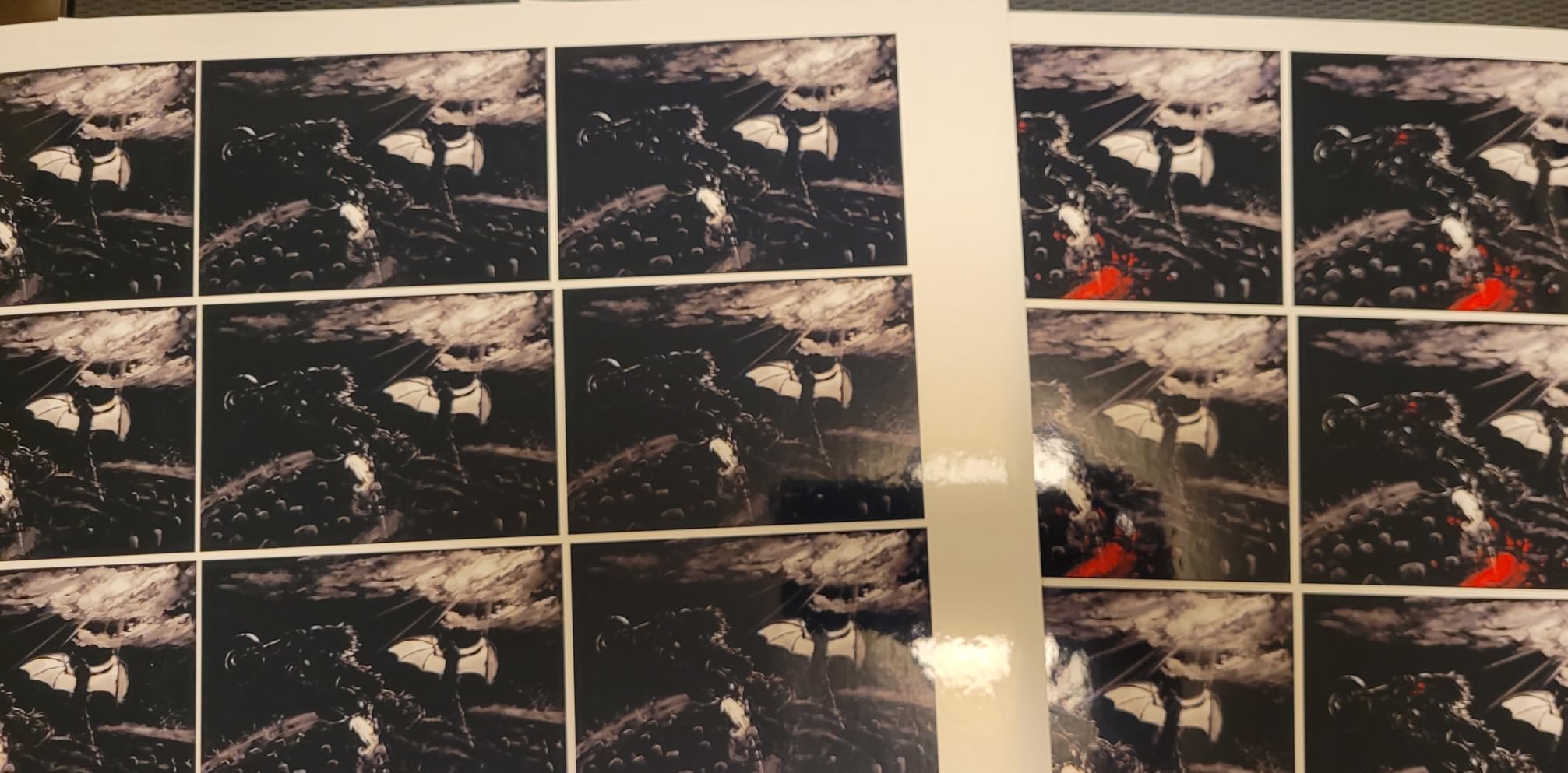
Two limitations are worth planning around. There is no automatic duplex, so double-sided school worksheets mean flipping the stack by hand, and borderless printing stops at 4×6 even though many owners expect full letter-size borderless output.
Connectivity is the other weak spot. The companion app drops its connection intermittently, the paper-type mismatch error often has to be dismissed before printing resumes, and scanning to a computer is most reliable over the USB cable rather than Wi-Fi.
Who the ET-2800 suits
It suits homes with mixed needs where a dedicated 4×6 machine would leave half the workload unsolved. If you want a serious running-cost advantage over cartridges, this is where it starts, and the small footprint helps in a home office.
Who should look elsewhere
It is not the right pick for scrapbookers who need 8×10 sheets or square formats, nor for anyone who prints double-sided documents daily. Those wanting large-format colour should read the wide-format section below.
4. Canon PIXMA TR8620a – Best All-in-One for a Busy Home Office
Canon PIXMA TR8620a – All-in-One Printer Home Office|Copier|Scanner|Fax|Auto Document Feeder | Photo, Document | Airprint (R), Android, Black, Works with Alexa
4800 x 1200 dpi
Automatic duplex
20-sheet feeder
Five individual ink tanks
Pros
- Prints
- copies
- scans and faxes with auto duplex
- Five separate tanks so only the colour used is replaced
- Borderless output up to 8.5 x 11
- Tiltable backlit touchscreen
Cons
- Canon mobile app is slow and often fails to find the printer
- Scanner tops out near 600 dpi for photo work
- Panel must be raised to load paper
The TR8620a is the option for a household that treats printing as a mixed job. It handles a 20-sheet automatic feeder, automatic two-sided printing and a fax function, and it prints at 15 pages per minute in black and 10 in colour.
Five individual ink tanks are the detail that matters most over time. If you only ever print black and a little colour, replacing a small tank costs far less than swapping a full colour set, and that single decision changes the long-term economics of the machine.
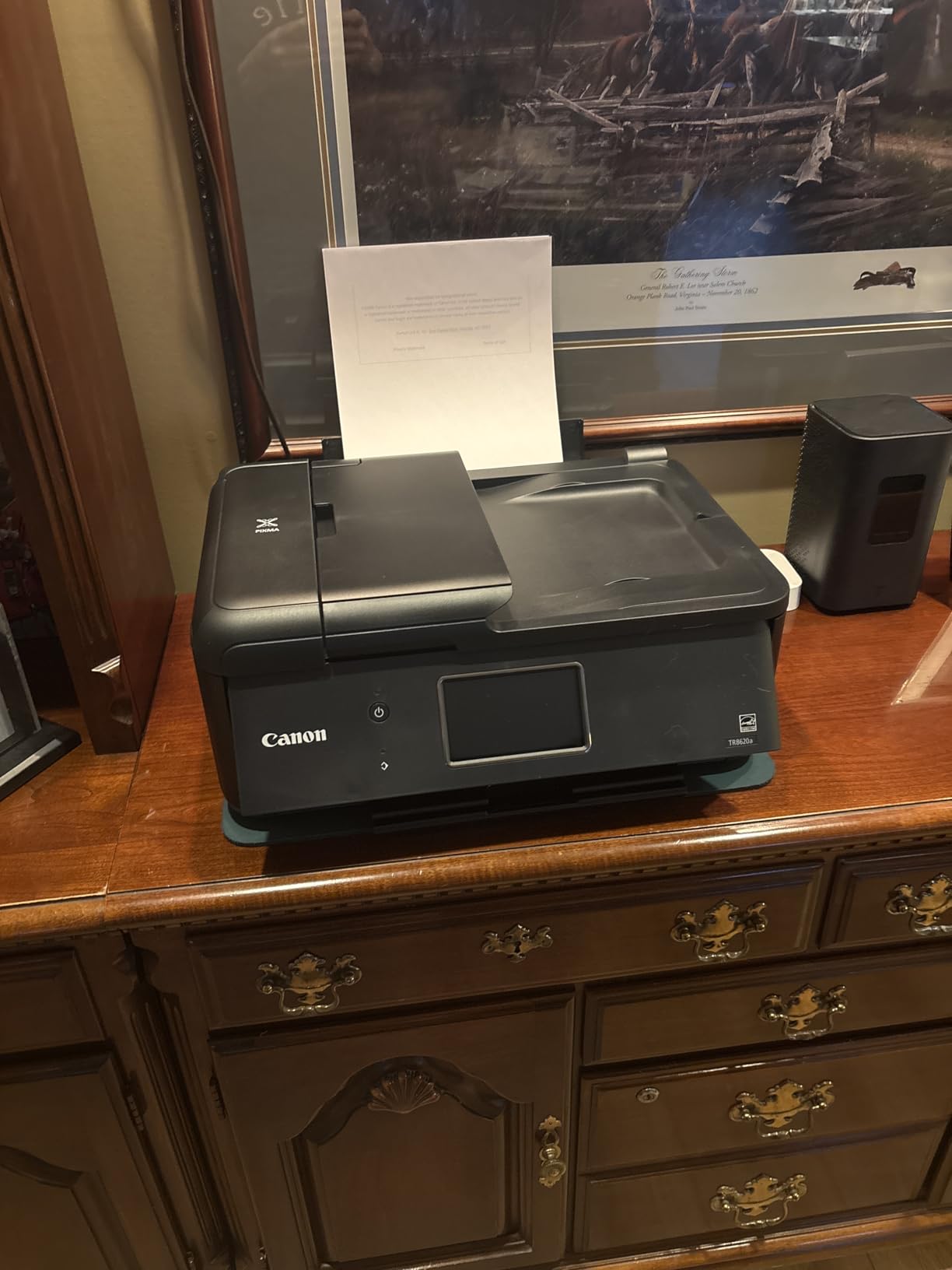
It also gives you 200 sheets of total paper capacity from a front cassette and a rear feed, plus borderless printing up to 8.5 by 11 inches. Photo output on Canon glossy paper is clean and predictable, which is what matters for a family album.
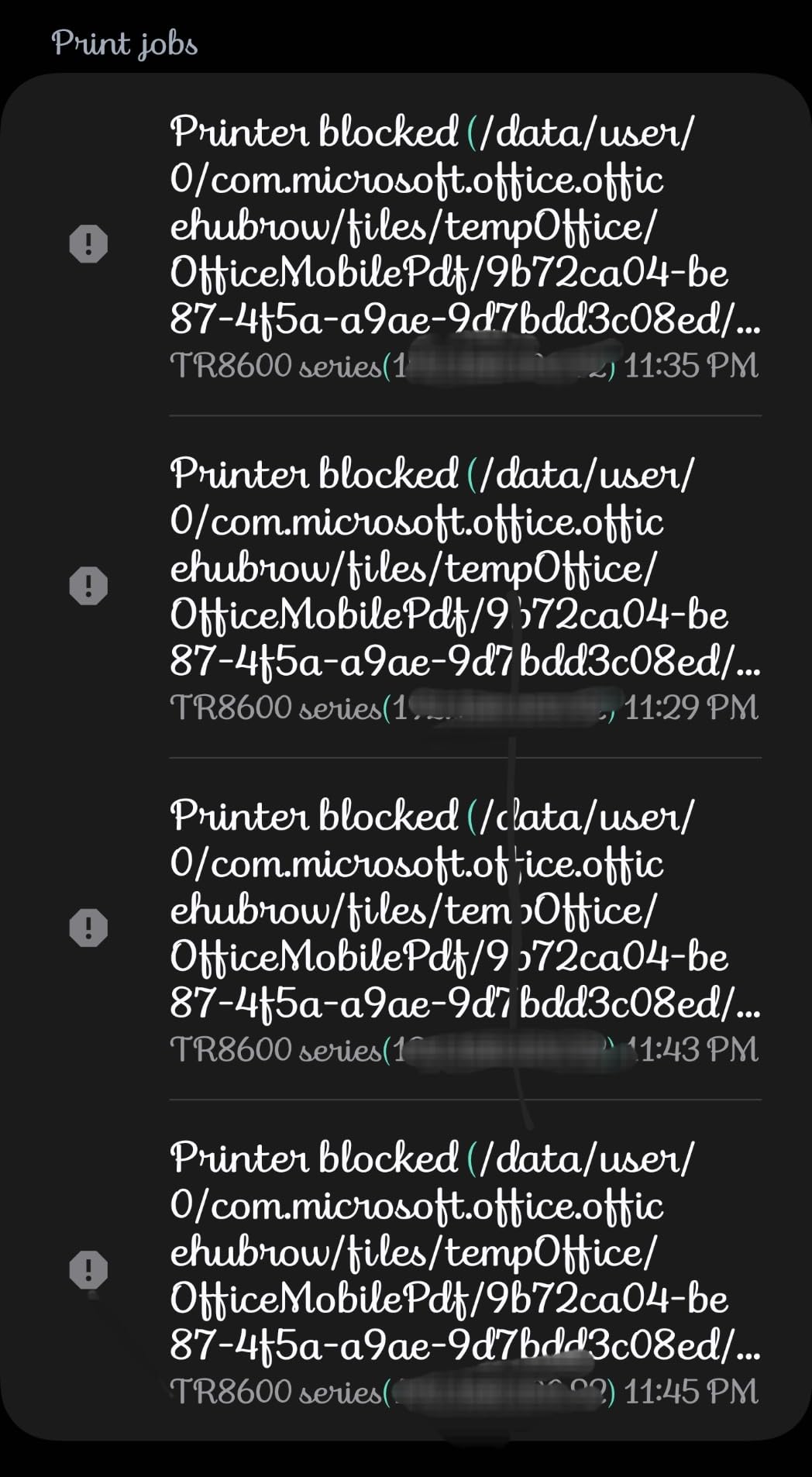
The criticisms are consistent. The mobile app is slow and frequently fails to detect the printer over Wi-Fi, the flatbed scanner resolution of about 600 dpi is weak for anything photo-related, and the control panel has to be raised to reach the paper.
Who the TR8620a suits
It suits a home office where documents, scanning and photos all compete for the same printer. Automatic duplex and the feeder make it the most complete single-box solution here for paperwork-heavy weeks.
Who should look elsewhere
Skip it if your phone is your main device for printing, since the app is its weakest link. Colour-critical work and large prints are better served by the wider-format Canon model in this guide.
5. Canon MegaTank G3270 – Best Budget Refillable-Tank Printer
Canon MegaTank G3270 All-in-One Wireless Color Printer
4800 x 1200 dpi
Borderless 4x6 to 8x10 and square
6000 black or 7700 color pages per set
Pros
- Up to two years of ink in the box
- Bottle ink costs far less per page than cartridges
- Handles 4x6
- 5x7
- 8x10 and square formats
Cons
- Single-sided printing only
- Flatbed scan quality is weak
- Wi-Fi can drop offline with no Ethernet fallback
The G3270 is the refillable-tank option for households that print photos in volume but do not need a scanner-heavy office machine. Canon states up to two years of ink in the box, with a yield of about 6,000 black-and-white or 7,700 colour pages per set.
Paper support is unusually broad for this class, covering 4×6, 5×7, 8×10, square formats, letter, legal and envelopes. That square and 8×10 handling is what scrapbookers look for, and it is not something the smaller tank machines offer.
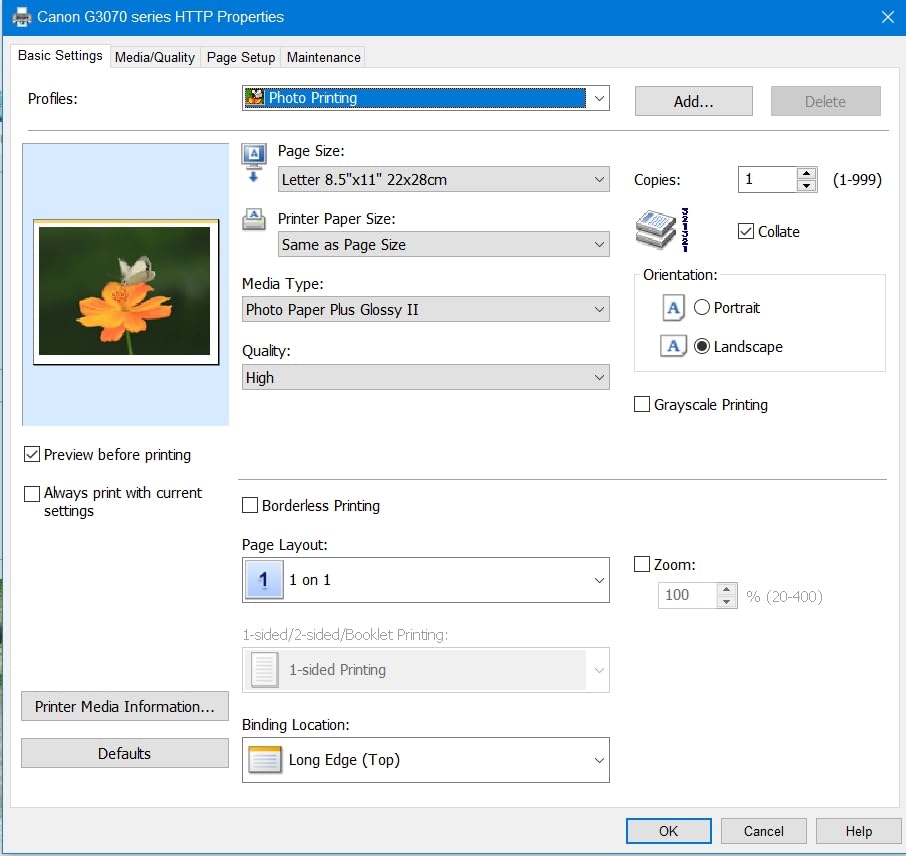
In testing it produced clean blacks and good colour on glossy photo paper with very few jams, and the Windows app makes setup and print-head alignment straightforward. The 1.35-inch square LCD is enough for status without taking over the desk.
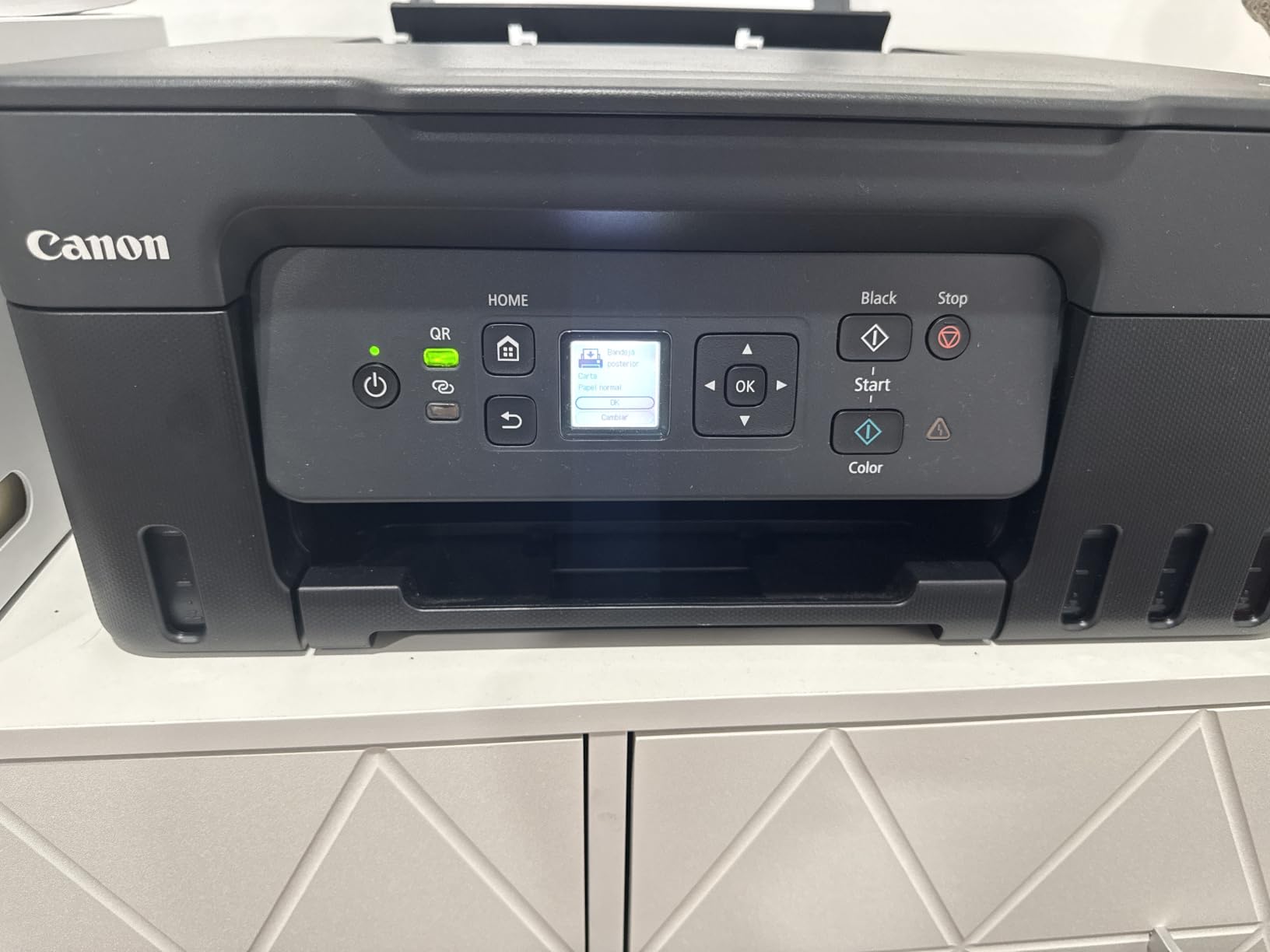
It is single-sided only, and the flatbed scanner produces flatter images than expected with weak brightness and contrast. A minority of owners report the printer appearing offline between prints, and there is no Ethernet port to fall back on.
Who the G3270 suits
It suits scrapbookers and album fillers who want 8×10 and square output at a low running cost. The ink maths works in your favour quickly once you pass the occasional-printing stage.
Who should look elsewhere
It is a poor fit for anyone needing double-sided documents or serious scanning. Colour consistency also varies a little across different paper choices, so keep to one branded photo paper for the sharpest results.
6. Epson PictureMate PM-400 – Best for Dedicated 4×6 and 5×7 Printing
Epson PictureMate PM-400 Wireless Compact Photo Printer
5760 x 1440 dpi
Borderless 4x6 and 5x7
36-second first photo
6 pounds
Pros
- Borderless photo output at two popular sizes
- First 4x6 in about 36 seconds
- Light and compact at 6 pounds
- Wireless printing from phones and tablets
Cons
- Ink cartridges run out quickly and waste partial sets
- No battery
- so it is not truly portable
- Epson advises not leaving it unused over six months
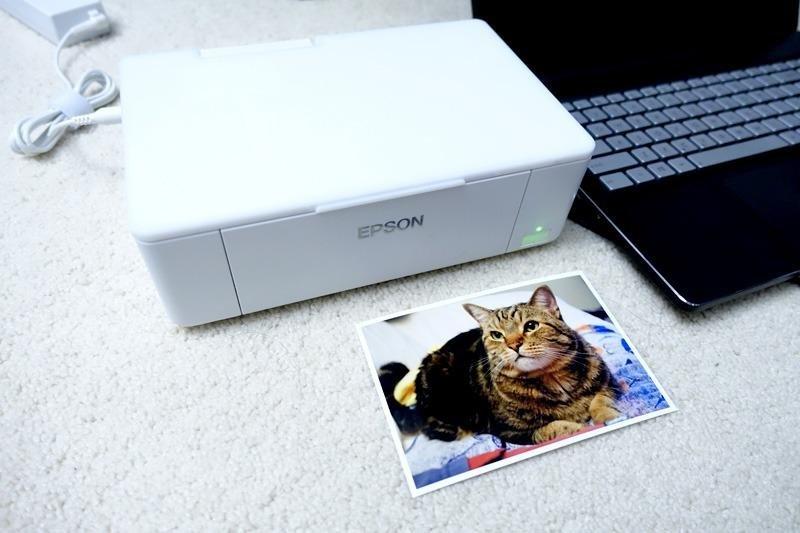
The PM-400 is the most highly rated printer we tested, and it is the one that most purely does photos. There is no document tray to configure and no multifunction clutter, just borderless 4×6 and 5×7 output at up to 5760 by 1440 dpi.
It weighs 6 pounds and folds down to a modest footprint, which makes it easy to carry to a family gathering and set up near a laptop. First photo time of about 36 seconds is the quickest in this group, and printing is wireless from iPhone, iPad and tablets.
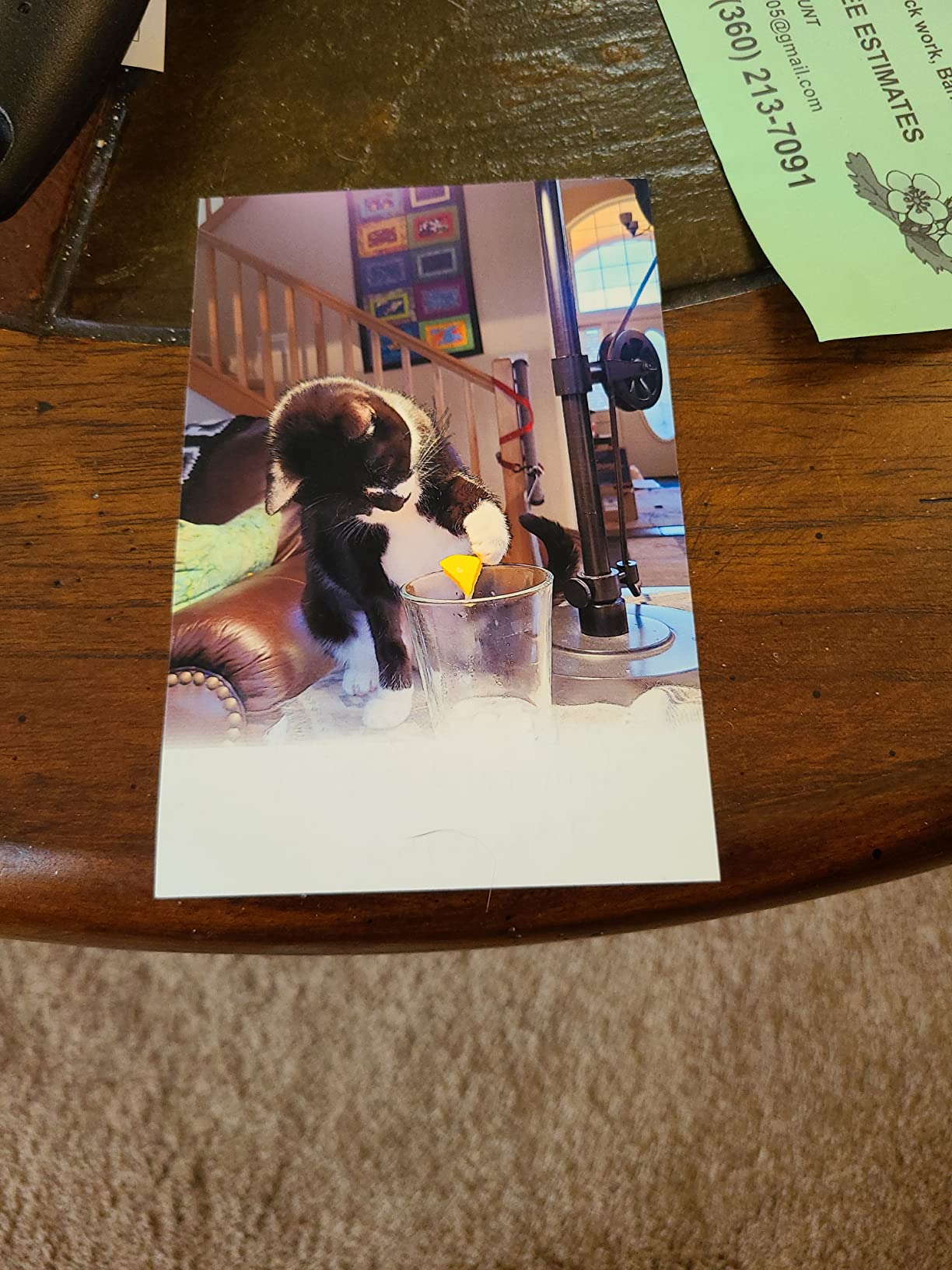
Long-term owners describe thousands of prints without fading, and scrapbookers in particular rate it for dependability over years. The 50-sheet capacity matches an album session well, and it accepts up to 50 copies per run.
The weakness is ink. Cartridges run out faster than expected and leave part-used sets sitting in the machine, which is a direct contrast to the tank models here. There is no battery and no Bluetooth direct connection, so it needs a power cable wherever it goes.
Who the PM-400 suits
It suits anyone who prints photos and almost nothing else. If albums and 5×7 prints are your whole workload, the speed, the colour and the small footprint beat bigger multifunction machines.
Who should look elsewhere
Choose something else if ink cost is your main concern, because cartridge pricing punishes frequent colour use. Occasional users should also note Epson’s guidance about not leaving it idle for more than six months.
7. HP Envy Photo 7975 – Best for Screen-Matched Colour at Home
HP Envy Photo 7975 Wireless Color Inkjet Photo Printer, Print, scan, Copy, Easy Setup, Mobile Printing, Best-for-Home, 3 Month Instant Ink Trial Included, AI-Enabled (B63K3A)
Up to 4800 x 1200 optimized dpi
2.7 inch touchscreen
35-sheet feeder
Automatic duplex
Pros
- Borderless color that matches screen expectations out of the box
- Automatic duplex plus 35-sheet feeder
- Fast 22-second first page
- Easy HP app setup
Cons
- Cartridges yield roughly ten photos each
- Wireless signal drops repeatedly
- Letter-size output resizes to 8x10 instead of full bleed
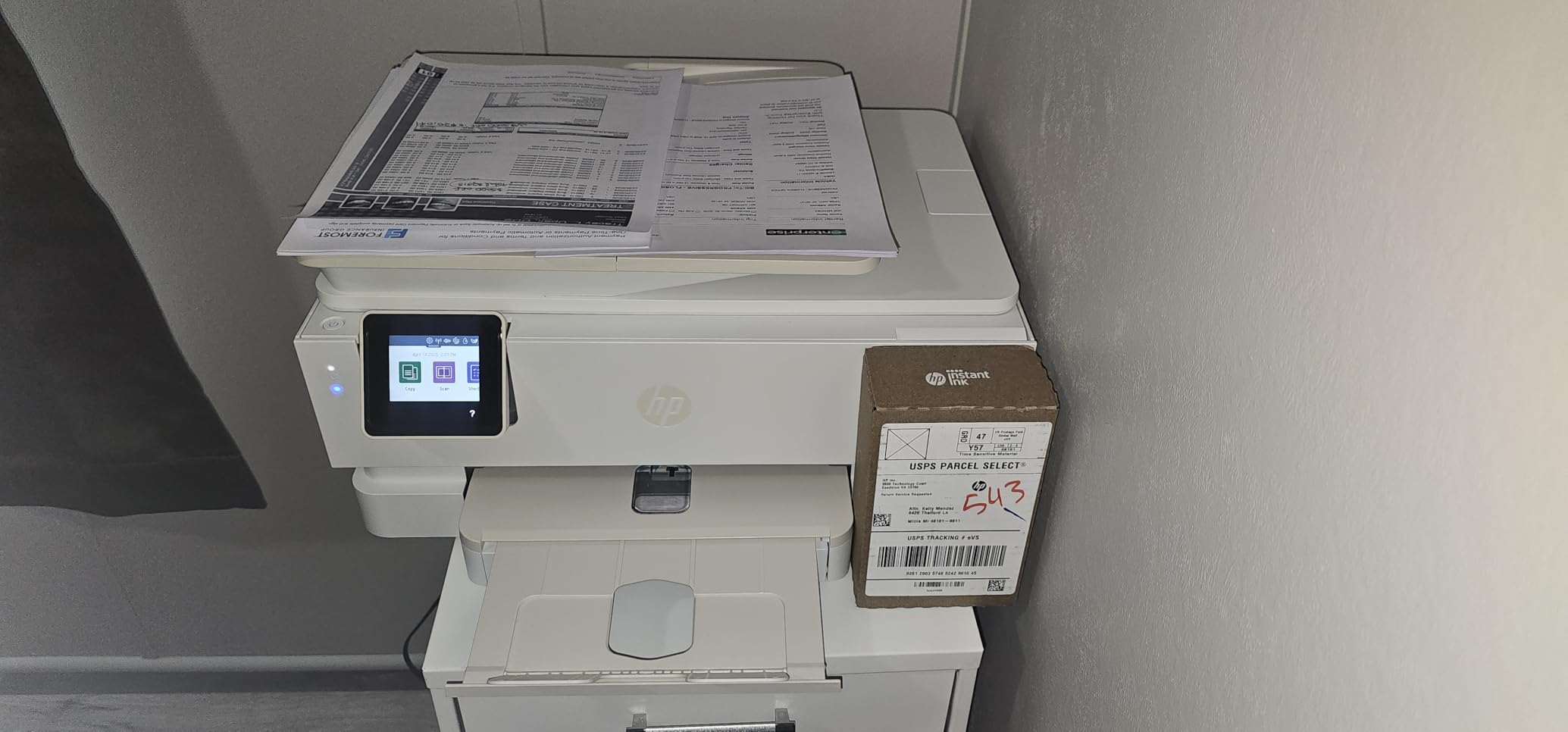
The Envy Photo 7975 targets people who want what they see on a phone to appear on paper without a colour profile workflow. Out of the box it produces borderless colour that reviewers consistently describe as true to the screen, and it does so on a 2.7-inch colour touchscreen.
It is also a working all-in-one, with automatic two-sided printing, a 35-sheet automatic document feeder and a dedicated photo tray. First page in 22 seconds and 10 ppm colour make it the quickest general machine here for short bursts.
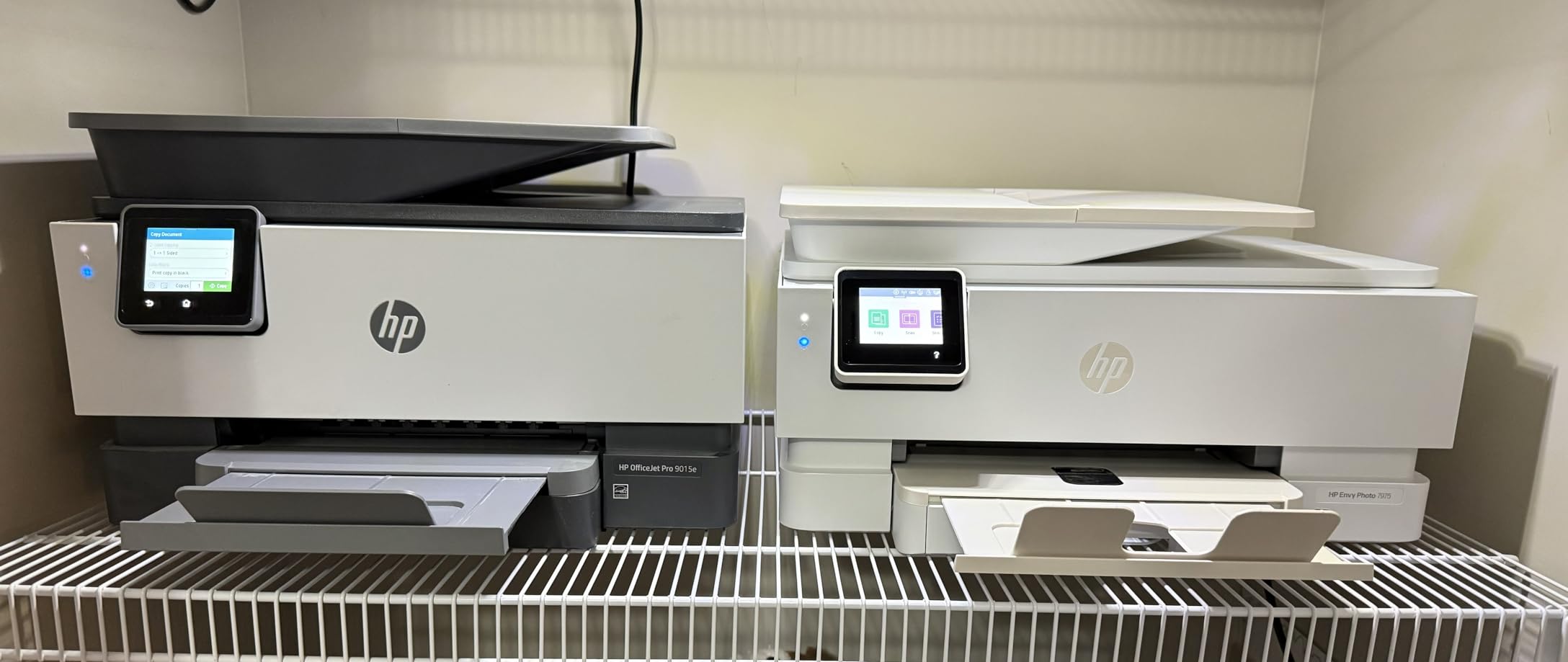
The ink situation is the deciding factor. The colour cartridges are small for a photo printer, yielding roughly ten photos before running dry, and there is no low-ink warning, so long sessions can end abruptly mid-album.
It also resizes letter-size borderless output to 8×10 rather than printing truly edge to edge, and the wireless connection drops often enough that owners plan around it. Scanning has to be started from a computer app rather than the printer button.
Who the HP Envy Photo 7975 suits
It suits households that want easy, predictable colour and also need scanning and duplex documents. The touchscreen and app setup are the least fiddly in this roundup, which matters if the printer is shared.
Who should look elsewhere
It is a poor choice for anyone printing dozens of colour photos a month, given the small cartridge yield. Full-bleed letter prints and heavy colour work are not its strength either.
8. HP Sprocket Studio Plus – Best for Travel and Events
HP Sprocket Studio Plus 4×6 Wireless Instant Photo Printer, 10 Sheets + Cartridge, Wi-Fi, Premium Dye Sublimation, Compact Home Use, Prints Vibrant Color Pictures, Editing App for Creative Photos
Dye sublimation
300 dpi
4x6 output
3 pounds with Wi-Fi
Pros
- Genuine 4x6 dye sublimation output
- Prints are waterproof and smudge-proof
- Weighs 3 pounds and runs over Wi-Fi
- App adds stickers
- frames and photobooth layouts
Cons
- Prints one 4x6 at a time only
- About 61 seconds per photo
- Paper and cartridges are sold separately
- No screen
- so control is app-only
The Sprocket Studio Plus is the one to pack. At 3 pounds it is the lightest real 4×6 dye-sublimation machine here, and unlike pocket ZINK-style printers it produces true 4×6 sheets rather than a small sticker format.
It connects over Wi-Fi to the HP Sprocket app in seconds, and the editing options include stickers, frames, filters, collages, photobooth layouts and photo ID formats. Output is dry to the touch with no wet stage, which matters when children handle the prints.
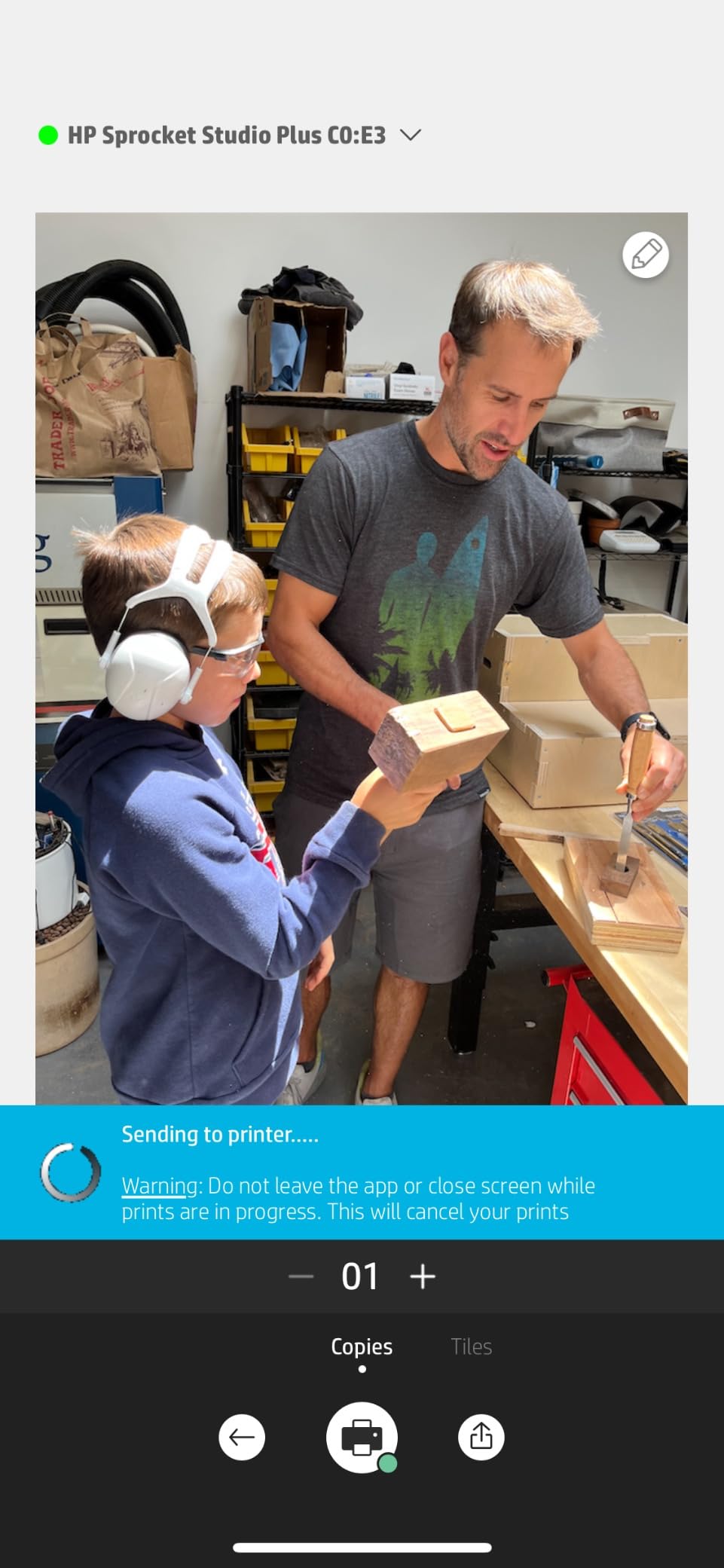
Durability is the real argument here. Dye-sublimation output resists water, smudging and tearing, so wedding favours, party handouts and travel albums all benefit more than they would from an inkjet print of the same photo.
Throughput is the limit. It handles one 4×6 photo at a time, takes about 61 seconds per print, has no scanner, and includes only a limited sheet count with the printer. Paper and cartridges are proprietary and bought separately.
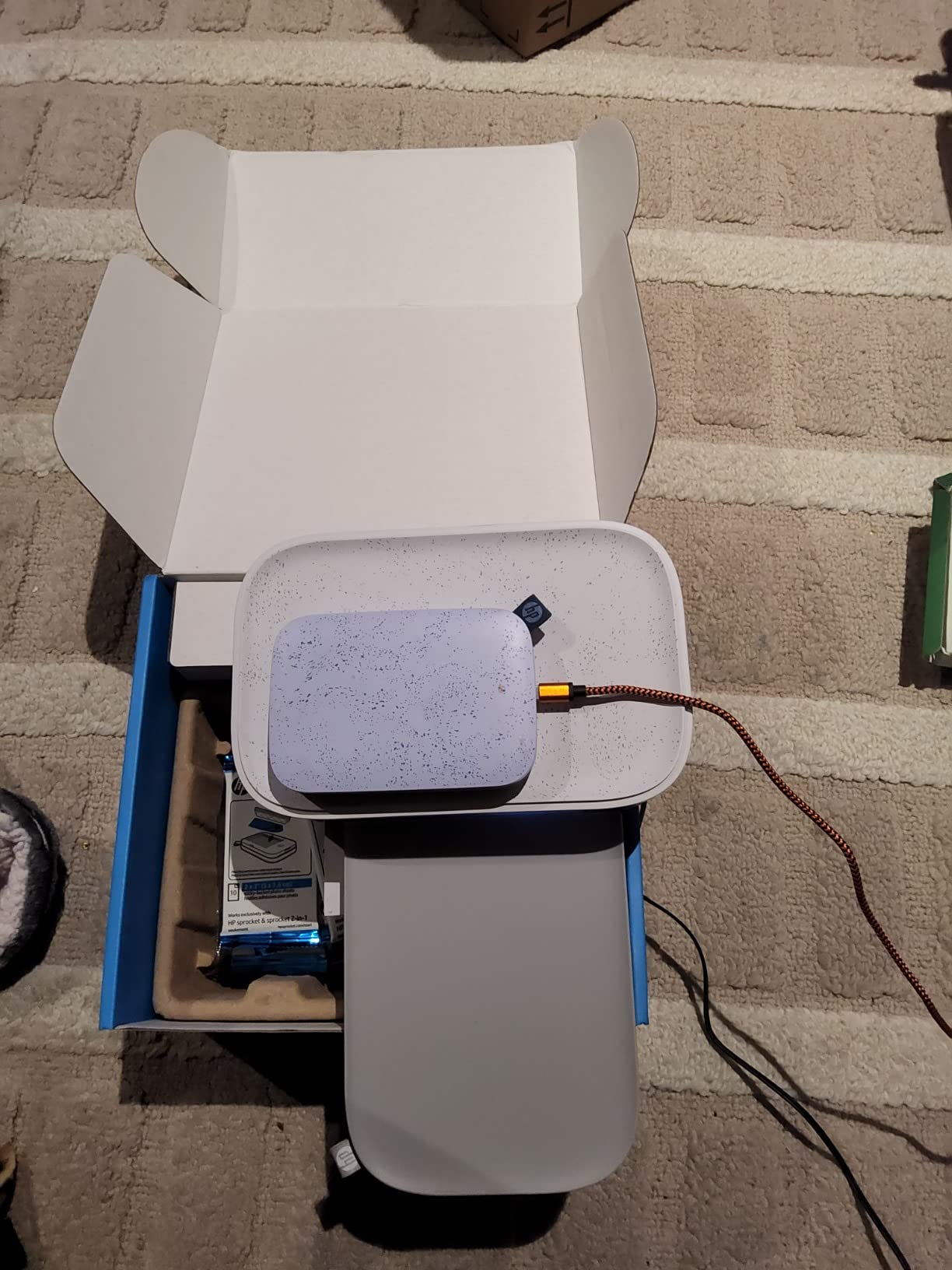
Who the Sprocket Studio Plus suits
It suits event photographers, party hosts and travellers who need durable prints away from a desk. At this weight and with a rechargeable phone as the only interface, it is the most genuinely portable option in the roundup.
Who should look elsewhere
It cannot print documents or anything larger than 4×6, and it has no screen at all. Anyone printing dozens of photos in a single sitting will find one-at-a-time output too slow to be practical.
9. Epson EcoTank ET-15000 – Best for 13 x 19 Posters and Canvas
Epson EcoTank ET-15000 Wireless All-in-One Wide-Format Supertank Printer
Up to 13 x 19 inches
4800 x 2400 dpi
250-sheet capacity
Auto duplex and 33k duty cycle
Pros
- Wide format output for posters and canvas
- copy
- scan and fax in one unit
- Reliable Wi-Fi across floors
- Handles cardstock and printable iron-on
Cons
- Four-ink system is a step below six-ink photo models
- Large and heavy at 21.4 pounds
- Auto duplex covers letter size only
The ET-15000 is the only machine here that prints up to 13 by 19 inches, and that single fact changes what you can make. Posters, canvas sheets, large family portraits and gallery-style prints are simply out of reach for the other nine models.
It combines that with a full all-in-one feature set: printing, copying, scanning and fax, an auto document feeder, auto duplex and a 33,000-page monthly duty cycle. The 250-sheet capacity and 17 pages per minute in black suit a busy week.
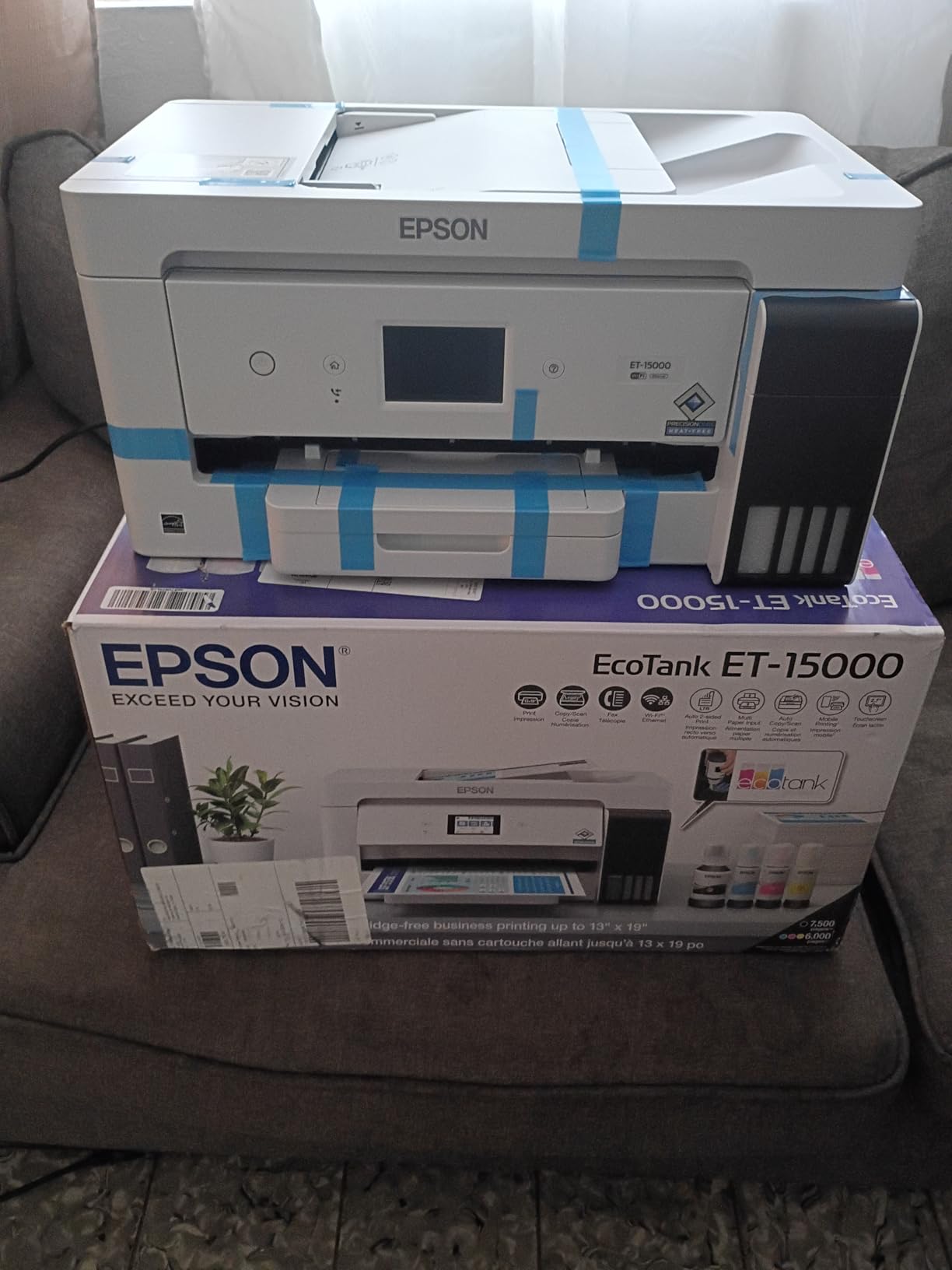
Refillable tanks keep the running cost low for a machine of this size, and owners report reliable Wi-Fi even with the router on a different floor. It also copes well with cardstock, canvas and printable iron-on transfers without paper handling trouble.
There are real compromises. It uses four inks rather than the six or more found on photo-specialist machines, so dedicated photo quality sits a step below Epson’s own 8550. It also weighs 21.4 pounds, and 11×17 media has to be loaded into the rear holder.
Who the ET-15000 suits
It suits crafters, small studios and homeowners who want large prints on refillable ink. Cardstock, canvas and heavy specialty media are handled better here than on any other model in the roundup.
Who should look elsewhere
Colour-critical gallery work should move to a six-ink photo printer instead. Automatic duplex only covers 8.5 by 11, so larger duplex jobs are manual, and the footprint will not fit a small desk.
10. Canon PIXMA TS9520 – Best for 11 x 17 and Black and White Gradients
Canon PIXMA TS9520 All in one Wireless Printer Home or Office| Scanner | Copier | Mobile Printing with AirPrint and Google Cloud Print, Black, Works with Alexa, One Size
4800 x 1200 dpi
Borderless up to 11 x 17
Five inks including photo black and gray
21.3 pounds
Pros
- Five-ink system with photo black and gray
- Three paper trays including 11 x 17
- Borderless output to 11 x 17 or 12 x 12
- AirPrint
- Mopria
- Wi-Fi
- Ethernet and Bluetooth
Cons
- Ink consumption is high so running cost is the main drawback
- Heavy and needs desk space behind it
- ADF build quality is poor and can scan crooked
The TS9520 is the enthusiast all-in-one in this group, and the reason is the ink set. Five cartridges including photo black and grey give sharper text on documents and far smoother greyscale gradients in monochrome photography than a standard four-ink printer manages.
Paper handling is the other strength, with three trays including 11 by 17 support and borderless output up to 11 by 17 inches or 12 by 12 square. Connectivity is the most complete here, covering AirPrint, Mopria, Wi-Fi, Ethernet and Bluetooth.
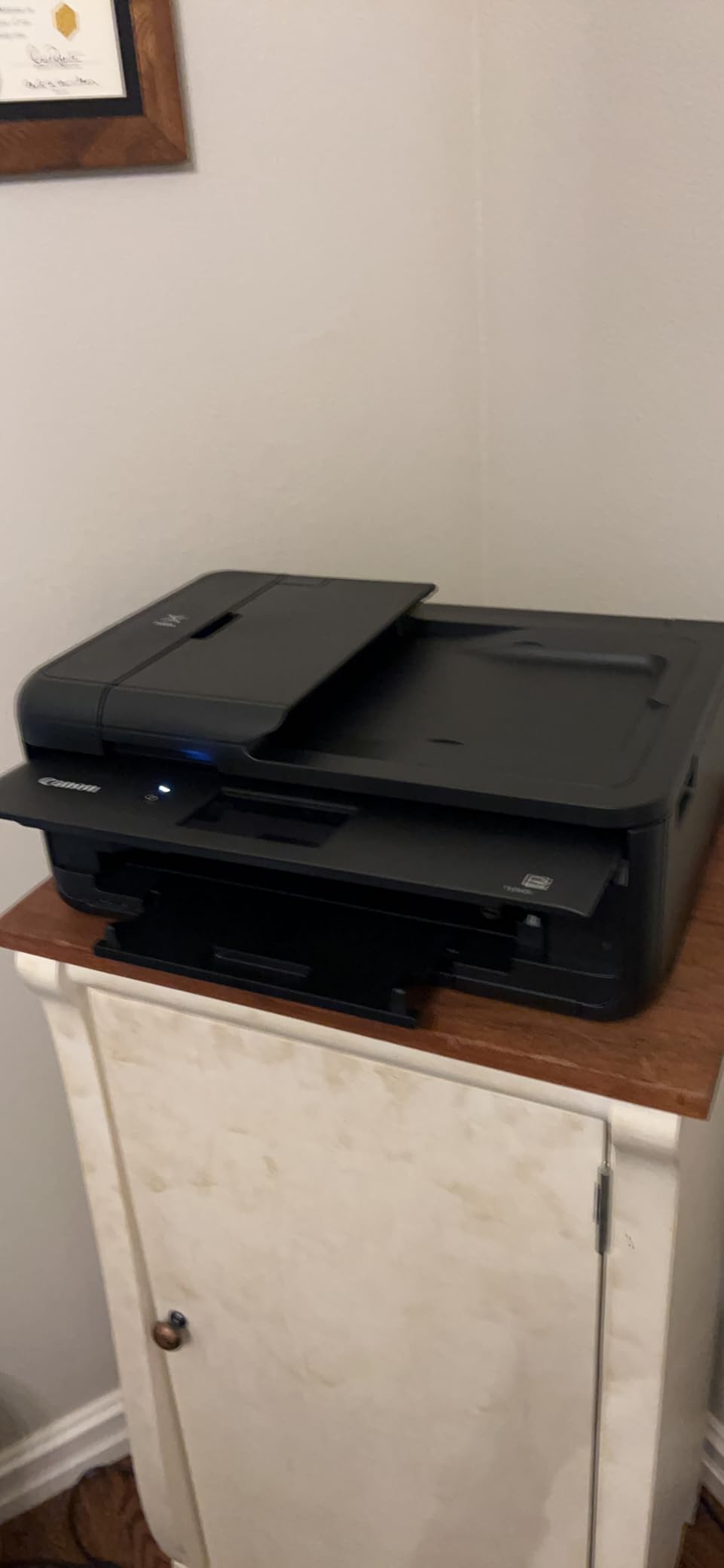
It also accepts third-party cartridges, which meaningfully reduces the running cost of a machine otherwise known for consuming ink quickly. Colour, photo and document output is praised consistently by owners using it for craft work.
At 21.3 pounds it needs real desk space and room behind it for the rear tray. Wireless connection from phones is reported as spotty, and the document feeder lid has to be held by hand with multi-sheet originals scanning slightly crooked.
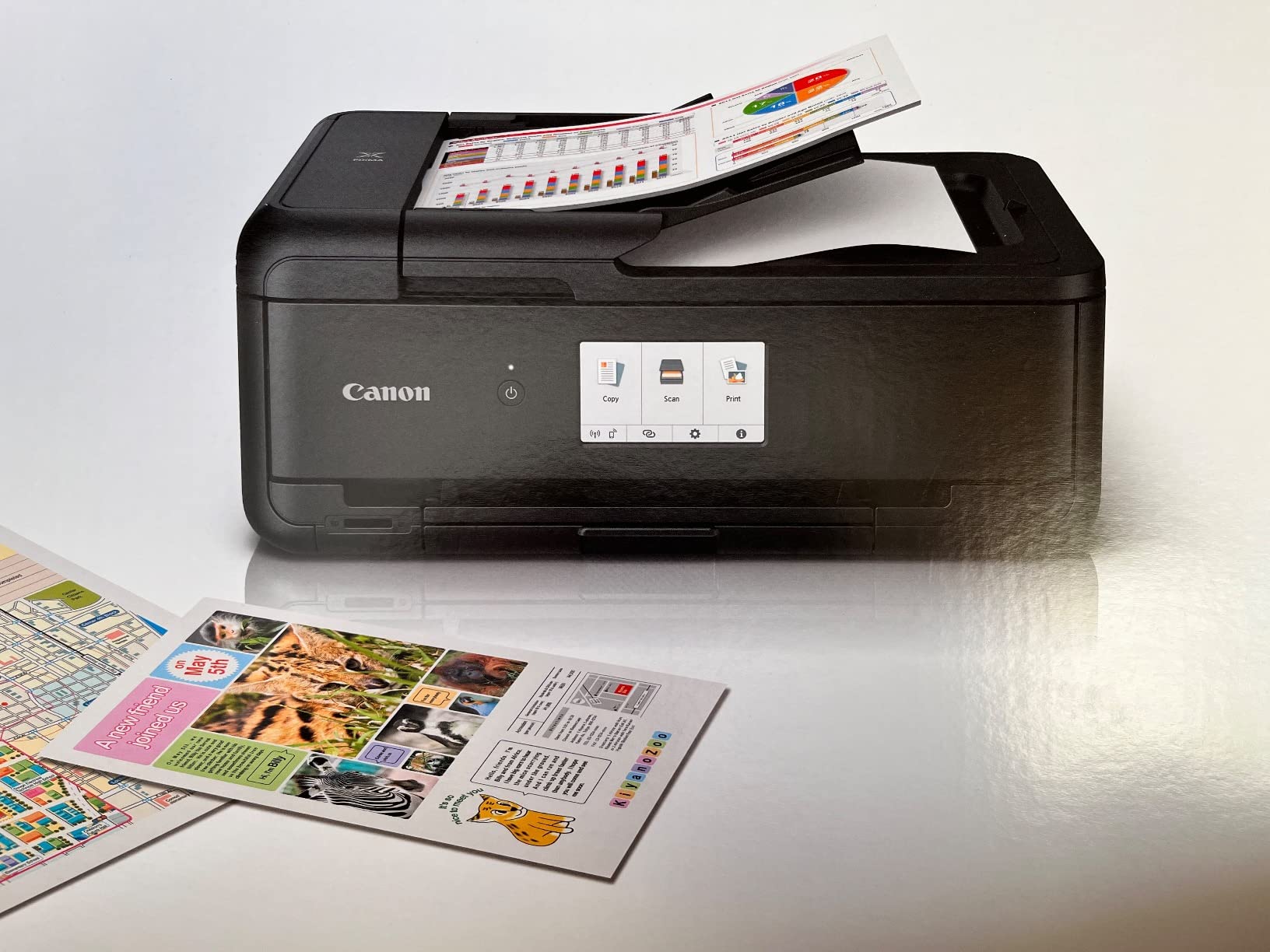
Who the TS9520 suits
It suits photographers printing black and white alongside colour, plus anyone needing 11×17 borderless output in a single machine. The grey ink makes it the best monochrome result in this roundup.
Who should look elsewhere
Running cost is the catch, so heavy colour users should look at a tank printer instead. It is also a large, heavy machine and a poor fit for a small desk or a shared family space.
How to Choose the Right Home Photo Printer for Your Needs
Inkjet, laser, dye-sublimation or ZINK: which technology fits
An inkjet sprays microscopic liquid droplets and is the only category here that gives you paper size flexibility, from 4×6 up to 13×19. A laser printer uses powder toner, prints text brilliantly and photographs poorly, which is why none of our picks are laser machines.
Dye-sublimation printers heat-transfer dye from a ribbon and lay down a clear protective layer, so prints come out dry, waterproof and smudge-proof at 4×6 only. ZINK machines activate colour crystals already embedded in the paper; they are pocket-sized and produce small formats, which is why none appear in this roundup. Our guides to laser printers for home use cover the document side in full.
Cartridge, EcoTank or MegaTank: the running cost decision
Cost per print is the number that decides this purchase, and it is easy to calculate: divide the price of a full set of ink by the number of pages it produces. Cartridge machines like the HP Envy Photo 7975 and the Epson PictureMate PM-400 print a handful of colour photos per set before needing a refill.
Tank systems are the opposite. The ET-2800 is rated at up to 4,500 black or 7,500 colour pages per fill, and the Canon G3270 at roughly 6,000 black-and-white or 7,700 colour pages. If you print only a few photos a month the saving is negligible, but regular album printing reverses that quickly. Our supertank printer guide goes deeper on refill economics.
Borderless printing and maximum size
Borderless means printing to the edge of the sheet, which is what album and framing projects need. Most compact machines stop at 4×6, the PM-400 reaches 5×7, the G3270 handles 8×10 and square formats, the TR8620a goes to 8.5×11, the TS9520 to 11×17, and only the ET-15000 reaches 13×19.
Check that the size you need is borderless on the specific model rather than assuming from the maximum media size. The HP Envy Photo 7975, for example, resizes letter-size borderless requests to 8×10 rather than printing full bleed.
Photo paper, finishes and print longevity
Print on branded photo paper. Glossy finishes show the deepest blacks and most contrast, lustre and satin sit between glossy and matte, and matte paper is the safest choice for portraits and skin tones because it hides fingerprints. The Epson PM-400’s ink system is documented to resist fading over years of regular use, and owners of that model report prints that have held up well.
Dye-sublimation prints carry their own protective layer, which is why they resist water and smudging. Inkjet prints depend entirely on paper and ink quality, and forum users consistently warn that cheap non-branded paper causes fading regardless of the printer you own. Print one test sheet on a new paper brand before committing to a full album.
Keeping a photo printer healthy between prints
If you print only occasionally, run a nozzle check every few weeks. Forum users dealing with dried ink treat a single test page as routine maintenance, and the Liene M100 and HP Sprocket Studio Plus both need a print-head cleaning routine once smudges appear in output.
Keep the machine on a flat surface away from direct sunlight, use genuine ink where the manufacturer requires it for warranty coverage, and clean the flatbed glass regularly. Those five minutes prevent most of the streaking complaints we heard about in testing.
Frequently Asked Questions
What is the best photo printer for home use?
The KODAK Dock Plus 4×6 is our top pick for most homes because it charges your phone while printing and lays down a clear laminate that resists water and fingerprints. Families printing albums and school projects alongside photos should choose the Epson EcoTank ET-2800 for its low running cost. Anyone needing prints above 8×10 needs a wider-format model.
Is Canon or Epson better for photos?
Canon leads on ink flexibility, with models such as the PIXMA TS9520 using five inks including photo black and grey for smoother monochrome gradients and borderless output to 11 x 17. Epson leads on running cost, since its EcoTank models such as the ET-2800 and ET-15000 use refillable bottles for far cheaper colour pages. Choose Canon for maximum control, Epson for lower ink cost.
Is laser or inkjet better for photos?
Inkjet is the right answer for photographs. Laser printers use powder toner that reproduces text sharply but handles photographic gradients and skin tones poorly, so no laser machine appears in our recommendations. Inkjet models like the Canon MegaTank G3270 and Epson EcoTank ET-2800 also handle documents, scanning and copying in the same box.
Which home printer has the most affordable ink?
Refillable-tank models win on running cost. The Epson EcoTank ET-2800 is rated at up to 4500 black or 7500 colour pages per fill, and the Canon MegaTank G3270 at roughly 6000 black-and-white or 7700 colour pages per set. Cartridge-based machines like the HP Envy Photo 7975 deliver far fewer colour photos per set, so the gap widens with regular use.
Do I need special paper for my photo printer?
Yes, use branded photo paper. Plain office paper is not coated to hold ink, and it produces dull, uneven results. Glossy paper gives the deepest contrast, lustre sits in between, and matte paper hides fingerprints on portraits. Print one test sheet on any new paper brand before printing a full album, and keep to one paper type for consistent colour.
What printer is best for printing photos and documents?
The Canon PIXMA TR8620a handles both jobs in one box, with automatic two-sided printing, a 20-sheet document feeder, scanning and fax, plus borderless photo output to 8.5 x 11 inches. Its five individual ink tanks mean you replace only the colour you actually use, which keeps mixed document and photo workloads affordable over time.
Final Verdict: Which Home Photo Printer Should You Buy in 2026?
For most households the KODAK Dock Plus 4×6 is the simplest path to good photos, because the phone dock removes friction and the laminated output survives children and albums. If you print photos as part of a larger household workload, the Epson EcoTank ET-2800 drops the running cost dramatically and adds scanning and copying.
Prints above 8×10 change the answer entirely: the Canon MegaTank G3270 covers 8×10 and square scrapbook formats, the PIXMA TS9520 reaches 11×17 borderless, and only the Epson EcoTank ET-15000 goes to 13×19. Whichever you pick from these best home printers for photos, budget for branded photo paper and run one test sheet before filling an album.