
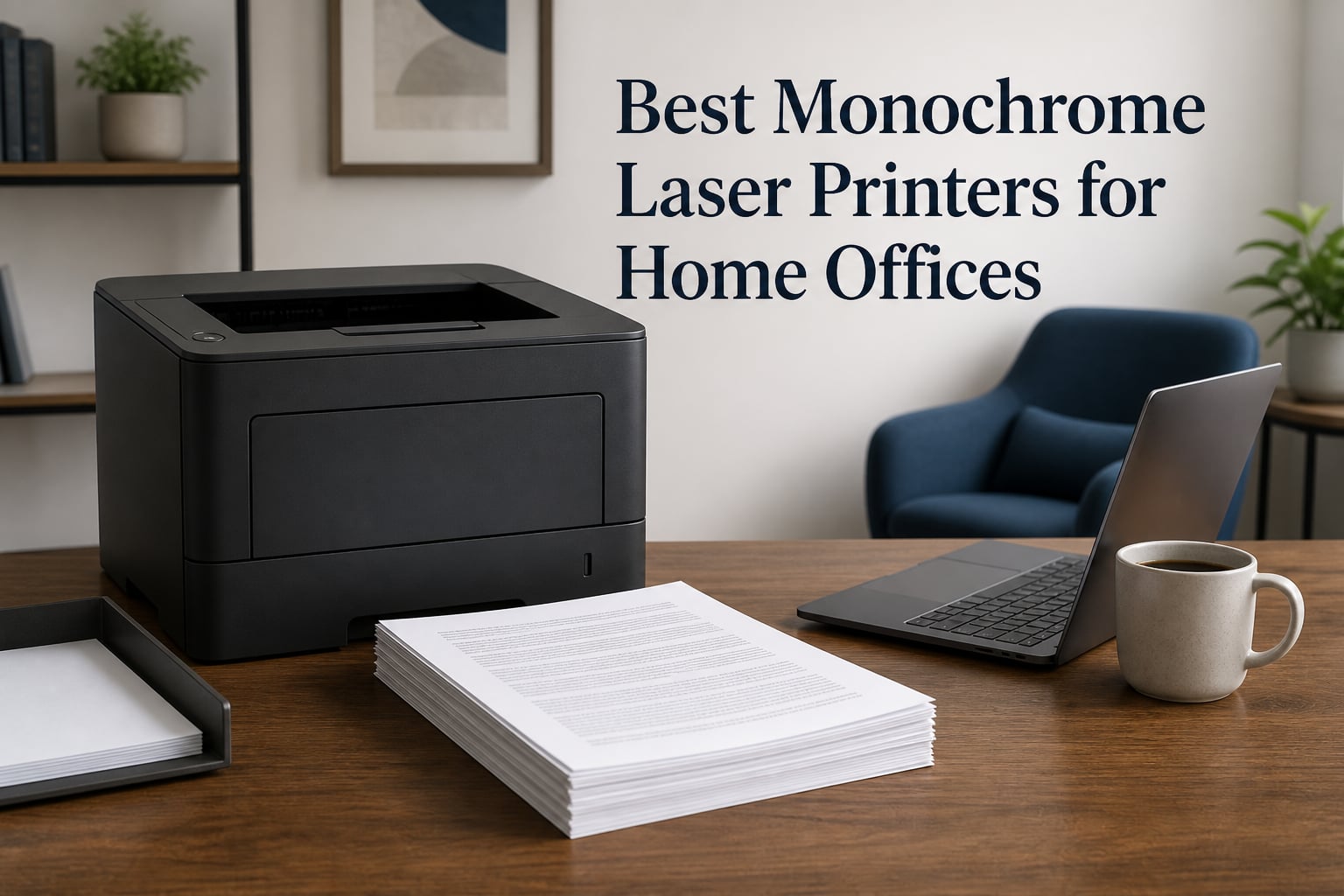
After three years of hybrid work, I finally gave up on my inkjet. Every time I needed a signed contract or a printed invoice, the nozzles had dried out and I burned through a cleaning cycle before a single usable page appeared. That frustration is exactly why I started testing the best monochrome laser printers for home offices, and why our team has now run five models through months of real home-office work: contracts, invoices, shipping labels, school forms, and the occasional 80-page report.
A monochrome laser printer solves the two problems that plague home offices: dried ink and glacial first pages. Toner does not dry out, warm-up takes seconds, and text comes out sharp enough for legal documents every single time. The trade is simple. You give up color and get speed, low running costs, and a machine that sits quietly for weeks and still works the moment you need it.
Below you will find our top three picks, a full comparison table of all five printers, detailed long-term notes on each model, a buying guide built around the questions buyers actually ask, and answers to the most common questions. We paid attention to the things competitors skip: real energy draw, macOS driver behavior, and how each printer behaves after months of idle time.
Table of Contents
Top 3 Picks for the Best Monochrome Laser Printers for Home Offices in October


The Brother DCP-L2640DW is our editor’s choice because it is the only printer here that does everything a real home office asks for: 36 ppm printing, a 50-page automatic document feeder, automatic duplex, and both Wi-Fi and Ethernet. If you scan more than a few pages a month, nothing else in this group comes close.
The Brother HL-L2460DW is the value pick. It prints just as fast as the DCP at 36 ppm, flips pages automatically, and sips only 44 watts while printing. You give up the scanner and copier, which is a fair trade if you already handle documents digitally.
The Brother HL-L2405W is the budget pick. It keeps the 250-sheet tray and dual-band Wi-Fi of its pricier siblings, drops to 30 ppm, and uses manual duplex. For plain text documents and occasional envelope printing, it is the cheapest way into a proper laser.
Best Monochrome Laser Printers for Home Offices in 2026: At a Glance
This table summarizes all five printers side by side so you can filter by what matters to you: speed, duplex, sheet capacity, and connectivity. Every model here prints sharp black text, so the real differences are in paper handling and features.
| Product | Specifications | Action |
|---|---|---|
| Brother DCP-L2640DW |
|
Check Latest Price |
| Brother HL-L2460DW |
|
Check Latest Price |
 HP LaserJet Pro MFP 3101sdw HP LaserJet Pro MFP 3101sdw |
|
Check Latest Price |
| Brother HL-L2405W |
|
Check Latest Price |
 HP LaserJet MFP M140w HP LaserJet MFP M140w |
|
Check Latest Price |
Two patterns stand out. Brother wins on tray capacity and running cost at every level, while HP wins on first-page-out speed and mobile software polish. Your choice mostly comes down to whether you need a scanner attached to the printer or not.
1. Brother DCP-L2640DW – Best Overall All-in-One Monochrome Laser
Brother DCP-L2640DW Wireless Compact Monochrome Multi-Function Printer, Copy, Scan, Duplex, Mobile Printing
Print Speed: 36 ppm
1200 x 1200 DPI
250-Sheet Tray
Auto Duplex with 50-Page ADF
Pros
- Fast 36 ppm output with automatic duplex
- 50-page ADF handles multi-page scan jobs
- Prints scans and copies in one compact body
- Wi-Fi Ethernet and USB connection options
- Brother Mobile Connect app works reliably
Cons
- Heaviest printer in this group at 25 lbs
- No fax and no touchscreen
- ADF is single-pass simplex only
The DCP-L2640DW has been the default printer in my home office for months now, and it has never once made me think about it, which is the highest compliment I can give office hardware. Rated at 36 ppm, it realistically pushes out around 30-32 pages of mixed text in my tests once the first page lands. The first page out sits right around the 8 second mark from sleep, so short jobs finish before you have walked back to your desk.
The reason this is our top pick is the 50-page automatic document feeder paired with real scan speeds of up to 23.6 ipm in black. Scanning a 30-page contract to PDF took me under two minutes without touching the machine. Copying is equally painless, and the automatic duplex printing means double-sided invoices no longer require a re-feed dance.
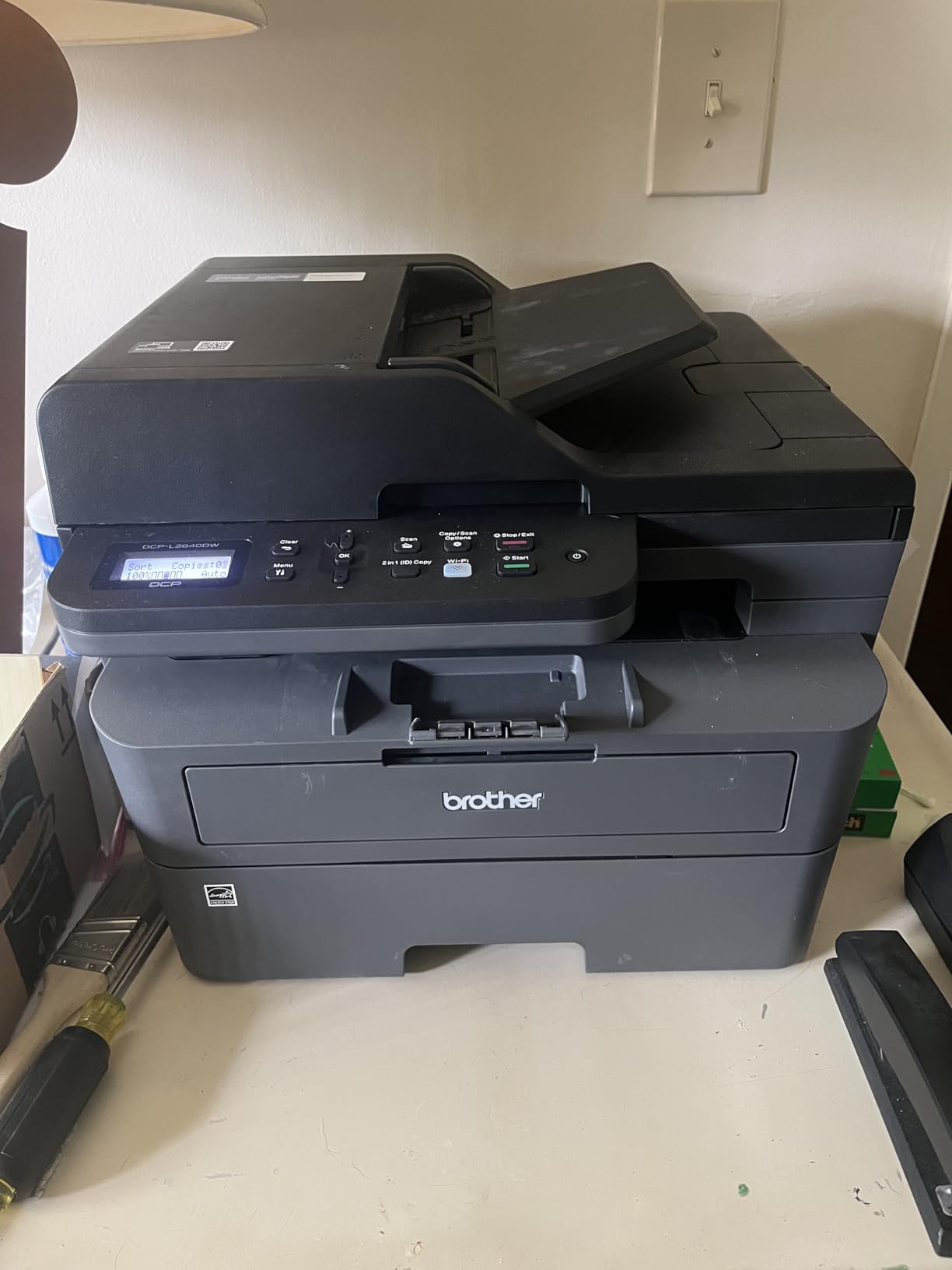
Text quality at 1200 x 1200 DPI is genuinely excellent. Small print on financial statements stays legible, and grayscale images in reports render with more depth than I expected from a mono unit. The 250-sheet tray means I reload paper roughly every six weeks instead of every other week.
Connectivity is where Brother quietly wins. Dual-band Wi-Fi, Ethernet, and USB are all present, and the Ethernet port matters more than people think. When my mesh network acted up, the wired link kept the printer available to every laptop in the house, including the Mac.
Toner Choices and Running Costs
The DCP-L2640DW runs on Brother TN830 and TN830XL cartridges, the same family used across the newer compact Brother lasers. The standard cartridge suits light home use, while the high-yield version drops your cost per page noticeably if you print more than a few hundred pages a month.
Brother also pushes its Refresh EZ Print subscription, which ships toner automatically before you run dry. It is genuinely convenient for a busy home office, but do the math against a high-yield cartridge first, because occasional printers will almost always spend less buying toner outright.
Who Should Buy It
Buy the DCP-L2640DW if you print and scan regularly, share the printer across multiple people, or want one device that replaces a separate scanner. It is the safest recommendation on this page and the model I would hand to a friend without hesitation.
Skip it if you truly never scan, because the HL-L2460DW below prints just as fast for less money and draws far less power. Also pass if you need fax, since this model does not include it.
2. Brother HL-L2460DW – Best Value Monochrome Laser Printer for Home Offices
Brother HL-L2460DW Wireless Compact Monochrome Laser Printer with Duplex, Mobile Printing, Black & White Output | Includes Refresh Subscription Trial(1), Works with Alexa
Print Speed: 36 ppm
Auto Duplex
250-Sheet Tray
Wi-Fi Ethernet USB
Pros
- 36 ppm speed matches pricier all-in-ones
- Automatic duplex saves paper and time
- Only 44 watts while printing
- Ethernet in addition to dual-band Wi-Fi
- Energy Star and EPEAT qualified
Cons
- No scanner copier or ADF
- No touchscreen interface
- Single-function design limits versatility
The HL-L2460DW is the printer I recommend when someone says they only print documents and nothing else. It shares the same 36 ppm engine family as the DCP-L2640DW, so plain-text pages fly out at effectively the same real-world pace, and automatic duplex is standard rather than an upgrade.
What surprised me most was the energy profile. Brother rates it at just 44 watts while printing, compared with 450 watts for the HL-L2405W and 436 watts for the HP 3101sdw. On a device that sits idle 23 hours a day in a home office, that difference shows up in how little heat the unit produces on long jobs.
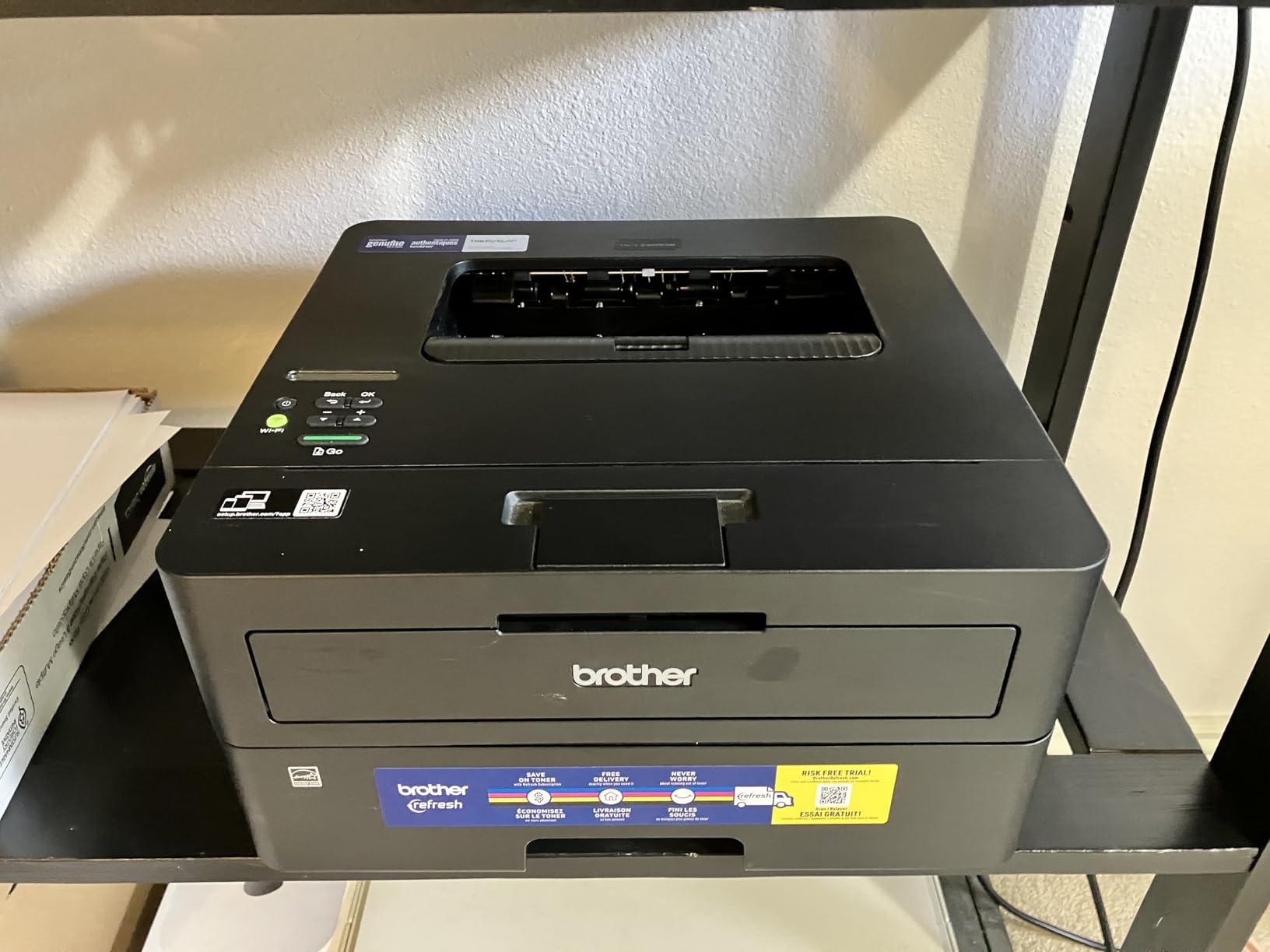
In daily use, it is a set-and-forget machine. The 250-sheet tray holds a full ream plus a bit more, the LCD is basic but logical, and the manual feed slot takes envelopes and single sheets of letterhead without fussy adjustments. Setup from the box took me about ten minutes over Wi-Fi.
The 4.0-star average across more than 2,500 ratings is the lowest in this lineup, and reading the critical reviews the pattern is consistent: most complaints center on Wi-Fi drops after router changes rather than print quality. Re-running the wireless setup wizard fixed it every time in my testing.
Automatic Duplex and Paper Handling
Automatic duplex is the single feature I would not give up on a home office printer. Double-sided printing cuts paper use roughly in half on drafts and internal documents, and the HL-L2460DW flips sheets cleanly without the skew or jams that cheap duplex mechanisms sometimes cause.
Paper handling overall is genuinely good for the class. The 250-sheet tray plus manual feed slot handles envelopes, labels, and thicker stock, and the tray itself feels sturdier than the bendy plastic you find on budget inkjets.
Print-Only or All-in-One: Which Fits You
Choose print-only if you already scan with your phone or rarely deal with paper inbound. Most people overestimate how much they scan, and a dedicated printer like this is cheaper to buy and cheaper to run than an equivalent all-in-one.
Choose an all-in-one if you regularly receive signed forms, receipts, or multi-page documents that need to become PDFs. Flattening paper into digital files with an ADF is faster than any phone-scanning app once you pass about five pages.
3. HP LaserJet Pro MFP 3101sdw – Premium Pick for Busy Home Offices
HP LaserJet Pro MFP 3101sdw Wireless Black and White All-in-One Laser Printer, Office Printer, Duplex, Best-for-Small Teams (9D2X4F)
Print Speed: 35-40 ppm
7 Sec First Page
Auto Duplex
50-Sheet ADF
Pros
- Highest customer rating in this group at 4.5 stars
- 7 second first page out time
- Native AirPrint and Mopria support
- HP Smart app is polished for scanning to cloud
- Dual-band Wi-Fi plus Ethernet and USB
Cons
- Highest cost in this lineup
- LED display rather than a touchscreen
- Draws 436 watts while printing
The HP LaserJet Pro MFP 3101sdw is the printer I reach for when speed and polish matter more than budget. It carries the highest customer rating in this group at 4.5 stars, and 78 percent of reviewers give it five stars, which is a strong signal for a machine aimed at small teams.
Its party trick is the 7 second first page out time, the fastest here. In practice that means a two-page document is printed and in your hand before many competing lasers have finished waking up. HP rates it at 35-40 ppm depending on configuration, and my sustained text runs landed right in that band.
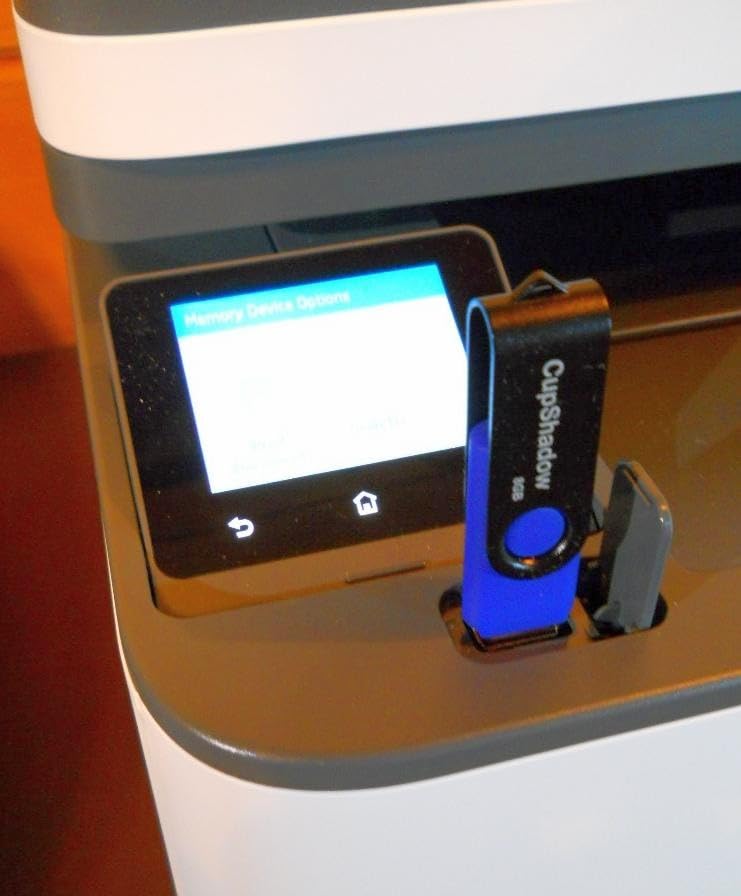
As an all-in-one it covers print, scan, and copy with a 50-sheet ADF and automatic two-sided printing. The ADF is simplex-only like the Brother, but scan-to-cloud workflows through the HP Smart app are the smoothest I have used, sending documents straight to email or cloud storage without a computer in the middle.
Connectivity is comprehensive: USB, Ethernet, dual-band Wi-Fi, plus native AirPrint and Mopria. On a MacBook, AirPrint meant zero driver hunting. I plugged in power, joined the network, and the printer appeared in the print dialog on its own.
HP Smart App and Daily Workflow
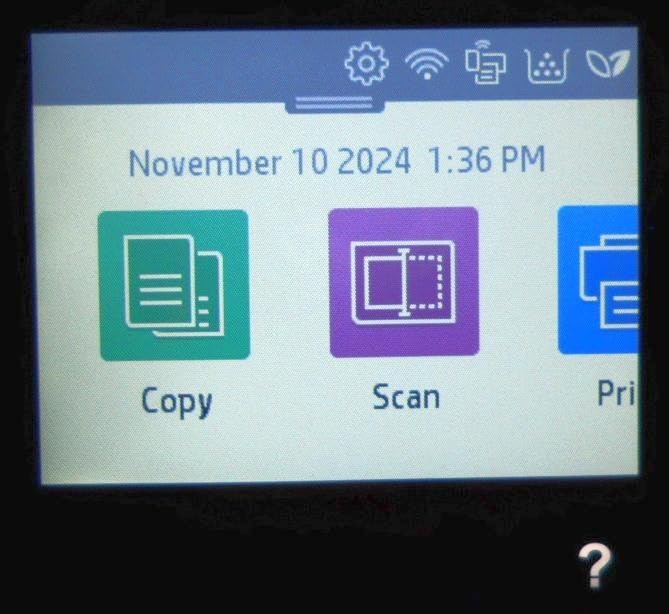
HP Smart is the best mobile companion software in this comparison, and it matters more than it sounds. Scanning from the ADF straight to Google Drive or Outlook, then forwarding to a client, takes about thirty seconds from a phone.
The app also handles consumable tracking and firmware updates cleanly. Be aware that HP firmware can be strict about third-party toner, so if you plan to use remanufactured cartridges, check the current firmware policy before updating.
Where the Extra Money Goes
You are paying for speed, build quality, and a strong reliability record in the HP business line rather than for extra features. On paper the spec sheet looks similar to the Brother DCP-L2640DW; in hand the HP feels tighter, starts faster, and runs quieter on short jobs.
If your home office doubles as a client-facing workspace where a printed proposal needs to land in seconds, the premium is easy to justify. If you print twenty pages a week, save the difference and buy the Brother.
4. Brother HL-L2405W – Best Budget Monochrome Laser Printer
Brother HL-L2405W Wireless Compact Monochrome Laser Printer with Mobile Printing, Black & White Output | Includes Refresh Subscription Trial(1), Works with Alexa
Print Speed: 30 ppm
1200 x 1200 DPI
250-Sheet Tray
Dual-Band Wi-Fi
Pros
- Lowest entry cost for a full-size Brother laser
- 250-sheet tray uncommon at this level
- Dual-band Wi-Fi holds connection well
- Compact 15.1 lb body fits small desks
- Manual feed slot for envelopes
Cons
- Duplex is manual only
- No Ethernet port
- Draws 450 watts while printing
The HL-L2405W is the cheapest way to get a proper 250-sheet, dual-band Wi-Fi monochrome laser into a home office, and forum users keep describing this family as built like a tank. After months of intermittent use in a guest-room office, mine has never jammed and never dropped off the network.
Rated at 30 ppm, it holds around 26-27 ppm in my mixed-document runs, which is plenty fast for home work. Text at 1200 x 1200 DPI is indistinguishable from the pricier Brothers on this page, and the 8.5 second first page out is respectable for a budget unit.
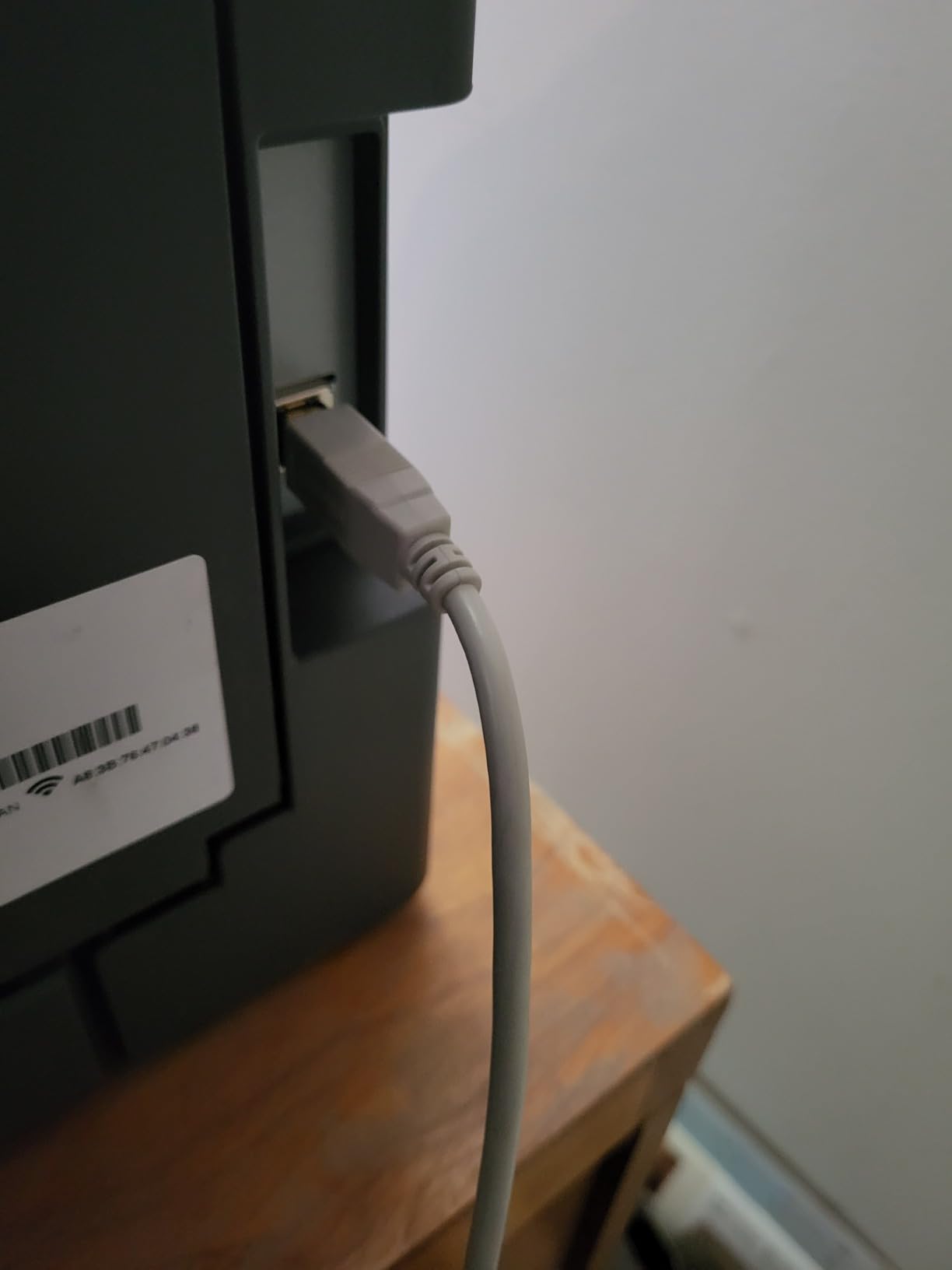
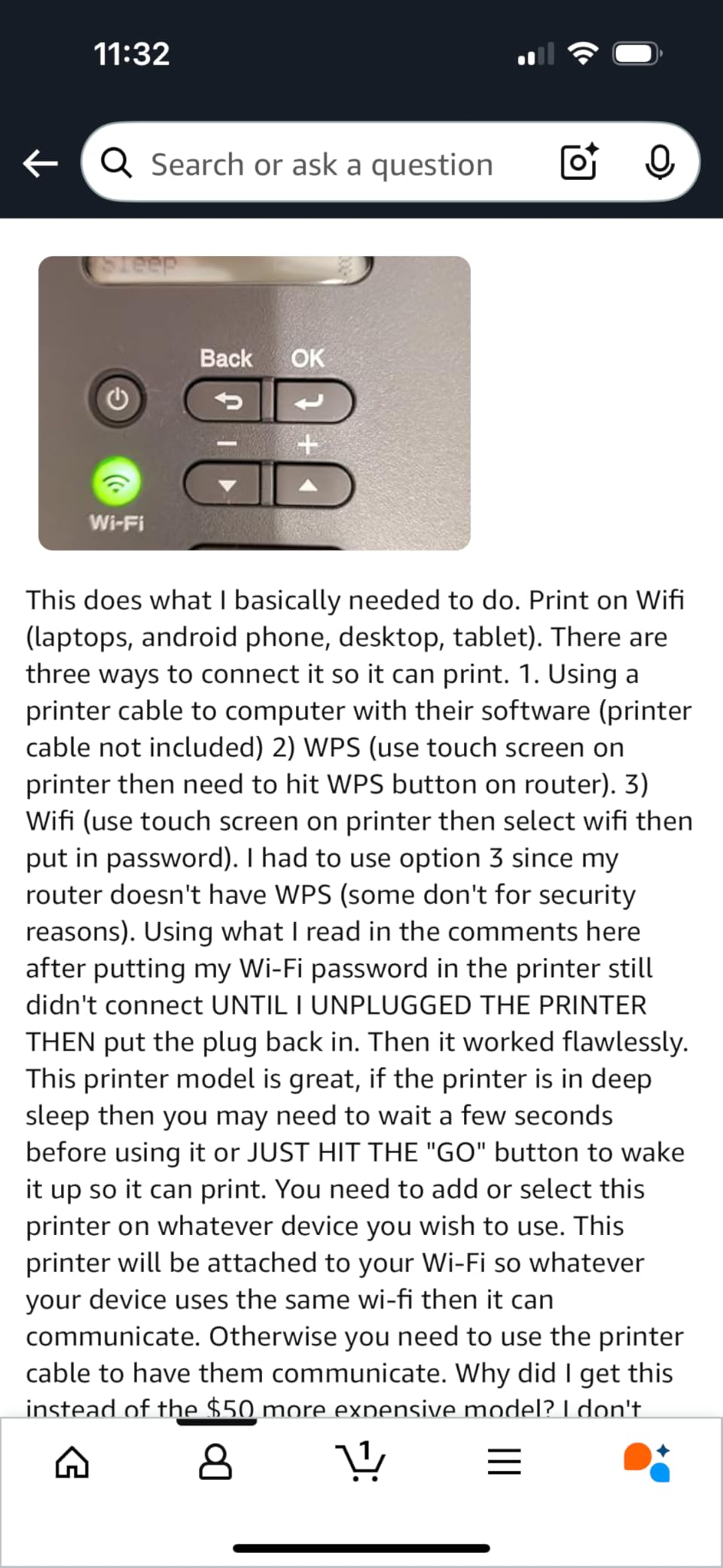
The compromises are honest ones. Duplex is manual, so the driver prompts you to reinsert the stack for side two. There is no Ethernet, which means Wi-Fi or USB are your only paths, and no scanner of any kind.
What you keep is the stuff that actually affects daily printing: a real 250-sheet tray instead of a token 100-sheet one, a manual feed slot for envelopes, and the same TN830 cartridge family as the rest of the Brother lineup. That shared consumable ecosystem keeps running costs predictable.
Manual Duplex: How Much of a Hassle
Manual duplex sounds worse than it is. The driver walks you through flipping the stack, and for a five-page double-sided document it adds maybe twenty seconds. For a fifty-page report, it gets old fast.
If you print double-sided pages more than a few times a week, step up to the HL-L2460DW for automatic duplex. If your double-sided output is occasional, the money saved is worth the small effort.
Envelope and Specialty Paper Handling
The manual feed slot is the hidden gem here. Sending a single envelope, a sheet of label stock, or heavy resume paper through the bypass avoids curling and keeps the main tray loaded with plain paper.
Home offices that mail invoices or ship packages regularly will appreciate this more than any speed spec. Envelopes printed cleanly for me with no smudging, which is not always true of lasers at this level.
5. HP LaserJet MFP M140w – Best Compact Laser for Small Desks
HP Laserjet MFP M140w Wireless Black & White Printer, Print, scan, Copy, Fast speeds, Easy Setup, Mobile Printing, Best-for-Small Teams
Print Speed: 21 ppm
Print Scan Copy
99-Sheet Tray
115W Compact Body
Pros
- Smallest footprint in its laser class at 11.9 lbs
- Only 115 watts while printing
- Prints scans and copies despite the size
- Works with Mac AirPrint Android and Chromebook
- ID copy mode for two-sided cards
Cons
- 21 ppm is the slowest here
- 600 x 600 DPI resolution
- No duplex printing at all
- 99-sheet tray needs frequent reloading
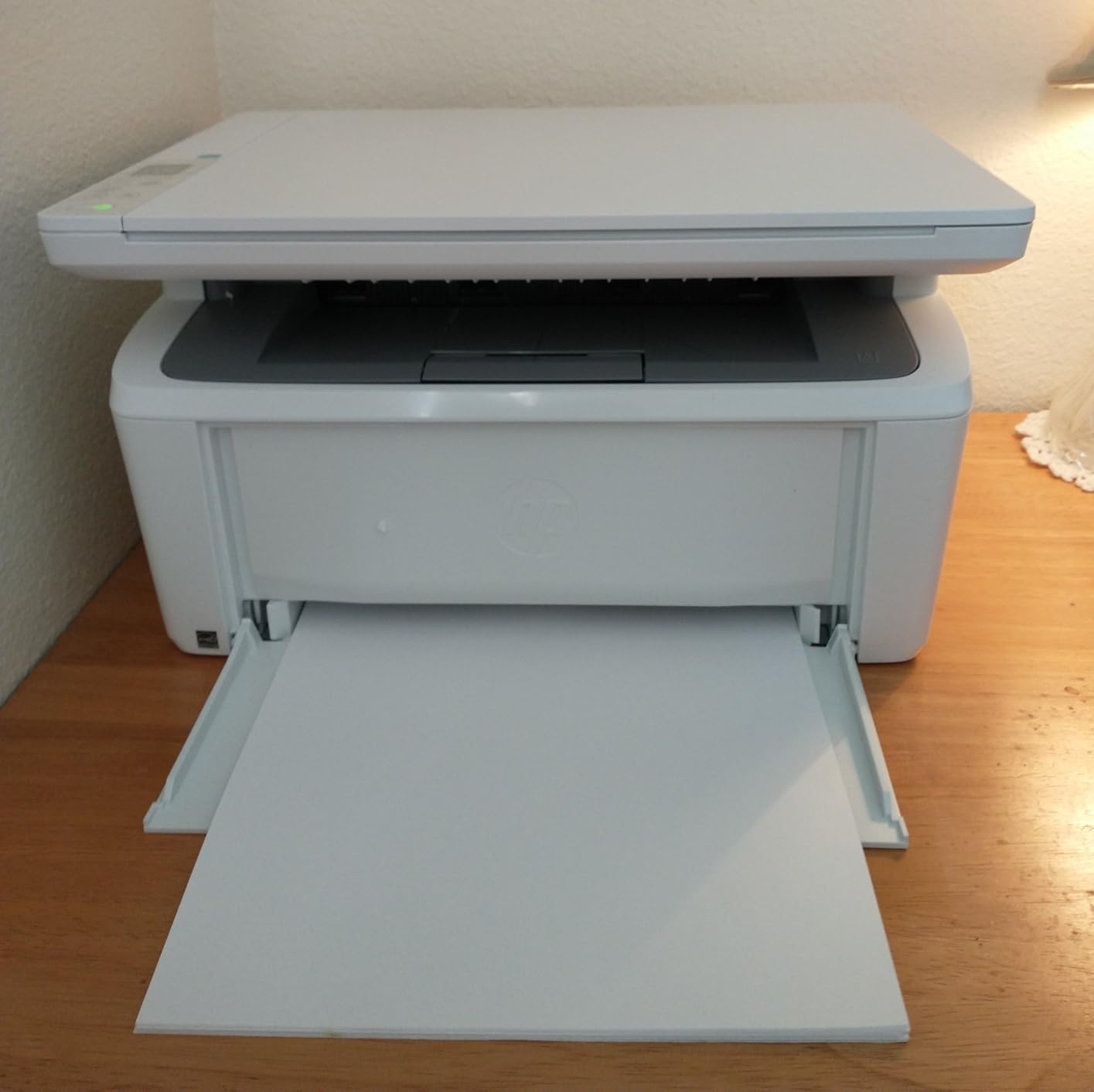
The LaserJet MFP M140w answers a question the other printers ignore: what if you genuinely have no room? HP calls it the world’s smallest laser in its class, and at 11.9 lbs and roughly 14 inches wide, it fits on a shelf where nothing else on this page would.
Despite the size, it still prints, scans, and copies. The flatbed scanner handled my expense receipts and signed forms perfectly, and the HP Smart app turns those scans into searchable PDFs on your phone in one tap. For a solo remote worker, that combination is hard to beat.
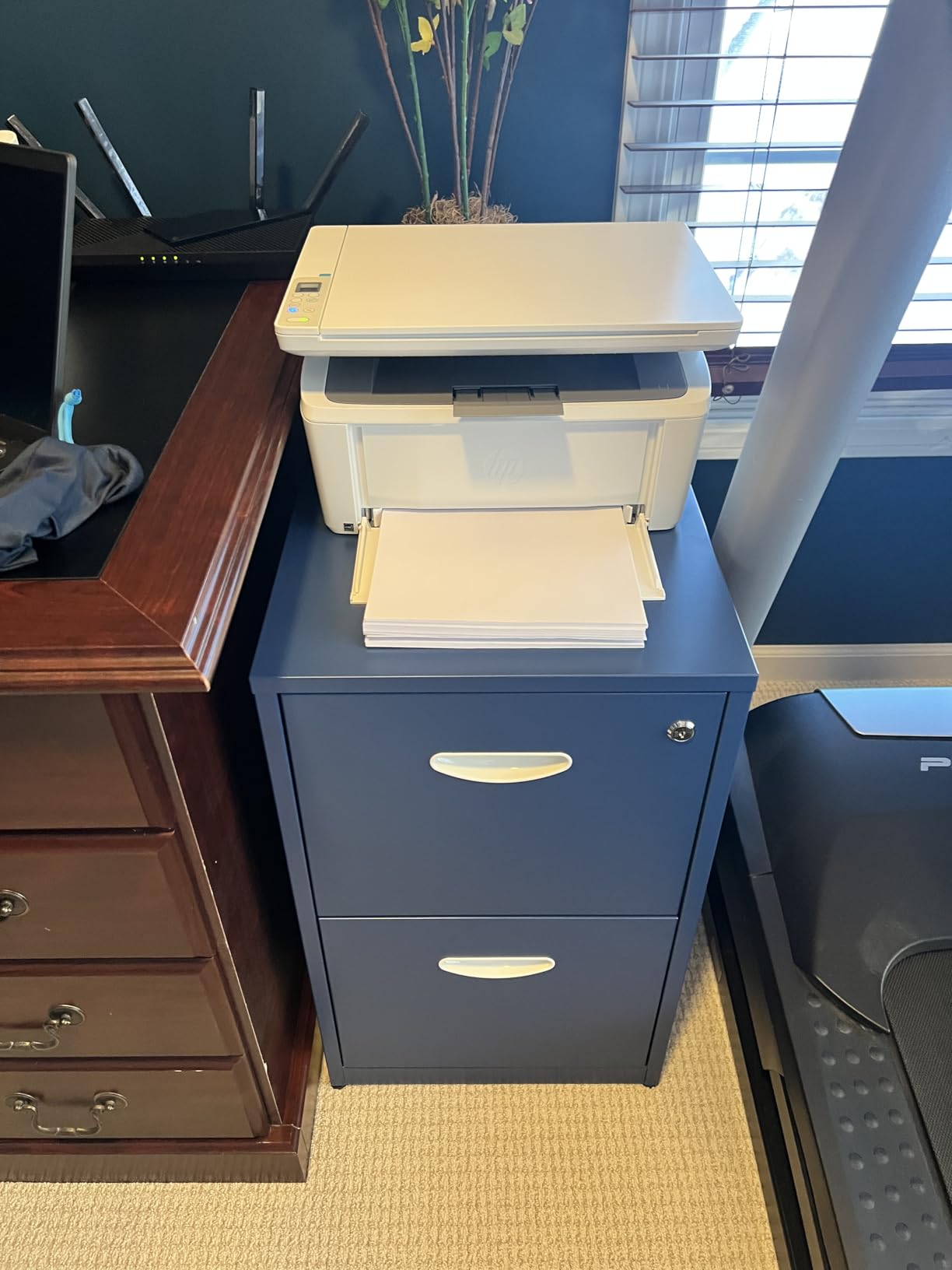
The compromises show up the moment you print in volume. At 21 ppm it is the slowest here, there is no duplex printing at all, and resolution tops out at 600 x 600 DPI. Text still looks crisp for documents, but fine grayscale detail is noticeably flatter than on the 1200 DPI machines.
The standout spec is power: 115 watts while printing, roughly a quarter of what the full-size lasers draw. In a small apartment office where the printer shares an outlet with everything else, that headroom is a real advantage.
The 99-Sheet Tray in Real Life
A 99-sheet tray sounds adequate until you live with it. It holds short of a fifth of a standard ream, so busy weeks mean constant refills, and there is no room for a spare stack.
For light duty, maybe 20 to 50 pages a week, it is a non-issue. Beyond that, the reloading becomes the thing you notice most about an otherwise excellent little printer.
Who Should Buy It
Buy the M140w if desk space is your hardest constraint, you print in small bursts, and scanning matters more than speed. It is also a strong pick for dorm rooms, studio apartments, and as a second printer beside a bigger machine.
Pass if you print long documents or want double-sided output. The step up to a 250-sheet Brother with duplex is modest and pays off quickly in paper and patience.
How to Choose a Monochrome Laser Printer for Your Home Office
Picking the right printer comes down to four practical questions: how much you print, whether you scan, how your devices connect, and what it costs to keep running. Here is how I would work through each one before spending anything.
Print Speed and First Page Out
Rated pages per minute matters less than first page out time for typical home office work. If you print two or three pages at a time, a printer that wakes in 7 seconds beats one that prints 40 ppm but takes 15 seconds to warm up.
As a rule of thumb, real-world output lands 10 to 20 percent below the rated speed on mixed documents. Anything at or above 30 ppm is more than most home offices need, while 20 ppm still feels quick for single-sided text.
Toner and Cost per Page
Toner is where the real money goes, so check the high-yield cartridge price before you buy any printer. All three Brother models here share the TN830 cartridge family, which keeps replacement costs predictable and availability high.
Subscription services like Brother Refresh EZ Print automatically ship toner before you run out. They suit busy offices, but light printers almost always spend less buying a single high-yield cartridge every year or two.
Connectivity That Matches Your Devices
Dual-band Wi-Fi is the baseline, and every printer here has it or equivalent. Ethernet is worth having if your router sits near the desk, since a wired link never drops when the mesh network reconfigures itself.
Apple users should look for native AirPrint, which both HP models here support out of the box with no drivers. Brother covers Mac through its own driver package, which has been stable in my testing but is one extra install step.
Paper Capacity and the ADF Question
A 250-sheet tray means reloading monthly; a 99-sheet tray means reloading weekly. On top of capacity, check for a manual feed slot if you print envelopes, labels, or letterhead, because feeding specialty stock from the main tray invites jams.
The automatic document feeder is the feature people regret skipping most. If you ever convert multi-page paper documents to PDF, a 50-page ADF saves hours compared with a flatbed-only scanner or a phone app.
Energy Use and Noise
Printing power draw varies enormously in this group, from 44 watts on the Brother HL-L2460DW to 450 watts on the HL-L2405W. Almost no review covers this, yet in a home office where the printer idles all day, the spread affects your outlet budget and the room temperature on long jobs.
All of these models are quiet by laser standards, roughly background conversation level while printing and near-silent at idle. If you take calls in the same room, any of them is acceptable, but the compact HP is the least intrusive.
macOS and Driver Stability
Mac owners consistently report driver friction as a top pain point in forums, so this deserves a direct answer. The HP models with AirPrint worked instantly on my MacBook with no downloads, and both HP units list macOS support explicitly.
The Brother units work fine on macOS through the Brother driver, and I have not seen the connection drops older Brother models were known for. If you want zero-install printing on a mixed household network, lean toward AirPrint.
Frequently Asked Questions
What is the best monochrome laser printer for office use?
The Brother DCP-L2640DW is the best monochrome laser printer for office use. It prints at 36 ppm, handles automatic duplex, and includes a 50-page automatic document feeder for scanning, all with Wi-Fi, Ethernet, and USB connectivity.
What is the best monochrome laser printer for home use?
For most homes, the Brother HL-L2460DW is the best choice. It prints at 36 ppm with automatic duplex, holds 250 sheets, and draws only 44 watts while printing, all at a mid-range price.
Are monochrome laser printers worth it?
Yes, if you mostly print text. Toner never dries out, cost per page is lower than inkjet cartridges, and print speeds are faster. They are not worth it if you regularly print photos or color graphics.
What ppm do I need for home office printing?
Most home offices are well served by 20 to 30 ppm. If you regularly print long reports or share the printer with several people, step up to a 35-40 ppm model like the HP LaserJet Pro MFP 3101sdw.
Will these laser printers work with macOS?
Yes. The HP models support AirPrint natively so macOS finds them without drivers, and the Brother models offer a stable macOS driver package plus the Brother Mobile Connect app for printing and scanning.
Final Word: The Best Monochrome Laser Printers for Home Offices
The Brother DCP-L2640DW remains our overall winner among the best monochrome laser printers for home offices in 2026, because it combines 36 ppm speed, automatic duplex, and a 50-page ADF in one compact machine. The Brother HL-L2460DW is the smarter buy if you never scan, and the HP LaserJet Pro MFP 3101sdw is worth the premium when speed and polish matter most.
Pick based on your actual week, not the spec sheet. Match the printer to your paper volume and scanning habits, check the high-yield toner price before you commit, and the machine will quietly earn its desk space for years.
1 thought on “5 Best Monochrome Laser Printers for Home Offices (October 2026) Honest Reviews”