
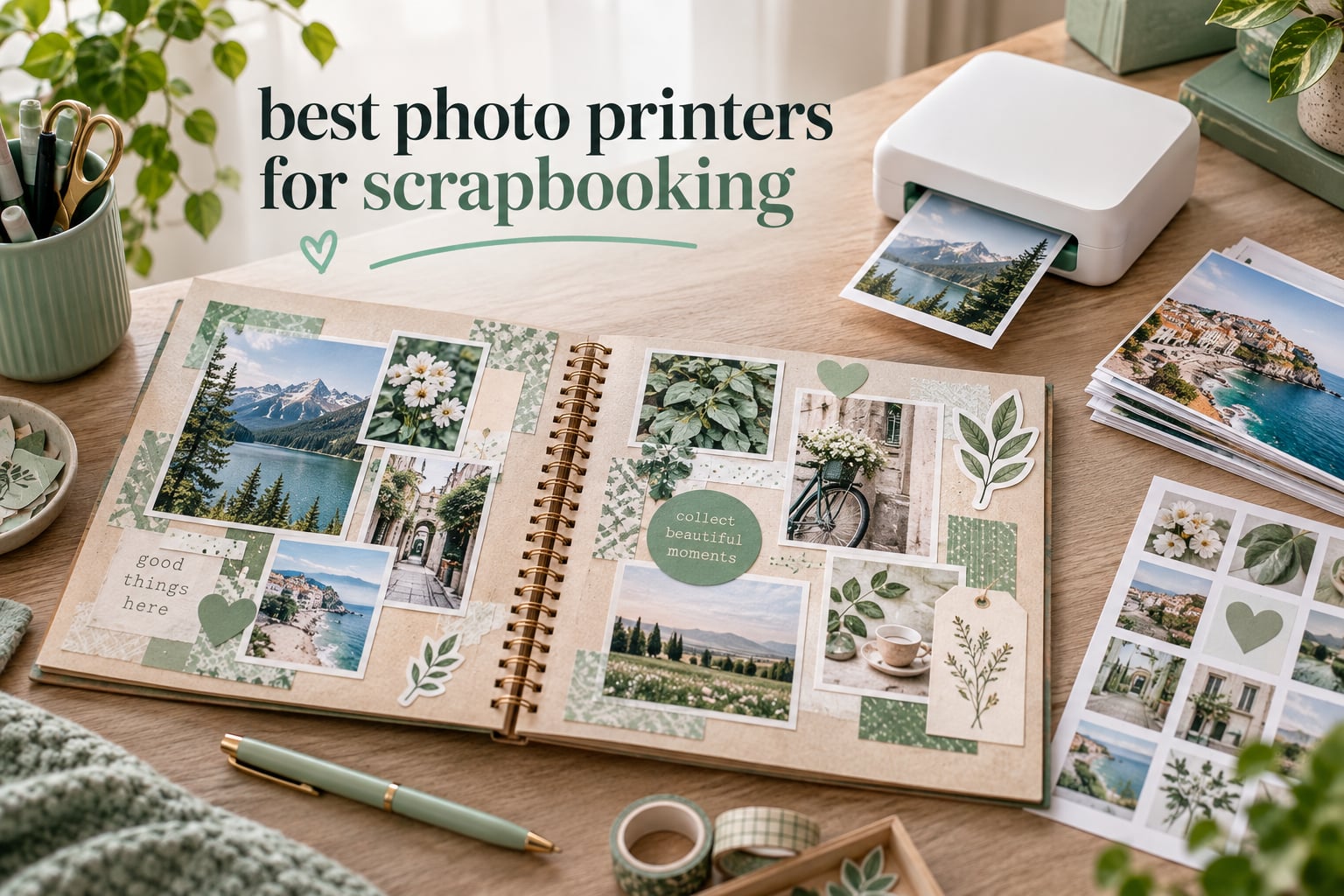
The best photo printers for scrapbooking are the ones that give you the print size your pages actually need, with an adhesive back when you would rather peel and stick than fight with photo corners. That sounds simple, and it should be, but most printer listings bury the two details that matter most under a wall of resolution numbers.
We spent weeks comparing ten compact and desktop photo printers against the same shortlist: what size comes out, whether the back is sticky, how the colour holds up next to a real print, what a year of scrapbooking actually costs in media, and whether the app survives contact with a non-technical crafter. Our picks cover the three real technologies, from 2×3 ZINK stickers to laminated 4×6 dye-sublimation and a proper inkjet for fine detail.
One thing came up in every forum thread we read: the cheapest printer and the cheapest printer to run are rarely the same machine. Sticky-backed ZINK paper is cheap and fast but the colour skews warm, while dye-sublimation and inkjet give truer colour at a higher ongoing media cost. We have kept that trade-off visible in every review below rather than hiding it in a summary table.
Last updated for September 2026. We earn a commission when you buy through the links on this page, and it never changes what we recommend.
Table of Contents
Top 3 Best Photo Printers for Scrapbooking in 2026
If you want the short answer, these three cover the three genuinely different ways of working. One is the do-everything sticker printer, one is the colour-accurate small-format specialist, and one is the 4×6 workhorse for full-page layouts.

HP Sprocket Portable Printer
- Peel-and-stick 2x3 ZINK photos
- Bluetooth 5.0
- App with frames and stickers

Canon Ivy 2 Mini Printer
- ZINK sticky-back 2x3
- 313 x 512 dpi second-generation engine
- Bluetooth 5.0

Liene M100 4×6 Photo Printer
- Laminated 4x6 dye-sublimation
- 100 sheets plus 3 cartridges
- Built-in Wi-Fi hotspot
You will also find our picks for planning pages, printing on a trip, and for anyone who needs finer detail than a 2×3 sticker can hold. Our [portable photo printer for travel guide](/best-portable-photo-printers-for-travel/) covers the battery-life side of the same conversation if that is your priority.
Best Photo Printers for Scrapbooking in September
| Product | Specifications | Action |
|---|---|---|
| HP Sprocket Portable Photo Printer |
|
Check Latest Price |
 KODAK Step Instant Photo Printer KODAK Step Instant Photo Printer |
|
Check Latest Price |
 KODAK Dock Plus 4×6 Photo Printer KODAK Dock Plus 4×6 Photo Printer |
|
Check Latest Price |
 KODAK Mini 2 Retro Photo Printer KODAK Mini 2 Retro Photo Printer |
|
Check Latest Price |
| Canon Ivy 2 Mini Photo Printer |
|
Check Latest Price |
| Liene M100 4×6 Photo Printer |
|
Check Latest Price |
 Fujifilm Instax Mini Link 3 Fujifilm Instax Mini Link 3 |
|
Check Latest Price |
 Epson PictureMate PM-400 Epson PictureMate PM-400 |
|
Check Latest Price |
 Liene Pearl K100 2×3 Printer Liene Pearl K100 2×3 Printer |
|
Check Latest Price |
 Nelko PP01 2×3 Photo Printer Nelko PP01 2×3 Photo Printer |
|
Check Latest Price |
Two columns in that table deserve a note before you read the reviews. A 2×3 print is a sticker-scale accent, not a focal photo, so the four ZINK models in this list suit collage and planner work more than 12×12 layouts. And every dye-sublimation machine here prints slower than any ZINK model, which matters a lot at a party and not at all at a desk.
Print Technology Explained: Dye-Sublimation vs ZINK vs Inkjet vs Film
The technology decides almost everything else, so it is worth two minutes. Four processes appear in this roundup and they are not variations on the same idea: two of them use no ink cartridge at all, one lays down real pigment ink, and one exposes chemical film.
Dye-sublimation (4PASS)
Dye-sublimation printers heat-transfer colour into the paper in cyan, magenta and yellow passes, then add a clear protective overcoat in a fourth pass. That overcoat is why these prints are described as water-resistant and fingerprint-resistant, and why they handle album handling better than anything else at this size.
The trade-off is speed: each print takes roughly 55 to 60 seconds. On a scrapbook page that is invisible. On a party guest book queue it is not.
ZINK (zero ink)
ZINK paper has colour crystals embedded in it. Heat from the print head activates the crystals, so there is no ink cartridge to replace and no ink head to clog. The paper comes with a peel-and-stick back, which is why nearly every scrapbooker in the forums asks for this type first.
The compromises are resolution in the 300-plus dpi range, and a warm or pinkish colour cast that reviewers across several models describe in similar terms. Editing in the app before printing fixes most of it.
Inkjet
An inkjet sprays microscopic droplets of pigment ink, which is why the Epson in this list quotes 5760 x 1440 dpi and the Nelko quotes 600 dpi. Inkjets win on detail, on paper choice and on low cost at volume, and they lose on size: these are desktop machines that need a cable and real cartridges.
Instant photographic film
The Instax model in this roundup exposes real film that keeps developing after it ejects, and lists 1200 x 1200 dpi. You get the distinctive warm film look, and you pay a higher price per print for the privilege. It is a style choice as much as a quality one.
Print size is the other number people misread. A sheet can be larger than the image on it, so a machine listing a 2.1 x 3.4 inch sheet may give you a slightly smaller image area after the border. Check the image area, not the sheet, before you plan a grid of prints.
The 10 Best Photo Printers for Scrapbooking, Reviewed
1. HP Sprocket Portable Printer – Best Overall Sticky-Back Printer
HP Sprocket Portable Photo Printer (2nd Edition) – Instantly print 2×3″ sticky-backed photos from your phone – [Luna Pearl] [1AS85A]
ZINK 2x3 peel-and-stick prints
313 x 400 dpi
Bluetooth 5.0
10-sheet tray
6.1 ounce body
Pros
- Pocket-sized and light enough to carry in a purse
- Bluetooth 5.0 with sleep mode
- App handles borders filters and stickers
- Prints a photo in under a minute
- Multiple phones can print at once
Cons
- Colours skew warm pink or red
- 313 x 400 dpi is lower than inkjet
- Short battery life
- Occasional paper feed errors
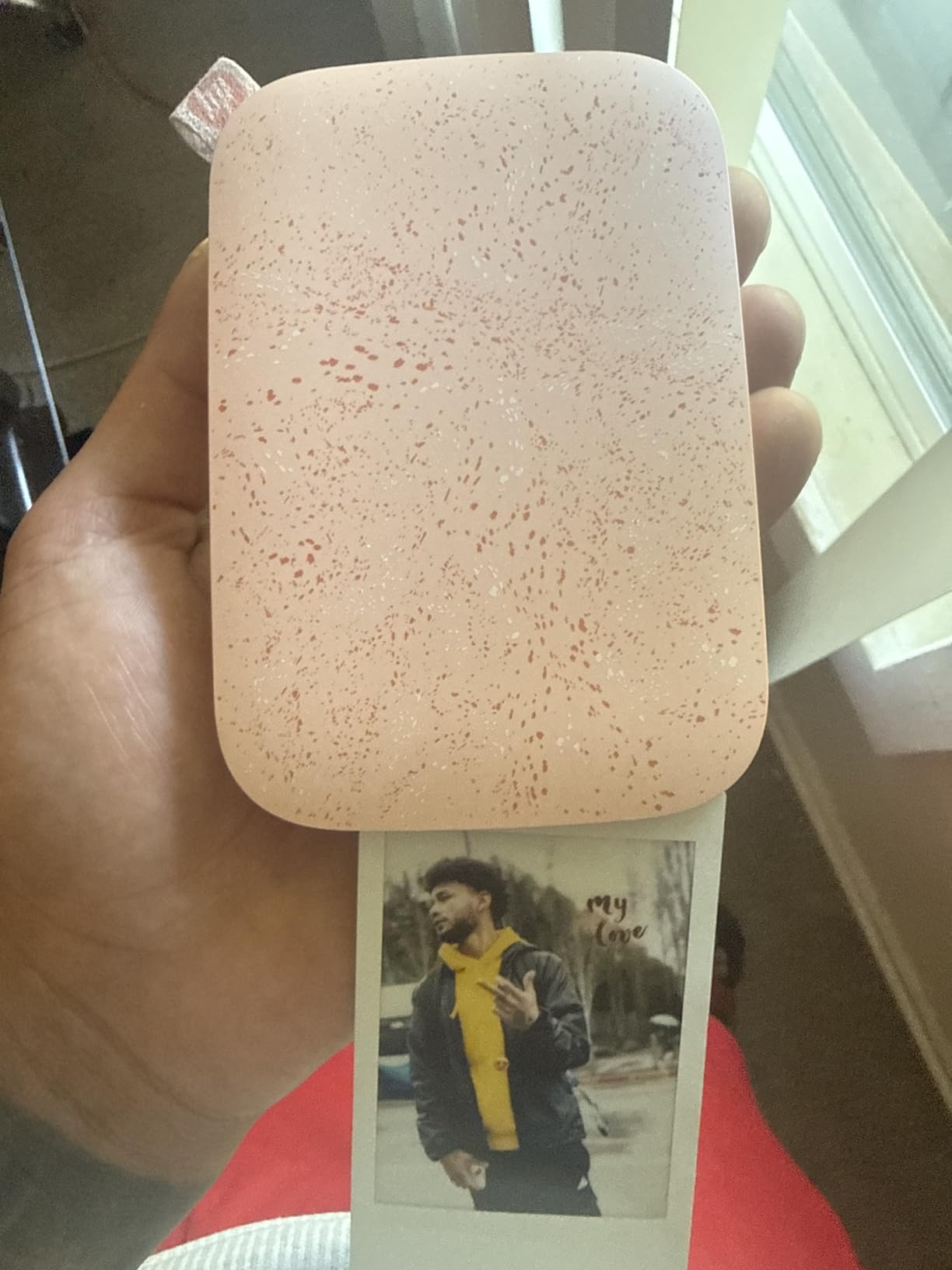
The Sprocket is the machine we keep coming back to, and it wins this list on the strength of its 25500+ reviews and the sheer number of scrapbook pages it has clearly been used on. One regular on r/scrapbooking described buying one for a grandchild and being “amazing for its size” after a few test prints, needing no editing at all. That reaction is the honest summary: small, immediate, and good enough for a collage.
Paper loads into the top, prints come out sticky-backed, and the app adds borders, filters and stickers before you commit. Ten sheets sit in the tray at once, which sounds stingy until you realise refills take about four seconds. Connecting several phones at once works well for a party guest book.
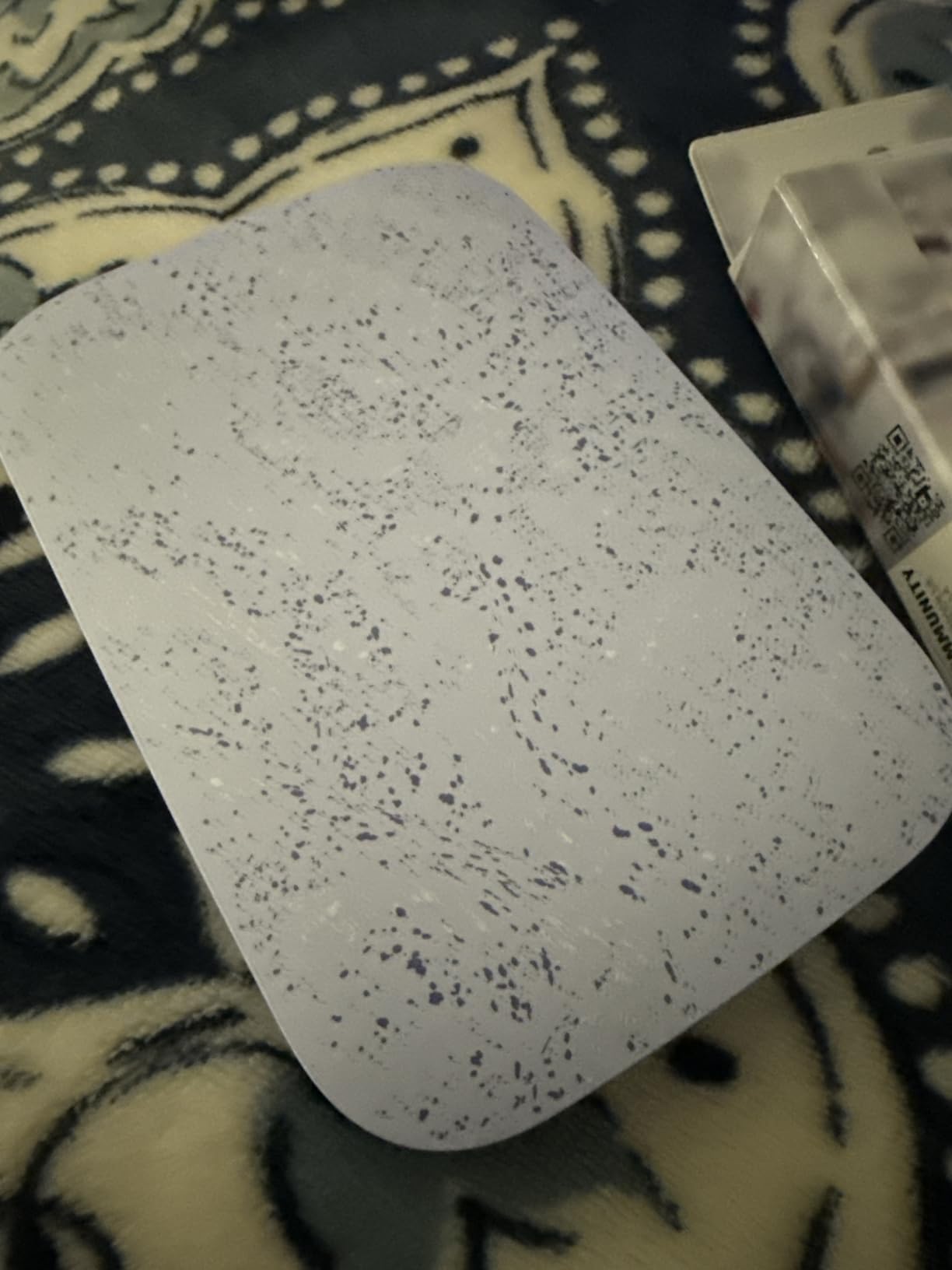
Colour is the one thing to understand before you buy. ZINK output runs warm, and a red jumper in your library will come out pinker than you expect. The fix is boring: pull the warmth down in the app before printing, not after. Resolution of 313 x 400 dpi is genuinely below the dye-sublimation and inkjet models here, so keep this machine for accents, captions and small clusters rather than a full-page hero photo.
Battery life is the other recurring complaint. Reviewers report far fewer prints per charge than the marketing suggests, and the unit can run hot and slow down when printing a long run. Keep a power bank in your scrapbooking bag and it stops mattering.
What it gets right for scrapbookers
Adhesive backing is the whole point. Every 2×3 print lands peel-and-stick, so a layout takes minutes instead of the slow ritual of corners and glue. For junk journals, planners and travel journals it is close to ideal.
The app’s border and sticker tools are the quiet advantage. You can frame a print, add a caption strip, or drop it into a collage grid without leaving the phone, which keeps a Sunday layout session to one device.
Where it will disappoint you
If a page needs one large photograph with fine detail, this is the wrong tool and no amount of app editing will fix the resolution ceiling. The 2×3 image area is also small enough that three or four prints make a real cluster rather than a layout.
Long sessions drain the battery, and misfeeds occasionally need the blue barcode strip reloaded. Neither is a dealbreaker, but both are things you plan around rather than forget.
2. Canon Ivy 2 Mini Printer – Best Colour Accuracy in a Sticky-Back Printer
Canon Ivy 2 Mini Photo Printer, Print from Compatible iOS & Android Devices, Sticky-Back Prints, Pure White
ZINK 2x3 peel-and-stick prints
313 x 512 dpi
Bluetooth 5.0
Prints in up to 50 seconds
145 g body
Pros
- Second-generation engine with better skin tones
- Highest rated ZINK model in this roundup
- Bluetooth 5.0 pairs quickly
- No ink cartridges to buy
Cons
- Small 2x3 output for full pages
- Resolution below dye-sublimation and inkjet
- Only 10 sheets load at once
- Starter paper pack runs out fast
The Ivy 2 Mini is the ZINK machine to buy if the colour cast bothers you. Canon’s second-generation print engine is tuned for skin tones and contrast, and the 4.6 rating across 4400+ reviews is the highest among the sticky-back models here. The difference shows on faces, which is most of what a scrapbook page contains.
It is also a scrapbooker’s printer by design. A scrapbooker on r/scrapbooking named the Canon Ivy specifically for one reason: “the pictures print with stickum on the back.” That is still the sentence that decides this category.
Bluetooth 5.0 pairs faster and holds a steadier connection than first-generation ZINK printers, which matters when you are printing a queue of images from a guest’s phone. Print time runs up to about 50 seconds. At 145 grams the body sits in a hand comfortably and the Canon Mini Print app handles the customisation.
The catch is the same one every ZINK model shares. Two-by-three inches is an accent size, and the resolution is well below what a dye-sublimation or inkjet machine delivers. Treat it as a companion to a 4×6 printer rather than a replacement for one.
What it gets right for scrapbookers
If your library is full of people rather than landscapes, this is the sticky-back machine that reproduces skin tones most faithfully. It also means fewer pre-print colour edits, which saves real time on a batch of a dozen prints.
Canon support and the one-year warranty are steadier than some of the smaller ZINK brands, and the app is simple enough to hand to a beginner without a walkthrough.
Where it will disappoint you
The 10-sheet tray means frequent refills, and the included paper pack is small enough that you will be ordering refills early. Neither is expensive, but both interrupt a long session.
On a 12×12 page you would need six or more prints to build a focal area, and at that count the lower resolution starts to read as soft next to a lab print. Choose a 4×6 machine if the page has one hero photo.
3. Liene M100 4×6 Photo Printer – Best for Full-Page 4×6 Layouts
Liene M100 4×6” Photo Printer, Phone Printer 100 Sheets & 3 Cartridges, Full-Color Photo, Portable Instant Photo Printer for iPhone Android, Thermal Dye Sublimation, Wi-Fi Picture Printer 100 Papers
4x6 thermal dye-sublimation
300 x 300 dpi
About 59 seconds per print
100 sheets and 3 cartridges
Wi-Fi and USB
Pros
- True 4x6 laminated output
- 100 sheets included removes refill anxiety
- Wi-Fi hotspot serves 5 devices
- Works with iPhone Android PC and Mac
Cons
- Bulky desktop body
- Proprietary Liene cartridges
- Print head needs periodic cleaning
- About 59 seconds per print
The M100 solves the problem every 2×3 printer creates: a page with no photo big enough to anchor it. It prints true 4×6 borderless dye-sublimation with a laminate that resists water, scratches and fingerprints, and the box holds 100 sheets and three cartridges. That is a year of casual scrapbooking in the box.
Reviewers repeatedly single out the paper volume as the reason to buy it. Refill anxiety is real on small machines, and it disappears when the media lasts for months.
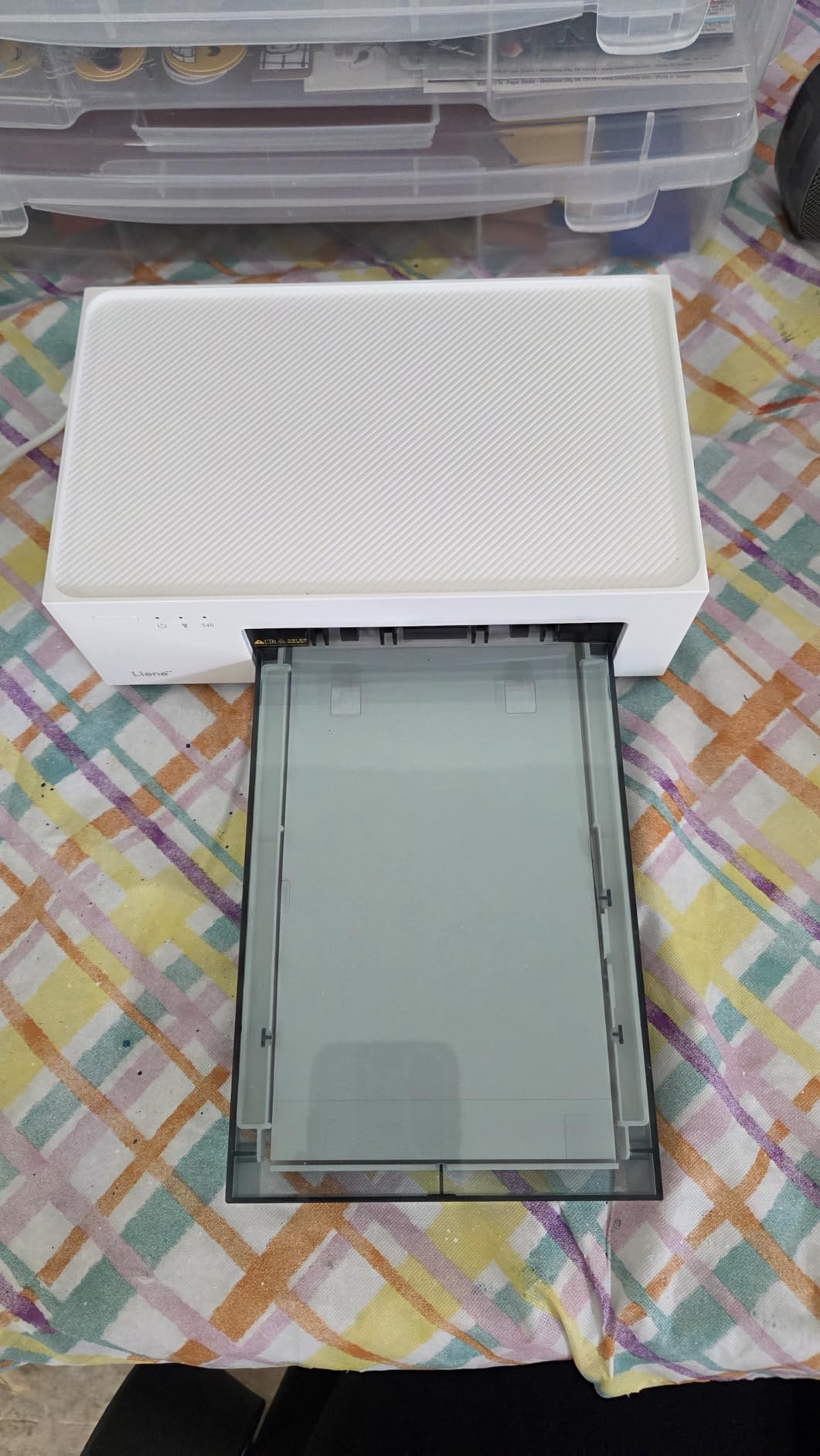
Connection is unusually flexible for a dye-sublimation printer. The built-in Wi-Fi hotspot supports up to five devices at once with no external network and no Bluetooth pairing, and the app works from iPhone, Android, PC and Mac. Borders, filters, contrast and brightness adjustment, plus ID and visa photo formats, are all in the same app.
There are real compromises. The body is a desktop unit at nearly 8 by 10 inches, so it is not a travel printer. Consumables are proprietary, and the print head needs cleaning if smudges appear. At about 59 seconds a print, a batch of fifty takes the better part of an hour.
What it gets right for scrapbookers
Four by six is the sweet spot for a 12×12 page: three across, two down, with room for a title strip. This machine produces that at a quality that holds up beside a lab print, and the protective coat survives album handling.
Media cost is the other win. With a 100-sheet pack in the box, the per-print figure is far lower than a 2×3 ZINK setup once you are printing more than a handful of photos a month.
Where it will disappoint you
Anyone who wants a portable machine will be disappointed. There is no battery and no carry case, and the sealed cassette and magnetic design are lovely but clearly built for a shelf.
Proprietary cartridges mean no substitute media, so check that refills are easy to find in your region before you commit. And if your layouts are planner-sized rather than page-sized, this is a lot of printer for a small format.
4. Epson PictureMate PM-400 – Best for Fine Detail and 5×7 Prints
Epson PictureMate PM-400 Wireless Compact Photo Printer
Inkjet 5760 x 1440 dpi
Borderless 4x6 and 5x7
4x6 in about 36 seconds
50-sheet tray
Built-in LCD and Wi-Fi
Pros
- Highest resolution in this roundup
- Prints borderless 4x6 and 5x7
- Two 2x3 photos can share one sheet
- Owners report thousands of prints without fading
- Folds down and is event-portable
Cons
- Most expensive machine in the list
- Needs genuine Epson ink cartridges
- Short cartridge life on heavy volumes
- No battery
- Long-idle units may need an ink absorber service
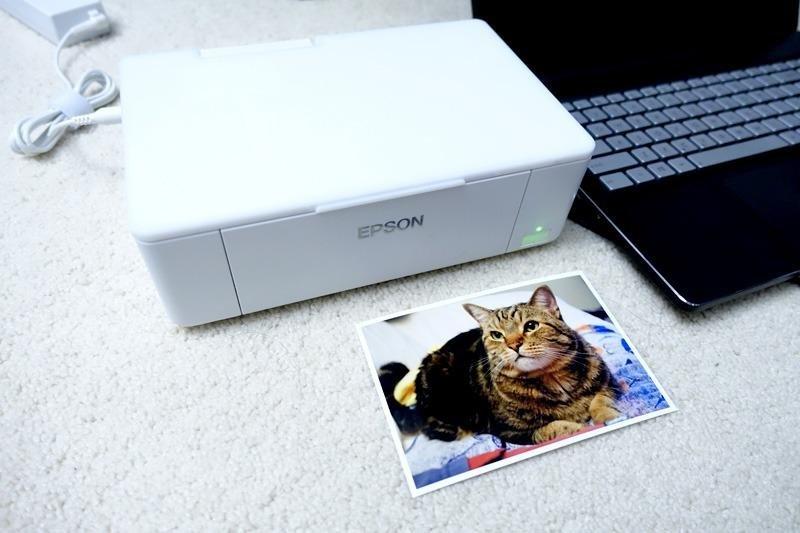
The PM-400 is the only printer here that handles a detailed photograph properly. At 5760 x 1440 dpi it out-resolves every other model on this list by a wide margin, and it prints borderless 4×6 and 5×7 rather than only sticker sizes. For a scrapbook page built around one large image, it is the correct tool.
Longevity is the quiet story in these reviews. Multiple owners describe years of daily use and well over a thousand prints with no fading, which is the kind of report you do not get from a ZINK machine. Inkjet prints on ordinary photo paper, so they sit flat and take corners or adhesive without any special handling.
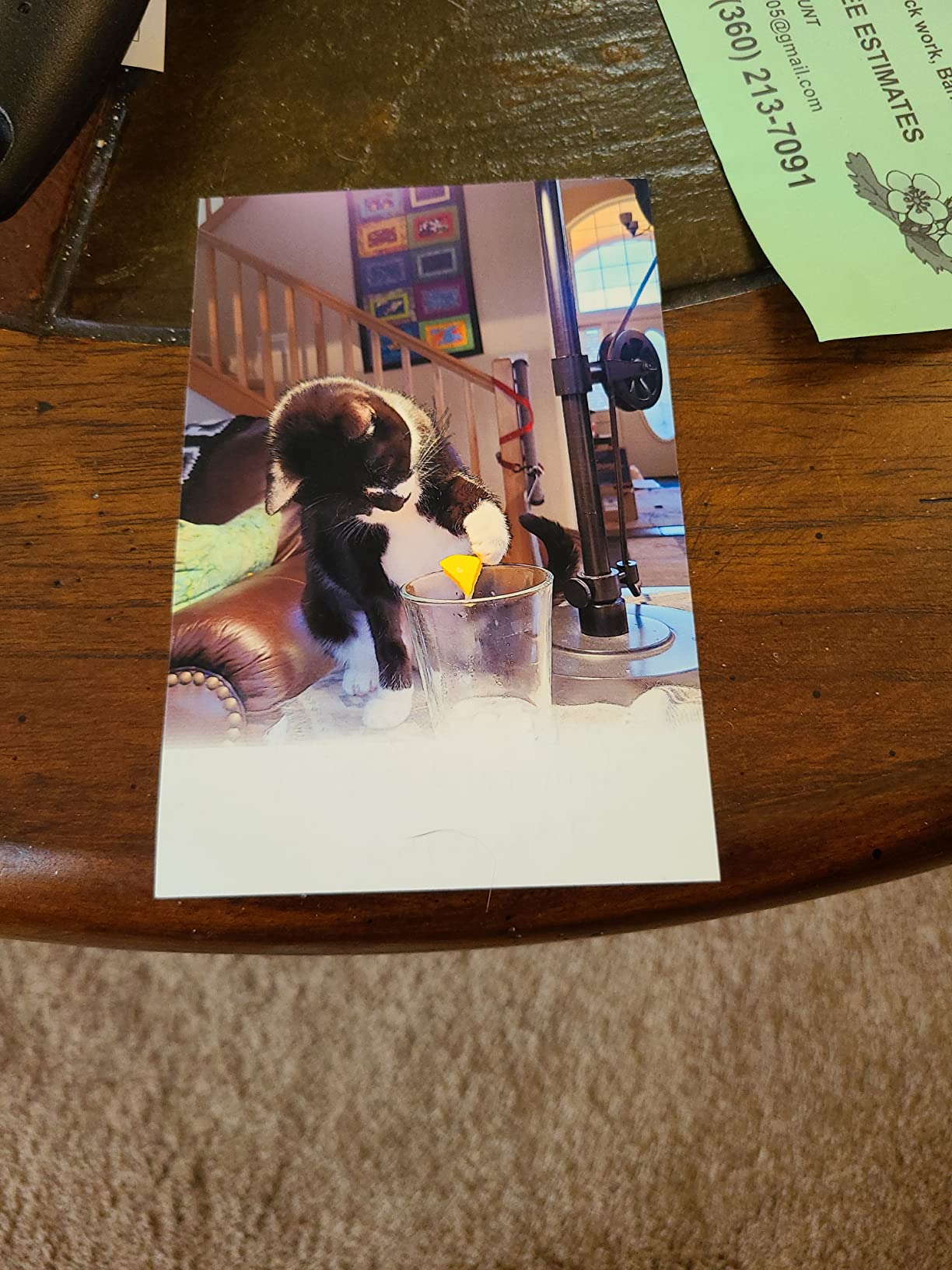
Practical details are good. A 4×6 borderless print takes as little as 36 seconds, the 50-sheet tray means a weekend session needs no refills, and two 2×3 images can share a single sheet if you are doubling up small prints. The built-in LCD handles setup and status without an app, and Wi-Fi covers iPad, iPhone, tablet and phone printing.
The cost picture is where this model divides people. It is the most expensive machine in the roundup, and it depends on genuine Epson ink, which gets pricier and harder to source as models age. Ink cartridges also run short on heavy volumes, such as party favours for a hundred guests.
What it gets right for scrapbookers
Detail and range. If you scan an old photograph, crop a face, or print a wide scenic shot, this is the only machine here with the resolution to hold it. The 5×7 format also gives you an option between standard 4×6 and a full album page.
Owners who print heavily rate it well because ink cost per photo drops as volume rises. If you genuinely make hundreds of prints a year, the running cost beats sticker media.
Where it will disappoint you
No battery means a power cable at every event, and at six pounds the body is a carry-on decision rather than a handbag one. Our [instant photo printer guide](/best-instant-photo-printers-for-smartphones/) covers the small-format end if that matters more.
There is also the ink absorber caveat. A printer that sits unused for years can need a service, and replacement cartridges are not interchangeable across the range. Buy it for a working craft room, not a spare cupboard.
5. Fujifilm Instax Mini Link 3 – Best Film Look for Scrapbook Styles
Fujifilm Instax Mini Link 3 Smartphone Printer – Clay White
Genuine Instax Mini film
2.1 x 3.4 inch prints
1200 x 1200 dpi
Bluetooth
USB Type-C
1.6 ounces
Pros
- Highest listed resolution in the roundup
- Authentic film look suits vintage layouts
- Weighs 1.6 ounces
- Available in several colourways
Cons
- Instax film is among the costliest consumables
- Small 733-rating base
- Film size is below 4x6
- Only 10 sheets load at once
At 4.7 stars this is the highest-rated model in the roundup, though its review base of 733 ratings is much smaller than the ZINK giants. What it offers is not subtle: real Instax film, a warm film look, and 1200 x 1200 dpi on paper. No other machine here matches it on paper specification.
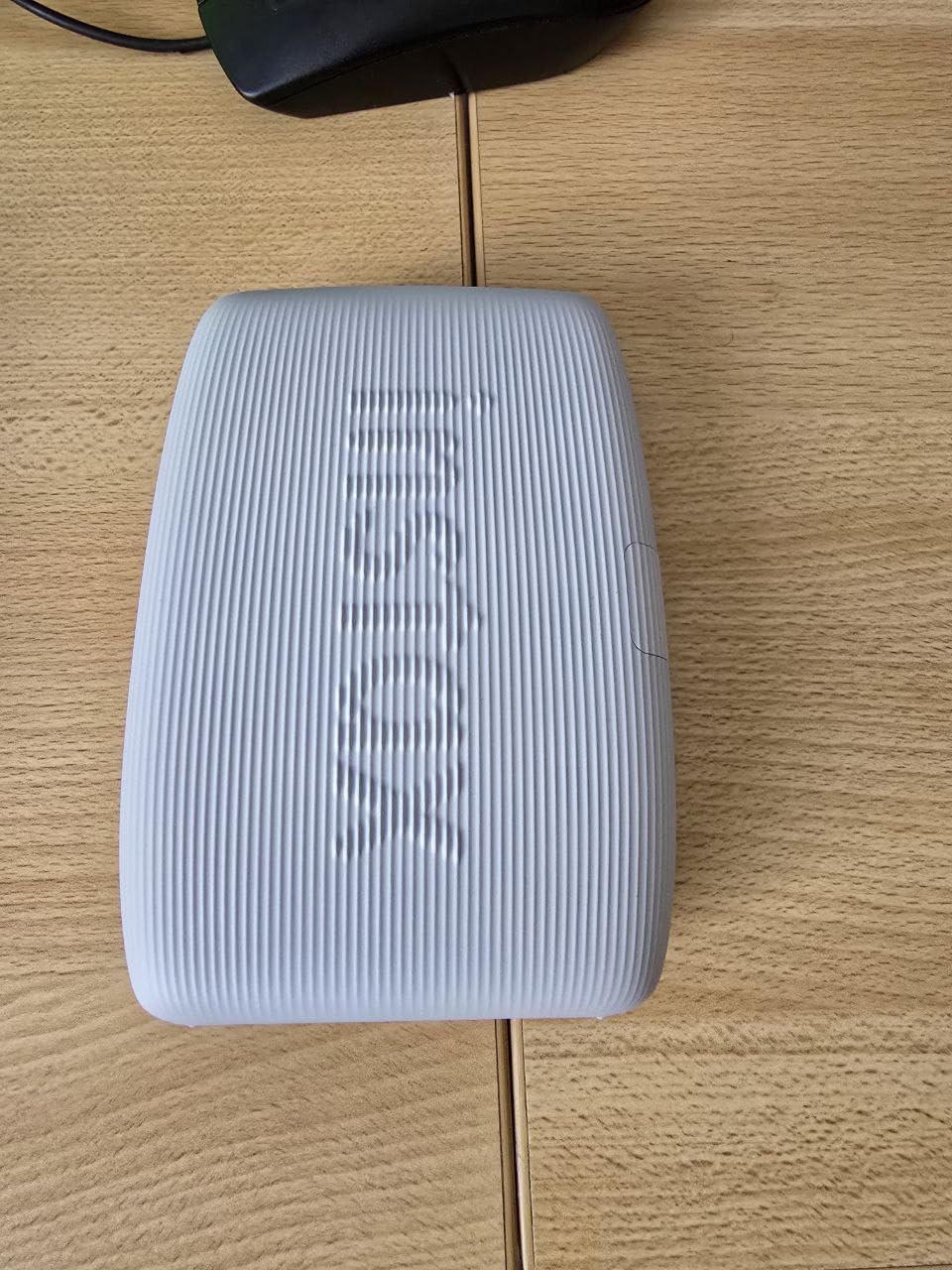
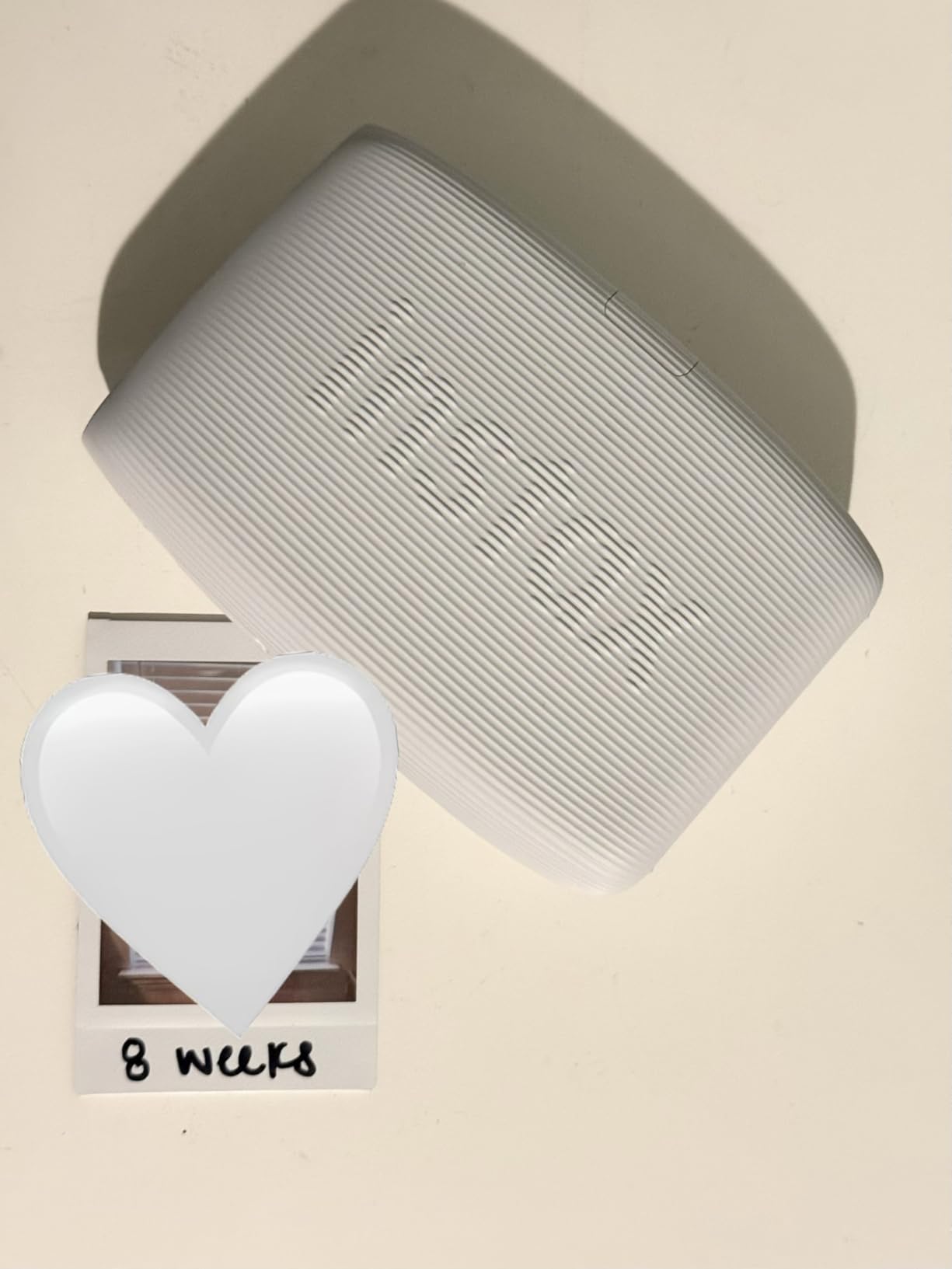
That look is a genuine scrapbooking asset. A page of slightly imperfect, warm, bordered prints suits junk journal and travel journal styles in a way a clean borderless print does not, and the 2.1 x 3.4 inch format sits neatly in a grid.
A photographer on r/AskPhotography flagged the same thing we would: the printers are worth a look, and the print cost is the downside. Instax film is proprietary and among the most expensive per-print consumables in the whole category, so this is a style purchase you budget for deliberately rather than a volume solution.
Handling is excellent. At 1.6 ounces with a slim rectangular body, it is the lightest printer here, USB Type-C charging is modern, and touch control is a small step up from app-only machines. Ten sheets load at a time.
What it gets right for scrapbookers
If your style leans vintage, film, or nostalgic, this removes the editing work. The film aesthetic is a finished look rather than something you tune in an app, and the white border frames the image for you.
It is also very light for a device that outputs real film, which makes it a good companion for a craft weekend away from a desk.
Where it will disappoint you
Cost per print is the honest objection, and it gets worse as volume grows. A heavy scrapbooker will spend more on film over a year than on any other machine in this list.
The film size stays under 4×6, so large layouts are impossible, and a small review base means fewer long-term durability reports to draw on. Expect to replace the whole aesthetic, not just the media, if you outgrow the look.
6. KODAK Dock Plus 4×6 Photo Printer – Best Bundled 4×6 Starter Setup
KODAK Dock Plus 4×6 Photo Printer, Smartphone Docking, 4PASS, 50 Sheets
4PASS dye-sublimation 4x6
Borderless output at about 55 seconds
Phone dock charges while printing
20-sheet tray
Pros
- True borderless 4x6 output
- Protective coat resists water and fingerprints
- Phone docks and charges during printing
- 50-sheet output capacity
- Simple app crop and edit tools
Cons
- Setup booklet is tiny and incomplete
- Occasional paper jams
- Slow four-pass printing
- Some iPhones and iPads must use the dock
- Can shut down if it overheats
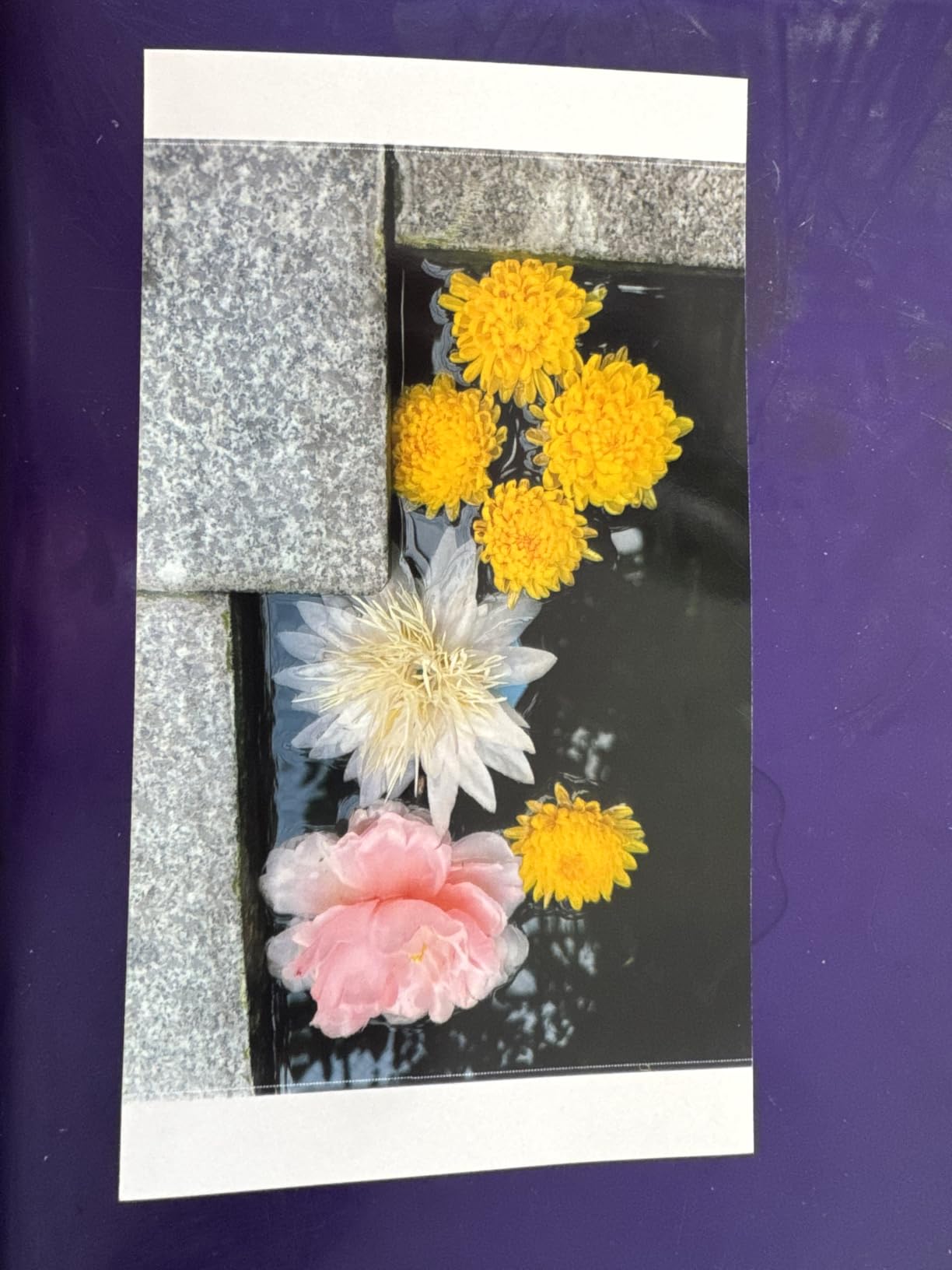
The Dock Plus is the most-used 4×6 option in this roundup by review count, at nearly 19800 ratings, and it earns that by being unremarkable in the right ways. Borderless 4×6 dye-sublimation, a clear protective layer, and a docking cradle that charges your phone while it prints.
For a beginner that cradle matters. Rather than fight Bluetooth, you drop the phone in and start, which is the kind of simplicity that matters when a printer is a gift. One crafter on a Facebook craft group described how her 80-year-old mother loved her dedicated Kodak setup precisely because the software was easy and never got in the way.
Refills are straightforward and the 50-sheet output capacity means a decent batch between changes. The 4.2 rating is lower than the rest of this list, and the reviews make clear why: setup friction rather than print quality. The instruction booklet is very small and incomplete, paper jams happen occasionally, and some iPhones and iPads fail to pair over Bluetooth and must be docked.
Speed is the other limiter. Four-pass printing runs around 55 seconds a photo, and the unit can shut down mid-print if it overheats after a long run.
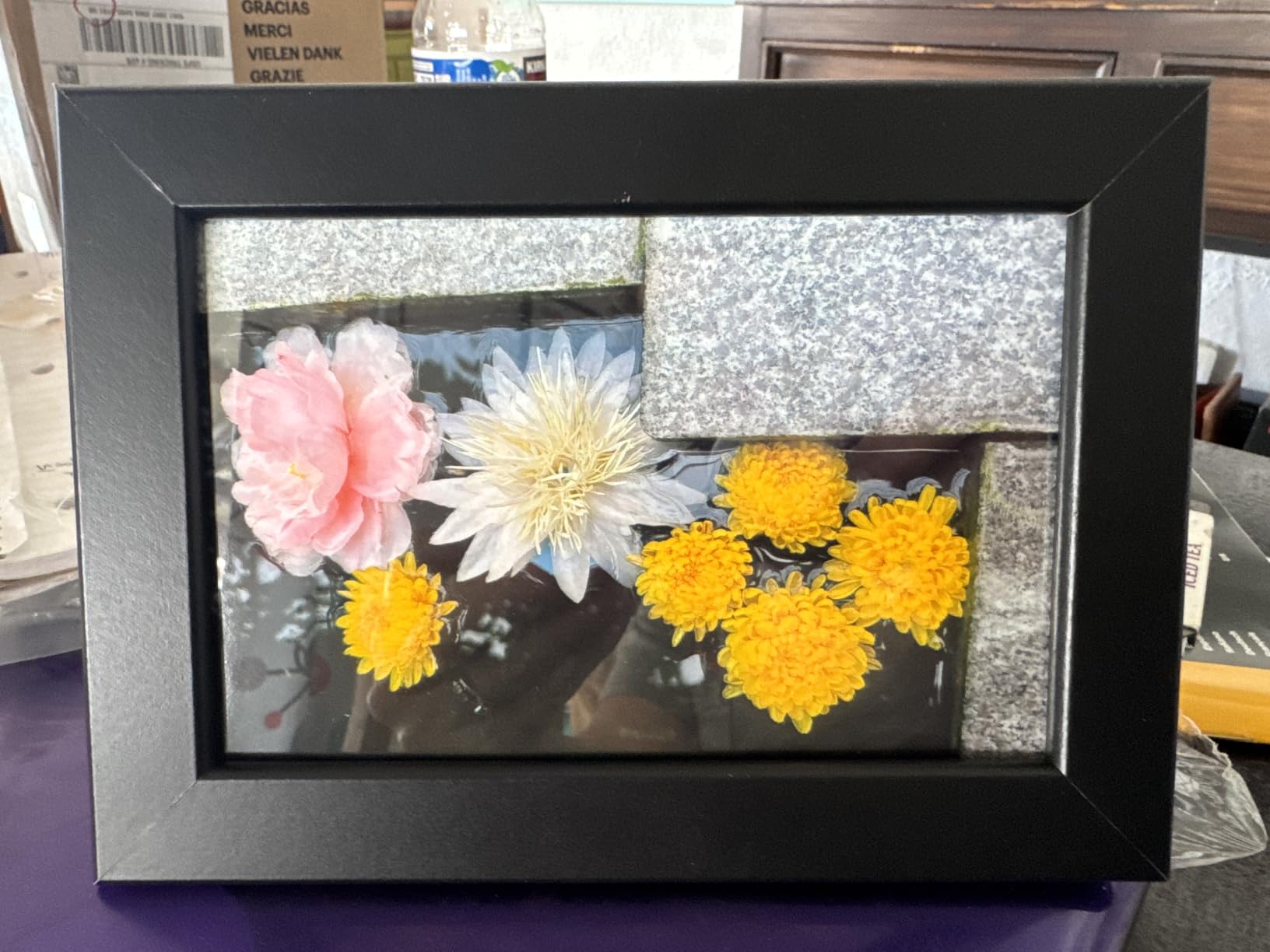
What it gets right for scrapbookers
Four by six borderless prints in a protected finish are exactly what a standard 12×12 layout needs, and the laminate is the reason the prints survive album handling. Nothing you mount with corners will lift off the way a laminated print can.
The dock turns the printer into a one-touch station, which is the friendliest option here for a non-technical user or a shared craft table.
Where it will disappoint you
Setup is the weak point. Tiny instructions, occasional jams that need the tray removed, and Bluetooth pairing that fails on some iPhones will cost you an afternoon the first time.
At around 55 seconds a print this is not a party machine, and if you already own a small ZINK printer for stickers, the media cost here is a real step up. Buy it for page prints, not for caption strips.
7. Liene Pearl K100 2×3 Printer – Best for Planner and Journal Pages
Liene Pearl K100 2×3” Photo Printer, Mini Instant Portable Color Picture Printer Bundle 50 Zink Adhesive Paper, Bluetooth 5.2 Compatible w/iOS & Android Small Phone Sticker for iPhone Smartphone White
ZINK 2x3 adhesive prints
About 5 second print time
50 sheets included
About 30 prints per charge
Bluetooth 5.2
Pros
- Largest starter pack among 2x3 models at 50 sheets
- Prints in about 5 seconds
- Thick paper peels and re-sticks
- Bluetooth 5.2 needs no Wi-Fi
- App cleaning function fixes white lines
Cons
- Colour accuracy can run warm
- App filters push images too bright
- Battery drains quickly
- Prints app-only
- Refill paper is not cheap
The K100 is built around a specific habit: rearranging a layout. Its ZINK paper is thick enough to peel off and re-stick, which journalers and scrapbookers rate as the most useful thing about it. Most sticker media is a one-shot decision. This one lets you move a photo after you have placed it.
Speed is the other headline. About five seconds a print means a whole embellishment set for a planner page before your coffee arrives, and the bundle includes 50 sheets, the largest starter pack among the 2×3 models here.
Bluetooth 5.2 means no Wi-Fi network is required, and the app includes cropping, text, sharpening, frames and background presets. It also has a print-head cleaning function, which is genuinely useful for resolving white lines and spots rather than being a gimmick.
The complaints are consistent and worth stating plainly. Colour accuracy can run off, with pink roses printing orange and occasional yellow tint or streak lines, and the app filters tend to push images bright. The battery drains quickly during heavy printing, photos below the minimum resolution print pixelated, and printing is app-only, with app availability varying by region.
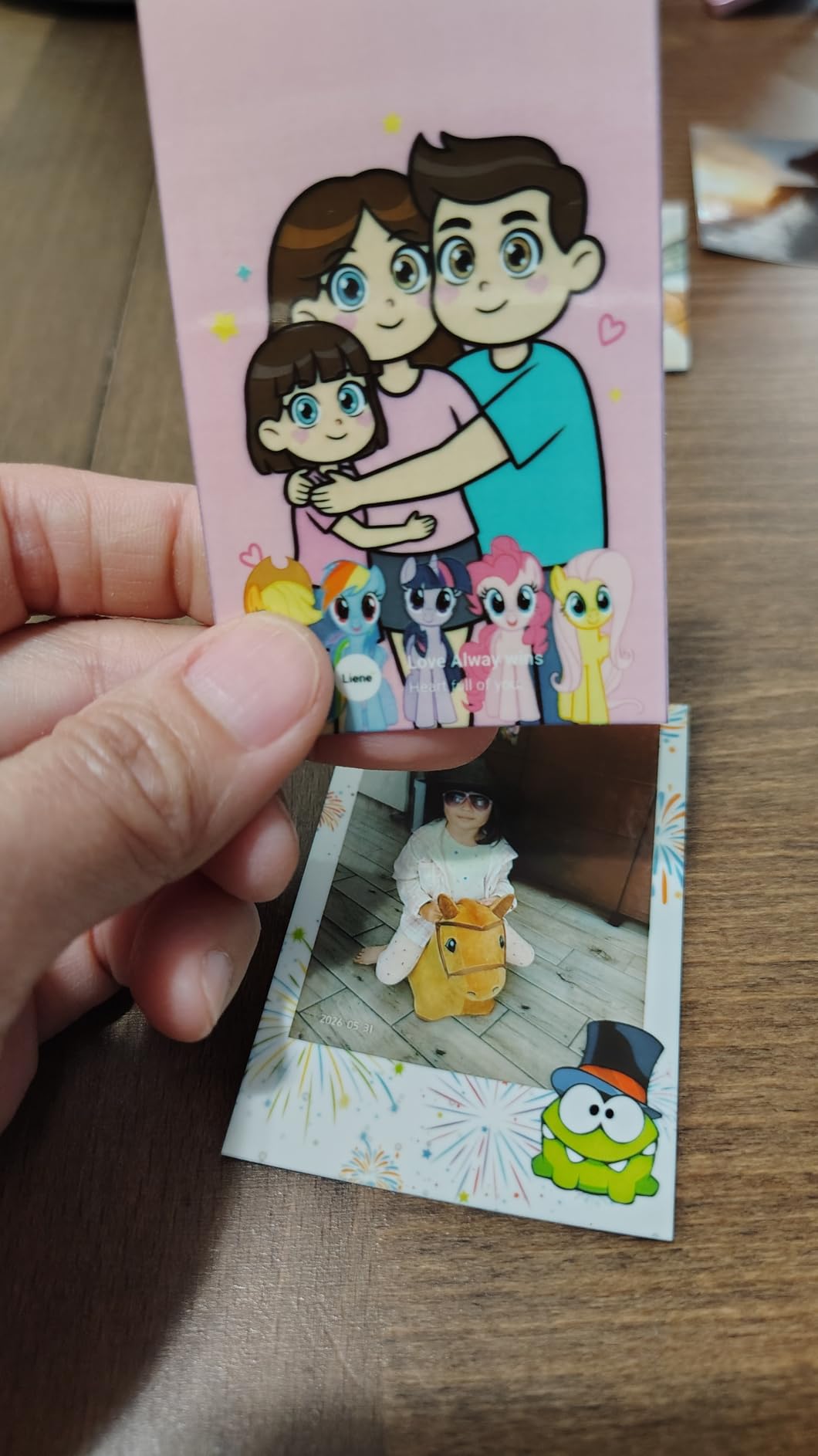
What it gets right for scrapbookers
Repositioning prints changes how you work. On a busy double-page layout where nothing lines up first time, being able to lift a photo and move it saves more time than any editing feature.
At five seconds a print it suits bulk work: a set of tabs, a column of small photos, a full mood board of a trip. Thirty prints per charge via USB Type-C covers most sessions.
Where it will disappoint you
If colour accuracy on a photograph matters, this is the wrong machine. The oversaturated warm cast is the single most common complaint, and the app filters make it easier to overcorrect.
It prints only through the Liene app, and in some regions that app is not available at all. Check that before you buy. Refill paper is also among the pricier ZINK options.
8. Nelko PP01 2×3 Photo Printer – Budget Inkjet on Sticky Paper
Nelko PP01 Photo Printer, 2×3 Portable Photo Printer, Mini Printer, White
Inkjet 600 dpi on sticky-backed 2x3 paper
Up to 80 photos per cartridge
Prints in under 90 seconds
0.6 pound body
Pros
- Ink cartridge avoids ZINK colour cast
- 600 dpi beats typical 2x3 output
- Each cartridge yields up to 80 photos
- Smudge and tear resistant paper
- App supports collages and AI editing
Cons
- Cartridge needs refilling
- Ink head can clog after long idle periods
- Only 20 sheets in the box
- No power adapter included
- Paper must load smooth side down
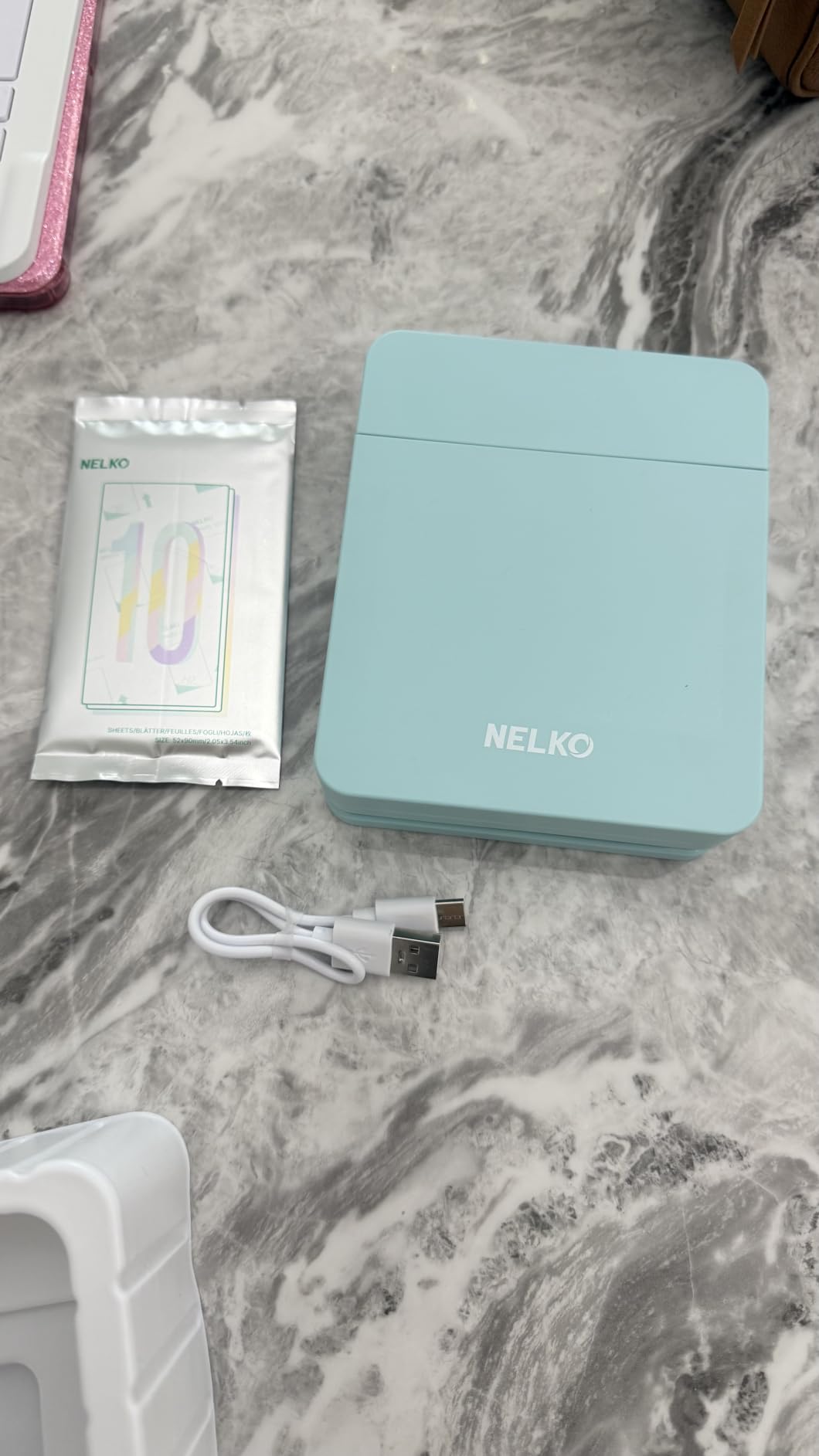
The PP01 is the compromise that works if you want sticker output without the ZINK colour cast. It uses a real ink cartridge at 600 dpi, which is a real step up from the roughly 300-plus dpi that typical 2×3 ZINK machines quote, and it prints onto the same kind of sticky-backed paper.
It sits at number one in its category on Amazon, and the reason is the cartridge. Each one yields up to 80 full-colour 2×3 photos, so the per-print maths over a year beats most ZINK setups if you print steadily.
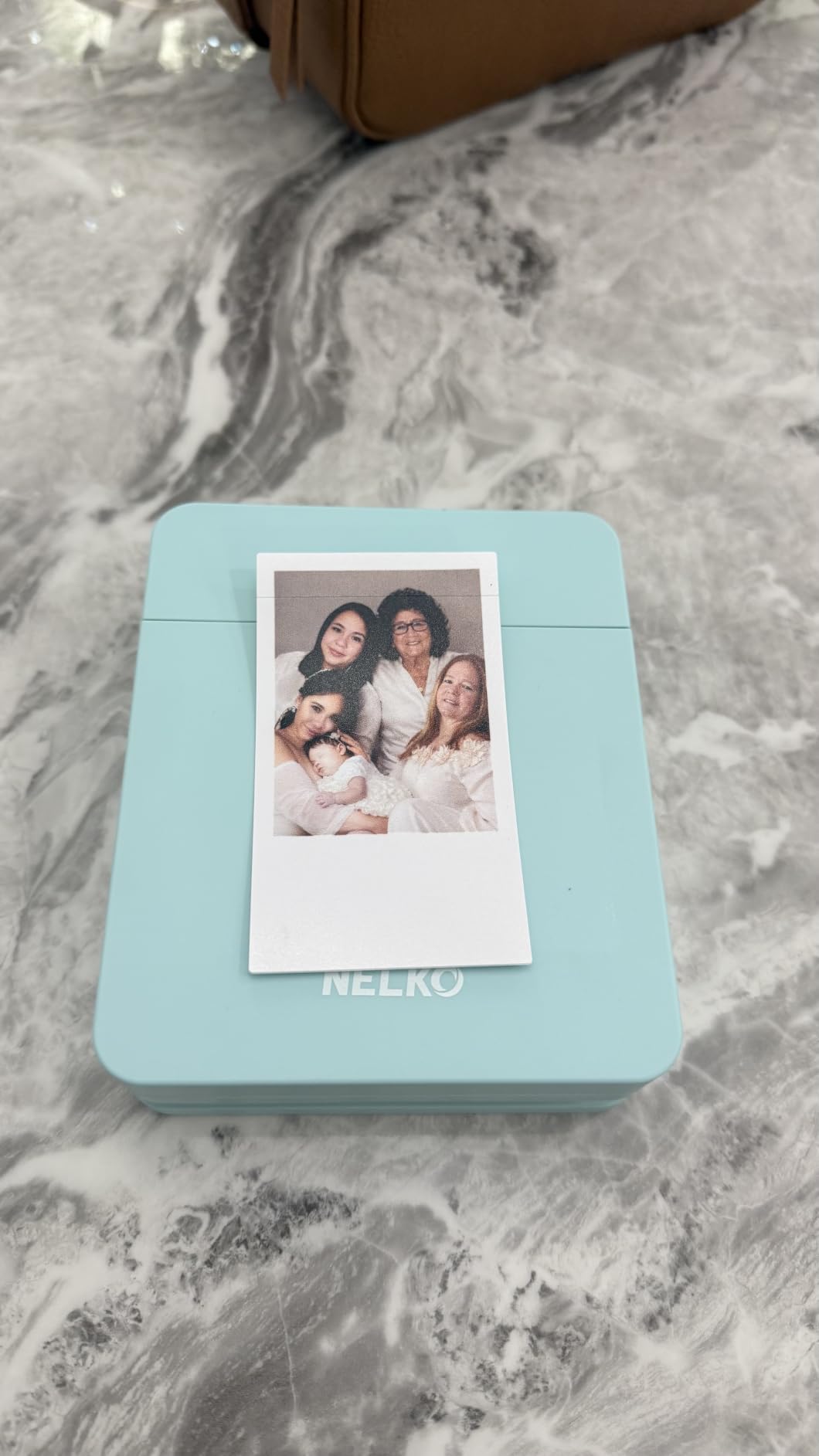
Physical design is good for a craft bag. At 0.6 pounds it is one of the two lightest machines here, it prints in under 90 seconds, and the Nelko app handles collages, filters, borders, stickers, text and AI editing. The paper is described as smudge-proof, water-resistant and tear-resistant.
The upkeep is the catch. Cartridge ink has to be refilled, unlike ZINK, and the ink head can clog after long idle periods, which means wiping it vertically and regularly. Only 20 sheets ship in the box, no power adapter is included, and the paper must load smooth side down or the printer refuses to recognise it.
What it gets right for scrapbookers
The cartridge changes the look of a page. Inkjet pigment holds skin tones and neutrals far better than ZINK crystals, so a scrapbook full of people prints more faithfully here than on any 2×3 sticker machine in this roundup.
Eighty photos per cartridge makes it a reasonable volume option, and the app’s collage and AI editing tools cover the layout work without extra software.
Where it will disappoint you
A cartridge printer that sits in a cupboard for a month will need attention before its next print. That maintenance habit is the price of skipping ZINK entirely, and it is the reason we did not rank this higher despite the strong rating.
It also arrives thin on media with 20 sheets, and you will need to source a power adapter separately. Print speed is the slowest of the 2×3 models here at up to 90 seconds.
9. KODAK Step Instant Photo Printer – Best Lightweight Travel Sticker Printer
KODAK Step Instant Smartphone Photo Printer, Portable Mini Color Wireless Mobile Printer, Zink 2×3” (5.1×7.5 cm) Sticky-Back Photos, Bluetooth Compatible with iOS & Android Devices, Editing App, White
ZINK 2x3 sticky-backed photos
Bluetooth and NFC
About 25 prints per charge
First print in about 60 seconds
0.07 kg
Pros
- Very light and pocket-sized
- Bluetooth and NFC pairing
- ZINK paper resists smudges tears and moisture
- App includes filters borders stickers and text
- Works well for planners and scrapbooks
Cons
- ZINK quality below inkjet and dye-sublimation
- Small internal tray needs frequent reloads
- Occasional pairing friction on first setup
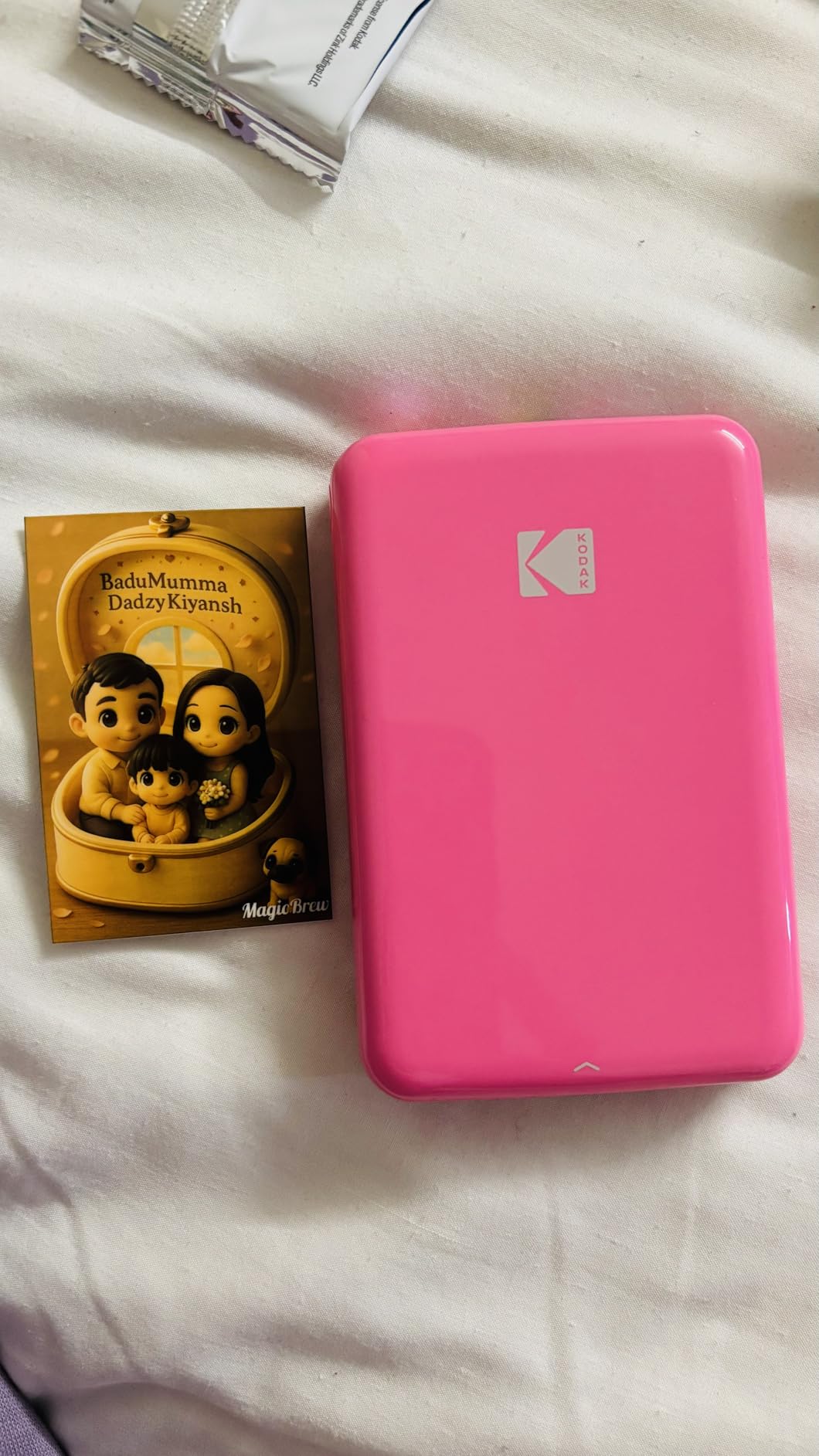
The Step is the travel answer among the ZINK machines, and 20500+ ratings say it does one job well. It weighs about 0.07 kg, which is barely more than a phone, and it produces 2×3 sticky-backed photos in about 60 seconds from first press.
Pairing is the practical improvement. Bluetooth and NFC together means the connection almost always succeeds, and the KODAK app carries a full editing suite with filters, borders, stickers, text and collage tools. A built-in lithium-ion battery gives about 25 prints per full charge, which is a realistic evening of travel journal work.
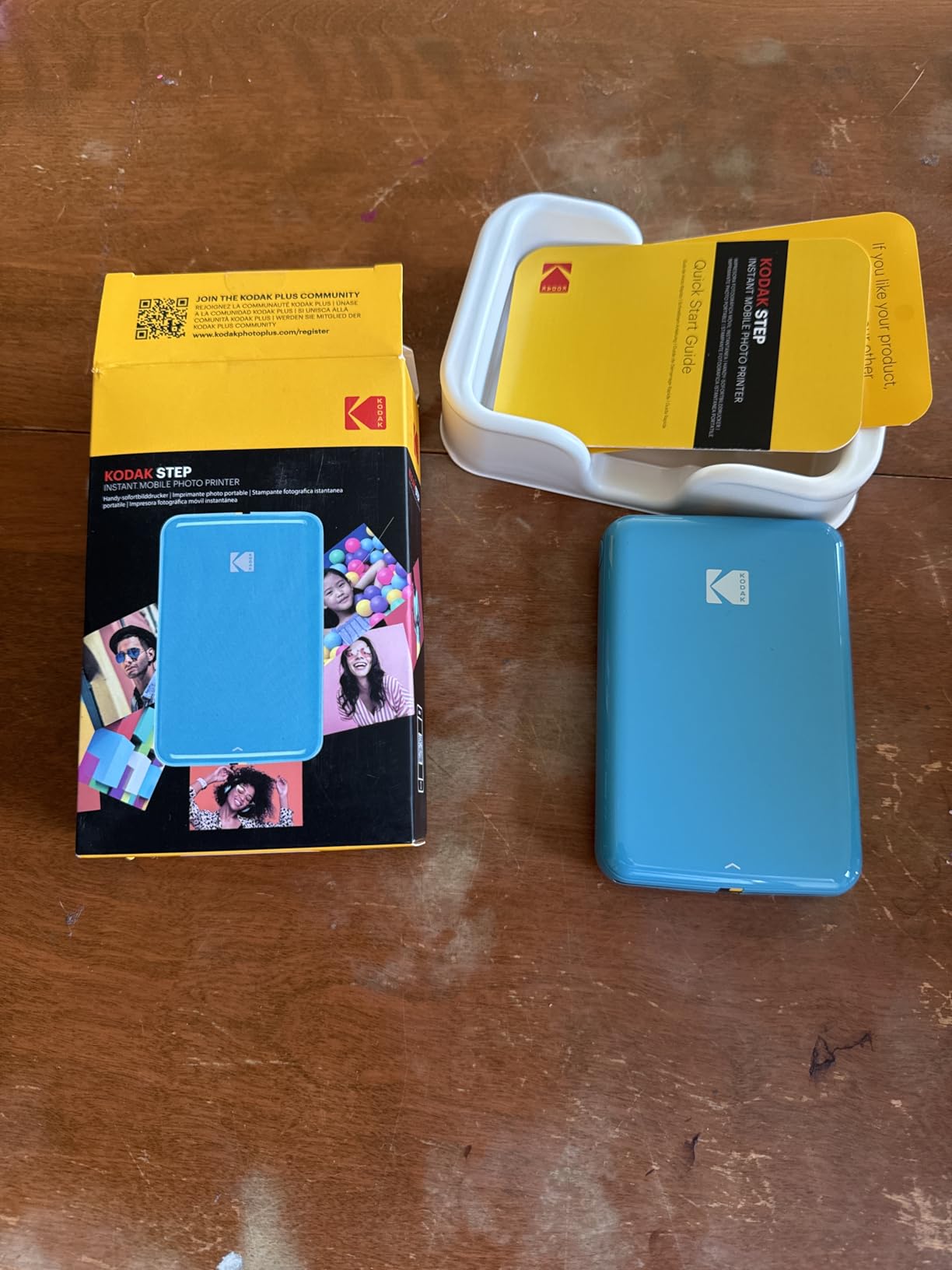
The paper is described by KODAK as smudge, tear and moisture resistant, and reviewers agree it holds up in a journal that gets handled. That durability matters more on the road than on a desk.
The limits are the familiar ZINK ones. Print quality sits below inkjet and dye-sublimation output at 313 x 400 dpi, the internal tray is small so you reload often, and some users report connection or app pairing friction on first setup.
What it gets right for scrapbookers
It disappears into a bag. If you build travel journals away from a desk, weight and size decide everything, and this is one of the lightest genuine photo printers you can carry.
NFC pairing is a quiet quality-of-life win when several people are printing, and the text and border tools in the app cover captions without a second app.
Where it will disappoint you
Twenty-five prints per charge means a long trip needs a power bank, and the small tray means you refill more often than you’d like mid-session. Colour runs warm, so expect to cool prints down in the app first.
If a page needs a photo with fine texture or a wide tonal range, this format will not carry it. Bring it as a companion, not as your only printer.
10. KODAK Mini 2 Retro Photo Printer – Best Portable Dye-Sublimation Prints
KODAK Mini 2 Retro 2×3 Portable Photo Printer, 4PASS, 38 Sheets, White
Dye-sublimation 2.1 x 3.4 inch prints
About 55 seconds per print
4 cartridges and 38 sheets included
255 g
Anti-fingerprint finish
Pros
- Dye-sublimation colour is more natural than ZINK
- Small enough for a pocket or hand bag
- Bundle includes 4 cartridges and 38 sheets
- Waterproof anti-fingerprint finish
- App handles editing and cropping
Cons
- Largest one-star share in the group
- About 55 seconds per print
- Size is below 4x6
- Separate cartridges and sheets add up
The Mini 2 Retro is the answer for a crafter who wants dye-sublimation colour and does not want a desktop machine. The colour is more natural than ZINK at a similar pocket size, and the anti-fingerprint, waterproof finish survives album handling. At 255 g it fits in a hand or a bag.
The bundle is generous for a portable machine: four cartridges and 38 sheets, enough to print immediately rather than ordering media the same week. The KODAK app handles editing and cropping before you print.
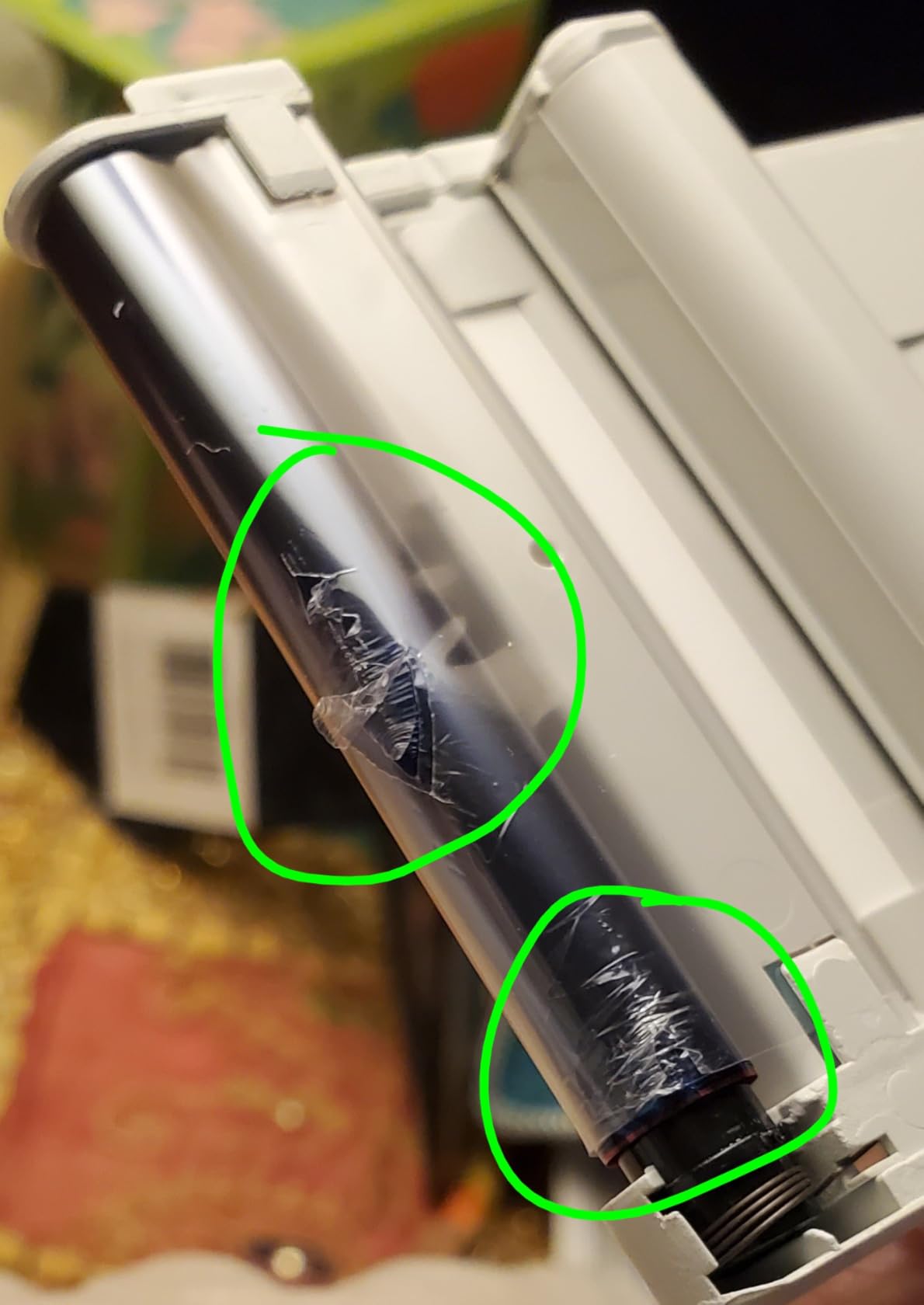
The 4.1 rating is the lowest in this roundup, and the cause is reliability rather than output. A 13 percent one-star share points to support and reliability friction, and the four-pass process takes about 55 seconds a photo, which is slow for a queue of guests.
Ongoing cost is also worth adding up. Colour cartridges and sheets are bought separately, so the low entry cost flatters the machine more than a 100-sheet bundle flatters a desktop printer.
What it gets right for scrapbookers
The print finish. A laminated, anti-fingerprint 2.1 x 3.4 inch photo holds its colour and resists handling in a way a ZINK print does not, and the size is a little larger than a standard 2×3 so it has more presence on a page.
For a scrapbooker who travels or works at craft fairs, the combination of true dye-sublimation colour and pocket size is genuinely rare.
Where it will disappoint you
Reliability reports are the main reason to hesitate, and the largest one-star share in the group belongs to this printer. Expect at least some friction with support or cartridges over the life of the machine.
At 55 seconds a print, it cannot keep up with a party or guest book. And the credit-card-size output still cannot carry a full scrapbook page, so a 4×6 machine remains necessary for layout work.
Which Print Size for Which Scrapbook Page
Most scrapbook pages are 12×12 inches, 8×8 inches, or a standard two-page spread, and the print size that works is decided by the layout grid rather than by the printer. The rule of thumb: one 4×6 for a focal photo, 2×3 prints in clusters of four to six for everything else.
For a 12×12 single page, three 4×6 prints across the top with a 2×3 cluster below fills the page without awkward gaps. On a 12×12 two-page spread, two 4×6 prints plus a 2×3 strip per page keeps the balance even across the gutter.
An 8×8 page works differently. Two 4×6 prints crop slightly at the edges, so a single 5×6 or 4×6 focal print with a border of 2×3 accents is the cleaner fit. The Epson PM-400 is the only machine here that prints 5×7, which gives you an extra option on that size.
Travel and junk journals are the strongest case for 2×3. A page that fits a grid of six small prints or a stack of re-stickable stickers is a page you finish in ten minutes, which is why our [instant photo printer roundup](/best-instant-photo-printers-for-smartphones/) spends so much time on small formats.
Check the image area, not the sheet size, before you plan. Printers that list a 2.1 x 3.4 inch sheet deliver slightly less than that as the usable image, and a grid built on the sheet size ends up with uneven gaps.
Adhesive Prints vs Photo Corners: What Actually Saves Time
Sticker-backed prints save real time on layouts with several small photos, and they cost more per print than corner-mounted lab prints. The break-even point is roughly three or more small photos per page, where the seconds saved on placement outweigh the media premium.
Photo corners still win in two situations. They give you a borderless print with no visible edge, which matters on a formal or archival page, and they let you move a photo after it is placed. If your page uses one large 4×6 image, corners are the cleaner result.
A third option sits between the two: print onto ordinary photo paper with an inkjet or dye-sublimation machine and use a repositionable craft adhesive or a dry-mount film. It costs less per print and stays movable, but it adds a step and, on an inkjet, a drying period.
How to Choose a Photo Printer for Scrapbooking
Start with the largest print you will actually place on a page, because a printer cannot be upgraded later. If any layout needs a hero photo, 4×6 is the minimum and 5×7 is better. If everything is small clusters and captions, 2×3 is enough and the running cost will be lower.
Second, decide about adhesive backing honestly. Sticker prints are transformative for planner and journal work and mostly unnecessary for album-style pages with one or two large photos. Buying a sticker printer for a layout style that does not need one is the most common mistake we see.
Third, count your prints per month before you look at media. Under fifty a year, dye-sublimation and film are fine. Several hundred a year, the Epson’s inkjet economics and the Liene M100’s paper volume start to matter more than the sticker convenience.
Fourth, check the image area, not the sheet size, and check whether prints are borderless. A printer offering 4×6 sheets with a fixed border gives you less usable image than the number suggests.
Fifth, test the app before you commit. Every printer here is app-driven except where a dock or LCD helps, and the reported pain point across forums is software friction rather than print quality. If you are buying for someone else, simple matters more than features.
Sixth, look at the media codes. Paper and cartridges are model-specific and not interchangeable, so confirm refills are easy to source in your region. That single check avoids the most common long-term regret we hear about.
What a Scraper Really Spends on Prints Each Year
Running cost is the number that decides this purchase, and the useful formula is simple: cost per print equals the price of a media pack divided by the usable sheets in it. Multiply that by your annual print count and you have your real yearly spend.
Yield per pack matters more than unit price. The Liene M100 includes 100 sheets and three cartridges in the box, the KODAK Mini 2 Retro bundles 38 sheets with four cartridges, and the Liene K100 includes 50 sheets. The Canon Ivy 2 Mini and the HP Sprocket both load only 10 sheets, so their refill cycles are constant.
Cartridge-based printers work differently. The Nelko PP01 cartridge yields up to 80 full-colour 2×3 photos, which spreads its cost across many prints, while the Epson PM-400’s ink cost per photo falls as volume rises. The tradeoff is maintenance: an ink head that sits unused can clog and need cleaning.
Film is the outlier. Instax consumables cost the most per print in this roundup, so the Fujifilm model only makes financial sense if the film look is what you are buying, not the volume.
Our wider [dye sublimation printer guide](/best-dye-sublimation-printers-for-photo-booths/) covers the same cost logic for people printing for events rather than albums.
Setup and First-Print Troubleshooting
If Bluetooth will not pair, the cause is almost always the app rather than the printer. Generic Bluetooth menus do not discover these machines; you need the manufacturer’s app, and the KODAK Dock Plus in particular has documented iOS pairing problems where docking the phone is the fix rather than a workaround.
If the first print is blank, tinted or streaked, run the print-head cleaning cycle in the app before you blame the paper. The Liene K100 includes this function, and it resolves most white lines and spots. If prints come out misaligned, the usual cause is a misloaded cassette, and the Nelko PP01 specifically needs its paper smooth side down or it will not recognise the sheet.
If the crop is wrong, you have an aspect ratio mismatch. Phone photos are usually 4:3 and 2×3 media is closer to 3:2, so the app crops the sides. Set the crop manually in the app or compose wider than you need before printing.
If a machine dies mid-layout, it is heat or battery. Dye-sublimation printers run warm and some shut down after a long run, while the smallest ZINK models report far fewer prints per charge than expected. Charge before a session, print in batches, and give a desktop unit room to breathe.
Who Should Buy Which Printer?
Beginners and anyone buying for a non-technical crafter should get the HP Sprocket or the Canon Ivy 2 Mini. Both pair quickly, both load from the top, and both produce sticky-backed prints that make the first layout a success rather than a frustrating evening.
Crafters who print hundreds of photos a year should get the Epson PM-400 for detail, or the Liene M100 for volume. Both are desktop machines, and both justify themselves on running cost rather than convenience.
Travelling journalers should get the KODAK Step or the Fujifilm Instax Mini Link 3, depending on whether they want sticky-backed prints or a film look. Both fit in a bag and both run off a phone.
Anyone building a 12×12 album with large focal photos needs a 4×6 machine, so the Liene M100 or the KODAK Dock Plus. And anyone who prints for events rather than albums will get a better answer from our [photo booth printer guide](/best-photo-booth-printers-for-events/), which handles speed and guest queues rather than page layouts.
Frequently Asked Questions
What is the best photo print size for a scrapbook?
Four by six is the best all-round size for a 12×12 page: three across the top with a 2×3 cluster below fills the grid without gaps. Two by three is the right choice for planner pages, travel journals and caption strips, and it is where sticker-backed printers win.
Which is better, the Canon Selphy or the HP Sprocket printer?
The HP Sprocket prints 2×3 peel-and-stick ZINK photos, which makes layouts fast, but the colour skews warm and resolution is modest. Canon’s small-format models produce more natural skin tones, while the Canon SELPHY range covers true 4×6 dye-sublimation prints. Choose the Sprocket for stickers, and a 4×6 dye-sublimation model for page photos.
What is the best sticker printer for scrapbooking?
The HP Sprocket is the best all-round sticker printer for scrapbooking, with the Canon Ivy 2 Mini the best choice when colour accuracy matters most. Both print 2×3 peel-and-stick ZINK photos with no ink cartridges, and the Liene Pearl K100 wins if you want thick paper you can peel and re-stick.
What is the best printer for printing crafts and photos?
For crafts and photos together, a 4×6 dye-sublimation printer handles photo paper, cardstock and everyday craft paper without inkjet maintenance. The KODAK Dock Plus and the Liene M100 both do this, and both produce laminated borderless prints that hold up in an album.
Is Canon Selphy worth it?
A Canon SELPHY is worth it if you want 4×6 borderless prints with a protective coat that resists water and fingerprints, and you will use it regularly. If your layouts are small clusters and captions, a 2×3 ZINK machine costs far less per print and needs no cartridges.
The Verdict
The HP Sprocket takes our top spot among the best photo printers for scrapbooking because it does the thing scrapbookers ask for most, prints that peel and stick, reliably and quickly, with an app that keeps working. The Canon Ivy 2 Mini is the upgrade when colour accuracy on people matters more than print speed.
For 12×12 layouts with a large photo, choose the Liene M100 or the KODAK Dock Plus, and add a 2×3 sticker printer for captions and clusters. Our [professional photo printer guide](/best-photo-printers-for-professionals/) covers higher-end options if you want more than a craft-room machine.
Whichever you pick, buy the media for a year in your first order. Nothing ruins a scrapbooking habit faster than an empty paper tray on a Sunday afternoon.