
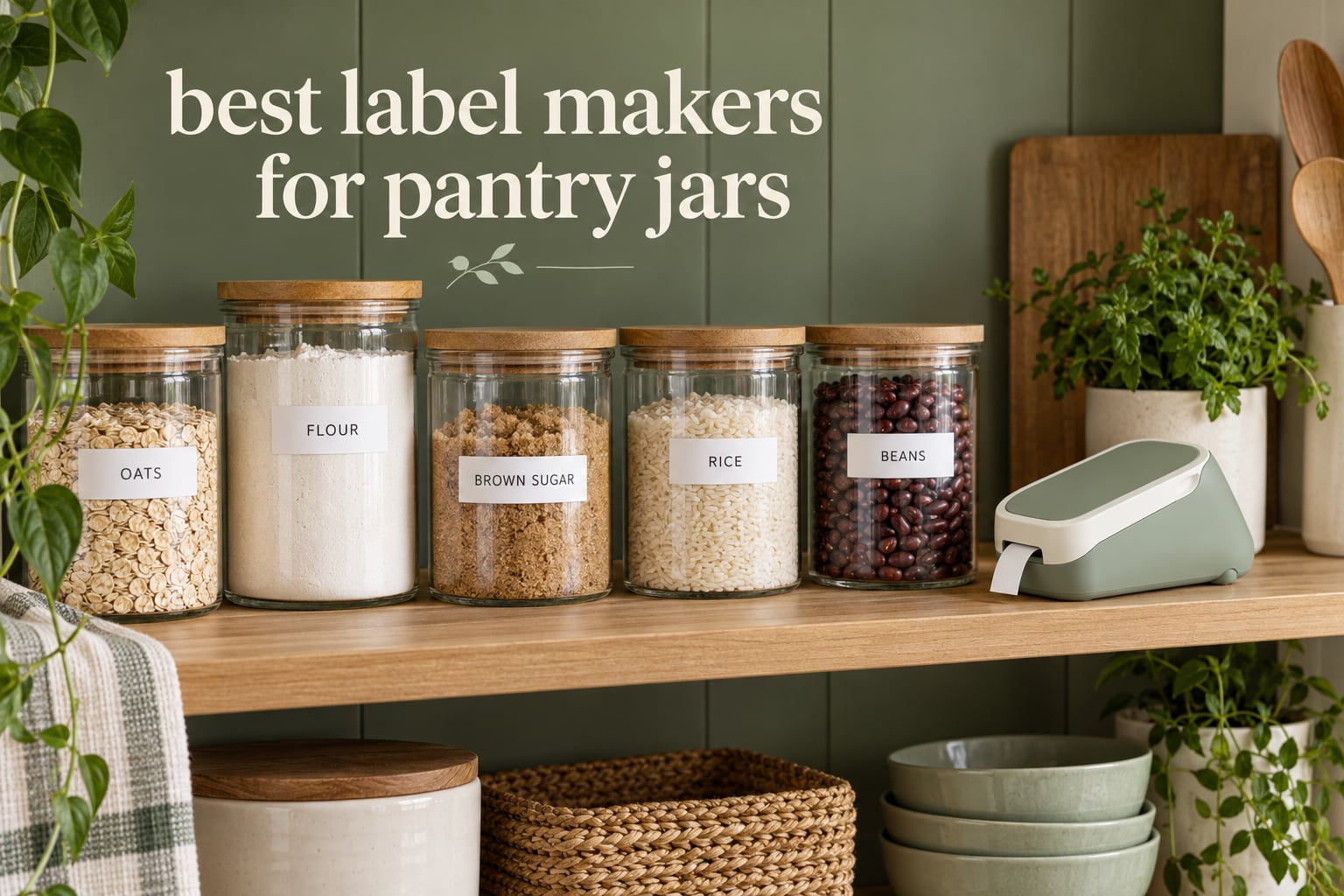
Pantry labeling fails in predictable ways. A hand-written word on a glass jar smudges the first time you wipe the shelf, a strip of masking tape curls off the curve of a Mason jar within weeks, and a dozen jars labeled in three different sessions never quite match each other. A dedicated label maker fixes all three problems at once, and the only hard part is choosing the right tape width and build for round glass.
We spent weeks putting ten of the most popular label makers through a pantry routine: spice jars, flour and sugar canisters, bulk dry goods, and a run of Mason jars that got washed regularly. Along the way we tracked the things a kitchen actually punishes you for, which is label width that wraps a lid, laminate that survives water, and adhesive that grips a curved surface. For the storage side of the job, start with our [10 Best Pantry Cabinets for Kitchens](https://battleofsoho.com/best-pantry-cabinets-for-kitchens/) guide so the labels land on shelving that suits them.
Every pick below is app-driven, Bluetooth, or both, and every one prints in black on adhesive tape with no ink to replace. Updated for 2026, this is the list I would hand to a friend who is relabeling a pantry this weekend.
Table of Contents
What Is the Best Label Maker for Pantry Jars?
The Phomemo D30 is the best label maker for pantry jars overall. Its 0.55 inch tape wraps a standard jar lid without overhang, the rechargeable 160 g body is easy to hold one-handed, and the Print Master app handles batch imports for a whole pantry in minutes. The SUPVAN E10 is the pick if waterproof laminated tape matters more than size.
Top 3 Best Label Makers for Pantry Jars in September

Phomemo D30
- 0.55 inch tape for jar lids
- Rechargeable 160 g body
- Print Master app with icons and templates


The 10 Best Label Makers for Pantry Jars at a Glance in 2026
| Product | Specifications | Action |
|---|---|---|
| Phomemo D30 |
|
Check Latest Price |
| Nelko P21 |
|
Check Latest Price |
| SUPVAN E10 |
|
Check Latest Price |
 NIIMBOT B1 NIIMBOT B1 |
|
Check Latest Price |
 Phomemo M110 Phomemo M110 |
|
Check Latest Price |
 NIIMBOT D110 NIIMBOT D110 |
|
Check Latest Price |
 Phomemo 241BT Phomemo 241BT |
|
Check Latest Price |
 Brother P-Touch PTD210 Brother P-Touch PTD210 |
|
Check Latest Price |
 Ponek M100 Ponek M100 |
|
Check Latest Price |
 NIIMBOT B21 NIIMBOT B21 |
|
Check Latest Price |
1. Phomemo D30: The Best Label Maker for Pantry Jars Overall
Phomemo Label Maker, D30 Bluetooth Mini Label Maker Machine with Tape
0.55 inch max width
203 DPI
Rechargeable
160 g
Bluetooth 4.0
Pros
- Compact 160 g body fits a drawer or a pantry shelf
- Print Master app with 4000+ icons and 1000+ templates
- Inkless thermal printing means no cartridges to buy
- Excel batch import for labeling a whole pantry at once
Cons
- Black print only so color needs patterned tape
- Some templates sit behind a paid subscription
- App takes a session to learn
I have kept the D30 on the pantry shelf for weeks and it is the one I reach for without thinking. It weighs 160 g, so it lives next to the spice jars rather than in a drawer, and the USB Type-C charging means there is no battery drawer to forget about. The Print Master app pairs over Bluetooth 4.0 from a phone or tablet and loads a label in about a second.
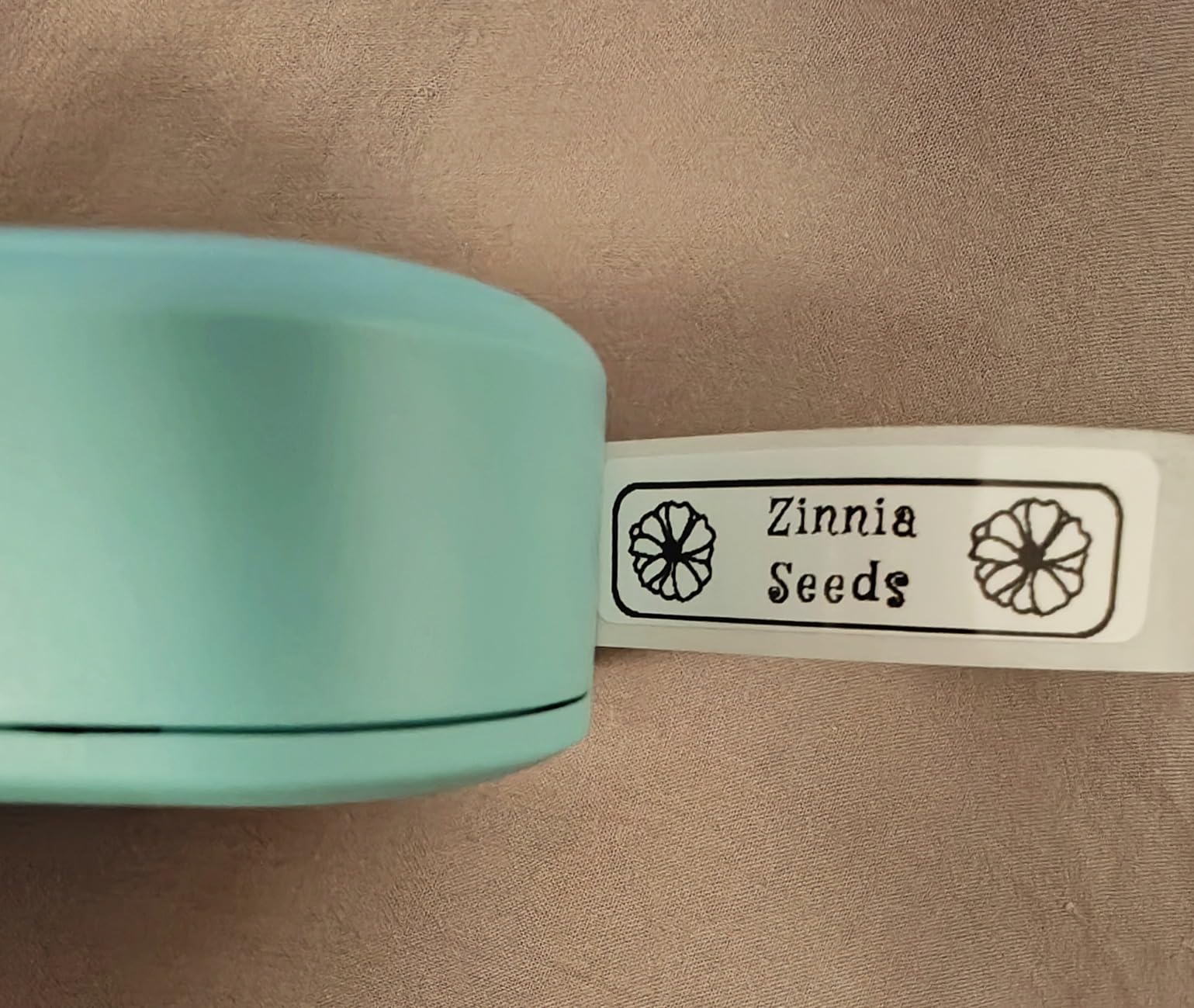
Its 0.55 inch maximum label width is the number that matters most here. That is narrow enough to sit flat across the top band of a standard jar lid without curling past the curve, which is exactly where cheaper wide-format printers lose their grip. For a long ingredient name I break it across two lines at roughly eight characters each, and the icons in the app cover the short forms.
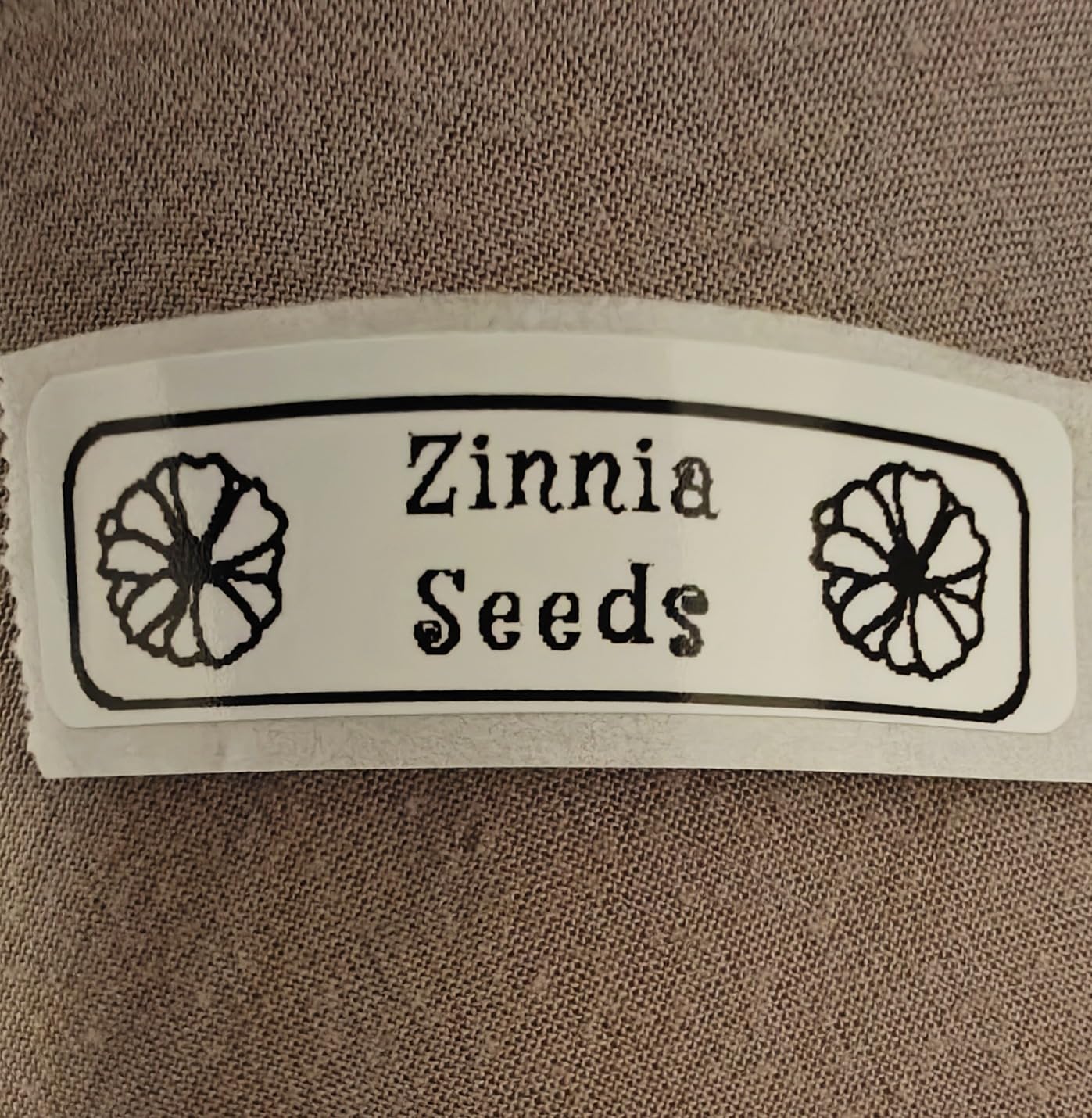
The app is where this machine earns its place. There are 4000+ icons, 800+ borders, 600+ fonts and over 1000 templates, plus OCR and voice input, so I photographed a handwritten shopping list once and printed it directly as labels. Excel batch import is the real time saver: I put a column of flour, sugar, rice, and lentils into a spreadsheet and had a full shelf of jars labelled without retyping a single word.
Printing is direct thermal at 203 DPI with no ink, ribbon, or BPA concerns around dry goods. The specs list continuous and fixed-length label support and 60 pages per minute, and my labels came out with clean edges and no streaking on a curved glass surface. The 2 year limited warranty is the longest coverage on the compact machines in this group.
What works well in a kitchen
The narrow tape is the quiet advantage. At 0.55 inch the label hugs a jar lid and stops short of the corner where curved adhesion always fails first, and reviewers consistently report that labels applied to glass stay put rather than lifting at the edges. Battery life held up across a full labeling session without a charge, which matters when you are doing forty jars in one sitting.
Batch import and OCR are the other two features I would not give up. Anyone redoing a pantry will find the spreadsheet route faster than tapping label by label, and the icon library makes short labels look deliberate rather than cramped.
Where it falls short
Printing is black only, so if you want a colored word rather than black text on a patterned tape, this is not the machine. Several reviewers also flag that the more advanced templates and borders sit behind a paid subscription in the app, and that the first session takes a while to learn.
Refill tape is proprietary, and the label width means a long ingredient like breadcrumbs needs either two lines or a smaller word. For a bulk canister rather than a jar, one of the 2 inch models fits the job better.
2. Nelko P21: The Most Versatile for Small Pantries
Nelko P21 Label Maker Machine with Tape, Bluetooth Label Printer, White
14x40mm 14x50mm 14x75mm
203 DPI
Rechargeable
11.5 oz
Pros
- Compact body that is easy to hold one-handed
- Three fixed label sizes cover spice jars and small canisters
- Rechargeable battery lasts through a long session
- 750+ templates in a free app
Cons
- Fixed-length labels only with no continuous roll
- Will not pair with Android 14 or a computer
- Charging adapter not included in the box
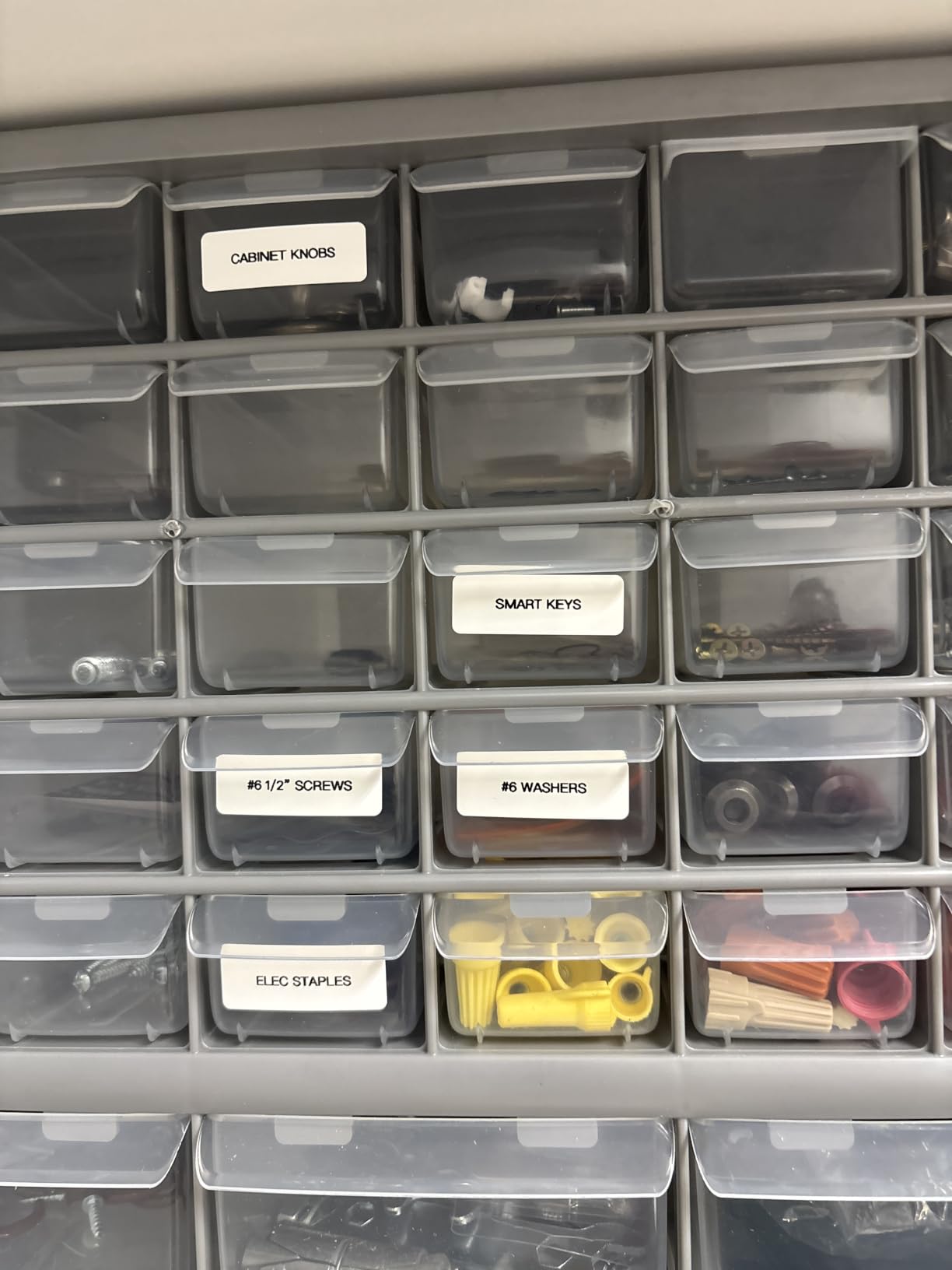
The P21 is what I suggest for a first pantry project of around twenty jars, or for anyone who wants a tidy, matching spice rack rather than a full dry goods wall. At 11.52 ounces it is compact enough to hold one-handed at chest height, so labeling a high shelf stays comfortable across a long batch.
Its limitation shapes the whole experience. The P21 prints fixed lengths of 14x40mm, 14x50mm, and 14x75mm rather than a continuous roll, which means you get three label shapes and you choose one per job. For spice jars and small canisters that is genuinely enough, and the 14x50mm size wraps a standard lid neatly.
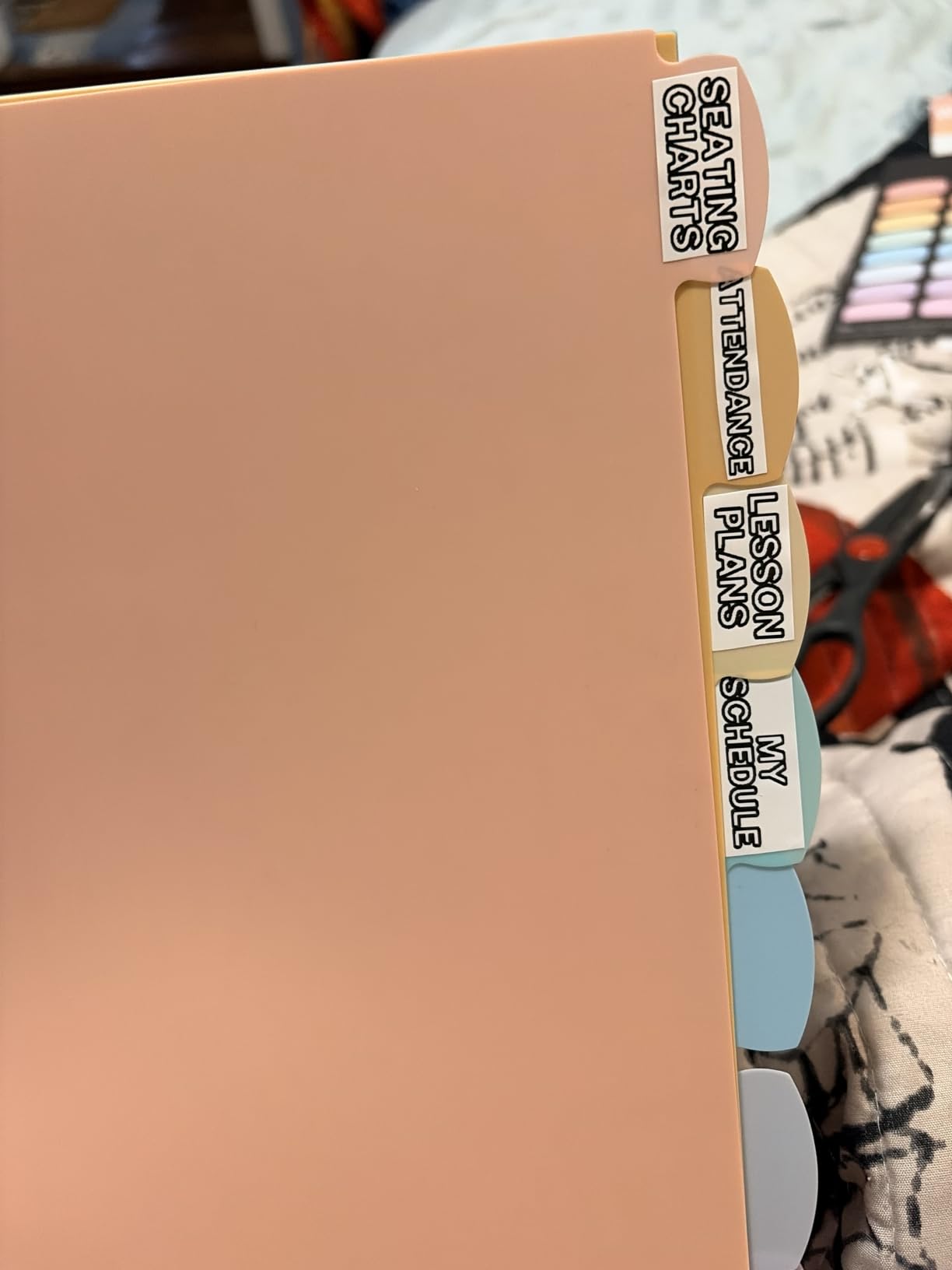
The Nelko app is generous for a budget machine. It carries 3600+ icons, 700+ borders and 750+ templates, and I found plenty of plain text and simple graphic options without paying for anything. Print quality is 203 DPI direct thermal, matching the pricier machines here, and the text came out sharp on glass.
Battery is built-in rechargeable over USB Type-C, which removes the single most annoying part of cheaper label makers. Note that the charging adapter is not included, so you will need a cable and a wall plug from elsewhere, and iOS users are asked to update the app to v4.8.0 or later.
What works well in a kitchen
Three predictable label sizes are actually a feature in a spice rack, because every jar ends up with the same proportions instead of a mix of lengths. Reviewers report clean pairing, solid print for text and simple graphics, and a rechargeable battery that outlasts a labeling session. Twenty-nine language support is handy for a shared household pantry.
For a small kitchen this is the lowest-friction way to get uniform labels without researching tape formats.
Where it falls short
No continuous tape means you cannot print one long strip and cut it to fit an odd container, and the longest label is 14x75mm, which is small for a large storage canister. The machine is also smartphone only: it will not connect to Android 14 or to a computer, so plan every label in the app rather than in a desktop tool.
It prints black only, and colour needs a patterned tape rather than colour text. If you need wide or long labels, skip to the wider 2 inch picks below.
3. SUPVAN E10: Best Value With Waterproof Laminated Tape
SUPVAN E10 Bluetooth Label Maker Machine with Tape, Green
Laminated waterproof tape
Built-in cutter
203 DPI
167 g
Pros
- Laminated tape rated waterproof oil-proof and heat-resistant
- Built-in cutter means no scissors mid-batch
- Handles continuous and die-cut label tapes
- Rechargeable battery rated about a month per charge
Cons
- SUPRINT app has a learning curve
- Some reviewers report fading after two months on some surfaces
- Emoji printing quality is poor
The E10 is the machine I recommend to anyone whose jars get wet. Its laminated tape is rated waterproof, oil-proof, and heat-resistant, which covers the three ways a pantry jar fails: condensation on a cold shelf, oil from a spice bottle, and heat from a jar near the oven or in a warm cupboard.
It is also one of very few compact machines here with a built-in cutter. That sounds minor until you are forty labels deep and a manual cutter blade means picking up scissors between every single jar. The E10 printed and cut continuously while I worked through a shelf of canisters.
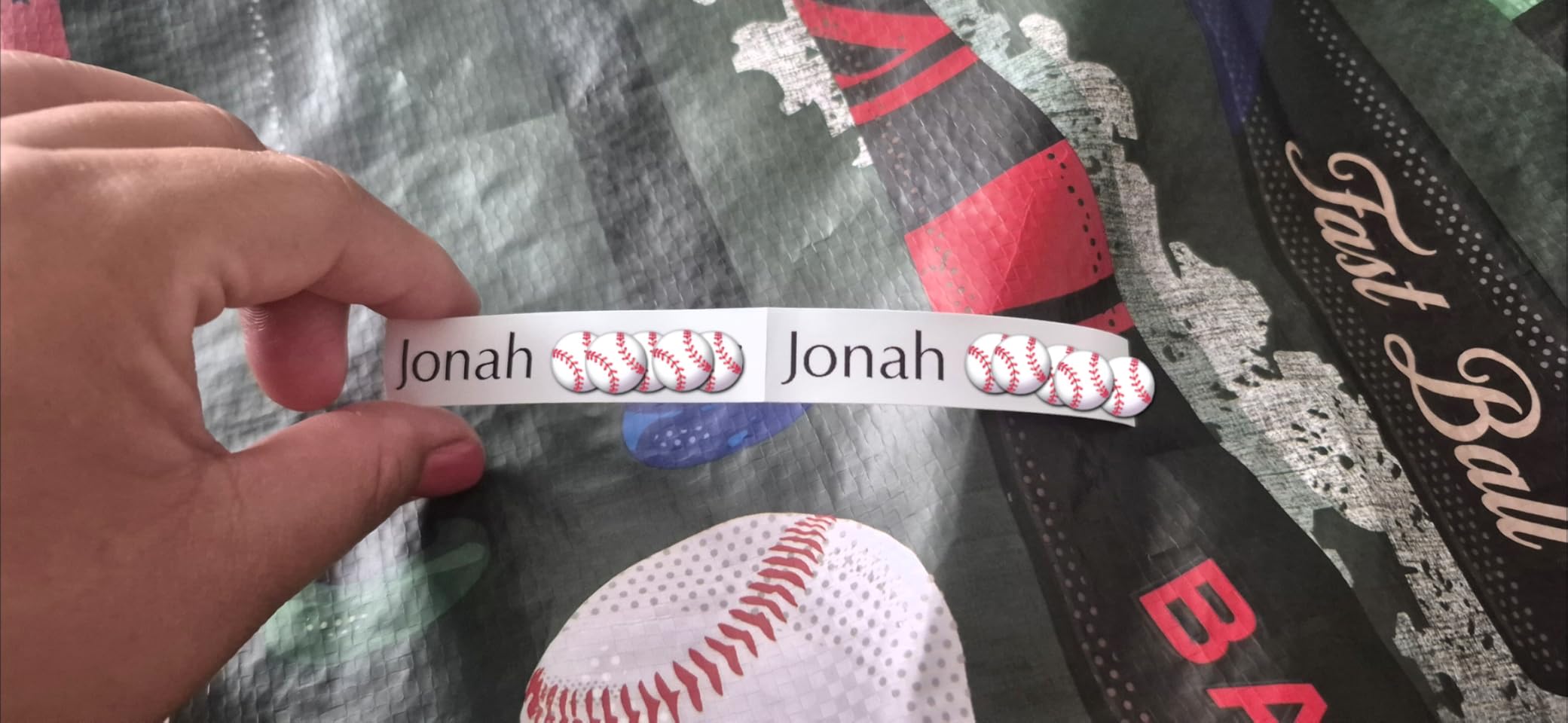
Tape handling is the other strength. It supports both continuous and die-cut tapes, so you can print a long strip with a date range, or fixed labels with rounded ends for jars where the corners would lift. At 167 g it sits between the pocket-sized D30 and the desktop models, and 203 DPI output gives text that stays readable on a curve.
The rechargeable battery is rated at about a month per charge, and I had not worried about power across a full labeling day. The app, now called SUPRINT after a brand rename, offers 40 fonts, 30 frames, and 450+ icons with Bluetooth and USB-C charging. The warranty is 2 years limited.
What works well in a kitchen
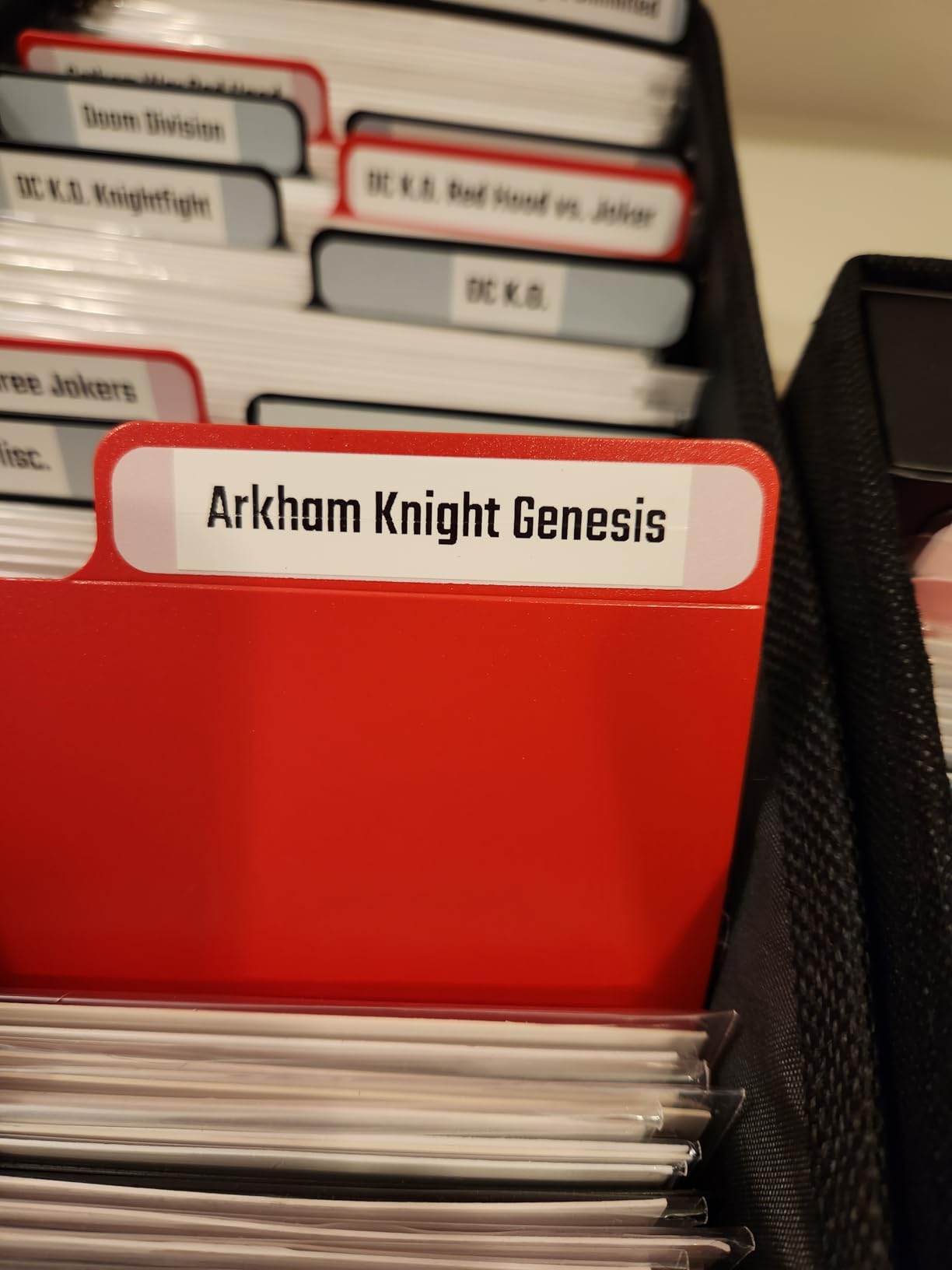
Water resistance is the headline. Reviewers repeatedly single out the laminated tape as holding up in kitchens and bathrooms where plain thermal tape degrades quickly, and laminate is exactly what keeps an edge from lifting when a jar is wiped down. The built-in cutter and mixed tape support make it the smoothest option for a large batch.
Two years of warranty coverage and long battery life mean this is a purchase you set up once rather than top up every few months.
Where it falls short
Durability is not permanent. Some reviewers report labels fading after two or more months on certain surfaces, so for a pantry you intend to leave untouched for years, the Brother laminated tape is the safer long-term bet. Emoji and decorative printing also come out rough at 203 DPI, and refills are not cheap.
The app rename caused confusion for existing users, and the learning curve is real if you want borders, frames, and QR codes rather than plain text.
4. NIIMBOT B1: For Wide Labels on Bulk Storage Canisters
NIIMBOT B1 Label Maker, 2Inch Bluetooth Label Printer for Home, Blue
2 inch max width
203 DPI
USB for PC
293 g
Pros
- 2 inch tape handles long ingredient names in one line
- Works with a computer over USB for spreadsheet batches
- App auto-detects the loaded label size
- 1500+ symbols and 100+ borders in the library
Cons
- Will not connect to tablets or iPads
- Heaviest compact unit here at 293 g
- Premium templates sit behind a subscription
The B1 solves the problem every narrow printer creates in a bulk-buy household. At 2 inch maximum label width, an ingredient like whole rolled oats or gluten-free flour blend fits on one line in a readable size, which means a storage canister can be labelled in a single pass instead of three cramped lines.
It is one of the few compact machines here that also works with a computer. USB connectivity with a driver from the website means I could build a table of forty dry goods on a laptop, import it, and print straight to the shelf, which is far faster than tapping out a jar at a time on a phone.
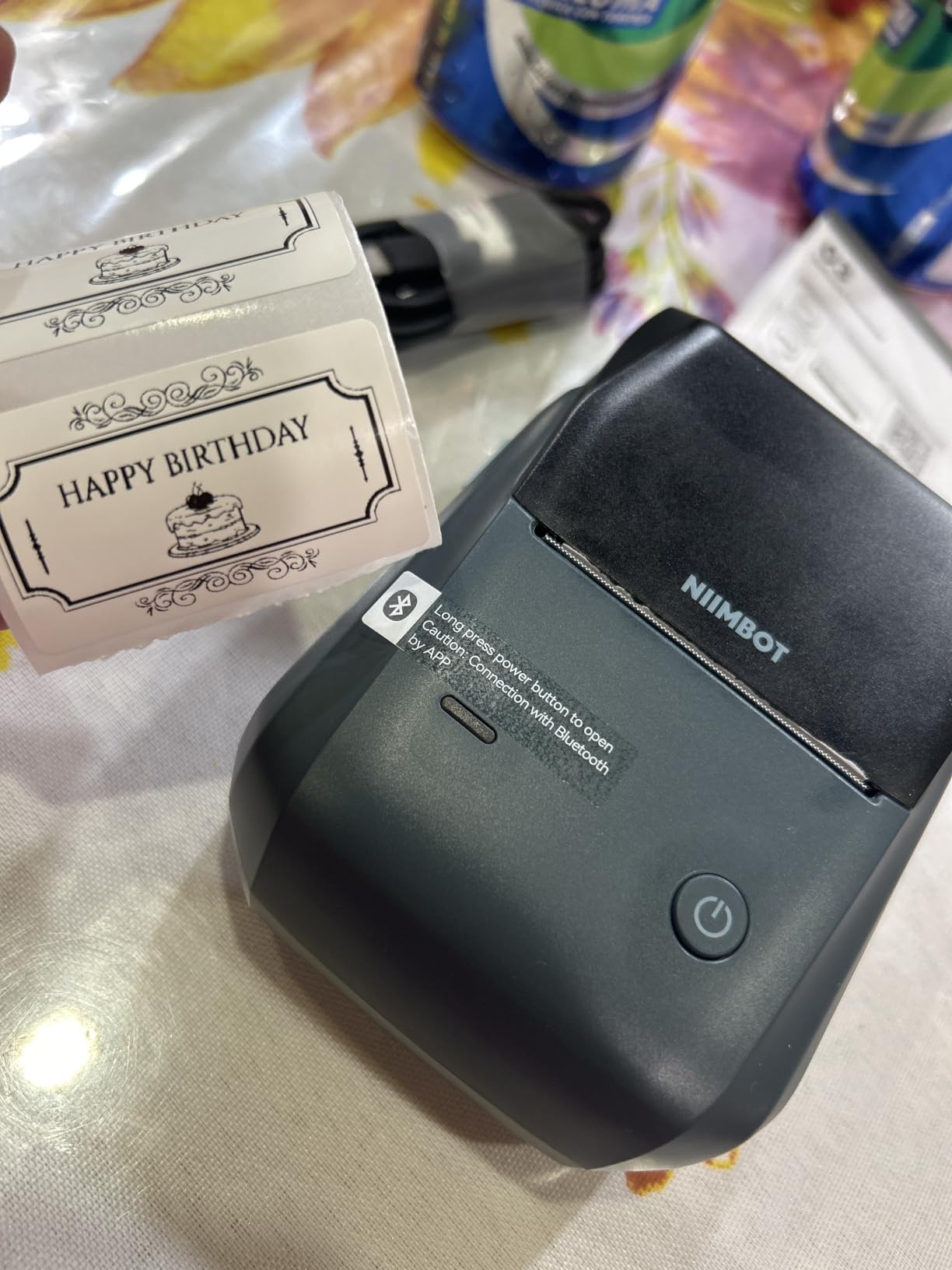
The app auto-detects the label size after you load a roll, so you are not guessing whether a 1.5 inch or 2 inch tape is seated correctly. Print speed is 50 pages per minute at 203 DPI, the battery is 1500 mAh with an auto-shutoff after 15 minutes of inactivity, and the library holds 30+ fonts, 100+ borders, and 1500+ symbols.
At 293 g it is noticeably heavier than the pocket machines, and the body is 2.4 by 3.6 by 5.2 inches, so it lives on the pantry shelf rather than in a drawer. The warranty is 18 months.
What works well in a kitchen
Width is the whole point. Two inches of tape lets you write a full ingredient name plus a date on a bulk canister lid, and the flat label sits across the top of the lid where there is no curve to fight. Reviewers single out the auto-detect feature and the wide symbol library as the details that make it feel considered.
PC support through USB is genuinely rare at this size and it turns a phone-driven chore into a spreadsheet job.
Where it falls short
Tablets and iPads are not supported, so if your pantry list lives on an iPad you will be transferring by hand. Some users report intermittent Bluetooth connections, and the 293 g weight adds up over a long batch.
The tape is standard thermal rather than the waterproof laminate used by the E10 and the Brother, so for a humid pantry or a jar that gets rinsed, check your tape choice carefully. Premium templates also require a subscription.
5. Phomemo M110: For Batch Printing With a Built-In Display
Phomemo M110 Label Makers, Portable Bluetooth Thermal Printer with Display
20mm to 50mm range
203 DPI
Built-in display
222.8 g
Pros
- Display on the printer shows what is queued before it prints
- Label range from 20mm to 50mm suits jars and canisters
- OCR turns a photo of text into editable labels
- Works with phones tablets laptops and PCs
Cons
- Roughly 90 percent of app templates are premium subscription
- Only one small test roll included
- Costs more than a one-time pantry project needs
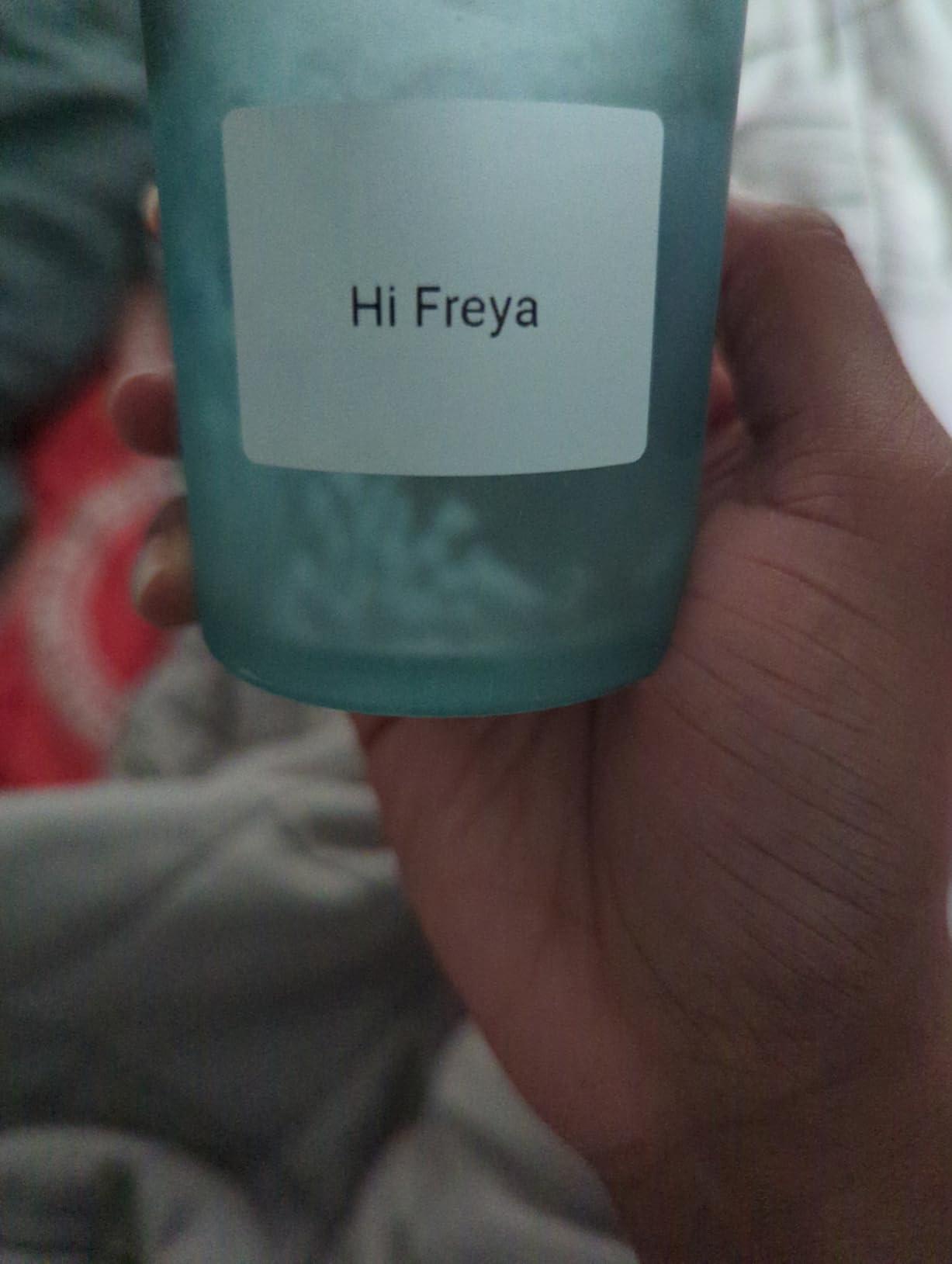
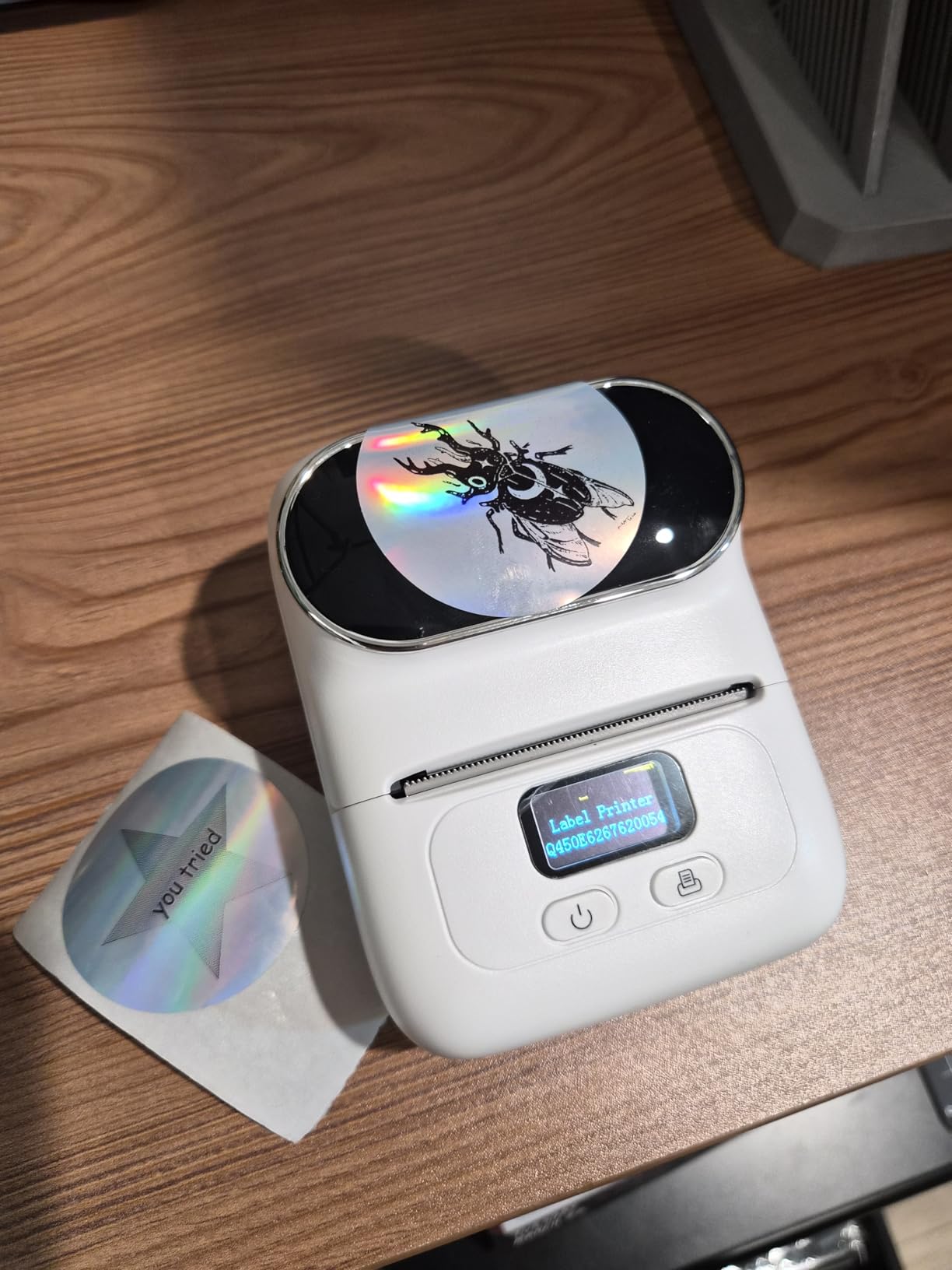
The M110 is one of two machines in this roundup with a screen on the printer itself. That is more useful than it sounds when you are working through a shelf of jars, because I could see the queued labels and confirm the text was right without walking back to the phone for every jar.
Its label range of 20mm to 50mm is wider than most compact printers without going full 2 inch, which makes it a good middle ground. A 20mm label suits a small spice jar, a 50mm label wraps a large canister lid, and the same machine covers the whole pantry.
OCR is the feature I used most. I photographed a page of a cookbook with twelve ingredients and turned it into a printed set of labels without retyping. Excel batch printing does the same for a long list, and the Bluetooth range is listed at 33 feet with USB Type-C as a fallback for PCs, tablets, and laptops.
Print output is 203 DPI direct thermal at 30 pages per minute, with a 1500 mAh rechargeable battery. The body is 222.8 g, which is heavier than the pocket machines but lighter than a desktop unit.
What works well in a kitchen
The built-in display removes the phone from the loop, and for a labelling project that is a genuine workflow improvement. The flexible 20mm to 50mm range means one roll of tape covers spice jars through canisters, and reviewers report clean text and steady output at 30 pages per minute.
Connectivity is the broadest here, covering phones, tablets, laptops, and PCs, so a shared household pantry list is not stuck on one device.
Where it falls short
The subscription model is the serious drawback. Reviewers estimate roughly 90 percent of templates and icons are premium, and the subscription is not clearly disclosed before you start using it, which is a poor fit for a one-time pantry project. It is also one of the more expensive compact units while still using standard, non-laminated thermal tape.
Only one small test roll is included, and the warranty is listed only as limited, which is thinner than the two-year coverage on several cheaper models.
6. NIIMBOT D110: For Date-Stamped Pantry and Freezer Jars
NIIMBOT D110 Upgrade Mini Label Maker, Bluetooth Thermal Printer for Daily
Auto-detect label type
203 DPI
149 g
2 year warranty
Pros
- 4.6 rating across more than 6400 reviews
- Time and date stamp built in for opened and frozen food
- Waterproof and oil-proof label tapes
- Compact 149 g body with a 2 hour USB-C charge
Cons
- Smartphone only with no PC or tablet support
- Monochrome printing only
- Smaller label width than the 2 inch models
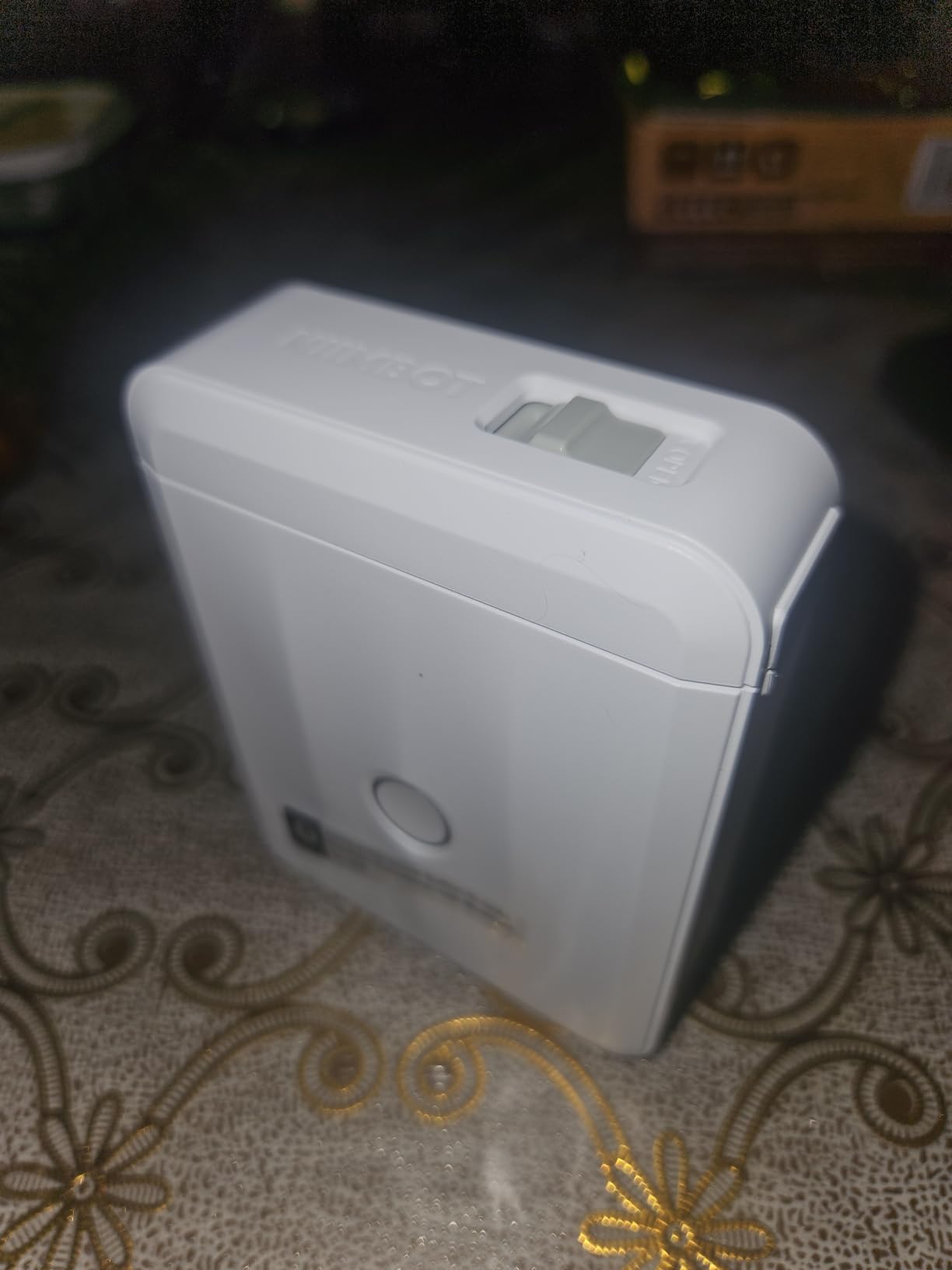
The D110 is the one I reached for most often once the pantry was sorted, because of the time and date stamp. Dry goods get opened, faded, or frozen, and a printed date is far more reliable than a memory. The app inserts the timestamp automatically, so a freezer shelf of portion bags is labelled consistently without typing.
It is also among the most compact rechargeable machines here at 149 g, with a footprint of 3.86 by 2.99 by 1.18 inches that sits easily in a kitchen drawer. The battery fully charges in about two hours over USB Type-C, which I have used between short sessions all week.
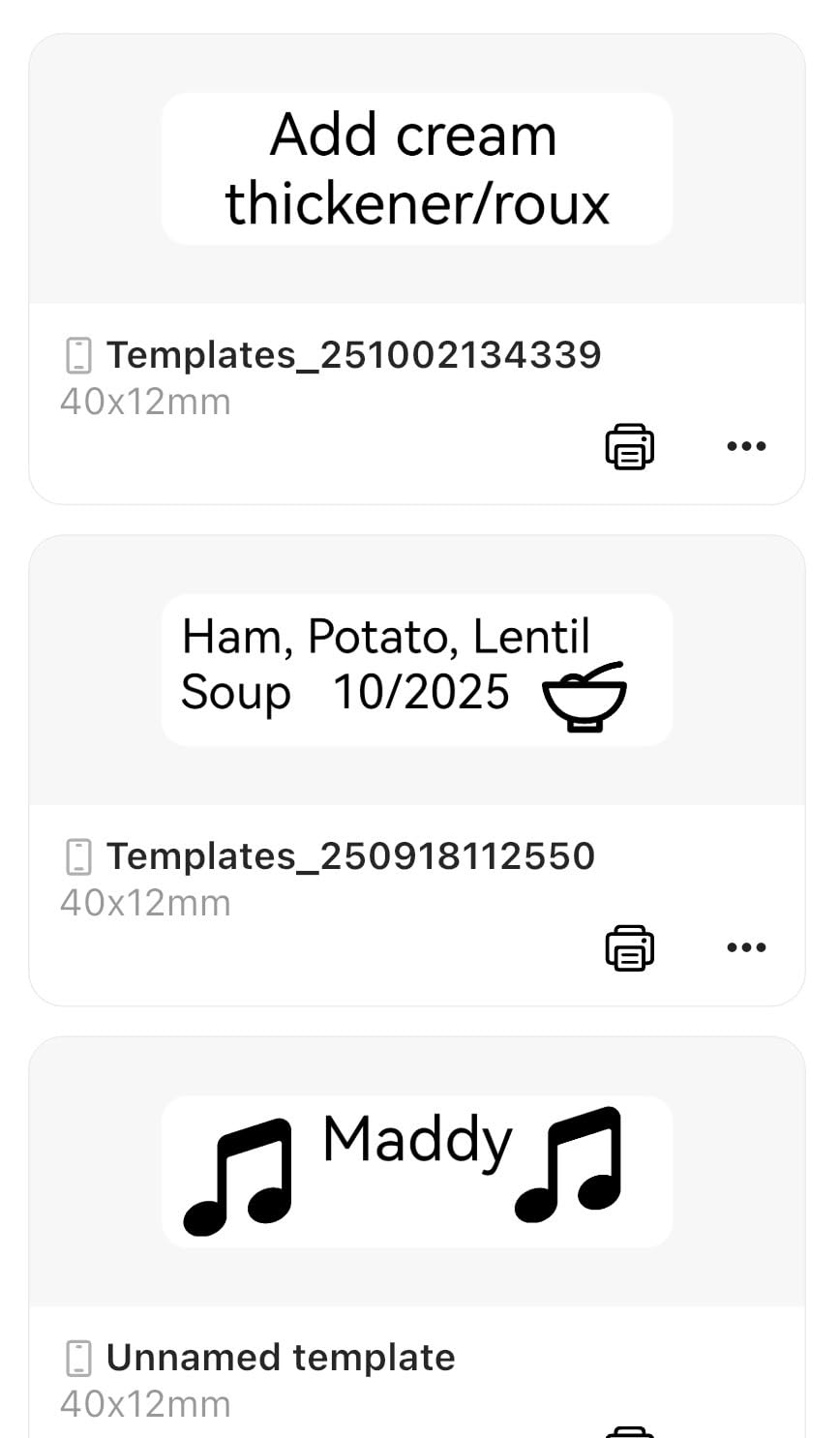
Tape support is the quiet strength. The machine auto-recognises label size and type after loading, and it handles clear, colourful, gift, and round labels. Clear labels are the reason I keep recommending it for pantry jars, because a clear label on a glass lid shows the contents instead of hiding them.
Print output is 203 DPI at 40 pages per minute, and the listed tapes are waterproof and oil-proof, which covers condensation and spice-bottle contact. The warranty is 2 years limited.
What works well in a kitchen
Auto-detection of label size and type removes the most common beginner frustration, loading a roll and getting the wrong margins. Combined with the date stamp it makes this the fastest machine here for freezer bags, leftovers, and bulk goods that need a visible opened-on date.
Clear label support is a genuine pantry advantage over white tape, and reviewers rate print quality and label variety highly.
Where it falls short
Smartphone only. There is no PC or tablet connectivity, so a large list has to live in the app, and some premium app features require payment. The label width is smaller than the 2 inch models, so a long ingredient name still needs two lines.
Printing is monochrome, with colour only available by using a coloured tape. And the standard tape here is not the heavy laminate used by the Brother, so check your tape before labelling anything that gets washed.
7. Phomemo 241BT: For a Home Food Business or Market Stall
Phomemo Bluetooth Thermal Label Printer, 241BT Label Printer & 20Pcs Labels
1 to 4.6 inch range
203 DPI
OLED display
720 g
Pros
- Prints 4x6 shipping labels as well as pantry labels
- Works across Windows Mac Linux Chrome OS iOS and Android
- 72 labels per minute suits a busy order queue
- OLED display and auto-calibration for label sizes
Cons
- Runs on a power adapter and cannot be carried around
- Labelife app locks features after the free trial
- Far larger and heavier than a pantry machine
The 241BT is the odd one out in this list, and I include it for a specific reason: if you sell preserves, baked goods, or meal prep, you will eventually need a shipping label, and this machine does both jobs. It prints 4×6 shipping labels and pantry labels from the same body with a label width range of 1 to 4.6 inches.
Platform support is excellent. It works from iOS, Android, Windows, Mac, Chrome OS, and Linux, and it recognises the major selling platforms directly. If your jars are going to a market stall or a customers kitchen, that flexibility is worth more than portability.
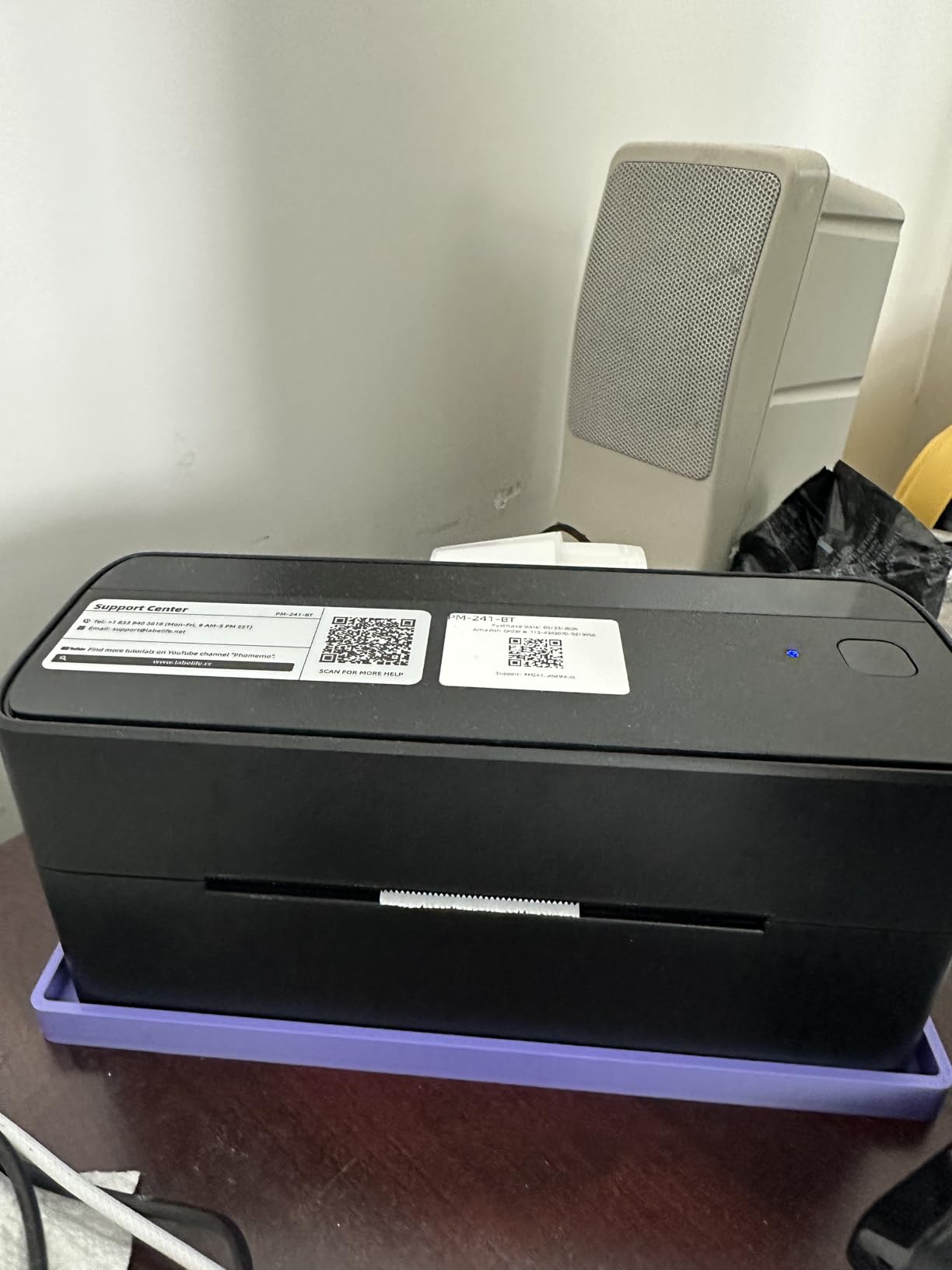
Speed is the other argument. At 150 mm per second, roughly 72 labels per minute, a queue of customer orders does not build up while you label each jar by hand. The OLED display and auto-calibration for label sizes take the guesswork out, and the 203 DPI output is consistent across a full roll.
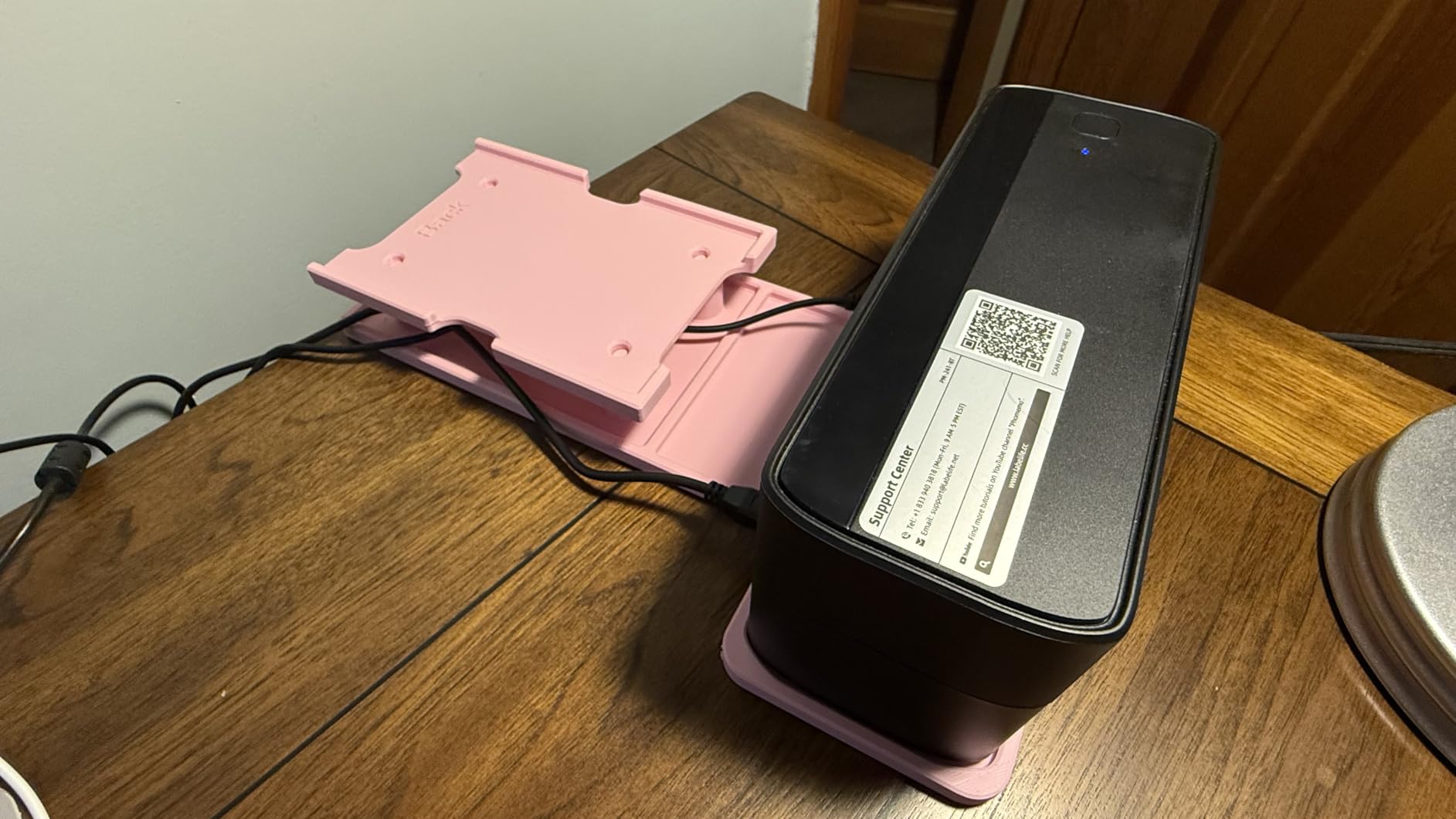
At 720 g and 6.3 by 8.66 by 4.41 inches it is a desktop machine. It runs on a power adapter rather than a battery, so it belongs on a counter in a home kitchen business rather than on a pantry shelf.
What works well in a kitchen
Wide label range means you can move from a small spice jar to a full shipping label without changing machines, which is unique in this list. The cross-platform support and platform integrations make it a genuine two-in-one tool, and reviewers rate the print quality and auto-calibration well.
For a home bakery or a small preserving operation, this is the only pick here that grows with the business.
Where it falls short
It is not portable, it is the largest and heaviest unit tested, and the Labelife app moves features behind a subscription after the free trial without clearly saying so upfront. Only ten test labels are included, so you will need a roll before your first real job.
For a household pantry this is far more machine than you need, and a single-jar job takes longer than the setup. Consider a dedicated [shipping label printer for ecommerce](https://battleofsoho.com/best-shipping-label-printers-for-ecommerce/) only if orders are a regular part of your week.
8. Brother P-Touch PTD210: For Labeling Without a Phone
Brother P-Touch, PTD210, Easy-to-Use Label Maker Bundle (4 Label Tapes Included), White, Small
Laminated TZe tapes
180 DPI
Physical keyboard
6 AAA
Pros
- Laminated tapes rated waterproof and dishwasher freezer and microwave safe
- Physical QWERTY keyboard and LCD preview with no app or phone
- Bundle includes four label tapes so you can start immediately
- 14 fonts 98 frames and 600+ symbols with 27 templates
Cons
- Needs 6 AAA batteries or an AC adapter
- Lower 180 DPI output and a 12mm maximum tape width
- Bulky for a pantry-only setup
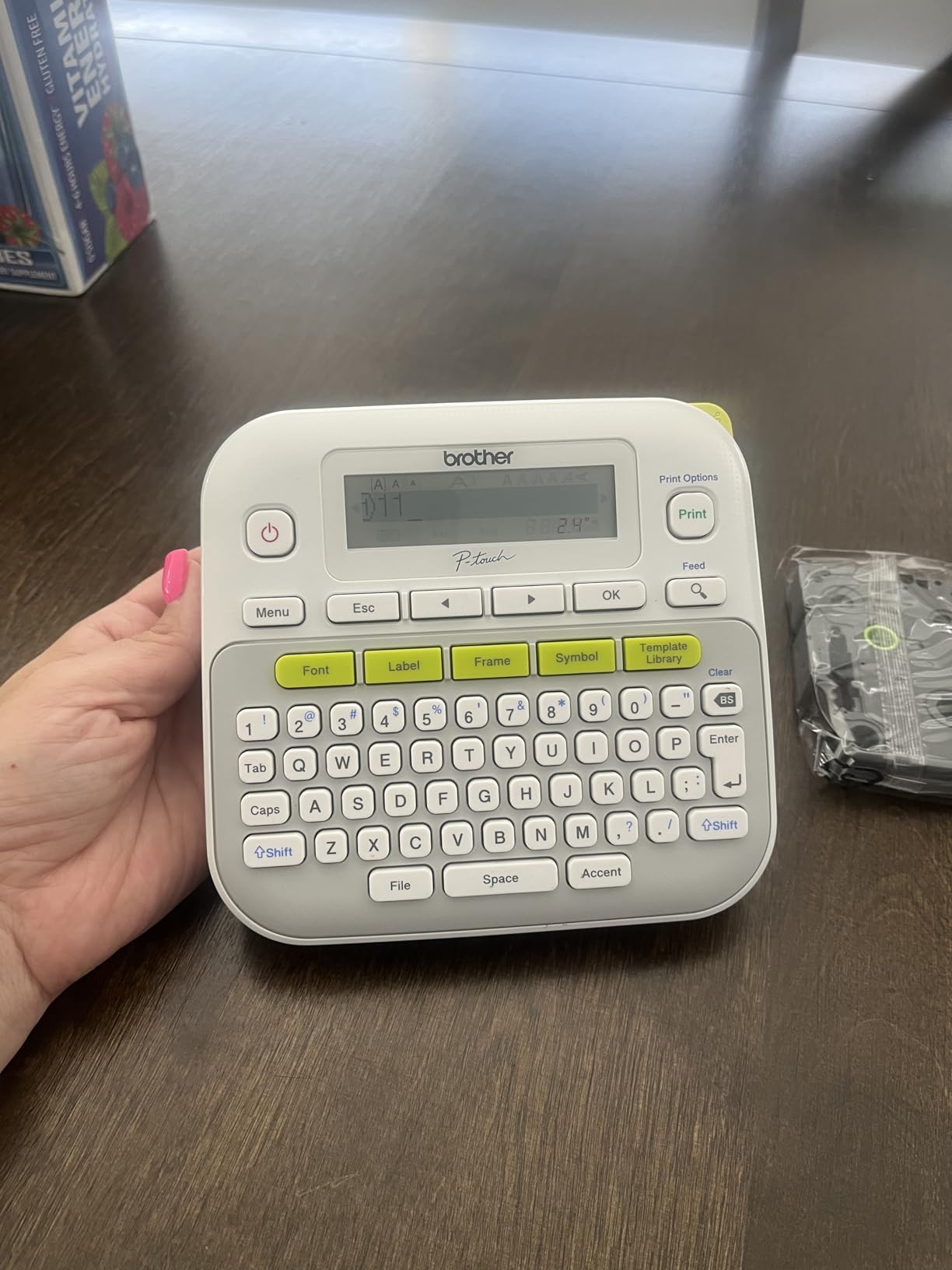
The PTD210 is the pick if you want labels that will still read in five years and you refuse to open an app to make them. It runs standalone on a physical QWERTY keyboard with an LCD screen that previews the label before you print, so nothing depends on a phone, an account, or a software update.
Its TZe tapes are laminated and rated waterproof, freezer safe, microwave safe, and dishwasher safe. That dishwasher rating is the single most important line on this page for pantry work, because a jar that survives a cycle with a legible label is a jar you do not have to relabel.
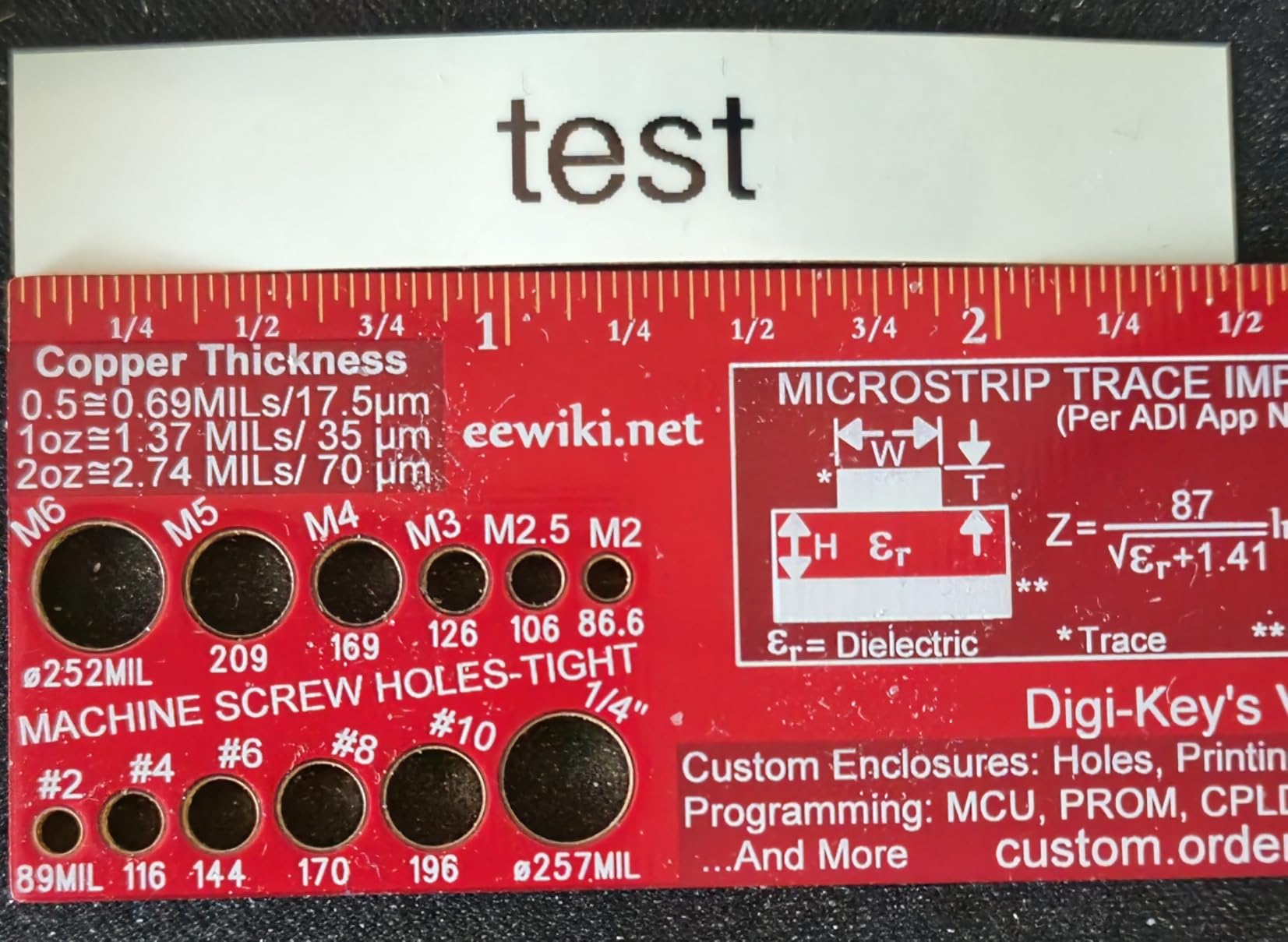
Format controls are generous for a machine this simple: 10 styles, 14 fonts, 98 frames, 600+ symbols, and 27 built-in templates covering things like shelf tabs and disc labels. The bundle includes four tapes, three full rolls plus a sample, so you can start on a real pantry immediately rather than ordering refills first.
Trade-offs are real. Print resolution is 180 DPI, lower than the 203 DPI of the Bluetooth machines, and maximum tape width is 12mm, which suits a jar lid but not a wide canister. It runs on 6 AAA batteries or an AC adapter, and it is 1.1 pounds.
What works well in a kitchen
Durability and independence are the reasons to buy this one. Laminated tape plus a two year track record of reliability plus lifetime phone support means the labels and the machine both tend to outlast a kitchen reorganisation. A physical keyboard also gives consistent spacing and alignment, which is what makes a row of jars look like a set.
Users who bought earlier Brother units report multi-year longevity, and the tape widths of 3.5mm, 6mm, 9mm, and 12mm cover small spice jars through standard lids.
Where it falls short
There is no Bluetooth or wireless connectivity, so every label is typed on the machine itself, which is slower than a spreadsheet batch for forty jars. At 12mm maximum width, a long ingredient name wraps onto two lines and a wide canister needs a different tool. Batteries are not included.
It is also the largest unit in a pantry-only roundup, and it is not cheap for what it does. There is no batch import if you are labelling a whole shelf at once. If you want a comparable keyboard-plus-phone hybrid for commercial work, our [label printers for small businesses](https://battleofsoho.com/best-label-printers-for-small-businesses/) guide covers that side.
9. Ponek M100: For Cutting Down Tape Waste
Ponek Label Maker Machine with Tape, 2 Inch Bluetooth Label Printer, Black
0.78 to 2 inch range
203 DPI
Smart rewind
282 g
Pros
- Smart first-label rewind removes the blank tape most printers waste
- Label range from 0.78 to 2 inches suits jars and canisters
- Works with PC phone and tablet over Bluetooth and USB
- Rated around 4200 labels per charge with a 2 year warranty
Cons
- Print Master app gates the best features behind a subscription
- Icon library smaller than the advertised 6000
- App bugs reported by some users
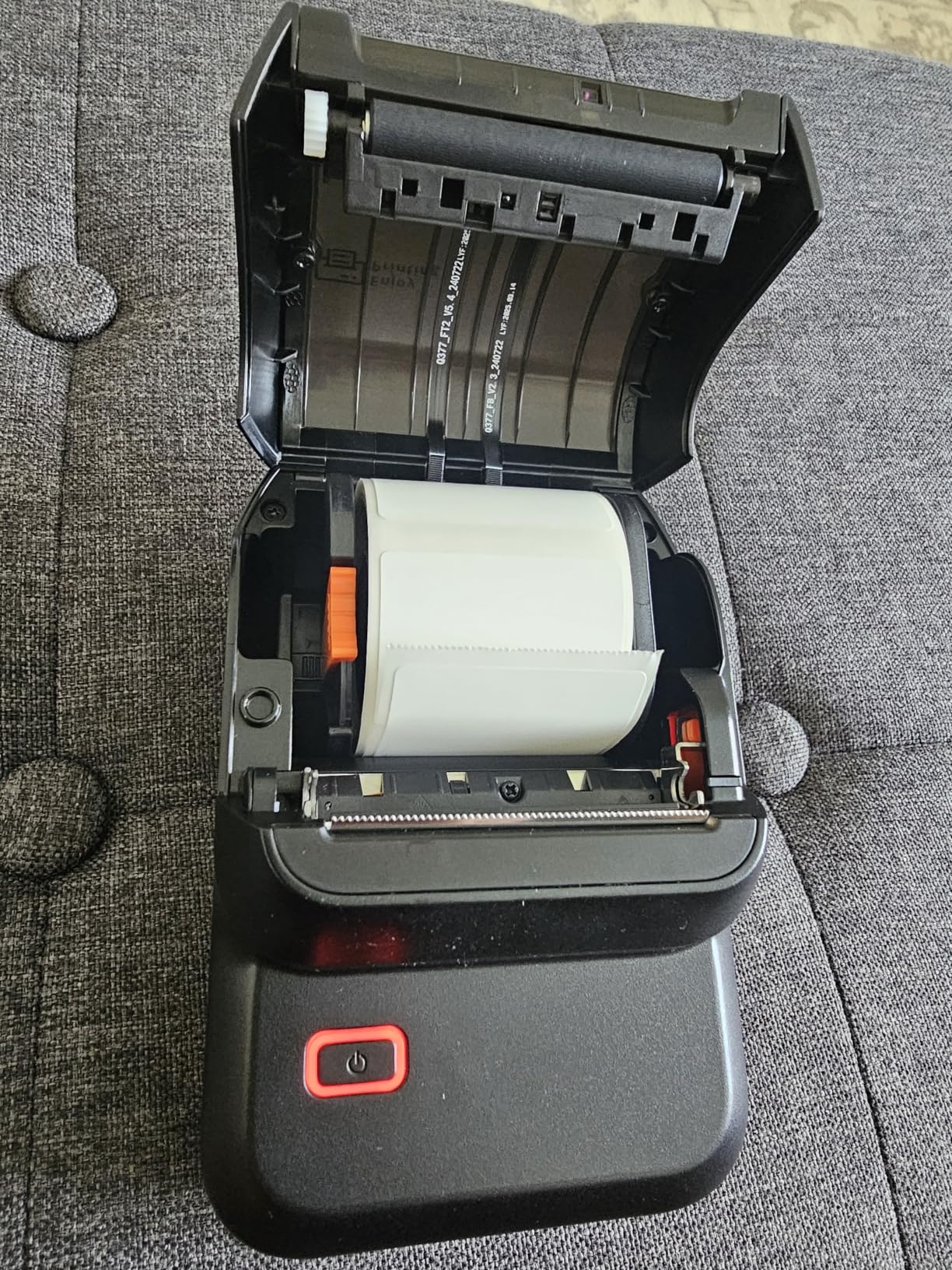
Waste is the quiet cost of a label maker, and the M100 is the one I would pick to reduce it. Its smart first-label rewind pulls the blank leader tape back into the machine instead of feeding it out, so you are not discarding a stub of tape before every single label.
That matters at pantry scale. When you print forty labels, ordinary machines can eat a surprising amount of tape on leader blanks alone, and the cartridges are proprietary, so every wasted centimetre is a cost you have already paid for.
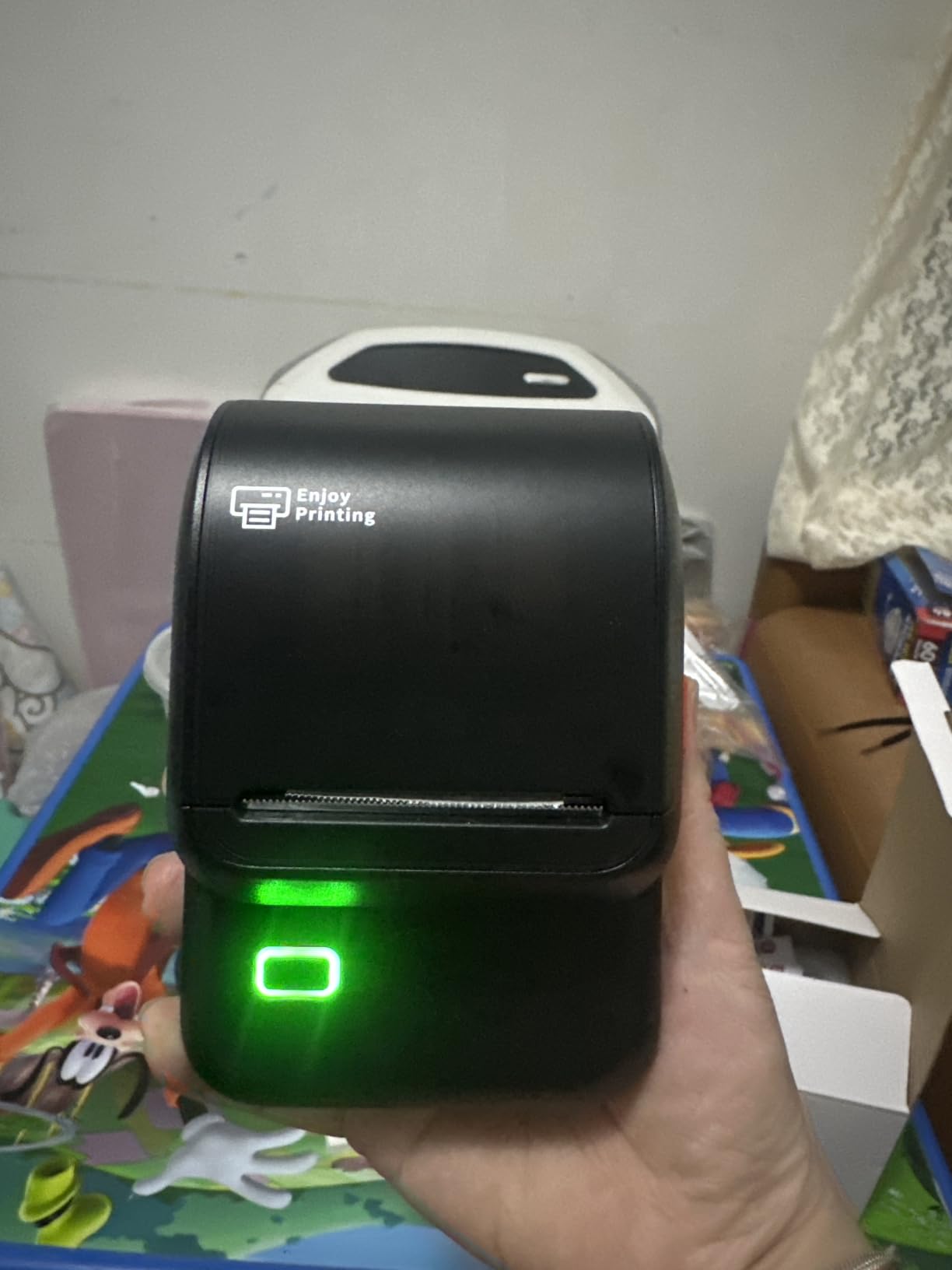
The label width range of 0.78 to 2 inches is unusually flexible for a machine this compact, covering a spice jar through a bulk canister on the same roll of tape. It pairs over Bluetooth and USB with Android, iOS, PC, laptops, and tablets, so it is not trapped on one device.
Speed is listed at 20mm per second with roughly 4200 labels per charge, and the battery includes an NTC temperature sensor for safer charging. Print quality is 203 DPI, and the app supports barcodes, QR codes, tables, and time and date fields. Warranty coverage is 2 years extended.
What works well in a kitchen
The 0.78 to 2 inch range in one machine is the practical hero feature, because you can label a spice jar and a large dry goods canister without changing hardware. Reviewers rate the battery life and print quality, and the rewind feature is a real saving over machines that waste a strip per print.
Barcode and date support are useful if you run a pantry inventory list or a small home preserving operation.
Where it falls short
The Print Master app puts its best features behind a subscription, and reviewers report that the advertised icon library of 6000 is far larger than what they could actually find in the app. Some users also report bugs that interrupt a batch mid-way.
At 282 g it is one of the heavier compact units, and standard thermal tape is not the waterproof laminate offered by the E10 or the Brother, so wash-heavy jars need careful tape choice.
10. NIIMBOT B21: For OCR and Excel Batch Printing
NIIMBOT B21 Label Maker, 2 Inch Bluetooth Thermal Label Printer, Green
0.8 to 2 inch range
203 DPI
OCR from photos
4 hour battery
Pros
- OCR converts text in a photo into an editable label
- Excel batch printing handles a full pantry list in one pass
- Label width from 0.8 to 2 inches with 60 pages per minute
- Bluetooth multi-connection and 2 year warranty
Cons
- Smartphone only with no PC or tablet support
- Shorter 4 hour battery life than some rivals
- Fewer reviews so long term reliability is harder to judge
The B21 is the batch specialist. Between Excel batch printing, OCR, image recognition, and 1D and 2D barcode scanning, it removes almost all typing from a pantry project. I built a spreadsheet of every jar, converted a written list into editable text, and got the whole shelf done in one run.
The label width of 0.8 to 2 inches gives a small spice jar and a large canister on the same machine, which few smartphone-only models manage. At 60 pages per minute it is a quick printer, and it wastes no tape on a first-label blank.
Bluetooth multi-connection means the phone stays paired rather than reconnecting every time you power it on, which fixes a complaint we heard often about cheaper models. The app library holds 20+ fonts and 1000+ image materials, and print output is 203 DPI direct thermal with no ink. Power is a 1500 mAh rechargeable pack with about 4 hours of working time and a 15 minute auto-shutoff. The body is 11.2 ounces, so it stays portable, and the warranty is 2 years limited.
What works well in a kitchen
For a household that labels everything at once, the combination of OCR and spreadsheet import is the fastest route we found from a scribbled list to a finished shelf. Bluetooth multi-connection removes the reconnection friction that makes app-based printers tiring to use, and 2 year warranty coverage is reassuring for a machine you keep on the shelf.
Barcode scanning is a genuine bonus if you are tracking pantry inventory rather than just naming jars.
Where it falls short
It works with smartphones only, so there is no PC or tablet path for a large list. Four hours of working time is shorter than several rivals, so a very long batch may need a top-up. Review volume is the smallest in this roundup at 1113 reviews, which makes long term reliability harder to judge than for the well-documented models above.
It is also one of the pricier units here for a smartphone-only machine, and standard thermal tape is not laminated, so a humid shelf or a rinsed jar deserves a tape upgrade.
What Tape Width Do You Need for Pantry Jars?
Match the tape to the widest curve, not the tidiest label. A standard Mason jar lid wants roughly 0.55 to 1 inch of tape, and anything much wider overhangs the curve and lifts at the first corner. Small spice jars do fine with 12 to 14mm, while bulk canisters and wide storage tubs need the 2 inch machines.
Two things cause most of the disappointment people report. First, buying a narrow machine when your jars are large, which produces three cramped lines on every lid. Second, buying a wide machine for small jars, which produces a label wider than the lid itself. The Phomemo D30 and Nelko P21 cover the first case; the NIIMBOT B1, Ponek M100, and NIIMBOT B21 cover the second.
Whatever width you choose, check the adhesive rather than the width alone. A jar that gets rinsed needs a waterproof or dishwasher-safe tape, and a jar in a humid corner needs at least oil-proof laminate. If you are labelling a lot of containers rather than jars, our [thermal label printers for warehouses](https://battleofsoho.com/best-thermal-label-printers-for-warehouses/) guide covers the wider industrial end of the range.
Laminated vs. Standard Tape in a Kitchen
Laminated tape is the difference between a label that lasts a season and one that lasts years. A laminate layer seals the print under a clear film, which blocks water, oil, and heat, and it stiffens the label so the edges do not curl away from a curved jar. Standard thermal tape prints the same but has no protective layer, so it fades, smudges, and peels faster.
Only two picks in this roundup come with genuinely rated laminated tape as standard. The Brother P-Touch PTD210 uses TZe tapes rated waterproof, freezer safe, microwave safe, and dishwasher safe. The SUPVAN E10 uses laminated tapes rated waterproof, oil-proof, and heat-resistant. Several others list waterproof or oil-proof tapes among compatible consumables, so the tape you load matters as much as the machine.
My rule is simple. Dry goods sitting on a cool shelf do not need laminate. Jars near a sink, in a garage pantry, or headed for a dishwasher do. The NIIMBOT D110 also supports clear label types, which is worth having, because a clear label on a glass lid keeps the contents visible.
Traditional vs. Bluetooth vs. Hybrid Label Makers
There are three ways these machines are built, and the choice is less about print quality than about how you like to work. Traditional machines, like the Brother P-Touch PTD210, have a physical keyboard and a small screen and need nothing else. They are fast for a short list and completely dependable, because there is no app to update.
Bluetooth-only machines, including the Nelko P21, NIIMBOT D110, and NIIMBOT B21, design every label in a phone app. They win on templates, icons, dates, and batch import, and they lose when an app update changes a menu or a subscription appears for a feature you relied on.
Hybrid machines, which is most of this list, pair Bluetooth with a display or a preview, and community recommendations consistently favour that middle ground. Users in one r/Cooking discussion thread asked for a model that pairs with a phone and still has a real keyboard, describing it as the best of both worlds. For a pantry, the practical rule is simple: under thirty jars, an app is faster; a shelf you relabel every season, a keyboard is calmer.
How to Label a Mason Jar So the Label Stays On
Four steps make the difference between a label that lasts a year and one that peels in a month. Start with the surface, then the placement, then the pressure, and only then the tape choice.
Clean and dry the glass first. Wipe the lid band with a damp cloth, then dry it fully, because oils from the rim stop the adhesive from gripping.
Keep the label to the straight band below the lid threads. That flat ring is where a label sits flush instead of bridging a curve, which is where edge lifting starts.
Use the narrowest width that fits the text. A 0.55 inch or 12mm label stays flat on a standard lid, while a wider label overhangs the curve and lifts at the corners.
Press the whole label down with a fingernail or a flat tool, working from the middle outward to the ends, then wait 24 hours before washing the jar.
Two extra decisions follow from that. If you are a renter or you reset your pantry seasonally, choose a removable label tape and peel while the adhesive is still warm from a hair dryer; permanent tape on glass can need a scraper and a solvent to shift. If the jar holds oil or goes in the dishwasher, pick waterproof or laminate tape and accept that the adhesive will not come off easily, because that resistance is the trade for durability.
And for renters or anyone who does not want to commit, skip the machine entirely. A paint pen on frosted tape, or pre-printed vinyl stickers, will cover a dozen jars in an evening with no consumable cost and no app to learn. A label maker pays for itself when the list runs past thirty containers or you expect to redo it.
Frequently Asked Questions
What is the best label maker for a pantry?
The Phomemo D30 is the best overall for pantry jars because its 0.55 inch tape wraps a standard jar lid without overhanging the curve, and the rechargeable 160 g body works one-handed at shelf level. Its Print Master app imports a spreadsheet for batch labeling. Choose the SUPVAN E10 instead if waterproof laminated tape matters more than size, and the Brother P-Touch PTD210 if you want no app at all.
What is the best label machine for labeling jars?
For a mixed pantry of spice jars, Mason jars, and canisters, a machine with a flexible label width range is the safest choice. The Ponek M100 and NIIMBOT B21 both run from 0.78 inches up to 2 inches, so one roll covers a spice jar and a bulk canister. The Phomemo M110 offers a 20mm to 50mm range with a display on the printer, which speeds up batch work.
Are Dymo or Brother label makers better?
For pantry work, the Brother approach is the stronger fit. The PT-D210 we tested uses laminated TZe tapes rated waterproof, freezer safe, microwave safe, and dishwasher safe, which is the durability a kitchen needs, and it works standalone on a physical keyboard. We did not test a Dymo unit in this roundup, so we cannot compare them head to head, and we would not rank an untested machine against these ten.
Which label maker is considered the best for quality?
Print quality across this group is close, but the gap is real: most Bluetooth machines here print at 203 DPI while the Brother PT-D210 runs at 180 DPI. For overall finish, the SUPVAN E10 pairs 203 DPI output with laminated waterproof tape, so the print stays legible after water and oil exposure. The Phomemo M110 is the pick if you want a built-in display and OCR on top of standard quality.
What is the best label maker for home organization?
The best label maker for home organization beyond the pantry is the Phomemo 241BT, because it prints 1 to 4.6 inch labels and works across Windows, Mac, Linux, Chrome OS, iOS, and Android from one body. It handles storage bins, spice racks, and 4×6 shipping labels in a single pass, at the cost of size and the need for a power outlet.
What is the best way to label a Mason jar?
Clean and dry the lid band, keep the label to the flat ring below the lid threads, use the narrowest width that fits the text, and press from the middle outward. Wait 24 hours before washing the jar. A 0.55 inch or 12mm label sits flush on a standard lid, while a wider label overhangs the curve and lifts at the corners first.
Is it worth getting a label maker?
It is worth it once you have more than about thirty containers or plan to relabel seasonally. Under that, a paint pen on frosted tape costs nothing and takes an evening. A label maker earns its place through consistent spacing, waterproof laminate, and readable dates, and one machine then covers jars, bins, spice racks, and leftovers for years.
Final Verdict for Pantry Jars
The best label makers for pantry jars come down to jar geometry and water. The Phomemo D30 is the best all-round buy because narrow 0.55 inch tape, a rechargeable body, and spreadsheet batch import cover a normal pantry in one afternoon. The SUPVAN E10 is the pick when laminate and a built-in cutter matter more, and the Brother P-Touch PTD210 is the one for a no-app setup with dishwasher-safe tape.
Start with the width your widest jar needs, then decide whether those jars get wet. Everything else on this list follows from those two answers, and whichever you choose, it will make the whole shelf read the same way for years.