
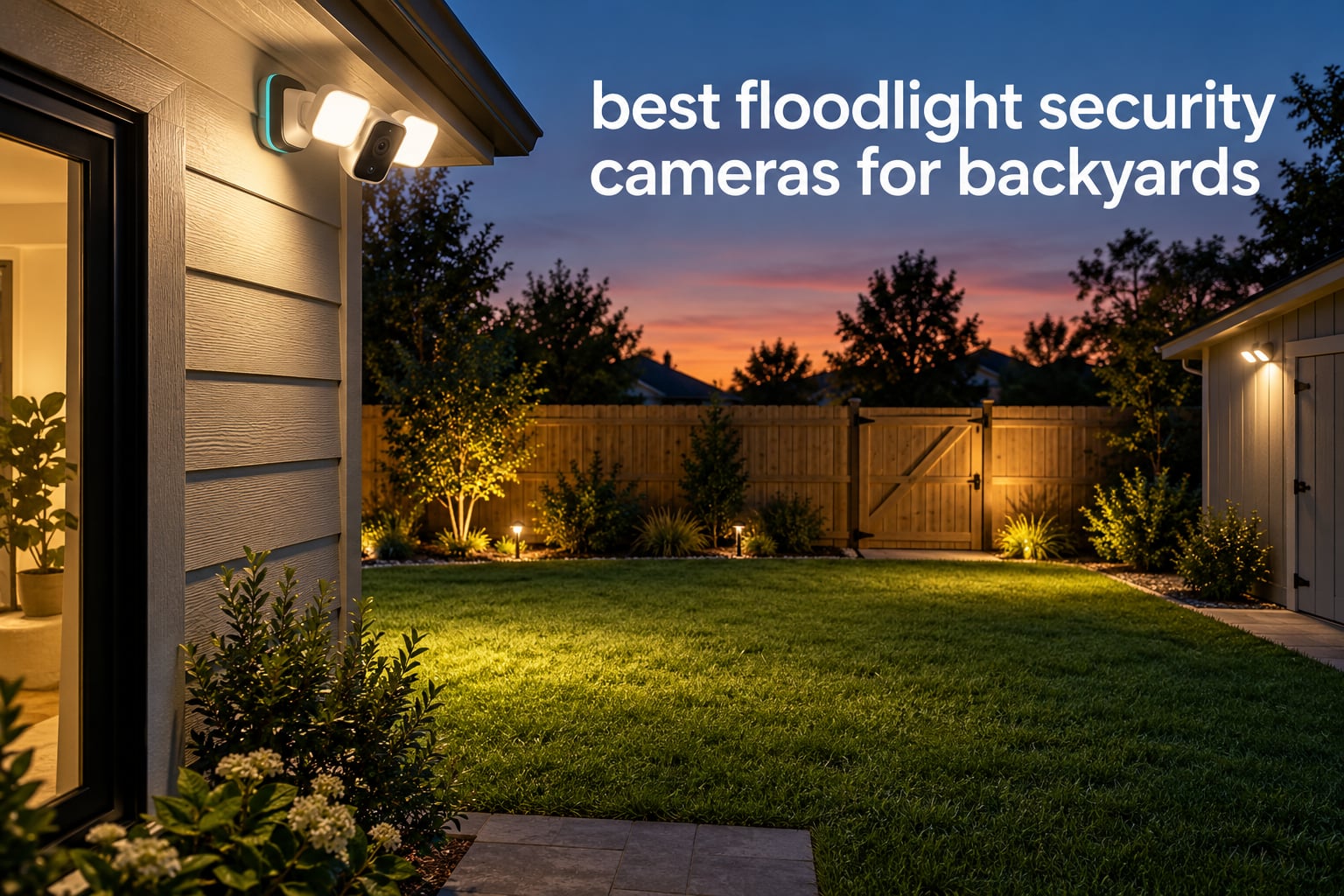
Nighttime backyard footage is where most outdoor security cameras disappoint. A standard infrared camera pointed at a dark yard records a bright grey shape with no color, no clothing detail and no usable face. You get a notification, you open the app, and you cannot tell a neighbour from someone who should not be there. A floodlight security camera solves that specific problem because the light and the camera cover the same area at the same time.
We went through eight of the most-reviewed floodlight cameras for backyards and compared them on the things that actually decide whether a backyard is covered: lumens, field of view, motion detection range, power source, whether recording works without a monthly fee, and how the unit behaves when raccoons or wind-blown branches set off the sensor. Everything here is grounded in the published specifications and in what thousands of owners say after living with the hardware, not in spec sheets alone.
If you want the shorter version of this whole category, our general floodlight camera guide for homes covers the front door and driveway angle. This one is strictly about the back of the house.
Table of Contents
Top 3 Floodlight Cameras for Backyards in October 2026
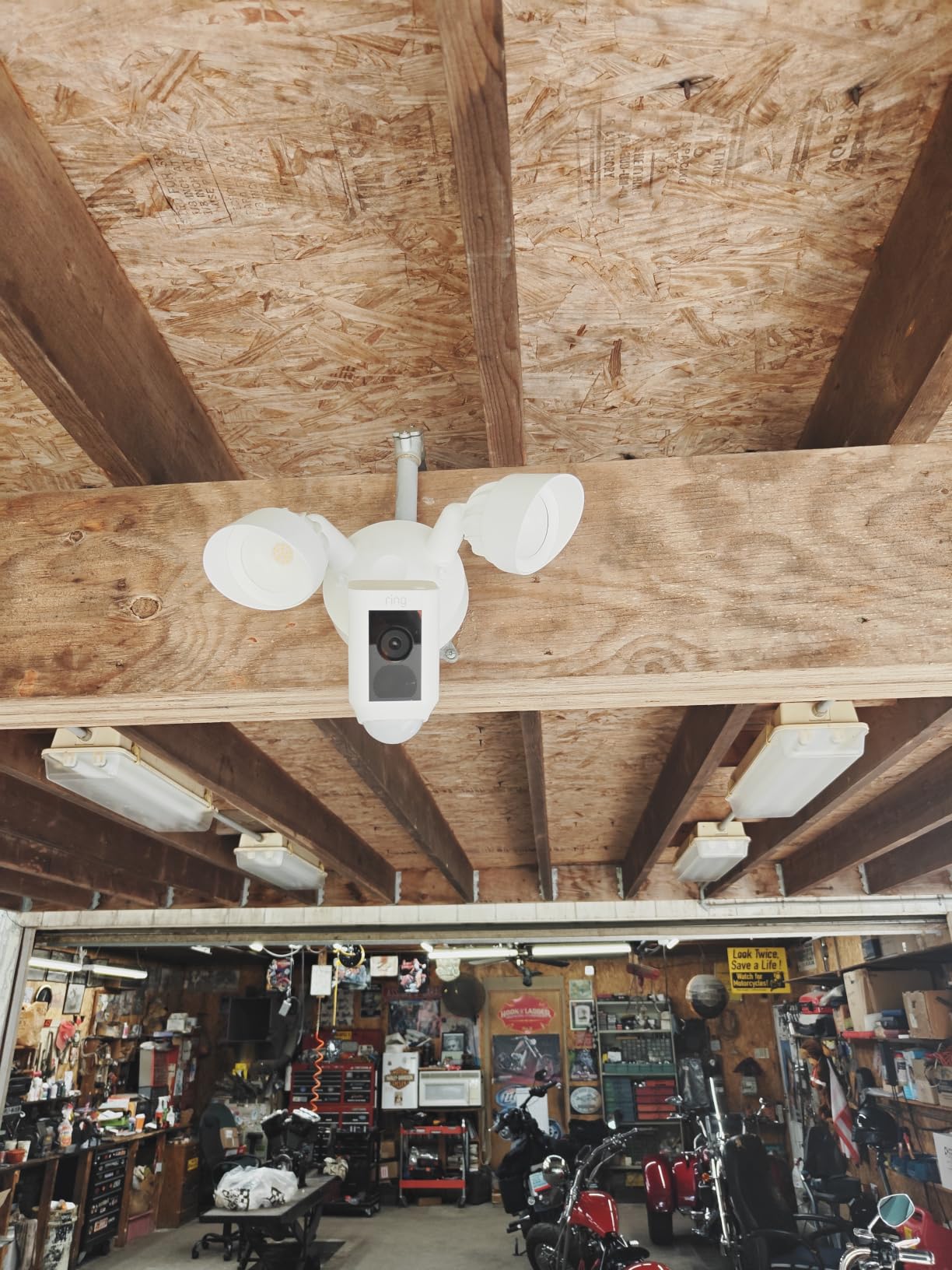
The Ring Floodlight Cam Wired Plus is the one we would put on most backyards. It has the largest review base in the group by a wide margin, a 105dB siren, and a 140-degree view that a single unit can cover a back door and the near half of a small yard.
The Blink Wired Floodlight Camera is the value pick, pairing 2,600 lumens with a Sync Module that can hold recordings on a USB drive or microSD card. The Arlo Wireless Floodlight Security Camera 2K HDR is the one for backyards with no usable power at the mount point, running on a 13,000 mAh battery and throwing 2,000 to 3,000 lumens.


Read on for the other five, the trade-offs that matter after the first month, and the yard-sizing logic behind every pick.
All 8 Floodlight Security Cameras Compared Side by Side for October 2026
Every camera below is a genuine floodlight unit, meaning it has its own light and camera in one housing. The four columns buyers argue about most are light output, viewing angle, power and whether you pay monthly to retrieve footage.
| Product | Specifications | Action |
|---|---|---|
| Ring Floodlight Cam Wired Plus |
|
Check Latest Price |
| Blink Wired Floodlight Camera |
|
Check Latest Price |
| Arlo Wireless Floodlight 2K HDR |
|
Check Latest Price |
 Wyze Floodlight Camera v2 Wyze Floodlight Camera v2 |
|
Check Latest Price |
 Blink Outdoor 4 Floodlight Camera Blink Outdoor 4 Floodlight Camera |
|
Check Latest Price |
 eufy Floodlight Camera E340 eufy Floodlight Camera E340 |
|
Check Latest Price |
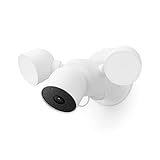 Google Nest Cam with Floodlight Google Nest Cam with Floodlight |
|
Check Latest Price |
 eufy Floodlight Camera E30 eufy Floodlight Camera E30 |
|
Check Latest Price |
1. Ring Floodlight Cam Wired Plus — the safest default for a backyard
Ring Floodlight Cam Wired Plus, Outdoor Home or Business Security with Motion-Activated 1080p HD Video and Floodlights, White
1080p HD
2000 lumens
140-degree view
105dB siren
Hardwired
Pros
- Largest review base in the category at 44107 ratings
- 2000 lumens cover a small-to-medium yard
- 105dB siren plus two-way talk
- customizable motion zones cut street traffic
- Alexa works out of the box
Cons
- Fixed head with no pan or tilt
- video history and AI alerts sit behind the Ring Protect plan
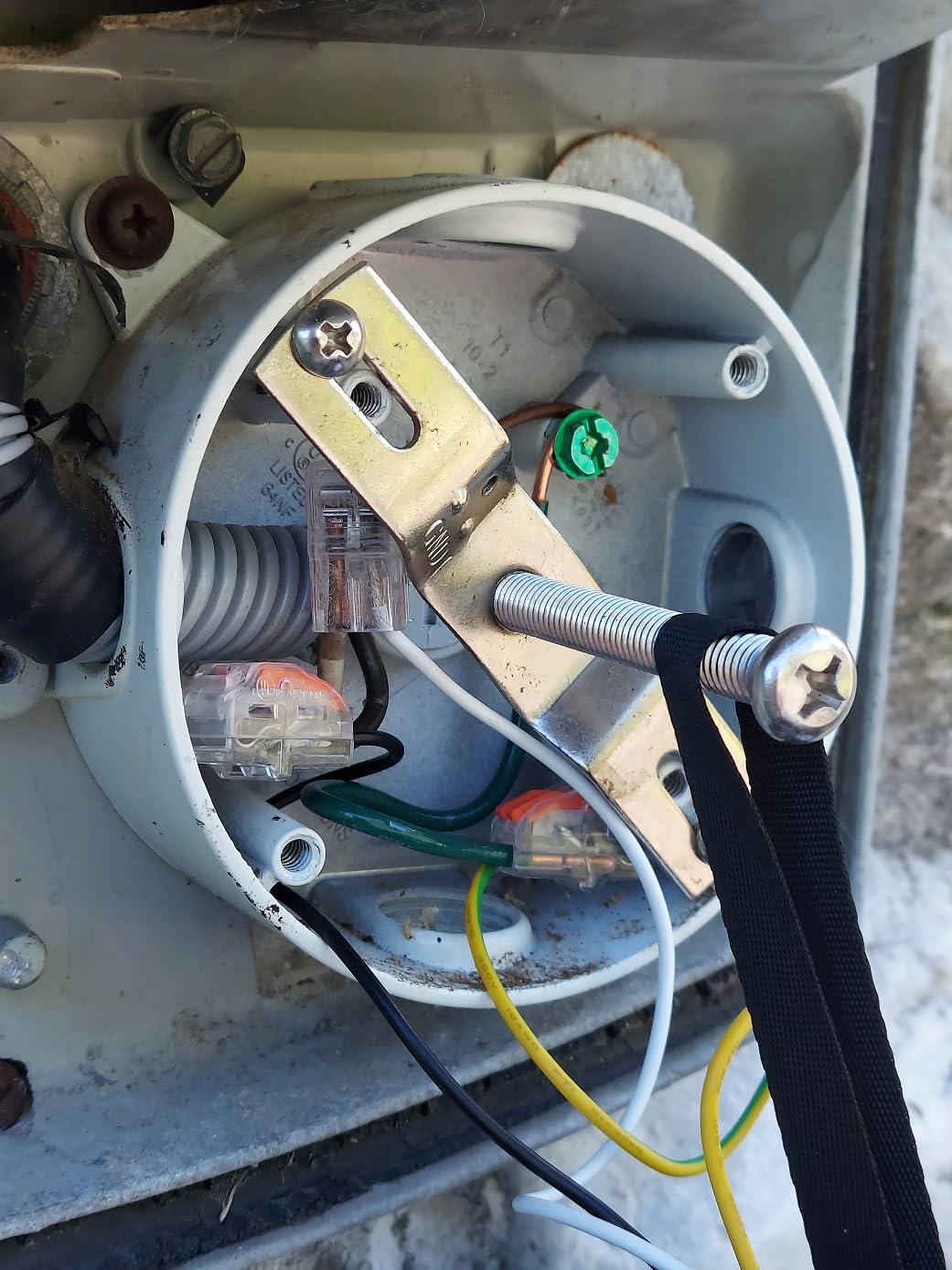
- needs a junction box and someone comfortable with wiring
We picked this one first because the decision is easy to defend. At 4.7 stars across more than 44,000 ratings, there is no other floodlight camera in this list with a comparable volume of long-term feedback, and that volume matters more than any spec line here. A backyard camera is a five-year purchase, and a heavily reviewed product tells you something about year-three reliability that a launch-day review does not.
The light is genuinely useful rather than decorative. 2,000 lumens across a 140-degree field covers a back door, a section of fence and a good chunk of lawn from a single mount. Color Night Vision is one of the better implementations in the group, and the 105dB siren is loud enough to be heard inside the house, which matters if you are not near your phone at night.
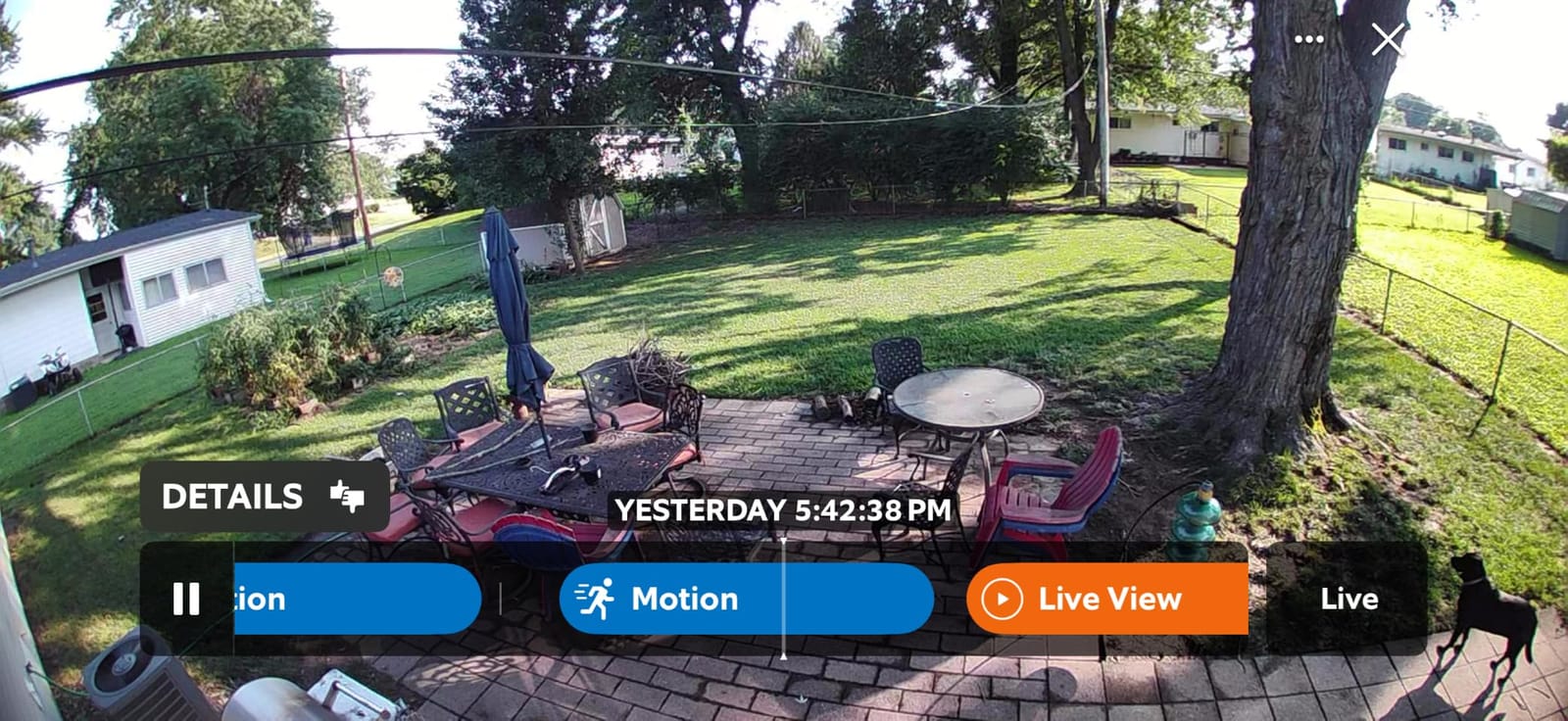
Motion zones are the feature owners mention most in the context of backyards. You can draw a box around the lawn and ignore the neighbouring fence line and any street visible through trees, which removes most of the nuisance alerts people complain about with brighter units. Owners also credit the included multi-tool and mounting hardware for making the install less fiddly than expected.
The catch is the fixed head. There is no pan, tilt or zoom, so if your yard has an awkward corner you either accept the 140-degree frame or plan a second camera. Video history and the AI alerts depend on Ring Protect as well, which is the main reason owners in r/homesecurity threads have been moving away from Ring toward hardwired cameras that record locally.
What a 140-degree fixed view actually covers
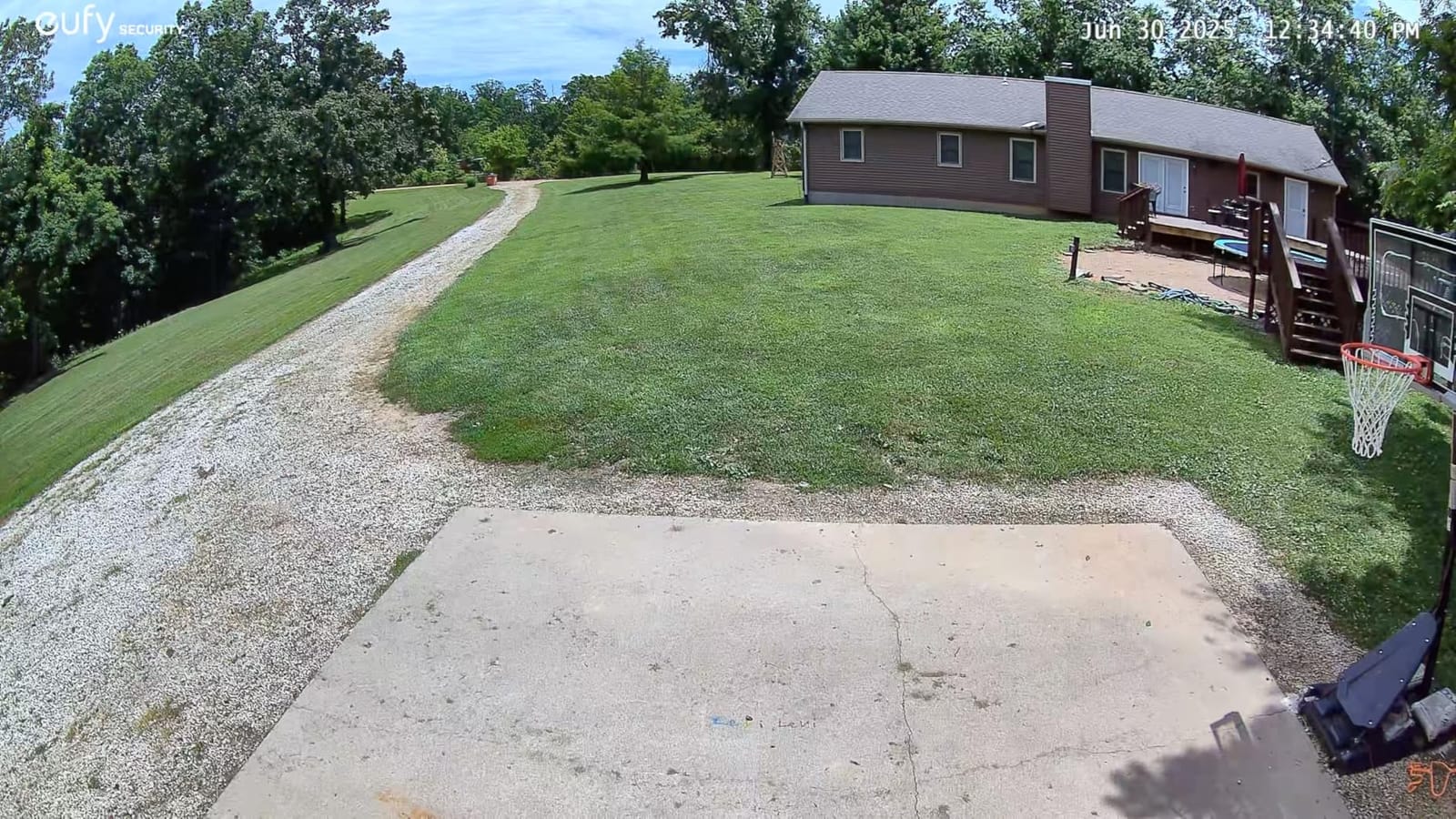
Mounted on a back wall at roughly 9 feet, the 140-degree view covers a fan about 35 feet wide at the far edge of a typical small yard. That handles a back door, a path and part of a fence line from one hole in the wall. It does not handle a half-acre lot, a property line behind trees, or a yard that wraps around a garage.
The fixed head also means no re-aiming later. If a new patio, a new fence or a tree you plant blocks the frame, you are back on a ladder rather than rotating a motor. Several owners report scheduling the lights for dusk-to-dawn as well as motion triggering, which is a cheap way to keep the path lit between events.
When to choose something else
Choose a battery model if there is no junction box within reach of the back wall. The most common wasted purchase in this category is a wired camera bought for a spot that turns out to have no power behind it, and that mistake is easy to avoid by checking the circuit before you order.
Choose a pan-and-tilt or dual-lens model if the yard is wide, oddly shaped, or you want the flexibility to re-aim. Choose a local-storage model if a monthly fee is a deal-breaker. And if your priority is simply the brightest possible light, both the Wyze v2 and the Blink Wired unit put out more lumens than this one.
2. Blink Wired Floodlight Camera — brightest wired value with real local storage
Blink Wired Floodlight Camera, Smart security camera, 2600 lumens, HD live view, enhanced motion detection, built-in siren, Works with Alexa, 1 camera (White)
2600 lumens
1080p HD
Color night vision
Sync Module storage
Pros
- 2600 lumens is more light than most wired rivals
- Sync Module 2 or XR records to USB or microSD without a plan
- dual-zone motion detection
- works with Alexa
- simple screw-in install over an existing fixture
Cons
- Person detection needs the Blink subscription plan
- app speed and connectivity draw regular complaints
- 1080p rather than 2K
This is the pick for a backyard where light output matters most and nobody wants a monthly charge for the basic feature set. At 2,600 lumens it out-lights the Ring unit, the Arlo and both eufy cameras, and on a mid-size backyard that difference is visible on a fence at 30 feet. Owners consistently list brightness as the first thing they notice.
The Sync Module is the part most people miss. A Blink system records to a USB drive through Sync Module 2, or to a microSD card in Sync Module XR, so you can keep continuous local footage without a plan. Person detection is the feature that does need a subscription, which is a reasonable split since basic motion alerts and live view work regardless.
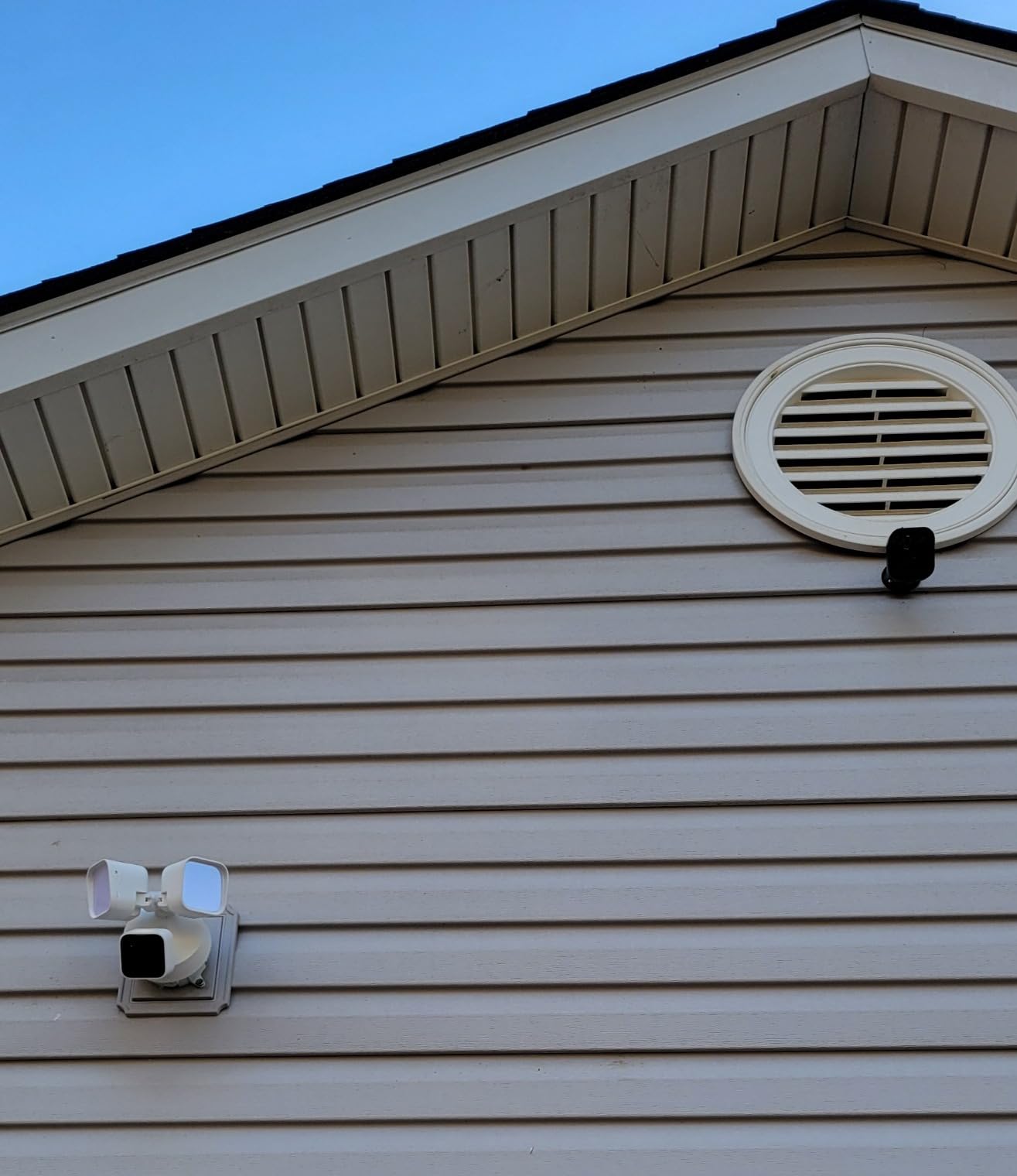
Two-way audio is there for talking to a delivery driver or a dog walker, and dual-zone motion detection lets you split the yard into sensitive and ignore zones. The unit screws into an existing outdoor fixture position, so replacing a dead motion floodlight is a straightforward path if you already have one on a back wall.
Reliability is the caveat. Reviewers report intermittent connectivity and an app that can lag on live view, and owners on r/blinkcameras running several Blink floodlights describe the light control degrading over long periods, where the units stop responding to motion or manual commands. If the light dies, the camera still records, but you lose the reason you bought a floodlight camera in the first place.
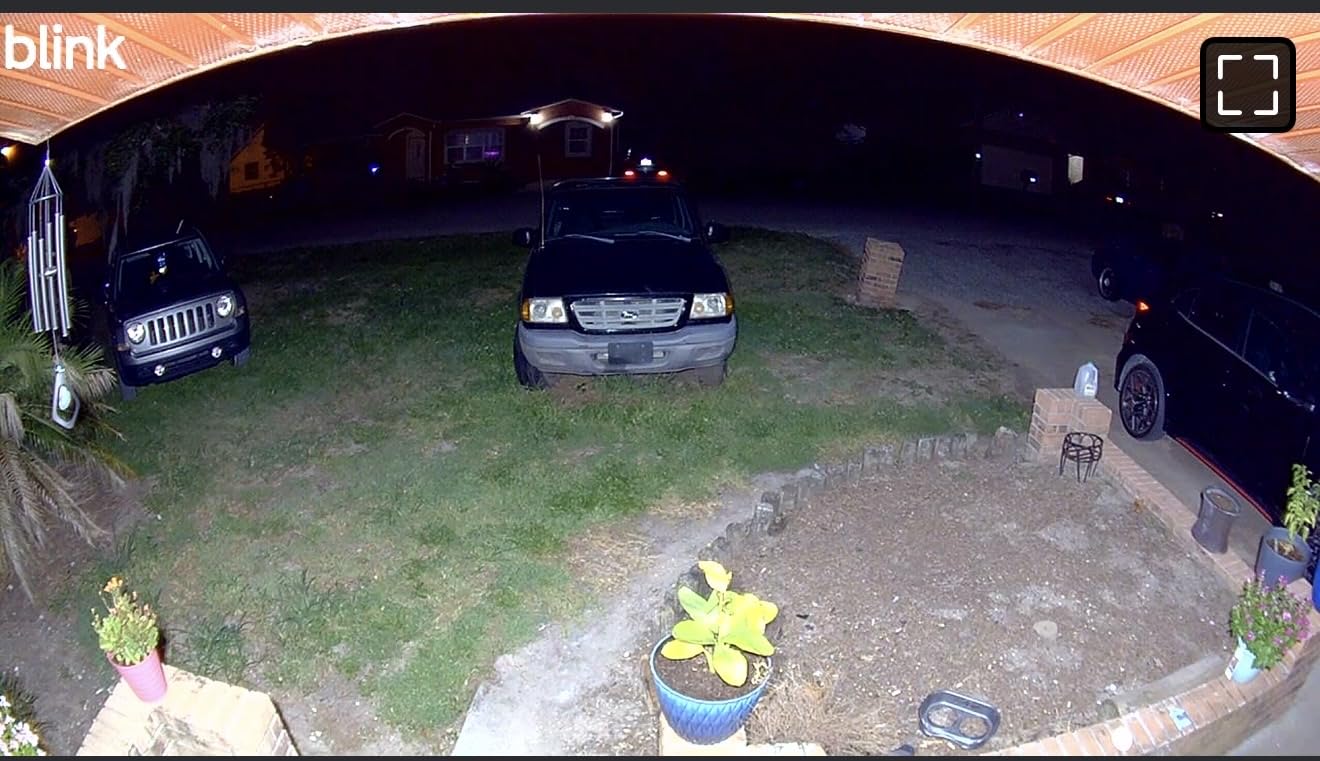
Why local storage changes the math
A camera that records to a drive in your house keeps working without a vendor relationship, without a monthly bill, and without a company deciding one day to end support. For a backyard, that matters more than for a doorbell because you are recording a large open area, and large areas generate a lot of footage.
The trade-off is that you lose AI features when you skip the plan. Person detection is the smart alert that matters in a yard full of moving foliage, so if you rely on filtered alerts, budget for the subscription. If you simply want motion events recorded and the ability to scrub back, local storage is enough.
Where the 2600 lumens stop helping
More lumens do not fix a badly aimed light. Aim either head straight across a neighbour’s window, a light this bright creates exactly the glare complaint that gets a camera pulled down. Aim both heads down at your own ground, keep duration short, and the extra output becomes coverage instead of conflict.
Also consider colour. Blink uses colour night vision here, which works well at close and middle range, but at the far edge of a large yard you are back to relying on the light, and a 1080p sensor stretched across a half-acre will show softness before the lumens run out.
3. Arlo Wireless Floodlight Security Camera 2K HDR — for backyards with no power
Arlo Wireless Floodlight Security Camera 2K HDR – 1-Cam
2K HDR
160-degree view
13000 mAh battery
IP65
Pros
- No wiring at all
- 2K HDR with colour night vision
- 2000-3000 lumens
- person and vehicle detection
- works with HomeKit
- Alexa
- Google Home and SmartThings
Cons
- Battery needs recharging every few weeks without a panel or cable
- Arlo Secure plan needed for video history and AI detection
- some owners report connection drops
This is the answer for the wall you wanted with no power behind it, and it is the only camera here with a 160-degree field of view plus real optical-adjacent zoom. Person and vehicle detection is the reason it suits a driveway approach: a car pulling in does not generate the same alert as a shadow moving along the fence.
The 13,000 mAh battery is the trade-off you plan around. Owners report recharging every few weeks in ordinary use, which means a ladder and a charge cable a couple of times a month unless you add a solar panel or the continuous-power cable. Nobody should mount a camera you have to visit weekly unless the alternative is running new wire.
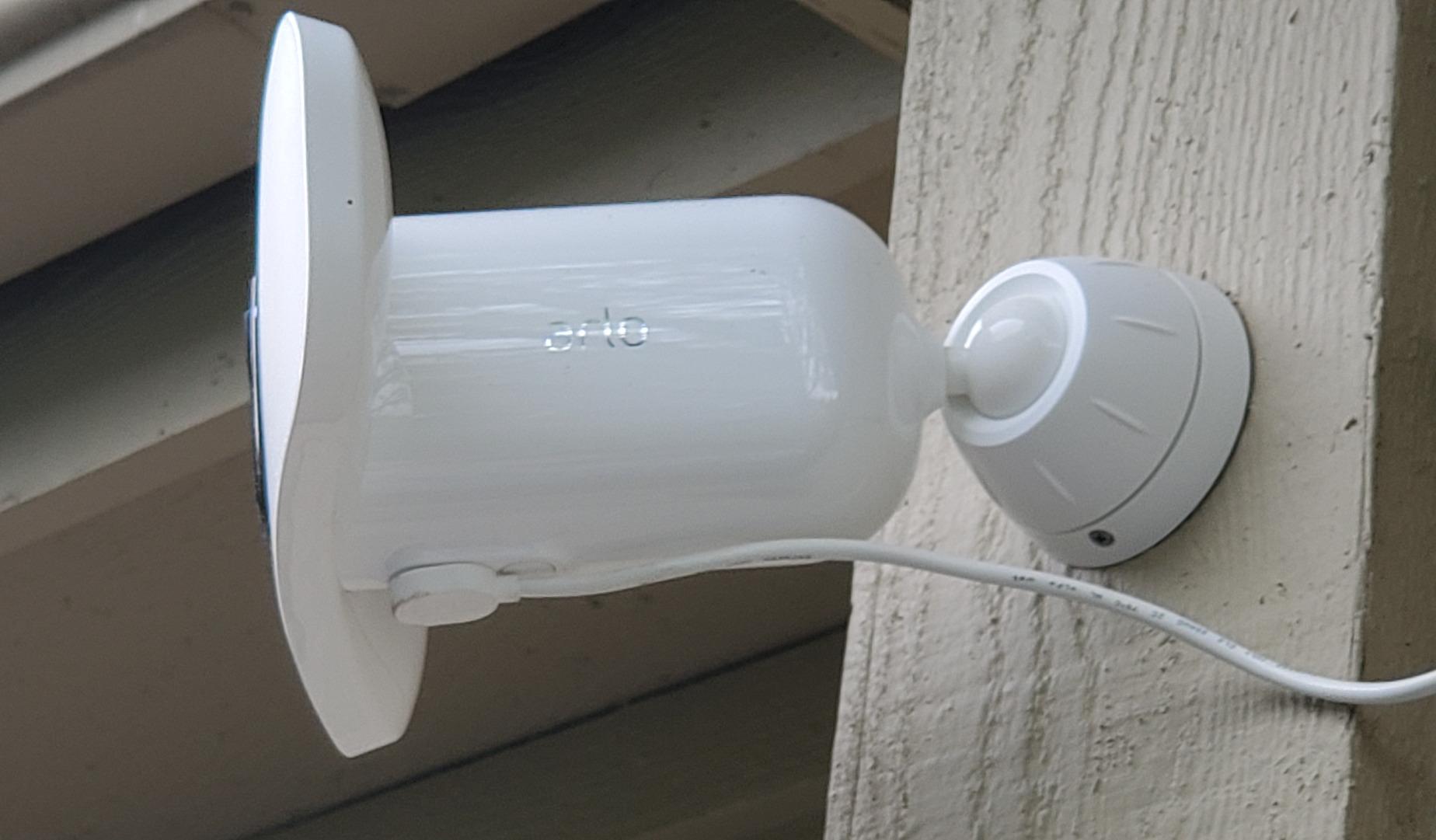
Compatibility is the quiet strength here. It is the only unit in this roundup that lists Apple Home, Google Home, SmartThings, IFTTT and Alexa, which makes it the safe choice if your household is not all on one platform. The 12x digital zoom with auto zoom and tracking is useful for reading a face or a number plate at the far end of a long yard.
Two cautions. Arlo support users mention getting logged out of the app, and the camera is IP65 rather than higher, so it wants an eave or overhang above it. An Arlo Pro 3 owner on r/homesecurity reported water getting into the floodlight after heavy rain and moving the unit under cover, which is worth taking seriously in a climate with regular downpours.
Battery maths before you commit
Bright light is what drains the pack. A floodlight camera set to trigger at maximum sensitivity in a yard full of trees will run the battery down far faster than one with tight activity zones and a moderate brightness setting. Reducing light duration and excluding the street makes a measurable difference between a weekly ladder climb and a monthly one.
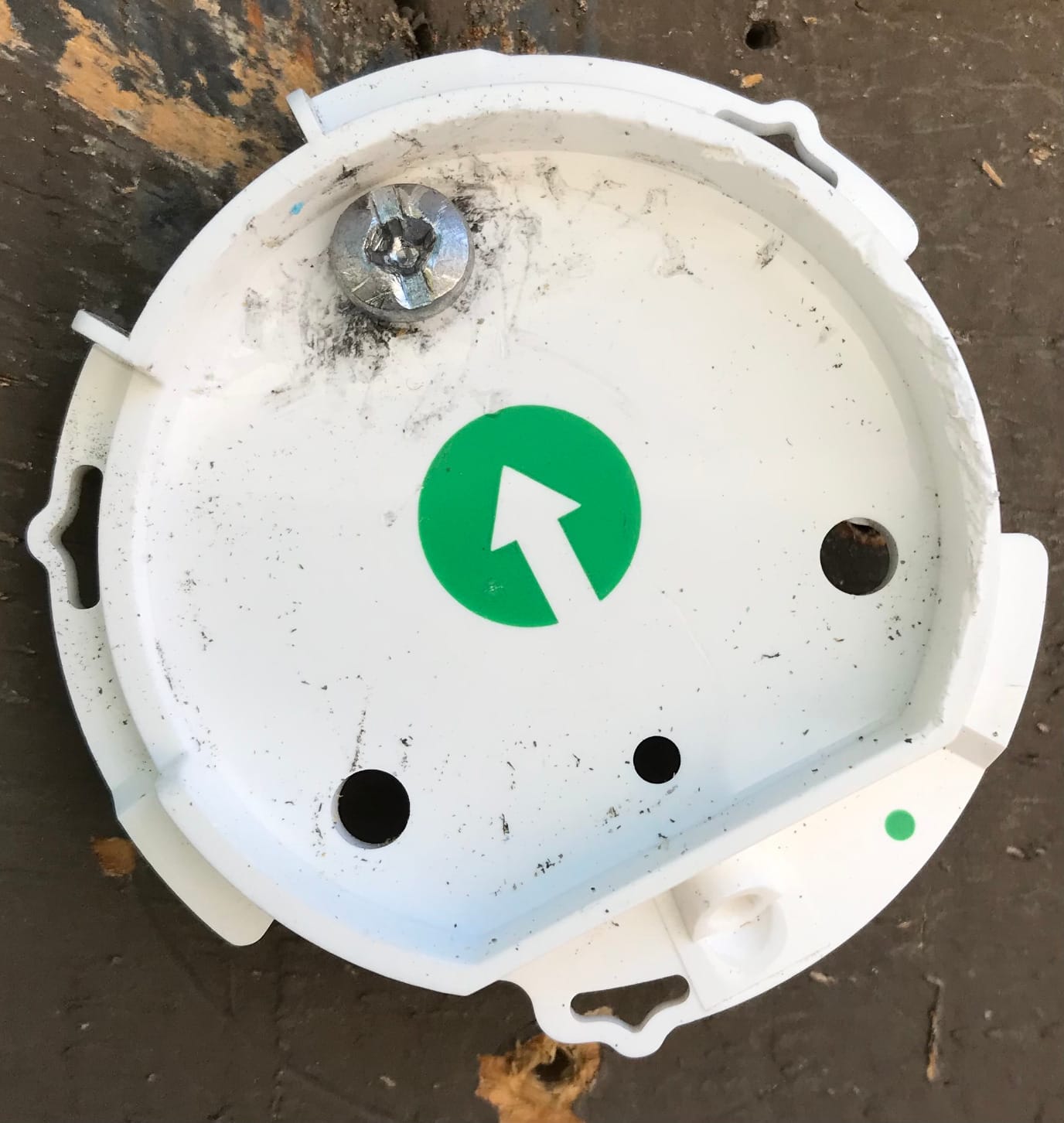
There is also a mount-height detail. If you plan to service the battery, install the camera at a height you can reach without a ladder. Access for battery swaps is reported as awkward on high mounts, and it is the single most avoidable annoyance in a wireless install.
When a subscription is unavoidable
The Arlo Secure plan carries 60-day video history and the AI detection features, with a one-month trial included. A single month trial is short enough that you should assume you will subscribe, so compare that cost against the local-storage alternatives in this list before you commit to a wireless-only strategy.
If you refuse subscriptions, this camera becomes harder to justify because you lose history the moment the trial ends. The eufy picks in this roundup record locally with no monthly fee at all, and they are hardwired rather than battery, so they solve a different problem but a common one.
4. Wyze Floodlight Camera v2 — most light and local recording, with a connectivity caveat
WYZE Floodlight Camera v2, 2K HD Outdoor Security Camera with 2800 Lumens
2800 lumens
2K HD
160-degree view
270-degree PIR
microSD
Pros
- Brightest light in the group at 2800 lumens
- records 24/7 to a microSD card with no fee
- true dusk-to-dawn light sensor plus ambient light mode
- 270-degree PIR motion detection
Cons
- 2.4GHz Wi-Fi only
- owners report needing to power-cycle it after it goes offline
- fixed camera angle with no pan or tilt
For a backyard that already has an outdoor light fixture, this is the most capable no-subscription option we found. 2K resolution, 2,800 lumens and a 270-degree PIR detection arc in one housing, plus a microSD slot that records continuously for up to 30 days without paying anyone. The cloud plan is optional and only affects event storage in the vendor’s cloud.
The ambient light mode is a genuinely clever feature for backyards. Instead of a dark yard until something moves, the light can stay at a low level and jump to full brightness on motion, which helps on paths and around gates where total darkness makes the camera useless and full brightness would light up the whole property.
Connectivity is the honest problem. The most repeated complaint in reviews is the camera going offline and needing a power cycle, which is a real failure mode for a device whose job is to be recording when you are asleep. It also runs 2.4GHz only, so in a large house on a busy network it will be on the 2.4GHz band whether you like it or not.
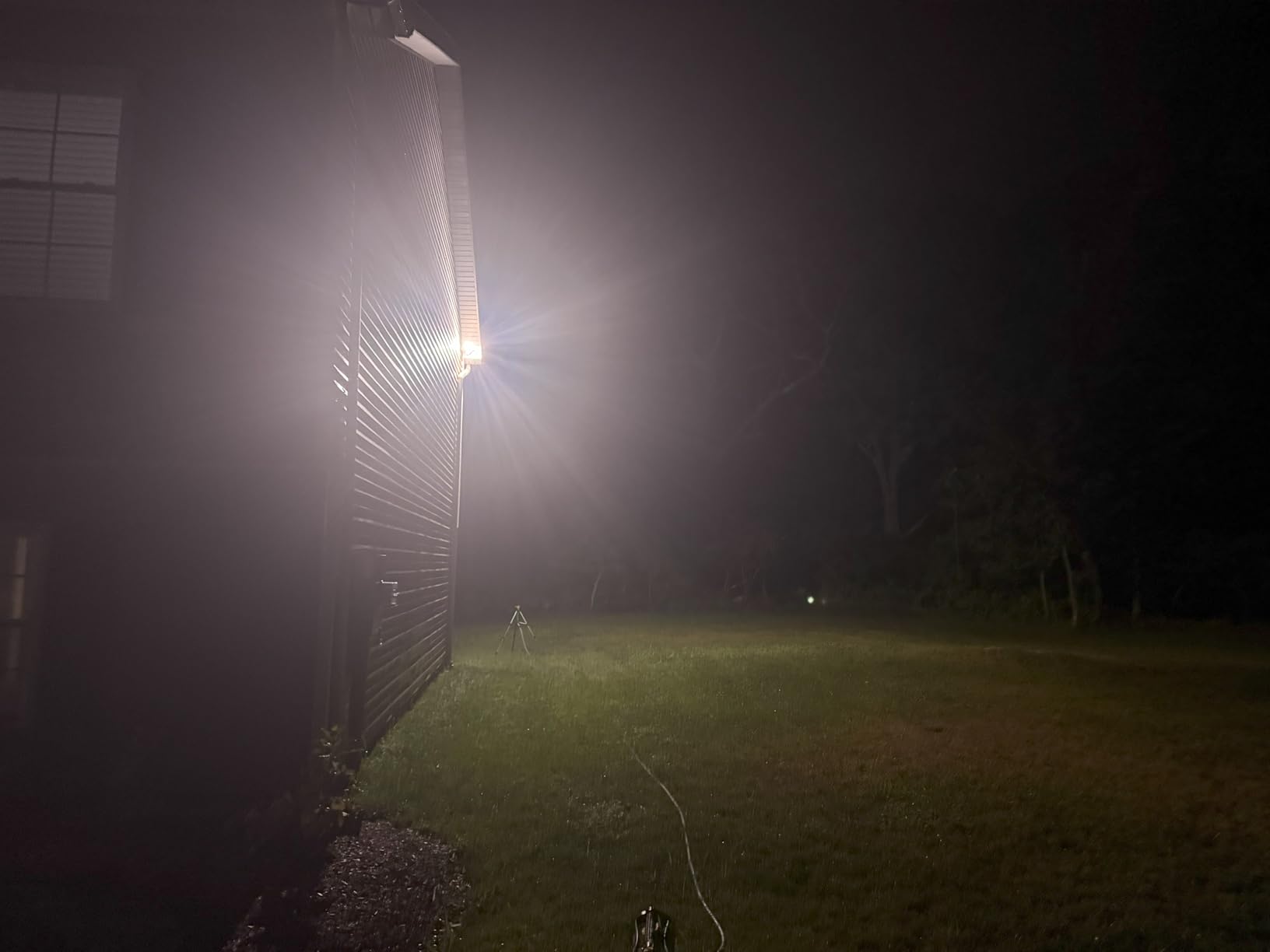
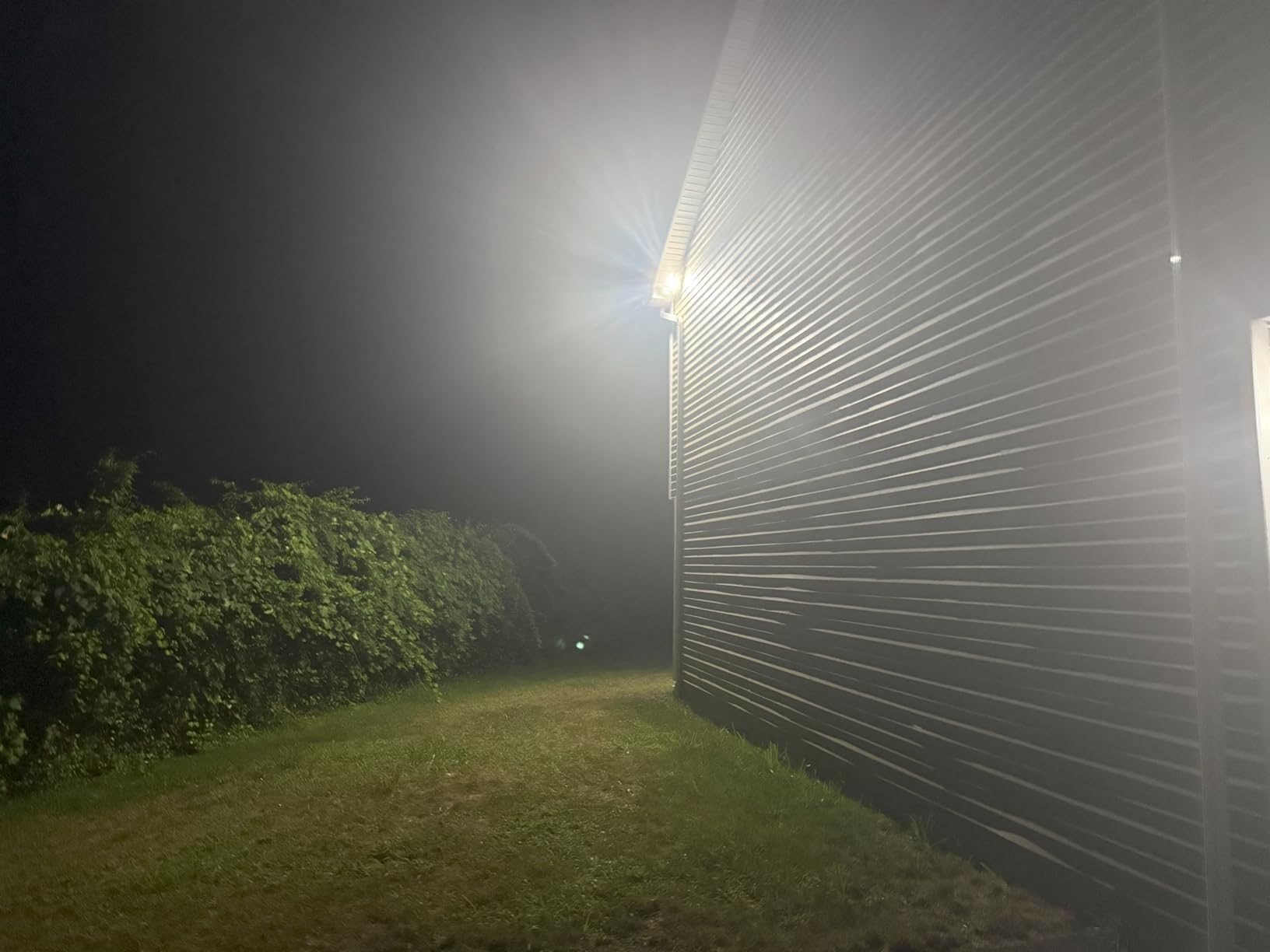
Motion detection uses PIR with customizable zones across 270 degrees, so you can exclude a neighbour’s tree line or a road. One reviewer note worth keeping: fog can trigger it, which matters in coastal or low-lying yards where night fog is common.
Local storage versus a subscription plan
A microSD card in a camera bolted to your house is the most private option here. Footage stays in the building, works with no internet connection, and nobody can change the retention policy. The cost is playback smoothness, and reviewers do report choppy microSD playback on busy scenes.
Plan for a card of adequate size and format it in the app before you mount the camera. Local recording also means no AI person filtering on the free tier, so tight motion zones matter more than usual, especially with a light this bright pulling in insects and moths all night.
What the fixed angle costs you
There is no pan, tilt or zoom, so the 160-degree view is fixed at install. Mount it in a corner of the back wall aiming diagonally across the yard rather than flat against the wall, which widens effective coverage and is the positioning advice that comes up most often in backyard threads.
It also draws 27 watts on 110V AC, which is a light fixture rating rather than a camera rating. It needs a real outdoor-rated box in an appropriate circuit, so treat the install as an electrical job if you are not comfortable with mains wiring.
5. Blink Outdoor 4 Floodlight Camera — wire-free, but the light is modest
Blink Outdoor 4 Floodlight Camera — Wireless smart security camera, 700 lumens, two-year battery life, enhanced motion detection, Sync Module Core included — 1 camera system
700 lumens
1080p HD
Infrared night vision
2-year battery
Pros
- Truly wire-free install
- two-year battery life on included lithium cells
- Sync Module Core included in the box
- dual-zone enhanced motion detection
Cons
- 700 lumens is far dimmer than every wired rival here
- infrared night vision only with no colour
- person detection needs the subscription plan
This is the pick when the priority is a camera that mounts anywhere in a few minutes with no electrician, no junction box and no ladder work behind the siding. The Sync Module Core is in the box, so the system works out of the package, and the battery is quoted at up to two years on the included cells.
Be clear-eyed about the light. 700 lumens is a fraction of what the wired units produce, and this camera records in infrared rather than colour, so at night you get a monochrome picture lit by a small pool of light. It covers a back door or a gate. It does not cover a yard, and reviewers consistently flag brightness as the weak point.
Local storage is possible through Sync Module XR with a microSD card, which is a real option given how much else in this category pushes subscriptions. Person detection and cloud storage both sit behind the Blink plan after the 30-day trial, and some owners report connectivity trouble with the Sync Module itself.
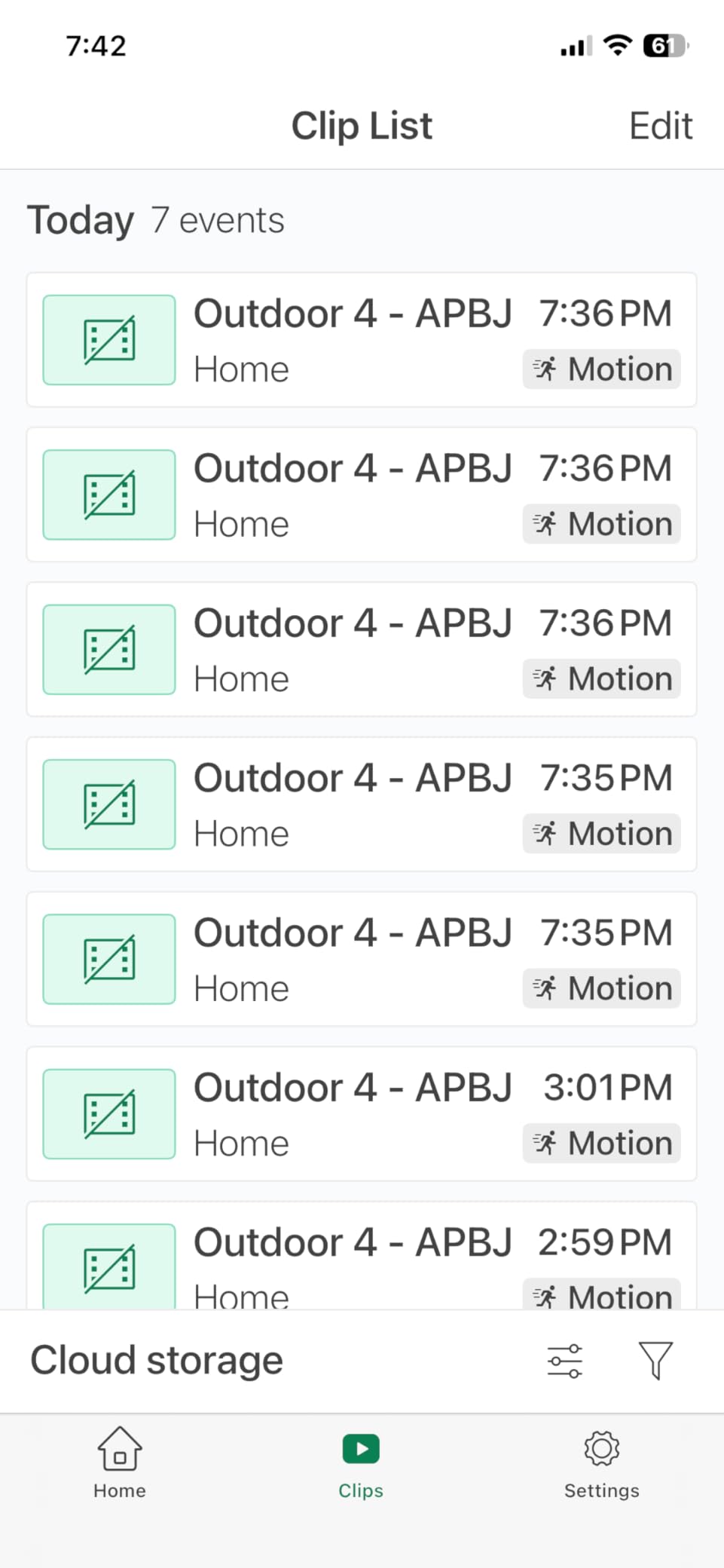
The durability signal from the forums is worth weighing before buying two of these. Owners on r/blinkcameras with several Blink floodlights describe the light control losing the ability to trigger on motion or manually, so the units degrade into ordinary infrared cameras over time. That is a camera still working, but not a floodlight camera any more.
Where a 700-lumen light is good enough
A back door, a side gate or a short path needs very little light. Entry points are where detection matters more than coverage, and a person stepping into a lit doorway at 20 feet is still identifiable. This camera is honest kit for a small target area, and at that range infrared night vision is acceptable.
It is a poor answer for a wide yard because the illumination falls off quickly, and anything beyond the pool of light is recorded in the dark. If your goal is deterrence, a light nobody can see from the street does not deter much.
Deciding between this and the Arlo wireless
Both solve the same problem, no power at the mount point. The Arlo produces 2,000 to 3,000 lumens in colour at 2K with a 160-degree view and a much larger battery, and it costs more to keep running over time. The Blink Outdoor 4 produces 700 lumens in infrared and runs for years on a cell.
Choose on coverage first and running cost second. A backyard that needs light is better served by a camera that makes light, and the two-year battery claim is best treated as a ceiling rather than a promise, particularly with a floodlight set to maximum brightness.
6. eufy Security Floodlight Camera E340 — best coverage, zoom and tracking, no monthly fee
eufy Security Floodlight Camera E340, Dual-Lens, 360° Coverage, 8X Zoom
Dual 3K and 2K lenses
8x hybrid zoom
360-degree pan-tilt
2000 lumens
Pros
- Dual-lens 3K wide and 2K telephoto in one housing
- 360-degree pan and tilt removes blind spots
- 8x hybrid zoom with 3x optical
- no monthly fee with microSD or HomeBase S380
Cons
- Hardwired install
- maximum resolution drops to 2K when AI tracking or dual view is active
- some owners report app connectivity issues
Nothing else in this list covers a backyard the way the E340 does. A dual-lens head pairs a 3K wide-angle sensor with a 2K telephoto, the whole thing pans and tilts through 360 degrees, and the 8x hybrid zoom uses 3x optical plus digital to pull detail from the far corner of a lot. A single unit can replace two fixed cameras on a wide property.
It also records locally with no monthly fee, through a microSD card up to 128 GB or a HomeBase S380, and supports 24/7 continuous recording when local storage is enabled. Dual-band Wi-Fi 6 matters in a yard where the access point is inside the house and the signal crosses a wall or two.
The AI detection covers humans, vehicles and pets with auto-tracking, and the alarm is rated at 95dB. Custom voice alerts and custom light alerts are a nice touch in a yard where a plain siren startles wildlife and the neighbours as much as an intruder.
Two honest negatives. It carries a higher cost than the wired units at the budget end of this roundup, and the headline resolution drops to 2K when you switch on AI tracking or dual view, so the 3K figure applies to the wide sensor in single-view mode. Owners also report occasional app connectivity issues, and a pan-tilt mechanism is a moving part that a fixed camera does not have.
Zoom versus pan and tilt in a real yard
Pan and tilt answers the question of what to point at. Zoom answers the question of what you can see once it is pointed there. In a yard with a back gate, a garage wall and a fence line, the ability to turn the camera toward whichever one triggered motion often matters more than magnification.
Auto-patrol schedules let the camera sweep through preset positions on a timer, which fills gaps a fixed unit would leave. The trade-off is that a moving head has more failure modes than a fixed lens, and it is the first thing to consider if you need a unit that still works in five years without attention.
Running it without a subscription
With a microSD card inserted, recording is continuous and local, and the camera keeps working if the internet goes down. That is the single strongest ownership argument for the eufy picks in this roundup, and it is why they appear in r/homeassistant threads where owners want local control rather than a cloud dependency.
The honest caveat is firmware support over time. Owners across the category raise the widely publicised eufy security disclosure as a reason to check two-factor authentication and current firmware before deploying anything, and that is a reasonable habit with any brand that stores footage in the cloud.
7. Google Nest Cam with Floodlight — best for a Google Home household
Google Nest Cam with Floodlight – Outdoor Camera – Floodlight Security Camera, White, 1 Count (Pack of 1)
1080p HDR
130-degree view
On-device AI detection
Battery
Pros
- Person
- animal and vehicle detection works with no subscription
- familiar face detection with Nest Aware
- Google Home and Alexa integration
- stores about an hour locally during an outage
Cons
- Higher cost than the wired units at the budget end
- 1080p only while rivals offer 2K and 3K
- 130-degree view is the narrowest here
The distinguishing feature is that the detection runs on the device. Person, animal and vehicle alerts work without a paid plan, which makes this the only camera here with meaningful smart detection for free. In a backyard full of moving branches, that is the difference between a camera you check constantly and one you check when it matters.
Local storage during an outage, about an hour of events, is a small but thoughtful feature for an outdoor camera. If the Wi-Fi drops or power flickers, the buffer captures the first event rather than nothing. Familiar face detection with Nest Aware is genuinely useful for filtering out people who legitimately walk your yard.
It is battery powered at 24 watt-hours, so it installs without a junction box, and the IP65 body is described as waterproof. Two-way talk runs through the Google Home app. If your household is already wired into Google Home and Chromecast-style displays, the notification path is the smoothest in this list.
The compromises are significant. 1080p HDR and a 130-degree view are the lowest specification here on both counts, so a wide yard means more than one unit. There is no siren, which removes the audible deterrent that matters most when someone is standing in your yard at night, and the floodlight brightness is not published in the specifications.
What you give up by staying inside Google
Integration outside the Google ecosystem is limited. There is no HomeKit, SmartThings or IFTTT path listed, so a mixed-ecosystem household is choosing convenience inside one system over flexibility across several. That is a defensible trade, but it should be a deliberate one.
Recording depth is the other constraint. Three hours of event history are free, and continuous 24/7 recording needs Nest Aware Plus. For a backyard where wildlife and traffic generate frequent events, free history fills quickly, so check how far back you realistically need to look before deciding on a plan.
Siren or no siren
There is no built-in siren, and that is worth thinking about. Audible deterrence is one of the few things that works on someone standing in the dark deciding whether to continue, and a camera that can only send a phone notification depends on you being awake and holding your phone.
If deterrence is part of your goal, the Ring, Blink Wired, Wyze and eufy options all include a siren between 95dB and 105dB. Keep the Nest unit for detection quality and ecosystem fit, and consider a separate siren or alarm if audible deterrence is a priority.
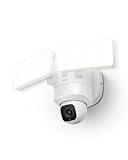
8. eufy Security Floodlight Camera E30 — 360 degrees of coverage without a monthly fee
eufy Security Floodlight Camera E30, 2K, AI Detection & Tracking, Outdoor
2K HD
360-degree pan-tilt
2000 lumens
Power Amplifier
no monthly fee
Pros
- 360-degree pan and tilt in a hardwired unit
- 2K with colour night vision and 2000 lumens
- power amplifier gives roughly 50 percent better Wi-Fi range
- no monthly fee
- 24/7 recording
- auto-patrol schedules
Cons
- Hardwired install
- 2.4GHz only with no 5GHz
- 20 fps frame rate is lower than rivals
- single lens with no optical zoom
- fewer reviews than the rest of the field
This is the simpler sibling of the E340 and, for a lot of backyards, the more sensible one. You get a 360-degree pan-and-tilt head, 2K colour night vision and 2,000 lumens, with no monthly fee and no hub required, and you skip the dual-lens complexity and the highest cost in this roundup.
The power amplifier is the sleeper feature. It is quoted at about 50 percent increased Wi-Fi range on 2.4GHz, which matters in a yard where the router is at the other end of the house and the signal passes through a wall and a window. Connection problems are the most common complaint on several cameras in this list, so range is not a trivial specification.
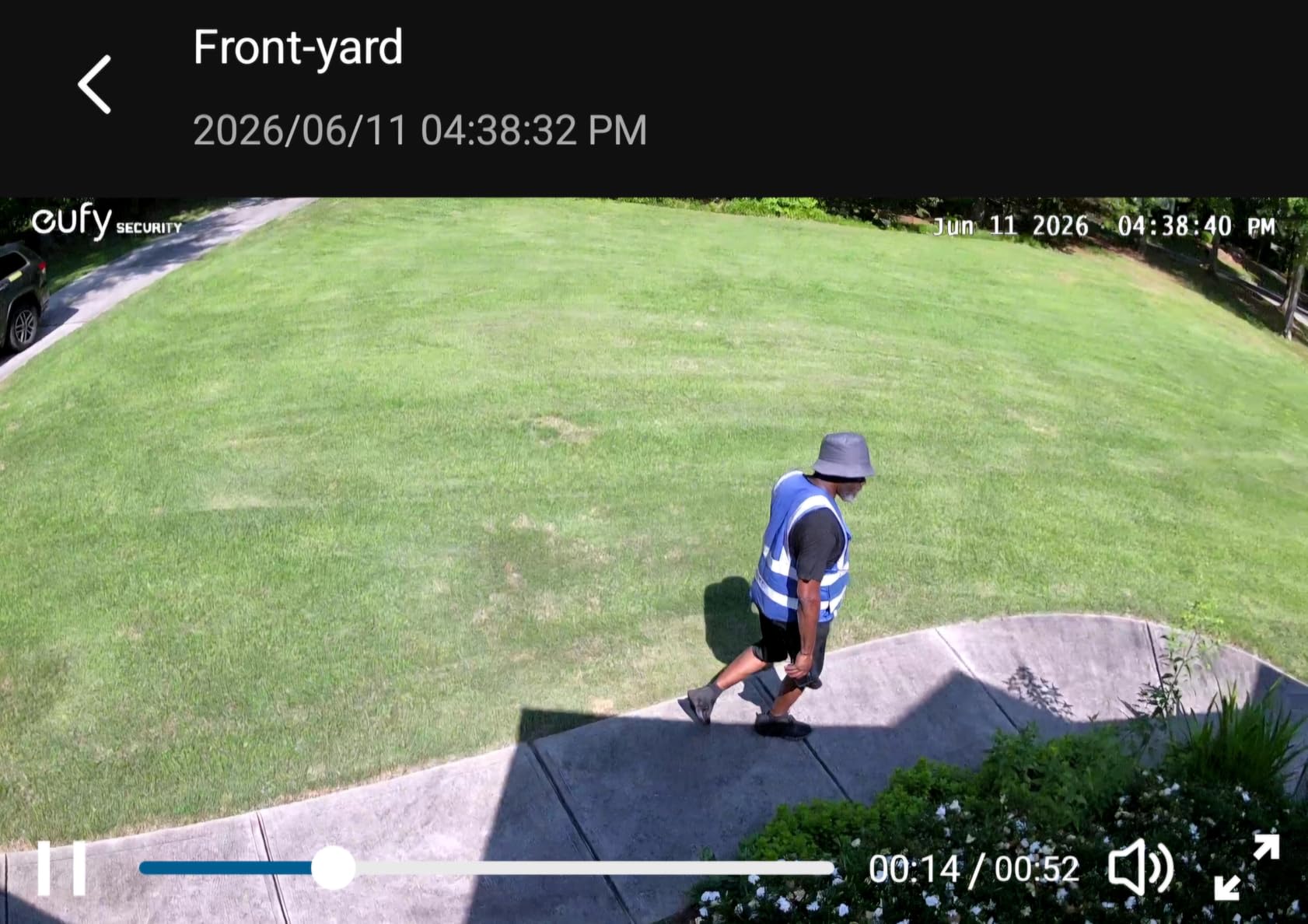
AI detection covers humans and vehicles with auto-tracking, and you can schedule auto-patrol sweeps so the camera rotates through the yard on a timer. Custom voice and light alerts let you choose how a detection sounds and looks rather than taking the default.
Be aware of the limits. It is 2.4GHz only, so no 5GHz or Wi-Fi 6. The frame rate is 20 fps against 30 fps on several rivals, which shows up on fast movement. There is a single lens with digital zoom only, and at 992 ratings the review history is far thinner than anything else in this list, so long-term reliability is less well documented.
E30 versus the E340
The decision is lens count. If your backyard has one defined area to watch, the E30 gives you a moving 2K camera with 2,000 lumens and a wide Wi-Fi range for less money. If you need to read a face or a plate at the far end of a long property, the E340 telephoto lens and 8x hybrid zoom are the reason to spend more.
Both record locally with no monthly fee, both are hardwired, and both are 2.4GHz or better with pan and tilt. Choosing between them is a question about zoom, not about features you will use twice.
What fewer reviews actually mean
Fewer ratings is not a defect, but it is less information. Review volume tells you what breaks in year three, and at 992 ratings this model has a shorter public track record than the 44,000-rating Ring unit or the 13,755-rating Blink Wired.
If you are the cautious type, that argues for the Ring or the Blink Wired, both of which have enough long-term feedback to make a reliability call. If you want pan and tilt with no monthly fee, this camera delivers that today, and the early owner feedback on range and detection is positive.
How to Choose a Floodlight Camera for a Backyard
Most disappointing backyard cameras are a mismatch between the unit and the yard rather than a bad camera. Work through these nine steps before you buy anything, and you will usually narrow eight options to two.
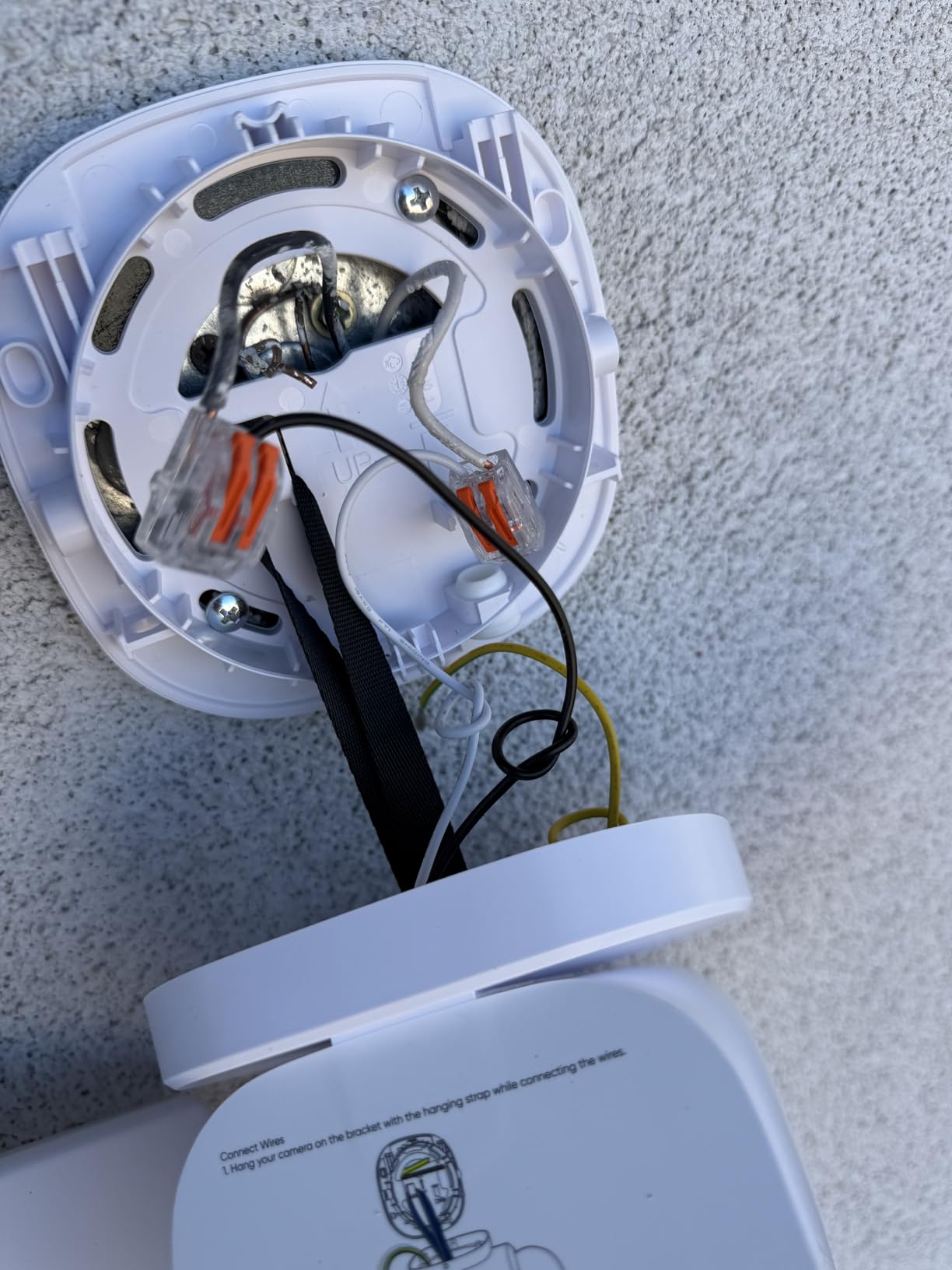
1. Check for power before you order anything. Confirm a junction box or an existing outdoor light fixture at the spot you want the camera. Discovering the wall has no power after delivery is the most common wasted purchase in this category, and it is the one that cannot be fixed later.
2. Decide wired, battery or solar from that answer. If there is a fixture, go wired. If there is not and running cable is expensive, a battery unit is the sane choice. Solar is the option for remote spots, a shed wall, or a gate at the far end of a property where nobody wants to visit a battery every month.
3. Size the light to the yard, not to the spec sheet. Between 1,500 and 2,600 lumens covers a back door, gate or small urban yard. A medium suburban yard needs roughly 2,000 to 3,000 lumens, and a half-acre or larger property usually needs more than one unit regardless of how good any single camera is.
4. Read field of view and motion range as different numbers. Field of view is the angle the lens captures. Motion detection range is how far the sensor notices movement, which is often wider. A 140-degree view with 270 degrees of motion detection is a good combination, since detection outside your frame generates alerts you cannot act on.
5. Choose fixed, pan-tilt or dual-lens based on yard shape. A fixed head is cheapest and most durable. Pan and tilt covers wide or oddly shaped yards and can be re-aimed later. A dual-lens head adds a telephoto for detail at distance. If your yard is a simple rectangle with one door, fixed is enough.
6. Settle the storage question before anything else. Local microSD or NVR storage costs nothing ongoing and keeps footage in your house. Cloud storage is more convenient across devices and usually unlocks AI detection. Decide this early, because it eliminates several products instantly.
7. Confirm ecosystem compatibility. Alexa, Google Home, Apple Home, SmartThings and Home Assistant are not interchangeable. If you run Home Assistant and want local control, the ecosystem question dominates everything else, and owners there consistently favour cameras with configurable light and motion settings and open local integration over closed cloud setups.
8. Plan the mount height and the aiming. Mount between about 8 and 10 feet, under an eave or overhang, aimed downward at your own ground. High mounts reduce tampering and improve the angle; eave mounting keeps rain off the housing and helps with the water ingress that owners report on some units.
9. Tune before you trust it. Set activity zones to exclude the street and any neighbour’s line of sight, cut trigger sensitivity so foliage does not fire all night, set light duration to 30 or 60 seconds, and turn brightness down at the lowest setting that still gives usable colour footage.
Two more resources worth your time if you go further: our solar security camera guide for properties with no reliable mains power, and the game camera picks if your real problem is wildlife rather than intruders.
Wired, Battery or Solar: Match the Power to the Wall
Wired units produce the most light because they never ration it. Every camera above 2,000 lumens in this roundup is hardwired, and they will still be lighting the yard in five years without a ladder visit. The cost is installation: a junction box, an outdoor-rated fixture, and ideally a licensed electrician if you are extending a circuit.
Battery units buy placement freedom. The Arlo 2K HDR and the Blink Outdoor 4 are the two here, and they differ sharply: 2,000 to 3,000 lumens in colour against 700 lumens in infrared, with a large rechargeable cell against AA lithium cells claimed at up to two years. Battery floodlight cameras work best on a timer that limits light duration, because light is what drains them.
Solar is the third path and it suits a gate, a shed, a pole at a property line, or anywhere running cable would be a project. If you go that way, check the panel’s rated output per season in your climate, and expect shade from a tree or a building to matter more than panel size.
For a house with existing outdoor wiring, the honest answer is that wired is simpler and better. A camera that never needs a charge is a camera you never have to think about, and in a yard the light matters more than the location flexibility.
Where to Mount It and How to Aim the Lights
Mounting is where good cameras become good backyard coverage. Most of the disappointment in this category comes from a unit installed at the wrong height, pointed across a neighbour’s window, or set to fire on a tree line.
Height. Aim for 8 to 10 feet. High enough that the light does not shine in a window at ground level, low enough that you can service a battery or read a label. Corners of the back wall beat a centred position because the diagonal angle covers more of the yard and cuts down on straight-on glare.
Aim down, onto your own ground. Both light heads should point at your lawn, path or gate, not across the property line. A 2,800-lumen light aimed level will reach a neighbour’s window and the first complaint you get is not about your security.
Avoid glare sources. White vinyl siding, glossy fences, wet decks and windows facing your yard all reflect light straight back into the lens and wash out the picture. If your yard is enclosed by a white fence, tilt the heads up slightly and expect lower contrast than an open yard.
Set duration short. Thirty to sixty seconds is the range most owners settle on. Long duration is what triggers complaints at 1 a.m. from passing cars, and it drains battery units faster for no security benefit.
Zone out the noise. The brightest lights attract insects, and insects near an infrared sensor create a feedback loop of alerts. Squirrels, opossums, raccoons and wind-blown branches are the same problem at a larger scale. Narrow the motion zones, lower sensitivity, and use person or vehicle filtering where the camera offers it.
Shade the housing. An eave or overhang costs nothing and extends the life of any unit. It also sidesteps the water ingress that one Arlo Pro 3 owner reported after heavy rain.
One last durability point that nobody advertises: on most of these cameras the LED heads are not user-replaceable. When a head fails years in, you may be replacing the camera rather than a bulb. Confirm the warranty term and whether extended coverage depends on holding a paid plan before you commit.
Frequently Asked Questions
Are floodlight security cameras worth it for a backyard?
Yes, for most backyards they are the single most effective outdoor camera type. A standard infrared camera records a grey silhouette at night with no colour or clothing detail, while a floodlight camera lights the same area and records a recognizable person. The light also works as a deterrent on its own, and owners most often report that someone stops, looks up at the light and walks away. Skip it if there is no power at the mount point.
How many lumens does a backyard floodlight camera need?
Between 1,500 and 2,600 lumens covers a back door, gate or small urban yard. A medium suburban backyard typically needs 2,000 to 3,000 lumens for usable colour footage at 25 to 35 feet. A half-acre or larger property usually needs more than one unit regardless of output. More lumens only help if the heads are aimed downward at your own ground rather than across the property line.
Do floodlight cameras need to be hardwired?
No, but most of the brightest ones are. Every camera above 2,000 lumens in this roundup is hardwired, because mains power lets the light stay genuinely bright with no rationing. Battery models trade brightness for placement freedom. Check for a junction box or existing outdoor fixture before you order, since discovering there is no power at the mounting point is the most common wasted purchase in this category.
Can floodlight cameras work without a subscription?
Yes, several record locally with no monthly fee. The Wyze Floodlight Camera v2 records 24/7 to a microSD card, and both eufy models store footage on a microSD card up to 128 GB or a HomeBase without a plan. The Blink Wired unit records to a USB drive or microSD through its Sync Module. What you usually give up is AI detection, which is where Ring, Arlo, Blink and Google place their paid tiers.
Will a floodlight camera annoy my neighbors?
It can, and complaints almost always trace to the same three causes. A light aimed level or across a property line, duration set too long, and motion zones that include the street. Aim both heads down at your own ground, set duration to 30 or 60 seconds, draw activity zones that exclude the road, and turn trigger sensitivity down. Most neighbor conflicts disappear once the light stays on your own property.
Why does my floodlight camera keep triggering at night?
Because bright light attracts insects, and movement near the lens reads as motion. Add wind-blown branches, squirrels, opossums, raccoons and passing animals, and a floodlight camera on a tree-lined yard can generate alerts all night. Tighten activity zones, lower trigger sensitivity, and use person or vehicle filtering where the camera supports it. Reviewers also note that fog can trigger motion detection on some models.
The Verdict for Backyards in 2026
The Ring Floodlight Cam Wired Plus is our pick for most backyards in 2026. 2,000 lumens, a 140-degree view, a 105dB siren and the deepest review history in the category make it the lowest-risk choice on a wall that already has power. If you refuse a monthly fee, the Wyze Floodlight Camera v2 is brighter and records locally to a microSD card, and you should weigh its offline complaints first.
Go a different route for different yards. The Blink Wired Floodlight Camera is the value pick with the most light in a wired unit. The Arlo Wireless Floodlight Security Camera 2K HDR is the answer when there is no power. The eufy E340 covers wide property and zooms into detail, the eufy E30 does the same job for less if you do not need telephoto, and the Google Nest Cam with Floodlight fits a household that values free on-device detection and Google Home.
Whichever you pick, confirm the power, aim the heads down at your own ground, and set the light duration short. Those three steps decide more about how your neighbours and your night footage turn out than any resolution figure on the box.