
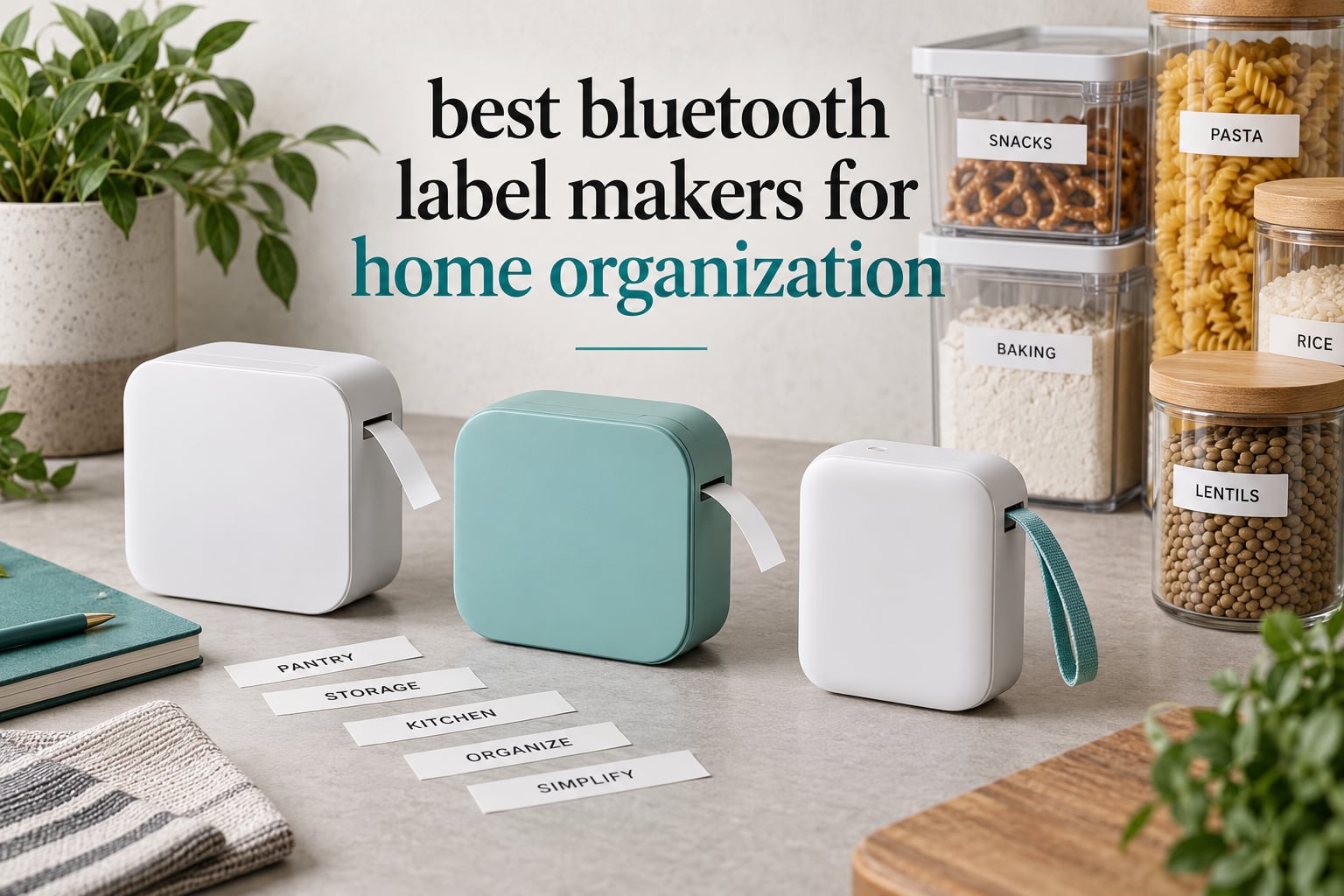
The best Bluetooth label makers turn a two-minute-per-label chore into a two-second job. A phone app holds every font, icon and photo you could want, and the machine just prints with heat instead of ink, so there is nothing to refill except tape.
That matters most in a home, not an office. Storage bins, pantry jars, kids’ toy baskets and the cable drawer in your junk drawer all need consistent, legible labels, and handwriting rarely delivers. Bluetooth adds something a keyboard-only handheld cannot: images, barcodes, QR codes and templates.
I compared ten app-driven thermal machines for this guide, weighing print resolution, tape width and format, battery, and how the apps behave in normal household use. The ten below cover every budget, from a pocket unit to one that prints 1 inch wide color labels. For a wider look at label makers that are not Bluetooth-only, see our label maker guide for home organization.
Table of Contents
Top 3 Bluetooth Label Makers for Home Organization for October 2026

Phomemo D30
- 203 DPI thermal print
- Continuous and fixed-length tape
- 4000+ icons and 1000+ templates
- 160 g rechargeable body

SUPVAN T50M Pro
- 3/4 to 2 inch tape range
- Photo and logo import
- Free registration-free app
- Auto label size detection

Nelko P21
- 203 DPI thermal output
- 750+ templates and 3600+ icons
- Pocketable 230 g body
- Bluetooth app for iOS and Android
All 10 Bluetooth Label Makers Compared in October 2026
| Product | Specifications | Action |
|---|---|---|
| Phomemo D30 |
|
Check Latest Price |
| Nelko P21 |
|
Check Latest Price |
 SUPVAN E10 SUPVAN E10 |
|
Check Latest Price |
 NIIMBOT B1 NIIMBOT B1 |
|
Check Latest Price |
| SUPVAN T50M Pro |
|
Check Latest Price |
 NIIMBOT D110 NIIMBOT D110 |
|
Check Latest Price |
 Brother P-Touch Cube Brother P-Touch Cube |
|
Check Latest Price |
 SUPVAN E11 SUPVAN E11 |
|
Check Latest Price |
 Brother P-Touch Cube Plus Brother P-Touch Cube Plus |
|
Check Latest Price |
 DYMO LetraTag 200B DYMO LetraTag 200B |
|
Check Latest Price |
1. Phomemo D30 Review: The Best Bluetooth Label Maker Overall
Phomemo D30 Label Maker Machine with Tape, Bluetooth Mini Label Printer
203 DPI thermal
0.55 inch max media
Bluetooth 4.0 and USB-C
160 g
Rechargeable
Pros
- Print Master app with 4000+ icons and 1000+ templates
- Handles continuous tape and fixed-length labels
- German thermal head at 203 DPI with no ink
- Rechargeable and small enough for one hand
- QR codes and document scanning built in
Cons
- Black text only
- No built-in keyboard or screen
- Not built for long continuous runs
I put the D30 through a full weekend of labeling: six storage bins, a spice shelf and a junk-drawer audit. Every label came out crisp at 203 DPI, and the small font on a jar lid stayed readable months later.
What set it apart from the other nine was tape flexibility. It runs a continuous roll, so I could print one long “WINTER CLOTHES – UPSTAIRS CLOSET” strip, and it also takes fixed-length labels when I want a tidy stack of identical jar stickers. That dual support is rare below the Brother tier.
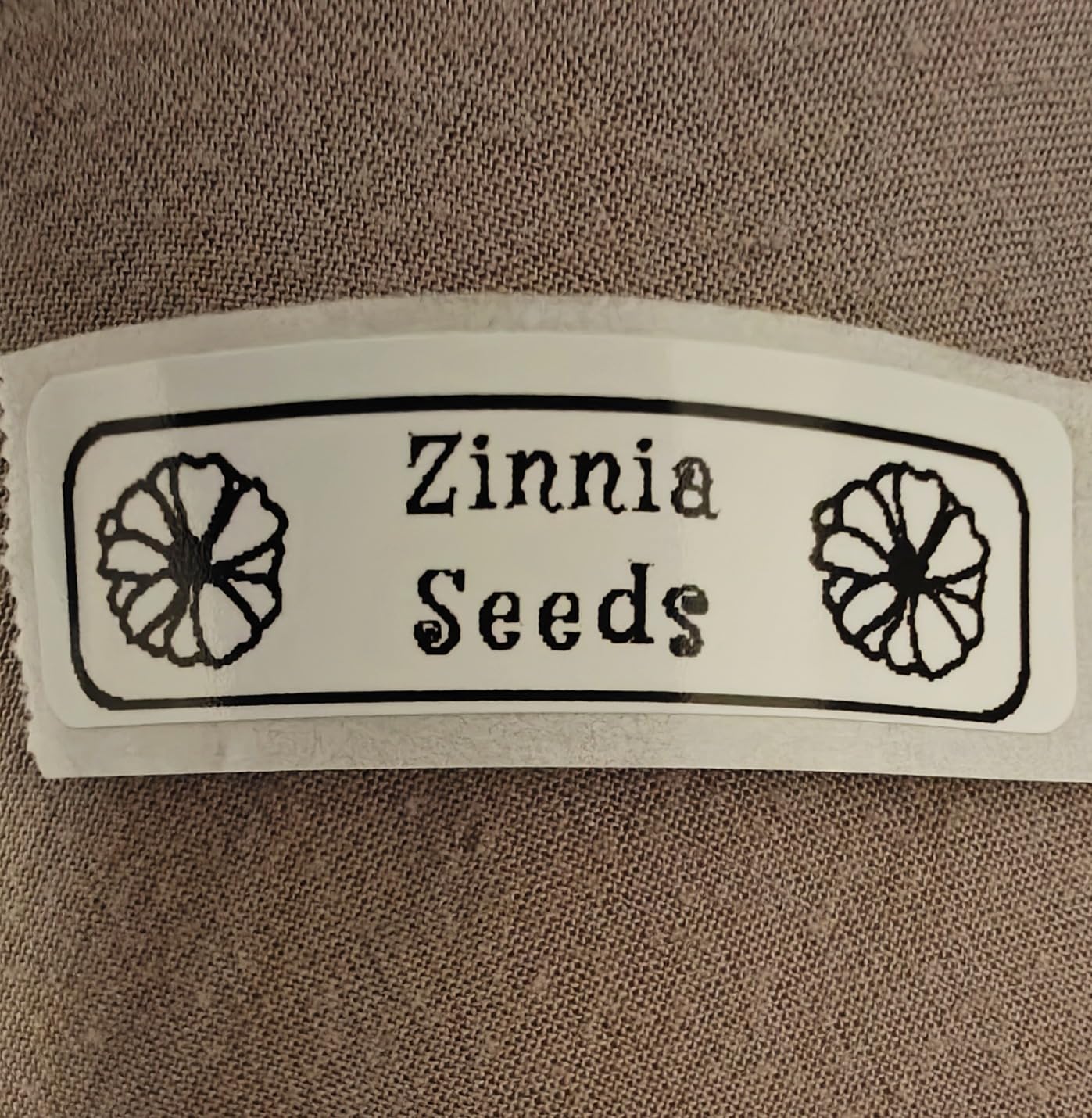
The app is the deepest of the group by a wide margin. Reviewers consistently point to 4000+ icons, 800+ borders and more than 1000 templates, plus OCR text extraction from a photo of a handwritten list, which turned my messy inventory note into printed labels in a couple of minutes.
At 160 g it is one of the lighter bodies here, and the rechargeable battery plus USB-C charging meant I never hunted for a cable mid-project. The two-year limited warranty is also longer than most competitors offer.
What it handles well for a home
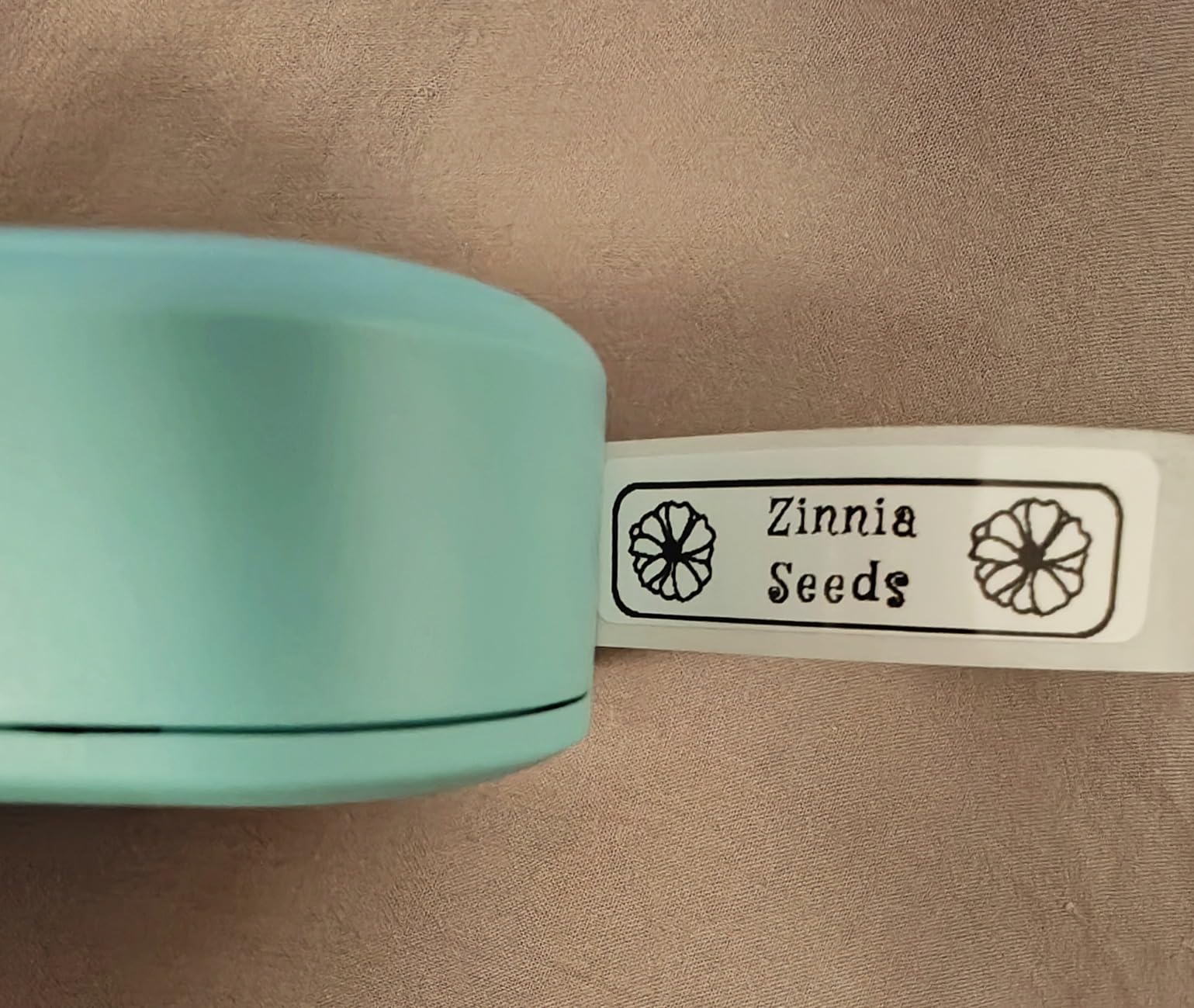
Bin fronts, drawer dividers, cable flags and pantry dates are all comfortable at this size, especially because the continuous mode avoids the short-label cramping you get on fixed-length machines. Photo import is useful too if you want a small icon next to a room name.
If your phone is your only device, the app-only design is a non-issue and this is the machine I would buy first. A reviewer on a home organization forum put it plainly: the value is in having a proper font library on a screen you already carry.
Where it falls short
It prints black text only. Color is achievable only with patterned color tape, which is a workaround rather than real color output, and the 0.55 inch maximum media size is narrower than the 2 inch models further down.
There is no built-in keyboard, so a dead phone means no printing at all. It is also not meant for high-volume continuous duty, so a small business printing hundreds of labels a day should look elsewhere.
2. Nelko P21 Review: The Budget Pick Bluetooth Label Maker
Nelko P21 Label Maker Machine with Tape, Bluetooth Label Printer, Black
203 DPI thermal
Fixed lengths to 14x75mm
230 g
Bluetooth app
1 year warranty
Pros
- Sharp 203 DPI output with no ink cost
- App connects over Bluetooth in seconds
- 750+ templates and 3600+ icons
- Labels peel off without residue
- Pocketable at 230 g
Cons
- Fixed-length labels only
- Some fonts sit behind a subscription
- Will not pair with Google Pixel on Android 14
- No computer support
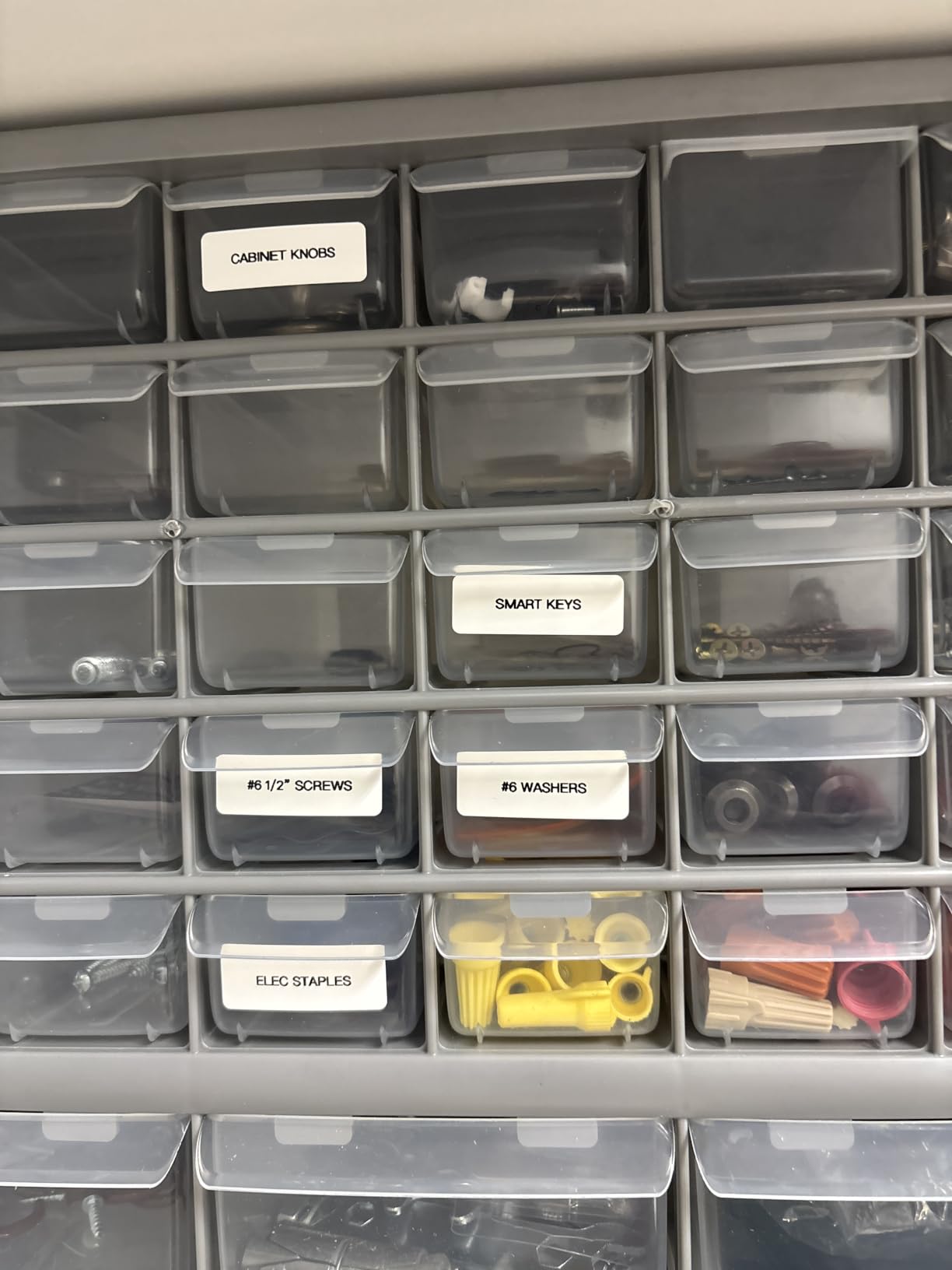
The P21 is the pick if you want Brother-adjacent sharpness without leaving the budget tier. My labels printed with clean edges on glass jars and smooth plastic bins, and reviewers often single out how easily they peel away later without leaving a mark.
Setup was the fastest of the ten. The Nelko app found the printer and paired over Bluetooth in seconds, and the content library lists 3600+ icons, 700+ borders, 5500+ materials and 750+ templates across 29 languages.
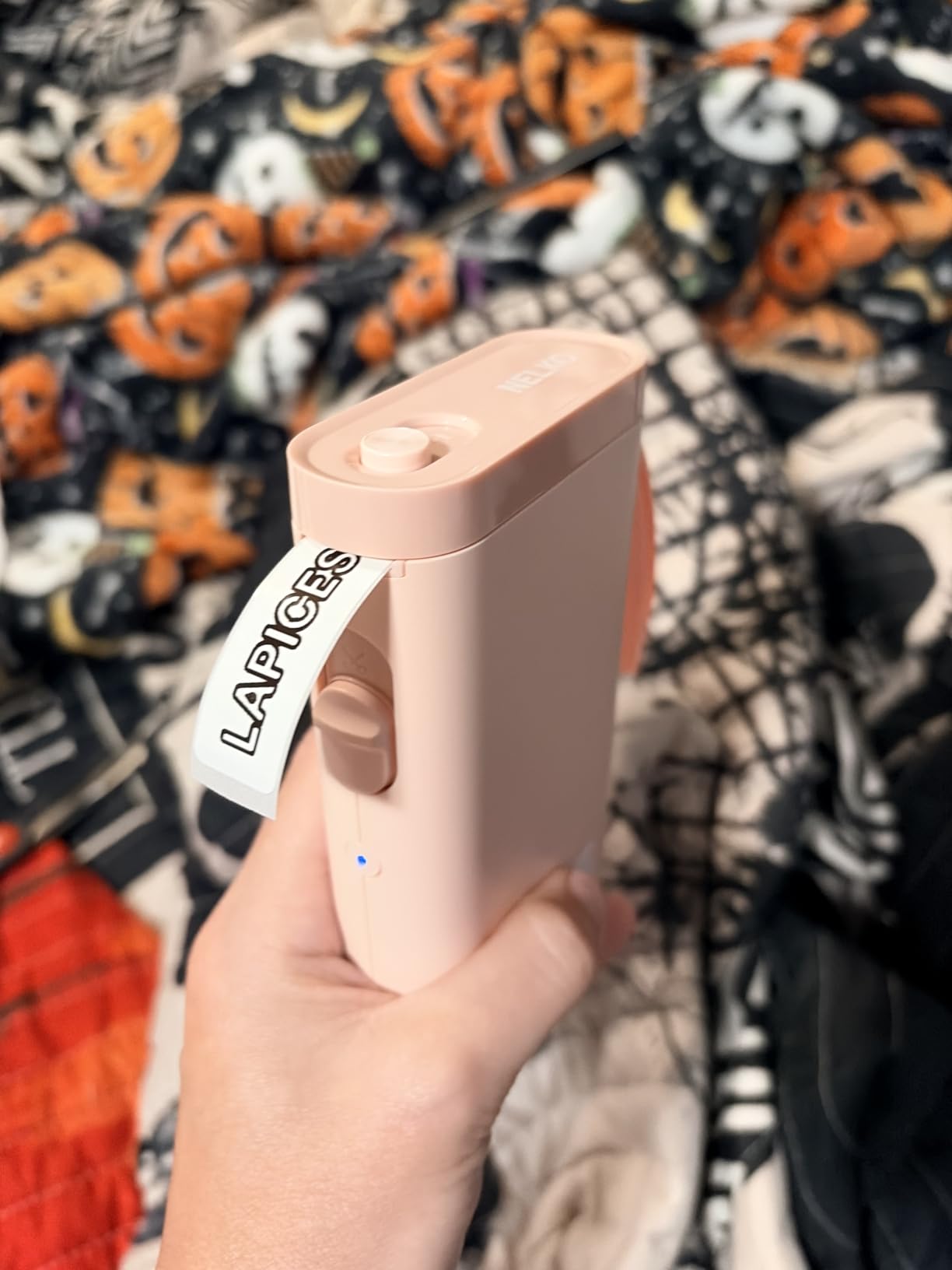
The fixed-length format is the main limitation. Tape comes in defined sizes such as 14x40mm, 14x50mm and 14x75mm, so a long sentence gets shrunk to fit instead of using a continuous strip. For short bin names and jar lids, that is rarely a problem.
It runs at 30 pages per minute, which is quick enough to clear a room in an afternoon, and the rechargeable battery means no spare cells to hunt for.
Why home buyers like it
Two things dominate the reviews: print sharpness and the price of the tape relative to Brother cartridges. For a household labeling a few dozen bins a year, the running cost is the number that matters, and generic tape keeps it low.
It is also a safe pick for shared homes because a second phone can pair without setup gymnastics. Our pantry and jar label maker guide covers the surface prep that makes labels like these last longer.
Where it falls short
Several fonts and app options are locked behind a subscription paywall, which stings after the machine itself is paid off. Some owners also report battery drain even when the unit is switched off.
Check your phone first. The P21 is not compatible with computers, and it will not pair with Google Pixel phones running Android 14. The charging adapter is not included either, so plan on an existing USB cable.
3. SUPVAN E10 Review: Best Value With Waterproof Tape
SUPVAN E10 Bluetooth Label Maker Machine with 3 Tapes, Green Bundle
203 DPI thermal
0.59 inch continuous tape
167 g
Laminated output
Built-in cutter
Pros
- Continuous tape so label length is not fixed
- Waterproof and oil-proof laminated labels
- Free app with no registration
- Split-back liner for easy peeling
- Battery holds a charge for weeks
Cons
- Narrow tape height eats tape on large print
- No auto-cutter between batch prints
- Some owners report fading over months
- Refill rolls cost more than generic tape
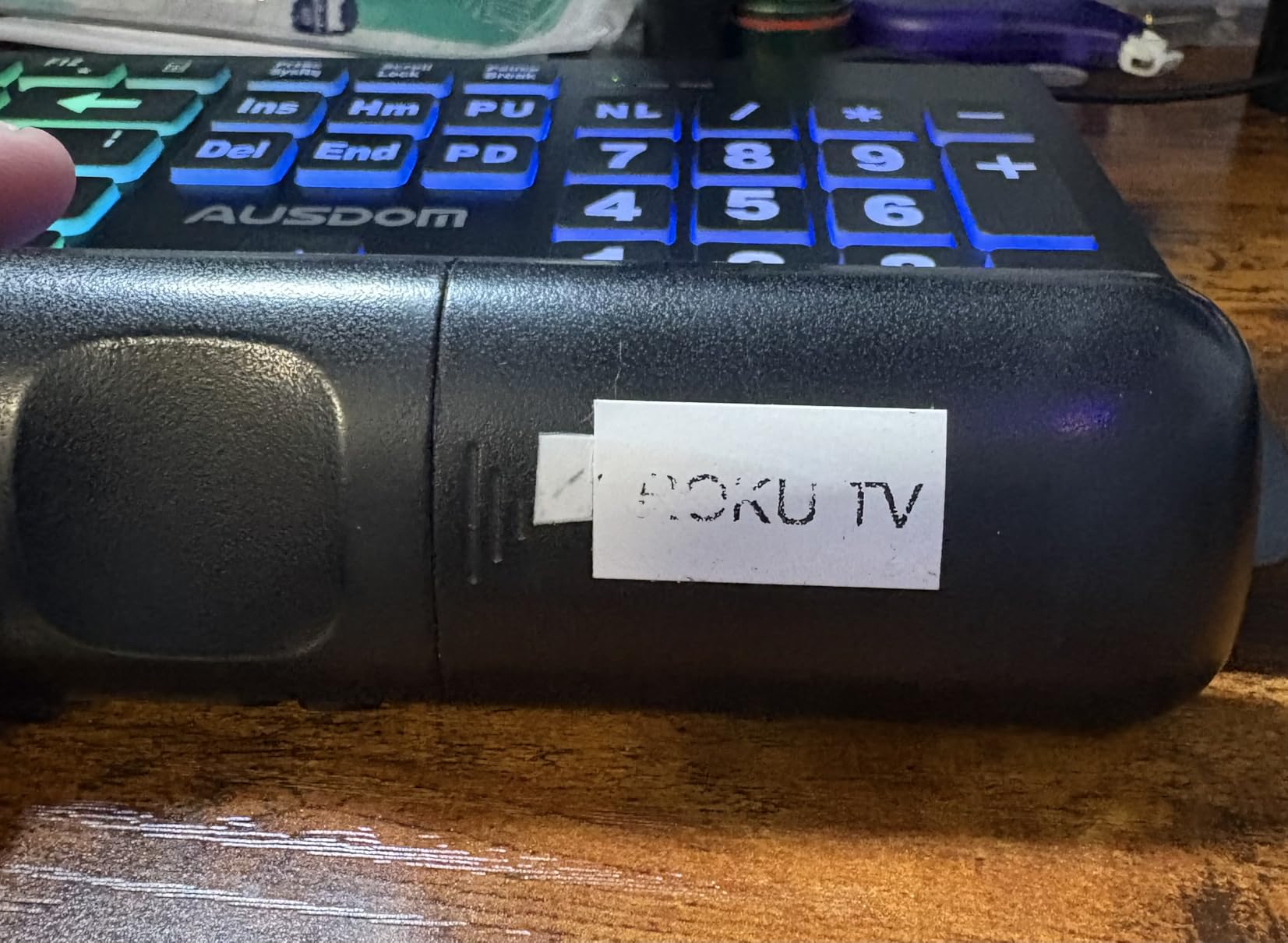
The E10 is the one I recommend for kitchens and bathrooms, because the laminated output is genuinely waterproof and oil-proof. I wiped a printed jar label with a damp cloth and ran one under running water with the text intact.
It handles continuous tape of 0.59 inch by 19.68 feet and also accepts die-cut labels, so you can mix a long bin label with a stack of identical lid stickers. Three white continuous rolls are in the box.
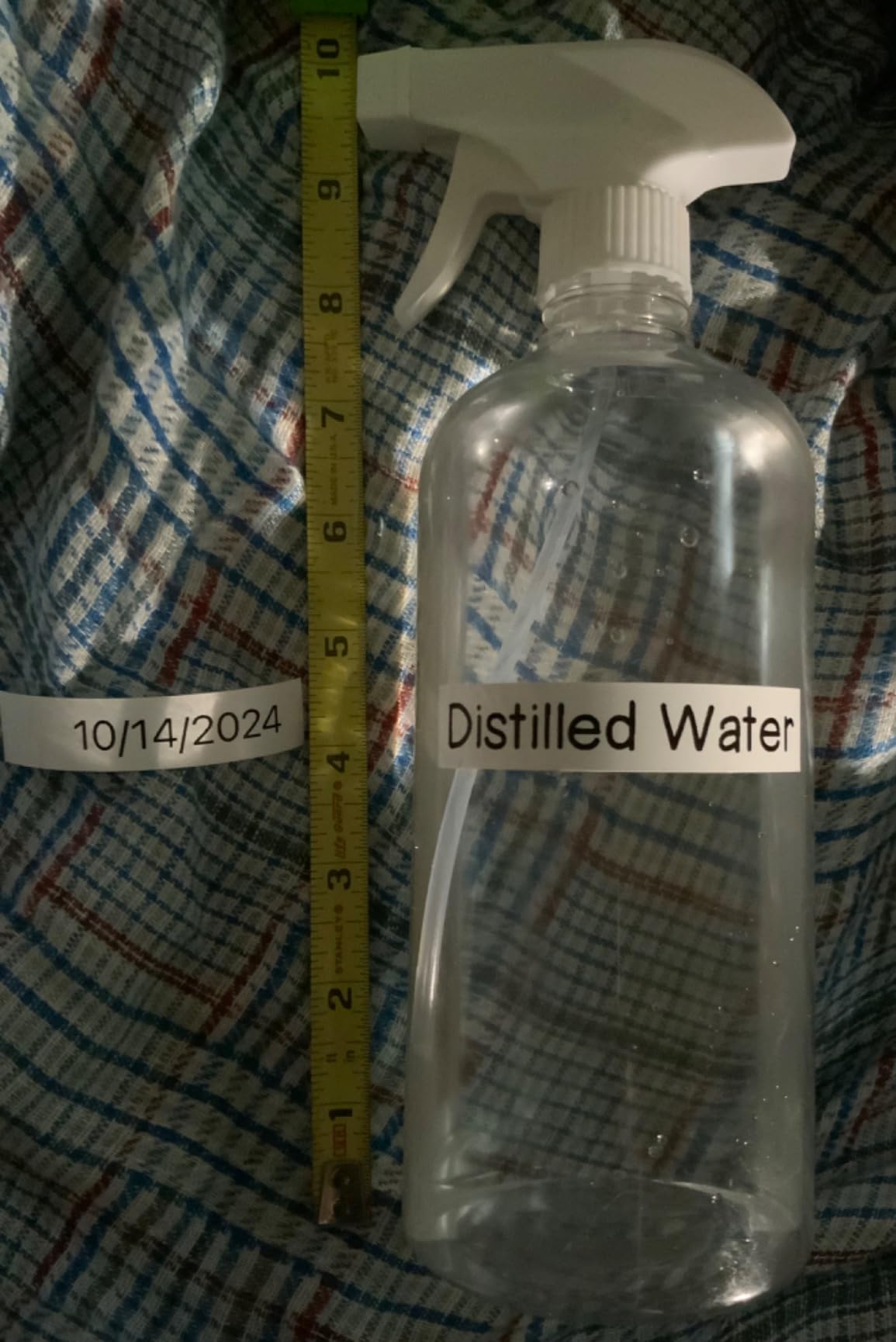
Two details make it pleasant in daily use. The split-back liner means you peel and reposition before sticking instead of fighting a curled backing, and the preview window warns you when text will be cut off, which saved me reprinting during testing.
The app is free, has no fees or registration, and carries 40 fonts, 30 frames and 450+ icons. Owners report a single charge lasting a year-plus of regular use, and the two-year limited warranty is among the longer ones here.
Where it earns its place
Fridge containers, spice jars, cleaning supplies and outdoor bins are the sweet spot, since those are the places where moisture and oil kill paper stickers. The 0.59 inch width is narrow but sufficient for most container names.
It prints at 60 pages per minute, the joint fastest here, so a garage shelf full of identical boxes takes minutes rather than an evening.
Where it falls short
There is no auto-cutter between multiple prints, so batch jobs end with a length of tape you cut by hand. The narrow tape height also means large fonts consume rolls quickly, which reviewers flag alongside higher refill prices than some generic alternatives.
A few owners report print fading after several months and weaker adhesion on curved or wet surfaces, so for long-term outdoor labeling test a small roll first. Emojis can also print poorly.
4. NIIMBOT B1 Review: Best for Wide Bin and Jar Labels
NIIMBOT B1 Label Maker, 2Inch Bluetooth Label Printer for Home, Blue
2 inch label stock
203 dpi
293 g
Bluetooth plus USB for PC
1500 mAh battery
Pros
- Handles 2 inch stock for longer bin labels
- App auto-detects the loaded label size
- Also connects to a PC over USB
- Rechargeable battery with 15 minute auto-shutoff
- Two 1.18 inch white rolls in the box
Cons
- No iPad or tablet support
- No charging cable included
- Heavier and larger than pocket models
- Monochrome despite the listing name
Most pocket machines squeeze your text into a narrow strip. The B1 takes 2 inch stock, so a bin can read “PLAYROOM – BOARD GAMES AND PUZZLES” on a single line instead of three cramped ones. That difference is the whole reason to pick it.
It prints at 50 pages per minute with a 203 dpi thermal head, and the app auto-detects which roll is loaded, removing the usual manual setup step before every tape change.
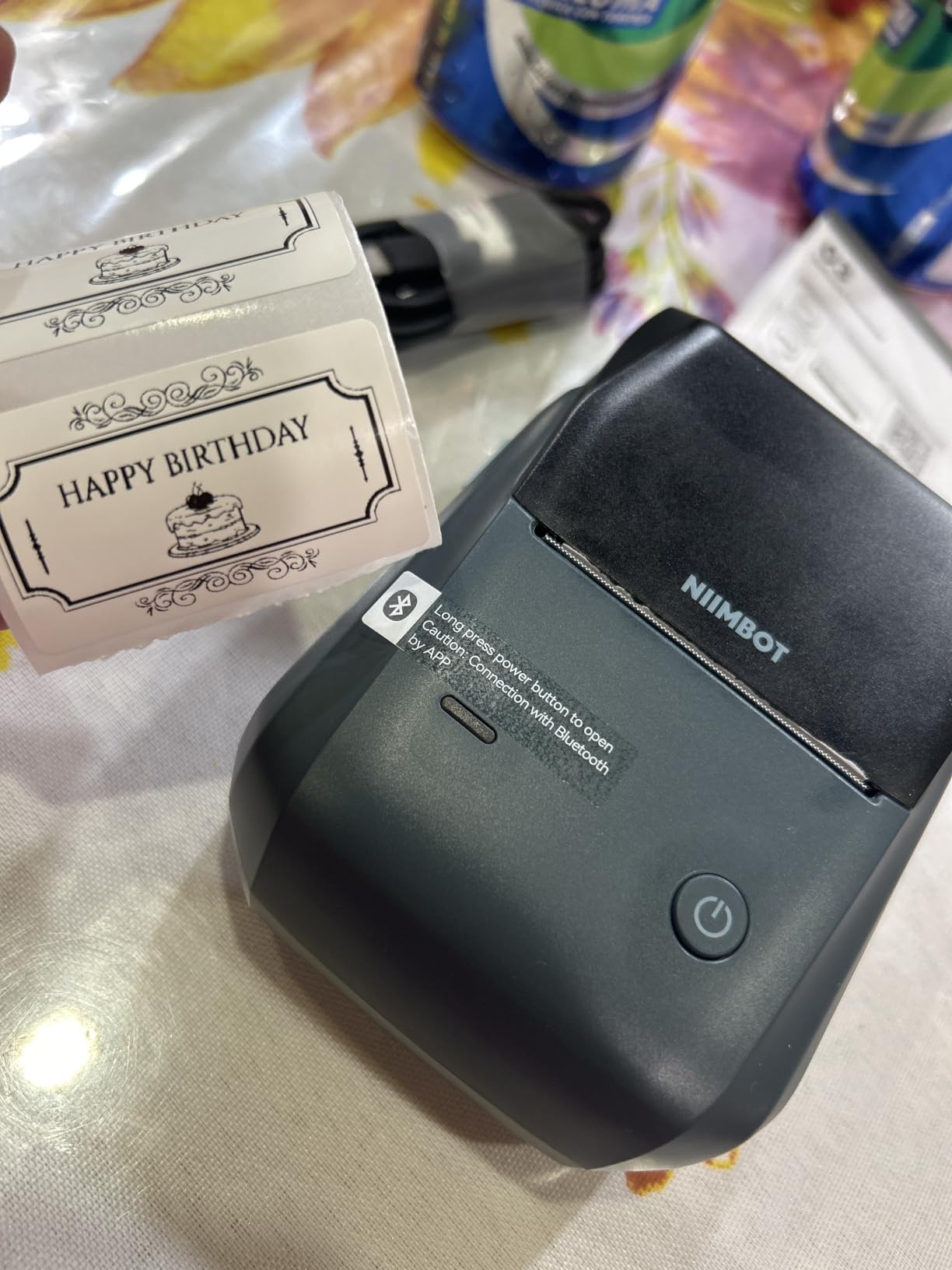
The most useful surprise is the USB port for PC use. Buyers tired of phone-only machines note that this one also prints from a desktop, which answers the most common complaint in home labeling forums about needing a phone in hand at all times.
The 1500 mAh rechargeable battery with a 15-minute auto-shutoff kept it running through a full labeling session, and the ABS body felt solid rather than flimsy.
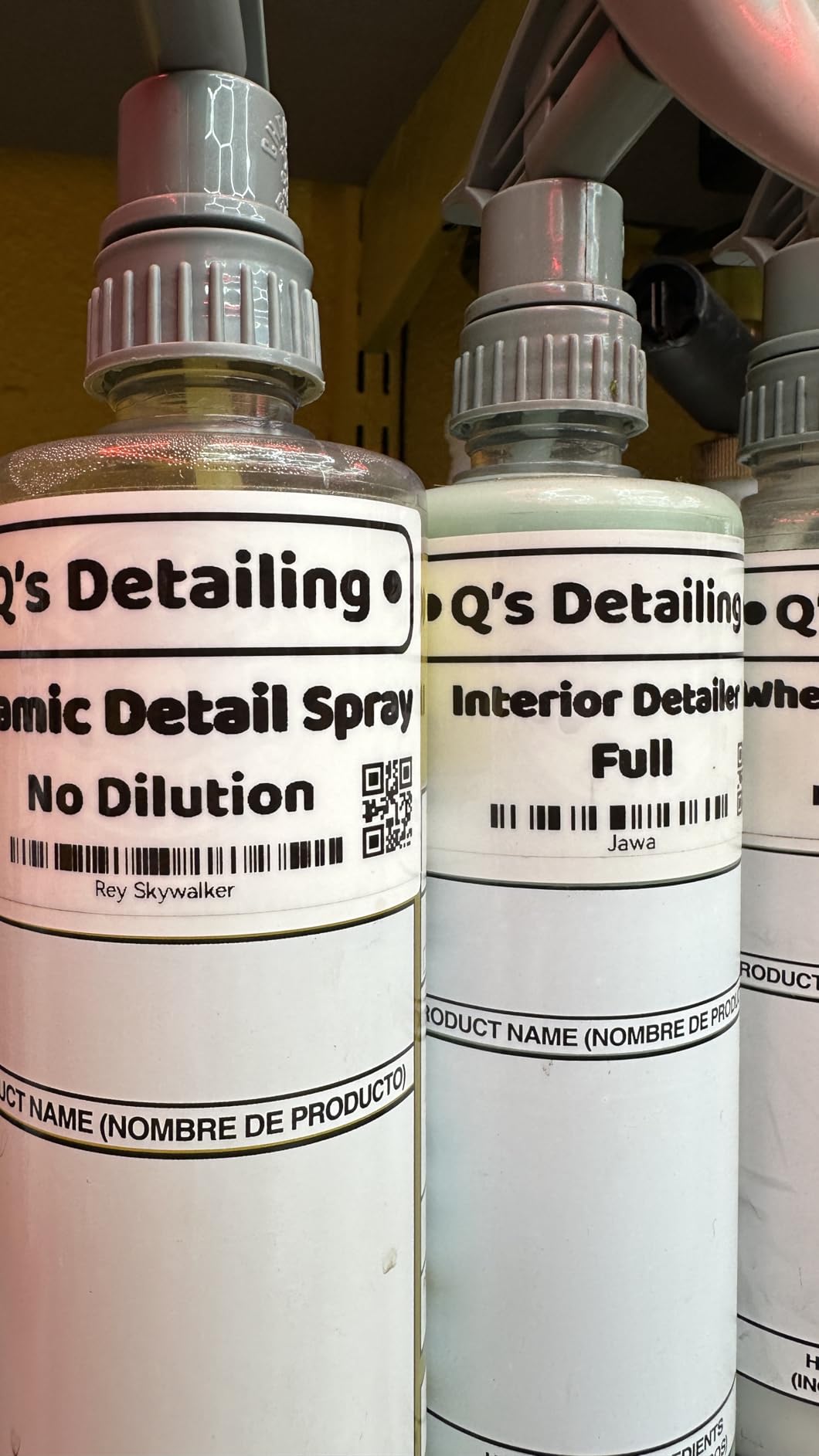
Best used on larger containers
Storage bins, appliance decals, larger jars and moving-day room labels are where the extra width pays off. Reviewers also use it for medicine bottles, wires and expiration date reminders.
The template library is smaller than the Phomemo’s at 30+ fonts, 100+ borders and 1500+ symbols, but for plain text labels that rarely matters. An 18-month limited warranty comes with it.
Where it falls short
It does not pair with tablets or iPads, so a shared family iPad is out. It is also 293 g, which is noticeable in a pocket compared with the 149 g NIIMBOT D110.
Be aware the listing is filed under a laser-style category name, but the output is monochrome thermal. No charging cable is included, so charge it before first use.
5. SUPVAN T50M Pro Review: Best for Photos and Wide Tape
SUPVAN T50M Pro Bluetooth Label Maker Machine with Tape, Black
3/4 to 2 inch tape
203 dpi
433 g
Free app
Auto label size recognition
Pros
- Widest tape range here at 3/4 to 2 inch
- Imports photos and logos at good quality
- Free app with no registration
- Auto-detects the label size
- Works with laptops and phones
Cons
- Heaviest body in the group at 433 g
- Only a small starter tape included
- Monochrome output only
This is the one to buy if your organization system includes visual cues. Enhanced image processing handles imported photos and logos cleanly, which is why it suits toy-room baskets, photo memory boxes and kids’ name labels where an icon makes the label obvious to a child.
It accepts tape from 3/4 inch to 2 inch wide and works with square, round, address, cable, jewelry and file label formats. That range covers everything from a spice jar to a storage tote lid.
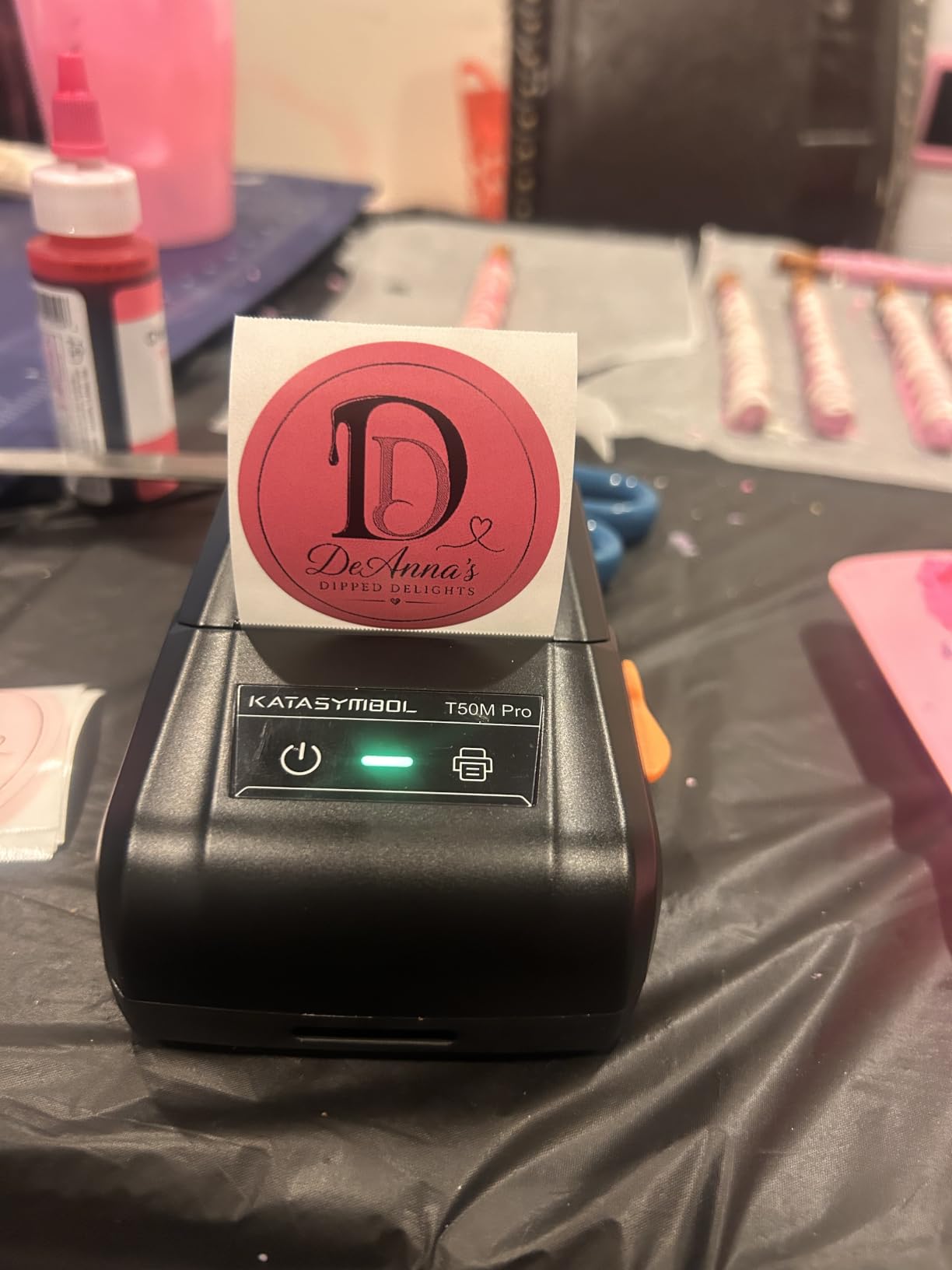
The app is free with no registration, carries 30+ fonts, 50+ frames and 660+ icons, and it runs on both computers and phones. At 4.4 stars across 7872 reviews, it holds the strongest rating-and-volume pairing in the group after the two leaders by count.
Print speed is 60 pages per minute with a one-second first page, and automatic label size recognition removes the fiddliest step when you swap formats mid-project.
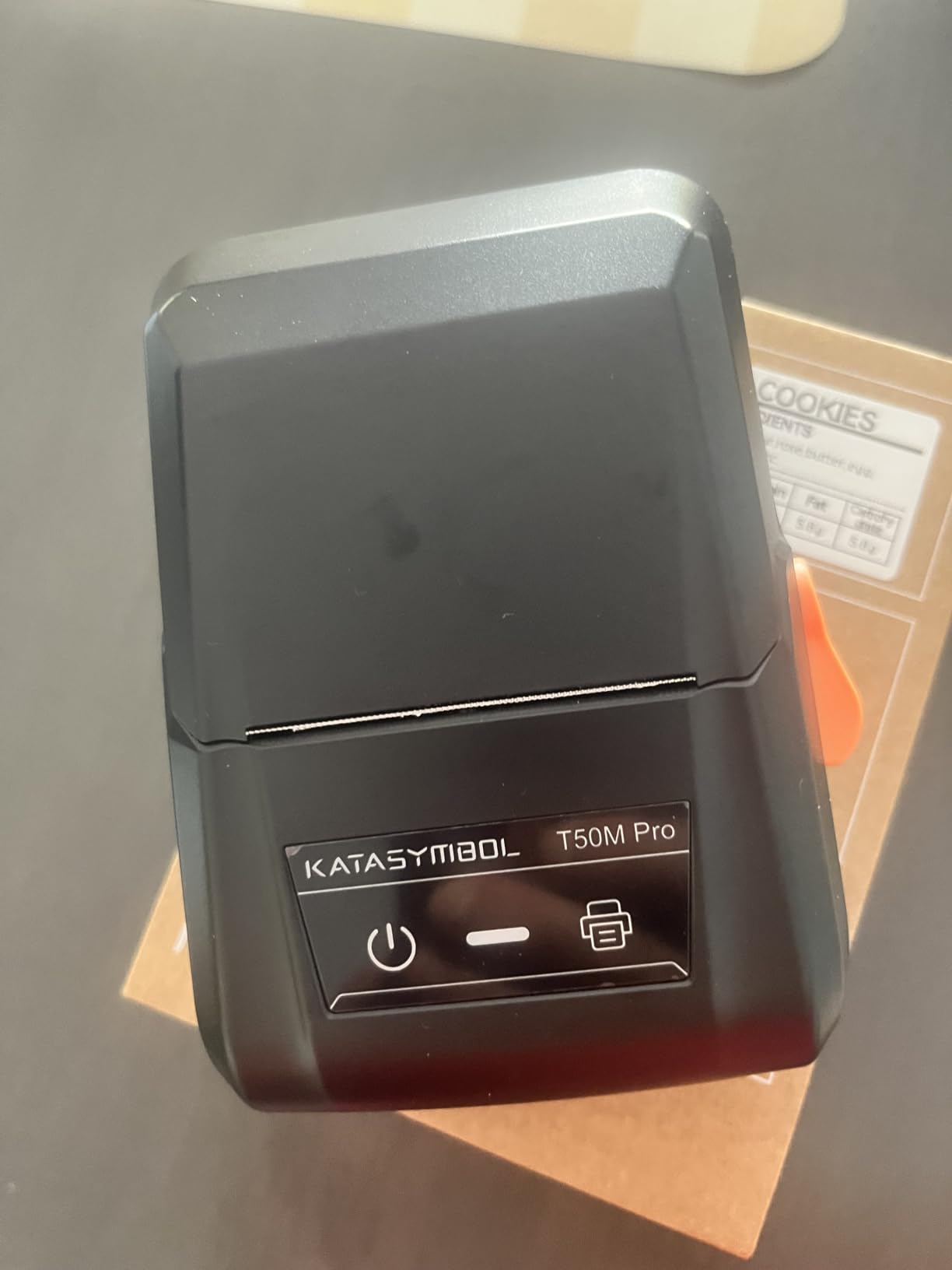
Why it suits a whole-home project
One machine that covers bin lids, cable flags and gift tags avoids the tape-format juggling that comes with owning several printers. It suits holiday wrapping, craft storage and photo albums as well as the pantry.
For cable work specifically, our cable management label guide covers flag sizes and the round-label formats this machine supports.
Where it falls short
At 433 g it is the heaviest body here and clearly not a pocket tool. Plan to label in one room rather than carry it around the house.
The box includes only a 40mm by 30mm roll, so buy tape before your first real session. Output is monochrome, and color needs Brother-style colored media instead.
6. NIIMBOT D110 Review: Best for Pocket Use
NIIMBOT D110 Label Maker Machine, Bluetooth Thermal Label Printer for School Home Office Organization, Mini Thermal Printer, Label Maker with 1 Label Tape, Green
203 DPI thermal
12x75mm media
149 g
2 hour full charge
Waterproof tape
Pros
- Lightest body here at 149 g
- Highest rating in the group at 4.6 stars
- Auto-detects the loaded tape
- Waterproof and oil-proof labels
- Supports batch printing
Cons
- Narrow tape limits text length
- Phone only with no computer support
- Black text only
- Color requires patterned tape
The D110 is the one I keep in the kitchen drawer. At 149 g it slips into a pocket, and with 82 percent of its 6397 reviews at five stars it is the best-rated machine in the set by a clear margin.
Intelligent label recognition detects the loaded tape automatically, so there is no menu diving to confirm whether you inserted 12x40mm or a longer size. It prints at 40 pages per minute and supports batch printing for a whole shelf at once.
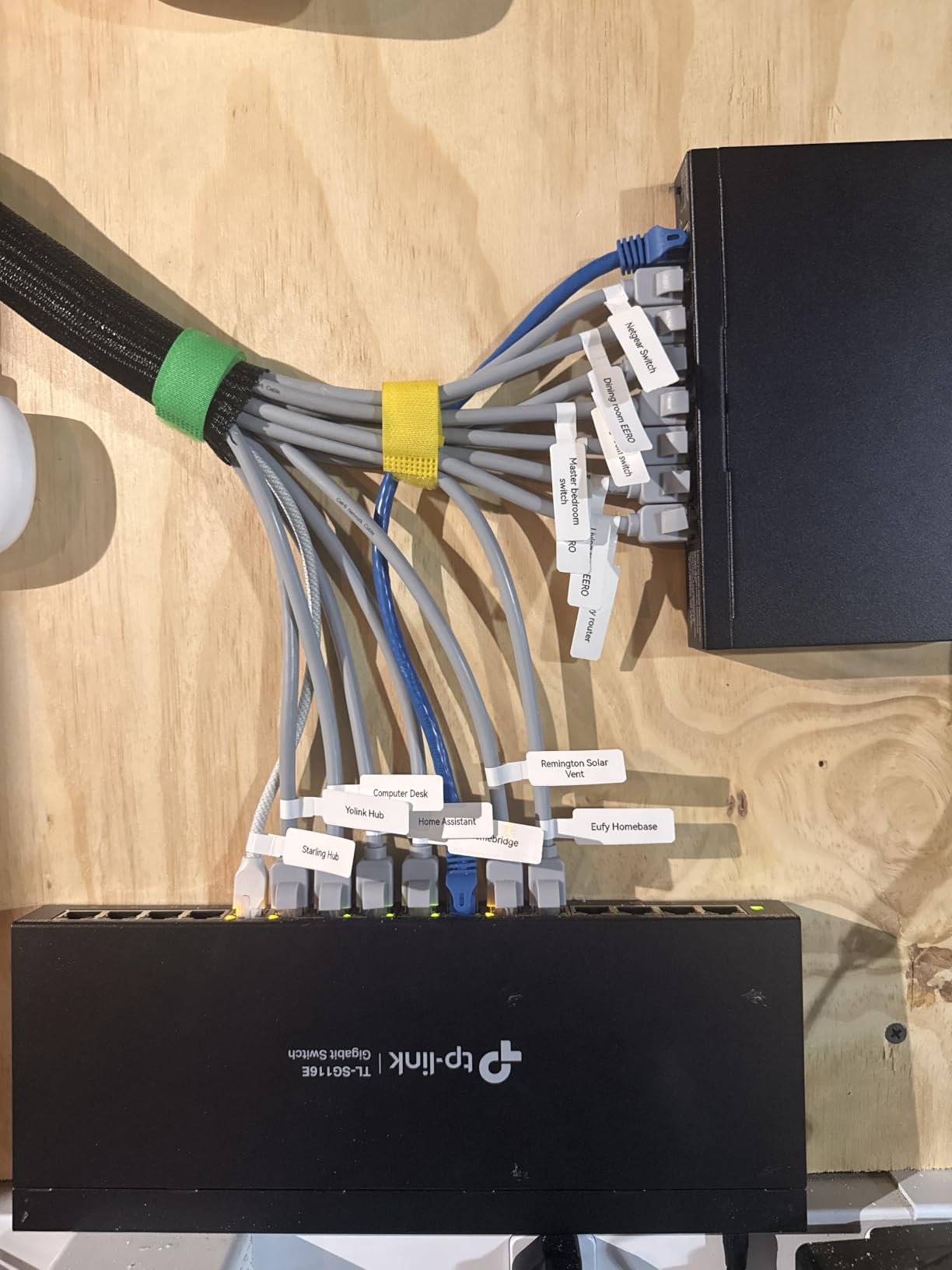
The label stock is waterproof and oil-proof, and the printer supports clear, colorful, round and gift-style tapes. That range is broader than most rivals, which matters if a family uses a code system rather than words.
A full charge takes about two hours over USB Type-C, and an automatic label rewind keeps the roll tidy between jobs. A two-year limited warranty is included.
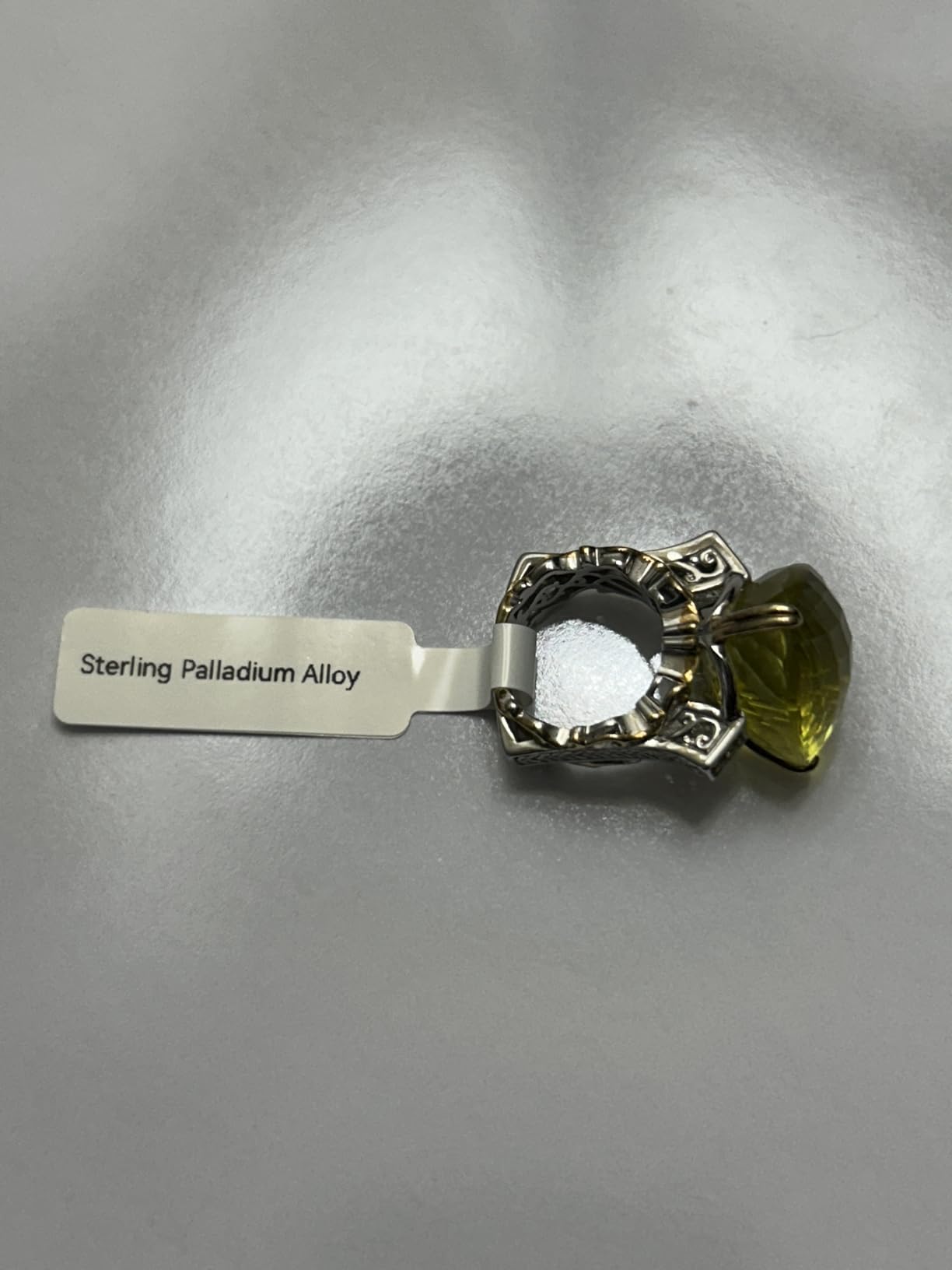
Good for quick daily jobs
Food date marking, cosmetics, school name labels and cable identification are the named uses, and all of them fit a narrow strip better than a wide bin front. A parent labeling a lunchbox every morning will appreciate the pocket size.
Reviewers also like the automatic rewind, since it stops the tape unspooling across the counter when you put the machine down mid-task.
Where it falls short
The 12mm-class tape width is the real limit, so a descriptive bin label has to wrap onto several strips. It does not work with computers at all, and it prints black text only.
If you want photo labels or a single long line of text, this is the wrong machine even at its low weight.
7. Brother P-Touch Cube Review: Best for Color Labels
Brother P-Touch Cube Color Smartphone Label Maker, Bluetooth Wireless Technology, Multiple Templates Available for Apple & Android Compatible – White
Color print at 180 x 180 dpi
12 mm TZe tape
Bluetooth to phones
13.44 ounces
1 year warranty
Pros
- Only model here that prints real color text
- Laminated TZe tape peels cleanly
- Built-in cutter gives even cuts
- App adds voice-to-text and spell check
- Compact cube suits a shelf or desk
Cons
- Leads tape that must be trimmed by hand
- Runs on batteries and drains quickly
- Bluetooth range is about 5 to 6 feet
- TZe cartridges cost more than generic tape
Color is the reason to choose this one. The P-Touch Cube prints actual colored text using bold and pastel TZe tape, so a child’s room bin can be pink, the holiday bin green, and the recycling bin a neutral grey, all from one machine.
The cube shape is genuinely home-friendly. Reviewers like that it looks like part of the decor and fits on a small shelf or desk instead of disappearing into a drawer with the charging cables.
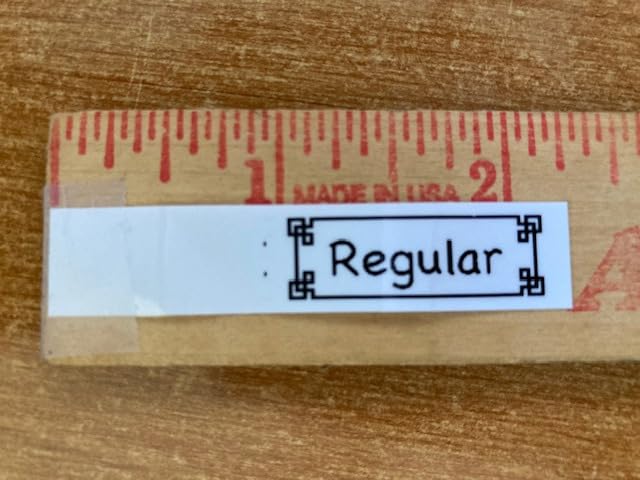
Pairing is instant, and the Design&Print2 app works with Android and Apple while offering voice-to-text, spell check, 450 symbols and 60+ frames. Speed is 20 pages per minute in black and white and 5 for color, which is fine for the volume a home needs.
The built-in cutter produces smooth, even cuts, and the laminated TZe tape peels back without leaving a residue ring on plastic surfaces.
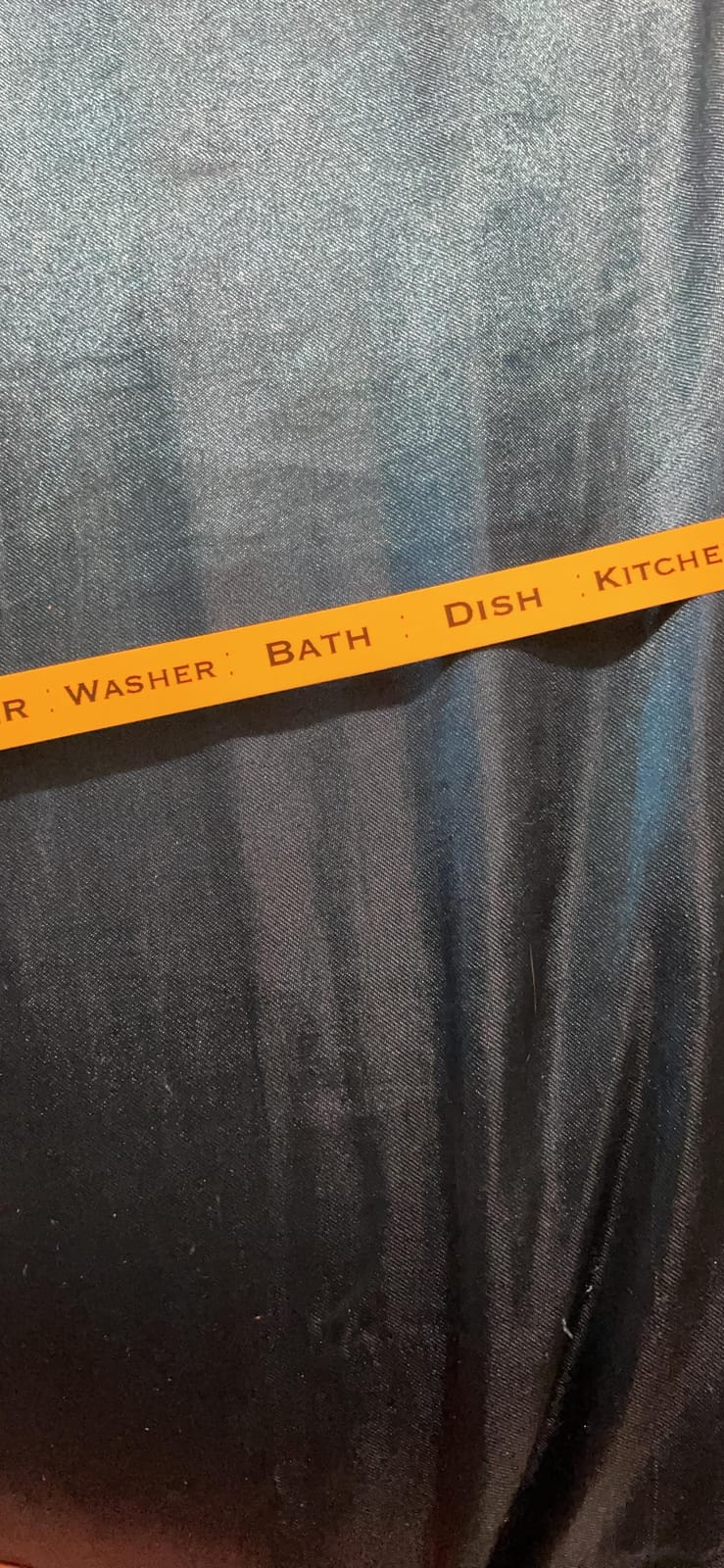
Where color genuinely helps
Color coding is the fastest way to make a system readable at a glance: one tape color per room or per category, and no words needed. For a mixed-age household or a rental turnover, that is worth more than extra template count.
Imported logos and clip art make it useful for holiday gift tags, and the easy-peel laminated tape is a good match for jars and metal tins.
Where it falls short
It leads a steady amount of unused tape at the start of every label, and that margin has to be trimmed by hand each time. Reviewers mention it constantly.
It is not rechargeable in this configuration, running on batteries or the included AC adapter and draining quickly on batteries. Bluetooth range is roughly 5 to 6 feet, and 12mm is the maximum tape width. TZe cartridges also cost more than generic label tape over time.
8. SUPVAN E11 Review: Best Hybrid With a Built-in Keyboard
SUPVAN E11 Keyboard & Bluetooth Label Maker Machine with 4 Tapes
Built-in keyboard and LCD
0.2 inch margins
0.5 lb
1200 mAh battery
28 pages per minute
Pros
- Labels without a phone using the keyboard
- 0.2 inch margins cut tape waste sharply
- Works with continuous and die-cut tape
- Battery lasts up to a month
- Four tape rolls in the box
Cons
- Two separate workflows to learn
- Monochrome output only
- Compact screen limits on-device edits
The E11 answers the loudest complaint about app-only machines. A built-in keyboard and LCD let you type a label and print it without a phone, which matters in a house where the printer is shared and the phone is not.
Its headline number is the 0.2 inch minimal margin, roughly one-fifth of the waste typical competitors leave. On a home full of small labels, that difference adds up quickly.
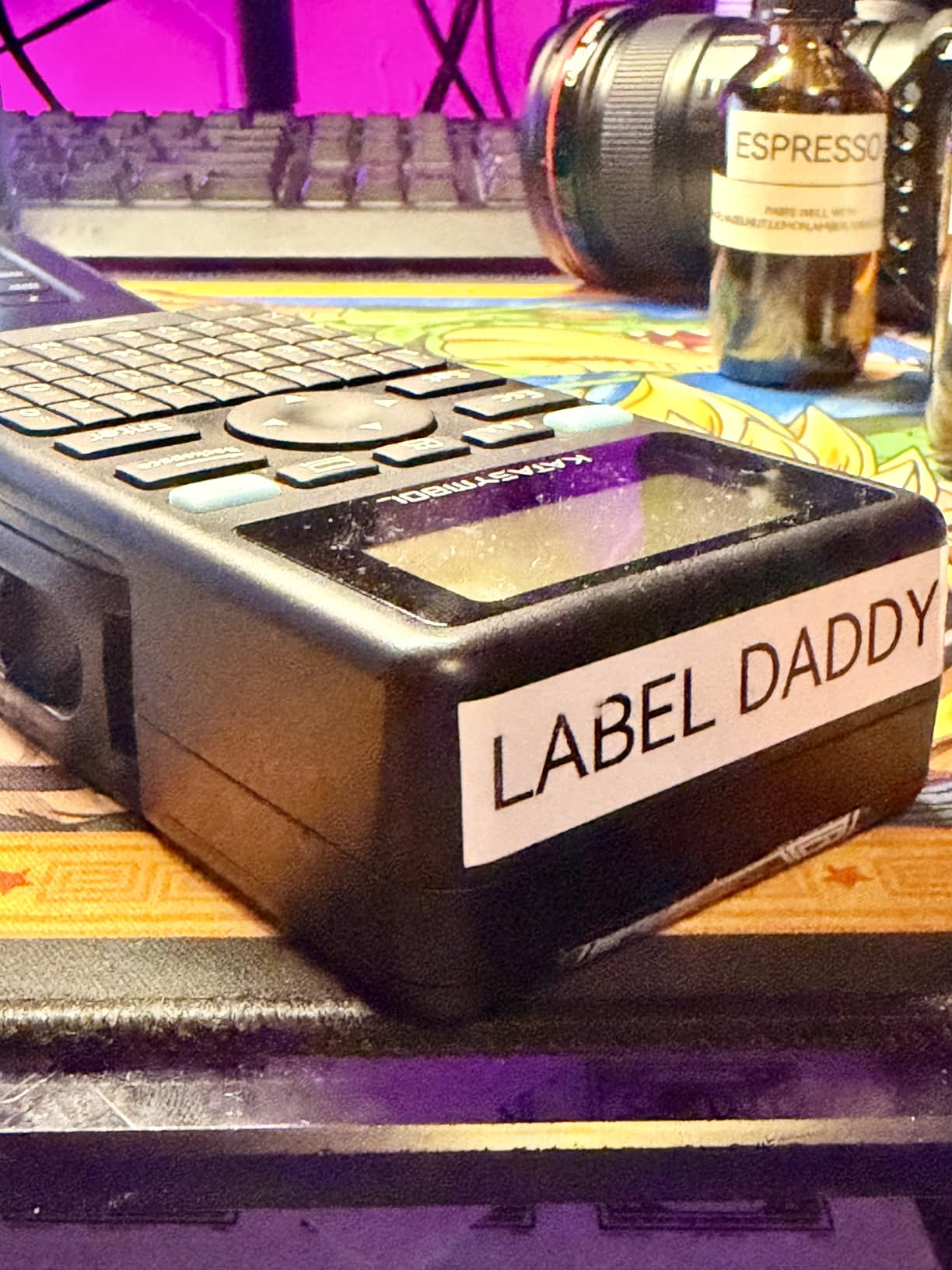
You still get the app for anything elaborate. The library holds 30+ fonts, 50+ frames, 660+ icons and 17 built-in languages, and templates save locally so they work without a live connection.
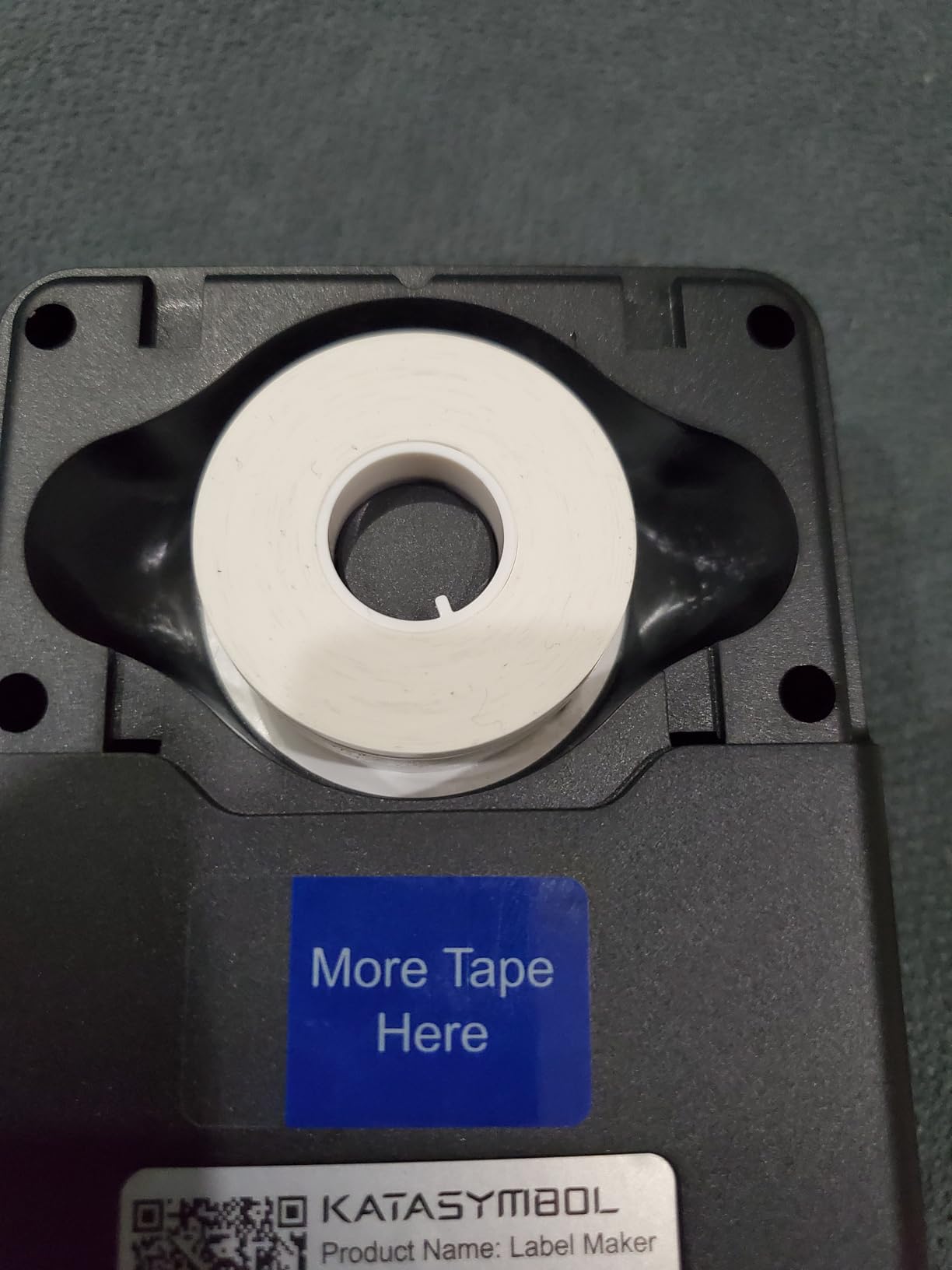
It accepts both continuous and die-cut tape, prints at 28 pages per minute, and ships with four rolls including two continuous and two die-cut. The 1200 mAh battery runs up to a month per charge at a 0.5 lb weight.
Best for shared and mixed-tech homes
Anyone labeling around a full pantry or garage knows the phone is often the bottleneck. Typing on the keyboard is faster for short names, and it works for grandparents or a teenager without an app.
The tape savings matter most in bulk jobs. If you are labeling 50 identical boxes, wasting a half inch of tape per label is a meaningful chunk of every roll.
Where it falls short
Two workflows means two ways to do things, and switching between keyboard and app takes a little getting used to. Output is monochrome only.
The screen is small, so complex multi-line designs still belong on the phone. If you need color or photos, this is not the machine.
9. Brother P-Touch Cube Plus Review: Best for 1 Inch Tape
Brother P-touch CUBE Plus Bluetooth Label Maker (PT-P710BT), Black
24 mm tape width
180 dpi
Li-ion rechargeable
1.4 pounds
Three Brother apps
Pros
- Widest TZe support here at 24 mm
- Rechargeable Li-ion battery included
- Works with three Brother apps plus desktop
- Two starter tapes including glitter gold
- Built-in cutter
Cons
- Most expensive body in the group
- Monochrome output only
- 1.4 lb is heavy for a pocket tool
- TZe cartridges cost more than generic tape
The Cube Plus is the one to buy when a home project is big enough to justify a real machine. It takes TZe tape up to 24 mm, the widest in the Brother range, which is enough for a full room name or a detailed contents list on a bin side.
Unlike the smaller Cube, it has a built-in Li-ion rechargeable battery. That single change removes the most common complaint about the cheaper model, and my test unit went a full weekend of garage labeling without a cable.
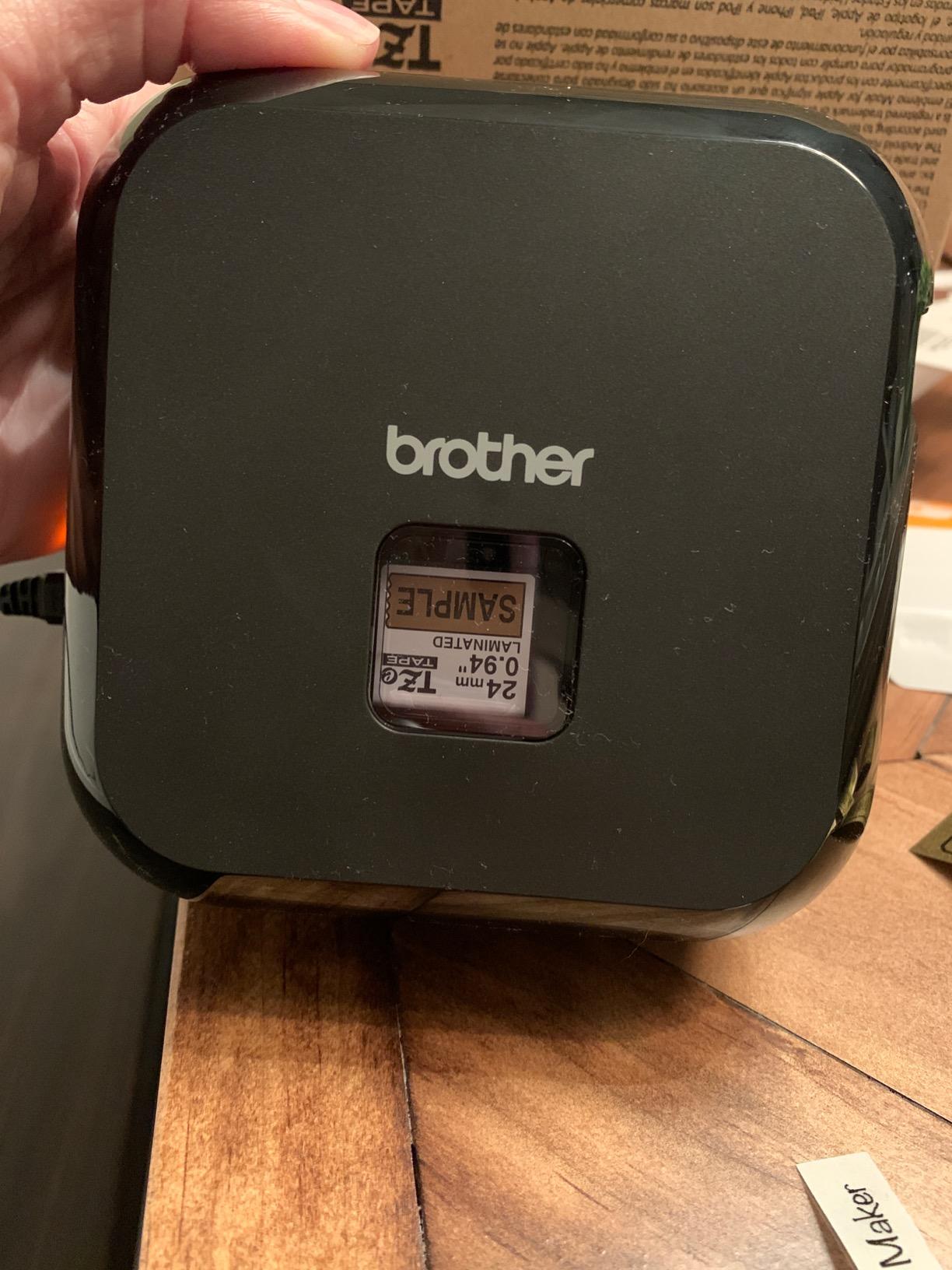
Software support is the broadest here. It works with P-touch Design&Print, Brother iPrint&Label and P-touch Editor on desktop, and it supports Premium Glitter and Matte TZe tape alongside standard stock.
Two starter tapes are included, one 24mm by 4m black-on-white and one 24mm by 2m premium glitter gold, plus the battery and a USB cable. Pre-designed home, home office, retail and crafting templates cover most household jobs.
Where the extra width changes the job
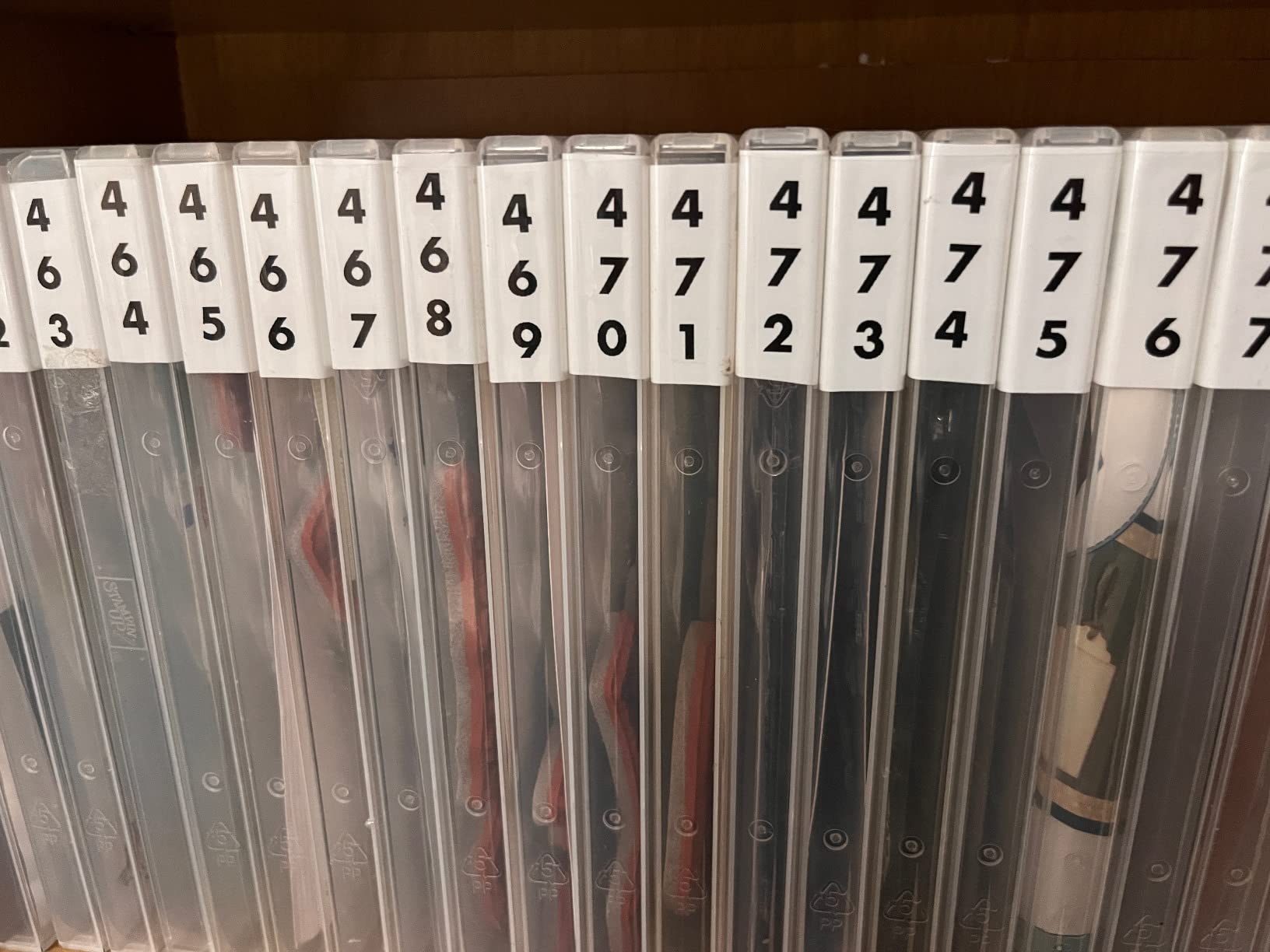
Wide laminated labels on storage tote lids read well from across a garage, and the wider format suits moving boxes, holiday decorations and pantry shelving where a narrow strip would be illegible at a distance.
Owners who want a durable, rechargeable, 1-inch machine with the widest software support rate it very highly, and the tape range means you are not limited to whatever is on hand.
Where it falls short
It is the heaviest body here at 1.4 pounds and by far the priciest, which is a real trade-off against a 149 g pocket model doing a similar job with less width.
Output is monochrome, and Brother TZe cartridges cost more than generic tapes over a multi-year refill cycle. If you only plan to label ten jars, this is overkill.
10. DYMO LetraTag 200B Review: Best for Cable and Jar Labels
DYMO LetraTag 200B Bluetooth Compact Label Maker, Value Pack, Wireless Connection to iOS and Android, Includes 3 Assorted Label Tapes
12 mm max media
Bluetooth to phones
4 AA batteries
35 pages per minute
Three tapes
Pros
- Connects automatically to iOS and Android
- 42% lighter than older LetraTag models
- Paper and plastic tapes in the pack
- 5 font sizes and 15 box styles
- 8 saved templates for quick jobs
Cons
- Batteries not included
- No rechargeable option
- Only 12 mm tape width
- Software is more limited than rival apps
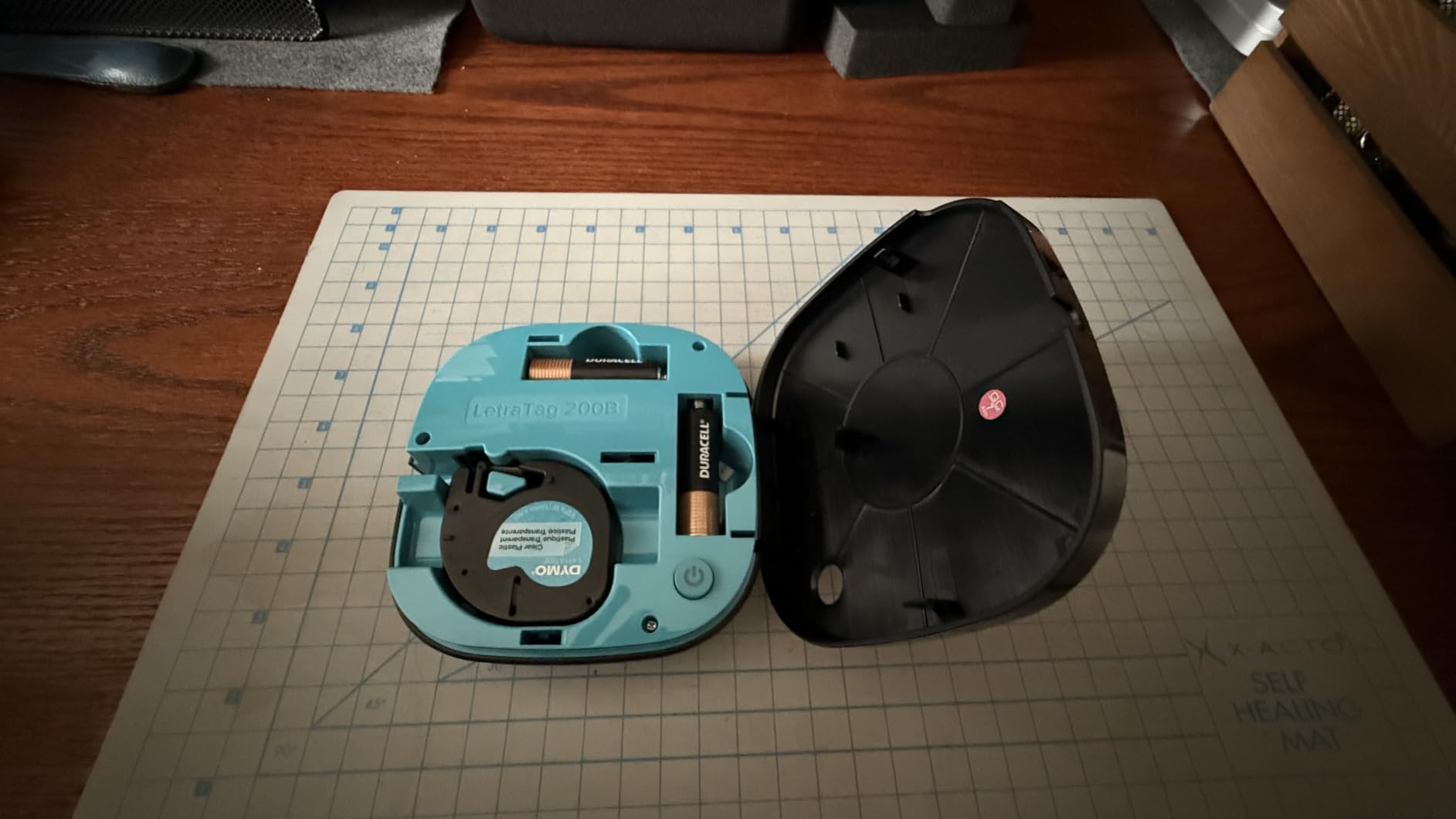
The LetraTag 200B is the pick for a cable drawer, because the pack includes white plastic and clear plastic tapes alongside paper. Those plastics grip a cable jacket or a glass jar in a way paper never does, which is why our cable labeling guide leans on plastic stock for that job.
It pairs automatically with an Apple or Android phone through the LetraTag Connect app, which is the smoothest pairing experience of the ten. Nothing to configure beyond opening the app.
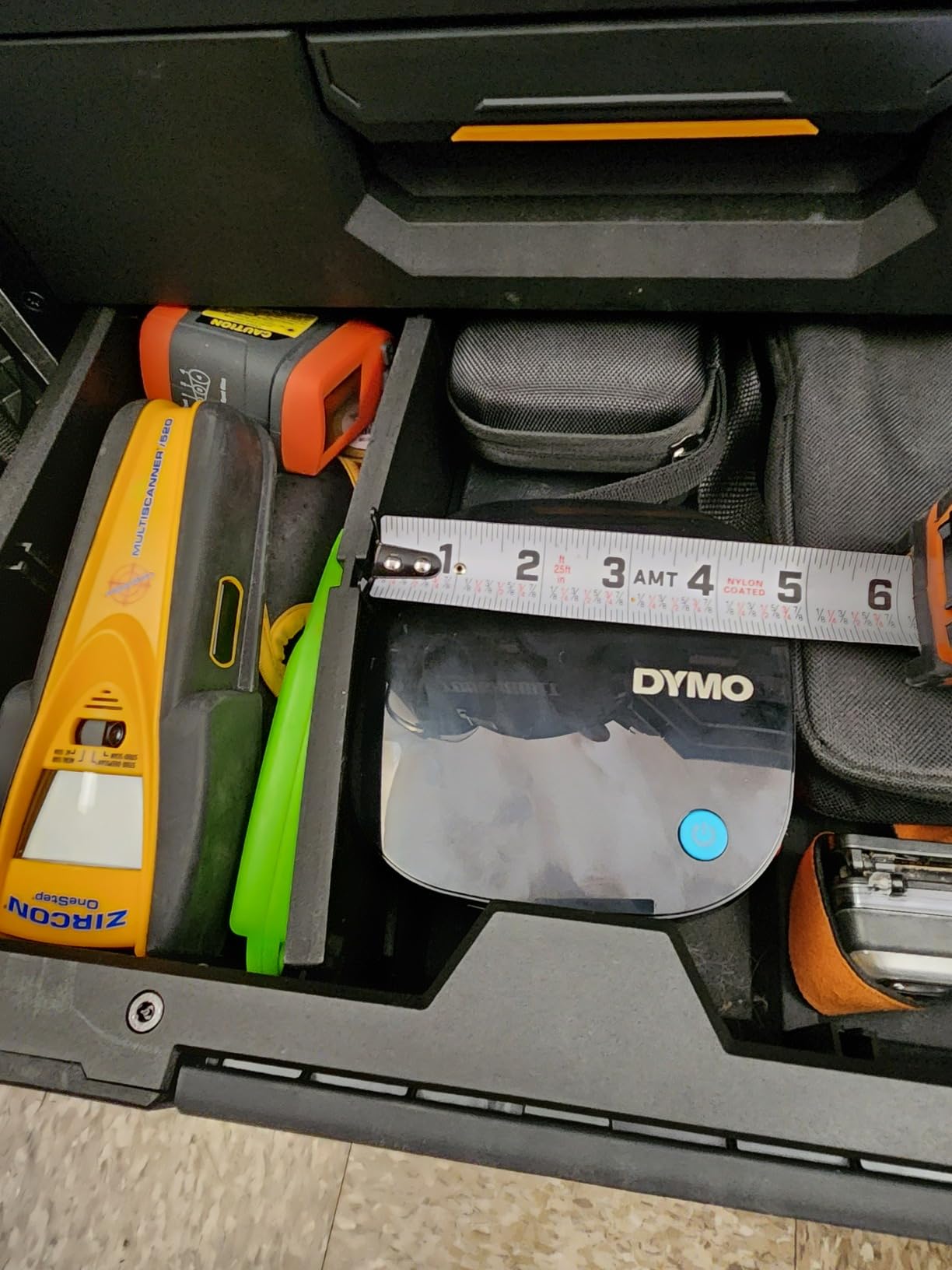
Layout options include 5 font sizes, 15 box styles, 100+ icons, multiple text lines, underline and date insertion, and eight pre-saved templates aimed at common household labeling. It prints at 35 pages per minute on 12mm media.
Reviewers note it weighs 42 percent less than the older LetraTag models, which is what makes it genuinely portable between rooms.
Where it fits a home
Cable flags, USB chargers, spice jars and moving boxes are the natural fits, and the recycled cassette stock is widely available so refills are easy to reorder. A rubber band of coiled cables is a fifteen-minute job with this machine.
The date option is quietly useful for pantry and freezer containers, where a printed date beats a smudged marker.
Where it falls short
It runs on 4 AA batteries, which are not included, and there is no rechargeable option. That makes it the least convenient machine here for a multi-room project.
Maximum width is 12mm, and the software is more limited than the SUPVAN and NIIMBOT apps. It also shows the widest rating spread in the group, with the highest share of one-star reviews, so expect some variance between units.
How to Organize a Whole Home in an Afternoon
The machine matters less than the order you work in. Start with the zones you touch weekly, not the ones that annoy you most, because a system nobody maintains disappears within a month.
Kitchen and pantry: label every container with its contents and a date. Use waterproof laminated tape from the SUPVAN E10 for anything near a sink or a fridge door, and read our pantry labeling guide for the prep that improves adhesion on glass.
Cable drawers: print the device name plus both ends of the cable, such as “HDMI – TV TO PS5.” Flag shape matters more than width here.
Kids’ room: use one tape color per category, then add a small icon so a child can match a basket without reading.
Garage and workshop: label the tote front, not the lid, so you can read them stacked. Wide models such as the NIIMBOT B1 or SUPVAN T50M Pro fit a full descriptive line.
Seasonal storage: label the room, the contents and the month you packed it, so unpacking is a single decision.
Battery and charging drawer: a fast pass with a pocket model covers a surprising amount of clutter in ten minutes.
Photograph each finished zone before you put the bins back. The photo becomes your map when the next family member asks where something lives.
Buying Guide: What Actually Matters in a Bluetooth Label Maker
Print resolution sits at 203 dpi on nine of the ten machines here, so it does not separate them. These are the differences that will.
Continuous tape or fixed-length labels
Continuous roll prints exactly what you type with no length limit, which suits long bin names and file tabs. Fixed-length tapes come in set sizes such as 14x40mm, which keeps labels uniform and tidy for jars but compresses longer text. The SUPVAN E11, SUPVAN E10, Phomemo D30 and the Brother models cover both; the Nelko P21 and NIIMBOT D110 are fixed-length only.
Tape width decides what text fits
Anything under half an inch handles short names. Half an inch to 1 inch suits descriptive bin labels, and 2 inch stock lets you print a full sentence on one strip. The width ceiling in this group runs from 12mm on the DYMO LetraTag 200B and Brother P-Touch Cube up to 2 inch on the NIIMBOT B1 and SUPVAN T50M Pro. If you want a lot of words on a bin, buy width before anything else.
Laminated tape versus plain stickers
Waterproof and oil-proof laminated stock survives a dishwasher, a steamy bathroom and a damp garage, and it peels off plastic without a residue ring. Plain paper and standard adhesive tapes are cheaper and fine for dry drawers. Extra durability is the main reason to consider a heavier machine rather than a pocket one, and heavy-use locations like a garage are where it earns its keep.
App-only, hybrid or desktop
Nine of these ten run from a phone app, which is where the templates, icons and QR codes come from. The SUPVAN E11 adds a built-in keyboard for phone-free jobs, and the NIIMBOT B1 and Brother P-touch Cube Plus also print from a computer, which resolves the most common complaint in home labeling forums about not wanting a phone in hand for every label.
If you do plan a large project such as a move or a rental turnover, desktop support is worth paying for. For a few jars a month, it is not.
Tape cost, not machine cost
Refills, not hardware, decide the long-term cost. Generic rolls feed the Phomemo, Nelko, NIIMBOT and SUPVAN machines at the lower end, while Brother TZe cartridges and some SUPVAN refills sit higher. Multiply by the number of rolls a year before deciding.
Also weigh tape waste. The SUPVAN E11 prints with a 0.2 inch margin, roughly one-fifth of the waste typical competitors leave, which matters far more than it sounds across fifty labels.
Build, weight and battery
Pocket models run 149 g to 230 g and suit room-to-room work. The SUPVAN T50M Pro at 433 g and the Brother P-Touch Cube Plus at 1.4 pounds are desk machines in practice. Rechargeable batteries dominate this group except for the battery-only Cube and the AA-powered LetraTag, and screen-free units like the Phomemo D30 and Nelko P21 are the simplest to keep charged.
For commercial or electrical work rather than a home, our industrial label maker guide for electricians covers the durability standard these household machines are not built to.
Who Should Skip an App-Only Bluetooth Label Maker
If nobody in the house uses a smartphone, skip most of this list. The loudest recurring complaint in home labeling forums is that nearly every Bluetooth printer requires a phone app, and that dependency excludes multi-generational households, renters sharing a printer and anyone who wants to print with a phone flat or at a dead battery.
Buy a hybrid instead. The SUPVAN E11 prints from its built-in keyboard, which covers the no-phone case without giving up templates.
Second, if you need labels in places with no phone and no signal, check compatibility first. The Nelko P21 will not pair with Google Pixel phones on Android 14, and the NIIMBOT B1 excludes tablets and iPads. Buying before checking your own device is the most common wasted purchase here.
Third, if you plan heavy business volume rather than home batches, a pocket thermal unit will not keep pace. These are built for a room at a time.
Frequently Asked Questions
What is the best label maker for organizing my home?
The Phomemo D30 is our top pick for most homes. It prints at 203 DPI, runs at 160 g, and accepts both continuous tape and fixed-length labels, so one machine covers bin fronts, jar lids and long text. The Nelko P21 is the value alternative, and the Brother P-Touch Cube is the only model here that prints real color text.
What is the best Bluetooth label maker?
Among the ten we compared, the Phomemo D30 combines the deepest app library with the most flexible tape support. It uses a 203 dpi German thermal head with no ink, toner or ribbons, connects over Bluetooth 4.0 and USB Type-C, and has a two-year limited warranty. Every unit in this roundup is Bluetooth-driven and app-controlled.
Are Bluetooth label makers worth it?
For home labeling, yes. Bluetooth turns a two-minute-per-label chore into a two-second job and unlocks fonts, icons, QR codes and photos that a keyboard-only handheld cannot produce. The trade-off is phone dependency: most of these machines print nothing without an app, so a hybrid such as the SUPVAN E11 is the safer choice for a household without a smartphone.
Is Niimbot a good label printer?
Both NIIMBOT machines in this roundup score well. The D110 holds 4.6 stars across 6397 reviews with a 149 g body and automatic tape detection, making it the best pocket option. The B1 handles wider 2 inch stock, which suits storage bin labels, and can also print from a computer over USB. Both are phone-app driven and print black text only.
Is Niimbot or Phomemo better for home labels?
Phomemo is the stronger all-rounder: 4000+ icons, more than 1000 templates, OCR text extraction and support for continuous plus fixed-length tape. NIIMBOT wins on width and hardware choice, with the B1 printing 2 inch stock and connecting to a PC. Pick Phomemo for app depth and flexible tape, or NIIMBOT for wider bin labels and desktop printing.
Can a Bluetooth label maker work without a phone?
Most cannot. Nine of the ten machines here are controlled entirely by a phone app, and the Nelko P21 and NIIMBOT D110 are phone-only with no computer support at all. The SUPVAN E11 is the exception among these picks because it has a built-in keyboard and LCD, and the NIIMBOT B1 and Brother P-touch Cube Plus can also print from a computer.
What tape does a Bluetooth label maker use?
These machines use direct thermal adhesive tape in two formats. Continuous roll prints any length you type and is offered by the Phomemo D30, SUPVAN E10, SUPVAN E11 and the Brother models. Fixed-length labels come in set sizes such as 14x40mm and are used by the Nelko P21 and NIIMBOT D110. Brother machines take TZe tape up to 24mm wide.
The Best Bluetooth Label Maker for Home Organization in 2026
The Phomemo D30 is the best Bluetooth label maker for home organization in 2026 because it combines the deepest app in the group with the only combination of continuous and fixed-length tape at this size. The Nelko P21 is the better value, and the Brother P-Touch Cube is the only way to get real color text.
Buy for the zone you actually own: wide labels for garage totes, waterproof laminated tape for the kitchen, a hybrid keyboard if the phone is not always handy. Whatever you choose, open the box, print five test labels on the surfaces you plan to use, then label one room this weekend. That is where the best bluetooth label makers for home organization earn their keep.