
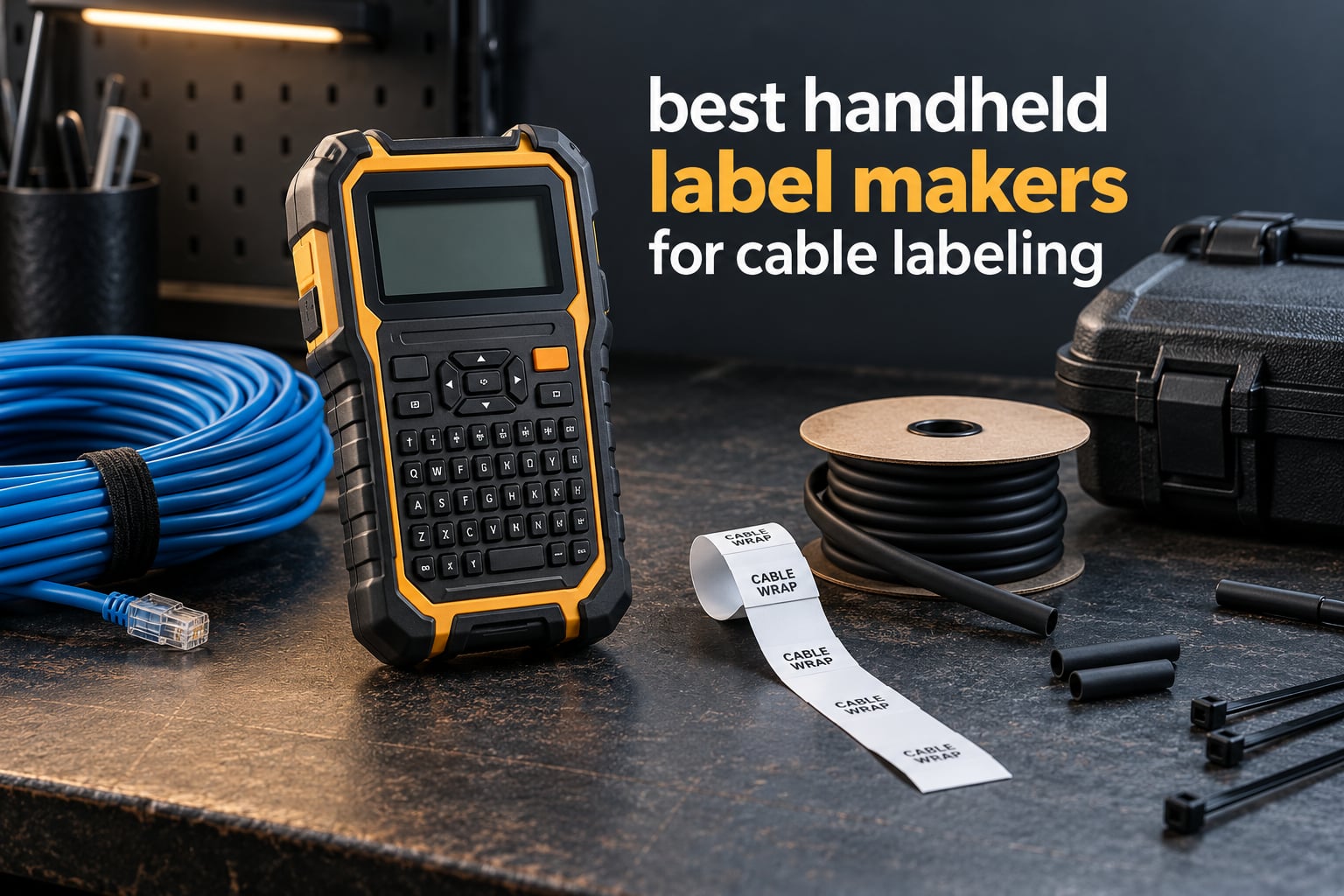
If you have ever traced a cable run back to a switch and found no idea what it did, you already know why cable labeling matters. Unlabeled cables are the single largest source of wasted time in networking, electrical, and AV work.
The most common reason for that waste is not a bad printer. It is the wrong label format stuck onto the wrong cable jacket.
That is why most label maker roundups miss the mark. They start with a keyboard layout or a battery type, and they treat a label maker as a small office tool. For cable labeling the decision runs the other way: you start with the format your cable needs, then work backwards to the handheld label maker that can print it.
We compared 10 handheld label makers for cable labeling in 2026, focusing on the four things that decide whether a label survives: the media it takes, whether the label wraps a curve without lifting, how text gets typed, and what the consumables cost per usable label over time. Ten models is not an arbitrary number here. The format axis alone splits this category into wrap-around, cable flag, heat shrink, self-laminating, and patch panel strip, and no single machine covers all five well.
If your main problem is general cable management rather than identification, read our cable management label maker guide first. This article assumes you are printing identifiers that have to stay readable for years.
Table of Contents
The 3 Best Handheld Label Makers for Cable Labeling in October 2026
The single best handheld label maker for cable labeling depends almost entirely on the format you print and how much text you type per label. Our three picks below cover the three situations we see most often: a standalone field tool, a machine you type long identifiers on, and a phone-driven unit that serializes in bulk.

Brady M210
- App-driven thermal printing
- 0.75 inch media
- 6-foot drop resistance
- 203 dpi monochrome


Every product in this roundup has trade-offs, and the machines that look most capable on paper are not always the ones that finish a 96-port panel in an afternoon. We explain who each pick suits and where it falls short in the individual reviews below.
All 10 Handheld Label Makers for Cable Labeling Compared in October 2026
The best printer for cable labeling is the one whose media range covers your formats and whose typing speed matches your identifier length. No two machines below do the same job, so read the feature column for your required format before you read any review.
| Product | Specifications | Action |
|---|---|---|
| Brady M210 |
|
Check Latest Price |
 DYMO RhinoPRO 5200 DYMO RhinoPRO 5200 |
|
Check Latest Price |
| DYMO Rhino 4200 |
|
Check Latest Price |
 Brother PT-E110 Brother PT-E110 |
|
Check Latest Price |
 Brother PT-E560BT Brother PT-E560BT |
|
Check Latest Price |
 SUPVAN G15M Mini SUPVAN G15M Mini |
|
Check Latest Price |
| Vixic DM170 |
|
Check Latest Price |
 Makeid P31 Makeid P31 |
|
Check Latest Price |
 Brother PT-E310BT Brother PT-E310BT |
|
Check Latest Price |
 DYMO Rhino 6000 DYMO Rhino 6000 |
|
Check Latest Price |
1. Brady M210: Best Field Label Maker for Cable Work
BRADY M210 HANDHELD LABEL MAKER
Thermal
203 dpi
0.75 inch media
6-foot drop rating
App controlled
Pros
- Compact handheld body built for field labeling
- App-based setup from a smartphone
- Prints up to 0.75 inch wide monochrome at 203 dpi
- Rated to resist 6-foot drops
Cons
- No physical keyboard so text entry depends on the app
- Supports only 0.25 x 0.75 inch media
- Print speed of about 0.39 pages per minute
The Brady M210 is the best standalone field label maker for cable work because it covers self-laminating wrap, cable flags, and heat shrink tube in one M21 cartridge family while staying small enough to carry in one hand. It prints on 0.25 inch and 0.75 inch cartridges, so long identifiers and short codes come from the same ecosystem.
That breadth is the whole story. r/sysadmin users pick this machine for cabling specifically because the M21 media range covers the formats they actually need, rather than a single tape width that suits one job and nothing else.
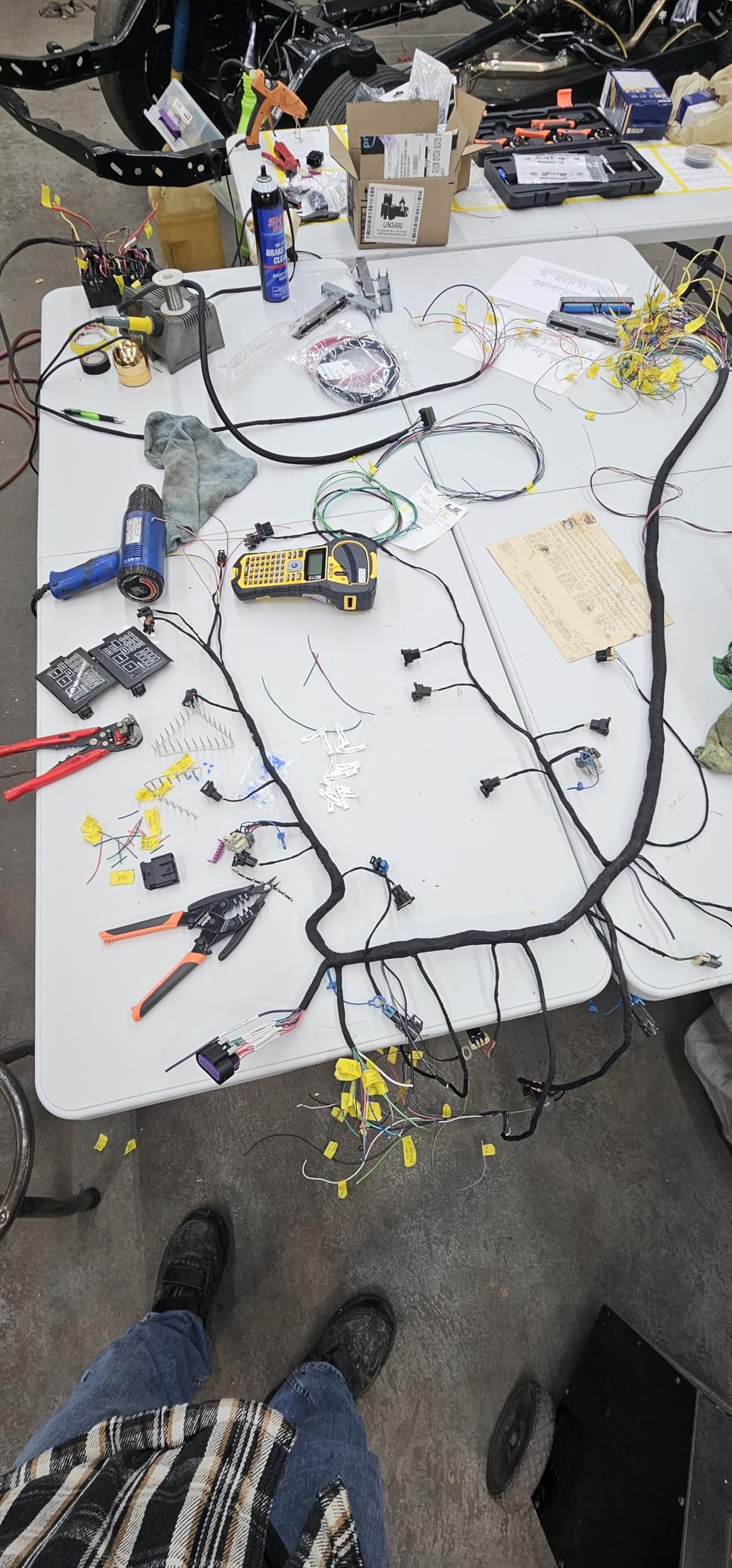
The M210 has no keyboard. Every character goes through the smartphone app, which means a panel schedule has to live on your phone and typing speed depends on how fast you can find the right template. For a 96-port panel that is a real cost in time, and for a technician labeling six cables in a ceiling void it is barely noticeable.
Build quality is where it earns its place. The unit is documented as resistant to 6-foot drops, and at 2.5 by 4.5 by 9.5 inches it stays out of the way in a tool bag. Its 1,195 ratings at a 4.6 average, with 85 percent of those at five stars, give it one of the strongest satisfaction records in this roundup.
What the M210 does better than the rest
Media range and durability are the answer. The M21 cartridge family runs from 0.25 inch up to 0.75 inch for long identifiers, and the self-laminating wrap prints from the same cartridges rather than a separate stock family. For the 6-foot drop rating, the M210 is the only machine in this roundup with a published figure, and that matters when the printer lives in a van or a backpack rather than on a desk.
Where the M210 frustrates you
The app dependency is real and reviewers call it out. r/Tools users report the machine refusing longer labels than they wanted and an auto-shrink font size of 6 that renders an identifier unreadable, which is the fastest way to lose trust in a field tool.
Print speed of about 0.39 pages per minute is slow if you are running a serialized strip. If your work is batch panel printing, look at the Brother PT-E560BT or the Vixic DM170 instead.
2. DYMO RhinoPRO 5200: Best for Barcode and Compliance Labeling
DYMO Industrial Label Maker & Carry-Case RhinoPRO 5200 Label Maker, for Job Sites and Heavy-Duty Labeling Jobs, Prints Fast, Includes 2 Rolls of DYMO Industrial Vinyl Labels
Thermal
300 dpi
Code 39 and Code 128
TIA/EIA-606-A
Lithium-ion plus AA
Pros
- One-touch hot keys for cable wraps and flags
- Code 39 and Code 128 barcodes on 3/4 inch labels
- Meets ANSI and TIA/EIA-606-A labeling standards
- Rechargeable lithium-ion battery with AA fallback
- Adjustable-contrast lit display readable in bright light
Cons
- Non-QWERTY keypad has a learning curve
- The gap between printed labels cannot be reduced
- No sub or superscript support
The RhinoPRO 5200 is the pick when your labels have to pass an inspection, not just survive a weekend. It prints Code 39 and Code 128 barcodes on 3/4 inch media and meets key ANSI and TIA/EIA-606-A labeling standards, which is the compliance language that facilities and data work orders ask for.
Its one-touch hot keys are cable-aware. Rather than setting margins yourself, you press a key for a patch panel, a terminal or 110 block, a wire or cable flag, or a wrap, and the machine sizes and spaces the text for that format. That is the difference between a general label maker and one built for this job.
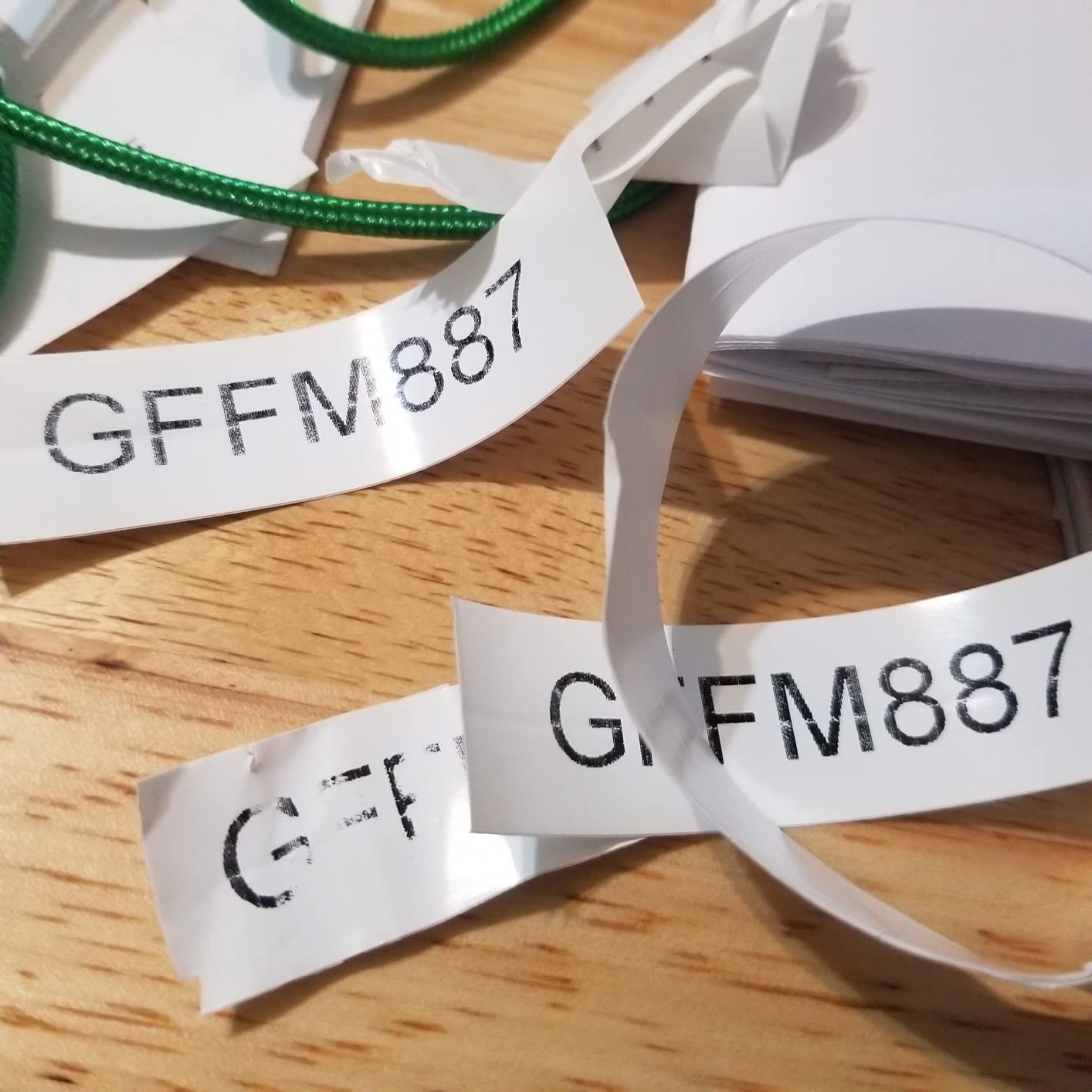
The 300 dpi head produces sharper small text than the 180 dpi machines here, which matters when a port number has to be read off a rack rail in a dim closet. At 1.8 pounds with a rechargeable lithium-ion battery and an AA fallback, it also works a full shift away from a charger.
Technibble members recommend pairing a Brother P-Touch with a DYMO Rhino 5200 and white nylon tape specifically for wrap-around network cable labels, which tells you something about how this machine is used in practice. It is the tape and wrap side of a two-tool workflow.
What the RhinoPRO 5200 does better than the rest
Barcode symbology is narrow here, and the ANSI and TIA/EIA-606-A compliance language is what facilities and data specifications actually ask for. If a client needs a scannable asset tag rather than a readable one, this is the machine that produces it without a desktop printer.
The hot keys also mean fewer keystrokes per format. A wrap or a panel label takes one press rather than a settings sequence, which matters on a long patch run.
Where the RhinoPRO 5200 frustrates you
The keypad is not QWERTY. Reviewers note a learning curve when typing long identifiers, and the symbol interface is not intuitive to navigate. Anyone typing long alphanumeric port names will feel this every time.
The gap between printed labels cannot be reduced, so short identifiers waste tape, and there is no sub or superscript support for exponents. Some buyers also report rechargeable battery units that fail to charge properly, so keep AA cells as your backup.
3. DYMO Rhino 4200: Best for Typing Long Identifiers Fast
DYMO Industrial Label Maker, Rhino 4200, Time-Saving Hot Keys, Prints Fast – Durable For Job Sites and Heavy-Duty Labeling Jobs
Thermal
200-300 dpi
QWERTY keypad
Wraps flags and heat shrink
0.54 kg
Pros
- Full computer-style QWERTY keyboard
- Hot keys for wraps flags and breaker labels
- Favorites and custom keys for saved formats
- Prints heat shrink tubes plus 1/4 to 3/4 inch labels
- Light 0.54 kg body with rubber bumpers
Cons
- Small screen forces scrolling to see the whole label
- Roughly 0.5 inch of wasted tape on each side of a label
- No backlight on the display
The DYMO Rhino 4200 is the best handheld label maker for cable labeling when you type the text yourself. It has a genuine computer-style QWERTY keyboard, and with 1,439 ratings at a 4.6 average it has one of the strongest satisfaction records in this roundup, which means its quirks are well documented.
It also takes heat shrink tubes alongside 1/4, 3/8, 1/2, and 3/4 inch label media, so one machine covers both the wrap workflow and the permanent format. vansairforce users recommend the Rhino 4200 directly for wire and panel work, and the rubber bumpers back that up for jobsite carry.
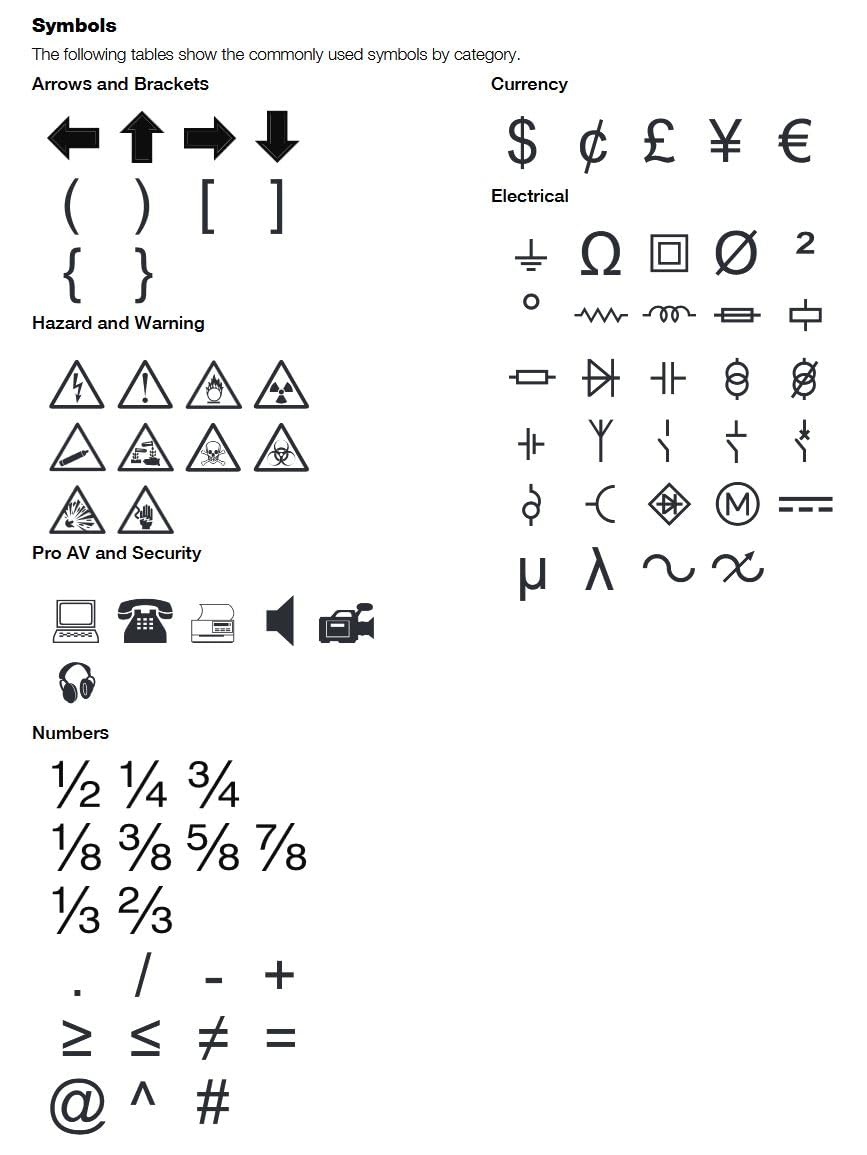
The Favorites key stores labels, symbols, and terms you use repeatedly, and the Custom key saves settings per label format. For someone who prints the same handful of identifier formats every week, that removes almost all setup from the workflow.
Weight matters more than the spec sheet suggests. At 0.54 kg this is a machine you will carry up a ladder rather than leave in the van, and that changes how many labels you actually print on a call.
What the Rhino 4200 does better than the rest
Typing speed on long identifiers is the reason to buy this one. Every other unit here either relies on a phone keyboard or a condensed layout, and for a 96-port panel with real port names that difference is the whole job.
The QWERTY keypad plus hot keys plus Favorites recall is the most complete keyboard-and-shortcut package we found among these handhelds, giving you both typing speed and format shortcuts on the same device.
Where the Rhino 4200 frustrates you
The screen is small and has no backlight, so you scroll to see the entire label being printed and you need decent ambient light to read it. On a dim panel or in a plant room that is a genuine annoyance.
It prints roughly 0.5 inch of wasted tape on either side of the label with no adjustment, which is expensive when you are running a strip of 48 port numbers. Genuine DYMO consumables are also expensive, and the plastic cartridge retention hooks wear out under heavy use.
4. Brother PT-E110: Best Budget Handheld for Occasional Cable Jobs
Brother PTE110 Industrial Handheld Label Printer Kit
Thermal
180 dpi
3.5mm to 12mm media
3 quick application keys
AAA powered
Pros
- Three quick application keys for wrap flag and faceplate labels
- Laminated tape that resists wear and handling
- Hard carry case and safety wrist strap included
- Compact and easy to learn without the manual
Cons
- 12 mm media ceiling limits longer identifiers
- No screen backlight so it needs good ambient light
- Wire wrap labels perform poorly on 12-18 gauge wire
- Needs six AAA batteries for portable use
The Brother PT-E110 is the best budget handheld for cable jobs that happen once a week rather than every day. It has dedicated quick application keys for cable wrap, cable flag, and faceplate labels, which is more cable-aware than most machines at its tier, and the kit includes a hard carry case and safety wrist strap.
The laminated tape it prints resists wear, which addresses the scuffing complaint that flat economy tapes generate. Reviewers describe it as compact, easy to learn without reading the manual, and good value for occasional users, with a 4.2 average across 309 ratings.
Where it fits in a professional workflow is worth being honest about. This is a kit for a home lab, a small office closet, or an occasional cable job. It is not the tool for a 48-port schedule, and no firmware or app upgrade changes that.
The 12 mm ceiling is the constraint to check first. If your identifiers are longer than a short port code, or your cable diameter forces you to a wider wrap, this machine simply cannot hold the text.
What the PT-E110 does better than the rest
It gives you three genuine cable application modes at an entry price, and it prints on 3.5mm up to 12mm laminated tape across four sizes. The included case and wrist strap make it a complete kit rather than a bare device.
For anyone labeling a home network or an AV rack on a weekend, the simplicity is the advantage. You do not need a phone, an account, or a template library to get a wrap label printed.
Where the PT-E110 frustrates you
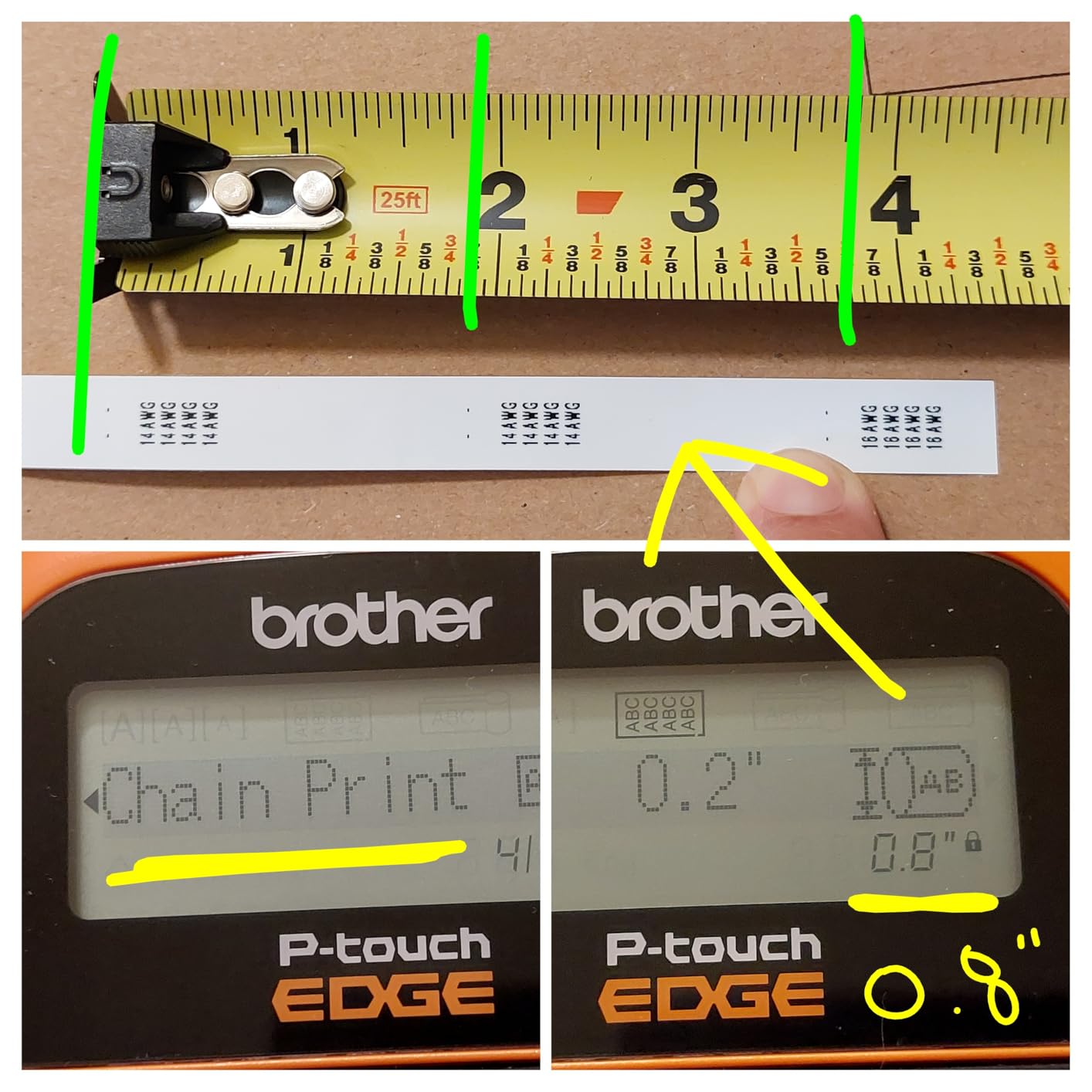
Text alignment is fixed with no centering or right justification option, which is a limitation reviewers notice immediately when a label needs balanced output. The screen has no backlight, and the wrap labels perform poorly on 12-18 gauge wire because the media is too wide for thin conductor.
It also prints excess tape at the end of each label and needs six AAA batteries for portable use, which is a lot of cells to carry.
5. Brother PT-E560BT: Best for Panel and Data Work
Brother PT-E560BT Industrial Label Printer Bluetooth Cutter
Thermal
3.5mm to 24mm media
Dual auto-cutter
Heat shrink support
Bluetooth
Pros
- Dual auto-cutter prints strips of half-cut peel-and-apply labels
- Laminated labels and heat shrink tubes from 3.5mm to 24mm
- Quick keys for wrap patch panel punch block and faceplate
- Stores databases and templates on the device
- QR codes and linear barcodes plus Bluetooth printing
Cons
- Costs more than entry-level handheld models
- Design on mobile depends on the Pro Label Tool app
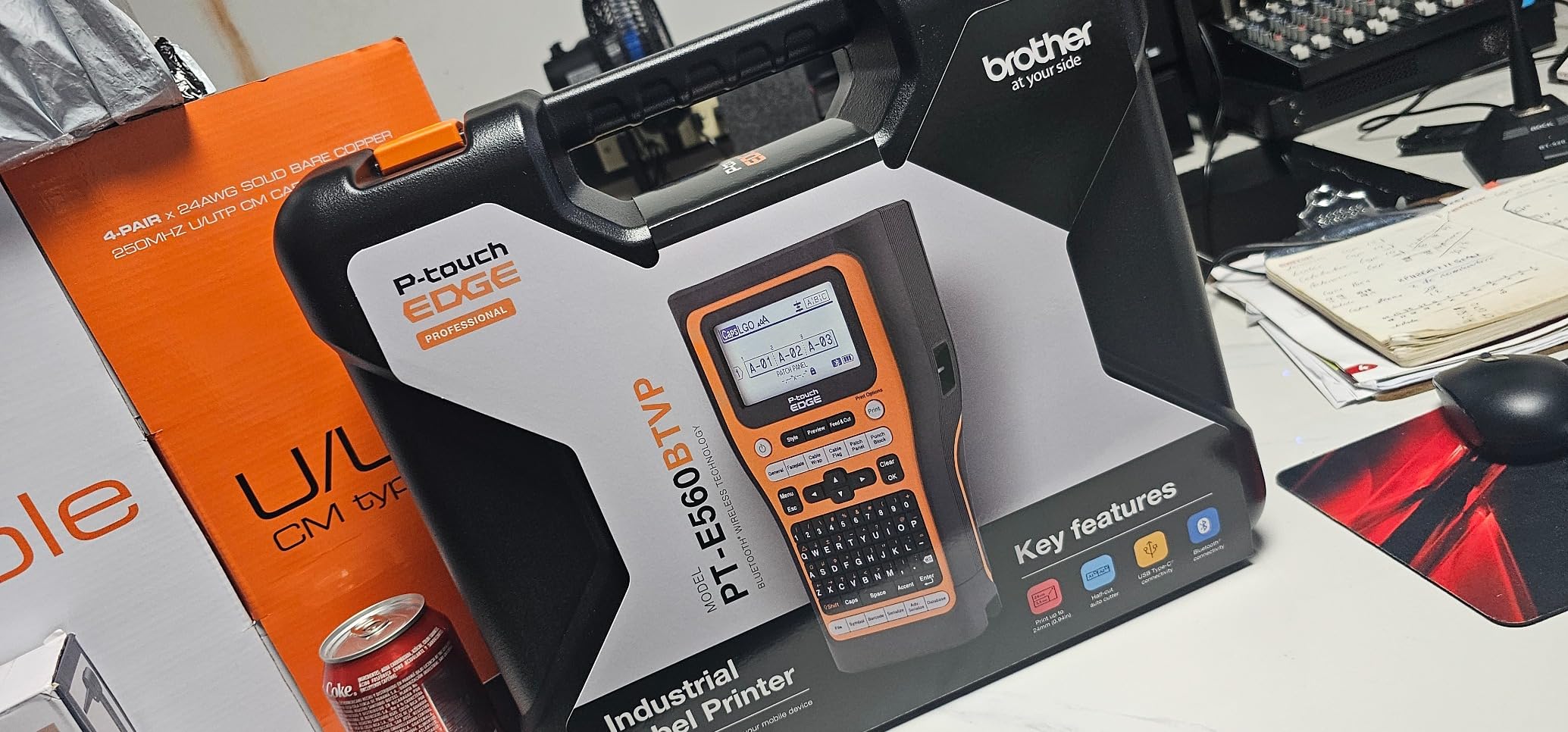
The Brother PT-E560BT is the machine we would hand to a structured cabling installer, and the reason is the dual auto-cutter. It prints a strip of half-cut peel-and-apply labels, so you can produce a run of 48 port labels, peel them one at a time, and apply them without reloading between every single label.
Media range is the other half of the case. It handles laminated labels and heat shrink tubes from 3.5mm up to 24mm, and the headline difference is that one cartridge family covers thin wire wraps through full-width panel labels.
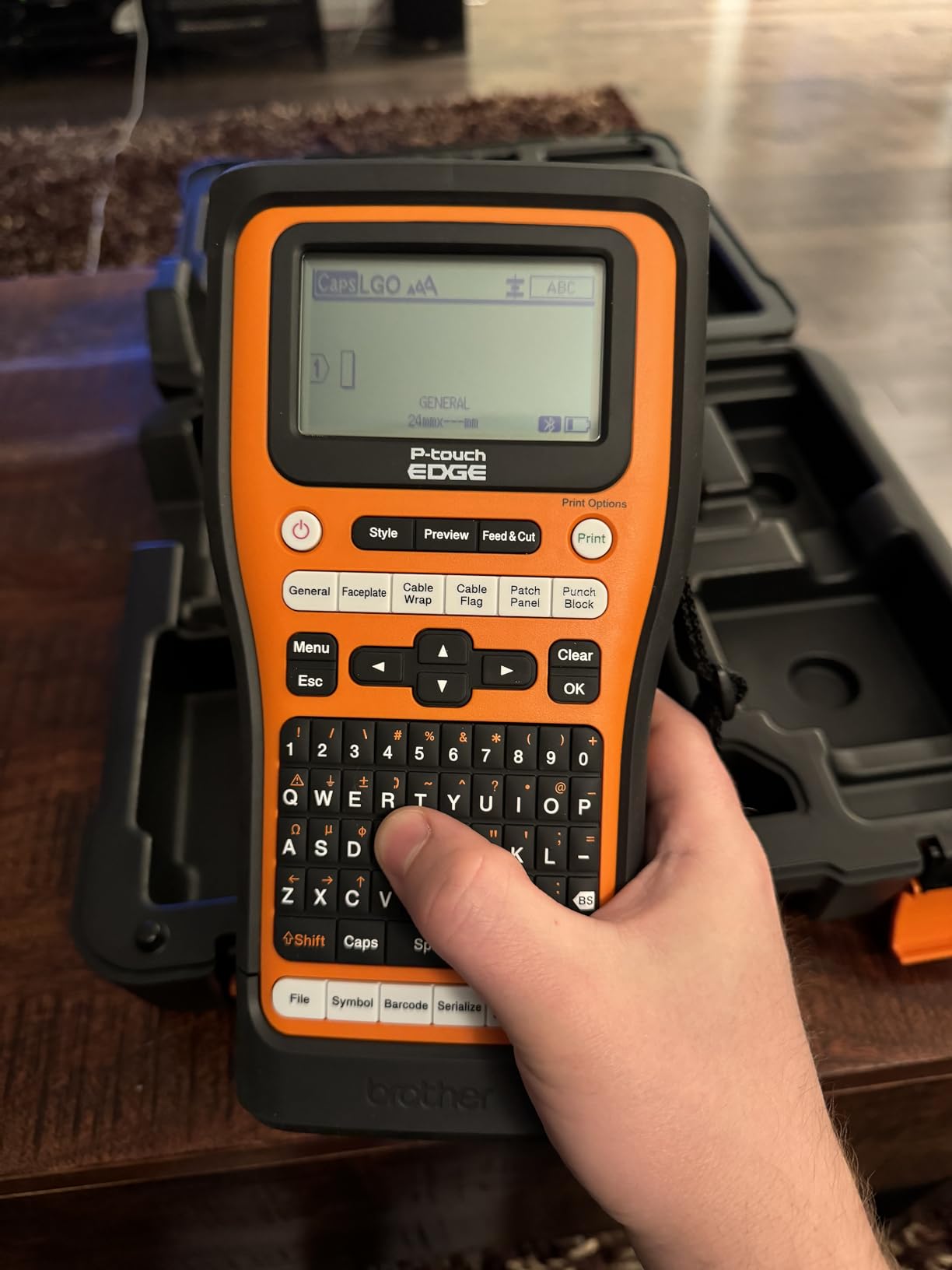
Quick application keys cover cable wrap, patch panel, punch block, and faceplate formats, and the device stores databases and templates so a repeat print does not start from a blank screen. QR codes and linear barcodes are supported, and Bluetooth printing through the Pro Label Tool app handles mobile design while P-touch Editor covers PC work.
Its 4.5 average comes from 121 ratings, so treat the score as promising rather than proven. Reviewers consistently single out the dual auto-cutter and the 24mm range as the reasons it earns its place in a data workflow.
What the PT-E560BT does better than the rest
Serialized runs are the reason to buy it. The half-cut strip is a batch feature, and it changes the economics of a full rack from minutes per label to seconds per label, which is a saving you feel on every rack after the first.
The combination of 24mm media, heat shrink support, and stored databases is what makes a spreadsheet-driven panel schedule realistic rather than aspirational.
Where the PT-E560BT frustrates you
It costs more than the entry-level handhelds here, and that premium is only worth paying if you are printing panels rather than cables. For a handful of wraps a month the money is better spent on consumables.
Mobile design depends on the Pro Label Tool app, so you are designing in software rather than on a keypad. That is fine if you like working in an app and frustrating if you want to type and print without leaving the device.
6. SUPVAN G15M: Best Pocket-Sized Option for Heat Shrink Tubes
SUPVAN G15M Mini Portable Label Maker Machine with Heat Shrink Tube
Thermal transfer
203 dpi
Heat shrink tubes
400 g
Rechargeable
Pros
- Handles heat shrink tubes and cable labels alongside continuous media
- 0.19 inch print margin cuts tape waste in half
- 400 g body fits a small tool pouch
- 1200 mAh battery rated up to 3 months per charge
- 9 font sizes and 6 styles with 400 plus icons
Cons
- Small body limits the text you can fit per label
- Ribbon-based thermal transfer adds recurring consumable cost
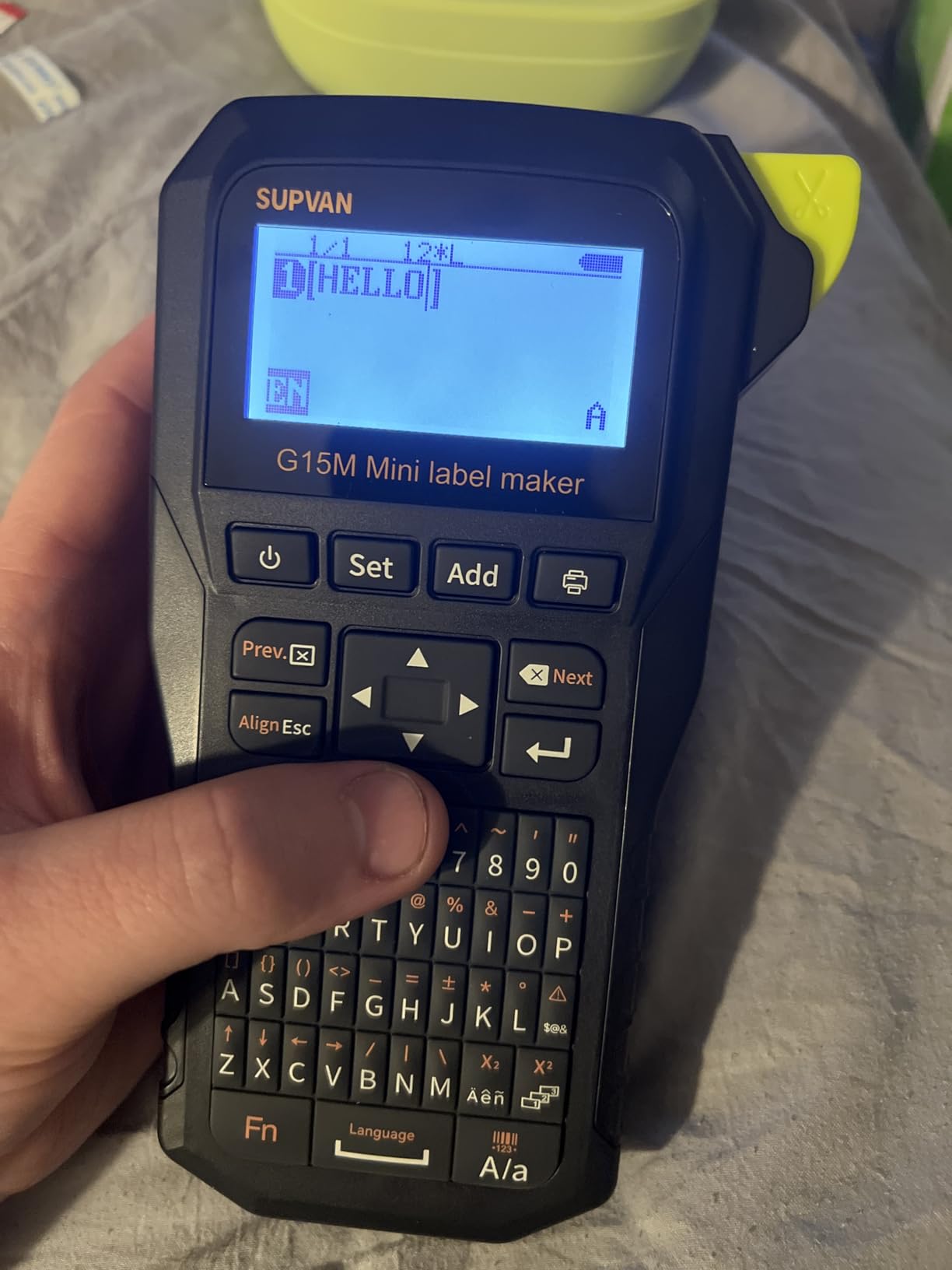
The SUPVAN G15M is the machine to carry when the job is a handful of wires in a tight space. At 400 g and 3.35 by 6.7 by 1.7 inches, it is small enough to live in a tool pouch permanently, which is a different proposition from a machine that stays in the van.
It supports heat shrink tubes, continuous labels, fixed-size labels, and cable labels, so you are not locked into one media type. That flexibility on a machine this size is unusual and it is why it earns a place on this list despite a 4.3 average from 353 ratings.
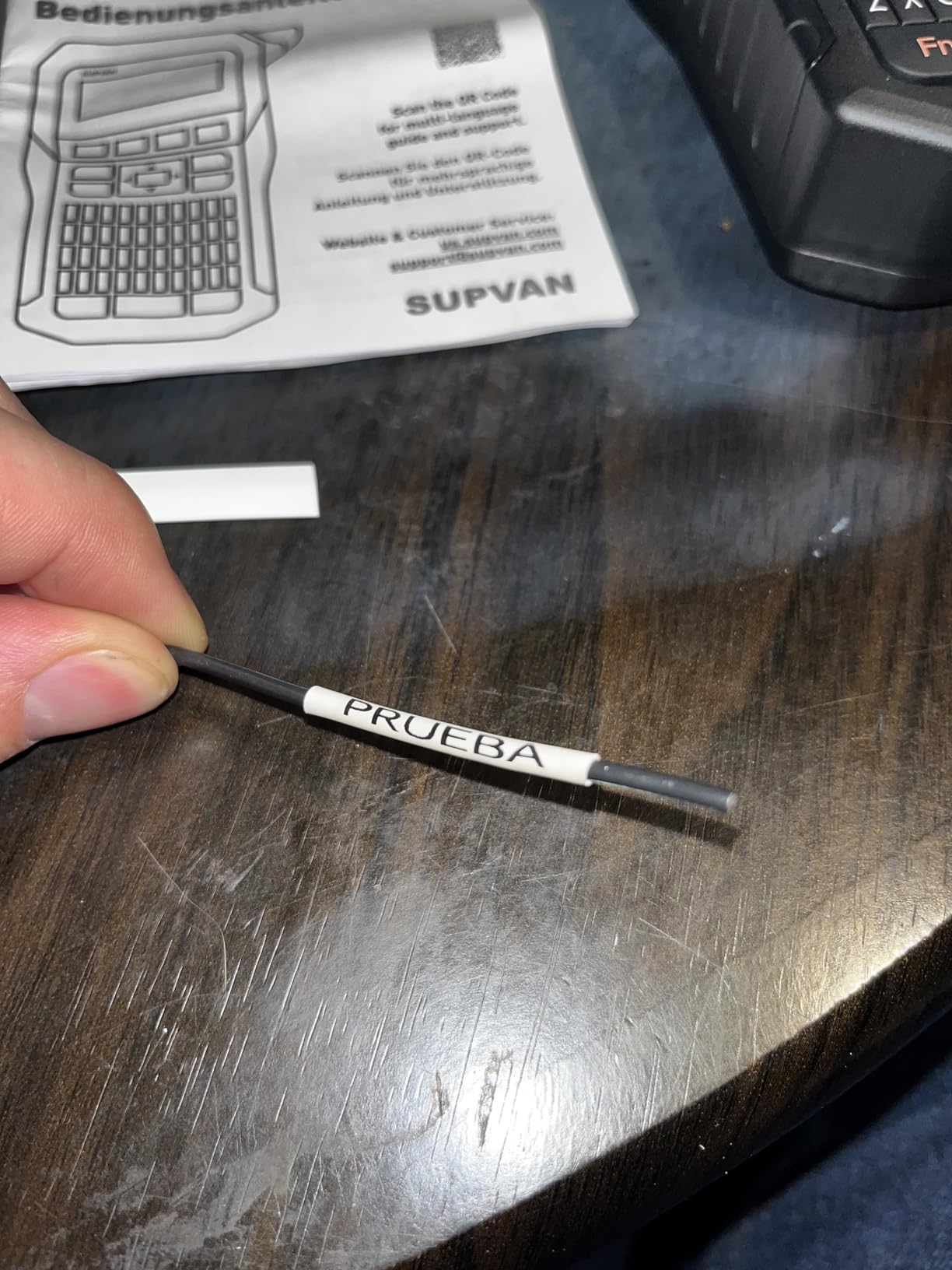
The 0.19 inch print margin is the spec that changes the running cost. It is roughly half the margin a typical comparable machine feeds, so this unit wastes materially less tape per label, which adds up across hundreds of wire identifiers.
Thermal transfer technology gives UV, heat, and water resistance, so labels stay readable in a garage or a plant room where a direct thermal print would fade. The 1200 mAh battery is rated for up to three months of use per charge.
What the G15M does better than the rest
Size and media variety together. It is small enough to disappear into a tool pouch and it still takes heat shrink tubes, and the minimal margin means more usable label per cartridge than a standard-margin machine gives you.
The 9 font sizes, 6 font styles, 5 frames, and 400 plus icons give you more on-device layout control than the size of the machine suggests, and it prints up to four lines per label.
Where the G15M frustrates you
The small form factor limits label size and text capacity, so a long identifier is where it stops working. This is a wire-end and short-code machine, not a panel machine.
Thermal transfer uses a ribbon, which is a separate consumable on top of the label media. That ongoing cost is easy to forget when comparing this against a direct thermal unit.
7. Vixic DM170: Budget Pick Bluetooth Labeler for Cable Work
Vixic Wire Label Maker, DM170 Bluetooth Labeler Waterproof-Labels for Cable
Laminated Bluetooth
203 dpi
Cable flag and heat shrink templates
0.7 lb
Pros
- Cable flag and heat shrink templates serialize up to 200 copies
- 0.7 lb body suits a full day of carry
- Print Master app templates for breaker panels and barcodes
- 0.31 inch print margin cuts tape waste
- Included vinyl tape rated waterproof and UV resistant
Cons
- No on-device keyboard so the smartphone app is required
- Monochrome printing only
The Vixic DM170 is the best value cable label printer for anyone who wants phone-based control without giving up real cable formats. Its app templates cover breaker panel, cable flag, heat shrink tubing, and barcode layouts, and the cable flag and heat shrink templates serialize up to 200 copies with auto-incrementing numbers.
That serialization is what separates it from cheap Bluetooth label makers. r/VIDEOENGINEERING users reach for flat clear tape and laser-printer film when a dedicated machine is overkill, and those flat labels physically cannot wrap a curved jacket. The DM170 has cable flag and heat shrink geometry built into its template library, so it can.
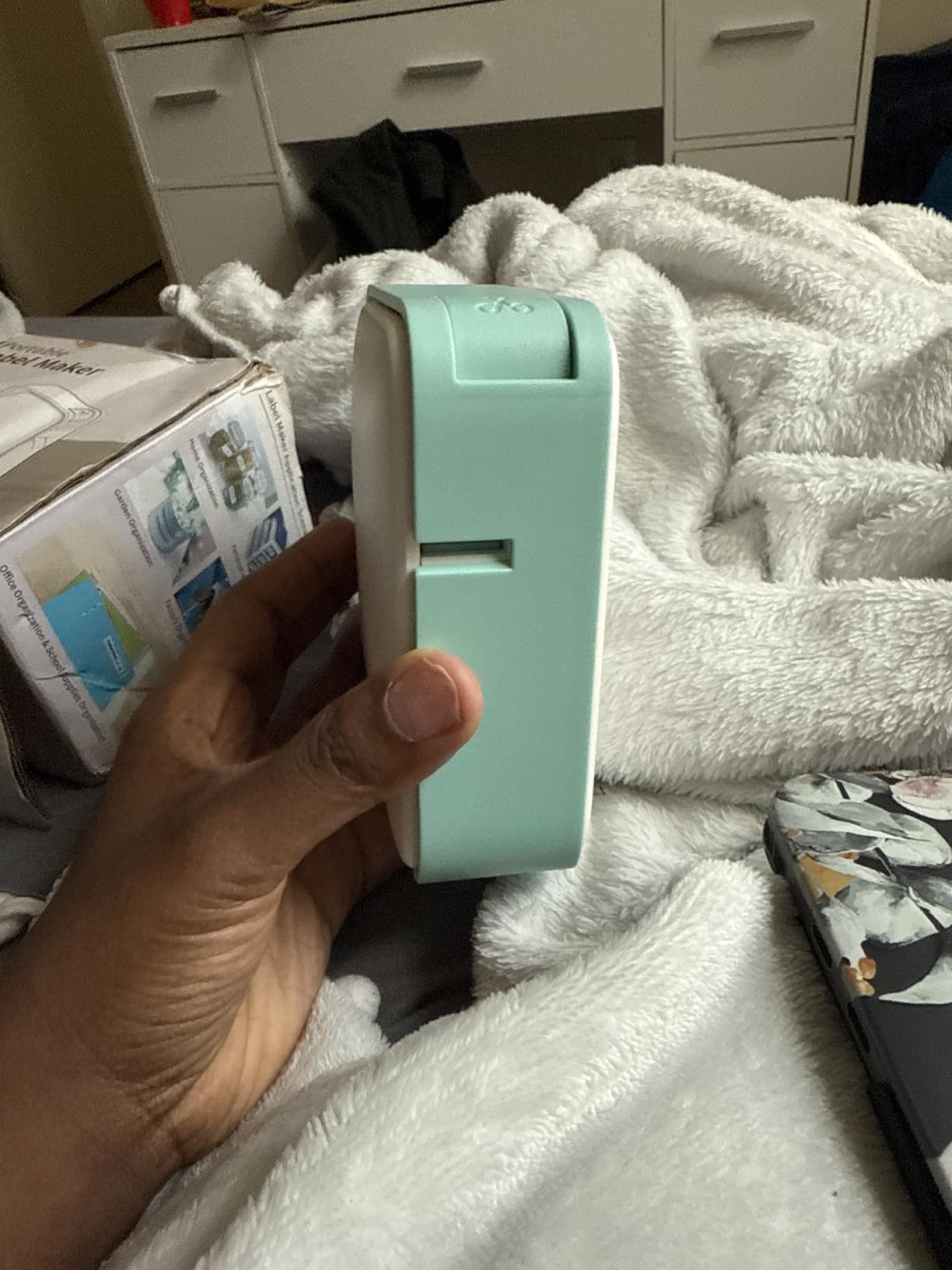
At 0.7 lb it is among the lighter units here, and the 1200 mAh battery charges in 2.5 hours and is rated for up to 588 two-inch labels per charge. The 0.31 inch print margin is well below a typical 1 inch leading margin, which reduces tape waste on every single label.
With 2,023 ratings at a 4.5 average, this has the largest review base of any machine we covered, and reviewers repeatedly name low weight, app templates for cable and heat shrink work, and reduced tape waste as the reasons they keep it.
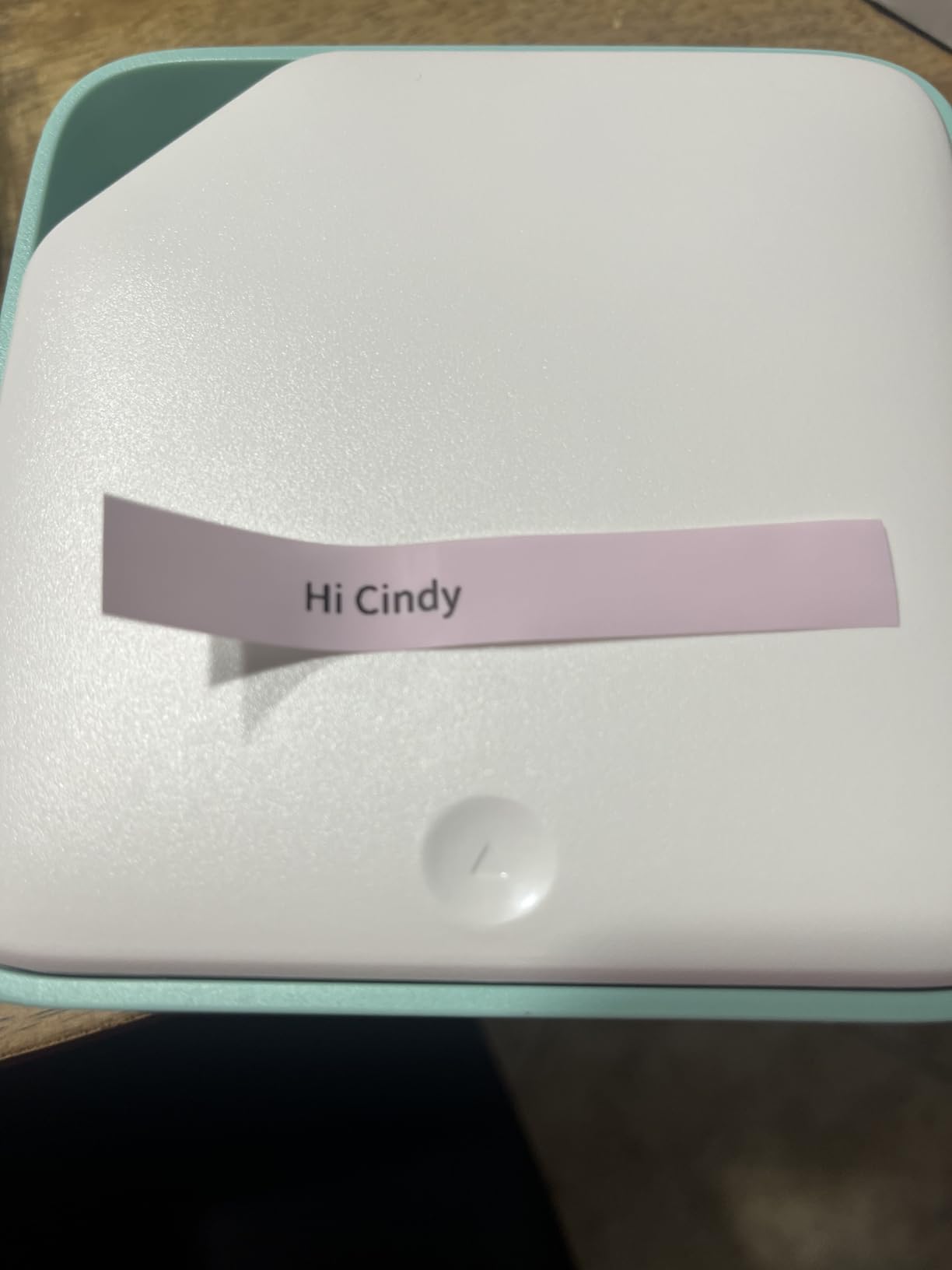
What the DM170 does better than the rest
Format-aware templates in an app are the advantage. Most phone-driven labelers come with flat rectangular media and no flag or wrap geometry, and this one gives you cable flag and heat shrink layouts plus auto-incrementing numbers out of the box.
It also auto-detects the installed tape so it feeds labels without manual pulling, which removes a step that catches people out on smaller machines.
Where the DM170 frustrates you
There is no on-device keyboard. Every character goes through the smartphone app, so batch panel work depends on how comfortably you can drive templates from a phone rather than typing.
It prints monochrome only, which is fine for identifiers and a limit if your labeling standard calls for anything more. It also relies on the app rather than desktop software for advanced layout.
8. Makeid P31: Best for High-Resolution One-Inch Labels
Makeid P31 Industrial Label Maker, Portable Bluetooth Printer with 0.75″ x 19.68ft L Label, Wire and Cable Labeling Machine for Job Sites
Thermal transfer
300 dpi
1 inch print head
Self-laminating media
Bluetooth
Pros
- 300 dpi print head fits up to 8 lines of text
- Supports self-laminating and nylon and PET media plus heat shrink tubing
- 2000 mAh battery rated up to 90 days per charge
- Bulk data import through the MakeID Label Pro app
- 1.27 lb thermal transfer build
Cons
- Consumables are tied to proprietary cartridges
- Tied for the lowest average rating among the cable-focused machines here
The Makeid P31 is the pick when a label has to hold a lot of text or carry a scannable code. Its 300 dpi print head with a 1 inch wide window fits up to 8 lines of text on a single label, more text per label than the rest of the machines here.
Its media support is the other reason to look at it. It takes up to 20 label sizes including self-laminating wrap, nylon, PET all-weather tape, and heat shrink tubing, which makes it one of only a few machines here that covers the full format list without changing ecosystems.
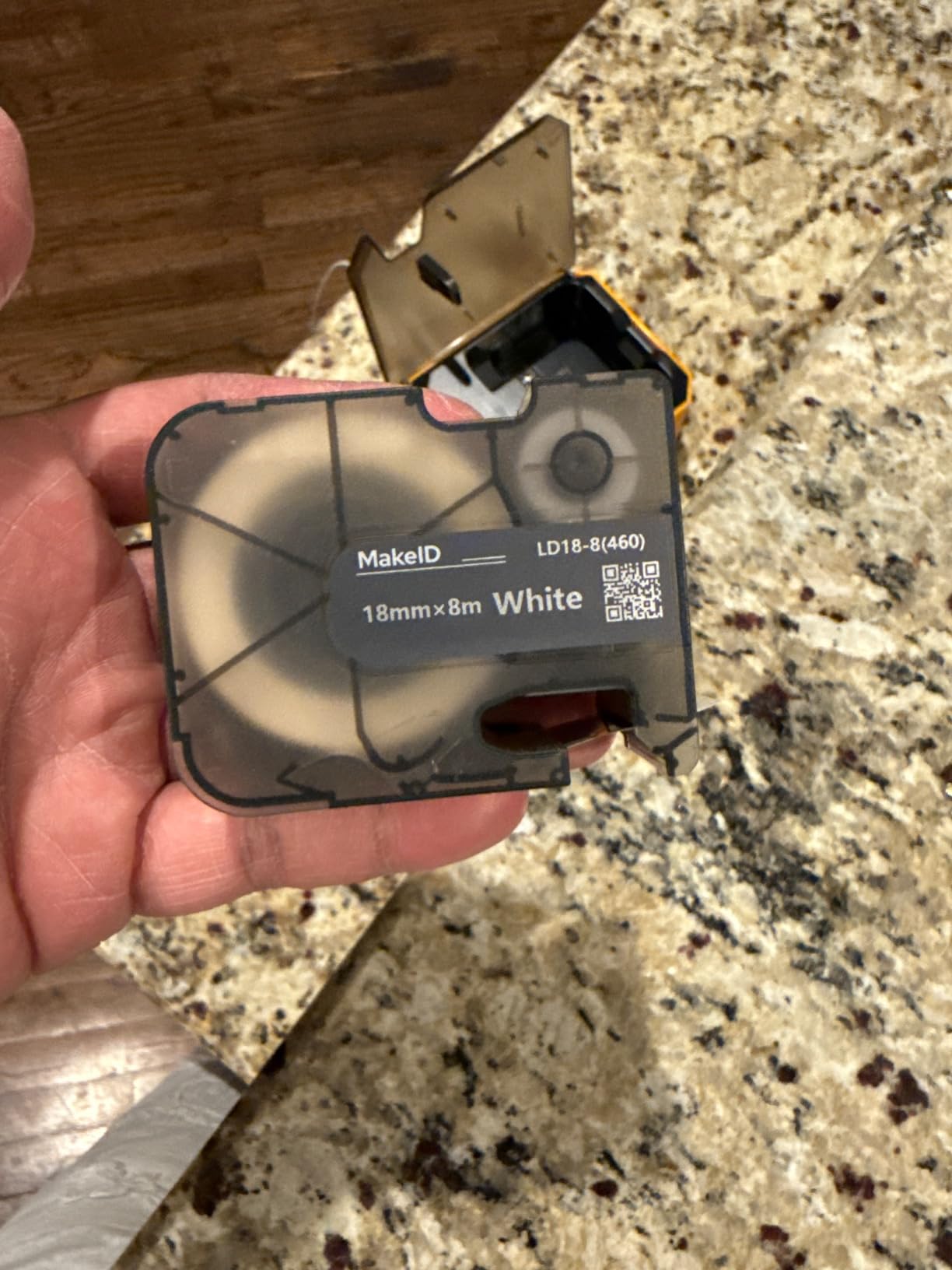
The MakeID Label Pro app provides 48 templates, more than 200 icons, more than 20 fonts, and bulk data import, so you can push a spreadsheet into a label run rather than typing each one. The 2000 mAh battery is rated for up to 90 days per charge and the unit prints up to 60 labels per minute.
Thermal transfer printing produces fade and water resistant output, and at 1.27 lb it is light enough to carry to a plant room without thinking about it. Auto-template matching kicks in when genuine MakeID consumables are fitted.
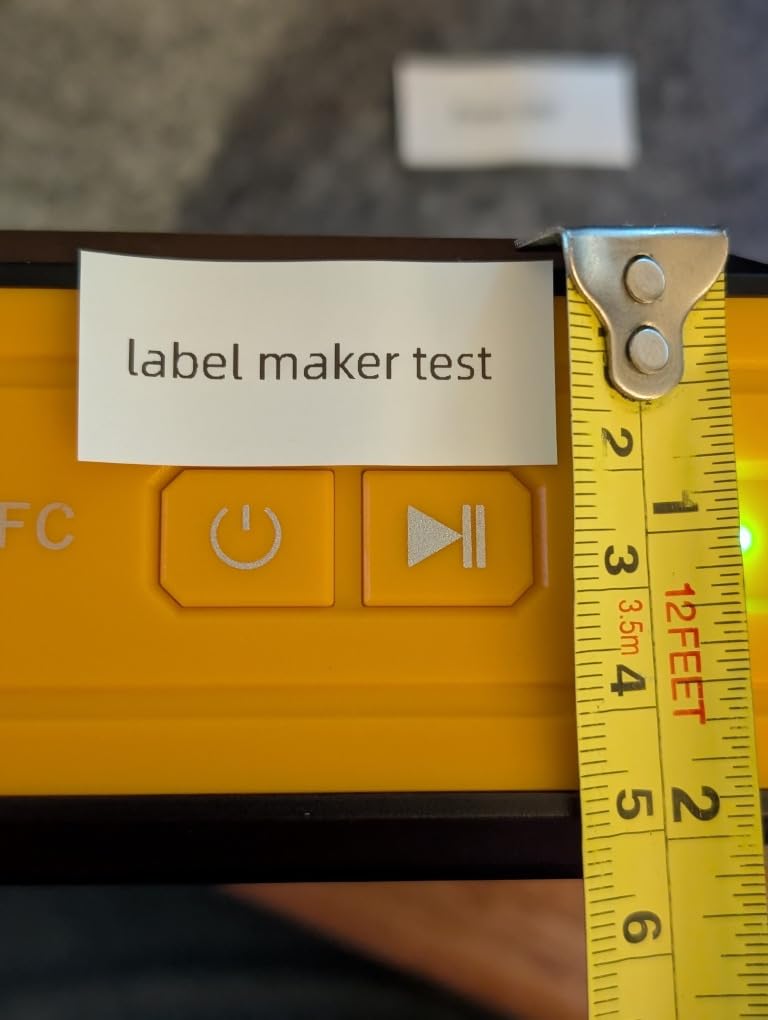
What the P31 does better than the rest
Text density and resolution are the reason to buy it. A one inch head fitting 8 lines of 300 dpi text handles a long asset tag, a barcode plus a human-readable string, or a multi-field equipment label on one pass, which the narrower heads here cannot do.
Media flexibility is the quiet strength. Self-laminating, nylon, PET all-weather, and heat shrink in one machine covers a format list that most rivals here split across two devices.
Where the P31 frustrates you
Consumables are tied to proprietary cartridges, which is an ownership cost that compounds over time. Confirm what the replacement media costs per usable label before you commit, not just the machine.
It also carries the lowest average rating of the cable-focused machines here at 4.2 from 173 ratings, a level the Brother PT-E110 also sits at, and a minority of buyers report reliability and consumable concerns. Budget for a possible consumable change sooner than you would with a Brother or DYMO machine.
9. Brother PT-E310BT: Best for Patch Panel and Punch Block Runs
Brother PT-E310BT Industrial Label Printer Bluetooth USB-C
Thermal
180 dpi
3.5mm to 18mm media
Patch panel ruler included
Bluetooth and USB-C
Pros
- Quick application keys for wrap flag patch panel punch block and faceplate
- Supports laminated labels and heat shrink tubes from 3.5mm to 18mm
- Stores databases and templates for repeat work
- Bundle includes a hard carry case and patch panel ruler
- Bluetooth printing plus USB-C for P-touch Editor design
Cons
- 180 dpi resolution is below the 300 dpi units here
- Relatively few ratings for a 4.6 average
- Design leans on mobile and PC software
The Brother PT-E310BT is the machine in this roundup aimed most directly at network work, and the giveaway is in the box. It ships with a patch panel ruler and a roll of 18mm flexible ID tape, which tells you the manufacturer expects you to be laying out port columns on a rack rail.
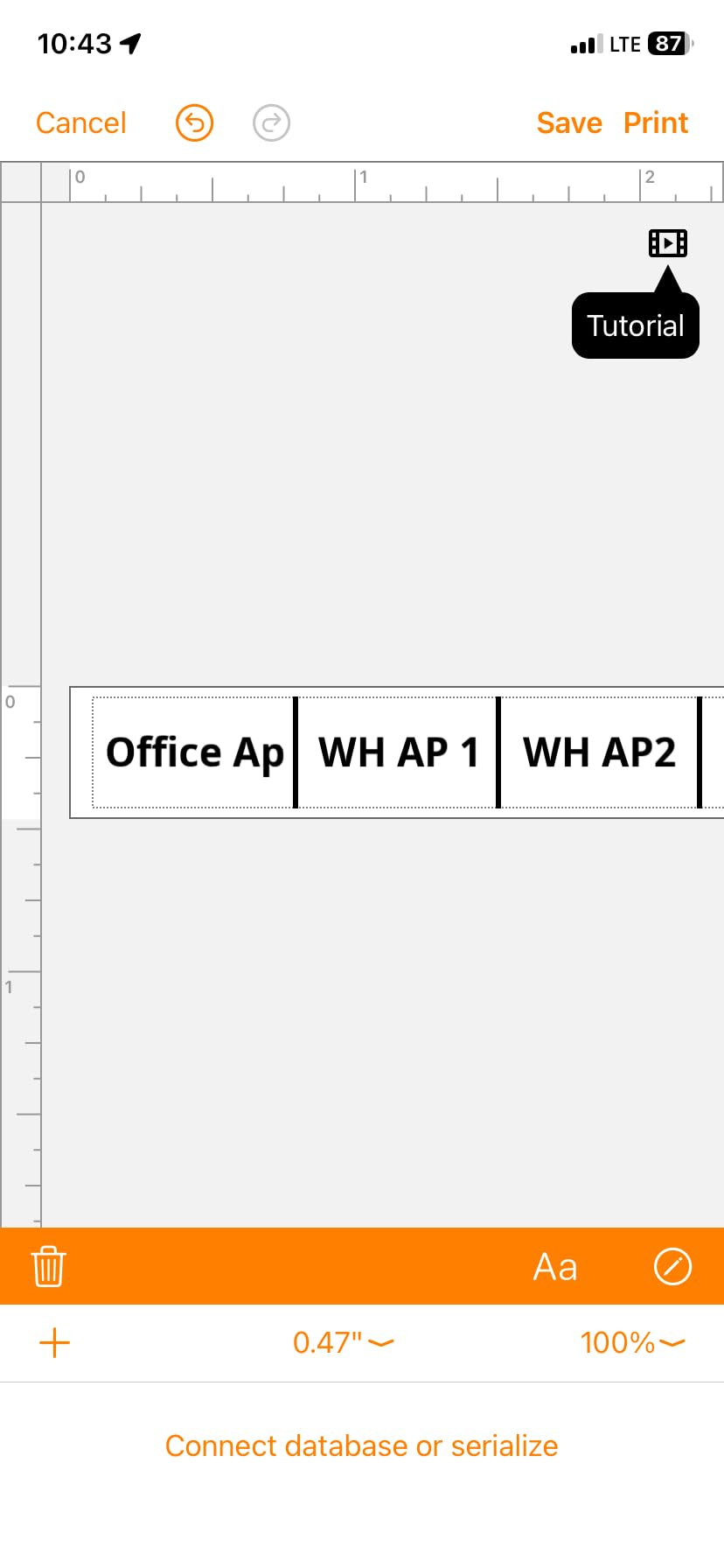
Its quick application keys cover cable wrap, cable flag, patch panel, punch block, and faceplate formats in one row, and it stores databases and templates so the same panel layout can be reprinted on the next job without rebuilding it. QR codes and linear barcodes are supported.
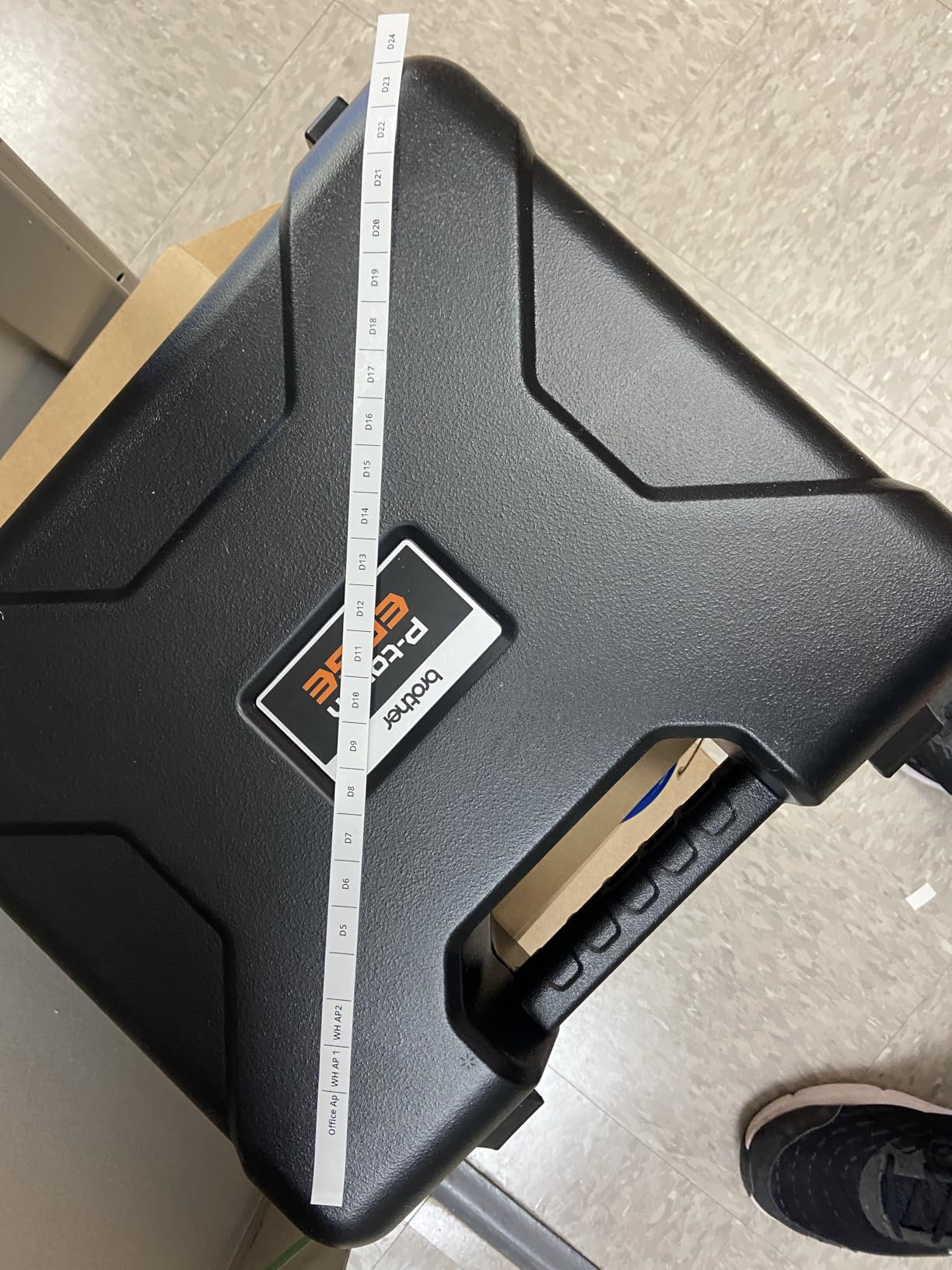
Connectivity is genuinely dual-purpose here. Bluetooth printing through the Pro Label Tool app handles mobile design, and USB-C connects to a PC for P-touch Editor, which is what you want if your rack schedule lives in a spreadsheet on a laptop.
Media runs from 3.5mm to 18mm across laminated labels and heat shrink tubes, and the 2.76 by 5.31 by 9.3 inch body keeps the printed area readable while staying portable. Reviewers single out the application keys and the included case and ruler as the reasons it stands out.
What the PT-E310BT does better than the rest
The included patch panel ruler and flexible ID tape make this the most complete first-panel kit in the roundup. Most competitors treat panel labeling as a software problem, while this one hands you the measuring tool as well.
Stored databases plus dual Bluetooth and USB-C connectivity also make it straightforward to drive from a spreadsheet on a laptop and then from a phone on site.
Where the PT-E310BT frustrates you
The 180 dpi print resolution is below the 300 dpi units in this roundup, so fine print and dense barcodes are less crisp than the Makeid P31 or the RhinoPRO 5200 can manage.
Its 76 ratings are a small sample for a 4.6 average, so treat the score as encouraging rather than conclusive. Design also leans on mobile and PC software, which is a cost if you prefer typing on the device.
10. DYMO Rhino 6000: Best for Complex Desktop-Style Layouts
DYMO® Rhino™ 6000 Industrial Label Maker, Computer Connected Label Maker with Hard Carry Case, 1 Vinyl Tape Cassette, 1 Flexible Nylon Tape Cassette and Rechargeable Lithium Ion Battery
Thermal
180 dpi
Computer connected
TIA/EIA-606-B
Hard case included
Pros
- Builds complex layouts with barcodes from DYMO ID software on PC
- Meets key ANSI and TIA/EIA-606-B labeling standards
- One-touch hot keys size and space label text automatically
- Bundle includes a hard case and nylon and vinyl cassettes
- Rechargeable lithium-ion battery included
Cons
- DYMO ID desktop software is dated and prone to crashing
- Auto shut-off cannot be overridden during a long session
- Cartridge retention and the ejector arm are prone to breaking
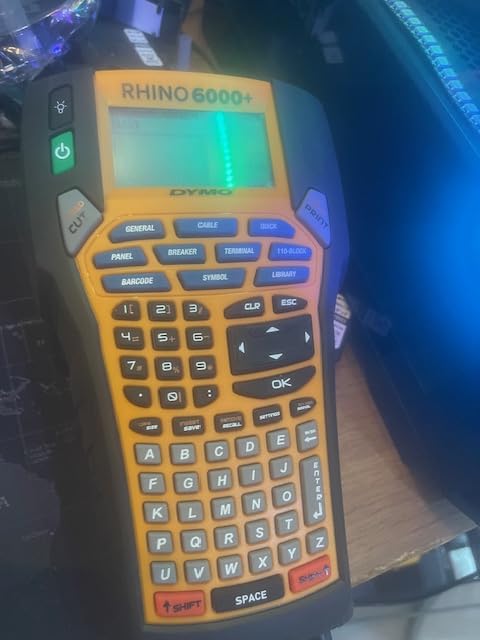
The Rhino 6000 is the pick when a label is a layout rather than a line of text. Because it connects to a PC and designs in DYMO ID, you can build multi-field labels, dense barcodes, and structured text blocks that no on-device keypad would let you compose comfortably.
It meets key ANSI and TIA/EIA-606-B labeling standards, and one-touch hot keys automatically size, space, and format label text on the device once you have the layout saved. The bundle includes a hard carry case, a vinyl tape cassette, a flexible nylon tape cassette, and a rechargeable lithium-ion battery.
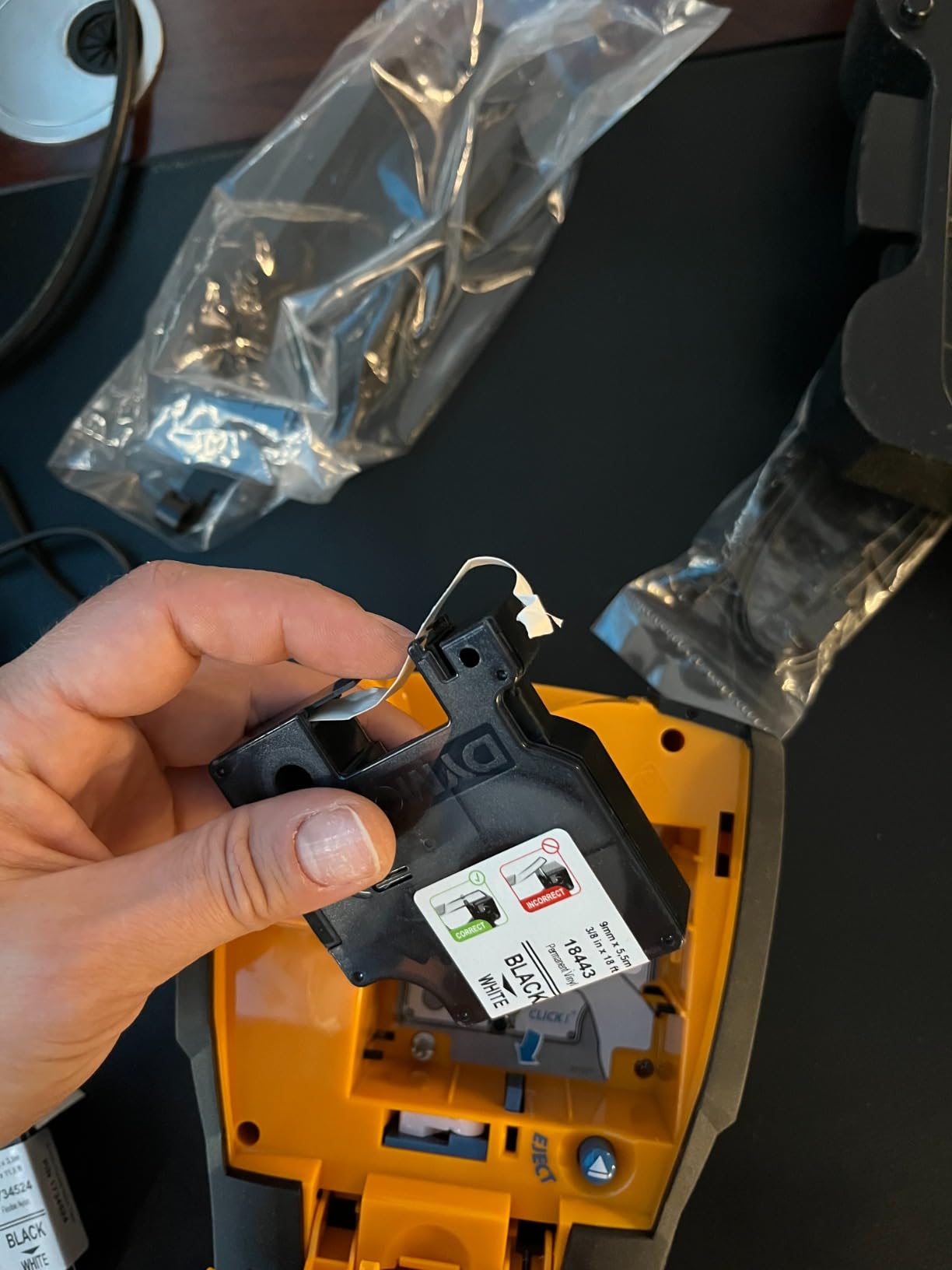
Nylon tape matters more here than the spec list suggests. For a cable bundle that will be handled and re-racked, flexible nylon is the most forgiving wrap material available, and having a cassette included gets you there without a second purchase.
Its 4.3 average comes from 61 ratings, and 73 percent of those are five-star while 14 percent are one-star, the widest spread in this roundup. That pattern tells you the people it suits and the people it does not are equally decided.
What the Rhino 6000 does better than the rest
Layout complexity and compliance are the reason to buy it. If your labels need a barcode, a header, a sub-header, and a serial in one block, desktop software design is the only sane way to produce them, and this is the machine built around that.
The included nylon cassette means wrap-around cable work is possible from day one, which is not true for every kit at this tier.
Where the Rhino 6000 frustrates you
DYMO ID is dated and prone to crashing, and the auto shut-off cannot be overridden, which interrupts an all-day labeling session at the worst moment. The cartridge retention mechanism and ejector arm are also reported as prone to breaking.
At 7.8 lb it is the heaviest unit here by a wide margin, which undercuts the whole point of a handheld on any job that involves stairs or a ladder.
How We Picked and Tested These Cable Label Makers
We narrowed the field to handheld thermal units that can print an identifier intended for a cable, a wire, or a panel, then read every specification and review set for those machines. Machines that only print flat rectangular stock were excluded because they physically cannot wrap a curved jacket, which is the failure behind most peeling-label complaints.
For each surviving unit we checked four things directly against the product data: the media range and whether it includes a genuine cable format such as self-laminating wrap, cable flag, or heat shrink tube; the typing path, whether that is a QWERTY keypad, a condensed keypad, or a phone app; the cutter behaviour, since auto-cut, half-cut, and hand-cut change batch economics completely; and the power source for a full field day.
On the label side we looked at what reviewers report about durability rather than what the box claims: adhesion after handling, scuffing where cables are dragged, and whether text stays legible at small font sizes. We also weighted consumable ecosystem restrictions heavily, because a proprietary cartridge policy is a real ownership cost that does not appear in a product listing.
Where we could not verify something, we left it out. Every specification in the reviews above comes from the manufacturer data for that specific model, and every rating and review count is the current aggregate for that listing.
Cable Label Maker Buying Guide: Seven Specs That Decide the Job
The right handheld label maker for cable labeling is the one that matches your format, your identifier length, and your batch size. Seven specs separate the machines above, and the first three decide most purchases.
1. Media width and printable width are not the same number
Media width is the tape. Printable width is the smaller area the print head can actually reach, and the difference is wasted tape on every label. A 24 mm tape gives you noticeably less than 24 mm of usable text, so check both numbers against the length of your longest identifier before you buy.
Match media width to cable diameter next. Wrap the tape and you need overlap, so choose a tape width comfortably larger than the cable itself rather than matching it exactly.
2. Confirm the cable formats before anything else
Ask three questions of any machine: does it take self-laminating wrap, does it print on heat shrink tube, and does it have a cable flag or patch panel mode. A machine that answers no to the first has no answer for the labels-peeling-off problem, which is the single most common complaint on cable forums.
r/networking threads exist because people bought general label makers and watched flat labels lift off jackets within weeks. That is a format mismatch, not a quality problem.
3. Tape ecosystem lock-in is the hidden ownership cost
Every brand here ties you to its own cartridges. Some go further, limiting the printer to Authentic or genuine branded consumables, which means the per-label cost you can achieve is set by the manufacturer rather than by the market.
Calculate cost per usable label, not sticker cost. Divide the cartridge cost by the number of usable labels or feet of wrap you get out of it, then multiply by the number of labels your typical job needs. For a panel of 48 ports printed quarterly, the consumable line dominates the machine cost within two years.
4. The cutter decides whether batch work is viable
An auto-cutter with a half-cut function produces a strip of peel-and-apply labels, which turns a panel run from minutes per label into seconds per label. A machine that cuts fully means you handle every label separately, and one that has no cutter at all means cutting by hand on a continuous roll, which wastes tape and produces inconsistent lengths.
The DYMO Rhino units also carry a fixed gap between labels that cannot be reduced, so factor that waste in when you run short identifiers.
5. Power source: rechargeable, replaceable cells, or neither
Rechargeable lithium-ion is the cleanest option for a full field day, and an AA fallback adds resilience when the charger is not in the van. Replaceable AAA cells are fine for occasional jobs and annoying for daily use, since six cells is a lot to carry.
One practical caution worth checking on any handheld: published operating temperature limits. A narrow range can rule the machine out for outdoor or unheated plant room work in winter, which is a routine environment for cable work.
6. Connectivity and how text gets typed
A QWERTY keypad is the fastest path for long identifiers. A condensed keypad is workable once you adapt. A phone app is excellent for templates and bulk import and poor for typing one cable code in a crawlspace with gloves on.
Bluetooth solves retyping by letting you design on a phone or laptop and send the job to the printer. The cost is app dependency, so check that the app runs the media you actually use before committing.
7. On-device application modes are not a gimmick
A cable wrap key sets margins, spacing, and flag geometry so the label applies correctly on the first try. A patch panel key handles a column of sequential ports. These modes remove the most common source of mislabeled cables, which is a label that is correct on screen and wrong on the cable because the margins were set by hand.
Which machine suits which person
Electricians and low-voltage contractors working panels and breakers want barcode support and compliance standards, which points at the DYMO RhinoPRO 5200 or the Rhino 6000 for complex layouts. Our industrial label makers for electricians guide covers the wider category.
Network installers doing racks want a patch panel ruler, stored templates, and half-cut strips, which points at the Brother PT-E310BT or the PT-E560BT. MSPs and IT departments working from spreadsheets want bulk data import and fast batch output, which is where the PT-E560BT, the Vixic DM170, and the Makeid P31 separate themselves.
Home lab, home network, and AV rack builders mostly need short codes and wraps, which is exactly what the Brother PT-E110 or the SUPVAN G15M handles. If your labelling extends beyond cables into bins, jars, and equipment, our home organization label maker guide covers that side. Small businesses doing asset tagging and shipping labels are better served by the thermal label makers for small businesses we tested separately.
When a Handheld Label Maker Is the Wrong Tool
There are jobs no handheld in this roundup should take, and choosing one anyway is how people end up with peeling labels and an expensive lesson.
If you are printing full-color asset tags, signs, or product packaging, you need a desktop thermal printer or an inkjet rather than a monochrome handheld. If you are producing hundreds of identical serial numbers per week, a dedicated industrial printer with continuous media will beat a handheld on cost per label and throughput.
For fiber optic work, follow the manufacturer termination procedure rather than applying an adhesive label to a fragile glass strand. And for anything where a failed label creates a safety hazard, use a format with no adhesive failure mode, which means heat shrink tube or a printed panel schedule, rather than a wrap that can lift.
Cheap Bluetooth labelers that come with only flat rectangular media also fall outside this category. They can tag a box or a shelf, but they cannot wrap a curved jacket, so no amount of app features changes that.
Frequently Asked Questions
What is the best label maker for labeling wires?
The best label maker for labeling wires is one that takes self-laminating wrap or heat shrink tube, because flat adhesive labels are the leading cause of identifiers peeling off a cable jacket. In this roundup the Brady M210 is the best all-round field choice for its media range, the DYMO Rhino 4200 is fastest for long typed identifiers, and the SUPVAN G15M is the smallest option for heat shrink work.
What is the best printer for cable labeling?
The best printer for cable labeling depends on format and batch size. For panels and barcodes choose a unit with hot keys and Code 39 or Code 128 support, such as the DYMO RhinoPRO 5200. For serialized port runs, a dual auto-cutter that prints half-cut strips, such as the Brother PT-E560BT, changes the economics of the job. For wrap-around wires, confirm self-laminating or flexible ID media before buying anything.
What is the best handheld label maker?
The best handheld label maker for cable work is the Brady M210 because it covers the widest range of cable media in a body built for field carry and is documented to resist 6-foot drops. If you type long identifiers yourself, the DYMO Rhino 4200 is faster thanks to its QWERTY keypad. If you work from templates on a phone, the Vixic DM170 serializes cable flag and heat shrink labels up to 200 copies at a time.
What is the best way to label cables at home?
For home labeling, measure the cable diameter and pick a self-laminating or flexible wrap tape roughly twice as wide as the cable. Type the identifier on the device, print two identical wraps, slide them on, and overlap the ends so there is no free edge to peel. Label both ends of every run and keep a simple list of what each one goes to, because the label only helps if the naming is consistent.
Are Brady label makers good?
Brady label makers are well regarded for cabling work, and the M210 in particular sits near the top of this roundup on satisfaction, with 1,195 ratings at a 4.6 average and 85 percent of those at five stars. Reviewers credit the wide M21 media range, which covers self-laminating wrap, cable flags, and heat shrink tube in one cartridge family. The recurring criticisms are the lack of a physical keyboard and an app-dependent workflow for long identifiers.
What are the common problems with DYMO label printers?
The most common DYMO complaints across the Rhino range are a fixed gap between printed labels that wastes tape on short identifiers, small screens that force scrolling and are hard to read without a backlight, and cartridge retention hooks that wear under heavy use. On the Rhino 6000 specifically, buyers also report dated desktop software, an auto shut-off that cannot be overridden, and an ejector arm that is prone to breaking.
Best Handheld Label Makers for Cable Labeling: The Final Verdict
The best handheld label maker for cable labeling is the Brady M210 for general field work, because its media range covers self-laminating wrap, cable flags, and heat shrink tube in one ecosystem and it is built to survive a tool bag. Buy the DYMO Rhino 4200 instead if you type long identifiers by hand, the Brother PT-E560BT if you are running serialized panel strips, or the Vixic DM170 if you want phone-based cable templates on a lighter body.
Whatever you choose, confirm the label format before the machine, measure your cable diameter, and compare cost per usable label rather than the price of the box. Those three checks prevent almost every labeling complaint we read about.
We test and update this roundup throughout 2026. If you want the broader picture beyond cables, start with our cable management label maker guide.