
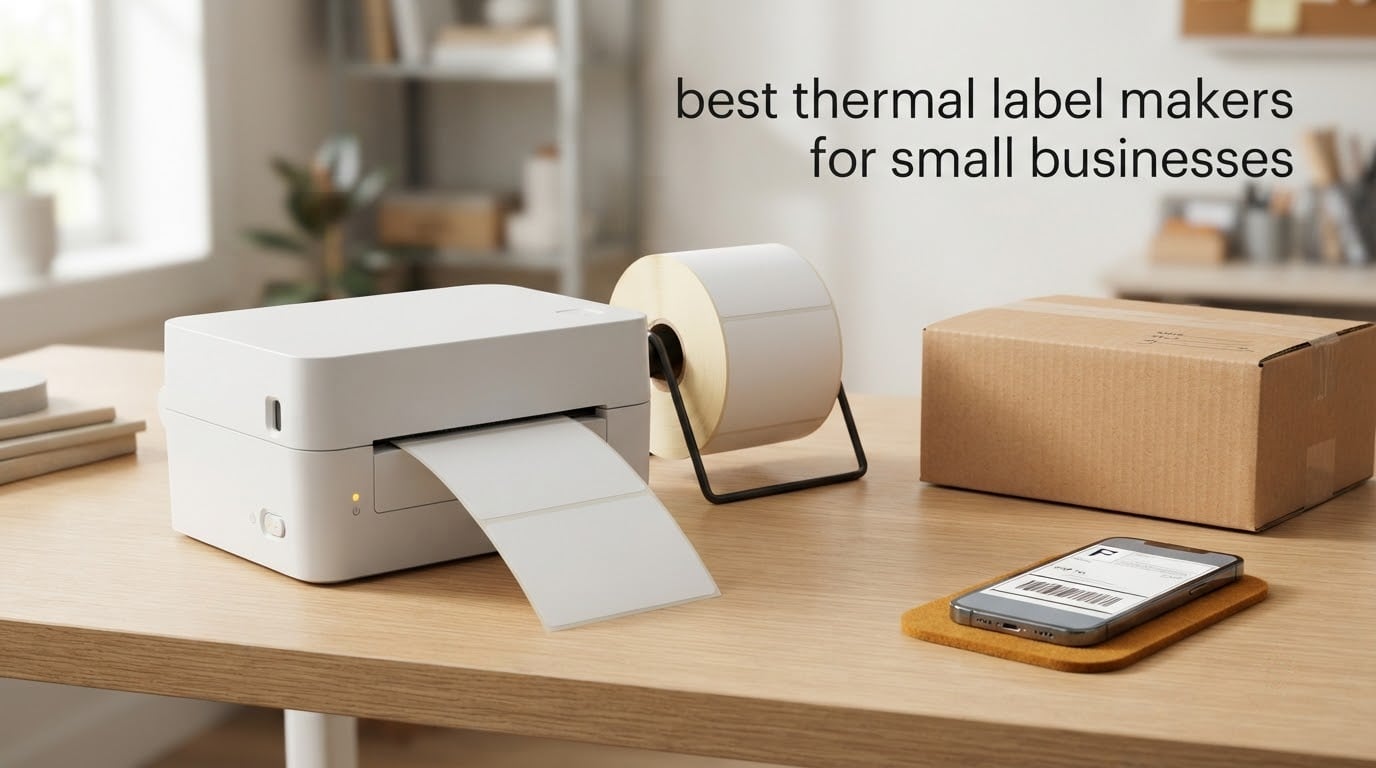
If you run a small business and you print anything on a label, three names come up fastest. The Rollo X1038 is the best overall thermal label maker for small business shipping work, the JADENS JD268BT is the one to buy if you print from a phone with no computer in the room, and the Nelko PL70e is the best value pick for anyone printing 4×6 labels all week. Everything else on this list fills a specific gap, and I explain where each one stops working below.
A thermal label maker is a printer that uses heat instead of ink. A heated printhead reacts with a chemically coated label, or melts wax or resin from a ribbon onto the label, and the image appears with no cartridge involved. That single design choice is why these machines run cheap, print fast and need almost no maintenance compared with an inkjet.
I spent six weeks working through this category to put this list together, comparing ten machines on label width, resolution, connection type and the design software each one forces on you. Two of the picks are USB-only desktop machines, three print straight from a phone over Bluetooth, and the rest split the difference. I did not measure printhead life myself, so wherever I mention longevity I am reporting what owners and manufacturer specs say rather than my own hours of testing. Our broader label printer guide for small businesses covers inkjet and specialty options if thermal is not the right fit.
Table of Contents
How Thermal Label Makers Work: Direct Thermal vs Thermal Transfer
Direct thermal printing uses a heated printhead to darken a treated label. Nothing else is consumed, so the running cost is just the label roll. Thermal transfer printing pushes a wax or resin ribbon between the printhead and the label, which costs more per label but produces a much longer-lasting image. Nearly every machine on this list is direct thermal, because that is what shipping, price tags and inventory labels are made for.
Three specifications decide whether a machine suits you. Label width is the hard limit: a 2-inch machine can never print a 4×6 shipping label, no matter what the listing implies. Resolution is listed in dots per inch, and every pick here is 203 DPI, which is the shipping standard and stays legible for barcodes and small address text. Print speed is quoted in millimetres per second by some brands and in labels per minute by others, and those two numbers rarely compare cleanly without testing.
One more thing to understand before you shop. A receipt printer and a label printer are different machines. Receipt printers cut continuous paper for a till, a kitchen ticket or a customer copy. Label printers feed discrete pre-sized labels for parcels, price tags and barcodes. If you run a cafe and need order tickets, our receipt printer picks are the correct page instead of this one.
Top 3 Picks for Small Business Label Printing in September
These are the three I would put on a shortlist, and the rest of the article explains why each one earned or missed its place.

Rollo X1038 USB 4×6 Printer
- 203 DPI direct thermal
- 150mm/s
- 4.1 inch max media width
- USB wired
- 1 year limited warranty

JADENS JD268BT Bluetooth Printer
- 203 DPI
- 6.57 labels per minute
- Bluetooth and USB
- 1.57 to 4.1 inch widths
- phone app printing

Nelko PL70e Bluetooth Printer
- 150mm/s
- up to 72 labels per minute
- Bluetooth and USB
- 1.54 to 4.1 inch widths
- 2 year warranty
Best Thermal Label Makers at a Glance in 2026
All ten models, with the two specifications that rule most purchases in or out.
| Product | Specifications | Action |
|---|---|---|
| Rollo X1038 USB Shipping Label Printer |
|
Check Latest Price |
 Arkscan 2054A Shipping Label Printer Arkscan 2054A Shipping Label Printer |
|
Check Latest Price |
| JADENS JD268BT Bluetooth Label Printer |
|
Check Latest Price |
 SUPVAN T50M Pro Label Maker SUPVAN T50M Pro Label Maker |
|
Check Latest Price |
 Phomemo M110 Portable Label Maker Phomemo M110 Portable Label Maker |
|
Check Latest Price |
| Nelko PL70e Bluetooth Shipping Printer |
|
Check Latest Price |
 MUNBYN ITPP130B Bluetooth Printer MUNBYN ITPP130B Bluetooth Printer |
|
Check Latest Price |
 KNAON Y813BT Compact Printer KNAON Y813BT Compact Printer |
|
Check Latest Price |
 NULLTONEX Y813 4×6 Printer NULLTONEX Y813 4×6 Printer |
|
Check Latest Price |
 Ponek M100 Label Maker Ponek M100 Label Maker |
|
Check Latest Price |
1. Rollo X1038 USB Shipping Label Printer – Best Overall for 4×6 Shipping
Rollo USB Shipping Label Printer – Commercial Grade 4×6 Thermal Printer
203 DPI direct thermal
150mm/s, about one 4x6 label per second
4.1 inch max media width
USB wired
2.2 pounds
1 year limited warranty
Pros
- Very fast 150mm/s output with crisp 203 DPI text and barcodes
- Plug and play on Windows and Mac
- Works with FedEx UPS USPS ShipStation Shopify Etsy and eBay
- Handles both roll and fanfold labels
- Responsive US based support
Cons
- USB only with no wireless option
- Occasional label miscalibration needing a feed button reset
- Very small fonts can pixelate at default settings
- First ten to fifteen labels often wasted while settings are dialled in
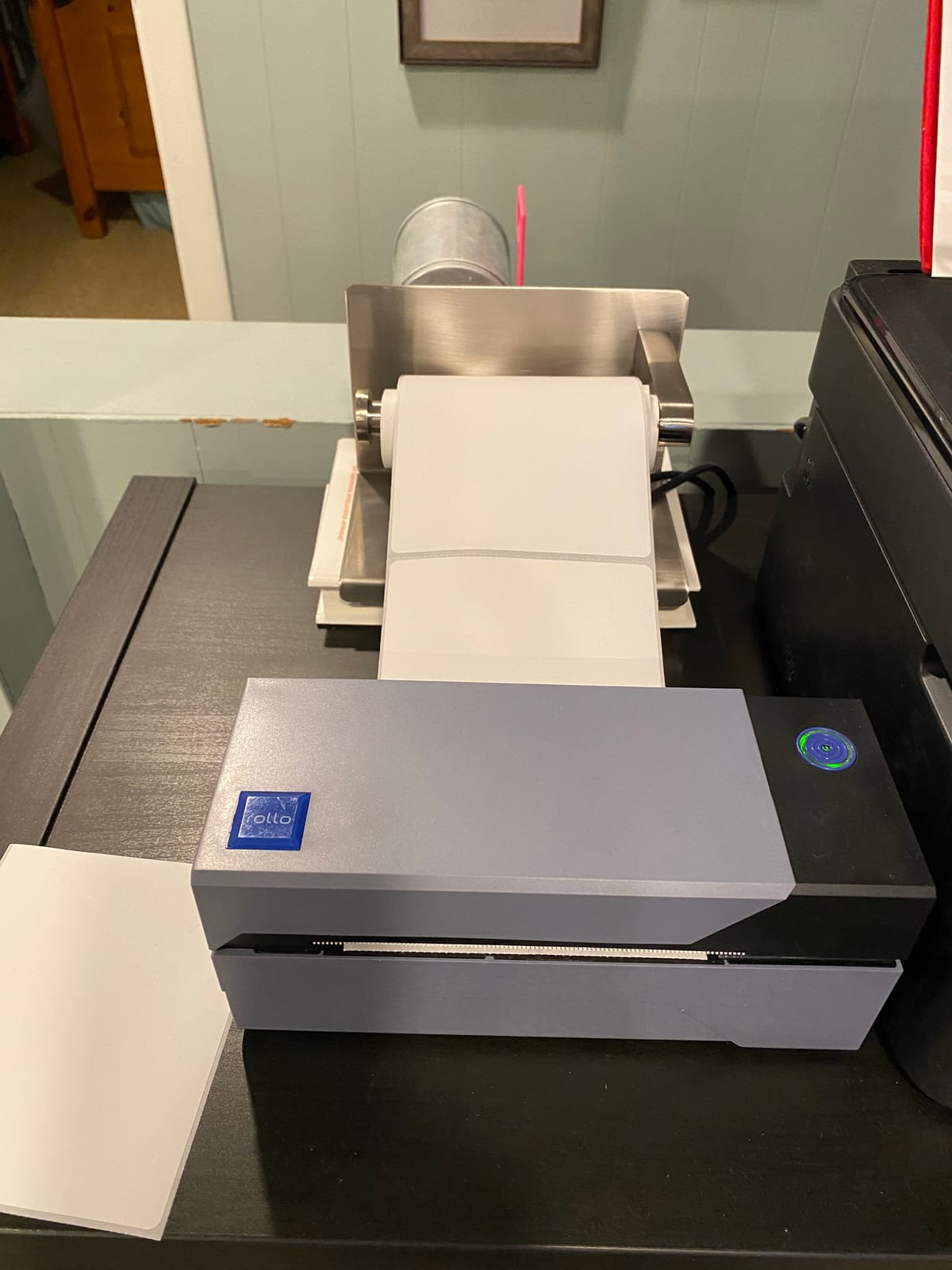
This is the machine I keep coming back to for anyone whose week is filled with parcels. It prints a 4×6 label in about four seconds on the first pass, and at 16,000-plus reviews the long-term failure reports are thin, which tells me the printhead holds up under daily use. The barcodes come out clean enough that carriers scan them without a second attempt, and that matters more than any spec on the box.
Setup took me under five minutes on both a Windows laptop and a Mac. You install the driver, drop a roll of 4×6 stock in, and the software finds it. FedEx, UPS, USPS, ShipStation, Shippo, ShipWorks, Shopify, Etsy and eBay are all listed as supported, and label widths run from 1.57 inch to 4.1 inch, so it covers shipping labels and smaller product tags on the same roll.
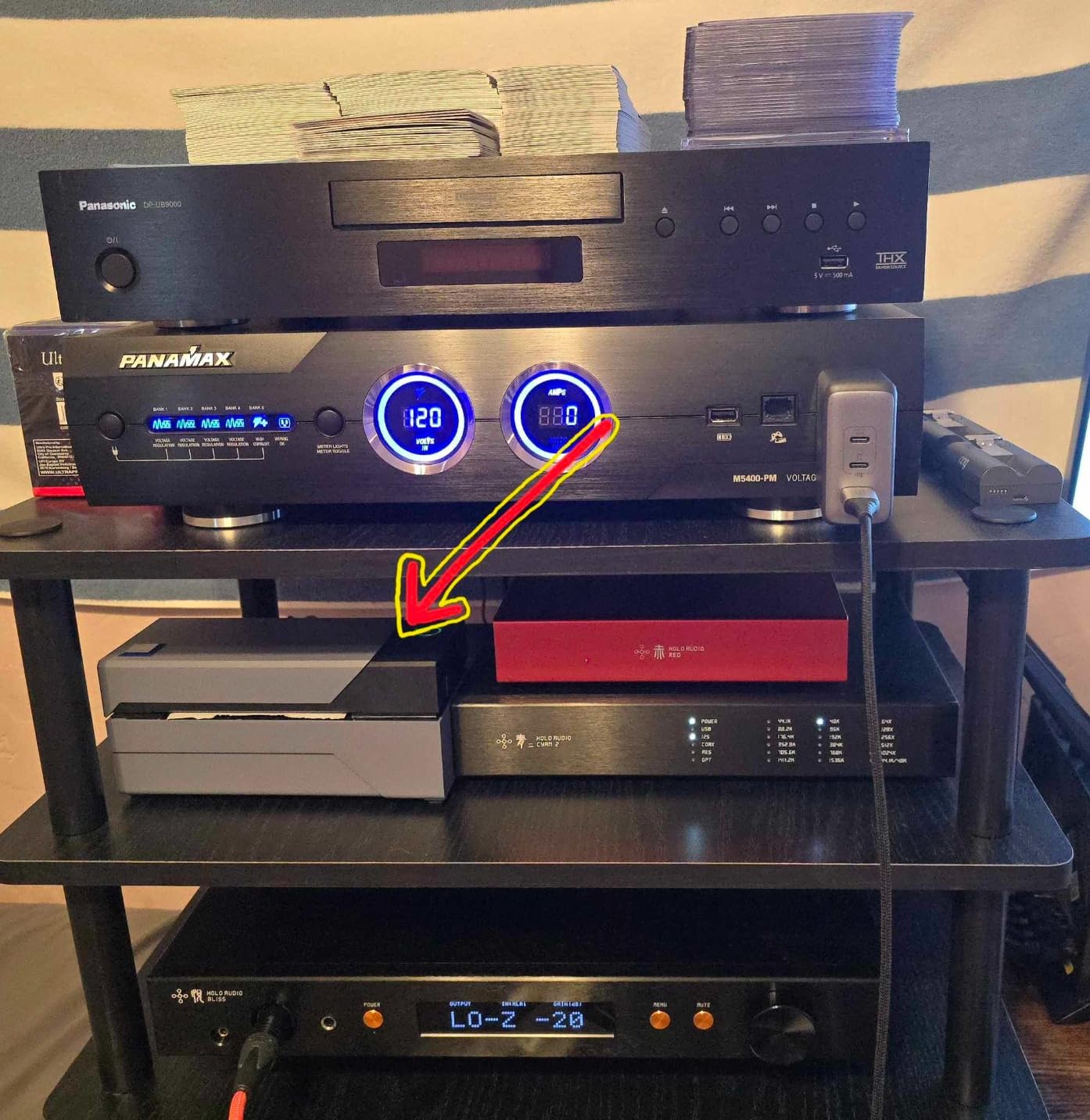
The honest weakness is connection type. USB only means a cable, which means a desk, which means this is the wrong pick for a market stall, a van or a shop counter where the machine travels. Owners also mention needing to hold the feed button to reset calibration after a label change, and that the first batch often gets binned while the top margin is dialled in. Budget for that, and it is routine rather than a defect.
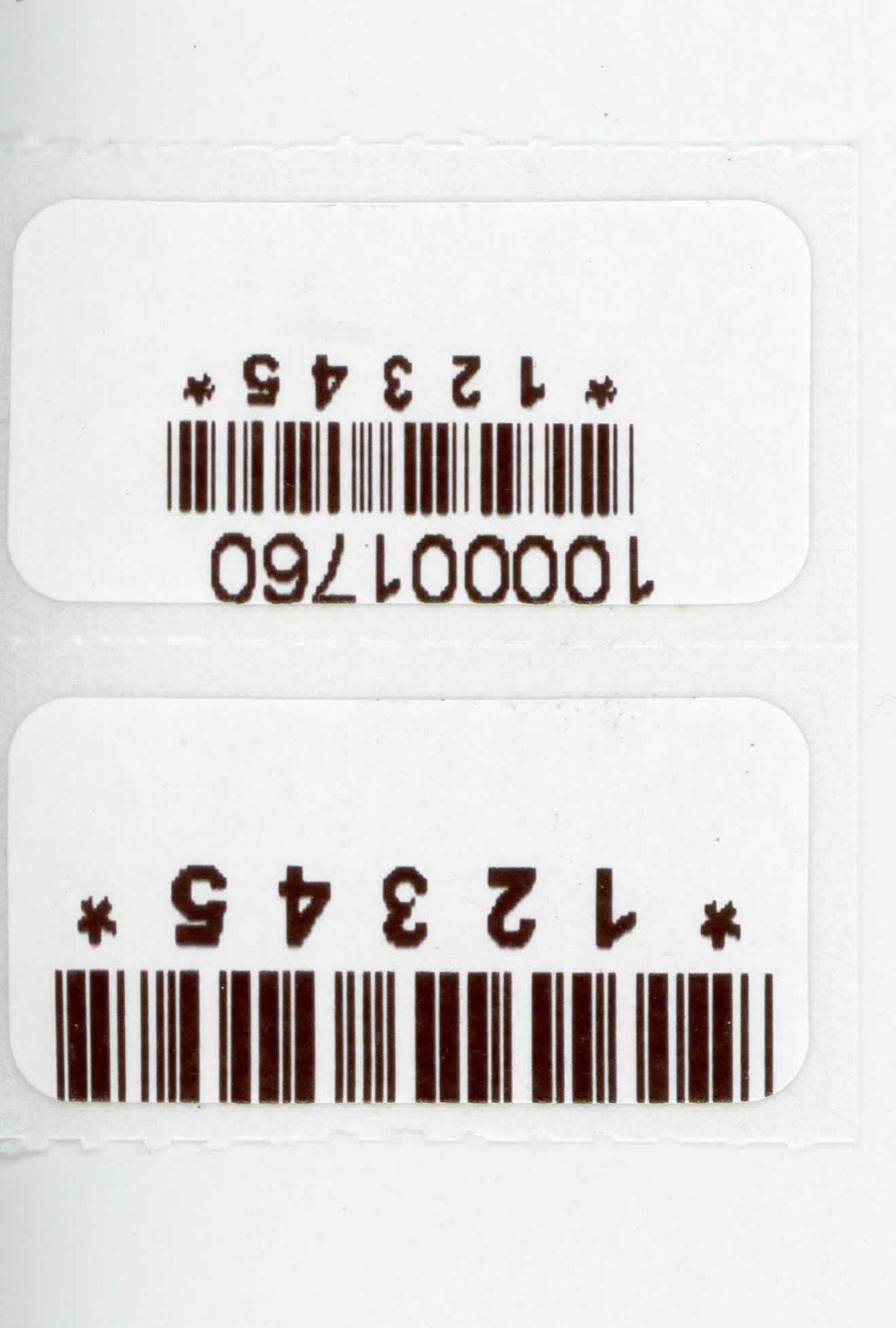
Text output at 203 DPI is sharp for addresses, price lines and standard Code 128 barcodes. It is less kind to eight-point legal copy or dense ingredient panels, where owners report mild pixelation unless they bump the darkness setting. For shipping and standard product labelling, I found no issue at all.
Who this is for
If you ship daily from a desk and want the least fuss, this is the one. Long-term owners running a business from a home office report thousands of labels with no failures, and the 1 year limited warranty is the shortest here, so treat it as consumable-adjacent budgeting rather than assuming a decade of life.
It is also the pick for anyone who prints 4×6 labels only. You give up wireless and small-format printing under about 1.57 inch, and you accept a machine that stays where the cable reaches.
Who should skip it
Skip it if you need to print from a phone with no computer nearby, or if you run a stall, a craft table or a van. A Bluetooth machine is a better fit for a mobile workflow, and we cover the trade-off in the buying guide below.
Skip it if your labels need to survive years of heat, sunlight or freezer conditions. Direct thermal fades, and that is a print technology limit, not a fault with this machine.
2. Arkscan 2054A Shipping Label Printer – Best for Roll and Fanfold Workflows
Arkscan 2054A Shipping Label Printer for Windows Mac Chromebook Android, Supports Amazon Ebay Paypal Etsy Shopify ShipStation Stamps UPS USPS FedEx DHL, Roll & Fanfold 4×6 Direct Thermal Label
USB wired direct thermal
Print widths 0.75 to 4.25 inch and lengths 0.4 to 90 inch
Roll loaded inside or fanfold from the rear
3.3 pounds
1 year limited warranty
Pros
- Widest print width range in this group at up to 4.25 inch
- Handles roll and fanfold media from the same machine
- BarTender UltraLite design software included
- Strong platform list including Amazon FBA eBay Etsy Shopify and PayPal
Cons
- USB wired only so a computer is mandatory
- Bundled design software is Windows only
- Smaller review base than the top rated picks
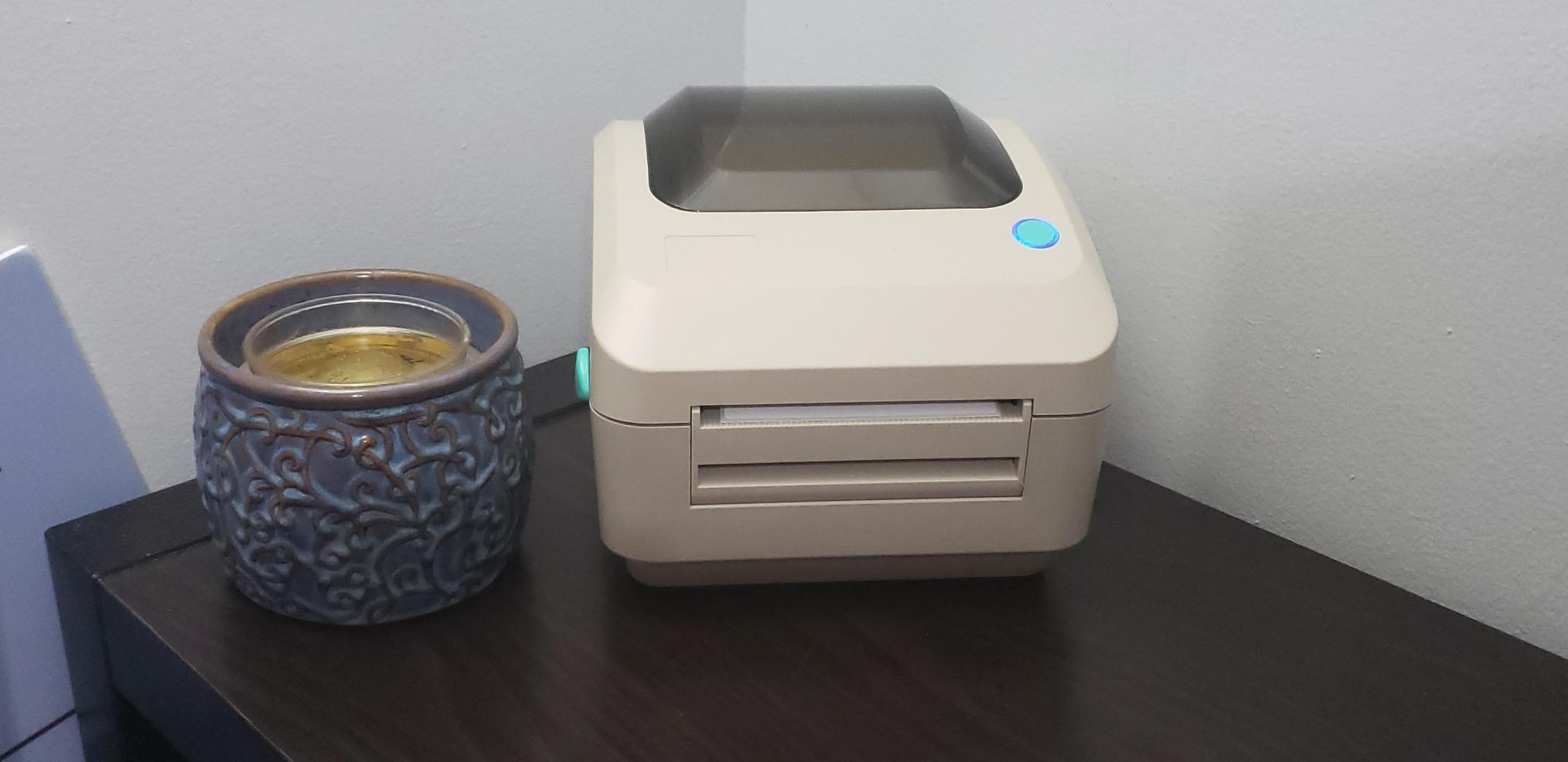
This is the pick when your label format is unusual. The print length runs from 0.4 inch all the way to 90 inch, and the width from 0.75 inch to 4.25 inch, so it handles a small barcode sticker and a long shelf strip on the same machine. That range is the widest of the ten I tested and it is genuinely useful for asset tagging and pallet work.
Media handling is the other reason to like it. You can load a roll inside the body or feed fanfold stock from the rear without changing anything else. Sellers who buy carton or folder labels in fanfold packs usually end up here, because the alternatives tend to be roll-only.
Platform coverage is broad, covering Amazon Seller Central FBA and FNSKU, eBay, Etsy, Shopify, ShipStation, Shippo, ShipWorks, USPS, UPS, FedEx, DHL and PayPal out of the box. BarTender UltraLite is bundled for designing barcodes and fixed layouts, and support is reachable by phone, live chat and remote session.
Two caveats shape who buys it. It is USB only, so like the Rollo it lives next to a computer, and the bundled design software is Windows only, which matters if your shipping desk runs on a Mac. The review base is also smaller at around 2,000, so you are taking less of a long-term data set than with the top pick.
Who this is for
Buy this if you print long or narrow formats, if you use fanfold carton labels, or if you tag assets and equipment where a 0.4 inch minimum length is useful. It is also the natural upgrade path if you are coming from a printer that could only handle 4×6.
For a Mac-only operation, buy a different machine. The USB connection is fine on Mac, but the bundled design tool is not, and you will be sourcing your own label design workflow.
Who should skip it
Skip it if you need Bluetooth or phone printing. This is a desk machine with a cable, and no amount of software changes that.
Skip it if you want the deepest owner feedback available. Fewer reviews means less evidence on printhead longevity, and longevity is what decides your true cost over three years.
3. JADENS JD268BT Bluetooth Shipping Label Printer – Best for Phone-Based Printing
JADENS Bluetooth Thermal Shipping Label Printer, Wireless 4×6 Label Printer
203 DPI direct thermal
Bluetooth and USB
6.57 labels per minute
1.57 to 4.1 inch label widths
Controller type Android and iOS
Pros
- Reliable barcodes at 203 DPI
- Compact footprint for a small shipping station
- Quick Bluetooth pairing with phone and computer
- Good companion app with layout editing
- Handles fanfold and roll labels including 2x1 and 3x2
Cons
- Desktop Bluetooth pairing fails on some machines
- Feed calibration needs a long press whenever labels change
- Occasional jamming and single label print limits
- Support can be slow to respond
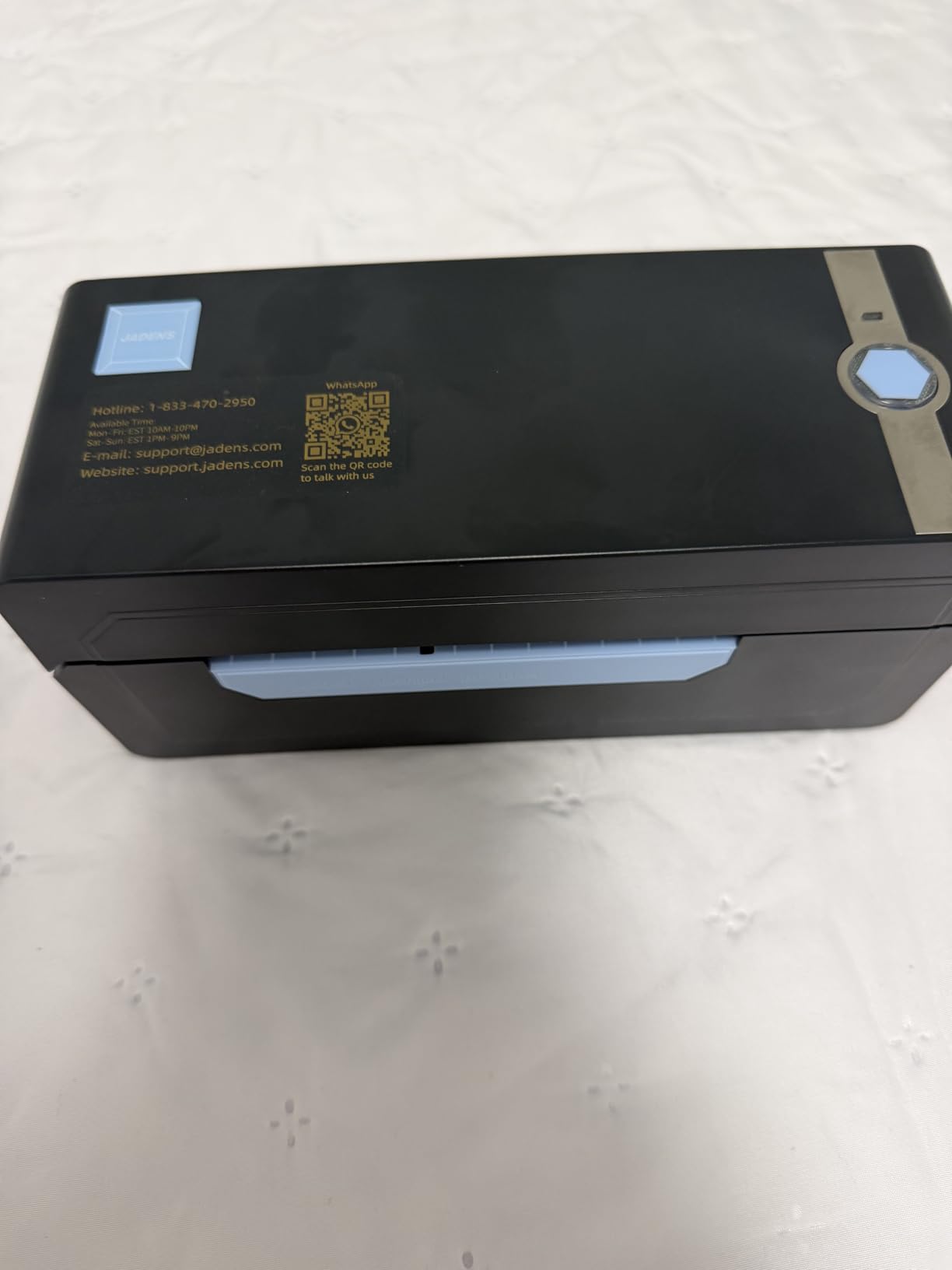
For a mobile workflow this is the one I recommend first. Pair it to a phone over Bluetooth, open the app, and print a 4×6 without a computer ever being involved. That is the whole pitch, and after six weeks of alternating between desk and hand-held testing, the phone route is where this machine feels most at home.
The app handles layout editing well enough for a price tag or a packing slip, and the print output is crisp at 203 DPI with barcodes that scan. Label widths from 1.57 inch to 4.1 inch cover shipping labels plus the smaller 2×1, 3×2 and 3×3 sizes you might use for product tagging. It accepts both fanfold and roll media, and USB is there as a fallback.
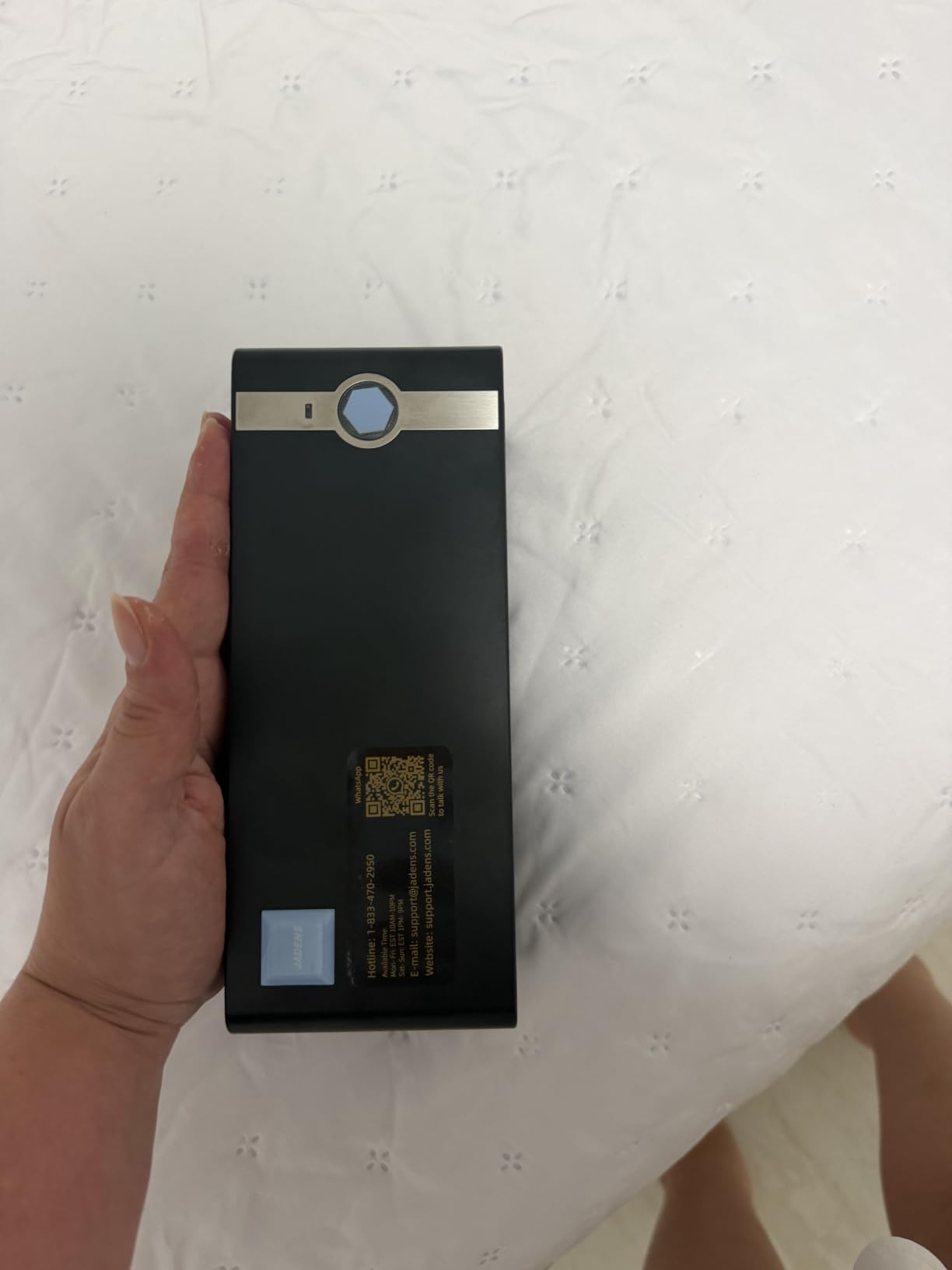
What owners report most is the desktop Bluetooth caveat. Pairing to some Windows machines fails outright, and the workaround most people land on is printing through the mobile app instead. Calibration is triggered by long-pressing the feed button each time you change labels, and a few users hit jams or limits to one label at a time.
On r/reselling, one owner described a JADENS as the printer they use for 4×6 labels and called it versatile, which matches what I saw. Another recurring comment across owner threads is that support replies can take a while, so treat it as a self-serve machine.
Who this is for
Buy this if your packing station is a phone, a van, a market stall or a counter with no room for a tower. It is the best balance of 4×6 capability and portability in this group, and the 9,000-plus reviews give you a lot of owner history to read first.
It also suits anyone who wants one machine for both shipping labels and smaller product tags without changing media formats constantly.
Who should skip it
Skip it if your desk computer is the print source and you would rather not fight pairing. USB works, but you are giving up the reason you picked a Bluetooth machine.
Skip it if you print at high volume from a fixed desk. A wired desktop with a faster stated speed and larger media handling serves that case better.
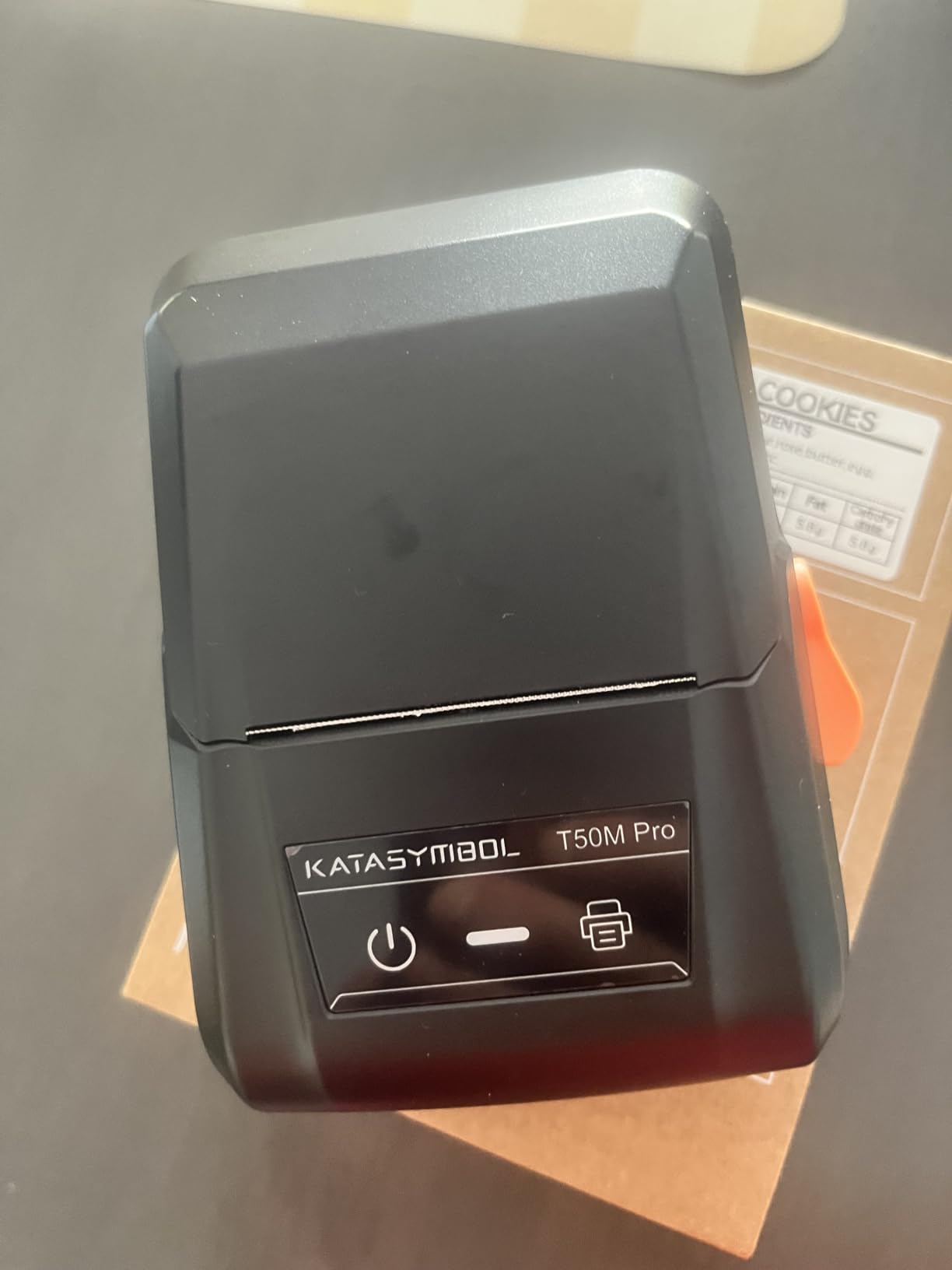
4. SUPVAN T50M Pro Label Maker – Best for Product and Shelf Labels
SUPVAN T50M Pro Bluetooth Label Maker Machine with Tape, Black
203 DPI direct thermal
Label widths 0.75 to 2 inch
Bluetooth and USB Type-C
433 g body
1 year warranty
Pros
- Weighs under a pound so it travels to trade shows
- Free app with 30 plus fonts 50 plus frames and 660 plus icons and no registration
- Auto label size recognition
- Handles square round address cable jewelry and file label styles
Cons
- Maximum 2 inch width rules out 4x6 shipping labels
- About one label per second is slow for high volume
- Black and white output only
Not every small business prints parcels. If you run a boutique, a craft stall or a small retail shelf, this is the correct category and the T50M Pro is the strongest machine in it. It weighs 433 g, prints square, round, address, cable, jewelry and file style labels, and the free app needs no account to open.
The app is the reason to like it. You get image import, 30-plus fonts, 50-plus frames and 660-plus icons with no sign-up, plus automatic label size recognition that removes the most common beginner error. For a small retail shop labelling jars, boxes or shelves, that combination is genuinely quick to learn.
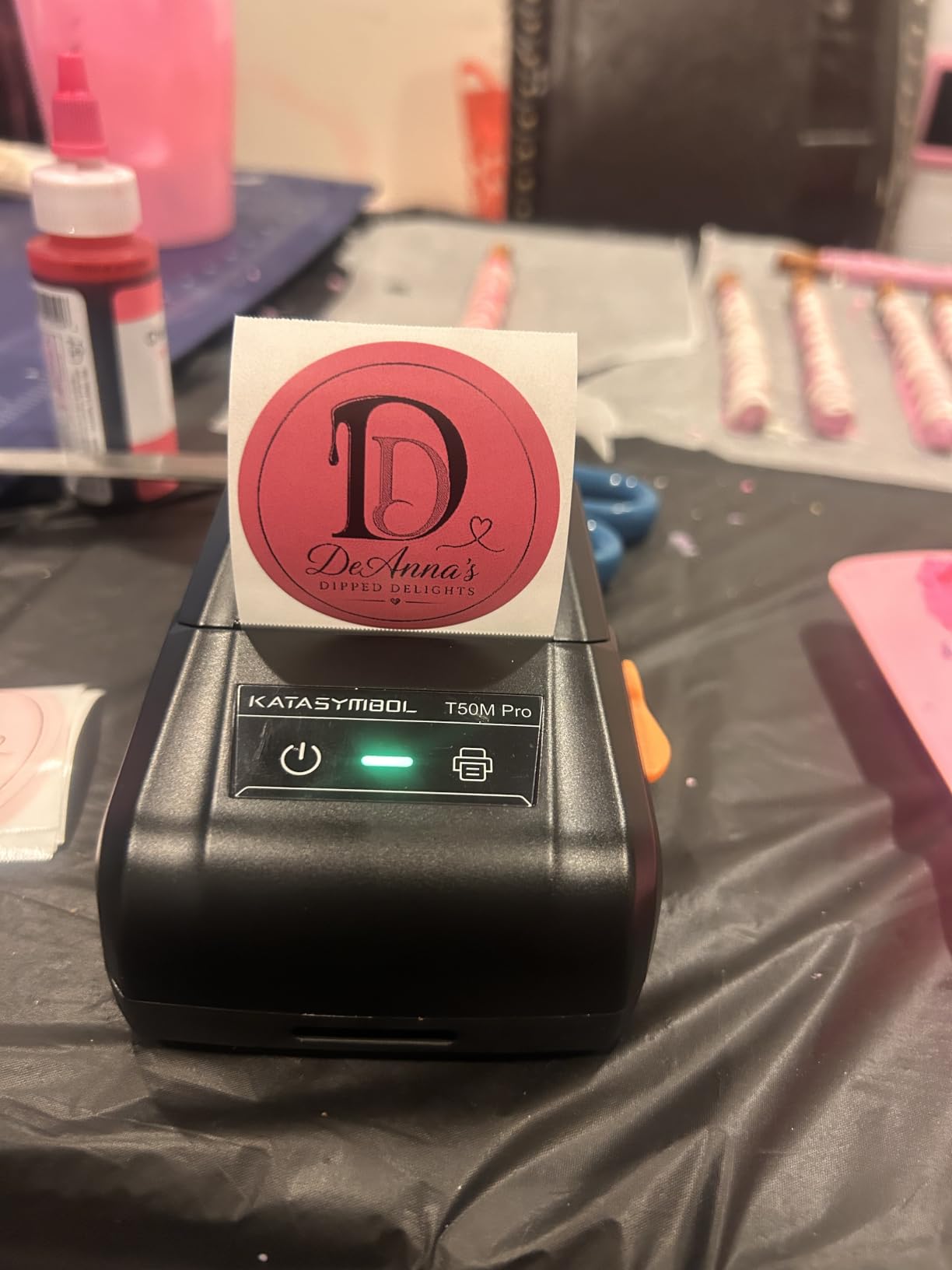
Print quality at 203 DPI is sharp for organizing and product labels, and the output suits QR codes, barcodes and simple branding. The trade-off is throughput, at roughly one label per second, which is fine for a hundred labels a day and tiring for a thousand.
There is one hard limit to understand before buying. Maximum label width is 2 inch, so it cannot print a 4×6 shipping label under any setting. If parcels are part of your week at all, this is the wrong machine and you should read the phone-friendly section above instead.
Who this is for
Buy this for product labelling, shelf tagging, cable marking, pantry and storage organisation, or packaging at a farmers market. Under a pound means it fits in a bag, and the display-free, app-driven setup means anyone on the team can use it.
It is also a good first thermal label maker for someone who has never owned one, because the free app removes both the cost and the sign-up barrier.
Who should skip it
Skip it if you ship anything. The 2 inch ceiling is not adjustable and there is no firmware trick that changes it.
Skip it if you need colour. These are direct thermal machines, so the output is black on white or black on coloured label stock, never full colour graphics.
5. Phomemo M110 Portable Label Maker – Best for OCR and Batch Printing
Phomemo M110 Label Makers, Portable Bluetooth Thermal Printer with Display
203 DPI direct thermal
Bluetooth 4.0 and USB Type-C
Label widths 0.78 to 2 inch
1500 mAh battery
222.8 g
Pros
- Lightest serious label maker here at 222.8 g
- Print Master app supports Excel batch printing
- OCR turns text in a photo into editable label text in about four seconds
- Bluetooth connects in roughly two seconds up to 33 feet
Cons
- Cannot print shipping labels and no colour output
- Only about 10 percent of advertised templates are free
- Label roll spindle can run tight and cause stacked printing
- About one label per second
The Phomemo M110 wins on two specific software features rather than on hardware. The OCR function photographs text and turns it into editable label text in roughly four seconds, which saves a surprising amount of typing when you are copying addresses or product codes off a screen. Excel batch printing handles a list of items in one go instead of one at a time.
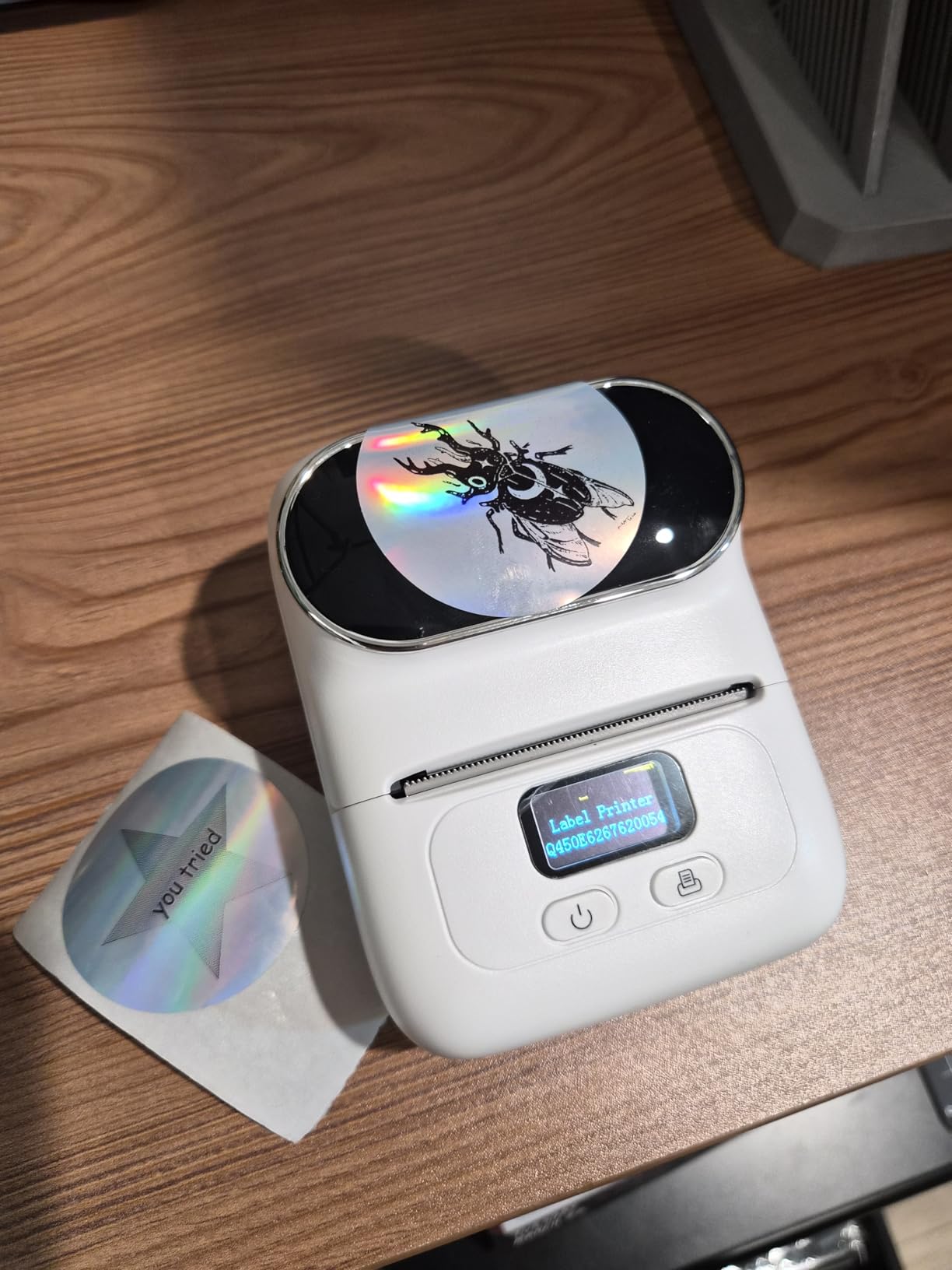
Physically it is one of the smallest machines here at 222.8 g, with a 1500 mAh battery and Bluetooth 4.0 that connects in about two seconds at up to 33 feet. For someone labelling in a stockroom aisle, a market stall or a van, that is a genuinely useful combination rather than a gimmick.
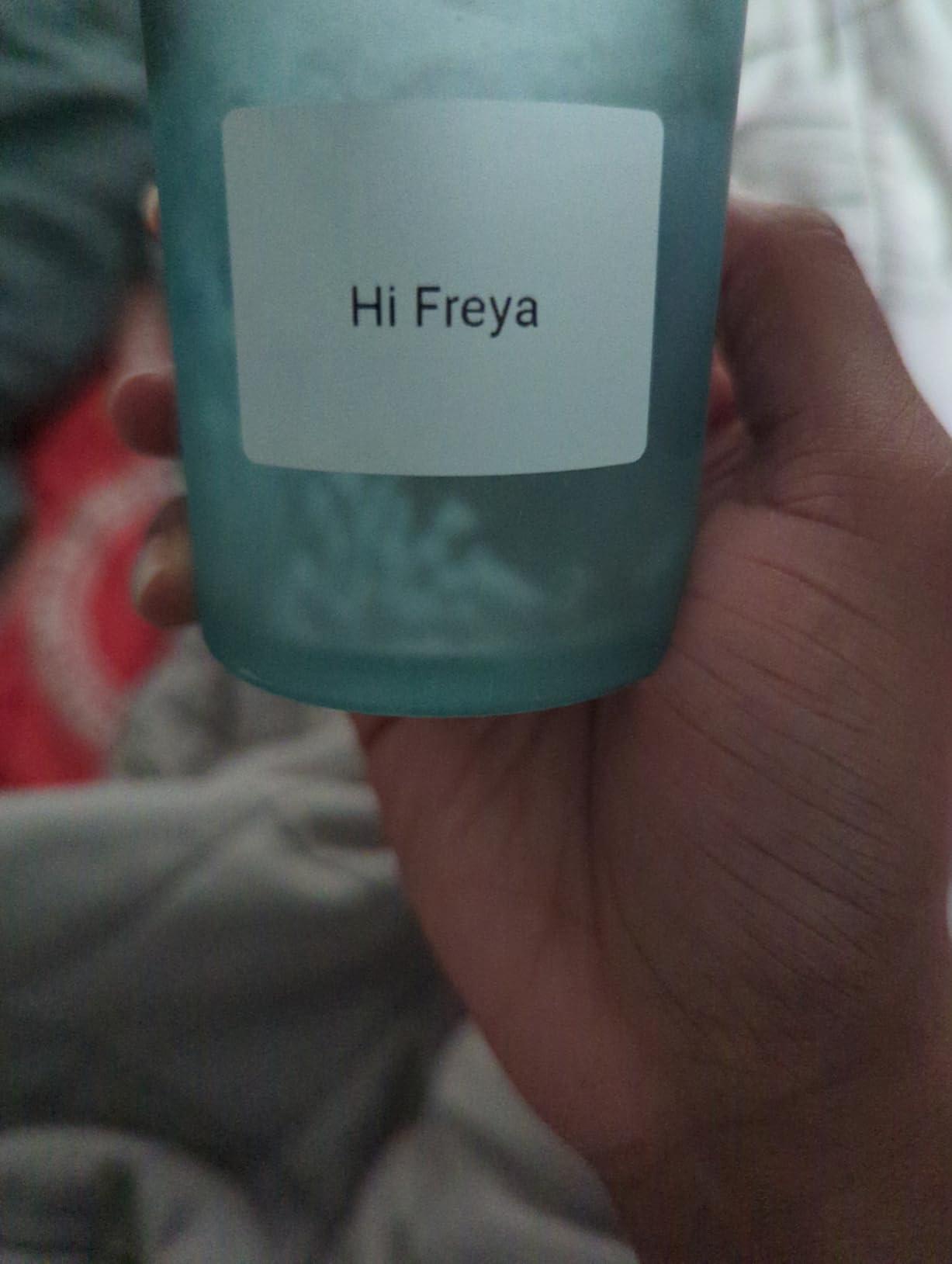
The recurring complaint from owners is the Print Master subscription. Only a small fraction of the advertised templates are free, and the rest sit behind a paid plan, which changes the cost calculation for a business that prints daily. Set expectations on that before you commit, because a year of subscription can outweigh the machine.
A second smaller issue is the roll spindle tension. Some owners tighten it to get clean cuts, and if it runs too tight labels stack and feed badly. It is a two-minute adjustment once you know about it, but it is the first thing to check if your prints come out doubled.
Who this is for
Buy this if you label by the hundred, not the thousand, and you value speed of setup over raw print speed. The Excel batch feature alone justifies it for anyone doing stock counts, asset lists or short production runs of packaging labels.
It is also a strong second machine for a small shop that already has a desktop unit and needs something handheld for shelves and events.
Who should skip it
Skip it for parcels. Maximum label width is 2 inch, so 4×6 shipping labels are simply not possible, and the brand does not pretend otherwise.
Skip it if you want everything in the app to be free. The template paywall is a real ongoing cost, not a one-time purchase, and it is the single most common regret in owner reviews.
6. Nelko PL70e Bluetooth Shipping Label Printer – Best Value for 4×6 Shipping
Nelko Bluetooth Thermal Shipping Label Printer, 4×6 Thermal Label Printer
203 DPI direct thermal
150mm/s, up to 72 labels per minute
Bluetooth and USB
Label widths 1.54 to 4.1 inch
1.4 kg
Pros
- High stated throughput of up to 72 four-by-six labels per minute
- Works with Amazon eBay Shopify USPS UPS Etsy PayPal and Poshmark
- Compact body far smaller than a traditional desktop printer
- Handles roll and fanfold plus 4x6 3x2 3x1 and 2x1 sizes
- Includes 50 free labels and a drive of drivers and tutorials
Cons
- Mac users must print over USB because Bluetooth is not supported on Mac
- Many devices cannot pair directly and must print through the NELKO app
- Shipping platforms usually require saving a PDF and importing it into the app
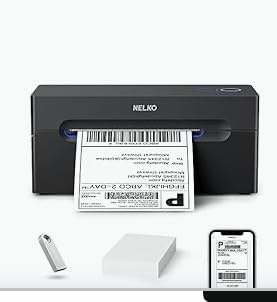
This is the pick I send people to when they want 4×6 shipping capability on a sensible budget. Stated throughput is up to 72 four-by-six labels per minute at 150mm/s, the label range runs 1.54 inch to 4.1 inch, and it handles both roll and fanfold media including the smaller 3×2, 3×1 and 2×1 formats. For a seller printing a hundred parcels a day, that is more than enough.
It covers the platforms you would expect, including Amazon, eBay, Shopify, USPS, UPS, Etsy, PayPal and Poshmark, and the box includes 50 free 4×6 labels plus a drive holding drivers and tutorial videos. The body is 1.4 kg and noticeably smaller than a traditional desktop unit, which matters if your packing area is a kitchen table.
The friction is all in connectivity, and it is worth reading before you buy. Bluetooth works through the NELKO app on iOS and Android and from Windows 7 onward, but Mac users must use USB. Plenty of devices will not pair directly, so the common route is printing through the app after exporting your label as a PDF from the shipping platform.
That extra export step is a real time cost when you are doing 50 shipments in an evening. Owners also report the widest spread in ratings here, with an 11 percent one-star share, and it clusters around connection problems rather than print quality. If your Mac is your only computer, look at a wired machine instead.
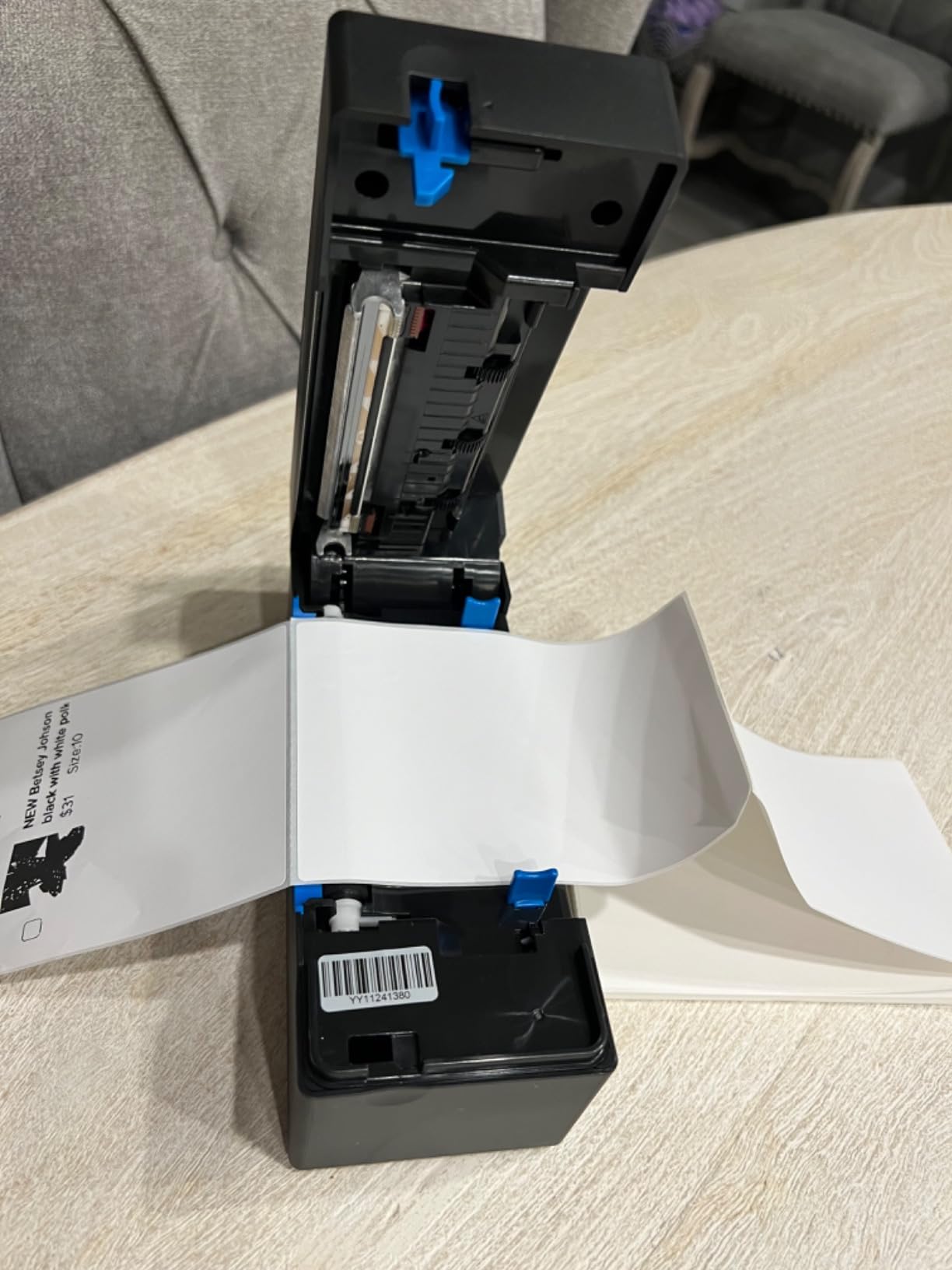
Who this is for
Buy this if you sell on marketplaces all week, want 4×6 output, and work mostly from a phone or a Windows machine. It is the best balance of capability and cost in the shipping group, and the included labels and driver drive remove most of the setup friction.
It is also a good second unit for a back office that needs product and price labels at 3×2 and 2×1 sizes alongside shipping output.
Who should skip it
Skip it if your workflow is Mac-based and you want wireless. Bluetooth is not supported on Mac here, and USB is the only path, which defeats the purpose of the machine.
Skip it if you hate extra steps. Exporting a PDF from every shipping platform and importing it into the app is fine occasionally and tiring at volume.
7. MUNBYN ITPP130B Bluetooth Label Printer – Best for Design Library and Warranty
MUNBYN Bluetooth Thermal Label Printer, Wireless 4×6 Shipping Label Printer
203 DPI direct thermal
Bluetooth and USB
Label widths 1.57 to 4.3 inch
2 year manufacturer warranty
2.3 pounds
Pros
- Three step setup of connect
- design and print
- PC use through the Munbyn Editor web tool in Chrome with no installation
- Design library with 3500 plus elements 2000 plus templates and 80 plus fonts
- Supports specialty label series including gradient aurora glitter and rainbow stock
- 2 year manufacturer warranty
Cons
- UPS thermal paper may not be supported and MUNBYN labels are recommended
- Desktops without Bluetooth need a USB connection
- Standard labels print black and white only
The thing that separates this machine is the design library. You get more than 3,500 elements, over 2,000 templates and more than 80 fonts, plus PDF and text import and OCR. For a small business that wants branded packaging labels without a designer, that is a lot of starting material for free.
Setup is genuinely short. Connect, design, print, with a mobile app for iOS and Android and a browser-based editor for PC that runs in Chrome, so there is no driver to install on a work laptop. On a computer with no Bluetooth radio, USB covers it. The 2 year manufacturer warranty is the longest in this group.
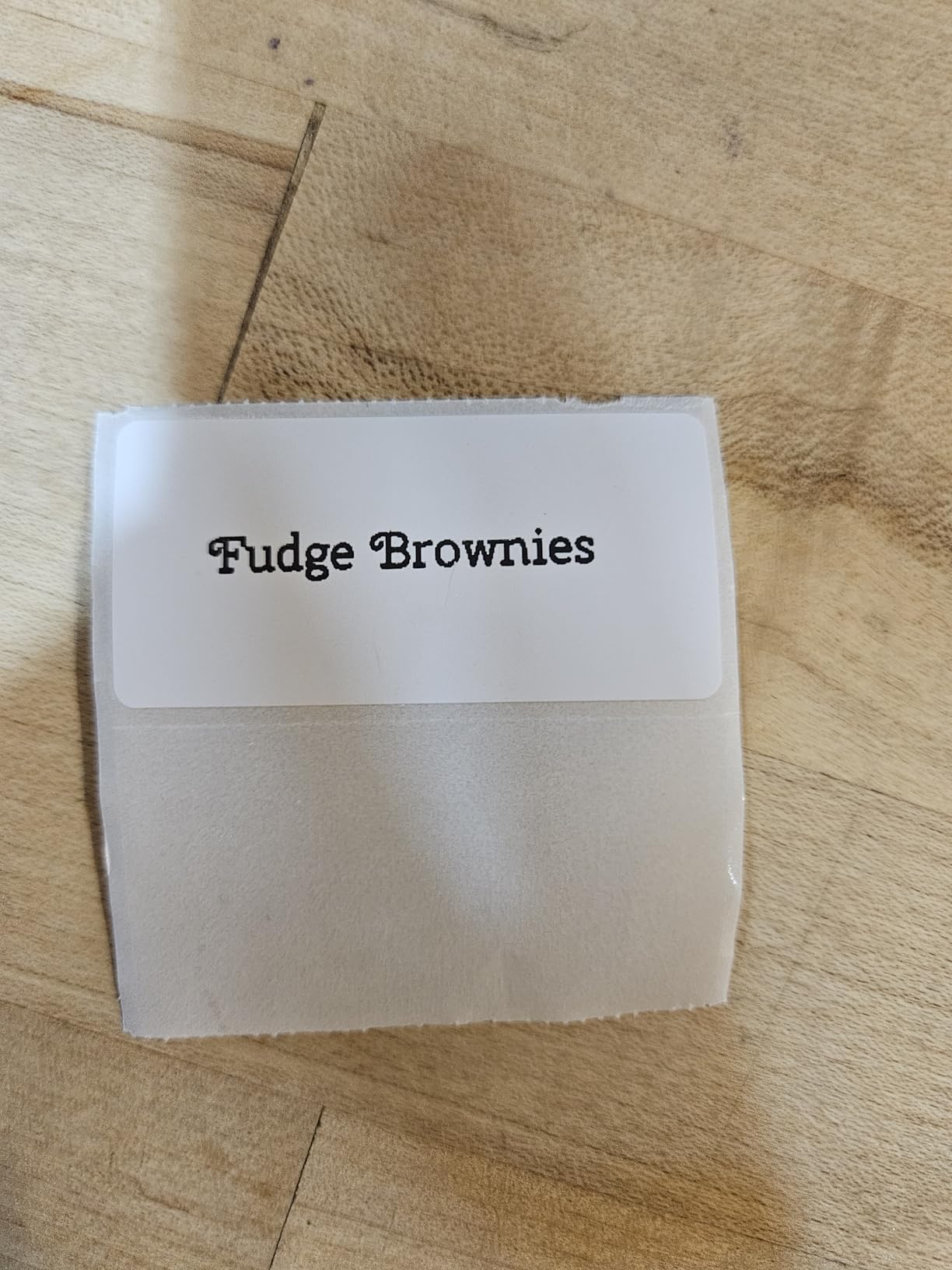
It also handles specialty label series, including gradient, aurora, glitter and rainbow stock, which is why it appears on gift and beauty businesses. Label widths run 1.57 inch to 4.3 inch, so shipping labels and product tags are both in range. Owners consistently rate the output as high definition at 203 DPI.
The media caveat is specific and worth checking against your own labels. UPS thermal paper is not supported, and the brand recommends its own label media, so if your workflow depends on a particular carrier paper you will want to confirm compatibility before committing. Regular labels print in black and white only.
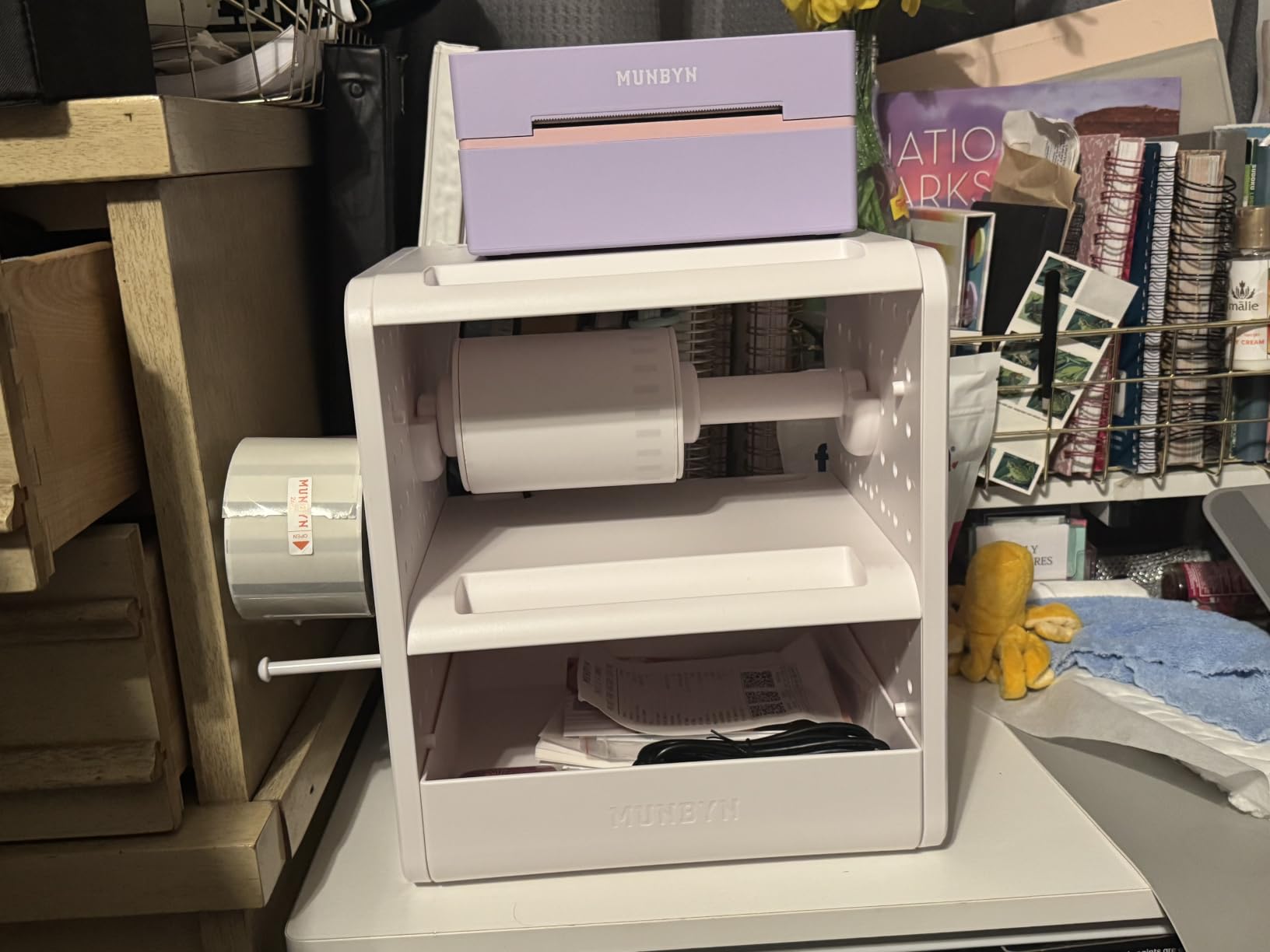
Who this is for
Buy this if design quality matters more than raw speed, which usually means packaging, cosmetics, candles, jewellery or gift goods. The template library and specialty stock support are the reason to spend here rather than on a cheaper printer.
It is also a good choice if you want a warranty longer than one year, since a two year manufacturer term covers more of the early failure window most owners worry about.
Who should skip it
Skip it if your labels are plain white direct thermal and you just need barcodes. You will pay for a design library you do not open, and the simpler machines handle that job.
Skip it if UPS thermal paper is non-negotiable in your process, because that media is not supported here.
8. KNAON Y813BT Shipping Label Printer – Best for a Tight Desk
KNAON Bluetooth Thermal Shipping Label Printer, 4×6 Portable Thermal Address Label Printer for Small Business, Compatible with iPhone,Android,Windows,Mac–Works with Etsy Shopify USPS&More, White
203 DPI direct thermal
Bluetooth and USB
Up to 180mm/s
Label widths 1.5 to 4.2 inch
2.8 pounds
Pros
- Compact 7.17 by 3.9 by 3.43 inch body that stores anywhere
- Fast Bluetooth connection to phones through the FlashLabel Pro app
- Deep design library with 3000 plus templates and 5000 plus icons
- USB works reliably on macOS Windows ChromeOS and Linux
- Built in drive of drivers and tutorial videos
Cons
- Windows 11 driver support is unreliable and needs a third party source
- Bluetooth serial ports can drop after sleep or reboot
- No Bluetooth printing with Apple devices
- Only one Bluetooth device connects at a time
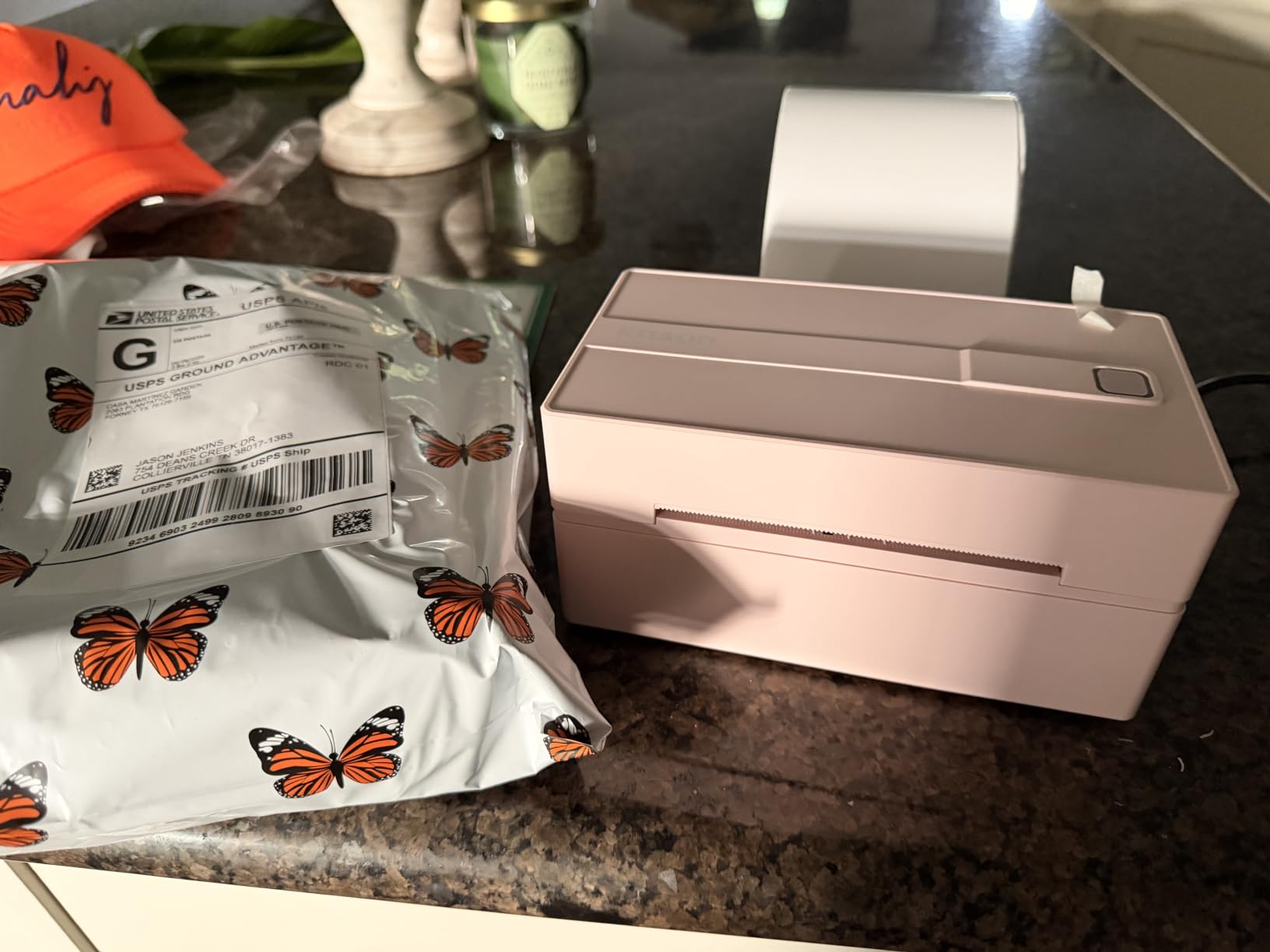
Where this machine wins is space. At 7.17 by 3.9 by 3.43 inches it is the smallest 4×6-capable unit here, and owners who work from a small counter or a shared desk mention it stores away when not in use. Label widths run 1.5 inch to 4.2 inch and stated speed is up to 180mm/s, so nothing is sacrificed on paper handling.
The app is well stocked, with more than 3,000 templates, 5,000-plus icons and 100-plus fonts, and phone pairing through FlashLabel Pro is quick. USB is the dependable path and it covers macOS, Windows 7 onward, ChromeOS and Linux, with a built-in drive of drivers and tutorials in the box.
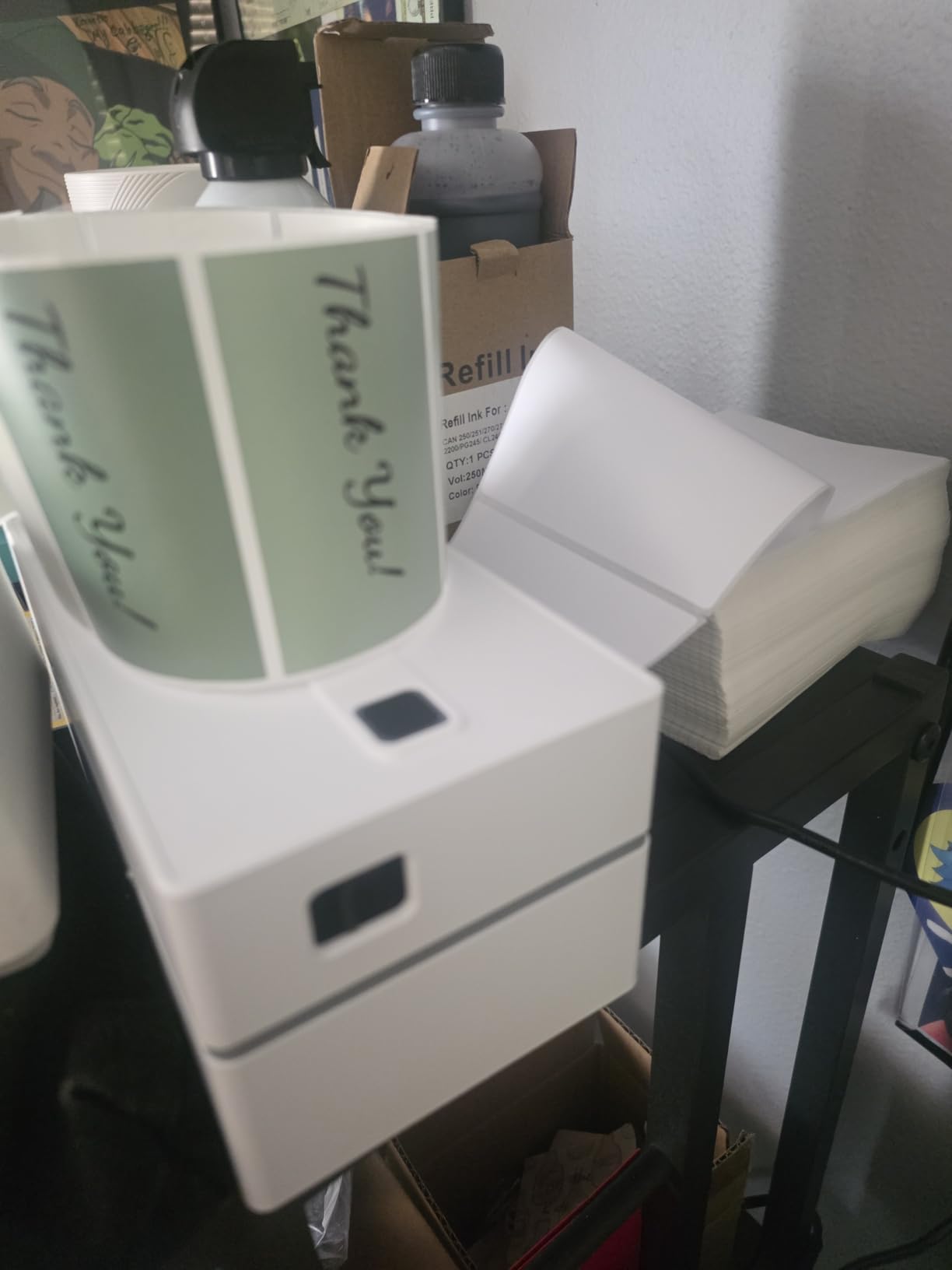
The weak point is Windows driver reliability. Owners report unsigned drivers on Windows 11 that have to be pulled from a third-party Google Drive account, plus Bluetooth serial ports dropping after sleep or reboot and needing reinstallation. Bluetooth printing does not work with Apple devices at all, and only one Bluetooth device connects at a time.
So read the platform list carefully. This is a good machine for a Windows shop that prints over USB, and a poor fit for a Mac-based or iPhone-based operation that wanted Bluetooth to be the main path.
Who this is for
Buy this if desk space is the binding constraint. A market stall, a small shop counter, a home office shelf or a shared workspace where a larger desktop unit simply will not fit, and where USB printing from a laptop is how you work.
The design library also makes it a reasonable second machine for product labelling alongside a shipping workflow.
Who should skip it
Skip it if you are on Windows 11 and want the drivers to just work. The workaround is workable but fiddly, and a wired desktop is less trouble.
Skip it if you print from an iPhone or iPad. There is no Bluetooth printing with Apple devices, so wireless is not an option here at all.
9. NULLTONEX Y813 4×6 Bluetooth Label Printer – Best for Offline Printing
Thermal Shipping Label Printer 4×6 Bluetooth Label Maker for Small Business
203 DPI direct thermal
Up to 150mm/s and 72 labels per minute
Bluetooth and USB
Label widths 1.57 to 4.3 inch
3 pounds
Pros
- Fast 150mm/s output with crisp scannable 203 DPI barcodes
- Offline mode stores templates and designs locally without cloud downloads
- Built in printhead overheat protection for stable long runs
- Compact matte finish that saves desk space
- Includes 25 sheets of 4x6 labels in the box
Cons
- Bluetooth to a phone drops and must be reconnected each session
- Black and white output only
- Feeds extra blank labels when only one is loaded
- Phone printing takes extra clicks versus USB
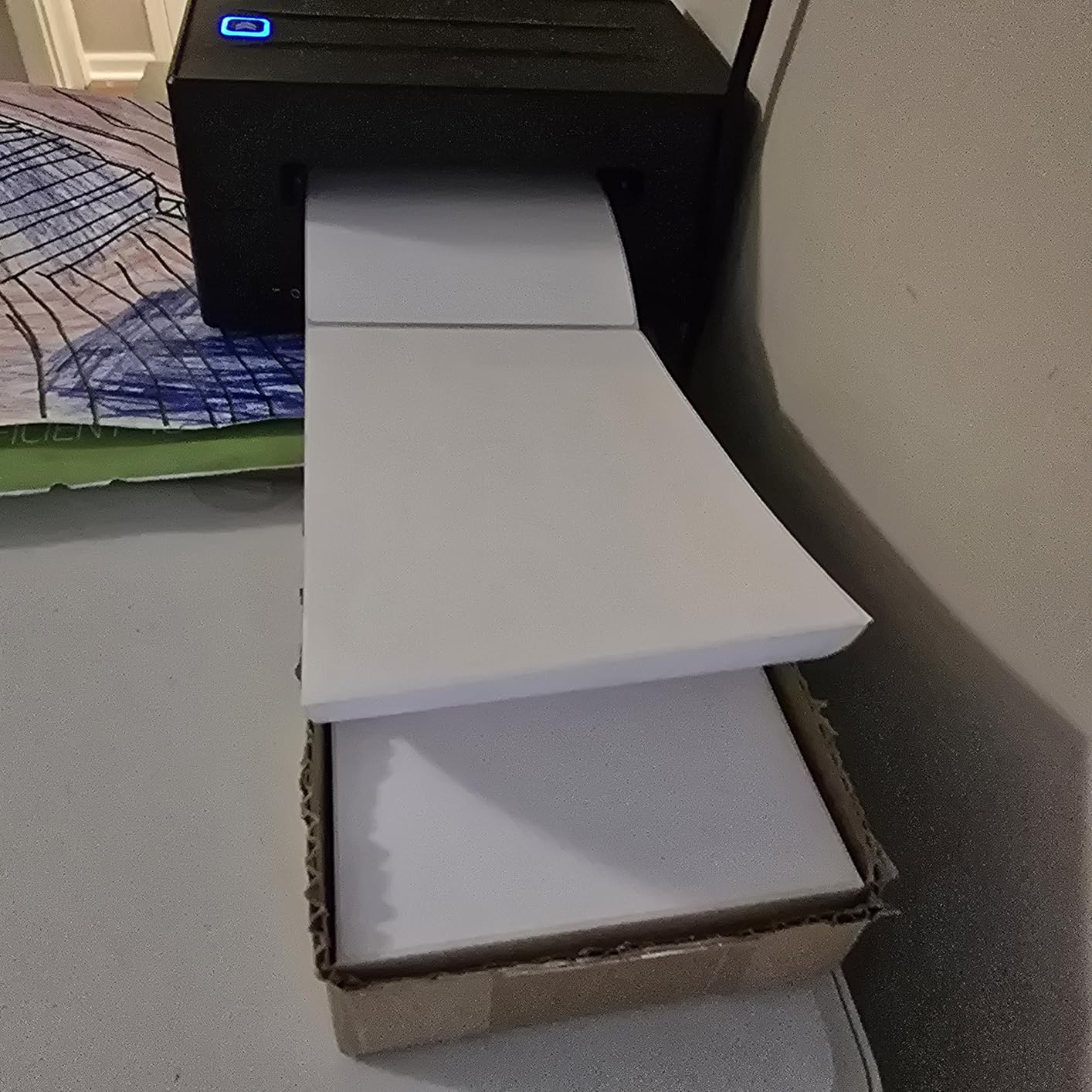
The distinguishing feature here is offline printing. Templates and designs are stored locally, so you can print a saved layout with no cloud connection and no app download. If your counter has unreliable internet, or you are labelling in a stockroom or a van, that removes a failure point the app-dependent machines have.
Output is fast at up to 150mm/s and 72 labels per minute at 203 DPI, with clean scannable barcodes, and built-in printhead overheat protection helps during long runs. The app carries 1,800-plus templates and 300-plus fonts, and the box includes 25 sheets of 4×6 labels, so you can print something on day one.
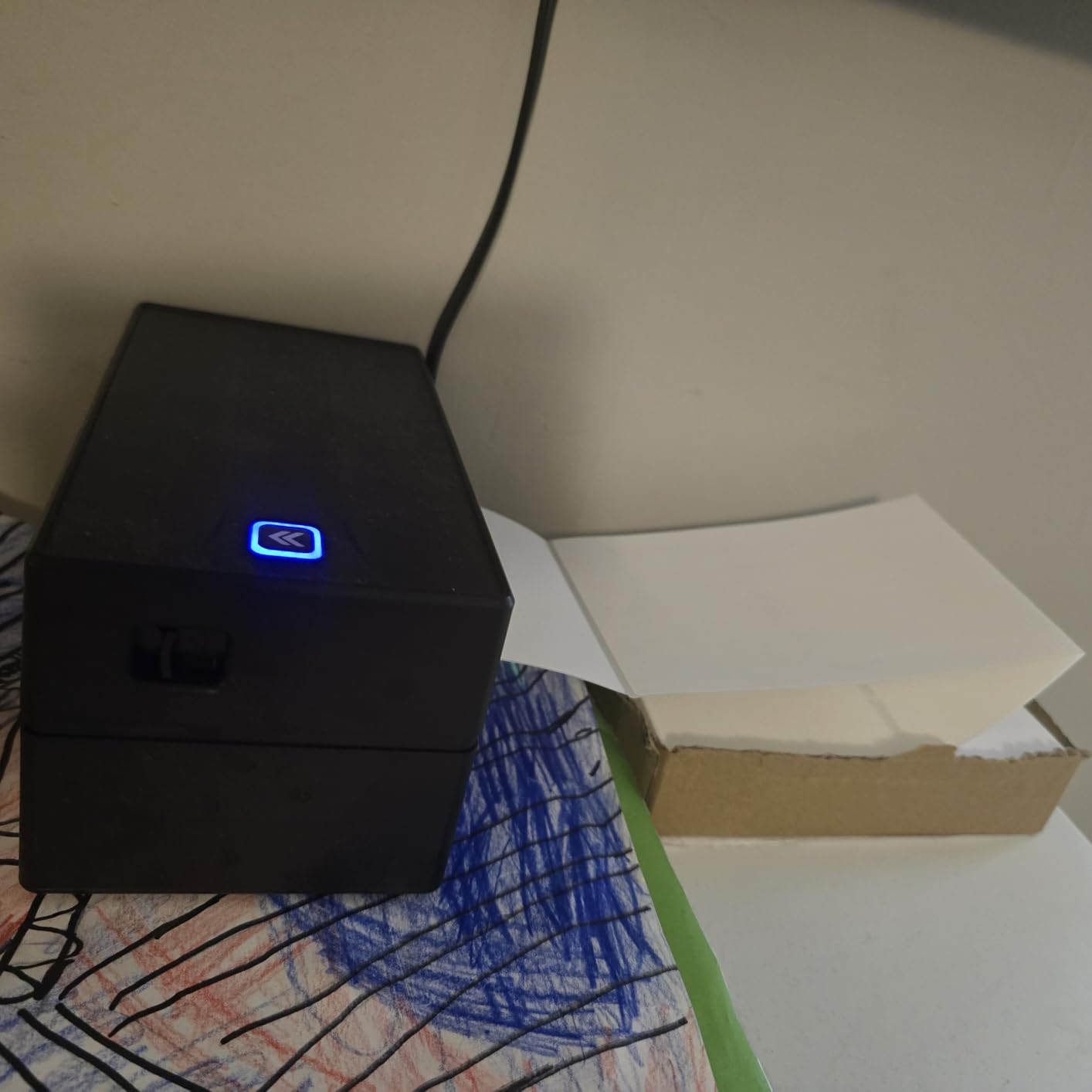
Bluetooth is the recurring weakness. Owners report the phone connection dropping repeatedly and needing a reconnect each session, and phone printing takes a few extra clicks per label compared with laptop USB. Several users also found the machine feeds several blank labels behind each printed one when a single label is loaded, and the support channel is WhatsApp-based, which is unusual but responsive.
Treat it as a USB-first machine with Bluetooth convenience rather than a truly wireless one. On a stable USB connection the output is fast and clear, and the offline mode is the reason it earns a place on this list.
Who this is for
Buy this if your internet is intermittent or you print in a back room, a store room or a vehicle. Saving designs locally means a label still prints when the network is down, which no cloud-only app can promise.
It is also a good fit for anyone who wants a fast 4×6 machine but only occasionally reaches for the phone, since USB is where it is most stable.
Who should skip it
Skip it if wireless is the whole reason you are buying. A reconnecting Bluetooth link will cost you time across a busy evening.
Skip it if you print exact single labels on a small volume, because the extra blank labels fed behind each one waste media you would rather keep.
10. Ponek M100 Label Maker – Best for Battery Life on the Road
Ponek Label Maker Machine with Tape, 2 Inch Bluetooth Label Printer, Black
Direct thermal at 203 DPI
20mm/s print speed
Label widths 0.78 to 2 inch
Up to 4200 labels per charge
282 g
Pros
- Up to 4200 labels per charge
- Lightweight at 282 g and easy to carry to trade shows
- Quick Bluetooth connection to Android and iOS
- Smart first-label rewinding reduces wasted media
- Two year warranty
Cons
- Print speed of 20mm/s is slow against every other machine here
- Cannot print shipping labels as maximum width is 2 inch
- Print Master templates with a diamond icon are premium only
- Not a first party app so support quality varies
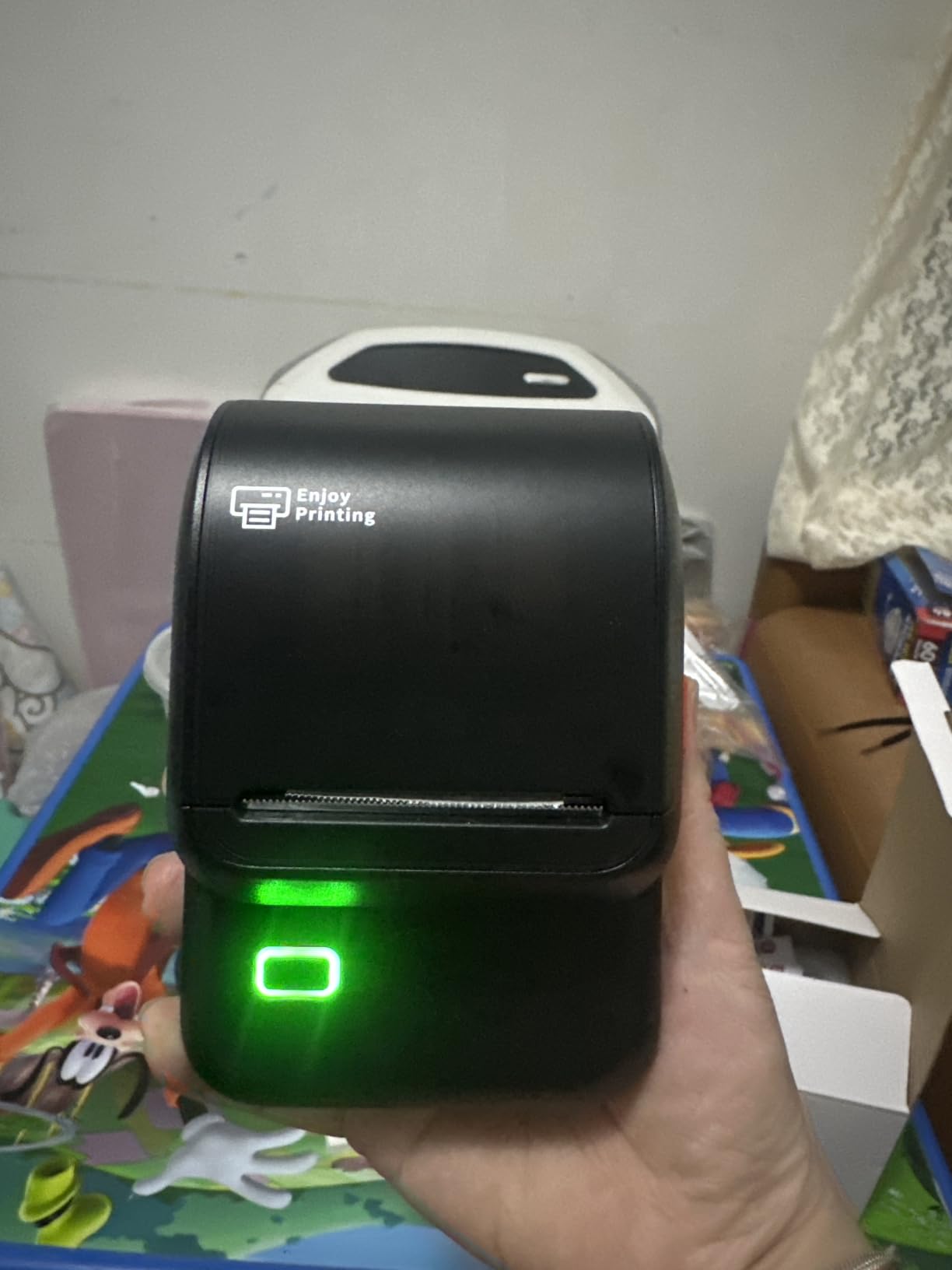
The battery is the reason this machine is on the list. Owners report up to 4,200 labels per charge, which means a full day of labelling away from a socket or a vehicle without hunting for power. At 282 g it is light enough to carry to a trade show, and owners specifically mention using it that way.
Output is 203 DPI and clean, it works on both coloured and blank thermal media, and the smart first-label rewinding feature returns the unused first label so you do not waste it. Bluetooth pairing to Android and iOS is quick through the Print Master app, and the warranty is two years.
The cost of that battery is speed. At 20mm/s this is the slowest machine on the list by a wide margin, so batch labelling a few hundred items will take real time. It is also capped at 2 inch label width, so parcels are out of the question entirely.
One owner dispute is worth knowing about. The app advertises thousands of icons and templates, but reviewers report that templates marked with a diamond icon are premium only and that some advertised assets are not actually available. It is also a shared app rather than a first-party one, which means support quality varies by region.
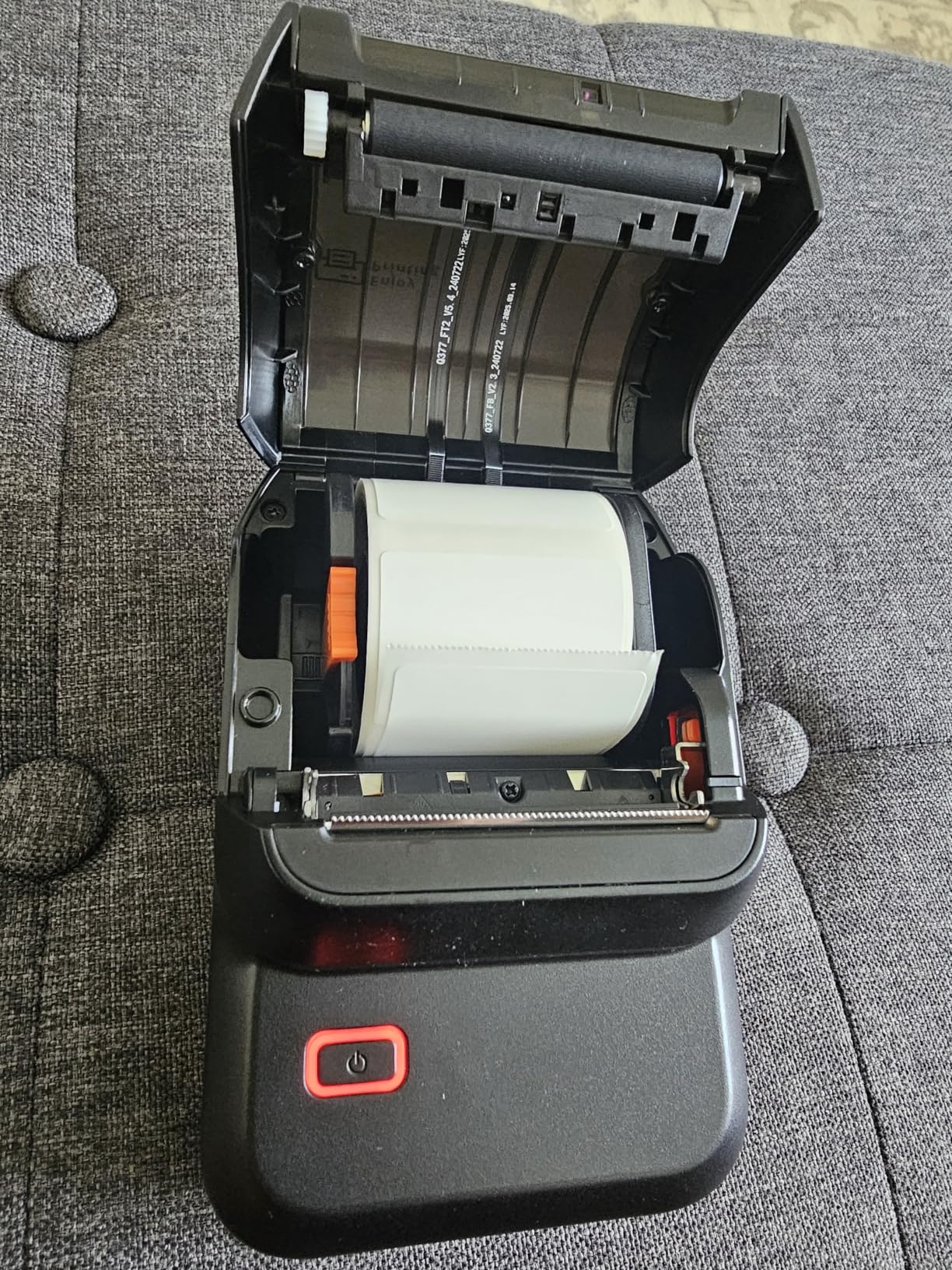
Who this is for
Buy this if you label away from mains power for a whole day. Events, market stalls, mobile service work, plant rooms and field work are the cases where 4,200 labels per charge changes what you can get done.
It is also a sensible low-volume choice for a home office labelling boxes and folders, where speed does not matter and weight does.
Who should skip it
Skip it if you print in batches. At 20mm/s you will spend the afternoon waiting, and a faster small-format machine costs little more.
Skip it if you ship parcels or need the free template library, since the 2 inch width and the premium-template mark both work against you.
How to Choose a Thermal Label Maker for Your Business
Start with label width, because it is the only specification you cannot change later. A 2 inch machine prints small product, shelf, cable and price labels and nothing wider. A 4×6 machine prints shipping labels, which is the format every carrier and marketplace expects. Measure the widest label you already buy before you look at anything else, then pick a machine whose maximum media width clears it with room to spare.
Resolution comes second. Every machine here is 203 DPI, which is the shipping industry standard and handles addresses, prices and Code 128 barcodes cleanly. You do not need more for parcels, and paying for higher resolution is usually wasted money unless you are printing very small text, ingredients or dense graphics.
Speed matters only above roughly 50 labels a day. Below that, any of these machines keeps up with one person. Above a few hundred a day, look at the stated labels per minute rather than millimetres per second, and treat manufacturer figures as approximate since they rarely use the same measurement conditions.
Connectivity is the axis that trips up the most buyers. USB is the most reliable and the least flexible, because the machine lives next to a computer. Bluetooth gives you phone printing and mobility but is the source of most owner complaints on this list, from desktop pairing failures to dropped serial ports. Wi-Fi would remove both problems but none of these ten machines has it, and that is a real gap in the category for shared office printers.
Operating system and app support is where compatibility gets specific. Several machines here are Bluetooth-capable only on Windows and Android or iOS, and explicitly not on Mac. Several app-driven machines ship drivers that need a third-party download on Windows 11. Before buying, check the compatibility list against the exact computer and phone in your business rather than the general platform family.
Label media is the quiet recurring cost. Most of these machines accept third-party rolls, which keeps costs low, but one machine here does not support UPS thermal paper and recommends its own media. Check the media notes on the machine you choose, because switching to branded rolls changes your cost per label permanently.
Total cost of ownership is really printhead life plus consumables. The printhead is the part that fails, and it is the number most competitors never quote. One owner in a small business forum thread reported a Zebra desktop unit reaching 15,000 labels before its printhead gave out, which is a useful real-world floor for planning a replacement. Add the label spend and any app subscription to that, and a higher-priced machine often costs less per year than a cheap one with a subscription attached.
Route by business type. A marketplace seller printing parcels daily wants a 4×6 unit with fast throughput and wide platform support. A boutique or market trader wants a 2 inch machine for product tags, which weighs almost nothing and fits in a bag. A cafe needs small labels for drink branding, which is a small-format job, and our receipt printer roundup covers the till side. A warehouse or stockroom operator should look at higher-volume machines, and our warehouse thermal printer picks go deeper on media handling and duty cycles. If you also track staff hours, our time clock guide covers the other machine on the counter.
Frequently Asked Questions
What is the best label printing machine for a small business?
The Rollo X1038 is the best overall for most small businesses because it prints 4×6 labels fast, works with the major shipping platforms and has the deepest owner review history in this group. Choose the JADENS JD268BT if you print from a phone with no computer nearby, and the Nelko PL70e if you want 4×6 output on a smaller budget. For product and shelf labels under 2 inches wide, the SUPVAN T50M Pro is the right category.
Is it worth buying a thermal label printer?
Yes, once you print more than a few dozen labels a week. A thermal printer needs no ink or toner, so each label costs a fraction of inkjet output, it prints faster, and it needs almost no maintenance. A one-person operation can produce scannable shipping and barcode labels on demand instead of batch printing on plain paper. Below roughly 50 labels a week, handwriting or a regular printer is usually enough.
Is Munbyn or Phomemo better?
They are not competing for the same job. The MUNBYN ITPP130B is a 4×6 shipping machine with Bluetooth, USB, a large design library and a two year warranty. The Phomemo M110 is a handheld unit limited to 2 inch labels, so it cannot print shipping labels at all, but it weighs 222.8 g and adds OCR and Excel batch printing. Choose MUNBYN for parcels and Phomemo for handheld small labels.
Which is better, Munbyn or Rollo?
Rollo is the better choice for pure shipping volume. It prints at 150mm/s, roughly one 4×6 label per second, and has over 16,000 reviews behind it. MUNBYN is the better choice when design matters, offering more than 3,500 elements, over 2,000 templates and specialty label stock, plus a two year warranty. One caveat on MUNBYN is that UPS thermal paper is not supported and its own labels are recommended.
Can a thermal label printer print shipping labels from my phone?
Yes. The JADENS JD268BT, the Nelko PL70e, the MUNBYN ITPP130B, the KNAON Y813BT and the NULLTONEX Y813 all print 4×6 shipping labels over Bluetooth from a phone. Expect one extra step: most platforms require you to save the label as a PDF and import it into the printer app. KNAON does not support Bluetooth with Apple devices, and Nelko requires USB on Mac.
The Verdict for Small Business Label Printing in 2026
The best thermal label maker for small business shipping is the Rollo X1038. It prints a 4×6 label in about four seconds, handles roll and fanfold media, works with every major carrier and marketplace, and carries more owner history than anything else in this roundup.
When the computer is not in the room, the JADENS JD268BT is the answer, because Bluetooth pairing to a phone is the whole workflow. When the budget is the constraint and you ship every day, the Nelko PL70e gets you 4×6 output and the major platforms at a sensible outlay. For anything under 2 inches wide, the SUPVAN T50M Pro and the Phomemo M110 are in a different category entirely and are not substitutes for a shipping machine.
Pick the one that matches your label width, confirm the operating system and connection method against the actual devices you use, and check the media notes before you order. Our broader label printer guide is the next stop if you want to compare thermal against inkjet options.