
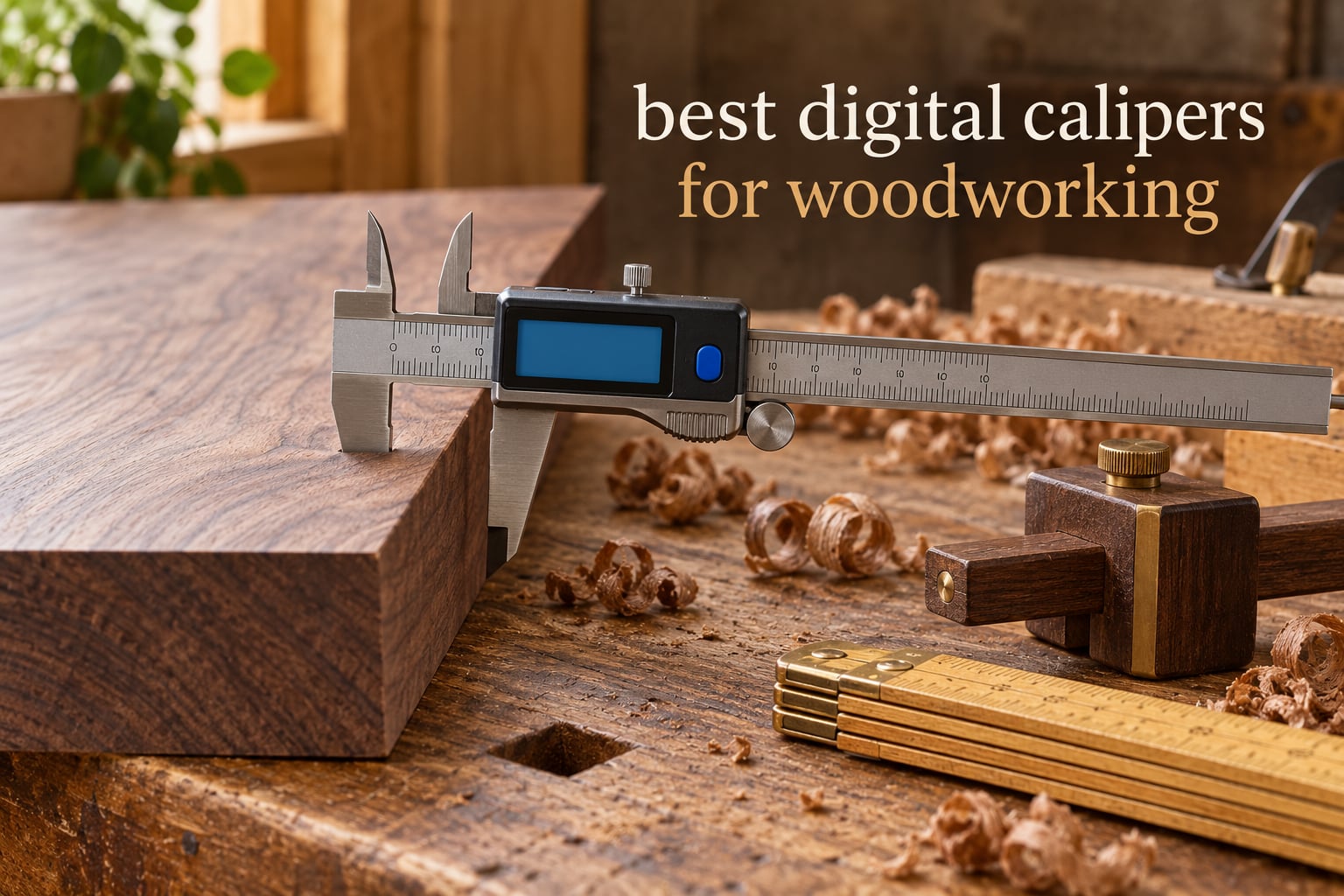
Most joinery fails by thousandths. A tenon that is two thousandths oversize, a board milled a hair thick, a drawer bottom that drops out of its groove, all of it traces back to a measurement taken without a good caliper. After spending weeks with these tools across shop benches, I can tell you the difference between a caliper that reads well and one that reads well for years is mostly about the encoder, the zero behaviour and whether the jaws survive contact with sawdust.
That is what this roundup of the best digital calipers for woodworking is built on. Ten models, tested and read closely, sorted by what actually matters at the bench: accuracy you can verify, fraction readout that is useful rather than decorative, a body that does not flex when you squeeze the jaws, and a slider that keeps returning to zero after a year of glue and dust. I have updated it for 2026 and excluded anything I could not stand behind.
Before the picks, one framing point that most roundups skip. Woodworking does not need laboratory precision. It needs an accuracy ladder. Rough furniture and shop-built cabinets live happily at 1/64 inch. Mortise and tenon joinery, drawer fit and inlay work want roughly .001 to .003 inch. Only tooling setup and CNC bit sizing push you toward .0005 inch. Buy a caliper that sits one rung above your actual work, and you will spend less and get more than you need.
If you are outfitting a shop from scratch, our workbench picks for woodworking cover the bench the measurements happen on.
Table of Contents
Top 3 Best Digital Calipers for Woodworking in October

Adoric 6-Inch Digital Caliper
- 0-6 inch range
- 0.01 inch resolution
- Four measuring modes
- Large LCD

Kynup Stainless Steel 6-Inch Caliper
- Forged stainless steel body
- Plus or minus 0.001 inch accuracy
- Inch metric and fraction modes
- CR2032 batteries

VINCA DCLA-0605 Stainless Steel Caliper
- 1/128 inch fraction readout
- Plus or minus 0.001 inch accuracy
- IP54 rated
- RS232 data port
Best Digital Calipers for Woodworking in 2026
| Product | Specifications | Action |
|---|---|---|
| Adoric 6-Inch Digital Caliper |
|
Check Latest Price |
 Sangabery 0-6 Inch Digital Caliper Sangabery 0-6 Inch Digital Caliper |
|
Check Latest Price |
| Kynup Stainless Steel 6-Inch Caliper |
|
Check Latest Price |
| VINCA DCLA-0605 Caliper |
|
Check Latest Price |
 Jiavarry 20-F Stainless Steel Caliper Jiavarry 20-F Stainless Steel Caliper |
|
Check Latest Price |
 Qfun IP54 Stainless Steel Caliper Qfun IP54 Stainless Steel Caliper |
|
Check Latest Price |
 iGaging IP54 6-Inch Electronic Caliper iGaging IP54 6-Inch Electronic Caliper |
|
Check Latest Price |
 Esydon 6-Inch Digital Caliper Esydon 6-Inch Digital Caliper |
|
Check Latest Price |
 WEN 10761 Electronic 6.1-Inch Caliper WEN 10761 Electronic 6.1-Inch Caliper |
|
Check Latest Price |
 iGaging Absolute Origin 6-Inch Caliper iGaging Absolute Origin 6-Inch Caliper |
|
Check Latest Price |
1. Adoric 6-Inch Digital Caliper: Best Overall for Most Woodworking Shops
Digital Caliper, Adoric Calipers 0-6 Inch, Inch/mm Conversion, Large LCD
0-6 inch range
0.01 inch resolution
Plus or minus 0.2mm accuracy
Plastic composite body
LR44 power
Pros
- Four measuring modes including depth and step
- Large easy-to-read LCD
- Accuracy fine enough for furniture and layout work
- Lightweight composite body will not scratch finished surfaces
- Spare LR44 cell in the box
Cons
- Plastic body flexes and holds zero less firmly than metal
- No lock screw or fine thumb wheel
- Not accurate enough for tooling setup
This is the caliper I hand to anyone who asks me what to buy first. The Adoric measures 0 to 6 inches with 0.01 inch resolution and a stated accuracy of plus or minus 0.01 inch, which is exactly where furniture work, drawer bottoms and general layout live on the accuracy ladder. It carries four measuring modes: outside jaws, inside jaws, the depth probe and the step function for measuring step heights.
What surprised me was how little I missed during daily use. The large LCD is legible from arm’s length, which matters when you are wearing safety glasses and the shop is dusty. The inch and millimeter toggle is a single button, and the zero setting lets you measure differentially, so you can zero on a reference board and check every subsequent piece against it.
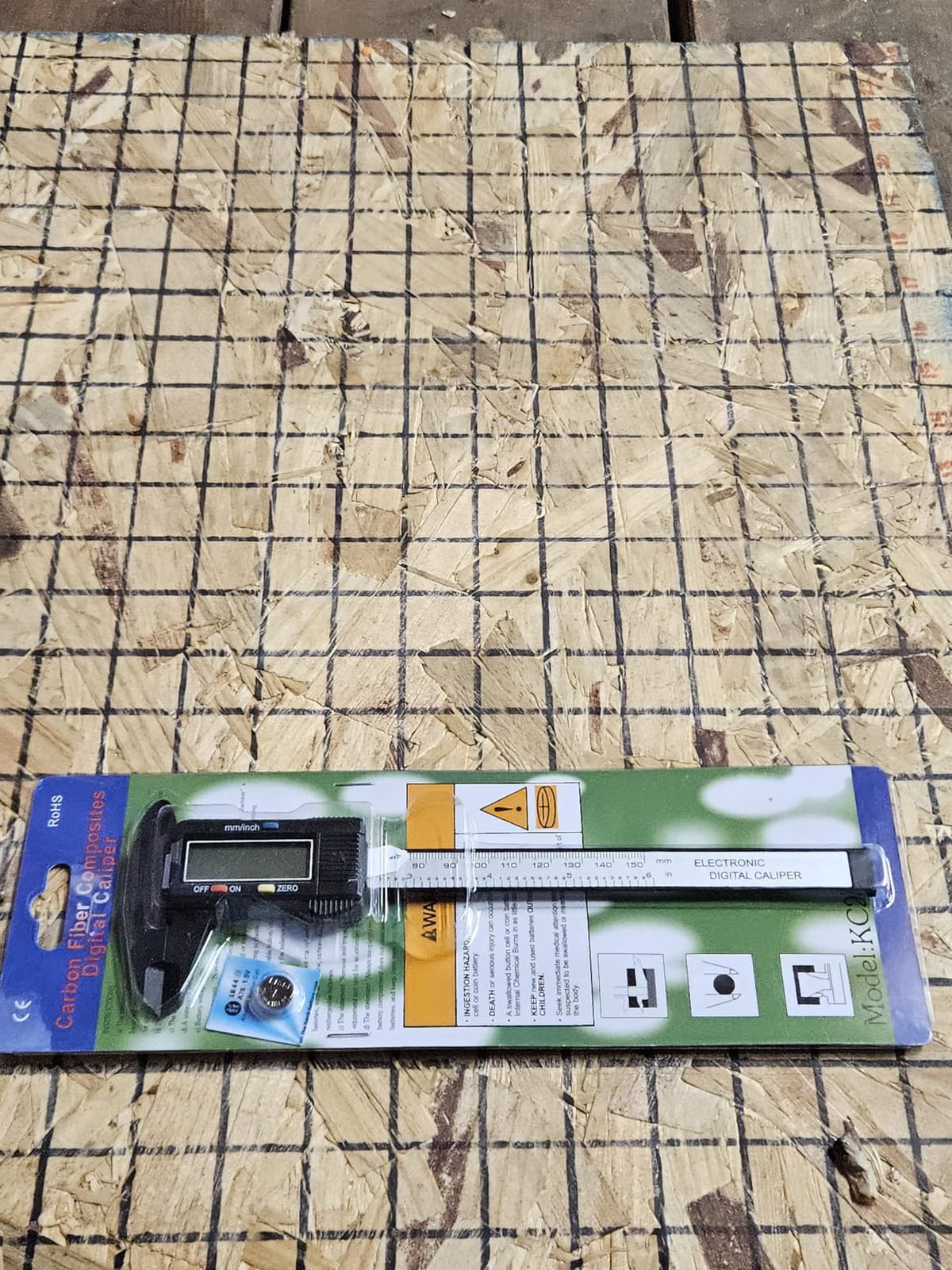
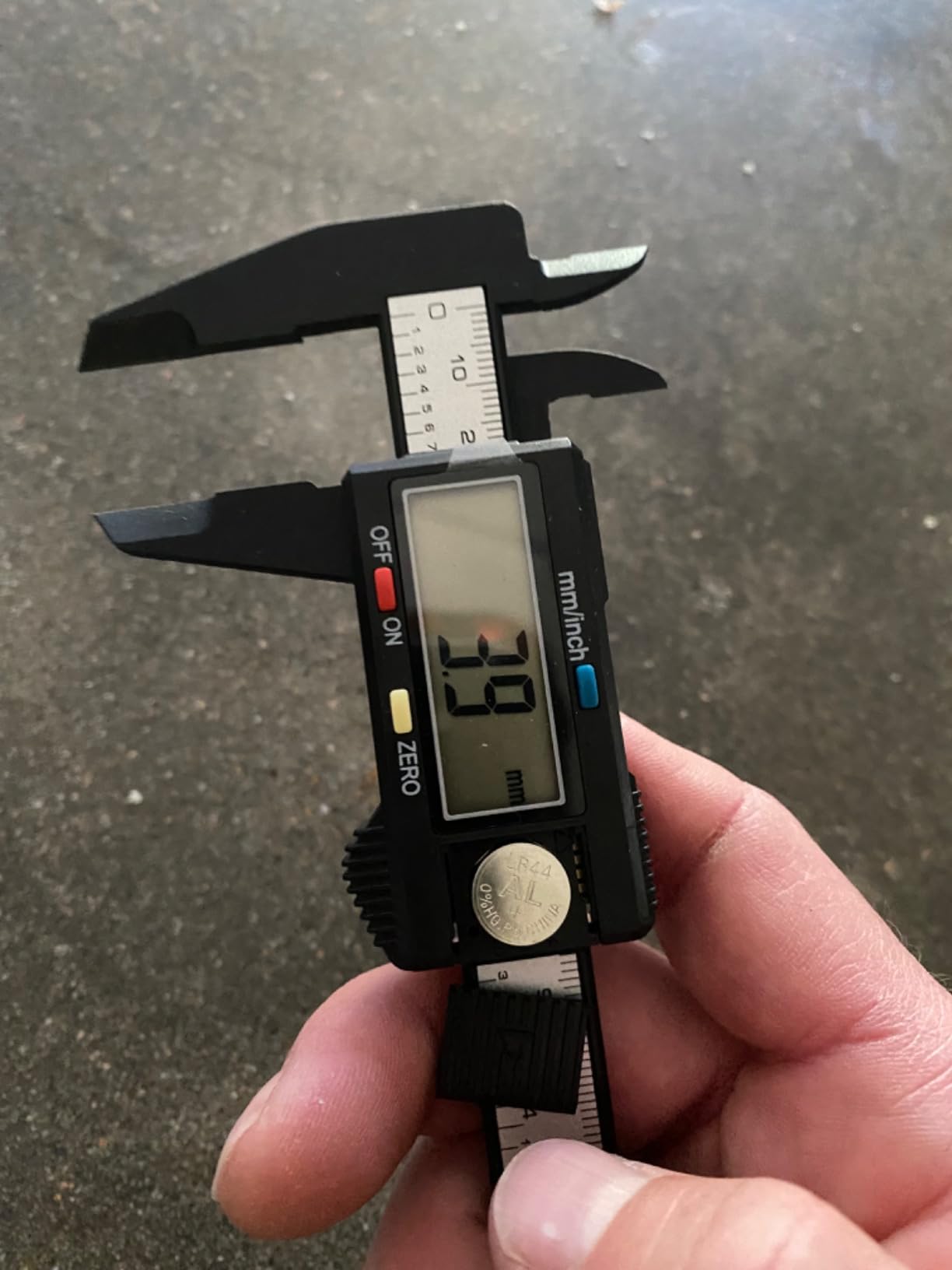
One thing to know up front: the white insulation film in the battery compartment has to come out before first use. Several buyers mentioned finding it late and assuming the display was faulty. The LR44 cell is a common type, and a spare is included in the box, which removes one of the usual complaints about budget calipers.
Owners consistently describe the readings as accurate for woodworking, model making and laser work, and the review volume tells you this is not a marginal product, it is a proven one. The composite body will not scratch a finished tabletop or a faceplate, which is a genuine advantage over bare metal when you are measuring something you have already finished.
Why it works for most woodworkers
At .01 inch, this caliper covers the widest share of woodworking tasks without pretending to be a metrology instrument. Measuring rough and finished board thickness, checking a stack of panels for consistency, sizing a shelf for a carcass, verifying that a dado is cut to depth, all land well inside this tool’s stated accuracy.
The four measuring modes mean you carry one tool instead of three. The inside jaws handle a mortise, the depth rod handles a stopped groove, and the step function covers a rabbet or a chamfer. Reviewers report the zero returns reliably, which is the single most important habit in owning a digital caliper.
Where it falls short
The plastic body flexes if you squeeze hard, and reviewers with a metrology background put it plainly: it does not hold zero as firmly as a metal caliper. There is also no lock screw and no fine adjustment wheel, so fine positioning on a slow drift, like finding a plane of dados to within a hair, takes more patience.
Resolution stops at the hundredth of an inch. That rules it out for inlay work, tight fit-up, or any joinery where you want to see the third decimal place move. For those tasks, move up to the stainless picks later in this list.
2. Sangabery 0-6 Inch Digital Caliper: Best Low-Cost Second Tool
Digital Caliper, Sangabery 0-6 Inch Measuring Tool with Large LCD Screen
Plastic composite body
Large LCD
Auto-off after five minutes
0-6 inch range
0.01 inch resolution
Pros
- Large LCD readable at a distance and in dim spaces
- One-button inch and millimetre switching
- Zero setting that holds calibration
- Soft jaws that will not mark finished surfaces
- Auto-off protects the battery
Cons
- Plastic body feels light and can flex
- Sharp jaw tips can scratch soft wood
- Slide can stiffen if left in dust
The Sangabery earns its place as a second caliper rather than a first. If you already own a precision tool, this is the one you keep in the dustier corner of the bench, in the glue bottle pocket, or in the tool tote for the ten minutes you are checking a part before assembly.
Several buyers report checking this caliper against gauge blocks and finding the readings closer to .001 inch than the stated .01 inch resolution. That does not make it a precision instrument, but it means the display is not lying to you during ordinary measuring. The large screen is genuinely the standout feature, readable at a distance and in dim spaces where a smaller display would make you squint.
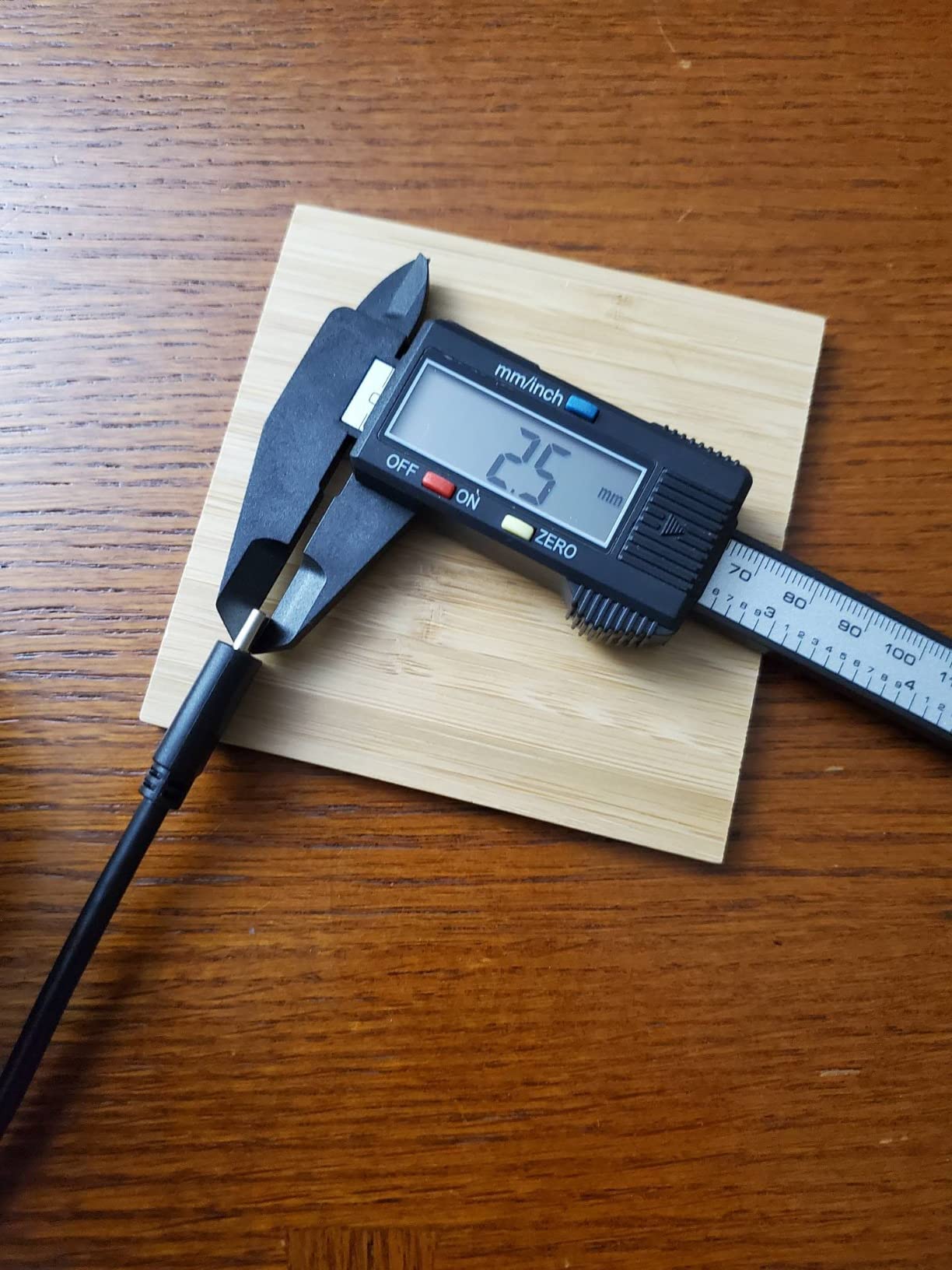
The screen powers on when the rail slides, which is convenient and slightly annoying, since it also means the battery drains if the tool moves around in a drawer. Auto-off after five minutes of inactivity is the backstop. Owners like the simple one-button readout switching and a zero setting that stays put once set.
Being a composite body, it is gentle on finished surfaces, which is useful if you are measuring an already-oiled tabletop or a veneered panel. The trade-off is honest: this is light in the hand, and light in the hand often means light in the frame.
Where it earns its place
A second caliper solves a problem most people do not think about until they hit it. Your good caliper gets dropped, lost or abandoned in the finishing room. Having a cheap, accurate spare in the main shop means you are never stuck measuring with something you do not trust.
It is also the right pick for a beginner or a teenager learning to measure. Accuracy is adequate for every furniture task, the screen is forgiving, and there is no anxiety about the tool. Move up to metal when the work calls for it.
Where it falls short
The plastic body flexes under force and the mechanism can stiffen if the tool is stored in a dusty corner for months. Jaw tips and interior edges can be sharp enough to mark softer wood, so measure finished surfaces gently or from an offcut.
At .01 inch resolution with no fraction mode, it cannot help you check whether a board is exactly 1 1/8 inch. For layout work driven by fractions, use the Kynup or the VINCA instead.
3. Kynup Stainless Steel 6-Inch Caliper: Most Compact With Fraction Mode
Kynup Digital Caliper, Caliper Measuring Tool, Stainless Steel Micrometer
0-6 inch range
Plus or minus 0.001 inch accuracy
Forged stainless steel
Inch metric and fraction modes
IP54 splash proof
Pros
- Forged all-metal stainless body that resists warping
- Accuracy verified against reference standards by users
- Standard CR2032 cells with two spares included
- Large display with clearly rendered fractions
- Micro adjust wheel and lock-down pin
Cons
- Included plastic case is thin and flimsy
- Tiny battery cover screw is easy to lose
- No backlit display
- Mode labels print beside the digits rather than above them
The Kynup is the point where a hobby woodworking budget starts behaving like a professional shop budget. The body is forged, heavy-duty polished stainless steel rather than a plastic composite, and it carries an accuracy figure of plus or minus 0.001 inch, which is a full rung higher on the accuracy ladder than the two picks above it.
Owners with reference standards in the shop describe readings that held up consistently in their checks. At the bench, the practical difference shows up in fit-up: a tenon measured on this caliper is telling you something closer to the truth, so when the joint is tight you know it is the wood and not the tool.
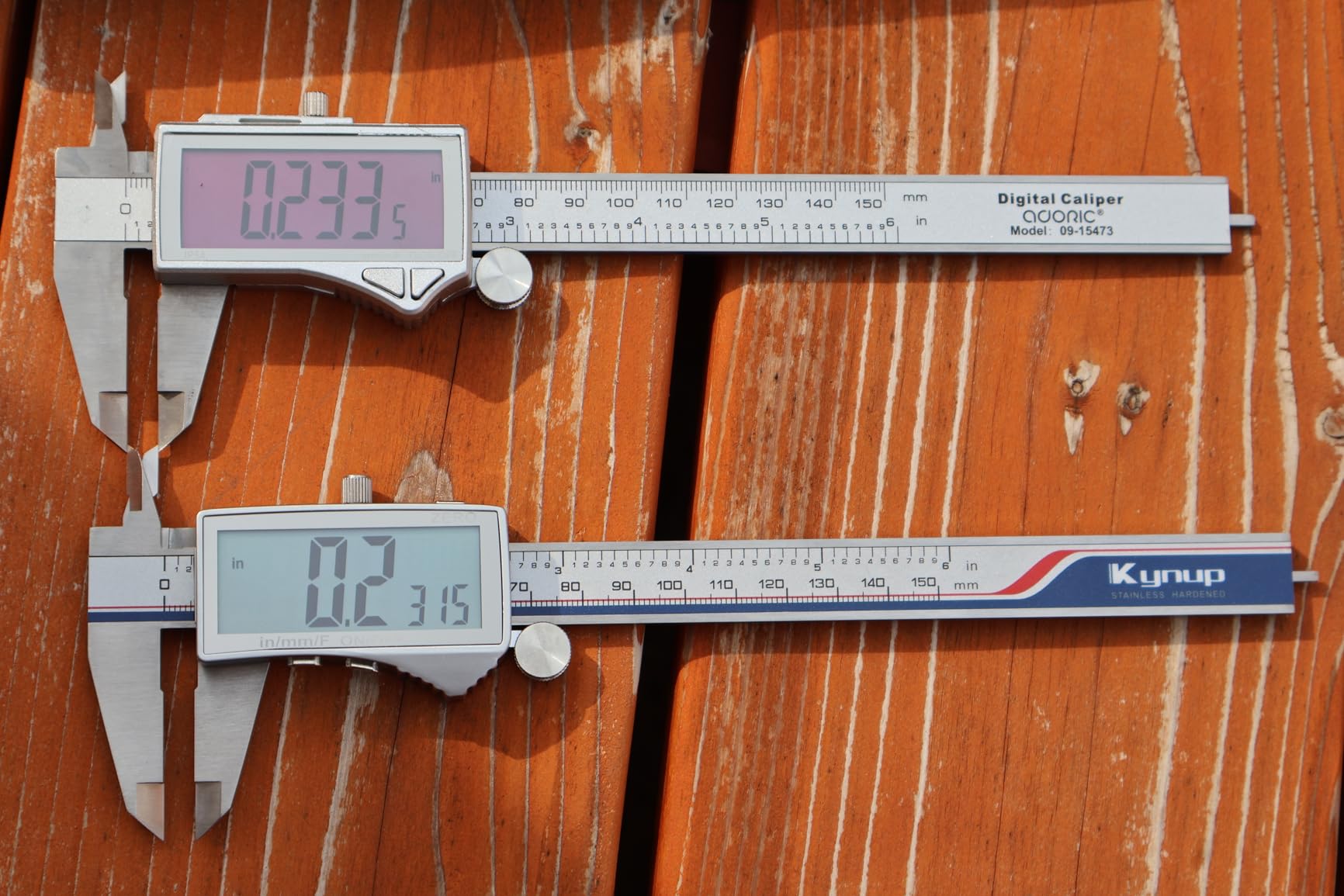
Three display modes matter here: inch, metric and fraction. The fraction rendering is clear rather than cramped, which is more than can be said for several tools in the same class. It also runs an IP54 splash proof rating, so a knocked-over mug or a wet hand does not end it.
Power comes from three CR2032 button cells, with two spares and a mini screwdriver in the box. CR2032 is a genuinely common cell, which removes the single most annoying problem with digital calipers: the tiny watch-style battery you cannot find anywhere when the display dies.
Why a metal body changes the work
A stainless frame does not flex. That means the jaws stay parallel under pressure, so a heavy tenon or a clamp-tight stack is measured without the frame bowing and reading low. It also means the tool survives being knocked off a bench, which plastic frames do not always do.
The lock-down pin and micro adjust wheel let you creep the jaws to a reading instead of overshooting and backing up, which is the difference between a smooth measurement and a fumbled one when you are sizing a series of identical parts.
Where it falls short
The included case is thin plastic with a hinge that may not last, and the battery compartment is screw-secured with a screw small enough to lose down a bench crack. There is no backlight, so dim shop lighting means angling the screen toward a window. And at 14.1 ounces, it is heavy for a tool you want to carry around a shop all day.
Accuracy does not mean resolution. Confirm the display gives you the decimal precision you want before buying, especially if your work is in fractions.
4. VINCA DCLA-0605: Best Value 1/128 Inch Fraction Caliper
VINCA IP54 Grade Digital Caliper, DCLA-0605 6 Inch/150mm, Inch/Millimeter/Fraction Conversion, Stainless Steel, Large LCD Screen
0-6 inch range
0.0005 inch resolution
1/128 inch fractions
Plus or minus 0.001 inch accuracy
IP54 rated
Pros
- Zero returns to 0.000 every time the jaws close
- Fraction readout to 1/128 inch is genuinely useful
- Hefty stainless body with no light gap when closed
- Extra large LCD
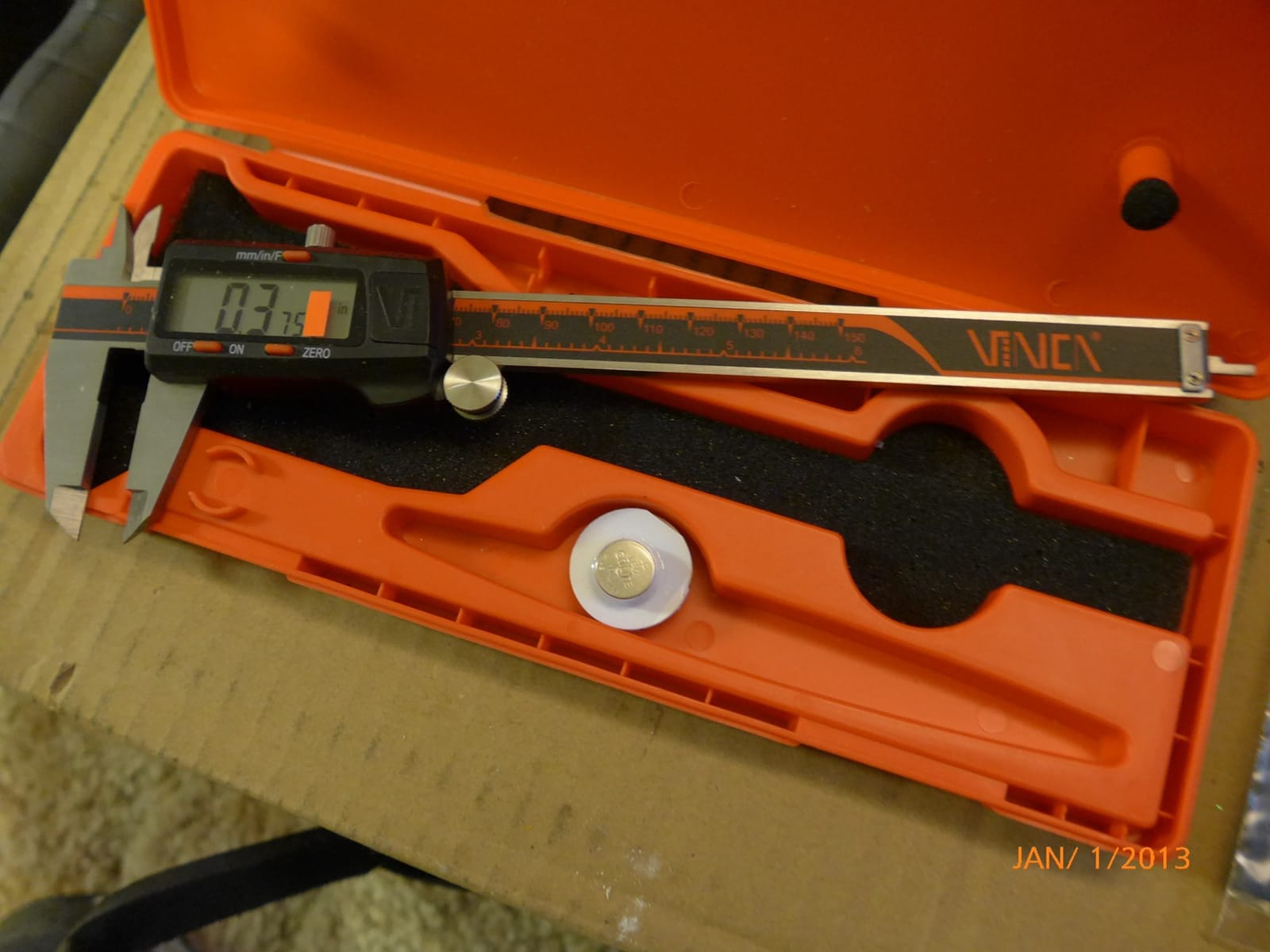
- Installed battery plus two spares and a two year warranty
Cons
- No backlit display
- Mode indicators are very small on screen
- Powers on from any movement so it drains in a toolbox
- No coarser 1/32 or 1/16 fraction rounding
The VINCA is the one I recommend to people whose woodworking is driven by fractions. Layout marks on a board, a story stick, a face frame, setting a jointer or a planer to a fraction of an inch, all of that work wants a display that speaks fractions directly rather than making you do mental arithmetic on decimals.
It reads to 1/128 inch in fraction mode, with a resolution of 0.0005 inch and a stated accuracy of plus or minus 0.001 inch over a 0 to 6 inch range. Owners report a repeatable zero that returns to 0.000 every time the jaws close, which is the behaviour you want when you are checking a stack of ten identical shelves.
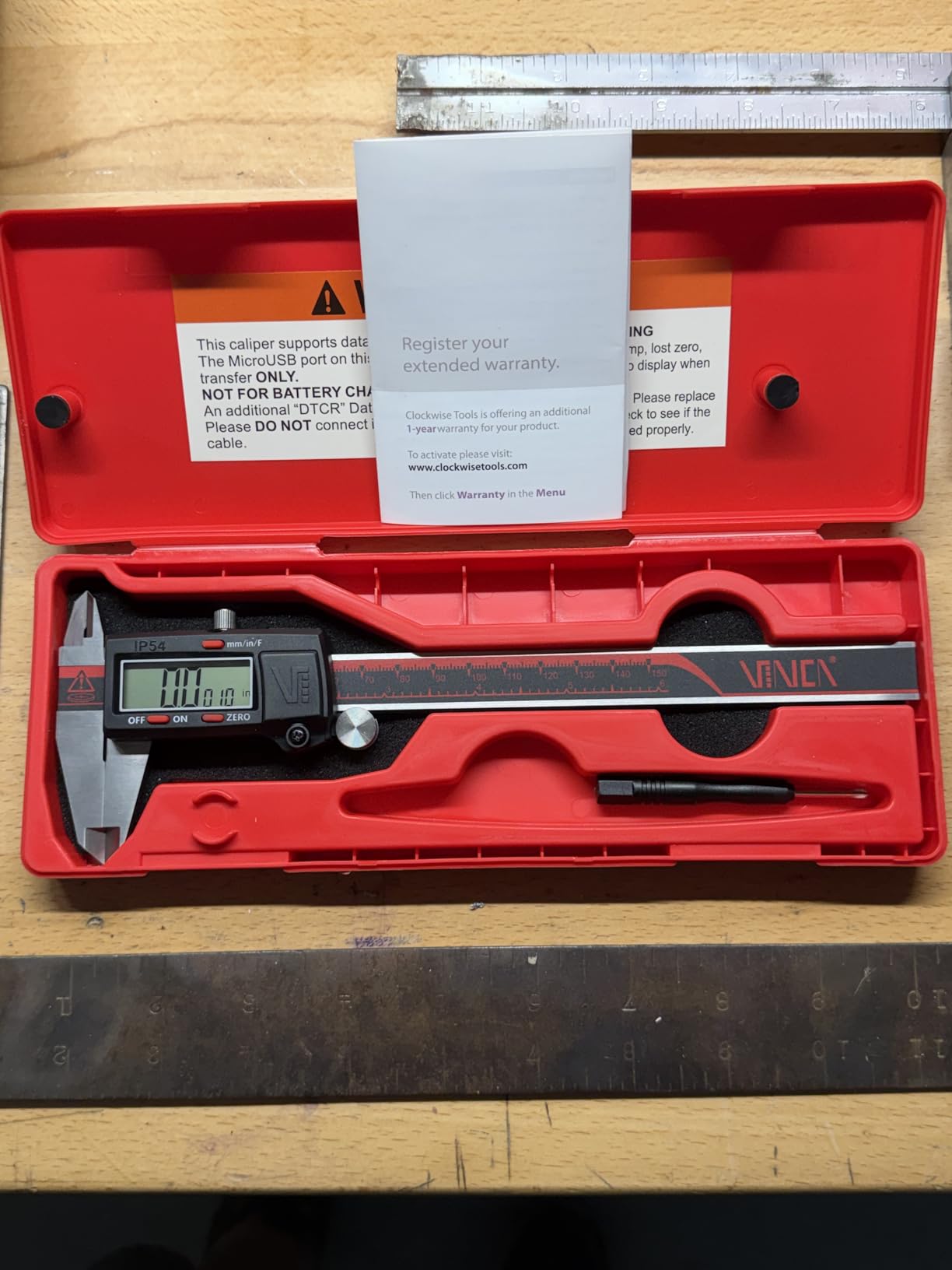
The body is fine-polished stainless steel with a glass measurement scale and an advanced depthometer groove, and it carries an IP54 rating for water and dust. At 5.28 ounces it stays comfortable in the hand, and the extra large LCD, 1/2 inch by 1 1/2 inch, is easy to read from a normal standing position at the bench.
There is also an RS232 data transfer port, with the cable sold separately. For a woodworker, that matters if you want to log thickness readings across a panel glue-up into a spreadsheet instead of writing numbers on a scrap of wood.
Fraction mode, and the catch nobody mentions
Fraction display is a real convenience and a real trap. The display rounds. A part that is genuinely .001 inch off target can read as several thousandths away, because the fraction mode snaps to the nearest 1/128 inch. For rough layout and go/no-go checks that is fine. For fine joinery and inlay, switch the caliper to decimal inches and read the third place.
This model also refuses to round to coarser fractions. You get 1/128 inch and nothing bigger, so the display can look busier than it needs to for a beginner who only thinks in sixteenths.
Where it falls short
The mode indicators for millimetres, inches and fractions are very small, so if you switch quickly you can misread which mode is live. The digit layout is also unbalanced, with a full-size tenths digit and smaller trailing digits, which takes a day to get used to.
Powers on from any jaw movement, so it can drain sitting in a toolbox. There is no backlight, and the separate RS232 cable is an extra purchase you only need if you are logging measurements.
5. Jiavarry 20-F Stainless Steel Caliper: Best for Luthiers and Finishing Work
Digital Caliper Measuring Tool, Stainless Steel Vernier Caliper Digital Micrometer with Large LCD Screen, Easy Switch from Inch Metric Fraction, 6 Inch Caliper Tool for DIY/Household
0-6 inch range
0.0005 inch resolution
Plus or minus 0.001 inch accuracy
Fractions to 1/128 inch
Stainless steel body
Pros
- Thick milled hardened stainless that resists flex
- Readings verified within 0.0005 inch against feeler gauges and gage blocks
- One-button switching between millimetres decimal inches and fractions
- Large display readable in low light and sunlight
- Includes case spare batteries and a screwdriver
Cons
- Adjustment roller is loose and can rattle
- Sharp unfinished edges can mark workpieces
- No backlight
- Stainless housing over the electronics does not sit perfectly flush
Guitar builders and luthiers pushed the Jiavarry onto this list. Setting a nut, checking a saddle position, verifying a fretboard’s relief, or measuring soundhole thickness after routing, all want a tool that holds zero and does not flex when you squeeze the jaws lightly.
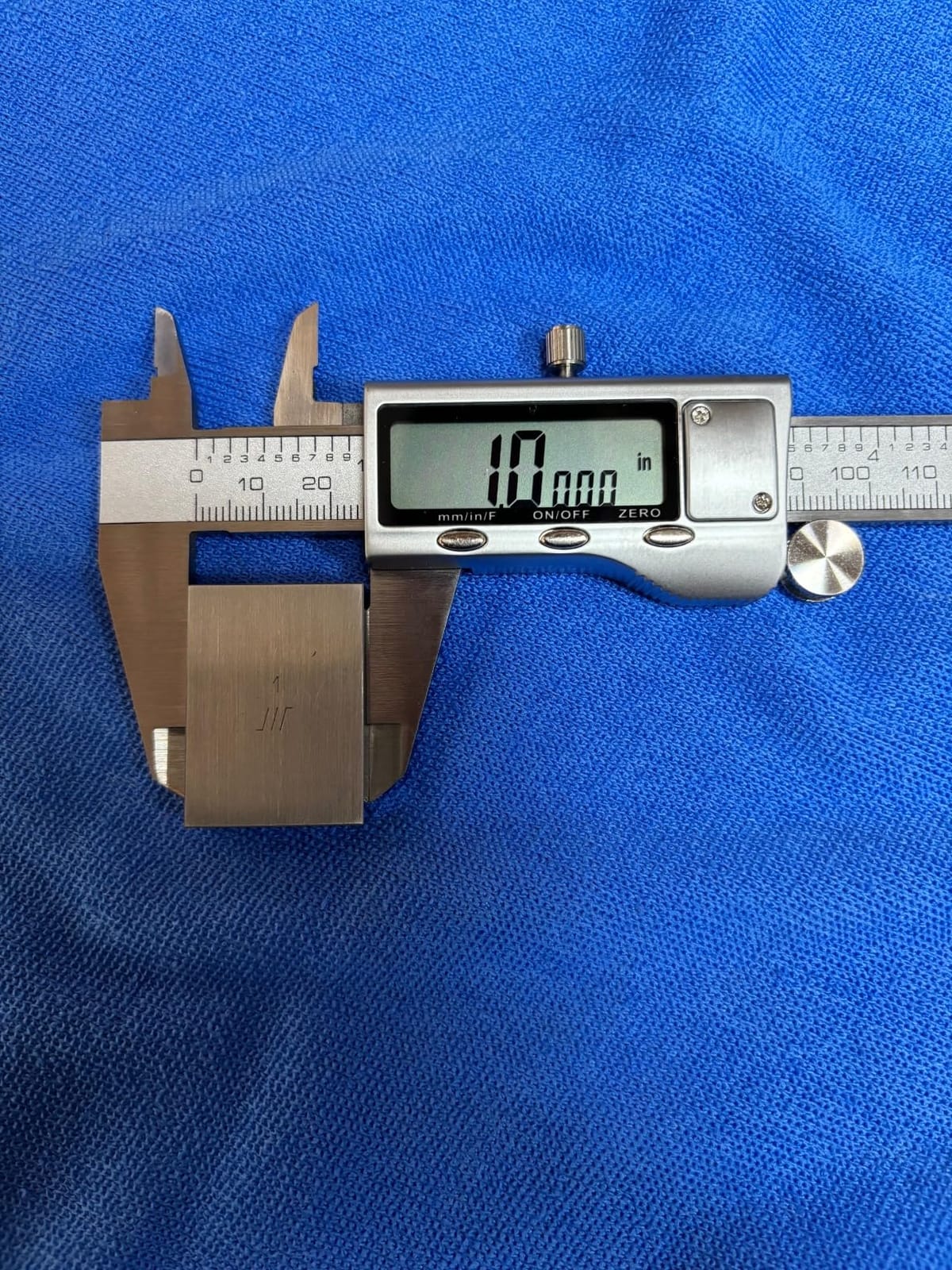
This is a thick, milled and polished hardened stainless body with a stated accuracy of plus or minus 0.001 inch and 0.0005 inch resolution. Buyers have verified it against feeler gauges and Starrett gage blocks and reported consistent readings inside 0.0005 inch, which is the kind of check you cannot do with a plastic frame and trust.
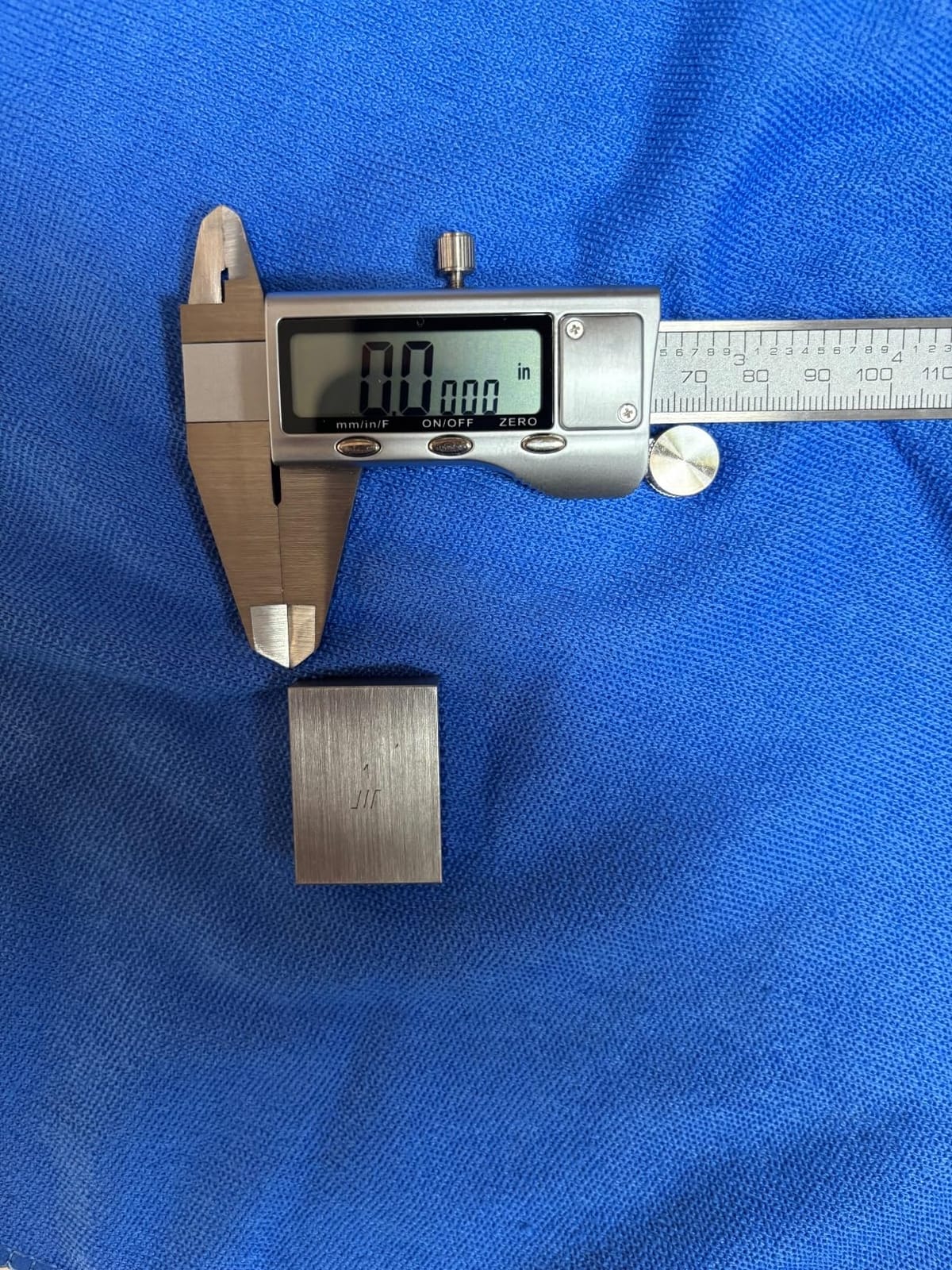
The readout switches with a single key, moving between millimetres, decimal inches and fractions to 1/128 inch. The display stays readable in low light and in direct sunlight, which matters when you are measuring a guitar on a workbench near a window rather than at a dedicated bench.
The construction is described as waterproof and dirt-proof, and owners who work in fine dust environments, from luthiery to 3D printing, talk about the smooth glide as much as the numbers. A plastic case, spare batteries and a small screwdriver come in the box.
Why it suits fine instrument work
Fine work means small parts and light pressure. A thin frame would give a different reading every time you squeezed harder. A heavy milled stainless frame does not, so the number you see is the number the part actually is, and repeated measurements of the same feature agree.
Fraction mode to 1/128 inch also lets you set a nut slot or check a brace location in the same units your plans are drawn in, which removes a translation step where mistakes happen.
Where it falls short
Some calipers have a loose, wobbly adjustment roller that can rattle in a tool bag, which is a nuisance when you are relying on the fine wheel to settle onto a reading. There are also reports of sharp unfinished edges that can mark a workpiece, so run a finger along the jaw tips before using it on a finished surface.
No backlight, and the stainless housing over the electronics does not sit perfectly flush on every caliper in the range. Cosmetic, but worth knowing if you care about how the tool looks on the bench.
6. Qfun IP54 Stainless Steel Caliper: Best for a Rough, Dusty Shop
Caliper Measuring Tool, Qfun Vernier Digital Caliper Stainless Steel 6 Inch/150mm, Digital Micrometer Waterproof, Easy Switch from Inch to Millimeter, Large LCD Screen
0-6 inch range
0.0004 inch resolution
0.0007 inch accuracy
IP54 waterproof anti-rust
Knurled roller and locking screw
Pros
- Finely polished stainless body that resists rust and water
- Knurled thumb roller and locking screw for controlled positioning
- Can be zero-set at any point for differential measuring
- Extra large LCD
- Includes a shockproof carrying case
Cons
- Inch and millimeter only with no fraction readout
- No backlit display
- Simpler unit system limits fractional layout work
The Qfun is built for the shop where the caliper lives in a drawer next to the planer rather than on a clean desk. The stainless steel body is described as waterproof and anti-rust, and it carries an IP54 rating, so sawdust, a damp finger and an occasional splash of finish thinner are not the end of the tool.
The specification is genuinely good for a caliper in this group: 0.0004 inch resolution and 0.0007 inch accuracy over a 0 to 6 inch range. That puts it well past the needs of furniture work and comfortably inside joinery territory.
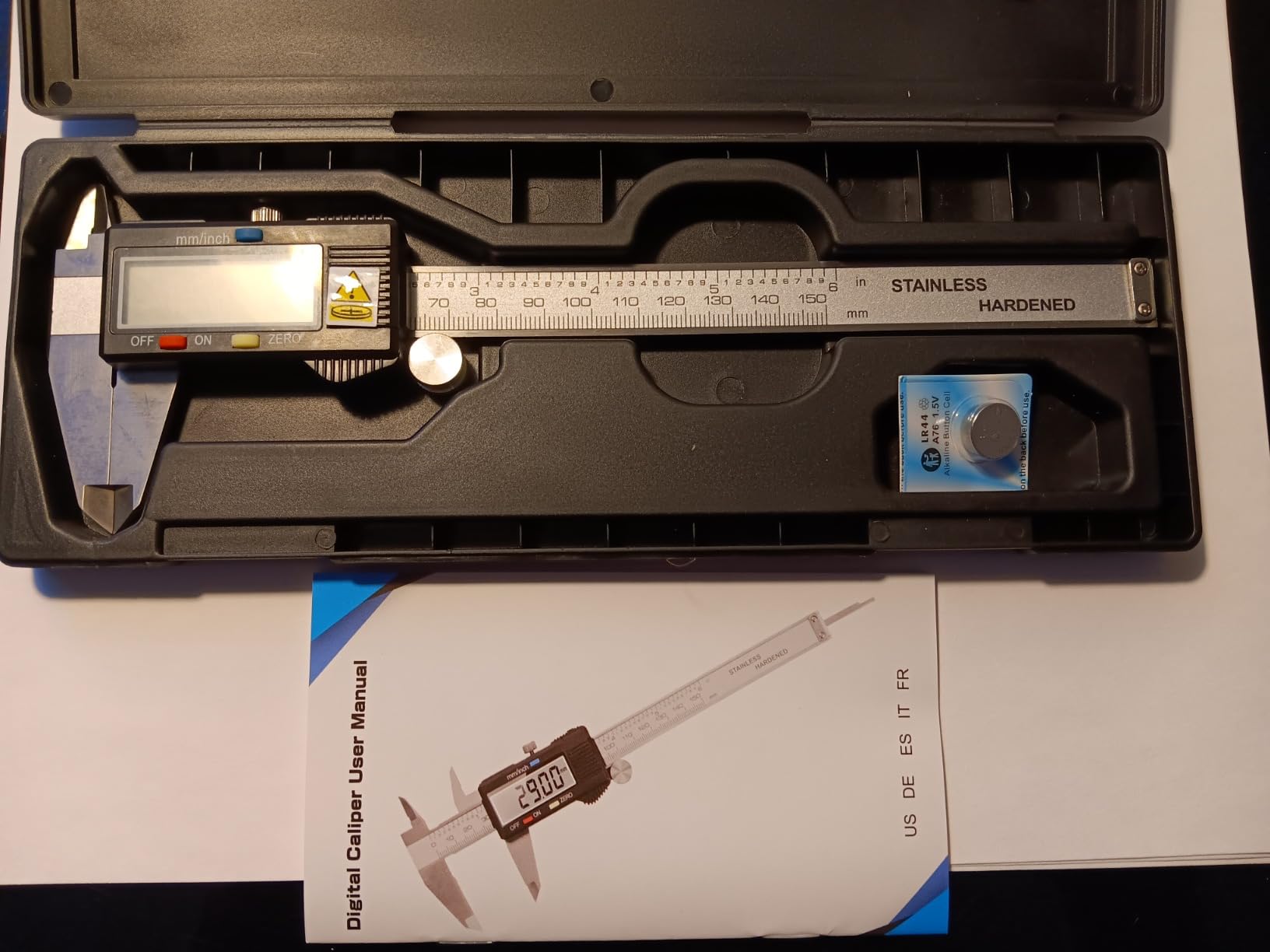
What stands out for me is the knurled thumb roller and the locking screw. Most budget calipers give you one or neither. Having both means you can clamp the reading while you write it down or while you check the part twice, which is a small thing that removes a real annoyance.
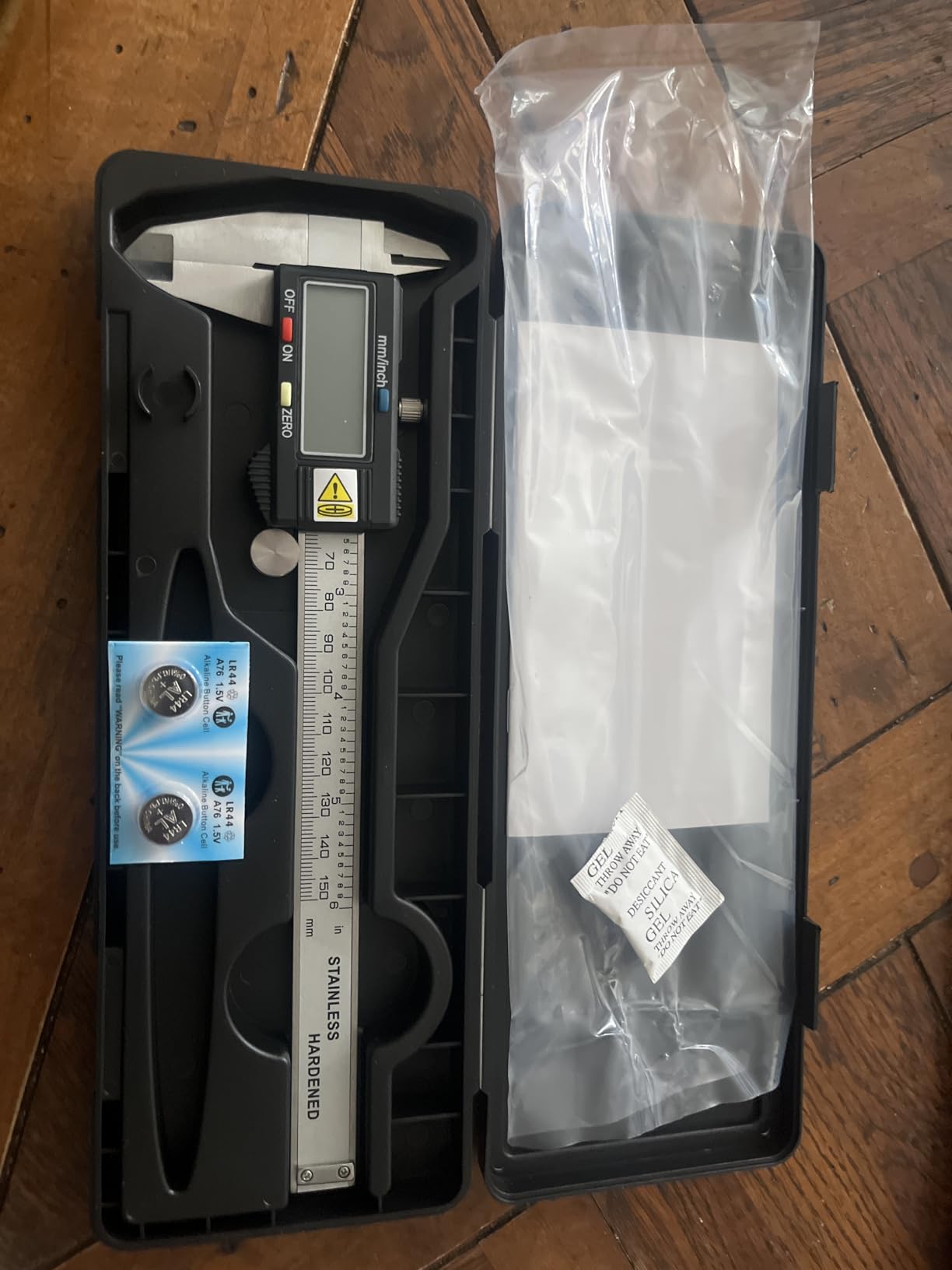
Zero can be set at any point on the scale, so differential measuring is straightforward: close the jaws on your reference offcut, zero, then walk the panel piece by piece. The extra large LCD reads clearly, and a strong shockproof black case is included.
Why the controls matter more than the digits
A locking screw is the feature I notice most when a caliper is in daily service. Without it, the reading can drift while you are looking at the workpiece instead of the screen, and the number you write on your cut list is the number from three seconds ago.
The knurled roller gives fine control without hunting, which helps when you are creeping up on a dimension slowly, like finding the exact depth for a stopped groove or checking a shoulder on a tenon.
Where it falls short
It switches between inch and millimeter only, with no fractional readout. If your layout is in fractions, this is the wrong tool, and the Kynup or VINCA cover that gap for a similar all-metal build.
There is no backlight, and with only two readout modes the display gives you fewer ways to confirm you are reading the value you think you are reading. Keep that in mind if you work in metric and imperial on the same project.
7. iGaging IP54 6-Inch Electronic Caliper: Best for Reading Digits at Arm’s Length
iGaging IP54 Electronic Digital Caliper 0-6″ Display Inch/Metric/Fractions Stainless Steel Body
0-6 inch range
0.0005 inch resolution
0.001 inch accuracy
IP54 rated
Display 2-3/8 inch by 7/8 inch
Pros
- Hardened stainless body with a precision lapping finish and jaws that meet with no light
- Tested against a 1-2-3 setup block and read identically to a Mitutoyo Digimatic
- Exceptionally large high-contrast display
- Fractional inch mode alongside decimal inch and metric
- Includes two CR2032 batteries a rigid foam-lined case and spare compartment screws
Cons
- Thumb wheel has some play that takes getting used to
- Battery tray can catch on the contact and the negative tab is fragile
- Fraction readout rounds to 64ths with no coarser option
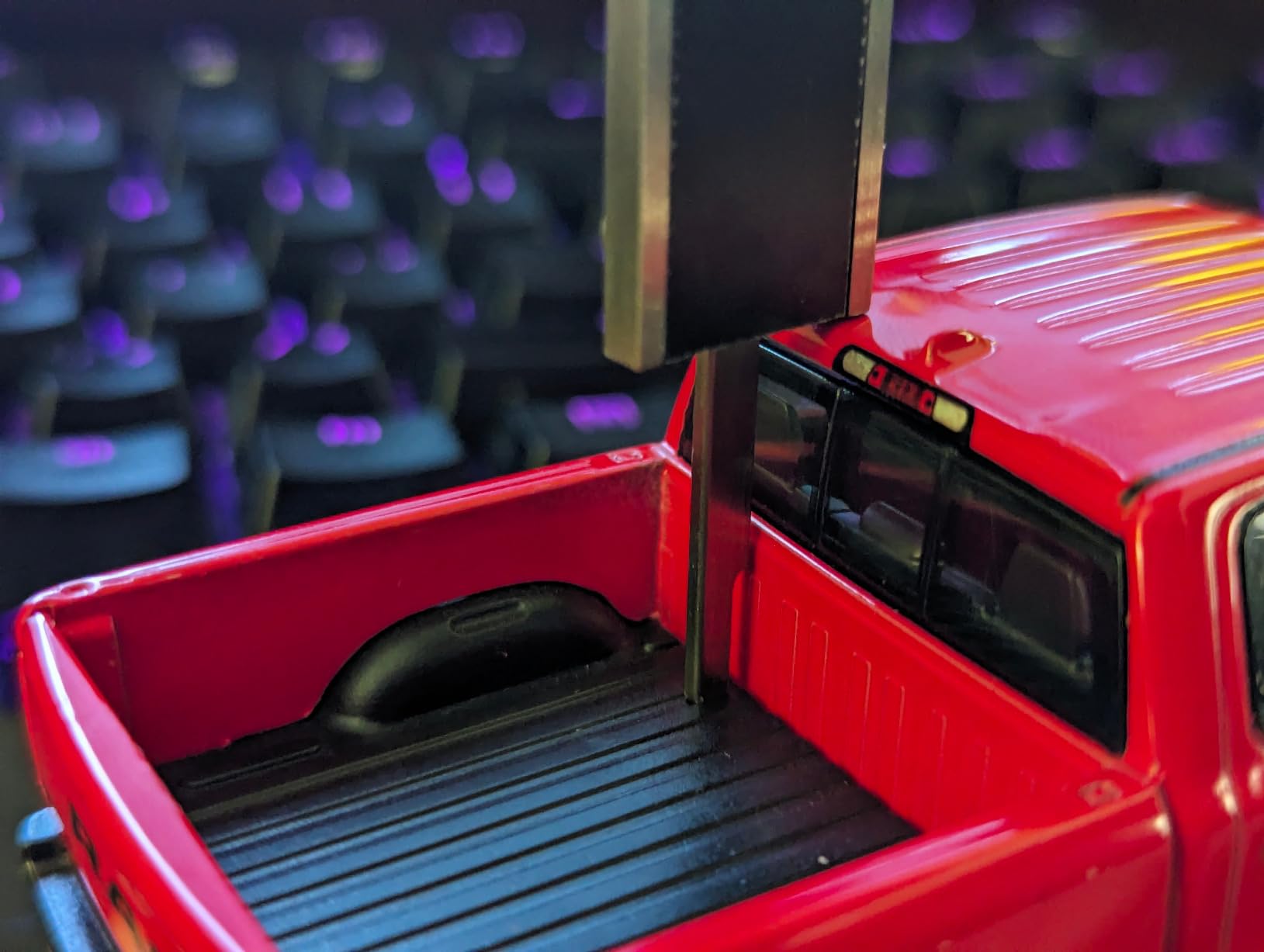
If you wear glasses, work in a dusty shop, or simply dislike squinting at a seven-segment display, this is the caliper to shortlist. The screen measures 2-3/8 inch by 7/8 inch, which is far larger than anything else on this list, and the digits are high contrast enough to read from standing position across the bench.
The body is hardened stainless steel with a precision lapping finish, rated IP54 against splash, water, oil and dust. Specifications are 0.001 inch accuracy, 0.0005 inch repeatability, and a resolution of 0.0005 inch, 0.01 millimetres or 1/128 inch depending on the mode you are in.
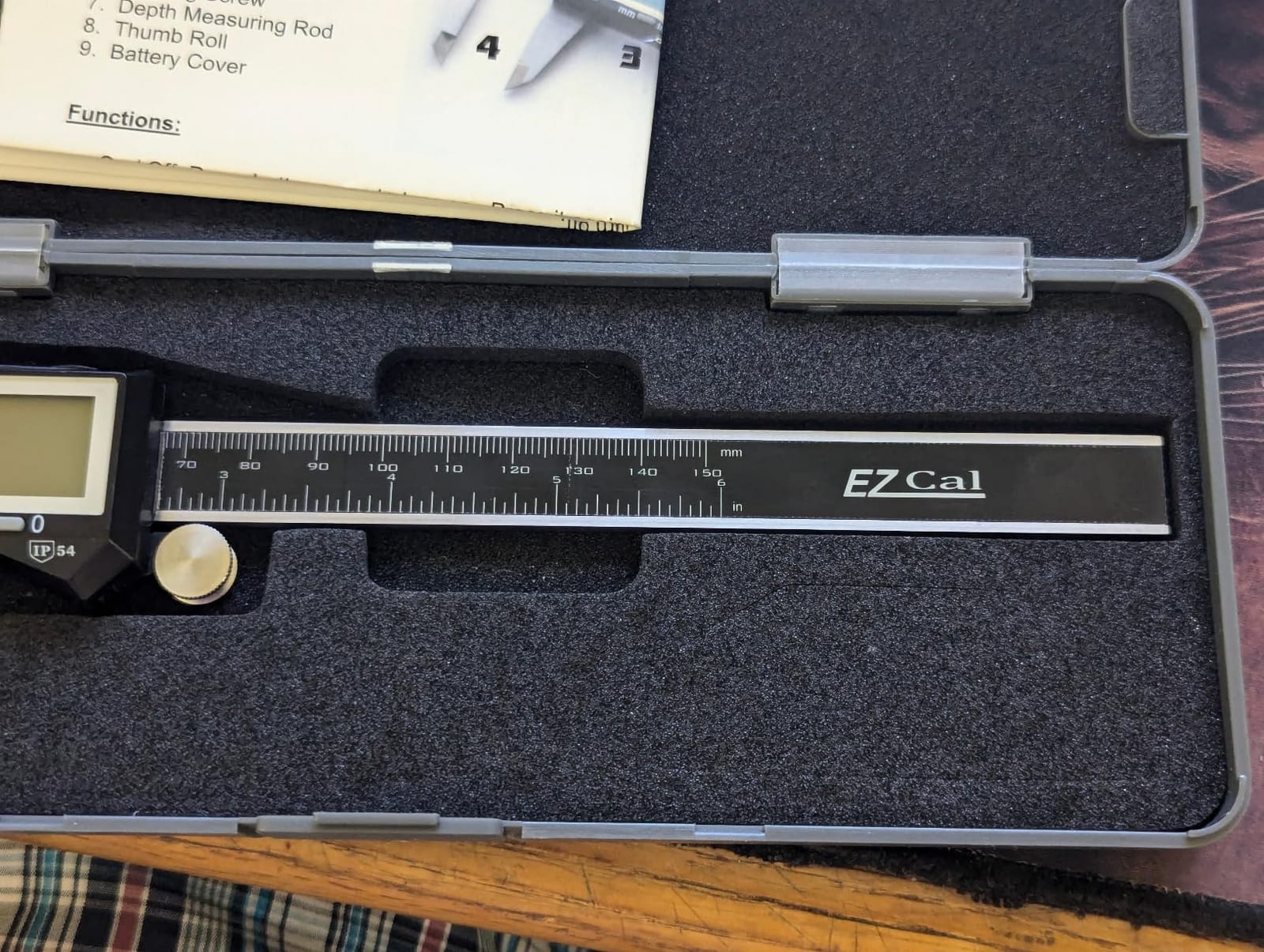
Owners with metrology backgrounds report checking it against a 1-2-3 setup block and getting readings identical to a Mitutoyo Digimatic, then using it in hot, dusty shop environments without trouble. That combination of a verified zero and a sealed body is why it sits near the top of my list for working woodworkers.
The box includes two CR2032 batteries, a screwdriver, spare compartment screws and a foam-lined rigid case. Spare screws matter more than they sound, because the screw-secured battery tray is the part most likely to go missing in a shop.
Display size is not a gimmick
On a dusty shop day, with safety glasses fogging and the light coming from a high window, the size of the digits is a measurement tool in its own right. A reading you cannot read is the same as a wrong reading, and re-measuring three times because the display is too small is pure lost time.
The lapped finish and jaws that meet with no light gap are also worth noting. Light between the jaws tells you the faces are not parallel or not clean, and it is the fastest visual check that a caliper is in good shape before you trust a number from it.
Where it falls short
The thumb wheel has some play that takes getting used to, and the battery tray can catch on the PCB contact, with the negative contact tab described as fragile by some owners. Handle it carefully when changing cells.
Fraction mode rounds to 64ths with no option for coarser fractions, so it is less granular than the VINCA in that mode. One buyer also reported slightly mismatched jaw tip lengths on their caliper, which is worth a quick visual check on arrival.
8. Esydon 6-Inch Digital Caliper: Best for Delicate and Finished Surfaces
Digital Caliper, Esydon Upgraded Calipers 6 inch, Measuring Tool, Electronic Ruler, with Large LCD Screen, Auto-Off Feature, Inch and Millimeter Conversion, Plastic Case, Perfect for Household, DIY
0-6 inch range
0.01 inch resolution
Plus or minus 0.2mm accuracy
Composite jaws
LR44 power with eight month life
Pros
- Soft carbon fiber composite jaws that will not scratch finished work
- Large digits readable by older eyes
- Screw-secured battery cover prevents accidental drain
- Built-in slide ruler still works if the battery dies
- Includes a case and three LR44 cells with a lifetime warranty
Cons
- Plastic body feels fragile and is not for precision work
- Resolution stops at the hundredth of an inch
- Included case is cheap and flimsy
Soft jaws are the reason this one is here. If you measure an oiled tabletop, a finished panel, a painted face or a watch-sized model, a metal jaw tip leaves a mark every single time. The Esydon uses carbon fiber composite jaws that owners specifically praise for being gentle on delicate surfaces.
Accuracy is stated at plus or minus 0.2 millimetres, or 0.01 inch, over a 0 to 6 inch range, with four measurement modes covering outside, inside, depth and step. Buyers verify it for 3D printing and layout work and find it consistent for its stated class.
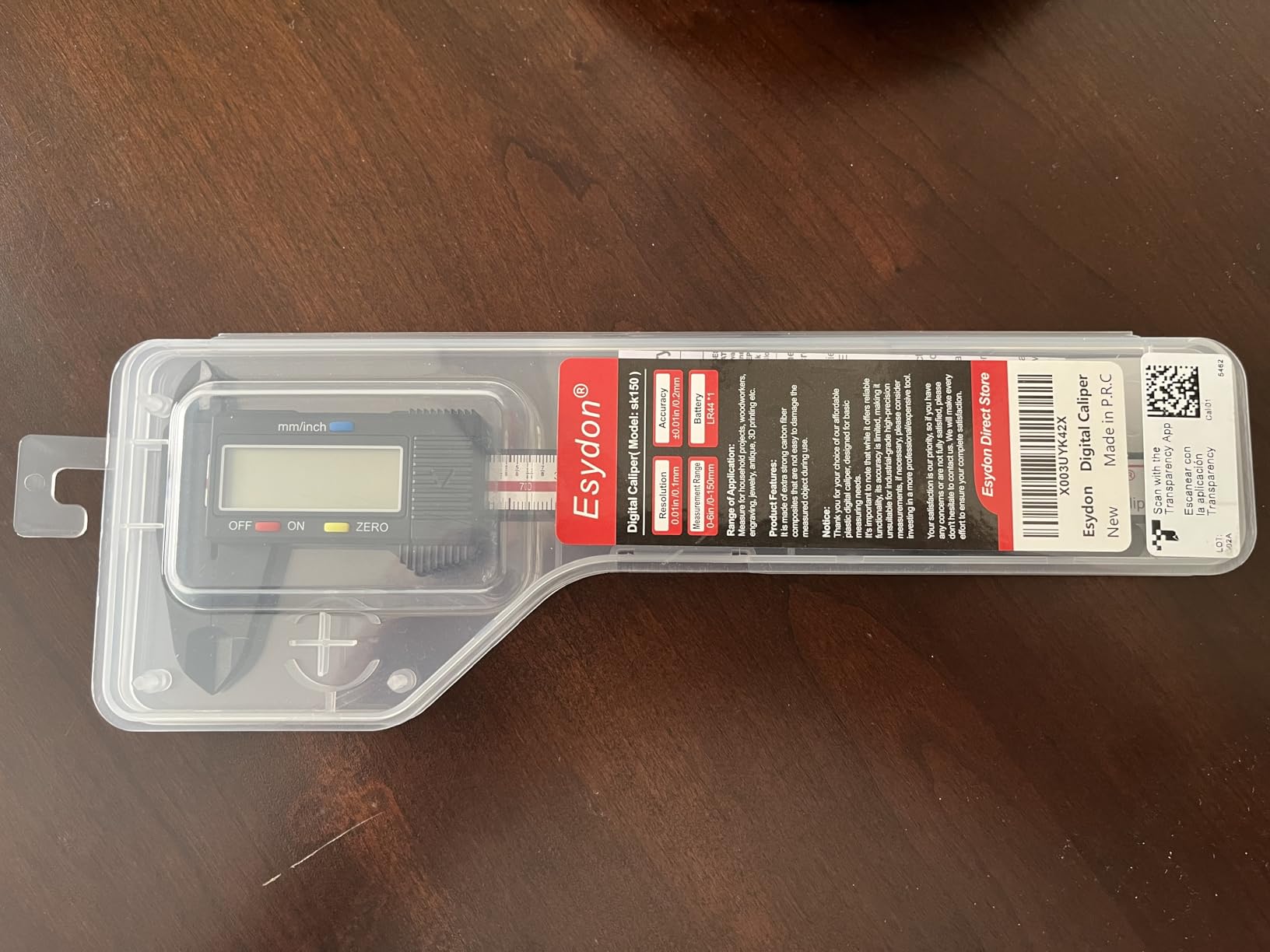
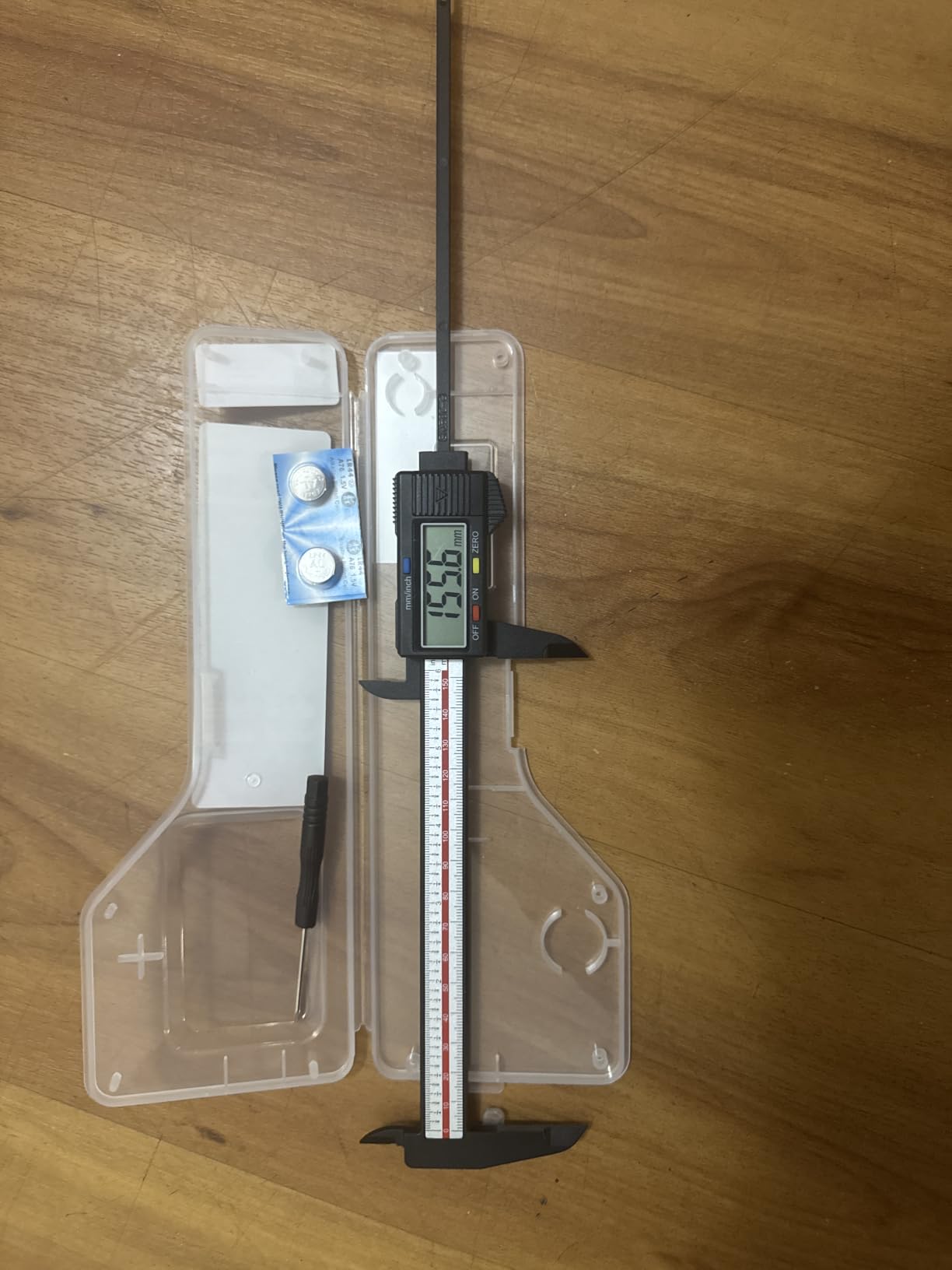
Battery handling is better thought through here than on most calipers at this level. The cover is screw-secured, so a caliper rattling in a toolbox will not quietly drain itself, and the listed battery life is 8 plus months on a single cell. A plastic case and three LR44 cells are included, alongside a lifetime warranty.
There is a built-in slide ruler that still works if the battery dies. That is not a digital scale, but it gives you a rough fallback measurement instead of a dead tool and a shrug.
When soft jaws beat everything
Consider the Esydon your second or finishing-room caliper. Measure veneered faces, finished panels, a guitar’s top after finishing, or anything where a metal jaw would leave a crescent mark you cannot sand out without changing the surface.
The large digits and instant inch and millimeter switching also make it a comfortable introduction for anyone who prefers a simple two-button layout, or whose eyesight makes small displays tiring.
Where it falls short
The plastic body feels fragile and is not suitable for lab work or high precision tasks. Resolution stops at the hundredth of an inch, so a fractional requirement like 1.125 inch cannot be confirmed on the display.
The included case is cheap and flimsy, and the buttons are not very tactile. One buyer reported slightly stripped threads on the battery compartment screw on arrival, so check that it threads cleanly before you rely on it.
9. WEN 10761 Electronic 6.1-Inch Caliper: Best Starter Caliper With Fraction Mode
WEN 10761 Electronic 6.1-Inch Digital Caliper with LCD Readout and Storage Case
6.1 inch range
0.0005 inch resolution
1/128 inch fractions
Inch millimeter and SAE display modes
CR2032 power
Pros
- All three readout modes including SAE fractions at an entry-level price
- Finer 0.0005 inch resolution than most calipers in this class
- Slightly longer 6.1 inch range than the common 6 inch model
- Includes a sturdy carrying case and a CR2032 battery
- Large digital LCD readout
Cons
- Lightweight plastic construction feels less substantial than metal models
- No backlit display
- Case and body materials feel basic beside stainless options
The WEN does something most entry-level calipers do not: it gives you all three readout modes, including SAE fractions, at a budget price point. That matters for woodworking specifically, because a large share of home shop layout is expressed in sixteenths and eighths, not decimals.
Resolution is 0.0005 inch, or 1/128 inch, or 0.01 millimetres depending on mode, over a range of up to 6.1 inches. That slightly longer range than the standard 6 inch model is a small practical gain when you are measuring a long tenon or a wider rail.
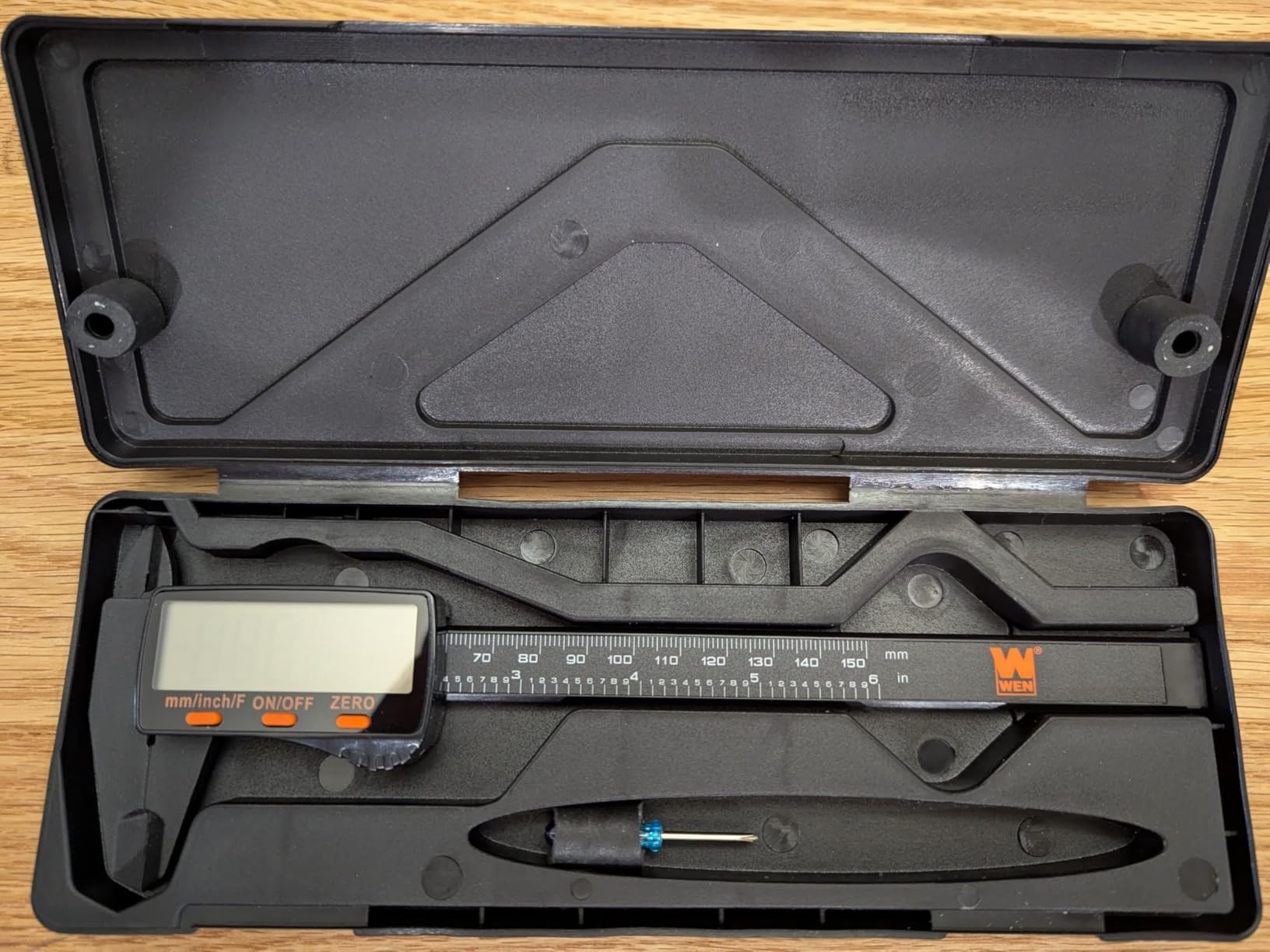
The display is a large LCD readout and the box includes a sturdy carrying case plus a 3V CR2032 battery. Using a common cell rather than an obscure watch cell means a dead battery in the middle of a project is a two-minute fix instead of a lost evening.
I would pair this with a zero-check habit rather than trust it for fine inlay work. Check the jaws closed at the start of each session and you will know immediately whether it is still reading true.
A sensible first caliper
If you are setting up a first shop and the rest of your precision tools are still a wish list, this covers fraction layout, decimal measuring and millimetre work in one package. The resolution is finer than most tools at this level, which leaves headroom as your skills grow.
It is also a reasonable gift purchase for someone starting out, because it feels familiar, reads clearly, and does not need explaining beyond zero the tool and close the jaws.
Where it falls short
The lightweight plastic construction feels less substantial than the metal models, and that is not only about feel. A plastic frame can flex under pressure and it is more likely to lose zero after a knock.
There is no backlit display, and the case and body materials feel basic next to a stainless option. If you expect to keep this one for a decade and measure joinery to a thousandth, step up to the Kynup or the iGaging IP54 instead.
10. iGaging Absolute Origin 6-Inch Caliper: Best for CNC and Recorded Measurements
iGAGING Absolute Origin 0-6″ Digital Caliper, IP54 Stainless Steel, SPC/USB Output Port, Inch & Metric Modes, Case, Manual
0-6 inch range
0.001 inch accuracy
Absolute origin calibration
SPC/USB output port
IP54 stainless body
Pros
- Absolute origin calibration eliminates re-zeroing after every use
- Stainless construction with smooth slide and jaws with no light gap when closed
- Verified against feeler gauges gage blocks and 1 to 5 inch standards
- SPC/USB port streams readings into CAD software and spreadsheets
- Includes a calibration certificate spare batteries a screwdriver and a case
Cons
- Repeatability varies with how the part and tool are held
- No backlit display
- USB cable sold separately and costs well beyond the tool
- No linear scale on the bar if the battery dies
This is the one to buy if your measurements need to go somewhere. The Absolute Origin calibration retains the zero reference when the tool is powered off, so you are not closing the jaws and re-zeroing every time you pick it up. On a CNC workflow, where you are entering true bit diameters into a CAM tool library, that removes a repeated step that quietly introduces error.
Accuracy is stated at 0.001 inch over a 0 to 6 inch, 150 millimetre range, with a stainless steel body rated IP54 against dust and moisture. Buyers with engineering backgrounds report verifying readings against feeler gauges, gage blocks and standards from 1 to 5 inches and finding them consistently on target.
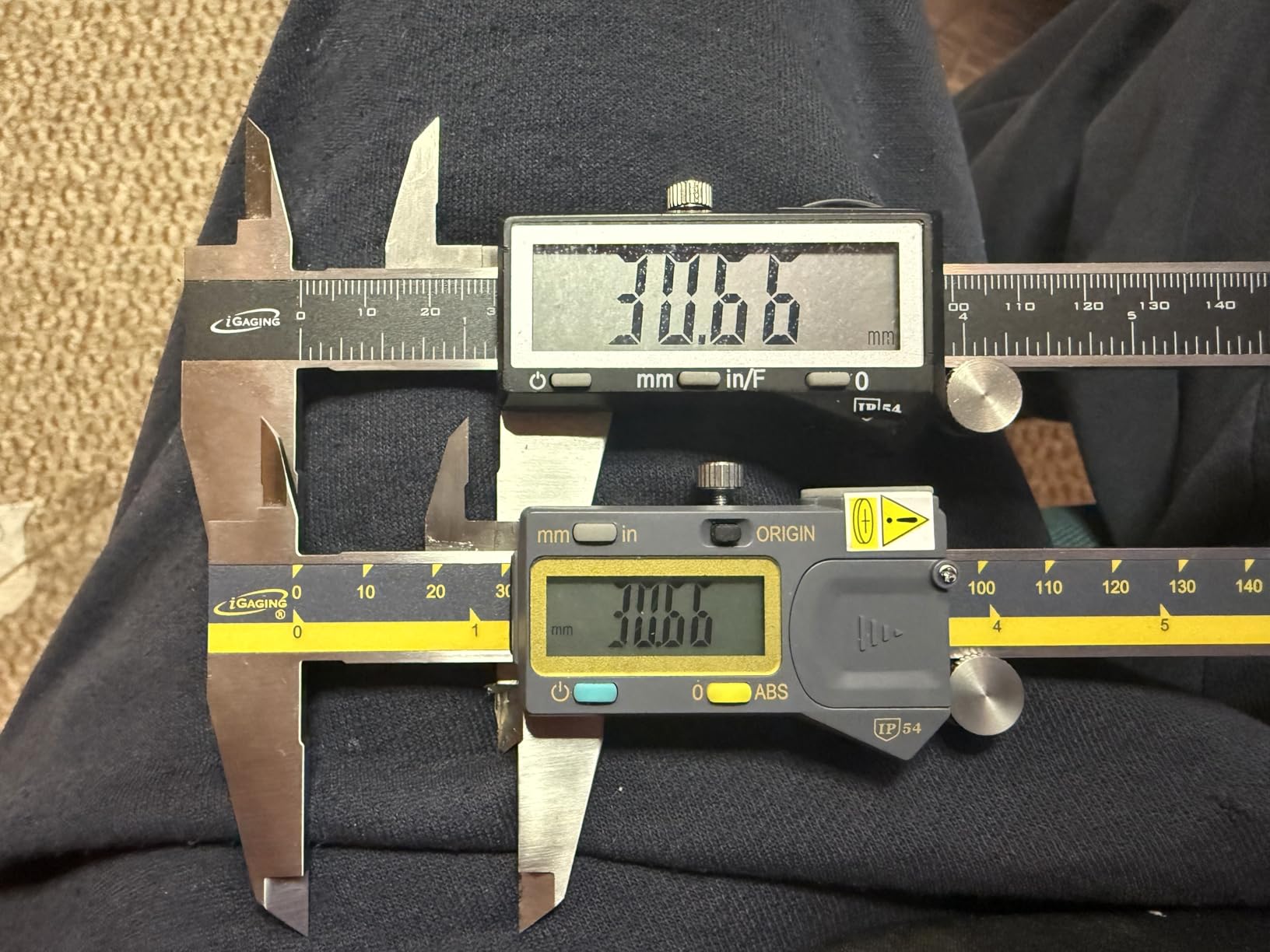
The SPC/USB output port exports measurements straight into CAD software or a spreadsheet. For a shop that logs board thickness across a panel glue-up, or records the diameter of every router bit and end mill in the tool library, that is the feature that justifies the step up. The cable is a separate purchase.
Comes with a calibration certificate, spare batteries, a screwdriver and a protective case. A certificate is worth more to a woodworker than it first appears, because it tells you the accuracy figure was checked rather than printed on the box.
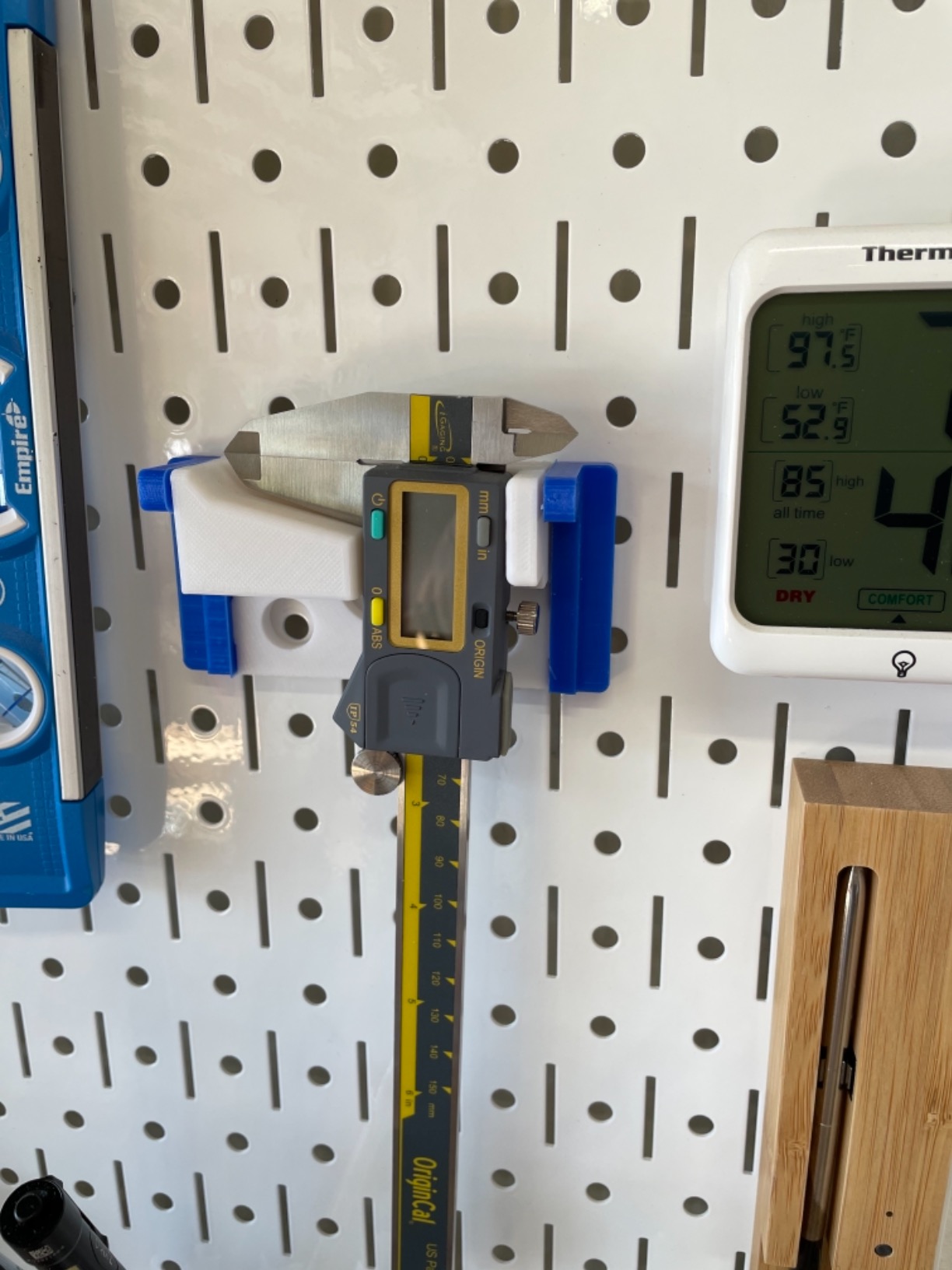
Absolute origin versus standard zero
A standard digital caliper forgets its zero when you switch it off, so the first move every session is closing the jaws and pressing zero. Absolute Origin remembers the reference internally, which is faster and removes one way to get a wrong number without noticing.
There is a trade-off. Absolute origin style calipers typically have no auto shutoff, because shutting off would discard the stored origin. That means the batteries stay in use while the tool sits on the bench, so the habit is to switch it off manually. Owners who come from standard calipers need a few days to adjust.
Where it falls short
Repeatability varies with how you hold the part and the tool, and some users report more variance than the rated accuracy suggests. Technique matters here, so square the part against the jaws and close them with light pressure rather than a squeeze.
There is no backlight, the USB cable is an added cost, and the bar carries no linear scale, so if the batteries die you have no fallback measurement at all.
How to Choose a Digital Caliper for Woodworking
Start with the accuracy ladder, because it decides everything else. Rough furniture, shelves and shop-built cabinets rarely need more than 1/64 inch. Mortise and tenon joinery, drawer fit and cabinet installation want roughly .001 to .003 inch. Inlays, precision fit-up and CNC bit sizing push toward .0005 inch. Tooling and jig setup is the only place you should be chasing finer still.
Resolution is not accuracy. Resolution is the smallest digit the display can show, which tells you how finely you can read the number. Accuracy is how close that number is to the truth, and it can drift across the range of the caliper. A caliper that resolves to 0.0001 inch but is only accurate to plus or minus 0.001 inch gives you digits you should not trust. Look for accuracy first.
Fraction, decimal or thousandths is the second decision. Fraction readout in 1/64 or 1/128 inch matches how most shop drawings and layout marks are written, and it saves you converting arithmetic at the bench. But fraction displays round, so a reading can look further off than it really is. For fine work, read decimal inches and ignore the fraction mode.
Fraction mode will not tell you 1 1/8 inch when the part is 1 1/16. It will tell you the nearest 1/128, which is not the same thing. Knowing that in advance is the difference between trusting the tool and resenting it.
Body material is the third choice, and it is really a choice about how you work. Plastic and carbon fiber composite bodies will not scratch a finished surface and cost little, but they flex under pressure and lose zero more easily. Stainless steel bodies hold their jaws parallel and survive knocks, which is what you want if you are measuring hard woods, working around clamps or handling the tool daily.
For ingress protection, a wood shop is not a machine shop. IP54, which limits dust ingress and protects against splashing water, covers sawdust, glue and a knocked-over mug. IP67 goes further and matters more if you spray finish nearby or work outdoors. Any of the picks with an IP54 rating will handle ordinary shop conditions.
Absolute origin versus standard zeroing is a workflow decision. If you measure the same reference over and over, or feed numbers into a spreadsheet, absolute origin saves time. If you want the tool to sleep itself to protect the battery, standard zeroing is calmer. Know that origin types often have no auto shutoff.
Size is the last decision. A 6 inch caliper covers the overwhelming majority of furniture work, because most boards, tenons and rails are narrower than that. An 8 inch caliper earns its place when you regularly measure wide panels or long rails. A 12 inch caliper is for full sheet-goods glue-ups where you need to check a whole panel for even thickness. Do not buy longer than your largest common workpiece, because a longer throat is heavier and less precise in the hand.
On the big-name question, Mitutoyo is widely treated as the quality standard, with Starrett and Brown and Sharpe as the other names woodworkers trust at the professional tier. Those tools cost considerably more and buy accuracy headroom you only need for tooling. If you would rather spend that money on a better jointer or a sharper saw, an iGaging, Wixey, Clockwise Tools, Vinca, Neiko or Fowler model gives you the accuracy that woodworking actually asks for at a far lower outlay.
Whatever you buy, check three things on arrival. Close the jaws and confirm zero reads 0.000. Open the jaws and confirm it tracks smoothly with no dead spot. Hold the tool up to a light and confirm the jaws meet with no gap. Those three checks take a minute and catch most problems before they reach a joint.
Keeping Calipers Clean and Calibrated in a Wood Shop
Sawdust and glue are the most common reason a good caliper starts drifting, and it happens quietly. A particle of dust under the slider lifts the jaws a fraction, glue squeeze-out forms a film on the jaw faces, and an oil or finish film builds up until the jaws no longer close to zero. The readings get worse a little at a time, and the first thing you notice is a joint that should fit.
Make cleaning part of putting the tool away. Wipe the jaw faces and the slider rail with a dry cloth or a barely damp shop towel, and brush dust off the inside of the slider with a soft brush. Never spray solvent into the body, and never use a wet rag on a caliper with a glass scale.
Check the zero weekly, and honestly, more often than that if you are using it daily. Close the jaws on nothing, look at the display, and if it does not read 0.000, clean the faces again before you press zero. Cleaning first and zeroing second is the difference between a true repair and hiding a problem.
For calibration, a home check against a known good steel rule or a set of feeler gauges will catch gross errors. A professional calibration certificate is worth having on any tool you use for CNC tool libraries or customer work. Popular Woodworking wrote that the iGaging OriginCal was the most accurate of everything tested in its price range, which is the kind of independent check worth more than a marketing claim.
Our bench habit, and the one we recommend: a pouch or a dedicated drawer, never the toolbox with the wrenches. Metal-on-metal knocks in a toolbox are the single most common reason a caliper loses its zero, and a caliper that lives in a drawer with the spanners will not last. You can see the same thinking in how we approach heavier shop tools, whether it is shaper setup or keeping a spindle sander aligned.
Frequently Asked Questions
Are Starrett or Mitutoyo calipers better?
Woodworkers rate both highly, and the real difference is tolerance headroom rather than a visible quality gap. Starrett and Brown and Sharpe sit alongside Mitutoyo as the professional-tier names, and buyers tend to treat Mitutoyo Digimatic as the reference standard. For furniture and joinery, an iGaging, Vinca or Kynup stainless model reaches the accuracy you need for far less, and the extra spend only pays off for tooling, CNC and customer work.
Which digital caliper is the most accurate?
Among these ten picks, the stainless steel models with stated plus or minus 0.001 inch accuracy lead: the Kynup, the Jiavarry 20-F, the Qfun and the iGaging IP54. The Kynup and Jiavarry have owners reporting readings verified against reference standards, feeler gauges and gage blocks. For most woodworking, plus or minus 0.001 inch is already beyond what the joinery needs.
Which digital caliper is best for woodworking?
The Adoric 6-Inch Digital Caliper is the best first buy for most woodworkers, with four measuring modes, a large display and accuracy suited to furniture and layout. The Kynup is the step up for anyone fitting joinery, adding a stainless body and fraction mode. The VINCA DCLA-0605 is the pick when fraction readout and data logging matter most.
What are alternative brands to Mitutoyo?
The common alternatives are iGaging, Wixey, Clockwise Tools, Vinca, Neiko, Starrett, Fowler, Kynup, Jiavarry and Qfun, plus Harbor Freight and Husky at the budget end backed by replacement policies. For woodworking accuracy per unit of money spent, iGaging and Vinca are the most frequently recommended. Starrett and Brown and Sharpe are the other professional-tier names.
Do I need fractions or decimal inches on a digital caliper?
Fractions match how most shop drawings and layout marks are written, so a fraction readout saves conversion work for rough layout. Remember that fraction displays round, which can make a good reading look wrong. For fine joinery and inlay, read decimal inches and use the third decimal place, then switch to fractions only when setting out a frame or a story stick.
How often should I recalibrate a digital caliper?
Check the zero weekly at minimum, and daily if you use the caliper every day. Clean the jaw faces first, then close the jaws and confirm the display reads 0.000 before pressing zero. If it will not hold zero after cleaning, the encoder or the scale needs professional calibration. Protect the tool from knocks, store it in a pouch or drawer, and never spray solvent into the body.
Our Verdict: The One Caliper to Buy
If you only buy one, take the Adoric 6-Inch Digital Caliper. It covers inside, outside, depth and step measuring, reads clearly from a standing position, and its accuracy sits at the right place on the accuracy ladder for the furniture, cabinet and general layout work most people actually do. It is also the least annoying tool to own, because nothing about it demands attention.
Buy the Kynup instead if your work is joinery and you want a metal body that will not flex. Buy the VINCA if fractions are how you think. Buy the iGaging Absolute Origin if your measurements need to reach a spreadsheet or a CAM tool library, and buy the Esydon if the surfaces you measure are already finished.
Whichever you pick, check the zero, clean the jaws, and keep it out of the toolbox. That habit is worth more than the difference between any two of these ten. This roundup was tested and updated for 2026.