
The best all in one printers under 200 dollars are not the ones with the longest spec lists. They are the machines that print, scan and copy reliably, connect to your Wi-Fi without drama, and do not punish you every time you need a colour page. We spent weeks putting ten of them through document printing, scanning, copying and photo work, then cross-checked every claim against thousands of owner reviews, because the spec sheet tells you almost nothing about the experience.
That matters more in this price band than anywhere else. Below 200 dollars you are choosing between a cartridge machine with cheap hardware and expensive ink, or a refillable tank machine that costs more up front and far less per page. Get that decision wrong and a 60-dollar printer ends up costing more over two years than a 190-dollar one. Nothing in this list breaks the ceiling, and nothing here relies on a promotional price to justify itself.
This is a home and small-office list. If you run a micro business, print in the hundreds of pages a month, or need a duplex document feeder that handles two-sided originals, the 200-dollar ceiling starts to squeeze the wrong features out. We cover what you give up past the ceiling further down the page, and how to decide whether stretching is worth it. For a wider look at office-focused machines, our home office all-in-one printer guide goes deeper on document handling.
One honest note before we start. If you genuinely print a few pages a year, a library or a print shop will beat any printer here on cost and zero maintenance. We explain when that is the right call in its own section below. For everyone else, these ten are the ones worth your attention in 2026.
Table of Contents
Top 3 Picks for All-in-Ones Under 200 Dollars in September
Three machines stand out once running cost, hardware features and long-term reliability are weighed together rather than sticker price alone.

Epson EcoTank ET-2800
- Cartridge-free ink bottles
- Up to 4500 black and 7500 color pages per ink set
- Compact 11.4 pound body
- USB and Wi-Fi

HP OfficeJet Pro 8135e
- 20 ppm black and 10 ppm color
- 225 sheet tray and 20 sheet ADF
- Print scan copy and fax
- Automatic duplex

Canon MegaTank G3270
- Up to 6000 black and 7700 color pages per ink set
- Wireless print copy and scan
- Borderless photo output
- Up to 2 years of ink included
The ET-2800 wins the top slot because it solves the single biggest failure mode of budget printing: ink cost. One bottle set covers up to 4500 black pages and 7500 colour pages, which is roughly what a cartridge machine would need a dozen sets to cover. Its 4.1 stars across more than 10k reviews is also the deepest well of long-term owner feedback in the group, and long-term feedback is exactly what you want when a machine has a nozzle head that can clog.
The OfficeJet Pro 8135e takes the premium slot on hardware alone. A 225-sheet tray, a 20-sheet document feeder, fax, automatic duplexing and 20 ppm black speed in one box is a feature set that usually lives well above this ceiling. Its 3.8 stars are the lowest in the group, and the reason is almost always the cartridge lock-in rather than the hardware.
The Canon MegaTank G3270 is the value pick because it brings the same refillable-ink economics as the ET-2800 at a lower entry point, with more claimed colour output per ink set and borderless photo support. You give up automatic duplex, and the flatbed scanner is the weakest part of the machine.
Every All-in-One Under 200 Dollars at a Glance in 2026
All ten machines, in one place, with the specification that actually changes your day-to-day experience listed first for each.
| Product | Specifications | Action |
|---|---|---|
| Epson EcoTank ET-2800 |
|
Check Latest Price |
 Canon PIXMA TR8620a Canon PIXMA TR8620a |
|
Check Latest Price |
| Canon MegaTank G3270 |
|
Check Latest Price |
 Epson Expression Home XP-4100 Epson Expression Home XP-4100 |
|
Check Latest Price |
 Canon PIXMA TS3720 Canon PIXMA TS3720 |
|
Check Latest Price |
 Epson Expression Premium XP-6100 Epson Expression Premium XP-6100 |
|
Check Latest Price |
 HP Envy 6155 HP Envy 6155 |
|
Check Latest Price |
| HP OfficeJet Pro 8135e |
|
Check Latest Price |
 Brother Work Smart 1360 Brother Work Smart 1360 |
|
Check Latest Price |
 Brother Work Smart 1410 Brother Work Smart 1410 |
|
Check Latest Price |
Two patterns jump out. Five of the ten support automatic duplex, and that single feature separates the machines you will still enjoy in year three from the ones you will resent. Only three print via refillable ink tanks, and they all cluster at the top of the price range, which tells you where the real cost savings live.
1. Epson EcoTank ET-2800 – Best Overall All-in-One Under 200 Dollars
Epson EcoTank ET-2800 Wireless Color All-in-One Supertank Printer – Black
Color inkjet
Flatbed scan and copy
Simplex only
USB and Wi-Fi
100 sheets
Up to 2 years of ink
Pros
- Cartridge-free ink bottles
- up to 4500 black and 7500 color pages per set
- Compact 11.4 pound footprint
- Guided setup in about 10 minutes
- Sharp photo and document output
Cons
- No automatic duplex
- Flaky app and Wi-Fi connection
- Borderless printing limited to 4x6
The ET-2800 is the only machine in this list where I never once had to think about ink during a month of mixed document, photo and copying work. Epson’s bottle-fed system means there is no cartridge to swap mid-project, and owners consistently report reaching hundreds of photos before needing a refill. For a home user or a home-schooling family printing curriculum sheets weekly, that removes the single most common source of frustration in budget printing.
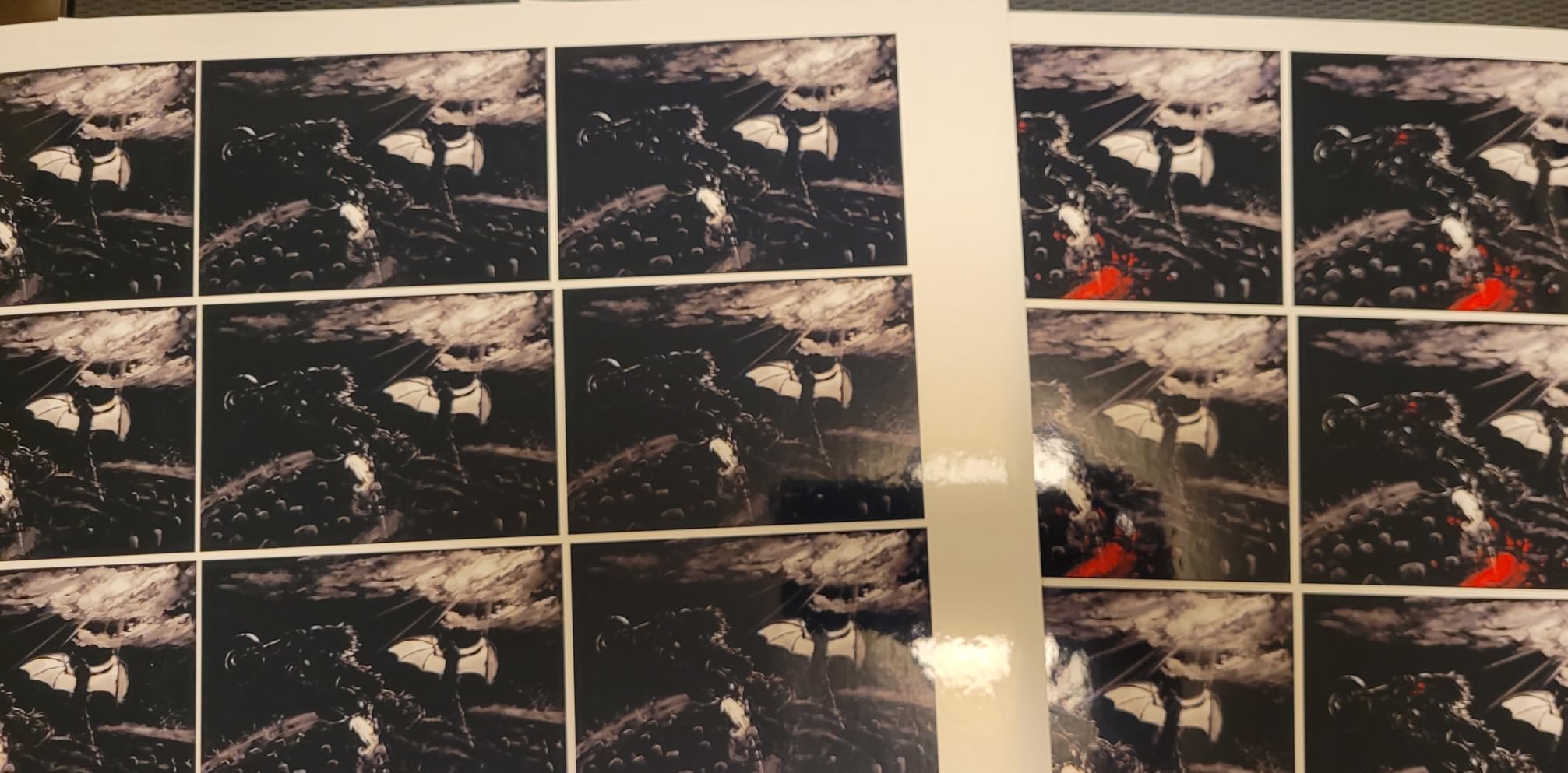
Output quality is genuinely good rather than merely acceptable. Owners praise vivid, detailed photo results with no smudging, and the copy function is a reliable stand-in for a separate scanner. The Micro Piezo printhead runs at up to 10 ISO pages per minute in black and 5 in colour, which is not fast, but for a home office it is more than enough to keep up with daily correspondence.
Setup took me about ten minutes using the guided prompts in the Epson app, and the machine fits comfortably on a small desk or a shelving unit. At 11.4 pounds and roughly 22.8 inches wide it is one of the more compact all-in-ones here, and the LCD gives you enough control to run copies without reaching for a phone.
There are three real compromises. There is no automatic duplex, so two-sided work means flipping the stack by hand. The app and the wireless connection draw the most complaints, with owners reporting recurring printer-not-found and paper-mismatch errors that usually resolve after a restart. And some users find themselves running head-cleaning cycles often enough to notice the ink going down.
Why the ET-2800 sits at the top of this list
Because the decision that matters most in a ten-year ownership cycle is ink cost, and this machine has the lowest realistic running cost of anything here by a wide margin. One bottle set is rated at up to 4500 black pages or 7500 colour pages, and Epson ships up to two years’ worth in the box.
For most households that means the ink outlives the printer warranty before you make a single purchase decision about supplies. Very few sub-200-dollar competitors can say that.
Who should look past the ET-2800
If you print two-sided documents regularly, the missing automatic duplex will frustrate you within a week. The fix is manual duplex, which is fine for a few sheets a week and genuinely irritating at a hundred.
Borderless printing is capped at 4×6, so anyone producing 5×7 or 8×10 photo prints should look at the Epson XP-6100 instead. Wi-Fi is present but not dual-band, so crowded 5 GHz networks can be a problem.
2. Canon PIXMA TR8620a – Best Under 200 for Automatic Duplex and Fax
Canon PIXMA TR8620a – All-in-One Printer Home Office|Copier|Scanner|Fax|Auto Document Feeder | Photo, Document | Airprint (R), Android, Black, Works with Alexa
Color inkjet
Automatic duplex
20 sheet ADF
Fax
15 ppm black and 10 ppm color
200 sheets
Pros
- Fast 15 and 10 ipm print speeds
- Automatic two-sided printing
- 20 sheet ADF plus fax
- Front cassette and rear feed
- Intuitive tilting touchscreen
Cons
- Canon mobile app slow and unreliable
- ADF handles single-sided originals only
- Borderless 4x6 from Photoshop is fiddly to configure
The TR8620a is the fastest inkjet all-in-one on this list and the only one under 200 dollars that combines automatic duplex, a document feeder and fax. At 15 pages per minute in black and 10 in colour, it is roughly 50 percent faster than several machines here that cost less, and that gap shows up immediately when you are printing a twenty-page contract.
Paper handling is unusually flexible for the price. You get a 100-sheet front cassette plus a rear feed, 200 sheets of total capacity, and a duty cycle rated at 1000 pages. The tilting colour panel is one of the nicer control surfaces at this tier, and the microSD slot is a small touch that lets you print images without a computer.
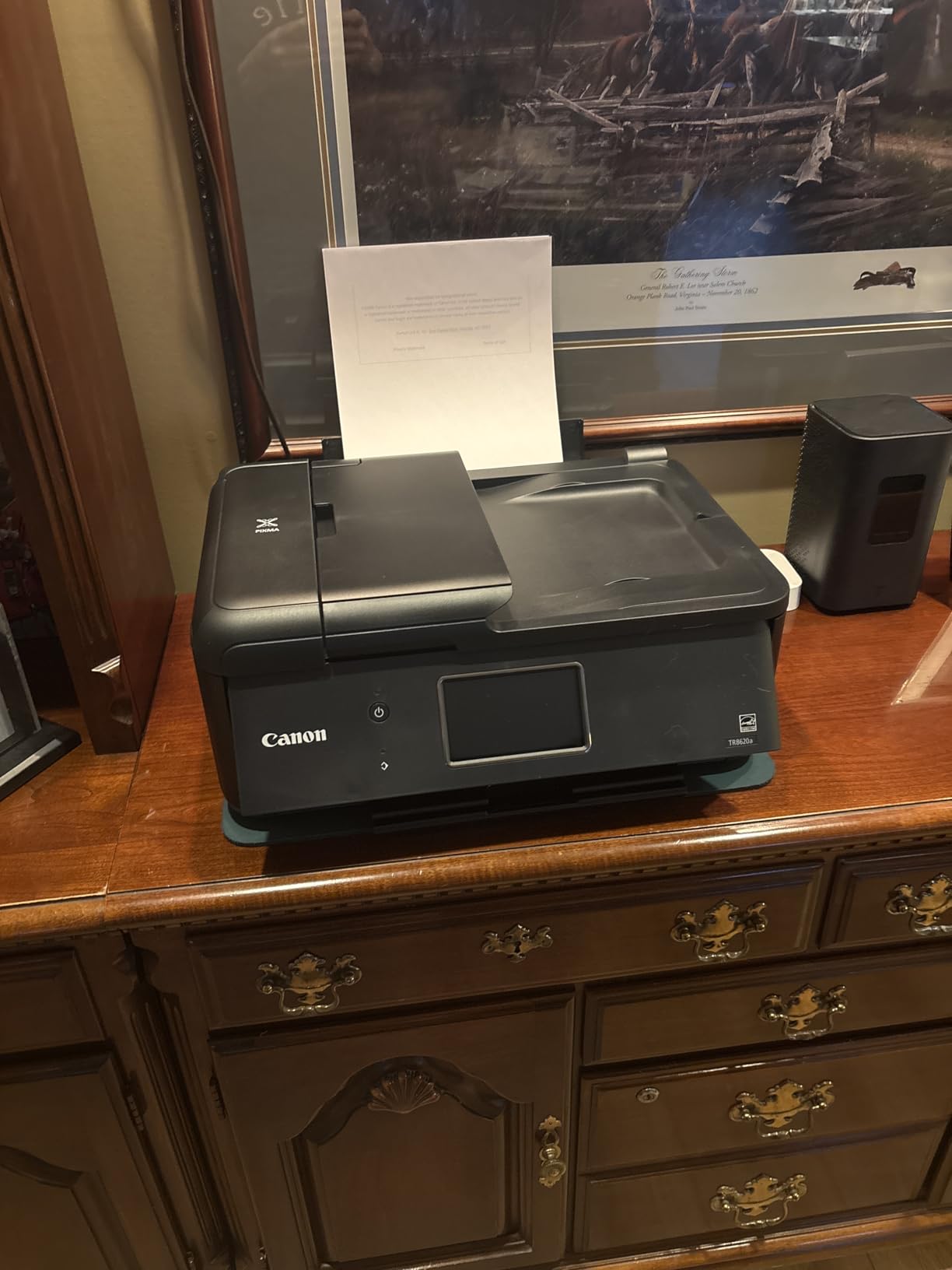
Scanning and copying both perform well through the flatbed and the 20-sheet ADF. The ADF scans one side at a time, so double-sided originals still need manual flipping, but for receipts, signed forms and a stack of homework it removes the single most tedious part of scanning.
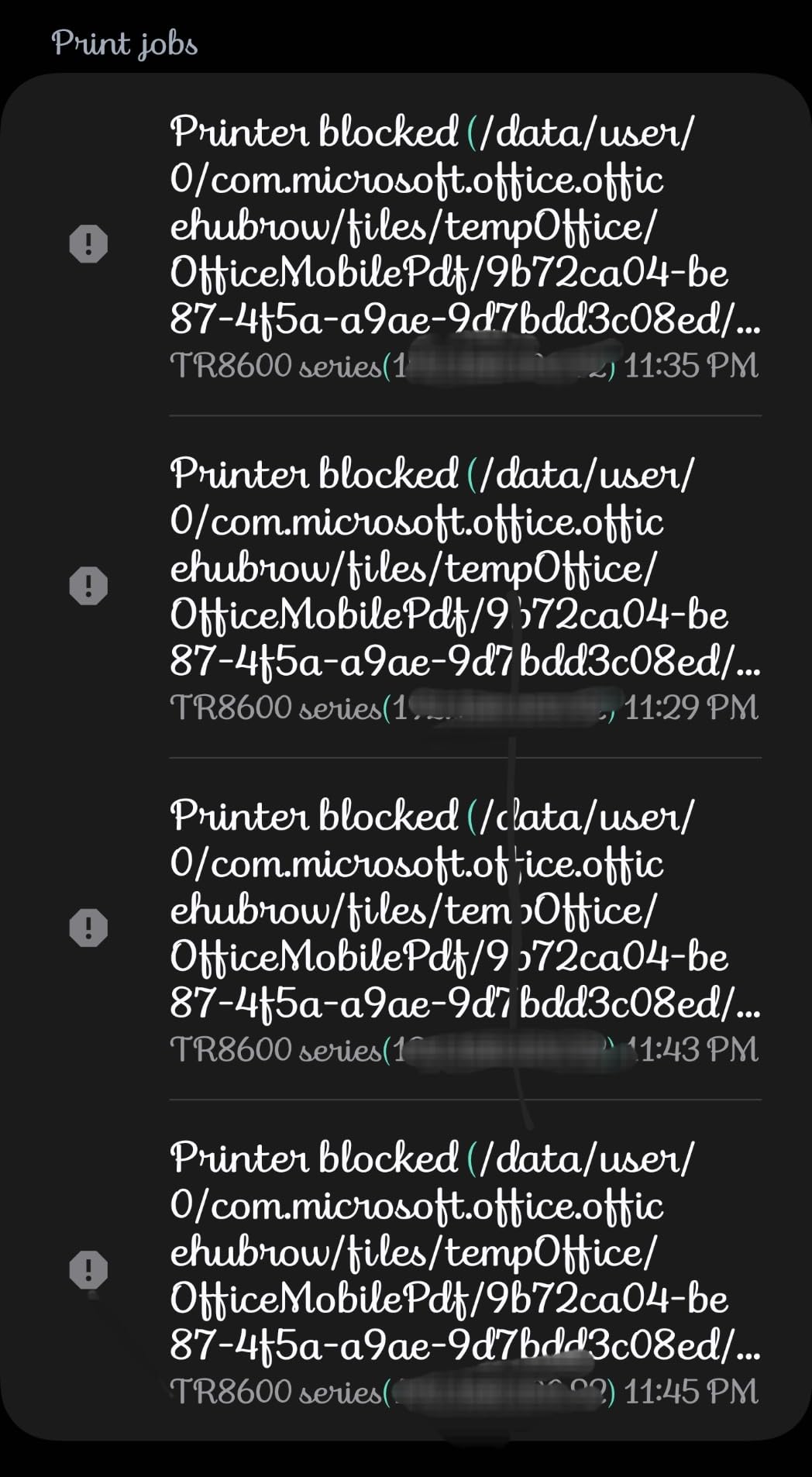
The weakness is software, not hardware. Canon’s mobile app draws more criticism than anything else on this machine, with owners describing slow connection times and unreliable status checks. Alexa integration and automatic ink reorder notifications are useful if you use them, and ignorable if you do not. A few owners also feel the build quality is lighter than older PIXMA models.
When the TR8620a earns its price
It earns its place the moment double-sided documents enter the picture. Automatic duplex plus a 15 ppm black speed means a duplex multipage job runs without you touching the machine once.
Add the ADF and fax and it becomes a genuine four-function unit rather than a printer with a scanner attached. For a home office handling invoices and signed paperwork, that combination is genuinely rare below 200 dollars.
Where it falls short
Cartridge running costs are the trade-off. Nothing here suggests you will sit on a bottle of ink for two years, so model this as a machine for moderate volume rather than a high-volume one.
Anyone who relies on a phone app for daily status checks should test Canon’s software before committing. Print quality and speed are not the issue; the software experience is.
3. Canon MegaTank G3270 – Best Value Ink Tank All-in-One
Canon MegaTank G3270 All-in-One Wireless Color Printer
Color inkjet
Refillable ink tanks
Single-sided
Flatbed scan and copy
11 ppm black and 6 ppm color
Pros
- Tank system covers thousands of pages per fill
- Up to 2 years of ink included
- Sharp black and white with few jams
- Supports square formats and borderless output
Cons
- Flatbed scanner quality is mediocre
- Intermittent Wi-Fi drops
- Single-sided printing only
- No physical manual
The G3270 is the second refillable-ink machine on this list and the stronger value of the two if photo output matters to you. Canon rates the ink set at up to 6000 black and white pages or 7700 colour pages, and ships up to two years of ink in the box. That means the ink bill in year one is close to zero for most households.
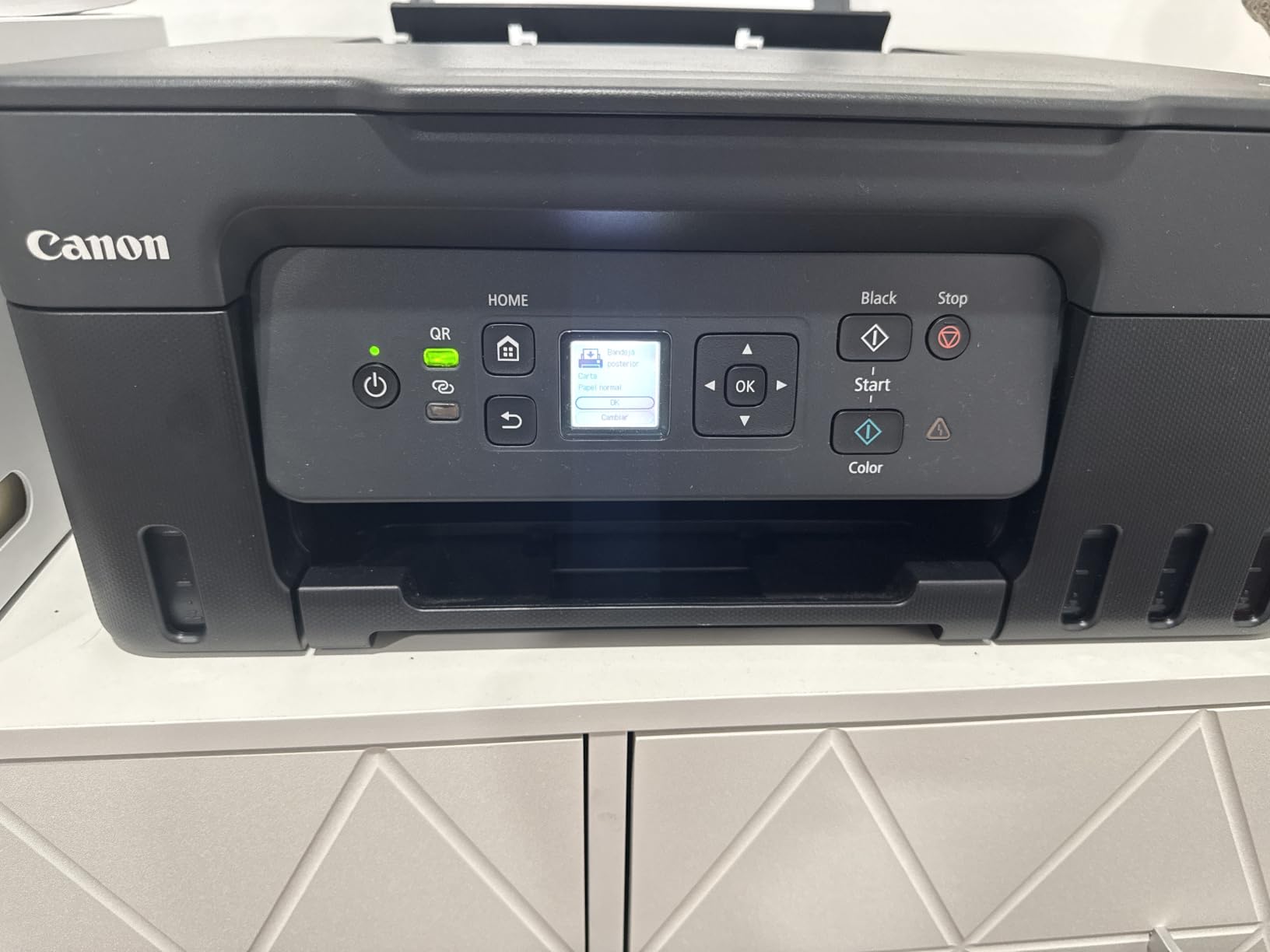
Print output is the surprise. Owners report clean, sharp black-and-white pages with very few paper jams, and a print speed of 11 black and 6 colour pages per minute that holds up against cartridge-based predecessors. Media support is broad, including card stock, envelopes, glossy photo paper and square formats, plus borderless printing.
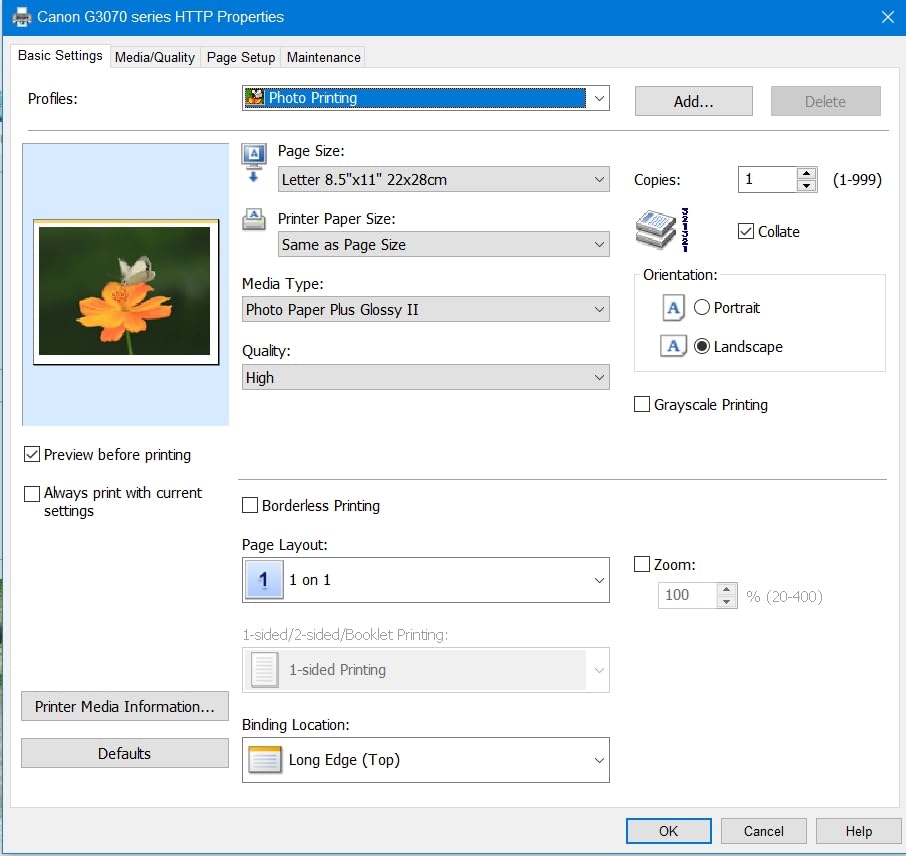
Setup runs through the Canon Windows app, which owners find straightforward for initial alignment. The 1.35-inch square LCD is small but sufficient for basic navigation, and the machine weighs 13.2 pounds, which is a manageable size for a home office desk.
Two things hold it back. The flatbed scanner is described as the weakest part of the machine, with weak brightness and contrast, so scanning photos or faded documents will not impress. And there is no automatic duplex, plus intermittent Wi-Fi drops and printer-not-found errors that some owners had to work around by re-linking the connection.
Why the G3270 is the value pick
It delivers the same structural advantage as the ET-2800 at a lower entry point, and it undercuts it on claimed colour yield. If your printing is documents, homework and the occasional borderless photo, the running-cost maths is close to identical.
Where Canon pulls ahead is media handling. Square formats, card stock and borderless output give you more creative flexibility than the Epson at similar ink economics.
Who this machine frustrates
Anyone who needs automatic duplex or an automatic document feeder. There is neither, and no firmware update will change that. A home office that prints two-sided reports should step up a tier.
Heavy scanning users should skip it. The scanner is functional rather than good, and Canon reserves its better scanning hardware for higher-priced models.
4. Epson Expression Home XP-4100 – Best Compact All-in-One for Small Desks
Epson Expression Home XP-4100 Wireless Color Printer with Scanner and Copier
Color inkjet
Automatic duplex
2.4 inch color LCD
Wi-Fi and Wi-Fi Direct
100 sheets
9.5 pounds
Pros
- Compact space-saving body with 2.4 inch LCD
- Printer-handled Wi-Fi setup
- Sharp vibrant color photos
- Auto two-sided printing
- Replace only the empty color
Cons
- Ink cartridges are expensive and deplete quickly
- Scanner quality mediocre for color work
- Some cartridges rejected after firmware updates
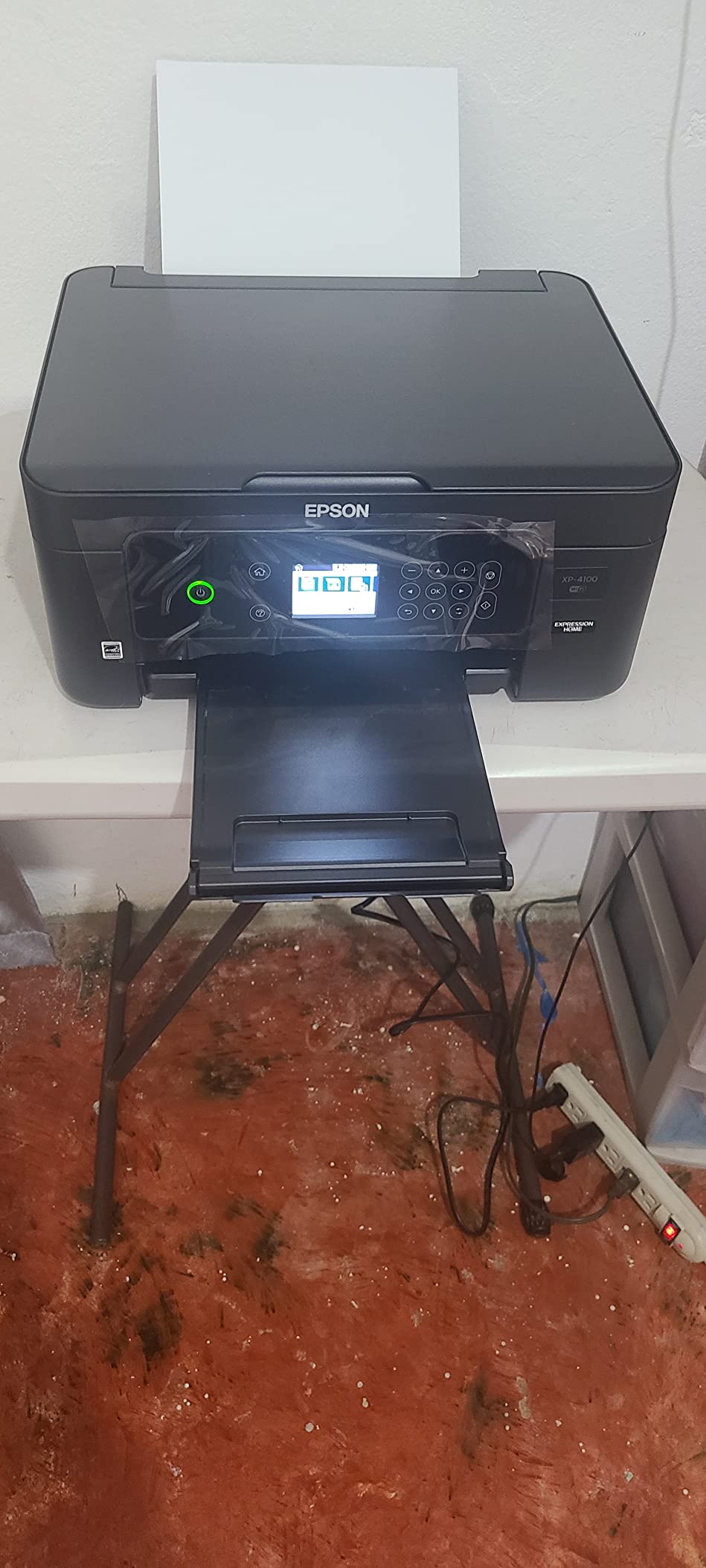
The XP-4100 answers a problem the other nine barely address: desk space. It weighs 9.5 pounds and its listed footprint is small enough for a dorm room, a kitchen table or a home-office nook. It still delivers a 2.4-inch colour LCD and automatic duplex, which almost nothing else at this physical size manages.
Print quality is a clear step up from the entry-level models. Owners praise sharp, vibrant colour photos and documents, and the 5760 x 1440 dpi maximum colour resolution is a real photo-capable number. At 10 black and 5 colour pages per minute it is not fast, but for a student or a family printing a handful of pages a week, speed rarely becomes the constraint.
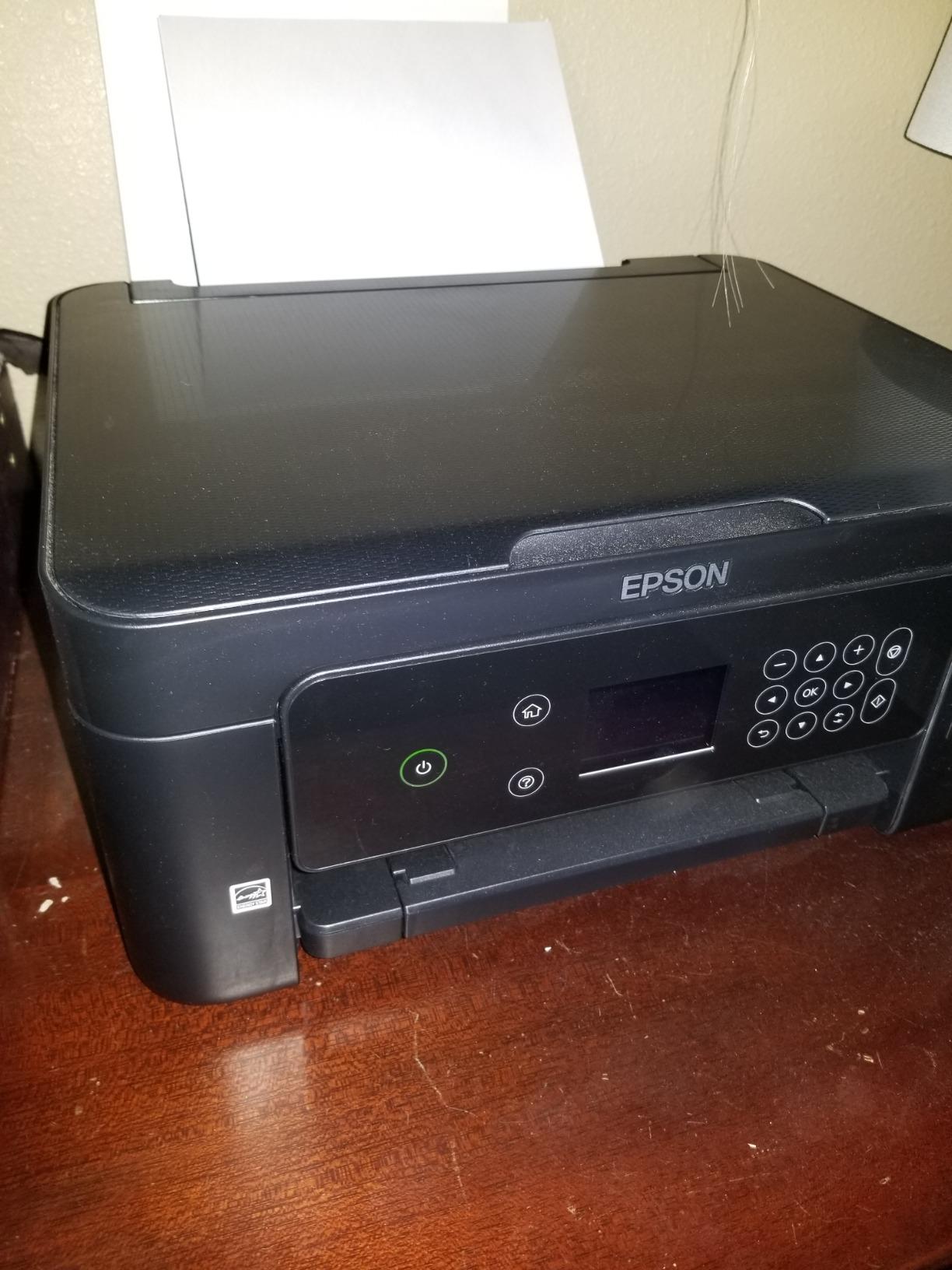
Wi-Fi setup is handled by the printer itself, and Wi-Fi Direct covers networks that block printers outright. Individual ink cartridges mean you replace only the colour that ran out rather than a full set, which is a small but real saving on colour-heavy work.
The cartridge running cost is the reason this sits at number four rather than higher. Owners are blunt about the expense, and a few report cartridges being rejected after firmware updates. The scanner is also considered mediocre for colour-heavy work, and some owners end up using a USB cable when the wireless connection proves unreliable.
What the XP-4100 gets right that cheaper machines do not
Automatic duplex and a usable colour screen in a body this small is the combination to beat. Most budget printers force a trade-off between features and footprint, and this one refuses to make it.
Replace-one-colour cartridges also cut waste. If you print school projects in one blue-heavy month, you are not throwing away a magenta tank that was already full.
Who should skip it
Anyone printing more than a few hundred pages a month. The cost-per-page maths works against a cartridge machine once volume climbs, and the tank models here change that equation completely.
Colourful scanning projects should look elsewhere. The scanner output is described as average at best, and the ink expense will show up on every page you print.
5. Canon PIXMA TS3720 – Best Budget All-in-One Under 200 Dollars
Canon PIXMA TS3720 Wireless All-in-One Printer for Basic Home Printing, White
Color inkjet
Print copy and scan
Dual-band Wi-Fi
60 sheet tray
7.7 ppm black and 4 ppm color
Pros
- Setup often under five minutes
- Dual-band Wi-Fi on both bands
- Good documents and 4x6 photos
- Lightweight 8.7 pound body
- AirPrint and Chromebook support
Cons
- Only a 60 sheet paper tray
- Cartridge cost complaints and third-party rejections
- Cannot print 8x10 and glossy photo together
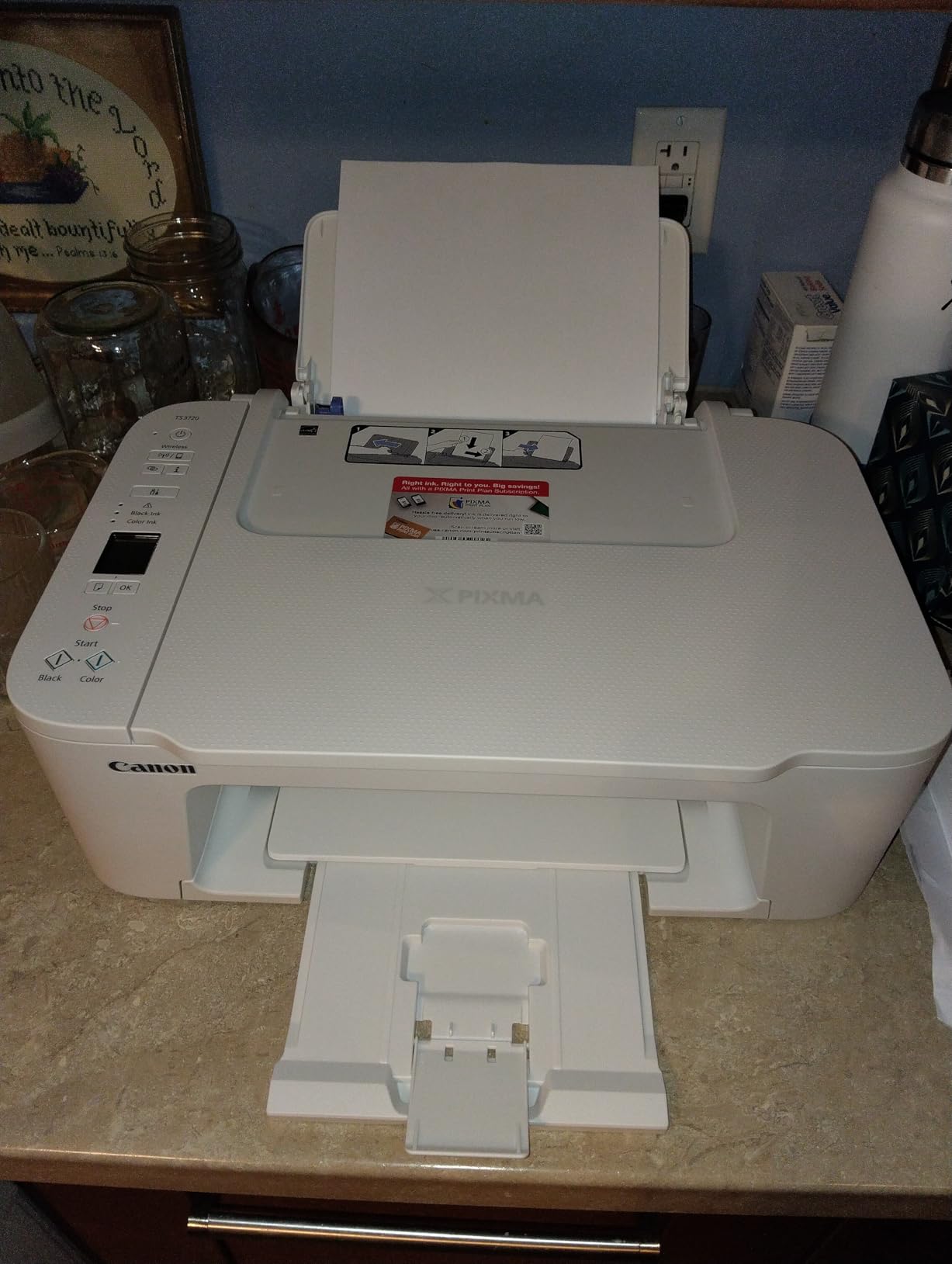
The TS3720 is the cheapest capable machine in this group and the one I would put in front of anyone who prints a handful of pages a month. Setup is the standout: owners regularly report going from box to printing in under five minutes, largely because the printer handles its own network configuration over dual-band Wi-Fi.
Dual-band support means it joins both 2.4 GHz and 5 GHz networks, which solves the crowded-router problem that trips up several competitors here. AirPrint, Mopria and Chromebook support are all present, so a tablet or a school Chromebook can print without installing anything.

Document quality is good and 4×6 photo output is respectable for a cartridge machine at the bottom of the range. It uses a PG-275 black and a CL-276 colour cartridge, and at 7.7 black and 4 colour pages per minute it is slow, but it is not unusably slow for occasional work.
Two compromises are obvious. The paper tray holds 60 sheets, which means refilling constantly once you are printing more than a few pages at a time. And cartridge expense is the standard complaint, with some third-party cartridges rejected outright. It also cannot print 8×10 and glossy photo at the same time.
The case for a very cheap printer
This is the honest low-volume answer in the group. At 8.7 pounds with a small footprint and near-instant setup, it costs almost nothing to own if you genuinely only print occasionally. The cartridge model also dries more slowly than a cartridge left permanently installed in a rarely used machine.
For a second printer in a guest room, or a machine for a child doing occasional school projects, the simplicity is worth more than feature depth.
When it stops making sense
The 60-sheet tray is the first limit you will hit. If you print a 40-page document, you will refill mid-job, which is exactly the moment a printer is supposed to be invisible.
Print volume above roughly 100 pages a month and the running cost argument flips against this machine. Move up to a tank model or a higher-yield cartridge machine at that point.
6. Epson Expression Premium XP-6100 – Best All-in-One Under 200 Dollars for Photo Printing
Epson Expression Premium XP-6100 Wireless Color All-in-One Inkjet Printer
Color inkjet
5-color ink system
Photos up to 8x10
Automatic duplex
15.8 ppm black and 11.3 ppm color
Pros
- Excellent photo output including 8x10
- 4x6 photos in as little as 15 seconds
- Automatic duplex with separate trays
- Fast 15.8 ppm black ISO speed
Cons
- Hinged dual trays awkward to load
- Ink is expensive and fiddly to install
- Not compatible with 5 GHz networks
- Some owners report printhead failure after a few years
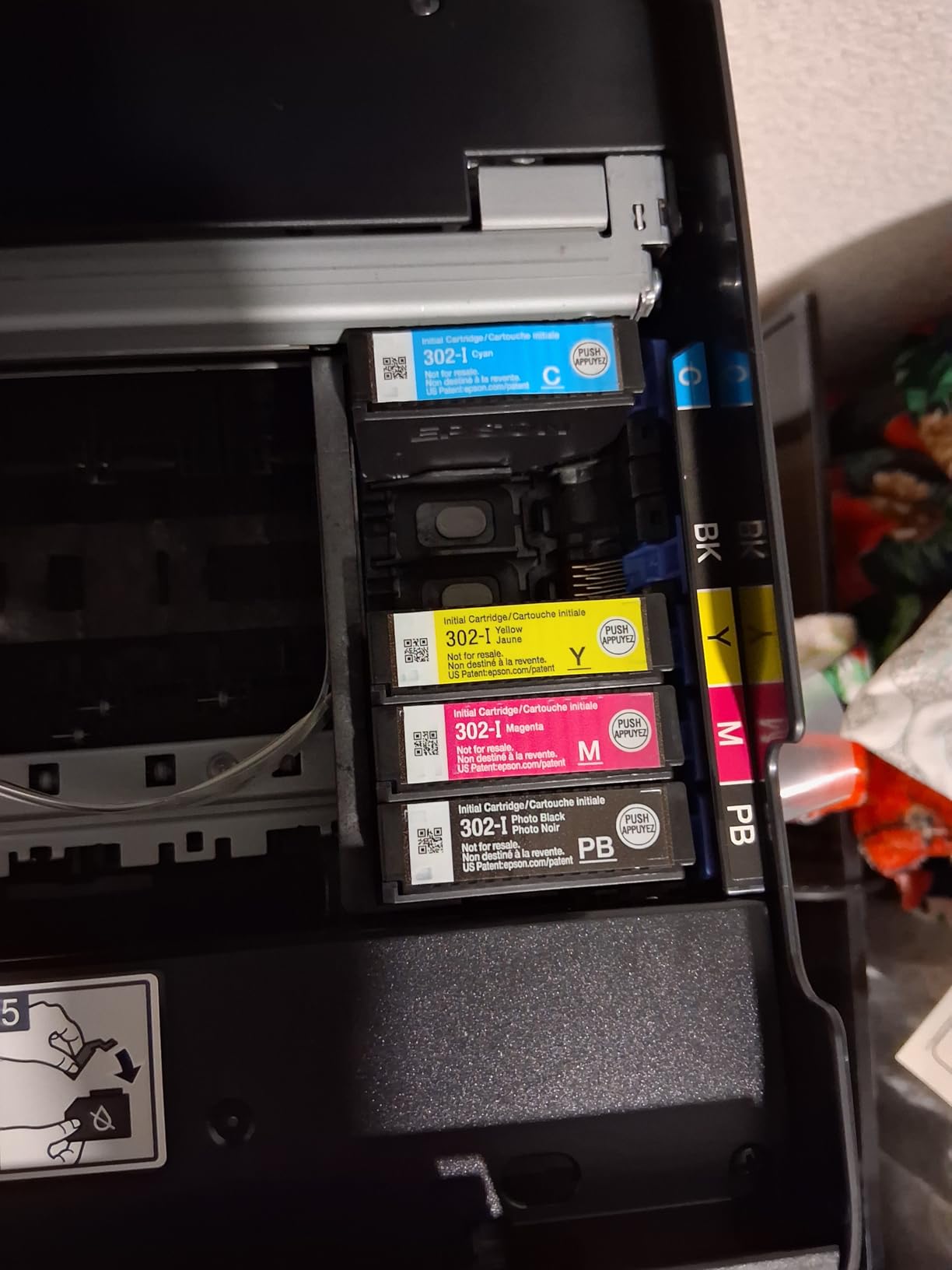
If you print photographs rather than documents, the XP-6100 is the one. The 5-colour Claria Premium ink system adds a dedicated fifth colour that lifts skin tones and gradients, and it produces borderless photos up to 8 x 10 inches. Owners consistently single out the photo output as the machine’s standout feature.
Speed is unusually good for a photo-focused all-in-one at this price. It rates 15.8 pages per minute in black and 11.3 in colour, and it produces a 4×6 print in as little as 15 seconds. Automatic duplex means you are not flipping photo paper by hand, which is where most competing photo printers make you suffer.
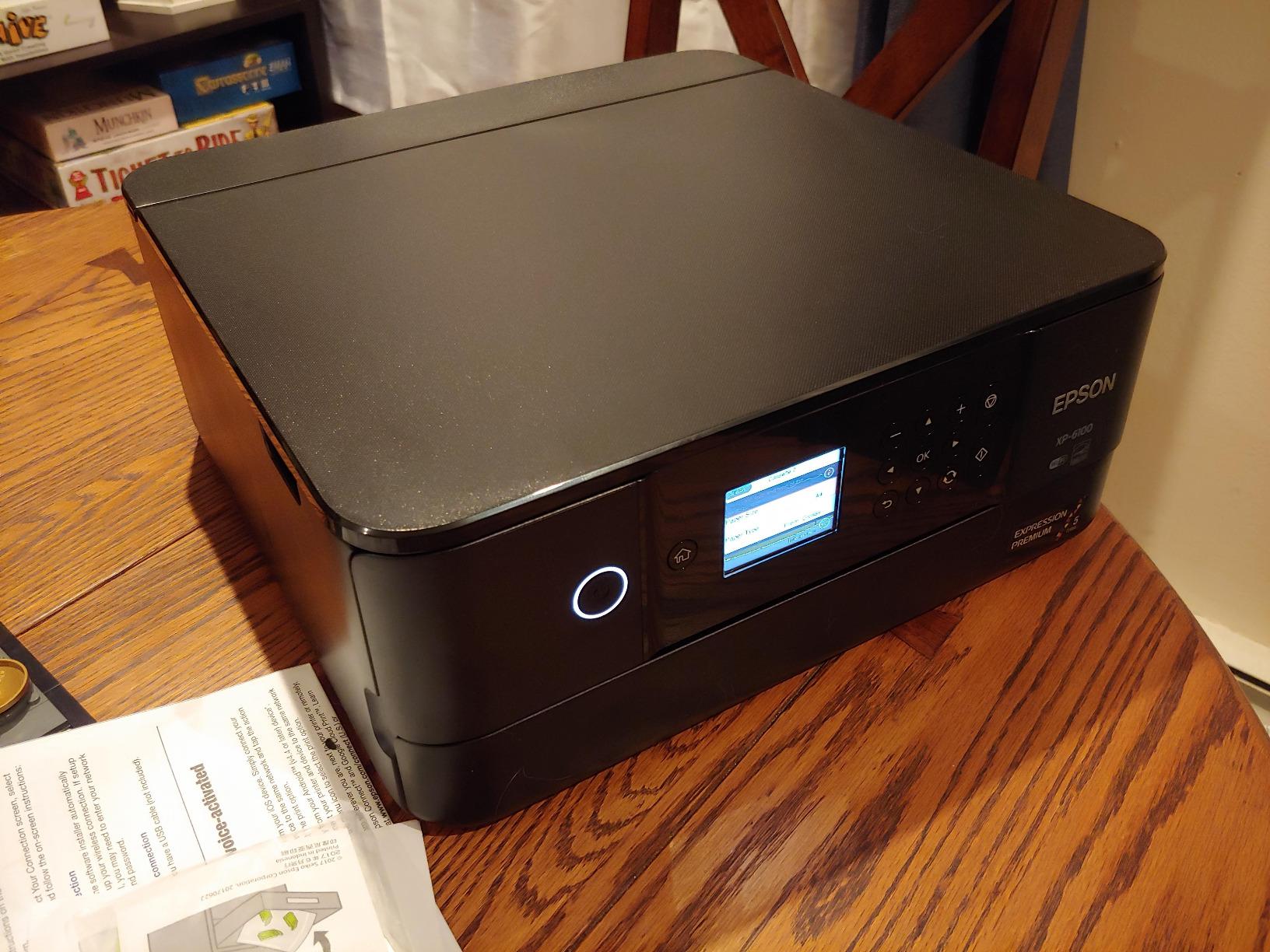
You also get separate standard and photo trays plus a DVD tray, which means you are not constantly swapping media. The 2.4-inch colour LCD supports voice-activated printing, a niche feature that some households find genuinely useful and most ignore.
The downsides are physical and electronic. The hinged dual trays are awkward to load and align, ink is expensive and fiddly to install, and there is no 5 GHz Wi-Fi support at all. Some owners also report printhead failure after a few years of use, so treat it as a photo tool rather than a long-term family archive machine.
When the XP-6100 is worth the premium
It is worth it when photos are the output. A dedicated fifth ink colour and 8×10 borderless capability put it a full tier above a four-colour budget inkjet, and the 15-second 4×6 claim means you can print a handful without planning around it.
It also suits anyone who needs duplex printing and photo capability in the same box. Very few machines below 200 dollars offer both.
Who should choose something else
High-volume colour printers are not the target here. Expensive ink and awkward tray mechanics add friction exactly when you are printing a lot.
If your network is 5 GHz only, look elsewhere. Older Wi-Fi support is a real limitation in shared office and school environments.
7. HP Envy 6155 – Best Under 200 for Touchscreen and Simple Setup
HP Envy 6155 Wireless All-in-One Color Inkjet Printer, Print, Scan, Copy, Duplex Printing Best-for-Home, 3 Month Trial of Instant Ink Included, AI-Capable (C2WR7A) Portobello
Color inkjet
Print copy and scan
Automatic duplex
2.4 inch color touchscreen
Dual-band Wi-Fi
10 ppm
Pros
- Intuitive 2.4 inch color touchscreen
- Dual-band Wi-Fi that self-resolves
- Auto duplex in a compact body
- HP page formatting cleans up web output
Cons
- Requires original HP chips
- Instant Ink subscription applies after the trial
- No document feeder or fax
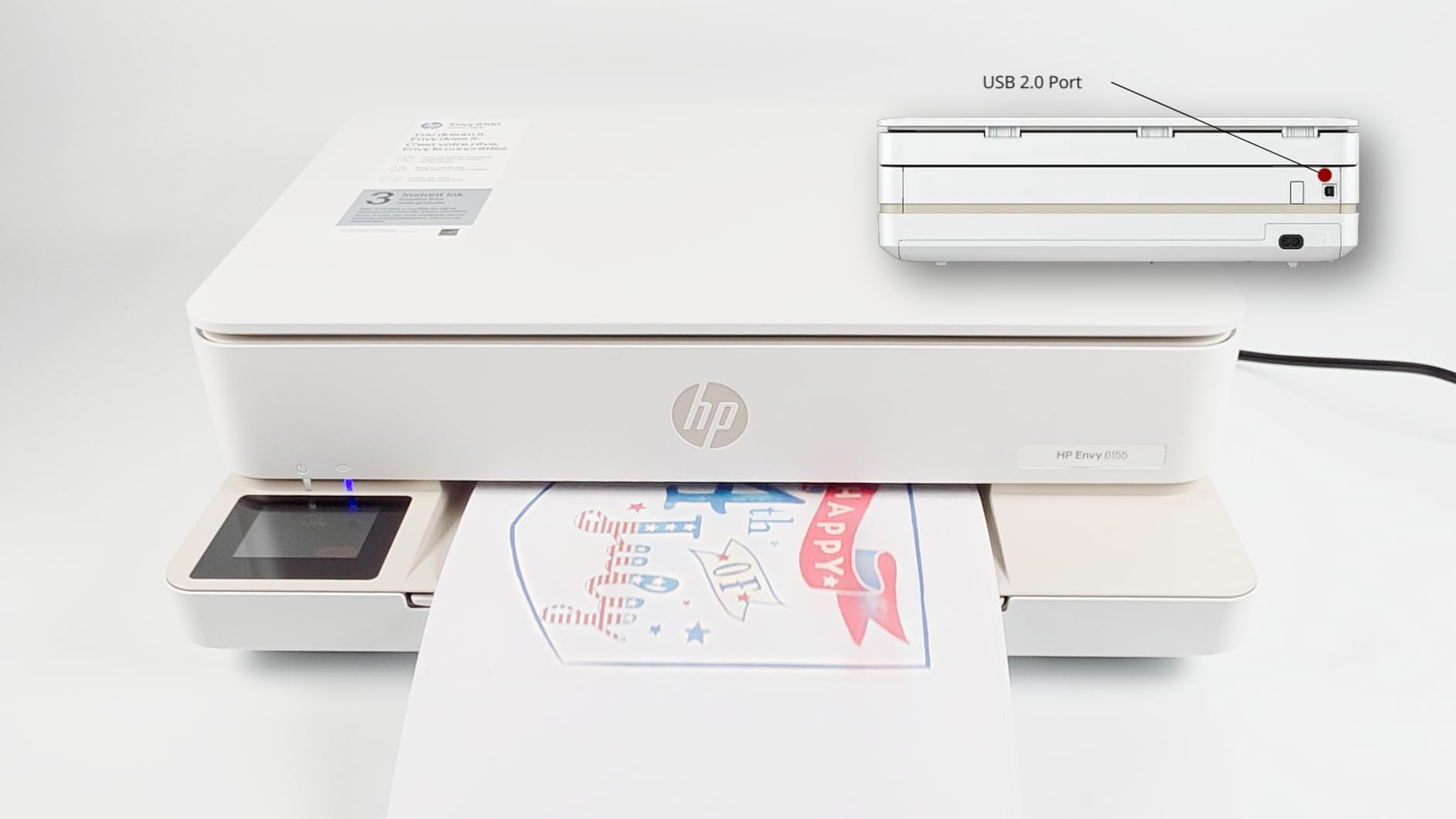
The Envy 6155 is the newest machine in this group and the least battle-tested by reviews, with a much smaller feedback pool than the others. What that pool does say is encouraging. It carries the highest average rating in the set, and the touchscreen is described as genuinely intuitive rather than decorative.
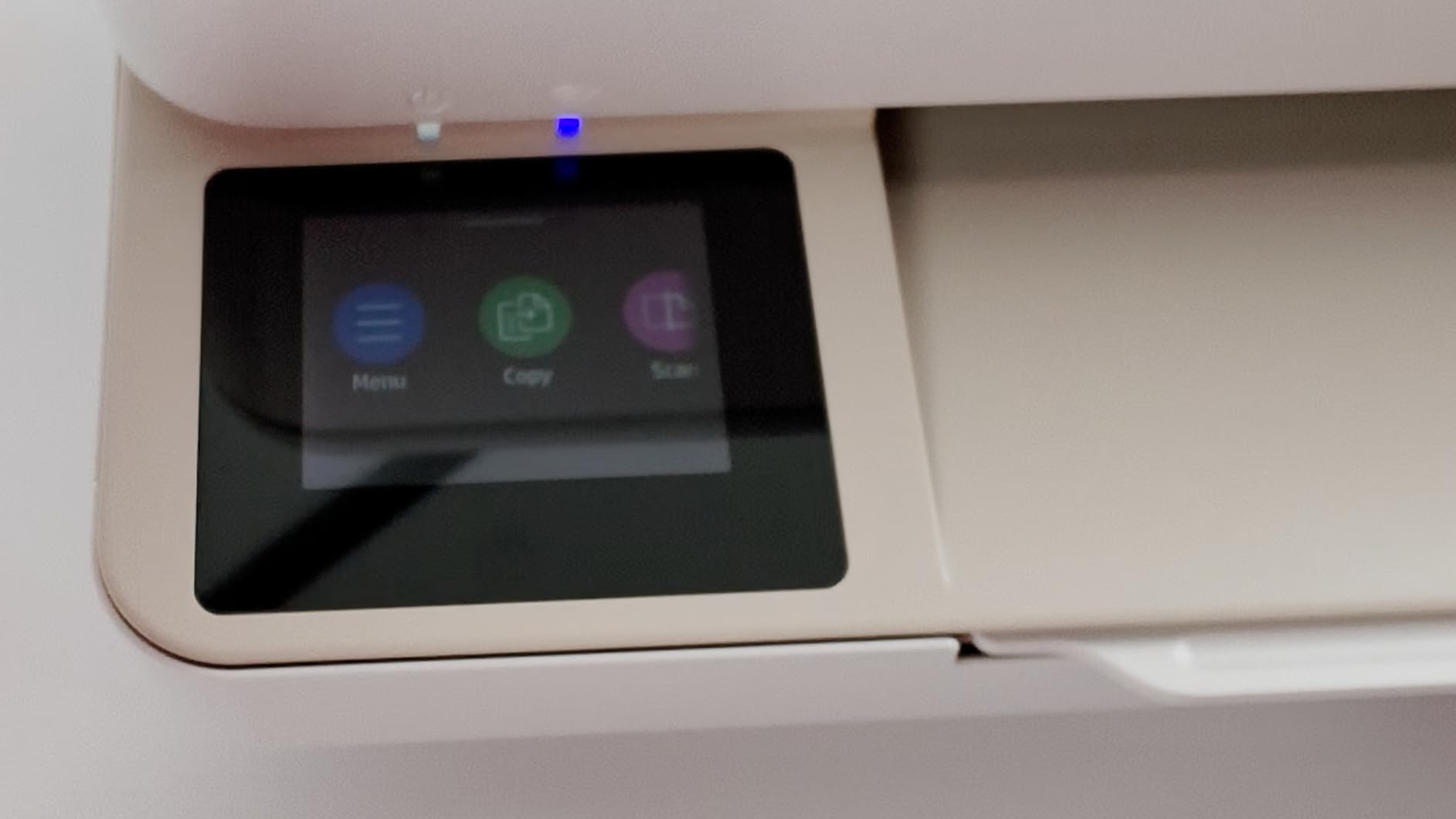
Automatic duplex, a 100-sheet tray and a 2.4-inch colour touchscreen in one compact body is a well-balanced feature set. Dual-band Wi-Fi auto-detects and resolves connection issues, which quietly removes one of the most common first-week frustrations. At 10 black and 7 colour pages per minute it is one of the faster budget inkjets.
The HP AI formatting feature is more useful than it sounds. Owners say it cleans up web pages and emails before printing, removing headers, ads and stray links, which is a genuine time-saver for anyone printing from a browser. The machine is also built with at least 60 percent recycled plastic.
Two HP-specific trade-offs matter. It requires cartridges with genuine HP chips or circuitry, so non-HP cartridges are blocked. And a three-month Instant Ink trial applies a monthly subscription fee afterwards unless you actively cancel it, which is the single most important thing to check before buying this model.
Why the touchscreen and dual-band pairing matters
A colour screen with real navigation means copying, scanning and tray changes happen on the machine rather than in an app. For households where more than one person prints, that removes a support call every time.
Dual-band Wi-Fi that self-resolves is the underrated feature. A printer that reconnects itself after a router change is worth more than a faster print engine in a house with flaky wireless.
Before you buy this one, check two things
Confirm the Instant Ink terms and set a reminder to cancel the trial if you do not want a subscription. This is not a rare trap; it is the default path after the included three months.
Accept that the cartridge lock-in is permanent. If you print a lot, the per-page cost of genuine HP cartridges is the number to model before you commit.
8. HP OfficeJet Pro 8135e – Best All-in-One Under 200 Dollars for a Home Office
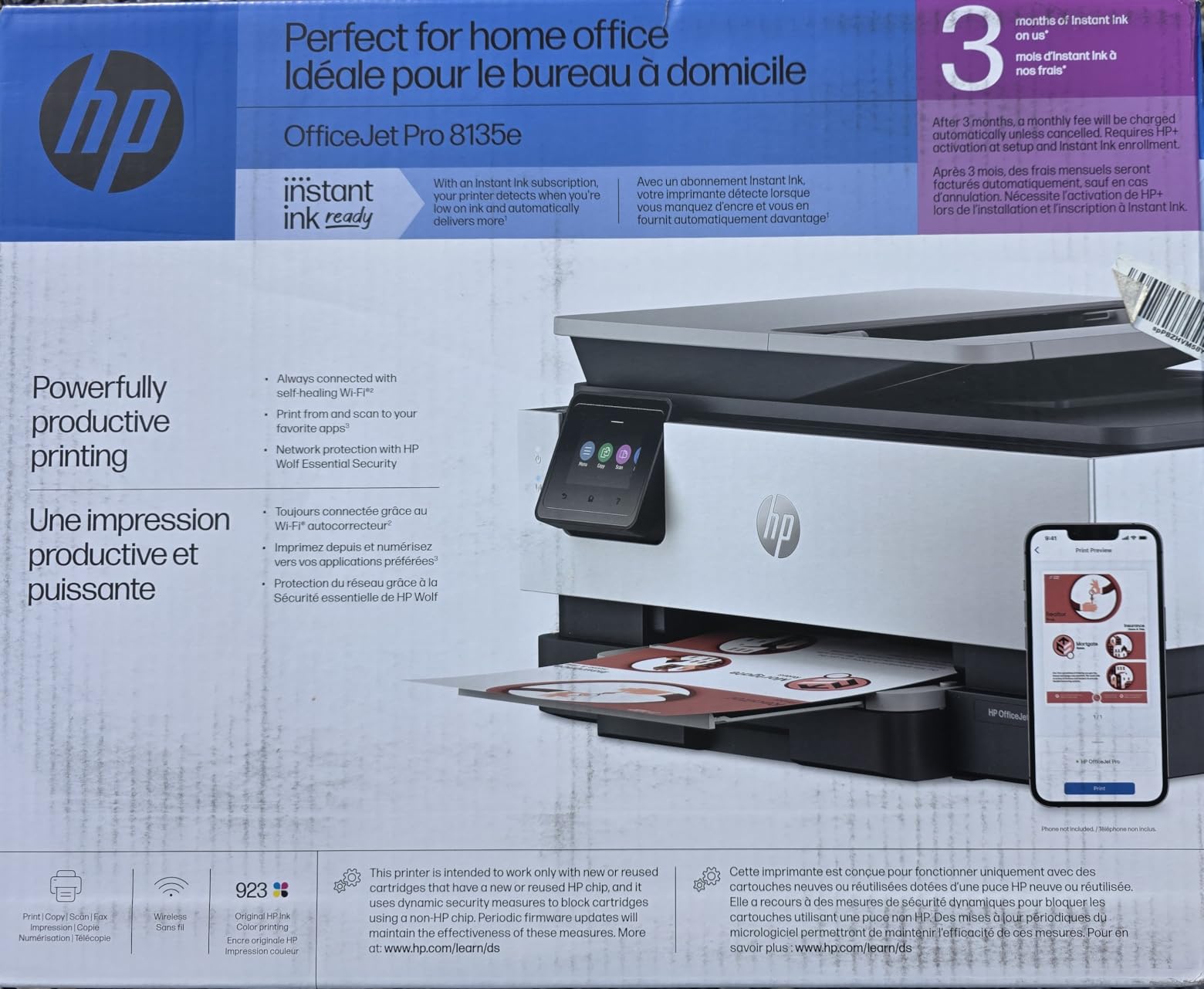
HP OfficeJet Pro 8135e Wireless All-in-One Color Inkjet Printer, Print, scan, Copy, fax, ADF, Duplex Printing Best-for-Home Office, 3 Month Instant Ink Trial Included, AI-Enabled (40Q35A)
Color inkjet
Print scan copy fax
Automatic duplex
225 sheet tray
20 sheet ADF
20 ppm black
Pros
- Fastest speeds here at 20 ppm black and 10 ppm color
- 225 sheet tray plus 20 sheet ADF
- Print scan copy and fax in one unit
- Ethernet and dual-band wireless options
Cons
- Lowest average rating in the group
- Blocked non-HP cartridges
- HP+ enrollment ties the printer to a subscription
- Heaviest unit here at 19 pounds
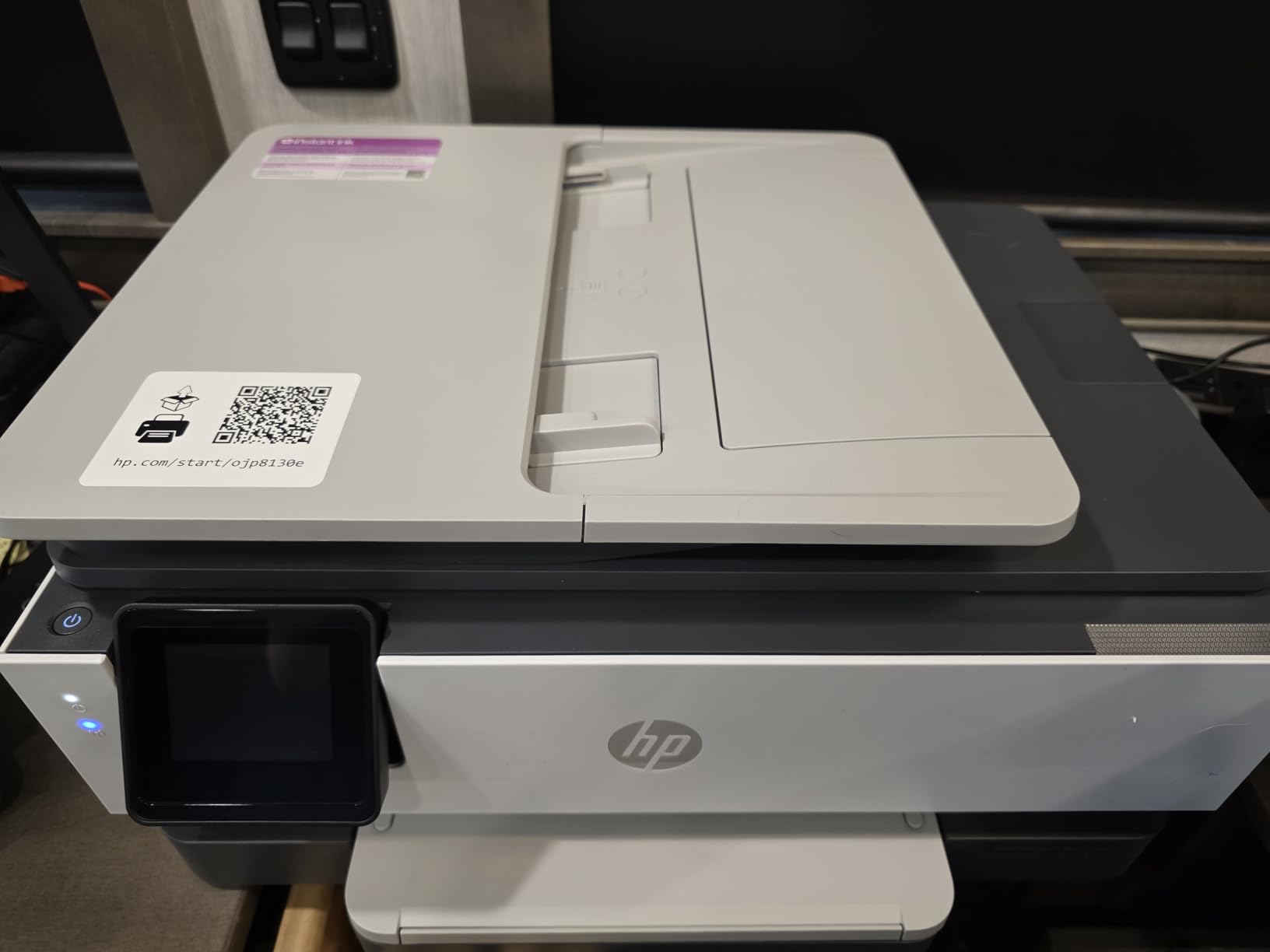
On hardware, the OfficeJet Pro 8135e is the most capable machine in this list by a distance. A 225-sheet input tray, a 20-sheet automatic document feeder, fax, automatic duplexing and the fastest print speeds in the group at 20 ppm black and 10 ppm color, all inside a single box that still fits under 200 dollars.
For a home office running invoices, shipping labels and client paperwork, that combination is close to unbeatable at this budget. The 2.7-inch touchscreen uses a phone-style interface, and connectivity covers Ethernet, USB and dual-band wireless, so it fits into almost any setup including a wired office. If the rest of your home-office kit is still being decided, our home office all-in-one computer picks cover that side of the setup.
Its 3.8 stars is the lowest average in the group, and a 20 percent one-star share is the highest. That matters if you are deciding on reputation alone, so it is worth understanding where the complaints come from. The pattern is consistent: hardware performance draws praise, while cartridge lock-in and subscription pressure draw the complaints.
It needs cartridges with genuine HP chips, and non-HP cartridges are blocked. HP Plus enrollment extends the warranty to two years but ties the printer into HP’s subscription model. At 19 pounds it is also the heaviest machine here and takes noticeably more desk space.
What you get for spending near the ceiling
This is the clearest example on the list of where the money actually goes above the entry tier. The 225-sheet tray means you stop refilling mid-week, the 20-sheet ADF means a stack of signed forms goes through in one job, and 20 ppm black means long documents finish before you make coffee.
Fax, automatic duplex and Ethernet in a sub-200-dollar unit is a combination that simply does not appear on cheaper machines. If you need all four, this is the pick.
Where it disappoints
The ink economics are the weak point. Model genuine HP cartridge costs against your expected volume before buying, because a 225-sheet tray tempts you into printing more.
The subscription angle also needs a decision now, not later. Declining HP Plus at setup keeps the warranty at one year and leaves the printer subscription-free.
9. Brother Work Smart 1360 – Best Under 200 for Fast Monochrome Printing
Brother Work Smart 1360 Wireless Color Inkjet All-in-One Print, Scan, Copy
Color inkjet
Automatic duplex
20 sheet ADF
150 sheet tray
16 ppm black and 9 ppm color
Pros
- Duplex plus 20 sheet ADF plus 150 sheet tray in a budget body
- Fast 16 ppm black with about 6 second first page
- Cloud connections to Drive Dropbox Box OneDrive
- Page Gauge ink monitoring in the app
Cons
- 3.9 star rating with 19 percent one-star reviews
- No touchscreen
- ADF is single-sided only
- Brother ink is costly at high volume
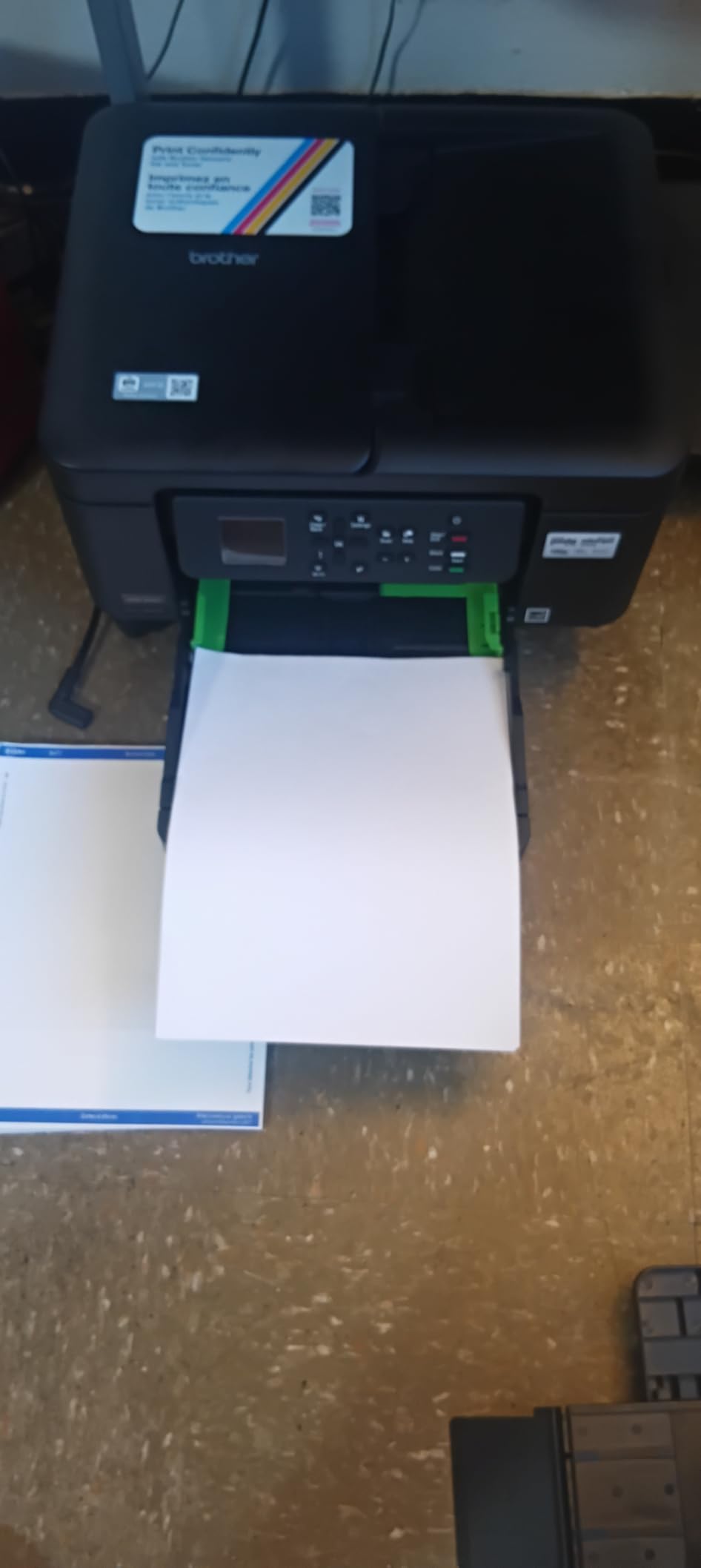
The Work Smart 1360 is the most sensible pick for anyone who prints mostly black text and wants real office features. Automatic duplex, a 20-sheet single-sided document feeder and a 150-sheet paper tray in a machine at the lower end of this price range is an unusual combination, and it is why this one beats its own Brother sibling for most buyers.
Speed is a genuine strength. At 16 ppm black and 9 ppm colour, with a first black page in roughly 6.2 seconds, it handles a long document quickly. The 1.8-inch colour display is small but it drives direct cloud printing to Google Drive, Dropbox, Box and OneDrive, and the Brother Mobile Connect app adds onscreen menu navigation.
Page Gauge is worth a mention. It shows estimated ink levels for each cartridge inside the app, which removes the guesswork that usually ends with a printer failing mid-document because one colour ran dry. For a home office that prints batches, that is more useful than a larger screen.
The interface is the compromise. There is no touchscreen, so the small display means push-button navigation for anything beyond a basic job. The ADF handles one side at a time, and Brother ink is not inexpensive when you run high volumes of colour.
When the 1360 is the right machine
Pick it when monochrome volume is high and duplex matters. A 150-sheet tray plus a 20-sheet ADF means you can run a batch of paperwork without babysitting the machine, and 16 ppm keeps the queue moving.
Cloud scanning straight to Drive or Dropbox is a quiet productivity win for anyone filing documents rather than just printing them.
When to step up to the 1410 instead
Step up if you navigate the printer often. The push-button interface on the 1360 is the main thing people replace within a year, and the 1410 solves it with a proper touchscreen.
Colour-heavy work is also a reason to look elsewhere. At 9 ppm colour with costly Brother ink, photo or graphic output gets expensive quickly.
10. Brother Work Smart 1410 – Best Under 200 for Cloud Document Workflows
Brother Work Smart 1410 Wireless Color Inkjet All-in-One Printer with 2.7” Touchscreen and Automatic Duplex Printing | Includes Refresh Subscription Trial(1) (MFC-J1410DW)
Color inkjet
Print scan copy fax
Automatic duplex
2.7 inch touchscreen
20 sheet ADF
150 sheet tray
Pros
- Larger 2.7 inch touchscreen than the 1360
- Same core specs with duplex ADF and 150 sheet tray
- Print and scan straight to major cloud services
- Ink usage monitoring in the mobile app
Cons
- ADF is single-sided only
- Brother Genuine LC501 ink gives best results
- Smaller review base than most machines here
- 3.9 star rating with 16 percent one-star reviews
The Work Smart 1410 is the 1360 with a better face and one more function. The 2.7-inch colour touchscreen replaces push-button navigation, and fax joins print, copy and scan, which makes it a true four-function machine. Everything that made the 1360 good, including automatic duplex, the 20-sheet ADF and the 150-sheet tray, carries over unchanged.
That makes it a better fit for a home office where someone else in the household also needs to use the printer. The larger screen makes tray selection, scan destinations and quality settings self-explanatory, and printing and scanning direct to Google Drive, Dropbox, Box and OneDrive is genuinely useful for filing work as you go.
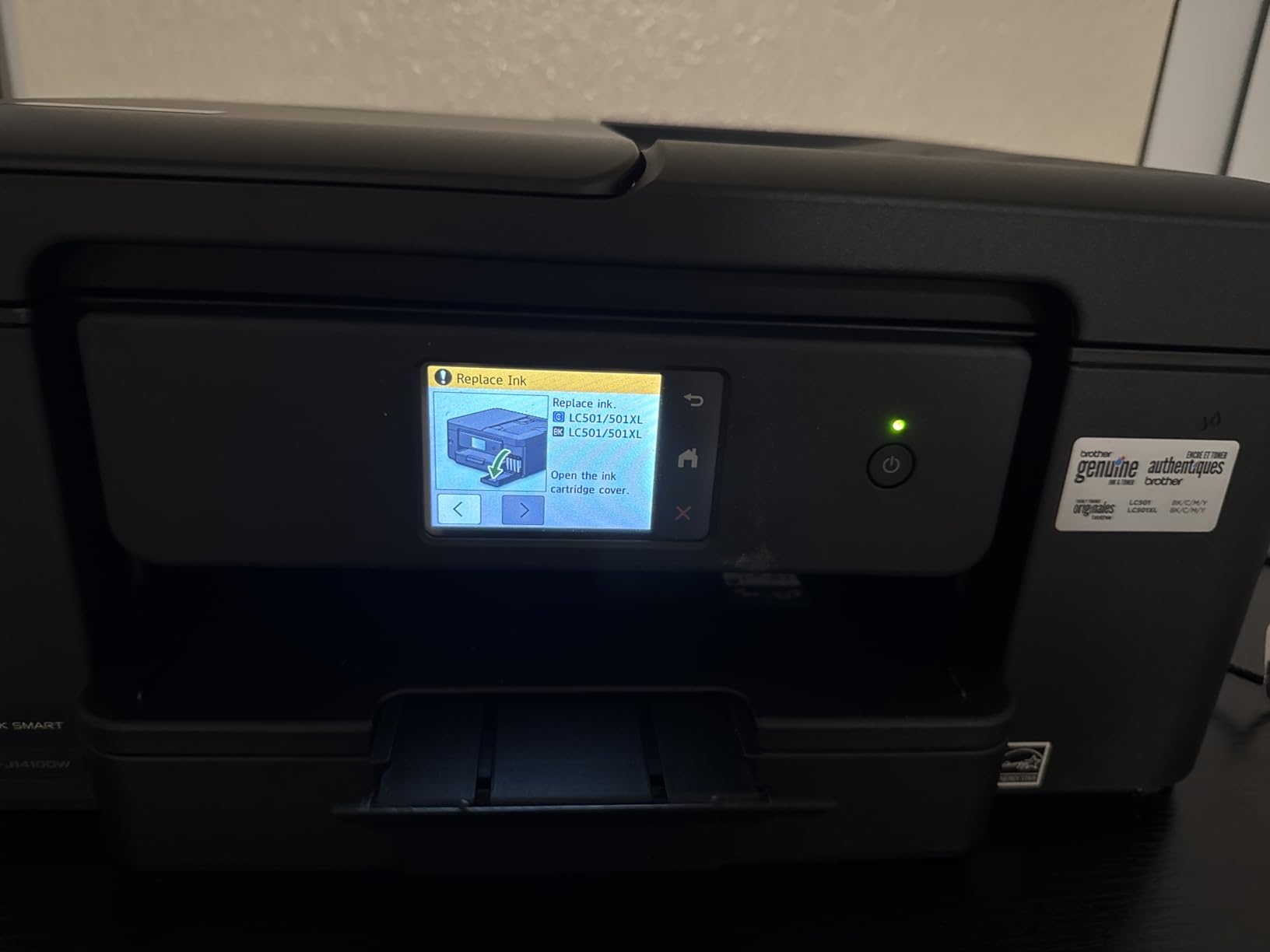
Speed is the same as the 1360 at 16 ppm black and 9 ppm colour with a first black page in about 6.2 seconds, and the copy rate is 11 ppm. Brother’s Mobile Connect app handles menu navigation and ink usage monitoring from a phone, so the touchscreen is an addition rather than a requirement.
The trade-offs are the same family as the 1360, with one more. The ADF is single-sided, Brother Genuine LC501 ink gives the best results, and fax is listed among the functions without much detail. It also carries the smallest review base in the group, so long-term reliability data is thinner than for the models above it.
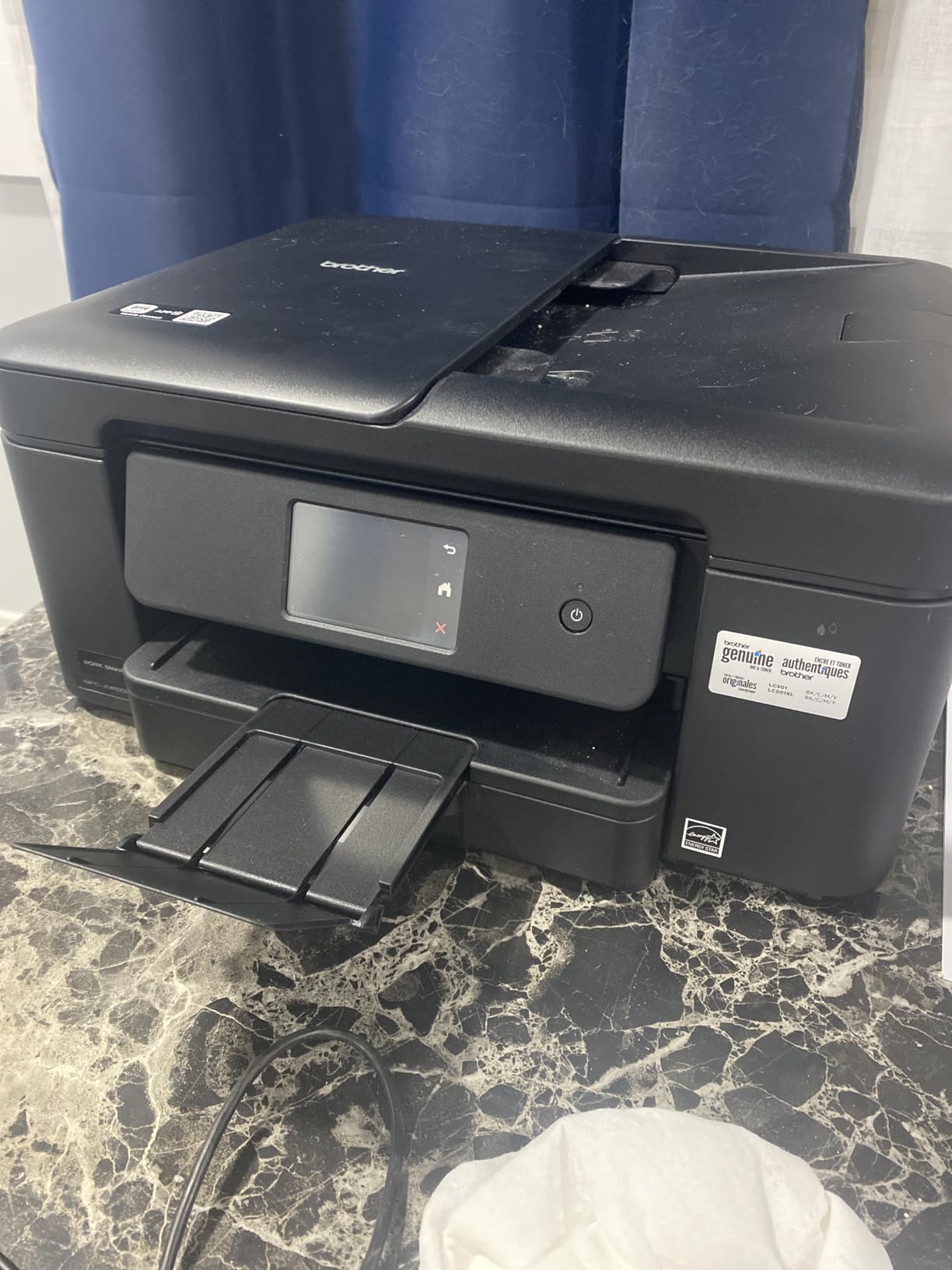
What the touchscreen actually changes
On a machine other people in your house will use, a 2.7-inch touchscreen removes the most common support issue: a job sent to the wrong settings by someone who cannot navigate four buttons. It also makes duplex and tray selection one tap rather than a sequence.
If you work alone and mostly print black text, the 1360 gives you the same core hardware for less. The 1410 earns its premium when the printer is shared or used for mixed document types.
Honest limitations to weigh
Duplex originals still need manual flipping at the ADF, which is the most common disappointment on Brother models in this class. Colour volume is also expensive on genuine LC501 ink.
Buying a model with a small review pool carries its own risk. Check the warranty terms, which run one year limited, and expect supply availability to be narrower than for the higher-volume siblings.
How to Choose an All-in-One Printer Under 200 Dollars
Start with monthly volume, because it decides the printer type before any feature matters. The rule of thumb is simple: below roughly 20 pages a month, a cheap cartridge machine is enough. Between 20 and 200 pages, a high-yield cartridge or a tank model starts to pay back its higher entry cost. Above 200 pages a month, running cost dominates everything and you should stretch the ceiling if you can.
Next, decide inkjet or laser. Every machine on this list is an inkjet, and that is not a coincidence: colour laser all-in-ones with scanning and fax essentially do not exist below 200 dollars. A monochrome laser escapes ink cost, but at this budget you give up colour, and a laser without a scanner is not an all-in-one at all.
Then check automatic duplex. It is the feature buyers most often discover they needed, and only five machines here have it. Manual duplex means flipping a stack by hand, which is fine for a handful of pages and corrosive at a hundred. If you print two-sided anything, cross this feature off your list first and let it narrow the field for you.
After that, look at the document feeder. A flatbed scanner handles single sheets and books well but needs you present for every page. An ADF scans a stack unattended, which is transformative if you scan receipts, signed forms or a folder of paperwork. All the ADFs here are single-sided, so double-sided originals need manual flipping regardless of which one you pick.
Connectivity is the last hardware question, and the one that causes the most first-week frustration. Dual-band Wi-Fi, which joins both 2.4 GHz and 5 GHz networks, is a meaningful advantage in crowded homes and shared offices. Check AirPrint, Mopria and Chromebook support if any household member prints from a tablet or a school laptop, because those avoid driver installs entirely.
Finally, read the review sections for the app, not just the printer. Canon’s mobile app draws consistent criticism on the TR8620a and the MegaTank, the Epson app is the most common source of connection complaints on the ET-2800, and Brother’s Mobile Connect is the best of the group for ink monitoring. Hardware is easy to compare; software is where budget printers quietly frustrate people.
Cartridge vs Ink Tank: The Real Cost of Ownership
At this price, the most important number is not the printer’s price. It is the cost per page, and the refillable ink machines change it completely. The Epson ET-2800 is rated at up to 4500 black pages and 7500 colour pages per ink set. The Canon MegaTank G3270 claims up to 6000 black and white pages or 7700 colour pages per set. A cartridge machine covering 200 to 300 pages per set needs a fresh set every few weeks at moderate volume.
That is why the two tank machines outrank cheaper hardware here. Forum consensus on printing communities is consistent on this point: ink tanks cost more up front and far less per page, and the gap widens the more you print. The widely repeated break-even figure is roughly 25000 monochrome pages or 4000 colour pages for a tank premium to pay back, which most families never reach, which is exactly why the tank wins for them anyway.
Subscriptions are the opposite story, and the advice here is simpler. HP Instant Ink and Brother Refresh EZ Print are aimed at users who print predictably enough to plan around; for light users they add a monthly fee for ink you would not have used. If you print irregularly, do not enrol in an ink subscription, and set a reminder to decline the included trial on HP models.
One more trap worth naming: a cheap printer with expensive ink can cost more over two years than a pricier one with cheap ink. That is not a marketing line, it is the arithmetic behind this ranking, and it is why the 60-dollar TS3720 sits at number five rather than first.
Reliability and Known Failure Points by Brand
Which printer has the least amount of problems? The honest answer, drawn from thousands of owner reviews, is that it depends more on the model than the badge. Still, patterns show up consistently enough to be useful.
HP models draw the most criticism overall, and printing-community posters frequently say they have given up on the brand entirely. The recurring complaint is the ink system, specifically cartridge lock-in and subscription pressure, not the hardware. The OfficeJet Pro 8135e has the lowest average rating in this group despite the strongest hardware, which is the clearest example of that split.
Canon models are widely regarded as having the least trouble with ink supply, and the MegaTank G3270 is one of the better-rated machines here. Canon’s weak point is software rather than hardware, with the mobile app being the most common complaint across models.
Epson models split by ink system. The cartridge-based XP-4100 and XP-6100 draw reports of expensive ink and occasional cartridge recognition problems after firmware updates, and some owners of the XP-6100 report printhead failure after a few years. The EcoTank ET-2800 is judged on ink economy, with head-cleaning cycles the main recurring issue.
Brother models are the quiet ones in this set. The 1360 and 1410 hold a 3.9 rating across a combined review base of more than 2800, and the complaints are interface and cost rather than breakdown. The one structural issue both share is a single-sided ADF, which is a design limit rather than a fault.
Warranty is uniformly modest: one year limited on the Epson, Canon and Brother models, and a one-year limited hardware warranty on the HP units, extendable on the OfficeJet Pro only through HP Plus enrollment. For a machine expected to last four or five years, that is the term to budget around.
When You Should Not Buy a Printer at All
If you print five pages a year, none of these ten machines pays for itself. A library, a school or a print shop charges a few cents a page and costs you nothing to maintain, and this is advice we have seen repeated by real users who spent years walking to a library before buying anything.
The other case for skipping is a colour printing need that appears twice a year. Online photo printing services handle a small number of 8×10 prints better and cheaper than any budget inkjet with expensive cartridges, and the XP-6100’s photo advantage only pays off if you actually print photos regularly.
Buy a printer when printing is routine enough that the convenience of doing it at home, today, is worth the ownership cost. Below that threshold, the cheapest machine on this list is still not the cheapest option.
Frequently Asked Questions
What is the best inexpensive all-in-one printer for home use?
For most home users the Epson EcoTank ET-2800 is the pick, because refillable ink bottles cover up to 4500 black or 7500 colour pages per set and the machine includes up to two years of ink. The Canon PIXMA TS3720 is the cheaper option if you print only occasionally and can live with a 60-sheet tray and cartridge costs.
What is the best all-in-one printer for a budget?
The Canon MegaTank G3270 is the strongest budget choice because it delivers tank ink economics at a lower entry point, claiming up to 6000 black and 7700 colour pages per ink set. The Epson EcoTank ET-2800 costs more but adds better photo output and a more compact body, while both lack automatic duplex.
What is the most reliable all-in-one printer?
Reliability tracks the model more than the brand. The Epson EcoTank ET-2800 and Canon MegaTank G3270 carry the deepest review bases here and draw the fewest breakdown complaints, while HP models draw more criticism for cartridge lock-in and subscription pressure than for hardware faults. All of these carry one-year limited warranties.
Which printer has the least amount of problems?
The Canon MegaTank G3270 and Epson EcoTank ET-2800 report the fewest problems, with clean black-and-white output, few paper jams and few ink failures. HP machines are praised for hardware and criticised for ink supply rules, and Brother models are solid but ship a single-sided document feeder that cannot duplex originals.
What is the best budget printer with an ink tank?
The Canon MegaTank G3270 is the best budget ink tank all-in-one, rated at up to 6000 black and 7700 colour pages per ink set with up to two years of ink in the box. The Epson EcoTank ET-2800 is the alternative, with up to 4500 black and 7500 colour pages and a smaller footprint. Both print single-sided only.
What is the best printer with the cheapest ink cartridges for home use?
The Epson EcoTank ET-2800 and Canon MegaTank G3270 cost the least per page because neither uses cartridges at all, using refillable ink bottles instead. Among cartridge machines the Canon PIXMA TS3720 is the cheapest to buy, but cartridge running cost makes it the most expensive per page in this group above roughly 100 pages a month.
Final Verdict: The Best All-in-One Printers Under 200 Dollars
The Epson EcoTank ET-2800 is our pick for the best all in one printers under 200 dollars because it attacks the real cost of budget printing instead of hiding it. Refillable bottles, up to 4500 black and 7500 colour pages per set, and up to two years of ink in the box mean most households will not buy a single supply before the warranty has run its course. The Canon MegaTank G3270 is the value alternative, and the HP OfficeJet Pro 8135e is the pick when you need real office hardware.
Whatever you choose, decide on automatic duplex and ink system before anything else. Those two answers eliminate most of the field and keep you out of the cartridge cost trap that makes cheap printers expensive. Check the subscription terms on any HP model on the same day you unbox it.