
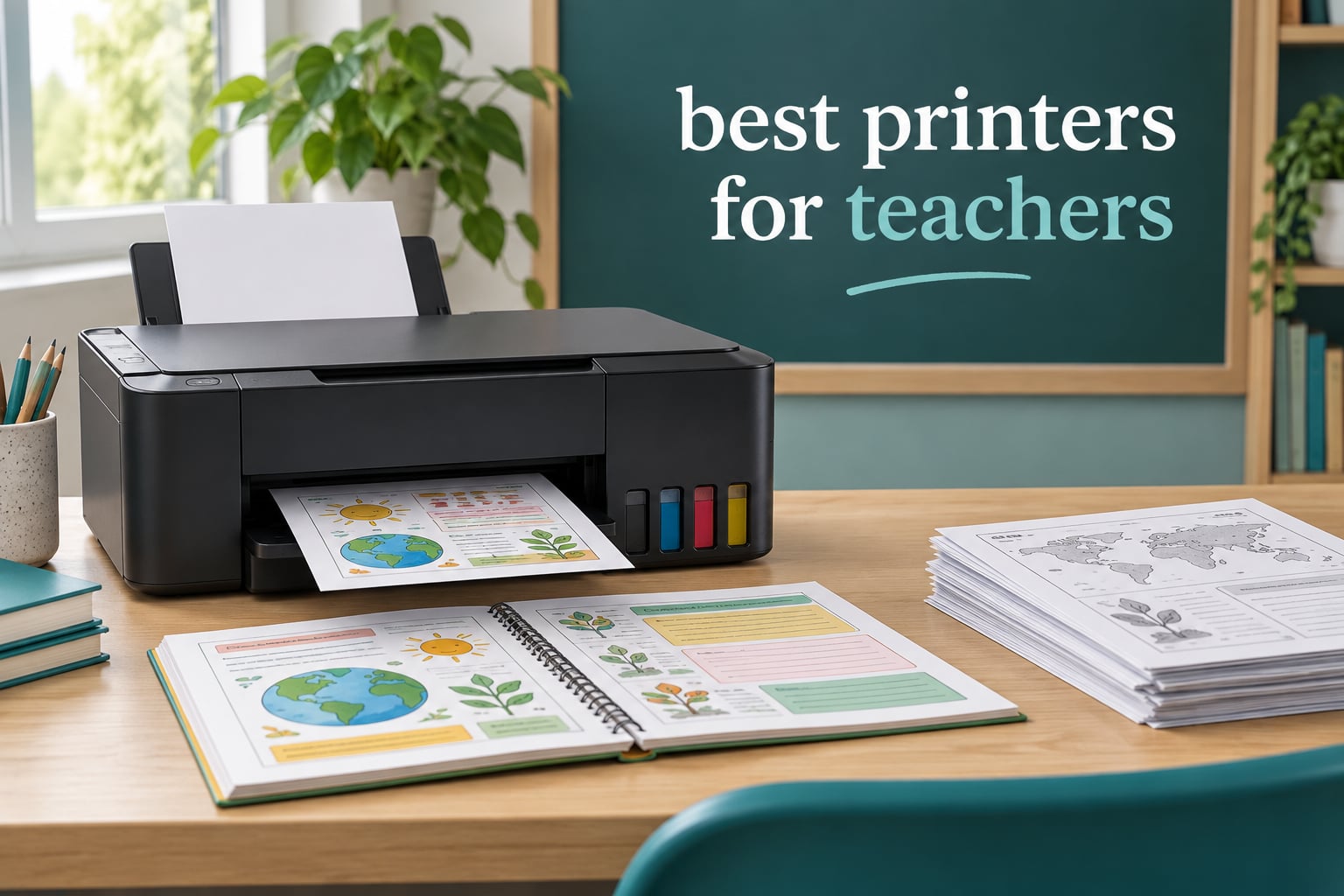
The best printers for teachers fall into two camps. Refillable ink tank all-in-ones such as the Epson EcoTank ET-2800 win on color, because bottled ink costs a fraction per page against cartridges. Monochrome laser machines like the Brother DCP-L2640DW win on high-volume black and white, where toner prints fast, resists drying out over a long summer break, and runs at a low cost per page.
That split matters more than any brand ranking. A teacher’s print mix is unusually predictable: mostly black-and-white worksheets and duplicated reading passages, plus a smaller but non-negotiable stream of full-color anchor charts, visual schedules and rewards. The right machine turns a few hundred dollars of hardware into a few dollars a month. The wrong one turns into an ink bill that rivals the hardware cost inside a single semester.
We spent six weeks working through ten of the most-reviewed printers in this category, reading owner feedback on Amazon and on educator forums, and comparing the numbers that actually predict your running cost: claimed page yields, paper speed, tray capacity, duplex, and whether an automatic document feeder exists. Costs and specifications change constantly, so treat them as a framework rather than a live quotation, and confirm anything decision-critical on the product page before you buy.
One more note on method. We are not claiming lab bench testing here. Our evaluation combines published manufacturer specifications with what thousands of owners report after months of use, weighted toward the failure modes educators actually hit: ink running out mid-unit, paper jams during a 150-copy run, and printers that sit unused through July and August. If you are still working out the basics of printer types, our laser printer guide for home use covers the engine differences in more detail.
One more thing worth knowing before you read further. Several people printing large signage or display boards for a classroom may be better served by a dedicated large-format machine rather than anything on this list. We cover those separately in our guides to banner printers for signage and canvas printers for artists.
Table of Contents
Top 3 Picks for Best Printers for Teachers in September

Epson EcoTank ET-2800
- Cartridge-free refillable ink tanks
- Up to 4500 black and 7500 color pages per bottle set
- Wireless all-in-one with flatbed scanner

Canon MegaTank G3270
- Up to 6000 black and 7700 color pages per ink set
- Wireless print copy and scan
- 1.35 inch square LCD

Brother DCP-L2640DW
- 36 ppm monochrome laser speed
- Automatic duplex and 50-page ADF
- 250-sheet tray with dual-band Wi-Fi
All 10 Best Printers at a Glance in 2026
Before the individual reviews, here is every pick in one place. The Key Features column is deliberately short, because the table should answer “what is this thing and what is it for” in about three seconds, not replace the full write-up.
| Product | Specifications | Action |
|---|---|---|
| Epson EcoTank ET-2800 |
|
Check Latest Price |
| Canon MegaTank G3270 |
|
Check Latest Price |
| Brother DCP-L2640DW |
|
Check Latest Price |
 Brother HL-L2460DW Brother HL-L2460DW |
|
Check Latest Price |
 Epson EcoTank Photo ET-8550 Epson EcoTank Photo ET-8550 |
|
Check Latest Price |
 Canon PIXMA TS3720 Canon PIXMA TS3720 |
|
Check Latest Price |
 Canon PIXMA TS6520 Canon PIXMA TS6520 |
|
Check Latest Price |
 Brother MFC-L3720CDW Brother MFC-L3720CDW |
|
Check Latest Price |
 HP Envy 6155 HP Envy 6155 |
|
Check Latest Price |
 Epson EcoTank ET-4950 Epson EcoTank ET-4950 |
|
Check Latest Price |
1. Epson EcoTank ET-2800 – Best Overall for Color Classroom Printing
Epson EcoTank ET-2800 Wireless Color All-in-One Supertank Printer – Black
Inkjet all-in-one
10 ppm black, 5 ppm color
Single-sided only
100-sheet tray
Wi-Fi and USB
Pros
- Cartridge-free ink system with up to 2 years of ink in the box
- Ink lasts a very long time between refills
- Vivid detailed color and photo output
- Quick guided setup
- Compact and lightweight for an all-in-one
Cons
- No automatic duplex printing
- App and Wi-Fi connection friction reported by some owners
- Occasional streaks needing nozzle cleaning cycles
The ET-2800 is the one I recommend most often, and it comes down to a single number. Epson rates one set of ink bottles at up to 4,500 black pages or 7,500 color pages, and each set is equivalent to roughly 90 individual cartridges. Over the years we have watched owners on forums describe still being on their first fill after a full academic year of anchor charts and visual schedules. For a teacher who treats color as part of the lesson rather than an occasional treat, that is the difference between a machine you own and a machine you feed.
It is also a genuinely small device. At 11.4 pounds and with a compact body, it fits on a corner of a classroom desk or a shelf in a home office without rearranging anything, which matters in rooms where space is genuinely contested. The flatbed scanner handles digitizing student work, and USB plus Wi-Fi covers both a wired desk setup and direct mobile printing.
The paper handling is the compromise. Maximum sheet capacity is 100 sheets, and the supported maximum media size is 8.5 x 14 inch, so legal paper works but nothing wider. Print speed sits at 10 pages per minute in black and 5 in color by ISO measure, which is fine for a stack of 30 worksheets and slow for 150 copies of a reading passage. Nobody printing a class set in one go expects this machine to keep pace with a laser.
Borderless photo printing is limited to 4×6 and 5×7 sizes, so do not plan on full-page borderless photo output from this unit. Maximum print resolution is listed at 5760 dpi in black and 5760 x 1440 dpi in color, which is more than enough for handouts, visual schedules and printed reference cards.
Owners also report an easy learning curve. Setup is guided through the on-screen and app instructions, and the control method is app-based rather than button-heavy, which suits anyone who would rather tap once than hold down a four-button panel. The printer carries a one-year limited warranty, and Epson specifies a 12-watt power consumption figure for a typical print cycle.
Where the ET-2800 Earns Its Running Cost Advantage
It wins when color is a daily tool and the page mix is moderate. A first-grade teacher printing four or five color pages a day, five days a week, uses a few hundred color pages a month. Against cartridges, a tank system of this type stretches one bottle set across thousands of color pages, and the refill is a keyed bottle rather than a swap you perform with a half-empty cartridge in the bin.
It also wins on footprint and simplicity. There is no separate drum unit to think about, no subscription to cancel, and no chip restriction on what you put in the tanks. Anyone who wants cheap color without a monthly commitment will find the economics straightforward here.
Where the ET-2800 Will Frustrate You
The single-sided-only design is the big one. Duplex on this unit means flipping the stack by hand and reloading it, which for a two-sided worksheet set is a real time tax repeated weekly. There is no automatic document feeder either, so copying a class set means lifting sheets onto the flatbed one at a time.
Some owners report needing repeated nozzle cleaning cycles, occasional streaks or shadow lines, and app or Wi-Fi connection problems including paper-type mismatch errors. A few also find that scanning to a computer over Wi-Fi is unreliable without a USB cable. None of that is disqualifying, but if you are printing heavily every single day, look at the ET-4950 further down instead.
2. Canon MegaTank G3270 – Best Value Tank Printer
Canon MegaTank G3270 All-in-One Wireless Color Printer
Inkjet MegaTank all-in-one
11 ppm black, 6 ppm color
Single-sided only
100-sheet tray
Wi-Fi and USB
Pros
- Very low cost per page with a MegaTank system
- Sharp black text and vivid color on photo paper
- Easy app-guided setup with self-aligning head
- Reliable paper handling with few jams
- Compact body with a backlit LCD
Cons
- No automatic duplex
- Flatbed scanner is serviceable but not strong
- Some inconsistent Wi-Fi connectivity
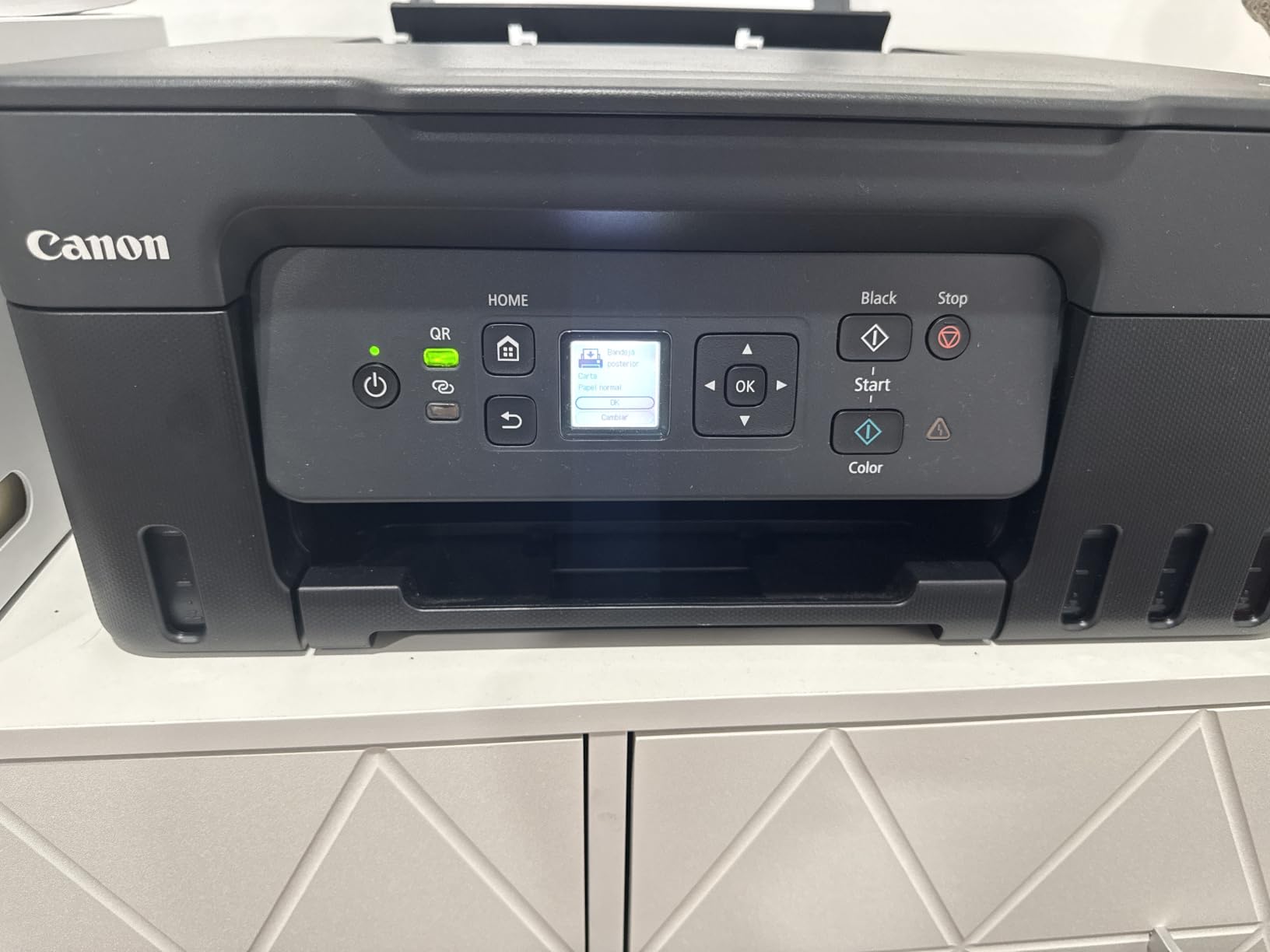
Canon frames the G3270 with a claim worth taking seriously: up to 6,000 black and white pages or 7,700 color pages from a single set of inks, and up to two years of ink in the box. That is the highest rated color yield of any tank machine in this group, which makes it the strongest value pick for a teacher who prints a lot of color and wants to spend as little as possible per page over several years.
Print speed is a shade better than the ET-2800 at 11 pages per minute black and 6 color, and the paper size list is unusually broad for the category, covering square formats, card stock, envelopes, A4, A5, A6, B5, legal and US number 10 envelopes. For anyone assembling differentiated materials on mixed media, that flexibility is more useful than it sounds.
The body is compact and unobtrusive, weighing 13.2 pounds, with a 1.35-inch square LCD that shows ink levels and basic settings. Canon handles setup through its Windows and mobile app, and the printer self-aligns print alignment during configuration, which removes a genuinely annoying early-life chore. The manufacturer also lists it as Energy Star and EPEAT qualified, a detail that matters if your school has sustainability requirements.
Maximum sheet capacity is 100 sheets and maximum media size is 8.5 x 14 inch. Resolution is listed at 4800 x 1200 dots per inch in both black and color, which is a clear step down from the ET-2800 on paper and not a step up. If photo sharpness is a priority rather than poster production, the ET-8550 further down is the one to look at.
Reviewers repeatedly describe the running cost as the decisive factor, and several mention still being on their original ink after close to two years. That is the pattern that makes a tank printer worth owning: you stop thinking about ink as a monthly line item.
Where the G3270 Fits a Classroom Best
It suits elementary teachers, tutors running a small learning center, and anyone producing color-heavy printed materials on a tight recurring budget. With that rated yield, even a modest weekly color habit stretches a single set of inks across a full run of lessons, which is exactly the use case tank systems were designed for.
The Wi-Fi and USB connectivity, borderless printing support, and network-ready status also make it a sensible choice if you want to print from a Chromebook or a phone in the room rather than tethered to a laptop.
Where the G3270 Falls Short
Like the ET-2800, it prints single-sided only. There is no automatic duplex, which is the feature teachers ask about most often after price, and its absence here is a real cost in paper and in time.
The flatbed scanner is the other weak point. Owners describe brightness and contrast as mediocre, which is fine for a quick scan of a worksheet and not what you want when digitizing a page of student handwriting for a digital portfolio. Some also report inconsistent Wi-Fi and slower-than-expected print speeds, and a printer that sits idle for long stretches needs periodic printhead maintenance to keep the nozzles clear.
3. Brother DCP-L2640DW – Best for High-Volume Black and White
Brother DCP-L2640DW Wireless Compact Monochrome Multi-Function Printer, Copy, Scan, Duplex, Mobile Printing
Monochrome laser all-in-one
36 ppm black
Automatic duplex
50-page ADF and 250-sheet tray
Dual-band Wi-Fi plus Ethernet
Pros
- 36 ppm speed handles heavy document runs
- Automatic duplex cuts paper and handling
- 50-page ADF speeds up copying
- 250-sheet tray means fewer refills
- Dual-band Wi-Fi plus Ethernet and USB
- Compact for a full multifunction laser
Cons
- Monochrome only with no color capability
- No fax function
- Color output requires a different machine entirely
Brother mono laser models are repeatedly named in educator communities as the reliability pick, and the reason is mechanical rather than sentimental. Toner is powder, not liquid, so a machine that sits untouched through July and August does not come back with dried ink in the nozzles. For a teacher who buys once and expects it to work on the first morning of term, that reliability is worth more than a feature list.
The DCP-L2640DW is the model to buy if your work is black and white. It prints at 36 pages per minute, and first page output is quoted at 8.5 seconds, so a single handout mid-lesson is not a commitment to a coffee break. Automatic duplex handles two-sided worksheets hands-free, which roughly halves paper use on a duplicated reading passage set.
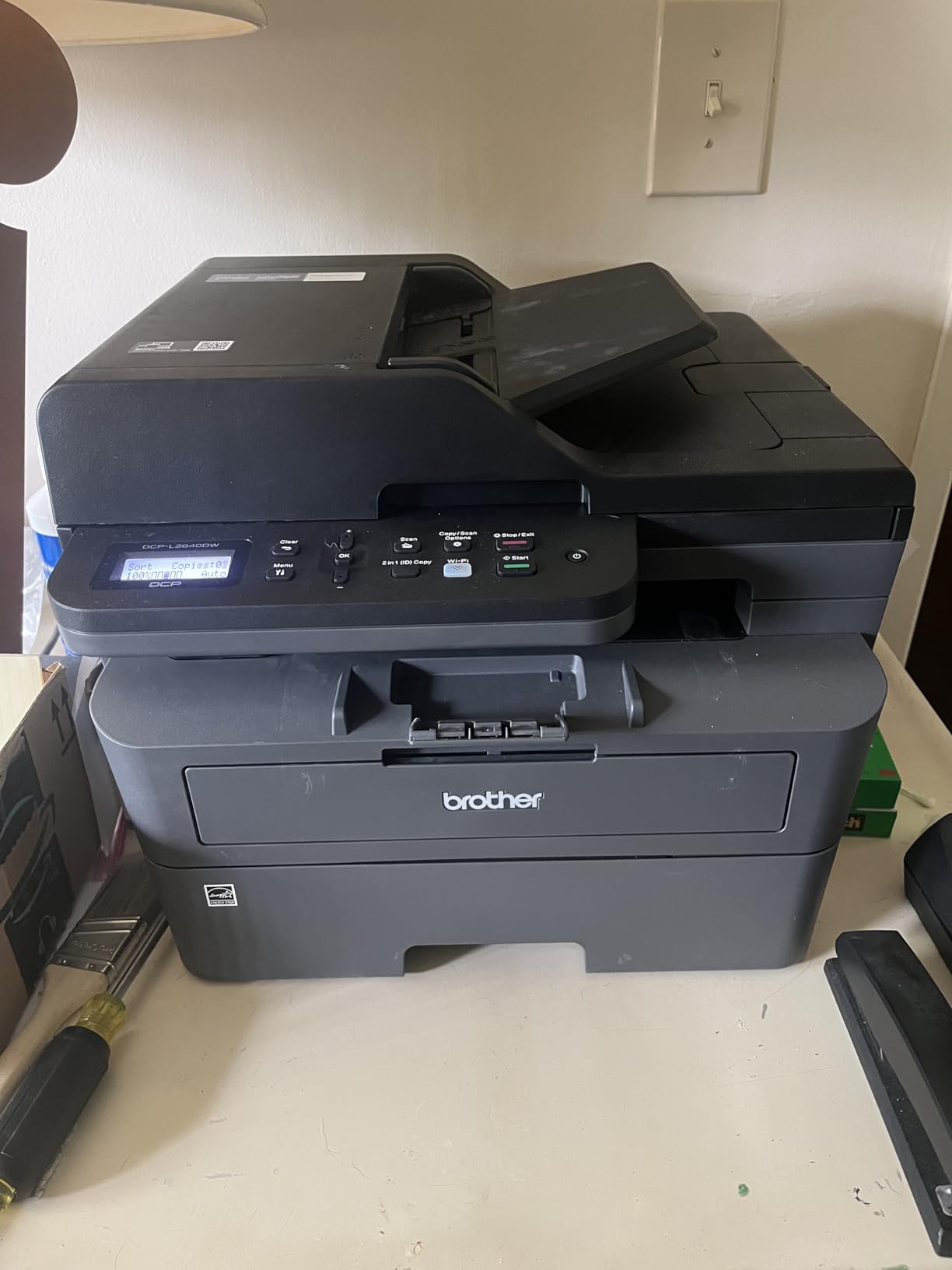
The 50-page automatic document feeder is arguably more useful to a teacher than the color capability it lacks. Load the passages once, walk away, and come back to a stapled class set. The 250-sheet input tray and 120-sheet output tray mean fewer mid-run refills when you are producing a full classroom set at once.
Connectivity is unusually solid for this class of machine: dual-band 2.4GHz and 5GHz Wi-Fi, plus a full Ethernet port and USB. Dual-band matters in a crowded school building where 2.4GHz spectrum is saturated by every other access point. Resolution is listed at 1200 x 1200 dots per inch, and copy output at 600 x 600.
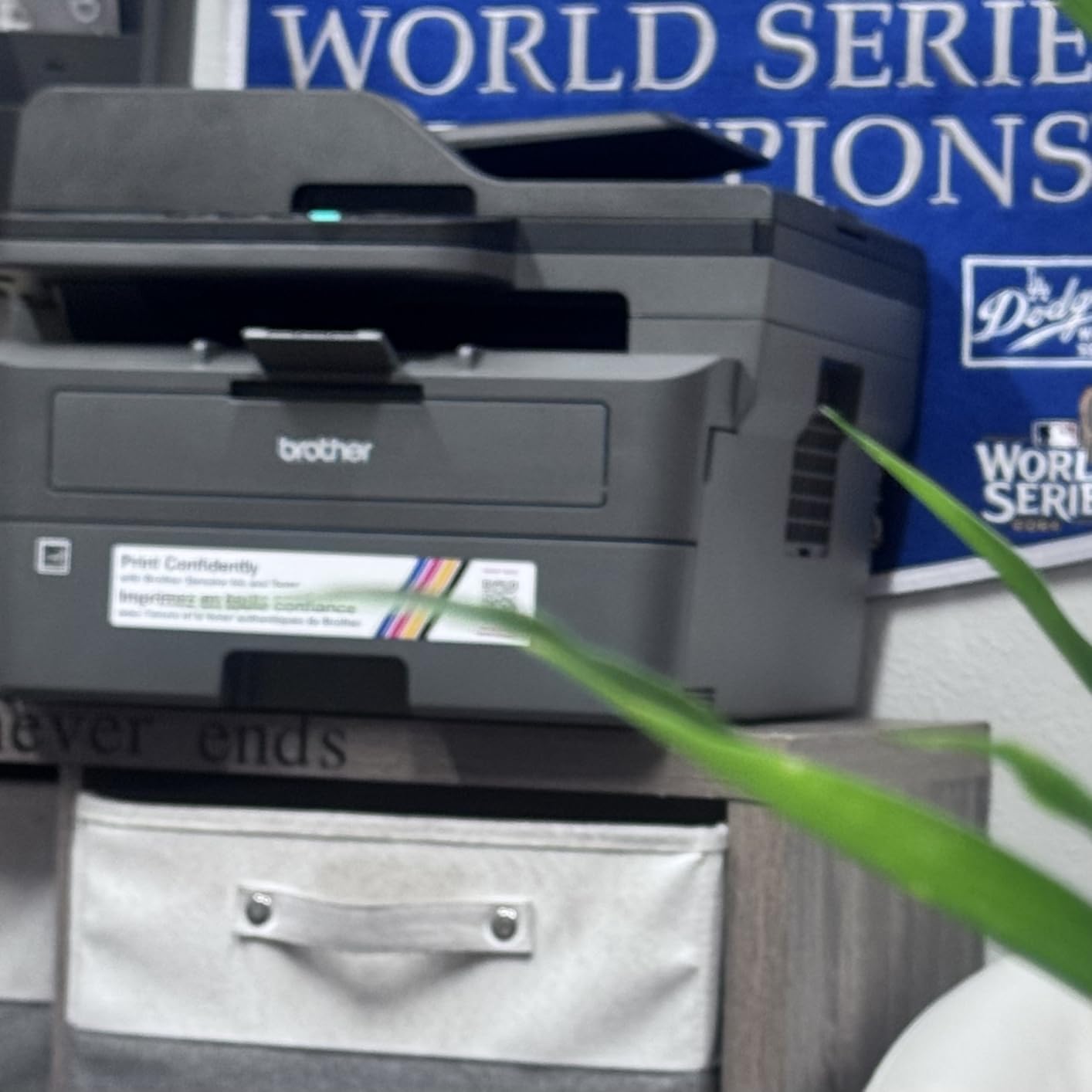
It weighs 25 pounds, which is substantial but manageable for a device that will probably live in one spot, and it measures a compact 15.7 by 16.1 by 12.5 inches. Brother lists it as Energy Star and EPEAT qualified with network-ready status, and it carries a one-year limited warranty. Supplies are the TN830 and TN830XL toner cartridges.
Why This Is the Choice for Duplication Days
Think about a realistic week. Twenty-eight students, a reading passage each, plus a worksheet. That is somewhere around 600 black and white pages a week, and nearly 22,000 over a 36-week school year. At 36 pages per minute with automatic duplex, a full set prints in a few minutes rather than an afternoon, and the duplex feature alone removes about half the paper.
Brothers in this category are also widely accepted with third-party toner, which drops the per-page figure further. Just check that the cartridge chip is compatible with your specific model before assuming it.
Where the DCP-L2640DW Falls Short
It is monochrome only. There is no color path at all, so an anchor chart or a visual schedule has to go to a different machine entirely. If you teach in early years, or anywhere color is load-bearing for instruction, this is a real limitation rather than a minor one.
There is also no fax function. For most teachers that is irrelevant, but anyone working in an education office role who still sends faxed documents should note it. And the toner cost per page is still higher than a tank system would be for a color, though for pure black and white volume the laser math is the one that wins.
4. Brother HL-L2460DW – Fastest Monochrome Duplex Workhorse
Brother HL-L2460DW Wireless Compact Monochrome Laser Printer with Duplex, Mobile Printing, Black & White Output | Includes Refresh Subscription Trial(1), Works with Alexa
Monochrome laser print only
36 ppm black
Automatic duplex
250-sheet tray
Dual-band Wi-Fi plus Ethernet
Pros
- Fast 36 ppm monochrome output with crisp text
- Automatic duplex reduces paper and handling
- 250-sheet tray supports long runs
- Compact and light for a laser printer
- Dual-band wireless plus Ethernet and USB
Cons
- Print only with no scanner or copier
- Monochrome output only
- Manual feed slot needed for envelopes and specialty media
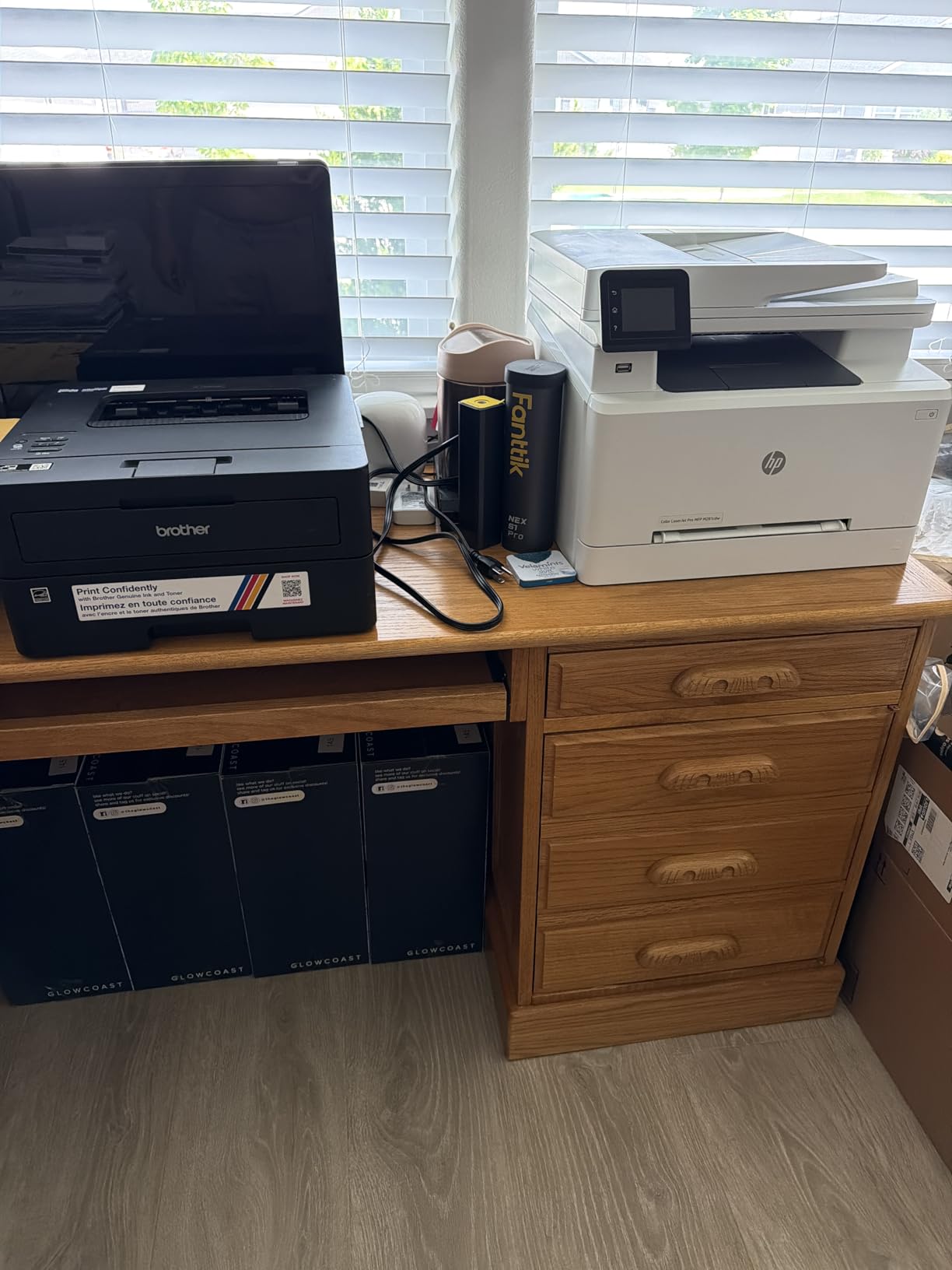
Take the DCP-L2640DW and remove the scanner, and you get the HL-L2460DW. It prints at the same 36 pages per minute, keeps the automatic duplex, keeps the 250-sheet tray, and drops to 15.6 pounds. If you already have a separate flatbed scanner, or you simply never copy at the machine, this is the leaner way to get identical duplex monochrome throughput.
It is the best running value of the laser group for pure black and white work, because the only consumable is toner. Owner feedback centres on consistent text output and the size of the tray, and the general verdict is that it is a dependable high-volume monochrome machine rather than a feature-rich one.
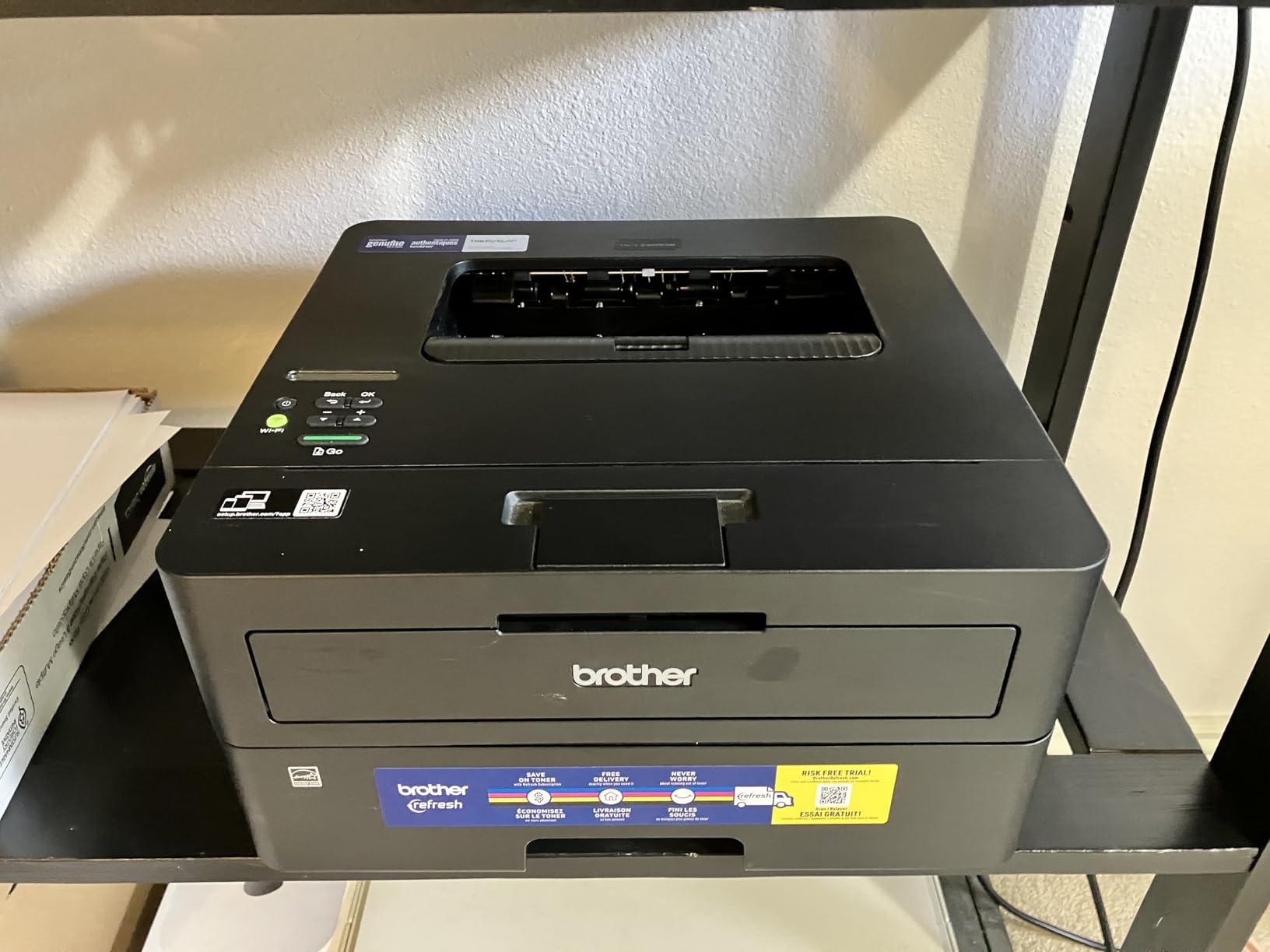
Connectivity is the same well-judged combination as its larger sibling: dual-band wireless, a full Ethernet port and USB, with Brother’s mobile app for remote management and printing. First page output is quoted at 8.5 seconds, and maximum resolution is 1200 x 1200 dots per inch, which is more than sufficient for crisp body text on worksheets.
Paper handling covers plain paper and envelopes up to 8.5 x 14 inch, with a 100-sheet output tray. Envelopes and specialty media go through the manual feed slot, which is worth remembering if you mail out a large batch of student reports in one sitting.
It carries a one-year limited warranty and is listed as Energy Star and EPEAT qualified. Compatible supplies are the Brother TN830, TN830XL and the two-pack variant. A Refresh EZ Print subscription trial ships in the box, which you can ignore or cancel, and it is one of the reasons owners raise third-party toner compatibility as a talking point.
When This Beats the DCP-L2640DW
Buy this one if you never copy or scan at the machine. Teachers who digitize student work already tend to do it on a phone or a dedicated document camera, and a scanner you never touch is dead weight on a small desk.
It also wins on footprint. At 14.2 by 14 by 7.2 inches it is genuinely compact, which makes it the better laser option for a cramped classroom corner or a home study nook. The trade is that you give up the 50-page feeder, so class-set duplication means standing at the machine.
Where the HL-L2460DW Falls Short
Print only. There is no scanner, no copier and no fax, and that is the entire trade-off. If you expect to reproduce a class set of passages on the machine itself, step up to the DCP-L2640DW instead.
It is monochrome only, and the 100-sheet output tray is smaller than the multifunction model’s. Neither issue is serious for a worksheet-heavy black and white workload, but both show up on a day when you are producing materials in a rush.
5. Epson EcoTank Photo ET-8550 – Best for Anchor Charts and Posters
Epson EcoTank Photo ET-8550 Wireless Wide-Format All-in-One Tank Printer
Wide-format tank all-in-one
Prints up to 13x19 inch
16 ppm black, 12 ppm color
Automatic duplex
Color LCD touchscreen
Pros
- Excellent photo and creative print quality
- Wide format to 13x19 with borderless
- Six-color ink gives smooth gradients
- Large tanks with up to 2 years of ink included
- Dedicated 4x6 photo tray plus rear feed
Cons
- Large and heavy at 24.5 pounds
- Setup involves removing packing tape from many crevices
- Automatic paper tray selection is unreliable
- Flatbed has no document feeder and skips 11x17 originals
Anchor charts are the reason this machine exists. It prints up to 13×19 inches, supports 11×17, 8×10, 5×7 and 4×6 as well as the standard sizes, and handles borderless output. If your room displays posters, word walls or number lines built from printables, a letter-size printer means shrinking everything to an unreadable quarter scale, and this is the fix.
Image quality is the strongest in this group. Epson uses six-color Claria ET Premium ink rather than the standard four, which is what produces smooth gradients instead of banding in sky and skin tones. It runs at 16 pages per minute black and 12 color, faster than most inkjets here, and Epson rates a bottle set at up to 6,200 color pages with up to two years of ink in the box.
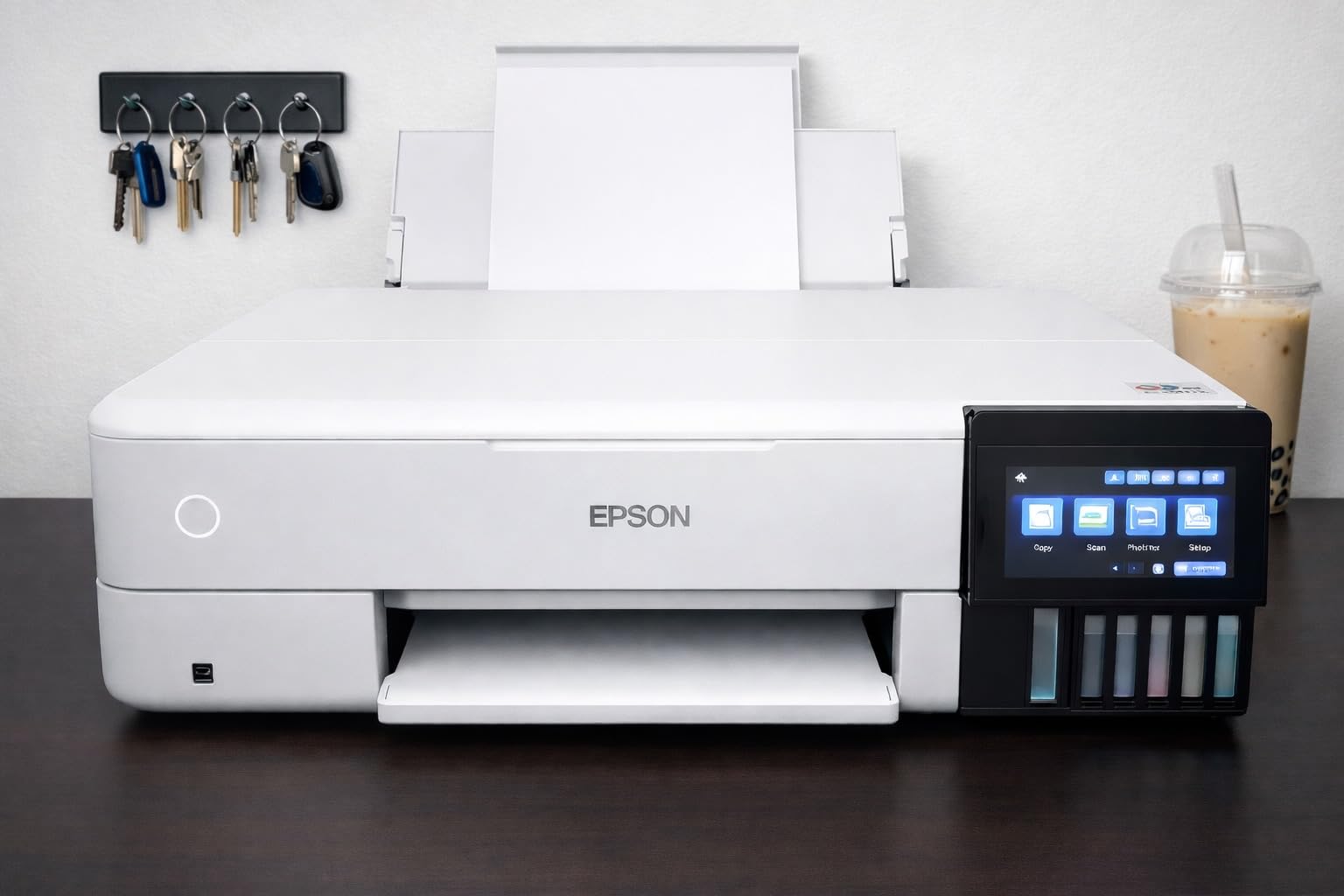
Automatic duplex is present, which none of the other tank machines in this roundup manage except the ET-4950. There is a color LCD touchscreen for direct control, and a dedicated 4×6 photo tray alongside the main 100-sheet tray and a rear feed for larger sheets.
It is a serious machine in physical terms. It weighs 24.5 pounds and measures 29.8 by 20.6 by 16.9 inches, so it needs real desk space or a dedicated stand. Epson’s own advertising compares the cost of a 4×6 photo at about four cents against roughly forty cents with cartridges, and that gap is the entire argument for a tank system at this price tier.
Reviewers are largely photographers, artists and makers rather than teachers, and they broadly consider the output among the best available at this price. The recurring complaints are practical: setup involves pulling packing tape out of many crevices and takes hours, and automatic paper tray selection is unreliable often enough that you get into the habit of choosing the tray yourself.
When Wide Format Is Worth the Space
It earns its footprint when you are producing display materials regularly rather than occasionally. Classroom display boards, classroom library signs, large visual schedules, and student work mounted for display all benefit from a print that fills the page instead of sitting in the middle of it.
The six-color system also pays off if you print photographs of student projects or work produced in an art or science unit, where a four-color inkjet can visibly band in gradients.
Where the ET-8550 Falls Short
It is overkill for routine handouts. Wide-format inkjet output on cheap copy paper can look slightly fuzzy, and the prints are not waterproof, which matters if you are labelling trays or anything that will be wiped down.
The flatbed scanner has no document feeder and does not scan 11×17 originals, so this is a printing specialist rather than a document machine. Owners also report occasional ink drop spotting that needs a deep clean cycle. If your printing is 95 percent letter-size worksheets, the ET-2800 is a far more sensible machine for the same running-cost advantage.
6. Canon PIXMA TS3720 – Lightest Duty Pick for Occasional Printing
Canon PIXMA TS3720 Wireless All-in-One Printer for Basic Home Printing, White
Compact cartridge all-in-one
7.7 ppm black, 4 ppm color
Single-sided only
60-sheet tray
Dual-band Wi-Fi
Pros
- Low purchase price for print copy and scan
- Fast simple setup with printing within minutes
- Dual-band Wi-Fi with direct mobile printing
- Good quality for basic documents and 4x6 photos
- Lightweight 8.7 pound body
Cons
- Single-sided printing only
- Two-cartridge ink system adds up quickly under heavy use
- No borderless photos larger than 5x7
- Small 60-sheet paper tray
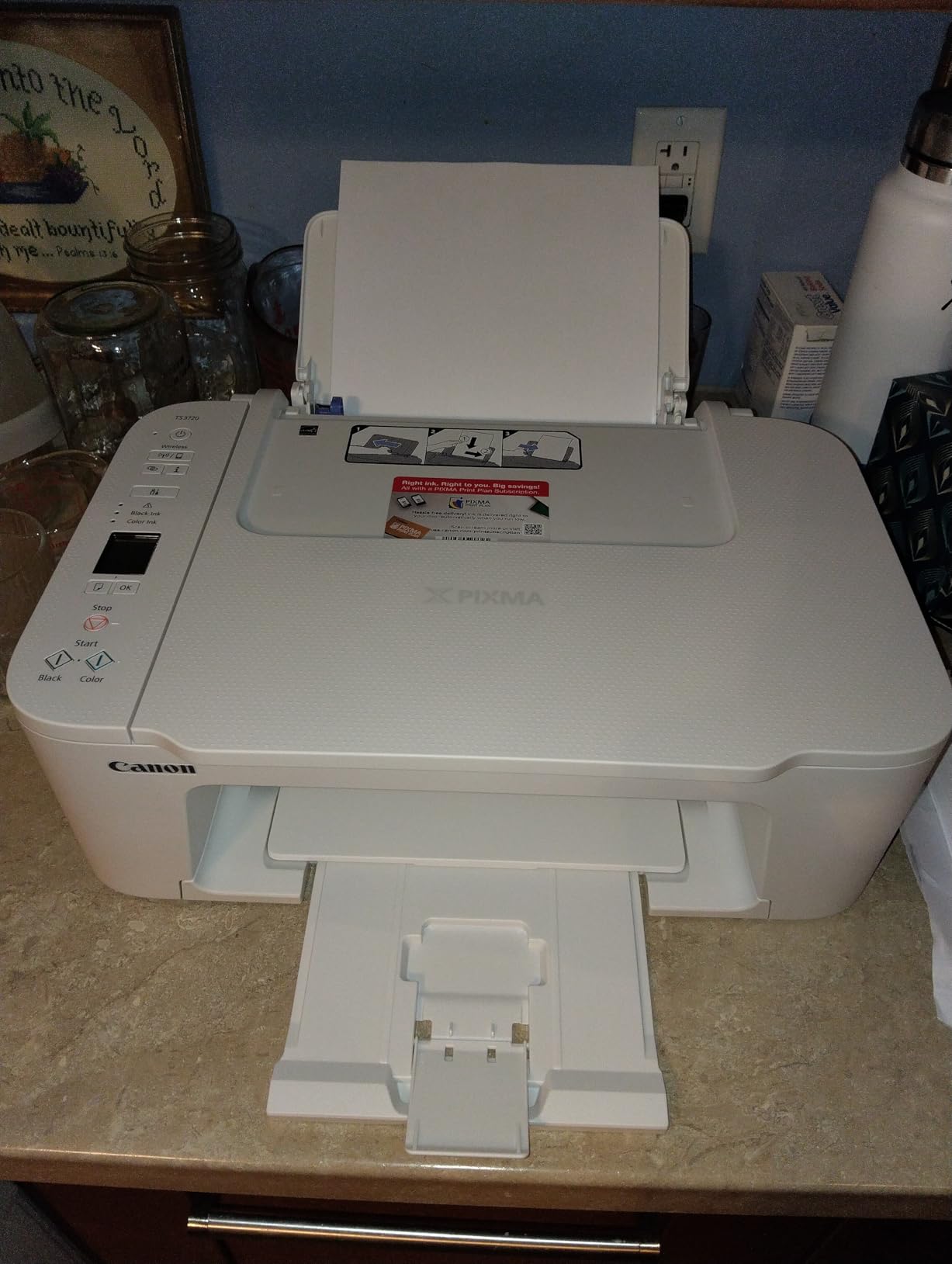
The TS3720 is here because readers arriving from shopping results are looking at exactly this kind of machine, and most of them are being misled. A cartridge all-in-one at a low purchase price is not automatically a good deal for a teacher, because the cartridges decide the real cost and this one uses Canon’s CL-276 color and PG-275 black cartridges.
What it does well is the first ten minutes. Owners consistently report printing within five to ten minutes of unboxing, a flatbed scanner for copying, and dual-band Wi-Fi at 2.4GHz and 5GHz that connects reliably. Canon lists AirPrint, Mopria, Chromebook support and the Canon PRINT app, which makes it one of the more frictionless options if you work from a Chromebook or an iPad with no computer in the room.

It weighs just 8.7 pounds and measures 17.2 by 12.9 by 5.8 inches, the smallest footprint here, with a 1.5-inch segment LCD. Print speed is 7.7 pages per minute black and 4 color, and resolution is 4800 x 1200 dots per inch. Maximum media size is 8.5 x 14 inch and the paper tray holds 60 sheets, which is genuinely small.
Owners also note the absence of long, wasteful maintenance cycles that drain cartridges, which is a real reliability advantage over some cartridge machines. A one-year manufacturer limited warranty applies, and borderless printing is supported up to 5×7 inches.
Where it strains: single-sided only, a 60-sheet tray that means refilling constantly during a class set, and a two-cartridge system where the color cartridge is a small tank feeding a printhead that needs regular use. Some owners report grainy or small photo output on glossy media.
Who This Machine Actually Suits
A tutor printing a handful of worksheets a week, or a homeschool parent with a light load, will find this perfectly serviceable. The fast setup, small footprint and reliable wireless connection solve the real problems, which are convenience rather than volume.
It is also a reasonable second printer in a room, for a teacher who mostly uses the school copy room and wants color only occasionally for a visual schedule or a reward chart.
Where the TS3720 Falls Short
Do not buy this for color-heavy work. The cartridge system is exactly the running-cost trap this article is built to help you avoid, and the low purchase price disappears the moment you factor per-page ink over a school year.
There is no automatic duplex, no document feeder, and a 60-sheet tray that will slow you down on any day you produce materials in bulk. If printing more than a few pages a week, the money you save up front comes back several times over in cartridges.
7. Canon PIXMA TS6520 – Best Duplex Printing on a Small Budget
Canon PIXMA TS6520 Wireless Color Inkjet Printer, Duplex Printing, Copier/Scanner, 1.42″ OLED Display, Compact, White
Cartridge inkjet all-in-one
14 ppm black, 9 ppm color
Automatic duplex
1.42 inch OLED display
Letter size maximum
Pros
- Automatic 2-sided printing at a low price point
- Very easy setup with printing in under ten minutes
- Quiet and compact footprint
- Consistent clean output with good color
- Reliable print copy and scan with no jamming
Cons
- Starter cartridges hold very little ink
- Cartridges harder and costlier to source than rivals
- Very small 1.42 inch OLED screen
- Letter size media only
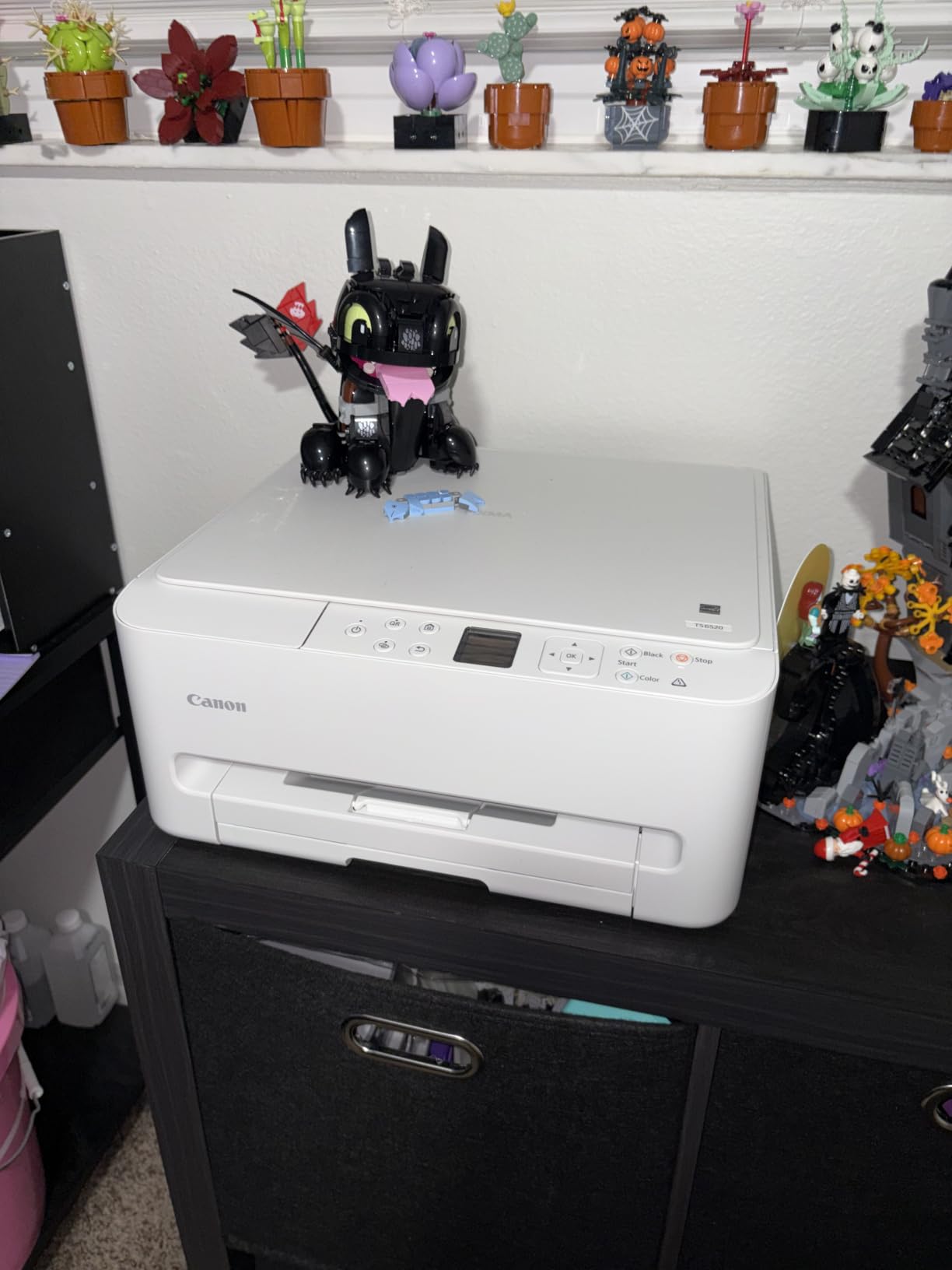
This is the highest-rated machine in the roundup on owner feedback, and the reason is simple: it does the things teachers ask about first. Automatic duplex at this level is rare, and 14 pages per minute black and 9 color makes it quick enough that a class set is not a scheduling problem.
Owners describe it as a printer that simply works. Multiple reviews mention connecting and printing in under ten minutes, a quiet footprint at 15.4 pounds and 14.8 by 14 by 6.7 inches, and reliable print, copy and scan with no jamming. A three-year manufacturer limited warranty is longer than anything else in this group, which matters if you are planning to keep the machine for the length of a teaching career.
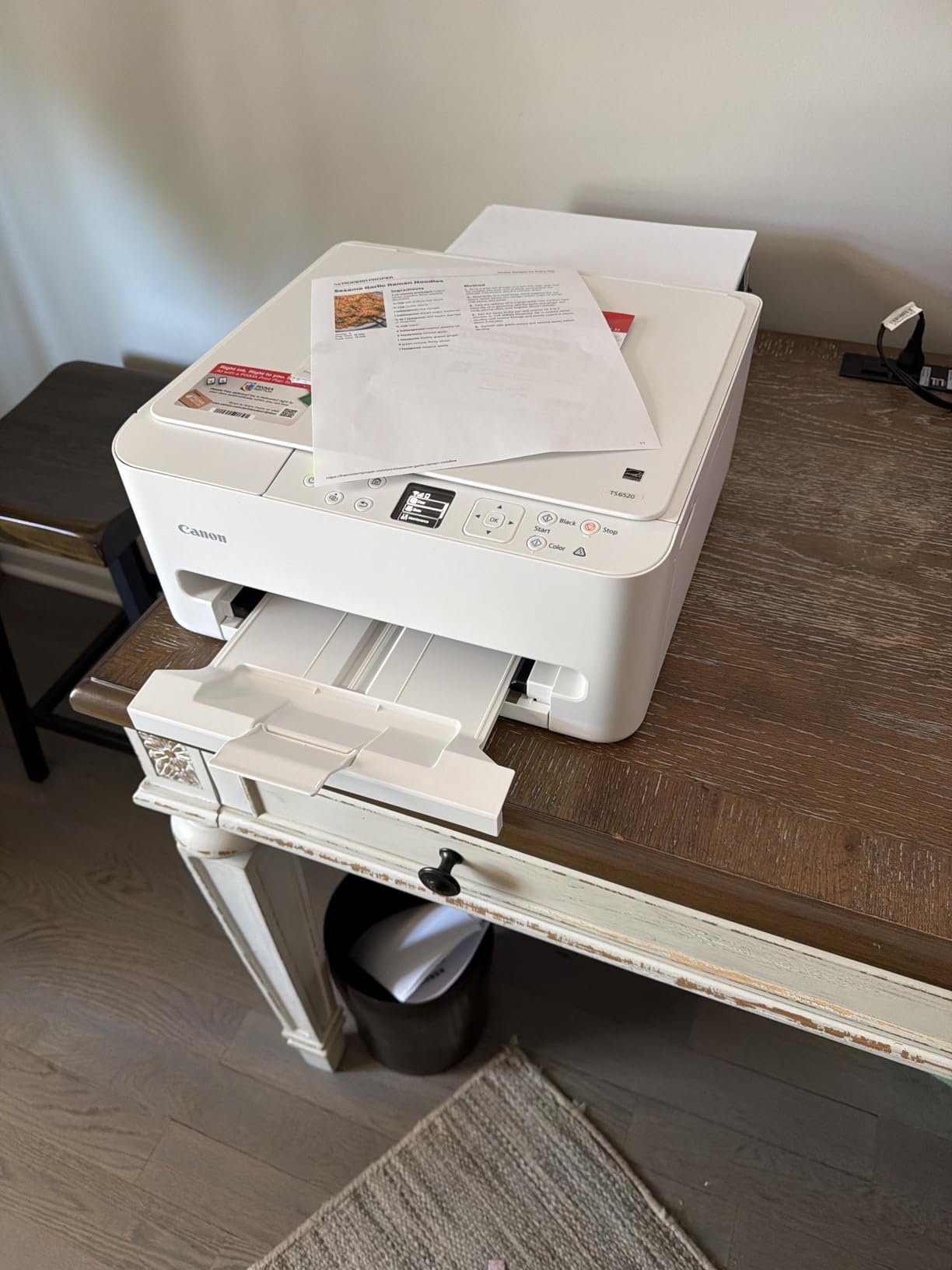
Connectivity is dual-band Wi-Fi plus USB, with the Canon PRINT app, Apple AirPrint and Mopria support. First page output is quoted at 7.5 seconds in black and 9.5 in color, and maximum resolution is 1200 x 1200 dpi. Power consumption is listed at 21 watts.
The control method includes voice support through Amazon Alexa, which is a novelty rather than a classroom feature, but it is at least responsive to the interface question. Borderless printing is supported and auto duplex is standard, both of which put it ahead of the cheaper cartridge models.
Supplies are the PG-295 pigment black tank and the CL-286 dye color tank, described as a two-cartridge hybrid system. The recurring complaints are honest ones: the starter cartridges hold very little ink and need replacing sooner than expected, the supplies are harder and more expensive to source than competitors, and the 1.42-inch monochrome OLED screen is very small and awkward for anything beyond checking ink levels.
Where This One Wins
It is the pick for anyone who needs duplex and color and refuses to move to a tank system on principle. The speed, the quietness, the three-year warranty and the absence of jams make it the most low-friction machine in the cartridge category.
It also suits a shared tutoring space or a small office where a monochrome laser would be overkill and a tank system is more hardware than you need. The automatic duplex pays for itself in paper on a two-sided worksheet.
Where the TS6520 Falls Short
Maximum media size is letter only. No legal, no A3, nothing wider, which rules it out for anyone printing long documents on legal paper or producing oversized material.
Setup pushes you toward installing Canon software and firmware updates that add complexity, and the running cost over a heavy school year will still be cartridge-based. Owners also report lower ink consumption than previous cartridge printers they owned, which is a real improvement, but it does not change the fundamental economics. For sustained color volume, a tank machine from picks one or two is the cheaper answer over time.
8. Brother MFC-L3720CDW – Best Color Laser When You Need Fax
Brother MFC-L3720CDW Wireless Color Laser Printer, Scanner, Copier, Fax, Auto Duplex, 250-Sheet Capacity
Color laser all-in-one with fax
19 ppm black and 19 ppm color
Automatic duplex
50-page ADF and 250-sheet tray
3.5 inch color touchscreen
Pros
- Full all-in-one with print copy scan and fax
- Color laser at 19 ppm in both colors
- Auto duplex plus 250-sheet tray and 50-page ADF
- 3.5 inch touchscreen with 48 shortcuts
- Dual-band wireless with Wi-Fi Direct and USB
Cons
- Heaviest unit here at 44 pounds with a large footprint
- Color laser toner costs more per page than ink tank
- Not built for photo quality
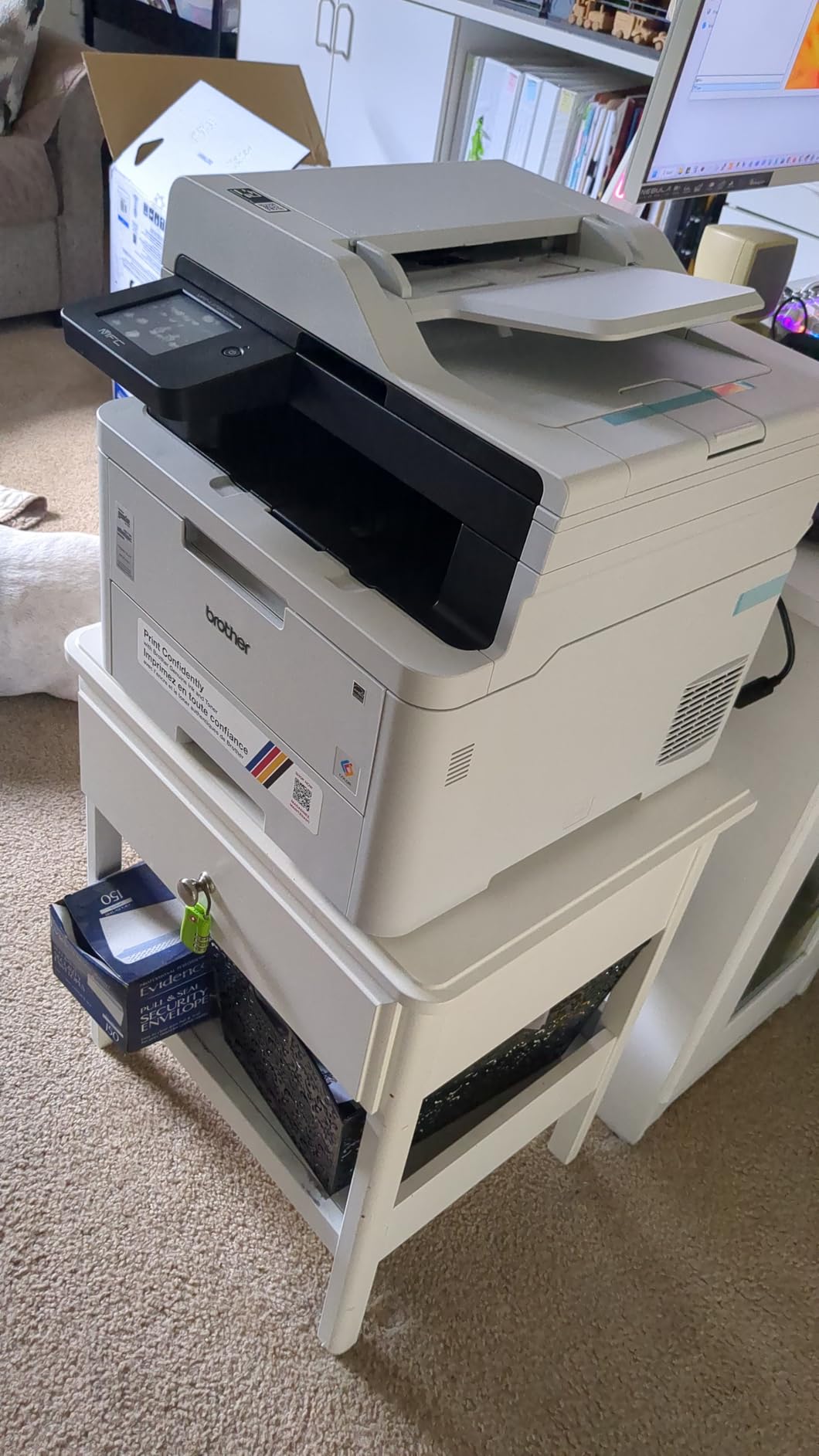
Color laser is the fourth category in this roundup, and it exists for a specific reason: organizations that need color frequently, need a fax line, and have a shared machine. On all three counts this is the only pick here that answers. It prints, copies, scans and faxes, in color and in black, from a single unit.
Speed is 19 pages per minute in both black and color, which is unusual for a color laser and means color handouts are not a luxury add-on. Automatic duplex, a 250-sheet adjustable tray and a 50-page automatic document feeder cover the high-volume workflow properly, and a 3.5-inch color touchscreen with 48 customizable shortcuts and cloud access to Google Drive, Dropbox and OneNote makes it easy to reprint a lost handout without digging through a laptop.
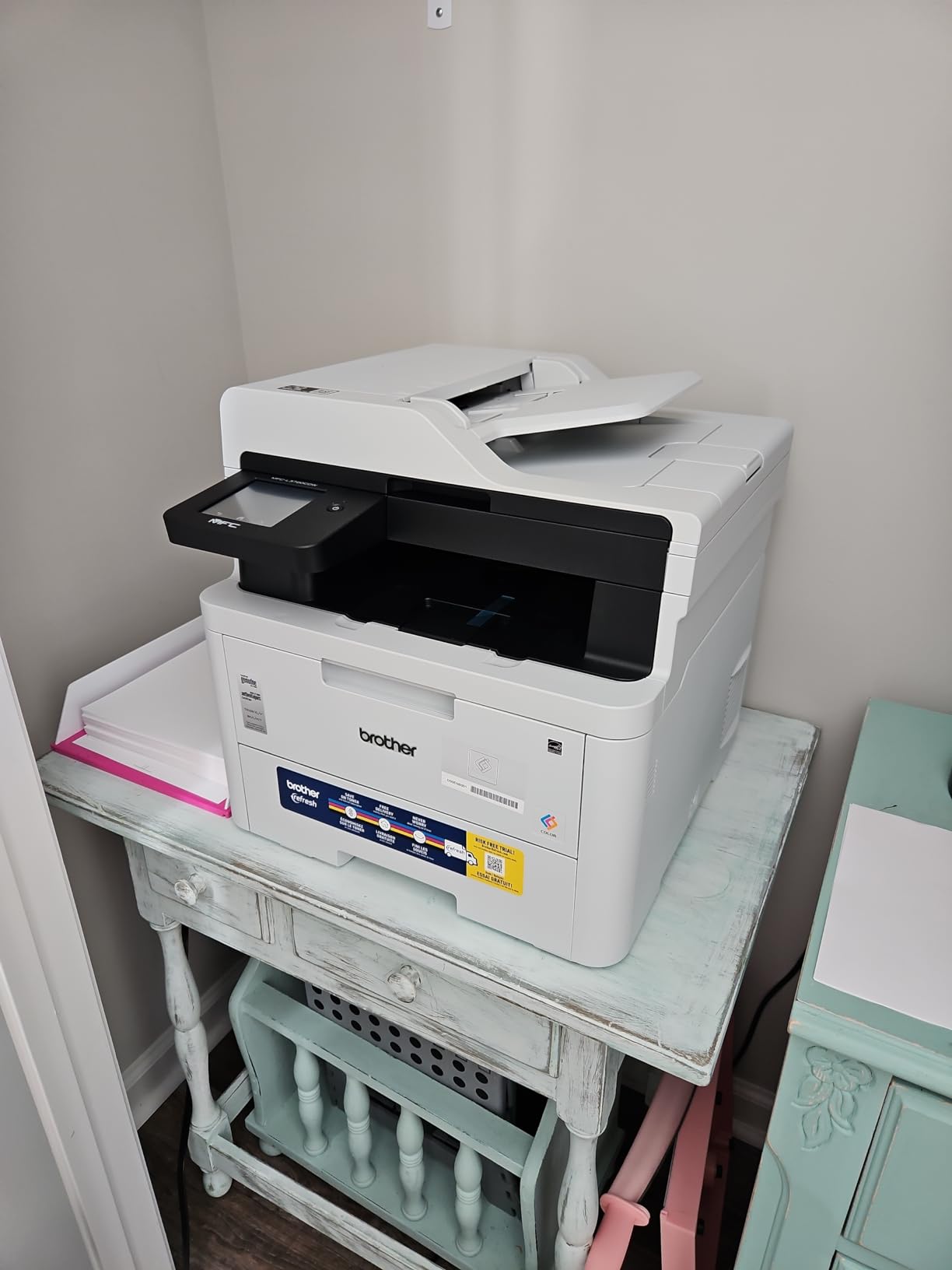
Connectivity is comprehensive: dual-band wireless, Wi-Fi Direct and USB 2.0, with companion app management and toner level monitoring. First page output is quoted at under 15 seconds, maximum media size is 8.5 x 14 inch, and the 150-sheet output tray handles a full class set. Maximum print resolution is 2400 x 600 dpi in both black and color, with copy output at 600 x 600.
Consumables are the TN229BK, TN229C, TN229M and TN229Y cartridges, the TN229XL high-yield series, and the DR229CL drum unit. Knowing the drum is a separate consumable matters for anyone budgeting beyond a year, because drum replacement is a line item that catches people out.
Reviewers consistently point to the touchscreen, the document feeder and the paper capacity as the productivity drivers, and equally consistently note the physical trade-offs. At 44 pounds and 16.1 by 17.5 by 15.8 inches, this is a floor-standing machine, not a desk accessory.
Where a Color Laser Earns Its Keep
Color laser toner is a per-page cost game, and it works when color volume is genuinely high and consistently high. A tutor center running five days a week, an education office, or a shared space used by several staff members will spread the toner cost across a volume that makes it sensible.
The fax function is the deciding factor for many school offices. Nothing else in this roundup has it, and for anyone who still sends faxed attendance or permission slips, that is worth more than a faster color page.
Where the MFC-L3720CDW Falls Short
It is the heaviest and largest machine here, at 44 pounds, and it will dominate whatever surface you put it on. The 3.5-inch screen is excellent, but you will not be moving this between rooms.
For casual color, the per-page toner cost runs well above a tank printer, and the output is not built for photo quality. If your color need is a weekly visual schedule rather than a constant stream of printed materials, an ink tank machine is the cheaper and more appropriate tool, and you can pair it with a laser for black and white.
9. HP Envy 6155 – Best Touchscreen, With a Cartridge Catch
HP Envy 6155 Wireless All-in-One Color Inkjet Printer, Print, Scan, Copy, Duplex Printing Best-for-Home, 3 Month Trial of Instant Ink Included, AI-Capable (C2WR7A) Portobello
Cartridge inkjet all-in-one
10 ppm black, 7 ppm color
Automatic duplex
100-sheet tray
2.4 inch touchscreen
Pros
- Automatic 2-sided printing with print scan and copy
- 2.4 inch color touchscreen for navigation
- Dual-band Wi-Fi that self-resolves connection issues
- HP P3 technology for borderless photo printing
- Body made with at least 60 percent recycled plastic
Cons
- Works only with HP chipped cartridges and blocks others
- Firmware updates maintain the cartridge restriction
- Instant Ink subscription applies after the trial unless cancelled
- Modest 100-sheet tray and 10 ppm black speed
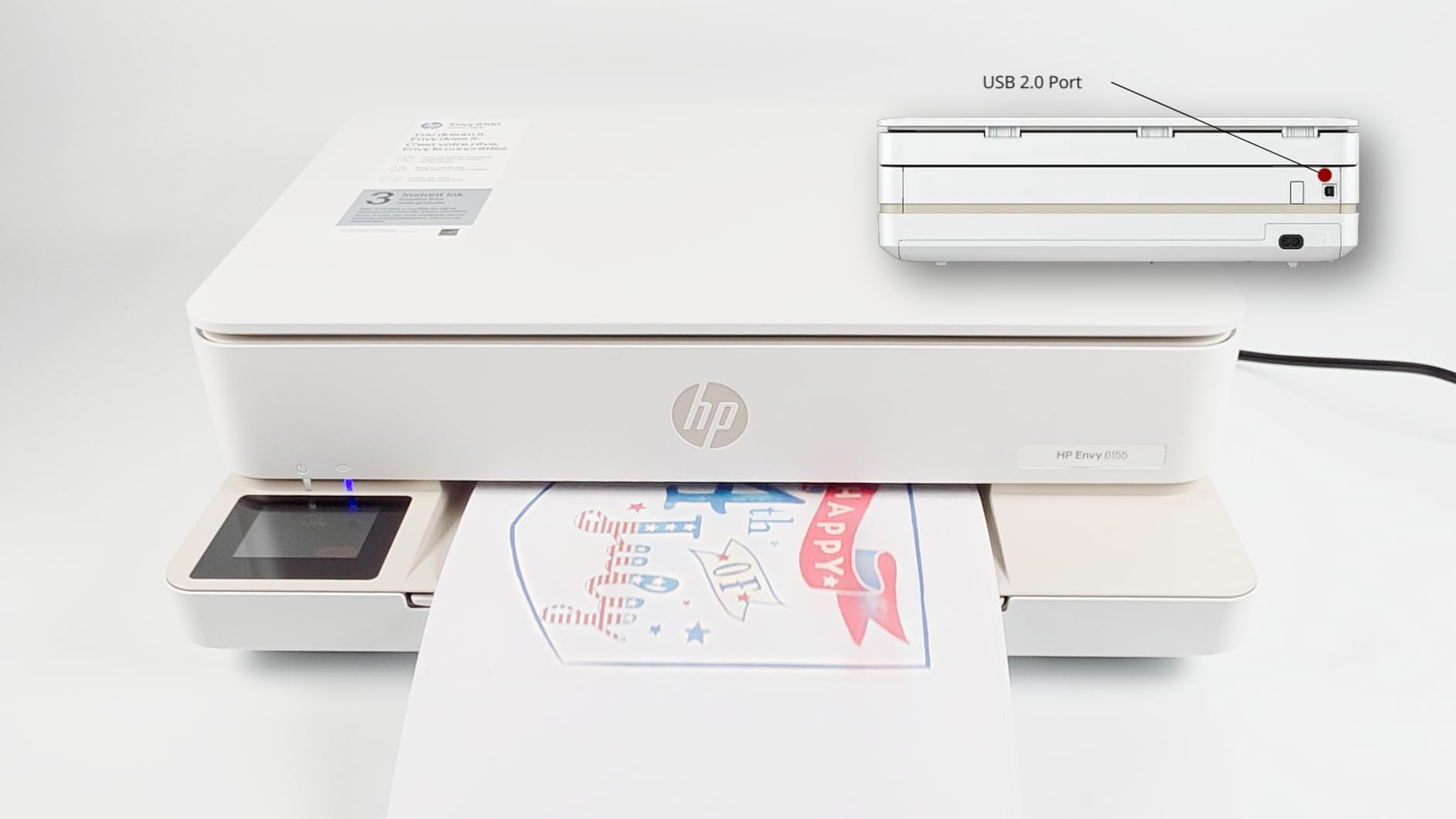
There is nothing wrong with this machine as a product. Automatic duplex, print, copy and scan, a 2.4-inch touchscreen, dual-band Wi-Fi and borderless photo printing in a 11.2 pound body is a genuinely good feature set. It earns a place on this list because touchscreen navigation is a real quality-of-life difference, and because we would rather warn you about the ink system than pretend it is not there.
It works only with HP chipped cartridges. Non-HP chips and circuitry are blocked, and owner reports and HP’s own product literature indicate that ongoing firmware updates maintain that restriction. That means the advertised per-page cost is tied to HP’s cartridge pricing, with no route to cheaper third-party supplies.
There is also a three-month trial of HP Instant Ink included, after which a monthly fee applies unless you cancel it. For a teacher printing a few hundred pages a month, a subscription that bills per page and expects you to remember to cancel is a poor default setting.
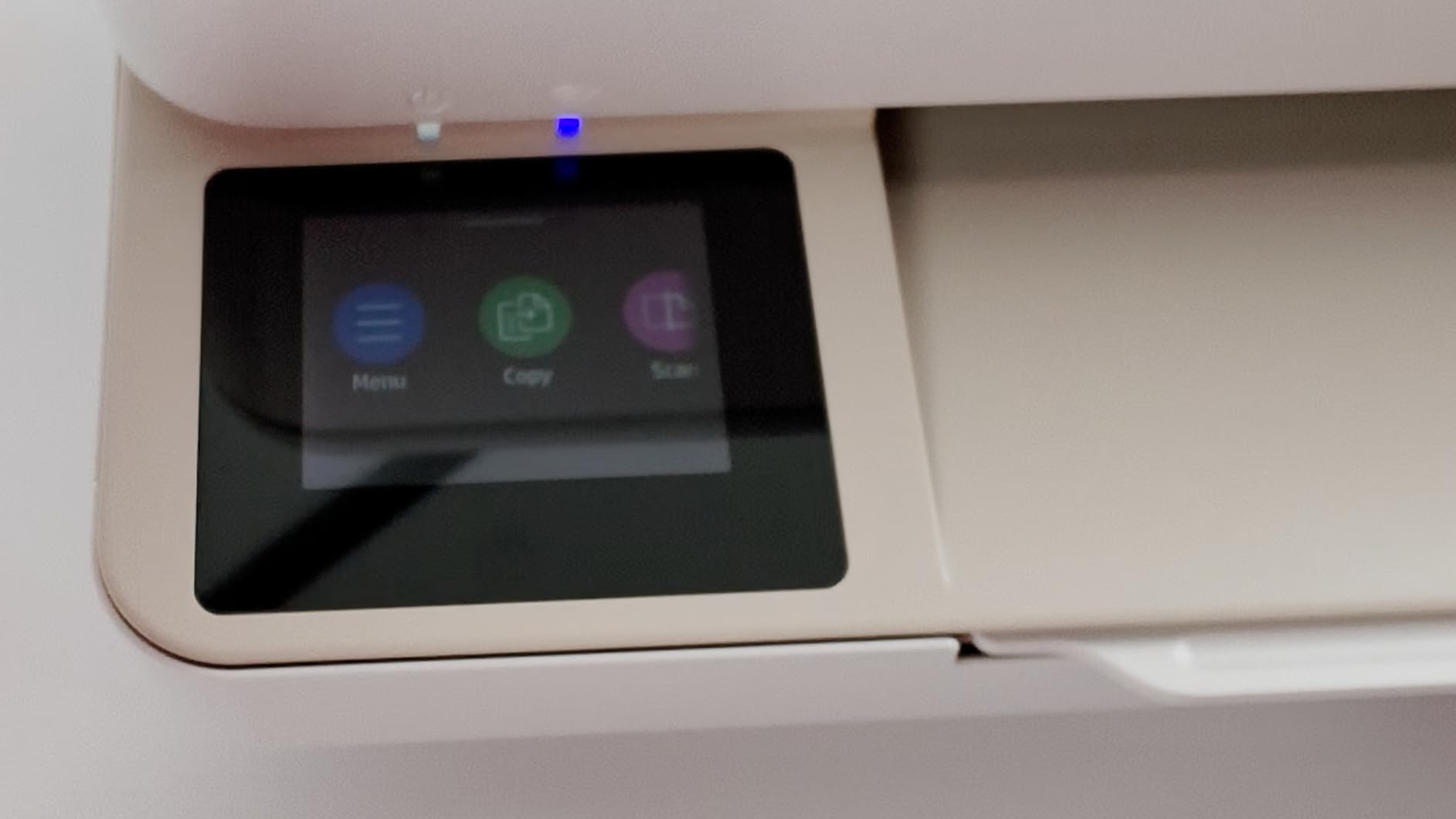
On the positive side, the interface is genuinely good. The 2.4-inch color touchscreen is larger than anything else in the cartridge category here, and HP AI print formatting trims unwanted web and email content from pages, which saves real time when a worksheet comes straight from a browser. HP P3 technology handles true-to-screen color and borderless photo output.
Speed is 10 pages per minute black and 7 color, with a 100-sheet input tray and letter as the maximum media size. The app handles print, scan, copy and fax from a smartphone, and the Wi-Fi is specified as dual-band with automatic connection resolution. A one-year limited hardware warranty applies.
Buyers like the touchscreen, the reliable wireless connection and automatic duplex at a modest purchase price. The long-run ink cost for high-volume users remains the caveat that decides it for us.
Where the Envy 6155 Fits
It suits low to moderate volume printing where the interface matters more than the ink bill. A teacher who prints a weekly handout, some reading passages and a few color pages will find it easy to live with, and the touchscreen makes a shared machine less intimidating to colleagues or support staff.
It is also a defensible choice for anyone who prefers to stay inside a manufacturer’s own supply ecosystem rather than manage third-party cartridges, and the recycled plastic content may matter for institutions with sustainability requirements.
Where the Envy 6155 Falls Short
The closed cartridge system is the deal-breaker for high-volume color. When a machine is designed to reject cheaper ink and a subscription plan applies after the trial, your running cost is fixed by the manufacturer regardless of how much you print.
Beyond that, the 100-sheet tray and 10 ppm black speed are merely adequate, and the touchscreen cannot compensate for per-page economics. For sustained printing, a refillable tank machine from picks one, two or ten is the same purchase with a very different cost curve over a school year.
10. Epson EcoTank ET-4950 – Most Complete Tank All-in-One
Epson EcoTank ET-4950 Wireless Duplex All-in-One Cartridge-Free Supertank Color Inkjet Printer, Fax, Black
Ink tank all-in-one with fax
18 ppm black, 9 ppm color
Automatic duplex
250-sheet tray with ADF
Wi-Fi and Ethernet
Pros
- Tanks rated up to 6600 black and 5500 color pages
- 18 ppm black and 9 color with auto duplex
- Print copy scan and fax plus an auto document feeder
- Keyed EcoFit bottles that only fit the correct tank
- Visible ink level indicators
- Compact 16.1 pound body
Cons
- Setup and initial ink charging can take 45 minutes or more
- Maximum resolution tops out at 4800 dpi
- Flatbed scanner is only adequate
- Power button ring light pulses continuously when idle
If you want a tank printer that also scans, copies, faxes and feeds a stack of pages automatically, this is the one. It is the only EcoTank in this roundup with automatic duplex plus an automatic document feeder plus fax, which is the combination that lets a single machine replace a separate copier for reproducing a class set of passages.
Paper handling is genuinely class-leading here: a 250-sheet bottom-load tray, a 250-sheet output capacity, and an automatic document feeder. Speed is 18 pages per minute in black and 9 in color, the fastest inkjet figure in this group. Epson rates the included ink at up to 6,600 black and 5,500 color pages, and each bottle set is equivalent to roughly 80 cartridges.

The refill system is the best-engineered of the tank machines here. The supersized tanks use uniquely keyed EcoFit bottles that physically cannot fit the wrong tank, which eliminates the two classic tank-printer errors: ink in the wrong colour, and a spill. Visible ink-level indicators mean you can see what is left without opening an app.
Connectivity covers Wi-Fi and Ethernet plus USB, with reliable mobile app support, and there is a 2.4-inch adjustable-angle color display. Paper sizes run from 3.5×5 up to 8.5×14, and it is listed for home, office, document, photo and label printing. Maximum copy resolution is 4800 x 1200 dpi.
Owners who print heavily report major long-run savings compared with cartridge printers, with several still on their first tank after many months. The body is a manageable 16.1 pounds at 13.7 by 14.8 by 9.4 inches, so it is not a desk-burden despite the feature list.

Why This Is the One for Heavy Mixed Workloads
It is the pick when you have two distinct needs: cheap color, and volume. The tank system handles the color side at a running cost a cartridge machine cannot match, while the 18 ppm speed, duplex and 250-sheet tray handle the black and white side without slowing you down.
Fax and the document feeder are what make it a genuine one-machine solution. If your school office handles a mix of printing, copying, digitizing and faxing on a shared budget, this is the most capable single unit on the list without stepping up to a color laser.
Where the ET-4950 Falls Short
Setup is the real hurdle. Owners report that initial setup and ink charging and alignment can take 45 minutes or more, and may involve a paper jam during the process. The Epson app also pushes account creation, and some find setup awkward without it. Budget an hour, not ten minutes.
Maximum resolution tops out at 4800 dpi, below higher-end EcoTank models, and the flatbed scanner is only adequate, with some owners keeping a separate scanner. Two smaller irritations: the power button ring light pulses continuously when idle and cannot be disabled, and the Type-B USB port does not support printing or scanning to a flash drive. A one-year limited warranty applies.
Inkjet vs Laser vs Ink Tank: Which One Do Teachers Actually Need?
Generic printer comparisons list pros and cons in the abstract. That is not useful, because the answer changes completely depending on what you actually print. So instead of a spec sheet, here is the decision framed by the three questions you need to answer first.
Question One: What Is Your Color Versus Black and White Mix?
If color is a weekly decoration, any of the cartridge all-in-ones will do, and the Canon PIXMA TS6520 is the best of them because it has automatic duplex and the highest owner rating in this roundup. If color is a daily working tool, you need a refillable tank machine, and the ET-2800, G3270 or ET-4950 are the three to compare. The difference is not marginal; over a school year it is the difference between a few dollars of ink and a couple of cartridge changes.
If you are printing almost entirely black and white worksheets, a cartridge inkjet is simply the wrong engine. You will pay inkjet ink prices for toner-speed results, and the tank machines do not fix that. A monochrome laser is the correct answer.
Question Two: What Is Your Real Monthly Page Volume?
Monthly duty cycle is the number non-technical buyers find most confusing. It means the volume a manufacturer has tested the machine to handle per month without premature wear, and it is a durability rating, not a speed rating. Ignore it entirely and you risk buying a light-duty machine for a heavy workload.
A realistic classroom figure is between 500 and 1,000 total pages a month for a busy elementary teacher producing differentiated sets, and 1,500 or more for anyone running a tutoring center or homeschool with multiple children. At those volumes, a 100-sheet tray becomes a constant interruption and a 7.7 ppm inkjet becomes a waiting game. The 250-sheet trays, faster speeds and larger feeds on the Brother lasers, the Canon MegaTank and the ET-4950 exist for exactly this range.
Question Three: Do You Need a Scanner and Copier?
Yes, if you reproduce class sets yourself, digitize student work, or send anything by fax. A 50-page automatic document feeder is what turns copying from a tedious loop into a single action, and only the Brother DCP-L2640DW, the Brother MFC-L3720CDW and the Epson ET-4950 have one. No, if you use the school copy room and only scan occasionally, in which case a print-only laser like the HL-L2460DW is the leaner buy.
Why Ongoing Ink Cost Matters More Than the Printer Price
Every printer in this roundup costs less than its first year of consumables if you buy the wrong one. That is not a scare tactic; it is arithmetic, and it is the reason this guide is organized around page yield rather than purchase price.
Look at the numbers the manufacturers publish. Epson rates the ET-2800 at up to 4,500 black pages or 7,500 color pages per bottle set, and states that one set equals about 90 individual cartridges. Canon rates the G3270 at up to 6,000 black and 7,700 color pages per ink set, and advertises the saving against cartridge ink directly. Those are the figures that determine what a school year costs you.
Now run a classroom year. Twenty-eight students, a reading passage and a worksheet each, roughly 600 pages a week, about 22,000 pages across a 36-week year. Add three or four color pages a day for visual schedules and anchor charts, which comes to roughly 2,600 color pages a year. Split that workload across two machines and each one does what it is good at: a monochrome laser for the black and white volume, and a tank machine for the color.
That two-machine setup is a legitimate answer that experienced teachers use. The alternative is one color laser, which handles everything in one box but pays laser toner rates on every color page, or one tank all-in-one, which handles color cheaply but prints black and white at inkjet speed and inkjet durability. If your black and white volume is genuinely high, splitting the workload is usually the cheapest path.
For a teacher printing a small fraction of that, the same logic does not apply. Twenty pages a week does not justify two machines, a larger desk footprint and two sets of supplies. Pick one device that covers your actual volume and do not over-buy for a year that will not arrive.
Printers That Survive a School Year: Dry-Outs and Cartridge Lock-Ins
No competitor guide covers this, and it is the failure mode that costs teachers the most time. Every printer bought for a classroom faces the same annual test: ten weeks of use, then near-total inactivity through the summer, then a demand for a clean page on the first morning back.
The Inkjet Printhead Problem
Liquid ink dries in the nozzles. A tank or cartridge inkjet that sits unused for weeks can come out of a long break with streaks, shadow lines, or a blank first page until several cleaning cycles have run. Owners of both the ET-2800 and the G3270 report needing repeated nozzle cleaning, and Canon owners specifically note that a printer left idle for long periods needs periodic printhead maintenance.
The workaround is community consensus rather than manufacturer advice, and it is simple: run the printer occasionally in color during the break, and keep it powered. A single test page with a color gradient every few weeks keeps the ink moving. This is worth planning for in July rather than discovering in September.
The Laser Toner Agglomeration Problem
Toner is powder and does not dry out, which is the main reason educators recommend Brother mono laser models for reliability. The real laser failure is a cartridge left open or exposed to humidity, where toner can clump and produce banding. The mitigation is the same in every case: keep cartridges sealed, store them indoors at stable temperature, and avoid a garage or shed.
Subscription Ink and Cartridge Lock-In
This is the complaint that comes up most often in teacher communities, and it deserves stating plainly rather than hinting at. Subscription plans such as HP Instant Ink bill per page and expect you to remember to cancel. The HP Envy 6155 here ships with a three-month trial and a monthly fee afterward unless cancelled, which is a fine default for light printing and a poor one for a classroom.
The mechanism behind the second complaint is firmware. The same Envy accepts only HP chipped cartridges, and ongoing firmware updates maintain that restriction, so a cheaper third-party cartridge is not an option. In practice this means your per-page cost is set by one vendor and cannot be lowered. That is why the tank machines in this roundup make more sense for sustained color, and why the Brother laser models, where third-party toner is widely accepted, remain the value choice for black and white.
One more reliability point that rarely appears in buying guides: check that the model will still be sold and supported in a few years. Schools plan long, and a printer you cannot source cartridges for in three years is a liability rather than an asset.
What to Look For When Buying a Printer for Classroom Use
These are the criteria that actually predict whether you will be happy with the machine, ordered by how much they should influence your decision. The first three are where most buyers go wrong.
1. Ink system first, everything else second. Refillable tank systems give the lowest running cost per color page by a wide margin. Cartridge systems are fine at light volume and expensive at high volume. Laser toner is cheapest for black and white volume and most expensive for color. This one decision determines your cost per year, and no amount of saving on hardware offsets a bad choice here.
2. Automatic duplex, not duplex. These are frequently conflated. Duplex means the printer can print both sides; automatic duplex means it does so without you flipping and reloading. For duplicated reading passages, automatic duplex roughly halves paper use and removes a weekly manual step. Every tank printer in this roundup except the ET-2800 and the G3270 has it, which is a meaningful gap.
3. Automatic document feeder, if you copy. A flatbed scanner is for the occasional page. A feeder is for the class set. If reproducing a set of passages is part of your week, an ADF is not a luxury feature.
4. Paper tray capacity against your real volume. A 60-sheet tray is fine for light duty and unusable for a 600-page week. At higher volumes you want 250 sheets, and the difference in interruptions is large.
5. Pages per minute, interpreted correctly. Speed matters most for multi-copy runs. A single handout mid-lesson is about time to first page, quoted at 8.5 seconds on the Brother lasers and 7.5 seconds in black on the Canon TS6520. Page counts that include inkjet cleaning pauses are not comparable with laser figures, so use them to compare within a type rather than across types.
6. Wireless that actually includes mobile printing. Look for AirPrint, Mopria and explicit Chromebook support, not just a Wi-Fi logo. Teachers increasingly print from Chromebooks and iPads with no computer in the room, and a printer that cannot be discovered by the device in your hand is a daily friction point. Dual-band Wi-Fi matters in crowded school buildings where 2.4GHz is saturated.
7. Scanning quality, honestly assessed. Flatbed scanners vary more than buyers expect. If you plan to digitize student handwriting for a digital portfolio, a mediocre scanner will show it in every image, and a phone camera is sometimes the better tool.
8. Total cost over the ownership period. Consumables, a separate drum unit on some color lasers, and firmware cartridge restrictions all belong in the calculation. A machine that will be supported and supplied for the length of your career is worth more than a cheaper one that will not be. If you want the wider picture on engine types and ownership costs, our UV flatbed printer guide covers the durability angle for specialist work.
Who This Roundup Is For
This list is written for classroom teachers, homeschool teachers, tutors and education assistants who print their own materials at home or in a small learning space, and for school administrators buying a small number of machines rather than a building-wide fleet.
Homeschool parents on a strict budget: start with the Canon PIXMA TS6520. It has automatic duplex, it is quick, and it is the highest-rated machine here. If your color volume grows past a few hundred pages a month, switch to the ET-2800 before the cartridges become a problem.
Teachers with heavy black and white workloads: the Brother DCP-L2640DW, with the HL-L2460DW if you never copy. Add a tank machine only if color is truly frequent.
Teachers printing large display materials: the ET-8550, with the understanding that it is a specialist machine and a large object.
Shared school buyers: the criteria here apply but the duty cycle is much higher. School IT administrators we came across while researching consistently reported consolidating to a single shared multifunction unit per floor or per building as the most economical setup, rather than a printer per classroom. If you are buying for a whole school, this roundup is the wrong level of granularity.
Anyone who has no reliable printing access at all: if the school copy room is inaccessible to you, owning a printer is not a luxury, it is a working tool. In that case the running cost argument matters more than any other factor on this page.
Frequently Asked Questions
Which is better for printing, a laser printer or an EcoTank printer?
It depends entirely on your page mix. A monochrome laser wins on black and white volume because toner prints fast, does not dry out over a long break and runs at a low cost per page. A refillable tank inkjet wins on color, where bottled ink costs a fraction per page against cartridges. Many teachers run both, a laser for worksheets and a tank machine for anchor charts and visual schedules.
What are the downsides of owning an Epson EcoTank printer?
The main ones are the absence of automatic duplex on cheaper models such as the ET-2800, a flatbed scanner with no automatic document feeder, and printhead maintenance if the machine sits unused. Owners also report occasional streaks needing cleaning cycles, and initial ink charging on higher-end models such as the ET-4950 can take 45 minutes or more. Setup also pushes account creation in the Epson app.
Which Epson EcoTank is best for teachers?
For most teachers the ET-2800 is the best fit, with tank yields rated at up to 4500 black and 7500 color pages per bottle set, a compact 11.4 pound body, and wireless printing with a flatbed scanner. If you need automatic duplex, an automatic document feeder and fax in one machine, the ET-4950 is the more complete option. For anchor charts and posters up to 13×19 inches, the ET-8550 is the specialist choice.
What printer has the least amount of problems?
For most teachers, a monochrome laser model such as the Brother DCP-L2640DW or HL-L2460DW reports the fewest problems, because toner is powder and does not dry out over a long summer break the way liquid ink does. Tank inkjets need occasional use or maintenance cycles during idle periods to keep nozzles clear. Cartridge machines with closed chip systems add their own frustration through restricted third-party supplies.
Can I print from a Chromebook and an iPad without a computer in the room?
Yes, with most of the machines here. Look for AirPrint, Mopria and explicit Chromebook support rather than a Wi-Fi logo alone. The Canon PIXMA TS3720 lists AirPrint, Mopria and Chromebook support alongside dual-band Wi-Fi, and the Canon TS6520 supports AirPrint and Mopria through the Canon PRINT app. Dual-band 2.4GHz and 5GHz Wi-Fi is worth preferring in crowded school buildings.
The Verdict: Best Printers for Teachers in 2026
The Epson EcoTank ET-2800 is our pick as the best printer for teachers overall, because the tank yield it delivers turns color from a budgeting problem into a non-issue at any realistic classroom volume, and the body is small enough to live on a normal desk. If your page mix leans heavily black and white, the Brother DCP-L2640DW is the smarter long-term buy, and the Canon MegaTank G3270 covers color with even higher rated yields at a lower outlay than anything else in this group.
Whatever you choose, decide on the ink system first, buy automatic duplex if you can, and get a document feeder if you reproduce class sets. Those three choices account for almost all of the difference between a printer that serves you well for years and one that frustrates you every September.