
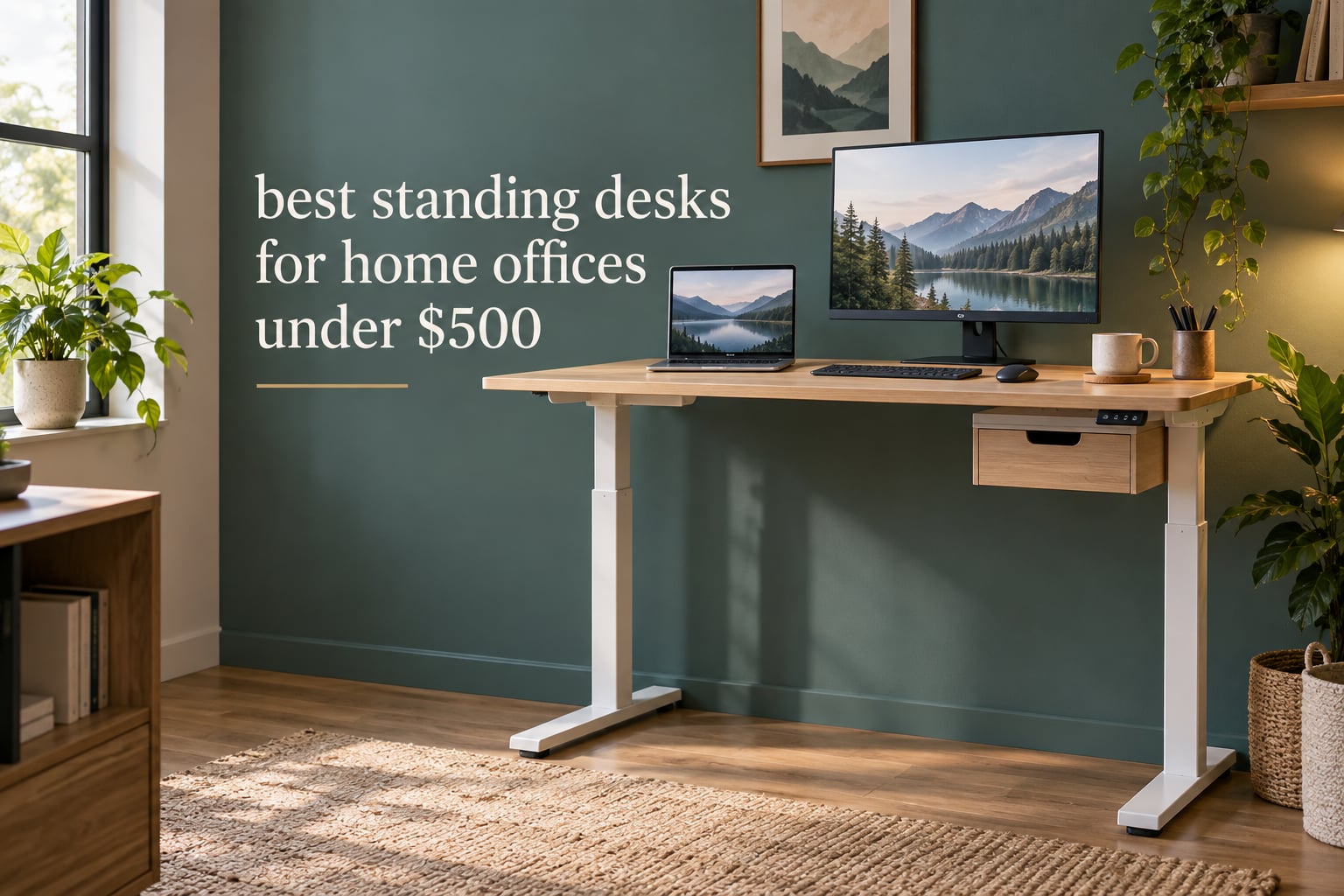
A standing desk (also called a sit-stand desk or height-adjustable desk) is a desk whose work surface raises and lowers on electric columns so you can alternate between sitting and standing. Set a hard ceiling of 500 dollars and you are shopping in the budget tier, and this guide covers only what that tier actually delivers: 48-inch and 55-inch tops, alloy steel frames, 176-pound capacities in most cases, and 3-stage columns reaching roughly 46 to 48 inches. You do not get hardwood tops, 300-pound capacities, or 10-year warranties at this level.
These are the best standing desks for home offices under 500 dollars. Every desk below sits under that ceiling, and I have matched each one to a specific person rather than ranking them on spec sheets alone. I compared all 12 across height range, minimum height, weight capacity, desktop size, motor noise, drawer storage, and warranty length, then cross-checked those specs against thousands of owner reviews in r/StandingDesk and r/desksetup threads where real wobble, shipping damage, and assembly complaints surface before any brand page mentions them.
Two things decide this category before any feature list does. The first is minimum height, which locks out anyone under about five foot four because a desk that stops at 28 inches will not go low enough for them. The second is stability at the top of its range, because a desk that moves when you type at 46 inches undermines everything else on the spec list. If you want the wider picture first, our guide to standing desks for home offices covers premium tiers this budget ceiling excludes.
Table of Contents
Top 3 Picks for Standing Desks Under 500 Dollars for October 2026

SHW 55 x 28 Electric Standing Desk
- 55 x 28 inch top
- Built-in drawer
- 4 memory presets
- 28-45 inch range

FlexiSpot EN1 48 x 24
- One-piece seamless top
- 176 lb capacity
- 5 year frame warranty
- 4 presets

CubiCubi Electric 48 x 24
- 4.7 star rating
- 176 lb capacity
- 28.3-46.5 inch range
- All tools included
All 12 Standing Desks at a Glance for October 2026
Every desk in this table holds a 176-pound capacity except two. Minimum height never drops below 27.5 inches, which is the hard limit for shorter users across this whole group.
| Product | Specifications | Action |
|---|---|---|
| SHW 55 x 28 Standing Desk |
|
Check Latest Price |
| FlexiSpot EN1 48 x 24 |
|
Check Latest Price |
 Claiks 48 x 24 Electric Desk Claiks 48 x 24 Electric Desk |
|
Check Latest Price |
 ErGear 48 x 24 Electric Desk ErGear 48 x 24 Electric Desk |
|
Check Latest Price |
 FEZIBO 48 x 24 Electric Desk FEZIBO 48 x 24 Electric Desk |
|
Check Latest Price |
| CubiCubi 48 x 24 Electric Desk |
|
Check Latest Price |
 Veken 55 Inch Standing Desk Veken 55 Inch Standing Desk |
|
Check Latest Price |
 HUANUO 48 x 24 with 2 Drawers HUANUO 48 x 24 with 2 Drawers |
|
Check Latest Price |
 COMHOMA 48 x 24 Sit Stand Desk COMHOMA 48 x 24 Sit Stand Desk |
|
Check Latest Price |
 AODK 55 Inch Standing Desk AODK 55 Inch Standing Desk |
|
Check Latest Price |
 Acrolix L Shaped 59 x 40 Acrolix L Shaped 59 x 40 |
|
Check Latest Price |
 GTPLAYER 48 x 24 Electric Desk GTPLAYER 48 x 24 Electric Desk |
|
Check Latest Price |
1. SHW 55 x 28 Electric Standing Desk – Best Overall With a Drawer
SHW 55 x 28 Electric Height Adjustable Standing Desk w/Drawer, Maple
55 x 28 inch top
28-45 inch height
110 lb capacity
4 memory presets
Pros
- Widest top with a built-in drawer
- Quiet smooth lift
- 4 memory presets
- Cable tray and two hooks
- Curved edge for wrist support
Cons
- 110 lb capacity is the lowest in this group
- Two-piece top with a visible seam
- 45 inch max height is short for tall users
This is the desk I recommend first because it does the one thing almost every other budget pick skips: it includes real storage. The single drawer has adjustable compartments and ball-bearing glides, which is the difference between a desk that stays clear over a workday and one that collects cables on the surface.
The top measures 55 by 28 inches, which is the second-largest surface here and gives you genuine room for dual monitors plus a laptop. A cable management tray runs under the back edge and two utility hooks hang from the frame for headphones or a bag, so the accessories most desks charge extra for are already fitted.
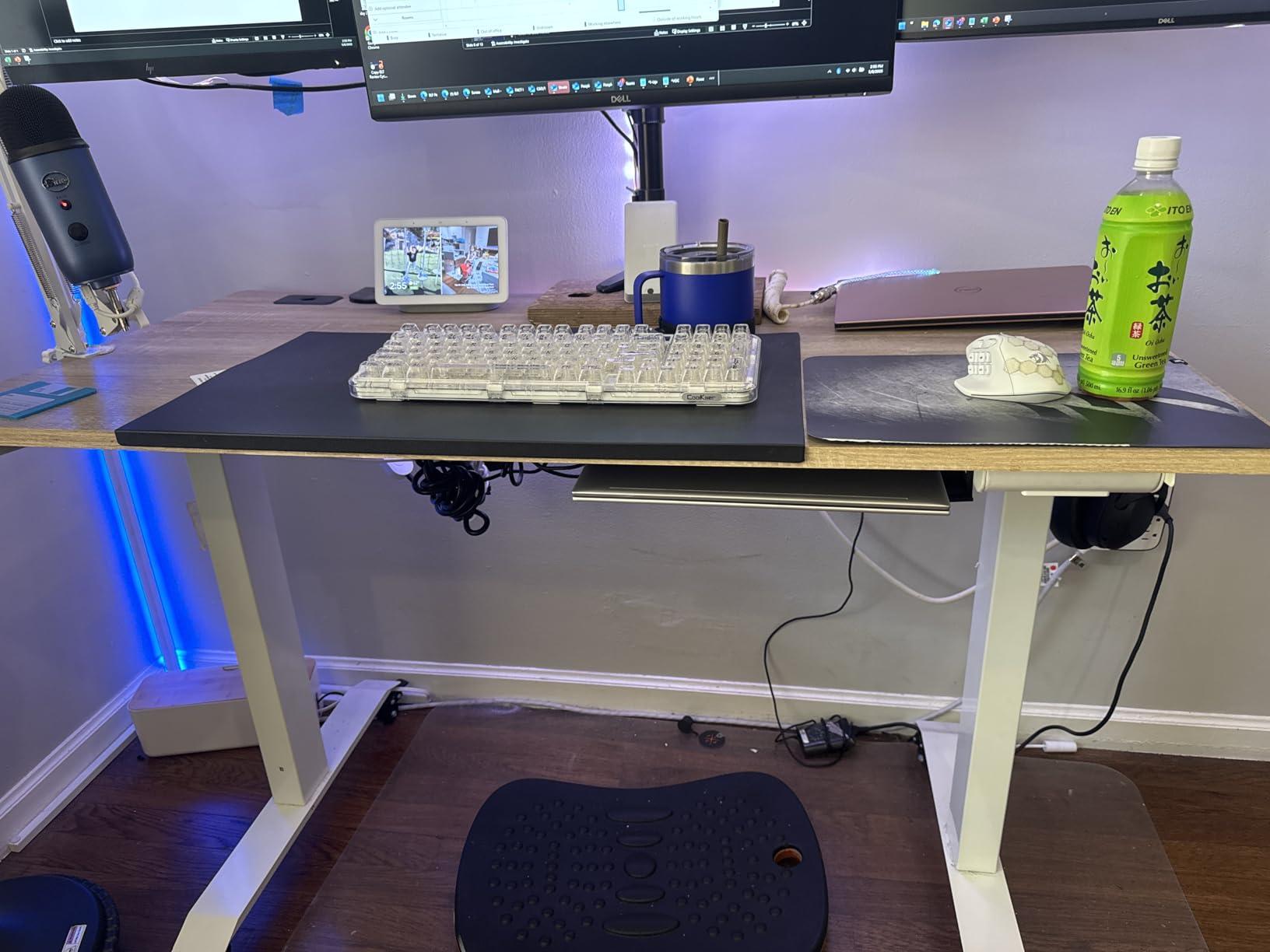
Height runs from 28 inches to 45 inches on four memory presets, and the motor is genuinely quiet in a shared apartment. Owners on r/StandingDesk describe the frame as stable with minimal wobble, which tracks with the alloy steel construction and the adjustable floor levellers that let you compensate for uneven floors in older apartments.
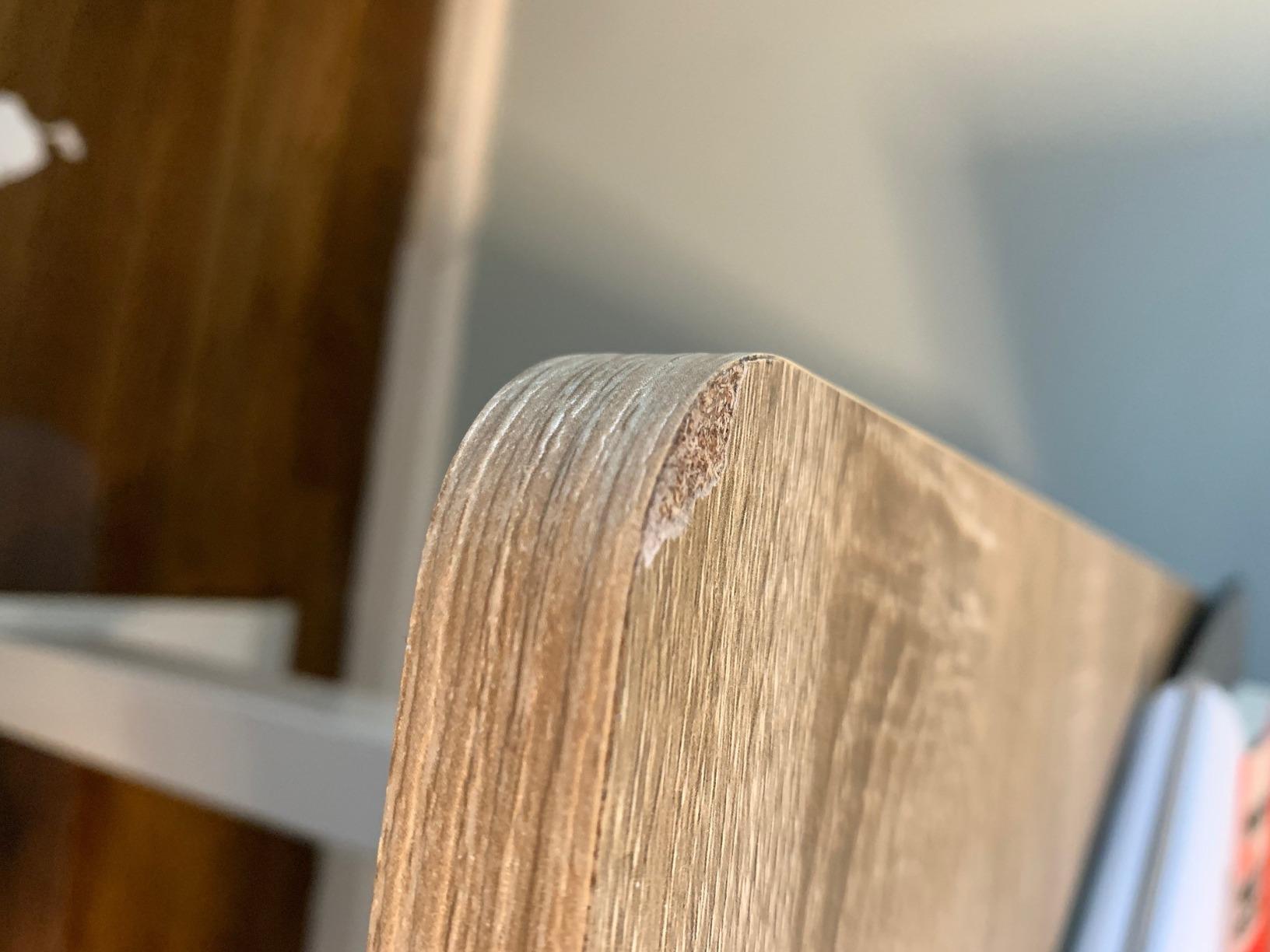
The catch is weight capacity. This desk is rated at 110 pounds, the lowest figure in the group, so a full tower PC plus two monitors on arms is pushing it. The laminate top also arrives in two pieces, so there is a visible seam down the middle, and adhesives from tape or stickers can mark the surface permanently.
Who the SHW 55 x 28 suits
It suits a home office that doubles as a paperwork station, because the drawer replaces a separate filing unit. It also suits anyone running two monitors on stands rather than arms, since 110 pounds covers that comfortably.
Assembly is a two-person job according to the manufacturer, and the desk weighs 62.4 pounds, so plan on clearing a floor area before the box is open.
Who should skip the SHW 55 x 28
Skip it if you are six foot tall, because a 45-inch maximum will leave you hunching over a laptop at standing height. It is also the wrong pick if you plan to add an under-desk treadmill or a heavy rig later.
If your workspace is a laptop and a notebook, a 48-inch top is easier to place against a wall. Our roundup of office desks for home offices covers fixed-height options for that situation.
2. FlexiSpot EN1 48 x 24 Standing Desk – Best Value
FLEXISPOT EN1 One-Piece Standing Desk, Electric Adjustable with 4 Memory Presets, 176 LBS Capacity, Stable & Quiet, Seamless Desktop for Home Office & Dual Monitors, 48″x24″ Maple(White Frame)
One-piece seamless top
28.9-46.5 inch range
176 lb capacity
5 year frame warranty
Pros
- One-piece top with no centre seam
- 176 lb capacity handles a full setup
- 5 year frame and motor warranty
- Single-person assembly
- 4 memory presets
Cons
- No cable tray or hooks beyond one headphone hook
- 0.63 inch top is on the thin side
- 48 inch depth is tight for a large keyboard tray
The FlexiSpot EN1 solves the most common complaint about budget desks, which is the seam across the middle of the top. Because the desktop is a single moulded piece, you can slide a laptop across it without catching on a join, and reviewers consistently call that finish out as the reason they picked it.
It holds 176 pounds and runs from 28.9 to 46.5 inches, a range that suits most adults without adjustment. Owners in r/StandingDesk name FlexiSpot as one of the value leaders in the budget range, and the warranty here is the strongest on the list at five years for the frame and motor, with two years covering the controller and electronics.
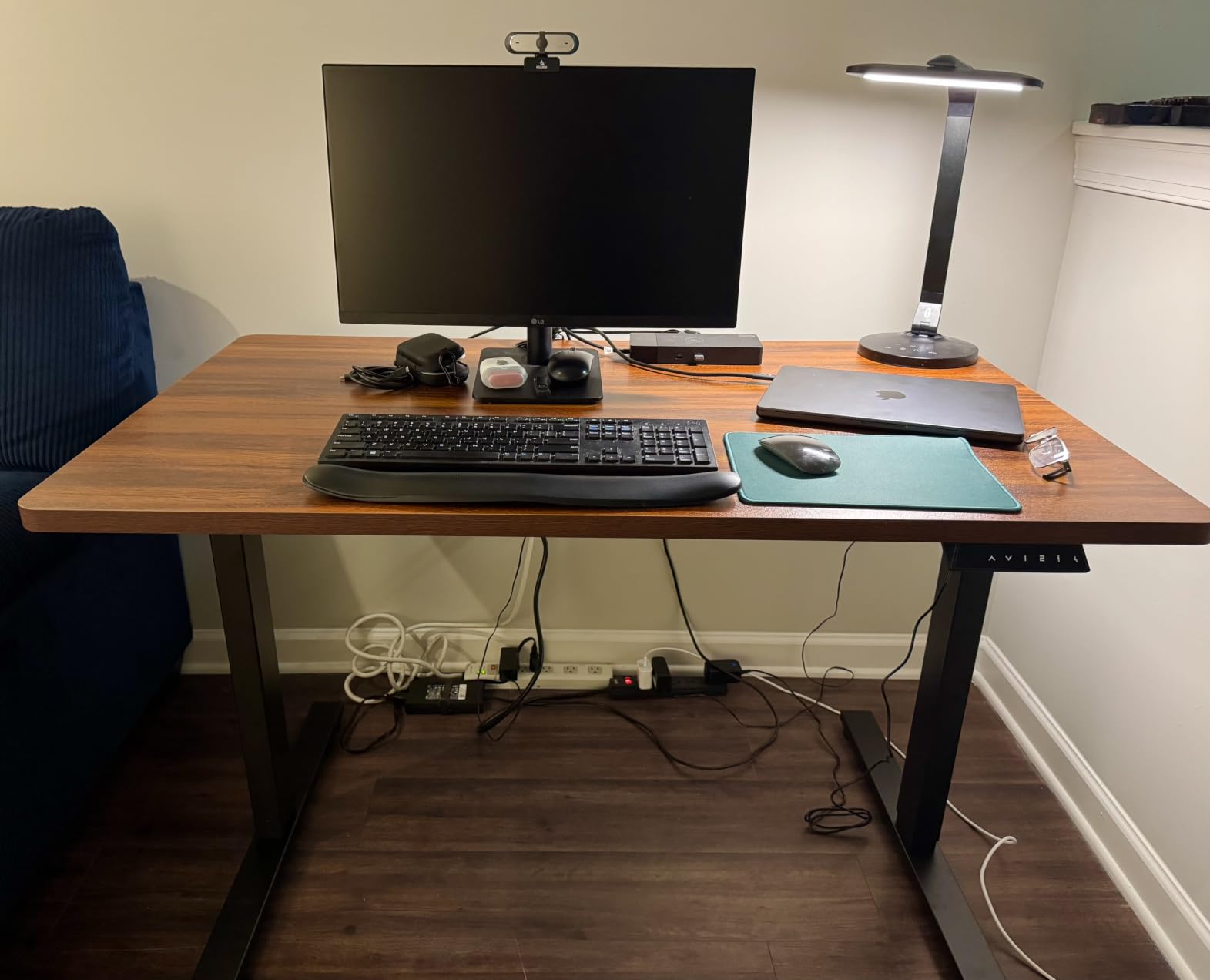
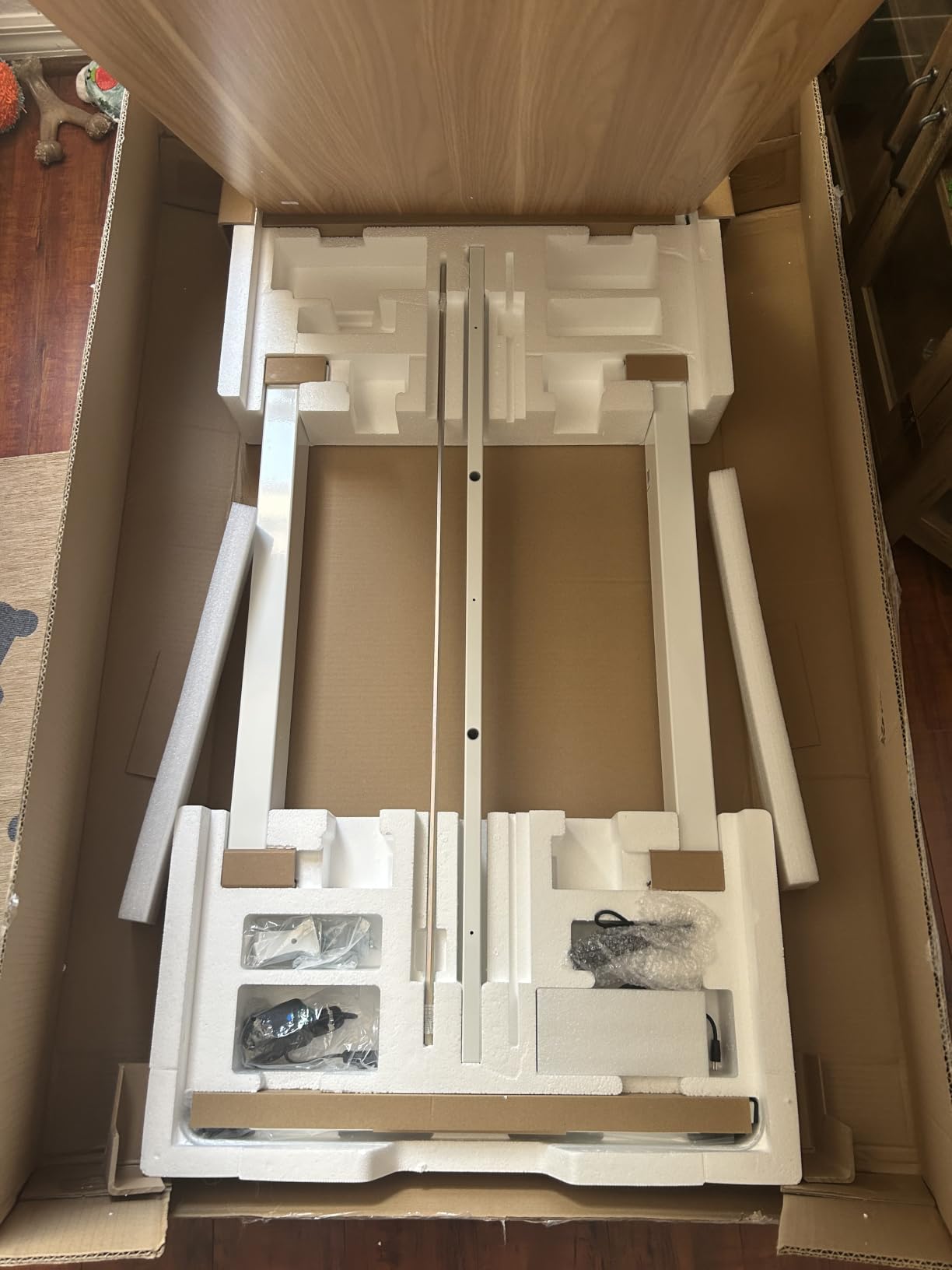
Assembly is the easiest in the group. The frame uses built-in alignment nubs and needs only a hex key, and the manufacturer rates it as a one-person build at 45 pounds total, which is light enough to flip and level alone on a floor.
The desk arrives without a cable tray, which means you will want an under-desk tray of your own once the monitor power strip and laptop charger are in play. Some owners also report damaged tabletops arriving, though the brand resolves these quickly through customer service.
Why the FlexiSpot EN1 is the value pick
The warranty is the reason. A five-year frame warranty on a desk in this tier means a failing motor or column is a solved problem rather than a write-off, and that risk is the main argument against buying cheap.
It also suits anyone who wants one desk that handles a full setup: monitor arm, laptop, and a tower on the floor. At 176 pounds there is real headroom, unlike the SHW.
Where the FlexiSpot EN1 falls short
The 48 by 24 inch footprint is compact, so a wide keyboard tray or a second monitor on a riser pushes to the edges. There is no drawer, no tray, and only a single headphone hook for organisation.
If your priority is a natural wood surface rather than a seamless one, our bamboo standing desk guide covers the material trade-offs in detail.
3. Claiks 48 x 24 Electric Standing Desk – Best Entry Pick
Claiks Electric Height Adjustable Standing Desk, 48×24 Inch, Rustic Brown
176 lb capacity
28.3-46.5 inch range
3 memory presets
0.75 inch top
Pros
- 176 lb capacity at the lowest tier price
- 0.75 inch top is thicker than most rivals
- Embedded screw holes simplify assembly
- Cable hub and headphone hook included
Cons
- Dual-panel top has a centre seam
- Only 3 memory presets
- No drawer or cable tray
The Claiks desk exists because the entry tier usually means a weak frame. This one holds 176 pounds, matching desks costing considerably more, and owners confirm the frame stays rigid through the full lift range.
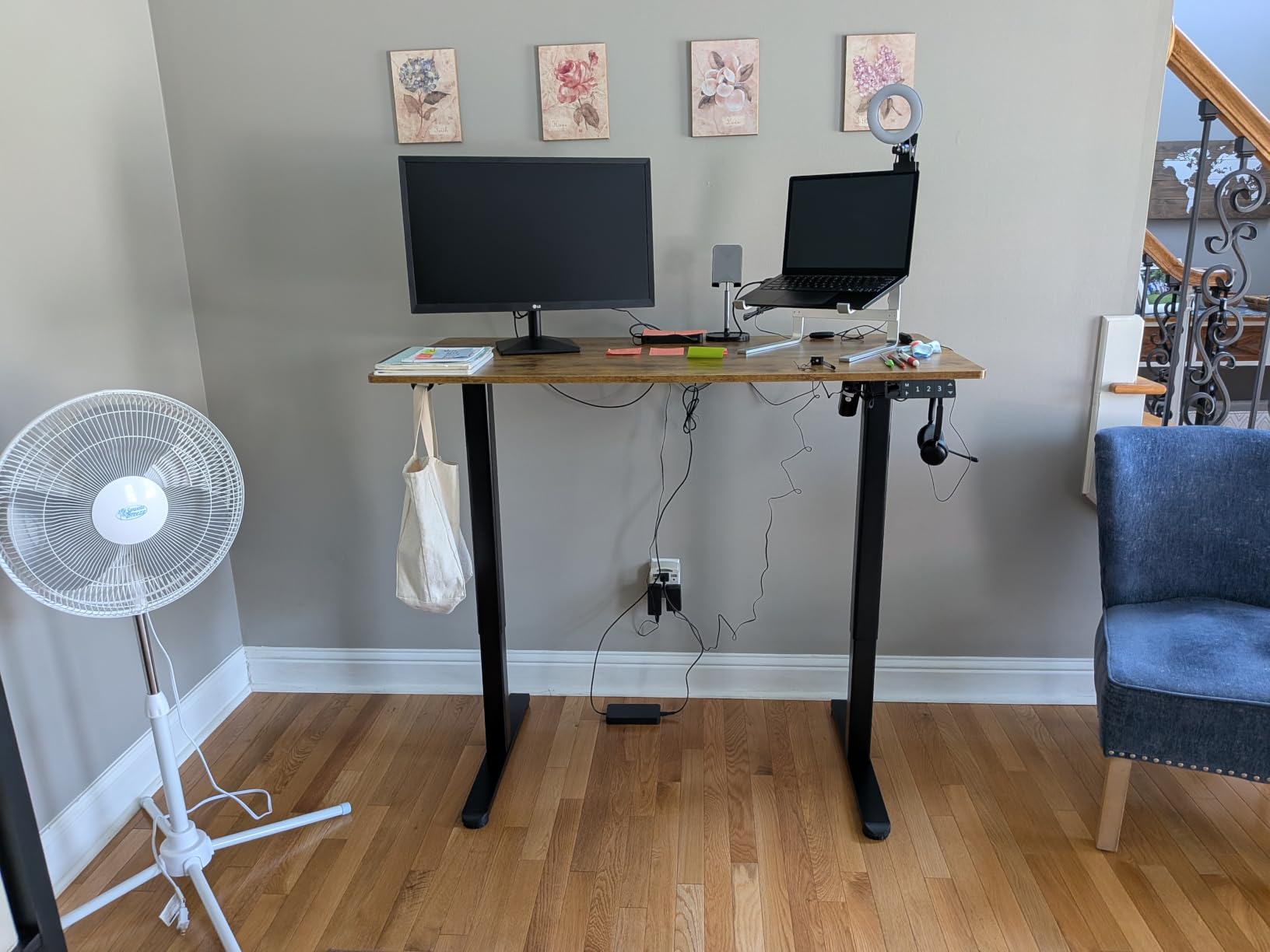
The top is 0.75 inches thick, which is one of the thicker surfaces in this group, and the rounded edges sit comfortably against a wrist during long typing sessions. Height runs 28.3 to 46.5 inches on three memory presets, with a cable management hub and headphone hook included.
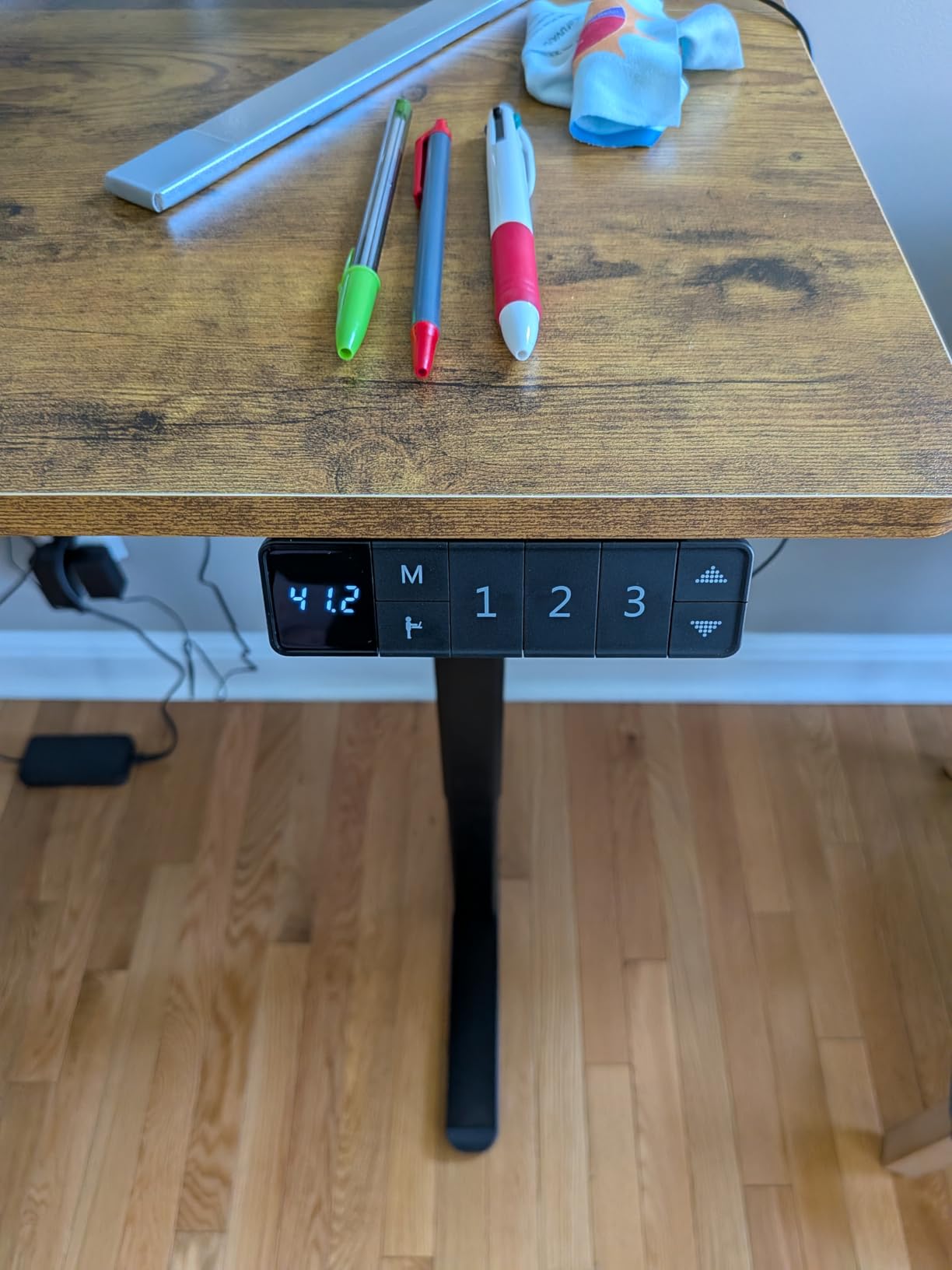
Assembly is friendlier than the manual suggests, because the screw holes are pre-embedded in the frame rather than marked for you to guess. A manual, installation video, and a wrench are in the box, and the whole desk weighs 41.4 pounds, which is manageable for two people.
The trade-offs are familiar at this level. The desktop is a dual-panel laminate, so there is a seam at the centre, and three presets is one fewer than the four offered by several rivals. There is no drawer and no under-desk tray.
Who the Claiks desk suits
It suits a first home office desk for a student or a new remote worker who wants electric height adjustment without paying for features they will not use. Three presets is plenty when you work at one seated height and one standing height.
It also works for a shared or occasional setup where the desk moves between rooms, since 41 pounds is one of the lighter frames here.
Who should skip the Claiks desk
Skip it if you type hard and fast, or use a laptop and external keyboard across a wide surface, because a laminated dual-panel top will feel springy compared with a one-piece design. Anyone who needs drawer storage should look at the HUANUO instead.
If you are around six foot tall, 46.5 inches is workable but not generous, so check your elbow height standing up before committing.
4. ErGear 48 x 24 Electric Standing Desk – Best for Longevity Testing
ErGear 48 X 24 Inch Height Adjustable Electric Standing Desk, Black
Tested 100000 lift cycles
176 lb capacity
4 memory presets
28.35-46.46 inch range
Pros
- Columns tested to 100000 lift cycles
- Quiet motor
- Low-VOC materials for indoor air
- Best seller in Home Office Desks
- Tool included for assembly
Cons
- No drawer or cable management tray
- Dual-panel desktop seam
- Only 3 selectable height positions
Motor longevity is the spec that separates this desk from its price peers. ErGear states the lifting columns are tested for 100,000 lift cycles, which at five changes a day is more than fifty years of theoretical use, and that claim sits alongside an owner base that stays positive after long ownership.
The frame is alloy steel with aerospace-grade columns and holds 176 pounds. Height runs 28.35 to 46.46 inches with four memory presets, and the low-VOC materials matter if you work in a small enclosed room and are sensitive to off-gassing from a new desk.
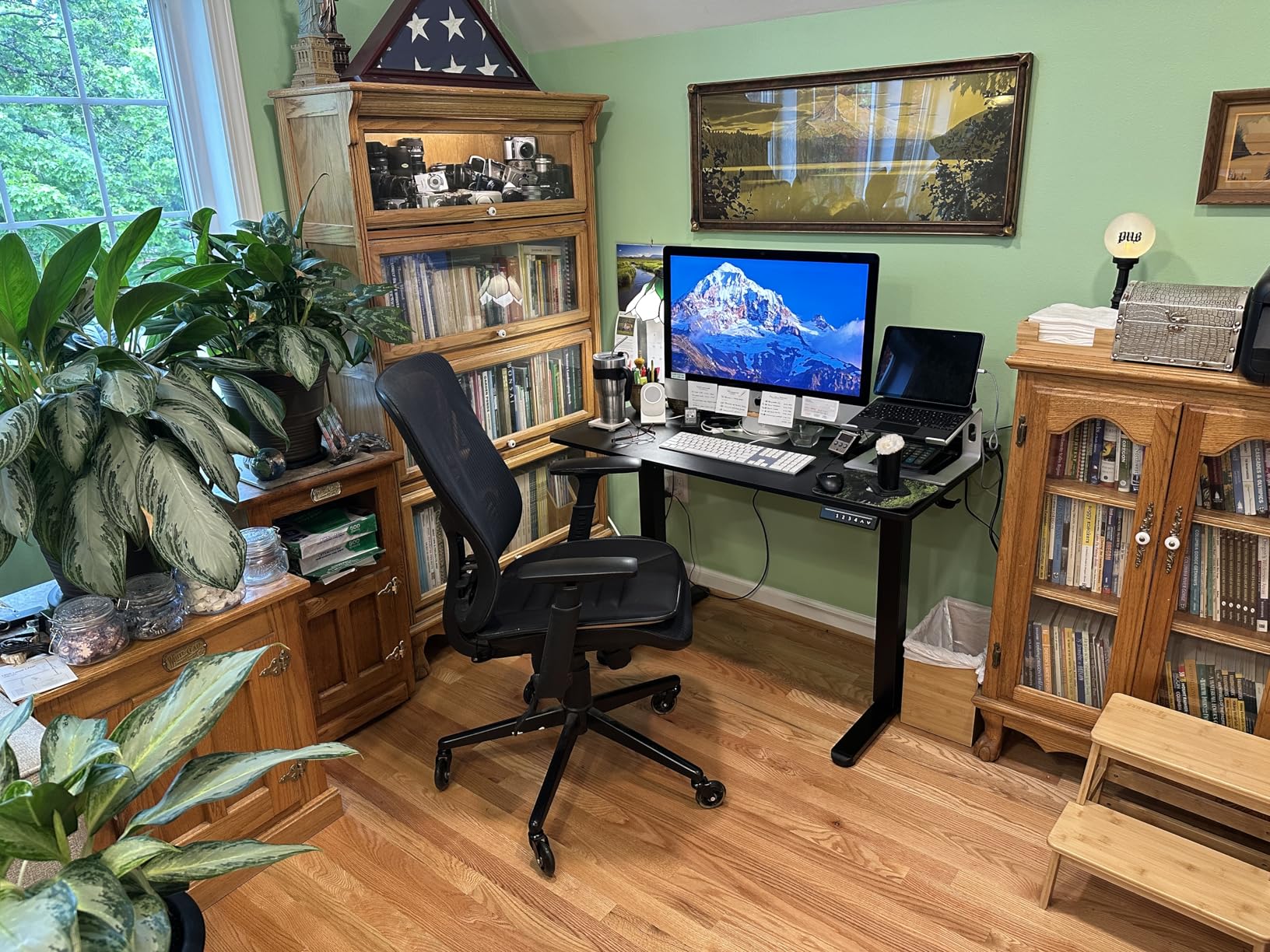
It is also the best-selling desk in the Home Office Desks category on Amazon, which means parts availability and troubleshooting guides are easier to find than for a smaller brand. Owners report it stays stable at maximum height even with two monitors.
The package is basic. You get the desk and a screwdriver, with no drawer, no cable tray, and a dual-panel laminate top that shows a seam. One oddity worth noting: the keypad offers four presets but three selectable height positions.
Who the ErGear desk suits
It suits anyone who plans to keep the desk for years rather than treat it as temporary furniture, because the tested cycle count and large installed base reduce the risk of a dead motor in year three. It also suits a dual-monitor home office on a tight budget.
Readers building a compact workspace should note the 48 by 24 inch top is one of the smaller surfaces here, so a large ultrawide monitor plus a keyboard tray will be snug.
Who should skip the ErGear desk
Skip it if cable management matters, because there is nothing included and the frame has no obvious tray mount points. It is also a poor fit for anyone who wants storage, since the desktop is a single open surface.
If you need the largest surface in the group, the Veken and SHW 55-inch desks give you roughly seven more inches of width.
5. FEZIBO 48 x 24 Electric Standing Desk – Best for Quiet Apartments
FEZIBO Standing Desk 48 × 24 Inch Electric Height Adjustable, Maple
Motor under 45 dB
176 lb capacity
FSC-certified wood
3 memory presets
Pros
- Motor specified under 45 dB
- FSC-certified wood surface
- 30 minute assembly with pre-assembled parts
- Zero wobble reported at full height
- 176 lb capacity
Cons
- Two-piece top with a seam
- Only hooks for storage
- Basic cable management
- Some shipping damage reports
If you share a wall with a neighbour or work in a studio apartment, motor noise is a legitimate buying criterion rather than a minor detail. The FEZIBO motor is specified at under 45 decibels, which puts it among the quietest frames in this group and below the 52 and 55 decibel figures most rivals claim.
The desktop is FSC-certified wood rather than laminate, which gives it a warmer finish and a slightly firmer feel under the hand. It holds 176 pounds and adjusts from 28.3 to 46.5 inches on three presets, with the motor tested to 50,000 lift cycles.
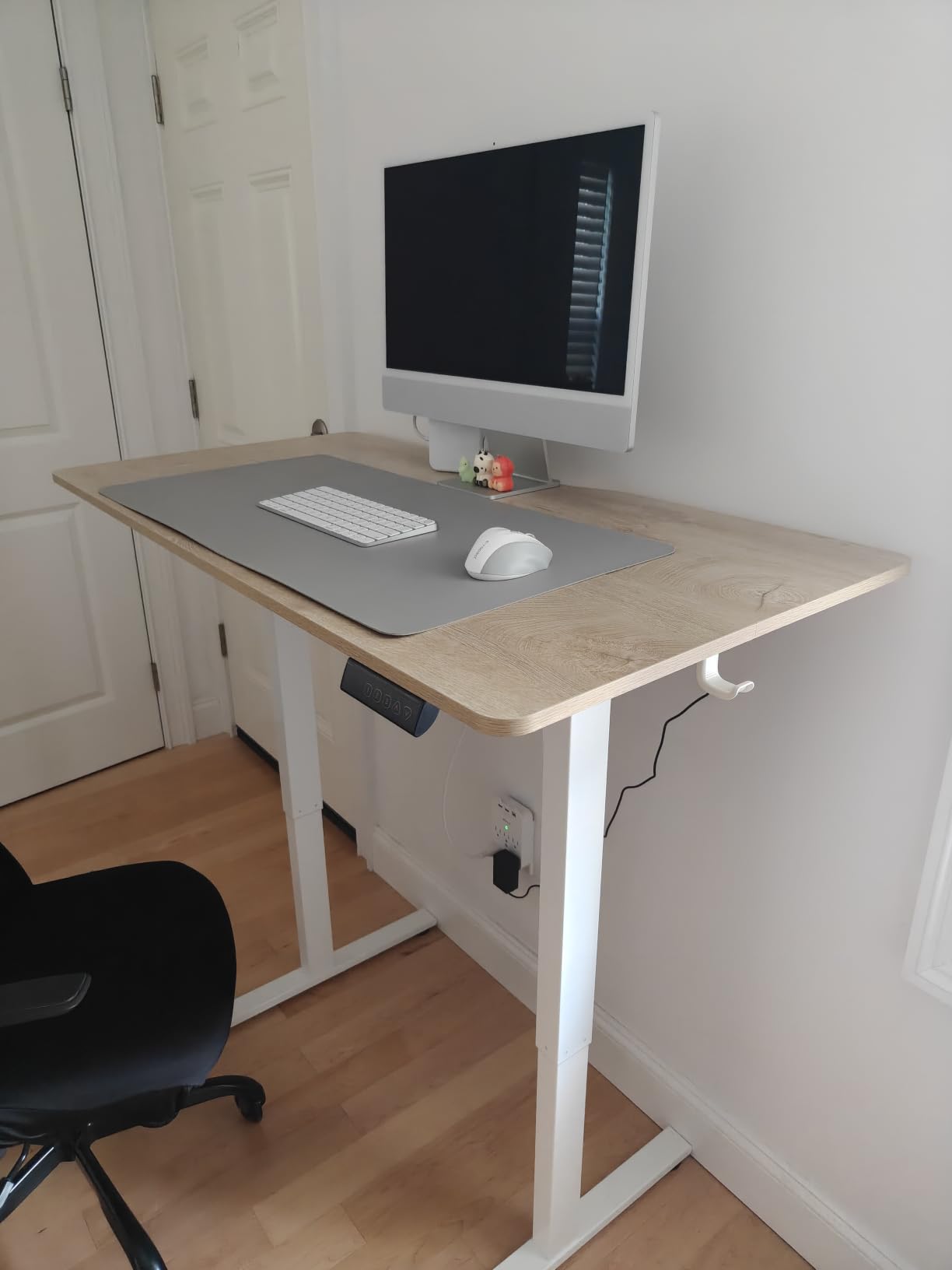
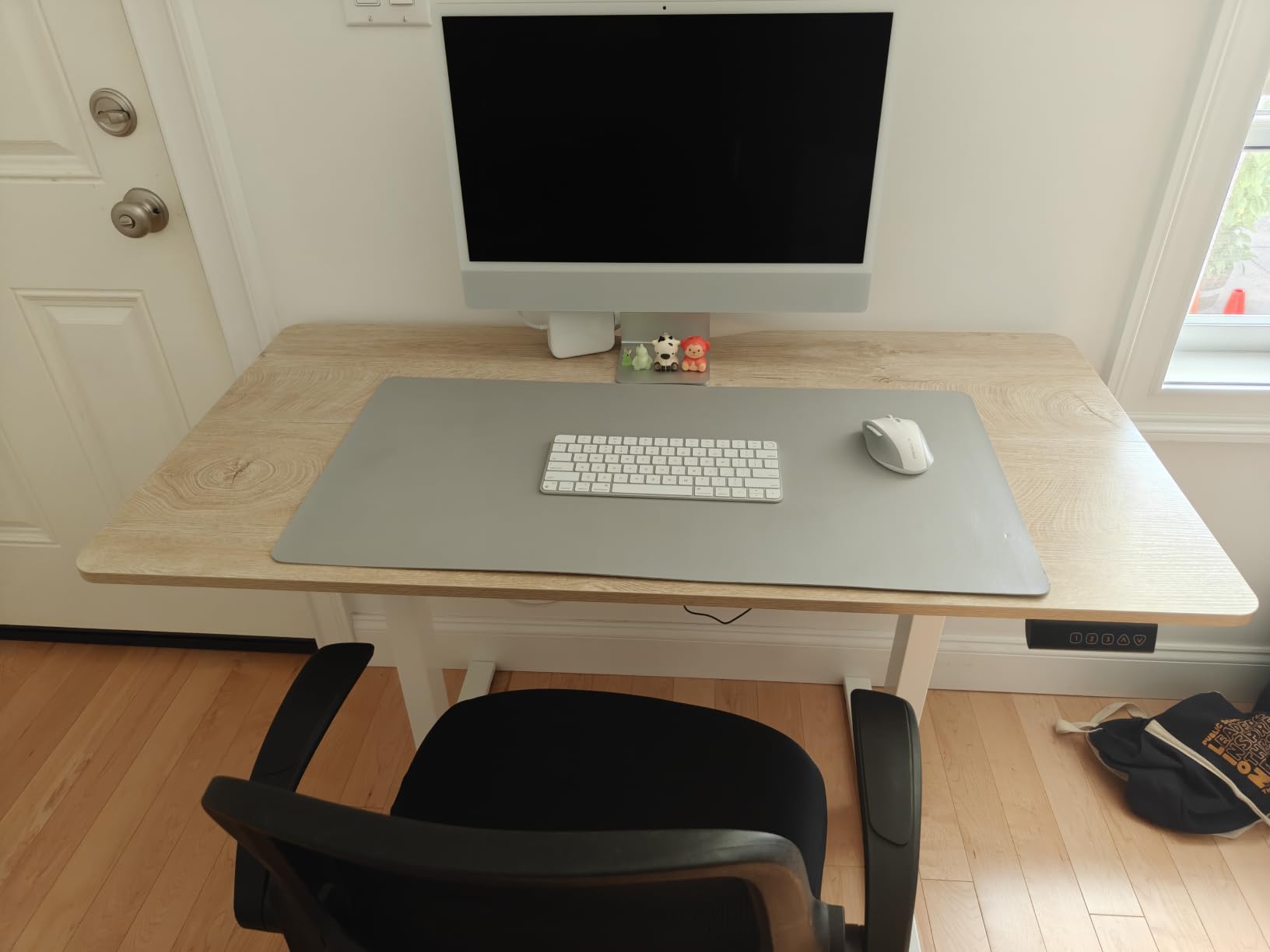
Owners report zero wobble at full standing height, which is the outcome you want from a 48-inch desk at 46 inches. Assembly takes around 30 minutes because the legs arrive pre-assembled, and the desk is one of the lighter units here.
The desktop is a two-piece splice with a centre seam, and there is no drawer or cable tray, only a pair of hooks. A handful of owners have reported damage on arrival, so inspect the corners and column welds before you build it.
Who the FEZIBO desk suits
It suits people in thin-walled apartments and anyone who takes video calls while a housemate sleeps nearby. The FSC-certified top also suits anyone who prefers a real wood surface to a printed laminate pattern.
If you only need one sitting height and one standing height, three presets cover the whole day without programming overhead.
Who should skip the FEZIBO desk
Skip it if you slide a laptop and mouse across the full surface every day, because the splice seam in the middle of the top will catch a wrist or a phone. Storage is limited to hooks, so there is nowhere for a keyboard, a charger, and a notebook to live.
Anyone setting up a multi-monitor arm arrangement should also check that the 48-inch width leaves room for the arm clamp.
6. CubiCubi Electric Standing Desk 48 x 24 – Best Rated by Owners
CubiCubi Electric Height Adjustable Standing Desk 48×24 Inch, Light Walnut
4.7 star owner rating
176 lb capacity
28.3-46.5 inch range
Scratch-resistant top
Pros
- Highest owner rating in this group at 4.7 stars
- Assembly takes 15 to 30 minutes with labeled parts
- All tools including an Allen key included
- Stable with dual monitors
- 176 lb capacity
Cons
- 0.6 inch top is the thinnest here
- Some bounce when typing fast
- Only 3 memory presets
- No drawer or cable tray
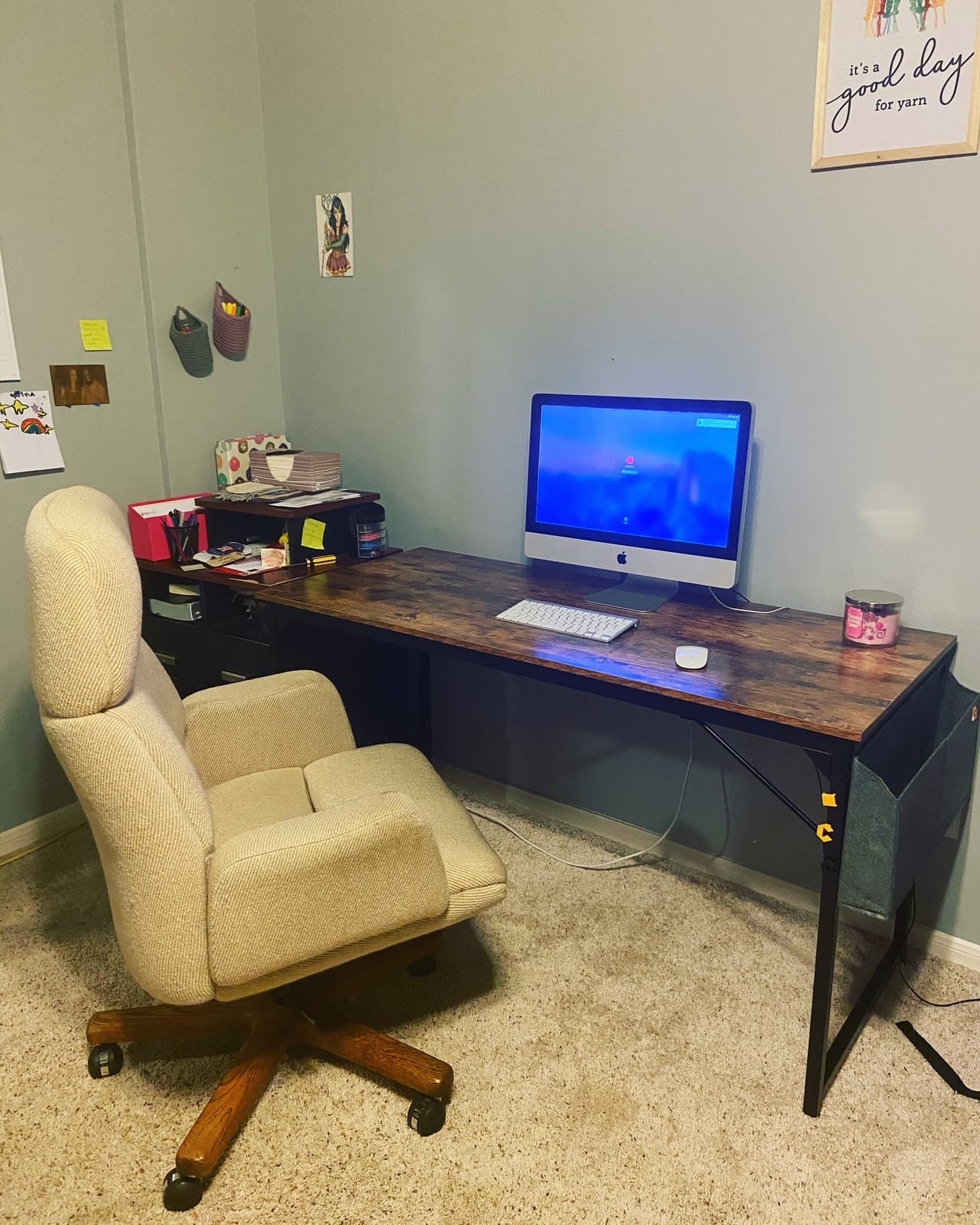
The CubiCubi holds the highest average owner rating of any desk in this guide at 4.7 stars, and the reason is unusually consistent: people like building it. Parts are labeled, an Allen key is included, and most owners finish in 15 to 30 minutes without needing a second person for the whole build.
Underneath, it is a competent frame. Alloy steel, 176 pounds of capacity, and a 28.3 to 46.5 inch range on three presets, with a scratch-resistant laminate surface that holds up to daily use better than a gloss finish would.
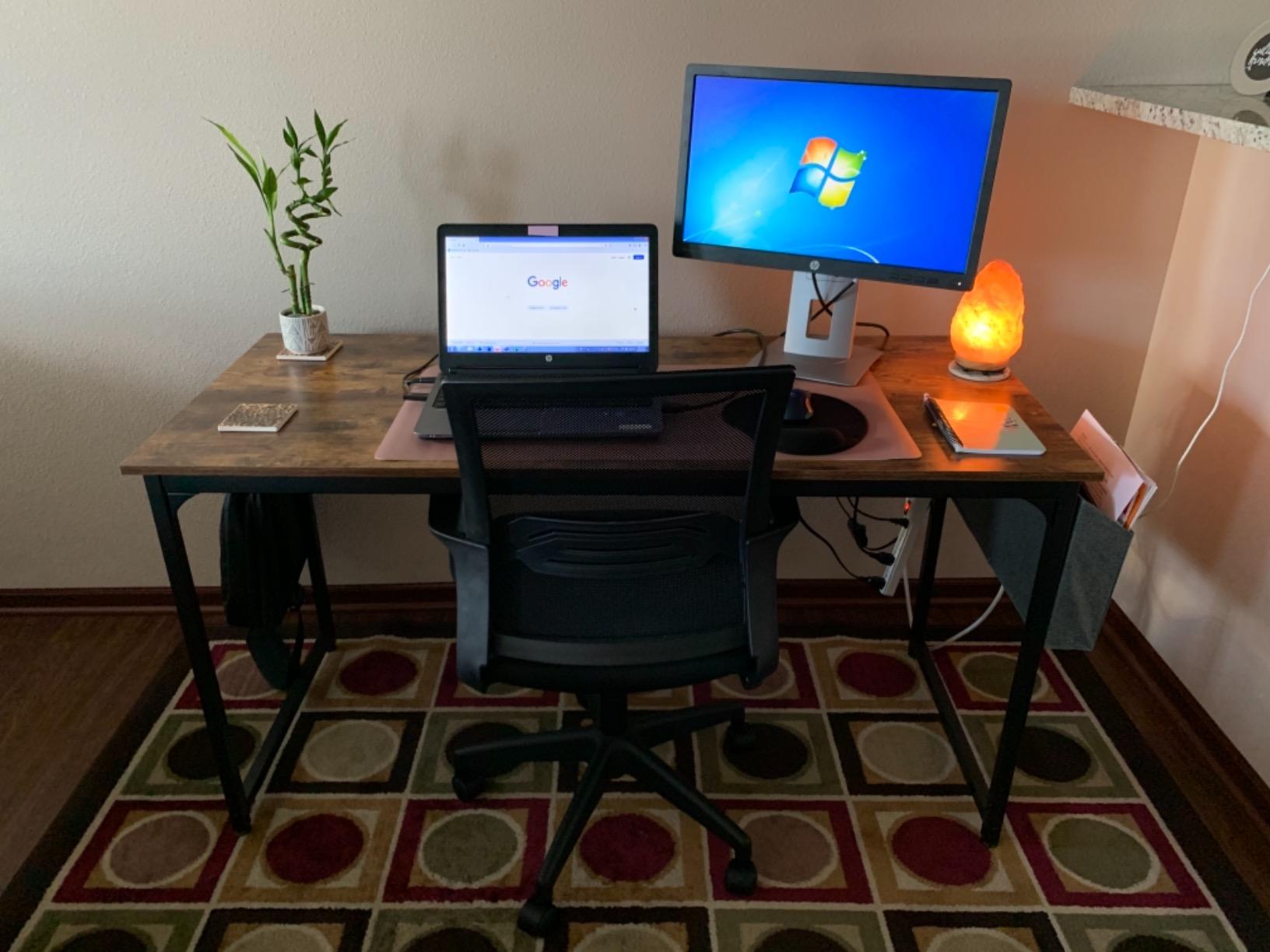
Stability holds up with two monitors, which is the standard test for this category, and the desk is rated well above its own price tier on build satisfaction rather than on headline specs.
The desktop is 0.6 inches thick, the thinnest in the group, and some owners notice bounce when typing aggressively with a full keyboard across the surface. There is no drawer and no cable tray, so plan on adding your own storage.
Who the CubiCubi desk suits
It suits anyone assembling a desk alone in an apartment where a second set of hands is not available. The labeled hardware is a real advantage if you have never assembled furniture before.
It also suits a study or homework setup where the desk gets moved between rooms, since the light frame and quick build make relocation simple.
Who should skip the CubiCubi desk
Skip it if you type hard for long stretches, because the thin top will feel springy under a mechanical keyboard. Anyone who needs organised storage should look at the HUANUO or AODK models instead.
The light walnut finish is a mid-brown tone that suits warm decor but reads plain against a white or monochrome room.
7. Veken 55 Inch Electric Standing Desk – Best for Wide Setups
Veken 55 Inch Large Electric Standing Desk, Gaming Table, White
55 x 23.6 inch top
154 lb capacity
28.3-46.5 inch range
4 memory presets
Pros
- Widest desktop in the group
- Built-in cable management
- Quiet motor under 52 dB
- 4 memory presets
- 2 year warranty
- 10 to 30 minute assembly
Cons
- 154 lb capacity is lower than most rivals
- 23.6 inch depth is shallow
- Two-piece desktop with a seam
- Industrial styling
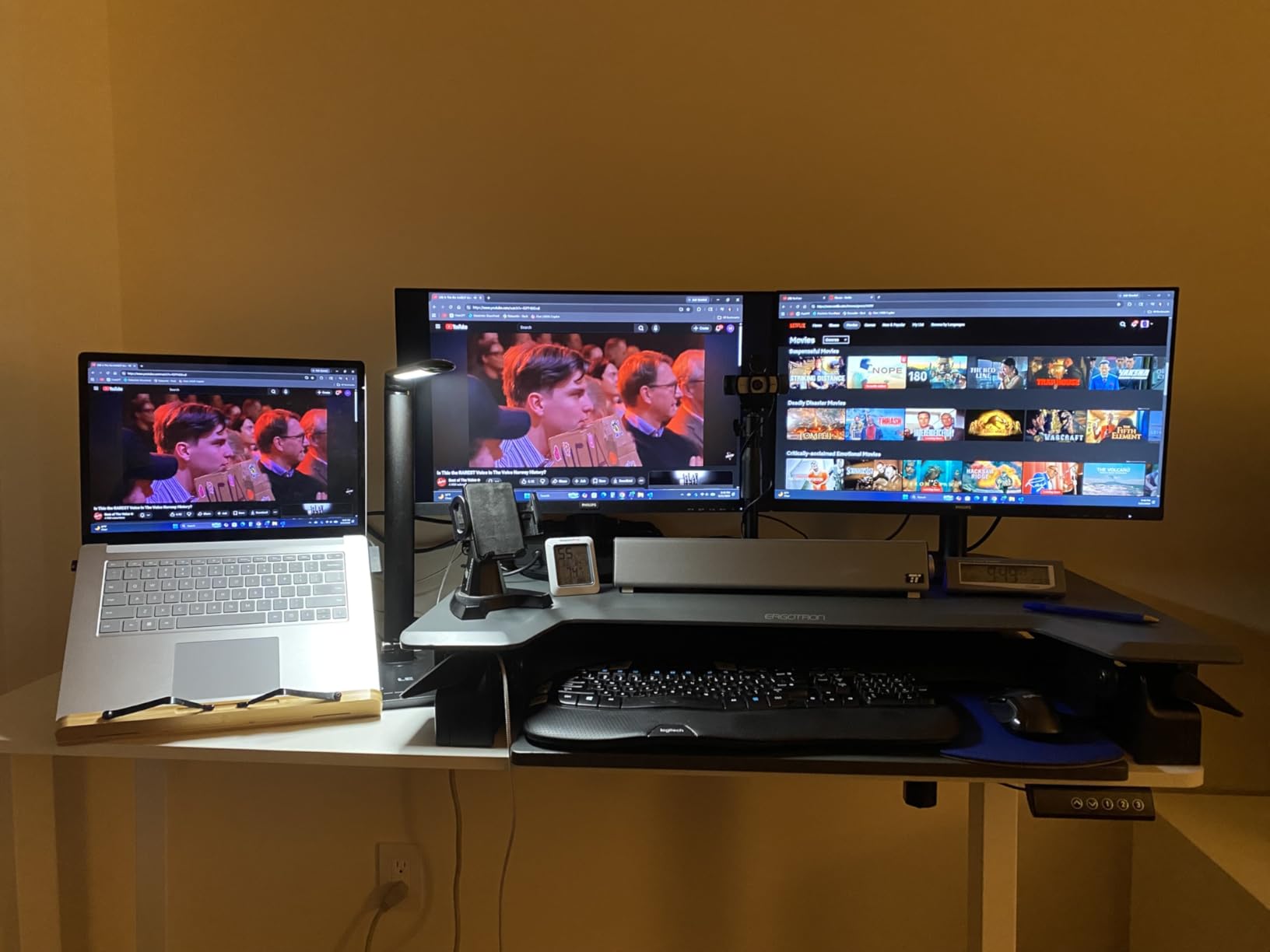
Width is the reason to look at the Veken. At 55 inches it matches the SHW for surface width while adding built-in cable management, and it sits at the top of Amazon’s Utility Tables category, which is where multi-screen buyers tend to land.
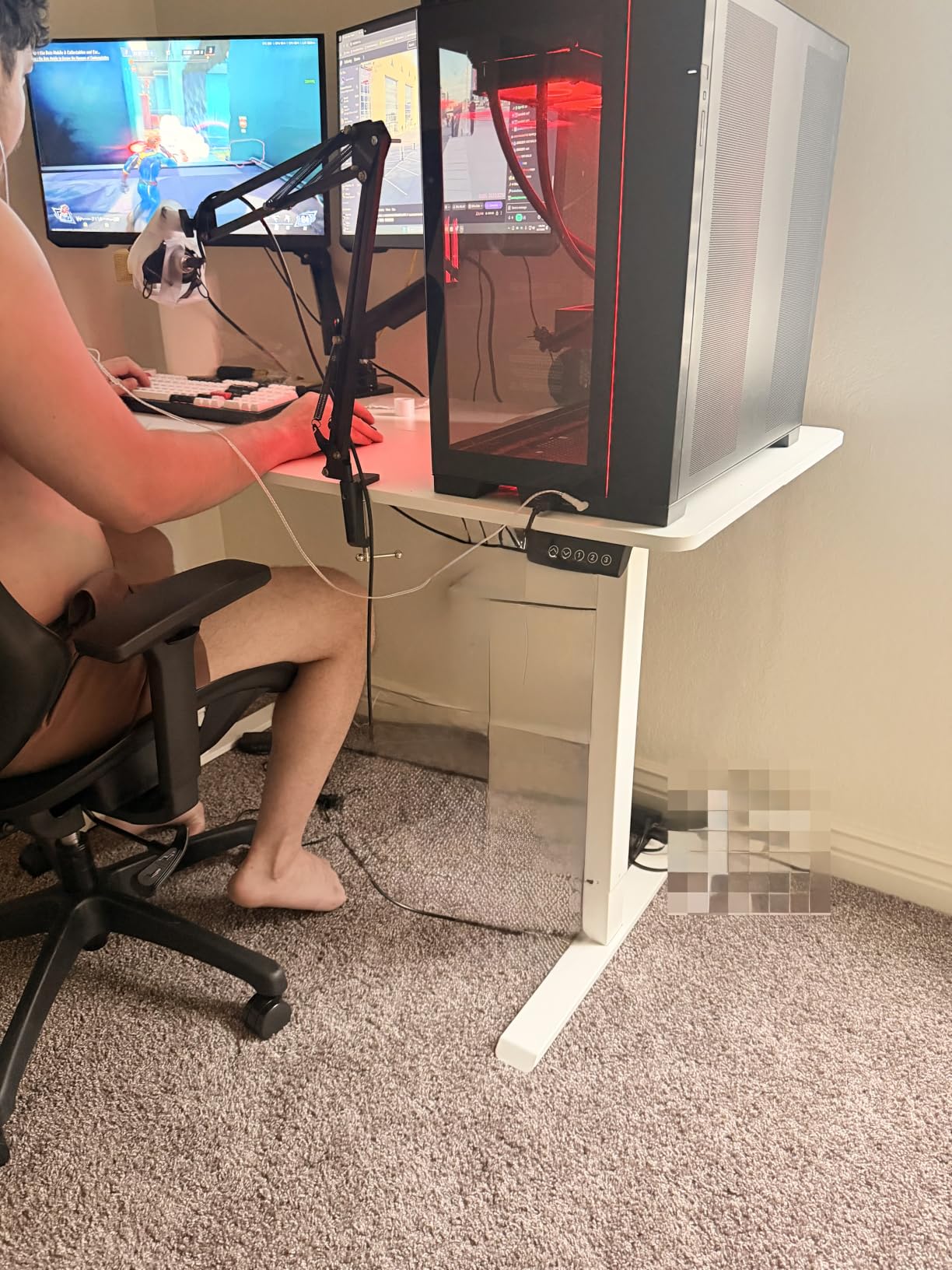
The frame is stainless steel with carbon steel legs and supports 154 pounds, which is enough for dual monitors and a laptop but leaves less headroom than the 176-pound frames. Height runs 28.3 to 46.5 inches on four presets, and the motor is specified under 52 decibels.
Assembly is reported at 10 to 30 minutes, one of the quicker builds here, with feet pads, cable clips, and two headphone hooks in the box. A two-year warranty is shorter than the five years on the FlexiSpot but longer than the bare-minimum coverage most brands here offer.
The depth is only 23.6 inches, so a full-size keyboard sits close to the front edge. The desktop is two pieces with a seam, and the industrial white styling reads utilitarian rather than domestic.
Who the Veken desk suits
It suits a dual-monitor home office where screen width matters more than desktop depth, and it suits anyone who wants cable management included rather than added later. Owners frequently pair it with a monitor riser to use the width fully.
It also works well for a shared hot desk in a home office that two people alternate between, since four presets let you store both sitting heights.
Who should skip the Veken desk
Skip it if you use a full-size desk mat, a deep keyboard tray, or a large audio interface, because 23.6 inches of depth is tight. A 154-pound limit is also restrictive for a setup with a tower and multiple arms.
If your floor is uneven, the adjustable levellers are not a listed feature here, so plan on shimming the feet rather than relying on the frame.
8. HUANUO 48 x 24 Standing Desk with 2 Drawers – Best for Storage
HUANUO 48″ x 24″ Electric Standing Desk with 2 Drawers, C-Clamp Mount Compatible, Height Adjustable Computer Desk, Home Office Stand Up Desk with 4 Preset Heights & 2 Hooks, Black
Two built-in drawers
27.5-46.4 inch range
176 lb capacity
4 memory presets
Pros
- Two drawers plus an open cubicle
- C-clamp monitor mount compatible
- Lowest minimum height at 27.5 inches
- 176 lb capacity
- Curved ergonomic edges
Cons
- Basic drawer glide mechanism
- Assembly takes two people
- Drawers eat usable leg and knee space
If you have ever searched for a sub-500-dollar desk with drawers and found almost nothing, this is the exception. The HUANUO carries two built-in drawers plus an open storage cubicle, which is more organised storage than most desks costing twice as much.
It also has the lowest minimum height in this entire group at 27.5 inches, making it the most accessible option for shorter users who get locked out by desks that stop at 28 or 29 inches. Maximum height is 46.4 inches with 176 pounds of capacity on four presets.
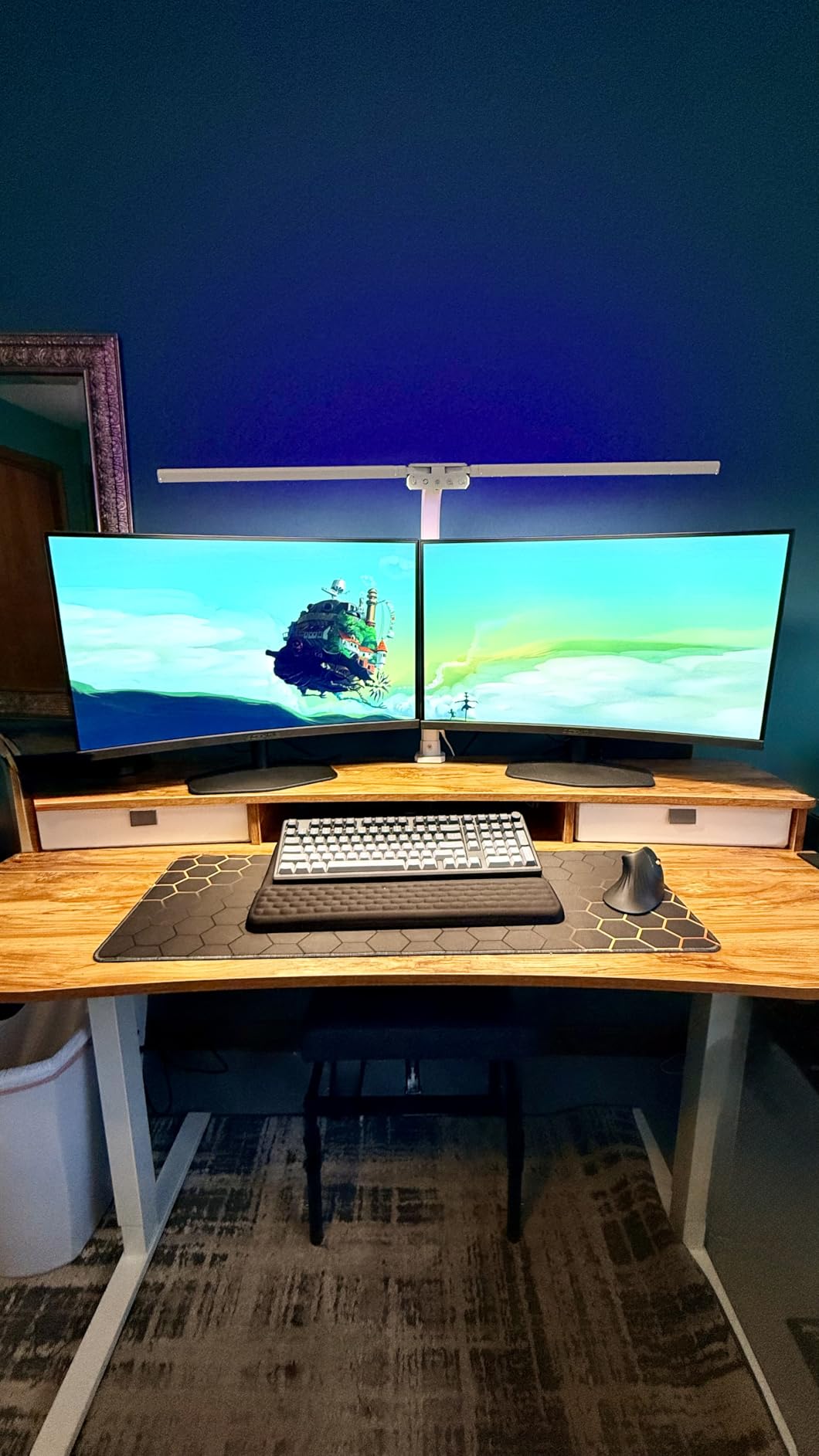
The rear platform edge extends 2.36 inches, so a C-clamp monitor arm mounts directly without a separate bracket. That is a genuine advantage for anyone rearranging their setup around a single ultrawide screen, and our monitor stand guide covers the alternatives if you prefer a riser.
The frame is automotive-grade cold-rolled steel with curved edges on the top, and the drawer glides are basic rather than ball-bearing, so the drawers will feel lighter over time. The manufacturer rates assembly as a two-person build.
Who the HUANUO desk suits
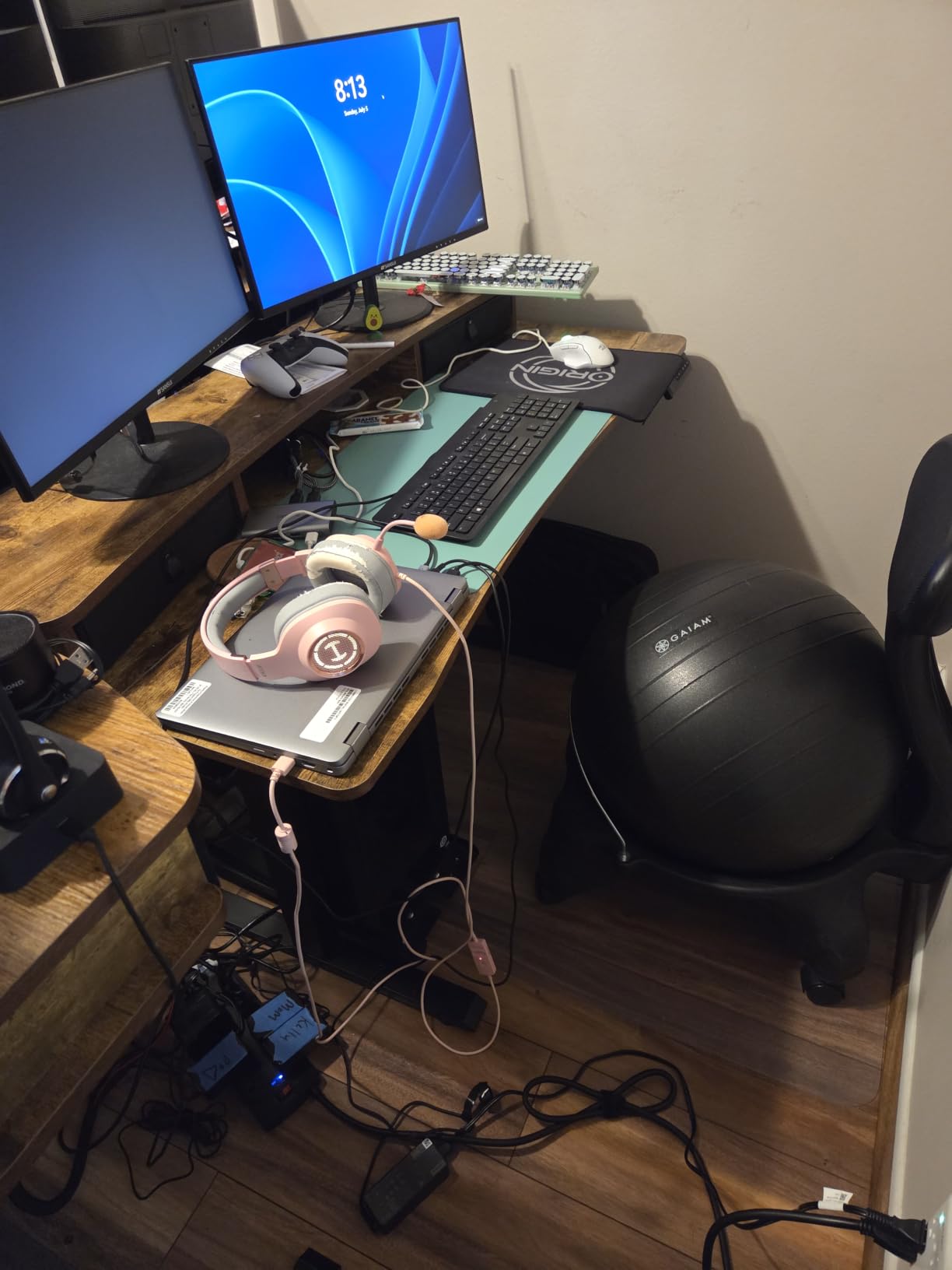
It suits a home office where paperwork, chargers, and a headset all need a home, and it suits shorter users who have been disappointed by minimum heights elsewhere. The C-clamp compatibility also makes it the pick for a single-ultrawide workstation.
Anyone who needs real filing capacity should know the drawers are storage-sized, not file-sized.
Who should skip the HUANUO desk
Skip it if you need wide knee clearance, because the drawer housing narrows the space under the desktop and you will find your knees meeting a drawer front at seated height. The glides are also the first thing likely to feel loose after a couple of years.
It has a smaller review base than most desks here, so long-term reliability reports are thinner.
9. COMHOMA 48 x 24 Sit Stand Desk with Monitor Stand – Best Ergonomic Setup
COMHOMA Electric Standing Desk with Drawers, 48 x 24” Sit Stand up Desk with Monitor Stand, Laptop Stand, Height Adjustable Ergonomic Home Office Computer Desk with Memory Preset Controller
1 inch thick top
28.3-48 inch range
176 lb capacity
Monitor and laptop stands
Pros
- Tallest range in the group at 48 inches
- 1 inch thick FSC-certified wood top
- Integrated monitor shelf and laptop stand
- Utility drawer with ball bearing glide
- Two side hooks
Cons
- Assembly reported at 2 to 3 hours
- Only 3 memory presets
- Lift columns need precise leveling
- Heaviest of the 48 inch desks at 59 pounds
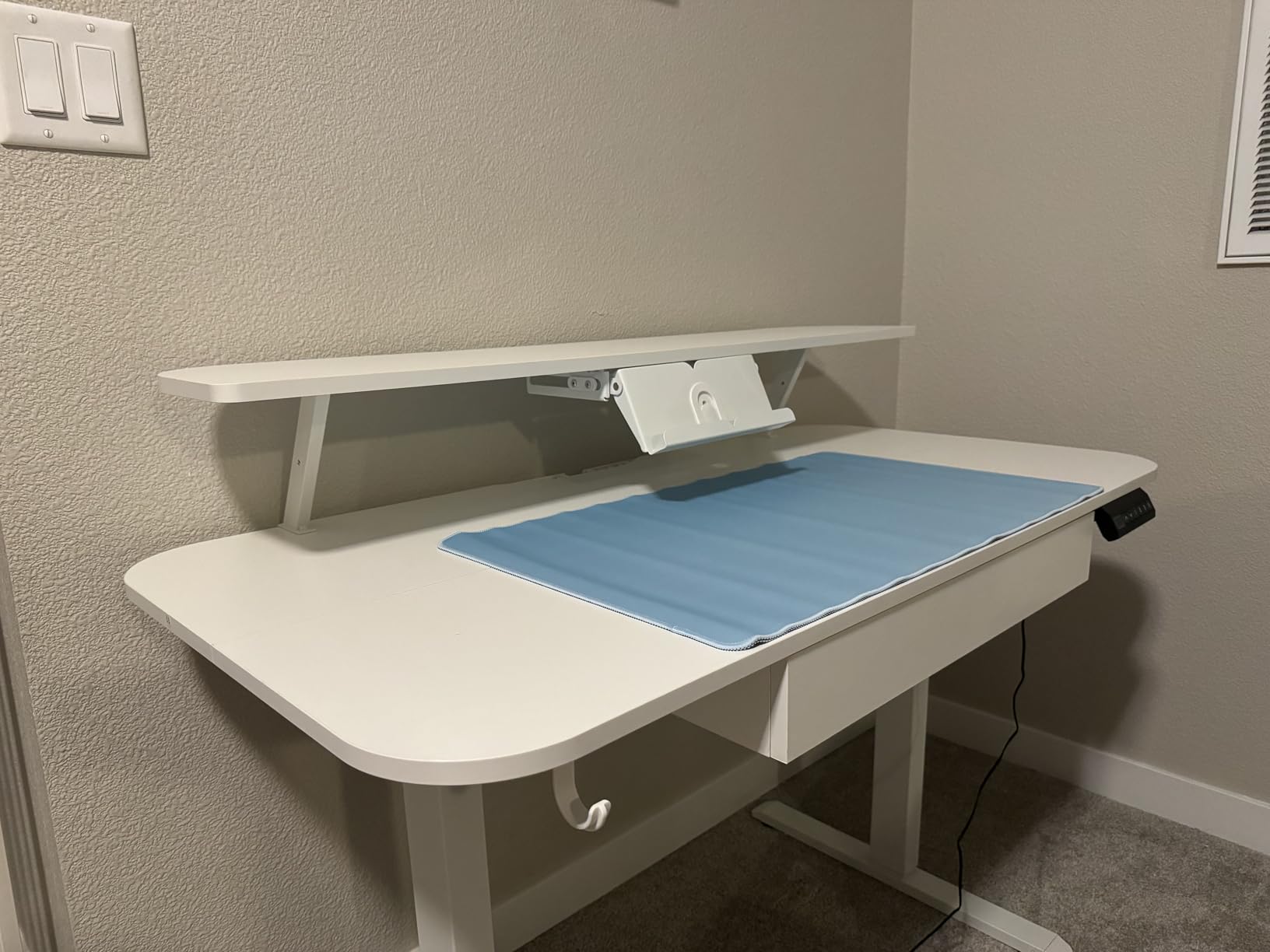
The COMHOMA is the most ergonomically pre-loaded desk in this group. A built-in monitor shelf lifts your screen to eye level and an adjustable laptop stand raises your second screen, so you can run a proper two-screen arrangement without buying risers separately.
It also reaches 48 inches at full extension, the tallest maximum here, which matters if you are over six foot and want the keyboard at elbow height rather than at chest height. Capacity is 176 pounds, and the top is a full inch thick FSC-certified wood, which resists flex far better than a 0.6 inch laminate.
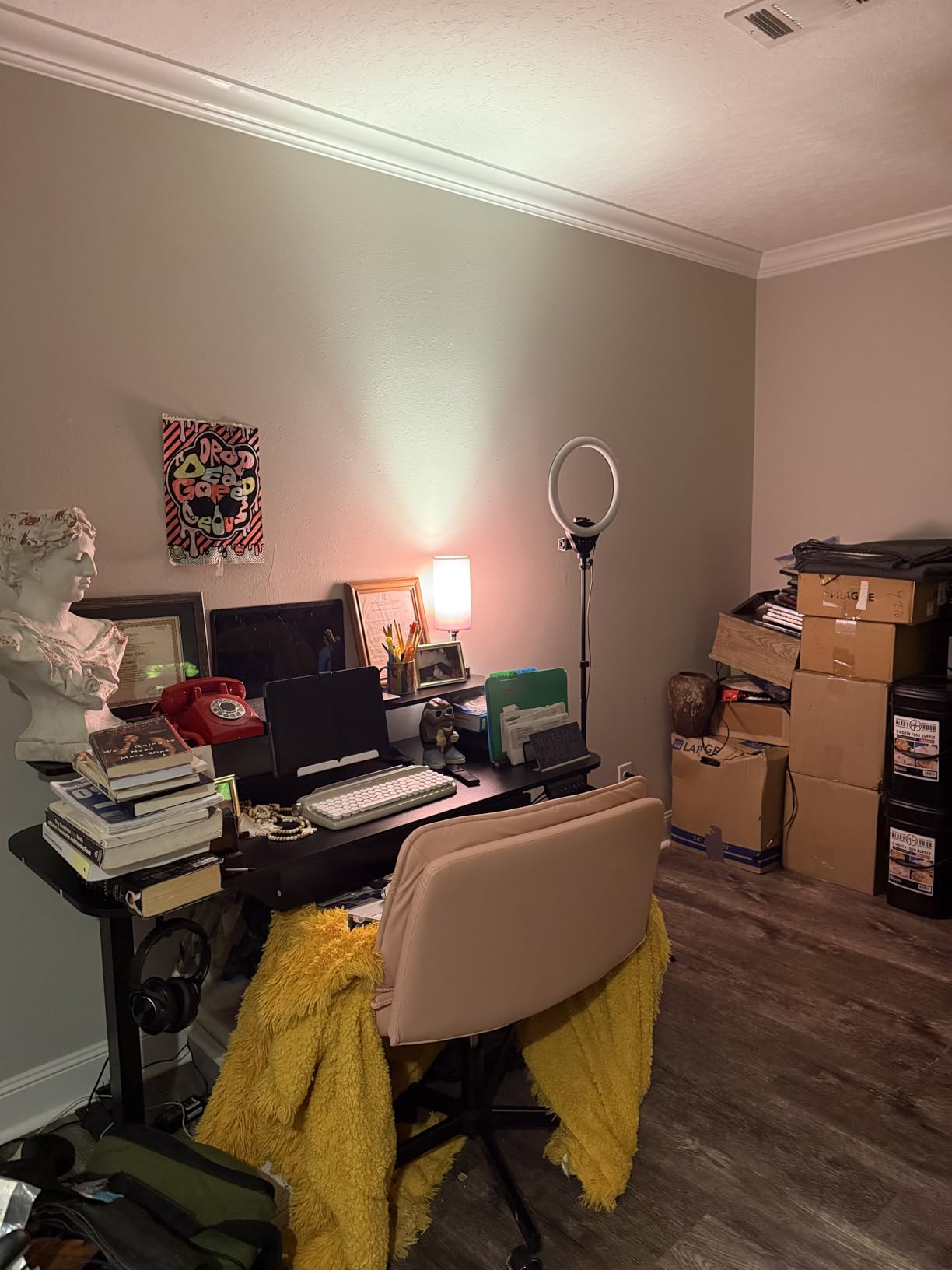
Storage includes a pull-out utility drawer on ball-bearing glides, desktop shelves, and two side hooks. Owners single out the customer service here as noticeably responsive when something arrives imperfect.
Assembly is the real cost. Owners report two to three hours, and the lift columns must be precisely levelled before the desktop will sit flat. The motor runs under 55 decibels, and there are three memory presets.
Who the COMHOMA desk suits
It suits taller users and anyone running a laptop plus a separate monitor, because the integrated stands remove the most common ergonomic compromise in a home office. The thick top also suits people who type firmly and notice flex.
If you enjoy building furniture or can book an afternoon for it, the assembly time is not a blocker.
Who should skip the COMHOMA desk
Skip it if you are assembling it alone in an evening, because a two to three hour build with levelling steps will test patience. Anyone shorter than about five foot four should also check the 28.3 inch minimum against their seated elbow height.
Three presets is limiting for households sharing one desk at different heights.
10. AODK 55 Inch Standing Desk with Drawers and Keyboard Tray – Best for Power and Lighting
AODK 55 Inch Standing Desk with Drawers & Keyboard Tray, Rustic Brown
3 outlets plus 2 USB ports
29.9-46.1 inch range
154 lb capacity
2 drawers and keyboard tray
Pros
- Built-in power outlet with 3 sockets and 2 USB ports
- LED lighting with 20 modes
- Two fabric drawers plus a keyboard tray
- Full-size monitor shelf
- Hidden rear cable tray
Cons
- Highest minimum height at 29.9 inch
- Some wobble reported at standing height
- Assembly reported at 2 to 4 hours
- Keyboard tray can run stiff
Nothing else in this tier puts a power strip inside the desk. The AODK has three outlets and two USB ports built into the frame, plus LED lighting with twenty modes, which means no brick-sized adapter hanging under the desktop and no dark undersides at night.
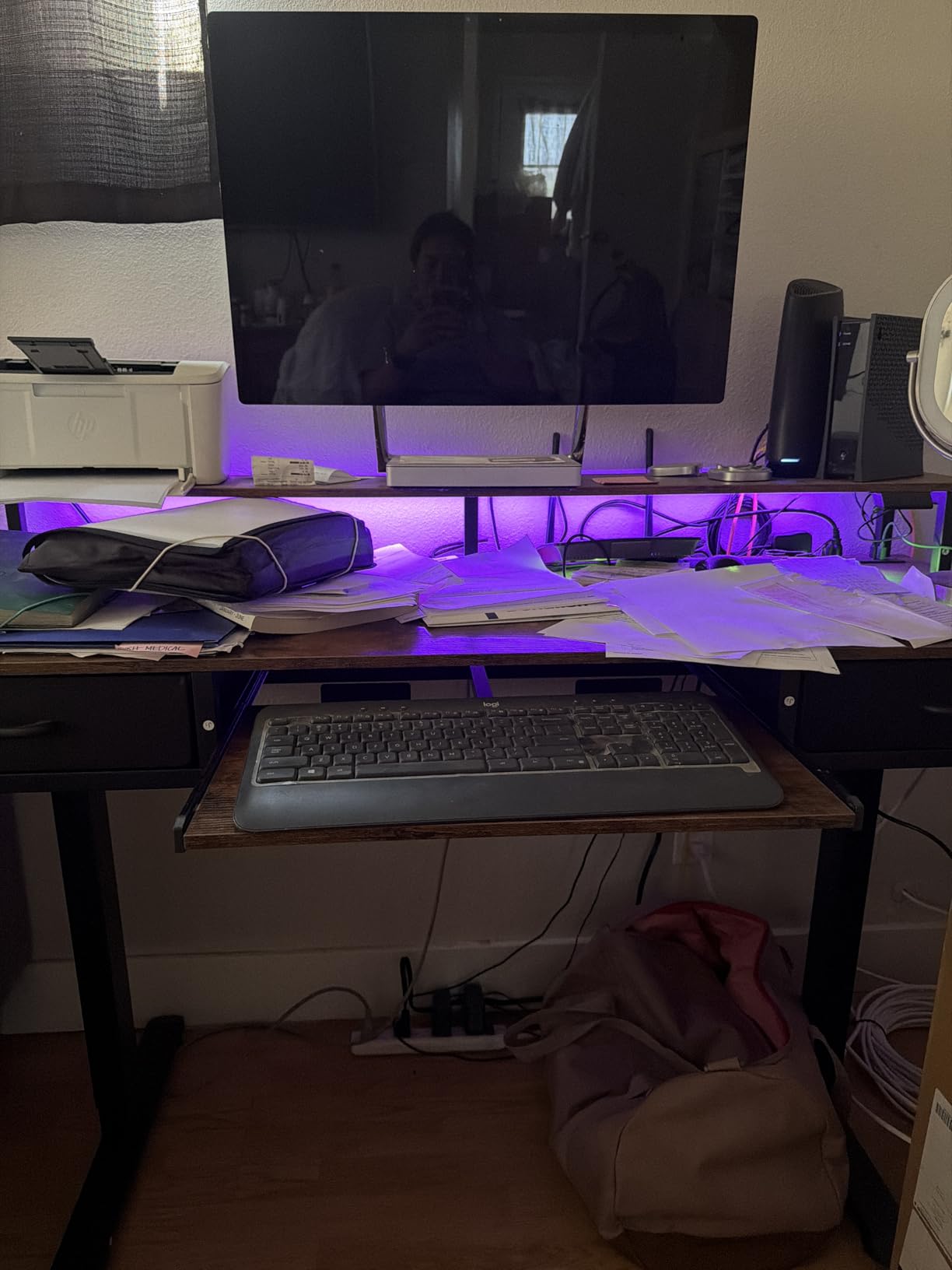
Storage is unusually complete: two fabric drawers, a pull-out keyboard tray, a full-size monitor shelf, and a hidden rear cable management tray. The 55-inch width leaves room for a wide keyboard tray and dual monitors at the same time.
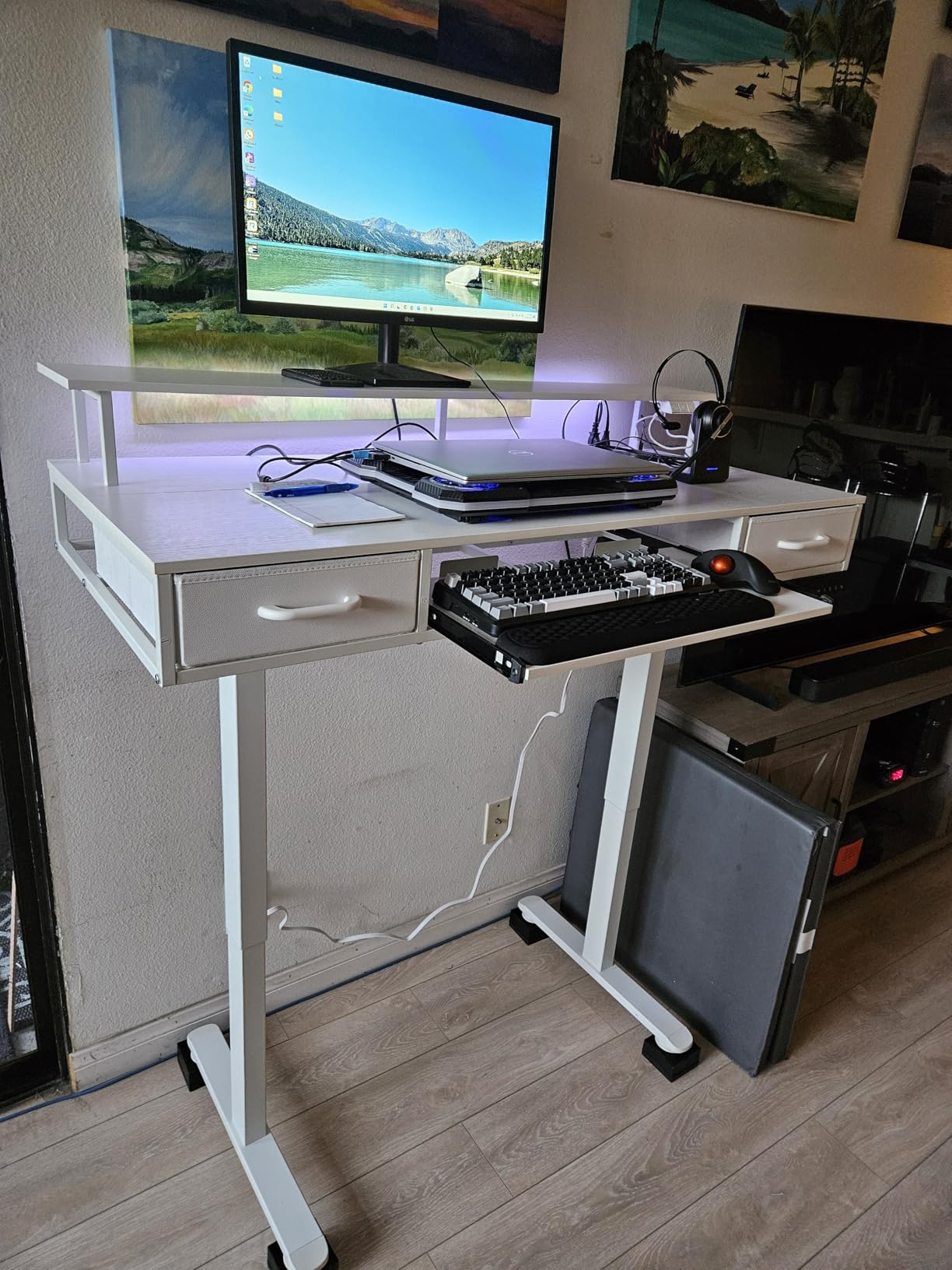
The catch list is longer than the feature list. Minimum height is 29.9 inches, the highest in the group, which locks out anyone under roughly five foot six. Capacity is 154 pounds, and some owners report wobble at full standing height.
Assembly is reported at two to four hours, the longest build here, and the keyboard tray can run stiff until it is adjusted. It is also the heaviest unit at 65.1 pounds, so plan the floor space accordingly.
Who the AODK desk suits
It suits a home office where device charging is constant, since the built-in outlets remove the extension cord and power brick entirely. It also suits anyone who wants drawers, a keyboard tray, and lighting without buying three accessories.
The hidden cable tray is a genuine advantage for anyone who tidies up at the end of the day, because the wires are routed out of sight rather than bundled.
Who should skip the AODK desk
Skip it if you are shorter than five foot six. A 29.9 inch minimum is effectively the standing-desk equivalent of being too tall for a car seat, and no amount of adjusting will solve it. The reported wobble at standing height also makes it a poor pairing with a heavy monitor arm.
The four to six hour assembly commitment is real, so budget the time before the box arrives.
11. Acrolix L Shaped Electric Standing Desk 59 x 40 – Best Corner Workspace
Acrolix L Shaped Electric Standing Desk,59×40 Reversible,Rustic Brown
59 x 40 inch L shape
176 lb capacity
28.3-46.4 inch range
Dual crossbar frame
Pros
- Reversible L shape installs on either side
- Dual-crossbar frame resists wobble
- Quiet motor under 45 dB
- 0.8 inch top
- 176 lb capacity
- Largest workspace area here
Cons
- Heaviest at 66 pounds
- No drawers at all
- Takes a full corner to fit
- Only 3 memory presets
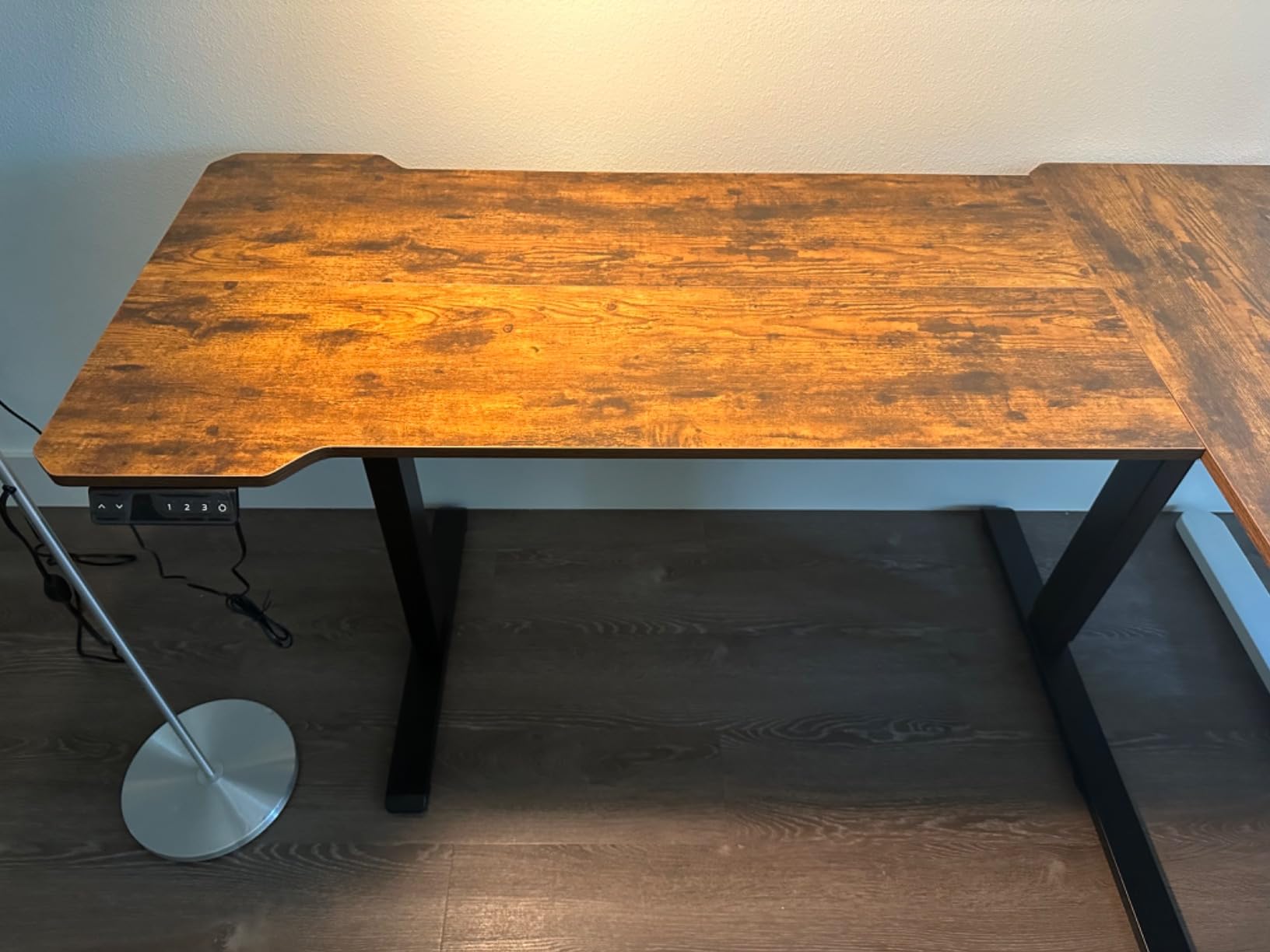
This is the only corner desk in the group and the only one that solves a triple-monitor problem under the ceiling. At 59 by 40 inches it gives you roughly twice the surface of a 48-inch desk, and the L shape reverses so you can mount the long side on either side of your room.
Stability is the strong suit. The dual-crossbar frame is a rarity at this price and is the reason owners report minimal wobble despite a 0.8 inch thick top and a 66-pound overall weight. The motor runs under 45 decibels and the frame holds 176 pounds.
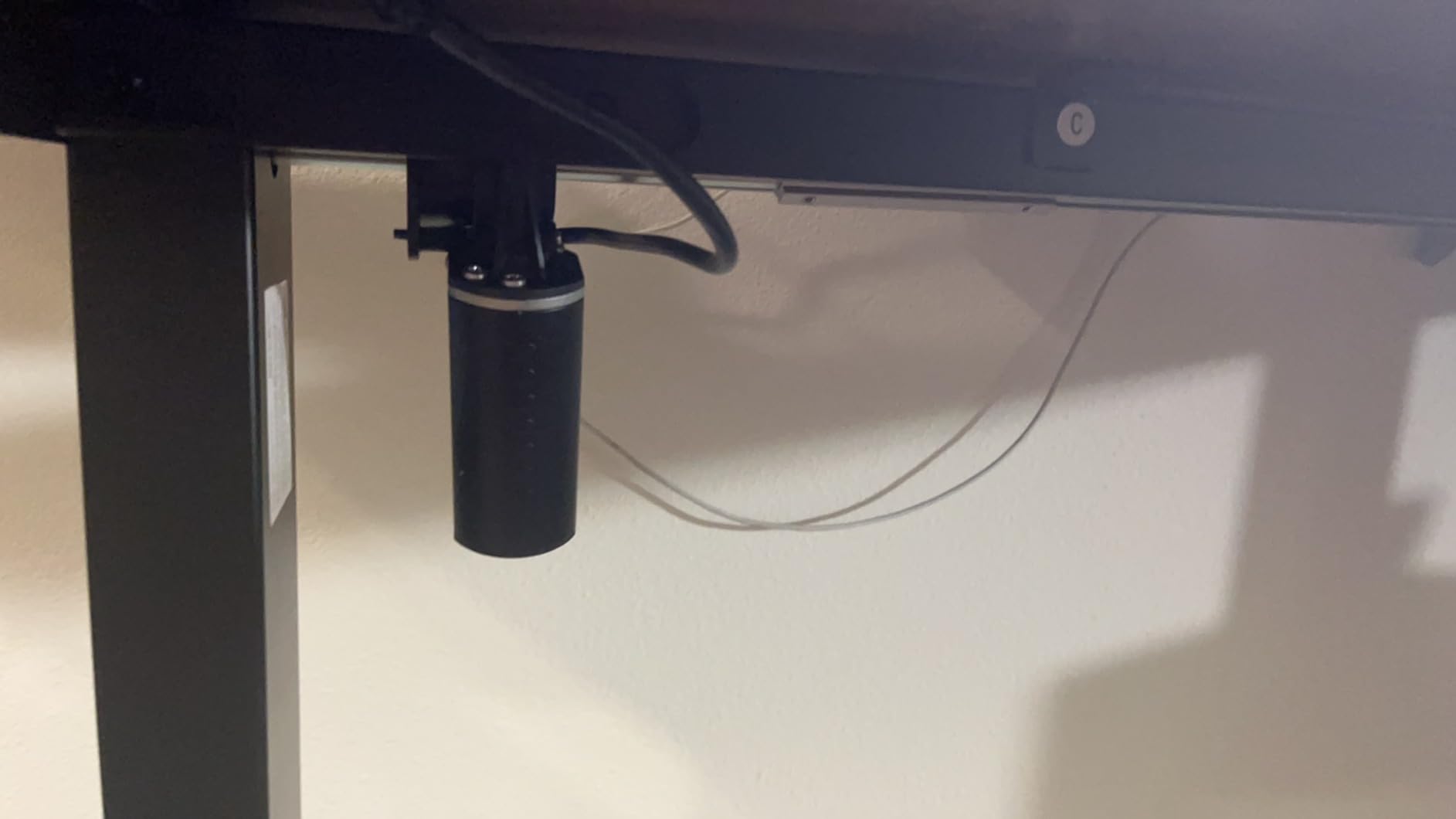
Height runs 28.3 to 46.4 inches on three presets, and a rotating cup holder, headphone hook, and cable clips are included, which is more desk organisation than most rivals ship.
There are no drawers of any kind, and the footprint requires an actual corner. Owners report a 30 to 60 minute build for two people, using a splice-board design with labeled parts.
Who the Acrolix L desk suits
It suits a home office with a genuine corner, someone running three monitors, and anyone who wants one desk to replace a separate return surface. The dual crossbar also makes it the sturdiest option for a standing setup where you lean on the surface.
The reversible layout means you can flip the return to match the side your chair and monitor occupy.
Who should skip the Acrolix L desk
Skip it if your office is a narrow alcove or a shared room where the desk cannot be rotated later. It also has no storage, so a 59 by 40 inch surface with nowhere to put a keyboard will fill up fast.
At 66 pounds it is the hardest to move in this group, so measure doorways and the route to your workspace before ordering.
12. GTPLAYER 48 x 24 Electric Standing Desk – Best Feature Load
GTPLAYER Electric Standing Desk with Drawers, 48 x 24 Inches Height Adjustable Computer Desk with Monitor Stand, Laptop Stand, Sit Stand up Desk with Memory Preset for Home, Office, White
28.3-48 inch range
1 inch thick top
176 lb capacity
Monitor shelf and drawer
Pros
- Reaches 48 inches for taller users
- 1 inch thick top resists flex
- Monitor shelf and adjustable laptop stand
- Utility drawer plus desktop shelves
- Two side hooks and FSC wood
Cons
- Only 3 memory presets
- Heavier at 57.3 pounds
- Limited colour options
- Smaller review base
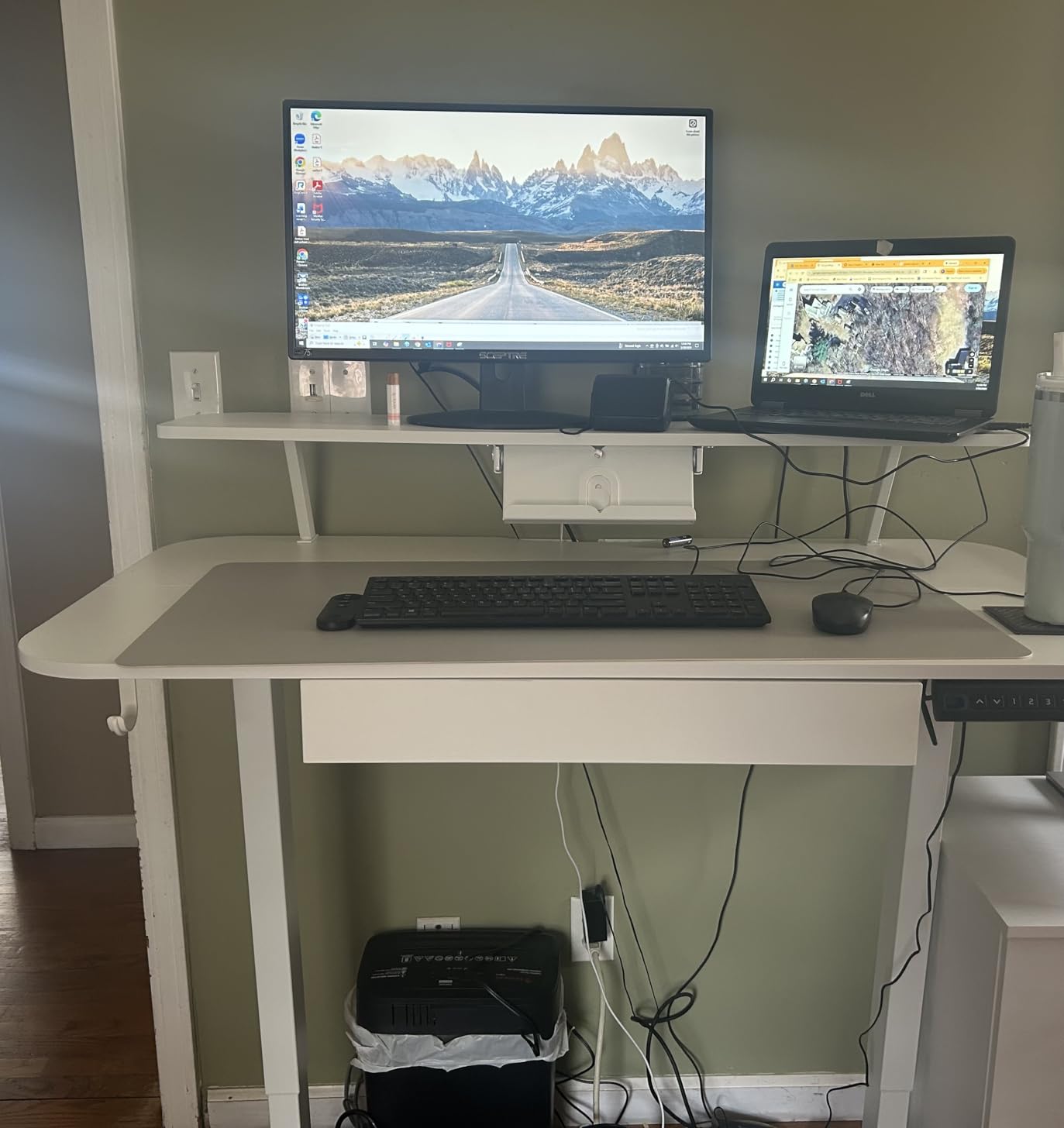
The GTPLAYER packs the same tall-range, thick-top formula as the COMHOMA into a similar footprint, and if your priority is features per desk rather than brand familiarity, it delivers: a monitor shelf, an adjustable laptop stand, a utility drawer, desktop shelves, and two side hooks.
Maximum height is 48 inches with a 176-pound capacity, and the top is a full inch of FSC-certified wood, so typing feel is firm and the frame stays steady through the lift range. The motor is specified under 55 decibels.
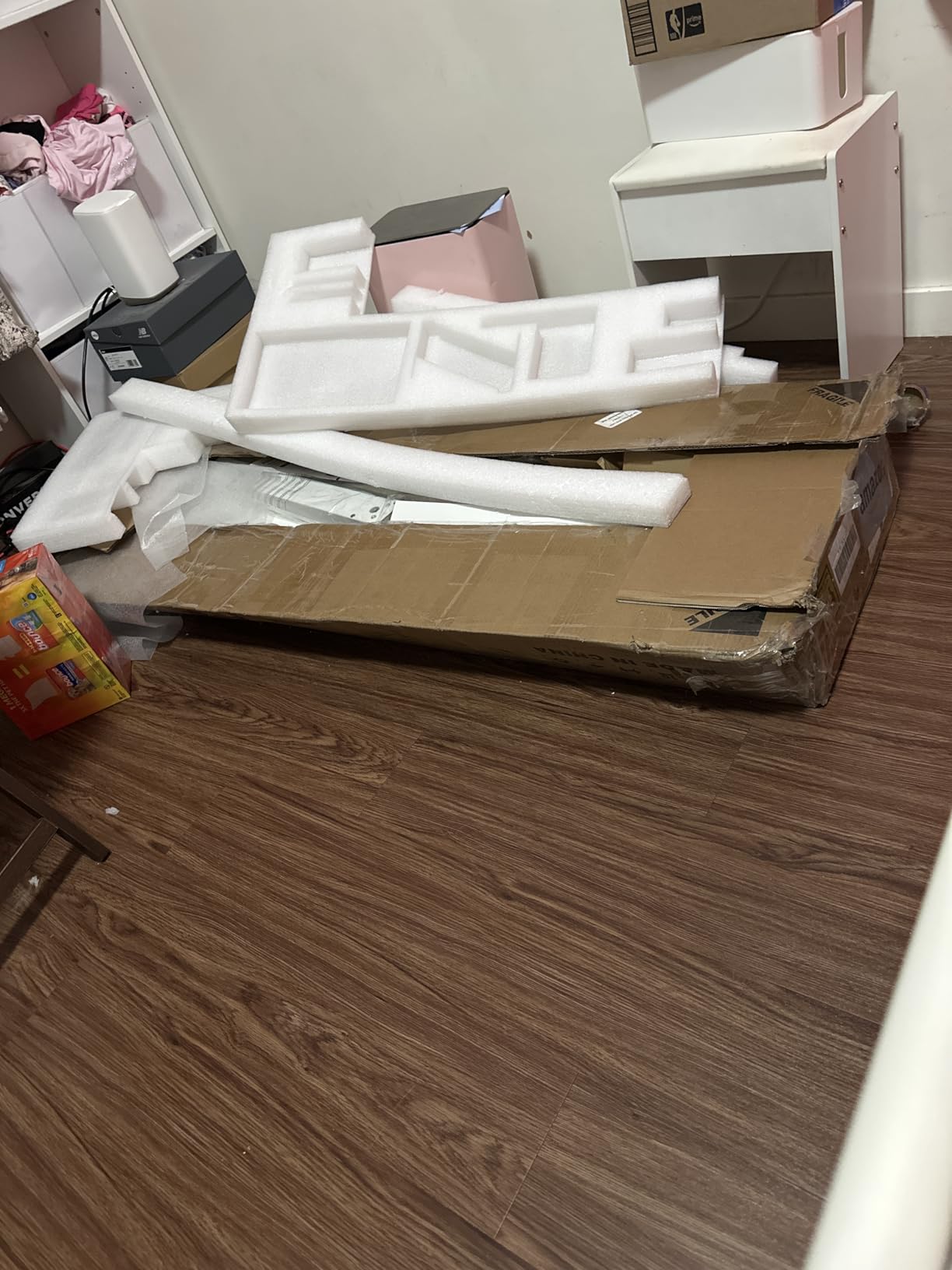
Instructions, tools, and an installation video are all included, and the T-shaped steel frame is straightforward to level once you have a second pair of hands for the flip.
You get three memory presets rather than four, colour options are limited, and the review base is among the smallest in the group, which means less long-term feedback from other owners to draw on.
Who the GTPLAYER desk suits
It suits a tall user who wants the extra reach of a 48-inch maximum combined with a thick top that does not flex under a mechanical keyboard. The integrated monitor shelf and laptop stand also suit a video-call-heavy workday.
Anyone building a dual-screen setup with a laptop on one side and a monitor on the other can do it without buying risers.
Who should skip the GTPLAYER desk
Skip it if you want colour choice or a longer warranty, since coverage here is limited. Households sharing one desk between two sitting heights should also note only three presets are available.
Check your ceiling clearance before ordering, because a 48-inch maximum plus a monitor on a shelf needs real vertical room.
How to Choose a Standing Desk Under 500 Dollars
Check minimum height before anything else. Almost every spec sheet leads with maximum height, but the number that decides whether a desk works for you is the lowest point it reaches. Sit down at your chair, measure the distance from the floor to your elbow, and compare. If that figure is below 28 inches, most desks in this guide are out; only the HUANUO at 27.5 inches goes lower, which makes it the choice for shorter users.
Maximum height matters for the opposite end. For a user of six foot, a 46.5 inch desk puts the surface around navel height, which many people find too low; 48 inches from the COMHOMA or GTPLAYER gets closer to a comfortable standing elbow position.
Why budget standing desks wobble, and how to fix it
Wobble at maximum height is the most common complaint in this category, and the causes are mechanical rather than mysterious. Telescoping leg sections rely on tight glide tolerances to stay rigid when extended, and budget frames run wider tolerances. Particle board and laminate tops of 0.6 inches also flex, which reads as wobble under fast typing, and a missing crossbar or a monitor arm clamped to a thin rear edge multiplies any movement.
Four fixes cover most cases. First, tighten every leg bolt and foot once the desk is at working height, because columns lose tension as they extend. Second, add a horizontal anti-sway bar between the legs, which owners across r/StandingDesk and r/desksetup treat as the single most effective upgrade for a budget frame. Third, load the desk evenly rather than concentrating weight on one side or hanging a heavy monitor arm off the rear edge. Fourth, place the feet on hard flooring, since carpet compresses and lets the frame move.
Motor type, stages, and desktop material
Everything in this group uses a single-motor-per-frame arrangement at this price, and all of the listed ranges come from 3-stage telescoping columns. That is the point where the budget tier stops: dual-motor frames with 2-stage columns from premium brands reach higher and stay flatter under load, which is exactly the trade-off you accept here.
On desktop material, laminate over particle board is the default here, and it is serviceable. A 0.75 inch top like the Claiks or a 0.8 inch top like the Acrolix noticeably reduces typing bounce. Bamboo and solid wood tops feel warmer but sit outside this budget range, which is why we keep them in a separate bamboo desk guide.
How to actually use the desk once it arrives
The commonly recommended rhythm is the 20-8-2 rule: roughly 20 minutes standing for every 8 minutes sitting, with 2 minutes moving in between. The movement matters as much as the standing, so treat it as three posture changes rather than two static positions.
Programming the presets takes two minutes. Set the desk to your seated height, hold the first preset button until it saves, then rise to your standing height and save the second. Repeat for a third position if you share the desk. With presets stored, switching posture becomes a single press instead of hunting for the right height on the keypad.
Assembly, warranty, and what you forfeit under 500 dollars
Plan for two people on every desk here. Builds range from about 30 minutes on the lightest frames to four hours on the AODK, and the heavier units at 59 to 66 pounds are genuinely awkward to lift alone even when the instructions say one person is enough.
What you give up below 500 dollars is consistent across the category: higher weight capacities than the 154 to 176 pounds listed here, thicker desktop slabs, longer warranties than the five years on the FlexiSpot, and the wide 3-stage ranges that start lower than 27.5 inches. For a first home office desk that may be resold in a few years, none of that matters. For a desk you expect to keep for a decade alongside a heavy rig, it matters a great deal.
Frequently Asked Questions
What is the best budget-friendly standing desk for a home office?
The SHW 55 x 28 is our top budget pick because it combines the widest work surface with a built-in drawer, four memory presets, and a cable tray at a budget price point. If your setup is a laptop and one monitor in a small room, the FlexiSpot EN1 at 48 by 24 inches offers a one-piece top, a 176 lb capacity, and a 5 year frame warranty, which is the strongest coverage in this tier.
What is the 20-8-2 rule for standing desks?
The 20-8-2 rule recommends roughly 20 minutes standing for every 8 minutes sitting, with 2 minutes of movement in between. The idea is that alternating posture improves circulation and reduces the effects of long sedentary hours, while the movement break keeps joints active. Most budget desks here offer three or four memory presets, which is enough to store a sitting height and a standing height.
Why does a budget standing desk wobble at max height?
Three things cause it: looser glide tolerances in the telescoping leg sections, thin particle board or laminate tops that flex under fast typing, and frames without a crossbar. A horizontal anti-sway bar between the legs fixes most cases, tightening the leg bolts at working height and keeping the load spread evenly across the surface helps further. Larger tops such as 55 by 28 inches also feel steadier than 48 inch models.
Is a premium brand like Uplift better than a budget brand like FlexiSpot?
Premium brands such as Uplift and Vari use dual-motor frames, higher weight capacities, thicker tops, and longer warranties, which is where they pull ahead for heavy setups and long ownership. Budget brands such as FlexiSpot and VIVO cover the basics more cheaply and hold up well for a first home office. Owners across desk forums repeatedly note that budget units work fine for a first setup and can be resold later.
How long does it take to assemble a budget standing desk?
Most frames here take 30 to 60 minutes for two people, with lighter models such as the FEZIBO finishing in around 30 minutes using pre-assembled legs. Feature-heavy desks take considerably longer, with owners reporting two to four hours for the AODK and two to three hours for the COMHOMA. The frame is the heavy part, so a second person is worth arranging before the box is opened.
Our Verdict on the Best Standing Desks for Home Offices Under 500 Dollars
The SHW 55 x 28 electric standing desk wins this roundup because it does the most for a working home office: the widest surface, the only drawer most buyers will find acceptable at this level, four memory presets, and cable management already fitted. Its 110-pound capacity is the flaw, and you should check that against your equipment before buying.
The FlexiSpot EN1 is the smarter value buy for anyone running a full setup, since its 176-pound frame and five-year warranty remove the two biggest risks in this tier. The CubiCubi wins on build satisfaction, the Veken on width with cable management, the HUANUO on storage, and the Acrolix on corner workspace.
All 12 sit under the 500-dollar ceiling, and every price and specification was verified at the time of writing. Use the buttons on each review to check the current listing, and start with your minimum height measurement, because that one number eliminates half of this list before you read another spec.