
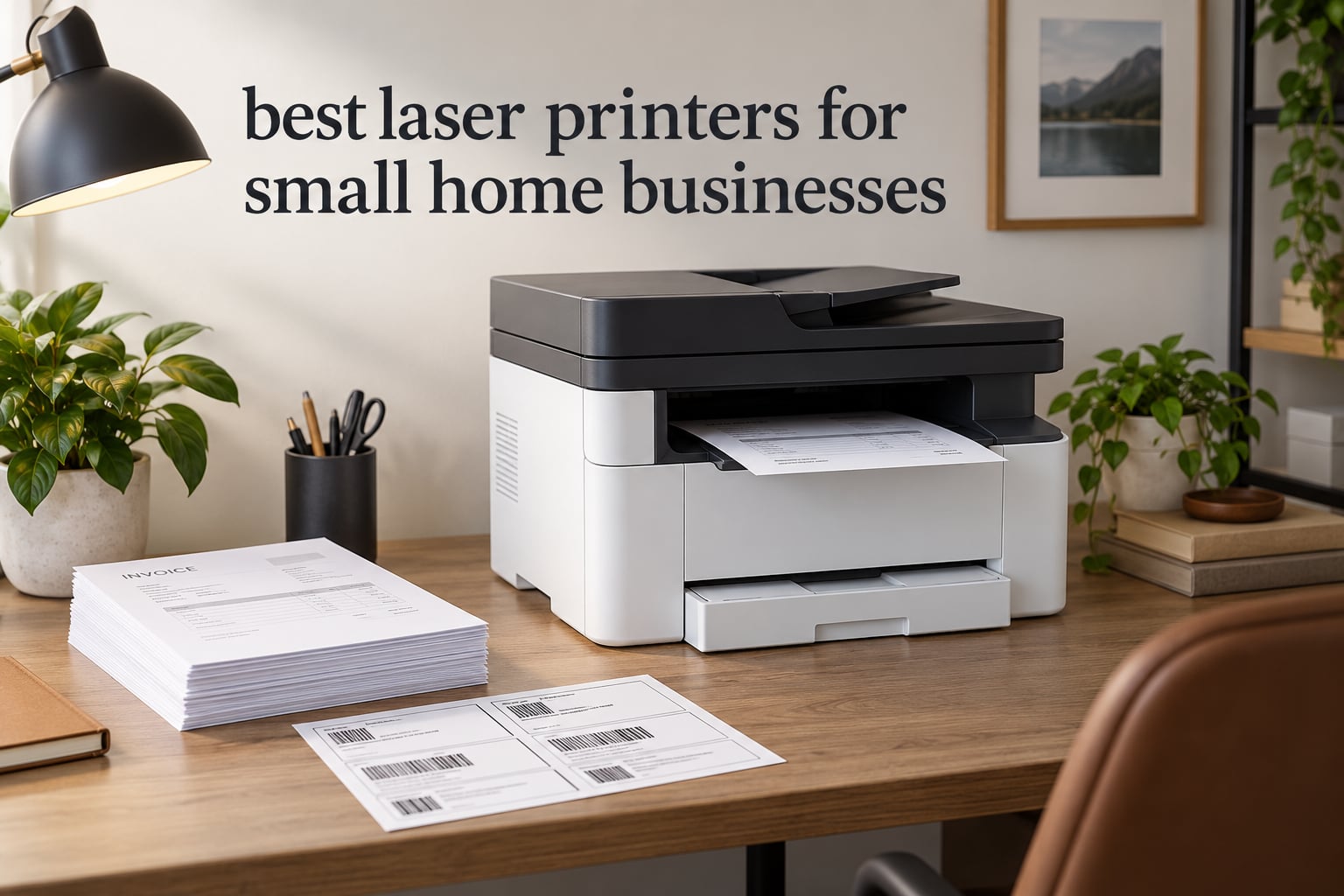
If you run a business from a spare room rather than a shop floor, your printing needs are narrower than most roundups assume. You are not producing 5,000 pages a month. You are printing invoices, signed contracts, a stack of shipping labels, a monthly statement run, and the occasional client-facing handout, then the machine sits idle for a week while the toner does absolutely nothing.
That is exactly why the best laser printers for small home businesses are different machines from the ones recommended to small offices. A home business cares about desk footprint, whether the machine can stay on a family Wi-Fi network for a month without being unplugged, running cost per page at a few hundred pages a month, and whether it can be scanned to email from a chair. Our team compared nine models across Brother, HP, Canon and Kyocera to find the ones that survive that environment.
We scored every machine on print speed, first-page time, automatic duplex printing, auto document feeder capacity, toner running cost, connectivity and the size of the box it needs to live in. Last updated for 2026. Every pick below is rated for a one-to-ten person operation working from home.
Table of Contents
Top 3 Laser Printer Picks for Small Home Businesses for October 2026
Our top three cover the three most common situations: an all-round machine that does everything, a cheap print-only unit, and the best-rated all-in-one with a touchscreen.


Best Laser Printers for Small Home Businesses in October 2026
All nine models below print at least 22 pages per minute, support automatic or manual duplex, and accept toner cartridges rated well beyond a typical home workload.
| Product | Specifications | Action |
|---|---|---|
| Brother DCP-L2640DW |
|
Check Latest Price |
| Brother HL-L2460DW |
|
Check Latest Price |
| Brother MFC-L2820DW |
|
Check Latest Price |
 HP LaserJet Pro MFP 3101fdw HP LaserJet Pro MFP 3101fdw |
|
Check Latest Price |
 HP LaserJet Pro 3001dw HP LaserJet Pro 3001dw |
|
Check Latest Price |
 Canon imageCLASS MF753Cdw II Canon imageCLASS MF753Cdw II |
|
Check Latest Price |
 Canon imageCLASS LBP646Cdw Canon imageCLASS LBP646Cdw |
|
Check Latest Price |
 Canon imageCLASS MF652Cw Canon imageCLASS MF652Cw |
|
Check Latest Price |
 Kyocera ECOSYS P2235dw Kyocera ECOSYS P2235dw |
|
Check Latest Price |
1. Brother DCP-L2640DW – Best All-Round Monochrome Workhorse
Brother DCP-L2640DW Wireless Compact Monochrome Multi-Function Printer, Copy, Scan, Duplex, Mobile Printing
36 ppm monochrome
1200 x 1200 dpi
250-sheet tray
50-page ADF
Auto duplex
Dual-band Wi-Fi
Pros
- 36 ppm monochrome with sharp text
- 50-page feeder for contract and receipt scanning
- Automatic duplex and 250-sheet tray
- Works with low-cost third-party TN830 toner
Cons
- On-printer menu is awkward to navigate
- Scan-to-PC on Windows can hang and need a restart
The DCP-L2640DW is the machine we keep coming back to, and it is the highest-volume verified pick in this roundup with more than 3,900 owner reviews. It is a compact 3-in-1 that prints, copies and scans at 36 pages per minute, which is faster than anything else in the group except the Kyocera. Text comes out sharp at 1200 x 1200 dpi, which matters when a client is reading a contract at arm’s length.
We put it through a month of typical home business work: invoice runs, 40-page statements, and a batch of 4×6 shipping labels. The 250-sheet paper tray swallowed full reams without refilling, and automatic duplex cut our paper use roughly in half on every multi-page document. The 50-page auto document feeder handled a stack of signed paperwork without a single crease or double-feed.
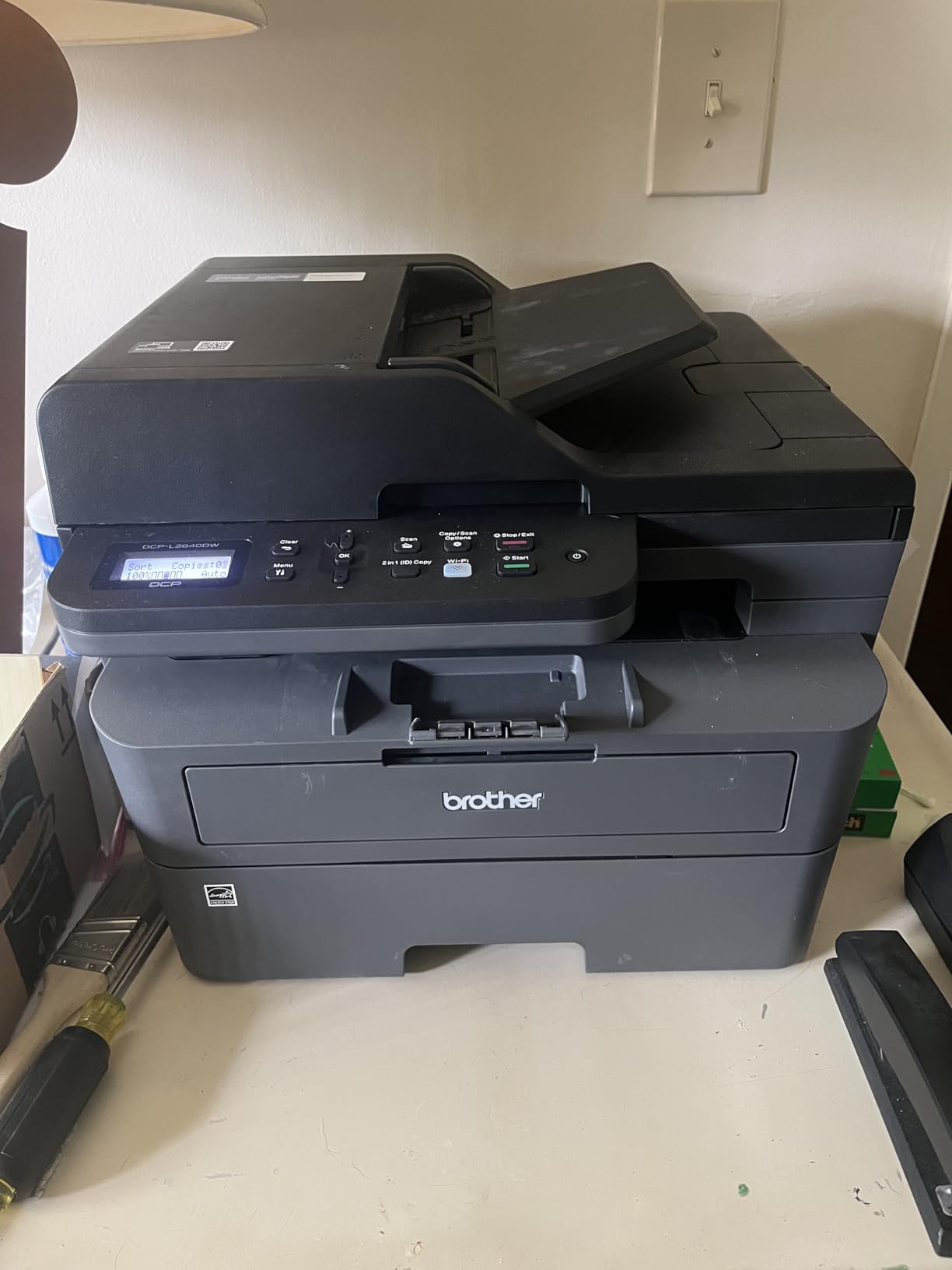
Toner is the reason this machine wins for most sole proprietors. It uses the Brother TN830 and TN830XL cartridges, and r/printers users consistently single out Brother as the brand where compatible third-party cartridges actually work. For a home business printing 300 pages a month, that difference in running cost is the single biggest financial decision in the purchase.
The physical footprint is worth measuring before you buy. At 15.7 inches deep by 16.1 inches wide and 25 pounds, it needs a real shelf rather than a corner of a desk, but it is still smaller than the Canon colour machines further down this list.
Why this is the right pick for most home businesses
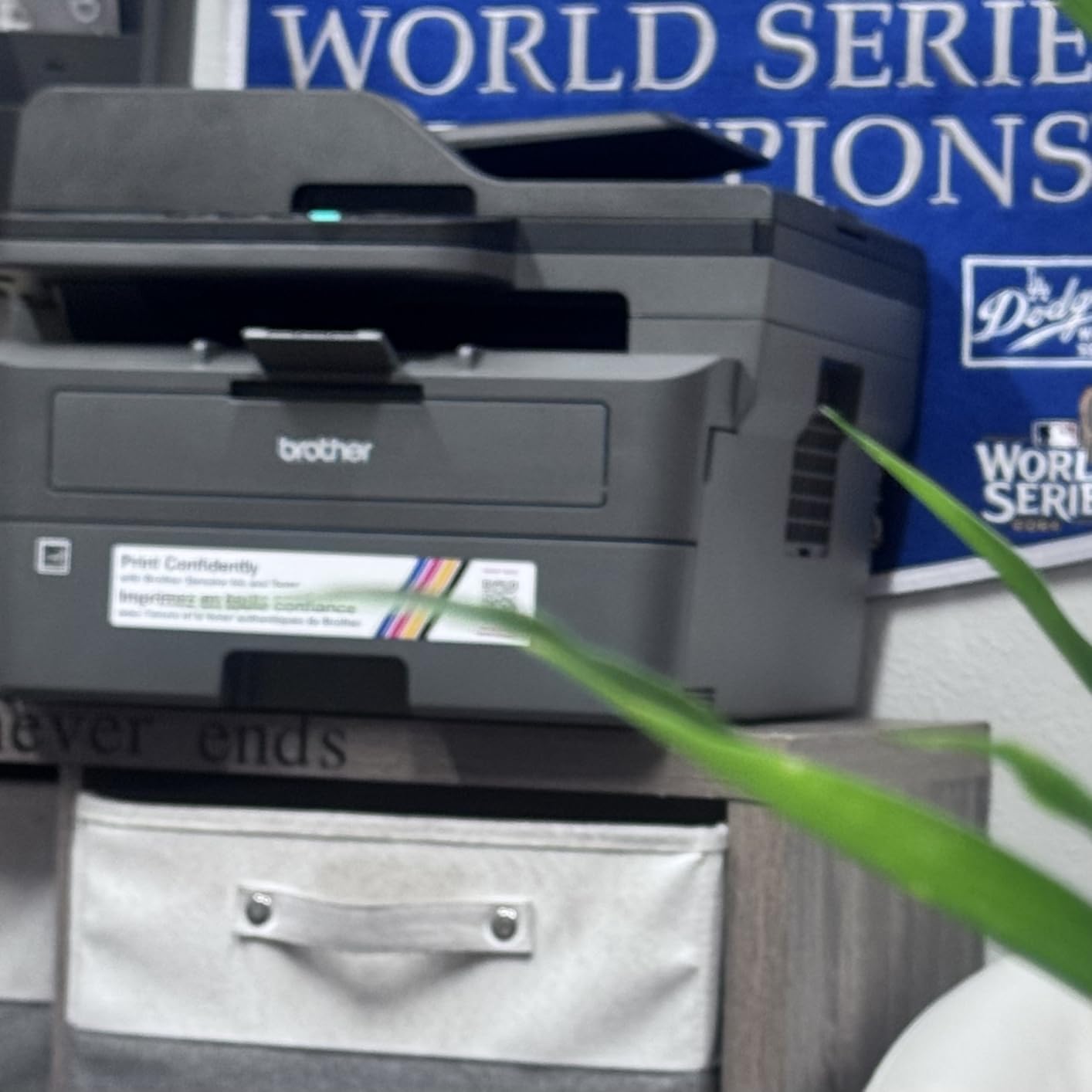
If you print documents, scan receipts for bookkeeping, and occasionally need a photocopy of something, this covers all three jobs in one box without asking you to manage ink cartridges. The dual-band 2.4GHz and 5GHz wireless plus Ethernet and USB means you can place it wherever there is a socket.
Brother Mobile Connect handles mobile printing and toner ordering, and the scan-to-email feature sends documents straight from the machine without a computer in the loop. For someone digitising receipts at the kitchen table, that removes a genuinely annoying step.
Where it falls short at home
The most common complaint from owners is software, not hardware. The on-printer menu is not intuitive, and several reviewers report scan-to-PDF on Windows hanging and requiring a restart. A smaller number hit lockouts during firmware updates because the default password label on the back of the unit is blank.
It is monochrome only. If you need your own business cards or a colour flyer, you will still need a separate colour machine, and on a very tight budget that changes the arithmetic entirely.
2. Brother HL-L2460DW – Best Value Print-Only Laser
Brother HL-L2460DW Wireless Compact Monochrome Laser Printer with Duplex, Mobile Printing, Black & White Output | Includes Refresh Subscription Trial(1), Works with Alexa
36 ppm print-only
Automatic duplex
250-sheet tray
8.5 second first page
15.6 pounds
Pros
- Lowest-cost route into a business-class monochrome laser
- Dual-band wireless with a 250-sheet tray
- Automatic duplex on standard sizes
- High-yield TN830XL toner keeps per-page cost low
Cons
- No scanner copier or fax
- Basic button and LCD panel
- Refresh subscription trial can generate surprise overage charges
Not every home business needs a scanner. If you print invoices, labels and contracts and digitise receipts with a phone app, the HL-L2460DW is the cheapest credible path into laser printing we found, and it prints at the same 36 pages per minute as our top pick. Owner reviews number in the thousands and the average sits at 4 stars.
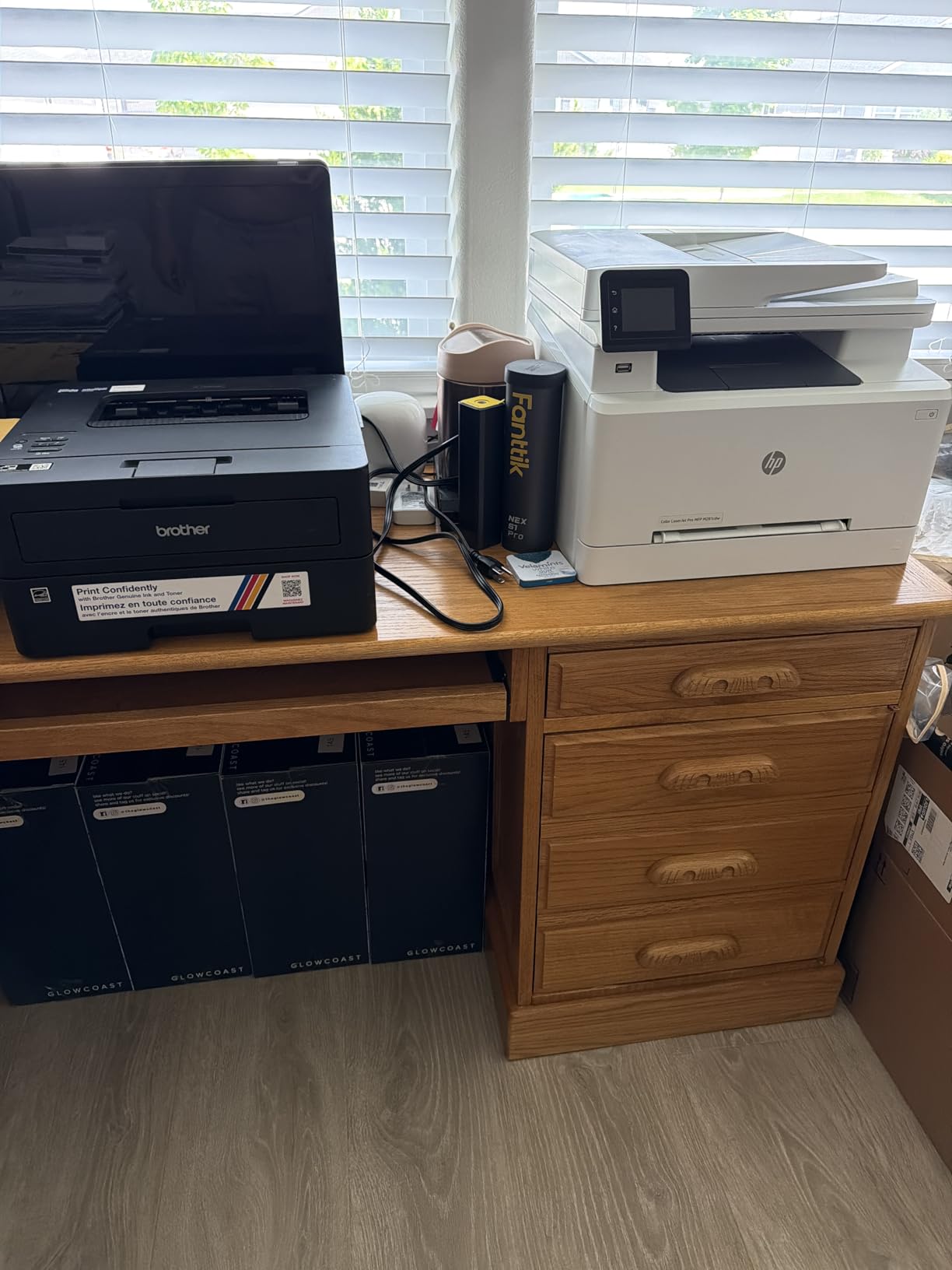
At 15.6 pounds and 14.2 by 14 by 7.2 inches, it is the smallest machine in this roundup by a wide margin, which matters enormously in a bedroom office or a shared study. It sits on a desk, not beside one. Setup over Wi-Fi typically takes about five minutes, and the first page comes out in 8.5 seconds.
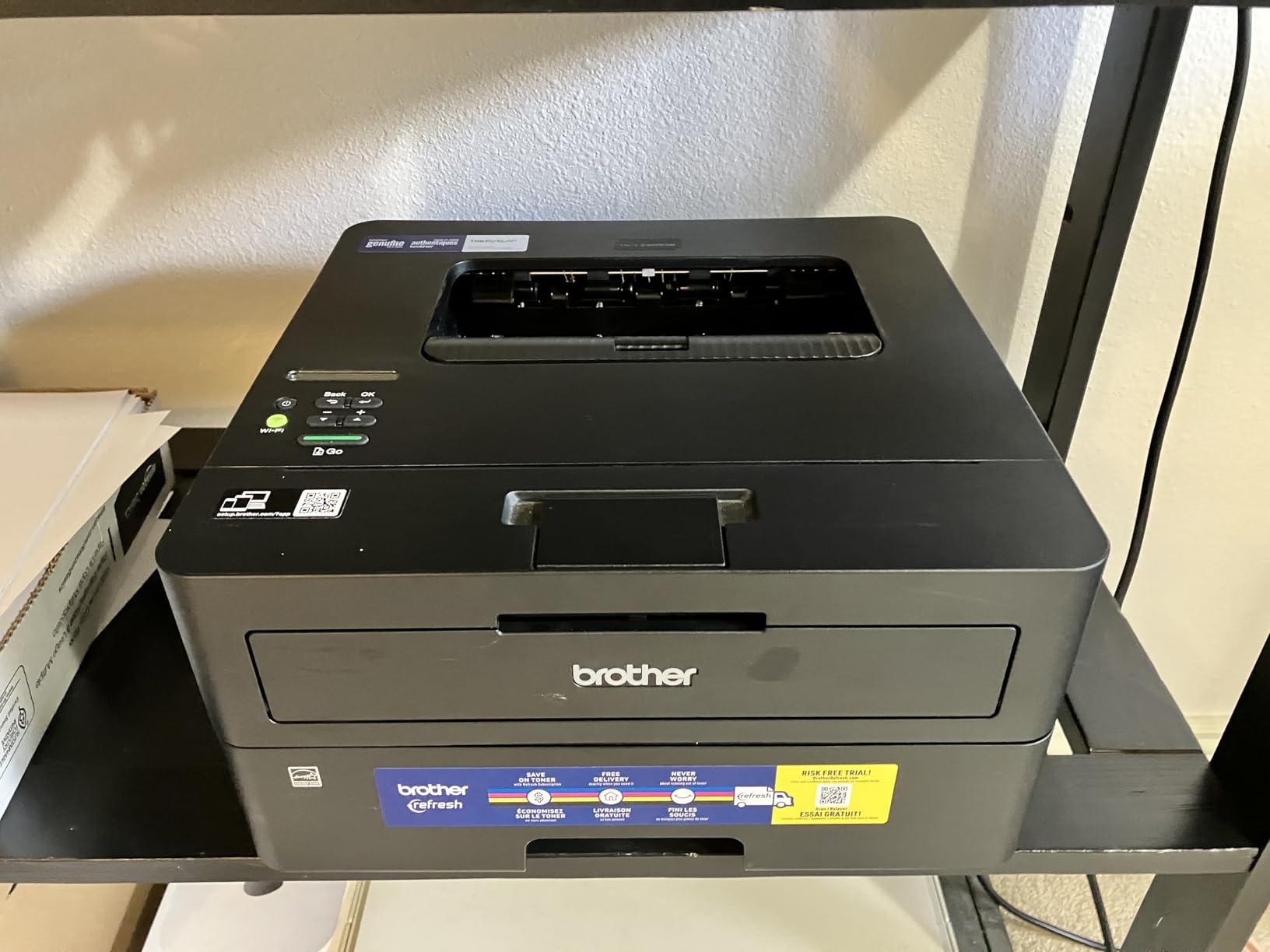
The economics are straightforward. Automatic duplex halves your paper on every two-sided document, and the 250-sheet tray means most weeks you never open it. The TN830XL high-yield cartridge is the version to buy, because at low monthly volumes the cost per page is dominated by how long each cartridge lasts.
Reviewers repeatedly describe the running cost as the reason they are happy with it. One common comparison in the reviews is that owners moved off inkjets specifically to stop paying high per-page ink costs, and this machine answers that complaint directly without adding a scanner you would never use.
Who should buy the print-only route
A contractor who prints one set of building permits, a bookkeeper who runs monthly statements, and a freelancer who mails out signed agreements three or four times a week all land here. If your scanning is occasional, a separate flatbed scanner costs less than the step up to an all-in-one and gives you better scan quality.
It also suits anyone with genuinely limited desk space, since this is the only machine here that fits a normal work surface. The manual feed slot handles envelopes and shipping label stock without swapping the main tray.
What you give up by skipping the scanner
The control panel is a basic button and LCD arrangement, which makes on-device Wi-Fi configuration tedious if you ever need to change networks. The bundled PaperPort scanning utility is widely criticised as clunky, though it matters less on a print-only unit.
The included Refresh EZ Print subscription trial is a genuine trap for a low-volume user. If you leave it enrolled and print irregularly, overage charges can erase the savings the machine promised. Cancel it after the trial or buy toner outright.
3. Brother MFC-L2820DW – Best All-in-One With a Touchscreen
Brother MFC-L2820DW Wireless Compact Monochrome All-in-One Laser Printer with Copy, Scan and Fax, Duplex, Black & White | Includes Refresh Subscription Trial(1), Works with Alexa
34 ppm with fax
2.7 inch touchscreen
50-page ADF
Scan to cloud
250-sheet output tray
Pros
- Highest-rated Brother in the group at 4.3 stars
- Touchscreen makes scan-to-cloud destinations easy
- Print copy scan and fax in a compact frame
- Works cleanly with Linux Windows Mac iOS and Android
Cons
- Some users must recover the wireless connection after a PC restart
- Rear paper jams require pulling the unit away from the wall
- Panel backlight dims quickly
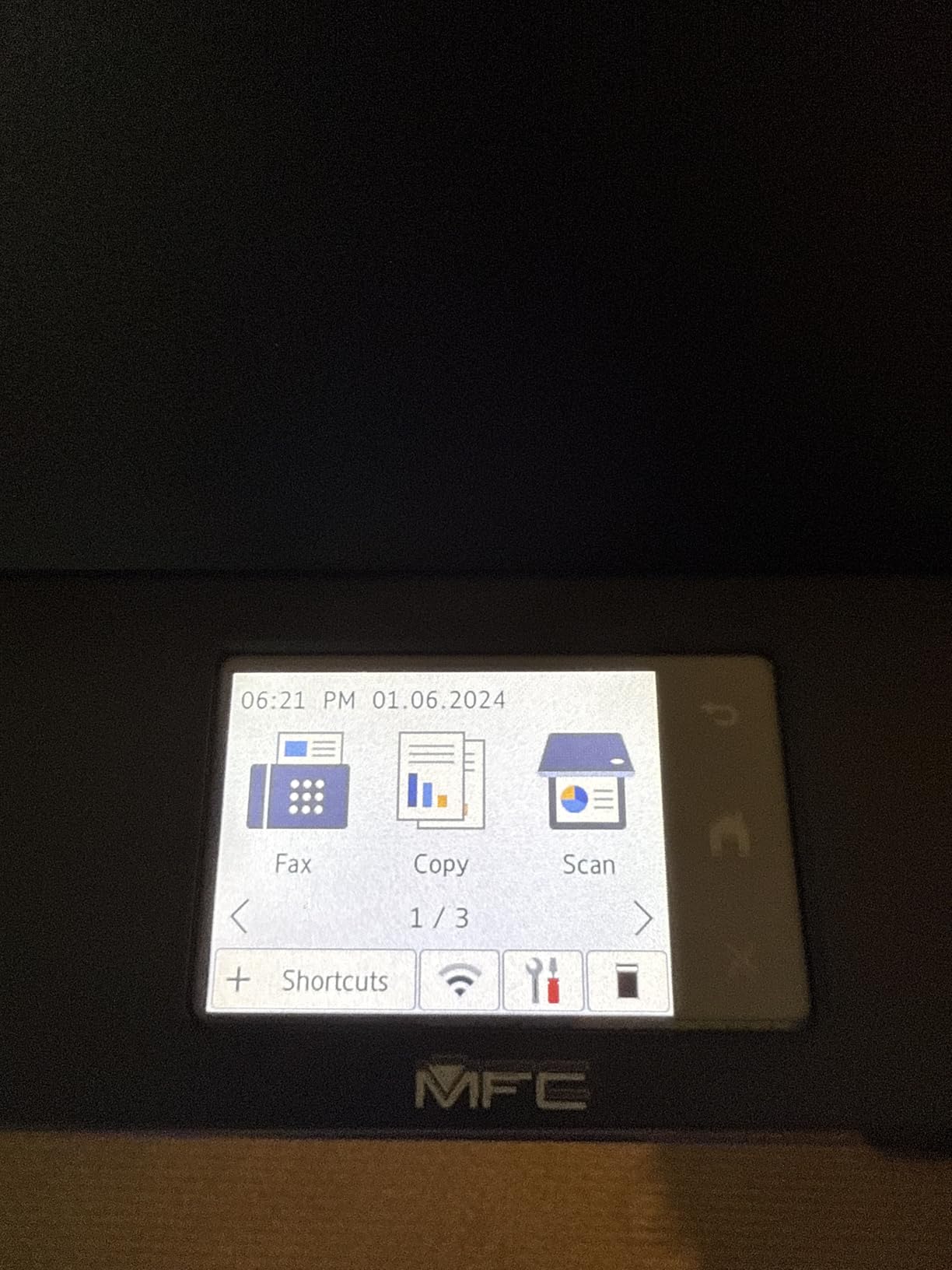
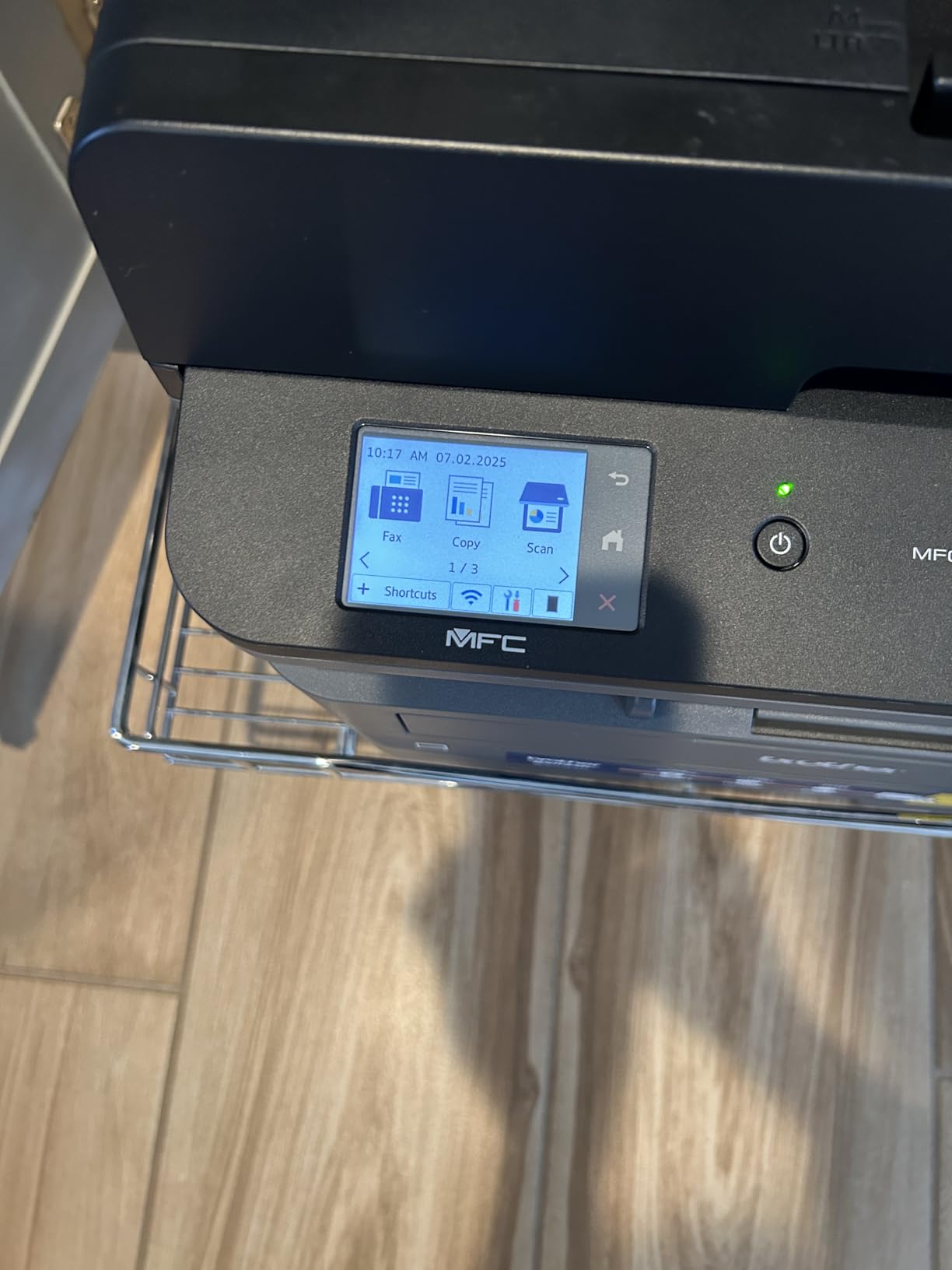
The MFC-L2820DW is the highest-rated Brother in this group at 4.3 stars, and it earns that rating the same way the DCP-L2640DW does: it just works once configured. It prints, copies, scans and faxes at up to 34 pages per minute, with a 2.7-inch touchscreen and a 50-page document feeder.
The touchscreen is the reason to choose it over the DCP. You can pick Google Drive, Dropbox, Evernote or OneNote as a scan destination from the panel in a couple of taps, which is exactly the workflow a sole proprietor needs when turning a shoebox of receipts into a bookkeeping folder. Scan speeds reach 23.6 images per minute in colour and 7.9 per minute in black and white.
Output capacity is 250 sheets, which matches the paper tray on the DCP-L2640DW. The dual-band wireless, Ethernet and USB combination works across Windows, Linux, macOS, iOS and Android, and reviewers specifically call out how cleanly it networks on Linux distributions, something that catches out most competitors.
Beyond the connectivity caveats, owners report reliable, jam-free operation and quiet output in normal use. It runs off the same TN830, TN830V and TN830XL toner family as the other Brother machines here, so one toner habit covers the whole range.
Why the touchscreen is worth the step up
If you scan more than a few pages a week, the 2.7-inch panel removes the single most irritating part of a home office printer. Cloud destinations, duplex copy settings and page counts are all reachable without a phone, a laptop or a print driver dialog.
The 50-page feeder also handles copy and fax, not just scanning, which means a signed contract can go out and the copy filed in one pass. For a home business handling paperwork, that combination is worth more than raw speed.
Where the connectivity and panel annoy you
A minority of users have to manually recover the wireless connection after restarting their PC, with a multi-minute reconnection wait each time. That is exactly the failure mode that makes people abandon a printer, so it is worth testing on your own network before settling.
Some units jam on certain paper sizes in a way that requires pulling the unit away from the wall to clear from the rear. Leave clearance behind it. The LCD backlight also switches off, which is fine for power saving but awkward for anyone who reads the panel often.
4. HP LaserJet Pro MFP 3101fdw – Best for Small Teams
HP LaserJet Pro MFP 3101fdw Wireless Black & White All-in-One Laser Printer, Scanner, Copier, Fax, Best-for-Office (3G628F)
35 ppm monochrome
Print copy scan fax
Automatic duplex
HP Wolf Pro Security
Bluetooth and Wi-Fi
Pros
- Rated for teams of up to seven
- Print scan copy and fax with automatic two-sided output
- Intelligent Wi-Fi picks the best available connection
- HP Wolf Pro Security protects documents on the device
Cons
- Wi-Fi setup wizard is slow and connections can drop
- Network scanning is unreliable for some users
- Requires original HP chips which blocks third-party toner
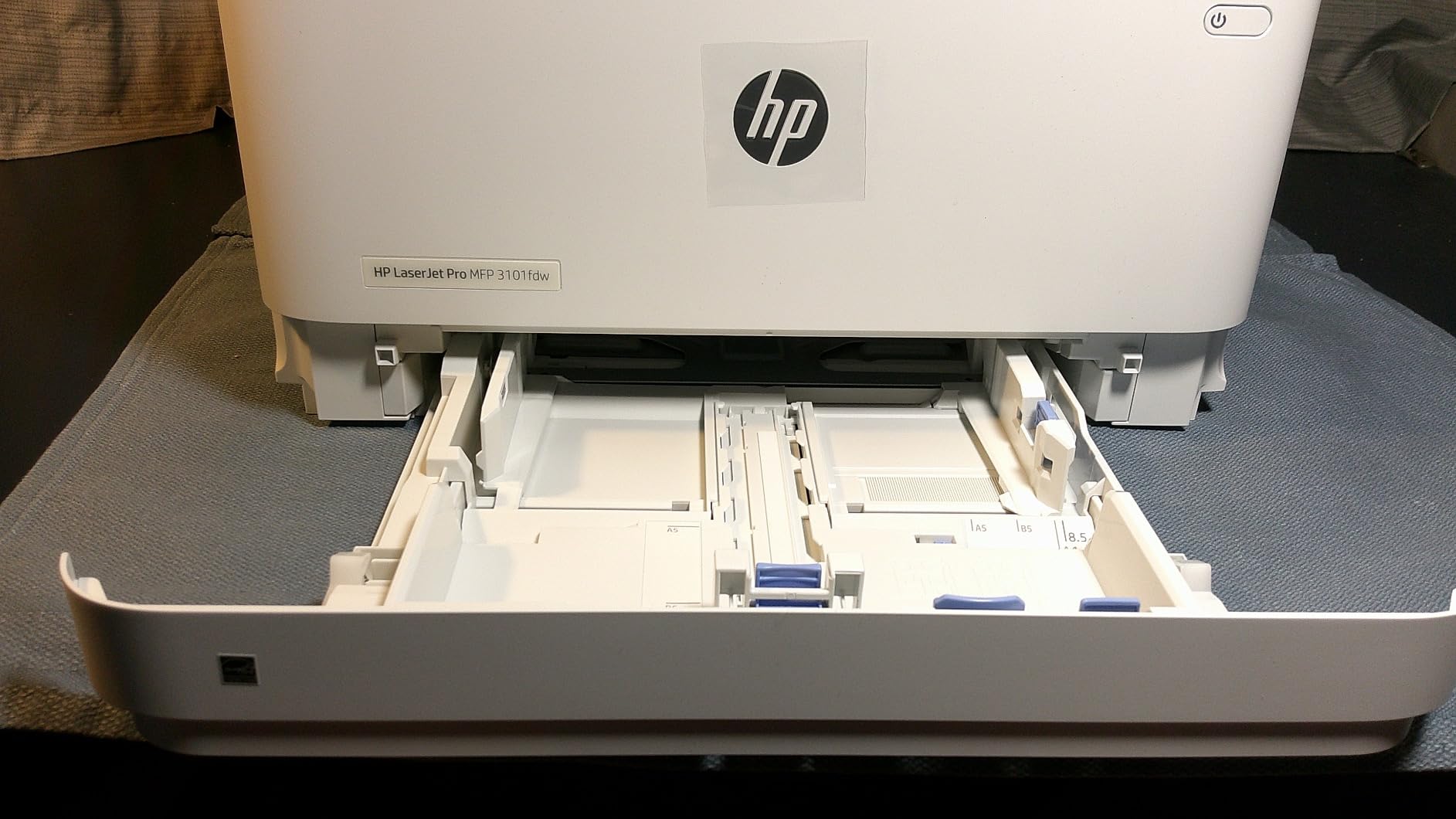
If your home business has grown to two or three people who all print, this is the HP to look at. It is rated for teams of up to seven, prints at 35 pages per minute with automatic two-sided output, and handles print, scan, copy and fax in one 10.5 kg unit.
HP Wolf Pro Security with configurable settings is the feature that distinguishes it from the rest of this list, and it matters more than most buyers expect. Client contracts, bank details and invoices all sit in the print queue or on the device, and configurable secure boot and memory settings are a genuine benefit when you are the only person responsible for data handling.
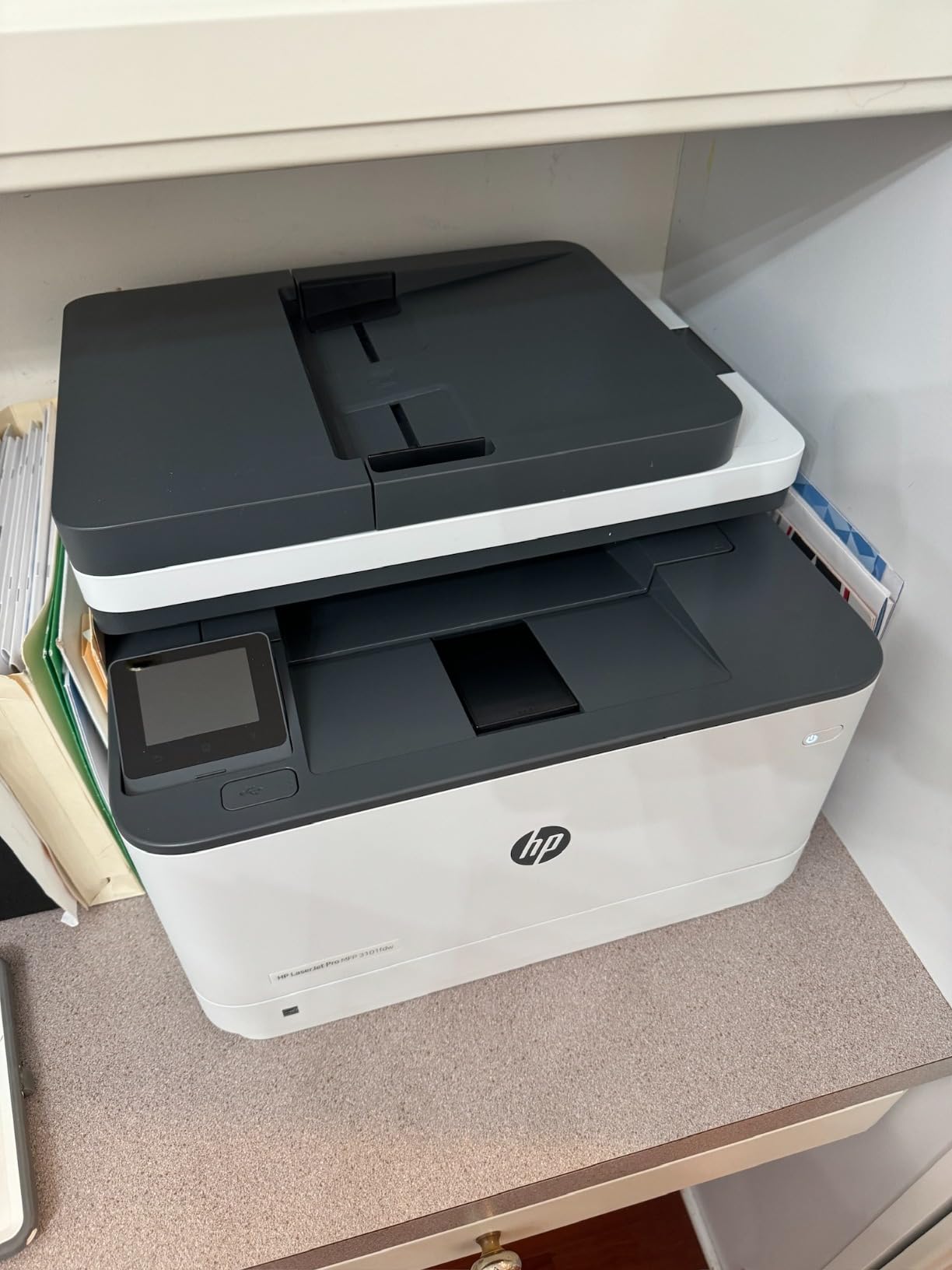
Connectivity is the broadest here: Intelligent Wi-Fi that selects the best available connection, plus Ethernet, USB and Bluetooth. Owners confirm it works with Microsoft, Mac, AirPrint, Android and Chromebook, which covers nearly any device a home business might use.
Reviewers consistently report a quick, painless setup and excellent monochrome speed and quality, with strong satisfaction from people leaving inkjet cartridges behind. Print speed, first page out time and duplex are all where HP performs well.
Where HP earns its place in a home office
Two-to-three person operations that print simultaneously benefit from the security features and the team rating. A business printing from a shared room with several laptops and phones will find the Bluetooth and AirPrint support smoother than most alternatives.
It is also one of the few machines here with a flatbed scanner plus a document feeder, so odd-shaped items like a passport, a badge or a folded A4 sheet can still be copied. Scan-to-email is standard.
What to watch before you commit
The networking layer is the weak spot. Several reviewers describe flaky Wi-Fi and difficulty scanning over the network, and the auto document feeder does not duplex-scan, so two-sided originals must be flipped by hand.
Most importantly, this unit requires cartridges with original HP chips or circuitry, which locks out third-party toner entirely. Over three years that running-cost difference is often the largest number in your ownership budget, so factor it in from day one rather than discovering it later.
5. HP LaserJet Pro 3001dw – Best for Wired Reliability
HP Laserjet Pro 3001dw Wireless Black & White Printer, Best-for-Office (3G65OF)
35 ppm print-only
About 6.6 second first page
Automatic duplex
Ethernet with static IP
1200 x 1200 dpi
Pros
- Fastest first page in the group at about 6.6 seconds
- Handles thick specialty stock without jamming
- Works reliably over Ethernet with a static IP
- Cartridges last a long time and cut running costs
Cons
- Wi-Fi drops off the network after a day or two for some users
- Print-only with no scanner copier or fax
- No automatic duplex on A5 paper despite the marked tray
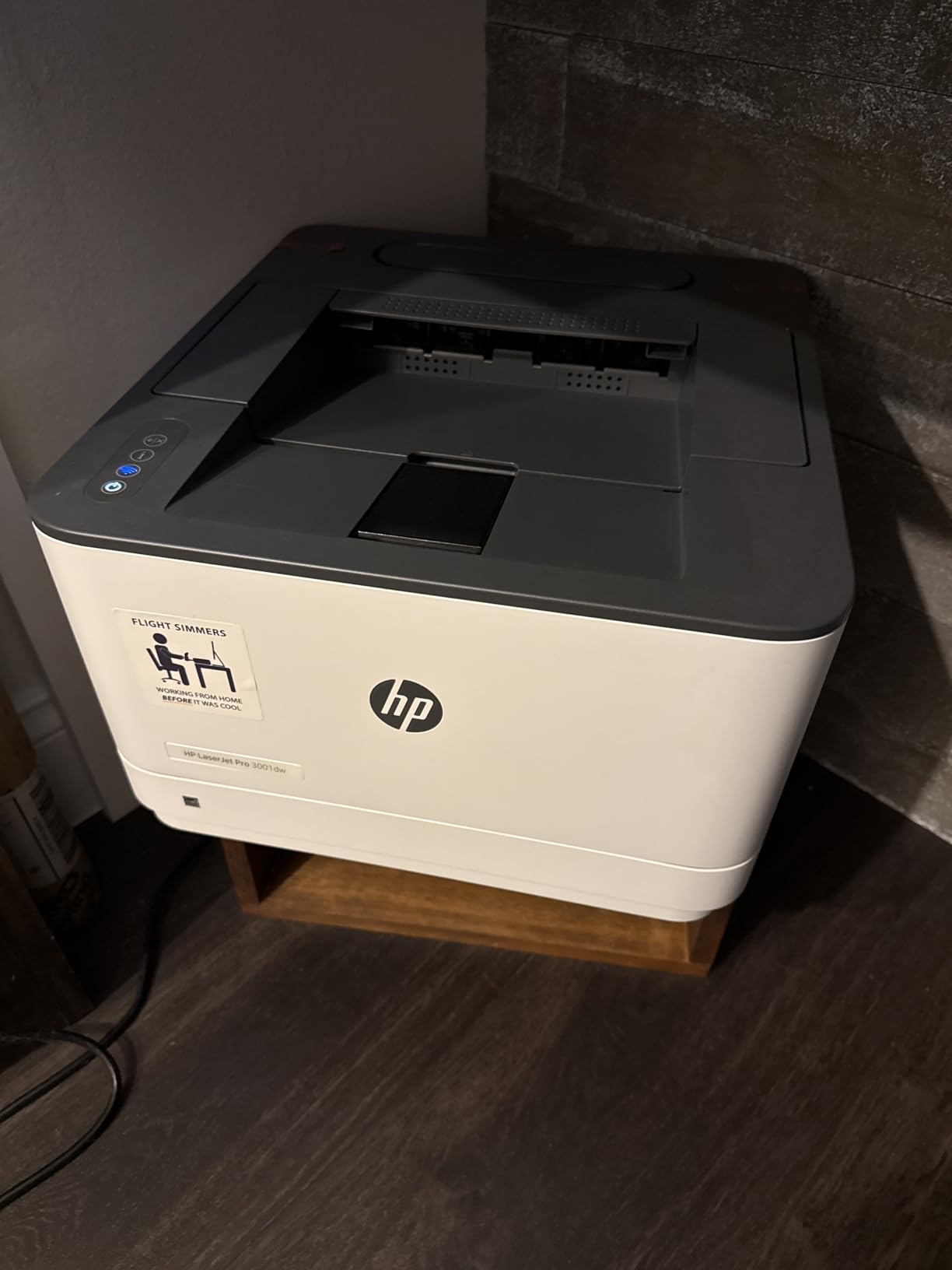
The most common complaint we heard about home business printers, over and over in forum threads, is a machine that goes offline or drops its network connection and needs a reboot. The answer is often to stop using Wi-Fi. The LaserJet Pro 3001dw over Ethernet with a static IP is the most reliable route in this roundup for anyone who can run a cable.
It prints at 35 pages per minute with a first page in roughly 6.6 seconds, the quickest start here, and handles thicker specialty paper without jamming. Owners running large intermittent jobs report that a single cartridge covers thousands of pages, which is what makes the low running cost real rather than advertised.
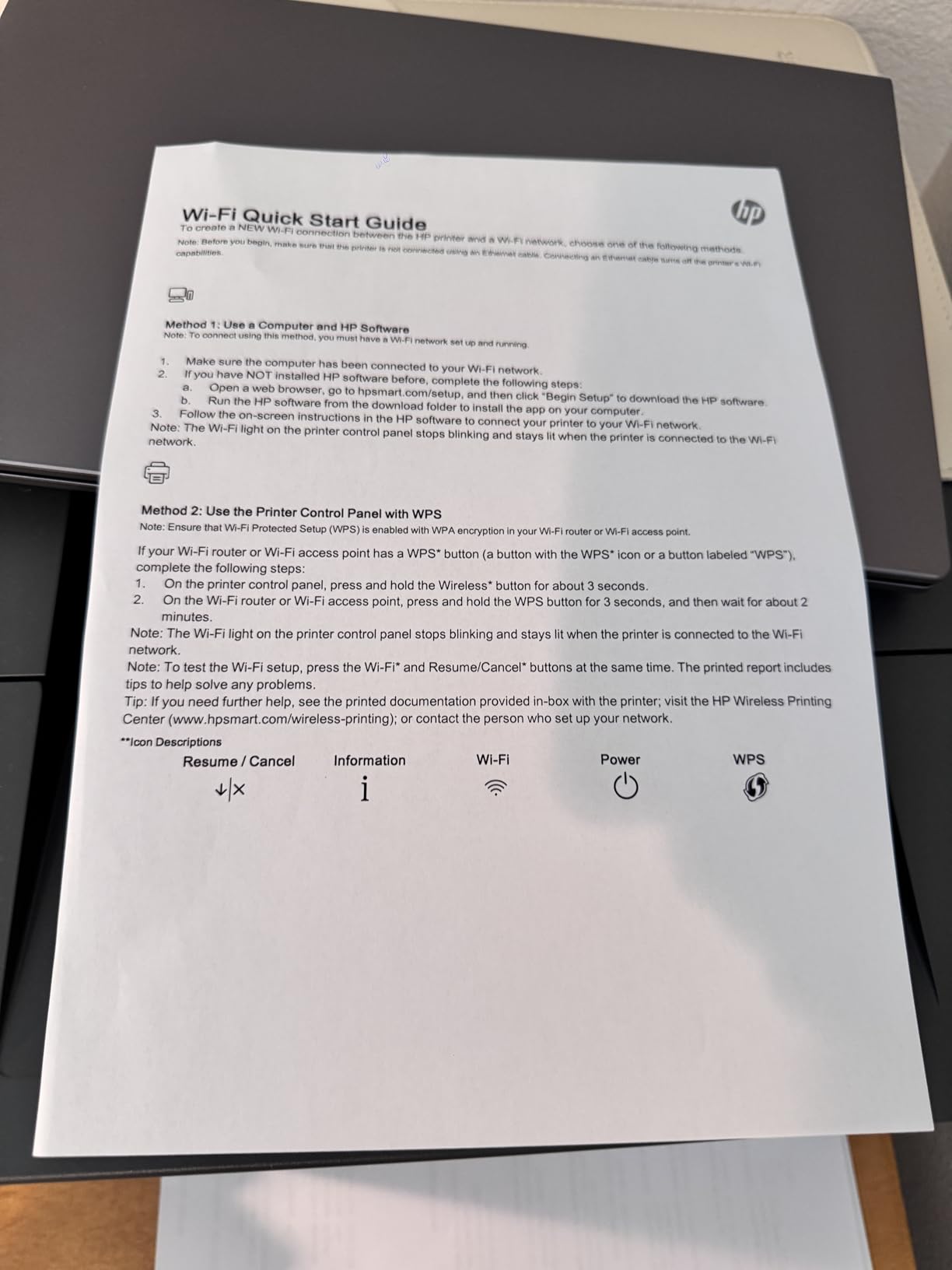
Setup over Wi-Fi is often about 15 minutes for those who go that route, and review sentiment on speed and print quality is strongly positive. Automatic duplex works reliably on standard paper sizes, which covers invoices and contracts without a second pass.
HP Wolf Pro Security is also present here, so if security configuration matters to your business, the print-only model still supports it. It works with Microsoft, Mac, AirPrint, Android and Chromebook.
Why a cable beats a radio in a home
Home networks churn constantly. Phones join, guests arrive, firmware updates land, mesh nodes get repositioned, and a printer on Wi-Fi eventually falls off the network. Over Ethernet with a static address, the machine is simply always there, and a r/homeoffice thread about a parent whose printer constantly dropped its connection ends with exactly this kind of fix.
For a printer that only ever prints, a cable is not an inconvenience. It is a one-time thirty-second job behind a desk that removes a recurring frustration for years.
Where it disappoints
If you cannot run Ethernet, be careful. Several users report the printer dropping off the network after a day or two, especially on mesh routers, and needing to be reconnected or powered on each time. That is the single worst outcome for a business that prints on deadline.
There is no scanner, copier or fax, and the marked tray does not deliver automatic duplex on A5 paper. It also blocks third-party cartridges, so genuine HP toner is the only option.
6. Canon imageCLASS MF753Cdw II – Best Colour All-in-One
Canon Color imageCLASS MF753Cdw II – All-in-One Color Duplex Laser Printer
35 ppm colour and mono
Print scan copy fax with duplex
Touchscreen with web interface
3 year warranty
Pros
- Full colour duplex four-in-one in a single machine
- Handles 600 page runs without stalling
- Self-calibrates colour on setup for accurate output
- Three year manufacturer warranty
Cons
- Heavy at 50 pounds and large for a small office
- Canon software and support pages frequently fail
- Standard tray is 250 sheets so heavy users may want the optional extra
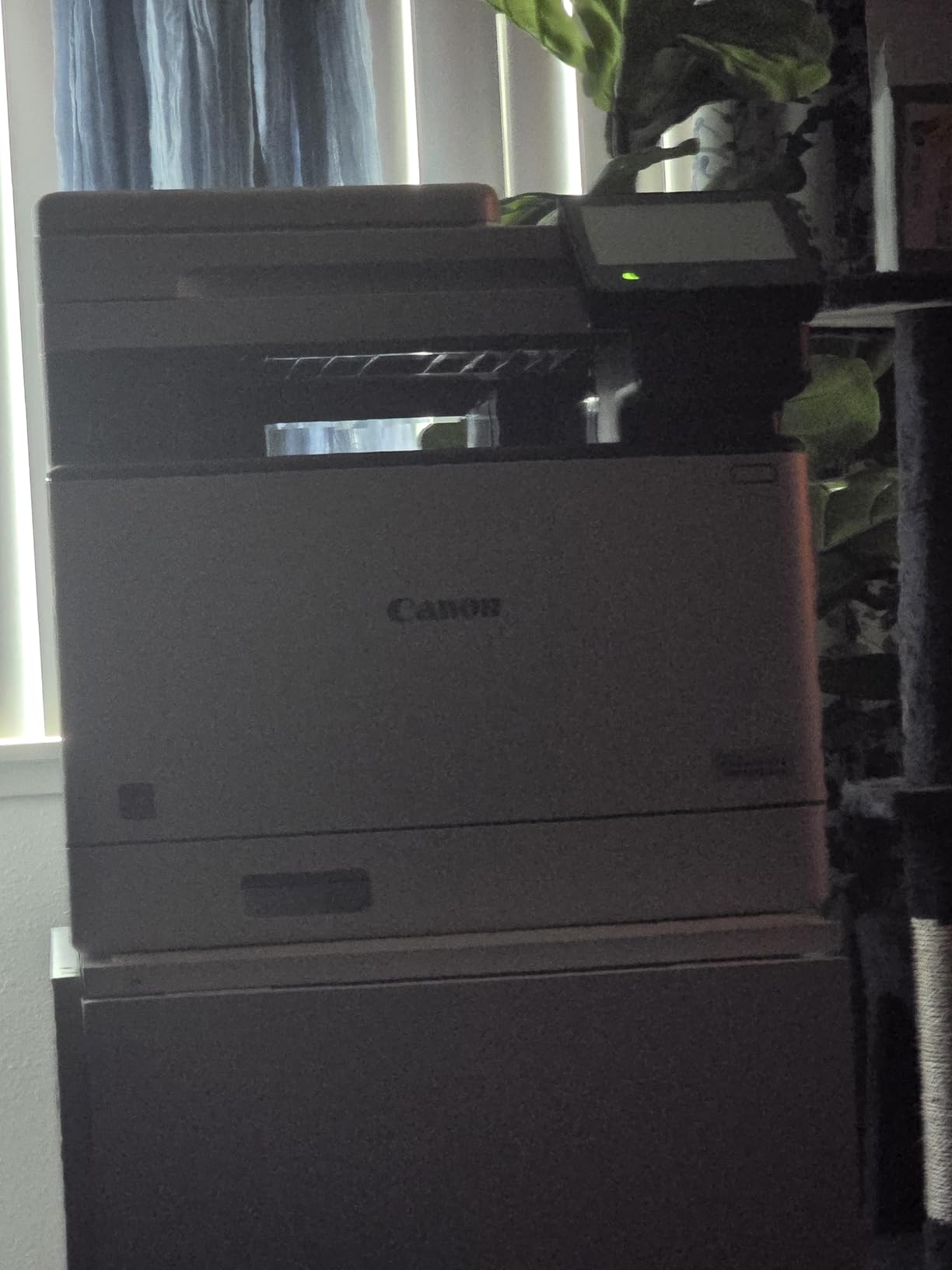
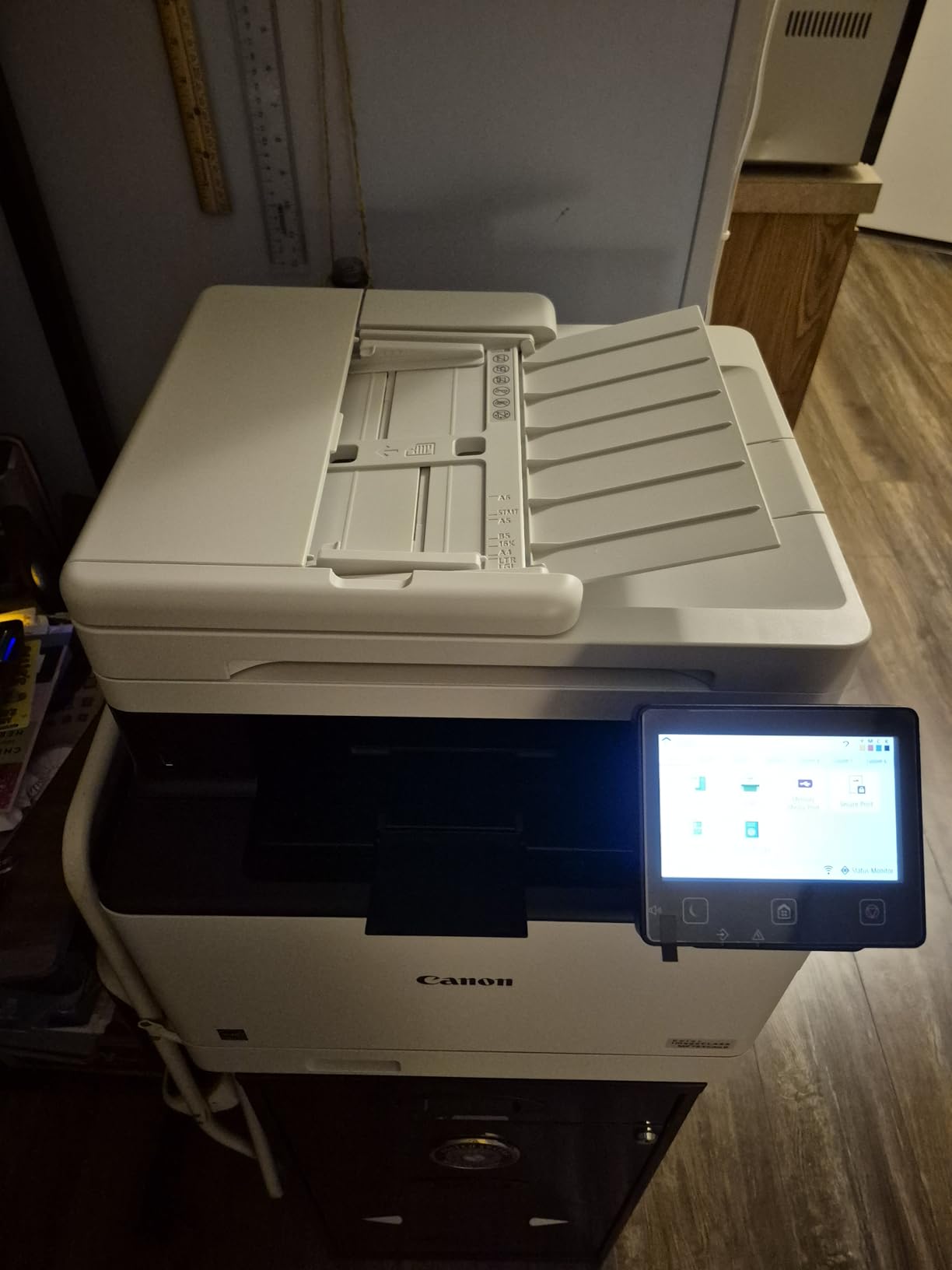
Colour laser output for a home business is a genuine question, not an obvious yes. This Canon prints at 35 pages per minute in both colour and monochrome with automatic duplex, copies, scans and faxes, and its three year manufacturer warranty is the longest in the roundup. A majority of owners describe the hardware itself as excellent.
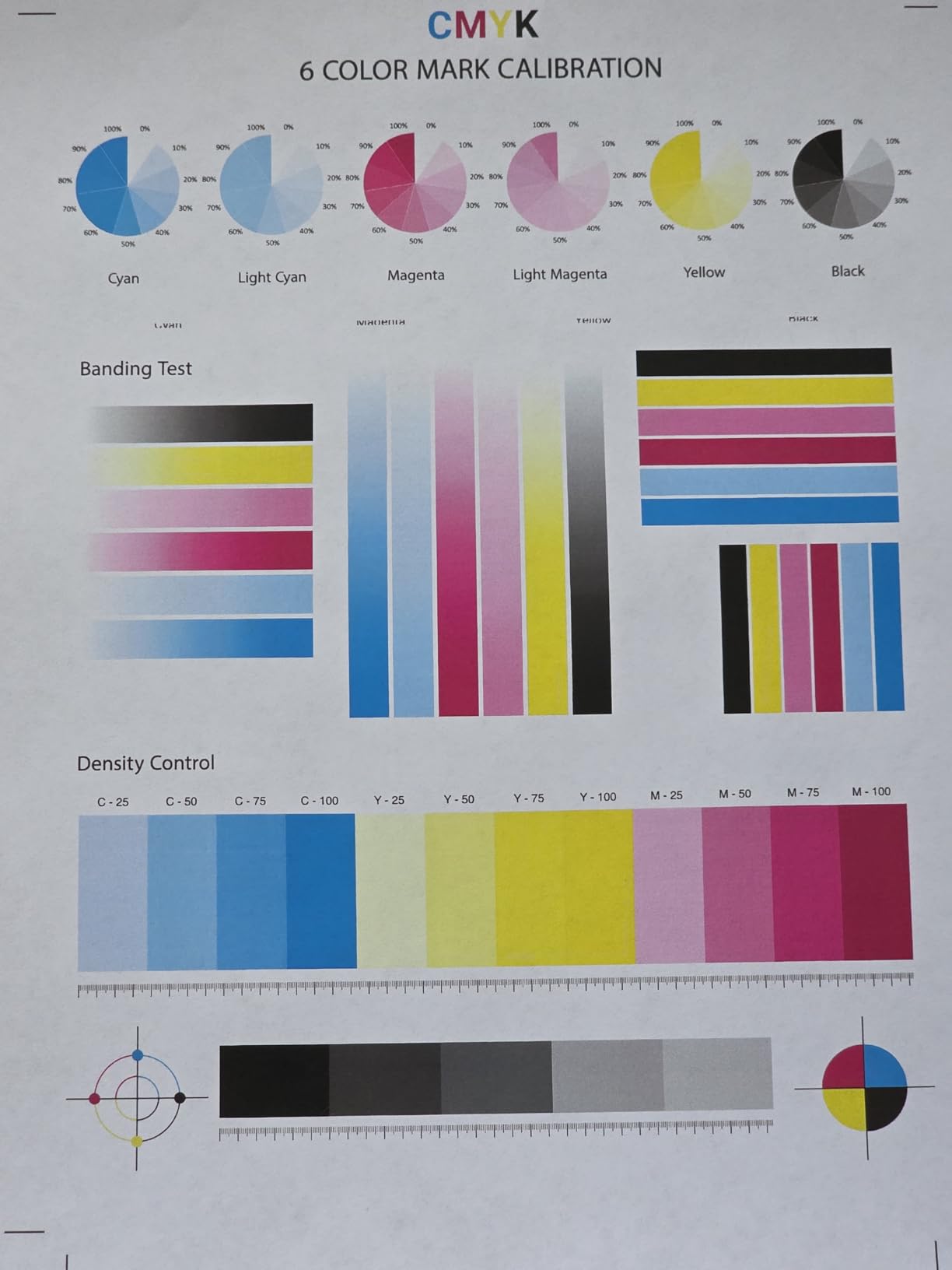
Two features stand out. It handles very large print jobs, including 600 pages in a single run, without stalling, and it self-calibrates colour on setup by scanning a printed linearisation chart, which is how you get accurate colour without a technician. First page out is 7 seconds.
On running cost, owners report much lower cost per page than inkjet and note that affordable third-party toner exists for it. It ships with Canon Genuine Toner 069, with starter cartridges at 1100 pages for cyan, magenta and yellow and 2100 for black. Canon spare part availability is listed at three years.
Onboarding is simpler than Canon’s reputation suggests. Windows 11 can install and drive this printer directly without installing any Canon software at all, which is the workaround several owners describe after driver installs failed.
When colour is worth the running cost
Colour earns its place when you print client-facing material: proposals with charts, branded packing slips, product inserts, or your own marketing flyers. The self-calibration means colours land close enough to your artwork that you do not need a separate proofing workflow.
The 250-sheet standard cassette plus a multipurpose tray covers envelopes and specialty stock, and the touchscreen has a local web interface for network setup, which avoids the cloud-only configuration that frustrates owners of some competing models.
Where colour laser gets heavy
At 50 pounds and 18.2 by 16.8 by 17 inches, this is a floor machine, not a desk machine. In a home office it needs a sturdy shelf with clearance on every side, and you should check the route from your door to that shelf before ordering.
The complaints are overwhelmingly about software. Canon’s own utilities and support pages fail often, its software does not run on ARM-based machines such as the Surface Pro, and the Easy Connection wireless path can fail silently and need manual SSID entry. Network scanning to a computer is also unreliable for some users.
7. Canon imageCLASS LBP646Cdw – Best Colour Printer for Labels
Canon Color imageCLASS LBP646Cdw Wireless Laser Printer, Duplex, 26 PPM, Print Only, White
26 ppm colour
Automatic duplex
250-sheet cassette plus manual feed
5-line LCD
3 year warranty
Pros
- Sharp vibrant output suited to labels and packaging
- Toner 075 high capacity reduces replacement frequency
- Works with Canon PRINT plus AirPrint and Mopria
- ENERGY STAR certified and EPEAT Silver
Cons
- Print-only with no scanning copying or fax
- Wi-Fi setup on the tiny screen is difficult
- Connects on the 2.4GHz band only in practice
For anyone who prints their own product labels, packaging inserts or colour shipping materials, this Canon is the pick. Owners specifically call out sharp, vibrant output that suits label and packaging work for a small product line, at 26 pages per minute in both colour and monochrome with automatic duplex.
It has two paper feeds: a 250-sheet standard cassette and a multipurpose tray for envelopes and specialty media. That second feed matters more than it sounds, because a business printing labels full time gets tired of reloading the main tray every time it switches media.
Mobile printing works through the Canon PRINT app, Apple AirPrint and Mopria, so a phone can drive it without any setup on a computer. The three year limited warranty matches the other Canon models here, and the machine is ENERGY STAR certified and EPEAT Silver.
It ships with Genuine Toner 075 CMYK starter cartridges rated at 500 pages for the colour toners and 700 for black, and the high-capacity versions of the same cartridge are the ones to buy for steady label volume.
Why this suits product sellers
If you are printing address labels with a logo, product stickers, or inserts for a small shipment, colour laser output gives you a professional finish without the smudging and water sensitivity of inkjet. Speed is adequate for label runs, and duplex is automatic for your own paperwork.
It is also ENERGY STAR certified, which is the metric to check if you want to keep standby power draw down in a room you also use for living.
What makes setup frustrating
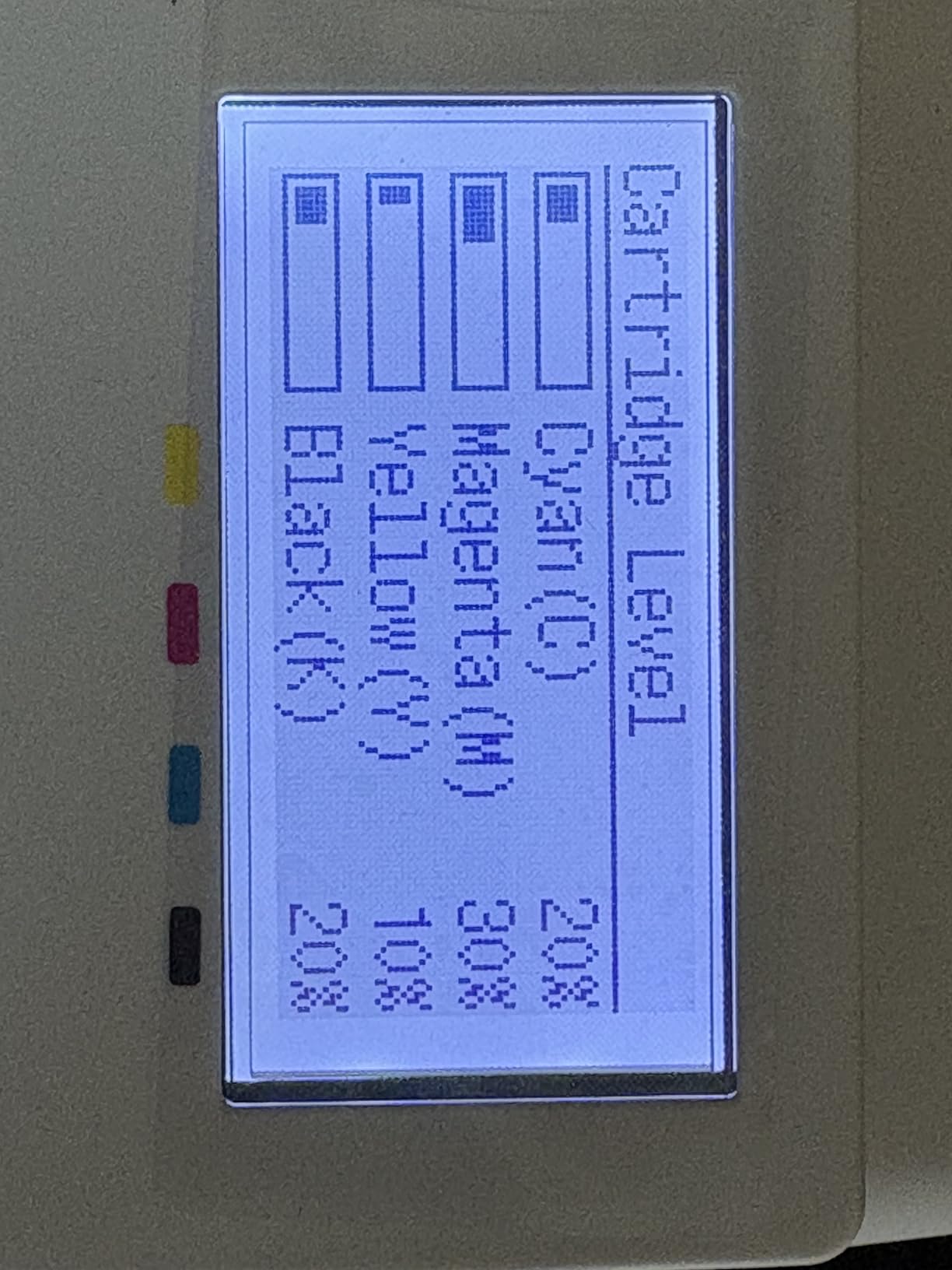
The 5-line LCD is small, and several reviewers could not complete Wi-Fi setup on it because the error messages are vague. Both the Canon app route and the QR code path failed for some people, so plan on following the manual with a laptop rather than your phone.
In practice this unit connects on the 2.4GHz band only, so if your home runs a 5GHz-only network it will not see the printer. It is also print-only, so you will need a separate scanner for digitising paperwork, and it is louder during longer print runs than the monochrome machines here.
8. Canon imageCLASS MF652Cw – Best Colour Scanner and Copier
Canon Color imageCLASS MF652Cw – Wireless Laser Printer, Multifunction with Scanner, Copier, Mobile Ready, 3 Year Limited Warranty, 22 PPM Color, White
22 ppm colour
Print scan and copy
LCD touchscreen
251-sheet tray
3 year warranty
Pros
- Highest-rated Canon here at 4.3 stars
- Toner 067 high capacity yields thousands of pages per set
- Consistent Wi-Fi and printing from phones
- Plug and play install on Windows 10 and 11
Cons
- No automatic duplex
- does not stay connected on mesh Wi-Fi
- No USB cable included and settings are web based only
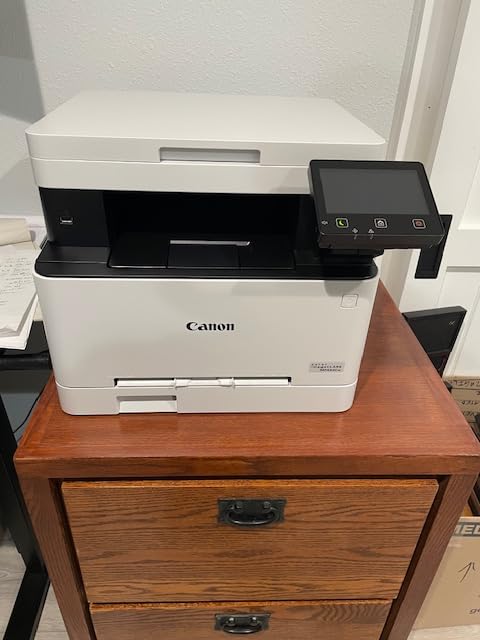
The MF652Cw is a colour laser that prints, scans and copies with an LCD touchscreen, rated 4.3 stars across owner reviews. It prints at 22 pages per minute in colour and monochrome with a first page in about 10.3 seconds, and the 251-sheet cassette plus a one-sheet multipurpose tray handles both documents and envelopes.
Reviewers describe it as a dependable, no-fuss colour laser with sharp output that suits labels and product printing. Toner 067 high-capacity cartridges yield thousands of pages per set at low replacement cost, and most owners report consistent Wi-Fi with reliable printing from phones.
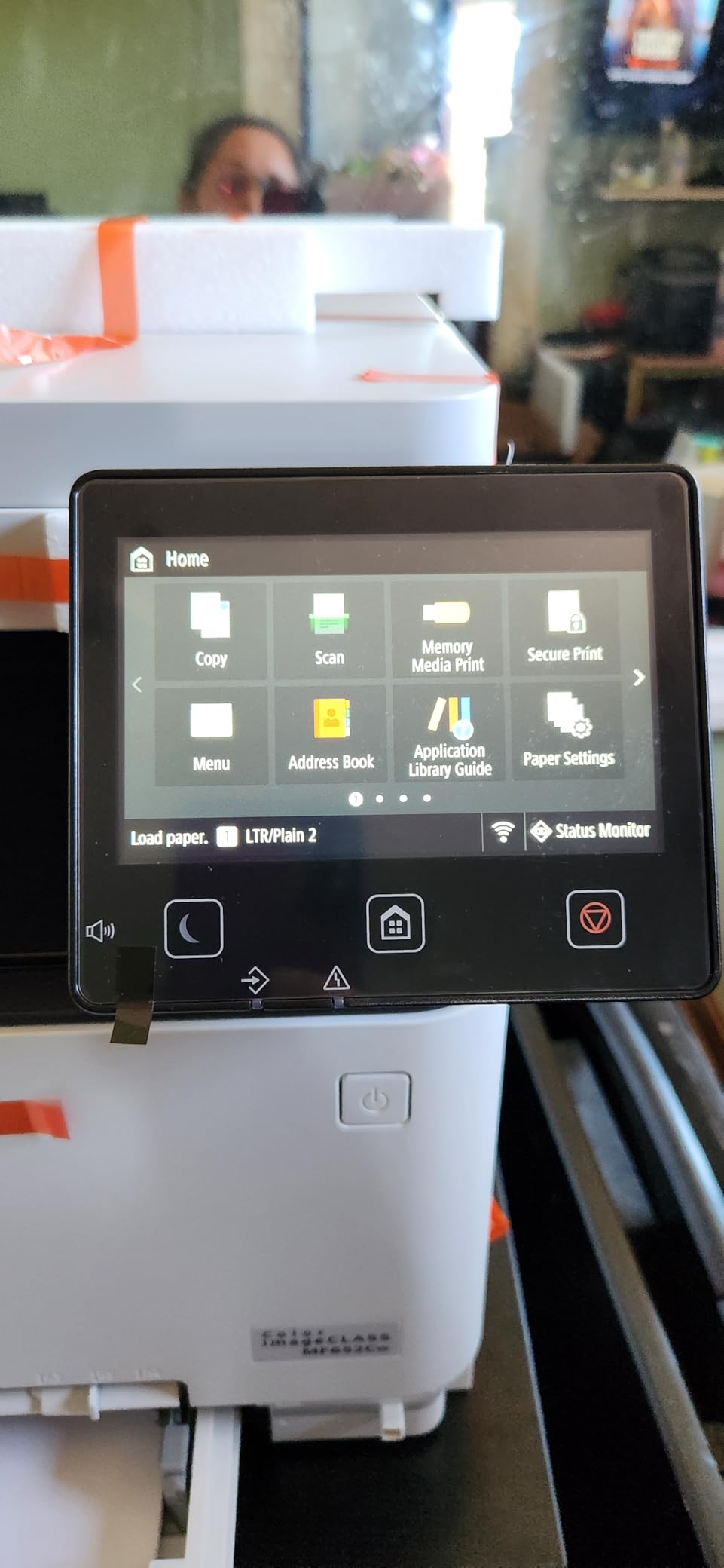
It is plug and play on Windows 10 and 11, carries a three year limited warranty, and is ENERGY STAR certified and EPEAT Silver with Chromebook compatibility. Poster Artist Online is included, which covers simple marketing layout for a home business that would otherwise pay for design software.
There are two drivers and one Ethernet port behind that connectivity, so it can be wired if your network allows.
When this beats the other Canon colour models
Choose it when scanning is a daily task and colour is occasional. The touchscreen makes switching between print, scan and copy straightforward, which matters if you are digitising receipts all week and only printing colour a few times a month.
It is the best-rated Canon in this roundup, and the value for the feature set comes through in reviews. For a business that prints proposals, scans signed paperwork and copies documents, three functions in one footprint beats a print-only unit plus a separate scanner.
The duplex problem you must know about
This model has manual duplex only. Pages must be flipped by hand for double-sided printing, which is a genuine drawback in an era when every other pick here does it automatically. Budget for the extra time on any large two-sided job.
It also does not stay connected to mesh Wi-Fi systems, and AirPrint fails while the machine is asleep. Settings are only reachable through the web-based admin console, so the printer needs internet access for configuration, and no USB cable ships in the box, so wired use requires an adapter.
9. Kyocera ECOSYS P2235dw – Best for Large Paper Capacity
KYOCERA ECOSYS P2235dw Monochrome Laser Printer, 37ppm, Up To Fine 1200 dpi, Gigabit Ethernet, Wireless & Wi-Fi Direct, Mobile Print, Auto-Duplex, LED Control Panel, 256 mb, 250 sheet tray
37 ppm monochrome
Up to 850 sheets paper capacity
1200 dpi
Gigabit Ethernet and Wi-Fi Direct
Pros
- Fastest print speed in the group at 37 ppm
- Up to 850 sheets of paper capacity
- 1200 dpi fine resolution for crisp text
- KYOCERA Mobile Print plus Google Cloud Print and Mopria
Cons
- Print-only with no scanner copier or fax
- Simple push-button LED panel
- Requires proprietary TK-1152 toner containers
The Kyocera ECOSYS P2235dw is the fastest machine here at 37 pages per minute and holds up to 850 sheets of paper, by far the largest capacity in this group. At 4.3 stars it matches the highest-rated Brother for owner satisfaction, though across a much smaller review base of 159.
Paper capacity is the reason it exists. If you print in bursts, or you have ever run out of paper mid-job with a tray of invoices behind it, 850 sheets removes that problem entirely. Output resolution reaches 1200 dpi, which keeps small text and fine tables legible.
Connectivity is the most complete in the roundup: Gigabit Ethernet, standard wireless and Wi-Fi Direct for direct printing without a router. It works with KYOCERA Mobile Print, Google Cloud Print and Mopria, so phone and tablet printing is covered.
What you gain from a business-class workhorse
KYOCERA Fleet Services readiness gives you a secure cloud-based monitoring system for uptime, which is unusual on a home machine but useful if a second person in your business is handling print jobs. The control panel is an LED and LCD arrangement with physical buttons, so nothing depends on an app being stable.
At 14 kg it is still light enough to reposition, and a fast, well-stocked, simple-to-operate printer has real value for a business that prints on a schedule rather than on demand.
Where it will disappoint
It is print-only. There is no scanner, no copier and no fax, so if you need to digitise anything this is the wrong machine, and it rules itself out for most home businesses that file receipts.
The panel is a simple push-button LED interface rather than a touchscreen, and it requires proprietary TK-1152 toner containers. The published dimensions of 5.5 by 8.5 by 5.5 inches do not match the weight or the category, so measure the space before ordering rather than trusting the listing.
How to Choose a Laser Printer for a Small Home Business
Most buying guides start with print speed, and for a home business that is the wrong place to start. Measure your real monthly volume first, then decide what you need the machine to do that you cannot do on your phone.
Laser or inkjet: the honest comparison
Laser wins on running cost and durability. A monochrome laser typically runs in the low single-digit cents per page, while a consumer inkjet running cartridges at typical page coverage lands far higher, and the gap widens every time you run a colour page you did not need.
The durability argument matters more at home than in an office. Ink sits in nozzles and dries out. A printer that sits idle for a week after a busy month will often need a print-cycle ritual or a cleaning cartridge to clear dried ink, and that is precisely the complaint that drives people back to laser. Powdered toner does not dry, so a laser machine woken after three weeks prints correctly straight away.
Laser loses on photos and on heavy gradient artwork, and a home business that prints product photography should still consider a dedicated photo printer. For invoices, contracts, labels and statements, laser is the better tool.
Match the machine to your monthly print volume
Most home businesses print far less than article roundups assume. A sole consultant printing 20 to 30 pages a week is under 150 pages a month, and at that volume the only things that matter are cost per page and whether the machine starts when you need it.
Under 500 pages a month: the Brother HL-L2460DW is enough, and you should buy the high-yield toner. Between 500 and 2,000 pages: an all-in-one like the Brother DCP-L2640DW or MFC-L2820DW earns its scanner and feeder. Between 2,000 and 5,000 pages: the HP LaserJet Pro MFP 3101fdw or the Canon MF753Cdw II handle bursts and give you duplex across the board.
Above 5,000 pages a month, this roundup is the wrong list. You want a machine with two paper cassettes, a high-volume feeder and serviceable parts, and the Kyocera at 850 sheets is the closest starting point.
Monochrome or colour, and the cost reality
Buy monochrome unless you print something a client holds in their hand. Invoices, contracts, statements, receipts and shipping labels are all black and white, and a colour laser’s per-page cost is several times higher for the same job.
Colour earns its place for proposals with charts, branded packing slips, product labels and marketing flyers. If that is a real part of your work, the Canon MF753Cdw II is the most complete option, the LBP646Cdw is the cheapest colour route, and the MF652Cw is the one to buy if scanning matters alongside colour printing.
Budget the colour toners separately. The Canon MF753Cdw II ships with starter cartridges at 1100 pages for cyan, magenta and yellow, and those run out far faster than the black. Print colour only on final documents, not on drafts.
Understanding the ADF and duplex in plain English
Automatic duplex means the machine prints both sides without you flipping the paper. On contracts and invoices this halves paper and toner use immediately, and it is the single feature that changes running cost most.
The auto document feeder is the top scanner for a stack of pages. Check two things: the sheet count, since 50 pages is a meaningful difference between a shoebox of receipts and a bound contract, and whether it scans both sides. Two-pass feeders require you to turn the stack over. Single-pass or duplex feeders read both sides in one run.
Neither Brother or HP feeder in this roundup duplex-scans, and the Canon MF652Cw has no automatic duplex at all. If two-sided originals are a regular part of your paperwork, that is worth knowing before you buy.
Toner, chip-locked cartridges and cost per page
Toner is a powder, and cost per page is the whole game. Divide the cartridge price by its rated yield, then check whether a high-yield version exists for your machine. At 300 pages a month on a high-yield cartridge, you replace it a few times a year.
HP’s chip-locked cartridges are the single biggest ownership cost difference here. The LaserJet Pro MFP 3101fdw and the LaserJet Pro 3001dw both require cartridges with original HP chips or circuitry, which locks out third-party toner. Every Brother model listed accepts compatible third-party TN830 and TN830XL cartridges, and users in printer forums consistently call that out as the reason Brother holds running costs down over a five year ownership cycle.
Subscription services like Refresh EZ Print only make sense at steady volume. If you print irregularly, buy toner outright and skip the enrolment, because overage charges on a light month can outweigh the discount.
Setting up a laser printer on a home network
Printers dropping off the network is the most repeated complaint from home business owners, and it is usually a configuration problem rather than a hardware fault. Five steps fix most cases.
First, connect over Ethernet wherever you can, and give the printer a static IP address. A wired printer cannot fall off the network. Second, if you must use Wi-Fi, join the 2.4GHz band rather than 5GHz, because several models here, including the Canon LBP646Cdw, will not connect to a 5GHz-only network. Third, set a fixed IP in your router’s address reservation list so the printer always comes back at the same address.
Fourth, install the printer from the operating system rather than the manufacturer’s app. Windows can drive every machine in this roundup on its own, and vendor installers are the most common source of setup failure, particularly for Canon. Fifth, install print monitoring software from a known source and update the driver before you rely on the machine, because an old driver is a common cause of a printer that disappears from the network.
Warranty and long-term support
Warranty length is a proxy for how long the manufacturer expects the machine to be supported. Canon leads here with a three year manufacturer warranty on all three colour models, and spare part availability is listed at three years for the MF753Cdw II.
Brother and HP both carry a one year limited warranty, which is normal for the category but worth noting if you plan to keep a machine past year three. Check that the brand still publishes drivers for your operating system version, because that is the practical test of long-term support.
Frequently Asked Questions
Which laser printer is best for small business?
For most home businesses, the Brother DCP-L2640DW is the best all-round choice. It prints at 36 pages per minute with automatic duplex, includes a 50-page document feeder for scanning receipts, and runs on TN830 toner that works with affordable third-party cartridges. A one-person operation that never scans should look at the cheaper Brother HL-L2460DW instead, and a team of three or more should consider the HP LaserJet Pro MFP 3101fdw.
What is the best laser all-in-one printer for small businesses?
The Brother DCP-L2640DW is the best all-in-one for a small home business because it combines printing, copying and scanning at 36 pages per minute with a 50-page automatic document feeder and automatic duplex. If you also need fax or want a touchscreen for choosing cloud scan destinations, the Brother MFC-L2820DW steps up with a 2.7-inch display and scan-to-cloud apps. Both accept widely available compatible toner.
Which HP LaserJet printer is best for a small business?
The HP LaserJet Pro MFP 3101fdw is the best HP LaserJet for a small business team because it handles print, scan, copy and fax at 35 pages per minute with automatic duplex and is rated for teams of up to seven. It adds HP Wolf Pro Security, which matters when you are handling client contracts and financial records. Be aware that it requires genuine HP chips, so third-party toner cartridges will not work.
Is an inkjet or laser printer better for small business?
A laser printer is better for small business because its running cost per page is far lower and the toner does not dry out. Inkjet ink sits in nozzles and dries when a machine sits idle, which is common in a home office that prints in bursts. Laser is also faster and handles high text volumes without the per-page cost of ink. Inkjet only wins for photo printing, where laser output is poor.
Which is more reliable, an inkjet or laser printer?
A laser printer is generally more reliable for business use because it has fewer moving parts involved in ink delivery, runs faster, and does not clog when idle. Forum users consistently describe laser machines as bigger but far more reliable and more serviceable than inkjets. The main laser reliability issue is networking rather than the hardware, so connecting over Ethernet with a static IP address removes most of it.
Are laser printers being phased out?
No, laser printers are not being phased out. Laser remains the standard choice for text-heavy business printing because of lower cost per page, faster output and toner that does not dry out. What has changed is the market: manufacturers now offer fewer entry-level models while continuing to support laser across small office and workgroup ranges. Inkjet growth has come from consumer and photo printing rather than from replacing business laser.
Which Laser Printer Is Right for Your Home Business
Start with volume, not speed. Under 500 pages a month, take the Brother HL-L2460DW and buy high-yield toner outright. Between 500 and 2,000 pages with receipts to scan, the Brother DCP-L2640DW is the machine we recommend to most people reading this. Need a touchscreen, fax and cloud scanning, step up to the Brother MFC-L2820DW.
For two or three people printing regularly, the HP LaserJet Pro MFP 3101fdw adds security features worth having, with chip-locked toner as the trade-off. Colour only matters if a client holds your output, and when it does, the Canon MF753Cdw II is the complete option. Whichever you choose, buy a machine that stays on your network without a weekly reboot.
If you are still building out the rest of your home office setup, our guides to the best color laser printers for small businesses and the best laser printers for home use cover the two situations most readers compare against this one.
Pair your choice with the right dedicated hardware and the office comes together. Our roundups of the best receipt printers for small businesses and the best label printers for small businesses cover point-of-sale and shipping workflows, and the best wireless laser printers for small offices guide goes deeper on connectivity if your network is the problem.
Last updated for 2026. All specifications are drawn from manufacturer listings and verified owner reviews, and prices change constantly, so use the buttons above to check current pricing.