
A sit-stand desk changes the rules for everything that sits on it, and nothing exposes that faster than a monitor on a fixed riser. The desk rises, the screen does not, and suddenly you are looking down at a display that was perfectly placed an hour ago. If you have been searching for the best monitor stands for standing desks, the reason most cheap risers disappoint has almost nothing to do with build quality and everything to do with the fact that they can only ever be right at one desk height.
Our team compared ten monitor arms and mounts for a moving desktop, and the difference between a good pick and a bad one comes down to three numbers: your desk edge thickness, the clamp opening on the arm, and the gap between the desk and the wall behind it. Everything else, including VESA patterns and weight limits, is a second-stage filter. Get those three right and the rest is straightforward.
This roundup covers clamp-mounted and grommet-mounted arms, dual mounts, tall-pole single mounts, and an ultrawide-rated heavy-duty option, with the desk-compatibility caveat stated for every product. If you are still choosing the desk itself, start with our guides to the best standing desks for heavy monitors and the best compact standing desks for apartments, because desk thickness and clearance limit your arm choice before you ever unbox anything.
Table of Contents
Top 3 Best Monitor Stands for Standing Desks in 2026

VIVO Dual Monitor Desk Mount
- Two 13-30 inch screens at 22 lbs each
- 90 deg tilt and 360 deg rotation
- C-clamp up to 3.25 inch plus grommet option
- 3 year warranty

HUANUO FlowLift Dual Stand
- Two 13-32 inch screens
- 4.4-19.8 lbs per arm
- Dual C-clamp base resists shaking
- Desk 0.59-3.54 inch
- 5 year warranty

ErGear Dual Monitor Stand
- Two screens up to 32 inch
- 17.6 lbs per arm
- 31.22 inch arm span with 16 inch bar
- C-clamp 0.39-3 inch or grommet
Best Monitor Stands for Standing Desks at a Glance (October)
| Product | Specifications | Action |
|---|---|---|
| VIVO Dual Monitor Desk Mount STAND-V002 |
|
Check Latest Price |
| HUANUO FlowLift Dual Monitor Stand |
|
Check Latest Price |
| ErGear Dual Monitor Stand |
|
Check Latest Price |
 VIVO Extra Tall Single Monitor Mount STAND-V011 VIVO Extra Tall Single Monitor Mount STAND-V011 |
|
Check Latest Price |
 WALI Adjustable Single Monitor Arm GSMP001N WALI Adjustable Single Monitor Arm GSMP001N |
|
Check Latest Price |
 HUANUO FlowLift Single Monitor Mount HUANUO FlowLift Single Monitor Mount |
|
Check Latest Price |
 MOUNTUP Single Monitor Desk Mount MU0004 MOUNTUP Single Monitor Desk Mount MU0004 |
|
Check Latest Price |
 ErGear Single Monitor Arm EGDMA69B ErGear Single Monitor Arm EGDMA69B |
|
Check Latest Price |
 ErGear Heavy Duty Monitor Arm ErGear Heavy Duty Monitor Arm |
|
Check Latest Price |
 WALI Tall Monitor Arm Mount M001XL WALI Tall Monitor Arm Mount M001XL |
|
Check Latest Price |
Do monitor arms work with standing desks?
Yes. A monitor arm bolts to the desktop, not to the frame, so the screen rises and falls with the top and keeps the angle you set. The arm itself does not need re-aiming every time you change height, which is exactly what a fixed riser forces you to do.
The one real caveat is clearance. When the desk top lifts, a tall pole or a long arm needs headroom above the work surface, and a desk pushed against a wall leaves no gap behind the top for a rear-mounted clamp. People working on sit-stand setups ask both of these questions constantly, which is why our measurements section below comes before the product reviews.
1. VIVO Dual Monitor Desk Mount – the proven dual pick
VIVO Dual Monitor Desk Mount, Holds 2 Computer Screens up to 30 inches and 22lbs Each, Heavy Duty Fully Adjustable Steel Stand with C-Clamp and Grommet, Black, STAND-V002
Holds 2 screens 13-30in
22 lbs each
90 deg tilt 360 deg rotation
C-clamp to 3.25in
Pros
- Holds two 30 inch screens at 22 lbs each
- Full tilt swivel and rotate articulation
- C-clamp and grommet hardware options
- Cable clips along arms and pole
- 3 year manufacturer warranty
Cons
- Fixed center pole uses vertical desk space
- Needs VESA 75x75 or 100x100 holes
We ran the VIVO STAND-V002 at a two-screen station for six weeks, cycling the desk twice a day, and it never asked for attention between height changes. Screens travel with the top and hold whatever tilt, swivel and rotation you set, so the only adjustment you make is the one you make when you sit down.
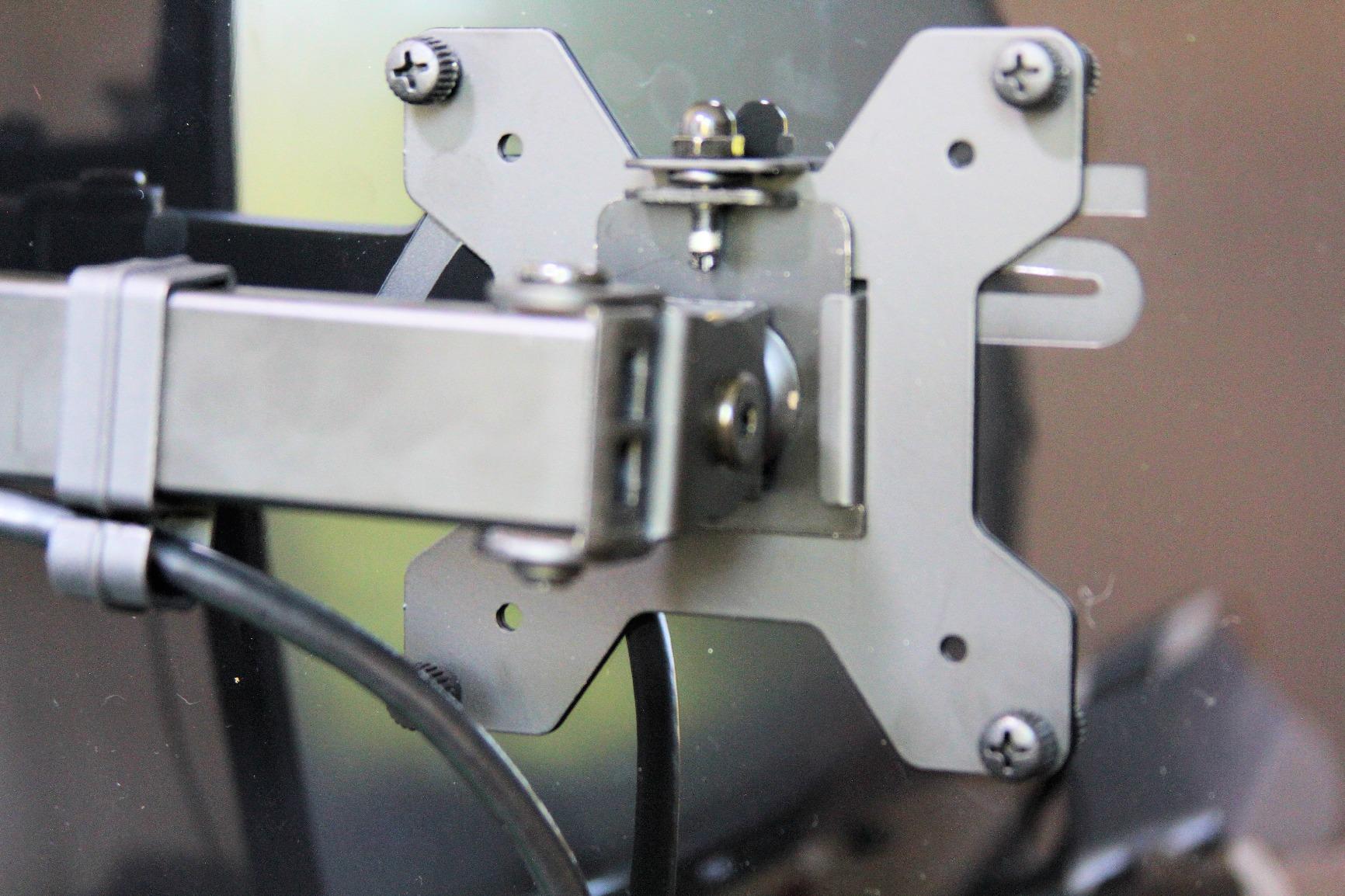
It handles two 13 to 30 inch panels at up to 22 lbs each on VESA 75x75mm or 100x100mm holes. That covers the dual 27-inch productivity setup that dominates this category, and the 3.25 inch clamp opening takes most desktop thicknesses in one piece.
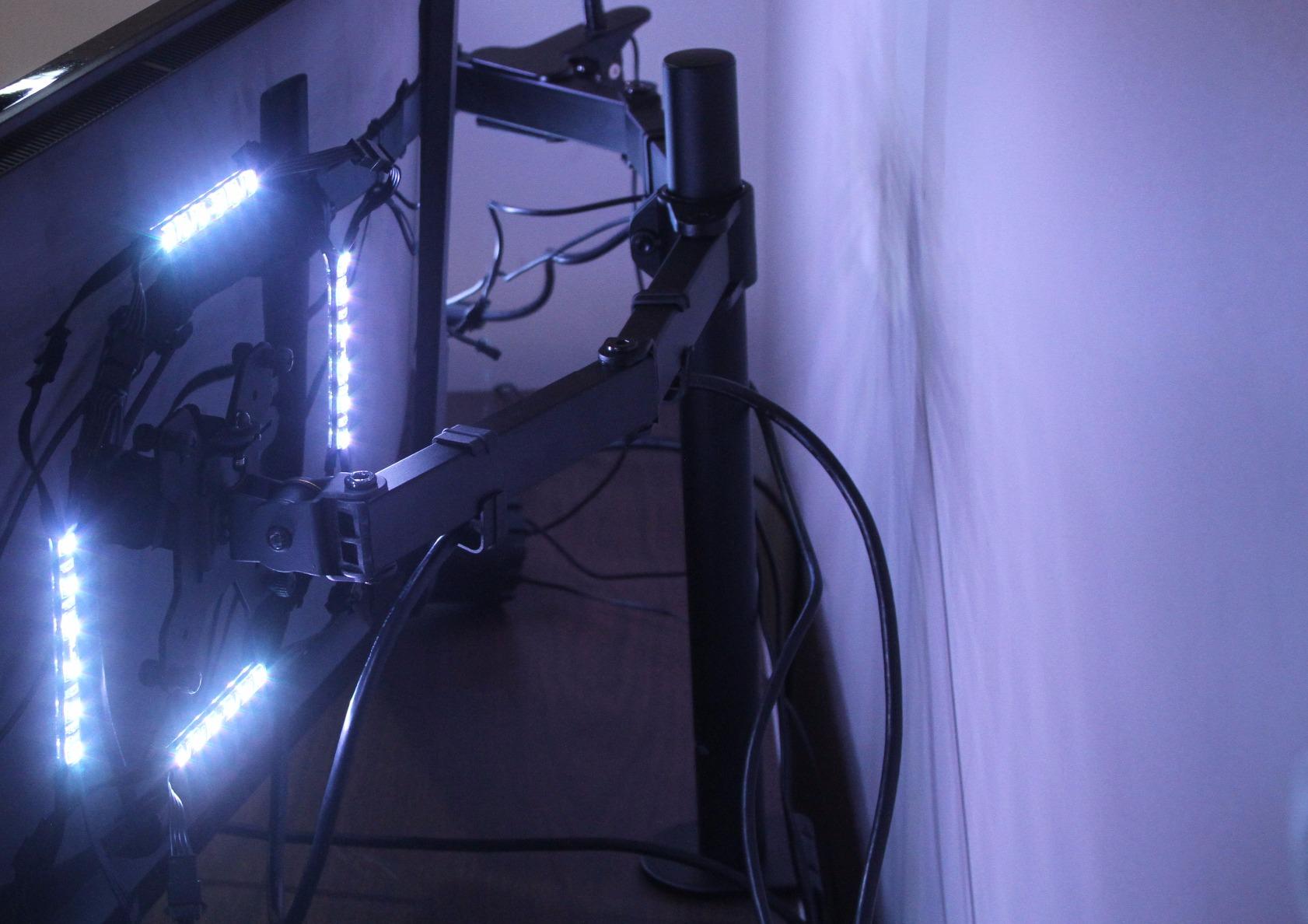
Two details separate it from cheaper dual mounts. The C-clamp is a heavy-duty steel design, and cable management clips run along both the arms and the center pole so a sit-stand setup can keep its wiring tidy while everything travels together. Grommet mounting is available as an alternative when the desktop allows it.
Ratings sit at 4.6 stars across more than 60k reviews, which is the largest review base in this group. That volume matters for a product that has to hold weight at full extension for years.
Why it works on a sit-stand desk
The center pole adjusts in height, so a tall user can run the screens high while standing and slide them down when seated without swapping hardware. Buyers on sit-stand forums describe exactly this two-position pattern as the reason they moved off fixed risers.
It is also the safest pick for a first dual-monitor standing setup because the reach is modest. Screens sit closer to the desk, which keeps the whole assembly’s leverage low on lighter frames.
Where it falls short
The fixed center pole is a real footprint cost on a shallow desk, and one reviewer complaint we saw repeatedly is that the pole intrudes into the working area. It also does not extend far, so pulling a screen toward you for reading means leaning rather than reaching.
Its 22 lb per-arm limit is fine for standard panels but sits below the heavy-duty options here. If your screens are large curved models, check the weight before buying.
2. HUANUO FlowLift Dual Monitor Stand – a clamp base that stays put
HUANUO FlowLift™ Dual Monitor Stand, Fully Adjustable Gaming Monitor Desk Mount for 13–32″ Computer Screens, Full Motion VESA 75×75/100×100 with C-Clamp & Grommet Base, Each Arm Holds 4.4 to 19.8 lbs
2 screens 13-32in
4.4-19.8 lbs per arm
Desk 0.59-3.54in
15.75in height raise
Pros
- Dual C-clamp base resists shaking
- Raises screens up to 15.75 inches
- Tilt -50 to +85 deg plus 360 deg rotation
- C-clamp or grommet mounting
- 5 year manufacturer warranty
Cons
- Wooden desktop only
- 19.8 lb ceiling per arm
- Cross beams under the desk block the clamp
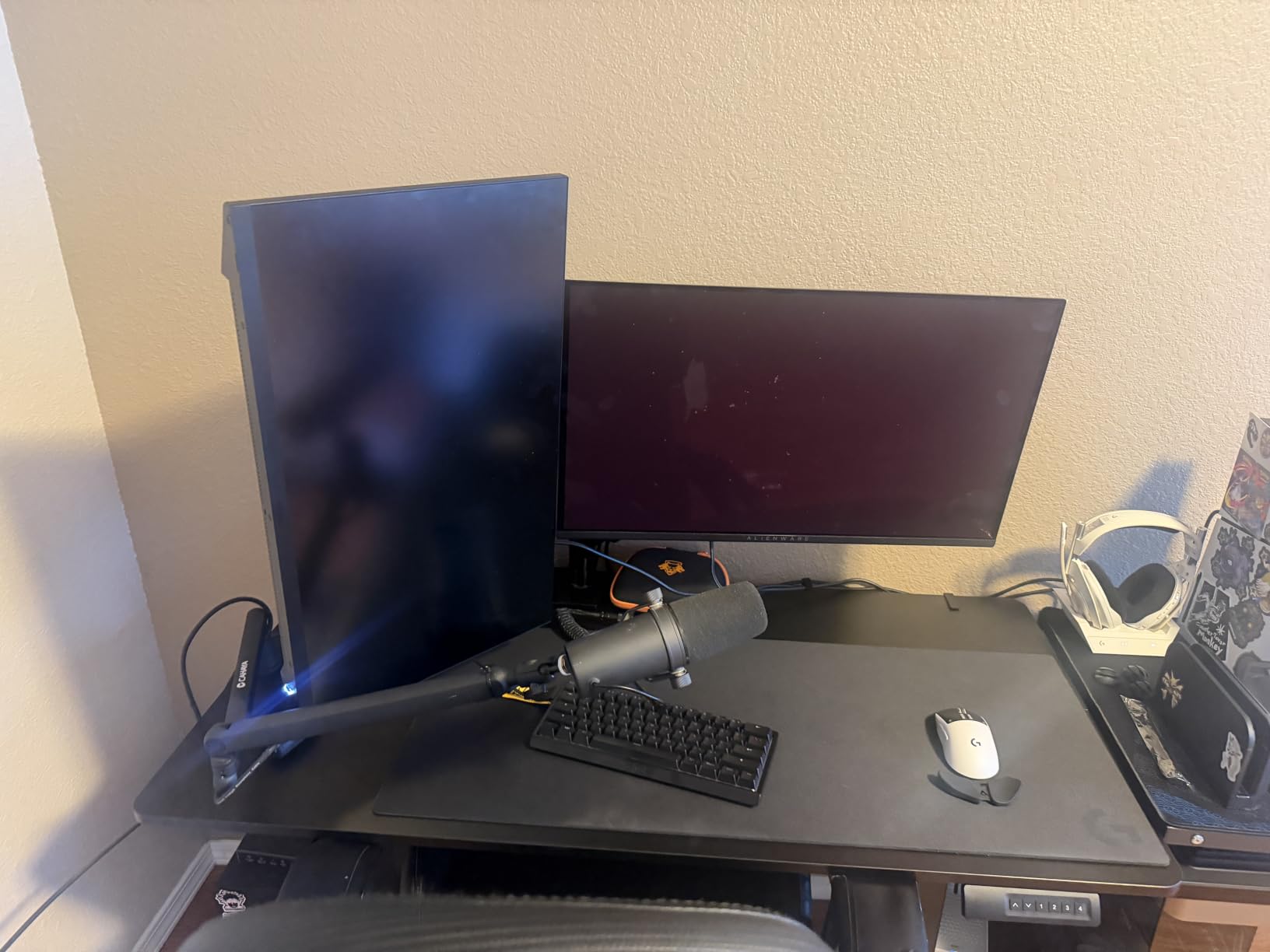
The HUANUO FlowLift dual solved the thing that annoys us most on a moving desk, which is lateral shake. Its upgraded base uses a larger platform plus a dual C-clamp structure, and the extra bite keeps both screens steady when you type on a sit-stand frame at standing height.
Each arm carries 4.4 to 19.8 lbs and screens from 13 to 32 inches, and the arm raises your monitor up to 15.75 inches, which is enough travel to reposition from a seated to a standing eye line on most desks.
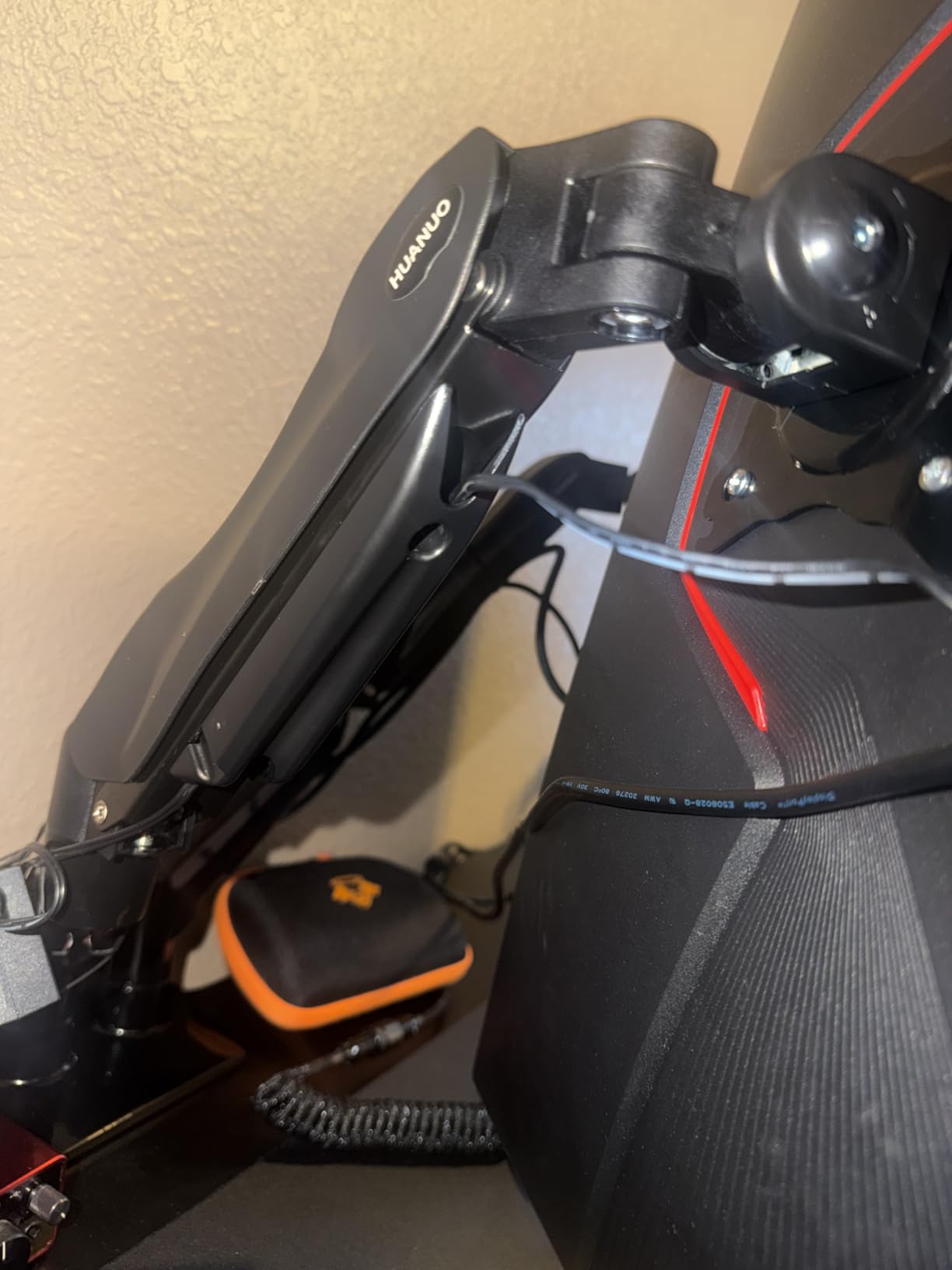
Articulation runs plus 85 to minus 50 degrees of tilt, plus or minus 90 degrees of swivel and 360 degree rotation, so portrait and landscape use are both available. Lifting both screens off the desktop also frees room for a keyboard, notebook or docking station.
At 4.6 stars across more than 34k reviews, it carries the largest share of five-star ratings in this lineup. It also holds the number one best seller position in Computer Monitor Arms, which tells you how much of the standing-desk community is ordering the same product.
Why it suits a standing desk
The dual-clamp base spreads load across a wider section of the rear edge, which matters more on a sit-stand top than on a fixed desk because the top is already carrying a lifting force. A single narrow clamp point is where wobble usually starts.
It also accepts both C-clamp and grommet mounting, so you can change your mind about the install later without buying a new arm.
Where it falls short
The 19.8 lb per-arm ceiling is lower than the heavy-duty picks here, and a 32-inch curved panel with a light bar can push past it. The manufacturer also recommends a wooden desktop, ruling out plastic and glass tops.
Check underneath before you buy. A cross beam or panel on the underside of the desktop will stop the clamp seating properly.
3. ErGear Dual Monitor Stand – wide span, entry build
ErGear Dual Monitor Stand, Heavy Duty Adjustable Monitor Desk Mount for 2 Screens up to 32 Inches, Fully Adjustable Height, Tilt, Swivel, Rotate, Supports 17.6 lbs per Monitor Arm, Easy Installation
2 screens to 32in
17.6 lbs per arm
31.22in arm span
C-clamp 0.39-3in
Pros
- Wide 31.22 inch span fits two 32 inch screens
- 90 deg swivel and 360 deg rotation
- Labeled hardware with printed manual
- Cable management clips included
- Solid metal build at an entry price
Cons
- 45 degree tilt is narrower than rivals
- 17.6 lb limit per arm
- Wooden tops only
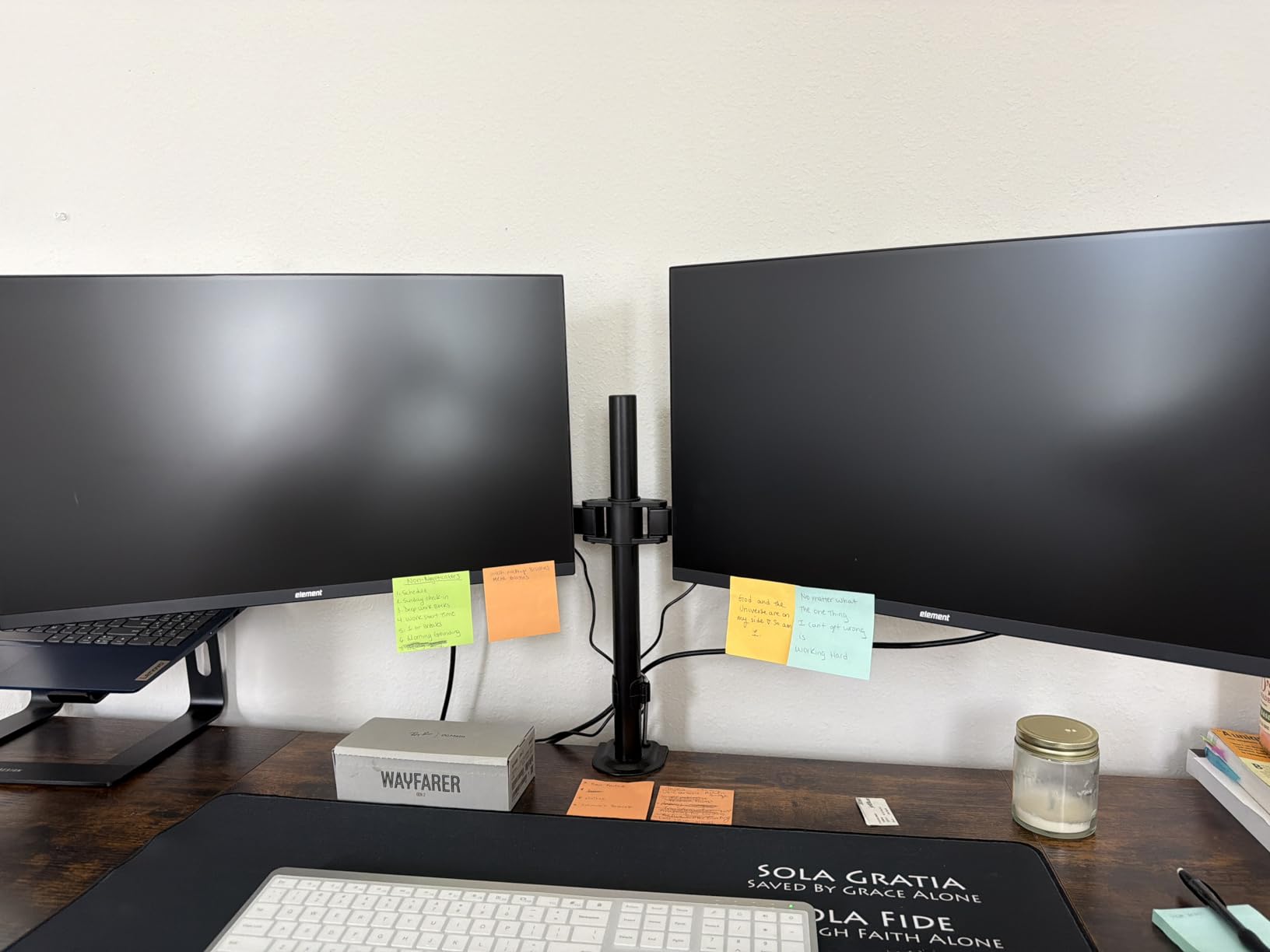
The ErGear dual is the one we recommend when a desk is wide and the budget is not. Its 31.22 inch arm span and 16 inch high bar give you room to place two 32-inch monitors with a gap between them, and that spread is what stops screens from crowding your keyboard when the desk drops to seated height.
Each monitor runs 13 to 32 inches at up to 17.6 lbs on VESA 75x75mm or 100x100mm holes. Positioning covers plus or minus 90 degrees of swivel, plus or minus 45 degrees of tilt, and 360 degree rotation.
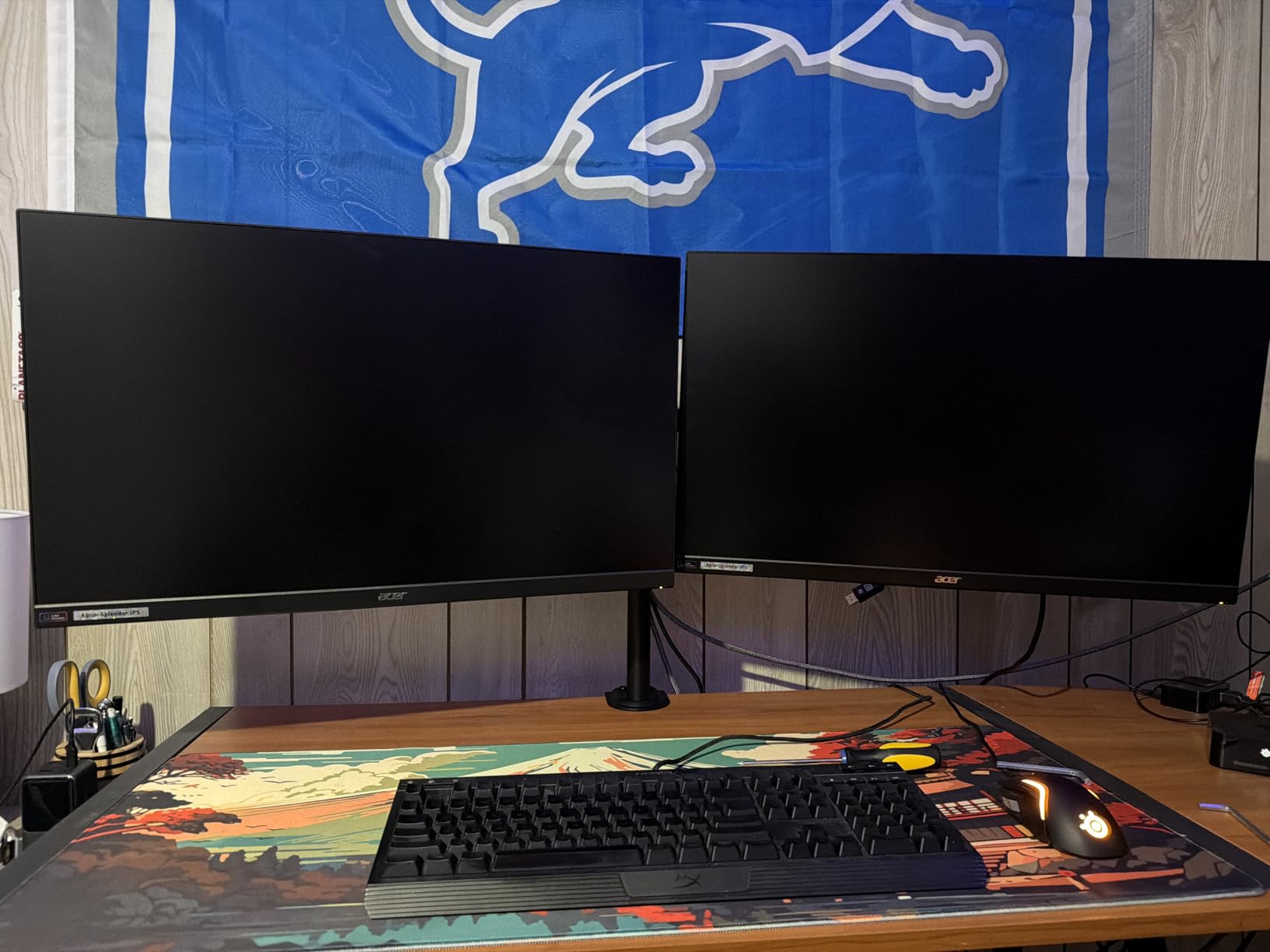
Installation is the strongest part of the experience. Hardware arrives in labeled bags with a printed manual, and both install paths are covered: the C-clamp fits desktops 0.39 to 3 inches thick and the grommet mount fits 0.39 to 2.36 inches.
Integrated cable clips keep the display wiring off the surface, which is worth more on a sit-stand desk than on a fixed one, since cables that snag on the way down drag the whole top.
Why it suits a standing desk
The high bar is genuinely useful here. It lifts two screens to a similar eye line as a tall-pole single mount, so at standing height you are not craning down at a low-mounted pair.
Because the arms are short, the assembly stays close to the desk and adds less leverage to a two-column frame than a long-reach dual arm would.
Where it falls short
The 45 degree tilt range is the narrowest of the dual mounts in this roundup, so matching a screen angle to a sloped neighbor takes more fudging. The 17.6 lb per-arm limit also rules out heavier curved panels.
As with the other wood-recommended options, cross beams under the desktop can interfere with the clamp. Measure before ordering.
4. VIVO Extra Tall Single Monitor Mount – the 39 inch pole
VIVO Extra Tall Single Monitor Desk Mount, 39 inch Pole VESA Stand for 13 to 32 inch Screens and up to 38 inch Ultrawides, Holds 22 lbs, Black, STAND-V011
39in pole
13-38in screens
22 lbs
C-clamp to 4in
Pros
- 39 inch pole covers seated and standing height
- Handles ultrawides up to 38 inches
- 90 deg tilt with 360 swivel and rotation
- Clamp handles desks up to 4 inches thick
- 3 year manufacturer warranty
Cons
- 9 lb package adds bulk under the desk
- 39 inch pole needs vertical clearance
This is the tallest pole in the roundup, and height is the whole point on a standing desk. At 39 inches, the STAND-V011 lets a 6-foot-plus user put the screen at eye level while standing and pull it down to a comfortable seated line without changing any hardware.
It fits screens from 13 to 32 inches and also covers ultrawides up to 38 inches, at up to 22 lbs, on standard VESA 75x75mm or 100x100mm holes. Articulation is plus or minus 90 degrees of tilt with 360 degree swivel and rotation, in portrait or landscape.
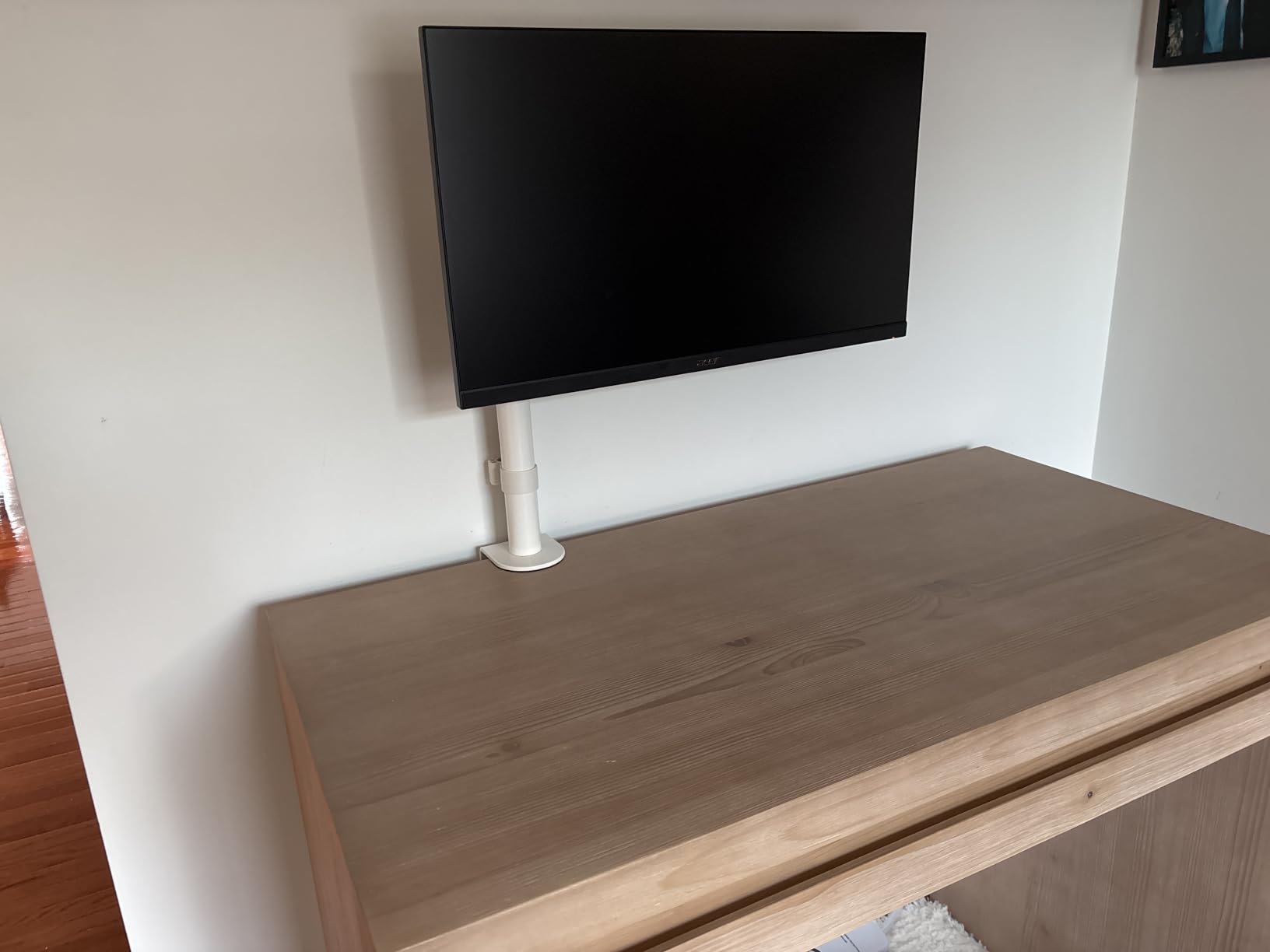
Two practical details stand out. The heavy-duty C-clamp secures to surfaces up to 4 inches thick, the thickest desktop range of any arm here, and a grommet mount is available as an equal alternative for drilling-friendly setups.
Cable management clips run along the arm and the pole, so the wiring can travel with the screen instead of hanging off the back of a monitor that moves 20 inches vertically.
Why it suits a standing desk
Most arms top out around 17 inches of raise, which is a compromise between the two positions. This one removes the compromise, and for a tall user whose seated and standing eye lines are far apart, that single feature decides the purchase.
It also works for a laptop-plus-external-monitor setup, where the screen needs to clear the back of a keyboard at standing height.
Where it falls short
The package weighs 9 lbs, and reviewers note that adds visible bulk under the desktop. A 39 inch pole also needs real vertical clearance, which is worth checking in a low-ceiling or recessed office.
The arm itself is fairly short, so the pole does the lifting and the reach does not. If you want a screen that swings out toward you, this is not that mount.
5. WALI Adjustable Single Monitor Arm – the best entry pick
WALI Adjustable Single Monitor Arm for 13-34 inch Screens, up to 26.4 lbs
13-34in screens
26.4 lbs flat 19.8 curved
19.3in extension
Desk 0.39-2.76in
Pros
- 26.4 lb capacity for flat panels
- Core tested through 20000+ cycles
- 19.3 inch extension and 17.3 inch raise
- C-clamp or grommet base
- 10 year warranty
Cons
- Tilt stops at +70 degrees
- Curved panels drop to 19.8 lbs
- Cross beams under the desk block mounting
The WALI GSMP001N is the lowest-cost way to get a real articulating arm onto a sit-stand desk, and it does not feel like a compromise while you use it. It extends 19.3 inches and raises up to 17.3 inches above the desktop, so the seated and standing positions are genuinely different heights rather than a token adjustment.
It covers flat or curved screens up to 34 inches, holding 26.4 lbs on a flat panel and 19.8 lbs on a curved one. That de-rating for curved glass is the number most listings hide, and it is the one to check before ordering a large curved display.
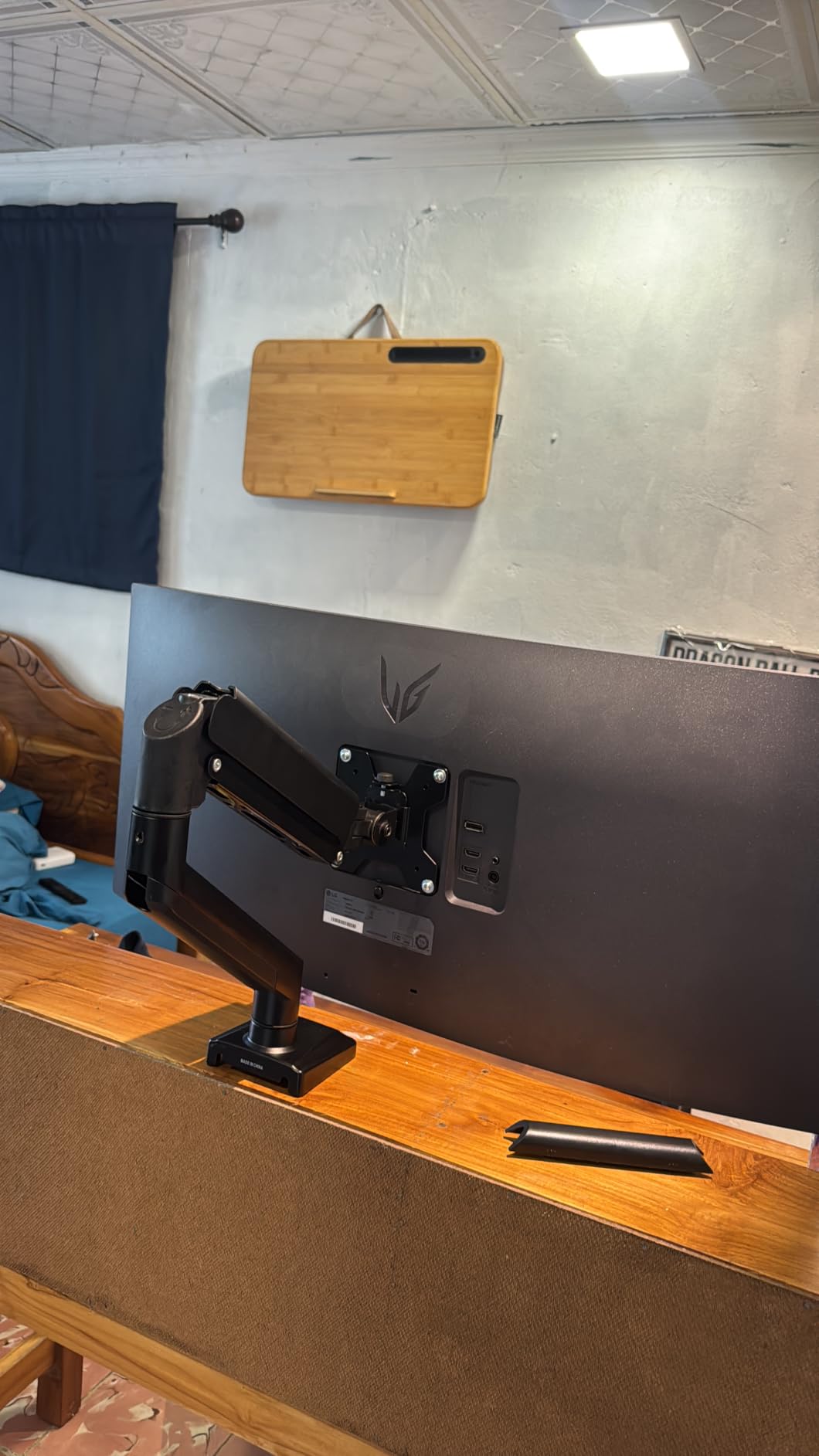
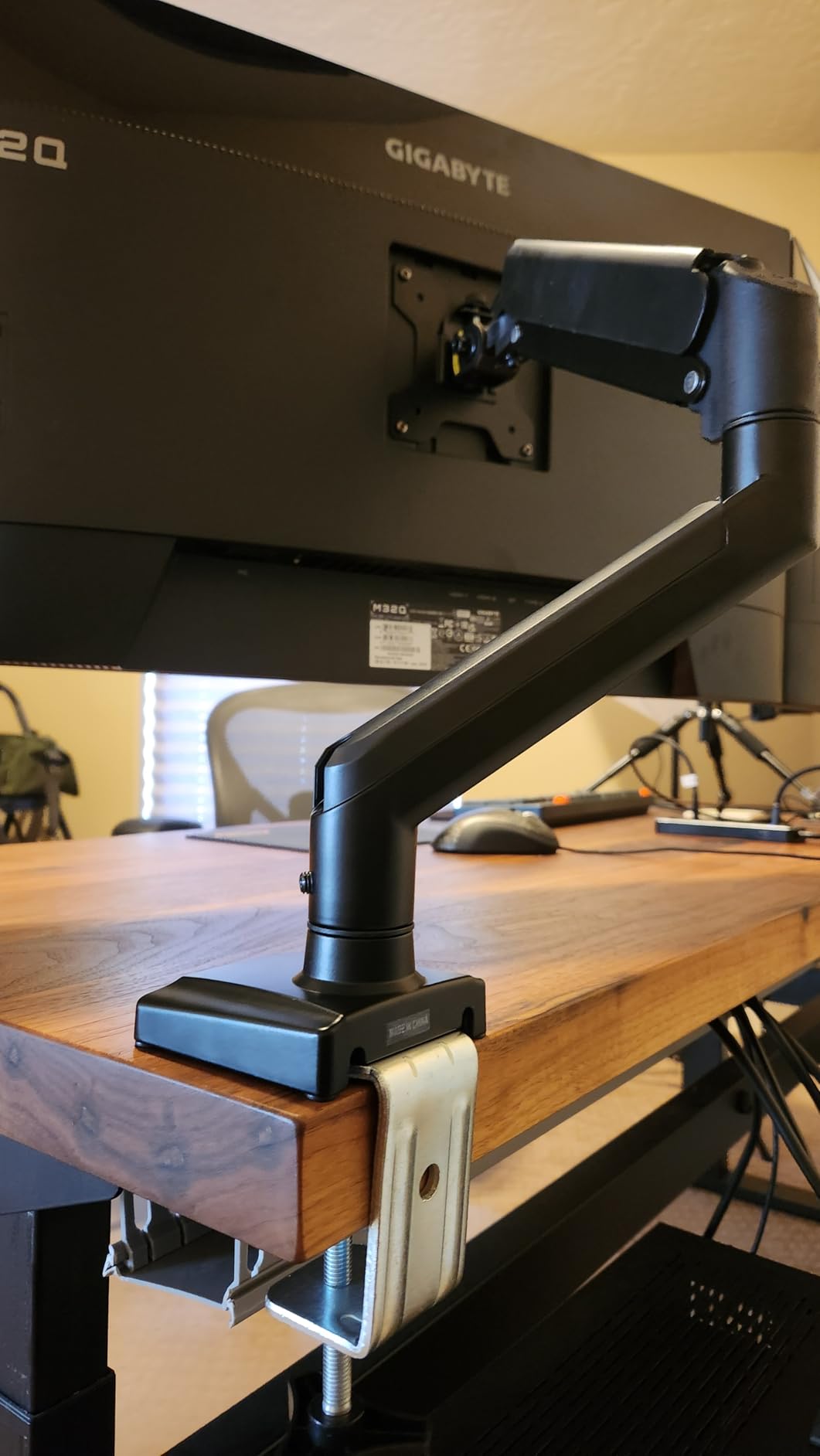
Motion covers plus 70 to minus 45 degrees of tilt, plus or minus 180 degrees of swivel and 360 degree rotation. Both C-clamp and grommet mounting work on desktops 0.39 to 2.76 inches thick, and built-in cable guides keep the run tidy.
Its high-performance core was tested through more than 20000 adjustment cycles, and the 10 year warranty is the longest coverage in this group. Ratings sit at 4.3 stars across more than 15k reviews, the widest rating spread here with 8 percent one-star feedback.
Why it suits a standing desk
At 17.3 inches of raise it covers most of the seated-to-standing gap without the bulk of a full-height pole, and the 19.3 inch extension lets you pull a screen forward to check a reference while standing.
It is also a good second arm for a compact desk, since a single arm frees the surface a two-arm pole would occupy. Our guide to electric standing desks for small spaces covers setups where surface area is the constraint.
Where it falls short
The plus 70 degree tilt ceiling is the lowest here, so this arm cannot match the near-vertical angle of a 90 degree model when a second screen sits off to one side.
Wooden desktops are recommended, and a cross beam under the surface will block mounting. The curved-screen capacity also drops well below the flat-screen figure, so check your panel weight class first.
6. HUANUO FlowLift Single Monitor Mount – one-hand height changes
HUANUO FlowLift™ Single Monitor Mount, 13 to 32 Inch Monitor Arm, Adjustable Monitor Stand, Vesa Mount with Clamp and Grommet Base – Fits 4.4 to 19.8lbs LCD Computer Monitors
13-32in screens
4.4-19.8 lbs
Raises 39.6cm
Desk 0.59-3.54in
Pros
- Holds position without repeated tightening
- Lifts the screen 39.6 cm one-handed
- 20000 motion cycle testing
- One-piece install in about 3 minutes
- C-clamp or grommet base
Cons
- 19.8 lb maximum load
- Wood tops only with no beams underneath
The FlowLift single is the arm we reach for when someone asks for a monitor stand that adjusts continuously. It lifts the screen up to 39.6 cm from the desktop with one hand and stays where you leave it at any angle, which is the specific behaviour a sit-stand owner wants when the desk is at a different height each time they sit down.
It takes 13 to 32 inch monitors from 4.4 to 19.8 lbs on VESA 75x75mm or 100x100mm patterns. Tilt runs from minus 50 to plus 85 degrees, with plus or minus 90 degrees of swivel and 360 degree rotation.
Stability is the selling point in reviews, and it is built in rather than adjusted in. Automotive-grade components and 20,000 motion tests back a claim of continuous use beyond five years, and reviewers specifically mention not having to retighten screws after each move.
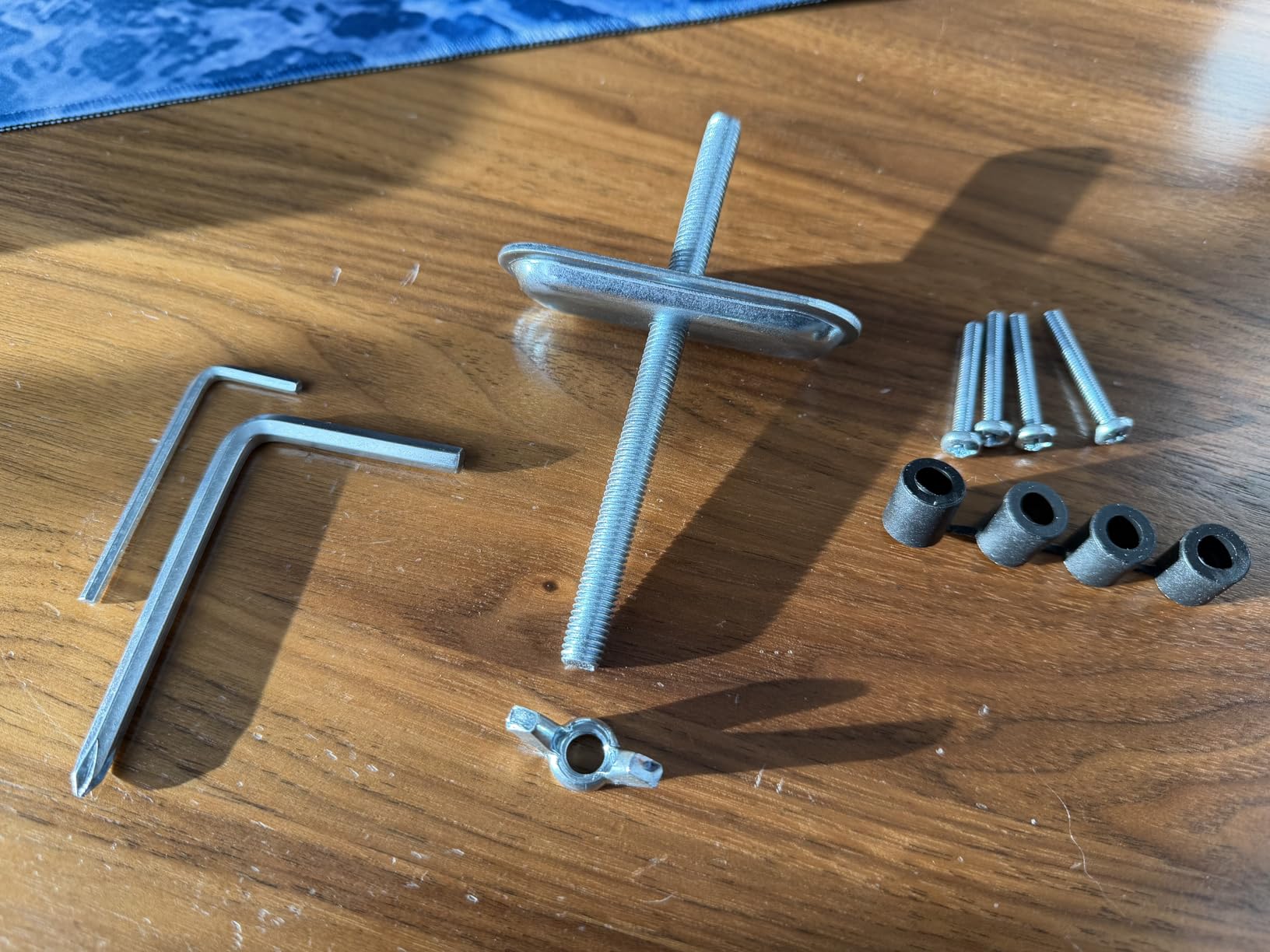
Installation is a one-piece design that takes roughly three minutes: fix the bracket, attach the monitor to the VESA plate, set the tension. Both C-clamp and grommet mounting are included as options for desktops 0.59 to 3.54 inches thick.
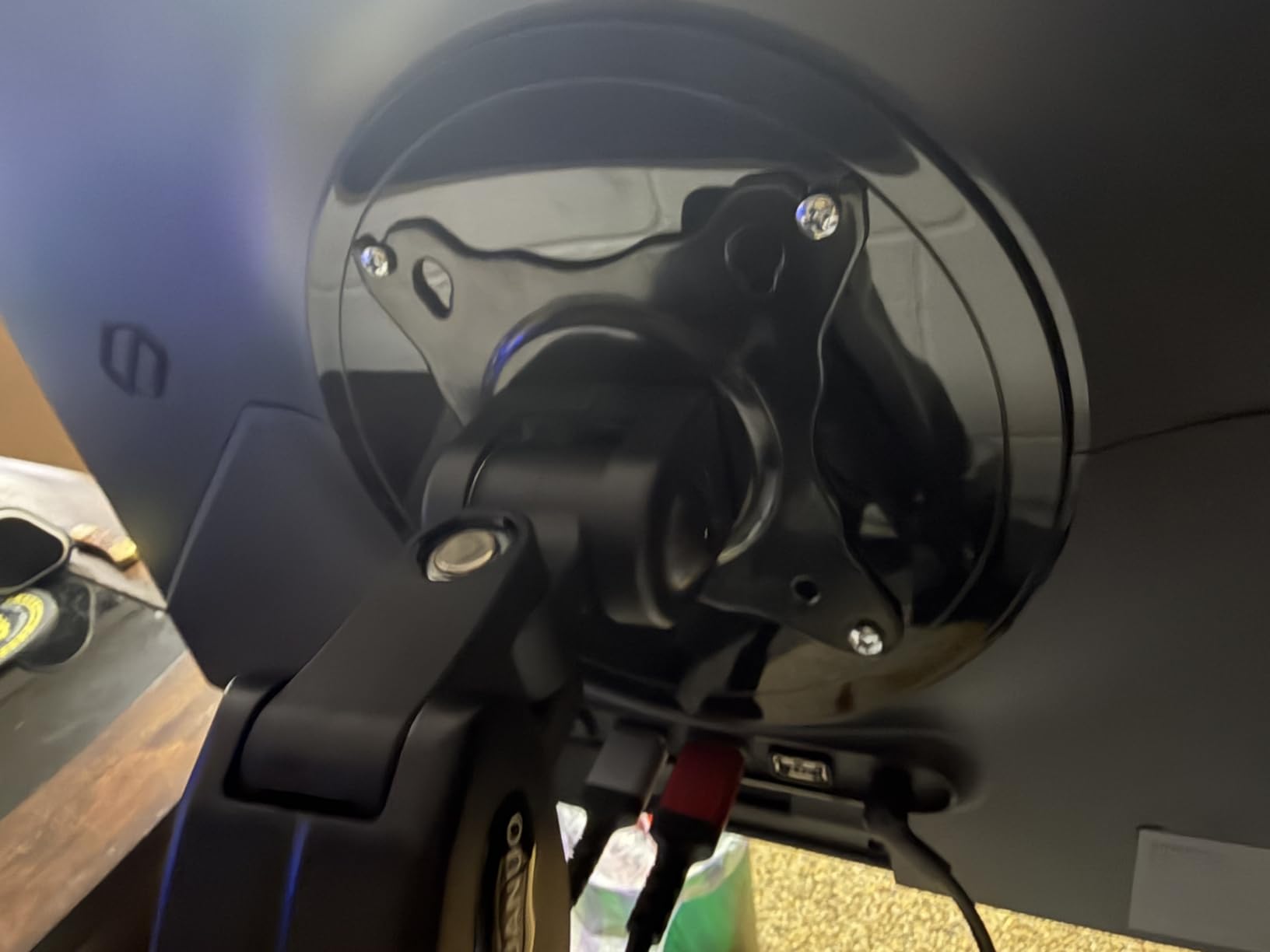
Why it suits a standing desk
A one-hand height change is the difference between re-aiming your monitor and getting back to work. On a desk that moves several times a day, that convenience is what turns an adjustment feature into something you actually use.
Because the arm holds position rather than sagging, the screen angle you dial in while standing survives the descent to seated height.
Where it falls short
The 19.8 lb ceiling is the constraint to watch, and it is the reason we would not put a heavy curved panel on this arm. For a heavier display, the heavy-duty pick later in this list carries more load.
Like its dual sibling, it is built for wooden desktops, and the underside must be free of beams or panels for the clamp to seat correctly.
7. MOUNTUP Single Monitor Desk Mount – the tidiest cable routing
MOUNTUP Single Monitor Desk Mount Holds Screen up to 32 inch, Height Adjustable Monitor Arm, Full Motion Computer Monitors Stand with Clamp/Grommet Base, VESA Mounts Fit 4.4-19.8lbs Computer, Black
17-32in screens
4.4-19.8 lbs
19.4in extension
16.9in height lift
Pros
- Widest tilt range here at -45 to +90 deg
- 19.4 inch extension and 16.9 inch lift
- Tension system tested over 20000 cycles
- Cable channels with snap-on covers
- 10 year support coverage
Cons
- Hex key tension tuning after mounting
- 19.8 lb maximum load
- Steadiest with the grommet base
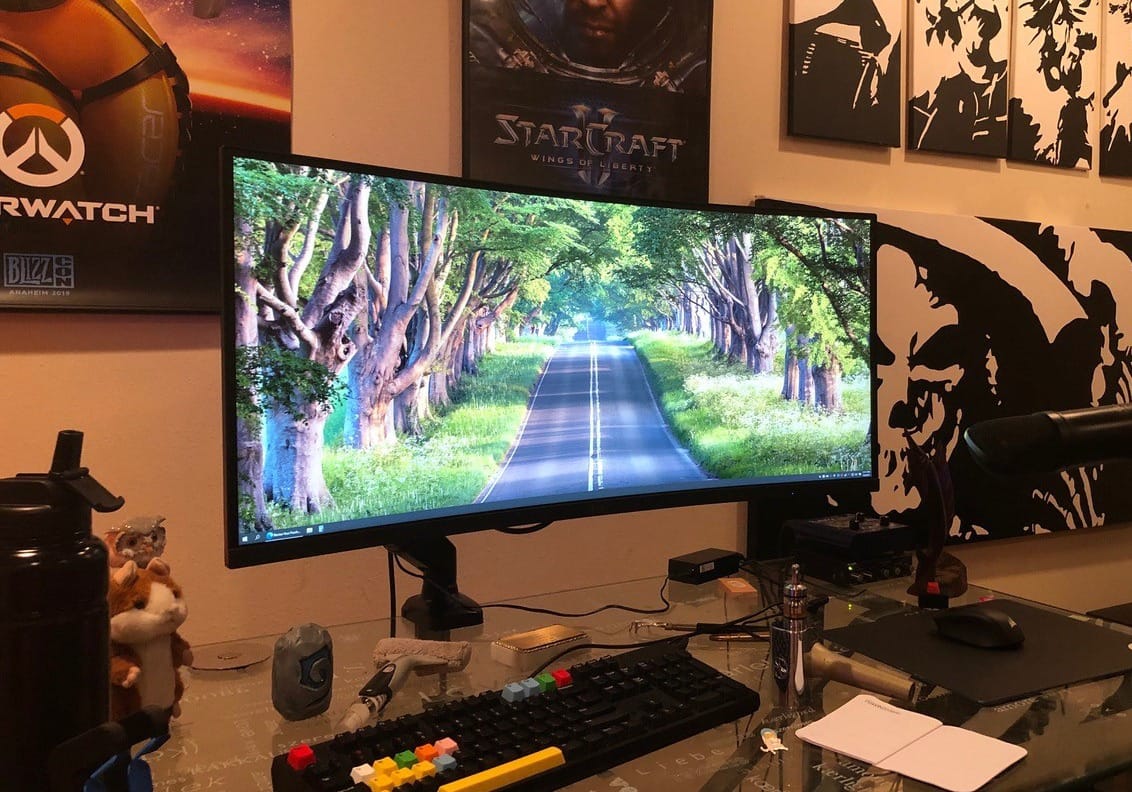
The MOUNTUP MU0004 has the widest tilt range in this roundup, running from minus 45 to plus 90 degrees. On a standing desk that is a real advantage, because a tall pole and a reclined screen at standing height can otherwise push your viewing angle off-axis.
It fits 17 to 32 inch flat or curved monitors from 4.4 to 19.8 lbs on standard VESA patterns, extending up to 19.4 inches with 16.9 inches of height adjustment above the desk.
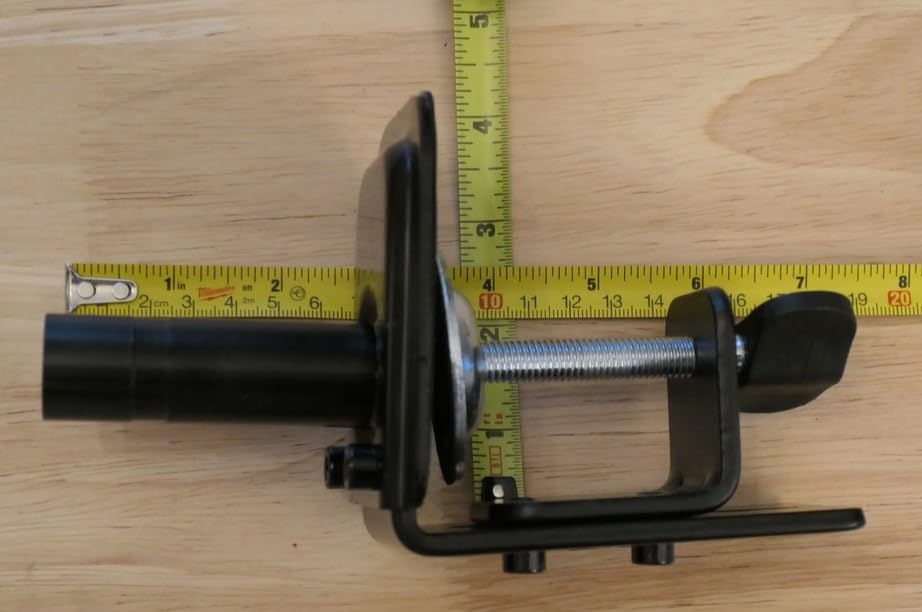
Cable management is the detail that makes it a standing-desk pick. Built-in channels with snap-on covers keep HDMI and power runs inside the arm, so when the top travels the wiring travels with it instead of dragging across the surface.
The tension system is hex-key adjustable and pre-set to mid-tension, tested over 20,000 cycles. Support coverage runs 10 years, matching the strongest warranty terms here.
Why it suits a standing desk
Both C-clamp and grommet bases fit desktops 0.39 to 2.76 inches thick, and the manufacturer is direct about the stability trade: the grommet mount with the arm partially retracted gives the steadiest result.
The enclosed cable channels matter more on a moving top than a static one, since exposed slack cables catch on the frame during the descent.
Where it falls short
Tension needs a hex key after mounting, and monitors above 15 lbs take more turns. The 19.8 lb maximum load is the second-lowest ceiling among the single arms here.
Extra-heavy curved panels at 1000R and beyond are beyond what this arm is designed for, and reviewers using the C-clamp at full extension report some wobble.
8. ErGear Single Monitor Arm – the fastest tool-free setup
ErGear Single Monitor Arm, Fully Adjustable Monitor Mount for 13–34 Inch Screens, Fast Install Computer Monitor Stand with Tool-Free VESA Mount, Cable Management, Holds 19.8 lbs
13-34in screens
19.8 lbs
17.5in height
18.1in reach
Pros
- Tool-free VESA plate mounting
- Core tested through 20000+ cycles
- 17.5 inch height and 18.1 inch reach
- Tool-free cable clips
- Strong value for the money
Cons
- Some shake during movement
- Height adjustment needs a screwdriver
- Tension bolts can strip if over-tightened
The ErGear single arm is the one we recommend for a first sit-stand upgrade, largely because the tool-free VESA plate removes the most common install failure. Three steps, no screws in the plate, and you can move the same arm to a new desk later without tools.
It covers 13 to 34 inch flat or curved screens up to 19.8 lbs on VESA 75x75mm or 100x100mm, with 17.5 inches of height adjustment and up to 18.1 inches of reach.
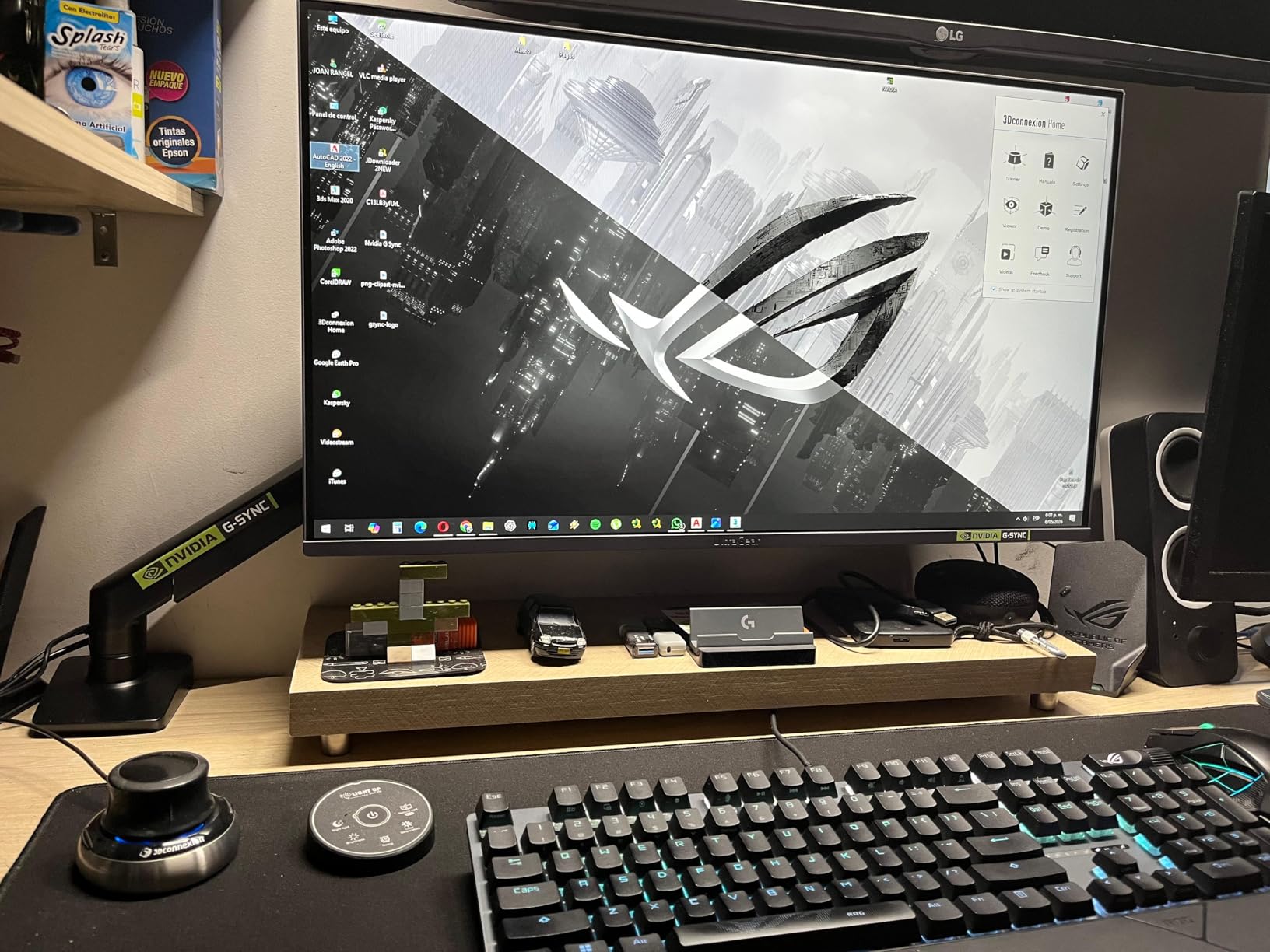
Motion is plus 80 to minus 50 degrees of tilt, plus or minus 90 degrees of swivel and 360 degree rotation. A 40 percent wider VESA head and a durable core tested through more than 20000 cycles account for how solidly it feels once tensioned.
Upgraded cable clips open without tools too, and the dual clamp options cover desktops 0.39 to 2.56 inches for the C-clamp and 0.39 to 2.95 inches for the grommet base.
Why it suits a standing desk
The 17.5 inch height adjustment is enough to reset the screen between seated and standing positions, and a small footprint matters on a desk where a pole base would eat surface area.
If your desk is a mobile or compact sit-stand unit rather than a fixed two-column frame, a lighter single arm keeps the top responsive. Our standing desks for home offices guide covers frames in that class.
Where it falls short
Reviewers consistently report a small amount of shake during movement and note that the advertised 360 degree rotation is limited in practice, since a real monitor hits the desk edge first.
Height adjustment takes a screwdriver, and reviewers warn that over-tightening the tension bolts can strip them. A 34 inch display at the top of the weight range also feels heavy on this arm.
9. ErGear Heavy Duty Monitor Arm – built for 49 inch ultrawides
ErGear Heavy Duty Monitor Arm for 13-49″ Ultrawide Screens, 37.4 lbs Capacity, Full Motion Monitor Desk Mount, Rock-Solid Support, Dual C-Clamp & Grommet Mount, VESA 75×75/100x100mm
13-49in screens
37.4 lb capacity
22.2in height raise
C-clamp 0.39-3.15in
Pros
- 37.4 lb capacity for large panels
- Dual C-clamp spreads the load
- Biggest height raise here at 22.2 inches
- Pre-assembled design
- 10 year durability
Cons
- Clamp pressure risky on glass tops
- Tilt stops at +70 degrees
- Confusing choice between two install methods
If your setup is a single 32 to 49 inch ultrawide, this is the arm to look at. Its 37.4 lb capacity is the highest here, and the 13 to 49 inch screen range means you are not relying on a size claim that quietly tops out lower in the specification list.
It also has the largest raise in the group at 22.2 inches, with up to 21.2 inches of extension, which makes it the easiest of the heavy arms to bring to a standing eye line and back down to a seated one.
The thickened steel arm and dual C-clamp are aimed at a specific problem: shaking while you type or reposition. Reviewers running curved and ultrawide panels report that it holds position without returning to the bolts, which is the behavior a heavy panel needs.
Mounting is flexible, with a C-clamp for desktops 0.39 to 3.15 inches and a grommet mount for 0.39 to 2 inches. The design arrives pre-assembled with a step-by-step process and a 10 year durability claim.
Why it suits a standing desk
A 37.4 lb screen is a real load on a moving top, and the dual C-clamp spreads it across a wider section of the edge rather than concentrating it at one point. That is the difference between a stable ultrawide and a tippy one at standing height.
Reviewers also report using the cable channels to mount a mini PC between the arm and the display, which keeps a heavy computer off the surface that is doing the lifting.
Where it falls short
Clamp pressure on a glass desktop is risky without reinforcement underneath, and that is a straightforward skip signal for glass-topped desks. Tilt stops at plus 70 degrees, below the 85 to 90 degree arms here.
Adjusting the tension bolts too often can strip them, and the two install methods in the instructions can confuse a first-time assembler.
10. WALI Tall Monitor Arm Mount – for tight rooms and cove desks
WALI Tall Monitor Arm Mount for Desk for 13-34 inch Screens, 22 lbs per Arm
31.5in pole
34in flat panels
22 lbs
Desk up to 3in
Pros
- 31.5 inch pole for high mounting
- Holds position without re-tightening
- No sag at full extension
- C-clamp or 3.5 inch grommet base
- 10 year warranty
Cons
- Heavy steel adds weight to the desk
- Hardware bags are not labeled
- Screwdriver not included
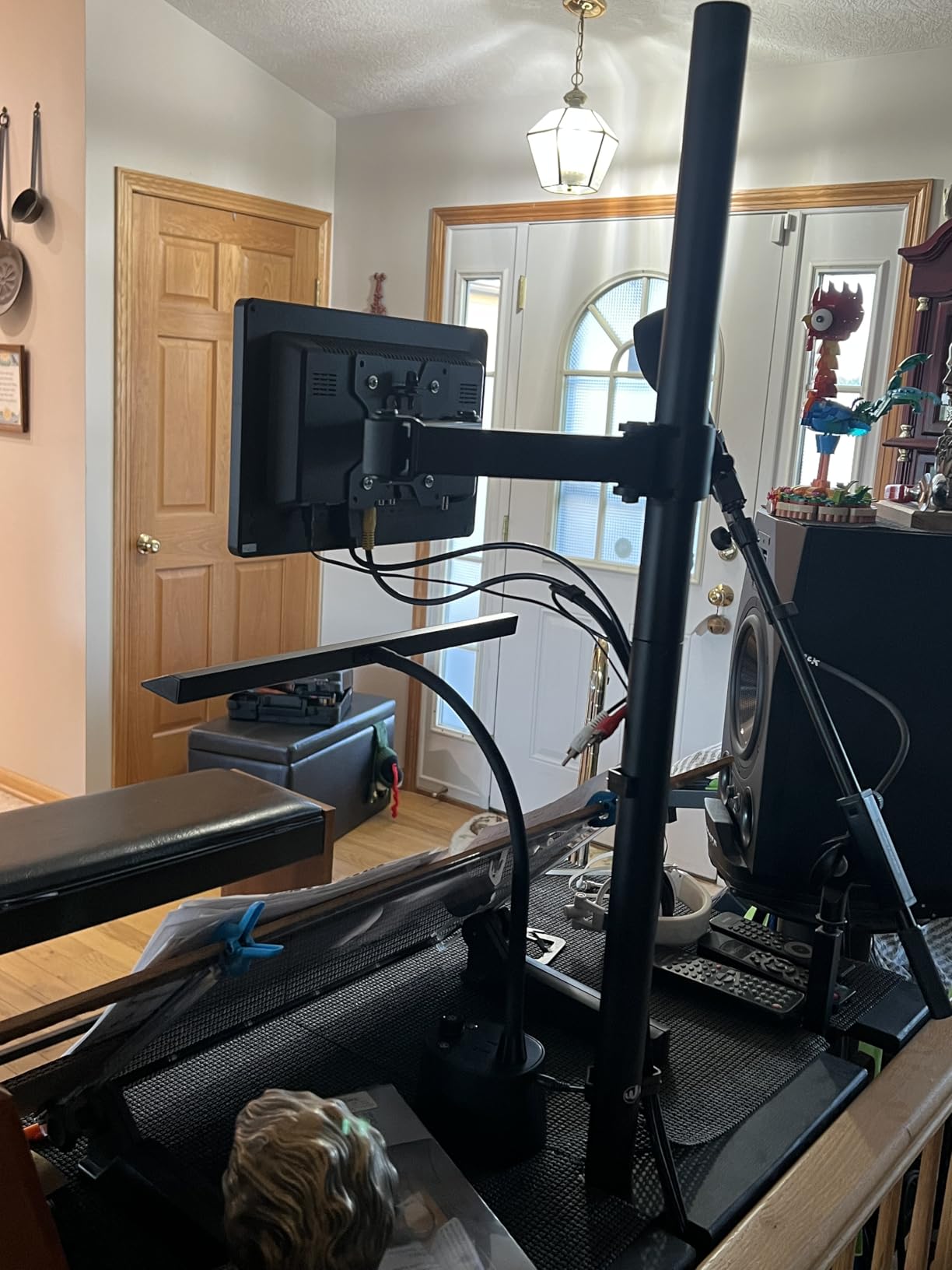
The WALI M001XL is the tall-pole answer for a single screen, and reviewers call out the 31.5 inch pole as the deciding factor in tight or cove setups. It fits most flat panel monitors up to 34 inches and supports up to 22 lbs per arm on VESA 75x75mm or 100x100mm plates.
Adjustment is what separates it from cheaper poles. It holds position after each move, and reviewers note it does not sag even with the arm fully extended, which is the failure mode that shows up a year into a sit-stand setup.
Mounting is flexible: a two-stage locking C-clamp and a 3.5 inch diameter grommet base, both rated for a 3 inch thick desk. The high-grade arms extend and retract, with plus or minus 90 degrees of tilt and swivel and 360 degree rotation from landscape to portrait.
Built-in cable management guides the wires along the arm, and the package includes the mount, a hardware kit and instructions. Coverage runs 10 years.
Why it suits a standing desk
A 31.5 inch pole gives you two usable screen positions, one for a tall user standing and one for sitting, and the pole does the height work so the arm joint stays in a comfortable range.
Because it is a single-screen mount, the footprint under the desk is smaller than a dual pole, which helps on a narrow sit-stand top.
Where it falls short
The steel build is heavy and adds weight to the desk, and the tall pole needs adequate vertical clearance above the work surface. Instructions can be confusing, with hardware bags that are not labeled to match the manual.
A Phillips screwdriver is not included for the screw-head hardware, so budget a moment to find one before assembly.
Measure these 3 numbers before you buy
Almost every return in this category comes down to a measurement nobody took. Take these three before you order anything, and the compatibility question answers itself.
Your desk edge thickness. Measure the full panel from the top surface to the underside. Compare it against the clamp range, not the screen range. Across the arms here, clamp openings run from 0.39 inch at the low end to 4 inches at the high end.
The clear span behind the top. Measure the gap between the rear edge of the desktop and whatever is behind it. A wall leaves zero, which rules out a rear-mounted C-clamp entirely and pushes you toward a grommet mount or a freestanding option.
The underside at the clamp point. Look for a cross beam, a support rail, an apron or a fixed cable tray where you plan to clamp. A clamp that lands on structure either will not seat or will crush a hollow-core top.
Two more numbers are worth confirming: your monitor’s actual weight including any light bar or webcam, and its VESA pattern. A 27-inch panel can weigh anywhere from 8 lbs to more than 20, and the difference decides whether a 19.8 lb arm is enough.
Clamp mount vs grommet mount: what actually differs
A C-clamp grips the rear edge of the desktop and leaves the surface untouched. A grommet mount drops a post through a hole in the desktop and locks underneath, which is stronger and takes up no edge space but requires drilling.
Installation. The clamp is a one-piece job you can do with the desk in place. The grommet needs a drilled hole, usually 3 inch or 3.5 inch in diameter, and access to the underside.
Reversibility. A clamp comes off with no trace, which matters in a rental. A grommet leaves a permanent hole.
Stability. The grommet wins on a heavy panel, which is why several manufacturers recommend it for maximum stability. The dual C-clamp designs here close much of that gap by spreading load across a wider section of the edge.
Clearance. The clamp needs rear gap. The grommet needs under-desk clearance for the post and its fixing nut, plus enough depth to fit the hardware above a drawer or cable tray.
Desk material. Hollow-core and particleboard tops can dent or crush under clamp force. Glass desktops need a reinforcement plate. Several arms here are recommended for wooden tops only.
If your desktop is thicker than the clamp opening, you have three good options: move to an arm with a wider clamp range, such as the extra tall pole that handles up to 4 inches, switch to a grommet mount, or use a freestanding riser that touches the desk only with its own base weight.
Fixing standing desk wobble with two monitors mounted
Two screens on arms raise the centre of mass of the top and change how the frame behaves under load. The shaking you feel while typing is usually the frame reacting to that extra mass, not a loose bolt in the mount.
Move the load down and forward. Screens carried high on a pole act like a lever. Keeping the arm partially retracted and positioning screens closer to the desk edge reduces the moment on the frame.
Prefer the grommet base for heavy panels. A through-desk post transfers load into the panel rather than pinching the edge, and it is the steadier option at standing height.
Add a crossbar to the frame. If your sit-stand frame has two columns and no horizontal brace, that brace is the fix for lateral movement. Buyers of heavier setups often pair a reinforced frame with a dual arm for this reason.
Check the feet. A frame that rocks on hard flooring will pass that movement into the top. Levelling feet and a floor mat cut the rebound noticeably.
Watch for cable drag. Cables that catch during the descent yank the top sideways. Secure slack to the moving frame so it travels with the top.
If the frame itself feels light, that is a desk question rather than a monitor stand question. Our guide to standing desks built for heavy monitor loads covers the frame classes that hold steady with two screens mounted.
Monitor riser vs monitor arm vs desk shelf on a sit-stand desk
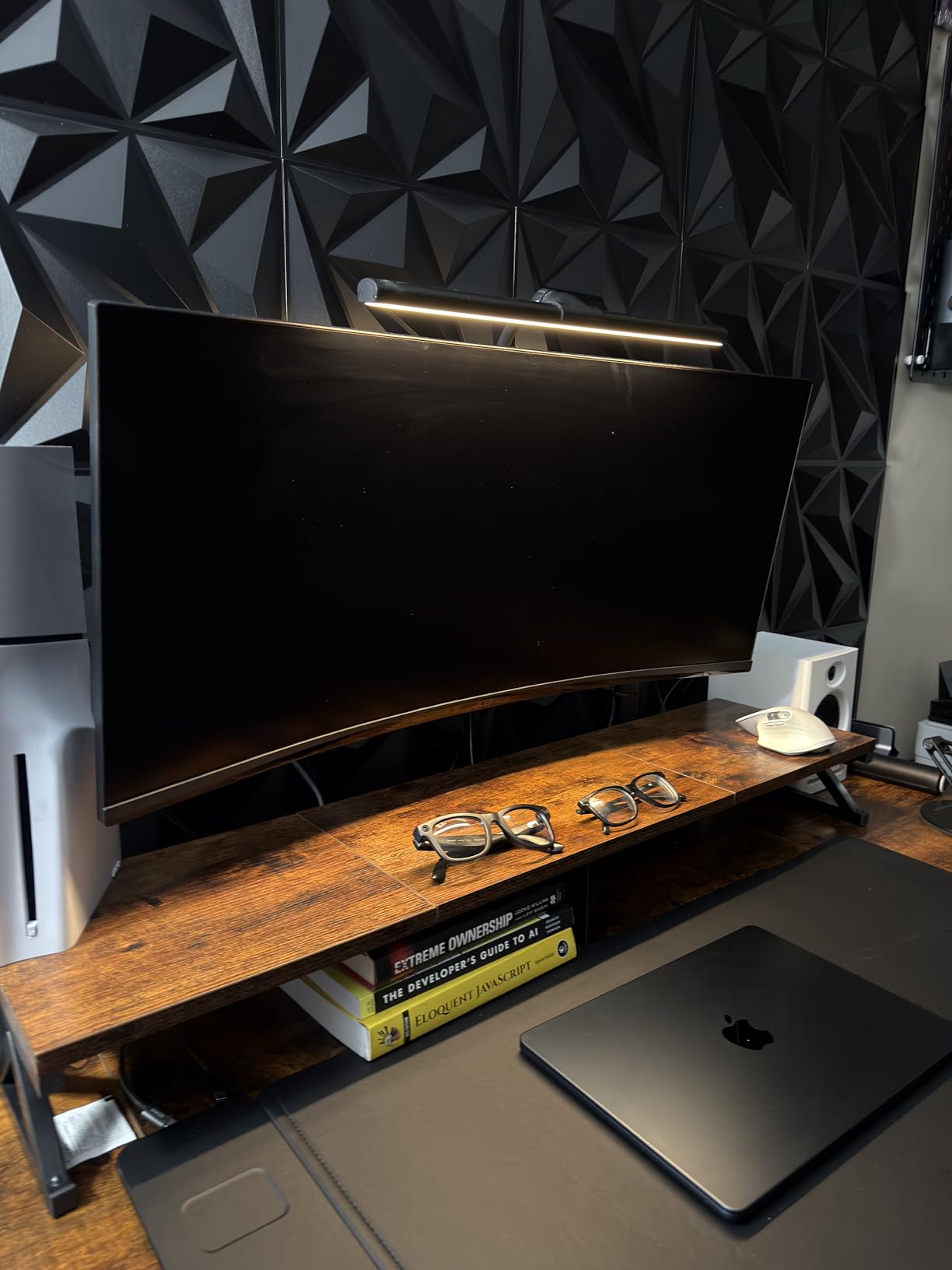
A fixed riser is a block of wood or acrylic that adds a permanent 4 to 5 inches. A desk shelf does the same and adds storage. A monitor arm is the only one of the three that moves with you.
Adjustability. A riser gives you one height forever. An arm gives you a continuous range, which is the entire reason this roundup exists for standing-desk buyers.
Desk depth used. Shelves run 9 to 11 inches deep, and a factory monitor stand occupies roughly a 10 by 10 inch footprint. A pole mount uses a few square inches at the rear edge instead.
Shallow desks. On a desk under 24 inches deep, a shelf pushes the keyboard toward the front edge. An arm keeps the working area clear.
Storage. A shelf stores paperwork and docking stations. An arm stores nothing but frees the whole surface.
Standing-desk suitability. A riser only makes sense if your desk height barely changes, or if you use it as a secondary platform for a laptop or a document camera rather than for your main display.
The practical combination many sit-stand owners land on is an arm for the main screens plus a small riser for the laptop. That keeps eye level correct at both desk heights without giving up a docking surface.
Frequently Asked Questions
Do monitor arms work with standing desks?
Yes. A monitor arm attaches to the desktop rather than the frame, so the screen rises and falls with the top and keeps the angle you set. You do not need to re-aim it each time you change desk height. The only constraints are clearance above the work surface for a tall pole and gap behind the desktop for a rear clamp.
Do you have to drill a hole in your desk for a monitor arm?
No, not with a C-clamp mount. The clamp grips the rear edge of the desktop and leaves no mark, which makes it the right choice for a rental. A grommet mount is stronger and steadier but requires a drilled hole, usually 3 inch or 3.5 inch in diameter, plus access to the underside of the desk.
What are the differences between a monitor arm clamp and a grommet mount?
A clamp attaches to the rear edge, needs no drilling and reverses cleanly, but it needs gap behind the desk and can dent a hollow-core top. A grommet post passes through a hole in the desktop and locks underneath, giving steadier support for a heavy panel with no edge pinch, at the cost of a permanent hole and under-desk clearance for the hardware.
What should I do if my desk is too thick for the monitor arm?
Choose an arm with a wider clamp range, since openings in this group run from 0.39 inch up to 4 inches, and the extra tall pole handles the thickest desktops. Alternatively switch to a grommet mount, which ignores edge thickness but needs a drilled hole. A third option is a freestanding riser that touches the desktop with its own base weight only.
How can I stabilize a wobbly standing desk with two monitors mounted?
Keep the arms partially retracted and position the screens near the rear edge to reduce leverage on the frame, and use a grommet base rather than a clamp for heavy panels. Add a horizontal crossbar if the frame has two columns and no brace, level the feet, and secure cable slack to the moving frame so nothing yanks the top during the descent.
Which monitor stand should you buy?
For most people, the VIVO dual desk mount is the best monitor stand for a standing desk. It holds two 30 inch panels at 22 lbs each, clamps to a 3.25 inch desktop, and has more than 60k reviews behind it at 4.6 stars, which is the deepest proof of durability in this group.
Run a single ultrawide and pick the ErGear heavy-duty arm, which carries 37.4 lbs and reaches 49 inch panels. Run two monitors on a tight budget and the ErGear dual gives you the widest arm span at the lowest build cost. If you are around 6 foot 3 and want the screen high while standing and low while seated, the VIVO extra tall 39 inch pole is the arm built for exactly that.
Whatever you choose, measure the desk edge thickness, the clamp opening and the gap behind the desk before you order. Those three numbers decide more standing-desk monitor purchases than any feature on the spec sheet, and they take two minutes to check.