
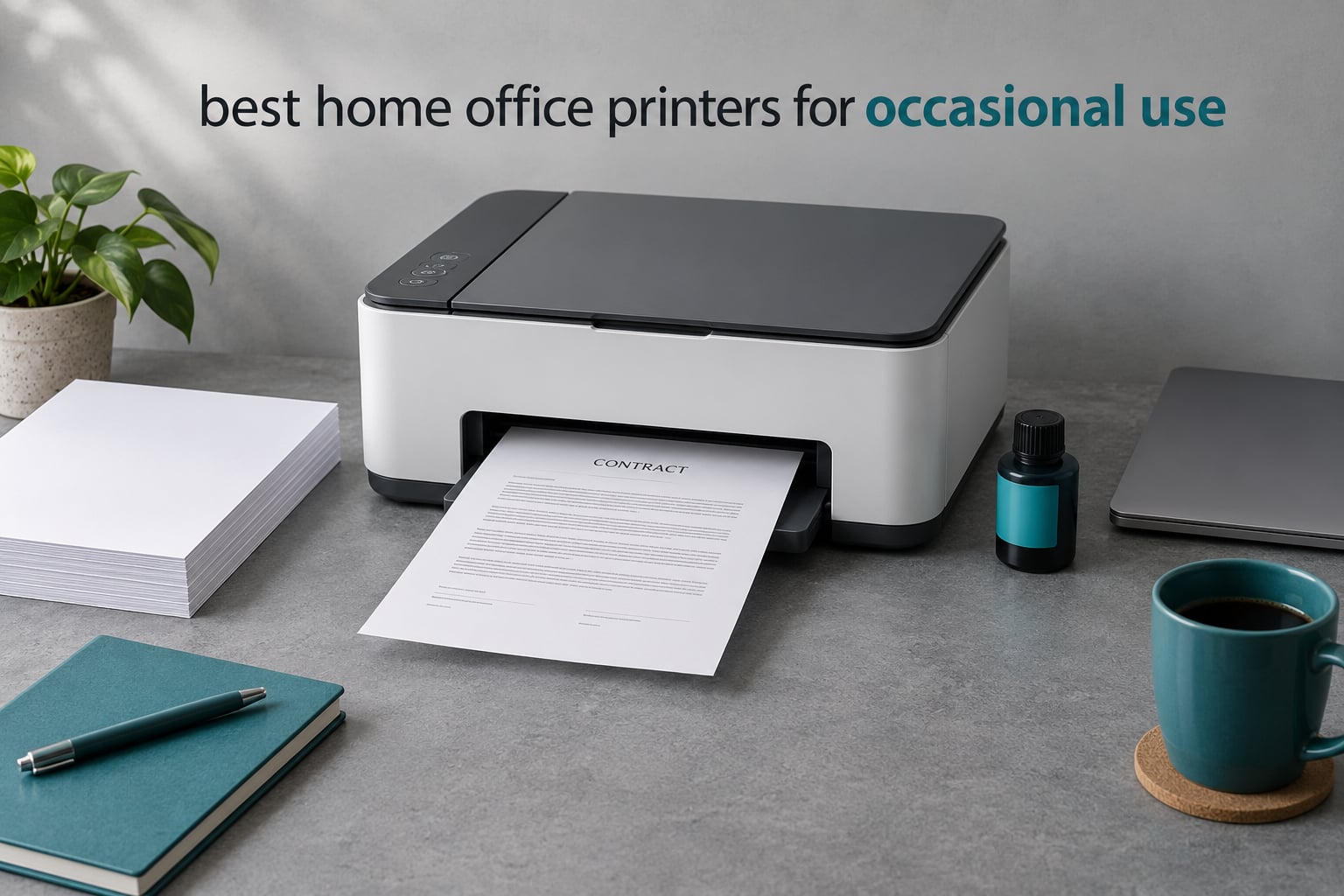
The best home office printers for occasional use are not the fastest machines on the shelf. They are the ones that still work when you finally need them, six weeks or six months after the last job. That single requirement rules out a lot of hardware and reshapes almost every other decision on this page.
Our team pulled the specs, the owner reviews and the failure complaints for 12 current models, then sorted them by how they behave when they sit idle. The short version: dry toner beats liquid ink, refillable ink tanks beat cartridges, and refillable tanks still need a nudge every couple of weeks to stay clean.
Below is the full roundup, plus the answers to the questions people actually ask before buying: inkjet or laser, how long a printer can sit unused, and whether owning one is worth it at all. We also link out to our broader guides to laser printers for home use and inkjet printers for home use for anyone who prints more heavily than a few pages a month.
Table of Contents
Top 3 Picks for Occasional Home Office Printing for October 2026
If you want the short answer, these are the three machines we would put on a shortlist. The Epson EcoTank ET-2800 takes the top slot for most people, the Canon MegaTank G3270 is the running-cost value pick, and the Brother DCP-L2640DW is the answer for anyone whose main fear is a clogged head.

Epson EcoTank ET-2800
- Cartridge-free ink tanks
- Up to 4500 black pages per fill
- 100-sheet tray
- USB and Wi-Fi

Canon MegaTank G3270
- Up to 6000 black pages per fill
- Wireless print copy scan
- 1.35-inch LCD
- Five-year parts support

Brother DCP-L2640DW
- Monochrome laser toner
- 36 ppm with automatic duplex
- 50-page ADF
- Ethernet and dual-band Wi-Fi
The Best Home Office Printers for Occasional Use in October 2026
Every model below is in the same category, so the table compares the things that actually differ for a light user: how ink is supplied, whether the machine can go two-sided on its own, how much paper it holds, and how it connects.
| Product | Specifications | Action |
|---|---|---|
| Epson EcoTank ET-2800 |
|
Check Latest Price |
| Canon MegaTank G3270 |
|
Check Latest Price |
 Epson EcoTank ET-2400 Epson EcoTank ET-2400 |
|
Check Latest Price |
| Brother DCP-L2640DW |
|
Check Latest Price |
 Canon PIXMA TS3720 Canon PIXMA TS3720 |
|
Check Latest Price |
 Canon PIXMA TR8620a Canon PIXMA TR8620a |
|
Check Latest Price |
 Brother HL-L2405W Brother HL-L2405W |
|
Check Latest Price |
 HP LaserJet MFP M140w HP LaserJet MFP M140w |
|
Check Latest Price |
 Brother MFC-L2820DW Brother MFC-L2820DW |
|
Check Latest Price |
 HP Envy 6155 HP Envy 6155 |
|
Check Latest Price |
 HP LaserJet Pro MFP 3101sdw HP LaserJet Pro MFP 3101sdw |
|
Check Latest Price |
 Epson EcoTank ET-4950 Epson EcoTank ET-4950 |
|
Check Latest Price |
1. Epson EcoTank ET-2800 – Best Overall for Occasional Color Printing
Epson EcoTank ET-2800 Wireless Color All-in-One Supertank Printer – Black
Ink tank color all-in-one
10 ppm black and 5 ppm color
100-sheet tray
11.4 pounds
Pros
- Cartridge-free ink tank with up to two years of ink in the box
- Up to 4500 black and 7500 color pages per fill
- Low running cost per page
- Compact footprint for a color all-in-one
- USB and Wi-Fi with app control
Cons
- Single-sided printing only
- 10 ppm black and 5 ppm color is slow
- Small 100-sheet tray
- No automatic duplex
This is the machine I recommend first for most home offices that need the occasional colour page alongside a stack of contracts. It is a cartridge-free EcoTank, which means the ink sits in refillable tanks fed by bottles rather than in sealed cartridges that have to be swapped and thrown away.
Owners consistently lead with the running cost. The stated yield is up to 4,500 black pages and 7,500 colour pages from a single fill, and the box is described as holding up to two years of ink for a light household. For someone who prints a few pages a month, that is effectively a printer you fill once and then forget about.
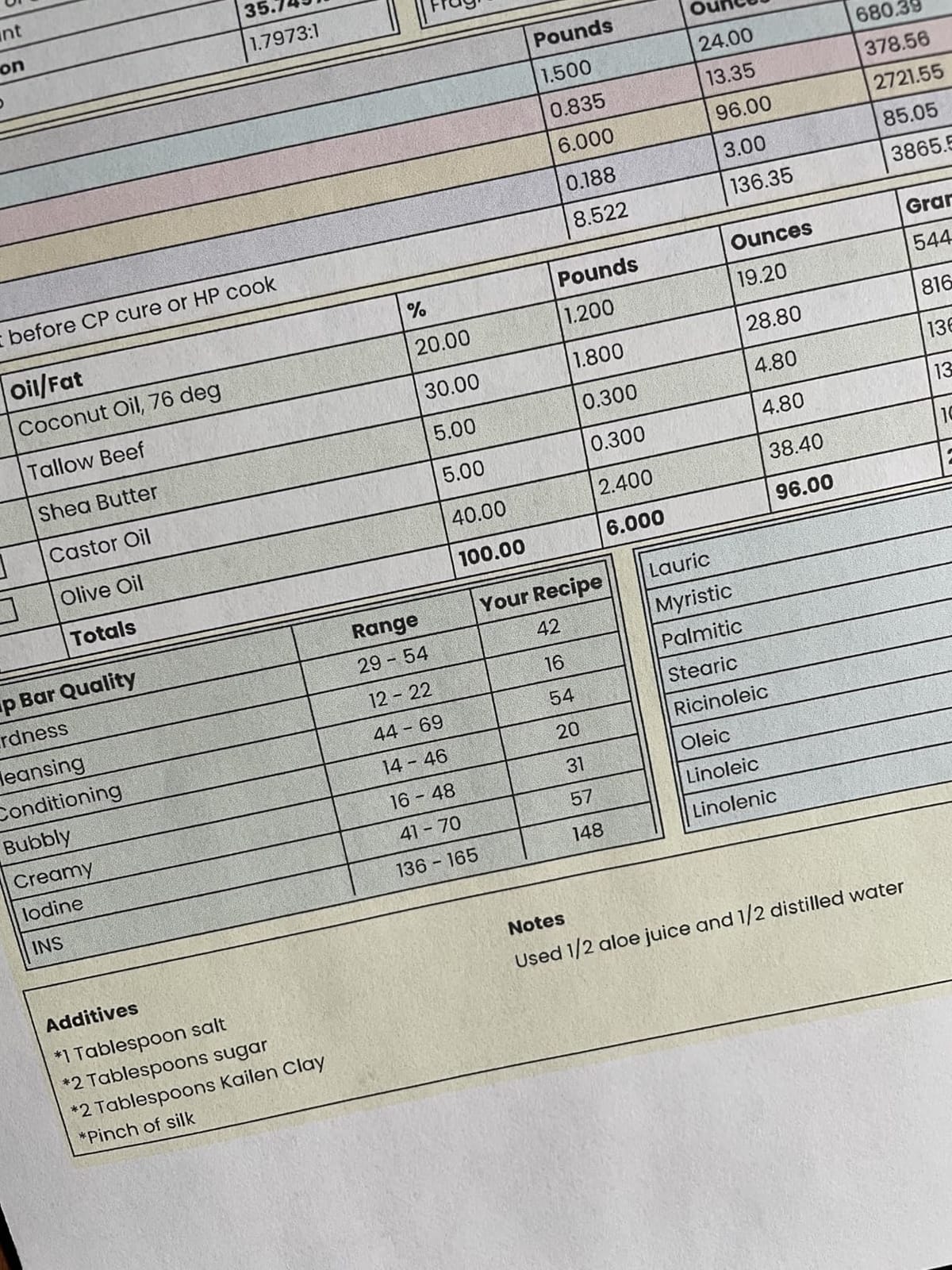
Output quality is a genuine strength. Maximum colour resolution is listed at 5760 x 1440 dpi, and reviewers describe both saturated colour and sharp text from the same page. Media handling covers plain paper, envelopes and glossy photo paper, so a one-off photo or a certificate does not need a second machine.
The compromises are real and worth stating plainly. Printing is simplex only, so double-sided documents mean manual reloading. Speed is 10 ppm black and 5 ppm colour, which is slow if you ever need thirty pages at once. The paper tray is 100 sheets. The screen is a basic LCD rather than a touchscreen, and control is through the companion app rather than on the machine.
What holds up when the machine has been idle
The ink stays in refillable tanks rather than sealed cartridges, which means there is no cartridge sitting unused to dry inside the machine. Roughly two-thirds of reviews are five-star, and the ink economics are the reason. The tank design still wants a periodic print, and the same owner feedback that praises the low cost also notes the machine is happiest when used regularly.
When to skip it
Skip this one if you print two-sided documents regularly, since there is no automatic duplex, or if you need to scan multi-page paper, since there is no document feeder either. It is also the wrong pick if you only ever print black and white, because a mono laser costs less per page and never worries about ink at all.
2. Canon MegaTank G3270 – Best Running-Cost Value
Canon MegaTank G3270 All-in-One Wireless Color Printer
Ink tank color all-in-one
11 ppm black and 6 ppm color
100-sheet tray
13.2 pounds
Pros
- Up to two years of ink in the box
- 6000 black and 7700 color pages per fill
- Backlit 1.35-inch LCD
- Broad media support including borderless photos
- Canon lists five-year spare part availability
Cons
- Single-sided printing only
- 11 ppm black and 6 ppm color is modest
- No auto document feeder
- Slower than a typical cartridge inkjet
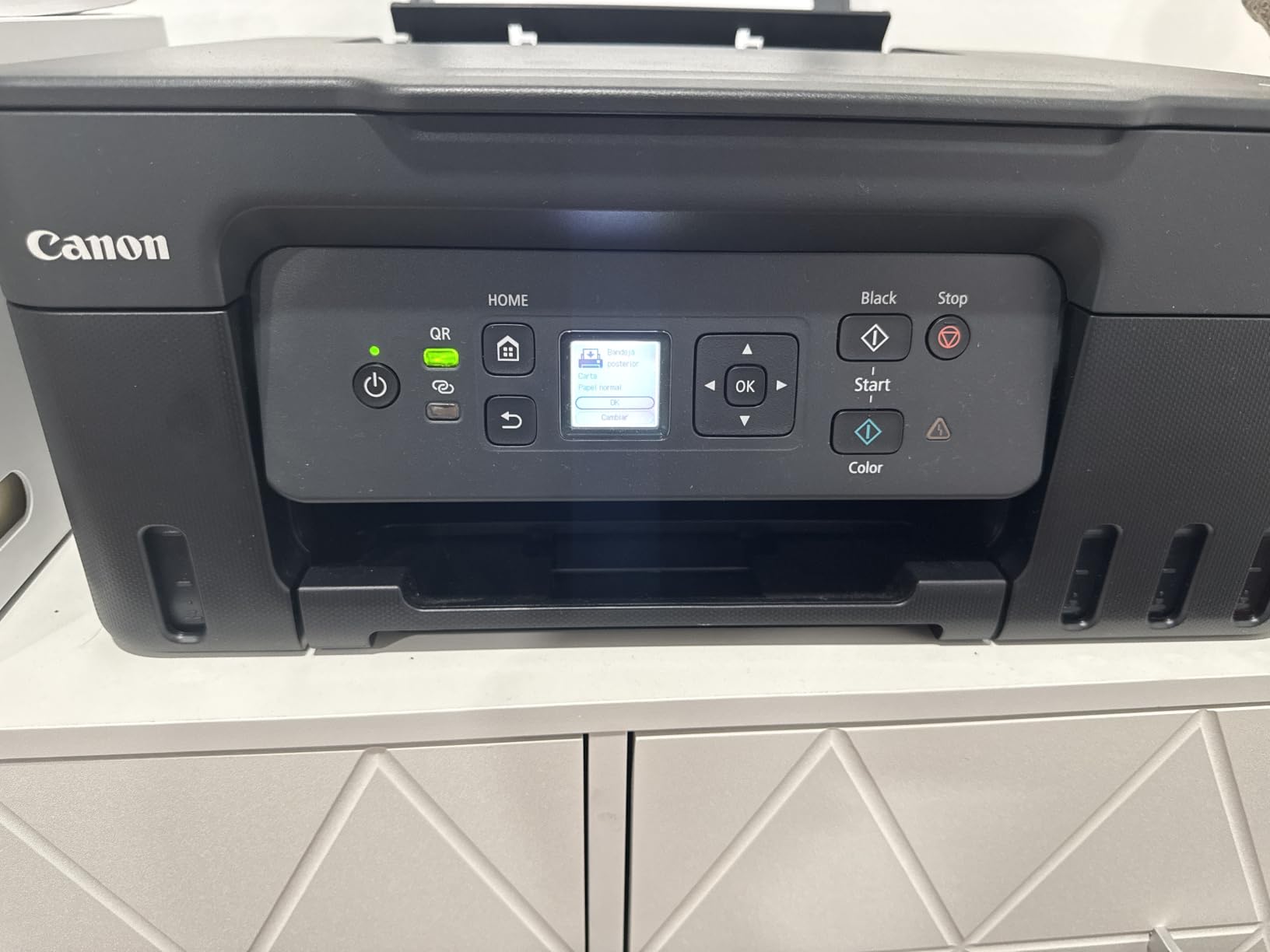
The Canon MegaTank G3270 sits very close to the EcoTank ET-2800 on running cost and beats it on page yield, with 6,000 black and 7,700 colour pages per set of inks. If your occasional printing skews toward colour, that extra yield is the reason to choose this one.
It is a full wireless print, copy and scan machine driven by the Canon PRINT app, and the backlit 1.35-inch square LCD makes local control a little friendlier than the four-LED status approach used by some cheaper tank machines. Media support is broad, including square and borderless photo formats, so it handles a mixed workload without complaint.
The part that most affects an infrequent buyer is parts support. Canon states a five-year window for spare part availability on this model, which matters more than it sounds when a machine only gets used a dozen times a year and you want it to be repairable rather than disposable.
Against that, the honest list is short. It is single-sided only, there is no automatic document feeder, and 11 ppm black with 6 ppm colour is unexciting if a deadline arrives and you have forty pages to send. About 67% of reviews are five-star, and the most repeated complaints are the missing duplex and the average pace.
Why the value case holds up over three years
Because the ink cost per page is set by the tank architecture rather than the cartridge price, and this machine lists higher per-fill yield than the ET-2800 in both black and colour. For a home office running maybe 250 pages a year, the difference is a small annual outlay rather than a monthly bill. The five-year parts commitment reduces the risk of a slow failure ending the machine early.
When to skip it
Skip it if you scan multi-page documents regularly or need automatic duplex. Both are hard requirements and both are absent. If you need fax, the Canon PIXMA TR8620a further down is the tank-equipped option that covers it.
3. Epson EcoTank ET-2400 – Best Small-Footprint Inkjet
Epson EcoTank ET-2400 Wireless Color All-in-One Supertank Printer
Ink tank color all-in-one
8.6 pounds
100-sheet tray
10 ppm black
Pros
- Refillable EcoFit tanks with up to two years of ink
- Refill only the color you actually need
- Bright saturated color and deep blacks
- Lightest machine here at 8.6 pounds
- Reliable over USB when wireless is awkward
Cons
- No display screen
- status shown by four LEDs only
- Manual duplex only
- Prone to paper jams
If desk space is the binding constraint, the ET-2400 is the one. At 8.6 pounds and 22.8 by 14.8 by 10 inches it is the lightest machine on this list, and it keeps the full EcoTank economics: up to 4,500 black and 7,200 colour pages from a fill, with bottles that let you refill a single colour rather than replacing a whole cartridge.
Owners who moved from cartridge models report the running cost difference as the reason they stayed. Reviewers also note it works reliably over USB when the wireless setup proves difficult, which is a useful fallback for a machine that may only be used a few times a month and therefore gets reconfigured more often than a daily-use printer would.
Reviews split sharply here, which is worth understanding before you buy. About 64% are five-star and praise the ink economics and colour, while 17% are one-star and cite paper jams, the absent screen and flaky wireless. That is a wider spread than most machines on this page, so read the one-star share as a real signal rather than noise.
There is also a specific caution from owners: several reviewers note that this tank design wants at least weekly use to stay clear. For a truly occasional printer that is a direct conflict, and it is the main reason this model sits third rather than first despite excellent ink economics.
What to check before ordering
Ask yourself honestly how many weeks pass between prints. If the answer is often more than two, the jam complaints and the weekly-use expectation both point away from this model. The trade-off is real: you get the smallest footprint and the refill-a-single-colour convenience, and you give up a screen, duplex and any tolerance of long idle periods.
When to skip it
Skip it if you want duplex, any on-machine display, or a machine you can leave switched off for a month at a time. If you print only black and white, step up to a Brother mono laser instead and the idle question disappears entirely.
4. Brother DCP-L2640DW – Best for Homes Where Ink Drying Is the Fear
Brother DCP-L2640DW Wireless Compact Monochrome Multi-Function Printer, Copy, Scan, Duplex, Mobile Printing
Mono laser all-in-one
36 ppm with automatic duplex
250-sheet tray and 50-page ADF
Pros
- Dry toner that does not dry out when idle
- 36 ppm monochrome with automatic duplex
- 50-page auto document feeder
- Dual-band Wi-Fi plus Ethernet and USB
- Inexpensive toner compared with colour ink
Cons
- Monochrome only
- Awkward on-printer control menus
- Wi-Fi setup and firmware prompts cause friction
- Heavier and larger than a compact inkjet
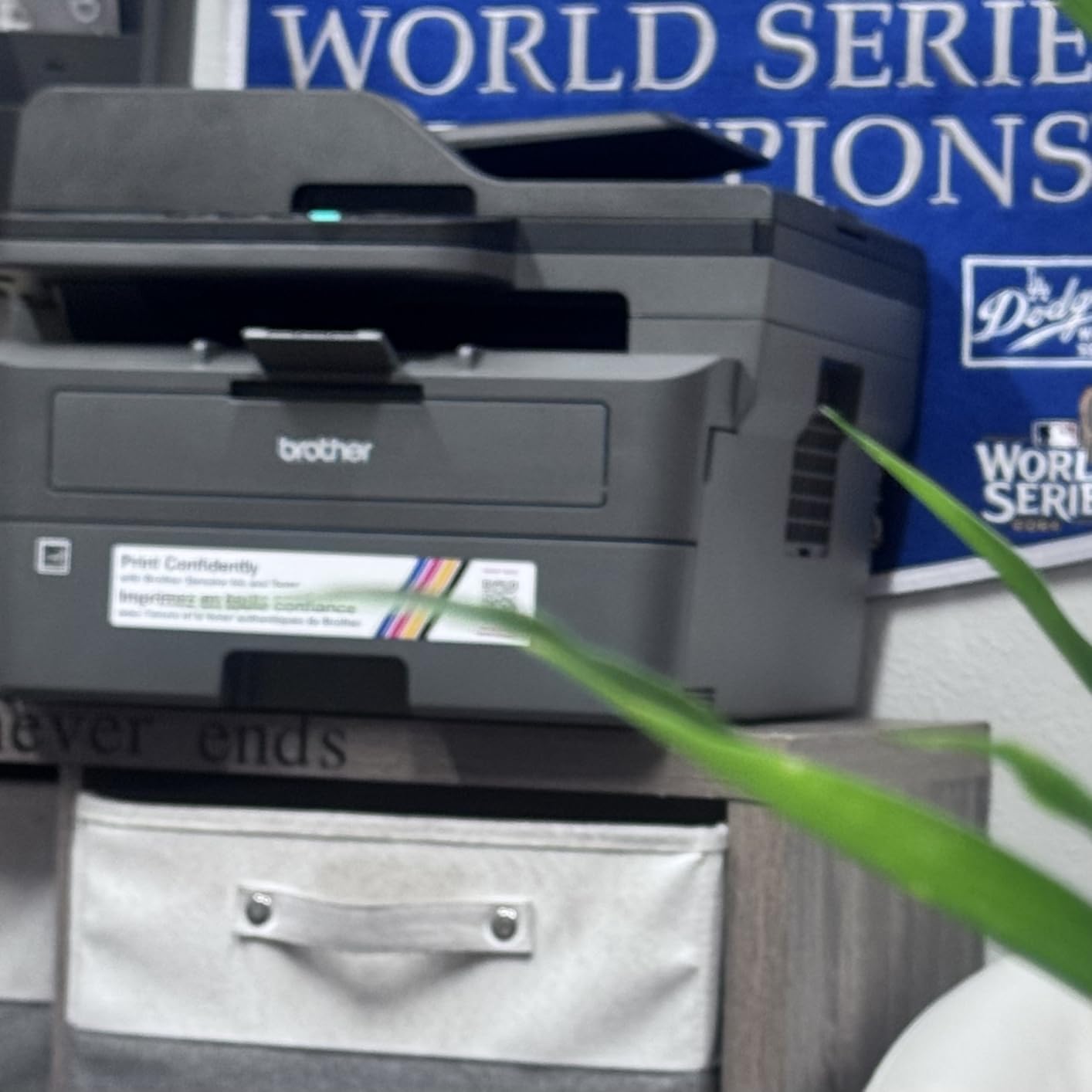
This is the answer when the number one worry is waking a printer after a long gap and getting streaked output. It uses dry toner, so there is no liquid sitting in a head waiting to dry. It also has a 50-page document feeder, which is the feature most home all-in-ones at this level leave out.
Performance is well beyond what occasional use needs. Output is listed at 36 ppm monochrome with automatic duplex, scanning runs up to 23.6 ipm in black, and the resolution is 1200 x 1200 dpi, which is sharp enough for small text in contracts. The 250-sheet tray means you refill paper a few times a year rather than weekly.
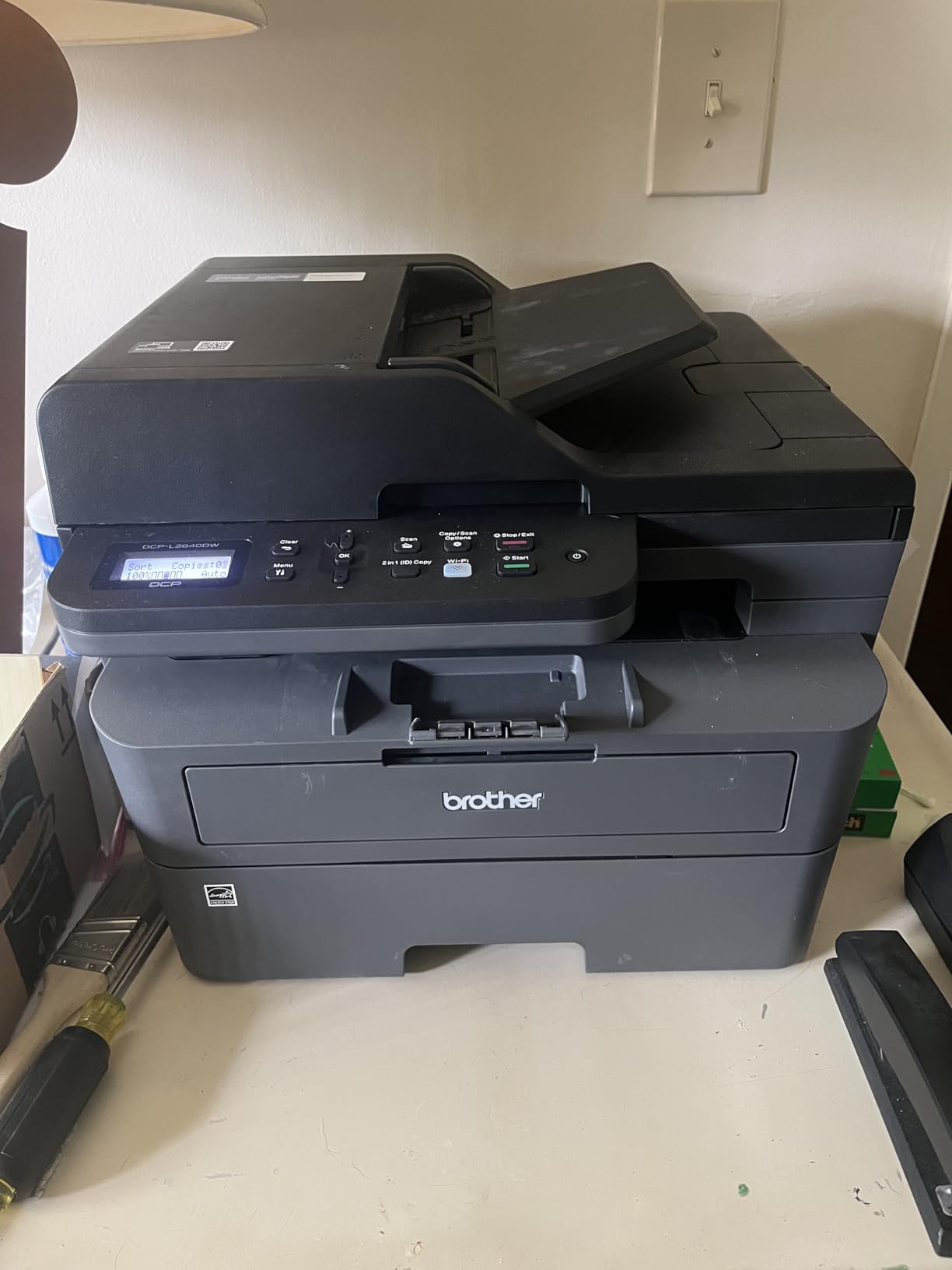
Connectivity is where the friction sits. It offers dual-band wireless, Ethernet and USB, and once a static IP address is set you can manage it through a web interface without installing an app at all, which experienced buyers rate as a real advantage for a machine that will be configured rarely.
Reviews do point to software rough edges. Wi-Fi connection, the password on the back label and firmware updates are the recurring themes, along with a documented scan-to-PC freezing bug. Linux users report it works well. About 68% of reviews are five-star, driven by the Brother name, the speed and the low toner cost.
What makes it the safest idle choice
Toner is dry powder, so months of disuse change nothing about whether the first page comes out clean. The 50-page feeder also means a document that has been sitting in a folder for months goes in as a stack rather than page by page. Reddit users repeatedly recommend Brother mono lasers for occasional home printing, and one thread on r/printers ended with the DCP-L2640DW bought and installed for a user’s parents, who were happy with it.
When to skip it
Skip it if you print colour at all, if you need fax, or if a touchscreen matters to you, since this has a small LCD and menu-driven controls rather than a panel you tap. If the on-printer menus frustrate you, the MFC-L2820DW adds a 2.7-inch touchscreen at a higher tier.
5. Canon PIXMA TS3720 – Budget Pick for Light Duty Only
Canon PIXMA TS3720 Wireless All-in-One Printer for Basic Home Printing, White
Cartridge color all-in-one
7.7 ppm black and 4 ppm color
60-sheet tray
8.7 pounds
Pros
- Low entry price for print copy and scan
- Quick out-of-box setup with 1.5-inch segment LCD
- Dual-band Wi-Fi with setup without a computer
- Works with Chromebook and AirPrint
- Small and light at 8.7 pounds
Cons
- Cartridge-based ink costs add up
- Single-sided printing only
- Slow at 7.7 ppm black
- 60-sheet paper capacity
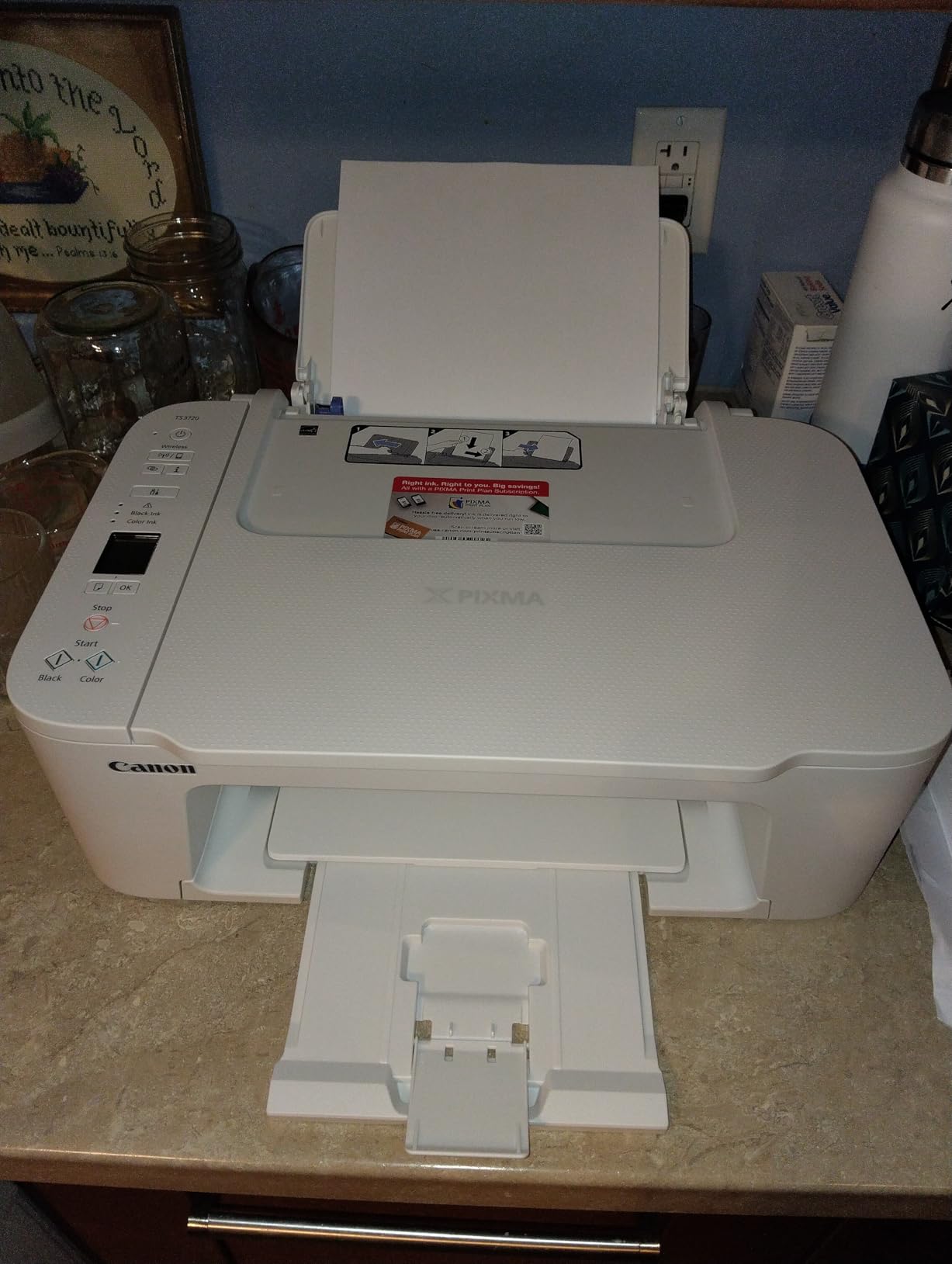
This is the cheapest machine here and the least suitable for a genuinely infrequent printer, which is why it is fifth. It uses CL-276 and PG-275 cartridges, and cartridges that sit unused for months are exactly the part of a printer that dries out.
What it does well is setup. The 1.5-inch segment LCD, dual-band Wi-Fi that can be configured without a computer, and support for Chromebook, Apple AirPrint and Mopria mean it goes from box to first page quickly. At 8.7 pounds and 12.9 inches wide it is also one of the smaller footprints here.

Output is modest by any standard. Black runs at about 7.7 pages per minute and colour at 4, the paper capacity is 60 sheets, and printing is single-sided only. Colour resolution is 4800 x 1200 dpi with borderless printing up to 5 x 7 inches, which is fine for a photo but not a gallery print.
Owners treat it as a budget light-duty machine and review it accordingly, with about 63% five-star ratings. The recurring complaints are slow single-sided printing, small paper capacity and the accumulating cost of replacement cartridges. If you expect a cartridge refill every few months, the maths works against this machine.
When the cartridge maths still works
It works if you genuinely print a handful of colour pages a year and you would otherwise drive to a print shop. In that case a cartridge machine that is stored empty, cartridges kept sealed in the drawer until needed, is a defensible low-commitment option. The mistake is buying it and then having a partly used cartridge sitting in the machine for a year.
When to skip it
Skip it if you print monthly rather than yearly. The cartridge running cost, the 60-sheet tray and the single-sided-only design all work against occasional-but-regular use, and a refillable tank machine in the same price bracket is the better buy over any horizon longer than a year.
6. Canon PIXMA TR8620a – Best for Scanning and Paperwork
Canon PIXMA TR8620a – All-in-One Printer Home Office|Copier|Scanner|Fax|Auto Document Feeder | Photo, Document | Airprint (R), Android, Black, Works with Alexa
Color inkjet 4-in-1
15 ppm black and 10 ppm color
200-sheet capacity
20-page ADF
Pros
- Full print copy scan and fax with a 20-sheet ADF
- Automatic two-sided printing
- Dual paper trays totalling 200 sheets
- Five individually replaceable ink tanks
- Lower ink use than previous HP models per owners
Cons
- Canon PRINT app is slow and reports no printer available
- ADF cannot handle two-sided originals in one pass
- Paper loading needs precise alignment
- Slow wake from sleep
If occasional printing for you really means a stack of paperwork, the TR8620a handles documents end to end: print, copy, scan and fax, with a 20-sheet automatic document feeder and automatic two-sided printing. Few all-in-ones at this level include fax.
It also handles mixed paper unusually well, with a 100-sheet cassette plus a 100-sheet rear feed, giving 200 sheets of capacity plus the ability to add envelopes and card stock without swapping the main tray. The duty cycle is listed at 1,000 pages, and a tilting touchscreen handles local control.
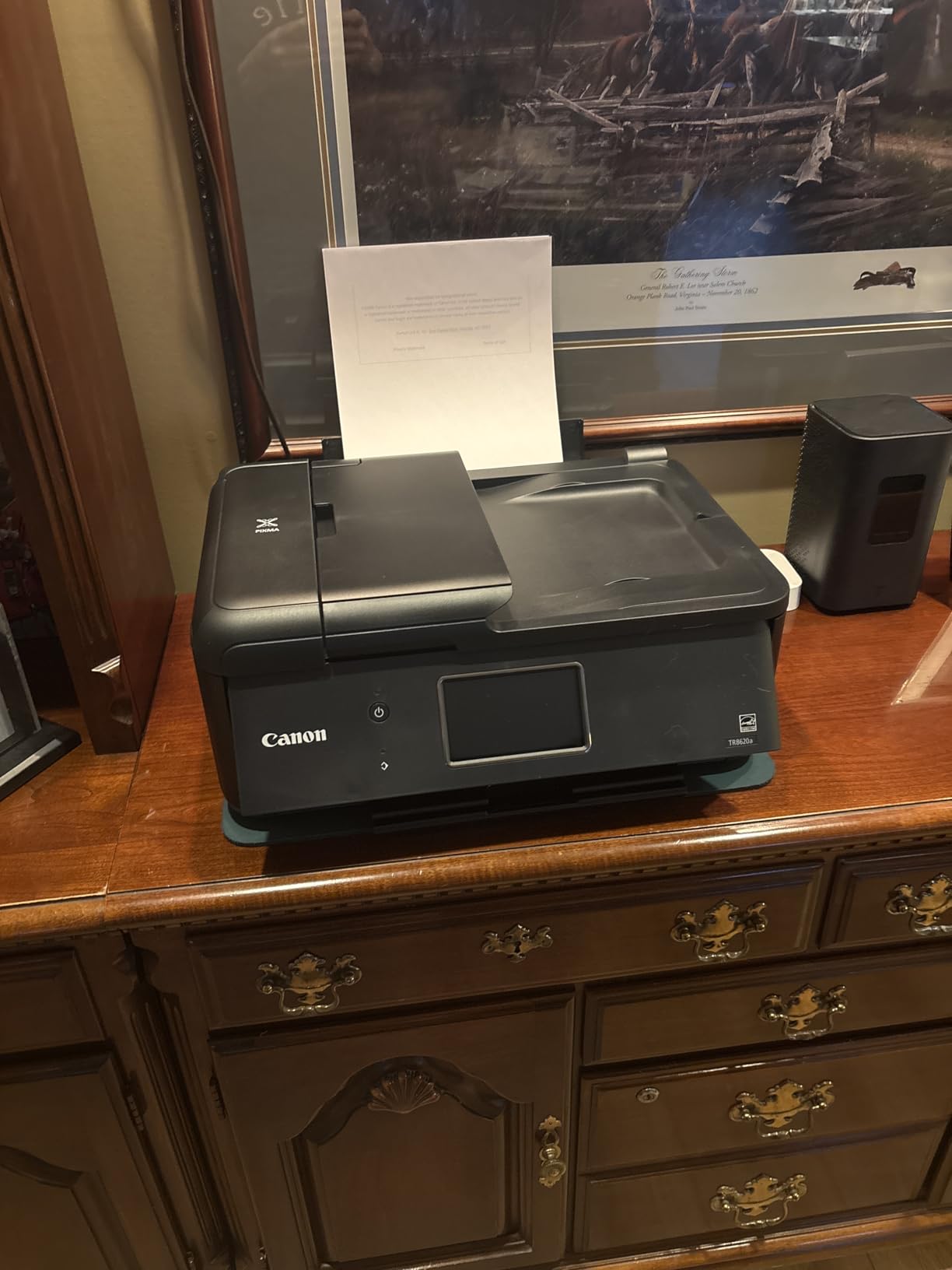
The ink system is the important part for a light user. Instead of tri-colour cartridges, it uses five individually replaceable tanks, so a magenta-only job does not force you to discard cyan, yellow and black. Owners of previous HP machines report visibly lower ink consumption on comparable work.
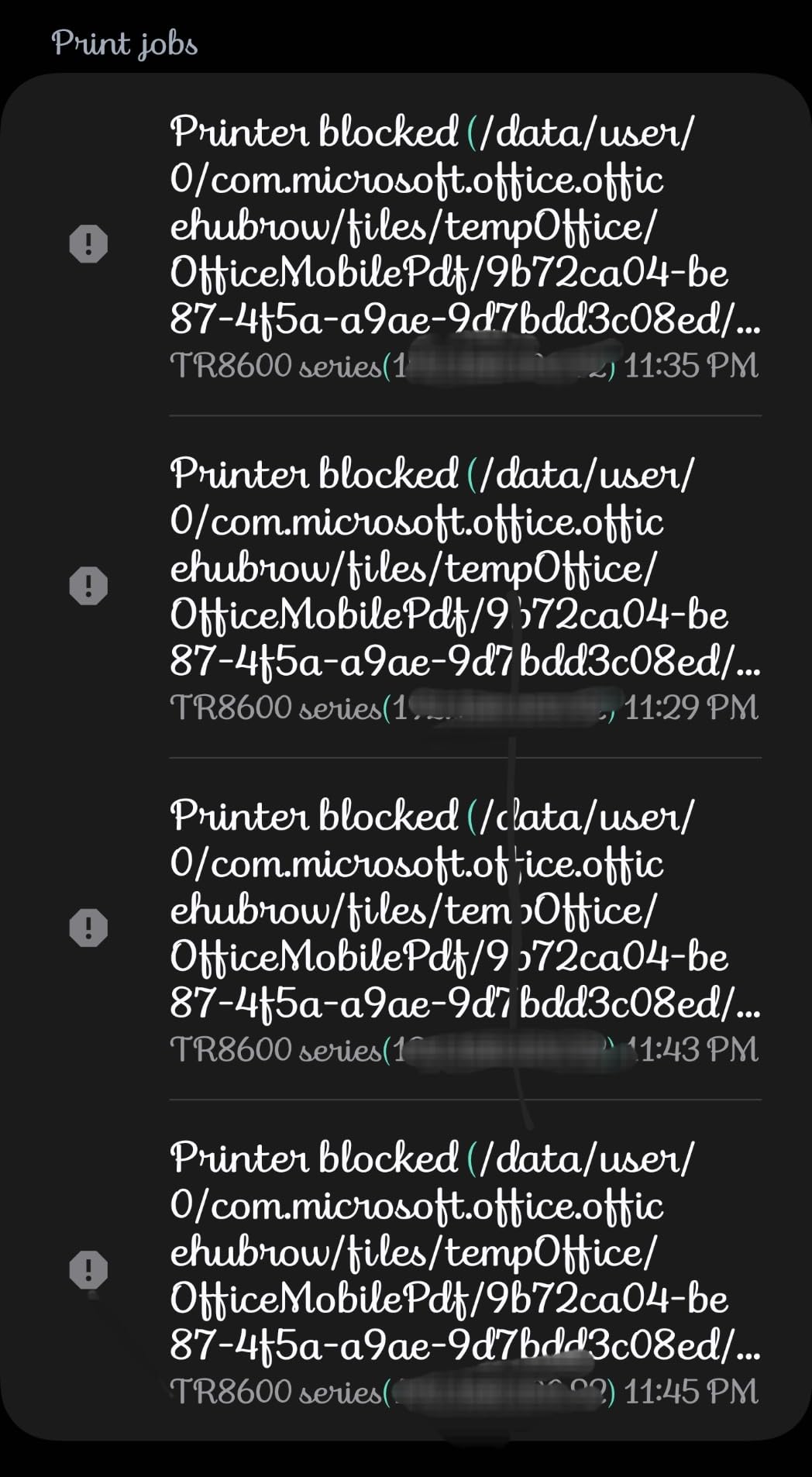
The catch is software and handling. The Canon PRINT app is repeatedly described as slow and prone to reporting no printer available, the document feeder will not scan two-sided originals in one pass, and paper loading is called finicky by several owners. Wake from sleep is also slow despite the 15 ppm headline. About 61% of reviews are five-star, with long-term owners reporting dependable output for home office and homeschooling work.
Why five separate tanks matter at low volume
Because most colour work at home is a single colour on a single page. With a tri-colour cartridge, printing one page in magenta means replacing the black and yellow too. Five independent tanks mean you replace only what ran out, which is the single most effective way to cut waste on a printer that mostly handles occasional colour.
When to skip it
Skip it if you are patient-free about setup, because the app behaviour is a genuine friction point. It is also more machine than you need if you only ever print, and inkjets are the wrong category entirely if colour is rare and black-and-white is the workload.
7. Brother HL-L2405W – Best No-Nonsense Mono Printer
Brother HL-L2405W Wireless Compact Monochrome Laser Printer with Mobile Printing, Black & White Output | Includes Refresh Subscription Trial(1), Works with Alexa
Mono laser print only
30 ppm
250-sheet tray
15.1 pounds
Pros
- Toner does not dry out between uses
- Clean install with no forced app or account
- 30 ppm sharp monochrome output
- 250-sheet tray plus manual feed slot
- Works with laptops phones and tablets
Cons
- No scanner or copier
- Manual duplex only
- Reversed page order on multi-page jobs
- Wi-Fi setup can be long on mesh networks
The HL-L2405W prints and nothing else, and for a home office that only needs contracts and labels that is a feature. Owners who came from inkjets describe the change as transformative because the machine produces identical output whether it was used yesterday or last month.
It runs at 30 ppm monochrome with an 8.5 second first page and 1200 x 1200 dpi resolution. The 250-sheet tray is joined by a manual feed slot for envelopes and specialty paper, and it works over dual-band wireless or USB.
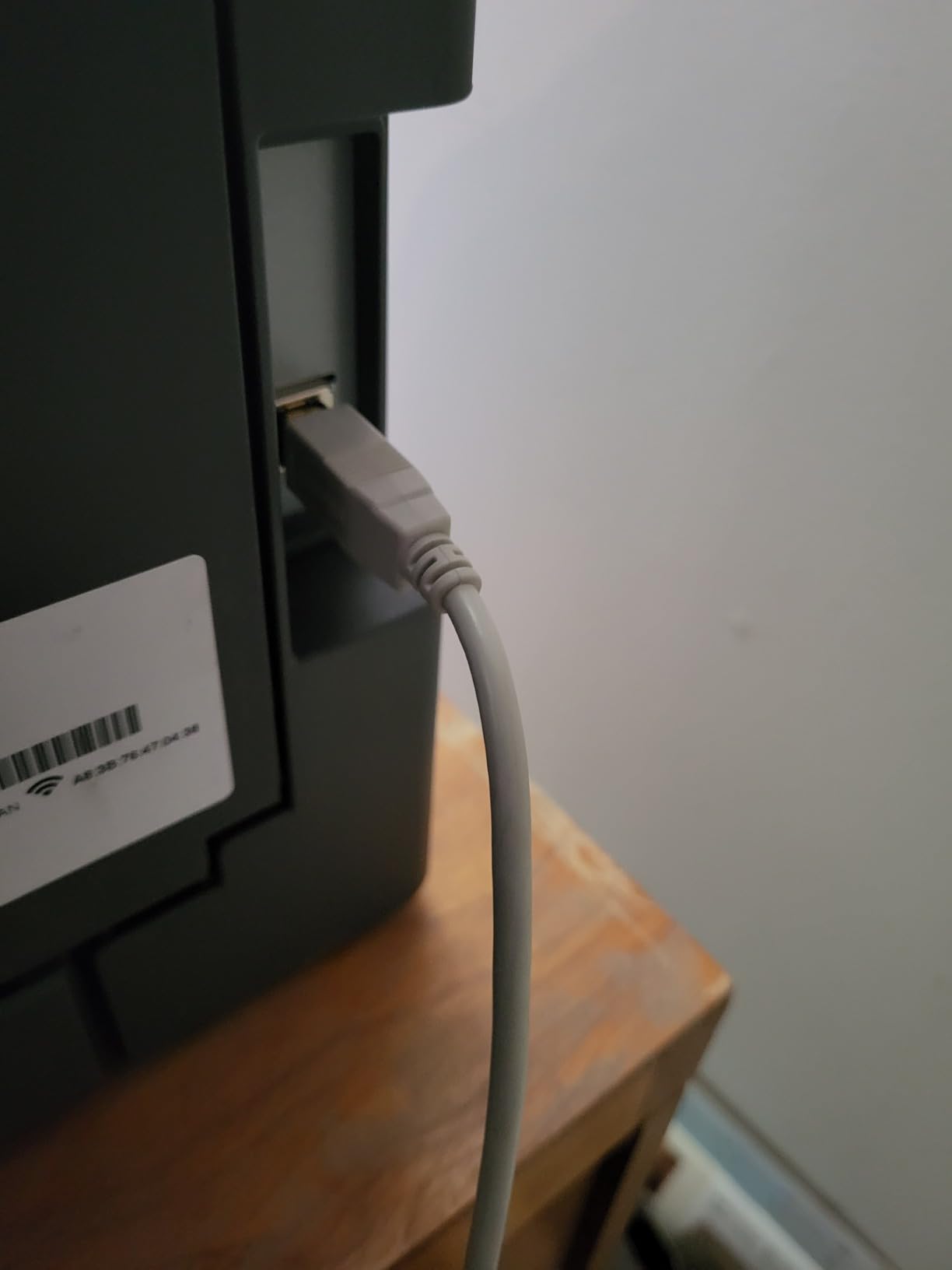
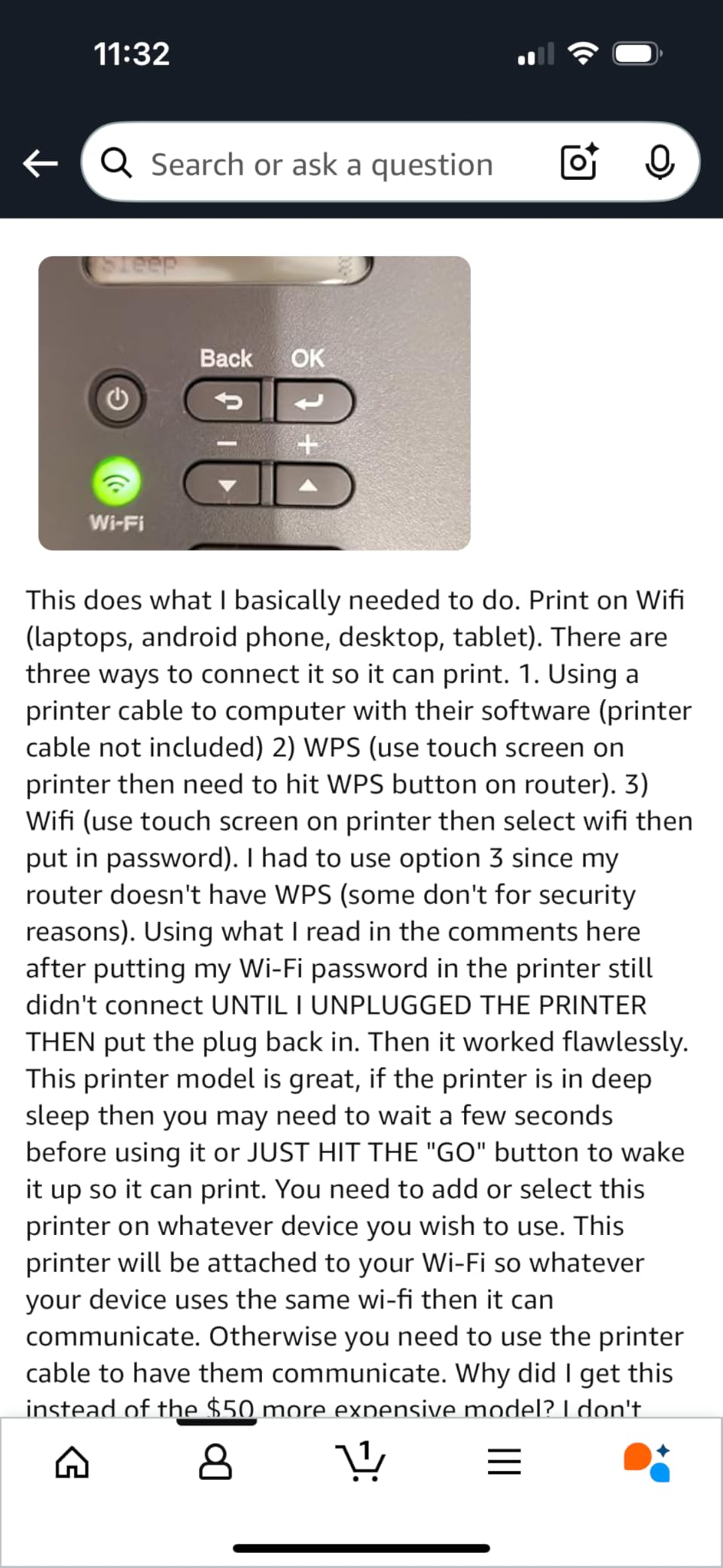
Setup is the standout. Reviews repeatedly describe a clean install with no bloatware, no forced app and no account requirement, which is unusual for a modern connected printer and genuinely useful for a machine you will only configure once. About 67% of reviews are five-star with strong comments on toner longevity and reliability.
The negatives are specific rather than general. Multi-page jobs come out with the last page printed first, so you have to reorder by hand. Duplex is manual, meaning you flip the stack yourself. Wi-Fi setup can be long on mesh networks, and the machine is larger on a desk than the compact label suggests.
What you give up by dropping the scanner
Scanning, copying and fax. If your occasional workflow includes digitising receipts or signing documents, this is the wrong machine and the DCP-L2640DW is the natural step up, since it keeps the same toner approach and adds a 50-page feeder and automatic duplex.
When to skip it
Skip it if you need any colour output at all, or if you regularly print double-sided documents by hand more than once a month. The reversed page order is also worth knowing about in advance, because it will surprise you the first time you send a five-page job.
8. HP LaserJet MFP M140w – Best for the Tightest Desk
HP Laserjet MFP M140w Wireless Black & White Printer, Print, scan, Copy, Fast speeds, Easy Setup, Mobile Printing, Best-for-Small Teams
Mono laser all-in-one
21 ppm with 8.3 second first page
99-sheet capacity
11.9 pounds
Pros
- One of the smallest laser all-in-ones available
- Wireless with self-reset plus USB and AirPrint
- ID card copy puts both sides on one sheet
- HP Smart app for scan to cloud
- Works with Windows Mac AirPrint Android and Chromebook
Cons
- No duplex printing
- Only 600 x 600 dpi maximum resolution
- Requires cartridges with original HP chips
- 99-sheet capacity
- No auto document feeder
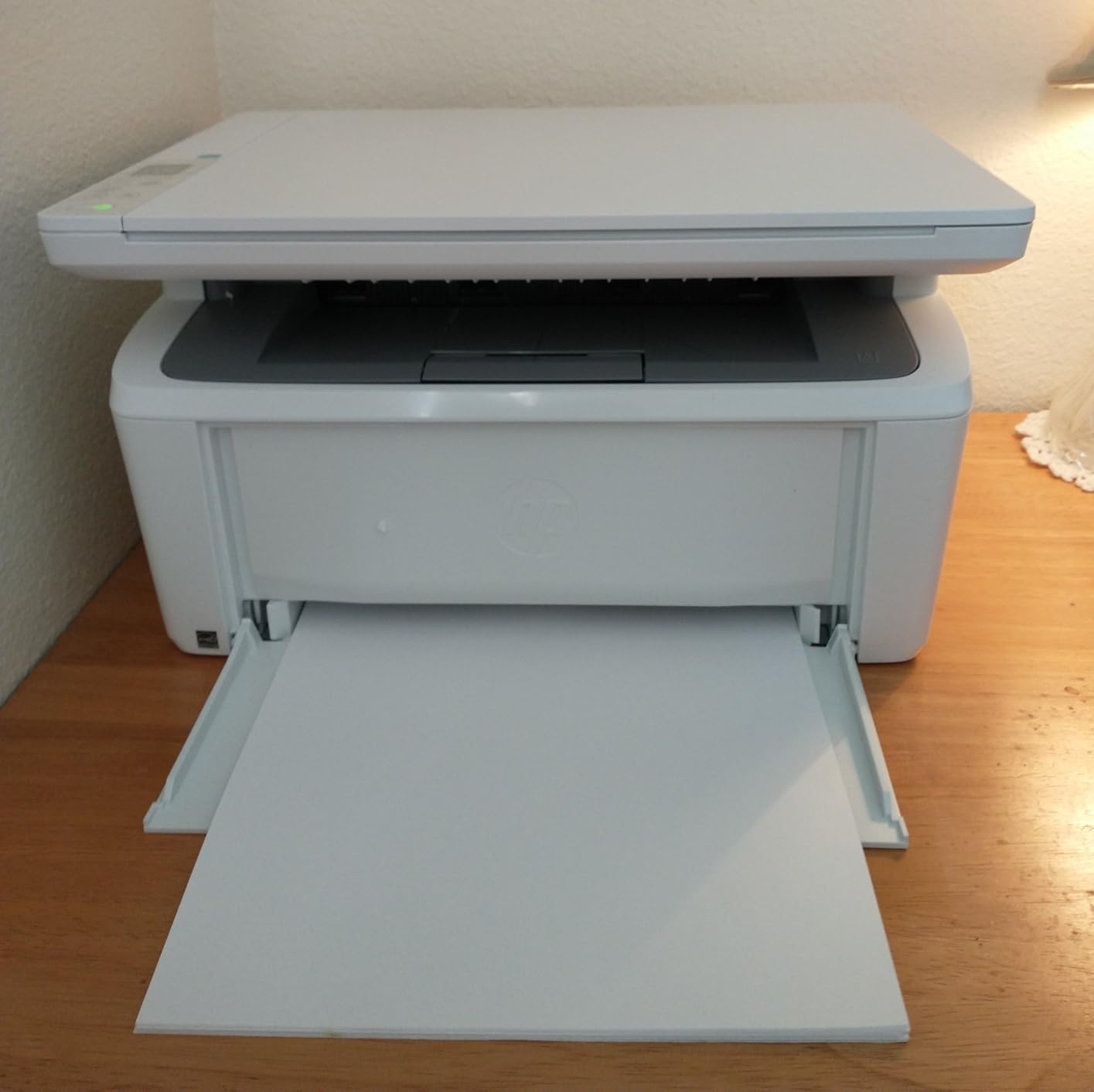
When desk space is the deciding factor, this is the machine. At 14.2 by 10.4 by 7.8 inches and 11.9 pounds, it is the smallest laser all-in-one in this group, and it still gives you print, copy and scan with 21 ppm monochrome output and an 8.3 second first page.
It connects over wireless with self-reset, USB and AirPrint, and the HP Smart app handles scan-to-cloud and mobile printing. The ID card copy feature puts both sides of a small card onto one sheet, which is more useful than it sounds for someone who copies a licence or a card once a month.
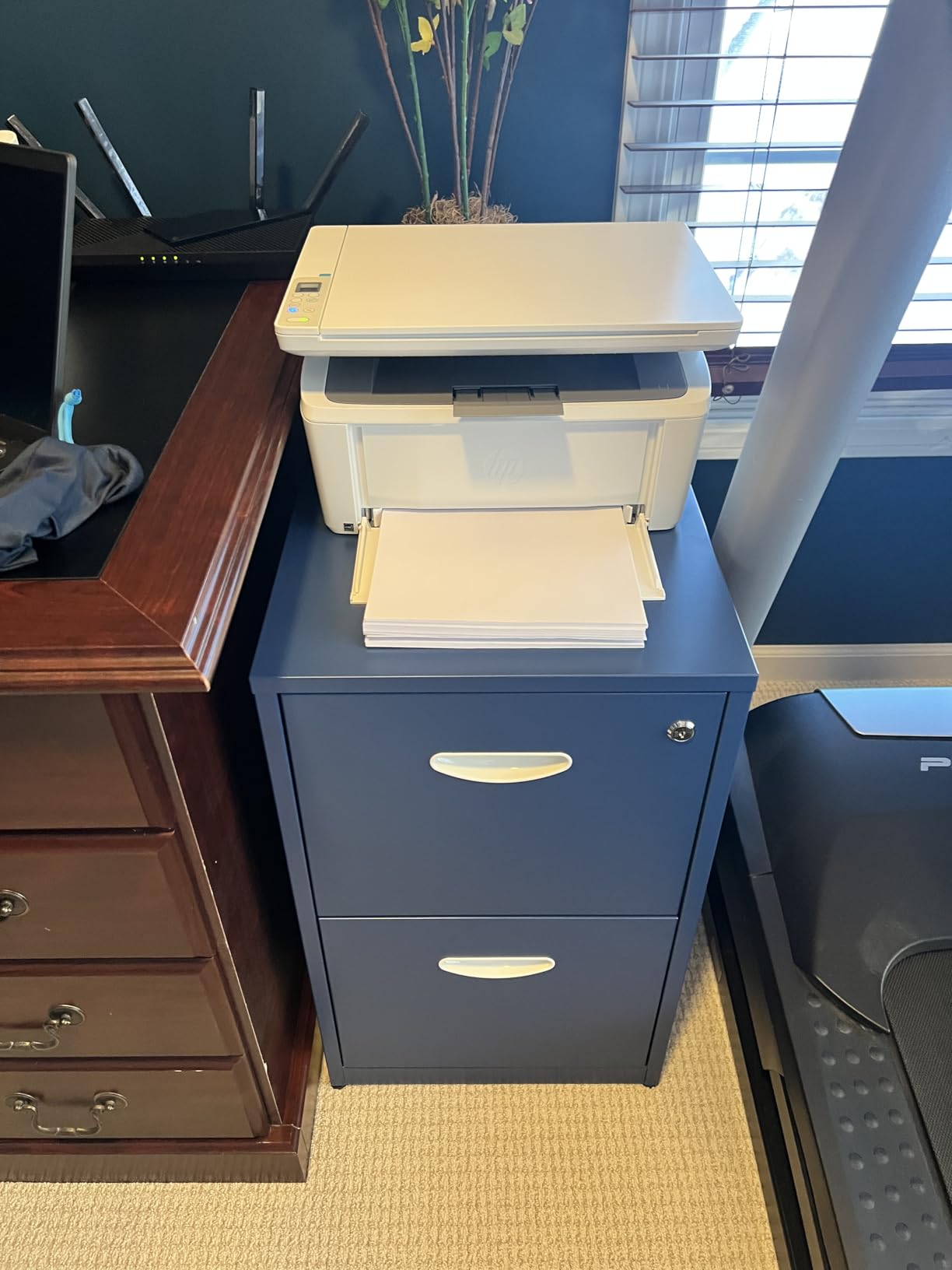
Two things temper that. There is no duplex, so double-sided documents mean turning the stack over, and maximum resolution is 600 x 600 dpi, which is fine for readable text but visibly softer than the 1200 x 1200 dpi on the Brother models. Paper capacity is 99 sheets and there is no document feeder.
The more significant long-term point is the cartridge restriction. This machine requires cartridges with original HP chips, which blocks aftermarket toner. Forum users treat aftermarket cartridges as a gamble rather than a sure saving, and on this model the choice is simply not available. About 63% of reviews are five-star, with buyers rating it well for one to three person use.
What the size saving actually costs
You give up duplex, you give up document feeder scanning, and you give up the ability to buy cheaper toner. For someone who prints black and white documents a few times a month in a small space, that trade is usually worth it. For anyone who photocopies stacks of receipts regularly, the missing feeder is the harder loss.
When to skip it
Skip it if you need crisp small text at high resolution, if you print anything that benefits from two-sided output, or if you want to buy third-party toner to reduce running cost. In each of those cases, move up within this list rather than down.
9. Brother MFC-L2820DW – Best All-in-One Mono Laser
Brother MFC-L2820DW Wireless Compact Monochrome All-in-One Laser Printer with Copy, Scan and Fax, Duplex, Black & White | Includes Refresh Subscription Trial(1), Works with Alexa
Mono laser with fax
34 ppm automatic duplex
250 sheets and 50-page ADF
2.7-inch touchscreen
Pros
- 4.3 star average across 976 reviews
- Print copy scan and fax with automatic duplex
- 2.7-inch touchscreen with cloud destinations
- 50-page ADF for copy scan and fax
- Setup works across Linux Windows Android and iOS
Cons
- Jams clear from the rear so the printer must be pulled out
- Wireless sometimes needs manual recovery
- Touchscreen does not stay lit
- No duplex scanning through the ADF
This is the most complete mono laser here and the one with the strongest consensus among owners. At 4.3 stars across 976 reviews it delivers print, copy, scan and fax with automatic duplex, 34 ppm output, a 250-sheet tray and a 50-page document feeder, all in a footprint that still fits a home office.
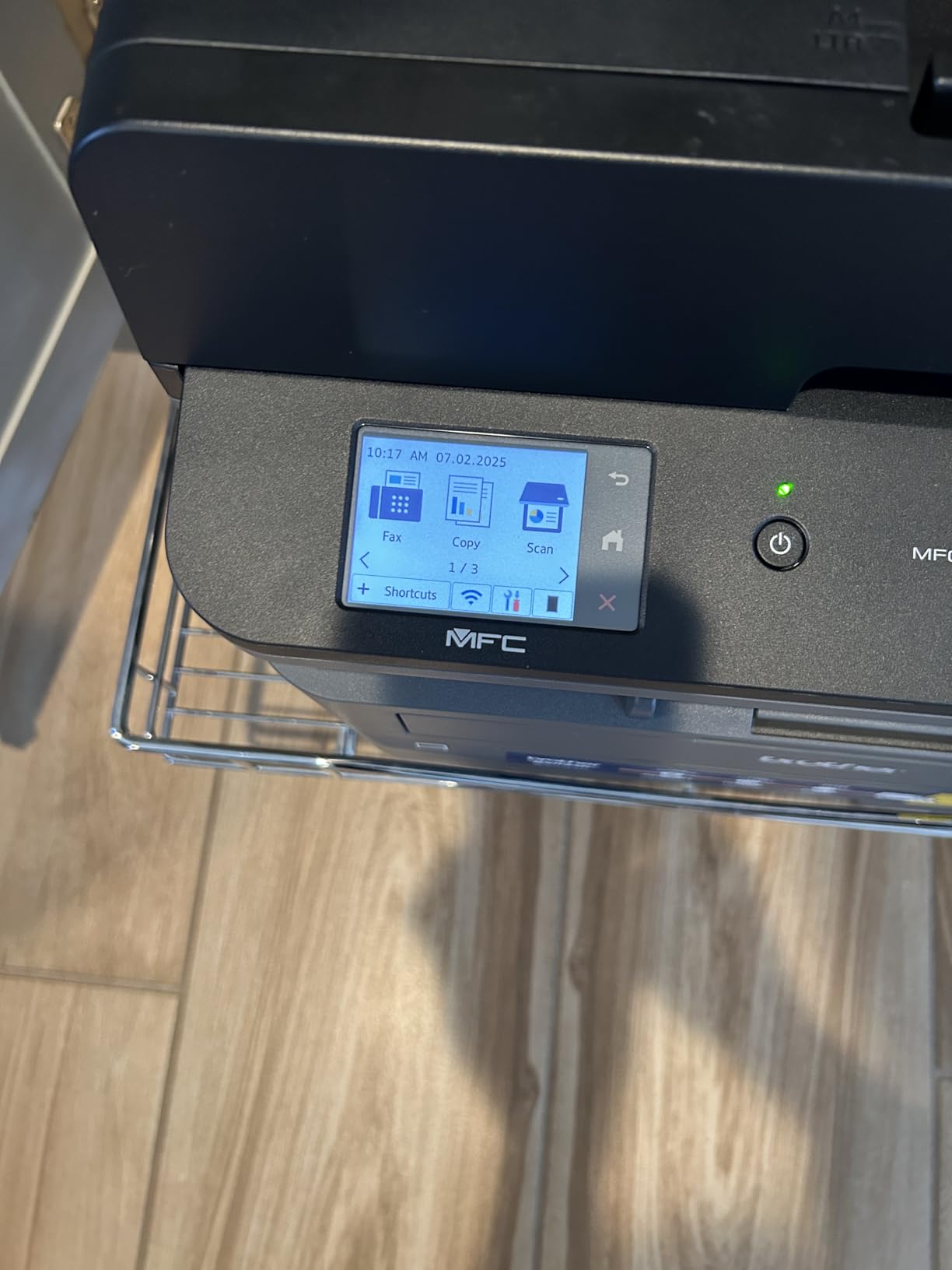
The 2.7-inch touchscreen is the feature that separates it from the cheaper Brother models, with cloud print-to and scan-to destinations including Google Drive, Dropbox and OneNote. Setup is quick across Linux, Windows, Android and iOS, and owners specifically value being able to use it without being pushed into an HP-style app ecosystem.
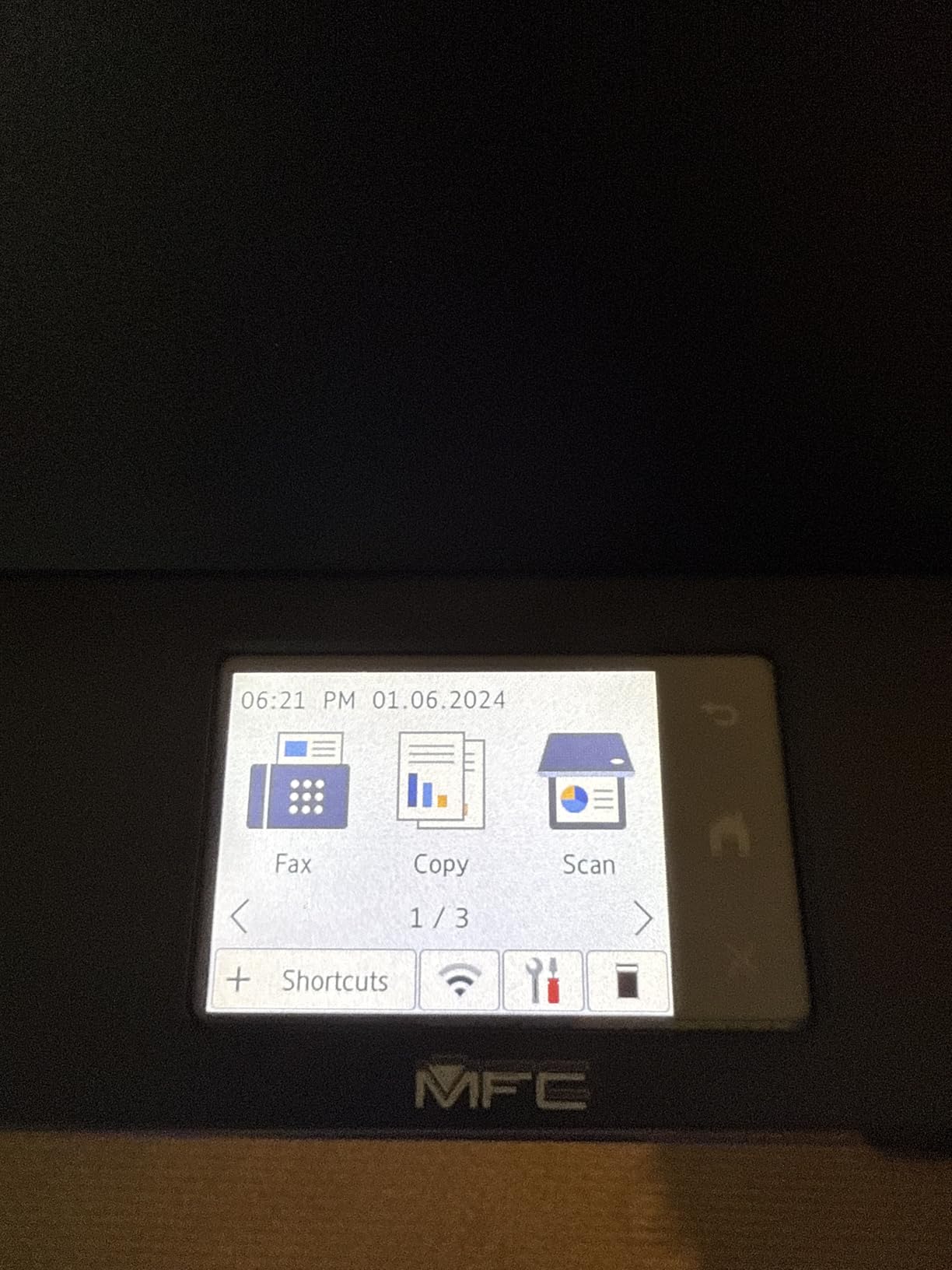
Physical layout is the one real annoyance. Jam clearance happens from the rear, so if you push the printer against a wall you have to pull it out to fix a feed problem. The touchscreen does not stay lit and default settings are hard to change, and the sheetfed scanner will not handle two-sided originals in one pass. The unit also weighs 22.5 pounds, so it is a two-person lift.
About 71% of reviews are five-star, praising fast quiet monochrome output and painless setup. The criticisms are concentrated on rear jam access and occasional wireless reconnection, plus the higher cost compared with the print-only and three-function Brother models.
What you gain over the DCP-L2640DW
Fax, a touchscreen, cloud scan destinations and a slightly higher rated owner base. You also give up some desk space and reach a higher tier of machine. If you scan and fax regularly and the touchscreen is something you will actually use, this is the better fit; if you mostly print, the DCP-L2640DW is the more efficient choice.
When to skip it
Skip it if you plan to place it in a tight alcove with no rear access, or if you scan double-sided documents regularly, since the ADF cannot duplex-scan. It is also more machine than a very occasional user needs, so do not buy it for features you will not touch.
10. HP Envy 6155 – Best Touchscreen Color All-in-One
HP Envy 6155 Wireless All-in-One Color Inkjet Printer, Print, Scan, Copy, Duplex Printing Best-for-Home, 3 Month Trial of Instant Ink Included, AI-Capable (C2WR7A) Portobello
Color inkjet all-in-one
Automatic duplex
2.4-inch color touchscreen
100-sheet tray
Pros
- Automatic two-sided printing in a compact all-in-one
- 2.4-inch color touchscreen that is easy to navigate
- Dual-band Wi-Fi that self-corrects connection issues
- HP P3 color for homework and borderless photos
- Made with at least 60 percent recycled plastic
Cons
- Cartridge-based ink with HP chip restrictions
- Only a 100-sheet input tray
- No auto document feeder
- Instant Ink subscription is pushed during setup
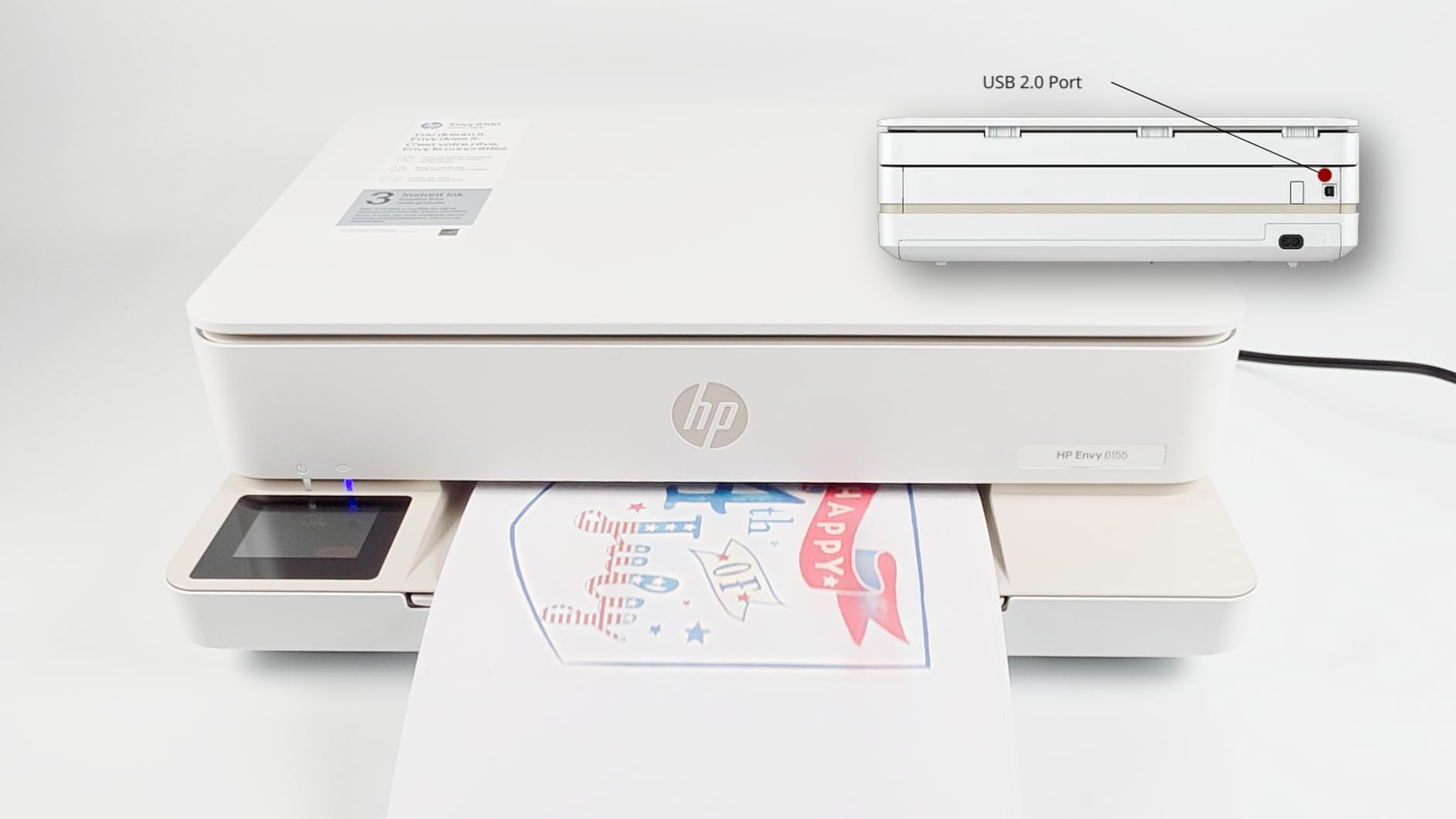
Getting automatic duplex and a colour touchscreen into a compact all-in-one is genuinely rare, and that combination is what makes the Envy 6155 interesting. It prints at 10 ppm black and 7 ppm colour, prints borderless photos at 4800 x 1200 dpi, and its 2.4-inch colour touchscreen is the easiest local interface here.
The wireless story is also good. It uses dual-band Wi-Fi that reviewers describe as HP’s most reliable and self-correcting, and the HP AI print formatting strips out unwanted web and email furniture, which saves time on a one-off page that you would otherwise clean up by hand.
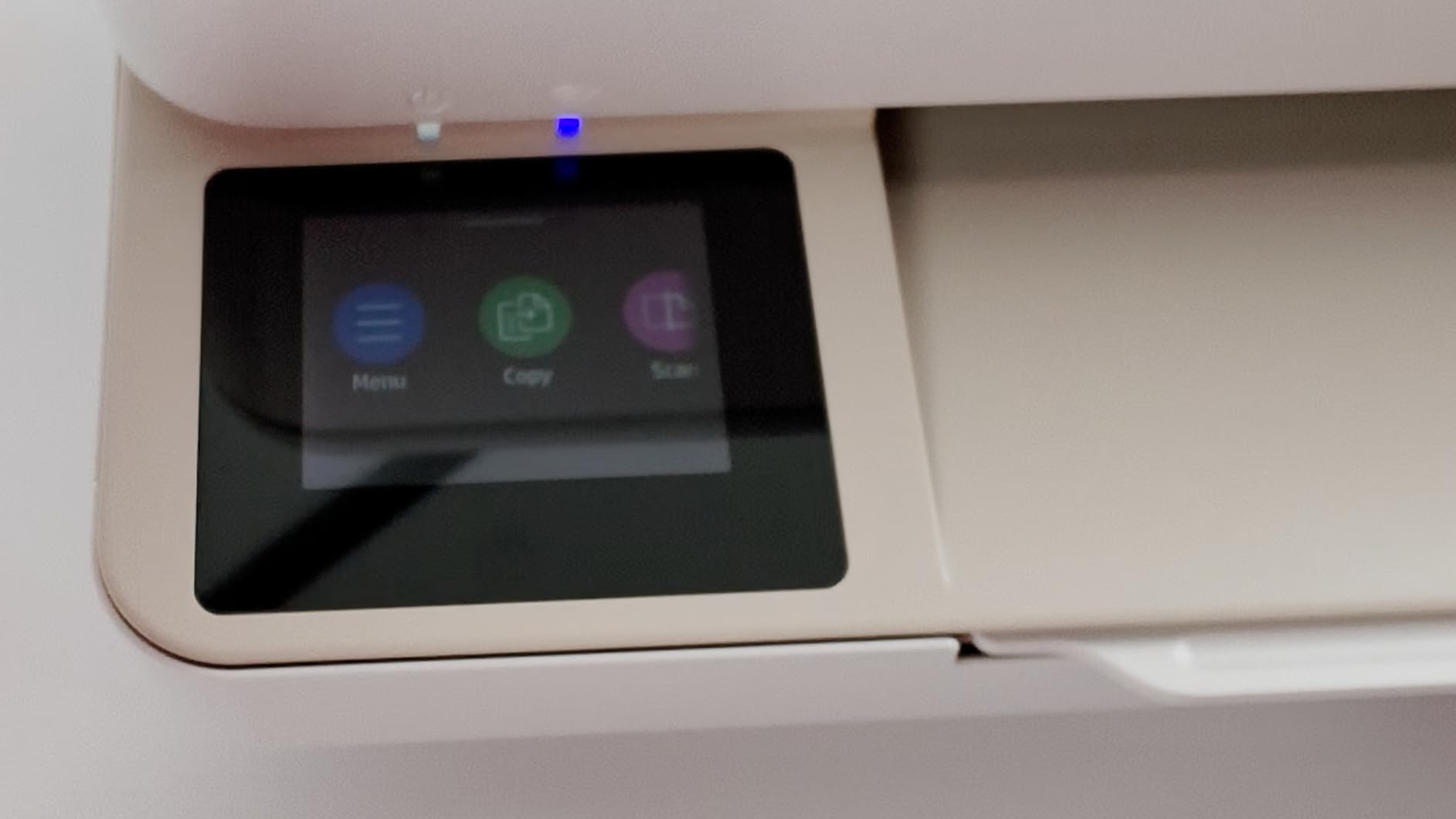
The caveats matter more here than anywhere else on the page. It is cartridge-based, and it requires cartridges with original HP chips, so aftermarket ink is not an option. The tray is 100 sheets and there is no document feeder. A 3 month trial of HP Instant Ink is included, and the subscription is pushed during setup with a monthly fee after the trial, which is exactly the lock-in experienced users warn about for infrequent printers.
The review pool is smaller than most here at 415 reviews with a 4.2 average and 69% five-star share, so treat the consensus as encouraging rather than settled.
Deciding whether the trial matters to you
If you genuinely will not print enough to benefit from a subscription plan, decline it at setup and confirm the printer still works on original cartridges afterwards. If you will print colour regularly and want predictable monthly cost, the plan can make sense. The trap is the middle case: a rarely used printer where the plan sits unused and billing continues.
When to skip it
Skip it if you print fewer than a few colour pages a month, because cartridge running cost plus a subscription nudge is the wrong structure for occasional use. Skip it if you want the cheapest ink. And skip it if you scan multi-page paper, since there is no feeder.
11. HP LaserJet Pro MFP 3101sdw – Fastest Monochrome Option
HP LaserJet Pro MFP 3101sdw Wireless Black and White All-in-One Laser Printer, Office Printer, Duplex, Best-for-Small Teams (9D2X4F)
Mono laser all-in-one
40 ppm spec speed
250-sheet tray and 50-page ADF
Duplex
Pros
- 4.5 star average across 596 reviews
- 40 ppm monochrome with a 7 second first page
- 250-sheet tray plus 50-sheet ADF with automatic duplex
- Wi-Fi self-healing after outages
- Scan to email and Print Anywhere support
Cons
- HP chip enforcement blocks aftermarket toner
- Paper tray and build described as flimsy
- Occasional no paper in tray errors
- Long startup after being idle
Speed is the headline here: up to 40 ppm monochrome with a 7 second first page, automatic duplex, a 250-sheet tray and a 50-sheet document feeder, plus copy and scan. Connectivity covers AirPrint, Mopria, Ethernet, USB and Wi-Fi, with scan-to-email and Print Anywhere.
The wireless self-healing is a real advantage for a machine that is rarely touched. It reconnects after an outage or a power cut without manual intervention, which solves one of the connectivity complaints that appears across most connected printers in this roundup.
It carries a 4.5 star average across 596 reviews, with 77% five-star, and owners describe the output as fast, quiet and crisp with easy installation. For a home office printing a stack of invoices or signed documents at once, that combination of tray capacity, feeder and speed is difficult to argue with.
The negatives are equally clear. HP chip enforcement blocks aftermarket toner, the paper tray and build quality are described as flimsy, occasional no-paper-in-tray errors need troubleshooting, and the startup time after a long idle period is long. For an occasional user specifically, that last point is the one to weigh.
Speed versus idle behaviour
This machine wakes slowly, which is a fair trade only if you care about throughput once it is running. If you print two pages a month, the fast engine and the large tray add capability you will rarely use while the slow wake adds friction you will feel every single time. For a genuine occasional user the Brother HL-L2405W or DCP-L2640DW are more natural fits.
When to skip it
Skip it if you want to buy third-party toner to keep running cost down, if a light-duty tray bothers you, or if frequent instant-on matters. Buy it if you scan and fax regularly and need a single machine that handles a busy week without refilling paper.
12. Epson EcoTank ET-4950 – Most Capable Ink Tank Machine
Epson EcoTank ET-4950 Wireless Duplex All-in-One Cartridge-Free Supertank Color Inkjet Printer, Fax, Black
Ink tank color all-in-one
18 ppm black and 9 ppm color
250 sheets with ADF and fax
Ethernet
Pros
- Auto duplex 250-sheet tray ADF fax and Ethernet in one
- 18 ppm black and 9 ppm color with zero warmup
- 6600 black and 5500 color pages per fill
- Keyed EcoFit bottles refill cleanly
- Retractable trays keep the machine tidy when idle
Cons
- Initial setup is difficult without the app
- App forces an Epson account
- Power button ring light pulses continuously
- Only a 2.4-inch non-tilted display
The ET-4950 is the most capable ink tank machine in this group and the only one that combines auto duplex, a 250-sheet tray, an automatic document feeder, fax and Ethernet in a refillable ink body. It also runs at 18 ppm black and 9 ppm colour with zero warmup time, the fastest ink tank here.
Ink yield is listed at up to 6,600 black and 5,500 colour pages out of the box, with visible level indicators on the tanks and keyed EcoFit bottles that make refilling simple. The output tray auto-extends and the covered feeder keeps the machine looking clean when it is sitting idle between jobs.

Owners with heavier print volume call the ink savings transformative and report running eight months on a single tank, at 66% five-star. The complaints are about setup and small annoyances rather than output quality: initial setup is an ordeal without the app, the app requires an Epson account, the power button ring light pulses continuously and cannot be disabled, and the 2.4-inch display is not tilted, which makes any non-trivial control awkward.
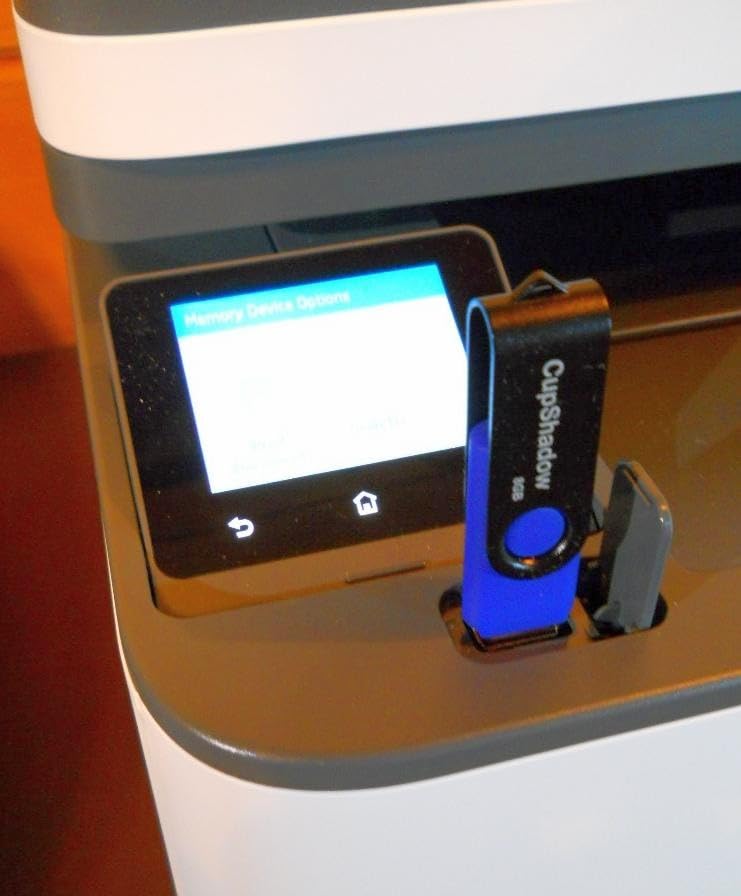
There is a hardware note worth knowing. The USB port is type-B only, so you cannot print from or scan to a direct flash drive, and the output tray does not retract on its own despite the auto-extending design.

When the extra capability is worth it
It is worth it if you print colour regularly enough that per-page ink cost matters, and you scan or fax documents as part of your work. The 250-sheet tray and the feeder mean fewer interventions, which matters more for someone who does not want to fiddle with a machine often. If you print a few pages a year, none of this is used and a simpler machine serves you better.
When to skip it
Skip it if you want a frictionless first-time setup, since owners report real friction and an account requirement. It also carries a 250-sheet tray, an automatic document feeder and a fax, which is more machine than a very occasional user will exercise, and a mono laser remains the lower-maintenance choice for occasional black-and-white work.
How to Choose a Printer You Will Not Regret?
Start with what you actually print, not with the specification list. Write down your last three printing jobs. If they are contracts, invoices, shipping labels and worksheets, you want monochrome laser and nothing else on this page matters. If colour shows up regularly, you want a refillable ink tank.
Next, be honest about the gaps between jobs. A machine that is used every two weeks tolerates far more than one used twice a year. If your prints are weeks apart, dry toner removes the entire risk category. If you will use an ink tank, commit to the fortnightly test page routine described earlier.
Then look at the ink system rather than the sticker price. Cost per page is what matters, and it is easy to calculate: divide the cost of the ink or toner supply by the stated page yield. Cartridge machines land in the expensive range, refillable tanks land low, and mono laser toner lands in the middle with no risk of drying. Reviewers on community forums treat aftermarket cartridges as a gamble rather than a sure saving, so factor reliability into that calculation rather than optimising purely for cost.
Then check the three features people regret missing. Automatic duplex is the one that annoys people most, because a contract printed on both sides is the single most common home office document. An automatic document feeder matters if you scan or copy anything longer than a page. Paper capacity matters less than you would think at low volume, but a 60-sheet tray will run out mid-print in a way a 250-sheet tray never will.
Finally, check the subscription and cartridge lock-ins before you set the machine up. Instant Ink and similar plans attach to the printer, not just your account, and accepting a trial during setup can be hard to unwind. A printer you barely use is the worst possible candidate for a recurring plan. For the wider picture on the hardware side, our guides to best laser printers for home use and best home printers for photos cover the heavier-use cases in more detail.
When You Should Skip Buying a Printer?
If you print less than about twenty pages a month, owning a machine is not automatically the cheaper option. Library print services, workplace print rooms and online print shops let you pay only for what you actually print, with no cartridges, no toner and no machine to maintain. That removes the entire problem this article exists to solve.
There are honest counter-arguments. Print shops charge more per page, they take time and travel, and some contracts or notarised documents have to be produced in hand rather than uploaded. If your printing is genuinely rare, that convenience cost is small, and the money you save on toner more than covers it.
A refurbished business laser printer is the middle path worth considering. Forum consensus is strong that used mono laser units with a warranty are a smart buy for occasional monochrome printing, precisely because the engine is designed to run high volumes and idle without complaint. The risk is consumables and drum life on a unit with unknown history, so buy with a return policy from a seller who states the page count.
If your workspace is tight, note that desk and shelving decisions affect printer choice as much as the specs. Our picks for home office desks and wall organizers can free up the surface a printer needs to sit somewhere with airflow.
Frequently Asked Questions
What printer to buy when you don’t use it often?
Buy a monochrome laser printer for documents, or a refillable ink tank such as an EcoTank or MegaTank for colour. Dry toner does not dry out, and refillable tanks are far cheaper per page than cartridges and leave no unused cartridge sitting in the machine. Avoid standard cartridge inkjets, which are the type most likely to produce streaked pages after a long idle period.
Is inkjet or laser better for infrequent use?
Laser is better for infrequent monochrome printing because toner is dry powder and cannot dry out or clog, so the machine behaves the same after months of disuse. Inkjet wins on colour and photo quality, and a refillable ink tank keeps the per-page cost low, but inkjets still need a print every couple of weeks to keep the nozzles clear.
Which printer is most suitable for occasional use in a home setting?
The Epson EcoTank ET-2800 is the most broadly suitable, covering colour with cartridge-free tanks and low running cost. For black-and-white-only households the Brother DCP-L2640DW is the strongest match, adding a 50-page document feeder and automatic duplex on a toner engine that tolerates long idle periods.
Do inkjet printers dry out if not used?
Yes. Inkjet nozzles spray liquid ink, and when a machine sits unused for weeks that ink thickens and dries at the head. The first job afterwards can come out streaked or blank, and the machine often runs cleaning cycles that waste ink before it prints cleanly. Running a test page every two weeks largely prevents it.
How long can a printer sit without being used?
A laser printer can sit for months with no real risk, because toner is dry powder. An inkjet is comfortable for a few weeks but becomes a clog risk past that, and cartridge inkjets are the worst case. A cartridge-free ink tank machine is more forgiving, though owners still recommend a test page every two weeks to keep the nozzles clear.
Is it cheaper to own a printer or use a print shop?
If you print only a handful of pages a month, a print shop or library service is often cheaper once you factor toner, cartridges and the machine itself. Owning a printer wins when you print regularly, when turnaround matters, or when documents have to be produced in hand. Refurbished business laser printers are a reasonable middle option.
How often should I print to keep the printer working?
Every two weeks is a good rule for an inkjet that you want to keep healthy. One nozzle check or a single-sheet colour test is enough to push ink through the head. Keep the ink installed rather than removing it, load fresh paper rather than re-using paper stored open, and keep the machine in a ventilated room away from direct sunlight.
What is the best and most affordable printer for occasional use?
For a low-cost starting point the Canon PIXMA TS3720 is the cheapest machine here, but it is cartridge-based and better suited to very rare printing. Over a few years a refillable ink tank such as the Canon MegaTank G3270 usually costs less to run, while a Brother mono laser is the cheapest per page and the most reliable when idle.
Final Verdict
For most home offices, the Epson EcoTank ET-2800 is the printer to buy: colour when you need it, cartridge-free ink, and running costs that stay low even at a few pages a month. If colour is rare and documents dominate, the Brother DCP-L2640DW is the safer long-term answer because toner does not dry out and it adds a 50-page feeder and automatic duplex.
Our other standouts are the Canon MegaTank G3270 for the strongest running-cost value, the Brother HL-L2405W if you only ever print black text and want the simplest setup available, and the Canon PIXMA TR8620a when scanning and faxing are part of the job. Whatever you choose from this roundup of the best home office printers for occasional use, buy for your real print volume rather than for the specification sheet, and if you go inkjet, print something every fortnight.