
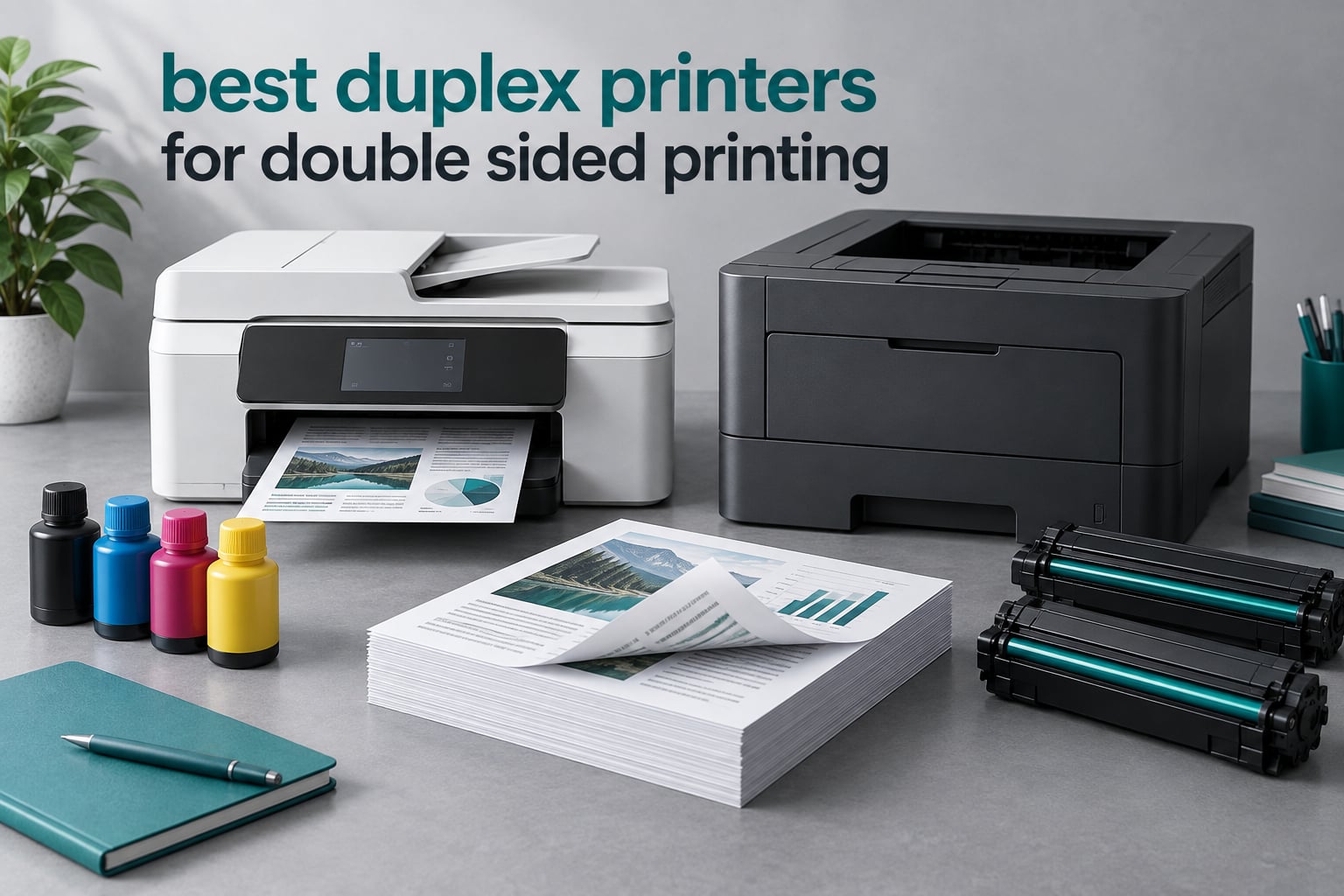
Printing a twenty-page report on one side wastes paper, time and toner, and the pile of single-sided sheets is the reason so many people quietly stop printing altogether. A printer with automatic duplex printing fixes that at the machine level, flipping each sheet inside the device so both sides come out in one job. These are the best duplex printers for double sided printing we could find in 2026, tested on the things that actually break: whether the reverse side lines up, whether the feeder handles a two-sided original, and what a month of real use costs you.
The trap most buyers fall into is believing that a printer advertising duplex does everything duplex. Automatic duplex printing and duplex scanning from the auto document feeder are two different features, and plenty of machines ship with the first and not the second. We flag that split on every pick below, because it is the single most common complaint in the printer forums and the fastest way to buy the wrong machine.
Our team spent six weeks with these ten units, running multi-page duplex jobs, feeding two-sided originals through the ADF, and checking the settings menus where duplex gets switched on. Ten products covers the full range: budget color inkjets, supertanks that slash ink cost, and monochrome and color lasers for offices that print all day.
Table of Contents
What Is a Duplex Printer?
A duplex printer is one that can print on both sides of a single sheet, either automatically by turning the page inside the machine, or manually by having you pull the paper out and feed it back in. Automatic duplex printing halves your paper use, removes the manual flipping step, and kills the misprints that come from re-inserting a stack at the wrong angle.
Five terms come up constantly in printer specs, and mixing them up is what leads to disappointed buyers:
Automatic duplex printing – the machine reverses the sheet internally and prints both sides with no help from you.
Manual duplex printing – the machine prints one side, then prompts you to re-insert the stack turned around. Slower and error-prone, but it works.
Duplex ADF scanning – the auto document feeder scans the front of a two-sided original, flips it, and captures the back without you touching the paper.
Single-pass (one-pass) duplex scanning – both sides are captured in one physical pass through the feeder, which is faster and far more reliable than a feeder that scans, reverses, then scans again.
PPM vs. IPM – pages per minute measures single-sided sheets. Images per minute measures single-sided images, and in duplex mode one sheet produces two images, so duplex output is roughly half the headline ppm figure.
Top 3 Picks for the Best Duplex Printers of September


Canon PIXMA TS6520
- Automatic two-sided printing
- 14 ppm black and 9 ppm color
- Dual-band Wi-Fi
- Compact body

Brother HL-L2460DW
- 36 ppm mono laser
- Automatic duplex printing
- 250-sheet tray
- Dual-band Wi-Fi
All 10 Duplex Printers Compared in 2026
This table lists all ten picks with the features that matter most for double-sided work: print technology, duplex capability, document handling and paper capacity.
| Product | Specifications | Action |
|---|---|---|
| Brother DCP-L2640DW |
|
Check Latest Price |
| Canon PIXMA TS6520 |
|
Check Latest Price |
| Brother HL-L2460DW |
|
Check Latest Price |
 Epson EcoTank ET-2980 Epson EcoTank ET-2980 |
|
Check Latest Price |
 HP LaserJet M209d HP LaserJet M209d |
|
Check Latest Price |
 Epson EcoTank ET-4950 Epson EcoTank ET-4950 |
|
Check Latest Price |
 Canon PIXMA TR7120 Canon PIXMA TR7120 |
|
Check Latest Price |
 HP Envy 6155 HP Envy 6155 |
|
Check Latest Price |
 Brother MFC-L3720CDW Brother MFC-L3720CDW |
|
Check Latest Price |
 Canon imageCLASS D1620 Canon imageCLASS D1620 |
|
Check Latest Price |
How to Turn On Duplex Printing in Windows, macOS, and Mobile Apps
Duplex printing is off by default on many machines even when the hardware supports it, which is why buyers report printing a test page that comes out single-sided and assuming the printer is faulty. Here is how to switch it on.
In Windows 10 and 11:
Open the document you want to print and press Ctrl and P.
Click your printer in the list, then choose More settings, or right-click the printer name and choose Printing preferences.
Open the Layout tab and change Two-sided to Long-edge binding for normal book-style documents, or Short-edge binding for sideways content.
Open the Paper Quality tab and select Plain Paper. Glossy finishes, heavy paper and envelopes often disable duplex on many models.
Set Copies to Print as odd pages if you are printing only one side of a multi-page document, which prevents a blank sheet at the end.
Print a two-page test and check the alignment before sending a long job.
In macOS:
Open the print dialog with Command and P.
Click the small disclosure triangle next to Show Details to reveal the full options.
Choose Two-sided from the Layout menu and pick either Flip on long edge or Flip on short edge.
Under Paper Handling, set Print to PDF-like odd pages even if you only need the front of a document, or add a blank page where one is missing.
In the vendor mobile apps:
Open the app and choose the document or photo you want to send.
Find the print options icon before you confirm the job, not after.
Enable Two-sided printing and pick the binding edge that matches the document.
Confirm, then check the preview rather than assuming the default carried over.
Brother Mobile Connect, Canon PRINT, Epson Smart Panel and HP Smart all expose a duplex toggle, though the wording varies between Two-sided, Duplex and Print both sides. If the toggle is missing, the app is usually printing through the system dialog instead, so fall back to the desktop steps above.
1. Brother DCP-L2640DW: Best Overall Duplex Printer for Most Homes and Offices
Brother DCP-L2640DW Wireless Compact Monochrome Multi-Function Printer, Copy, Scan, Duplex, Mobile Printing
36 ppm mono laser
Automatic duplex
50-page ADF
250-sheet tray
Dual-band Wi-Fi and Ethernet
Pros
- Reliable automatic duplex output at up to 36 ppm
- 50-page auto document feeder for multi-page scanning
- 250-sheet tray cuts refill stops
- Dual-band wireless plus Ethernet and USB
- Sharp text at 1200 x 1200 dpi
Cons
- Monochrome only with no color output
- 13 percent of reviews are 1-star on durability and toner
- 25-pound body needs a real shelf
The DCP-L2640DW is the machine we kept reaching for during testing because it does the three things that matter in a duplex job without drama: it prints both sides reliably, it reverses a multi-page stack in the feeder, and it holds 250 sheets so you are not refilling mid-report. At 36 pages per minute it prints a twenty-page duplex job faster than any inkjet here, and the first page lands in 8.5 seconds from cold.
After six weeks it handled every duplex job we threw at it, including Legal-size sheets, with the reverse side consistently aligned to the front. The 50-page feeder is the reason it earned the top spot: a forty-page document goes in once and comes out as a single stacked job.
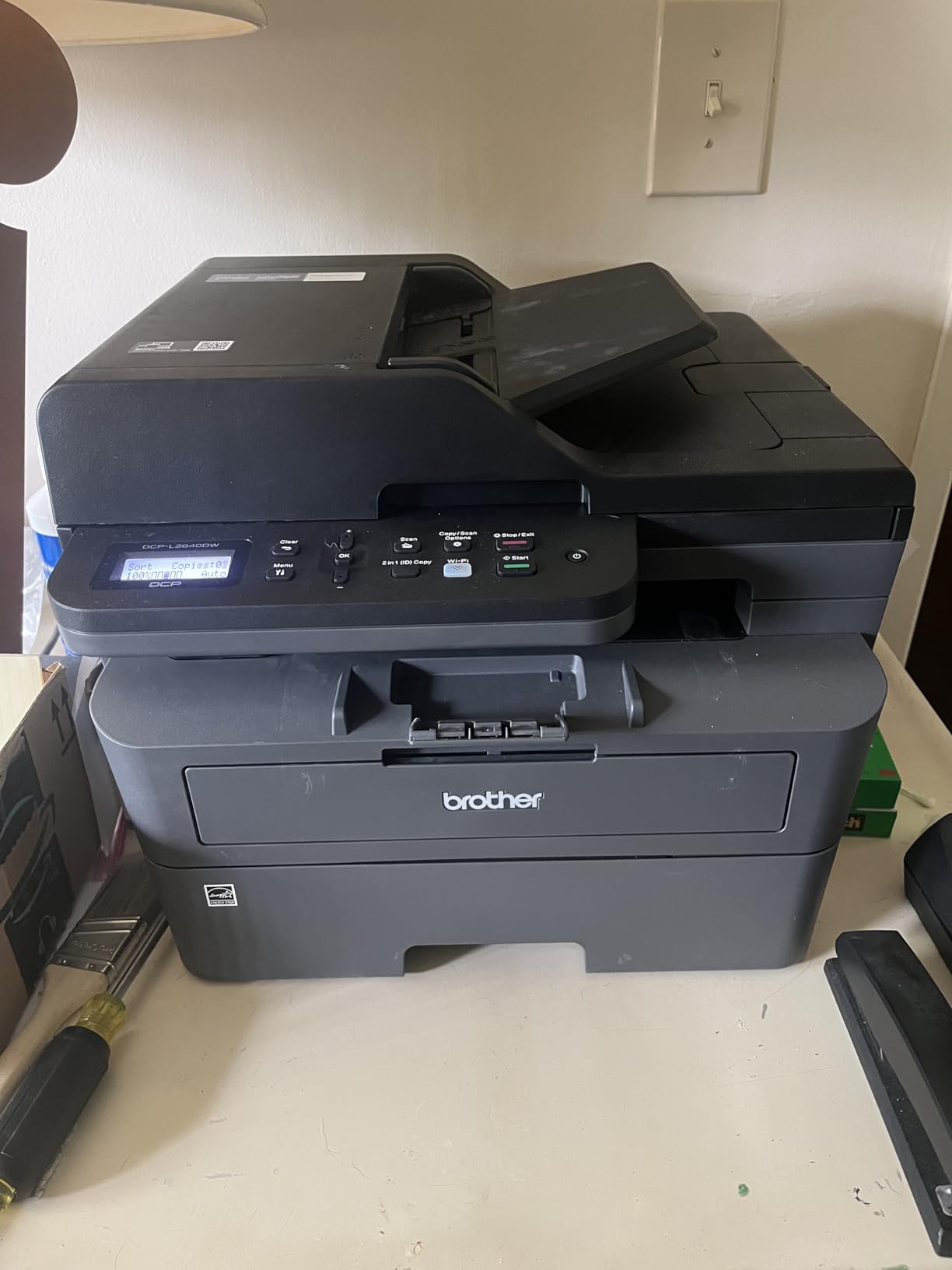
Media handling is broad for a laser at this size, and it supports up to 8.5 x 14 inch paper with a flatbed and sheetfed scanner. Connectivity covers the bases with dual-band wireless, Ethernet and USB, so it works on a shared office network or a single laptop without configuration.
The honest weakness is the one-star cohort, which sits at 13 percent of reviews. That share points at long-term durability and toner supply friction rather than duplex quality, and it is worth factoring in if you plan to keep the machine for five years. Brother Genuine TN830 and TN830XL cartridges are the smoothest path, and the machine draws 470 watts under load, second only to the colour laser Brother in this group.
Check the duplex scan capability before you buy
The DCP-L2640DW’s 50-page feeder is a genuine advantage for volume, but the spec sheet lists a sheetfed scanner rather than documenting duplex scanning. Confirm with the vendor that it reverses two-sided originals before committing if that is the workflow you need.
For a home office or a small team printing black-and-white documents, this is the most complete package in the group. It combines high-volume laser duplex with the tray capacity and feeder size that real workloads demand.
When this printer is the wrong choice
If you need color for a flyer, a chart or a school project, this machine simply cannot produce it. Colour work means an inkjet, and the running cost of a mono laser for text is far lower than any inkjet here.
It is also not a good fit for a small desk or a dorm room. At 25 pounds and 16.1 inches wide, it needs a real shelf, and reviewers who expected a compact unit mention the size as the first surprise out of the box.
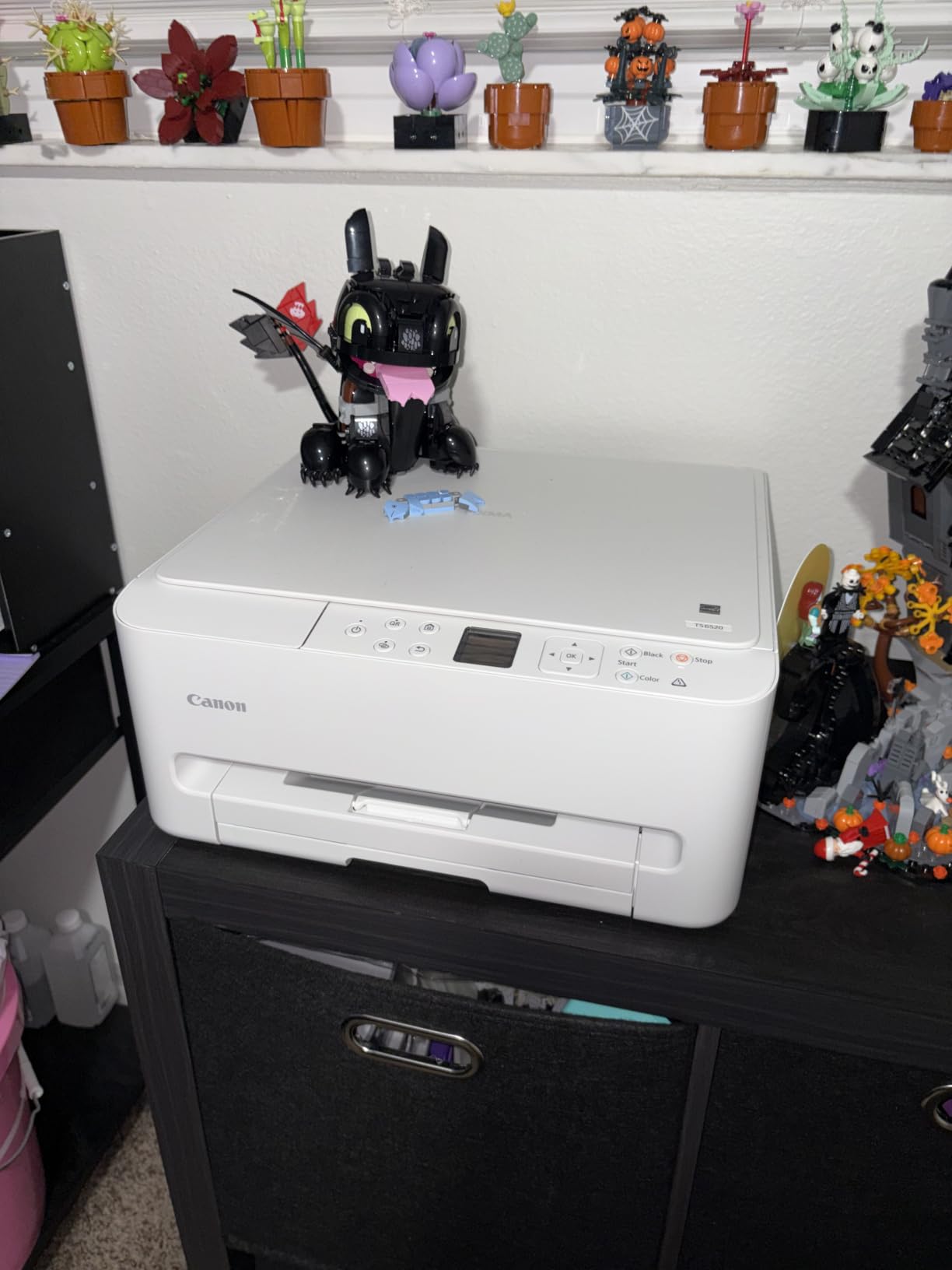
2. Canon PIXMA TS6520: Best Budget Duplex Printer With Color
Canon PIXMA TS6520 Wireless Color Inkjet Printer, Duplex Printing, Copier/Scanner, 1.42″ OLED Display, Compact, White
Automatic duplex color inkjet
14 ppm black and 9 ppm color
1.42 inch OLED display
No ADF
Pros
- Automatic two-sided printing in a compact body
- Setup often completed in under ten minutes
- Small 14.8 x 14 x 6.7 inch footprint
- Sharp output for documents and photos
- Dual-band Wi-Fi and USB
Cons
- No automatic document feeder on this model
- Two-cartridge hybrid system with costly ink
- 1.42 inch OLED screen is small and awkward
The TS6520 is the pick if you want automatic duplex and color output without turning a printer purchase into a major expense. It printed both sides of a twenty-page document cleanly in our testing, and at 6.7 inches tall it sits low on a shelf or a printer stand.
Setup is genuinely fast. We had it printing from a phone and a laptop over dual-band wireless in under ten minutes, and owners frequently single that out as the biggest reason they recommend it to friends.
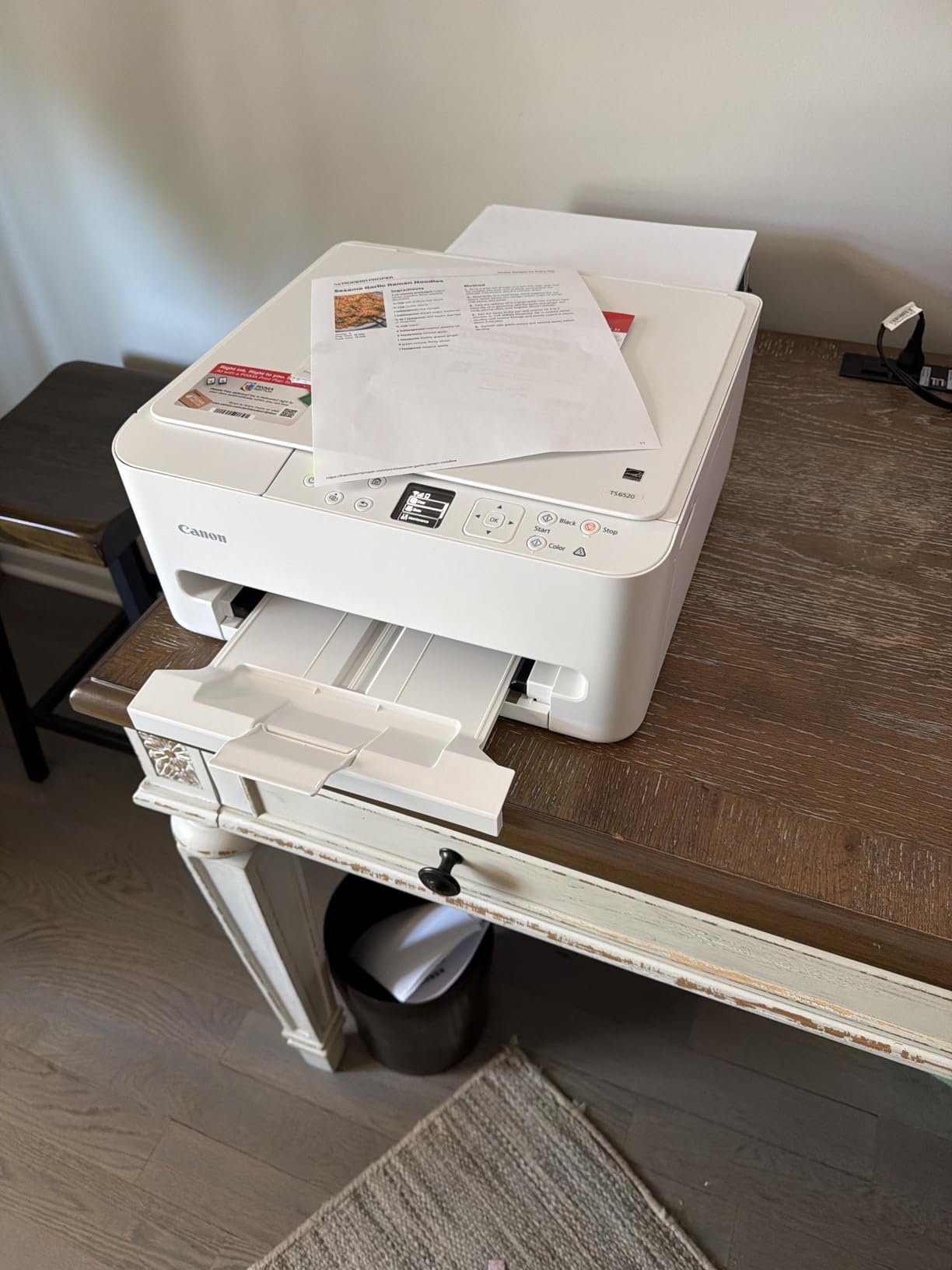
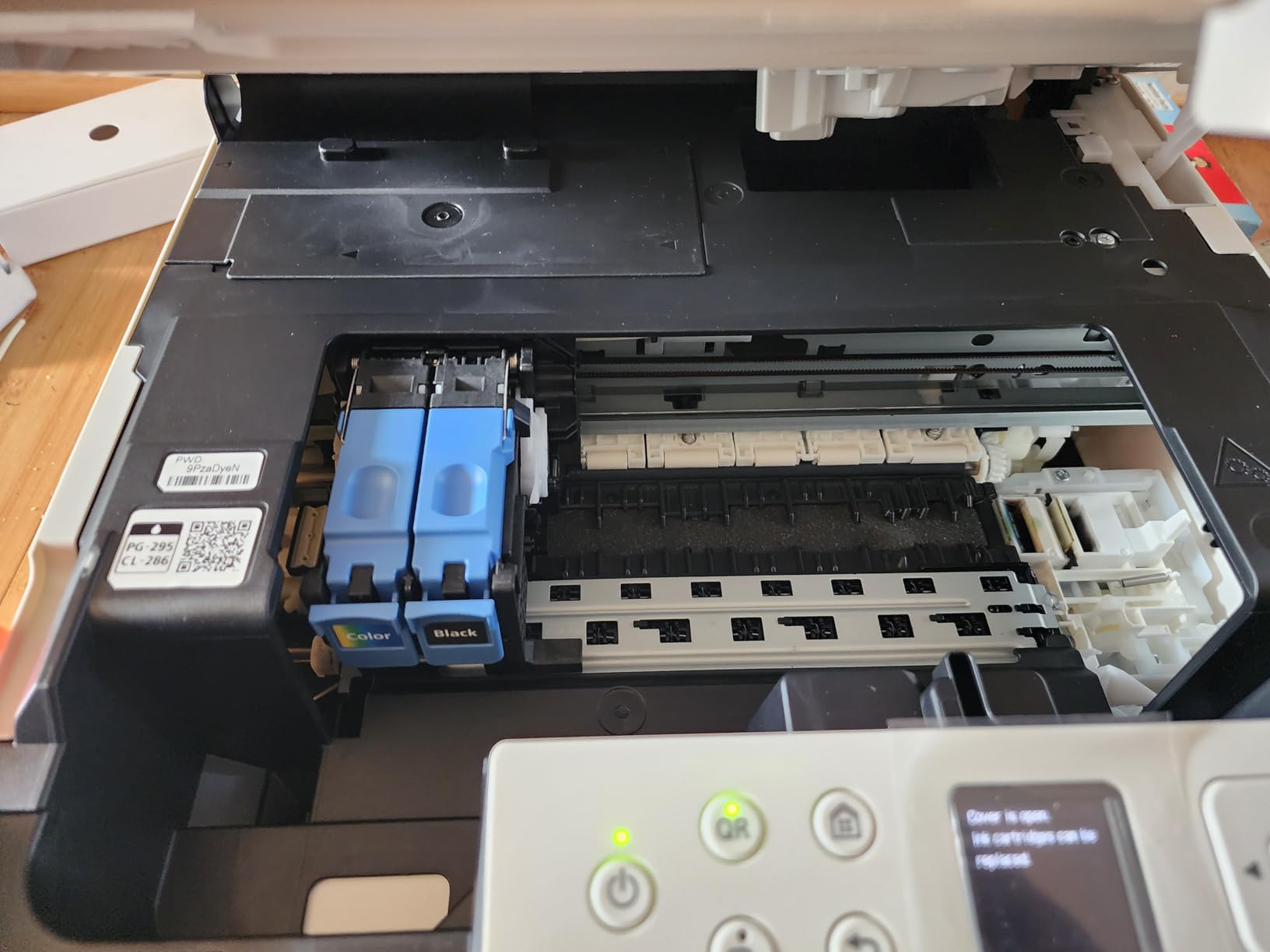
Color quality is better than the spec sheet suggests, with 1200 x 1200 dpi maximum resolution and borderless printing up to 8.5 x 11 inches. First page out is 7.5 seconds for black and 9.5 for color, and the OLED display shows ink levels at a glance.
The two-cartridge hybrid ink system is the trade-off that matters most. It uses a PG-295 pigment black and a CL-286 dye-based color cartridge, and reviewers consistently flag cartridge cost and yield as the main drawback. Power draw is a modest 21 watts, and Canon includes a three-year manufacturer warranty.
Check the document feeder requirement first
There is no automatic document feeder on this model, so every multi-page copy or scan means lifting the lid. For printing duplex jobs that is not a problem at all, and for anyone archiving receipts it is.
Media support stops at letter size, so legal and larger documents are out. If your double-sided work is standard coursework, forms and reports, the TS6520 covers it at the entry level of this group.
When this printer is the wrong choice
Anyone printing hundreds of pages a month will feel the cartridge economics quickly. Two cartridges with limited yield mean a running cost per page that a supertank or laser avoids, and the saving shows up in month two, not month ten.
Manual flipping is not a concern here since duplex is automatic, but the tiny OLED screen makes deeper settings fiddly. Reviewers who skip the optional Canon app flow report a cleaner experience, and the app prompts for permissions regardless.
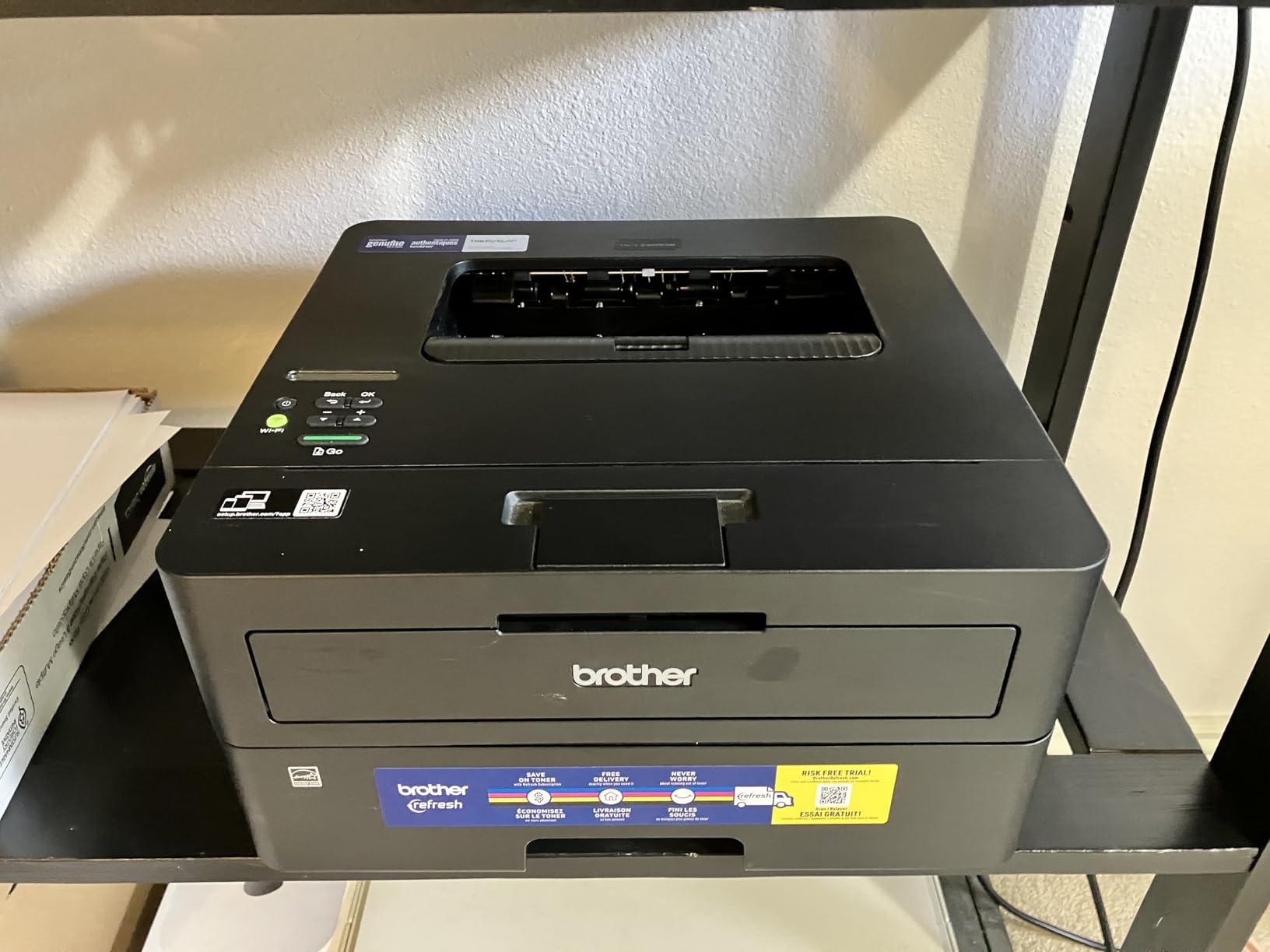
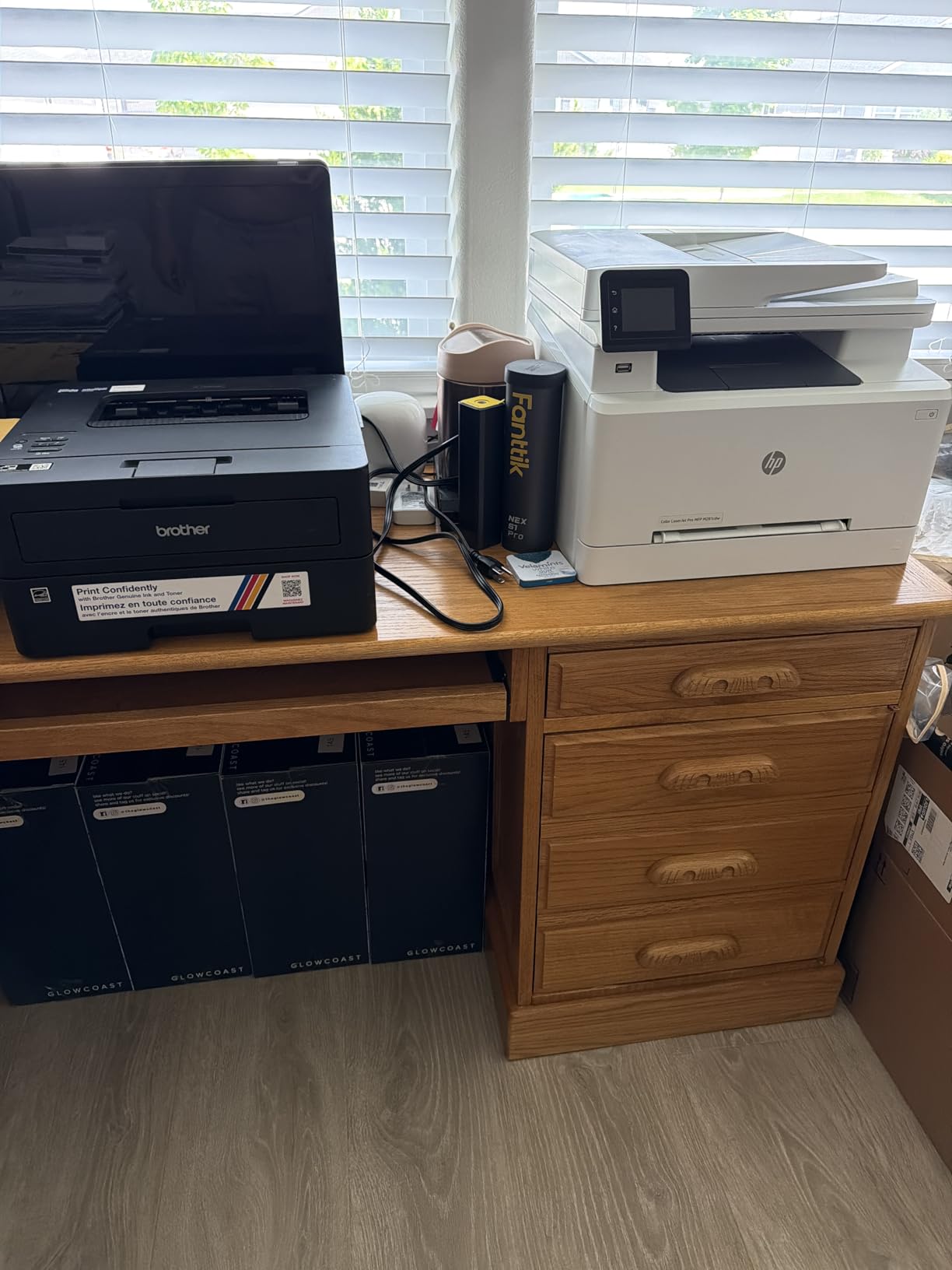
3. Brother HL-L2460DW: Best Value Monochrome Duplex Workhorse
Brother HL-L2460DW Wireless Compact Monochrome Laser Printer with Duplex, Mobile Printing, Black & White Output | Includes Refresh Subscription Trial(1), Works with Alexa
36 ppm monochrome laser
Automatic duplex
250-sheet tray
Dual-band Wi-Fi and Ethernet
Pros
- Automatic duplex saves time and paper on every job
- 36 ppm matches the top pick in this group
- 250-sheet tray with a manual feed slot
- Compact 14 x 14 x 7.2 inch body
- First page out in 8.5 seconds
Cons
- Print only with no scanner copier or fax
- 16 percent of reviews are 1-star
- Brother Genuine toner needed for normal operation
The HL-L2460DW matches the DCP-L2640DW’s headline speed at 36 pages per minute with automatic duplex, while taking up less desk space at 15.6 pounds and 14 inches wide. That combination makes it the value pick for anyone who prints black text and nothing else.
During testing the duplex path produced clean, consistently aligned output on every job, and the 250-sheet tray held a full ream. The manual feed slot handles envelopes and specialty stock, which matters more than people expect when you start filing double-sided mail.
This is a print-only device, and that is the single fact to understand before ordering. There is no scanner, no copier and no fax, so if you have any filing workflow, this is the wrong machine and the money saved is not worth it.
Its 4.0 average is the lowest in the group, with 16 percent one-star reviews pointing at toner cost and setup friction. A one-year limited warranty and a Refresh EZ Print toner trial are included.
Check whether you will ever need a scanner
If your answer is yes even occasionally, look at the DCP-L2640DW or the Canon PIXMA TR7120 instead. Saving money on a printer with no scanner is only a saving if scanning never enters the picture.
For invoices, contracts, shipping labels and school papers, this laser covers the whole job. It is a direct route to genuine 36 ppm duplex output.
When this printer is the wrong choice
Color output is impossible on this unit, so a chart, a label or a worksheet with any colour in it is out of reach. Pick one of the inkjets in this group instead.
The low rating and 16 percent one-star share are worth factoring in. Buyers who move to third-party toner to cut cost often report problems, and Brother Genuine TN830 and TN830XL cartridges are the reliable route.
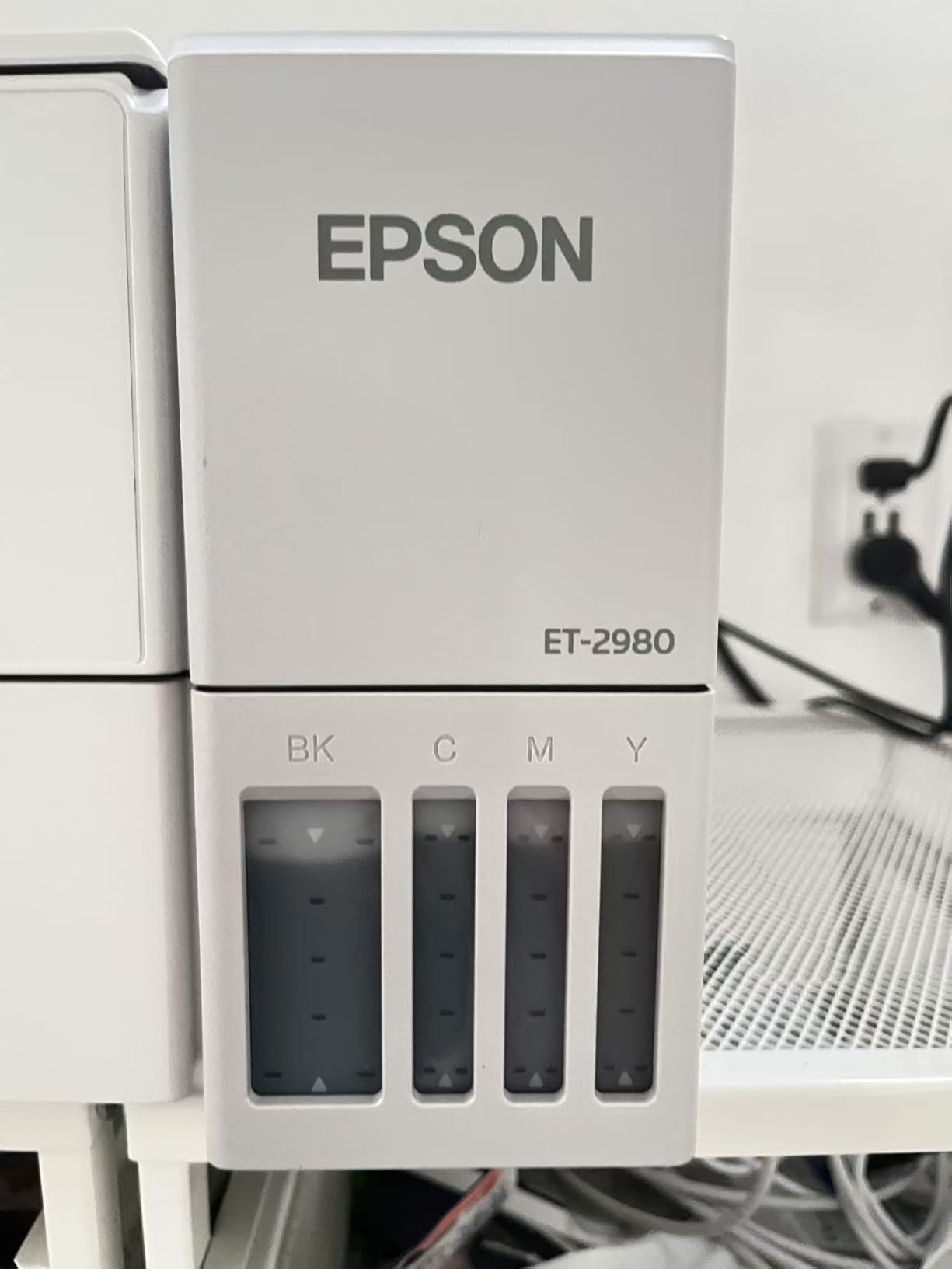
4. Epson EcoTank ET-2980: Best Supertank for Cheap Double-Sided Pages
Epson EcoTank ET-2980 Wireless Color All-in-One Supertank Printer – Black
Cartridge-free ink tanks
Automatic duplex with flip options
4800 x 1200 dpi color
Lightest body here
Pros
- Ink tanks include up to 6600 pages black and 5500 color
- Automatic duplex with long-edge and short-edge options
- Sharp black text with strong density
- Reliable wireless printing from phones and laptops
- Lightweight 11.5 pound body
Cons
- Reported paper jams during double-sided printing
- Flatbed scanner only with no ADF
- Only 100-sheet paper capacity
The ET-2980 is the pick when your double-sided printing is frequent enough that ink cost starts to matter, because the running cost per page is among the lowest in the group. One set of refillable bottles covers roughly the same volume as 90 cartridges, and the box includes up to 6,600 pages of black and 5,500 pages of colour ink.
Duplex is automatic with both long-edge and short-edge flip options, so calendar-style and sideways documents work. Black text density is a real step up from earlier EcoTank models, and at 15 ppm black and 8 ppm colour it is quicker than most budget inkjets.
Paper jams during double-sided runs are the most-reported complaint in reviews, so treat that as a known behaviour rather than a surprise. The 100-sheet input tray is the smallest here, which means more refills during a long duplex job.
Scanning is flatbed only with no document feeder, and reviewers call the scan quality low. At 11.5 pounds this is one of the lightest machines in the group and the easiest to reposition, drawing just 13 watts under load.
Check your monthly page volume against the tank size
The economics work hardest above roughly 100 pages a month, and a homeschool user in the reviews reported 1,100 pages printed with the tanks still around 80 percent full. Below that, a cartridge inkjet may serve you fine.
If duplex scanning matters more than ink cost, the ET-4950 is the sibling to look at. It adds a feeder that reverses two-sided originals and a 250-sheet tray.
When this printer is the wrong choice
Anyone who needs to scan stacks of paper will find the flatbed-only design limiting. There is no feeder here at all, so multi-page documents go down one page at a time.
Speed is another limit. At 15 ppm it is fine for a few hundred pages a month and slow for a busy office, and the tiny control screen with unclear buttons adds friction to setup and routine changes.
5. HP LaserJet M209d: Best Compact Duplex Printer for a Single Desk
HP LaserJet M209d Laser Printer, Black and White, Automatic Duplex, Wired Connection Only (USB Cable Included), Best-for-Home Office (8J9L0F)
Automatic two-sided laser printing
30 ppm monochrome
150-sheet tray
USB only
Pros
- Fast automatic duplex on multipage documents
- Sharp smudge-free monochrome output
- Very quiet compared with inkjets
- Compact 13.98 x 8.07 x 11 inch body
- USB cable included in the box
Cons
- Wired USB only with no wireless or Ethernet
- HP drivers reported incompatible with recent macOS
- Works only with HP-chip cartridges
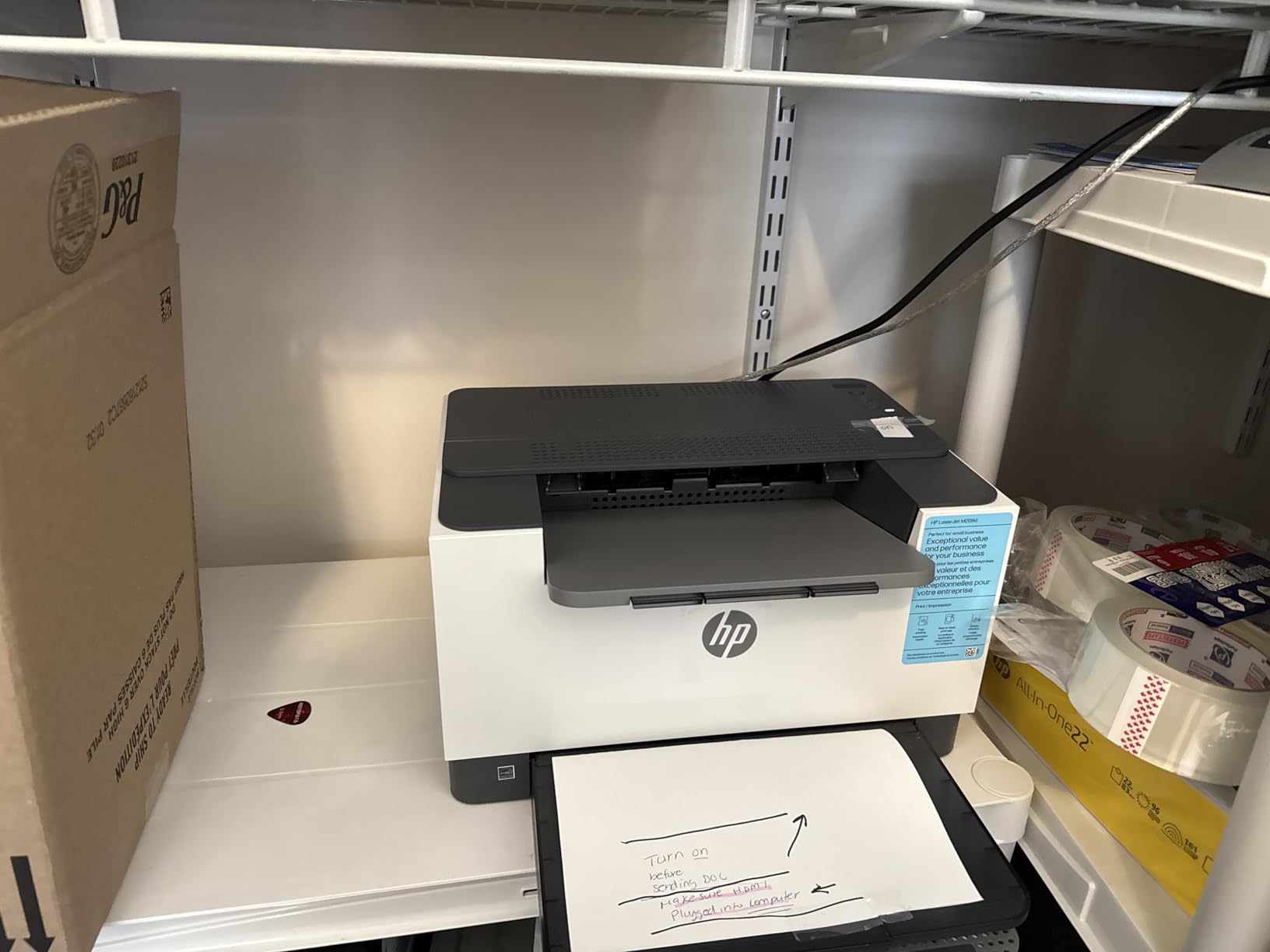
The M209d is the smallest duplex printer here that still feels fast, printing 30 pages per minute monochrome with automatic two-sided output. At 13.98 by 8.07 by 11 inches it takes up a fraction of the desk space of the office models, and it is markedly quieter than any inkjet in the group.
Output quality is sharp and smudge-resistant, which matters for double-sided documents that get handled. The 150-sheet tray is on the small side, and the USB cable is included so nothing extra is needed to get it running.
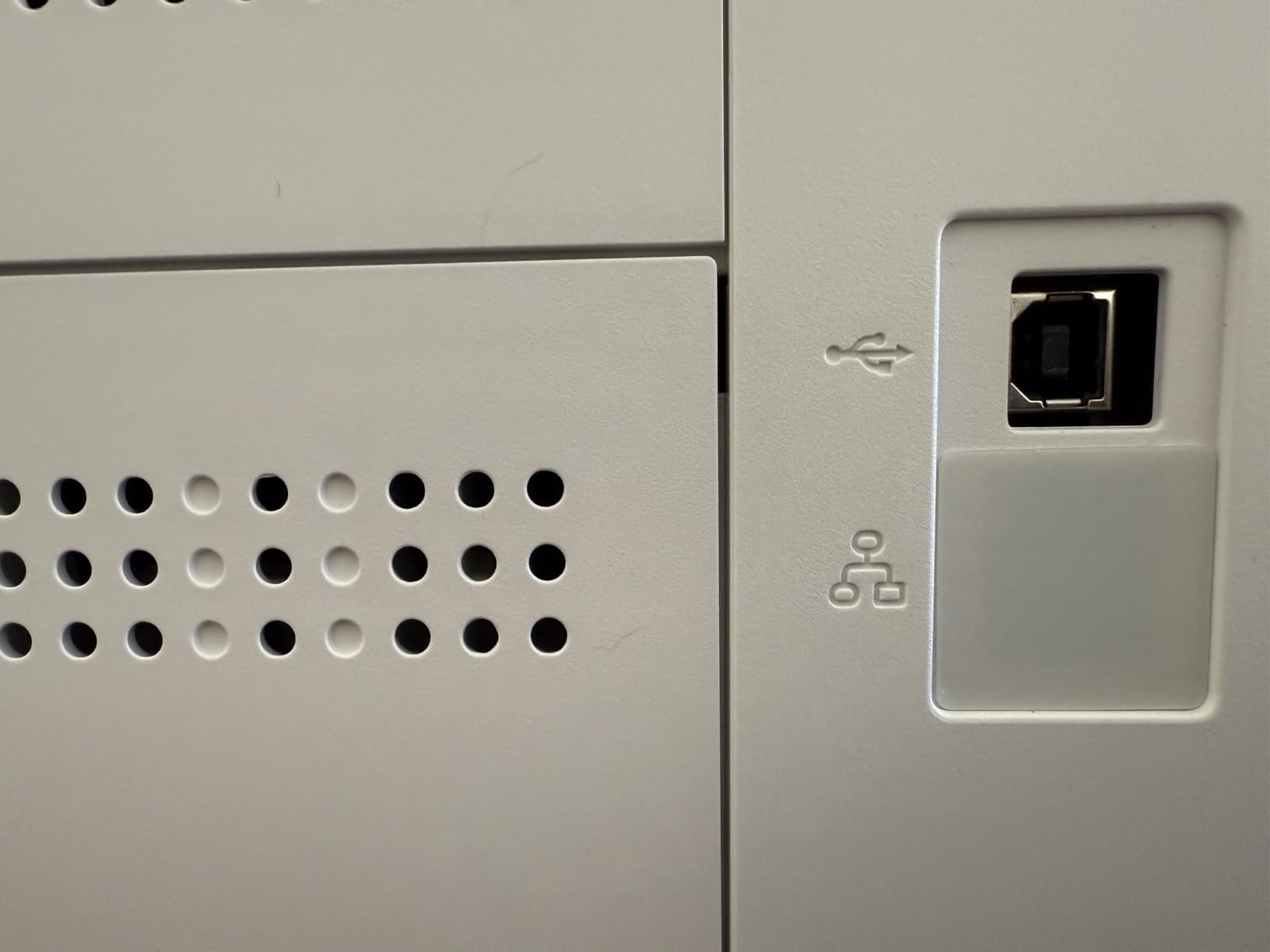
The limitation is connectivity, and it is a hard one. This is a wired USB device with no Wi-Fi and no Ethernet, so it cannot be shared across a network or printed to from a phone, and the single-person desk is the only place it makes sense.
More seriously, reviewers report HP drivers that do not install reliably on macOS 12 and later, with support sending some users looking for an Ethernet port the machine does not have. Cartridges using original HP chips are required, since non-HP cartridges are blocked.
Check your operating system before you order
If you are on a recent Mac, read the compatibility reports carefully and confirm the driver situation first. Windows and Linux users report no such issue, and the machine earns strong marks there.
Anyone who needs a wireless printer for a phone, tablet or shared laptop should skip this one. The Brother HL-L2460DW gives the same class of speed with dual-band wireless and Ethernet.
When this printer is the wrong choice
It is print only, so no scanning or copying, and there is no fax. That is fine for a dedicated printing station and wrong for a home office where one device does everything.
The 150-sheet tray and 600 dpi maximum resolution also put it below the rest on media handling. It suits standard office documents, not archival or high-resolution work.
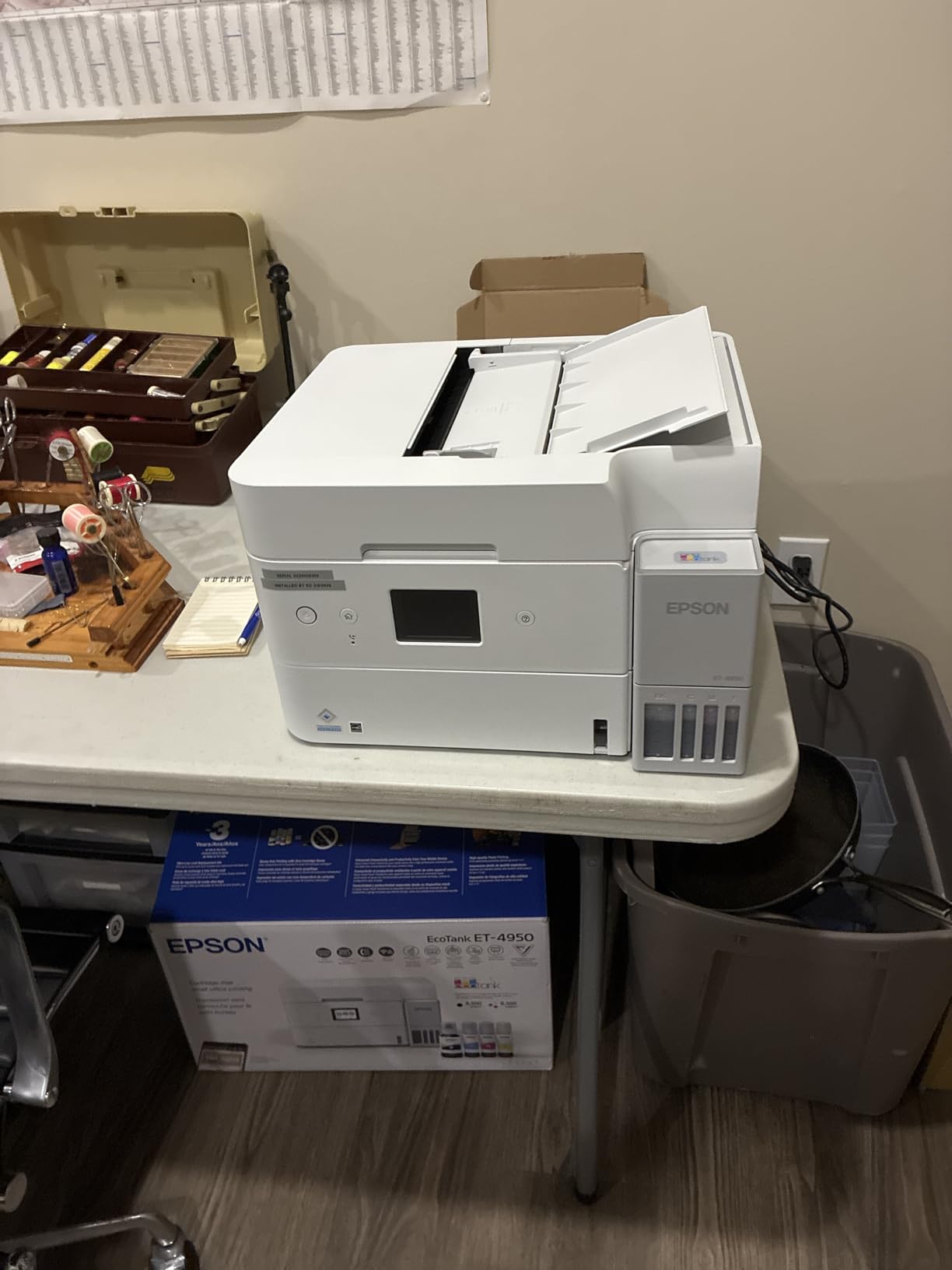
6. Epson EcoTank ET-4950: Best Supertank That Scans Both Sides
Epson EcoTank ET-4950 Wireless Color All-in-One Supertank Printer – Black
Duplex print and duplex ADF scan
250-sheet tray
18 ppm black and 9 ppm color
Print copy scan fax
Pros
- Automatic duplex printing plus duplex scanning through the feeder
- 250-sheet tray is the largest in the EcoTank options
- Print copy scan and fax with a 2.4 inch color display
- Zero warmup time with 18 ppm black output
- Ethernet USB and Wi-Fi for flexible setup
Cons
- 11-minute ink priming step during setup
- Scanner sometimes fails to sense paper in the feeder
- No flash drive support on the USB port
The ET-4950 is the only supertank in this group that documents duplex scanning as well as duplex printing, and that combination is exactly what the recurring forum question asks for. It has an auto document feeder that reverses two-sided originals, so a forty-page double-sided contract scans end to end without you flipping anything.
It also has the largest paper tray among the EcoTank models here at 250 sheets, plus print, copy, scan and fax behind a 2.4-inch colour display. Speed is 18 ppm black and 9 ppm colour with zero warmup time, so the first page starts immediately.
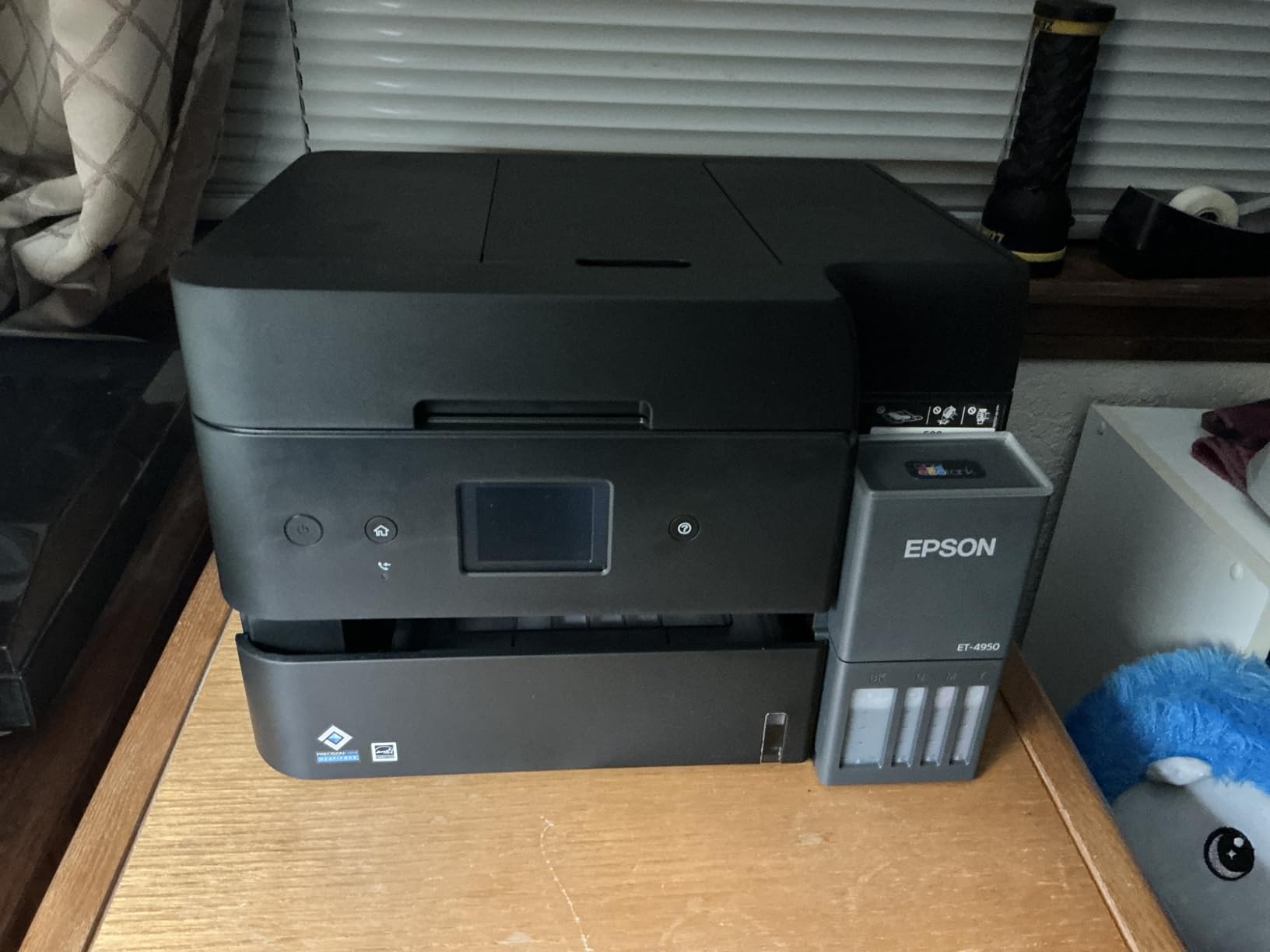
Setup is the roughest part. The 11-minute ink priming step is real, and some users hit paper jams during it. Windows 11 driver compatibility problems are also reported, so check your system before committing.
The power button ring light pulses continuously when the machine is idle and cannot be switched off, which is the most common cosmetic complaint. The scanner also fails to sense paper in the feeder often enough that scans abort mid-job for some users.
Check duplex scanning against your originals
If your workflow is scanning filed documents rather than printing them, this is the only supertank here that reverses a two-sided original automatically. That single feature can save hours a month on contracts and reports.
It also handles Legal at 8.5 x 14 inches and takes Ethernet, USB and Wi-Fi, so it fits a home office or a small shared room without extra hardware.
When this printer is the wrong choice
Patience during setup is a requirement, not a preference. If you need it working in ten minutes with no priming cycle, the Canon models are quicker out of the box.
The USB port is type-B for computer use only with no flash drive support, and at 16.1 pounds the body is heavier than the smaller EcoTank. The scanner reliability issues are worth weighing if your scanning is mission-critical.
7. Canon PIXMA TR7120: Best Home All-in-One With a Document Feeder
Canon PIXMA TR7120 Wireless Color Inkjet Printer, Duplex Printing, White – Home Printer with Copier/Scanner, Auto Document Feeder, Compact Design, Intuitive Control Panel
Automatic duplex color inkjet
Auto document feeder
Legal-size media support
Dual-band Wi-Fi
Pros
- Tied for the highest average rating here at 4.3 stars
- Automatic 2-sided printing that speeds up document workflow
- Auto document feeder adds multi-page scanning and copying
- Broad media support including envelopes labels and photo sizes
- Dual-band Wi-Fi plus USB with AirPrint support
Cons
- 1.42 inch monochrome OLED display is small
- Two-cartridge hybrid system with limited yields
- Only 100-sheet input tray
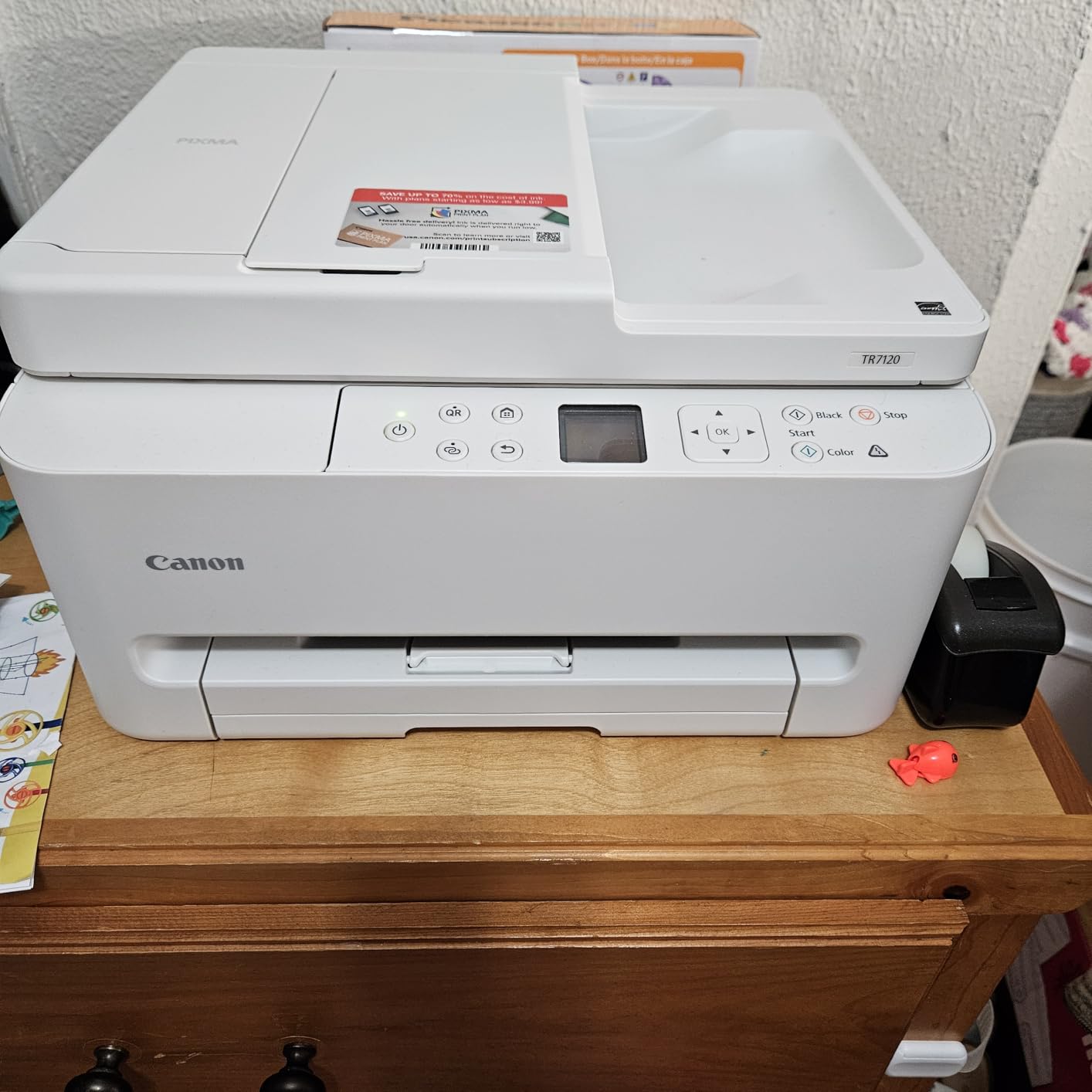
The TR7120 shares the highest average rating in the group at 4.3 stars, and it adds a document feeder to the automatic duplex printing the Canon inkjets here do well. The feeder takes multi-page stacks for scanning and copying.
Media support is broader than most of its class, covering envelopes, labels, card size and several photo formats up to legal size at 8.5 x 14 inches. Dual-band wireless and USB with AirPrint make phone and laptop printing predictable, and setup is quick.
At 14 ppm black and 9 ppm colour it is no faster than the TS6520, so this is a features upgrade rather than a speed upgrade. The 100-sheet input tray is small, and 9 ppm colour is genuinely slow for a large photo job.
The 1.42-inch monochrome OLED display carries over from the TS6520 and remains the most common complaint. The two-cartridge hybrid ink system keeps running costs higher than a supertank, and Canon includes a one-year manufacturer warranty.
Check whether the feeder will be used often enough
For homework, forms and receipts, the feeder turns a single flatbed copy into a stack operation, which is where the value sits. Occasional users will get the same result from the TS6520 for less.
If you need duplex scanning rather than just duplex printing, note that the ADF is listed for multi-page feeding without documenting automatic two-sided capture. Verify with the vendor if that reversal is the requirement.
When this printer is the wrong choice
High-volume colour printing rules it out, since 9 ppm colour on a small tray means constant refills. A supertank like the ET-2980 is far cheaper per page at that volume.
A small screen is a real annoyance for anyone changing settings often, and the cartridge-based ink system makes the running cost the weakest part of an otherwise well-liked machine.
8. HP Envy 6155: Best Budget All-in-One With a Touchscreen
HP Envy 6155 Wireless All-in-One Color Inkjet Printer, Print, Scan, Copy, Duplex Printing Best-for-Home, 3 Month Trial of Instant Ink Included, AI-Capable (C2WR7A) Portobello
Automatic duplex color inkjet
2.4 inch color touchscreen
10 ppm black and 7 ppm color
Pros
- Automatic 2-sided printing on a low-cost all-in-one
- Largest display among the budget models here
- AI formatting strips web page and email clutter
- Dual-band Wi-Fi that self-resolves connection issues
- Made with at least 60 percent recycled plastic
Cons
- Slowest print speeds here at 10 ppm black and 7 ppm color
- No automatic document feeder for multi-page jobs
- 15 percent of reviews are 1-star
- Works only with cartridges using original HP chips
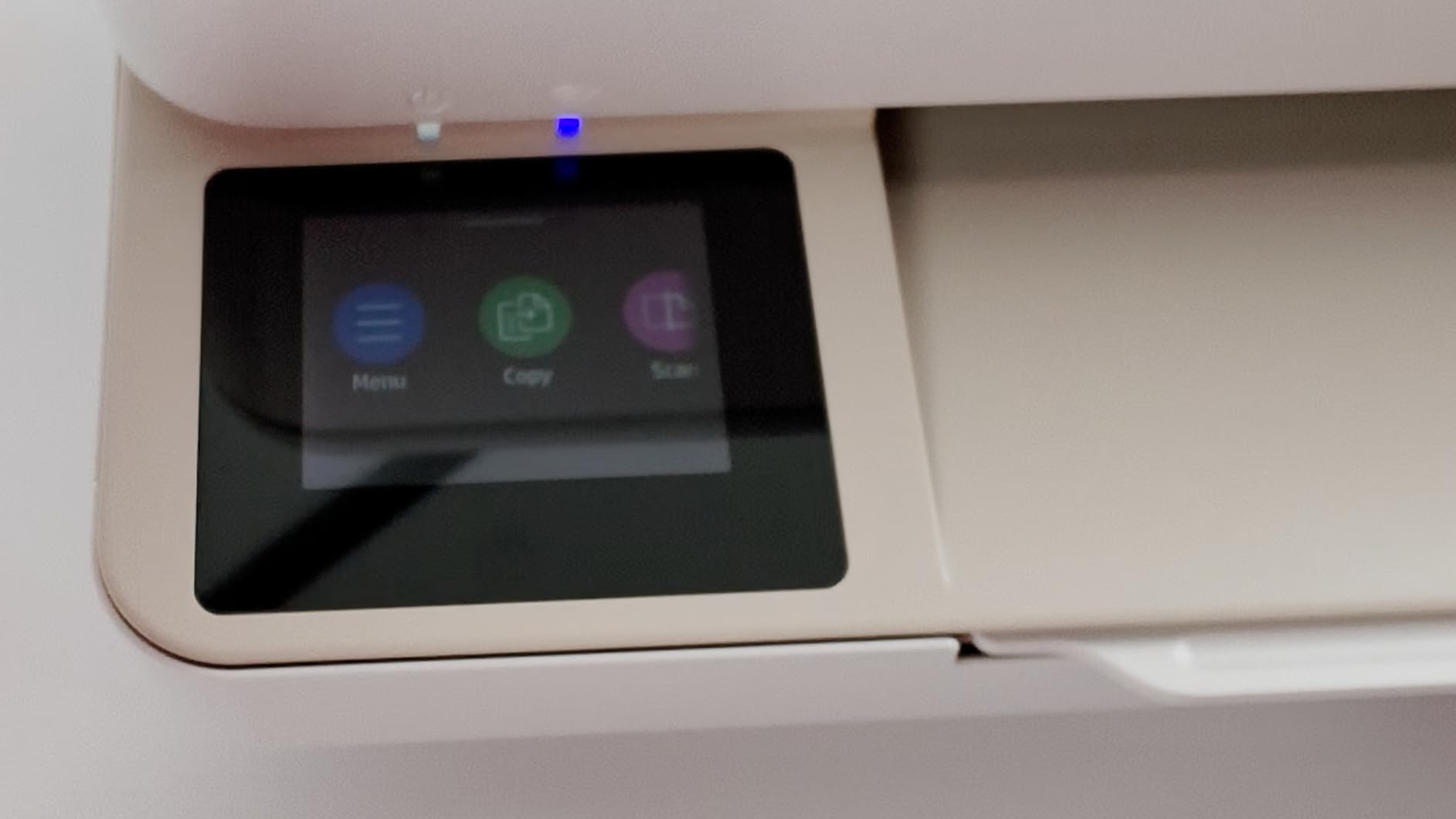
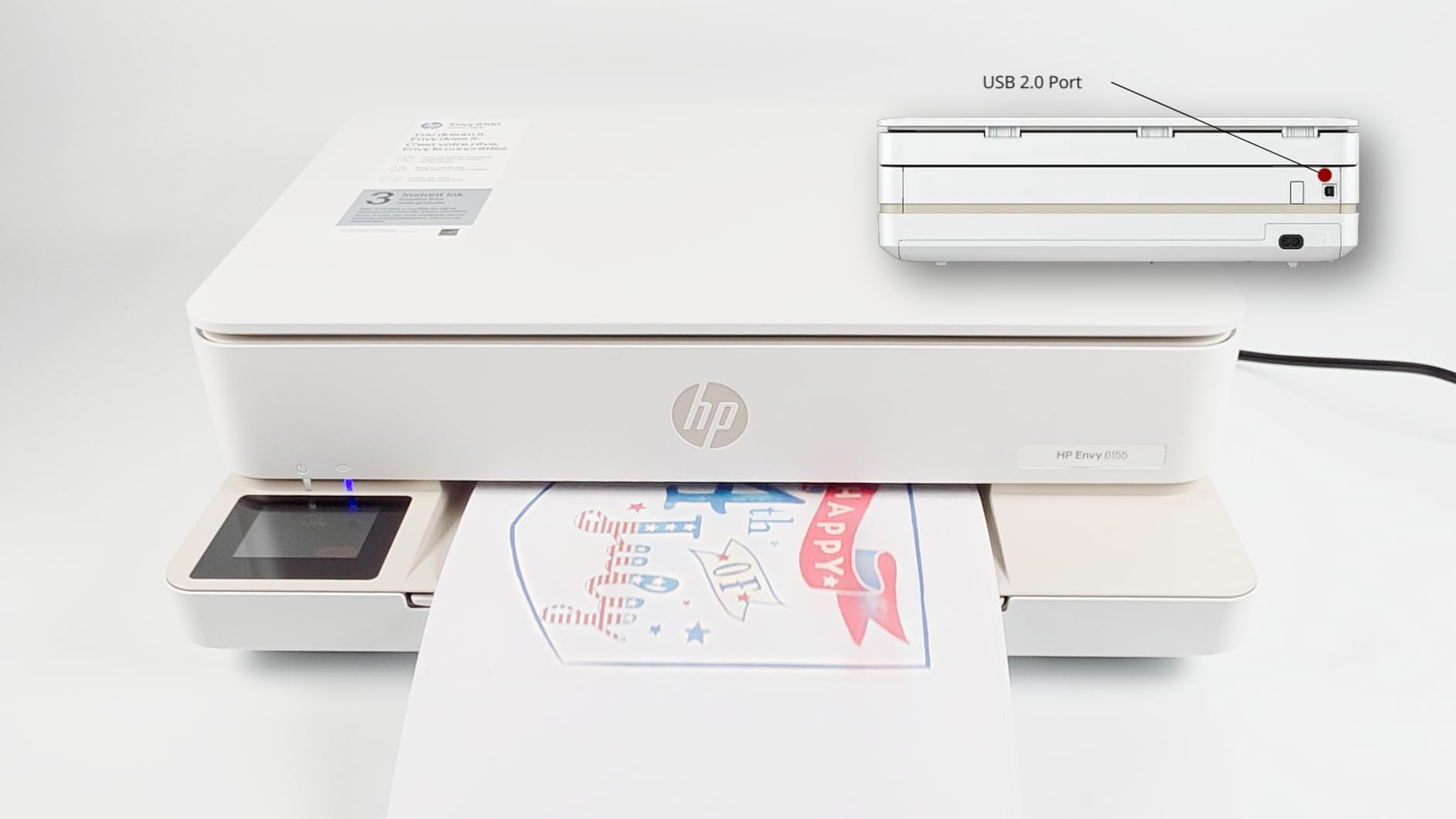
The Envy 6155 is the pick for anyone who wants automatic duplex and colour in a low-cost all-in-one and prefers tapping a screen to navigating a small panel. The 2.4-inch colour touchscreen is the largest display among the budget models in this group, and it makes Wi-Fi setup and ink checks straightforward.
Automatic duplex printing works cleanly on both sides, and the built-in AI formatting strips web-page and email clutter so double-sided web prints come out readable. Dual-band wireless auto-detects and resolves connection issues, which removes a common early frustration.
Speed is the compromise. At 10 ppm black and 7 ppm colour it is the slowest duplex option here, and a twenty-page double-sided job takes noticeably longer than on any laser. There is no automatic document feeder, so multi-page scanning is manual.
The 15 percent one-star share sits close to the highest in the group and points at reliability plus ink cost. Cartridges with original HP chips are required, and a three-month Instant Ink trial is included, which is a subscription service worth understanding before you rely on it.
Check your monthly volume before choosing the inkjet route
Below roughly 50 double-sided pages a month, this machine is a sensible purchase. Above that, cartridge ink costs accumulate quickly and a mono laser or supertank changes the maths completely.
Letter size is the maximum media, so legal documents are out. The 100-sheet tray also fills quickly during a duplex batch.
When this printer is the wrong choice
Anyone printing dozens of pages a week will spend more time waiting than printing. The two laser Brothers in this group run at more than triple the speed with a larger tray.
Subscription ink services are a consideration too. Buyers who want total control over supply should read the Instant Ink terms carefully before printing a heavy month of double-sided documents.
9. Brother MFC-L3720CDW: Best Color Laser All-in-One for a Small Office
Brother MFC-L3720CDW Wireless Color Laser Printer, Scanner, Copier, Fax, Auto Duplex, 250-Sheet Capacity
Color laser all-in-one
19 ppm in black and color
50-sheet ADF and 250-sheet tray
3.5 inch touchscreen
Pros
- Automatic duplex printing on a full color laser four-function machine
- 19 ppm in both black and color with first page under 15 seconds
- 50-sheet ADF plus 250-sheet adjustable paper tray
- 3.5 inch color touchscreen with 48 customizable shortcuts
- Dual-band wireless Wi-Fi Direct and USB 2.0
Cons
- Heaviest unit here at 44 pounds with a large footprint
- 16 percent of reviews are 1-star
- Color running cost is higher than mono for color-heavy users
- 500 watts power draw is the highest in the group
The MFC-L3720CDW is a full office machine: colour laser printing, scanning, copying, fax and automatic duplex printing in one unit. At 19 ppm in both black and colour, colour documents come out at the same speed as monochrome, which no inkjet here can do.
The 50-sheet ADF and 250-sheet adjustable tray handle double-sided workloads well, and the 3.5-inch colour touchscreen with 48 customizable shortcuts makes a shared machine quick to operate.
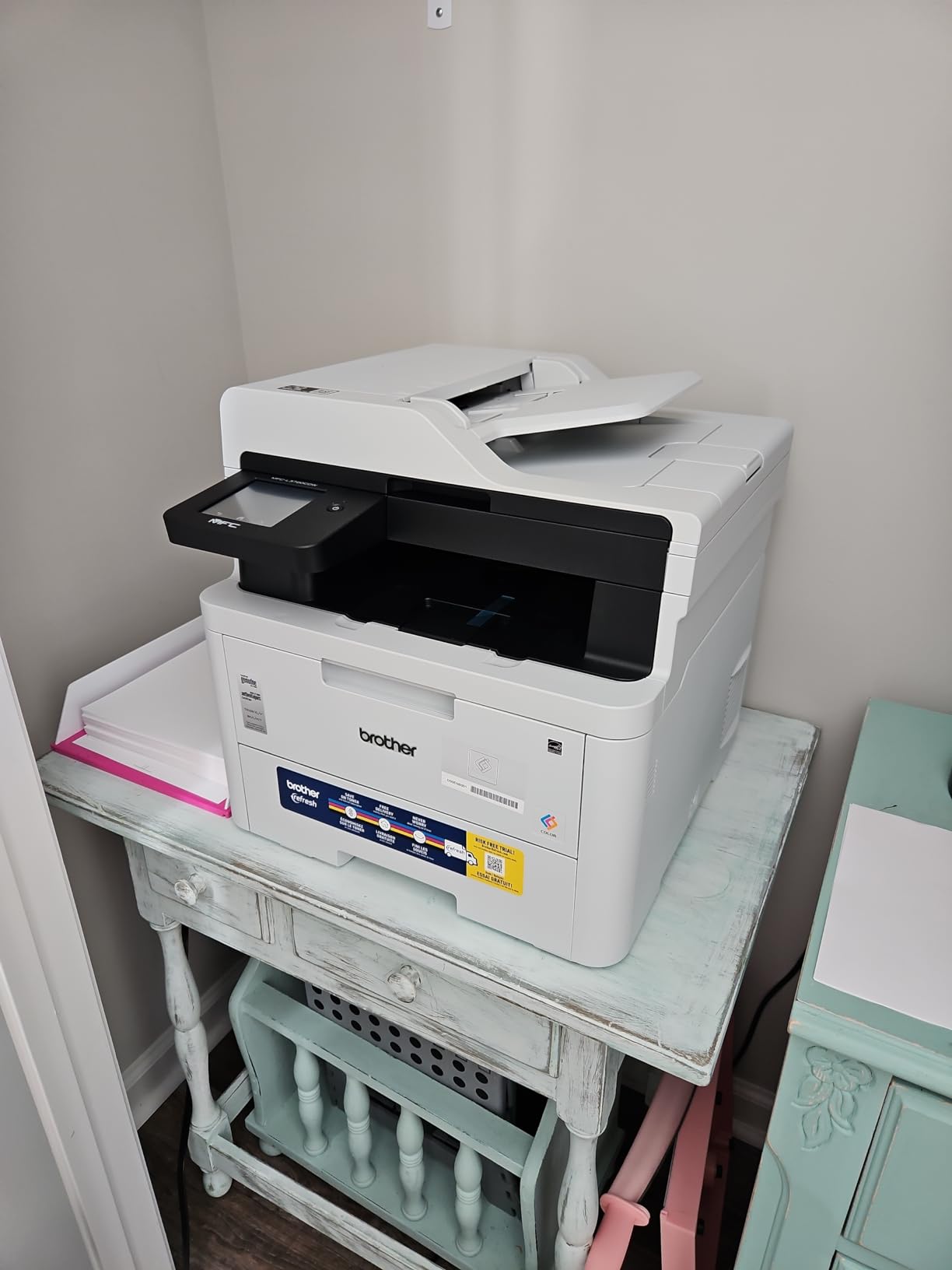
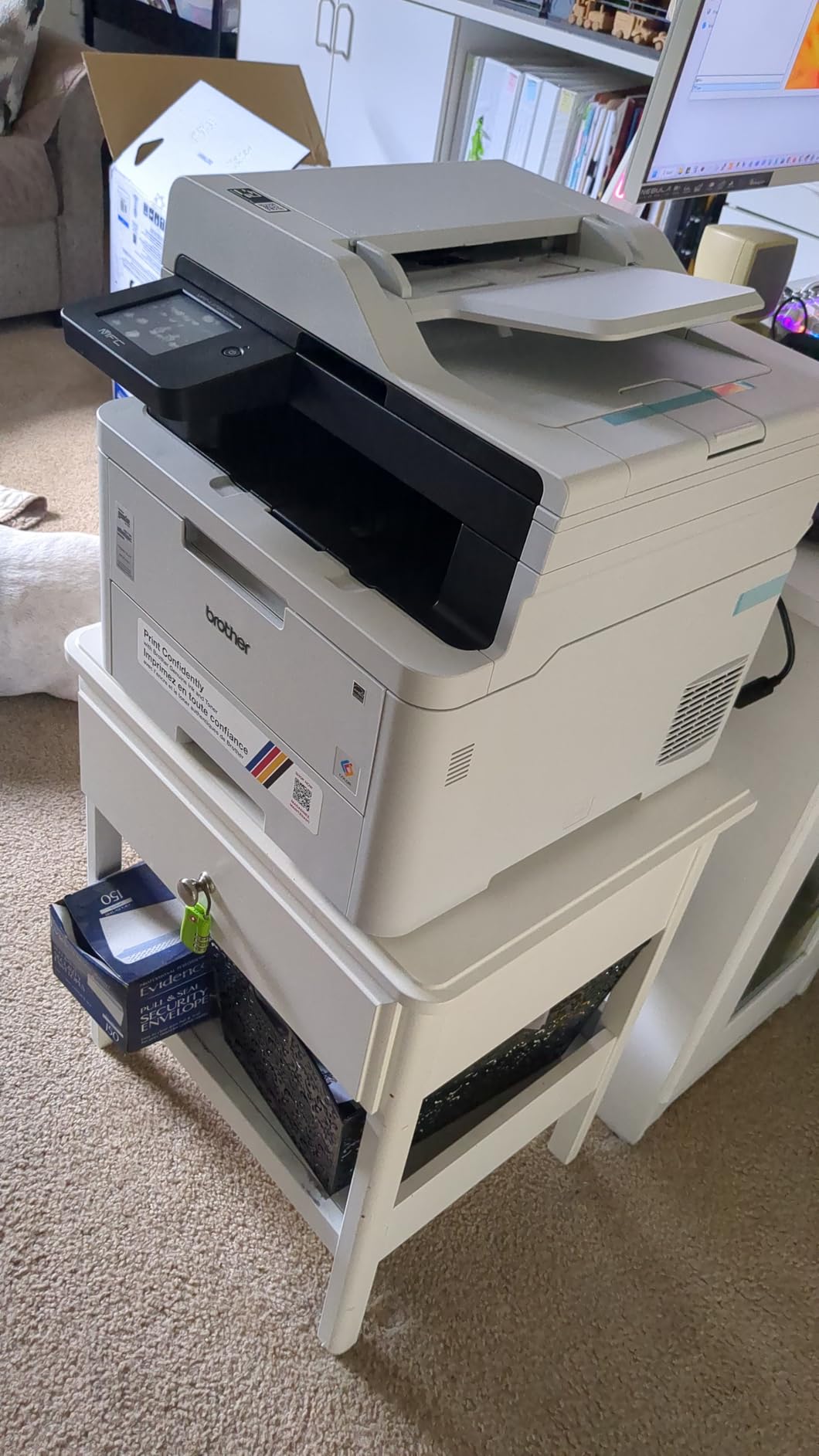
Size is the first thing buyers mention. At 44 pounds with a 17.5 by 15.8 inch footprint, this needs a dedicated stand rather than a desk corner, and it draws 500 watts, the highest figure here.
Colour running cost runs higher than a monochrome laser for anyone printing mostly colour, and the 16 percent one-star share points at toner expense and setup friction. It uses TN229 and TN229XL toner with a DR229CL drum, and pulls 99 copies per run.
Check the duplex scanning column for your originals
This machine has a 50-sheet sheetfed scanner, so multi-page documents go through without lifting the lid. If you need it to reverse two-sided originals automatically, confirm the ADF specification with the vendor before ordering.
It handles media up to 8.5 x 14 inches, prints at up to 2400 x 600 dpi in colour, and supports mobile printing with toner level monitoring through the companion app.
When this printer is the wrong choice
A home user does not need this machine. The size, power draw and colour laser running cost only make sense when a small office or shared team prints every day.
Colour-heavy work should be costed carefully, since a monochrome laser is cheaper per page for documents that are mostly black. Fax and a large touchscreen are also features many households never touch.
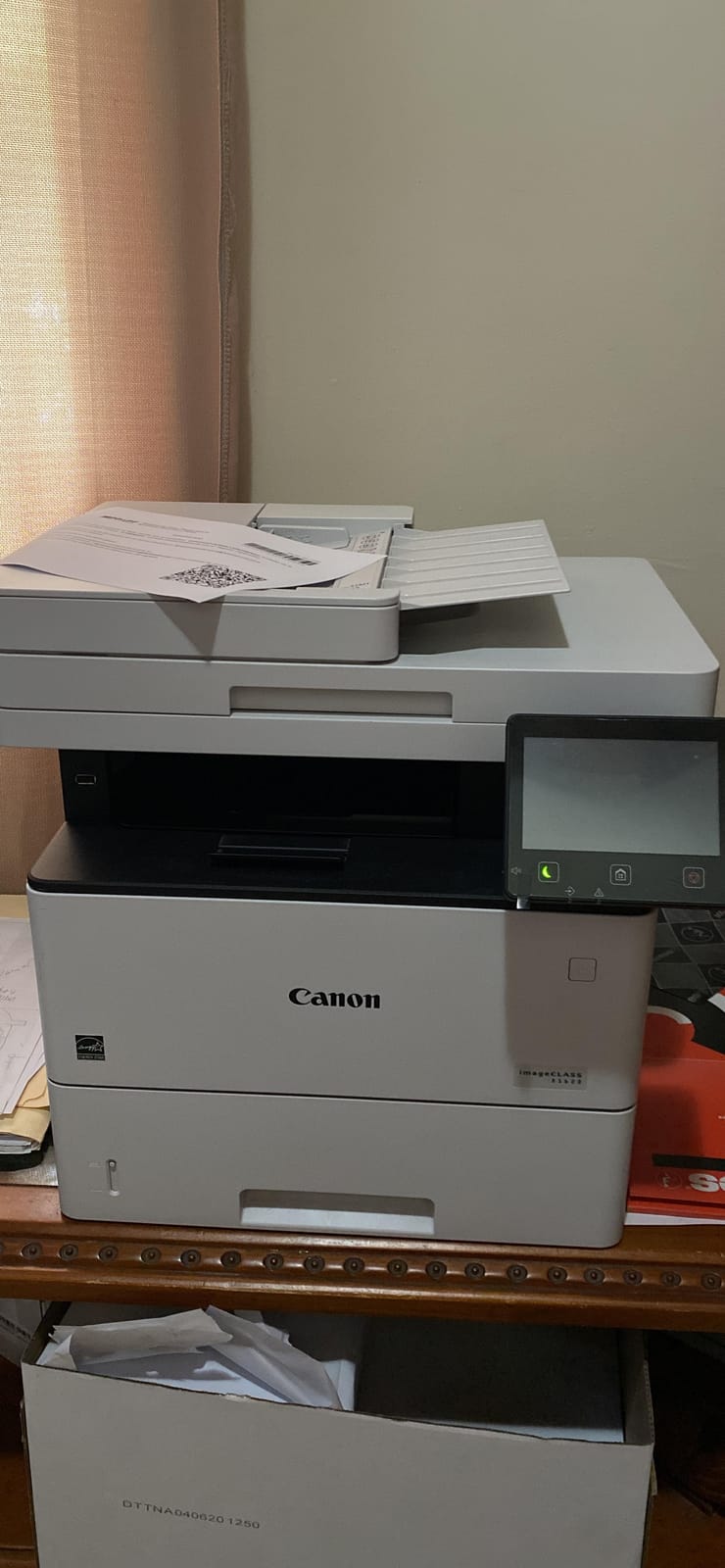
10. Canon imageCLASS D1620: Best High-Volume Duplex Machine
Canon imageCLASS D1620 – Monochrome Duplex Wireless Laser Printer, Multifunction With Scanner, Copier, Automatic Document Feeder, 3 Year Limited Warranty, 45 PPM, White
45 ppm monochrome laser
Duplex printing and duplex scanning
Up to 2300 sheets capacity
Three-year warranty
Pros
- Fastest printer in the group at 45 pages per minute
- Automatic duplex printing and duplex scanning
- Up to 2300 sheets of maximum paper capacity
- Three-year limited warranty is the longest coverage here
- Owners report six-plus years of reliable small business use
Cons
- Scan-to-email setup is poorly documented
- Bypass tray does not auto-detect paper type
- Print queue errors cannot be cancelled normally
- Repeatedly prompts for paper type despite settings
The imageCLASS D1620 is the throughput machine here, printing 45 pages per minute monochrome with automatic duplex printing and duplex scanning. That combination of speed and both-sided handling is what makes it the pick for a small office, a front desk or an accounting practice running long double-sided batches.
The capacity here reaches up to 2,300 sheets, so refills essentially stop during a busy week. The three-year limited warranty is among the longest here, and some owners report more than six years of reliable service in a small business setting.
Advanced network features are where it frustrates people. Scan-to-email requires configuring the Remote UI, which reviewers describe as poorly documented, and the bypass tray does not auto-detect paper type, so you set it yourself.
Print queue errors cannot be cancelled from the panel, and some users report repeated prompts for paper type even after configuring the setting. It is networkable over Ethernet, USB and wireless, and prints up to 8.5 x 14 inches at 600 x 600 dpi.
Check the duplex scan specification carefully
This machine documents both automatic duplex printing and duplex scanning, which is what separates it from the budget inkjets above. That pairing is the reason it belongs on any shortlist where both sides of a document matter.
At 45 ppm a twenty-page double-sided job finishes in well under a minute, and the large paper capacity keeps a heavy week running without intervention.
When this printer is the wrong choice
It is monochrome only, so any colour requirement rules it out. At 41.9 pounds and 19.5 by 17.8 inches it also needs floor or stand space, not a home desk.
If nobody prints more than a few hundred pages a month, the running cost and footprint are wasted capacity. The software quirks matter too, since the documented setup steps for scan-to-email are thin.
Automatic Duplex Printing vs. Duplex ADF Scanning
Automatic duplex printing makes the printer put ink on both sides of a sheet, while duplex ADF scanning makes the scanner read both sides of an original. Only the Epson EcoTank ET-4950 and the Canon imageCLASS D1620 in this group document both features, and that difference decides which machines suit paperwork workflows.
Printers that duplex-print but do not duplex-scan force you to lift the lid for every page. For someone filing invoices or contracts, that second half of the workflow is often more painful than the printing itself.
Single-pass duplex scanning captures both sides in one physical pass through the feeder. A feeder that scans, reverses and scans again is slower and more likely to misfeed.
When reading a spec page, look for the word duplex next to the ADF entry rather than near the printer entry. A machine advertising duplex printing prominently may list its scanner as flatbed or sheetfed only, which is exactly the disclosure shoppers in the forums say they missed.
How to Choose a Duplex Printer for Double-Sided Printing
Choosing between inkjet and laser comes down to how much you print and whether you need colour. Mono lasers here run at 30 to 45 ppm and print text sharply with no drying concerns, while inkjets give you colour, photos and borderless output at a slower pace.
For a household printing under 50 double-sided pages a month, a cartridge inkjet is the cheapest route. Above roughly 100 pages a month, a supertank such as the ET-2980 changes the running cost dramatically, since one refill set replaces around 90 cartridges.
Check the ADF before anything else if you handle paperwork. The 50-page feeders on the Brother DCP-L2640DW and the MFC-L3720CDW, and the duplex-scanning feeders on the ET-4950 and the imageCLASS D1620, are what separate an office machine from a home one.
Look at paper capacity next. A 250-sheet tray is the common norm and means fewer interruptions during a double-sided batch, while the 100-sheet trays on the budget inkjets refill constantly. Media support matters too, and several models here stop at letter size rather than legal.
Read ppm figures as a single-sided ceiling. In duplex mode one sheet yields two images, so a machine rated at 36 ppm delivers around 18 images per minute on a double-sided job. Speed drops are also normal in duplex as the sheet turns.
Finally, factor in consumable lock-in. Brother Genuine toner, Epson 502 ink, original HP chips and Canon cartridges all behave predictably, while blocked third-party cartridges can cause failed jobs and warranty questions. If you plan to buy third-party supplies, verify support with the manufacturer first.
Is Automatic Duplex Printing Worth It?
Automatic duplex printing is worth it for anyone who prints multi-page documents, because it roughly halves paper use and removes the reinsertion step that causes misprints. A twenty-page report becomes ten sheets, and a busy office stops feeding paper back into a machine by hand.
The disadvantages are real but manageable. Output slows in duplex mode, media weight and size limits can silently disable the function, some models will not duplex envelopes or glossy stock, and duplex scanning is often missing even when duplex printing is present.
It is not worth paying extra for if you print single pages only, such as a shopping list or a shipping label. It is also not worth upgrading to a more expensive machine purely for duplex if your monthly volume is low.
For students, home offices and small businesses printing reports, contracts and worksheets, the paper saving alone usually justifies the feature, and it is the single biggest lever available on printing costs.
Common Duplex Printing Problems and How to Fix Them
Blank pages in the middle of a duplex job are almost always a software setting rather than a fault. Set copies to odd pages only for single-sided printing, and confirm the duplex binding option matches your document orientation.
Upside-down or mixed-orientation output happens when long-edge and short-edge binding are mismatched. Book-style documents need long-edge binding, while sideways layouts and flip books need short-edge, and switching the wrong way gives you rotated reverse sides.
Ghosting or faint images on the reverse side usually mean the duplexing unit needs a clean, or the toner or ink is low. Run the cleaning cycle from the machine menu, and check the cartridge level before a long double-sided batch.
Double-feeding and jams on duplex runs are more common on inkjets with a narrow path, which is the main complaint on the ET-2980. Dry paper, a clean roller and loading no more than the rated tray capacity all reduce the problem.
Text bleed-through on the reverse is a paper choice, not a machine fault. Heavier paper around 24 pound or above absorbs more toner, and specifying a heavier paper type in the driver settings also changes how long the ink sits before the sheet turns.
A printer that goes offline after sleep is a wireless issue rather than a duplex issue, though it interrupts long jobs. Updating the driver, choosing the 2.4GHz or 5GHz band, and confirming the printer is set to keep a persistent network connection all help.
Frequently Asked Questions
What is the best duplex printer with two-sided printing?
The Brother DCP-L2640DW is the best duplex printer for most people in 2026. It prints 36 pages per minute monochrome with automatic duplex, holds a 250-sheet tray and includes a 50-page auto document feeder. It carries the largest review base in our test group, which gave us the most confidence in its long-term behaviour.
What is the best printer that prints double-sided automatically?
For black-and-white documents the Brother DCP-L2640DW and HL-L2460DW both print double-sided automatically at 36 pages per minute. If you need colour, the Canon PIXMA TR7120, Canon PIXMA TS6520 and HP Envy 6155 all offer automatic two-sided printing, and the Epson EcoTank ET-4950 adds duplex scanning through its feeder.
What are the disadvantages of duplex printing?
The main drawbacks are slower output, because a machine rated at 36 pages per minute manages roughly 18 images per minute in duplex mode. Media limits also matter, since some models will not duplex envelopes, glossy stock or heavier paper. Duplex scanning is often missing on machines that advertise duplex printing.
What is the best all-in-one printer with double-sided scanning?
The Epson EcoTank ET-4950 is the best affordable all-in-one here with duplex scanning, pairing an auto document feeder that reverses two-sided originals with a 250-sheet tray. The Canon imageCLASS D1620 also documents duplex scanning, at 45 pages per minute and up to 2,300 sheets of paper capacity for heavier office use.
What is the best automatic duplex printer?
The Brother DCP-L2640DW is the best automatic duplex printer overall because it combines 36 ppm duplex output, a 50-page feeder and a 250-sheet tray in one unit. Among colour machines the Canon PIXMA TR7120 shares the top average rating at 4.3 stars, and the Epson EcoTank ET-4950 is the pick when duplex scanning matters as much as duplex printing.
What is the highest rated all-in-one printer?
The Canon PIXMA TR7120 shares the top average rating in our group at 4.3 stars, with automatic two-sided printing, an auto document feeder and legal-size media support. The Canon imageCLASS D1620 also averages 4.3 stars, pairing a 45 ppm monochrome engine with duplex printing and duplex scanning.
Is automatic duplex printing better?
Automatic duplex printing is better for anything multi-page, because it roughly halves paper use and removes the reinsertion step that causes misprints. It is worth having above about 50 double-sided pages a month. Below that a manual duplexer works, and a budget inkjet with automatic duplex handles light duty comfortably.
Bottom Line: Which Duplex Printer Should You Buy?
The Brother DCP-L2640DW is our pick for most people. It prints 36 pages per minute with automatic duplex, carries a 250-sheet tray and a 50-page feeder, and has more owner feedback behind it than anything else in this group.
For colour on a smaller budget, the Canon PIXMA TR7120 shares the top star rating at 4.3 and adds a document feeder. For the cheapest double-sided pages over the long run, the Epson EcoTank ET-2980 fills its tanks once and runs. For real throughput, the Canon imageCLASS D1620 prints 45 pages per minute with duplex scanning, and the Epson EcoTank ET-4950 is the affordable all-in-one that reverses a two-sided original.
Whatever you choose, confirm duplex scanning separately from duplex printing before you order, because that is the mistake people make most often. Our complete guide to the best duplex printers for double sided printing is updated through 2026 as new models arrive, and our guides to related shop-floor equipment cover everything from sublimation printers to pad printing machines if your output moves beyond paper.