
The best printer for students is the Epson EcoTank ET-2800 — a refillable ink-tank all-in-one whose running cost per page is the lowest of any printer we tested, which matters far more over four years of coursework than the sticker price. Campus libraries charge roughly 10 to 15 cents a page for black-and-white output, so a student printing 300 pages a month spends more on printouts in a single term than on a required textbook.
That is the whole argument, and it is why we built this roundup around cost per page rather than spec sheets. The printers below cover the full range of student life: quiet monochrome lasers for essay-heavy humanities majors, ink-tank all-in-ones for anyone who needs colour charts or photographs, and compact budget models for dorm desks that barely have room for a lamp.
We spent weeks comparing page yields, toner and ink economics, duplex capability, footprint and wireless behaviour across ten models, then read the owner reviews to see which ones actually survive a semester of intermittent use. The short version: lasers never dry out, ink tanks are the cheapest to run per colour page, and cartridge-based inkjets are the trap most students fall into.
If your laptop is a Chromebook rather than a Mac or Windows machine, do read our Chromebook picks first, since compatibility changes which features you can use. And if the printer has to share a desk with your laptop bag, the size notes in each review are there for a reason.
Table of Contents
Top 3 Picks for the Best Printers for Students in 2026

Epson EcoTank ET-2800
- Cartridge-free EcoTank ink system
- Up to 2 years of ink in the box
- 10 ppm black and 5 ppm color
- Flatbed scanner and copier

Canon MegaTank G3270
- 6000 black and 7700 color pages per ink set
- 11 ppm black and 6 ppm color
- Wireless print copy and scan
- 1.35 inch square LCD

Brother DCP-L2640DW
- 36 ppm monochrome print speed
- Automatic duplex printing
- 50-page automatic document feeder
- Dual-band Wi-Fi and Ethernet
Our three headline picks cover the three ways student printing actually goes. The EcoTank ET-2800 wins on running cost and colour capability, the Canon MegaTank G3270 is the same idea for less money with a slightly faster engine, and the Brother DCP-L2640DW is the answer for anyone who prints black text all day and refuses to deal with ink at all.
All 10 Printers Compared for Students in September
| Product | Specifications | Action |
|---|---|---|
| Epson EcoTank ET-2800 |
|
Check Latest Price |
| Canon MegaTank G3270 |
|
Check Latest Price |
| Brother DCP-L2640DW |
|
Check Latest Price |
 Brother HL-L2405W Brother HL-L2405W |
|
Check Latest Price |
 Canon PIXMA TS6520 Canon PIXMA TS6520 |
|
Check Latest Price |
 HP LaserJet MFP M140w HP LaserJet MFP M140w |
|
Check Latest Price |
 HP Envy 6155 HP Envy 6155 |
|
Check Latest Price |
 Epson Expression Home XP-5200 Epson Expression Home XP-5200 |
|
Check Latest Price |
 HP OfficeJet Pro 8125 HP OfficeJet Pro 8125 |
|
Check Latest Price |
 Canon PIXMA TS7720 Canon PIXMA TS7720 |
|
Check Latest Price |
The table above is the fast version. Everything below explains why the rows are ordered the way they are, and where each one will disappoint you.
1. Epson EcoTank ET-2800 — Best Overall Printer for Students with Cheap Ink
Epson EcoTank ET-2800 Wireless Color All-in-One Supertank Printer – Black
Inkjet all-in-one
4500 black and 7500 color pages per ink set
10 ppm black and 5 ppm color
100-sheet tray
Pros
- Lowest running cost per page of any printer in this roundup
- Up to 2 years of ink included in the box
- Compact and light at 11.4 pounds
- Sharp colour and photo output on glossy paper
- Mess-free bottle refilling
Cons
- Single-sided printing only
- Epson app connection and paper-type errors
- Small LCD screen
This is the printer we recommend to the widest range of students. The ink system is cartridge-free: you pour bottled EcoTank ink into four built-in tanks, and one set is rated at up to 4,500 black pages and 7,500 colour pages. Owners regularly report still having most of the included ink after a year of regular use, which is exactly the behaviour that separates a tank printer from a cartridge printer.
At 11.4 pounds and 10 inches tall it is one of the lighter machines on the list, and it handles photos, envelopes and paper up to 8.5 by 14 inches. Setup took us about ten minutes, with the Epson app walking through tank filling and a nozzle check.
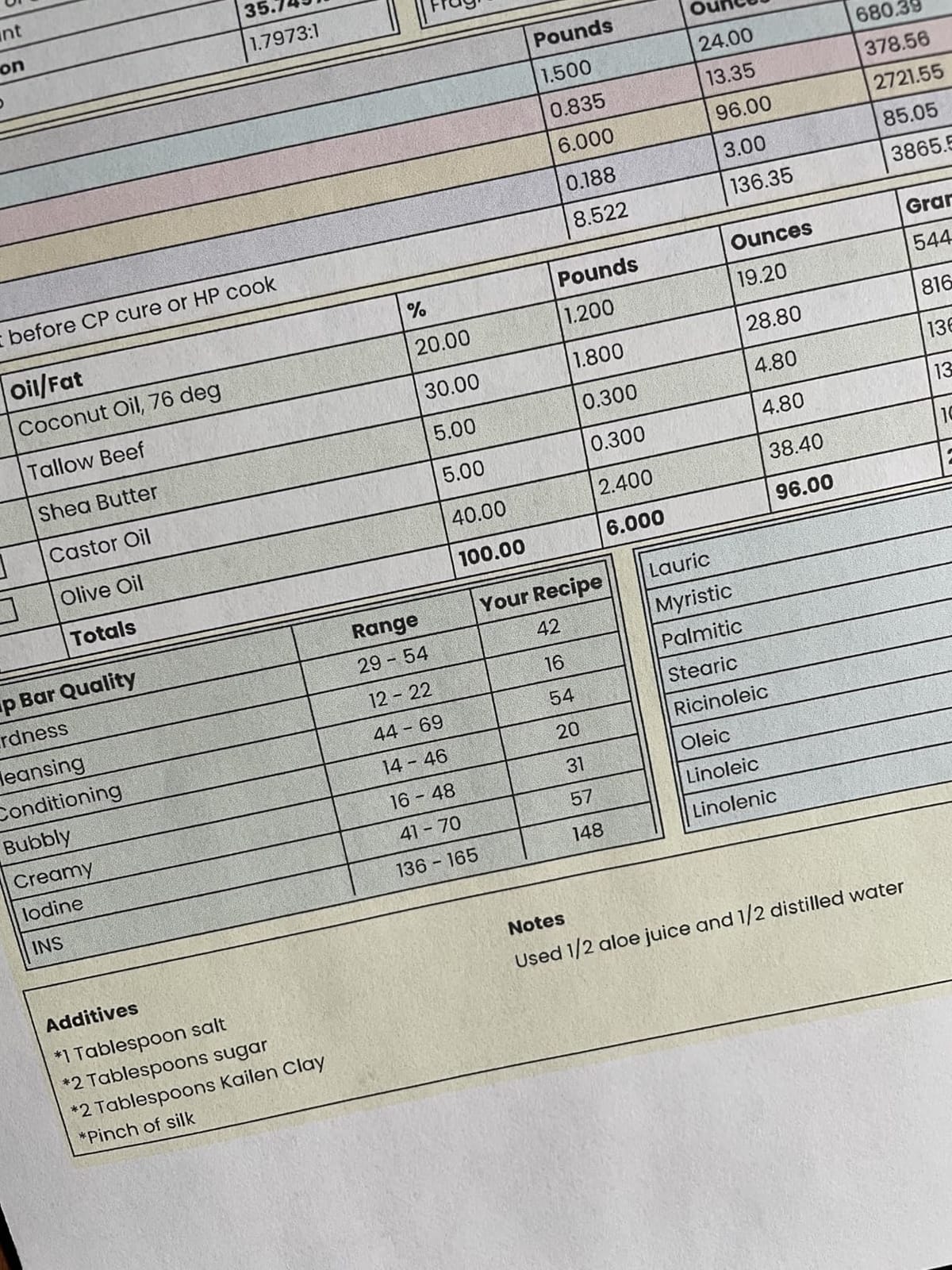
The main compromise is duplex. This printer is single-sided only, so a ten-page essay means turning the stack over and feeding it back in by hand. On a reading-heavy course that adds up, and it is the reason the Canon PIXMA TS6520 later in this list wins some comparisons despite costing less.
Owners also report recurring paper-type mismatch errors through the app and the occasional head-cleaning cycle early in ownership. Neither is serious, but both are annoying when you are printing an assignment at midnight the night before it is due.
What makes it worth buying
Cost per page. If you print a few hundred pages a month across four years, the difference between tank ink and cartridge ink is the single largest money decision in this article.
The flatbed scanner and copier are also genuinely useful — most courses want a scanned PDF of a handwritten submission, and the library scanner is often a fifteen-minute round trip.
When to pick something else
If you regularly print long double-sided documents, automatic duplex is worth more than the tank system, and you should look at the Canon PIXMA TS6520 or the HP Envy 6155 instead.
If you print only a handful of pages a month, a printer that sits switched off between semesters risks dried printhead ink, and a laser is the safer bet.
2. Canon MegaTank G3270 — Best Value Ink Tank for Heavy Coursework
Canon MegaTank G3270 All-in-One Wireless Color Printer
Ink tank all-in-one
6000 black and 7700 color pages per set
11 ppm black and 6 ppm color
100-sheet tray
Pros
- Ink lasts years rather than months
- Very low cost per page for colour too
- Clean black-and-white output with few jams
- Windows setup app handles head alignment
- Flatbed scanner included
Cons
- Single-sided printing only
- Weak and sometimes unstable Wi-Fi
- No Ethernet port
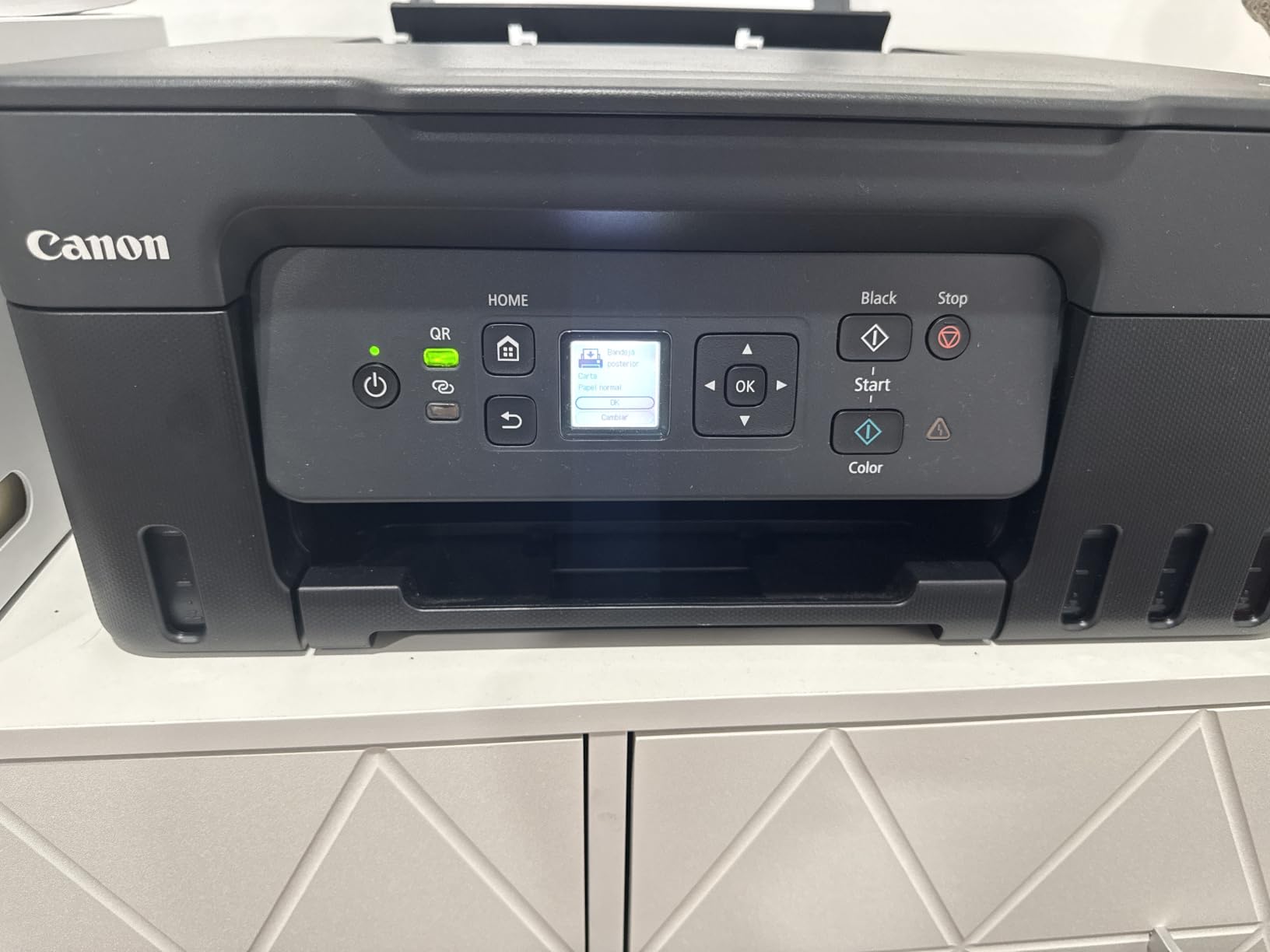
This is the model that keeps coming up in student recommendations, and after our testing we understand why. It ships with up to two years of ink, the tank system is rated at 6,000 black-and-white and 7,700 colour pages per set, and the colour page cost is low enough that printing a set of annotated lecture slides no longer feels financially irresponsible.
Output quality is strong for text. Multiple owners describe clean black-and-white pages and very few jams, and the Windows software walks you through print-head alignment without any real technical background.
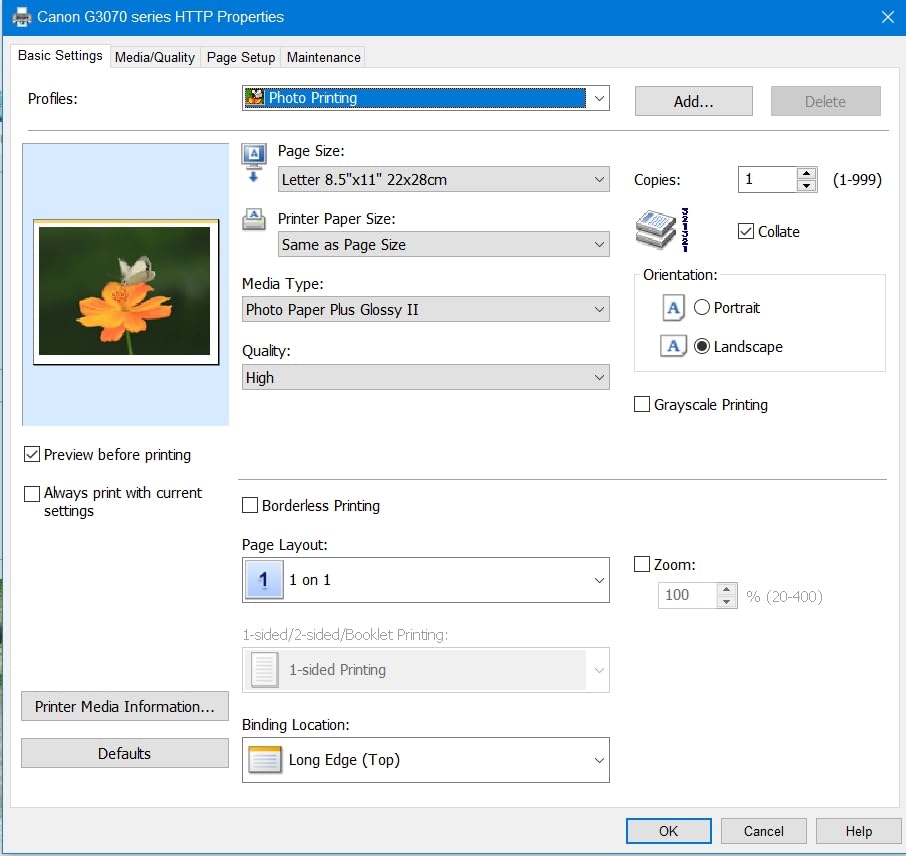
Wi-Fi is the weak point. Several owners report the connection dropping offline between jobs, and there is no Ethernet port to fall back on, so a USB cable may end up being the more reliable route in a dorm with crowded wireless.
Colour accuracy also varies by paper type, with some owners reporting washed-out results on certain stocks. Several reviews make the same point about maintenance: this printer wants to be used weekly to keep the printhead from drying out, which is a real constraint if you disappear into a reading period for a month.
Why students keep recommending it
The maths is simple. A tank that yields thousands of pages turns ink from a monthly expense into roughly a yearly one, and that is the difference between a printer you resupply and a printer you stop thinking about.
It also prints up to 8.5 by 14 inch media and handles envelopes, card stock and square sizes, which covers most course requirements in one machine.
Where it falls short
No automatic duplex. A reading pack of sixty pages means sixty manual flips, which is why it sits at number two here despite excellent economics.
The Wi-Fi complaints are frequent enough that we would buy a short Ethernet run before struggling with a flaky wireless connection in a room full of competing networks.
3. Brother DCP-L2640DW — Best Monochrome Laser for Essay-Heavy Students
Brother DCP-L2640DW Wireless Compact Monochrome Multi-Function Printer, Copy, Scan, Duplex, Mobile Printing
Monochrome laser all-in-one
36 ppm print speed
Automatic duplex
50-page document feeder
Pros
- Fastest print speed in this roundup at 36 ppm
- Automatic duplex saves paper and time
- 50-page feeder makes batch scanning painless
- Dual-band Wi-Fi plus Ethernet
- Compact for a full multifunction laser
Cons
- 25 pounds and bulky for a dorm desk
- Monochrome only with no colour scanning
- Initial wireless setup can be fiddly
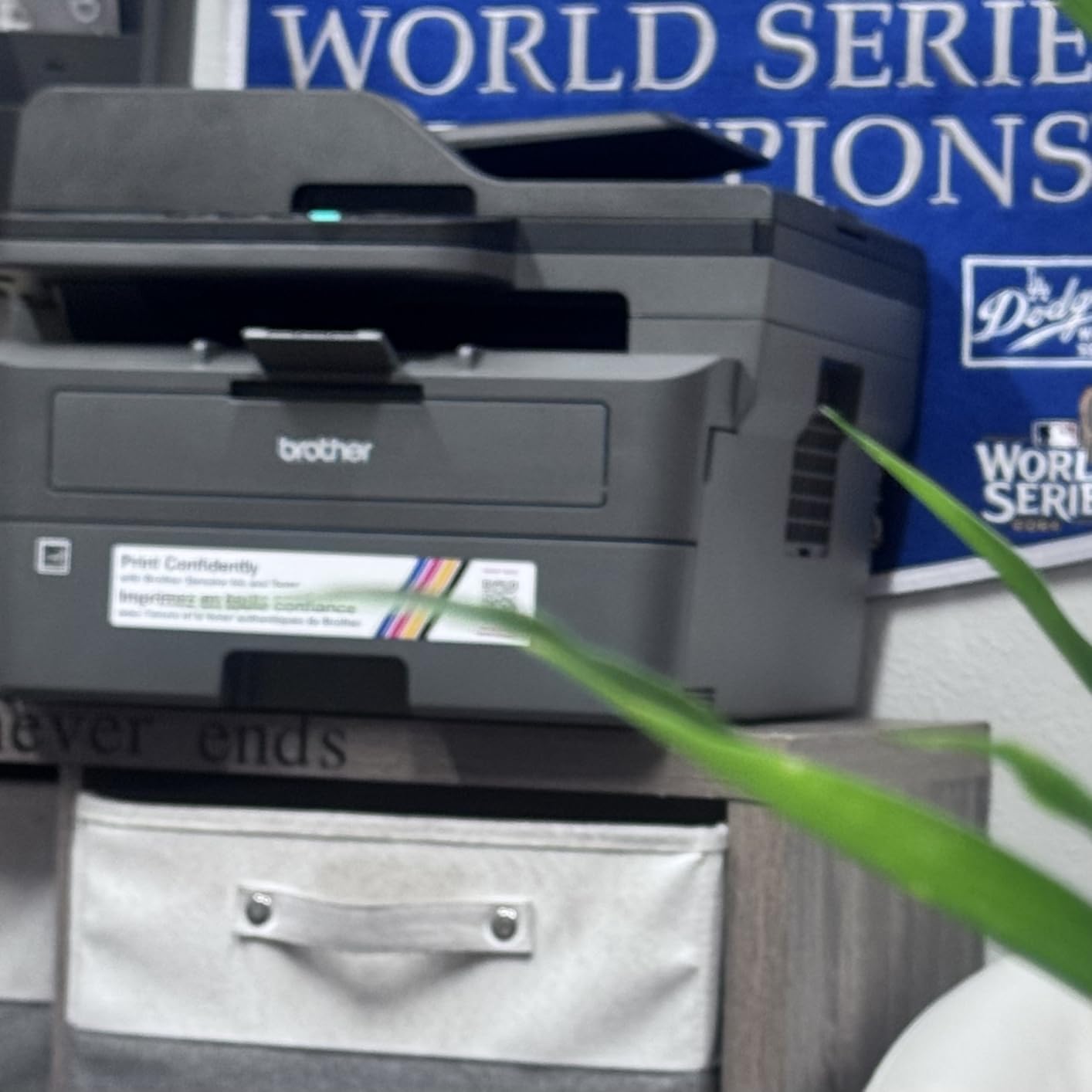
If your degree involves a lot of reading packs, seminar papers and long drafts, a monochrome laser changes your life. At 36 pages per minute this is the fastest machine here, it prints automatic duplex, and toner does not dry out in a drawer over the summer.
The 50-page automatic document feeder is the feature students notice second. Scan a handwritten assignment or a stapled reading pack in one go, straight from the flatbed or the feeder, and send it to your laptop. The Brother Mobile Connect app handles remote printing and toner ordering once it is on the network.
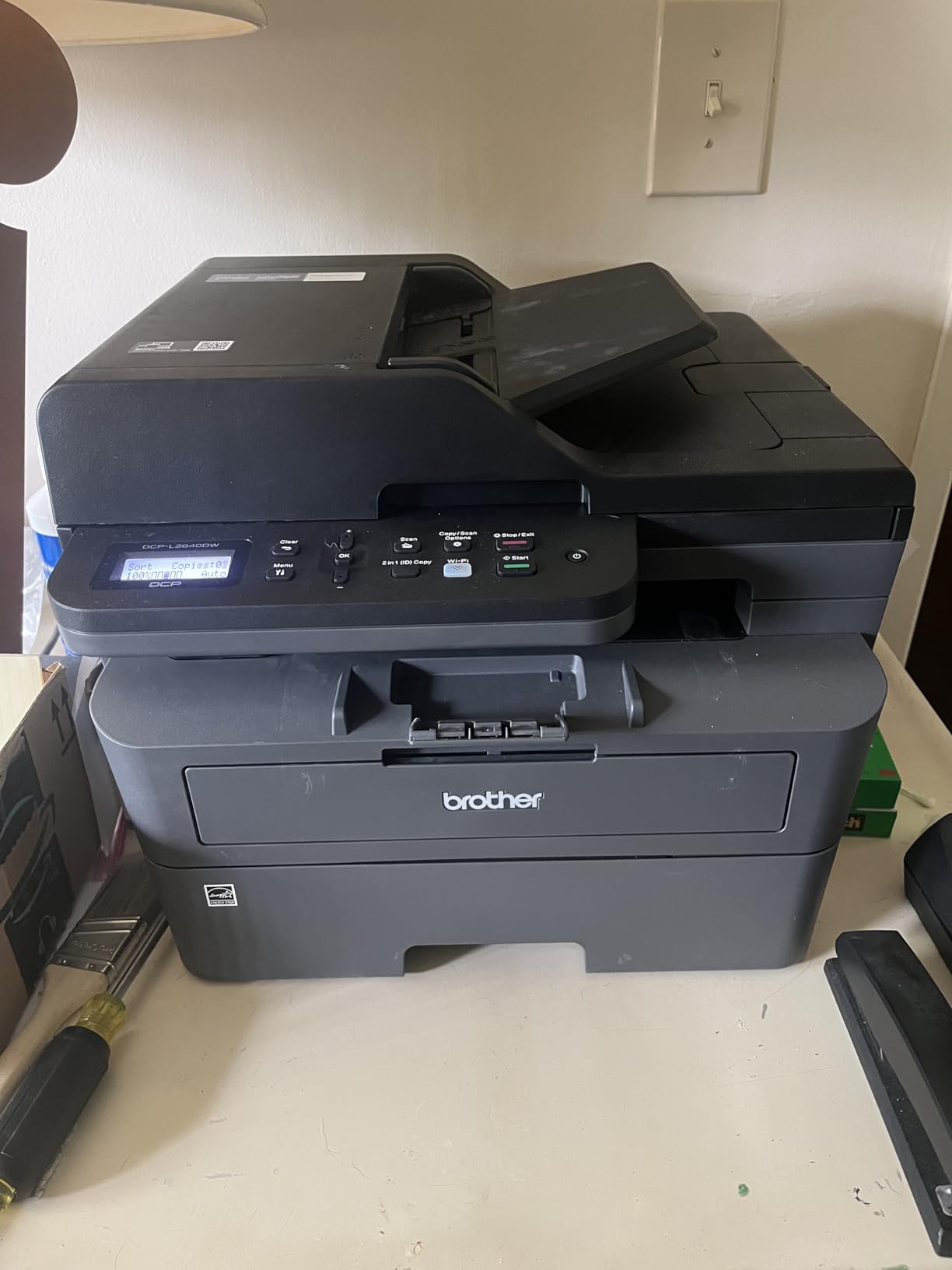
It is 25 pounds, which is real weight for a dorm shelf, and the 15.7 by 16.1 by 12.5 inch body needs a flat surface rather than a corner. Make sure you measure before buying.
The other limitation is straightforward: no colour at all. Science diagrams, business charts and anything from an art or design course are simply off the table with this machine.
How we would use it day to day
Print a draft, print it duplex, and get on with your evening. Speed and automatic duplex together mean a 40-page essay is one button press rather than a small chore.
Toner cartridges are rated in the thousands of pages, so the cost per page stays flat as your workload grows — the opposite of cartridge inkjets, where costs climb.
When it is the wrong choice
If you need colour output at all, this cannot help. Neither the printer nor its scanner handles anything but black and white.
If you are a light printer, laser running costs do not make sense. Nobody should buy a laser to print twenty pages a month.
4. Brother HL-L2405W — Best Compact Monochrome Laser for a Small Desk
Brother HL-L2405W Wireless Compact Monochrome Laser Printer with Mobile Printing, Black & White Output | Includes Refresh Subscription Trial(1), Works with Alexa
Print-only monochrome laser
30 ppm
250-sheet tray
Manual duplex
Pros
- Fast sharp monochrome at 30 ppm
- Clean install with no bloatware or forced sign-ups
- Toner outlasts ink cartridges for essay volume
- Compact 14 inch wide footprint
- Works reliably out of the box
Cons
- Manual duplex only
- No scanner or copier
- Wi-Fi onboarding can take a long time
This is the laser to buy if you print text and nothing else, and if desk space is the constraint. It is print-only, which means no scanner and no copier, and at 14 inches wide it is one of the smaller full-size machines here.
The software install is unusually clean, with no bloatware and no auto-installed apps, which students moving from a consumer inkjet will appreciate. Owners coming from cartridges consistently praise the crisp text and the freedom from cartridge maintenance.
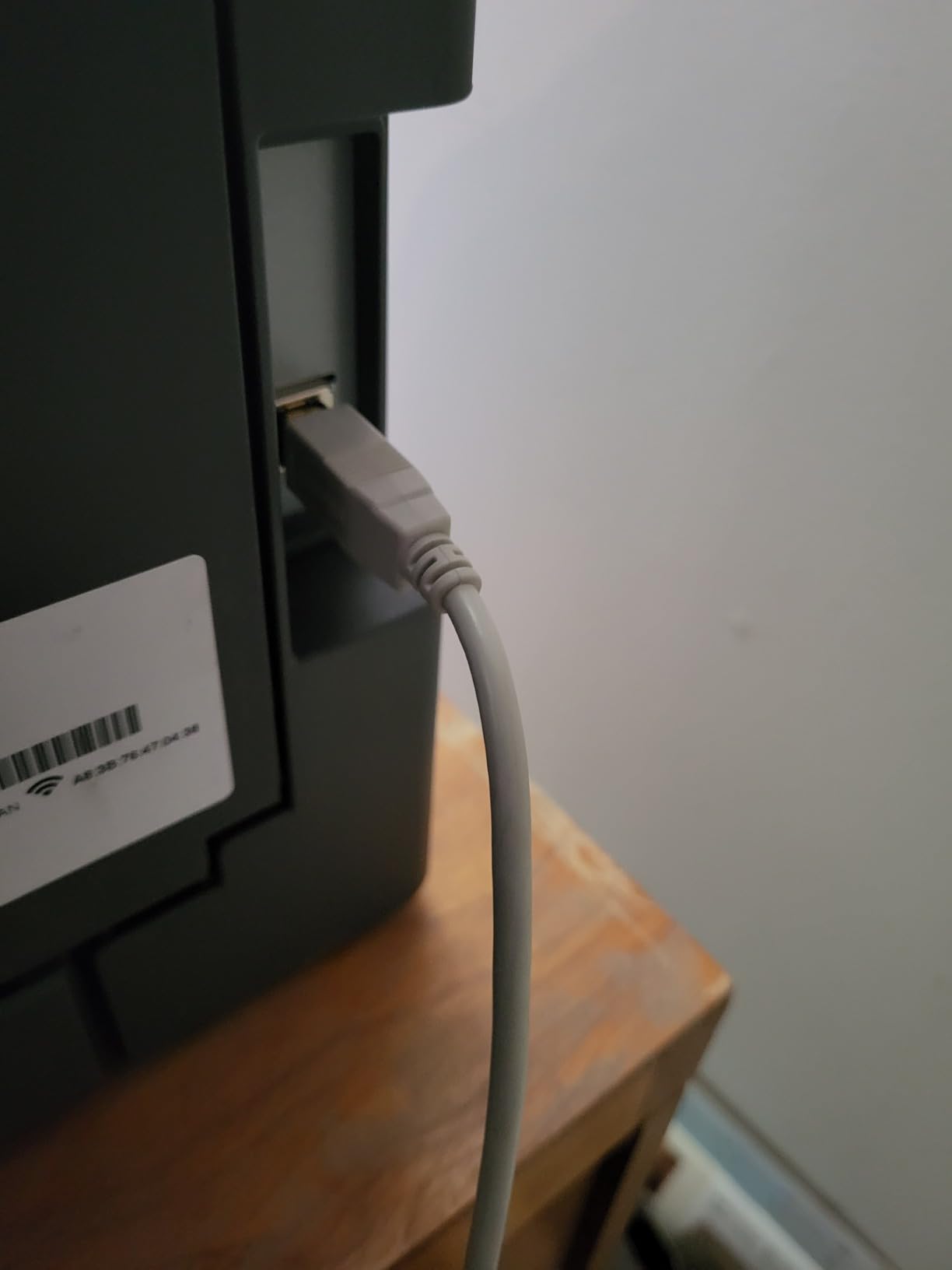
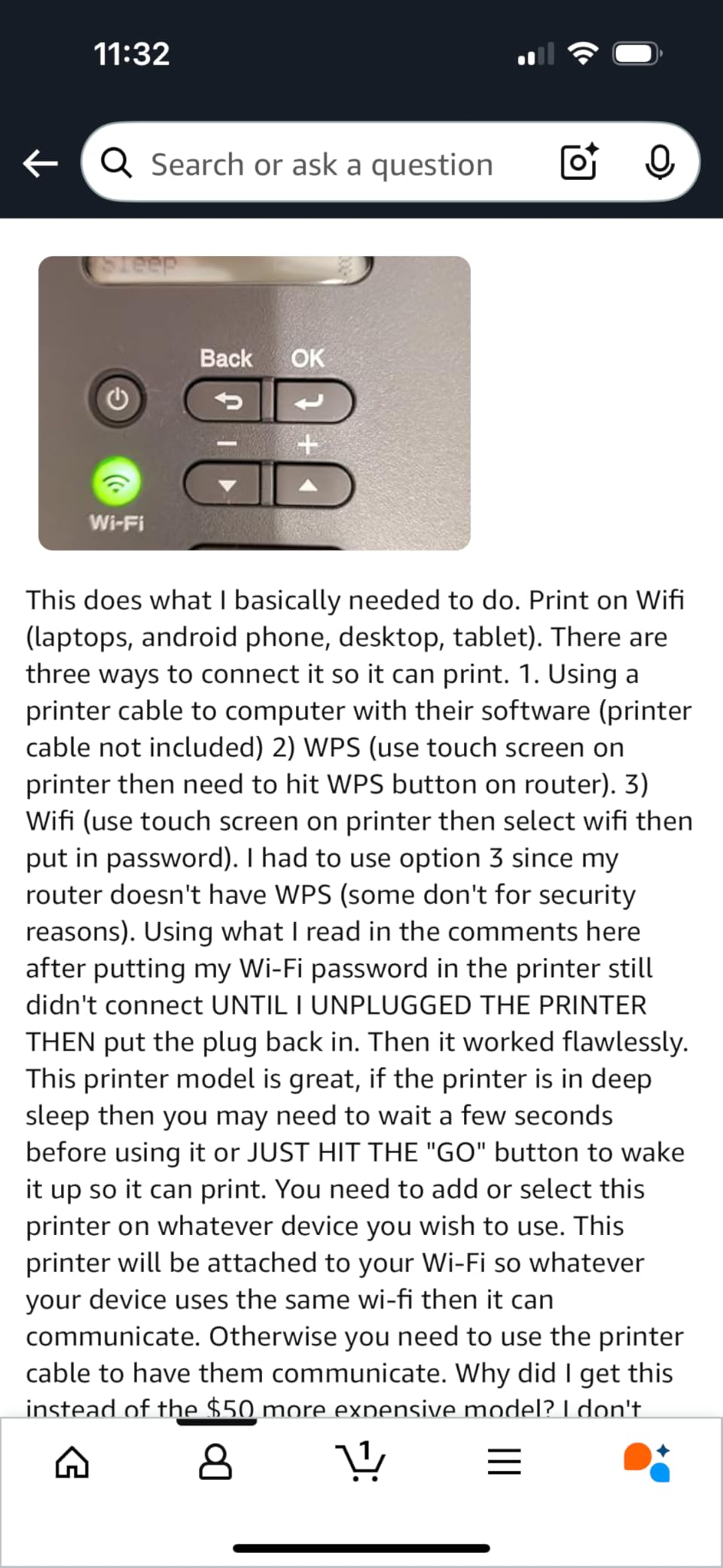
Two things slow it down. Duplex is manual, so double-sided printing means flipping the stack yourself, and the QR-code-first wireless onboarding can stretch into a long troubleshooting session if you follow the quick-start guide literally.
It also stops printing once the toner cartridge is fully depleted rather than limping along in light grey, and it can drop off some wireless networks after a long deep sleep. None of that is a deal breaker, but it is worth knowing.
Why it earns its place here
Toner lasts far longer than an inkjet cartridge for high-volume black text, and this model takes the high-yield TN830XL cartridges, which is the single biggest running-cost lever available to you.
No colour capability also means no colour cartridges to run dry and clog, which is why laser printers survive a summer in a cupboard.
Reasons to step up instead
If you need to scan a signed document or copy a worksheet, this machine cannot do it — the Brother DCP-L2640DW adds a scanner, a feeder and automatic duplex for a modest step up.
If you print double-sided reading packs regularly, manual flipping will grind you down before the semester ends.
5. Canon PIXMA TS6520 — Best Budget All-in-One with Automatic Duplex
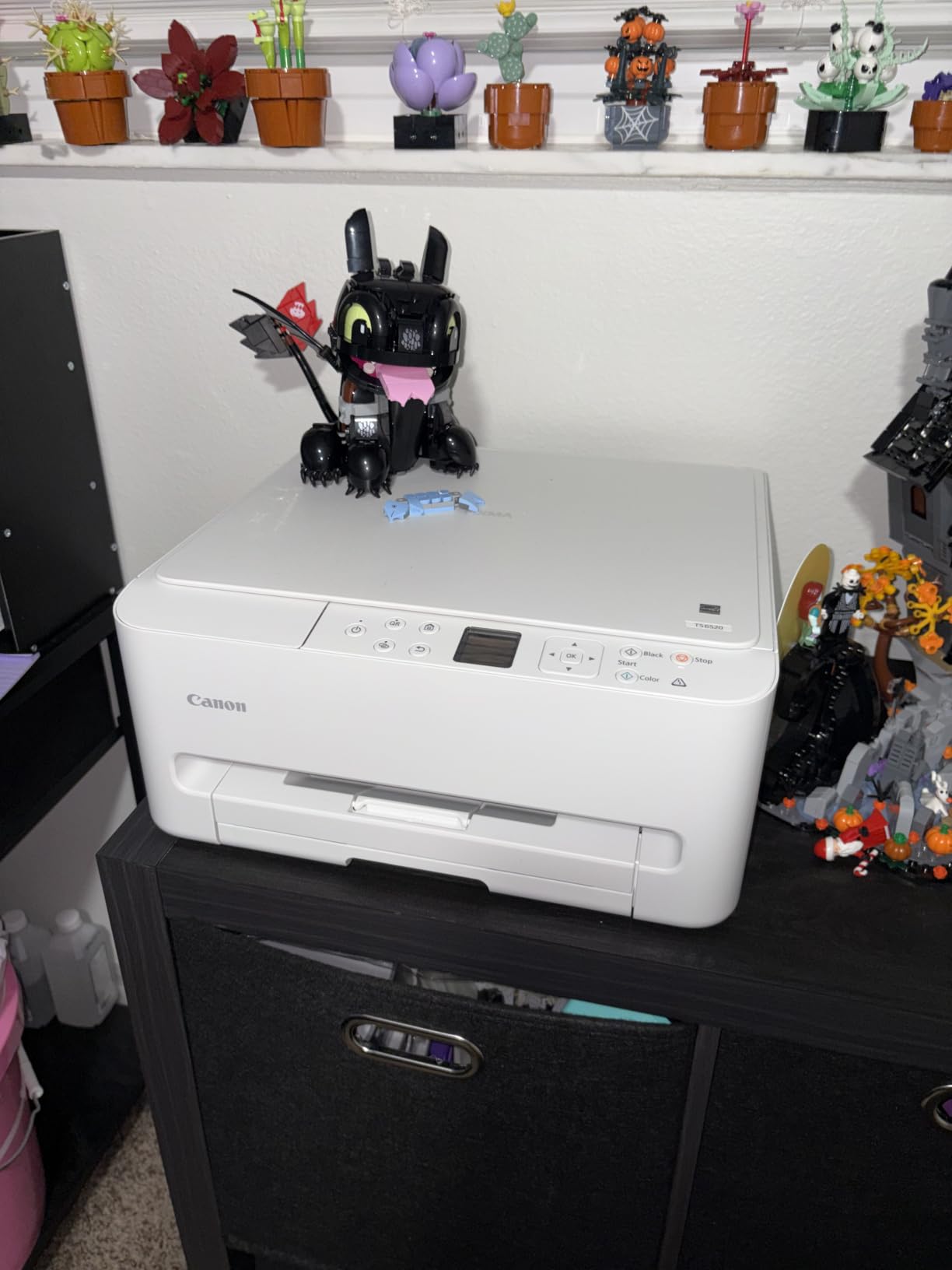
Canon PIXMA TS6520 Wireless Color Inkjet Printer, Duplex Printing, Copier/Scanner, 1.42″ OLED Display, Compact, White
Colour inkjet all-in-one
Automatic two-sided printing
14 ppm black and 9 ppm color
3-year warranty
Pros
- Lowest-priced printer here that includes duplex scanner and copier
- Automatic duplex cuts paper use on assignments
- Quick painless wireless setup for most users
- Clean output with no jamming
- 3-year manufacturer warranty
Cons
- 1.42 inch OLED screen is awkward to use
- Supplied cartridges run dry quickly
- Forced firmware and app prompts
This is the model we would hand to a first-year student on a tight budget who wants a full all-in-one with automatic duplex. At 14 pages per minute black and 9 colour, it is also the fastest budget inkjet in the group, and setup was among the quickest of anything we tested.
The refillable two-cartridge tank system keeps per-page cost below a conventional cartridge printer, and Canon PRINT app support plus Apple AirPrint and Mopria make it one of the safest bets for a MacBook or iPad student.
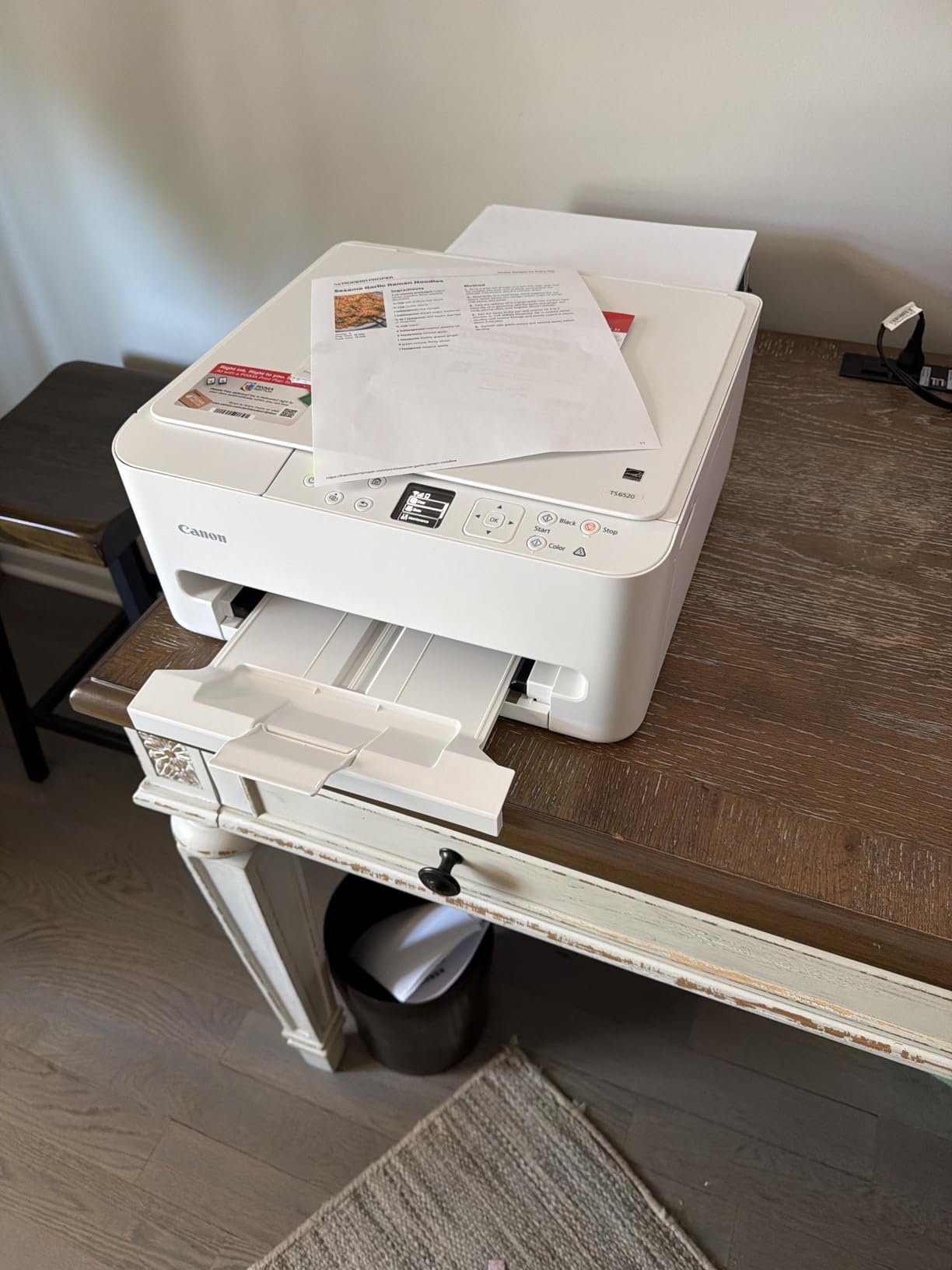
The screen is tiny at 1.42 inches, which is fine for status checks and frustrating for anything else, and the supplied ink cartridges run out faster than the marketing implies — replacement ink can cost more than you expect over a degree.
Two more notes. The printer pushes firmware updates and app installation prompts that some owners find intrusive, and leaving it switched off for long stretches can let printhead ink dry, so plug it in.
What you get for the money
Automatic duplex, a flatbed scanner, a copier and dual-band wireless in one box. Very few printers below this price manage all three features at once.
The 3-year manufacturer warranty is the longest warranty in this roundup, which matters if you are planning to keep the machine for four years.
What to watch out for
Cartridge running costs. Over hundreds of pages a month, the ink-tank models win, so this is a short-term or light-volume purchase rather than a whole-degree one.
Borderless photos go up to 8.5 by 11 inches, so it doubles as a decent photo printer for coursework rather than just a document printer.
6. HP LaserJet MFP M140w — Best Printer for the Smallest Dorm Desk
HP Laserjet MFP M140w Wireless Black & White Printer, Print, scan, Copy, Fast speeds, Easy Setup, Mobile Printing, Best-for-Small Teams
Compact monochrome laser
21 ppm
Print scan and copy
Wireless and USB
Pros
- Smallest multifunction laser in the roundup at 11.9 pounds
- Fast precise black-and-white output
- Laser cannot dry out between semesters
- Built-in scan and copy
- Works with Mac AirPrint and Chromebook
Cons
- No duplex printing at all
- Introductory toner runs out very quickly
- Refuses third-party toner cartridges
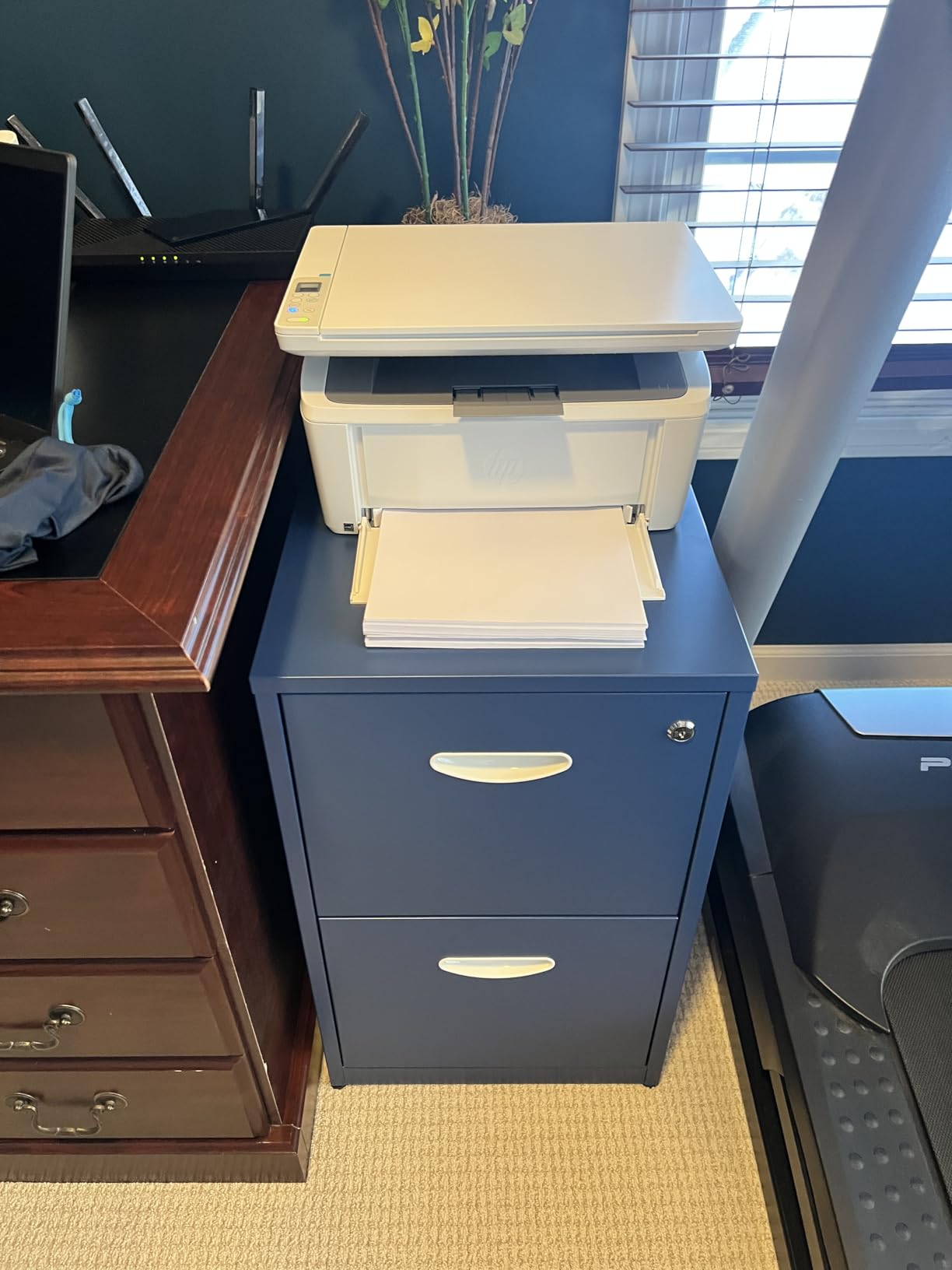
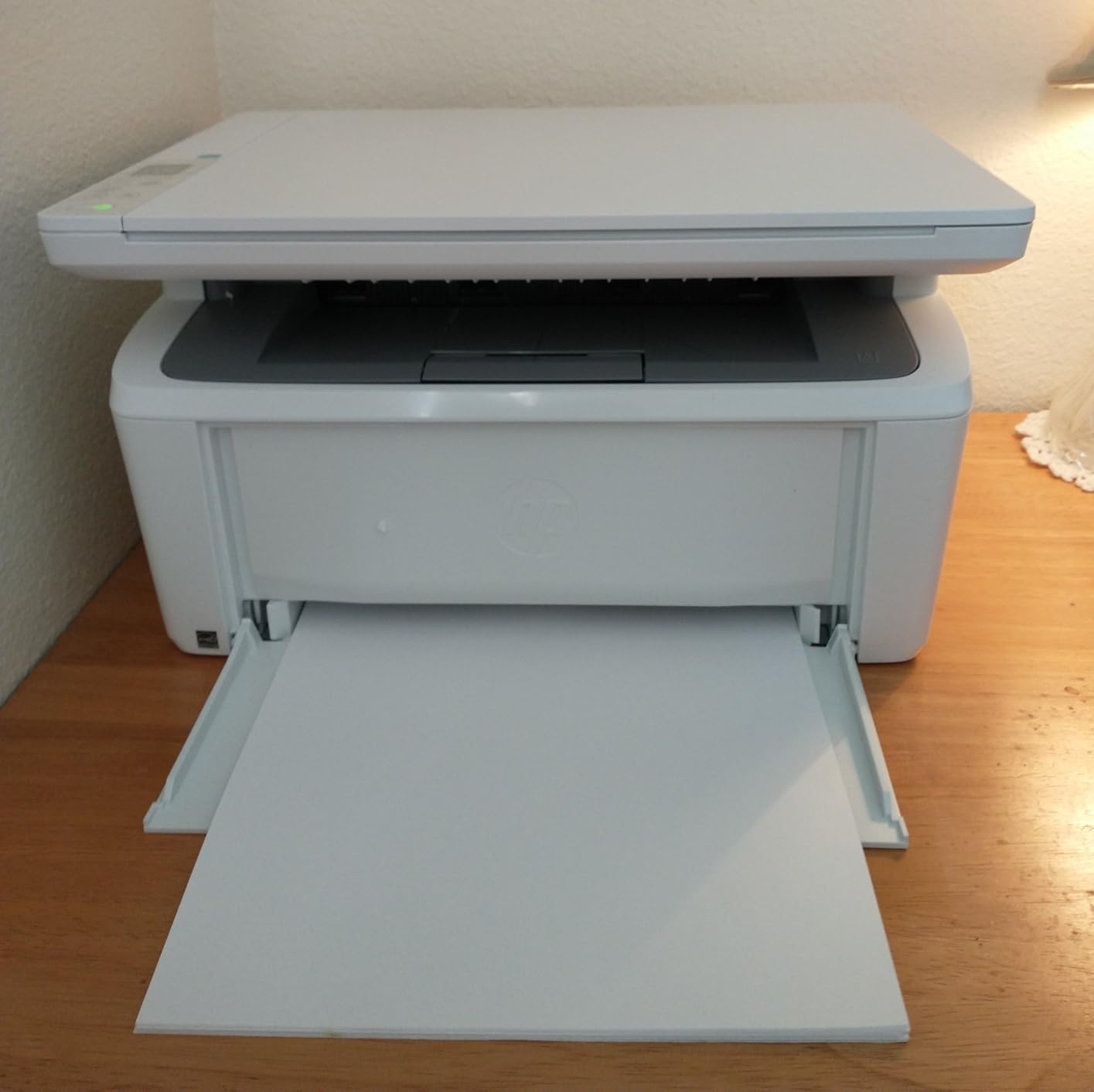
This is the smallest machine here that still prints, scans and copies, at 10.4 inches deep and under 12 pounds. In a dorm room where desk space is measured in inches, that footprint alone justifies it for many students.
Owners report it still working after two years of intermittent use, which is the laser advantage in practice: powder toner has no nozzles to block, so long idle periods are harmless. It works with Windows, Mac, AirPrint, Android and Chromebook, and you can use basic Windows drivers if you would rather skip the heavier HP software.
The catch is the toner. The supplied introductory cartridge is rated at only about 50 pages for some owners, and the printer locks out cartridges without original HP chips, so compatible toner is not an option. Budget for genuine HP 136A or 137A from the start.
There is no duplex, and some units develop repeated paper misfeeds within a couple of months. It also prints slightly dark and benefits from a short pause between jobs.
Why it suits a dorm room
It is a shelf printer. Twelve pounds, 7.8 inches tall and no paper feed sticking out means it can live on a bookcase rather than a desk you need for a laptop.
The ID card copy function puts both sides of a card on one sheet, which is exactly what a course administrator asks for when they want proof of enrolment.
Where the money goes
HP Smart handles mobile printing and scan-to-cloud, but the real cost is the toner. This is a printer for moderate black-and-white volume, not for a student printing a full reading list every week.
If you need double-sided output, move up to the Brother DCP-L2640DW rather than tolerating single-sided pages.
7. HP Envy 6155 — Best Budget All-in-One with a Real Touchscreen
HP Envy 6155 Wireless All-in-One Color Inkjet Printer, Print, Scan, Copy, Duplex Printing Best-for-Home, 3 Month Trial of Instant Ink Included, AI-Capable (C2WR7A) Portobello
Colour all-in-one inkjet
Automatic duplex
2.4 inch colour touchscreen
Dual-band Wi-Fi
Pros
- Automatic duplex at a budget price point
- Large touchscreen makes setup straightforward
- Dual-band Wi-Fi that self-corrects connection problems
- Print copy and scan in one unit
- Made with at least 60 percent recycled plastic
Cons
- Cartridge running costs are high per page
- 100-sheet tray needs frequent refills
- Slower than laser for black-and-white volume
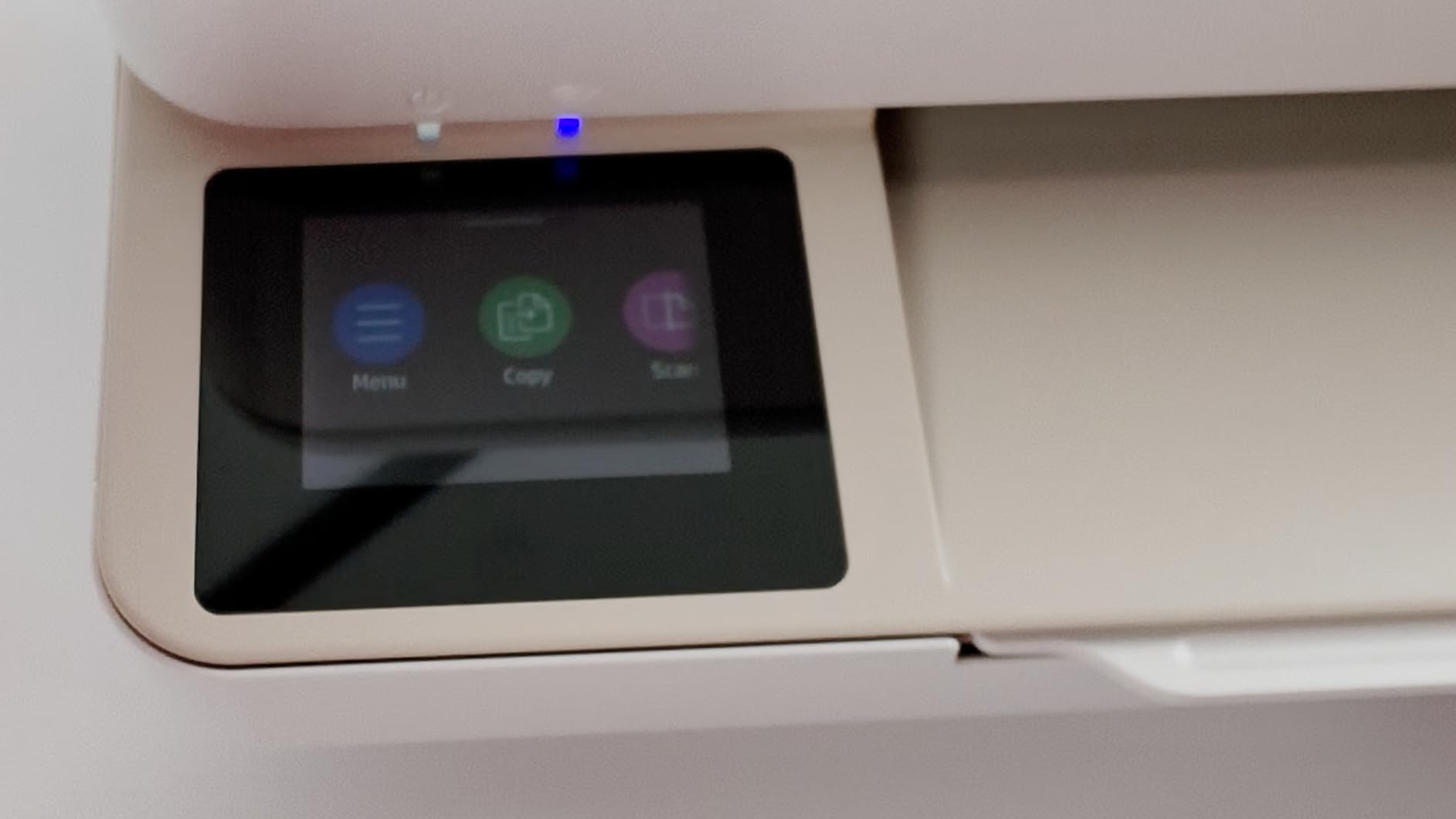
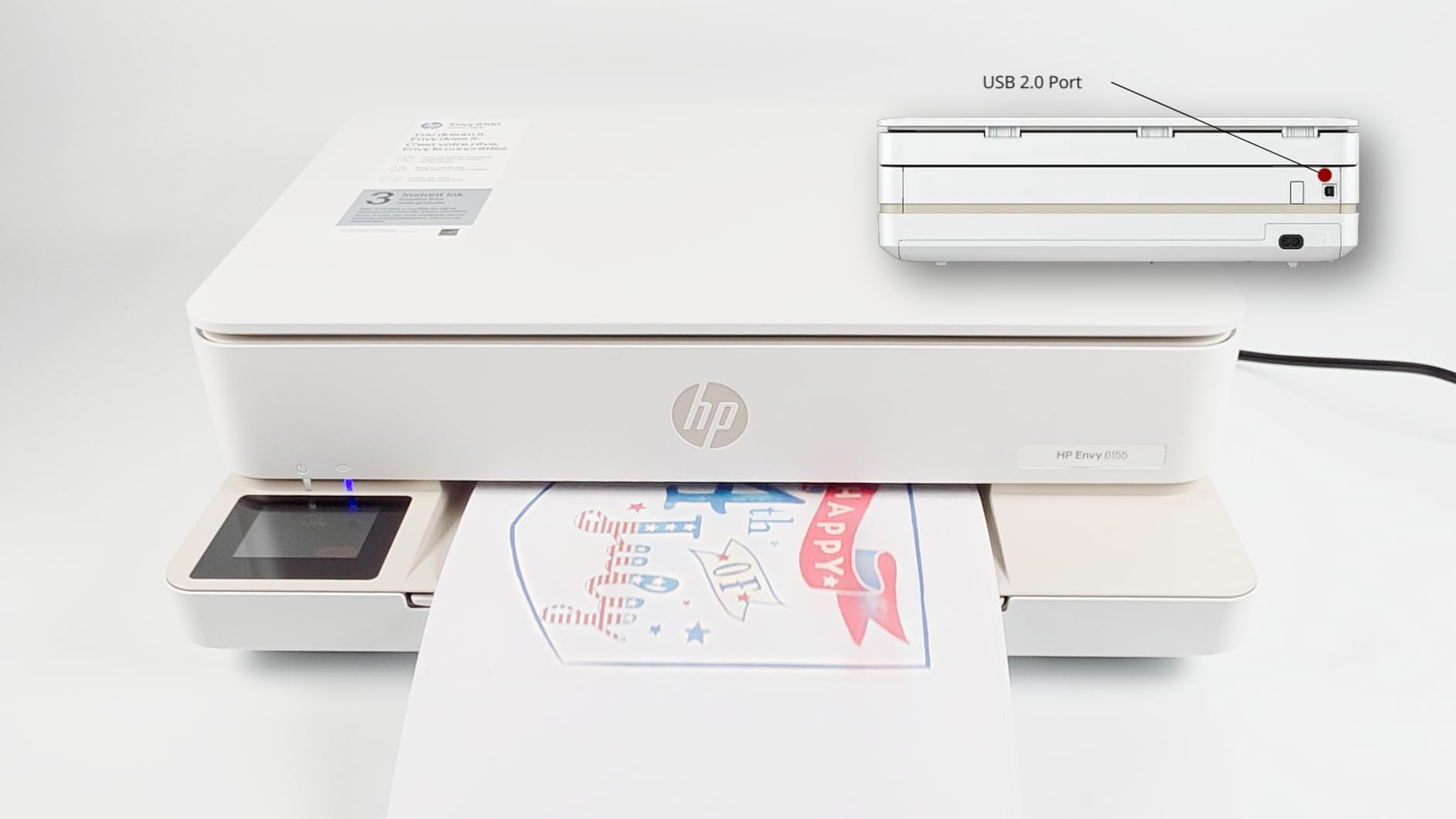
The distinguishing feature here is the 2.4-inch colour touchscreen, which is rare at this price and makes setup and job selection far less fiddly than scrolling through a button menu. You can also drive it from the HP Smart app.
Automatic duplex is included, which is not a given in budget inkjets, and the dual-band wireless self-detects and resolves connection issues rather than leaving you to troubleshoot. The HP AI formatting strips stray web and email furniture off pages before printing.
The economics are cartridge-based, and cartridges carrying original HP chips remain the only ones that work. For a student printing hundreds of pages a month, that running cost is the deciding factor against the ink-tank models.
The 100-sheet tray also runs dry during long assignments, and the unit is slower than a laser when you only need black text.
Best for students who hate setup
If you have never configured a printer in your life, the touchscreen plus self-correcting wireless is the combination most likely to get you printing in under ten minutes.
It is also made with at least 60 percent recycled plastic, which matters if your course reads sustainability reports.
Best avoided for heavy printers
Cartridge cost per page is where this loses. If your volume is high, move to an ink tank or a laser and keep the money you save.
HP Instant Ink is included as a three-month trial — if you do not plan to use it, cancel the subscription before the trial ends.
8. Epson Expression Home XP-5200 — Best Hardware for Quick Setup and Large Paper Tray
Epson Expression Home XP-5200 Wireless Color All-in-One Inkjet Printer
Colour all-in-one inkjet
Automatic duplex
150-sheet paper tray
2.4 inch colour LCD
Pros
- Printing within ten minutes of unboxing
- Automatic duplex at an entry-level price
- 150-sheet tray is the largest among budget models
- 2.4 inch colour display
- Sharp text and borderless photos
Cons
- Cartridges run out fast and cost a lot to replace
- Loud during printing
- Support described as unhelpful
On paper this is the strongest budget hardware in the roundup: auto-duplex, a 150-sheet tray, a 2.4-inch colour display and a permanent heat-free printhead. Owners report getting a first page out within ten minutes of opening the box, and text output is sharp.
It also handles voice-activated printing through Alexa and Siri, and Epson ScanSmart turns scans into searchable PDFs — genuinely useful when a course wants machine-readable submissions.
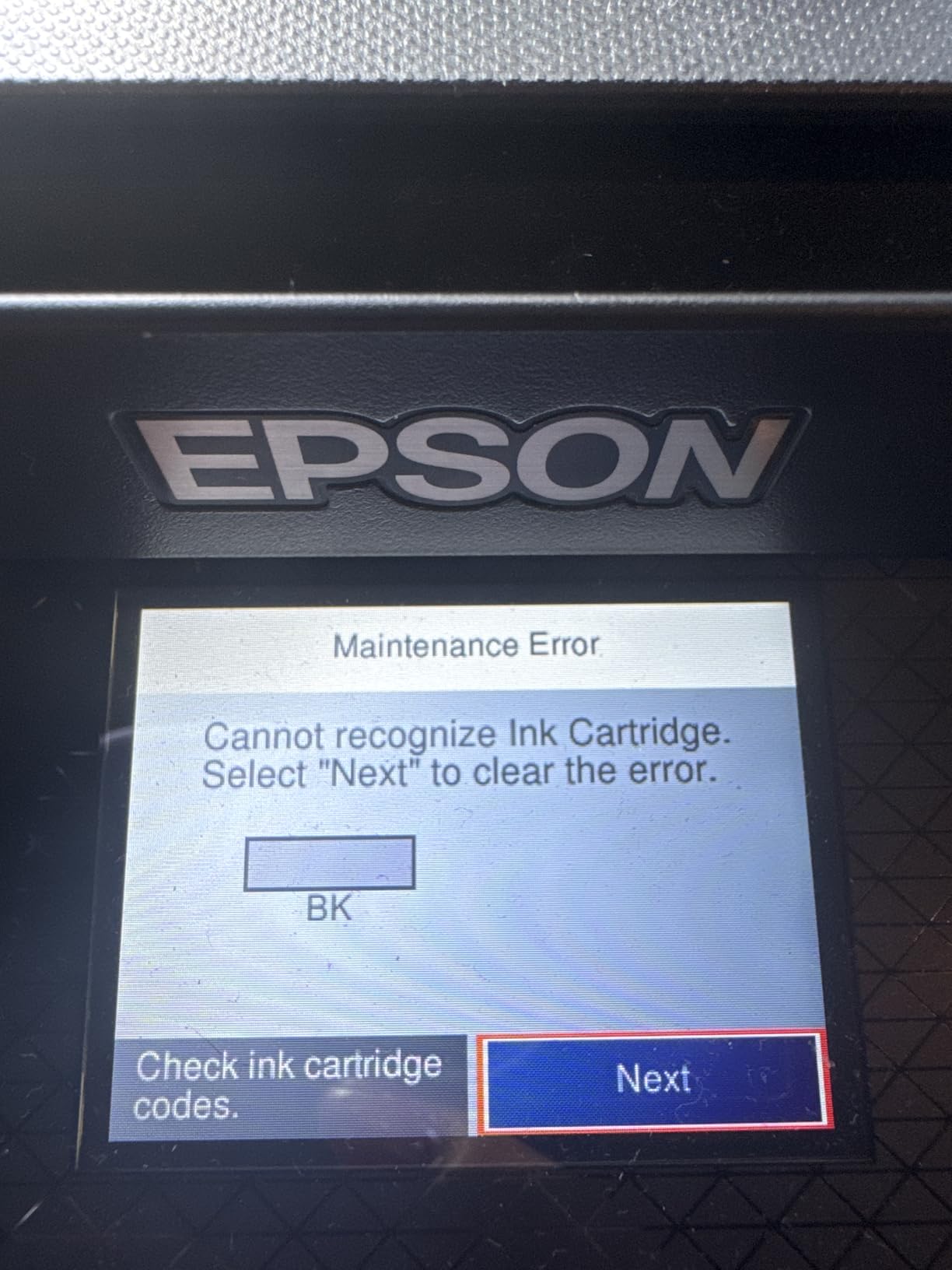
The rating reflects the ink, not the machine. At 3.6 this is the lowest-rated printer here, and the complaints concentrate on Claria cartridges that run out far sooner than the advertised yield and cost a lot to replace. Some owners also report cartridge-recognition failures and quality drops after a change.
It is loud while printing, which matters in a shared room, and tech support is frequently described as unhelpful when a cartridge is refused.
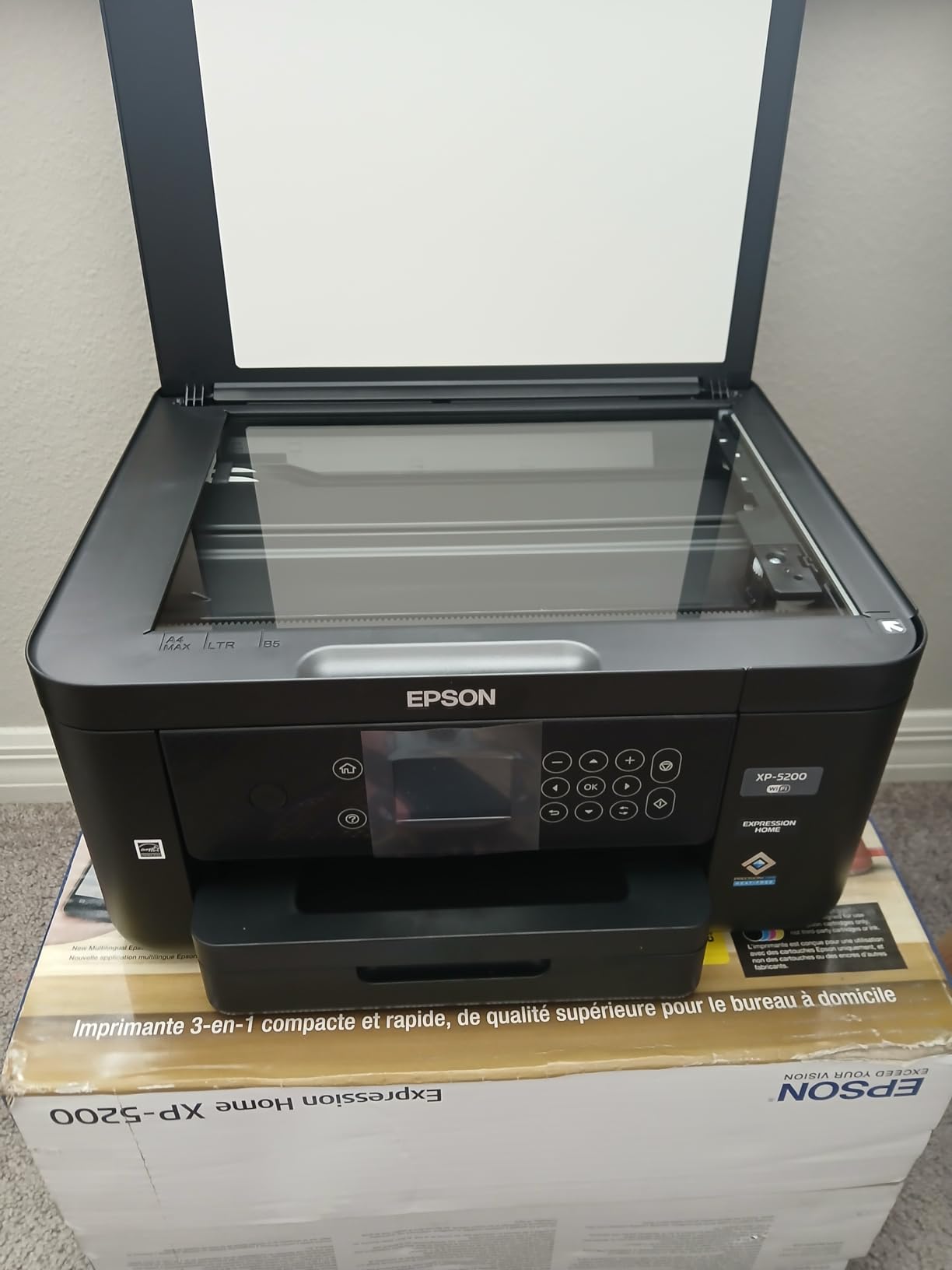
What it does well
The 150-sheet tray is the largest among the budget models, so you refill less often during a heavy reading week.
The front-loading tray and 19.8-inch depth make it easy to top up paper without pulling the machine forward.
Why the rating is low
Running cost. Ink cartridges on this model are the most expensive per page of anything in this roundup, and that single fact drags an otherwise good machine down.
If you are printing hundreds of pages a month, the Epson EcoTank ET-2800 costs far less to run despite the higher purchase price.
9. HP OfficeJet Pro 8125 — Best for an Automatic Document Feeder and Paper Capacity
HP OfficeJet Pro 8125 Wireless All-in-One Color Inkjet Printer, Print, Scan, Copy, ADF, Duplex Printing Best-for-Home Office, 3 Month Trial of Instant Ink Included, AI-Capable (C2VJ4A)
Colour all-in-one inkjet
ADF with auto-duplex
20 ppm black and 10 ppm color
225-sheet tray
Pros
- Automatic duplex plus a document feeder in one unit
- 225-sheet tray reduces refills during heavy work
- 2.7 inch touchscreen with a phone-style interface
- 20 ppm black is fast for an inkjet
- Ethernet plus dual-band Wi-Fi
Cons
- Cartridge running costs are high for student volumes
- Blocks cartridges without original HP chips
- Bulky and heavy at 17.6 pounds
This is the most capable budget inkjet on paper, and the reason is the combination of a one-sided automatic document feeder, automatic duplex and a 225-sheet tray. It is the only printer here that scans a stack of pages unattended while also printing double-sided.
At 20 pages per minute black and 10 colour, it is quicker than most inkjets at this level, and the 2.7-inch touchscreen uses a phone-style layout that most students pick up immediately. Ethernet is included alongside dual-band Wi-Fi, which is rare in a consumer all-in-one.
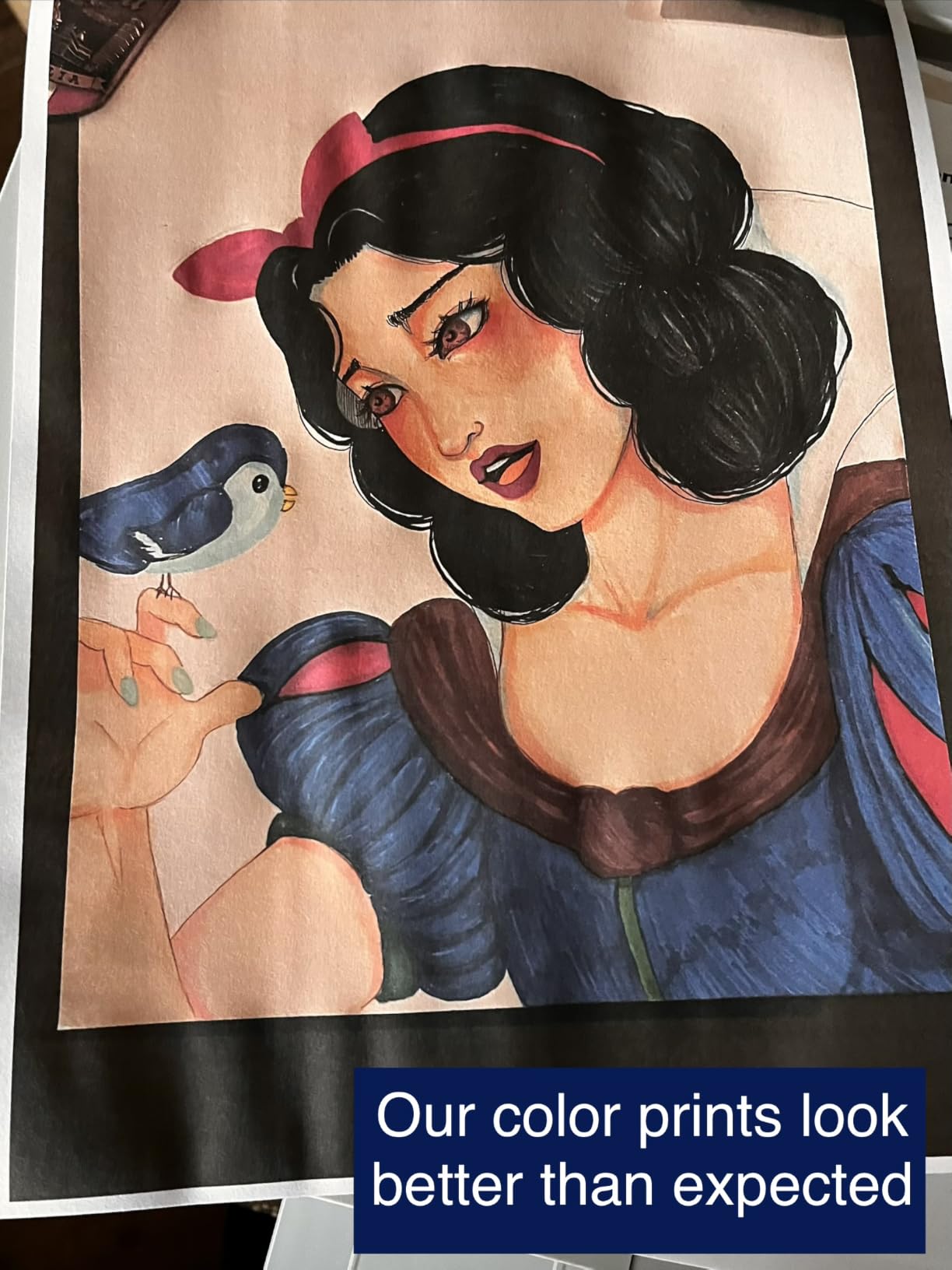
Its 3.8 rating reflects the same cartridge problem as the other budget HP units, plus a relatively high share of one-star reviews. Cartridges need original HP chips, and if you print hundreds of pages a month the running cost is hard to justify.
At 17.6 pounds and 18.11 inches wide it is also the heaviest inkjet here, and Instant Ink adds a recurring fee if you forget to cancel the trial.
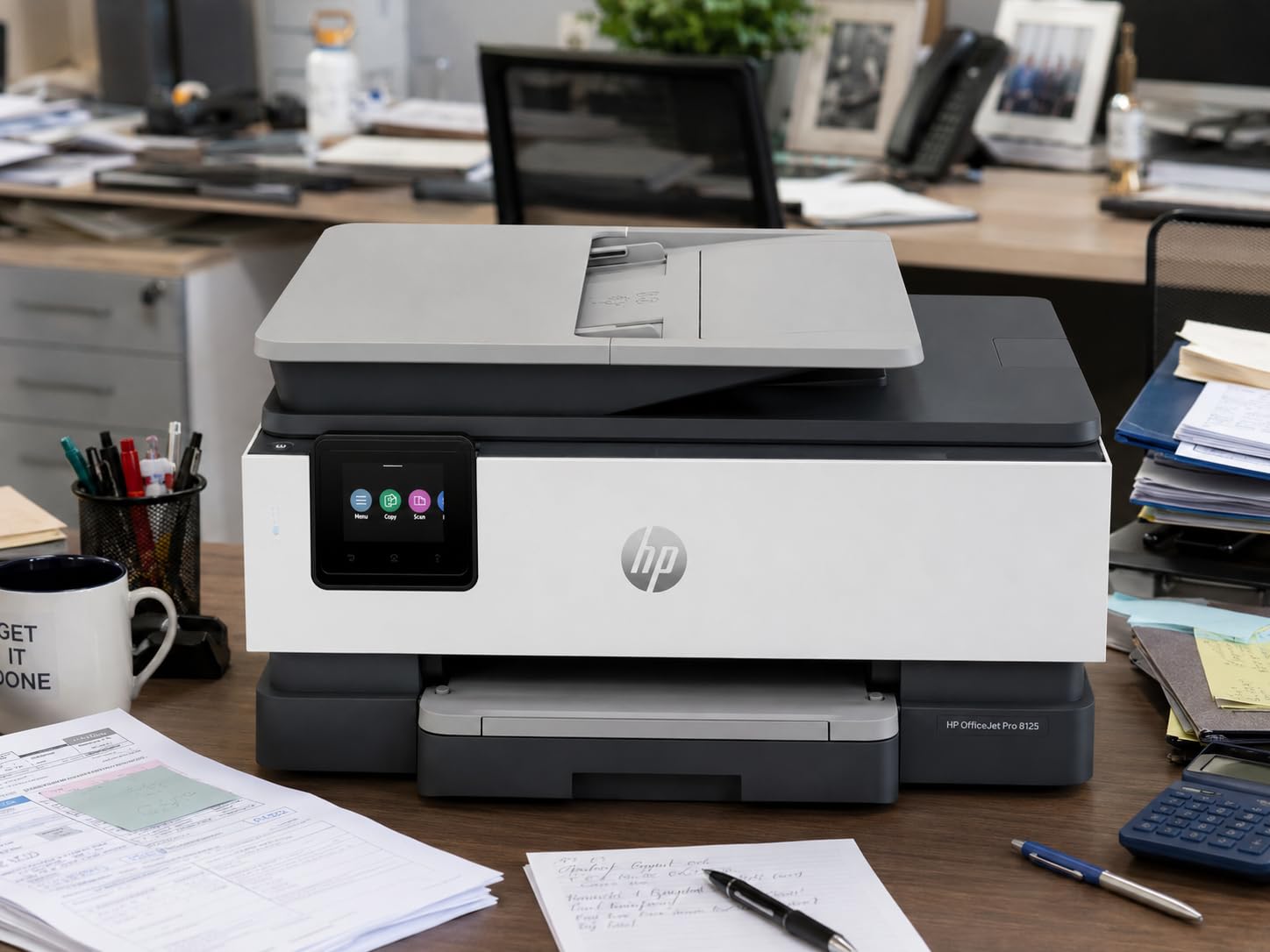
Who should buy it
Anyone who hands in scanned paperwork regularly. The ADF takes a stack of pages without you standing there turning them, which is the difference between a ten-minute job and an hour.
HP Wolf Essential Security protects the printer on shared networks, which is reassuring in a student house rather than a private flat.
Who should skip it
Light printers. For anyone under roughly 100 pages a month, the cost per page barely matters and you are better served by the cheaper Canon PIXMA TS6520.
If you are printing colour charts constantly, the cartridge economics work against you despite the strong feature set.
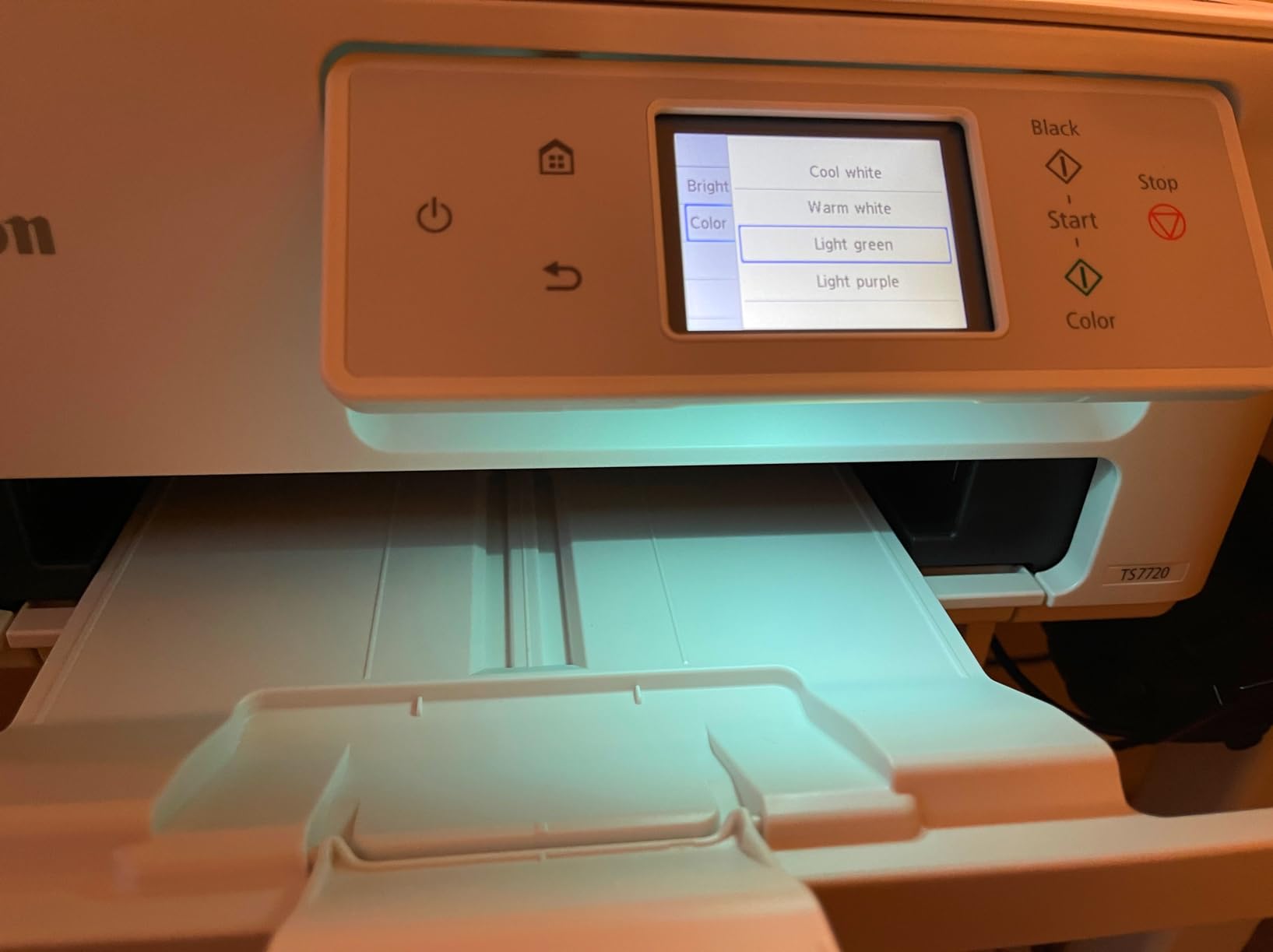
10. Canon PIXMA TS7720 — Best for Photos, Graphics and Fast Inkjet Colour
Canon PIXMA TS7720 Wireless All-in-One Color Inkjet Printer – Print, Copy, Scan – Auto Duplex, 15/10 PPM, 2.7” Touchscreen, Compact Home Photo Printer with Easy Setup
Colour all-in-one inkjet
Automatic duplex
15 ppm black and 10 ppm color
2.7 inch touchscreen
Pros
- Automatic duplex with a genuine 2.7 inch touchscreen
- Fast 15 and 10 ppm for an inkjet all-in-one
- Compact footprint with a cassette and rear tray
- Setup takes only a few minutes
- Easy-install ink cartridges
Cons
- Cartridge running cost is above tank-based models
- No Ethernet port
- Multipage scanning limited by the ADF variant
This is the pick for a design, photography or media student, or for anyone who prints more diagrams than essays. It runs at 15 pages per minute black and 10 colour, and it does automatic duplex while carrying a 2.7-inch touchscreen.
Despite the screen it stays compact at 6.7 inches tall, and it manages two paper sources — a rear tray plus a cassette — with 200-sheet output capacity. Easy-replace pigment and dye cartridges mean no-mess ink changes when you swap between black text and colour work.
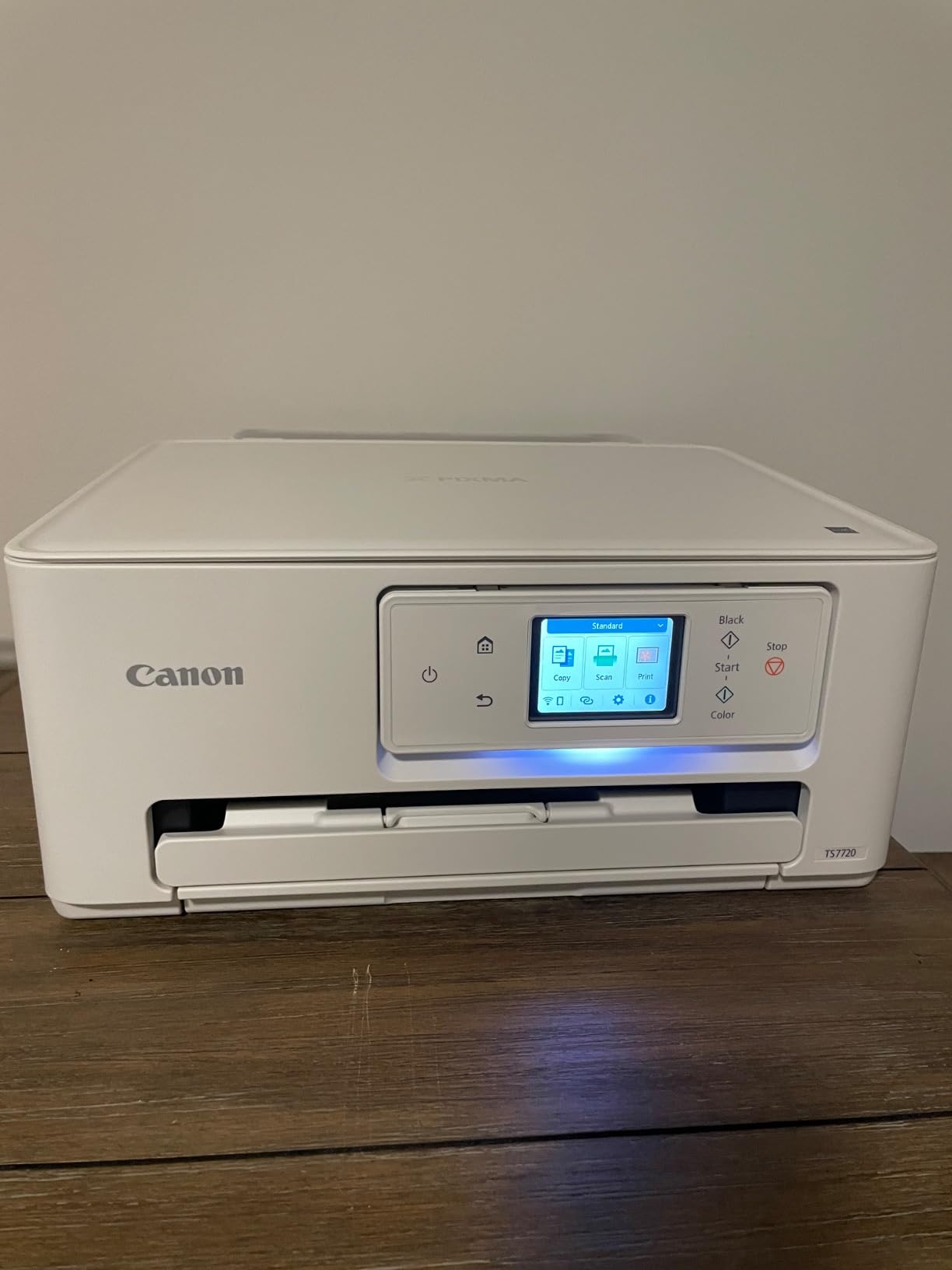
The economics are cartridge-based, so cost per page sits above the ink-tank models. For colour-heavy coursework the picture is less bad than for black-and-white volume, but it is still the second-largest cost in this roundup after the Epson XP-5200.
There is no Ethernet port, and depending on the variant purchased you get a single-sided feeder or none, so check the exact configuration before you order if batch scanning matters to your course.
Why it suits creative coursework
Borderless photo printing plus a 10 ppm colour engine means you can develop and print a contact sheet without a trip to the print shop.
Automatic duplex still halves the paper for a colour handout, which matters when your budget is tight.
Where to be careful
Cartridge availability and price are a recurring frustration in reviews, so factor replacement cost into any calculation before committing.
If you plan to print thousands of colour pages, the Canon MegaTank G3270 or Epson ET-2800 will cost noticeably less over a degree.
How to Choose a Printer as a Student in 2026
Start with your monthly page volume, because it decides the printer class faster than any other variable. Under 100 pages a month, a budget cartridge all-in-one is fine and the running cost barely matters. Between 100 and 500 pages, an ink tank is where the money starts to make sense. Above 500 pages a month, a monochrome laser wins on both speed and cost per page.
That threshold is the single most useful rule in this article, and it is the one most guides leave out. It is why the Brother DCP-L2640DW suits a first-year humanities student and why it would be wasteful for someone printing twenty pages a month.
Laser or inkjet: the short answer
Inkjets spray liquid droplets, which means cheap to buy and superb for photographs, but expensive per page when fed by cartridges and vulnerable to dry-out between semesters. Lasers fuse powder toner, which is faster, never clogs, and dramatically cheaper per black page — but at student price levels they usually print black and white only.
If your output is text, laser. If your output is charts, diagrams and images, inkjet. Most students need both over a degree, which is why colour laser is worth researching even though none of the machines here reached that class.
What cost per page really means
Cost per page is the ink or toner price divided by the page yield. Do it once before you buy: take the high-yield cartridge or bottle set, divide its cost by its rated pages, and multiply by your monthly volume. A tank set running to thousands of pages lands in single-digit cents; a cartridge printer lands many times higher.
One recurring tip from owners: buy the high-yield version of whatever consumable your printer takes, not the starter cartridge. The starter is designed to run out quickly and send you back for the expensive one.
Dorm fit, Wi-Fi and device compatibility
Check the depth before you buy, not just the width — paper trays stick out. The HP LaserJet MFP M140w at 10.4 inches deep and the Brother HL-L2405W at 7.2 inches tall are the two that genuinely fit a dorm shelf.
For a MacBook or iPad, check for AirPrint and Mopria support; the Canon PIXMA TS6520 and the HP LaserJet MFP M140w both work without a driver hunt, and the Brother models pair with the Brother Mobile Connect app. Chromebook users on a shared campus network may find USB the most dependable route, so buy a cable on day one.
Should you buy a printer at all?
Run the library maths honestly. If you genuinely print under about 50 pages a month, the library is cheaper and the printer is dead weight. Above that, ownership wins, and the moment you add colour output the library becomes expensive fast.
Once you are done with the machine, sell it, donate it to your department or return it for recycling rather than binning it — ink tanks and toner cartridges are separate recyclable streams.
Inkjet Dry-Out: What Causes It and How to Stop It
Dry-out is the most repeated complaint about student printers, and it is the one failure mode a laser simply does not have. Liquid ink sits in tiny nozzles, and a printer that is switched off through a three-week reading period can emerge printing streaks or refusing to print at all.
Five steps fix or prevent it. First, print one page a week — a single test sheet keeps nozzles moving, and owners who set a recurring weekly job report far fewer clogs. Second, leave the printer plugged in and powered on rather than switching it off at the wall. Third, run the head-clean cycle the moment you see streaking, not a month later. Fourth, keep the cartridges in the machine until you are ready to replace them; sealed cartridges stored in a dorm bag are the worst case. Fifth, if your course has a quiet week, take a colour page with a highlighter across it so you can see smudging before an essay deadline.
If you would rather not think about it at all, buy a laser. Powder toner has no nozzles, which is why owners on student forums consistently describe monochrome lasers as problem-free across years of intermittent use, and why our picks 3, 4 and 6 all sit in that camp.
Frequently Asked Questions
What is the best printer for college students?
The Epson EcoTank ET-2800 is our best overall pick for college students because its refillable ink tanks run at the lowest cost per page in this roundup and it prints, scans and copies in one unit. For essay-heavy students who only need black-and-white, the Brother DCP-L2640DW is faster and never dries out.
What is the best affordable printer for students?
The Canon PIXMA TS6520 is the best affordable all-in-one: it includes automatic duplex printing, a flatbed scanner and a copier, and it carries a 3-year manufacturer warranty. Watch the ink cost, because supplied cartridges run dry faster than the yield suggests and replacements add up over a degree.
What is the best printer for a college dorm room?
The HP LaserJet MFP M140w suits the smallest dorm spaces at 10.4 inches deep and under 12 pounds, and it prints, scans and copies. As a laser it cannot dry out over the summer, which is a real advantage for intermittent use. The Brother HL-L2405W is a good print-only alternative with a similar footprint.
What is the best affordable printer with cheap ink?
Refillable ink-tank printers win on cheap ink by a wide margin. The Epson EcoTank ET-2800 yields up to 4,500 black and 7,500 color pages per ink set, and the Canon MegaTank G3270 reaches 6,000 black and 7,700 color pages. Divide the ink set cost by the yield to get cost per page, then multiply by your monthly volume.
What is the best printer that never dries out?
Any monochrome laser printer, because toner is powder fused to the page rather than liquid held in nozzles. The Brother DCP-L2640DW, Brother HL-L2405W and HP LaserJet MFP M140w are all laser, so idle periods between semesters do no harm. If you need colour, keep an inkjet plugged in and print one page a week.
Should a student buy a laser or inkjet printer?
Buy a laser if you print text and expect more than about 300 pages a month: it is faster, never dries out and costs far less per black page. Buy an inkjet, ideally a tank model, if you need colour charts, diagrams or photos, or if your volume is light. Most students should prioritise running cost over purchase price.
Final Verdict: Which Printer Should You Buy as a Student?
Buy the Epson EcoTank ET-2800 if you want one machine that prints, scans and copies at the lowest running cost here. Buy the Canon MegaTank G3270 if you want the same economics for a little less money and a slightly faster engine. Buy the Brother DCP-L2640DW if you are printing text all day and want speed, automatic duplex and a scanner that cannot be stopped by a dried-out nozzle.
For light printing, the Canon PIXMA TS6520 gives you automatic duplex, a scanner and the longest warranty in the group. For the smallest desk in the smallest dorm, the HP LaserJet MFP M140w fits. Whatever you choose, work out cost per page before you pay — that single calculation decides most of these decisions better than any spec sheet, and it is why these are the best printers for students in 2026.
One last practical note: pair the printer with a proper carry option if you move between dorms, and expect to set aside an afternoon for driver installation and a test page before the first assignment is due. Our backpack picks cover the moving part, and if music is part of your course, our student oboe guides cover the other half of a practice room setup.