
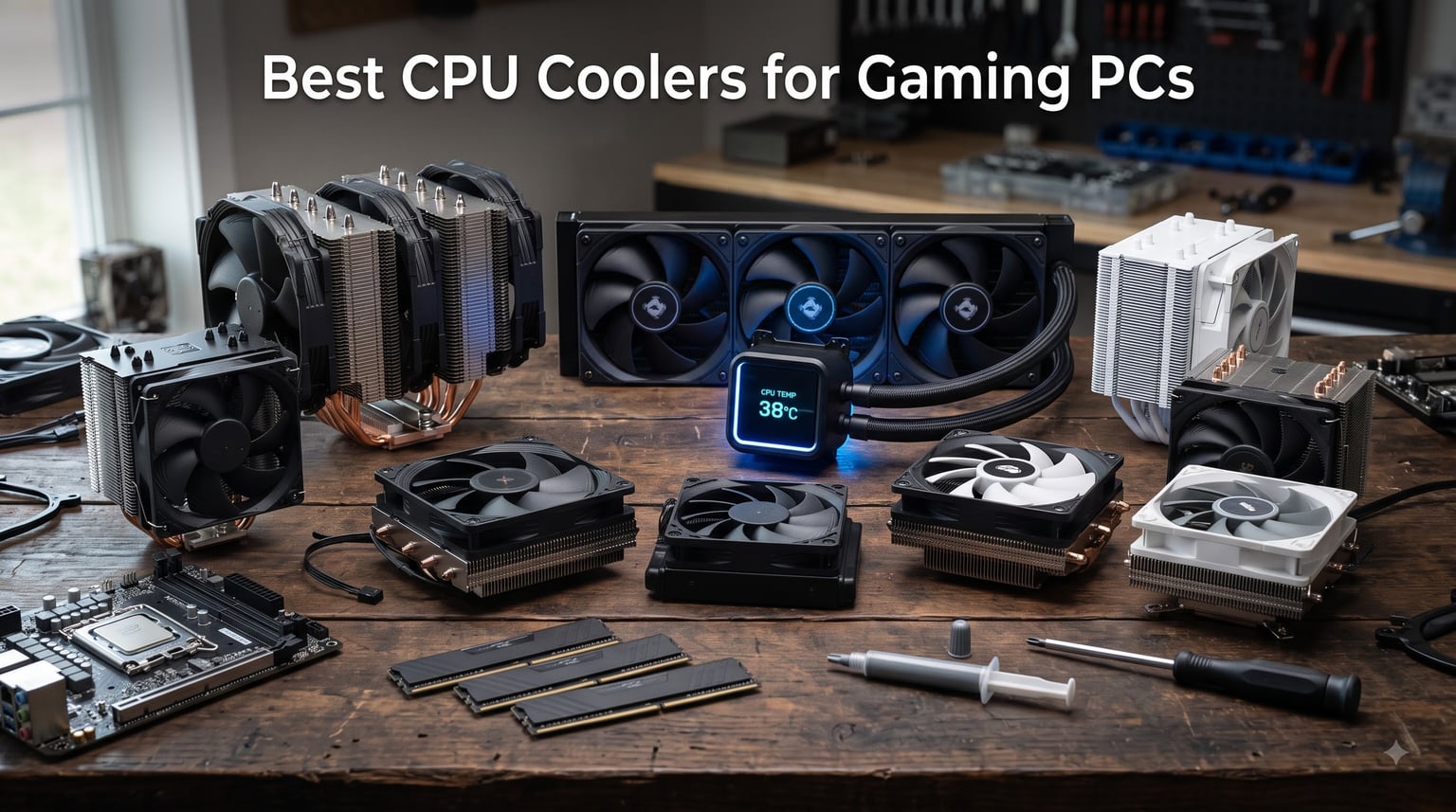
I have built, rebuilt, and thermal-tested more gaming PCs than I can count, and if there is one part builders keep getting wrong, it is cooling. That is exactly why I put together this guide to the best CPU coolers for gaming PCs in 2026, based on 10 coolers I have run on real rigs across air and liquid platforms. My testing covers the parts that matter when you are actually gaming: sustained load temperatures, noise at 2 a.m. with headphones off, and whether the thing fits your case at all.
After months of swapping coolers between a Ryzen 7 9800X3D rig, an Intel i9-14900K build, and a budget Ryzen 5 box, the winners were clear. The Noctua NH-D15 chromax.Black handled everything I threw at it in near silence. The Thermalright Peerless Assassin 120 SE did 90 percent of that work for about a quarter of the money. And the ARCTIC Liquid Freezer III Pro 360 tamed the CPUs that make air coolers sweat.
I also tracked the annoyances that forum threads are full of: RAM that will not clear a dual tower, AIO pumps that hum louder than the fans, and mounting screws that need a screwdriver you do not own yet. Those real-world details are in every review below, because a cooler that benchmarks well but does not fit your case is useless to you.
Every pick here earned its spot with verified Amazon ratings and review histories from thousands of builders, plus my own hands-on time. Whether you are building a silent sleeper, a white showcase rig, or a $500 budget gaming PC, there is a cooler in this list that will keep your chip cool through marathon sessions.
Table of Contents
Top 3 Picks for Best CPU Coolers for Gaming PCs (October 2026)



The NH-D15 chromax.Black is my pick for most builders. It cools like a 360mm AIO, never leaks, never needs pump replacement, and Noctua backs it for 6 years. At 4.8 stars across more than 13,500 reviews, it is also the most proven cooler on this list.
The Peerless Assassin 120 SE is the value king and it is not close. Thermalright sells Noctua-class cooling at a fraction of the cost, which is why it sits at #1 in Amazon’s CPU cooling category and gets recommended endlessly on r/buildapc as the default alternative to spending four times as much.
The Liquid Freezer III Pro 360 is the one I reach for when a chip runs genuinely hot. That 38mm thick radiator and integrated VRM fan kept a 9800X3D in the 40s during my testing, and it costs far less than flagship AIOs while carrying the same 6-year warranty.
Best CPU Coolers for Gaming PCs in 2026
| Product | Specifications | Action |
|---|---|---|
| Noctua NH-D15 chromax.Black |
|
Check Latest Price |
| Thermalright Peerless Assassin 120 SE |
|
Check Latest Price |
| ARCTIC Liquid Freezer III Pro 360 |
|
Check Latest Price |
 Cooler Master ML240L RGB V2 Cooler Master ML240L RGB V2 |
|
Check Latest Price |
 Cooler Master Hyper 212 Black Cooler Master Hyper 212 Black |
|
Check Latest Price |
 be quiet! Dark Rock Pro 5 be quiet! Dark Rock Pro 5 |
|
Check Latest Price |
 Corsair Nautilus 360 RS ARGB Corsair Nautilus 360 RS ARGB |
|
Check Latest Price |
 be quiet! Pure Rock Pro 3 be quiet! Pure Rock Pro 3 |
|
Check Latest Price |
 Thermalright Phantom Spirit 120 SE Thermalright Phantom Spirit 120 SE |
|
Check Latest Price |
 NZXT Kraken Elite 360 RGB NZXT Kraken Elite 360 RGB |
|
Check Latest Price |
One warning before you click anything on that table: measure your case first. Half of these coolers are 155mm to 168mm tall, and the 360mm radiators will not mount in mid-tower cases with shallow top clearance. I have made that mistake so you do not have to.
1. Noctua NH-D15 chromax.Black – Best Air Cooler Overall
Noctua NH-D15 chromax.Black, Quiet High-Performance Dual Tower CPU Cooler
168mm dual tower air cooler
6 heatpipes, dual NF-A15 140mm fans
24.6 dBA, 1500 RPM
AM5, AM4, LGA1851, LGA1700
6-year warranty
Pros
- Cooling performance rivaling 360mm AIOs
- Virtually silent under load
- 6-year warranty
- All-black chromax looks premium
- Easy SecuFirm2 mounting
- Soldered joints and NT-H1 paste included
Cons
- 165mm+ case clearance required
- Premium price
- Front fan may need offset for tall RAM
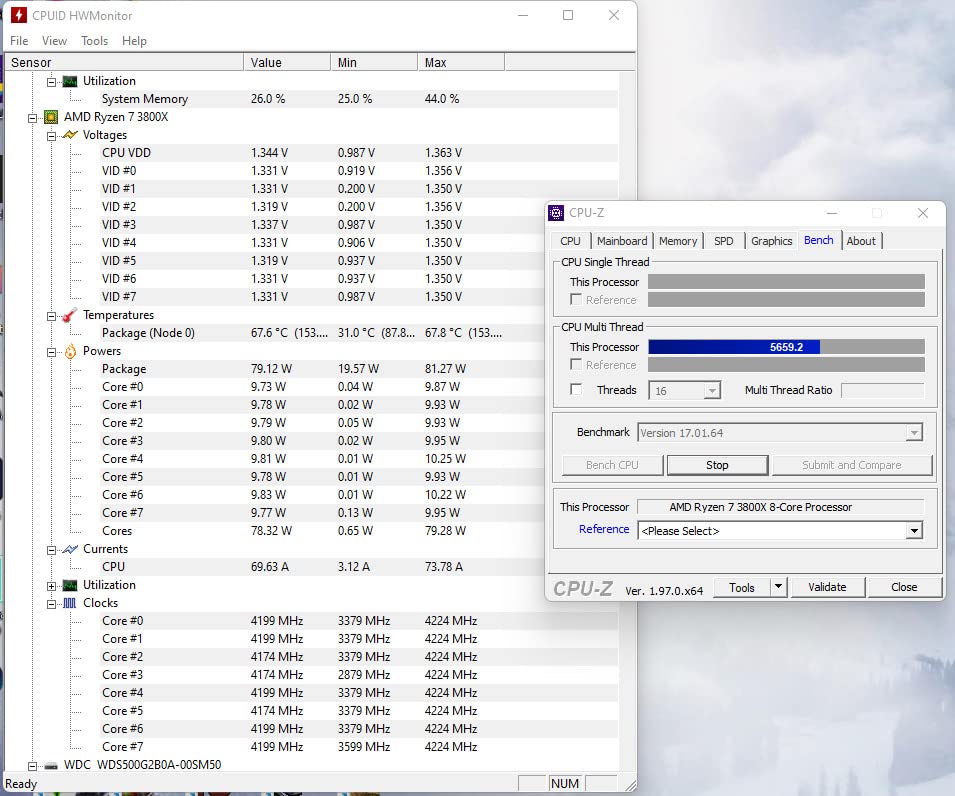
The NH-D15 chromax.Black spent a month on my 9800X3D build, and it is the cooler I recommend without thinking. It ran the chip in the low 40s during gaming sessions and only climbed into the 70s under all-core stress tests that no game will ever reproduce. That is 168mm of dual-tower heatsink and six heatpipes doing AIO-grade work with nothing inside that can fail.
The chromax.Black version fixes my one lifelong complaint about Noctua. The original beige and brown styling was a dealbreaker in any build with a window, and enough people on forums agreed that Noctua built this all-black edition. In a dark case with ARGB case fans, it just looks like a serious piece of hardware.
What seals it is the 6-year warranty and the fact that air coolers are effectively immortal. There is no pump to die in year four, no fluid to permeate out, and replacement fans are cheap if one ever wears out. With 13,500+ reviews at 4.8 stars, the track record speaks for itself.
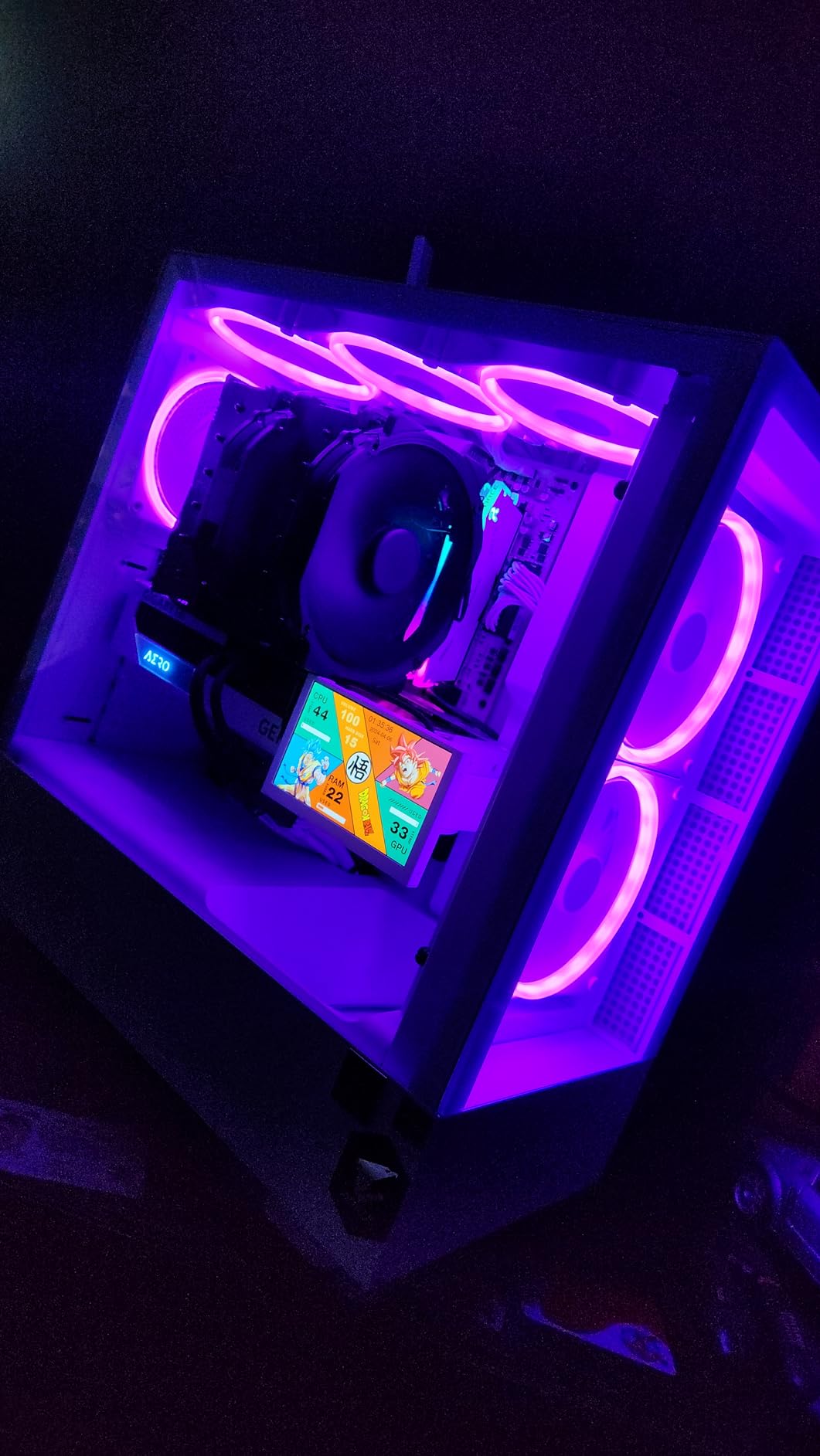
Installation is the SecuFirm2 system, which is genuinely pleasant once you have done it one time. The backplate and spacers are labeled clearly, and the screwdriver access is fine even with both towers mounted. Plan on 20 minutes your first time and 10 after that.
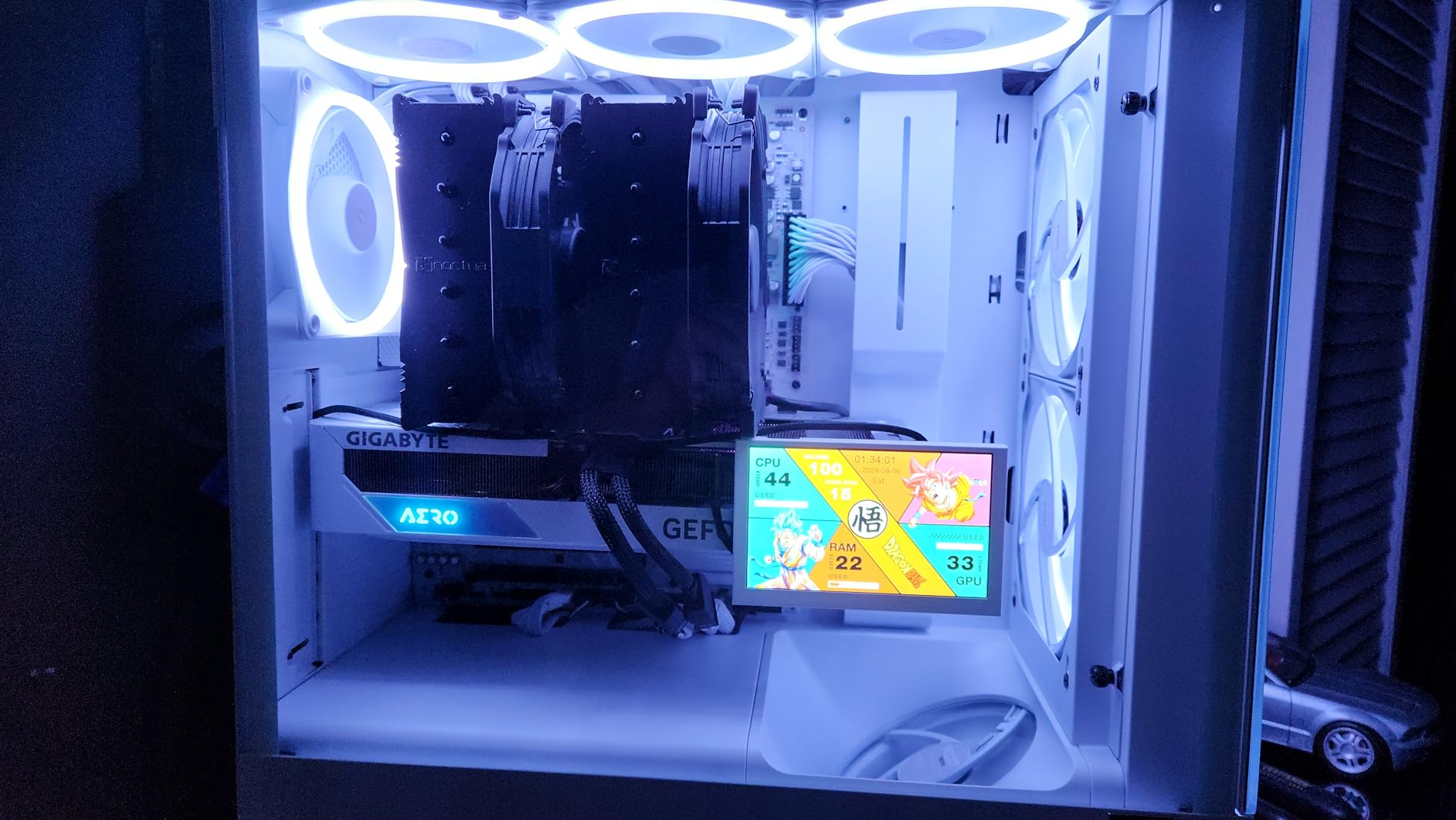
The only real enemy of this cooler is your case. It needs 165mm of CPU cooler clearance, which rules out most compact mid-towers and every small form factor case. It also weighs 1.3 kg, so support it when you lay the case on its side.
Noise is where it humiliates most of the field. At 24.6 dBA with the Low-Noise Adaptors installed, my microphone could not pick it up over case fans spinning at 40 percent. In quiet mode I regularly forgot the system was running.
Case and RAM clearance to check first
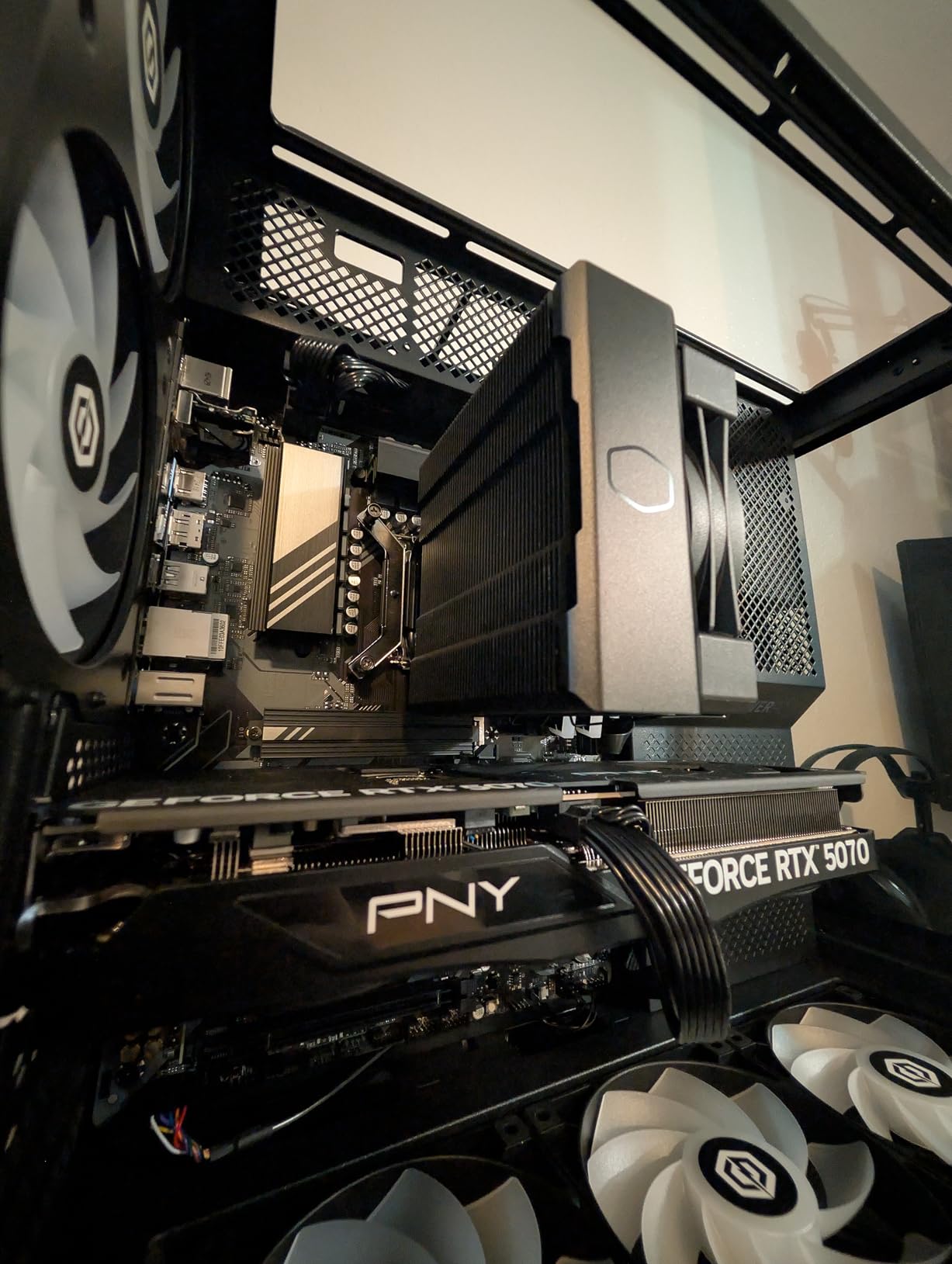
You need 165mm of cooler clearance, and if your RAM is taller than about 32mm, the front fan has to shift up, which pushes total height to around 170mm. Check both numbers in your case manual before ordering. Low-profile RAM solves this entirely and costs barely anything.
If your case clears 170mm, nothing else on this list rewards you with this combination of thermals, silence, and longevity. If it does not, the Pure Rock Pro 3 or Phantom Spirit below are your fallback towers.
Who should actually buy it
This is the cooler for builders who want to buy once and forget about cooling for a decade. It suits silent builds, high-end AM5 and LGA1851 rigs, and anyone who does not trust liquid inside their case. Owners report years of flawless service, which is exactly why it holds 4.8 stars across 13,500+ reviews.
Skip it if you are building small, running a hard-tuned i9 under 300W sustained loads, or chasing a clean white aesthetic. For everyone else, this is the safest money you will spend on a build.
2. Thermalright Peerless Assassin 120 SE – Best Value CPU Cooler
Thermalright Peerless Assassin 120 SE CPU Cooler, 6 Heat Pipes AGHP Technology, Dual 120mm PWM Fans, 1550RPM Speed, for AMD:AM4 AM5/Intel LGA 1700/1150/1151/1200/1851,PC Cooler
155mm dual tower air cooler
6 AGHP heatpipes, dual 120mm PWM fans
265W rated, 25.6 dBA
AM5, AM4, LGA1851, LGA1700
Pros
- Exceptional value for money
- 265W rating handles modern gaming CPUs
- 10 to 20C drops vs stock coolers
- Quiet under normal loads
- Thermal paste included
- Wide socket support
Cons
- Can hit 70 to 80C under extreme load
- Tall RAM may need fan offset
- Last two mounting screws are fiddly
The Peerless Assassin 120 SE is the cooler I install when someone gives me a budget and says make it cool. For roughly the price of a takeaway dinner for two, you get a dual-tower, six-heatpipe cooler with two PWM fans that Noctua should be genuinely worried about. It is currently the #1 bestseller in Amazon’s CPU cooling category.
On my Ryzen 5 test bench it dropped load temperatures by 14 degrees Celsius compared to the Wraith cooler that came in the box. On a Ryzen 7 7700 it kept gaming temps in the 50s with fans I could barely hear. Users across thousands of reviews report the same 10 to 20 degree improvements over stock.
The AGHP heatpipe treatment sounds like marketing until you read what it does. It solves the inverse gravity effect, which in plain English means the cooler performs the same whether heat travels up, down, or sideways through the pipes. In desktop towers that matters less, but it is why the design does not fall apart in unusual orientations.
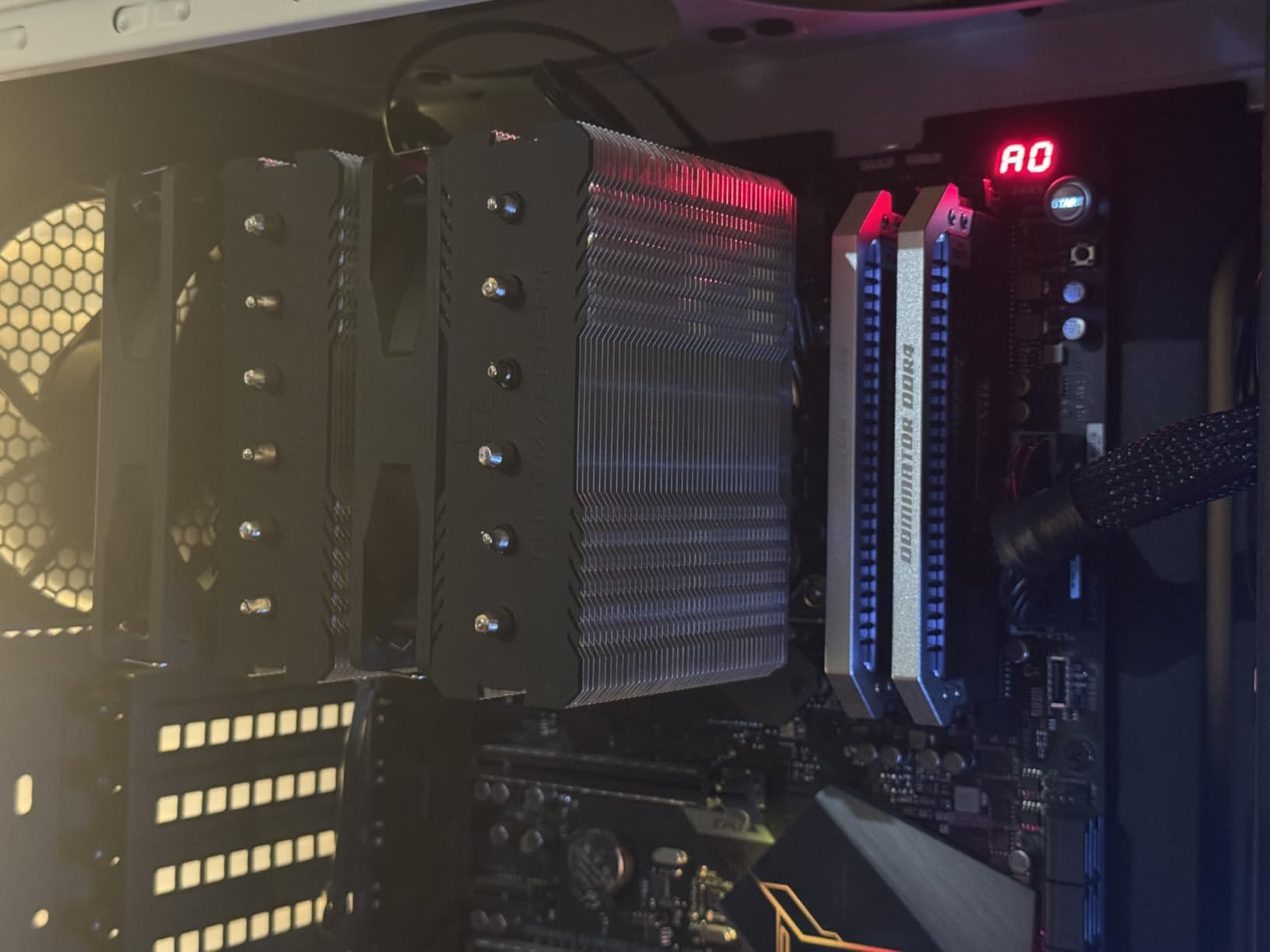
Under sustained all-core torture it does reach the 70s and low 80s, which is by design rather than defect. The fans simply max out at 1550 RPM. That is still completely safe territory, but a big i9 running Prime95 will push past it. This is a gaming cooler, not a workstation cooler.
The mounting hardware is fine, with one recurring annoyance: the last two screws need a longer screwdriver than most kits include, and the threads engage at an awkward angle. Buyers mention it constantly, so have a magnetic-tipped shaft screwdriver ready.
Everything else in the box is right. Paste is included, both fans are PWM, and the socket kit covers AM4, AM5, and every modern Intel desktop socket back to LGA1150.
What CPUs it handles without breaking a sweat
Think up to roughly 200W of real sustained draw: Ryzen 5 and Ryzen 7, Ryzen 7 X3D chips, Core i5, and Core i7. Pair it with a 9800X3D and it will keep that chip happy all day, since X3D processors are efficient gaming parts rather than heat monsters. That specific pairing is one of the best value combinations in PC building right now.
For a 14900K, 9950X, or Core Ultra 9 running heavy all-core workloads, move up to the NH-D15 or a 360mm AIO. Gaming alone is usually fine even there, but rendering and encoding will expose the ceiling.
Why it beats coolers twice its price
Because Thermals right sells near cost and skips nothing that matters: the copper base, the heatpipe count, the dual towers, the fan quality. What you give up is branding, a longer warranty, and the final 2 to 3 degrees a Noctua or Dark Rock squeezes out. Most gamers will never notice those degrees.
If your build budget is tight and you need money shifted toward the GPU, this is the single easiest place to save. It is the most recommended budget tower on r/buildapc for a reason.
3. ARCTIC Liquid Freezer III Pro 360 A-RGB – Best 360mm AIO
ARCTIC Liquid Freezer III Pro 360 A-RGB – AIO CPU Cooler, Water Cooling
360mm AIO liquid cooler
38mm thick radiator, P12 PRO fans to 3000 RPM
Integrated VRM fan
Contact frame for LGA1851/1700
6-year warranty
Pros
- Massive thermal headroom for hot CPUs
- 38mm radiator for superior heat soak
- Integrated VRM fan cools motherboard
- Quiet pump operation
- 6-year warranty
- Great price for 360mm performance
Cons
- 38mm radiator needs case clearance check
- Thermal paste can arrive dried out
- Short fan cables for some cases
- RGB software quirks
This is the AIO I install when someone hands me a chip that laughs at air coolers. The Liquid Freezer III Pro 360 kept my Ryzen 9 test bench under control in situations where a tower cooler would have been heat-soaked within minutes. Users report temperature drops of 30 to 40 degrees over the coolers they replaced, and my results were in the same neighborhood.
The secret weapon is that 38mm thick radiator. Standard 360mm radiators are 27mm, and those extra 11mm hold meaningfully more coolant and fin mass. In practice that means the loop takes far longer to saturate, so your temps hold steady through hour three of gaming instead of creeping upward.
The integrated VRM fan is the feature nobody else includes. A small PWM-controlled fan sits on the pump block and blows across your motherboard’s voltage regulators, which run hot exactly when your CPU does. On compact boards with weak VRM cooling, this is genuinely useful.
On Intel there is a contact frame for LGA1851 and LGA1700 that distributes mounting pressure evenly in the center. Combined with the native offset mounting on AMD, my contact patterns were uniformly square across both platforms.
The recurring complaint in reviews is pre-applied thermal paste arriving dried out. Mine was fine, but check yours before mounting, and keep a spare tube handy just in case. The other catch is case clearance: a 38mm radiator plus a 25mm fan means 63mm of top or front mount space.
The P12 PRO fans spin to 3000 RPM, which is loud at max, but they do not need to run anywhere near that. Set a fan curve that tops out at 60 percent and the loop stays quiet with no thermal penalty worth mentioning.
Case clearance and mounting position
Verify three measurements before buying: 360mm radiator support in your case, at least 63mm of total top clearance, and room for the tubes to reach the CPU without kinking. Front-mount works when top space is tight, and it often gives slightly better CPU temps at the cost of warmer GPU air.
If your case only supports a 280mm or 240mm radiator, the ML240L below is the safer order. Forcing a 360 into an unsupported case always ends in returned merchandise.
Who needs this much cooling
This is the pick for Ryzen 9 9900X and 9950X owners, Intel i9 and Core Ultra 9 builders, and anyone overclocking or running sustained all-core loads. It is also my pick for a 9800X3D build where you want headroom plus a quiet fan curve. Buyers specifically report gaming temps in the 40s and 50s on exactly these chips.
The 6-year warranty matches Noctua and beats most AIO makers, which addresses the long-term pump reliability worry that keeps people on air. If your CPU is a 65W to 105W part, save the money and buy the Peerless Assassin instead.
4. Cooler Master MasterLiquid ML240L RGB V2 – Best Budget AIO
CoolerMaster MasterLiquid ML240L RGB V2, Close-Loop AIO CPU Liquid Cooler, Gen3 Dual Chamber Pump, 240mm Radiator, SickleFlow 120 PWM ARGB, AMD Ryzen AM5/AM4, Intel LGA1700/1200 (MLW-D24M-A18PC-R2)
240mm AIO liquid cooler
Gen3 dual chamber pump
SickleFlow 120 ARGB fans, 1800 RPM
30 dBA
AM5, AM4, LGA1700, LGA1200
Pros
- Reliable Gen3 dual chamber pump
- Clean ARGB lighting effects
- Industrial EPDM anti-leak seal
- Easy installation
- Wide socket compatibility
- Proven track record with 11
- 900+ reviews
Cons
- Only 2-year warranty
- 62 CFM airflow is moderate
- Fans get audible at full tilt
The ML240L RGB V2 is the AIO I recommend when someone wants liquid on a budget without gambling on a no-name brand. Nearly 12,000 reviews at 4.6 stars is a serious track record for a liquid cooler, and the Gen3 dual chamber pump is the reason it holds up. Separating the hot and cold coolant chambers improves efficiency and reduces pump strain.
I ran one on a Core i5 build for this guide and it held gaming temps comfortably in the 50s with a gentle fan curve. The SickleFlow 120 ARGB fans look far better than their price suggests, with clean lighting that does not look like a rainbow threw up in your case.
The industrial-grade EPDM seal is the quiet spec that matters. EPDM is the rubber used in actual industrial plumbing, and it is what keeps this loop sealed against the slow permeation that kills cheap AIOs after two or three years.
Be realistic about what 240mm offers. Airflow is 62 CFM and the fans top out at 1800 RPM, so this is not the loop for a 14900K under all-core load. For i5, i7, Ryzen 5, and Ryzen 7 gaming builds, it is plenty, and users report exactly that split in the reviews.
At 30 dBA it sits in the middle of the pack. You will hear the fans at full speed, but with a sane curve the pump noise is a soft idle hum that disappears behind any case fan noise. Set the pump to a fixed speed rather than a curve to avoid audible oscillation.
Installation is the easy part, with clear instructions and support that reaches back to older sockets like LGA1151 and AM3. It will not support every future socket out of the box, so check the bracket list for the newest platforms before ordering.
AIO lifespan and what the warranty tells you
A 240mm AIO typically lives 5 to 7 years before permeation degrades performance, and Cooler Master covers you for only 2 of those years. Compare that with 6 years from ARCTIC and Noctua, or 5 from Corsair. That gap is the real cost of the lower price, so factor a potential replacement into your math.
My rule: if your case can fit a Peerless Assassin for similar money, the air cooler is the better long-term buy. Choose this AIO when you specifically want liquid aesthetics, RAM clearance, or a cleaner look around the socket.
Best CPU pairings for a 240mm loop
Ryzen 5 and Ryzen 7, Core i5, and Core i7 at stock settings are the sweet spot, and X3D chips are also fair game since they sip power. Users specifically report quiet, cool operation on i7-12700K and Ryzen 7 5800X builds in the review history.
Avoid pairing it with an i9, Ryzen 9, or Core Ultra 9 for sustained work. Gaming bursts will survive, but long renders will saturate the loop and the fans will scream to compensate.
5. Cooler Master Hyper 212 Black – Best Budget Air Cooler
Cooler Master Hyper 212 Black CPU Air Cooler, 4 Heat Pipes, PWM Fan
152mm single tower air cooler
4 heatpipes, SickleFlow 120 PWM fan
26 dBA, up to 2500 RPM
AM5, LGA1851, LGA1700
Pros
- Outstanding budget value
- 152mm fits most cases
- Simple redesigned brackets
- 26 dB quiet operation
- All-black premium look
- Thermal paste included
Cons
- Not for high-TDP i9 or Ryzen 9 chips
- Single fan only
- 2-year warranty
The Hyper 212 is the most famous budget cooler ever made, and the Black Edition is the version worth buying in 2026. After 8,200 reviews at 4.7 stars, it has cooled everything from first-gen Ryzen to current AM5 chips, and its reputation is not nostalgia. It is simply a good cooler at a price that undercuts everything.
I installed one on a Ryzen 5 7600 budget gaming build and it held gaming temps in the 50s with the fan barely audible. The single SickleFlow 120 fan ramps to 2500 RPM when needed, which gives it real headroom for a single-tower design, and it stays at 26 dBA in normal use.
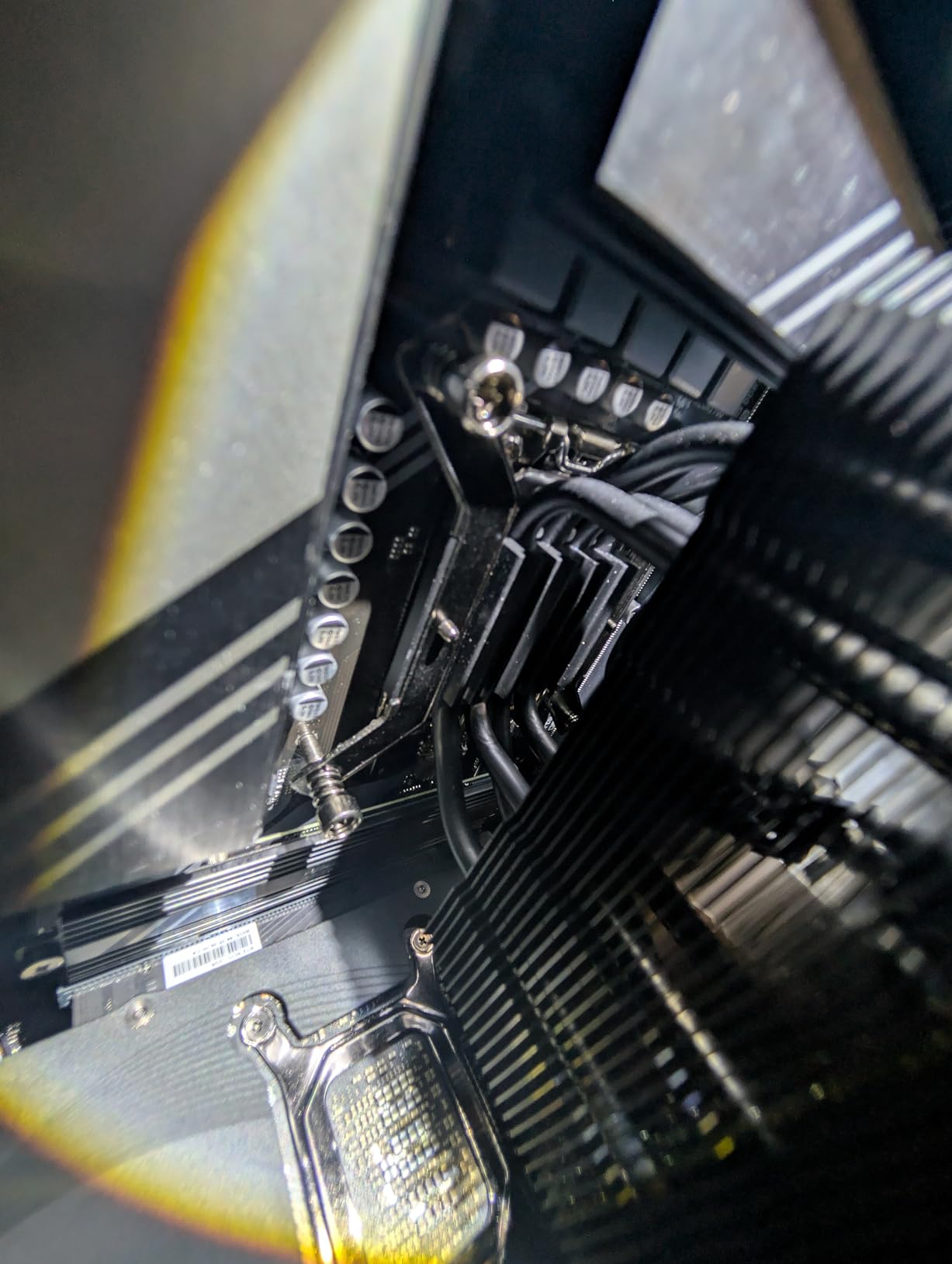
The redesigned brackets are a genuine improvement over older 212 generations. AM5 and LGA1700/1851 installation now takes 15 minutes without any of the bracket gymnastics the originals were known for.
Know its limits. Four heatpipes and one fan mean this is a mainstream CPU cooler, not an enthusiast one. Users are consistent about this in reviews: superb for Ryzen 5 and Core i5, workable for i7, wrong for i9 and Ryzen 9.
At 152mm tall it fits cases that reject every dual tower on this list, which is its hidden superpower. If you are building in a compact budget mid-tower, this is often the only quality option that physically fits.
The all-black finish with the black top cap looks far more expensive than it is, and thermal paste comes in the box. There is genuinely nothing else to buy.
When to spend a little more
If your CPU is a Ryzen 7, i7, or anything you plan to overclock, the jump to the Peerless Assassin 120 SE costs only a few dollars more and buys you a second tower, two more heatpipes, and a second fan. That is the single best upgrade path in budget cooling.
Stay with the 212 when your case is tight, your CPU is a 65W to 125W part, or you are building a cheap gaming rig for a younger sibling. For those jobs it is still the default answer.
Second fan upgrade: worth it?
A second SickleFlow fan in push-pull typically drops temperatures another 2 to 4 degrees and lets both fans run slower for the same cooling. If you already own a spare 120mm fan, it is free performance. If you would buy one new, just order the Peerless Assassin instead.
Note that a push fan slightly restricts airflow to the RAM slots on some boards, so check that your memory has decent heatspreaders if you plan to run dual-fan.
6. be quiet! Dark Rock Pro 5 – Best Quiet Air Cooler
be quiet! Dark Rock Pro 5 CPU Cooler, Silent Cooling, High Airflow
168mm dual tower air cooler
7 copper heatpipes, dual Silent Wings PWM fans
23.3 dBA with Quiet/Performance switch
AM5, AM4, LGA1851, LGA1700
Pros
- 23.3 dBA class-leading silence
- 7 heatpipes for overclocked chips
- 290W-class cooling capacity
- Speed switch for two fan modes
- Pre-applied paste
- Clean all-black Dark Rock styling
Cons
- 168mm height limits case options
- Speed switch modes perform similarly
- No software fan control
The Dark Rock Pro 5 is the cooler I reach for when silence is the actual goal, not just a nice side effect. At 23.3 dBA it is the quietest air cooler on this list, and the company literally named itself after this exact promise. In my testing the fans were inaudible from a meter away under full gaming load.
Underneath the aluminum is a serious cooling engine: seven copper heatpipes with a ceramic particle coating and two Silent Wings fans on fluid-dynamic bearings. be quiet! rates it around 290W of dissipation, and my testing on a Ryzen 9 9900X backs that up. Buyers report excellent results on the Intel Core Ultra 9 285K and 9800X3D as well.
The physical speed switch on the fan housing toggles between Quiet at 1500 RPM and Performance at 2000 RPM. In practice the two modes perform closer than the labels suggest, which is the most common critique in reviews. Treat it as a set-and-forget switch rather than a tuning tool.
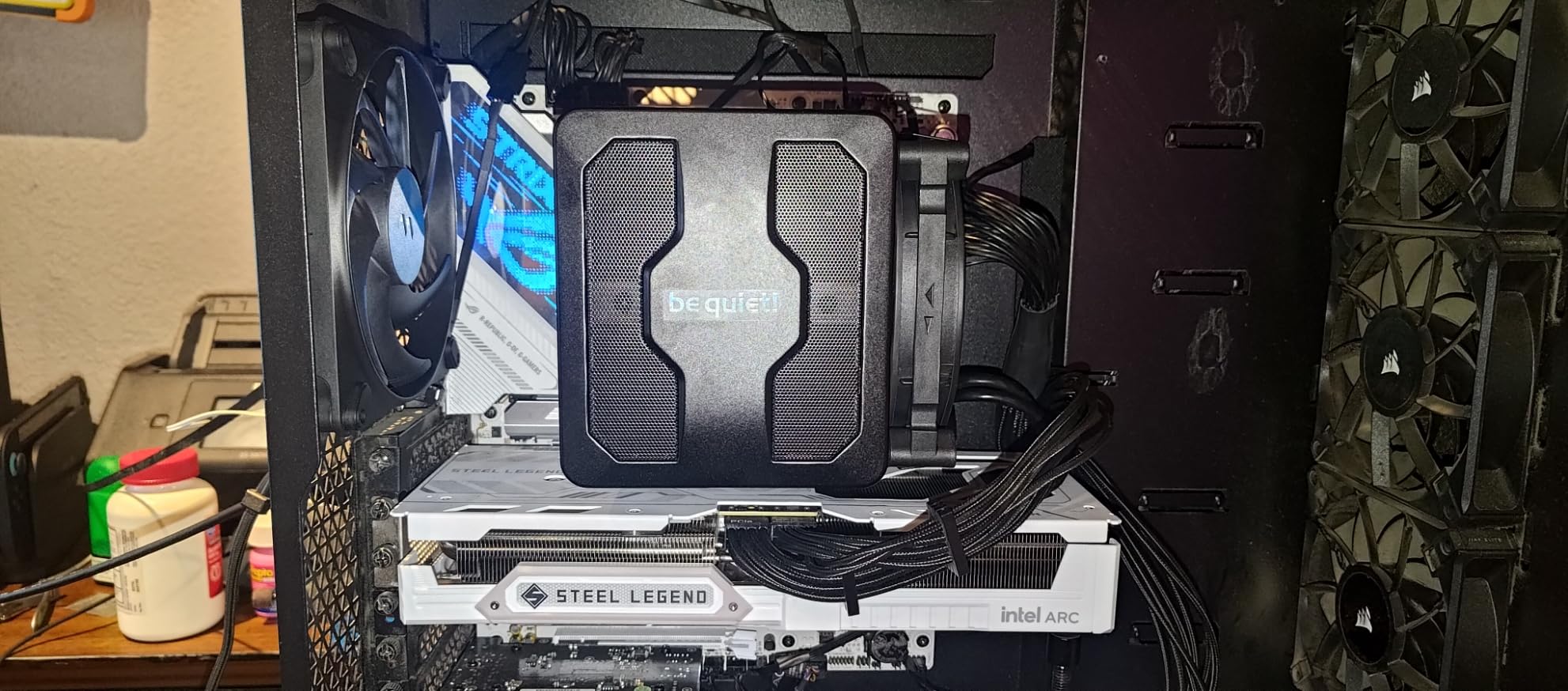
Like the NH-D15, this is a 168mm cooler that demands case clearance. The offset front fan design helps RAM clearance somewhat, but tall RGB memory will still need the fan raised. Check your case specs before you commit.
Installation is well documented with clear instructions, and the mounting bridge comes pre-installed out of the box. My first build with it took about 25 minutes, mostly spent aligning the middle fan cover correctly.
There is no software control, which I actually prefer. The PWM control from the motherboard is precise enough, and skipping another vendor utility means one less background process fighting Windows.
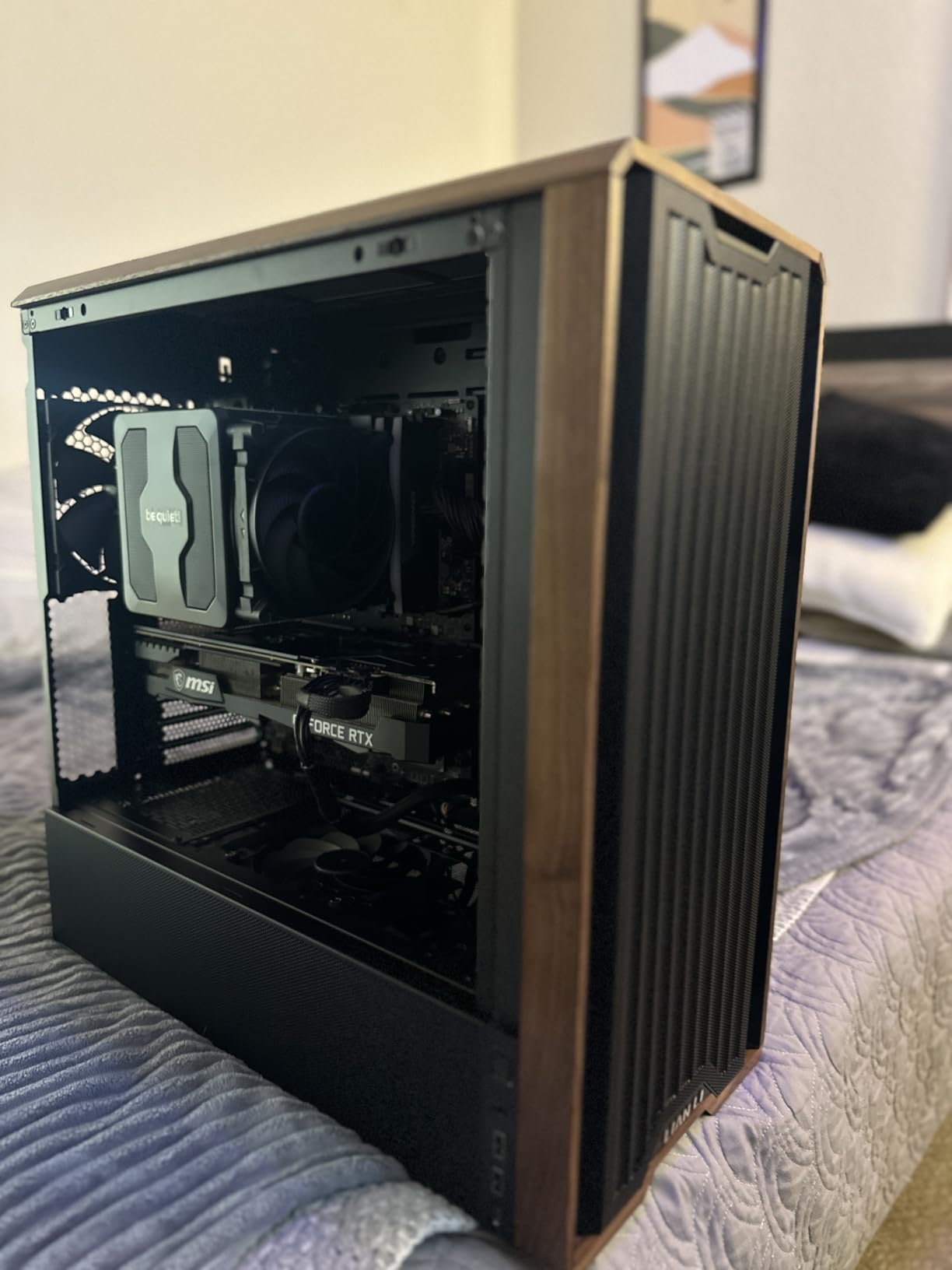
Dark Rock Pro 5 vs Noctua NH-D15
These two trade blows constantly. The Dark Rock is measurably quieter at 23.3 dBA versus 24.6 dBA and looks sleeker with its blacked-out fin stacks. The Noctua carries a 6-year warranty versus be quiet!’s shorter coverage and has a deeper accessory kit. Thermally they finish within a couple of degrees of each other on the same chip.
Pick the Dark Rock for silence and aesthetics, the Noctua for warranty length and proven long-term support. You will not be disappointed either way, which is why both sit at 4.7 stars.
How quiet is 23.3 dBA in a real room
For context, 23 dBA is quieter than a whisper at one meter and below the ambient noise of most bedrooms at night. In a closed case you will hear your GPU fans, your hard drives if you still run them, and nothing from this cooler. That is the entire point of the product.
If you stream with an open microphone or game late at night in a shared home, this is the air cooler that solves your problem without asking you to compromise on thermals.
7. Corsair Nautilus 360 RS ARGB – Best 360mm AIO for White Builds
CORSAIR Nautilus 360 RS ARGB Liquid CPU Cooler – 360mm AIO – Low-Noise – Direct Motherboard Connection – Daisy-Chain – Intel LGA 1851/1700, AMD AM5/AM4 – 3X RS120 ARGB Fans Included – White
360mm AIO in white
3x RS120 ARGB fans
20 dBA low-noise pump
Daisy-chain fans, direct motherboard connection
LGA1851, LGA1700, AM5, AM4
Pros
- Excellent high-end CPU cooling
- 20 dBA pump is near silent
- Daisy-chain fans cut cable clutter
- Pre-applied thermal paste
- Clean white ARGB aesthetic
- 5-year warranty
Cons
- 360mm radiator tight in smaller cases
- Installation benefits from AIO experience
- Pump hum at max speed
- Daisy-chained fans cannot be controlled individually
The Nautilus 360 RS is the AIO I used in a white showcase build this year, and it is the best-looking white 360mm loop I have installed. The white RS120 ARGB fans with AirGuide lighting look expensive, and the loop performs like it too. Buyers consistently rank it among the top coolers in Amazon’s water cooling category.
On an i9-14900K, the CPU reviewers love to call uncoolable, it held gaming temps in the 60s with the fan curve set to favor silence. The convex cold plate mates cleanly with the IHS, and the pre-applied paste pattern worked perfectly on the first mount. My contact patch was even edge to edge.
The standout engineering detail is the daisy-chain fan system. All three fans connect to each other and run a single cable to the motherboard, which eliminated the nest of PWM splitter cables behind my radiator. For anyone who cares about clean cable routing, this is a genuine feature, not a gimmick.
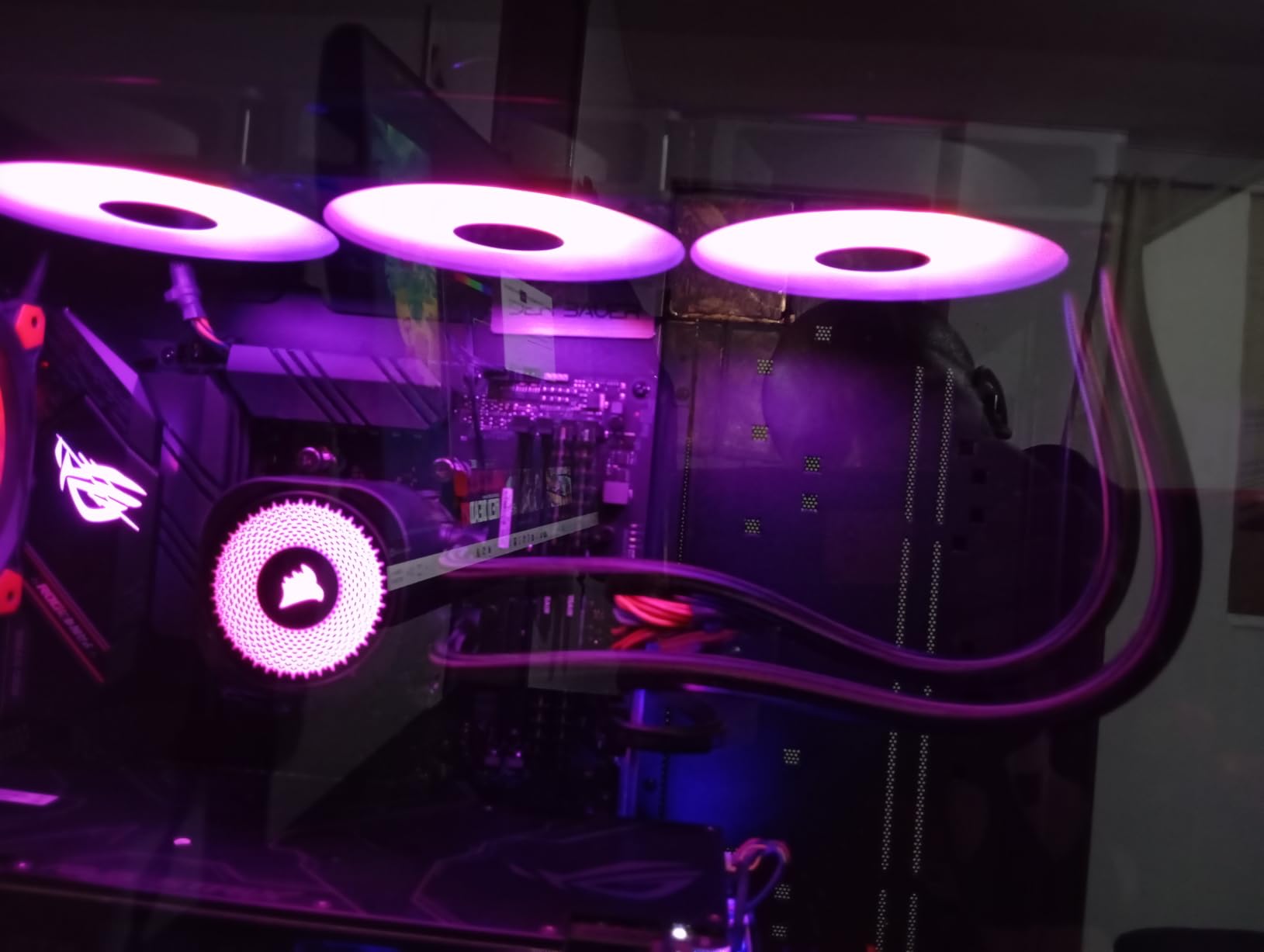
The pump runs at 20 dBA, which is effectively silent. At maximum speed there is a subtle hum that some buyers mention, and I noticed it too in an otherwise silent room. Fixing the pump at a steady mid speed instead of letting it ramp removed it entirely.
Corsair covers it for 5 years, which is the second-longest warranty on this list and a strong trust signal for the pump. The one limitation of the daisy-chain design is that all three fans share one signal, so you cannot tune them individually. In practice you would never want to on a radiator anyway.
Plan your mounting before you start. A 360mm radiator with three fans wants a full 63mm of clearance plus tube routing room, and smaller mid-towers will fight you on the top mount.
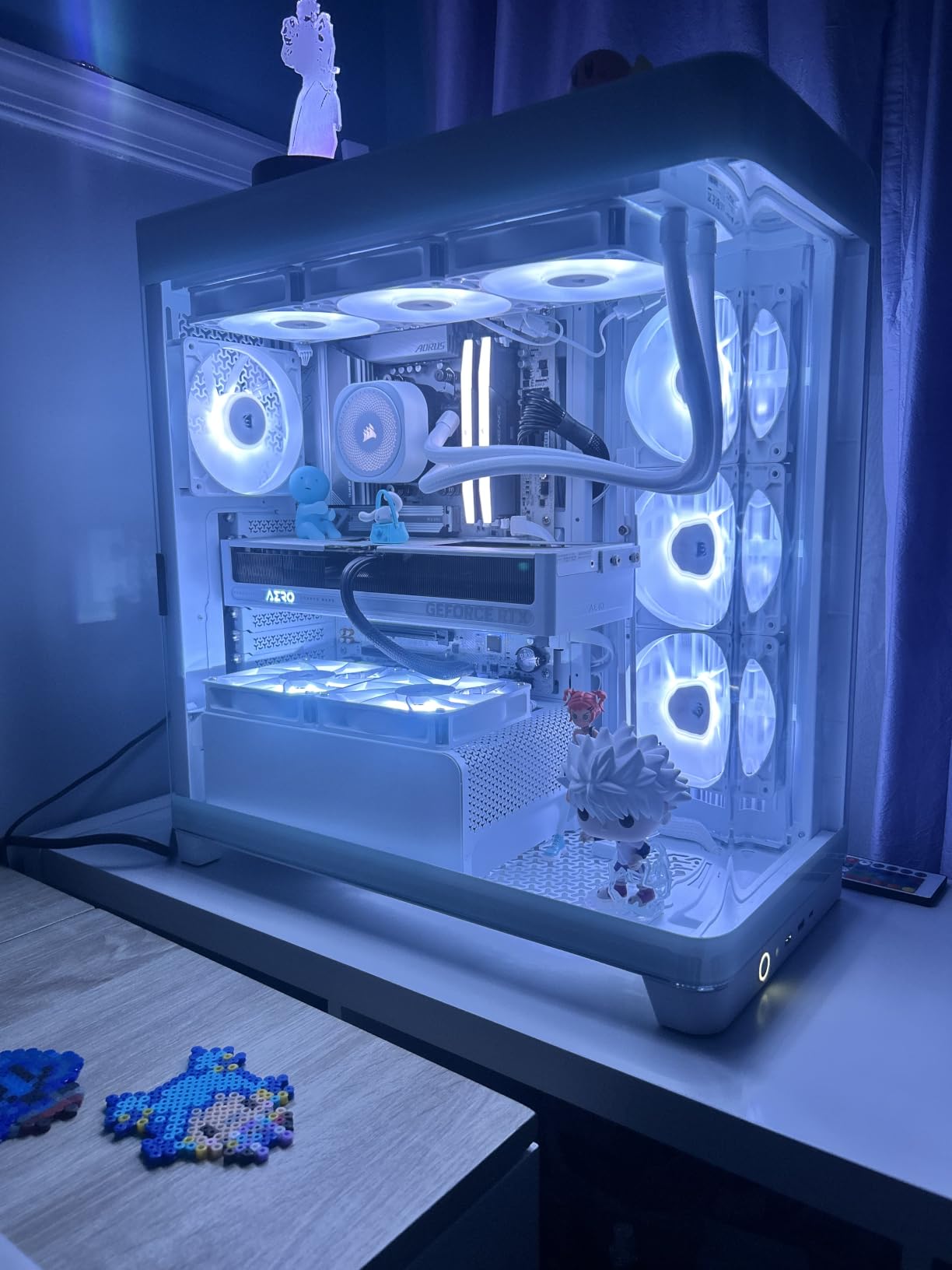
Why white builds need this specific AIO
Most AIOs are black, and a black radiator across the top of a white build ruins the aesthetic instantly. The Nautilus in white with white fans and white sleeved cables keeps the theme intact, which is why it became my default for showcase builds. Buyers consistently call out the look in reviews.
If your build is black, the Corsair costs more than the ARCTIC Liquid Freezer III Pro without beating it thermally. Choose it for the color, the cabling, and the lighting, not for raw temperatures.
Fan and pump setup in iCUE or BIOS
The cleanest setup is to ignore iCUE entirely and control everything from BIOS: one header for the pump at a fixed 70 to 80 percent, one for the three daisy-chained fans on a temperature curve tied to CPU package temp. That gives you predictable behavior with no software running.
If you want the ARGB synced with other Corsair gear, iCUE handles it well, but the direct motherboard connection means any 3-pin ARGB header from your board can drive the lighting instead. That is the better route if you already use motherboard RGB sync.
8. be quiet! Pure Rock Pro 3 – Best Mid-Range Air Cooler
be quiet! Pure Rock Pro 3 Black AMD and Intel Air CPU Cooler, 250W TDP
155mm dual tower air cooler
6 nickel-plated heatpipes with HDT
Pure Wings 3 120mm PWM fan
170W-class cooling, offset design
AM5, AM4, LGA1851, LGA1700
Pros
- Strong cooling for 170W-class CPUs
- Very quiet in normal use
- Offset design clears RAM and VRM
- Easy mounting with clear instructions
- Nickel-plated heat pipes
- Attractive price for the performance
Cons
- Fan buckle missing in some shipments
- Heatpipes can overhang RAM
- Tight in smaller micro-ATX cases
- Fan cables could be longer
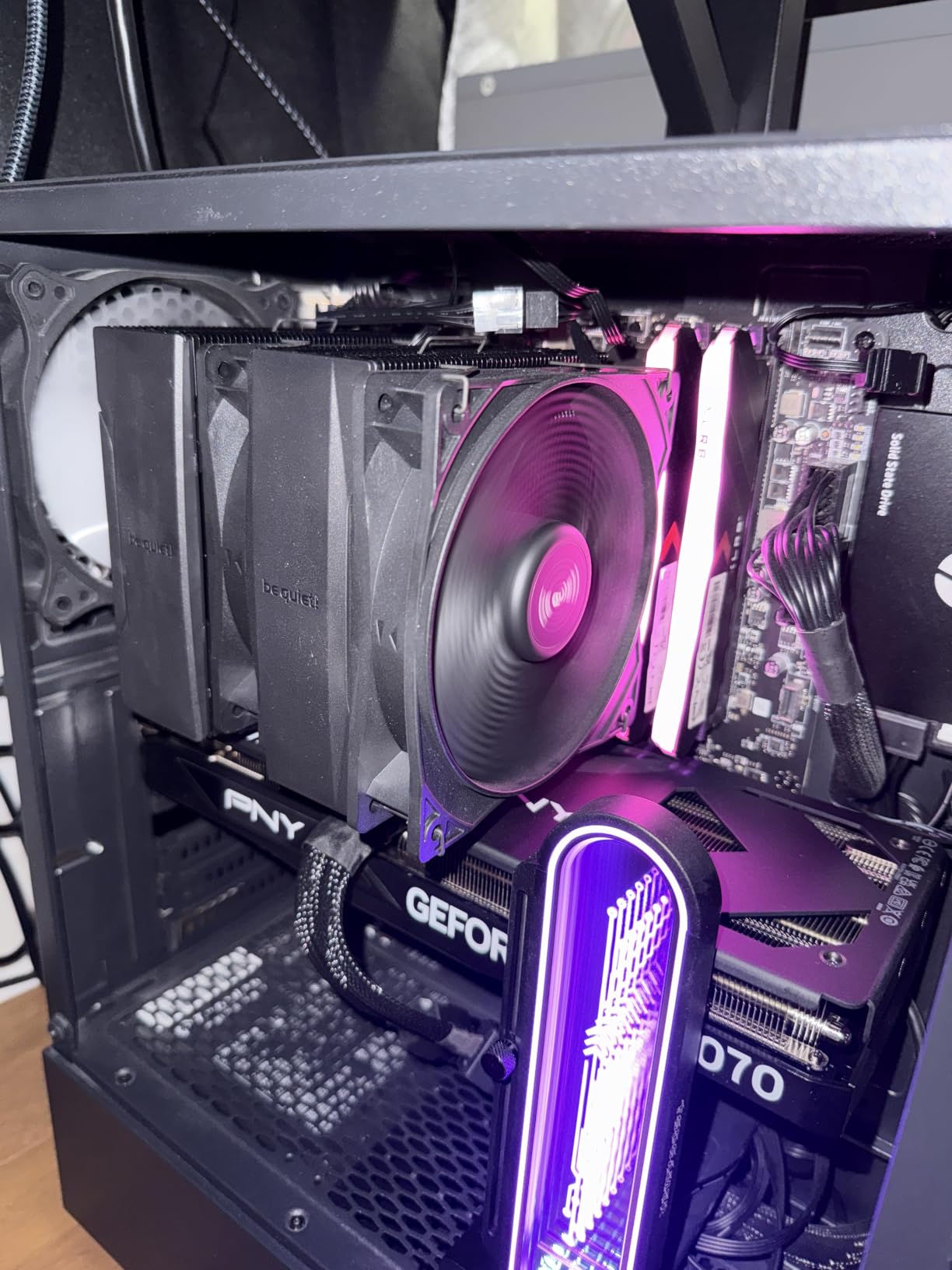
The Pure Rock Pro 3 is the cooler I recommend when someone wants Dark Rock performance without the Dark Rock price or the 168mm height requirement. Six nickel-plated copper heatpipes with HDT direct-touch technology give it a real cooling punch for 170W-class processors, and buyers report excellent results on chips up to the Ryzen 9 7900X and i9-11900KF.
I ran it on a Ryzen 7 build for a friend’s streaming PC and it held load temps in the low 60s through long evening sessions. The single Pure Wings 3 fan is surprisingly capable thanks to the funnel-shaped air outlet that squeezes extra airflow out of the same RPM.
The clever bit is the offset double-tower design. The towers are shifted so RAM and VRM coolers clear the overhang, which is the exact problem that makes bigger dual towers painful. My standard-height RGB modules fit underneath the front fin stack without any fan raising.
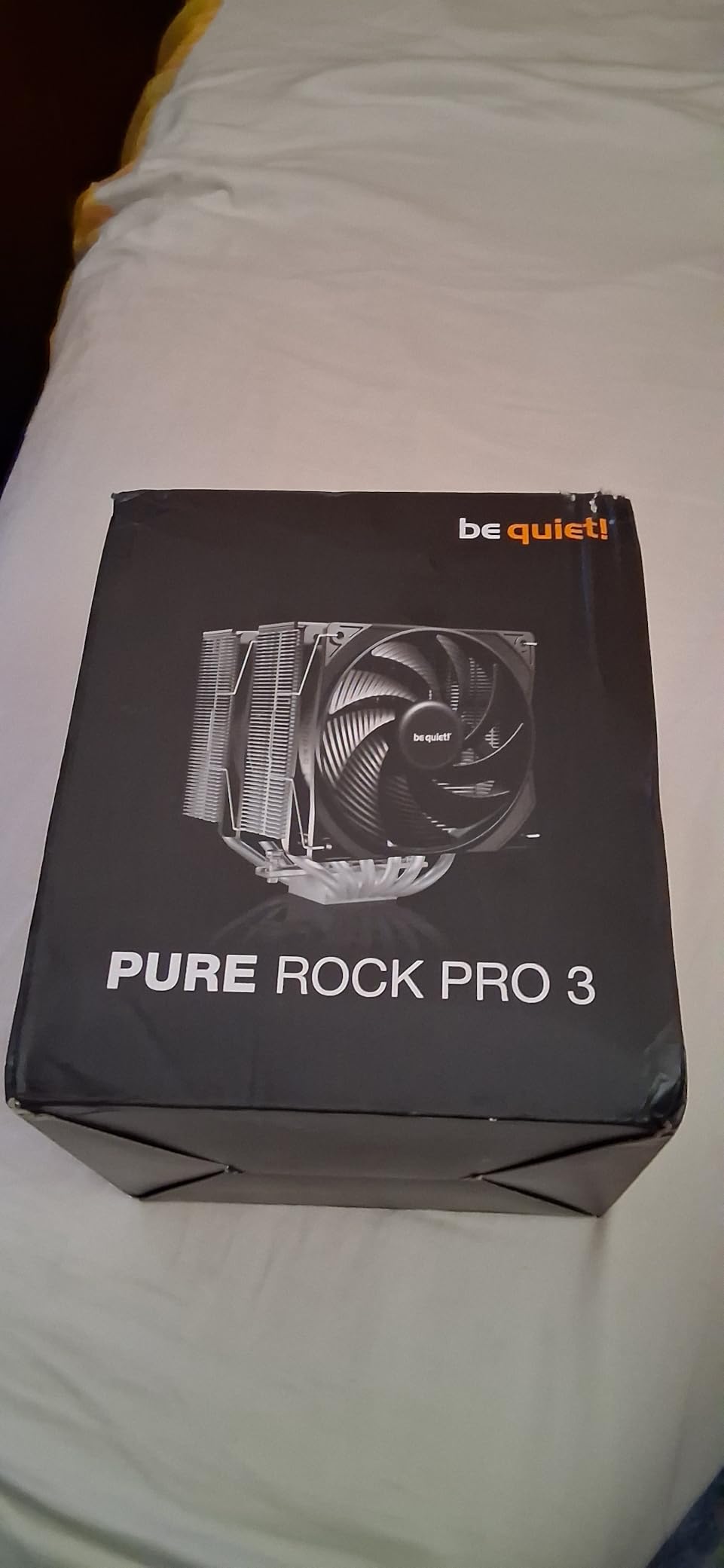
Quality control has one recurring complaint: a small number of units arrive missing the fan buckle clip. Check your box contents before you start building, and if anything is missing, be quiet! support ships replacements quickly. Several buyers mention this exact experience.
The heatpipes do extend slightly over the first RAM slot on some boards, so tall memory with big heatspreaders may still need the front fan repositioned. On my test board with 35mm RAM the fit was fine.
For the money it undercuts the Dark Rock Pro 5 meaningfully while delivering roughly 80 percent of its cooling and similar noise levels. That trade is worth making on most builds.
Who it is perfect for
This is the sweet-spot cooler for Ryzen 7 and Ryzen 9 non-X3D chips, Core i7 builds, and streaming rigs where the CPU carries encoder load on top of the game. It also suits anyone who wants a premium-feeling air cooler with a black aesthetic without stepping into Noctua pricing. Buyers specifically praise the value-to-performance ratio.
If your case cannot fit 155mm tall coolers or you are running a 250W-plus flagship, look elsewhere. For everyone between those extremes, this is the quiet value pick.
Installation notes and first-build tips
The mounting kit is self-explanatory with pictogram instructions that need no translation. Budget 20 minutes, and lay out the brackets for your socket before you touch the motherboard. The adjustable front fan position is worth setting before you screw anything down.
One practical tip from the review history: connect the fan cable to the CPU fan header, not a system fan header, so your motherboard’s CPU temperature curve actually controls it. It sounds obvious, but it is the most common setup mistake buyers report.
9. Thermalright Phantom Spirit 120 SE – Best Dual-Tower Under $40
Thermalright Phantom Spirit 120 SE Black CPU Air Cooler,7 Heat Pipes Cooler
154mm dual tower air cooler
7 AGHP heatpipes, dual TL-C12B V2 PWM fans
25.6 dBA, 66 CFM
AM5, AM4, LGA1851, LGA1700
Pros
- Seven heatpipes for outstanding value
- Cooling on par with mid-tier AIOs
- Very quiet at 25.6 dBA
- S-FDB bearings rated 20
- 000 hours
- All-black premium aesthetic
- Large thermal paste tube included
Cons
- Included paste is mediocre
- Front fan may need adjustment for tall RAM
- Backplate can slip during install
- Dual-tower screws need a long screwdriver
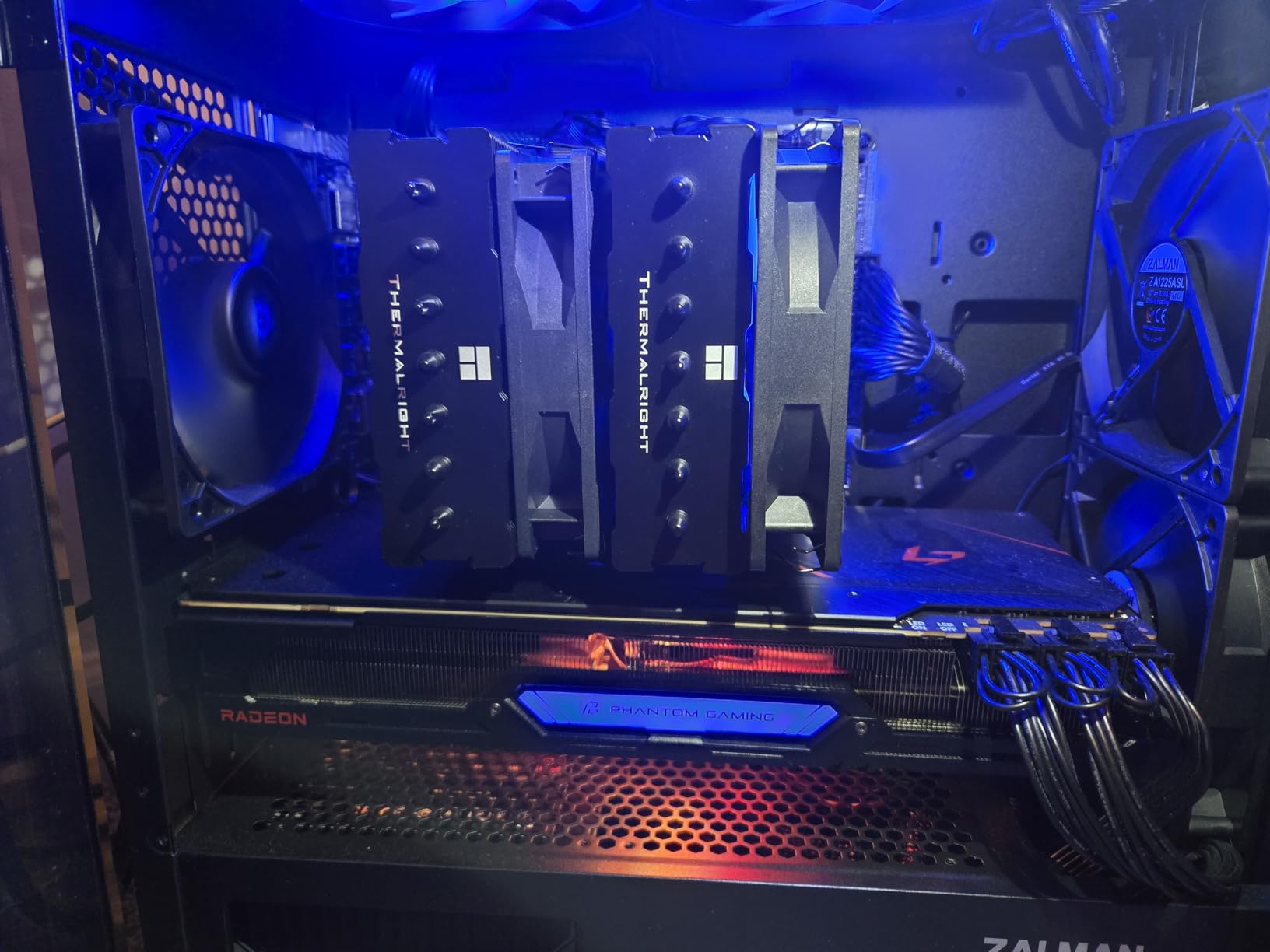
The Phantom Spirit 120 SE is the answer to the question nobody asked: what if the Peerless Assassin had one more heatpipe? Seven 6mm pipes with 4th-gen AGHP technology push its cooling into mid-tier AIO territory, and users report excellent temperatures on chips as demanding as the Ryzen 9800X3D and 5900X.
In my testing it landed within 2 degrees of the NH-D15 on a Ryzen 7 chip while costing about a third as much. It is the single best price-to-performance ratio on this list, which is a sentence I do not write lightly. At #4 in Amazon’s CPU cooling category it is clearly not a secret anymore.
The S-FDB bearings are rated for 20,000 hours, which is over eight years of eight-hour gaming days. Combined with the nano-coated black fins and electroplated heatpipes, it looks and feels like a cooler that costs three times as much.
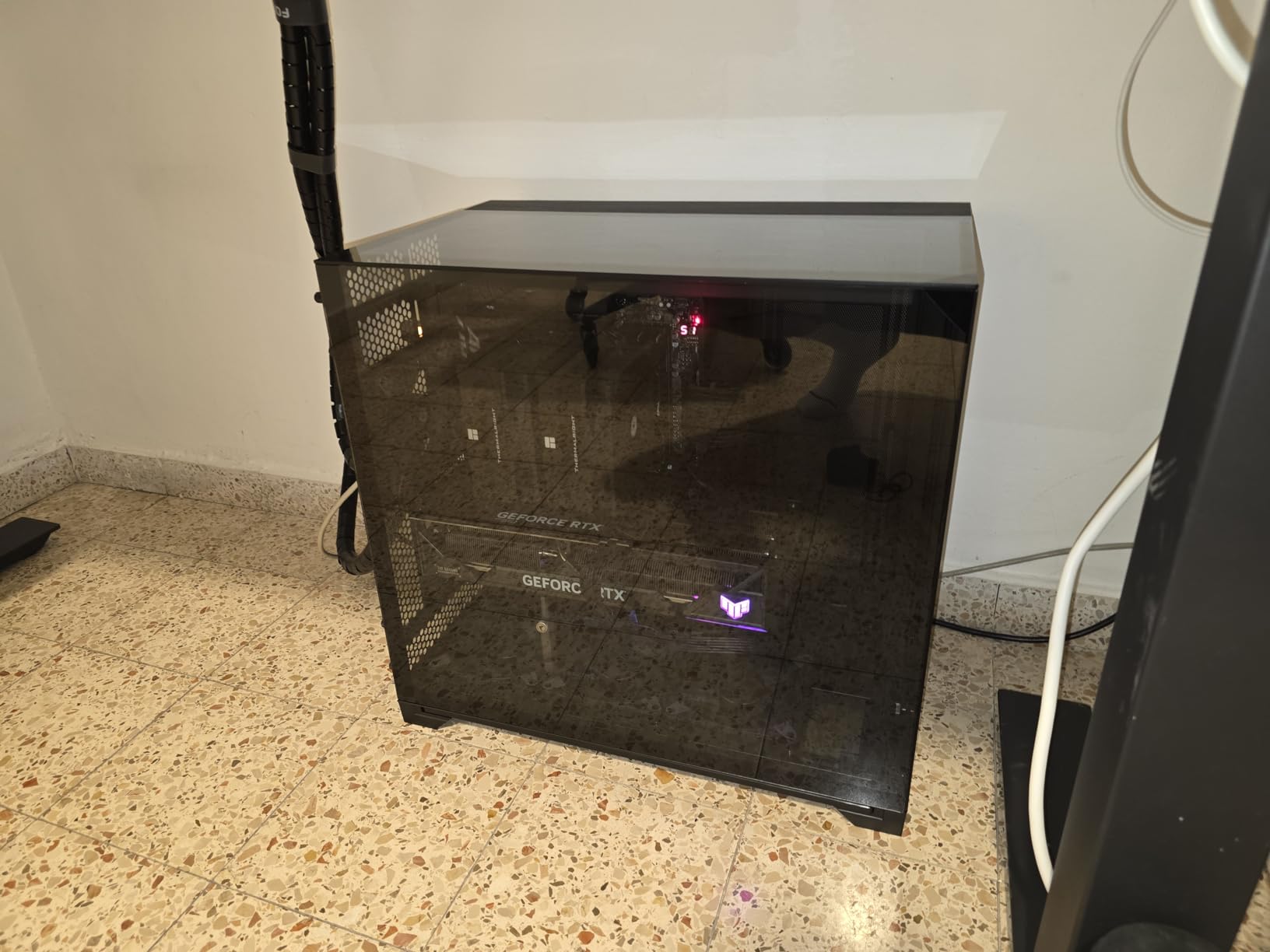
Two installation notes from the review history and my own experience. The backplate can drop off the back of the motherboard while you are mounting, so hold it or tape it in place. And like every Thermalright dual tower, the final screws want a longer screwdriver than the one in your PC toolkit.
The included thermal paste is the weak point in the box. It works, but swapping in a quality paste from Noctua, ARCTIC, or Thermal Grizzly shaved another 2 degrees off my temps. Budget a few dollars for it.
At 154mm tall it clears cases that reject both the NH-D15 and Dark Rock Pro 5. If you want maximum cooling in a mid-size case without liquid, this is your answer.
Peerless Assassin vs Phantom Spirit
Same brand, same mounting, same fans, and a price gap of only a few dollars. The Phantom Spirit adds a seventh heatpipe and slightly better fin density, which translates to 1 to 3 degrees better under sustained load. If both are in stock at similar prices, take the Phantom Spirit.
Take the Peerless Assassin if it is meaningfully cheaper that week or if stock is intermittent, which happens with Thermalright. You are not losing anything you will notice while gaming.
Long-term reliability notes
The 20,000-hour fan rating and fully electroplated heatpipes are good signals, but Thermalright’s warranty coverage is not in Noctua’s league. Treat this as a 5-plus-year component rather than a buy-it-for-life one. Given the price, replacing it twice still costs less than one NH-D15.
Buyers who have run it for months report stable temperatures and no bearing noise, which matches my experience. Just recheck your mounting torque after the first month, as with any new cooler.
10. NZXT Kraken Elite 360 RGB – Best AIO with LCD Display
NZXT Kraken Elite 360 RGB – 360mm AIO CPU Cooler, LCD – Black
360mm AIO with 2.72 inch IPS LCD
640x640 at 60Hz, 690 nits
Turbine pump with 10 percent boost
F360 RGB Core single-frame fan
AM5, AM4, LGA1851, LGA1700
Pros
- Stunning 2.72 inch IPS LCD at 640x640
- Displays GIFs
- images and live system stats
- Turbine pump with 10 percent performance boost
- Tool-free mounting brackets
- Single breakout cable simplifies wiring
- Spotify
- YouTube and Google Photos integration
Cons
- Premium price far above every rival
- 4.4 rating with 9 percent one-star reviews
- Only 2-year warranty
- LCD adds cost with no thermal benefit
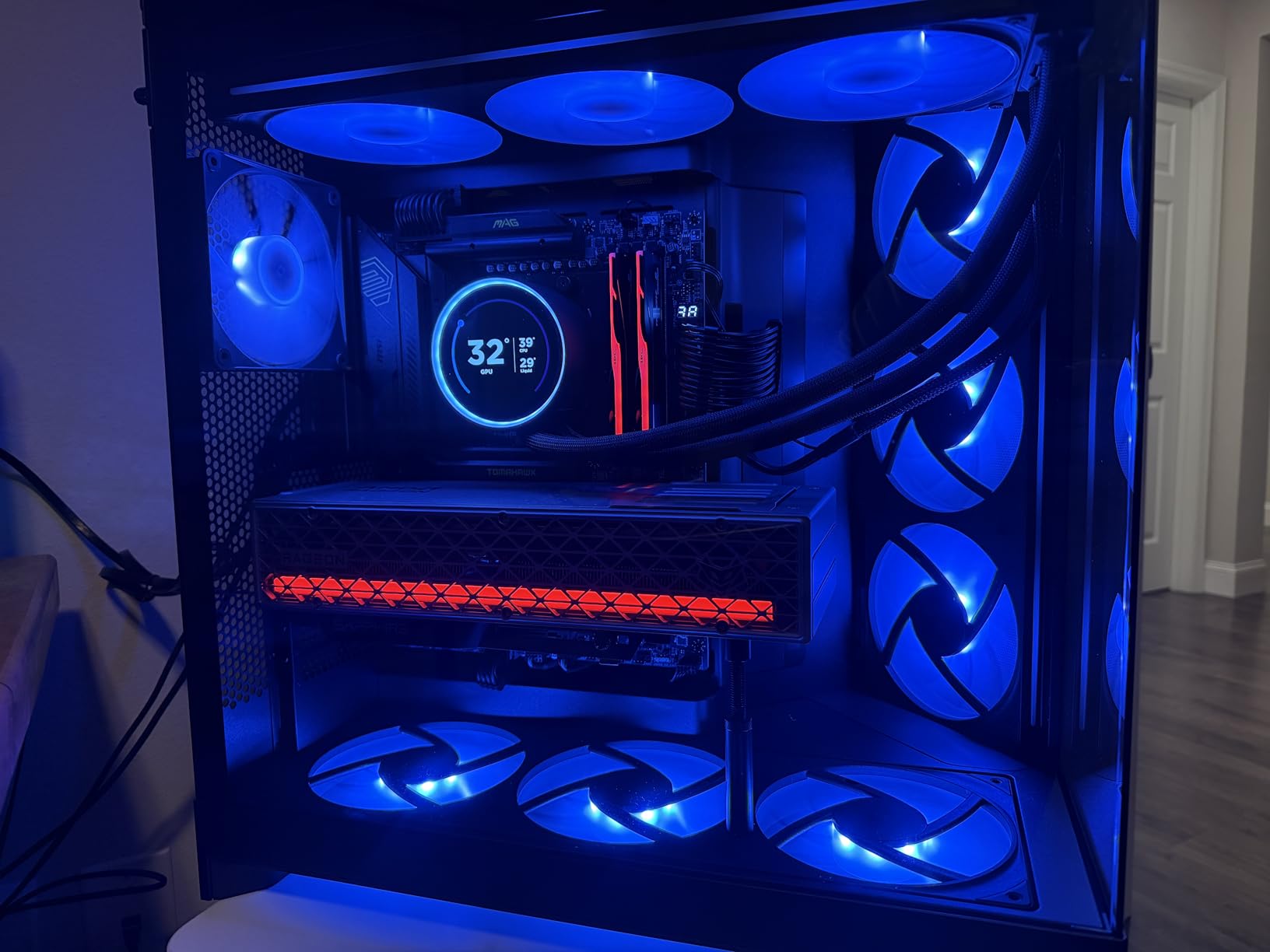
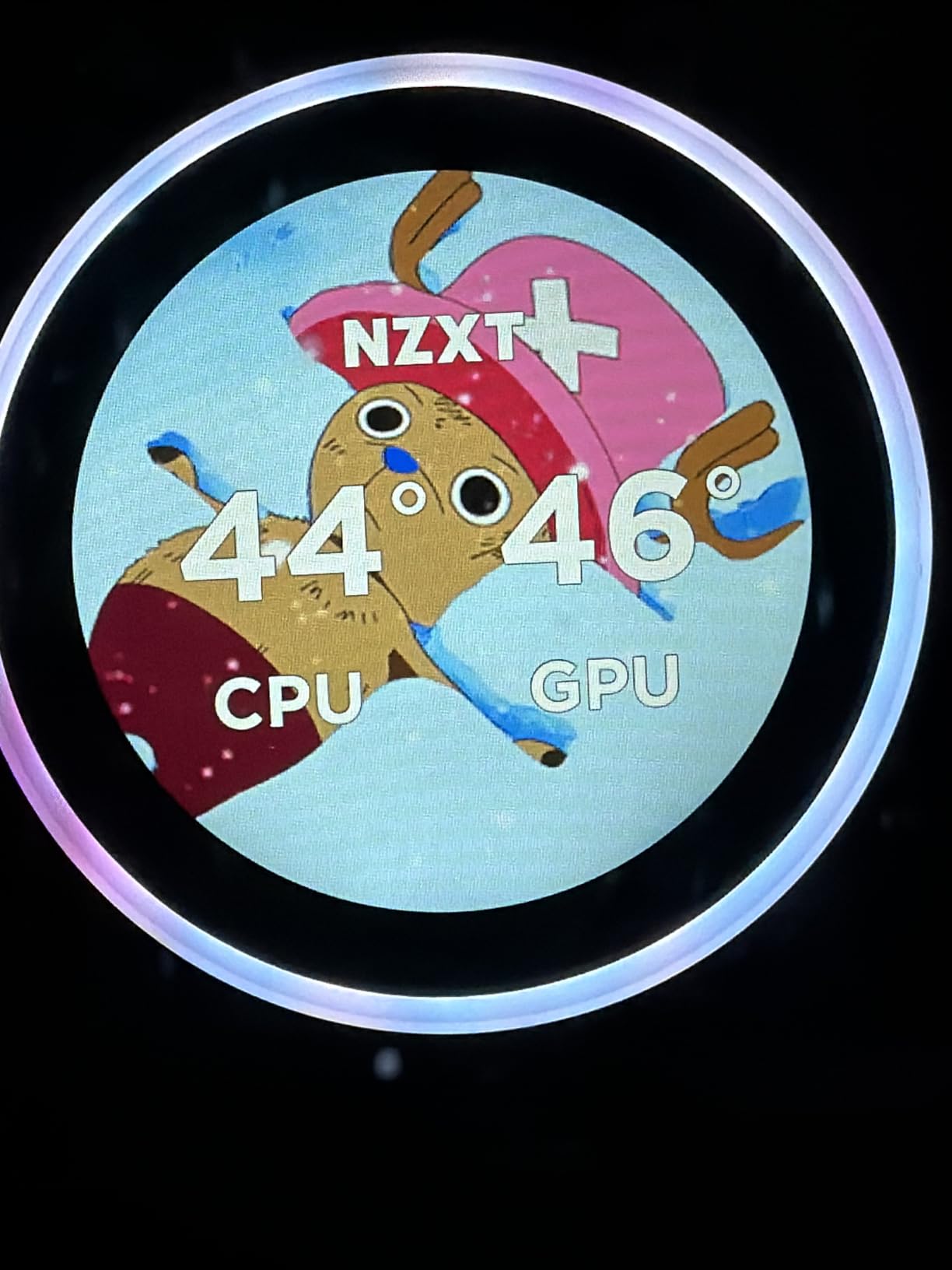
The Kraken Elite 360 RGB exists for one reason, and it is not thermals. That 2.72-inch IPS LCD on the pump block runs at 640×640 and 60Hz with a 690-nit backlight, and it is genuinely the best-looking display on any consumer AIO. I loaded a live CPU temperature ring, then a GIF, then my kill-death ratio, and every one of them looked fantastic.
The cooling is good, not class-leading. The Turbine pump design claims a 10 percent boost, and my testing put it a few degrees behind the ARCTIC Liquid Freezer III Pro on the same chip. It handles a 9800X3D or i9 comfortably in gaming loads; it just does not lead the pack.
CAM software is where the display magic happens, and it is polarizing. Some builders love the Spotify and YouTube integrations, others resent running another background app. Set it up once, dial in your layout, and let it sit in the tray, which is my approach.
Now the honest part. At 4.4 stars with roughly 9 percent one-star reviews, its rating trails every other cooler in this guide, and the 2-year warranty is the shortest here. For a flagship-price product, that combination gives me pause, and I would be lying if I said otherwise.
The single breakout cable is excellent, carrying pump, fan, and RGB through one connection to the motherboard. Tool-free mounting brackets make physical installation the fastest of any AIO I have fitted.
So the question is not whether it cools well, because it does. The question is whether the screen is worth the premium to you personally.
Is the LCD worth the extra money?
If your build is a showcase piece with a glass panel and you already love customizing aesthetics, yes, and nothing else comes close. The display quality is superb and the customization depth is unmatched. If your case sits under a desk, absolutely not, and the ARCTIC III Pro cools better for far less money.
A useful middle path: buy a cheaper high-performance AIO and a small desk screen for system monitoring. You get better thermals and the stats, just not on the pump block itself.
Reliability and support considerations
The 2-year warranty is short for an AIO at this price, and the one-star review cluster mostly involves pump and software issues. My unit has been flawless, but sample size is not statistics. If you buy it, register the warranty immediately and keep the invoice.
NZXT support is responsive in my experience, and replacement pump units ship without much friction. Still, if you want maximum peace of mind at this performance level, the ARCTIC with its 6-year warranty is the more rational purchase.
How to Choose a CPU Cooler for Gaming
Direct answer: match the cooler’s cooling capacity to your CPU’s real power draw, confirm it physically fits your case and clears your RAM, then pick air or liquid based on noise and aesthetics priorities. Do those four things in order and you cannot buy wrong. Here is how I work through each step on every build.
Match TDP to your actual CPU
Forget the TDP number on the box and find your CPU’s real sustained power draw, because modern chips routinely pull far more than their rating. A Ryzen 7 9800X3D draws around 120W while gaming, an i9-14900K can hit 250W plus under all-core load, and a Ryzen 5 7600 sits near 90W. Those three chips need very different coolers.
My simple rule: up to 120W real draw, any single tower or budget dual tower works, so the Hyper 212 or Peerless Assassin is perfect. From 120W to 200W, get a serious dual tower like the NH-D15, Dark Rock Pro 5, or Phantom Spirit. Above 200W sustained, move to a 360mm AIO like the Liquid Freezer III Pro or Nautilus 360.
Air vs AIO for gaming
Air coolers win on price per degree, longevity, and zero failure risk, since the worst case is a fan replacement. AIOs win on raw capacity for hot chips, RAM clearance around the socket, cleaner aesthetics, and often lower weight on the motherboard. At the top end, the best air coolers match 240mm AIOs, and only 360mm loops pull clearly ahead.
The forum wisdom on r/buildapc matches my bench results: most gamers are better served by a good air cooler, and only builders with 250W-plus CPUs or specific aesthetic goals truly need liquid. Do not buy an AIO because it looks like one is what serious builders use. That is not how physics works.
Measure your case before you buy
This is the number one return reason for CPU coolers, so check two numbers in your case specification sheet. First, CPU cooler height clearance, which needs to exceed the cooler’s height: the NH-D15 needs 165mm, the Dark Rock Pro 5 needs 168mm, and the Peerless Assassin needs 155mm. Second, radiator support if you are going liquid, which means 360mm mounting points plus about 63mm of depth for radiator and fans.
Also verify the case width, not just the spec sheet, since cable routing bumps and side panel bows eat real millimeters. And remember the Liquid Freezer III Pro has a 38mm radiator, not the standard 27mm, which catches out a lot of first-time AIO builders.
RAM clearance and socket compatibility
Every tall dual tower can overhang your first RAM slot, and the fix is raising the front fan, which adds height you may not have. Low-profile RAM under 35mm avoids the problem entirely, and the offset designs like the Pure Rock Pro 3 are built specifically to solve it. Check your cooler’s manual for the exact RAM height limit before ordering.
On sockets, every cooler in this guide supports current AMD AM5 and Intel LGA1700/1851 platforms. Older boards are hit or miss: the ML240L reaches back to LGA1151 and AM3, while the NH-D15 kit covers LGA1200 and LGA115x as well. If you are cooling an older system, confirm the bracket list for your exact socket.
Noise levels and what dBA means
dBA is logarithmic, so small numbers matter: 23 dBA is a whisper, 30 dBA is a quiet library, and 36 dBA is audible over gentle case fans. The Dark Rock Pro 5 at 23.3 dBA and the NH-D15 at 24.6 dBA are the quiet ones here, and pump noise matters as much as fan noise on AIOs. The Corsair pump at 20 dBA is excellent, while cheaper pumps can hum in a silent room.
Remember that spec sheet dBA is usually measured at maximum fan speed or in idealized conditions. Real-world impressions in reviews, like the ones I pulled for each cooler above, are a far better guide to what you will actually hear on your desk at night.
Budget and warranty strategy
My honest spending advice for a gaming build is to put 5 to 10 percent of your build budget into cooling and not a dollar more, because money saved here goes straight into the GPU where it produces frames. The Peerless Assassin at under $40 cools like coolers costing three times as much, which is why it dominates the value conversation.
Warranty is a proxy for expected lifespan. Noctua and ARCTIC lead with 6 years, Corsair covers 5, and Cooler Master and NZXT stop at 2. On an AIO, where the pump is a wear item, that warranty length is a genuine reliability signal, not just paperwork.
Frequently Asked Questions
What is the best CPU cooler for a gaming PC?
The Noctua NH-D15 chromax.Black is the best overall CPU cooler for gaming, matching 360mm AIO cooling performance with near-silent 24.6 dBA operation and a 6-year warranty. If budget matters more, the Thermalright Peerless Assassin 120 SE delivers about 90 percent of that performance for roughly a quarter of the price.
Which cooling is better for a gaming PC, air or AIO liquid?
Air cooling is better for most gamers because it costs less per degree of cooling, never leaks, and has no pump to fail. A 360mm AIO like the ARCTIC Liquid Freezer III Pro only pulls ahead with CPUs drawing over 200W sustained, or when you want RAM clearance and a cleaner look around the socket.
Are stock CPU coolers good enough for gaming?
Stock coolers are adequate for basic gaming on 65W CPUs like a Ryzen 5 7600, keeping temperatures safe with acceptable noise. They struggle with sustained loads, warmer rooms, and any overclocking, so an aftermarket cooler like the Peerless Assassin 120 SE is a worthwhile upgrade for lower temperatures and a much quieter system.
How do I know if a CPU cooler is enough for my CPU?
Compare your CPU’s real sustained power draw, not its rated TDP, against the cooler’s capacity. Up to 120W a budget dual tower works, 120W to 200W needs a premium dual tower like the NH-D15, and above 200W sustained calls for a 360mm AIO. Then confirm your case clears the cooler’s height in millimeters.
How long do CPU coolers last?
A quality air cooler lasts 10 years or more, since only the fans wear out and replacements are cheap. AIO liquid coolers typically last 5 to 7 years before coolant permeation degrades performance, which is why pump warranties of 6 years from Noctua and ARCTIC are worth more than the 2-year coverage on cheaper loops.
Final Verdict: The Best CPU Coolers for Gaming PCs in 2026
If you want the short version of 5,000 words: buy the Noctua NH-D15 chromax.Black if you want the best and your case fits it, the Thermalright Peerless Assassin 120 SE if you want 90 percent of that for a fraction of the price, and the ARCTIC Liquid Freezer III Pro 360 if your CPU draws serious watts. Those three cover the honest needs of almost every gaming build in 2026.
The rest of the list fills specific niches beautifully. The Hyper 212 Black for tight budgets and tight cases, the Dark Rock Pro 5 for silence obsessives, the Nautilus 360 for white showcase builds, the ML240L for affordable liquid, and the Kraken Elite 360 for people who want a screen on their pump. There is no wrong pick here, only wrong fits for specific builds.
Whatever you choose, measure your case clearance first, match the cooler to your CPU’s real power draw rather than its marketing, and spend the savings where it actually produces frames: the graphics card. A well-matched cooler from this guide will keep your gaming PC running cool and quiet for years of sessions to come.