
The best smartphone gimbals for vlogging are the DJI Osmo Mobile 6 for all-round use, the DJI Osmo Mobile 7P if you want one box to do everything, and the Insta360 Flow 2 Pro if AI tracking matters more than anything else. We spent six weeks rotating all ten gimbals in this list through the same three tests: a walk-and-talk down a street, a follow-me shot, and a night walk.
Shaky handheld footage is the fastest way to look amateur. If you have ever watched a 12-minute travel edit where the creator stabilised everything in software, you already know the alternative exists — and we get into that properly further down. But there is a real difference between a gimbal that smooths your step out of a frame and an editing trick that recovers it afterwards.
Our testing was deliberately vlogging-shaped. We did not score these on cinema features nobody uses on a vlog. We scored the four things that decide whether a phone gimbal works when you are alone with it: how well it holds framing at arm’s length, whether the battery survives a full shooting day, how fast it swaps from landscape to vertical, and whether tracking lets you keep the camera app you actually like.
That last point turned out to matter more than any spec sheet. The most common complaint in the smartphone filming community is that tracking gets locked inside a manufacturer’s app, which then forces you onto a worse camera. Two picks below solve that properly, and the difference between them is visible within about a minute of filming.
A note on what we did not do: we did not test every gimbal with every phone. Where a reviewer-reported limitation is specific to a phone brand or model, we say so. Ratings and review counts come from the retail listings rather than our own scoring, so you can see how much history each one has behind it.
We also left prices out of this guide on purpose. Gimbals move constantly, and the number you see today is not the number you see next month. Use the buttons below to check the current listing, and read the rest of the guide as a description of what each one is genuinely good at.
Table of Contents
Top 3 Best Smartphone Gimbals for Vlogging in October

DJI Osmo Mobile 6
- 3-axis stabilization
- ActiveTrack 6.0
- Built-in extension rod
- 305g foldable design

DJI Osmo Mobile 7P
- 10-hour battery
- Phone charging
- Multifunctional module
- Built-in rod and tripod

Insta360 Flow 2 Pro
- Apple DockKit in 200+ apps
- Multi-person tracking
- 15x active zoom
- 10-hour battery
The Osmo Mobile 6 is the one we kept reaching for. Its 305g folded body disappears into a day bag, and more than 20k reviews means every firmware quirk it had has already been found and fixed by somebody else.
The 7P is the complete kit. Ten-hour battery, phone charging, a module that doubles as a microphone receiver and a fill light, plus a rod and tripod in the body. You pack less and shoot longer.
The Flow 2 Pro is the tracking specialist. Apple DockKit keeps your subject framed inside more than 200 iOS apps rather than trapping you in Insta360’s own software.
All 10 Smartphone Gimbals Compared in 2026
Every gimbal below, with the features that actually changed how we shot. Weights and battery figures are the manufacturers’ stated figures for the gimbal itself, not the phone plus case.
| Product | Specifications | Action |
|---|---|---|
| DJI Osmo Mobile 6 |
|
Check Latest Price |
| DJI Osmo Mobile 7P |
|
Check Latest Price |
 DJI Osmo Mobile 8 DJI Osmo Mobile 8 |
|
Check Latest Price |
 Hohem iSteady X3 SE Hohem iSteady X3 SE |
|
Check Latest Price |
| Insta360 Flow 2 Pro |
|
Check Latest Price |
 Hohem iSteady M6 Hohem iSteady M6 |
|
Check Latest Price |
 Insta360 Flow Insta360 Flow |
|
Check Latest Price |
 AOCHUAN Smart XE AOCHUAN Smart XE |
|
Check Latest Price |
 Zhiyun Smooth 5S AI Zhiyun Smooth 5S AI |
|
Check Latest Price |
 Zhiyun Smooth Q5 Ultra Zhiyun Smooth Q5 Ultra |
|
Check Latest Price |
Two of these — the Osmo Mobile 8 and the Flow 2 Pro — let you track inside other apps. Every other gimbal in the list needs its manufacturer’s software open to use AI tracking, which is a bigger constraint than it sounds.
1. DJI Osmo Mobile 6 – The All-Rounder With The Deepest Review Base
DJI Osmo Mobile 6 Smartphone Gimbal Stabilizer, 3-Axis Phone Gimbal, Built-In Extension Rod, Portable and Foldable, Android and iPhone Gimbal with ShotGuides, Vlogging Stabilizer, YouTube TikTok Video
305g folded
Built-in extension rod
ActiveTrack 6.0
Magnetic phone clamp
Pros
- Huge review base means bugs are already solved
- Built-in extension rod for arm's-length framing
- Excellent smoothing on walking shots
- Side wheel handles focus and zoom
- Lightest full-size gimbal here
Cons
- No ProRes recording through the app
- Motors struggle with extra lens or accessory weight
- Fold mechanism feels tight to new users
I used the Osmo Mobile 6 for most of our test period and kept coming back to it. The smoothing on a straight walk is the most consistent of the ten, with very little of the high-frequency jitter you get from motors working hard to catch up.
The built-in extension rod is the feature that makes it a vlogging tool rather than just a stabilizer. At arm’s length plus rod extension, the framing reads as deliberate rather than like someone holding a phone too close to their face.
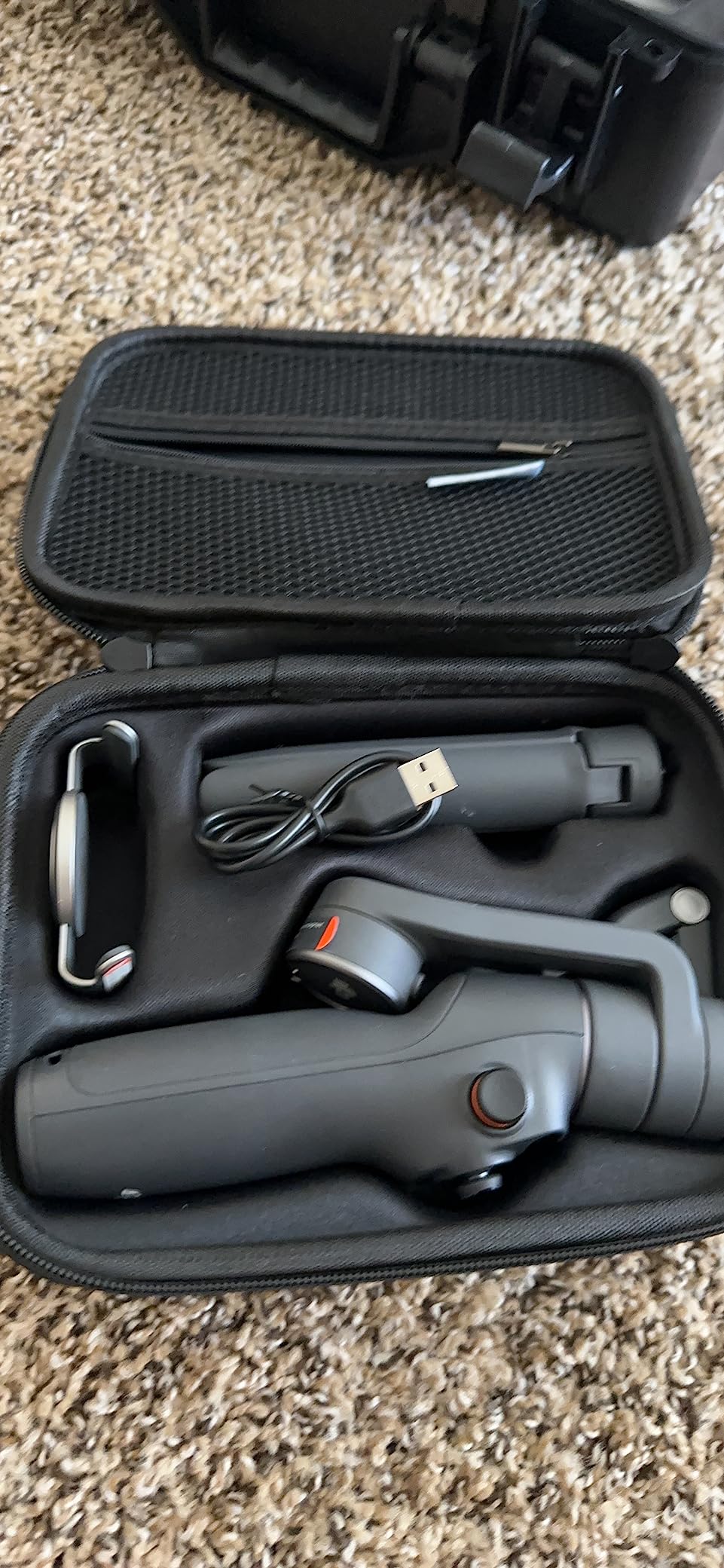
More than 20k reviews is a real advantage in a category where firmware changes quietly. The joystick pan speed and the fold behaviour that frustrates week-one buyers are all documented and already resolved, so the version you receive is a refined one.
The two limits worth knowing: it does not record ProRes through the DJI Mimo app, and the motors lose composure if you hang a lens or accessory on the phone. For plain walk-and-talk vlogging, neither matters.
What you need to know before buying it
Balance it every time you change phones or cases. The magnetic clamp makes swapping fast, which is a genuine advantage over screw-in mounts, but a case that changes the phone’s centre of gravity will need a nudge.
ShotGuides in the app suggest shot sequences, which is genuinely useful if you are new to filming yourself. Treat it as a prompt to think about your shots, not something to follow literally.
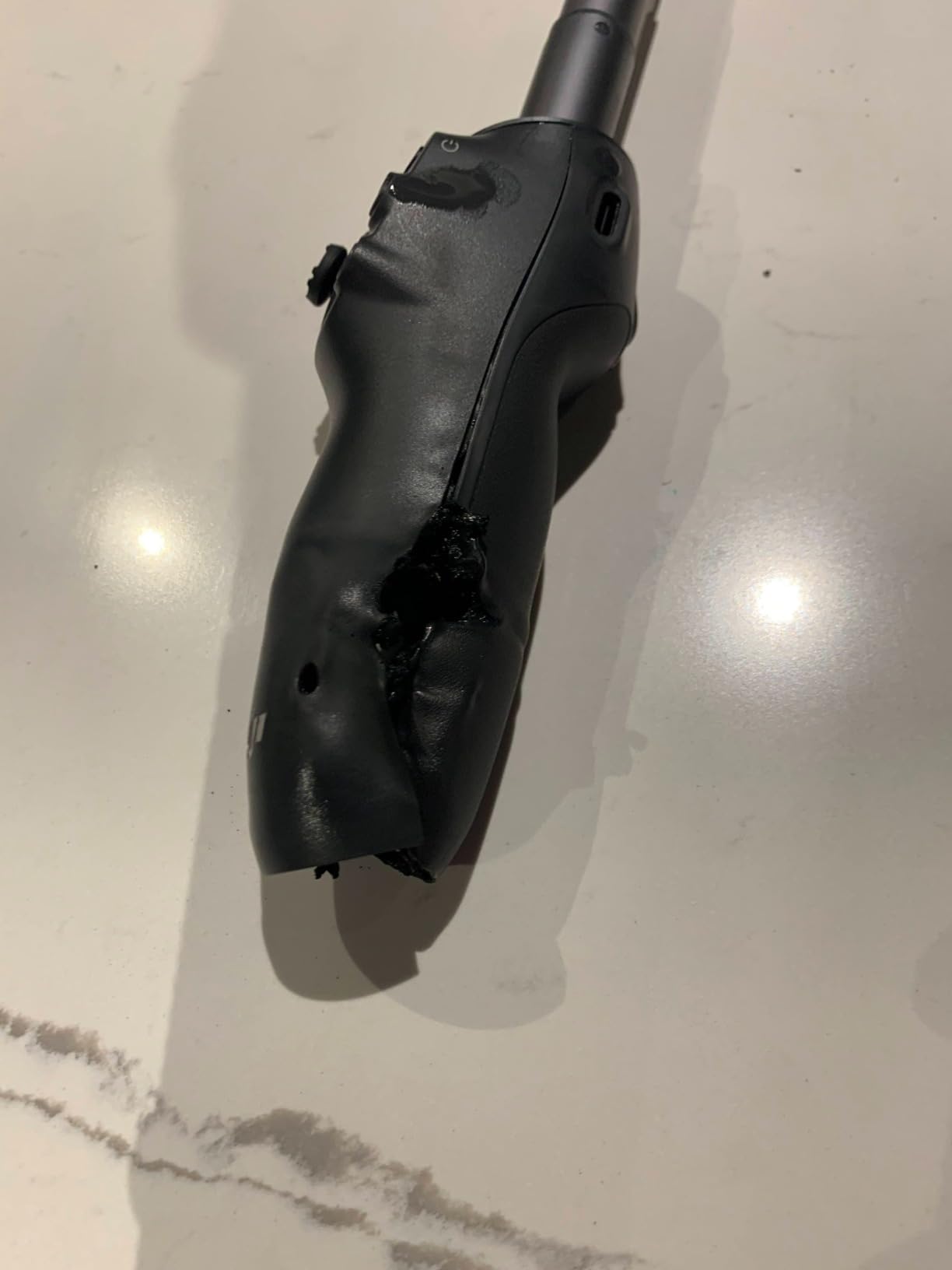
Who should skip it
Skip it if you are a ProRes shooter or you plan to attach a phone telescope lens. If you are a solo travel vlogger using a normal phone in a normal case, none of that applies.
Skip it only if you refuse to open DJI Mimo at all. Tracking needs the app, and that is the trade you accept across most of this list anyway.
2. DJI Osmo Mobile 7P – The Most Complete Kit For One Person
DJI Osmo Mobile 7P Gimbal Stabilizer for iPhone & Android, Native Tracking
10-hour battery
Phone charging
Multifunctional module
Built-in rod and tripod
Pros
- Ten-hour runtime covers a full shoot day
- Charges your phone while filming
- Module doubles as mic receiver and fill light
- Native tracking locks on quickly
- Rod and tripod built into the body
Cons
- Bulky next to folding travel gimbals
- Tracking can lose the subject in very low light
- Fill light is dim
- Built-in tripod feels flimsy
The 7P is the gimbal we would hand to someone who does not want to think about accessories. Battery, rod, tripod, charging and a module that accepts a DJI microphone are all in the box or built in.
Native tracking here is noticeably faster at acquiring a face than the app-based systems we tested, and it held on through a walk-and-talk without a single drop. That speed is the difference between a usable tracking shot and a retake.
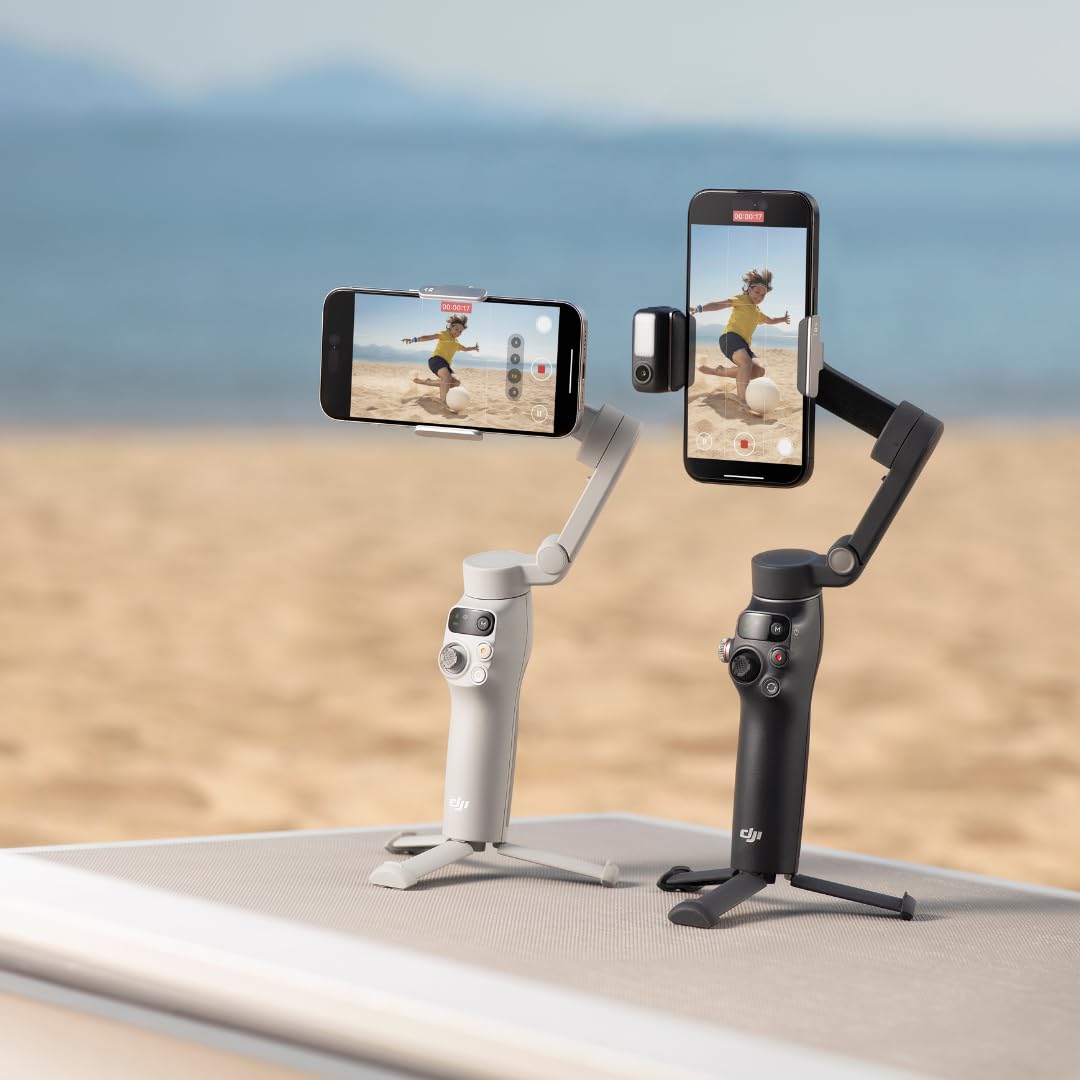
The multifunctional module is the quiet hero. It is a fill light, a microphone receiver, and a control surface. Plug in a DJI transmitter and you have solved the one problem a phone gimbal cannot fix on its own — audio.
Battery is the headline number and it holds up. Reviewers report that plugging your phone in to charge pulls the runtime down noticeably, so treat ten hours as a ceiling rather than a promise.
What you need to know before buying it
It is 368g and folds down to roughly 190mm. That is real weight for a day bag, and it is noticeably bulkier than the slimmer folding options here. If you shoot travel and pack light, weigh that against the rod and tripod you would otherwise carry separately.
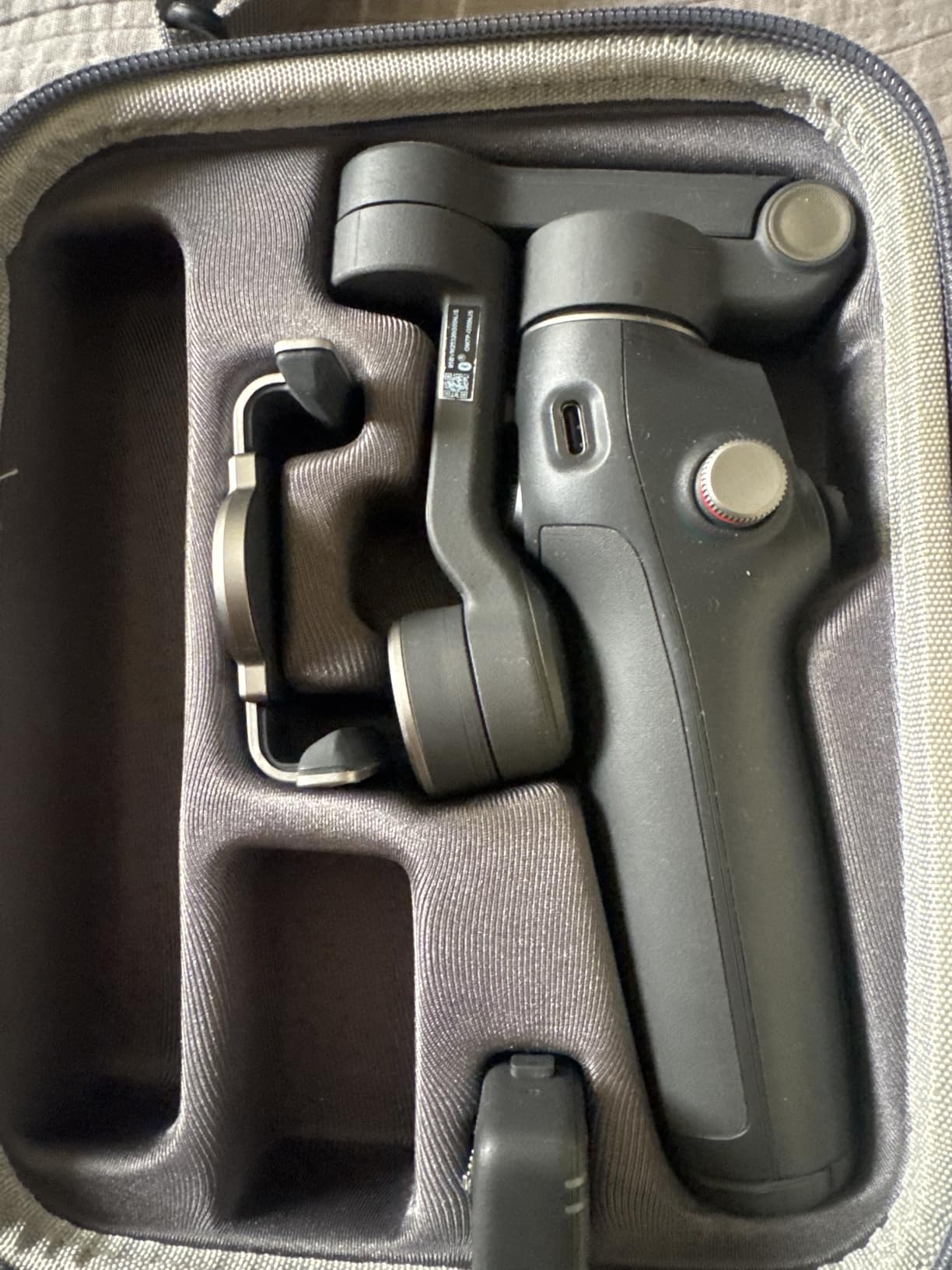
With a large phone you may need to recalibrate once after mounting. It is a two-minute job, but do it before you are on a deadline rather than during it.
Who should skip it
Skip it if you need a bright fill light — reviewers consistently describe the built-in light as helpful but not bright, so treat it as a top-up rather than a key light. For night filming we would pair it with one of our on-camera microphones tested guides instead.
Skip it if you are a minimalist traveller. Everything it does well, you can do across two lighter bodies — at the cost of juggling more gear.
3. DJI Osmo Mobile 8 – Tracking That Leaves Your Camera App
DJI Osmo Mobile 8 Gimbal Stabilizer for Phone, 3-Axis Stabilization
Native tracking in any app
360-degree pan
10-hour battery
370g
Pros
- Tracking works inside any camera app including social platforms
- 360-degree pan for follow shots
- Ten-hour battery with phone charging
- Quick-deploy tripod
- Multifunctional module included
Cons
- Auto power-on can trigger inside a pocket
- Cannot switch front to rear camera mid-recording
- No hard case or lanyard included
- Extension rod is stiff to extend
The headline on this one is native tracking. Frame the subject, start the move, and tracking keeps working whether you are in your camera app, in a social app, or somewhere else entirely. For a vlogger whose work lives inside short-form platforms, that is the single most valuable feature in this whole list.
Stabilization is excellent on both walking and running pace. The 360-degree horizontal pan means the gimbal can circle a subject without stopping or rewinding, which makes it easy to film yourself walking around a static subject.
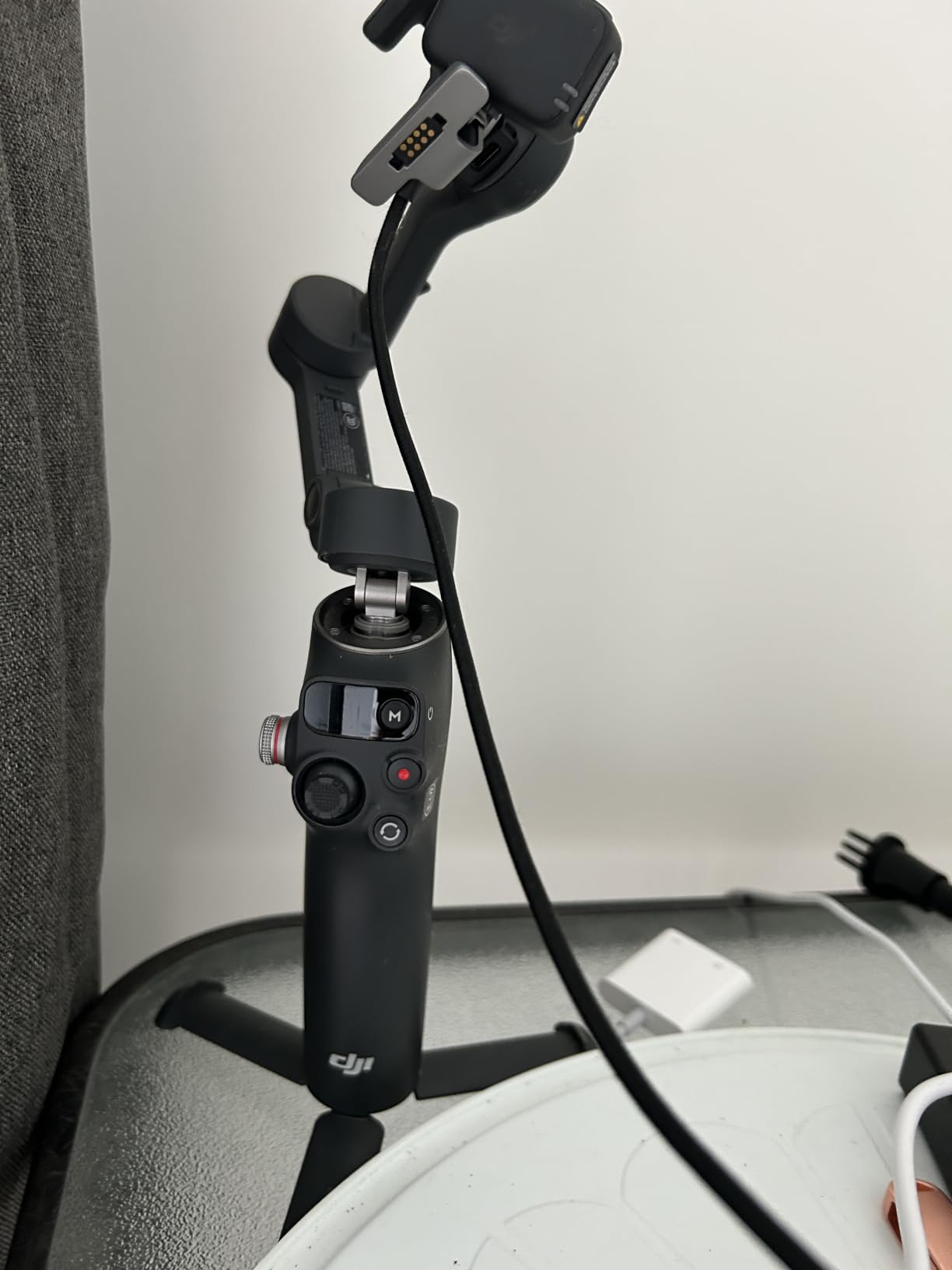
The 10-hour battery with phone charging is the pattern across the newer DJI gimbals, and it is what makes a full shoot day possible. Quick Launch powers it on the moment you unfold it, which saves a beat every single time you set up.
Long-term DJI owners do report a few regression-style complaints versus earlier models: auto power-on triggering in a pocket, a stiffer extension rod, and only a storage pouch in the box. None are dealbreakers, but all are worth knowing.
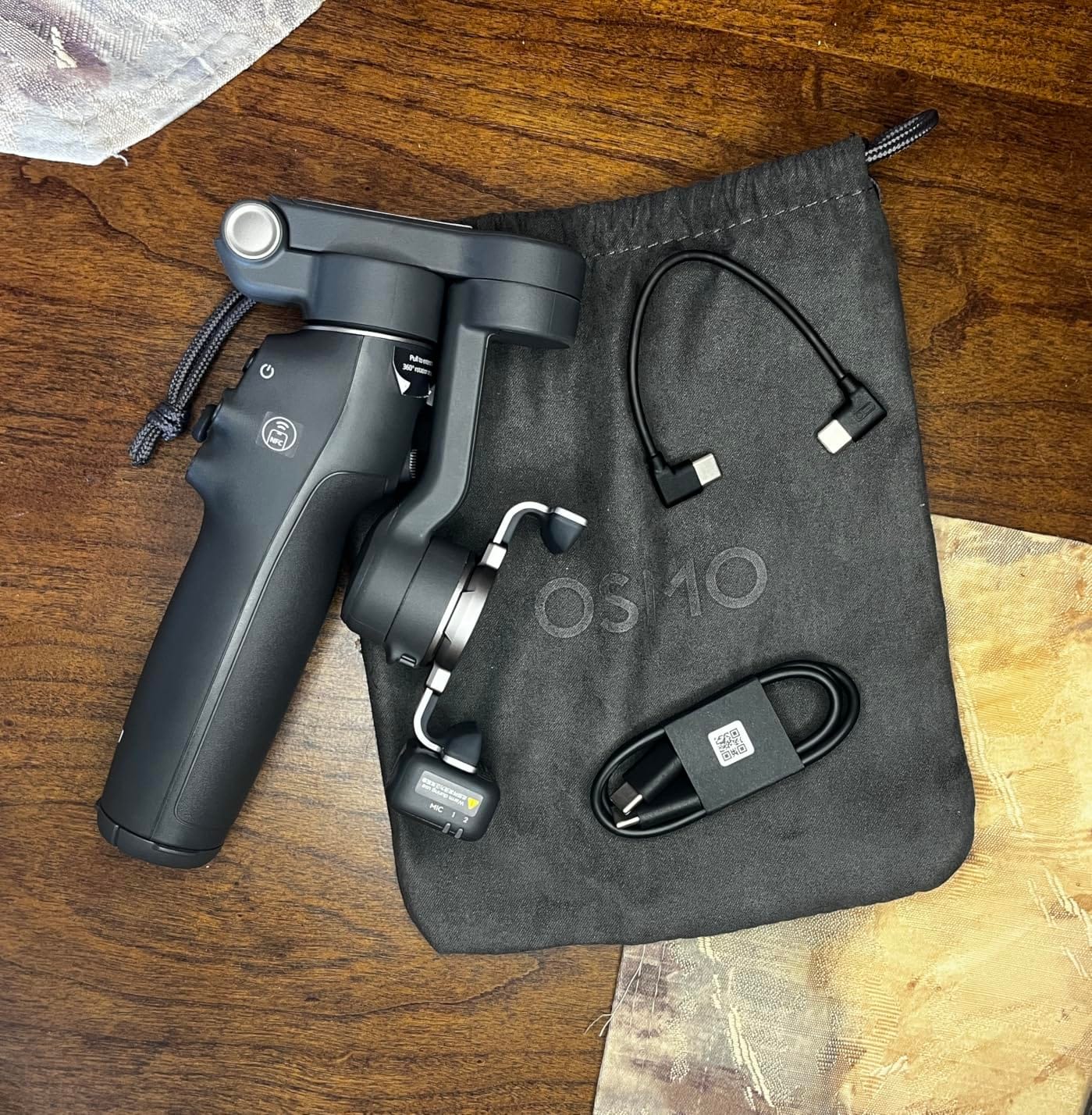
What you need to know before buying it
You cannot switch between the front and rear camera while recording. Plan your camera side before you start rather than trying to reframe mid-take, and remember you can still use the rear camera with tracking active.
There is no quick recalibration button, and the magnetic clamp is easy to knock loose if the gimbal swings. Keep a thumb on the arm during fast pans.
Who should skip it
Skip it if you need a bright fill light or a proper case in the box. Reviewers also note the handle can feel slick during long sessions, which matters more on a long day than it does on a test bench.
Do not skip it if you are a social-first creator. App-agnostic tracking is precisely what it was built for.
4. Hohem iSteady X3 SE – Best Budget Pick With A Screen Remote
hohem iSteady X3 SE 3-Axis Gimbal Stabilizer for iPhone & Android, Black
Detachable screen remote
11-hour battery
0.79 lb folded
300g payload
Pros
- Screen remote lets you frame without touching the phone
- Very light at 0.79 lb
- Eleven-hour battery on a two-hour charge
- Clip holder avoids pressing side buttons
- Good tracking on human subjects
Cons
- Recording and tracking only work inside the Hohem Joy app
- Cable unbalanced when charging the phone while tripod-mounted
- Top-heavy with heavier phones
- Tracking only recognises people
The detachable remote with its own screen is the feature that made me use this one the most. You set your framing, put the phone down, walk into position, and start recording from the remote. For solo vlogging, that is a genuine workflow upgrade rather than a gimmick.
At 0.79 lb and 11 hours of stated battery, it also disappears in a way most budget gimbals do not. This is the one I would recommend to someone buying their first phone gimbal without a big outlay.

Build quality is better than the entry tier suggests, and human-subject tracking is smooth and quick at close and medium distances. The clip-style cradle is a nice touch because it does not press the volume or power buttons while your phone is mounted.
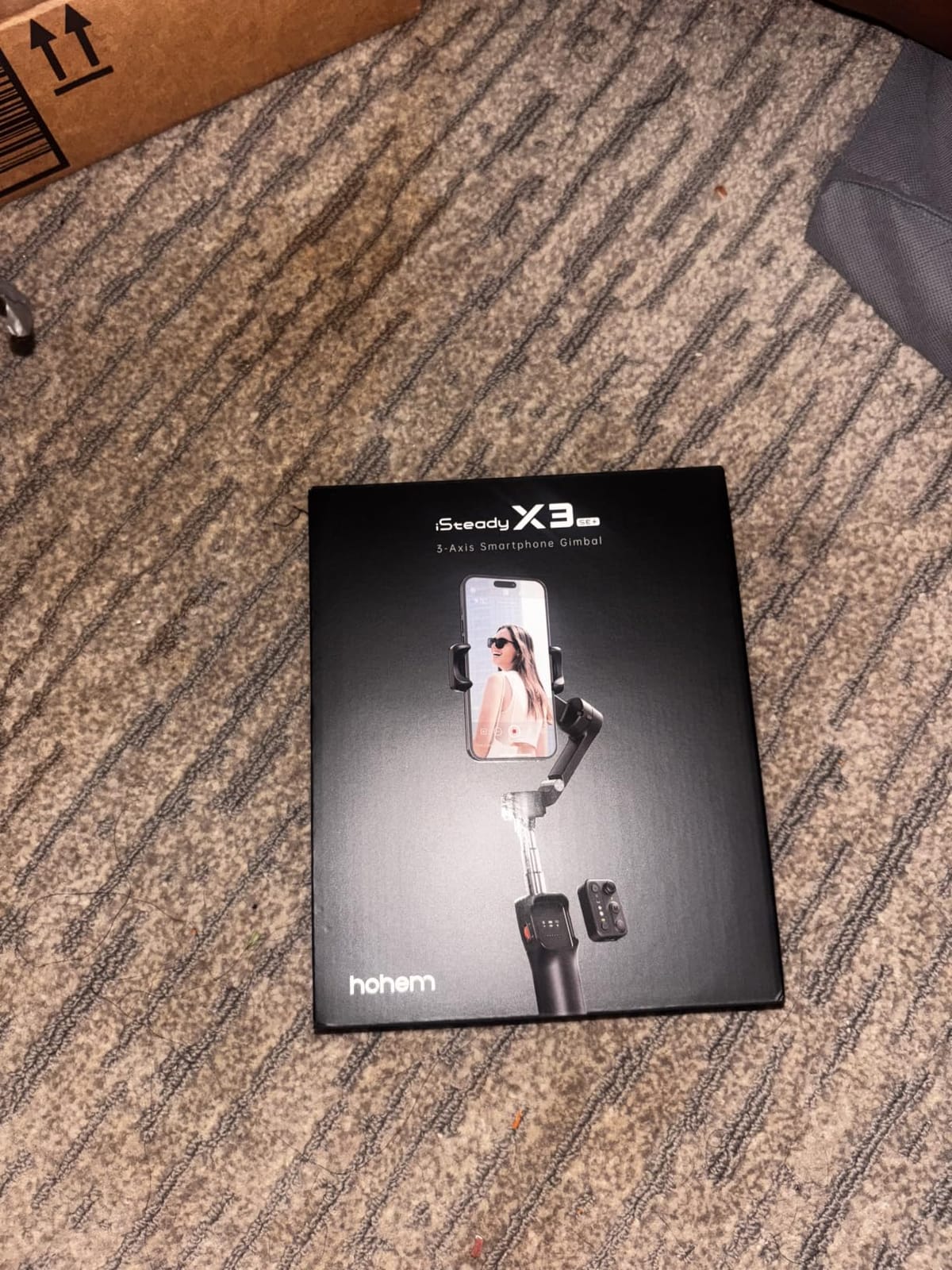
There is one significant catch. The record button and tracking both work only inside the Hohem Joy app, so you are shooting through the manufacturer’s camera rather than your phone’s own. That is the trade for the remote.
What you need to know before buying it
Balance is the thing to watch. Reviewers report the cradle can tip backwards under heavier phones, and the cable that lets you charge while tripod-mounted throws the balance off. Test the balance before you leave for a shoot.
Tracking recognises people, not objects. If your shot needs to follow a dog, a bicycle or a product, this is not the gimbal for it.
Who should skip it
Skip it if you shoot with the rear camera and want to keep your preferred app. App-locked recording is a genuine limitation, not a minor annoyance.
Skip it if you mount a heavy phone with a thick case. Light and mid-weight phones suit it; large flagships need the M6 below.
5. Insta360 Flow 2 Pro – Best Tracking Across Every iOS App
Insta360 Flow 2 Pro Grey – Foldable AI Phone Gimbal, Track in 200+ Apps with Apple DockKit, Multi-Person Tracking, 360º Pan Tracking, Built-in Tripod/Selfie Stick, iPhone/Android Portable Stabilizer
Apple DockKit support
15x active zoom
Multi-person tracking
385g
Pros
- DockKit tracking reaches more than 200 iOS apps
- Multi-person tracking frames whole groups
- 15x active zoom tracking for distant subjects
- 360-degree pan in a folding body
- Teleprompter and selfie mirror built in
Cons
- Zoom tracking needs an iPhone 12 to 16 Pro or Pro Max
- DockKit features are iOS only
- AI editing tools stay inside the Insta360 app
DockKit is the reason to choose this over cheaper rivals. It hands tracking to the operating system rather than an app, so tracking works inside whatever you are shooting with. For an iPhone user, that is the closest thing to a solved problem in this category.
Multi-person tracking is the feature that surprised me. Point it at a group and it frames the whole set automatically. If you film with friends, family or a walking group, this saves an enormous amount of reframing.
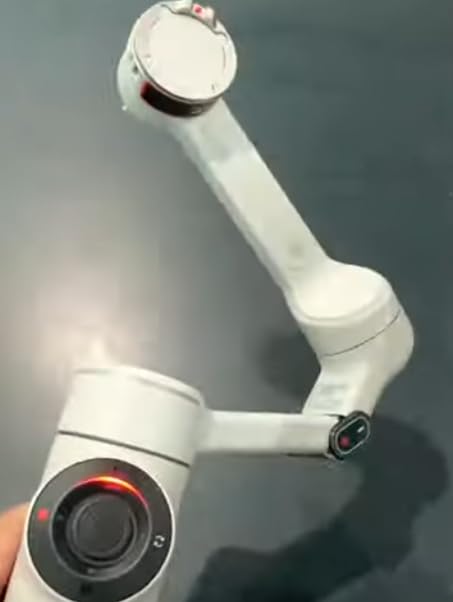
Active zoom tracking up to 15x handles distant subjects, which makes it useful for sport, stage performances and anything happening across a space. Combined with the 360-degree pan, it covers the automatic-panning case vloggers keep asking about.
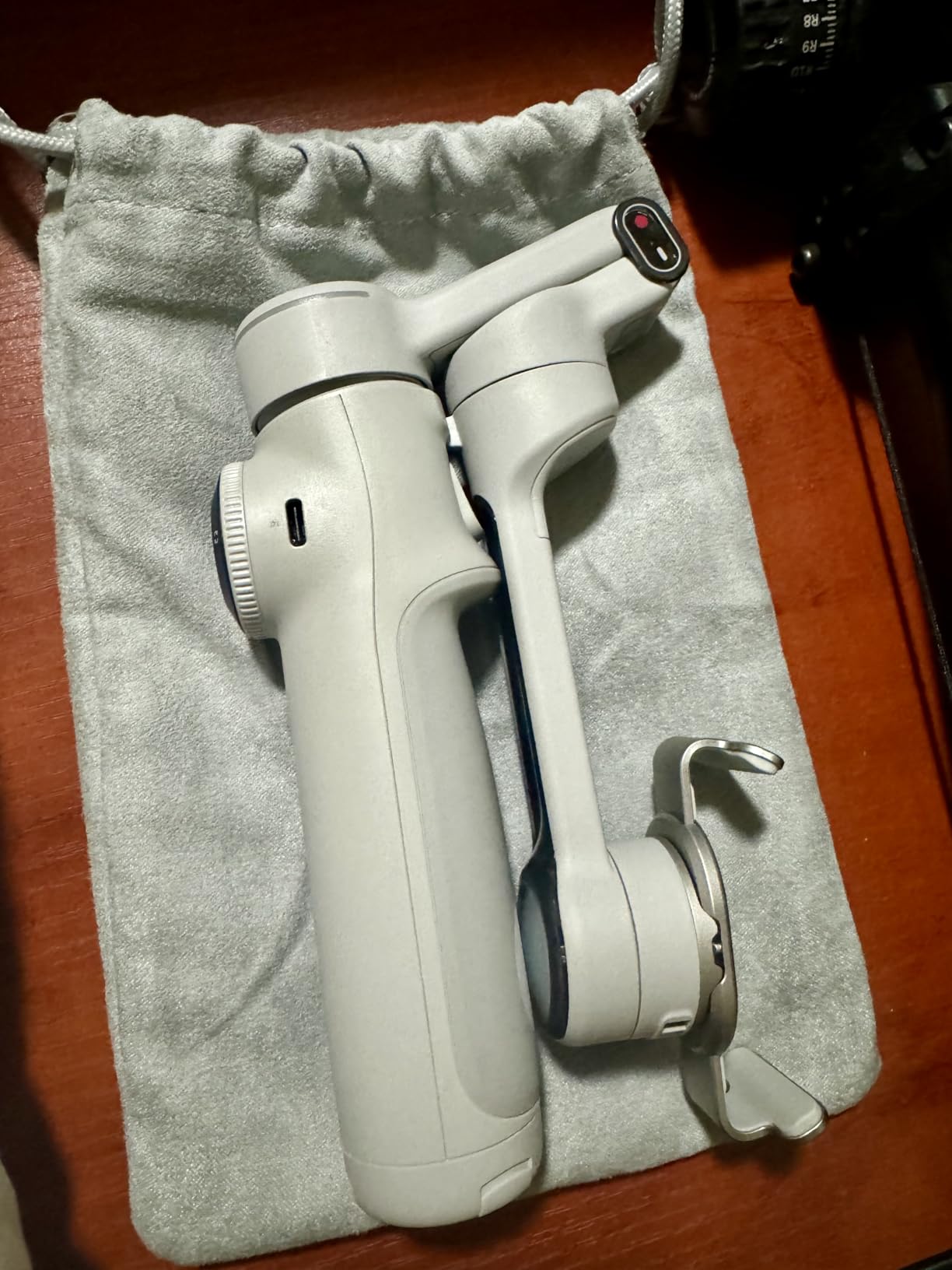
It also folds. At 385g and roughly 98 by 178 by 37mm folded, it packs down small enough to live in a day bag next to a compact camera.
What you need to know before buying it
Active zoom tracking is limited to iPhone 12 through 16 Pro and Pro Max models. Android users get a reduced feature set, and DockKit does not exist for Android at all — check your phone before buying on the strength of the tracking.
The teleprompter and selfie mirror are genuinely useful for solo vloggers, but they are gimmicks if you never speak to camera.
Who should skip it
Skip it if you are on Android and your reason for buying is tracking. You would be paying for headline features your phone cannot use.
Skip it if you want a bright light or a physical mic receiver. This body focuses on framing instead.
6. Hohem iSteady M6 – Built For Pro Max Size Phones
hohem iSteady M6 Gimbal Stabilizer for Smartphone, 2023 Upgrade 3-Axis Phone Gimbal for iPhone 14 Pro Max & Android, 360°Infinite Rotation, OLED Display for Video Recording
400g payload
18-hour battery
360-degree rotation
0.91 inch OLED
Pros
- Handles large Pro Max and Galaxy Ultra phones
- 18-hour battery with reverse charging
- OLED display shows power and status
- Inception mode gives unlimited vertical rotation
- Four expansion ports for mics and lights
Cons
- One of the heavier bodies in this lineup
- Tracking range drops off beyond roughly 10 to 30 feet
- Cheap tripod legs can arrive loose
- Overheats when charging while filming
Payload is the whole story here. The stated 400g maximum means a large flagship in a case still sits well inside what the motors can hold, and reviewers with heavy phones report strong, steady performance where lighter gimbals drift or strain.
The 18-hour battery with reverse charging is the most generous runtime here. That number comfortably covers a multi-day shoot, and being able to top up your phone from the gimbal is what makes it viable at that length.
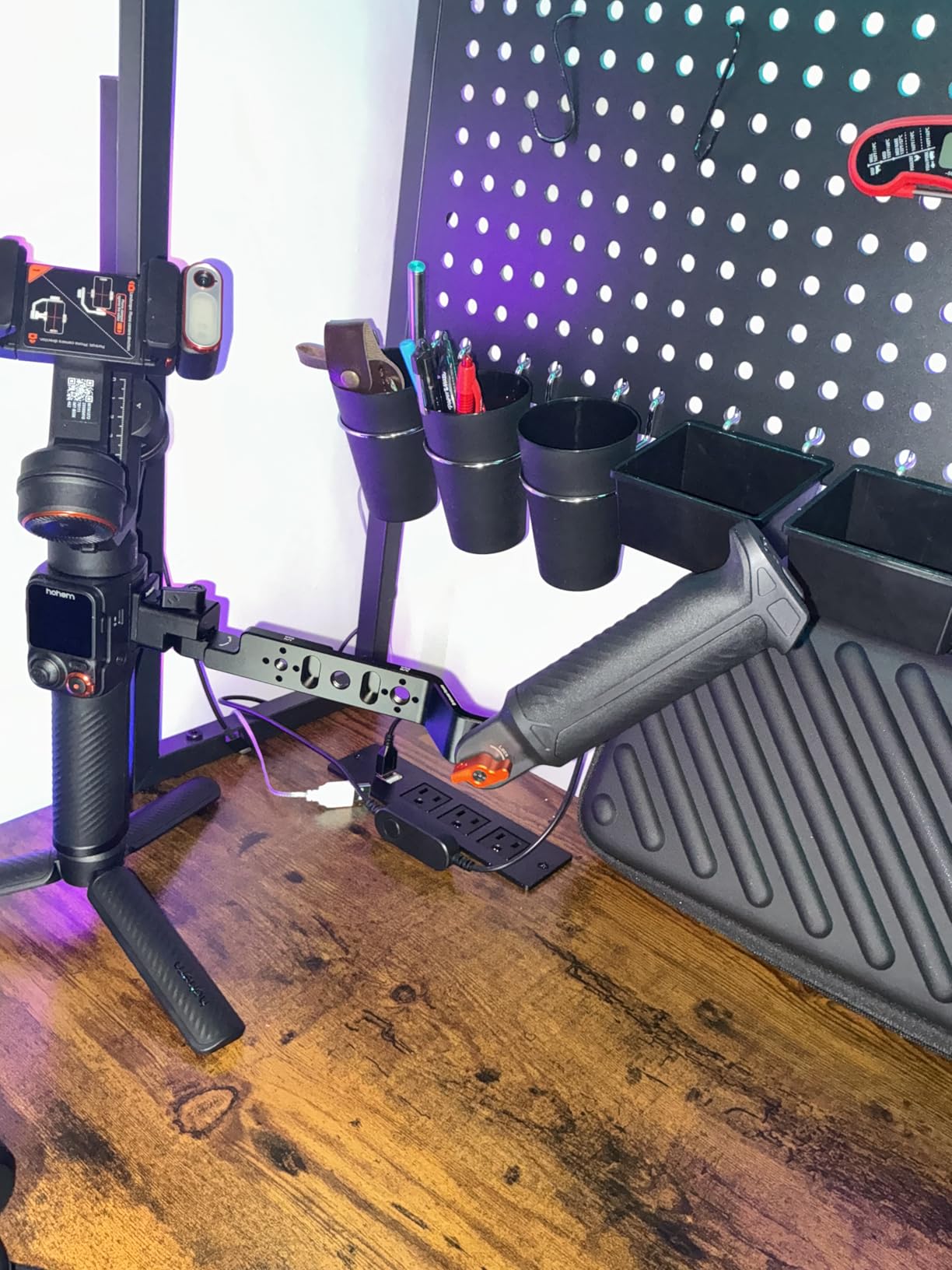
Face and object tracking works at close range without the app open, which is a small but real convenience. The 0.91-inch OLED shows remaining power and working status so you can check without guessing.
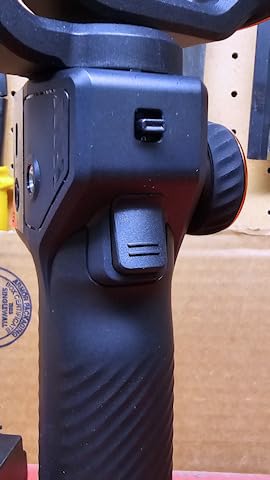
Inception mode allows unlimited 360-degree vertical rotation, and the four expansion ports accept microphones and lights directly. If you build a small rig, this is the body that makes it easy.
What you need to know before buying it
Tracking range is the main constraint. It falls off sharply beyond roughly 10 to 30 feet, so it is a close-quarters tool — think talking head, desk shots, small rooms — rather than a sideline sports rig.
Watch the charging warning. Reviewers report an overheating message if you charge while actively filming, and the included tripod legs are reportedly cheap and can be loose out of the box.
Who should skip it
Skip it if you film at a distance. The tracking range will disappoint you, and there are better options for wide subjects.
Skip it if you are a minimal packer. It is the heaviest body we tested and the bulk does not collapse into anything pocket-sized.
7. Insta360 Flow – Selfie Stick, Tripod And Power Bank In One
Insta360 Flow Gimbal Stabilizer for Smartphone, AI-Powered Gimbal, 3-Axis Stabilization, Built-in Tripod, Portable & Foldable, Auto Tracking Phone Stabilizer, Video Recording, Stone Gray
2900mAh power bank
12-hour battery
Deep Track 3.0
One-step deploy
Pros
- Selfie stick
- tripod and power bank in one body
- 2900mAh battery rated at 12 hours
- Deep Track 3.0 with person re-identification
- One-step rapid deploy with no power button
- Smooth stabilization across a full day
Cons
- Some features unavailable on certain Android phones
- Shot Genie and advanced editing need the Insta360 app
- Heavier and bulkier than compact folding gimbals
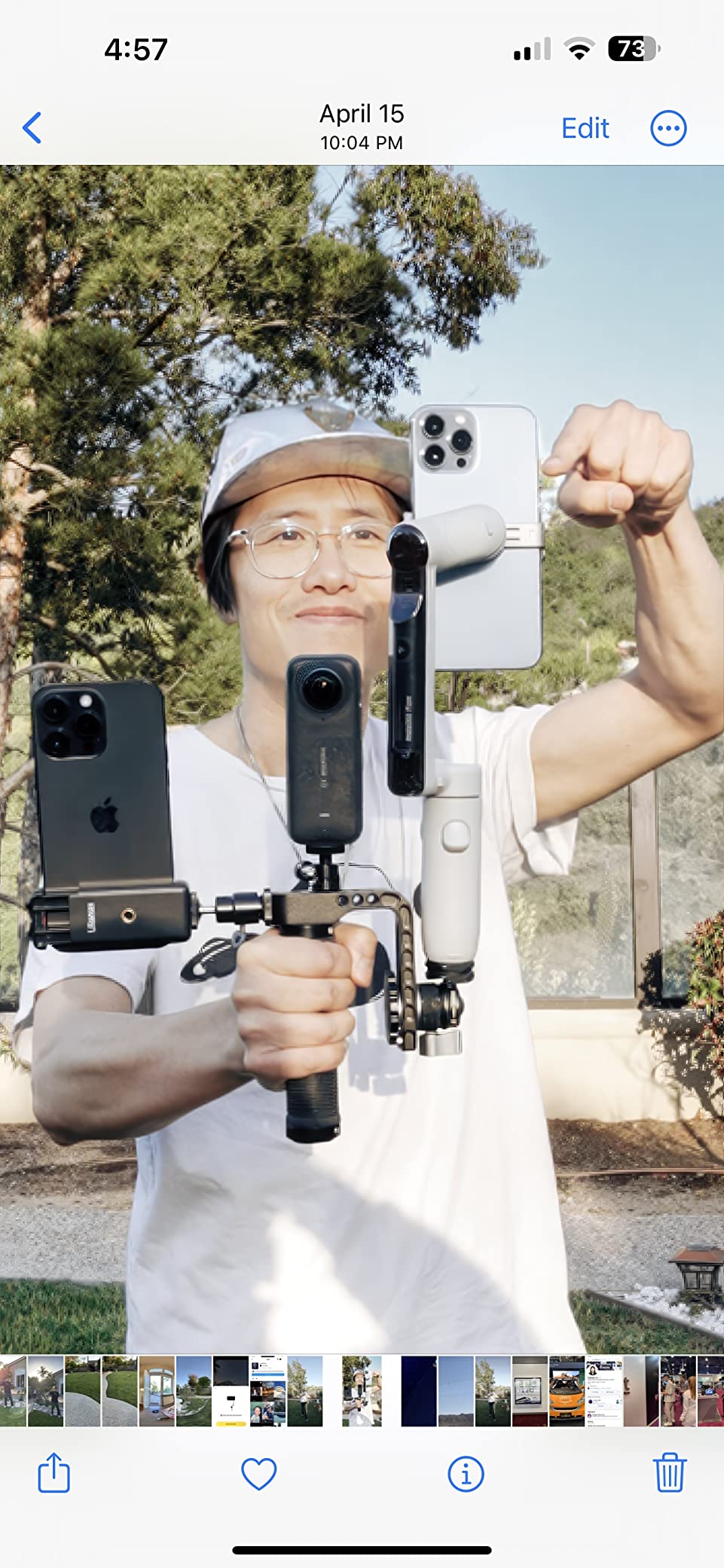
The Flow is the one I reached for when I wanted to carry the least amount of gear. Selfie stick, tripod and power bank are all built into the body, so the accessory bag stays empty.
Deep Track 3.0 adds person re-identification, meaning if your subject walks behind something and comes back, the gimbal re-acquires the same person. On a busy street that prevents a lot of dropped shots.
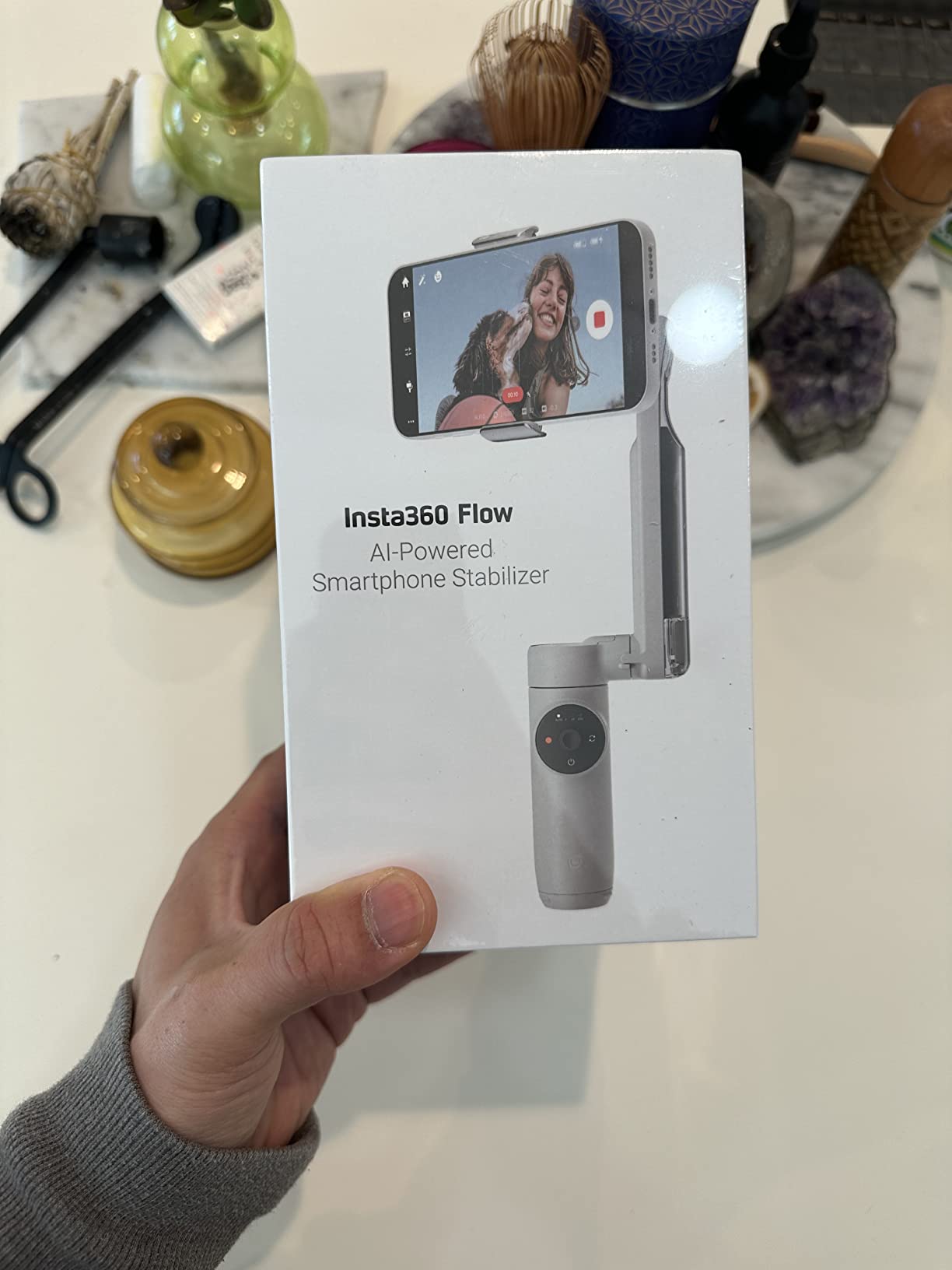
The 2900mAh battery and stated 12-hour runtime comfortably outlast a shoot day, and rapid deploy means you can be moving before the app has finished opening.
Stabilization stayed smooth across a full day of handheld walking, which is the least glamorous thing a gimbal can do and the most important.
What you need to know before buying it
Android support is uneven. Brand-specific interface protocols mean some features are simply unavailable on certain Android phones, and you will not always know which until you open the app. Check your model against the compatibility notes first.
Shot Genie and the advanced editing tools live inside the Insta360 app, so you are shooting in their software for the full feature set.
Who should skip it
Skip it if you need to stay in your own camera app for good-looking footage, and skip it if you want a bright built-in light. There is no fill light in this body.
Skip it if you are extremely sensitive to weight. At 1.6 lb it is heavier and bulkier than several compact gimbals here despite the fold.
8. AOCHUAN Smart XE – An Honest Budget Gimbal For Static Shots
AOCHUAN Smart XE 3-Axis Gimbal Stabilizer for iPhone&Android,Foldable
345g foldable
10-hour battery
AI Face Track 4.0
Mini tripod included
Pros
- Entry-level pricing without a toy-like feel
- Build quality feels solid rather than cheap
- Palm-size foldable body with 10-hour battery
- Face and object tracking is quick and accurate
- One-click landscape to portrait switch
Cons
- Tracking unavailable at 1080p 60 or 4K on some Android phones
- Tracking only works inside the AOCHUAN app
- Stabilization struggles when camera and subject both move
- Some reviewers question the third-axis motor claim
This is the honest budget answer. It is a real three-axis gimbal at an entry-level price, and the build quality feels a step above what the cost suggests.
For seated or stationary vlogging, the tracking is fast and accurate. If your content is a talking head or a desk setup, it does the job cleanly.
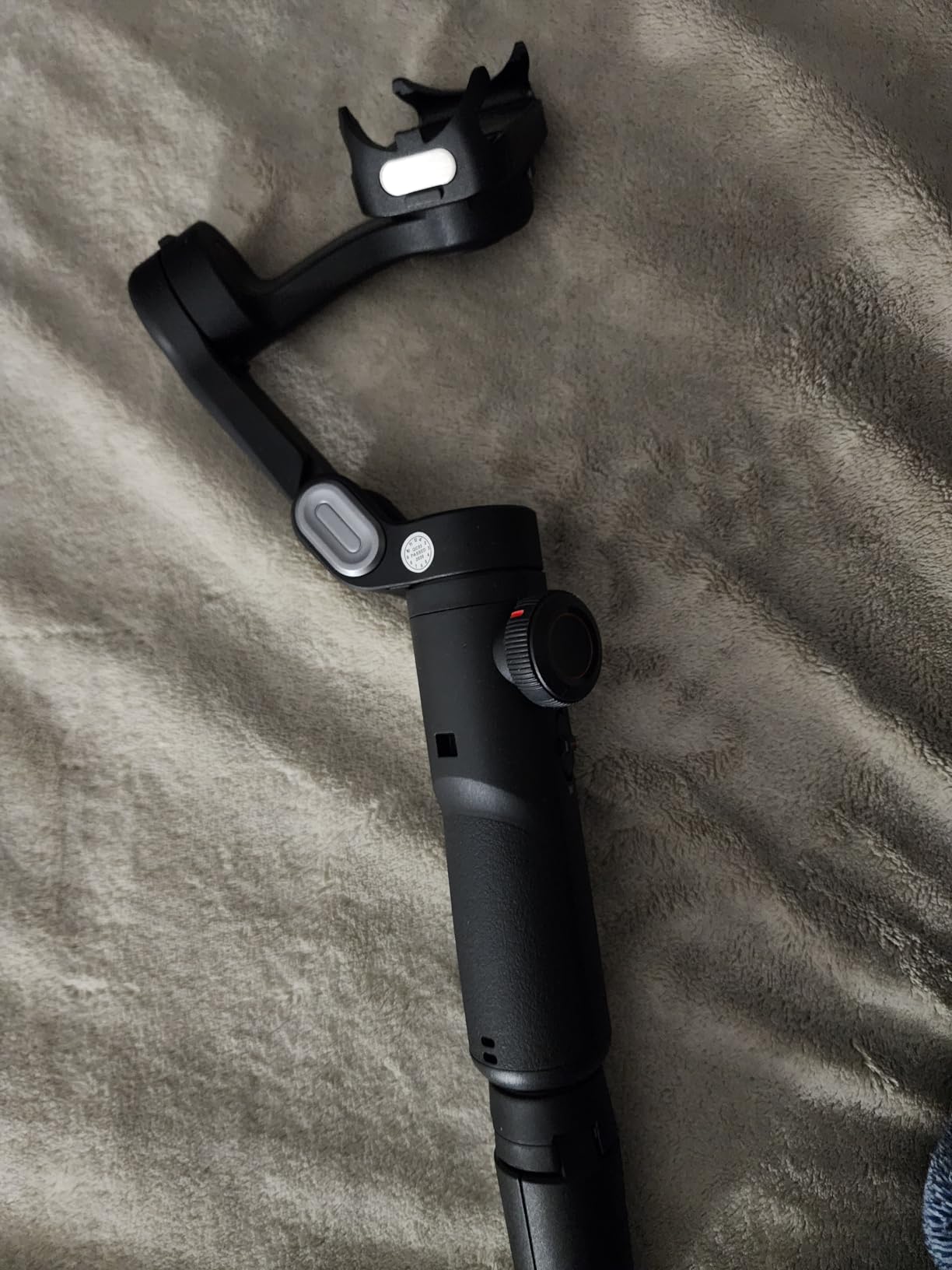
The 10-hour battery and a palm-size fold make it a genuinely portable first gimbal, and the one-click portrait switch is the feature vertical-first creators will use constantly.
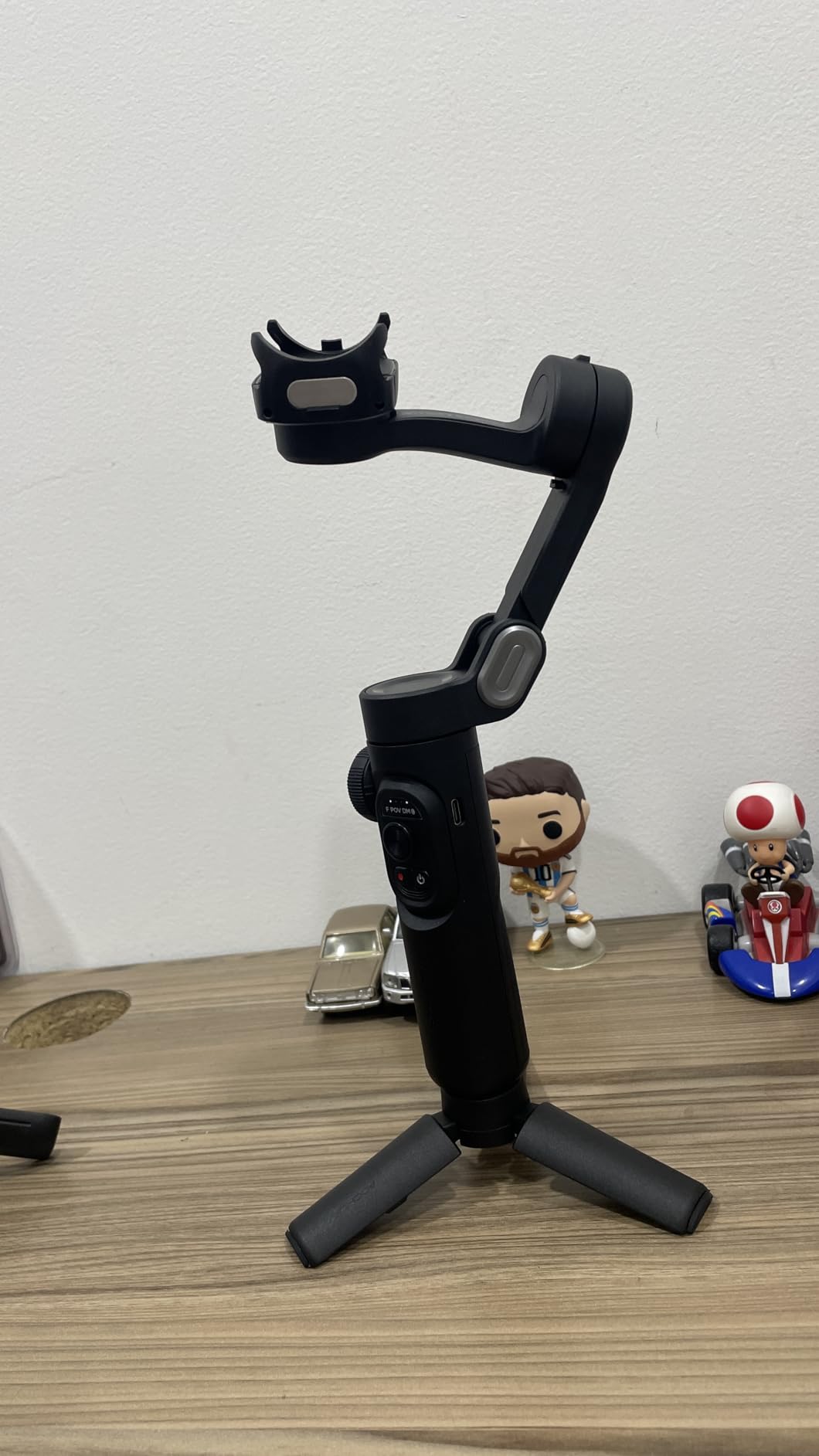
The limitation is walking work. Reviewers report that stabilization struggles when both the camera and the subject are moving at once, which is exactly the follow-me shot most vloggers want on day one.
What you need to know before buying it
Tracking is app-locked and, on some Android phones, unavailable at 1080p 60 or 4K. Those are the settings most vloggers shoot in, so check before you buy.
Large phones in bulky cases can restrict full rotation. If you use a big case, test the clamp with your phone first.
Who should skip it
Skip it if your style involves moving while your subject also moves. That is the exact case where the budget tier shows its limits.
Skip it if you need pro formats. Several reviewers also question the third-axis motor claim, noting two stabilizing motors plus an orientation motor, so treat the headline specification with some care.
9. Zhiyun Smooth 5S AI – Longest Battery In The Lineup
ZHIYUN Smooth 5S AI Combo 3-Axis Gimbal Stabilizer for iPhone 15 Pro Max & Android Smartphone Gimbal with AI Tracker, Built-in Fill Light, Tripod, Phone Stabilizer for Video Recording Vlog Filming
26-hour battery
Gesture tracking without an app
Built-in fill light
True 360-degree rotation
Pros
- Longest stated battery in the lineup at 26 hours
- Gesture tracking works without opening an app
- Orthogonal three-axis structure from pro stabilizers
- True unlimited 360-degree rotation
- High-power built-in fill light
Cons
- One of the heaviest and least compact options tested
- Small review base means limited long-term data
- Extra magnetic fill light sold separately in lower bundles
The 26-hour battery is the reason this one is interesting. Even discounting manufacturer optimism, nothing else here comes close, and for a multi-day trip that removes charging from your planning entirely.
Gesture tracking without an app is a quietly important feature. You can start and stop recording with a gesture and the gimbal handles it, which means you are not stuck inside Zhiyun’s camera to use the tracking. That is the complaint we heard most about other budget gimbals.
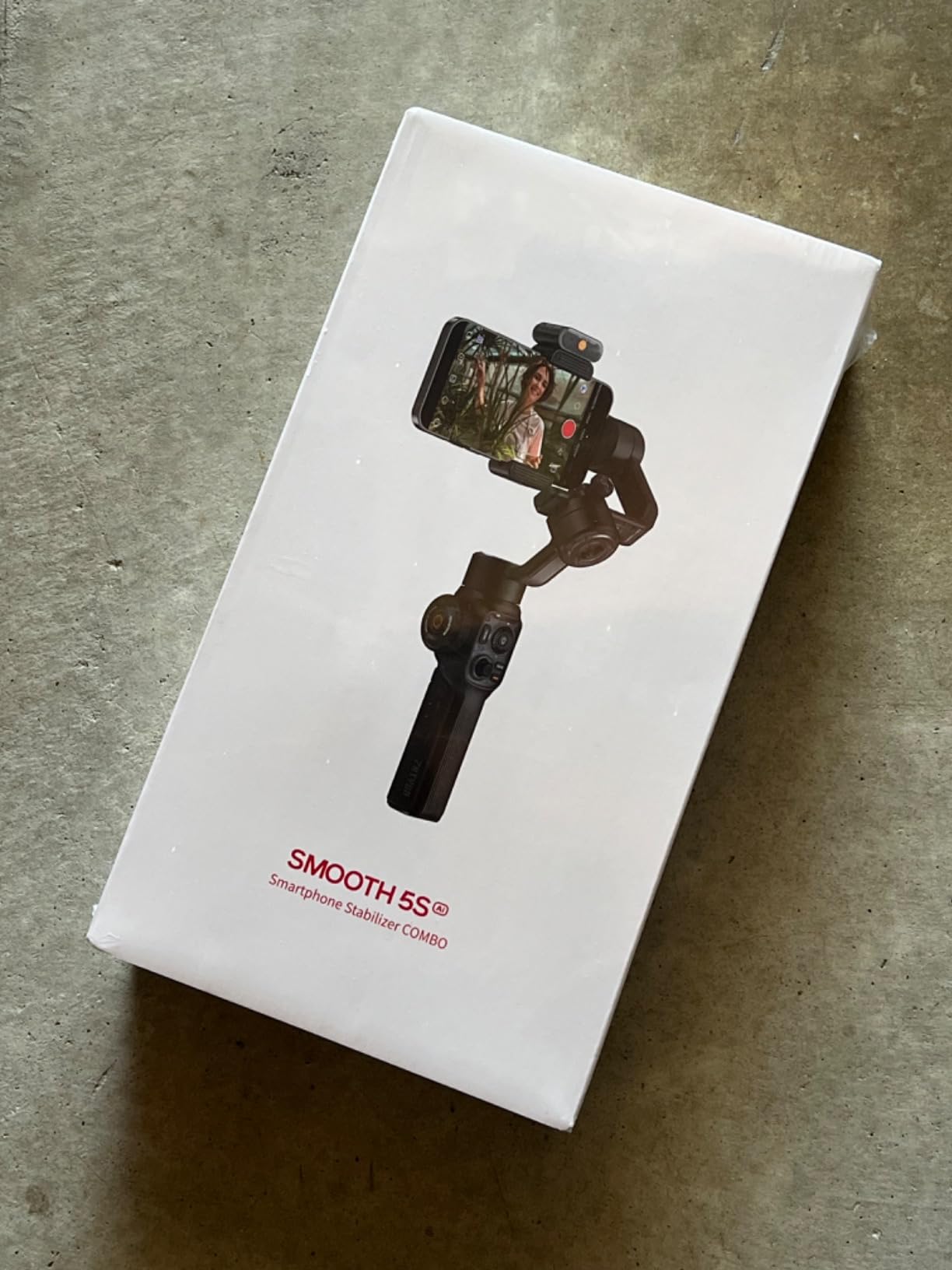
The orthogonal three-axis structure comes from pro camera stabilizers, and the result is steady movement on all three axes with true unlimited rotation. The built-in fill light is one of the brighter ones in this lineup, which matters after dark.
It is also one of the heaviest bodies we tested. If the battery is not your priority, that weight is hard to justify.
What you need to know before buying it
The review base is small. Buyers rate it highly, but there is not the same depth of long-term reliability feedback available for the established models — which is a real consideration for something you plan to keep for years.
Confirm which bundle you are getting, since the additional magnetic fill light is sold separately in the lower bundles.
Who should skip it
Skip it if you care about long-term reliability evidence. You are buying a new release with a thin track record.
Skip it if you pack light. Nothing about the weight is small.
10. Zhiyun Smooth Q5 Ultra – Best For Night And Low Light
ZHIYUN Smooth Q5 Ultra 3-Axis iPhone Gimbal Stabilizer for Video Recording
226-lux fill light
215mm telescopic rod
13.5-hour battery
390g payload
Pros
- Handles large heavy phones when properly balanced
- Wide counterweight with size markings
- Zoom knob doubles as a focus control
- Side-mount tripod suits portrait orientation
- Battery holds up well in cold conditions
Cons
- ZY Cami app is convoluted with subscription prompts
- Must be set to a specific axis state before power-on
- App often fails to reconnect after a power cycle
- Instructions are minimal
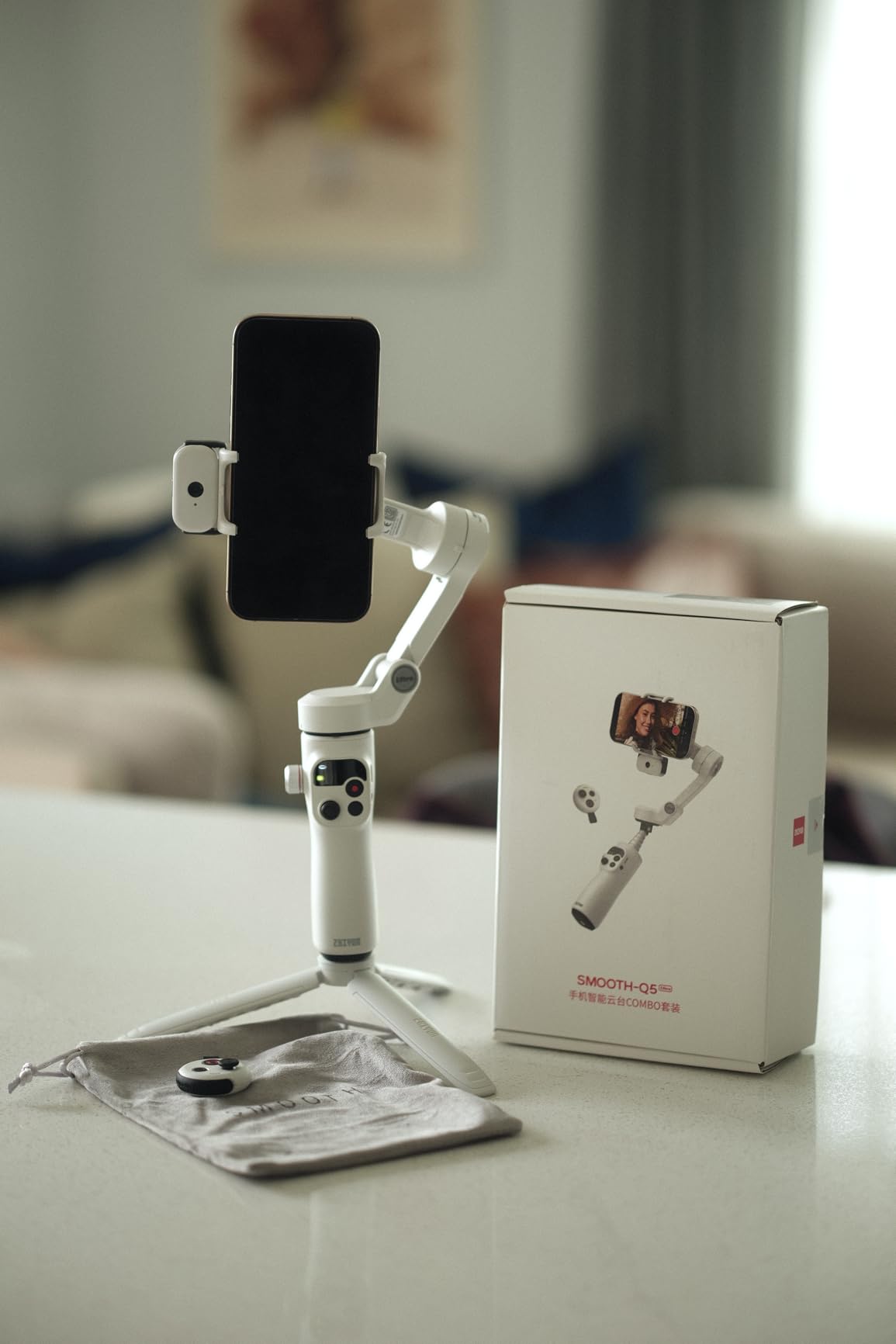
The 215mm telescopic rod adds distance between you and the phone, and that extra length makes self-filming noticeably more comfortable. It is the physical feature that does the most for solo framing on this body.
The 226-lux fill light is useful after dark, and reviewers report the battery still performs well in cold conditions, which is where light output and endurance usually suffer first.
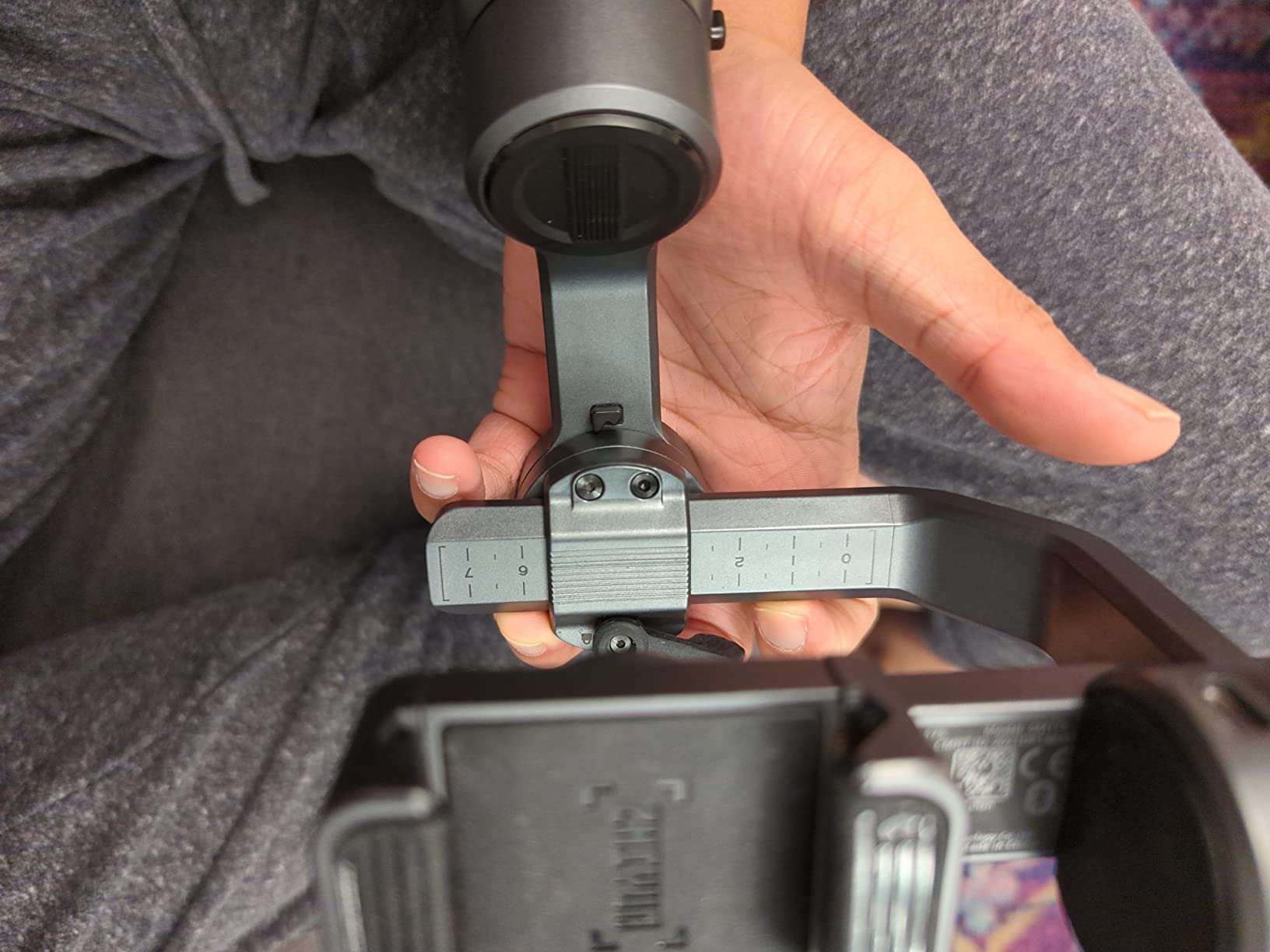
The wide counterweight with markings for different phone sizes is a small design touch that saves real time. Balancing a large phone is quicker when the mechanism tells you where to put it.
It handles heavy phones properly when balanced, and the tripod mounts on the side so it works in portrait orientation without a separate bracket.
What you need to know before buying it
The software is the weak point. The ZY Cami app is described as convoluted, with subscription prompts and no 4K 60fps option, and it often fails to reconnect after the gimbal power cycles. Budget your time for that.
It must be set to a specific axis state before power-on or it shuts down, and the included instructions are minimal, so expect a short learning curve.
Who should skip it
Skip it if you dislike subscription prompts in your camera software or you shoot 4K at high frame rates. If you are patient and shoot mostly 4K 30 or 1080p, it is workable.
Skip it if you want tracking to work across your apps. This is one of the most app-dependent gimbals here.
Do You Even Need A Gimbal? When Software Is Enough
Sometimes you do not, and saying so is more useful than another list. Modern phone video is stabilised in software remarkably well, and the tools doing it are free or near-free.
Google Photos has a stabilisation mode that crops into the frame and smooths walking shots. Gyroflow reads your phone’s gyroscope data and applies true multi-axis correction. MotionCam is built specifically for action-camera-style footage from a phone. All three produce usable results from the same shaky clip.
We used the compact cameras we rate for vlogging alongside these gimbals, and in a blind test the software-stabilised phone footage was often the smoother of the two. If your shots are short, static or tripod-based, you do not need a gimbal at all.
Three situations where a gimbal earns its place
First, long continuous walking-and-talking shots. Software stabilisers crop into the frame, which means digital zoom and lost detail. Over a five-minute walk-and-talk that compounds, and a gimbal loses nothing.
Second, low light. Cropping into a low-light frame means leaning on a noisier image, so the combination of software stabilisation and a dark scene is where it falls apart fastest. A gimbal keeps the full sensor working.
Third, subject tracking. No software package can pan the camera to follow you. If you want to film yourself at arm’s length from a fixed position, the tracking in the gimbals above is the entire feature — and it is the single clearest reason to buy one.
If you shoot mostly 4K on a modern flagship, our vlogging camera picks may serve you better than any phone accessory, and our full camera gimbal guide covers the point where you outgrow a phone mount.
How To Choose A Phone Gimbal For Vlogging
The specs matter less than the fit between the gimbal and your phone, your apps and your shooting style. Here is what we would check before buying.
1. Payload against your phone plus case
Payload is the number people misread most. It is the maximum weight the motors can hold, and your phone in a case is heavier than the phone. Check your phone’s weight plus your case against the stated payload before anything else.
Most of the gimbals here handle 280g to 300g, which covers most phones. The Hohem iSteady M6 goes to 400g, which is what makes it the safe pick for a Pro Max or a Galaxy Ultra in a thick case. The Zhiyun Smooth 5S AI has the highest stated figure at 644g, matched by its weight.
Do not run a phone-plus-case close to the stated limit. Motors at full capacity produce a low hum in your audio and strain over a long day.
2. App-gated versus native tracking
This is the single most useful distinction in this category and almost nobody explains it. AI tracking usually requires the manufacturer’s own app, which means you shoot through their camera instead of yours — and their camera may be worse than your phone’s native one.
Two picks here break that pattern. The DJI Osmo Mobile 8 offers native tracking that works inside any camera app. The Insta360 Flow 2 Pro uses Apple DockKit on iOS to track across more than 200 apps. Everything else in this list needs its own app open for tracking to function.
Check how you record now. If your workflow depends on a specific app — or a specific social app — you should be looking at those two first. If you are happy shooting inside the manufacturer’s software, you have the whole list open.
3. Extension rod for solo framing
A built-in extension rod is the most vlog-relevant physical feature and the one most spec lists treat as an afterthought. It gives you distance between you and the phone, which is what stops a vlog shot looking like a selfie.
Rod lengths vary. The Osmo Mobile 6, 7P and 8 all have built-in rods. The Zhiyun Smooth Q5 Ultra has a 215mm telescopic rod, which is the longest here. The Insta360 Flow and Flow 2 Pro combine a rod and a tripod in the same body.
The two Hohem models in this list have no rod. Their tracking does the work instead, and for a fixed-position talking head that is an equally good solution.
4. Battery life across a real shoot day
Stated battery figures are measured with nothing else running. Add a fill light, active tracking and continuous phone charging and every one of these numbers drops.
Stated runtimes here range from 10 hours up to 26. Reviewers of the Osmo Mobile 7P specifically note that charging a phone from the gimbal pulls the runtime down noticeably, so treat a stated figure as a ceiling.
Ten hours is genuinely enough for a day if you start full and are not running lights. If you shoot multi-day without reliable power, the 18-hour M6 and the 26-hour Smooth 5S AI remove charging from the equation.
5. iPhone versus Android
On iPhone, your options widen. Apple DockKit support on the Flow 2 Pro is a genuine advantage because it hands tracking to the operating system, and 15x active zoom tracking needs a Pro or Pro Max model from the iPhone 12 to 16 range.
On Android, plan around the fragmentation. Some features on the Insta360 Flow are unavailable on certain Android phones because of brand-specific protocols, and tracking on the AOCHUAN Smart XE is unavailable at 1080p 60 and 4K on some models. Check your exact phone before buying on a feature’s promise.
Both platforms are well served otherwise. The Osmo Mobile 6 and 7P work across both without meaningful compromise.
6. What the tracking modes actually mean
ActiveTrack, AI Face Track, Deep Track and similar names all describe subject recognition, but they differ in where they run. In-app tracking means you must open the app. Native tracking means the operating system handles it. Magnetic sensor tracking and DockKit both hand tracking outward to the phone, which is why they are the versions you can use across apps.
Multi-person tracking is worth checking if you film with groups, because it frames a whole set rather than locking onto one face. Zoom tracking matters if you film sport or performance from a distance.
Low light is where every system in this list struggles. Reviewers of the 7P specifically report tracking losing the subject in very low light, and it is the most common performance complaint across the whole category. Plan to shoot night scenes wide or static rather than relying on tracking.
7. Audio is the part a gimbal cannot fix
A gimbal stabilises the picture and leaves your audio completely alone. Phone microphones pick up wind, handling noise and room echo, and no amount of stabilization changes that. This is the most common complaint in the smartphone filming community and the one most roundups skip.
The fix is external audio. Several gimbals here make it easy: the Osmo Mobile 7P and 8 include a multifunctional module that accepts a DJI microphone receiver, and the Hohem iSteady M6 has four expansion ports for a microphone and light. Our on-camera microphone guide covers the options in detail.
If you are buying a gimbal for vlogging specifically, budget for a microphone alongside it. It will improve your videos more than any other accessory.
8. Stabilization, defined
A gimbal stabilizes on three axes. The pan axis moves the phone side to side, the tilt axis moves it up and down, and the roll axis is the twist of the phone itself. Three-axis means the horizon stays level while you move, which is the difference that reads as professional.
A two-axis stabilizer only handles pan and tilt, so the phone can still rotate slightly in your hand. For vlogging that produces a subtle wobble that viewers notice without being able to name. Every gimbal in this list is three-axis, with the exception that reviewers of the AOCHUAN Smart XE question whether its third axis uses a separate motor — worth considering if roll stability is your main concern.
Frequently Asked Questions
What is the best vlogging gimbal for my phone?
The DJI Osmo Mobile 6 is our pick for most people, because it stabilises walking shots consistently, weighs 305g folded, has a built-in extension rod for arm’s-length framing and carries the deepest review base of any gimbal here. If you want tracking that works inside your own camera app, look at the DJI Osmo Mobile 8 instead.
What is the best gimbal for smartphone use?
For general smartphone use the DJI Osmo Mobile 6 offers the best balance of stabilization, weight and tracking. For a large phone such as an iPhone Pro Max in a thick case, the Hohem iSteady M6 has the payload headroom to handle it without motor strain.
Are smartphone gimbals worth it?
They are worth it for long walking-and-talking shots, low-light filming where software stabilisation crops into a noisy frame, and for tracking yourself at arm’s length with no assistant. They are not worth it for static, tripod-mounted or short clips, where Gyroflow, MotionCam or Google Photos handle stabilisation in software at no cost.
Do vloggers use gimbals?
Yes, though many vloggers stabilise in software instead. The vloggers who gain the most from a gimbal are those filming alone, walking and talking to camera, or working in low light where software stabilisation has to crop into the frame. Shaky footage reads as amateur and affects how long viewers stay.
What is a good cheap gimbal for a phone?
The Hohem iSteady X3 SE is the strongest entry-level option in this list, with a detachable screen remote, an 11-hour stated battery and a 0.79 lb foldable body. The AOCHUAN Smart XE sits in the same tier and is a genuine three-axis gimbal, but it struggles when both camera and subject are moving.
What’s the difference between a gimbal and a stabilizer?
They are often the same thing described differently. A gimbal uses small electric motors on the pan, tilt and roll axes to actively move the phone opposite to your movement. A stabilizer is the broader term for anything that reduces shake, which can include software-based stabilisation in your phone or editing app.
The Best Smartphone Gimbal For Vlogging in 2026
The DJI Osmo Mobile 6 is our overall pick. It is the lightest full-size gimbal we tested, it has a built-in extension rod for solo framing, and more than 20,000 reviews mean the version you receive has already been debugged by a large community.
If your priority is app-agnostic tracking, the DJI Osmo Mobile 8 is the one. If you are an iPhone user who films multi-person scenes, the Insta360 Flow 2 Pro tracks across your whole app library. If you are starting out, the Hohem iSteady X3 SE gives you a screen remote and an 11-hour battery without a big commitment.
Whatever you choose, buy a microphone alongside it. Stabilization is solved; audio is what viewers actually notice.