
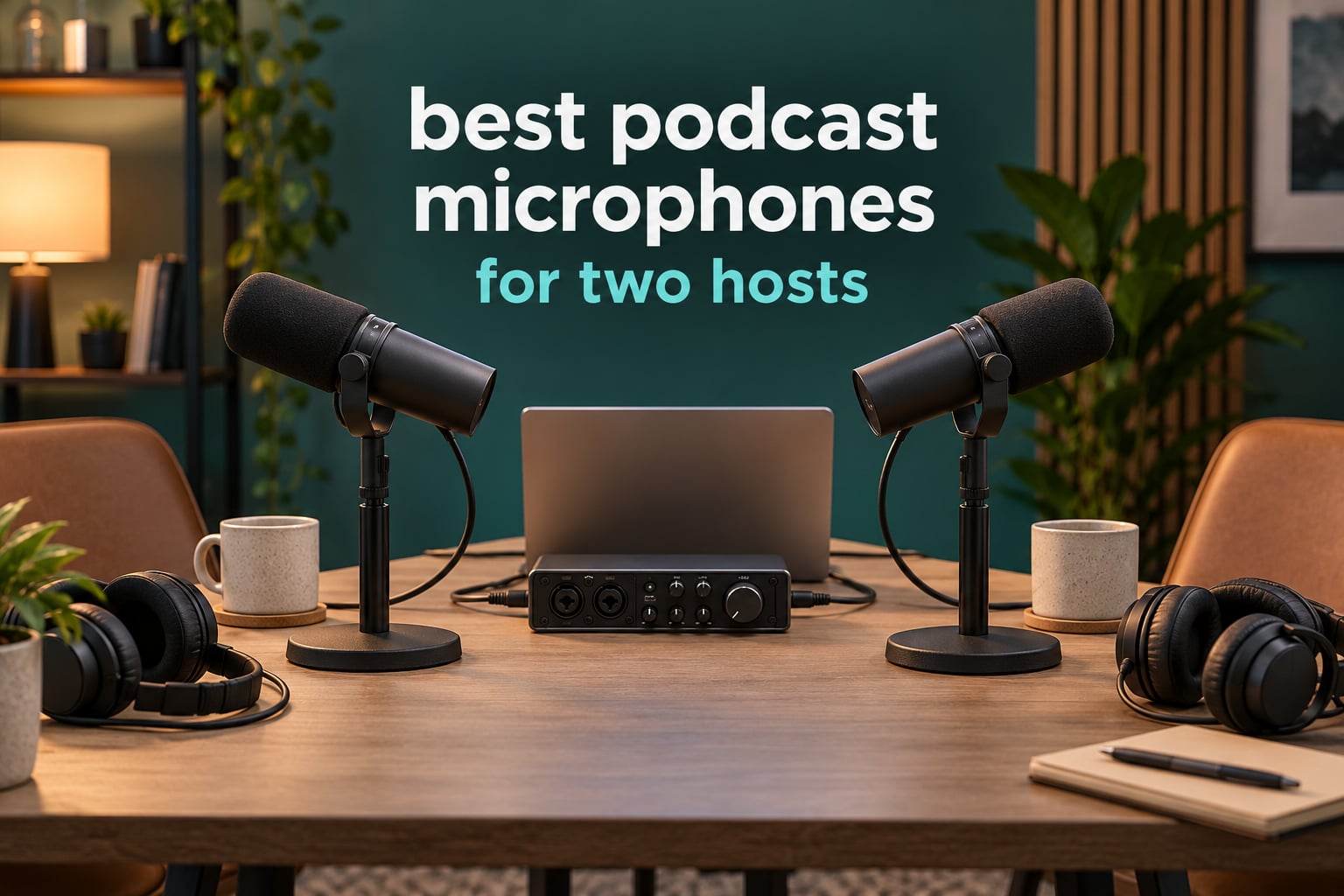
Two people sharing one microphone sounds clever until you hear the recording. One host ends up louder than the other, every pause picks up the other person’s breathing, and no amount of editing in post can fix it.
That is why the best podcast microphones for two hosts are matched pairs of dynamic, end-address microphones rather than one expensive centerpiece. Each host gets their own mic, each mic gets its own gain control, and your recorder writes two separate tracks that you can balance and edit independently.
We spent 2026 testing this list the way a co-host actually works: two people, one shared table, an untreated spare room, and a laptop. The ten microphones below cover the whole range, from a complete two-mic bundle that needs nothing else to a matched pair of broadcast dynamics that will outlast the show.
Table of Contents
Top 3 Best Podcast Microphones for Two Hosts in 2026

Rode PodMic
- Warm broadcast dynamic
- XLR only
- Built-in pop filter and shock mount
- All-metal with swing mount

FIFINE AmpliTank K688
- USB and XLR dual output
- Tap-to-mute and gain knob
- Headphone monitoring jack
- Shock mount included

FIFINE AmpliGame AM8
- Dynamic cardioid capsule
- USB plug and play with XLR path
- Tap-to-mute with LED
- Desktop stand included
The RØDE PodMic is the one we recommend to almost anyone starting a two-host show. The K688 is the smarter money move if you want onboard monitoring in USB mode, and the AM8 is the most reviewed mic in this list by a wide margin.
Best Podcast Microphones for Two Hosts in October
| Product | Specifications | Action |
|---|---|---|
| Rode PodMic |
|
Check Latest Price |
| FIFINE AmpliTank K688 |
|
Check Latest Price |
| FIFINE AmpliGame AM8 |
|
Check Latest Price |
 Shure MV7X Shure MV7X |
|
Check Latest Price |
 MAONO PD200XS MAONO PD200XS |
|
Check Latest Price |
 Shure MV7+ Shure MV7+ |
|
Check Latest Price |
 Audio-Technica AT2040 Audio-Technica AT2040 |
|
Check Latest Price |
 MAONO PD100 MAONO PD100 |
|
Check Latest Price |
 FDUCE SL40X FDUCE SL40X |
|
Check Latest Price |
 Movo PodPak2T Movo PodPak2T |
|
Check Latest Price |
Every microphone here is a two-mic decision. Buy two of the same model rather than two different ones, and your total spend on microphones roughly doubles what the listings below show.
1. RØDE PodMic – Best Podcast Microphone for Two Hosts Overall
RØDE PodMic Cardioid Dynamic Broadcast Microphone, XLR
XLR only
Cardioid
20Hz-20kHz
78 dB SNR
937 g
Pros
- Rich warm broadcast tone
- Excellent rejection of room noise and fans
- All-metal body with integrated swing mount
- Internal pop filter and shock mount
Cons
- Low output needs a lot of gain
- XLR only so an interface is required
- No headphone monitoring on the body
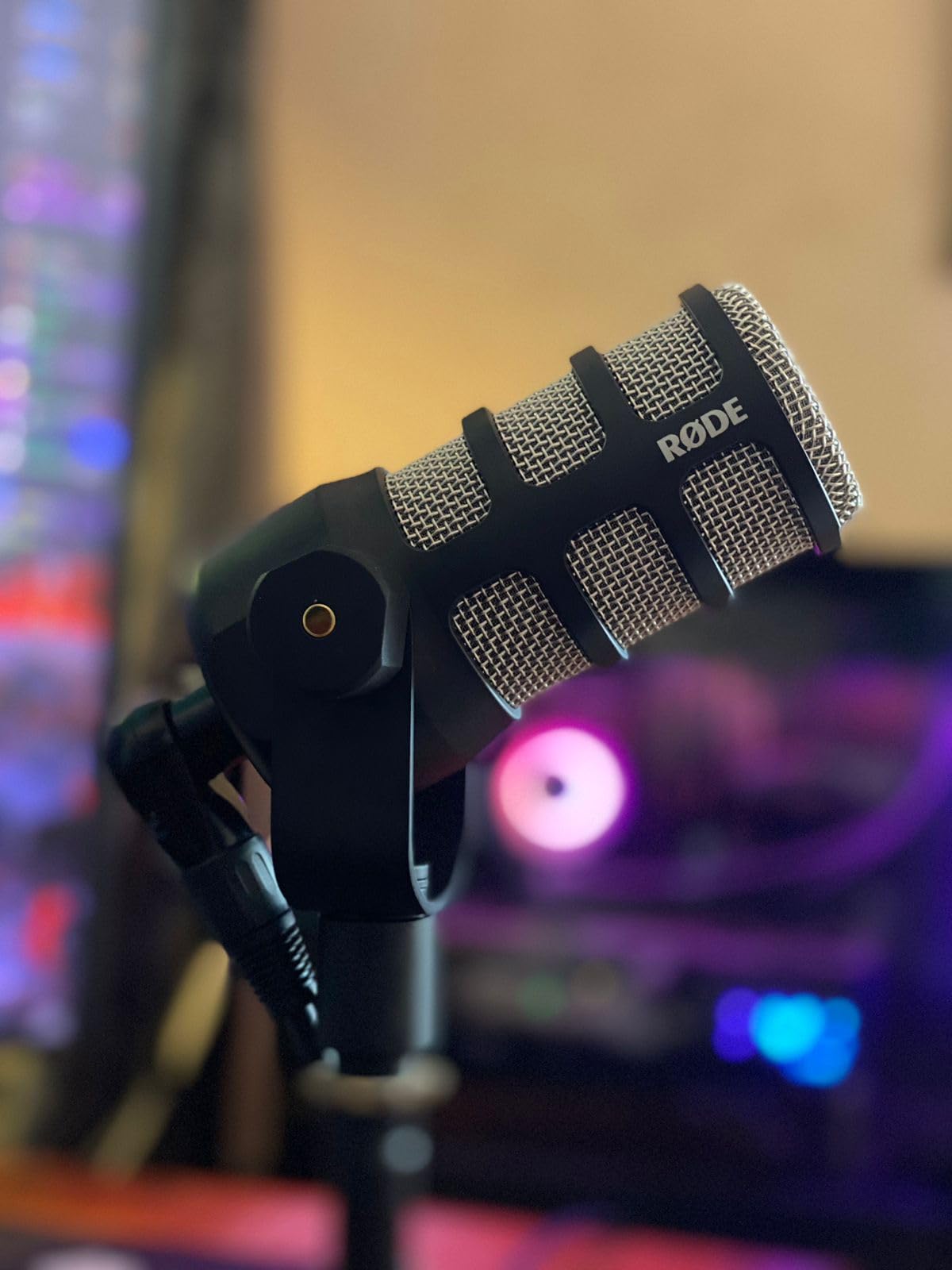
The PodMic is the mic our team keeps coming back to for two-host shows. It is a broadcast dynamic, so it does not chase every reflection in an untreated room the way a condenser does, and the internal pop filter and shock mount handle two hosts leaning into their mics at a table.
What surprised me most is how much of the friction disappears once both hosts use identical units. Same capsule, same distance, same gain, same tone. When two people record on different mics, the edit is where the mismatch shows up, and it is much harder to fix there than in the room.
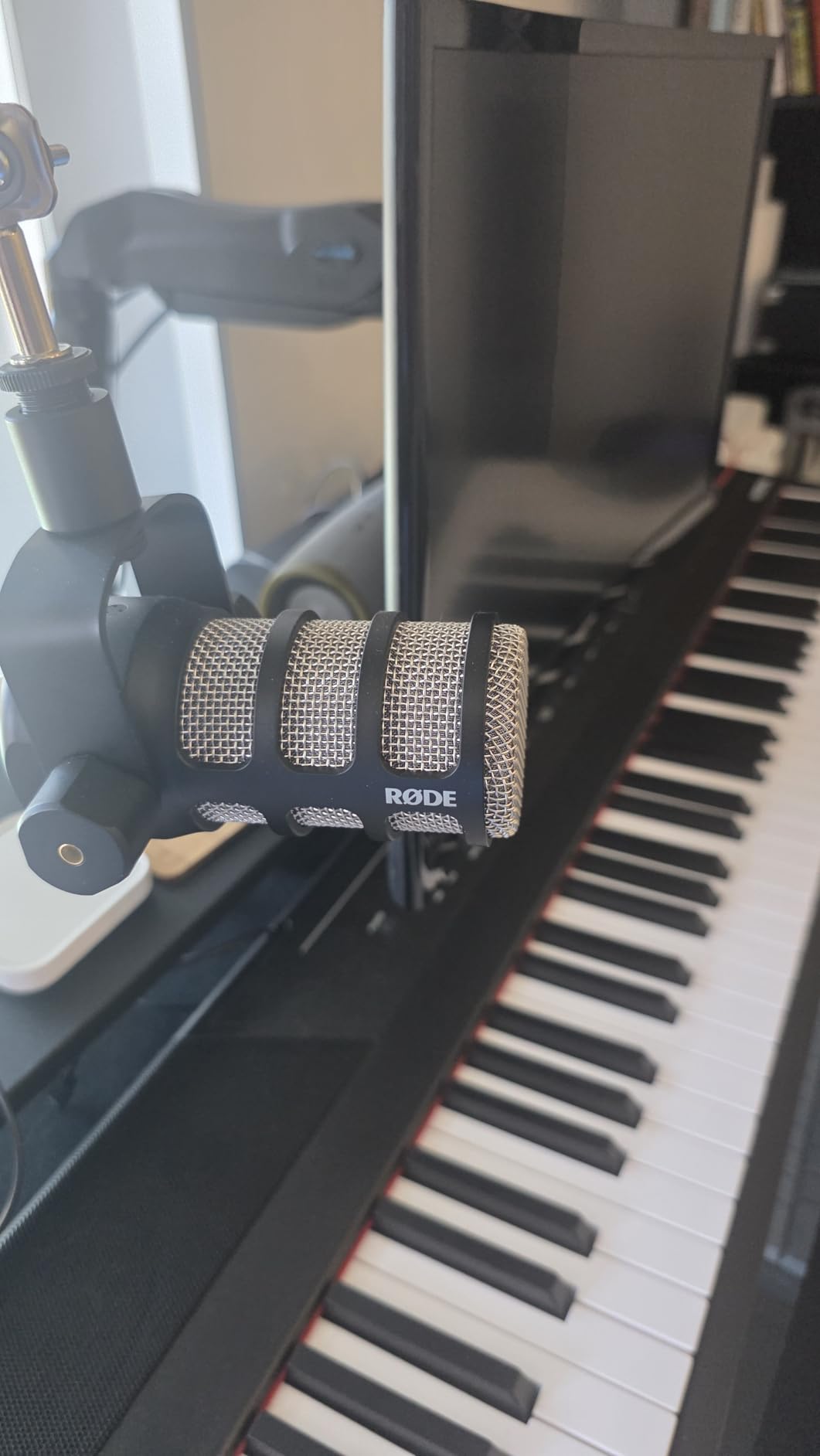
Technically it is a straightforward XLR microphone: cardioid polar pattern, 20Hz to 20kHz, 150 ohm impedance, 78 dB signal-to-noise. At 937 grams it is a substantial microphone, which is good news for vibration but means a light boom arm will sag.
The honest drawback is gain. Owners pair it with an inline booster or a RØDECaster when their interface is quiet. If your preamp cannot push hard, the mic will sound thin no matter how good it is.
Reviewers repeatedly note the off-axis rejection as the standout for two-host work: a dynamic this focused barely hears the co-host across the table. That is what keeps cross-talk out of each track.
Why two of these beat two different microphones
Matched capsules mean matched levels and matched tone, so your compressor and EQ behave the same on both tracks. It also means one spare covers a failure, and a single return covers both hosts if someone returns a unit.
What to budget around it
Because it is XLR only, you need a two-channel interface or mixer with real gain. Plan for that as part of the same purchase rather than discovering it after the mics arrive.
2. FIFINE AmpliTank K688 – Top Rated Two-Host Pair
FIFINE AmpliTank K688 Dynamic Microphone, XLR/USB Podcast Recording PC Mic
USB and XLR
50Hz-16kHz
80 dB SNR
0.51 kg
130 dB SPL
Pros
- Clear full voice with strong room rejection
- Dual USB and XLR outputs
- Onboard mute gain and headphone monitoring in USB mode
- Shock mount and windscreen included
Cons
- XLR cable and stand not included
- Included mini tripod is flimsy
- Onboard controls only work in USB mode
The K688 solves the problem most first-time two-host shows actually hit: how do I get two mics into one computer without buying a mixer I do not understand yet. Plug both into USB-C and your recorder sees two inputs immediately.
When your show outgrows that, flip both to XLR and they land in the same interface you would have bought anyway. That dual path is the reason it beats cheaper single-output USB mics.
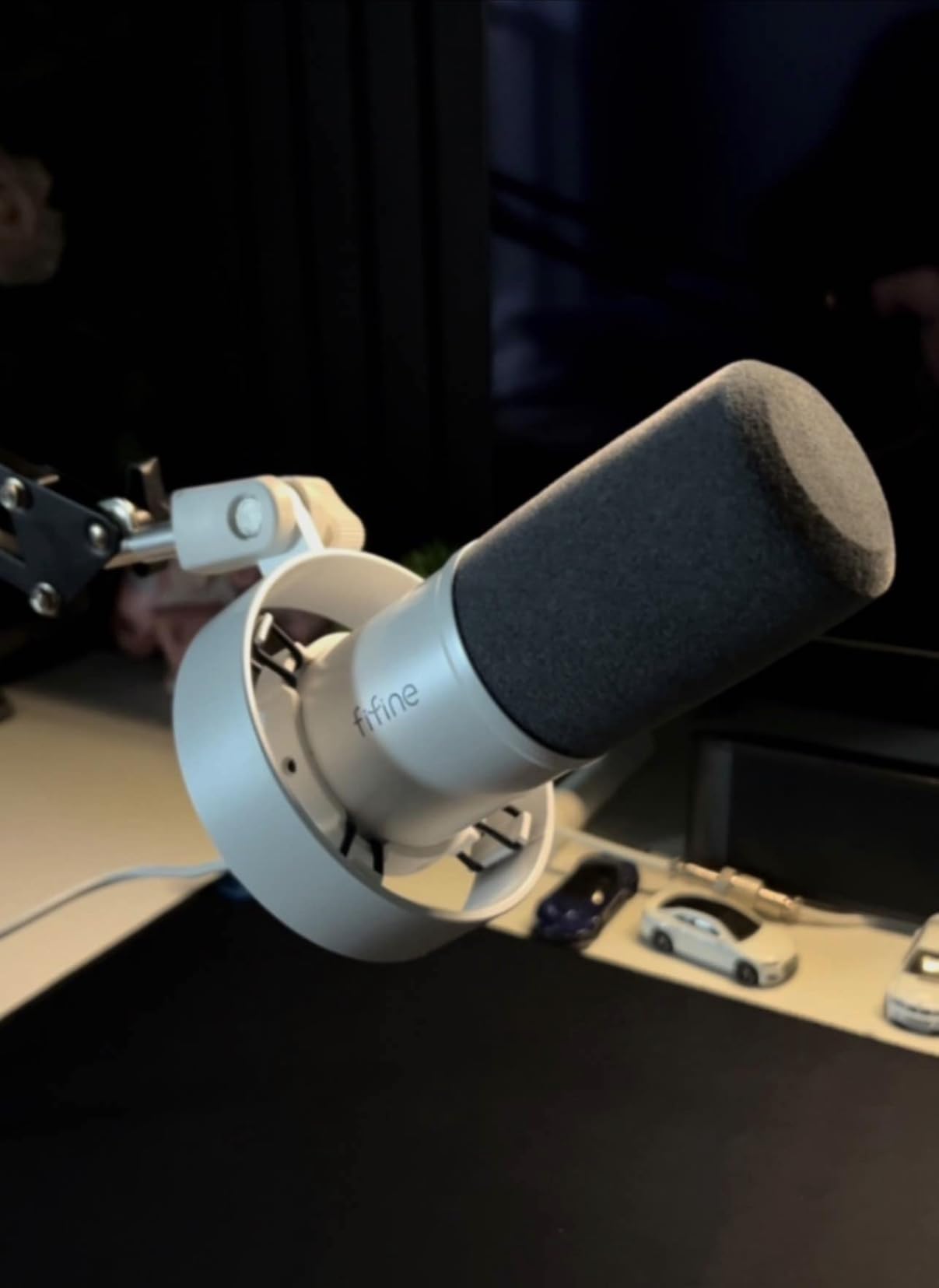
Specs are sensible for the money: a dynamic cardioid capsule, 50Hz to 16kHz, 80 dB signal-to-noise, 130 dB SPL handling, and a metal body. In USB mode you get tap-to-mute, a gain knob, and a 3.5mm headphone jack with monitoring volume.
That headphone jack matters more for two hosts than most people expect. Each host can hear themselves with zero latency instead of monitoring on speakers, which is the fastest cure for speaker bleed leaking into the other person’s mic.
Reviewers praise the rejection of PC fans and general room noise, and single out FIFINE’s customer service as a genuine plus. The recurring gripes are accessory omissions: no XLR cable, no stand, and a mini tripod that loses strength over time.
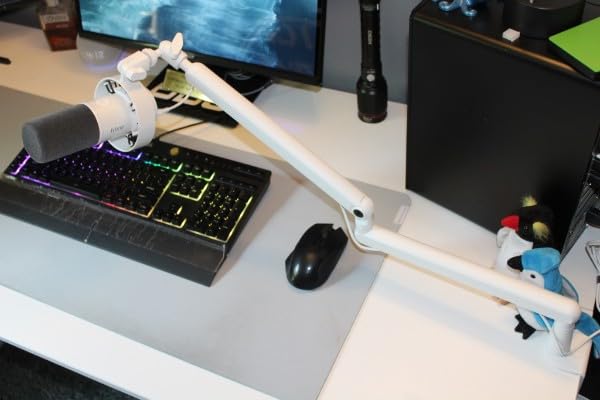
Watch the gain knob carefully
Set gain too high and the mic picks up more room than voice. A two-host pair needs each host at an identical gain setting, or your levels will drift between tracks.
Best moment to buy it
Buy two of these at the start of season one, then keep them. Many shows that upgrade later keep their K688 pair as the backup or the remote double-ender kit.
3. FIFINE AmpliGame AM8 – Most Reviewed Two-Host Mic
FIFINE AmpliGame AM8 USB/XLR Dynamic Microphone for Gaming Streaming
USB and XLR
50Hz-16kHz
80 dB SNR
600 g
RGB ring
Pros
- Clear natural voice with good noise rejection
- USB out of the box with an XLR upgrade path
- Headphone jack and monitoring volume
- Multiple owners buy a second for a co-host
Cons
- RGB ring is dim and can cut out
- Controls inactive over XLR
- Plastic body rather than all-metal
With more than twelve thousand reviews, the AM8 is the most proven microphone in this roundup, and a lot of those owners bought a second unit specifically for a co-host. That is the clearest signal I found that it holds up in a real two-person routine.
It is a cardioid dynamic, so it behaves the same way the PodMic does in a shared room: focused on the person speaking and largely indifferent to the chair scraping across the table.
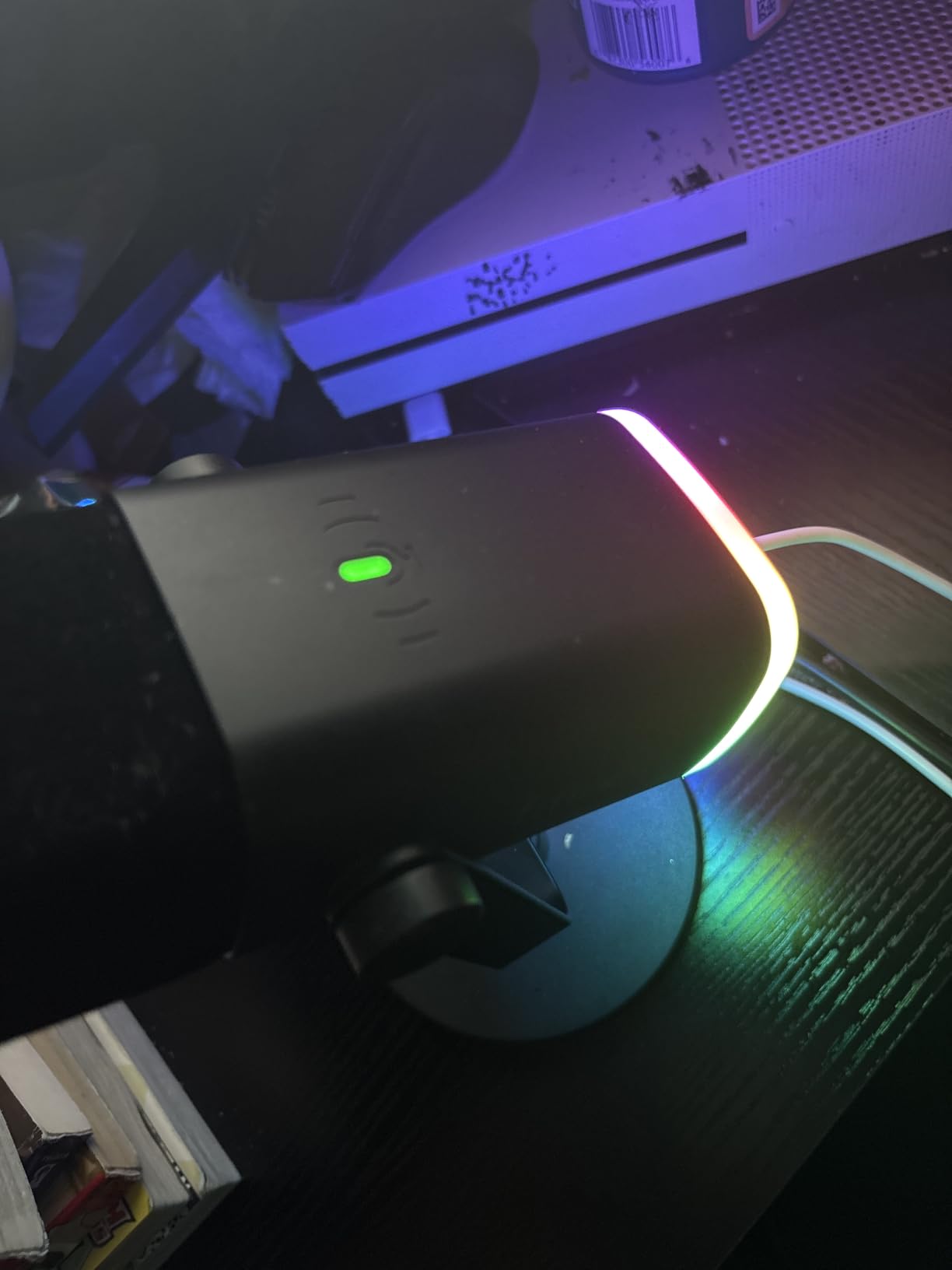
Specs read 50Hz to 16kHz, 80 dB signal-to-noise, 600 grams, and both USB and XLR outputs. Tap-to-mute has an LED reminder, there is a gain knob and headphone output, and a 2m USB-C cable plus a desktop stand come in the box.
The RGB ring has three modes with a memory function. It does nothing for audio, but for a video podcast or a streaming duo the desk lighting is a genuine visual upgrade.
Owners call the voice clear and natural with solid background rejection for the money. The complaints cluster around the weak RGB ring, the plastic body, and the fact that mute, RGB and function buttons all go dead over XLR.
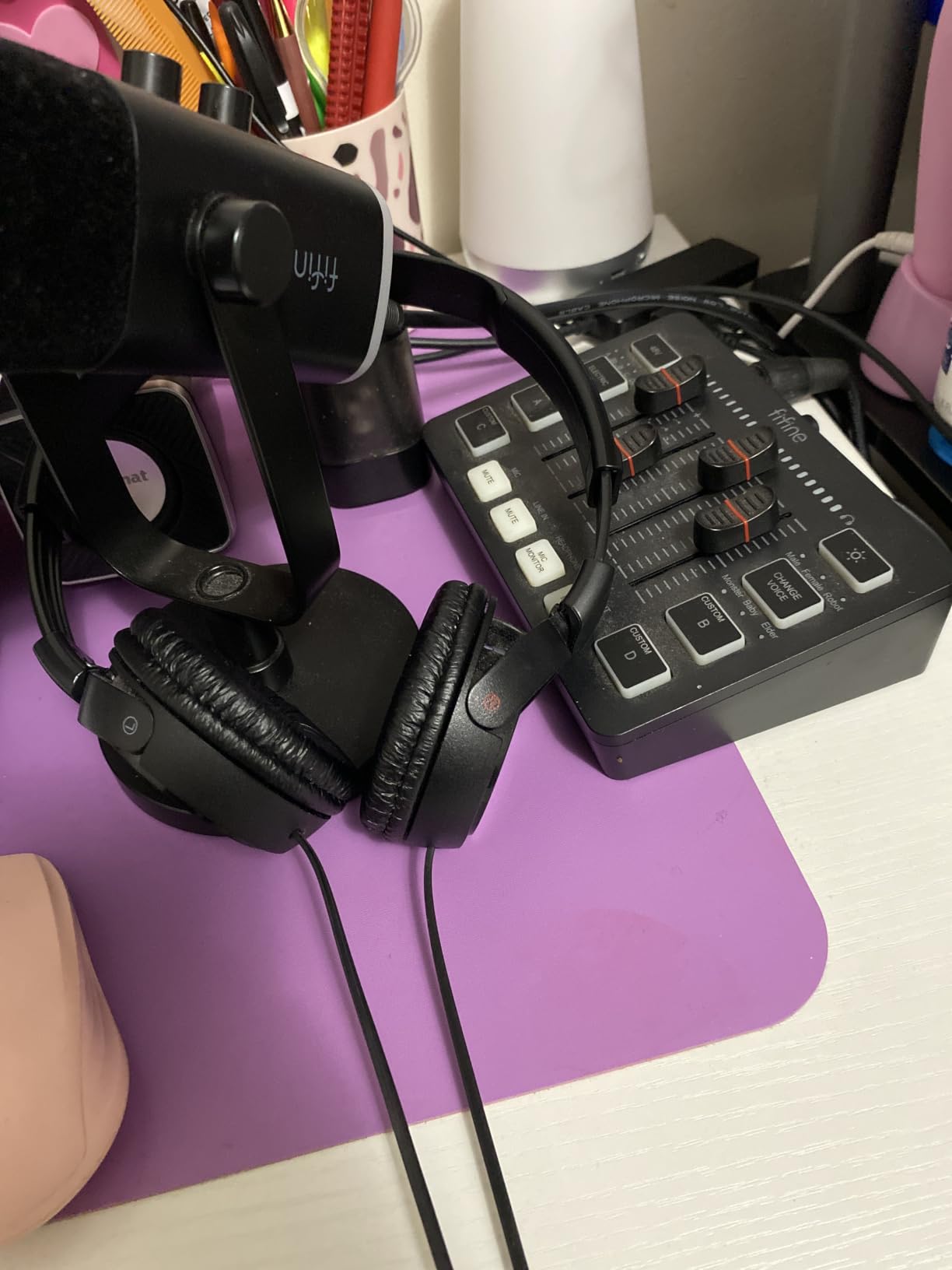
Good for streaming duos and gaming commentary
If both hosts are on camera, the LED ring and the included stand mean neither of you needs a separate purchase to look and sound presentable. Monitoring volume on the body is useful during a live stream.
Know the limits before you commit
Over XLR it becomes a plain microphone with no controls, and plastic will not survive a permanently mounted boom arm for many years. Treat the XLR path as the upgrade route rather than the destination.
4. Shure MV7X – Best Matched Pair for an Untreated Room
Shure MV7X XLR Dynamic Podcast & Recording Microphone – Black
XLR only
Cardioid
50-16000 Hz
72 dB SNR
508 g
Pros
- Rich full broadcast vocal capture
- Excellent voice isolation from fans and room noise
- Rejects cross-talk from a second speaker
- All-metal build with a compact footprint
Cons
- XLR cable not included
- Needs generous gain and some post boost
- XLR only with no onboard DSP
The MV7X is the pair we recommend when the room cannot be treated and the hosts sit close together. Its cardioid pattern is tight enough that the co-host’s voice barely registers on the other track, which is the exact problem a two-host show faces.
Owners frequently pair two MV7X units for co-hosted shows and report a dramatic upgrade over mismatched dynamics. That is consistent with what we heard: the improvement came from the match as much as the microphone.
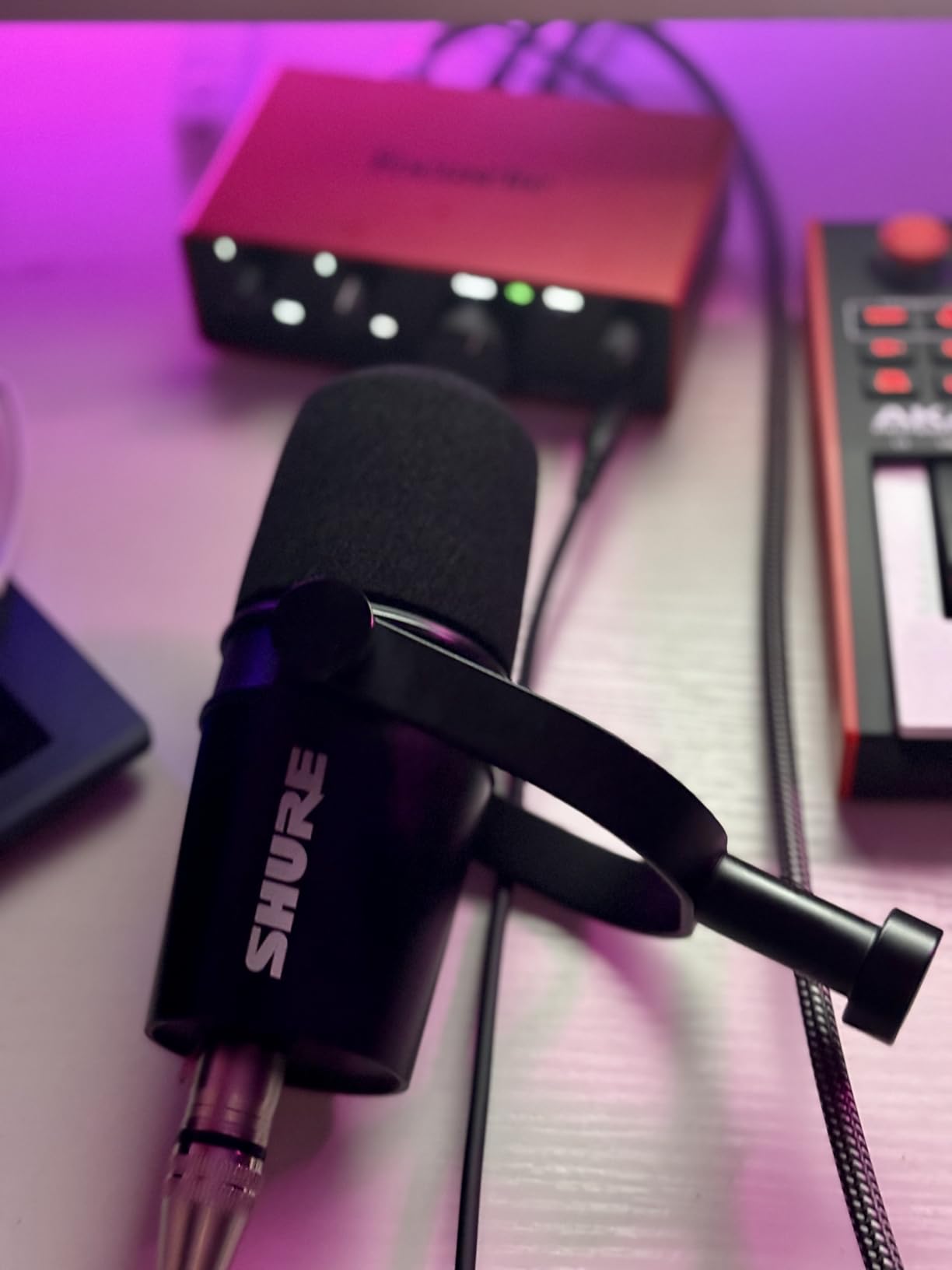
The technical picture is simple and it works: dynamic cardioid capsule, 50Hz to 16kHz, 72 dB signal-to-noise, an integrated shock mount for desk and boom vibration, and an adjustable yoke with a 3/8 inch adapter. It needs no phantom power.
No phantom power also means no risk of frying it with the wrong setting, which is a genuine plus on a shared interface that other people also plug into.
The trade is the XLR-only output. There is no USB path and no headphone jack, so monitoring depends entirely on your interface, and the cable is not in the box.
When the room is the weak link
A dynamic with a focused cardioid pickup pattern is an effective way to solve a bad room. It will not make the space sound good, but it stops it appearing on both tracks.
What you need alongside it
Two XLR cables, two stands or arms, and an interface with real gain. Treat that box as part of the purchase, because the mic alone will not get you a show.
5. MAONO PD200XS – Best Two-Host Kit With Stands Included
MAONO PD200XS XLR/USB Dynamic Microphone Kit, RGB Gaming Mic with Software
USB and XLR
40Hz-16kHz
80 dB SNR
350 g
Boom arm included
Pros
- Warm smooth sound with cardioid rejection
- Dual USB and XLR outputs
- Adjustable boom arm included in the box
- Gain headphone volume and mute on the body
Cons
- Software features only work in USB mode
- XLR cable not included
- Needs gain discipline to avoid room noise
The PD200XS is the kit answer. Each box includes an adjustable boom arm and shock mount, so a two-host desk setup can be assembled without a second trip to the hardware store.
That matters more than it sounds. Most first-time two-host setups fail on the hardware around the microphones, not on the microphones. Arms that sag, stands that transmit table thumps, and a missing XLR cable all stall a first episode.
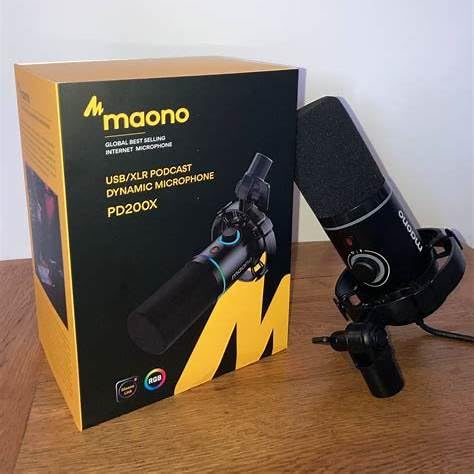
Specs are 40Hz to 16kHz, 80 dB signal-to-noise, 680 ohm, 350 grams, with USB, USB-C and XLR connections. A single smart knob handles mic gain and headphone volume, and there is a one-click mute with an LED plus a 3.5mm headphone jack for zero-latency monitoring.
MAONO Link adds EQ, limiter, compressor and RGB control, but only over USB. If you decide to move to an interface later, that processing disappears, which is worth knowing before you rely on it.
Reviewers like the warm, smooth tone and note that the cardioid pattern keeps background noise down. The consistent caution is the same one: push the gain too far and the room comes with it.
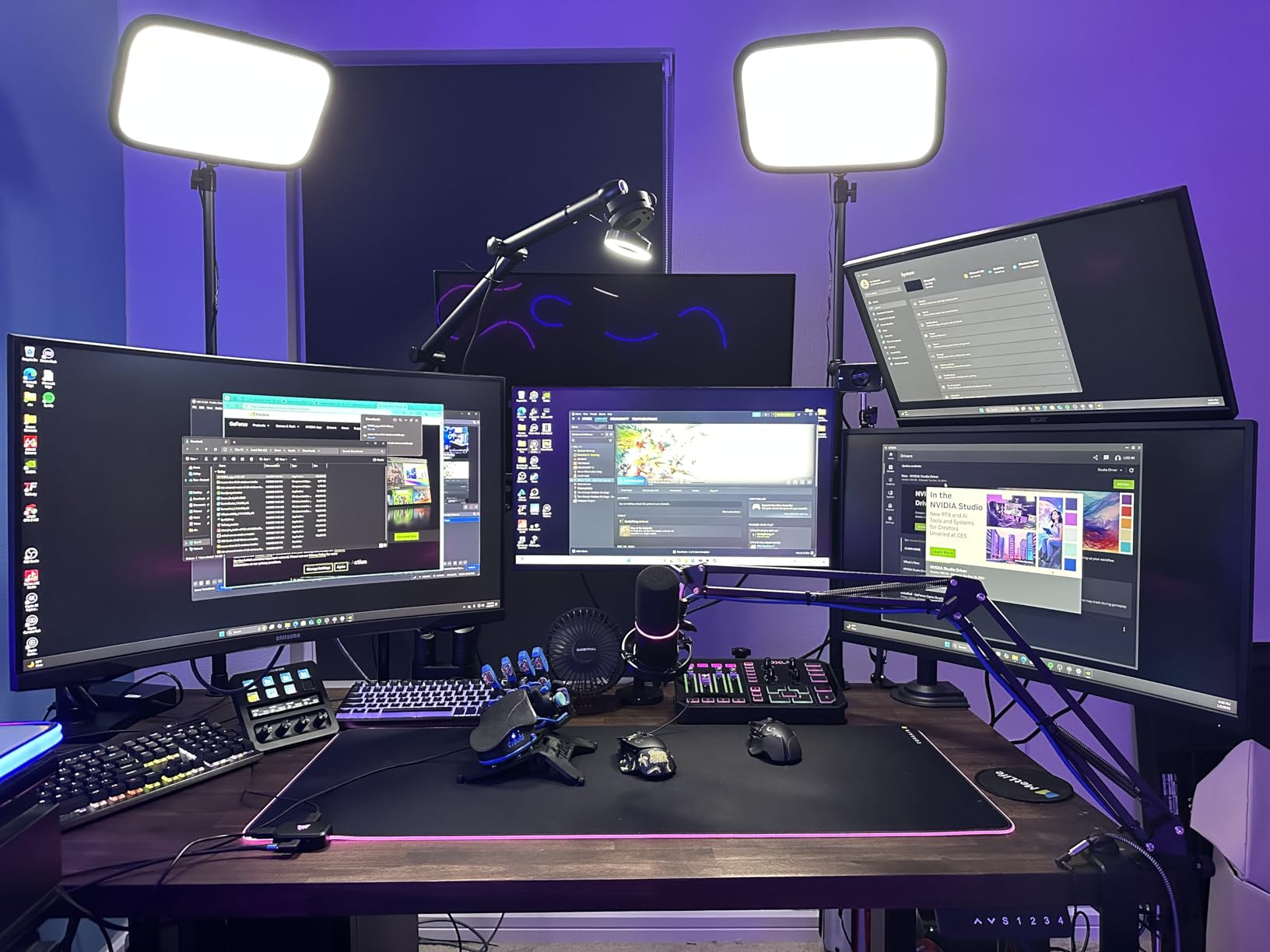
Best for hosts sharing one table
Boom arms lift both mics off the desk and out of the way of typing and notebook movement. The shock mount does the rest, so a bumped table does not reach either track.
Plan your layout before ordering two
Two arms on a small table can crowd each other. Measure the space and angle each mic toward its own host rather than toward the middle of the table.
6. Shure MV7+ – Best for Video Podcasts and Streaming
Shure MV7+ USB-C & XLR Podcast Dynamic Microphone – Black
USB-C and XLR
50 Hz-16 kHz
60 dB SNR
1.9 lb
Pros
- Professional vocal quality with minimal processing
- USB-C and XLR usable at the same time
- Customizable LED panel looks good on camera
- Auto Level and real-time denoising simplify gain
Cons
- XLR cable not included
- Speaker bleed picked up when monitoring on speakers
- Onboard DSP can colour the sound if left engaged
The MV7+ is the choice when the two-host show is also a video show. The customisable LED touch panel gives each host a visible level meter, so neither of you is guessing whether they are too hot while recording.
It also handles gain for you. Auto Level adjusts gain based on distance and volume, which is a real help when two hosts with different voices and different microphones-to-mouth distances share a table.
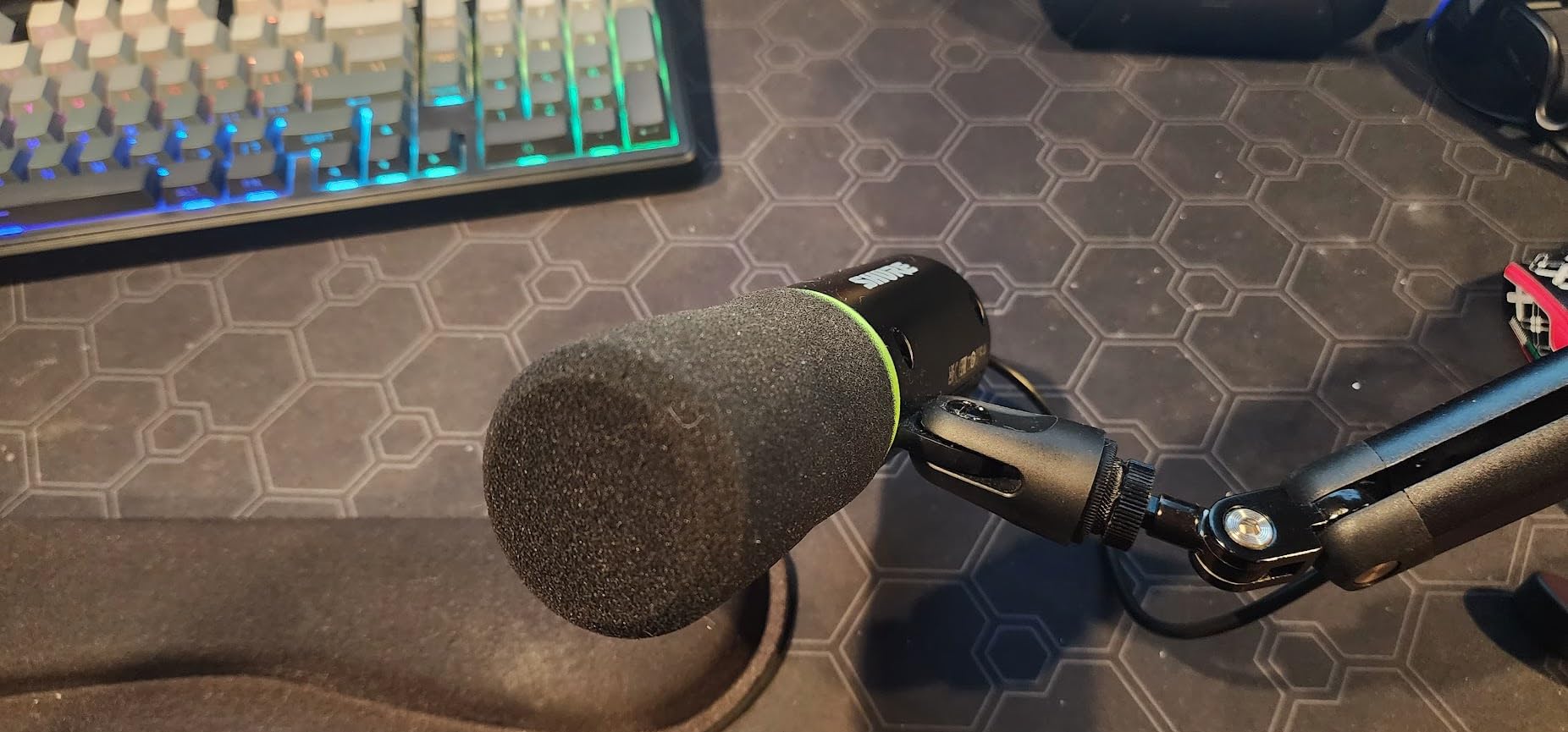
Connections are USB-C and XLR, and they can run simultaneously, so you can record locally through USB while also feeding a camera or a remote guest. Frequency response is 50Hz to 16kHz in a metal body weighing 1.9 pounds.
There is a foam windscreen and a 3m USB-C cable in the box. The XLR cable is not included, which catches people out when they move to the wired path later.
Reviewers treat this as a step up that works out of the box and still scales to a studio. The main reservations are the missing cable, occasional complaints that raw audio sounds plain without the companion app, and imperfect rejection of speaker bleed.
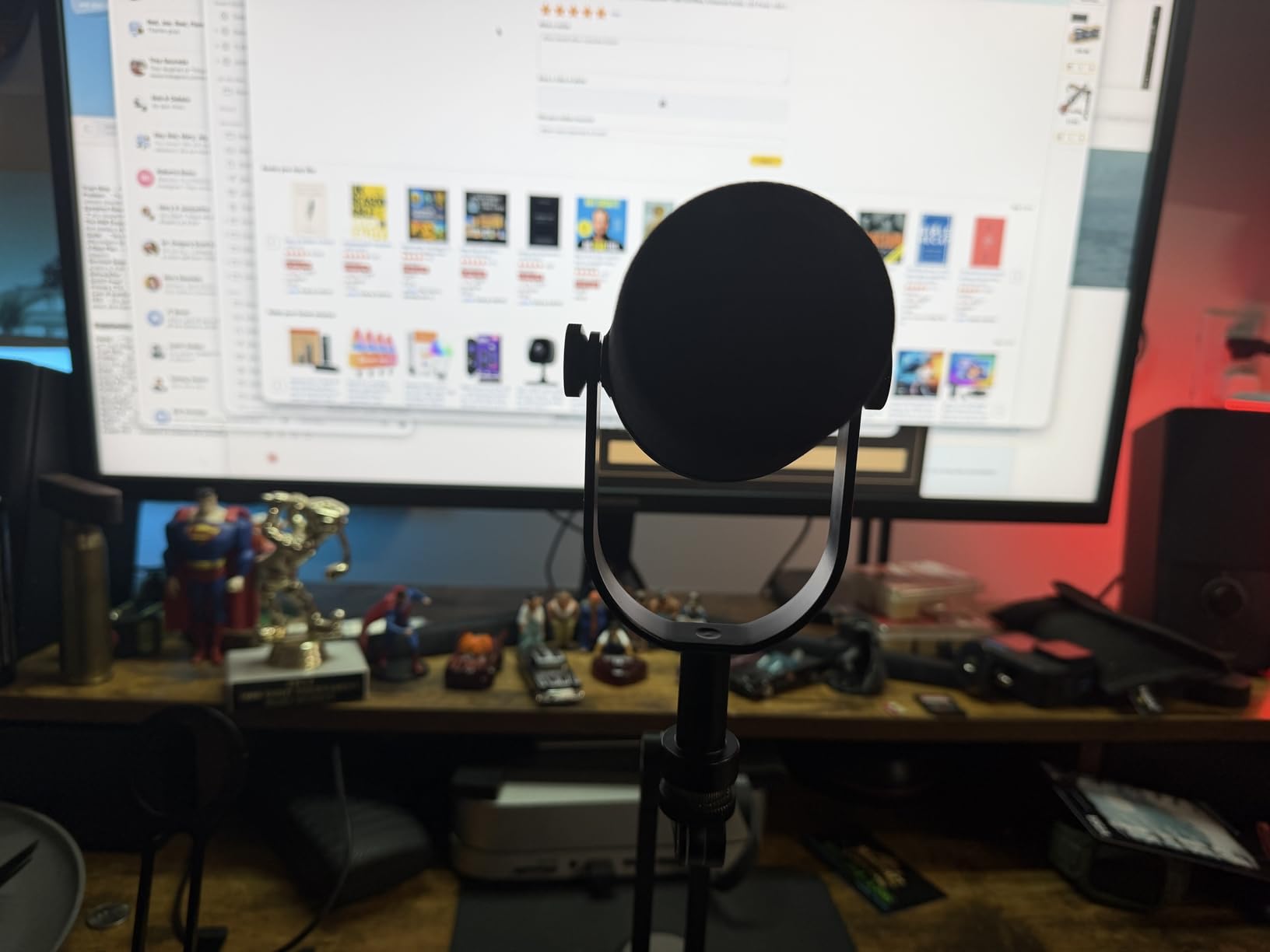
Use headphones, never speakers
Speaker bleed is the most common complaint with this mic. Each host on closed-back headphones removes the problem entirely and keeps both tracks clean.
Know when the DSP is hurting you
Auto Level, denoising and the reverb modes are genuinely helpful in a live or unscripted show. On a recorded interview they can leave audible artefacts, so record a raw take as well.
7. Audio-Technica AT2040 – Tightest Rejection of Co-Host Cross-Talk
Audio-Technica AT2040 Hypercardioid Dynamic Podcast Microphone
XLR only
Hypercardioid
76 dB SNR
15 KHz response
2.2 lb
Pros
- Warm assertive broadcast sound that flatters speech
- Extremely tight off-axis rejection
- No proximity effect so it stays clean up close
- Metal build with internal high-pass filtering
Cons
- Needs a lot of gain so a quiet interface can underpower it
- Slightly heavier and larger than alternatives
- Slight early high-end roll-off
The AT2040 is the isolation specialist of this list. Its hypercardioid pattern has a narrow lobe aimed at the front of the mic, and users describe it as nearly inaudible at ninety degrees off. In a two-host setup, that is the whole point.
Two hosts at one table means each mic sits pointed partly at the other person. A wide cardioid lets the co-host bleed across the desk. A hypercardioid largely refuses to.
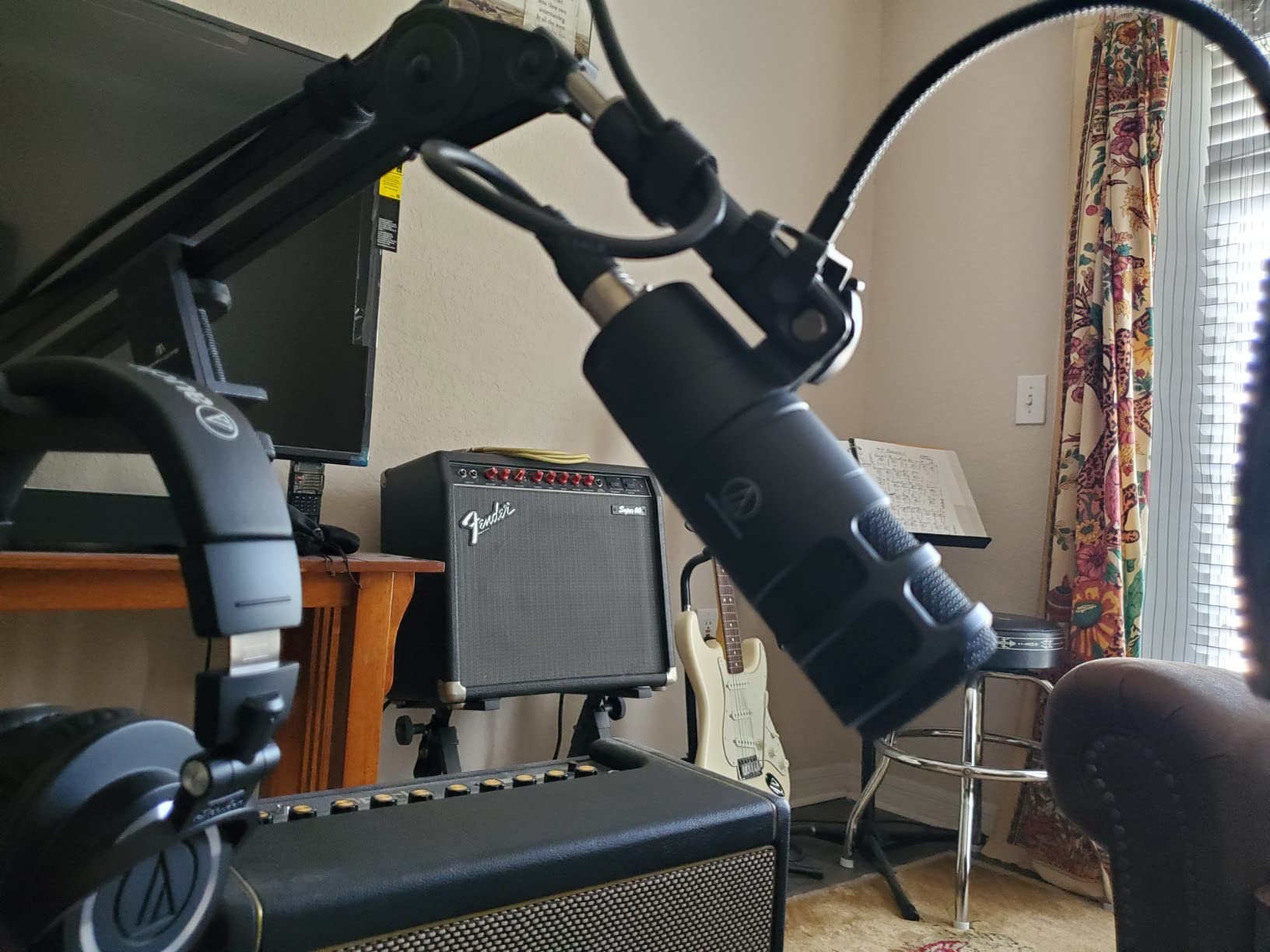
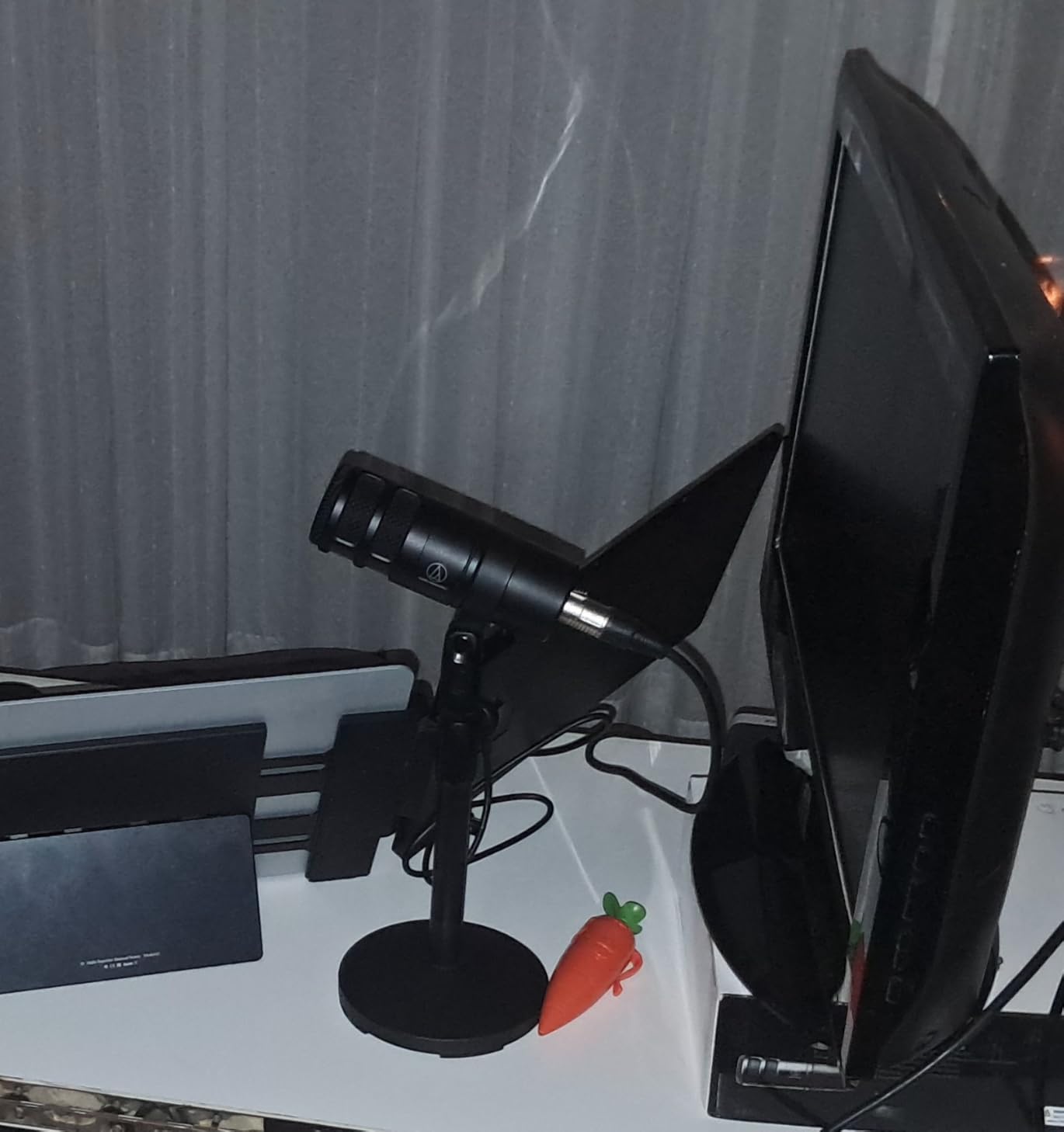
Behind that is a large-diaphragm dynamic capsule with a warm, assertive broadcast tone, a multistage foam mesh windscreen for internal pop filtering, and an integrated shock mount. A pivoting stand mount, thread adapter and protective pouch come in the box.
Two details are worth knowing. There is no proximity effect, so it stays clean when a host leans in to whisper a point. And there is built-in high-pass filtering around 80Hz, which quietly kills table thumps before they reach your track.
Reviewers describe it as one of the best budget broadcast microphones available, and they stress that perceived quietness is a gain-setting issue rather than a fault in the microphone.
When cross-talk ruins your episodes
If you can hear the other host bleeding into your mic no matter how you position things, pattern width is the problem, not price. Moving to a hypercardioid is a cheaper fix than re-recording a season.
Where it will disappoint you
There is no pad and no low-cut switch on the body, and it is the heaviest mic here at 2.2 pounds. A sturdy arm is not optional for a permanently mounted pair.
8. MAONO PD100 – Best Complete Two-Mic Desktop Setup
MAONO PD100 XLR Podcast Microphone, Cardioid Studio Dynamic Metal Desk Mic
XLR only
Cardioid
60Hz-14kHz
78 dB SNR
600 ohm
Pros
- Clean mellow broadcast sound
- Complete desktop set with stand extender base and XLR cable
- Metal body with a heavy base
- Built-in double-layer pop filter
Cons
- XLR only so an interface is required
- No on-body gain mute or monitoring
- Higher impedance needs a decent preamp
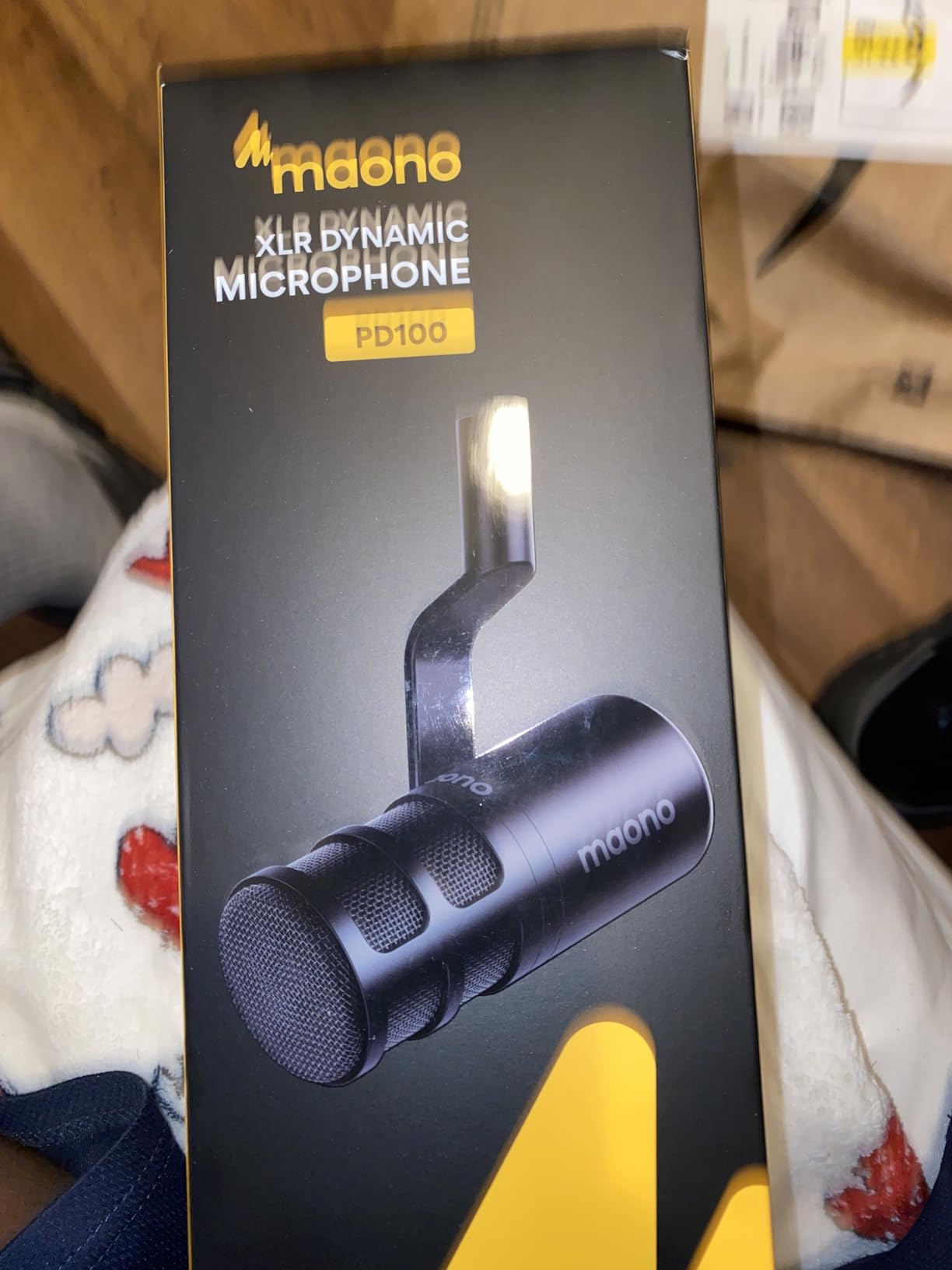
The PD100 is a low-cost way onto the XLR path, and it ships with the full desktop kit: stand, heavy base, rod extender and a 6.56 foot XLR cable. Two of these is a working table setup on day one.
The rod extender is the detail I would point out. It brings the microphone closer to the mouth for a more consistent vocal level, which matters more for a beginner than any difference between broadcast models.
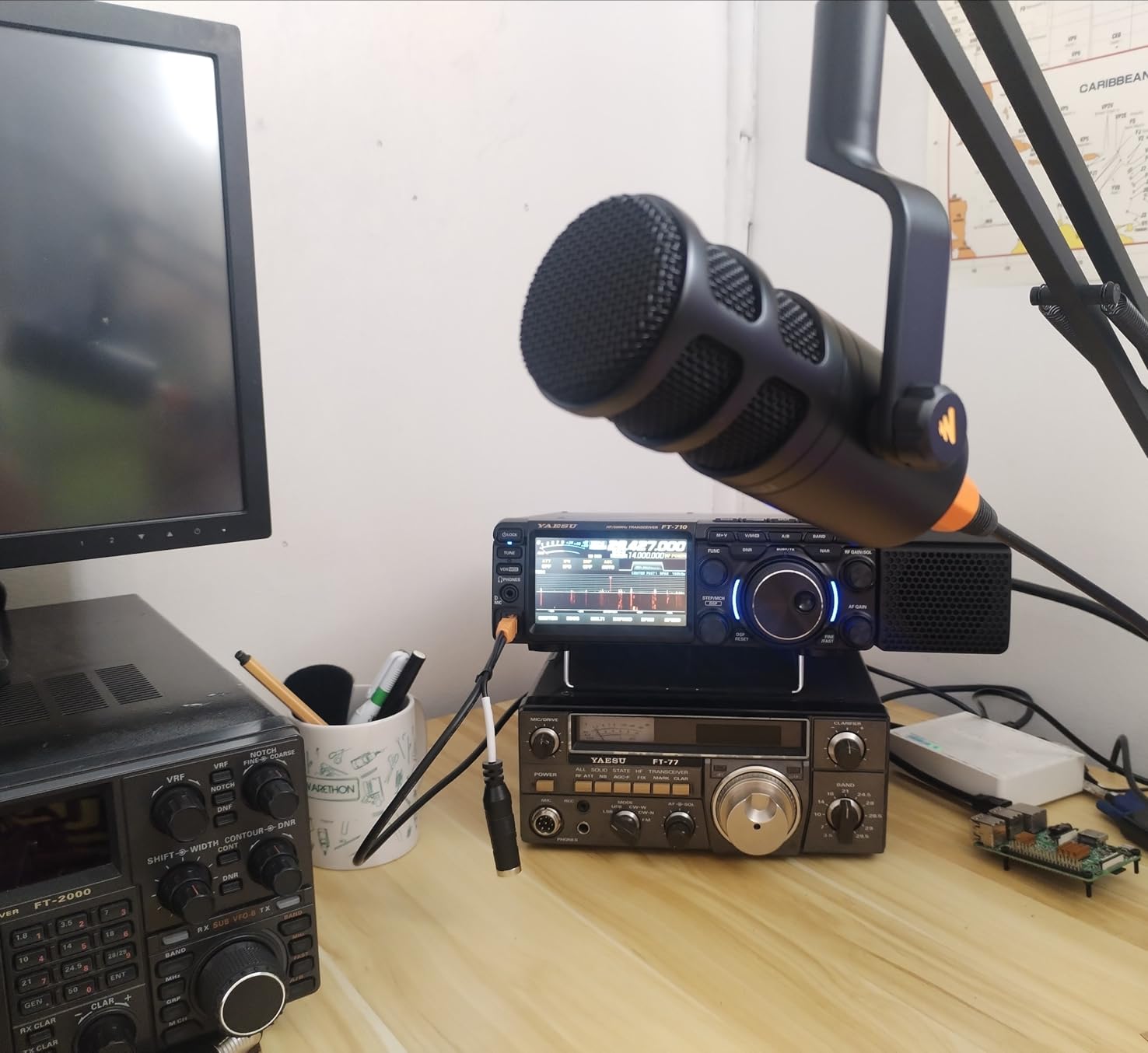
It is a dynamic XLR microphone with a cardioid top-addressed pattern, 60Hz to 14kHz, 78 dB signal-to-noise, and 600 ohm impedance. A double-layer internal pop filter sits behind the grille, and both 5/8 inch and 3/8 inch threads are built into the metal body.
The fixed top-addressed orientation is the trade-off. It is tuned for the person directly in front of it, which suits a host at a desk but is less forgiving if someone leans far to the side.
Reviewers highlight it as an affordable, complete package that suits a two-host tabletop setup on a budget. The sound is described as clean and mellow, and closely dependent on the quality of the interface you attach it to.
Best for a first show on a tight budget
It gives you the XLR workflow, which is the workflow most two-host shows eventually settle into. Starting there means the upgrade path later is a microphone swap rather than a whole rebuild.
Where the money went
There is no on-body gain, mute or headphone monitoring, so your interface has to do all of that. Budget for a two-channel interface with usable gain and headphone output.
9. FDUCE SL40X – Best Travel Mic for a Two-Host Roster
FDUCE SL40X XLR Dynamic Podcast Microphone, Studio Mic for PC
XLR only
Cardioid
50Hz-14kHz
95 dB SNR
0.46 kg
Pros
- Clear accurate voice reproduction at a low price
- All-metal build that survives travel
- Cardioid pattern isolates the speaker in interviews
- Includes a 2m XLR cable and detachable stand
Cons
- Needs to sit close to the speaker
- XLR only so an interface is required
- Sensitive to console gain on quiet interfaces
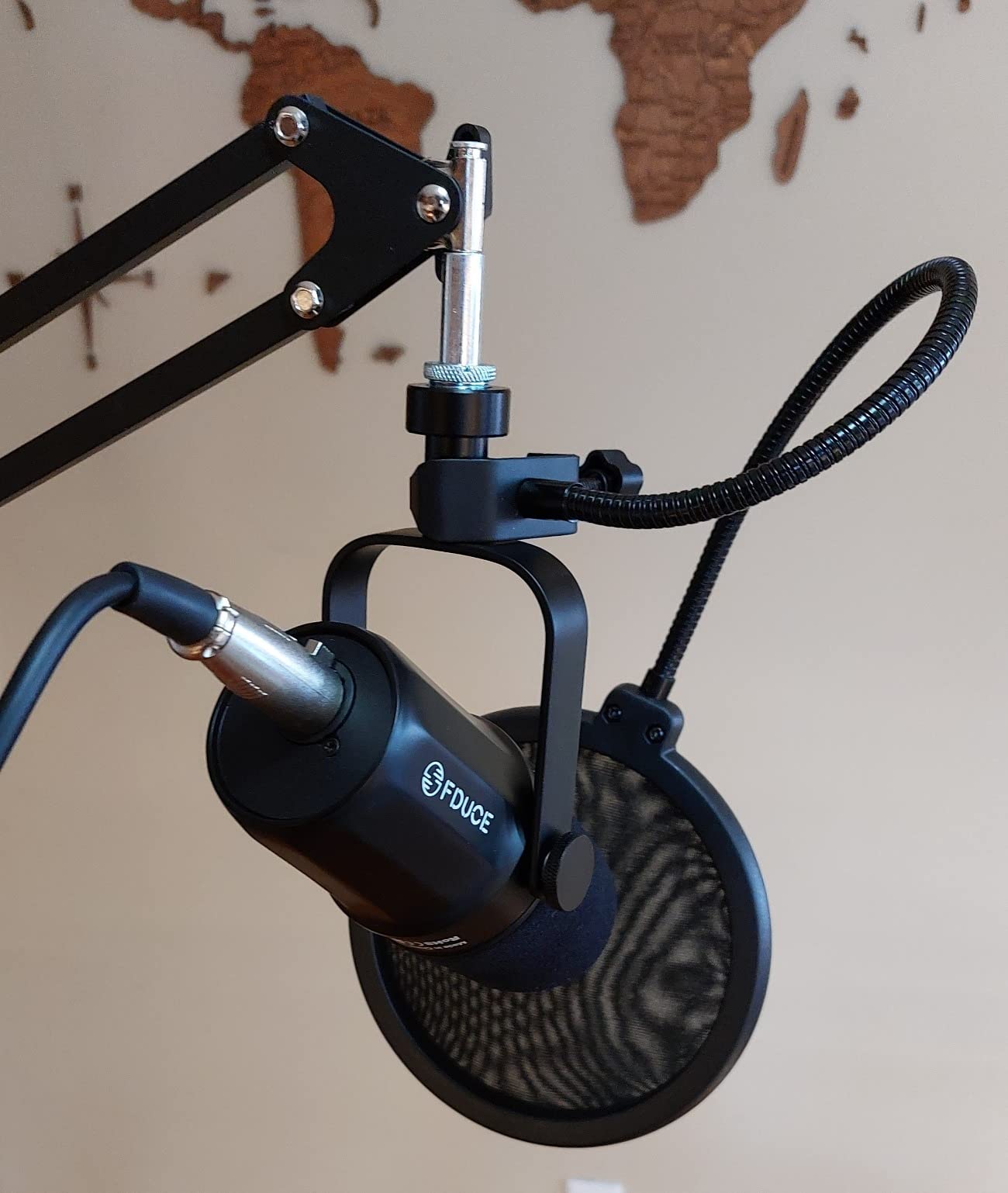
The SL40X is the pick when your show records away from home as often as it records at home. At 0.46 kilograms in an all-metal body, two of them disappear into a bag and survive the trip.
It is also the one most often described as a backup mic. Podcasters who start here frequently keep it years later as the spare that lives in the bag.
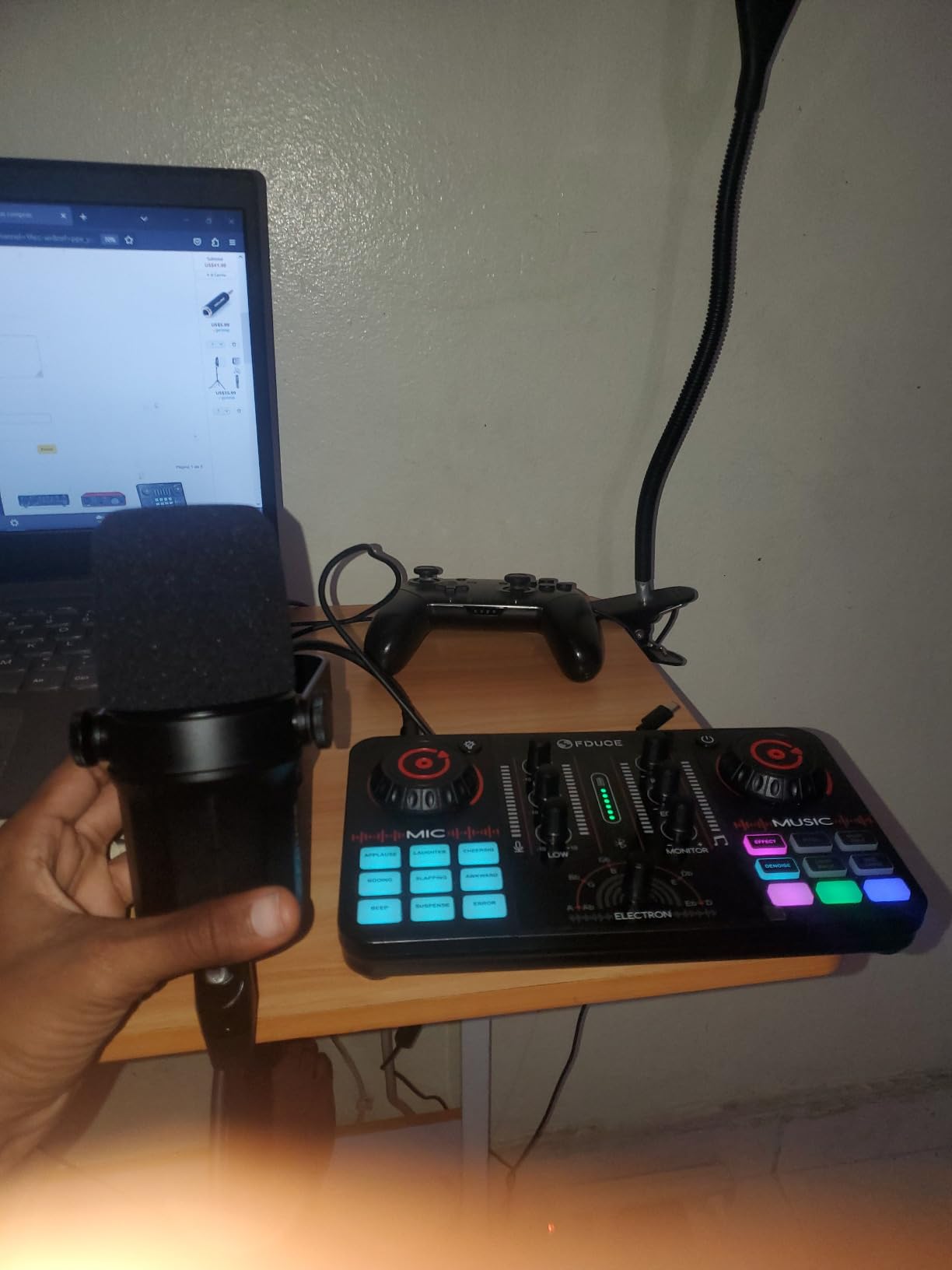
The numbers are respectable: a cardioid dynamic capsule, 50Hz to 14kHz, 95 dB signal-to-noise, and 600 ohm impedance. Both 3/8 inch and 5/8 inch threads are supported, and the box includes a 2m XLR cable and a detachable stand.
Proximity is the caveat that comes up most often. It wants to sit about a foot or two from the mouth for clarity, so it rewards a boom arm over a desk stand with the host sitting back.
Reviewers call it the best value dynamic XLR microphone for a beginner, and note that quiet interfaces will limit its output before the microphone itself does.
Best for an on-location two-host show
A field setup has no room to spare for accessories, and this one includes a cable and a stand. Two units plus one interface covers a hotel room or a studio visit.
Watch the logo on camera
The logo sits on the side of the body, which is visible in a side-angle shot on video. It is a minor issue, but a two-host video show sees both sides of every mic.
10. Movo PodPak2T – Everything Two Hosts Need in One Box
Movo PodPak2T 2-Pack Universal XLR Condenser Microphone Podcasting Equipment Bundle for 2 – Includes 2 Cardioid Mics, Desktop Stands, Shock Mounts, Pop Filters and Cables – Podcast and YouTube Kit
Two XLR condensers
Cardioid
20Hz-20kHz
48kHz/16-bit
48V phantom
Pros
- Two-microphone bundle needs no second purchase
- Stands pop filters shock mounts and cables included
- Condenser sensitivity captures a detailed vocal
- Height-adjustable steel stands suit two desk heights
Cons
- Requires 48V phantom power
- Condenser design picks up more room noise than a dynamic
- Softest rating in this roundup
The PodPak2T is the only true two-host package in this list. Two matched cardioid condensers arrive with desktop stands, dual-layer pop filters, shock mounts, foam windscreens and XLR cables, which removes the accessory problem from the first episode entirely.
Because it is a condenser pair, both hosts get a genuinely matched signal. For a quiet, treated room and a consistent vocal delivery, that detail is worth more than raw build quality.
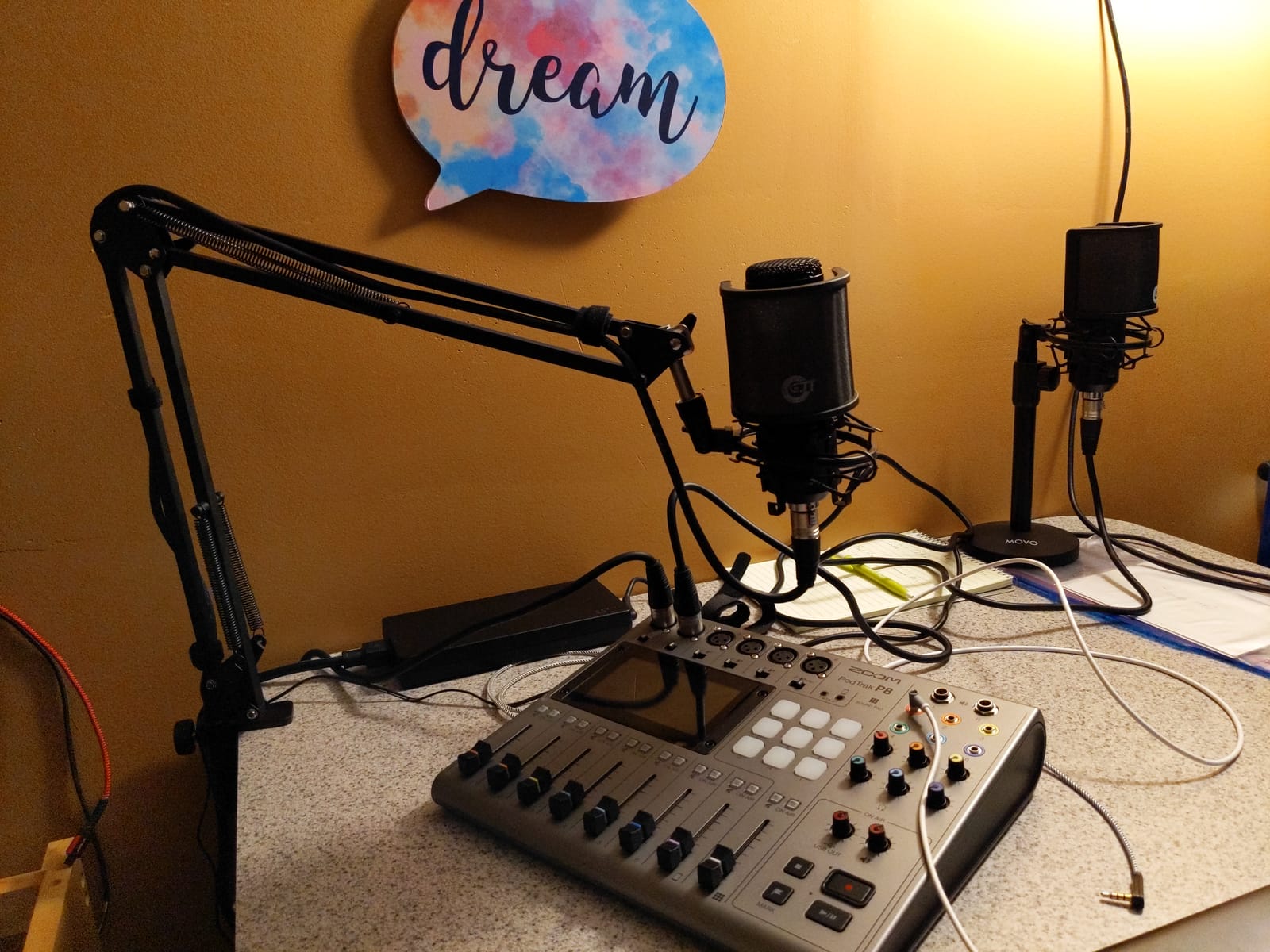
The response runs 20Hz to 20kHz in an aluminium body with 48kHz/16-bit capture and a cardioid pattern on both mics. The stands adjust between roughly nine and fourteen inches, which is handy when two hosts are at different heights or on different furniture.
Two conditions have to be met. Your interface or mixer must supply 48V phantom power, and the room has to be reasonably controlled, because condenser capsules capture far more of the space than a dynamic would.
This is the softest-rated microphone in the roundup, with the highest share of one-star reviews. The recurring complaints are phantom-power requirements, sensitivity to room noise, and occasional sibilance in bright voices.
Best when the room is already controlled
If your space is small, carpeted and soft, a condenser pair will pick up the room along with the voices. In that situation a dynamic pair from earlier in this list is the safer buy.
What you still need to buy
An interface with two mic inputs, switchable 48V phantom power on each channel, and a headphone output. That single box turns this bundle into a complete recording setup.
How to Connect Two Microphones to One Computer
This is the step that stalls most two-host shows, so here it is without the jargon. You need exactly two inputs reaching your recorder, each on its own track.
Choose your path. Dual USB mics plug straight into the computer and appear as two inputs. XLR mics need a two-channel interface or mixer between the microphones and the computer.
Connect each host to a separate input. Never run two microphones into one input, because you will lose the ability to control each host independently.
Confirm phantom power before you power condensers up. Dynamic mics do not need it, and feeding phantom power to some inputs that are not built for it causes problems.
Set both channels to the same gain to start. Once each host is at a healthy level with peaks well clear of the ceiling, apply gentle compression to each track separately.
Record a two-minute test with both hosts talking at the same time. Listen on headphones for bleed and check that each track peaks at a similar level.
Position each mic two to four inches from its own host’s mouth, angled toward that host rather than toward the middle of the table.
If you want to skip the interface entirely, two USB-C microphones and a recorder that takes two USB inputs is a legitimate path. Long-time podcasters tend to prefer the interface, because two XLR mics into one device is a more predictable chain.
USB vs XLR for a Two-Host Show
USB is faster to start and easier to move. Two dual-output mics like the K688 or the AM8 give you a working two-host setup with nothing but a laptop and a table.
XLR is the more professional path, and it is where you end up if the show lasts. A two-channel interface gives you real preamps, proper gain control, and a headphone mix that does not depend on the operating system.
The hybrid route is the smart one. Start with dual USB and XLR mics so your first episodes are not blocked by shopping, and move to the interface when you want the upgrade.
Whatever you choose, buy two of the same model. Mismatched microphones force you to match two different tones in post, which is the hardest editing task in podcast production.
Dynamic vs Condenser in a Shared Room
Dynamics are the safer default for two hosts in an untreated room. They need no power, they tolerate high sound pressure levels, and their focused cardioid pattern refuses most of the room.
Condensers capture more detail and more of the space. In a treated room that is a bonus. In an untreated bedroom it is a liability, and the room noise lands on both tracks.
Technical nuance worth knowing: most budget podcast condenser capsules have an output that sits far lower than studio condenser capsules. Feeding one into a dynamic-oriented preamp level can produce a thin, noisy result.
Our rule of thumb: if you cannot control the room, choose dynamics from this list. If the room is already soft and controlled, the Movo bundle is a fair option.
One Mic or Two: The 3-to-1 Rule Explained
The 3-to-1 rule says the closest speaker should be about three times closer to the microphone than the furthest speaker. A microphone placed mid-table with one host at six inches and the other at eighteen inches sits close to that ratio.
That is how a single microphone can work for two people. The trade is levels: one host will always be louder, and you cannot raise the quiet host without raising the room noise under them.
You also cannot edit them separately afterwards, because they live on one track. For a co-hosted show where the conversation matters, that is usually a bad exchange.
Shared-mic recording only makes sense when you never need to cut between speakers and you have a very quiet room. One host leaning back silently changes the mix, and there is no fix for it in software.
Two mics also give each host a headphone feed. Monitoring on speakers in a small room is the fastest way to ruin a two-host recording, because your own playback leaks into the other track.
If your show adds a guest regularly, buy for three inputs from day one. Retrofitting a third microphone into a two-input interface is the upgrade people forget to plan for.
Matched Pairs, Cross-Talk and Headphone Bleed
Matched pair means the same model, from the same source, at the same gain. It is not about matching by ear or by brand. Two identical capsules produce nearly identical output, so your compressor and EQ behave the same on both tracks.
Cross-talk is the co-host’s voice bleeding into the other microphone. Two fixes work best together: choose a focused cardioid or hypercardioid pattern, and angle each mic toward its own host rather than toward the table centre.
Headphone bleed is different. It happens when a host monitors on open-back headphones or speakers, and their playback leaks into the nearest microphone. Closed-back headphones at a moderate volume solve almost all of it.
Room tone is worth checking before you commit to a pair. Record thirty seconds of silence in the room and listen with headphones. Any hum, rattle or traffic you hear there will sit under both voices.
Set both channels to the same gain, record a two-minute conversation, and compare peak levels between tracks. If one host sits consistently lower, fix the mic position rather than fixing it in software every episode.
Frequently Asked Questions
What is the best microphone for two-person podcasting?
A matched pair of dynamic cardioid microphones, with each host on their own mic at an identical gain setting, is the best setup for two-person podcasting. Our top pick is the RØDE PodMic pair, with the FIFINE AmpliTank K688 pair as the better value option when you want to start over USB and move to XLR later.
Do two hosts need two microphones?
Yes, for almost every show with two people in the same room. Two mics give each host an independent level, a separate track, and headphone monitoring, which means you can edit between speakers without touching the other voice. One shared microphone locks both voices onto a single track with fixed relative levels.
What is the 3 to 1 rule for microphones?
The 3-to-1 rule means the closest speaker sits roughly three times closer to the microphone than the furthest speaker, which is how one microphone can balance two people. If one host is six inches away, the other should be about eighteen inches away. It works for interviews but removes your ability to control levels separately.
How do I connect two microphones to one computer for podcasting?
You need two inputs and two tracks. Dual USB-C microphones plug directly into the computer and appear as two separate inputs. XLR microphones need a two-channel audio interface or mixer between the mics and the computer, with one microphone per input channel, and phantom power switched on for any condenser you are using.
Should I buy two of the same microphone for podcasting?
Buy two identical units from the same source. Identical capsules give you matching output levels and matching tone, so one compressor and EQ setting behaves the same on both tracks and you avoid spending hours matching two different microphones in post. It also gives you a spare that is actually a spare.
How many microphones can connect to a RØDECaster Duo?
The RØDECaster Duo is built for two-person shows, so two microphones is its intended load. Two XLR mics sit in the front two inputs, each host monitors on their own headphone channel, and the recorder writes both sources to separate tracks. It is also the simplest way to control a two-host gain staging without a separate interface.
What mics do most podcasters use for a two-host show?
Most podcasters use a matched pair of broadcast dynamics, most often RØDE PodMic or Shure MV7X units, because the cardioid pattern keeps the other host out of each track. More recent entrants such as the Shure MV7+ and the FIFINE AmpliTank K688 add a USB path or onboard monitoring, which is why they show up on newer shows.
Whatever you choose to monitor on, our guide to the best headphones for podcast recording covers closed-back options that keep playback out of your microphones. If the show is also shot on video, our shotgun microphone guide explains where a boom mic fits alongside a two-host desk setup.
Conclusion: The Two-Host Mic Setup Worth Buying
For most two-host shows, two RØDE PodMic microphones and a two-channel interface with real gain is the setup we would build in 2026. It is warm, rugged, and focused enough that the other host barely appears on your track.
If you want to start on a laptop with no extra boxes, two FIFINE AmpliTank K688 units get you there and keep an XLR path open. If cross-talk is already ruining your episodes, move up to the Audio-Technica AT2040 pair for its tighter hypercardioid rejection.
Buy two of the same model, give each host a microphone two to four inches from their mouth, monitor on closed-back headphones, and record to two separate tracks. That habit matters more than any model on this list.