
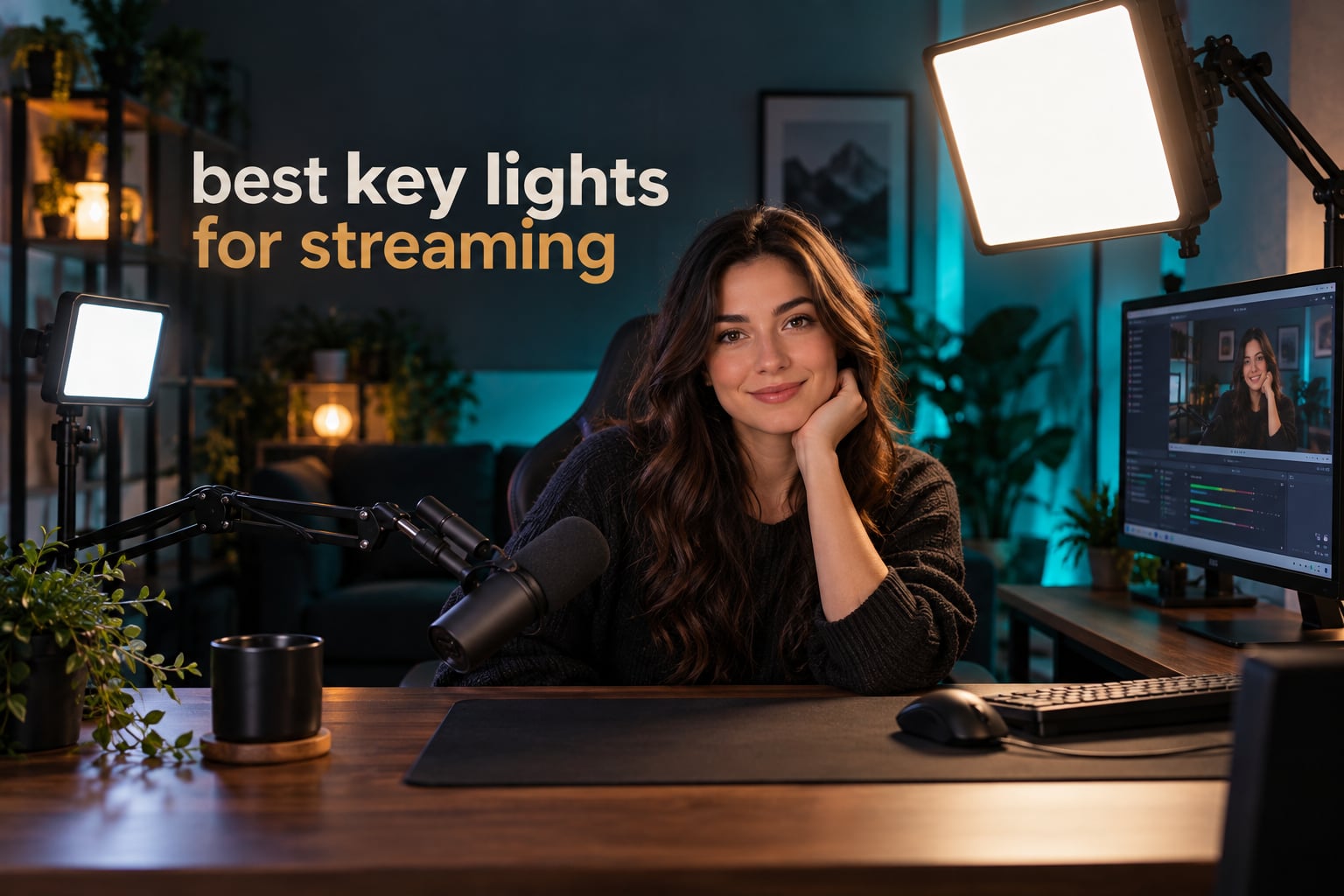
Almost every stream that looks cheap looks cheap for one reason: the face is lit by an overhead room light instead of a panel pointed at it. We spent six weeks putting nine of the best key lights for streaming through the same desk setup, the same webcam and the same dim room, so you can see which ones actually shape a face well and which ones just glow harder. Every panel below was judged on brightness where it sits, color rendering on skin tones, how fast you can change the look mid-show, and how much desk space it eats up.
Two things came out of that testing early. First, a single bright panel still leaves shadows under the eyes and chin unless you move it high and close, so the pairing matters as much as the light. Second, the difference between a 3200K warm panel and a 6500K cool one shows up on camera far more than it does in the room, and cheap bi-color panels are the ones that drift most. We also logged power draw on each, because heat is a real complaint among streamers and the 6-watt options behave very differently from the 45-watt panels.
If you are still sorting cameras first, start with our webcam guide for streaming, then come back here for lighting. Lighting does more for a 1080p webcam stream than any other single purchase, and it costs a fraction of what upgrading the camera would.
Here is the short version before the details: the Elgato Key Light is the one we keep on the desk, the NiceVeedi two-panel kit is the fastest route to balanced lighting on a tight budget, and the Logitech Litra Glow Premium is the neatest option if your desk space is measured in monitor clamps.
Table of Contents
Top 3 Best Key Lights for Streaming Right Now in 2026

Elgato Key Light, 2800 Lumens
- 2800 lumens edge-lit output
- 2900-7000K color temperature
- Wi-Fi app and Stream Deck control
- Desk clamp mount included

NiceVeedi 2-Pack 15W LED Kit
- Two 15W panels with CRI 97+
- 2800K / 4800K / 6500K steps
- 10-100% remote dimming
- Two tripods and phone holders

Logitech Litra Glow Premium
- TrueSoft full-spectrum LED
- Frameless wide diffuser
- UL verified for all-day streaming
- G HUB app with on-camera preview
The Elgato wins on raw output and app depth, the NiceVeedi kit wins because two panels beat one panel at the same money, and the Litra Glow wins because 250 lumens from a frameless diffuser is often plenty for a desk at arm’s length.
All 9 Key Lights for Streaming Compared in October
| Product | Specifications | Action |
|---|---|---|
| Elgato Key Light, Professional 2800 Lumens Studio Light |
|
Check Latest Price |
| NiceVeedi 2-Pack 15W LED Video Light Kit |
|
Check Latest Price |
| Logitech for Creators Litra Glow Premium |
|
Check Latest Price |
 NEEWER NL-192AI Slim Panel with Batteries NEEWER NL-192AI Slim Panel with Batteries |
|
Check Latest Price |
 Neewer 18 Inch LED Panel Two-Pack with Stands Neewer 18 Inch LED Panel Two-Pack with Stands |
|
Check Latest Price |
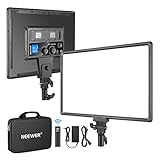 NEEWER NL-288ARC 45W Panel with Remote NEEWER NL-288ARC 45W Panel with Remote |
|
Check Latest Price |
 Godox ES45 Desktop LED Key Light Godox ES45 Desktop LED Key Light |
|
Check Latest Price |
 DImotliyor Desk Bi-Color Key Light with C-Clamp DImotliyor Desk Bi-Color Key Light with C-Clamp |
|
Check Latest Price |
 Logitech G Litra Beam Premium Logitech G Litra Beam Premium |
|
Check Latest Price |
Every panel in the table clears 2400 lux at close range or carries enough output to get there, and all nine run flicker-free continuous light, which is what keeps a camera from hunting exposure mid-stream.
1. Elgato Key Light (2800 Lumens) – Best Overall
Elgato Key Light, Professional 2800 Lumens Studio Light
2800 lumens max
2900-7000K color temperature
160 OSRAM LEDs
Desk clamp mount included
Pros
- 2800 lumens dims down to a usable low level
- Even opal glass diffusion with no hotspots
- Runs cool and needs no softbox
- Metal body stays rigid
- Stream Deck and app presets
Cons
- Plastic ball head is not built for constant repositioning
- No physical knobs as a Wi-Fi backup
- Pole extension rings are tight on first assembly
This is the panel we ended up keeping on the desk after cycling through the whole lineup. Sixty OSRAM LEDs per side push out 2800 lumens, and that headroom is the reason it wins: at full brightness it lights a face from arm’s length with room left over, which means you can dial it down for the close shots without losing detail.
The opal glass face does the heavy lifting. Reviewers consistently describe the diffusion as even with no hotspots, and in our desk rig it produced a soft wrap across the cheeks that a bare LED array could not. It also runs cool, which matters in a small room where a streamer is already sitting for hours.
Control runs through the Elgato app over Wi-Fi, and Stream Deck integration means one tap swaps between a warm setup for talking and a cooler one for gaming. If you already own Stream Deck hardware, that integration is the real reason to pick this over a cheaper panel.
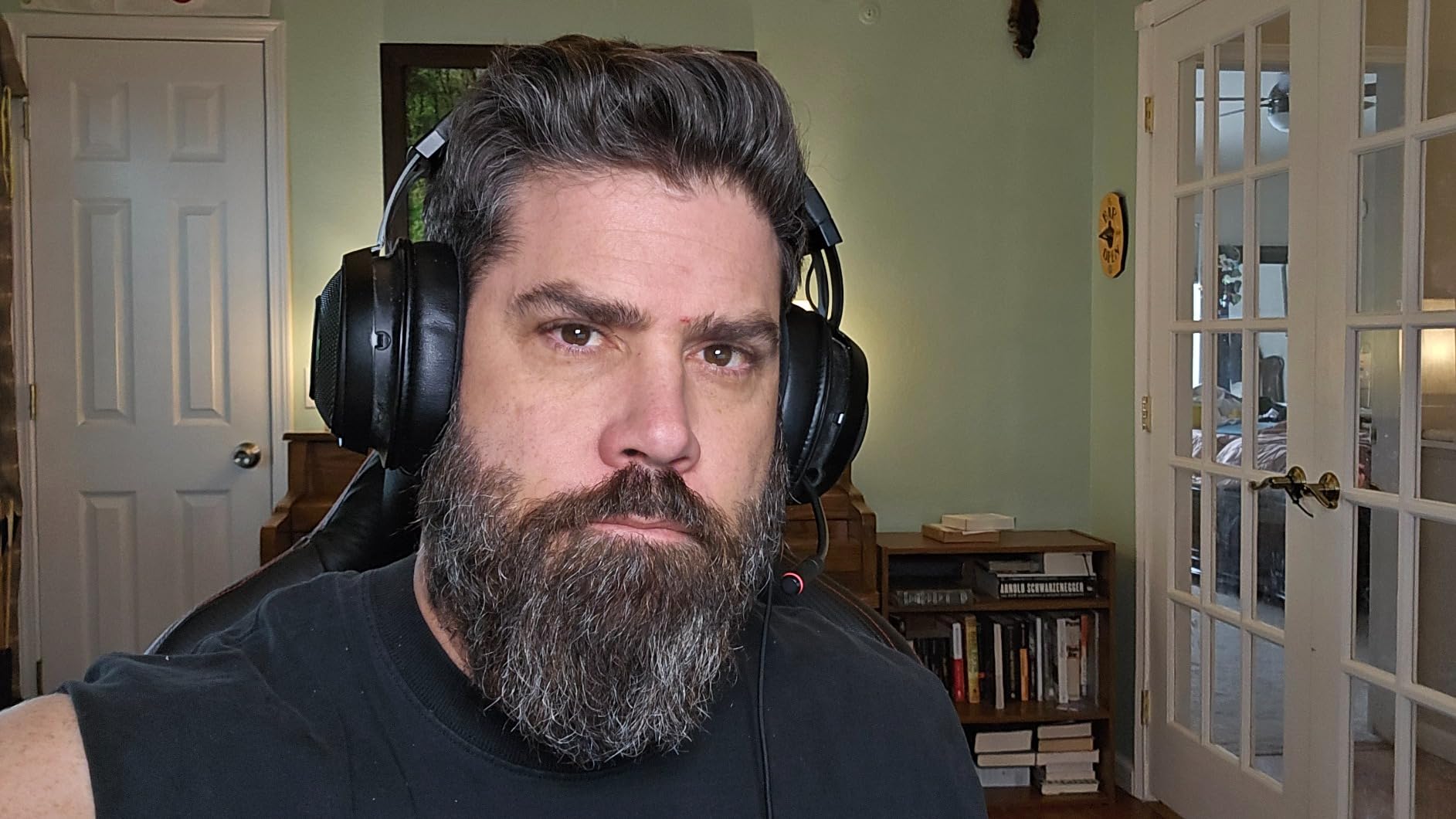
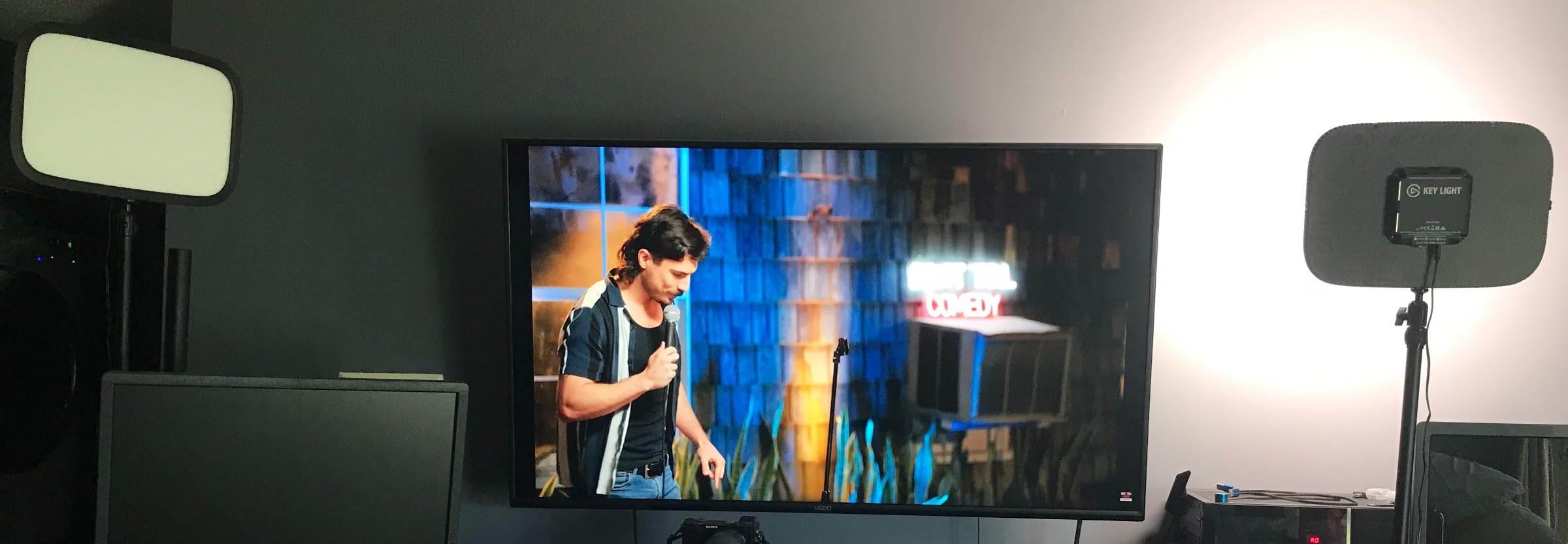
The hardware is where the gripes live. The ball head where the pole meets the panel is plastic, and owners who constantly reposition their light report it loosening over time. There are no physical brightness knobs on the panel itself, so if the Wi-Fi drops you are left with the app on your phone.
Assembly took us longer than it should have because the pole extension rings are very tight on first fit. Once assembled it is rock solid, metal stays rigid even at full output, and the desk clamp keeps the base off your floor entirely.
What to check before you buy
Count your desk thickness and check the clamp opening, because this mount style eats a chunk of rear desk edge and you need room behind the monitor for the pole. Look at how your app control works today: if you already run Elgato gear, the Control Center app adds another device to an ecosystem you are using, and if you do not, you are learning a new one.
Then think about how much you actually move it. If you re-aim between a desk setup and a standing shot, the plastic ball head is the part to watch. If the light lives in one position, it will not matter much over a year of streams.
Who should skip it
Skip this one if your budget is genuinely tight, because the money buys headroom and app polish rather than a visible difference at a normal desk distance. It also is not the pick for anyone who streams from a laptop in a different room each week, since there is no battery and the clamp assumes a permanent desk.
Community long-timers on r/streaming treat the Elgato Key Light family as the standard for streaming setups, so you are buying into a well-trodden path rather than something experimental. That matters when you want help finding settings, and plenty of presets already exist for common skin tones.
2. NiceVeedi 15W Two-Panel Kit – Best Budget Pair
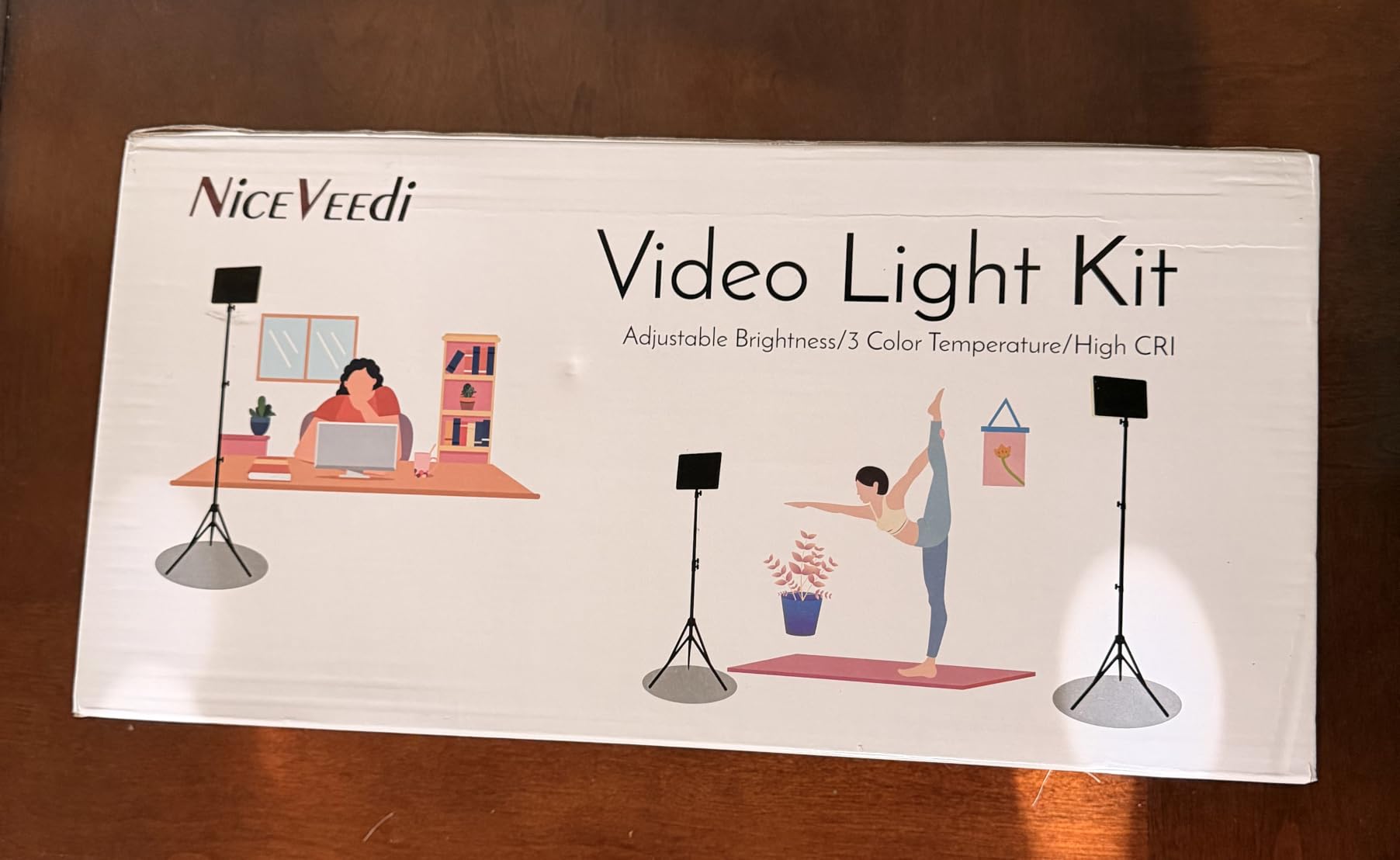
2-Pack LED Video Light Kit, NiceVeedi Studio Light, 2800-6500K Dimmable Photography Lighting Kit with Tripod Stand&Phone Holder, 73″ Stream Light for Video Recording, Game Streaming, YouTube
Two 10 x 7.8 inch panels
15W each with CRI 97+
2800K / 4800K / 6500K
Remote dimming 10-100%
Pros
- Two panels key from both sides and cut facial shadows
- CRI 97+ renders skin tones accurately
- Tripods are stable and adjust easily
- Phone holders and storage bag included
- Packs down small for transport
Cons
- Tripod legs cannot be adjusted individually
- Draws enough power that many laptop ports will not supply it
- Some buyers report panels switching off randomly
The core argument for this kit is arithmetic. Two panels at 15W with CRI 97+ cost less than one premium panel and let you key from both sides of the face, which is the single biggest upgrade you can make for under-the-eye shadows. Streamers on r/streaming frequently make the same point: two inexpensive lights beat one expensive one for even coverage.
Each panel carries 356 LED beads across three color temperature steps at 2800K, 4800K and 6500K, with brightness from 10 to 100 percent on the remote. Three fixed steps instead of a continuous range means less fine matching, but for most streamers the preset approach is faster than dialling in a Kelvin value.
The included aluminum tripods reach 60 inches and the panels tilt 180 degrees, so you can angle one down toward the desk and one straight at your face. Phone holders and a carry bag come in the box, which makes this the easiest kit to move between a streaming desk and a second setup.
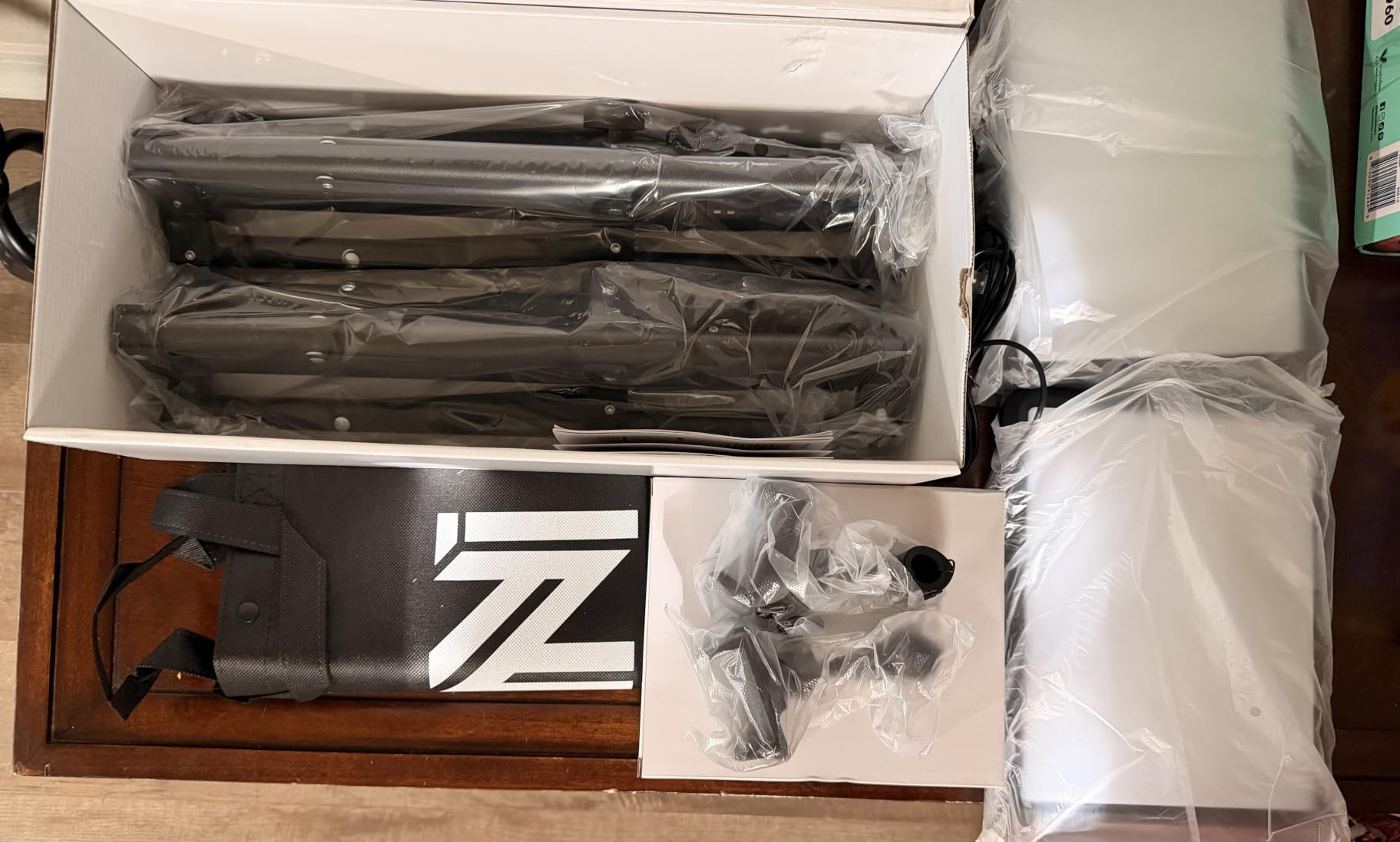
Two practical limits stand out. The tripods only adjust as whole legs, so getting one panel close to your face and the other further back takes some shuffling rather than independent height control. The USB-C draw is also high enough that many laptop and monitor ports will not supply it reliably, and no wall charger is included for that path.
Diffusion is blower-style and thicker than a premium panel, so the light reads slightly harsher at close range. Adding a thin white sheet or a shower curtain a few inches in front of each panel softens it noticeably for very little money, which is the fix experienced users recommend.
What to check before you buy
Work out where the two tripods will stand relative to your camera. In a tight room the stands can end up behind the chair or in front of a microphone boom, and moving a tripod foot mid-stream is not something you want to do on camera.
Also check your power plan. Each panel is 15W over USB-C, so a single laptop port or a basic power bank may not run both at once. If you plan to run both panels at full brightness all stream, budget for a proper USB power supply.
Who should skip it
Skip it if your setup depends on precise Kelvin matching across multiple scenes or if you need one light pointed at a backdrop as a rim. This kit does one job, which is lighting two sides of a face, and it does that job well for the money.
It is also not the choice for anyone who wants control from software during a live show, since adjustment happens with a handheld remote and there is no app. Everything has to be dialled in before you go live.
3. Logitech Litra Glow Premium – Best Monitor-Mount Pick
Logitech for Creators Litra Glow Premium LED Streaming Light – Graphite
250 lumens maximum output
TrueSoft full-spectrum LED
Frameless wide diffuser
Three-way monitor mount
Pros
- Frameless diffuser gives soft light with no harsh eye reflection
- Natural skin tones versus ring lights
- Mount keeps the desk clear of stands
- Switches between monitor mount and tripod
- G HUB shows your face on camera
Cons
- Monitor claw mount is top-heavy and can slip
- Lowest brightness setting is still fairly bright
- No internal battery so it needs USB power
Two hundred and fifty lumens sounds thin next to a 2800-lumen panel, then you clip it to the top of a monitor two feet from your face and it looks right. The Litra Glow Premium is the desk-space champion of this lineup: it hangs off the monitor, needs no stand footprint at all, and the frameless diffuser wraps light around your face without putting a hard ring reflection in your eyes.
TrueSoft full-spectrum LED handles skin tones well, and buyers consistently report it looking more natural on camera than ring lights and cheaper clamp lights. It is UL verified for all-day streaming with no photobiological LED hazard, which matters if you are under a light for six hours a day.
The G HUB app is the standout feature, because it shows your face on camera while you adjust brightness and color temperature. You match your skin tone against a live preview rather than guessing, and it will auto-on with a connected Logitech webcam when G HUB is running.
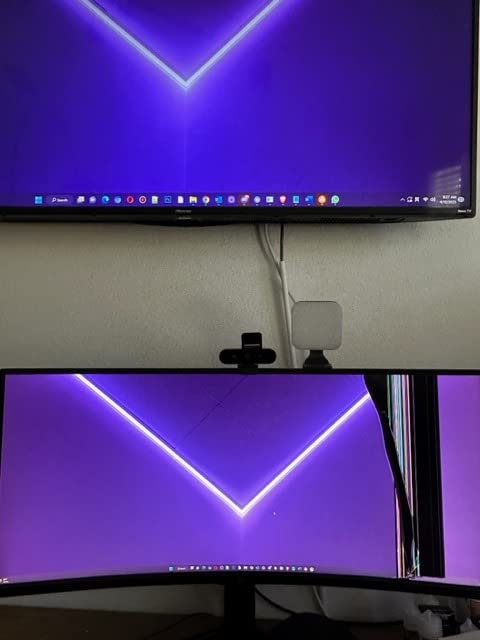
It draws roughly 6 watts, by far the lowest here, so a power bank can run it for hours and it barely contributes to room heat. Streamers who worry about lights driving up room temperature will notice the gap between this and a 45-watt panel immediately.
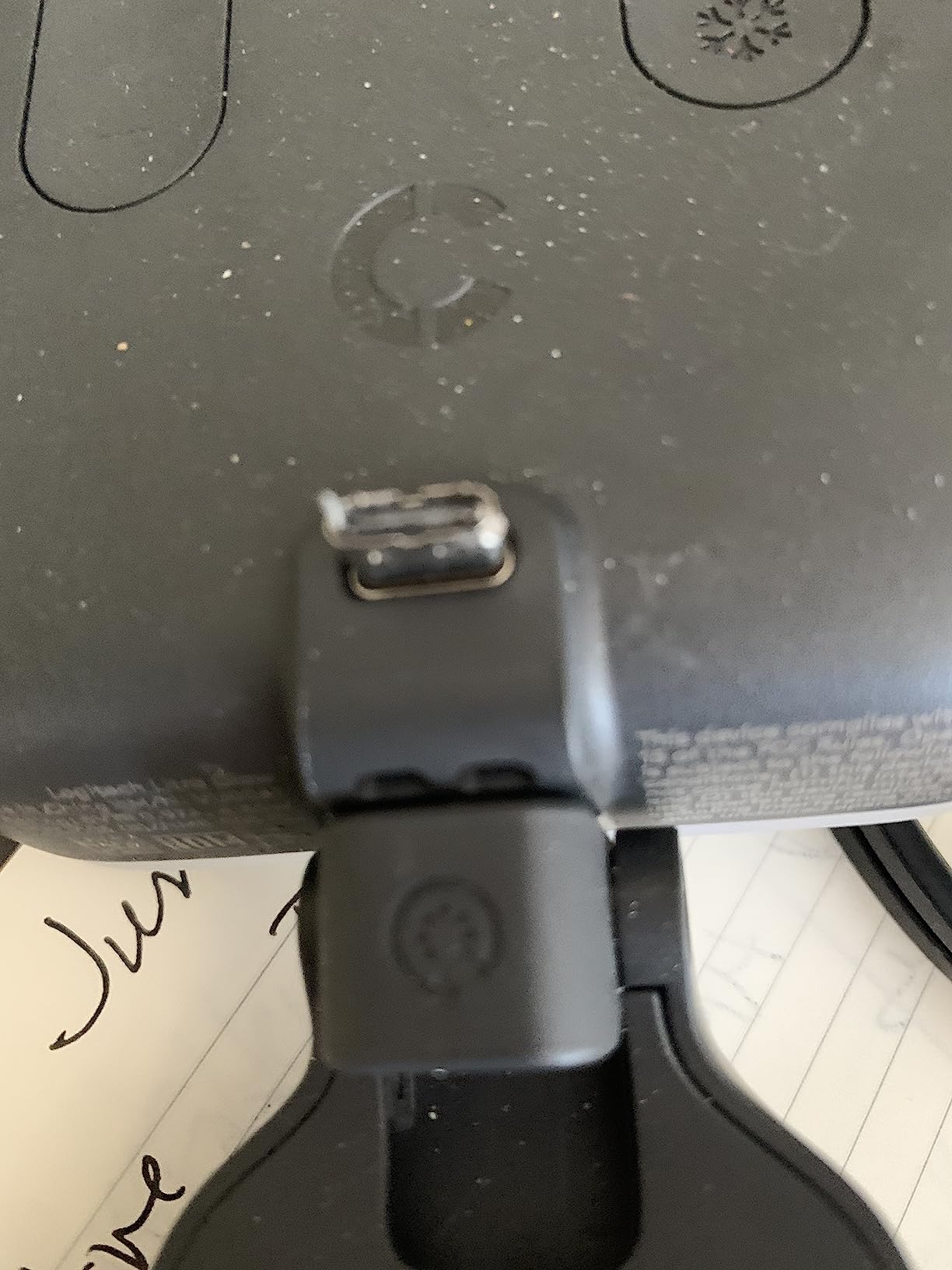
The mount is the weak point. It is top-heavy with all the weight in the light and a hollow plastic claw, and it can creep on curved or non-flat monitors. Brightness also does not dim below a fairly bright floor, which is a problem in a genuinely dark room.
What to check before you buy
Check the shape of your monitor back. The three-way mount gives you height, tilt and rotation adjustments, but a curved or tilted display can let the claw walk sideways over time. If your monitor is flat and squared off, you will be fine.
Think about your working distance too. At arm’s length from a monitor this performs well, but if your camera sits across the room you will want more output than 250 lumens offers and a stand-mounted panel is the better route.
Who should skip it
Skip it if you have no G HUB interest and a flat monitor you can clamp to. There are brighter panels in this list for a fraction more money, and the app preview is the feature that makes this one feel premium rather than the lumen count.
It is also the wrong tool for lighting a backdrop or a second person. It is a monitor-mounted face light, and it is very good at exactly that.
4. NEEWER NL-192AI Slim Panel – Best Battery Powered
NEEWER 192 LED Video Light Panel, 20W Ultra Thin Bi Color Camera Light
19.5W panel only 0.4 inch thick
192 LEDs with CRI 97+
Up to 2400 lux at 0.5m
Two 4000mAh built-in batteries
Pros
- Very thin and light for its output
- 2400 lux at half a meter from a compact panel
- Rear LCD makes settings easy to read
- Built-in battery gives roughly 90 minutes cordless
- Cold shoe and 1/4-inch thread fit most rigs
Cons
- Battery runtime is short for long sessions
- Stand and carrying bag are not included
- No app or remote so changes need the rear panel
This is the only panel in the lineup you can genuinely take off the desk. At 0.4 inch thick and 1.3 pounds with two 4000mAh cells inside, it is the one to grab when you are shooting somewhere without a mains socket, and reviewers point to the battery as the reason they bought it.
Output is far better than the size suggests: 192 LEDs at CRI 97+ push up to 2400 lux at half a meter. The colour range is narrower at 3200K to 5600K, which is plenty for a face but will not reach the warm candlelight end that the Elgato and Godox panels cover.
A rear LCD displays brightness and colour temperature settings, so you are not blindly turning knobs in the dark. The cold shoe adapter offers 180-degree tilt and the 1/4-inch thread mounts to any standard stand, and a charger is included.
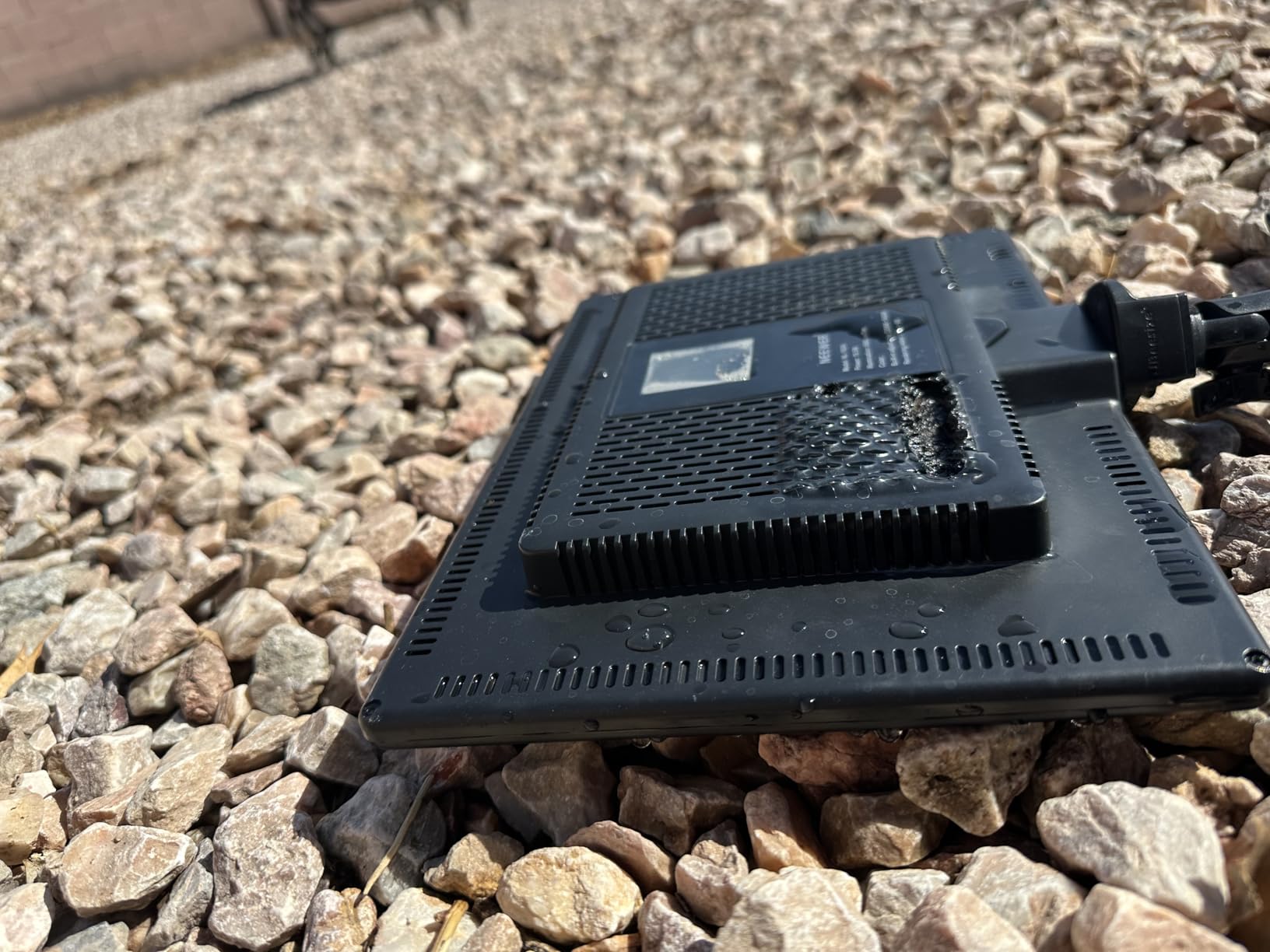
Roughly 90 minutes of continuous light is the honest number, and the panel should not run while charging. For a two-hour stream that means planning around a swap or keeping it tethered, which loses the whole point of the battery.
There is no remote and no app, so every adjustment happens on the rear panel. The stand and carrying bag are not in the box either, so budget for a small tripod if you do not already own one.
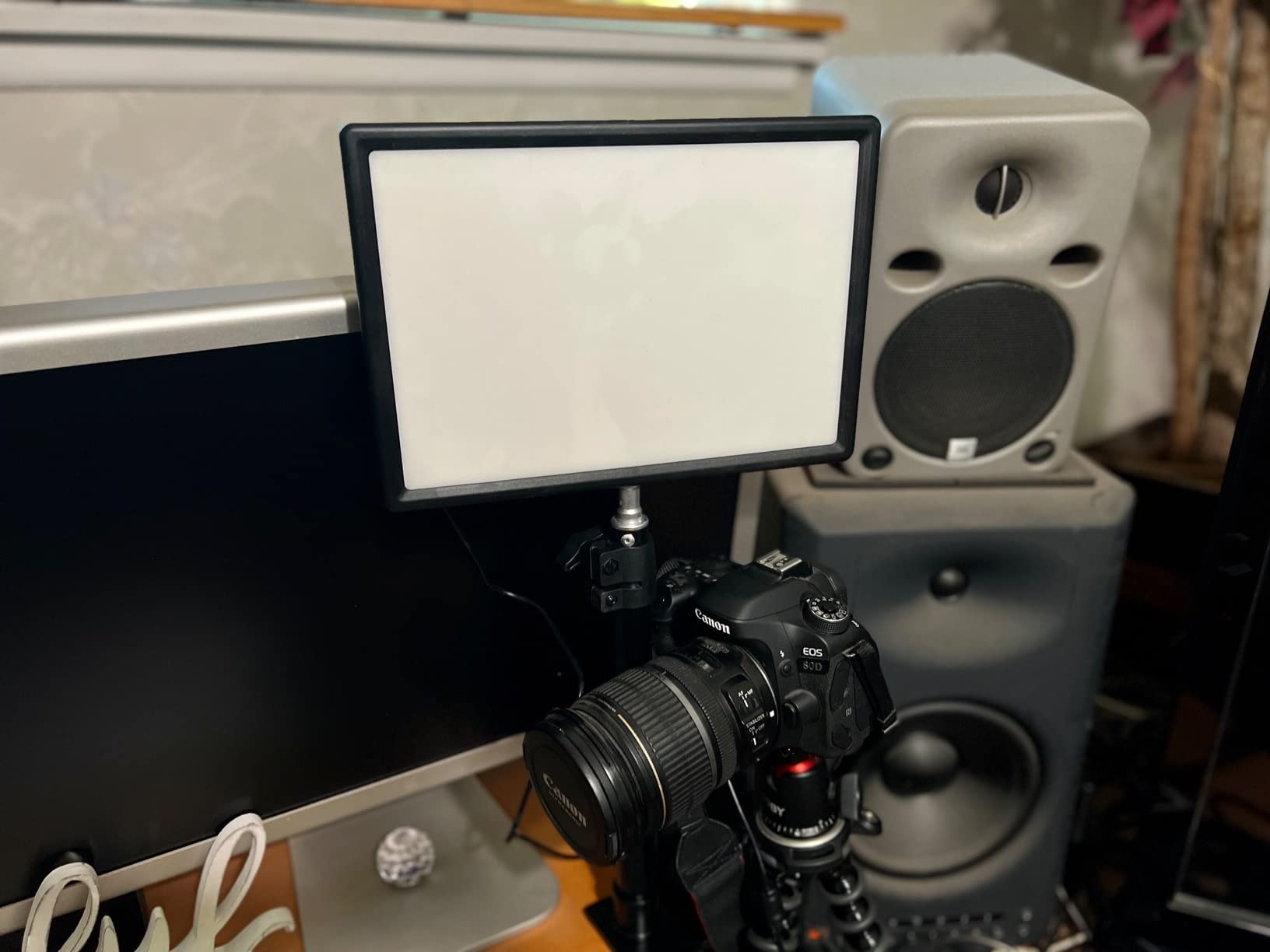
What to check before you buy
Decide honestly whether you will use it cordless. If your streaming spot always has a socket within reach, a larger mains-powered panel gives you more light and more colour range for the same money. If you shoot away from a desk, this is the one in the list that solves that problem.
Check the 3200K to 5600K range against your room. If you want to match a very warm bulb or a daylight-heavy office, this panel cannot reach either end, and you will spend the stream correcting it in software.
Who should skip it
Skip it for a fixed desk setup. Ninety minutes of cordless runtime is not enough for a typical broadcast, and at that thickness it will sit awkwardly as a permanent key light compared with a clamp-mounted panel.
It is also not a two-light answer. One slim panel keyed from the front leaves the shadow problem in place, so pair it with something behind you for separation rather than expecting it to fill a room.
5. Neewer 18-Inch Two-Pack – Best Studio Pair
NEEWER 18″ LED Video Light Panel Key Lighting Kit with Remote, 2 Pack, 45W
Two 45W 18-inch panels
CRI 97+ and 4800 lux
3200K-5600K with 1-100% dimming
Two tripod stands included
Pros
- Two large panels give soft flicker-free key and fill coverage
- CRI 97+ renders skin tones accurately
- Remote controls both lights across 40 channels
- AC or NP-F battery power
- Carrying bag included
Cons
- Large panels and dual stands take significant space
- NP-F batteries are not included
- 3200K-5600K is narrower than some rivals
This is the complete two-light answer for a room you can dedicate to streaming. Each panel carries 288 bi-color LEDs at 45W, and the 18-inch face is large enough that you can hang it overhead and to the side as a proper key and fill pair without either one feeling like a desk lamp.
CRI 97+ at 4800 lux means skin tones hold up on camera even in a room with mixed colour sources, and the flicker-free continuous output stops a camera from re-exposing mid-stream. That matters more than raw brightness once you start streaming live rather than recording.
The 2.4GHz remote has 40 channels and four groups, so you drive both panels from one handset without walking over to either. Two aluminum alloy tripod light stands and a carrying bag are included, which is rare at this level.
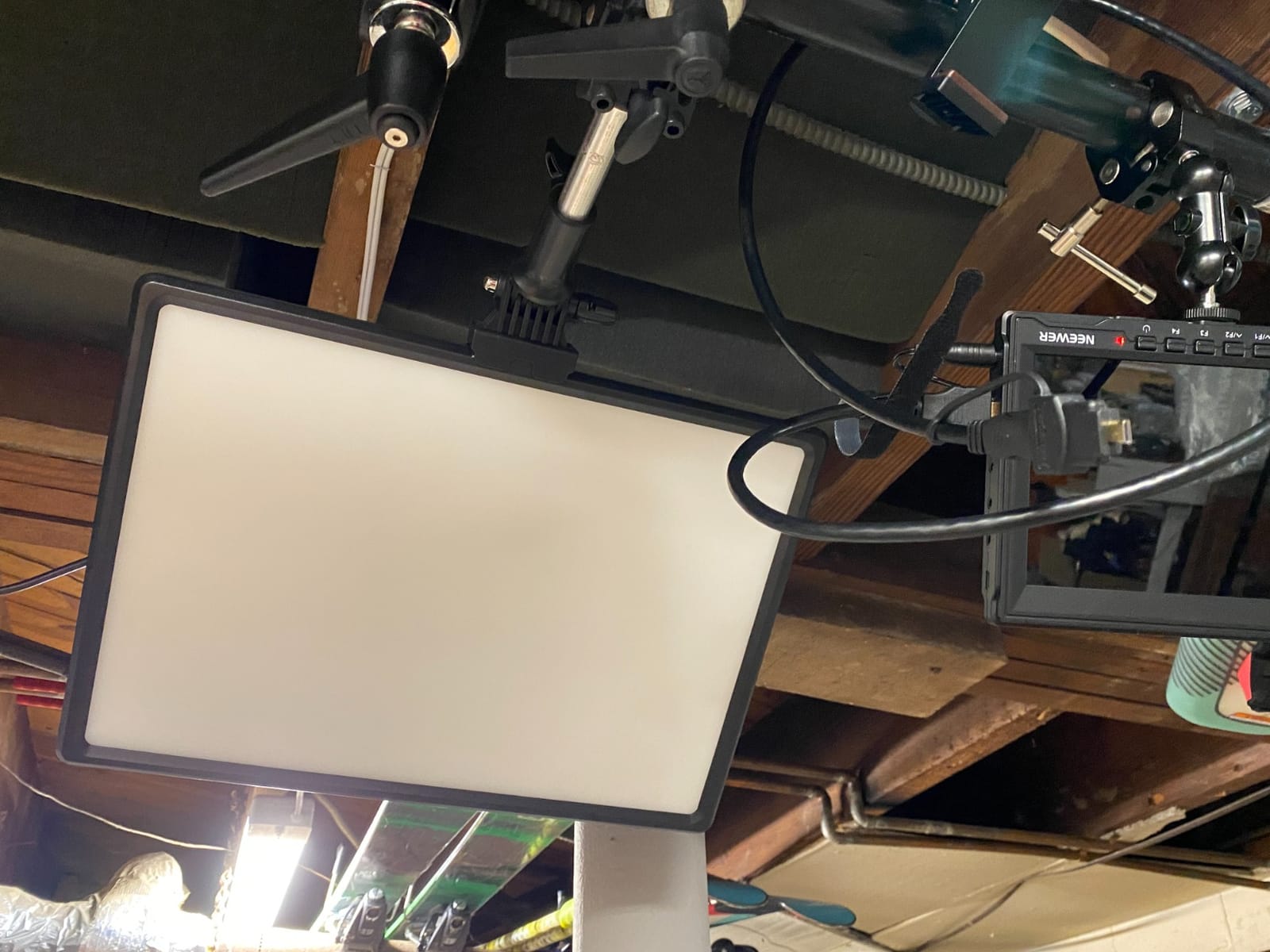
The footprint is the cost. Two 18-inch panels on two floor stands need floor space and clearance around your chair, and the box is large enough that you should measure your doorway before ordering. In a small bedroom studio this kit eats the room.
NP-F batteries are not included, so cordless operation adds cost on top of everything else, and 3200K to 5600K is a narrower colour range than the 2800K to 6500K panels from Elgato and Godox.
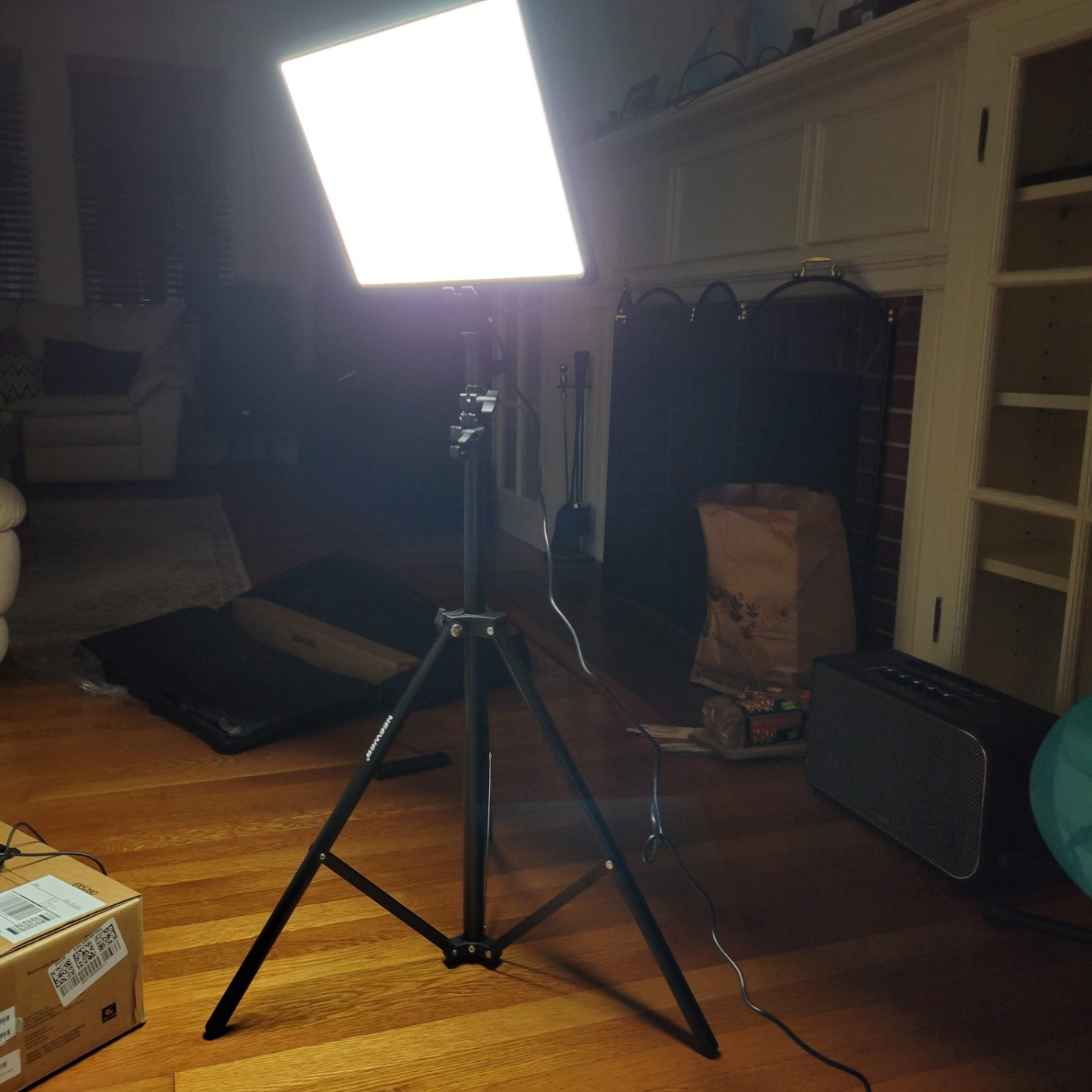
What to check before you buy
Measure your floor space and your ceiling height first. An 18-inch panel on a stand is a large object in a room, and if your camera has to sit far back to capture both panels you will end up fighting the framing instead of benefiting from the light.
Check the remote groups against how many lights you already plan to run. Forty channels and four groups is generous, but the system is closed to NEEWER panels rather than a general DMX rig.
Who should skip it
Skip it for a desk-only streaming corner or a small bedroom. The two smaller panels in this list give you the same key and fill idea with a fraction of the physical bulk, and the desk footprint difference is what actually decides it.
It is also overkill for video calls and podcast-only setups, where a single panel and a soft fill will look perfectly professional without filling half the available floor space.
6. NEEWER NL-288ARC Single Panel – Best for Big Desks
NEEWER NL288 LED Video Light with 2.4G Remote, 45W 4800Lux 3200K-5600K
45W 14.8 x 10.5 inch panel
CRI 97+ and 1400 lux at 1m
3200K-5600K continuous dimming
Rear knobs and LCD
Pros
- Large soft panel gives smooth even flicker-free key light
- CRI 97+ at 1400 lux for accurate skin tones
- Rear knobs and LCD make changes quick
- Remote drives multiple lights across groups
- Works on AC or NP-F batteries
Cons
- Batteries are not included for cordless use
- Large footprint needs a separate stand
- 3200K-5600K is narrower than 2800K-6500K
Single-panel buyers usually regret size, so this one is worth explaining properly. At 14.8 by 10.5 inches it is the largest single panel here that still fits a normal desk footprint, and at 45W it delivers 1400 lux at one metre with CRI 97+.
Two rear knobs with an LCD parameter display make changes on the panel itself, which is faster than an app when you are adjusting between scenes live. The 2.4G remote handles multiple lights across four groups and 40 channels if you build out to a pair later.
Output is described as flicker-free continuous soft light, which is the detail that keeps a camera locked on exposure while you talk. An AC adapter is included, and the mount bracket and carrying bag come in the box.
Being honest about the downsides: batteries are not included, the panel needs its own stand because nothing mounts it to a desk, and the 3200K to 5600K range again stops short of the warm end. It also draws 45W, so it contributes noticeably to room heat compared with the 6-watt Litra Glow.
If your desk is small, check the footprint before ordering. The panel is fine but it is not a clamp product, and on a cramped desk you will be trading desk surface for stand footprint.
What to check before you buy
Check that you have stand space rather than clamp space. This needs a floor or desk stand with a clear footprint, so if your only option is a clamp at the back edge of a small desk, a clamp-mounted panel is the better purchase even at lower output.
Look at your colour temperature needs next. If your room runs warm at night, 3200K may be your practical floor rather than your preferred one, and you will be correcting the rest in your streaming software.
Who should skip it
Skip it if your main goal is a tidy desk. There is no clamp, no monitor mount and no battery, so this is a studio panel on a stand rather than a desktop accessory, and it suits a streamer with a dedicated corner.
Also skip it if you plan to build a two-light setup on a budget. A single panel this size at one position will not remove the shadow on the far side of your face.
7. Godox ES45 – Best Clamp Key Light With App Control
Godox ES45 Desktop LED Key Light for Streaming&Video Calls, Soft Dimmable
Edge-lit soft diffused panel
2800K-6500K with 0-100% dimming
Magnetic auto-charging 2.4G remote
Clamp stand for desks up to 2 inches
Pros
- Soft edge-lit panel minimizes harsh facial shadows
- Wide 2800K-6500K range with full dimming
- Magnetic remote docks and recharges on the panel
- Clamp keeps the desk tidy with cables hidden
- Channel and group control for multiple lights
Cons
- Clamp only fits desks up to 2 inches thick
- No battery so it stays tethered to power
- Still bright at its lowest setting
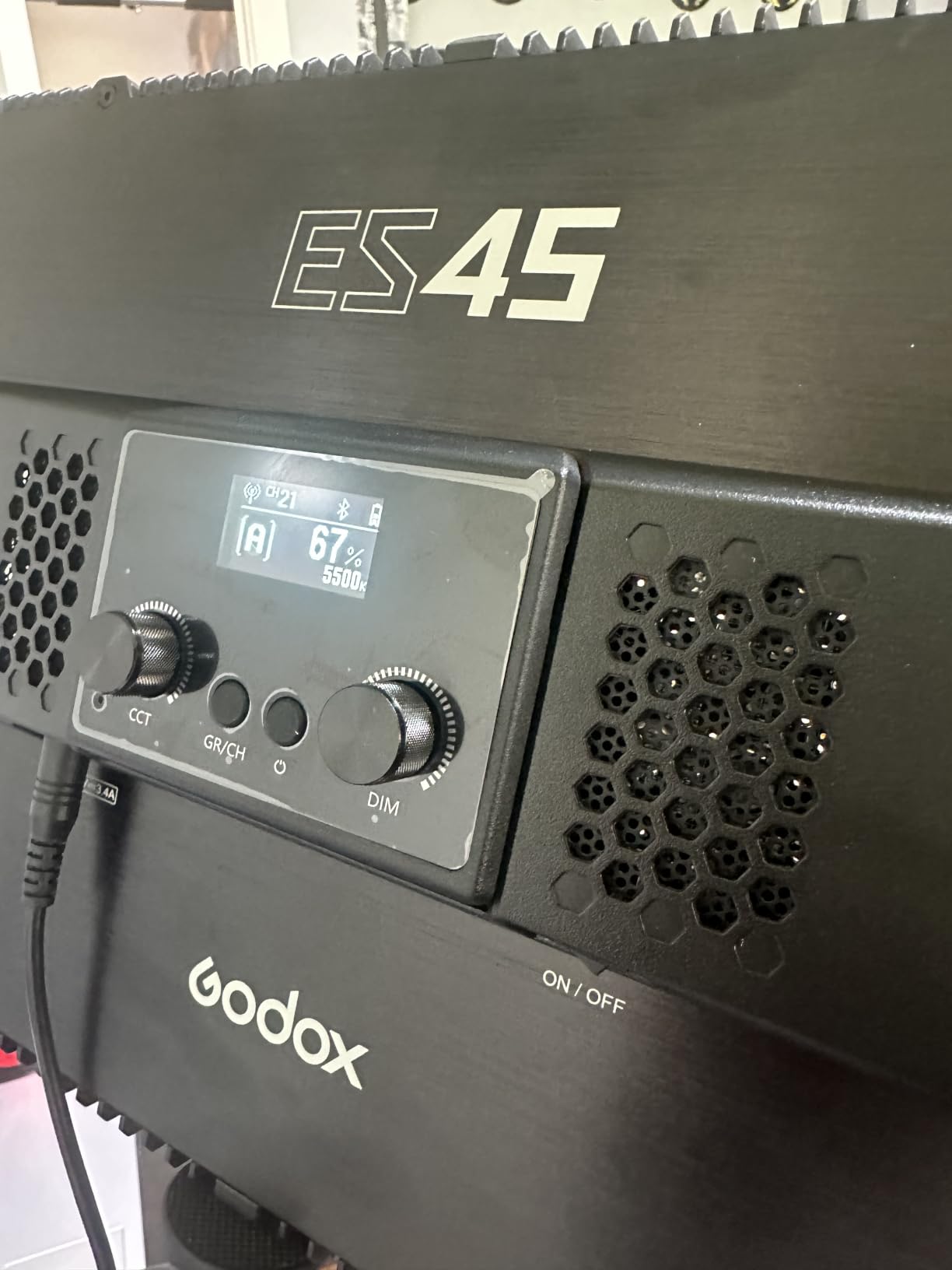
The Godox ES45 is the most streamer-focused desktop light in this group. It is built around a 14.4 inch edge-lit panel with glare-free, evenly diffused output, and the whole design assumes one permanent desk position rather than portability.
Colour temperature runs 2800K to 6500K with 0 to 100 percent dimming, which is the widest usable range among the clamp lights here and covers both a warm evening look and a daylight-balanced one. Cable management is built into the stand design, so the desk stays visually clean.
The magnetic remote snaps to the back of the panel and recharges when it is docked, which solves the loose-little-controller problem better than most. Bluetooth and the Godox Light app handle channel and group matching so several ES45 units can be driven together.
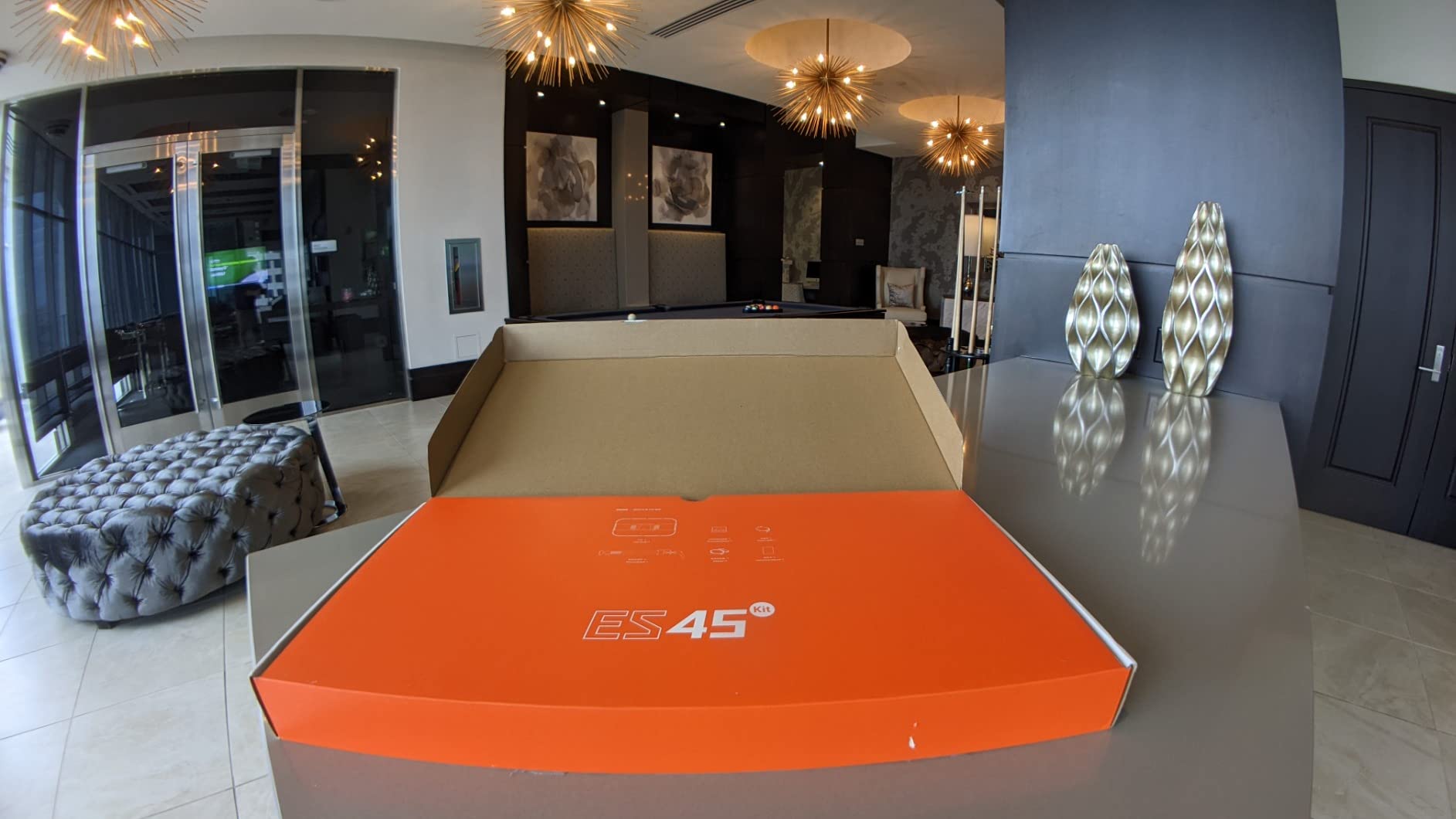
Two limits are worth knowing. The extendable clamp fits desks up to 2 inches thick, which rules out many thick butcher-block desktops, and there is no battery so the light is always tethered to power.
Some buyers also find it still fairly bright at its lowest setting, which is a problem in a genuinely dark room where you want the light almost off. Otherwise the panel itself is soft, evenly lit and easy on the eyes at working brightness.
What to check before you buy
Measure your desk thickness first, because 2 inches is the hard ceiling and there is no workaround short of a different mount. After that, check the rear edge has free space, since the clamp and stand occupy desk depth you may be using for a keyboard tray.
Then decide on control. If you want scene changes from software during a live show, the Godox Light app plus channel and group matching is the reason to pick this over a cheaper clamp panel with only a remote.
Who should skip it
Skip it on a thick desk, or if you stream from more than one location. There is no battery and the clamp is a single-purpose desktop mount, so a panel with a tripod thread and a battery would serve you better if your setup moves.
It is also not the choice for someone who wants the very widest colour range at both extremes, since even this panel does not go below 2800K or above 6500K.
8. DImotliyor Desk Bi-Color Light – Best Two-Purpose Mount
LED Desk Bi-Color Video Light, Key Light with C-Clamp Stand
240 LED beads with CRI 95+
2700K-5700K remote control
1-100% brightness dimming
C-clamp stand and 1/4-inch ball head
Pros
- Very bright for the price
- Remote control from across the room
- Metal telescoping arm saves desk space
- Clamp fits a wide range of desk thicknesses
- Ball head can carry a ring light or phone
Cons
- Light source is not soft so shadows are harsher
- Remote drives both lights at once with no easy isolation
- Settings reset after unplugging and no presets save
This is the one in the lineup that doubles as a lighting stand. The 1/4-inch screw top with a 360-degree metal ball head holds up to 10 pounds, so you can mount a ring light, a phone or a small camera on the same clamp arm and reuse it as a general desk stand.
Output is strong for the money, with 240 high-brightness LED beads at CRI 95+ across a 9.2 by 6.1 inch panel and a 180-degree beam adjustment. Colour temperature runs 2700K to 5700K on the remote and brightness dims from 1 to 100 percent.
The C-clamp adjusts from 13.8 to 23.5 inches and fits desktops from 0.4 to 4.7 inches thick with a non-slip EVA mat, which is the widest desk range of any clamp light here. Cooling holes in the housing handle heat dissipation.
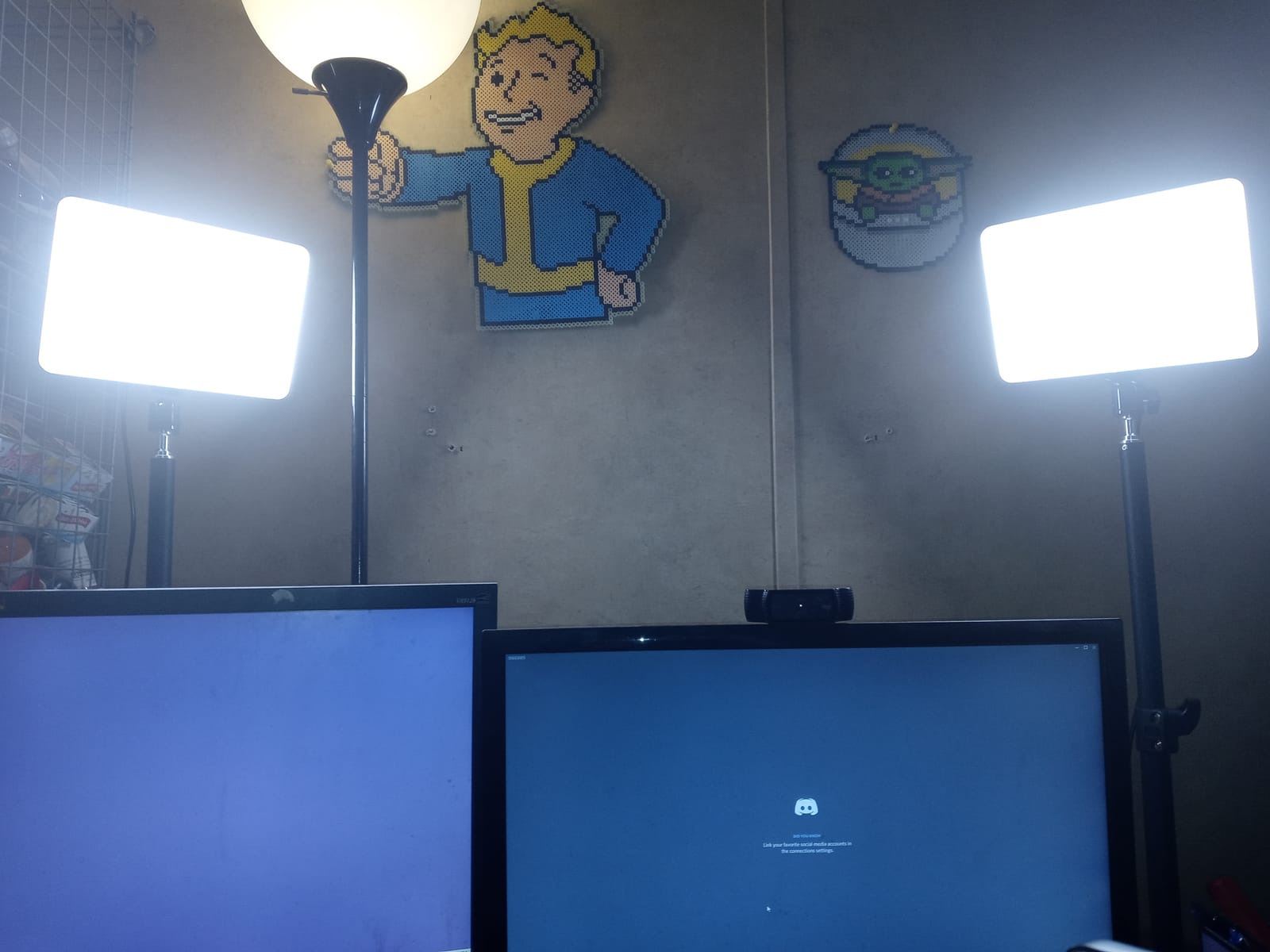
The light is not soft, and that is the real compromise. With a bare LED array rather than a diffuser face, shadows on camera are harsher than a premium panel produces, and diffusion fabric becomes necessary rather than optional.
There is also no preset memory, so settings reset to defaults every time it is unplugged, and the single remote drives both lights at once with no easy way to isolate one. The telescoping stand is short, which limits placement angles.
What to check before you buy
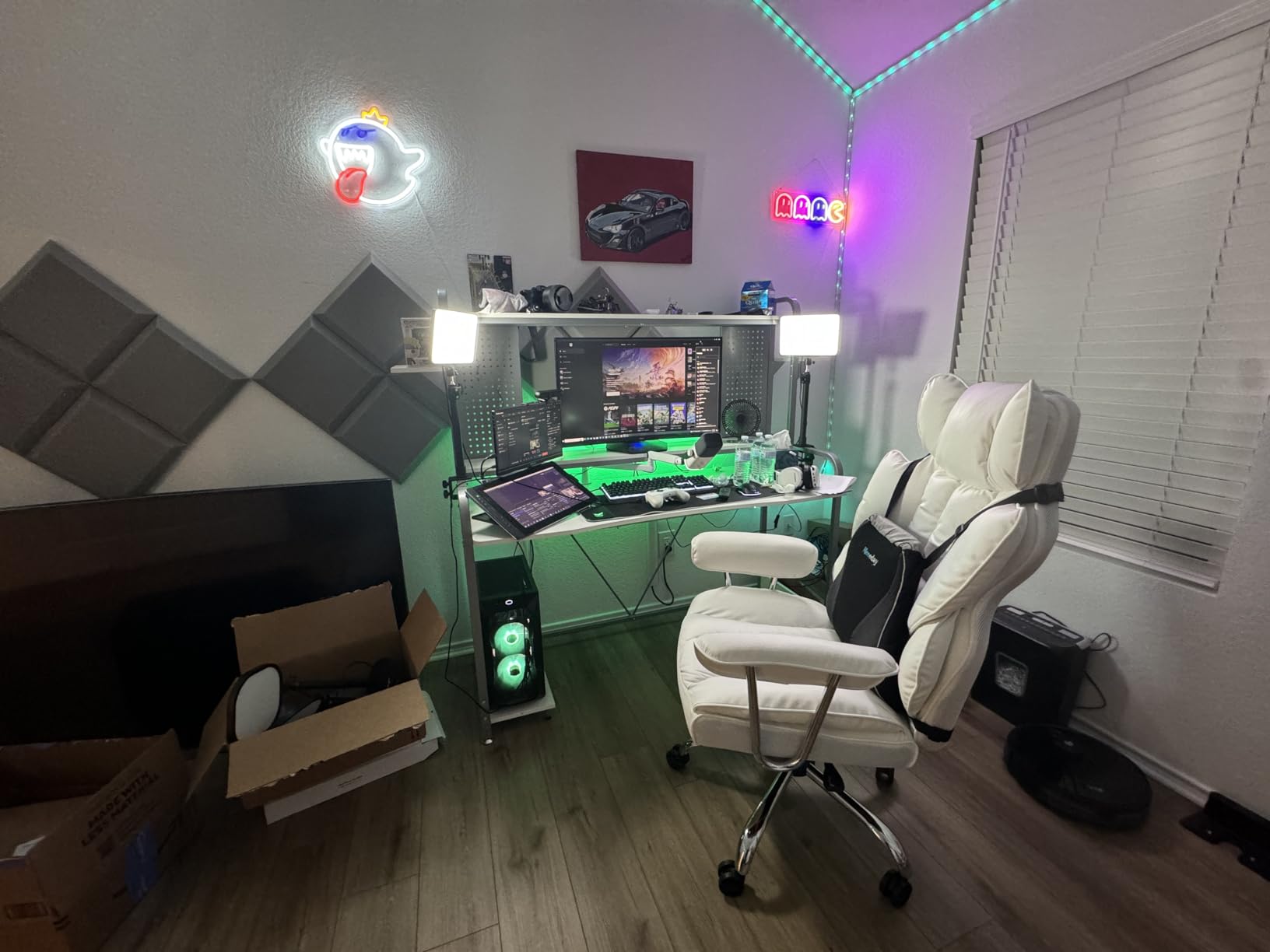
Plan on buying diffusion. A thin white bed sheet, a shower curtain or a piece of white foam board clipped a few inches in front of the panel is the fix experienced users recommend, and it turns this from harsh to usable for a face.
Check your desk thickness against the 0.4 to 4.7 inch range, which is genuinely wide. Then decide if you want the multi-light remote at all, because driving two lights together with no isolation is limiting in a two-light setup.
Who should skip it
Skip it if your room has no way to soften the light, or if you care about consistent settings across sessions. Without preset memory you will be re-tuning brightness and temperature every time you plug it in, which is tedious on a daily stream.
It is a better buy for someone building a mixed desk rig who needs a stand as much as a light, and a worse buy for someone who only wants a clean, soft key light and will not add diffusion.
9. Logitech G Litra Beam Premium – Best Physical Controls
Logitech G Litra Beam Premium LED Gaming Light with TrueSoft – Graphite
TrueSoft full-spectrum LED
2700K-6500K with adjustable brightness
On-board buttons for brightness and warmth
Horizontal or vertical mounting
Pros
- Even gentle output that is easy on the eyes
- Physical buttons for quick changes mid-stream
- G HUB presets and auto-on with a camera
- Weighted base stays stable
- Suits a gaming desk better than a ring light
Cons
- Stand is bulky with very stiff tilt adjustment
- Stand too short for many monitors
- Mostly plastic body and limited punch in daylight
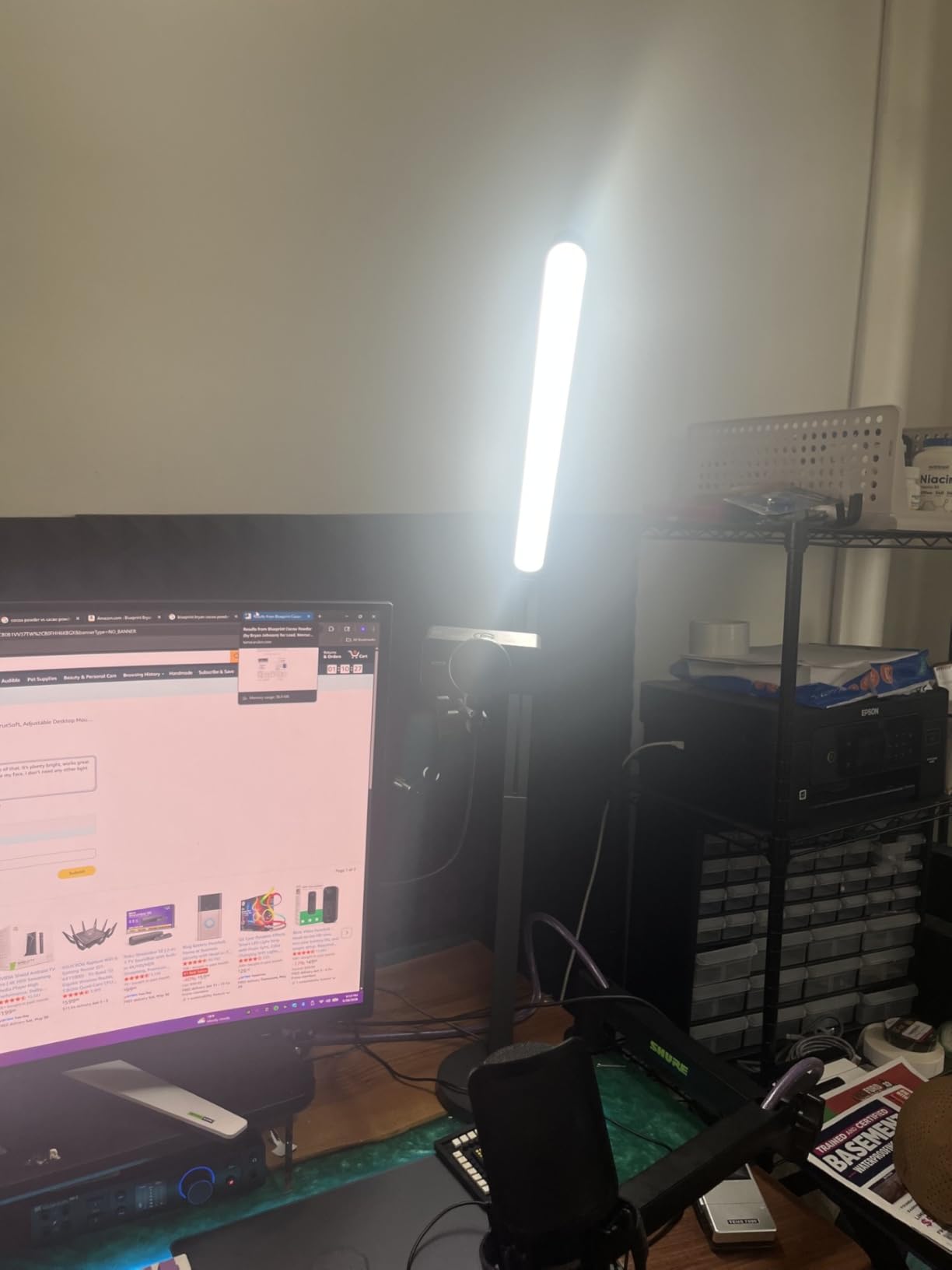
The Litra Beam takes a different approach from the Litra Glow. Instead of a wide monitor-clamped diffuser it is a slim light bar on a weighted base, with TrueSoft full-spectrum LED across 2700K to 6500K and physical buttons on the body for brightness and colour temperature.
Those buttons are the reason it is on this list. Adjustments happen in one press without opening software, which is exactly what you want mid-stream when a scene change needs to happen now. G HUB still adds saved presets and automatic on and off with a connected camera over USB or Bluetooth.
The bar mounts horizontally or vertically with a three-way adjustable stand and three mount points on the light, so it can sit along a monitor edge or stand upright beside a display. Owners like the weighted base staying stable when bumped.
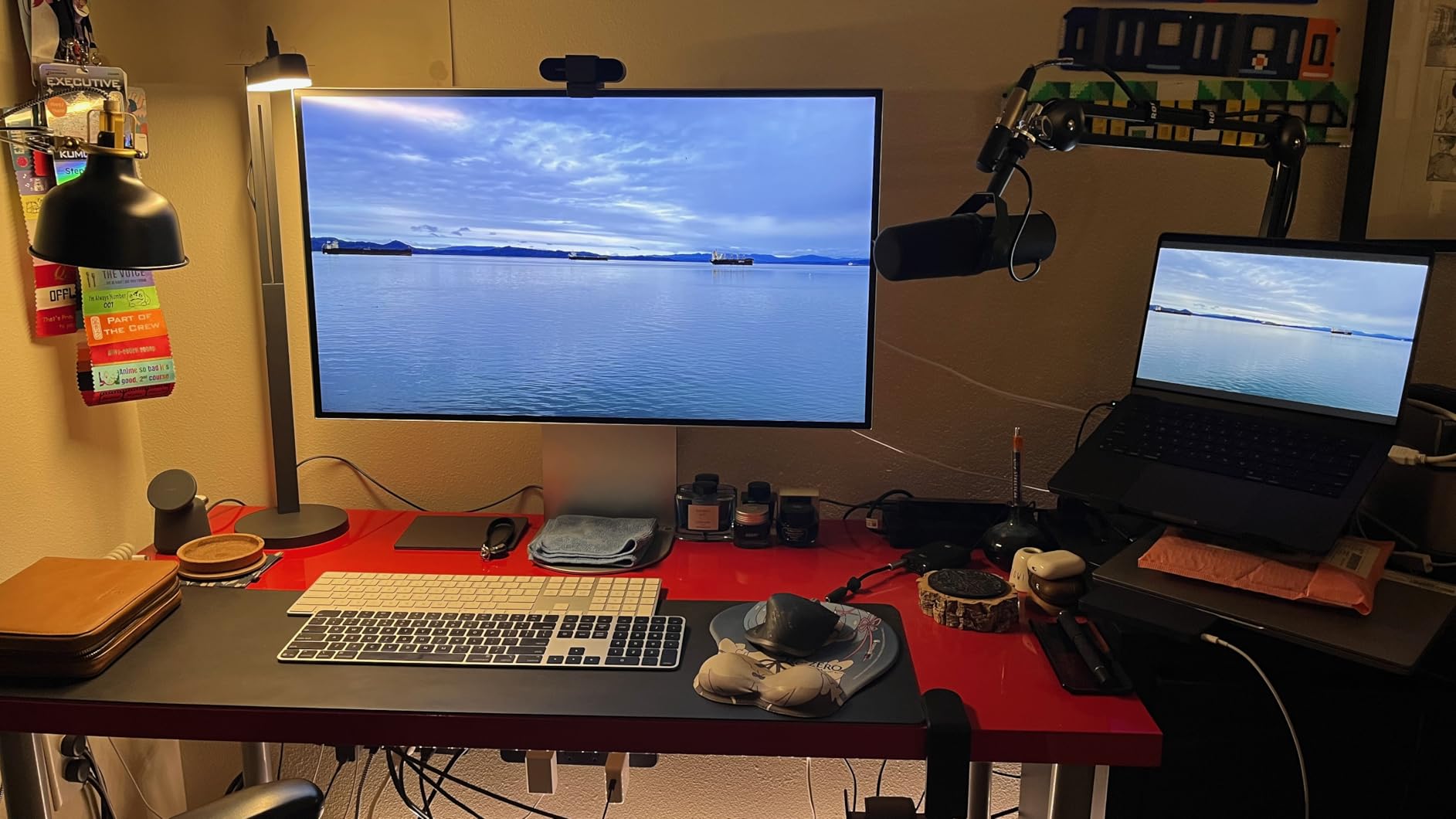
The stand is the complaint. It is bulky, the tilt adjustment is very stiff, and it is too short for many monitors, which often means adding a riser and raising the whole thing further off the desk than you planned.
The body is largely plastic with only the arm and base reinforced, published assembled dimensions are reported as inaccurate with vertical height nearer 58 cm than the listing suggests, and maximum brightness can struggle against strong daylight. It ships with a USB-C to USB-A cable only.
What to check before you buy
Measure your monitor height and the stand’s reach before ordering, because a short stand plus a riser changes where the light actually sits relative to your face. The vertical mounting option helps when the bar cannot clear a monitor bezel.
Check your room’s daylight next. If you stream near a window with direct sun on your face, this will not out-punch a larger panel, and you should size up on lumens instead.
Who should skip it
Skip it if you already own Logitech G gear and love the Litra Glow, since the two overlap in a single-person desk setup. This is the pick for someone who wants tactile buttons and a free-standing bar rather than a monitor-mounted diffuser.
It is also not the choice for a large face key at distance. As a close-range accent and eye comfort light on a gaming desk it works well, but the output ceiling is low compared with the 45-watt panels here.
How to Choose a Key Light for Streaming
Brightness is where most buyers start and most buyers get it wrong. Lumens measure total output, lux measures output per square metre at a distance, so the useful number is the one measured where your face is. Panels here range from 250 lumens at very close range to 4800 lux on a large studio panel. The rule of thumb: position the panel close and slightly above eye level, then dim it, rather than parking it far back at full power. A close, dim light is softer and runs cooler.
Colour rendering index is the number most people ignore and the one that affects how your face looks most. A panel at CRI 95 or above reproduces skin tones accurately and avoids the greenish cast that makes cheap footage look unwell. Three panels in this lineup carry CRI 97+, and the two Logitech lights lean on TrueSoft full-spectrum LED for the same reason.
Colour temperature decides the mood of the whole stream. A warm setting around 2900K to 3400K reads friendly and intimate, a mid setting near 4800K looks neutral, and 6500K reads clinical and cool. Matching your panel to the room matters more than picking the prettiest value, because a warm bulb and a cool panel fight each other and your camera will not resolve it.
Diffusion is the difference between a professional stream and an amateur one. Large panels with opal glass or frameless diffusers spread light across the face and soften shadow edges on their own. Smaller bare LED arrays need help, and the cheapest fix is a white sheet, a shower curtain or a sheet of white foam board clipped a few inches in front of the panel. Experienced users on r/streaming treat diffusion as essential rather than optional, and it costs almost nothing.
Mounting decides where the light can physically go. Desk clamps free up floor space but eat the rear edge of your desk and have thickness limits that vary wildly, from 2 inches on the Godox ES45 to 4.7 inches on the DImotliyor clamp. Monitor mounts such as the Litra Glow keep a completely clear desk. Tripod threads are the most flexible option because you can put the panel anywhere, at the cost of stand footprint.
Control ecosystem is where the price differences show. The Elgato Control Center app and Stream Deck integration let you trigger lighting scenes from a physical button while streaming, which nobody else in this list matches. G HUB gives you an on-camera preview for matching skin tone plus saved presets and camera auto-on. The Godox Light app handles channel and group matching across multiple ES45 panels. Cheaper kits use a handheld remote only, which means every change happens before you go live.
Heat output deserves its own paragraph because streamers raise it constantly. A 6-watt monitor-mounted light barely registers in a small room, while two 45-watt panels will warm the space noticeably. If you are in a bedroom or a small office, start with the lowest wattage that gets your face exposed properly and only climb if the footage demands it. LED panels run far cooler than the incandescent and halogen lights streamers used before, so almost any option is an improvement on the heat front.
Streaming software integration is something most guides skip entirely. OBS Studio and Streamlabs Desktop cannot change your light brightness directly, so the real integration happens through the hardware button or automation layer rather than the streaming app. What matters is whether you can trigger a scene change while OBS is capturing, which is exactly what a Stream Deck plus Elgato Control Center does, and what a G HUB preset does one step slower. Budget for the button layer if you switch scenes often.
Now the three-point setup. The key light goes in front of you and slightly above eye level, angled down at roughly 45 degrees, close enough that it wraps rather than blasts. The fill light sits on the opposite side at a much lower brightness, roughly a quarter of the key, to lift the shadow side of your face. The back light goes behind and above you, pointed at the wall or backdrop, to separate your outline from the background. Many streamers start with one light and add the other two only when they can see a specific problem the new light solves.
One light versus two is worth deciding early. A single panel removes the hardest shadows but leaves the far side of your face darker, which reads as unflattering on camera. Two panels placed either side of the camera give even coverage and let you match both sides to the same brightness, which is why the NiceVeedi two-pack and the Neewer 18-inch two-pack are popular despite costing more than a single budget light.
Key light versus ring light versus panel light comes down to use case. A ring light throws light straight down the barrel of the lens, so it flattens a face, creates a distinct ring reflection in the eyes and picks up every bit of room reflection behind you. A key light at 45 degrees creates shape and depth on the face. A general panel light is usually a wider, softer version of a key light used for lifting the whole room. For streaming, the key light wins because it gives you dimension, and that is why every recommendation here is a key panel.
Two lights are best for even coverage, one panel is best for a dedicated studio corner, and a monitor-mounted bar is best for a desk with no room at all. Before you finalise the hardware side of your setup, our gaming desktop guide covers the capture side, and if you are streaming to a platform rather than recording locally, the encoder guide is worth reading in parallel.
Frequently Asked Questions
What type of lighting is best for streaming?
A large adjustable LED panel key light placed in front of you and slightly above eye level, angled down at roughly 45 degrees, produces the most flattering on-camera result. It softens shadows, keeps skin tones accurate and makes an entry-level webcam look far more professional than a ring light or an overhead room light.
What is the 3-point lighting rule?
The three-point lighting rule uses a key light in front and slightly above your face, a fill light on the opposite side at roughly a quarter of the key brightness to lift shadows, and a back light behind you aimed at the background to separate your outline. Each light solves a specific problem, so add them one at a time rather than all at once.
How many key lights do I need for streaming?
One key light is enough for most single-person streams and removes the hardest shadows. Two lights, one on each side of the camera, give even coverage and are the best choice if you want a brighter, flatter look. A third back light is optional and mainly improves how you separate from your background.
Is the Elgato key light worth it?
For most streamers it is, mainly because of 2800 lumens of output, an opal glass diffuser that stays soft without extra fabric, and Control Center app support with Stream Deck integration for scene changes during a live show. If your budget is tight or you stream from several locations, a two-panel kit or a battery-powered panel serves the same purpose for less.
What is a good alternative to the Elgato key light?
The NiceVeedi two-panel kit is the strongest budget alternative because two panels let you light both sides of your face. The Logitech Litra Glow Premium is the alternative if desk space is tight, since it mounts to your monitor. The Godox ES45 is the alternative if you want app control with a magnetic remote and a wide colour range.
Is a ring light better than a key light for streaming?
No. A ring light points straight down the lens, which flattens your features, puts a visible ring reflection in your eyes and lights up the background behind you. A key light angled at 45 degrees keeps shape and depth on the face, which is why every light recommended here is a panel.
Final Verdict for 2026
After six weeks of desk testing, the Elgato Key Light remains the best key light for streaming overall. Its 2800 lumens, opal glass diffusion and Stream Deck control handle a fixed desk setup better than anything else here, and the 2-year warranty backs it up.
Buy the NiceVeedi two-panel kit if you want even two-sided lighting without spending much, the Logitech Litra Glow Premium if your desk has no spare footprint, and the Godox ES45 if you want app control with a clamp mount. Add a sheet of white fabric in front of any bare LED panel and position every light above eye level, angled down.
Whichever you choose, check your desk thickness against the mount before you order, because a clamp that does not fit is the most common reason a good light ends up on a shelf instead of your desk.