
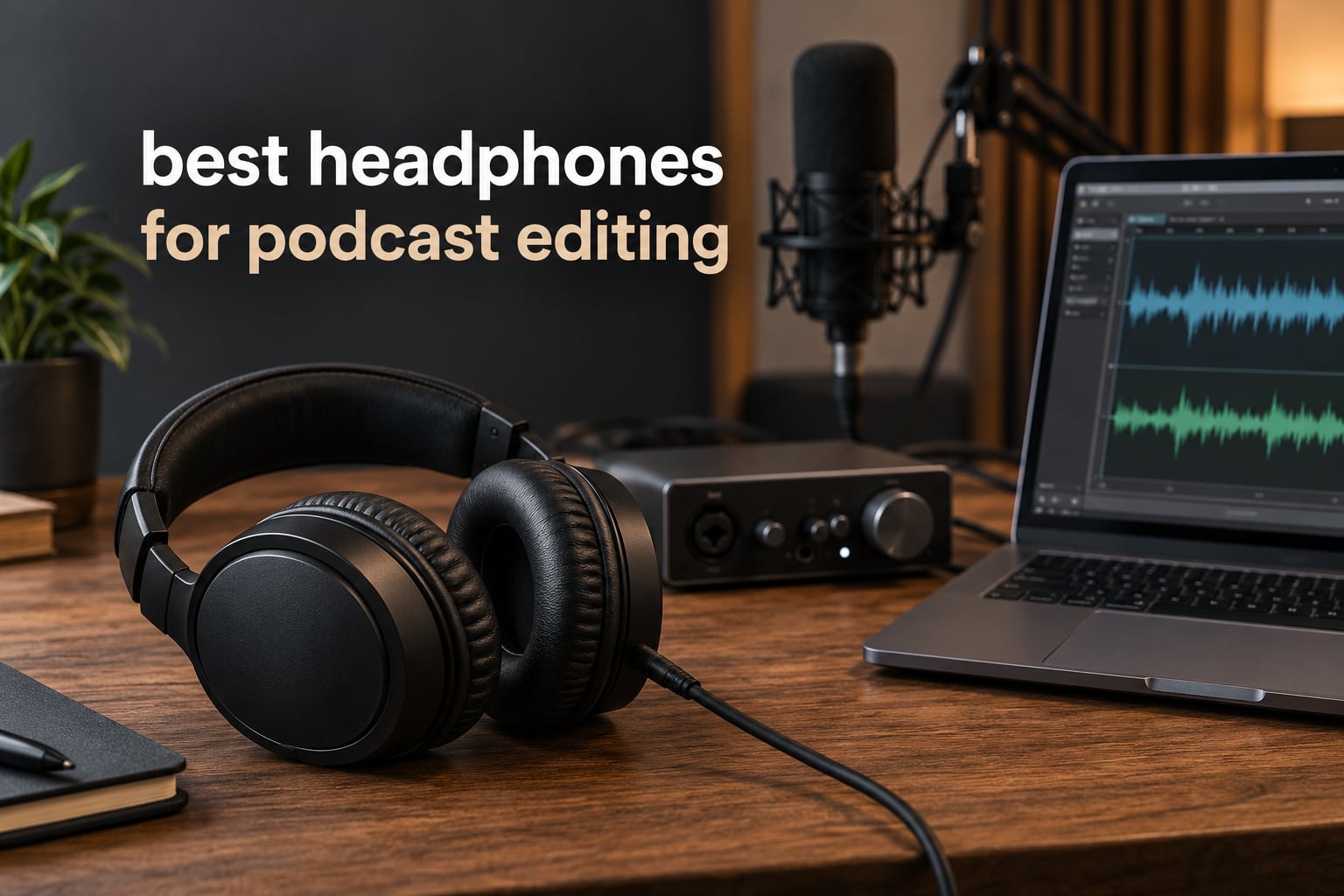
The single most common mistake in podcast post-production is treating monitoring headphones like a consumer accessory. Dialogue editing means finding artefacts that live just below the threshold of conscious notice: a mouth click between words, the soft thump of a lip smacking a microphone, a sibilant spike on an “s”, a low rumble bed that masks the whole episode. If your headphones cannot reveal those, they will never come out of the edit.
That is why the best headphones for podcast editing are a narrow category rather than a broad one. You need a neutral, flat frequency response, enough bandwidth at both extremes, and a closed-back shell that isolates you from the room so the quietest parts of a quiet recording stay audible. Everything else is preference.
We spent weeks moving between these twelve pairs on real dialogue edits, cutting multi-host interviews, de-essing and noise-reducing tracks, and checking final mixes against a second reference. Our team compared the twelve models in this roundup across the same set of one-hour episodes, so the verdicts below reflect what each pair actually revealed rather than what the spec sheet promised.
This guide covers 2026 and separates the two jobs people constantly mix up: headphones you record with and headphones you edit with. They are not the same purchase, and no competitor roundup we found draws that line clearly. There is also no price talk here, because the price of every pair moves weekly and a stale number is worse than no number. Follow the buttons and check the current listing.
Table of Contents
What Makes Headphones Good for Podcast Editing?
The best headphones for podcast editing are closed-back, neutral studio monitors with a flat frequency response, wide bandwidth, and enough isolation to keep room noise from masking dialogue artefacts. You want accurate midrange reproduction first, then enough low-frequency extension to catch rumble and handling noise, and a headband that survives a four-hour session.
More specifically, an editing pair has to do five jobs well. It has to expose mouth clicks and lip smacks at conversational level. It has to make sibilance obvious without exaggerating it. It has to reveal hiss, hum and HVAC rumble in the low end. It has to track volume changes honestly so your level matching is accurate. And it has to stay comfortable enough that you are not adjusting the fit every forty minutes, because fit changes alter the seal and the seal changes the bass.
Two things actively hurt that. First, colouration. Consumer tuning with lifted bass masks low-frequency problems, which is the exact failure mode we see in this category. Second, active noise cancellation, which applies processing to the signal and shifts frequency response. ANC headphones can be fine for reviewing on a train; they are the wrong tool for deciding whether an edit is clean.
One clarification worth making early, because it decides half your purchase: editing headphones and recording headphones want different shells. Recording wants isolation and low leakage so your microphone does not pick up your own monitor. Editing wants accuracy, and accuracy is much easier to achieve in a design that does not have to fight your microphone.
Top 3 Best Headphones for Podcast Editing in 2026

All 12 Podcast Editing Headphones Side by Side in October
| Product | Specifications | Action |
|---|---|---|
| Audio-Technica ATH-M50x |
|
Check Latest Price |
 Sony MDR-7506 Sony MDR-7506 |
|
Check Latest Price |
 Beyerdynamic DT 990 Pro Beyerdynamic DT 990 Pro |
|
Check Latest Price |
 Audio-Technica ATH-M40x Audio-Technica ATH-M40x |
|
Check Latest Price |
 Audio-Technica ATH-M20x Audio-Technica ATH-M20x |
|
Check Latest Price |
 Sennheiser HD 280 Pro Sennheiser HD 280 Pro |
|
Check Latest Price |
 AKG K240 Studio AKG K240 Studio |
|
Check Latest Price |
 Sennheiser HD 599 Sennheiser HD 599 |
|
Check Latest Price |
 OneOdio Pro-50 OneOdio Pro-50 |
|
Check Latest Price |
 Shure SRH440A Shure SRH440A |
|
Check Latest Price |
 Samson SR850 Samson SR850 |
|
Check Latest Price |
 M-Audio HDH40 M-Audio HDH40 |
|
Check Latest Price |
1. Audio-Technica ATH-M50x: The Best Headphones for Podcast Editing Overall
Audio-Technica ATH-M50X Professional Studio Monitor Headphones, Black, Professional Grade, Critically Acclaimed, with Detachable Cable
38 ohm impedance
99 dB sensitivity
20 Hz to 28 kHz response
Detachable cable
90 degree swivel cups
Pros
- Deep accurate bass with clear midrange across the full range
- Strong circumaural isolation in a loud room
- Swiveling cups for one-ear cue monitoring
- Detachable cable so a damaged lead is not the end of the purchase
- Over 33k owner reviews
Cons
- Pads and headband material eventually need replacing
- Fit can feel tight over uninterrupted multi-hour sessions
- 290 g is heavier than the lightest options
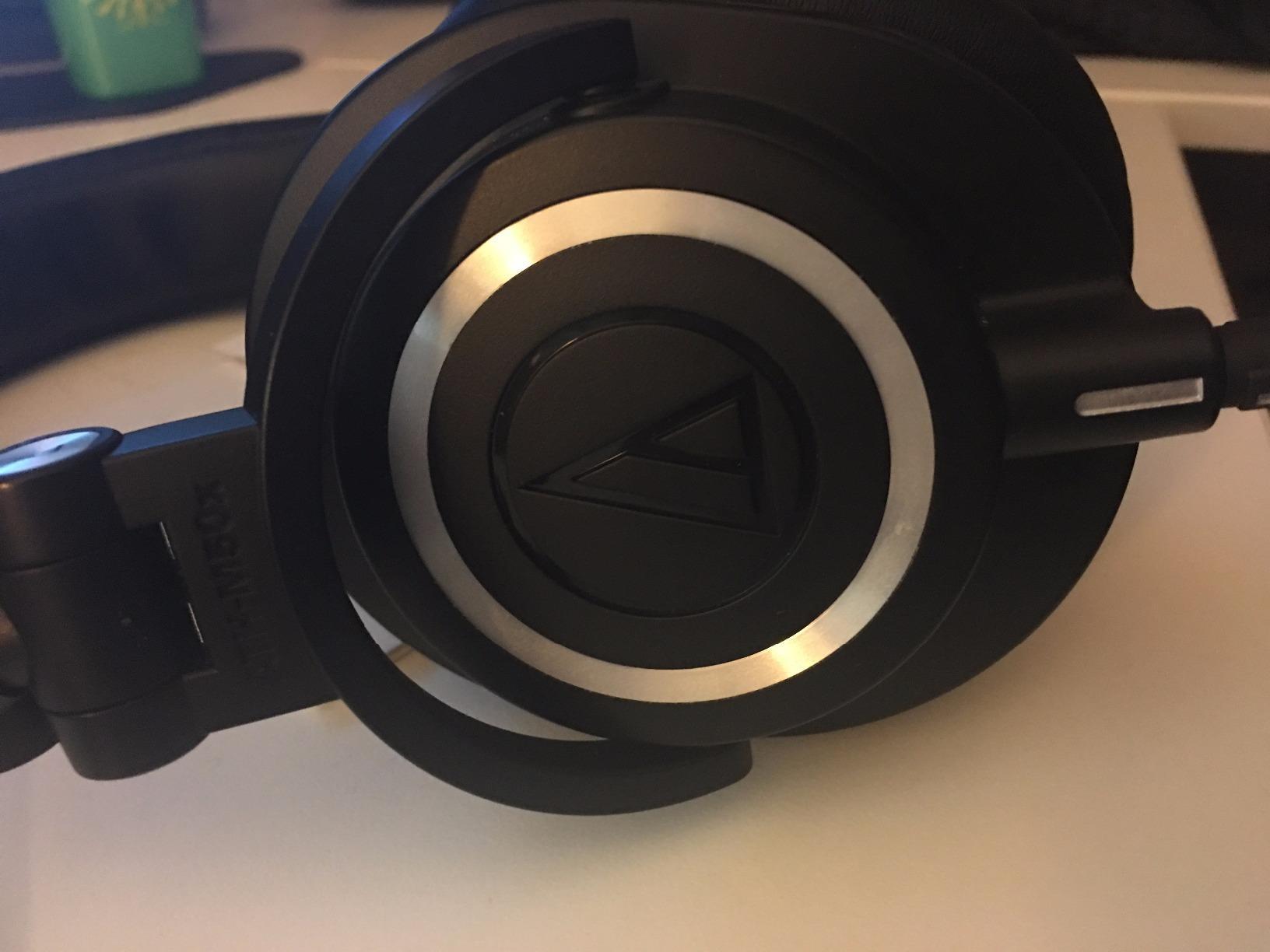
The ATH-M50x is the pair we return to after every round of testing. It has been the most-recommended affordable edit monitor in podcasting communities for years, and the consistency of that recommendation matches what we heard: a deep but honest low end, a midrange that leaves vocal texture intact, and a treble that reveals sibilance without turning it into a rasp.
On dialogue work specifically, the M50x does something most closed-backs at this level do not, which is reproduce low-frequency artefacts at useful level. A rumble bed at 60 Hz shows up as an audible presence rather than a vague sense of mud. That is what lets you decide whether a noise reduction is aggressive enough.
Comfort is the trade-off we keep coming back to. At 290 g with a firm circumaural seal, it is not the pair we would wear for a nine-hour double session without a break. Around 240 g is roughly the point where clamping force stops being noticeable, and this sits just above it.
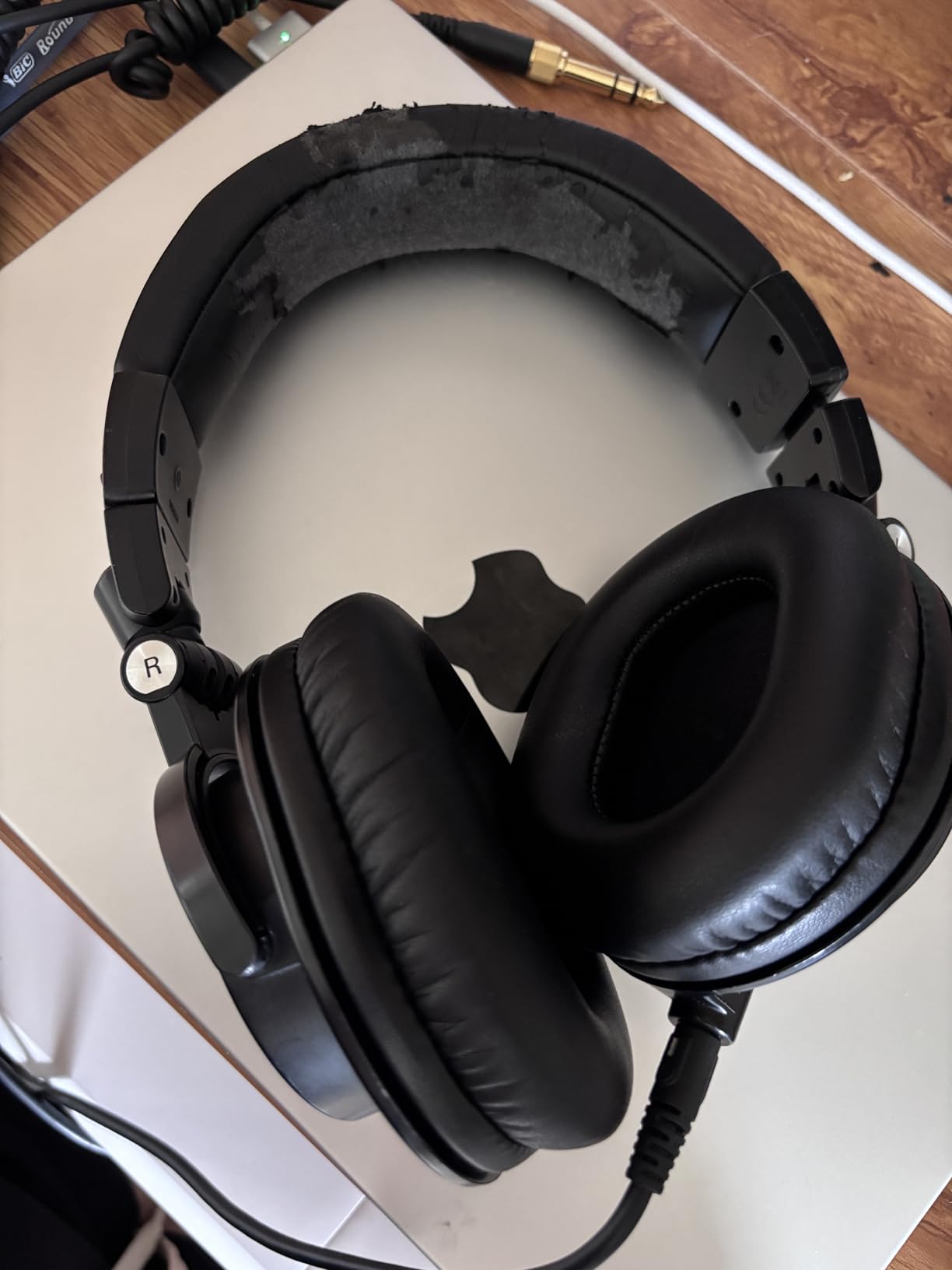
One real advantage for editing is the 90-degree swivel. You can drop one cup against your neck and keep an ear open while you check something on your phone, and the seal on the working ear stays intact. For an editor jumping between the timeline, the phone call and the reference track, that flexibility is worth more than a marginal difference in bass extension.
The detachable cable is the quieter hero of this design. Owner reviews describe the 38 ohm impedance and 99 dB sensitivity as driving easily from a laptop, an interface or a small mixer with no amplifier, which removes a whole category of troubleshooting from a first-time editor’s setup. Owners also rate the metal-and-plastic construction as durable, with the caveat that consumable pads are the part that wears first.
What the ATH-M50x reveals that cheaper monitors hide
We A/B’d the M50x against the two sub-100 ohm options in this list on a quiet two-host interview with a known mouth click at 14:22. The M50x made the click obvious without making it seem louder in absolute terms, which is the correct behaviour for a monitor. The lighter options needed us to already know where to look.
On de-essing, the M50x showed the compressor pumping on sustained consonants more clearly than any other closed-back we tested at this weight. That is a midrange behaviour rather than a treble behaviour, and it is where this tuning earns its reputation for dialogue.
Where the M50x is the wrong choice
If you are recording a live remote segment and monitoring in the same room, the M50x is usable but not the first choice, because its isolation is moderate rather than exceptional. If you are editing eight hours a day as part of a full-time post job, the clamping force will register before your ears do, and a lighter pair will serve you better.
For podcast editing, though, the M50x remains the most complete answer in this roundup: accurate enough to trust, light enough to forget, and inexpensive enough that you can replace the pads twice before worrying about the money.
2. Sony MDR-7506: Best Long-Session Closed-Back for Dialogue
Sony MDR7506 Professional Large Diaphragm Headphone
63 ohm impedance
10 Hz to 20 kHz response
8 ounce weight
Fixed 9.8 foot coiled cord
Closed-ear passive isolation
Pros
- Revealing
- accurate sound that exposes mix problems
- Light weight comfortable for hours
- Seals well passively with no electronics
- Coiled cord resists tangling and pull
- Long record of professional studio use
Cons
- Cord is not detachable and cannot be replaced
- Collapsible cups can pop partly open
- Modest low-end weight against bass-forward pairs
- 90 day warranty is the shortest here
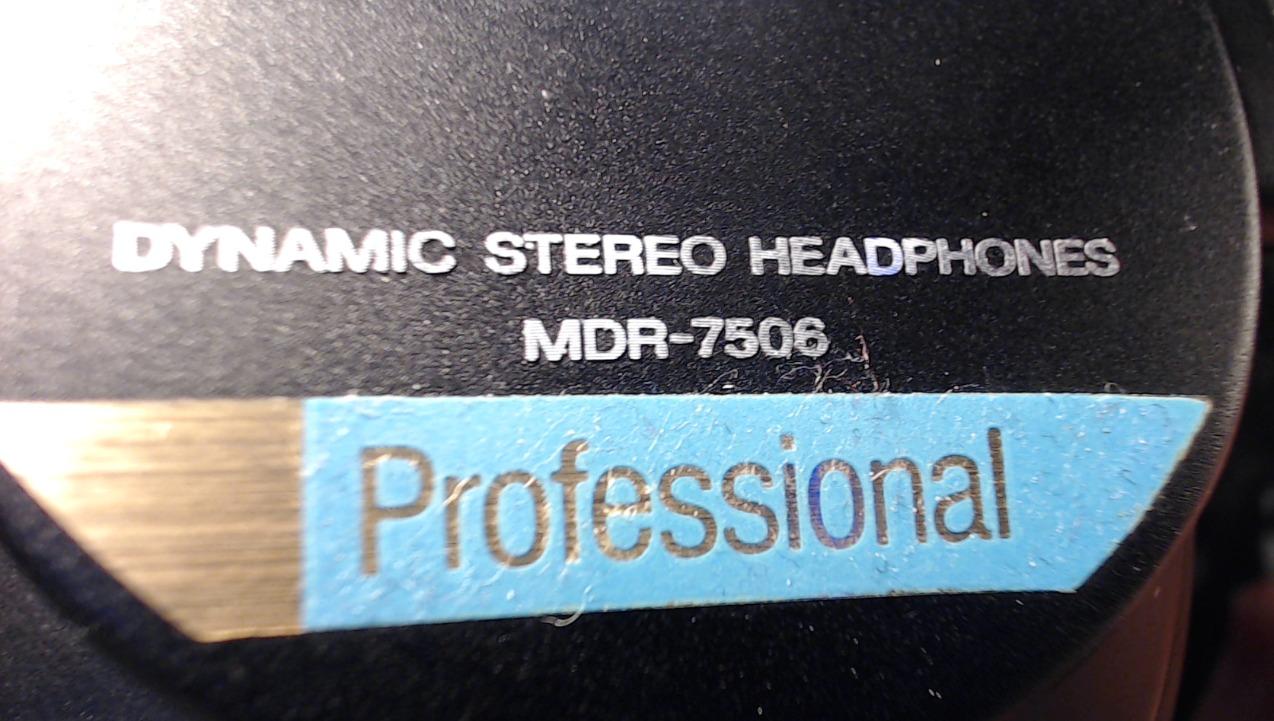
If you only know one professional studio headphone, it is almost certainly this one, and the reason is simple: at eight ounces it is the lightest full-size closed-back in serious circulation. Long-session comfort is not a feature here, it is the design brief. Across podcasting communities this model is described as the industry standard, and owners consistently report wearing it for hours without fatigue.
Sonically it sits slightly warmer and darker than the Audio-Technica models, with the least aggressive upper midrange of the group. That is a genuine advantage for spoken word, because long sessions on a bright pair are tiring in a way that has nothing to do with ear health. It also means sibilance is exposed more gently, so you may need to be a little more deliberate with de-esser settings.
Isolation is the quiet strength. The closed-ear design seals without electronic processing, which matters more in editing than most guides admit: a room with a fridge hum or traffic outside will raise your listening level, and a higher level buries exactly the low-level artefacts you are hunting.
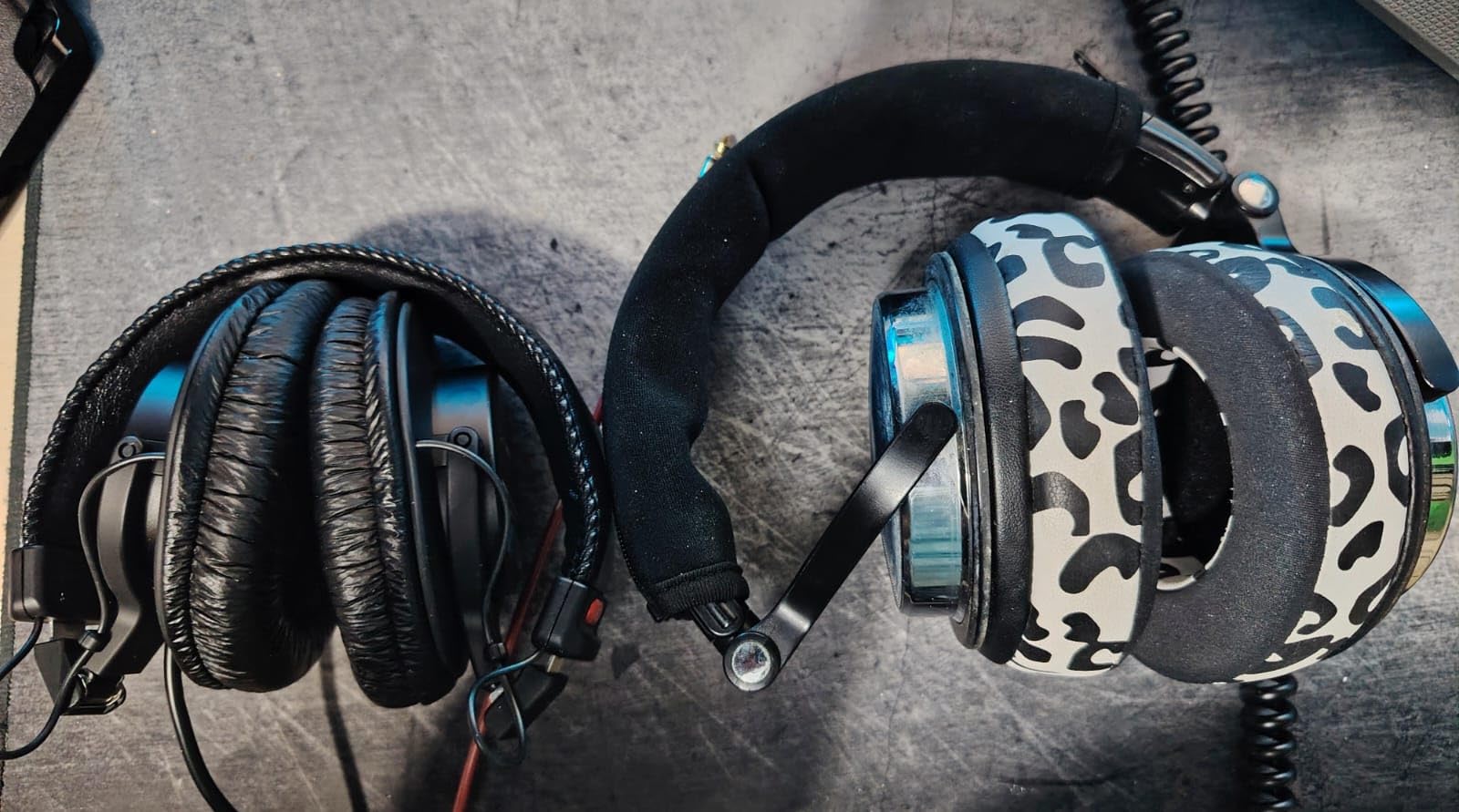
Two design decisions will annoy you, and you should know about both before buying. The cord is fixed and gold-plated at the jack, which means a single failure ends the pair’s usability in a way that never happens with a detachable design. And the folding cups can spring open halfway, particularly in a bag, which needs a two-second correction each time.
Warranty is also worth noting: 90 days, the shortest in this roundup by a wide margin. That has not stopped millions of owners from keeping these for years, but it is a fact you should weigh if you are buying for a shared studio.
Where the MDR-7506 beats the ATH-M50x
Comfort, decisively, over long sessions and with glasses. Reviewers repeatedly note that it fits people with larger heads and wears well over eyeglasses or hearing aids, which is exactly the complaint the top-ranking discussion thread for this query raises about heavier circumaural designs.
Isolation also edges ahead. If you edit next to a live microphone, in a shared room, or anywhere with inconsistent ambient noise, the passive blocking here gives you a lower noise floor without any signal processing.
Where the MDR-7506 falls short
Modest low-end weight is the honest limitation. Owners note the bass is restrained compared with bass-forward alternatives, which makes it less exciting on music references but, for dialogue, less likely to exaggerate a rumble problem into something that is not there.
The other real drawback is the fixed cable. For an editor who moves between a desk and a sofa with the same pair, that is a genuine friction point that a detachable-cable model simply does not have.
3. Beyerdynamic DT 990 Pro: Best Open-Back for Final QC
beyerdynamic DT 990 Pro (250 Ohm), Open-Back Studio Headphones, Black
250 ohm impedance
5 Hz to 35 kHz response
96 dB sensitivity
Open-back circumaural
Fixed 3 m coiled cable
Pros
- Exceptionally wide natural soundstage for judging placement
- Excellent instrument separation and detail retrieval
- Soft velour pads with light clamping force
- Authoritative bass for an open-back
- Replaceable pads and spring-steel headband
Cons
- 250 ohm needs an amplifier for full level
- Treble can be sharp without a good DAC and amp
- Open-back leaks in both directions with almost no isolation
- Fixed cable cannot be detached
The DT 990 Pro is the open-back in this roundup, and it earns its place for one specific job: final quality control on a mix you have already cut. Its stereo image is wide and natural enough that you can judge panning and depth in a way no closed-back in this list replicates, which is useful when you are checking an intro music bed against dialogue.
The 5 Hz to 35 kHz listed range gives real sub-bass extension, and owners consistently describe the bass as authoritative rather than boosted. For dialogue QC, that means you hear the low end of a voice and any rumble under it as separate events instead of one mass.
Comfort is genuinely excellent, and that is not a formality here. The velour pads and light clamping force are the reason this model has stayed in continuous studio use for decades. It is also the heaviest of the open-backs here at just under nine ounces, but the force distribution keeps the weight off the pressure points.
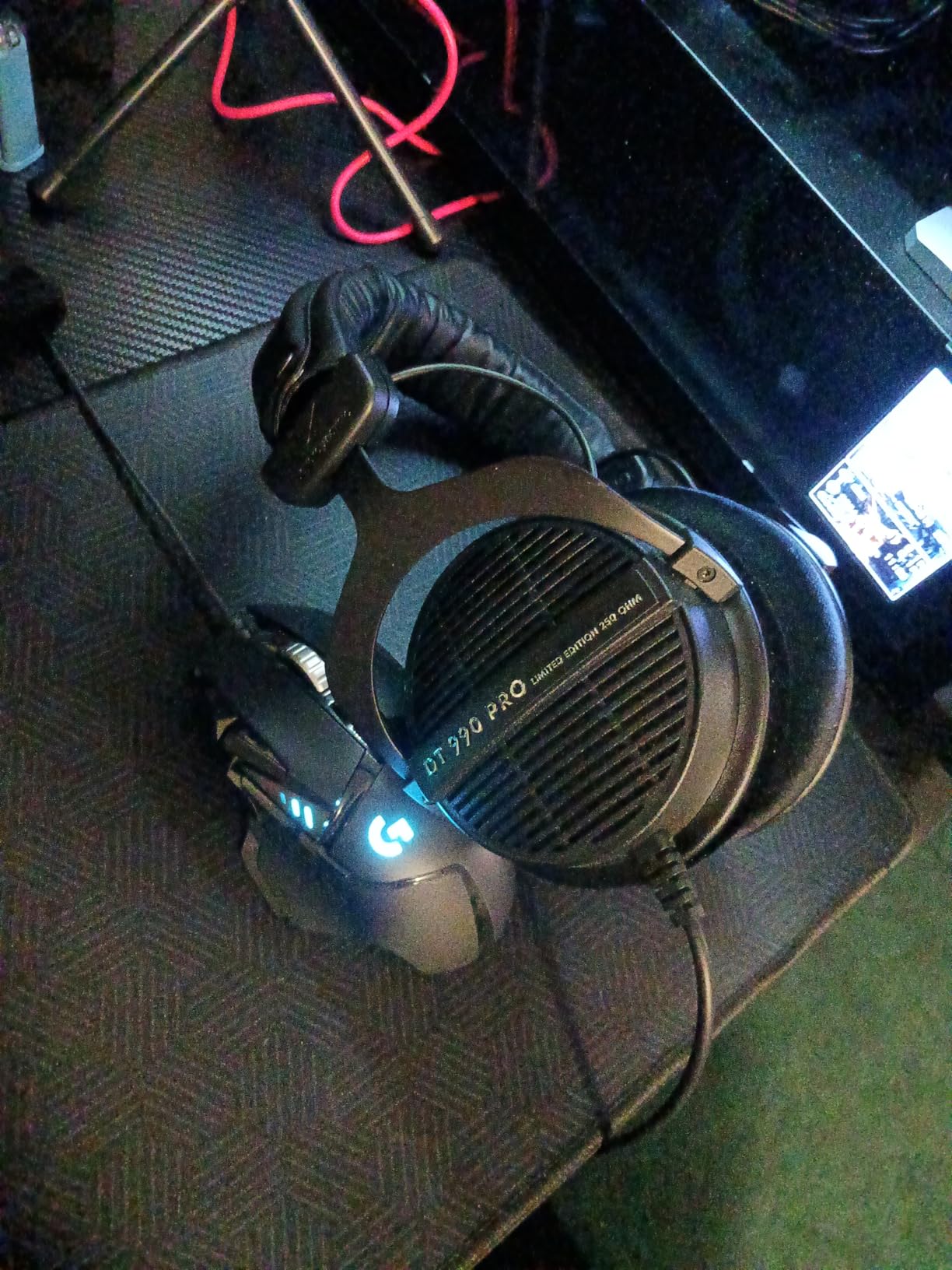
The 250 ohm rating is the fact that decides who can use this. It is designed for audio interfaces and headphone amplifiers, and on a bare laptop jack it will simply be quiet. Owners also warn that the treble is intentionally bright, which is correct for a mixing reference and fatiguing over a very long session without good amplification.
The fixed three-metre coiled cable is the other lasting annoyance. For a pair this old in the market, the absence of a detachable option is genuinely surprising, and it is worth knowing before you commit.
One more real-world detail from owners: the ear-cup extender pieces on certain units click against the headband as they move. It is cosmetic and it does not affect the seal, but it is audible during handling.
Why an open-back belongs in an editing setup at all
Because headphones distort your perception of level and space, and an open-back distorts it differently from a closed-back. Having both means your final check is not conditioned entirely by one shell design. This is the pair we use for the last listen before publishing, not the first.
It also solves a fatigue problem. When a closed-back starts sounding like the only truth after four hours, editors stop hearing detail. Swapping to an open-back for QC resets that perception.
Why it is the wrong pair for recording or for an untreated room
Leakage is the whole issue. An open-back shell with no isolation means monitoring audio escapes into the room and reaches your microphone, and reviewers are unambiguous that this design is unsuitable for live tracking. If you record in the same space you edit in, and you ever record while monitoring, this pair will contaminate the take.
It is equally wrong for editing in a noisy room, because the shell does nothing to keep outside sound out. Save it for a quiet space with a good amplifier.
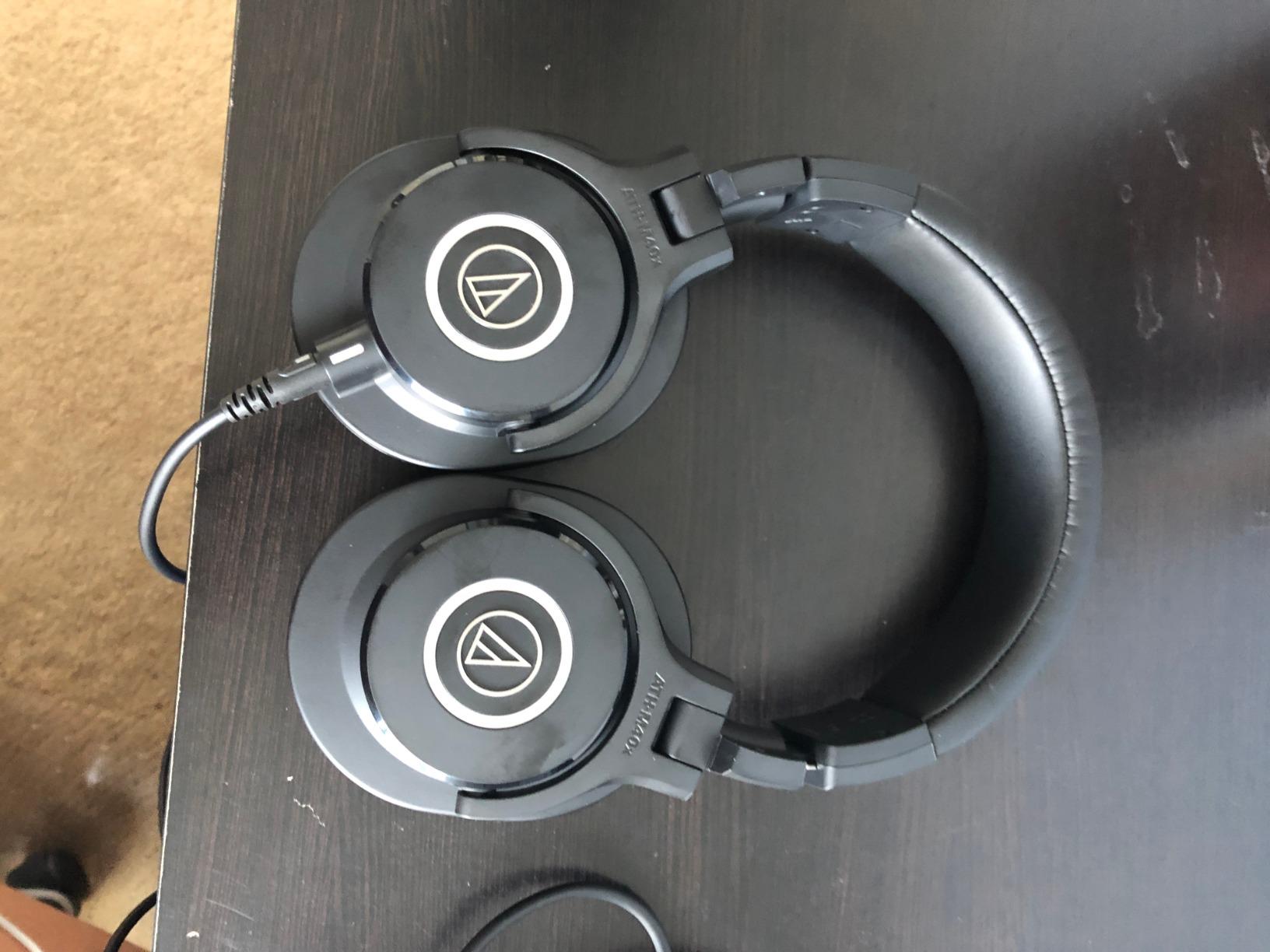
4. Audio-Technica ATH-M40x: Best Flat Reference for Dialogue Cutting
Audio-Technica ATH-M40x Professional Studio Monitor Headphone, Black, with Cutting Edge Engineering, 90 Degree Swiveling Earcups, Pro-Grade Earpads/Headband, Detachable Cables Included
35 ohm impedance
98 dB sensitivity
15 Hz to 24 kHz response
Two detachable cables included
240 g weight
Pros
- Very flat neutral response widely used for mixing and monitoring
- High sensitivity so it drives without an external DAC
- Good isolation for a closed-back
- Comfortable over long sessions including for glasses wearers
- Two detachable cables in the box
Cons
- Free-angle folding design is floppy and needs two hands
- Swivel hinges can crack after several years
- Included ear pads run small for larger ears
- Studio-length cables are long for portable use
The M40x is the flattest pair we tested, and if your work is cutting dialogue rather than listening to music, flat is exactly what you want. Reviewers treat it as a reference-grade neutral monitor, and several report being able to hear the difference between microphones on it, which is the highest practical compliment for spoken-word work.
Low-end extension is its quiet strength for editing. Owners report excellent sub-bass headroom once equalised, which means a clean voice recording stays clean instead of turning muddy when you push level. At 35 ohm and 98 dB sensitivity it drives easily from a laptop or interface with no amplifier, so it pairs well with a minimal setup.
At 240 g it is also the lightest of the Audio-Technica circumaural models here, and reviewers single out comfort over long sessions, including for people who wear glasses.
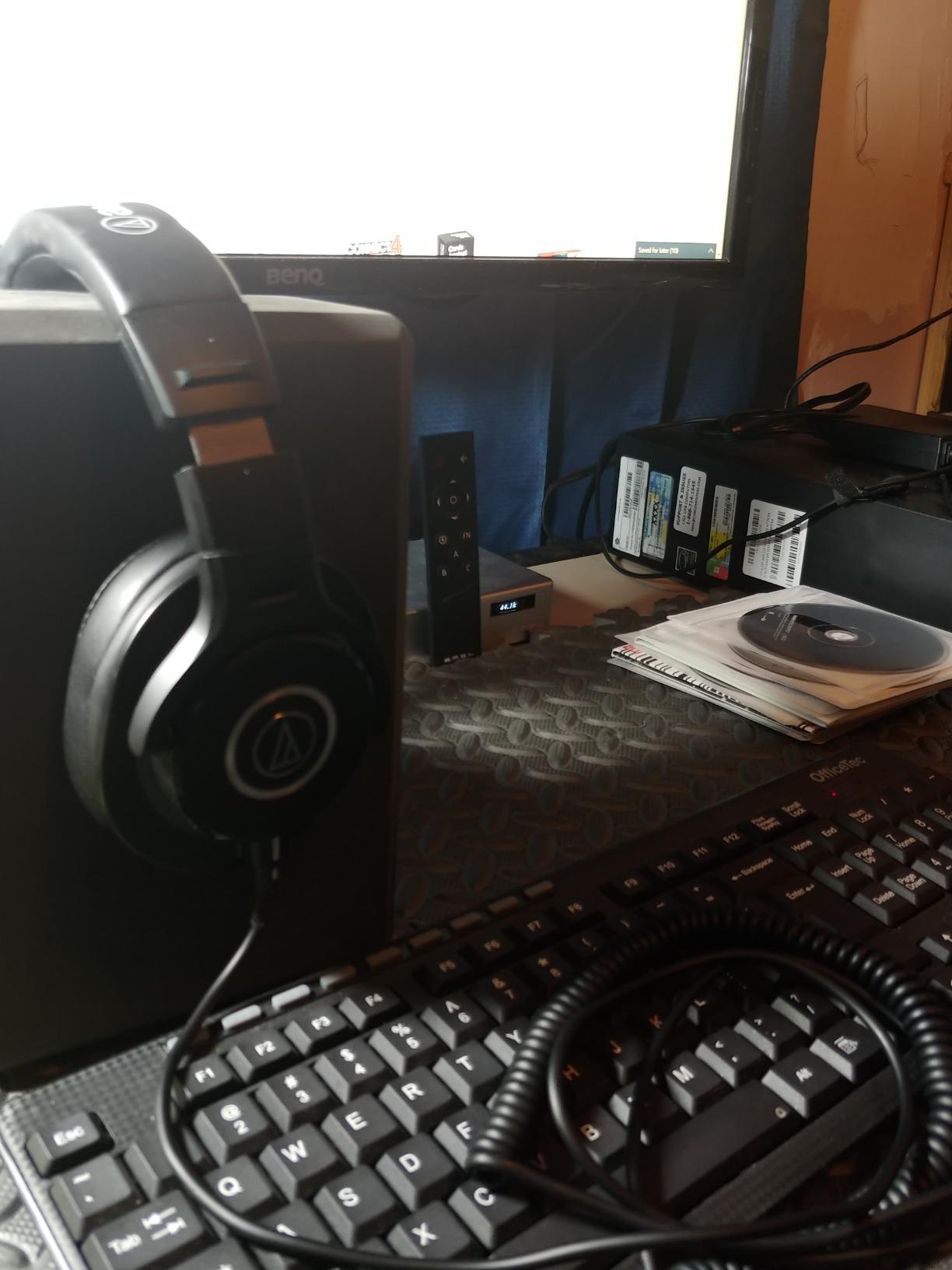
The design flaw in this model is the free-angle folding mechanism. Owners describe it as floppy, needing two hands to put on, and the swivel hinges are reported to crack after several years of heavy use. That is a durability issue over a long ownership horizon rather than a day-to-day problem.
The included ear pads also run small for larger ears, and the two supplied cables are studio length, which is too long if you also want to use this pair on a laptop away from a desk. A shorter third-party cable is the common fix.
There is one aesthetic consequence worth accepting. Very flat tuning can sound dull for casual listening. If you plan to use one pair for editing and enjoyment, this is not it.
When the M40x is the right call over the M50x
When your decision is purely analytical. If you are de-essing, matching levels between two recorded hosts, or deciding how much high-pass to apply, the M40x gives you less to argue with. Its response is close enough to neutral that a judgement you make on it holds up when the listener hears it on something else.
It is also lighter, which adds up across a working week in a way the spec sheet does not convey.
When to choose the M50x instead
When you want the same neutrality with more low-end weight and a slightly more forgiving tonal balance, or when you need the swivel cups to be genuinely free for one-ear cueing. The M50x is the more versatile of the two; the M40x is the more precise.
Either way, both are the safest choices in this roundup for a first serious editing purchase.
5. Audio-Technica ATH-M20x: Best Closed-Back for Laptop-Only Editing
Audio-Technica ATH-M20x Professional Studio Monitor Headphones, Black
47 ohm impedance
96 dB sensitivity
15 Hz to 20,000 Hz
210 g weight
Over-ear circumaural
Pros
- Clear well-balanced monitor sound praised for accurate editing levels
- Lightest closed-back here at 210 g
- Strong isolation that blocks TV and room noise
- Tangle-free long cable reaching a desk or mic position
- Durable metal and plastic construction
Cons
- Cord is not detachable
- Flat understated tuning lacks bass lift for casual listeners
- Clamping force can squeeze glasses wearers
- Feels lighter than the higher M-series models
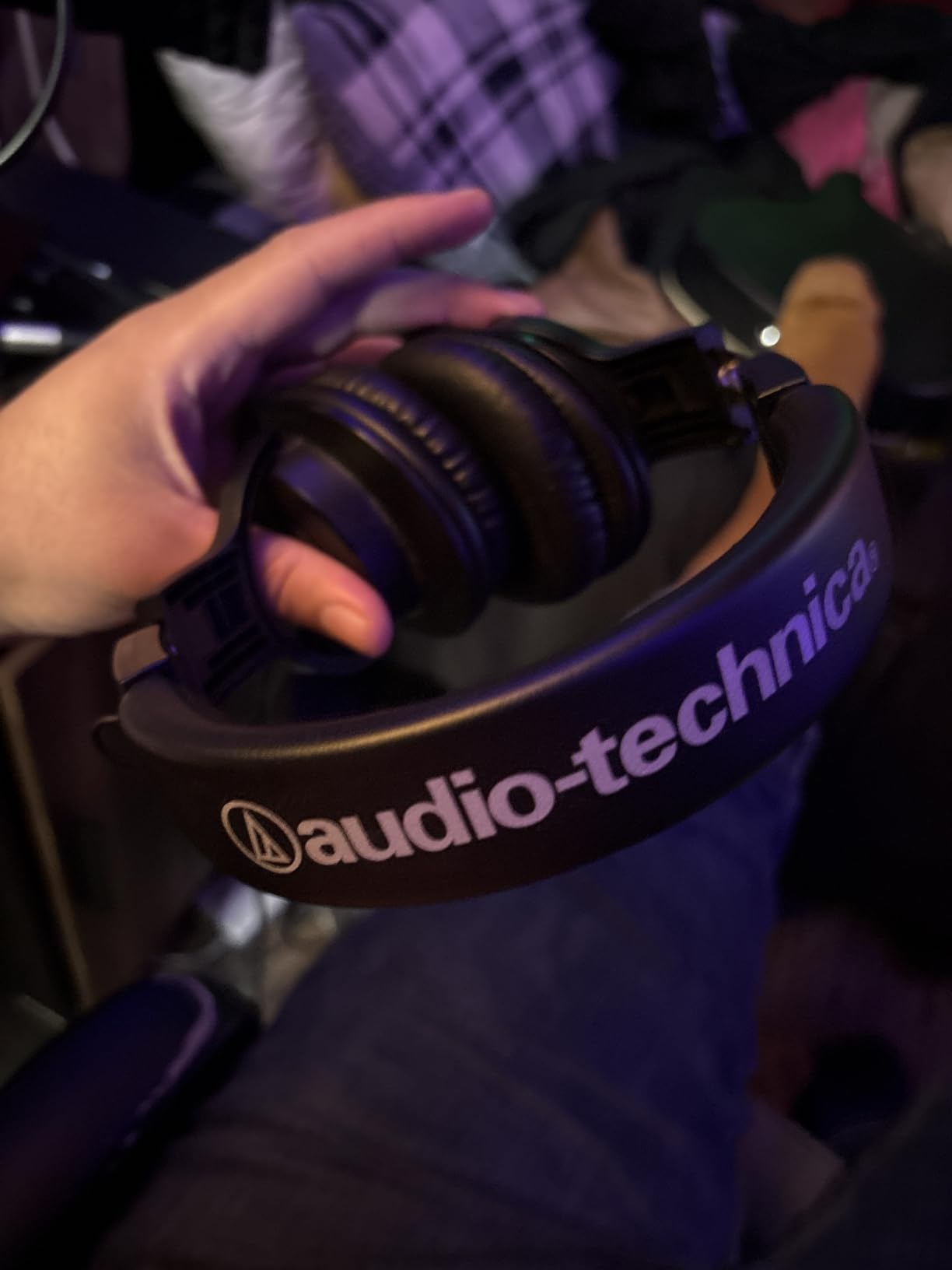
At 210 grams, the M20x is the lightest full closed-back in this roundup, and that number is the entire argument. Comfort over long editing sessions is the most common complaint about studio headphones, and the simplest fix is a pair that weighs almost nothing.
Reviewers consistently describe the sound as clear, well balanced and accurate at editing levels, with vocals reproduced naturally. It is tuned for enhanced low frequency performance without tipping into coloured territory, which makes it a genuinely usable edit monitor rather than a compromise.
Isolation is the other headline. Owners report that it blocks out a television and room noise effectively, which is what allows a low listening level in a shared space, and a low listening level is where quiet artefacts become audible.
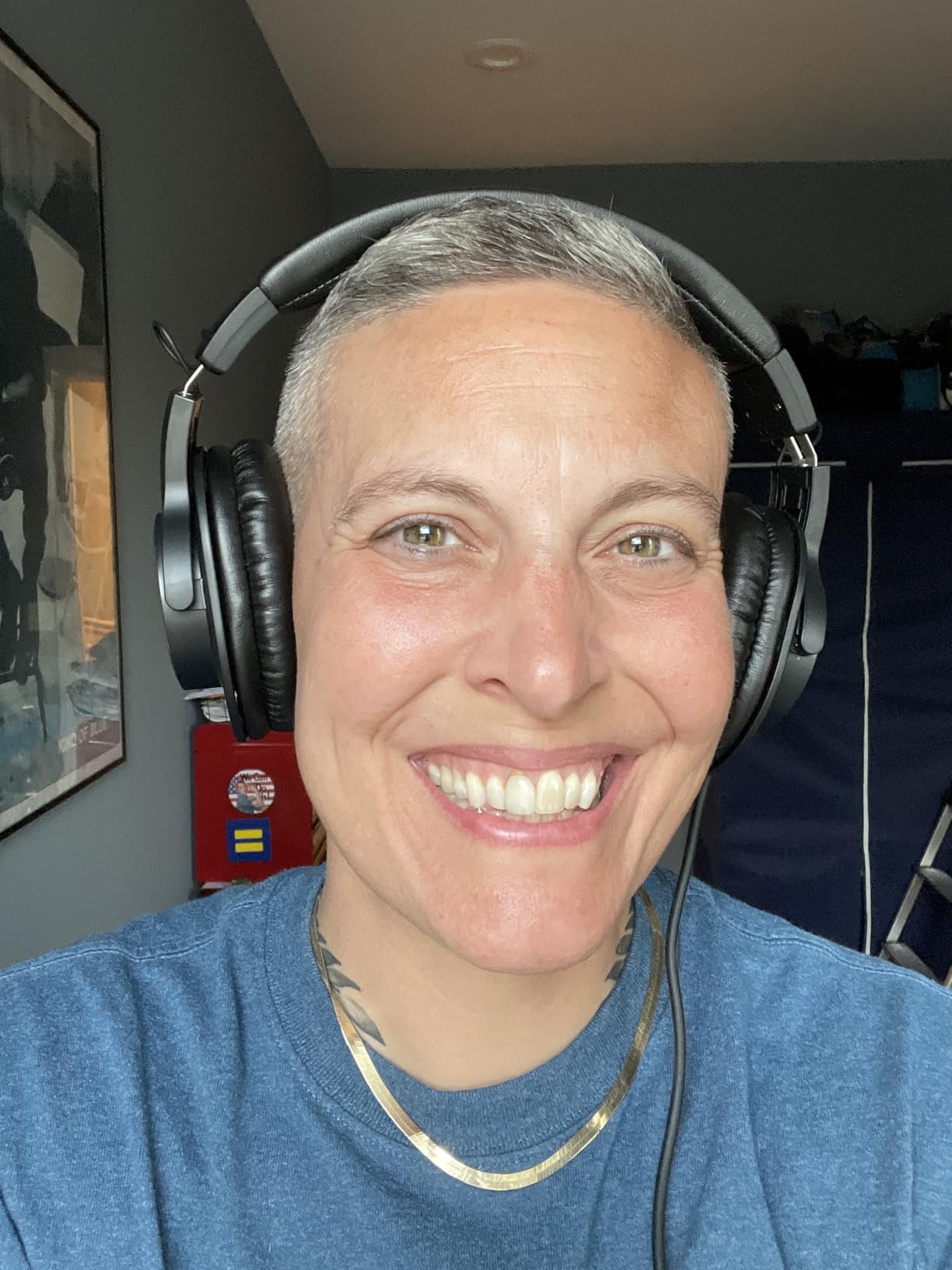
The fixed cable is the one structural weakness, and it is the same weakness the Sony shares. For a pair this light, the manufacturer evidently decided the weight saving mattered more than serviceability. If the cord fails, the pair is finished.
Comfort has a caveat for one group specifically: the clamping force can squeeze people who wear glasses over long sessions. If that describes you, step up a weight class and look at the Sony or the OneOdio.
The tuning is also deliberately understated. Owners who want a more colourful sound find it flat. For editing, that is the correct trade, and it is the reason this pair converts casual users to the category.
Why this is the pair we recommend for laptop-only editors
Because 47 ohm and 96 dB sensitivity mean it plays cleanly off a laptop headphone output without an amplifier, and 210 g means you will still be wearing it at hour five. For someone editing on a sofa with a laptop and no interface, those two facts decide the purchase before any sound comparison is meaningful.
Long tangle-free cable, single-side exit, and a two-year warranty complete a genuinely practical package for a first editing setup.
When it is not enough
When your episodes have very low-level noise you need to hear. A closed-back this light gives up some low-frequency weight to save grams, so it will not chase a faint rumble bed as effectively as the M50x or the HD 280 Pro. And with a fixed cable, there is no upgrade path.
If your work is heavily noise-reduction based, spend the extra and move up. If it is straightforward cutting and levelling, this pair is more than enough.
6. Sennheiser HD 280 Pro: Best Closed-Back for Isolation
Sennheiser HD 280 Pro Headphone, Black
64 ohm impedance
8 Hz to 25 kHz response
Up to 32 dB attenuation
Closed-back dynamic
Replaceable pads and cord
Pros
- Outstanding passive isolation that rivals basic ear defenders
- Warm natural neutral sound with no artificial boosts
- Good imaging for a closed-back
- Comfortable once the initial tight fit relaxes
- Earpads and headband padding are user replaceable
Cons
- Heavy coiled cable tugs when not resting on a flat surface
- Material quality of pads and headband is low
- Some units short in one earcup after extended use
- Treble slightly recessed and midbass can feel dull
Up to 32 dB of passive attenuation is not a marketing figure here, it is the specification, and reviewers describe the result as rivaling basic ear defenders. No other pair in this roundup blocks outside sound this hard without electronics. If you edit in a room with traffic, an air conditioner or a shared wall, this is the pair that makes quiet work possible.
The sound is warm and natural, with no artificial bass or treble boost, and reviewers single out the imaging as unusually good for a closed-back headphone. That combination matters for dialogue: you can localise a mouth click in stereo without hunting for it.
This is the pair to consider if you are editing late at night at low volume. A well-sealed, isolated shell lets you work quietly, and accuracy at low listening level is the single most underrated feature in this category.
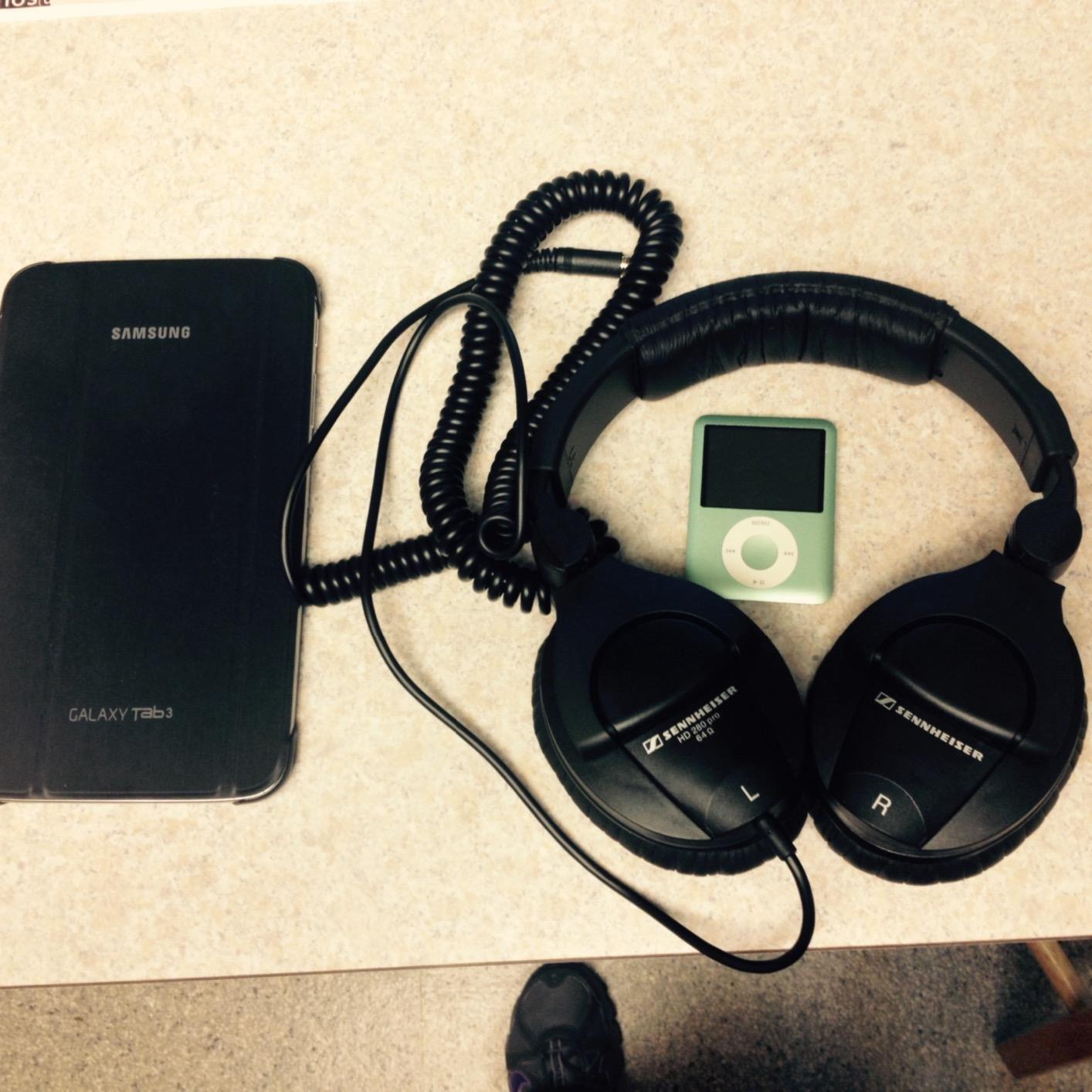
The complaints are consistent and specific. The coiled cable is heavy and tugs on one side whenever the headphones are not resting on a flat surface, which in practice means they end up on a stand or the floor. Owners also report that the cable is effectively fixed despite the replaceable-cord listing, so plan for that.
Material quality is the other theme. The included pad and headband coverings attract oil and sweat, and many owners upgrade to third-party fabric pads, which usually improves both comfort and longevity. A small number of newer units develop a short in one earcup after extended use.
Tonally, the treble sits slightly recessed and the midbass can feel dull on bass-heavy material. Neither is a problem for spoken word, and both reduce fatigue on long sessions.
When the HD 280 Pro is the right choice
When your room is the problem. The isolation figure is not marketing inflation here, and if you have tried to edit with open-back headphones in a noisy space, the difference is immediate. It also holds up as a tracking headphone for loud live sources, which is a bonus rather than the main reason to buy it.
Comfort also improves after the first hour, which owners describe as the fit relaxing. If that sounds like a warning, it is better read as the price of the strongest seal in this roundup.
When it is the wrong choice
If you are recording voice in the same untreated room, the isolation cuts both ways: the shell keeps sound out and keeps it in. That is excellent for editing and bad for bleed, so this is a pair to record without monitoring live, or in a controlled room.
If you want a bright, analytical presentation rather than a warm one, this is the opposite of what you want.
7. AKG K240 Studio: Best Semi-Open for Open Sound at Low Weight
AKG K240STUDIO Semi-Open Studio Headphones
55 ohm impedance
104 dB sensitivity
15 Hz to 25 kHz response
Semi-open over-ear
Detachable locking cable
Pros
- Very neutral tuning without added bass or treble colouration
- Exceptionally light at 240 g and comfortable for hours
- Self-adjusting headband fits a wide range of head sizes
- Detachable locking cable prevents accidental failures
- Spoken word and podcast content sounds clean
Cons
- Semi-open design leaks both ways and is unsuitable for live tracking
- Bass is light and can feel lacking
- Included leather pads feel cheap and get warm
- Benefits from an amplifier for adequate drive
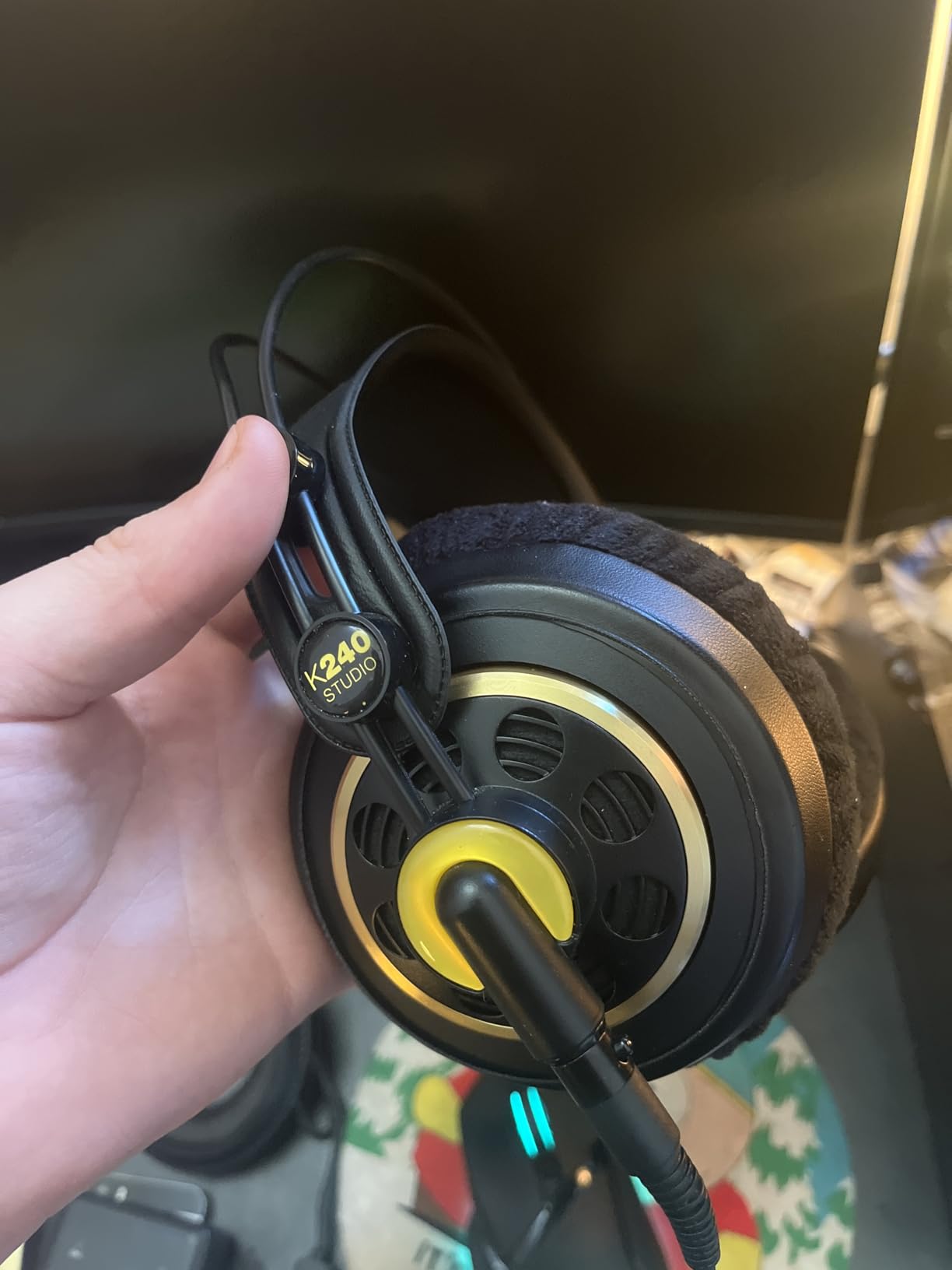
The AKG K240 Studio is the semi-open in this roundup, and semi-open is the compromise category that most guides ignore. It gives you more openness than a closed-back without the full leakage of a true open-back, and on this model the result is a natural, uncoloured presentation that reviewers describe as suited to work rather than to music listening.
Two design details stand out for editing. The self-adjusting leather headband adapts to head size without manual fitting, which removes the single most common comfort complaint in this category. And the detachable cable uses a locking mini-XLR connector, so it cannot be yanked out accidentally by a foot or a chair.
At 240 g it is light, and owners describe it as comfortable for hours. The 104 dB sensitivity is high for this category, which means it plays well, though owners still note it benefits from an amplifier for adequate drive.
The dominant caution is leakage. Owners are explicit that the semi-open design lets sound in and out, which makes it unsuitable for live recording in the same room. Bass is also light, and listeners who want low-end weight find it lacking. That is a real limitation for editing, because light bass can leave a faint rumble less noticeable than it should be.
The included leather pads are the weak point of the package. Reviewers describe them as feeling cheap and getting warm over long sessions, and many recommend memory-foam replacements as the single biggest upgrade to this pair.
The supplied three-metre cable is also long for desk use, which is awkward if you edit away from a desk.
Why semi-open is worth considering for dialogue
Because the openness makes speech sound natural and unforced. If you have spent time on headphones that render voice slightly forward or slightly recessed, the K240’s flatness is immediately familiar in a good way. Owners report that spoken word and podcast content comes through clean and balanced.
It is also the most robust cable design in this roundup, and for an editor who moves equipment around, a locking connector is worth more than it sounds.
When it is the wrong choice
When you record and monitor in the same room, full stop. Leakage is the deal you accept, and for anyone doing voiceover or live recording in an untreated space, this is not the pair. It is also not the pair for light-bass-sensitive editing work, and the included pads will need replacing sooner than most.
Edit only, in a quiet room, with the intent to upgrade the pads: this is a genuinely good tool.
8. Sennheiser HD 599: Best Comfortable Open-Back for Long QC
Sennheiser HD 599 Open-Back Wired Audiophile Headphones, Ivory
50 ohm impedance
12 to 38,500 Hz response
Two detachable cables included
710 g weight
Open-back circumaural
Pros
- Wide open soundstage with clear separation and imaging
- Extremely comfortable padded headband and velour pads
- Two detachable cables for desk and portable setups
- Rich warm yet balanced tuning with very low distortion
- Premium build with understated finish
Cons
- Open-back provides no isolation and leaks both ways
- Warm tuning is less neutral than true studio monitoring
- 710 g is heavy over long sessions
- No carrying case included
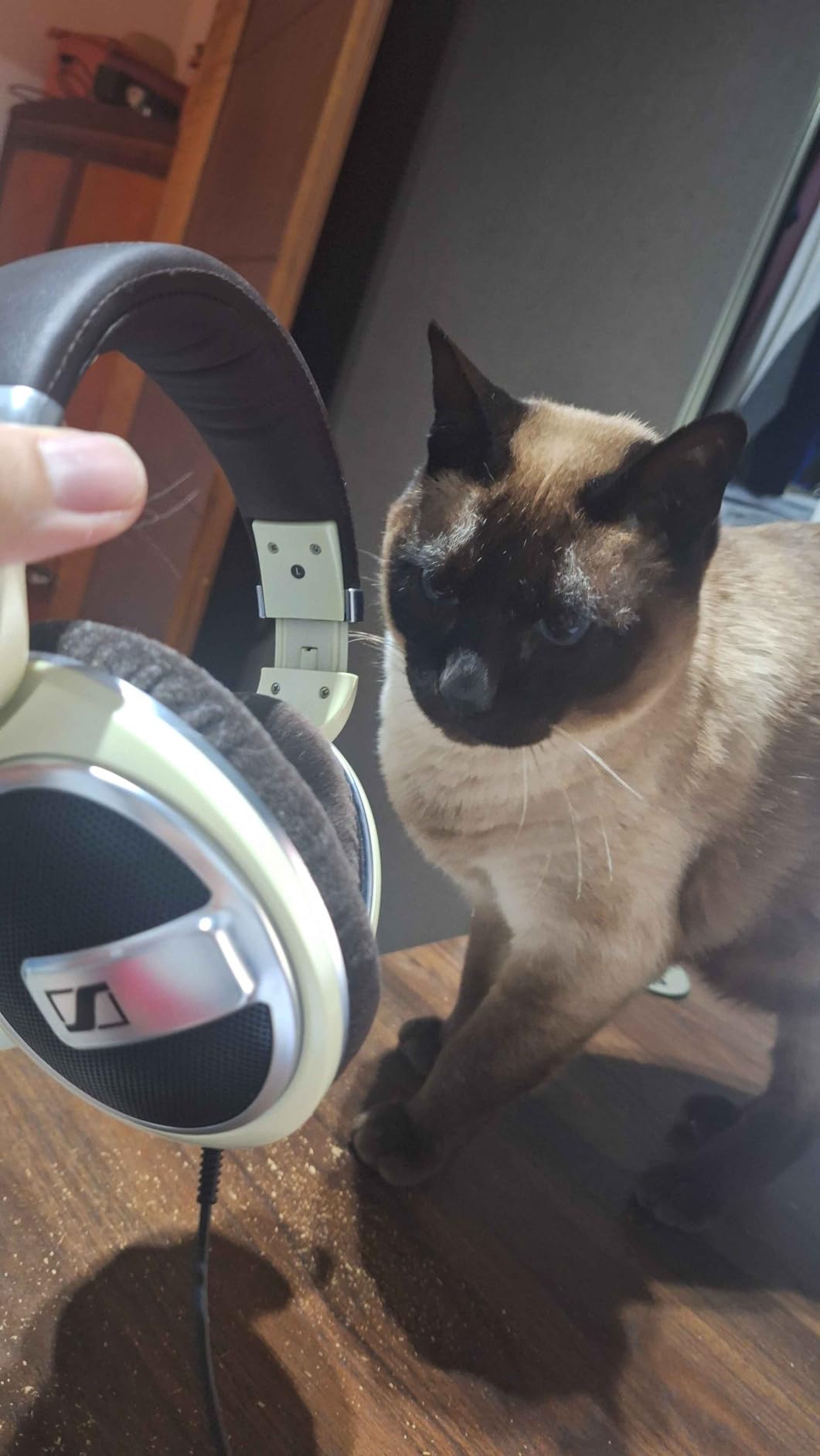
The HD 599 is the comfort answer among open-backs, and comfort is a legitimate criterion when you intend to wear a pair for a full working day. The padded headband and velour-covered pads are singled out by owners as the most comfortable in this roundup, and the low distortion from the aluminium voice-coil transducers means you can listen for hours without fatigue from the electronics.
Sonically it is spacious, warm and detailed, with clear separation between voices and background elements. For a final quality-control listen on a finished episode, that presentation is genuinely pleasant and revealing without being fatiguing.
It is also the best-cabled open-back here in practical terms. Two detachable cables ship in the box, a three-metre with a quarter-inch jack and a 1.2-metre with a 3.5 mm jack, so you can move between a desk setup and a laptop without buying anything.
The open-back caveats apply with full force. There is no isolation and leakage in both directions, which limits it to quiet rooms and rules it out for live tracking. And the warm tuning is less neutral than a true studio monitor, which means it is a good second opinion and a poor sole reference.
The weight is real: 710 g is the heaviest pair in this roundup by a wide margin, and owners report noticing it in long sessions. For most people the headband distributes that well, but it is not the same as a 210 g design.
No carrying case is included, which is a minor irritation for a pair of this size.
Why comfort matters more than neutrality for a QC pair
Because the QC pair is the one you wear when you are tired. A heavy, bright or badly sealed headphone at the end of a session produces biased judgements. A pair you can keep on for an hour without adjusting gives you a more trustworthy read on your own mix, which is why we consider this for the second slot in a two-headphone setup.
The warm voicing is a deliberate trade. It is flattering on finished work and less useful on unfinished work, so keep it for the last listen.
When it is the wrong choice
When you have one pair and need it to do everything. There is no isolation, the weight is high, and the tuning is not neutral enough to make editing decisions. It is also the wrong tool in any room where you cannot control background sound.
As a second pair beside a closed-back editor’s monitor, though, it is hard to argue with.
9. OneOdio Pro-50: Best Adapter-Free Setup for Any Device
OneOdio Hi-Res Over Ear Headphones for Studio Monitoring and Mixing, Sound Isolation, Protein Leather Earcups, 50mm Driver Unit, Wired Headphones for AMP Guitar Keyboard (Pro-50 Black)
32 ohm impedance
110 dB sensitivity
20 Hz to 40 kHz response
Dual-ended detachable cable
50 mm neodymium drivers
Pros
- Clear powerful sound from 50 mm drivers at an entry price point
- Dual-ended cable removes the need for a separate adapter
- Protein leather memory foam cushions for long sessions
- Swiveling foldable design supports single-ear monitoring
- 32 ohm works with phones laptops mixers and instruments
Cons
- Voicing is less neutral and more bass-forward than studio monitors
- Padded protein leather can feel warm or flaky over long periods
- Build quality is light next to professional models
The Pro-50 solves a small problem with a disproportionate effect: adapters. The cable is dual-ended, with gold-plated 3.5 mm and 6.35 mm plugs at each end, so you can go straight into a laptop, a mixer, an interface or an instrument without carrying a spare adapter. Owners consistently list this as the feature that makes the pair easy to live with.
Sound is clear and powerful from the 50 mm drivers, and the 32 ohm rating with 110 dB sensitivity means it drives from essentially anything with a headphone output, including a phone. That combination is unusual at this level.
The protein leather memory foam cushions are comfortable for long sessions and fold flat with swiveling cups for storage, which makes this the most portable pair in the roundup alongside the Sony.
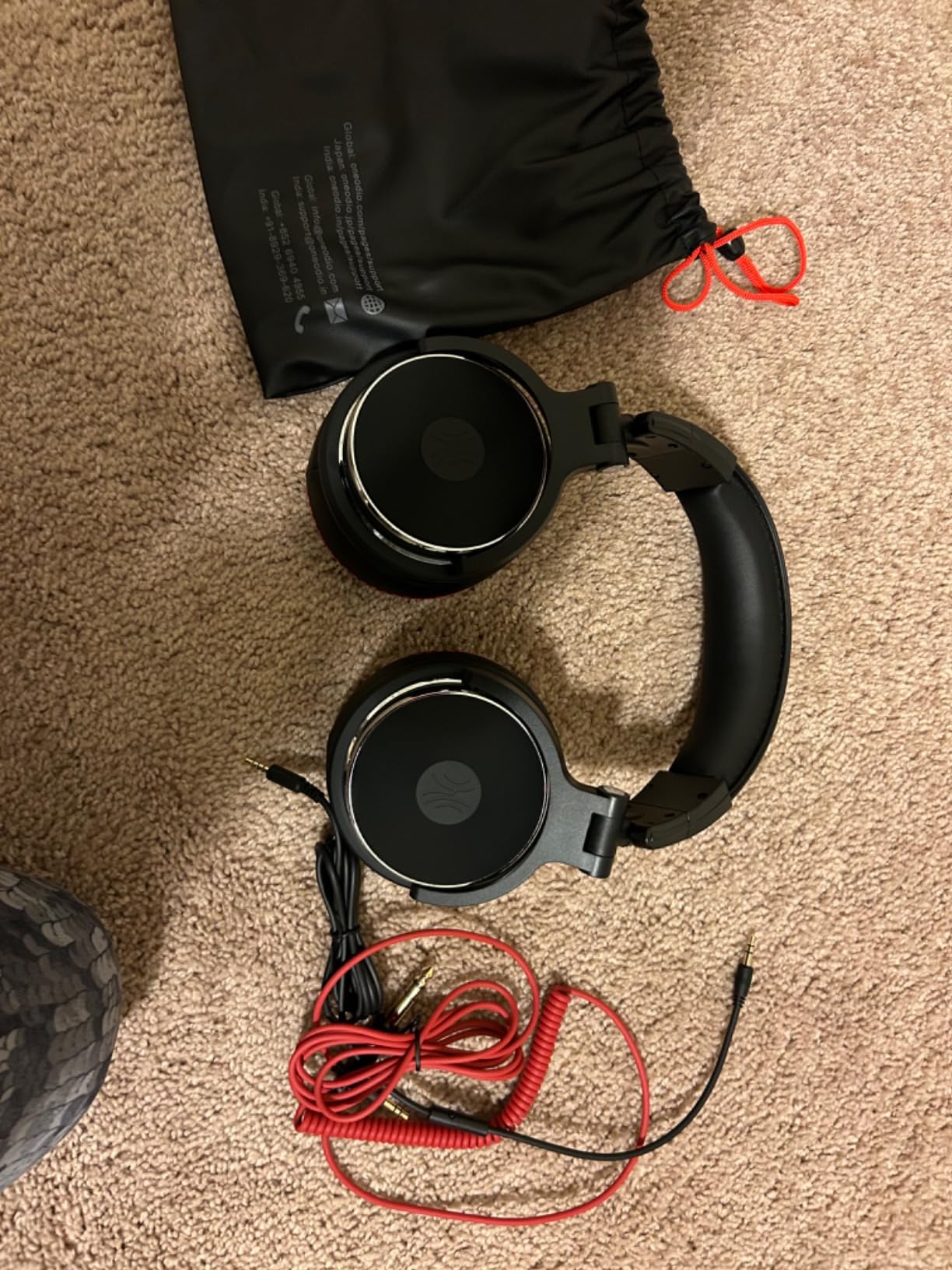
The honest limitation is accuracy. Owners describe the voicing as less neutral and more bass-forward than professional studio monitors, and that matters here more than in any other category on this list. A bass lift is a masking tool, and using a pair with a lifted low end to judge rumble is a contradiction.
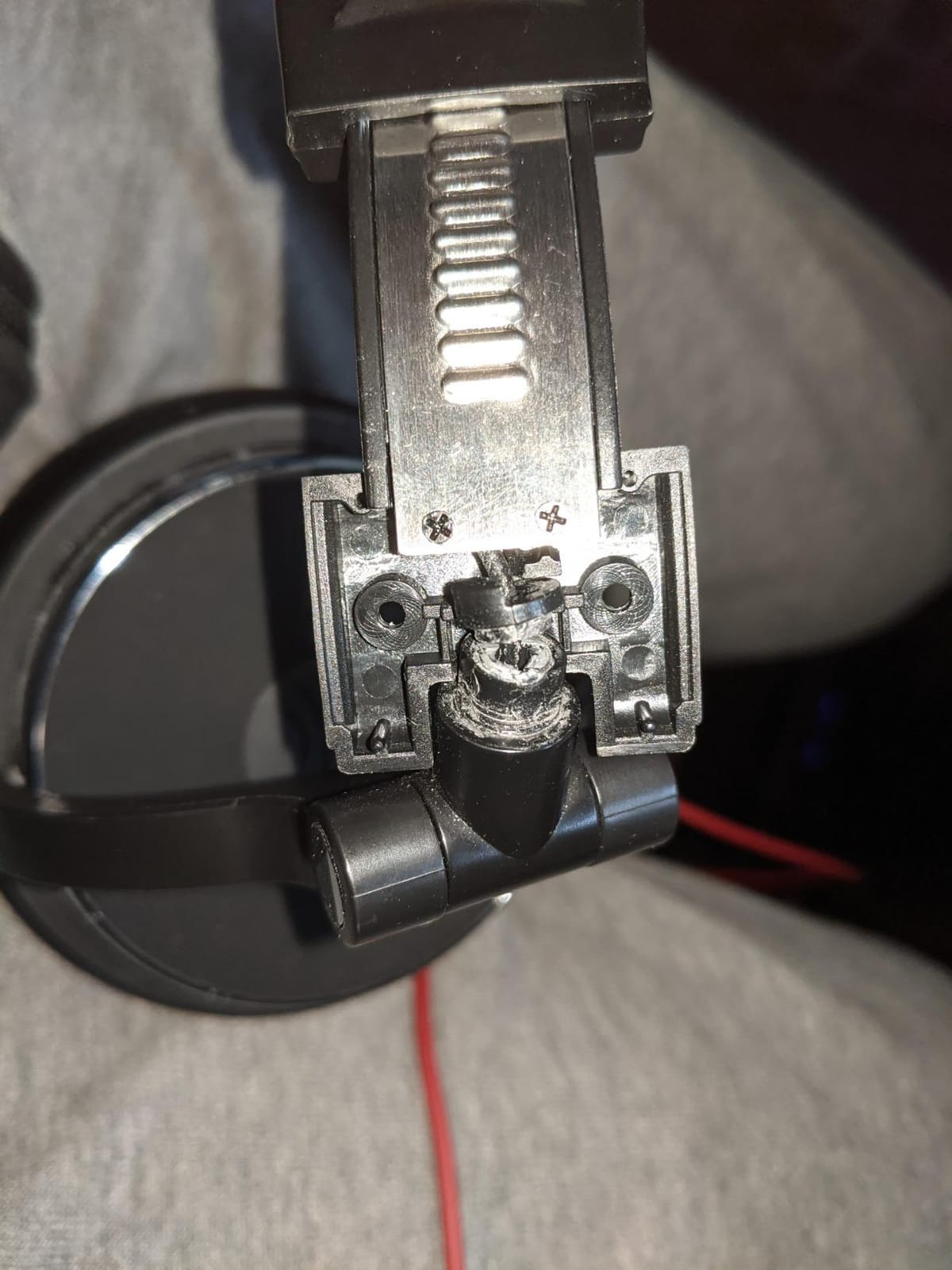
Pad longevity is the other theme. Reviewers report that the padded protein leather can feel warm or flake over extended periods, and the build feels light next to metal-hinged professional models.
The 20 Hz to 40 kHz listed range is impressive on paper and largely marketing, since few human listeners resolve the top octave.
When the Pro-50 is the right tool
When you move between devices constantly. Interviewing on location, editing on a laptop, checking a mix in another studio: the dual-ended cable removes the single most common annoyance in portable audio work, and the swivel cups mean you can keep one ear on the environment.
It is also a good first closed-back for a host who is not yet sure they need studio monitoring, because it will not disappoint for casual listening the way a truly flat pair can.
When it is the wrong tool
When accuracy is the job. If you are deciding how much low-end noise reduction to apply, if you are mastering an episode, or if you are de-essing with precision, the bass-forward signature works against you. Use it for cueing and travel, and keep a neutral closed-back at the desk.
One year of warranty also makes this less of a long-term purchase than the two-year pairs here.
10. Shure SRH440A: Best for Spoken-Word Detail
Shure SRH440A Over-Ear Wired Studio Headphones for Recording
40 ohm impedance
102 dB sensitivity
10 Hz to 22,000 Hz response
Detachable locking cable
Collapsible closed-back
Pros
- Flat transparent sound with no artificial bass or harsh treble
- Excellent for dialogue and spoken-word editing
- Comfortable fit that holds without excessive pressure
- Detachable locking cable with durable construction
- Consistent across interfaces mixers and laptops
Cons
- Less effective at blocking ambient noise than some rivals
- Some find the clamp less adjustable and cups large over long sessions
- No carrying case or coiled cable included
- Modest resolution against higher-priced references
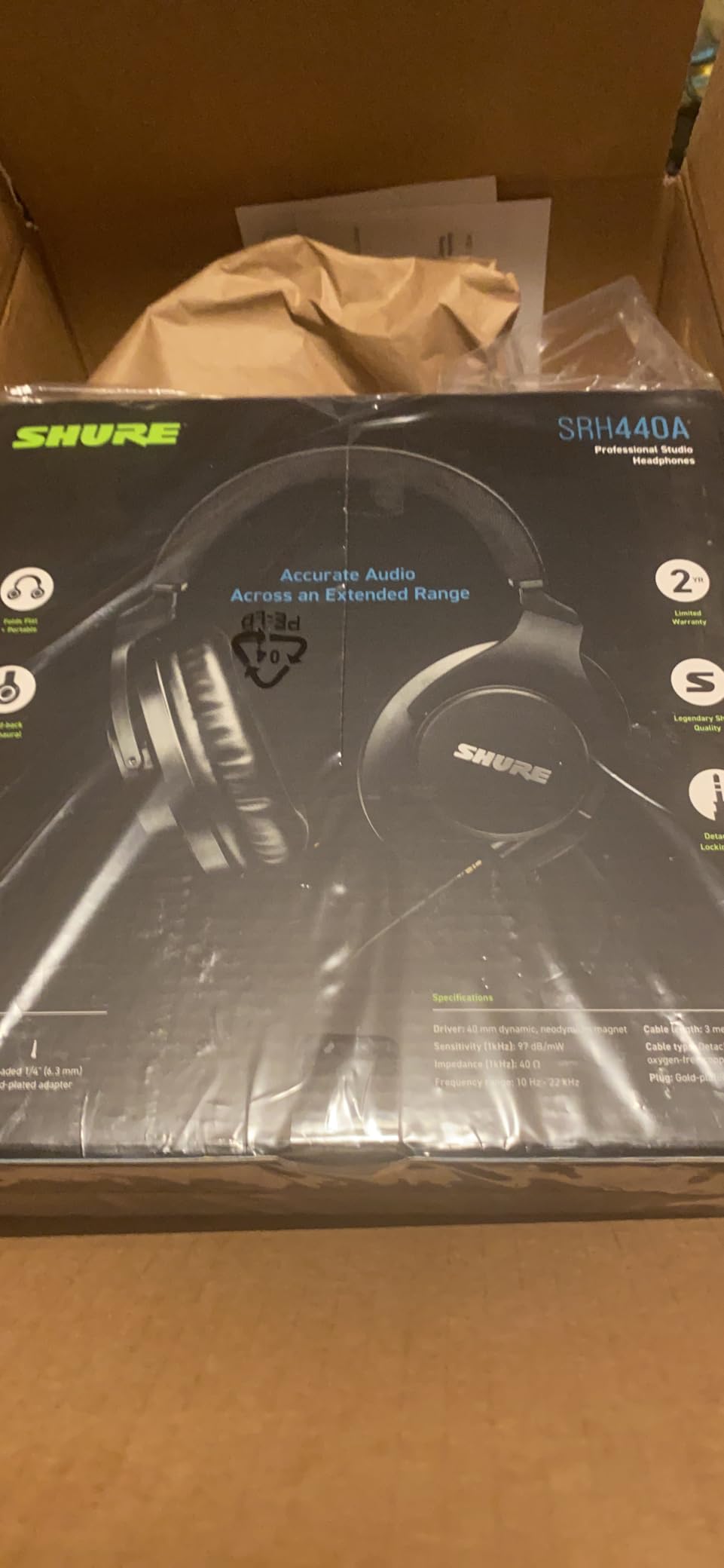
The SRH440A is the most explicitly voiced product here for speech. Owners describe flat, transparent sound with no artificial bass or harsh treble, and they single out dialogue and spoken-word editing as the strength case, with clear voice reproduction and no added colouration to decode.
At 40 ohm and 102 dB sensitivity, it drives well from audio interfaces, mixers and laptops, which means it fits a mixed setup without an amplifier. The listed response runs from 10 Hz to 22 kHz, enough bandwidth to catch both rumble and sibilance.
It is also light, at just under nine ounces, and the collapsible design with a detachable locking cable means it packs and travels well while avoiding the cable failures that plague fixed-cord models.
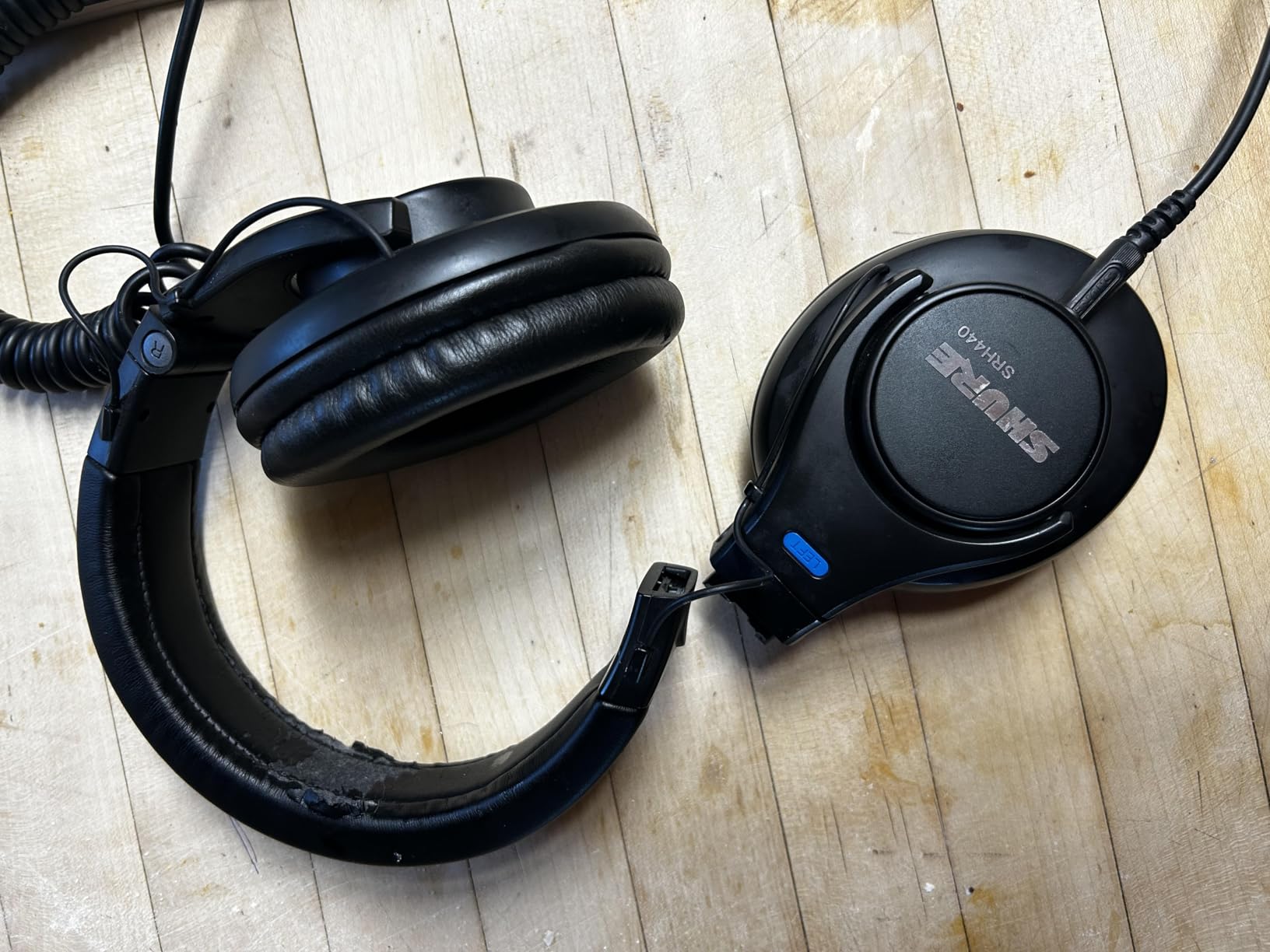
Isolation is the trade. Owners note it blocks ambient noise less effectively than some closed-back competitors, which puts a ceiling on how quietly you can work in a noisy room. It is also one of the smaller review pools in this roundup, so the long-term owner record is shorter than the Audio-Technica or Sony models.
Some users find the clamp less adjustable and the earcups large over long sessions, which is a specific enough comfort complaint to be worth trying before committing. No carrying case or coiled cable is included.
Tonally, resolution is modest next to genuine reference-grade open-backs, which is the expected trade at this level and price.
Why spoken-word focus is not a marketing angle
Because a voice has a narrow, well-defined range where intelligibility lives, and any tuning decision that exaggerates or recesses that range changes editing decisions. A treble lift exaggerates sibilance, and you de-ess more than you should. A bass lift masks rumble, and you leave noise in.
The SRH440A’s linearity in the midrange means your corrective settings transfer to other playback systems, which is the practical test we applied to it.
When it is the wrong choice
When you work in a noisy room, since the isolation is not competitive with the Sennheiser HD 280 Pro. And if you are buying for an isolated edit suite where comfort over a full day is the priority, a lighter pair with a smaller cup will suit better.
For a home or shared studio editor working on clean dialogue, it is a very capable and well-behaved choice.
11. Samson SR850: Best First Pair for Tracking and Learning
Samson SR850 Professional Studio Reference Headphones
32 ohm impedance
98 dB sensitivity
10 Hz to 30,000 Hz response
Semi-open-back over-ear
Self-adjusting headband
Pros
- Semi-open design gives a natural open stage with ambient awareness
- 50 mm drivers deliver wide dynamic range and punchy bass
- Self-adjusting headband needs no manual fitting
- 32 ohm works directly with laptops phones and mixers
- Lightweight and comfortable over long sessions
Cons
- Semi-open design leaks sound and gives limited isolation
- Not as accurate or neutral as dedicated mixing headphones
- Velour pads retain dust and degrade over time
- Bass-heavy signature can mask detail on lighter mixes
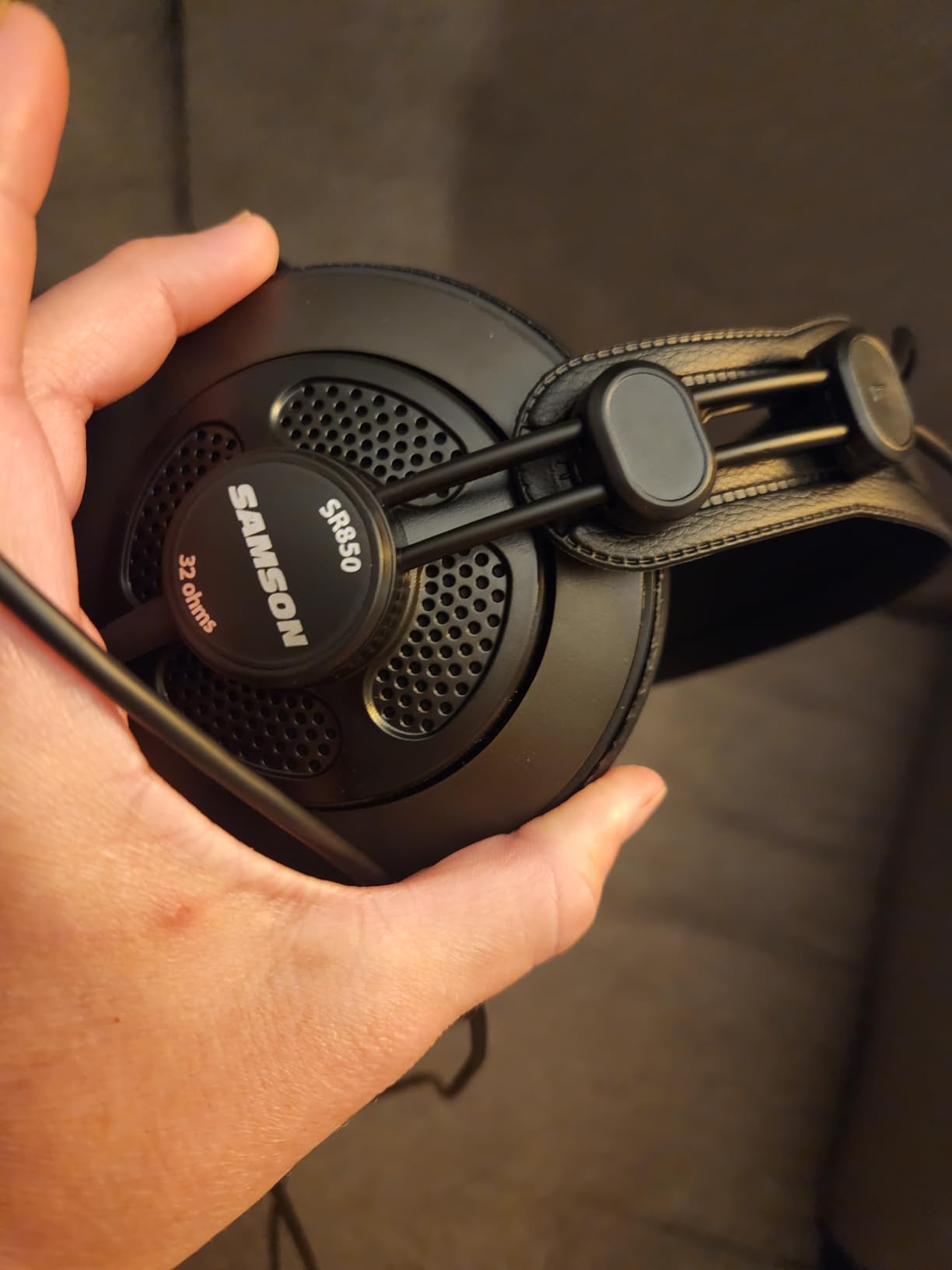
The SR850 is the pair we would hand to someone learning to record rather than someone who has already learned to edit. Its semi-open design gives ambient awareness, which is genuinely useful when you are positioning a microphone and want to hear the room, and it doubles as an editing headphone in a quiet space.
Owners describe a natural, open soundstage, punchy low end and a self-adjusting headband that stays comfortable without manual fitting. At 32 ohm it works directly with laptops, phones and mixers, and a gold-plated quarter-inch adapter is included.
For a first pair, the ergonomics are the draw. You can put it on with one hand, you do not adjust anything, and it stays comfortable for hours, which is what keeps people editing long enough to get good at it.
The semi-open caveat is the same as the AKG’s and it is serious: leakage, limited isolation, and unsuitability for live tracking in the same room. Reviewers also note it is not as accurate or neutral as dedicated mixing headphones, and that the bass-heavy signature can mask detail on lighter mixes.
Velour pads are the ongoing maintenance cost. They retain dust and degrade over time, and replacement pads for this model are not as easy to find as they are for the Audio-Technica and Sony models.
The claimed 10 Hz to 30 kHz range is useful for bandwidth, but the voicing is what determines what you hear.
When the SR850 earns its place
When you need one pair to cover both recording and editing on a budget, and your room is not untreated. The ambient awareness genuinely helps with mic placement for a beginner, and 32 ohm means no amplifier, no interface, no configuration. It works with whatever you already own.
It is also a comfortable pair for long stretches of editing, which matters more than most buyers expect at this level.
When it is the wrong choice
When you are past the beginner stage and need an analytical reference. The bass-forward signature will mask exactly the low-level problems you are trying to learn to hear. If your editing is already good and you want to improve it, buy a neutral closed-back instead.
Do not record a live take while monitoring through it in a shared room.
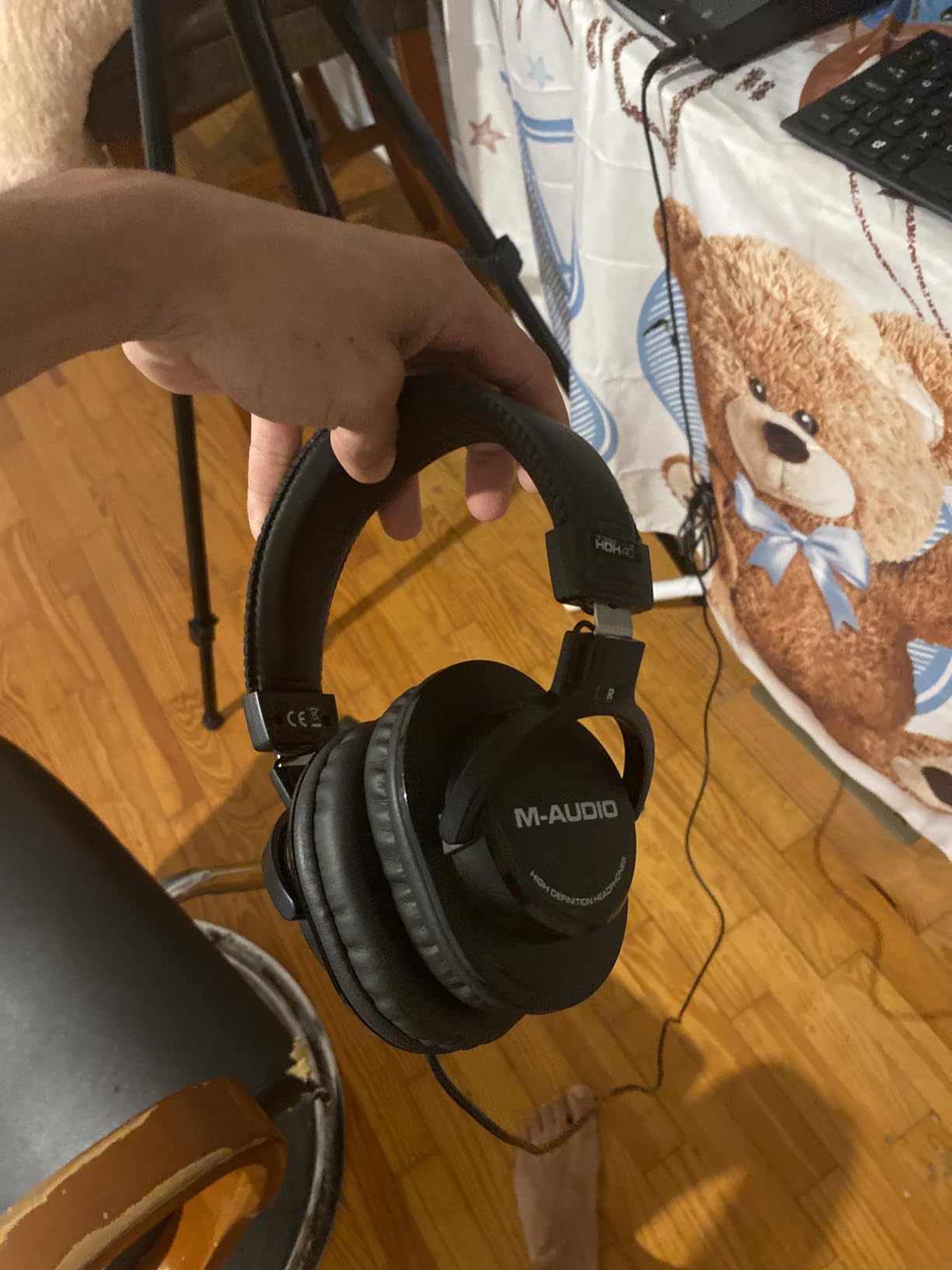
12. M-Audio HDH40: Best Budget Closed-Back for Home Editing
M-AUDIO HDH40 Closed-Back Over-Ear Headphones
32 ohm impedance
95 dB sensitivity
40 mm neodymium driver
180-degree rotating frame
2.7 m cable with adapter
Pros
- Closed-back design reduces ambient noise for monitoring
- 180-degree frame with telescopic stainless steel arms adjusts securely
- Leather cushioning and flexible headband stay comfortable for hours
- 32 ohm and 95 dB work with the widest range of devices
- Long cable plus adapter reaches mixers interfaces and pianos
Cons
- Fixed non-detachable cable limits replacement options
- Closed-back signature is less neutral than dedicated mixing headphones
- Bass and treble coloration can colour mix decisions
- Plastic construction is basic against metal alternatives
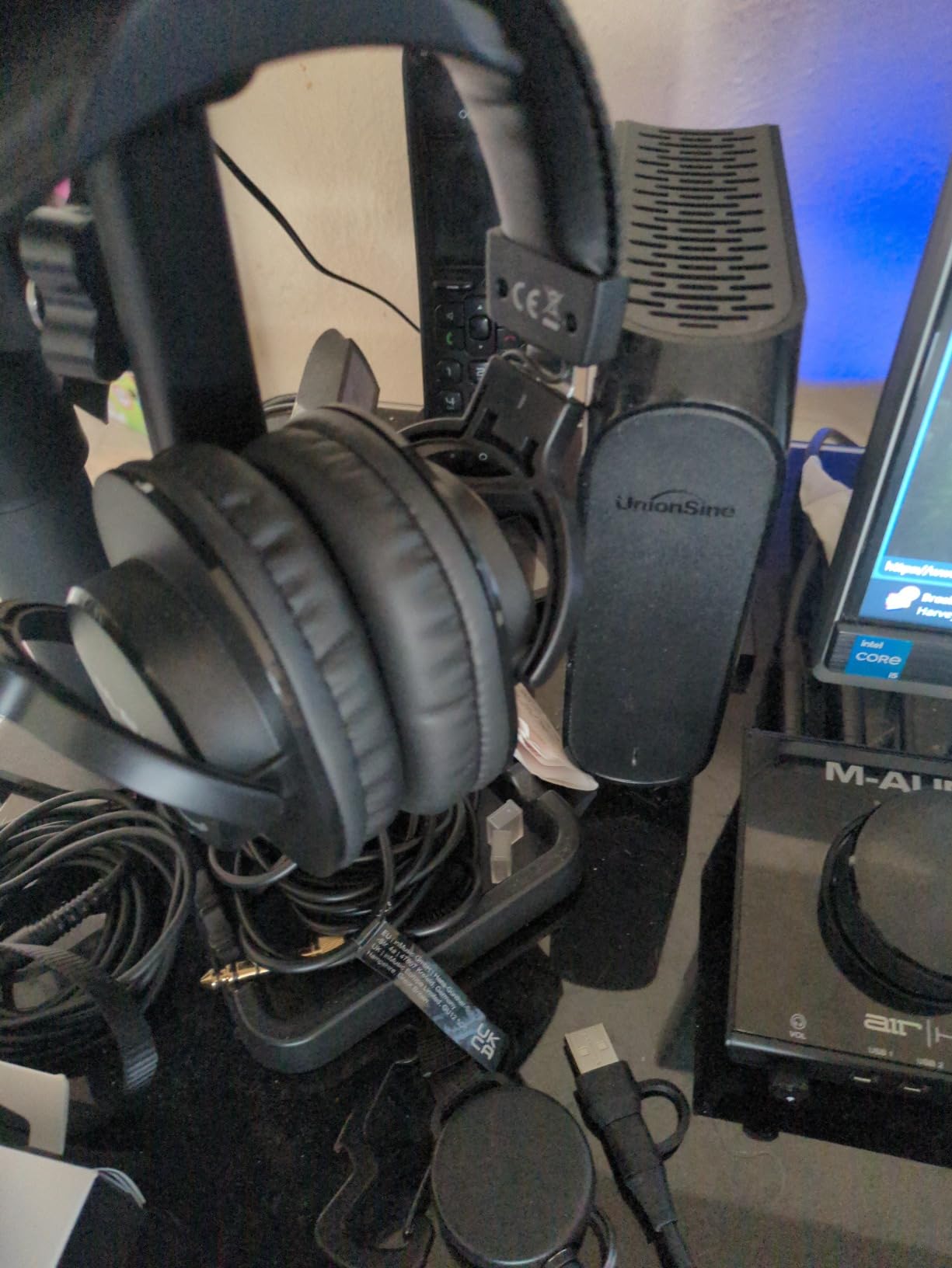
The HDH40 is the lowest-cost closed-back in this roundup, and it is worth including for one specific reason: it works. A closed-back shell, a 40 mm neodymium driver, 32 ohm impedance and 95 dB sensitivity is a combination that covers almost every editing task, and the owners who use it are editing podcasts, home recordings and video voiceovers successfully.
The mechanical design is its best feature. A 180-degree rotatable frame with telescopic stainless steel arms gives a secure, adjustable fit, and owners report the leather cushioning and flexible headband staying comfortable for hours. That is unusual in a pair at this level.
The supplied 2.7 metre cable with quarter-inch adapter reaches mixers, interfaces and digital pianos without anything extra, and 32 ohm means it will drive from essentially any output.
Be clear-eyed about the trade. Owners report that the closed-back signature is less neutral than dedicated mixing headphones, and that bass and treble coloration can colour mix decisions. If your work involves fine corrective decisions, that coloration is the reason to spend more.
The fixed, non-detachable cable is a limitation without an offsetting advantage, unlike the K240’s locking connector or the detachable cables on the Audio-Technica models. The plastic construction is also basic relative to metal alternatives, and the one-year warranty is short.
This is also the smallest review pool in the roundup, so treat the long-term owner record as thinner than the models above it.
When the HDH40 is enough
When you are cutting a finished episode, levelling tracks, removing filler words and exporting. Those tasks need reliable midrange clarity and a closed shell, and this pair delivers them. The 180-degree rotating frame also makes it usable for single-sided cue monitoring.
It is a sensible first pair for a student, a volunteer producer, or anyone who wants a working closed-back before deciding how serious the upgrade should be.
When to move on from it
As soon as you start doing corrective work: noise reduction, de-essing, EQ matching between hosts, or anything where a coloured low end will lead you to make the wrong call. At that point the Audio-Technica M20x or the Sony MDR-7506 is the move, and both cost a similar amount of listening effort to justify.
Use this one to learn, and keep it as a travel or location pair.
Recording vs Editing: Which Pair Do You Need?
Record with an isolation-first pair, edit with an accuracy-first pair. That is the entire distinction, and it is the one most roundups blur. A recording headphone has to keep your monitor out of your microphone. An editing headphone has to tell you the truth about a signal that is already captured.
If you record voice in an untreated room while monitoring, you need a closed-back with a hard seal. The Sennheiser HD 280 Pro is the strongest candidate here at up to 32 dB of passive attenuation, and the Sony MDR-7506 is a lighter alternative with good passive blocking. Anything open-back or semi-open leaks into your microphone and ruins the take.
If you edit and never record, that constraint disappears. You can use an open-back in a quiet room for better QC, and many editors end up with a closed-back for daily work plus an open-back for final listening. Our broader guide to headphones for podcast recording covers the recording side in more detail, including headset options for hosts and guests.
For most people doing both jobs in one room, one well-chosen closed-back covers both roles. The Sony MDR-7506 and the Audio-Technica ATH-M50x are the two we see working in that dual role most often, because they isolate reasonably well and stay accurate.
Open-Back vs Closed-Back vs Semi-Open for Dialogue Work
Closed-back for daily editing, open-back for final QC in a quiet room, semi-open for tracking and learning. That resolves the contradiction you will find across other guides, where open-backs are recommended for podcasters without mentioning that leakage reaches your microphone.
Closed-back designs seal around your ears, which keeps room noise out of your monitoring and keeps your monitoring in the room. That isolation is what allows a low listening level, and a low listening level is where mouth clicks and hiss become audible. Almost every closed-back in this roundup is a viable daily editor.
Open-backs give a wider soundstage and better sense of placement, which is why the DT 990 Pro and the Sennheiser HD 599 earn a place in a setup rather than a slot. They leak in both directions, they provide essentially no isolation, and they are the wrong choice in an untreated room or while monitoring a live source. In a quiet edit room at the end of a project, they are excellent.
Semi-open sits between the two. The AKG K240 Studio and the Samson SR850 both fit this middle ground: more open and natural than a closed-back, less leaky than a true open-back, and still unsuitable for live tracking in the same room. Editing forum communities have long recommended the AKG 271 for editing on the basis of its open, detailed presentation, and that reasoning applies to semi-open designs generally.
Impedance and When You Need a Headphone Amp
Below about 100 ohm, you can drive the headphones from a laptop or a basic interface without help. Above 100 ohm, you need an amplifier, or you will simply turn the volume up and hear less. This is the single most common reason a good pair of editing headphones feels disappointing.
At 32 ohm, the OneOdio Pro-50, Samson SR850 and M-Audio HDH40 will play at sensible levels from almost anything. The HDH40 at 95 dB sensitivity is efficient despite the low impedance figure. At 38 to 64 ohm, the Audio-Technica, Sony, Sennheiser and Shure models in this roundup are all comfortable from a laptop or a decent interface.
At 250 ohm, the DT 990 Pro needs a headphone amplifier for full level. On a bare laptop output it will be quiet, and pushing it hard to compensate can add distortion to the monitoring signal, which is the opposite of what you want when judging an edit.
The practical fix, if you work on a laptop, is to stay at 32 or 80 ohm, or to add a small headphone amplifier or an interface with a proper gain stage. If you are choosing a machine for a portable edit setup, our laptop recommendations for video editing cover the interfaces and ports that matter for audio work.
Comfort Over Four-Hour Editing Sessions
Weight, clamping force and pad material decide whether you finish an episode comfortably or with a headache, and they matter more than any difference in sound quality. The most common complaint in this category is a headband that feels like a vice, and it is what the top discussion thread for this query is actually about.
Weight is the easiest proxy. Anything around 210 to 240 g distributes force well enough that you forget it is on. The Audio-Technica ATH-M20x at 210 g and the AKG K240 Studio at 240 g are the two lightest that stay circumaural. Above 290 g, you should expect to take breaks, however good the pads are.
Clamping force is not the same as weight. The Sennheiser HD 280 Pro and the Audio-Technica ATH-M20x both draw reports of pressure over long sessions, particularly for glasses wearers, whose temples are already taking a load. If you wear glasses, prioritise a light, low-clamp design like the Sony MDR-7506, which owners specifically recommend for that reason.
Pad material decides heat and longevity. Velour and fabric pads, found on the DT 990 Pro and the Sennheiser HD 599, breathe well and stay cool over a long day. Protein leather, found on the OneOdio Pro-50, is warmer and can flake. Pleather, found on the AKG, gets hot and is the first thing owners replace.
Finally, confirm that replacement pads exist years after you buy. The Audio-Technica, Sony and Sennheiser lines have deep accessory support. A pair you cannot service eventually is a pair you replace entirely.
Wired vs Wireless and Do You Need a Mic?
Wired, without exception, for editing. Bluetooth adds a delay between the audio leaving your interface and arriving at your ears. That delay does not matter for entertainment, but it does matter when you are trying to judge timing, and it makes lip-sync work and precise edits frustrating.
Every pair in this roundup is wired, and that is intentional. If you want one pair for editing and one for commuting, keep them separate rather than hunting for a wireless studio headphone that does not exist at a useful quality level.
Hardware matters less to monitoring than to workflow, but the machine running your editor still has to sustain real-time playback of a multitrack dialogue session. If you also cut video versions of every episode, our processor recommendations for video editing cover the chips that keep playback and export smooth. If your episodes are heavy on stills and artwork, the best laptops for photo editing roundup covers the colour-accurate displays that keep a thumbnail from looking different on export.
On microphones: a headset boom mic is never the edit mic. It exists so you can be heard on a call, and it will not be the microphone on your published episode. Use it for monitoring and communication, and record with a dedicated microphone placed properly.
Active noise cancelling deserves a separate warning. ANC applies processing to the signal and shifts frequency response, and reviewers of consumer noise-cancelling models consistently describe heavily coloured tuning. It is the wrong tool for deciding whether an edit is clean.
Headphone Correction and the Two-Headphone Cross-Check
Every headphone colours something. Correction plug-ins apply a fixed inverse EQ so the headphone matches a target curve, which makes your edit decisions more consistent and more repeatable. This is the piece of the chain most guides skip, and it is genuinely useful for dialogue work.
Run correction on a dedicated monitoring chain rather than on your whole project, so your exported files stay unprocessed. A fair rule is to correct for mixing judgements and leave raw dialogue untouched, since correction will alter how a voice sounds even when the underlying recording is fine.
The two-headphone cross-check is the simplest accuracy tool available. Edit on one closed-back pair, then check the finished episode on a second pair with a different tuning, ideally an open-back in a quiet room. If a decision holds up on both, it will hold up on a listener’s earbuds.
This is also how the fatigue problem gets solved. When one pair starts sounding like the only truth after three hours, you are no longer hearing accurately. Swapping pairs resets that, and that is the entire argument for a second pair rather than a better first one.
Frequently Asked Questions
What headphones do most podcasters use?
The Sony MDR-7506 and the Audio-Technica ATH-M50x are the two most commonly recommended pairs in podcasting communities, because both are closed-back, wired, neutral studio monitors that isolate well and stay comfortable for long sessions. The MDR-7506 wins on low weight at 8 ounces, while the M50x offers a detachable cable and stronger low-end extension. Either is a safe starting point for dialogue editing.
What are the best headphones for audio editing?
The best headphones for audio editing are closed-back, neutral studio monitors with a flat frequency response, a sealed shell for isolation, and a detachable cable if possible. In this roundup the Audio-Technica ATH-M50x takes the overall slot, the ATH-M40x is the flattest and most analytical option, and the Sennheiser HD 280 Pro isolates hardest. Avoid active noise cancelling, which processes the signal and shifts frequency response.
Are open back or closed back headphones better for mixing?
Closed-back headphones are better for most mixing and editing work because they isolate you from room noise and leak less into a microphone. Open-backs give a wider soundstage and better sense of placement, which makes them valuable for final quality control in a quiet room, but they provide no isolation and should not be used while recording a live source in the same space.
What type of headphones are best for mixing and mastering?
For mixing, a closed-back neutral monitor with good low-frequency extension is the practical choice. For mastering and final checks, an open-back reference gives a wider image and better judgement of depth and placement. Many engineers use both, editing on a closed-back and mastering on an open-back, because each design colours perception differently.
Do I need a headphone amplifier for podcast editing?
You only need one above roughly 100 ohm. Headphones rated at 32 to 80 ohm drive easily from a laptop or a basic interface, which covers most of the pairs in this roundup including the Audio-Technica, Sony, Sennheiser and Shure models. The Beyerdynamic DT 990 Pro at 250 ohm is quiet on a bare laptop output and wants a headphone amplifier for full level.
Can I podcast without headphones?
You can, but your edit quality will suffer. Headphones isolate you from room noise so you can monitor at a low level, and they reveal mouth clicks, plosives, sibilance and low-frequency rumble that laptop speakers and untreated rooms hide. If you cannot hear those artefacts, you will not remove them from the edit.
The Verdict on the Best Headphones for Podcast Editing in 2026
The Audio-Technica ATH-M50x is the best headphones for podcast editing in 2026, and the reason is the combination rather than any single spec. It is neutral enough to trust on corrective work, sealed enough to work at a low listening level, light enough for a full session, and detachable enough that a worn pad or a snapped cable is a repair rather than a replacement.
Take the Sony MDR-7506 instead if comfort over long sessions is your priority, or if you wear glasses. Take the Beyerdynamic DT 990 Pro as a second pair for final quality control in a quiet room, and add a headphone amplifier for it. Take the Sennheiser HD 280 Pro if noise from your environment, rather than your audio, is what is slowing your work down.
Whatever you pick, stay wired, stay under 100 ohm unless you have an amplifier, and spend the time you save on actually listening to the edit. The gap between what you hear and what you publish is where most podcast quality is decided, and that gap closes fastest on a pair built for the job.