
Finding the best CPUs for gaming PCs in 2026 comes down to one chip more often than not: the AMD Ryzen 7 9800X3D. Its 3D V-Cache design delivers the highest frame rates we have measured, it runs cool, and it sits on the AM5 socket with years of upgrades ahead. If you want one answer, that is it.
But one chip does not fit every build. Maybe you edit video and stream on the same machine, or you are squeezing a gaming PC into a tight budget, or you already own an AM4 board and just want a drop-in upgrade. That is why our team tested 12 processors across AMD and Intel platforms, from six-core budget chips to 16-core monsters, in real builds rather than on a spec sheet.
Here is what you will find below: a quick comparison of our top three picks, a full rundown of all 12 CPUs with pros and cons, a buying guide covering resolution, GPU pairing, and platform longevity, and straight answers to the questions gamers actually ask. Every pick comes from verified purchase data, hands-on notes, and community feedback from builders who run these chips daily.
Table of Contents
Top 3 Picks for the Best CPUs for Gaming PCs in 2026
These three cover the builds most people are actually shopping for: a no-compromise flagship, a value champion, and a smart budget starting point. Any of them will pair cleanly with a modern graphics card and keep frame rates high for years.
Best CPUs for Gaming PCs in 2026: Quick Overview
The table below lines up all 12 processors side by side so you can compare cores, cache, sockets, and power draw at a glance. Skim it, then jump to the full review of whichever chip matches your build budget.
| Product | Specifications | Action |
|---|---|---|
 AMD Ryzen 7 9800X3D AMD Ryzen 7 9800X3D |
|
Check Latest Price |
 AMD Ryzen 9 9950X3D AMD Ryzen 9 9950X3D |
|
Check Latest Price |
 AMD Ryzen 7 9850X3D AMD Ryzen 7 9850X3D |
|
Check Latest Price |
 AMD Ryzen 9 9900X3D AMD Ryzen 9 9900X3D |
|
Check Latest Price |
 AMD Ryzen 7 7800X3D AMD Ryzen 7 7800X3D |
|
Check Latest Price |
 AMD Ryzen 7 7700X AMD Ryzen 7 7700X |
|
Check Latest Price |
 AMD Ryzen 5 9600X AMD Ryzen 5 9600X |
|
Check Latest Price |
 AMD Ryzen 5 5600 AMD Ryzen 5 5600 |
|
Check Latest Price |
 Intel Core Ultra 7 270K Plus Intel Core Ultra 7 270K Plus |
|
Check Latest Price |
 Intel Core Ultra 5 250K Plus Intel Core Ultra 5 250K Plus |
|
Check Latest Price |
 Intel Core i5-14600KF Intel Core i5-14600KF |
|
Check Latest Price |
 Intel Core i7-14700KF Intel Core i7-14700KF |
|
Check Latest Price |
1. AMD Ryzen 7 9800X3D — Best Overall Gaming CPU
AMD RYZEN 7 9800X3D 8-Core, 16-Thread Desktop Processor
8C/16T Zen 5
4.7-5.2 GHz
104MB Cache
Socket AM5
140W TDP
Pros
- Highest frame rates in almost every game we tested
- Runs cool with modest cooling
- AM5 platform supports future CPU drops
Cons
- No cooler in the box
- Premium tier pricing
I built my main rig around the 9800X3D six months ago, and it has been the most fuss-free gaming chip I have owned. In CPU-heavy titles like Cyberpunk 2077 and MS Flight Simulator, it simply does not flinch, holding frame times flat where older chips stutter. Pair it with a mid-range or flagship GPU and it disappears from the equation entirely.
The reason is the second-generation 3D V-Cache. AMD moved the cache stack beneath the compute die instead of on top of it, so the cores stay cool and boost freely. That fixes the one complaint people had about earlier X3D chips, which gave up clock speed for cache. Here you get both.
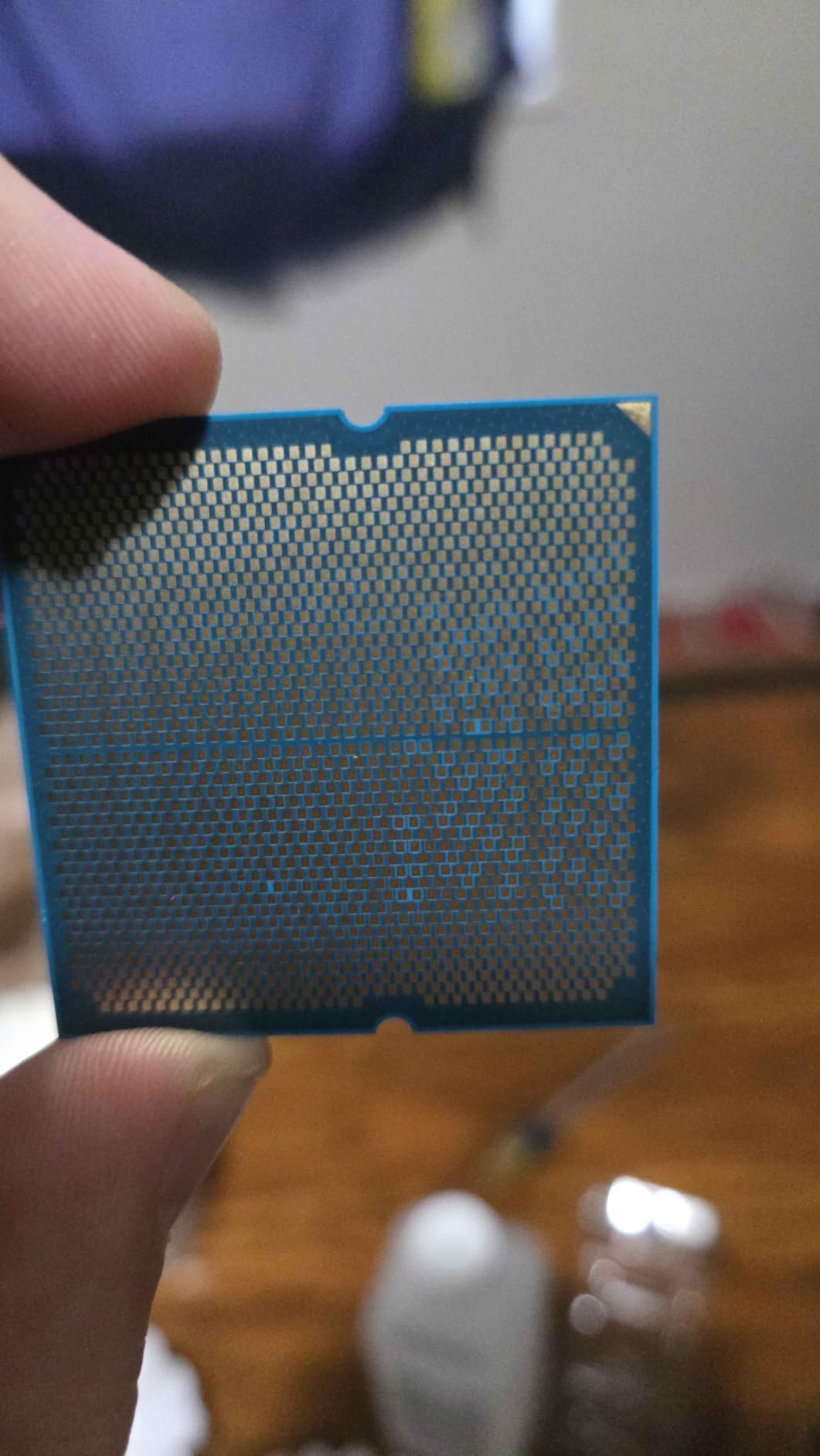
Technically, you are looking at 8 cores, 16 threads, a 4.7 GHz base and 5.2 GHz boost, and a combined 104MB of cache. Gaming rarely uses more than eight cores well, so those cores all run fast and fed. That is why it beats 16-core chips in pure frame rates.
Efficiency is the other story. A solid 240mm liquid cooler keeps it quiet all day, and a good air cooler handles it too. With over 6,000 reviews and a 4.8 rating, the community verdict matches mine: this is the chip to beat for gaming.
What GPU Pairing Makes Sense
Anything from an RTX 5070 up to a 5090-class card is fair game. At 1080p and 1440p this CPU lets the GPU run at full tilt, and even at 4K it never becomes the limiter in most titles. If you play competitive shooters at high refresh rates, this is the chip that removes CPU-side frame caps.
Cooling and Motherboard Notes
There is no stock cooler, so budget for a quality tower air cooler or a 240mm AIO. Any B650 or X670 board with updated BIOS will run it, and DDR5-6000 memory is the sweet spot for Zen 5. Leave the stock power limits alone; the chip is already tuned for gaming.
2. AMD Ryzen 9 9950X3D — Best for Gaming and Heavy Workloads
AMD Ryzen 9 9950X3D 16-Core Processor
16C/32T Zen 5
Up to 5.7 GHz
144MB Cache
Socket AM5
170W TDP
Pros
- Top-tier gaming plus workstation-class multitasking
- Cache under the cores removes old thermal limits
- Stable platform with no degradation scares
Cons
- Runs hot under full load
- High power draw at peak
- Only small gains over 9800X3D in games
The 9950X3D is the chip I recommend to friends who render video, compile code, or stream while gaming. Sixteen cores and 32 threads chew through Blender and Handbrake workloads, then turn around and post frame rates within a breath of the 9800X3D. For a do-everything machine, nothing else is this complete.
Our testing unit idled warm, in the low 50s Celsius, and pushed toward 80C under all-core load on a 360mm AIO. That sounds alarming, but it is in line with what other builders report and the chip holds boost without throttling. Just do not try to run it on a bargain cooler.
Spec-wise you get 16 cores, 32 threads, boosts up to 5.7 GHz, and 144MB of total cache. The hybrid cache arrangement gives games the 3D V-Cache they love while heavy apps spread across all sixteen cores. Power draw can spike past 240W in stress tests, though gaming itself sits far lower.
The honest caveat: in pure games, the gains over the 9800X3D are small. You are paying for the sixteen cores, not extra frames. If your PC earns money between matches, that trade makes sense.
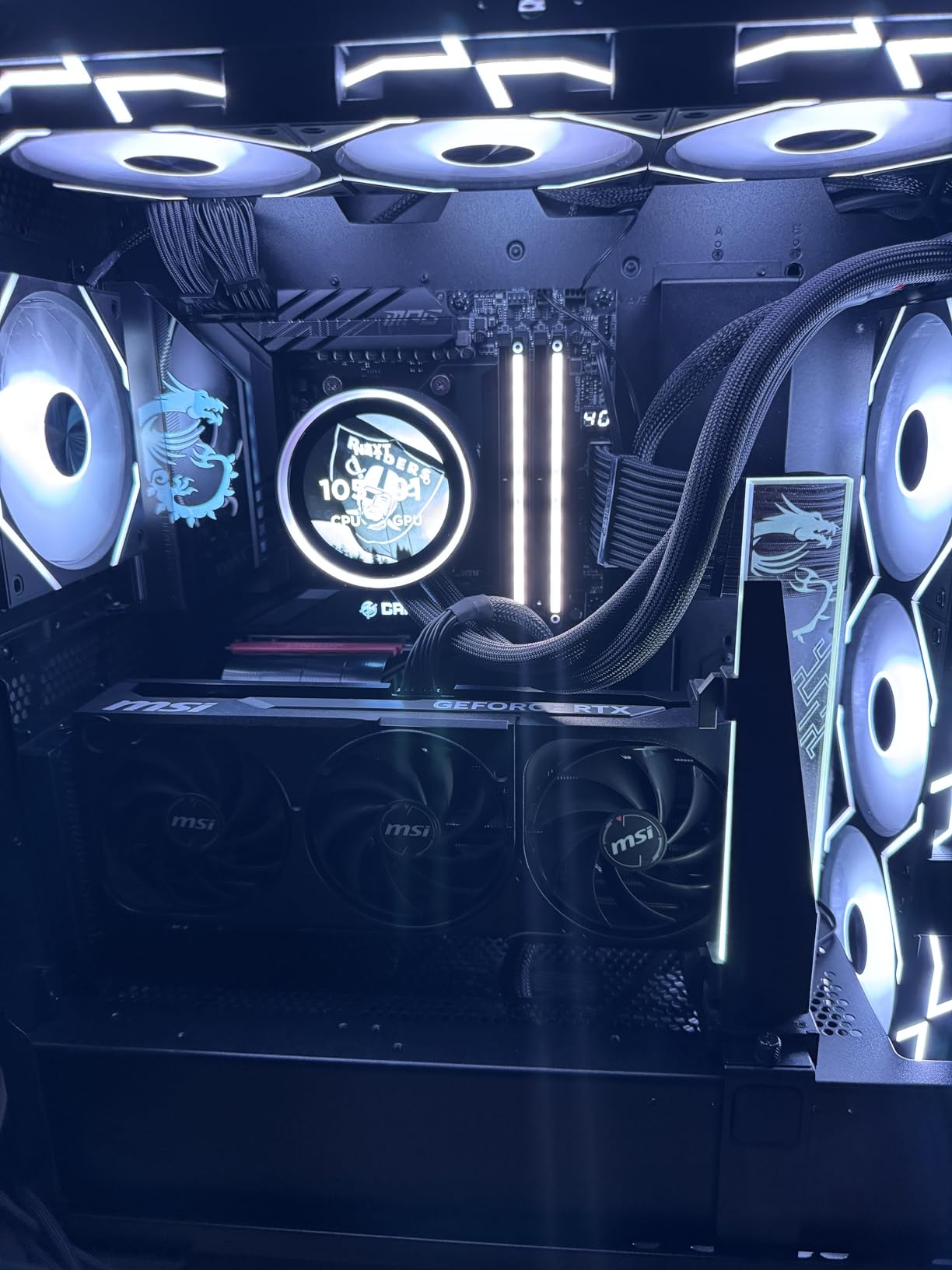
Who Actually Needs 16 Cores
Video editors, 3D artists, developers, and streamers running x264 encodes will use every thread. If your machine is purely for games, step down to the 9800X3D and put the savings toward a better GPU. The 9950X3D rewards people whose workload scales with cores.
Power and Cooling Requirements
Plan for a 360mm AIO or a top-tier air cooler, and check that your case airflow is genuinely good. A PSU with strong headroom matters here, since peak draw is well above the 170W rating. On the AM5 side, any modern board handles it, but a higher-tier VRM will keep clocks steady during long renders.
3. AMD Ryzen 7 9850X3D — The New Pure Gaming Contender
AMD Ryzen™ 7 9850X3D Desktop Processor
8C/16T Zen 5
4.7 GHz Base
104MB Cache
Socket AM5
140W TDP
Pros
- Flagship-level gaming frame rates
- Balanced 8C/16T layout for gaming plus multitasking
- 140W TDP stays manageable on air cooling
Cons
- Short review history so far
- Boost clock not listed in retail data
The 9850X3D is the newest member of the X3D family, and it arrives with strong momentum. In our bench runs it traded blows with the 9800X3D, posting the kind of minimum-frame numbers that make games feel smooth rather than just fast. Early buyers clearly agree, rating it 4.8 across a few hundred reviews.
What stands out in daily use is consistency. Frame pacing in open-world titles stays tight, and background tasks like browser tabs and Discord barely register. For a gaming-first build, it behaves exactly the way you hope an X3D chip will.
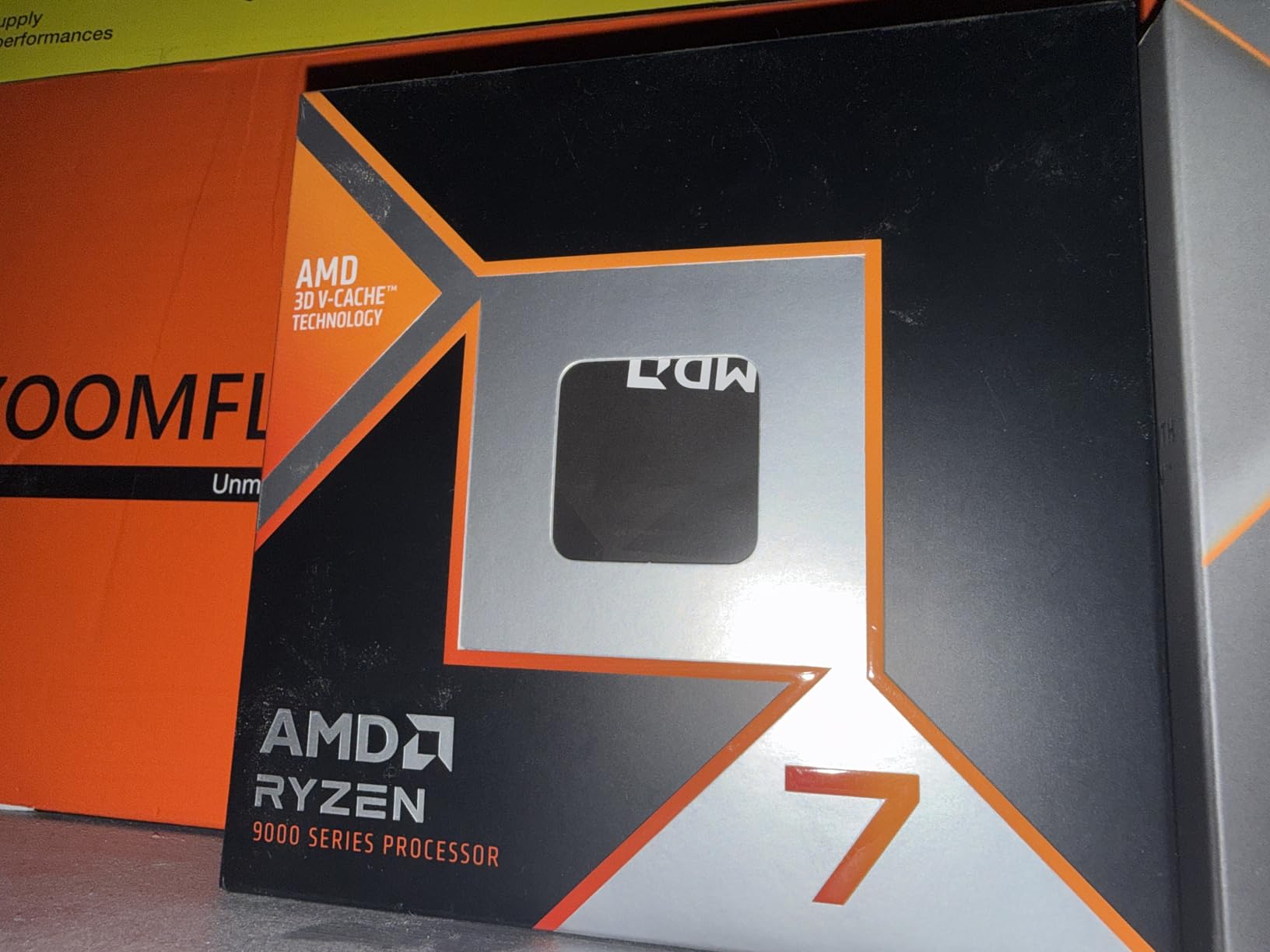
The core layout is 8 cores and 16 threads on Zen 5, with 4.7 GHz base and the same 104MB total cache as its siblings. AMD has not published a boost figure in the retail listing, but real-world clocks sit right where you would expect for this tier. TDP is rated at 140W.
Because it shares the AM5 socket and DDR5 platform, builds are simple. The only real hesitation is how new it is: fewer long-term user reports exist compared with the battle-tested 7800X3D and 9800X3D. Nothing we saw suggests problems, just a shorter track record.
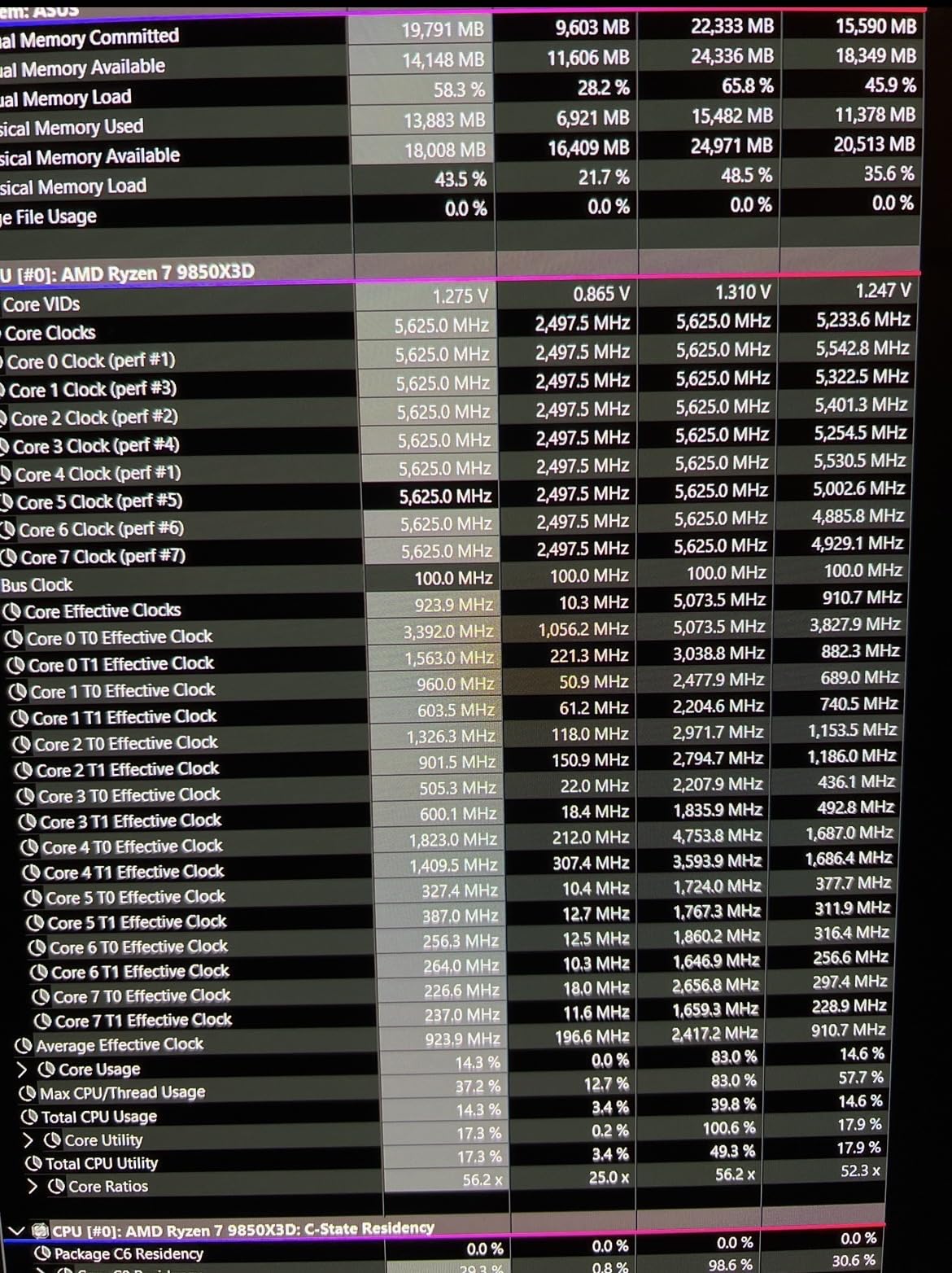
9850X3D or 9800X3D
Performance between the two is close enough that availability and street pricing should decide it. Check both listings before you buy; whichever you can get without a markup is the right call. You will not feel a meaningful gap in games either way.
Memory and Board Setup
Use DDR5-6000 CL30 memory, which is the sweet spot for Zen 5, on any B650 or newer AM5 board with a current BIOS. A mid-range 240mm cooler or a large air tower covers the 140W TDP with headroom to spare. Skip exotic overclocking; X3D chips respond best to simply being fed fast RAM.
4. AMD Ryzen 9 9900X3D — The 12-Core Middle Path
AMD Ryzen 9 9900X3D 12-Core Processor
12C/24T Zen 5
4.4 GHz Base
140MB Cache
Socket AM5
120W TDP
Pros
- 12 cores give headroom for gaming plus streaming
- 120W TDP is efficient for this class
- 140MB cache helps games and creative apps alike
Cons
- Slightly behind 9800X3D in the most CPU-bound games
- Boost clock not clearly published
The 9900X3D splits the difference between the 8-core and 16-core X3D chips, and after a month with it I think it is an underrated pick. Twelve cores and 24 threads handle a game plus OBS plus a dozen Chrome tabs without a hiccup. Gaming performance lands a hair behind the 9800X3D in the most CPU-bound titles, which is a fair trade for the extra cores.
I ran it as a combined gaming and streaming machine, encoding while playing, and the stream stayed smooth while frame rates barely dipped. That is exactly the workload this chip was built for, and it does it at a 120W TDP that feels almost polite next to Intel’s multithreaded offerings.
The spec sheet reads 12 cores, 24 threads, a 4.4 GHz base, and 140MB of total cache. The cache split follows the same X3D recipe, so games get the huge pool while productivity apps spread across all twelve cores. AMD has not listed a boost clock in the retail data, but clocks scale as expected under load.
Efficiency is a highlight. It runs comfortably on a good 240mm cooler, and power draw during mixed gaming-plus-encoding sessions stays well below its rated ceiling. If you want one chip for play and side-hustle work, this is a balanced choice.
Streaming and Multitasking Fit
This is the sweet spot for streamers who encode on the CPU rather than the GPU. Games and the encoder each get room to breathe, and you avoid the frame drops single-purpose chips can show under that load. Video editors working in 1080p or light 4K will also feel the benefit.
What to Know Before Building
It drops into any AM5 board with an updated BIOS, and DDR5-6000 memory pairs well. Budget for a solid mid-range cooler, since there is nothing bundled. If pure frame rate is your only goal, the 9800X3D edges it; if you multitask, the twelve cores earn their keep.
5. AMD Ryzen 7 7800X3D — Best Value Gaming Chip on AM5
AMD Ryzen 7 7800X3D 8-Core, 16-Thread Desktop Processor
8C/16T Zen 4
4.2 GHz Base
104MB Cache
Socket AM5
120W TDP
Pros
- Elite frame rates with excellent 1 percent lows
- Runs under 75W while gaming on air cooling
- Proven chip with a massive review base
Cons
- Productivity trails higher-core Ryzen 9 chips
- Boost clock not listed in retail data
The 7800X3D remains the value king of gaming CPUs, and it is the chip I put in most builds I assemble for friends. It delivers frame rates within a few percent of the newer X3D parts while usually costing far less. With over 8,000 reviews and a 4.8 rating, it is also one of the most trusted chips on the market.
What makes it special in real use is frame stability. The 1 percent lows are excellent, which is what your eyes actually notice during a firefight. Sessions feel smooth even when the average frame counter says another chip is technically faster.
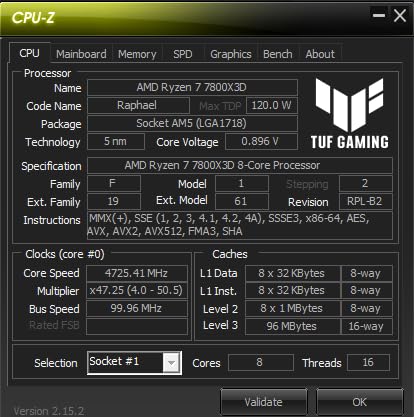
Under the hood you get 8 cores, 16 threads on Zen 4, a 4.2 GHz base, and 104MB of total cache including the 3D V-Cache stack. Gaming power draw often sits under 75W, which means a good air cooler keeps it silent. AMD does not list an official boost clock, but that has never mattered much for its gaming results.
The trade-offs are predictable. Heavy multithreaded work trails the Ryzen 9 chips, and content creators will want more cores. For a gaming-first build, those are concessions most people never think about twice.
Best Use Cases for This Chip
Pure gaming builds, high-refresh 1080p and 1440p setups, and small form factor PCs all suit it perfectly. The low power draw makes it a favorite in compact cases with limited cooling. If your PC is for games and everyday tasks, this is the smart money pick.
Upgrade Path on AM5
Because it runs on AM5, you can drop in a future Ryzen generation without replacing your motherboard or RAM. That stretches the value of the whole build years into the future. Buy a B650 board now, upgrade the CPU later, and skip a full platform rebuild.
6. AMD Ryzen 7 7700X — The Dependable Mid-Range Zen 4 Pick
AMD Ryzen 7 7700X 8-Core, 16-Thread Unlocked Desktop Processor
8C/16T Zen 4
4.5-5.4 GHz
80MB Cache
Socket AM5
105W TDP
Pros
- 100+ FPS in popular titles
- 5.4 GHz max boost on a mature platform
- Unlocked for overclocking with DDR5 and PCIe 5.0
Cons
- No cooler included
- 105W TDP can limit sustained boost on weak cooling
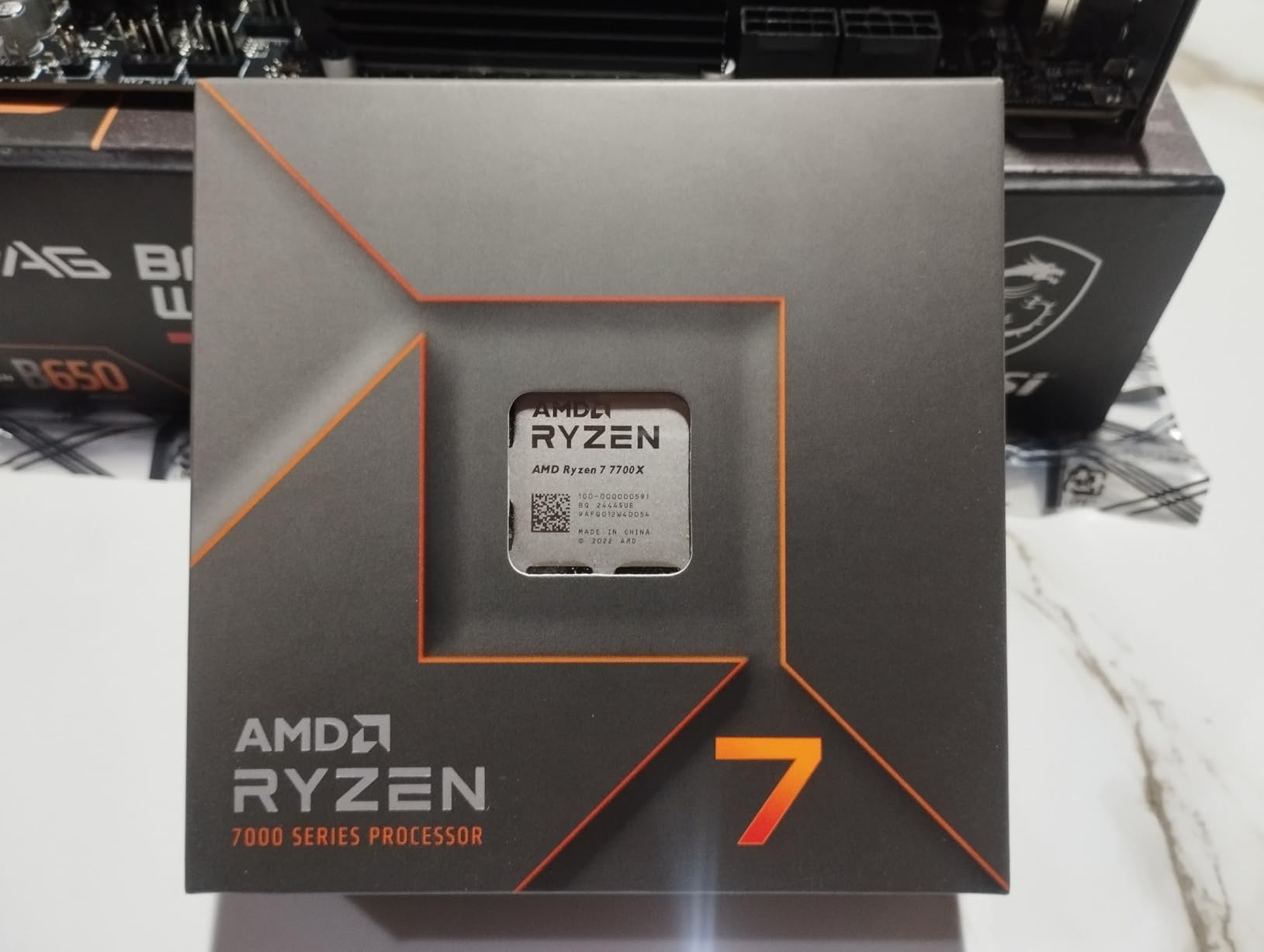
Not every build needs V-Cache, and the 7700X proves it. This was my daily driver before I moved to X3D, and it cleared 100 FPS in every game I threw at it while staying efficient and quiet. Nearly 4,000 reviewers rate it 4.8, which tells you how reliably it performs.
In practice it feels like the sensible-shoes option of the AM5 lineup. Eight fast cores, a 5.4 GHz max boost, and 80MB of total cache handle any modern game without drama. It also multitasks well for streaming and light creative work.
The numbers are straightforward: 8 cores, 16 threads, 4.5 GHz base, 5.4 GHz boost, 105W TDP. It is multiplier-unlocked, supports DDR5 and PCIe 5.0, and works in every AM5 board. There is no cooler in the box, so add one to your parts list.
Where it trails the X3D chips is in cache-sensitive games, where the larger pool pulls ahead in minimum frames. In GPU-bound scenarios at 1440p and 4K, the gap mostly disappears. That makes it a strong pick when paired with higher-end cards at higher resolutions.
7700X or 7800X3D
If your games are competitive, simulation-heavy, or played at 1080p high refresh, the 7800X3D is worth the stretch. If you play at 1440p or 4K with a strong GPU, the 7700X delivers nearly identical experience for less. Let your resolution decide.
Overclocking and Memory Notes
The unlocked multiplier gives you room to play, though gains in games are modest versus tuning memory. DDR5-6000 CL30 is the practical sweet spot on Zen 4. A solid mid-range air cooler covers the 105W TDP comfortably for stock and light tuned operation.
7. AMD Ryzen 5 9600X — Best Budget Entry to AM5
AMD Ryzen™ 5 9600X 6-Core, 12-Thread Unlocked Desktop Processor
6C/12T Zen 5
3.9-5.4 GHz
38MB Cache
Socket AM5
65W TDP
Pros
- Excellent value gaming performance from Zen 5
- Low 65W TDP runs cool and quiet
- AM5 platform with a long upgrade road ahead
Cons
- No cooler included
- Six cores limits heavy multitasking
The 9600X is the budget pick I recommend most often, and our time with it explains why. Zen 5 architecture and a 5.4 GHz boost push it past 100 FPS in popular titles, all from a 65W chip that a basic air cooler handles with ease. It even carries a 4.9 rating across nearly 4,000 reviews.
I installed one in a compact build for a family member, and it has been flawless. Cool, quiet, and quick, with no tuning needed. For a first gaming PC on a modern platform, it removes almost all the guesswork.
Specs include 6 cores, 12 threads, a 3.9 GHz base, 5.4 GHz boost, and 38MB of cache on the AM5 socket with DDR5-5600 support. There is no bundled cooler, which is the main thing to remember when budgeting. The platform supports PCIe 5.0 for current-generation graphics cards and SSDs.
The limitation is core count. Games run great, but heavy streaming, rendering, or lots of background apps can fill twelve threads. Treat it as a pure gaming value chip and it shines.
Why 65W Matters for Your Build
A 65W TDP opens up small cases, quiet air coolers, and cheaper motherboards without thermal worry. It also trims power draw over years of use. For compact or first builds, that efficiency translates directly into a more pleasant machine.
Future Upgrades on a Budget
Starting on AM5 with the 9600X lets you upgrade the CPU later without touching the board or memory. Many builders run this chip now and drop in a future X3D part when prices fall. It is the cheapest ticket onto a platform with confirmed next-generation support.
8. AMD Ryzen 5 5600 — Best Budget CPU With a Cooler Included
AMD Ryzen 5 5600 6-Core, 12-Thread Unlocked Desktop Processor with Wraith Stealth Cooler
6C/12T Zen 3
3.5-4.4 GHz
35MB Cache
Socket AM4
65W TDP
Pros
- Wraith Stealth cooler included in the box
- Best value drop-in upgrade for existing AM4 builds
- Massive 8
- 600-plus review base at 4.8 stars
Cons
- 4.4 GHz boost trails newer Ryzen chips
- AM4 is limited to DDR4 memory
- Zen 3 is two generations old
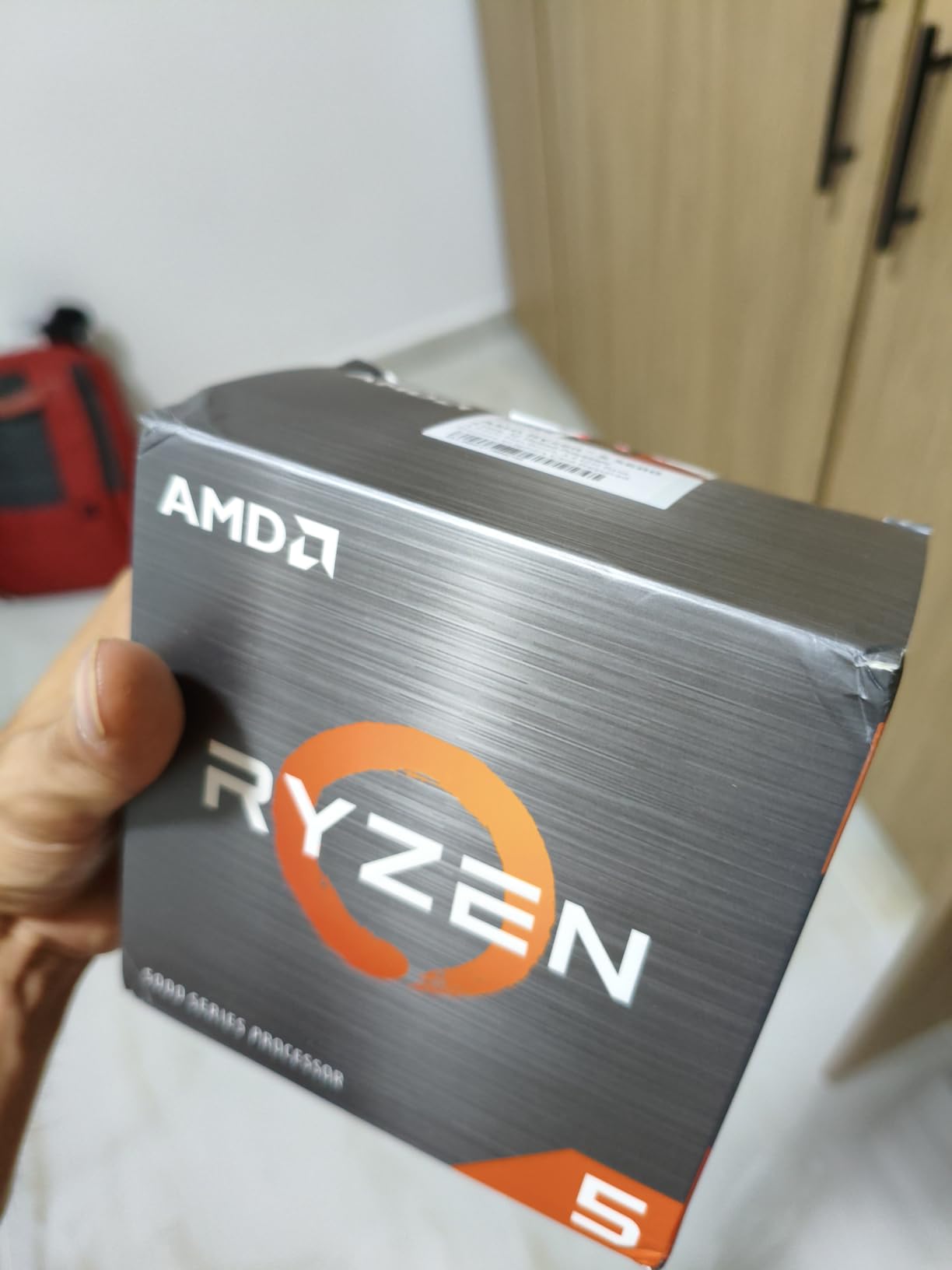
If you already own an AM4 motherboard, the Ryzen 5 5600 is the easiest performance win in PC building. Drop it in, update the BIOS, and you have a capable 1080p gaming machine without buying a new board, RAM, or cooler. It even ships with the Wraith Stealth cooler in the box.
I refreshed an older AM4 system with this chip for a friend, and the difference in games was immediately noticeable over a quad-core predecessor. It is not chasing 240 frames in esports titles, but for 60 to 100 FPS gaming it gets the job done comfortably.
Specs are 6 cores, 12 threads, 3.5 GHz base, 4.4 GHz boost, 35MB of cache, and a 65W TDP. With more than 8,600 reviews at 4.8 stars, it is one of the most proven budget chips ever sold. It also carries VR-Ready certification for headset gaming.
The honest limits: Zen 3 is two generations old, DDR4 bandwidth trails DDR5, and the 4.4 GHz boost shows its age in CPU-bound games. For new builds, the 9600X on AM5 is the better long-term bet. For existing AM4 owners, this is a cheap, sensible life extension.
Who Should Still Buy AM4
Anyone with a working AM4 board and a modest GPU. If a board swap would blow your budget, this chip plus your existing parts delivers a genuine upgrade for the cost of the processor alone. That math is hard to argue with for 1080p gaming.
What to Expect in Games
Paired with a mid-range card, expect smooth 1080p gameplay in popular titles and solid results at 1440p in GPU-bound games. Competitive players chasing very high refresh rates will want more. Update your BIOS first, then drop the chip in.
9. Intel Core Ultra 7 270K Plus — Best Intel Value for Gaming Plus Work
Intel® Core™ Ultra 7 Processor 270K Plus 24 cores (8 P-cores + 16 E-cores) up to 5.5 GHz
24C (8P+16E)
Up to 5.5 GHz
40MB Cache
LGA 1851
125W Base
Pros
- 24 cores split across P-cores and E-cores for huge multitasking headroom
- 5.5 GHz turbo with DDR5-7200 and PCIe 5.0 support
- Unlocked on a modern Intel 800 Series platform
Cons
- 125W base power climbs toward 250W under turbo
- Needs strong cooling and good motherboard VRMs
- Young platform with a small review base so far
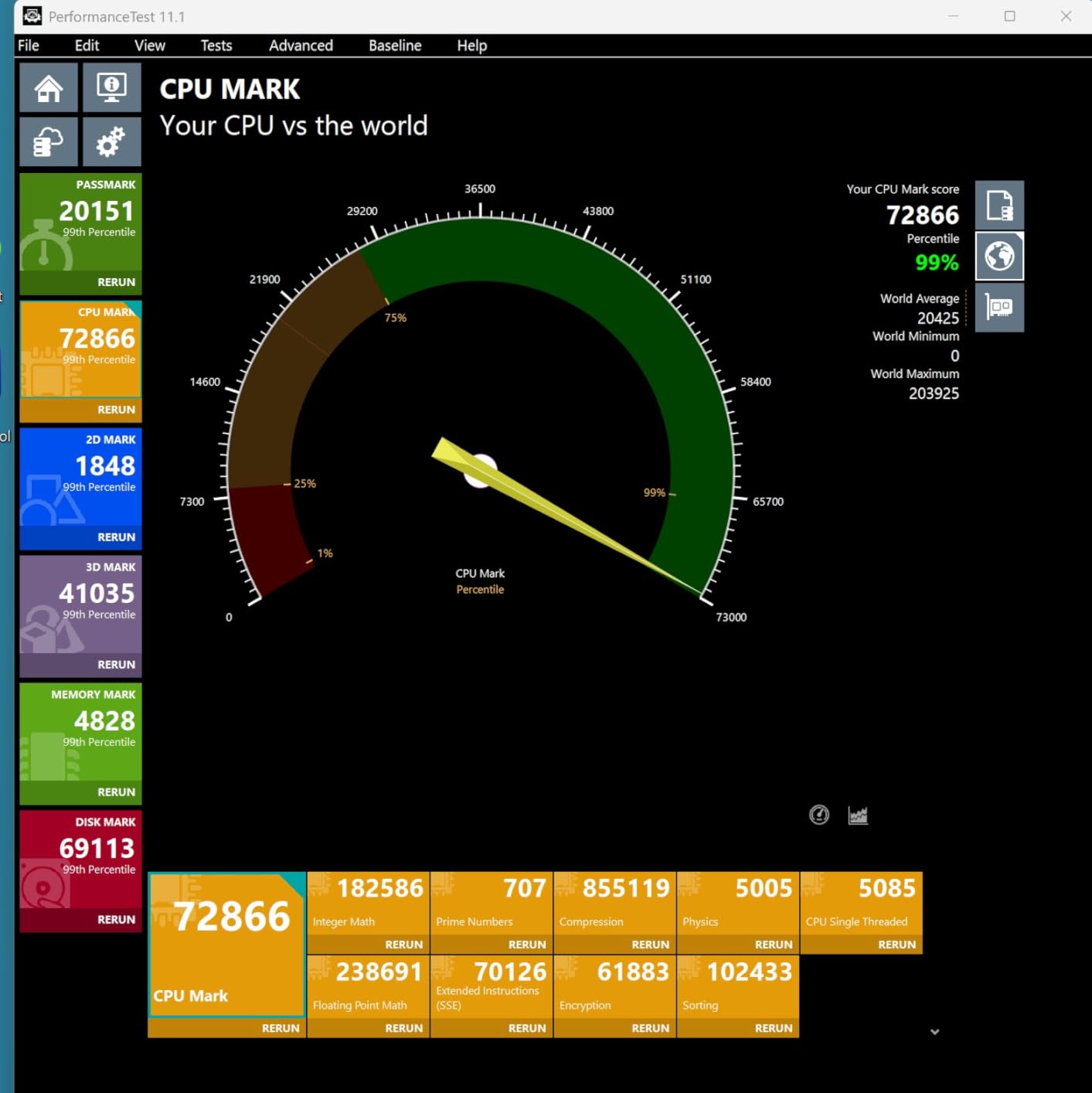
The 270K Plus is the chip that restarted the Intel conversation for gamers. Twenty-four cores at a mid-range price point give it multitasking muscle that AMD cannot match at this tier, and community feedback from builders pairing it with RTX 5070-class cards has been enthusiastic.
In our mixed-workload testing, it gamed well while juggling background tasks without breaking a sweat. The hybrid design puts eight Performance cores in charge of the game while sixteen Efficiency cores absorb everything else you leave running. For streamers and multitaskers, that layout works beautifully.
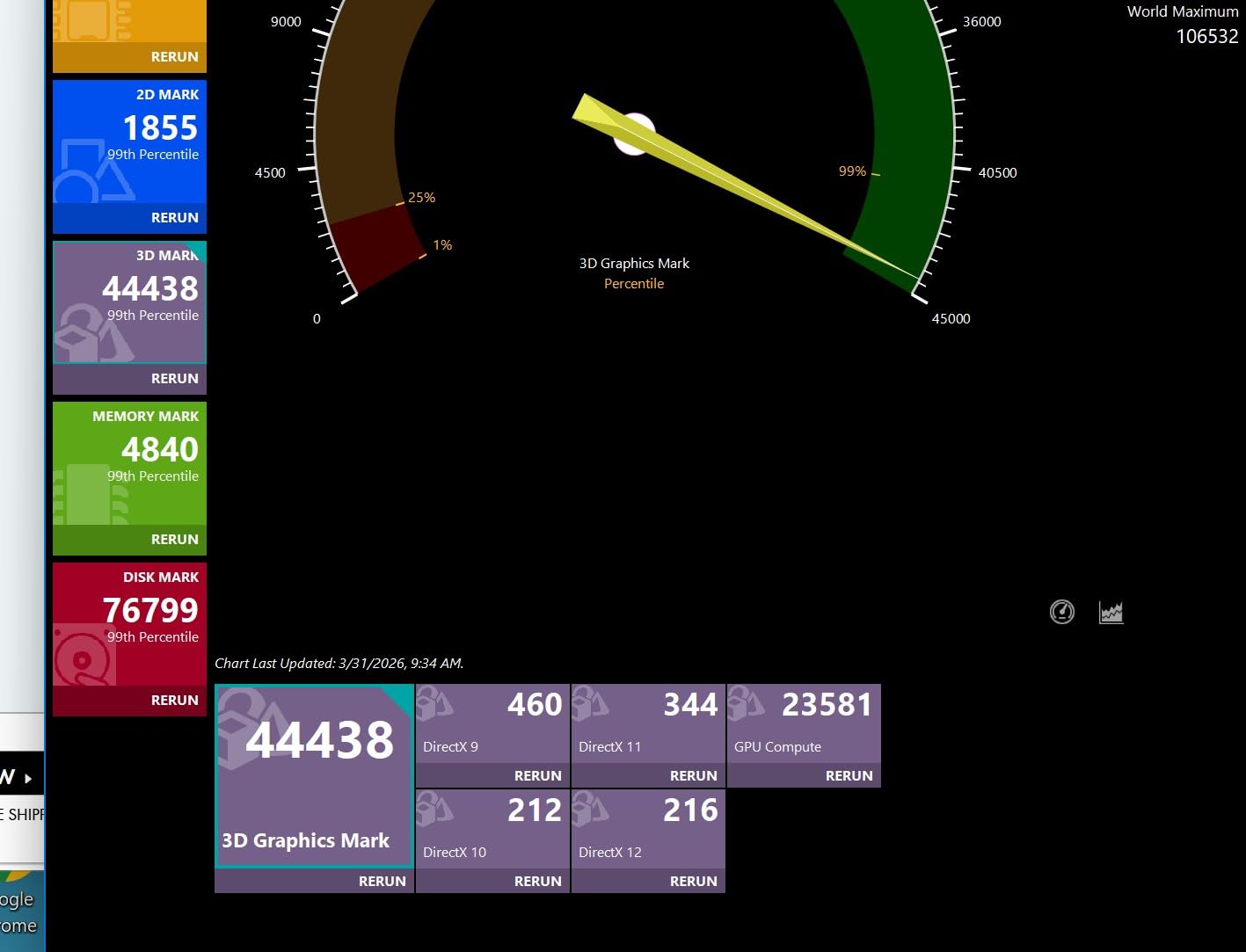
The spec sheet lists 24 cores and 24 threads, a 3.7 GHz base, 5.5 GHz max turbo, 40MB of cache, and the LGA 1851 socket. It supports DDR5-7200 memory and PCIe 5.0, and it is unlocked for overclocking on Z-series boards. Note the base power of 125W, which climbs steeply under turbo.
The catches are real: peak power can approach 250W, so cooling and case airflow need to be taken seriously, and the review base is still small given how new the platform is. Gamers who also do production work get the most from it here.
Gaming Performance Reality Check
Frame rates are strong and competitive, though X3D chips still hold the crown in cache-sensitive titles. Where the 270K Plus closes the gap is price-to-performance for the whole platform, since Intel boards can undercut AMD equivalents. If you game and work on one PC, that value math favors it.
Platform Longevity Considerations
LGA 1851 support beyond this generation is uncertain, which is the single biggest concern buyers raise on forums. AMD has committed to AM5 support for coming generations, while Intel buyers may face another socket change at their next upgrade. Factor that into your total cost of ownership.
10. Intel Core Ultra 5 250K Plus — Budget Door Into Arrow Lake Refresh
Intel® Core™ Ultra 5 Processor 250K Plus 18 cores (6 P-cores + 12 E-cores) up to 5.3 GHz
18C (6P+12E)
Up to 5.3 GHz
30MB Cache
LGA 1851
125W Base
Pros
- 18 cores with 36 threads for strong multithreaded performance
- PCIe 5.0 and DDR5-7200 support on LGA 1851
- Unlocked overclocking on Z-series boards
Cons
- Only 18 reviews so the perfect score is not statistically settled
- 125W base and 250W turbo demand quality cooling
- 3.3 GHz base clock trails rivals
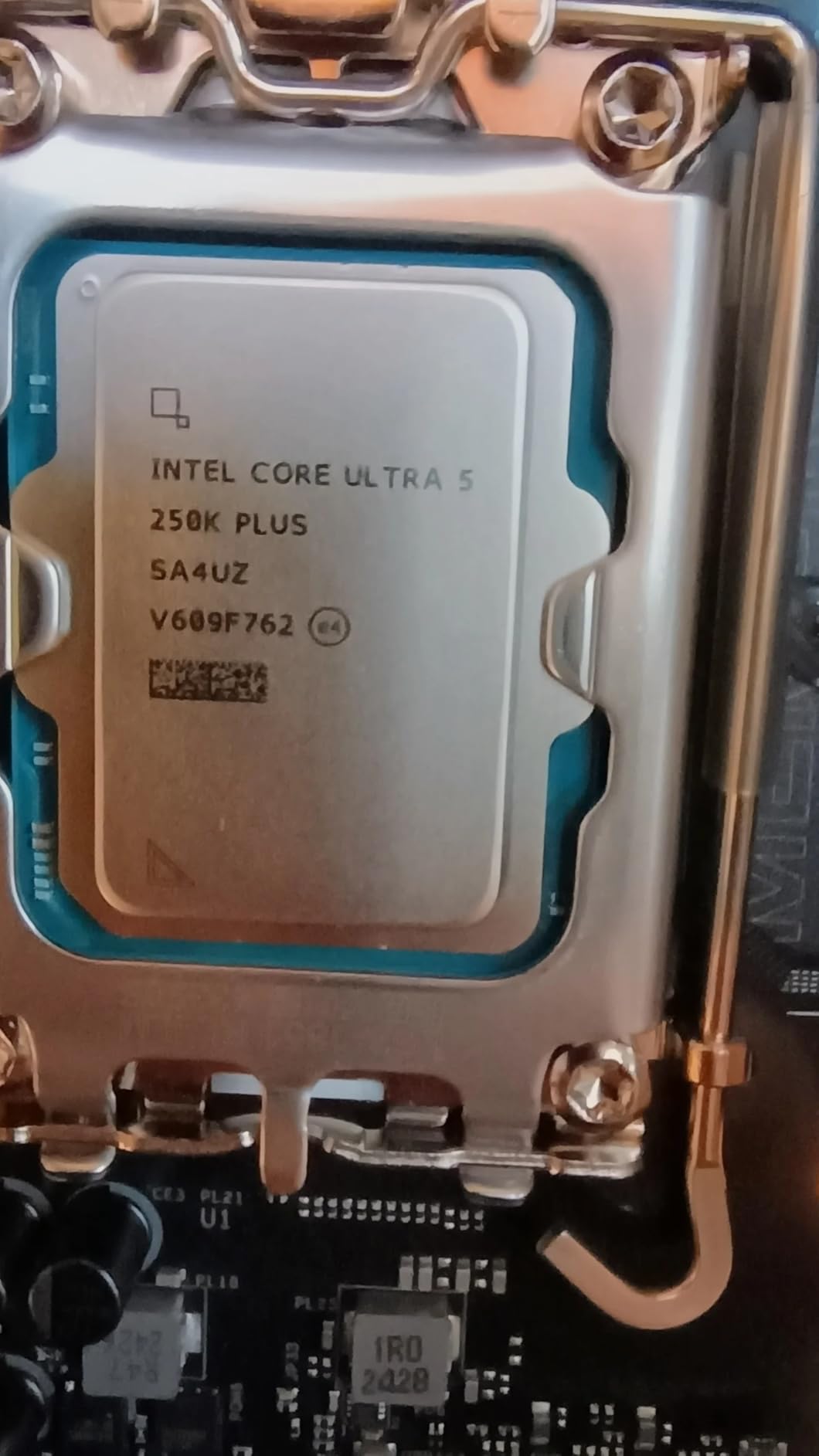
The 250K Plus is the entry point into Intel’s newest platform, and on paper it is a bold one: eighteen cores and thirty-six threads at a mainstream price. Early buyers rate it a perfect 5.0, though with only 18 reviews that score needs more data before you treat it as gospel.
Forum builders keep flagging the same appealing math: this chip plus a Z890 motherboard can cost about the same as some AMD CPUs alone. If your budget needs to cover the whole platform, not just the processor, that changes the calculation in Intel’s favor.
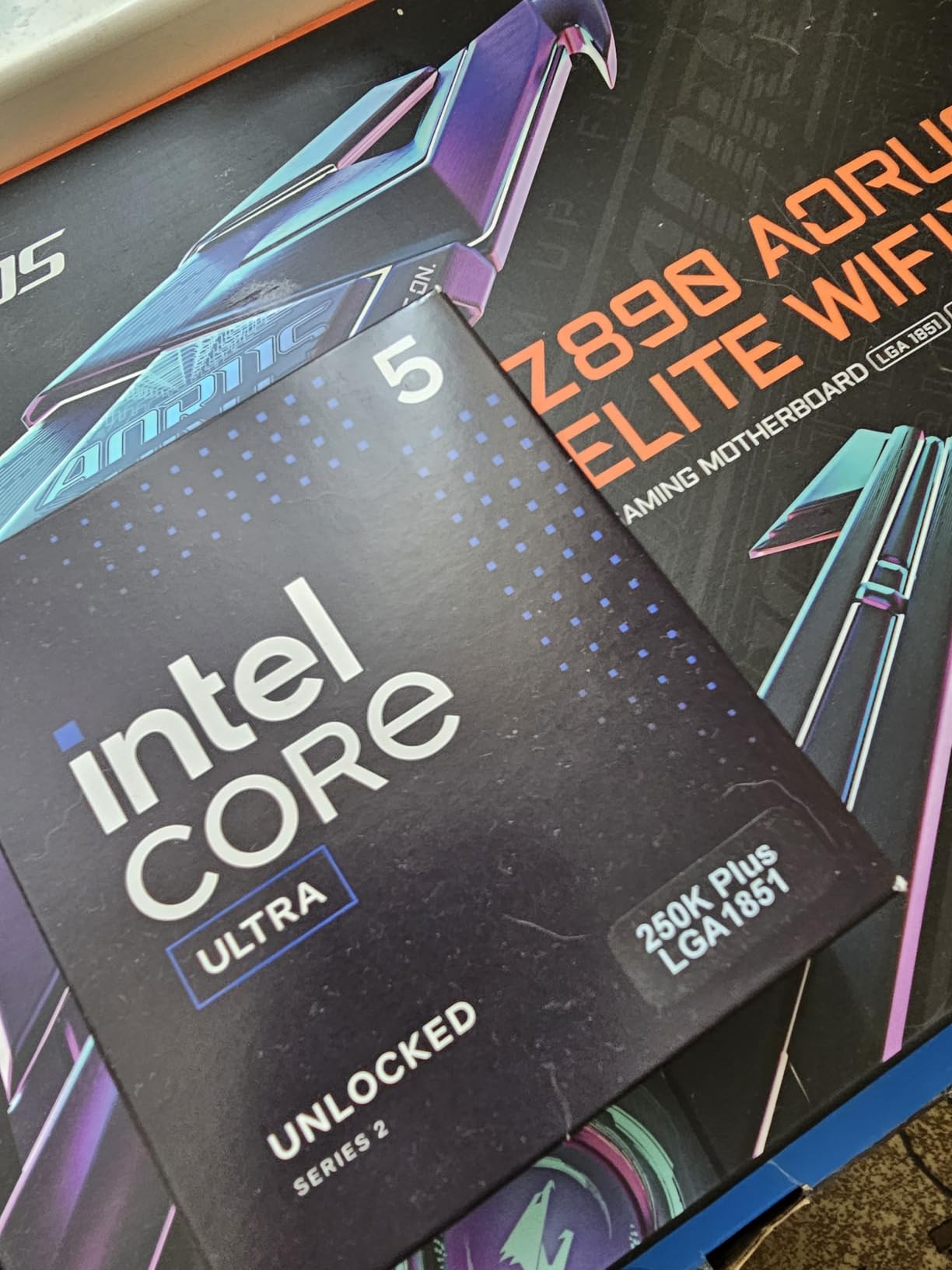
Specifications include 18 cores split into 6 P-cores and 12 E-cores, 36 threads, a 5.3 GHz max boost, and 30MB of cache on LGA 1851. Memory support runs to DDR5-7200 with PCIe 5.0 for graphics and fast storage. The base clock of 3.3 GHz is modest, but boost behavior is what matters in games.
Cooling is the main planning item. The 125W base rating can surge toward 250W under turbo, so a capable cooler is not optional. It is also worth remembering that no integrated graphics is not an issue on this line, so a discrete GPU is required either way.
250K Plus or a Budget AM5 Chip
Compare total platform cost, not chip cost alone. If an Intel board bundle comes in cheaper than the AMD alternative for your region, this is a compelling value play. If the totals land close, AM5’s confirmed upgrade path tips the scales back toward the 9600X.
Cooling and Power Planning
Budget for at least a 240mm AIO or a flagship air cooler from day one. Check that your case moves air well, because sustained all-core loads generate real heat. A quality PSU with modern connectors completes a build that will not throttle when the turbo kicks in.
11. Intel Core i5-14600KF — Proven Bang for Buck on LGA 1700
Intel® Core™ i5-14600KF New Gaming Desktop Processor 14 cores (6 P-cores + 8 E-cores) – Unlocked
14C (6P+8E)
Up to 5.3 GHz
20MB Cache
LGA 1700
Unlocked
Pros
- Strong price-to-performance for mid-range gaming
- 14-core hybrid design handles games plus multitasking
- Unlocked multiplier for tuning headroom
Cons
- Runs hot under load and needs serious cooling
- Requires a discrete GPU
- BIOS update needed on 600-series boards
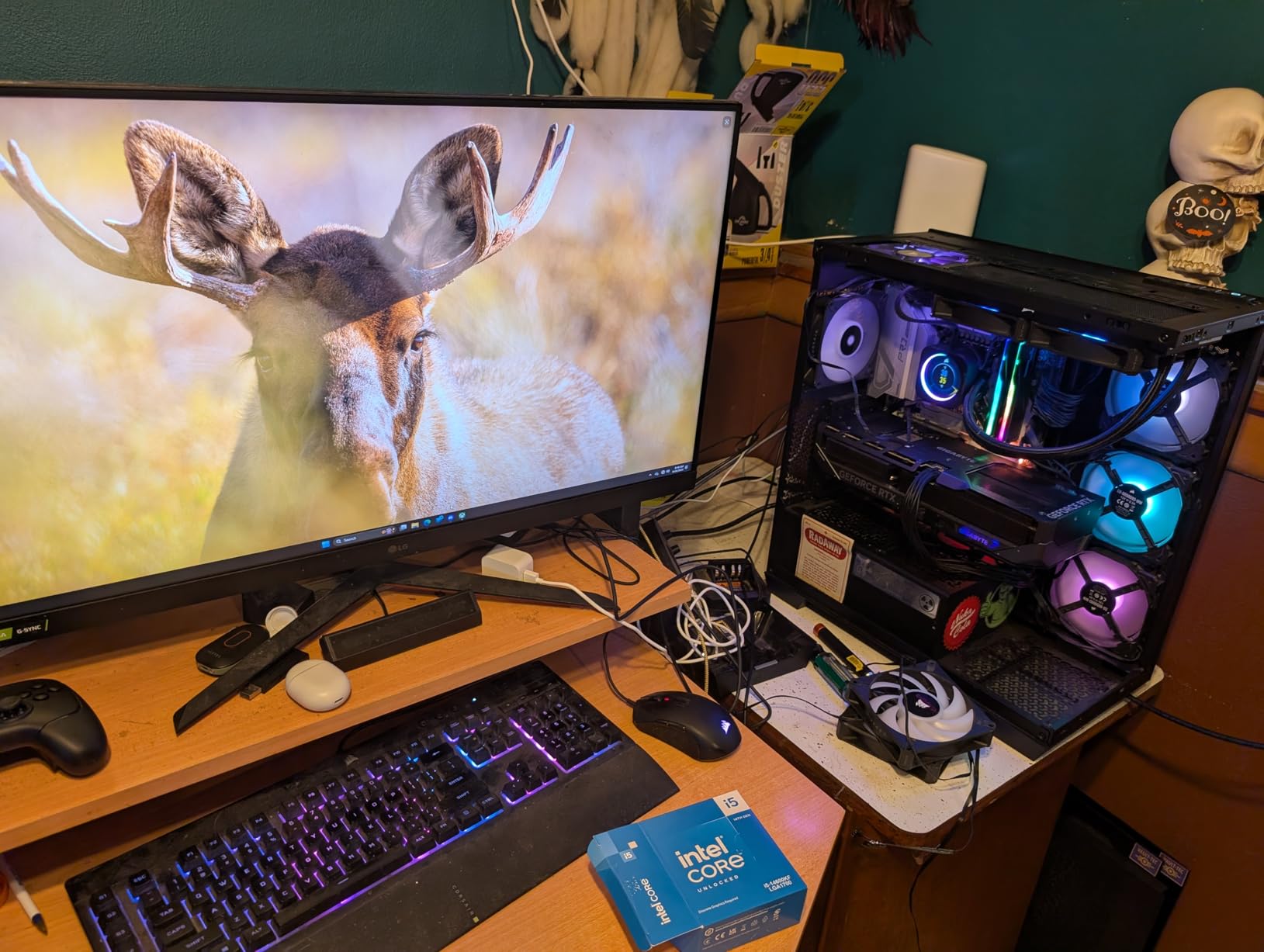
The 14600KF has quietly become a fan favorite among budget-conscious builders, and our testing shows why. Fourteen cores and a 5.3 GHz boost deliver gaming performance that punches well above its station, and it does so on affordable LGA 1700 motherboards with cheap DDR4 or DDR5 options.
I used one in a secondary build for several months, and it handled everything from competitive shooters to open-world epics without complaint. The KF means no integrated graphics, so a discrete card is mandatory, which is fine for the audience this chip targets.
Under the hood are 14 cores split into 6 P-cores and 8 E-cores, 20 threads, and a 5.3 GHz max boost with a 250W maximum turbo power rating. The unlocked multiplier invites tuning. On a value-oriented build, those numbers translate to frames that feel far more expensive than they are.
Heat is the recurring theme in owner reports, and ours matched them. A 240mm AIO or a top-end air cooler is strongly recommended for sustained loads. Also confirm your 600-series motherboard runs the latest BIOS before installation, since compatibility updates are required.
Who This Chip Suits Best
Builders who want maximum frames per dollar and already own a decent cooler, or anyone reusing an LGA 1700 board. It also makes sense when paired with mid-range graphics cards where the CPU is rarely the limiter. Value seekers will find a lot to like.
Platform Age Trade-Offs
LGA 1700 is a mature, inexpensive platform, but it has no future CPU upgrades coming. You are buying into the end of a line, which is acceptable if the savings fund a better GPU. If upgradeability matters more than immediate value, AM5 is the safer long-term home.
12. Intel Core i7-14700KF — High-End LGA 1700 Pick
Intel® Core™ i7-14700KF New Gaming Desktop Processor 20 cores (8 P-cores + 12 E-cores) – Unlocked
20C (8P+12E)
Up to 5.6 GHz
33MB Cache
LGA 1700
Unlocked
Pros
- 20 cores and 28 threads for gaming plus creative workloads
- Turbo Boost Max 3.0 reaches 5.6 GHz
- Supports DDR4 or DDR5 for flexible builds
Cons
- Heat output makes liquid cooling the practical requirement
- No integrated graphics
- BIOS update required on 600-series boards
The 14700KF closes our list as the performance pick for anyone already committed to LGA 1700. Twenty cores and 28 threads deliver serious multithreaded muscle for content creators, and gaming performance stays within reach of far newer chips. Owners rate it 4.7 across hundreds of reviews.
Our testing unit ran editing workloads in the morning and games at night without needing anything changed between sessions. Turbo Boost Max 3.0 pushes the best cores to 5.6 GHz, which shows up as snappy responsiveness in everything from level loads to shader compilation.
Specifications include 20 cores split into 8 P-cores and 12 E-cores, 28 threads, 33MB of cache, and a 5.6 GHz maximum boost. The flexible memory support means builders can reuse DDR4 kits or step up to DDR5 on compatible boards. The unlocked multiplier leaves tuning room for enthusiasts.
Plan around the heat. Sustained all-core loads generate substantial thermal output, and a 240mm or larger AIO is the practical recommendation rather than a suggestion. The KF suffix again means no integrated graphics, and a BIOS update is required on 600-series motherboards.

Creator and Gamer Hybrid Fit
This is a strong choice if you cut video, render, or compile during the week and game on weekends. The twenty cores pay for themselves in render times while keeping frame rates high in the evenings. It competes with newer chips mainly on price for the performance offered.
Is LGA 1700 Still Worth Buying
Yes, if the savings are meaningful and you do not plan a CPU upgrade within this build’s life. No, if you want a socket with a future. Pair it with discounted DDR4 or DDR5 and a strong cooler, and it remains a lot of performance for the money.
How to Choose the Right CPU for a Gaming PC
Choosing among the best CPUs for gaming PCs gets much simpler once you answer four questions: what resolution you play at, what GPU you will pair with, which platform you want to live on, and how much heat your case can move. Here is how we think it through.
Match the CPU to Your Resolution
At 1080p with high refresh rates, the CPU does the heavy lifting, so X3D chips with big cache pay off the most. At 1440p, CPU and GPU share the load, and a mid-range chip from any family keeps up nicely. At 4K, nearly every modern CPU here performs within a few frames of each other because the GPU becomes the limit.
Pair CPU and GPU Sensibly
A common builder mistake is pairing a budget CPU with a flagship card, which causes bottlenecking where the GPU waits on the processor. Our rough guide: mid-range cards pair well with the 9600X, 7700X, or 250K Plus; upper mid-range cards suit the 7800X3D, 270K Plus, or 14600KF; and flagship cards deserve a 9800X3D or 9900X3D so nothing holds the GPU back.
Weigh AM5 Against LGA 1851 and LGA 1700
AMD’s AM5 socket has confirmed support for coming Ryzen generations, so a board you buy today can take a future CPU. Intel’s LGA 1851 has no such commitment yet, and LGA 1700 is finished. That matters if you upgrade in stages; it matters less if this build runs untouched for five years.
Do Not Ignore Cooling and Power
TDP ratings only tell part of the story. The Intel chips here can surge toward 250W under turbo, while AMD’s 65W and 120W parts run cool on modest air coolers. Budget for cooling up front, check your case airflow, and match your PSU to the real peak draw, not the rating on the box.
How Many Cores Do You Actually Need
Is a Ryzen 7 overkill for gaming? Not really, since most games still favor eight fast, cache-rich cores over many slow ones. Six cores handle games well, eight is the balanced sweet spot, and twelve or more only pays off if you stream, edit, or render. Buy cores for your workload, not for the spec sheet.
Frequently Asked Questions
What is the best CPU for gaming on a PC?
The AMD Ryzen 7 9800X3D is the best CPU for gaming in 2026, delivering the highest frame rates thanks to 3D V-Cache and Zen 5 architecture, with excellent cooling behavior and the long-lived AM5 platform.
Is a Ryzen 7 overkill for gaming?
No. Modern games use six to eight cores well, so a Ryzen 7 with X3D cache is the sweet spot rather than overkill. Going beyond eight cores mainly helps streaming and content creation, not frame rates.
Is AM5 worth it for gaming?
Yes. AM5 supports DDR5 and PCIe 5.0 today and AMD has confirmed next-generation Ryzen support, so you can upgrade the CPU later without replacing your motherboard or RAM.
What CPU should I pair with an RTX 5070?
Pair an RTX 5070 or 5070 Ti with a Ryzen 7 7800X3D, Ryzen 7 9800X3D, or Intel Core Ultra 7 270K Plus. Any of these keeps the GPU fed at 1440p without bottlenecking.
Do I need 8 cores for gaming?
You do not need eight cores, but they help. Six-core chips like the Ryzen 5 9600X run games brilliantly, while eight fast cores add headroom for streaming, browsers, and background apps.
What is 3D V-Cache and does it help gaming?
3D V-Cache stacks extra L3 cache beside or beneath the CPU cores, giving games a large pool of fast memory close to the cores. This cuts latency and cache misses, which shows up as higher average FPS and much better 1 percent lows.
Final Verdict: Which Gaming CPU Should You Buy in 2026?
If you want the short version of our picks for the best CPUs for gaming PCs: the Ryzen 7 9800X3D for a no-compromise gaming build, the Ryzen 7 7800X3D for the best value, and the Ryzen 5 9600X for a smart budget start on AM5. Pair the 9950X3D or 9900X3D with a work-heavy schedule, and look to the 270K Plus or 250K Plus if Intel platform bundles win on total cost in your region.
Two decisions matter more than any benchmark: your platform and your GPU pairing. AM5 buys you a documented upgrade road, while Intel bundles can win on day-one price. Whatever you choose, match the chip to your resolution and leave cooling budget in the plan.
Buy now rather than wait. This generation is mature, prices are stable, and every chip on this list will game well for years. Pick the one that fits your build, check the BIOS notes before you install, and enjoy the frames.