
A home office all-in-one printer under 300 comes down to one number: how many pages you actually print in a month. Under that ceiling you are choosing between refillable ink tanks, cartridge-based color inkjets and monochrome laser multifunction printers, and each one wins at a different volume. The wrong pick ends up either running out of ink in a month or sitting idle and drying out.
Our picks cover all three categories on purpose, because the ranking guides we read split them apart and the choice in front of you is not really which brand is best. It is which ink delivery method matches your workload. We compared the eight models below on stated page yields, duplex support, document feeder size, paper capacity, connectivity and the running-cost structure each one commits you to. If you want the wider background first, our guide to all-in-one printers for home offices covers scanner workflows in more depth.
One warning before the list: subscription ink programmes are the biggest hidden cost in this category. They are not the problem itself, but enrollment prompts at setup and a price rise after the trial period are the reason several otherwise strong models land lower on this list than you would expect. Genuine-ink lock-in is the other one, and every brand on this list enforces it in some form.
Table of Contents
Top 3 Picks for Home Office All-in-One Printers Under $300 for October 2026

Epson EcoTank ET-2800
- Cartridge-free ink tanks
- 4500 black pages per ink set
- Print scan and copy
- 10 ipm black

Canon MegaTank G3270
- Up to 6000 black and 7700 color pages per ink set
- Borderless printing
- Wide media size support
- Compact footprint

Canon PIXMA TS6520
- Automatic two-sided printing
- Dual-band Wi-Fi
- 1.42 inch OLED display
- 14 ipm black speed
All 8 Printers Compared in October 2026
The table below is the fastest way to narrow the field. It carries every model in the roundup with the two or three specifications that actually change the decision.
| Product | Specifications | Action |
|---|---|---|
| Epson EcoTank ET-2800 |
|
Check Latest Price |
 Canon PIXMA TR8620a Canon PIXMA TR8620a |
|
Check Latest Price |
| Canon MegaTank G3270 |
|
Check Latest Price |
 Epson EcoTank ET-2400 Epson EcoTank ET-2400 |
|
Check Latest Price |
 Brother DCP-L2640DW Brother DCP-L2640DW |
|
Check Latest Price |
| Canon PIXMA TS6520 |
|
Check Latest Price |
 Brother MFC-L2820DW Brother MFC-L2820DW |
|
Check Latest Price |
 HP Smart Tank 5003 HP Smart Tank 5003 |
|
Check Latest Price |
1. Epson EcoTank ET-2800 – Best Overall Ink Tank With the Widest Owner Base
Epson EcoTank ET-2800 Wireless Color All-in-One Supertank Printer – Black
Inkjet all-in-one
10 ipm black, 5 ipm color
4500 black pages per ink set
100-sheet tray
11.4 lb
Pros
- Cartridge-free tanks with a claimed two years of ink in the box
- Sharp text at up to 5760 x 1440 dpi
- scan and copy in a 11.4 pound body
- Wi-Fi
- USB and app control
Cons
- No automatic duplex
- Flatbed scanner with no document feeder
- Modest 10 ipm black speed
- Small LCD with app-dependent controls
My default recommendation for a home office that prints a few hundred pages a month, and the reason is running cost rather than features. One ink bottle set is rated at up to 4500 black pages and 7500 color pages, and the manufacturer describes a single set as the equivalent of roughly 90 individual cartridges. Over the life of an ink tank machine that is the number that matters, and it is why ink tank models tend to stay in service after the unit itself ages out.
There is very little else to complain about at this size. Print, scan and copy all live in one unit, the flatbed scanner handles documents cleanly, and the Micro Piezo heat-free print head produces sharp text at up to 5760 x 1440 dpi. The unit weighs 11.4 pounds and includes a 100-sheet tray, so it fits a home desk without a dedicated cabinet.
Two limits shape who this suits. There is no automatic duplex, so double-sided documents come out one sheet at a time, and there is no document feeder, which means a twenty-page contract means twenty trips to the glass. Reviewers also flag a recurring reliability cluster: while 66 percent of owners gave five stars for the low ink cost, a 16 percent one-star group reported connectivity and reliability problems on their units. That is a meaningful minority and worth knowing before you commit.
Printer ownership is straightforward, though. Epson recommends genuine ink for print quality, and the bottle-based system means you are refilling a tank rather than swapping a chip-matched cartridge, which removes the cartridge-error class of problems entirely. A one-year limited warranty is included.
Where the ET-2800 fits a home office best
This is the pick for a remote worker printing contracts, invoices, coursework and the occasional color handout, at a steady few hundred pages a month. If your color printing is occasional but your black printing is constant, the 4500-page black yield means you refill rarely. The Wi-Fi and USB connectivity plus app control means it works from a laptop, a phone and a shared home network without a wired drop.
Where the ET-2800 is the wrong choice
Skip it if you print two-sided documents as a habit or you scan multi-page paper regularly. Without automatic duplex and without a feeder, a paperless document workflow will not happen on this machine, and the 10 ipm black speed is well behind the laser models further down this list. If you need scan-to-cloud destinations or a fax line, this is not the device.
2. Canon PIXMA TR8620a – Best Four-Function Pick With Auto Duplex and a Document Feeder
Canon PIXMA TR8620a – All-in-One Printer Home Office|Copier|Scanner|Fax|Auto Document Feeder | Photo, Document | Airprint (R), Android, Black, Works with Alexa
Inkjet four-function
15 ipm black, 10 ipm color
Auto duplex, 20-sheet ADF
200-sheet capacity, two trays
17.4 lb
Pros
- copy
- scan and fax in one unit
- Automatic two-sided printing
- Two paper trays including a rear feed
- Individual ink tanks so you replace only the color that runs out
Cons
- ADF is single-sided only
- Canon mobile app is criticized for speed and reliability
- Bulkier and heavier than compact cartridge models
- Photo scan resolution tops out at 600 dpi
This is the most complete function set in the roundup, and the only model here that combines print, copy, scan, fax, automatic two-sided printing and a 20-sheet document feeder. For a home office that still handles paperwork where a signature matters, or that faxes to a medical or real-estate office, that combination is hard to find under this ceiling.
The two paper trays are the quiet advantage. A 100-sheet cassette sits below a 100-sheet rear feed, so you can keep plain letter paper loaded in one and envelopes or heavier media in the other without swapping. Output is 15 pages per minute in black and 10 in color, with a stated duty cycle of 1000 pages.
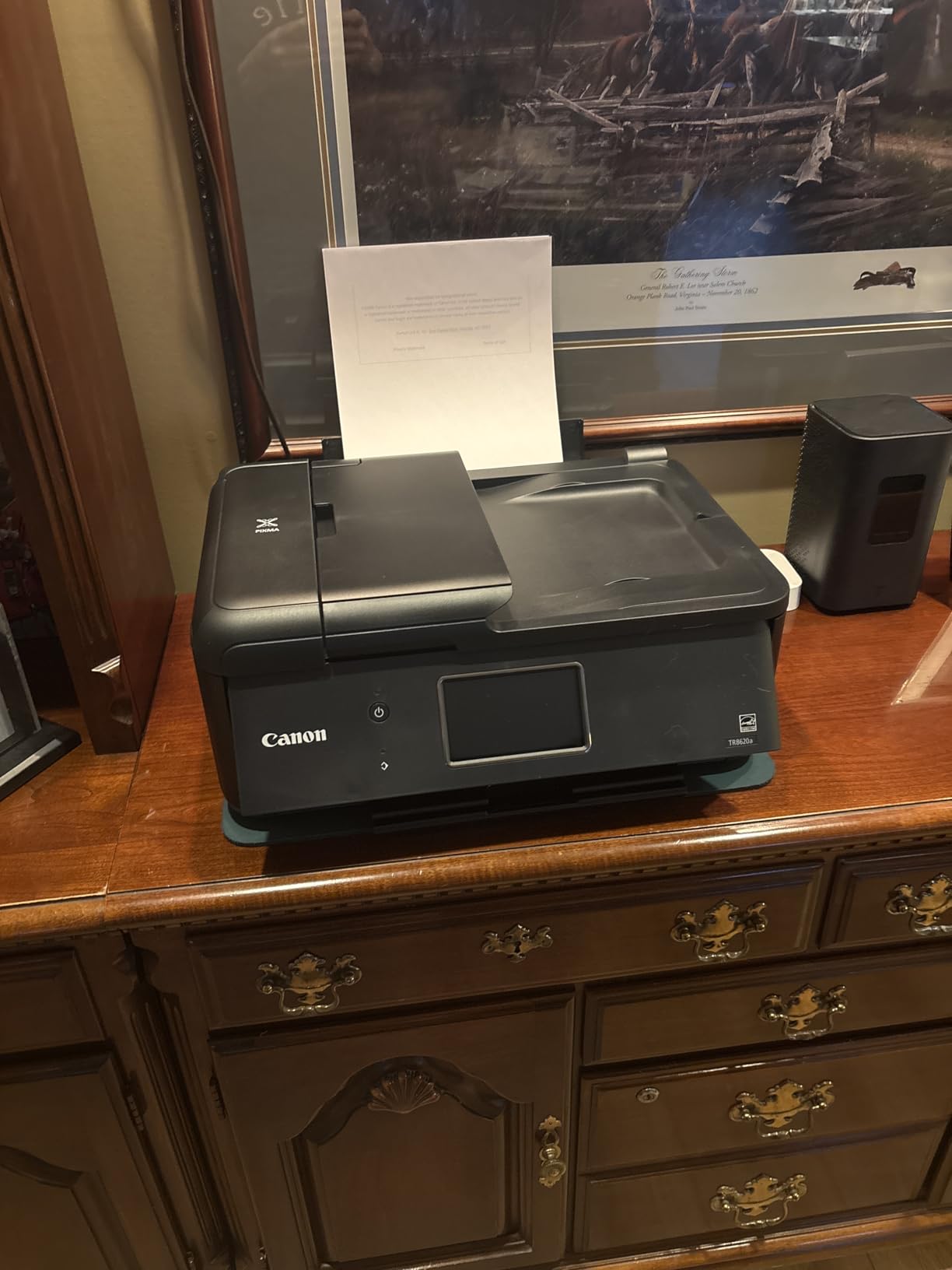
Owners consistently praise print clarity, the tiltable touch panel and the dual feeds. A steady 14 percent of reviewers gave one star, and their complaints cluster on the Canon print app, Wi-Fi setup friction and the single-sided document feeder. The app problem is worth taking seriously, because the control panel experience depends on it.
Individual ink tanks mean you replace only the color that ran out instead of discarding a full set, and the unit carries ENERGY STAR and EPEAT Silver certification. A micro SD slot and a one-year warranty round out the box, which also includes the standard ink tank set and telephone cords.
Who should buy the TR8620a
Buy it if fax is non-negotiable, if you scan in batches of twenty or more pages, or if two-sided printing appears often enough that doing it by hand has started to annoy you. It is also the natural fit for a home business that ships and invoices, since the rear feed handles labels and thicker stock without disturbing the main tray.
Who should look elsewhere
Pass if you never fax and rarely scan multi-page originals, because the ADF will sit unused while you carry the 17.4 pound weight and the larger footprint. Anyone who wants fast black-only throughput should note that 15 ipm is well short of the 34 and 36 ipm laser units here. Bluetooth is also absent, so connection is limited to wireless and USB.
3. Canon MegaTank G3270 – Best Value Ink Tank for Print, Copy and Scan
Canon MegaTank G3270 All-in-One Wireless Color Printer
Inkjet ink tank,Color
11 ipm black, 6 ipm color
6000 black pages per ink set
1.35 inch square LCD
13.2 lb
Pros
- Refillable tanks rated at 6000 black and 7700 color pages per set
- Very low running cost against cartridge inkjets
- Compact 13.2 pound body
- Supports borderless printing and wide media sizes
Cons
- Single-sided printing only
- No fax and no document feeder
- Small 1.35 inch LCD rather than a touchscreen
- Modest 11 ipm black speed
If your definition of home office work is print, copy and scan with no fax and no multi-page feeder, this is the cleanest match in the list. The refillable tank system is rated at up to 6000 black-and-white pages and 7700 color pages per set, which puts the running cost closer to the laser models than any cartridge-based unit here.
Media handling is more capable than the specification sheet suggests. It prints borderless, accepts paper from 4 by 6 inches up to 8 by 10 inches plus letter, legal, A-series sizes and envelopes, and it runs at 11 pages per minute in black and 6 in color. Borderless output at 4800 x 1200 dpi covers photo prints and color handouts without a separate photo machine.
Reviewers frame it as a budget workhorse, and the numbers support that: 67 percent gave five stars specifically for running costs and page yields. The 14 percent one-star group reports Wi-Fi pairing trouble, paper jams and feature limits, which is a normal spread for an entry-level unit. Energy Star and EPEAT Qualified certification are both listed, and the box includes the GI-21 bottle set and print heads.
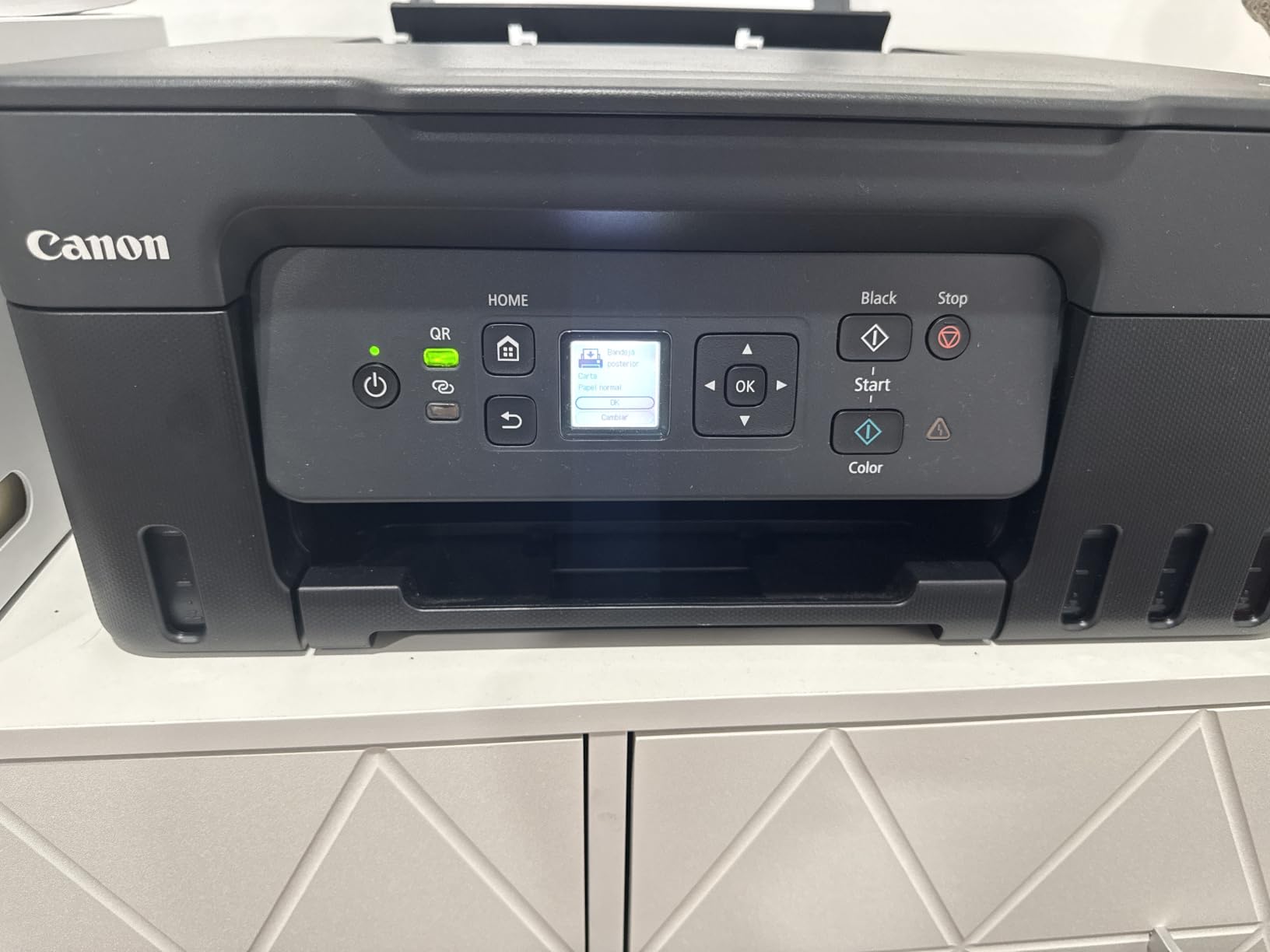
At 13.2 pounds and 21.9 by 16.4 by 10.6 inches, it is one of the more compact ink tanks here, which matters if the printer has to share a desk with a laptop. A one-year warranty is included.
Best fit for the G3270
This suits a household that prints school projects, recipes, invoices and travel documents, and needs a scanner for the occasional form. The page yields mean you will go a long stretch between refills, and borderless output handles a photo print in a pinch. It is also a sensible second printer for a shared home where one machine serves two adults.
Poor fit for the G3270
It is the wrong tool for a paper-heavy office. With no automatic duplex, no document feeder and no fax, every two-sided document and every multi-page scan is a manual operation. The small square LCD also means status checking is quick but configuration is not, so setting up scan destinations is fiddly.
4. Epson EcoTank ET-2400 – Best for Small Desks and Light Volumes
Epson EcoTank ET-2400 Wireless Color All-in-One Supertank Printer
Inkjet ink tank,Color
10 ipm black, 5 ipm color
Up to 4500 black pages per set
8.6 lb, no display screen
Pros
- Refillable EcoFit tanks cut ink cost sharply
- Lightest body in the roundup at 8.6 pounds
- Sharp text via Micro Piezo heat-free technology
- Simple USB or Wi-Fi setup with app support
Cons
- No automatic duplex and only manual two-sided
- Indicator lights only with no display screen
- Some units report more frequent paper jams than Canon tank equivalents
At 8.6 pounds this is the smallest unit in the roundup, and that is the entire pitch. If the printer has to live on a shared desk, in a home office nook or in a room where a 25 pound laser chassis would be unwelcome, the ET-2400 does the job without taking over the space.
The ink economics are the same idea as the ET-2800 at a smaller scale. One bottle set is rated at up to 4500 black-and-white and 7200 color pages, roughly 80 individual cartridges in the manufacturer’s framing, with up to two years of ink in the box. Print, copy and scan are all present, along with USB and Wi-Fi.
Owners rate it well for economical ink and compact size, with 64 percent at five stars. The 17 percent one-star cluster is worth reading: those reviews report recurring paper jams, Wi-Fi pairing problems and frustration at the absence of duplex printing. A separate practical note is that some 5 GHz networks need to be switched off during setup, which trips up more people than the manual suggests.
Print resolution is 5760 x 1440 dpi and first page lands in about seven seconds. Output capacity is 30 sheets, the paper tray holds 100, and the unit carries Energy Star certification with a one-year limited warranty.
Where the ET-2400 makes sense
It fits a small apartment office, a dorm-style setup or a spare room where a light, quiet machine matters more than throughput. For coursework, recipes, short reports and light color use, the running cost stays low and the footprint stays small. It is also a good fit for a second workspace where a full laser MFP would be excessive.
Where it falls short
There is no display screen at all, only indicator lights, so anything beyond a simple print has to go through the app. Manual duplex only means two-sided work is entirely on you, and the modest 30-sheet output tray means longer jobs need emptying mid-run. It is not aimed at professional photo output either.
5. Brother DCP-L2640DW – Best Monochrome Laser for Contracts and Invoices
Brother DCP-L2640DW Wireless Compact Monochrome Multi-Function Printer, Copy, Scan, Duplex, Mobile Printing
Monochrome laser MFP
36 ipm black
50-page ADF, auto duplex
250-sheet tray, 120-sheet output
25 lb
Pros
- Fastest black output in the roundup at 36 pages per minute
- 50-page document feeder for batch scanning
- Automatic duplex printing
- 250-sheet paper tray with dual-band Wi-Fi and Ethernet
Cons
- Monochrome only with no color printing or scanning
- Wi-Fi setup and firmware password steps can frustrate
- 25 pound body is heavy for a desk
- PC scanning software is clunky
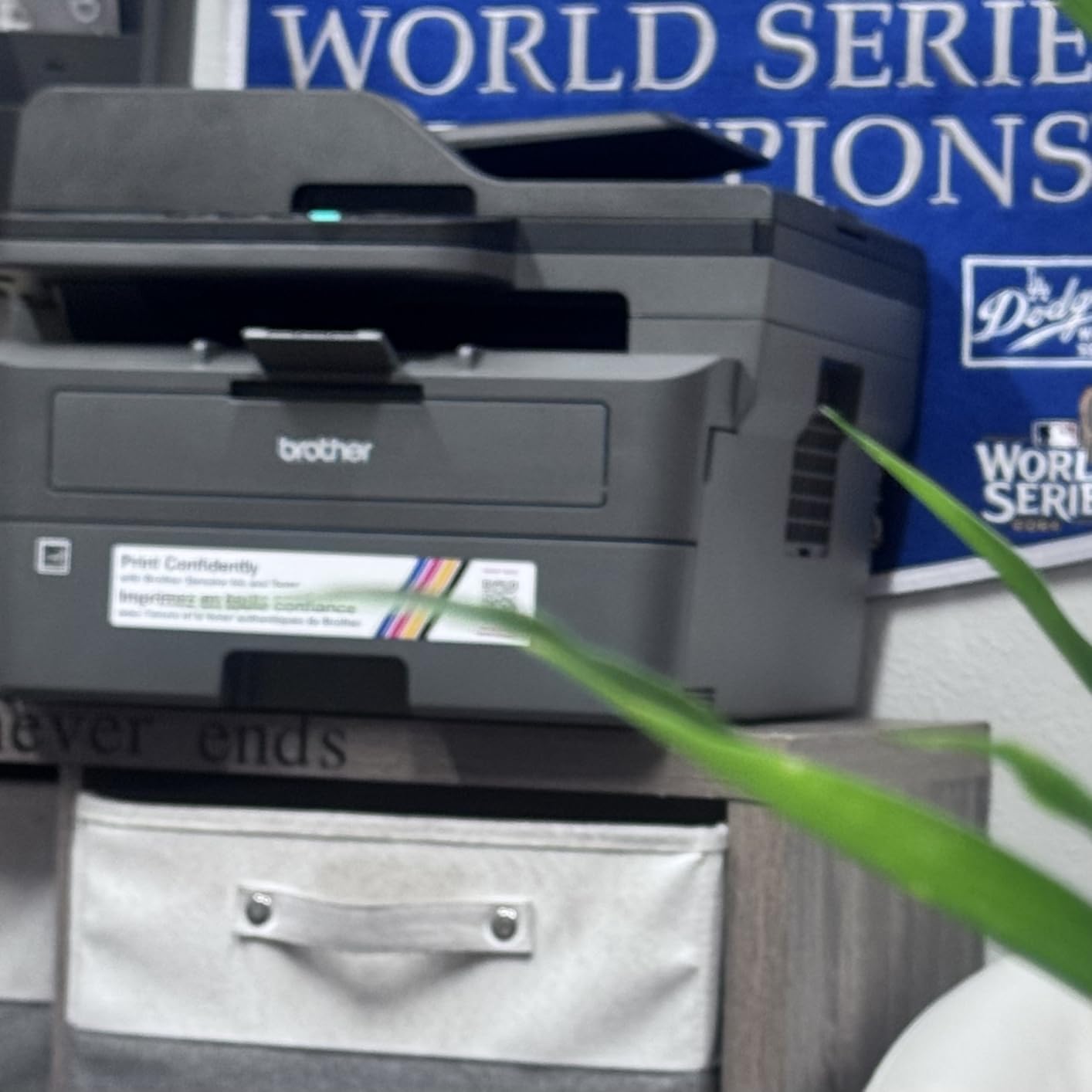
This is the printer to buy if your home office is a black-and-white operation. Contracts, invoices, shipping manifests, leases and scanned receipts are the workload, and at up to 36 pages per minute this is the fastest machine here by a clear margin. Toner-based output also does not dry out in the cartridge, which removes the single most common failure pattern of cartridge inkjets.
The paper handling is office-grade. A 50-page automatic document feeder handles batch scanning and copying, print resolution reaches 1200 x 1200 dpi, and the 250-sheet input tray with a 120-sheet output tray means you rarely refill mid-job. Copy speed matches print speed at 36 pages per minute, and up to 50 copies can run in one job.
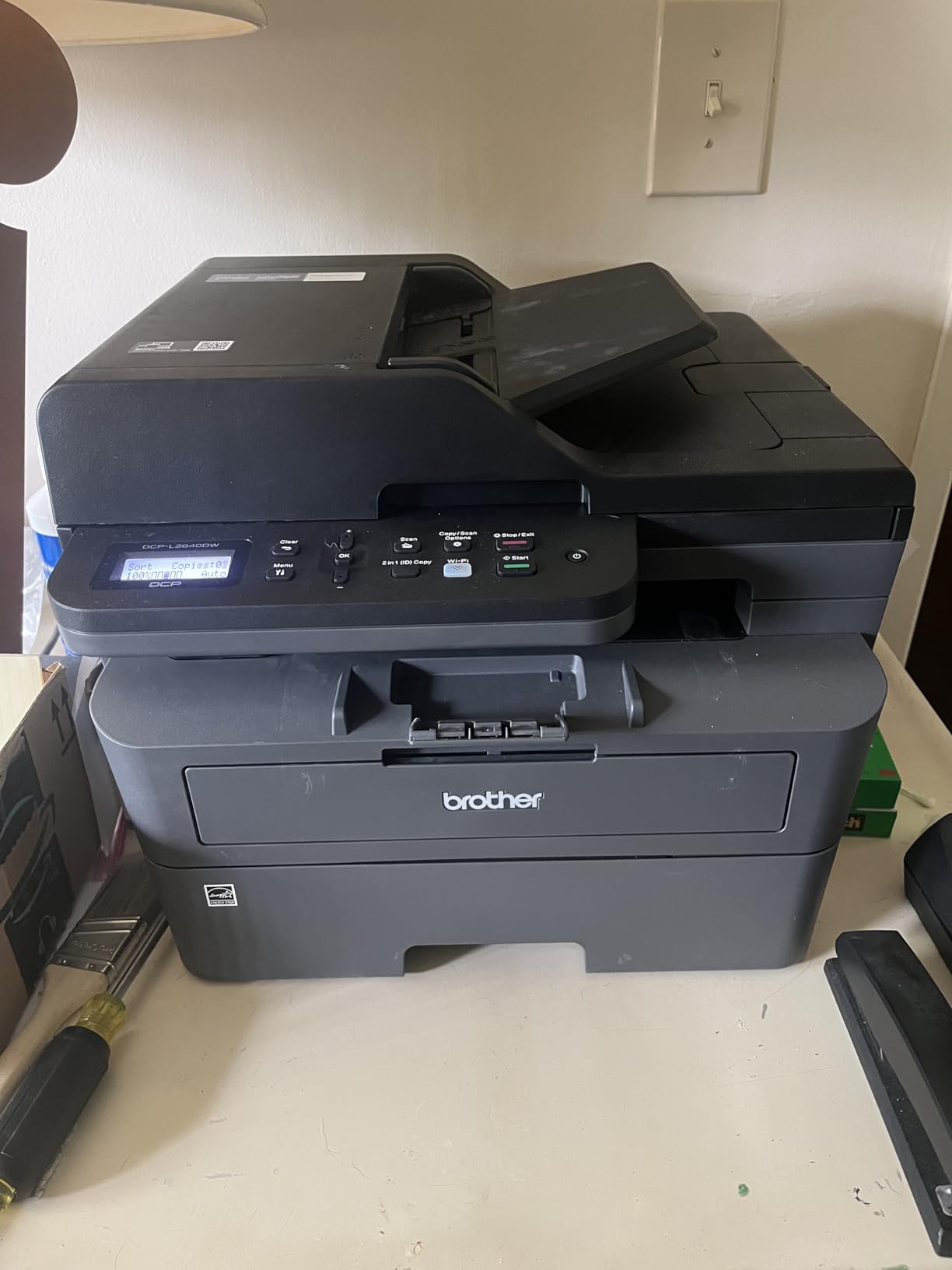
Users treat it as a dependable workhorse, and 68 percent gave five stars for speed, toner economics and reliability. The 14 percent one-star group concentrates on network setup, firmware password handling and PC scan-to-file software, which is a fair summary of what laser MFPs get wrong. Energy Star and EPEAT Qualified are both listed, and the box ships with a drum unit and toner cartridges.
Connectivity is the strongest in the roundup: dual-band 2.4GHz and 5GHz wireless plus Ethernet and USB, with Brother Mobile Connect handling mobile print and scan. Toner is the TN830 or the higher-yield TN830XL, and the unit carries a one-year limited warranty.
Who the DCP-L2640DW is built for
Contractors, bookkeepers, real-estate agents and anyone printing multipage documents all day will feel the 36 ipm speed most. The 50-page feeder and automatic duplex together make it the only pick here that handles a serious paper workflow without manual intervention. It also suits a two-person household printing from two devices on a stable network.
Why some buyers should skip it
There is no color output of any kind, so a single color chart, a photo or a highlighted form ends that idea immediately. At 25 pounds it is by far the heaviest unit in this roundup and the least suited to a small desk. The on-printer menu is also less intuitive than the mobile app, so budget time for the first configuration.
6. Canon PIXMA TS6520 – Budget Pick That Includes Automatic Duplex
Canon PIXMA TS6520 Wireless Color Inkjet Printer, Duplex Printing, Copier/Scanner, 1.42″ OLED Display, Compact, White
Cartridge inkjet,Color
14 ipm black, 9 ipm color
Auto duplex, no ADF
1.42 inch OLED display
15.4 lb
Pros
- Automatic two-sided printing in a compact body
- 1.42 inch OLED display shows ink levels and status
- Dual-band Wi-Fi for stable wireless printing
- Three-year manufacturer warranty
Cons
- Two-cartridge hybrid ink system rather than individual tanks
- Print resolution capped at 1200 x 1200 dpi
- No document feeder and no fax function
- Small sheet capacity limits longer runs
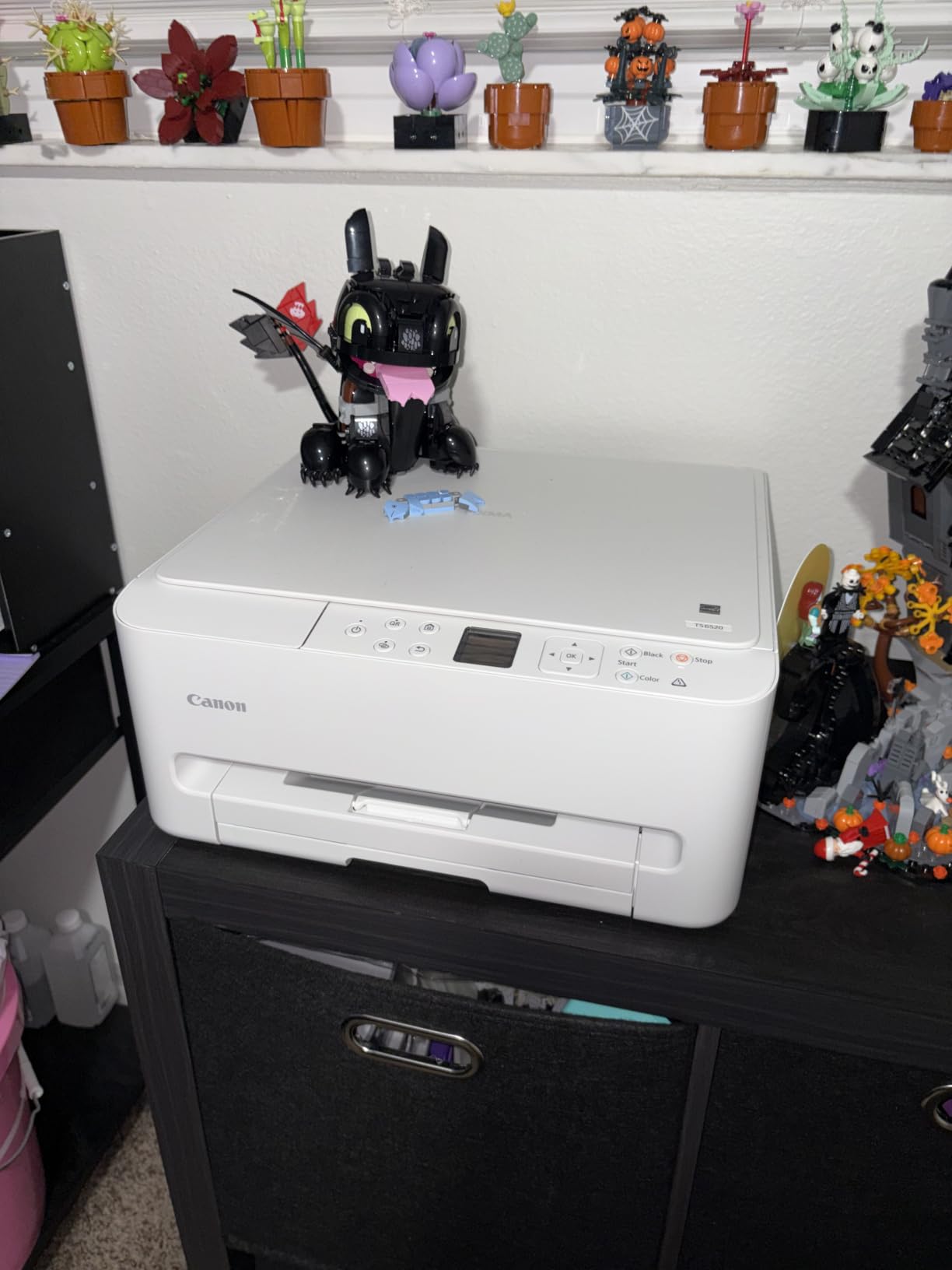
Automatic duplex at the entry level is unusual, and that single feature is why this machine is worth a place on a list of ink tanks and lasers. Most printers at this level print one side at a time. This one handles two-sided documents on its own, and at 14 pages per minute in black and 9 in color it is quicker than any ink tank in the roundup.
The 1.42-inch monochrome OLED display is unusual in a compact unit and more useful than it sounds, because it shows ink levels and job status at a glance rather than making you open an app. Connectivity is dual-band Wi-Fi plus USB, with Canon PRINT, Apple AirPrint and Mopria all supported.
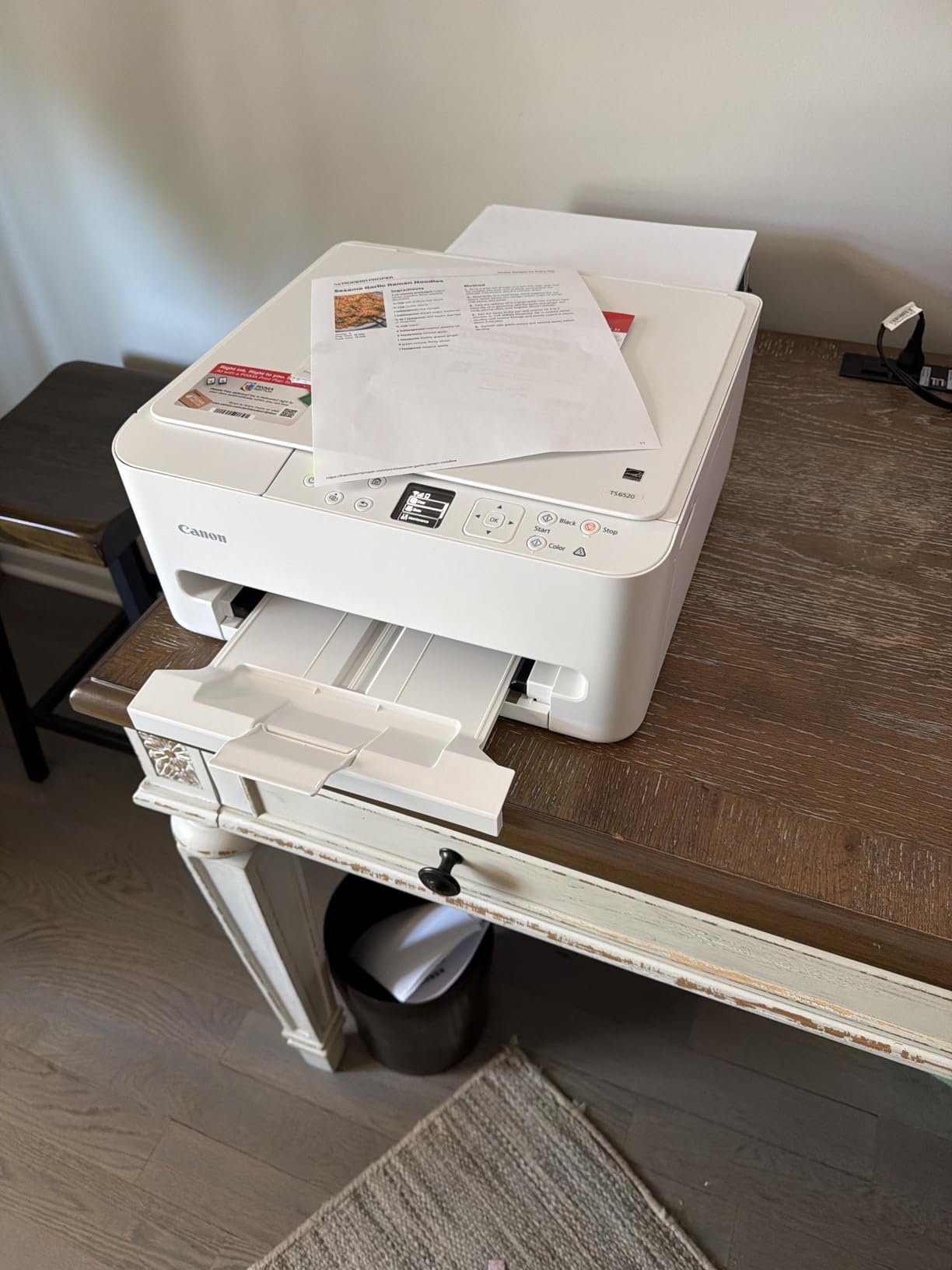
This is the most highly rated unit in the group, with 70 percent of reviewers at five stars and only 12 percent at one star. Those reviews cite the automatic duplex, the compact size and the OLED status display as the standouts for home and hybrid work. Borderless photo printing up to 8.5 by 11 inches is supported alongside a flatbed scanner and copier.
The trade-off is ink. It uses a two-cartridge hybrid system, a PG-295 pigment black tank and a CL-286 dye color tank, so running cost per page sits well above the refillable models. Print resolution is capped at 1200 x 1200 dpi. The warranty is three years, longer than anything else here.
Best reasons to pick the TS6520
It suits a hybrid worker who prints maybe fifty to a hundred and fifty pages a month, needs color occasionally, and refuses to flip paper by hand for two-sided documents. The compact 15.4 pound body and 6.7 inch height let it sit on a credenza or a small stand. The three-year warranty is a genuine advantage for a first home office printer.
Where the running cost bites
If you print a few hundred pages a month, the cartridge system will cost meaningfully more over three years than any ink tank on this list. There is also no document feeder and no fax, so batch scanning and legacy paperwork are out. Anyone needing color photos should look at a tank model with a higher color yield instead.
7. Brother MFC-L2820DW – Best Four-Function Laser MFP With a Touchscreen
Brother MFC-L2820DW Wireless Compact Monochrome All-in-One Laser Printer with Copy, Scan and Fax, Duplex, Black & White | Includes Refresh Subscription Trial(1), Works with Alexa
Monochrome laser MFP
34 ipm black
Print copy scan fax, 50-page ADF
2.7 inch touchscreen
22.5 lb
Pros
- copy
- scan and fax in one box
- 34 ipm monochrome speed with automatic duplex
- 2.7 inch touchscreen supports cloud print-to and scan-to
- 50-page ADF handles batch copy
- scan and fax
Cons
- Monochrome only with no color output
- Document feeder does not scan two-sided originals
- Touchscreen backlight times out quickly
- Registration prompts push toner auto-ordering
This is the machine for a home business that has outgrown a printer and now has a fax number, a scanner and a copier to contend with. Print, copy, scan and fax sit in one chassis, it runs at up to 34 pages per minute in black with automatic duplex, and the 50-page feeder handles batch work across all four functions.
The 2.7-inch touchscreen is the feature that separates it from every other unit here. It supports print-from and scan-to destinations including Google Drive, Dropbox, Evernote and OneNote, which turns the box into a small paperless intake point. Print resolution is 1200 x 1200 dpi and the paper handling is 250 sheets in and 250 sheets out.
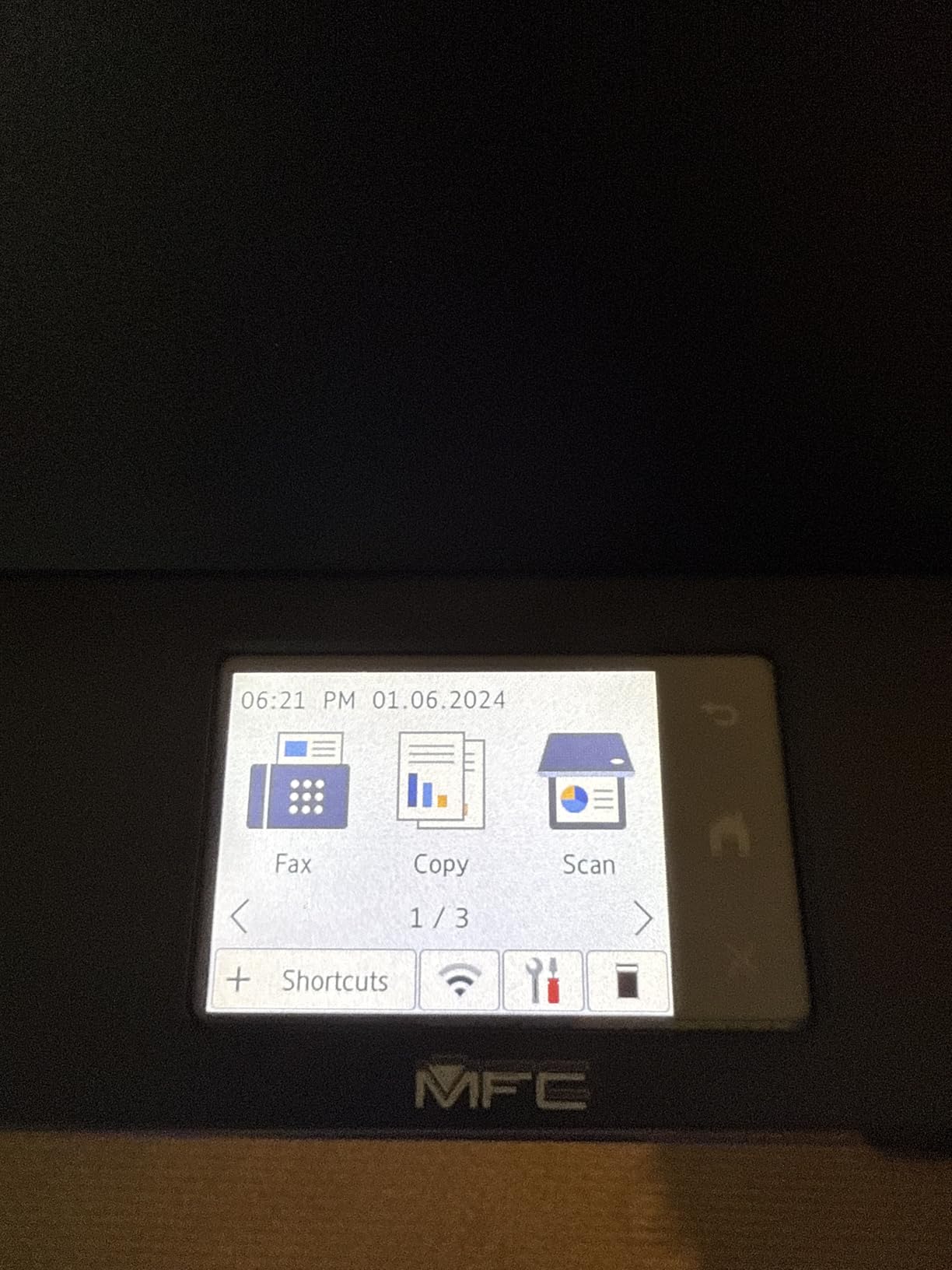
Reviewer sentiment is very positive at 71 percent five stars, with the lowest one-star share in the group at 9 percent. Owners highlight easy setup, quiet operation and dependable black-and-white output. The gripes are consistent: jams have to be cleared from the back of the unit, the screen backlight times out quickly, and the document feeder will not scan two-sided originals on its own.
There is a subscription wrinkle worth naming. The listing mentions a Refresh subscription trial and the unit’s registration flow pushes toner auto-ordering, which is exactly the enrollment behavior that annoys buyers in this category. Declining it does not change the printer, but know the prompt is coming. A one-year limited warranty is included with a drum unit and toner cartridges.
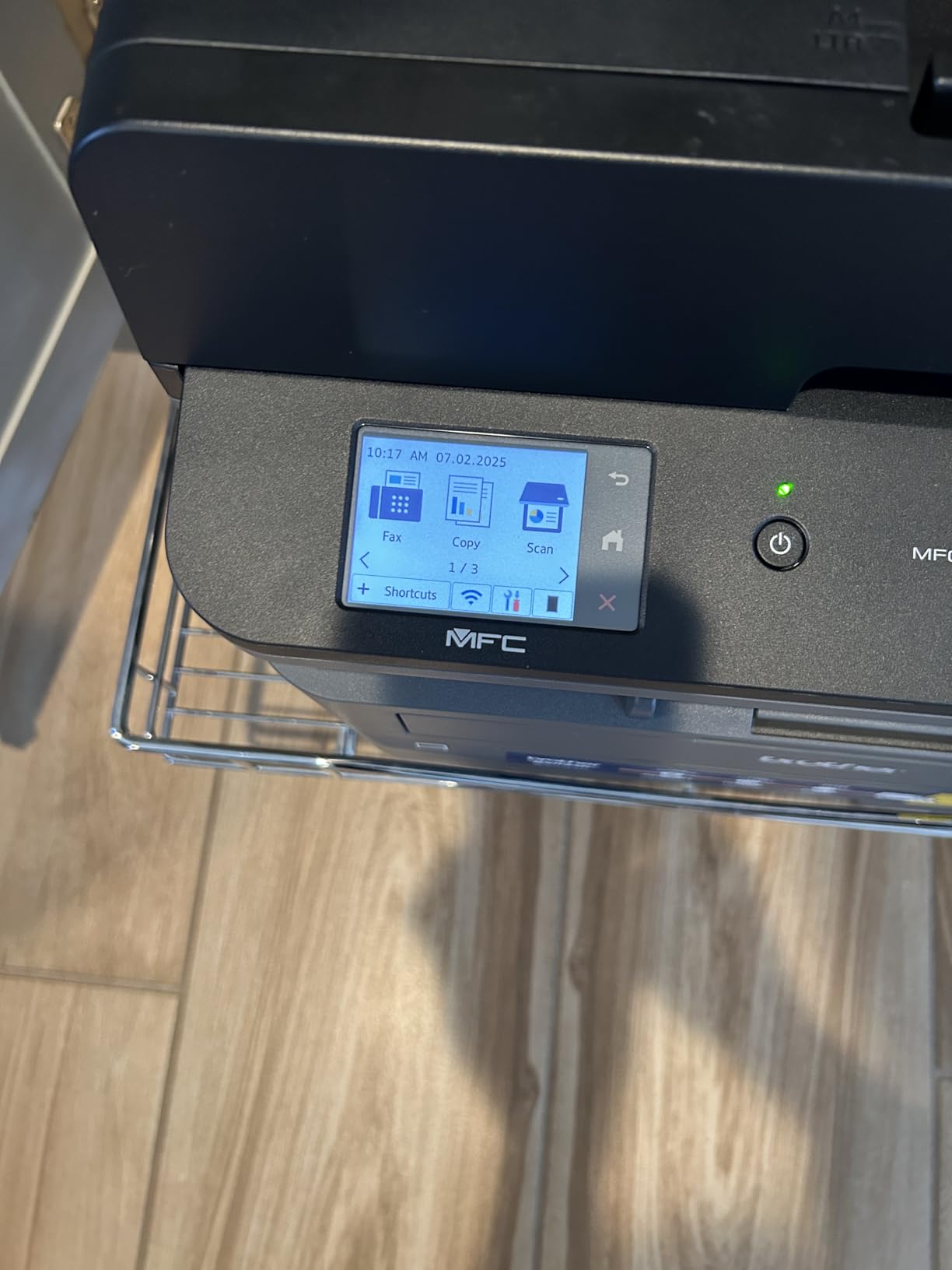
Who this laser MFP suits
A small consulting practice, a property manager or a home office that files everything digitally will get the most from the touchscreen and cloud destinations. It suits a workspace that shares one device for fax, scanning and printing rather than keeping separate machines. Dual-band Wi-Fi plus Ethernet and USB covers multi-device setups.
Where it will disappoint
It is monochrome only, so any color need at all rules it out. The ADF is single-pass, so double-sided originals need manual flipping, which limits how far the paperless workflow can go. It is also the highest-priced unit in this roundup and the second heaviest, so budget for the desk space and the move.
8. HP Smart Tank 5003 – Best for the Cleanest Ink Refilling Experience
HP Smart Tank 5003 Wireless All-in-One Ink Tank Printer, Scanner, Copier with up to 3 Years of Ink Included, Best-for-Home, Cartridge-Free Refillable, AI-Capable (9B2D3A)
Ink tank thermal inkjet,Color
10 ipm black, 5 ipm color
Up to 6000 pages of ink included
11.1 lb, flatbed scan only
Pros
- Cartridge-free tanks with up to three years of ink included
- Mess-free refills where bottles plug in and drain
- copy and scan plus borderless and mobile printing
- Low-profile 11.1 pound body
Cons
- Manual duplex only
- Flatbed scanner with no document feeder
- First page time of 21 seconds is slow
- Smallest review base in the roundup
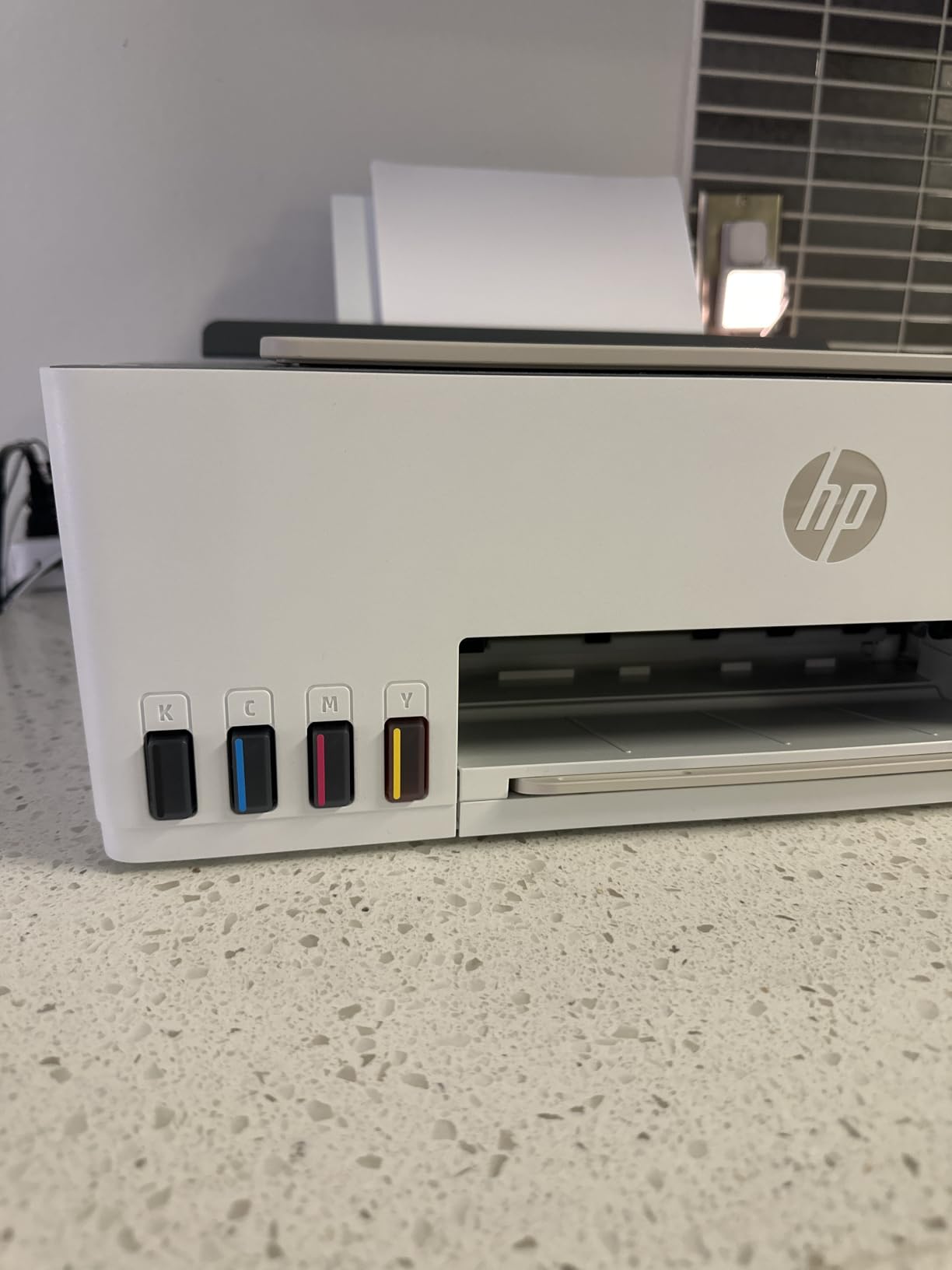
The refill system is the story here. Ink arrives as bottles that plug into the tank and drain on their own, with no squeezing, no syringes and no spilled ink on a desk. HP states up to three years of ink and up to 6000 pages in the box, and the refill bottles are HP 32XL for black and HP 31 for the three colors.
Print, copy and scan are all present, along with borderless output and mobile printing. Resolution reaches 1200 x 1200 dpi rendered in black and 4800 x 1200 optimized in color, and it accepts paper up to legal size. AirPrint, HP ePrint, Mopria, USB and Wi-Fi are all supported, which makes it the easiest to set up alongside a phone or tablet.
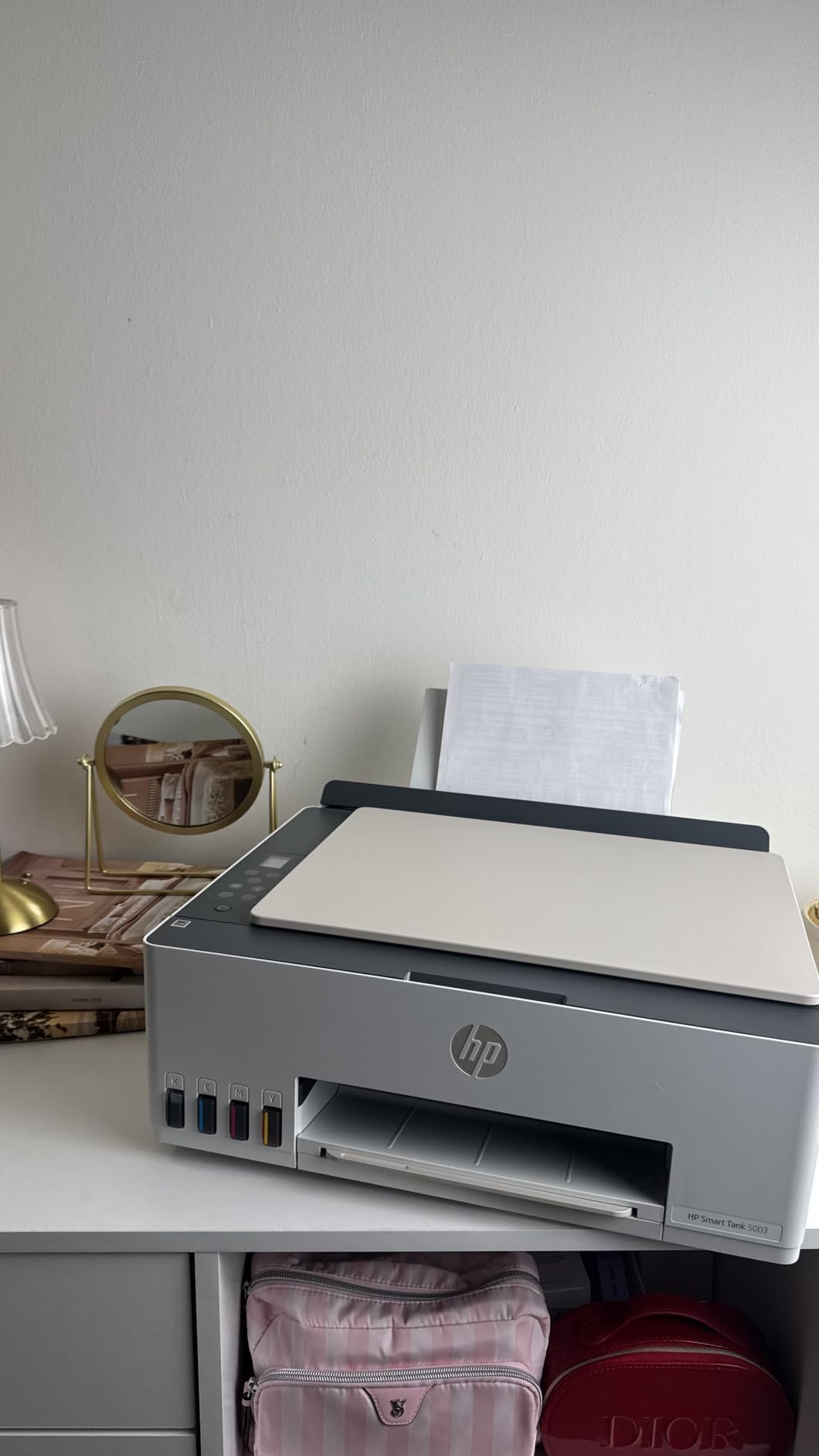
This is a newer listing with a smaller review pool, 226 ratings so far, so treat the long-term reliability picture as less settled than the others. Within that pool 68 percent gave five stars for the included ink and the clean refill process, and 13 percent gave one star over manual duplex, the missing feeder and scan resolution limits.
Two specifications deserve a closer look before you commit. First-page time is 21 seconds, the slowest here, which shows up in short print jobs. Copy resolution is capped at 600 dpi, which is fine for documents and not fine for scanning photographs. The warranty is one year or 30000 pages, whichever comes first.
Where the Smart Tank 5003 works
It fits a household that wants tank economics without dealing with bottles at awkward angles, or a shared desk where mess is a real concern. The included ink volume makes it a good fit for a family printing homework and recipes alongside a small business workload. AirPrint and Mopria support means almost anything can print to it.
Where it is a gamble
With only manual duplex, no document feeder and no fax, it covers printing and single-sheet scanning only. The 21-second first page and 600 dpi copy ceiling are visible in daily use. And with the thinnest review base in the roundup, there is less long-term evidence behind it than the other seven models.
How to Choose an All-in-One Printer Under 300: Ink Tank, Cartridge or Laser
Ink tank, cartridge or laser: match it to your monthly volume
Ink tank is the cheapest to run per page, cartridge inkjet is the cheapest to buy and easiest to ignore, and monochrome laser is the fastest and the most predictable. Under 100 pages a month, a cartridge inkjet is the honest answer because the low volume will not amortize a tank system. Between roughly 100 and 500 pages a month, an ink tank wins on running cost. Above that, especially with two-sided contract work, a monochrome laser MFP earns its higher running cost back in speed and paper savings.
Automatic duplex is the feature most buyers should filter on first
Automatic two-sided printing is the single feature that most reliably disappoints people who assumed it was included. In this roundup, the Canon TR8620a, the Canon TS6520 and both Brother lasers have it; the ET-2800, the G3270, the ET-2400 and the HP Smart Tank 5003 do not. If you print anything multi-page regularly, filter on this before anything else, because adding it later means replacing the printer.
ADF, fax and scan-to-cloud for a paperless desk
A flatbed scanner means one page at a time on the glass. A document feeder means twenty or fifty pages hands-free. Only the Canon TR8620a and the two Brother laser MFPs have one here. If your goal is a paperless home office, the Brother MFC-L2820DW is the only unit in this group with a touchscreen that sends scans straight to Google Drive, Dropbox, Evernote or OneNote. If fax still appears in your paperwork, that model and the TR8620a are the only options under this ceiling.
Running cost matters more than the sticker price
The advertised price is the smallest part of what a printer costs over three years. Ink tank models are rated in thousands of pages per bottle set, which is where their advantage comes from, while cartridge models print well but replace consumables often. A shortcut: if you will get through more than one ink set in the first year, the tank is cheaper. Our guide to supertank printers for home offices covers the refill economics in more detail.
Connectivity, drivers and the genuine-ink question
Every model here supports Wi-Fi and mobile printing, and all eight support AirPrint or Mopria, so phone and laptop printing will not be the problem. Driver friction is more common than hardware failure, and it shows up most often with Windows 11 after an update. On ink, Epson recommends genuine ink for print quality and the other brands apply their own cartridge-recognition rules, so third-party consumables can trigger warnings or a refusal to print. If you work from a managed laptop, check your organization’s policy before assuming aftermarket supplies are an option.
If your budget stretches past this ceiling occasionally, our picks for all-in-one printers under 200 and color printers for home offices cover the cheaper and the more specialized ends of the range.
Frequently Asked Questions
What is the best all-in-one printer for a home office under 300?
The Epson EcoTank ET-2800 is the best all-in-one printer under 300 for most home offices, because its cartridge-free tanks are rated at up to 4500 black pages per ink set. Choose the Brother DCP-L2640DW instead if you print mostly black-and-white contracts and need a 50-page document feeder, and the Canon PIXMA TR8620a if fax and automatic duplex are non-negotiable.
Is ink tank or laser better for home office use?
Ink tank is cheaper per page and better for color; monochrome laser is faster and cheaper per page on high-volume black-and-white work. The practical threshold is monthly volume. Under 100 pages a month, any inkjet works. Between 100 and 500 pages, an ink tank wins on running cost. Above 500 pages of contract and invoice printing, a laser MFP pays back its higher cost in speed and automatic duplex.
What are the downsides of laser printers for home use?
Three things stand out. Laser units are monochrome on the models in this price range, so there is no color at all. They are heavier and larger, at 22.5 to 25 pounds compared with 8.6 to 17.4 pounds for the inkjets. Photo output is limited to what the laser can render, and toner does not dry out but the hardware has fewer consumable options.
Do all-in-one printers under 300 have automatic duplex printing?
No, and this is the most common surprise in the category. Of the eight printers in this roundup, only the Canon PIXMA TR8620a, the Canon PIXMA TS6520, the Brother DCP-L2640DW and the Brother MFC-L2820DW print two-sided automatically. The Epson EcoTank ET-2800 and ET-2400, the Canon MegaTank G3270 and the HP Smart Tank 5003 are single-sided only.
What are the reviews like for ink tank printers?
Reviews are strongly positive on running cost and positive but mixed on reliability. On the Epson ET-2800, 66 percent of owners gave five stars for the low ink cost, while a 16 percent one-star group reported connectivity and reliability problems. Canon MegaTank G3270 owners praise page yields at 67 percent five stars, with paper jams and Wi-Fi pairing the common complaints.
Which All-in-One Printer Should You Buy in 2026?
For most home offices, the Epson EcoTank ET-2800 is the right answer: refillable tanks rated at up to 4500 black pages, sharp text, print, copy and scan in a light body, and the widest owner base of any model here. Pick the Canon MegaTank G3270 if you want more color yield for the same tank approach, the Canon PIXMA TS6520 if automatic duplex matters more than running cost, and the Brother DCP-L2640DW or MFC-L2820DW if your workload is black-and-white documents, batch scanning or fax.
Before you buy anything, check two things against your own setup: whether you need automatic duplex, and whether a subscription ink programme is acceptable to you. Those two filters eliminate half this list in under a minute, and they matter more than any spec on the box.