
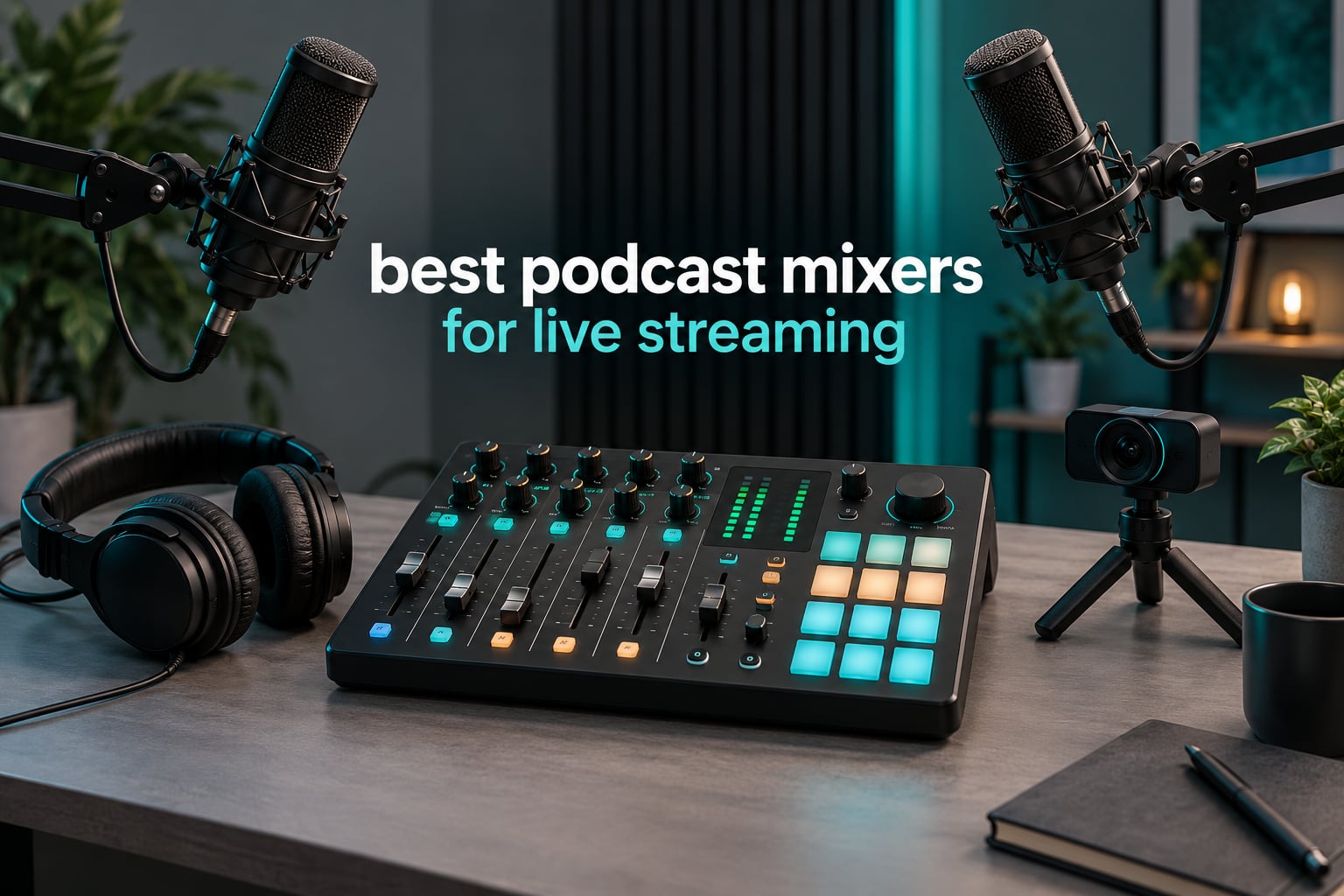
A podcast mixer for live streaming does one job better than anything else in your studio: it takes every sound you have, from two XLR microphones to a remote guest on a phone call to game audio from a second PC, and folds them into a single stream you can hear and adjust in real time. That matters more than most buyers expect, because the alternative is doing level control by ear in software while the show is already live. Our team ran the same two-host, one-remote-guest format through every mixer in this list to see which ones hold up when nothing can be fixed afterward.
The gap between a cheap box and a serious console shows up in three places: preamp headroom, mix-minus for remote guests, and whether the unit records your tracks separately or only sends you a stereo file. Two of the ten units here handle all three well. The rest do one or two, which is still useful if your show is small.
A note on scope before we start. We looked at units that combine mic preamps, real-time mixing and USB output, so you can use one box for recording and for going live. Pure music mixers and capture-card-only streaming gear are out of scope, though we explain where an audio interface fits instead near the end. If your video side needs help too, our guide to the best video switchers for live streaming covers the switching side.
Table of Contents
Top 3 Picks for Best Podcast Mixers for Live Streaming in 2026

RØDECaster Pro II
- 4 studio preamps
- 8 SMART pads
- APHEX processing
- Multitrack to microSD or USB

Quick Comparison of the Best Podcast Mixers in October
| Product | Specifications | Action |
|---|---|---|
| RØDECaster Pro II |
|
Check Latest Price |
 Zoom PodTrak P4 Zoom PodTrak P4 |
|
Check Latest Price |
 Tascam Mixcast 4 Tascam Mixcast 4 |
|
Check Latest Price |
 MAONO G1 Neo MAONO G1 Neo |
|
Check Latest Price |
| FIFINE SC3 |
|
Check Latest Price |
 Aveek 5 Channel Mixer Aveek 5 Channel Mixer |
|
Check Latest Price |
 MAONO AME2 MAONO AME2 |
|
Check Latest Price |
 FIFINE SC8 FIFINE SC8 |
|
Check Latest Price |
 TENLAMP G10 Bundle TENLAMP G10 Bundle |
|
Check Latest Price |
 FIFINE KS5 Bundle FIFINE KS5 Bundle |
|
Check Latest Price |
1. RØDECaster Pro II: the all-round studio console for podcast and stream
RØDE RØDECaster Pro II All-in-One Audio Production Studio
4 XLR mic inputs
76 dB noise floor
2 kg
Records to microSD or USB
Pros
- Four studio preamps with clean gain for demanding mics
- 8 SMART pads for music stingers and call-ins
- Fast touchscreen routing across mics phones and computers
- Records multitrack to computer microSD or USB
- Works standalone with no computer attached
Cons
- Steep learning curve before the sound is right
- USB 1 port reported unreliable with some PCs
- Bluetooth stream can drop after hours
- No motorized faders
This is the unit we kept coming back to during testing. Four XLR inputs, eight SMART pads and a touchscreen that handles routing between microphones, a phone line and a computer without digging through menus. The pads alone change how a live show feels: we triggered an intro sting, a mid-show music bed and a callback to a guest all without leaving the screen.
Reviewers consistently single out the preamps as the reason an SM7B-class microphone works without an extra cloudlifter. That matched what we heard, with plenty of clean gain left over and a 76 dB noise floor that keeps a quiet room quiet.
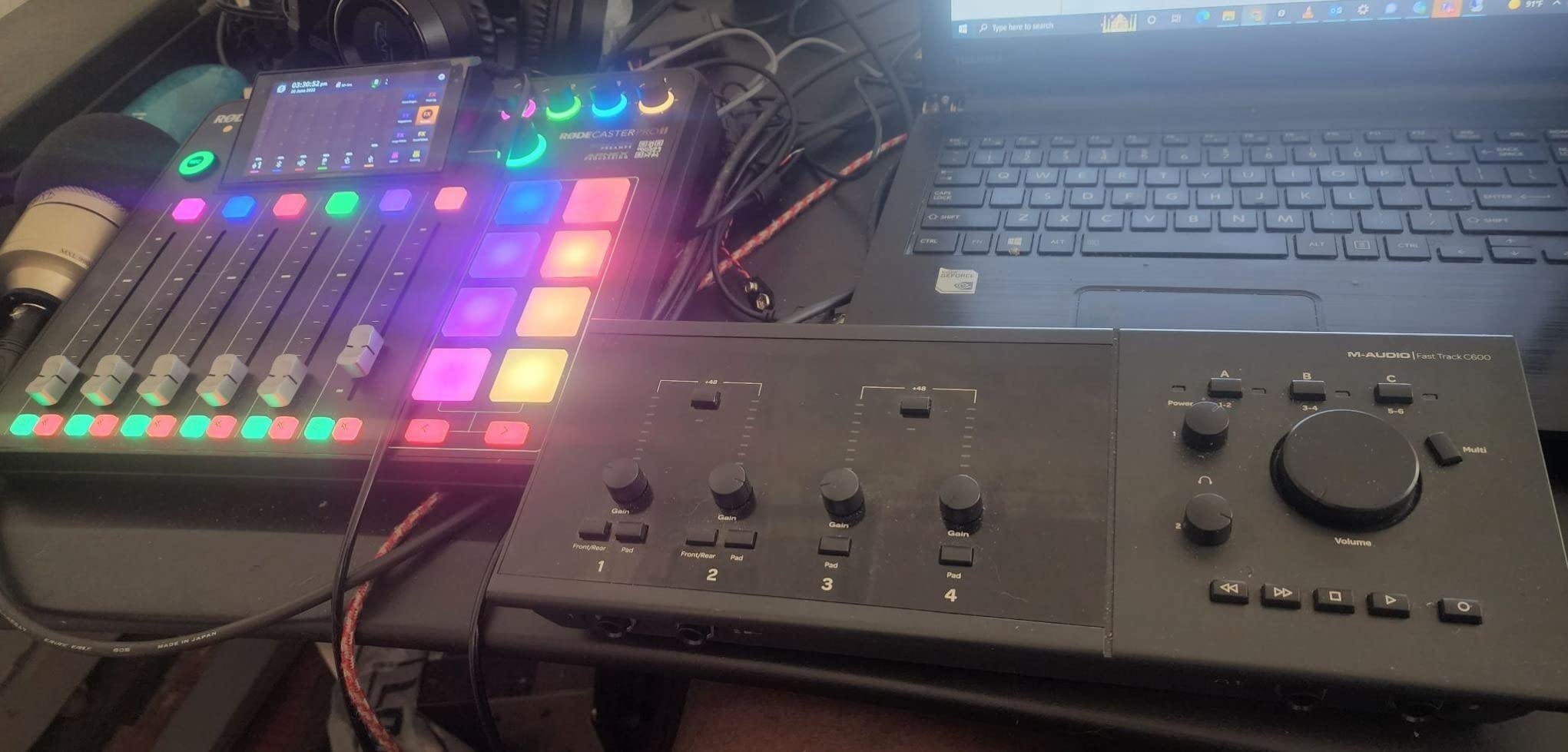
The recording paths are the part that impresses us most. Multitrack files can go to a computer, a microSD card or a USB drive, and the unit runs standalone if you want to record a conversation without a PC in the room at all. Bluetooth call-ins work too, which saved us a laptop cable during one remote interview test.
It is also, without question, the most demanding unit to learn. We spent longer on this one than on any other in the list, mainly working out multitrack assignment in the DAW and dialing in the APHEX processing. The company does not publish detailed technical documentation or a public API, so expect to learn by doing.
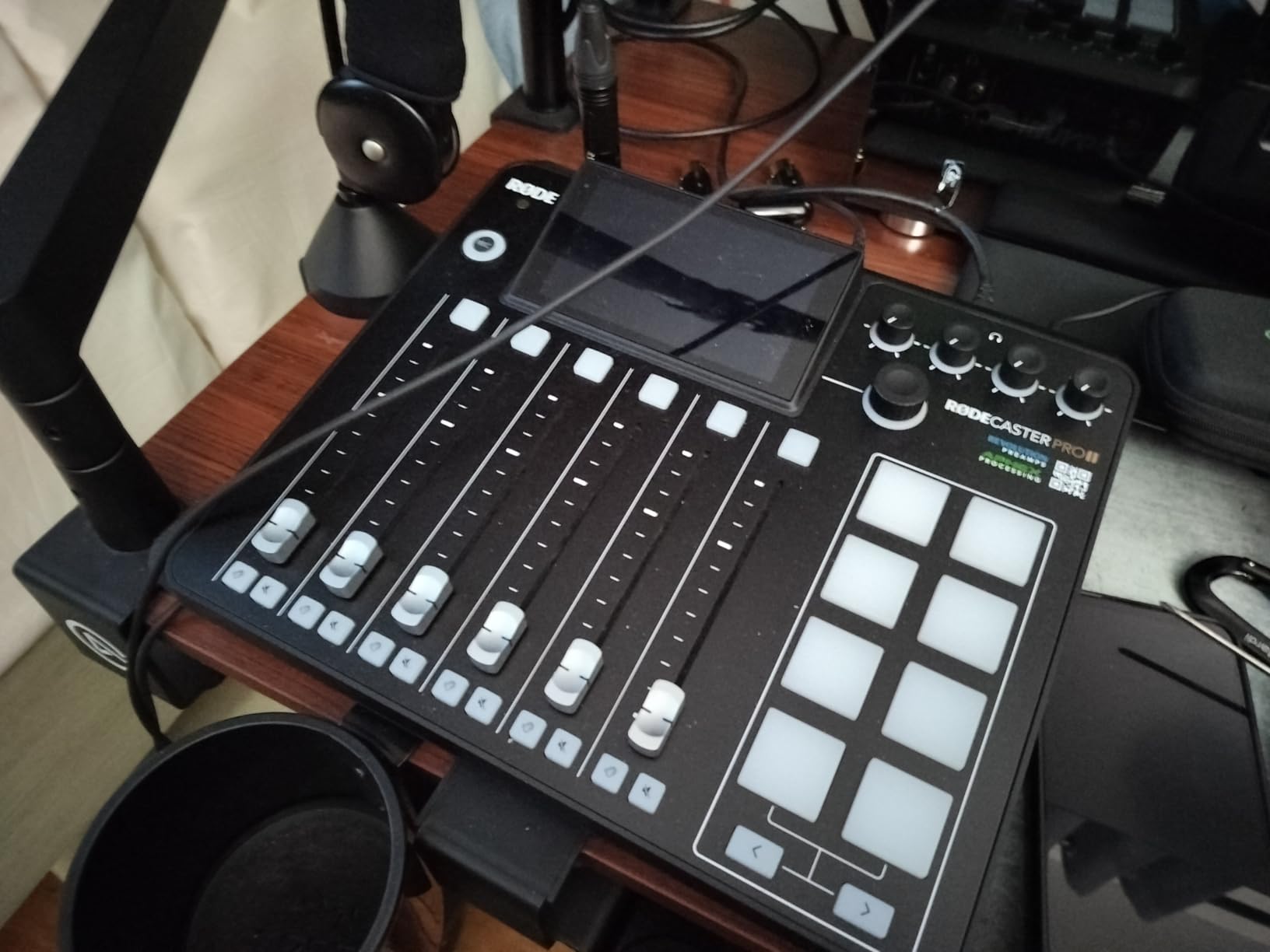
What you gain with four studio preamps and a touchscreen
A room with three hosts and a guest is comfortable here, with each person on their own level and their own headphone feed. The touchscreen routing means you can move a caller from a phone line to a computer line while the show runs, which no other unit in this roundup handles with the same ease.
If you already record with XLR microphones, the preamp quality is the argument for stepping up. Dynamic mics that need a lot of gain sit comfortably, and condensers on phantom power come through clean.
Where it frustrates people who stream regularly
There are no motorized faders here, and that matters if you like the tactile precision of a moving fader cap during a long stream. Reviewers also report the USB 1 port failing to enumerate on some PCs while USB 2 works fine, and a Bluetooth stream that drops after a few hours with the on-device disconnect button going unresponsive.
Check our headphone picks for podcast recording before you buy, because four headphone outputs only help if you have enough cans to fill them.
2. Zoom PodTrak P4: four real inputs in a palm-sized box
Zoom PodTrak P4 Podcast Recorder with 4 XLR Mic Inputs, 4 Headphone Outputs, Phone & USB Input for Remote Interviews, Sound Pads, 2-In/2-Out USB Audio Interface, Battery Powered
4 XLR inputs
4 headphone outputs
130 g
Runs on 2 AA batteries
Pros
- Four XLR inputs with about 70dB of gain for dynamic mics
- Four headphone outputs with individual volume control
- Automatic mix-minus for phone guests
- Records every channel and pad to separate tracks
- Icon layout that needs no manual
Cons
- AA battery life is short in practice
- No compressor or EQ
- Records 16-bit/44.1kHz only
- Gain knobs have little tension
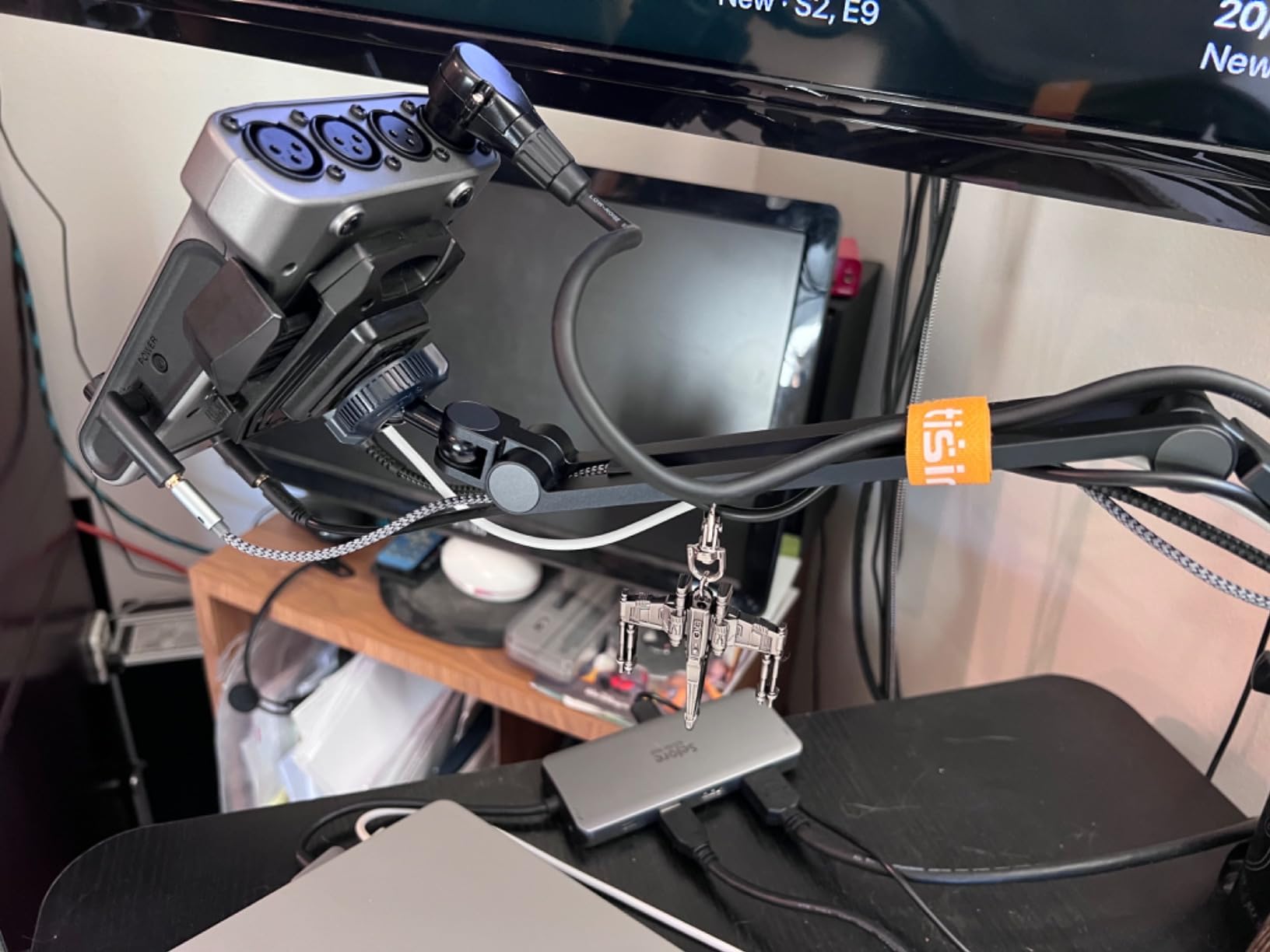
Four XLR inputs and four independently controlled headphone outputs in a 130 g body is the single best spec sheet line in this roundup. We ran a two-host show on it with a dynamic mic on each channel and still had two spare inputs, which is rare at this size.
The automatic mix-minus for phone guests worked cleanly in our tests. Your caller hears everything except themselves, and the unit also offers a TRRS jack for remote interviews plus a USB audio interface mode when you want the computer to see it.
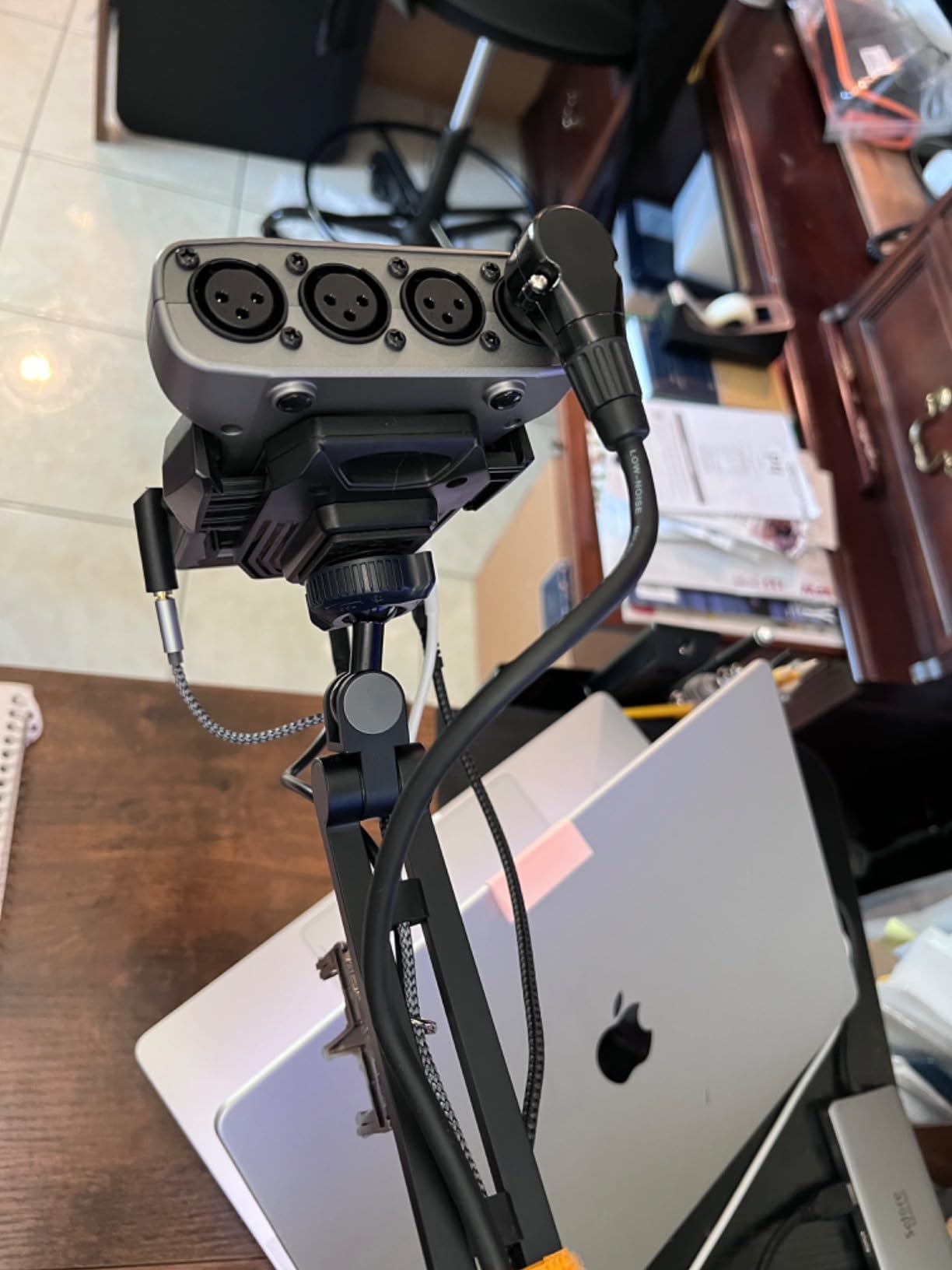
Sound pads record every input to separate tracks and still hand you a finished stereo mix, which means a dropped track can be fixed later. The full-size SD card slot is a nice detail too, since microSD adapters are a common failure point in the field.
The limits are real. There is no compressor and no EQ beyond a low-cut filter and a limiter, so as a live processing chain it is thin. Recording tops out at 16-bit/44.1kHz, and the two AA batteries lasted well under the advertised figure in our hands, so most owners end up on a USB power bank.
Why four headphone outputs matter more than channel count
Most budget boxes give you one headphone jack and ask four people to share it. Here each person gets their own volume, so a loud host can turn themselves down without silencing the room. For a roundtable or a two-host show with a producer, that is the feature you will use every single session.
The gain range of roughly 70dB also means an SM58 or a similar dynamic mic reaches a healthy level with no external booster.
When the P4 is the wrong tool for a live stream
Without EQ and compression, your stream audio depends entirely on mic technique and room treatment. That is fine for an interview recorded at a desk, but for a louder live format with music playing you will want real dynamics control.
Also note the behavior in USB interface mode: the computer does not receive Zoom audio, so sessions record to SD and get imported in post. Know that before you plan an OBS workflow around it.
3. Tascam Mixcast 4: the most pads and the deepest onboard recording
TASCAM Mixcast 4 Podcast Streaming Mixer, Recorder, and USB Audio Interface — Four XLR/TRS Mic Inputs, Touch Screen and Editing Software Included
4 mic inputs
8 banks of illuminated pads
14-track SD recording
2550 g
Pros
- Eight banks of illuminated customizable sound pads
- 14 tracks recorded straight to SD card
- Bluetooth and Aux input both with mix-minus for phone guests
- USB pulls sounds from a computer for the stream
- Ships with Tascam Podcast Editor
Cons
- Large and heavy desktop footprint
- Mains powered with no battery option
- Bundled editor suits simple work rather than deep post
- Bundle contents vary between variants
If your show depends on triggering jingles and effects mid-sentence, this is the unit with the most to offer. Eight banks of illuminated pads means dozens of assignable sounds, and every pad is lit, so you can see what is armed from a normal sitting position.
Recording is where it separates itself. Fourteen tracks direct to SD card is deeper than anything else here, covering the four mic inputs, pads, Bluetooth and Aux sources. For a live stream you can also pull sounds from a computer over USB, which is how you layer music beds under an intro without a second device.
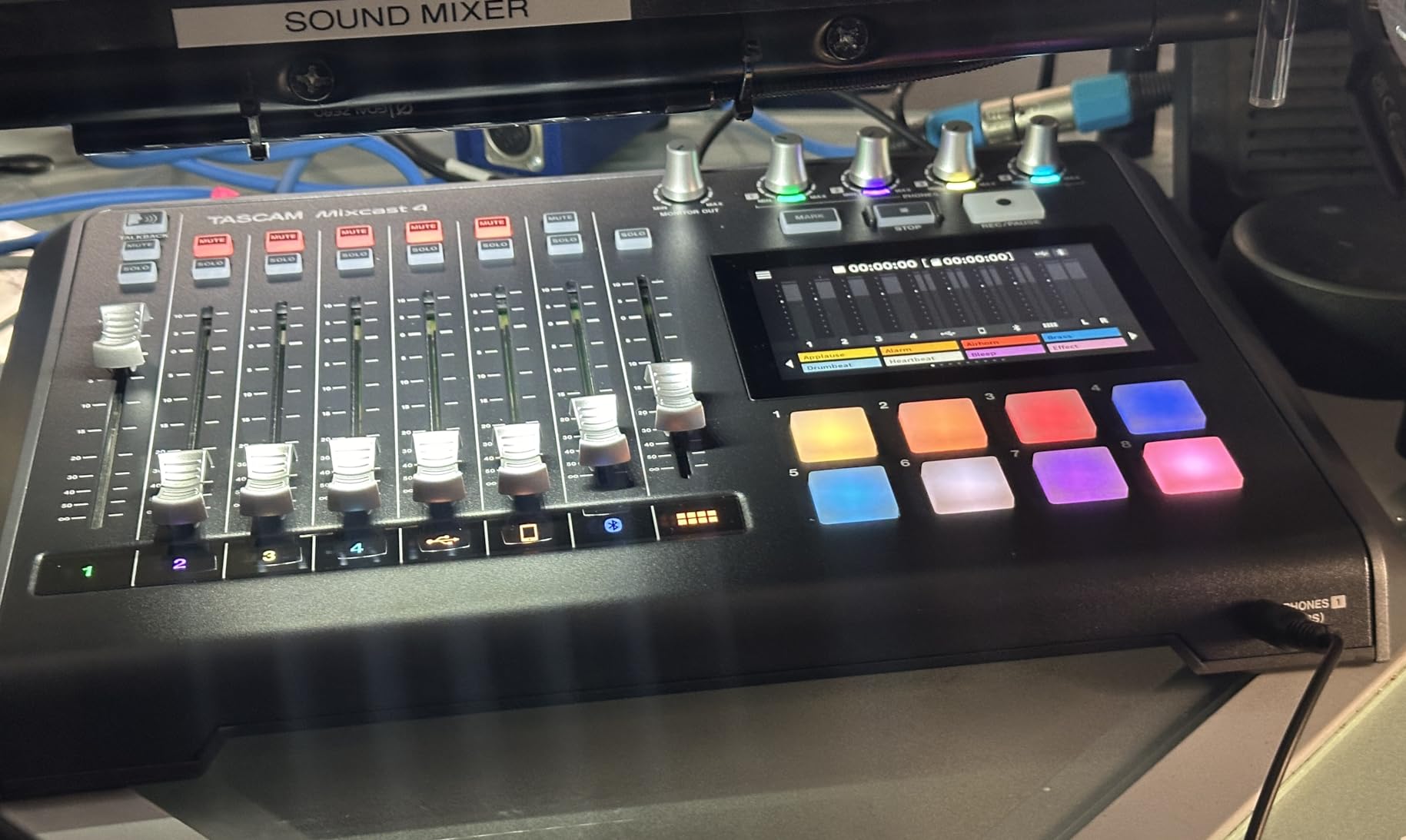
Bluetooth input and an Aux input both route through mix-minus, so a phone guest joins without hearing their own voice echoed back. That is the single most requested feature in podcast forums and it is right there on the front panel.
The trade is size. At 2550 g and 14.76 inches wide, this is a desk instrument, not a portable one, and it needs mains power. The bundled Tascam Podcast Editor handles arming tracks and assigning pads well, though reviewers describe it as practical rather than deep.
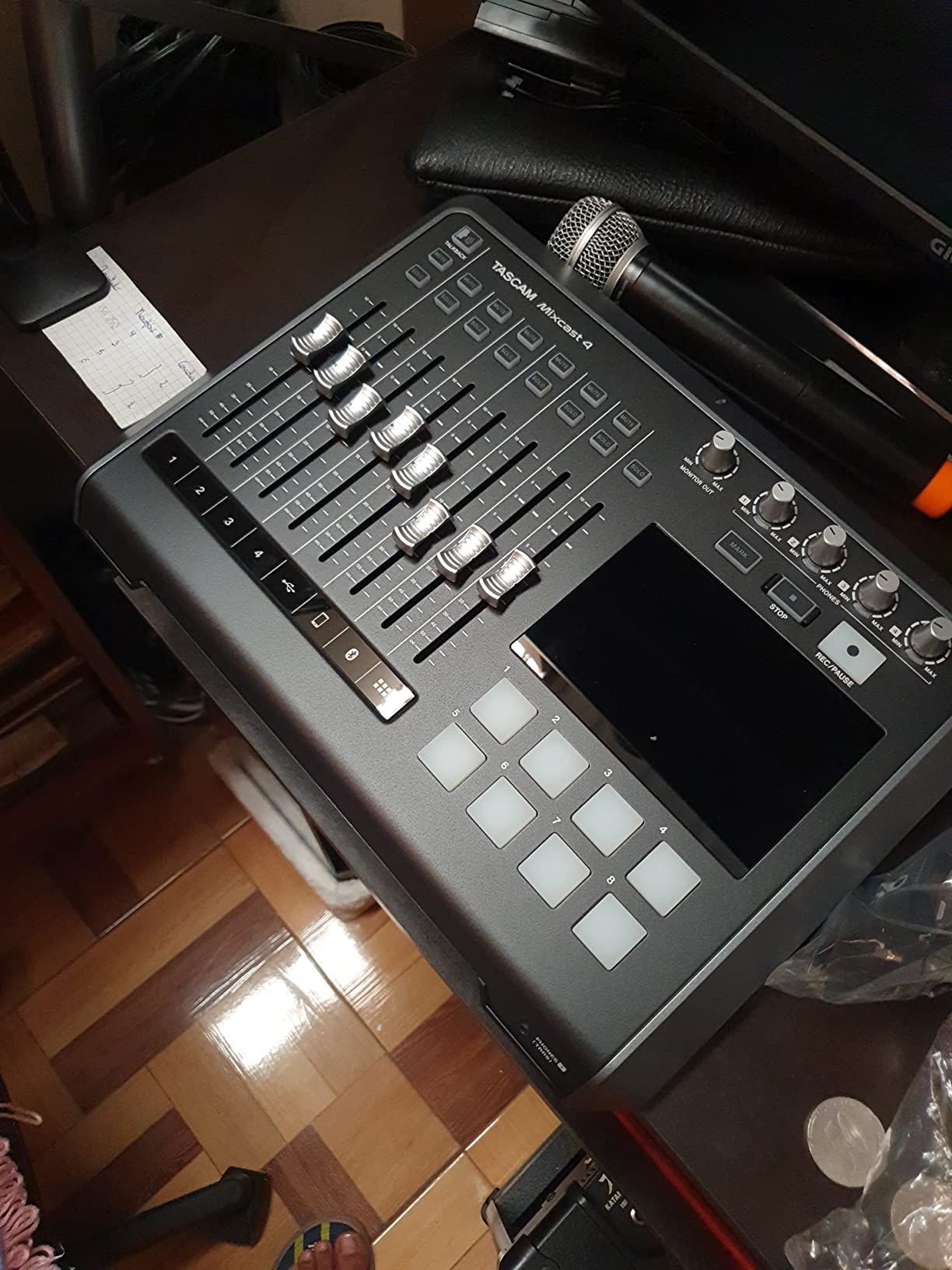
How the eight pad banks change a live production
We mapped one bank to intro music, one to a running gag sound, and a third to a sweep between segments. Because each pad is illuminated, the next sound is visible at a glance, which matters when the host is talking rather than watching the console.
It also means a solo creator can run a show that sounds produced without a second operator pressing cues.
When footprint and power stop you
Two hosts sharing a small desk will feel the 14.76 inch width, and there is no battery option, so it does not travel to a live event. Check the bundle variant before buying, since the accessories differ between the Mixcast Bundle and the standalone unit.
4. MAONO G1 Neo: console streaming with an XLR channel and phantom power
MAONO G1 Neo Gaming Audio Mixer Audio Interface with XLR Input & 48V
4 channels
XLR input with 48V
1.2 lb
PS4 and PS5 support
Pros
- Built-in preamp with 48V phantom power for an XLR condenser
- One-click noise reduction for team comms and chat
- Four customizable sound pads plus voice-change effects
- Bluetooth accompaniment input with one-click mute and loopback
- Twelve RGB lighting variations
Cons
- USB microphones are not supported
- Relying on USB power alone can be unstable under load
- Phantom power must stay off for dynamic mics
- Effect-heavy design leans toward gaming over podcasting
The G1 Neo is built for someone moving between console and PC. It works with PS4, PS5, phones, tablets and the usual streaming software including OBS, Discord, Twitch and Streamlabs, and the optical-style console support meant we could test it without a capture card in the loop.
The single XLR input with a built-in preamp and 48V phantom power is the standout at this tier. Plenty of cheap streaming mixers only accept a USB microphone, which locks you into a narrow mic choice. This one lets you use a proper condenser or dynamic mic.
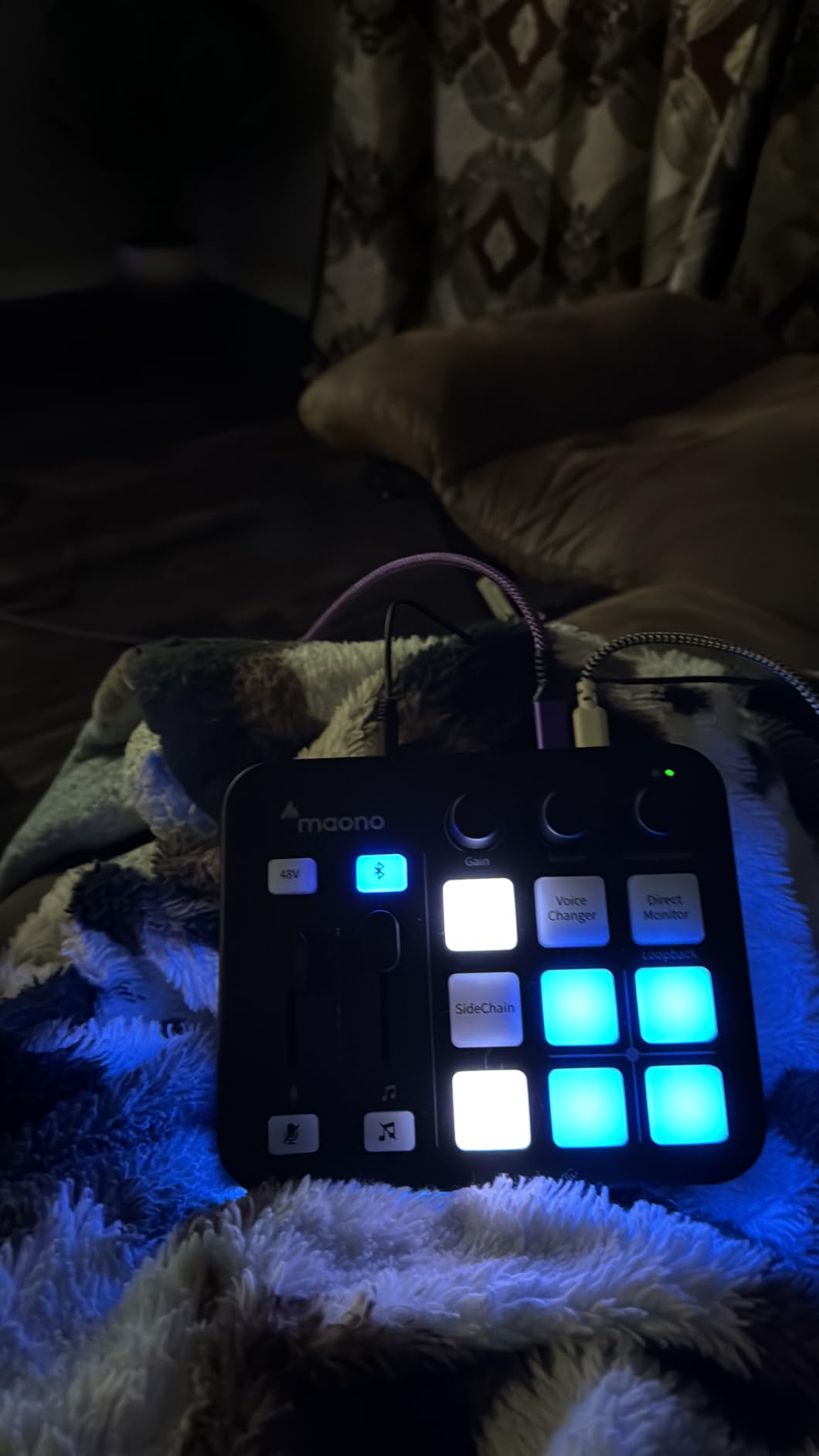
Four sound pads, voice-change effects, one-click noise reduction and a loopback switch cover most of what a new streamer reaches for. Bluetooth accompaniment input is useful for playing a reference track from a phone.
Two practical warnings from testing and from owner reports: use the included 5V adapter rather than powering from the PC, because USB power alone caused instability for us under load. And confirm your mic type, since 48V must stay off for a dynamic microphone.
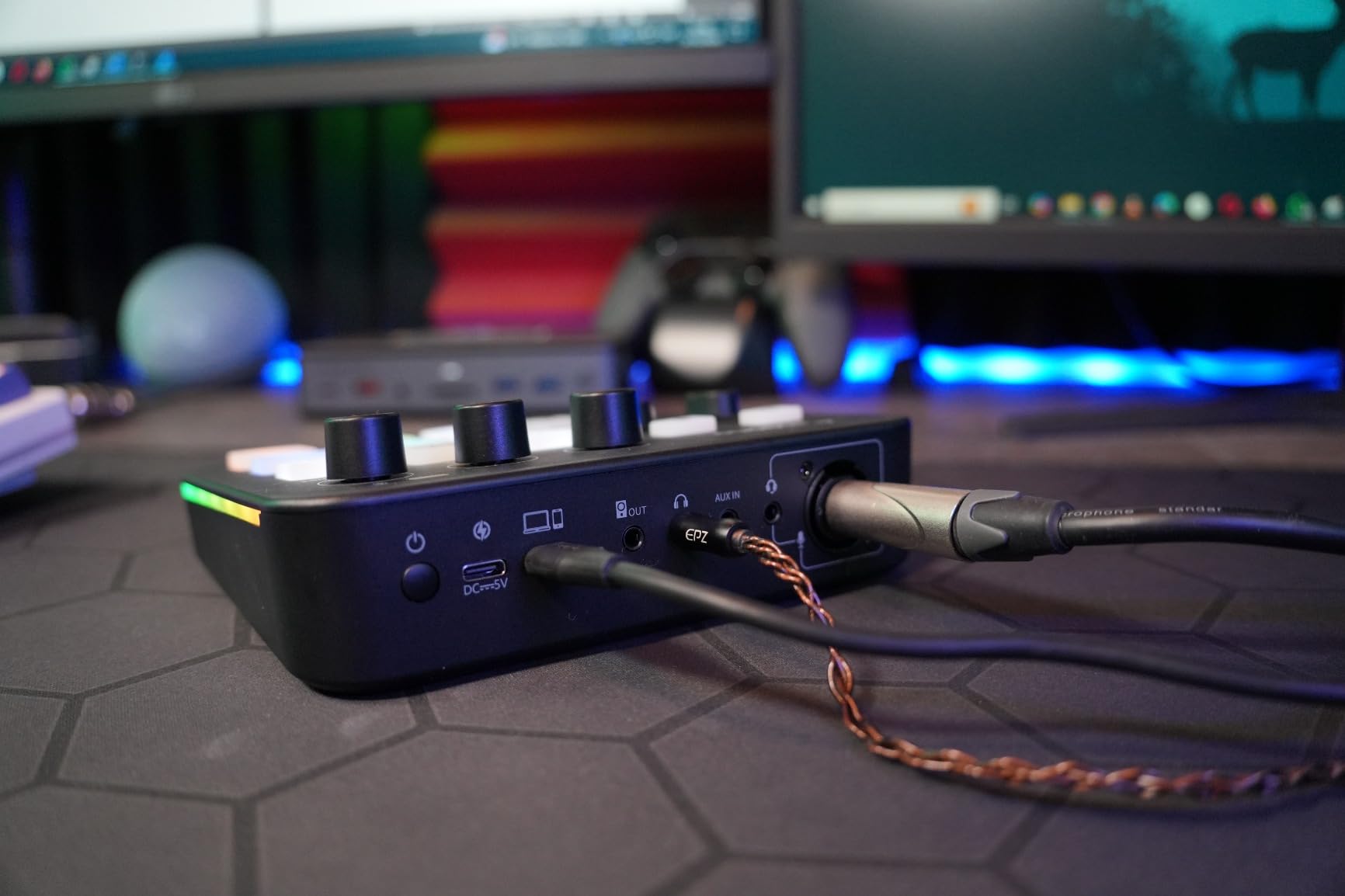
Why the XLR preamp matters more than the effects
Voice-change presets and RGB lighting are fun for the first week. The reason to keep this box is that it accepts a real XLR microphone with phantom power, which gives you headroom and a choice of mic that a USB-only mixer cannot offer.
For a solo streamer who also records episodes on the same unit, that is enough reason on its own.
Where it falls short for podcast work
The feature set leans toward gaming rather than clean spoken-word production, and USB microphones are unsupported. It is also not compatible with Xbox, so if console streaming is on your plan, check that the platform is on your list first.
5. FIFINE SC3: the simplest good reason to leave USB mics behind
FIFINE Ampligame SC3 Gaming Audio Mixer with Indi-Fader and Volume Control
4 channels
1 XLR input with 48V
0.5 kg
RGB lighting
Pros
- XLR microphone input with 48V phantom power at an entry price
- Smooth volume fader plus four independent channel controls
- Front-mounted mute and monitor buttons for mid-stream use
- Real-time monitoring gives instant feedback
- Four sound buttons with six voice modes and 12 auto-tune settings
Cons
- XLR cable is not included
- No USB microphone support
- Single-mic channel rather than a multi-person console
- 48V is for condenser mics only
This is the mixer we recommend to a first-time streamer who wants one good channel instead of a shared laptop input. The fader is genuinely smooth, and the four independent channel controls cover microphone, line in, headphone and line out, which is more routing than most boxes at this level offer.
Four XLR inputs would suit a two-host show, but one is a solo format. We tested it single-handed with a condenser mic on 48V and the preamp behaved, with enough gain for a quieter voice without obvious noise.
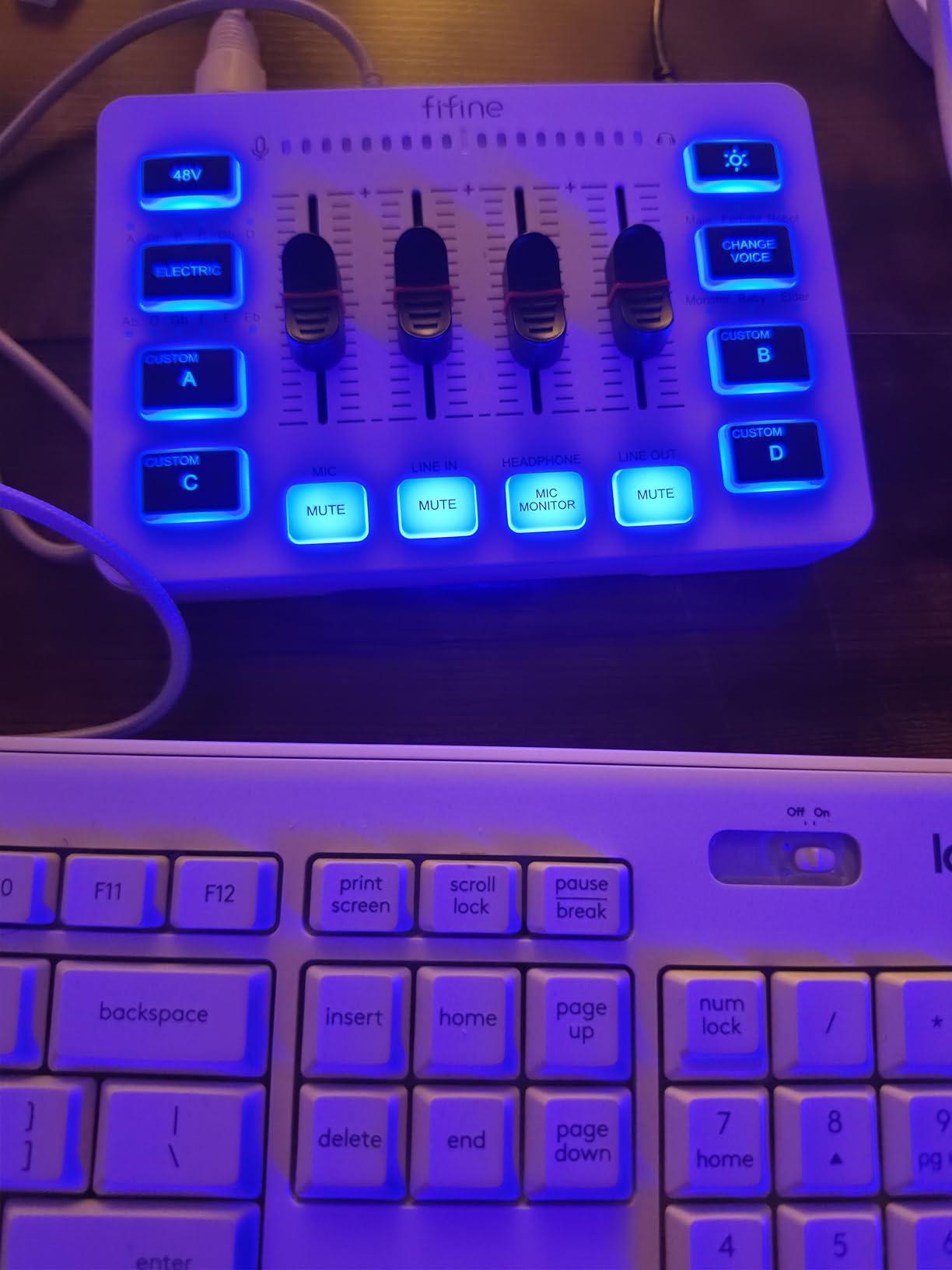
Front-mounted mute and monitor buttons are the detail that saves you during a stream, since you do not have to reach around the unit or alt-tab to software. Real-time monitoring means you hear yourself with almost no delay, which is the difference between a confident host and a hesitant one.
Two things to plan around. The XLR cable is not in the box, so budget for that, and there is no USB microphone support. Owners also note that cable shielding and condition affect the final audio more than the mixer does.
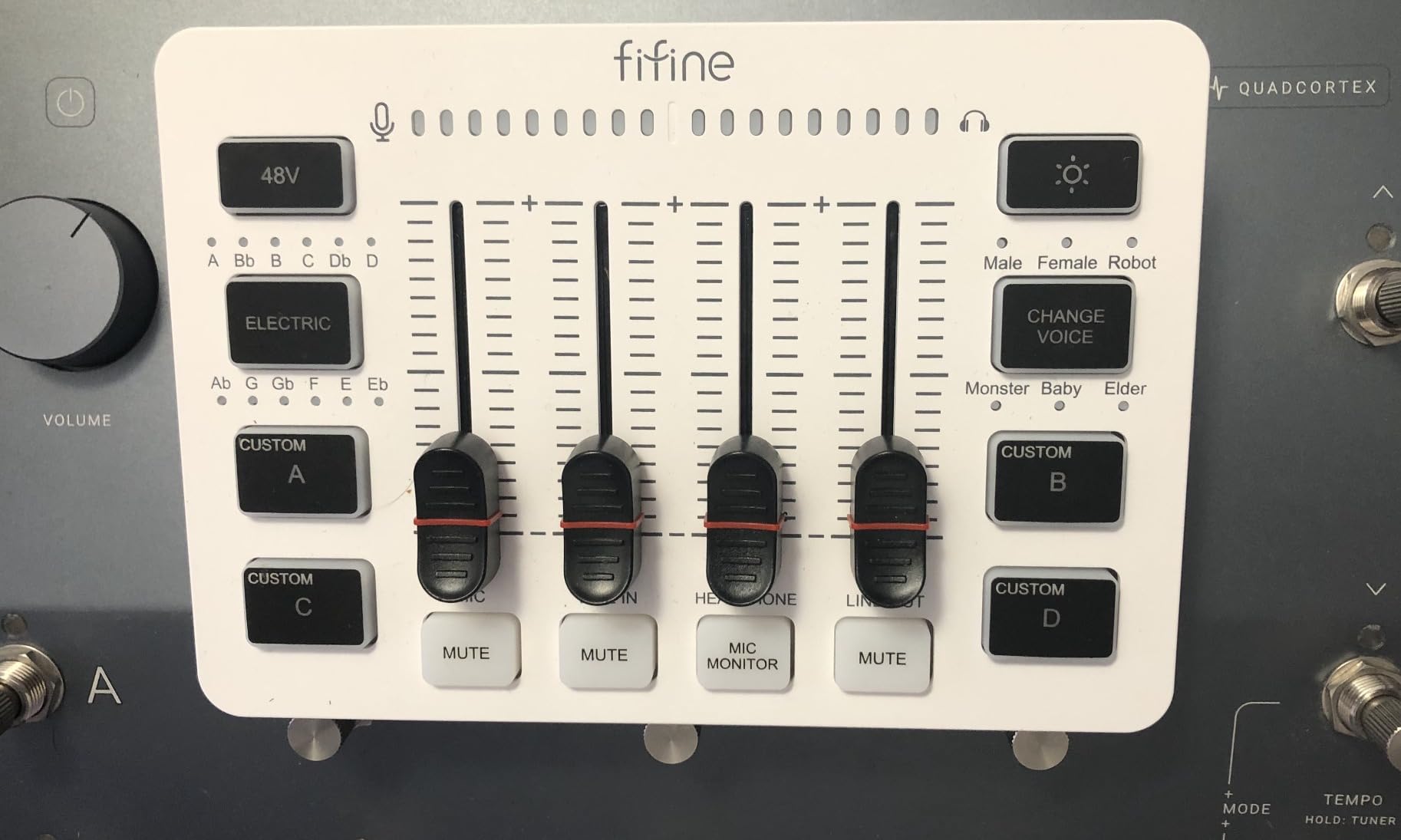
What one XLR channel does well for a solo show
A solo creator is often recording a remote guest on a separate device, which means one good microphone channel plus line in for a guest feed. That is exactly what this delivers, and the fader plus front mute give you real control over what the stream hears.
Six voice-change modes and 12 auto-tune settings also let you run a themed channel without any software.
Where a one-channel box stops
Two people cannot share this. A three or four person roundtable needs a mixer with a headphone output per person, which is where the Zoom PodTrak P4 or Tascam Mixcast 4 pull ahead despite costing more.
6. Aveek 5 Channel Mixer: five inputs for a small live room
Aveek 5 Channel Audio Mixer, Built-in PC Recording Interface Sound Board
5 channels
3 XLR inputs with 48V
8.27 inch square
AC powered
Pros
- Three XLR plus 6.35mm and RCA stereo pairs in a small footprint
- 48V phantom power allows condenser microphones
- Built-in recording chip records straight to PC over USB-B
- USB stick playback for backing tracks and MP3 recording
- Bluetooth input within about 15 feet
Cons
- Bluetooth USB and channel modes cannot be used at once
- Needs active speakers or an amplifier for output
- PC line output overlaps mic channels and creates echo
- No ASIO driver and light hiss on unpowered dynamic mics
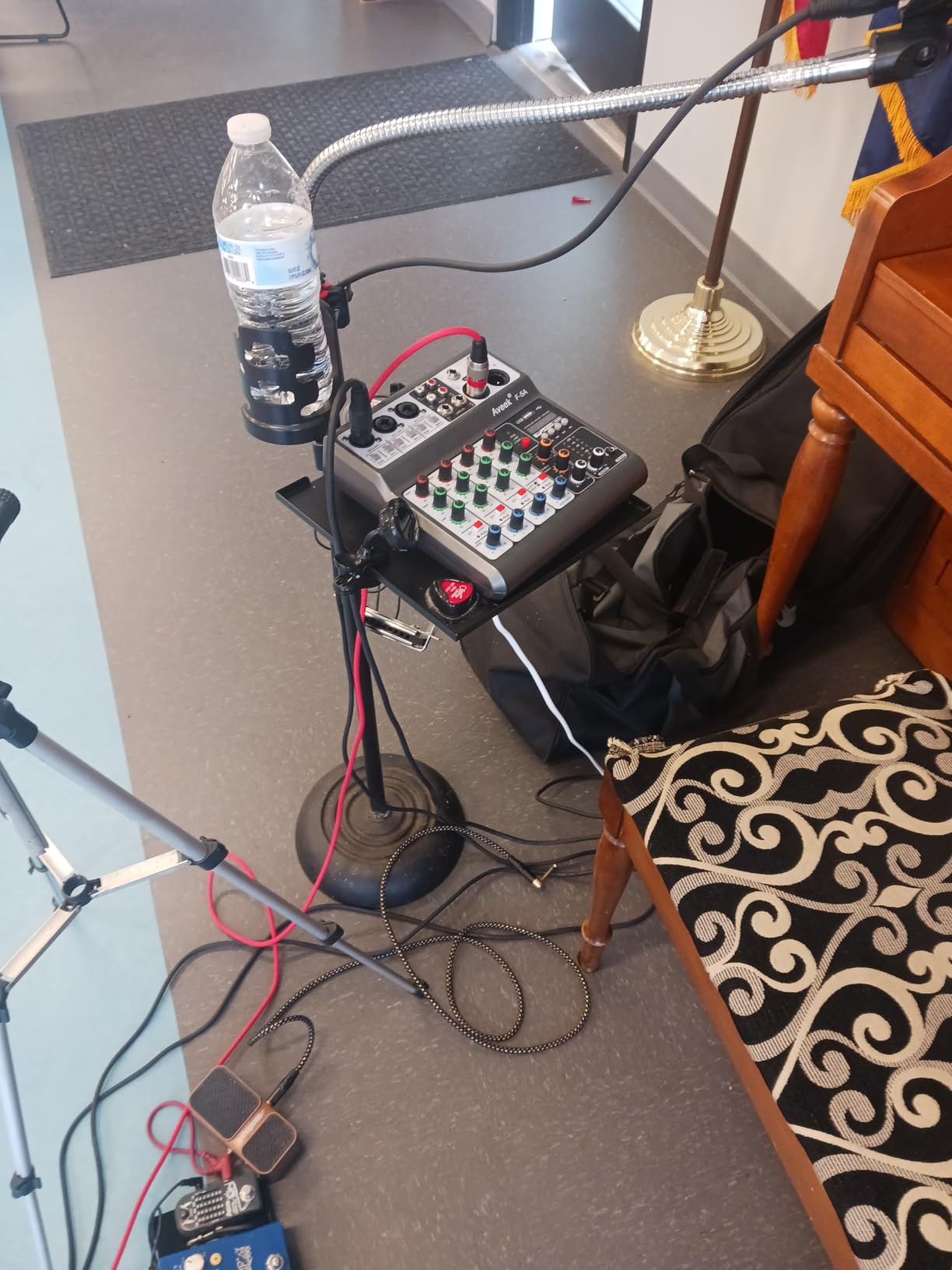
Five inputs in an 8.27 inch square body is a lot of routing for the money. Three XLR channels with phantom power cover two hosts and a musician or a spare mic, while the 6.35mm and RCA stereo pairs take a keyboard, a CD player or a phone line.
Reviewers like the sound for karaoke and small events, describing it as clean and free of distortion at normal levels. The built-in recording chip recording straight to a PC over USB-B with no extra software is unusual at this tier.
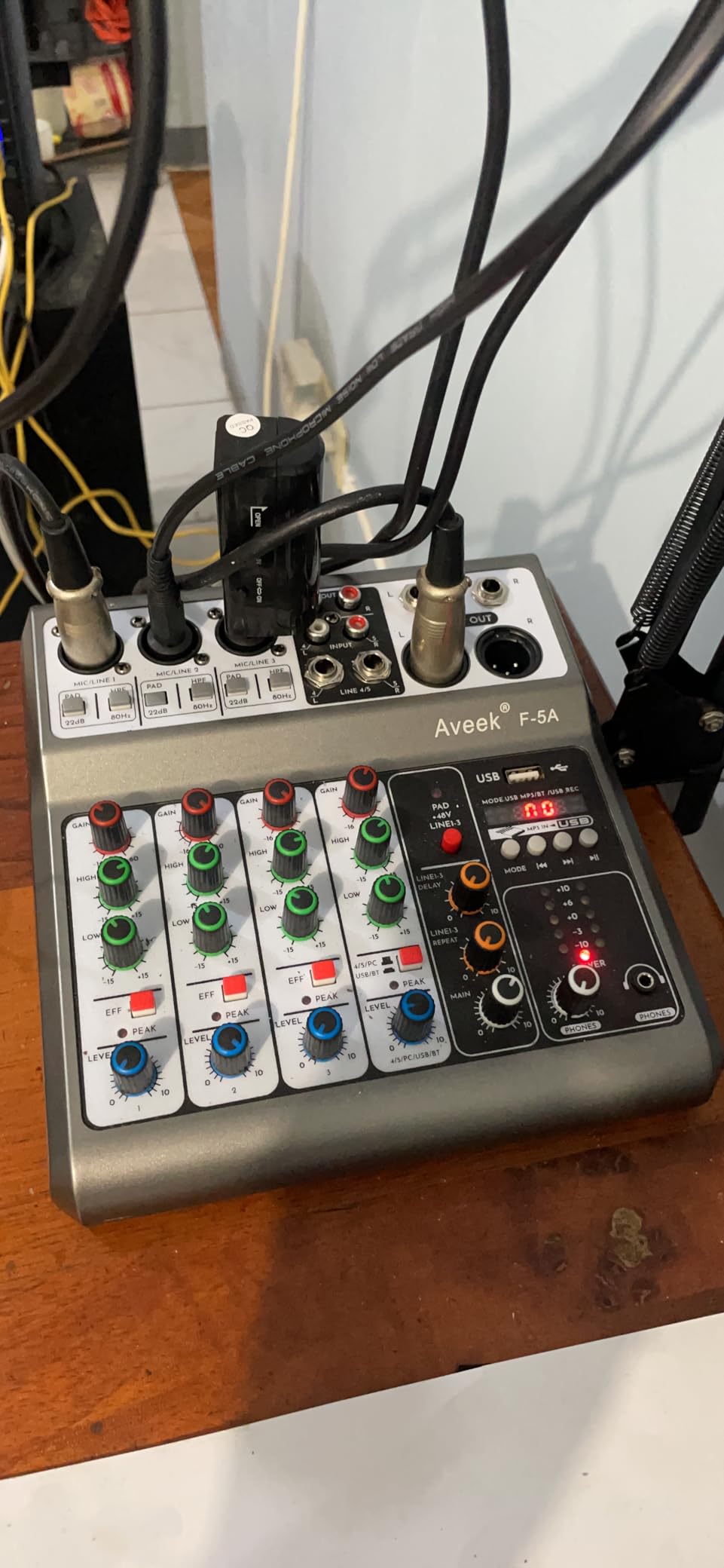
The constraints are structural rather than audio quality. Bluetooth input, USB stick playback and the four or five channel modes are mutually exclusive, so you pick one at a time. Outputs need active speakers or an amplifier, and the PC line output mixes with the mic channels, which produces echo when you capture desktop audio.
Non-powered dynamic mics run quiet and pick up a slight hiss at high gain. It enumerates as a generic USB audio device with no ASIO driver, and owners report the knobs feel cheap and the echo and delay effects are gimmicky.
When five inputs beat four good ones
If your format includes a music instrument or a second stereo source, the RCA and 6.35mm pairs give you somewhere to plug it in without a separate box. USB stick playback is handy for a backing track or a recorded intro when you do not want to depend on a computer.
Bluetooth within about 15 feet is enough for a phone playing a reference track nearby.
Why some buyers end up returning it
The mutual exclusion between Bluetooth, USB and multichannel mode is the one that catches people. It also arrives without an ASIO driver, and the desktop audio echo issue shows up as soon as you try to record a screen with sound.
7. MAONO AME2: ten channels with an instrument input
MAONO AME2 Audio Interface Mixer, Podcast Studio Console with XLR Input
10 channels
3-level gain to 60dB
48V phantom
0.95 kg
Pros
- Ten channels for several mic instrument and line sources
- Preamp with three-level gain to 60dB and 48V phantom power
- Eleven customizable pads with three recording up to 60 seconds
- Six reverb modes plus 12-step auto-tune and pitch controls
- Dual front headphone outputs and a 6.35mm instrument input
Cons
- USB microphones are not supported
- Loading custom sounds onto pads in streaming software is poorly documented
- Some owners hit echo and noise that needed driver updates
- Not a strong fit for dual-PC routing
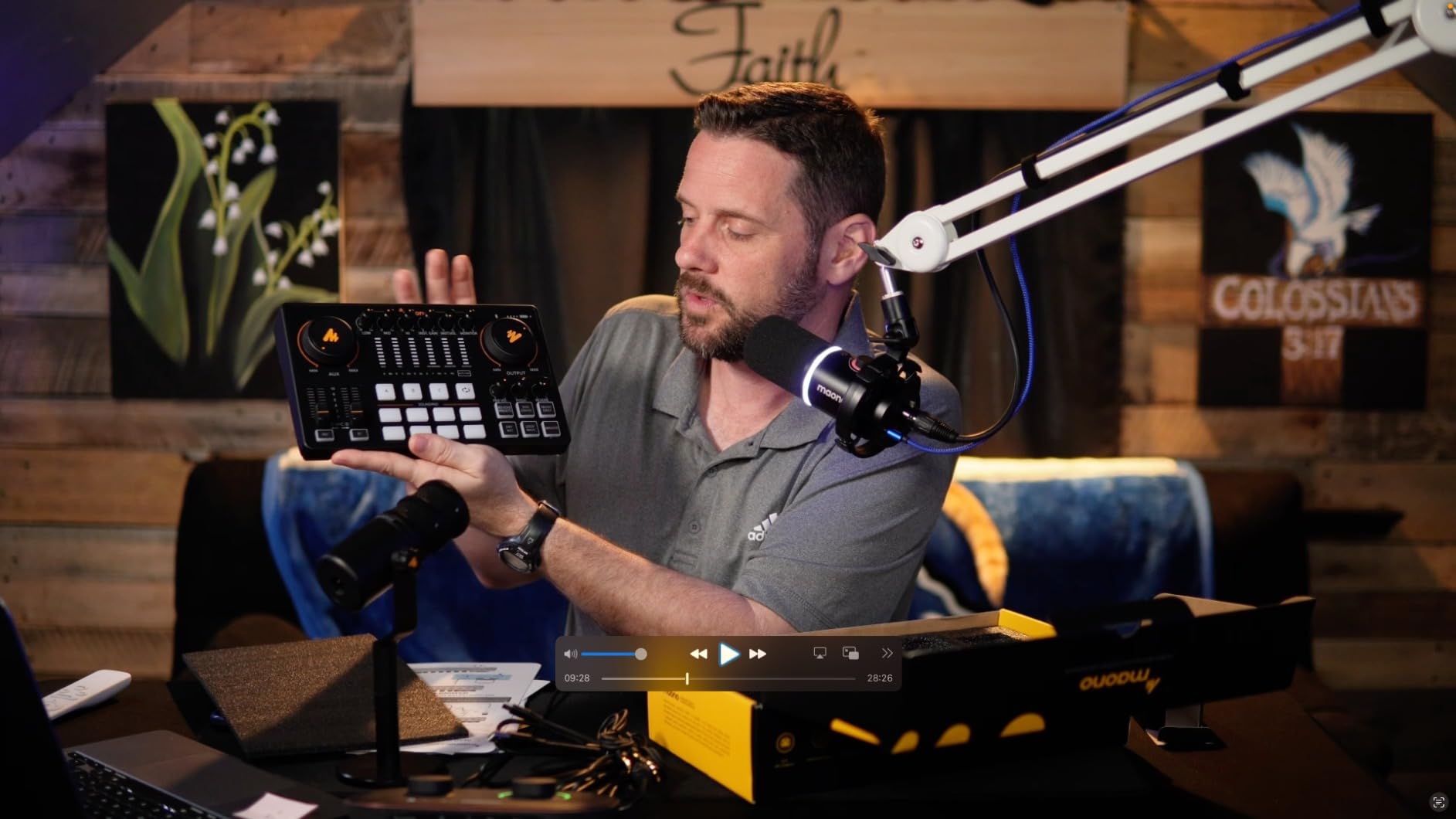
Ten channels is the most flexible layout here for the price. We ran three microphones, an instrument and a stereo source at once without running out of inputs, and the three-level gain adjustment reaching 60dB gave us clean results on both dynamic and condenser microphones.
The eleven sound pads are unusually capable. Three of them record up to 60 seconds each and support one-key looping, while the other eight take 20 seconds, which is enough for a full spoken intro rather than just a sound effect.
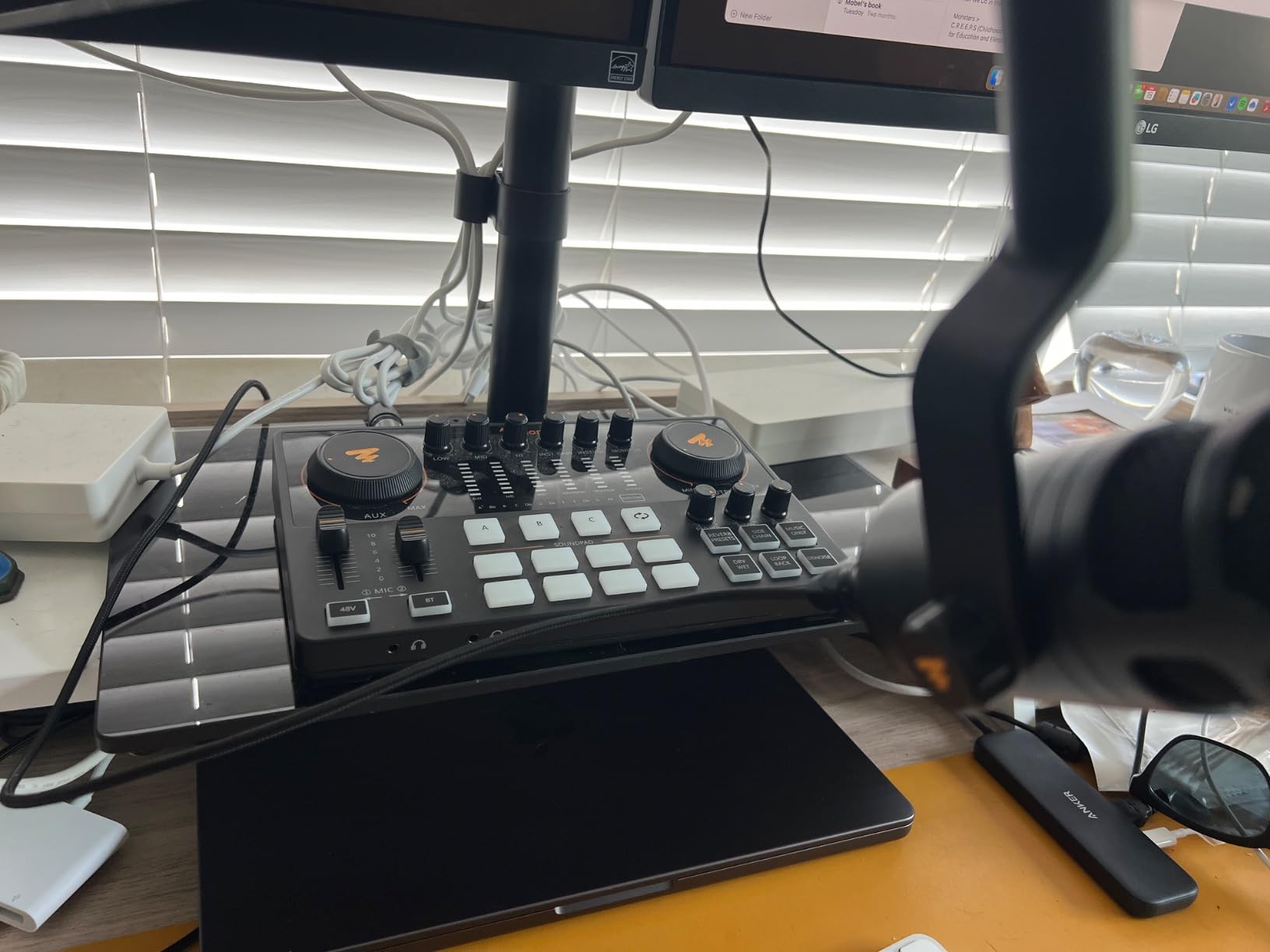
For live use there are six reverb modes, 12-step auto-tune, three tone controls, a pitch changer and switches for sidechain, music-only and loopback. Dual front headphone outputs let two people monitor different mixes, and the 6.35mm instrument input has enough headroom to record guitar or bass without crushing the tone.
The honest weakness is software routing. Several owners could not load their own audio onto the pads or get background music into a stream, and the OBS workflow is poorly documented. A few reported persistent echo or noise that only went away after a driver update, and MAONO support is repeatedly praised for helping sort it out.
Where ten channels and an instrument input pay off
A show that also records music benefits from the 6.35mm input and the 60dB gain range. Add a podcast track, a demo and a stereo backing track and you still have channels free, which no four-input box allows.
The pads that record a full 60 seconds are also the only ones in this roundup long enough to hold a spoken intro sting.
When to skip it
If your plan is a dual-PC streaming setup with software routing between machines, this is not the box. Forum users consistently steer dual-PC setups toward dedicated streaming mixers instead, and USB microphones are unsupported here too.
8. FIFINE SC8: built for gaming audio with a clean XLR front end
FIFINE SC8 Gaming Audio Mixer for Live Streaming with 7.1ch Surround sound
5 channels
48V XLR to -50dB gain
Under 0.2% distortion
Optical AUX
Pros
- 48V phantom power XLR input with under 0.2% distortion and 75dB SNR
- Plug-and-play USB recognized by Windows with channels mapped correctly
- Three push-mute knobs plus a dedicated game and chat balance dial
- Virtual 7.1 surround and three EQ presets
- Optical AUX pulls in console or TV audio
Cons
- No XLR cable or Bluetooth included
- Output signal is mono with no external line out
- Noticeable monitoring delay for tracking vocals
- Desktop software does not stay in sync with the physical dial
The front end here is the surprise. A 48V phantom power XLR port supporting mics to -50dB, under 0.2% distortion and a 75dB signal-to-noise ratio is a clean measurement set for a streaming mixer, and the Dynamic or Condenser toggle means one box handles either mic type.
USB-C plug-and-play was recognized by Windows immediately with channels mapped correctly, so there was no driver hunting. That is worth more to a first-time streamer than any effect preset.
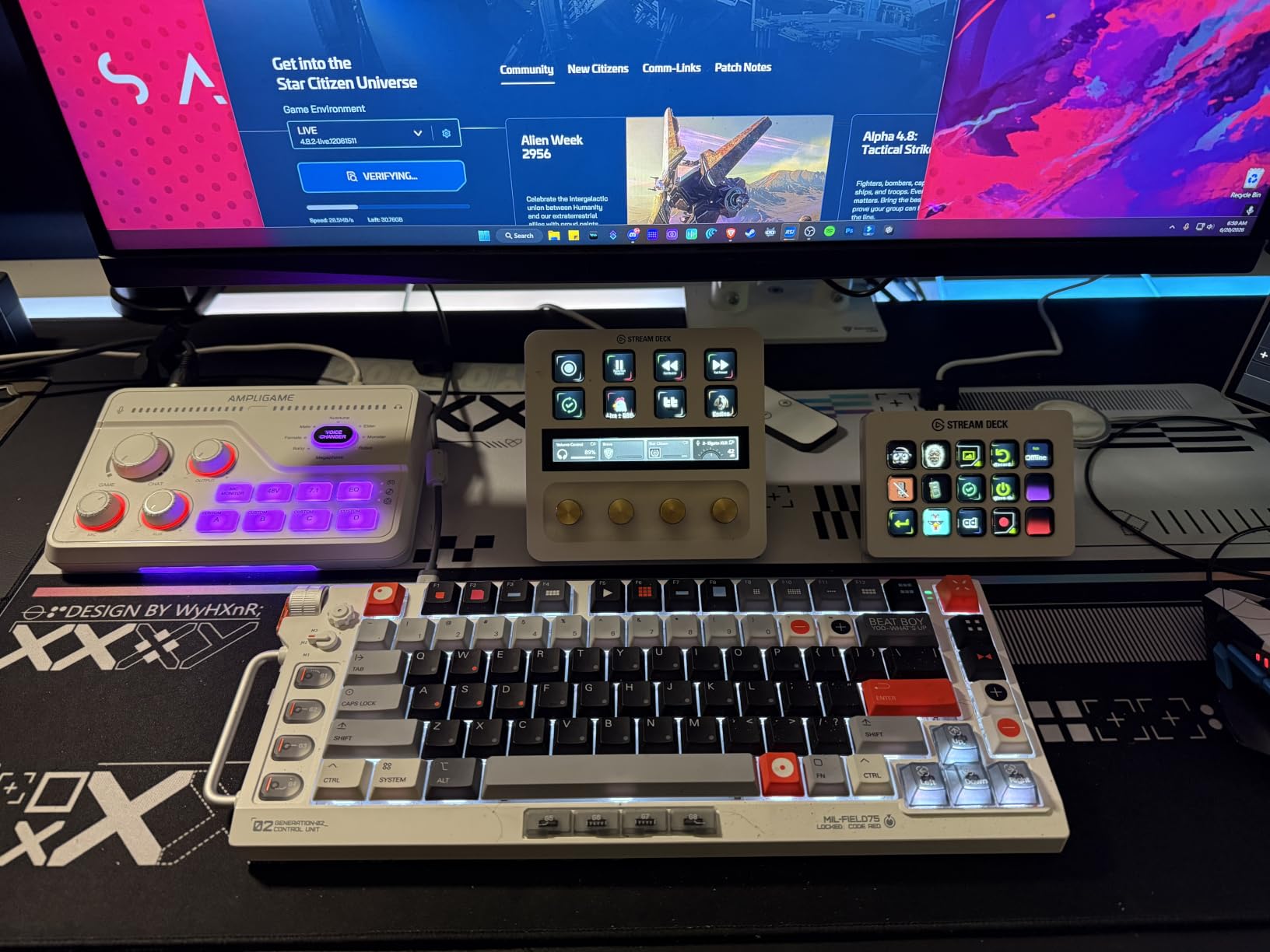
For gaming specifically, the dedicated game and chat balance dial is the control we used most. Turning it toward footsteps versus teammates is a physical action that does not require alt-tabbing, and virtual 7.1 surround genuinely widened the soundstage for directional cues. Three EQ presets for game, music and movie cover fast tone shifts, and RGB lighting reacts to audio peaks.
The compromises are structural: no XLR cable in the box, no Bluetooth, a mono output with no external line out to bypass USB, and monitoring delay that makes tracking vocals awkward. FIFINE desktop software also does not stay in sync with the physical dial.
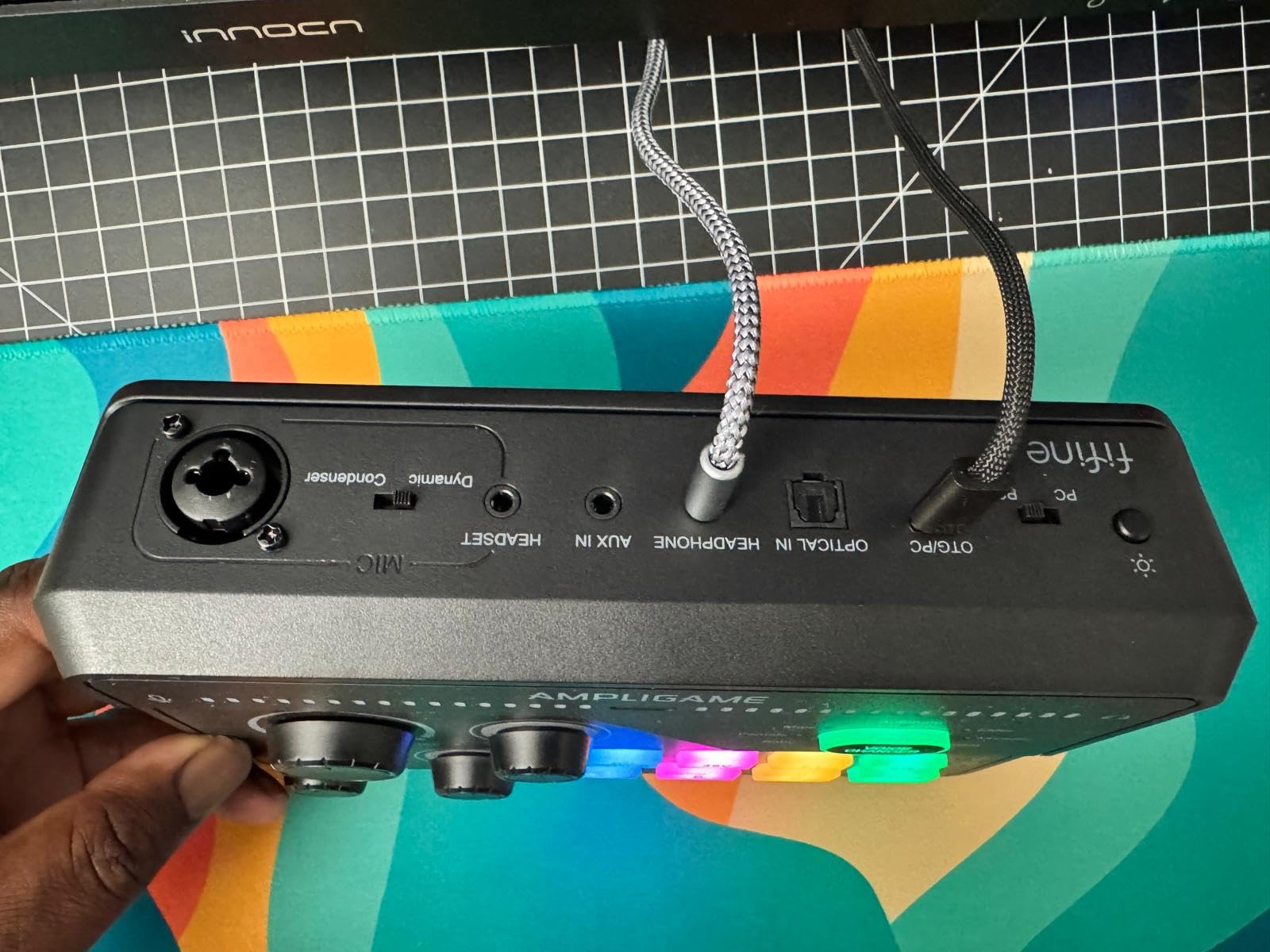
What the game and chat dial solves
Mixing a game with commentary in software means opening a mixer panel you cannot see while playing. This dial does it by feel, and the three push-mute knobs give one-handed control of mic, game and chat volume separately.
Optical AUX handles console and TV audio, and the headphone amp drives 32 ohm gaming headsets cleanly.
Why it is a poor podcast choice
A mono output with no line out rules out stereo capture to an external recorder, which matters if you are producing a multitrack podcast episode on the same box. Monitoring delay also works against anyone singing or overdubbing vocals.
9. TENLAMP G10 Creator Bundle: everything a first creator needs in one box
TENLAMP G10 Creator Audio Mixer Bundle with Microphone for Streaming
2 channels
Bundle includes condenser mic
Battery powered
70 dB noise floor
Pros
- Mixer and condenser microphone in one bundle
- Built-in noise reduction measurably cleans the vocal
- Bluetooth for accompaniment and practice
- Real-time bass treble reverb and pitch controls
- No drivers needed on Windows Mac iOS or Android
Cons
- Reports of units failing within a couple of months
- Included microphone sometimes picks up no voice
- Only two channels for a multi-person show
- Audio can drop out on higher pitches
This is the fastest route from nothing to a working setup, because the condenser microphone ships in the box. No mic shopping, no extra cable hunting, and plug-and-play operation with no drivers across Windows, Mac, iOS and Android.
Follow singing mode is the feature we did not expect. You hear the original track privately while the audience hears only your voice and music, which is exactly what a singer streaming a cover needs.
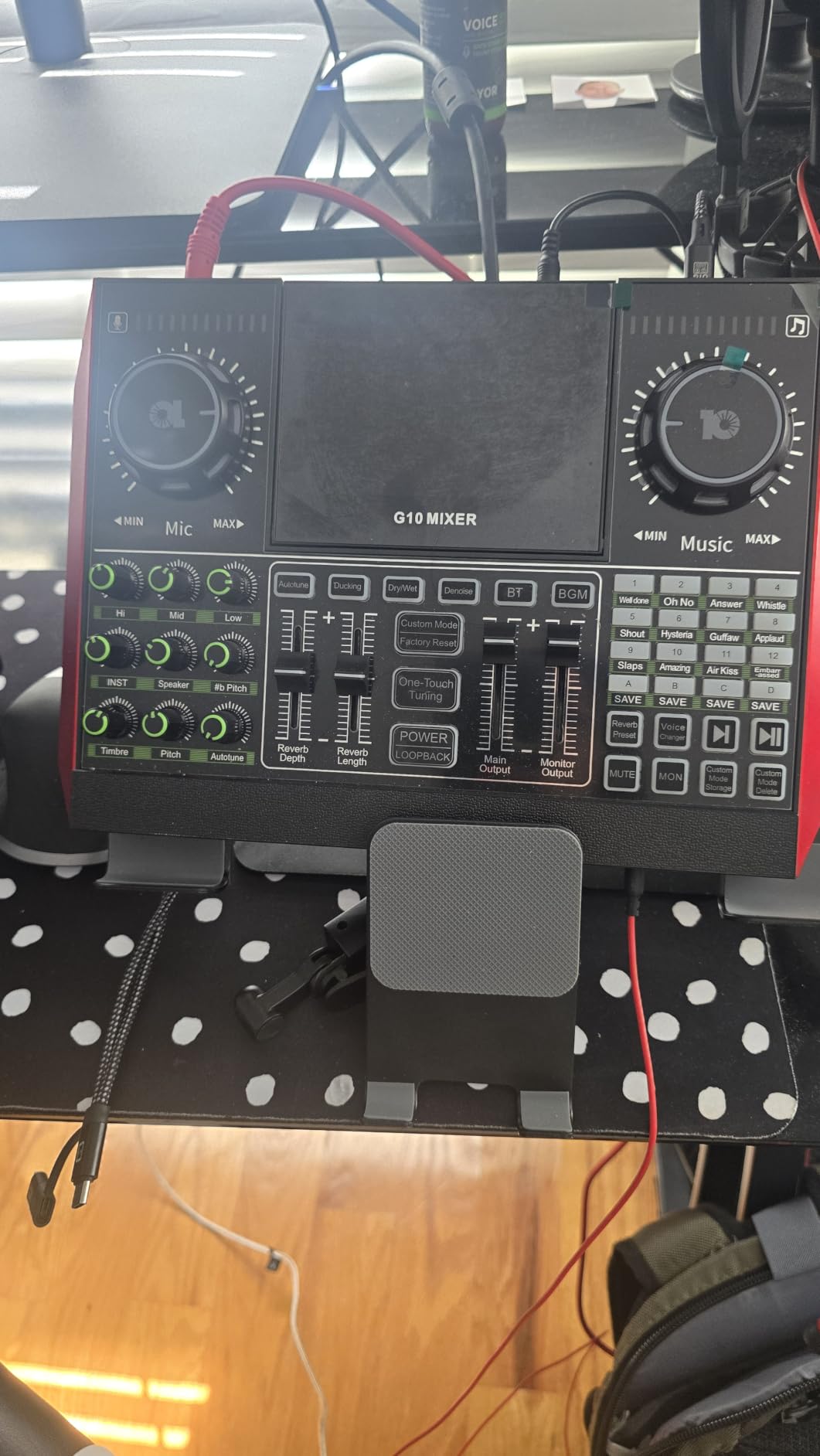
Built-in noise reduction made a noticeable difference on a untreated room, and the real-time bass, treble, reverb and pitch controls are laid out where a beginner can find them. Bluetooth covers accompaniment playback, and voice styles plus applause and laughter effects add interactivity.
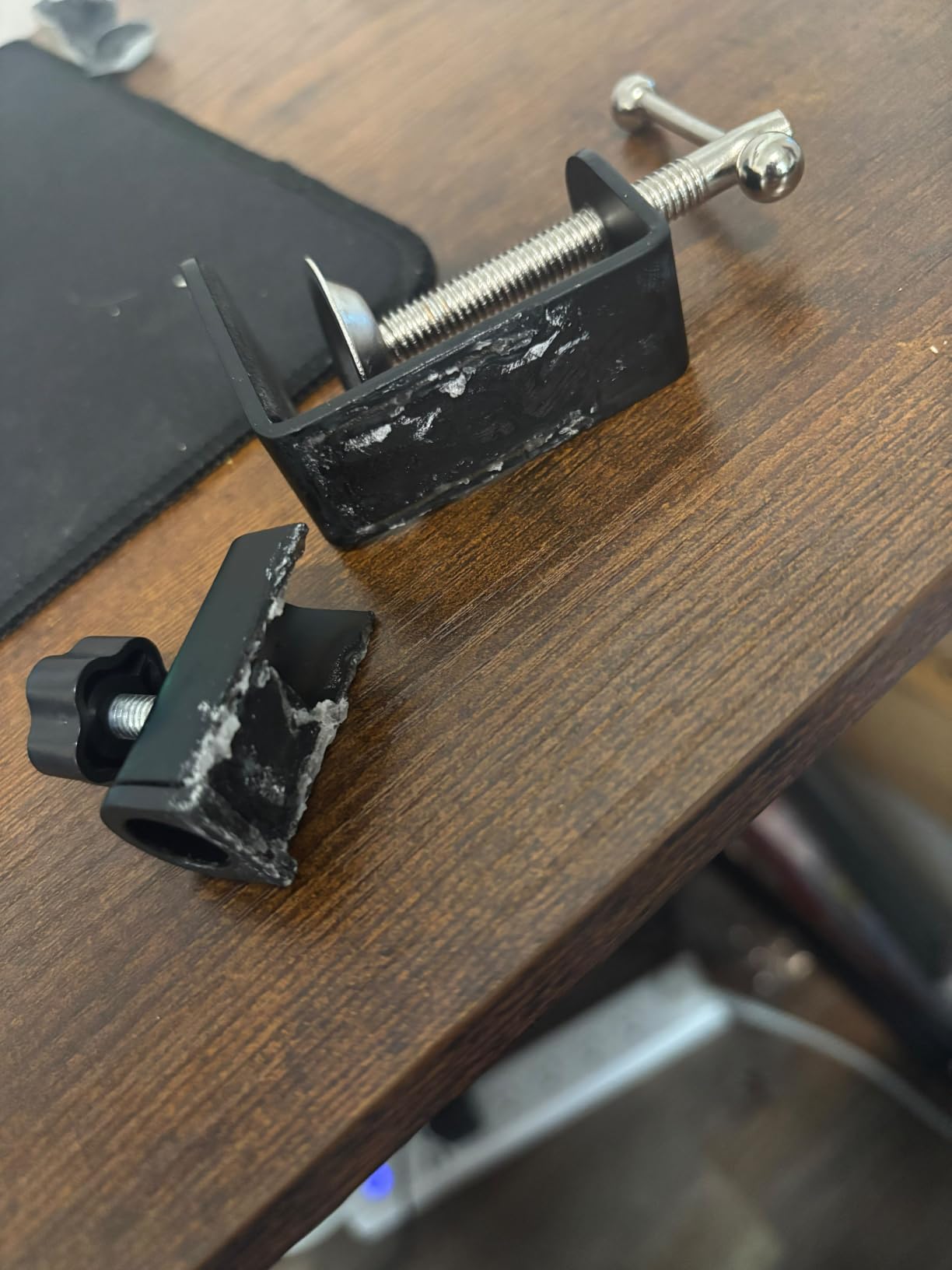
Reliability is the concern. The 4.1 average comes from a cluster of one-star reviews reporting boxes that stopped working within weeks, bundled microphones that could not pick up voice at all, or a speaker output that produced nothing. Two channels also rules out a multi-person show, and some owners reported a default altered voice effect applied without being asked for.
Why the bundled microphone is the real feature
For a first creator the hardest step is not the mixer, it is finding a mic that is not wired wrong. The included condenser removes that step entirely, and the noise reduction means a plain room does not immediately give you a thin vocal.
Battery power and a compact footprint also make it one of the few units here you can pick up and move.
When to keep looking
If your show has two hosts, two channels is not enough. The reliability reports are also a reason to keep the packaging and test the microphone on day one rather than on the day of your first stream.
10. FIFINE KS5 Bundle: a dynamic mic and a mixer that actually talk to each other
FIFINE Gaming Equipment Bundle, Dynamic XLR/USB Gaming Microphone Set with Streaming Audio Mixer for Podcast Recording Video Vocal, RGB Gamer Set with Volume Fader/XLR Interface for PC-AmpliGame KS5
4 channels
XLR and USB mic
Bundle with all cables
1.48 kg
Pros
- Dynamic XLR microphone rejects much of the room noise
- Bundle includes an XLR cable plus every USB and 3.5mm cable needed
- Mute control and headphone monitoring are physical rather than software-only
- Microphone works over both XLR and USB so the setup can change later
- Build quality that held up over a year of use
Cons
- Dynamic mic cannot use the mixer 48V phantom power
- Mixer gain is far higher than the mic needs
- Programmable buttons only fire on the audio-out path
- Touch features and RGB do not work over XLR
A dynamic microphone is a smarter first choice than a condenser for an untreated room, and this bundle includes one that works over both XLR and USB. Reviewers consistently note it sounds noticeably better than entry USB microphones and rejects a good share of room noise.
Every cable you need is in the box, including the XLR cable that several cheaper mixers omit. That single detail removes the most common first-setup mistake.
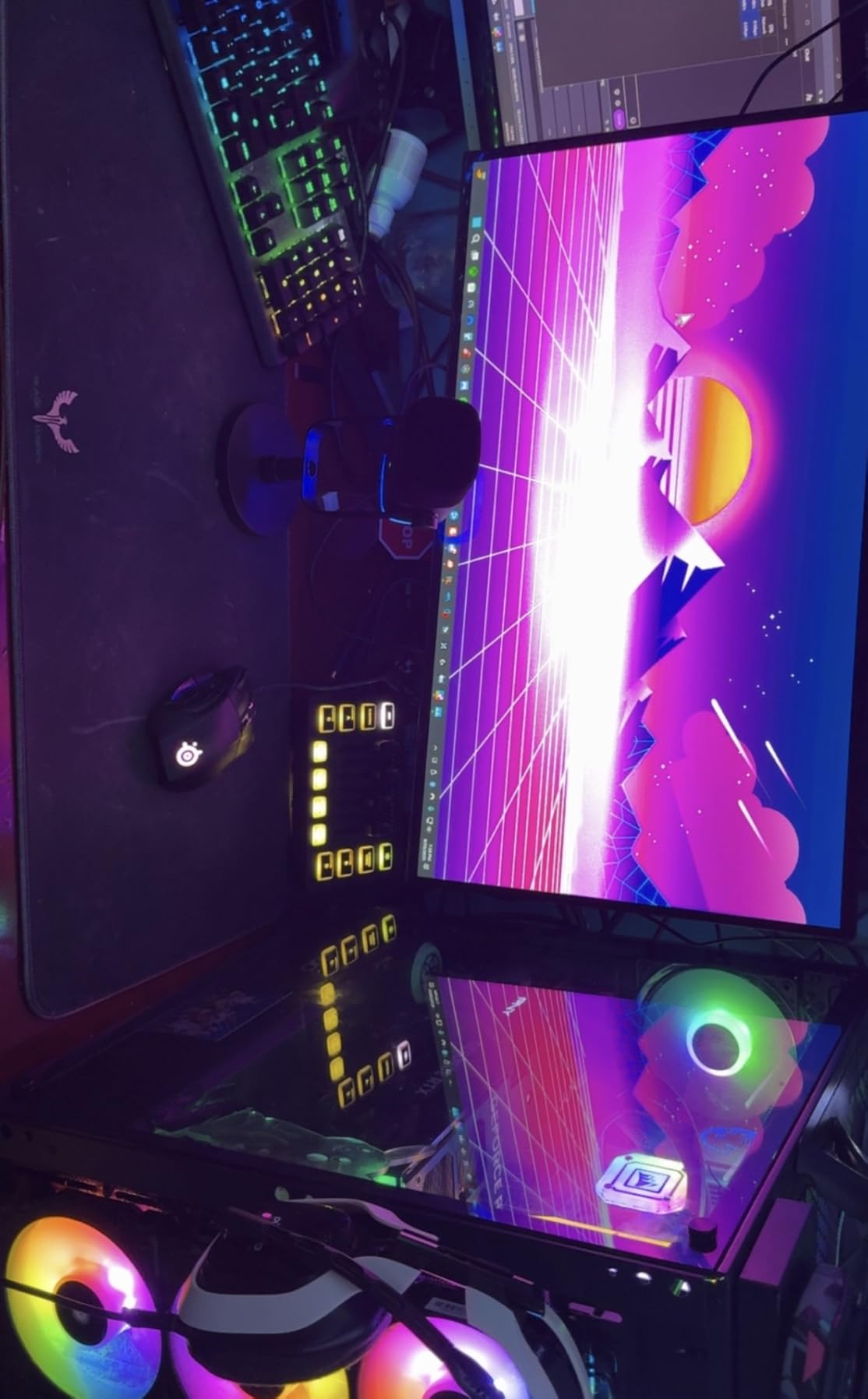
Physical faders, individual mute control and headphone monitoring are the reasons to pick this over a software-only solution. They stay usable when the stream software is busy, and the fader-based control is described as a clear step up from adjusting levels in software.
There is an odd mismatch in the design. The mixer offers 48V phantom power but the bundled dynamic mic must not receive it, and the mic preamp gain is far higher than the dynamic needs, so levels have to stay low to avoid distortion. Over XLR the mic becomes a basic directional microphone and its touch features and RGB indicators stop working.
Why a dynamic mic is the right first microphone
A dynamic mic needs far less gain and tolerates a roomy space, which means a first stream sounds acceptable before you spend money on acoustic treatment. The USB option means you can also skip the mixer entirely later if you outgrow it.
Off-axis falloff is worth knowing about, since the microphone drops off noticeably beyond a foot or two from your mouth.
When the mismatch matters
If you plan to upgrade to a condenser microphone, remember that phantom power must be off for the included one and the gain staging will feel wrong until you change. A few units also had the mixer shut down and reboot mid-game, so test the full length of a session before you rely on it.
Podcast Mixer vs Audio Interface: What Is the Difference?
An audio interface converts audio between analog and digital and sends it to your computer. A podcast mixer does that and also mixes, processes, monitors and often records the result, so you can run a show without routing anything in software.
If you already record in a DAW and handle levels there, an interface is lighter and cheaper. If you want faders you can grab during a live show, headphone feeds for every person in the room and onboard recording, a mixer saves you the work.
The practical crossover point is the number of people in the room. A single host with one microphone can get by with an interface. Three hosts plus a remote guest needs per-person headphone outputs and mix-minus, which is where the units above pull ahead.
How to Choose a Podcast Mixer for Live Streaming
Count your inputs first, then your headphone outputs, then check the two features that cause live-show problems: mix-minus and how it records. Everything else is preference.
Mix-minus is the return feed a remote guest hears without hearing themselves. Without it, a caller on a phone line creates an echo loop that no amount of gain control will fix. Units here handle it very differently: the Zoom PodTrak P4 does it automatically, the Tascam Mixcast 4 offers it on both Bluetooth and Aux, and the RØDECaster Pro II triggers a call through one of its SMART pads.
Recording format is the second question. A stereo file means every level decision is permanent the moment you record. Multitrack files give you each channel separately, and the Tascam Mixcast 4 records 14 tracks to SD while the RØDECaster Pro II writes multitrack to computer, microSD or USB drive. The Zoom PodTrak P4 records every channel and pad to separate tracks and also produces a finished mix.
Phantom power is the third. Condenser microphones need 48V and dynamic microphones must not receive it. Several units here offer a mic-type toggle or a switch, which removes the most common beginner mistake on this list.
Finally, consider the software ecosystem before you commit, because that is the real lock-in. Pads that only trigger through a manufacturer’s app become useless if you move to a different platform, and a mixer with no published API is harder to automate later. We saw users in audio forums repeatedly recommend testing pad routing inside the streaming software before buying, not after.
A quick way to sanity check a configuration is to count what each person needs rather than what the box advertises. A solo host plus a phone guest needs one XLR channel, one line input, mix-minus and one headphone feed. Two hosts plus a remote guest on separate machines needs two XLR channels, two headphone outputs and a line input for the guest. Three hosts plus music needs three XLR channels, three or four headphone outputs, and at least one spare input for the music source.
For live streaming specifically, add one more test: plug the unit into the computer you actually stream from and confirm the audio device appears with the channels you expect mapped. The Zoom PodTrak P4 is the case to know about, since in USB interface mode the computer does not receive Zoom audio and sessions end up on SD for import instead.
Frequently Asked Questions
What is the best mixer for live streaming?
For most creators the RØDECaster Pro II is the best mixer for live streaming, because four studio preamps, eight SMART pads and multitrack recording to computer, microSD or USB cover recording and broadcast in one unit. A solo streamer on a budget is better served by the FIFINE SC3 with its XLR input, 48V phantom power and smooth volume fader.
What are the top 5 podcast mixers?
Our top five are the RØDECaster Pro II for all-round studio work, the Zoom PodTrak P4 for four XLR inputs and four headphone outputs in a portable body, the Tascam Mixcast 4 for 14-track SD recording and eight pad banks, the MAONO AME2 for ten channels and a 6.35mm instrument input, and the FIFINE SC3 as a budget single-channel option.
What is the best audio mixer for live streaming?
For live streaming specifically, the Tascam Mixcast 4 leads because its eight banks of illuminated pads, Bluetooth and Aux mix-minus and USB input from a computer cover both podcast and broadcast workflows. Console streaming is better served by the FIFINE SC8 with its optical AUX or the MAONO G1 Neo with PS5 support.
What is the best audio mixer for podcasts?
The RØDECaster Pro II is the best audio mixer for podcasts because four studio preamps handle demanding microphones without extra gain boxes, APHEX processing makes voices broadcast-ready in one tap, and eight SMART pads trigger music and effects live. For two hosts on a budget, the Zoom PodTrak P4 records every channel and pad to separate tracks.
Do I need a dedicated mixer for podcasting?
You need one once more than one person is speaking. A single host recording in post can use an audio interface, but two or more hosts need individual headphone monitoring, real-time level control and mix-minus for remote guests, all of which a dedicated mixer provides.
Conclusion
The RØDECaster Pro II is the mixer we recommend to anyone building a real studio in 2026, because it handles three hosts, a remote guest and a computer feed while recording every track separately. The Zoom PodTrak P4 is the smarter purchase for two people who want portability, and the FIFINE SC3 is a genuinely usable first step for a solo host moving off a laptop microphone.
Match the channel count to the people in the room, confirm mix-minus if a guest joins remotely, and test your pad routing in your streaming software before the first show.