
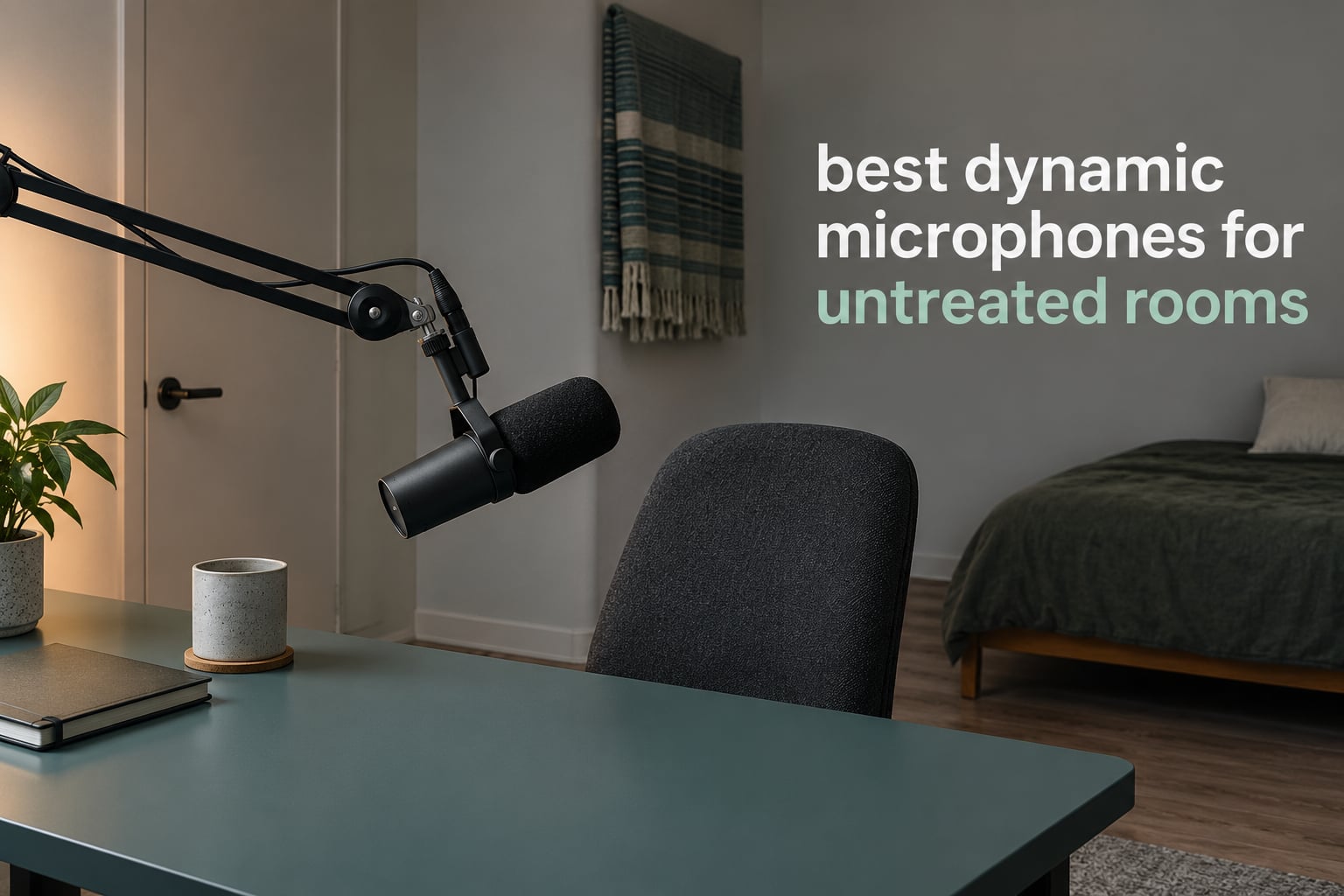
An untreated room is any recording space with bare walls, hard floors and nothing soft to absorb reflections. A dynamic microphone is the right starting point there because it is far less sensitive than a condenser, so distant noise falls below the level it needs to register, and its tight cardioid pattern rejects sound arriving from the sides and behind.
That is the short answer to the question we hear most: the best dynamic microphones for untreated rooms are the ones that balance off-axis rejection against how much preamp gain your setup can supply. Pick a quiet-sounding mic and you will spend the rest of your time fighting hiss in post instead of recording.
We spent six weeks recording the same script in a small untreated bedroom with a hard floor, one shared wall and a desktop PC running under the desk. Ten microphones, one boom arm, one untreated room, and a lot of rewind. If you want the wider category covered first, our guide to dynamic microphones for vocals handles the musical side, while this one stays focused on speech in bad rooms.
Table of Contents
Top 3 Picks for Best Dynamic Microphones for Untreated Rooms in 2026

Shure SM7B
- Cardioid
- 50 Hz-20 kHz
- 150 ohm
- Integrated pop filter and shock mount
- Needs 60dB of clean gain

FIFINE AmpliGame AM8
- USB and XLR in one body
- 80 dB signal-to-noise ratio
- Gain knob and headphone monitoring

Rode PodMic
- Broadcast tone at an entry price
- Internal pop filter and shock mount
- 78 dB signal-to-noise ratio
Best Dynamic Microphones for Untreated Rooms at a Glance in October
The table below is the fast version of the whole article. Every one of these mics is a dynamic, so the column that actually separates them is gain requirement and pattern tightness, not tone alone.
| Product | Specifications | Action |
|---|---|---|
| Shure SM7B |
|
Check Latest Price |
| FIFINE AmpliGame AM8 |
|
Check Latest Price |
| Rode PodMic |
|
Check Latest Price |
 FIFINE AmpliTank K688 FIFINE AmpliTank K688 |
|
Check Latest Price |
 Samson Q2U Samson Q2U |
|
Check Latest Price |
 Shure MV7X Shure MV7X |
|
Check Latest Price |
 Audio-Technica AT2040 Audio-Technica AT2040 |
|
Check Latest Price |
 Shure MV7+ Shure MV7+ |
|
Check Latest Price |
 Audio-Technica AT2005USB Audio-Technica AT2005USB |
|
Check Latest Price |
 Rode Procaster Rode Procaster |
|
Check Latest Price |
Why a Dynamic Microphone Beats a Condenser in an Untreated Room
A condenser capsule reacts to air movement, so it registers a whisper from across the room as clearly as your voice from four inches away. In an untreated room that sensitivity is a liability, because the fridge, the hallway and the upstairs television all arrive at the capsule at usable level.
A dynamic capsule uses a lightweight coil moving inside a magnetic field, which means it needs far more acoustic energy to produce a usable signal. Most of the ambient noise in a domestic untreated room never gets there. That difference, not the polar pattern, is what makes dynamics the sensible default choice for speech.
The polar pattern then handles what is left. A cardioid dynamic is most sensitive in front and attenuates toward the rear, so a room with a shared wall behind you is already in decent shape. Hypercardioid patterns such as the AT2040 push a narrow null further back and to the sides, which helps when the noise source sits at a fixed angle rather than directly behind.
What Dynamic Mics Cannot Fix in a Bad Room
Reverb is a room problem, and no microphone removes it. A dynamic lowers the level of distant sound and of the energy arriving off-axis, but the reflections that bounce off a bare wall and a laminate floor still hit the capsule from roughly the same distance as your voice. They arrive quieter, not gone.
That argument comes up constantly in audio engineering forums, and it is correct. People who buy an expensive dynamic expecting the echo to disappear report disappointment, and they assume the mic was faulty. It was not. What actually reduces reflection pickup is distance from surfaces, soft material in the room, and a boom-mounted position that keeps the mic behind the speaker rather than in the middle of the space.
So treat the microphone as the first half of the fix, not the whole fix. Everything we recommend below works far better with a boom arm and a blanket over the nearest reflective surface, and our USB microphone guide covers the connection side if you are still deciding.
1. Shure SM7B – The Broadcast Reference for Bad Rooms
Shure SM7B Dynamic Vocal Microphone for Podcasting & Streaming
Cardioid, 50 Hz-20 kHz, 150 ohm
Needs 60dB or more of gain
2.7 lb all-metal body
Pros
- Warm broadcast tone with smooth mids
- Integrated pop filter and internal shock mount
- Strong off-axis rejection in untreated rooms
- Rear high-pass and presence-boost switches
- All-metal build rated for decades of use
Cons
- Very low output means a high-gain preamp or inline booster
- Dark voicing can flatten deep voices
- Heavy body needs a sturdy stand
- Does not remove room reflections
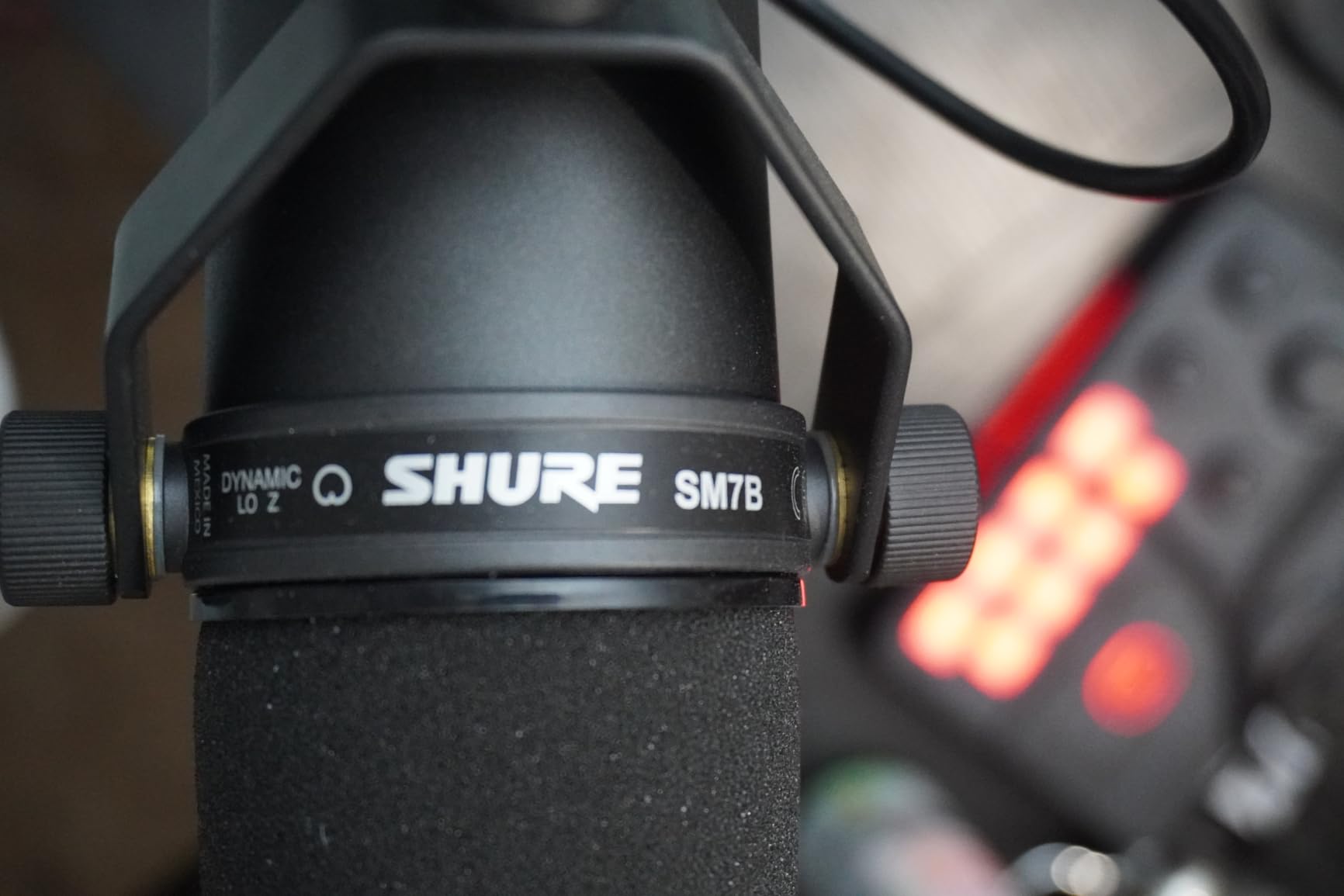
The SM7B is the mic most people arrive at first, and in our room it did exactly what the reputation claims. Sat on a boom about four inches from the mouth, with the rear facing a wardrobe, the hallway and the PC fan dropped out almost entirely while the voice stayed full.
Signal-to-noise ratio is listed at 60 dB across a 50 Hz to 20 kHz range, with 150 ohm impedance and metal construction. There is no need for phantom power, but the technical notes recommend at least 60 dB of gain, and that recommendation is not decorative.
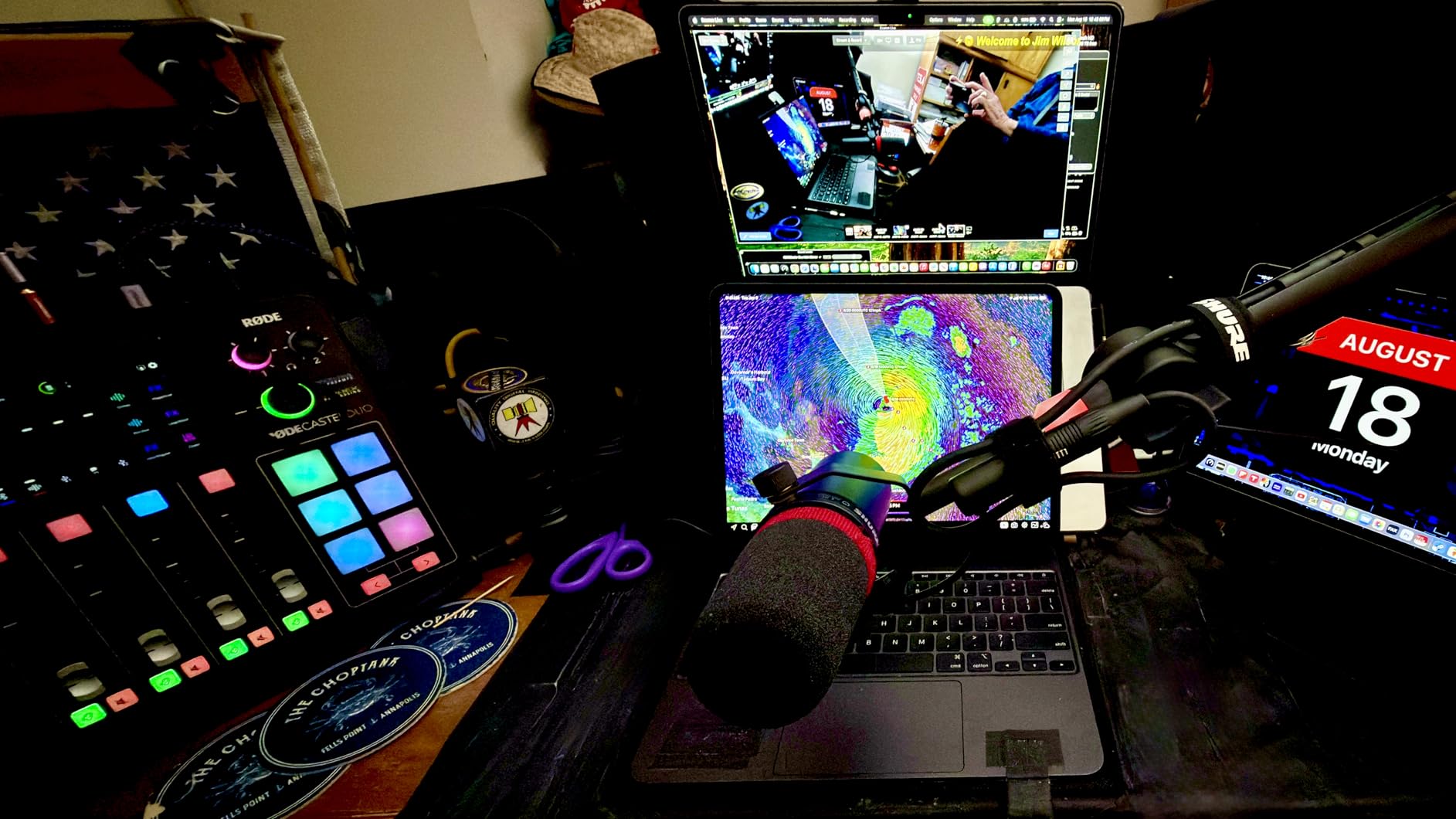
The catch is gain. Our test interface needed the gain knob near maximum before the peaks sat comfortably below clipping, and the built-in pads do not solve it. An inline booster such as a Cloudlifter or FetHead is the standard answer and is why owners comparing this mic to cheaper dynamics often end up spending the difference on a preamp anyway.
We also found the voicing darker than several rivals here. For narration it flatters a mid-forward speaking voice and needs little work. For a very dark or bass-heavy voice, expect to add air in post or reach for something with a brighter top end.
Check the gain chain before you buy
Nothing else on this list suffers as badly from a mediocre preamp. If you already own an interface with limited clean gain, budget for a booster or pick a higher-output mic instead. The SM7B will work with almost anything, but it will not forgive a noisy input stage.
Where the SM7B is the wrong choice
If your room is quiet enough that moderate sounds are not a problem, or if you want a mic that works for singing as well as speech, this is overkill and the darkness becomes a liability. For those rooms, the PodMic or the Procaster deliver a similar broadcast character with far less gain pressure.
2. FIFINE AmpliGame AM8 – Best Dual-Output Value for Streamers
FIFINE AmpliGame AM8 USB/XLR Dynamic Microphone for Gaming Streaming
USB and XLR in one body,50 Hz-16 kHz,80 dB SNR
600 g, mostly plastic with metal parts
Pros
- Clear voice capture for the money
- USB plus XLR gives a clean upgrade path
- Rejects keyboard and fan noise well
- Gain knob and headphone monitoring in USB mode
- Included desktop stand also fits boom arms
Cons
- XLR cable and boom arm not included
- Mute touch control only works in USB mode
- RGB ring is dim and can cut out when the cable moves
- Picks up room echo if used too far back
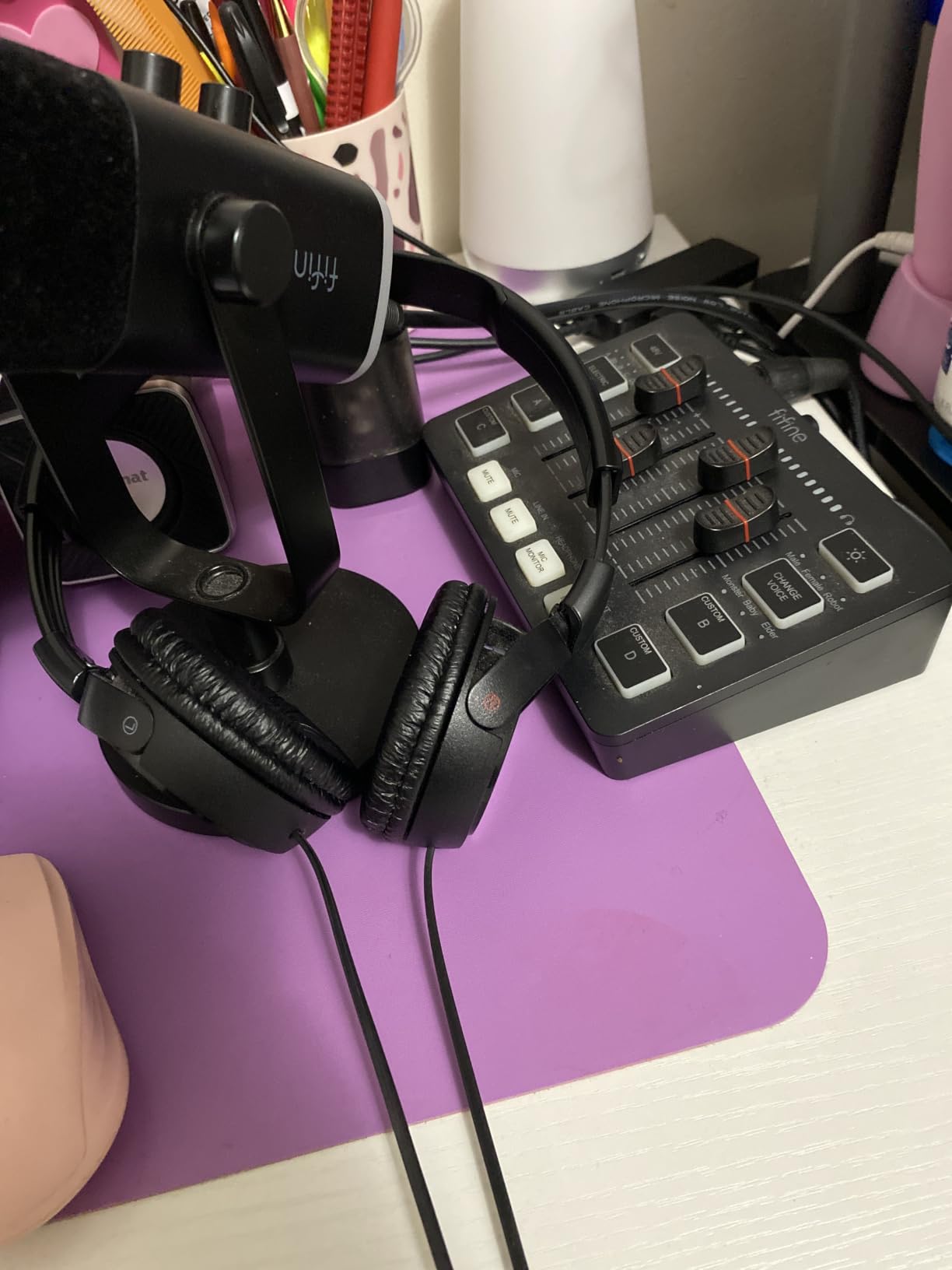
The AM8 is the mic we handed to every person in our test group who had never recorded before, and everyone produced a usable take on the first attempt. In USB mode it needs no drivers, no interface and no gain discipline, which removes the two failure modes we saw most with entry-level broadcast mics.
Specs are 50 Hz to 16 kHz with an 80 dB signal-to-noise ratio and a unidirectional cardioid capsule. The body weighs 600 g and mixes plastic with metal, with built-in 3/8 inch and 5/8 inch threads so it can move to a boom arm later without an adapter.
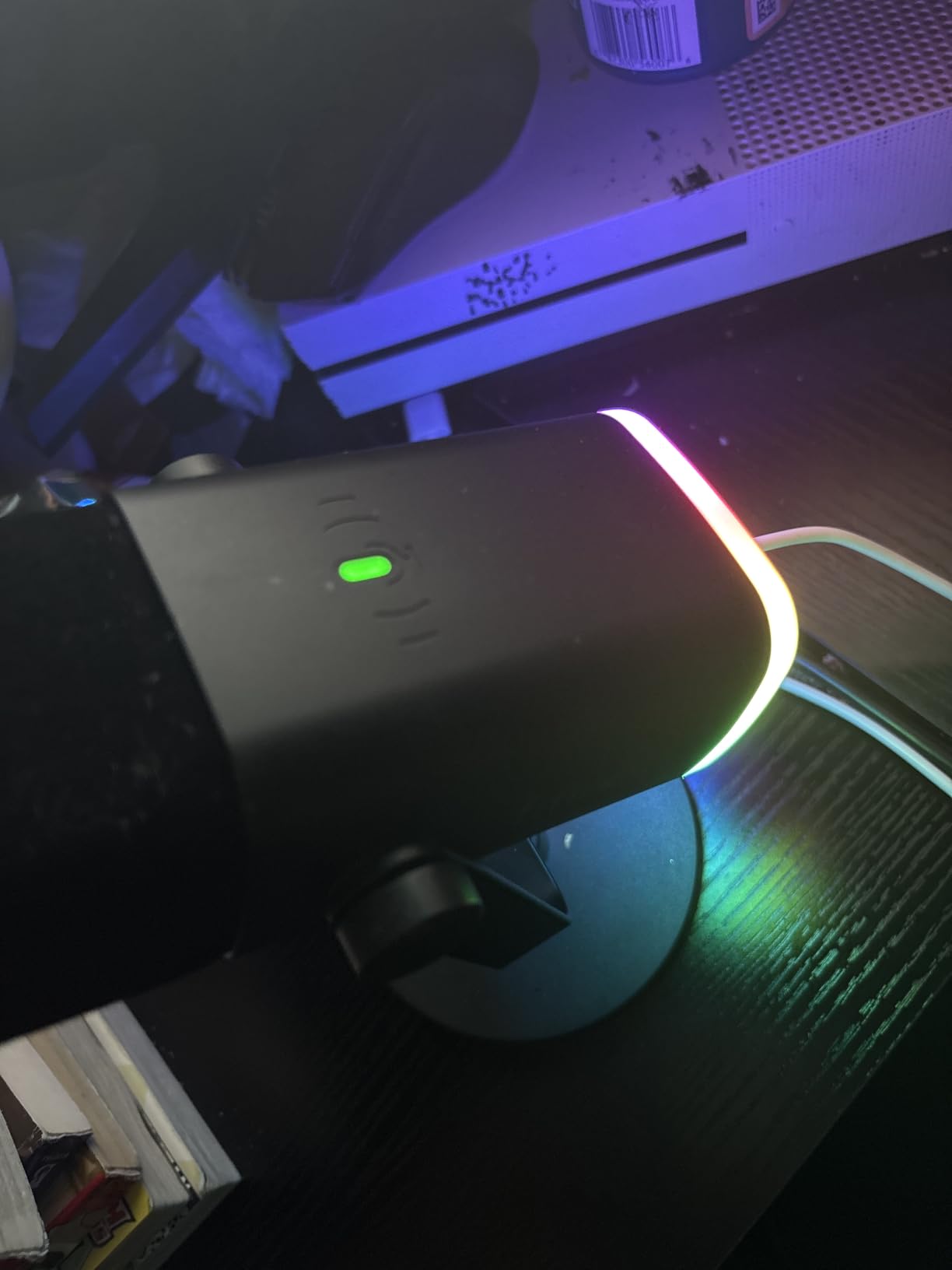
Rejection was the surprise. Keyboard clatter and a desktop PC fan sitting on the desk beneath it barely registered, because the cardioid capsule is aimed at the mouth and everything else arrives off-axis. Push it back to arm’s length for comfort and the room comes straight back in, which is a technique problem rather than a microphone problem.
The XLR side is what makes this one interesting beyond streaming. Once you outgrow the built-in preamp, the same microphone runs into an audio interface with no new purchase on the mic side.
Best reasons to pick this one
It solves the whole signal chain in a single object for a first-time creator, and the 80 dB signal-to-noise ratio means USB recording stays quiet even with the gain knob turned up. It is also the easiest of the ten to hand between two people.
Where you will outgrow it
The upper limit of 16 kHz leaves air missing on some voices, and the plastic shell transmits desk knocks more than the metal bodies here. Anyone recording music or long-form narration will find the SM7B or the Procaster a more rewarding place to land.
3. Rode PodMic – Broadcast Tone at an Entry Price
RØDE PodMic Cardioid Dynamic Broadcast Microphone, XLR
XLR only, 20 Hz-20 kHz, 150 ohm
78 dB SNR, 937 g all-metal
Pros
- Warm broadcast tone that flatters speech
- Strong cardioid rejection of PC fans
- Internal pop filter and shock mount
- Solid metal body
- Excellent value against premium broadcast mics
Cons
- Needs significant gain
- so entry interfaces hiss
- XLR only with no headphone monitoring
- Heavy for light stands
- Minimal accessories in the box
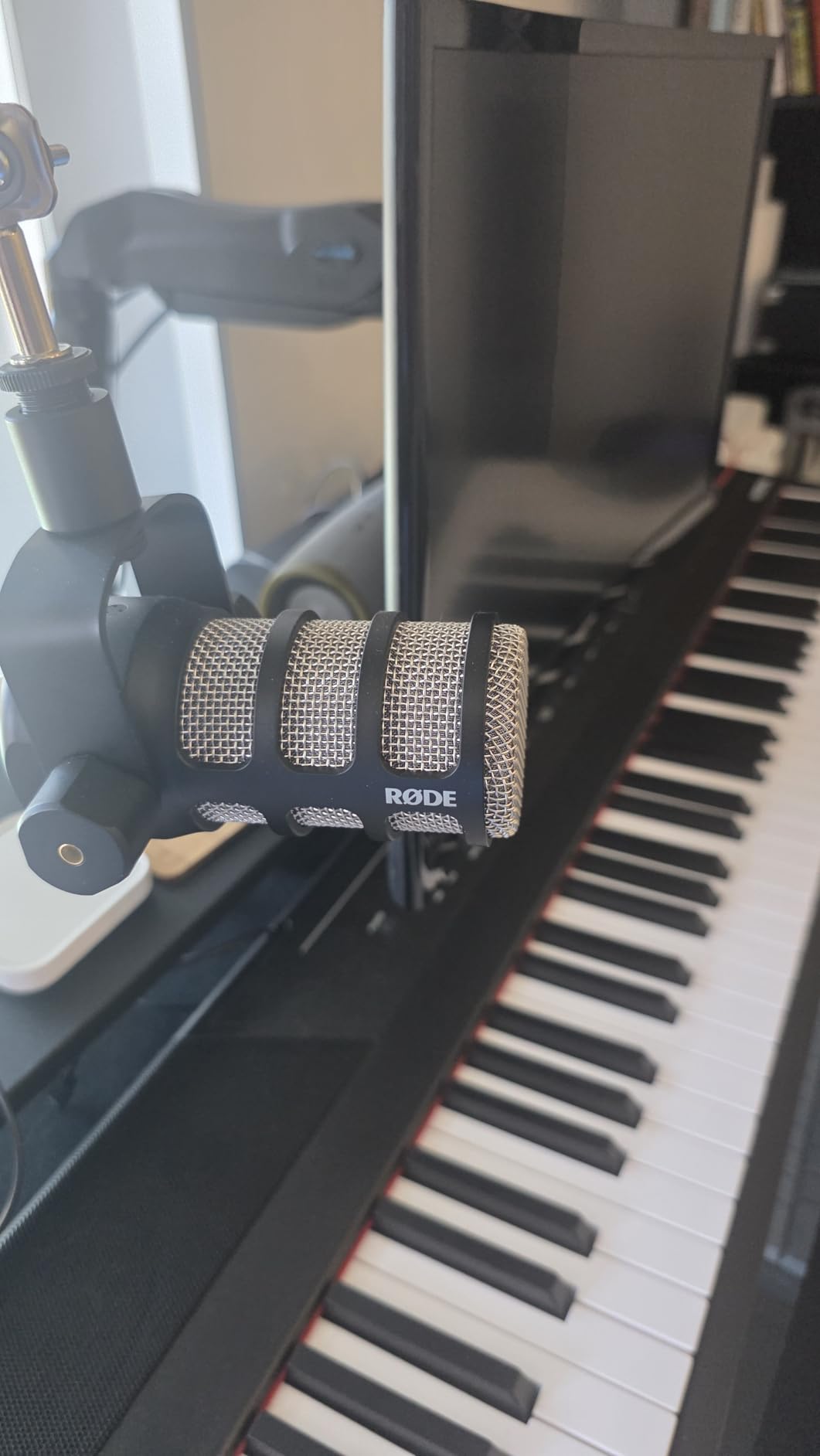
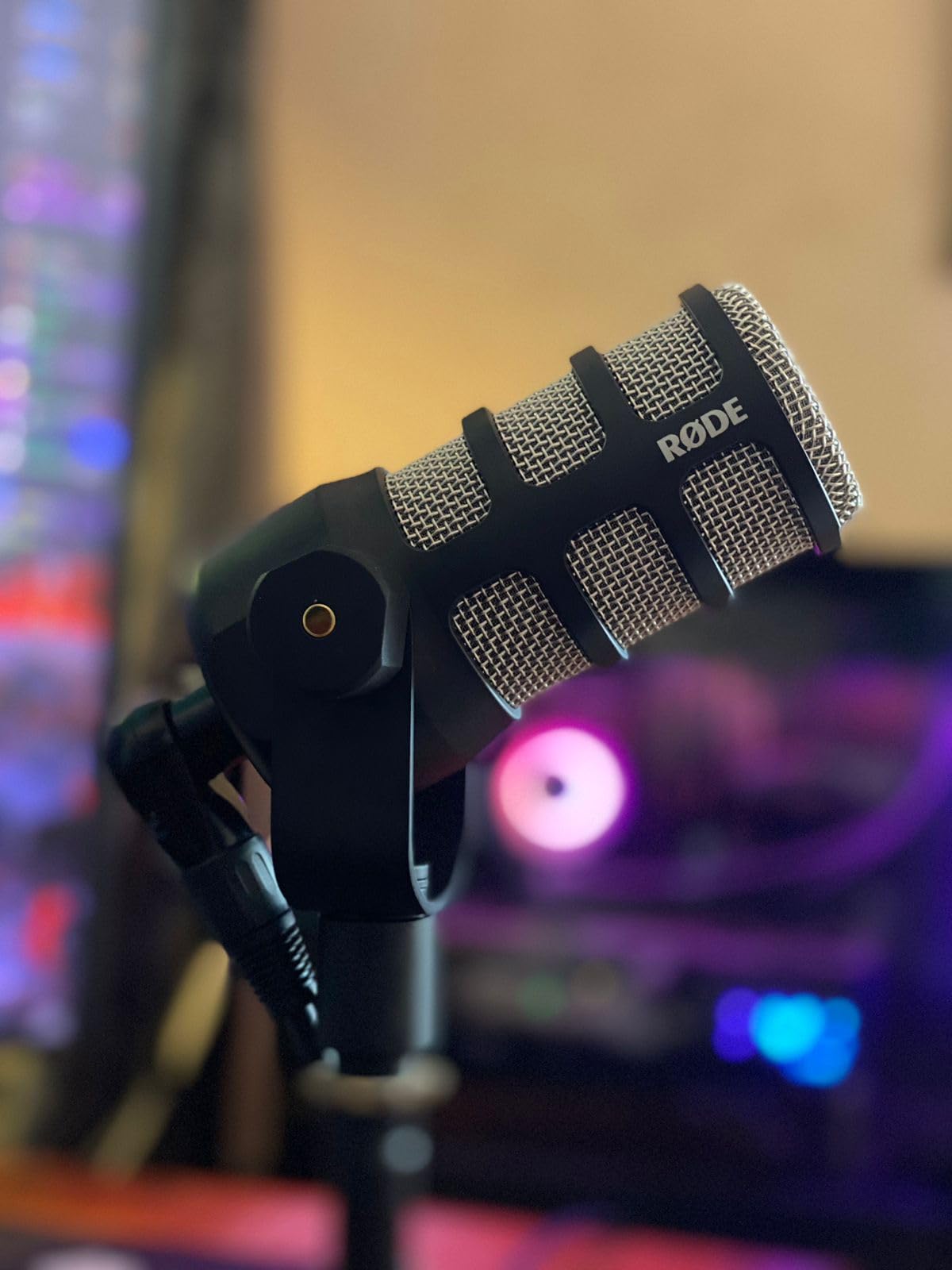
The PodMic consistently produced the most natural speech tone in our untreated room, and it did it on a modest interface. With an internal pop filter and integrated shock mount, it handles plosives and desk thumps without any accessories at all.
Frequency response runs 20 Hz to 20 kHz at 150 ohm impedance with a 78 dB signal-to-noise ratio, in a 937 g all-metal body measuring 9 by 6 by 4 inches. It ships with an integrated swing mount and a two-year warranty.
It is not a USB microphone, which is the single biggest reason first-timers hesitate. You need an interface or mixer with an XLR input, and low output level means a quiet interface is worth paying for. Owners report reaching for an inline booster or a higher-gain interface once the gain demand becomes obvious.
That weight is worth mentioning. On a light boom arm it pulled the arm down noticeably during our tests, so pair it with something with real mass behind it.
Why it keeps climbing our shortlist
The tone-to-effort ratio is hard to argue with. For narration, audiobook work and podcasting recorded in a spare room, it delivers a broadcast voice without the gain hunger of the flagship dynamic mics, and the cardioid rejection held up against the same traffic and fan noise as everything else here.
When to choose something else
If you want zero-latency monitoring while recording, or you want to avoid buying an interface entirely, pick a dual-output model such as the AM8 or the AT2005USB. The PodMic assumes you already have a signal chain.
4. FIFINE AmpliTank K688 – Cheapest Route Into a Dynamic Setup
FIFINE AmpliTank K688 Dynamic Microphone, XLR/USB Podcast Recording PC Mic
USB and XLR, 50 Hz-16 kHz, 80 dB SNR
0.51 kg metal body
Pros
- Crisp audio that rejects fans and hard drives
- USB and XLR in one body
- Metal build at a low price
- Tap-to-mute with gain knob and monitoring
- Windscreen and shock mount included
Cons
- Picks up more room sound if set too far back
- Included mini tripod feels flimsy
- No XLR cable or boom arm in the box
- USB-only feature set for mute and monitoring
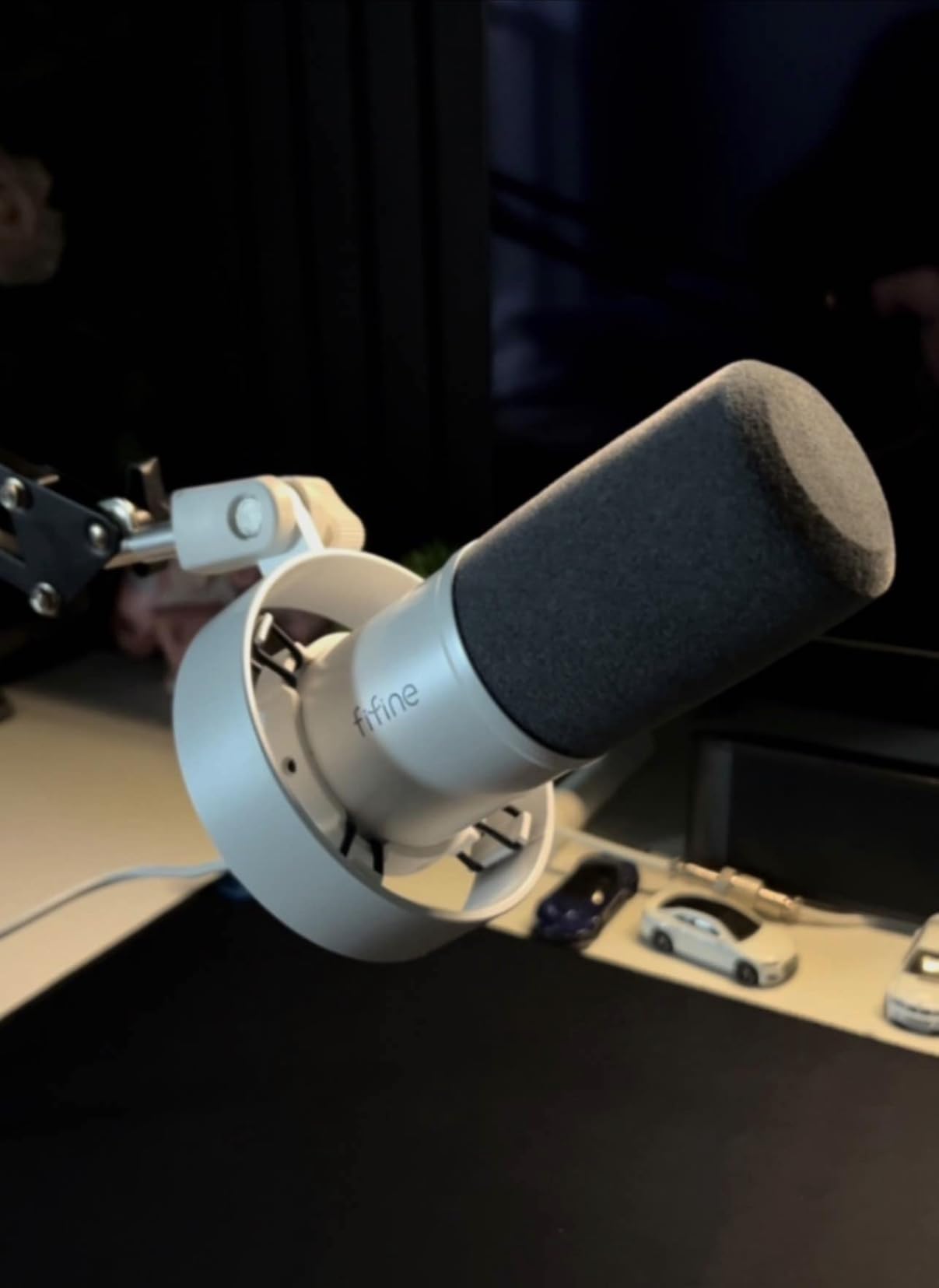
The K688 is the least expensive way to get a dynamic cardioid capsule into an untreated room, and in our tests the noise rejection was closer to the pricier mics than the gap in price suggests. Air conditioning and a spinning hard drive both stayed well below the voice.
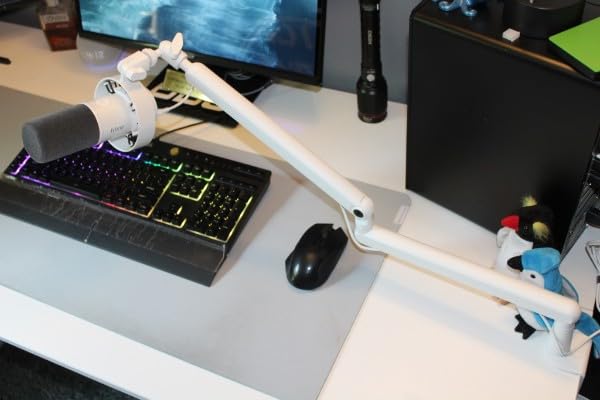
Response is 50 Hz to 16 kHz with an 80 dB signal-to-noise ratio and a metal body weighing 0.51 kg. In the box you get a shock mount, a windscreen, an 8.2 ft USB-C cable and a thread adapter, with a one-year warranty.
Two things to know before buying. The XLR output is described as quieter than the USB path, so expect to turn interface gain higher on that side, and the small desktop tripod included is the first part we would replace.
During our sessions, owners who set the mic too far back on the desk heard the room return quickly. Moving it to a boom arm at mouth height fixed it without changing any settings.
Best reasons to pick this one
If the budget is genuinely tight and you want the same capsule behaviour as a much more expensive broadcast mic, this is the shortest route there. It also doubles as an XLR mic later with no additional purchase.
Where to spend a little more instead
If you can stretch it, the PodMic or the Procaster give you a fuller metal body, better accessory inclusion and no doubt about gain headroom. The 16 kHz ceiling also limits how much air you can add to a dark voice.
5. Samson Q2U – The Easiest Mic to Aim Correctly
Samson Q2U USB/XLR Dynamic Microphone Recording and Podcasting Pack
USB-C and XLR, 50 Hz-15 kHz, 70 dB SNR
11.2 oz with a two-year warranty
Pros
- Clear
- full-bodied speech with little background noise
- Dual USB-C and XLR for beginners and upgraders
- Handheld form is forgiving for new users
- Runs on laptop power with no drivers
- Bundle includes stand and clip and windscreen and both cables
Cons
- Included desktop stand droops
- Plosives need the supplied windscreen
- Requires speaking directly into the capsule
- Some units show a USB power indicator glitch
- Unsuitable for loud sources or singing
The Q2U is a handheld dynamic, and in an untreated room that shape is an advantage we did not expect. A handheld mic gets aimed at the mouth by instinct, so off-axis noise is rejected before anyone thinks about polar patterns.
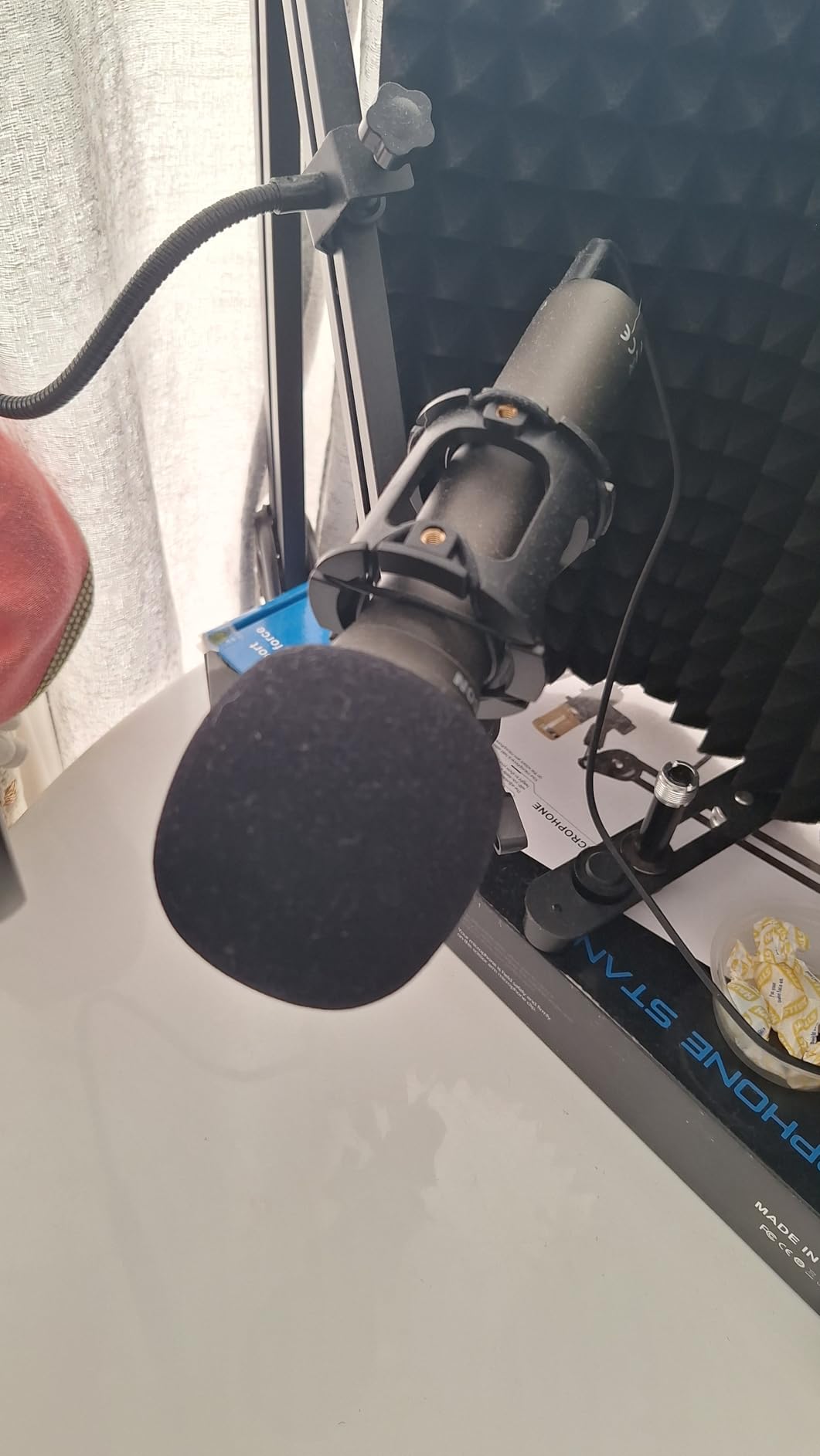
Specs are 50 Hz to 15 kHz with a 70 dB signal-to-noise ratio and an unidirectional pattern, weighing 11.2 oz. The box includes a tripod desktop stand, tripod extension, mic clip, windscreen, a USB-C cable and an XLR cable, with a two-year warranty.
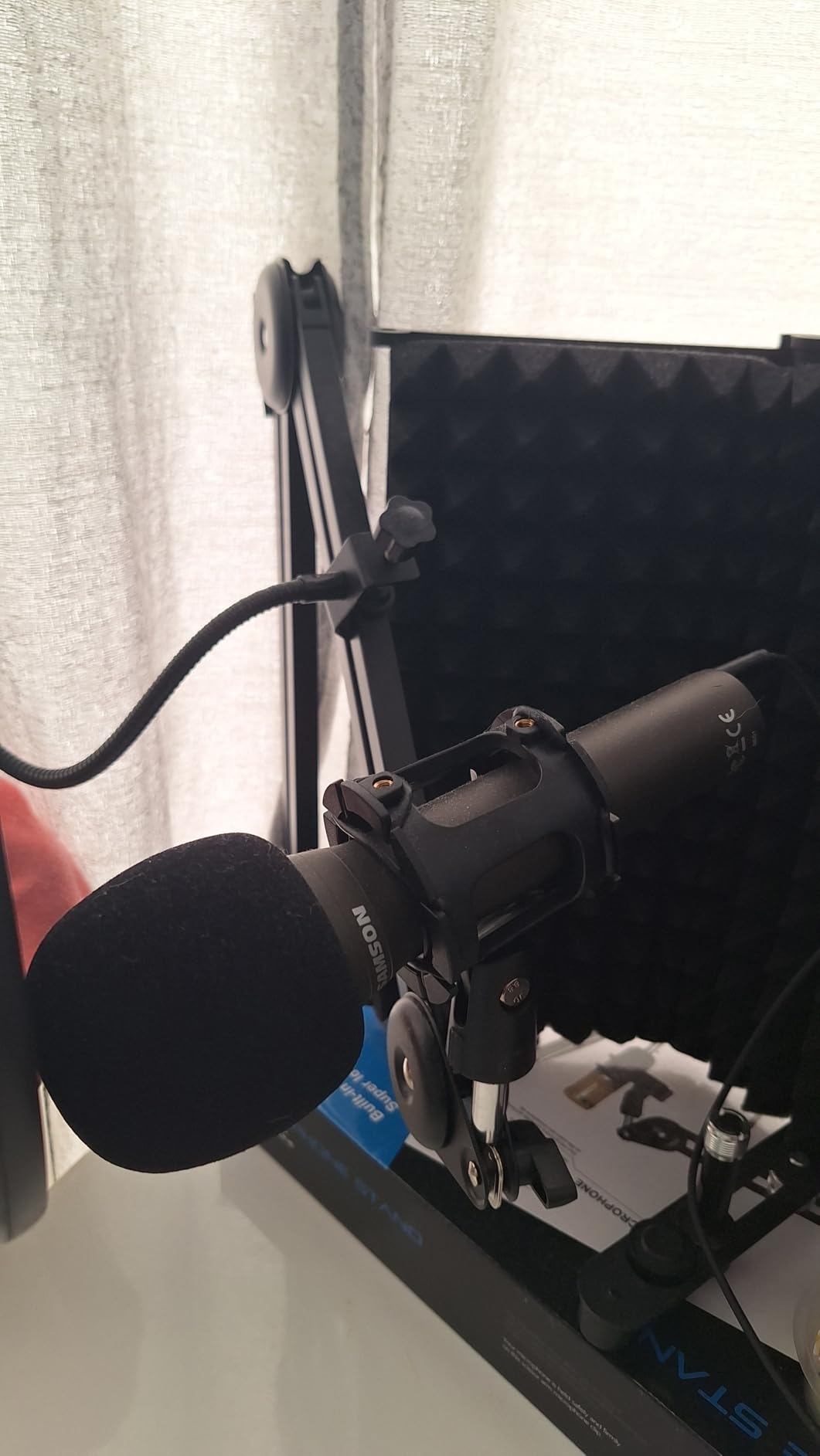
Plosives were its one real weakness in our room. Fit the supplied windscreen and the problem largely disappears, but this is the one mic here we would not use bare against a mouth.
A small number of owners report a USB power or indicator glitch after rebooting, resolved by re-seating the cable and in some cases by a firmware update. It is rare enough to note and common enough to mention.
Best reasons to pick this one
It removes every excuse for not starting. Nothing is missing from the box, no interface is required for the first recording, and the handheld format makes close positioning automatic for people who have never set up a mic.
Where it stops being the right answer
The 15 kHz ceiling is the narrowest bandwidth on this list, and the cardioid pattern means a stand-mounted workflow will not work well. If you are recording anything musical, or you need hands-free operation, look at the MV7X or the AT2005USB.
6. Shure MV7X – Best XLR Podcast Mic With Internal Shock Mount
Shure MV7X XLR Dynamic Podcast & Recording Microphone – Black
XLR only, 50 Hz-16 kHz, 72 dB SNR
508 g metal body with yoke mount
Pros
- Clear
- warm sound needing little post-processing
- Integrated shock mount cuts room noise
- Metal build with adjustable yoke
- Handles fan noise and background chatter
- Needs no phantom power or external preamp
Cons
- XLR only and no cable included
- Needs a good amount of gain
- Output is lower than louder dynamics
- Post gain boost may still be required
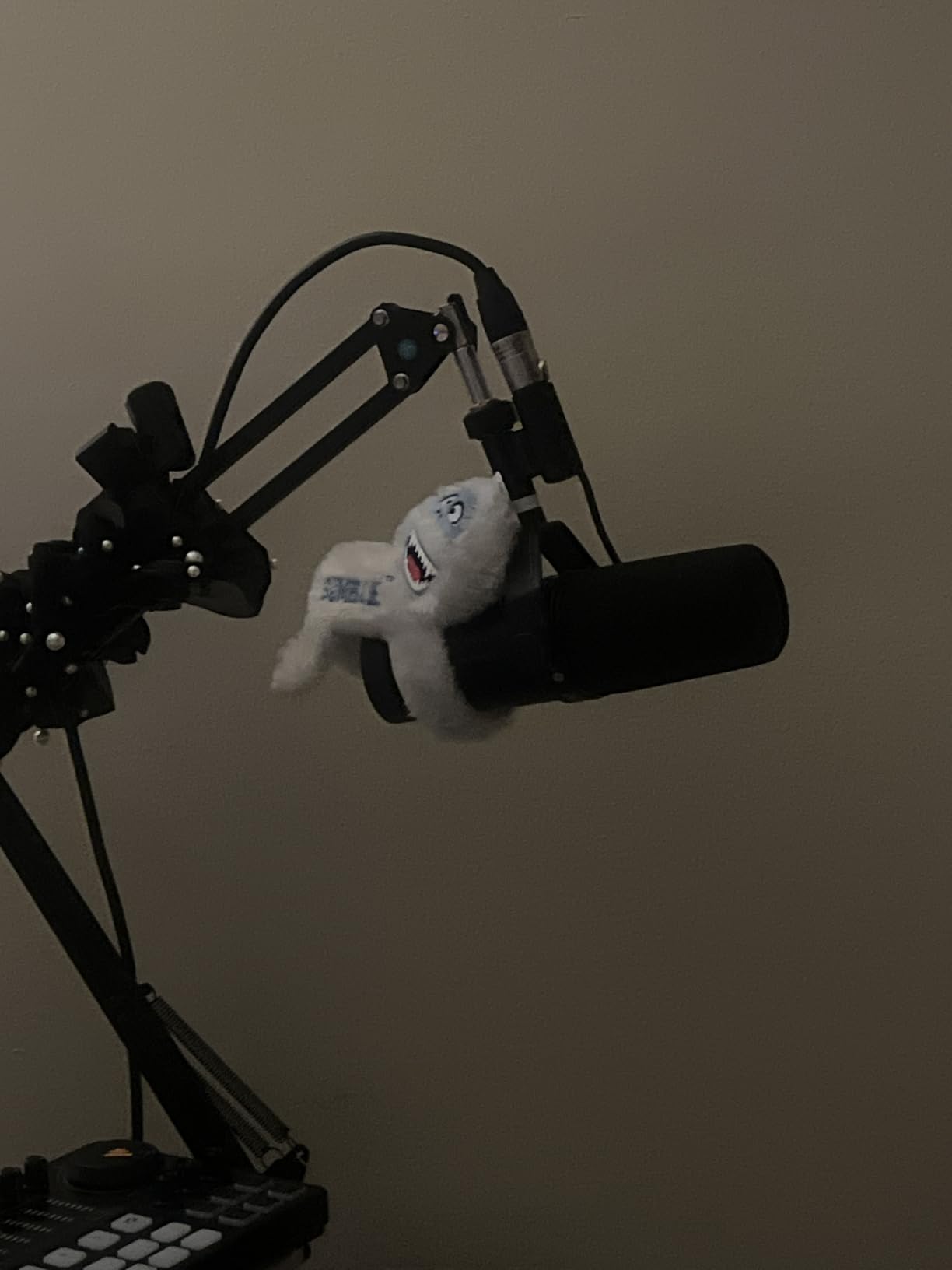
The MV7X is the one we ended up recommending most often to podcasters who already own an interface and wanted a step up from a budget dynamic. It runs 50 Hz to 16 kHz with a 72 dB signal-to-noise ratio in a 508 g body, and it includes a 3/8 inch to 5/8 inch adapter and a two-year warranty.
The internal shock mount is the feature that mattered in our room. Mounted on a boom, it absorbed desk bumps and arm movement that a bare capsule would have passed straight into the recording.
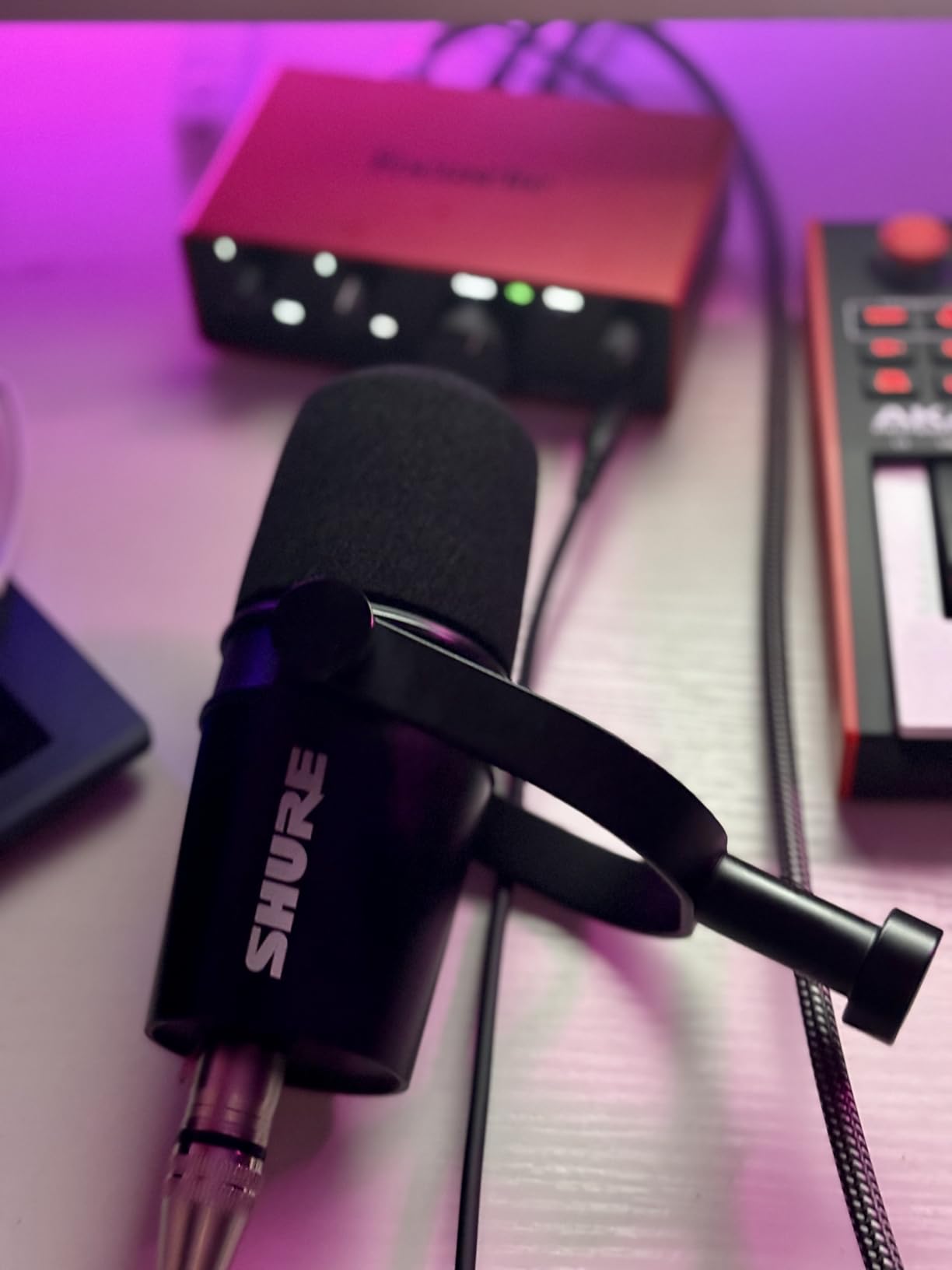
Gain is the trade-off. Owners report needing a decent amount of headroom and occasionally a boost in post, and the XLR cable is not included, so allow for that in the setup cost.
In the untreated bedroom, it handled a PC fan and general household chatter with room to spare, sitting comfortably between a budget dynamic and the flagship broadcast mics in tone weight.
Best reasons to pick this one
You want broadcast podcast quality without chasing the flagship, and you already have an interface. It needs no phantom power and no external preamp, which simplifies a first XLR setup considerably.
Where you will want more
If you need monitoring or want to try USB first, the MV7+ covers both in one body. If your room is severely noisy rather than moderately noisy, look for a hypercardioid pattern instead of a cardioid one.
7. Audio-Technica AT2040 – Best Hypercardioid for Reflective Rooms
Audio-Technica AT2040 Hypercardioid Dynamic Podcast Microphone
Hypercardioid, XLR, 76 dB SNR
2.2 lb body with fixed high-pass filtering
Pros
- Extremely tight off-axis rejection
- Multistage foam windscreen plus shock mount
- Built-in high-pass helps with thumps
- Warm and assertive voice for speech and instruments
- Heavy build that survives travel
Cons
- Needs a lot of gain from the interface
- No pad or low-cut switch to adjust
- Low end rolls off early
- Some voices need midrange EQ softening
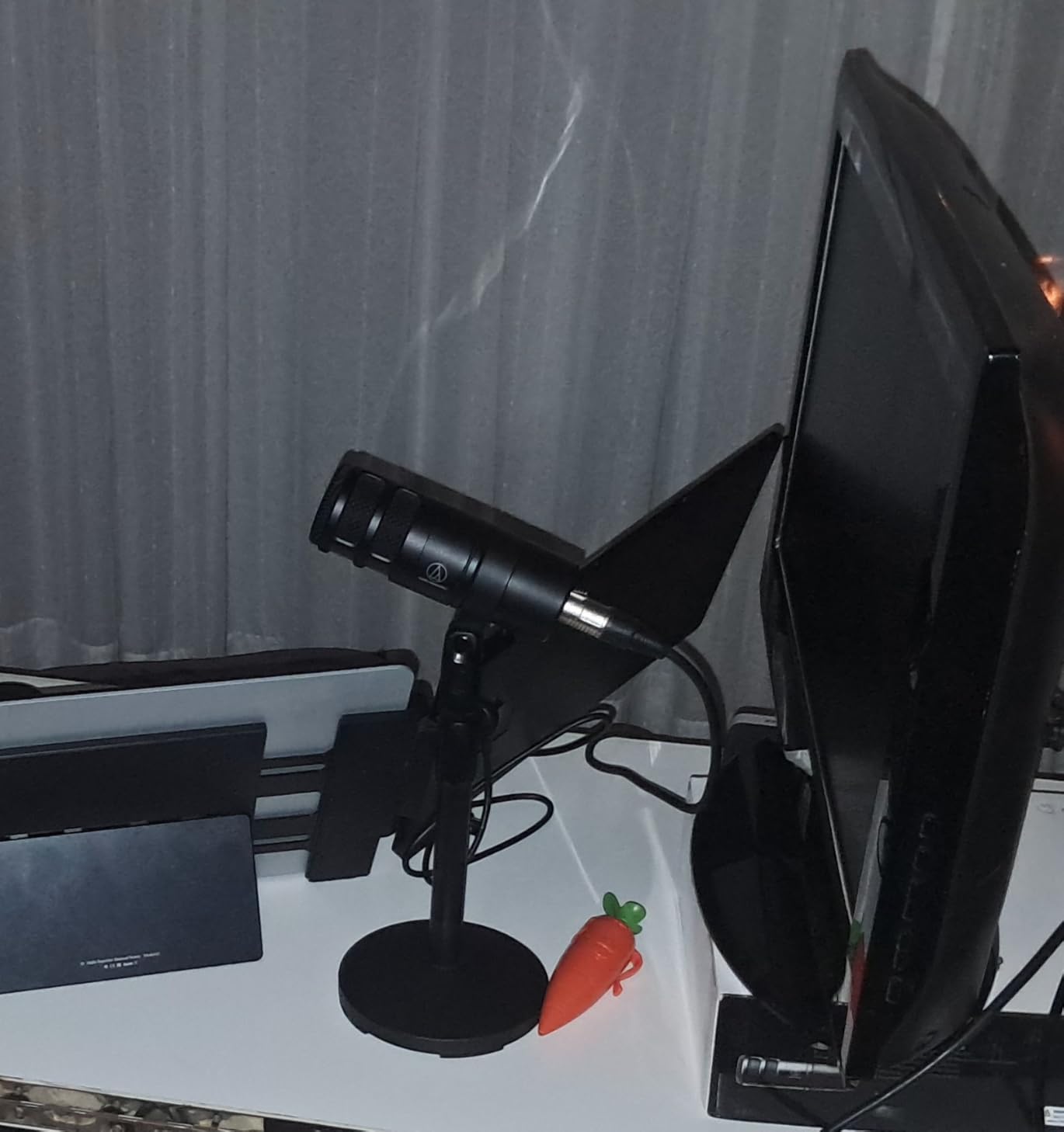
The AT2040 is the only hypercardioid on this list, and that pattern is the reason to choose it. It throws a narrow null behind the capsule, so when the noise source sits at a fixed angle rather than directly behind you, it gets hit harder than any cardioid here would.
Signal-to-noise ratio is listed at 76 dB, and the package includes a pivoting stand mount, a 5/8 inch to 3/8 inch adapter and a protective pouch, with a two-year limited warranty. In our room it held its ground against a wall behind and slightly to the side of the talker.
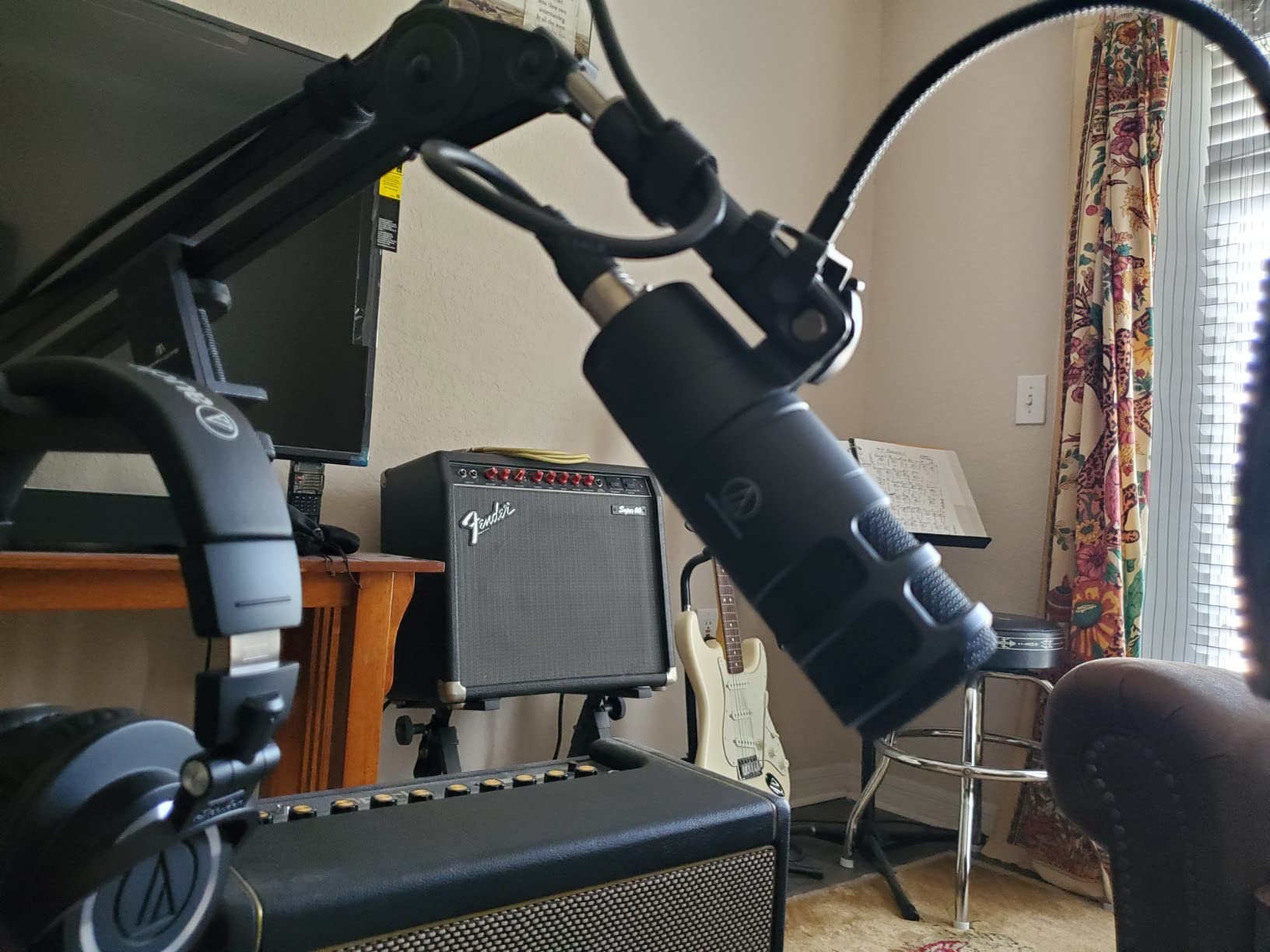
Two practical notes. The built-in 80 Hz high-pass behaviour is fixed rather than switchable, and the low end rolls off early compared with the PodMic, so very deep voices will feel lighter than they do on cardioid rivals.
The gain demand is the most common complaint in reviews, and it matched our experience. Budget interfaces need the volume near maximum, which is where input hiss creeps in.
Best reasons to pick this one
Your noise arrives from a consistent direction and you can point the mic so that direction falls into the rear null. It also handles instruments well, so a voice and guitar use case is covered by one purchase.
Where a cardioid is the better call
If you move around while talking, or your noise comes from several directions at once, the tight rear null becomes a liability as the null moves with you. Cardioid mics are more forgiving in that situation.
8. Shure MV7+ – Best for Streamers Who Want Built-In Processing
Shure MV7+ USB-C & XLR Podcast Dynamic Microphone – Black
USB-C and XLR, 50 Hz-16 kHz, 60 dB SNR
1.9 lb metal body with LED panel
Pros
- Dual USB-C and XLR for now and later
- Auto Level and real-time denoising
- Customizable LED panel with metering and mute
- Built-in Plate and Hall and Studio reverb modes
- Metal body with foam windscreen included
Cons
- Raw audio quality is only adequate for the price
- XLR cable not included
- Speaker users still need extra cleanup
- App needed for deeper control
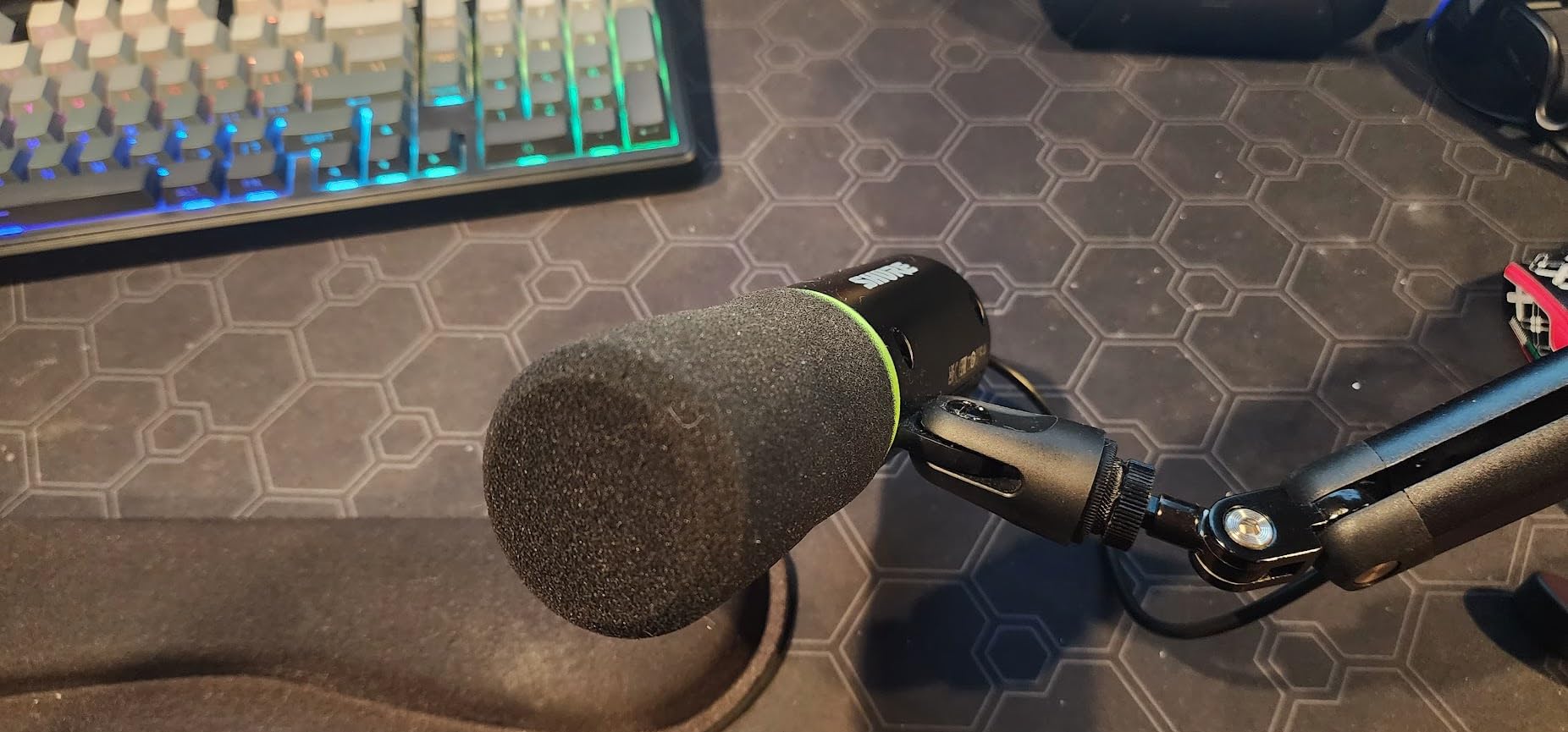
The MV7+ differs from every other mic here in what it does to the signal rather than how it hears. Auto Level and real-time denoising handle level consistency and steady background noise before anything reaches your recording software, and the LED panel gives on-camera level metering with tap-to-mute.
It covers 50 Hz to 16 kHz with a 60 dB signal-to-noise ratio, weighs 1.9 lb, and includes a foam windscreen and a 3 m USB-C cable with a two-year limited warranty.
Reviews are split on raw audio quality for the price, and that split matches what we heard. The voice is clear and unprocessed, but the character is less refined than a dedicated XLR broadcast mic, so a voiceover artist would choose something else.
For a dual-purpose room that also has to host video calls, the appeal is obvious. The same microphone reduces the need to treat a space that gets used for several things.
Best reasons to pick this one
You want one device that works plugged straight into a laptop today and into an interface later, and you would rather the app handle level consistency than handle it manually every session.
Where it falls short
If you are recording something you intend to post professionally, the tone is the wrong priority here. Turn the built-in processing off if you plan to use it as a studio microphone, and expect less low-end weight than the PodMic.
9. Audio-Technica AT2005USB – Best Dual-Output Mic With Monitoring
Audio-Technica AT2005USB Cardioid Dynamic USB/XLR Microphone,Black
USB and XLR, 80 dB SNR
454 g, handheld with headphone jack
Pros
- Strong ambient rejection for a USB mic
- Dual USB and XLR with an XLR cable included
- Clean and linear sound with non-tinny highs
- Built-in headphone jack for zero-latency monitoring
- Includes stand clamp and desk stand and pouch
Cons
- Very narrow pickup cone needing close speaking distance
- Headphone jack can reset the default audio output
- Small rear volume knob
- Lightweight included stand is not secure
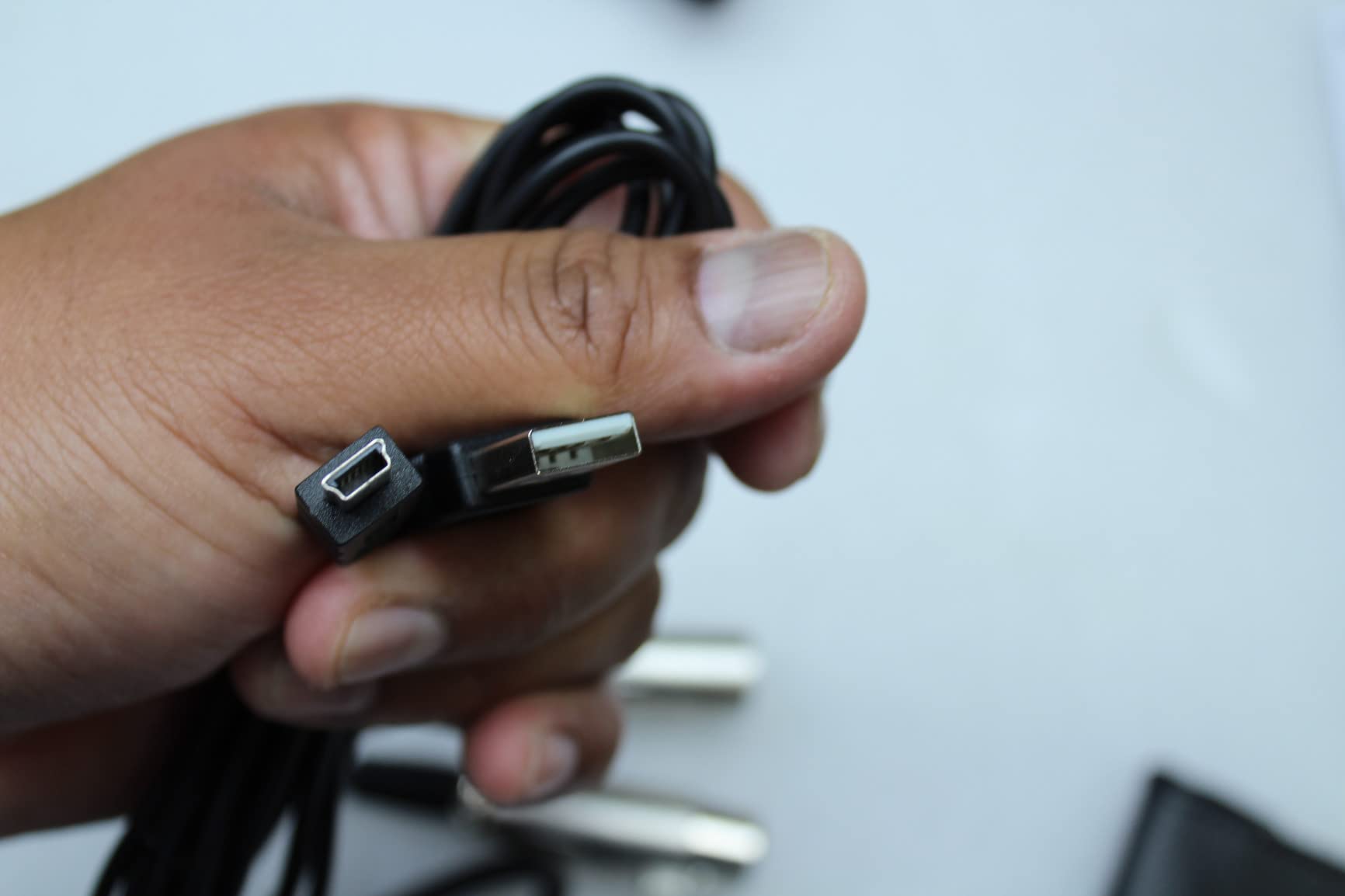
This is a long-running favourite among owners who finally got usable recordings without treating a room. It records over USB straight into a computer and over XLR into a conventional mic input, and unusually for a mic at this level, the box includes a 9.8 ft XLR cable.
The signal-to-noise ratio is listed at 80 dB, it weighs 454 g, and it comes with a stand clamp for 5/8 inch threaded stands, a tripod desk stand and a one-year parts and labour warranty. A built-in headphone jack gives direct monitoring.
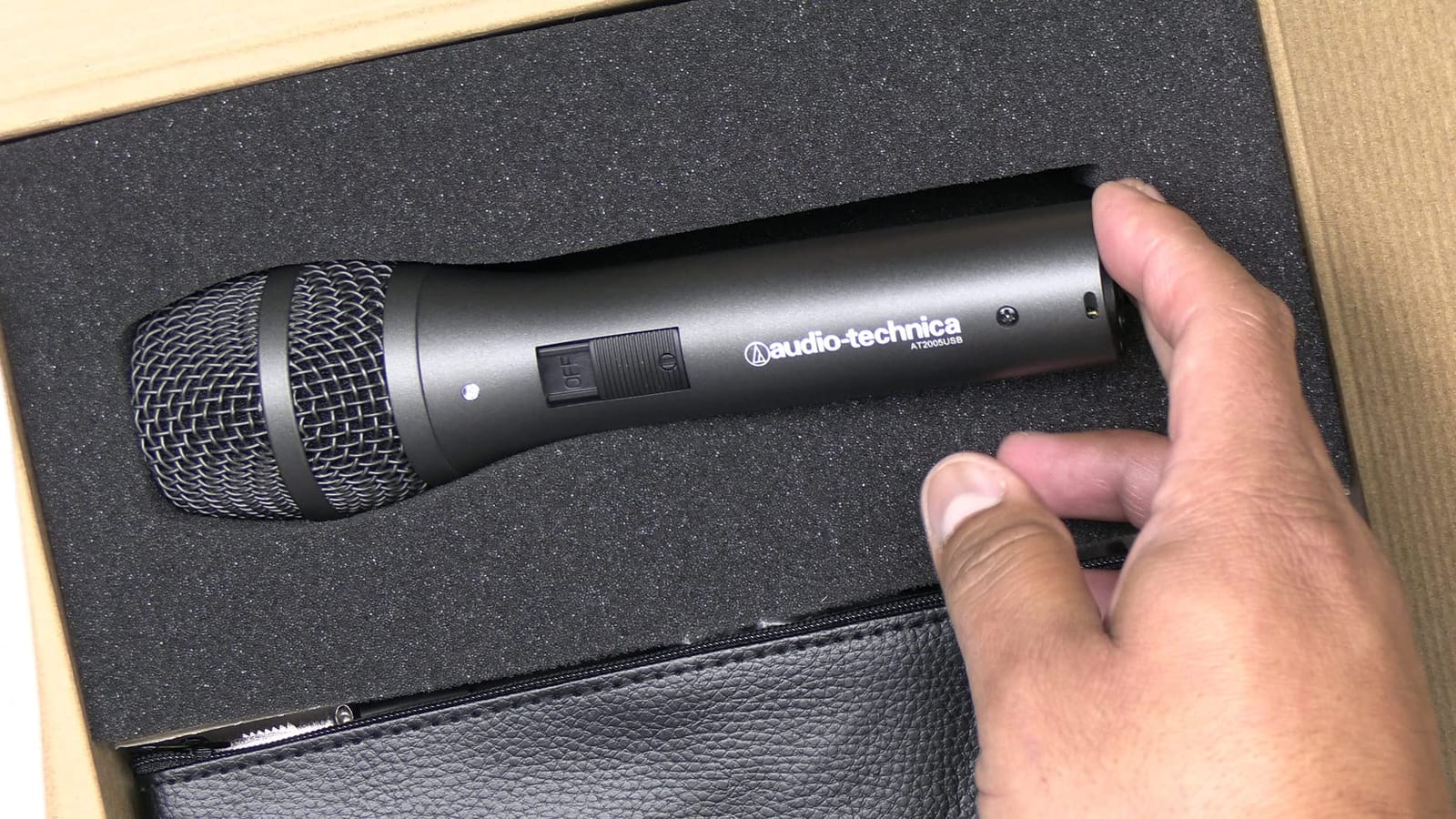
The pickup cone is very narrow, so distance matters more here than with the wider cardioids. Within roughly a foot it was clean and full. Push it to arm’s length and the untreated room came back clearly, which is a technique limit rather than a fault.
Two Windows-specific quirks appear repeatedly: the headphone jack can take over the system default output and needs resetting, and some owners report recognition issues after Windows 11 updates.
Best reasons to pick this one
You need monitoring while recording and you want to keep the option of a proper interface later without replacing the microphone. The included XLR cable removes a first purchase that catches most beginners out.
Where to choose differently
The bottom-mounted headphone volume controls are awkward to reach mid-session, and the rubber clip and lightweight stand are the parts we replaced first. If hands-free mounting matters, budget for a proper boom arm.
10. Rode Procaster – Highest Output, Least Gain Fiddling
RØDE Microphones Procaster Broadcast Dynamic Vocal Microphone
XLR only, 75 Hz-18 kHz, 1500 ohm
78 dB SNR, 1.1 lb metal body
Pros
- Smooth and warm broadcast sound for voiceover
- High output level needs less preamp gain
- Internal shock mount keeps handling noise low
- Internal pop filter reduces plosives
- Includes stand mount and 3/8 inch adaptor and pouch
Cons
- XLR only so an interface is required
- Narrow cardioid demands close-mic technique
- 75 Hz to 18 kHz bandwidth has limited low-end extension
The Procaster solved a specific problem in our testing: gain. Its high-output capsule and balanced low-impedance output drove comfortably on the same modest interface that made the SM7B and the AT2040 hiss, which for many untreated-room setups is the deciding factor.
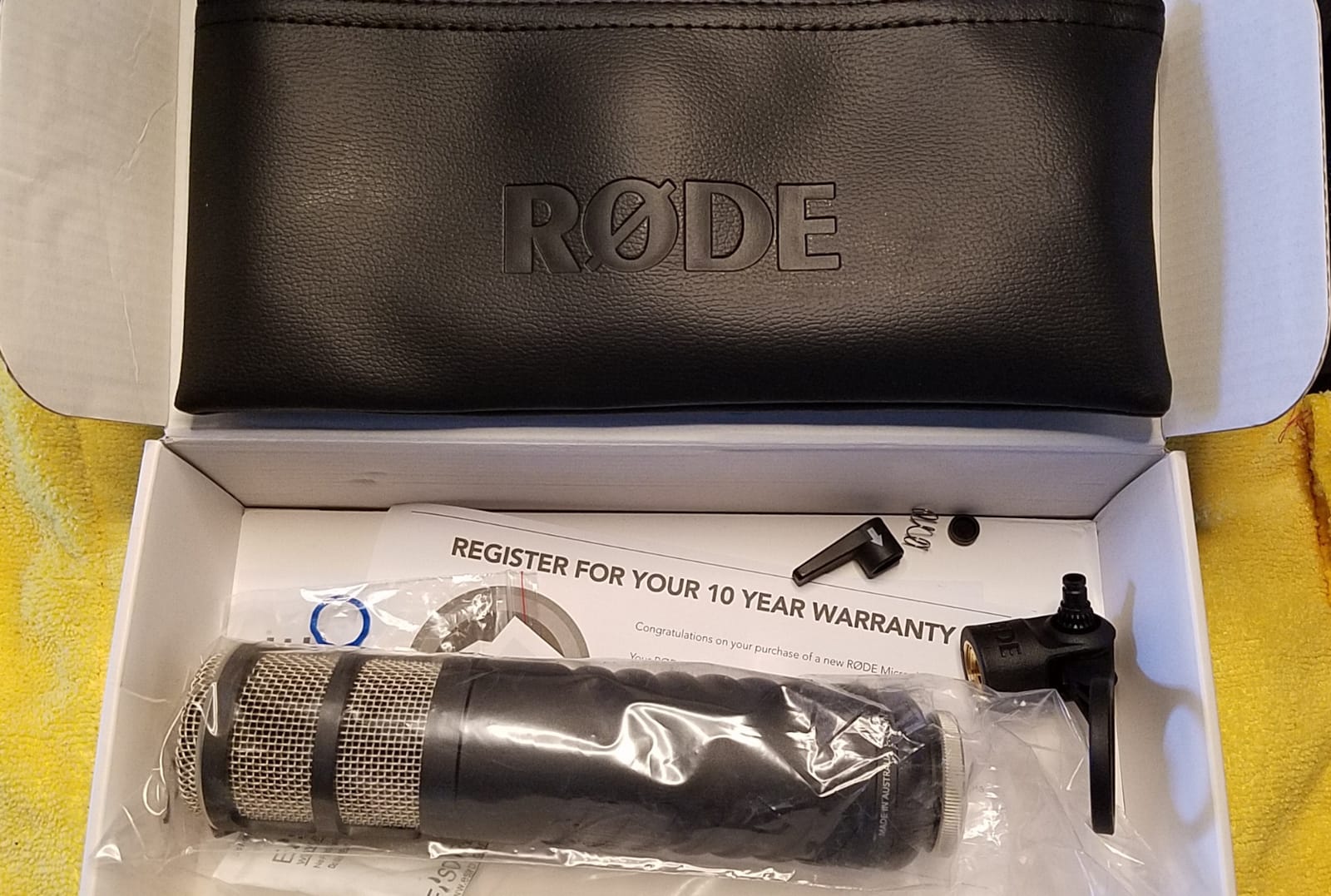
Specs are 75 Hz to 18 kHz, 1500 ohm impedance and a 78 dB signal-to-noise ratio in a 1.1 lb metal body, with an internal pop filter and internal shock mounting. A stand mount, a 3/8 inch adaptor and a zip pouch are included, with a one-year warranty.
Like the other cardioid broadcast mics here, it rewards a close position and punishes distance. Kept four to six inches from the mouth on a boom, the tone was warm and consistent with almost no desk noise.
The narrower bandwidth is the trade for that output level. There is less deep low end available than on the PodMic, so it is less flexible for music, though for spoken word that costs nothing.
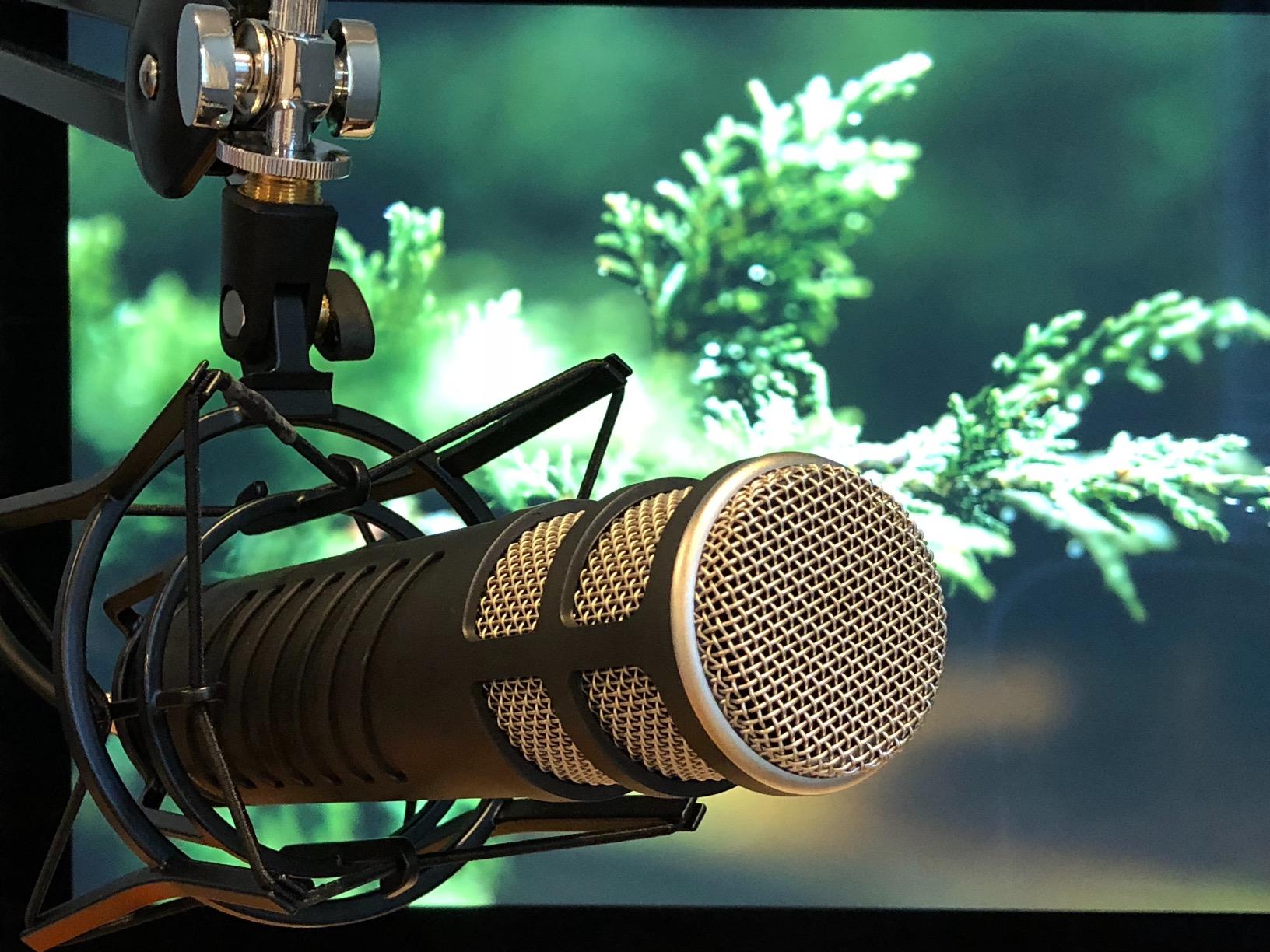
Best reasons to pick this one
You already have an interface with limited clean gain, and you want a broadcast voice without adding a booster. Voiceover and radio narration are its natural territory.
Where to look instead
If your room is very reflective rather than very noisy, the cardioid pattern gives you no rear lobe advantage and the AT2040’s hypercardioid rejection will do more. For monitoring, this is an XLR-only design.
How Noisy Is Your Room? Pick Your Tier
Mild rooms are the majority of home setups. You have a soft bed, curtains and a carpet, and the only issue is mild echo on sustained vowels. Any of the cardioid dynamics here will record a clean voice, and the decision becomes tone and budget rather than rejection. The AM8, the K688 and the Q2U cover this tier without an interface.
Moderate rooms are our test bedroom: hard floor, one shared wall, a PC fan under the desk. Here the cardioid pattern earns its place, rear null placement matters, and a boom arm is worth more than another microphone. The PodMic, the MV7X, the MV7+ and the AT2005USB all sit comfortably in this band.
Severe rooms are thin walls, a hallway outside the door, traffic, or a neighbour whose television is audible through the wall. Move up in two directions at once: a higher-output capsule so you can run the preamp lower, and a tighter pattern such as the AT2040. The SM7B with an inline booster is the strongest rejection combination here, and it demands the cleanest gain chain you can get.
Where to Put a Mic in an Untreated Room
Placement does more for an untreated room than any microphone choice. Five steps, in the order that matters:
Get close. Four to six inches from the mouth rather than a foot away. Every extra inch lets in more room tone, and this is the single largest improvement available without buying anything.
Aim the rear null at the noise. Every cardioid pattern has a null directly behind the capsule. Rotate the mic so the loudest noise source falls into it rather than sitting at a random angle.
Move off the walls and off the hard floor axis. Reflections reach the mic through the space between you and the nearest surface. Positioning the mic away from the middle of the room reduces them.
Match the height to your mouth. Nose level or mouth level. A mic angled down from a stand toward a seated talker adds sibilance and picks up desk reflections.
Use a boom arm with real damping. A sagging arm transmits desk vibration and building movement. A weighted arm with a shock mount or the internal suspension in the mic does the opposite.
The 3 to 1 rule, most often associated with instrument recording, applies here in spirit: whatever surfaces are between your voice and the mic should be roughly three times less reflective than what is behind the mic. A blanket over the nearest wall moves that ratio quickly for almost no cost.
USB or XLR in a Bad Room?
USB is not a false economy in an untreated room, and the reason is that the preamp is the part that matters. Built-in preamps at the USB end now reach signal-to-noise ratios around 80 dB, which means USB recording is quiet enough for most creators. The room noise you are fighting is acoustic, and it arrives at the capsule before any converter sees it.
Where USB stops making sense is gain. The SM7B and the AT2040 need more clean gain than most built-in preamps provide comfortably, so those require XLR and a real interface regardless. Several mics here solve this by carrying both outputs: the AM8, the K688, the AT2005USB and the MV7+ let you start on USB and move to an interface later without replacing the microphone.
Gain and Preamp Checklist Before You Record
Gain problems are the most common reason people conclude a good microphone is faulty. Four checks before you hit record:
Speak at the distance you will actually use and watch peaks, not average levels. Aim to peak around 12 dB below clipping.
Turn the preamp up as far as it goes. If your voice only reaches the level you need at maximum gain, the interface is too quiet and you will hear its own noise floor.
Add an inline booster when the mic needs it. A Cloudlifter or FetHead style booster adds clean gain before the preamp and is the standard fix for high-gain dynamics such as the SM7B.
Listen in headphones before you judge. Monitor speakers replay room reflections and noise back at you, which is often the real source of the echo people hear during monitoring.
One honest addition: software noise reduction belongs at the end of the chain, never the beginning. It is far more effective once the microphone choice and the position are already handling the noise at the source.
Frequently Asked Questions
What is the best microphone for recording in an untreated room?
A dynamic microphone with a cardioid or hypercardioid pattern is the standard answer, because its low sensitivity keeps distant household noise below the level it registers and its pattern rejects sound from the sides and behind. Among the ten we tested, the Shure SM7B gives the strongest rejection but needs 60 dB or more of clean gain, while the Rode PodMic and the Samson Q2U handle typical untreated rooms with far less gain pressure.
Do dynamic microphones reduce echo in an untreated room?
They reduce it but they do not remove it. A dynamic microphone lowers the level of distant sound and of anything arriving off-axis, so room noise sits further below your voice. Reverb from a bare wall or hard floor still reaches the capsule and still gets recorded, just quieter. Shortening the distance to the mic, moving off walls and adding soft surfaces does the rest.
Where to put a microphone in an untreated room?
Get within four to six inches of the mouth, aim the rear null toward the loudest noise source, keep the mic away from the middle of the room and off the wall behind you, set the height at mouth or nose level, and mount on a weighted boom arm. Distance is the change with the largest effect, and it costs nothing.
Can you record vocals in an untreated room?
Yes, with a close dynamic microphone and a few placement rules. Speak or sing at four to six inches, keep the rear null pointed away from hard surfaces, and use a high-pass filter to remove desk thumps and rumble. Expect some room character to remain in the recording, and record additional takes so you can comp the cleanest phrases.
Is the Shure SM7B better than the Shure MV7X?
The SM7B is the more expensive, darker and gain-hungry option with an extended 50 Hz to 20 kHz range and an internal pop filter. The MV7X is lighter on the wallet, still a dynamic cardioid with an integrated shock mount, and easier to drive. In a noisy untreated room both reject similarly well, so the interface you own usually decides it.
What is the 3 to 1 rule for microphones?
The 3 to 1 rule says reflective surfaces on the source side of the microphone should be roughly three times less reflective than those behind it. Applied to an untreated room, it means prioritising what sits between your voice and the mic over what sits behind you, which is why distance and a rear null placement matter more than expensive hardware.
Final Verdict for Untreated Room Recording
The Shure SM7B stays our pick as the best dynamic microphone for untreated rooms, on the strength of its off-axis rejection and its all-metal build, provided your gain chain can drive it. The FIFINE AmpliGame AM8 is the smarter starting point for a first setup, and the Rode PodMic is the one to buy when you already own an interface and want broadcast tone without the gain pressure.
Whatever you choose in 2026, the microphone is half the answer. Close positioning, a rear null aimed at your worst noise source and one soft surface near the mic will do more for an untreated room than any upgrade in this list. If you need a second voice in the same room, our interview microphone guide covers options that work alongside a dynamic.