
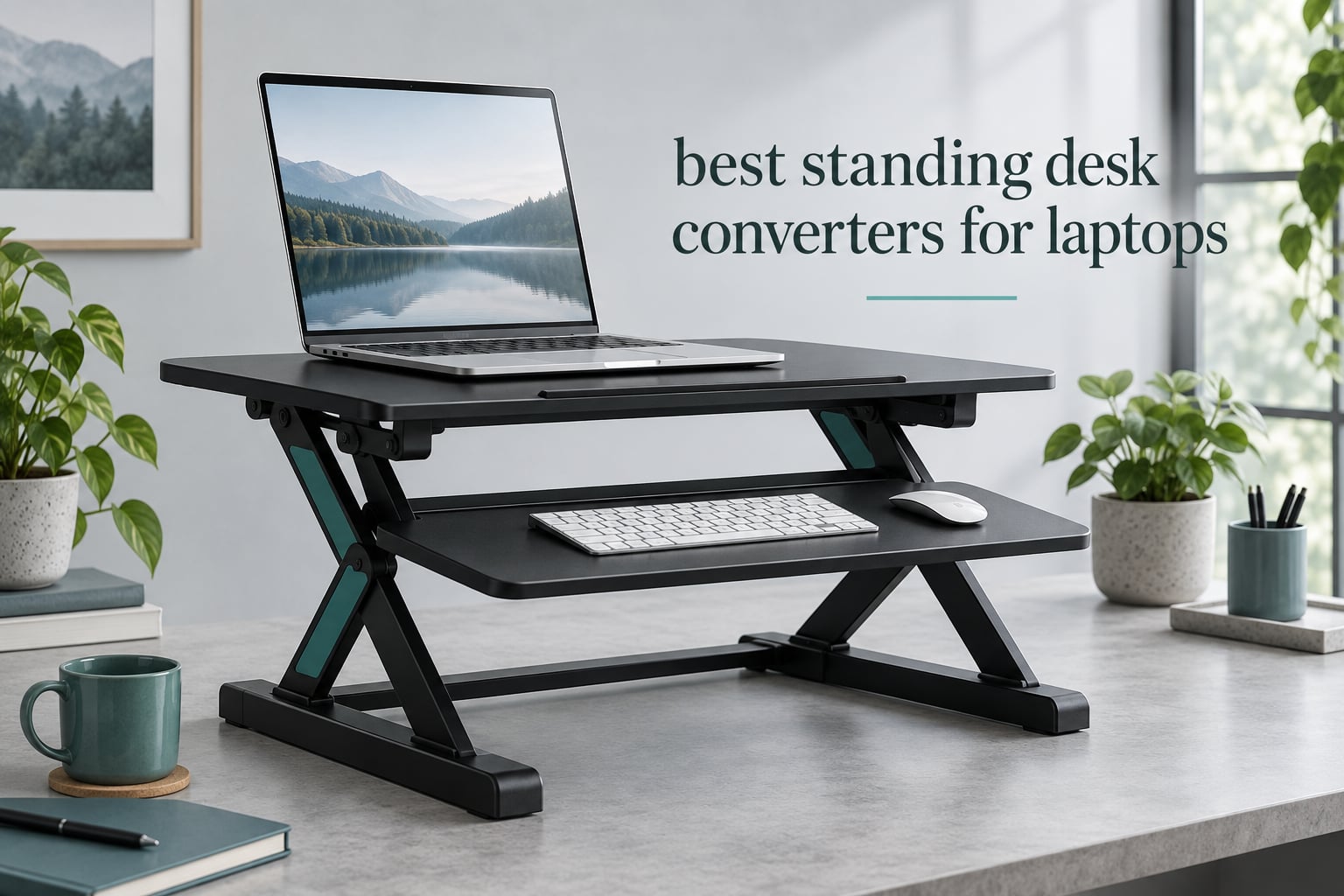
A standing desk converter for a laptop is the fastest way to add standing hours to a desk you do not own. It drops on top of a table, holds your laptop and screen at standing elbow height, and folds back down when you sit, all without tools, a lease negotiation, or a hole in the floor. That last part matters more than most spec sheets admit: most of us work on rented, shared, or already-too-small surfaces.
We compared 10 of the most reviewed converters available in 2026 to find the ones worth buying for laptop work specifically. The short version is that most of this category is not built for laptops. A lot of it is built for dual 27 inch monitors on a 32 inch wide platform, which is exactly why a laptop gets perched on a corner of a surface sized for something twice its size, with the screen at the wrong angle and the keyboard nowhere near elbow height.
So this roundup sorts every pick into a laptop-first tier: risers built for a laptop alone, converters that handle a laptop plus one external monitor, and full-size converters for a laptop with two screens. Each section below tells you which of those three it is, how it lifts, what it can carry, and where it falls short. We also included a fit checklist so you can size the unit against your own table before you buy anything.
Table of Contents
Top 3 Best Standing Desk Converters for Laptops in September

VIVO DESK-V000K 32 in
- Patented instant active standing riser
- 31.5 in surface for dual monitors
- 33 lb lift assist

tounee Telescopic Laptop Stand
- 2.1 to 21 in range
- 360 degree swivel base
- 22 lb support
- Folds flat for storage

The VIVO DESK-V000K takes the top slot because it is the only pick here with both a large surface and a genuinely wide keyboard tray, which is the combination a laptop user actually needs once a second screen appears. The tounee telescopic stand is the value pick for anyone working laptop-only on a small table, where a 32 inch converter simply will not fit. The TechOrbits 32 inch is the runner-up for anyone who needs monitor arm mounting and a deeper base.
All 10 Standing Desk Converters Compared in 2026
| Product | Specifications | Action |
|---|---|---|
| VIVO DESK-V000K 32 in Converter |
|
Check Latest Price |
| tounee Telescopic Laptop Stand |
|
Check Latest Price |
| TechOrbits 32 in Converter |
|
Check Latest Price |
 VIVO DESK-V001J 26 in Riser VIVO DESK-V001J 26 in Riser |
|
Check Latest Price |
 SAIJI Adjustable Laptop Stand SAIJI Adjustable Laptop Stand |
|
Check Latest Price |
 Rocelco 32 in Converter Rocelco 32 in Converter |
|
Check Latest Price |
 Mount-It! MI-15006S 30 in Mount-It! MI-15006S 30 in |
|
Check Latest Price |
 JYLH JOYSEEKER 32 in Converter JYLH JOYSEEKER 32 in Converter |
|
Check Latest Price |
 Mount-It! MI-7929W 32 x 22 in Mount-It! MI-7929W 32 x 22 in |
|
Check Latest Price |
 VIVO DESK-V028S 28 in Converter VIVO DESK-V028S 28 in Converter |
|
Check Latest Price |
1. VIVO DESK-V000K 32 in Converter – Best Overall for a Laptop and Two Screens
VIVO Black 32 in Standing Desk Converter, DESK-V000K
31.5 x 15.7 in top
33 lb capacity
4.5 to 20 in range
26 lb unit
Pros
- Pre-assembled frame
- only the keyboard tray to bolt on
- Steel frame that holds firm when leaned on
- 33 lb lift assist handles a dock plus two monitors
- 31.3 in keyboard tray fits oversized keyboards
Cons
- Raising and lowering takes real arm and back effort
- Some owners report slight wobble at full height
- Textured black finish is noticeable when writing
I ran the VIVO DESK-V000K on a 48 inch desk for three weeks alongside a laptop, a dock and two monitors, and it became the default setup in the room. Assembly took under ten minutes because the steel frame arrives pre-assembled and the only real job is bolting the keyboard tray to the underside of the top.
The 31.5 by 15.7 inch top is unusually deep for the size, which keeps a laptop and a pair of monitors at a workable distance instead of pushing the laptop to the back edge. Height runs from 4.5 to 20 inches, and the touch lock means you set a stop rather than holding a lever while you type.
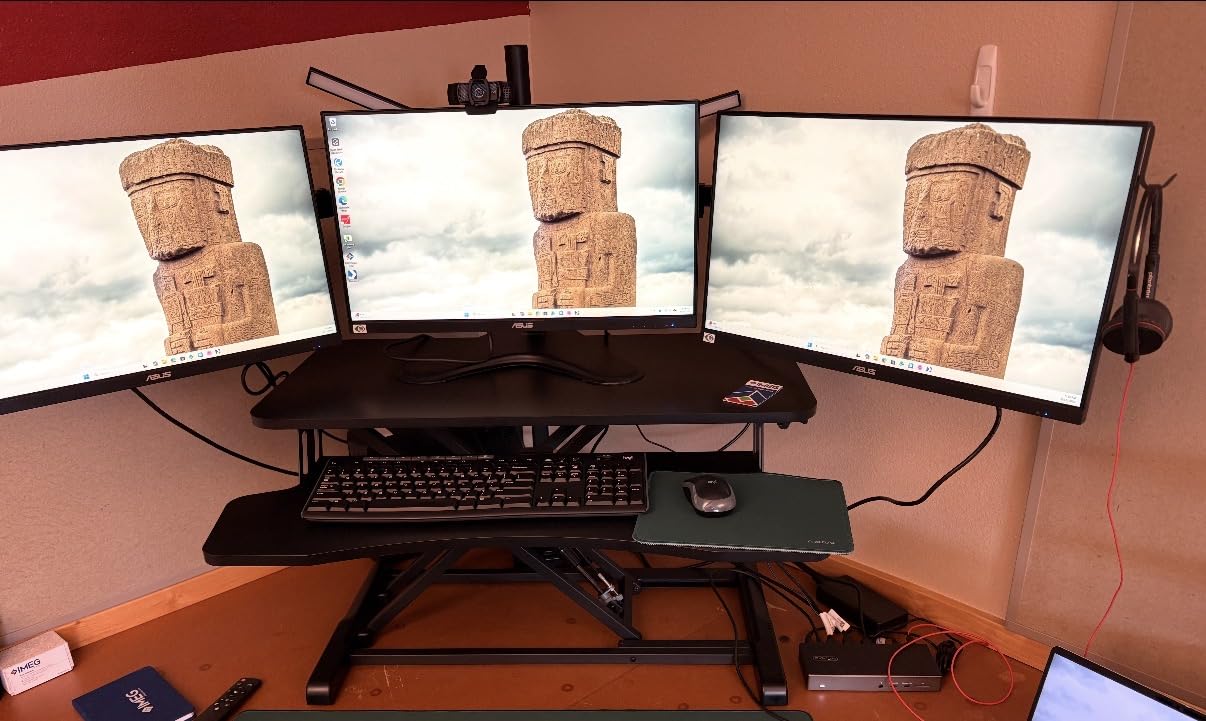
The 31.3 by 11.8 inch keyboard tray rises in sync with the top surface, and that is the detail that separates this from most of the category. A fixed tray sits at the wrong height the moment you stand up, and your wrists end up angled down for the rest of the session.
Two honest drawbacks. Raising and lowering takes real effort, so if you plan to change position six or more times a day you will feel it in your shoulders, and a few owners report slight wobble at full extension. The textured black surface is also noticeable under a pen if you still write on paper.
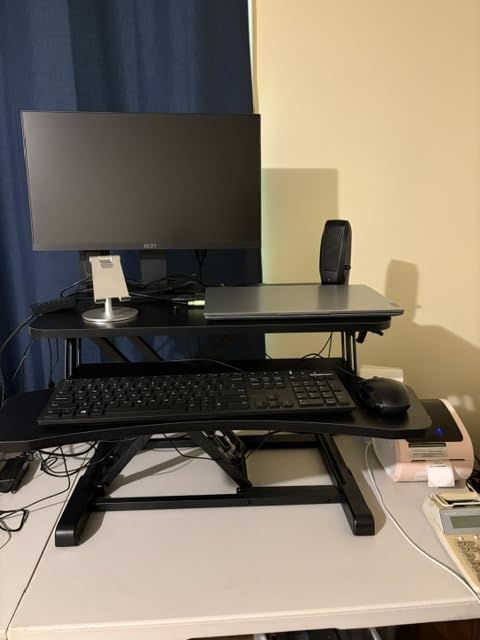
What the VIVO DESK-V000K does well
It is the most reviewed converter in this group by a wide margin, and the feedback pattern is consistent: fast assembly, a rigid steel frame, and a wide tray. Owners regularly buy a second one for a colleague, which tells you how little friction the setup creates.
The 33 lb rating also gives real headroom. A laptop, dock, two monitors and a notebook stay on the platform, so your base desk stays clear for notes and charging cables.
Where the VIVO DESK-V000K falls short
It weighs 26 pounds, so moving it between rooms is a two-person job or a slow slide. The 4.5 inch minimum height also sits higher than slim-profile rivals, which changes seated ergonomics on a shallow table.
2. tounee Telescopic Laptop Stand – Best for a Laptop-Only Setup
tounee Telescopic Laptop Stand for Desk with 360° Swivel Base, Sit to Stand, Height Adjustable, Portable Riser Holder for Good Posture, Compatible with MacBook Pro, All Laptops 10-17″-Gray
2.1 to 21 in range
360 degree swivel base
22 lb support
10 to 17 in laptops
Pros
- Highest average rating in this group
- Aluminum construction with a weighted base for stability
- Swivel base is genuinely useful for video calls
- Folds flat and stores in a drawer or under a desk
Cons
- Laptop-only footprint with no room for a monitor or external keyboard
- Swivel can feel tighter than expected with heavier laptops
- Very wide range means you have to find your own stop
This is the pick if your entire setup is one laptop. It is not a desk riser in the converter sense, it is a telescoping laptop stand, and that difference is why it works so well on a table too small for anything 32 inches wide.
The column telescopes from 2.1 to 21 inches, so it covers sitting, perching and full standing height from a single platform. The 360 degree swivel base is the feature I did not expect to use daily and then used every video call, letting you turn the screen toward a colleague without standing up.
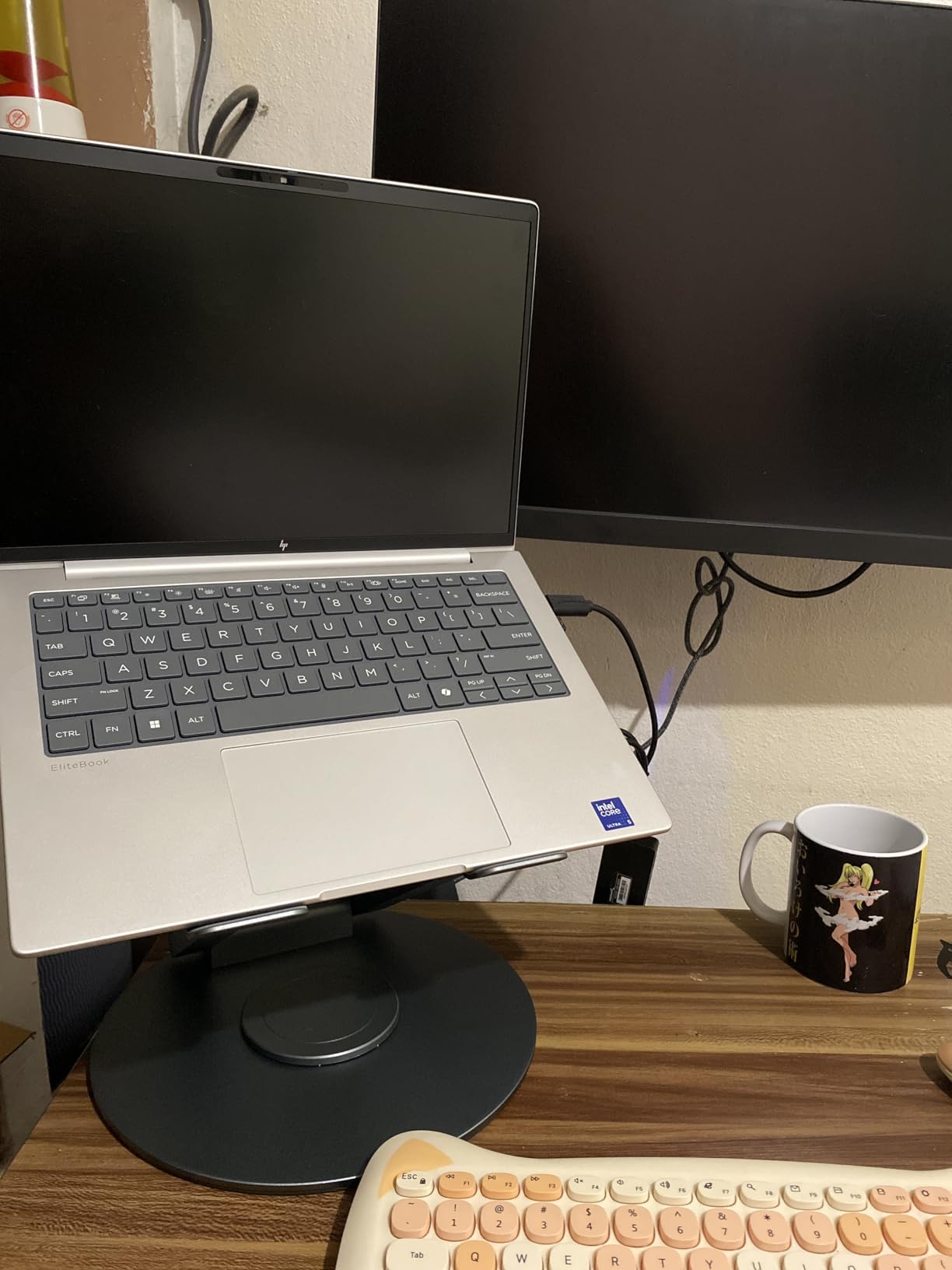
Construction is aluminum alloy with dual pivot joints, rated to support 22 pounds, which covers any laptop plus a small hub. It weighs very little, so moving it from the kitchen table to the desk is a one-person job, and it folds flat for storage in a drawer or under a table.
It handles laptops from 10 to 17 inches, so it skips very large workstation machines. Stability is the trade: a narrow telescoping column carries less lateral load than a wide steel frame, and the swivel can feel tighter with a heavier screen.
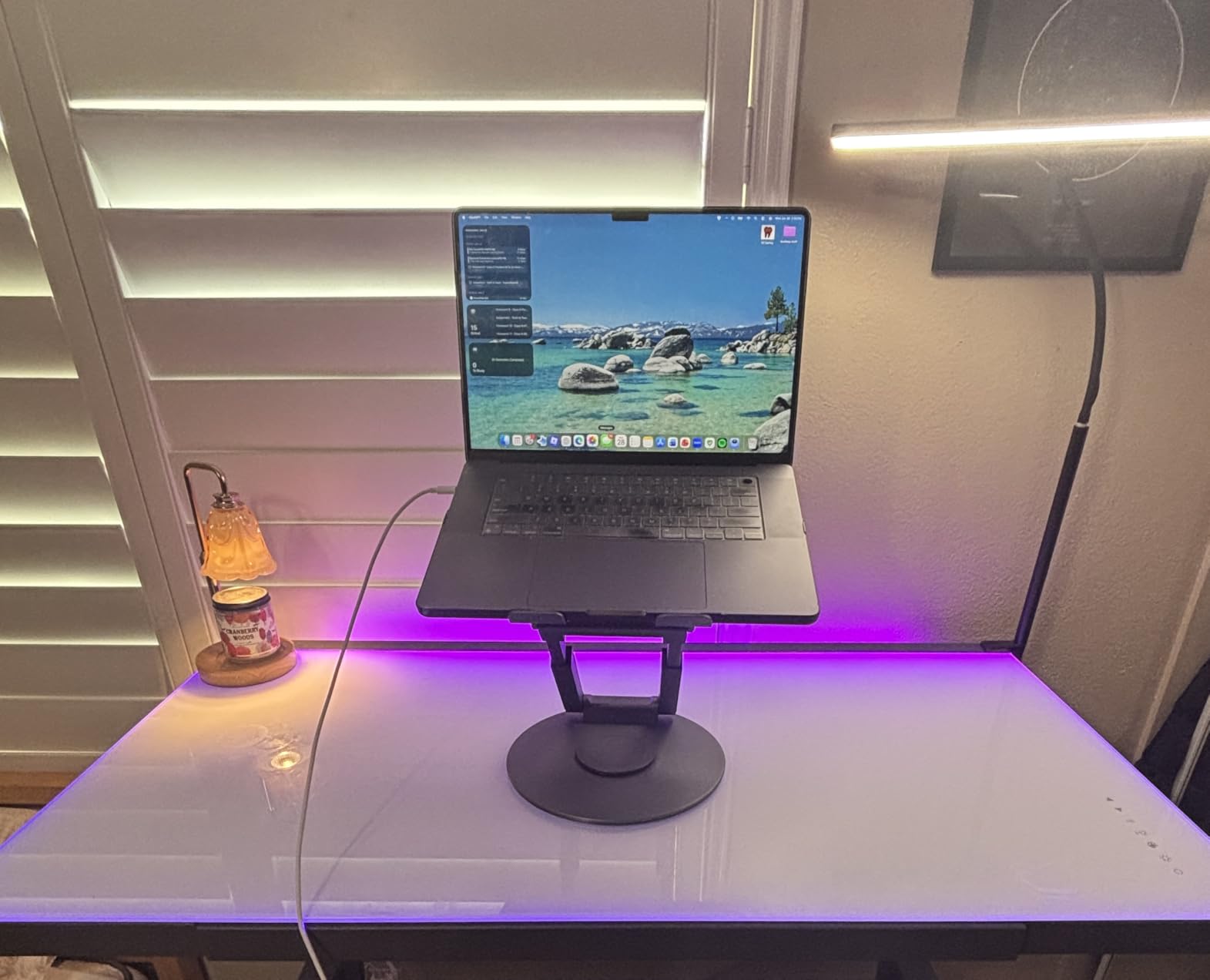
Who this stand suits
Anyone on a small apartment desk, a dining table, or a shared surface where a 32 inch converter would overhang the edges. It also works for short couch and kitchen sessions, where you want the screen up but not a full workstation.
If your work is laptop-only, this is the cheapest way to find out whether you actually like standing before you commit to a larger platform.
Who should pass on it
Skip it the moment you add an external monitor or a separate keyboard, because there is no surface or tray for either. Heavy workstations and multi-screen users need a real converter with a proper work surface.
3. TechOrbits 32 in Converter OF-S06-1-BL – Best Deep-Base Value
TechOrbits Standing Desk Converter-32-inch Height Adjustable, MDF Wood, Sit Riser-Black, 32″
4.3 to 19.9 in range
33 lb capacity
16.1 in deep base
16.7 lb unit
Pros
- Deepest base in the compact converter class
- Roomy keyboard tray that fits ergonomic keyboards
- Pneumatic lift assist makes raising easier
- Phone slot and monitor arm grommet included
Cons
- Keyboard tray is fixed and cannot slide in or out
- Lighter build can be hard to raise fully loaded
- Rectangular footprint crowds a corner desk
The TechOrbits is the value pick for anyone who wants a proper two-tier converter without paying for an electric column. It arrives with the frame built, so the only assembly step is attaching the keyboard tray, and the pneumatic lift does most of the work of raising it.
What stands out is the 16.1 inch base depth. Most 32 inch converters sit at around 15 inches, which pushes your monitor back toward the edge and leaves your face closer to the panel than you want during a long call.
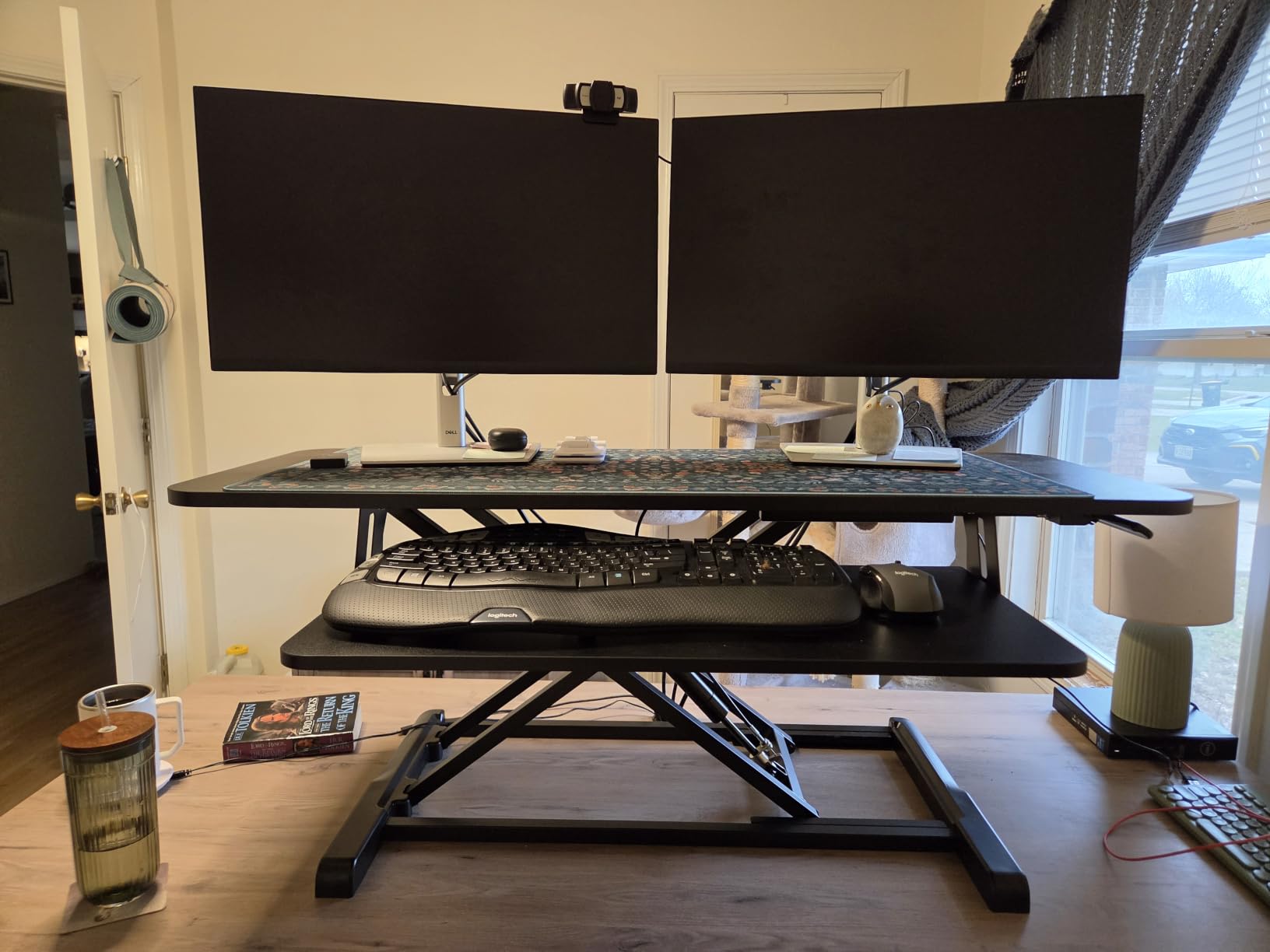
Height runs 4.3 to 19.9 inches with stops you can set at any point, and the 33 lb capacity matches the largest picks here despite a unit weight of only 16.7 pounds. That low weight is the quiet advantage in a walk-up apartment or a rented flat.
Buyers who came from powered desks tend to treat it as a value replacement, and the deep base plus roomy tray are the reasons. The recurring complaints are ergonomic rather than structural: the tray does not retract, and mouse space tightens with a large split keyboard.
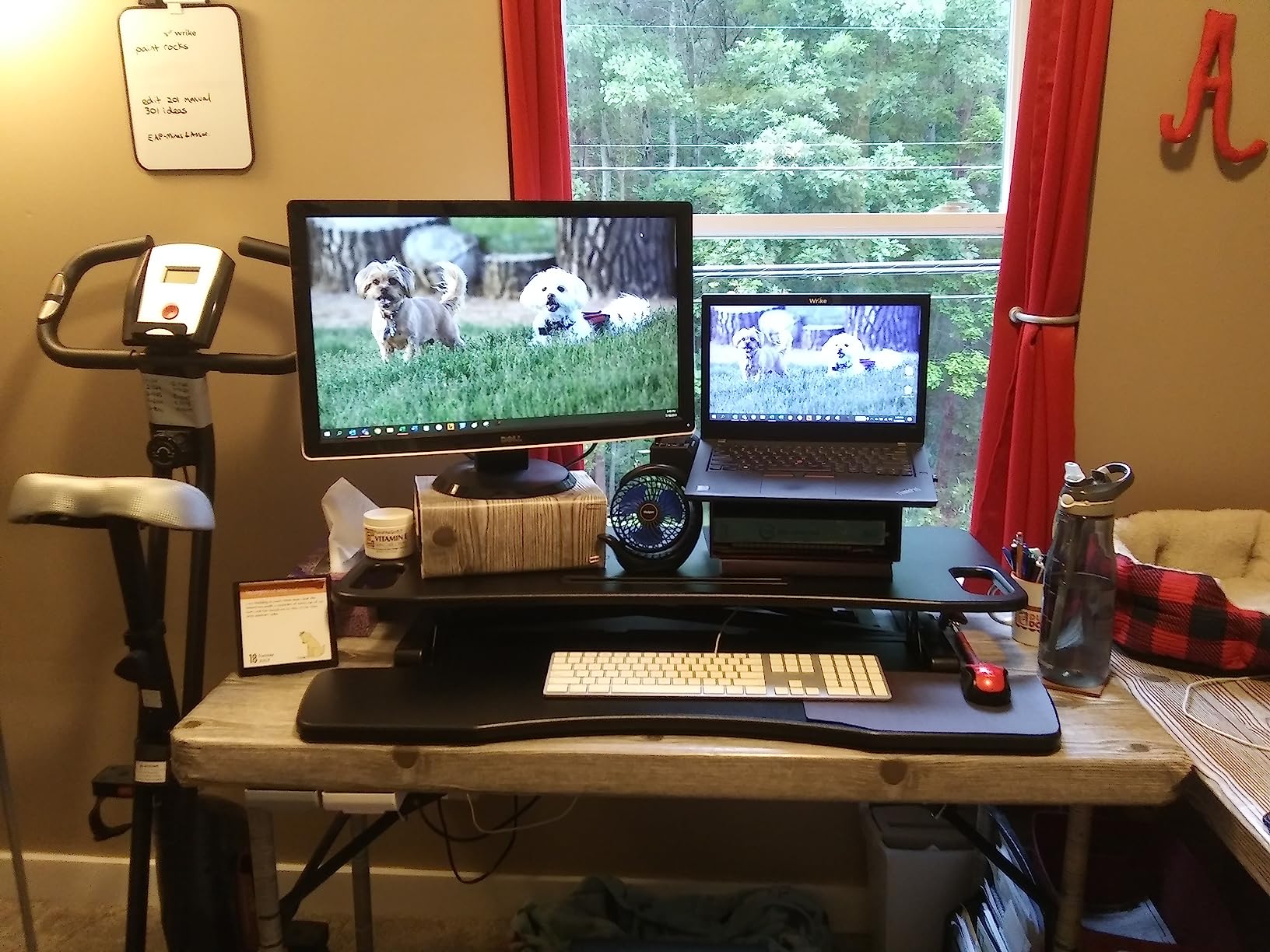
What works well here
The grommet for a monitor arm and the phone and tablet slot are small touches that most competitors at this level skip. If you use an external display on an arm, this is one of the few budget converters that plays nicely with one.
At 16.7 pounds it is one of the easiest full converters here to lift onto a table by yourself, which matters in a rental with narrow stairs.
What to watch for
The keyboard tray is fixed in position, so it cannot be pushed back when you want the full top for writing. And a fully loaded lift still takes two hands, particularly if you are moving between sitting and standing more than a few times a day.
4. VIVO DESK-V001J 26 in Single Top Riser – Best for a Small Desk
VIVO Black 26 in Single Top Standing Desk Converter, DESK-V001J
26.4 x 18.5 in top
5 lockable heights
17.6 lb capacity
17 lb unit
Pros
- Completely pre-assembled and usable immediately
- Five clearly defined lockable height stops
- Slim 26 in footprint suits shallow desks
- Lighter build is easy to reposition
Cons
- 17.6 lb desktop limit rules out heavy monitors
- Single top with no separate keyboard tray
- Stepped heights are coarser than continuous adjustment
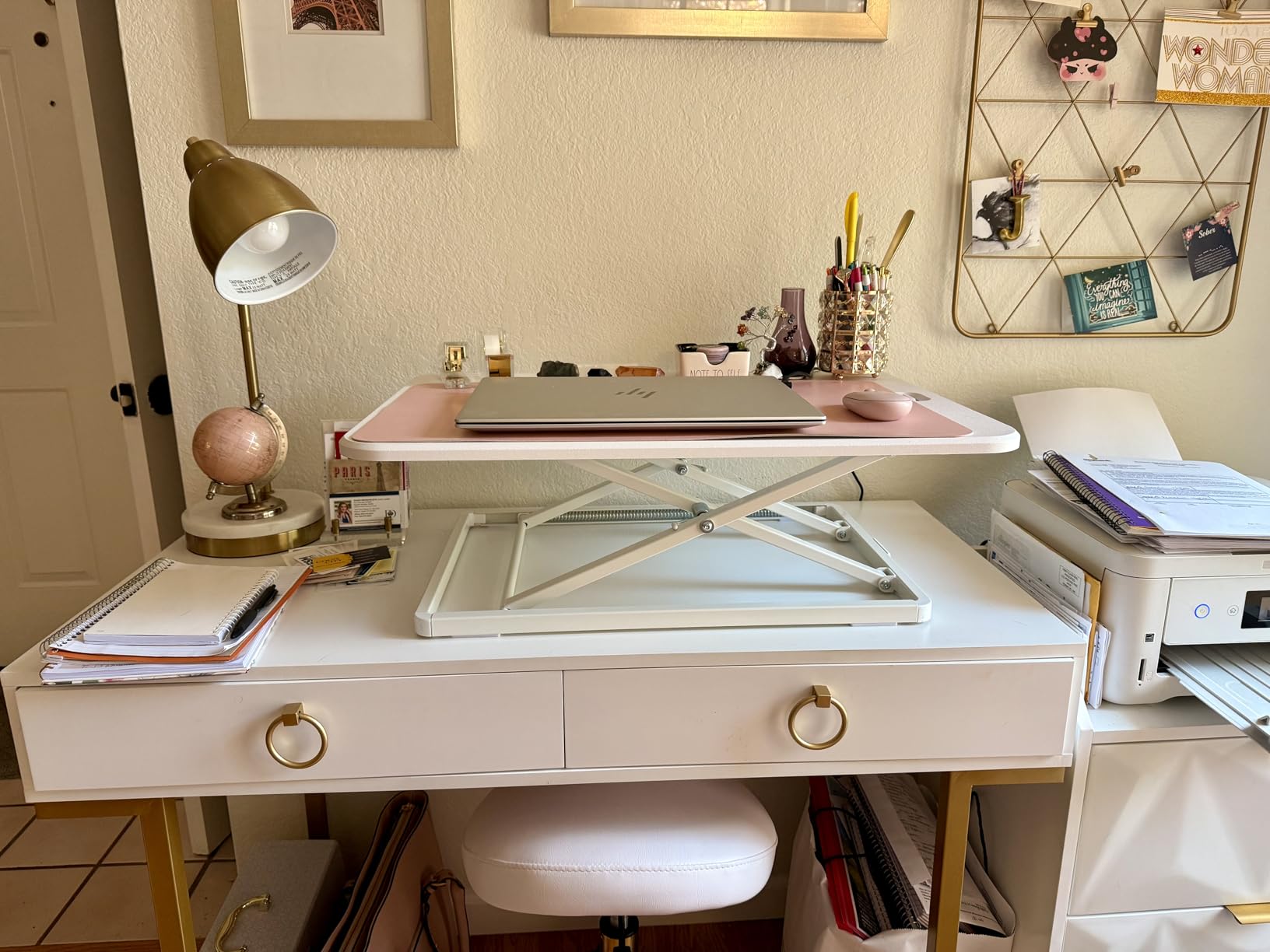
The DESK-V001J is the one to look at if your desk is narrow and you do not want an assembly session. It arrives complete, sets down on the table, and works, which is a genuine difference on a setup you may be moving in and out of daily.
Height changes in five fixed steps at 8.5, 10.4, 12, 14.4 and 15.9 inches, each one locking positively rather than by friction. When you are switching between standing and perching at a shared table, a defined stop beats a continuous lever because it does not drift.
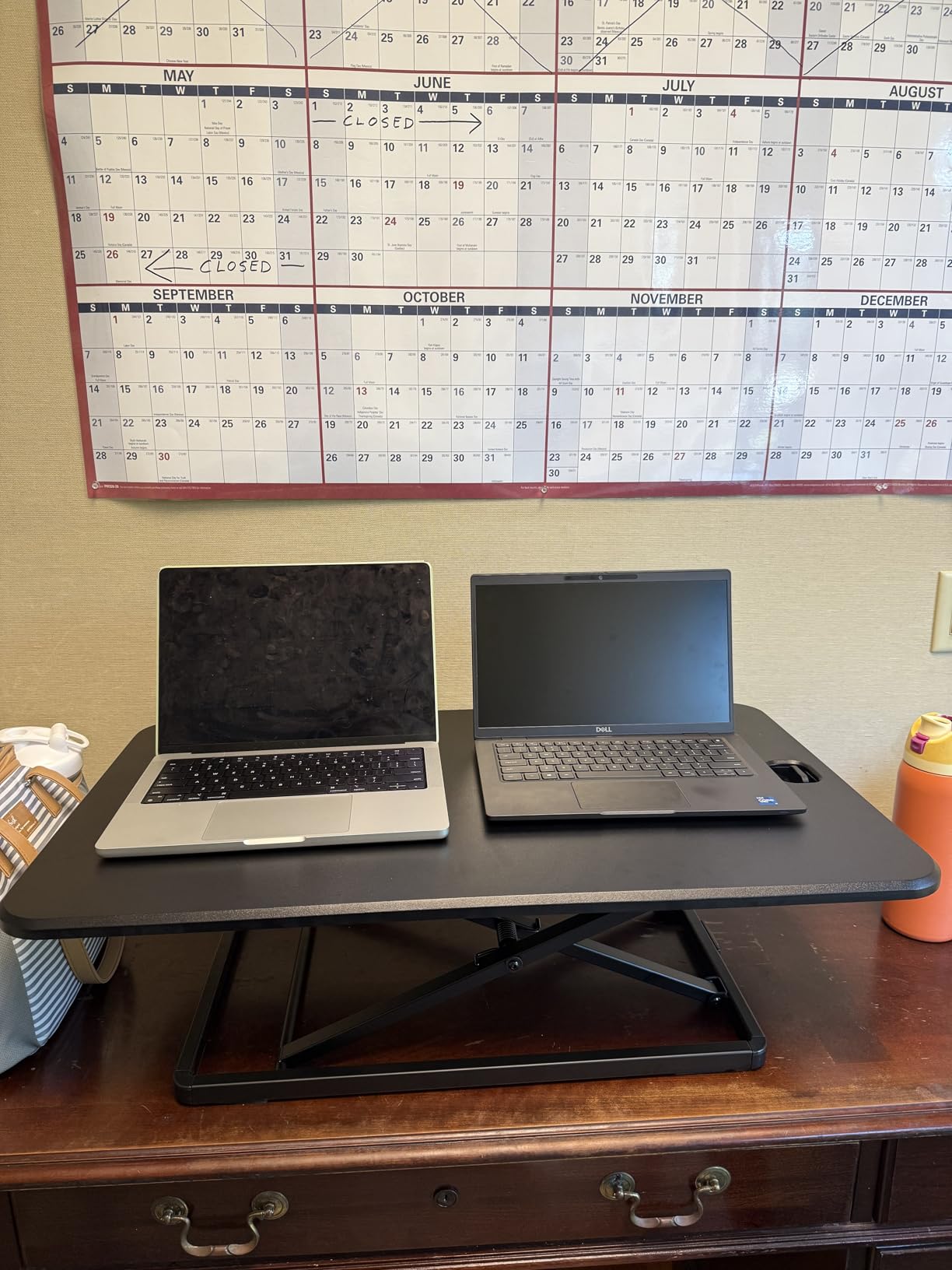
The 26.4 by 18.5 inch top is the most compact full surface in this roundup, and it lowers to just 1.8 inches above the table so it stays out of the way when you sit. That low profile is the reason it suits a small desk better than anything wider.
The limit is the 17.6 lb desktop rating, the lowest here. A laptop and a light monitor is fine, but a large display on a heavy arm will exceed it, and there is no separate keyboard tray so your keyboard sits on the same surface as the screen.
Reasons to pick it
Owners treat it as the small-desk, no-fuss option, and the reviews keep returning to the same two things: zero assembly and stepped heights that lock reliably. It carries a 4.7 average from owners, among the highest scores here.
It is also the easiest pick to carry between a desk and a dining table, at 17 pounds.
Reasons to look elsewhere
If your setup will grow to a dock plus a larger monitor, the 17.6 lb ceiling becomes the deciding factor. A single top also means typing happens at the same height as the screen, which is uncomfortable for more than an hour at standing height.
5. SAIJI D8-1 Adjustable Laptop Stand – Best Looking Riser for Style
SAIJI Laptop Stand for Desk, Adjustable Standing Desk Riser Up to 20.5″
9.9 to 20.5 in range
18 degree tilt panel
44 lb support
6 lb unit
Pros
- Lightest pick here at 6 pounds
- Walnut-toned top reads as furniture rather than equipment
- 44 lb support rating is high for a laptop stand
- Tilted panel and wide height range genuinely reduce neck strain
Cons
- Small mouse area is easy to overshoot while standing
- Narrow platform leaves no room for a monitor or external keyboard
- Cable routing through the height adjustment can pinch
The SAIJI is the one we kept on the table in the living room, and that is the whole pitch. At 6 pounds it is the lightest pick here, and the walnut finish means it does not look like a piece of office equipment sitting on top of a sideboard.
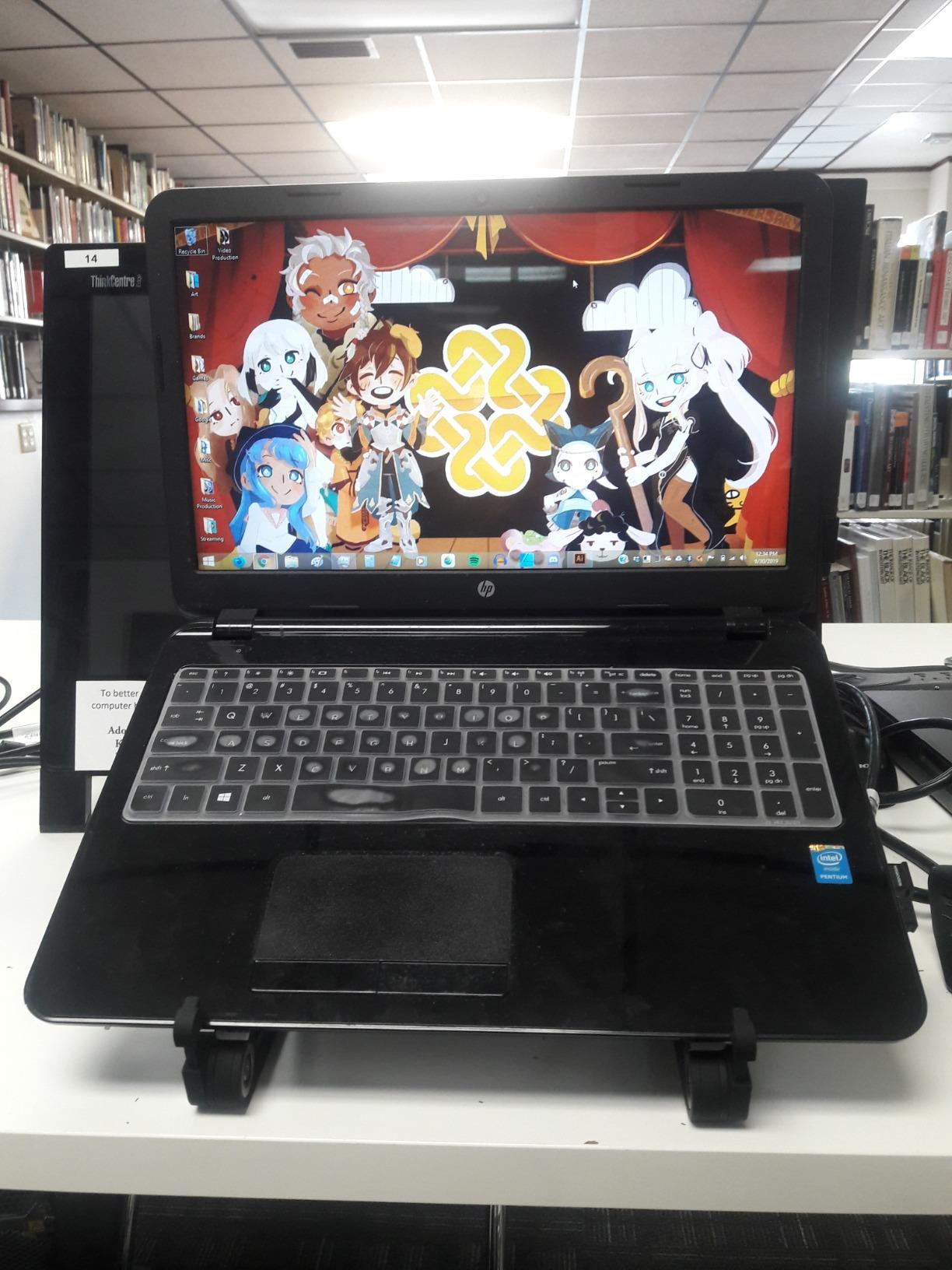
Height runs 9.9 to 20.5 inches, adjusted from buttons on both sides, and the 10.6 by 13.58 inch panel tilts to 18 degrees. That tilt is the useful part: a laptop at eye level without the hinge straining is the difference between a comfortable stand and an ache by hour two.
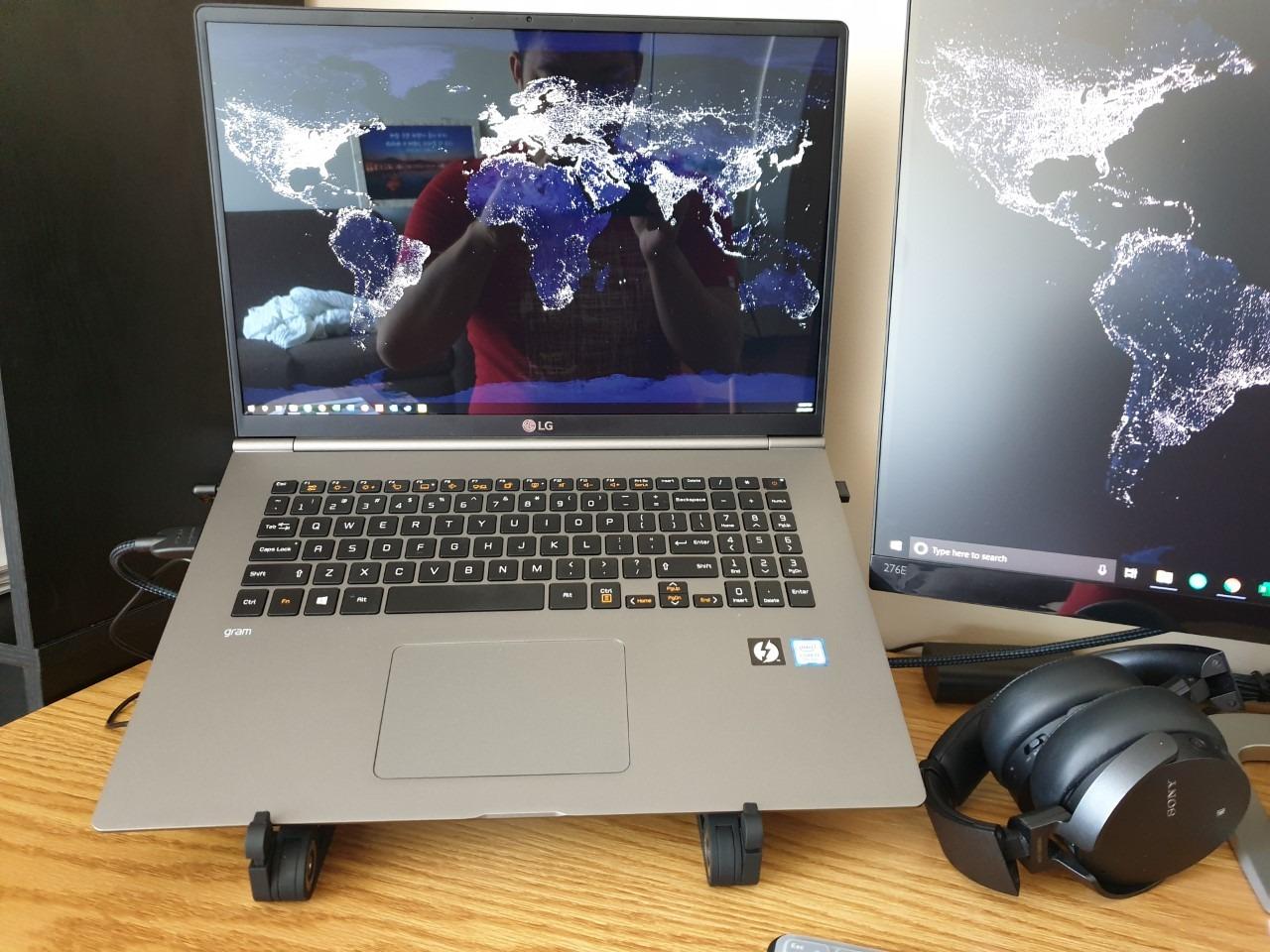
Two aluminum alloy supports are rated to hold 44 pounds, which is high for a laptop-only stand and leaves room for a light second screen. A built-in foldable mouse pad covers the small area beside the panel, and six silicone pads on the widened base keep it from sliding.
The trade-offs are ergonomic. The mouse area is small, and reviewers regularly mention overshooting it while standing, and the platform is narrow enough that a full keyboard has nowhere to go. Cables can pinch where they pass through the height adjustment.
Best use for this stand
Short standing sessions in a living room, kitchen or on a coffee table, where the priority is a screen at eye level rather than a full workstation. The 18 degree tilt and wide range do more for neck comfort than its rating suggests.
It works with 10 to 17 inch laptops and comes with a 2 year warranty.
Where it falls down
It carries the lowest average score in this group, and the reason is consistently ergonomics rather than build quality. A narrow panel plus a small mouse zone is a problem once you are typing for more than a couple of hours.
6. Rocelco 32 in R ADRB Converter – Best for Heavy Workloads
Rocelco 32″ Height Adjustable Standing Desk Converter – Slide Out Retractable Keyboard Tray – Sit Stand Up Double Monitor Riser – Dual Piston Lift Assist Tabletop Computer Workstation – Black (R ADRB)
32 x 20.6 in desktop
30 lb dual piston lift
4.75 to 16.75 in range
26.7 lb unit
Pros
- Retractable keyboard tray slides smoothly in and out
- Dual piston lift raises a heavy load with one hand
- Arrives fully assembled with anti-skid foam pads
- Deep 20.6 in surface suits a 27 in monitor plus laptop
Cons
- Desktop travels forward as it rises
- so it needs a deep table
- Some reviews report shipping damage on arrival
- At its lowest position the riser adds several inches
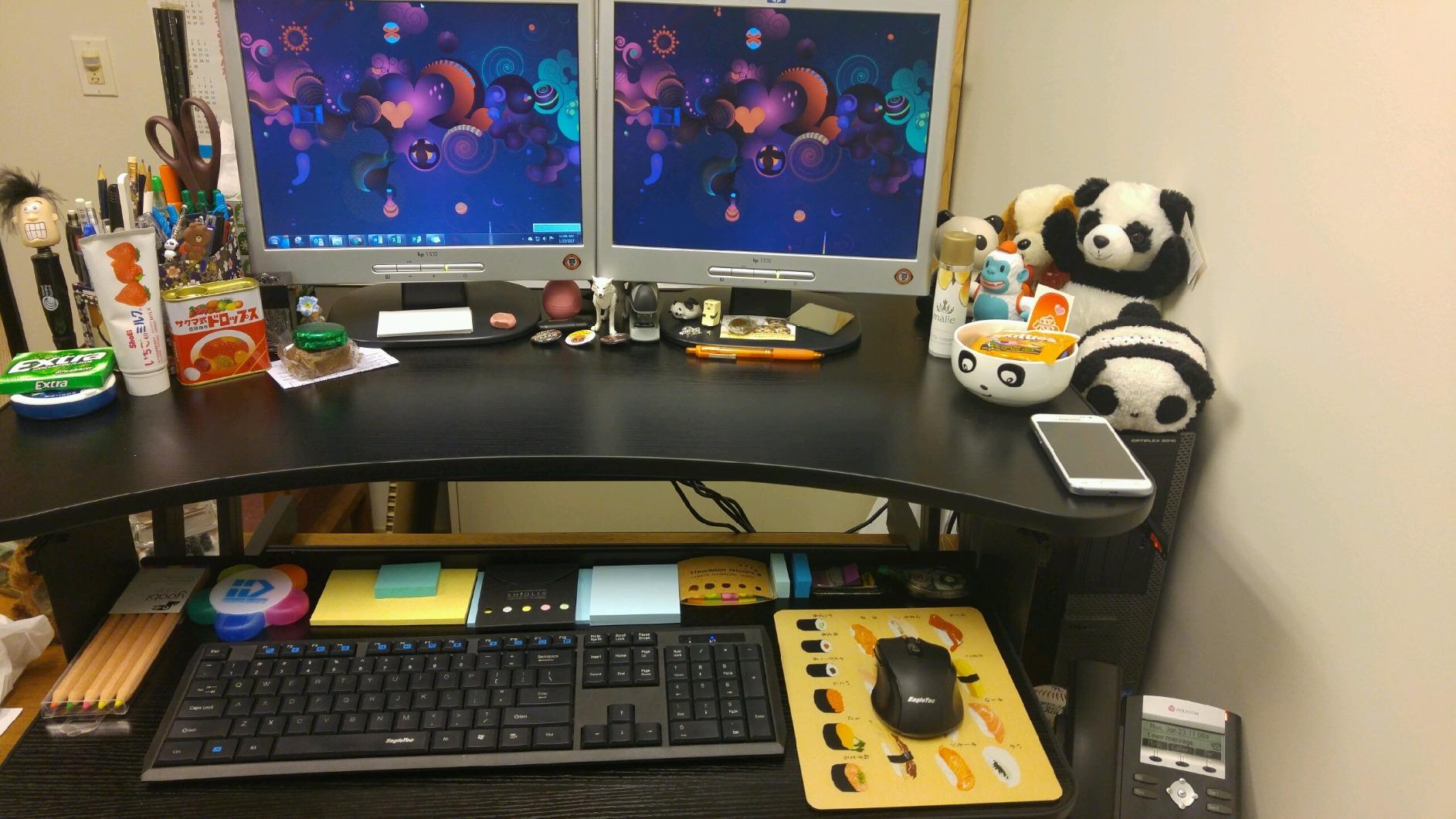
The Rocelco is the one in this group that owners describe as a durable alternative to a powered desk, and the reason is the dual piston lift. It moves up to 30 pounds with one hand, which is the difference between a converter you use all day and one you avoid.
It arrives fully assembled, so you place it on the desk and work. The desktop is 32 by 20.6 inches, deep enough for a 27 inch monitor alongside a laptop, and the 23.6 by 11.6 inch keyboard tray retracts fully under the surface when you want the whole top for writing.
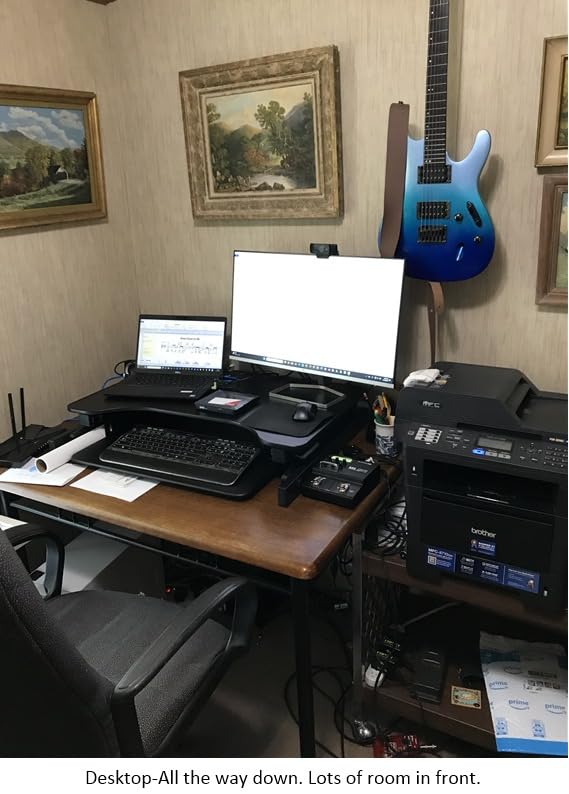
Height runs 4.75 to 16.75 inches with a tray-to-desktop spacing of 4.5 inches, which keeps typing position sensible at the top of the range. Owners who have carried it for years point to the retractable tray as the feature no competitor in this group matches.
The big caveat is the travel path. The desktop moves up and forward as it rises, so it needs a table with genuine depth. At 26.7 pounds it is a two-person carry, and a small number of reviews report damage from shipping, so inspect it on arrival.
Where it earns its place
All-in-one machines and heavier monitor setups, where a 17 lb riser simply gives up. The 30 lb piston lift covers setups that would sit right at the ceiling of most rivals here.
The 4.5 inch tray spacing is a real ergonomic benefit, because most converters crowd your forearms against the keyboard at standing height.
Where it costs you
Forward travel means you need one of the deeper surfaces in this roundup, and a shallow desk will see the deck overhang. It also adds several inches when lowered, so plan your seated elbow height before committing.
7. Mount-It! MI-15006S 30 in Converter – Best Warranty Coverage
Mount-It! Height Adjustable Standing Desk Converter, Compact 30” Wide Tabletop Standing Desk Riser with Gas Spring, Desktop Stand Up Workstation with Keyboard Tray Fits Monitor or Laptop, Dark Walnut
30 in compact top
Gas spring 4.9 to 19.2 in
Separate keyboard tray
33 lb unit
Pros
- Compact 30 in footprint fits dorm and small home office desks
- Gas spring gives smooth one-hand height changes
- Heaviest build here
- which owners read as sturdiness
- Lifetime warranty is the strongest cover in this group
Cons
- Mouse area is small and easy to knock a mouse off
- Monitor can shake slightly while typing in the raised position
- Keyboard tray on the right side does not fully lower
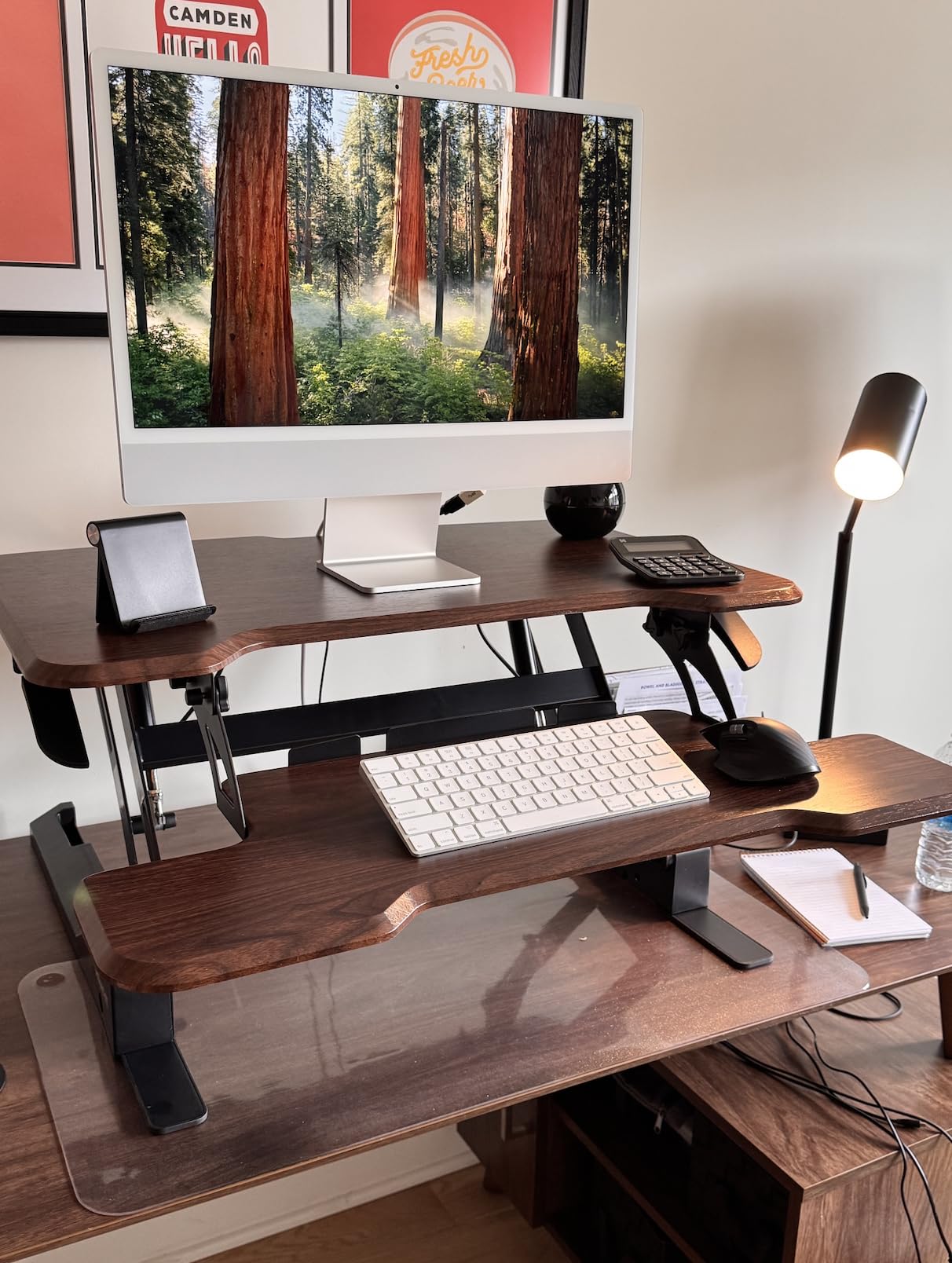
The Mount-It! 30 inch converter is aimed squarely at dorm rooms and small home offices, and the 30 inch top is the reason it fits where a 32 inch model would not. A single gas spring handle moves it from 4.9 to 19.2 inches.
It is also the heaviest unit here at 33 pounds, which owners read as a solid frame rather than a flaw, and the separate ergonomic keyboard tray sits below the main surface so the screen and keyboard land at different heights the way they should.
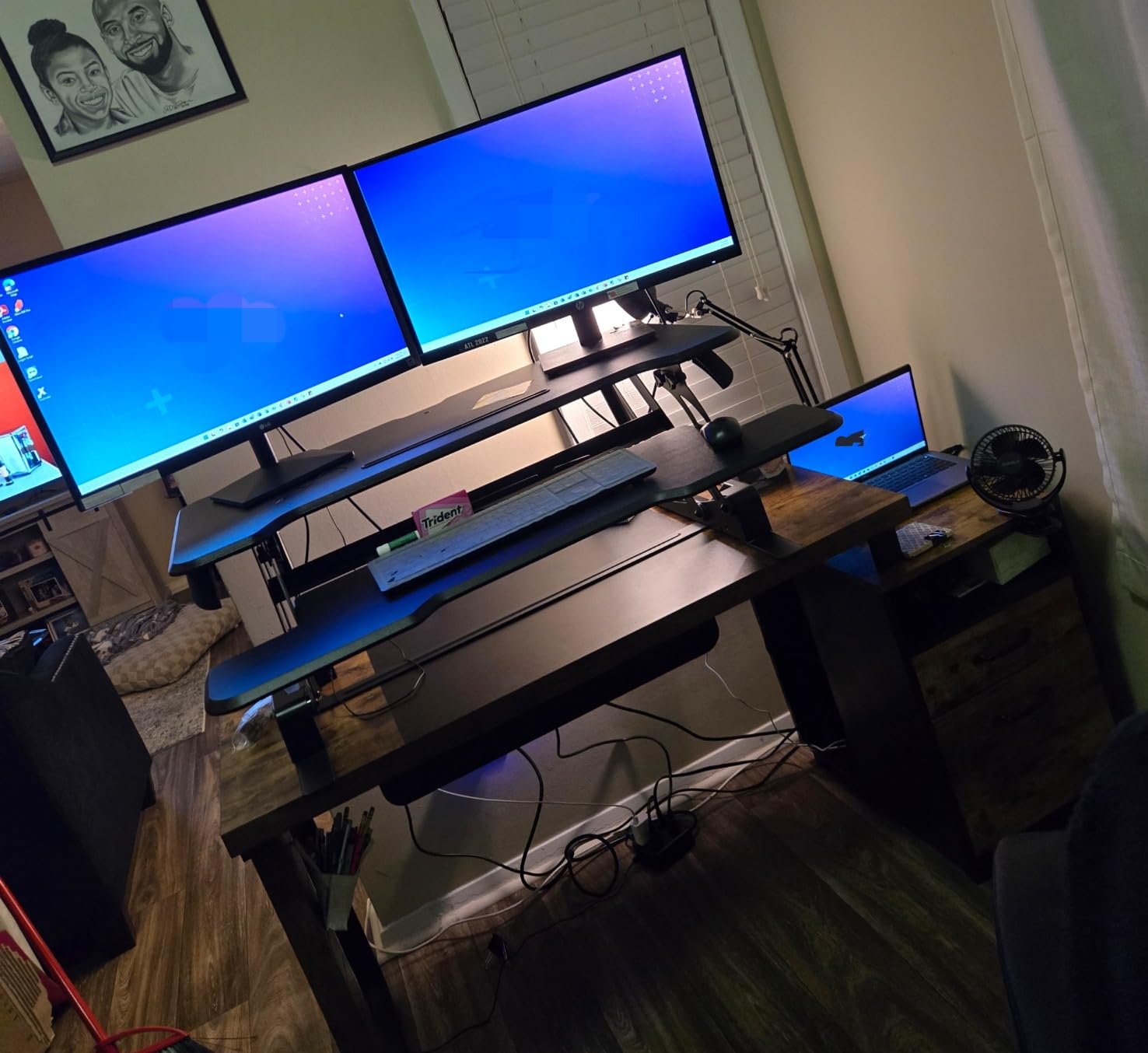
What won several reviewers over is the lifetime warranty, which is the strongest cover in this roundup and removes the usual question of what happens when the gas spring settles after a few years. The alloy steel frame and dark walnut MDF top get consistent mention for looking good on a desk.
The complaints are ergonomic. The mouse area is cramped enough that owners report knocking a mouse off while standing, the monitor can shake slightly in the raised position, and the right-side keyboard tray does not fully lower.
Reasons to choose it
The lifetime warranty on a mechanical converter is unusual, and it matters for anyone keeping a setup for three to five years. It is also one of the few picks here with a wood tone that suits a room rather than a corner office.
At 30 inches wide it fits desks that a 32 inch converter overhangs.
Reasons to skip it
It weighs 33 pounds, which makes it hard to move alone, and the depth of 19.5 inches is large for a unit marketed as compact, so the tray can overhang a shallow table. A screwdriver is recommended for setup.
8. JYLH JOYSEEKER 32 in Converter – Best Vertical Travel
JYLH JOYSEEKER 32″ Standing Desk Converter, Quick Sit to Stand Desk Riser
32 x 15.7 in desktop
Vertical 4.9 to 19.3 in lift
33 lb capacity
26.5 lb unit
Pros
- Straight up-and-down travel keeps the footprint predictable
- Assembles in about ten minutes with clear instructions
- Oversized keyboard tray is a differentiator at this level
- Holds a large monitor without complaint
Cons
- Some units arrive not level side to side
- Slightly less stable at full height than when lowered
- Keyboard
- mouse and a full mouse pad do not all fit centred
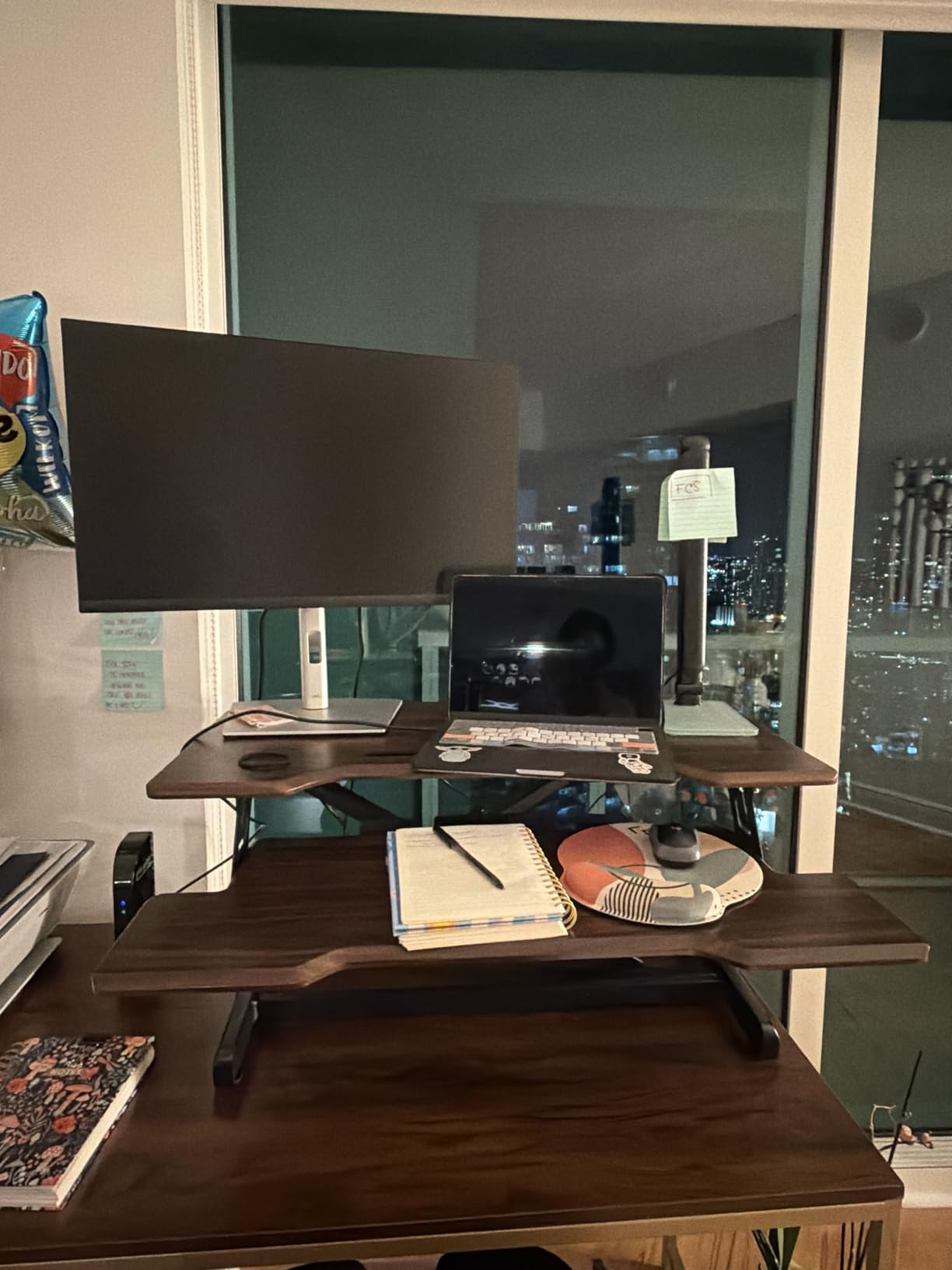
The JOYSEEKER 32 inch is defined by its travel path. The pneumatic spring brake drives the surface straight up and down rather than through an arc, so the footprint does not change between sitting and standing and it never drifts back into your desk edge.
Height runs 4.9 to 19.3 inches and the desktop takes 33 pounds. Owners assembling it report about ten minutes from unpacked to working, with clear step-by-step instructions and cable clips included for keeping the desk tidy.
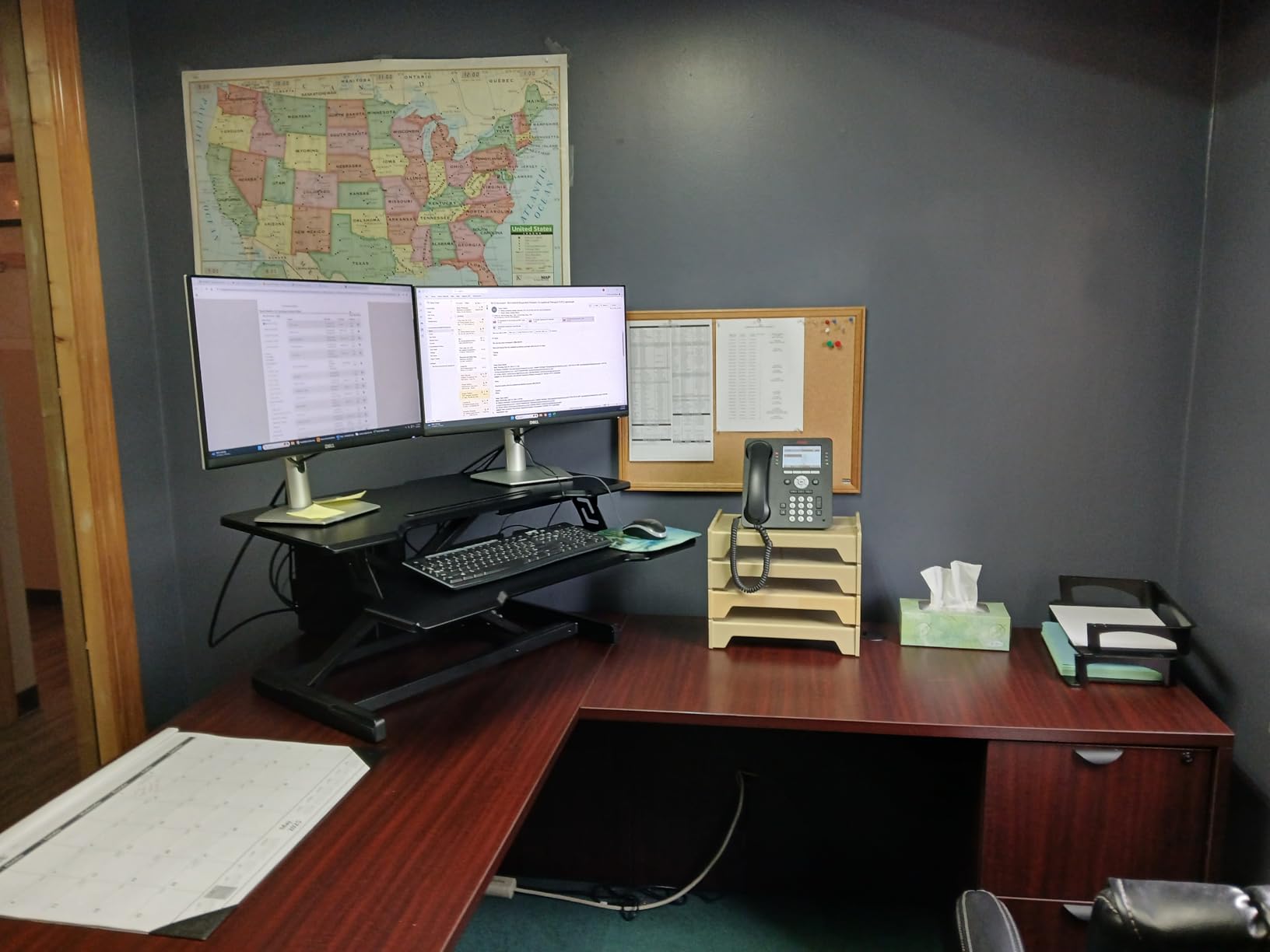
The oversized keyboard tray is the detail that separates it from cheaper 32 inch converters, and it is rated to 4.4 pounds, which covers a mechanical keyboard, mouse and a small mat. The frame is alloy steel and reviewers say it handles a large gaming monitor without complaint.
Faults are minor and specific: some units arrive slightly out of level side to side, there is a little play at maximum height, and the tray is tight when you try to centre a keyboard, mouse and a full mouse pad together. Raising and lowering takes both hands and some force.
Best for
Desk layouts where the base surface is close to something you need to reach, because vertical travel keeps the front edge exactly where you put it. It suits a laptop plus one large monitor, with room for peripherals on the tray.
Several wood-look finishes are available if black is not matching your desk.
Not for
It needs both hands and real force to move, so frequent posture switching gets tiring fast. If you are sensitive to small movements at full height, a heavier dual-piston or gas spring model is a calmer choice.
9. Mount-It! MI-7929W 32 x 22 in Converter – Best Lowest Collapsed Height
Mount-It! Standing Desk Converter 32″ x 22″ – Sit Stand Desk Riser with Gas Spring Lift, Slim 2.5″ Low Profile, Height Adjustable Desktop Workstation, Preassembled Sit-Stand Solution for Home & Office
32 x 22 in surface
Gas spring 2.5 to 16.9 in
20 lb load
38.1 lb unit
Pros
- Lowest collapsed height here at 2.5 in
- so it stays out of the way when seated
- Vertical lift that does not drift forward
- Arrives fully preassembled
- Stiff and wobble-free under weight while typing
Cons
- Cannot lock height just above the bottom of the range
- Heavy at roughly 38 lbs
- so moving it takes two people or a cart
- 20 lb recommended load is modest for two heavy monitors
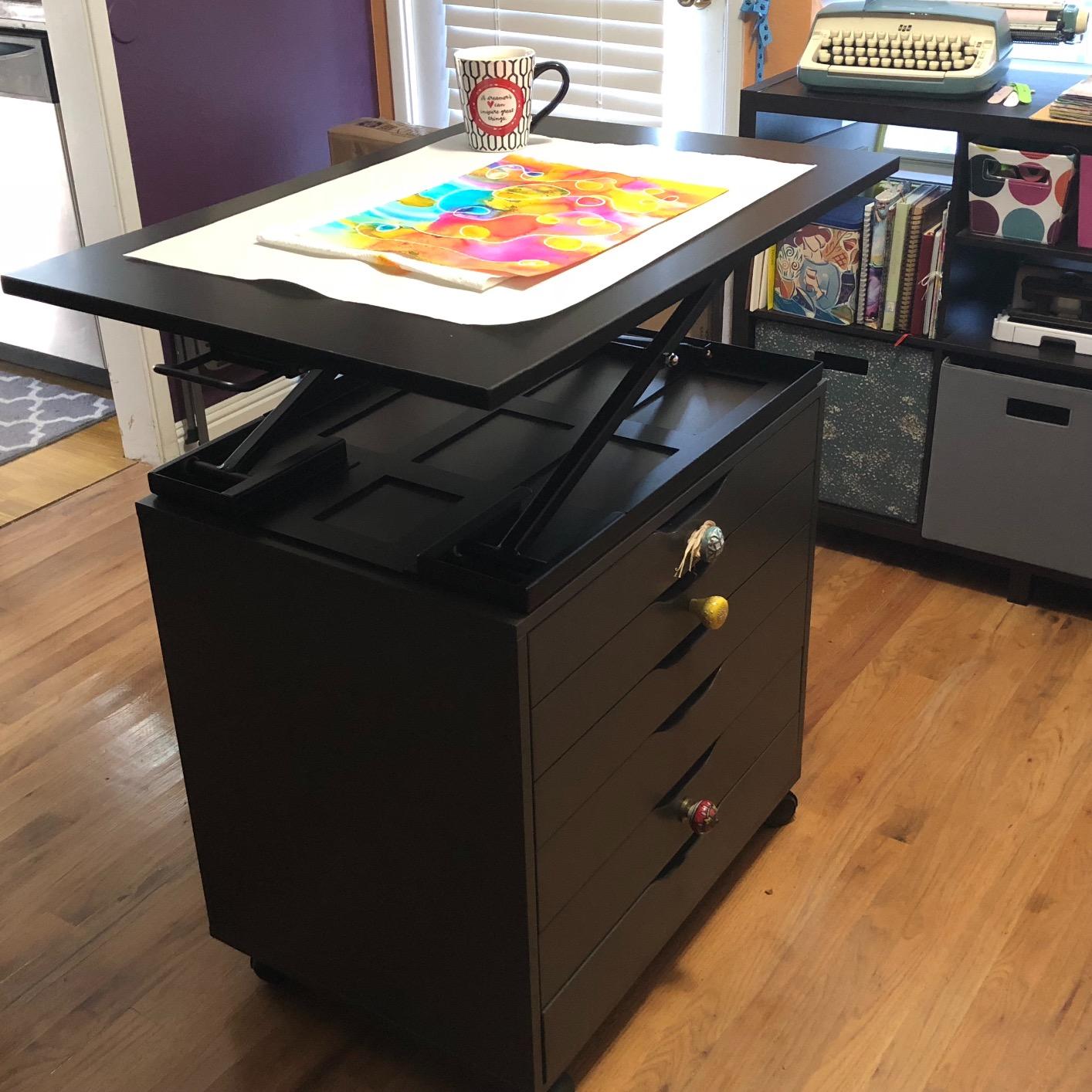
The MI-7929W solves a problem most converters ignore: what happens to your seated position. It collapses to 2.5 inches, so when you sit the riser is almost a part of the desk rather than a shelf in front of you, and your existing mouse and keyboard keep their usual place.
It arrives fully preassembled and the gas spring lifts from 2.5 to 16.9 inches in a straight vertical path that does not shift forward. Owners consistently describe it as stiff and wobble-free under weight, and back and neck relief is the most common reported benefit.
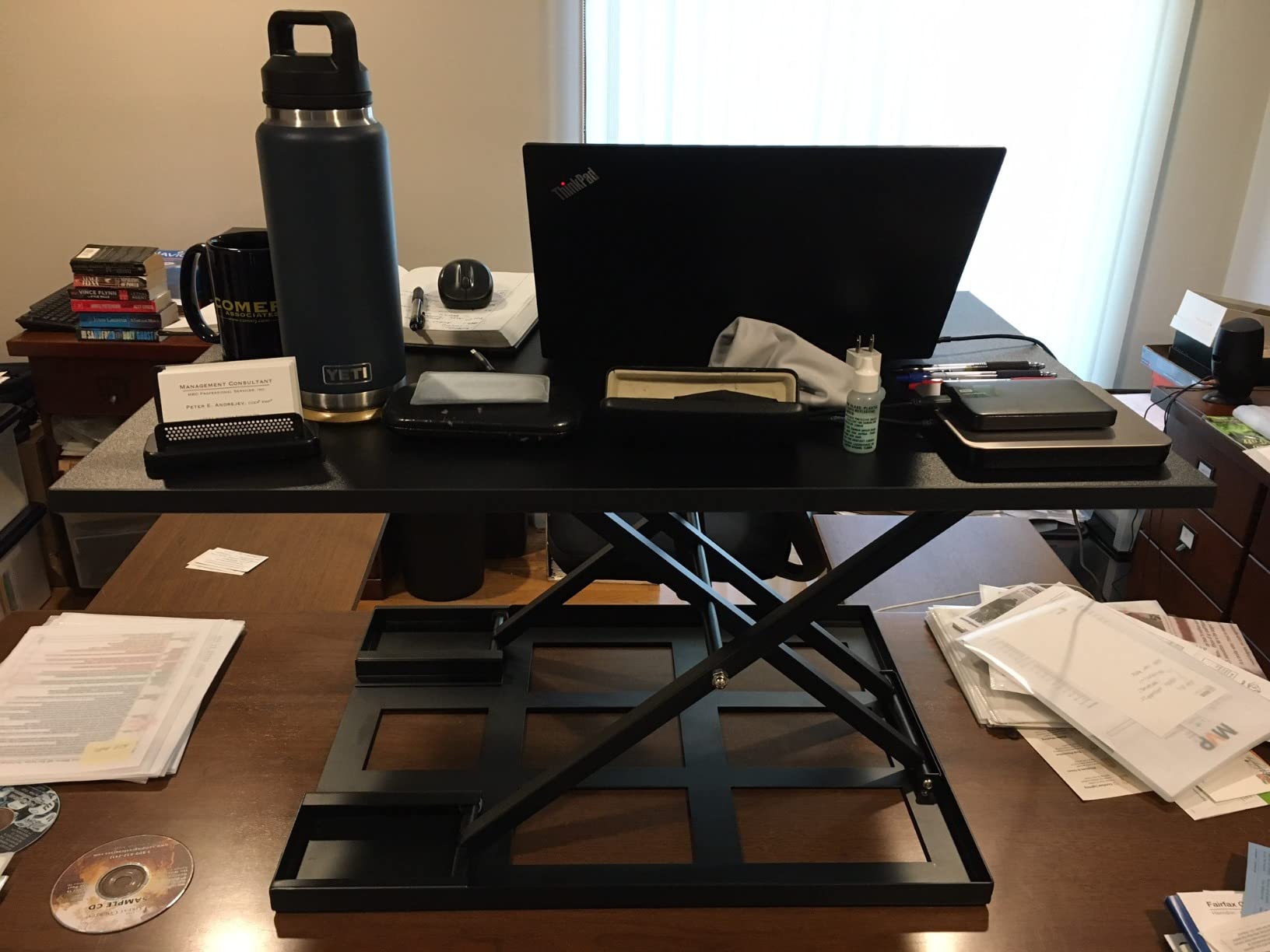
The 32 by 22 inch surface is one of the larger working areas in this roundup, enough for a monitor, laptop, keyboard and mouse together. A rubberized base protects the desk underneath, which matters on a shared or rented table.
The two consistent drawbacks are weight and the latch. At roughly 38 pounds it is a two-person lift or a cart, and the spring overpowers the latch near the bottom, so you cannot park it a few inches above the table.
Who this suits
Anyone who switches between sitting and standing several times a day and refuses to compromise their seated setup. It is the pick for people whose desk is already committed to a chair, keyboard and monitor arrangement.
It also suits anyone whose seated ergonomics get worse with a taller riser, because the collapsed height is essentially zero.
Who should pass
Skip it if you need to carry it between rooms, or if you plan to put two heavy monitors on it. The 20 lb recommended load is the lowest for a unit this size, and the single-level top has no separate keyboard tray.
10. VIVO DESK-V028S 28 in Converter – Best Dual-Monitor Balance in a Small Footprint
VIVO Black 28 in Standing Desk Converter, DESK-V028S
27.6 x 15.8 in top
4.9 to 17.2 in range
28.6 lb capacity
25.3 lb unit
Pros
- 28 in width fits a dual-monitor or laptop-plus-monitor setup on a smaller desk
- Keyboard tray rises in sync with the main surface
- Pneumatic lift makes the position change one smooth motion
- Well reviewed with over 2000 owner ratings
Cons
- 28.6 lb desktop limit is lower than the 32 in VIVO model
- Lowered height of 4.9 in is not as low as slim-profile rivals
- 25.3 lb unit is heavy for its size class
The DESK-V028S sits between the laptop-only risers and the full 32 inch converters, and for a lot of desks that is exactly the right size. A 27.6 by 15.8 inch top holds a dual-monitor or laptop-plus-monitor arrangement without needing a table you do not have.
As with the 32 inch VIVO, the keyboard tray rises in sync with the main surface, so typing position tracks the screen through the whole lift. That is the single most important comfort feature on a two-tier converter, and this platform gets it right.
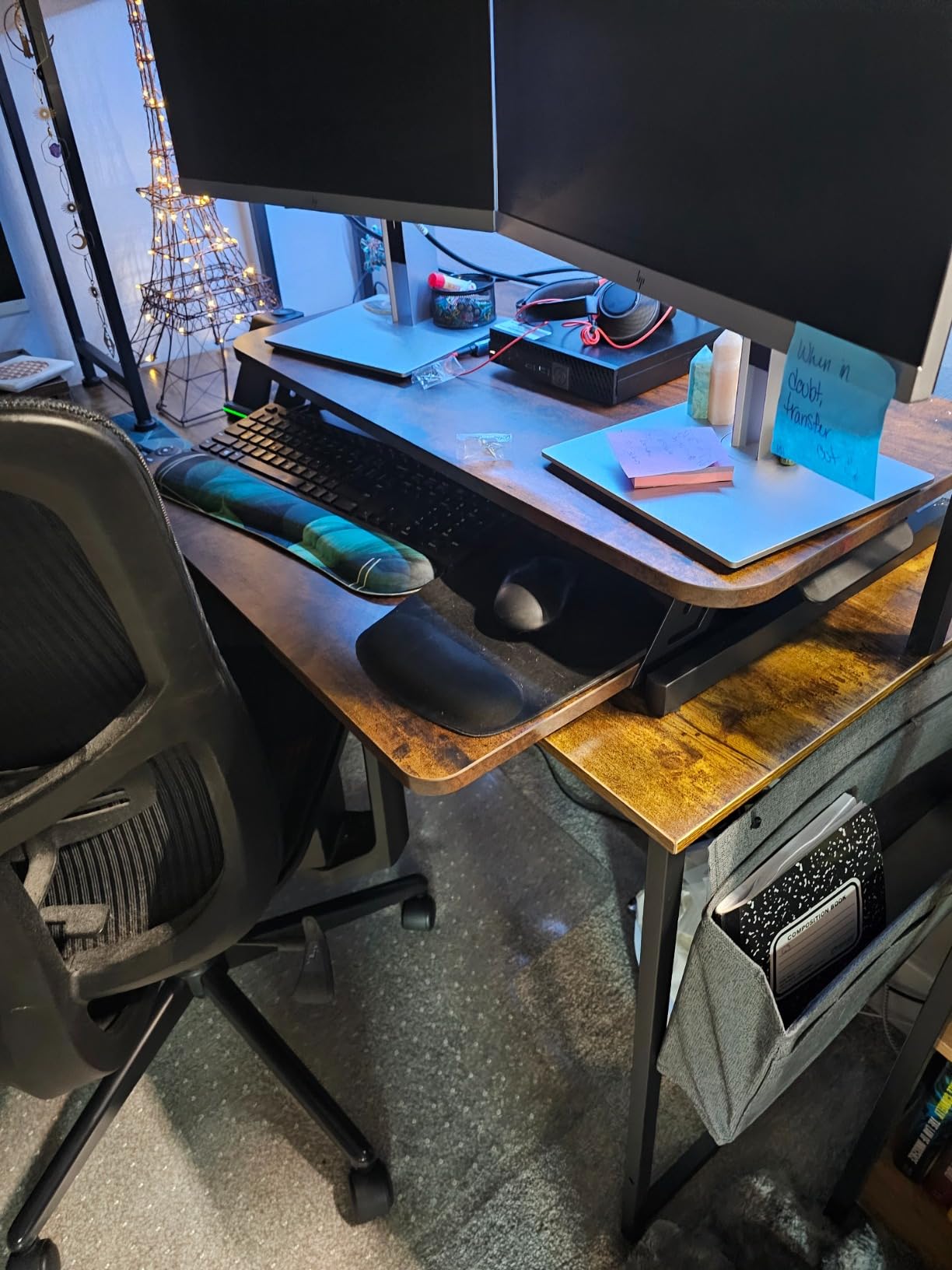
The pneumatic spring lift runs from 4.9 to 17.2 inches and the alloy steel frame supports 28.6 pounds on the desktop. Assembly is minimal, limited to attaching the keyboard tray, and the finish and size options come from the same platform as the wider model.
The trade-offs are the load ceiling and the floor height. At 28.6 pounds it leaves less headroom than the 33 pound models, and the 4.9 inch minimum means the riser sits higher when lowered than the slim-profile options. At 25.3 pounds it is also heavy for its size.
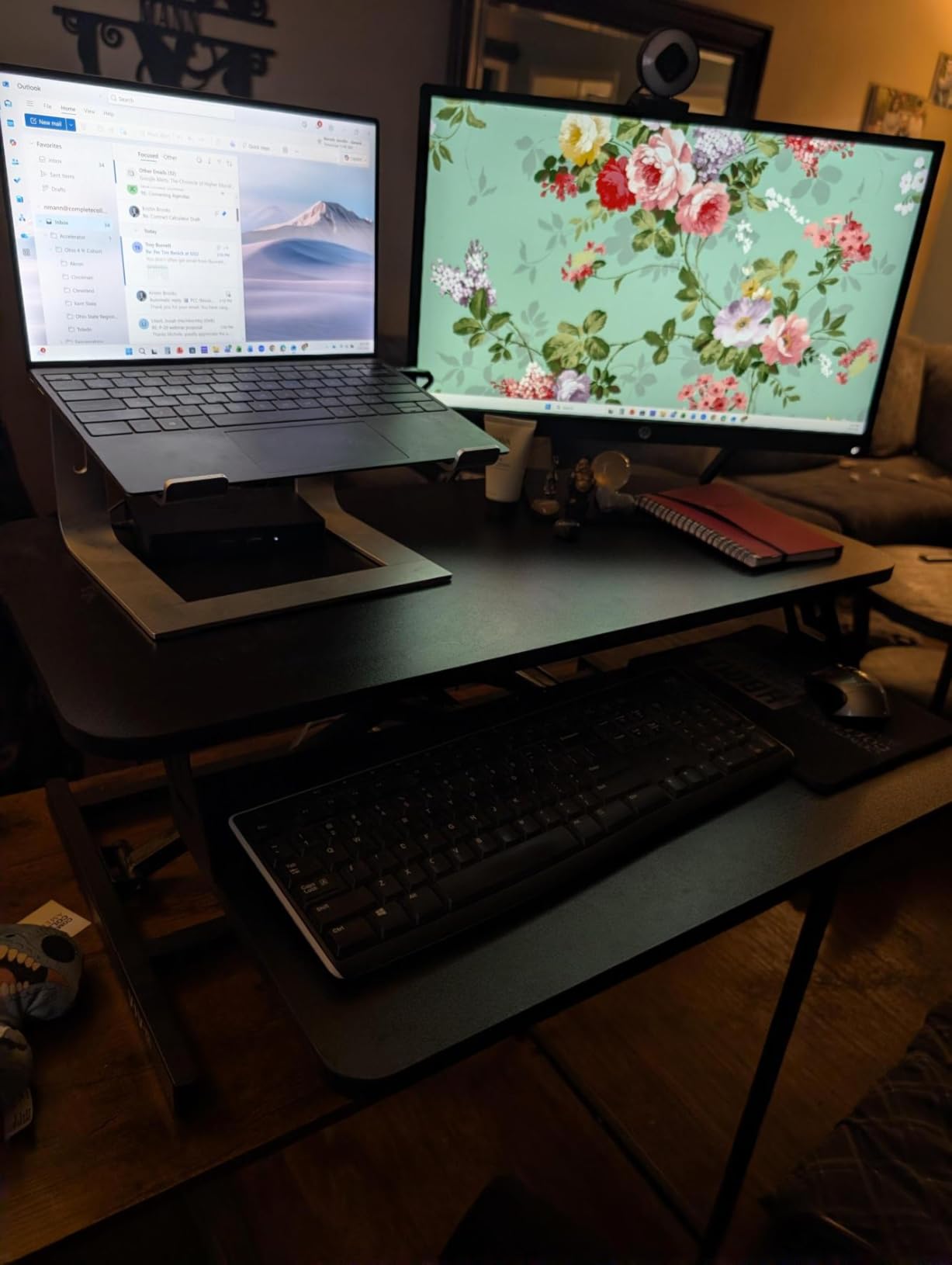
Why it earns a place
It is the compromise pick for a desk that is wide enough for two screens but not for a 32 inch converter, and the synchronized tray keeps typing comfortable at full height. Owner ratings sit at 4.6 across more than 2000 reviews.
It also works as a laptop-plus-monitor station for anyone who has outgrown a riser without needing full dual-screen width.
Why not go bigger
If your monitors are heavy, the 28.6 lb limit is worth checking against the actual weight of your screens and arm. And if you sit for long stretches, a converter that lowers to under 3 inches will serve your seated position better.
How to Choose a Standing Desk Converter for a Laptop
Most returns in this category are not about the lift. They are about a converter that turned out to be the wrong size for the desk it was supposed to live on, or the wrong height for the person using it. Run these checks before you buy.
1. Measure your desk, not the converter
Two numbers decide whether a converter fits: the depth of your base desk and the depth the platform needs while it is raised. Converter footprints vary widely, and the depth requirement is often higher than the listed width suggests.
Look at the desktop depth figures in the table above and subtract the space you need to reach over it. The Rocelco at 20.6 inches and the Mount-It! MI-7929W at 22 inches need the deepest tables, while the VIVO 26 inch riser and the two laptop-only stands are the friendliest to shallow desks.
Measure base desk depth from the back edge to the front edge, in inches.
Compare that against the converter’s desktop depth plus clearance for the keyboard tray.
Check desk width against the converter width so nothing overhangs a corner.
Measure your seated elbow height, then your standing elbow height, and write both down.
Check the doorway, stairwell and any lift in your building against the unit weight before ordering.
2. Match capacity to your whole setup, not just the laptop
A laptop is 3 to 5 pounds. The dock, the monitor, the arm and the notebook are what actually push a converter to its limit, and the figures in this roundup run from 17.6 pounds on the compact VIVO riser to 44 pounds on the SAIJI stand.
Add your real numbers, then leave headroom. Reviewers who came from powered desks most often praise a high-capacity model for exactly that reason: the weight limit matched the setup, so nothing had to move to the floor.
3. Why converters wobble, and what fixes it
Wobble and typing bounce at full standing height is the most repeated complaint across owner discussions of this category, and it usually comes from three places: a narrow single-column frame, a light top with a monitor arm raising the centre of gravity, or a base desk that is not level.
Before buying, we would test four things:
Press down on the front corners of the raised surface and watch for lateral play.
Type hard at full height and record a video call, which is the test that surfaces bounce fastest.
Check the base desk for level by placing a phone on it and confirming it does not slide.
Ask whether the frame is a wide dual-column or gas spring design rather than a single telescoping column.
Add a mat beneath the unit if the base desk is a thin or particleboard surface that flexes under load.
Owner experience generally splits along frame type. Single-column converters are reported to sway, while heavier dual-piston and gas spring units hold up better under the same load. If you type aggressively, weight and frame width matter more than any other spec.
4. Converter or full standing desk?
Choose a converter when you rent, share a table, want to test the habit cheaply, or already own a desk you like. Choose a full electric desk when you want the surface itself to move, need drawers and storage, or share a workspace where the standing option should be permanent.
The one recurring regret from owners is discovering after purchase that the converter does not fit the desk. The other is that it works so well they wish they had bought a full desk years earlier. Both are avoidable with a tape measure.
5. How often to switch, and standing comfort
The 20-8-2 rule suggests 20 minutes standing, 8 minutes sitting and 2 minutes moving for every half hour of work. It is a starting template rather than a rule, and the practical version is to switch at least once an hour rather than to sit all morning and stand all afternoon.
For standing sessions over 30 minutes, an anti-fatigue mat is close to a companion purchase rather than an accessory. It changes where your weight lands, and readers looking at longer sessions can start with our guide to standing mats.
One laptop-specific note: a closed clamshell sitting on a raised tier vents into the display area rather than into open air, so a laptop-only user is better off keeping the machine open and using the internal screen, or lifting it on a riser that leaves the vents clear.
6. Who should skip a converter entirely
If your desk is under about 20 inches deep, most full converters will overhang or crowd your knees, and a laptop-only stand is the realistic option. If you need file storage, no converter in this category provides it, which is the single most common unmet request in owner discussions.
If you change position many times a day, test the lift effort in person if you can. A manual spring that needs two hands and real force becomes a shoulder problem by week three.
Frequently Asked Questions
What is the 20-8-2 rule for standing desks?
The 20-8-2 rule is a starting schedule for alternating positions: 20 minutes standing, 8 minutes sitting and 2 minutes moving for every half hour of work. The goal is frequent small changes rather than sitting all morning and standing all afternoon, so switching at least once an hour is a realistic target. Treat it as a template and adjust it to how your body responds.
Should I get a standing desk or a standing desk converter?
Choose a converter if you rent, share a table, already own a desk you like, or want to test standing work without replacing furniture. Choose a full electric standing desk if you want the surface itself to move, need drawers and storage, or want standing available permanently for everyone sharing the space. A converter is the cheaper way to find out whether the habit suits you.
Do most standing desks wobble?
Most converters show some movement at full standing height, and the amount depends on frame type, unit weight and the base desk. Wide dual-column, dual-piston and gas spring designs hold up best, while narrow single-column frames are reported to sway. A base desk that is not level or is thin particleboard adds flex, and both can be tested in a few minutes before you keep the unit.
How can I stabilize my wobbly standing desk?
Five fixes cover most cases: check the base desk is level and firm, add a mat beneath the converter to spread load, level the converter feet, keep heavy items low and centred on the surface rather than on a monitor arm, and use a positive height lock instead of holding a lever. If the play is lateral at full height, the frame type is the limit and a heavier gas spring model is the real fix.
Why does my monitor wobble when I use a standing desk?
A monitor mounted on an arm above a raised platform raises the centre of gravity, so small movements at the keyboard transmit into the screen. A wide, heavy frame and a rigid base desk reduce it noticeably, and keeping the arm clamped to a solid rear edge rather than a thin rear lip helps. On single-column converters this movement is common and generally cannot be engineered out.
How much desk depth does a standing desk converter need?
It depends on the travel path, not just the footprint. Vertical-lift models such as the VIVO DESK-V000K and the JOYSEEKER 32 inch need roughly the depth of their own desktop. Arcing or forward-travel designs need more, and the Rocelco at 20.6 inches and the Mount-It! MI-7929W at 22 inches ask for the deepest tables in this roundup.
Final Verdict on the Best Standing Desk Converters for Laptops
The VIVO DESK-V000K is the standing desk converter for a laptop we would buy first, because it combines a 31.5 inch deep-enough surface, a 33 pound rating and a keyboard tray that rises with the top. For a laptop-only setup on a small table, the tounee telescopic stand is the smarter, lighter answer.
Measure your desk depth first, add up your real load, then pick the frame type that matches how much you type. Updated for 2026, these ten hold up on specs, owner feedback and the two questions that decide most purchases: will it fit, and will it feel steady at full height.