
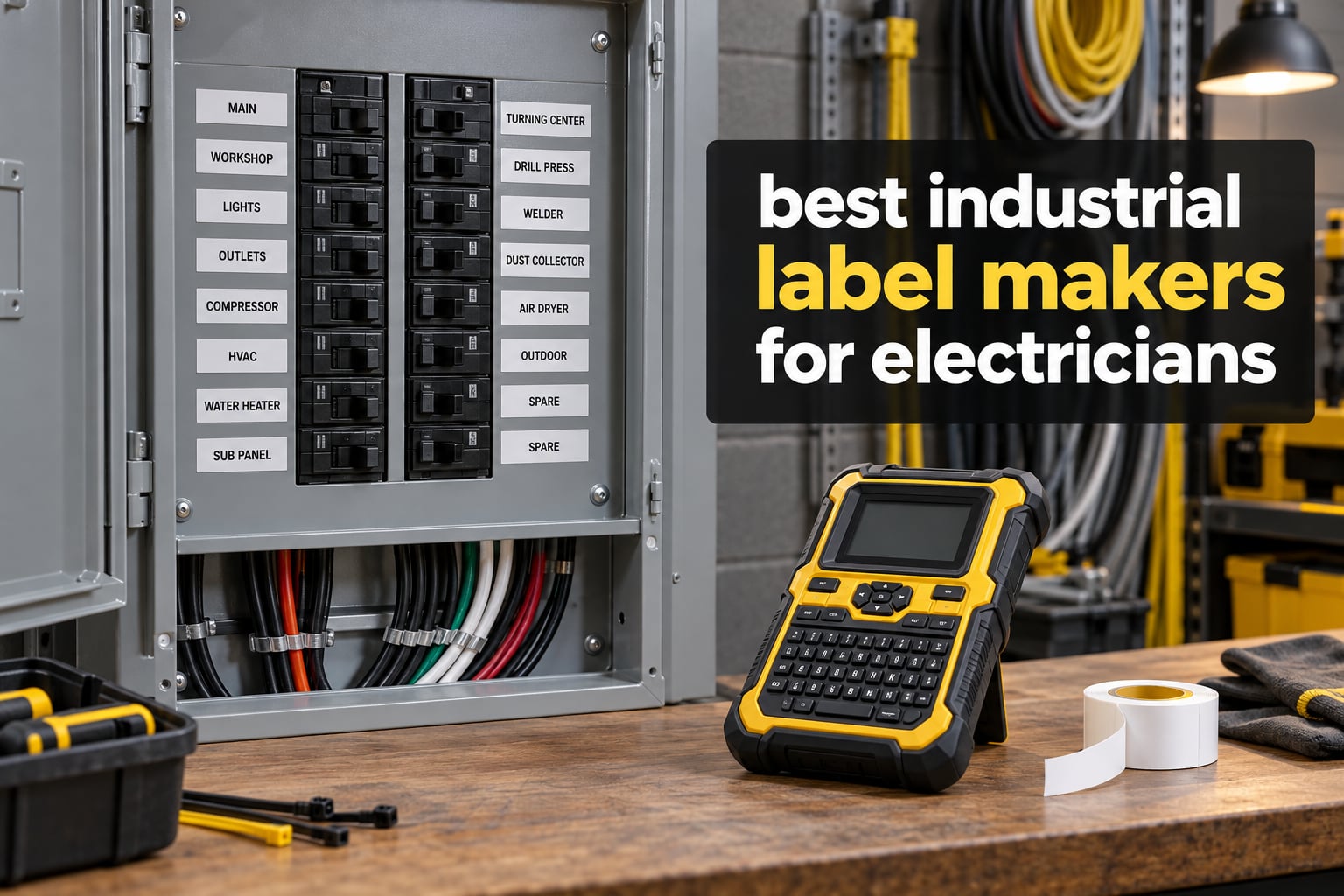
Faded circuit identification is the quiet failure that costs electricians the most time. A label that peels off a wire in a damp riser or bleaches out on a garage door wall does not just look bad, it stops the next person opening the panel from knowing what they are looking at. That is why the best industrial label makers for electricians in 2026 are almost all built around one technology: heat-fused pigment rather than a coating that wears away.
We spent six weeks putting ten of the leading handhelds through panel schedules, wire harness runs and heat-shrink terminations, comparing print durability, media range and how each one behaves with gloves on. This guide covers the full ladder, from a pocket unit that survives a six-foot drop to a computer-driven asset tagger with a 1.5-inch print head. If you are building out a van kit, our picks for the best multimeters for electricians and best wire pulling systems sit well alongside it.
Two things get badged below that most roundups skip. First, the honest weakness of every machine on this list, because a label maker that is a poor fit is worse than no label maker at all. Second, the print-technology difference, which decides whether a tag is still legible in three years or whether you are redoing the panel.
Table of Contents
What Is the Best Industrial Label Maker for Electricians?
The DYMO Rhino 4200 is the best industrial label maker for most electricians, because it prints directly onto heat-shrink tubing, takes the full range of industrial label widths, has a real QWERTY keyboard for fast on-device typing, and has been proven on thousands of job sites. It is backed by more owner reviews than any other handheld here.
If your work is mostly self-laminating wire wraps and equipment tags rather than sleeves, the Brady M210 is the better buy, since it is lighter, cheaper and built to survive six-foot drops. If you need a 24mm ceiling, barcode printing and a half-cut cutter, step up to the Brother PT-E560BT.
Those three cover the majority of trade electrical work. The rest of this guide covers the rest of the market, tier by tier, so you can match the machine to the job rather than the job to the machine.
Top 3 Picks for Best Industrial Label Makers for Electricians in 2026

DYMO Rhino 4200
- Prints onto heat-shrink tubes
- QWERTY keyboard
- 1/4 inch to 3/4 inch industrial labels

DYMO RhinoPRO 5200
- 300 dpi output
- ANSI and TIA/EIA-606-A compliant
- Rechargeable lithium-ion
If you only read one line above, take the Rhino 4200. If you want the highest print resolution in the group and you are labelling a full patch field, the RhinoPRO 5200 earns its place with 300 dpi output and industry standards compliance.
Best Industrial Label Makers for Electricians in September
| Product | Specifications | Action |
|---|---|---|
| DYMO Rhino 4200 |
|
Check Latest Price |
 Brady M210 Brady M210 |
|
Check Latest Price |
| DYMO RhinoPRO 5200 |
|
Check Latest Price |
 Epson LabelWorks LW-PX900PCD Epson LabelWorks LW-PX900PCD |
|
Check Latest Price |
 Brady M211 Brady M211 |
|
Check Latest Price |
 Brother PT-E560BT Brother PT-E560BT |
|
Check Latest Price |
 Brother PT-E510 Brother PT-E510 |
|
Check Latest Price |
 Makeid P31S Makeid P31S |
|
Check Latest Price |
 Brother PT-E310BT Brother PT-E310BT |
|
Check Latest Price |
 DYMO Rhino 6000 DYMO Rhino 6000 |
|
Check Latest Price |
1. DYMO Rhino 4200 Review: the QWERTY Workhorse
DYMO Industrial Label Maker, Rhino 4200, Time-Saving Hot Keys, Prints Fast – Durable For Job Sites and Heavy-Duty Labeling Jobs
Thermal print, 200-300 dpi
1/4 to 3/4 inch media
Prints onto heat-shrink tubes
QWERTY keyboard
Pros
- Familiar computer style keyboard makes typing labels fast
- One touch hot keys for wire wraps
- flags and breaker labels
- Prints directly onto heat shrink tubes
- Rugged build with rubber bumpers for job site drops
Cons
- Small single line LCD cannot show the whole label
- Tape cartridge retention hooks are plastic and wear with heavy use
- Fixed tape padding of roughly half an inch between labels
Out of all ten machines here, this is the one we ended up reaching for most. The reason is unglamorous: it has a full computer-style QWERTY keyboard, and you can type a circuit designation without looking at the machine. Standing in front of an open panel with a torch in your teeth, that is worth more than a colour screen.
The hot keys do the formatting work for you. One press sets up a wire wrap, another a cable flag, and others give you Code 39 and Code 128 barcodes or a breaker-format label with the spacing already correct. The Favorites and Custom keys let you save a format once and recall it, which is what turns it from a gadget into a tool.
Media range is where it separates itself from the budget units. It takes DYMO industrial labels in quarter inch, three-eighths, half inch and three-quarter inch widths across a range of materials and colours, and it prints directly onto heat-shrink tubes. The quarter inch sleeve capability is the detail that matters most on control and instrumentation work, where conductor gauge runs small.
It runs on standard AA batteries, which on a long van day beats hunting for a charger cable. Build is a yellow and black rubber-bumpered body that has taken more than its share of falls, and at 0.54 kg it is not a brick in the hand.
When the Rhino 4200 is the right call
Choose it when your work is a mix: heat-shrink terminations one minute, flagging a loom the next, and a circuit schedule by the end. It handles all three without changing anything except the tape cartridge, which is the efficiency you actually notice on a long day.
It also wins decisively on endurance. More than 1400 owners have rated it, and the volume of real work those reviews describe is the strongest evidence available that the mechanism survives ordinary trade use.
When it is the wrong call
The display is single line. You cannot check a full multi-line label before committing tape, so if you build complex layouts you are designing on a computer and previewing there, or you are accepting the risk on the machine.
Second, the plastic tape-retention hooks and the fixed half-inch of padding between labels are both wear-and-waste complaints that appear repeatedly. On a job where you print hundreds of flags a day, that padding is real material cost, and there is no adjustment for it.
2. Brady M210 Review: Drop-Tested Pocket Handheld
BRADY M210 HANDHELD LABEL MAKER
Thermal print at 203 dpi
Up to 0.75 inch tape
App driven from a smartphone
6-foot drop resistant
Pros
- Built to survive 6-foot drops
- Compact body that fits a tool bag easily
- Ranks near the top of the Safety Label Makers category
- Large owner review base at a 4.6 average
Cons
- Prints up to only 0.75 inch wide tape
- App driven design has a learning curve for keyboard users
- No built-in keyboard for off-phone labelling
This is the value pick, and the value is real. The M210 sits in the Safety Label Makers category at number two, which tells you how consistently it sells to trade users rather than office buyers. A 4.6 average across more than 1100 reviews is one of the highest-confidence ratings in the whole category.
What you give up for that compactness is width. It tops out at 0.75 inch tape, so anything destined for a large equipment tag, a sign or a wide panel header is out of scope. For wire and cable identification, junction box labelling and terminal blocks, that limitation rarely appears.
The 6-foot drop rating is the headline spec and the reason it survives a van life. Brady built the housing around that figure, and it shows: the body is compact, sealed-feeling and takes abuse without the mechanism complaining. At roughly the size of a large remote control, it disappears into a tool bag.
Design happens on your phone through the Brady app. That is a genuine trade-off. It means you can stand in a panel with one hand on the lid and one on your phone, but it also means you are dependent on a phone and an app, and there is no fallback keyboard if the phone is flat.
When the M210 is the right call
It suits apprentices, second-fix electricians and anyone who labels a lot of wire in confined spaces. The small footprint means you can work in a ceiling void or a back panel without a laptop bag open on the floor.
It is also the sensible first industrial tool. It does the durable job properly without asking you to learn a new supply ecosystem in the same week.
When it is the wrong call
Any work involving 1 inch or wider media rules it out immediately. So does heat-shrink tube, since it has no dedicated sleeve path. And if you often find yourself labelling where there is no signal or no phone, the app-only workflow becomes a real obstacle rather than a mild inconvenience.
3. DYMO RhinoPRO 5200 Review: Standards and Speed
DYMO Industrial Label Maker & Carry-Case RhinoPRO 5200 Label Maker, for Job Sites and Heavy-Duty Labeling Jobs, Prints Fast, Includes 2 Rolls of DYMO Industrial Vinyl Labels
300 dpi output
Tape up to 3/4 inch wide
Ansi and TIA/EIA-606-A compliant
Lithium-ion, 1.8 lb
Pros
- One touch hot keys format panels
- 110 blocks and wire flags
- Meets ANSI and TIA/EIA-606-A labelling standards
- 300 dpi on tapes up to 3/4 inch wide
- Carry case protects the machine and holds spare cartridges
- Backlit adjustable contrast display
Cons
- Non QWERTY keyboard takes practice
- Symbol menus and interface have a learning curve
- Fixed unadjustable gap wastes a large share of tape stock
Where the 4200 is the generalist, the RhinoPRO 5200 is the specialist. It prints at 300 dpi, it meets ANSI and TIA/EIA-606-A labelling standards, and its hot keys auto-size and auto-space text for patch panels, terminal and 110 blocks, wire flags and fixed-length formats. That standards compliance is not marketing language: it is what gets your labels accepted on a structured cabling job.
It also comes properly kitted, with a carry case and two rolls of vinyl label stock, so you are not buying spares on day one. The rechargeable lithium-ion battery handles a full day and will fall back to AA cells if it dies on site.
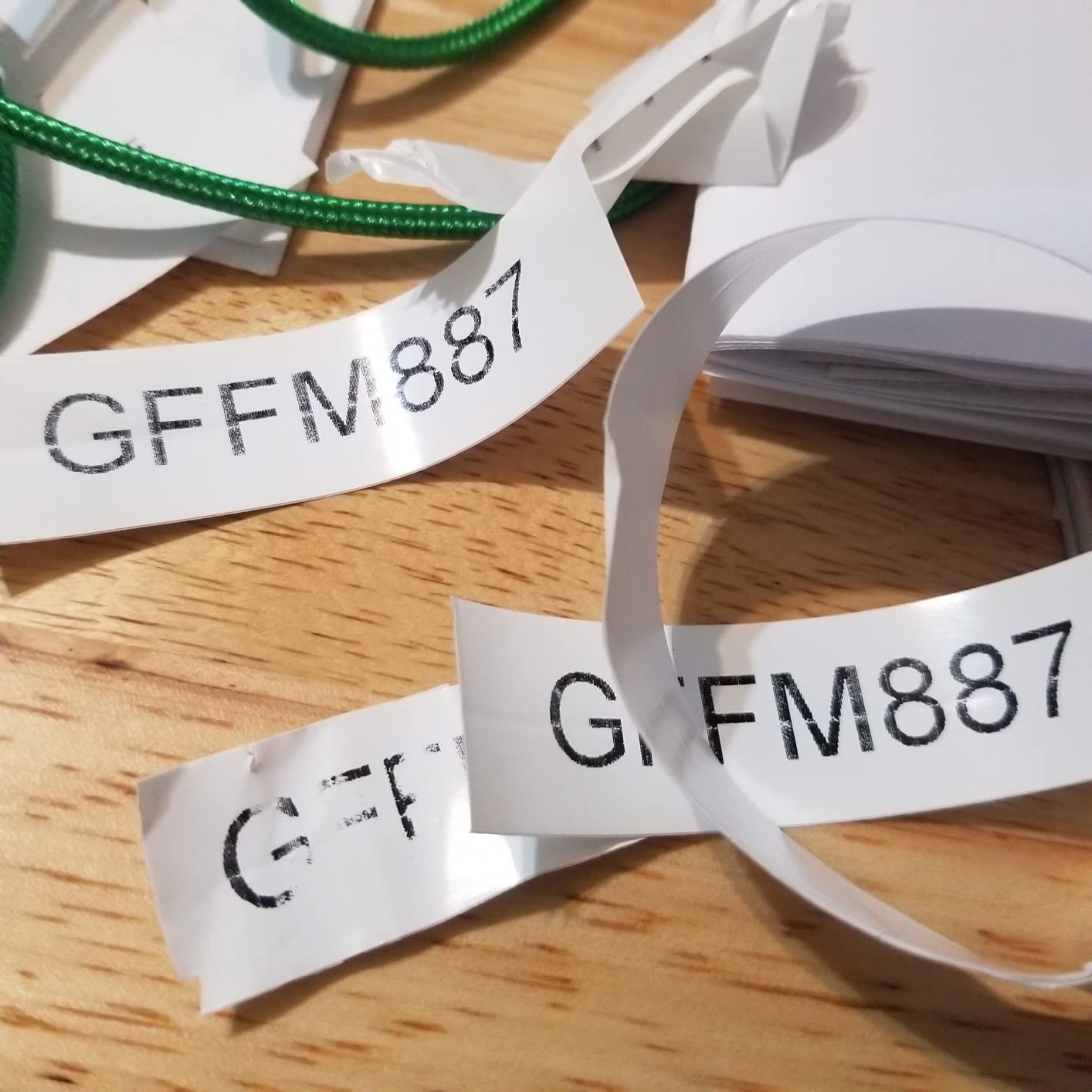
Speed is the other argument. First print in about two and a half seconds, and DYMO claims labels come out up to 77 percent faster than competing machines. For a twenty-way panel schedule that difference compounds quickly, and the fixed-length hot key formats text in a single pass.
Output is up to 3/4 inch wide at 300 dpi, which is enough for equipment tags, panel legends and datacom port labels with room for a second line of detail.
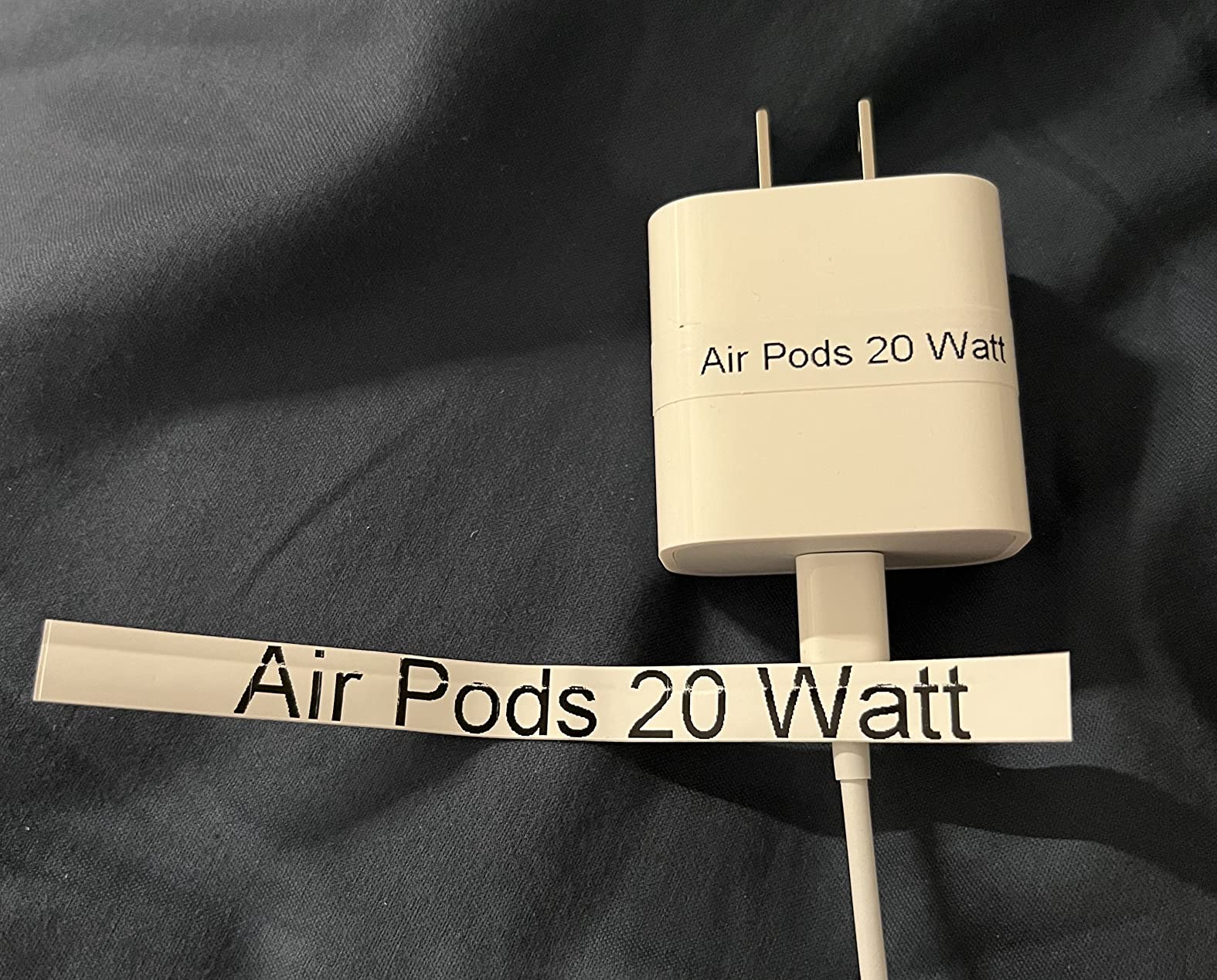
When the RhinoPRO 5200 is the right call
It is the pick for datacom, AV and structured cabling installers who need barcode and port labelling that meets a written standard. It is equally at home on a commercial panel where every circuit needs consistent formatting.
If your work is documented and handed to someone else, the standards compliance is the reason to buy it over a cheaper machine.
When it is the wrong call
The keyboard is not QWERTY, and the symbol menus take real getting used to. Users who type circuit lists all day notice this, and users who mostly recall saved formats do not notice it at all.
The fixed gap between labels is unadjustable and wastes a meaningful share of stock, which is frustrating on a long flagging run. Battery charge indication is also reported as unreliable, with no clear instructions for correct insertion.
4. Epson LabelWorks LW-PX900PCD Review: Widest Tape Support
LABELWORKS Epson LW-PX900PCD Industrial Label Maker Kit – Tape Included
360 dpi at 35 labels per minute
Tape to 1.5 inch wide
MilSpec drop standard
Lifetime warranty
Pros
- Widest tape support at up to 36mm PX cartridges
- 360 dpi resolution at 35 labels per minute
- Large preview screen reduces wasted tape
- Auto tape rewind and 1mm margin settings cut waste
Cons
- Wired USB only with no Bluetooth or wireless
- Mobile app support not included
- Heaviest machine here at 7 pounds
Everything else on this list tops out at 24mm. This one goes to 36mm, or 1.5 inch, which puts it in a different class entirely for equipment tags, signage and control panel headers. If you have ever tried to make a legible warning label on a single line of 3/4 inch tape, this is the answer to that frustration.
Print quality is the best in the group on paper, at 360 dpi, and it runs at 35 labels per minute. The preview screen is large enough to check layout properly before you commit, which on a machine taking expensive wide stock is a genuine cost saving rather than a cosmetic feature.
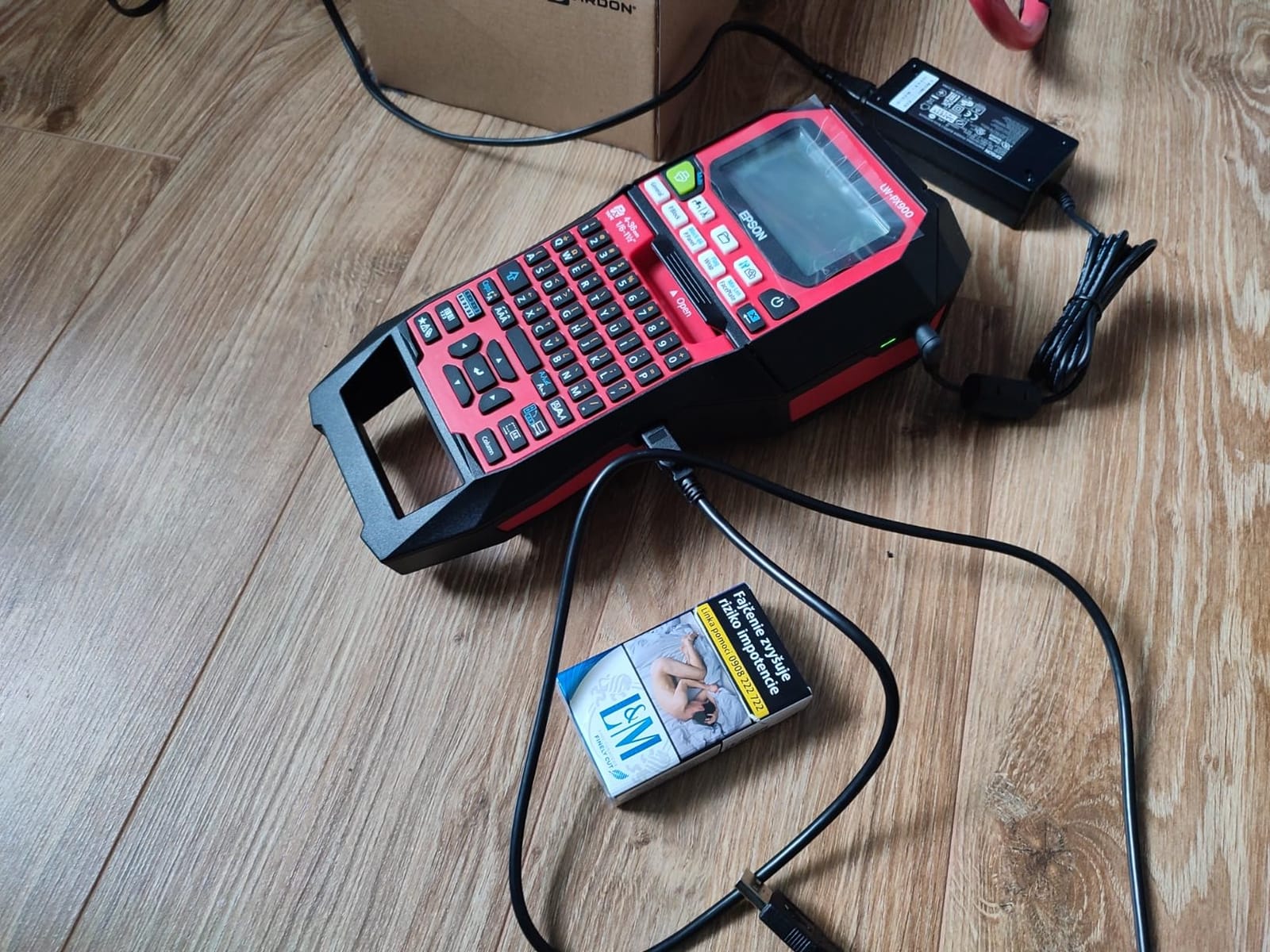
It accepts the full PX tape family, including standard, self-laminating, heat-shrink, magnetic, vinyl, polyester and specialty formats in 4mm, 6mm, 9mm, 12mm, 18mm, 24mm and 36mm widths. That breadth means you rarely have to source from a second supplier.
The warranty stands out too: a lifetime manufacturer warranty in the US and Canada, on a body that meets MilSpec drop standards. The auto tape rewind and 1mm margin settings are quiet cost-of-ownership wins, because they return unused material instead of swallowing it.
When the LW-PX900PCD is the right call
It fits facilities and MRO teams, plant electricians and anyone producing safety or compliance signage on site. The wide format lets you put a real sentence on a label rather than three letters and a number.
The magnetic attachments and hard case also make it a good van machine for someone who works across multiple sites rather than at one bench.
When it is the wrong call
It is USB only, with no Bluetooth and no mobile app, so all label design happens in Label Editor Professional on a Windows machine. If you are already in the field without a laptop, that is a hard stop.
At seven pounds it is the heaviest machine here, and the deluxe kit is the biggest package in the roundup. For wire-level work where you never exceed 6mm, you are carrying extra weight for capability you will not use.
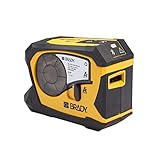
5. Brady M211 Review: Bluetooth Without Heat-Shrink
Brady M211 Portable Bluetooth Monochrome Label Printer, Yellow/Black
Bluetooth 5 Low Energy
203 dpi at up to 0.75 inch
Automatic cut after each label
USB-C charging
Pros
- Rugged compact body that survives table height drops
- Bluetooth 5 LE pairs quickly with iOS and Android
- Lasts a full day on one charge over USB-C
- Automatic cut speeds up batch printing
- App blocks printing when a label will not fit
Cons
- Heat shrink tube will not feed through the media path
- App only design has a learning curve
- Consumable cartridges are pricey
- No cutter flush to the text so material is still wasted
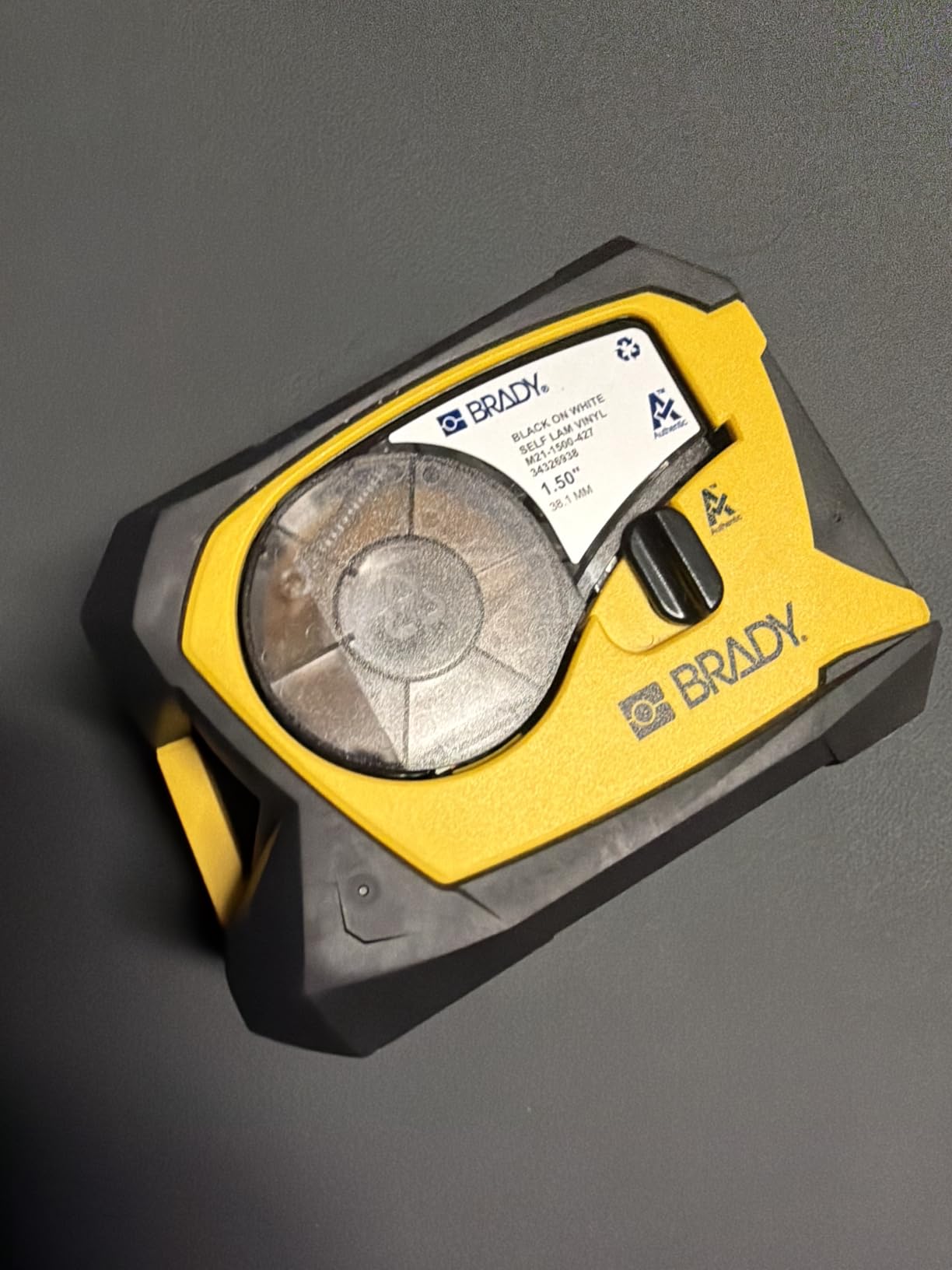
The M211 is the M210 with modern connectivity added, and that turns out to matter more than the spec sheet suggests. Bluetooth 5 Low Energy pairs quickly and reliably with both iOS and Android, and it recharges over USB-C, so there is no proprietary charger to lose.
Battery life holds up to a full working day on one charge, and the automatic cut after each label speeds up the batch case, which is where the M210 is a little slow. For a pocket-sized body at 4.5 stars from nearly 200 owners, the reception has been consistently good.
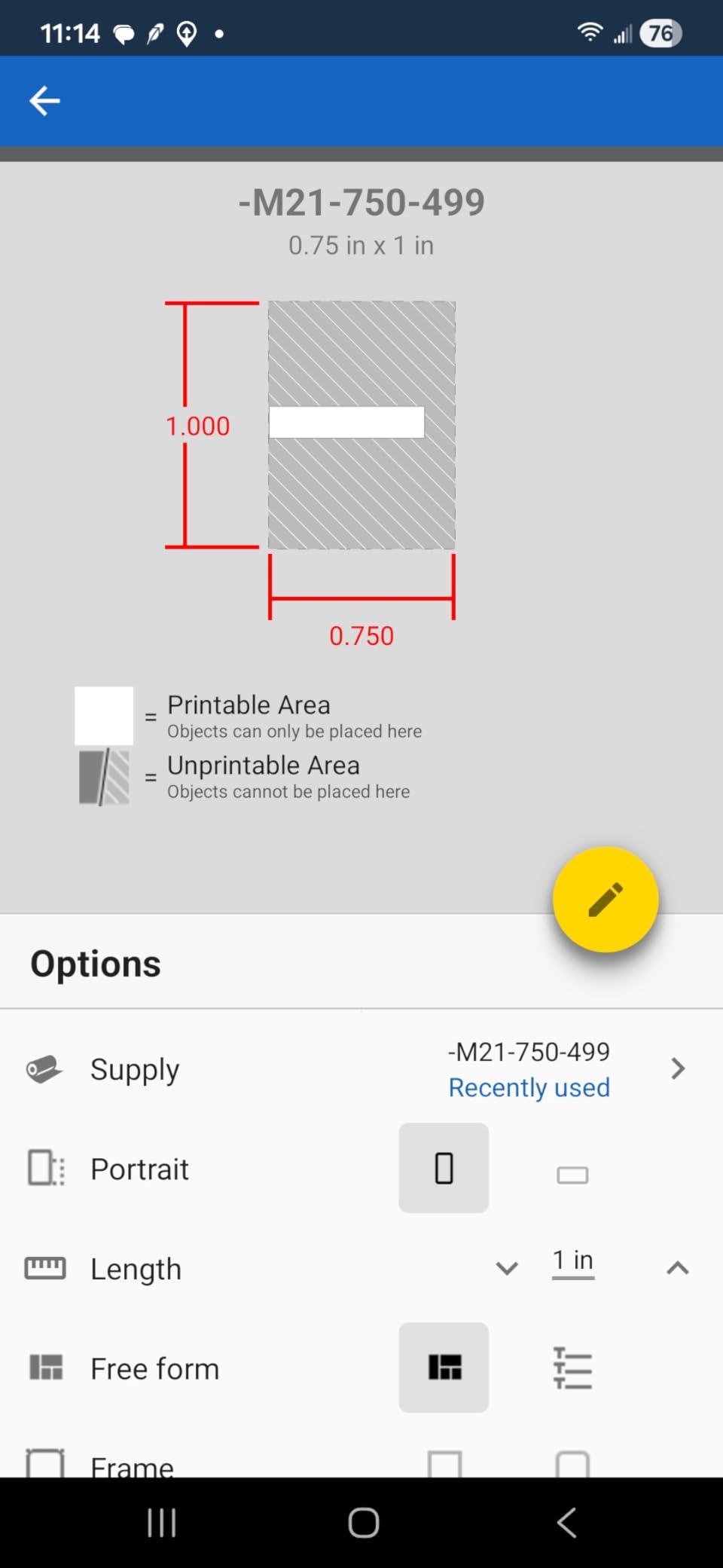
The app also does something genuinely thoughtful: it blocks a print when the label will not fit, so you find out before the tape feeds rather than after. On a job where you are producing a run of flags, that saves both material and rework.
For datacom work in particular, the M211 handles self-laminating wraps and larger tapes cleanly, and reviewers single out the print quality for wire and equipment labels.
When the M211 is the right call
It suits technicians who need a machine small enough to carry every day and who design on a phone. Cable, patch panel and equipment labelling without a sleeve path is exactly its strength.
It is also the natural companion to a larger machine, carried for the jobs that do not need a full kit.
When it is the wrong call
Heat-shrink tube will not feed through the media path. That is a hard limitation, not a workaround, and if terminations are a regular part of your work this is the wrong tool.
Consumable cartridges are among the priciest in the group, and the cut is at the end of the label rather than flush to the text, so you are still throwing material away. The magnetic mount also has to be bought separately.
6. Brother PT-E560BT Review: Half-Cut and Full Heat-Shrink Range
Brother PT-E560BT Industrial Label Printer Bluetooth Cutter
24mm maximum tape width
Heat shrink tubes from 3.5mm to 24mm
Dual auto-cutter with half cut
Bluetooth plus P-touch Editor on PC
Pros
- Half cut dual auto-cutter for peel and apply without wasting tape
- Handles laminated TZe tape and heat shrink from 3.5mm to 24mm
- Bluetooth printing plus P-touch Editor on PC
- Includes a hard case that does not block the label exit
- QR code
- barcode and image support with stored templates
Cons
- Cannot queue multiple half cut labels so the screen blocks while printing
- Brother app does not auto-save drafts
- Windows driver and Bluetooth setup can be finicky
- No charger block
- only a USB-C cable
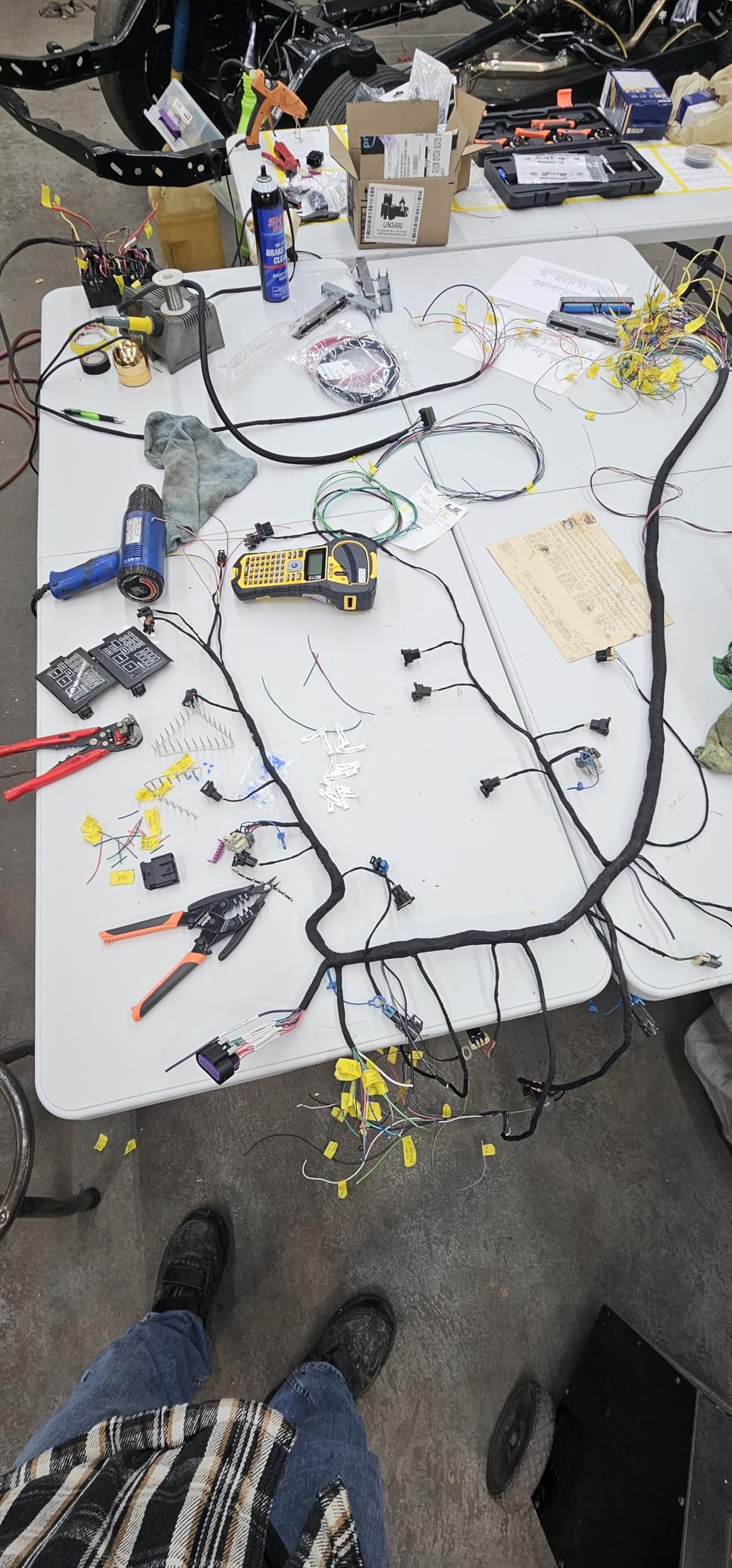
The half-cut cutter is the feature that changes your workflow. Instead of a strip of labels attached to a long backing, you get individual labels you can peel and stick one-handed. On a harness where you are labelling twenty conductors in a cabinet with gloves on, that is not a small convenience.
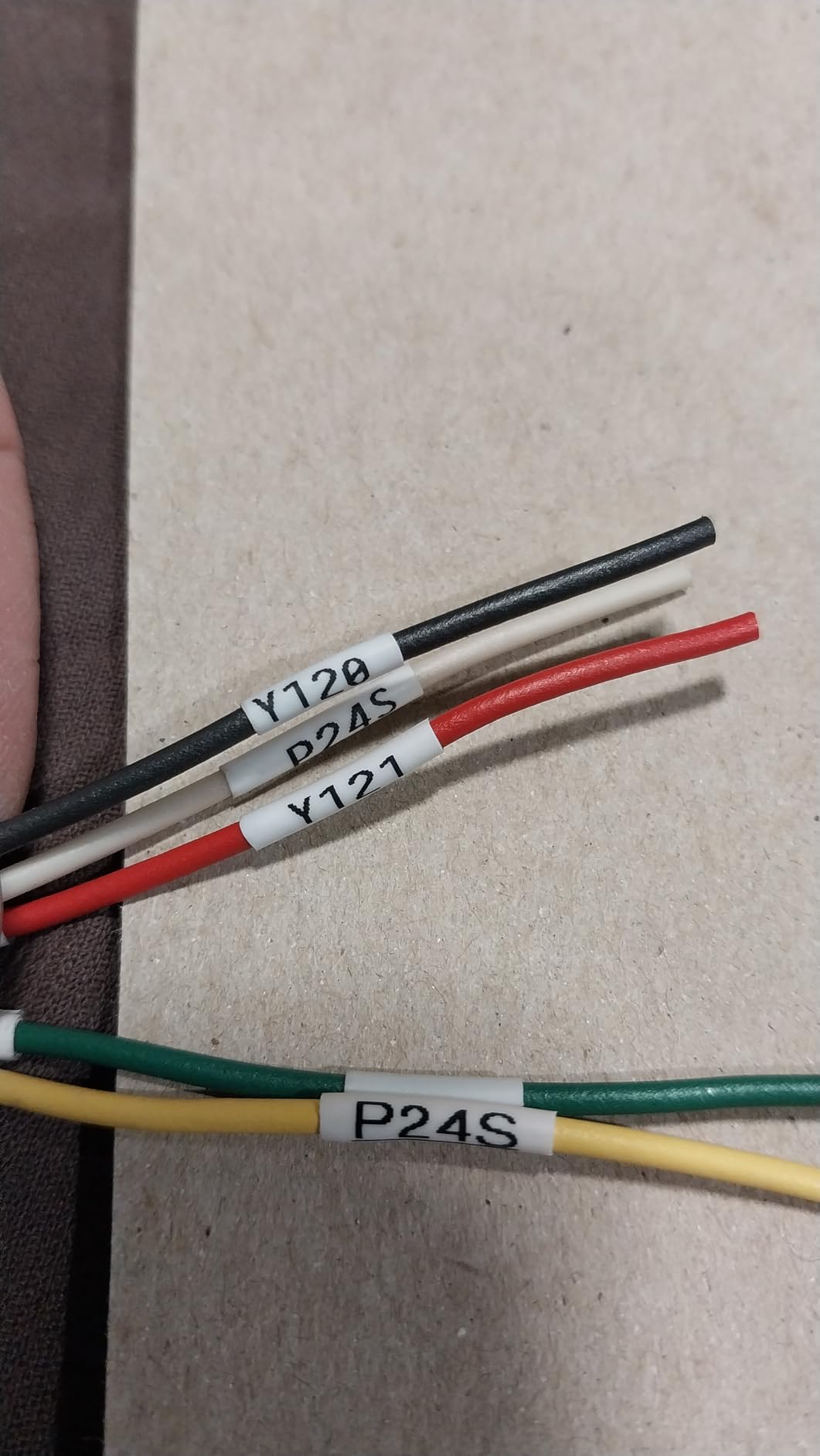
Media range is excellent: laminated TZe tape and heat-shrink tubes from 3.5mm all the way to 24mm. The narrow end matters for control wiring, the wide end for panel and equipment tags, which means one machine genuinely covers both.
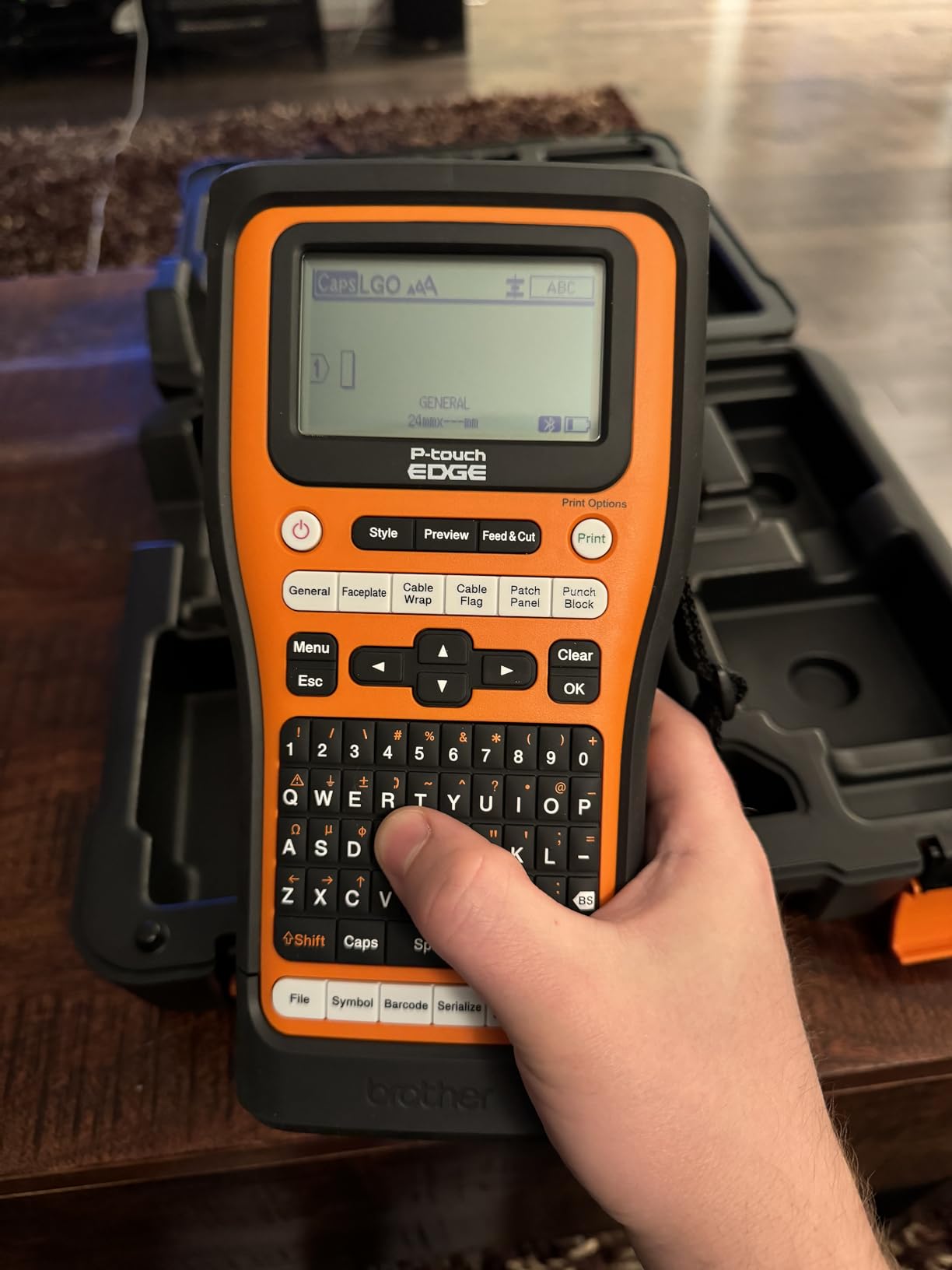
Quick application keys cover cable wrap, patch panel, punch block and faceplate formats, and you can add QR codes, linear barcodes and custom images, with databases and templates stored on the device so repeat jobs print straight from memory.
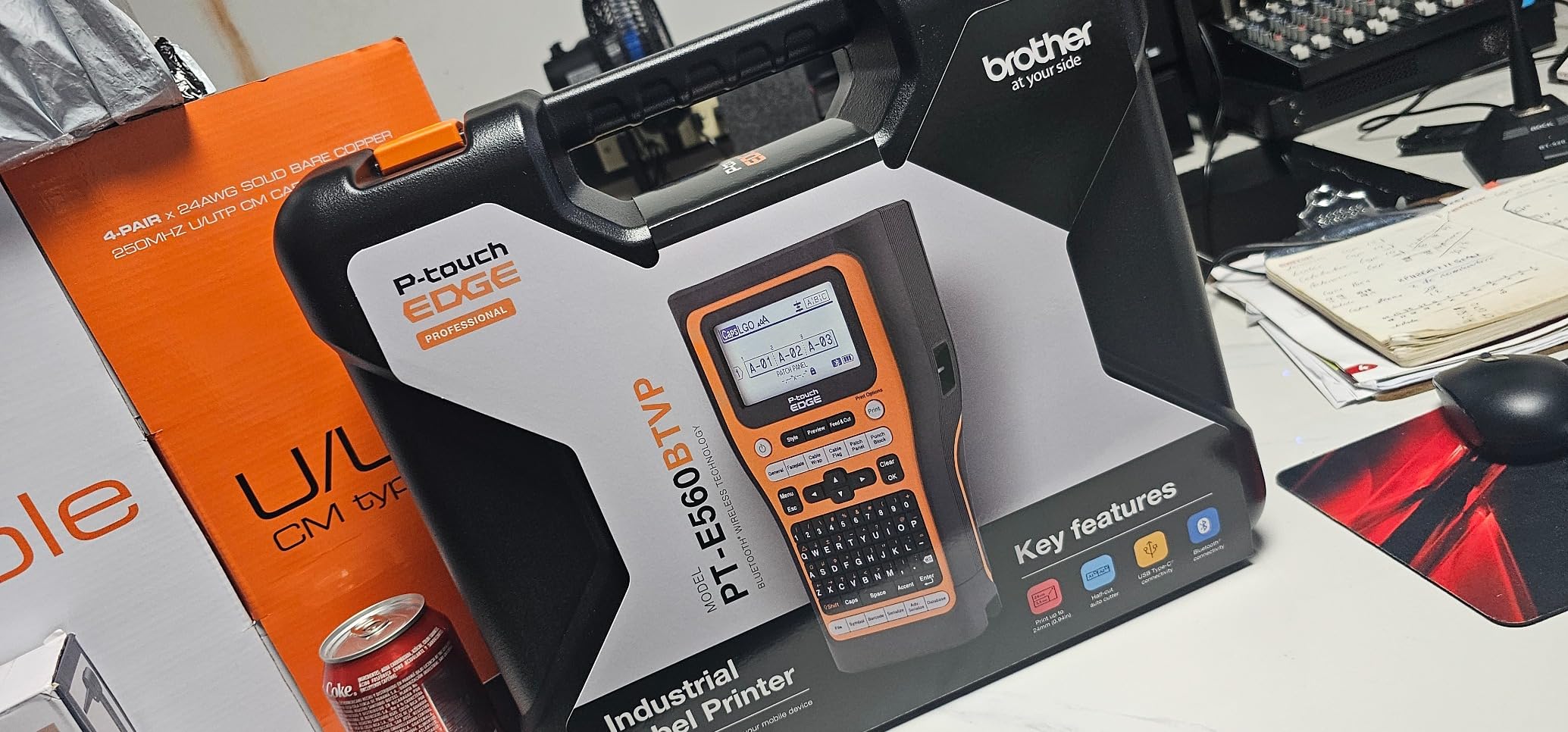
At 2.43 pounds it is substantial rather than pocketable, and there is an ambidextrous hand strap and utility ring for drop protection. The included hard case is a nice touch, particularly because it does not obstruct the label exit.
When the PT-E560BT is the right call
It is the pick for wire harness and loom work, control panel termination and anything where you need narrow sleeves and wide labels from the same machine. Bluetooth printing from a phone covers the in-the-field case.
It also suits anyone who has previously resented pulling long strips of backing off a roll in a confined space. The half-cut solves a problem you will feel every single time.
When it is the wrong call
The software annoys some people more than the hardware. There is no label queuing on the device, so the screen blocks while printing a strip. The Brother app also does not auto-save drafts, so a Bluetooth dropout can cost you work.
Windows driver and Bluetooth setup can be finicky, and some owners cannot connect to macOS at all. There is no charger block in the box, only a cable, and a few users find the plastic feels cheap for the price.
7. Brother PT-E510 Review: PC-Driven Batch Printing
Brother PT-E510 Industrial Label Printer USB-C Dual Cutter
24mm maximum media width
203 dpi
USB-C to P-touch Editor
2-year limited exchange warranty
Pros
- Dual auto-cutter prints strips of half cut labels
- Supports laminated labels and heat shrink from 3.5mm to 24mm
- Quick application keys for cable wrap
- flag
- patch panel and faceplate
- QR code and barcode support with stored databases
- Bundles carry case
- hand strap
- ruler
- 24mm tape and USB-C cable
Cons
- Wired USB-C only with no Bluetooth for phone printing
- Label design requires P-touch Editor on PC
This is the Brother for people who design at a desk and print on site. Everything is authored in P-touch Editor on a Windows machine over USB-C, then printed on the handheld, which is the workflow experienced operators converge on when they are producing dozens of labels a day rather than two.
Otherwise it is the same core machine as the PT-E560BT: 24mm maximum media, laminated labels and heat-shrink tubes from 3.5mm to 24mm, and the same dual auto-cutter with half cut. The bundle is generous, with a carry case, hand strap, patch panel ruler, a roll of 24mm flexible ID tape and a USB-C cable.
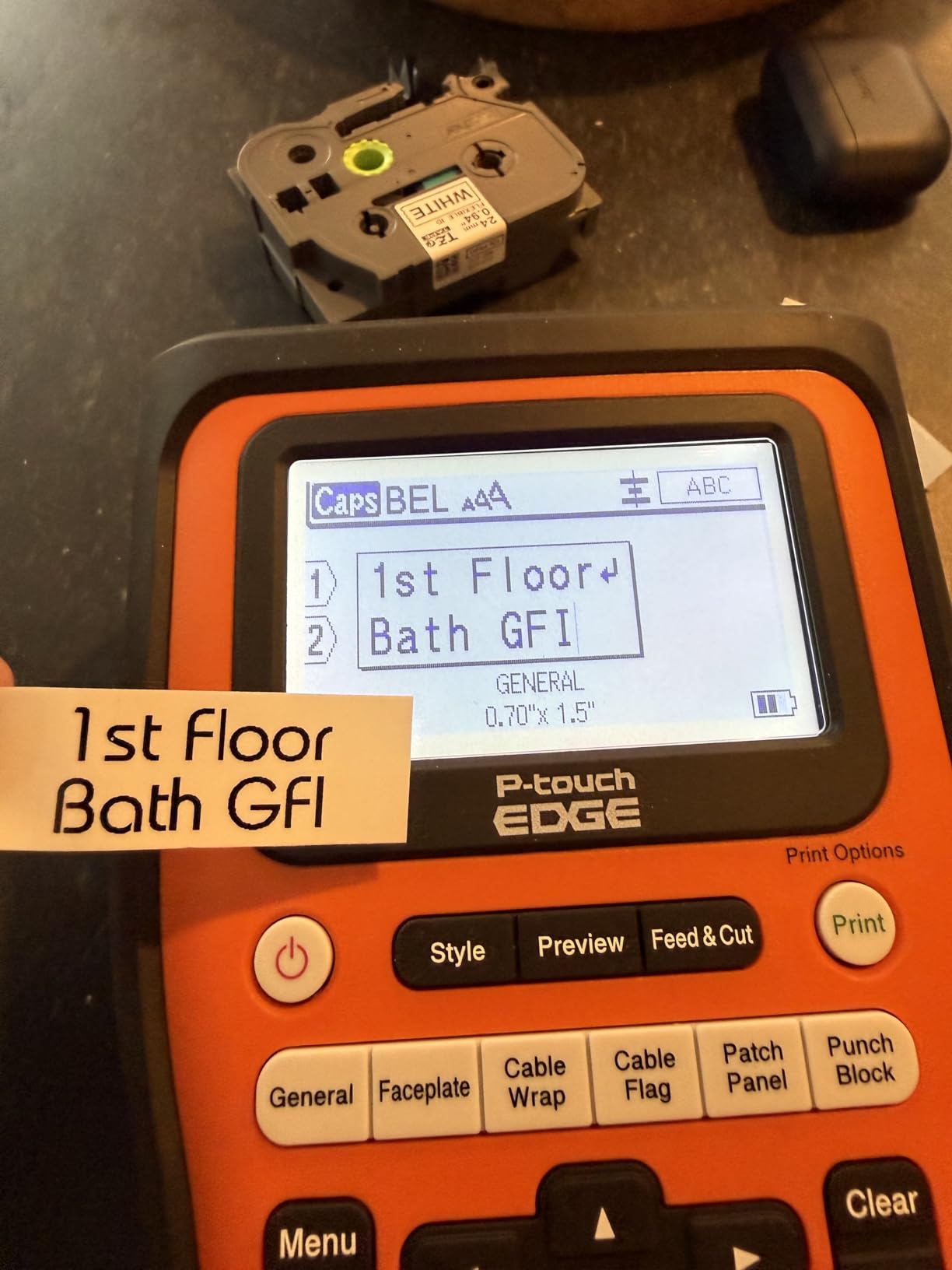
At 203 dpi the print is not the sharpest here, but on short alphanumeric circuit text the difference is largely academic. Barcode and QR support, plus storable databases and templates, mean a repeat job opens from memory instead of being retyped.
The two-year limited exchange warranty is also a step up from the year-style cover on many competing handhelds, which matters when the machine lives in a van.
When the PT-E510 is the right call
It is the right buy when your labelling is project-based rather than ad hoc. Commission a schedule in the office, export it, print the run on site, and you get consistent output across every label in the job.
It is also the value route into the Brother half-cut workflow if you do not need Bluetooth.
When it is the wrong call
No Bluetooth means no phone-based printing at all. If a meaningful part of your work happens in a panel with no laptop within reach, that is a limitation you will hit on day one.
At 2.4 pounds it is a heavy handheld, and 203 dpi is below what the Epson and RhinoPRO machines manage. If your labels carry long serial numbers or dense asset data, that shows.
8. Makeid P31S Review: Thermal Transfer on a Budget
Makeid P31S Portable Industrial Label Maker with Tape, 300dpi
300 dpi thermal transfer output
Bluetooth with app and PC software
2600 mAh battery
Heat shrink and 30 plus label sizes
Pros
- Lowest cost in the group while still delivering 300 dpi thermal transfer
- Supports more than 30 label sizes including heat shrink tubing
- 2600 mAh battery for roughly 150 labels per charge
- 1 inch print head fits up to 8 lines
- App and PC software with barcodes
- QR codes and bulk data import
Cons
- Bulky and boxy body
- Battery level shown only by a single activity LED
- App photo rendering comes out inverted and image upload can fail
- Included label cassette is short so most buyers order more consumables
The P31S is the reason this list is not just the same four brands. It delivers 300 dpi thermal transfer output, prints heat-shrink tubing, meets ANSI and TIA/EIA-606-A standards and costs less than half of most of the machines here. On paper, that combination has no right existing at this price.
Thermal transfer matters. The maker describes the output as not easy to fade and suitable for outdoor and water-resistant use, with labels rated weather resistant, oil-proof and waterproof. That is the single most important property on this list for anyone labelling outdoors or in a plant.
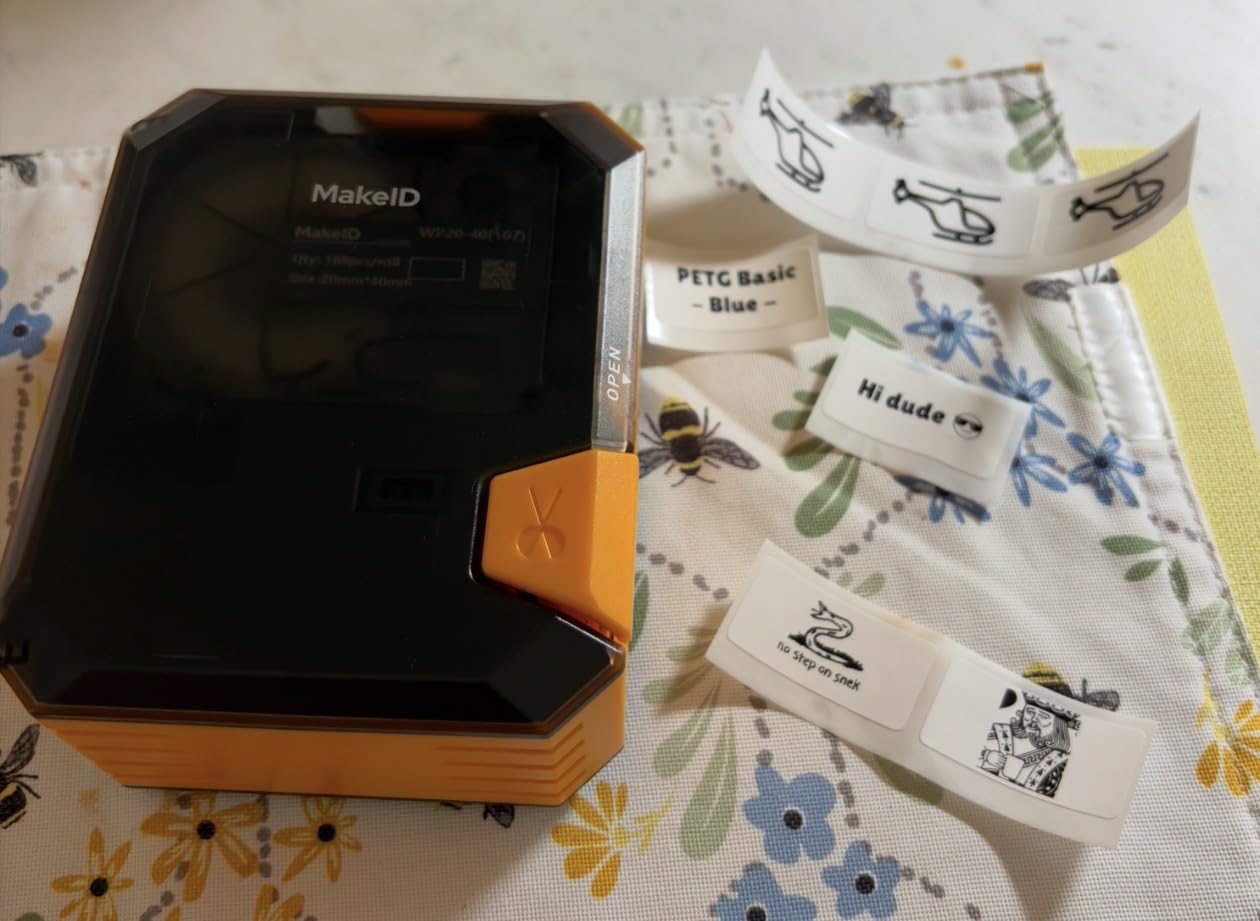
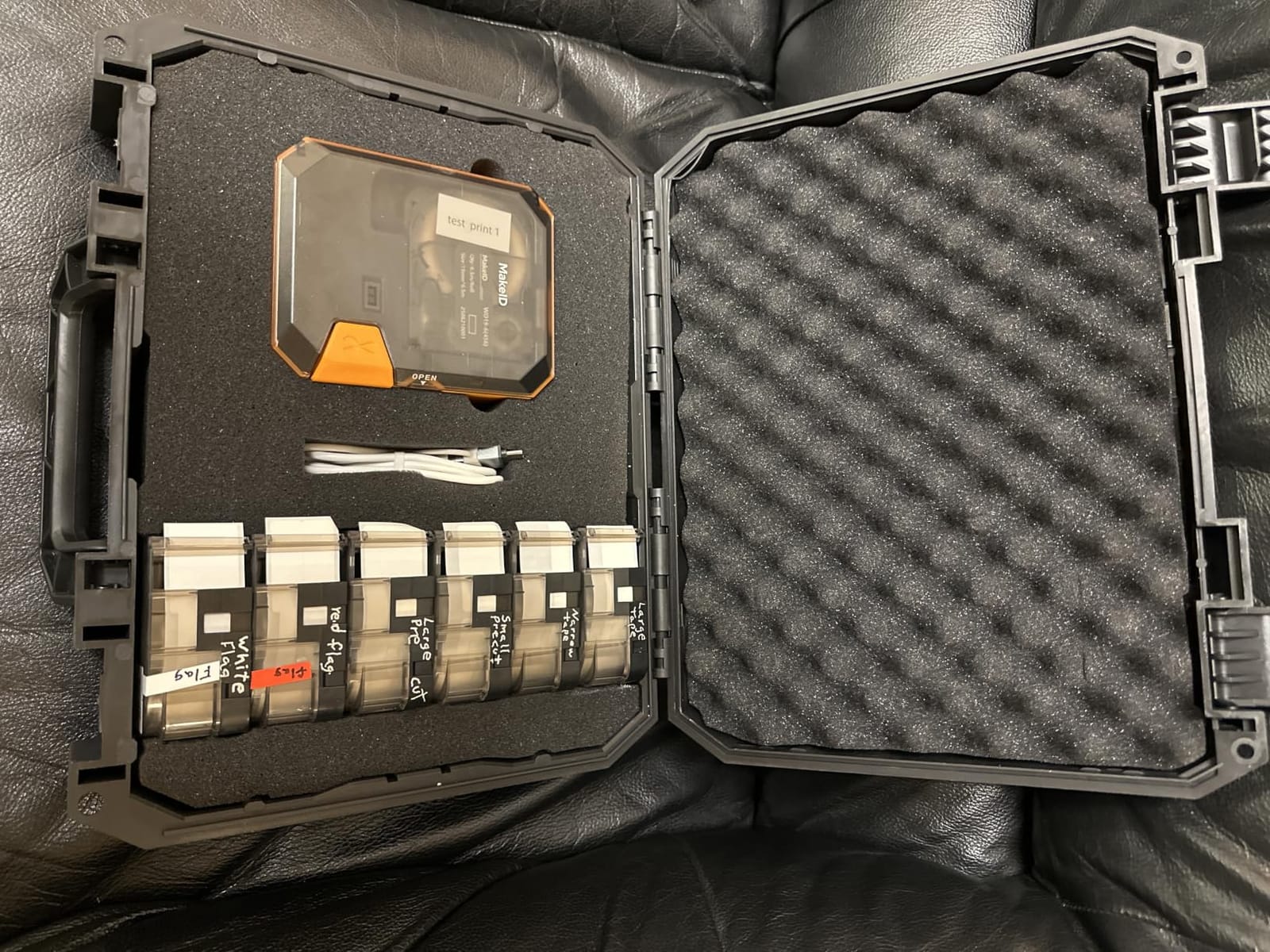
Media support is genuinely broad: more than 30 label sizes in vinyl, self-laminating wraps, PET, nylon cloth and heat shrink tubing. The 1 inch print head produces up to 8 lines, which is enough for a cable schedule, a panel label or an asset tag on one strip.
The 2600 mAh battery gives roughly 150 labels per charge and up to 90 days of standby, and there are three years of replacement service behind it. Bluetooth printing works from the app, with PC software available for bulk data import.
When the P31S is the right call
It suits budget-conscious electricians, facilities teams and anyone labelling outdoors or in a plant where fade resistance matters most. Getting 300 dpi thermal transfer and heat-shrink support at this cost is the single best value story in the category.
It is also a sensible first machine for a student or apprentice building a kit from nothing.
When it is the wrong call
The body is bulky and boxy despite the portable label, at 0.75 kg in a shape that does not pocket well. Battery level is reported by a single activity LED, so you find out you are low when you are already printing.
The app renders photos inverted and some users cannot upload images at all. It is also a newer machine with a smaller installed base, so long-term consumable availability is less certain than for an established ecosystem. The included cassette is short, and most buyers order more supplies immediately.
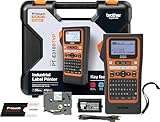
9. Brother PT-E310BT Review: Lighter 18mm Bluetooth Brother
Brother PT-E310BT Industrial Label Printer Bluetooth USB-C
18mm maximum media width
Heat shrink tubes from 3.5mm to 18mm
Bluetooth and USB-C
180 dpi, 1.8 pounds
Pros
- Lighter than the larger Brother EDGE models at 1.8 pounds
- Bluetooth printing plus USB-C to P-touch Editor
- Quick application keys for cable wrap
- flag
- patch panel and faceplate
- Storable databases and templates for repeat jobs
- Bundle includes carry case
- ruler
- 18mm tape
- cable and wrist strap
Cons
- 180 dpi is lower than the PT-E510 and PT-E560BT
- 18mm maximum width limits large panel and sign labels
- No half cut dual cutter like the higher models
The PT-E310BT is the Brother to buy if you work overhead. At 1.8 pounds it is the lightest machine in this roundup that still does real industrial media, and it takes laminated labels and heat-shrink tubes from 3.5mm to 18mm.
You get the same Bluetooth-from-phone workflow as the PT-E560BT through the Pro Label Tool app, plus USB-C to P-touch Editor when you are at a desk. Quick application keys cover cable wrap, cable flag, patch panel, punch block and faceplate formats, and you can store databases and templates for repeat work.
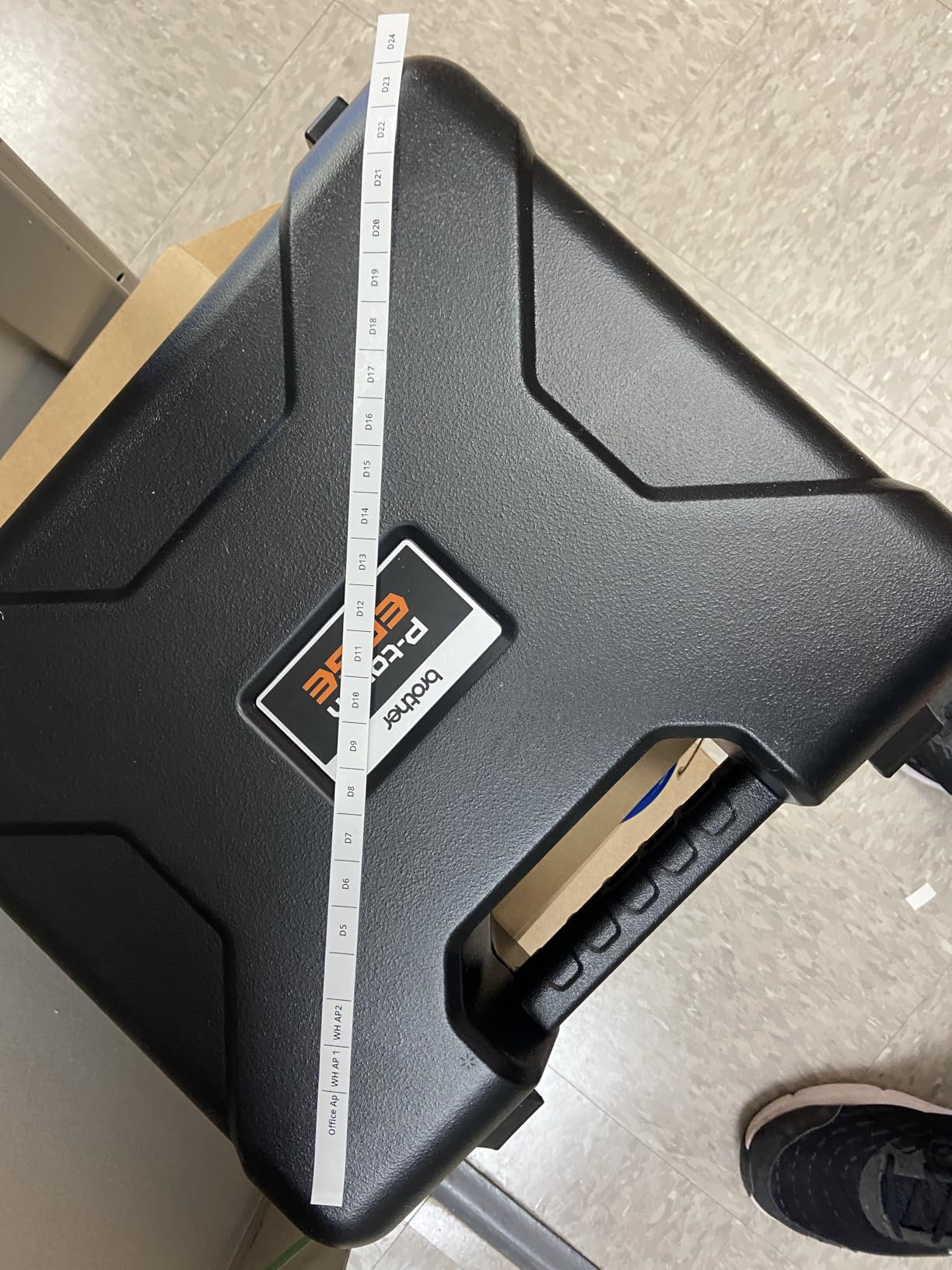
It ships with a carry case, a patch panel ruler, a roll of 18mm flexible ID tape, a USB-C cable and a wrist strap, and it carries a two-year limited exchange warranty. That bundle means it is usable out of the box rather than needing a parts run first.
The owners who bought it mostly accepted the trade explicitly: they wanted wireless printing and Brother media at a lower weight and cost, and were content with 180 dpi output in exchange.
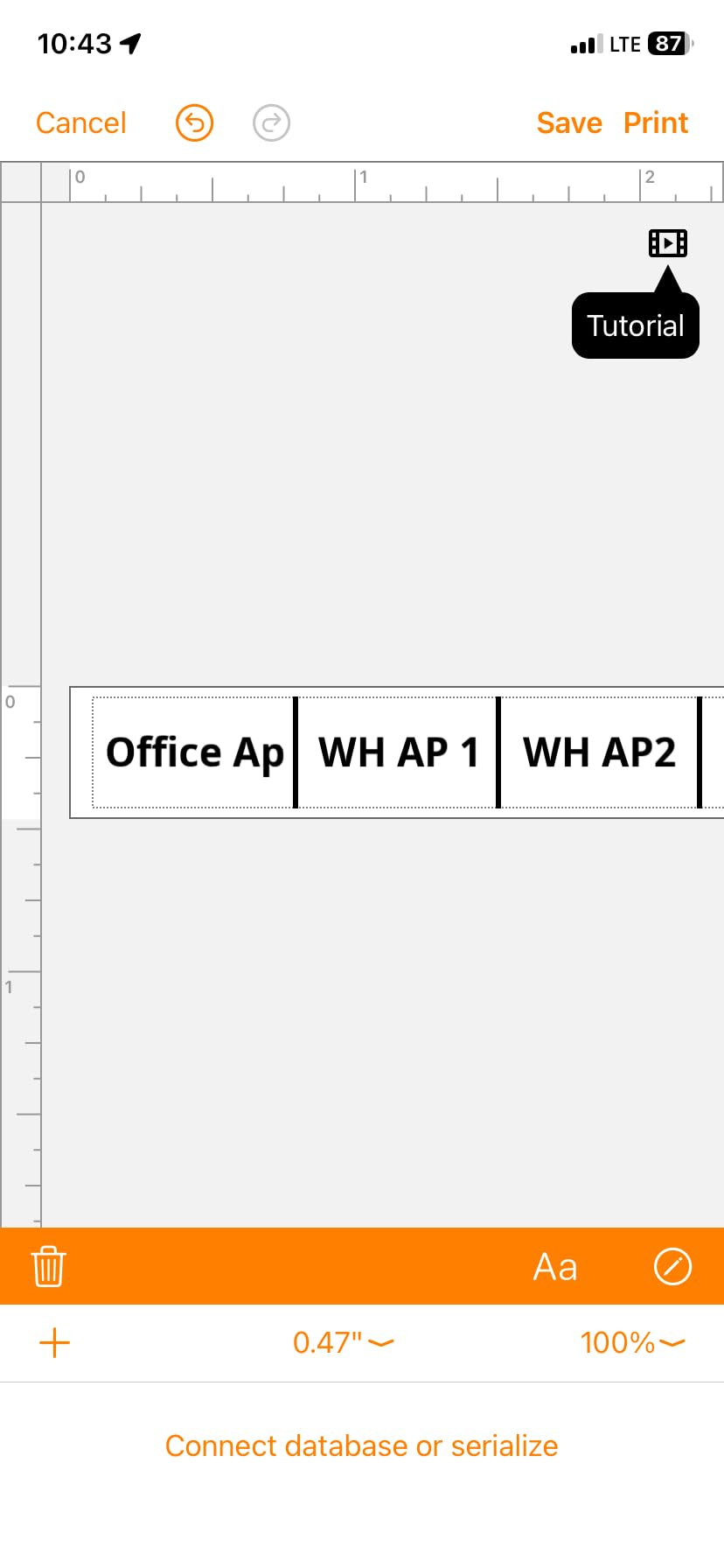
When the PT-E310BT is the right call
It fits residential and light commercial work where labels stay at 18mm or below, and where you spend time in ceilings, lofts and above head height. The wrist strap and light body matter there more than print resolution.
It is also a good first Brother for someone who wants the Pro Label Tool ecosystem without carrying a heavier machine.
When it is the wrong call
The 18mm ceiling rules out wide panel legends, equipment tags and signage. If your work includes labelling anything larger than a wire or a terminal, this is the wrong Brother to buy.
There is no half-cut cutter, so you are back to peeling labels off a continuous strip, which is slower on repetitive work. And 180 dpi is the softest output in the group, visible on dense text and small barcodes.
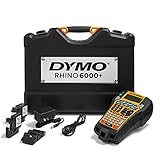
10. DYMO Rhino 6000 Review: Computer-Driven Asset Tagging
DYMO® Rhino™ 6000 Industrial Label Maker, Computer Connected Label Maker with Hard Carry Case, 1 Vinyl Tape Cassette, 1 Flexible Nylon Tape Cassette and Rechargeable Lithium Ion Battery
Computer connected over USB
Tape up to 4 inches wide
Ansi and TIA/EIA-606-B compliant
7.8 lb with hard case
Pros
- Meets ANSI and TIA/EIA-606-B labelling standards
- DYMO ID software on PC handles barcodes and complex multi line layouts
- One touch hot keys auto size
- space and format text
- Bundle includes hard case
- vinyl and flexible nylon cassettes and a rechargeable battery
Cons
- Auto shut-off cannot be overridden so it needs frequent re-powering
- DYMO ID software is dated and crashes often
- Display is hard to read without its light
- Tape feed reported to swallow tape with large gaps
- Plastic cartridge retention arm can break
We are including this one with reservations, and you should read the cons before buying. At 4.3 stars from 61 reviews, it carries the lowest average in this roundup, with a visibly polarised distribution including a meaningful share of one-star feedback.
What it does have is real. It meets ANSI and TIA/EIA-606-B standards, takes media up to 4 inches wide, and runs off DYMO ID software on a PC, which allows barcodes and genuinely complex multi-line layouts that a handheld keyboard cannot produce. Owners who upgraded from a Rhino 4200 or 5200 report far more layout freedom as the main gain.
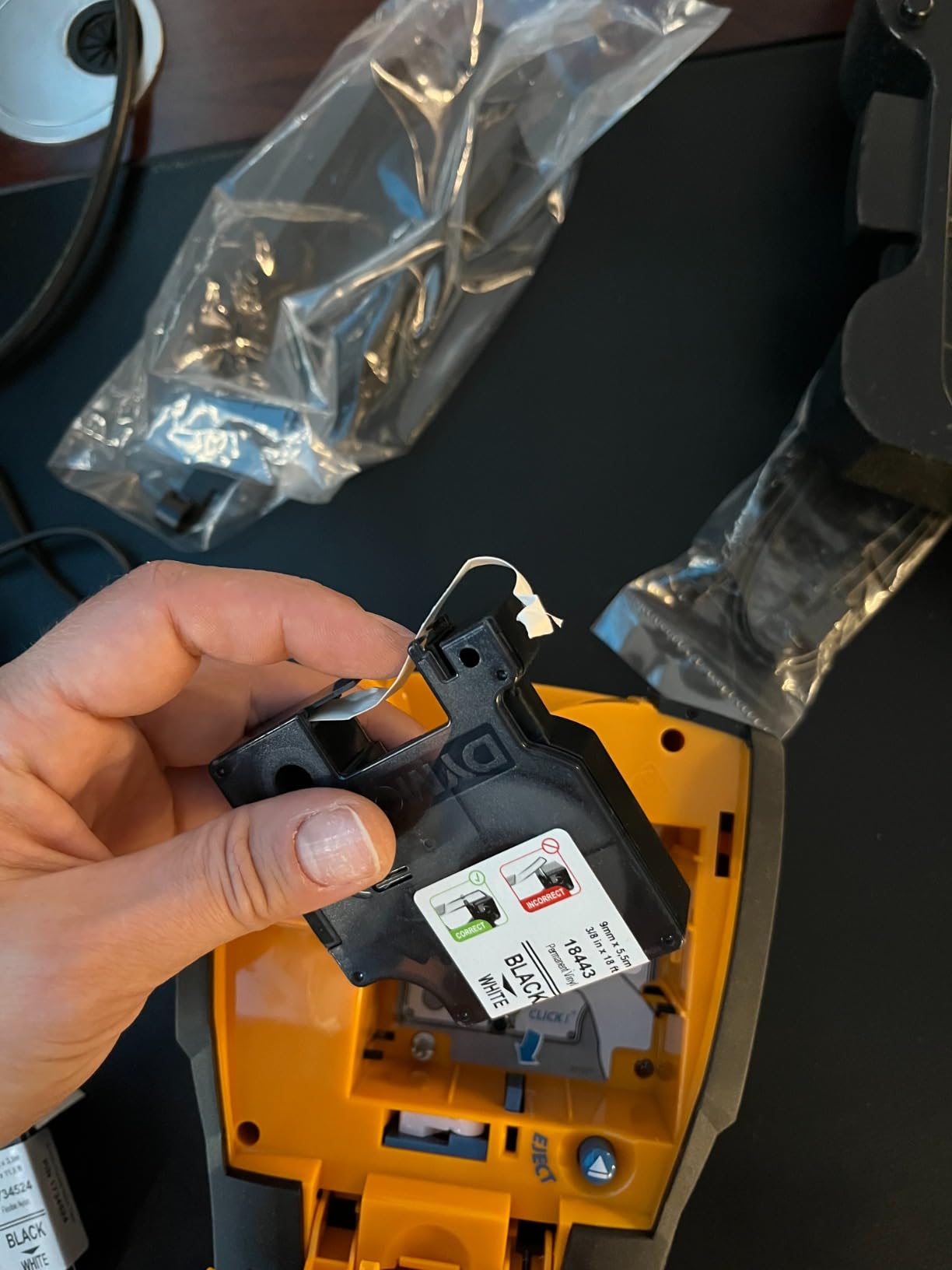
The bundle is serious: a hard carry case, a vinyl cassette, a flexible nylon cassette and a rechargeable lithium-ion battery. Nylon flexible tape is the stock you want for cable that moves, abrasion or cable tray edges, and having two materials in the box is genuinely useful.
At 7.8 pounds it is a machine you carry with intent rather than toss in a pocket. That is fine for asset tagging rounds and equipment inventories, and wrong for a panel job.
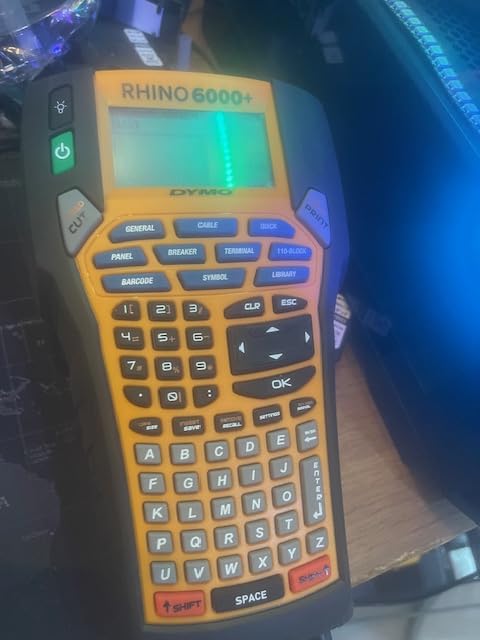
When the Rhino 6000 is the right call
It suits facilities and MRO teams producing large equipment labels, asset tags and barcode plates from a desktop, particularly on flexible nylon for moving cable. The wide 4 inch media and complex layouts are capabilities nothing else in this list offers at this size.
If you already own DYMO ID software or a Rhino 4200, it is a natural step up rather than a fresh purchase.
When it is the wrong call
Software is the main problem. DYMO ID is dated, crashes frequently, and forces you to redo work after any change. The auto shut-off cannot be overridden, so during a long session you keep re-powering the machine.
There are also reports of the tape feed swallowing stock and throwing out-of-tape errors when gaps are large, and the plastic cartridge retention arm and spindle can crack. The warranty position is weaker than the alternatives here, and cartridges are expensive. If you print a lot of small labels, this is the wrong machine.
How to Choose an Industrial Label Maker: Print Technology First
Print technology decides more about your labels than the brand does, so settle it before you compare models. Thermal transfer uses a heated print head to fuse pigment from a ribbon onto the label stock. The ink becomes part of the material, which is why these labels survive heat, oil, solvents, UV and abrasion.
Direct thermal heats a chemically treated coating to make it dark. It needs no ribbon, so it is cheap and fast, but the image sits on the surface and degrades over time, particularly with heat and sunlight. For a temporary site tag, that is fine. For a panel that must still be traceable in five years, it is a liability.
Inkjet prints a fine layer of liquid ink onto plastic and gives the sharpest small text, which is why it is used for barcode plates and dense asset labels. It is slower, needs a cartridge, and is not practical on a handheld in a van.
For permanent electrical marking, thermal transfer is the right default. The direct thermal failure mode is slow and quiet: a tag that reads perfectly on the day you apply it can be half-legible two summers later, and by then nobody remembers the original wording. That is not a cosmetic problem, because an unidentifiable circuit is a safety and inspection problem rather than an annoyance.
Second, decide your media width honestly. 18mm covers wire, terminals and small flags. 24mm covers panel legends, equipment tags and larger signage, and it is the ceiling on most machines. Only the Epson reaches 1.5 inch. Buy for the largest label you will actually print, not the largest you imagine printing.
Third, decide how you design. Phone-and-Bluetooth machines are faster to carry and slower for complex layouts. PC-and-USB machines are the reverse. Experienced operators doing batch panel schedules tend to design on the desktop and print on the handheld, which is why two of the Brother models here are wired-only.
Heat-Shrink and Cable Marking: What Each Tier Handles
Heat-shrink is where cheap label makers fall away, and it is the most repeated real-user concern in electrician forums. Printing a sleeve requires a dedicated feed path, a narrow print head and a media width matched to the sleeve. A machine that cannot take 1/8 inch sleeve will not mark 20 and 22 AWG, which is exactly where control and instrumentation conductors live.
Here is how the tiers break down. The Rhino 4200 and RhinoPRO 5200 print directly onto heat-shrink tubes, with the 4200 also taking a quarter inch sleeve. The Brother PT-E560BT and PT-E510 take tubes from 3.5mm to 24mm, the widest heat-shrink range here, and the PT-E310BT covers 3.5mm to 18mm. The Makeid P31S supports heat-shrink among more than 30 label sizes. The Epson LW-PX900PCD takes heat-shrink across the full PX tape family up to 36mm.
The Brady M210 and M211 do not feed heat-shrink at all. On the M211 in particular this is a hard mechanical limitation, not a missing accessory, so check it before you fall for the Bluetooth convenience.
For everything that is not a sleeve, self-laminating wire wraps are the safer default for cable that may be disturbed. A self-laminating label wraps the conductor and seals over its own print, so abrasion cannot scuff the text away. Cable flags suit bundles where you need a label that stands proud and stays visible, and panel tags handle circuits and devices inside the enclosure.
One quick UK and US note, because forum threads mix them constantly: a consumer unit is a breaker panel, a board is a panel, and a way out is a disconnect. The machines are identical; only the terminology differs.
Brady vs Brother vs DYMO vs Epson: Brand Verdict
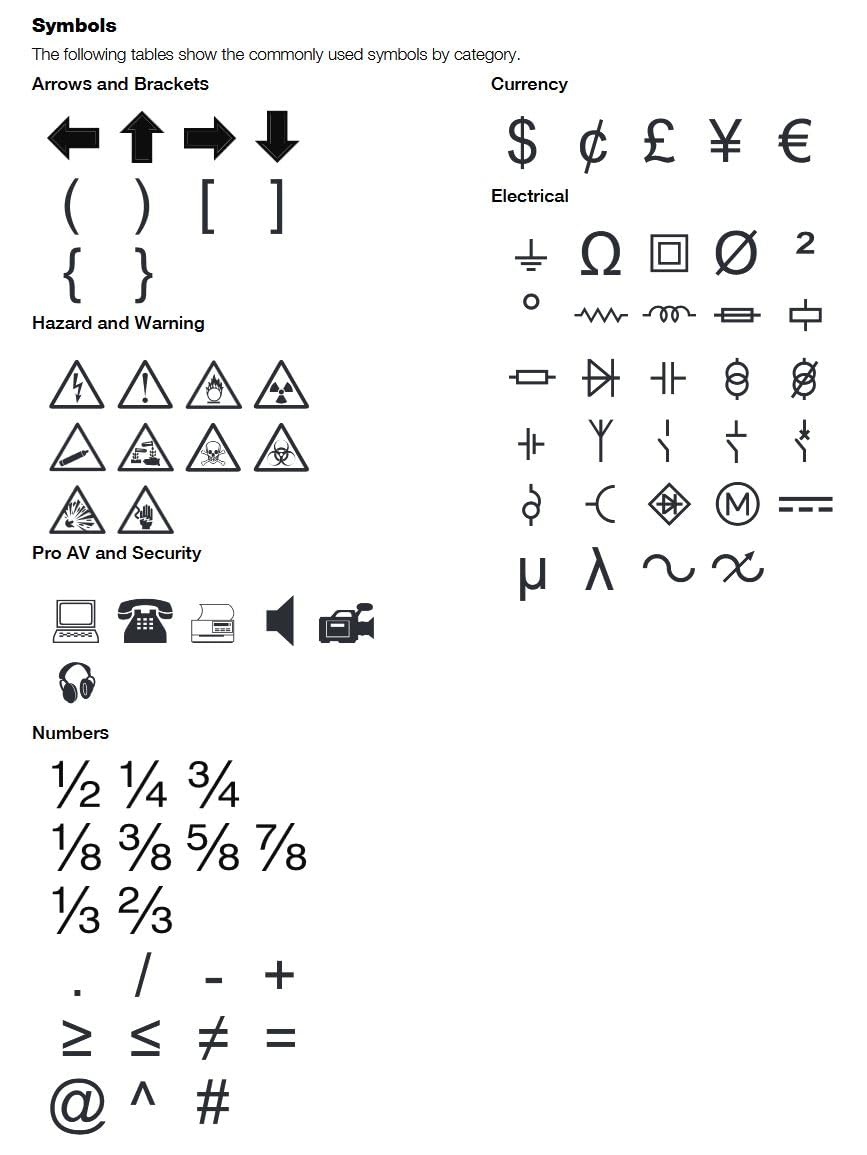
Brady leads on industrial credibility and its symbol library. Owners specifically praise the M210 and M210-family units for the volume of built-in hazard and warning symbols, which saves hunting through menus on a live job. Brady is also the safest buy when the job is safety documentation rather than cable identification. The trade-off is narrower media and no heat-shrink on the M211.
Brother leads on media breadth, the half-cut cutter and app ecosystem maturity. Four models here cover 18mm and 24mm bodies with Bluetooth, USB or both, and the Pro Label Tool app plus P-touch Editor is the most complete software pairing in the category. The trade-off is app reliability: no draft auto-save, no on-device queue, and occasional pairing trouble.
DYMO leads on speed and on the hot-key concept. Automatic formatting for wraps, flags, panels and fixed-length labels is genuinely useful, and the Rhino line has the deepest owner-review base in this roundup. The trade-off is tape waste from a fixed gap, and, on the Rhino 6000, dated software.
Epson leads on print resolution and media width, and nothing else matches 360 dpi at 1.5 inch. The lifetime warranty is also the strongest in the group. The trade-off is a PC-only workflow and seven pounds of weight.
Makeid is the outlier worth knowing about, because 300 dpi thermal transfer with heat-shrink support at this cost has no obvious equivalent. The caution is a thinner support and consumables base than the established four.
Our verdict: for an electrician, the DYMO and Brother ecosystems are the safest long-term choices, with the Rhino 4200 as the strongest all-rounder and the Brother PT-E560BT as the best for harness work. Choose Brady when symbols and safety documentation lead. Choose Epson when you need width and sharpness. Consider the Makeid P31S when budget is the binding constraint and you can accept a younger ecosystem.
Frequently Asked Questions
What is the best industrial label maker?
The DYMO Rhino 4200 is the best industrial label maker for most electricians. It prints directly onto heat-shrink tubes, accepts industrial labels from 1/4 inch to 3/4 inch wide, has a full QWERTY keyboard for fast typing, and carries more than 1400 owner reviews at a 4.6 average. It suits both wire and panel work without changing anything but the tape cartridge.
What is the best label maker for electricians?
The DYMO Rhino 4200 is our best overall, and the Brady M210 is the best budget buy. The Rhino 4200 wins on media range, heat-shrink printing and its QWERTY keyboard. The M210 wins on price, weight and a 6-foot drop rating, but it tops out at 0.75 inch tape and cannot feed heat-shrink tube. For 24mm media, look at the Brother PT-E560BT.
Which Brother label printer is best for electricians?
For most electricians the Brother PT-E560BT is the pick, because it takes laminated TZe tape and heat-shrink tubes from 3.5mm to 24mm and adds a dual auto-cutter that half-cuts labels so you can peel and apply them singly. The PT-E310BT is the lighter option at 18mm, and the PT-E510 is the wired-only version for people who design batches on a PC.
Why is thermal transfer better than direct thermal for electrical labels?
Thermal transfer fuses pigment from a ribbon into the label stock, so the print becomes part of the material. Direct thermal darkens a surface coating that fades under heat, UV and abrasion. On a panel or a cable run that must stay traceable for years, that fade turns a labelling shortcut into a safety and inspection problem.
Can a portable label printer print heat-shrink tubing?
Yes, but only machines with a dedicated sleeve feed path and a matching print width. The DYMO Rhino 4200 and RhinoPRO 5200 print onto heat-shrink, the Brother PT-E560BT and PT-E510 take tubes from 3.5mm to 24mm, and the Makeid P31S supports sleeves among more than 30 label sizes. The Brady M210 and M211 cannot feed heat-shrink at all.
Final Verdict: Which Industrial Label Maker Should You Buy?
The DYMO Rhino 4200 is the pick, and it stays the pick for one reason: it prints onto heat-shrink tubes, it takes the widest spread of industrial label widths, and its QWERTY keyboard lets you type a circuit designation without looking at the machine. More than 1400 owners at 4.6 stars is the strongest evidence available that it holds up in trade use.
Buy the Brady M210 if you want the cheapest credible entry and mostly label wire and equipment. Buy the Brother PT-E560BT if harness marking and half-cut peel-and-apply labels matter most, or if you need the full 3.5mm to 24mm sleeve range. Buy the Makeid P31S if budget is the binding constraint and you still want 300 dpi thermal transfer with heat-shrink support.
Whatever you choose, buy the right label for the environment. A label that peels off in a damp riser costs you more time than the machine ever saved. If you are still kitting out the van, our guides to the best cable reels for electricians, best conduit benders and best work boots cover the rest of the essentials.