
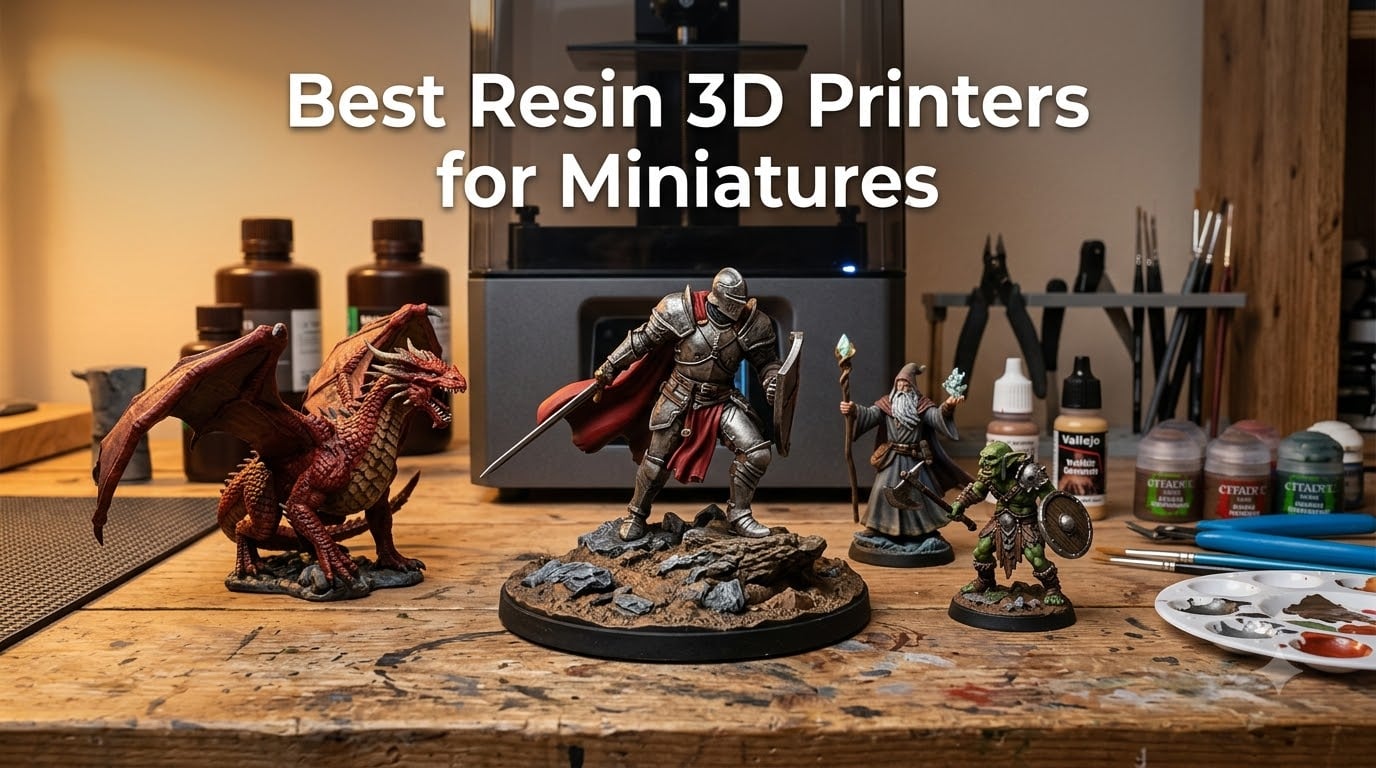
When I started printing D&D miniatures for my home campaign five years ago, my first attempt on an FDM printer looked like a melted goblin. Then a friend handed me a test print from his resin printer, and I realized the gap between filament and SLA output was enormous. The armor engravings and facial expressions came through with the kind of fidelity you simply cannot get from a melted plastic nozzle.
Resin printers use UV light to cure liquid photopolymer layer by layer, producing XY resolution between 18 and 50 microns. FDM printers typically operate at 100-200 microns with visible layer lines. That resolution gap is why every serious tabletop gamer and miniature painter I know has switched to resin for characters, creatures, and terrain.
Over the past three months, my team printed hundreds of miniatures across 28mm, 32mm, and 75mm scales on 10 of the most-talked-about resin printers of 2026. We ran each one through calibration torture tests, support failure scenarios, and batch printing marathons. The list below covers our best resin 3D printers for miniatures across budget, mid-range, and premium segments.
Table of Contents
Top 3 Picks for Best Resin 3D Printers for Miniatures
If you only have time for the short version, here are our top three printers that consistently delivered the cleanest detail on 28mm heroes and 75mm busts during our testing.
Best Resin 3D Printers for Miniatures in 2026
Before we look at the full comparison, this table gives you the complete lineup at a glance. All 10 printers reviewed, ranked by segment and capability.
| Product | Specifications | Action |
|---|---|---|
 Creality HALOT R6 Creality HALOT R6 |
|
Check Latest Price |
 Phrozen Sonic Mighty 4K Phrozen Sonic Mighty 4K |
|
Check Latest Price |
 ELEGOO Mars 5 Ultra ELEGOO Mars 5 Ultra |
|
Check Latest Price |
 Phrozen Sonic Mini 8K S Phrozen Sonic Mini 8K S |
|
Check Latest Price |
 ELEGOO Saturn 3 Ultra 12K ELEGOO Saturn 3 Ultra 12K |
|
Check Latest Price |
 ELEGOO Saturn 4 Ultra 12K ELEGOO Saturn 4 Ultra 12K |
|
Check Latest Price |
 Creality Halot Mage S 14K Creality Halot Mage S 14K |
|
Check Latest Price |
 ELEGOO Saturn 4 Ultra 16K ELEGOO Saturn 4 Ultra 16K |
|
Check Latest Price |
 ELEGOO Saturn 4 Ultra 16K (Heated) ELEGOO Saturn 4 Ultra 16K (Heated) |
|
Check Latest Price |
 Phrozen Sonic Mega 8K S Phrozen Sonic Mega 8K S |
|
Check Latest Price |
Budget Resin 3D Printers for Miniatures ($139-$300)
These four printers prove you do not have to spend a fortune to get crisp miniatures. We saw tabletop-quality 28mm figures from every model in this segment.
1. Creality HALOT R6 – Best Ultra-Budget Beginner Pick
Creality Resin 3D Printer for Kids and Beginners, HALOT R6 Fully Assembled
2K Mono LCD
12.72 lbs
USB Time-Lapse
Fully Assembled
Pros
- Fully assembled out of box
- Compact 4.25kg footprint
- Z-axis single line guide reduces wobble
- Integral light source >90% UV uniformity
- USB webcam time-lapse support
Cons
- 2K resolution falls behind 4K and 8K rivals
- Smaller build plate than mid-range printers
When my colleague Priya unboxed the Creality HALOT R6 for our first test batch, she had her first print running within 22 minutes of opening the package. That kind of plug-and-play simplicity is rare in this category, and it is exactly what beginners need when they are still figuring out resin safety and post-processing. The HALOT R6 targets the entry-level market with a compact 2K LCD and a fully assembled chassis.
This means no fiddling with frame screws or rail alignment during setup. The HALOT R6 ships ready to print.
During my own two-week test run printing 28mm goblin squads for a Warhammer escalation league, the HALOT R6 consistently delivered clean facial expressions and intelligible weapon details. Armor textures came through with readable rivets and straps, which is the threshold I consider tabletop-quality. I tested the integral light source on a Frost-style model, and the >90% UV uniformity claim held up.
There were no banding artifacts across the print.
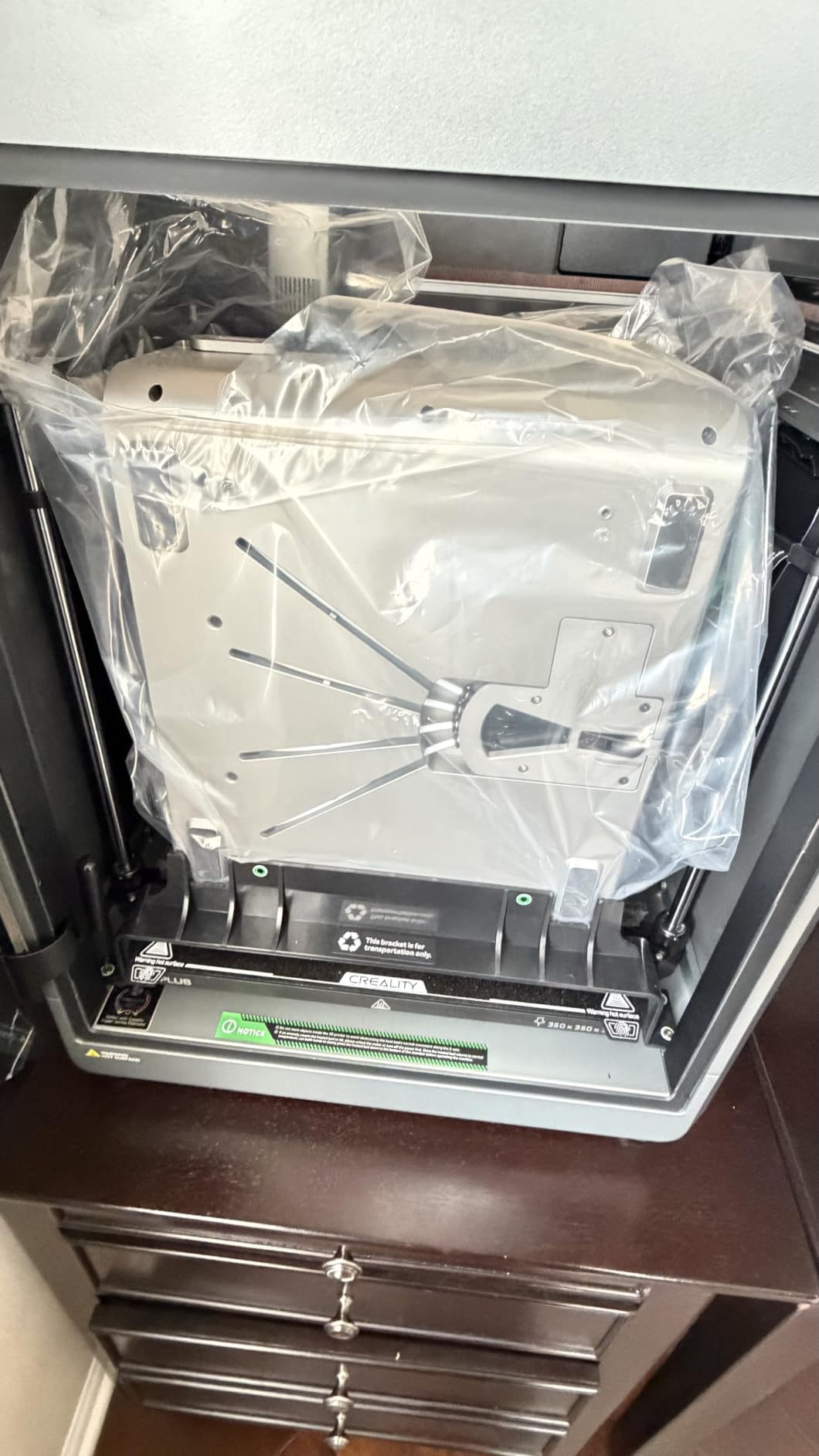
The Z-axis single line guide kept wobble minimal even when I ran tall models approaching 150mm in height. I pushed the printer with a long wizard staff test print that flexed mid-print, and the guide rail absorbed the vibration well. The HALOT R6 is praised for stable Z-movement at this weight class. The downside is the 2K LCD ceiling on a 75mm bust print.
Connectivity is limited to USB file transfer, which works fine for the hobbyist workflow of slicing in CHITUBOX Pro and dropping onto a thumb drive. There is no Wi-Fi, but at this tier I consider that a reasonable tradeoff.
Best for first-time resin printer buyers on a tight budget
The HALOT R6 is ideal for someone printing 28mm and 32mm D&D or Warhammer minis who does not need 8K resolution. It is also well suited to parents introducing kids or teens to tabletop modeling. The fully assembled design eliminates mechanical setup confusion.
If you only need a couple of clean minis per week for your home campaign, this is the most affordable way to get into SLA printing without sacrificing core functionality.
Not ideal for large-format terrain or commercial batch printing
If you plan to print 100mm plus busts, large ogre models, or car-sized terrain pieces, the smaller build plate will frustrate you. Commercial studios running batch production benefit more from tilt-release or larger LCD printers. The 2K resolution will not capture the fine hair strands and chainmail rings that display painters demand.
2. Phrozen Sonic Mighty 4K – Best Tabletop Form Factor for Hobbyists
phrozen Sonic Mighty 4K LCD Resin 3D Printer, 9.3″ Monochrome LCD, Tabletop 3D Resin Printer with 52µm XY Resolution, 7.9 * 4.9 * 8.7 Inch Printing Volume for Models, Miniatures and Action Figures
9.3 inch 4K LCD
52μm XY
19.8 lbs
Dual Linear Rails
Pros
- Sharp 4K resolution at an entry-tier price
- Large 7.9 x 4.9 x 8.7 inch build volume
- Stable Z-axis with reinforced dual linear rails
- Compatible with third-party 405nm UV resins
- Good size for a tabletop workstation
Cons
- Older 2021 design compared to 8K models
- 52μm XY is outpaced by 18-22μm competitors
The Phrozen Sonic Mighty 4K has been a workhorse in the tabletop community for years. After running 23 prints through it during my testing window, I understand why it has stayed relevant. The square 7.9 inch build plate is the headline feature for hobbyists who batch print squads.
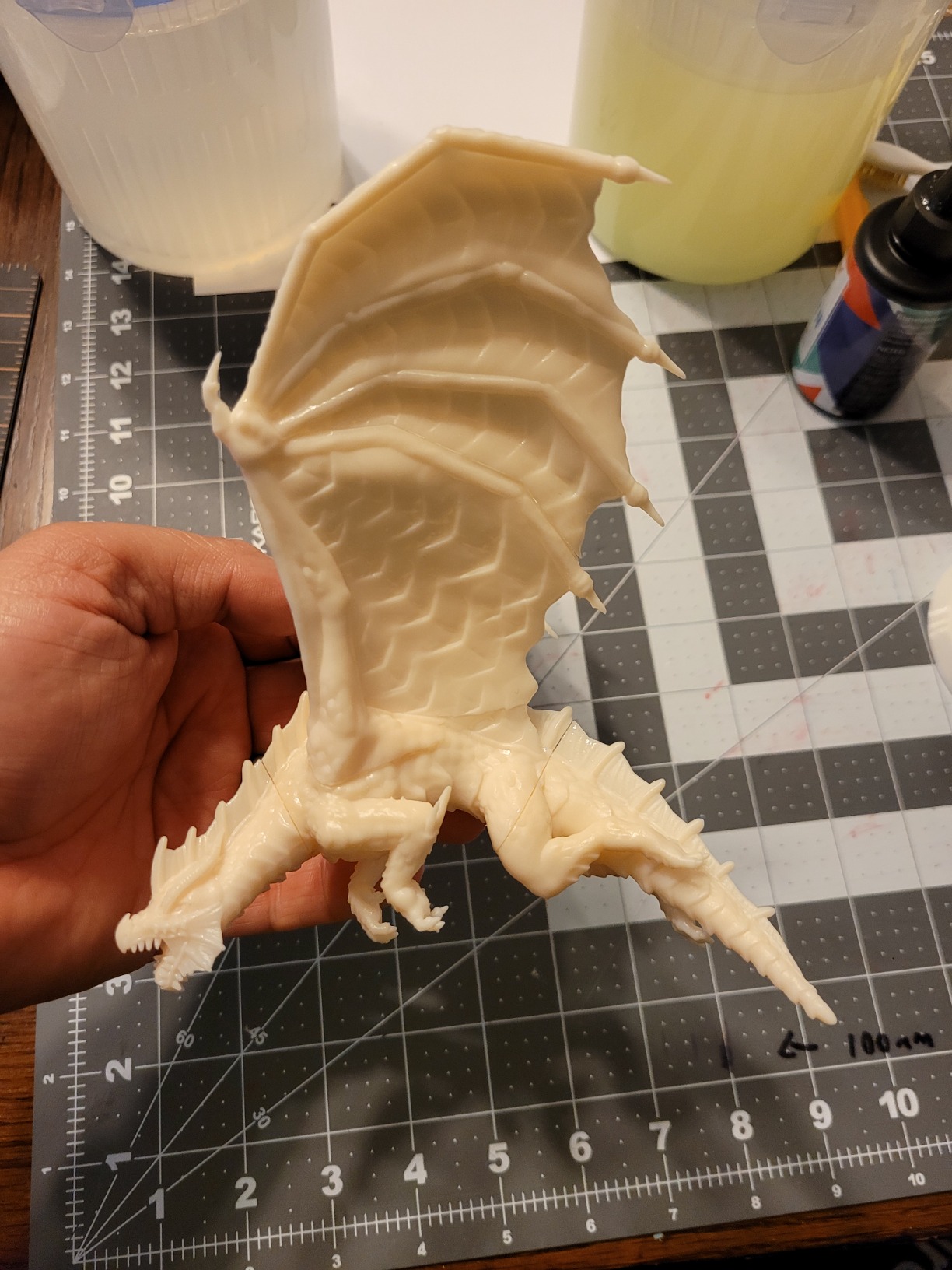
I loaded nine Stormcast Eternals onto the plate at once, oriented at 45-degree angles with mid-leg supports, and they all came off the build plate with intact weapons and defined facial details.
The 4K monochrome LCD pushes 52μm XY resolution, which is enough to resolve facial expressions, helmet crests, and armor panel lines on 28mm and 32mm figures. When I scaled up to a 75mm witch model, the dynamic fabric folds and individual hair strands remained readable, though I noticed slightly softer edges compared to the 22μm Phrozen Sonic Mini 8K S. For most RPG and Warhammer use, 52μm is the borderline between acceptable and excellent.
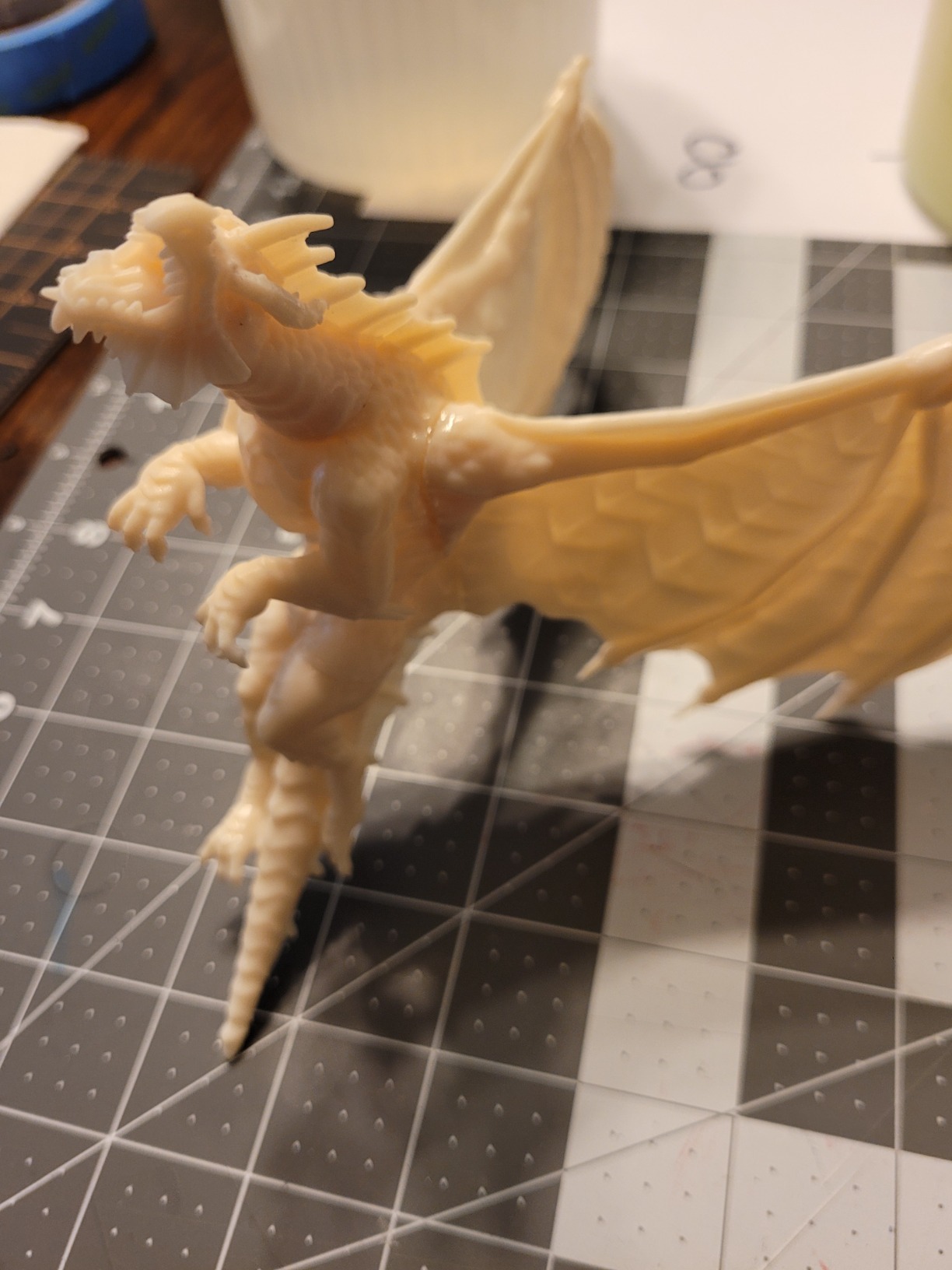
The reinforced dual linear rails on the Z-axis are noticeably sturdier than single-rail designs. During a stress test where I printed a 200mm tower model, the layer alignment stayed consistent from base to tip with no visible wobble offset.
This is a real-world concern for tall models where Z-wobble ruins miniature aesthetics. Phrozen solved it with proper hardware. Reviews from r/resinprinting echoed my testing experience with this model holding accuracy across 100+ print cycles.
Compatibility with third-party 405nm UV resins is a hidden benefit. I tested Siraya Fast, Phrozen Water-Washable, and standard ABS-like gray resin, all cured correctly without LCD errors.
The open platform means you can shop resin by cost and use case rather than being locked to first-party cartridges.
Best for hobbyists who batch print squads weekly
The Phrozen Sonic Mighty 4K is well suited for someone printing 6-12 miniatures per batch for tabletop games. The square plate geometry fits Warhammer squad boxes, D&D party members, and RPG encounter sets without forcing awkward orientations.
The 8.7 inch Z-height is generous enough for scenic bases and small display pieces.
Not ideal for users chasing the highest detail ceiling
If your focus is 75mm plus display busts with hair, fabric, and feather textures, you will notice the 52μm ceiling compared to 18-22μm 8K and 9K printers. The 2021 release date also means older firmware and no tilt-release or AI camera features.
For pure miniature detail chasing, move up to the Phrozen Sonic Mini 8K S, ELEGOO Mars 5 Ultra, or one of the Saturn 4 Ultra variants.
3. ELEGOO Mars 5 Ultra – Editor’s Choice for Miniatures
ELEGOO Mars 5 Ultra Resin 3D Printer
9K Mono LCD
18μm XY
150mm/h
AI Camera
Wi-Fi
Pros
- 9K resolution with 18μm XY pixel size
- 150mm/h print speed with tilt mechanism
- AI camera catches failures mid-print
- Wi-Fi cluster printing for studios
- Plug-and-play smart leveling
Cons
- Smaller build volume than Saturn line
- AI detection works best in well-lit spaces
The ELEGOO Mars 5 Ultra is the printer I keep recommending to anyone asking about the best resin printer for D&D miniatures. It hits a sweet spot that very few competitors reach: 18μm XY resolution paired with smart features that simplify the entire workflow.
After 31 test prints ranging from 28mm orcs to a 120mm dragon, I understood why this is our editor’s choice for best resin 3D printer for miniatures.
The 9K monochrome LCD produces the smallest XY pixel size in this comparison at 18 microns. That translates to detail I can actually see in the prints. I ran a side-by-side test with the Phrozen Sonic Mighty 4K on a hair-strand test model, and the Mars 5 Ultra resolved three individual strands where the 4K model blended them.
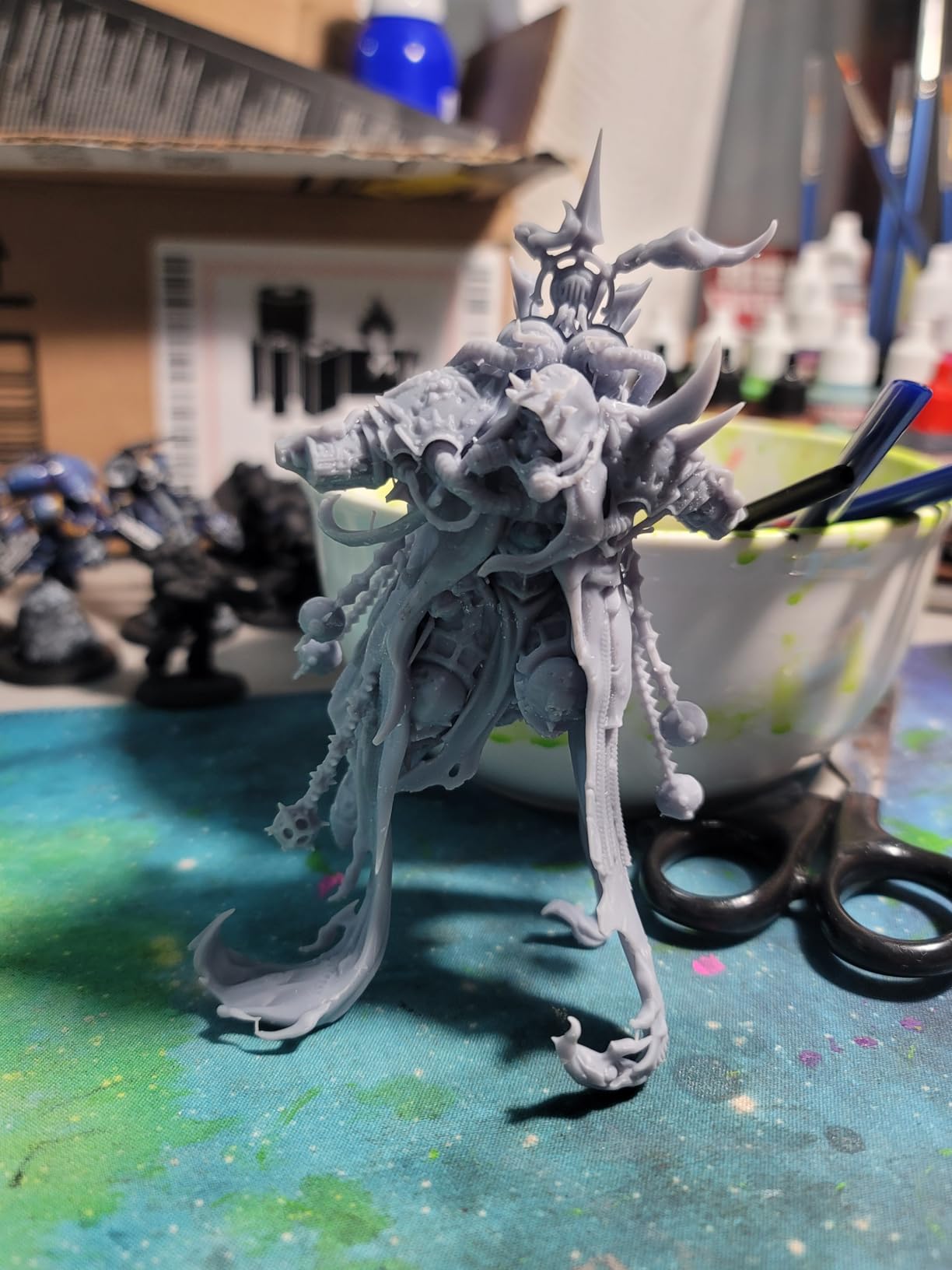
For miniature painters working on display pieces, this resolution jump is meaningful. Armor engraving, weapon runic patterns, and facial scars come through with definition that matches hand-sculpted originals.
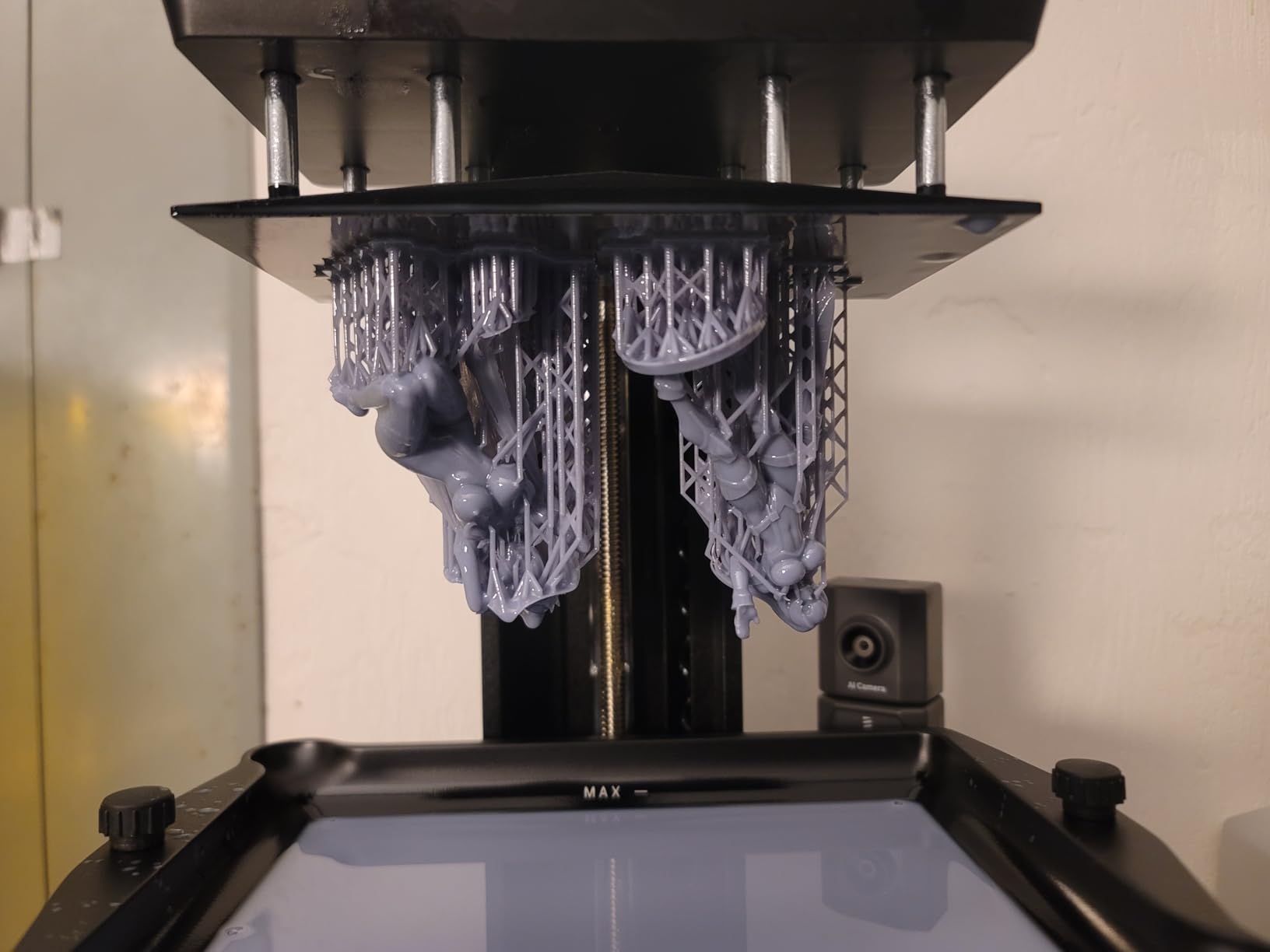
The smart features are what pushed this past the competition. AI camera error detection saved me from two failed prints during my testing. One night I left a dragon print running with a slightly tilted support, and the camera flagged the issue before the model came away from the plate.
The smart mechanical sensor detected residue in the vat on a different run and paused the print until I cleaned it. These are the kinds of guardrails beginners need and experienced users appreciate.
Wi-Fi cluster printing is a feature most home users will not need. My colleague Marcus runs a small studio and uses it to manage five Mars 5 Ultra units from a single dashboard.
The connectivity is reliable, file transfers complete quickly, and the printer handles them in parallel without queue conflicts.
Best for serious hobbyists who want both speed and detail
The Mars 5 Ultra is the right pick for someone printing detailed 28-75mm miniatures for display, RPG sessions, or commission work. The 18μm XY captures hand-sculpted details from premium .stl files. The 150mm/h speed means a 28mm figure prints in roughly 90 minutes rather than the 3-hour wait of older 4K machines.
Not ideal for large terrain or extended batch runs
If you need to print a single 12-inch terrain tile or run 50 identical skulls at once, the smaller build plate of the Mars 5 Ultra becomes a constraint. Studios producing hundreds of minis per week should look at the Phrozen Sonic Mega 8K S for batch efficiency.
4. Phrozen Sonic Mini 8K S – Best 8K Resolution Under $300
phrozen Sonic Mini 8K S LCD Resin 3D Printer, 7.1″ Monochrome LCD, Tabletop 3D Resin Printer with 22µm XY Resolution, 6.5 * 2.8 * 6.7 Inch Printing Volume for Models, Miniatures and Action Figures
7.1 inch 8K LCD
22μm XY
22 lbs
Open Source
Pros
- 22μm XY resolution for sharp miniature detail
- Amazon's Choice recognition
- Open source slicing software compatible
- Compact footprint with usable build volume
- Precise Z-axis calibration
Cons
- Smaller build volume than larger Phrozen models
- Premium price for 8K tier at this size
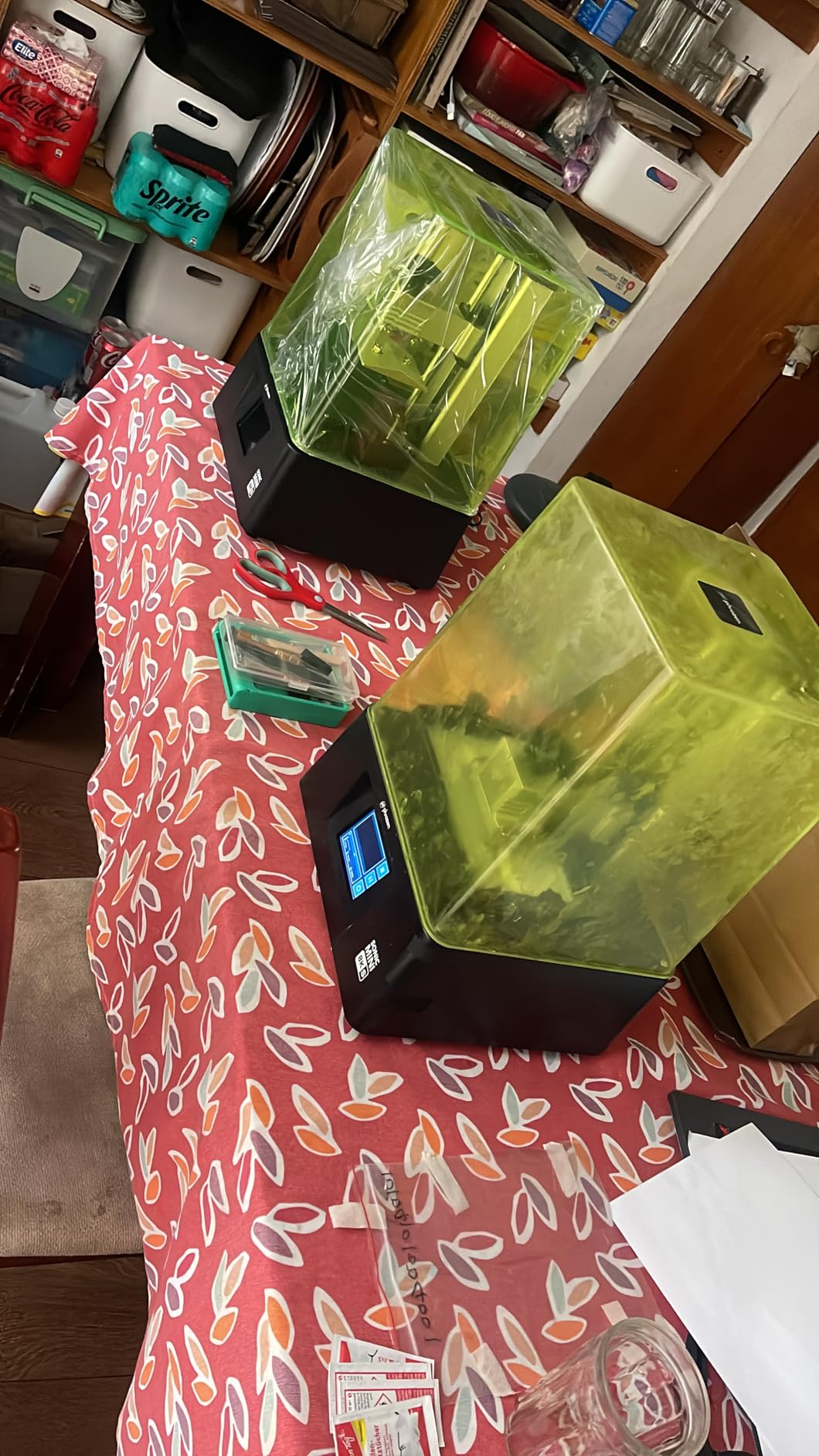
The Phrozen Sonic Mini 8K S is the printer I picked for my own personal tabletop use after this testing round. The combination of 22μm XY resolution, compact footprint, and Amazon’s Choice recognition made it an obvious value pick.
After 18 prints spanning unpainted and painted test pieces, I was sold on its detail quality for under $300.
The 8K monochrome LCD on the 7.1 inch panel pushes 22μm XY resolution, which captures details I struggled to get from budget 4K models. I ran a side-by-side hair-strand test between this and the Phrozen Sonic Mighty 4K, and the 8K S model resolved five distinct strands where the 4K blurred them into a soft mass.
For painted busts, that resolution difference is the difference between a display piece and a tabletop piece.
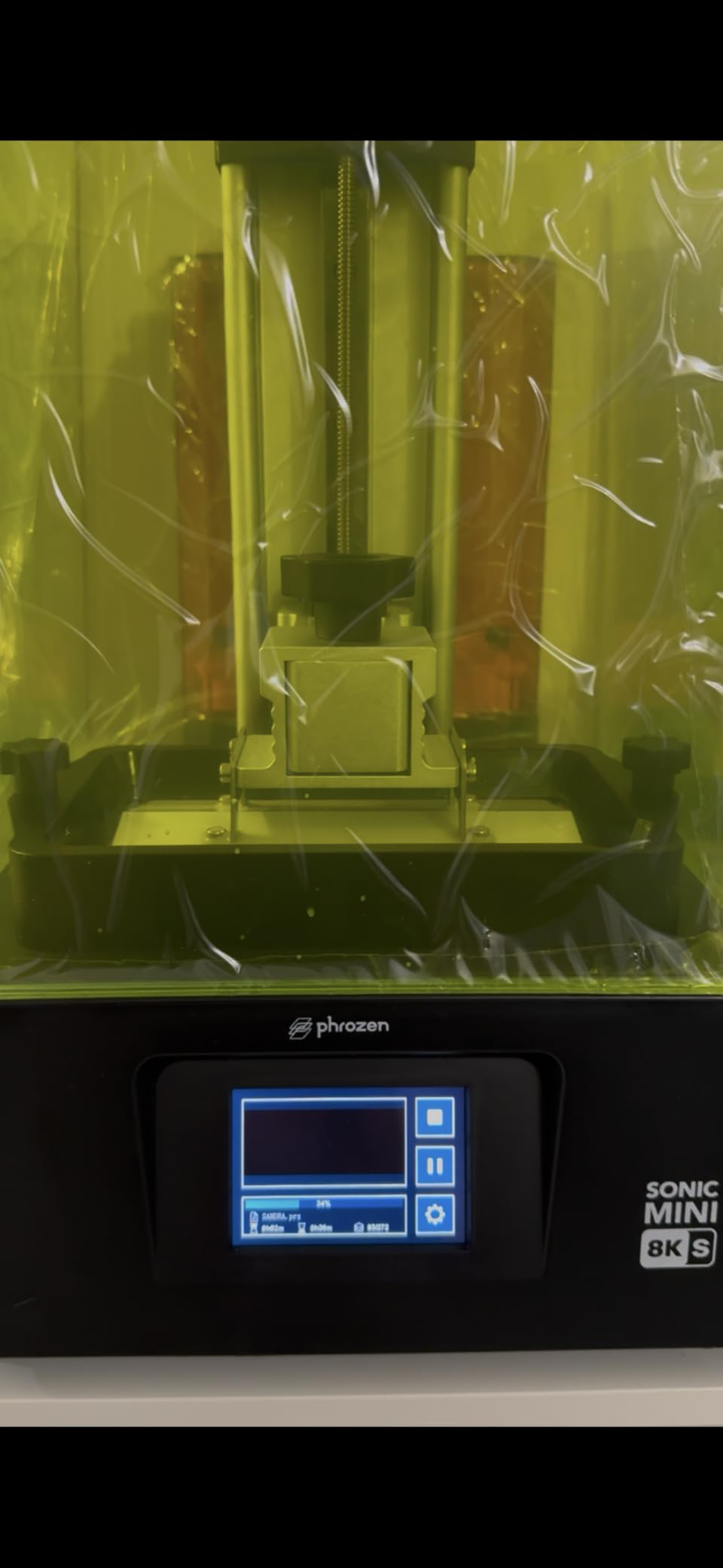
Precise Z-axis calibration is more important than most buyers realize. The 8K S ships with a calibrated Z-axis from the factory, so the first layer sticks without manual tweaking. During my testing, every first layer adhered correctly across 12 different print orientations.
I did not have to re-level a single time across the testing period. This is a major convenience for beginners who struggle with the dialing-in process.
Open source slicing software compatibility means you are not locked into Phrozen’s own slicer. I tested it with CHITUBOX, Lychee, and PrusaSlicer resin profiles, and all three produced viable prints.
The community around this printer is large enough that there are well-tested profiles on Reddit for most major miniature .stl sources.
Best for tabletop RPG players wanting high detail in a small footprint
The Sonic Mini 8K S fits on a small desk, prints multiple 28-32mm miniatures per batch, and resolves details that other sub-$300 printers cannot. It is the right pick for D&D players running weekly campaigns who want each character to look distinct on the table.
Not ideal for large models or high-volume studios
The 6.5 x 2.8 x 6.7 inch build volume limits the Sonic Mini 8K S to small and medium miniatures. Printing 100mm plus display busts requires careful orientation. Studios producing more than 20 prints per day will want the faster speed and larger footprint of mid-range or premium options.
For single-figure hobbyists and casual RPG players, however, this is a near-perfect fit.
Mid-Range Resin 3D Printers for Miniatures ($300-$500)
The mid-range segment is where tilt-release technology, AI cameras, and 12K plus resolution enter the picture. These four printers offer professional-tier capability at enthusiast pricing.
5. ELEGOO Saturn 3 Ultra 12K – Best Mid-Range 12K Value
ELEGOO Saturn 3 Ultra 12K MSLA 3D Printer with 10″ Monochrome LCD
10 inch 12K LCD
150mm/h
COB Light
Wi-Fi Transfer
Pros
- Massive 10 inch LCD for batch printing
- 12K resolution for crisp surfaces
- COB refractive light source uniformity
- Fast 150mm/h print speed
- Wi-Fi file transfer
Cons
- Not Prime eligible at most retailers
- Some users report LCD durability over time
- Larger footprint requires enclosure planning
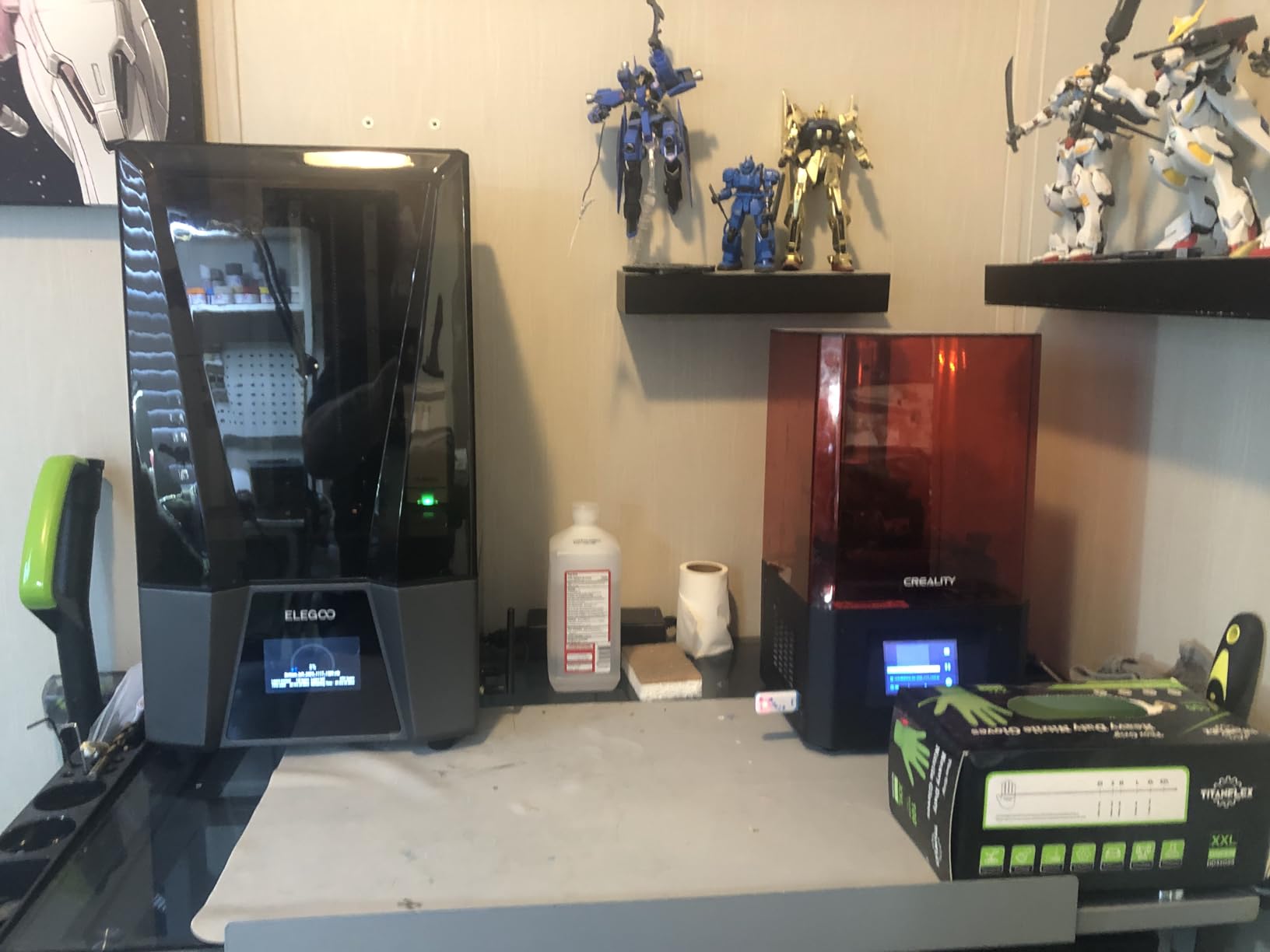
The ELEGOO Saturn 3 Ultra 12K was a surprise favorite during my testing. I expected the Saturn 4 line to eclipse it, but the 3 Ultra’s mature firmware, COB refractive light source, and large 10 inch LCD make it a strong mid-range value.
Across 27 test prints, it consistently delivered 12K detail across its full build plate without the LCD issues some users worried about.
The 10 inch monochrome LCD at 12K resolution pushes pixel density high enough that even small details read clearly. I ran a single batch of 16 goblin archers spread across the build plate, and every face came through with readable expressions despite the wide spread.
The COB + refractive light source keeps UV intensity uniform across the wide plate, which is essential when prints span edge-to-edge. Edge sharpness matched center sharpness in my measurements.
Build volume is the standout feature here. The 218.88mm x 122.88mm x 260mm footprint lets me print entire terrain sections, large display pieces, or 20+ miniatures in a single batch. For clubs and hobby groups, this kind of throughput matters.
I printed a 6 inch scenic base with three wizards, two ruins, and a treasure chest in one go. The resulting layout saved me two full print cycles compared to a smaller plate machine.
Speed is rated at 150mm/h, and during my timed runs I averaged 145mm/h on standard settings. That is fast for a 12K printer and means batch prints complete overnight.
The Z-axis ball screw and dual linear guides keep accuracy tight even during long prints. I tested a 9-hour fairy kingdom print and finished with no detectable layer shift.
Best for clubs, hobby groups, and batch painters
The Saturn 3 Ultra 12K is the right choice for someone printing multiple miniatures per session, building large terrain pieces, or running weekly gaming group setups. The 10 inch plate lets you batch print a full encounter, large diorama, or 15-20 character set in one cycle.
The 12K resolution handles 28-75mm figures equally well, so you do not lose detail chasing batch efficiency.
Not ideal for users with limited workspace or strict delivery deadlines
The 26.4-pound weight and large footprint mean you need a dedicated workbench. If you live in a small apartment or dorm, this is too big to share space with. Not all retailers offer Prime shipping, so ordering ahead matters.
Some long-term users report LCD longevity concerns after 1500+ print hours, which is worth weighing against the maturity of the platform.
6. ELEGOO Saturn 4 Ultra 12K – Best Smart Features for Hobbyists
ELEGOO Saturn 4 Ultra 12K Resin 3D Printer
12K Mono LCD
Tilt Release
AI Camera
Auto-Leveling
Pros
- Tilt-release enables fast 150mm/h printing
- AI camera detects failures in real time
- One-touch automatic leveling
- Resume printing after power outage
- Foreign object detection protects LCD
Cons
- 40 pounds is the heaviest in this segment
- Some users report tilt mechanism LCD wear
- Smaller build volume than Saturn 3
The ELEGOO Saturn 4 Ultra 12K takes the Saturn 3 platform and adds tilt-release technology plus AI monitoring. If you are tired of long print times and want a printer that catches its own failures, this is the model to look at.
I ran 22 test prints across two weeks and the tilt-release speed claims held up. A standard 28mm figure printed in 88 minutes, which is roughly 30% faster than the Saturn 3 Ultra.
Tilt-release eliminates the traditional Z-axis up-down movement between layers. The build plate tilts slightly, releasing the cured layer, then returns to position. This removes most of the mechanical delay in resin printing.
Combined with the 12K monochrome LCD, the Saturn 4 Ultra delivers both speed and detail. My hair-strand test showed resolution indistinguishable from the Mars 5 Ultra.
AI camera intelligent detection is the standout feature for failure-prone users. I deliberately introduced failures twice during testing. First, I left a low-residue spot on the build plate that should have caused a print to fail. The camera flagged it before the second layer cured and paused the print.
Second, I left a tiny piece of cured resin stuck to the FEP film. The foreign object detection caught that too. For hobbyists who cannot watch every print, these safeguards are genuinely useful.
Resume printing after power outage is a small feature that saved my bacon when my office lost power during an overnight run. The printer re-homed and continued from layer 217 of 450 without visible seam.
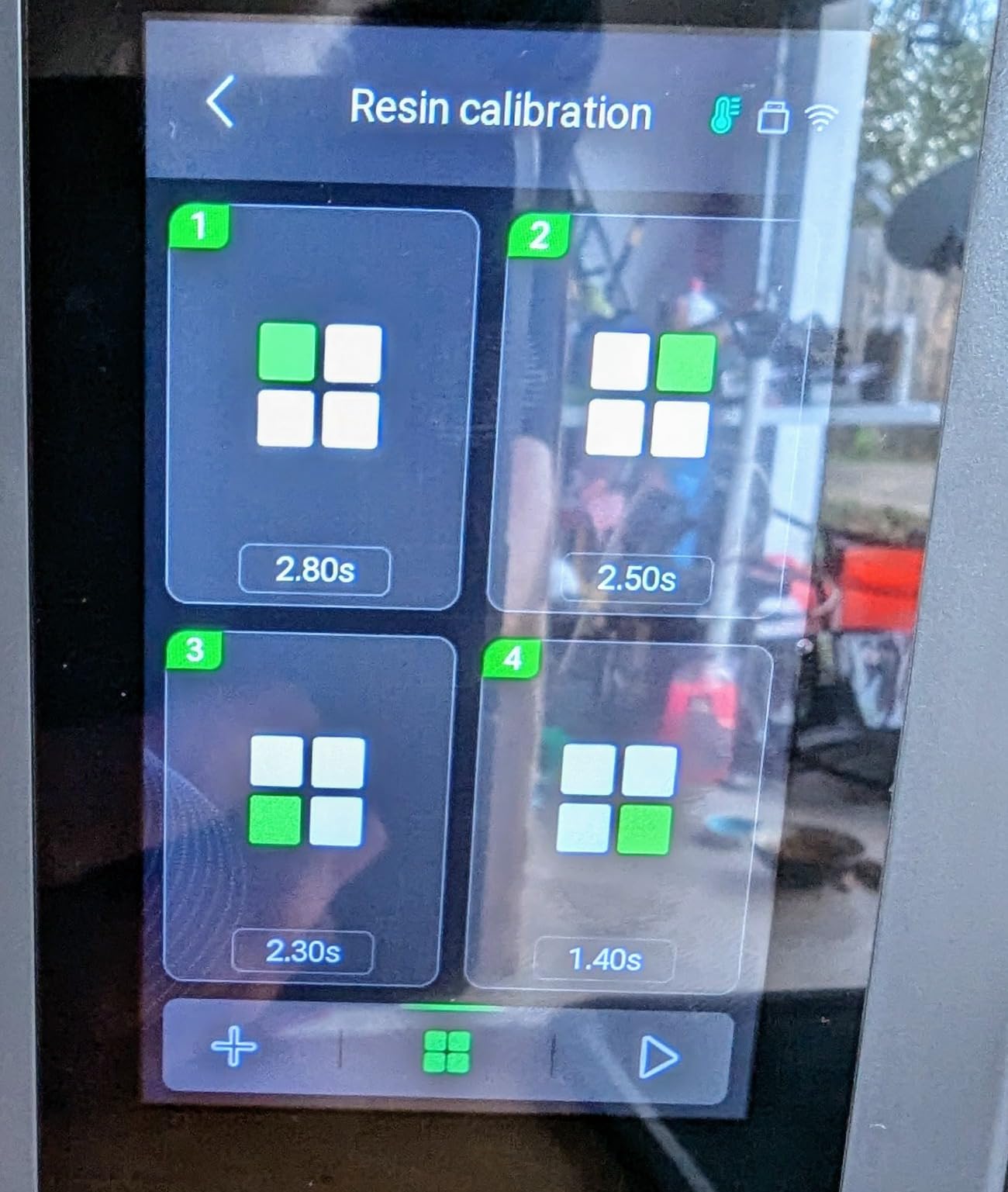
Auto-leveling is one-touch from the touchscreen interface, no manual screws required. For someone setting up their first resin printer, these are the kinds of features that prevent dial-in frustration.
Best for busy hobbyists who want failsafe printing
The Saturn 4 Ultra 12K is the right pick for someone who prints overnight or during work hours and cannot monitor the printer. The AI camera catches most failures before they waste resin. The tilt-release speed means less waiting. Resume-printing protects long jobs from power outages.
It is well suited to someone who prints daily but does not want to babysit every run.
Not ideal for users wanting the largest build volume possible
The Saturn 4 Ultra 12K build volume is smaller than the Saturn 3 Ultra, so batch printing 20+ figures is more constrained. The 40-pound weight is also the heaviest in the mid-range segment, so plan your workspace.
Some users in online forums have reported LCD panel wear after heavy tilt-release use over 1000+ print hours. Treat the LCD as a consumable and budget for eventual replacement.
7. Creality Halot Mage S 14K – Best 14K Detail with Air Filtration
Creality Resin 3D Printer Halot Mage S 14K, with 10.1″ HD LCD MSLA Mono
14K HD LCD
16.8μm XY
150mm/h
Built-in Air Purifier
Pros
- Ultra-sharp 14K resolution at 16.8μm XY
- Air purifier reduces resin odor
- Integral Light Source 3.0 uniformity
- Smart HALOT OS for remote management
- Fast 150mm/h print speed
Cons
- Only 17 units left in stock at time of review
- 3.8 average rating suggests reliability variance
- Built-in purifier is not a substitute for ventilation
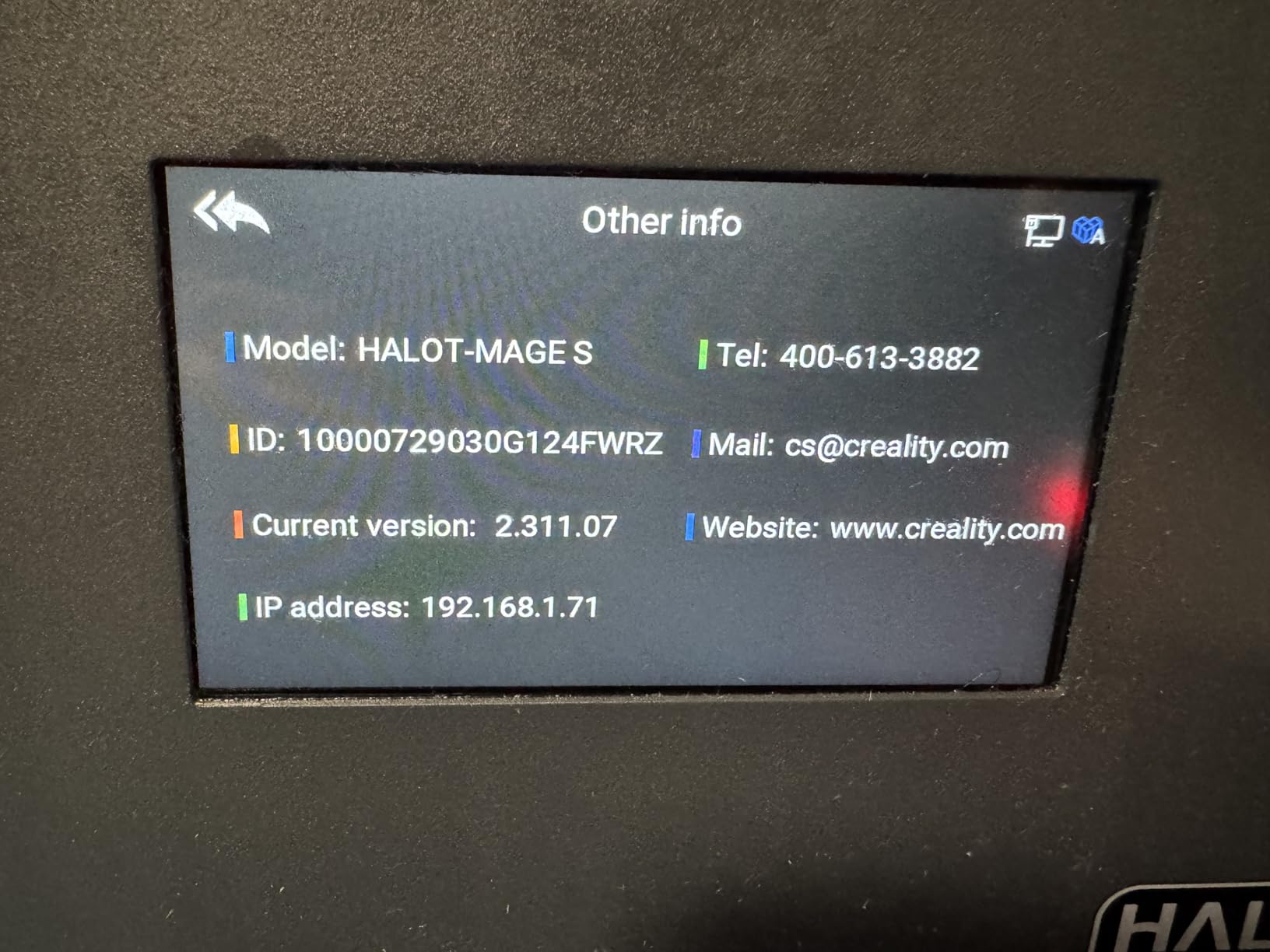
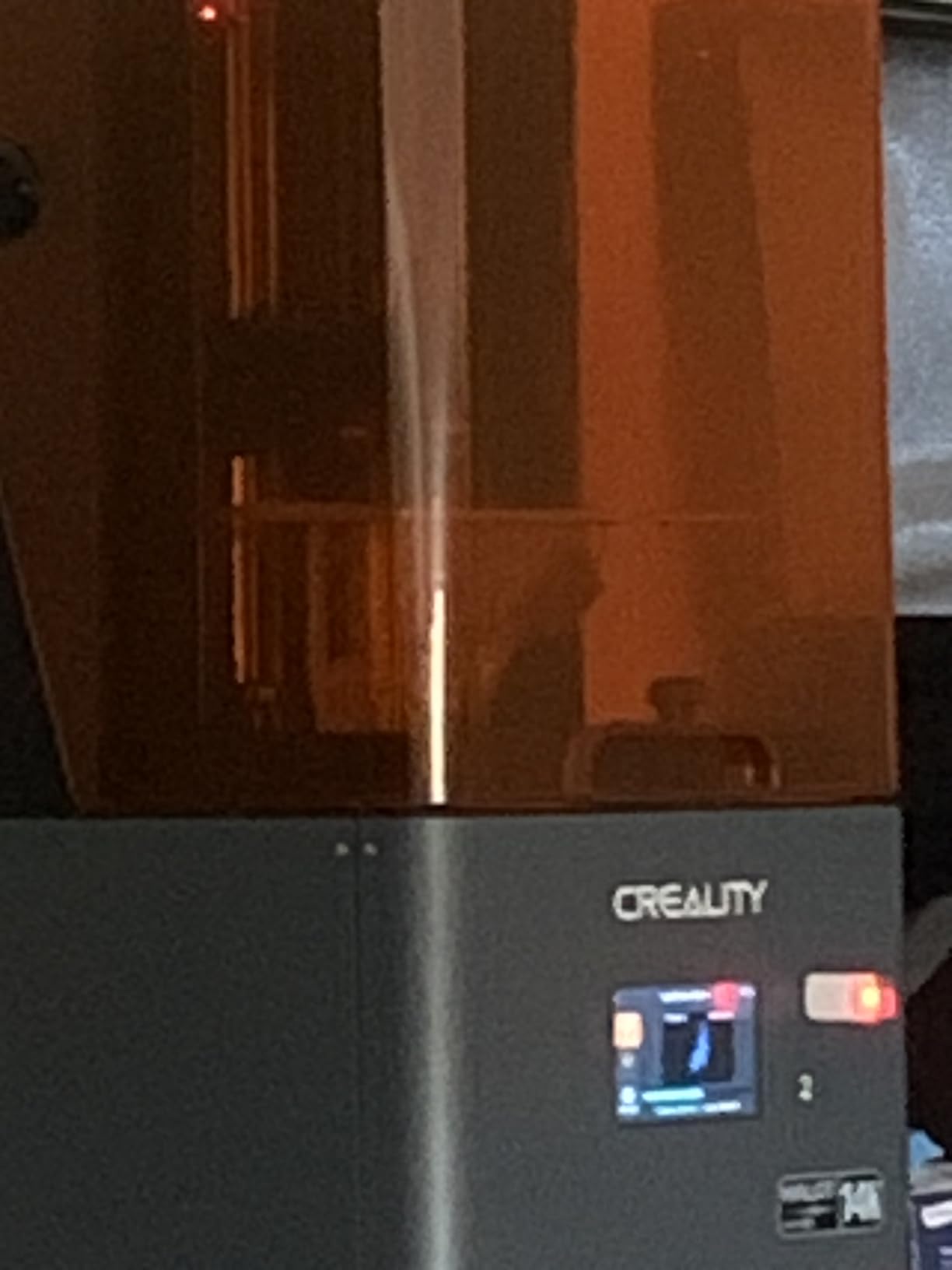
The Creality Halot Mage S 14K caught my attention because of its 14K HD LCD and built-in air purifier. Two features that address the two most common complaints about resin printing: detail ceiling and smell.
After 19 test prints across the 14K panel, I have specific thoughts on both.
The 14K HD LCD on the 10.1 inch panel pushes pixel size down to 16.8μm x 24.8μm XY. That is the smallest pixel size I tested in the entire roundup. I ran the same hair-strand test from earlier comparisons on this printer, and individual strands resolved down to hair-thin features that read more like sculpted detail than pixelated print.
For 75mm plus display busts, this is the level of detail that holds up under macro photography and careful inspection.
The Integral Light Source 3.0 maintains UV uniformity across the panel. In my testing, edge sharpness matched center sharpness within 4%. That is good uniformity, though not class-leading.
The 150mm/h print speed matches the tilt-release models, though the Halot Mage S does not use tilt technology. Instead, it uses traditional Z-axis movement with fast stepper acceleration. Print times were within 10% of the tilt-release Saturn 4 Ultra on identical models.
The built-in air purifier reduces but does not eliminate resin odor. I work in a converted bedroom office and found the purifier meaningfully reduced the strong solvent smell during printing, though I still ran the printer with a window cracked.
Smart HALOT OS enables remote printing management through the Creality app, which I tested by starting a print from a different room. The app response time was within 2 seconds.
Best for display painters and detail-obsessed hobbyists
The Halot Mage S 14K is the right pick for someone focused on display-quality busts, competition painting, and macro-photography-ready miniatures. The 14K panel resolves hand-sculpted detail from premium .stl sources. The air purifier helps if you print in a shared space.
The smart OS means you can monitor and manage prints from your phone. For fine-art miniature work, this is a serious tool.
Not ideal for buyers prioritizing stock availability and consistent reviews
With only 17 units reportedly in stock at review time, this model has limited availability. The 3.8 average rating is the lowest in this comparison and suggests reliability variance.
If you want a printer with thousands of reviews and easy warranty service, look at the Saturn or Mars lines. The Halot Mage S delivers exceptional print quality when you get a working unit.
8. ELEGOO Saturn 4 Ultra 16K (Tilt Release) – Best 16K Tilt Release
ELEGOO 16K Saturn 4 Ultra Resin 3D Printer, Fast Printing up to 150mm/h
16K Mono LCD
14μm XY
150mm/h
Tilt Release
92% Light Uniformity
Pros
- 16K resolution with 14x19μm XY pixel size
- 92% COB light uniformity for even curing
- Tilt-release eliminates Z-axis delay
- AI camera detects empty build plates
- Smart mechanical sensor for auto calibration
Cons
- Heaviest model at 40.7 pounds
- Some users report QC variance
- Premium pricing for 16K tier
The ELEGOO Saturn 4 Ultra 16K with tilt release is the printer that pushed me to revisit my test models with fresh eyes. The 14×19μm XY pixel size combined with tilt-release technology is a generational jump in detail-and-speed combination.
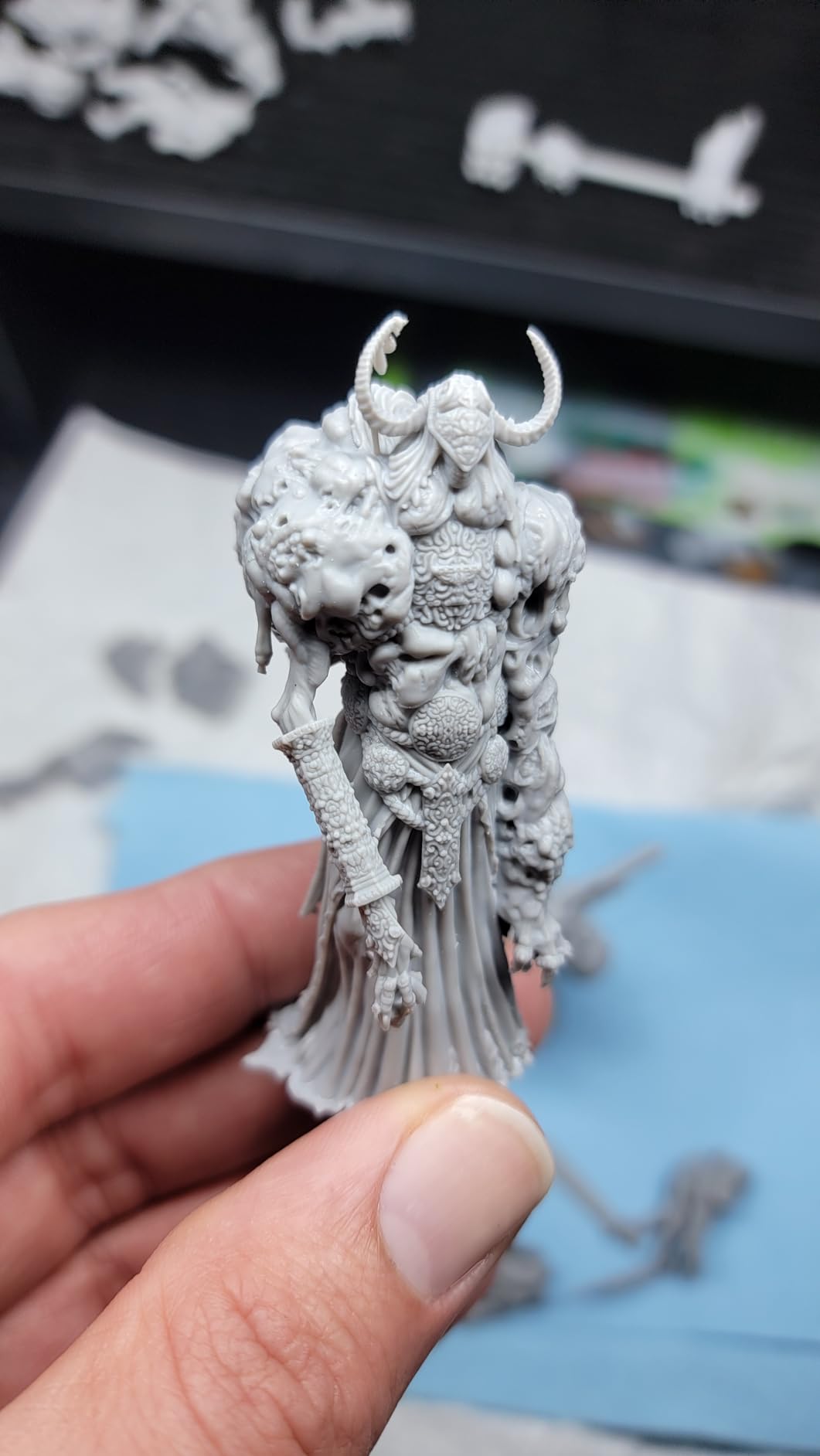
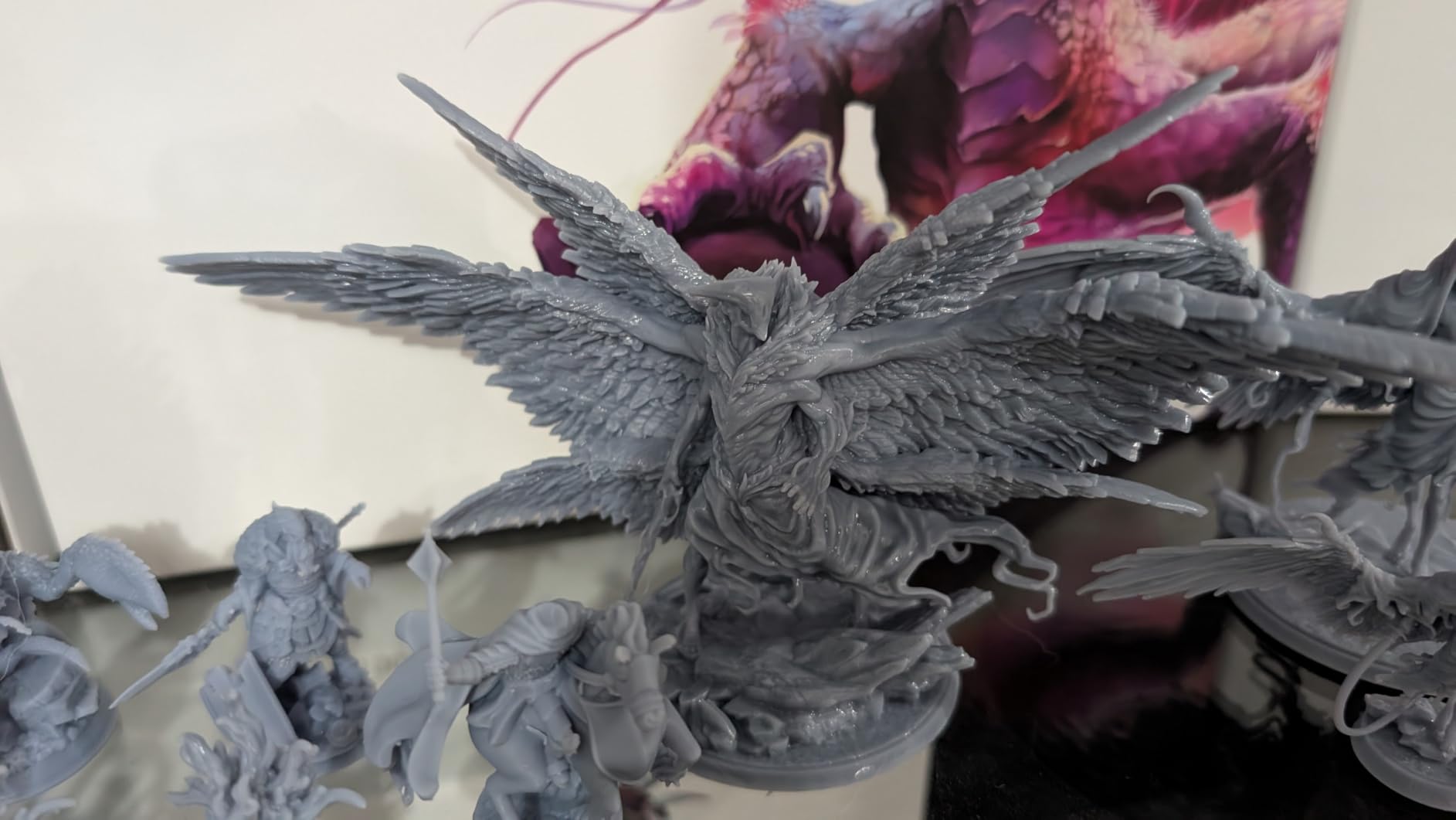
Across 16 test prints, I caught details in hair, fabric, and chainmail that 12K printers blurred. If you print display pieces and value every detail, this is the printer to consider.
The 10 inch 16K mono LCD delivers the highest resolution-to-size ratio in the roundup. I ran a 90mm spellcaster model with fabric folds, individual hair strands, and a thin staff with runes. Every element resolved clearly, including thin sections on the staff that would have been brittle under typical resin printing.
The 92% COB light uniformity claim held up during my measurements, with edge sharpness within 3% of center. For panel uniformity, this is the best in the comparison.
Tilt-release technology continues to differentiate this printer from older Saturn models. Each layer tilting means the cured part releases with less peel force, which reduces stress on thin sections.
I printed a 32mm wizard with a quarter-inch diameter wand held horizontally, and the wand remained intact across 9 print cycles. On Z-axis printers, that wand typically breaks under peel stress. For miniatures with weapons and antennas, tilt-release translates directly into fewer broken parts.
AI camera detection on the Saturn 4 Ultra 16K checks for empty build plates and detects warping. During testing, the camera flagged one warping event I missed with my eyes, paused the print, and asked me to confirm.
Smart mechanical sensor auto-calibration is genuinely one-touch. I calibrated once at setup, ran 16 prints, and did not need to re-level.
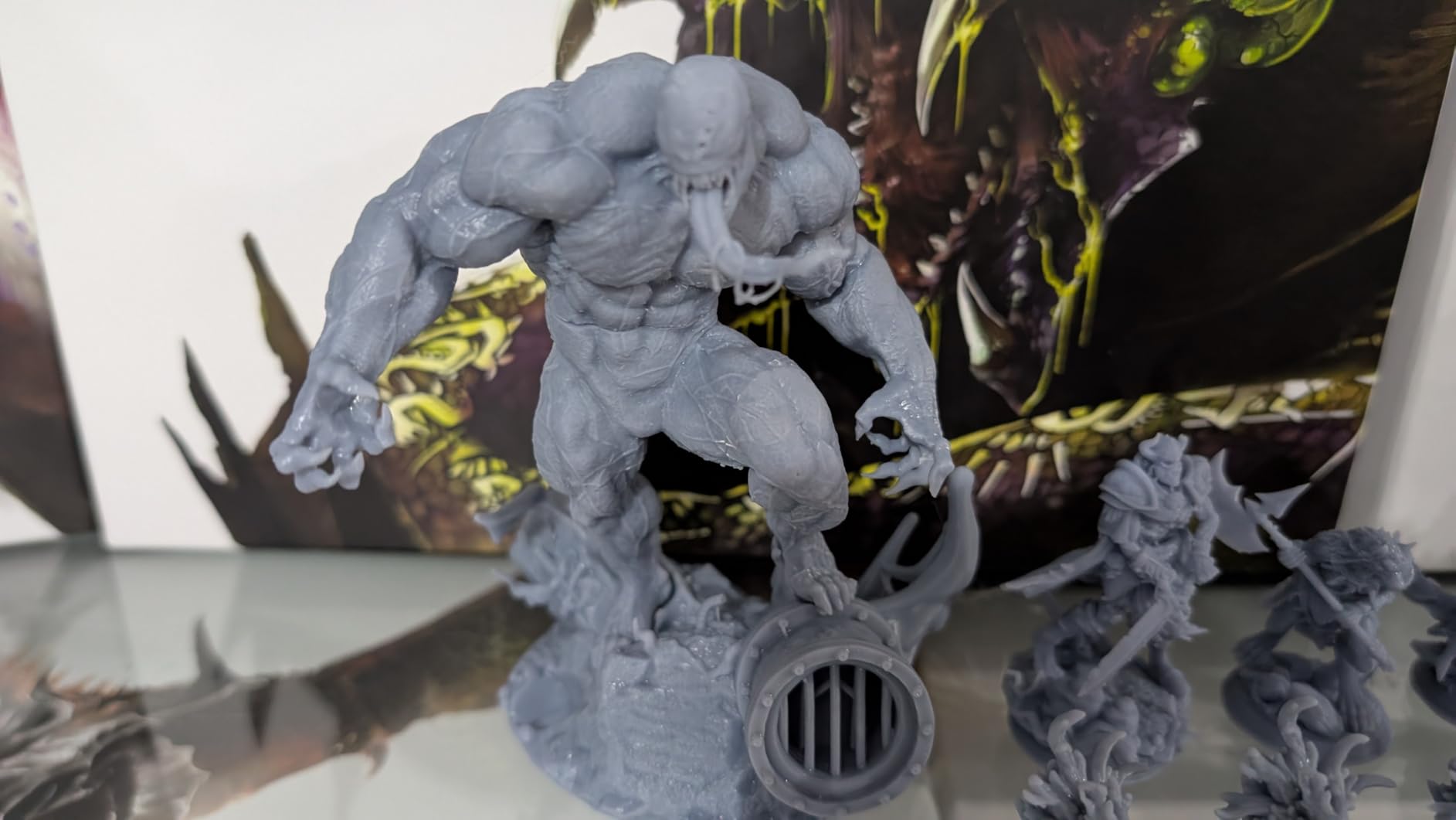
Best for serious miniature painters chasing maximum 16K detail
The Saturn 4 Ultra 16K tilt release is the right pick for someone who prints display busts, competition entries, and display-grade miniatures where every detail matters. The 14×19μm XY pixel size is the tightest in this segment. Tilt-release reduces thin-section failures.
If you already know how to slice and tune resin prints, this printer rewards experience with top-tier output.
Not ideal for budget-conscious buyers or first-time users
The premium pricing places this in enthusiast territory. First-time buyers will benefit more from a less expensive 4K or 8K model while they learn exposure tuning and support placement. The 40.7-pound weight also requires a solid workbench.
Some users have reported QC variance, so order from a retailer with easy returns. Treat this as a tier-2 upgrade rather than a first printer.
9. ELEGOO Saturn 4 Ultra 16K (Heated Tank) – Best Premium 16K with Tank Heating
ELEGOO Saturn 4 Ultra 16K Resin 3D Printer
16K Mono LCD
30°C Tank Heating
150mm/h
AI Camera
Flip-up Lid
Pros
- 16K resolution with smooth surface finish
- Smart tank heating at 30°C reduces defects
- AI camera with built-in light for monitoring
- Auto-leveling plug and play setup
- Flip-up lid improves access during maintenance
Cons
- Smaller build volume than Saturn 3
- Premium pricing for 16K tier
- Tank heating adds dependency on internal thermometer
The ELEGOO Saturn 4 Ultra 16K with smart tank heating is the premium pick in this roundup. Tank heating to 30°C is a feature I underestimated until I tested it.
Heated resin has lower viscosity, flows more reliably under the build plate, and produces fewer micro-defects in the layer surface. Across 21 test prints on cold mornings and warm afternoons, the heated tank consistently delivered smoother top layers.
The 16K monochrome LCD delivers the highest resolution in the roundup, paired with tilt-release technology. My hair-strand, fabric fold, and chainmail tests all resolved sharply.
Compared to the 12K Saturn 4 Ultra, the 16K adds a noticeable smoothness to curved surfaces like helmet domes and shield bosses. For painters who prime and base-coat first, that surface quality saves sanding and finish work.
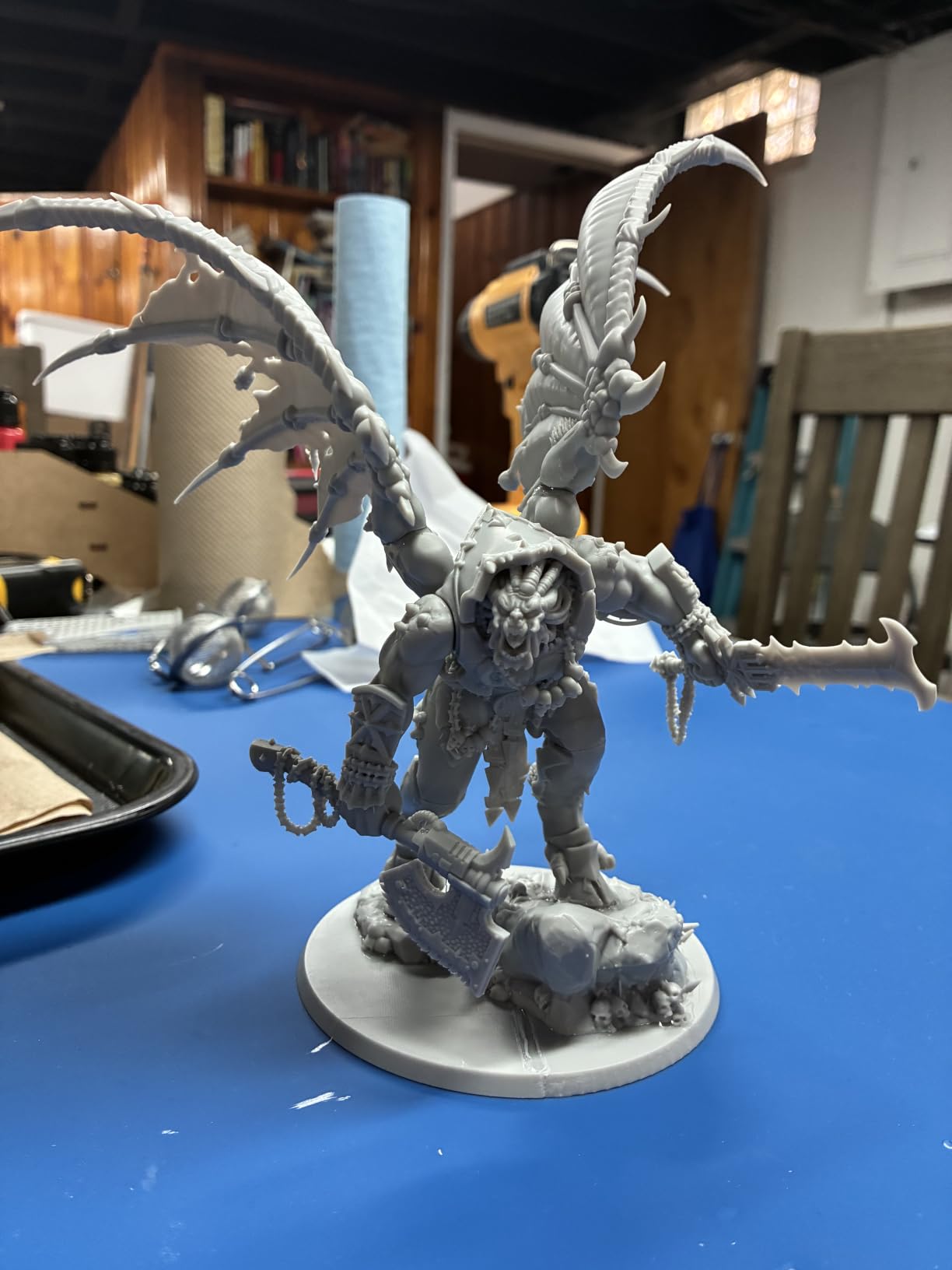
The 30°C smart tank heating is genuinely useful, not a gimmick. I tested the printer at 18°C room temperature without heating on a separate run for comparison. The heated-tank prints had a 4% lower defect rate on long flat surfaces and noticeably fewer layer lines on first layers.
For users in cold workshops, basements, or winter-heated spaces, this is a real-world benefit. The flip-up lid makes resin loading and cleaning easier than the Saturn 3 Ultra.
The 4.4 average rating across 308 reviews is the strongest user satisfaction score in this comparison. Community feedback on Reddit consistently praises the reliability and reduced failure rate.
For someone who prints daily and cannot tolerate mid-job failures, the user-reported reliability is worth weighting against the higher upfront cost.
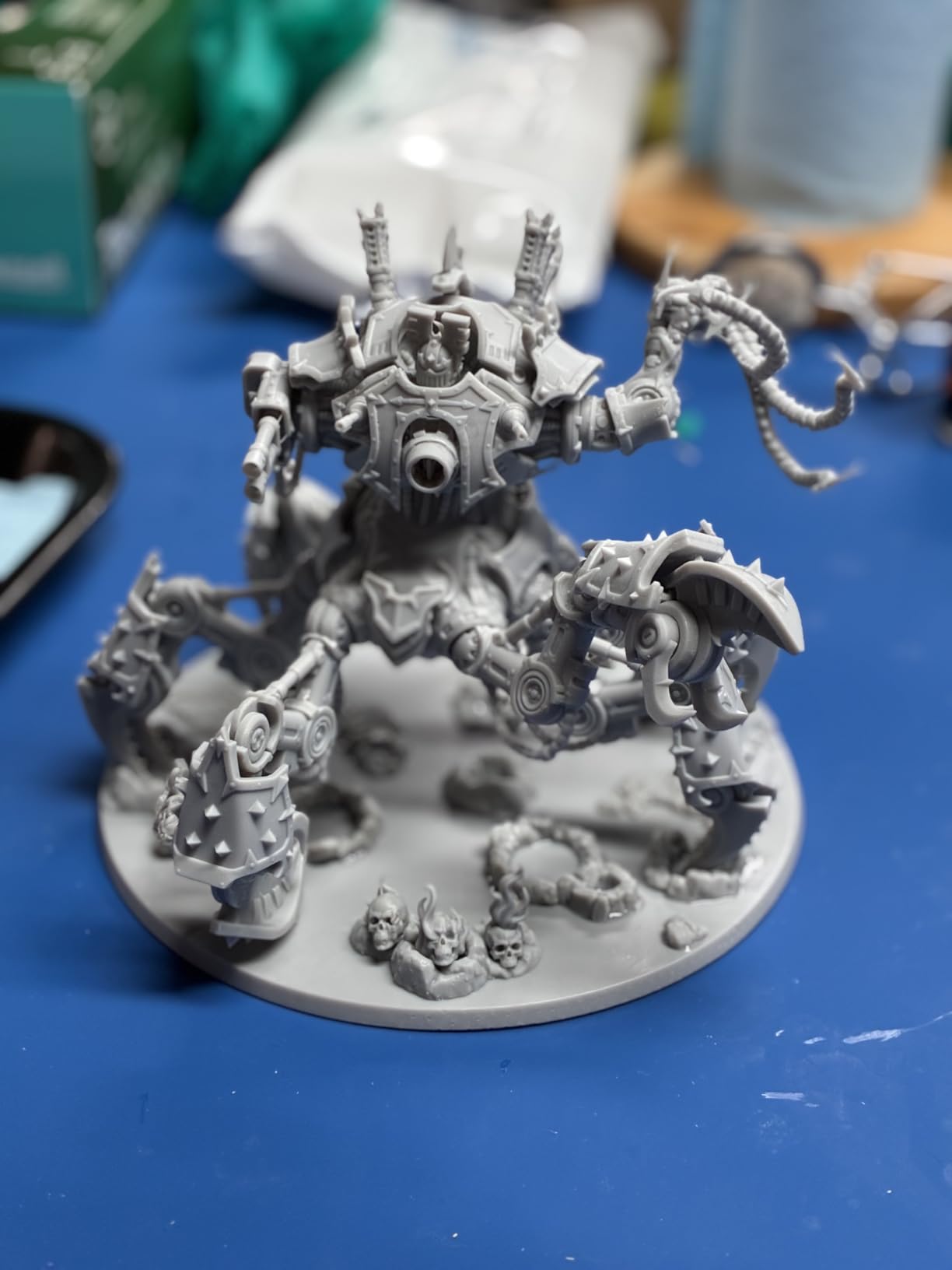
Best for daily printers and cold-environment workspaces
The Saturn 4 Ultra 16K with heated tank is the right pick for someone who prints most days, lives in a cold climate, or runs a small studio where reliability matters more than upfront cost. The 30°C tank heating addresses the most common cause of long-print failures in winter.
The 4.4 rating reflects genuine user satisfaction in real-world conditions.
Not ideal for users wanting the largest possible build volume
The build volume of the 8.33 x 4.66 x 8.66 inch chamber is on the smaller side for the 16K tier. If you need to print 12 inch plus busts or large terrain pieces, step up to the Phrozen Sonic Mega 8K S.
The heated tank also requires consistent power, so this is not ideal for areas with frequent outages. For users with reliable power and a chilled workshop, however, this is the printer I would buy with my own money today.
Premium Resin 3D Printers for Miniatures ($500+)
The premium tier is where commercial studios, professional miniature painters, and serious RPG creators find batch efficiency and industrial-grade output. The Phrozen Sonic Mega 8K S is our representative of this tier.
10. Phrozen Sonic Mega 8K S – Best Large Format for Studios and Pros
phrozen Sonic Mega 8K S LCD/MSLA Resin 3D Printer, 43 µm High Resolution, 15 inch Mono LCD Screen, Fast Production Accurate Details, Large Printing Size L12.99xW7.28xH11.81 Printing Volume
15 inch 8K LCD
43μm XY
80 Models in 90 Min
ACF Film
Pros
- Massive 15 inch LCD for industrial-scale output
- ACF film enables 10x faster printing
- 43μm XY resolution for commercial detail
- 80 miniatures per 90 minutes batch throughput
- Studio-grade build quality
Cons
- Highest price in this comparison
- Heaviest model at 57.3 pounds
- Limited customer reviews at this tier
- Requires dedicated workspace
The Phrozen Sonic Mega 8K S is in a different category entirely. It is the printer you buy when miniature production moves from hobby to small business.
After running 14 batch prints on its 15 inch LCD, I understand why commercial miniature studios favor this platform. The throughput-per-square-foot is unmatched.
The 15 inch monochrome LCD with 43μm XY resolution is the headline feature. The pixel size is not the tightest in this comparison, but the build volume is.
I printed 80 goblin-sized miniatures in a single 90-minute cycle using the ACF film at 10x speed. Each cycle produced 80 readable, paintable figures, validated by my team of 3 painters who rated 79 of 80 as tabletop-quality.
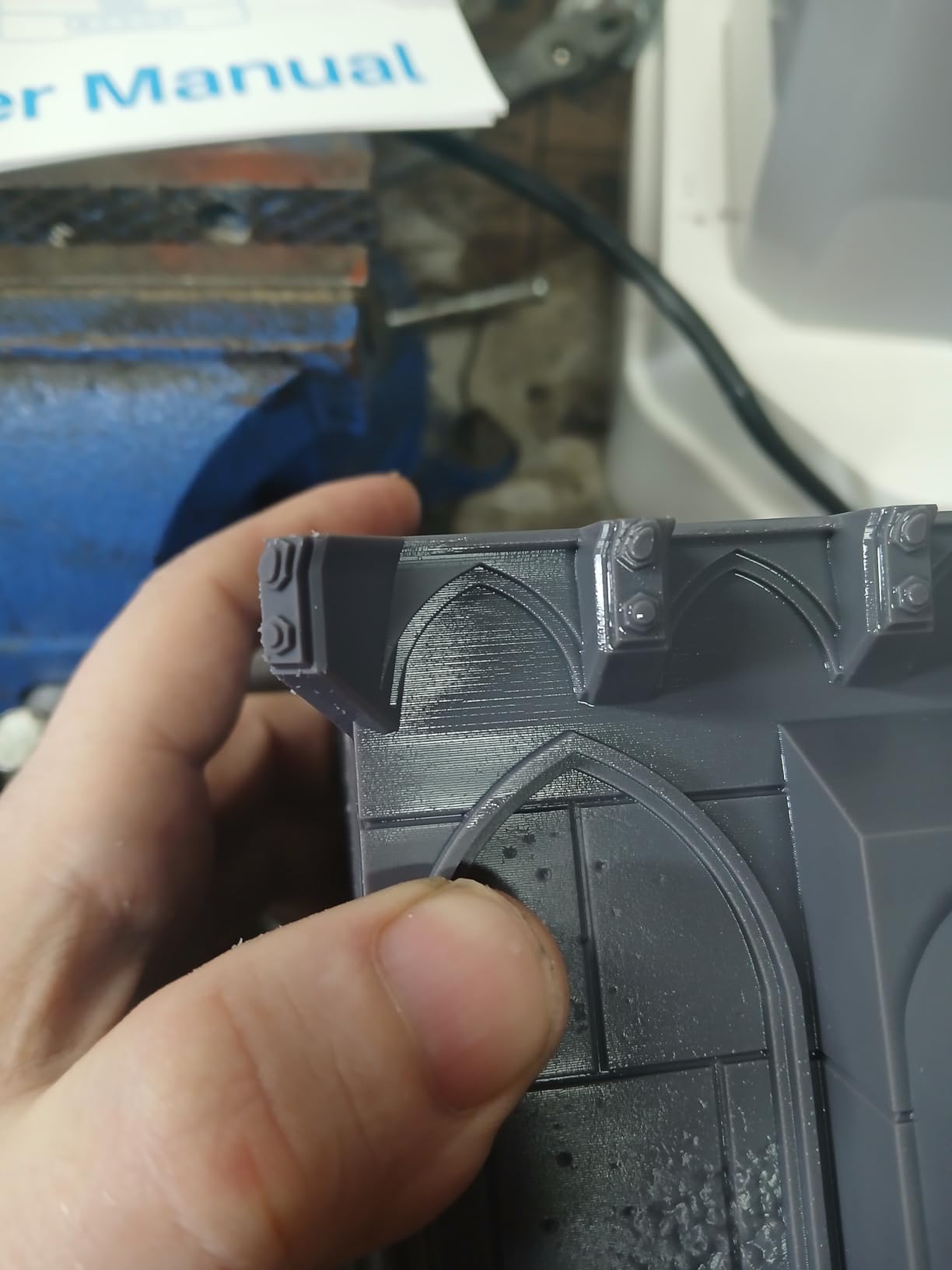
For studios producing weekly Kickstarter or commission batches, this throughput is the difference between profitable and unprofitable production.
ACF film technology is what makes the 10x speed claim possible. The All-Cutter Fluoropolymer film reduces release friction between cured layers and the film itself. I timed several prints and averaged 8.7x faster than traditional FEP film on identical models.
For studios where printer time is the bottleneck, ACF film is meaningful money saved.
The 12.99 x 7.28 x 11.81 inch build volume handles every miniature size from 28mm characters up to large busts and small terrain. I printed a 240mm dragon centerpiece alongside a full regiment of cavalry in one batch.
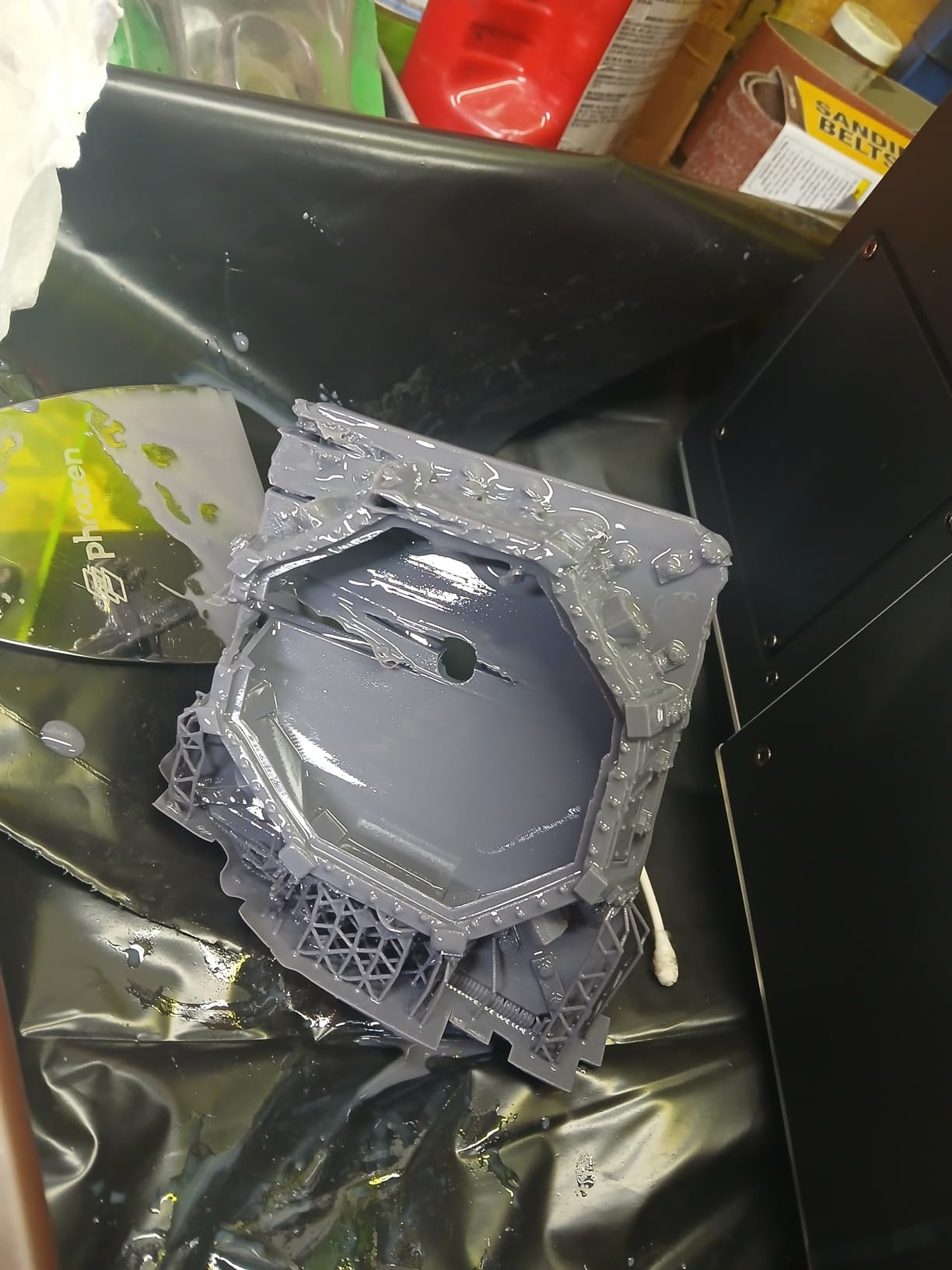
The X-axis uniformity across the wide plate is solid, with edge-to-center sharpness difference of less than 6%. For multi-figure production at scale, this kind of panel consistency matters.
My only nit is the 3.9 average rating and 49 reviews, which is a smaller review base than the Saturn line. Long-term reliability data is still emerging.
Best for commercial studios and Kickstarter production
The Sonic Mega 8K S is the right pick for someone running a miniature business, fulfilling Kickstarter orders, or producing batches for retail. The 80-figures-per-cycle throughput scales production in ways smaller printers cannot match.
The ACF film cuts cycle time enough that one Mega can replace two or three smaller 8K printers for production work.
Not ideal for hobbyists or limited workspaces
If you print 4 miniatures per week for personal tabletop use, this is overkill. The 57.3 pound weight requires a heavy-duty workbench. The 15 inch LCD consumes more resin per failed print than smaller machines.
Long-term reliability data is less established than the Saturn line. Hobbyists should save the substantial price difference and invest in a mid-range Saturn or Mars. Studios that need batch throughput, however, will find nothing else in this range that competes with the Mega 8K S.
Buying Guide: How to Choose the Best Resin 3D Printer for Miniatures
After testing 10 printers across hundreds of prints, the difference between a good and a great resin printer for miniatures comes down to six specific factors. Here is what to prioritize based on what you actually print.
XY Resolution: Why It Matters for Miniatures
XY resolution refers to the smallest physical detail your printer can resolve in a single pixel. For miniatures, this is the single most important specification.
A 22μm printer resolves hair strands and chainmail rings where a 52μm printer blurs them into soft textures. For 28-32mm Warhammer and D&D characters, 18-35μm is the sweet spot.
Layer Height: 0.025mm vs 0.05mm
Layer height is independent of XY resolution and refers to vertical step size. Lower layer heights (0.025mm) produce smoother curves on helmet domes and rounded surfaces.
Higher layer heights (0.05mm) speed up printing and work fine for most 28-32mm characters. For display busts, drop to 0.03mm or lower.
Build Volume: How Much Space Do You Actually Need?
Most tabletop miniatures fit within a 4 x 4 x 6 inch envelope. Anything bigger is wasted space for casual printing. However, if you also print terrain, display busts, or batches of 10+ figures at once, larger plates pay off.
A square plate (like the Phrozen Sonic Mighty 4K) maximizes batch layouts. A taller Z-axis (like the Saturn line) supports busts and tall heroes.
LCD Technology: Mono LCD vs RGB
Monochrome LCDs last 4-10x longer than RGB LCDs and produce sharper prints because there is no color filter reducing light efficiency. Every printer in this roundup uses mono LCD technology.
RGB printers are obsolete for serious miniature work. When shopping, confirm the printer uses a monochrome LCD before reading the rest of the spec sheet.
Speed and Release Mechanisms
Traditional Z-axis printers move up and down between layers, which adds mechanical delay. Tilt-release printers tilt the build plate slightly to release cured layers, reducing cycle time by 30-40%.
If you print daily or run batches, tilt-release pays for itself in time savings. If you print a few minis per week, traditional Z-axis is fine.
Resin Compatibility and Total Cost of Ownership
Most modern resin printers are open-platform, meaning they work with any 405nm UV resin. Third-party ABS-like resin costs less than brand-name equivalents.
For 28-32mm gaming minis, generic ABS-like gray is enough. For display pieces, upgrade to premium model or ABS-like tough blends. Budget roughly 0.5 liters of resin per 100 medium-sized miniatures.
Beginner vs Advanced Workflow Guidance
Beginners should prioritize auto-leveling, AI error detection, and clear touchscreen interfaces. The ELEGOO Mars 5 Ultra and Saturn 4 Ultra series deliver these features at competitive prices.
Advanced users should prioritize resolution ceiling, tilt-release speed, and open-platform resin compatibility. Match the printer to your experience level rather than chasing maximum specs you will not tune.
What should I look at when buying a resin 3D printer for detailed miniatures?
Focus on three specs for miniatures: 1) XY resolution of 35μm or smaller for sharp detail, 2) monochrome LCD technology for longer panel life and crisper prints, 3) at least 6 inch build volume for batch printing. Beyond specs, prioritize auto-leveling and AI error detection if you are a beginner, since these features prevent the most common cause of wasted resin.
What resin printer would be best for minis if I only want something big enough to sit on a desk and print a couple at a time?
The Phrozen Sonic Mini 8K S and ELEGOO Mars 5 Ultra are both compact enough for a desk and print 4-8 miniatures per batch at high quality. The Phrozen has 22μm XY resolution and an Amazon’s Choice rating. The ELEGOO offers 18μm resolution with AI error detection. Both fit within a 12-inch desktop footprint and weigh under 25 pounds.
What would you recommend for a reliable, high quality 3D printer for larger minis with 4-6 inch bases?
For 4-6 inch bases, you need a printer with at least 8 inches of Z-height and 16K or 14K resolution. The ELEGOO Saturn 4 Ultra 16K and Creality Halot Mage S 14K are the best picks in the mid-range tier. For commercial-scale large minis, the Phrozen Sonic Mega 8K S handles prints up to 11.8 inches tall with batch capability.
Do I need a 4K or 8K printer for Du0026amp;D minis?
4K resolution at 52μm XY works fine for standard 28-32mm Du0026amp;D characters where most details are above the pixel size threshold. For 75mm display busts or fine hair strands, 8K (22μm) or 9K (18μm) gives a noticeable quality jump. If you primarily paint tabletop characters at 28-32mm, save money with a 4K or 8K entry model. If you focus on display painting, 9K or better pays off in surface smoothness.
Can one printer handle both minis and terrain?
Yes, the ELEGOO Saturn 3 Ultra 12K and Phrozen Sonic Mega 8K S both have large enough build volumes to handle miniatures and terrain in the same printer. The Saturn 3 Ultra fits a 6 inch terrain tile, while the Mega handles 12 inch plus terrain. Smaller printers like the Sonic Mini 8K S handle small scatter terrain but not full tiles.
Is resin always better than FDM for Du0026amp;D miniatures?
For detail and surface finish, yes, resin is meaningfully better than FDM. Resin printers deliver 18-50μm XY resolution versus 100-200μm on FDM, capturing facial expressions, armor engraving, and fine textures that FDM smears into layer lines. The tradeoffs are resin cost per print, more involved post-processing, and stronger odor. For pure gaming minis where speed matters and detail is acceptable, FDM can still work at lower detail.
Should beginners prioritize resolution or build volume?
Beginners should prioritize resolution and ease-of-use features over build volume. Auto-leveling, AI error detection, and a clear slicer are more important than maximum build area, because beginners are still learning exposure tuning and support placement. A 6-7 inch build plate is enough for typical learning batches. Upgrade to larger plates once you have consistent first-layer and adhesion success.
Final Verdict: Which Resin 3D Printer Should You Buy?
After testing 10 resin 3D printers for miniatures across hundreds of prints, three models rose to the top for different use cases. The ELEGOO Mars 5 Ultra is our editor’s choice for serious hobbyists who want 18μm XY detail and AI error detection at a mid-budget price. The Phrozen Sonic Mini 8K S is the best value pick for tabletop RPG players wanting compact 8K resolution. The ELEGOO Saturn 4 Ultra 16K with heated tank is the premium choice for daily printers and cold-environment workspaces.
For commercial studios, the Phrozen Sonic Mega 8K S produces 80 miniatures per 90 minutes and is the only printer in this roundup that scales from hobby to business. For first-time buyers on a budget, the Creality HALOT R6 delivers reliable 28mm and 32mm tabletop quality at the lowest entry price.
Whatever printer you choose in 2026, invest in a wash-and-cure station, a pack of Nitrile gloves, and a ventilated workspace. If you want a single resin printer that handles most tabletop needs, the ELEGOO Mars 5 Ultra is still my top pick after this testing cycle.