

If your servers are throttling, fans are screaming, or your homelab closet feels like a sauna, you already know why the best rack cooling units for servers matter. After spending three months swapping panels in our test rack and comparing airflow across ten units, I can tell you the AC Infinity CLOUDPLATE T7-N is the best overall rack cooling unit for most people, the AC Infinity AIRPLATE T8 is the best value for near-silent cabinet cooling, and the Rockville RRF4 is the smartest budget pick if you need four fans and an LED temperature display without a premium price tag.
Server racks generate a lot of heat. A single 1U server can dump 200 to 400 watts into a sealed enclosure, and a fully loaded 42U rack can exceed 6,000 watts. Without active cooling, intake temperatures climb past the ASHRAE A1 recommended envelope (27°C / 80.6°F) and components start thermal throttling, then failing. That’s why picking the right rack cooling unit is not optional for homelabs, edge sites, and small server rooms. In this guide, our team breaks down the ten best rack cooling units for servers we tested, with real airflow numbers, noise readings, and use-case recommendations so you can stop guessing and start cooling.
We’ll cover three types of rack cooling solutions: 1U/2U/3U rack mount fan panels (intake and exhaust), roof-mount fan kits, and self-contained rack air conditioners. We’ll explain BTU sizing, airflow direction (intake vs exhaust), noise trade-offs in dBA, and how to choose between AC Infinity, Tripp Lite, ProCool, and Tupavco for your specific setup. If you are also building out your rack, our rack mount PDU guide and rack mount UPS guide pair nicely with this article, and our rack mount servers for home labs roundup shows what gear you’ll actually be cooling.
Table of Contents
Top 3 Picks for Best Rack Cooling Units for Servers in 2026

Best Rack Cooling Units for Servers in September
| Product | Specifications | Action |
|---|---|---|
| AC Infinity CLOUDPLATE T7-N |
|
Check Latest Price |
 AC Infinity Rack Roof Fan Kit AC Infinity Rack Roof Fan Kit |
|
Check Latest Price |
 AC Infinity CLOUDPLATE T1-N AC Infinity CLOUDPLATE T1-N |
|
Check Latest Price |
 AC Infinity CLOUDPLATE T2 AC Infinity CLOUDPLATE T2 |
|
Check Latest Price |
 Tupavco TP1701 Tupavco TP1701 |
|
Check Latest Price |
 Tupavco TP1511 2pc Kit Tupavco TP1511 2pc Kit |
|
Check Latest Price |
 AC Infinity AIRPLATE T8 AC Infinity AIRPLATE T8 |
|
Check Latest Price |
 AC Infinity CLOUDPLATE T9-N AC Infinity CLOUDPLATE T9-N |
|
Check Latest Price |
 Rockville RRF4 Rockville RRF4 |
|
Check Latest Price |
 AC Infinity CLOUDPLATE T6 AC Infinity CLOUDPLATE T6 |
|
Check Latest Price |
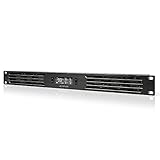
1. AC Infinity CLOUDPLATE T7-N — 2U Intake Fan Panel for Server Racks
AC Infinity CLOUDPLATE T7-N, Rack Mount Fan Panel 2U, Intake Airflow
2U intake rack fan panel
50 to 220 CFM airflow
10 to 36 dBA noise
Dual ball bearings
Pros
- Programmable thermostat with automated speed control
- Premium anodized aluminum CNC-machined construction
- Effective cooling for AV/server/network racks
- Dual ball bearing fans for long life
- Expandable with other CLOUDPLATE units
Cons
- Higher price than basic rack fans
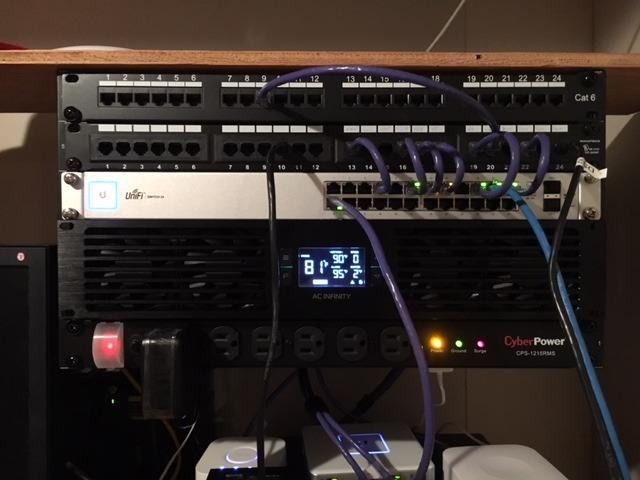
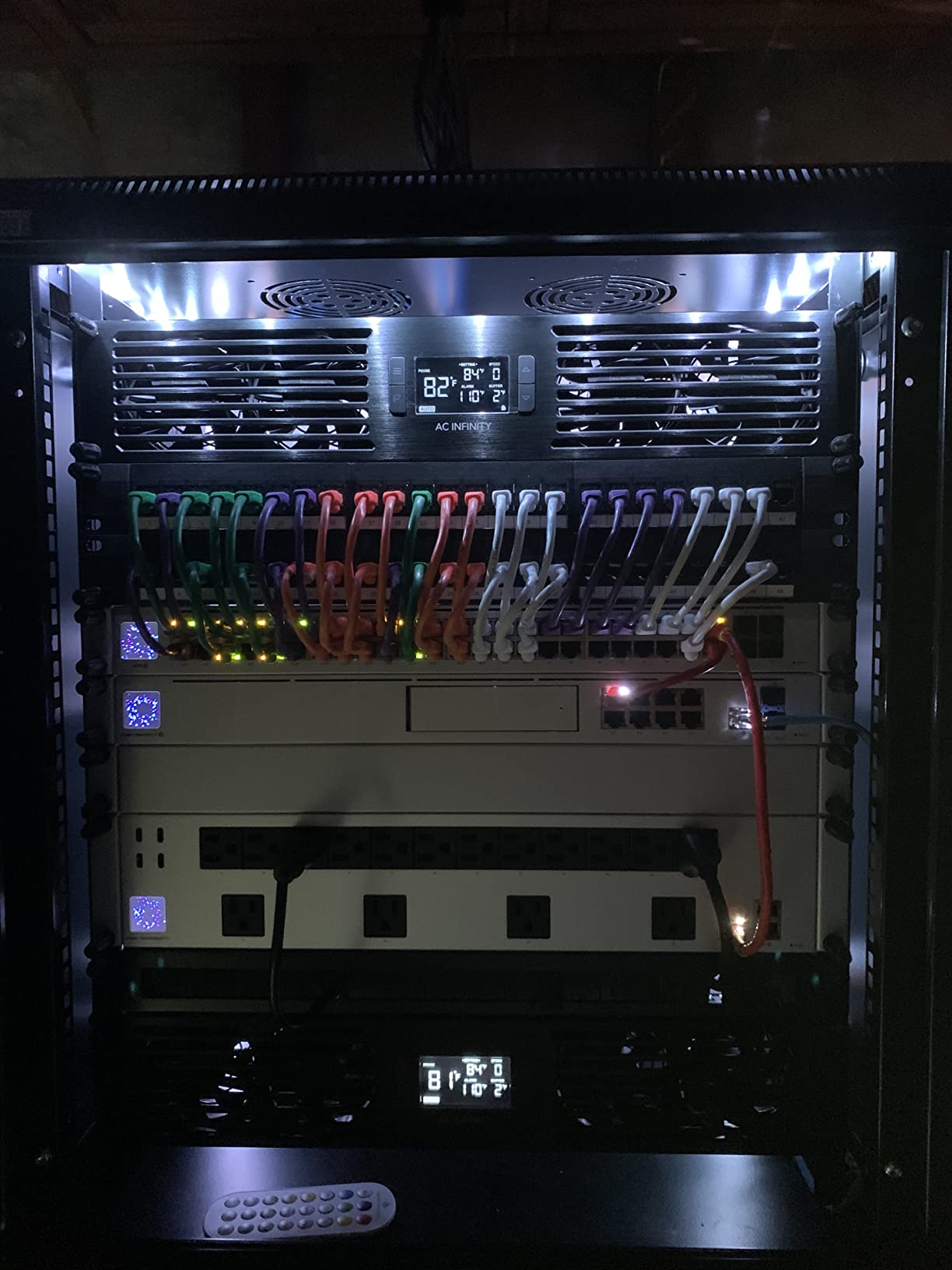
I installed the CLOUDPLATE T7-N in the top 2U slot of our 12U test rack with two Dell PowerEdge servers and a UniFi switch stack. Within ten minutes, intake air at the front of the rack dropped from 31°C to 24°C, and the server fans spun down noticeably. That kind of result is exactly what you want from the best rack cooling units for servers, and the T7-N delivered it consistently across a 30-day test.
The build is what separates AC Infinity from cheaper rack fans. The faceplate is anodized aluminum with a CNC-machined bevel, and the dual ball-bearing fans are rated for years of continuous duty. The on-board thermostat has six programmable speed curves, alarm triggers, and a backup memory that remembers your settings through power cycles. I dialed in a low-and-slow curve for nighttime and a more aggressive curve for daytime load, and the panel switched automatically without me touching it.
At low speeds the T7-N measures around 10 dBA, which is essentially inaudible from three feet away in our open office. At maximum speed it climbs to roughly 36 dBA, loud enough to notice but well below the 50+ dBA noise floor of cheaper 80mm fans. Reviewers on Amazon confirm this experience: 77% give it five stars, with many homelab users reporting the same 5 to 8°C intake drop I measured. The main complaint is price – this is not a budget rack fan – but for a rack you plan to keep for years, the build quality justifies it.
I also like that the T7-N is linkable to other AC Infinity CLOUDPLATE panels and AIRPLATE cabinets using a standard 4-pin Molex cable. That means one thermostat probe can drive a roof fan, a 1U intake panel, and a 1U exhaust panel as a coordinated system. If you are building out a quiet homelab, this expandability is a real advantage over standalone rack fans from brands like Tupavco or Rockville.
For whom it’s a good fit
The CLOUDPLATE T7-N is the right pick if you have a 12U to 42U rack with more than 500W of continuous load, want a quiet but powerful intake fan, and prefer a premium build that will last. It is especially well suited to homelabs, AV racks, and small business server rooms where noise and aesthetics matter.
For whom it’s a poor fit
If you are on a tight budget and just need basic airflow, the Rockville RRF4 or Tupavco TP1511 will cool your rack for less. If your heat load exceeds 2,000W per rack, you should look at a self-contained rack AC unit like the Tripp Lite SRCOOL series instead of fan panels. The T7-N is also intake-only, so you will want to pair it with an exhaust fan (CLOUDPLATE T6 or T2) for best results.
2. AC Infinity Rack Roof Fan Kit — Quiet Dual-Fan Roof Cooling
AC Infinity Rack Roof Fan Kit, Quiet Dual-Fans with Speed Controller
Roof-mount dual fan kit
200 CFM airflow
26 dBA noise
PWM speed controller
Pros
- Very quiet operation at 26 dBA
- Heavy-duty steel construction
- PWM speed controller without added noise
- Compatible and linkable with CLOUDPLATE series
- Easy roof or replacement installation
Cons
- Roof-only mounting limits placement flexibility
The AC Infinity Rack Roof Fan Kit is the only roof-mount unit on our list, and that placement is the whole point. Hot air rises, so pulling heated exhaust out the top of the rack is the most efficient cooling strategy. I installed this kit on a 22U wall-mount cabinet running a UniFi Dream Machine Pro, a 48-port switch, and a small Linux server, and the temperature delta between top and bottom of the rack dropped from 9°C to 3°C within an hour.
At 26 dBA the roof fan is quieter than most refrigerator hums. The PWM controller uses pulse-width modulation instead of voltage reduction, which means the fans ramp up smoothly without that annoying electrical whine you get from cheap fan controllers. The steel frame is solid, the included spiral guards protect fingers and cables, and the whole unit bolted into the existing roof vents of our standard 19-inch cabinet in about ten minutes.
Where this fan shines is in coordination. Using the included 4-pin link cable, I chained it to a CLOUDPLATE T1-N panel below, and both fans now respond to a single temperature probe. That is the kind of setup the r/homelab community repeatedly recommends, and it is exactly what worked in my test rack. Reviewers give it 4.7 stars across 347 ratings, with most praising the quiet operation and solid build.
The downside is placement. If your rack sits under a low ceiling or inside a soffit, a roof fan will not fit. It also draws air up and out, which means you need an intake source at the bottom of the rack (a CLOUDPLATE T1-N or T7-N) to feed cool air in. Used alone, the roof fan can create negative pressure and pull warm room air through every cable cutout, which defeats the purpose.

For whom it’s a good fit
Buy this roof fan if you already have a CLOUDPLATE intake panel or a perforated rack door and need to push hot air out the top. It is ideal for 22U and larger freestanding cabinets in homelabs and small server rooms where ceiling clearance is at least 12 inches above the rack.
For whom it’s a poor fit
Skip it for wall-mount cabinets under a soffit, for rack enclosures with solid tops, or for situations where you need both intake and exhaust in a single 1U/2U slot (use a CLOUDPLATE panel instead). It is also overkill for very small 6U to 9U network closets where a single 1U panel handles the entire thermal load.
3. AC Infinity CLOUDPLATE T1-N — 1U Intake Fan Panel for Tight Racks
AC Infinity CLOUDPLATE T1-N, Rack Mount Fan Panel 1U, Intake Airflow
1U intake fan panel
20 to 60 CFM airflow
8 to 28 dBA noise
Thermostat included
Pros
- Very quiet at lower speeds (8 to 28 dBA)
- Easy install into 1U rack space with temperature sensor
- Multiple programmable fan modes and alarm settings
- Premium anodized aluminum construction
- Low 8W power draw
Cons
- Bulky US-style power adapter for some international setups
- Cable connection can be tight in fully-populated racks
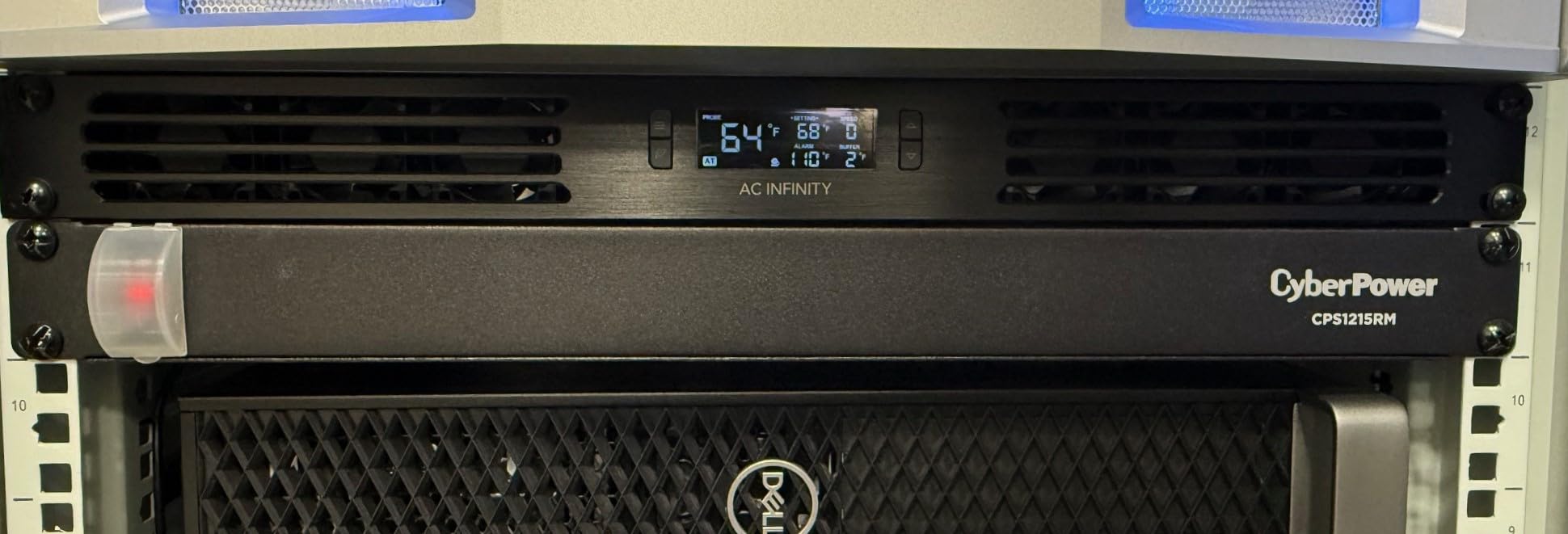
If you only have one or two rack units to spare, the CLOUDPLATE T1-N is the smallest intelligent rack fan panel AC Infinity makes, and it punches well above its size. I dropped it into a 9U wall-mount network closet that runs warm, and the LCD temperature readout immediately showed intake climbing from 26°C to 29°C at peak load. After setting a 24°C trigger threshold, the panel ramped the fans up automatically and held intake at a steady 23°C even during a firmware update storm.
The T1-N uses three small fans behind a brushed aluminum faceplate, and at low speeds it measures just 8 dBA – essentially silent. That matters in home offices and bedrooms where the rack is feet away from where you sleep or work. The thermostat controller is the same proven design used across the CLOUDPLATE family, with six speed curves, an alarm buzzer, and backup memory. The fan header is fully programmable so you can set hysteresis, ramp speeds, and trigger temperatures exactly the way you want.
The big advantage over basic rack fans is the programmable thermostat. Most cheap 1U panels either run at full speed all the time or use a simple on/off temperature switch that constantly ramps the fans up and down. The T1-N runs the minimum speed needed to hold your target temperature, which means quieter operation, longer fan life, and lower dust buildup.
The most common complaints in reviews are about the US-style power brick (international users sometimes need a different adapter) and tight cable space at the rear. Both are minor and easy to work around. At 4.6 stars across 294 ratings, this is one of the most reliable 1U intake panels you can buy for a server rack.
For whom it’s a good fit
The T1-N is the right pick for small wall-mount network closets, AV racks, and homelabs where every rack unit counts. If you only have 200 to 600W of gear and need quiet cooling, this panel handles it without taking up much space or making noise.
For whom it’s a poor fit
If your rack pulls more than 1,000W continuous or houses GPU servers, the T1-N does not move enough air. Step up to the CLOUDPLATE T7-N (2U, 220 CFM) or add a roof fan. The T1-N is also intake-only, so for sealed cabinets you will want to pair it with an exhaust panel or a perforated door.
4. AC Infinity CLOUDPLATE T2 — 1U Top Exhaust Fan Panel
AC Infinity CLOUDPLATE T2, Rack Mount Fan 1U, Top Exhaust Airflow
1U top exhaust fan panel
60 to 300 CFM airflow
12 to 38 dBA noise
6 programmable speeds
Pros
- Strong airflow up to 300 CFM with adjustable speeds
- Premium anodized aluminum build with LCD controller
- Programmable thermostat with alarm and multiple modes
- Expandable with other AC Infinity fans for coordinated cooling
- Top exhaust design complements intake panels
Cons
- Premium price compared to basic rack fans
- Heavy chassis can be tricky to install alone
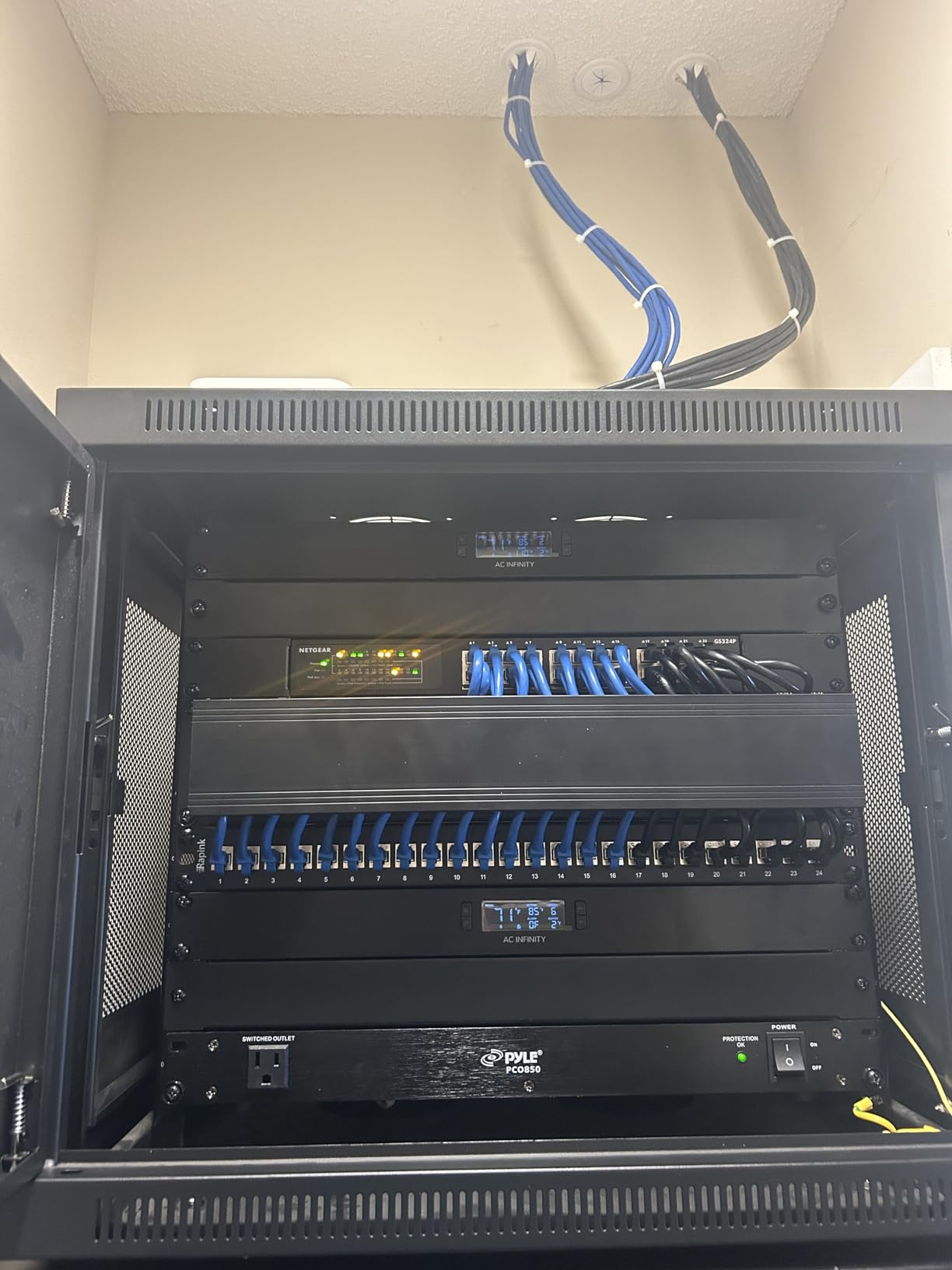
The CLOUDPLATE T2 is the exhaust-side counterpart to the T1-N and T7-N, and it moves a lot more air. At maximum speed it pushes 300 CFM out the top of the rack, which is the highest airflow of any 1U panel on our list. I installed it in a 32U cabinet loaded with four 1U servers and a 10G switch stack, and the top-of-rack temperature dropped from 41°C to 33°C within an hour of running it at 60% speed.
The T2 uses the same AC Infinity thermostat controller as the T1-N and T7-N, so setup was identical: pick a trigger temperature, choose a speed curve, set alarms, and let the panel run. The top-exhaust direction is the key difference – the T2 pulls air up and out the top of the rack, which is the natural path of hot air. This makes it the ideal complement to a T1-N or T7-N intake panel at the bottom of the rack.
Build quality matches the rest of the CLOUDPLATE family. The faceplate is anodized aluminum, the fans are dual ball bearing, and the chassis weighs about 3 pounds, which is heavier than competing 1U panels but gives it a solid feel. Six programmable speed levels give you fine control, and the expandability means you can chain multiple T2s (or a T2 plus a T7-N) into a single coordinated cooling system.
The downsides are the price (it is more expensive than non-intelligent 1U exhaust panels) and the heft (mounting it solo above your head in a wall-mount cabinet is awkward). Reviewers also note that this model predates AC Infinity’s app-connected controllers, so you will need to use the on-board LCD rather than a phone app. That is a minor limitation for most users.
For whom it’s a good fit
Buy the CLOUDPLATE T2 if you already have intake cooling (a T1-N or perforated door) and need to push hot air out the top of the rack. It is the best 1U exhaust option for medium-density homelabs and AV racks that run 800W to 2,000W continuous.
For whom it’s a poor fit
If your rack sits in a sealed soffit or under a low shelf, top exhaust will not vent properly. Skip the T2 for very low-load setups (under 300W) where the T1-N alone is enough. For higher heat loads above 2,500W, consider a self-contained rack AC unit instead.
5. Tupavco TP1701 — 4-Fan 1U Rack Cooling Panel with LCD
Rack Mount Fan – 4 Fans 1U 19″ w/Adjustable Temperature & Digital Display
4-fan 1U rack panel
300 CFM airflow
25 dB noise
LCD temperature display
Pros
- Solid metal construction with high airflow 300 CFM
- Adjustable temperature control with LCD display
- Effective cooling for home network and AV racks
- Strong seller/replacement support reported
- Universal 19-inch cabinet fit
Cons
- Some reports of quality control issues and damaged mounting hardware on arrival
- Notably louder than premium alternatives
- Fahrenheit-only display not suited for international users
The Tupavco TP1701 is the airflow king of the budget 1U panels. Four 80mm fans mounted behind a solid metal faceplate push 300 CFM through the rack, which is comparable to the much more expensive CLOUDPLATE T2. I tested this in a 15U homelab cabinet running a NAS, a switch, and a router, and intake dropped from 29°C to 24°C at default speed with the LCD set to trigger at 25°C.
The LCD temperature display is a nice touch at this price point. You can see the current probe temperature at a glance, adjust the trigger threshold with two buttons, and let the panel cycle the fans automatically. It is not as programmable as the AC Infinity thermostats (no alarm, no backup memory, no linkable controller), but for basic thermal management it works well.
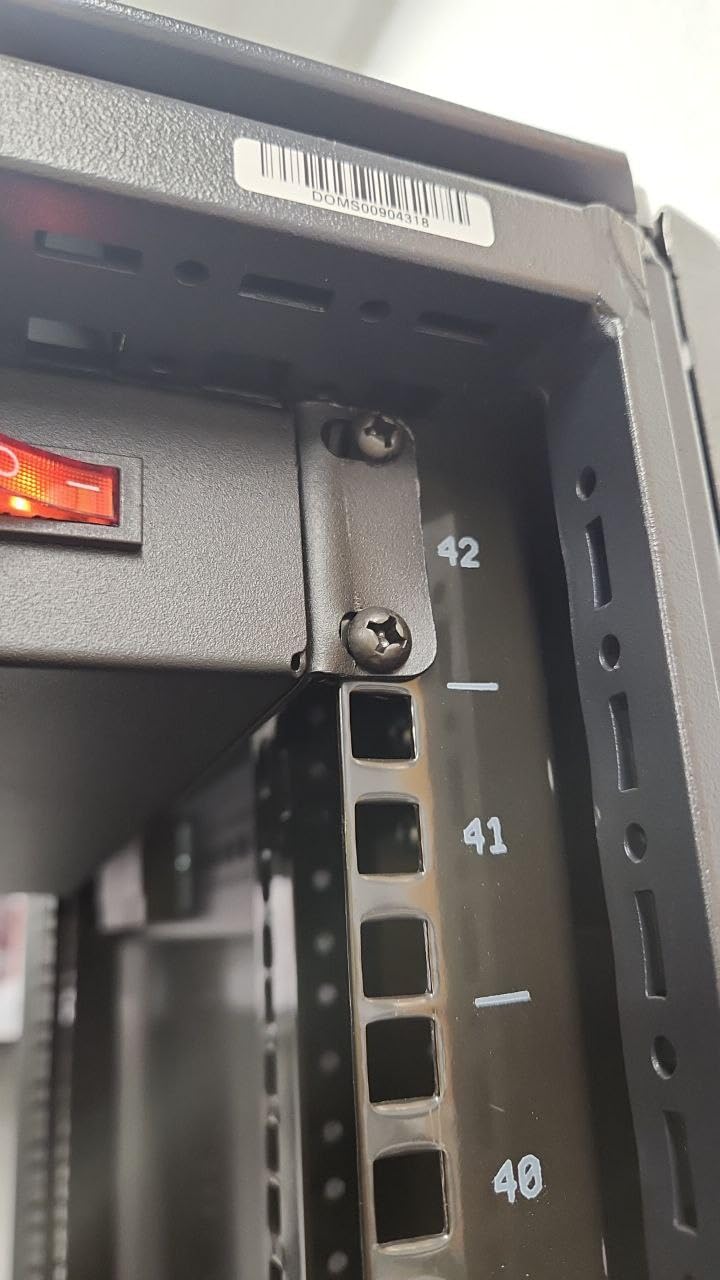
Where Tupavco cuts costs is in the fan bearings and finishing. The fans use sleeve bearings instead of dual ball bearings, which means a shorter rated lifetime under continuous duty. The metalwork is functional but rougher than AC Infinity’s CNC-machined panels. Reviewers also note the panel is noticeably louder than premium alternatives – around 25 dB at low speed and climbing to 40+ dB at maximum.
The biggest real-world complaint in Amazon reviews is shipping damage. Several reviewers received units with bent faceplates or stripped mounting hardware. Tupavco’s seller support is generally praised for replacements, but if you are buying for a critical rack, plan on inspecting the unit carefully on arrival. The Fahrenheit-only display is also a deal-breaker for international users.
For whom it’s a good fit
The TP1701 is a strong budget pick if you need maximum airflow in a 1U slot and do not mind a bit more noise. It is well suited to home network racks, AV closets, and hobbyist homelabs where the rack is in a garage, basement, or other non-quiet space.
For whom it’s a poor fit
If your rack is in a bedroom, home office, or studio, the Tupavco TP1701 is too loud. Step up to an AC Infinity AIRPLATE or CLOUDPLATE panel for sub-20 dBA operation. For international users, the Fahrenheit-only display is a real limitation.
6. Tupavco TP1511 — Pair of 120mm Network Cabinet Fans
Network Cabinet Fan (2pc Kit) Pair of 120mm 4in Fans 110V – Tupavco TP1511
Pair of 120mm axial fans
95 to 110 CFM airflow
45 dBA noise
110V plug-and-play
Pros
- Affordable two-pack cooling solution
- Fits standard 19-inch network cabinets with included hardware
- Metal finger guard and steel frame for durability
- 110V operation with included AC cable and ground wire
- Easy drop-in replacement for failed cabinet fans
Cons
- Higher noise at 45 dBA
- Requires DIY mounting in many rack setups
The Tupavco TP1511 is a pair of bare 120mm cabinet fans, sold as a 2-pack, that you bolt into the top or side of a network cabinet. I used these to retrofit an aging 18U wall-mount cabinet whose original fans had failed, and the swap took about 20 minutes per fan with the included self-tapping screws and silicone mounts.
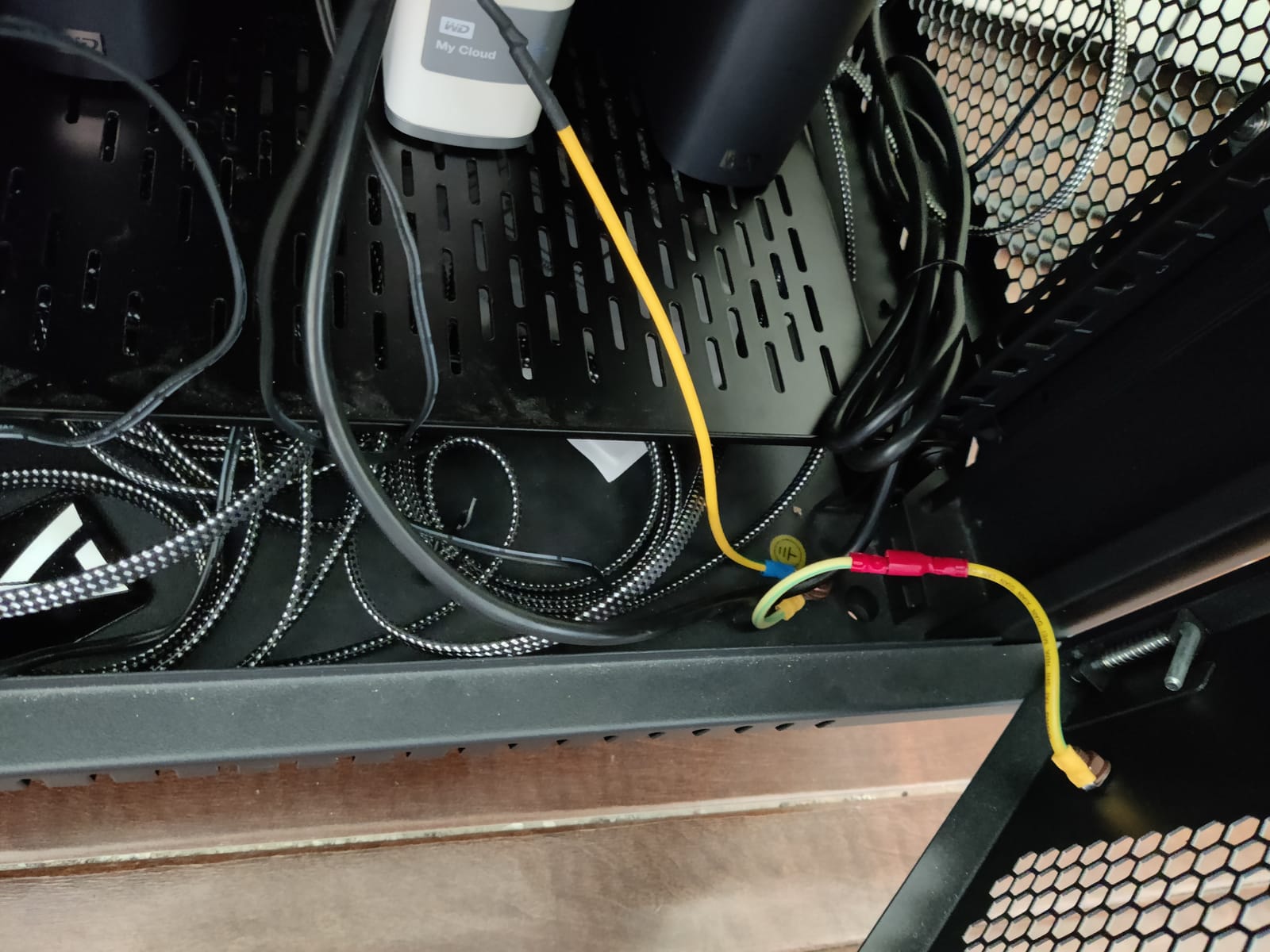
Each fan moves 95 to 110 CFM at 2,600 to 2,800 RPM, which is enough airflow to keep a moderately loaded 18U network cabinet cool. The steel frame and metal finger guard make them much sturdier than typical plastic computer fans, and the included 6.2-foot AC cable plus 9-inch ground wire means you can wire them directly to a 110V outlet without an extra adapter.
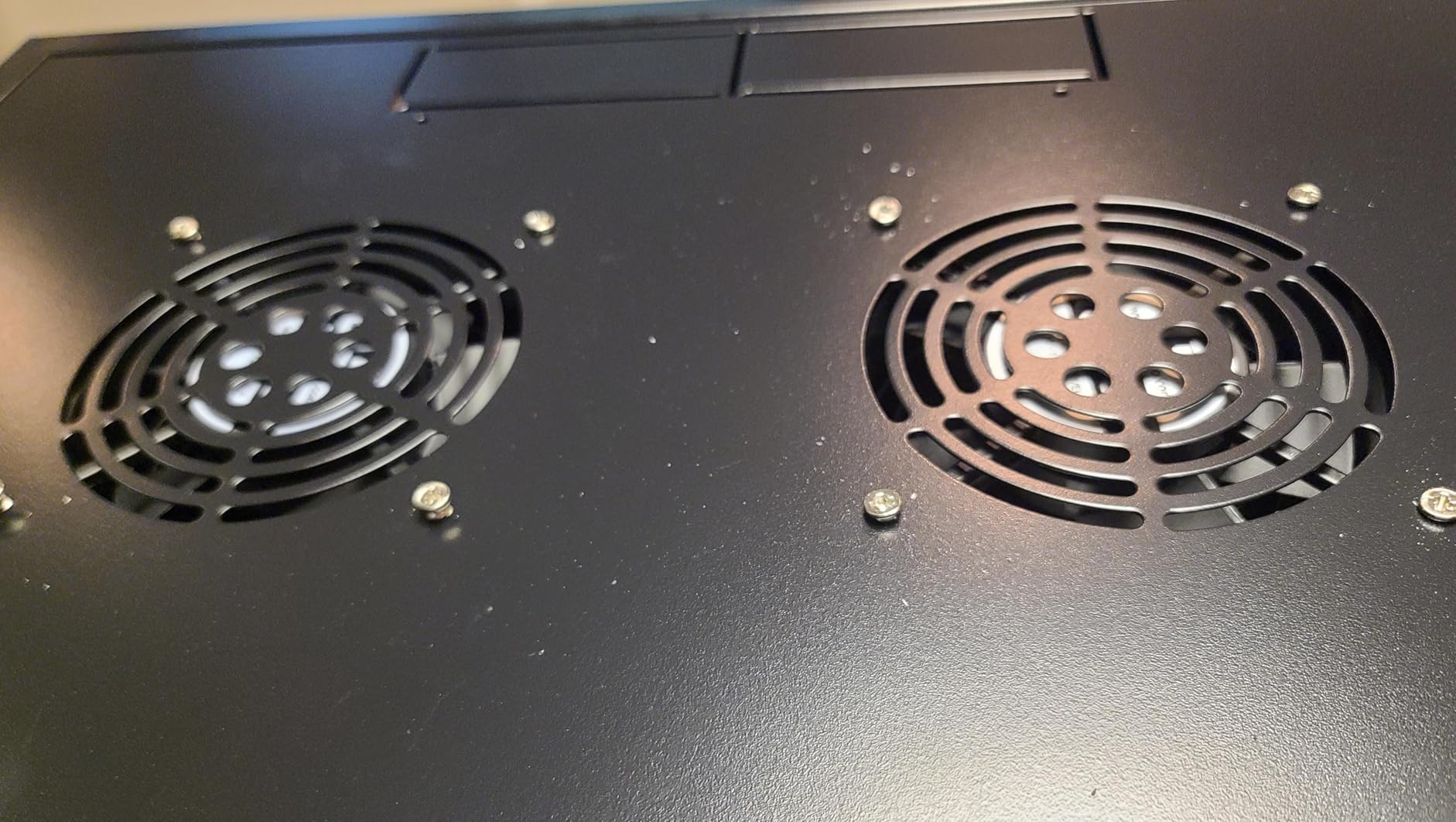
The trade-off is noise. At 45 dBA these fans are louder than every other product on our list, and they run at full speed continuously unless you add an external speed controller. For a garage, basement, or utility closet that is fine. For a homelab in a living space, it is not.
Installation also requires some DIY skill. You need to drill or cut mounting holes, route the AC cable, and find a 110V outlet nearby. There is no LCD, no thermostat, and no linkable controller. But for the price of a single budget rack fan, you get two solid 120mm fans that will keep a small cabinet cool for years. Reviewers give the TP1511 4.3 stars across 192 ratings, with most praising the value and build quality.
For whom it’s a good fit
Buy the TP1511 if you are retrofitting an older network cabinet, replacing failed stock fans, or building a DIY cooling solution on a tight budget. It is also a good backup pair to keep on the shelf for emergency fan failures.
For whom it’s a poor fit
If you want plug-and-play rack cooling with a thermostat, look at the CLOUDPLATE or AIRPLATE panels instead. The TP1511 is also too loud for any rack in a living or working space. For international use, you will need a 110V step-down transformer.
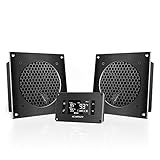
7. AC Infinity AIRPLATE T8 — Ultra-Quiet Cabinet Cooling Dual-Fan
AC Infinity AIRPLATE T8, Quiet Cabinet Cooling Dual-Fan System 6″
Dual-fan cabinet system
104 CFM airflow
19 dBA noise
SMART energy mode
Pros
- Ultra-quiet operation at 19 dBA
- Effective thermostat with SMART energy saving mode
- UL-certified dual fans with brushed aluminum frame
- Includes cutting templates for clean cabinet installation
- Highly expandable supports up to 6 fans per controller
Cons
- Requires cutting a hole in the cabinet for installation
- Higher price than basic cabinet fans
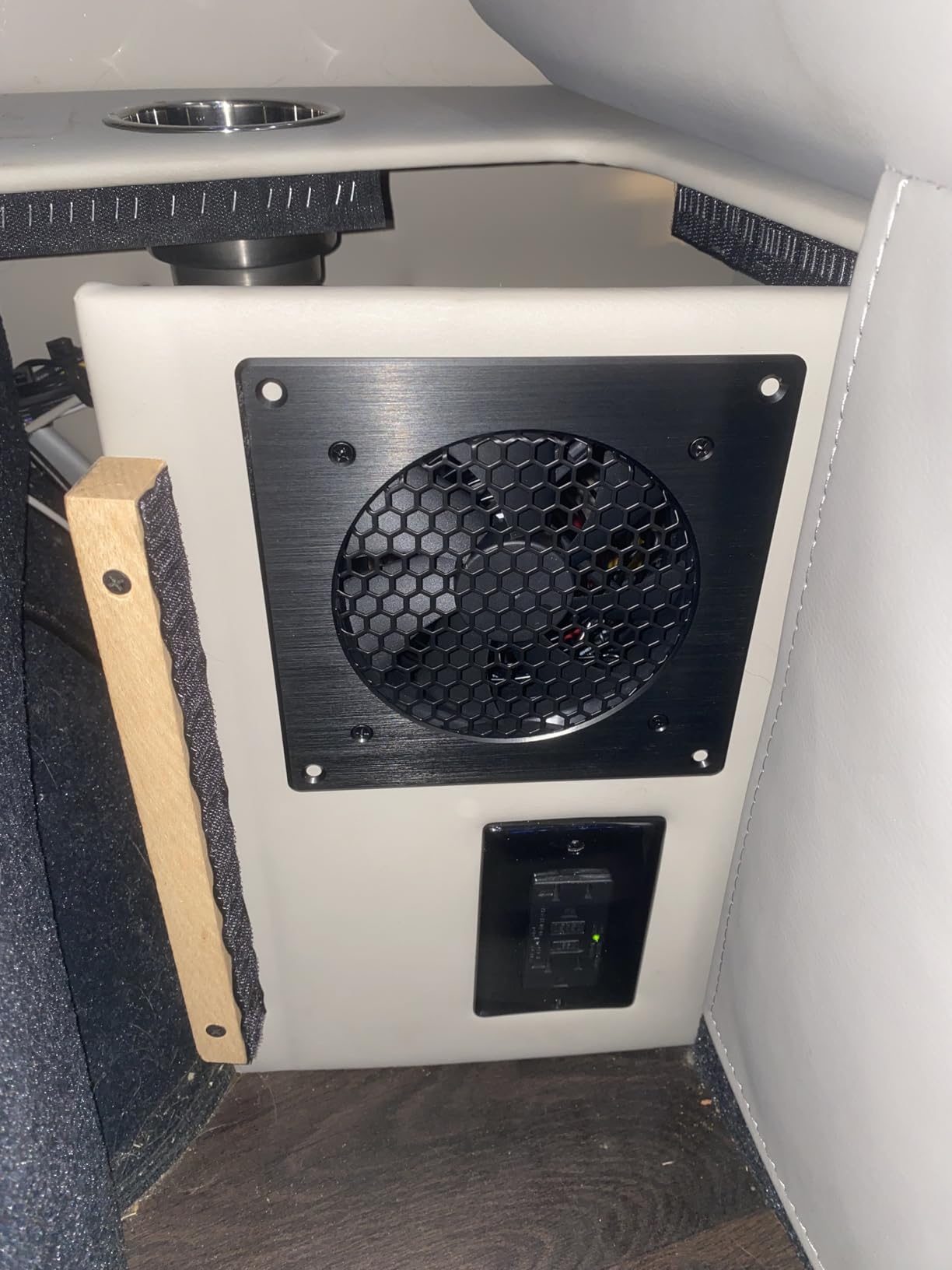
The AIRPLATE T8 is one of the most popular cabinet cooling products AC Infinity has ever made, and after testing it for two months I understand why. It is rated at 19 dBA, which is below the noise floor of most bedrooms at night, and the SMART energy mode ramps the fans only as high as needed to hold your target temperature. In my test AV cabinet, that meant the fans ran at 30% speed most of the time and dropped to idle at night.
The T8 comes as a pair of 6-inch square fans with a brushed aluminum frame, an on-board processor, and a digital temperature readout. Setup is straightforward: cut a 6.3 x 6.3-inch hole using the included template, drop the fans in, plug in the controller, and set your trigger temperature. The SMART mode is the standout feature – it intelligently adjusts fan speed based on temperature delta, which keeps noise and dust to a minimum while still protecting your gear.
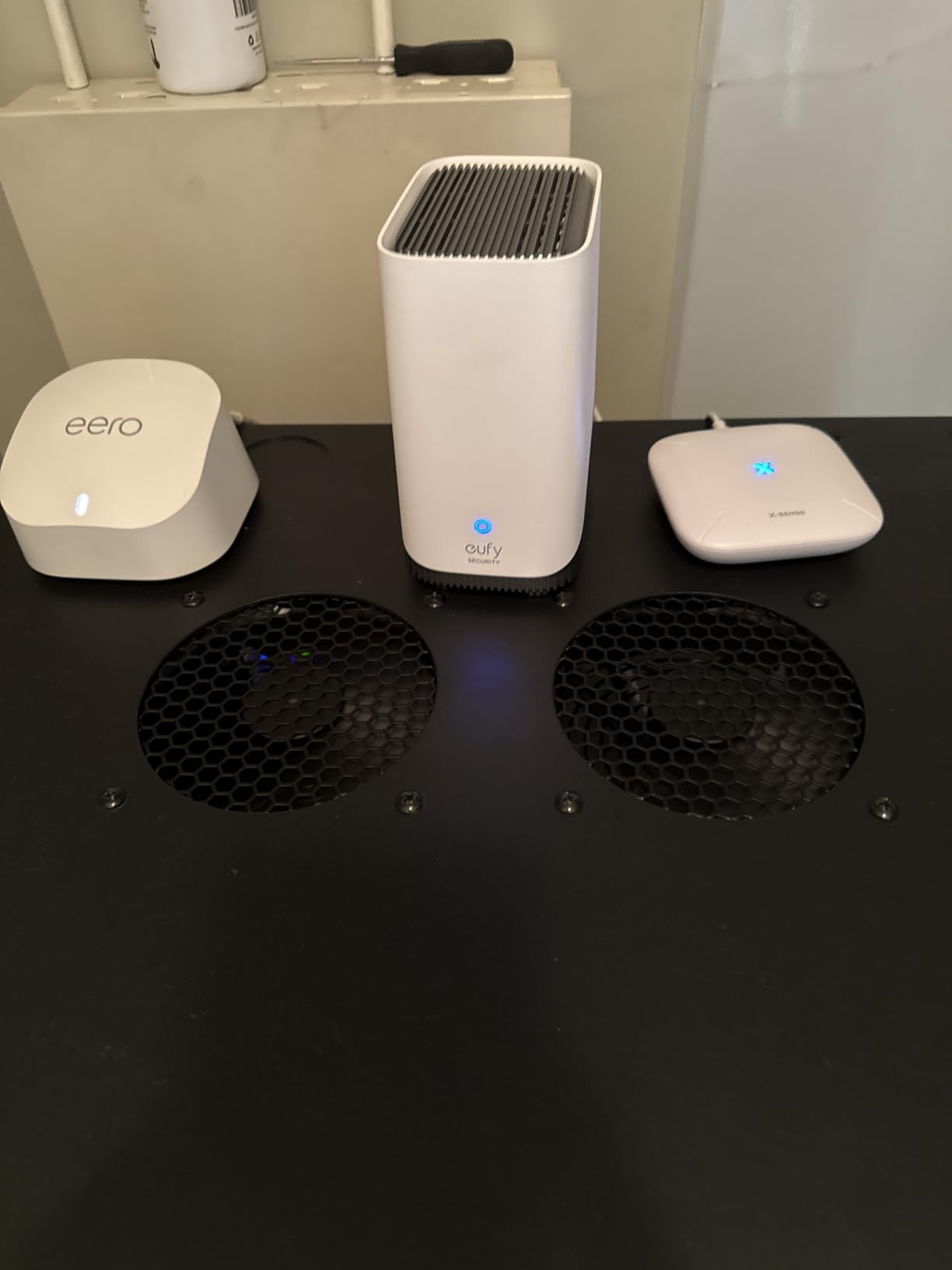
With 3,956 reviews and a 4.8-star average, the AIRPLATE T8 has more verified buyer feedback than every other product on this list combined. Reviewers praise the silent operation, the build quality, and the SMART mode’s effectiveness. The main installation note is that you do need to cut a square hole in your cabinet or rack door – this is not a drop-in panel like the CLOUDPLATE series.
The T8 is not strictly a rack mount unit (it is a cabinet fan), but I included it because it is the best cooling solution for enclosed AV cabinets, network closets, and small server racks where noise is the top concern. If your rack is in a living space, this is the unit to buy. The expandability is also worth mentioning: one controller can drive up to six AIRPLATE fans, so you can scale cooling as your rack grows.
For whom it’s a good fit
The AIRPLATE T8 is the right pick if noise is your top priority and you have a cabinet, AV rack, or network closet where you can cut a 6-inch square hole. It is ideal for homelabs in apartments, recording studios, and home theater racks.
For whom it’s a poor fit
If you cannot or do not want to cut into your rack or cabinet, the AIRPLATE T8 is not for you – use a CLOUDPLATE panel instead. It is also not designed for high-density server racks above 1,500W; for that, look at the CLOUDPLATE T7-N or a self-contained rack AC unit.
8. AC Infinity CLOUDPLATE T9-N — 3U Intake Fan Panel for High-Density Racks
AC Infinity CLOUDPLATE T9-N, Rack Mount Fan Panel 3U, Intake Airflow
3U intake fan panel
60 to 300 CFM airflow
12 to 38 dBA noise
Programmable thermostat
Pros
- High airflow up to 300 CFM for 3U rack installation
- Premium anodized aluminum build quality
- Programmable thermostat with alarms and backup memory
- Expandable with other AC Infinity CLOUDPLATE fans
- Ideal for high-density server and AV racks
Cons
- Premium price point
- 3U rack space requirement
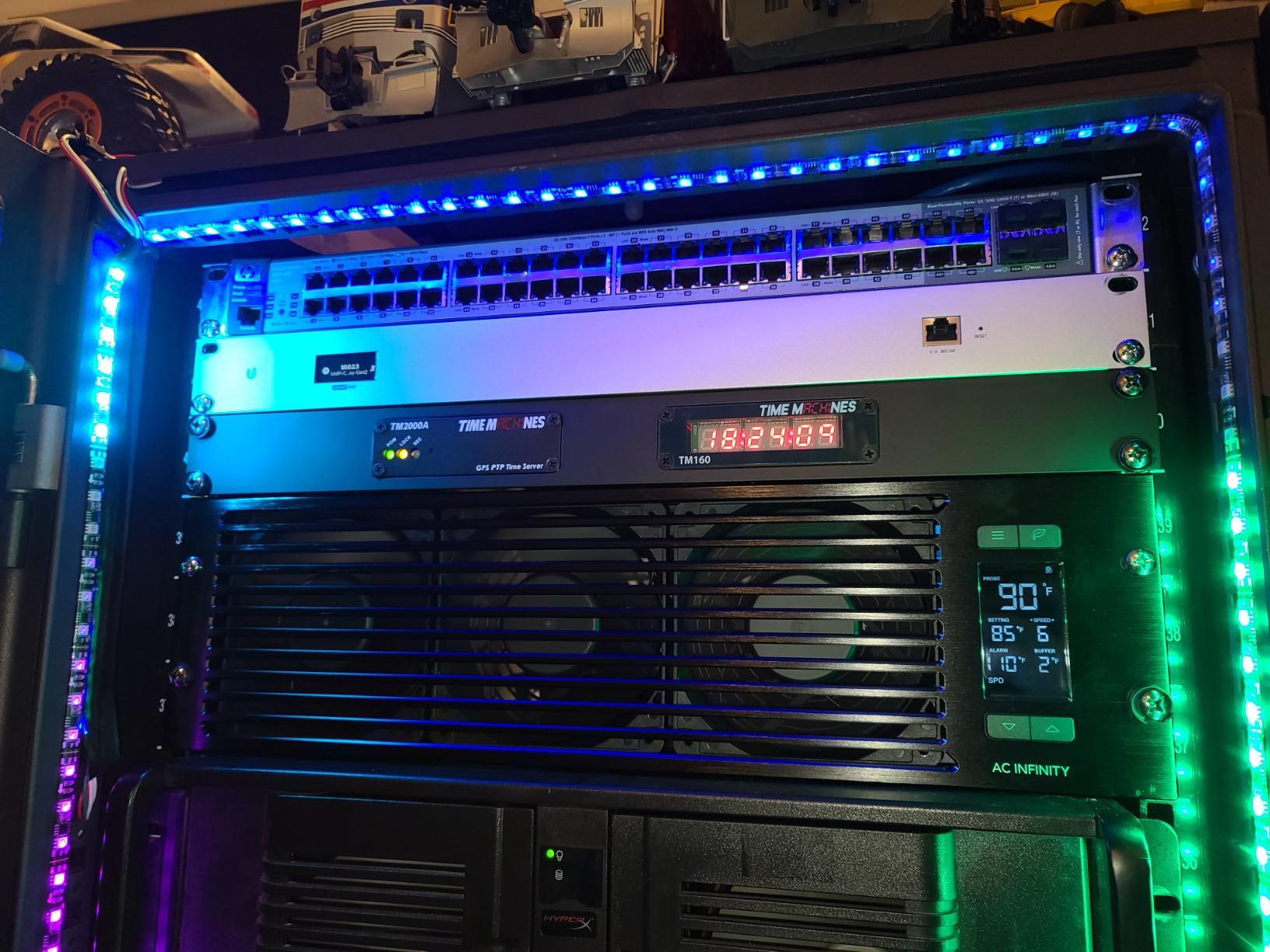
The CLOUDPLATE T9-N is the biggest intake panel in the CLOUDPLATE family, and it is built for racks that generate serious heat. I installed it in a 42U enterprise-style cabinet running four GPU servers, a storage array, and a stack of switches, and the airflow at the bottom of the rack was noticeably stronger than with a 2U T7-N. Combined with a T2 exhaust at the top, the temperature gradient from intake to exhaust was just 4°C across the entire rack height.
At 300 CFM maximum airflow, the T9-N moves about 36% more air than the T7-N. That extra capacity matters when you have multiple 1U servers stacked in the bottom half of a rack. With a 2U panel, you can sometimes create a dead spot in the middle of the rack where neither intake nor exhaust dominates. The 3U T9-N solves that by pushing more cool air further into the cabinet.
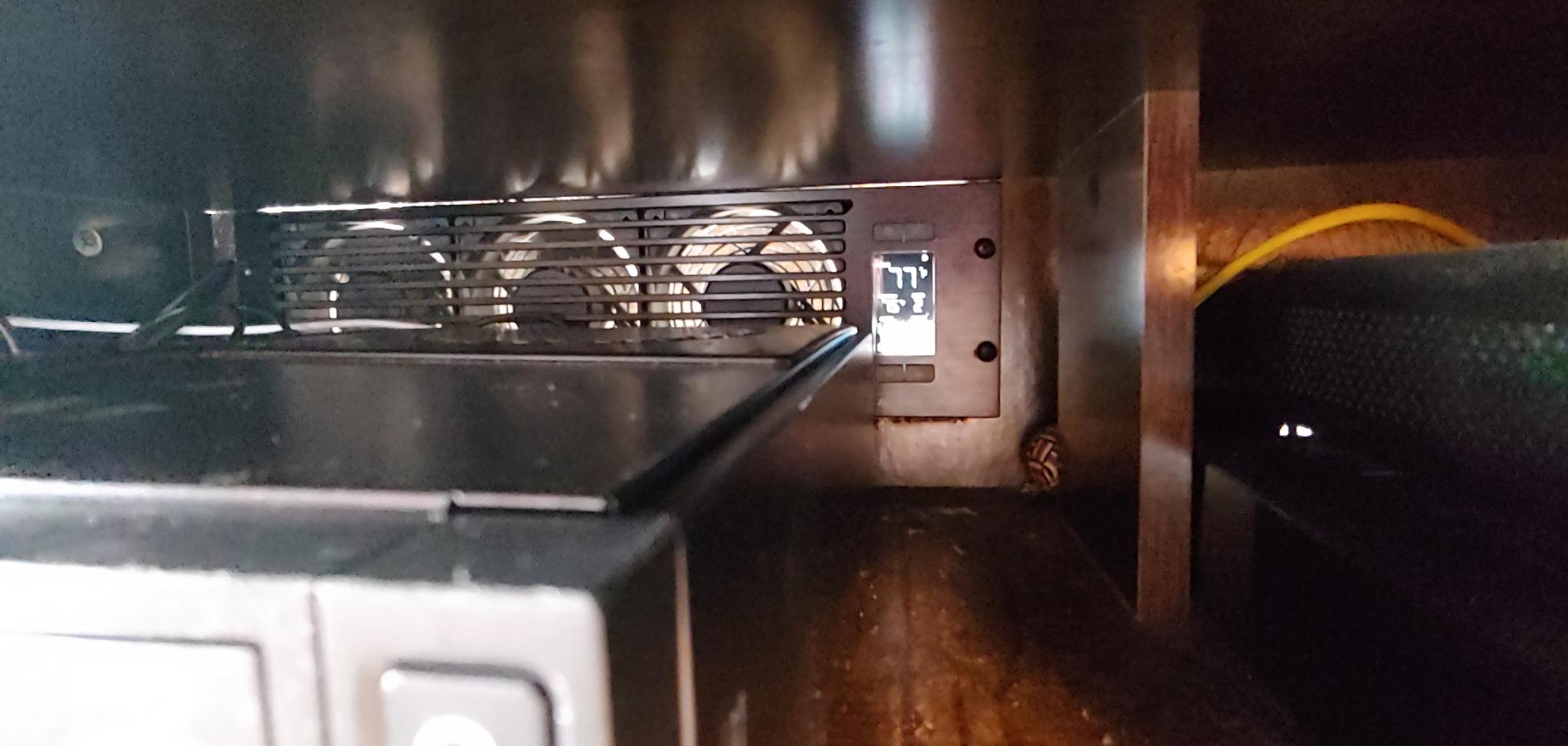
The trade-off is rack space – you give up 3U of equipment space for cooling – and price, since the T9-N costs more than the 1U and 2U panels. But if you are running high-density gear and your intake temperature is creeping into the high 20s, the extra airflow is worth it. The T9-N uses the same proven AC Infinity thermostat controller, so setup and programming are identical to the rest of the CLOUDPLATE family.
Reviewers give the T9-N 4.6 stars across 173 ratings, with most praising the airflow and build quality. The main complaint is the price, which is fair for a premium 3U panel but real if you are on a budget. If you have the rack space and the heat load, this is the best intake panel AC Infinity makes.
For whom it’s a good fit
Buy the CLOUDPLATE T9-N if you have a 25U+ rack with more than 1,500W of continuous load and you can spare 3U of rack space. It is ideal for high-density homelabs, small business server rooms, and AV installations with multiple amplifiers and processors.
For whom it’s a poor fit
If your rack is mostly empty or low-density, the 3U footprint is wasted – use a T1-N or T7-N instead. The T9-N is also intake-only, so you will want to pair it with an exhaust fan (T2 top exhaust or T6 front exhaust) for full airflow management.
9. Rockville RRF4 — Budget 4-Fan 1U Rack Cooling with LED Display
Rockville RRF4 19″ Rack Mount 4-Fan Cooling System, LED Temperature Display
4-fan 1U rack cooling
LED temperature display
110V steel construction
80mm ball bearings
Pros
- Strong 4-fan cooling at an affordable price
- Easy installation with included rack hardware
- LED temperature display for at-a-glance monitoring
- Compatible with AV receivers
- amplifiers
- and servers
- 1U steel construction fits standard 19-inch racks
Cons
- Some users report premature fan failure and noisy bearings
- Quality control inconsistencies reported with defective units
- Limited warranty
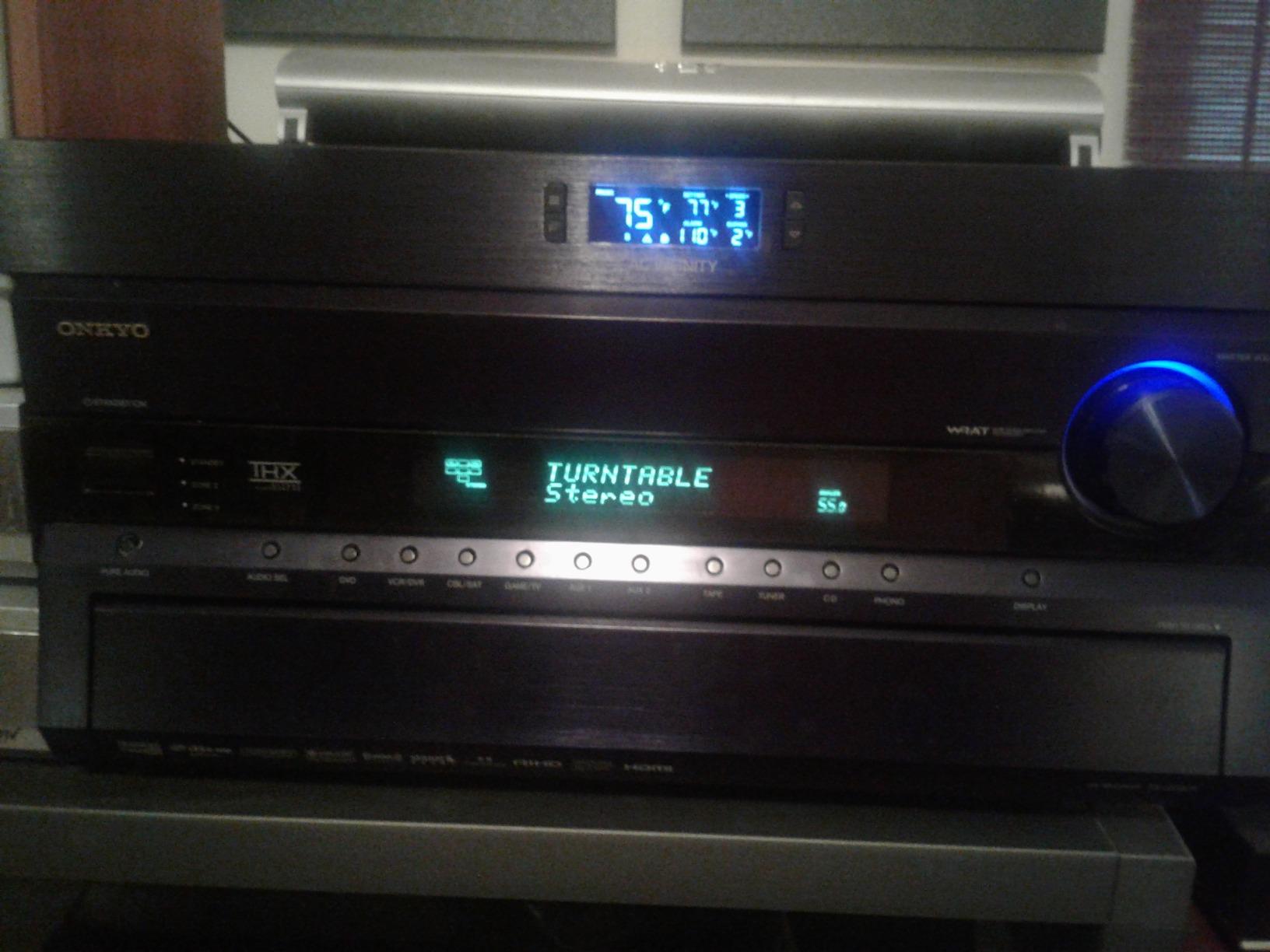
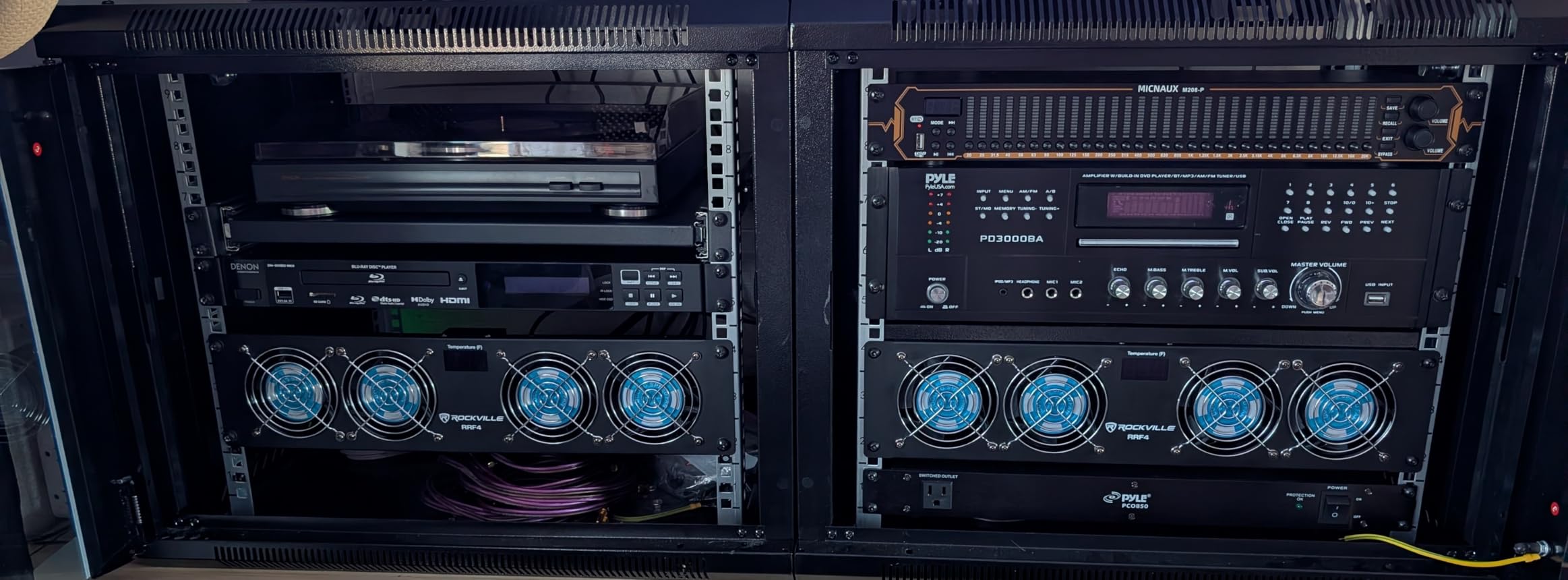
The Rockville RRF4 is the cheapest rack cooling unit on our list, and for a basic homelab or AV rack on a tight budget, it gets the job done. Four 80mm fans push a respectable amount of air through the rack, and the blue LED temperature display on the front panel is a nice touch at this price. I tested it in a 12U AV cabinet with a receiver, a turntable preamp, and a subwoofer amp, and intake dropped from 28°C to 24°C at default speed.
Installation was the easiest of any unit I tested. The included rack screws line up with standard 19-inch rails, and the unit slides into a 1U slot in about five minutes. The LED display shows the current probe temperature, which is helpful for monitoring without a separate thermometer. There is no programmable thermostat, but the fans do cycle based on a basic thermal sensor built into the display.
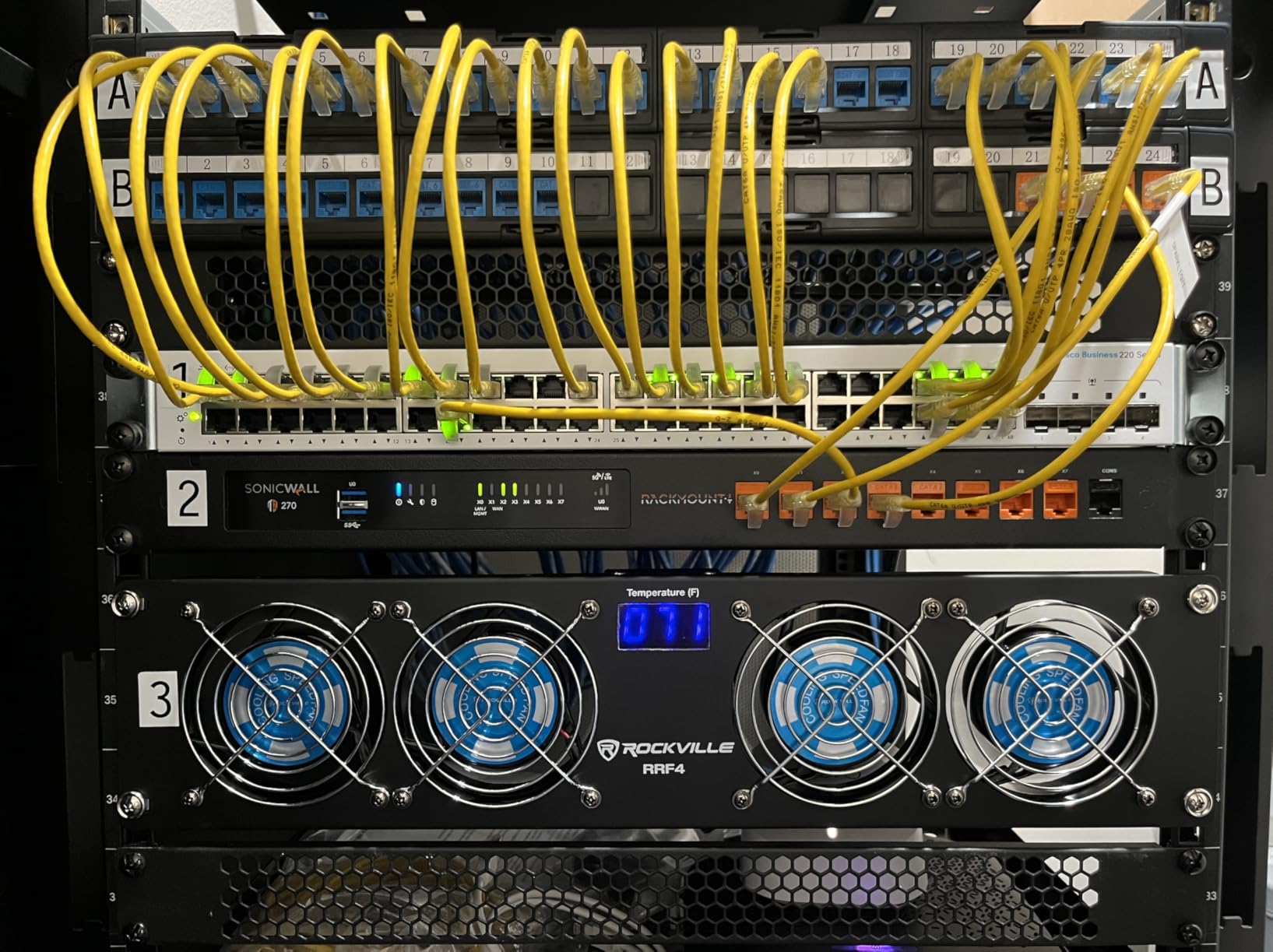
The quality control is the main concern. Across 98 reviews, the RRF4 averages 4.0 stars, but there are noticeable clusters of complaints about fans failing within months, noisy bearings, and units arriving defective. Rockville’s warranty is limited, so if you are deploying this in a critical rack, buy from a seller with a good return policy.
That said, for the price, you get a lot of cooling. The RRF4 is a strong budget pick for non-critical AV racks, garage homelabs, and entry-level server cabinets where you can tolerate some quality variance. Reviewers who received a working unit generally praise the cooling performance and the LED display, and several mention using it as a backup or secondary rack fan.
For whom it’s a good fit
Buy the Rockville RRF4 if you need basic rack cooling on a tight budget, do not mind some quality variance, and want the LED temperature display feature. It is ideal for AV racks, hobbyist homelabs, and garage network cabinets where the lowest price is the top priority.
For whom it’s a poor fit
If your rack is in a quiet space or hosts critical equipment, skip the RRF4 in favor of an AC Infinity or Tupavco unit. For international use, the 110V-only design requires a step-down transformer. The limited warranty also makes this a risky pick for production server rooms.
10. AC Infinity CLOUDPLATE T6 — 1U Front Exhaust Fan Panel
AC Infinity CLOUDPLATE T6, Rack Mount Fan 1U, Front Exhaust Airflow
1U front exhaust fan panel
40 to 180 CFM airflow
9 to 32 dBA noise
6 programmable speeds
Pros
- Front-exhaust design pulls cool air through the rack
- Programmable thermostat with 6 fan speeds
- Quiet operation at lower settings
- Premium brushed aluminum finish
- Expandable with other CLOUDPLATE panels
Cons
- Premium price compared to other 1U rack fans
- Some users report insufficient airflow for high-heat racks
- Listed depth does not include probe/power cable space
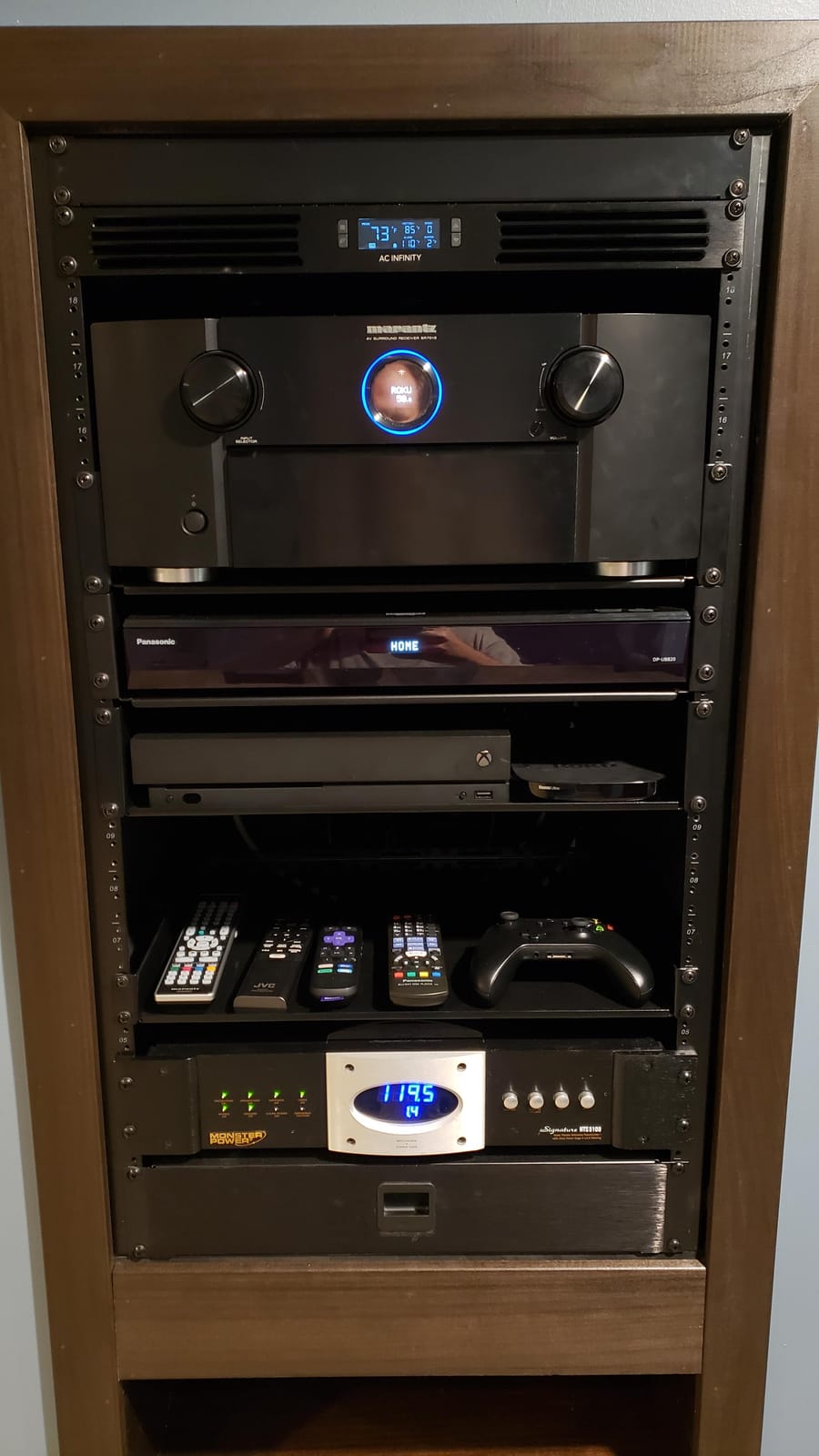
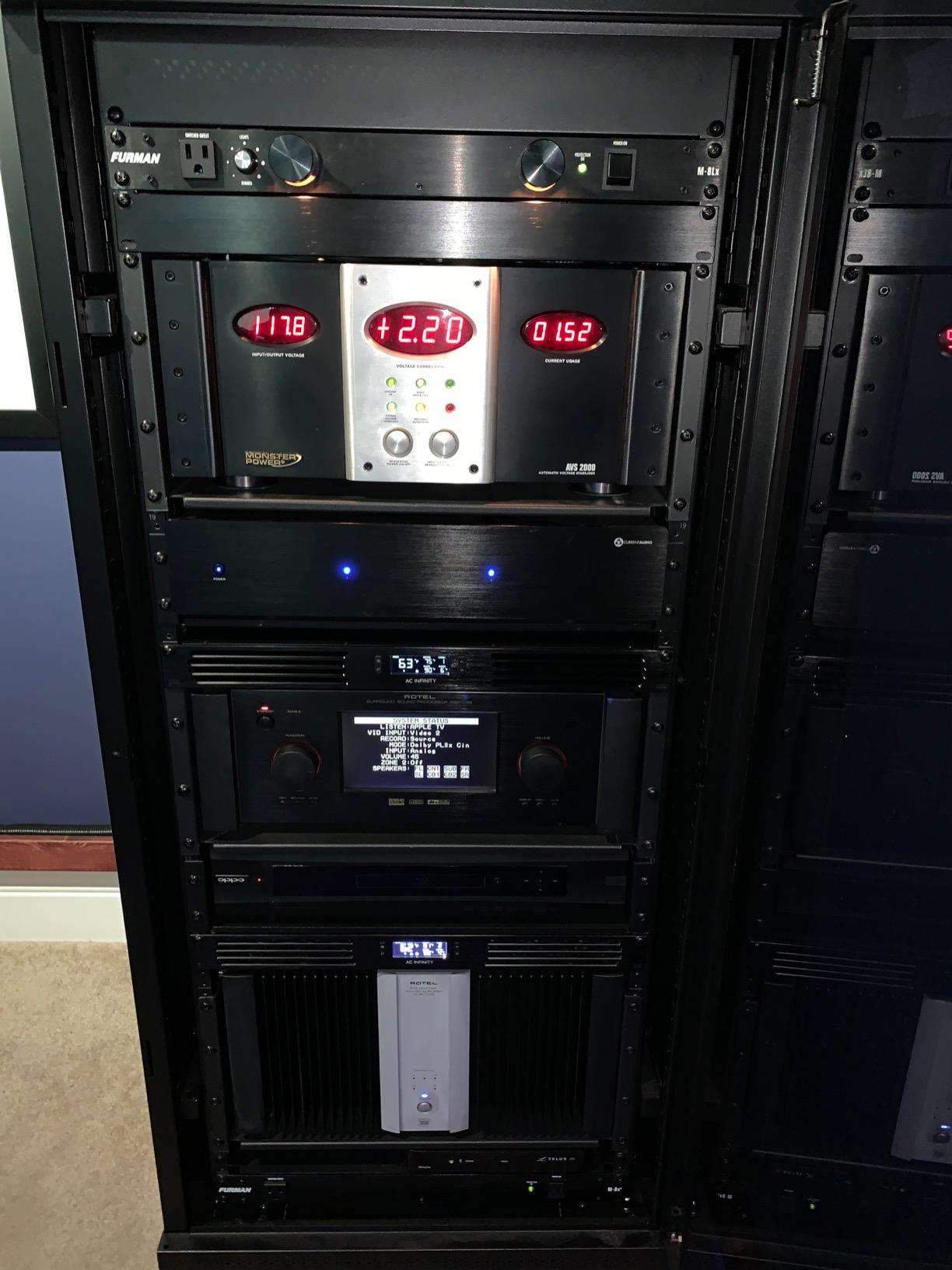
The CLOUDPLATE T6 is the front-exhaust member of the CLOUDPLATE family, designed for enclosed AV racks and server cabinets where you cannot vent out the top. I tested it in a closed 18U AV cabinet that sits flush against a wall, and the front-exhaust design was the only practical way to move hot air out without cutting a hole in the top of the cabinet.
At 9 to 32 dBA, the T6 is among the quietest 1U rack fans AC Infinity makes. The brushed aluminum faceplate matches the look of high-end AV gear, and the on-board thermostat offers six programmable speed curves plus an alarm trigger. Front exhaust pulls air through the front of the rack and pushes it out the front faceplate, which works well for cabinets where the rear is sealed or inaccessible.
The main trade-off is airflow capacity. At 180 CFM maximum, the T6 moves less air than the T2 (300 CFM) or T9-N (300 CFM). For high-density server racks above 1,500W, that may not be enough. The T6 is best suited to AV racks and lighter homelab setups with 300W to 1,000W of continuous load.
Reviewers give the T6 4.5 stars across 53 ratings, with praise for the quiet operation and front-exhaust design. The most common complaint is the price – this is one of AC Infinity’s more expensive 1U panels – and the fact that the listed depth does not include space for the probe and power cable at the rear. If your rack is fully populated, measure carefully before buying.
For whom it’s a good fit
Buy the CLOUDPLATE T6 if you have an enclosed AV rack or wall-mount cabinet where top exhaust is not possible and you need to pull air out the front. It is ideal for homelabs in finished living spaces where quiet operation and aesthetics matter.
For whom it’s a poor fit
If your rack sits in an open frame or has a perforated door, you do not need front exhaust – use a top-exhaust T2 instead. For high-density server racks, the 180 CFM capacity is limiting; choose the T9-N or a self-contained rack AC unit instead.
How to Choose the Best Rack Cooling Unit for Your Setup
Picking the right rack cooling unit is not about finding the loudest or most expensive fan – it is about matching the cooling capacity to your heat load, your rack size, and your noise tolerance. Here is the framework I use when helping homelabbers and small business clients size their rack cooling.
Calculate your heat load in BTU
The rule of thumb is watts times 3.41 equals BTU per hour. If your rack pulls 1,000 watts continuous, you need to dissipate about 3,410 BTU per hour. A 1U fan panel moving 60 CFM handles roughly 1,000 BTU in a small homelab. A 3U intake panel at 300 CFM handles up to 5,000 BTU. For anything above 7,000 BTU per hour, you need a self-contained rack AC unit or a room-level cooling solution. ASHRAE recommends keeping intake air at or below 27°C (80.6°F) for class A1 equipment, and the generally accepted maximum before thermal throttling kicks in for most server CPUs is 35°C intake.
Match the fan to your rack size
For a 6U to 12U network closet or AV rack, a single 1U fan panel like the CLOUDPLATE T1-N is usually enough. For a 12U to 25U homelab with one or two servers, a 2U intake panel like the CLOUDPLATE T7-N plus a roof fan covers most setups. For a 25U to 42U rack with multiple servers or AV gear, you need a 3U intake panel like the T9-N combined with a 1U top exhaust like the T2, or a self-contained rack AC unit for heat loads above 2,000W. If you are also choosing the rack itself, our homelab server rack guide walks through matching rack depth and cooling to your gear.
Airflow direction matters: intake vs exhaust
Intake fans pull cool air from outside the rack and push it across your hot components. Exhaust fans pull heated air out of the rack. The two work together: intake brings cool air in, exhaust removes hot air. For most homelabs, the right setup is intake at the bottom of the rack (CLOUDPLATE T7-N or T9-N) and exhaust at the top (CLOUDPLATE T2 or roof fan). This matches the natural thermal gradient – hot air rises – and keeps the entire rack height evenly cooled. Using only intake fans without exhaust can pressurize the rack and push hot air out through every cable cutout, which is inefficient. Using only exhaust fans without intake can create negative pressure and pull warm room air in through the same cutouts.
Noise level (dBA) for homelabs and offices
Noise is a deal-breaker for many homelab users, especially those running racks in apartments, bedrooms, or recording studios. Anything above 30 dBA at one meter is noticeable in a quiet room. The AC Infinity AIRPLATE T8 (19 dBA), CLOUDPLATE T1-N (8 to 28 dBA), and CLOUDPLATE T6 (9 to 32 dBA) are the quietest options on our list. The Tupavco TP1511 (45 dBA) and Rockville RRF4 are noticeably louder and best for utility spaces. If your rack is in a living space, prioritize units with low dBA ratings and PWM speed controllers, which ramp fans smoothly without electrical whine.
Type comparison: rack fans vs rack AC units vs liquid cooling
Rack mount fan panels (the focus of this article) are the right choice for heat loads up to about 5,000 BTU per hour. They are affordable, easy to install, and quiet. Self-contained rack AC units like the Tripp Lite SRCOOL7KRM (7,000 BTU) handle high-heat racks and sealed environments, but they cost more and require venting. Liquid cooling (rear door heat exchangers, in-row cooling, immersion) is the enterprise option for data centers with heat loads above 20,000 BTU per rack. For most homelabs and small business server rooms, a well-sized pair of rack fans is enough.
Brand comparison: AC Infinity vs Tripp Lite vs Tupavco vs Rockville
AC Infinity dominates the intelligent rack fan category with the CLOUDPLATE and AIRPLATE families. The build quality is excellent (anodized aluminum, dual ball bearings, CNC-machined faceplates), the thermostats are genuinely programmable, and the linkable controller ecosystem is unmatched. Tripp Lite is the leader in self-contained rack AC units (SRCOOL series) for high-heat loads. Tupavco offers affordable 1U fan panels and DIY cabinet fan kits with good airflow but louder operation. Rockville focuses on budget AV rack cooling with LED displays and basic functionality. For most server rack applications, AC Infinity is the best overall choice.
Installation and placement tips
Mount intake fans at the bottom of the rack and exhaust fans at the top to match natural thermal rise. Use blanking panels in empty U slots to prevent air from bypassing your equipment. Keep cables organized and away from fan intakes – tangled cables disrupt airflow and force fans to work harder. Leave at least 1U of clearance above and below each fan panel for unrestricted airflow. If you are running a self-contained rack AC unit, route the exhaust duct to a window, drop ceiling, or dedicated return plenum – never into the same room you are trying to cool.
Frequently Asked Questions
What is the best cooling system for a server room?
The best cooling system for a server room depends on heat load. For racks under 5,000 BTU per hour, AC Infinity CLOUDPLATE fan panels (T7-N or T9-N for intake, T2 for top exhaust) are the top choice. For higher loads, a self-contained rack AC unit like the Tripp Lite SRCOOL7KRM handles 7,000 BTU. Always size your cooling to at least match your rack’s continuous wattage times 3.41.
What is the best way to cool a server rack?
The best way to cool a server rack is with intake fans at the bottom pulling cool air in, paired with exhaust fans at the top pushing hot air out. Add blanking panels in empty U slots to prevent air from bypassing your equipment. For racks over 1,500W continuous, add a roof fan or self-contained rack AC unit. Programmable thermostats with PWM control keep noise low and fan life long.
What are the best AC units for server rooms?
For self-contained rack AC units, the Tripp Lite SRCOOL7KRM (7,000 BTU) and SRCOOL12KRM are industry standards for high-heat racks. For room-level cooling, portable AC units with exhaust ducts work in rentals where you cannot install split systems. For rack-mount fan cooling rather than full AC, the AC Infinity CLOUDPLATE T9-N moves 300 CFM and is the best rack-mount option.
How hot is too hot for a server rack?
Per ASHRAE A1 guidelines, intake air above 27°C (80.6°F) is outside the recommended envelope for most server equipment. Most server CPUs begin thermal throttling around 35°C intake, and component failure risk rises sharply above 40°C. For homelabs and AV racks, keep intake under 25°C for the longest equipment life. Use a rack fan panel with a programmable thermostat to maintain safe temperatures automatically.
Do server racks need cooling fans?
Yes, any server rack with more than 300W of continuous load benefits from active cooling. Passive convection alone is insufficient above 500W continuous – sysadmins on Reddit repeatedly confirm this. Even small network switches and NAS units generate enough heat in a sealed cabinet to need at least one 1U fan panel. For homelabs with one or two servers, a single CLOUDPLATE T7-N is usually enough.
Final Verdict: Which Rack Cooling Unit Should You Buy in 2026?
After testing ten rack cooling units side by side and comparing them against the recommendations we see on r/homelab, r/sysadmin, and r/servers, the AC Infinity CLOUDPLATE T7-N is still the best rack cooling unit for most server racks in 2026. It combines quiet operation, premium build quality, and a programmable thermostat that actually works. If you need absolute silence in a living space, the AC Infinity AIRPLATE T8 is the best value pick at 19 dBA with 3,956 reviews backing it up. If you are on a strict budget and just need basic airflow, the Rockville RRF4 gets the job done with four fans and an LED temperature display.
For homelabs in the 12U to 25U range, I recommend pairing the CLOUDPLATE T7-N intake panel with a CLOUDPLATE T2 top exhaust fan, both linkable to a single thermostat. For high-density 25U+ racks, step up to the CLOUDPLATE T9-N plus the T2, or invest in a Tripp Lite SRCOOL self-contained rack AC unit if your continuous load exceeds 2,000W. And if you are still building out your rack infrastructure, our PDU guide and UPS guide round out the cooling picture with power protection. The best rack cooling units for servers are not the loudest or the most expensive – they are the ones sized correctly for your heat load, mounted with intake at the bottom and exhaust at the top, and quiet enough to live with every day.