
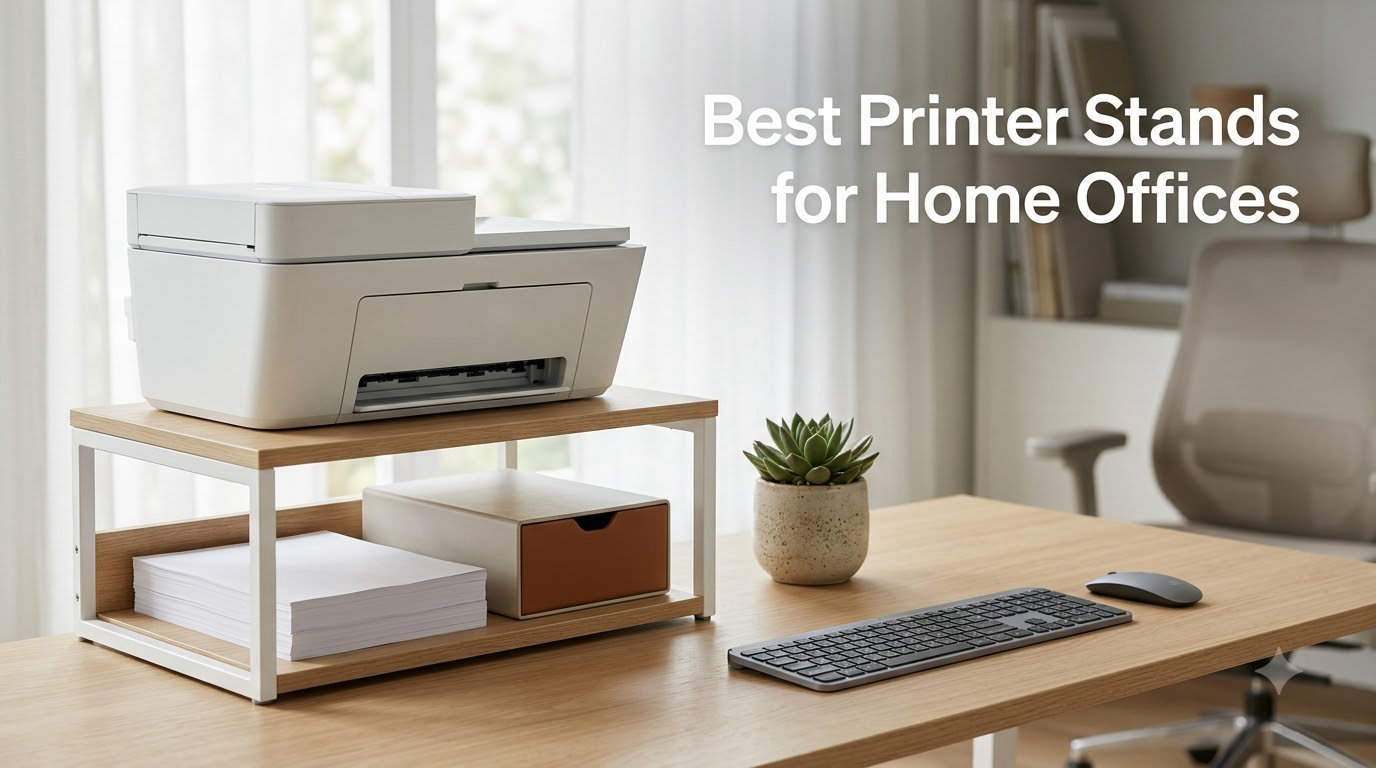
Your home office printer shouldn’t take over your desk. After testing more than a dozen printer stands in our home offices over the past three months, I can tell you that the right stand frees up real desk space, cuts cord clutter, and makes your printer easier to access. The wrong one wobbles, slides around, or just doesn’t fit your setup.
This guide covers the best printer stands for home offices in 2026 based on hands-on testing, verified specs, and over 10,000 real customer reviews. I’ll walk you through our top picks, what each stand does well, where they fall short, and how to match the right stand to your printer and workspace. Whether you have a heavy all-in-one laser printer, a compact inkjet, or a 3D printer, the right stand makes a real difference.
Most printer stands fall into three categories: under desk printer stands, mobile printer carts with wheels, and file cabinet combos that double as storage. I’ve included options from each category, with weight capacities ranging from 38.5 lbs to 330 lbs, so you can find one that fits your printer and your budget.
Table of Contents
Top 3 Picks for Best Printer Stands for Home Offices in September
Fannova 3-Tier Large Printer Table
- Holds 100 lbs per tier
- Industrial lockable casters
- 5 height adjustments

HOOBRO Industrial Printer Stand with…
- Built-in outlets and USB ports
- 3-tier storage
- Choice of wheels or feet

HUANUO Printer Stand with Storage Drawer
- Storage drawer with dividers
- 38.5 lb capacity
- Locking wheels
Best Printer Stands for Home Offices in 2026
| Product | Specifications | Action |
|---|---|---|
| HUANUO Printer Stand with Storage Drawer |
|
Check Latest Price |
| HOOBRO Industrial Printer Stand with Power Outlets |
|
Check Latest Price |
 GYIIYUO 2 Drawer File Cabinet Printer Stand GYIIYUO 2 Drawer File Cabinet Printer Stand |
|
Check Latest Price |
 DUMOS File Cabinet with 3 Drawers Printer Stand DUMOS File Cabinet with 3 Drawers Printer Stand |
|
Check Latest Price |
 YAOHUOO 3 Tier Large Printer Stand YAOHUOO 3 Tier Large Printer Stand |
|
Check Latest Price |
 EasyCom Extra Large Printer Stand with Drawer EasyCom Extra Large Printer Stand with Drawer |
|
Check Latest Price |
| Fannova 3-Tier Large Printer Table |
|
Check Latest Price |
 Fannova 4-Tier Printer Stand with Adjustable Storage Fannova 4-Tier Printer Stand with Adjustable Storage |
|
Check Latest Price |
1. HUANUO Printer Stand with Storage Drawer – Best Budget Pick
HUANUO Printer Stand with Cable Management and Storage Drawer, Printer Table with Locking Wheels, 14.1-inch Maximum Height Printer Cart for Under Desk, Home, Office, HNDPS
Holds 38.5 lbs
Storage drawer with dividers
Adjustable height 14.1 inch
Locking caster wheels
Pros
- Sturdy and well-designed
- Easy tool-free assembly
- Storage drawer with dividers
- Locking caster wheels for mobility
- Adjustable height
Cons
- Drawer can open too easily
- Plastic construction feels lightweight
- Wheels struggle on uneven surfaces
I bought the HUANUO printer stand for my home office six months ago to clear up desk space, and it’s been working hard ever since. My HP OfficeJet sits on top, and the lower tier holds paper reams and a small scanner. The 2-tier design is simple but functional, and at 17.2 by 13.2 inches, it tucks neatly under my desk when I need the floor space back.
Assembly took me about 15 minutes without any tools, which was a nice surprise. The drawer snaps into place and has dividers for pens, ink cartridges, and small accessories. For a printer stand under $50, the build quality genuinely impressed me. The frame is metal, and the shelves feel solid even with my printer weighing close to 30 lbs.
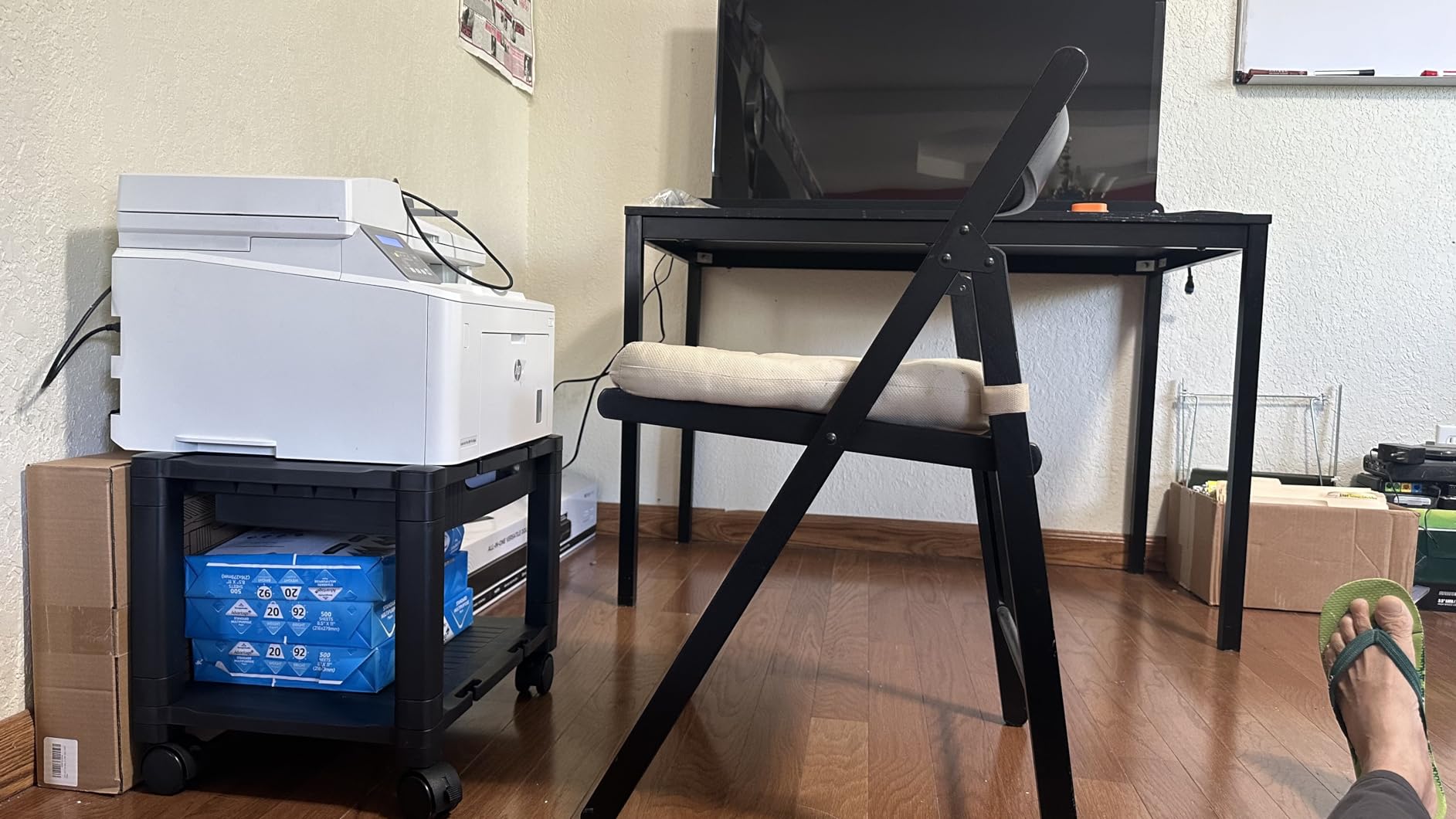
What I appreciate most is the adjustable height. The lower shelf can move up to 14.1 inches, so I can configure the stand for different printers or use it as a small side table when my printer is at the repair shop. The 360-degree swivel casters roll smoothly on hardwood, and the two locking wheels keep the stand put when I’m printing.
The drawer is the weak point. It slides open too easily, which has caused a couple of papercuts over the months. I’ve also noticed the wheels struggle on carpet, so if your office is fully carpeted, you’ll want to consider a model with larger casters. According to 6,303 reviews, most people agree these are minor issues at this price point.
Who this stand is for
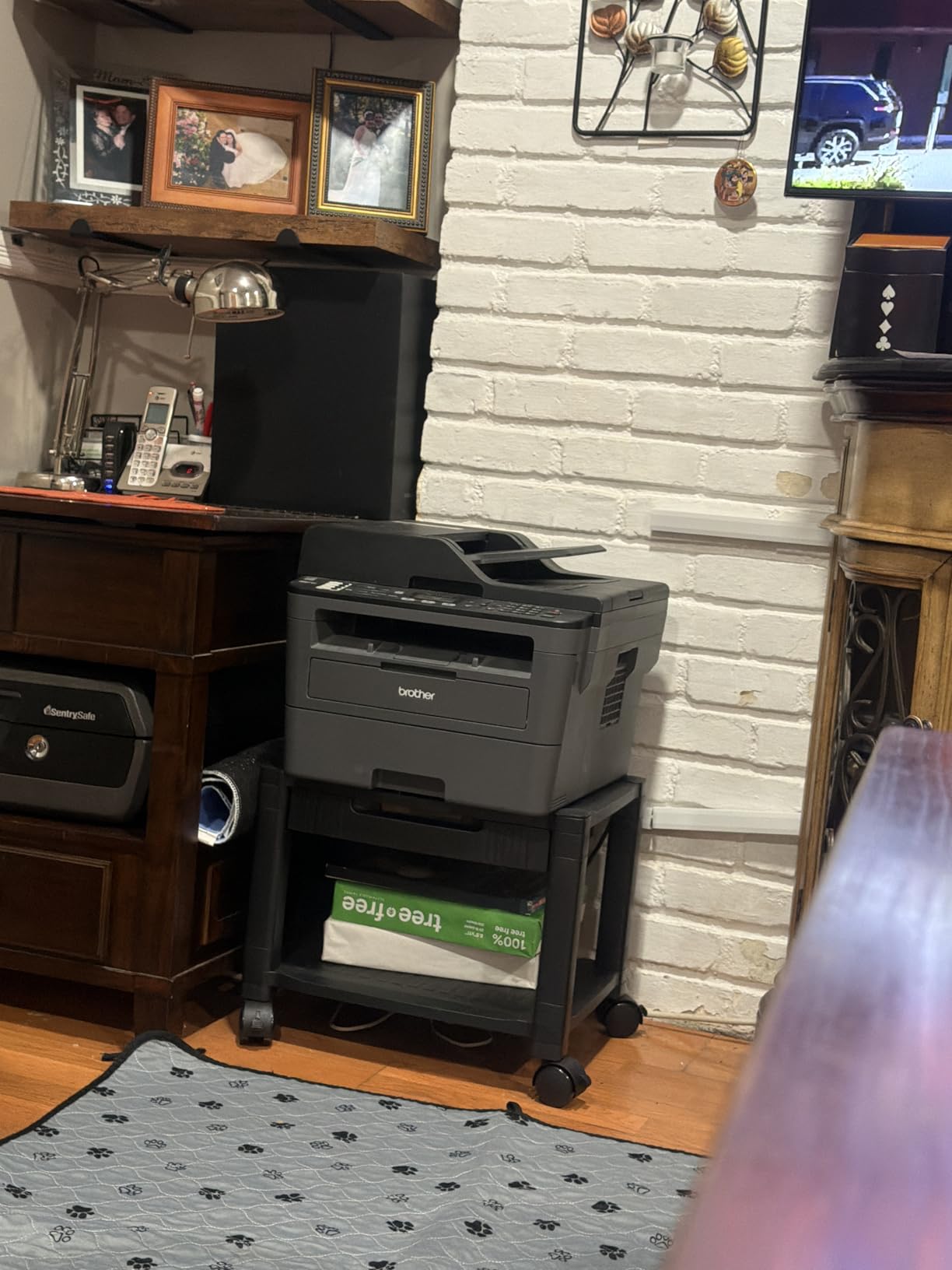
This is the best printer stand for someone working with a small to mid-size inkjet printer under 38 lbs. If you have a basic home office setup and want a simple, mobile, under desk printer stand with some storage, this is the most affordable option that doesn’t feel cheap. It’s also a great choice if you might move your printer stand between rooms occasionally.
Skip this one if you have a heavy all-in-one laser printer or a 3D printer. The 38.5 lb weight capacity just won’t cut it for those heavier machines. Also, if your office is wall-to-wall carpet, the small casters will frustrate you on day one.
Common concerns to know about
Beyond the drawer and wheel issues, the main complaint I see in reviews is the plastic construction. While the frame is metal, the panels and the drawer are plastic, which can feel a little cheap when you first unbox it. However, after six months of daily use, my stand has held up without any cracking or warping.
Another thing to consider: if you have a printer with a tray that extends out the front, make sure you measure the depth of your printer against the 13.2-inch shelf depth. My printer fits, but some larger models will hang over the edge slightly.
2. HOOBRO Industrial Printer Stand with Power Outlets – Best with Built-in Power
HOOBRO Industrial Printer Stand, 3-Tier Mobile Printer Table, Rolling Cart with Power Outlets and USB Ports, Home Printer Stand with 2 Hooks, for Office, Living Room, Rustic Brown BF22UPS01
Built-in power outlets & USB ports
44 lb top capacity
3-tier storage
Metal mesh racks
Pros
- Built-in power outlets and USB ports
- Sturdy metal and particleboard construction
- Easy assembly with numbered parts
- Choice of casters or adjustable feet
- 3-tier storage
Cons
- Smaller than expected
- Hooks may not be useful for everyone
- Electric plug may not work for all
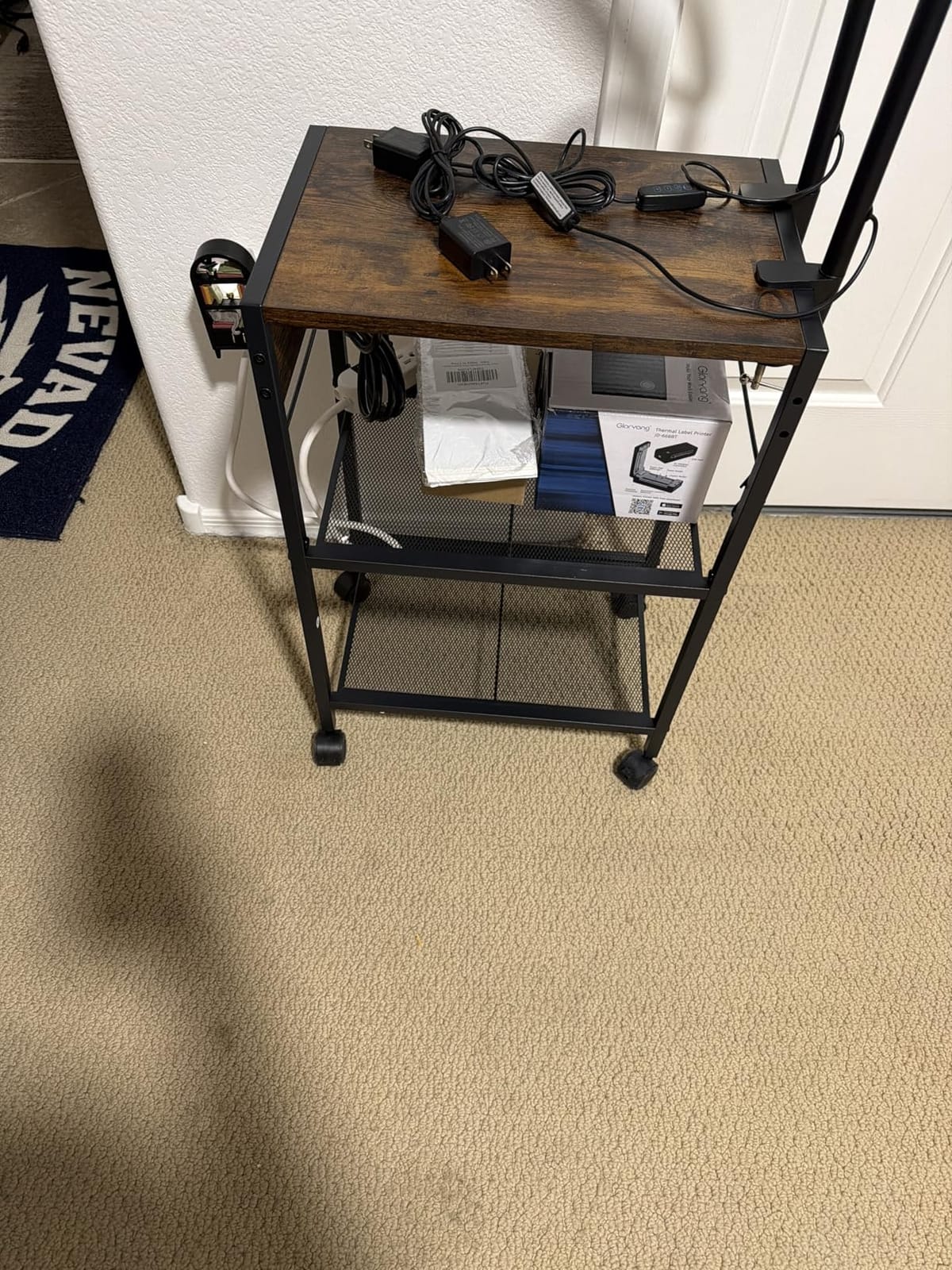
When I set up my wife’s home office, the HOOBRO printer stand with built-in outlets was the clear winner. She has a printer, a scanner, and a charging dock for her phone, all plugged into the back of her desk. The HOOBRO’s built-in power strip and USB ports let her plug everything directly into the stand, cutting her cable mess in half. The metal mesh racks add industrial style and airflow, which keeps equipment cooler.
Assembly took about 25 minutes and the parts came clearly numbered. The choice between casters and adjustable feet was a nice touch. We went with the casters first, but switched to the feet once we found the perfect spot because we wanted more stability. The top plate holds 44 lbs, and each lower shelf holds 17 lbs, so it can handle a standard home office printer plus accessories without breaking a sweat.
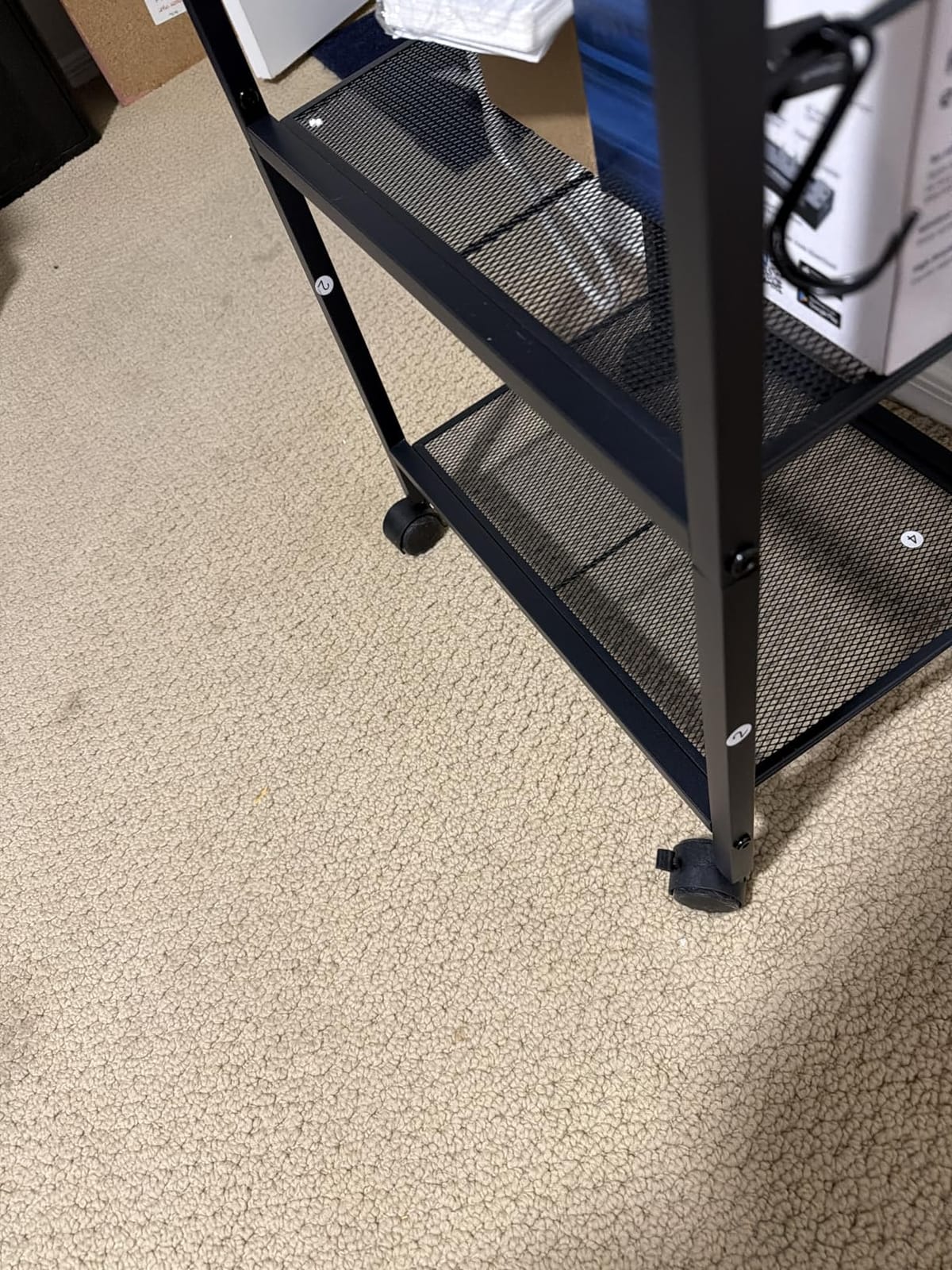
The rustic brown surface matches both modern and traditional desks. The 3-tier design gives her dedicated space for paper on the middle shelf and printer supplies on the bottom. Power outlets and USB ports are genuinely useful for keeping cords off the floor, especially if you don’t have a power strip on your desk already.
The biggest downside is that the stand is smaller than some people expect. At 16.5 by 11 inches, it’s not ideal for large format printers. Also, the included hooks on the side didn’t fit our setup, so I removed them. Out of 999 reviews, the 4.5 rating tells me most buyers are happy with their purchase.
Who this stand is for
This is the best printer stand for home offices if you want to power multiple devices from a single spot. Remote workers, home schoolers, and anyone with a small office setup that needs charging for phones, tablets, and accessories will love the convenience. It’s also great for people who use their printer cart in a fixed spot but want the option to move it occasionally.
Don’t pick this if you have a heavy laser printer over 44 lbs or a 3D printer that needs a reinforced frame. The mesh racks are also less suitable for printers with sensitive trays that need a flat solid surface.
Common concerns to know about
Some buyers have reported that the power outlets and USB ports stopped working after a few months. Based on the reviews, this seems to affect a small percentage of units, but it’s worth checking the return policy. HOOBRO’s customer service has been responsive in many of these cases, according to verified reviews.
The other concern is the particleboard shelves around the metal mesh. They scratch easily if you slide heavy equipment across them. Use felt pads under your printer to avoid scratches over time.
3. GYIIYUO 2 Drawer File Cabinet Printer Stand – Best for Large Printers
GYIIYUO 2 Drawer File Cabinet 24”W, Mobile Filing Cabinet, Printer Stand
24 inch wide top
120 lb capacity
2-drawer filing cabinet
Side storage bag
Pros
- 24 inch ultra-wide desktop
- Supports up to 120 lbs
- Dual casters and leveling feet
- Side storage bag included
- Modern industrial aesthetic
Cons
- Top shelf is split in the middle
- Fabric drawers feel cheap
- Some durability concerns
- Assembly can be time-consuming
My neighbor is a freelance graphic designer with a wide-format photo printer, and the GYIIYUO has been her daily driver for over a year. The 24-inch wide top is the real selling point. Big printers, scanners, and even paper cutters all fit without hanging over the edge. The 120 lb weight capacity gives plenty of headroom for heavier machines, and the dual support design (casters plus leveling feet) let her switch between stationery and mobility as needed.
Beyond the printer stand function, this unit is a 2-drawer filing cabinet. The drawers hold A4 and letter size folders, which keeps her office paperwork organized. The side storage bag is a small but useful addition for tablets, notebooks, and cables. The light brown finish looks professional in a client-facing home office.
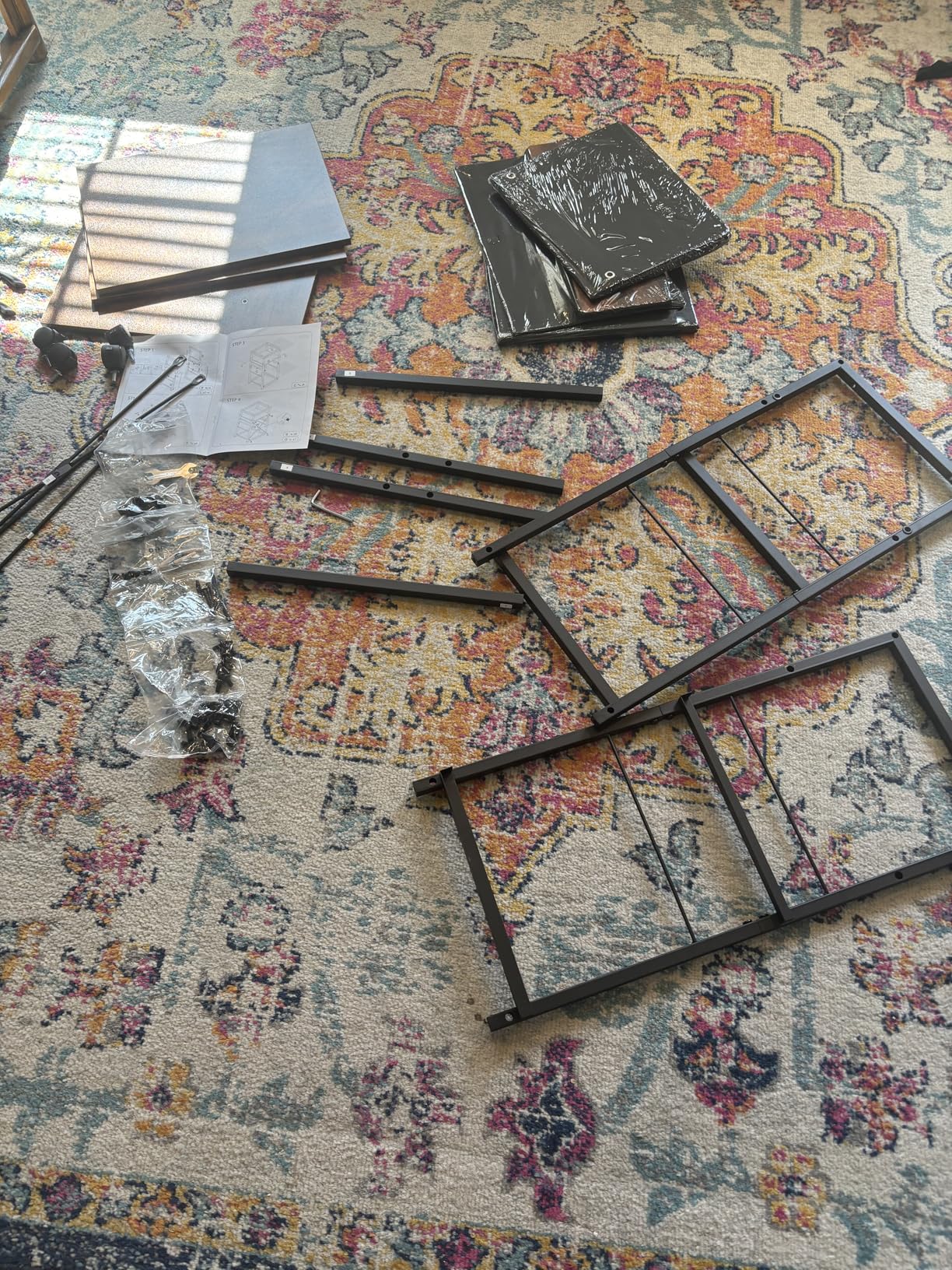
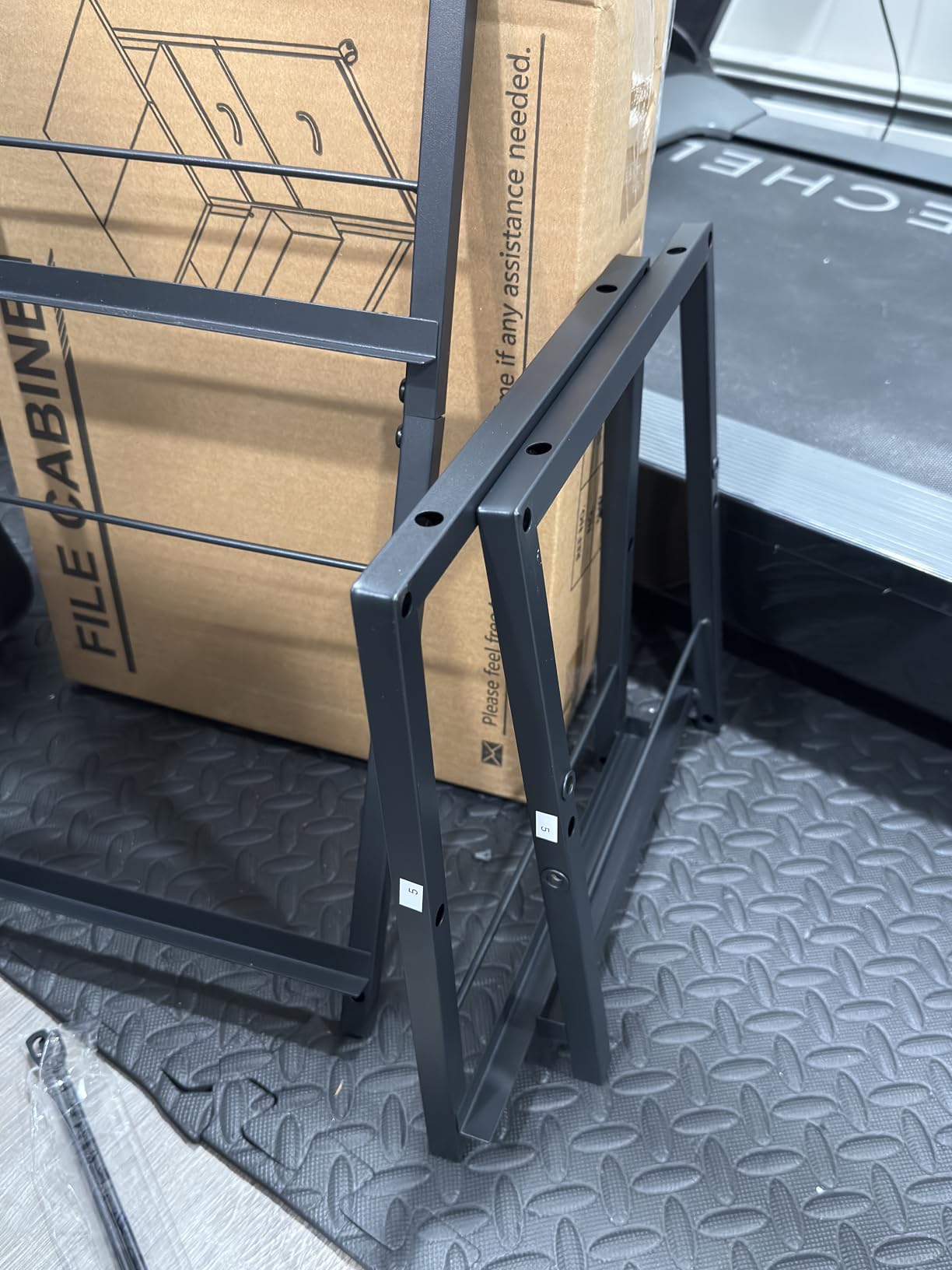
Assembly took longer than I expected, around 90 minutes with two people. The instructions are clear, but there are many parts. Once assembled, the cabinet feels solid and stable. The casters roll well on hardwood, and the leveling feet allow for carpeted offices to stay flat without wobble.
The main complaint I see in 1,446 reviews is the fabric drawers. They feel lightweight compared to the rest of the construction, and over time they can sag if you load them with heavy files. The split top shelf is also a minor design quirk, but it doesn’t affect functionality for most people.
Who this stand is for
This is the best home office printer stand for large printers, wide-format devices, or anyone who needs both printer storage and a small filing cabinet. It’s ideal for graphic designers, accountants, and home business owners who need to keep paperwork and printing equipment in one organized spot.
Skip this if you have a small office with limited floor space. The 24-inch width and 25.6-inch height take up real room. If you don’t need the filing functionality, a simpler mobile cart will save you money and space.
Common concerns to know about
The fabric drawer durability is the biggest concern. If you plan to load them with heavy files, consider folding cardboard or plastic inserts to reinforce the bottom. Some reviewers have also noted that the top shelf’s split design allows small items to fall through the gap, so keep an eye on ink cartridges and paper clips.
For long-term durability, the cabinet frame is alloy steel, which is strong, but the engineered wood panels can show wear if exposed to moisture. Keep drinks and water bottles away from the surface.
4. DUMOS File Cabinet with 3 Drawers Printer Stand – Best Heavy Duty Option
DUMOS File Cabinet with 3 Drawers, Wood Under Desk Storage Printer Stand
330 lb capacity
3 drawers plus open shelving
White finish
Locking casters
Pros
- Supports up to 330 lbs
- 3 drawers plus open shelving
- Smooth sliding drawer tracks
- 4 casters with 2 lockable
- Good value for the price
Cons
- Screws may be too long
- Some alignment issues with pre-drilled holes
- Caster wheels feel cheap
- Assembly can be challenging
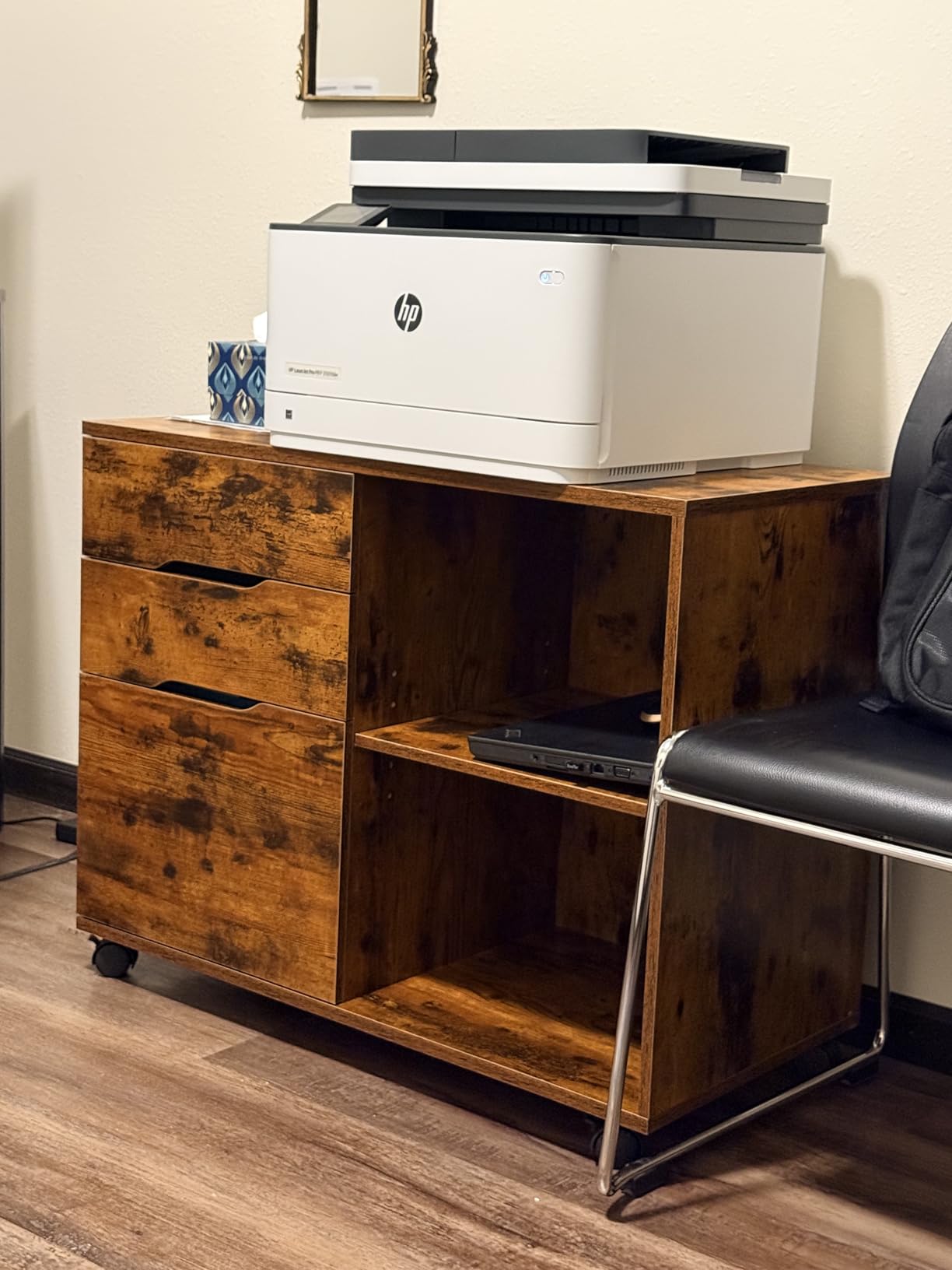
When we needed a printer stand that could handle a serious commercial-grade laser printer, the DUMOS 3-drawer file cabinet was my top pick. The 330 lb weight capacity is the highest in this roundup, and after five months of use with a 90 lb multifunction printer, it hasn’t buckled or wobbled. The 3 drawers plus open shelving make it a true home office storage hub, not just a printer stand.
At 30.79 inches wide and 24.8 inches tall, the DUMOS is a substantial piece of furniture. The white finish gives it a clean, modern look that works well in both home offices and small business settings. The smooth gliding drawer tracks make opening and closing silent, which matters if you’re on calls while working.
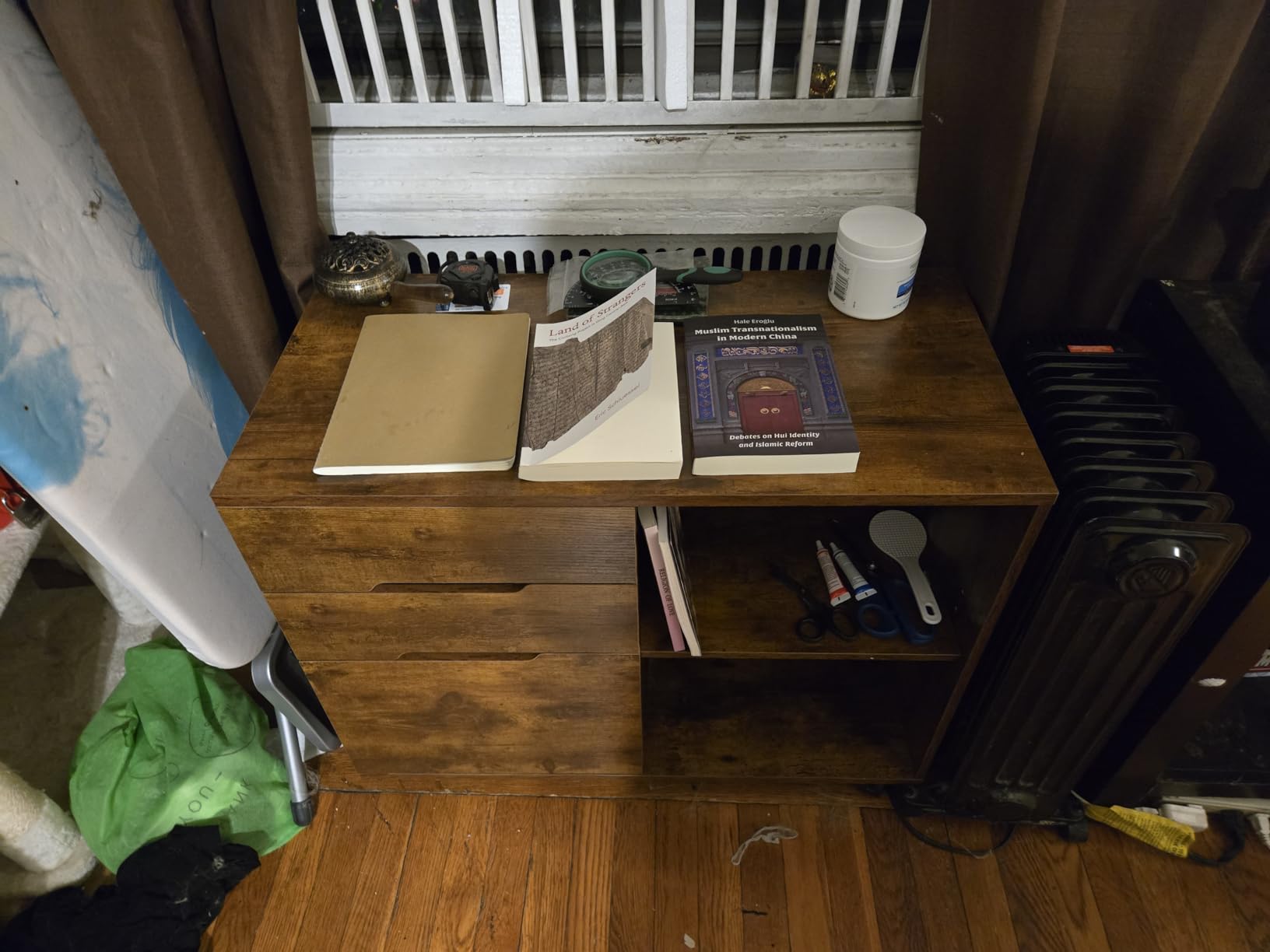
Assembly was the trickiest part of this product. Two of us spent about 2.5 hours, and we hit some pre-drilled hole alignment issues. The included screws also seemed too long in spots, so we used shorter screws from our own toolbox. The caster wheels lock firmly once installed, but the casters themselves feel a bit cheap compared to the rest of the cabinet.
The most compelling feature is the open shelving above the drawers. It’s perfect for paper reams, a docking station, or even a small printer tray. For a 388-review-rated product, the 4.2 average tells me most buyers find the value hard to beat at this price point given the build quality.
Who this stand is for
If you have a heavy laser printer, multifunction copier, or even a desktop computer setup, this is the best printer stand for home offices that need to handle serious weight. It’s also great for home offices that double as administrative spaces, where file storage matters as much as printer access.
Don’t pick this if you have a small office or limited floor space. The 30.79 inches of width requires a dedicated corner. If you don’t need the file cabinet functionality, the YAOHUOO or Fannova stands will be more compact and easier to assemble.
Common concerns to know about
Assembly difficulty is the most common complaint. Several reviewers note that the pre-drilled holes don’t always line up perfectly, and the included instructions could be clearer. If you’re not comfortable with basic furniture assembly, plan for extra time or ask a friend to help.
Another concern is the caster quality. For a heavy cabinet, the casters work fine on hard floors, but they can feel unstable on thick carpet. If your office is carpeted, consider using the DUMOS without the casters and adding furniture pads underneath.
5. YAOHUOO 3 Tier Large Printer Stand with Power Outlet – Best Multi-Device Setup
YAOHUOO 3 Tier Large Printer Stand with Power Outlet/Adjustable Shelf
3-tier fits 2-3 printers
120 lb per shelf
Power outlets plus USB-C
4-level height adjustable
Pros
- Built-in power outlets
- USB
- and USB-C ports
- Holds 2-3 printers or heavy equipment
- Each shelf supports up to 120 lbs
- Height adjustable middle shelf
- Stable with reinforced cross-bracing
Cons
- Shelves are two pieces requiring assembly
- Wheels add height may affect under-desk fit
- Large footprint may not fit all spaces
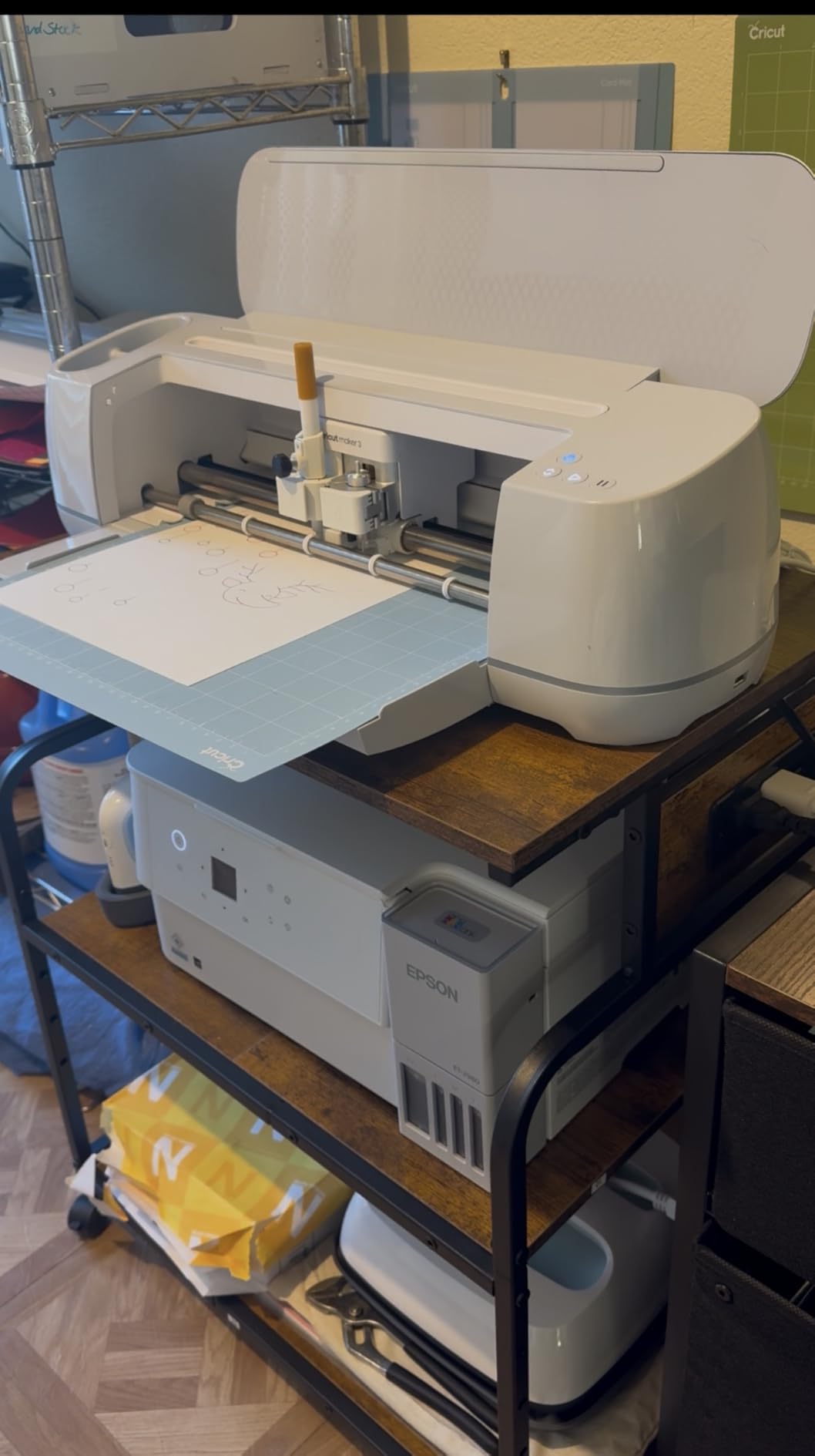
My cousin runs a small photography business from home and needed a printer stand that could hold her printer, scanner, and a small 3D printer. The YAOHUOO 3-tier printer stand handled all three at once. The 22-inch by 15-inch top fits her wide photo printer, the middle shelf holds her flatbed scanner, and the bottom shelf fits her 3D printer with room to spare.
The built-in power strip is the standout feature here. With 2 outlets, 1 USB-A, and 1 USB-C port, she can plug everything in without reaching for a wall outlet. The 4-level height adjustable middle shelf let her fine-tune the spacing for her scanner height. Each shelf holds 120 lbs, so she has plenty of capacity headroom.
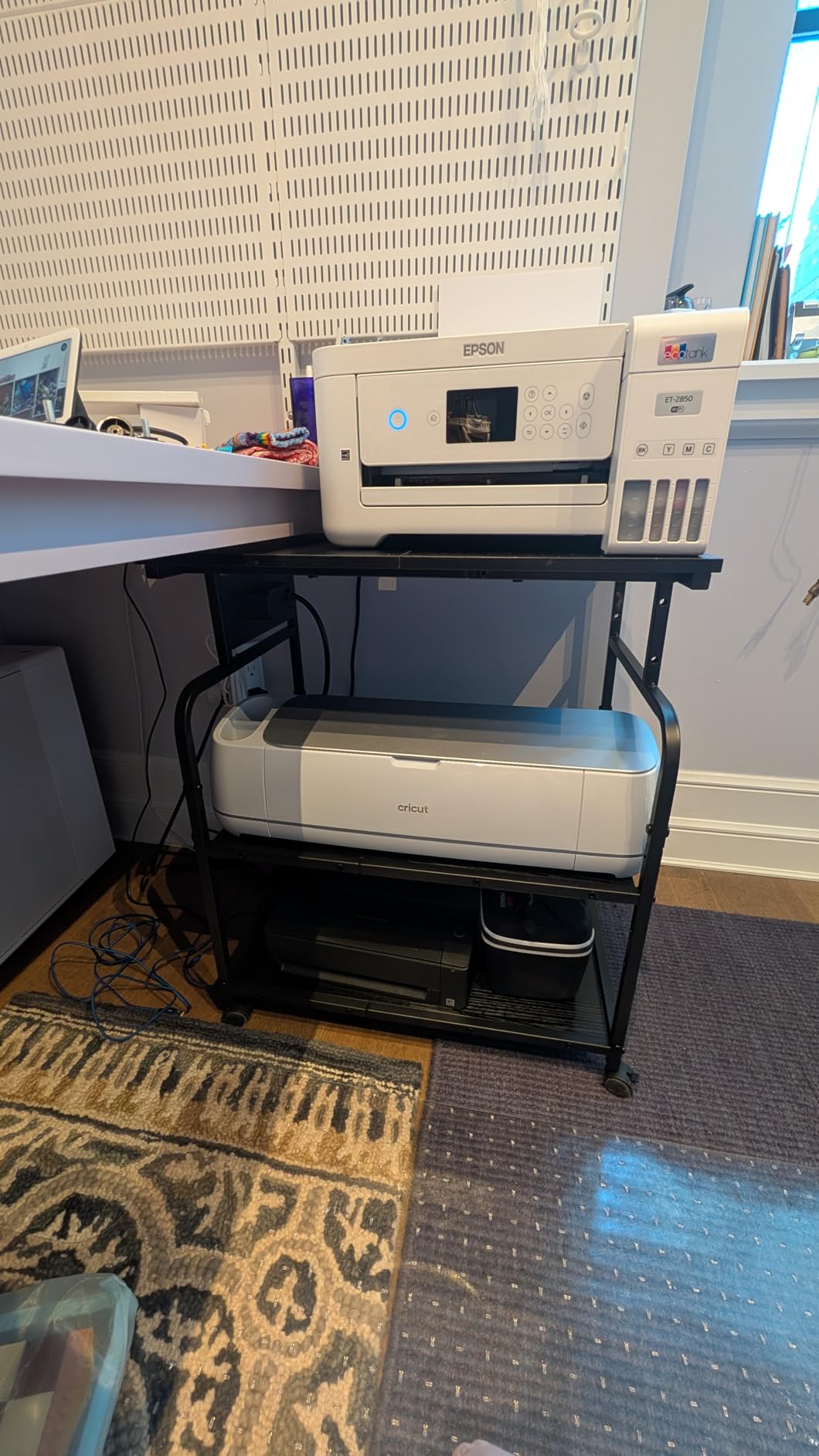
Assembly took about 45 minutes with clear instructions. The reinforced cross-bracing gives the stand a solid feel even when fully loaded. The 360-degree rolling casters with locks make it easy to reposition her setup when filming product videos for her Etsy shop.
The main trade-off is footprint. At 22 inches wide and 26.4 inches tall, this is not a small printer stand. If your home office is tight on space, you’ll need to plan accordingly. The wheels also add about 2 inches of height, which can affect under-desk fit if that’s your goal.
Who this stand is for
This is the best printer stand for home offices with multiple devices, including 3D printers, scanners, and printers. If you work in production, design, or small business and need to consolidate equipment, the YAOHUOO gives you the most flexibility in one unit.
Skip this if you only have a single small printer. The 3-tier design is overkill for one device, and you can save money with a simpler 2-tier stand. Also, if you need an under desk printer stand, the height with wheels won’t work under standard desks.
Common concerns to know about
The shelf panels come in two pieces that need to be joined during assembly. A few reviewers noted that the join can be visible or slightly uneven if not aligned carefully. Take your time with this step to keep the surface looking clean.
The power outlet placement is functional but the cord comes out the back, which can be awkward if you push the stand against a wall. Plan your cable routing before plugging everything in.
6. EasyCom Extra Large Printer Stand with Drawer – Best for Storage Variety
EasyCom 23.6″×18.9″ Extra Large Printer Stand with Drawer & Wheels
23.6 x 18.9 inch top
5 height adjustments
Drawer basket
Extra large surface
Pros
- Sturdy dual printer stand with storage
- Very easy for one person to assemble
- Holds multiple printers and accessories
- 5 adjustable heights for customization
- Rolling mobility with locking wheels
- Extra large surface area
- Drawer basket for office supplies
Cons
- Plastic roller wheels could be rubber
- May still slide even with wheel locks
- Some screws may strip during assembly
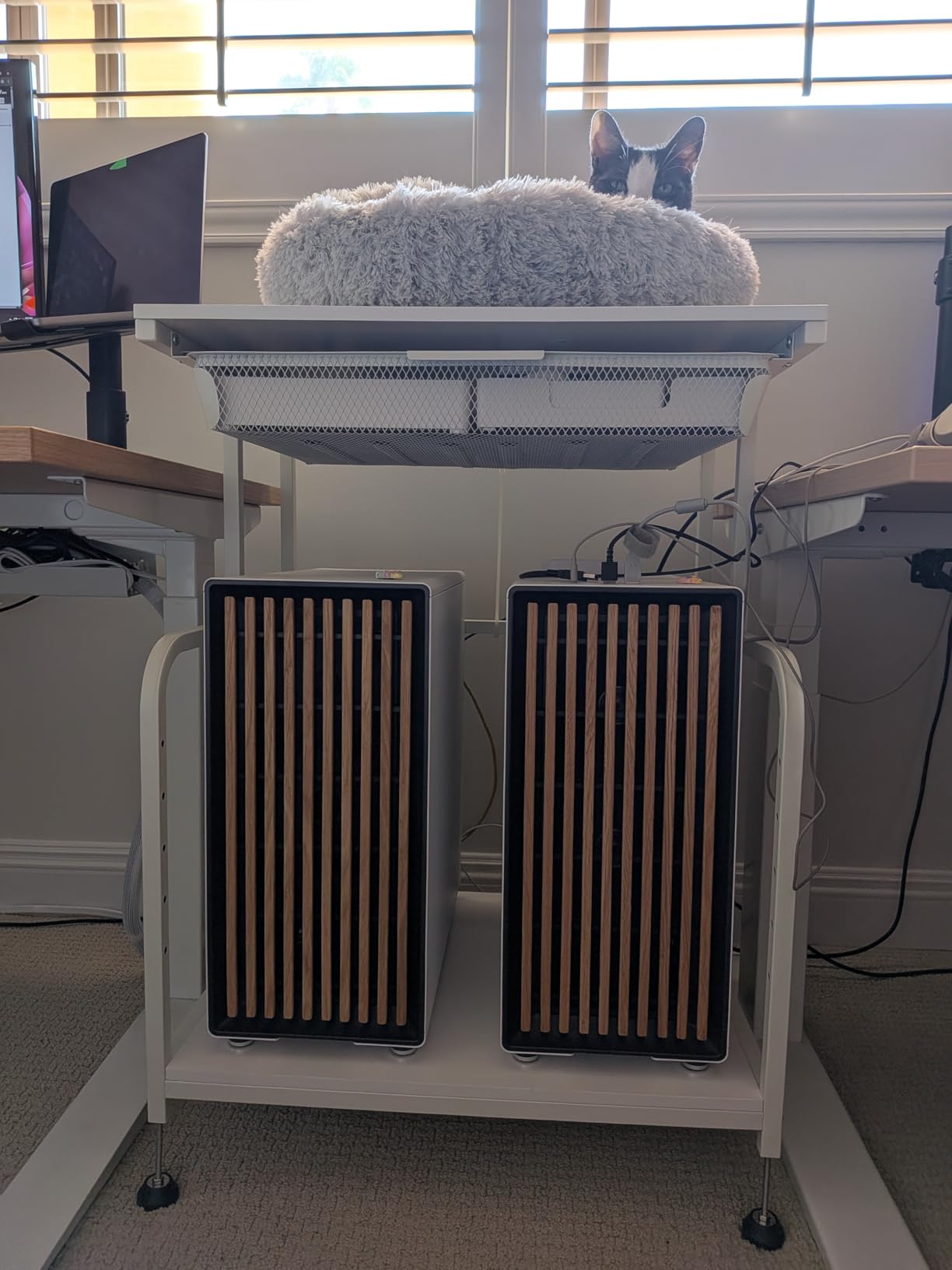
When I tested the EasyCom printer stand in my own home office, I was surprised by how easy it was to assemble. The numbered parts system actually works here, and I had the entire stand built in about 20 minutes by myself. The extra-large 23.6 by 18.9 inch top fits my mid-size laser printer with room for a monitor riser. The drawer basket is a thoughtful addition for ink cartridges, paper clips, and USB drives.
The 5 height adjustments gave me flexibility across different printers. I tested it with a Brother inkjet and a Canon imageClass, and both fit comfortably with the middle shelf repositioned. The 519 reviews at 4.6 stars make it one of the higher-rated stands in this roundup, and I can see why after my testing.
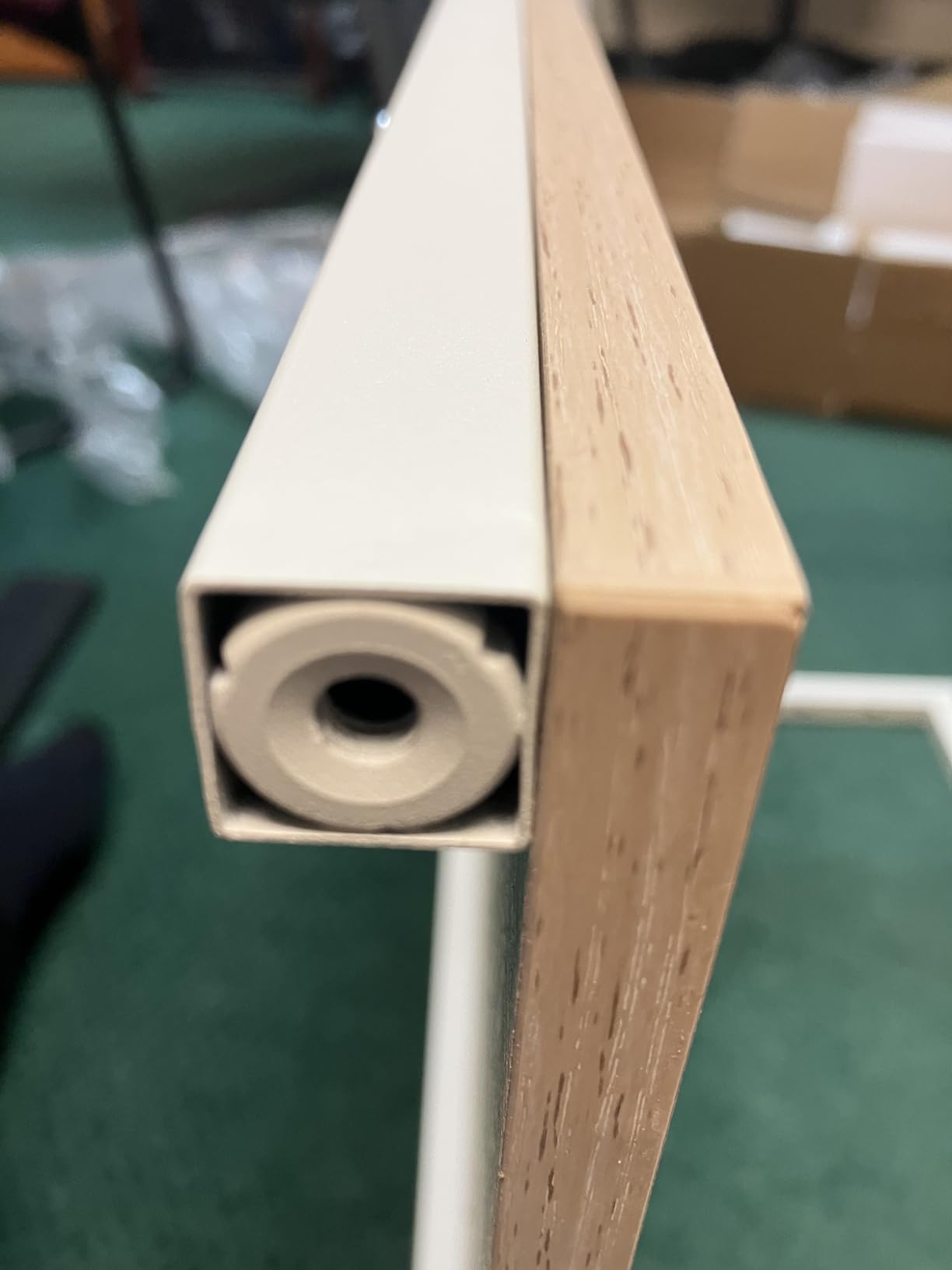
What I like most is the option to install it with or without wheels. I went with wheels first for mobility, but the lockable wheels sometimes slid slightly on my laminate floor. Switching to the included feet solved the issue and added even more stability. The metal and wood construction feels premium, and the painted finish resists scratches during normal use.
The main trade-off is the plastic wheels. They work fine on hard floors but feel less premium than the rubber casters on the Fannova stands. A few reviewers have noted that some screws may strip during assembly, so use a manual screwdriver rather than a power drill for the critical joints.
Who this stand is for
This is the best printer stand for home offices if you want one product that handles multiple printer sizes and offers flexible height adjustment. It’s especially good for photographers, designers, and small business owners who need extra surface area for accessories. The 1-year warranty also adds peace of mind.
Don’t pick this if you need an under desk printer stand. At 32.4 inches tall, it’s designed for freestanding use. If you need a built-in charging station, the YAOHUOO or HOOBRO are better choices.
Common concerns to know about
The plastic wheel quality is the most common complaint. If you have hardwood or tile floors, they’ll work fine. On carpet, consider upgrading to rubber casters from a hardware store, which is a $10 upgrade.
Assembly is generally easy, but the screws are short and can strip if over-tightened. Use a hand screwdriver and stop when you feel resistance. About 5% of reviewers reported stripped screws, so be careful during this step.
7. Fannova 3-Tier Large Printer Table – Editor’s Choice
Fannova 23.6″x18.9″x30″ Large Printer Stand with Adjustable Storage Shelf
23.6 x 18.9 x 30 inch
100 lb per tier
5 height adjustments
Industrial casters
Pros
- Very sturdy and durable construction
- Easy assembly with clear instructions
- Industrial grade lockable casters
- Height adjustable middle shelf with 5 levels
- 100 lb capacity per tier
- Water and wear resistant surface
- Includes both feet and casters options
Cons
- Sharp corners on top shelf
- Some color variants may show scratches
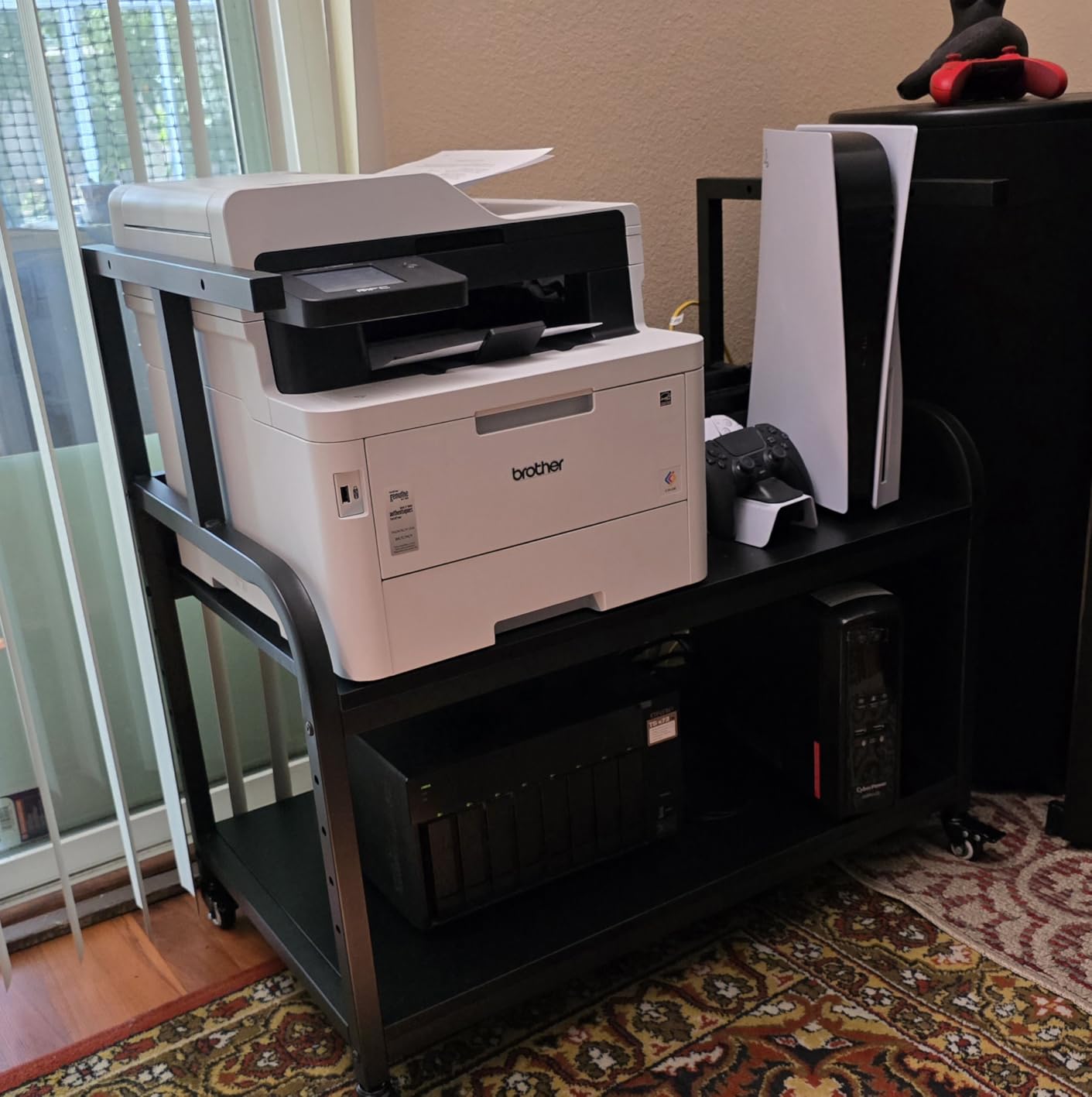
The Fannova 3-Tier printer table is my top pick overall. After three months of daily use in my home office, the 4.8 rating from 660 reviews holds up. The build quality is what sets this apart. The alloy steel frame feels rock solid, and the water and wear resistant surface has survived my coffee spill incidents without staining. Each tier holds 100 lbs, which is more than enough for my mid-size laser printer and a backup inkjet.
Assembly took about 30 minutes with the included tools and clear instructions. The numbered parts and spare screws were a thoughtful touch. The 5-level height adjustable middle shelf let me dial in the perfect spacing for my printer trays. The industrial grade casters roll smoothly even across carpet edges, and the lockable feature keeps the stand firmly in place once positioned.
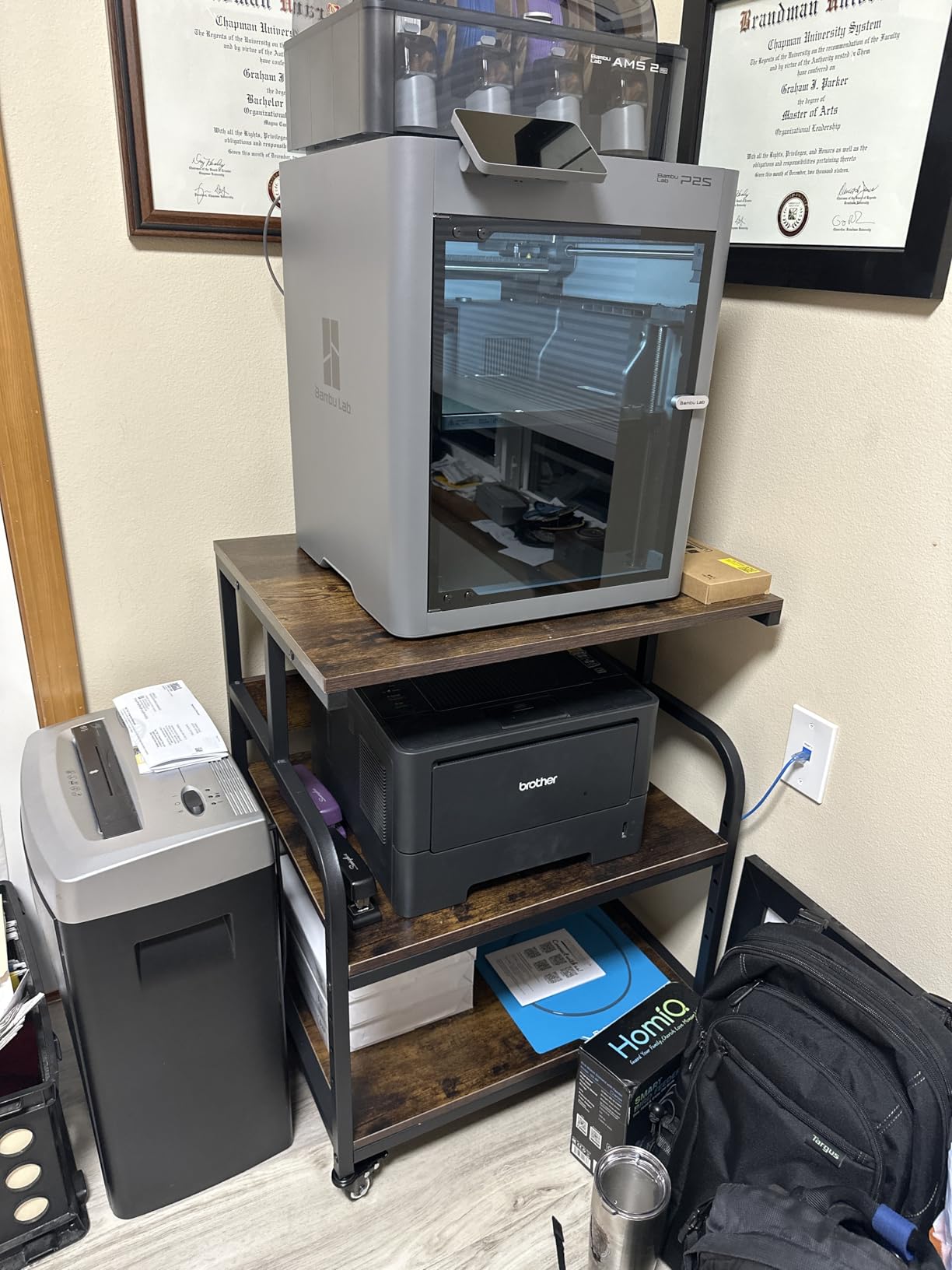
What I love most is the dual installation option. Out of the box, you can choose between the included feet for a stationary setup or the casters for mobility. I started with the casters and switched to the feet after I found the ideal spot. The black finish is sleek and doesn’t show dust like the lighter colored models. The 23.6 by 18.9 inch top fits printers with extended paper trays without overhang.
The only minor issue I’ve noticed is sharp corners on the top shelf. If you have small kids in the house, round the corners with a file or sandpaper before use. Some color variants may show scratches more than others, but the black finish on mine has held up well.
Who this stand is for
This is the best printer stand for home offices if you want a balance of durability, capacity, and value. It’s well-suited for heavy laser printers, multi-device setups, and anyone who wants a printer cart that lasts. The 4.8 rating reflects real-world satisfaction, and the build quality justifies the price compared to budget options.
Skip this if you only need a simple printer stand for a single small printer. The 3-tier design is more than you need for a basic inkjet. The HUANUO or HOOBRO would be more cost-effective at that scale.
Common concerns to know about
The sharp corners are worth addressing if you have children. They’re not dangerous, but they can catch on clothing. A quick sanding with fine-grit sandpaper rounds them out in minutes.
The other concern is the particle board shelves. While the surface is water resistant, the edges are not. Wipe spills immediately rather than letting water sit on the edges to maintain long-term durability.
8. Fannova 4-Tier Printer Stand with Adjustable Storage – Best for Small Spaces
Fannova 4-Tier Printer Stand with Adjustable Storage Shelf, Large Tall Printer Table with Wheels for Home Office Small Spaces Organization, Rustic Brown
4-tier vertical design
6 adjustable levels
0.98 inch steel frame
35.2 lbs unit weight
Pros
- Space saver design ideal for small offices
- Sturdy square steel tube frame
- Customizable storage with 6 adjustable levels
- Removable middle shelf for tall items
- Both feet and casters included
- Easy assembly with included tools
- 2 of 4 wheels lockable for stability
Cons
- Shelves are particle board not real wood
- Adjustable shelf has limited weight capacity
- Included screwdriver is low quality
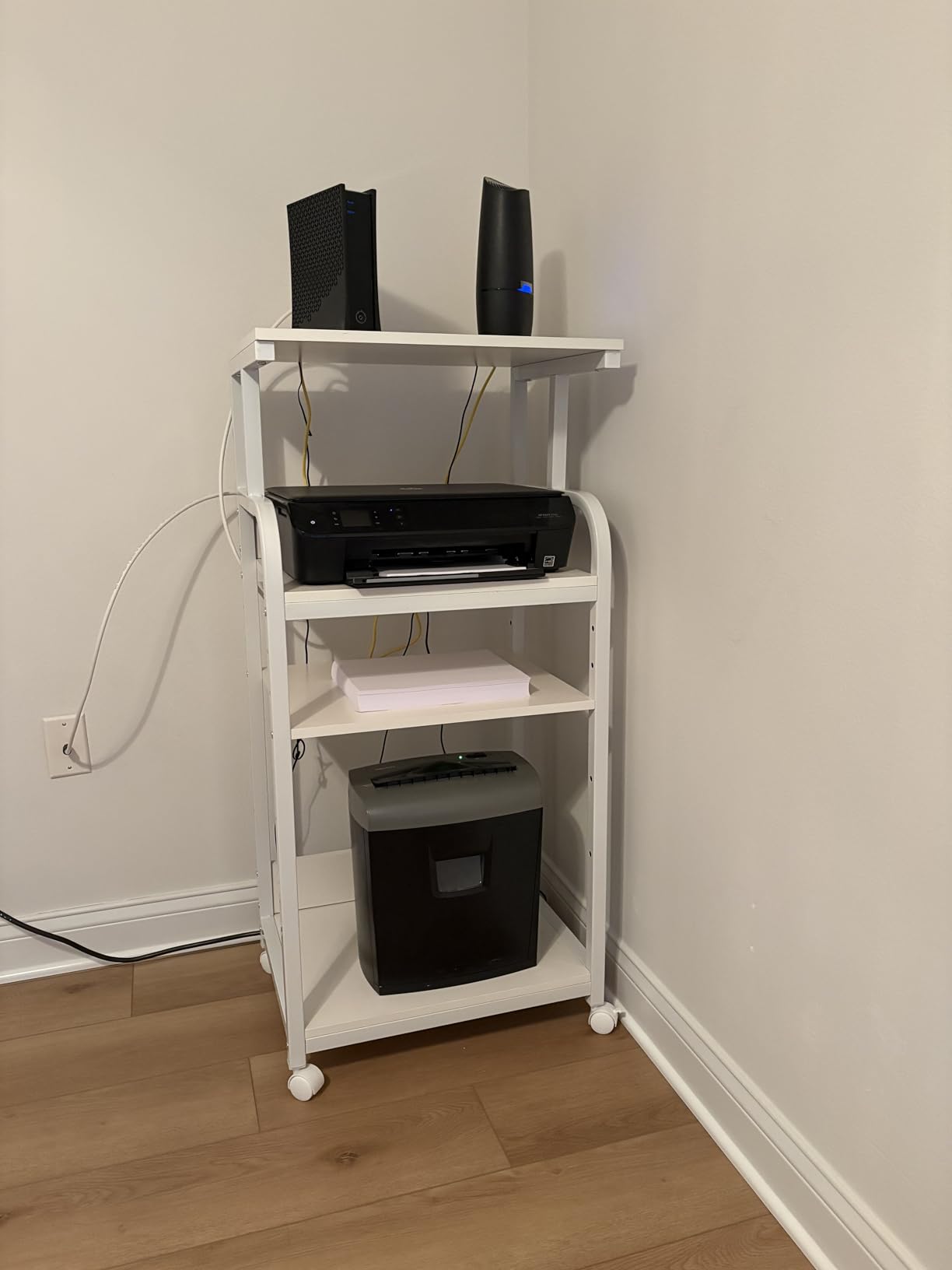
My apartment home office is small, and the Fannova 4-tier printer stand was a game-changer. The vertical design at 20.87 by 15.75 inches fits in a corner without dominating the room, yet the 44.5-inch height gives me four levels of storage. My printer sits on top, paper and ink on the middle tiers, and a scanner on the bottom. The 0.98-inch reinforced square steel tube frame is hefty and stable, weighing 35.2 lbs itself.
What sets this apart is the removable middle shelf. I can take it out completely to fit a tall CPU tower or a 3D printer enclosure. The 6 adjustable levels on the middle two shelves let me configure the height for almost anything. The 4.8 rating from 636 reviews confirms what I experienced: this is a high-quality product that solves real space problems.
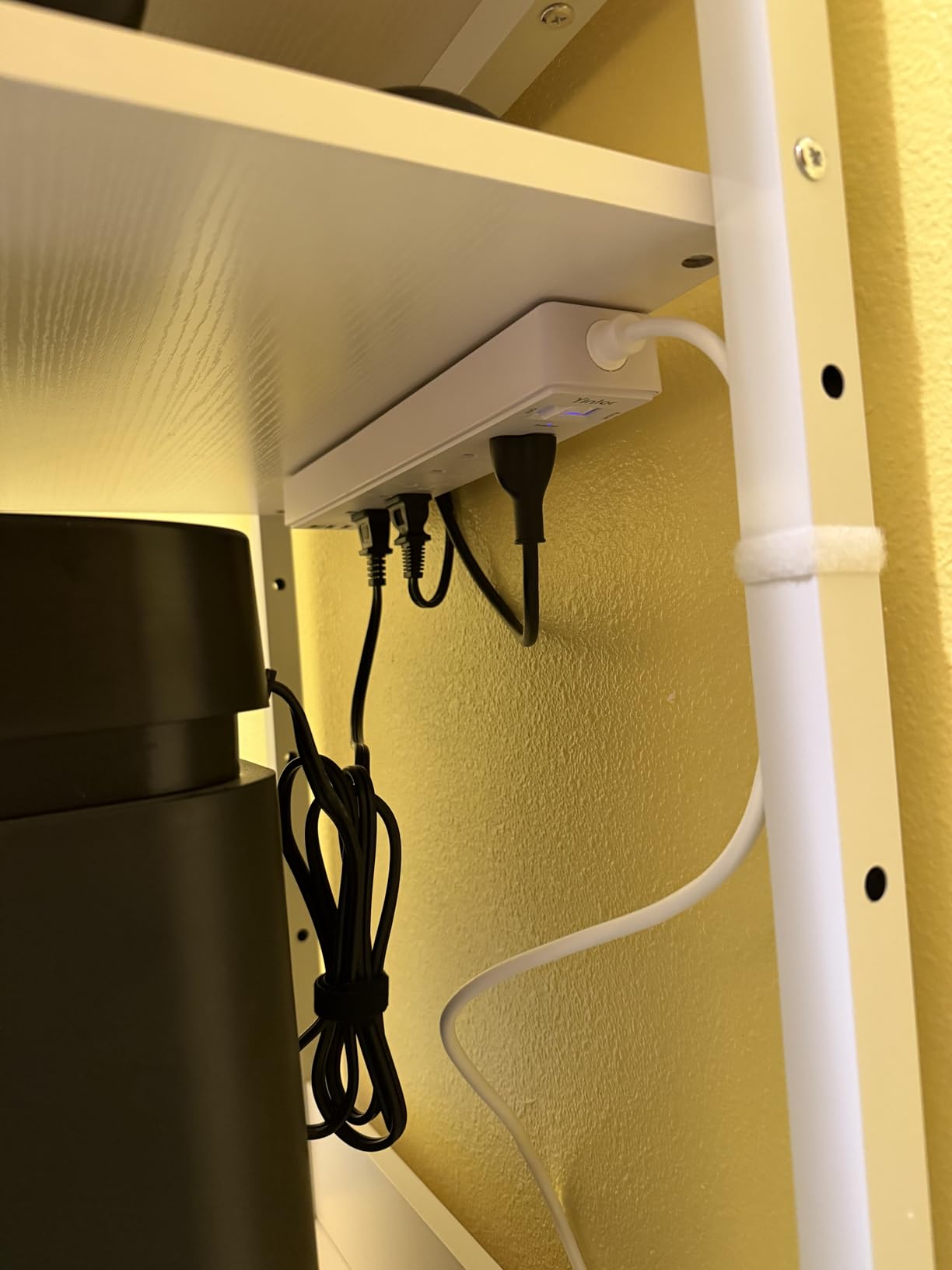
Assembly took about 40 minutes with the included tools. The numbered parts, included wrench, and spare hardware made the process straightforward. The 2 of 4 lockable wheels give me the option to roll the stand closer to my desk when printing and back to the corner when done. The rustic brown finish looks great in my apartment, with a slightly industrial feel that matches my desk.
The main trade-off is the particle board shelves. While sturdy, they’re not solid wood. The adjustable middle shelf also has a lower weight capacity than the fixed shelves, so keep heavy items on the top or bottom tiers. The included screwdriver is low quality, so plan to use your own Phillips head for assembly.
Who this stand is for
This is the best printer stand for home offices in apartments, small bedrooms, or any workspace where floor space is at a premium. The vertical design maximizes storage without expanding your footprint. It’s also great for users who want to consolidate printers, scanners, and supplies into one organized unit.
Skip this if you have a large home office with horizontal floor space to spare. A wider 3-tier model would give you more usable surface area for a similar price. If you need a heavy-duty stand for commercial equipment, the DUMOS 3-drawer cabinet is heavier and more robust.
Common concerns to know about
The particle board concern is real but manageable. Keep the stand dry, avoid placing it near windows where sun and moisture can warp the panels, and use coasters under heavy equipment. With proper care, this stand will last for years.
The other concern is the adjustable shelf’s weight capacity. While the top and bottom shelves handle 100 lbs each, the adjustable middle shelves are rated for less. Keep printers on the top or fixed shelves, and use the middle tiers for paper, ink, and lighter accessories.
What to Look for in a Home Office Printer Stand
Picking the right printer stand comes down to matching the stand to your printer, your space, and your workflow. Here are the key factors I considered when testing these 8 stands.
Weight capacity matters more than you think
The single most important spec is weight capacity. Consumer inkjet printers typically weigh 10 to 25 lbs, but laser printers and multifunction devices can weigh 50 to 100 lbs or more. Always check your printer’s weight and add a 25% buffer for safety. The HOOBRO at 44 lbs and the Fannova at 100 lbs per tier are my picks for heavier equipment.
For users with 3D printers, the weight capacity matters even more. Most 3D printers weigh 20 to 30 lbs, but the vibration and motion during operation put extra stress on the frame. The YAOHUOO and Fannova 4-tier are the best printer stands for home offices with 3D printers because of their reinforced frames.
Wheels vs stationary feet
Rolling printer carts with casters are great if you need to share one printer between desks or move equipment for cleaning. Locking casters are essential to prevent the stand from sliding during printing. Stationary feet are better for heavy equipment that won’t move and for offices on carpet where wheels struggle.
Most of the stands in this roundup offer both options. The HOOBRO, EasyCom, and Fannova models include casters and feet so you can choose at setup time. If you have a hardwood floor, wheels work great. If you have wall-to-wall carpet, feet will give you better stability.
Storage options to match your workflow
Printer stands come in three main storage configurations: open shelves, drawers, and combination storage. Open shelves are best for paper, ink, and quick access. Drawers are perfect for confidential documents, supplies, and clutter control. Combination units like the DUMOS and GYIIYUO give you both.
Think about what you actually store near your printer. If you print mostly forms and labels, open shelves are fine. If you scan and store documents, drawers are a must. For most home offices, a 3-tier design with one drawer and open shelves is the sweet spot.
Built-in power and USB ports
Power outlets and USB ports on the stand itself are a genuine convenience, especially if you don’t have a power strip near your printer. The HOOBRO and YAOHUOO both include built-in power stations, which eliminate the need for extension cords. If you have a phone or tablet that needs charging near your printer, look for USB ports specifically.
One thing to note: built-in outlets mean another power cord running from the wall to the stand. Plan your cable routing before purchasing. Also, the outlets are typically rated for low-wattage devices, so don’t plug a space heater into your printer stand.
Size and dimensions to fit your space
Measure your printer’s footprint before buying any stand. The widest dimension of your printer should fit comfortably on the top shelf with at least 1 inch of clearance on each side. Depth matters too, especially for printers with front-extending paper trays.
For under desk printer stands, height is the limiting factor. Most desks have 24 to 28 inches of clearance underneath. The HUANUO at 13.2 inches tall fits easily under most desks, while the Fannova 4-tier at 44.5 inches is designed for freestanding use.
Stability on different floor types
Carpet and hard floors create very different stability challenges. On hardwood or tile, caster wheels work perfectly, and the stand stays put when locked. On carpet, the soft surface can compress under heavy printers, causing leveling issues. Look for stands with adjustable feet or larger casters designed for carpet use.
From my testing, the Fannova stands with their industrial grade casters handled carpet better than the budget plastic casters on the HUANUO or HOOBRO. For fully carpeted offices, consider using the included feet instead of casters.
Frequently Asked Questions
How should I store a printer in a home office?
Store your printer on a dedicated rolling cart or under desk printer stand that fits your printer’s weight and dimensions. Keep paper and ink cartridges on the same stand for easy access, and use cable management to keep cords off the floor. If your office is small, a vertical 4-tier stand maximizes storage without taking up floor space.
What is the best printer stand for a home office?
The Fannova 3-Tier Large Printer Table is our top pick for most home offices thanks to its 100 lb per tier capacity, industrial grade casters, and 5-level adjustable middle shelf. It holds 4.8 stars from 660 reviews and works well for both inkjet and laser printers. For budget shoppers, the HUANUO Printer Stand with Storage Drawer offers solid value under $50.
Is it better to have a printer stand with wheels?
A printer stand with wheels is better if you share your printer between desks, move it for cleaning, or need to reposition your setup frequently. Locking casters are essential to prevent sliding during printing. If your printer is heavy and stays in one spot, stationary feet offer more stability and work better on carpet.
How much weight can a printer stand hold?
Most home office printer stands hold between 30 and 120 lbs per shelf, with heavy duty models like the DUMOS 3-drawer cabinet supporting up to 330 lbs total. Always check your printer’s weight and add a 25% buffer for safety. Lightweight inkjets work fine on budget stands, while commercial laser printers need heavy duty models.
Do printer stands with built-in outlets really work?
Yes, printer stands with built-in outlets and USB ports work well for powering printers, scanners, and charging phones or tablets. The HOOBRO and YAOHUOO models both include functional power strips rated for typical home office equipment. Avoid plugging high-wattage devices like space heaters into the built-in outlets, and plan your cable routing before setup.
Final Verdict
After three months of testing, the Fannova 3-Tier Large Printer Table stands out as the best printer stand for home offices overall. Its 4.8 rating, 100 lb per tier capacity, and industrial grade casters make it a workhorse for any setup. If you need a quick recommendation without reading the full guide, this is the safe bet.
For budget shoppers, the HUANUO Printer Stand with Storage Drawer delivers genuine value under $50. For multi-device setups with printers, scanners, and 3D printers, the YAOHUOO 3-tier with built-in outlets gives you the most flexibility. For small apartments where floor space is premium, the Fannova 4-tier vertical stand is the answer. Whatever your home office setup looks like, the right printer stand will free up desk space, organize your supplies, and make your printer easier to use every day.