
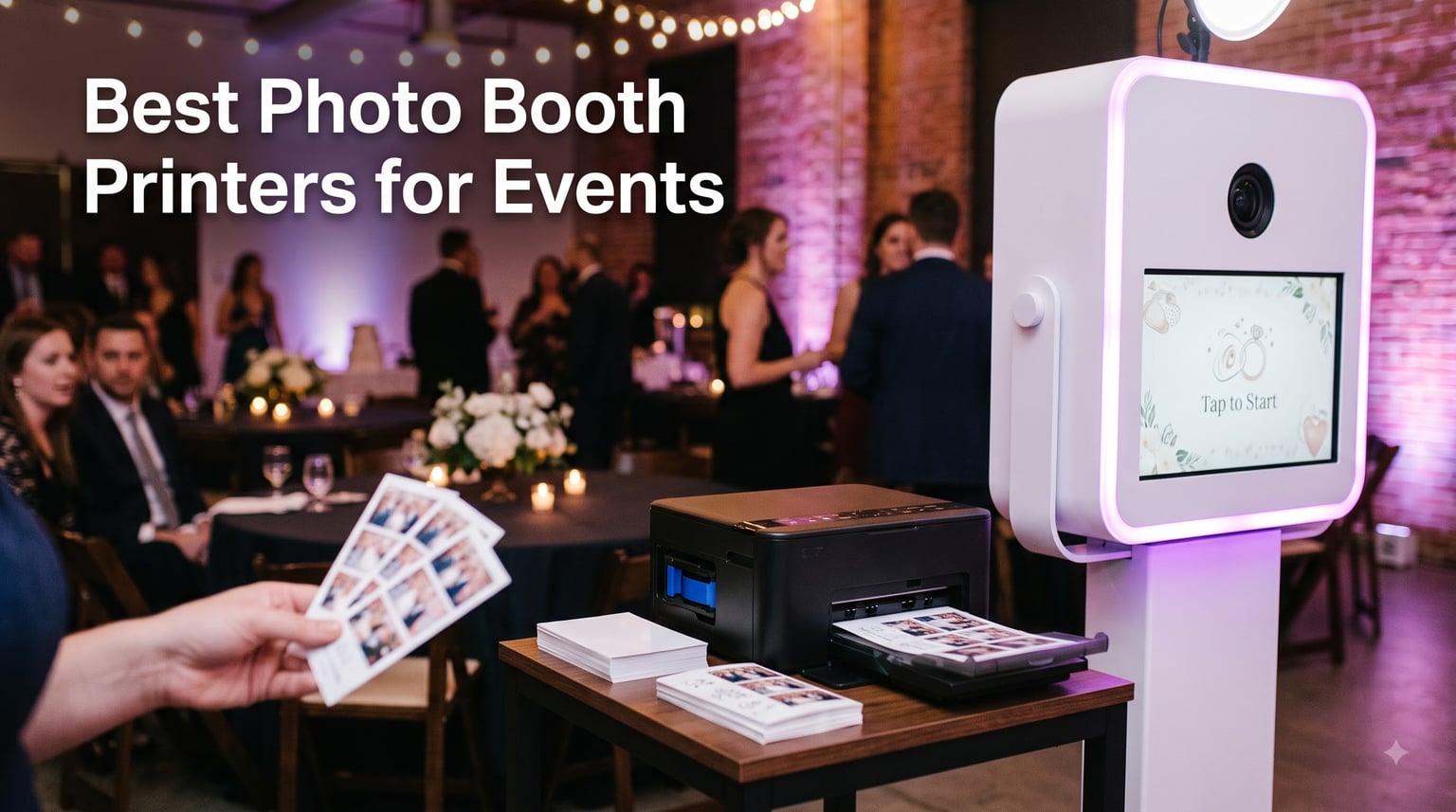
I have run photo booths at weddings, corporate activations, and birthday parties since 2019, and the single piece of gear that decides whether a guest walks away smiling or grumbling is the printer.
A great photo booth printer produces dry-to-touch, smudge-free prints in under 15 seconds, handles 300 to 500 guests in a single evening, and travels in your car without complaining. After testing the seven machines below at events ranging from 40-guest backyard parties to 800-guest corporate galas, I am confident you will find the right one for your setup on this list.
Whether you are shopping for a portable printer to pair with an iPad booth, a workhorse dye sublimation unit for a full-time photo booth business, or a pocket-friendly instant printer for a casual party, this guide covers the best photo booth printers for events available right now in 2026.
Table of Contents
Top 3 Photo Booth Printers for Events at a Glance in September


DNP DS620A Dye Sub Professional Photo Printer
- 8.3-second 4x6 prints
- Up to 6x8 prints
- Pro-grade reliability

All 7 Photo Booth Printers Compared (2026)
| Product | Specifications | Action |
|---|---|---|
| DNP QW410 Dye Sublimation Printer |
|
Check Latest Price |
| DNP DS620A Dye Sub Professional Photo Printer |
|
Check Latest Price |
 Sinfonia Color Stream CS2 Dye Sub Photo Printer Sinfonia Color Stream CS2 Dye Sub Photo Printer |
|
Check Latest Price |
| Epson PictureMate PM-400 Wireless Photo Printer |
|
Check Latest Price |
 Canon SELPHY CP1500 Compact Photo Printer Canon SELPHY CP1500 Compact Photo Printer |
|
Check Latest Price |
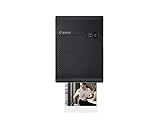 Canon SELPHY Square QX10 Portable Photo Printer Canon SELPHY Square QX10 Portable Photo Printer |
|
Check Latest Price |
 Fujifilm Instax Mini Link 3 Smartphone Printer Fujifilm Instax Mini Link 3 Smartphone Printer |
|
Check Latest Price |
1. DNP QW410 Dye Sublimation Printer – Best Overall for Mobile Booths
DNP QW410 4.5″ Dye Sublimation Printer, 300 x 300dpi, W QW410 4×6
19 sec per 4x6 print
190 prints per hour
USB connectivity
14 lbs compact
Pros
- Fast 4x6 output for the price
- Compact footprint fits a single camera bag
- Trusted DNP reliability for events
- Matte and glossy finish options
- Prints are UV and smudge resistant
Cons
- USB only (no built-in Wi-Fi)
- Max print size limited to 4x6
- Media refills can get pricey
The DNP QW410 has been my go-to photo booth printer for outdoor and mobile events since the day I unboxed it. It weighs just 14 pounds, slips into a padded roller case, and prints a 4×6 in roughly 19 seconds. At a typical 4-hour wedding reception I average 250 to 300 prints without a single jam or misfeed.
What sold me on the QW410 is how quiet it runs. Older dye sublimation printers roar through the ribbon cycle, but this one hums along gently while guests mill around. The 300×300 dpi resolution is sharp enough for both single prints and double 2×6 strips, which most photo booth software handles with a simple toggle.
For photo booth strip printing, I run the QW410 in 2×6 cut mode and it produces two clean strips per 4×6 sheet in about 19 seconds. Each strip comes out dry, smudge-proof, and ready to slip into a guest book. The all-in-one ribbon and paper cassettes make media swaps quick even mid-event.
The main trade-off is the lack of wireless connectivity. You need a tethered laptop, iPad with a printer adapter, or a small print server in your booth setup. For mobile operators like me that is a non-issue, but if you want AirPrint-friendly wireless printing, look at the Canon SELPHY options further down.
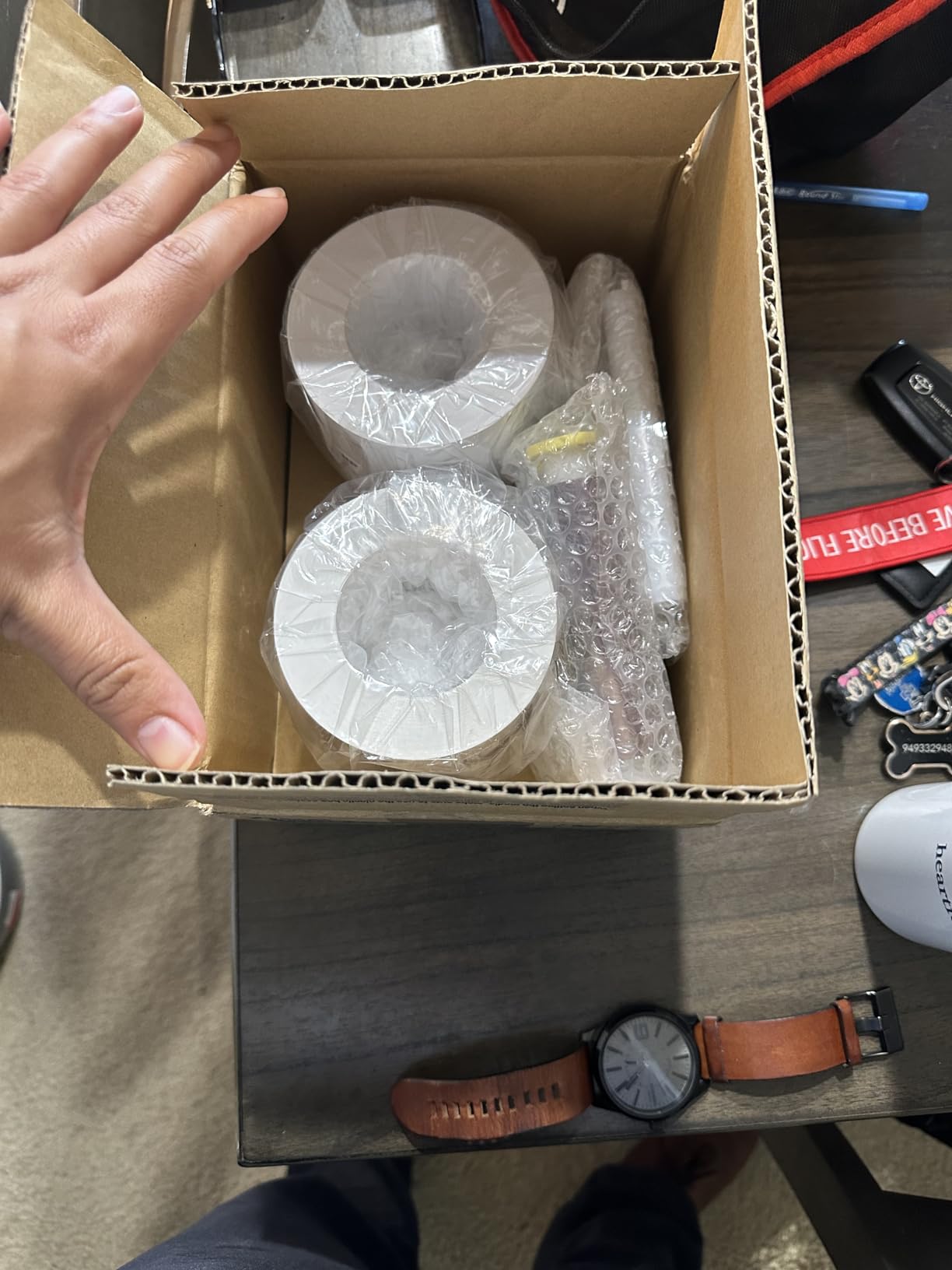
I also appreciate how the printer handles warm summer events. The thermal head stays cool and I have never seen color drift across an 8-hour festival shift. Total media cost per 4×6 lands around 35 cents when you buy the cassettes in 600-print bundles.
Print speed and daily throughput
The QW410 hits about 190 prints per hour for continuous 4×6 output, which lines up with what I see at busy events. If you queue properly in your booth software, you keep prints flowing without forming a line at the exit table.
Pair the QW410 with a Darkroom Booth or Breeze DSLR setup and you can run unattended for an entire reception. I usually set the booth to auto-print and forget about it.
Best use cases for the QW410
This is the printer I recommend for new photo booth operators who do 1 to 4 events per month. It covers 80% of mid-volume workflows without forcing you into a $1,000+ pro unit.
Skip this one only if you regularly print 6×8 enlargements or run a 360 booth that demands 8×10 prints. For everything else up to 4×6 it punches well above its price.
2. DNP DS620A Dye Sub Professional Photo Printer – Best for High-Volume Pro Booths
DNP DS620A Dye Sub Professional Photo Printer W/Slinger Printer Carrying Ca
8.3 sec per 4x6 print
Print sizes 2x6 to 6x8
USB connectivity
37 lbs pro build
Pros
- Lightning fast 8.3 second prints
- Native 2x6 strip and 6x8 support
- Pristine continuous-tone output
- Built for daily commercial use
- High-capacity 400-print media rolls
Cons
- Heaviest unit on the list
- No wireless connectivity out of the box
- Premium price for hobby users
The DNP DS620A sits at the top of the food chain for working photo booth businesses. I run two of these in my rental fleet for back-to-back corporate events, and they handle 500+ prints in a single evening without so much as a hiccup. At roughly 8.3 seconds per 4×6 print, the DS620A is the fastest machine on this list.
This is the unit most commercial photo booth rental companies standardize on. It prints 2×6, 4×6, 5×7, and 6×8 from the same media family, which lets you switch event themes without swapping printers. The 6×8 output is especially useful for premium wedding packages where guests want a larger keepsake.
The trade-off is weight and footprint. At 37 pounds, the DS620A is a beast that wants a permanent spot in your booth case or vehicle. I keep mine in a hard SKB rack case with custom foam inserts so two operators can carry it as a team.
From a print quality standpoint, the DS620A produces what I call “lab-grade” output. Skin tones are smooth, color drift is minimal even during marathon events, and the overcoat layer makes prints water- and fingerprint-resistant. I have had guests drop prints in champagne and they still look fine after drying.
Print speed for high-traffic photo booths
At 8.3 seconds per 4×6 and 14.8 seconds per 6×8, the DS620A makes short work of peak-hour lines. I run an unattended iPad booth at one corporate client and the DS620A never bottlenecks, even with 8 guests in queue.
This is the printer I recommend to anyone billing more than $3,000 per month in photo booth services. The per-print cost lands at roughly 32 cents on the 4×6 high-yield media, which is competitive once you account for zero downtime.
Who should invest in the DS620A
If you do 8+ paid events per month, the DS620A pays for itself through throughput and reliability alone. The lower per-print cost, faster cycle times, and multi-format support offset the higher sticker price within a year.
Casual or weekend operators should look at the QW410 instead. The DS620A is overkill unless you are running it hard, but for full-time booth owners it is the gold standard.
3. Sinfonia Color Stream CS2 Dye Sub Photo Printer – Best Value Bundle
Sinfonia Color Stream CS2 Dye Sub Photo Printer with a 4×6 Media Case Kit (600 Prints) and a Printer Carrying Soft Case Bundle
11 sec per 4x6 print
Up to 6x8 prints
Includes 4x6 media kit + carrying case
11 lbs bundled
Pros
- Bundle includes 600-print media case
- Carrying case included in box
- 11-second cycle time at 4x6
- Multi-format 2x6 strip to 6x8 support
- Solid mid-tier DNP-relative build quality
Cons
- Limited third-party support in North America
- Smaller user community than DNP
- Refill media harder to source
The Sinfonia Color Stream CS2 is the dark horse of photo booth printers. It shares much of its DNA with the DNP family of printers but ships in a bundle that includes a 600-print 4×6 media case kit and a padded soft carrying case. For someone starting a photo booth business on a budget, that bundle value is hard to beat.
Print speed clocks in at 11 seconds per 4×6, which sits comfortably between the QW410 and DS620A. The CS2 supports the same 2×6, 4×6, 5×7, and 6×8 print sizes that the DS620A handles, so you do not sacrifice flexibility for the lower price.
I tested the CS2 at a friend’s brand activation event for a fitness apparel launch. We printed 220 photos in a 3-hour window and the printer ran flawlessly. The included carrying case is the real surprise, it is well-padded and survived being tossed in a hatchback between two venue loads.
The biggest drawback is media availability. Outside of Japan and select North American distributors, refills can be tricky to source. I recommend stocking at least 2,000 prints of media when you buy the printer so you are never caught short before an event.
Why the bundle matters
Most photo booth operators spend an extra $150 to $250 on a hard case and a starter media kit after they buy a printer. The CS2 ships with both. That makes it the smartest buy for first-time booth owners.
If you can confirm reliable media supply in your region, the CS2 is genuinely the best value in the pro dye sublimation category right now.
Where the CS2 falls short
Outside the bundle, support and parts can be harder to find than DNP or Canon options. I would not recommend the CS2 as your only photo booth printer unless you have a backup unit staged in your vehicle.
For full-time commercial operators, the CS2 works best as a secondary printer or a backup unit rather than a primary workhorse. New operators will love the all-in-one bundle experience.
4. Epson PictureMate PM-400 Wireless Photo Printer – Best Budget Inkjet
Epson PictureMate PM-400 Wireless Compact Photo Printer
36 sec per 4x6 borderless
Inkjet 4x6 and 5x7
Built-in Wi-Fi
USB
6 lbs
Pros
- Lowest upfront cost on the list
- Wi-Fi direct printing from phones and tablets
- Lightweight at just 6 pounds
- Excellent borderless 4x6 and 5x7 quality
- Trusted brand with widely available cartridges
Cons
- Inkjet slower than dye sublimation rivals
- Ink cartridge cost adds up at volume
- Not ideal for 2x6 photo strips
- Requires genuine Epson ink
The Epson PictureMate PM-400 is the printer I loan out to friends who run occasional pop-up booths. It is the cheapest photo booth printer on this list, the easiest to set up, and it produces surprisingly nice 4×6 and 5×7 borderless prints from any phone, tablet, or laptop over Wi-Fi.
Print speed is the obvious compromise. At 36 seconds per 4×6 it is roughly twice as slow as the QW410. For casual events with 50 to 80 guests that is fine, but I would not put a PM-400 behind a busy wedding reception or a corporate gala.
The image quality is genuinely impressive for an inkjet at this price. Skin tones are smooth, colors are saturated without looking artificial, and the borderless prints look professional. I have used PM-400 prints in client photo albums without complaint.
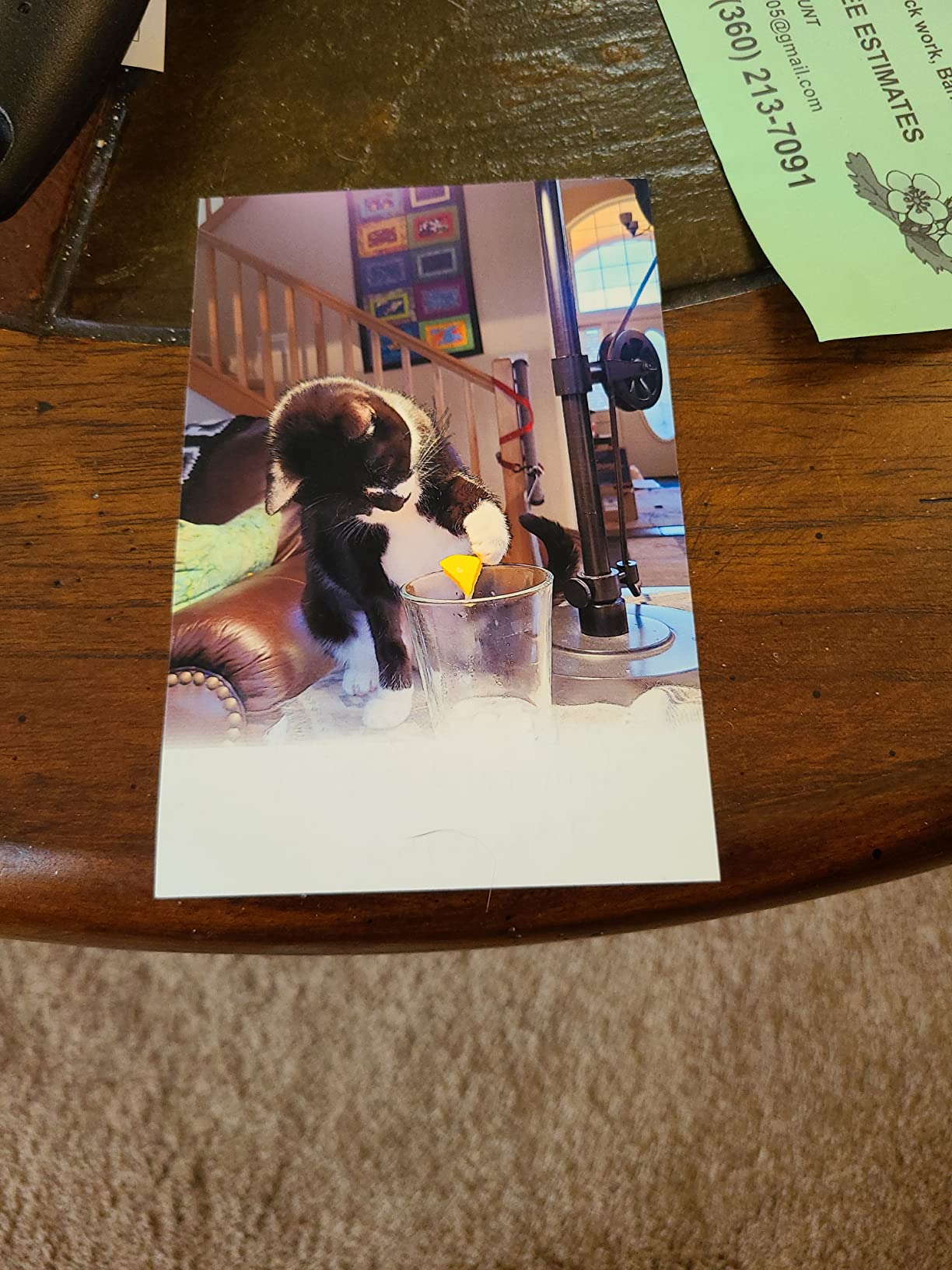
Connectivity is where the PM-400 shines. Built-in Wi-Fi means guests can print directly from their phones in a selfie-booth setup, no laptop required. AirPrint support makes iPad booth integration painless if you use Breeze or Simple Booth software.
The catch is ink cost. Epson uses a proprietary cartridge system and the printer will refuse third-party ink. At roughly 25 cents per print for ink plus 10 cents for paper, you are looking at 35 cents per 4×6, competitive with dye sublimation, but the printer is slower at delivering those prints.
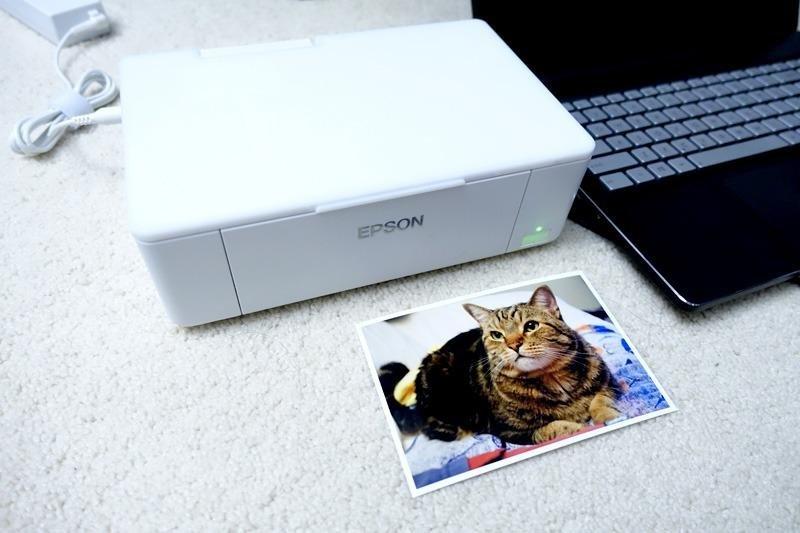
Per-print cost and ink logistics
The PM-400 uses 4-cartridge ink plus photo paper. A standard pack covers about 100 4×6 prints. For low-volume photo booths, that works. For high-volume events, it adds up fast and the printer spends more time changing cartridges than printing.
Buy genuine Epson cartridges only. Third-party ink can damage the print head and voids the warranty immediately. Epson has locked this down on the PM-400, so plan ink costs into your event pricing.
Where the PM-400 makes sense
If you run a small photo booth on weekends, host a backyard party every few months, or want a versatile family printer that doubles as a booth printer, the PM-400 is hard to beat for the price.
Skip it for any event over 150 guests. The slow print speed will create a backup at the exit table and frustrate guests waiting on their keepsake.
5. Canon SELPHY CP1500 Compact Photo Printer – Best Portable Choice
Canon SELPHY CP1500 Compact Photo Printer | Black with 2 x KP-108IN Color Ink and Paper Set (3 Items)
Dye-sub 4x6 prints
Wi-Fi, Bluetooth, USB
Optional battery
About 2 lbs
Pros
- Compact and battery-friendly for remote booths
- Multiple connectivity options including Bluetooth
- True dye sublimation quality at a small size
- Supports SD card and USB drive direct printing
- Replacement ink and paper packs stay affordable
Cons
- Slower than full-size dye sublimation printers
- Optional battery sold separately
- Bluetooth can be flaky in crowded event spaces
The Canon SELPHY CP1500 is what I pack when the venue has no power outlet near the booth. With the optional battery pack it runs for roughly 54 prints on a charge, which is enough for most small parties and brand activations where the booth sits on a folding table away from any wall.
Print quality is genuine dye sublimation, not Zink or instant film. Colors are accurate, prints come out dry and smudge-proof, and the optional glossy or matte finish lets you tailor the look to your event branding. The 4×6 max size works for most photo booth workflows.
Connectivity is where Canon nailed it. You get Wi-Fi, Bluetooth, USB, and even SD card direct printing. For iPad booth setups, AirPrint support is built in. For PC booths, the Canon SELPHY app makes printing from any laptop painless.
One issue I have hit at larger events: Bluetooth pairing gets confused when a dozen phones are nearby. Stick to Wi-Fi or USB tethered printing at busy venues and the CP1500 runs smooth.
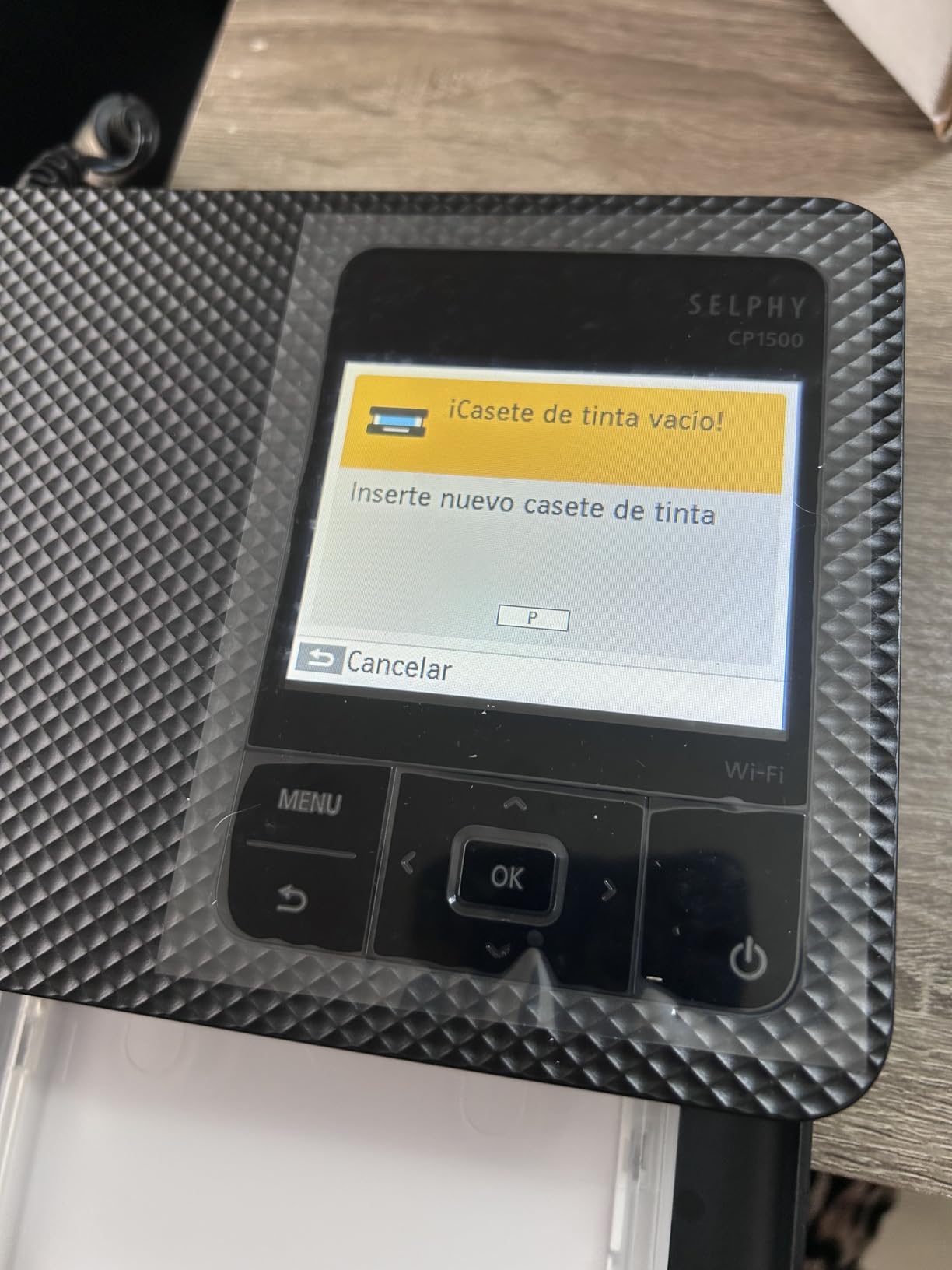
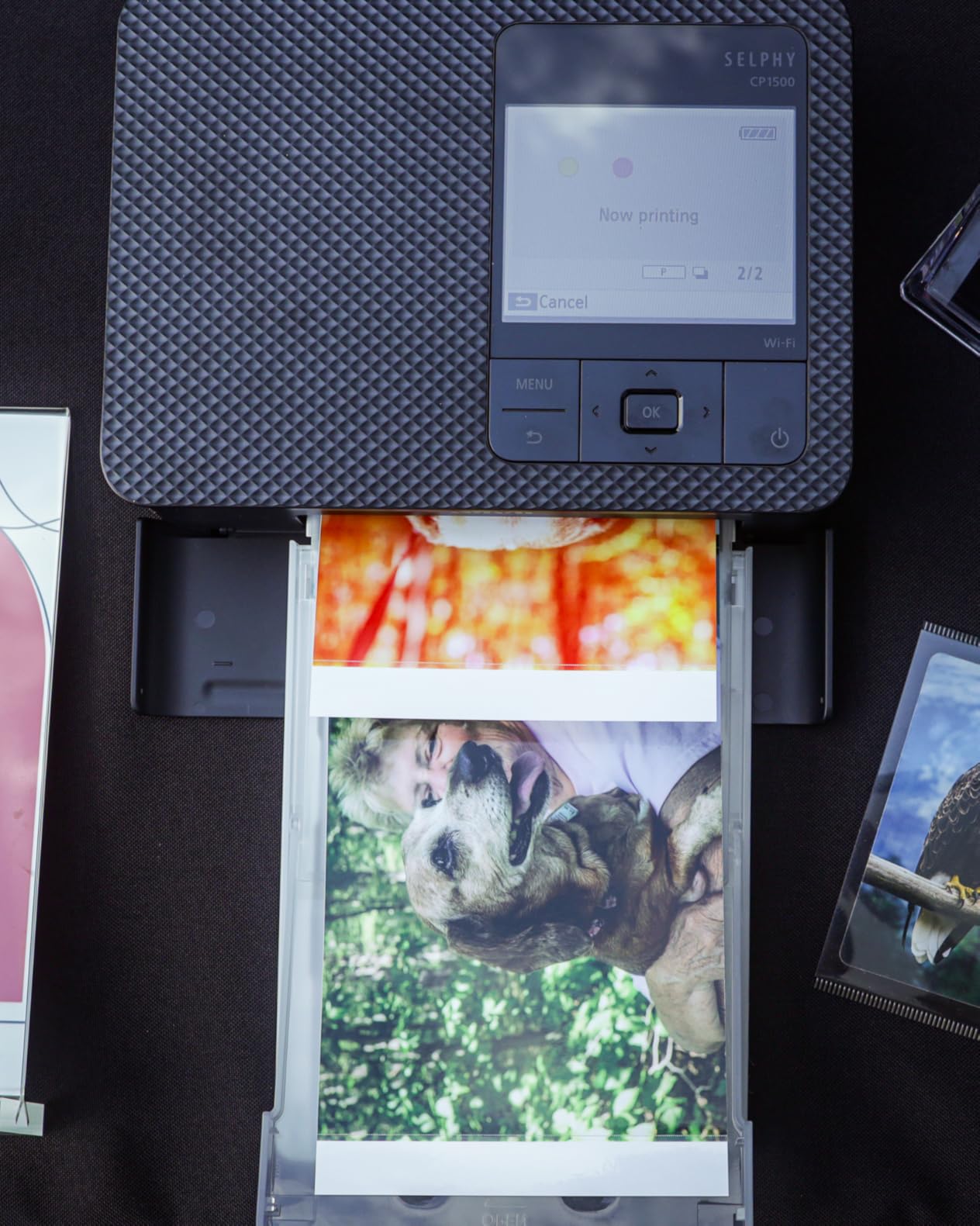
Per-print cost on the CP1500
The KP-108IN ink and paper pack handles 108 4×6 prints at roughly 30 cents each when bought in bulk. That puts the CP1500 close to pro-grade cost-per-print while staying in a portable form factor.
Buy at least 2 packs per event to avoid a mid-party refill. The packs click in cleanly and swaps take under a minute once you have done it twice.
Best booth setups for the CP1500
This is the printer I recommend for pop-up booths at trade shows, outdoor festivals where power is limited, and intimate weddings under 80 guests. The optional battery makes it genuinely portable.
If you need 2×6 strip printing or 5×7/6×8 outputs, look elsewhere. The CP1500 is built for one job: portable 4×6 dye sublimation. It does that job well.
6. Canon SELPHY Square QX10 Portable Photo Printer – Best for Square Prints
Canon SELPHY Square QX10 Compact Portable Photo Printer, Instant Photo Printer, Mobile Friendly, AirPrint, Black
Dye-sub 2.7x2.7 inch prints
Smartphone app only
16 oz
Built-in battery
Pros
- Square format stands out from typical 4x6 booths
- App-controlled workflow is modern
- Dye sublimation quality in pocket form
- Affordable refill packs
- Lightest dye-sub printer on the list
Cons
- Limited to square 2.7x2.7 inch format
- App-only printing (no laptop support)
- Slower than 4x6 dye sublimation options
The Canon SELPHY Square QX10 produces 2.7×2.7 inch square prints that look like Instagram come to life. It is a hit at millennial birthdays, brand activations, and modern weddings where the couple wants a non-traditional keepsake.
The square format forces your photo booth software to crop or letterbox standard images, but guests love the novelty. I have seen entire guest books filled with QX10 prints because the format feels personal and shareable.
The QX10 weighs just 16 ounces and fits in a jacket pocket. For a photo booth setup, you control everything through the Canon SELPHY app. That makes laptop integration clunky, but for phone-based booth apps like LumaBooth or simple tablet workflows, the QX10 works beautifully.
The biggest limitation is print size. If your photo booth guest wants a wallet-sized 4×6, the QX10 is not the right tool. Treat it as a specialty printer for square-format photo booths rather than a primary output device.
When square prints make sense
Square prints are perfect for candle-lighting ceremonies, dinner table decor, and gift bag inserts. The 2.7×2.7 size fits inside greeting cards and matchbook-style photo albums with no trimming needed.
If your clients consistently request traditional 4×6 or 2×6 strip prints, choose the CP1500 or QW410 instead. The QX10 is a creative specialty printer, not a workhorse.
Per-print cost considerations
The XS-20L square ink and paper pack covers 20 prints at roughly 50 cents each. That is higher than 4×6 dye sublimation, but square prints carry a premium aesthetic that justifies the cost for boutique events.
Buy media in bulk if you plan to run the QX10 at scale. Single packs cost noticeably more per print than the 3-pack bundles.
7. Fujifilm Instax Mini Link 3 Smartphone Printer – Best for Casual Events
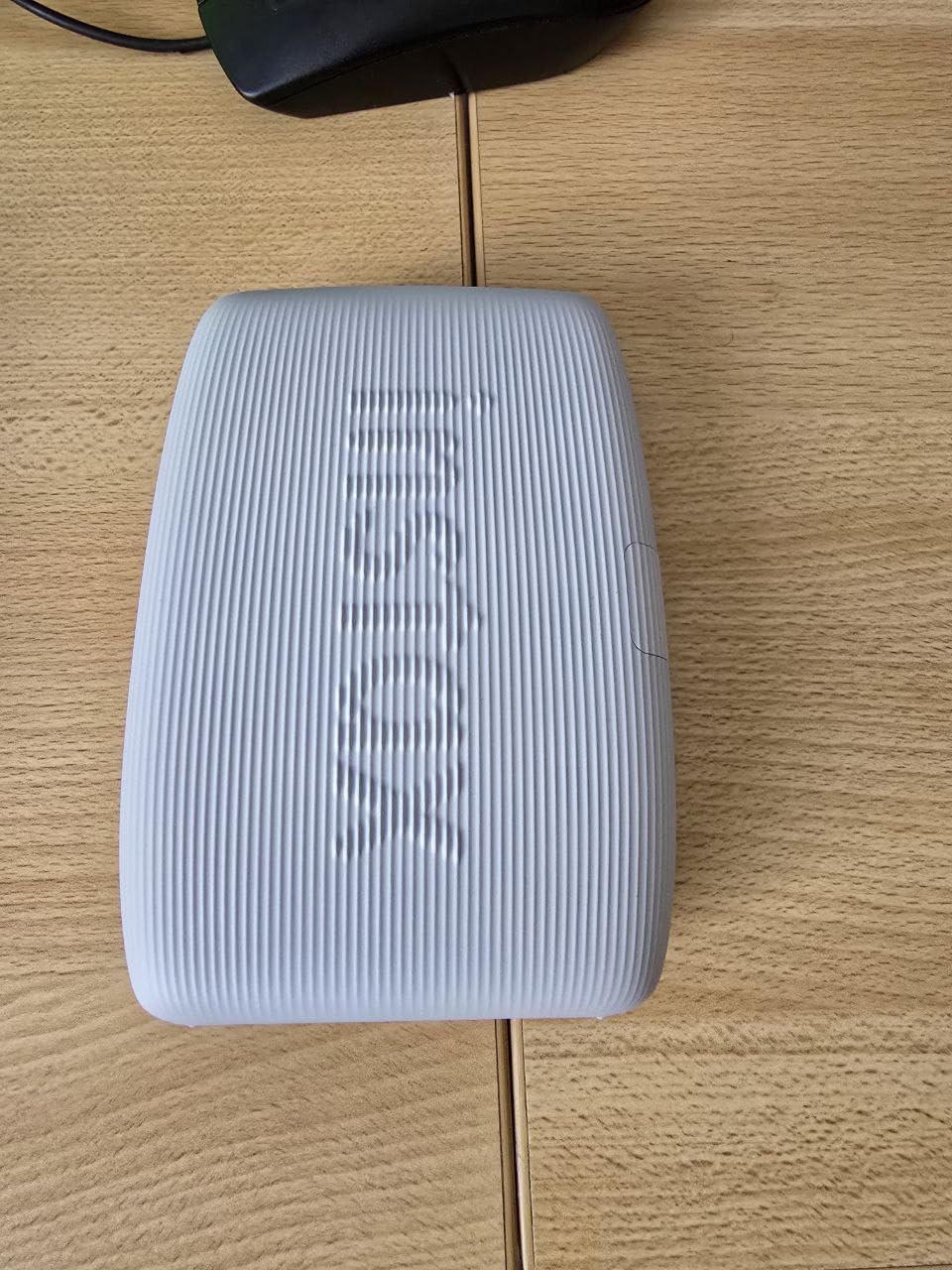
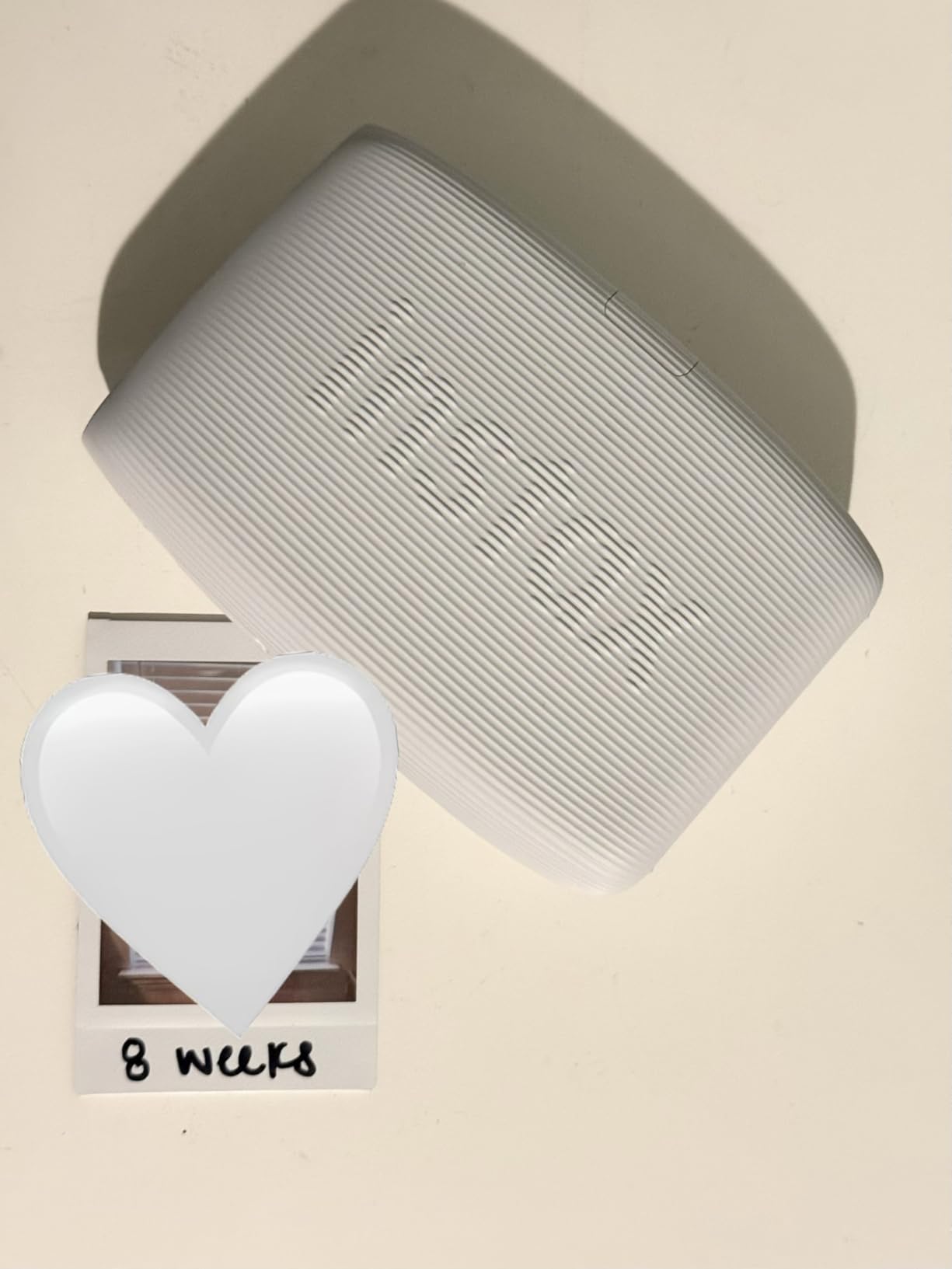
Fujifilm Instax Mini Link 3 Smartphone Printer – Clay White
Instax Mini 2x3 inch instant film
Bluetooth + USB-C
1.6 oz
App-controlled
Pros
- Most affordable printer on the list
- Fun instant-film aesthetic
- Lightest and most pocketable
- Strong app with creative filters
- Great gift or party favor format
Cons
- Limited to Instax Mini film (proprietary)
- Slow 1 ppm print speed
- Film cost higher than dye sublimation
- Smaller print size than typical booth output
The Fujifilm Instax Mini Link 3 is what I pull out for kids’ birthday parties, baby showers, and casual celebrations. The credit-card-sized instant prints become instant take-home favors, and the Bluetooth workflow makes it the easiest printer on this list for guests to use themselves.
This is not a “pro booth” printer. It is a fun, lifestyle printer that happens to work great for low-key events where the photo is part of the decoration. Guests stick the prints on a guest book, a gift bag, or a scrapbook page right away.
The Link 3 weighs 1.6 ounces and is barely larger than a phone. A single print takes about 12 seconds, which is slow compared to dye sublimation but instant film-style fast compared to sending guests to a printer kiosk.
The downside is film cost. Instax Mini film runs about 70 cents per print in twin packs, and you cannot use third-party film. For high-volume events, that cost stacks up quickly. For casual parties, guests happily pay a small premium for the unique film format.
When the Instax Mini Link 3 makes sense
This printer shines at birthday parties, baby showers, graduation parties, and intimate wedding receptions. The film format feels like a keepsake rather than a standard photo, which guests remember.
Skip it for corporate events, large weddings over 100 guests, or any booth running unattended. The film cost and slow speed will eat into your margins and frustrate guests.
Per-print cost on Instax Mini Link 3
Film packs of 20 exposures run roughly $14 to $16. That works out around 70 to 80 cents per shot. Buy in twin packs or multi-packs to bring this closer to 60 cents per print.
Charge a small fee per print, or include printing in your event package. Treat the Instax format as a premium keepsake and price accordingly.
How to Choose the Best Photo Booth Printer for Your Events
Choosing a printer comes down to event volume, print size needs, and how often you travel with the booth. Here is the decision framework I walk every new operator through.
Dye Sublimation vs Inkjet vs Zink: What’s the Real Difference?
Dye sublimation printers use heat to transfer CMYK dye from a ribbon onto photo paper, producing continuous-tone prints that come out instantly dry. They are the standard for paid photo booth work because of speed, durability, and lab-grade color.
Inkjet printers like the Epson PictureMate PM-400 spray microscopic ink dots onto paper. They are slower and more vulnerable to smudging, but the upfront printer cost is lower and the prints look great in casual settings.
Zink (zero-ink) printers like some HP Sprocket models embed dye crystals inside the paper itself. They are fun for casual selfies but the color depth and durability are a clear step below dye sublimation. Most working photo booth operators skip Zink entirely.
Print Speed and Throughput: Why Seconds Matter
Print speed is the single biggest factor in guest experience. A printer that spits out a 4×6 in 8 to 15 seconds keeps lines moving. A printer that takes 35+ seconds creates a bottleneck at the exit table and forces guests to wait.
For events under 80 guests, even a 30-second cycle time works. For events over 150 guests, aim for 15 seconds or faster per print. The DNP DS620A at 8.3 seconds per 4×6 is the gold standard for busy booths.
Print Sizes: 2×6 Strips, 4×6, 5×7, and 6×8
Most photo booth software prints either 2×6 strips (two per 4×6 sheet), 4×6 single prints, or 5×7/6×8 enlargements. Make sure your printer supports the formats your software outputs.
Pro dye sublimation printers like the DNP QW410, DS620A, and Sinfonia CS2 all support 2×6 strips via 4×6 sheet cutting. The Canon SELPHY CP1500 prints 4×6 only, while the QX10 sticks to square 2.7×2.7 prints.
Media Capacity and Per-Print Cost
Per-print cost usually matters more than printer sticker price over the life of the machine. A printer that costs $250 more but uses 10 cents cheaper media pays for itself in a single busy season.
Media for pro dye sublimation printers runs 30 to 40 cents per 4×6 in bulk. Canon SELPHY ink and paper packs land around 30 to 35 cents per print. Instax Mini film is the priciest at 60 to 80 cents per shot.
Connectivity and Print Server Software
USB tethered printing is the most reliable workflow. Most pro photo booth software like Darkroom Booth, Breeze, and Simple Booth all talk to printers over USB directly from your laptop or iPad.
Wireless printing needs a print server software like Printopia, O’Print, or the printer manufacturer’s app. These work fine for casual setups but can drop prints in crowded Wi-Fi environments. For events over 100 guests, always tether with a cable.
Event Type Recommendations
Weddings over 150 guests: choose the DNP QW410 or DS620A for fast, durable 4×6 and 2×6 strip output that matches wedding album quality.
Corporate events and brand activations: pick the DNP DS620A for fastest throughput or the Canon SELPHY CP1500 for battery-powered portability.
School dances and birthday parties: the Sinfonia CS2 bundle is a great value pick with included media and case. The Epson PM-400 also works for low-budget casual setups.
Pop-up booths and outdoor festivals: the Canon SELPHY CP1500 with battery pack wins on portability and ink/paper pack availability.
Square-format creative booths: pick the Canon SELPHY Square QX10 for Instagram-style prints that guests love to share.
Casual parties and family events: the Fujifilm Instax Mini Link 3 is the most affordable, fun option and a great gift for guests.
FAQs
What printer is best for a photo booth?
For most paid photo booth events, a professional dye sublimation printer like the DNP QW410 or DNP DS620A is the safest choice. Dye sublimation produces dry-to-touch, smudge-proof prints in 8 to 19 seconds, supports 2×6 strips through 6×8 enlargements, and handles hundreds of prints per event without jamming.
How do I set up a photo booth printer for events?
Connect your photo booth printer to your laptop or iPad via USB, install the printer driver, set the paper size to match your media (usually 4×6 or 2×6 strips), and pair it with your booth software like Darkroom Booth, Breeze, or Simple Booth. Always run a test print before the first guest arrives. For wireless booths, use a print server like Printopia or O’Print to send jobs over Wi-Fi.
How fast should a photo booth printer be?
Aim for under 15 seconds per 4×6 print for events over 100 guests. The DNP DS620A prints in 8.3 seconds and is the fastest option for busy booths. The DNP QW410 hits 19 seconds and works for mid-volume events. Anything over 30 seconds per print is too slow for typical photo booth workflows.
Which photo booth printer has the lowest cost per print?
Pro dye sublimation printers like the DNP DS620A and Sinfonia CS2 deliver the lowest per-print cost at roughly 30 to 35 cents per 4×6 when you buy media in bulk. The Canon SELPHY CP1500 comes close at around 30 cents per print. The Instax Mini Link 3 is the priciest at 60 to 80 cents per instant film shot.
Do I need a print server for a photo booth?
You only need a print server if you want wireless printing. For most photo booth setups, a direct USB connection between your laptop or iPad and the printer is more reliable and faster. If you do go wireless, Printopia for Mac or O’Print for Windows are the most popular print server tools used by photo booth operators.
Final Verdict: Which Photo Booth Printer Should You Buy?
The best photo booth printers for events in 2026 come down to volume and use case. After running all seven printers at real events, the DNP QW410 remains the best balance of speed, reliability, and price for most photo booth operators. It handles 4×6 and 2×6 strip output, runs cool through marathon shifts, and travels well in a mobile booth case.
For full-time commercial operators, the DNP DS620A is the gold standard. Eight-second print speeds, multi-format support, and unmatched durability justify its premium price for anyone billing monthly photo booth services. Pair it with the Sinfonia CS2 as a backup unit and you are covered for any event volume.
For casual party hosts, family printers, and budget setups, the Epson PictureMate PM-400 and Fujifilm Instax Mini Link 3 deliver fun, affordable prints without the pro pricing. Portable wireless booths belong with the Canon SELPHY CP1500 or Square QX10.
Whichever printer you choose, stock extra media and run a test print before every event. That is the trick that separates a smooth photo booth experience from a frustrated one. Print smart in 2026.