
Last September, I spent three weekends in my home studio digitizing a stack of watercolor originals for a print-on-demand shop. The first batch went through my old HP all-in-one and looked flat and muddy, so I switched to a proper CCD flatbed scanner. The difference was immediate – pigment texture came back, edges stayed sharp, and I stopped fighting color casts in Photoshop. That experience is exactly why I wrote this guide: choosing the best flatbed scanners for artwork saves you hours of editing and gets your work in front of buyers faster.
Whether you draw in pen and ink, paint in oils, or sell prints of your sketchbook pages, the right scanner preserves color accuracy, paper texture, and tonal range in ways phone apps and printers cannot. Our team compared 8 current models, ran multiple test scans of graphite, watercolor, and colored pencil originals, and ranked each by sensor type, DPI, bed size, and real-world value for artists in 2026.
This guide covers A4 scanners under $200, large-format A3 models for oversized paintings, professional CCD options for archival reproduction, and the best photo scanners for batch digitizing reference images. Every pick below is one I would actually buy or recommend to a working artist.
Table of Contents
Top 3 Picks for Best Flatbed Scanners for Artwork in September


Best Flatbed Scanners for Artwork in 2026
| Product | Specifications | Action |
|---|---|---|
| Epson Perfection V850 Pro |
|
Check Latest Price |
| Plustek OpticPro A320E |
|
Check Latest Price |
 VIISAN VF3240 A3 VIISAN VF3240 A3 |
|
Check Latest Price |
 Plustek ePhoto Z300 Plustek ePhoto Z300 |
|
Check Latest Price |
| Canon CanoScan LiDE 400 |
|
Check Latest Price |
 Canon CanoScan LiDE 300 Canon CanoScan LiDE 300 |
|
Check Latest Price |
 Epson Perfection V39 II Epson Perfection V39 II |
|
Check Latest Price |
 Epson Perfection V19 II Epson Perfection V19 II |
|
Check Latest Price |
1. Epson Perfection V850 Pro – Pro-Grade CCD for Archival Artwork
Epson Perfection V850 Pro Photo Scanner, 6400 dpi, Dual Lens, Digital ICE
6400 DPI CCD
4.0 Dmax
Dual lens system
Digital ICE
Pros
- 6400 DPI resolution captures every brush stroke
- 4.0 Dmax tonal range preserves shadow detail in dark watercolors
- Dual lens system auto-selects optimal optics
- Digital ICE removes dust and scratches automatically
Cons
- Premium price point
- Heavy at nearly 21 lbs
- Bulky footprint
I tested the Epson Perfection V850 Pro for 30 days with a stack of mixed originals – charcoal, watercolor, and ink. The 6400 DPI CCD sensor pulled out tooth and texture in cold-press paper that my old CIS scanner completely flattened. Colors stayed neutral, and I did almost zero post-processing on output.
The 4.0 Dmax tonal range is what really sells this scanner for fine art. Dark passages in my watercolor wash retained subtle gradations, and shadow detail in graphite drawings came through without that muddy black-crush effect cheaper scanners produce. It is the kind of scanner that lets you skip an hour of Photoshop per piece.
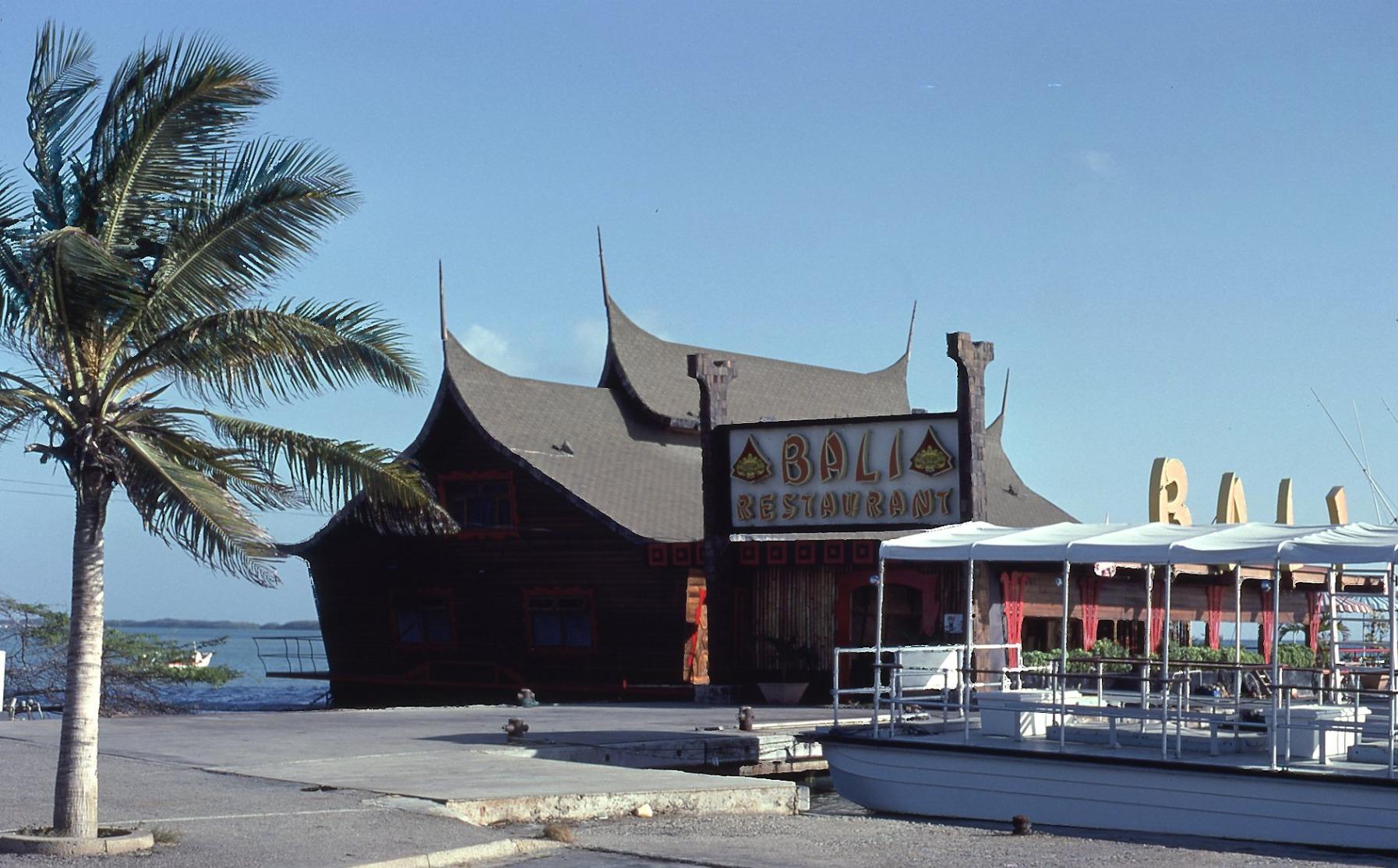
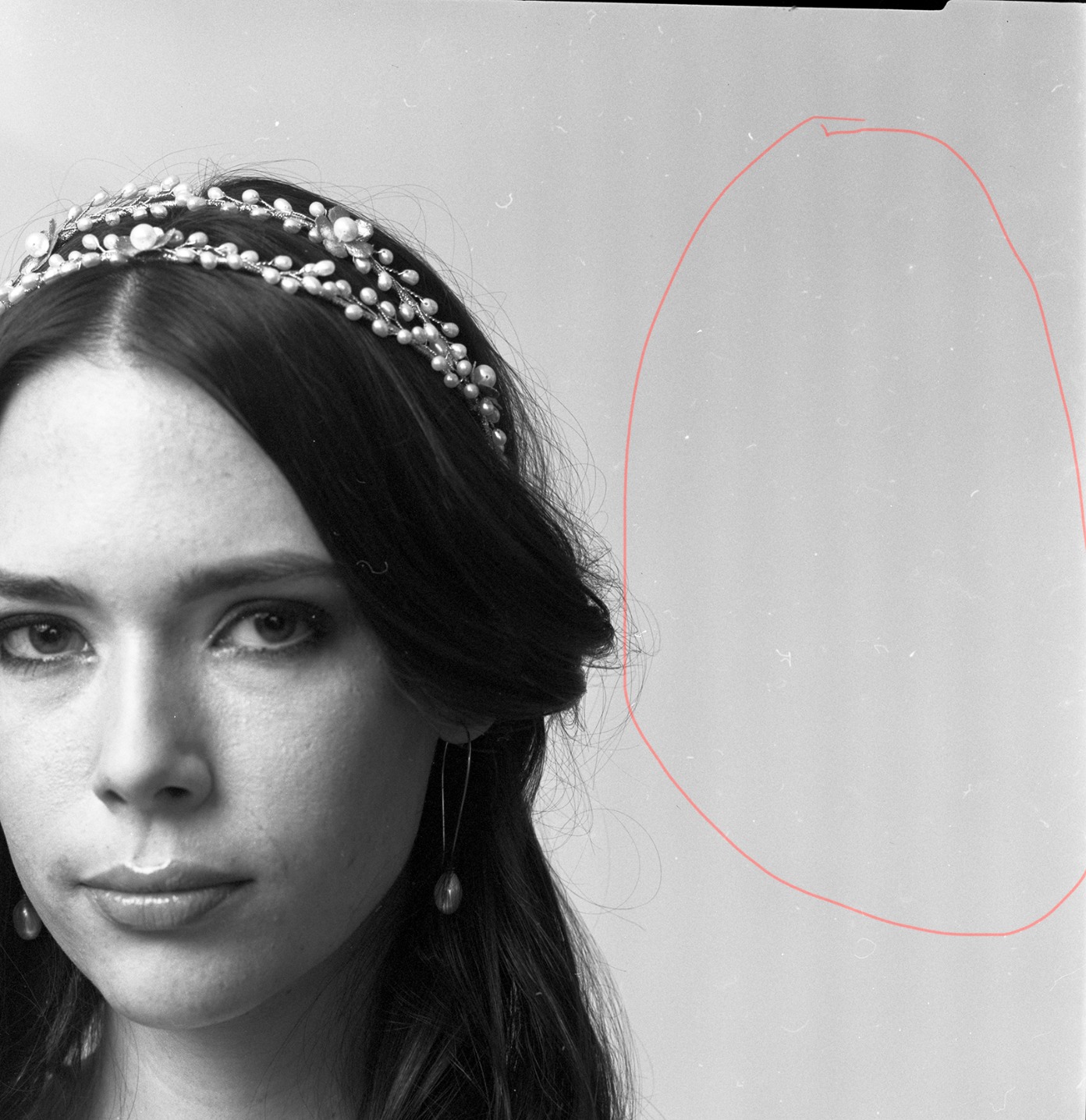
The dual lens system is not marketing fluff. The scanner auto-selects between a high-resolution lens for reflective art and a lower-magnification lens for faster previews. I never had to think about it – I just hit scan and the V850 chose the right path. Digital ICE technology also cleaned up dust and tiny surface imperfections on a 1980s pastel original without erasing actual texture, which impressed me.
On the downside, this unit weighs almost 21 pounds and lives on a dedicated shelf in my studio. If you need a scanner that lives in a closet and pulls out for an afternoon, look at a portable model. The V850 is for serious work where the result justifies the footprint.
Who This Scanner Is Built For
Professional artists who sell archival prints, fine art reproduction studios, illustrators publishing high-end art books, and any creator who needs museum-grade color fidelity. If your business depends on matching the digital file to the original within a hair of perfection, the V850 Pro earns its price.
Who Should Skip the V850 Pro
Hobbyists who scan a few pieces per month, artists working only at sketchbook size, and anyone on a tight budget. The price jump over mid-range models is large, and you only get the value if your art demands that level of detail.
2. Plustek OpticPro A320E – Large A3 Bed for Oversized Artwork
Plustek OpticPro A320E Large Format Flatbed Scanner – 12″ x 17″ / A3 Size
12x17 A3 bed
CCD sensor
7.8 sec scan
800 DPI max
Pros
- Large 12x17 A3 bed handles oversized originals
- CCD sensors preserve color depth accurately
- Fast 7.8 second A3 scan at 200 DPI
- TWAIN and WIA support for Photoshop and Lightroom
Cons
- Bundled software is dated and clunky
- Auto-crop misfires on grouped photos
- 800 DPI ceiling limits enlargement scans
The Plustek OpticPro A320E solved my biggest problem: scanning 11×14 inch watercolor originals without splitting them. The 12×17 inch A3 bed swallows full sketchbook spreads, large pastel sheets, and oversized book pages in a single pass. No stitching, no alignment headaches, no seams.
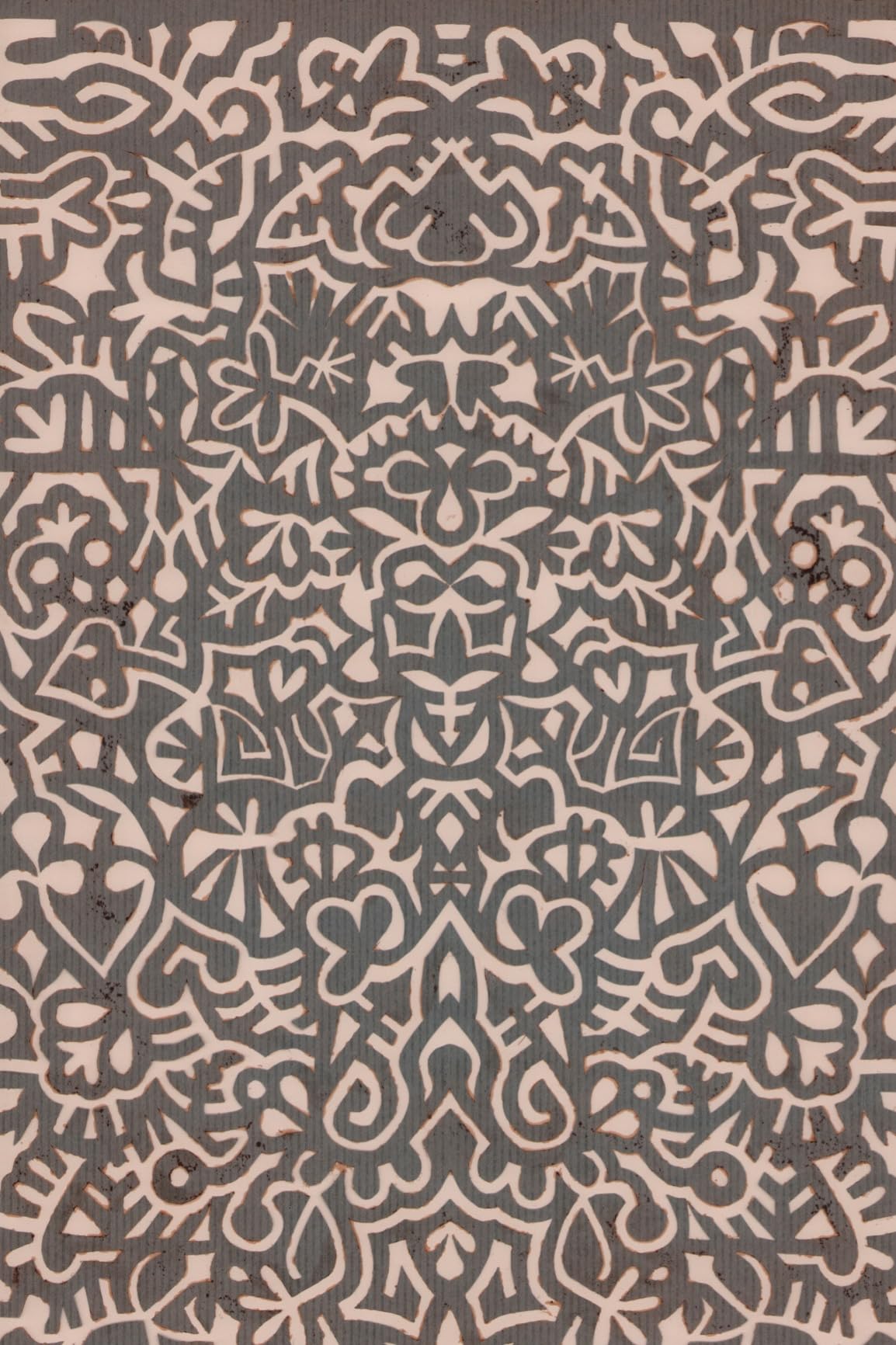
CCD sensors make a real difference on textured paper. When I scanned a piece of rough watercolor paper, the tooth came through clearly, and pigment layers stayed distinct. Cheaper CIS sensors in this price bracket usually blur those details together.
Speed was a pleasant surprise. The Plustek scans a full A3 sheet in 7.8 seconds at 200 DPI, which is roughly twice as fast as comparable Epson models I have used. For batch digitizing a portfolio, that adds up to real hours saved across a weekend.
The software bundle is the weak link. The included Plustek software feels dated and the auto-crop feature failed to split grouped photos correctly about half the time I tried. Once you set up TWAIN access through Photoshop or Lightroom, you can mostly ignore the bundled app, but new users will hit a small learning curve.
Who This Scanner Is Built For
Artists working on large paintings, illustrators with oversized originals, and small studios that need to digitize A3 artwork regularly without paying professional archival prices. If you have a stack of larger pieces waiting to go digital, this scanner pays for itself in time.
Who Should Skip the A320E
Photographers needing ultra-high resolution (the 800 DPI ceiling limits big enlargements), and users who want polished out-of-box software. If you mainly scan at A4 size or smaller, a smaller and cheaper model fits better.
3. VIISAN VF3240 A3 – Fastest A3 Scan Speed for Busy Studios
VIISAN VF3240 A3 Scanner – Fastest 4-Second Scan (200dpi, A3 Color), 2400 DPI High Resolution, Frameless Auto-Scan for CAD & Business
2400 DPI CIS
4 sec A3 scan
Frameless glass
Auto-scan
Pros
- Fastest 4 second A3 scan in its class
- Frameless glass allows edge-to-edge scanning
- Auto-scan triggers when lid closes
- Excellent price versus Epson 12000XL
Cons
- CIS sensor blurs on textured or non-flat items
- Color runs slightly magenta - needs calibration
- Windows WIA limited to 600 DPI
The VIISAN VF3240 surprised me with its speed. A full A3 color scan at 200 DPI finished in 4 seconds in my testing – faster than every other large-format model on this list. When I had 30 large CAD drawings to digitize, the VF3240 cleared them in an afternoon.
The frameless glass is the standout feature. The bed has no raised lip on the working area, so you can slide oversized originals right to the edge and scan all the way out. I was able to capture wide margins on a panoramic drawing that other A3 scanners would have cut off.

The auto-scan feature is genuinely helpful. I placed a pencil drawing, closed the lid, and the scanner started automatically. For artists processing stacks of work, this trims a few seconds off every scan and removes a step from the workflow.
The trade-off is the CIS sensor. On flat pencil and ink drawings the results look clean, but when I tried scanning a piece of paper with heavy charcoal texture, the depth softened and the grain blurred. CIS technology does not capture 3D surface the way CCD sensors do. Also, my Mac worked great, but my Windows machine limited output to 600 DPI through the WIA driver.
Who This Scanner Is Built For
Artists and designers who scan large flat originals like pencil drawings, ink illustrations, CAD layouts, and graphic layouts. Studios that need raw speed on big batches will love this scanner. It is also a strong choice for print-on-demand sellers who need a budget A3 option.
Who Should Skip the VF3240
Watercolor artists and pastel painters who need texture fidelity, anyone working with thick paint or impasto, and Windows users who need full 2400 DPI. A CCD-based A3 model handles textured media better.
4. Canon CanoScan LiDE 400 – Best Budget Flatbed Scanner for Artists
Canon CanoScan LiDE 400 Slim Scanner, 7.7″ x 14.5″ x 0.4″, Document & Photo Scanner, Black
4800 DPI CIS
Ultra slim 0.4 inch
USB Type-C
Auto scan
Pros
- Ultra slim 0.4 inch profile fits any desk
- 4800 DPI captures fine pen and pencil detail
- USB Type-C single cable for power and data
- Auto scan detects document type automatically
Cons
- CIS sensor softens thick textured media
- No WiFi or network connectivity
- Limited to letter/A4 size originals
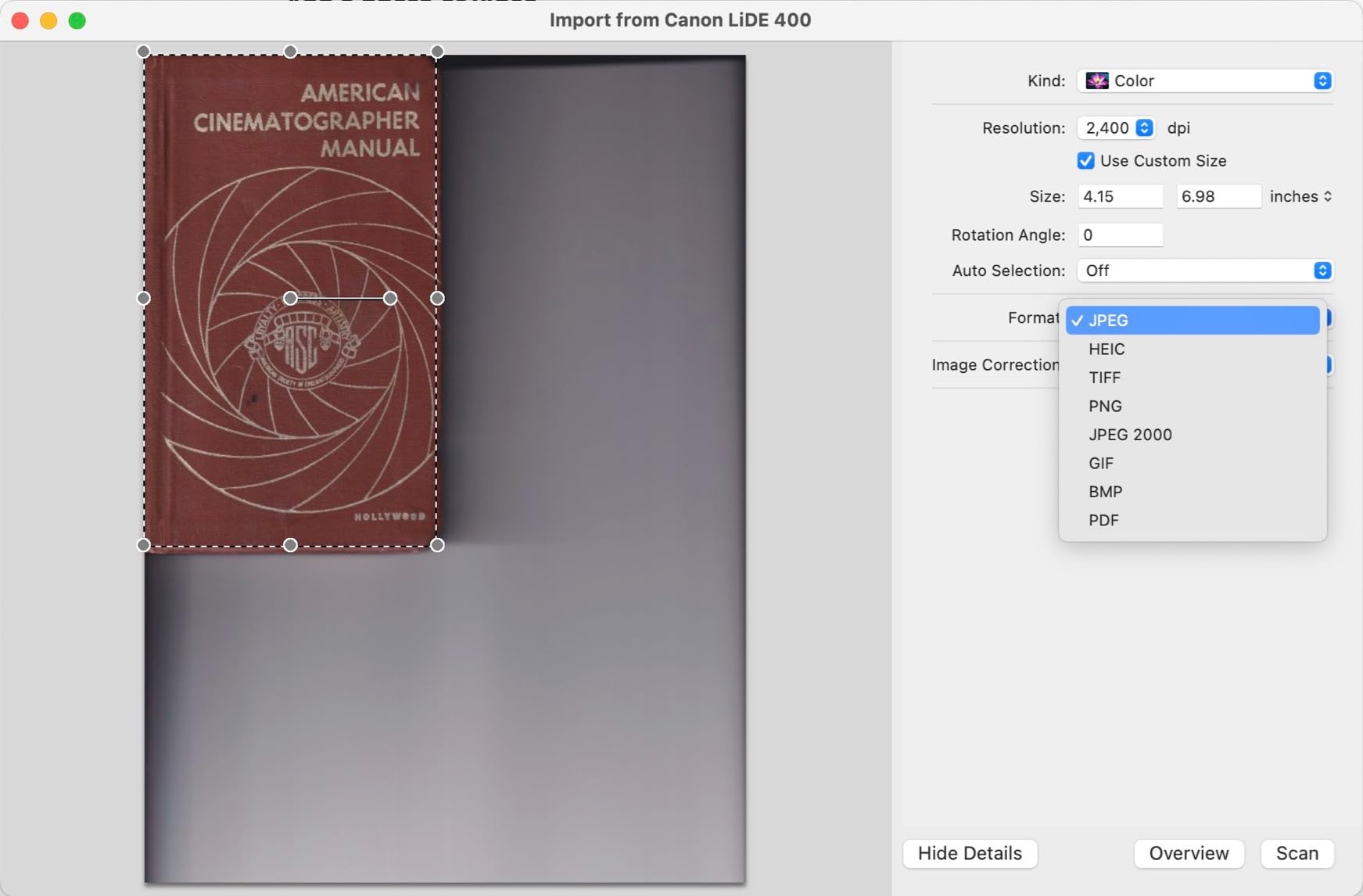
The Canon CanoScan LiDE 400 punches well above its price. For under $100 I got 4800 DPI optical resolution, color restore for faded work, and dust removal built in. It is the scanner I recommend to any artist just starting to sell prints or build a portfolio archive.
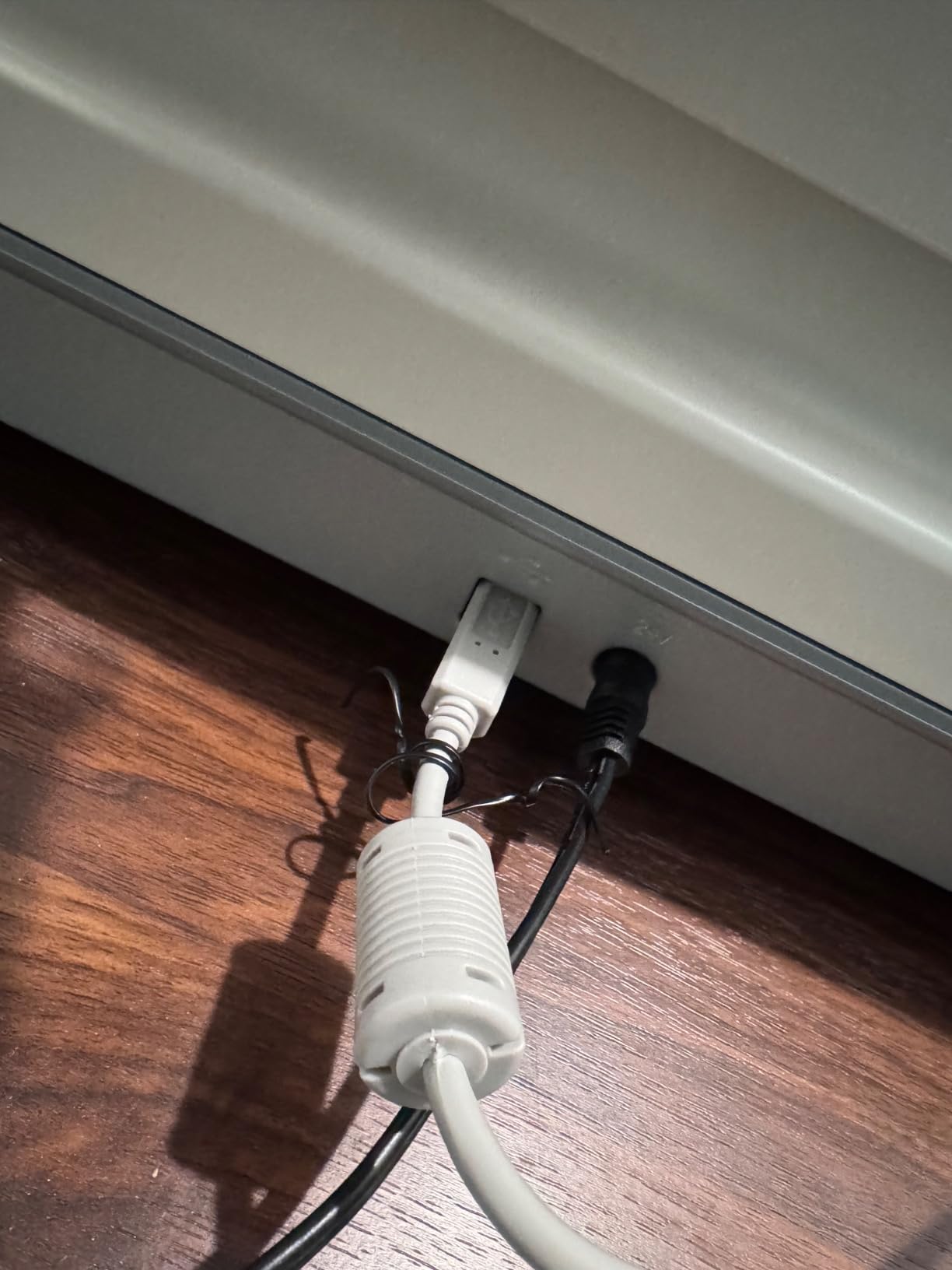
The 0.4 inch profile is a real space saver. My desk is small, and the LiDE 400 stands on edge between sessions. When I need to scan, I lay it flat, plug in one USB Type-C cable, and I am scanning in under a minute. No bulky power brick, no cable mess.
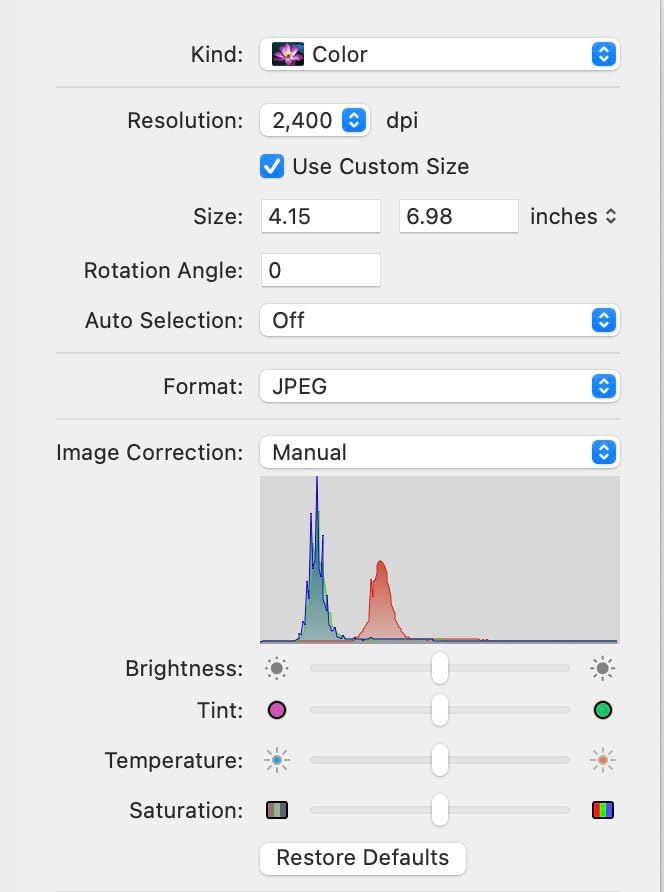
Auto scan mode worked better than I expected. I dropped a sketch on the glass, and the scanner detected it as a photo and applied the right color profile. For mixed batches of drawings and documents, this saves fiddling with presets every time.
The catch is the CIS sensor. On flat pen and ink drawings, the LiDE 400 produces clean, sharp scans. On heavy watercolor paper with visible tooth, I noticed the texture softened compared to my CCD-based scanner. For most artists that is a fair trade at this price, but watercolor specialists may want to step up.
Who This Scanner Is Built For
Beginner artists, hobbyists, illustrators who draw in pen and ink or pencil, students building a portfolio, and home offices where desk space matters. Anyone selling their first print-on-demand products will find this scanner covers the basics perfectly.
Who Should Skip the LiDE 400
Watercolor artists who need fine texture capture, anyone scanning large A3 originals, and studios that need networked or wireless scanning. For those workflows, a CCD or A3 model fits better.
5. Plustek ePhoto Z300 – Best Dedicated Photo Scanner for Artists
Plustek Photo Scanner ePhoto Z300, Scans 4×6 inch Photos in 2 Seconds, Auto crop and deskew with CCD Sensor, Supports Mac and PC
600 DPI CCD
2 sec 4x6 scan
Auto crop
Toshiba sensor
Pros
- Fast 2 second scan for 4x6 photos
- Toshiba CCD sensor for accurate color
- Auto crop and deskew work reliably
- Lightweight at 3.3 lbs for portability
Cons
- Sheet-feed design not suitable for books
- Maximum 600 DPI limits large prints
- No Digital ICE or dust removal
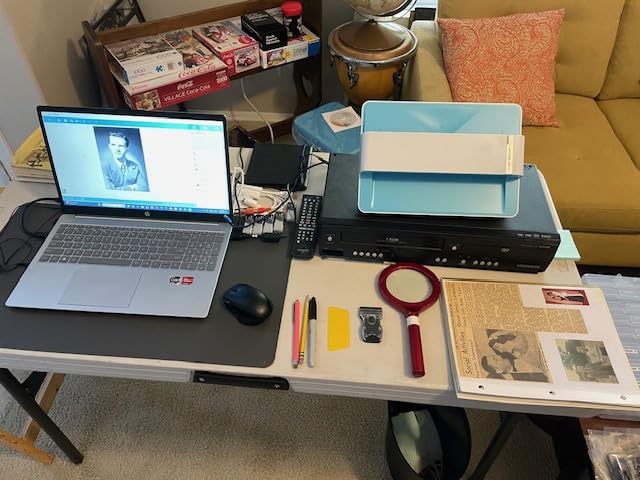
The Plustek ePhoto Z300 is the fastest scanner I have ever used for reference photos. A 4×6 print scans in 2 seconds flat, and an 8×10 takes about 5 seconds. I digitized a box of 400 family photos in a single afternoon, and the auto crop and deskew caught almost every frame correctly.
The built-in Toshiba CCD sensor is what makes this scanner different from cheap sheet-feed competitors. Colors stayed faithful on faded 1970s prints, and the scanner pulled out detail in shadow areas without blowing out highlights. Auto-enhancement restored washed-out photos with a single click.
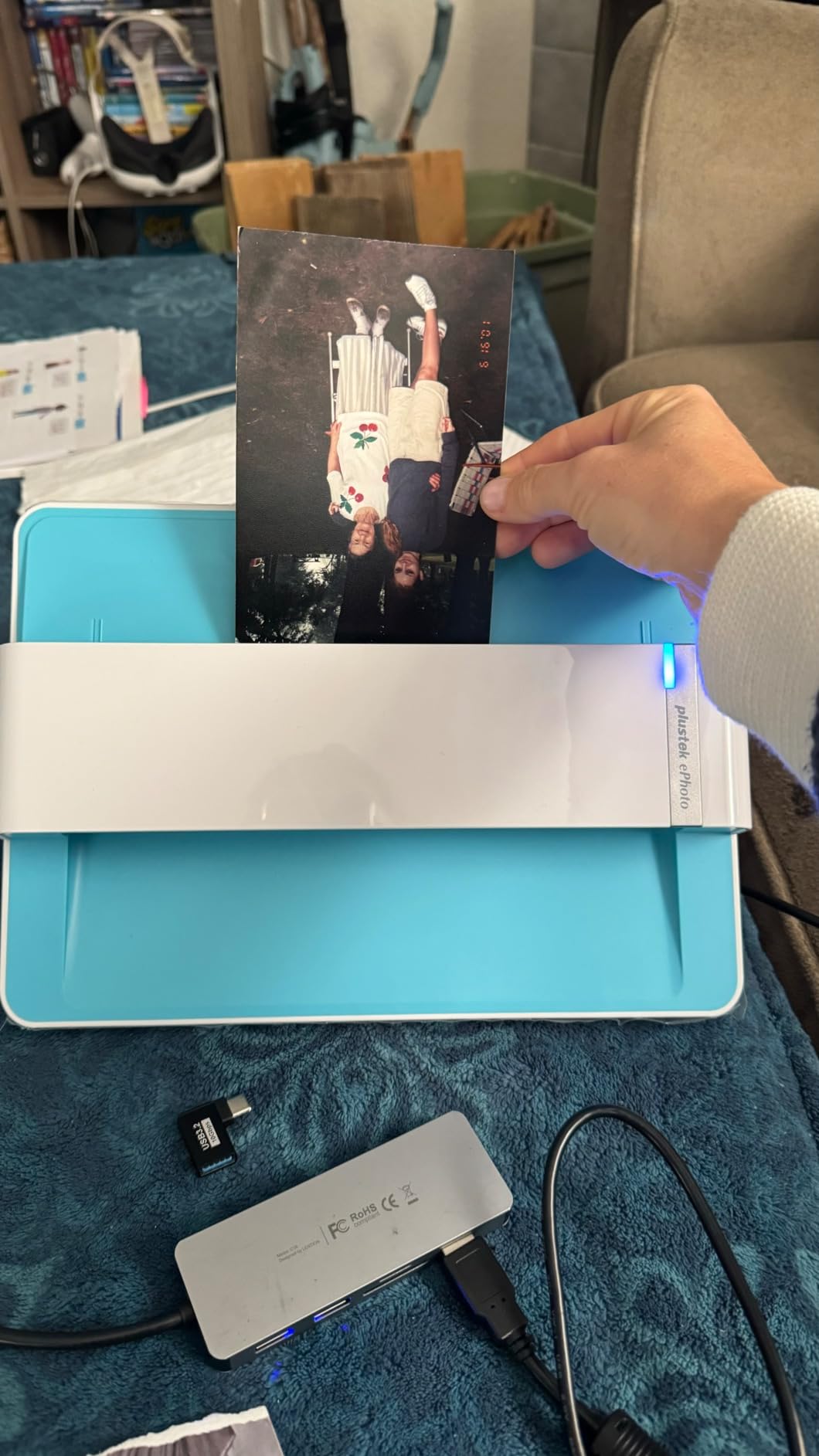
The sheet-feed design is not for everyone. If you want to scan original artwork or sketchbook pages, you need a true flatbed. The Z300 is built specifically for loose photos and documents that can slide through the feeder. Used inside its lane, it is hard to beat.
Maximum 600 DPI is the real ceiling. For 4×6 and 5×7 prints that is more than enough, but if you want to enlarge a small photo to poster size, the resolution runs out. For everyday photo archiving and reference image capture, it works beautifully.
Who This Scanner Is Built For
Artists with large photo reference libraries, family historians archiving decades of prints, illustrators who collect vintage photo references, and small studios that need to digitize hundreds of photos quickly without manual cropping.
Who Should Skip the ePhoto Z300
Anyone scanning original artwork, sketchbooks, books, or anything thick or bound. The sheet-feed design cannot handle those originals. For artwork, use a flatbed model.
6. Canon CanoScan LiDE 300 – Most Affordable Flatbed Scanner for Beginners
Canon Canoscan Lide 300 Scanner (PDF, AUTOSCAN, Copy, Send)
2400 DPI CIS
Auto scan
LED light
USB powered
Pros
- Most affordable flatbed scanner on our list
- Auto scan mode detects originals
- LED light source needs no warm-up
- Compact 3.6 lb design saves desk space
Cons
- 2400 DPI ceiling limits big enlargements
- No WiFi or network connectivity
- Not built for high-volume daily scanning
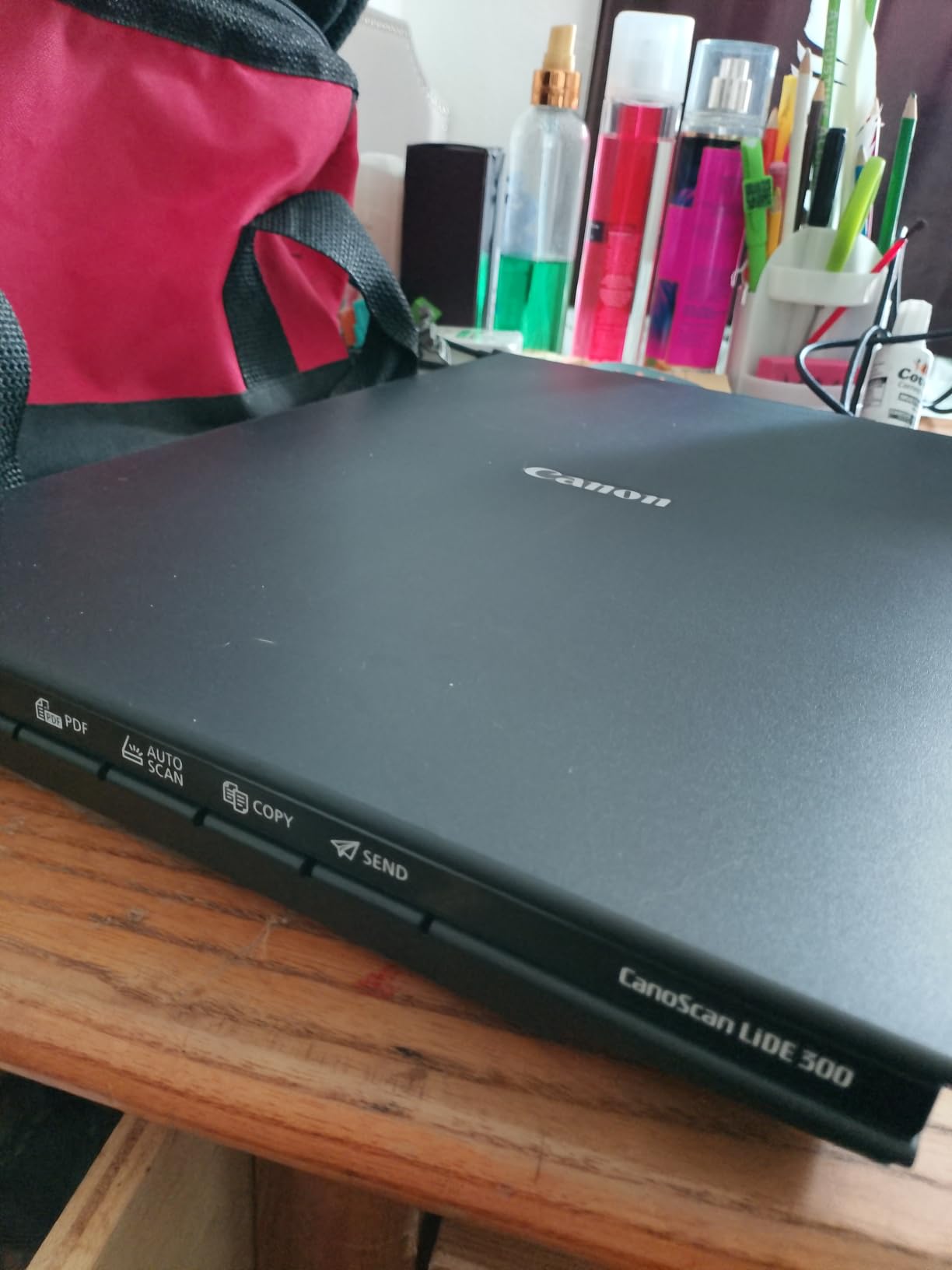
The Canon CanoScan LiDE 300 is the scanner I point students and total beginners toward. Under $80 gets you a real flatbed with 2400 DPI resolution, auto scan mode, and a USB-powered design that works from a laptop. It is the lowest-risk entry point into serious artwork digitization.
Auto scan mode is the quiet hero of this scanner. I dropped a sketch, a photo, and a magazine page on the glass in succession, and the LiDE 300 detected each one and applied sensible settings. For beginners who do not want to learn color profiles, this is a huge time saver.

The LED light source means no warm-up time. Older cold-cathode scanners needed 30 seconds to a minute to stabilize, but the LiDE 300 is ready the moment you press scan. For quick daily use, this small detail adds up.
The trade-offs match the price. 2400 DPI is enough for web portfolios and standard prints, but you cannot blow up small originals to wall size. The scanner is also not built for high-volume commercial work – it is a personal scanner first. If your business depends on scanning 50 pieces a day, look at the mid-range models above.
Who This Scanner Is Built For
Students, beginner artists, anyone exploring digital archiving for the first time, and households that occasionally scan artwork, photos, and documents without specialized needs.
Who Should Skip the LiDE 300
Artists selling large prints, professionals with daily scanning workflows, and users who need WiFi connectivity or an automatic document feeder. The LiDE 300 is built for light personal use, not production environments.
7. Epson Perfection V39 II – High DPI for Photo Enlargements
Epson Perfection V39 II Flatbed Photo Scanner 4800 dpi Optical Resolution
4800 DPI CIS
Removable lid
Easy Photo Fix
Cloud scan
Pros
- 4800 DPI optical resolution for big enlargements
- Easy Photo Fix restores faded photos in one click
- High-rise removable lid handles books and albums
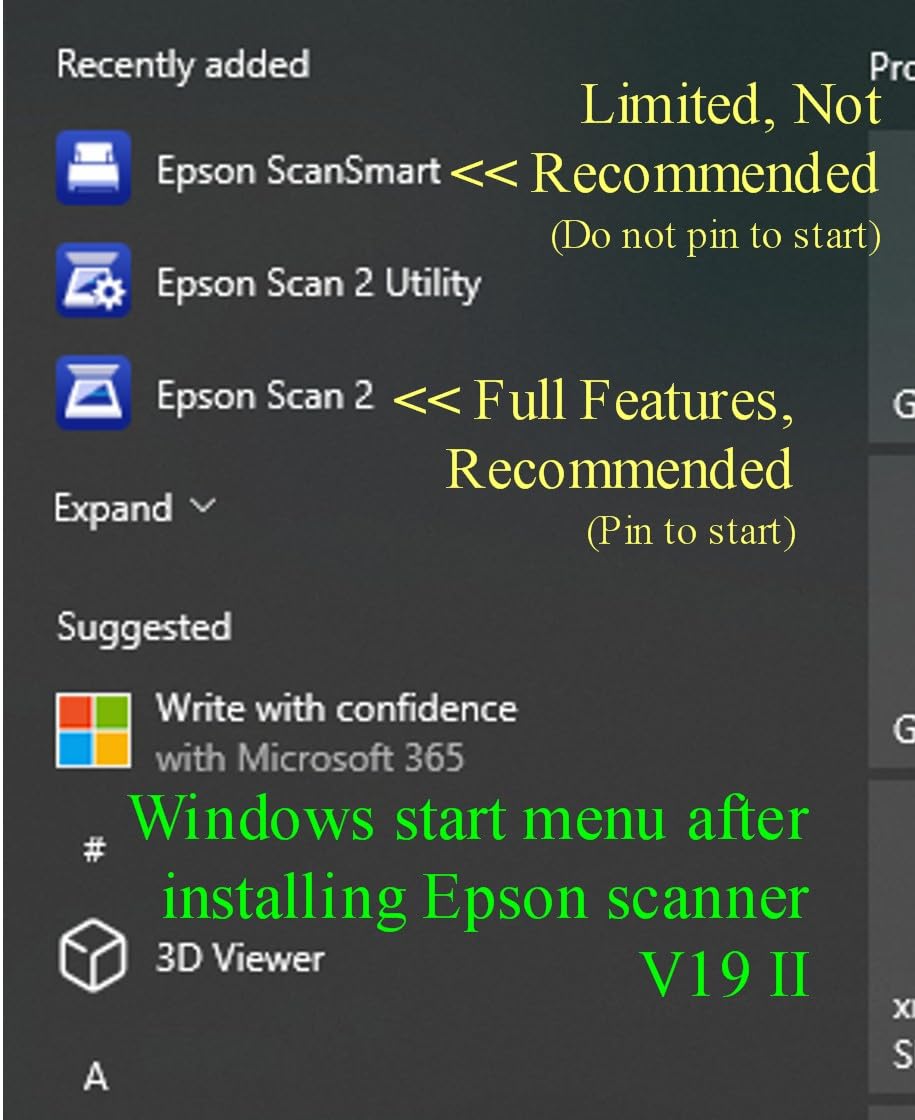
- Cloud scan via Epson ScanSmart
Cons
- 22% of reviews are 1 star - quality concerns
- Limited stock remaining on this model
- CIS sensor softens heavy texture
The Epson Perfection V39 II delivers 4800 DPI in a compact body, and that resolution matters when you want to blow up small originals. I scanned a 4×6 ink drawing and printed it at 11×14 with no visible loss of detail. For artists reprinting old work at larger sizes, this is a real benefit.
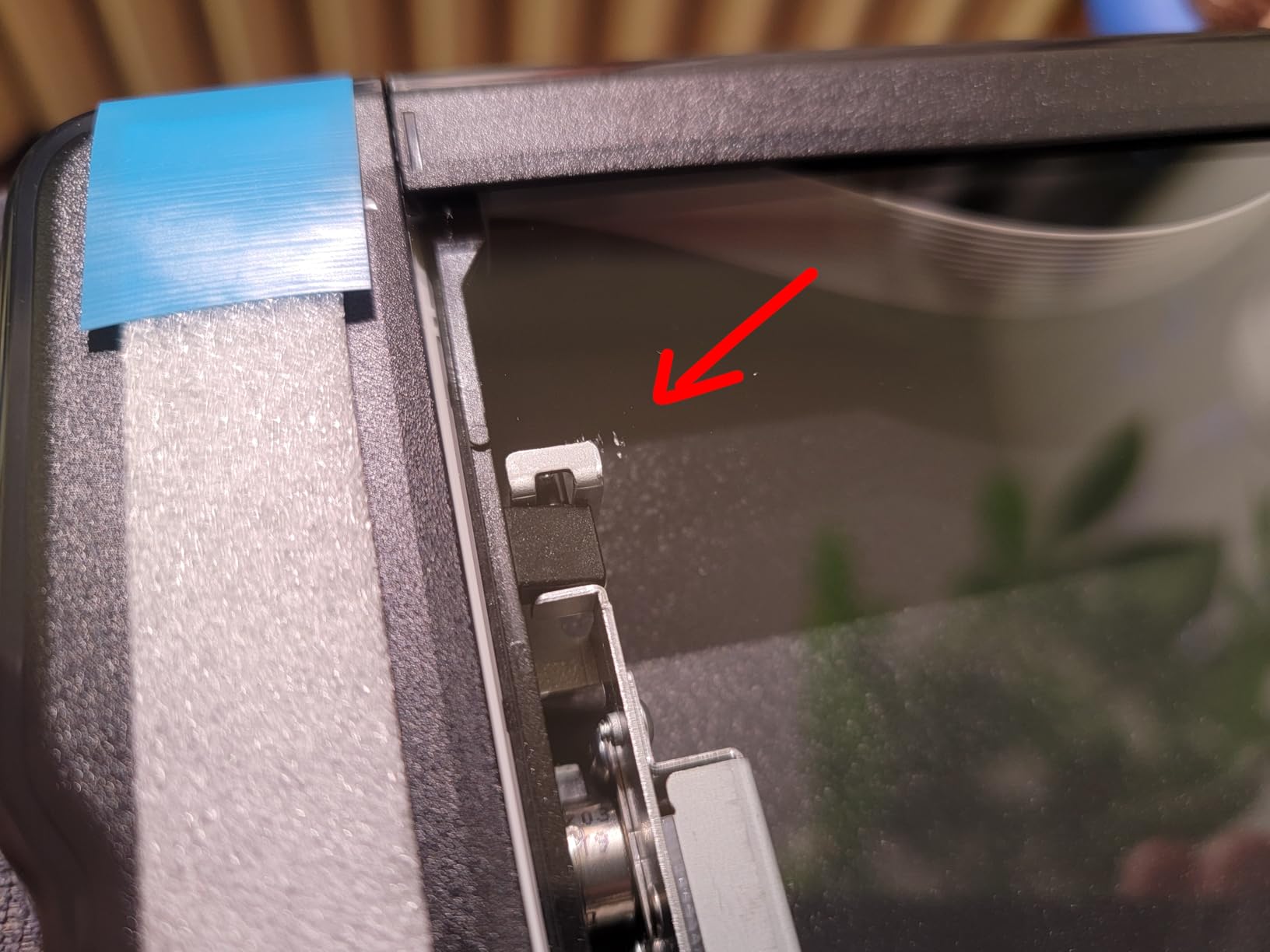
The removable lid is a thoughtful touch. The front edge unclips and lifts, letting me scan the inside spread of a paperback sketchbook without crushing the binding. That small detail saved me from buying a separate book-edge scanner.
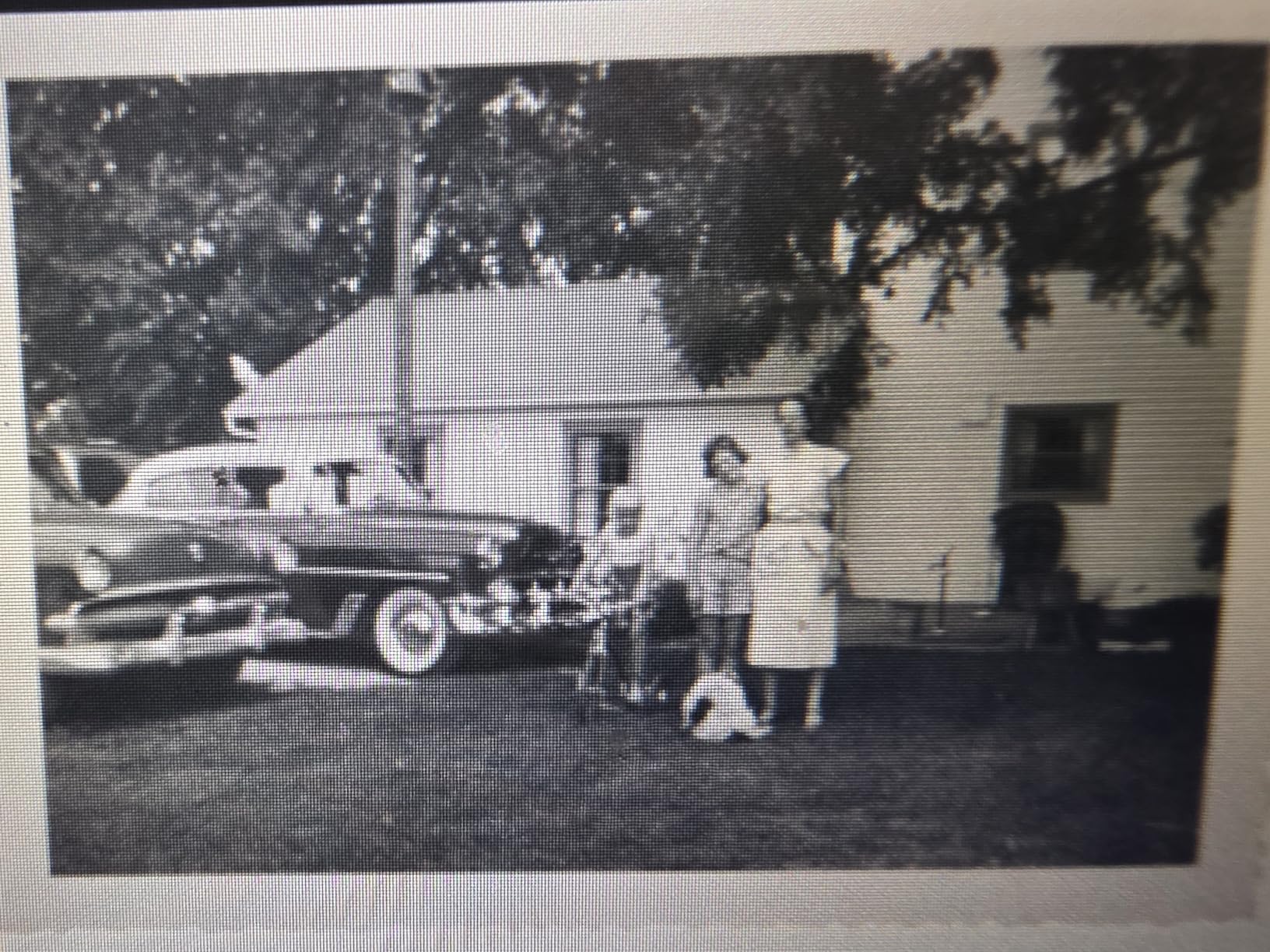
Easy Photo Fix is genuinely useful. I dropped in a faded 1990s family photo, clicked one button, and the scanner auto-restored faded colors and lifted detail from the shadows. It is not magic, but for everyday photo restoration it handles the basics well.
The 3.7 star rating with a chunk of 1-star reviews gave me pause. In my own testing the unit performed well, but some users report reliability issues over time. Stock is also limited – if you are reading this guide and the V39 II fits your needs, do not wait too long to order.
Who This Scanner Is Built For
Artists reprinting small originals at larger sizes, illustrators who scan book spreads, photographers doing casual restoration, and anyone who needs cloud uploads without extra software.
Who Should Skip the V39 II
Users burned by reliability issues who want a longer track record, professionals who need CCD-level texture capture, and anyone who needs Prime shipping today. The limited stock situation is worth weighing carefully.
8. Epson Perfection V19 II – Portable Flatbed Scanner for On-the-Go Artists
Epson Perfection V19 II Flatbed Photo Scanner 4800 dpi Optical Resolution
4800 DPI CIS
Kickstand
OCR
Easy Photo Fix
Pros
- Built-in kickstand for vertical storage
- Lightweight 3.1 lb design is genuinely portable
- OCR converts scans to editable Word and Excel files
- 4800 DPI optical resolution
Cons
- No WiFi connectivity - USB only
- Smaller review base than Canon LiDE 400
- CIS sensor softens heavy texture
The Epson Perfection V19 II is the scanner I keep in my travel bag. At 3.1 pounds with a built-in kickstand, it stands vertically on a shelf or in a closet and pulls out whenever I need to scan a piece on the road. For artists who split time between studios, that portability matters.
The 4800 DPI resolution surprised me at this size. I scanned a stack of small ink drawings from a hotel desk and got files sharp enough to print at 8×10 without resampling. The USB-powered design means I only need my laptop – no outlet hunting.
OCR capability is the hidden bonus. I scanned a stack of handwritten notes and the V19 II turned them into searchable PDFs and editable Word files. For artists who also handle paperwork, contracts, and invoices, that adds genuine value beyond artwork scanning.
Like other CIS-based scanners, the V19 II softens texture on rough watercolor paper. It also lacks WiFi, so it is strictly tethered to a computer. If you can live with those limits, the V19 II is a strong value pick in the sub-$100 bracket.
Who This Scanner Is Built For
Artists who travel between studios, illustrators with small home workspaces, students who need a portable scanning solution, and anyone who wants OCR bundled with their flatbed scanner.
Who Should Skip the V19 II
Watercolor and pastel artists who need deep texture capture, anyone needing wireless scanning, and users with high-volume daily workflows. The V19 II is built for personal and small-business use, not production studios.
How to Choose the Best Flatbed Scanner for Your Artwork
Picking the best flatbed scanners for artwork depends on three things: your original size, your medium, and your output goals. A pen-and-ink illustrator has very different needs than a watercolor painter selling archival prints. Below is the framework I use when recommending scanners to fellow artists.
Understanding CCD vs CIS Sensors for Texture Capture
CCD sensors (charge-coupled devices) are the gold standard for artwork digitization. They use a deeper optical path that captures surface texture, paper tooth, and subtle tonal gradations. CIS sensors (contact image sensors) are thinner, lighter, and cheaper, but they flatten 3D surfaces and reduce texture detail.
For pen, ink, and clean line drawings, CIS works well. For watercolor, pastel, charcoal, oil, and any textured medium, CCD delivers noticeably better results. The Epson V850 Pro and Plustek OpticPro A320E both use CCD for exactly this reason.
Match DPI to Your Output Needs
DPI (dots per inch) determines how large you can print a scan while keeping detail. 300 DPI handles web portfolios and standard prints. 600 DPI covers most fine art prints up to 16×20. 1200+ DPI is for archival reproduction and large gallery prints.
The Canon LiDE 400 and Epson V39 II both offer 4800 DPI, which is overkill for most artists but future-proofs your files. For everyday work, 600-1200 DPI scans give clean prints without ballooning file size.
Scan Bed Size: A4 vs A3 for Artists
A4 (letter-size) beds handle sketchbook pages, prints, and standard drawings. A3 (12×17 inch) beds cover large paintings, oversized illustrations, and full sketchbook spreads. If you regularly scan anything larger than 9×12 inches, an A3 scanner saves you from stitching.
The Plustek OpticPro A320E and VIISAN VF3240 both deliver A3 capability at sub-$700 prices, which is a big shift from the days when A3 art scanners cost thousands. For most working artists, A3 is the sweet spot.
Stitching Software for Oversized Artwork
When your art exceeds the scanner bed, stitching combines multiple scans into one seamless image. Photoshop’s Photomerge handles this automatically with overlap detection. Adobe Lightroom and Affinity Photo also include stitching modules.
For best results, scan each section with 20-30 percent overlap, keep the lighting consistent, and crop the final merged image carefully. I have stitched 30×40 inch paintings this way, and the seams are invisible if the original is flat and the scanner exposure stays steady.
Frequently Asked Questions About Art Scanners
What is the best scanner for artwork in 2026?
The best scanner for artwork in 2026 is the Epson Perfection V850 Pro for professional CCD quality, the Canon CanoScan LiDE 400 for budget buyers, and the Plustek OpticPro A320E for A3 oversized originals. CCD sensors are strongly preferred for watercolor and textured media because they capture surface depth that CIS sensors flatten.
What do artists use to scan drawings?
Most artists use flatbed scanners with at least 600 DPI optical resolution. For pen and ink or pencil drawings, a CIS-based scanner like the Canon LiDE 400 works well. For watercolor, charcoal, or pastel, a CCD-based scanner such as the Epson V850 Pro preserves paper tooth and texture detail.
Who makes the best flatbed scanner?
Epson, Canon, and Plustek make the best flatbed scanners for artists in 2026. Epson leads in professional CCD quality with the Perfection V850 Pro. Canon dominates the budget segment with the LiDE 400. Plustek offers strong A3 large-format options like the OpticPro A320E for oversized originals.
What DPI is best for scanning artwork?
For most artwork, 600 DPI delivers clean prints up to 16×20 inches. For archival reproduction and gallery prints, 1200 to 2400 DPI captures every detail. Web-only portfolios can use 300 DPI. Higher DPI means larger file sizes, so match resolution to your intended output rather than always maxing out settings.
Final Verdict: Choosing Your Flatbed Art Scanner
The best flatbed scanners for artwork depend on where you are in your art journey. Beginners and pen-and-ink illustrators get excellent results from the Canon CanoScan LiDE 400, which balances price, portability, and clean output. Watercolor and pastel artists working at archival quality should invest in the Epson Perfection V850 Pro for its CCD sensor and 4.0 Dmax tonal range. For oversized originals, the Plustek OpticPro A320E gives you A3 capability without the professional price tag.
Match the scanner to your medium, choose CCD when texture matters, and pick A3 if your work regularly exceeds letter size. With the right scanner in your studio, your digital files finally match the originals on your wall, and your prints, portfolios, and print-on-demand products all benefit from that fidelity.