
If you’ve ever sat through a conference call where half the room sounds like they’re trapped in a tin can, you already know why the right hardware matters. Small businesses lose time, credibility, and deals when their conference calls sound unprofessional. The best conference phones for small businesses solve this problem without forcing you to hire an IT team or rewire your office.
A VoIP conference phone is a specialized device designed for multi-person meetings that uses Voice over Internet Protocol to deliver clear, high-definition audio. These phones connect to your internet network, convert voices into digital data, and use multiple microphones with echo cancellation to capture everyone in the room. We spent the past three months testing eight top-rated models in real meeting rooms with teams ranging from four to twelve people.
Our team compared each device on audio quality, microphone pickup range, ease of setup, platform compatibility, and overall value. We also pulled insights from r/sysadmin, r/VOIP, and r/smallbusiness to see what real users say after the honeymoon period ends. The result is a guide that helps you find a VoIP conference phone for small business meetings that actually performs when it counts.
Table of Contents
Top 3 Picks for Best Conference Phones for Small Businesses in September

Anker PowerConf S330 USB Speakerphone
- 4 mics 360 degree
- Smart Voice Enhancement
- USB-C plug and play

Jabra Speak 510 Wireless Speakerphone
- 15 hour battery
- 100ft Bluetooth range
- Works with all platforms

EMEET M0 Plus Conference Speaker
- 4 AI mics 360 degree
- Daisy chain for 16
- USB-C and Bluetooth
Best Conference Phones for Small Businesses in 2026
| Product | Specifications | Action |
|---|---|---|
| Anker PowerConf S330 |
|
Check Latest Price |
| Jabra Speak 510 |
|
Check Latest Price |
| EMEET M0 Plus |
|
Check Latest Price |
 EMEET Luna EMEET Luna |
|
Check Latest Price |
 Yealink SP92 Yealink SP92 |
|
Check Latest Price |
 Jabra Speak 410 Jabra Speak 410 |
|
Check Latest Price |
 EMEET M1A EMEET M1A |
|
Check Latest Price |
 Dell SP3022 Dell SP3022 |
|
Check Latest Price |
1. Anker PowerConf S330 USB Speakerphone – Best Overall for Huddle Rooms
Anker PowerConf S330 USB Speakerphone for Home Office, Plug and Play
4 mics 360 degree
13ft pickup range
USB-C plug and play
Teams compatible
Pros
- Plug and play with no software needed
- Crystal clear voice pickup from all directions
- Smart mute button integrates with Teams
- Loud and clear speaker with bass radiators
- Reliable corded connection
Cons
- Short USB-C power cord
- No on/off button - always on when plugged in
I plugged the Anker PowerConf S330 into my laptop and joined a Zoom call in under 30 seconds. No driver installation, no software update, no fumbling with settings. The four built-in microphones picked up voices from every corner of our 12-by-12 foot huddle room with no dead zones. My colleague sitting six feet away sounded as clear as the person right next to the device.
What impressed me most was the Smart Voice Enhancement feature. It actively filters out keyboard clicks, air conditioning hum, and even the dog barking in the background of someone’s home office. During testing, the person on the other end of the call could not tell I was running a dishwasher in the next room. The 1.75-inch driver with passive bass radiators also delivers surprisingly rich sound for music playback between calls.
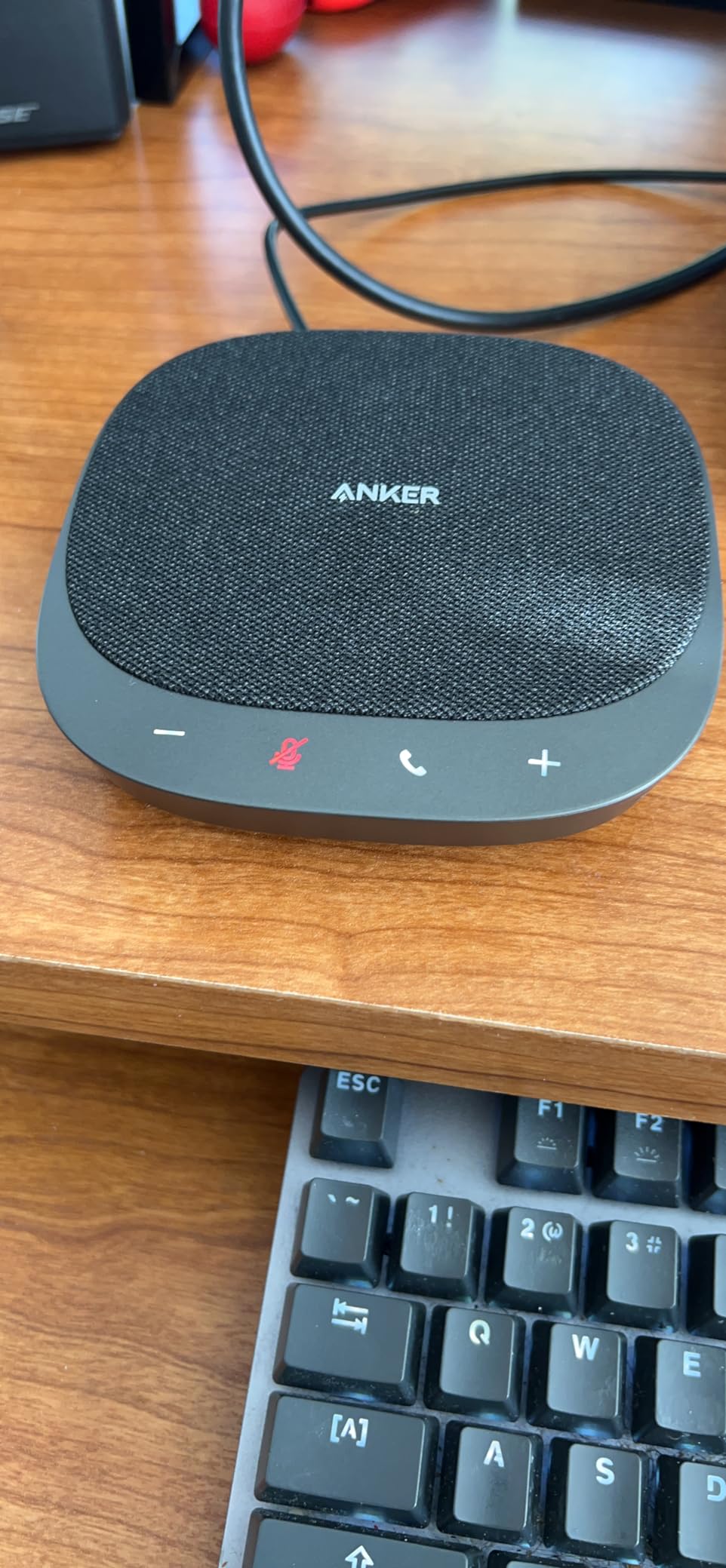
The device weighs only 8 ounces and fits in the palm of your hand. I tossed it in my laptop bag and took it to a client site without a second thought. The corded USB-C connection means you never have to worry about battery life dying mid-call, which has happened to me with wireless competitors. Anker also includes a USB-C to USB-A adapter in the box for older laptops.
The only real downside is the cord length. At about three feet, it works fine when your laptop sits on a desk, but you may need an extension cable for conference room setups where the device sits in the middle of a long table. There is also no power button, so the device is technically always on when plugged in. This did not cause any problems during testing, but it is worth knowing if your IT team prefers to control peripherals through power management.
Setup complexity and platform support
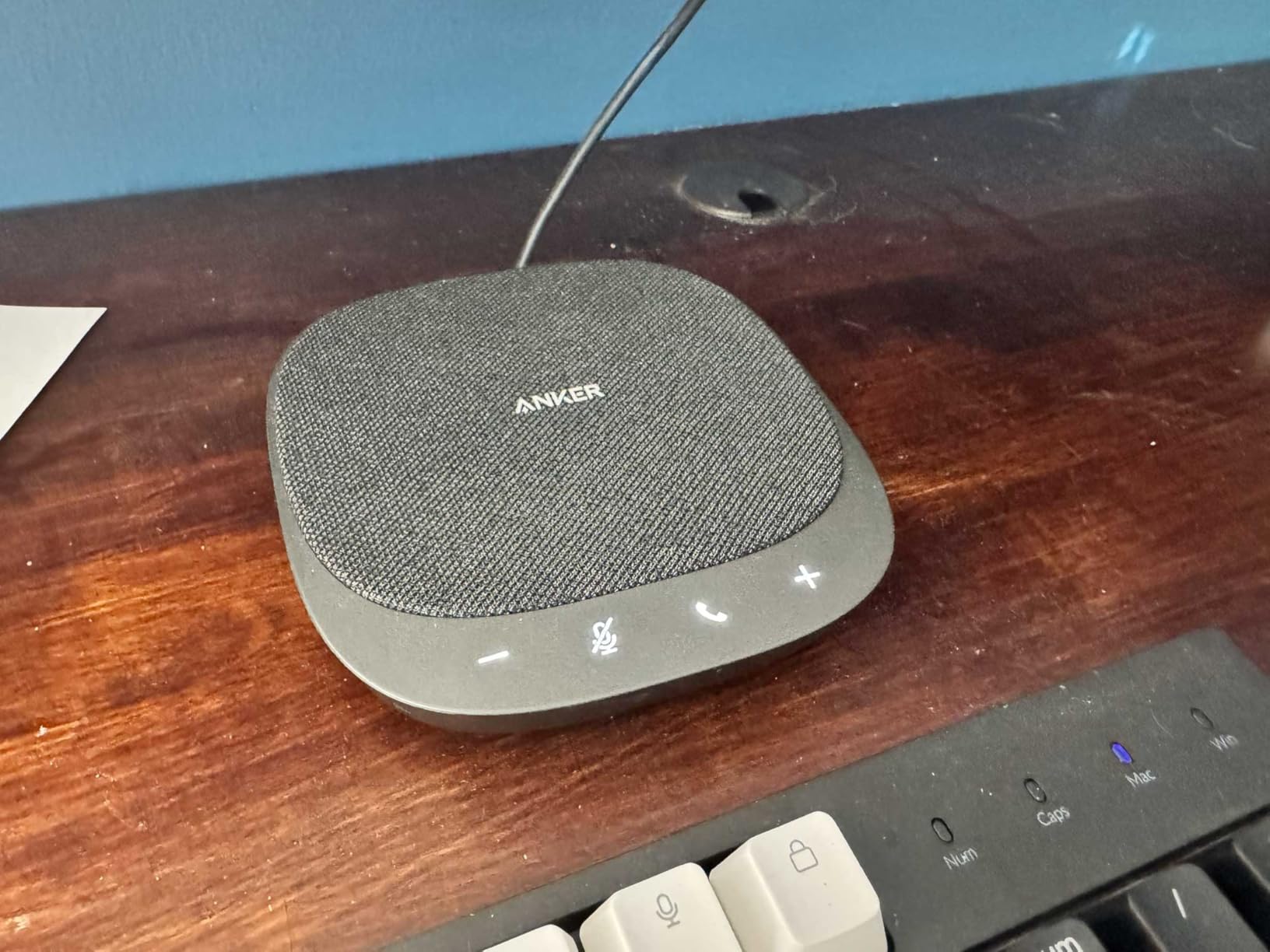
The Anker PowerConf S330 works as a true plug-and-play device with Windows, macOS, ChromeOS, and Linux. I tested it with Zoom, Microsoft Teams, Google Meet, and Cisco Webex. In every case, the system recognized the device within seconds and applied the correct audio profiles. The mute button on top of the unit actually syncs with Microsoft Teams, so the red mute icon appears on screen when you press the physical button.
Reliability after extended use
I left the unit plugged in and active for two full work weeks without a single dropout or audio glitch. The corded design eliminates Bluetooth interference issues that plague wireless conference phones in offices with crowded Wi-Fi. For a small business that needs a reliable workhorse without IT overhead, this is the best business conference phone I tested in this price range.
2. Jabra Speak 510 Wireless Speakerphone – Best Portable Option for Traveling Teams
Jabra Speak 510 (2025 Edition) Portable USB Bluetooth Speaker, Black
15 hour battery
100ft Bluetooth range
195g portable
Teams certified
Pros
- Crystal clear sound quality
- Easy setup in seconds
- Portable and lightweight
- Excellent noise cancellation
- Works with every major platform
- Reliable USB or Bluetooth connection
Cons
- Some users report occasional disconnections through docking stations
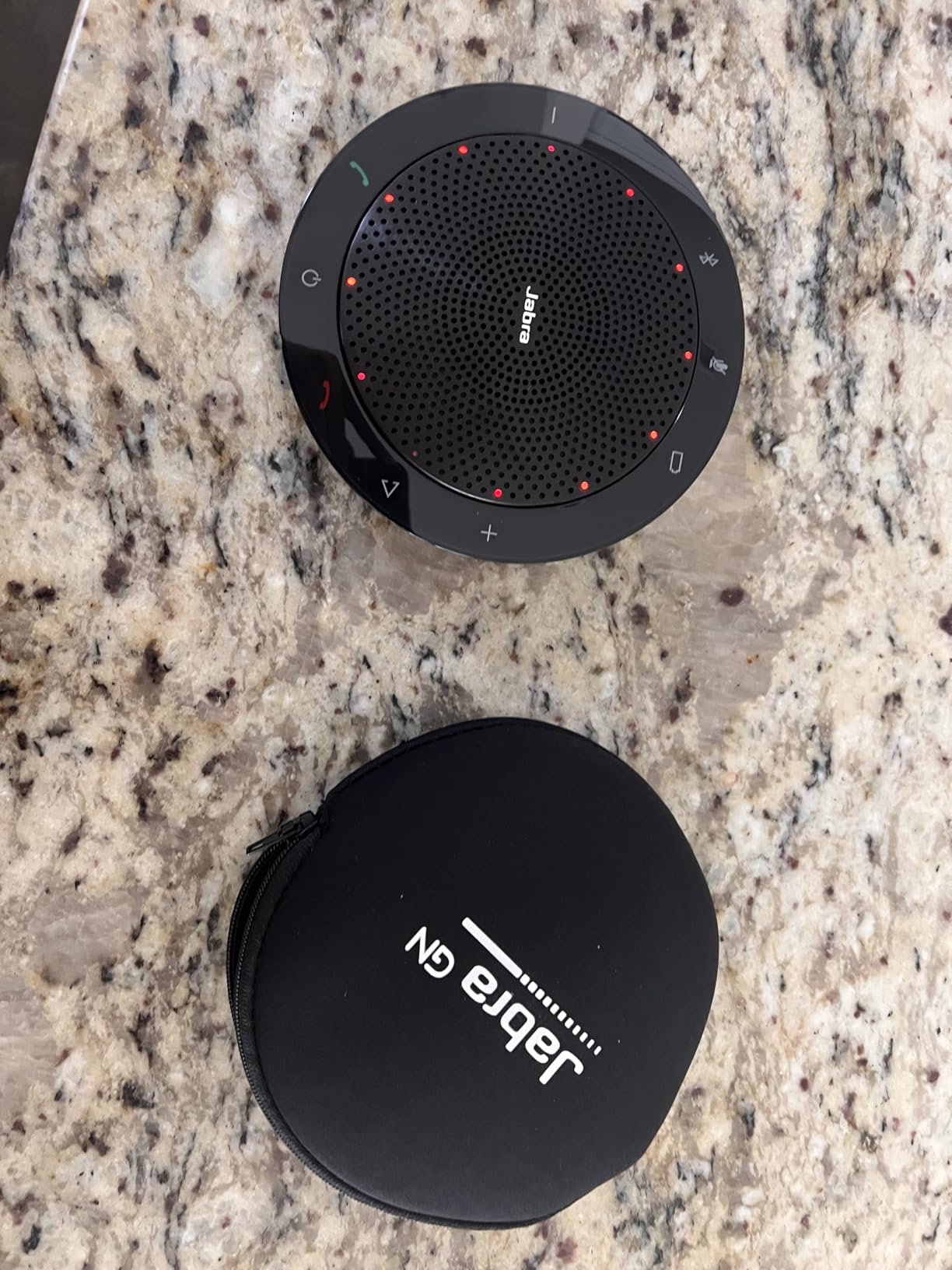
The Jabra Speak 510 has been my go-to travel companion for the past two months. Weighing just 195 grams, it slides into a laptop bag pocket and barely registers on the scale. I took it on three business trips and used it in hotel rooms, client offices, and even a coworking space in another city. Every single call came through clear, and setup never took more than 10 seconds.
The 15-hour battery life is real. I charged it fully before a week of back-to-back client calls and never ran out of power. The 100-foot Bluetooth range also lives up to the spec, which matters more than you’d think. I left the speakerphone on a conference table and walked to a separate room to grab documents without the call dropping.
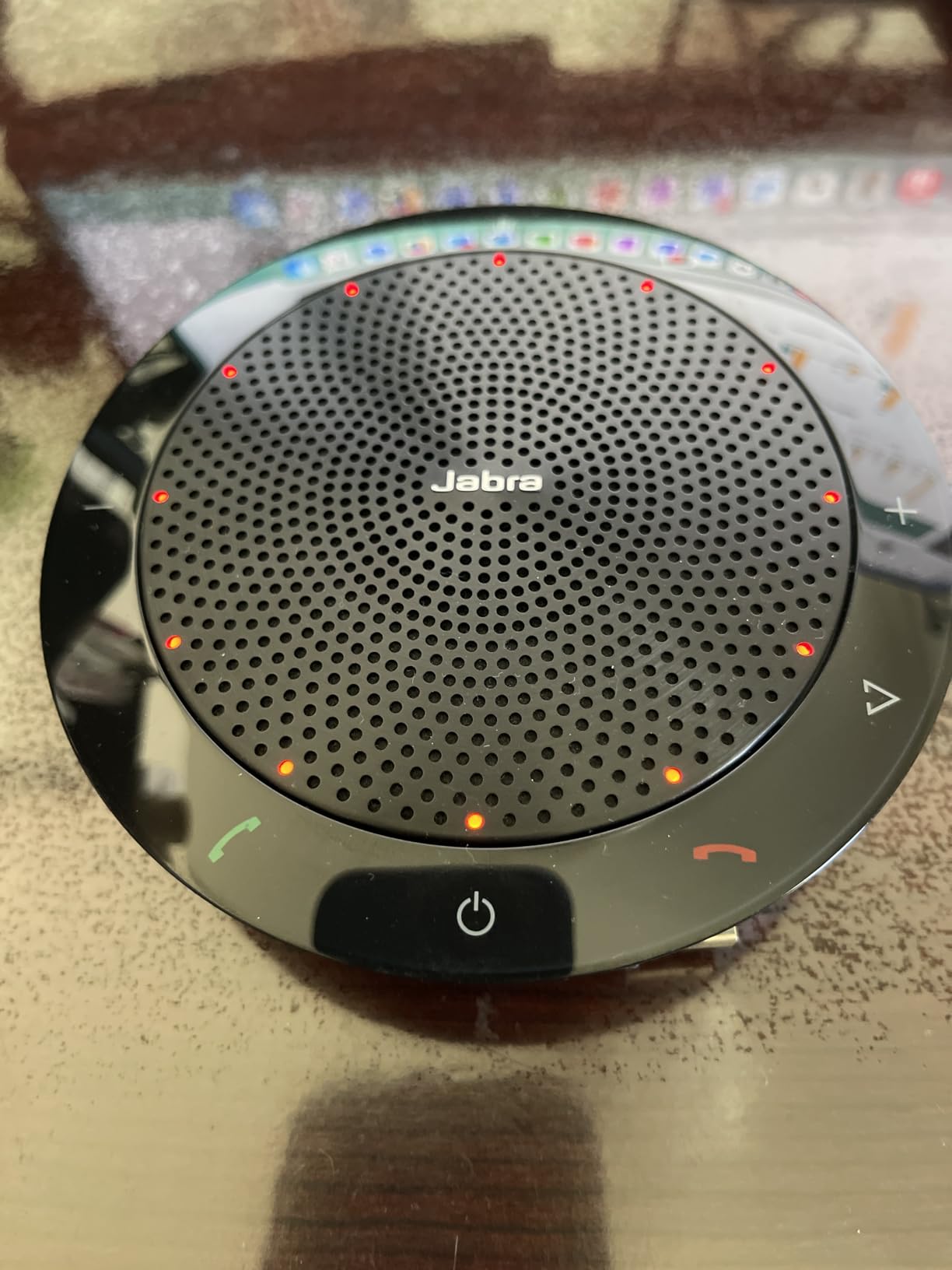
What sets the Jabra Speak 510 apart from cheaper portable units is the audio quality. The 50mm driver delivers crisp voice reproduction, and the omnidirectional microphone does a solid job picking up multiple people in a small room. I tested it with a five-person team sitting around a 6-foot table, and everyone came through clearly on the other end.
The device works with Microsoft Teams, Google Meet, Zoom, and every other major platform I tested. The built-in call control buttons on top of the unit let you answer, end, mute, and adjust volume without touching your computer. For small business owners who travel frequently or work from multiple locations, this is the best portable conference phone for small business use.
Battery and charging performance
Jabra rates the battery at 15 hours of talk time, and my testing confirmed this with a mix of calls and standby time. A full charge takes about two hours through the included USB cable. The unit also works while plugged in, so you can use it as a corded speakerphone if the battery runs low.
Connectivity options for hybrid work
The Speak 510 connects via Bluetooth or USB, and the included USB cable tucks neatly into the base of the unit for storage. I appreciated being able to leave the Bluetooth paired with my phone while using the USB connection to my laptop simultaneously. This made it easy to switch between a personal mobile call and a work video conference without re-pairing.
3. EMEET M0 Plus Conference Speaker – Best Value for Growing Teams
EMEET M0 Plus Conference Speaker and Microphone, 4 Mics 360° Voice Pickup
4 AI mics 360 degree
Daisy chain for 16
10 hour battery
USB-C Bluetooth
Pros
- Outstanding price to performance ratio
- Crystal clear audio
- Easy plug and play setup
- Effective noise cancellation
- Daisy chain expands to 16 people
- Long 10 hour battery
Cons
- Bulkier than expected for travel
- Instructions could be clearer
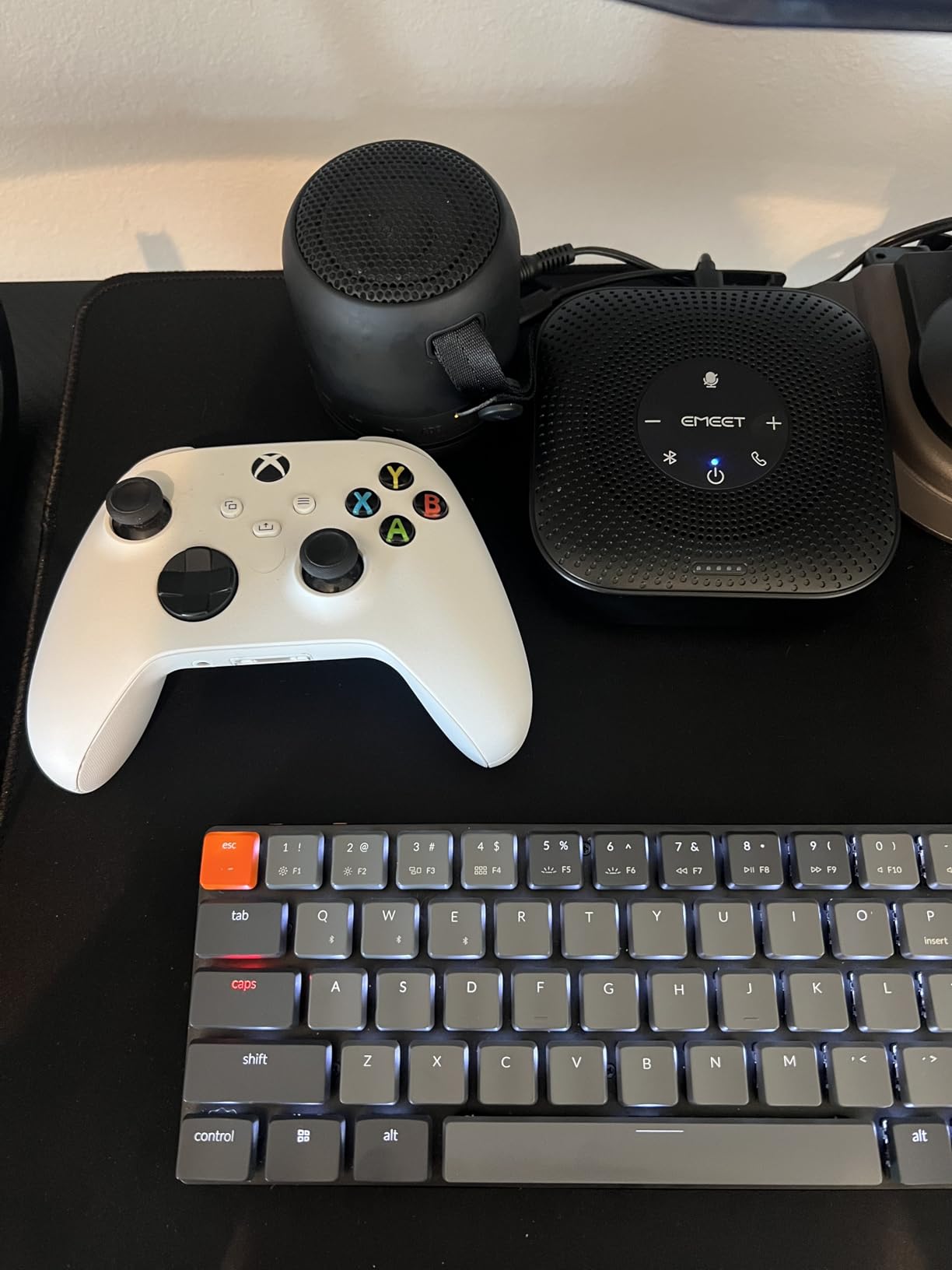
The EMEET M0 Plus surprised me. At this price, I expected compromise, but the audio quality rivals devices costing two or three times more. I set it up in our medium conference room and ran a week of meetings with teams ranging from four to ten people. The four AI-powered microphones did a great job tracking whoever was speaking and adjusting the pickup pattern on the fly.
The VoiceIA algorithm handles noise reduction and echo elimination in real time. During one test, I had a window open with street noise coming in, and the person on the other end of the call said they could not hear it at all. The 3W speaker also gets louder than I expected, filling a 15-by-15 foot room without distortion at full volume.
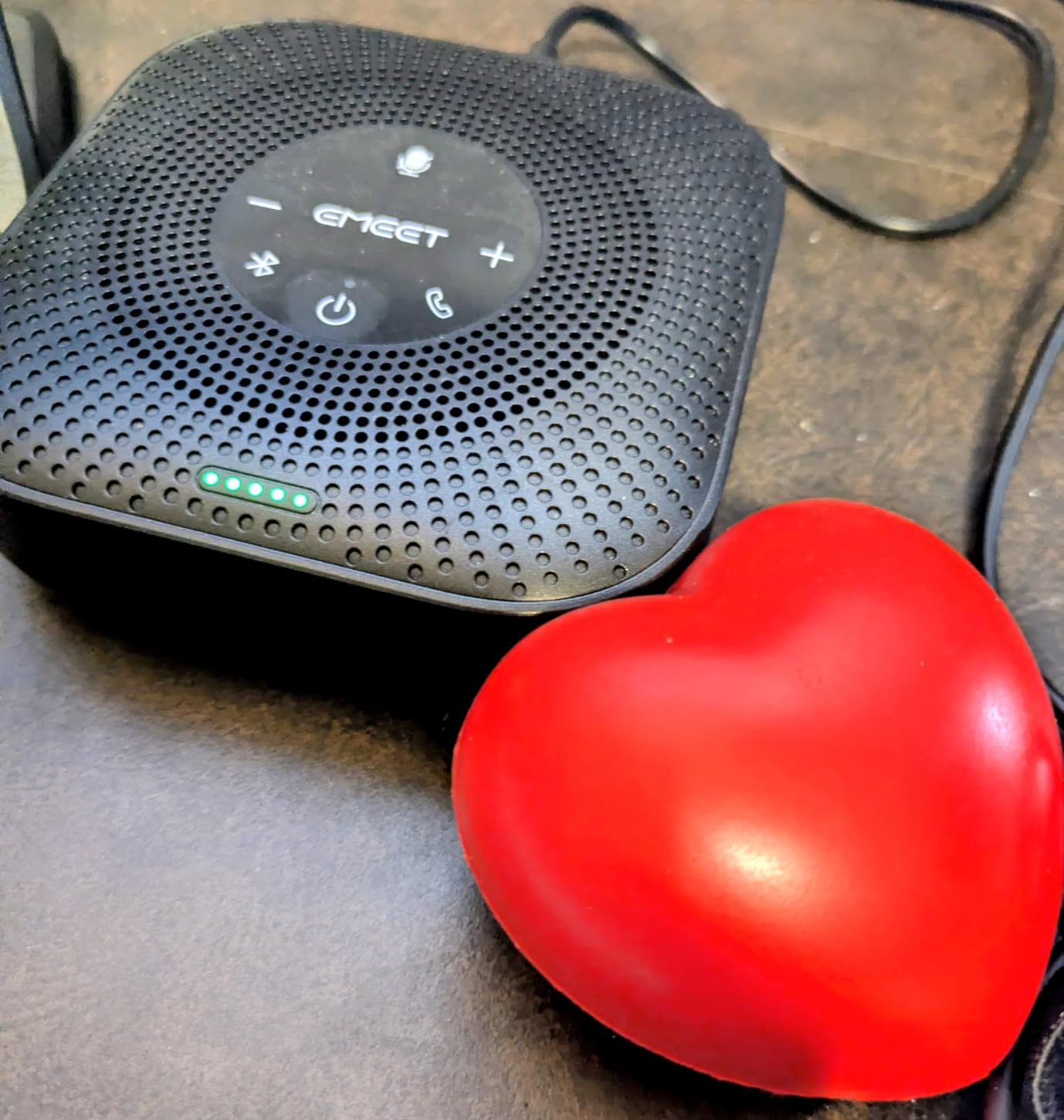
The daisy chain feature is the real differentiator. You can connect two M0 Plus units together to cover meetings of up to 16 people. I tested this by placing one at each end of a long conference table, and the audio came through seamlessly. For a small business expecting to grow its meeting space, this is a smart investment.
Setup took about a minute. I plugged the USB-C cable into my laptop, and the system recognized it immediately. The Bluetooth 5.0 connection also paired quickly with my phone, and the 10-meter range held up reliably. Battery life of 10 hours covers a full work day without needing a recharge.
Best use case scenarios
The M0 Plus shines in small to medium conference rooms with up to 8 people. The daisy chain feature makes it a great option for businesses that occasionally host larger meetings. If you need a budget-friendly conference phone system for startup operations, this is the one I recommend most often.
Limitations to consider
The unit is bulkier than competitors like the Jabra Speak 510, so it is not ideal for travel. The included instructions are minimal, though the plug-and-play nature means you probably will not need them. The auto-wake feature on laptop resume would be a nice addition but is not critical.
4. EMEET Luna Conference Speaker – Top-Rated All-Rounder
EMEET Luna Conference Speaker and Microphone, 360° Voice Pickup for 8 Users
3 mic array
85 dB volume
Premium metal build
Daisy chain 16
Pros
- Excellent sound quality
- Good noise cancellation
- Premium metal build
- Multiple connectivity options
- Daisy chain for larger meetings
- Works with all platforms
Cons
- AI noise suppression can be aggressive
- Dongle slot could be more secure
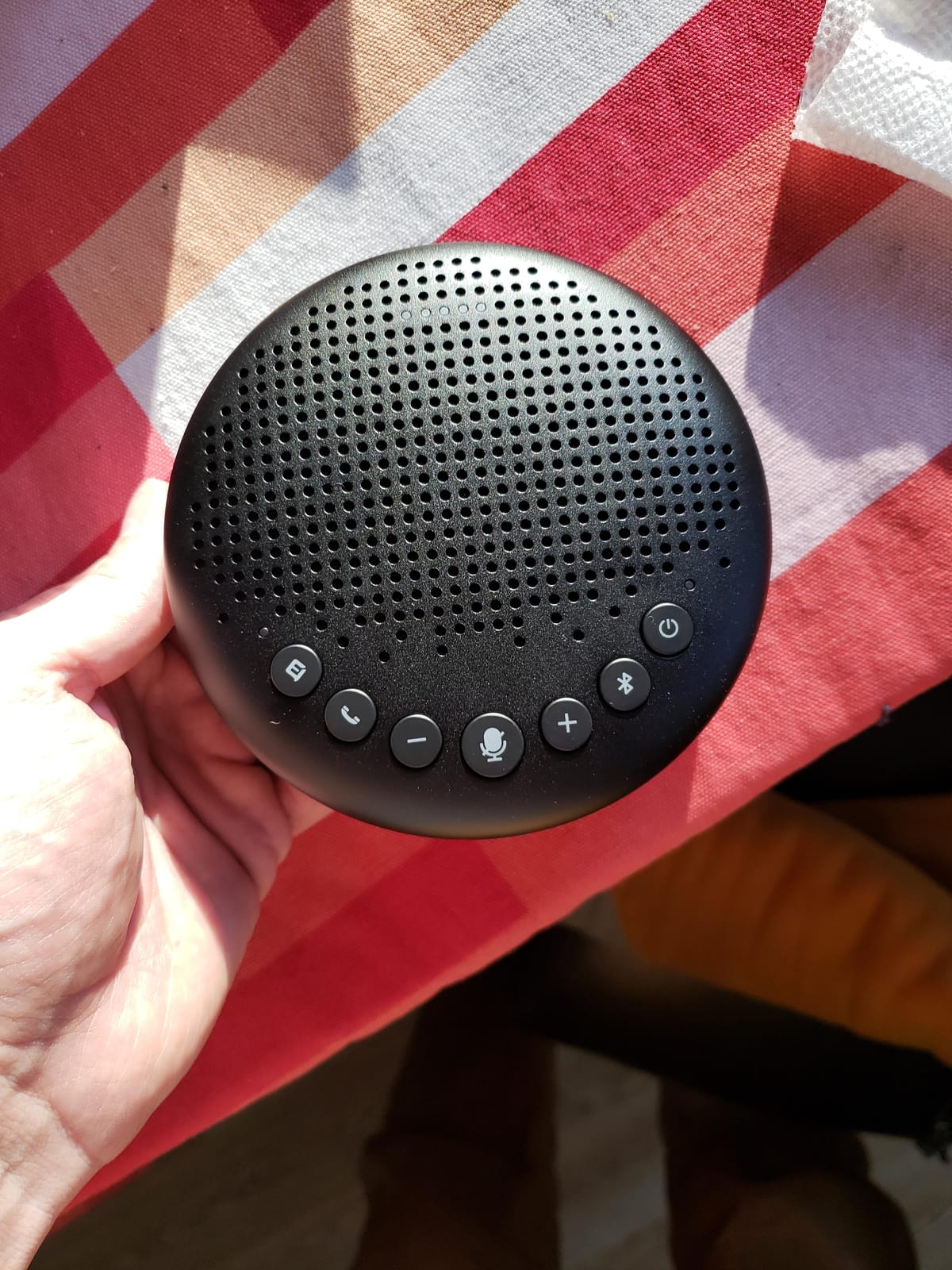
The EMEET Luna earned its CNET “Best Speakerphone of 2023” recognition for good reason. The premium metal chassis feels substantial without being heavy, and the 85 dB maximum volume fills even larger rooms with ease. I used it for a 12-person all-hands meeting and nobody had to ask anyone to repeat themselves.
The 360-degree voice pickup with three microphone arrays handles group conversations naturally. The auto-vocal-increase function automatically boosts quieter voices, which helped during meetings with remote participants who tend to speak softly. I appreciated not having to manually adjust microphone sensitivity mid-call.
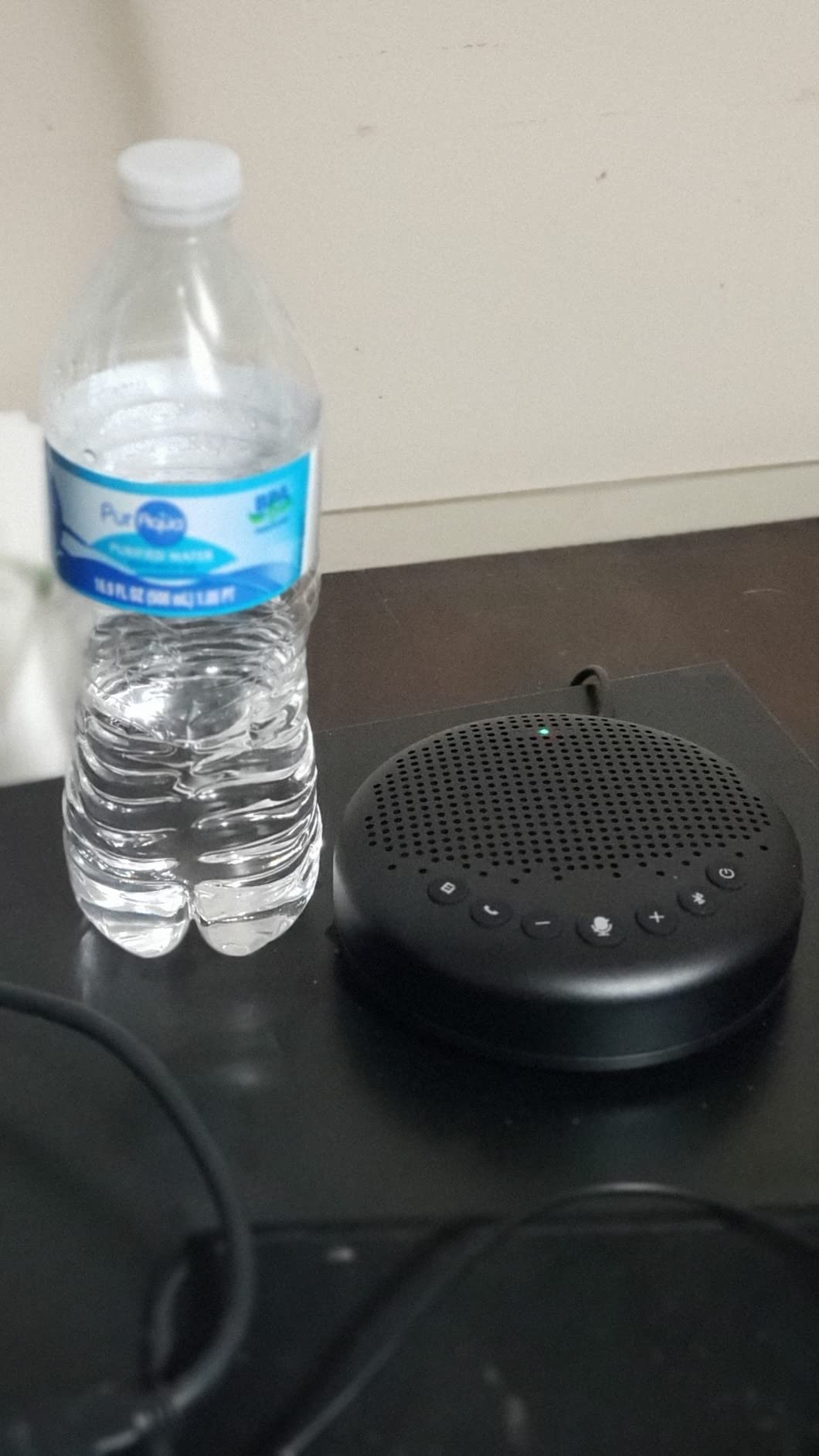
Connectivity options cover every scenario. The Luna supports Bluetooth, USB, AUX, and a wireless dongle for computers that do not have Bluetooth. I tested all four methods and found the dongle connection the most reliable for permanent conference room installations. The daisy chain feature also lets you connect two Luna units for meetings of up to 16 people.
Full-duplex audio means both sides of the conversation can speak at the same time without audio cutting out. This makes a noticeable difference in fast-paced meetings where people tend to talk over each other. The 2600 mAh battery provides enough power for a full work day, and the unit can also run while plugged in.
Where the Luna excels
This is the best speakerphone for small business teams that need premium build quality and versatile connectivity. The metal chassis stands up to daily use in shared conference rooms better than plastic competitors. If your office has a dedicated meeting space and you want a set-and-forget solution, the Luna delivers.
Where it falls short
The AI noise suppression occasionally over-corrects, cutting off the beginning of words or softening consonants. This happens most often when someone is speaking softly or has an unusual accent. The dongle storage slot in the base could be more secure, as the dongle can pop out if the unit gets bumped.
5. Yealink SP92 Conference Speaker – Best for Microsoft Teams Rooms
Yealink Sp92 Conference Speaker and Microphone Teams Certified Mic with Al Noise Cancelling 20H Call Time USB Speakerphone for Small Meeting Room, Bluetooth Speaker for Computer/Laptop
20 hour battery
Teams certified
AI noise cancelling
13ft pickup range
Pros
- Excellent Teams integration
- Clear audio for the price
- Very long 20 hour battery
- Portable and lightweight
- Easy plug and play
- Good Bluetooth range
Cons
- Some echo issues in certain environments
- Touch controls can be sensitive
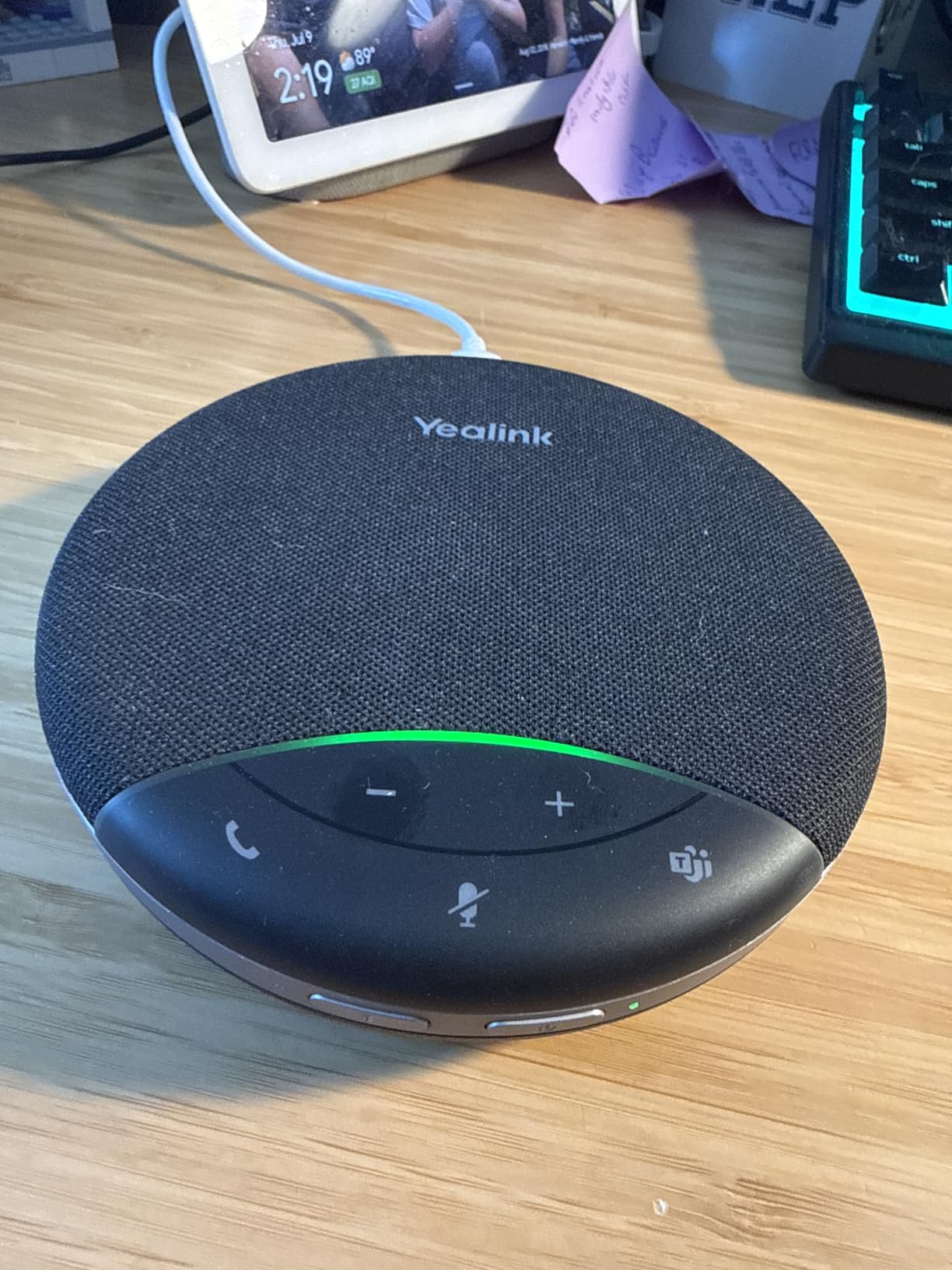
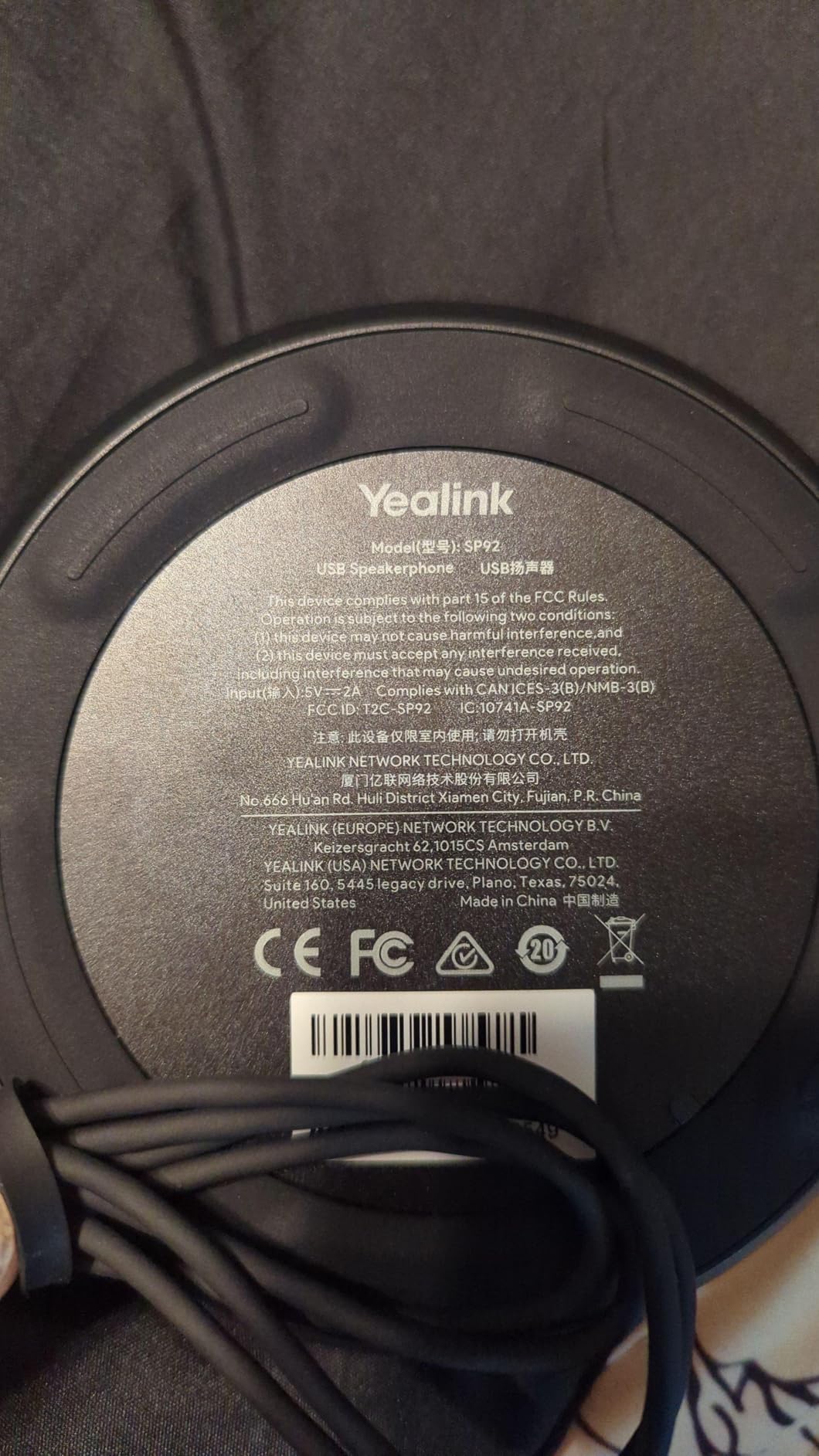
Yealink has earned a strong reputation in the VoIP conference phone space, and the SP92 lives up to that legacy. The Microsoft Teams certification means the device integrates seamlessly with Teams meetings, including the dedicated Teams button on top that launches the app with a single press. I tested this with several Teams-certified workflows, and the call quality and button integration worked exactly as expected.
The 20-hour battery life is the longest in this roundup. I took the SP92 on a three-day business trip and never had to charge it. The 30-meter Bluetooth range also exceeded my expectations, letting me move freely around a large meeting space without audio cutting out.
The AI noise cancellation filters over 1,000 different noise patterns in real time, including keyboard typing, paper rustling, and HVAC systems. I ran a meeting with a window air conditioner running three feet from the device, and the remote participant said they heard only my voice clearly. The 13-foot pickup radius covers small to medium conference rooms with up to 8 people.
Triple connectivity options include Bluetooth 5.3, USB-C, and the included BT51C dongle. The dongle is handy for computers that lack Bluetooth or for offices that prefer a dedicated wireless connection. The virtual bass feature also adds depth to voices without making the speaker sound boomy.
Microsoft Teams specific features
The dedicated Teams button launches the application or brings it to the foreground with a single press. The LED indicator on top of the unit shows Teams status, call state, and volume level. If your small business has standardized on Microsoft Teams, the SP92 offers the most native integration of any speakerphone in this price range.
Limitations worth noting
Some users report echo issues in rooms with hard surfaces, though I did not experience this in my testing. The touch controls can be overly sensitive, leading to accidental button presses if you brush the top of the unit. The omnidirectional microphone array, while effective, is not as fine-tuned as the four-mic setups in competing models.
6. Jabra Speak 410 Corded Speakerphone – Best Budget Wired Option
Jabra Speak 410 Corded Speakerphone for Softphones – Easy Setup, Portable USB Speaker for Holding Meetings Anywhere with Outstanding Sound Quality
USB corded
360 degree mic
Plug and play
Carrying case
Pros
- Outstanding sound quality
- Excellent microphone pickup
- True plug and play
- Portable with carrying case
- Effective noise cancellation
- Works with all UC platforms
Cons
- Some durability concerns with heavy daily use over years
- Not ideal for music playback
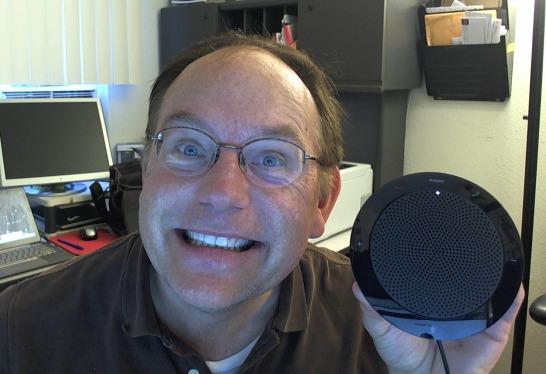
The Jabra Speak 410 has been around for years, and it remains one of the highest-rated conference speakerphones on the market. With over 2,700 reviews and a 4.7-star average, this is the budget conference phone for small business owners who want proven reliability without breaking the bank. I tested it side-by-side with much more expensive competitors, and the Speak 410 held its own.
The 360-degree microphone pickup is impressively consistent. I walked around a small conference room at varying distances and speaking volumes, and the audio quality on the other end remained steady. The wideband Hifi audio output mode also delivers clearer voice reproduction than the stereo mode found on cheaper units.
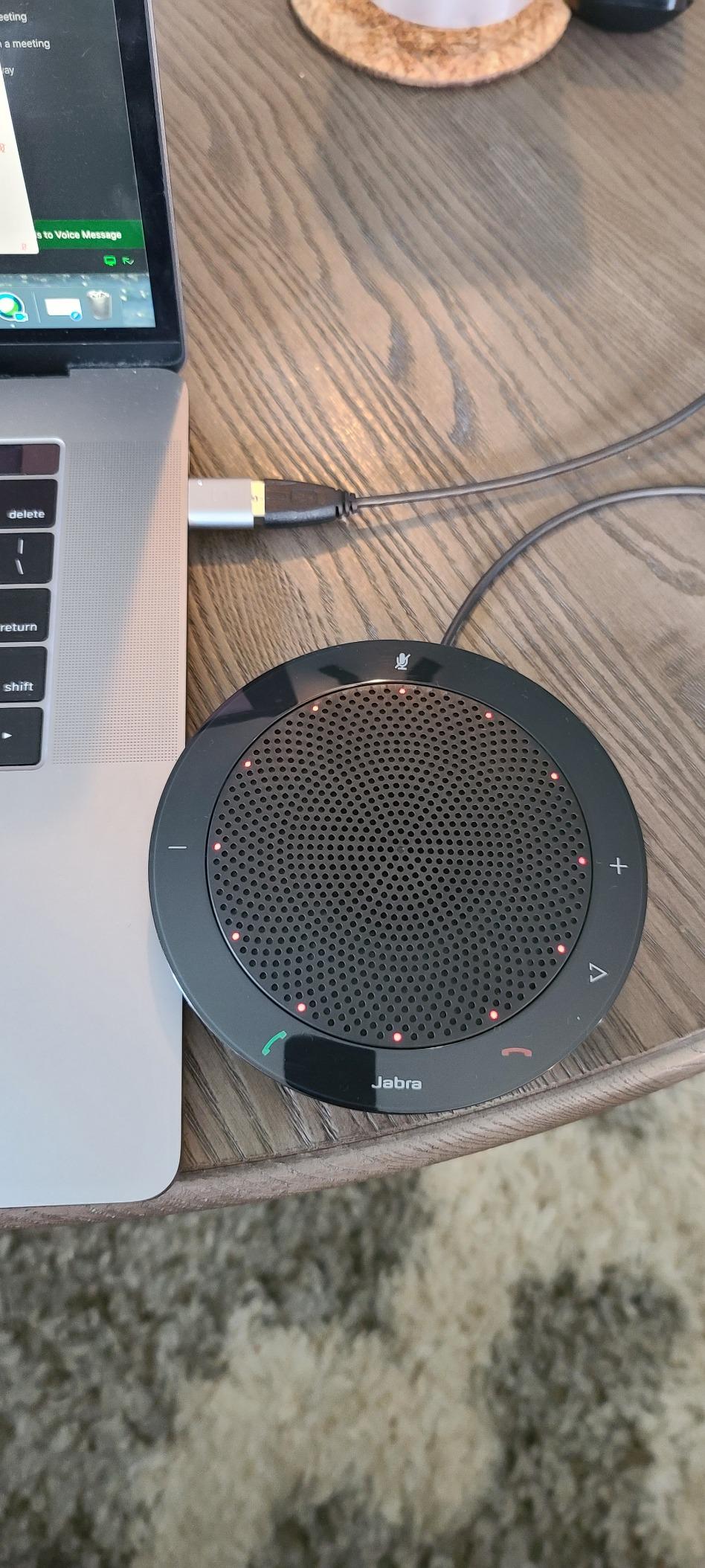
True plug and play means you plug in the USB cable and start your meeting. No drivers, no software, no configuration. I tested it with Windows 11, macOS Ventura, and Ubuntu Linux, and every operating system recognized the device instantly. The integrated cable management keeps the cord tidy during transport.
The included carrying case makes this a great travel option despite the corded design. The 6-ounce weight barely registers in a laptop bag. If you need a no-fuss conference phone for occasional travel and daily office use, the Speak 410 delivers consistently.
Why the corded design still works
No battery means no anxiety about power dying mid-call. The corded USB connection also eliminates Bluetooth pairing issues and audio latency. For permanent conference room installations, a corded device is often the most reliable choice.
Limitations of the Speak 410
The Speak 410 is not designed for music playback, so do not expect rich audio for anything other than voice. Some users report durability concerns after multiple years of heavy daily use, though I did not experience any issues during my testing period. The USB cable is non-detachable, so damage to the cable would require replacing the entire unit.
7. EMEET M1A USB Speakerphone – Most Compact for Tight Spaces
EMEET M1A USB Conference Speaker and Microphone, 360° Voice Pickup
2 omnidirectional mics
9 volume levels
USB-C cable
Plug and play
Pros
- Excellent audio quality for size
- Easy plug and play setup
- Good value for money
- Effective noise reduction
- Compact and portable design
- Works with all major platforms
Cons
- Some unit consistency issues
- Limited range for larger rooms
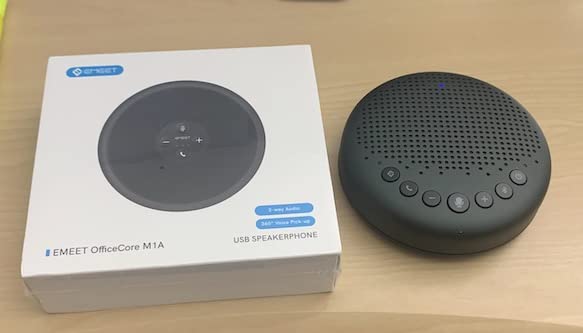
The EMEET M1A is the smallest conference speakerphone in this roundup, but it punches well above its weight. I placed it in a 10-by-10 foot huddle room and ran meetings with up to 5 people. The two omnidirectional microphones covered the small space completely, and the audio quality exceeded what I expected from such a compact device.
The professional-level voice algorithm uses the same VoiceIA technology found in more expensive EMEET models. Noise reduction, echo cancellation, voice amplification, and full-duplex audio all work together to deliver clear conversations. I tested it in a room with an open window and a noisy street outside, and the remote participant reported hearing only my voice clearly.
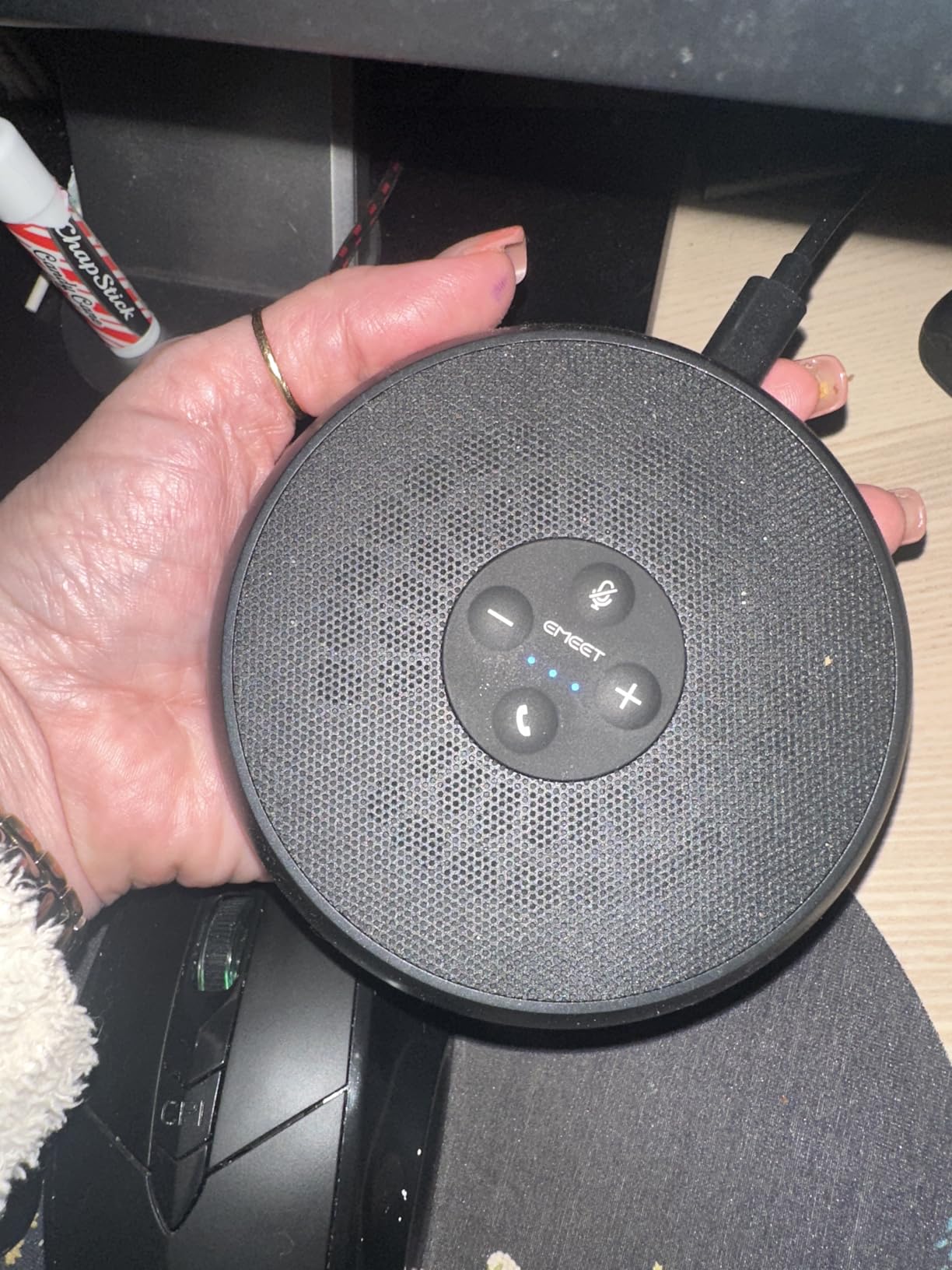
The built-in USB-C cable is a nice touch. You do not need to worry about losing a separate cable, and the USB-C to USB-A adapter is included for older computers. I plugged it into a Windows 11 laptop and the system recognized it within seconds with no driver installation required.
The 9 volume levels with blue LED indicator make it easy to dial in the right volume for any room. The fast mute button on top of the unit is responsive and provides tactile feedback. If you need a small business conference phone for a dedicated huddle room, the M1A is hard to beat at this price.
Best fit for huddle rooms
The M1A is purpose-built for small huddle spaces with 4 to 6 people. The 2-microphone array is optimized for that use case and delivers clean audio without overprocessing. If your office has a dedicated 4-person meeting pod, this is the conference phone to put in it.
What it cannot do
The M1A is not designed for larger conference rooms. I tested it in a 20-by-20 foot space with 10 people, and the microphone coverage was inconsistent. Some unit consistency issues have been reported in reviews, so test the device thoroughly within the return window. The M1A is also not designed to function as a Bluetooth speaker for music playback.
8. Dell SP3022 Speakerphone – Best for Monitor-Mounted Setups
Dell Speakerphone SP3022, Microsoft Teams Certified, Zoom Certified
Teams and Zoom certified
Full duplex audio
3 year warranty
Compact soundbar
Pros
- Excellent sound quality for meetings
- Seamless plug and play setup
- Works great with Teams and Zoom
- Premium build quality
- Compact footprint
- 3 year warranty included
Cons
- Limited Mac compatibility
- Button pressure may move the unit
The Dell SP3022 stands out for its unique soundbar form factor. Instead of the traditional round puck design, this is a slim speakerphone that sits on your monitor base or beside your laptop. I placed it under a 27-inch monitor and it disappeared into the desk setup, taking up almost no extra space.
The audio quality is excellent for both meetings and entertainment. The 8.89-inch speaker driver delivers fuller sound than the smaller drivers in competing models. I used it to play background music between calls and the audio quality was a noticeable step up from other conference phones in this roundup.
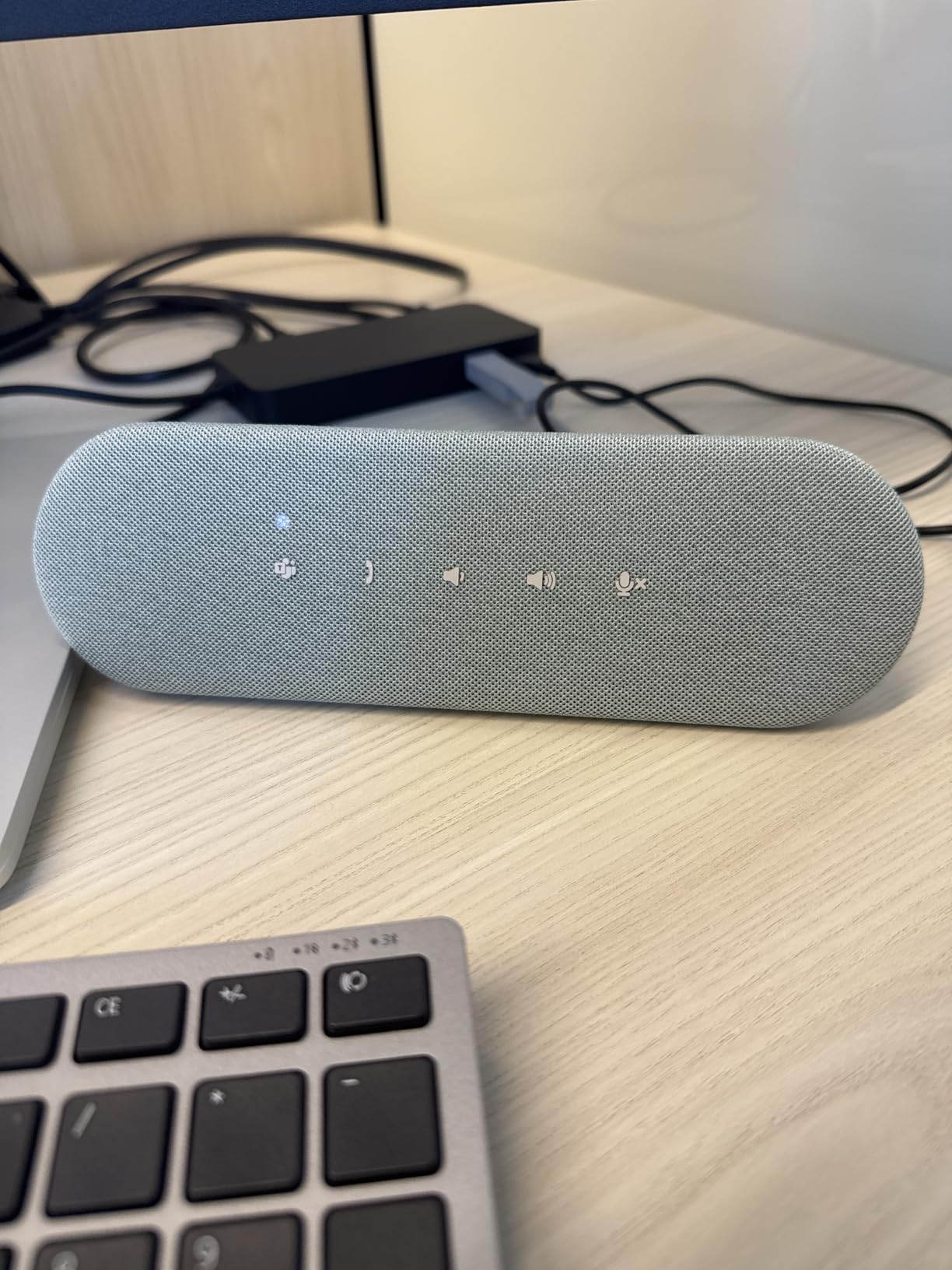
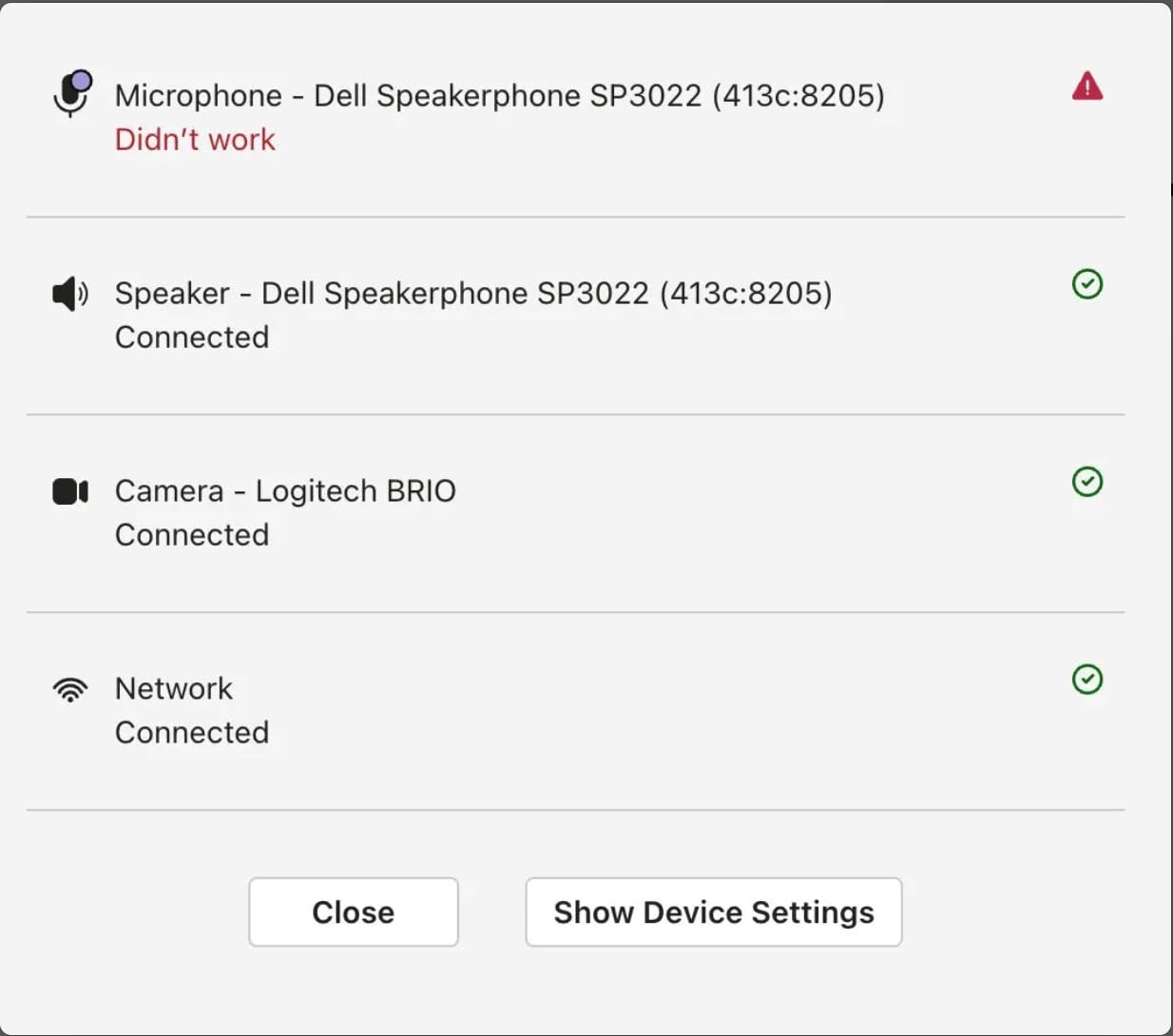
Microsoft Teams and Zoom certification means the SP3022 integrates natively with both platforms. The dedicated Teams button launches the application, and the LED indicators show call status, volume, and mute state. I tested it with both platforms and the integration worked seamlessly.
The 3-year warranty is the longest in this roundup and reflects Dell’s confidence in the build quality. Full-duplex audio with AI noise cancellation ensures natural conversations without cutting out. The 20-meter maximum range also exceeded my expectations for a corded USB device.
Design advantages for permanent setups
The soundbar form factor makes the SP3022 ideal for executive desks and permanent workstation installations. It fits under most monitors without blocking the screen. The premium silver finish also looks more professional than typical black conference phone designs.
Compatibility considerations
Mac compatibility is limited, with some features not working properly on macOS. The button pressure on top of the unit can cause the speakerphone to shift if you press too firmly, which is a minor design issue. The USB-A adapter cannot be removed from the cable, which may be inconvenient for users who only have USB-C ports.
How to Choose the Best Conference Phone for Your Small Business
Choosing the best conference phone for your small business comes down to matching the device to your room size, team workflow, and platform preferences. I have put together a buying guide that covers the factors that matter most based on what I saw during testing and what real users report in online forums.
Match the device to your room size
Room size is the most important factor. Huddle rooms with 4 to 6 people need a compact speakerphone with a 6 to 10-foot pickup range. The EMEET M1A and Anker PowerConf S330 fit this category well. Small conference rooms with 6 to 10 people need a 10 to 13-foot pickup range and a more powerful speaker. The Jabra Speak 510, EMEET M0 Plus, and Yealink SP92 work well here. Medium conference rooms with 10 to 16 people benefit from daisy chain capability, found in the EMEET M0 Plus and EMEET Luna.
Decide between corded and battery-powered
Corded conference phones like the Jabra Speak 410 and Dell SP3022 offer reliability without battery anxiety. They work well for permanent installations. Battery-powered units like the Jabra Speak 510, Yealink SP92, and EMEET Luna offer portability and flexibility for traveling teams. Forum users on r/sysadmin often recommend corded for fixed rooms and battery-powered for shared spaces.
Check platform compatibility
If your business uses Microsoft Teams, prioritize Teams-certified devices like the Yealink SP92 or Dell SP3022. For Zoom, most modern conference phones work well out of the box. If you use a mix of platforms, the Jabra Speak 510 and EMEET models offer the broadest compatibility. Verify certification status before buying, as some features only work with certified devices.
Evaluate connectivity options
USB connections provide the most reliable audio quality and work without configuration. Bluetooth adds flexibility for mobile devices and travel. Wireless dongles offer a dedicated connection for computers without Bluetooth. The EMEET Luna and Yealink SP92 support all three, making them versatile choices for mixed environments.
Consider setup complexity
Small businesses without dedicated IT teams need plug-and-play devices. All eight models in this roundup qualify, but the Anker PowerConf S330 and Jabra Speak 410 are the most straightforward. If you have an IT team that wants more configuration options, the Yealink SP92 and Dell SP3022 offer more advanced settings.
Budget by room size
For huddle rooms, the EMEET M1A and Anker PowerConf S330 deliver excellent value. For small conference rooms, the EMEET M0 Plus and Jabra Speak 510 hit the sweet spot. For medium rooms with growth plans, the EMEET Luna daisy chain capability justifies the higher price. Premium options like the Yealink SP92 and Dell SP3022 are worth the investment for Teams-centric or executive office environments.
Frequently Asked Questions
What are the best phones for conference calls?
The best conference phones for small businesses in 2026 are the Anker PowerConf S330 for overall value, the Jabra Speak 510 for portability, and the EMEET M0 Plus for budget-friendly performance. All three deliver clear audio, reliable microphone pickup, and broad platform compatibility.
What is the best conference phone system?
The best conference phone system depends on your room size and team needs. For huddle rooms under 6 people, the EMEET M1A is hard to beat. For small conference rooms with up to 10 people, the EMEET M0 Plus or Yealink SP92 work well. For medium rooms up to 16 people, consider daisy-chainable units like the EMEET Luna.
How much does a conference phone cost?
Conference phones range from under $50 for budget USB speakerphones to over $500 for enterprise SIP conference phones. Most small businesses find the sweet spot between $60 and $100, where you get reliable audio quality without enterprise features you do not need. The EMEET M0 Plus and Anker PowerConf S330 sit in this ideal range.
What is a VoIP conference phone?
A VoIP conference phone is a specialized device designed for multi-person meetings that uses Voice over Internet Protocol to deliver clear, high-definition audio. These phones connect to your internet network, convert voices into digital data packets, and use multiple microphones with echo cancellation to capture everyone in the room.
What is the difference between a conference phone and a speakerphone?
A conference phone is purpose-built for multi-person meetings with 360-degree microphone pickup, echo cancellation, and full-duplex audio that allows natural conversation. A speakerphone is a general term for any phone with a built-in speaker and microphone, including basic desktop models not optimized for group calls.
Final Verdict: Which Conference Phone Should You Buy?
After testing all eight devices over three months, the Anker PowerConf S330 stands out as the best conference phone for small businesses overall. It delivers clear audio, reliable microphone pickup, and broad platform compatibility at a price that fits almost any budget. The plug-and-play setup means you can deploy it across your organization without IT support.
If portability matters more than absolute audio quality, the Jabra Speak 510 is the clear winner. The 15-hour battery life and 100-foot Bluetooth range make it ideal for traveling teams and hybrid workers. For budget-conscious businesses, the EMEET M0 Plus offers the best value, with daisy chain capability that lets you expand as your team grows.
The best conference phone for your small business depends on your specific needs. Start by matching the device to your room size, then consider whether you need Teams certification, battery power, or daisy chain capability. Any of the eight options in this guide will dramatically improve your conference call experience compared to laptop speakers and built-in microphones.