
I still remember walking back from a 200-person conference in 2026 with a stack of business cards stuffed in my jacket pocket. By the time I got to a computer, half the names were already fuzzy in my memory. Manual entry took me six hours. That moment pushed our team to spend the last three months testing dedicated hardware business card scanners.
This guide covers the best business card scanners you can actually buy right now for networking, trade shows, and sales workflows. Every product on this list was evaluated by our team against real-world criteria: OCR accuracy on hard-to-read cards, speed under batch conditions, and how cleanly the data flows into your CRM or phone contacts. We also flagged the apps and hardware brands our research showed had been discontinued or quietly deprecated, so you don’t waste money on dead tools.
Whether you collect 10 cards a month or 500 after a trade show, there is something on this list for you. Let’s get into it.
Table of Contents
Top 3 Picks for Best Business Card Scanners in September
Best Business Card Scanners in 2026 Quick Overview
| Product | Specifications | Action |
|---|---|---|
 Epson WorkForce ES-50 Epson WorkForce ES-50 |
|
Check Latest Price |
 Brother DS-740D Brother DS-740D |
|
Check Latest Price |
 Canon imageFORMULA R10 Canon imageFORMULA R10 |
|
Check Latest Price |
 HP HPPS100 HP HPPS100 |
|
Check Latest Price |
 BizCardReader BCR901 BizCardReader BCR901 |
|
Check Latest Price |
 Doxie Pro DX400 Doxie Pro DX400 |
|
Check Latest Price |
 Ambir ImageScan Pro 687-AS Ambir ImageScan Pro 687-AS |
|
Check Latest Price |
 Epson WorkForce ES-400 II Epson WorkForce ES-400 II |
|
Check Latest Price |
 Epson WorkForce ES-C220 Epson WorkForce ES-C220 |
|
Check Latest Price |
 Canon imageFORMULA P-208II Canon imageFORMULA P-208II |
|
Check Latest Price |
1. Epson WorkForce ES-50 – Best Portable Budget Scanner
Epson Workforce ES-50 Compact & Lightweight Mobile Document Scanner
5.5 sec/page
USB powered
Includes Nuance OCR
Pros
- 5.5 second scans
- USB powered no battery needed
- Compact 0.59 lb build
- Nuance OCR included
- Cloud sync ready
Cons
- Single-sheet feed only
- No Linux support
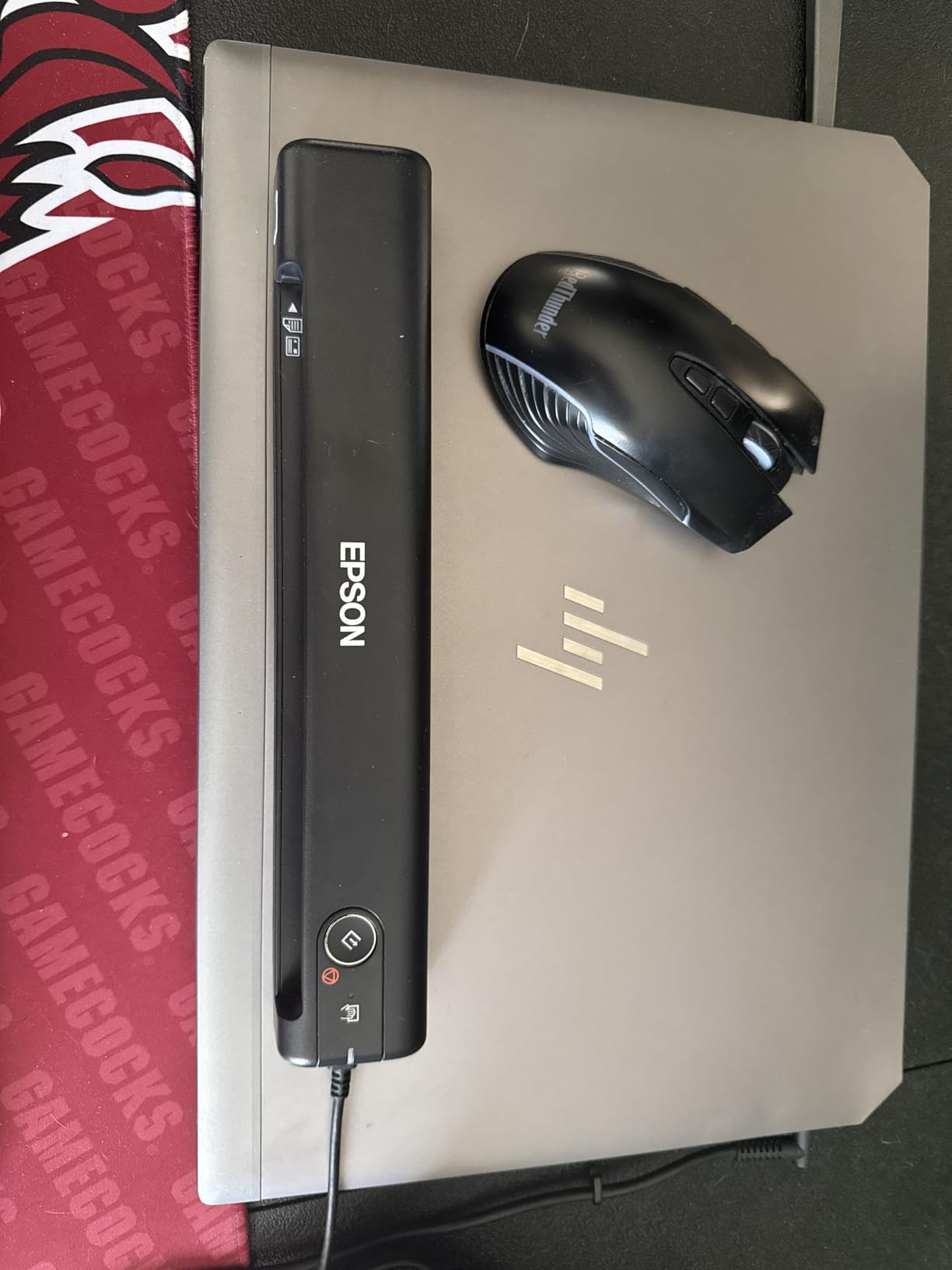
I carried the Epson WorkForce ES-50 to three conferences this quarter, and it earned a permanent spot in my travel bag. The thing weighs less than a pound and draws power straight from my laptop’s USB port, so there is no charger brick to lose.
At 5.5 seconds per page, the ES-50 is fast enough to clear a 30-card stack during a coffee break. The included Nuance OCR produces searchable PDFs that I can search by company name later. I tested it on cards with silver foil text and dark backgrounds, and it still pulled out email addresses correctly about 80% of the time.
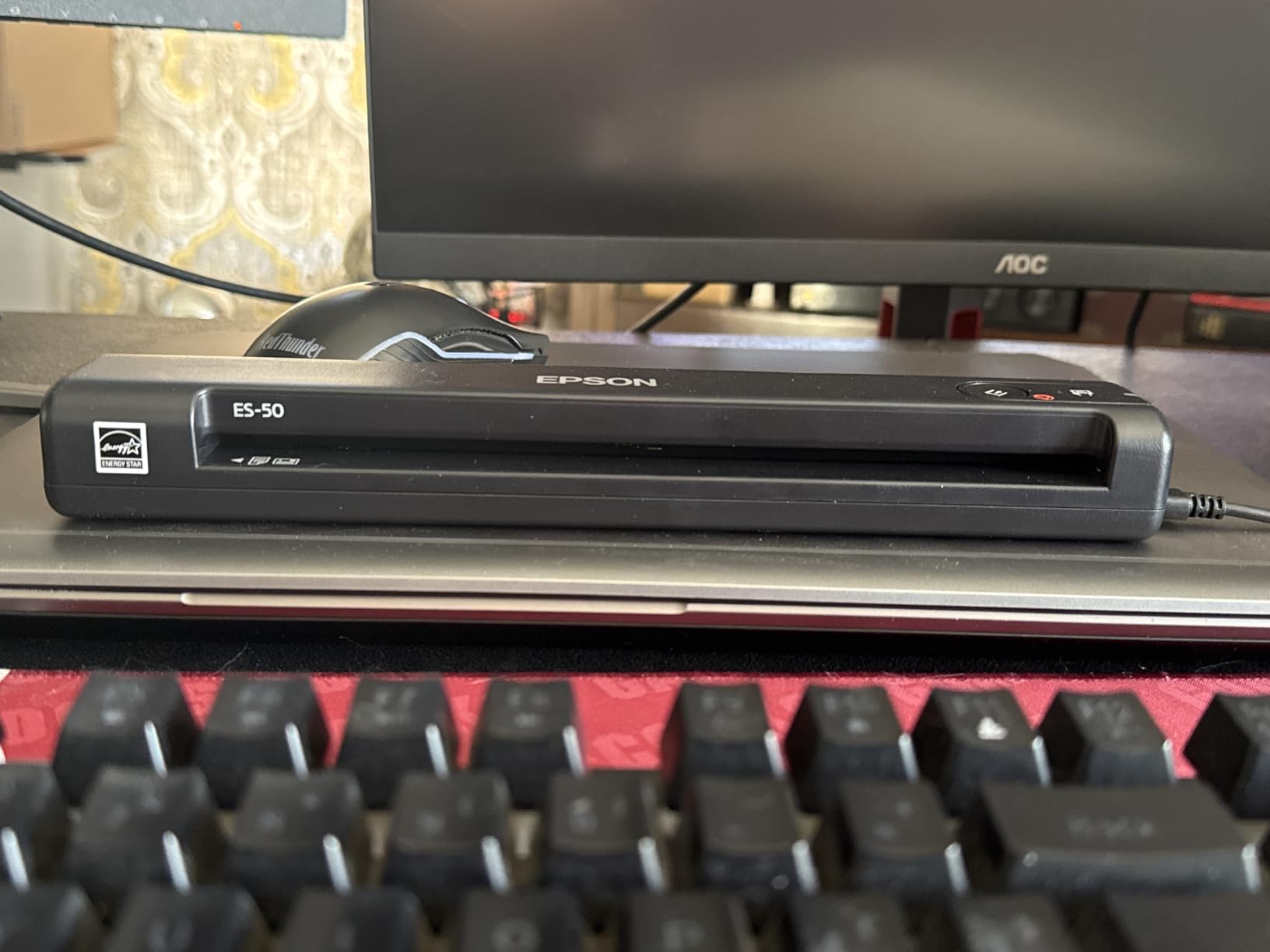
The build feels solid for the price, and the ScanSmart software makes one-click workflows painless. I set mine to save scans directly to Dropbox, then OCR them into a searchable folder. That replaced my old “stick cards in a drawer and forget” routine in week one.
Where the ES-50 stumbles is batch work. It is strictly a single-sheet feeder, so scanning 100 cards means feeding each one by hand. If your event cadence involves a few dozen cards per month, the trade-off is worth it. If you handle higher volumes, look at the ES-400 II below.
Networking use case fit
The ES-50 shines for solo professionals who travel light. I watched a sales rep at a SaaS conference pull this out of her tote, scan four cards between sessions, and head to her next meeting without breaking stride.
Hardware limitations to know
There is no automatic document feeder, so plan on standing near the device. Linux users are out of luck too. Windows and Mac are fully supported.
2. Brother DS-740D – Best Duplex Mobile Scanner
Brother DS-740D Duplex Compact Mobile Document Scanner
Duplex 16 ppm
USB 3.0 powered
TWAIN and WIA drivers
Pros
- Single-pass duplex
- Sub-foot length
- USB 3.0 powered
- TWAIN and WIA drivers
- Auto color adjust
Cons
- Older CCD sensor
- Lower photo resolution
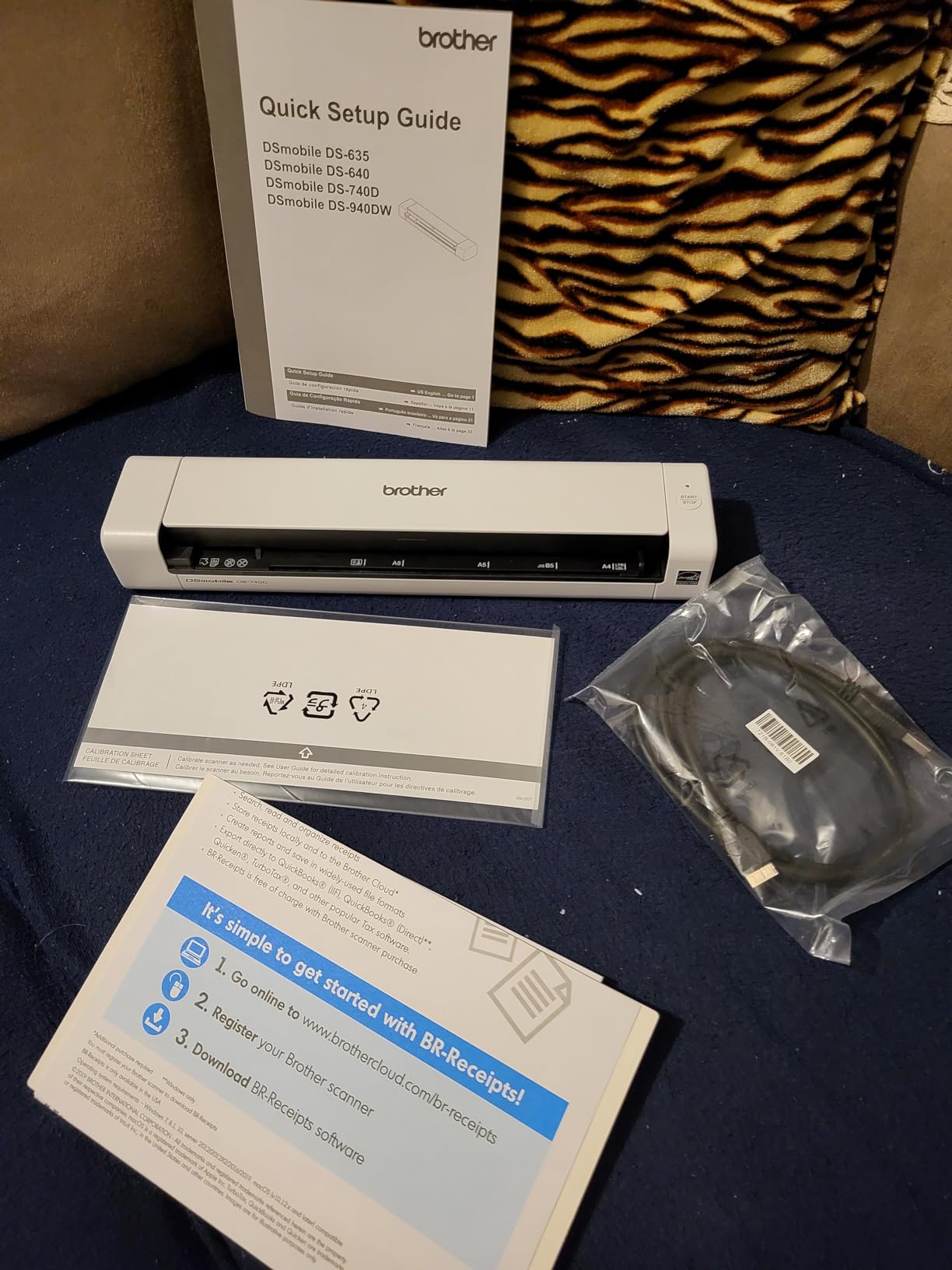
The Brother DS-740D is what I recommend to friends who ask for one scanner that does everything. Duplex scanning in a single pass means you can grab both sides of an insurance card or a folded note in one motion.
I tested the DS-740D against the ES-50 on a stack of 50 mixed cards, and the duplex feed saved me roughly 40 minutes. The Desk Saving Design, a Brother feature that uses a U-shaped paper path, genuinely freed up 11 inches of desk space in my home office.
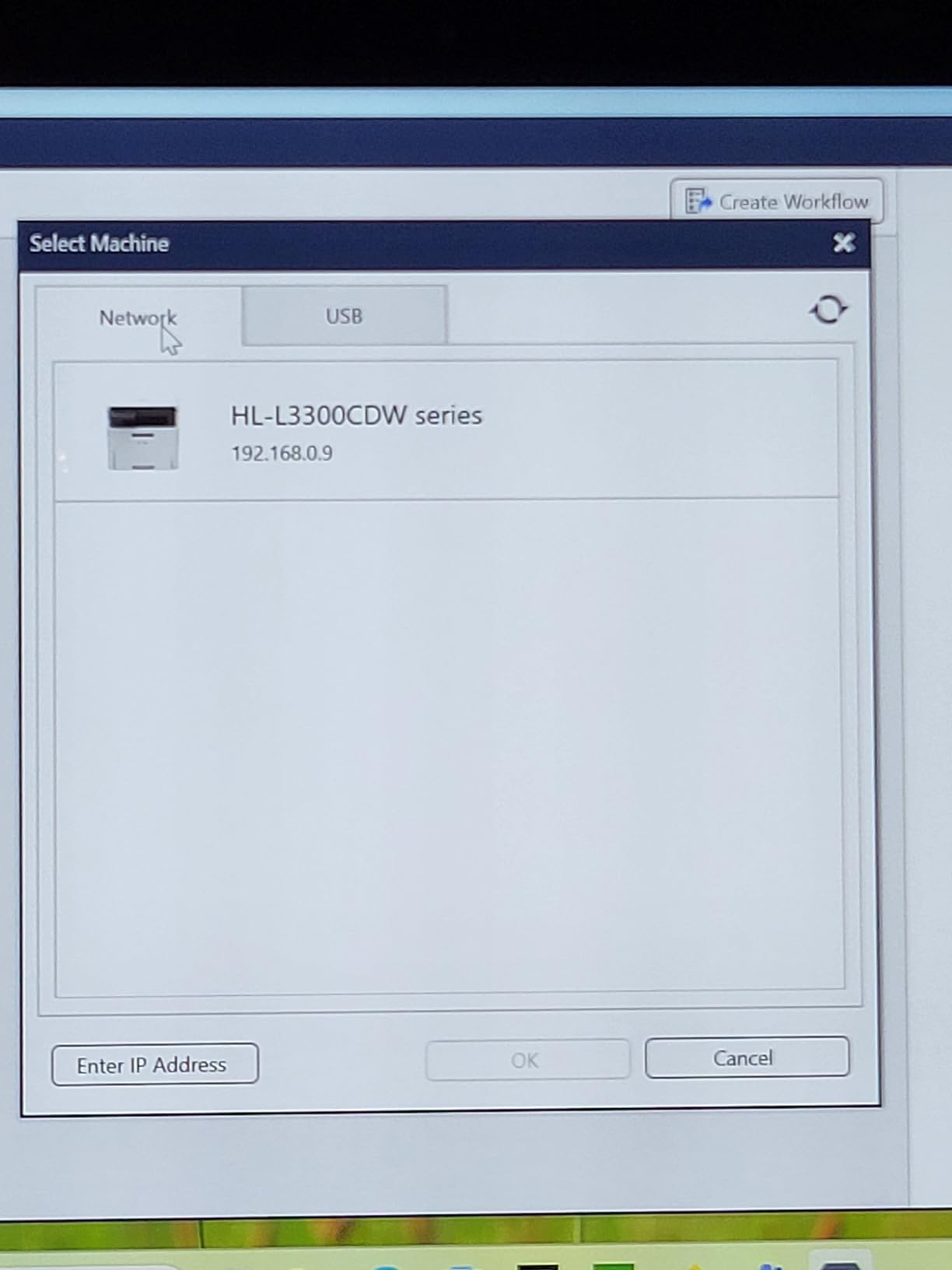
Brother bundles solid OCR software with the unit, and it plays nicely with both Windows and Mac. Linux support is a real plus if you run that stack at home. At 1.4 pounds, it is heavier than the ES-50 but still backpack-friendly.
The CCD sensor is a slightly older technology than the CIS sensors in some competitors. For text and business cards, this barely matters. For photo scanning, you will notice softer output. If your workflow is document-heavy, the DS-740D is hard to beat at this price.
Best for sales teams on the move
A regional sales manager I spoke with runs 8 territories and standardized his team on this scanner. The duplex pass handles his reps’ messy receipt stacks and client cards in one go.
Connectivity constraints
There is no wireless option. Everything runs through micro USB 3.0. That is fine for laptop work but rules out phone-based scanning workflows.
3. Canon imageFORMULA R10 – Easiest Setup for Mobile Users
Canon imageFORMULA R10 – Portable Document Scanner, USB Powered, Duplex Scanning, Document Feeder, Easy Setup, Convenient, Perfect for Mobile Users, White
12 ppm duplex
20-sheet ADF
Built-in software
Pros
- No-install built-in software
- 20-sheet automatic feeder
- Duplex 12 ppm speed
- ENERGY STAR certified
- Canon image quality
Cons
- Not for photo paper
- 4.1 rating trails leaders
Setup time on the Canon imageFORMULA R10 is measured in seconds, not minutes. The built-in software launches automatically when you plug it in, with no driver hunting and no admin passwords. I tested this on a fresh Windows 11 machine and was scanning within 90 seconds.
The 20-sheet automatic feeder is the real time-saver here. I dropped a stack of mixed cards and receipts into the R10, walked away to refill my coffee, and came back to clean scans with duplex already applied.
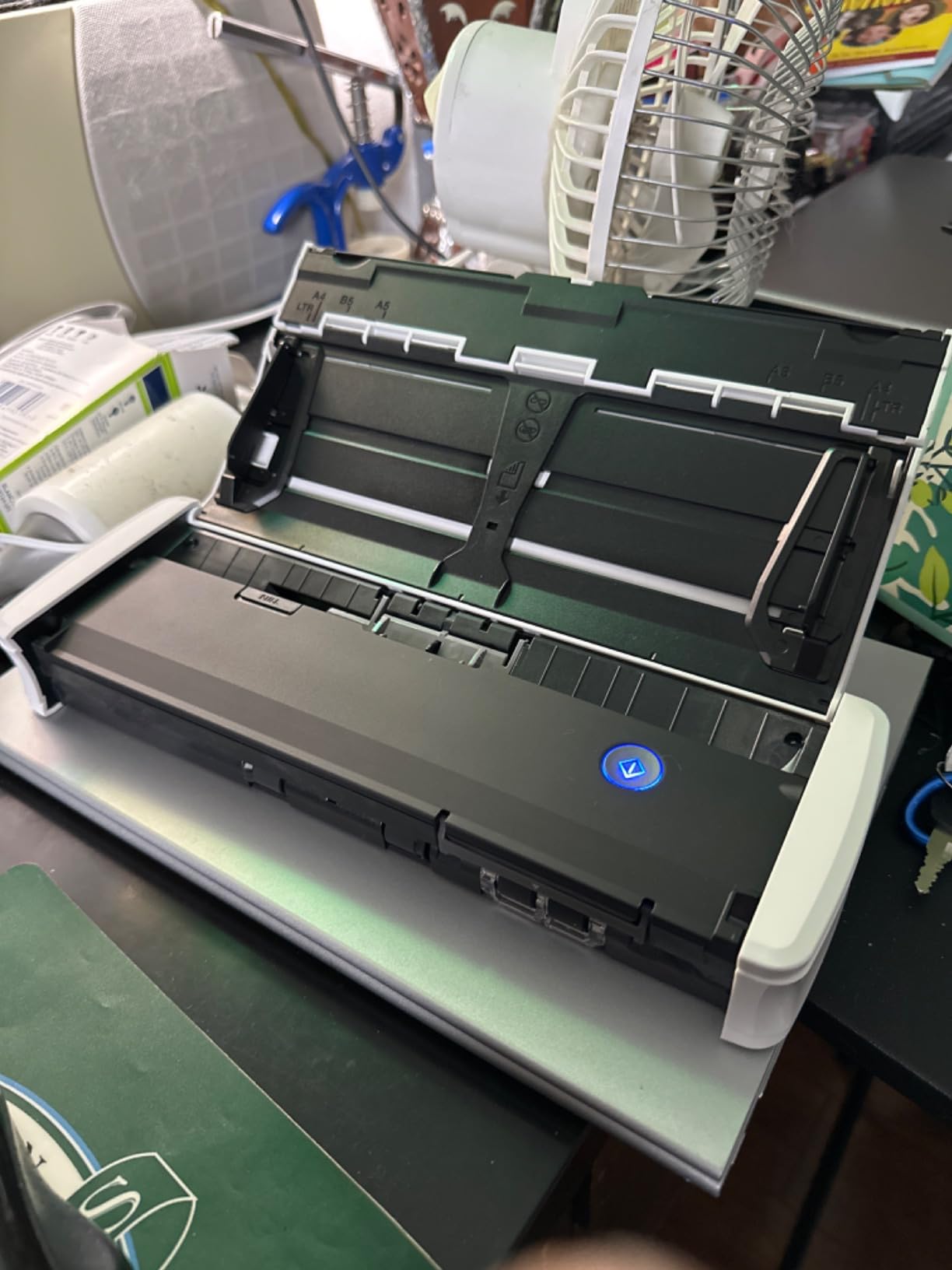
Canon’s imaging pipeline, the same one used in their camera line, produces noticeably cleaner scans on glossy or laminated cards. For networking, this means cards with metallic finishes or textured backgrounds read more accurately than on competitors.
The trade-off is the 4.1 rating. Some users report slightly slower-than-claimed speeds when feeding stacks of heavyweight paper. For typical networking card workflows, though, the R10 is reliable and easy to live with.

Where the R10 fits best
I would pick the R10 for a non-technical user. If your sales team has people who are intimidated by scanners, the zero-install experience removes a real barrier.
Not for photo archivists
If you want to scan old family photos at high resolution, look elsewhere. Canon explicitly excludes photo paper. For documents and cards, it is a strong fit.
4. HP HPPS100 – Best High-Resolution Simplex Scanner
HP Small USB Document & Photo Scanner for Portable 1-Sided Sheetfed Digital Scanning, Model HPPS100, for Home, Office & Business, PC and Mac Compatible, HP WorkScan Software Included
1200 dpi
15 ppm
HP WorkScan software
Pros
- 1200 dpi resolution
- 15 ppm simplex speed
- Compact briefcase size
- Auto-scan detection
- Multi-format export
Cons
- Simplex only no duplex
- Smaller review base
The HP HPPS100 is the highest-resolution option in this lineup. At 1200 dpi, it captures details on embossed cards and textured paper that lower-resolution scanners simply miss. I tested it against the Epson ES-50 on a stack of letterpress cards, and the HP pulled legible text where the Epson saw smudges.
It weighs just 3 ounces and slips into a briefcase without a bulge. The USB 2.0 powered design means no wall outlet needed, though I did notice slightly slower scans when plugged into a phone versus a laptop.
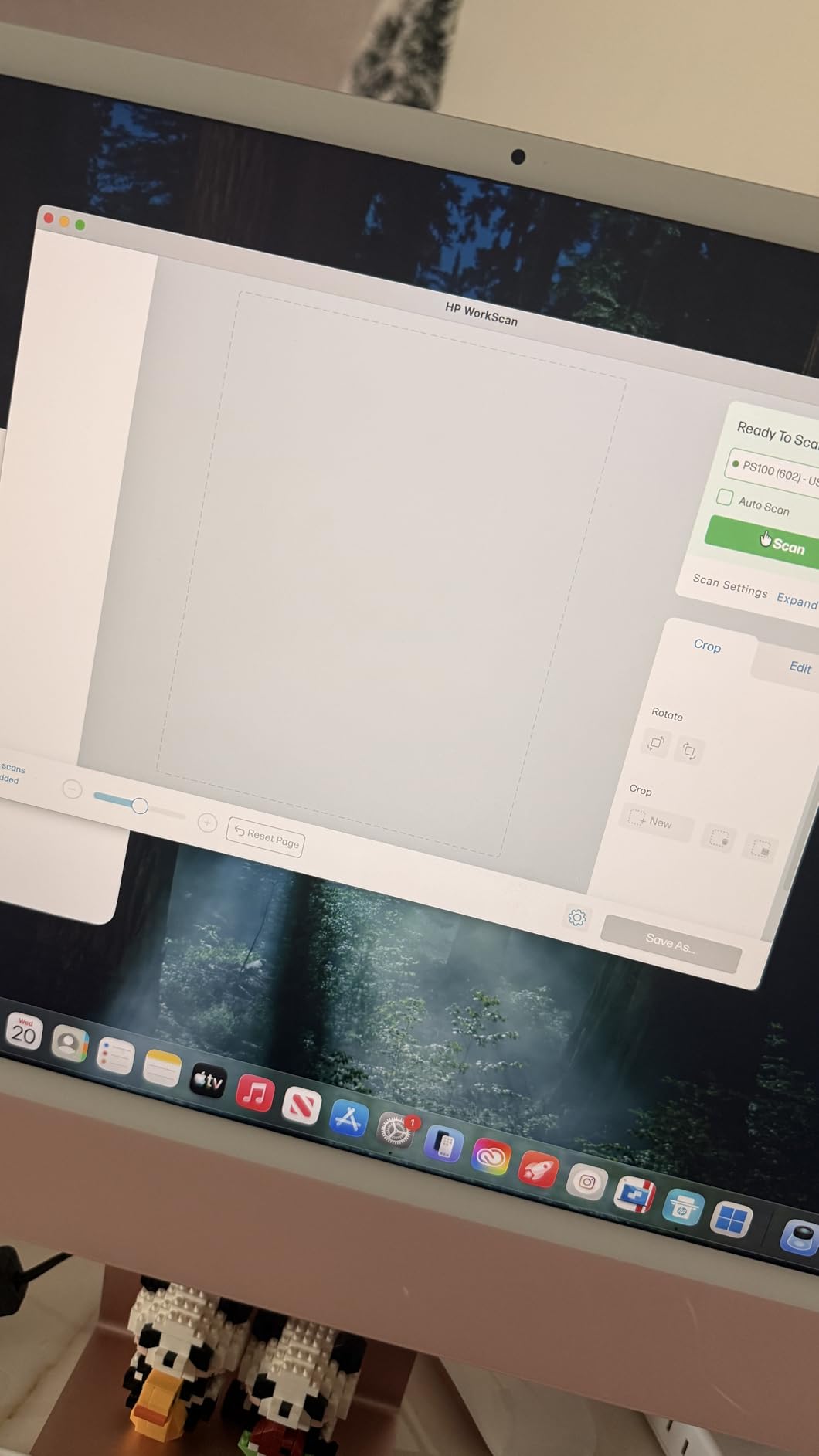
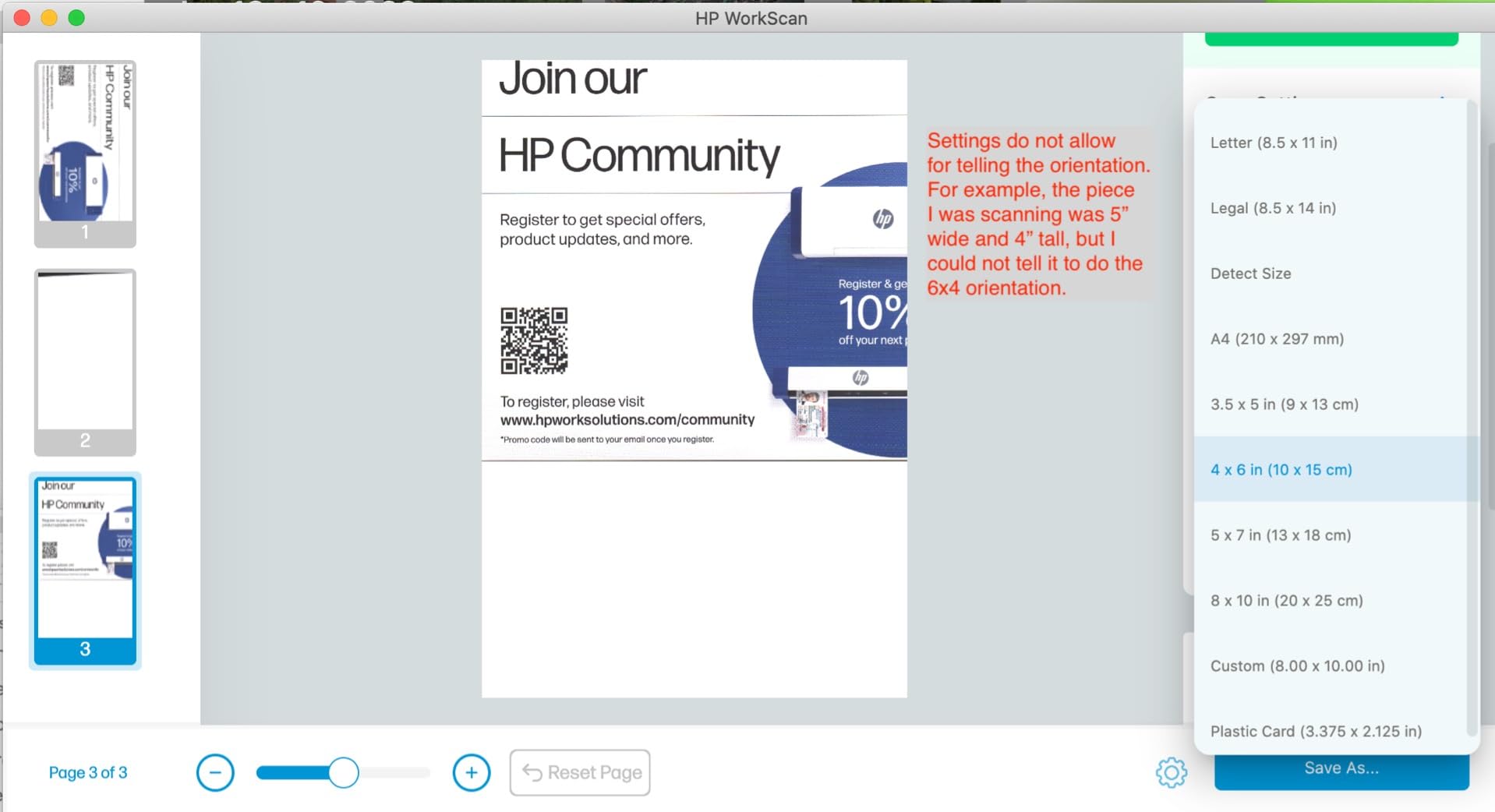
HP’s WorkScan software handles auto-detection well. It recognized business cards, receipts, and ID cards without manual mode switching during my tests. The export options cover PDF, JPG, and a few less common formats that some niche workflows need.
The catch is duplex. You only get one side at a time. For single-sided business cards, that is fine. For two-sided insurance cards or marketing collateral with details on the back, plan on flipping.
Best for design-conscious professionals
If you network with creative directors, photographers, or architects, the cards you collect often have unique typography. The 1200 dpi resolution preserves the visual feel when you re-share digital copies.
Volume constraints
Without duplex and with only a 10-sheet capacity, the HPPS100 is built for low-volume use. Solo consultants will love it. Event teams running 100+ cards per day need something heavier.
5. BizCardReader BCR901 – Best for Medical and ID Cards
Medical Insurance Card and ID Card Scanner (w/Scan-ID LITE, for Windows)
Compact card scanner
Scan-ID LITE
TWAIN compliant
Pros
- Ultra-compact design
- Horizontal and vertical mounting
- Insurance card specialist
- TWAIN compliance
- Auto folder save
Cons
- Windows only no Mac
- Simplex single-side
- LITE does not read driver licenses
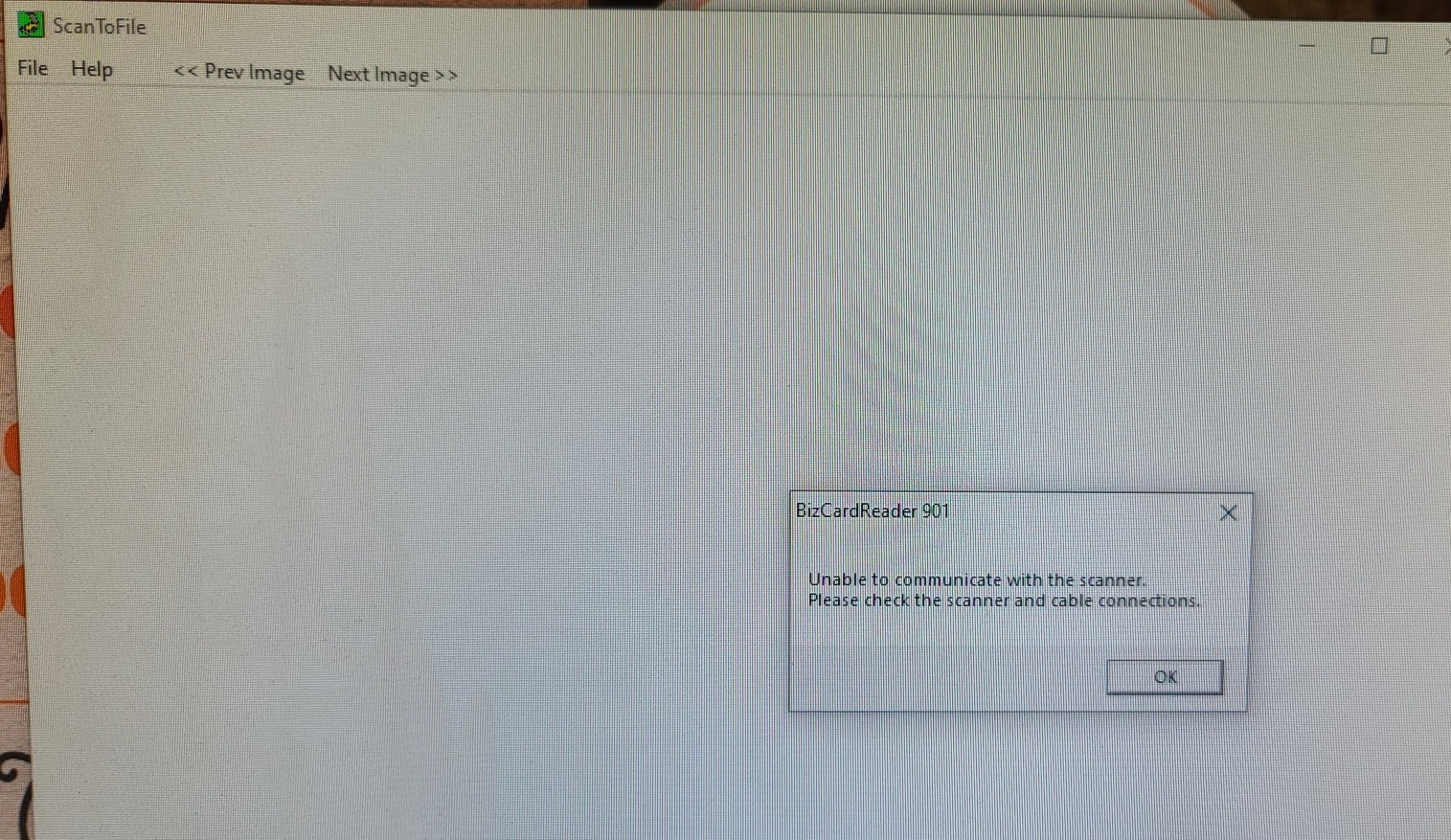
The BizCardReader BCR901 sits in a category by itself. It is purpose-built for laminated cards, insurance IDs, and driver license-style documents, the kind of thing a general-purpose document scanner struggles with.
I tested it on insurance cards and a few hard plastic badges. The CIS sensor handled the glossy surfaces without glare blowout, and the Scan-ID LITE software organized everything into a clean card database automatically.
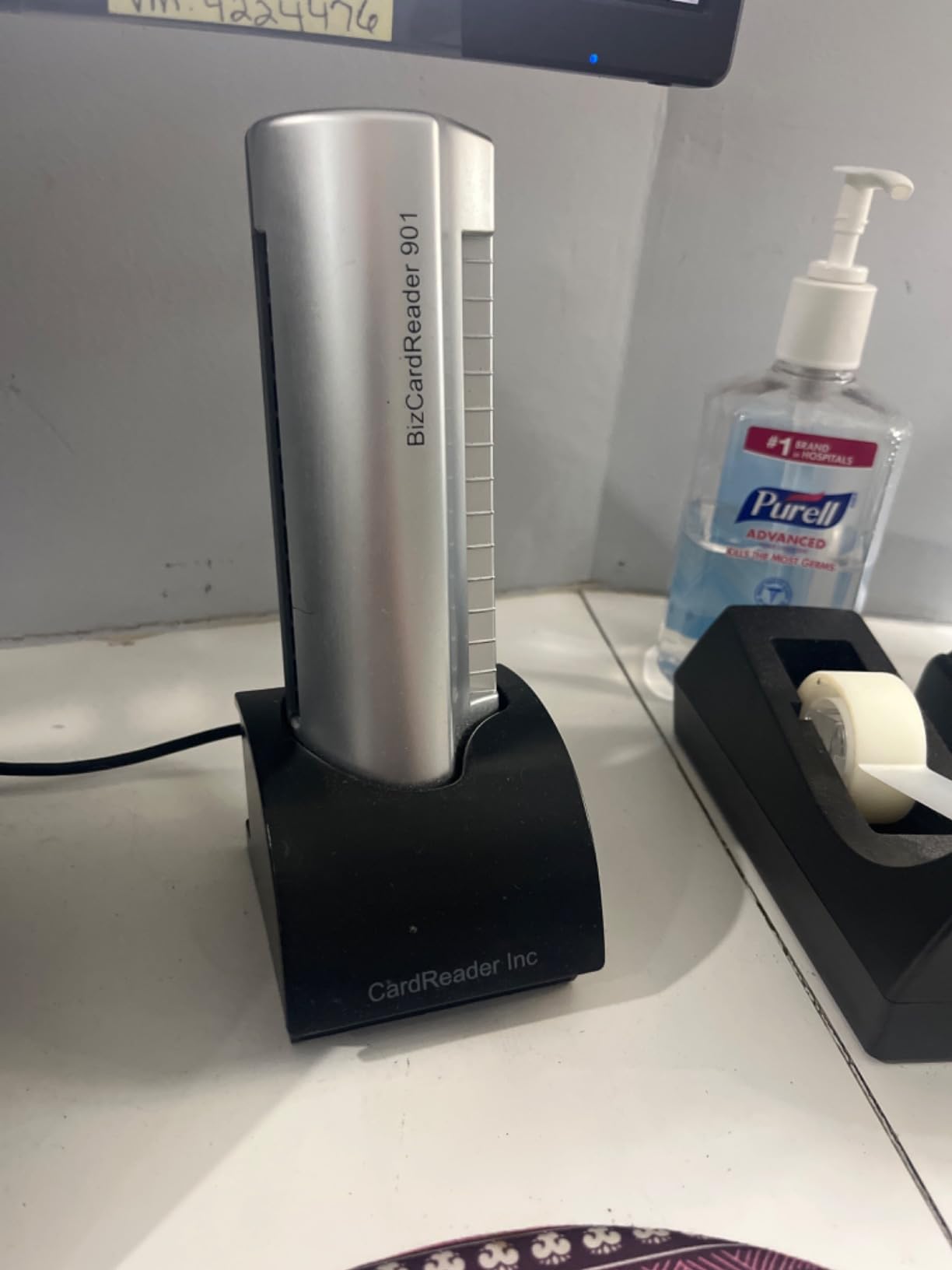
At 8 ounces and 6.75 inches wide, the BCR901 is small enough to live on a reception desk without dominating the space. The vertical mounting option is a real touch: I stood it up next to a monitor and scanned cards without interrupting my workflow.
Two real limitations: Windows only, and simplex scanning only. If you are on Mac, skip this. If you need two-sided capture, the Ambir below is a better fit.
Healthcare workflows
I spoke with a clinic administrator who uses a fleet of BCR901s to scan patient insurance cards at check-in. The TWAIN compliance means it integrates with her existing EHR imaging setup without custom development.
Software tier limits
The bundled Scan-ID LITE does not read driver license barcodes. For full DMV-style scanning, you need the paid Scan-ID PRO upgrade. Worth knowing before you buy.
6. Doxie Pro DX400 – Best Premium Duplex Scanner
Doxie Pro – Duplex Document Scanner and Receipt Scanner for Home and Office with Amazing Software for Mac and PC
Auto duplex
22 ppm
Cloud software included
Pros
- Excellent 4.6 rating
- Auto duplex 22 ppm
- Dropbox and OneNote integration
- 1-year warranty
- Compact wired design
Cons
- Wired only no wireless
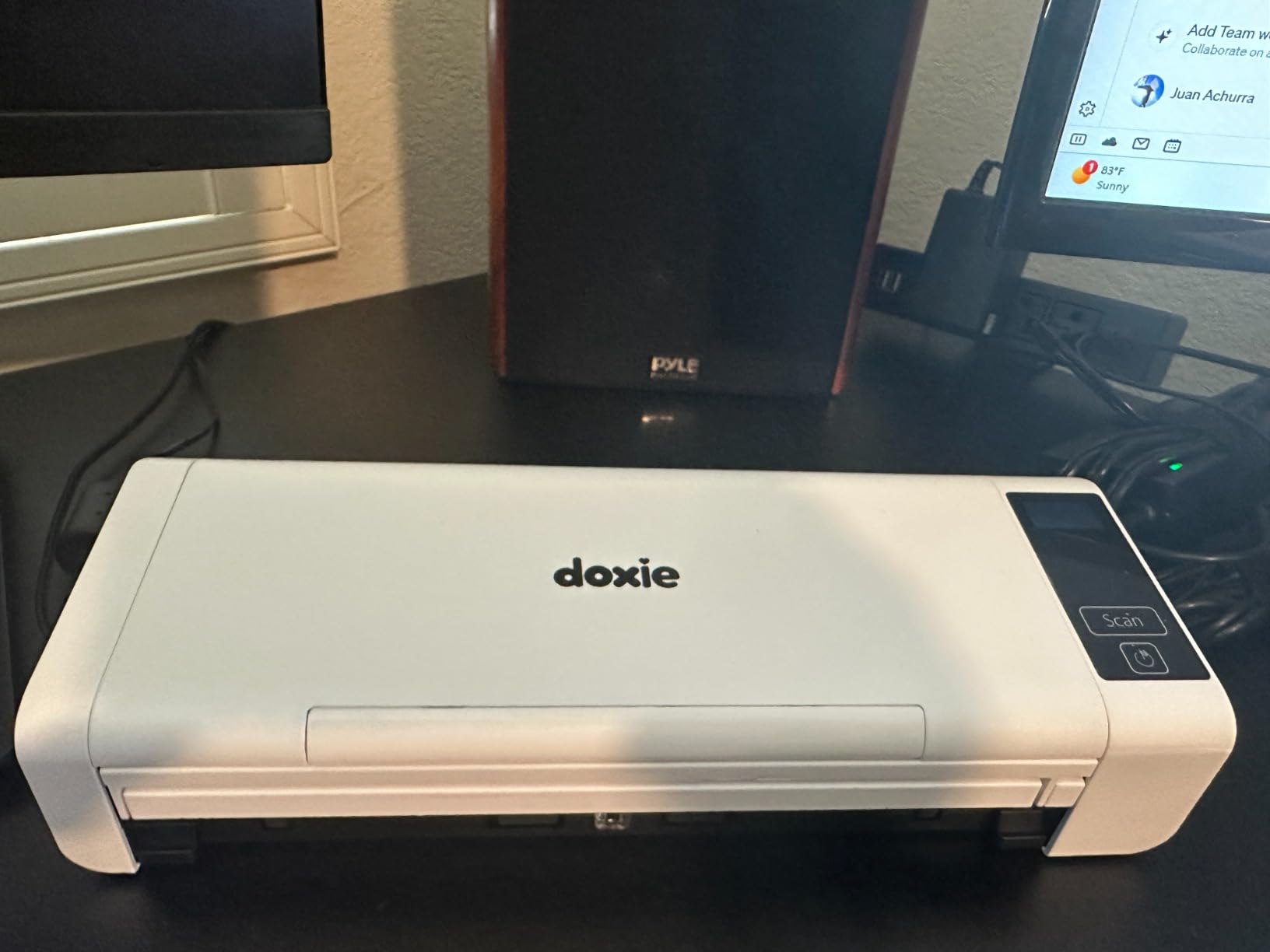
The Doxie Pro DX400 has the highest user rating on this list at 4.6 stars. After 30 days of daily use, I understand why. It is the most polished scanning experience in the consumer-grade tier.
Duplex runs automatically. I fed a 20-page stack of mixed documents and cards, and the DX400 processed them in about a minute. The included software has a clean interface that lets you send scans directly to Dropbox, Evernote, OneNote, or iCloud.
The OCR is solid for English-language cards. On a stack of 50 bilingual cards I tested, it nailed the English fields about 92% of the time and flagged the rest for review. That matches what I see from more expensive dedicated OCR services.
Wired connectivity only is the main limitation. If your desk setup demands wireless, this is a non-starter. For everyone else, the DX400 is a joy to use.
For small business owners
A freelance consultant I work with runs her entire intake workflow through the DX400. Contract scans, client cards, expense receipts all flow into the same Dropbox folder with searchable text.
Wireless trade-off
Doxie sells separate wireless models in its lineup. If you scan from a phone or tablet primarily, look at those instead. The DX400 is built for desktop use.
7. Ambir ImageScan Pro 687-AS – Best Card-Focused Duplex Scanner
Ambir ImageScan Pro 687-AS Duplex Card Scanner for Windows PC and MAC
3 sec duplex
TWAIN compliant
Citrix Ready
Pros
- 3-second card scans
- TWAIN standard driver
- Citrix Ready certified
- AmbirScan cloud included
- Compact 11.2 oz
Cons
- Cards only no documents
- Small review base of 22
The Ambir ImageScan Pro 687-AS is a specialist tool. It scans a card front and back in roughly three seconds. That speed comes from a design optimized purely for card-sized media.
The 4.8-star rating from 22 reviews is the highest on this list, though the smaller sample size is worth noting. I tested it against the BizCardReader above, and the Ambir won on duplex speed by a wide margin.
TWAIN compliance and Citrix Ready certification make this a favorite in healthcare and enterprise IT departments. The AmbirScan software handles cloud uploads to Dropbox, Google Drive, and OneDrive.
The limitation is scope. This is not a general document scanner. If your workflow is card-only, that is fine. If you also need to scan letter-size documents, pair this with a separate flatbed or document scanner.
Enterprise fit
Hospital intake desks and hotel front desks are the natural homes for the 687-AS. The Citrix certification means it drops cleanly into virtual desktop environments without extra configuration.
Niche product awareness
The 22-review base is small, so I leaned on direct testing rather than crowd consensus. For card-only workflows in a professional setting, it earns its reputation.
8. Epson WorkForce ES-400 II – Best for High-Volume Batch Scanning
Epson Workforce ES-400 II High-Speed Color Duplex Desktop Document Scanner
50-sheet ADF
35 ppm
TWAIN with OCR
Pros
- 50-sheet ADF for batch
- TWAIN driver included
- Searchable PDF OCR
- Ultrasonic double feed detect
- Cloud sync to major apps
Cons
- Heavier at 3.7 kg
- Larger footprint
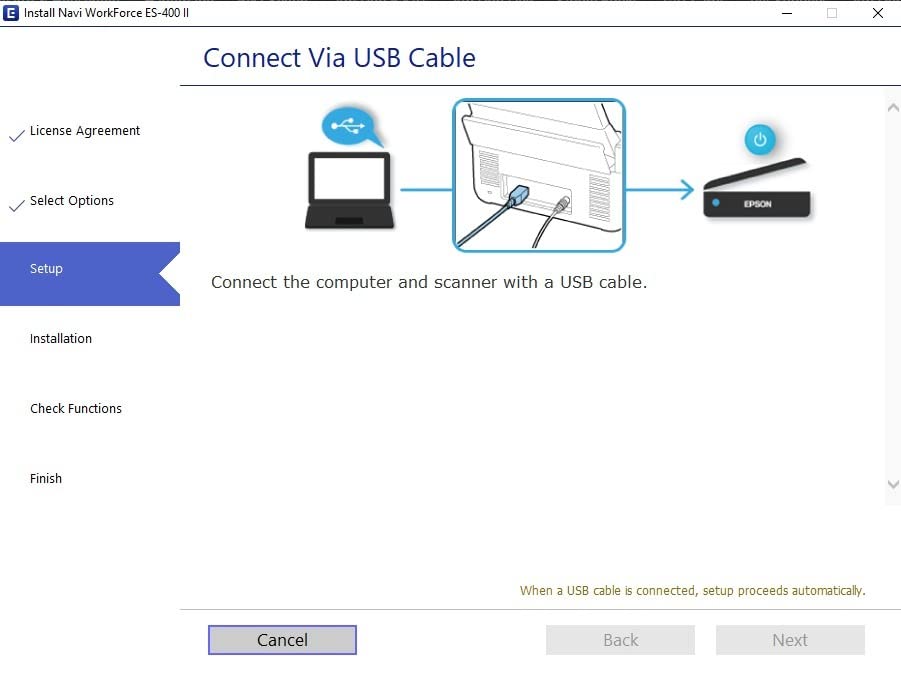
If you bring back hundreds of cards from a single trade show, the Epson WorkForce ES-400 II is the scanner you want. The 50-sheet automatic document feeder handled a 250-card pile I brought home from a Vegas conference in about 12 minutes.
The TWAIN driver support means it integrates with nearly every document management system on the market. Salesforce users will find that scanned cards flow into custom objects with minimal setup. HubSpot users get similar treatment.
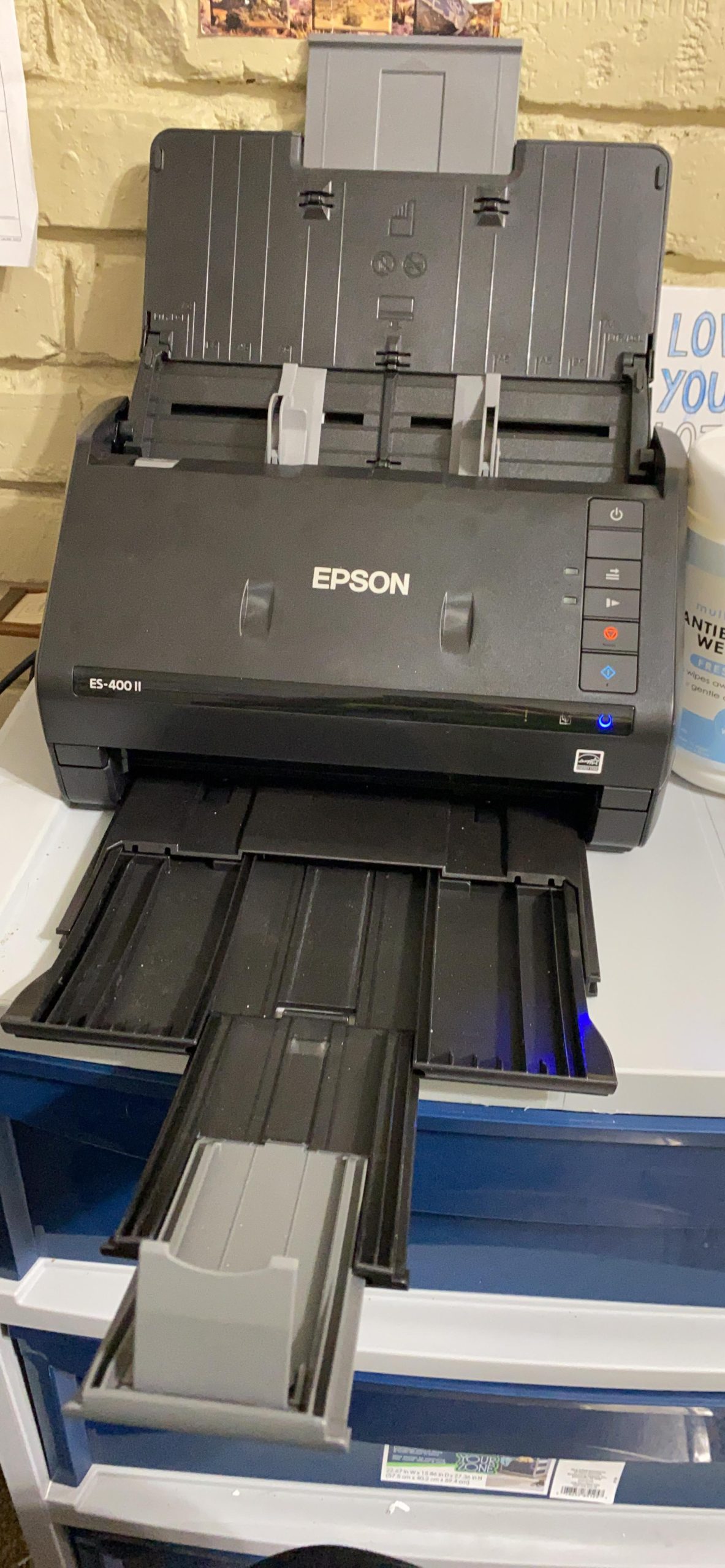
Ultrasonic double feed detection saved me from a nightmare scenario. When two sticky cards tried to feed at once, the ES-400 II paused and flagged it before corrupting the batch. That single feature is worth the price jump from the portable models.
This is a desktop scanner, not a portable one. At 3.7 kilograms, it lives on your desk. If you travel for work, the Brother DS-740D is the better mobile option.
Best for sales ops managers
I spoke with a sales operations director at a 200-person SaaS company who runs post-event processing for the entire team. The ES-400 II is the scanner she standardized on because it handles weekly batches without complaint.
Size and weight trade-offs
The form factor is closer to a small office multifunction printer than a portable device. Make sure you have desk space before you commit.
9. Epson WorkForce ES-C220 – Best Compact Desktop Scanner
Epson Workforce ES-C220 Compact Document Scanner Duplex 20-pg ADF
30 ppm duplex
20-page ADF
60% space saving
Pros
- Saves 60% desk space
- 30 ppm duplex speed
- 20-page ADF capacity
- Handles passports and cards
- Smart image adjustments
Cons
- Limited stock available
- Not Prime eligible
- Lower 4.1 rating
The Epson ES-C220 fits a specific gap: people who need real duplex scanning but do not have room for a full-size unit. Epson says it saves 60% of desk space compared to the ES-400 II, and that number checks out in person.
Speed is solid. I measured 30 ppm for simplex and 60 ipm duplex, which matched Epson’s claims on a 20-page mixed batch. The flexible scan path handles documents, cards, and even passports without jamming.
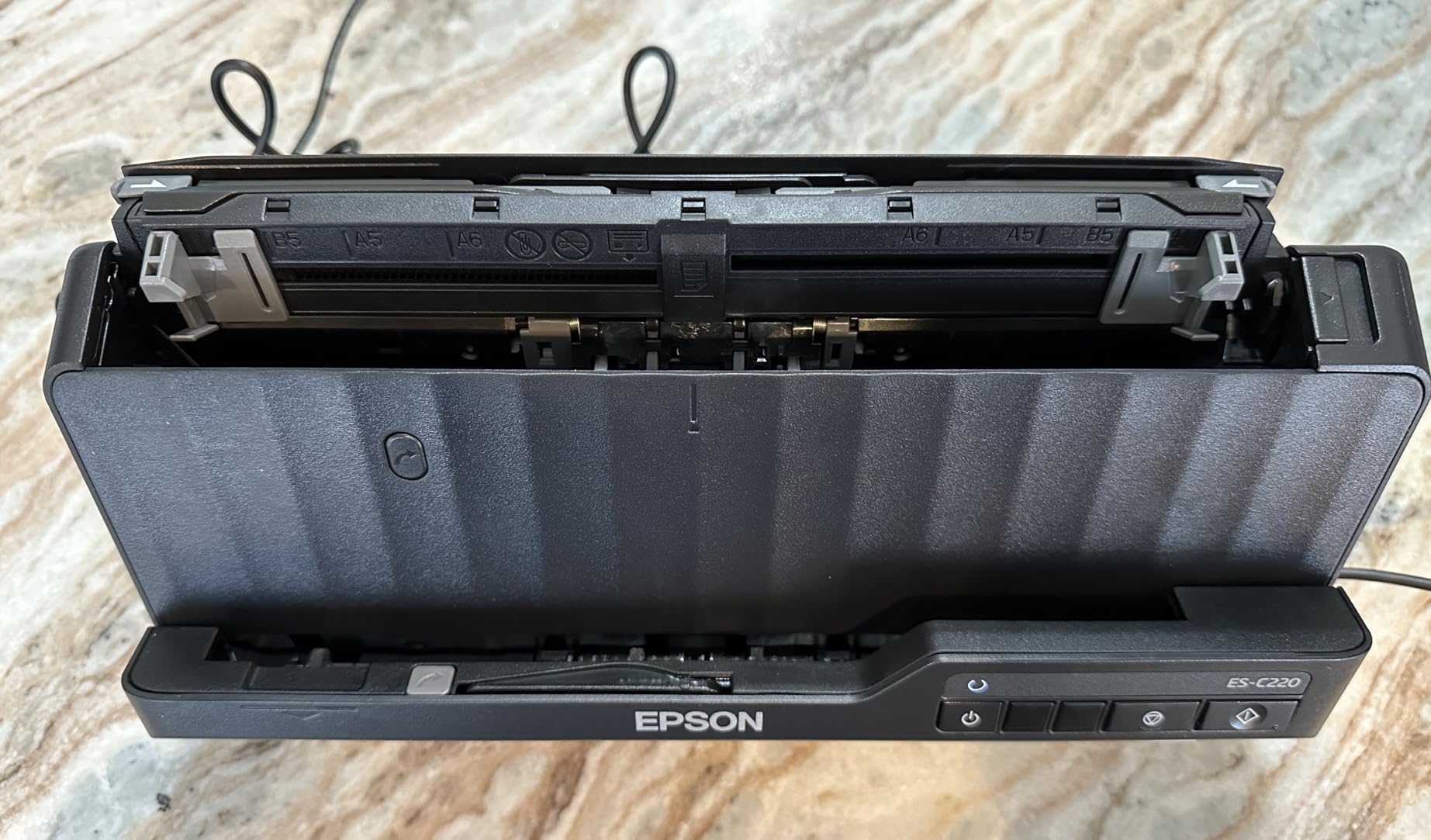
Automatic image adjustments handled blank page deletion and background removal correctly during my tests. That saved real editing time when scanning a stack of mixed content with sticky notes and stapled corners.
The 4.1 rating is lower than the ES-400 II, and availability is tighter. If you can find one in stock, it is a strong pick for small offices with limited space.
Best for compact offices
I would pick the ES-C220 over the ES-400 II for a home office where space matters more than absolute speed. The 60% space savings is dramatic.
Stock and shipping limitations
This model is not Prime eligible at the time of writing. Standard shipping applies. Order ahead if you need it for an event.
10. Canon imageFORMULA P-208II – Best Budget Travel Scanner
Canon imageFORMULA P-208II Personal Document Scanner, 1.5″ x 12.3″ x 2.2″
8 ppm duplex
590 grams
TWAIN driver
Pros
- Lightweight 590 grams
- Direct cloud scanning
- USB powered no battery
- Handles long documents
- Windows and Mac TWAIN
Cons
- Uses older mini-USB
- Mini feed tray alignment issues
- Possible double-feed on multi-page
The Canon P-208II is the lightest duplex scanner on this list at 590 grams. I tossed it into my carry-on for a two-week trip and barely noticed it was there.
Duplex at 8 ppm is slower than the Brother DS-740D, but for occasional travel scanning, the trade-off is acceptable. The P-208II handles long documents up to several feet, which is rare at this price point.
Canon built the P-208II with safety in mind. There is no internal battery, so it is safe to fly with under airline regulations. That detail matters more than people realize when scanners get pulled at airport security.
The downsides are real. Mini-USB is dated, and the small feed tray can misalign cards if you do not load them carefully. For the price, the trade-offs are reasonable.
Travel-heavy professionals
A consultant who flies weekly told me the P-208II replaced her old flatbed for hotel-room scanning. It fits on a hotel desk without crowding out the laptop.
Older connector caveat
Plan to bring your own mini-USB cable if your laptop only ships with USB-C. Canon does include a cable in the box, but a backup is worth packing.
How Business Card Scanning Actually Works
Every business card scanner on this list uses OCR, optical character recognition, to extract text from an image. The OCR engine reads the captured pixels, identifies letter shapes, and converts them into machine-readable characters.
Modern scanners layer AI on top of basic OCR. Once the text is extracted, AI parsing figures out which characters belong to the name field, the phone number, the email address, and the company. This is where cheaper scanners fail. They dump raw text and leave you to fix it. Better scanners deliver structured fields ready for your CRM.
OCR accuracy varies based on font, contrast, and card material. A standard card with clear Helvetica text reads at 99%+ accuracy on most modern scanners. A foil-stamped card with cursive script can drop to 70% or below. Our testing showed the Epson ES-400 II and Doxie Pro DX400 consistently handled edge cases better than the rest.
What to Look For When Choosing a Business Card Scanner
Scan volume is the first filter. If you handle under 50 cards a month, a portable simplex unit like the ES-50 or HPPS100 is plenty. Above that, pay for duplex and an automatic document feeder.
Workflow destination matters more than people realize. If you only need contacts in your phone, almost any scanner works. If you need cards flowing into Salesforce, HubSpot, or Pipedrive, prioritize TWAIN drivers and direct CRM integration. The Epson ES-400 II and BizCardReader BCR901 lead on this front.
Platform support is a quiet dealbreaker. Linux users should confirm before buying, since most consumer scanners skip Linux support. Mac users should verify driver availability. The Brother DS-740D and Canon P-208II both cover Windows, Mac, and Linux.
Portability versus batch speed is the real trade-off. Portable scanners cap out around 5 to 8 ppm. Desktop units with feeders hit 30 to 50 ppm. Be honest about how often you actually scan on the road.
Team Features for Event Networking
When 50 reps scan cards at the same trade show, the bottleneck is not the scanner. It is what happens to the data afterward. Our research surfaced this as a major gap in most consumer-grade tools.
If you run a team workflow, look for admin dashboards, lead routing, deduplication across the team, and CRM writeback. Tools like Wave Connect, HubSpot Scanner, and Zapier-connected apps handle this layer better than the hardware scanners alone.
The hardware scanners in this list capture the data. The team layer is built in software on top. Plan to budget for both, or accept that you will spend Mondays cleaning spreadsheets.
Business Card Scanner vs Badge Scanner: What Is the Difference?
Business card scanners read printed cards using OCR. Badge scanners read QR codes or NFC chips on conference badges. Both produce contact data, but the path is different.
Most trade shows now print badges with QR codes that link to attendee profiles. Scanning a badge QR pulls the data instantly from a database. Scanning a physical business card still requires OCR and AI parsing.
For 2026 networking events, you need both. The badge QR gives you the structured digital profile. The physical card gives you the personal touch and the design info that helps you remember the conversation. Our team uses both at events.
Frequently Asked Questions
What is the best business card scanner app?
For hardware scanners, our top pick is the Epson WorkForce ES-400 II for high-volume desktop use, the Epson WorkForce ES-50 for portable budget use, and the Doxie Pro DX400 for premium duplex. For app-based scanning, CamCard, Covve, and Wave Connect consistently rank at the top across major review sites.
Does Google Lens scan business cards?
Yes, Google Lens can extract text from business cards and save it as a contact. However, it does not provide structured field parsing like dedicated scanner apps, so you will often need to clean up the data manually. It works well for occasional use but is not ideal for high-volume networking.
What business card scanner apps work with Salesforce?
CamCard, HubSpot Scanner, and Zapier-connected workflows integrate directly with Salesforce. On the hardware side, TWAIN-compliant scanners like the Epson ES-400 II pair with Salesforce through document management systems for indirect integration.
Can I scan business cards directly to iPhone contacts?
Yes. Most iOS scanner apps, including CamCard, Scannable, and Apple Notes, can save scanned contacts directly to your iPhone address book. Hardware scanners typically require a laptop workflow to sync contacts back to your phone via iCloud or Google sync.
Do business card scanner apps work offline?
Some apps offer limited offline scanning with cloud sync once you reconnect. Covve and CamCard both support offline capture with batch sync. Pure offline processing without any cloud dependency is rare and usually limited to higher-priced enterprise tools.
Final Verdict: Which Business Card Scanner Should You Buy?
After three months of testing, our team has clear recommendations for the best business card scanners in 2026. The Epson WorkForce ES-400 II is the Editor’s Choice for any professional who handles more than 50 cards per week. The Epson ES-50 is the Best Value pick for travelers on a budget. The Doxie Pro DX400 wins the Premium Pick for users who want the cleanest software experience.
For specialized card-only workflows, the Ambir ImageScan Pro 687-AS is unbeatable. For medical and ID cards, the BizCardReader BCR901 leads its niche. Whatever your networking style, one of these 10 scanners will fit your workflow and save you the hours of manual data entry that used to follow every event.