
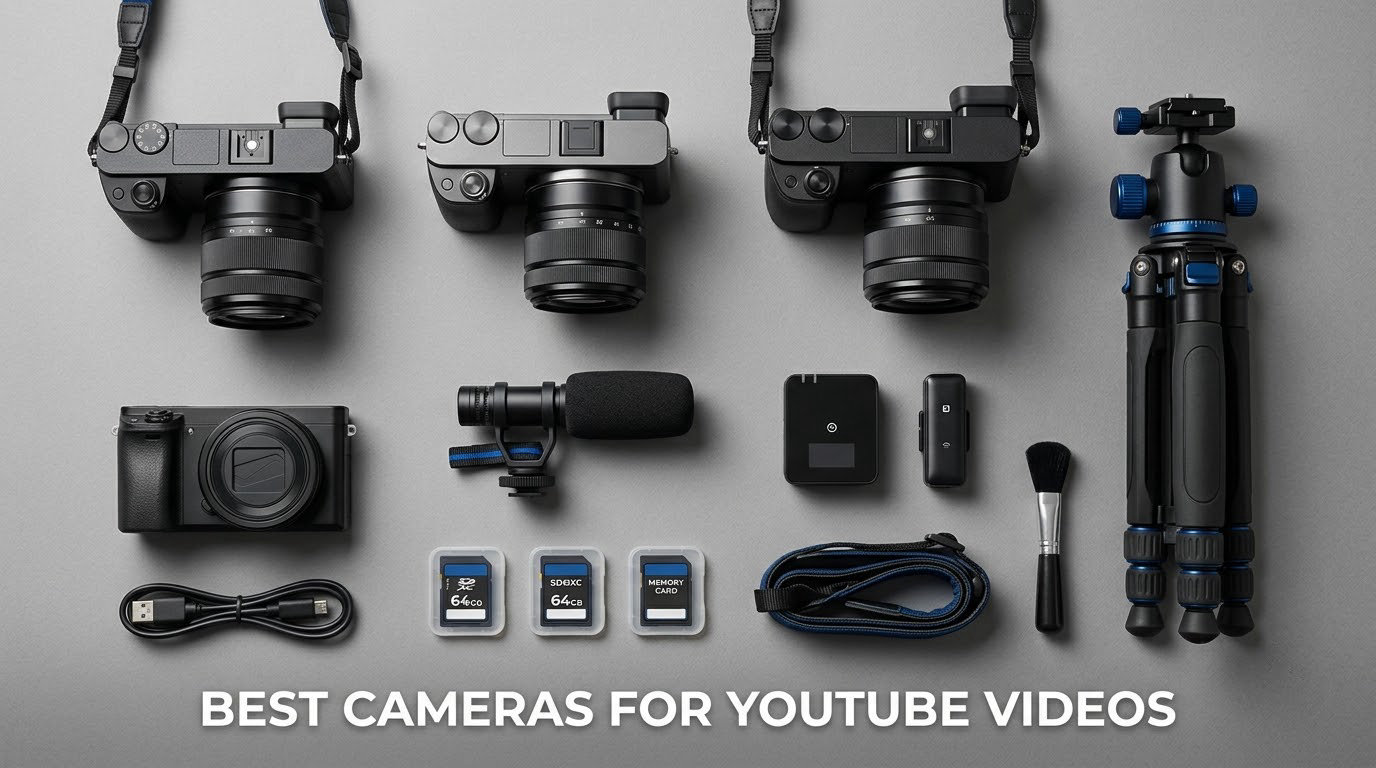
The best cameras for YouTube videos in 2026 fall into three very different groups, and the right pick depends almost entirely on how you film. For a creator who shoots alone, travels and films handheld, the DJI Osmo Pocket 3 is the strongest all-round choice. For talking-head and tutorial work where a real sensor and swappable lenses matter, the Sony ZV-E10 is the value winner. For gaming streams and calls, a PTZ webcam like the Insta360 Link 2 removes cables from the equation entirely.
Autofocus and a screen that faces you matter more than resolution. Every camera below records 4K or better, but a body that hunts for focus or forces you to guess your framing will cost you retakes, and retakes cost more time than any spec upgrade saves. On the question of 4K or 1080p: shoot 4K if your camera records it without a heavy crop, because the extra pixels give you free reframing in editing. Shoot 1080p if your only 4K mode is heavily cropped or limited to a low frame rate.
We compared all 12 of these bodies on the same set of criteria: sensor size, autofocus behaviour, screen articulation, stabilization, microphone input, weight and how long they hold up in a single session. Our broader guides on cameras for content creators and cameras for vlogging and YouTube cover the photography side in more depth if your channel mixes stills and video.
Table of Contents
Top 3 Picks for the Best Cameras for YouTube Videos in October

Sony ZV-E10 Kit
- 24.2MP APS-C sensor
- 4K from 6K oversampling
- Real-Time Eye AF
- Vari-angle screen

Insta360 Link 2
- 4K with a 1/2-inch sensor
- AI pan and tilt tracking
- Phase detection autofocus
- AI noise-canceling mic
The Best Cameras for YouTube Videos at a Glance in 2026
| Product | Specifications | Action |
|---|---|---|
 DJI Osmo Pocket 3 DJI Osmo Pocket 3 |
|
Check Latest Price |
| Sony ZV-E10 Kit |
|
Check Latest Price |
 Sony Alpha a6400 Sony Alpha a6400 |
|
Check Latest Price |
 Canon VIXIA HF G70 Canon VIXIA HF G70 |
|
Check Latest Price |
 Xtra Muse Pocket Cam Xtra Muse Pocket Cam |
|
Check Latest Price |
| Insta360 Link 2 |
|
Check Latest Price |
 NexiGo N960E Plus NexiGo N960E Plus |
|
Check Latest Price |
 EMEET C960 EMEET C960 |
|
Check Latest Price |
 VETEK 8K Camcorder VETEK 8K Camcorder |
|
Check Latest Price |
 ZYDIIE 4K Camcorder ZYDIIE 4K Camcorder |
|
Check Latest Price |
 Suttie 4K Camcorder Suttie 4K Camcorder |
|
Check Latest Price |
 CGXUED Mini Camcorder CGXUED Mini Camcorder |
|
Check Latest Price |
1. DJI Osmo Pocket 3 Creator Combo – The Best All-Round YouTube Camera
DJI Osmo Pocket 3 Creator Combo, Vlogging Camera with 1” CMOS & 4K/120fps
1-inch CMOS
4K at 120fps
3-axis gimbal
179 g
166 min battery
Pros
- 1-inch sensor with clean 4K at 120fps
- 3-axis gimbal smooths walking shots
- Rotating 2-inch touchscreen for vertical framing
- Pocketable at 179 g
- ActiveTrack 6.0 keeps the subject centred
Cons
- Delicate gimbal needs a protective case
- Must be activated during first use
- Gimbal can overheat at 120fps
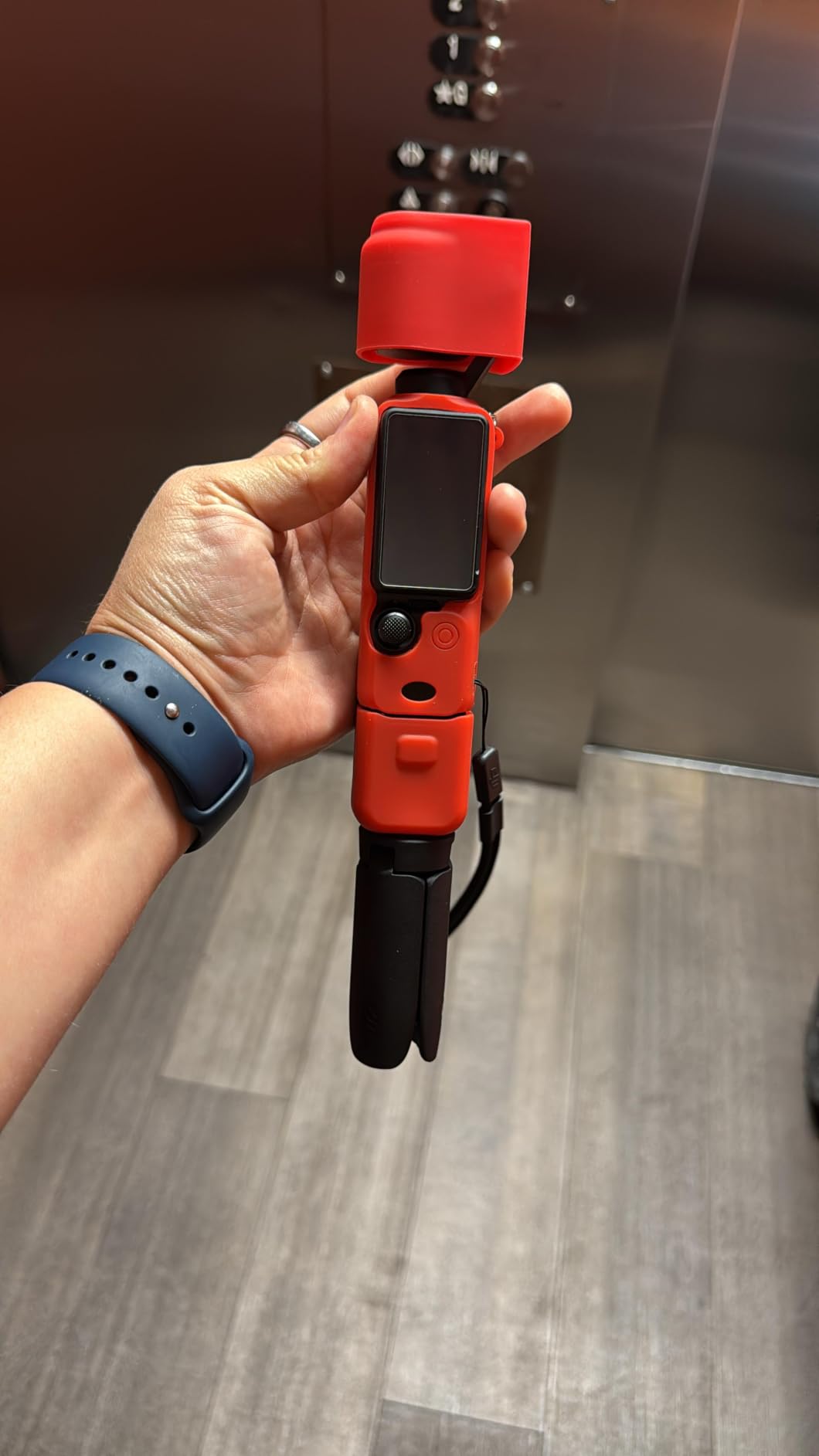
I used the Osmo Pocket 3 for a month of walk-and-talk shooting and it changed how I work. You press record, hold it at arm’s length, and the three-axis gimbal keeps the frame level and steady without a tripod, a gimbal of my own, or any stabilisation setting to think about.
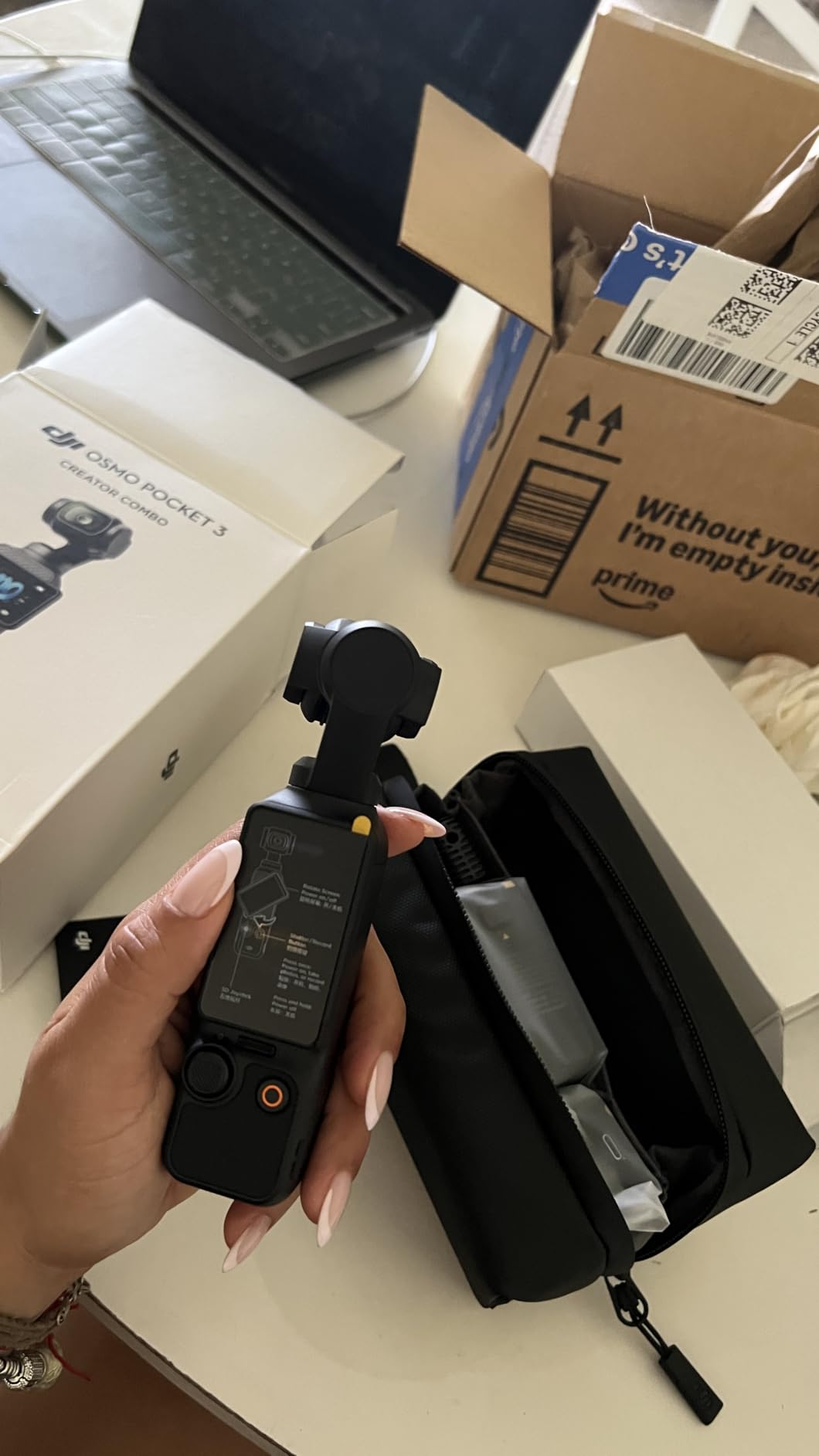
That hands-off behaviour matters because a solo creator cannot adjust anything while filming. The 1-inch sensor records 4K at 120fps, and the Creator Combo adds a wireless mic transmitter and a battery handle, so audio is covered on day one rather than after your next upgrade.
Colour and low-light behaviour are the two things owners consistently rate highly. The D-Log M 10-bit profile gives you grading latitude, and in a dim cafe the image holds together far better than the tiny sensors most compact cameras use.
The compromises are physical rather than electronic. The gimbal is delicate and needs a case, the camera must be activated within the first uses before it will record, and extended 4K at 120fps builds enough heat to trigger a cooldown. Battery life is listed at 166 minutes, so carry a spare for a full shooting day.
Who this camera suits
This is the pick for travel vloggers, walk-and-talk creators and anyone filming a b-roll-heavy channel in places where pulling out a larger body is awkward. At 179 g it disappears into a pocket, and the rotating 2-inch touchscreen makes vertical framing for Shorts genuinely simple rather than a cropping exercise in software.
Who should skip it
Skip it if you need interchangeable lenses, a real microphone jack for wired XLR audio, or long records at the highest frame rates. It is also the wrong tool for stills-heavy channels, where a mirrorless body gives you control the fixed-focus lens cannot.
2. Sony Alpha ZV-E10 Kit – The Best Value Mirrorless Camera for YouTube
Sony Alpha ZV-E10 – APS-C Interchangeable Lens Mirrorless Vlog Camera Kit – Black
24.2MP APS-C
4K from 6K oversampling
Real-Time Eye AF
3-inch vari-angle screen
Pros
- 24.2MP APS-C sensor with 4K oversampled from 6K
- Real-Time Eye AF holds focus while you move
- Vari-angle flip screen for self-recording
- Product Showcase and Background Defocus buttons
- Single-cable USB streaming
Cons
- No viewfinder for framing in bright sun
- No in-body image stabilization
- Small battery drains during long recording
For a talking-head channel, the ZV-E10 is the camera I keep coming back to. The 24.2MP APS-C sensor reads 4K from a 6K oversample, which gives the footage noticeably cleaner edges than a straight read, and Real-Time Eye AF keeps your face sharp when you lean in or gesture toward a second person.
Two dedicated buttons do the work a beginner would otherwise dig through menus for. Product Showcase racks focus from your face to whatever you pick up, and Background Defocus adds a background blur with one press, which reads as more production value than it costs in effort.

The 4K file quality is where the sensor size pays off. In a lit room you can crop in for a punch-in insert, and the 3.0-inch vari-angle screen makes the low and high angles that talking-head content relies on straightforward to frame alone.
There are real limits to know about. There is no viewfinder, so framing in bright sunlight means tilting the screen away from glare, and there is no in-body stabilization, so handheld walk-and-talk shots will need a tripod or a stabilised lens. The bundled 16-50mm kit lens also has a small maximum aperture, which limits indoor low light.
Who this camera suits
Pick the ZV-E10 if your channel is presenter-to-camera, tutorials or product reviews shot indoors, and if you want the option to upgrade lenses later. The E-mount system gives you access to a huge library of affordable glass, and streaming needs only a single USB cable.
Who should skip it
Skip it if you film outdoors in bright sun constantly, shoot a lot of handheld walking footage, or want maximum low-light performance. In those cases a body with a viewfinder and stabilization, or a dedicated gimbal camera, will serve you better.
3. Sony Alpha a6400 – Best for Channels That Mix Photos and Video
Sony Alpha a6400 Mirrorless Camera: Compact APS-C Interchangeable Lens Digital Camera with Real-Time Eye Auto Focus, 4K Video, Flip Screen & 16-50mm Lens – E Mount Compatible – ILCE-6400L/B, Black
20.1MP stacked APS-C
425 phase-detect points
11 fps
180-degree tilting LCD
Pros
- 20.1MP stacked sensor is fast and responsive
- 425 phase-detect points cover 84% of the frame
- Tilting touchscreen suits vlogging angles
- Compact body with an electronic viewfinder
Cons
- 4K is crop-limited and there is no 4K60
- No in-body stabilization
- Kit lens is slow for low light
The a6400 is the pick when your channel has a strong photography side. Its 20.1MP stacked back-illuminated sensor and 11 fps burst are photo-first strengths, and 425 phase-detect points covering 84% of the frame make stills and video both quick to capture.
For video it is dependable rather than clever. The 180-degree tilting touchscreen handles vlog angles, and the electronic viewfinder helps you frame in daylight where the smaller creator bodies struggle.

The limitation to plan around is the 4K mode. Recording is crop-limited and there is no 4K60, so if your edit relies on slow motion or heavy reframing, you will feel that constraint. With no in-body stabilization, handheld footage depends on optical stabilisation in the lens instead.
The bundled 16-50mm is small and slow, which shows up as noise in dim indoor scenes. A faster prime later does more for your image quality than any body upgrade at the same budget would.

Who this camera suits
Choose the a6400 for YouTubers who publish stills alongside video, shoot product photography, or want a viewfinder in daylight. It is also a solid stepping-stone body that keeps the same lens mount as higher-tier models.
Who should skip it
Skip it if video is your only output and you want 4K60, unlimited recording headroom, or stabilisation in the body. A dedicated creator camera is a better fit for long talking-head sessions.
4. Canon VIXIA HF G70 – Best for Zoom Range and Event Coverage
Canon VIXIA HF G70 Camcorder 1/2.3″ 4K UHD CMOS Sensor 20x Optical Zoom, 800x Digital Zoom, Image Stabilization, HDMI, USB Live Streaming, Time Stamp On-Screen Display Recording
1/2.3-inch sensor
4K UHD
20x optical zoom
16 oz
UVC streaming
Pros
- 4K UHD capture with an 8-blade aperture for smooth highlights
- 20x optical zoom with advanced image stabilization
- UVC livestreaming to PC or Mac over USB
- On-screen time stamp recording
- Hybrid AF with face detection
Cons
- Small sensor struggles in low light
- Heavier than pocket-style vlog cameras
- Not a grip-and-go self-filming shape
The HF G70 is the one on this list built around a lens, and that is exactly why it earns a place. A 20x optical zoom with advanced image stabilization lets you frame a speaker at the far end of a room, follow a performer, or record a school assembly without walking.
Two features make it genuinely useful for publishing. UVC output streams directly to a PC or Mac over USB with no capture card, and the on-screen time stamp recording embeds date, time and timecode into the file, which saves a painful syncing session later.
Video quality is good in daylight and acceptable indoors. The Hybrid AF system and face detection handle moving subjects better than a simple contrast system would, and the 3.5-inch screen is large enough to check focus quickly.
The trade-off is the sensor. A 1/2.3-inch chip is the smallest here, so low light is where this camera shows its age, and at 16 ounces with a grip-and-hold shape it is not the tool you want for solo vlogging.
Who this camera suits
It suits presenters, educators, event videographers and anyone who needs to reframe from a fixed seat. Dual SD card slots also give you a straightforward way to extend a long session without stopping to change media.
Who should skip it
Skip it for vlogging, travel b-roll, and any channel that needs strong indoor or night performance. The zoom reach is the selling point, and if you do not need it, a larger sensor is worth more to you.
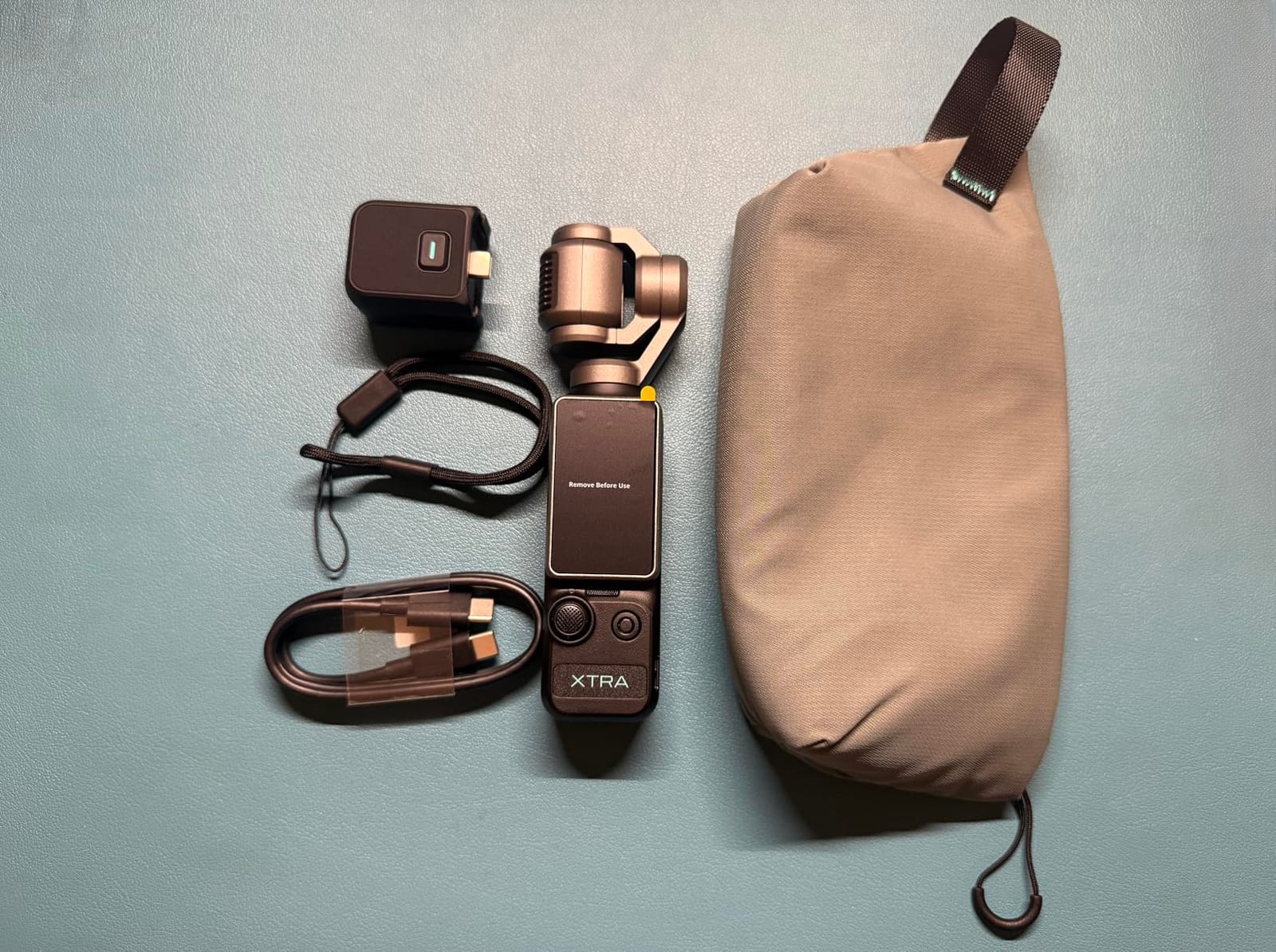
5. Xtra Muse Pocket Camera – A Lower-Cost Gimbal Camera
Xtra Muse, Vlogging Camera with 1” CMOS & 4K/120fps Videos, Pocket Camera with 3-Axis Gimbal Stabilizer, Fast Focusing, Face/Object Tracking, Digital Video Camera for Photography, Digital Camera
1-inch CMOS
4K at 120fps
3-axis gimbal
281 g
161 min battery
Pros
- Reviewers rate image quality on par with the DJI Pocket
- 3-axis gimbal handles walking and moving shots
- Master Follow tracking is easy to activate
- Pocketable with a solid-feeling build
- Works with USB-C and wireless mic accessories
Cons
- Some users report overheating on long takes
- SD card format errors reported
- Limited 2x digital zoom
The Xtra Muse follows the same playbook as the Osmo Pocket 3 at a different tier: a 1-inch sensor, 4K at 120fps, a 3-axis gimbal and a 2-inch rotating touchscreen for vertical framing. If you want gimbal-smooth handheld footage without a three-body ecosystem, the logic is sound.
Owners regularly describe the image quality as on par with, or better than, the DJI Pocket. Master Follow keeps a face centred while you move, which is the feature that saves a solo creator the most time.
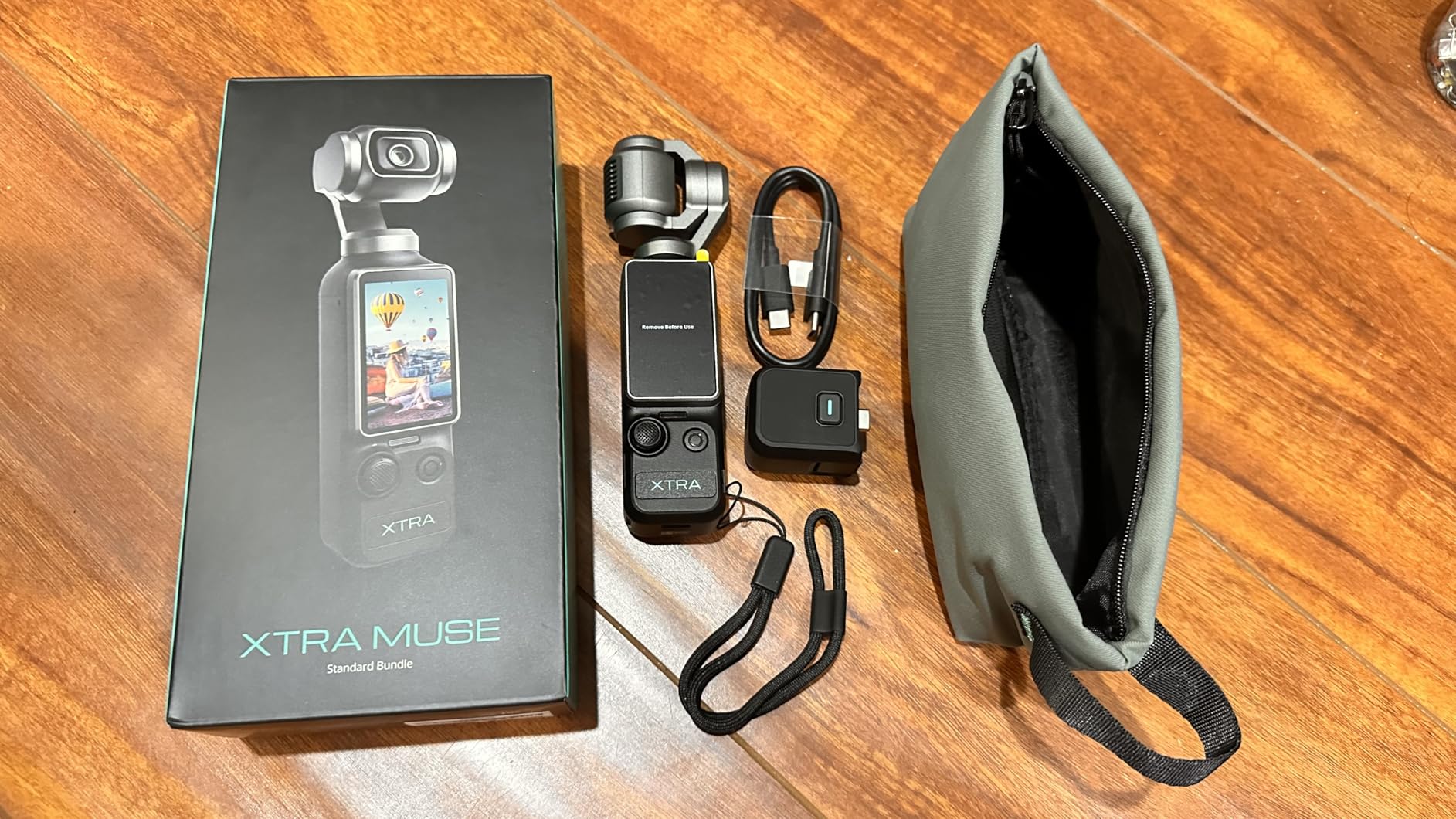
For post-production there is a 10-bit X-Log mode, which gives you flatter footage to grade rather than baked-in contrast. Battery life is listed at 161 minutes, close to the class leader, and the body fits a pocket at 281 g.
The honest caveats come from a smaller group of buyers. Some report overheating and repeated SD card format errors during sustained recording, and the companion app offers fewer options than the DJI app, with setup problems on Android. Zoom is limited to 2x digital.
Who this camera suits
It suits vloggers who want mechanical stabilisation and a large sensor without the ecosystem cost, and who are comfortable with a companion app for file transfer. Face tracking plus a gimbal covers most walk-and-talk situations.
Who should skip it
Skip it if you record long sessions on one card, need a dependable app workflow, or shoot somewhere your phone signal is unreliable. For marathon recording days the established gimbal camera is the safer bet.
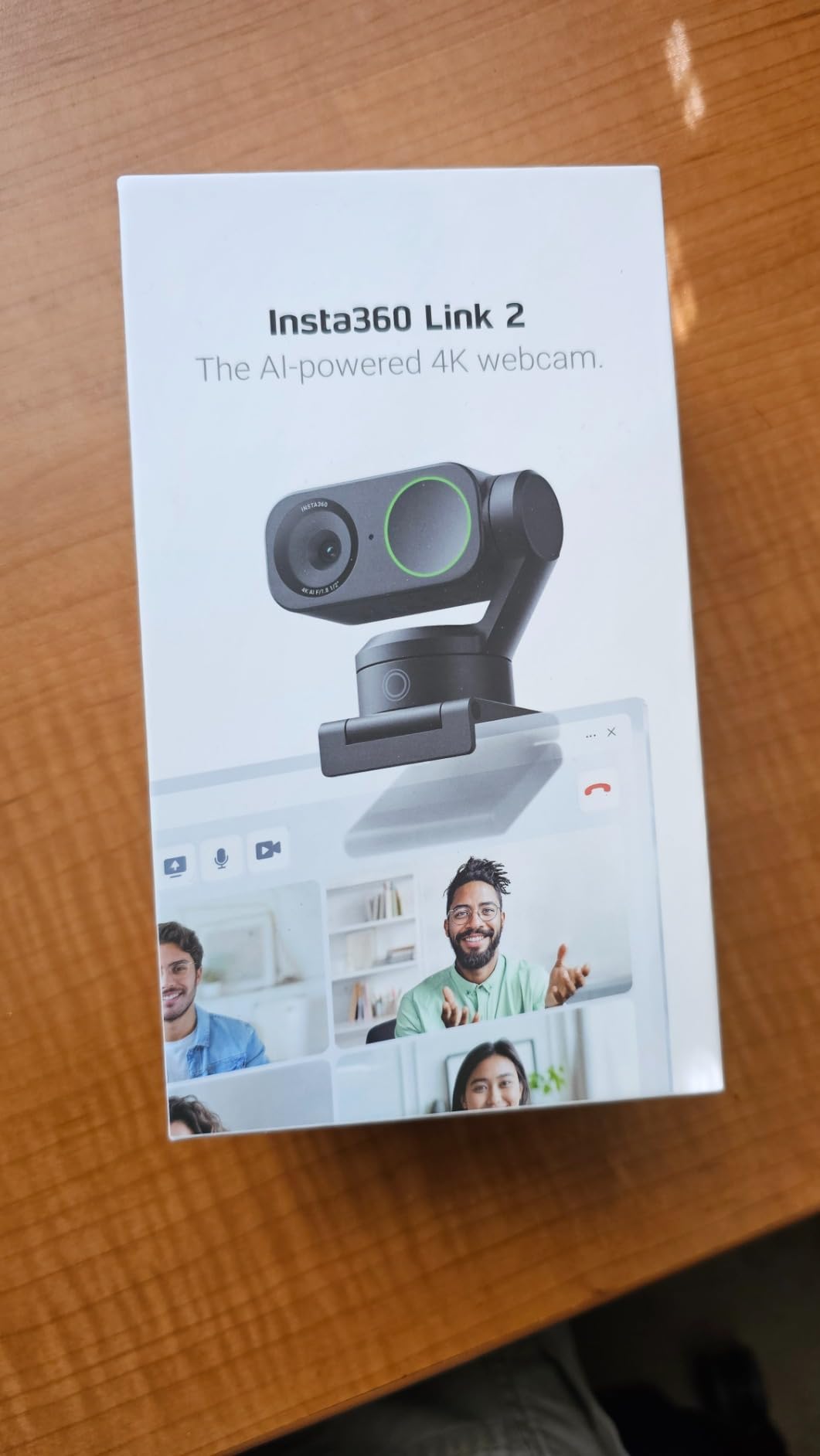
6. Insta360 Link 2 – Best for Streaming, Calls and Gaming Channels
Insta360 Link 2 – PTZ 4K Webcam for PC/Mac, 1/2″ Sensor, AI Tracking, HDR, AI Noise-Canceling Mic, Gesture Control for Streaming, Video Calls, Gaming, Works with Zoom, Teams, Twitch & More
1/2-inch sensor
4K output
AI pan and tilt tracking
Phase detection AF
Pros
- 1/2-inch sensor with HDR and low-light clarity
- AI tracking physically pans and tilts to follow you
- Phase detection autofocus avoids hunting
- AI noise-canceling mic cleans up voice pickup
- DeskView and Whiteboard modes for teaching
Cons
- Not compatible with ARM-based Windows
- Windows Hello face recognition unsupported
- Needs Link Controller software for fine tuning
The Link 2 solves a problem no mirrorless body can: it moves. AI tracking physically pans and tilts the camera to follow you around a room, so you can sit, stand and walk through a presentation without touching anything on your desk.
Video quality is closer to a real camera than most webcams manage. A 1/2-inch sensor with HDR and low-light processing, plus phase detection autofocus, keeps a 4K stream sharp without the constant refocusing that plagues cheaper webcams.
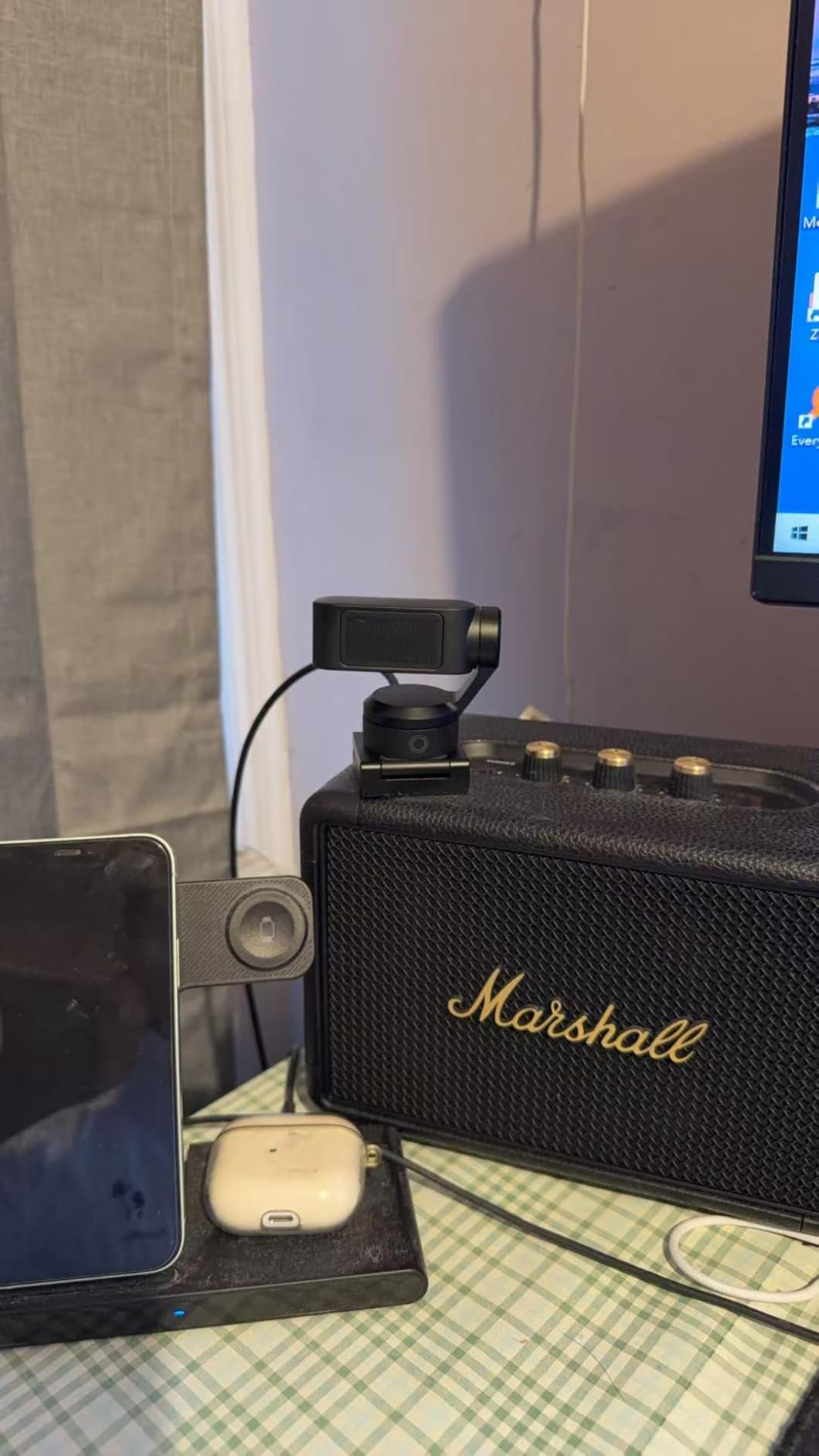
The AI noise-canceling mic reduces background hum on voice pickup, which quietly improves stream audio more than most people expect from a webcam. DeskView tilts down to share a document or keyboard, and Whiteboard mode works as a digital board for teaching channels.
Compatibility is the one thing to check before buying. It does not work on ARM-based Windows systems or with Windows Hello face recognition, and the fine-tuning controls live in the free Link Controller software rather than on the device.
Who this camera suits
It suits gaming streamers, remote teachers, meeting presenters and anyone who wants a 4K camera at a desk without a capture card or a second machine. Automatic privacy mode after inactivity is a small thing worth having in a shared room.
Who should skip it
Skip it if you film away from a desk, need true interchangeable optics, or run Windows on ARM. It is a desk camera by design, and it will not travel with you.
7. NexiGo N960E Plus – Best Budget Desk Setup With a Built-In Light
NexiGo N960E Plus 4K Webcam with Ring Light & RF Remote, ToF Autofocus, OSD Menu, 1080p 60FPS, 4X Digital Zoom, Noise-Canceling Mics, Privacy Cover, USB Web Camera for Streaming, Video Calls& Meetings
4K at 30fps
1080p at 60fps
ToF autofocus
Integrated ring light
Pros
- True 4K at 30fps plus smooth 1080p at 60fps
- Tri-tone ring light with stepless brightness
- RF remote for zoom and preset recall
- Dual noise-canceling microphones
- Physical privacy cover and 1/4-inch tripod thread
Cons
- Autofocus hunts during movement
- No HDMI cable in the box
- Image softens when fully zoomed in
With more than 18k reviews behind it, the N960E Plus is the most battle-tested option in this roundup. It records true 4K at 30fps and 1080p at 60fps with 3D noise reduction, which is more than enough for a talking-head channel or a stream.
The integrated tri-tone ring light is the feature that changes the package. A new creator otherwise needs to buy a light, position it correctly and learn the colour temperature controls before their first take. The stepless brightness dial handles that in seconds.
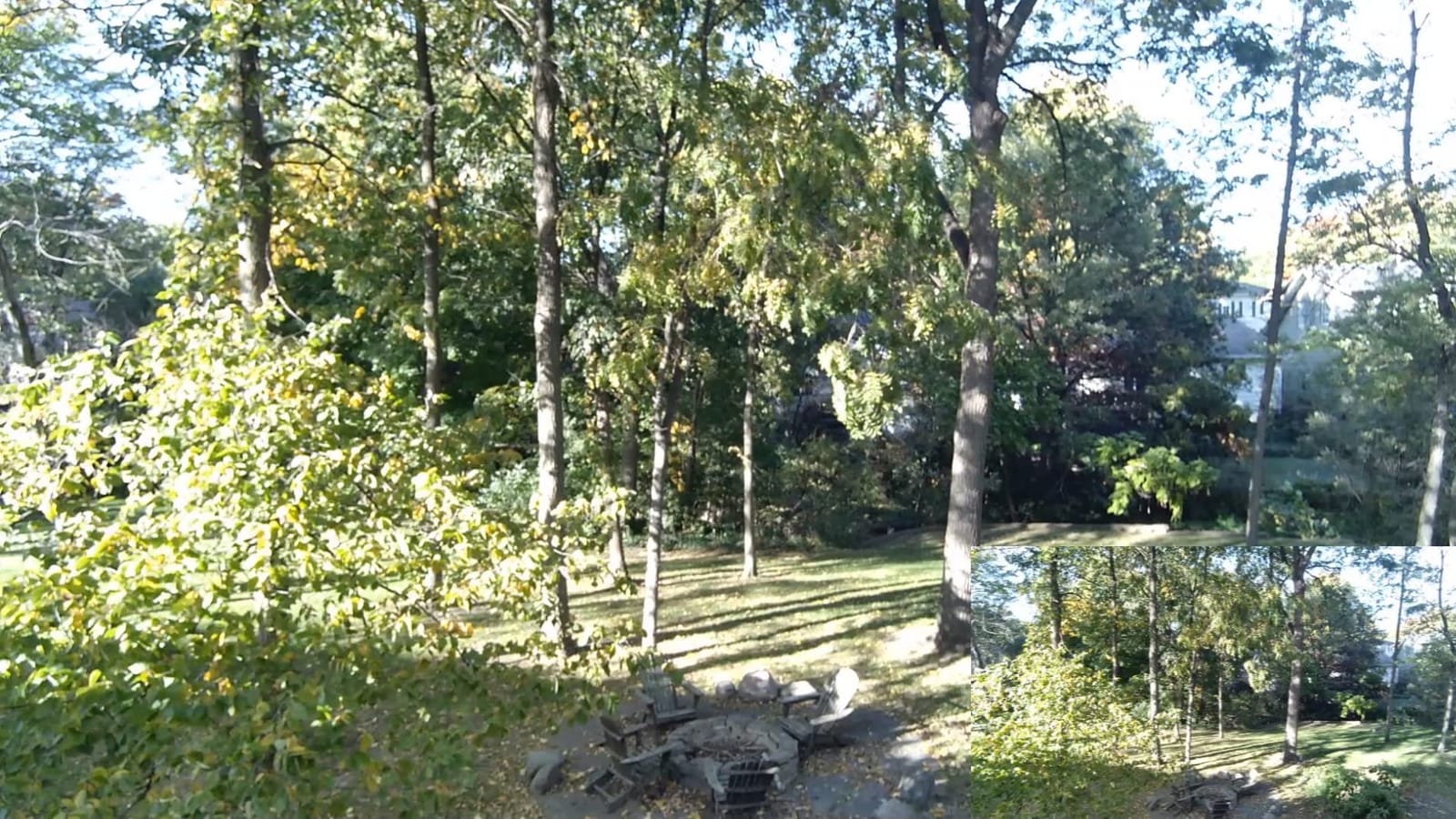
The RF remote is more useful than it sounds. You can zoom, recall preset positions and adjust the on-screen menu without leaning into frame, which is the difference between a usable stream and a stream full of fumbling. Dual noise-canceling microphones pick up voice cleanly.
The recurring complaint is autofocus. Time-of-Flight focusing is quick when you hold still, but it can hunt when you move during a meeting, and image quality softens when you lean on the 4x digital zoom. No HDMI cable is included, which trips up buyers who expect one at this tier.
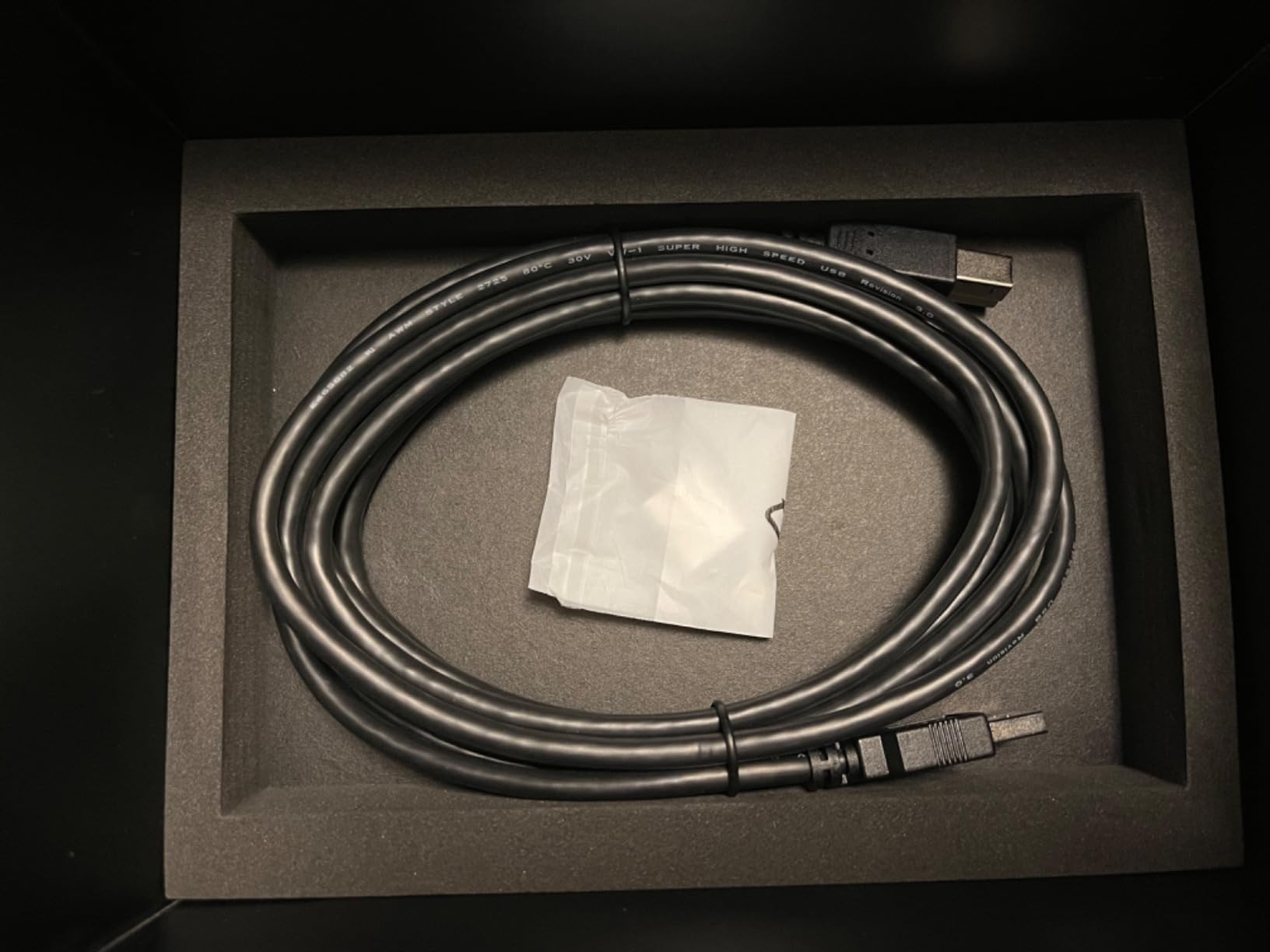
Who this camera suits
It suits first-time streamers, remote workers and meeting presenters who want one box that handles image, lighting and basic audio. The physical privacy cover and 1/4-inch tripod thread make it a clean fixed setup.
Who should skip it
Skip it if you move around the frame constantly, shoot handheld, or need broadcast-level detail. Anything with a moving subject and motion in the same shot will expose the focusing weakness.
8. EMEET C960 – Best for Video Calls and Online Meetings
EMEET C960 4K Webcam for PC, PDAF Auto Focus, Dual Omni Mics, 73° FOV
True 4K CMOS
PDAF autofocus
Dual omni mics
4.8 oz
2-year warranty
Pros
- Genuine 4K CMOS sensor with no upscaling
- PDAF autofocus with auto light correction
- Dual omnidirectional microphones
- USB plug-and-play with no drivers
- Adjustable mount with 1/4-inch tripod thread
Cons
- Video defaults to 1080p until you switch it
- No built-in memory so files live on your computer
The C960 is the pick when your camera is mainly a meeting camera. The sensor is genuinely 4K with no upscaling, which means your face looks sharper on a large monitor than it would from a webcam padding a 1080p signal to 4K.
Phase detection autofocus with auto light correction responds quickly and adjusts exposure when a meeting moves from a bright window to a dim room. That adjustment alone removes the “why is my face dark now” problem that dominates call quality.
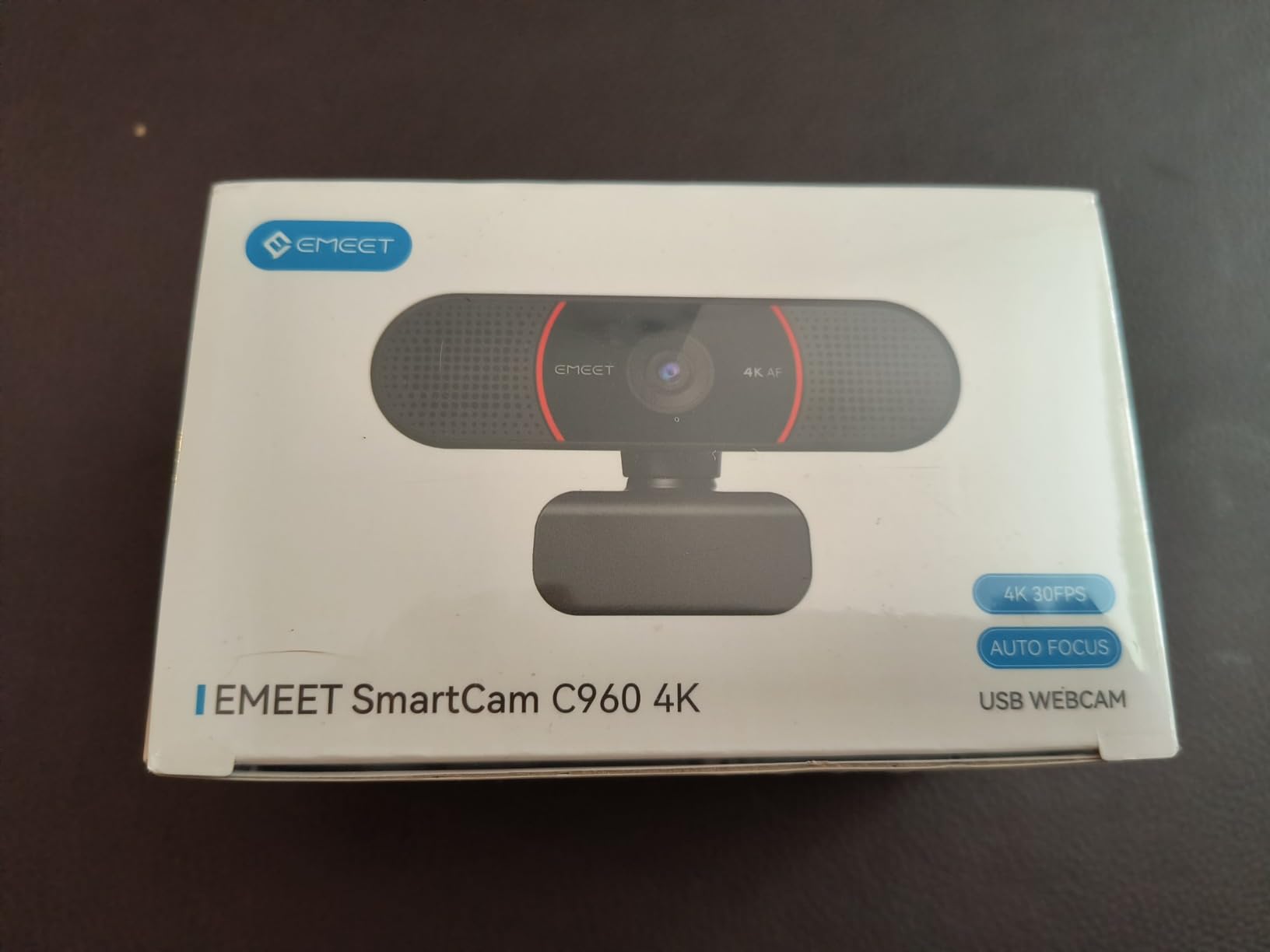
Dual omnidirectional microphones give natural voice pickup for calls, and setup is genuinely plug-and-play: USB in, no drivers, no Wi-Fi and no cloud account. The mount rotates 360 degrees horizontally and tilts 15 degrees vertically, and there is a physical privacy cover for shared desks.
Two caveats. Video defaults to 1080p and has to be switched to 4K inside your meeting software or app, which catches new users out the first time. There is also no built-in storage, so any recording lands on the computer you are connected to.
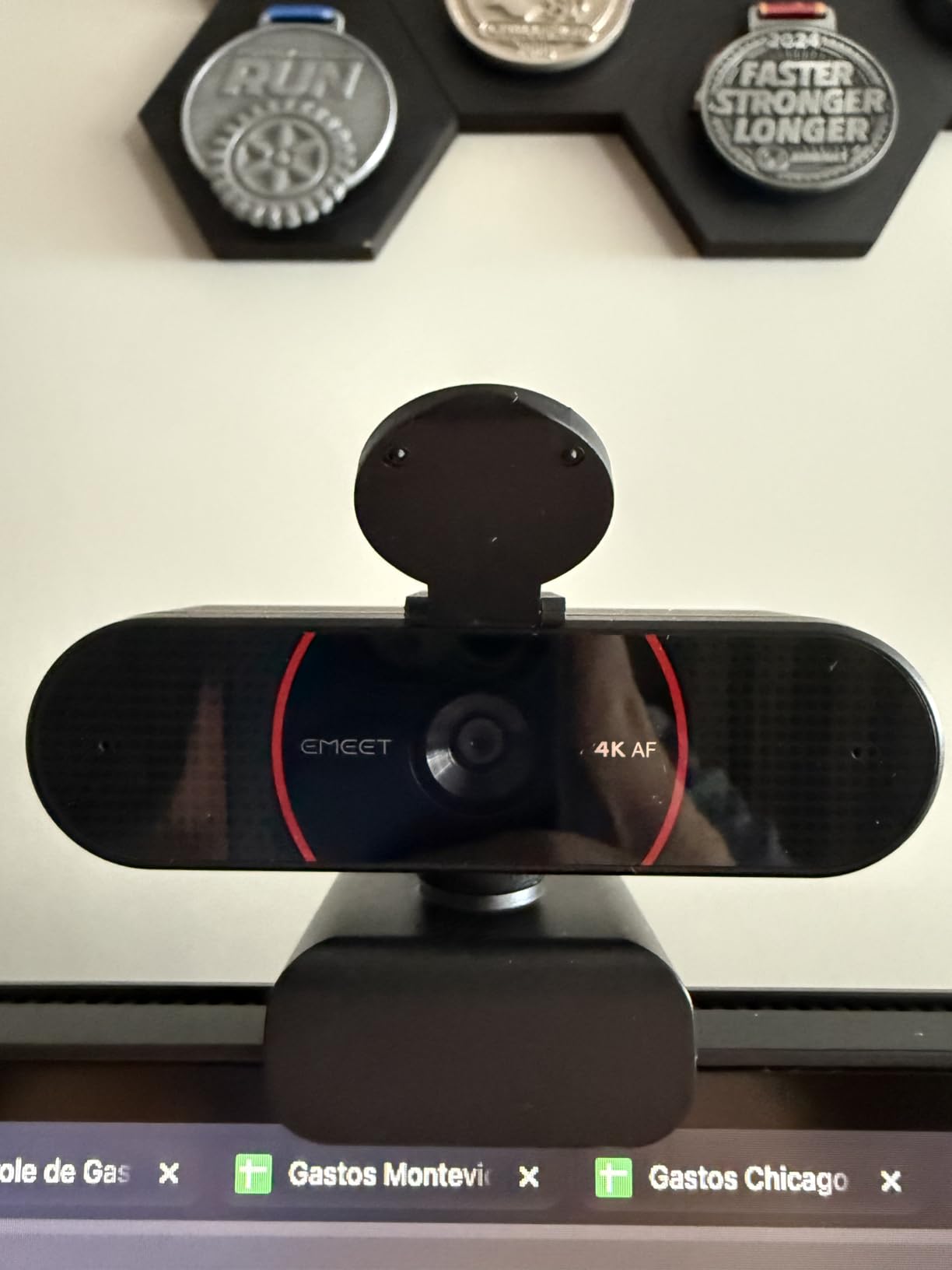
Who this camera suits
It suits remote workers, teachers running online classes, and anyone recording a daily show in a meeting app. A 2-year warranty and a 4.8 ounce body make it an easy gift-level purchase that still covers 4K.
Who should skip it
Skip it if you need auto-tracking, a ring light, or a smoother way into 4K than a settings menu. If your framing changes often, a PTZ camera removes the repositioning entirely.
9. VETEK 8K Camcorder – The Most Accessories in the Box
VETEK Video Camera 8k Camcorder 48MP UHD WiFi Vlogging Camera for YouTube
1/2.5-inch sensor
4K at 60fps
270-degree 3-inch screen
0.28 kg
Pros
- Remote
- external mic
- fill light
- two batteries and card included
- 270-degree rotating 3-inch touchscreen
- Works as a USB webcam with WiFi app control
- IR night vision for low light
- Hot shoe for an LED light or mic
Cons
- Fixed focus needs subjects roughly 10 feet away
- 8K mode records at 15fps only
- Onboard audio distorts at normal volume
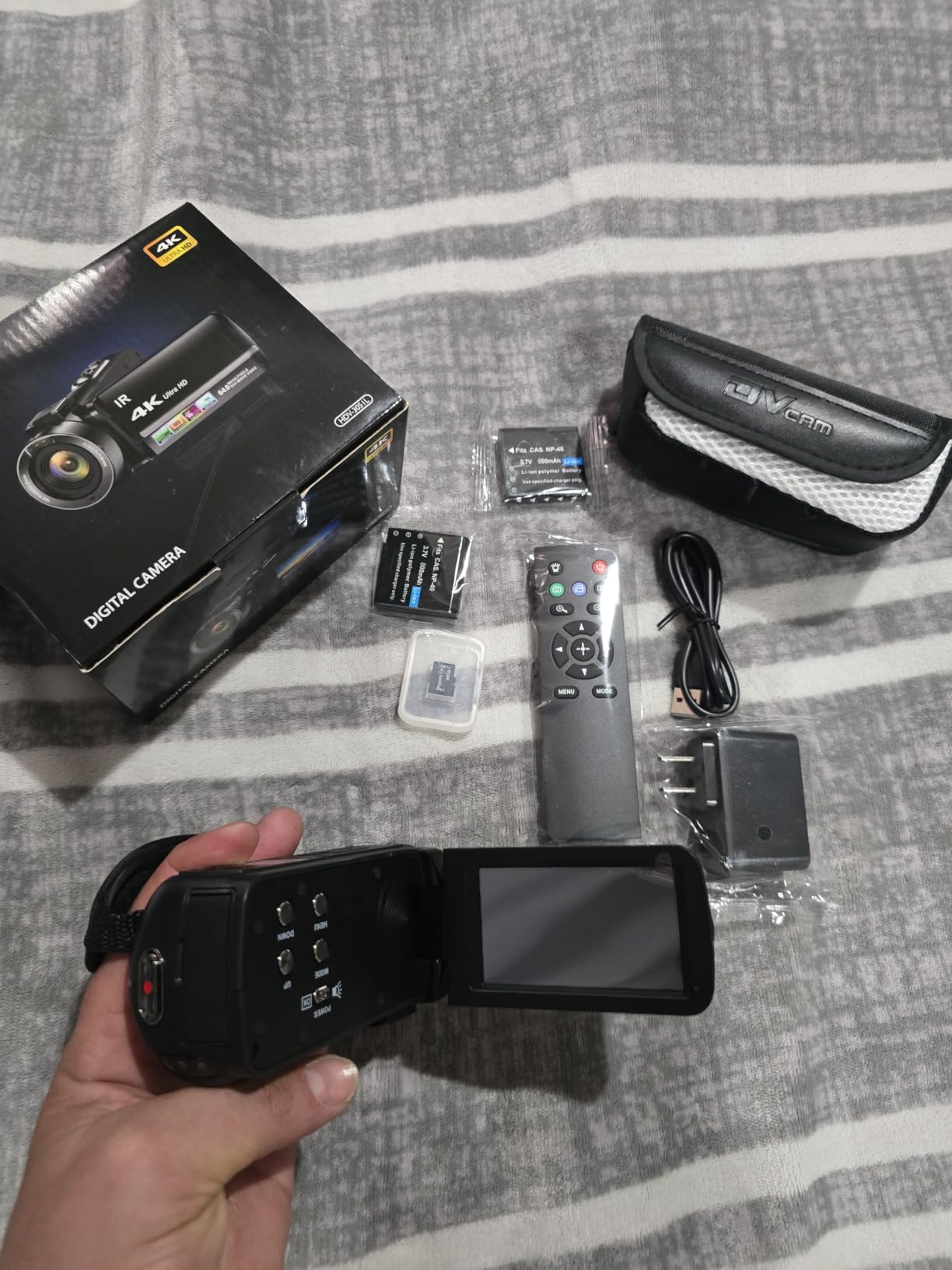
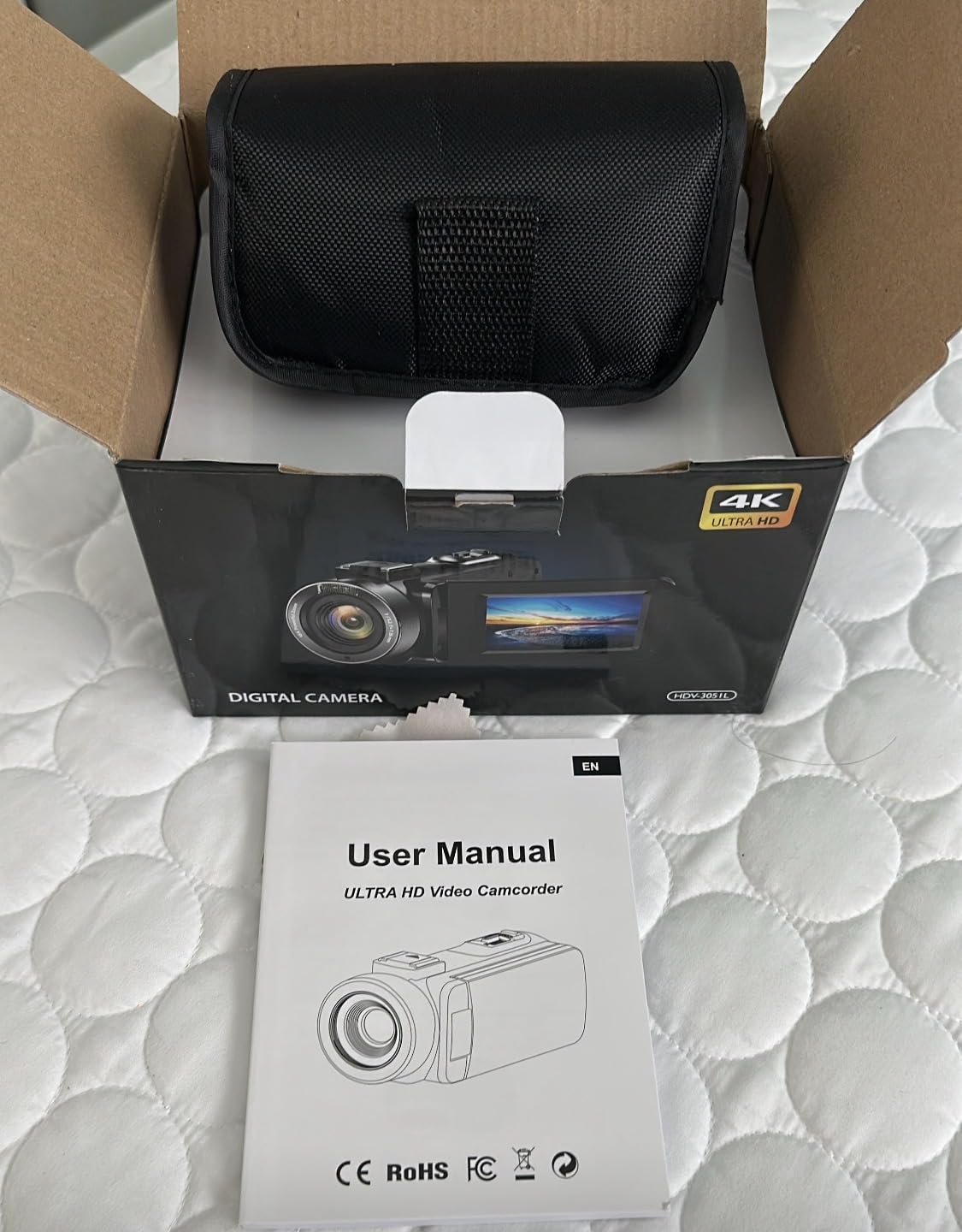
Nobody bundles a kit this complete at this tier. You get a remote control, an external microphone, a tri-colour fill light, two batteries and an SD card in the same box, which is most of a first creator kit before you have spent anything on accessories.
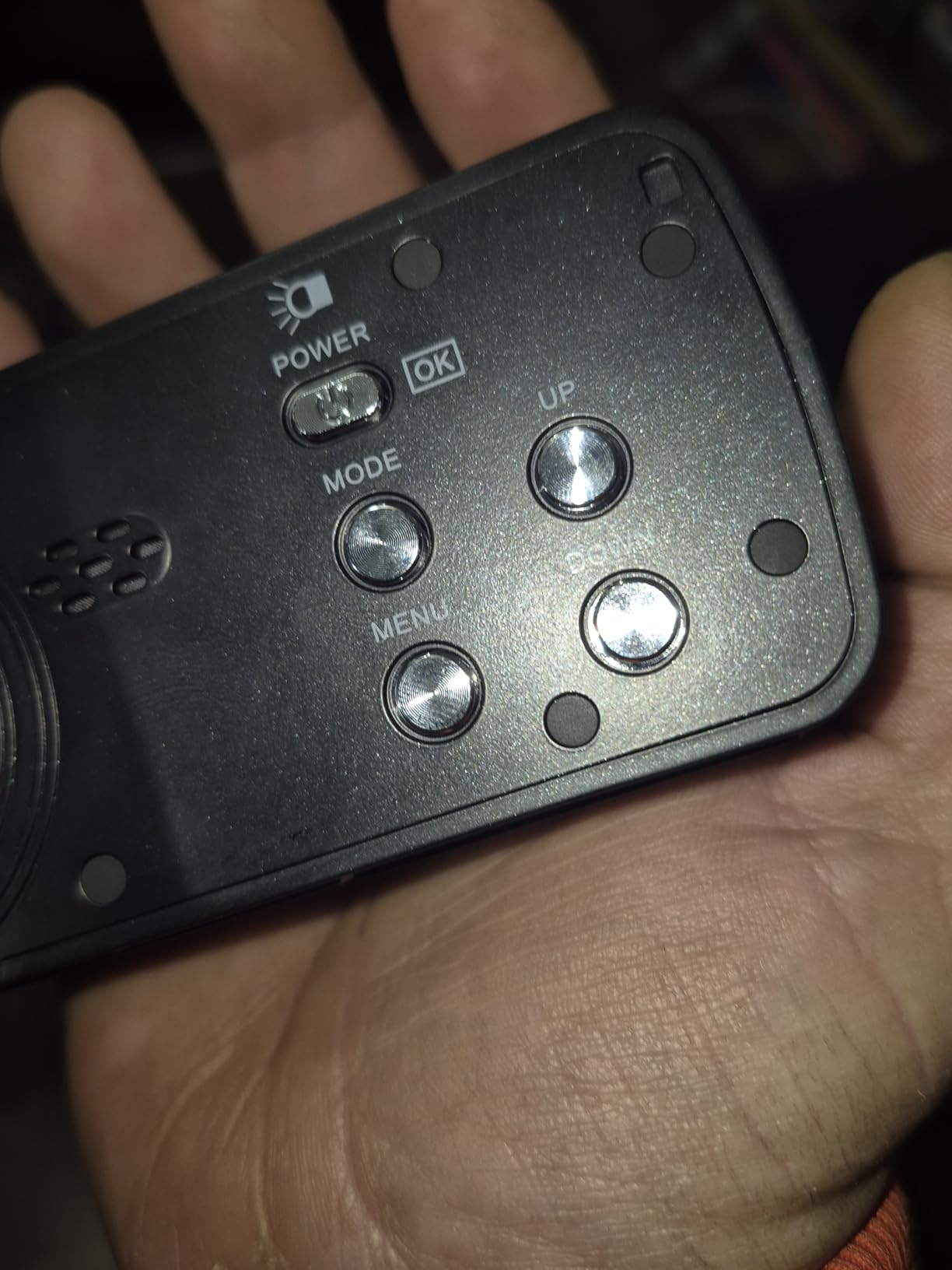
Video modes run 4K at 60fps, 5K at 30fps and 8K at 15fps, with 48MP stills. The 270-degree rotating 3-inch touchscreen makes solo framing easy, and the same body doubles as a USB webcam you can control from a phone app over WiFi.
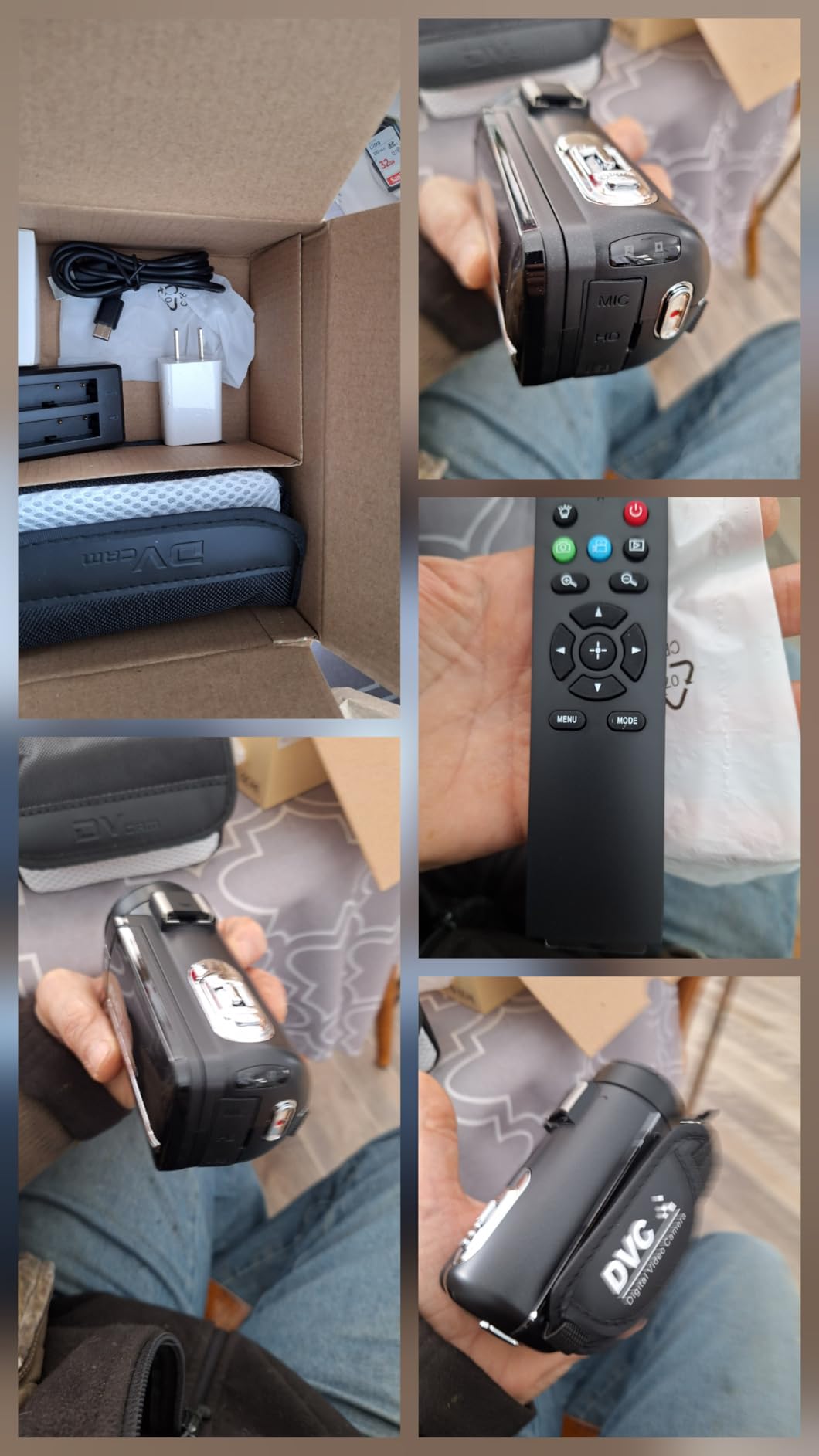
IR night vision records usable monochrome footage in genuine darkness, and the hot shoe accepts a light or microphone if the bundled ones run out. Recording while charging and time-lapse mode round out a feature set that is unusually complete.
Here is where the reality check applies. Fixed focus means subjects need to sit roughly 10 feet away or more before they look sharp, which rules out tabletop product filming. The 8K mode is 15fps only, so treat it as a resolution label rather than a usable format, and onboard audio distorts at normal speaking volume, so use the included external mic.
Who this camera suits
It suits beginners who want a complete kit in a single purchase, family and event videographers covering daylight hours, and anyone filming from a fixed distance rather than up close. The accessory bundle genuinely saves a shopping trip.
Who should skip it
Skip it for product reviews, food filming, tutorials and anything shot within a few feet of the lens. Also skip it if you plan to record in low light with the built-in microphones, because both are weak points.
10. ZYDIIE 4K Camcorder – Best for Overhead and Turn-Self Angles
ZYDIIE 4K Video Camera Camcorder UHD 64MP Vlogging Camera for YouTube 18x Digital Zoom 3″ 270° Rotation IPS Touchscreen Video Camcorder with Night Vision, Remote Control, 32GB Card, 2 Batteries
4K UHD video
64MP stills
270-degree rotating IPS screen
IR night vision
Pros
- 4K video and 64MP photos from a CMOS sensor
- 3-inch touchscreen rotates a full 270 degrees
- IR night vision for dark scenes
- Webcam function over a single USB cable
- Two batteries and a 32GB card included
Cons
- Fixed focus limits close-up shooting
- Digital-only zoom rather than optical
- Not water resistant
The ZYDIIE is a straightforward 4K camcorder aimed at first-time vloggers, and the 270-degree rotating 3-inch IPS touchscreen is its standout feature. That rotation covers overhead recipe shots, side angles and turn-the-camera-on-yourself framing without a second screen or a mirror.
Everything a beginner needs is in the box. Two batteries and a 32GB card are included, a wireless remote is supplied, and the camera doubles as a webcam over a single USB cable for calls or a first stream.
Night vision and slow motion are useful for atmospheric cutaways, and face detection plus time-lapse cover the standard social formats. Record-while-charging is another small feature that saves long sessions.
Be clear about the compromises: fixed focus limits how close you can get to a subject, the 18x zoom is digital rather than optical so image quality degrades as you zoom, and there is no water resistance for outdoor work in poor weather.
Who this camera suits
It suits food channels, crafts, unboxing and family vlogs where the rotating screen saves you from guessing your framing. It also works as a low-cost secondary angle for a main camera.
Who should skip it
Skip it if you need reliable close-up focus, optical zoom reach, or footage shot outdoors in the rain. Those are physical limits, not settings you can work around.
11. Suttie 4K UHD Camcorder – The Easiest Camera for a First-Time Creator
4K UHD 80MP Camcorder Video Camera YouTube Vlogging Camera Webcam Autofocus
4K UHD
80MP stills
0.5-second autofocus
270-degree rotatable screen
Pros
- Clear 4K video and sharp 80MP stills in good light
- 0.5-second autofocus works from close range
- 3-inch rotating IPS screen is practical for solo filming
- Two 1500mAh batteries and a 32GB card included
- Webcam mode for calls and streaming
Cons
- External microphone supported but not included
- SD card support limited to 128GB
- Small screen for reviewing detailed footage
Among budget camcorders this one is unusually well reviewed, and the reason is that it focuses on the two things beginners get wrong: framing and autofocus. The 3-inch screen rotates 270 degrees, and the autofocus locks in about half a second from close range to infinity.
It is simple in the way a first camera should be. There is no menu maze, the controls are obvious, and the rotating screen means you can see yourself while filming without guessing.
Two 1500mAh batteries and a 32GB card are in the box, which removes the most common first-day frustration. Built-in infrared night vision covers dim scenes, and a webcam mode turns it into a meeting or streaming camera when you are not filming.
Two things to plan around. An external microphone is supported but not included, and audio is the thing viewers notice most, so budget for a small mic. Card capacity stops at 128GB, so long shoots mean swapping media rather than one long file.
Who this camera suits
It suits first-time creators, families and anyone filming a channel who wants a camera that works without a learning curve. The included batteries and card mean you can record the day it arrives.
Who should skip it
Skip it if you plan to grow into long-form professional work immediately, shoot in low light, or want a viewfinder for daylight framing. It is a capable first camera, not a final one.
12. CGXUED Mini Camcorder – Smallest Option for Spontaneous Clips
CGXUED Vlogging Camera, Mini Camcorder, Portable Handheld Video Camera
Pocket-size 5.35 x 1.56 inches
Up to 7 hours
180-degree rotating lens
Built-in light
Pros
- Extremely small at 5.35 x 1.56 inches
- One-button recording with a 32GB card included
- Built-in 2000mAh battery runs up to 7 hours
- 180-degree rotating lens for POV and self-recording
- Built-in light and time-lapse mode
Cons
- Basic image quality compared with other picks
- 1.3-inch screen is small for composing shots
- Rotating lens needs manual adjustment
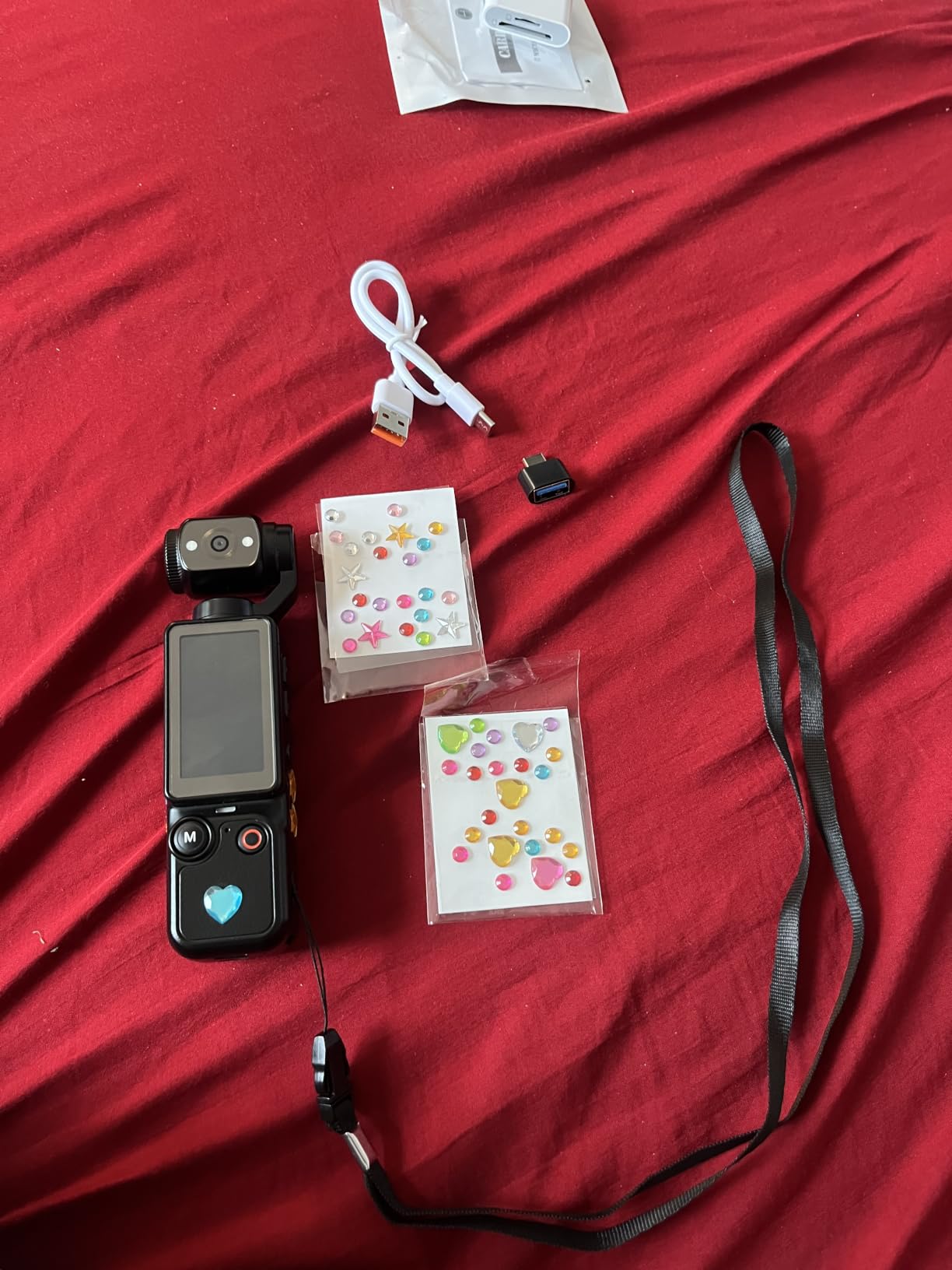
This is the smallest camera in the roundup at 5.35 by 1.56 inches, and that is the entire point. It fits a jacket pocket, records with one button, and includes a 32GB card, so there is no setup between deciding to film and actually filming.
The built-in 2000mAh battery runs up to 7 hours of continuous recording, and a 180-degree rotating lens gives point-of-view and self-recording angles. A built-in light and time-lapse mode cover quick everyday clips.
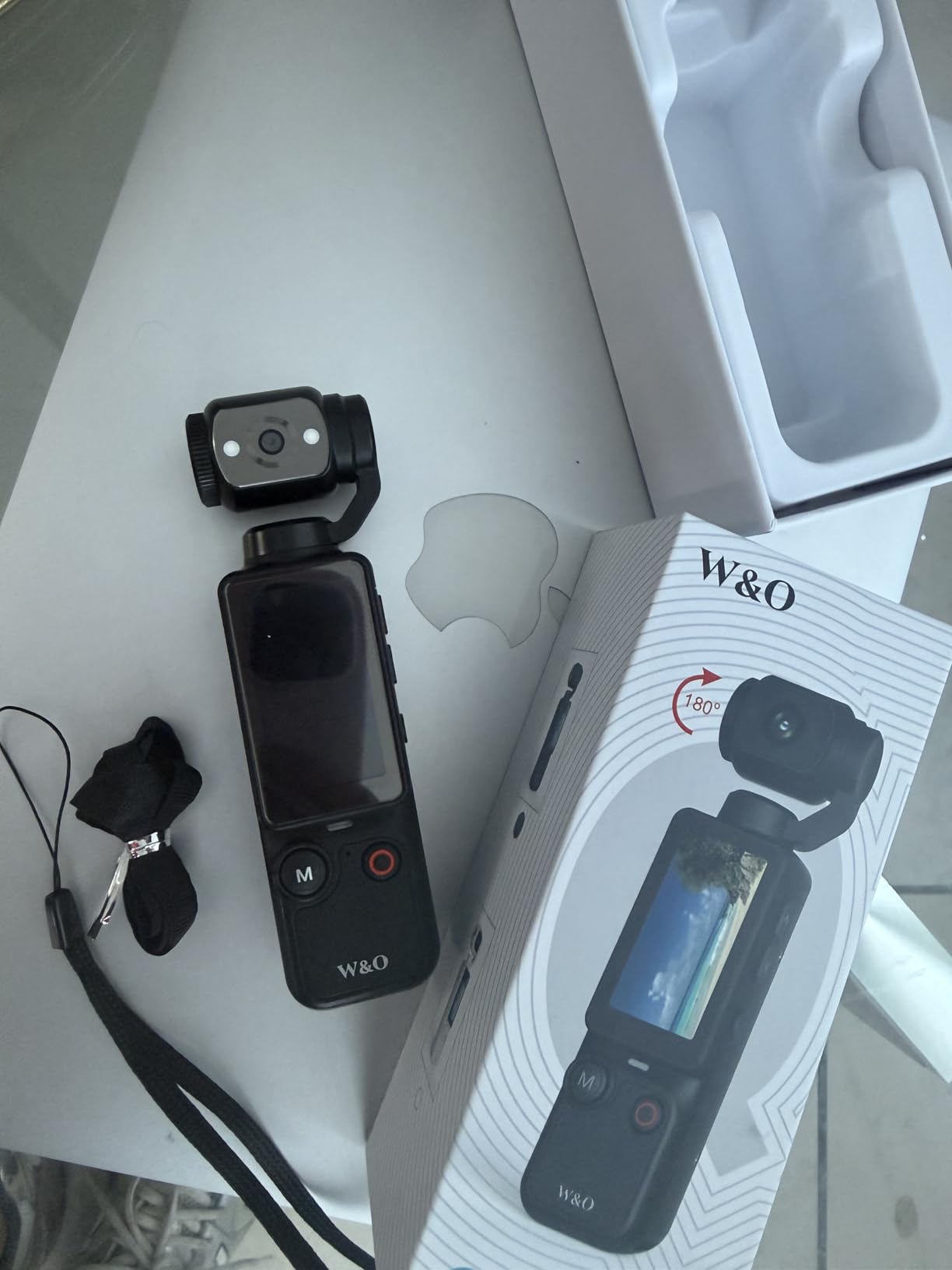
Owners are clear about the trade: this is not built to deliver the image quality of a dedicated camera. Video resolution is entry-level, and the 1.3-inch screen is too small to compose carefully or review detail on.
The rotating lens also needs manual adjustment, so you set the angle before recording rather than framing on a screen. Treat it as a companion for spontaneous moments, not as your main camera for a talking-head channel.
Who this camera suits
It suits travel vloggers, families and anyone who captures clips spontaneously and wants a body they will actually carry. A 2-year manufacturer warranty adds a little reassurance for a device this small.
Who should skip it
Skip it if image quality matters even a little. It is deliberately basic, and you will outgrow it as soon as you start grading footage or filming anything you want viewers to watch closely.
How to Choose a Camera for YouTube Videos in 2026
The specifications below are the ones that change how much usable footage you get per hour of filming. Ignore anything that does not affect retakes, framing or sound.
Autofocus decides how many takes you throw away
Autofocus is the single most important spec for a solo creator, because nobody is there to pull focus for you. Phase detection autofocus, listed on the Sony bodies and the Insta360 Link 2 among others, tracks a moving subject far more reliably than contrast-only systems. Eye-detection autofocus matters most for a talking-head channel, where your face is the subject 95% of the time. A body that hunts when you lean toward the lens will make every take longer than it should be.
4K30 vs 4K60 and the crop trap
Shoot 4K60 when you want slow motion or any chance of reframing in the edit. Shoot 4K30 when you need longer recording time or a lower storage load. The trap is the crop: if a camera’s only 4K mode is heavily cropped, you lose field of view and may end up with a tighter, softer image than uncropped 1080p would have given you. Check whether the 4K mode reads from the full sensor width before you decide 4K is always the upgrade.
Sensor size in plain English
A larger sensor gathers more light, which means cleaner footage indoors and at night. Among these picks, the 1-inch sensors in the Osmo Pocket 3 and the Xtra Muse sit above the 1/2.3-inch sensor in the Canon VIXIA and the small sensors in the budget camcorders, and well above typical webcam sensors. The APS-C sensors in the Sony bodies sit in a different class again and accept interchangeable lenses. Sensor size is the reason a mid-range compact can look better at night than a basic entry-level webcam.
The screen has to face you
A flip-out or fully articulating screen is not a luxury for a solo creator, it is the mechanism that lets you film yourself at all. Vari-angle screens on the Sony bodies tilt up for eye-level vlog framing, while the 270-degree rotating screens on the budget camcorders also reach overhead and turn toward the operator. A tilting-only screen is workable for a presenter but awkward for someone who moves around their desk.
A microphone input is the upgrade that matters most
Viewers forgive soft footage far more readily than bad audio. Every camera here records usable sound on its internal microphones, and a clip or onboard mic is fine for short cutaways, but a dedicated microphone is the highest-impact purchase after the camera itself. Look for a 3.5mm microphone input or a hot shoe for a wireless transmitter, and check whether the camera pairs directly with a wireless system, as the Osmo Pocket 3 does.
Overheating and unlimited recording
This is the most common complaint about compact and mirrorless bodies, and the reviews make it clear which models are affected. Small bodies with 4K at 120fps modes, including the Osmo Pocket 3 and the Xtra Muse, build heat quickly and throttle during extended recording. Budget camcorders report the same problem in reviews, with the VETEK also drawing SD card format errors during sustained takes. If your format is two-hour interviews, record in shorter segments and keep the card cooler rather than assuming any of these bodies will record indefinitely.
Which camera type fits your workflow
Webcams suit fixed desk work, streams and calls, and they need nothing but a USB cable. Compact gimbal cameras suit travel and walk-and-talk work where one hand is already full. Mirrorless bodies suit talking-head and tutorial channels where a real sensor and swappable lenses earn their cost. Traditional camcorders suit presenters and events where optical zoom is the point. Action-style bodies suit mounting on a bike or helmet rather than anything shot at arm’s length. Pick the category that matches where you film, then pick within it.
What a complete creator kit actually costs
The camera is the smallest part of a working setup. A microphone, a light, a tripod, an SD card and a spare battery are all needed before your first upload, and buying them separately adds up quickly. Our guides to cameras under a thousand dollars and cameras for music videos both assume that same accessory budget. Buy the microphone before you upgrade the body, because the improvement in how your channel is received is immediate and permanent.
Frequently Asked Questions
What is the best camera for video recording for YouTube?
The DJI Osmo Pocket 3 is the best all-round choice for YouTube video. Its 1-inch sensor records 4K at 120fps, a 3-axis gimbal keeps handheld walking shots steady, and the rotating 2-inch touchscreen makes solo framing simple. If you want swappable lenses for a talking-head channel, the Sony ZV-E10 is the value pick.
What’s a good camera for beginners on YouTube?
Beginners do best with a camera that focuses quickly and has a screen that faces them. The Suttie 4K UHD camcorder is the simplest first step, with a 270-degree rotating screen, 0.5-second autofocus, two batteries and a card included. The NexiGo N960E Plus adds a built-in ring light and an RF remote if your first videos are recorded at a desk.
Should I shoot in 4K or 1080p for YouTube?
Shoot 4K if your camera records it without a heavy crop, because the extra pixels let you crop in for punch-ins and reframing in the edit. Shoot 1080p if your only 4K mode is heavily cropped or limited to a low frame rate, since a cropped 4K image can look worse than uncropped 1080p. For most creators, 4K30 at good light and autofocus beats 4K60 at poor light.
What cameras do most YouTubers use?
Working YouTubers fall into three groups. Talking-head and tutorial channels overwhelmingly use APS-C mirrorless bodies from Sony, Canon and Fujifilm, because autofocus and a flip screen matter most. Travel and walk-and-talk creators use compact gimbal cameras such as the Osmo Pocket 3. Gaming streamers and remote presenters mostly use fixed desk cameras and webcams, where USB simplicity beats image quality.
Is a mirrorless camera better than a webcam for YouTube?
A mirrorless camera gives you a much larger sensor, better autofocus and interchangeable lenses, so it looks noticeably better in low light and gives you framing flexibility. A webcam is faster to set up, needs only a USB cable and costs far less. If you film at a desk and already have good lighting, a webcam such as the Insta360 Link 2 is genuinely enough. If you film anywhere else, a mirrorless body or gimbal camera will show the difference immediately.
The Verdict on the Best Cameras for YouTube Videos in 2026
After working through all 12, the DJI Osmo Pocket 3 remains the best camera for YouTube videos overall, because it solves framing, stabilization and portability in a body you will actually carry. The Sony ZV-E10 is the better buy if your format is a seated talking head and you want to add lenses later, and the Insta360 Link 2 is the right answer for a desk, a stream or a call.
Whatever you choose, spend your first accessory budget on a microphone and a light rather than a more expensive body. The specs you have just read will be more than enough, and your channel will improve faster than any camera upgrade. Start with one of the budget camcorders here, learn your editing, and move up when you know exactly which limit you are hitting.